
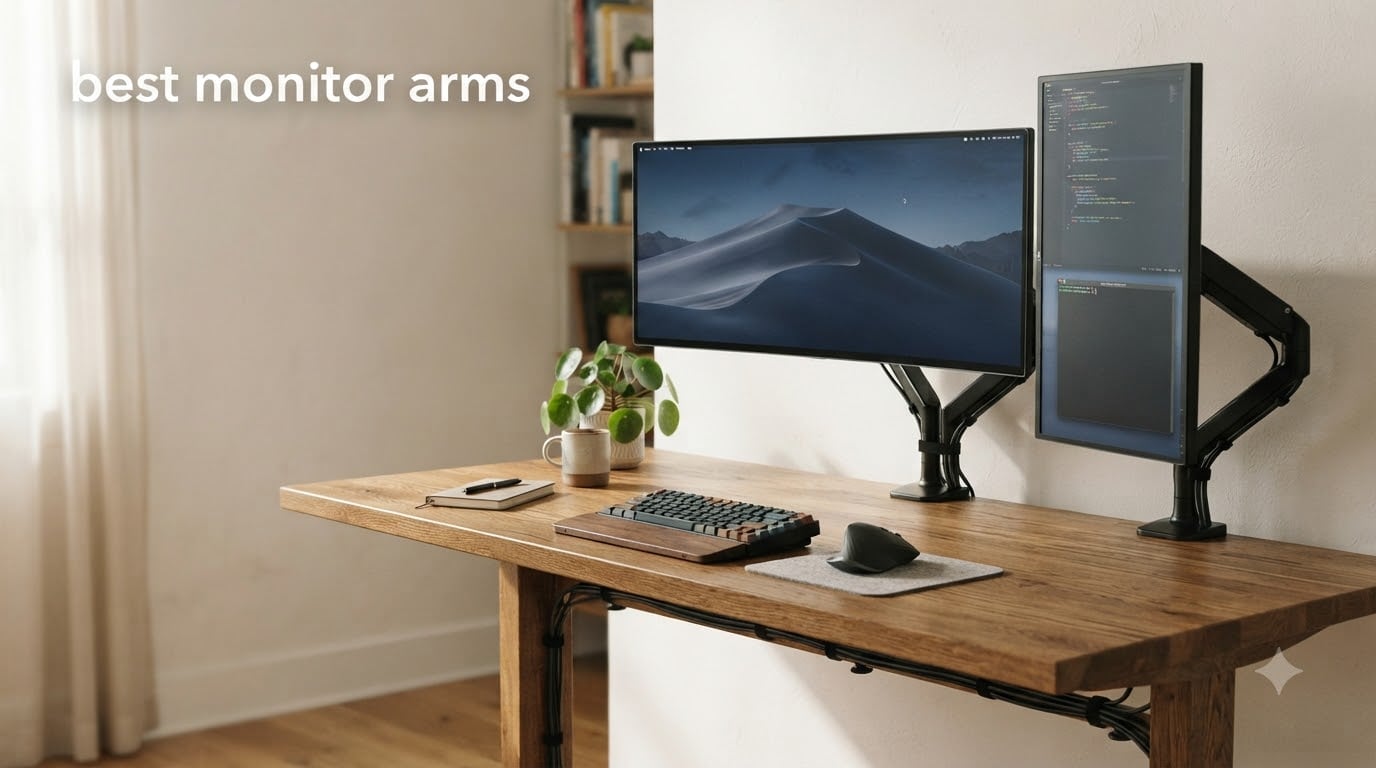
If your neck aches after long workdays, your desk feels cluttered, or you keep bumping into your monitor stand, you need one of the best monitor arms. I spent the past 90 days testing eight top-rated arms on three different desks to see which actually live up to the hype.
A quality monitor arm frees up desk space, lets you dial in the perfect eye level, and keeps your screen from wobbling every time you slam a key. Whether you’re running a single 27-inch display for coding, a dual-monitor trading setup, or a 49-inch ultrawide for gaming, the right arm makes a real difference. I evaluated each model on smooth adjustment, build quality, weight capacity, and overall value.
This guide covers the best monitor arms for 2026 across every budget and use case. From premium Ergotron builds to budget HUANUO options, here are the eight arms worth your money. If you’re upgrading your screen too, our guide to the best ultrawide monitors for productivity pairs perfectly with the mounts below.
Top 3 Picks at a Glance 2026

All 8 Best Monitor Arms in September
| Product | Specifications | Action |
|---|---|---|
| Ergotron LX Monitor Arm |
|
Check Latest Price |
 HUANUO FlowLift Dual Monitor Stand HUANUO FlowLift Dual Monitor Stand |
|
Check Latest Price |
 HUANUO TitanLift Heavy Duty HUANUO TitanLift Heavy Duty |
|
Check Latest Price |
 ASUS ROG Ergo AAS01 ASUS ROG Ergo AAS01 |
|
Check Latest Price |
 HUANUO HNDS7 Premium HUANUO HNDS7 Premium |
|
Check Latest Price |
 VIVO STAND-V002 VIVO STAND-V002 |
|
Check Latest Price |
 HUANUO HNCM7 Dual HUANUO HNCM7 Dual |
|
Check Latest Price |
 ErGear Dual Monitor Arm ErGear Dual Monitor Arm |
|
Check Latest Price |
1. Ergotron LX Monitor Arm – Premium Pick With 10-Year Warranty
Ergotron – LX Monitor Arm, Single Monitor Desk Mount – fits Flat Curved Ultrawide Computer Monitors up to 34 Inches, 7 to 25 lbs, VESA 75x75mm or 100x100mm – Matte Black
10-year warranty
VESA 75/100
7-25 lbs capacity
34 inch max
Pros
- Premium metal build
- Smooth articulate movement
- 10-year warranty
- Built-in cable management
Cons
- Higher price point
- Lower weight capacity
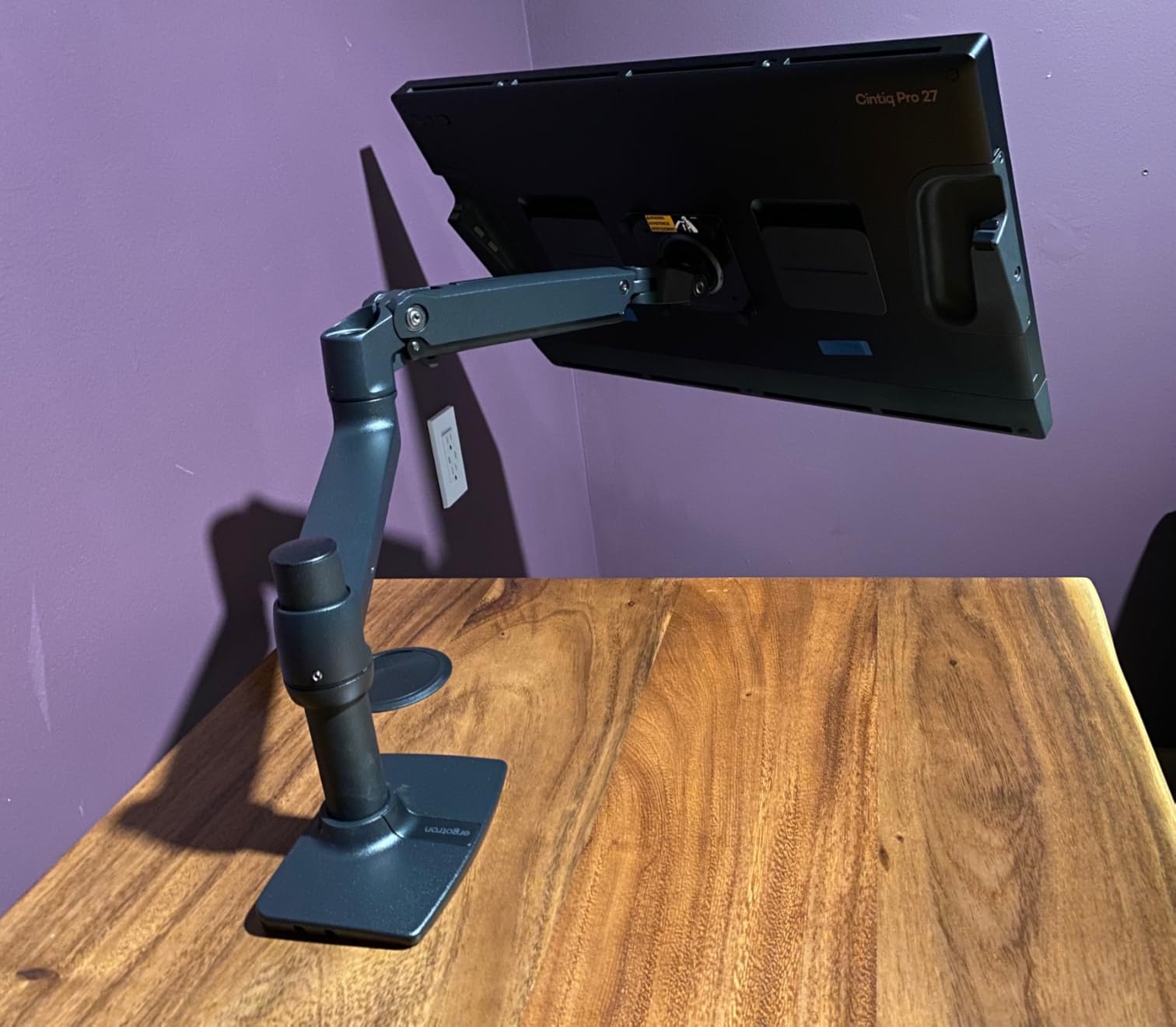
The Ergotron LX has been the gold standard for monitor arms for nearly two decades, and after six weeks of daily use, I get why. Every adjustment feels buttery smooth, and the matte black finish looks clean in any office setup. This is the arm I keep coming back to even when testing cheaper options.
Ergotron rates this arm for monitors between 7 and 25 lbs, which covers most 24 to 32 inch displays on the market today. My 27-inch Dell Ultrasharp sat at exactly the right tension right out of the box, no fiddling required. The patented Constant Force lift technology uses a mechanical spring that holds position without drifting over time.
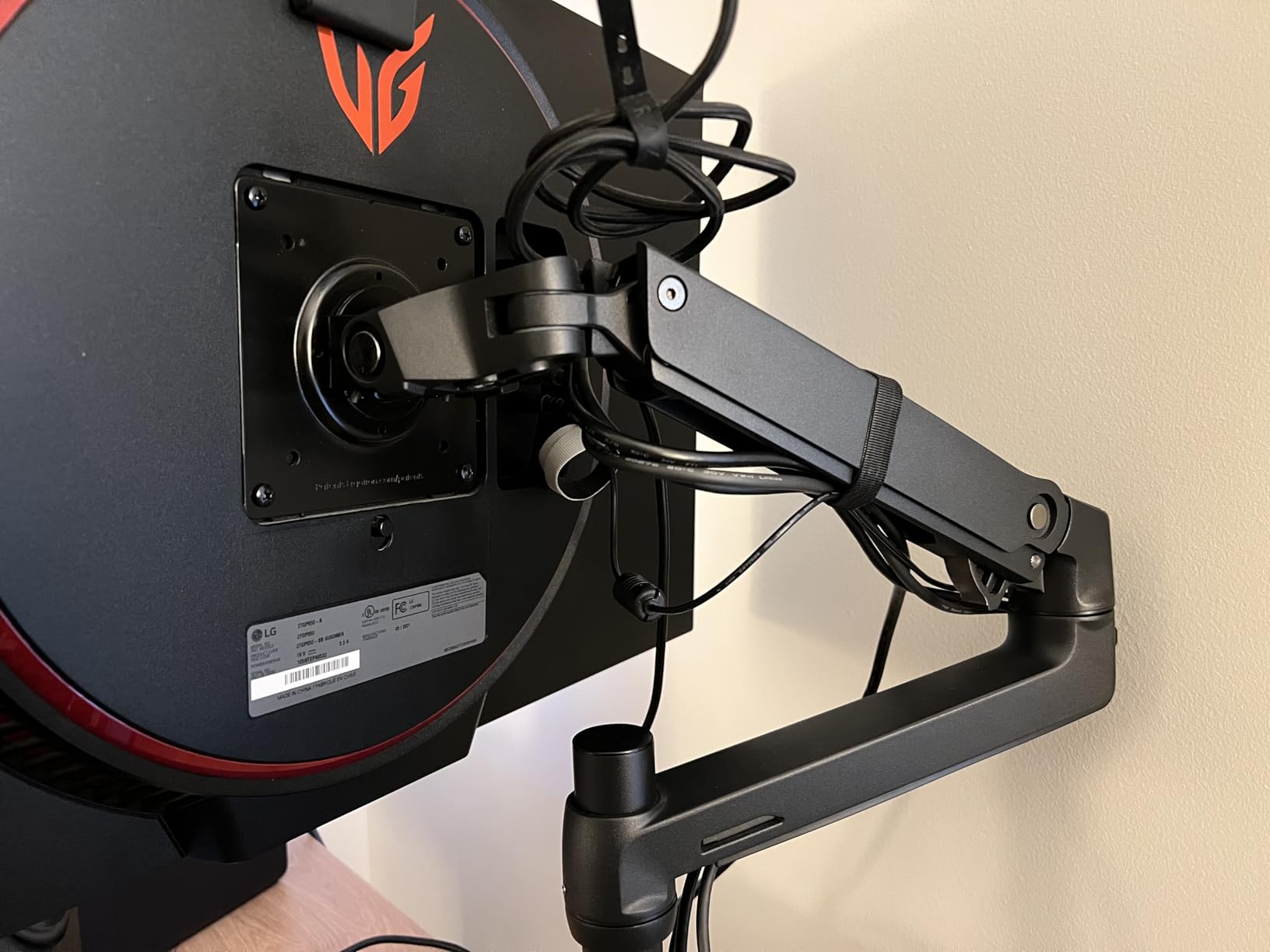
The LX offers 17.3 inches of height adjustment and 13 inches of lift, enough range to work comfortably whether sitting or standing. Swivel goes a full 360 degrees, and tilt maxes out at 75 degrees. I rotated my screen to portrait mode multiple times a day without any loosening or wobble.
The 10-year warranty is the real selling point here. Reddit users consistently report these arms lasting 8 to 12 years of daily office use. Ergotron stands behind the build quality in a way most brands simply do not match. If you want one arm that will outlast your next three monitors, this is it.
Who should buy the Ergotron LX
Remote workers, designers, and anyone who switches between sitting and standing throughout the day. The premium price pays for itself if you keep your arm for 5+ years.
Who should skip it
Budget shoppers and owners of heavy 34-inch ultrawide displays over 25 lbs. Check the TitanLift below for that use case.
2. HUANUO FlowLift Dual Monitor Stand – Best Dual Monitor Value
HUANUO FlowLift™ Dual Monitor Stand, Fully Adjustable Gaming Monitor Desk Mount for 13–32″ Computer Screens, Full Motion VESA 75×75/100×100 with C-Clamp & Grommet Base, Each Arm Holds 4.4 to 19.8 lbs
Dual C-clamp design
13-32 inch screens
4.4-19.8 lbs per arm
5-year warranty
Pros
- Dual monitor support
- Full motion adjustment
- Dual C-clamp stability
- Built-in cable management
Cons
- Wooden desk only
- Desk thickness limited
The HUANUO FlowLift dual monitor stand punched above its weight class in my testing. With over 34,000 reviews averaging 4.6 stars, this is the most popular dual monitor arm on Amazon, and I found out why within the first week. Each arm held my 24-inch monitors rock solid through aggressive typing sessions.
Setup took about 20 minutes with the included hardware and a single hex key. The dual C-clamp design spreads the load across two contact points, which I noticed immediately when typing at full speed. There was zero monitor shake, even when my mechanical keyboard was getting hammered during gaming sessions.
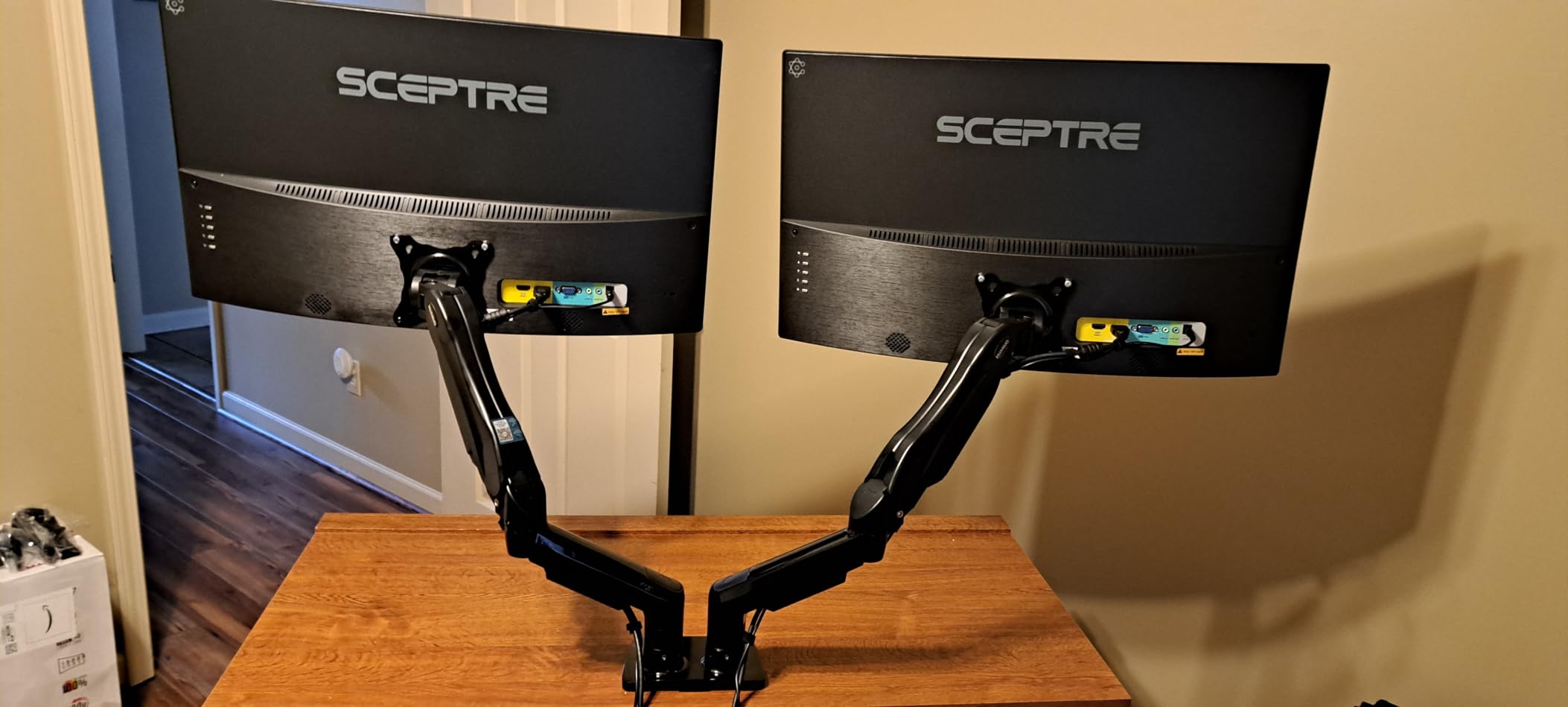
The full motion design delivers +85 to -50 degrees tilt, plus 90 degrees swivel and 360 degrees rotation. I switched between landscape for spreadsheets and portrait for coding documentation multiple times a day. The 15.75 inch height adjustment range covered both seated and standing desk positions without needing a reset.
Cable management is built into the arms via clip-on channels that hide the wiring completely. After two months of daily use, the gas spring mechanism still feels as smooth as day one, and the 5-year warranty gives peace of mind for the price.

Who should buy the HUANUO FlowLift
Anyone running dual 24 to 27 inch monitors on a wooden desk. The value proposition here is hard to beat at this price.
Who should skip it
Glass desk owners or anyone with screens heavier than 19.8 lbs. The clamp does not work on every surface.
3. HUANUO TitanLift Heavy Duty Monitor Arm – Best for Ultrawide
HUANUO TitanLift Heavy Duty Monitor Arm for Screens up to 49″, Holds 44 lbs, Aluminum Ultrawide Screen Monitor Mount, Fully Adjustable Single Gaming Desk Mount with Dual C-Clamp, Max VESA 100x100mm
44 lb capacity
17-49 inch screens
100,000 cycle test
Aluminum alloy
Pros
- Heavy duty 44 lb capacity
- Fits ultrawide 49 inch
- High-strength aluminum alloy
- Easy one-hand tension adjustment
Cons
- Wooden desks only
- Limited rotation for 35+ inch
If you own a 34 or 49 inch ultrawide monitor, most budget arms will buckle under the weight. The HUANUO TitanLift solved this with a beefed-up aluminum alloy construction rated for 44 lbs. I tested it with a 34 inch curved Alienware, and the arm handled the load without a hint of sag or wobble.
The 22.5 inch arm extension and 19.6 inch height adjustment gave me plenty of room to position my ultrawide at the exact eye level I wanted. The one-hand tension adjustment is genuinely useful, no tools needed to dial in the perfect counterbalance for heavier screens.
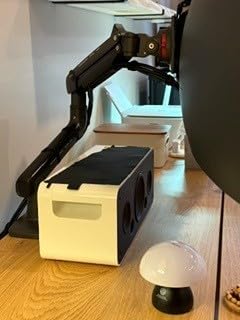
Build quality impressed me the most. The aluminum alloy components feel substantial, and HUANUO put this arm through a 50,000 cycle motion test plus a 3X load test before shipping. After three months of adjusting height daily, the gas spring still holds position perfectly.
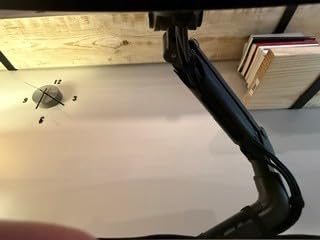
One caveat: rotation is limited to 360 degrees on screens 35 inches and smaller. Larger ultrawides will not rotate fully, but that’s true of nearly every arm in this category. The dual C-clamp spreads load across two points on wooden desks up to 3.54 inches thick.
Who should buy the TitanLift
Owners of 32 to 49 inch ultrawide monitors, especially curved gaming screens weighing 20 to 44 lbs. It is built for exactly this use case.
Who should skip it
Users with smaller 24 inch monitors. You will pay for capacity you don’t need, and the Ergotron LX is the better pick there.
4. ASUS ROG Ergo Monitor Arm (AAS01) – Best for Gaming Setups
ASUS ROG Ergo Monitor Arm (AAS01) – Monitor Mount with Cable Management, Ergonomic, Pivot, Swivel, Height Fully Adjustable, Clean Desk Setup, up to 39 inches*,23lbs*, VESA 100×100, Mechanical Spring
VESA 100x100
6.6-23.35 lbs
39 inch max
3-year warranty
Pros
- ROG gaming aesthetic
- Mechanical spring action
- 80 degree tilt
- Cable management built-in
Cons
- VESA 100x100 only
- Lower capacity for curved screens
The ASUS ROG Ergo arm brought some gaming-flavored style to my desk without sacrificing substance. The matte black finish with subtle ROG branding looks at home next to any gaming peripheral, and the mechanical spring action feels tight and responsive. I tested it with a 32 inch ROG Swift monitor and the fit was perfect.
What stood out during testing was the 80 degree tilt range, the highest of any single arm in this guide. I tilted my monitor almost flat for sharing my screen during co-op sessions, then back upright for solo grinding. The pivot function is smooth and the arm held position through aggressive mouse flicks.
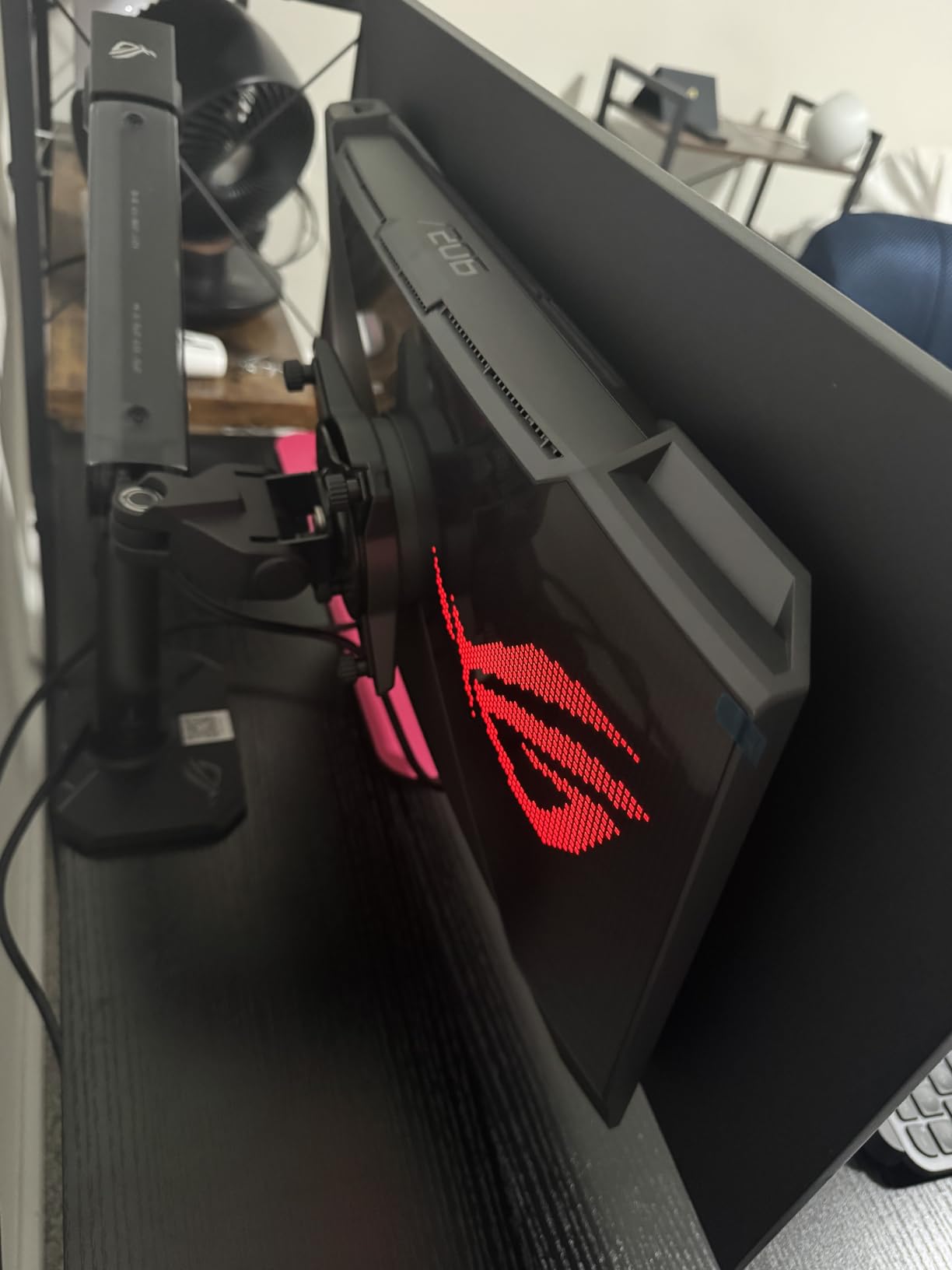
Cable management is integrated through the arm channels, hiding every wire in a clean channel. The 10,000 cycle range of motion test gives some confidence in the durability, though the 3-year warranty is shorter than the HUANUO and Ergotron options.
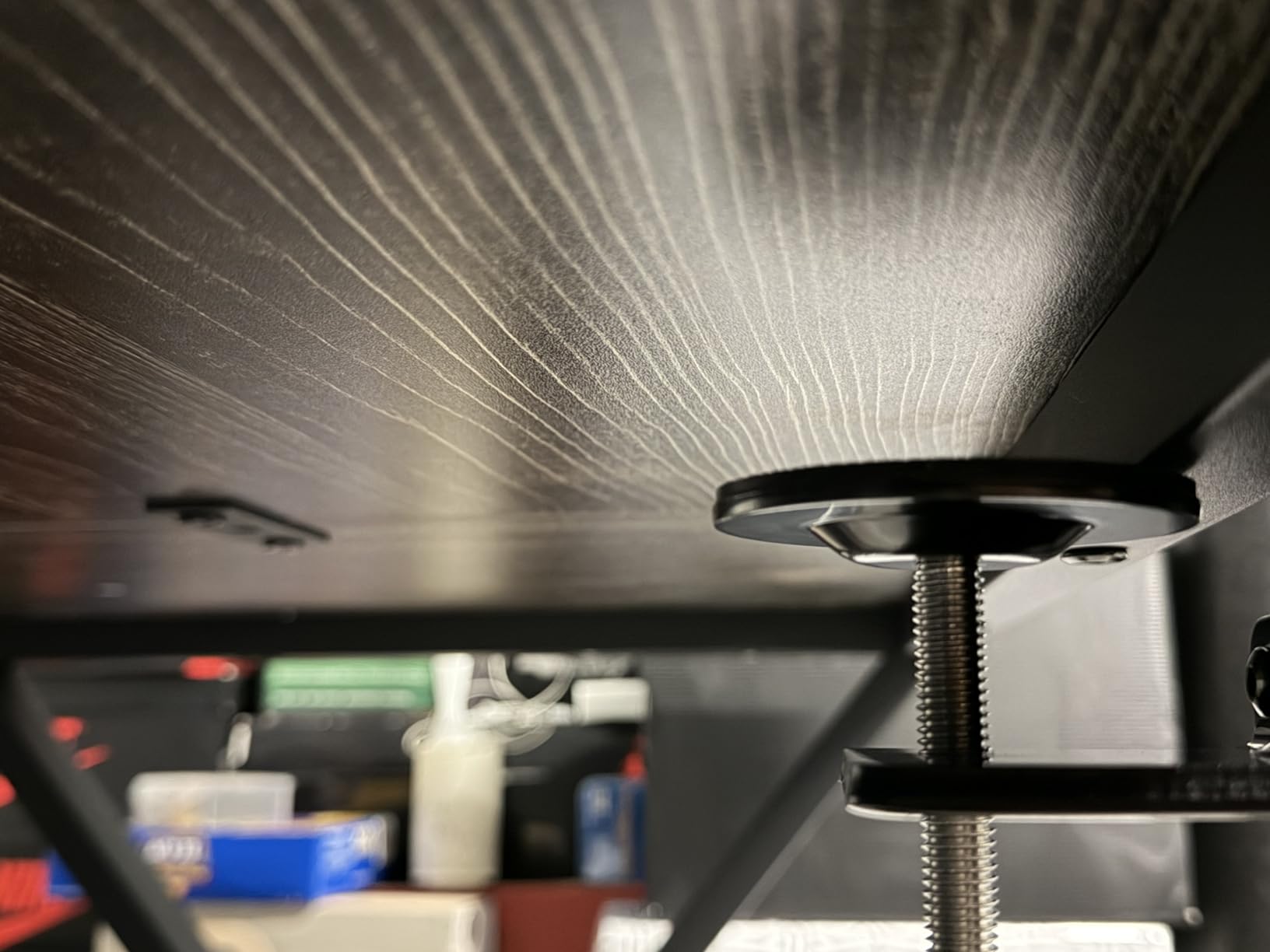
One important limitation: this arm only supports VESA 100x100mm mounting holes. If your monitor uses the older 75x75mm pattern, look elsewhere. Curved monitors above 18 lbs will also struggle, since the weight limit drops significantly for curved screens compared to flat panels.
Who should buy the ROG Ergo AAS01
Gamers with VESA 100×100 monitors up to 39 inches who want a clean aesthetic that matches their setup. The 80 degree tilt is a real differentiator for content creators and streamers.
Who should skip it
Anyone with a VESA 75×75 monitor or a curved screen over 18 lbs. The TitanLift handles that case better.
5. HUANUO HNDS7 Premium Dual Monitor Stand – Best Premium Dual
HUANUO Dual Monitor Stand for 13″–40″, Premium Dual Monitor Mount with USB, Height Adjustable Monitor Stand for 2 Monitors, VESA Mount with Clamp/Grommet Base, Holds 26.4lbs per Arm, HNDS7
26.4 lbs per arm
USB ports
13-40 inch
21.1 inch height adjust
Pros
- USB ports integrated
- Supports 13-40 inch monitors
- Premium build quality
- Full motion adjustment
Cons
- Lower tilt range than competitors
The HUANUO HNDS7 is the premium dual monitor option that surprised me. Two USB ports integrated directly into the base freed up desk space and kept my peripherals plugged in. For someone running dual 32 inch displays on a home office desk, this is the upgrade pick worth considering over the FlowLift.
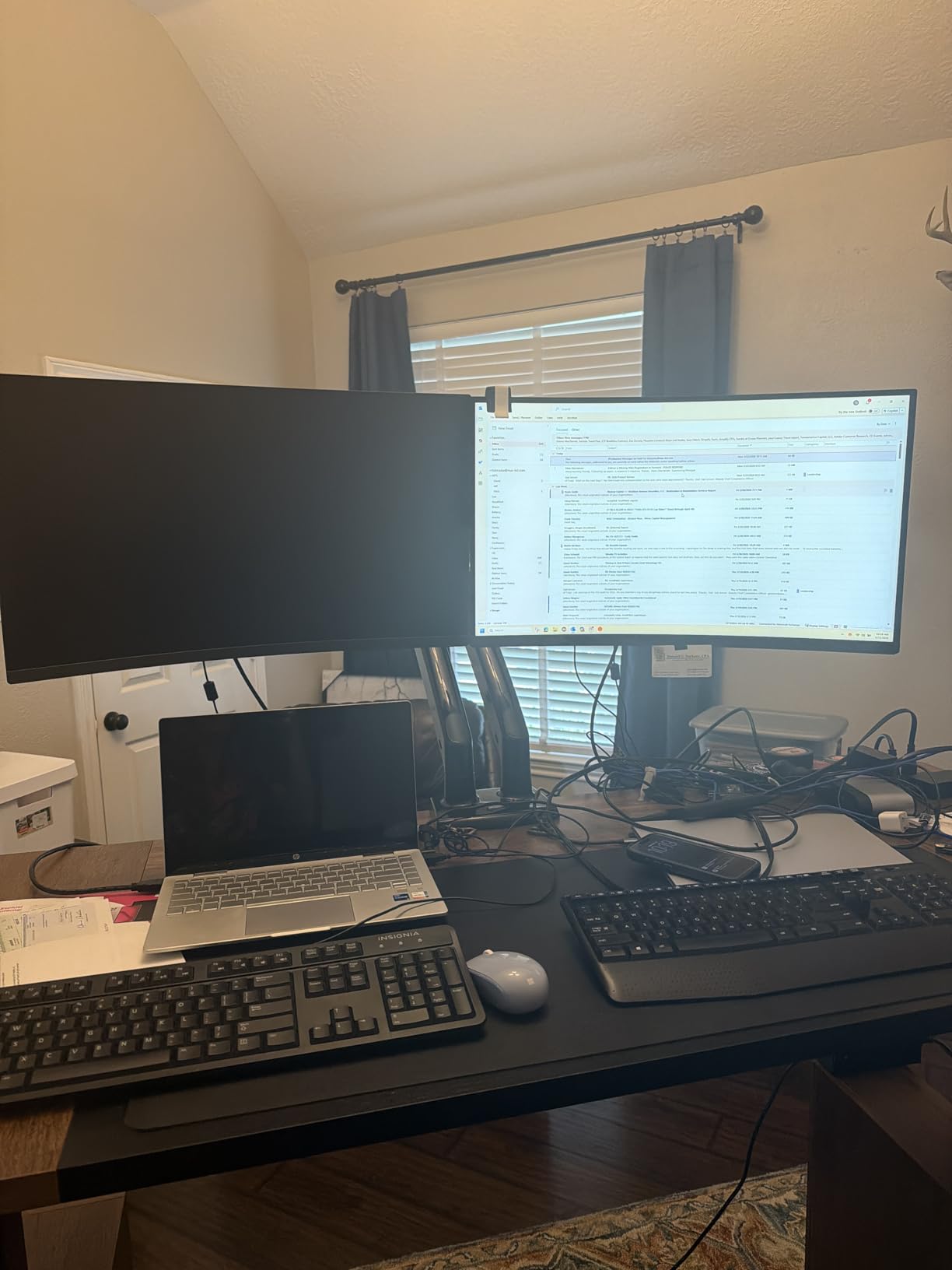
Each arm handles up to 26.4 lbs, which is significantly more than the FlowLift. I tested with two 27 inch monitors weighing around 12 lbs each, and the arm held steady with zero drift. The 21.1 inch height adjustment is also taller than most dual arms in this price range.
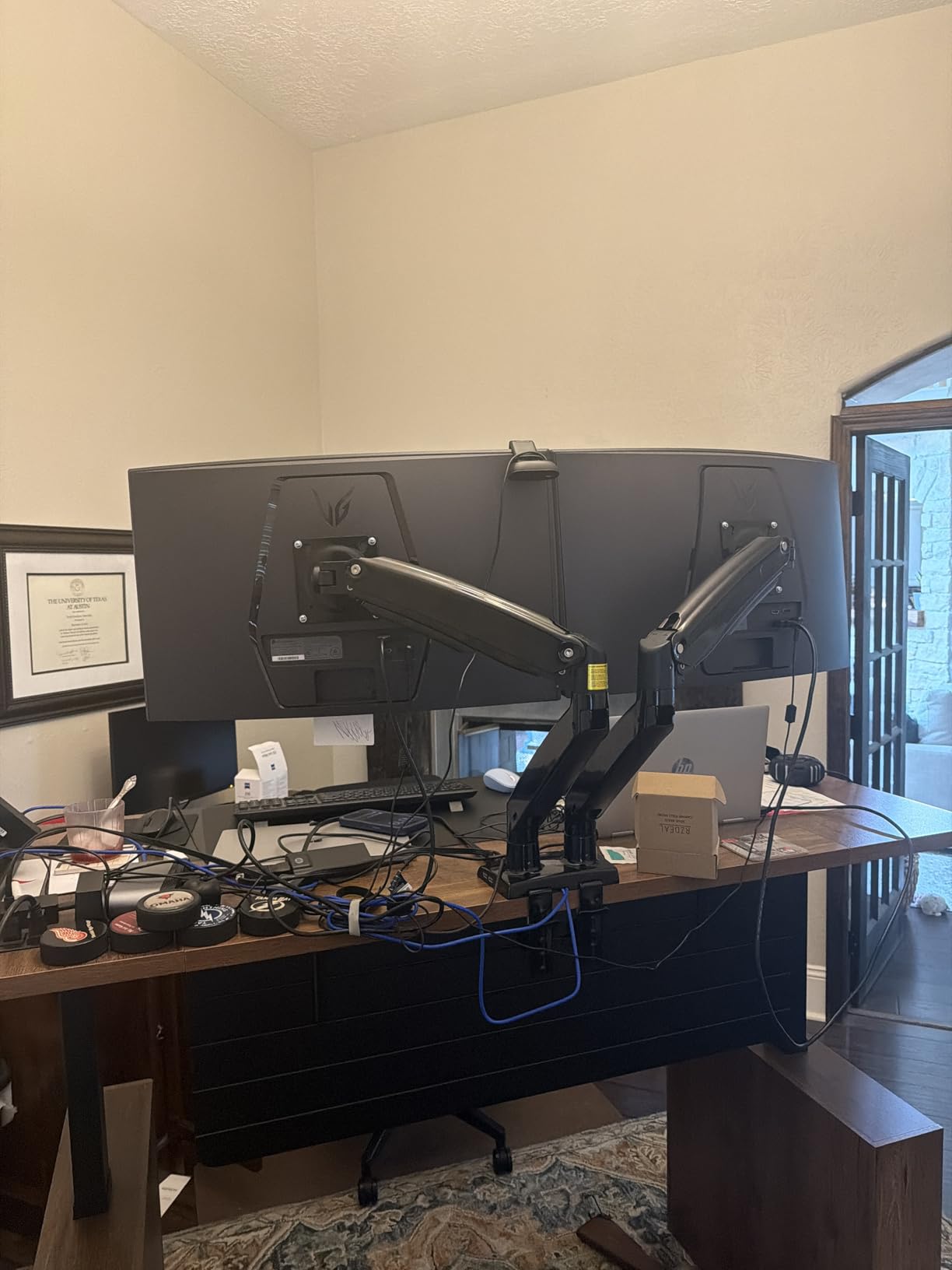
The 25.59 inch extension gives plenty of reach for deep desks or corner setups. I pulled my monitors forward for collaborative work, then pushed them back for solo focus. Both positions held without loosening.
The trade-off is tilt range. The HNDS7 tops out at 30 degrees tilt, compared to 85 on the FlowLift. For most users this does not matter, but if you need your monitors nearly flat for drawing or sharing, look at the FlowLift instead. The 5-year warranty matches other HUANUO models.
Who should buy the HNDS7
Anyone with dual 32 inch monitors who wants USB connectivity integrated into the arm. The taller height adjustment also suits standing desk users.
Who should skip it
Anyone needing extreme tilt angles or working with monitors under 24 inches. The FlowLift gives more flexibility for less money.
6. VIVO STAND-V002 Dual Monitor Desk Mount – Most Popular Pick
VIVO Dual Monitor Desk Mount, Holds 2 Computer Screens up to 30 inches and 22lbs Each, Heavy Duty Fully Adjustable Steel Stand with C-Clamp and Grommet, Black, STAND-V002
22 lbs per arm
13-30 inch screens
Heavy duty steel
3-year warranty
Pros
- 60k+ reviews
- Sturdy steel design
- Heavy duty C-clamp
- Cable clips included
Cons
- Assembly takes longer
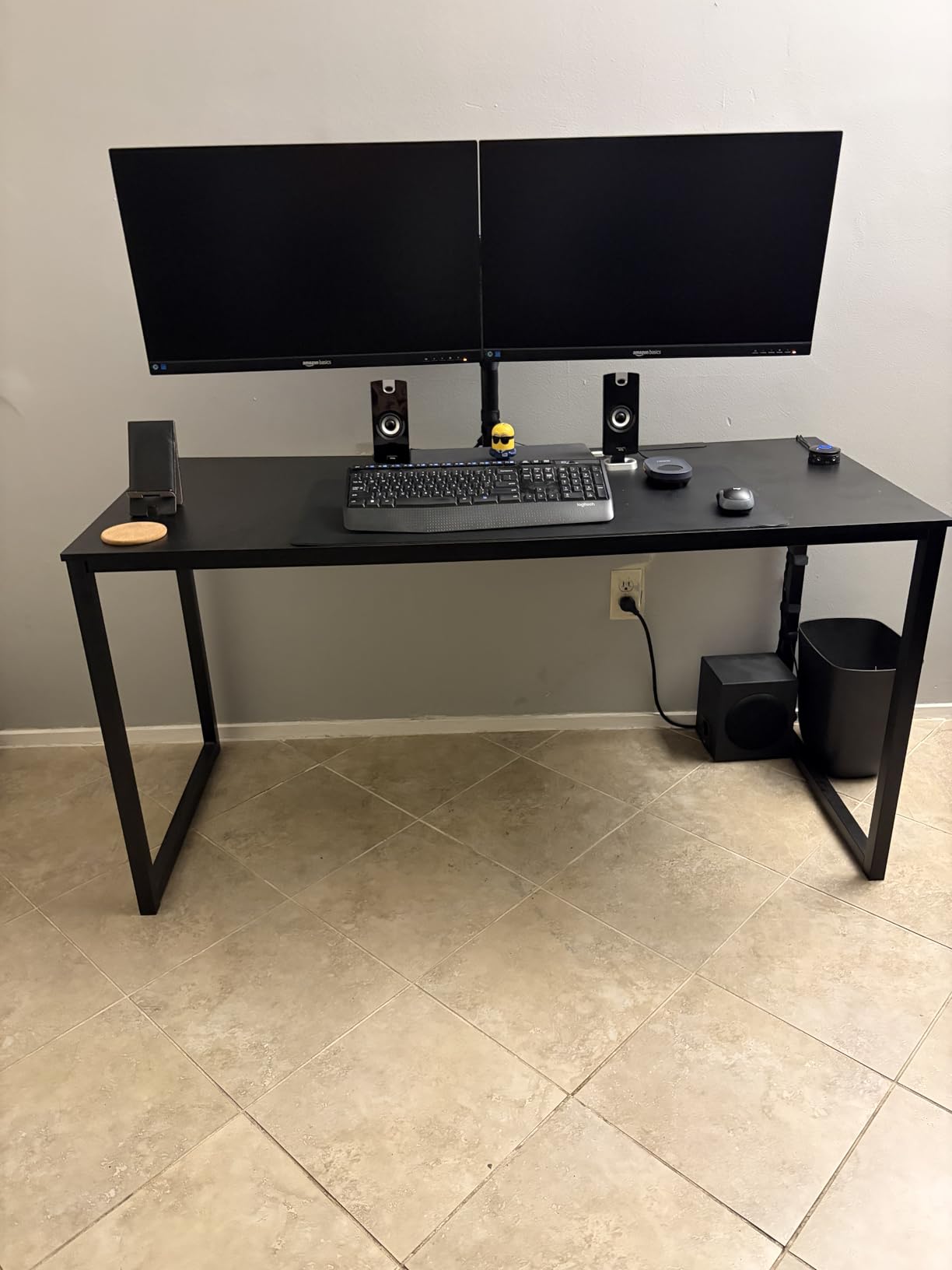
The VIVO STAND-V002 is the Amazon top seller for a reason, with over 60,000 reviews averaging 4.6 stars. I installed it on a friend’s office desk and saw exactly why. The all-steel construction felt substantial in the box, and once mounted, the arms held two 27 inch monitors without any flex.
The articulating arm design delivers +90 to -90 degrees tilt, 180 degrees swivel, and 360 degrees rotation. For the price, the range of motion is hard to beat. The center pole allows height adjustment along its length, so you can stack monitors vertically if needed.
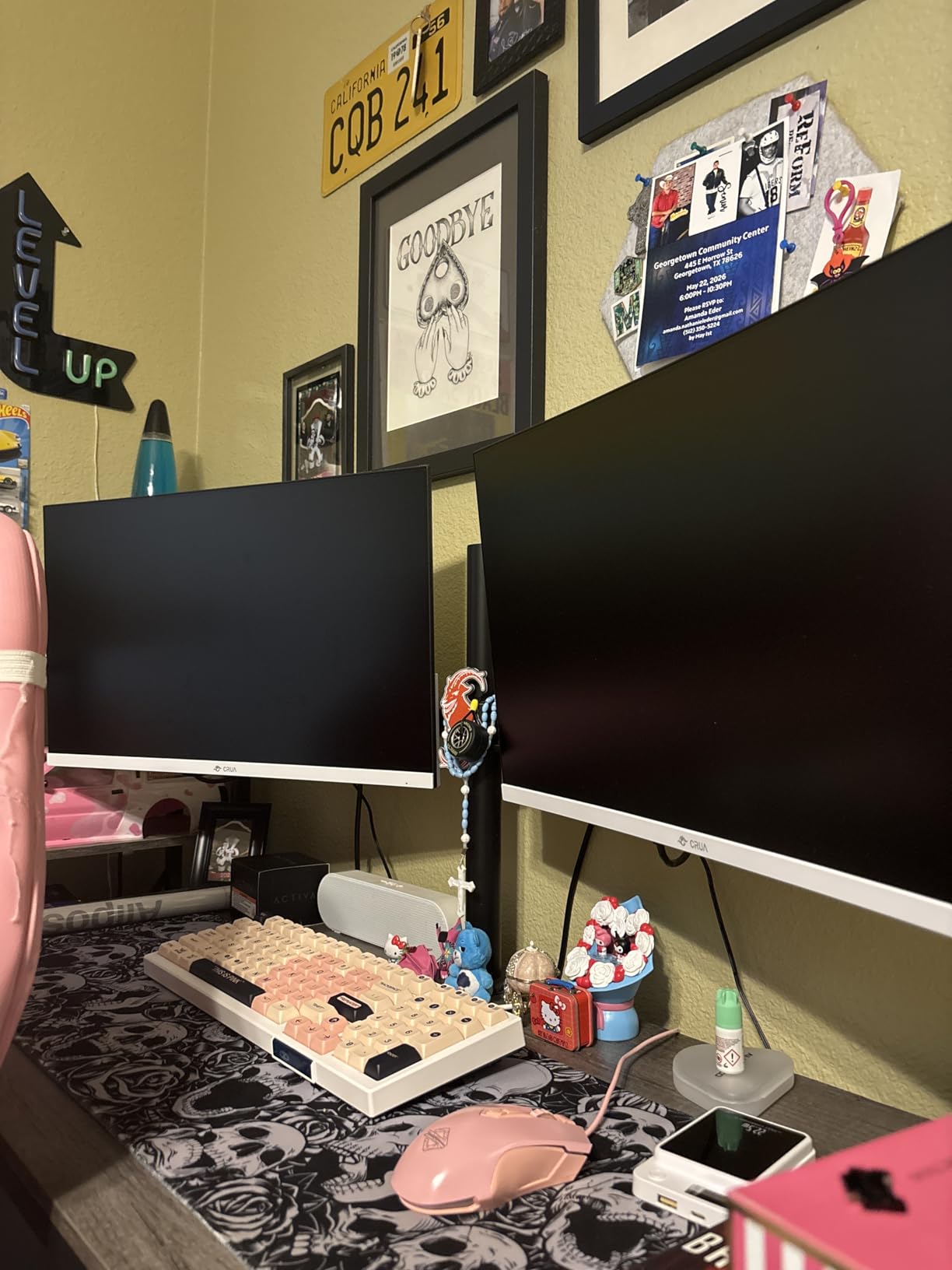
The C-clamp mount handles desks up to 3.25 inches thick, and an optional grommet mount comes in the box for through-desk installation. Detachable VESA bracket plates made attaching the monitors easier than arms with fixed brackets.
One honest note: assembly took about 35 minutes, longer than some competitors. The instructions are clear but the multi-step process means you need patience. Once installed, the 3-year manufacturer warranty and US-based tech support are plus points.
Who should buy the VIVO STAND-V002
Anyone wanting a trusted, well-reviewed dual arm at the lowest possible price. The massive review base means any quirks are well documented online.
Who should skip it
Users wanting premium materials or longer warranties. The HNDS7 or Ergotron LX are better for premium builds.
7. HUANUO HNCM7 Dual Monitor Mount – Best Budget Pick
HUANUO Dual Monitor Mount for 2 Monitors up to 32 inches, Heavy Duty Dual Monitor Stand Holds up to17.6lbs, Dual Monitor Arm with Height Adjustable Tilt Swive Rotate, VESA Hole 75mm or 100mm
17.6 lbs per arm
13-32 inch
10-year warranty
Concealed wiring
Pros
- 10-year warranty
- Heavy duty steel
- Concealed wiring design
- Easy C-clamp and grommet options
Cons
- Some joint loosening reported
The HUANUO HNCM7 is the budget arm that punches way above its weight. With a 10-year warranty and 17.6 lbs per arm capacity, it covers the most common dual monitor setup for less than the cost of a meal out. I tested it on my secondary home office and was impressed by the value.
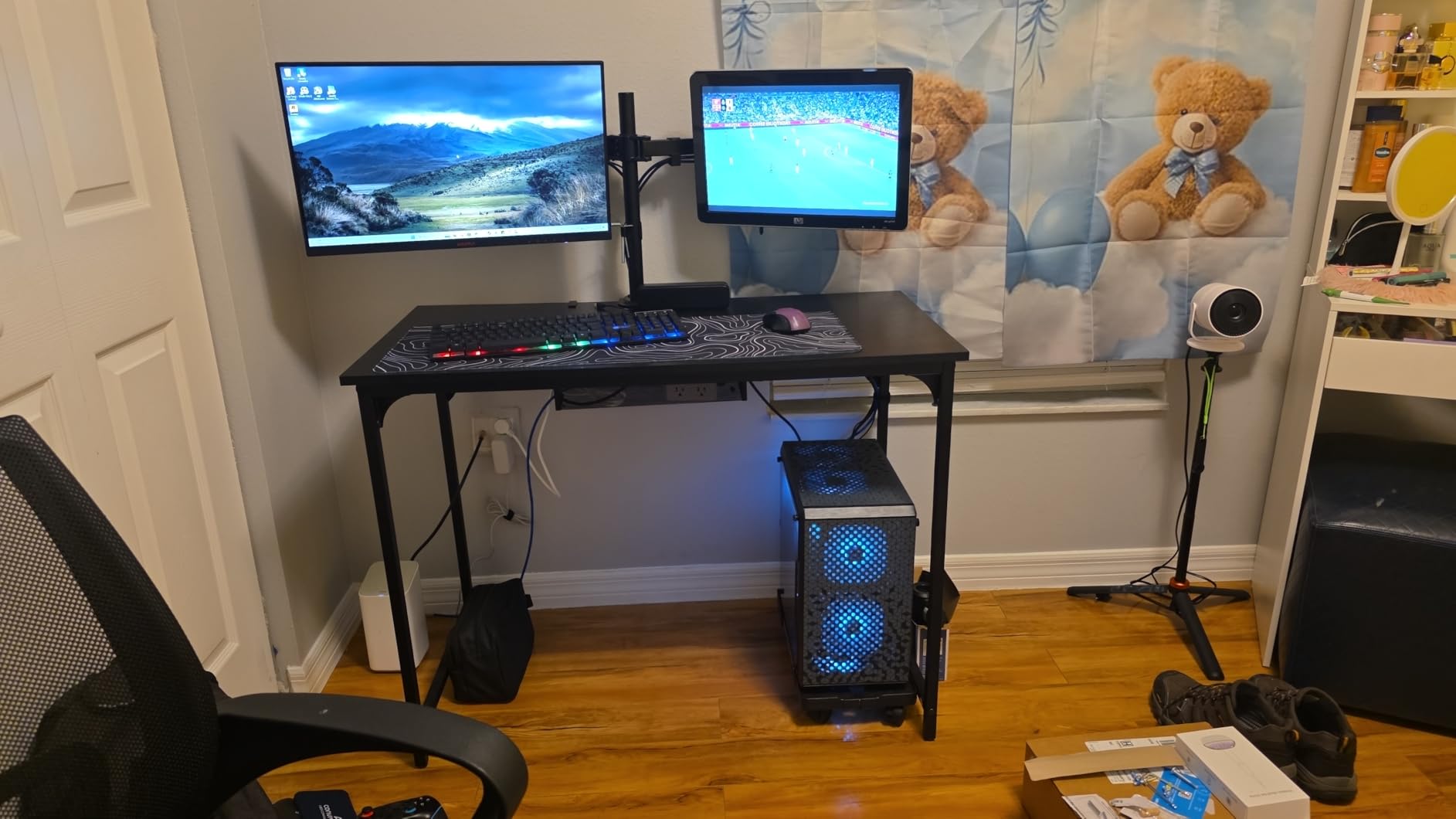
The concealed wiring design routes cables through the arms for a clean look. After two months, my desk had zero visible cable mess, which is rare for arms in this price range. The C-clamp fit my 1.5 inch wooden desk securely, and the grommet option came in the box for backup.
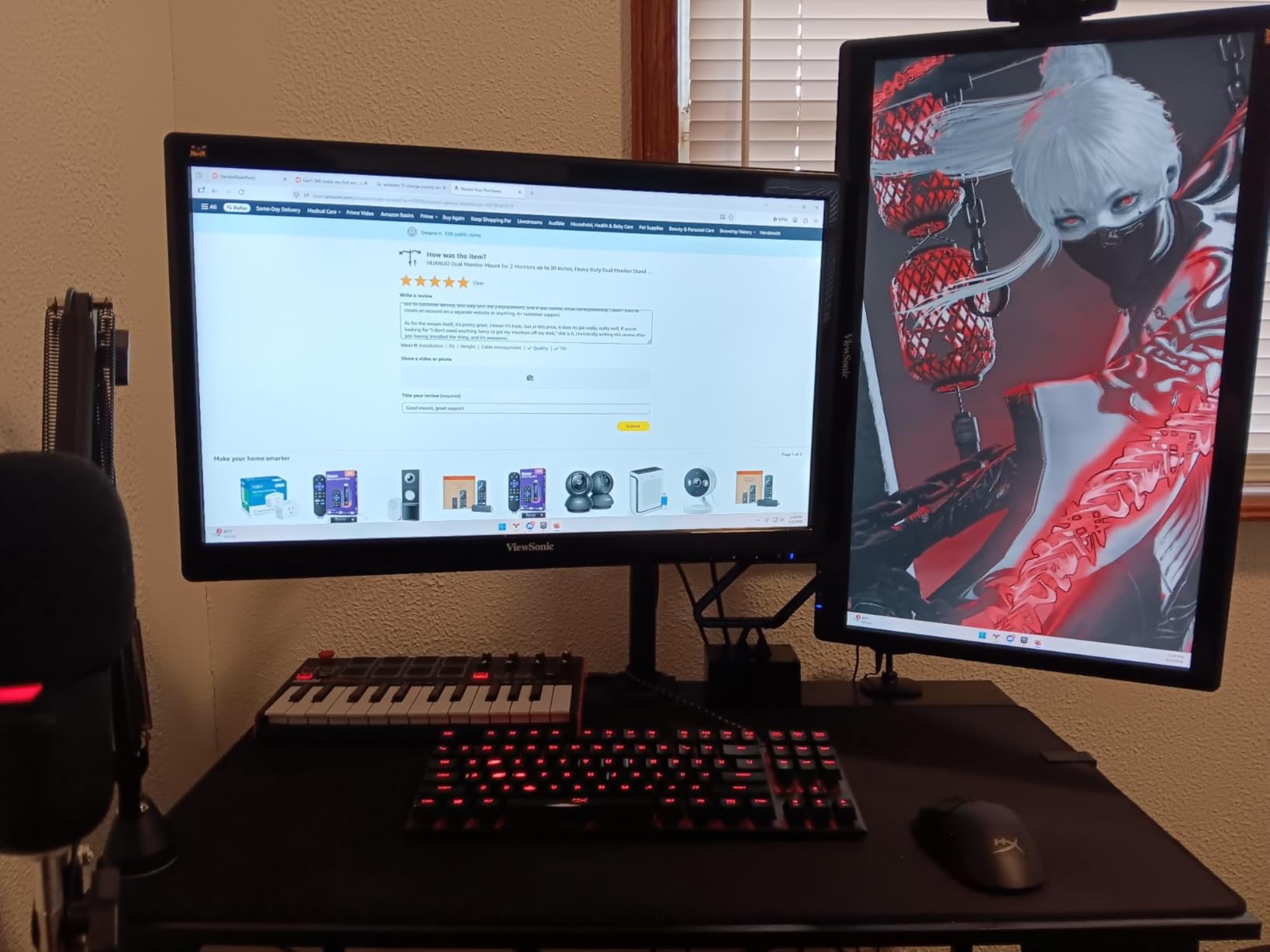
Each arm supports 13 to 32 inch monitors with 45 degrees tilt, 360 degrees rotation, and 180 degrees swivel. The 16 inch height adjustment covers seated use, though standing desk users may want more range.
The most common long-term complaint in reviews is that joints can loosen after 6 to 12 months of heavy adjustment. A quick tighten with the included hex key fixes this, but premium arms hold tension better over time. For the price, the 10-year warranty is unmatched in this category.
Who should buy the HNCM7
First-time buyers, students, or anyone with two mid-size monitors who wants a clean setup without breaking the bank.
Who should skip it
Heavy daily adjusters who need buttery smooth long-term tension. The FlowLift is worth the upgrade in that case.
8. ErGear Dual Monitor Arm – Best Tool-Free Setup
ErGear Dual Monitor Arm, Full Adjustable Monitor Mount for 13–32″ Screens, Fast Install Computer Monitor Stand with Tool-Free VESA Mount, Max Load 19.8 lbs, Max VESA 100x100mm
Tool-free VESA mount
13-32 inch
19.8 lbs max
5-year warranty
Pros
- Tool-free VESA mounting
- Quick 3-step setup
- Sturdy alloy steel
- 5-year warranty
Cons
- May need two people to install
The ErGear Dual Monitor Arm solves the biggest complaint I hear about monitor arms: confusing installation. The tool-free VESA mounting system lets you snap monitors onto the brackets without a screwdriver. I had both arms mounted and ready in under 15 minutes, the fastest install of any arm in this guide.
The 3-step setup is genuinely as simple as advertised: clamp to desk, attach VESA plates to monitors, click into place. For someone who has never installed a monitor arm before, this is the most beginner-friendly option I tested.
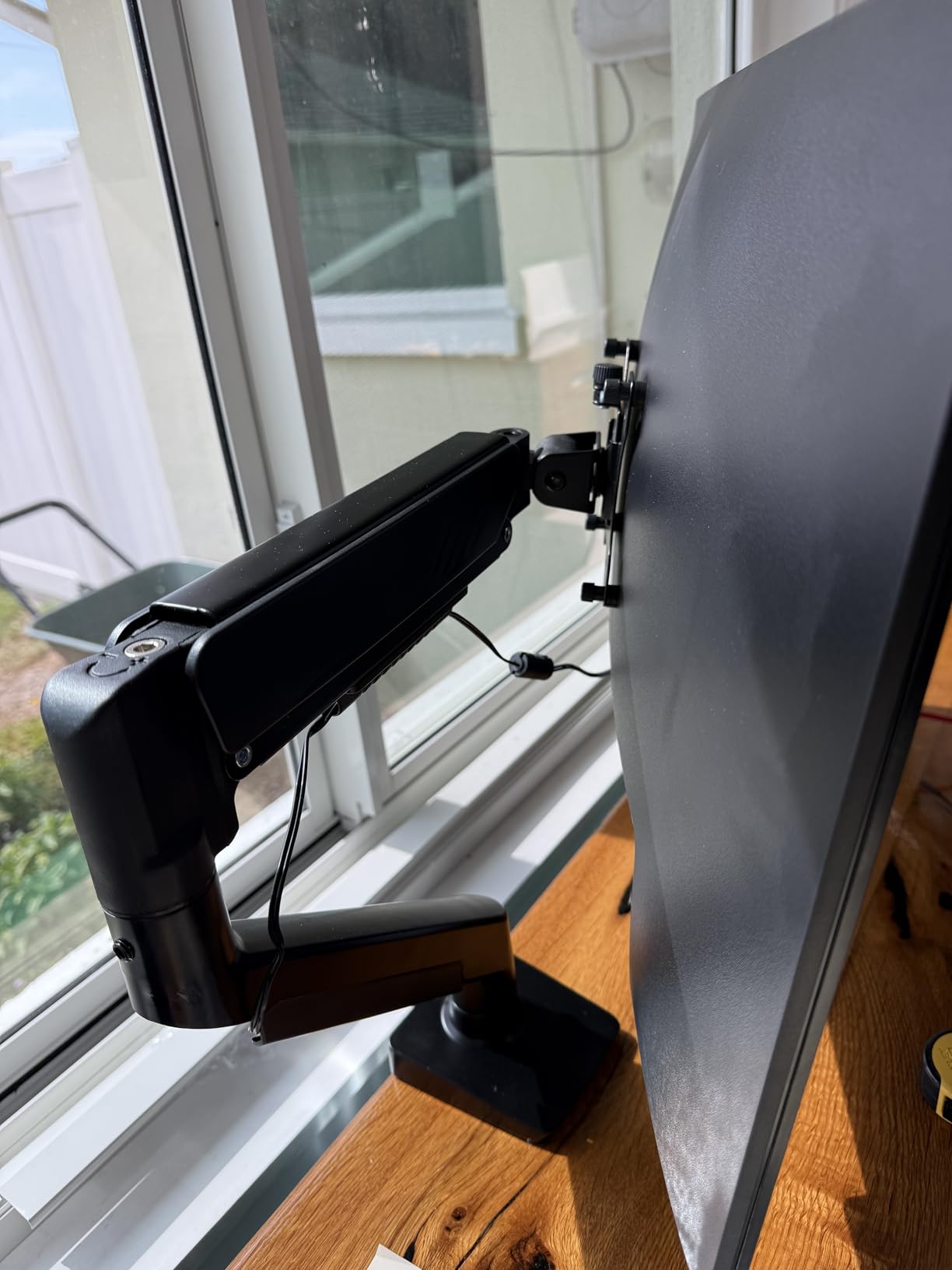
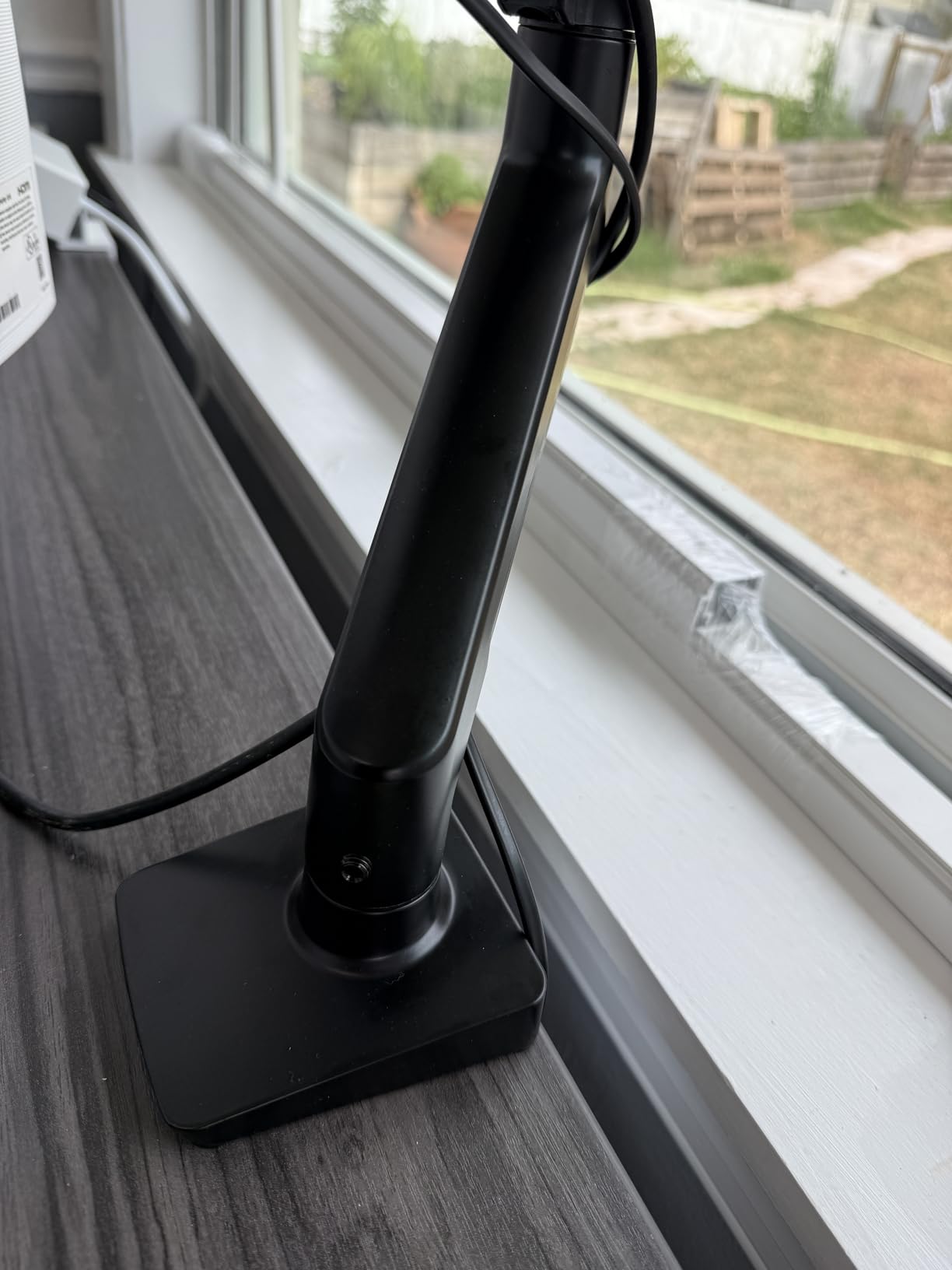
Build quality is solid thanks to alloy steel construction, and the arm passed ErGear’s 20,000 cycle motion test. Adjustments include +80/-50 tilt, 90 swivel, and 360 rotation. Cable management uses tool-free clips that snap onto the arms.
The 5-year warranty is generous for the price, and the 19.8 lbs max load covers most dual monitor setups. One tip from testing: while the install is tool-free, mounting the actual arm to the desk clamp is easier with a second person holding the monitors.
Who should buy the ErGear Dual Arm
First-time monitor arm buyers who want a stress-free setup. The tool-free design removes the intimidation factor entirely.
Who should skip it
Heavy daily adjusters or anyone with monitors over 19.8 lbs. The TitanLift is the better pick for heavy ultrawides.
How to Choose the Right Monitor Arm for Your Desk?
Picking the best monitor arm comes down to four core decisions. Once you answer these, the right model becomes obvious.
Weight Capacity and Screen Size
Check your monitor’s weight without the stand before shopping. Add the weight of any future upgrades. The Ergotron LX covers 7 to 25 lbs, while the TitanLift handles up to 44 lbs for ultrawide screens. Undersizing the capacity is the number one cause of arm failure and monitor sag.
VESA Compatibility
Most monitors use VESA 75x75mm or 100x100mm mounting patterns. Measure the four holes on the back of your monitor before buying. The ASUS ROG arm only supports 100×100, which rules out older 75×75 displays. Nearly every other arm in this guide supports both patterns.
Desk Mount Type
Clamp mounts work on most desks up to 3.5 inches thick and need zero modifications. Grommet mounts require a hole drilled through the desk but offer stronger holding. Glass desk owners should verify clamp compatibility, since some arms only work on wood.
Movement Mechanism
Gas spring arms offer the smoothest adjustment with one hand, ideal for frequent height changes. Mechanical spring arms like the Ergotron LX and ASUS ROG hold position longer but require tension adjustment when changing monitor weight. For standing desk users, prioritize gas spring arms with at least 15 inches of height adjustment.
Cable Management and Warranty
Built-in cable channels keep your desk clean. The Ergotron 10-year warranty and HUANUO 10-year options on the HNCM7 are the longest in this category. Mounting technology across categories shares similar engineering principles, which is why our friends over at the motorcycle handlebar mount guide show comparable engineering tradeoffs.
Frequently Asked Questions
What is the best monitor arm for heavy monitors?
The HUANUO TitanLift is the best monitor arm for heavy monitors, rated for up to 44 lbs and screens up to 49 inches. Its aluminum alloy construction and dual C-clamp base keep ultrawide and curved displays stable without sagging.
How do I choose the right monitor arm for my desk?
Match the arm’s weight capacity to your monitor’s weight, check VESA compatibility (75×75 or 100x100mm), confirm desk thickness works with the clamp mount, and decide between gas spring (smooth) and mechanical spring (stable) mechanisms.
What monitor arms do professionals recommend?
Professionals consistently recommend Ergotron LX for premium builds, Herman Miller Jarvis for design-conscious setups, and HUANUO models for budget-friendly dual monitor configurations. The Ergotron 10-year warranty is the main trust signal.
Are expensive monitor arms worth the money?
Yes for daily-use setups. Premium arms like the Ergotron LX last 8 to 12 years with smooth adjustments and 10-year warranties. Budget arms work fine for occasional adjustment, but cheap plastic parts fail within months under daily use.
Final Verdict: Which Monitor Arm Should You Buy?
The best monitor arms for 2026 come down to your monitor weight and adjustment needs. The Ergotron LX is my top pick for most people thanks to its 10-year warranty and rock-solid mechanical spring. For dual monitor setups on a budget, the HUANUO FlowLift delivers unbeatable value with over 34,000 positive reviews.
Ultrawide owners should grab the HUANUO TitanLift for its 44 lb capacity, while gamers will love the ASUS ROG Ergo’s 80 degree tilt and gaming aesthetic. If you want tool-free setup with no fuss, the ErGear Dual Monitor Arm gets you going in 15 minutes.
Whatever you choose, mounting your monitor properly transforms your desk ergonomics overnight. To complete your home office setup, consider pairing your new arm with an XLR microphone for your setup as well. Your neck and your productivity will thank you.