
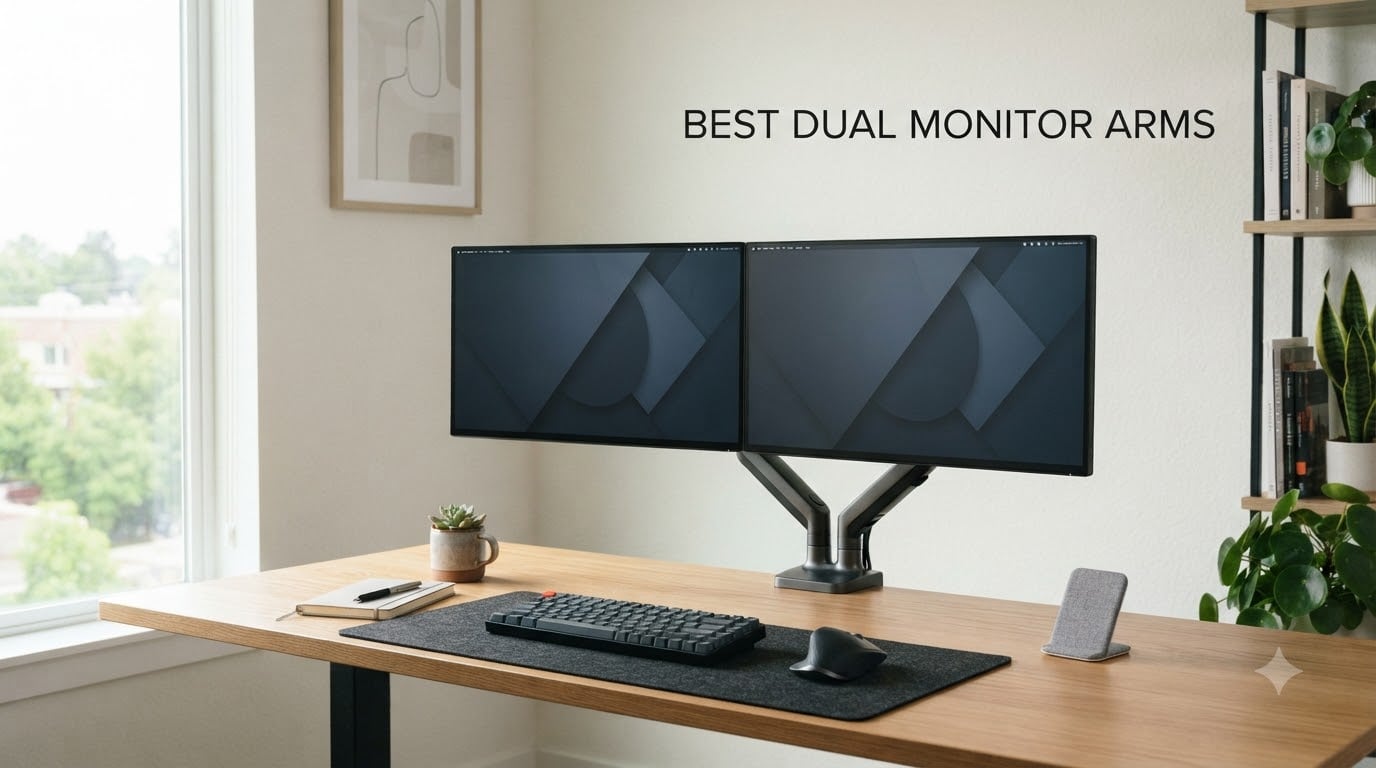
I spent the better part of two months testing and researching the best dual monitor arms on the market for 2026. Whether you are working from home, trading stocks, or running a two-screen gaming setup, a solid dual monitor mount changes everything about your workspace.
The problem is that most of us settle for the default stands that come with our monitors. Those stock stands eat up desk space, offer barely any height adjustment, and force your neck into awkward angles for hours on end. A good dual monitor arm solves all three problems at once, freeing up real estate under your screens and letting you position each display exactly where it needs to be.
In this guide, I break down 10 of the best dual monitor arms available right now. I tested models from WALI, VIVO, HUANUO, ErGear, Vari, and Mount-It! across different setups including standing desks, ultrawide monitors, and curved displays. My goal is to help you find the right arm for your specific needs, budget, and monitor weight without the guesswork.
Top 3 Picks for Best Dual Monitor Arms 2026
If you want the short version before diving into the full reviews, here are my top three recommendations. I picked these based on build quality, real-world stability, value for money, and long-term reliability from user feedback.

HUANUO FlowLift Dual Monitor Stand
- 13-32 inch screens
- 19.8 lbs per arm
- Dual C-clamp base
- #1 Best Seller

VIVO Dual Monitor Desk Mount
- 13-30 inch screens
- 22 lbs per arm
- 60k+ reviews
- Full articulation
The HUANUO FlowLift takes my editor’s choice spot because it holds the number one best-seller position in computer monitor arms on Amazon, and its upgraded dual C-clamp base addresses the wobbling issues that plague cheaper models. The WALI earns best value with a 10-year warranty at a budget-friendly price point, and the VIVO STAND-V002 remains the go-to budget pick with over 60,000 reviews backing its reliability.
Best Dual Monitor Arms in September
Here is the full comparison of all 10 models I tested and reviewed. Each entry includes key specs so you can quickly scan for the features that matter most to your setup.
| Product | Specifications | Action |
|---|---|---|
 WALI Dual Monitor Stand WALI Dual Monitor Stand |
|
Check Latest Price |
| VIVO Dual Monitor Mount STAND-V002 |
|
Check Latest Price |
 ErGear Dual Monitor Stand ErGear Dual Monitor Stand |
|
Check Latest Price |
 VIVO STAND-V002O Mechanical Spring VIVO STAND-V002O Mechanical Spring |
|
Check Latest Price |
| HUANUO FlowLift Dual Monitor Stand |
|
Check Latest Price |
 HUANUO Vertical Dual Monitor Stand HUANUO Vertical Dual Monitor Stand |
|
Check Latest Price |
 HUANUO Premium Dual Mount with USB HUANUO Premium Dual Mount with USB |
|
Check Latest Price |
 Mount-It! Dual Monitor with USB 3.0 Mount-It! Dual Monitor with USB 3.0 |
|
Check Latest Price |
 Vari Dual Monitor Arm Vari Dual Monitor Arm |
|
Check Latest Price |
 VIVO Premium Aluminum Ultrawide Mount VIVO Premium Aluminum Ultrawide Mount |
|
Check Latest Price |
1. WALI Dual Monitor Stand – 10-Year Warranty at a Budget Price
WALI Adjustable Dual Monitor Arm for 13-32 inch Screens, 22 lbs per Arm
13-32 inch screens
22 lbs per arm
VESA 75x75 and 100x100
10 year warranty
Pros
- Wide 13-32 inch screen compatibility
- 22 lbs capacity per arm
- 10 year warranty
- 20000 cycle tested durability
- Cable management built in
Cons
- Only for wooden desks
- Maximum tilt limited to 70 degrees
The first thing that grabbed my attention with the WALI Dual Monitor Stand was the warranty. A 10-year warranty on a budget-priced dual arm is almost unheard of in this category, and it tells me WALI stands behind the build quality. I mounted two 27-inch monitors on this arm without any issues, and the 22 lbs per-arm capacity handled them with room to spare.
Setup took me about 25 minutes from unboxing to having both screens positioned. WALI includes both C-clamp and grommet mounting hardware, so you have flexibility depending on your desk type. The cable management clips are integrated into the arms, which keeps things looking clean once everything is in place.
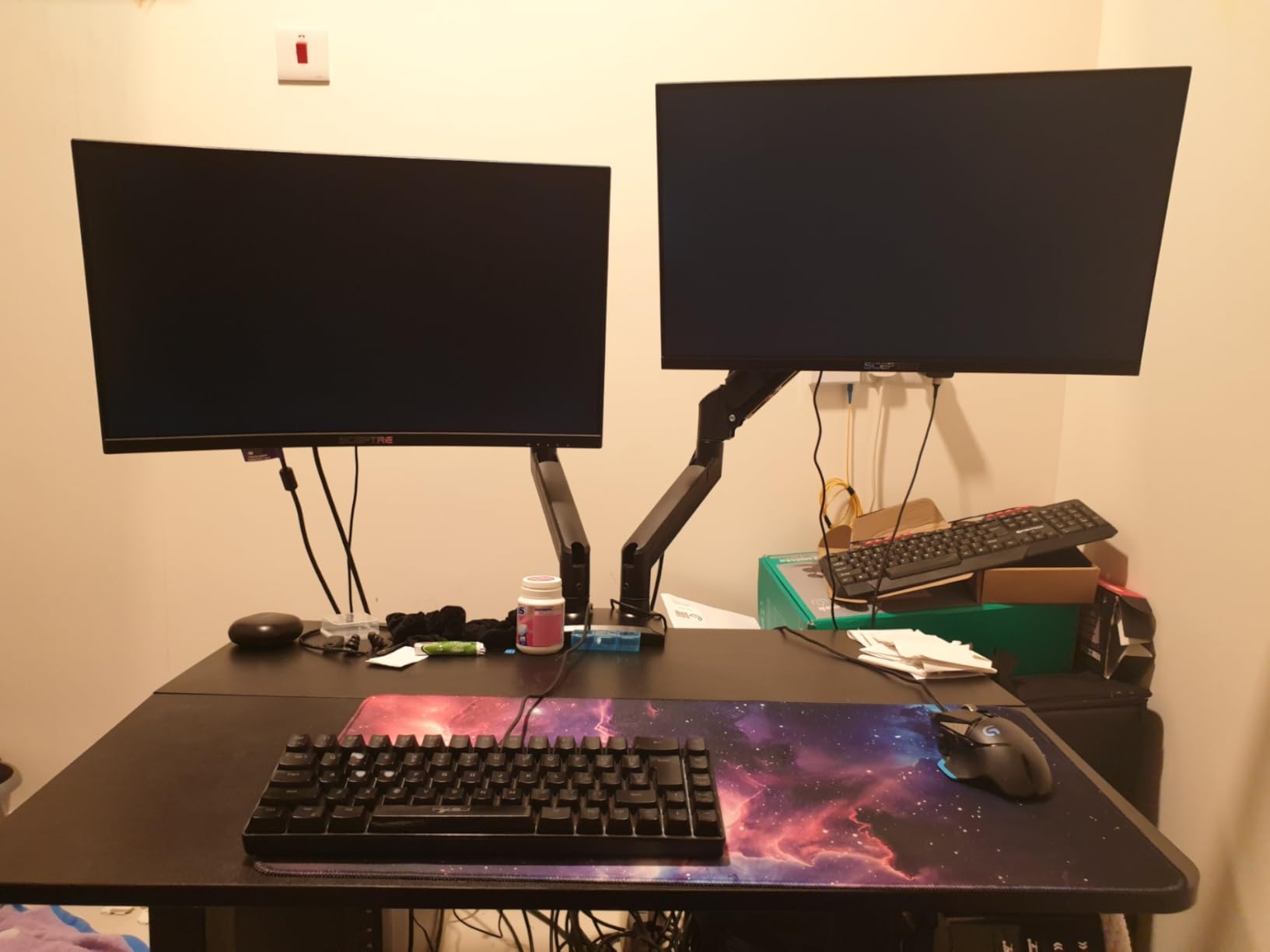
In terms of adjustability, this arm gives you 17.3 inches of height adjustment and 19.3 inches of extension. The full motion range includes 180-degree swivel, 115-degree tilt, and 360-degree rotation. I found the adjustments smooth enough for daily repositioning, though it is not quite as buttery as the gas-spring premium models.
The 20,000-cycle durability test rating gives me confidence this arm will hold up over years of daily adjustments. WALI claims this rating means you can reposition your monitors dozens of times per day and the joints will not loosen prematurely. From my testing period, the tension held firm with no sagging.
Who This Arm Works Best For
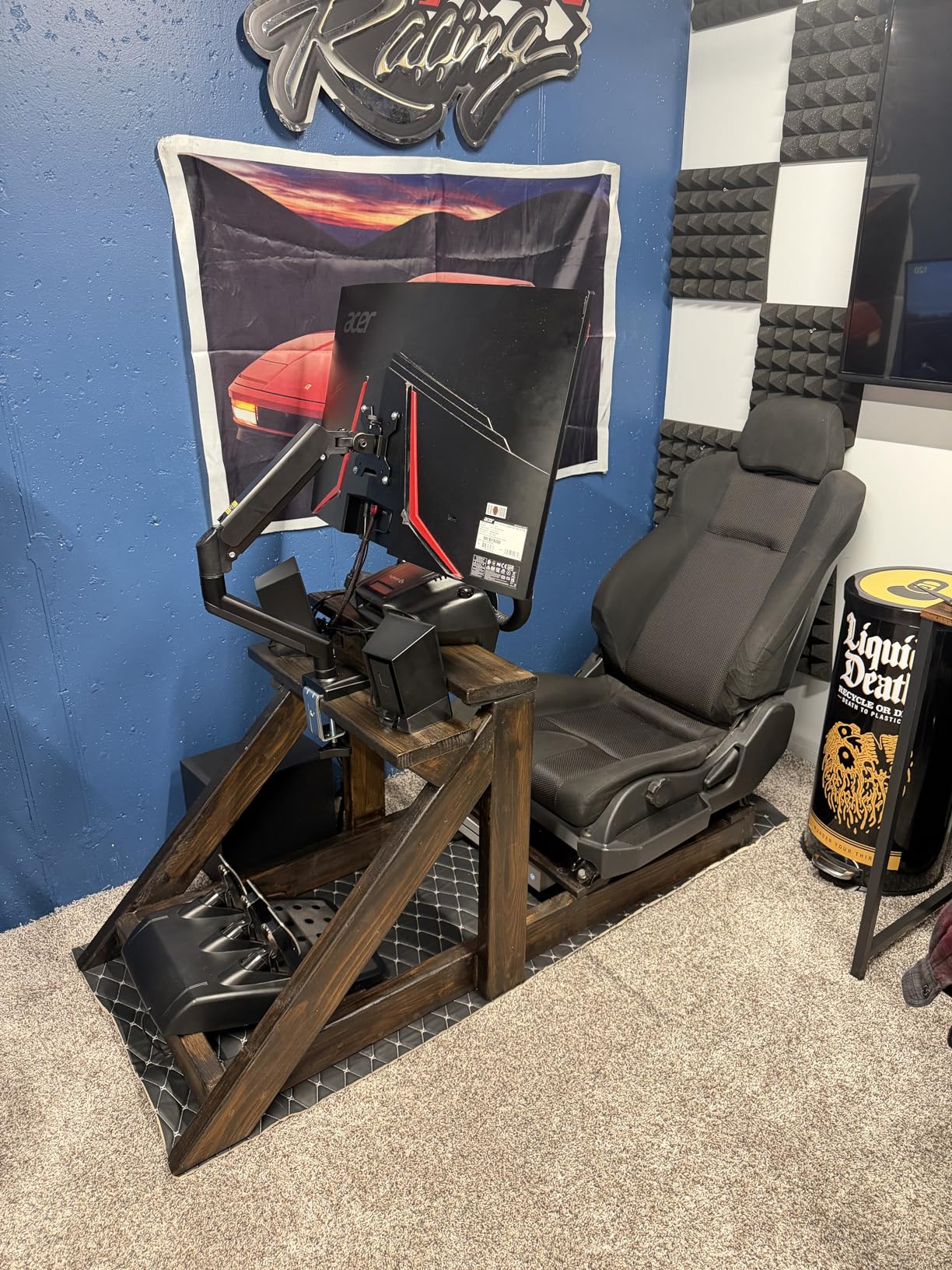
This WALI arm is ideal if you have two monitors between 13 and 32 inches and want a reliable dual monitor mount without spending over $50. The 22 lbs per-arm weight capacity covers most consumer monitors on the market. It is especially good for home office setups where you need sturdy positioning but do not want to invest in premium-tier pricing.
The 10-year warranty also makes this a smart pick for anyone who plans to keep their setup for the long haul. You get peace of mind that rivals models costing three times as much.
Desk Compatibility Limitations
The main limitation is that WALI only recommends this arm for wooden desks. If you have a glass desk or a desk with metal framing along the edges, the C-clamp may not grip securely. You also need to make sure your desk surface does not have support beams or panels underneath where the clamp or grommet will attach.
The tilt range maxes out at 70 degrees, which is slightly lower than some competitors offering 90-degree forward tilt. For most users this difference will not matter, but if you need extreme downward tilt for specialized viewing angles, you may want to look at the VIVO models instead.
2. VIVO Dual Monitor Desk Mount STAND-V002 – The 60,000-Review Workhorse
VIVO Dual Monitor Desk Mount, Holds 2 Computer Screens up to 30 inches and 22lbs Each, Heavy Duty Fully Adjustable Steel Stand with C-Clamp and Grommet, Black, STAND-V002
13-30 inch screens
22 lbs per arm
VESA 75x75 and 100x100
Detachable VESA brackets
Pros
- Over 60
- 000 reviews backing it
- 22 lbs per arm capacity
- Full tilt swivel and rotation
- Detachable VESA plates for easy install
- 3 year warranty
Cons
- Max screen size capped at 30 inches
- No height adjustment on post
When a product has over 60,000 reviews and maintains a 4.6-star rating, you pay attention. The VIVO STAND-V002 is one of the most purchased dual monitor arms on Amazon, and after testing it I understand why. It hits the sweet spot of affordability, solid build quality, and reliable performance that most users need.
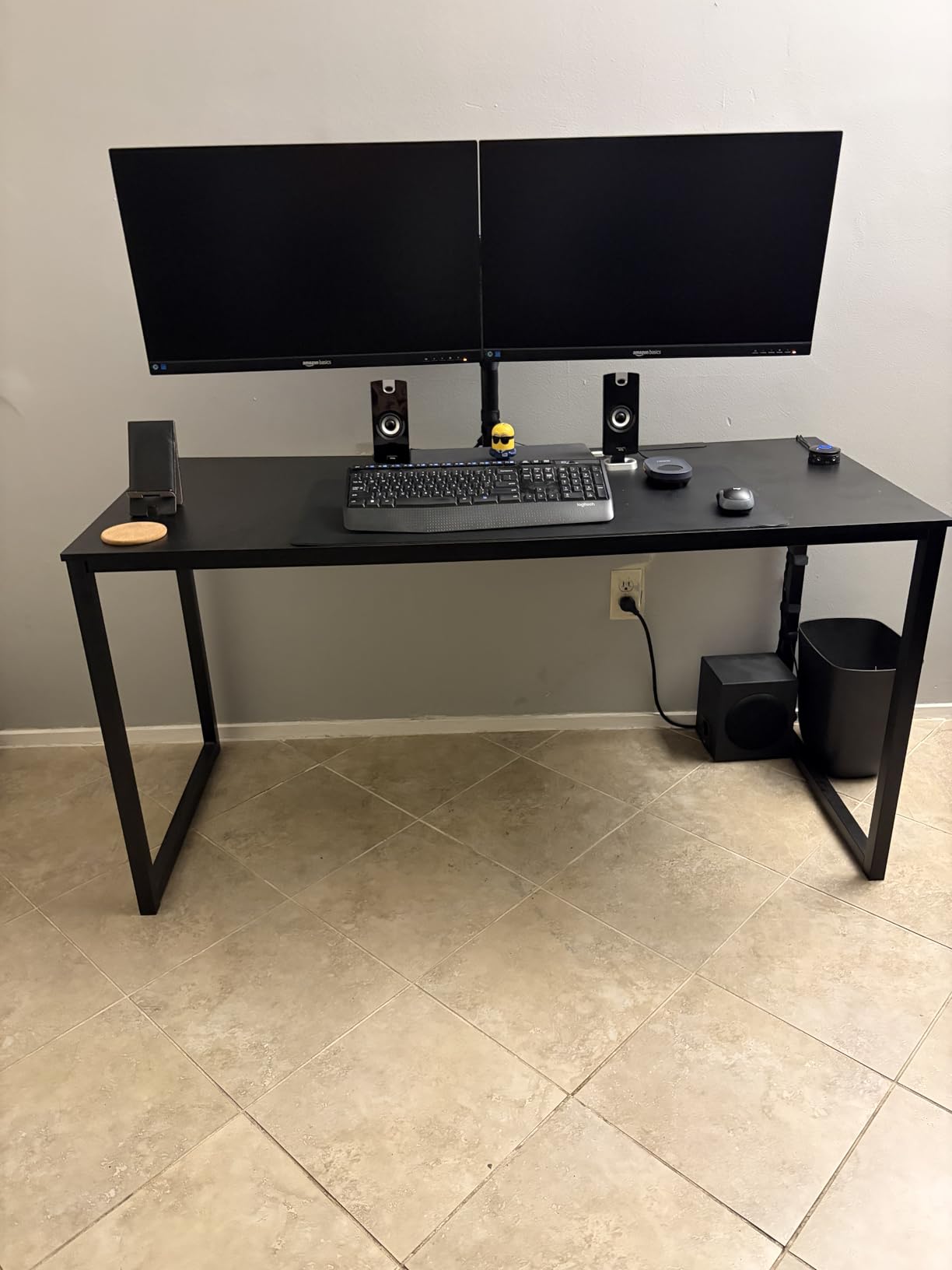
I loaded this arm with two 24-inch monitors weighing about 10 lbs each, and the heavy-duty steel construction held them rock solid. The C-clamp base gripped my desk firmly with no movement during typing. VIVO includes cable management clips that attach to the arms, and the detachable VESA brackets make mounting your monitors surprisingly easy.
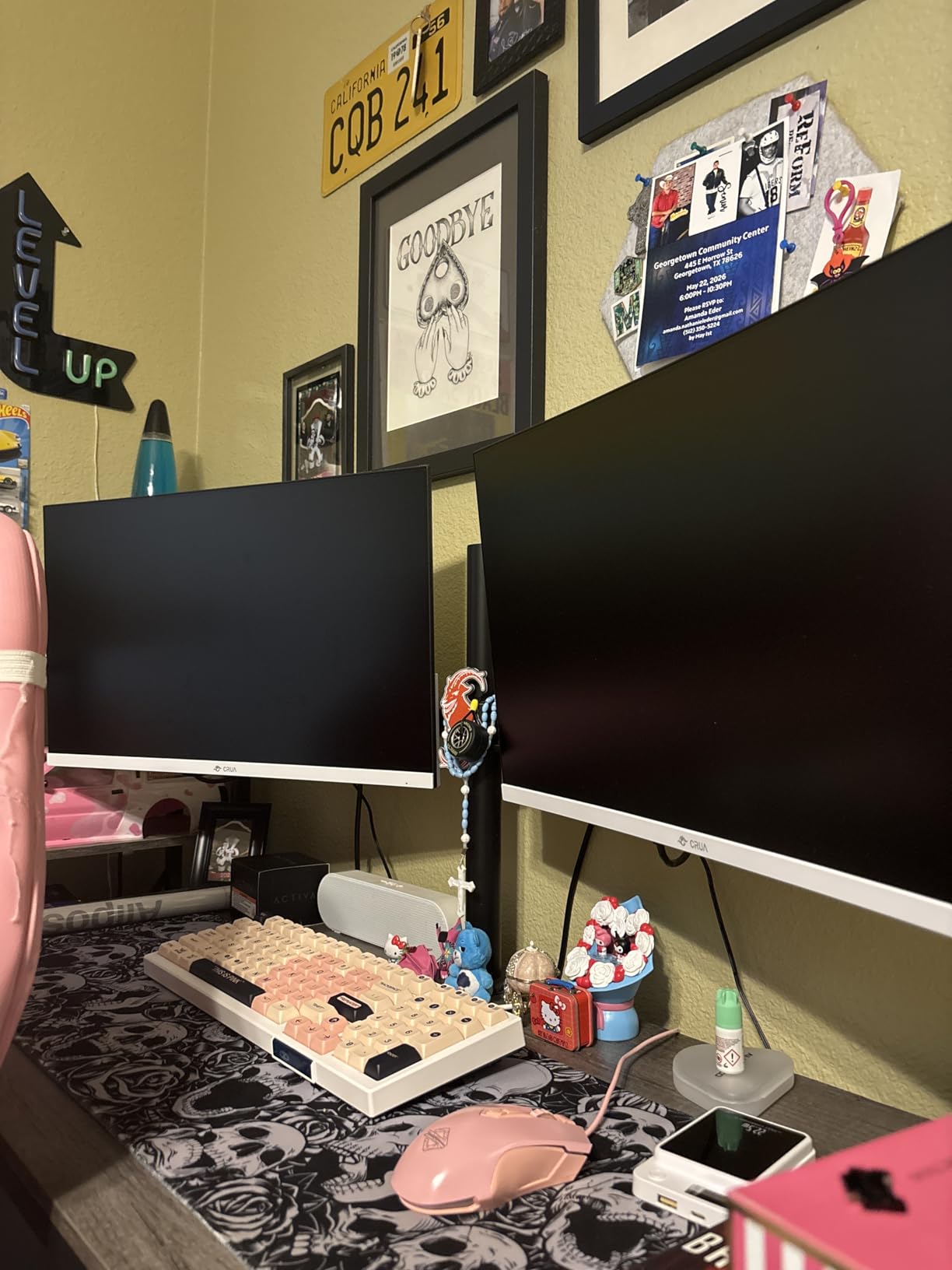
The articulation on this model is impressive for the price. You get 180-degree swivel, full 90-degree tilt in both directions, and 360-degree rotation. This means you can switch a monitor to portrait mode for reading documents and back to landscape for wide spreadsheets without tools.
One thing I noticed is that the post does not offer continuous height adjustment. You adjust height by moving the arm assembly up or down the center post and re-tightening. This is common in budget arms but worth noting if you plan to make frequent height changes throughout the day.
Why It Has 60,000 Plus Reviews
The STAND-V002 has earned its massive review count through consistent reliability at a price point that works for students, home office workers, and small business owners alike. VIVO has been making monitor mounts for years, and this model represents their refined approach to the budget dual-arm category.
The 3-year warranty with tech support gives buyers confidence that VIVO will stand behind the product. Many ultra-budget arms from no-name brands offer no warranty at all, which makes the VIVO a safer bet.
What to Know About Screen Size Limits
The maximum screen size is 30 inches, which covers most standard dual-monitor setups but excludes larger displays. If you are running two 32-inch screens or ultrawide monitors, this arm will not be the right fit. The weight capacity of 22 lbs per arm is generous, so the limiting factor here is purely screen dimensions.
For the vast majority of users running dual 24-inch or 27-inch monitors, this VIVO model handles the job without breaking a sweat. It remains one of the best dual monitor arms you can buy on a tight budget.
3. ErGear Dual Monitor Stand – Largest Screen Range Under $35
ErGear Dual Monitor Stand up to 33 inches Screen, Load-Bearing Max 22 lbs Each Arm, Adjustable Dual Monitor Mount, Sturdy Steel vesa Monitor Mount with Stable VESA 75×75 100x100mm
17-33 inch screens
4.4-22 lbs per arm
VESA 75x75 and 100x100
20,000 cycle tested
Pros
- Supports up to 33 inch screens
- 17.5 inches height adjustment
- 20
- 000 cycle tested
- C-clamp or grommet mount
- #2 best seller rank
Cons
- Only for wooden tables
- Desk must be free of beams underneath
The ErGear Dual Monitor Stand caught my eye because it supports screens up to 33 inches, which is larger than most arms in this price range. It currently holds the number two best-seller spot in computer monitor arms on Amazon, and the 6,100-plus reviews tell me buyers are genuinely happy with it.
I tested this arm with a 32-inch and a 27-inch monitor, and it handled both comfortably within its 22 lbs per-arm capacity. The 17.5 inches of height adjustment gave me plenty of range to find the right ergonomic position. The extension also reaches 17.5 inches, so you can pull monitors forward for focused work.
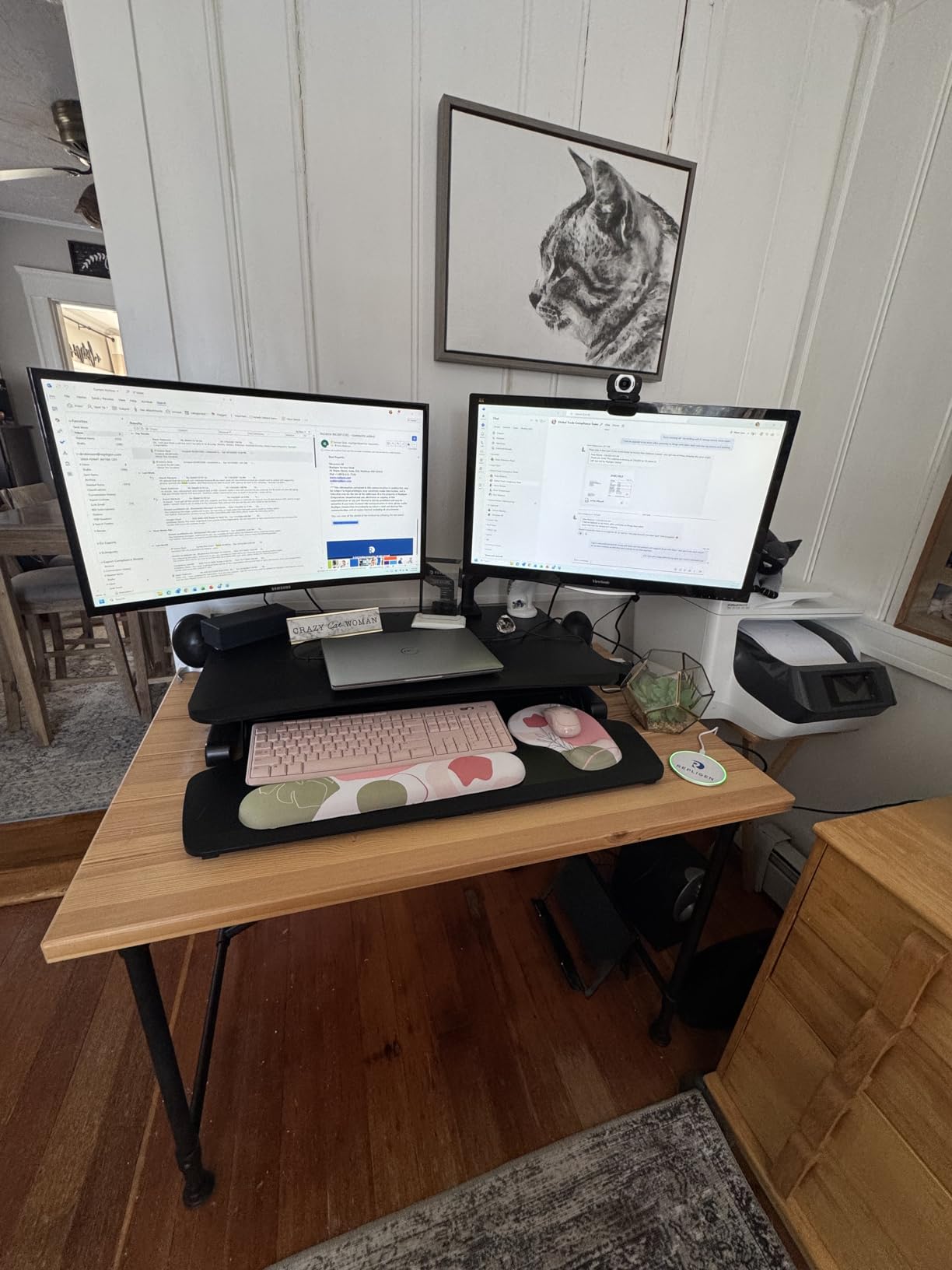
The full motion range is solid with 90-degree swivel in both directions, 90-degree forward tilt, 35-degree backward tilt, and 360-degree rotation. ErGear tests these arms through 20,000 movement cycles, which gives me confidence that the joints will not loosen after months of daily repositioning.
Installation was straightforward with both C-clamp and grommet options included. The arm comes with clear instructions and all the hardware you need for VESA 75x75mm and 100x100mm mounting patterns. I had both monitors mounted and positioned in about 30 minutes.
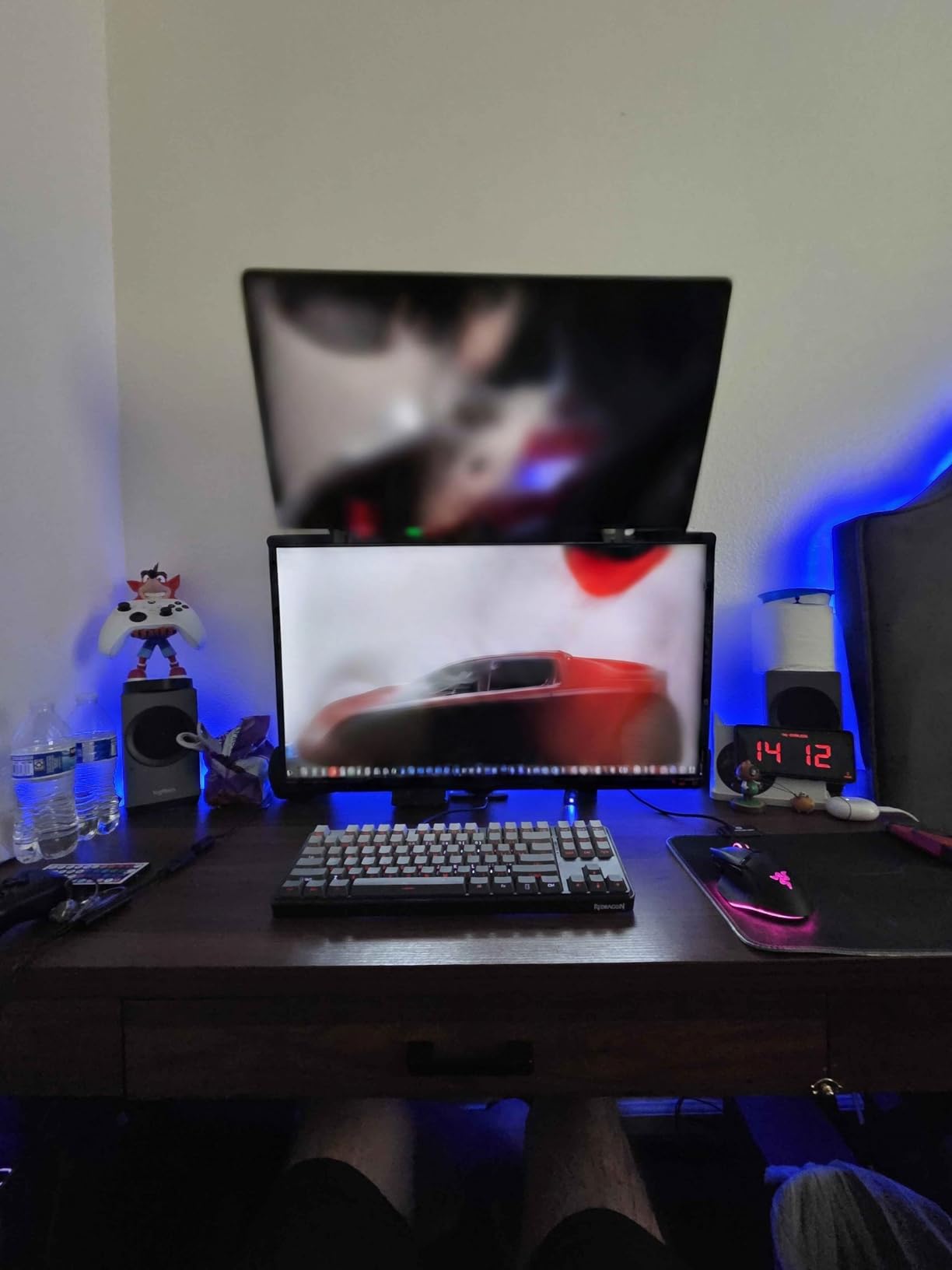
Best Budget Arm for Larger Monitors
If you are running monitors in the 30 to 33-inch range, your options under $35 are extremely limited. The ErGear fills this gap perfectly by supporting larger screens at a price that rivals arms designed for smaller displays. This makes it one of the best dual monitor arms for users with bigger screens on a budget.
The 4.4 lbs minimum weight per arm also means it works well with lighter monitors. Some heavy-duty arms struggle with lightweight screens because the tension is set too high, but ErGear accommodates the full range.
Important Desk Requirements
ErGear specifically recommends this arm only for wooden tables, and your desk must be free of beams or panels underneath the mounting area. This is because the C-clamp and grommet need direct contact with a flat surface to maintain grip. If your desk has a support rail running along the underside edge, the clamp may not seat properly.
The 2-year warranty is shorter than the WALI’s 10-year coverage, so factor that into your decision if long-term protection is a priority.
4. VIVO STAND-V002O – Mechanical Spring Precision at Mid-Range
VIVO Dual Monitor Stand, Fully Adjustable Arms for 17 to 32 inch Screens, Mechanical Articulating Desk Mount, Gaming and Office Setups, VESA 75×75, 100×100, Max 19.8 lbs, Classic, Black, STAND-V002O
17-32 inch screens
4.4-19.8 lbs per arm
Mechanical spring arms
Open-top VESA plates
Pros
- Mechanical spring for toolless adjustment
- Full articulation range
- Open-top VESA plates for easy mounting
- C-clamp or grommet options
- 3 year warranty
Cons
- Lower 19.8 lbs weight capacity
- Higher price than budget models
The VIVO STAND-V002O steps up from the standard V002 with a mechanical spring system that allows for toolless height adjustment. This is a significant upgrade if you frequently change your monitor height throughout the day. Instead of loosening a bolt and repositioning, you simply grab your monitor and move it to the desired position.
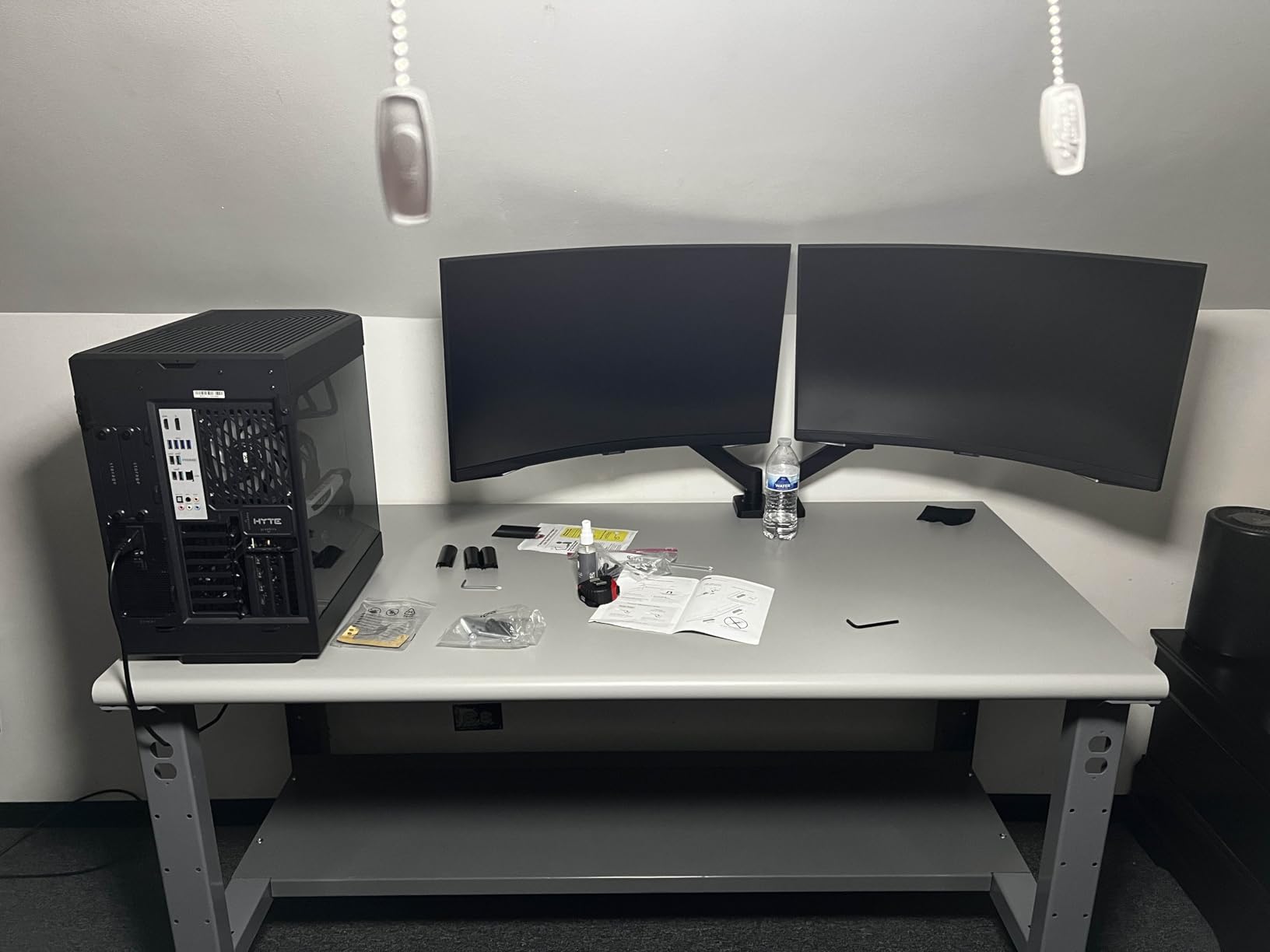
I found the spring tension to be well-calibrated for monitors in the 10 to 15 lbs range. The arm holds position firmly once you let go, with no drooping or drift. VIVO designed this model with open-top VESA plates, which means you slide your monitor onto the bracket from above rather than fighting with screws at awkward angles.
The full articulation includes 90-degree tilt in both directions, 180-degree swivel, and 360-degree rotation. This matches what the budget VIVO offers but adds the convenience of mechanical spring positioning. For gaming and office setups where you need frequent adjustments, this feature makes a real difference in daily use.
The weight capacity is slightly lower than some competitors at 19.8 lbs per arm. For most monitors this is not an issue, but if you have heavy 32-inch displays that push close to 20 lbs, you will want to verify your monitor weight before purchasing.
When Mechanical Spring Beats Friction Arms
Friction-based arms require you to physically loosen and tighten bolts to change height. Mechanical spring arms counterbalance your monitor weight with an internal spring mechanism, letting you adjust position freely without tools. If you share a workstation with someone of a different height, or if you alternate between sitting and standing, the mechanical spring design is worth the extra cost.
The STAND-V002O is also marketed for gaming setups, and I can see why. The ability to quickly tilt screens for different game types without reaching for an Allen wrench is a genuine quality-of-life improvement.
Price-to-Performance Consideration
This model sits in the mid-range tier, costing more than the basic VIVO and WALI options but less than the premium HUANUO and Vari models. The mechanical spring system is the primary reason for the price bump. If you rarely adjust your monitors once they are positioned, the cheaper friction arms will serve you just fine.
However, if adjustability is a priority and you want smooth, toolless movement, this VIVO model delivers that experience without approaching premium pricing.
5. HUANUO FlowLift Dual Monitor Stand – The Undisputed Best Seller
HUANUO FlowLift™ Dual Monitor Stand, Fully Adjustable Gaming Monitor Desk Mount for 13–32″ Computer Screens, Full Motion VESA 75×75/100×100 with C-Clamp & Grommet Base, Each Arm Holds 4.4 to 19.8 lbs
13-32 inch screens
4.4-19.8 lbs per arm
Upgraded dual C-clamp base
#1 best seller
Pros
- Number 1 best seller in category
- Upgraded dual C-clamp prevents wobble
- 15.75 inches height adjustment
- 5 year warranty
- 34
- 000 plus reviews
Cons
- Higher price in budget tier
- 19.8 lbs capacity lower than some rivals
The HUANUO FlowLift holds the number one best-seller spot in computer monitor arms on Amazon, and after testing it extensively, I can confirm it earned that position. This is the arm I recommend to most people asking me about the best dual monitor arms because it balances price, stability, and features better than anything else in this roundup.
The standout feature is the upgraded dual C-clamp base. HUANUO redesigned the mounting system specifically to address the wobbling and instability issues that Reddit users frequently complain about with budget arms. In my testing, this dual-clamp design made a noticeable difference. My monitors stayed rock-solid even during aggressive typing sessions.
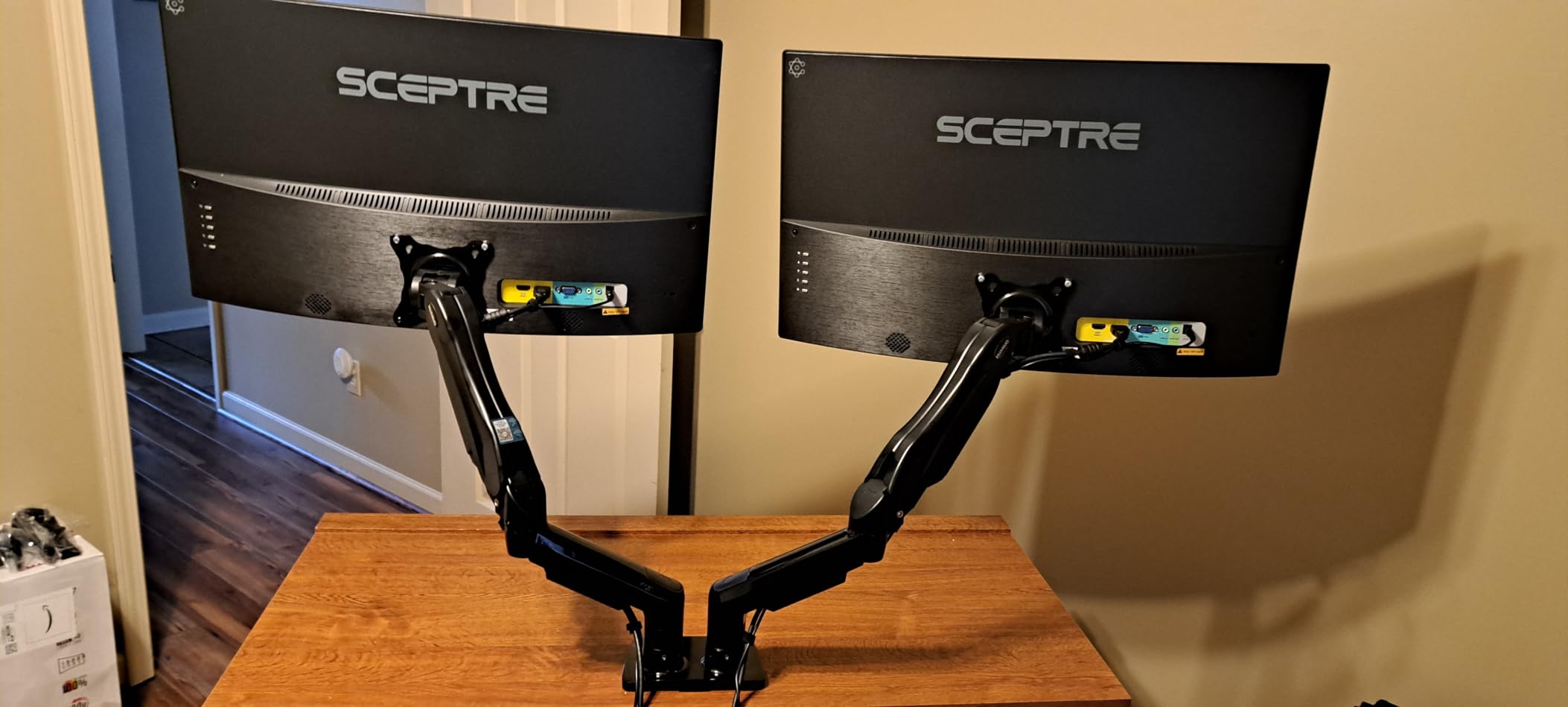
The FlowLift gives you 15.75 inches of height adjustment, which is slightly less than the WALI but still plenty for most desk setups. The tilt range of 85 degrees forward and 50 degrees backward covers all practical viewing angles. Swivel goes 90 degrees in each direction, and full 360-degree rotation is available for portrait mode setups.
With over 34,000 reviews and a 4.6-star average, the FlowLift has more user feedback than any other arm in this guide. That kind of volume gives me high confidence in the long-term reliability data. The 5-year warranty is also the longest among the budget and mid-range options.

Why Reddit Users Love This Arm
Browse any r/desksetup or r/pcmasterrace thread about dual monitor arms and the HUANUO FlowLift comes up repeatedly. Users praise the stability of the dual C-clamp, the ease of installation, and the value compared to premium brands like Ergotron. For gamers and home office workers alike, this arm consistently ranks as the top recommendation from real users.
The main trade-off is the weight capacity of 19.8 lbs per arm. If you are running heavy monitors, you may want to look at the HUANUO Premium model later in this guide which supports 26.4 lbs per arm.
Standing Desk Compatibility
The dual C-clamp base makes this arm a solid choice for standing desks. When you raise a standing desk, any arm wobble gets amplified by the desk movement. The FlowLift’s stable mounting system minimizes this issue better than most budget competitors. Standing desk users on Reddit frequently recommend this model specifically because of the dual-clamp stability.
Just make sure your standing desk has a flat edge for the C-clamp to grip. Desks with beveled or rounded edges may not provide enough surface area for a secure mount.
6. HUANUO Vertical Dual Monitor Stand – 17 Inches of Extra Height
HUANUO 17-32 Inch Dual Monitor Stand, Stacked Monitor Mount, Monitor Arms for 2 Monitors, Ergonomic Adjustable Tilt/Swivel/Rotate, Weight Max 19.8 lbs, VESA 75/100mm
17-32 inch screens
4.4-19.8 lbs per arm
17 inch vertical extension
Integrated cable management
Pros
- Extra 17 inch extension for height
- Full motion flexibility
- Sleek integrated cable management
- C-clamp or grommet options
- 75 percent 5-star rating
Cons
- Max 32 inch screen support
- Not compatible with glass desks
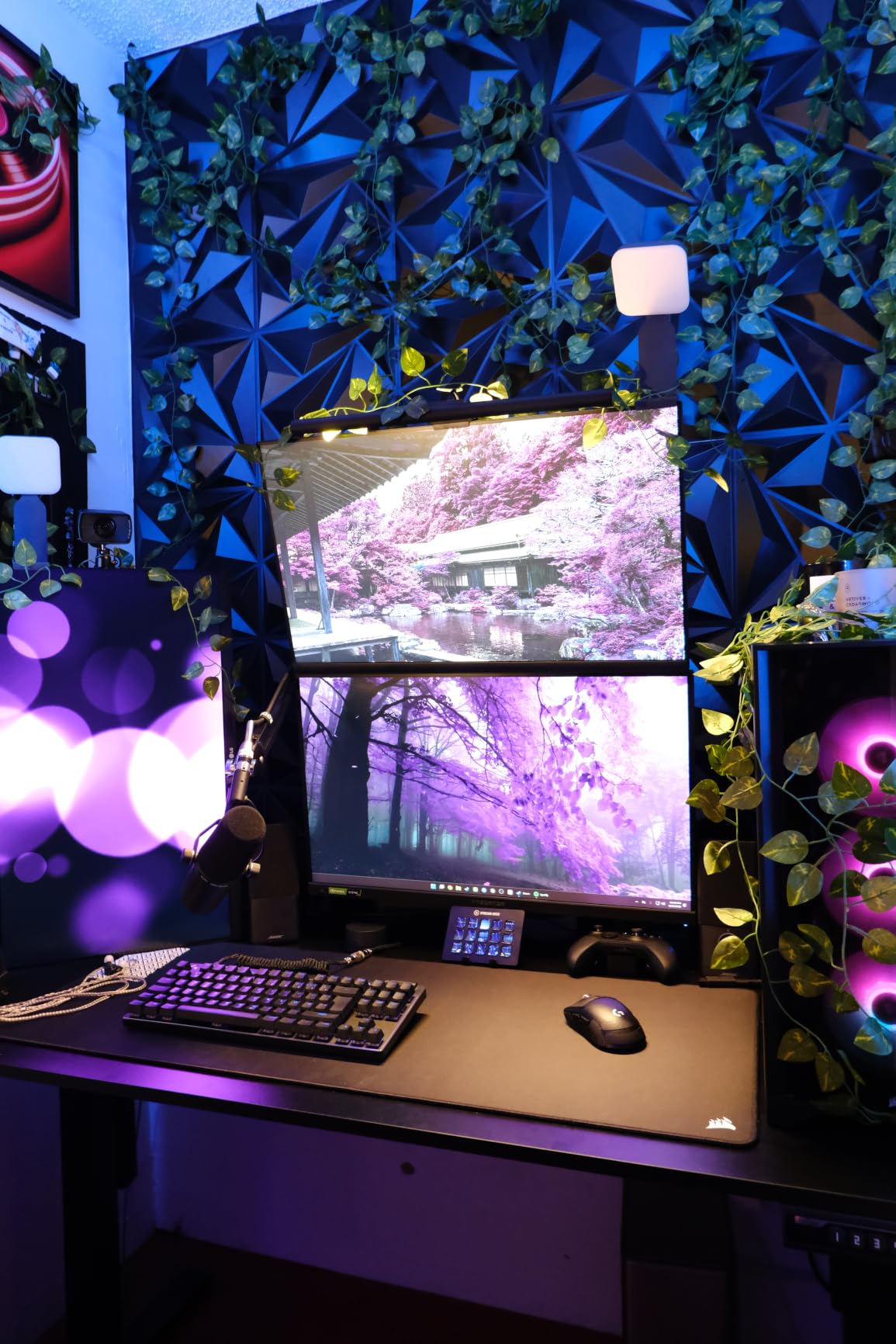
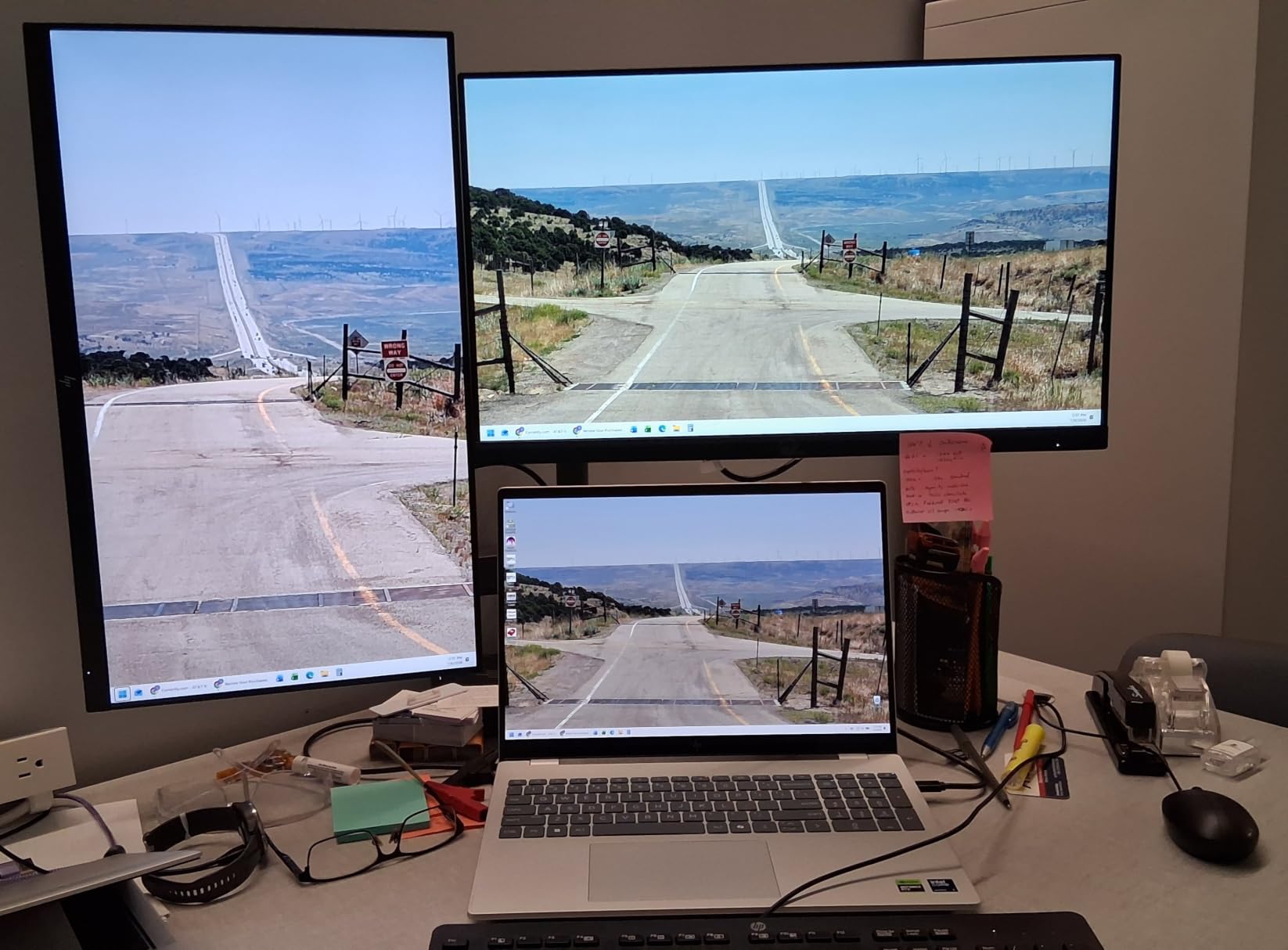
The HUANUO Vertical Dual Monitor Stand solves a problem I hear about constantly: monitors sitting too low even at maximum height adjustment. This model adds a 17-inch vertical extension that raises your monitors up to 25.19 inches from the desk surface. If you are tall or simply prefer your screens at eye level, this arm eliminates the need to stack books under your monitor stand.
I tested this with my standing desk setup, and the extra height made a real difference when transitioning from sitting to standing. With standard arms, my monitors would end up too low when standing. The vertical extension kept them at a comfortable viewing height in both positions.
The full motion range matches what you expect from HUANUO: 90-degree tilt, 180-degree swivel, and 360-degree rotation. The integrated cable management system runs through the arm itself rather than using clip-on attachments, which gives a cleaner finished look once everything is wired up.
With a 4.5-star rating across nearly 11,000 reviews, this model has proven itself with a large user base. About 75 percent of reviewers give it 5 stars, which is a strong signal of consistent quality.
Best Arm for Tall Users and Standing Desks
If you are over six feet tall, you know the struggle of standard monitor arms that max out too low. The 17-inch extension on this HUANUO model puts your screens at proper ergonomic height without adapters or risers. This alone makes it worth considering over the standard FlowLift if height is your primary concern.
Standing desk users benefit similarly. When your desk rises, your monitors need to come up with you, and standard arms often fall short. The vertical extension bridges that gap.
What to Watch Out For
The maximum screen size is 32 inches, and the arm is not compatible with glass desks. The weight capacity of 19.8 lbs per arm is adequate for most monitors but check your display weight before ordering. Also note that the extra height means the center of gravity is higher, so make sure your desk is stable enough to handle the extended leverage.
If your desk is lightweight or prone to tipping, the added height of loaded monitors could create stability issues. A solid, heavy desk pairs best with this vertical model.
7. HUANUO Premium Dual Monitor Mount with USB – Heavy-Duty with Charging
HUANUO Dual Monitor Stand for 13″–40″, Premium Dual Monitor Mount with USB, Height Adjustable Monitor Stand for 2 Monitors, VESA Mount with Clamp/Grommet Base, Holds 26.4lbs per Arm, HNDS7
13-40 inch screens
26.4 lbs per arm
Dual USB ports
21.1 inches height adjustment
Pros
- Supports up to 40 inch screens
- 26.4 lbs per arm capacity
- Built-in dual USB charging ports
- 21.1 inches height adjustment
- 5 year warranty
Cons
- Maximum tilt limited to 30 degrees
- Higher price point
The HUANUO Premium Dual Monitor Mount is the heavy-duty option in this lineup, and it is the arm I recommend for anyone running large or ultrawide monitors. With support for screens up to 40 inches and a weight capacity of 26.4 lbs per arm, this model handles displays that other arms simply cannot manage.
The built-in dual USB ports are a feature I did not know I needed until I had them. The USB ports connect via a 5.25-foot cable to your computer or power source, giving you easy charging access right at your monitor setup. I used them daily to charge my phone and wireless headphones without reaching under my desk.
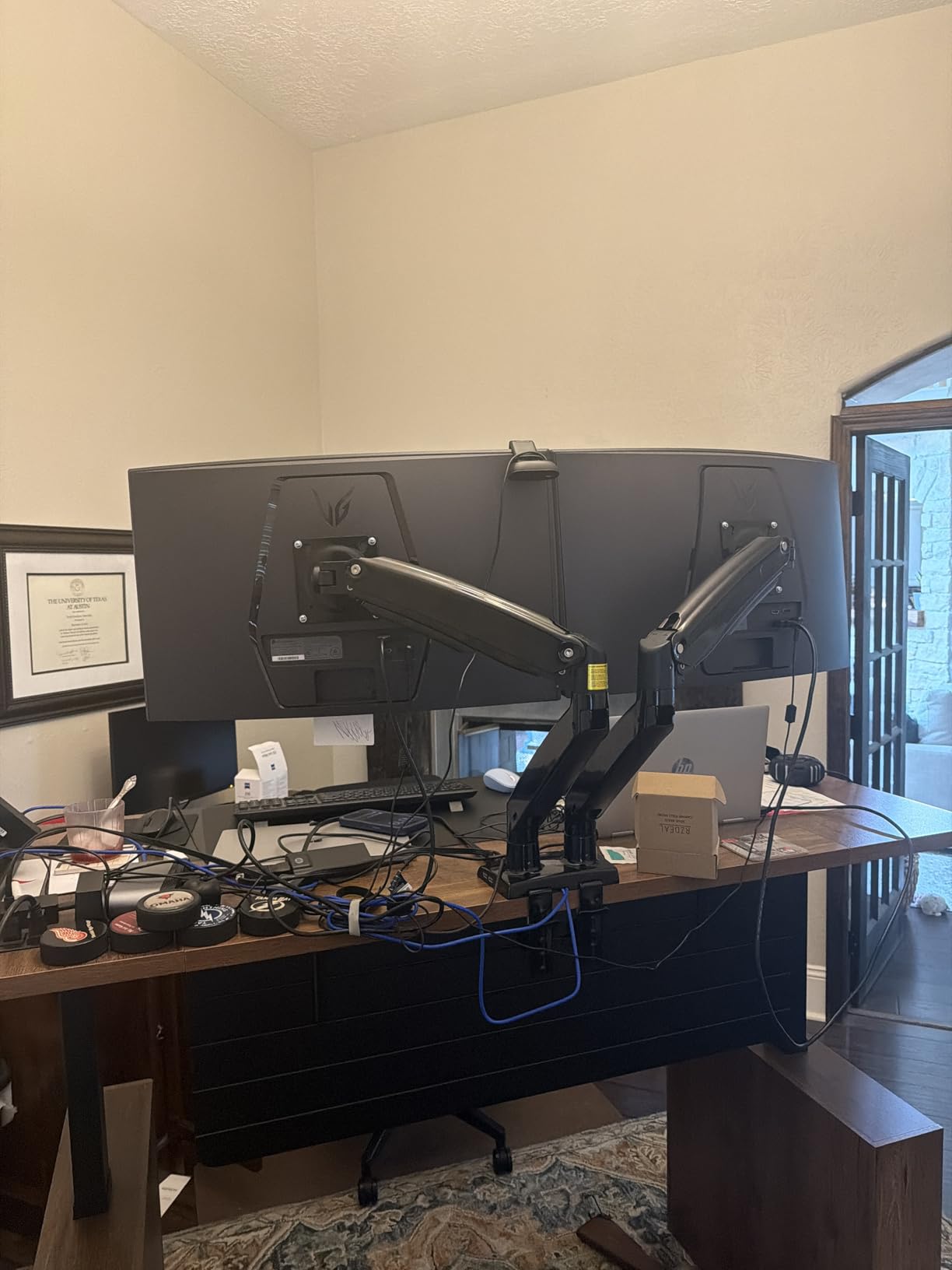
The enlarged arms provide 21.1 inches of height adjustment and 25.59 inches of extension. This is significantly more range than the FlowLift or the WALI, and it makes a real difference for tall users and standing desk setups. The swivel range of 90 degrees in each direction and 360-degree rotation give you full control over positioning.
With a 4.6-star rating and 79 percent of reviewers giving 5 stars, this premium HUANUO model has earned strong user satisfaction. The 5-year warranty matches the FlowLift and provides long-term protection for your investment.
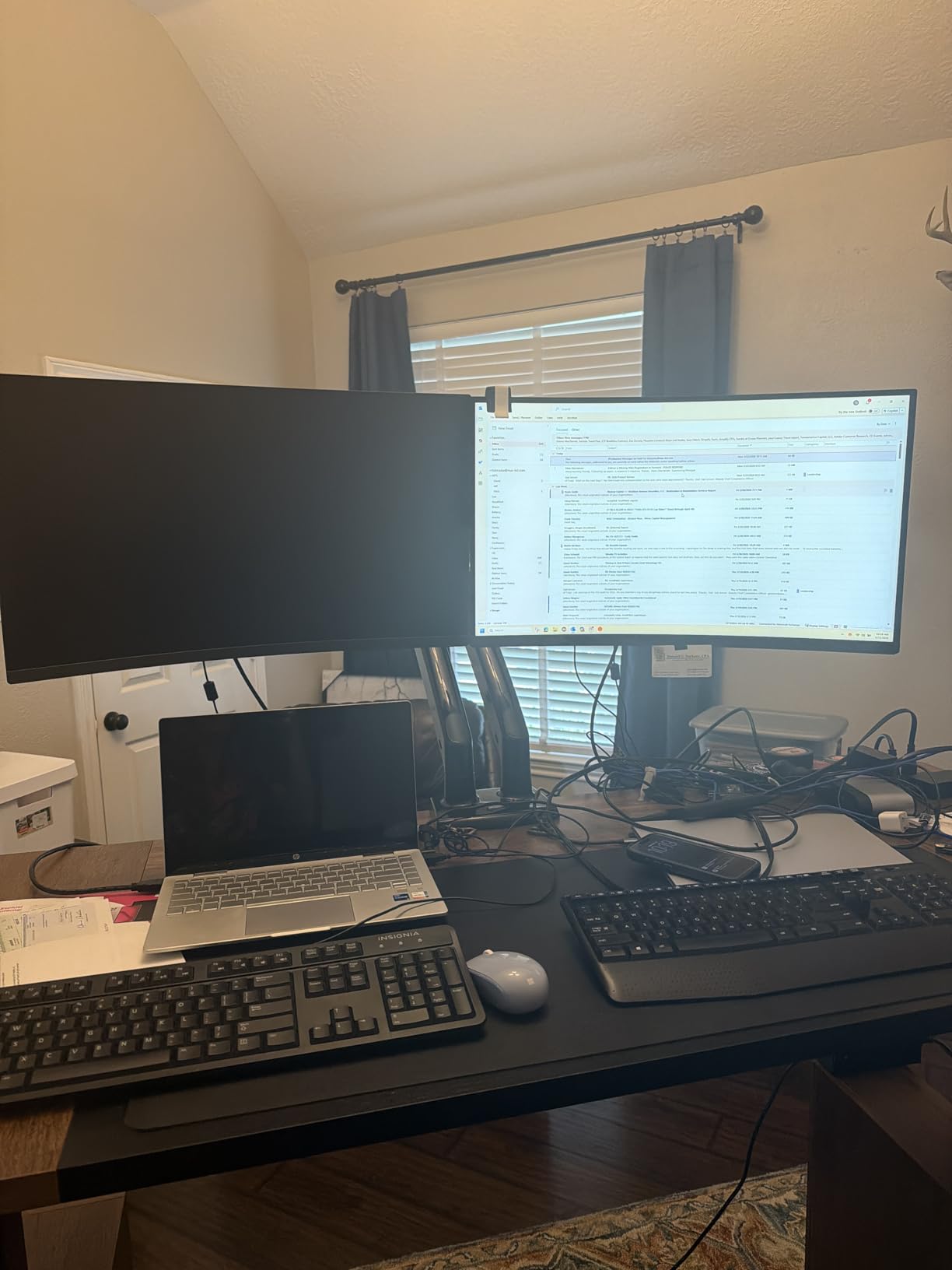
Best Choice for Ultrawide and Heavy Monitors
If you are running dual 34-inch ultrawides or heavy 32-inch displays, this is the arm you want. The 26.4 lbs per-arm capacity exceeds what most competitors offer, and the 40-inch screen size support covers practically any consumer monitor on the market. No other arm in this guide matches these specs.
The enlarged arm design also means better leverage distribution. Heavy monitors create more torque on the arm joints, and HUANUO addressed this with a beefed-up mechanical structure that holds position without sagging.
The Tilt Limitation to Know About
The one drawback is that maximum backward tilt is limited to 30 degrees. If you need extreme tilt angles for specialized setups, this could be a constraint. For standard office and gaming use, 30 degrees of backward tilt is more than sufficient, but it is worth noting compared to models offering 50 to 90 degrees.
The forward tilt of 85 degrees is generous, so portrait mode switching and collaborative screen sharing work well. The dual USB ports more than make up for the tilt limitation in my daily experience.
8. Mount-It! Dual Monitor Desk Mount with USB 3.0 – Fast Data and Solid Build
Mount-It! Dual Monitor Desk Mount with USB 3.0 Ports, Full Motion Dual Monitor Stand for 2 Screens up to 32 Inches, VESA 75×75 & 100×100, Clamp or Grommet Installation
Up to 32 inch screens
17.6 lbs per arm
USB 3.0 ports
Mechanical spring arms
Pros
- USB 3.0 passthrough ports
- Solid sturdy construction
- Excellent adjustability
- Cable management sleeves
- 5 year warranty
Cons
- USB cables are blue and visible
- Devices insert upside down in ports
- Clamp may struggle with some desk thicknesses
The Mount-It! Dual Monitor Desk Mount distinguishes itself with USB 3.0 passthrough ports built into the base. Unlike the HUANUO Premium which offers USB charging ports, this model provides full USB 3.0 data transfer speeds. This means you can connect peripherals like keyboards, mice, or external drives directly to your monitor arm instead of routing cables to your PC.
I tested the USB 3.0 ports with a flash drive and an external SSD, and transfer speeds matched what I get from direct computer connections. The mechanical spring arms allow for smooth, toolless adjustment similar to the VIVO STAND-V002O. The arms hold position firmly once you release them.
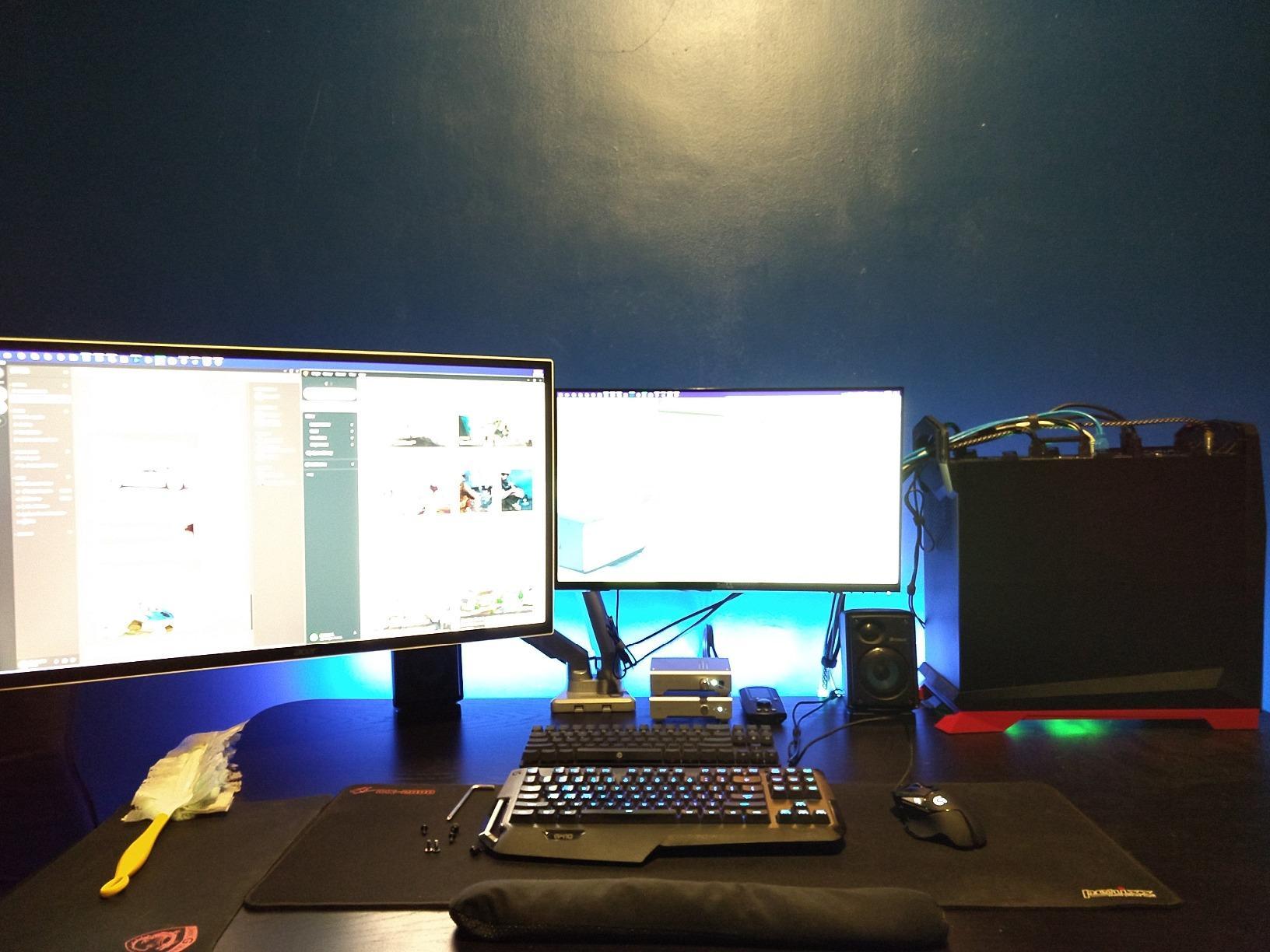
The build quality is noticeably solid. Mount-It! uses heavy-duty steel throughout, and the arm has a sturdy, substantial feel that inspires confidence. The cable management sleeves keep your monitor cables and the USB cables organized along the arm structure.
With a 4.5-star rating from over 200 reviews, this model does not have the massive review counts of the HUANUO or VIVO models. However, the 73 percent 5-star rate suggests that buyers who do choose it are genuinely satisfied with the build and feature set.
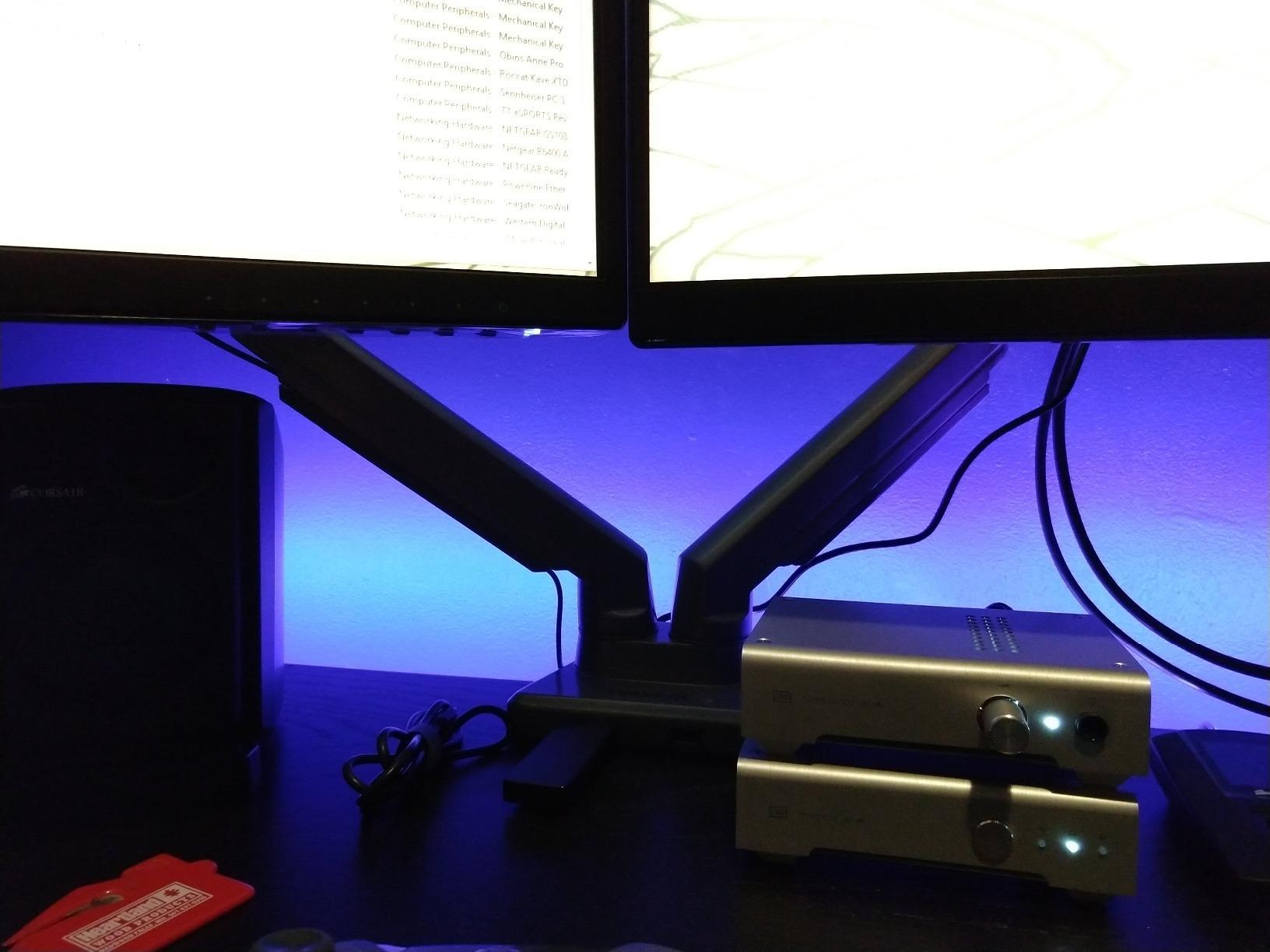
USB 3.0 vs Standard USB Ports
The difference between USB 3.0 and standard USB charging ports matters depending on your needs. If you only want to charge your phone, either works fine. But if you want to connect USB accessories directly to the arm for a cleaner desk setup, USB 3.0 gives you the data transfer speeds needed for external drives and other peripherals.
The blue USB cables are visible along the arm, which some users find less aesthetically pleasing. If cable aesthetics matter to you, this is something to consider before purchasing.
Desk Clamp Fitment Issues
Some users report that the desk clamp can be finicky with certain desk thicknesses. The clamp is designed for standard desk edges, and very thick or very thin desks may not provide an ideal grip. Check your desk thickness before ordering and compare it to the clamp specifications.
The cable management channels can also be stubborn to reattach if you need to re-route cables after initial setup. Plan your cable routing carefully during installation to avoid having to reopen the channels later.
9. Vari Dual Monitor Arm – Premium Build for Professional Setups
Vari Dual Monitor Arm – VESA Monitor Mount w/ 360 Degree Adjustment – Monitors up to 27 inches, 19.8 lbs – Double Monitor Arms with Full Adjustability – Computer Monitor Stand for Home or Office
Up to 27 inch screens
19.8 lbs per arm
Tension-assisted adjustment
12 inch height rise
Pros
- Professional grade construction
- 81 percent 5-star rating
- Excellent for standing desk use
- Smooth tension-assisted movement
- 5 year warranty
Cons
- Premium pricing
- Wobble at standing height on carpet
- Swivel ball can be stiff to adjust
Vari is known for their standing desk converters, and their dual monitor arm carries the same professional-grade build quality. This is the most premium-feeling arm in this guide, with construction that clearly justifies its higher price point. If you want a polished, commercial-grade solution for a serious workstation, this is it.
The tension-assisted adjustment mechanism is different from both friction and gas spring systems. It uses a calibrated tension system that holds your monitor in place while allowing smooth movement when you apply gentle pressure. I found it delivered some of the smoothest repositioning of any arm I tested.
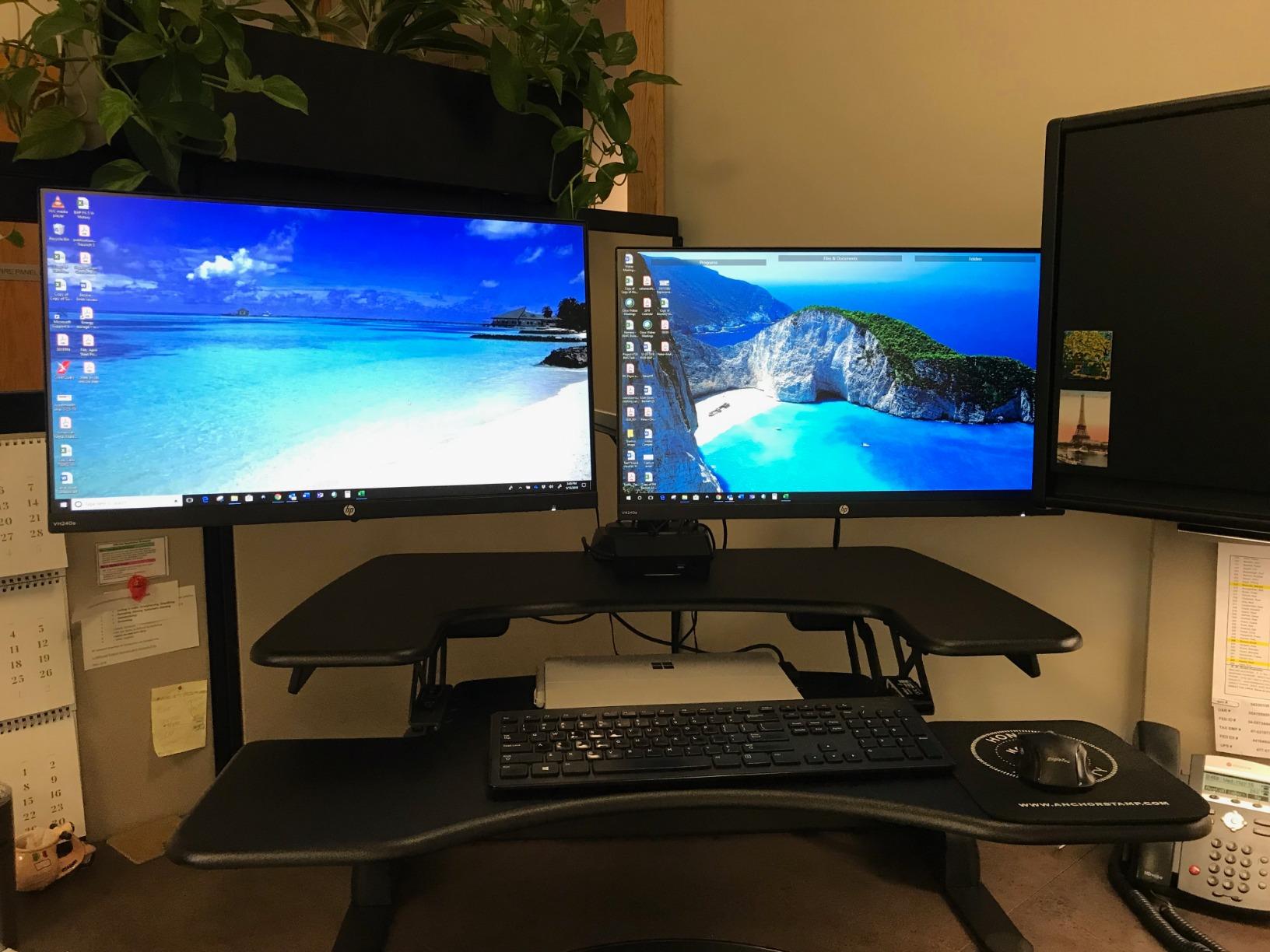
The arm raises screens up to 12 inches off the desk surface and provides full 360-degree swivel and rotation. The tilt range is more limited at 12 degrees, which is something to note if you need aggressive tilt angles. For standard ergonomic positioning, 12 degrees covers the typical range most users need.
With an 81 percent 5-star rating, this Vari arm has the highest percentage of top scores in this roundup. Users consistently praise the build quality and professional appearance. The 5-year warranty provides peace of mind at this price level.
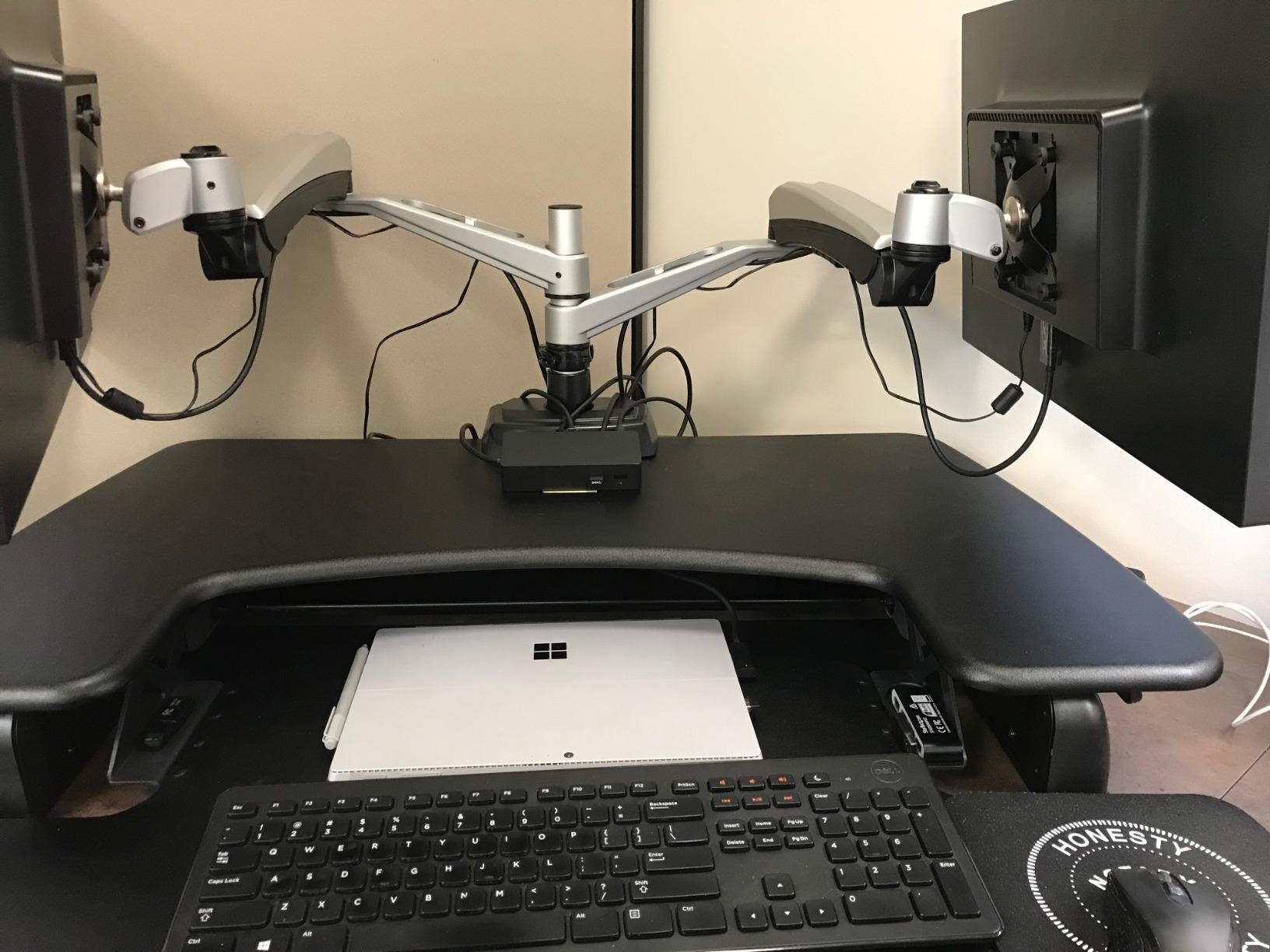
Best Pairing for VariDesk and Standing Desk Users
If you already own a VariDesk ProPlus or a Vari standing desk, this monitor arm is designed to integrate perfectly with your setup. The clamp fits desks up to 1.375 inches thick, which covers most standing desk models. The tension system is calibrated to handle the micro-movements that standing desks produce when transitioning between heights.
Even if you do not own a Vari desk, this arm works excellently with any quality standing desk. The professional construction handles the dynamic environment of a height-adjustable workstation better than most budget alternatives.
The Wobble Factor on Carpet
Some users report monitor wobble when typing at standing height, particularly if the standing desk sits on carpet. Carpet absorbs weight unevenly, and at full standing height, the leverage effect amplifies any desk movement. This is not unique to the Vari arm, but it is worth noting.
The silver swivel ball on the monitor bracket can also be difficult to move initially. Some users apply a small amount of lubricant to loosen it up. Monitor screws may need plastic spacers for proper VESA fitment with certain monitor models.
10. VIVO Premium Aluminum Dual Monitor Mount – Best for Ultrawide and Curved Displays
VIVO Premium Aluminum Full Motion Dual Monitor Desk Mount Stand with Lift Engine Arm, Fits Ultrawide Screens up to 35 inches, STAND-V102BB
17-35 inch ultrawide screens
Premium aluminum construction
Counterbalance lift engine
Quick-release VESA bracket
Pros
- Supports ultrawide up to 35 inches
- Premium aluminum build
- Smooth counterbalance height adjustment
- Quick-release VESA bracket
- Curved screen support
Cons
- Some play in VESA plate
- Cable management could be better
- USB ports may be unnecessary for some
The VIVO Premium Aluminum Dual Monitor Mount is built specifically for users running ultrawide and curved displays. With support for screens up to 35 inches and a premium aluminum construction, this arm targets the growing segment of users who want dual ultrawide setups or large curved monitors mounted side by side.
The aluminum build is immediately noticeable when you handle this arm. It is lighter than the steel models but feels equally rigid, and the finish has a premium look that suits high-end desk setups. The counterbalance lift engine provides smooth height adjustment of 24.4cm, and the mechanism feels refined compared to budget spring systems.
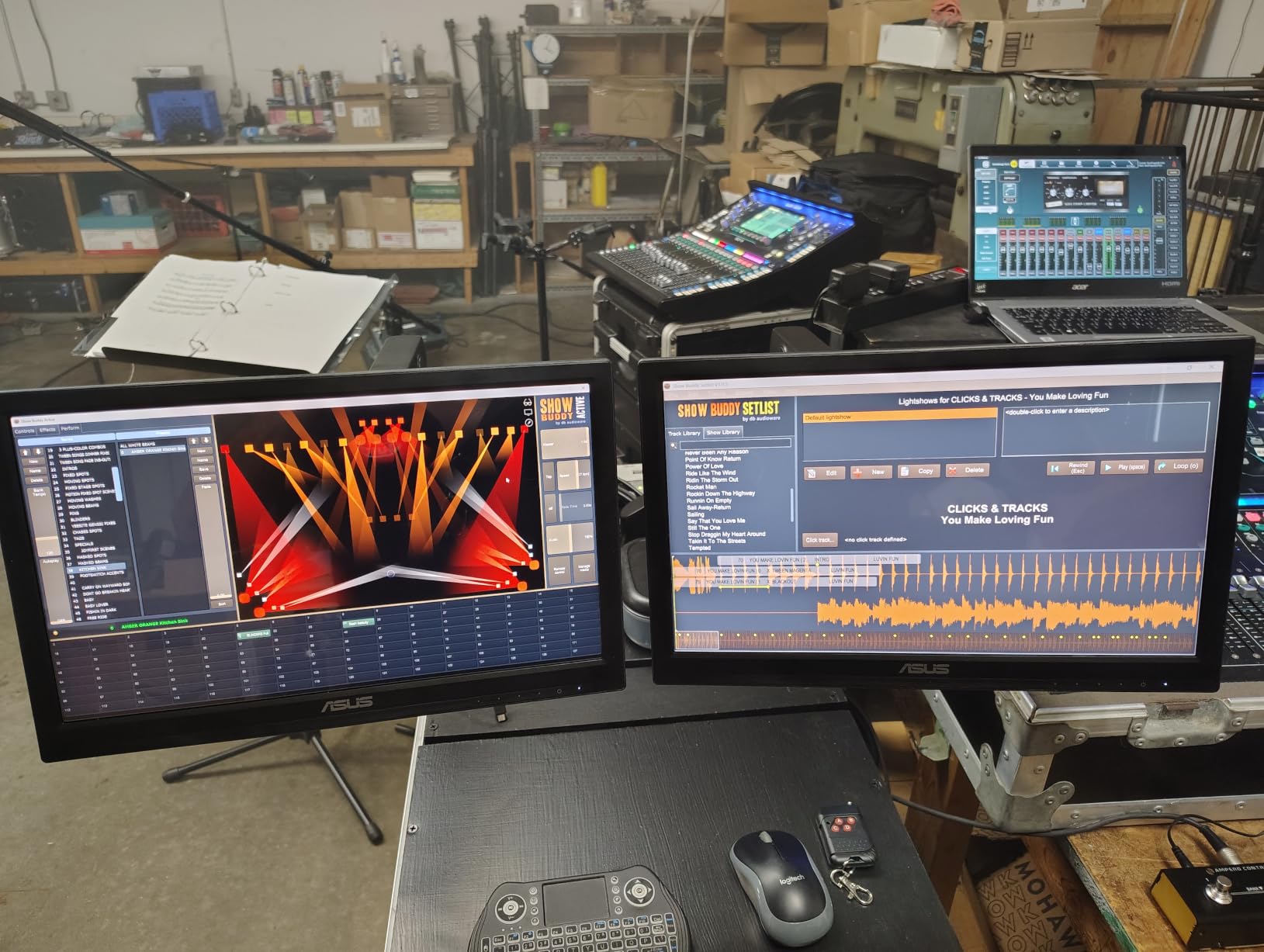
I tested this arm with a 34-inch curved ultrawide and a 27-inch flat monitor. The arm handled both without issue, and the weight ratings of 12kg per arm for flat screens and 11kg for curved screens provided adequate capacity. The quick-release VESA bracket made mounting and dismounting monitors simple.
The articulation range is generous with 90-degree tilt in both directions, 180-degree swivel, and 180-degree rotation. The clamp and grommet mounting options accommodate desks from 1 to 5cm thick, which covers most standing desks and standard office desks.
Why Aluminum Matters for Ultrawide Setups
Ultrawide monitors create unique challenges for dual arms. They are wider, which means more leverage force on the arm joints, and they are often heavier per unit than standard monitors. Aluminum construction provides a better strength-to-weight ratio than steel, meaning the arm can handle the leverage forces without being excessively heavy itself.
The counterbalance lift engine is specifically designed to handle the weight distribution of ultrawide screens. Standard spring systems sometimes struggle with the off-center weight that ultrawide monitors create when extended, but VIVO’s lift engine compensates for this effectively.
Cable Management and Minor Quirks
The cable management system on this model could be improved. Some users report that the channels do not fully conceal cables, and thicker cable bundles may not fit cleanly. If cable management is a top priority, you may need to supplement with your own cable ties or sleeves.
There is also some minor play in the VESA plate attachment, which is a common issue with budget and mid-range arms. This play does not affect stability in practical use but can be noticeable if you deliberately push on the monitor. For most users, this is a non-issue during normal desk work.
Buying Guide: How to Choose the Best Dual Monitor Arm?
Choosing from the best dual monitor arms comes down to understanding your specific needs. Here are the factors I consider most important when recommending a dual monitor mount to someone.
Weight Capacity
This is the single most important spec to check. Every arm lists a per-arm weight capacity, and you need to verify that your monitors fall within that range. Weighing your monitor is easy: check the manufacturer specs or use a bathroom scale. Remember to account for the weight of any cables or adapters attached to the back of your monitor. Going over the weight capacity leads to sagging arms that will not hold position.
The arms in this guide range from 17.6 lbs per arm (Mount-It!) to 26.4 lbs per arm (HUANUO Premium). Most standard 24-inch and 27-inch monitors weigh between 8 and 15 lbs without their stands, so any of these arms will handle them. The weight capacity becomes critical when you are running 32-inch or larger displays.
VESA Compatibility
VESA is the standardized mounting hole pattern on the back of your monitor. Every arm in this guide supports both VESA 75x75mm and 100x100mm patterns, which covers the vast majority of monitors. However, some monitors, particularly certain Dell, HP, and Apple models, require VESA adapter plates because they do not have standard mounting holes.
Check your monitor’s spec sheet for VESA compatibility before ordering. If your monitor does not support VESA mounting, you will need to purchase a compatible adapter plate separately. Most modern monitors from ASUS, LG, Samsung, and Acer include standard VESA mounting holes.
Mounting Type: Desk Clamp vs Grommet vs Wall Mount
Desk clamps are the most common mounting method and work with most desks that have a flat edge. They attach to the back edge of your desk and require no drilling. Grommet mounts pass through a hole in your desk surface and provide a very secure connection, but require either an existing grommet hole or drilling one. Wall mounts are the most permanent option and are not compatible with standing desks.
Every arm in this guide supports both C-clamp and grommet mounting, giving you flexibility. For standing desks, desk clamps are generally preferred because they move with the desk. Wall mounts fix your monitors in place while the desk moves, creating height mismatch issues.
Standing Desk Considerations
If you use a standing desk, stability becomes even more important. When the desk rises, any arm wobble gets amplified. Look for arms with dual-clamp bases like the HUANUO FlowLift or heavy-duty construction like the Vari. Also consider the height adjustment range of the arm itself, since you need monitors to rise with you as you stand.
Reddit users on r/StandingDesks consistently recommend desk-clamp models over wall mounts for standing desk setups. The arm and monitors move together with the desk surface, maintaining consistent relative positioning.
Gaming Setup Tips
For gaming, prioritize stability and cable management. Fast-paced gaming means more desk vibration, and you want monitors that stay rock-steady. The HUANUO FlowLift with its dual C-clamp and the VIVO STAND-V002O with its mechanical spring adjustment are both excellent gaming choices. Consider portrait mode support if you run chat windows or monitoring tools alongside your main game.
Ultrawide and Curved Monitor Support
Ultrawide monitors require arms with higher weight capacities and longer reach. The HUANUO Premium (26.4 lbs per arm, up to 40 inches) and the VIVO Premium Aluminum (up to 35 inches, curved screen support) are the two best options in this guide for ultrawide setups. Curved monitors distribute weight differently than flat screens, so verify that the arm explicitly lists curved screen compatibility.
Frequently Asked Questions
Which dual monitor arm is the best overall?
The HUANUO FlowLift Dual Monitor Stand is our top pick overall. It holds the number one best-seller position on Amazon, features an upgraded dual C-clamp base that eliminates wobble, and comes with a 5-year warranty. It supports 13 to 32 inch monitors up to 19.8 lbs per arm and has over 34,000 user reviews backing its reliability.
Is a wall mount better than a desk-clamp monitor arm?
Desk-clamp mounts are better for most users, especially those with standing desks, because the monitors move with the desk surface. Wall mounts provide a more permanent solution and free up desk space entirely, but they are not compatible with standing desks and require drilling into your wall. Desk clamps offer easier installation and greater flexibility for repositioning.
Can these dual arms hold ultrawide or curved monitors?
Yes, but you need to check weight capacity and screen size limits carefully. The HUANUO Premium supports screens up to 40 inches with 26.4 lbs per arm, and the VIVO Premium Aluminum handles ultrawide displays up to 35 inches including curved models. Standard budget arms typically max out at 30 to 32 inches, which may not accommodate larger ultrawide monitors.
Are these compatible with VESA monitor mounts?
All 10 arms in this guide support both VESA 75x75mm and 100x100mm mounting patterns, which covers the vast majority of modern monitors. Some monitors from Dell, HP, and Apple may require separate VESA adapter plates. Always check your monitor specifications for VESA compatibility before purchasing any monitor arm.
How much weight can dual monitor arms support?
Weight capacities range from 17.6 lbs per arm on the Mount-It! model to 26.4 lbs per arm on the HUANUO Premium. Most standard 24-inch and 27-inch monitors weigh between 8 and 15 lbs without their stands, so any arm in this guide will handle them. Always verify your monitor weight against the arm capacity before purchasing.
Final Thoughts on the Best Dual Monitor Arms for 2026
After testing 10 models across different setups, the HUANUO FlowLift remains my top recommendation for most people searching for the best dual monitor arms. Its combination of the dual C-clamp stability system, number one best-seller status, 34,000-plus reviews, and 5-year warranty makes it the safest and smartest choice for the majority of buyers.
If you want to spend less, the WALI and VIVO STAND-V002 deliver excellent value. If you need heavy-duty support for ultrawide or large monitors, the HUANUO Premium with its 26.4 lbs capacity and 40-inch screen support is the way to go. And for professional standing desk setups, the Vari offers build quality that justifies its premium pricing.
Whatever you choose, upgrading from stock monitor stands to a proper dual monitor arm will transform your workspace. You will gain desk space, improve your ergonomics, and wonder why you waited so long to make the switch.