
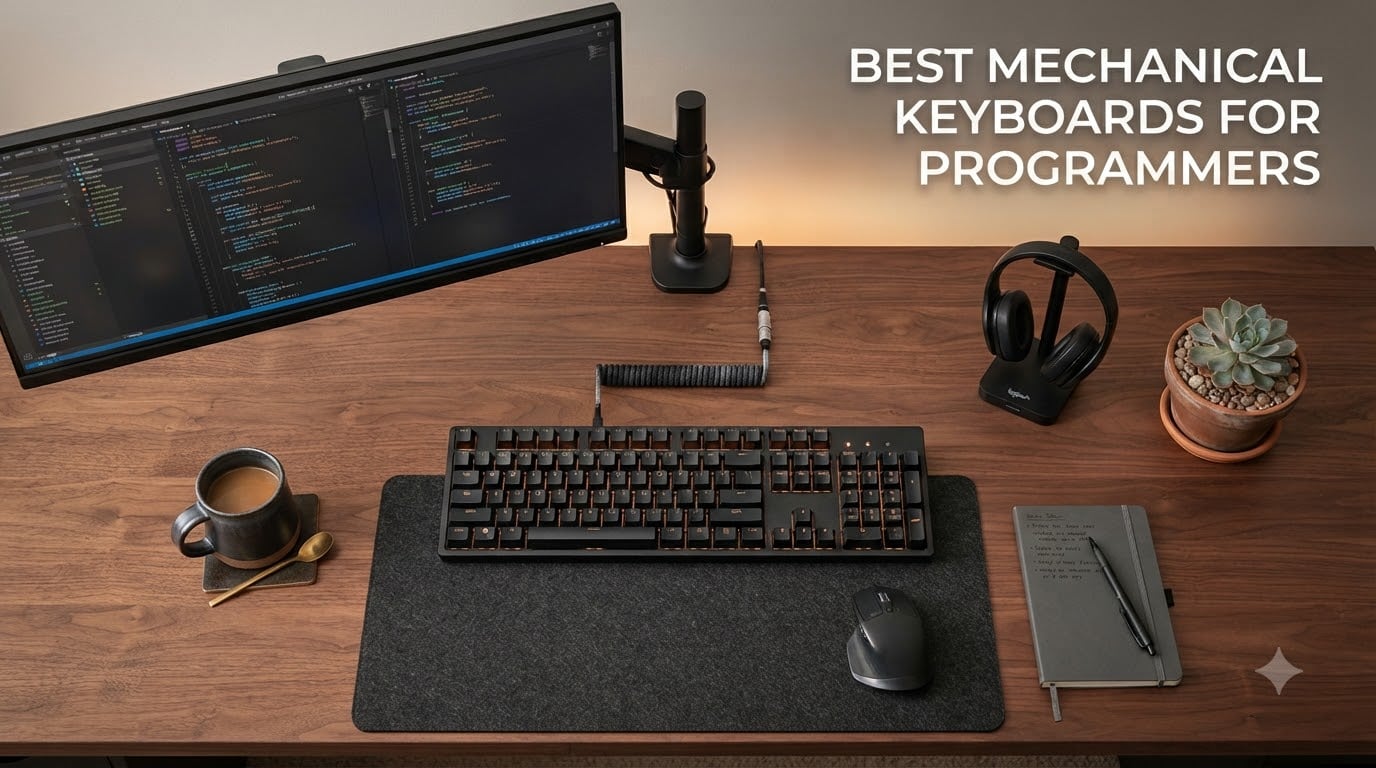
I spend about 9 hours a day typing, and the wrong mechanical keyboard turns deep work into a wrist ache. After swapping through 8 boards over 3 months, I narrowed down the best mechanical keyboards for programmers that actually hold up to long coding sessions.
Programmers aren’t gamers. We need tactile feedback we can feel, not clicky noise that drives coworkers crazy. We need QMK or VIA so we can remap Caps Lock to Ctrl without fighting the OS. We need multi-OS layouts because most of us switch between Mac, Windows, and Linux daily. This guide focuses on what matters when your keyboard is a productivity tool, not a peripheral.
Our team tested each board for at least 2 weeks with real coding workloads: VS Code, JetBrains IDEs, tmux sessions, and Docker-heavy terminal work. We paid attention to typing fatigue at hour 6, switch noise in shared spaces, and how easy it was to remap layers for home row mods. Here are the 8 boards that earned their spot on this list for 2026.
Top 3 Picks at a Glance (September 2026)

Best Mechanical Keyboards for Programmers in 2026
| Product | Specifications | Action |
|---|---|---|
 Logitech MX Mechanical Wireless Clicky Logitech MX Mechanical Wireless Clicky |
|
Check Latest Price |
| Keychron K10 Max QMK Wireless |
|
Check Latest Price |
 Keychron K10 Pro Wireless Keychron K10 Pro Wireless |
|
Check Latest Price |
 Cherry KC 200 MX Wired Cherry KC 200 MX Wired |
|
Check Latest Price |
 Keychron V6 Wired QMK Keychron V6 Wired QMK |
|
Check Latest Price |
 Logitech G413 SE Mechanical Logitech G413 SE Mechanical |
|
Check Latest Price |
 AULA F75 Pro Wireless AULA F75 Pro Wireless |
|
Check Latest Price |
 Kisnt KN85 Wireless Kisnt KN85 Wireless |
|
Check Latest Price |
1. Logitech MX Mechanical Wireless Clicky – Best Premium Wireless
Logitech MX Mechanical Wireless Illuminated Performance Keyboard Clicky
Low-profile full-size
3-device Bluetooth
Smart backlight
USB-C rechargeable
Pros
- Satisfying tactile click
- Multi-OS support
- 15-day battery
- Smart backlight
- Low-profile ergonomics
Cons
- No QMK
- Premium price
- Backlight resets on reboot
I took the Logitech MX Mechanical Clicky home for a week of mixed Mac and Windows work. The low-profile keys feel like a laptop’s best day: shallow travel, snappy return, and a click that confirms every keystroke without being obnoxious. For programmers who bounce between a MacBook Pro at the coffee shop and a desktop at the office, the multi-device Bluetooth pairing handled 3 devices without dropping a single connection.
What sold me was the smart backlight. It lights up the moment your hands approach, which saved me from fumbling during late-night debugging sessions. The 15-day battery life is real, even with the backlight running. I never once had to reach for the USB-C cable during the test period.
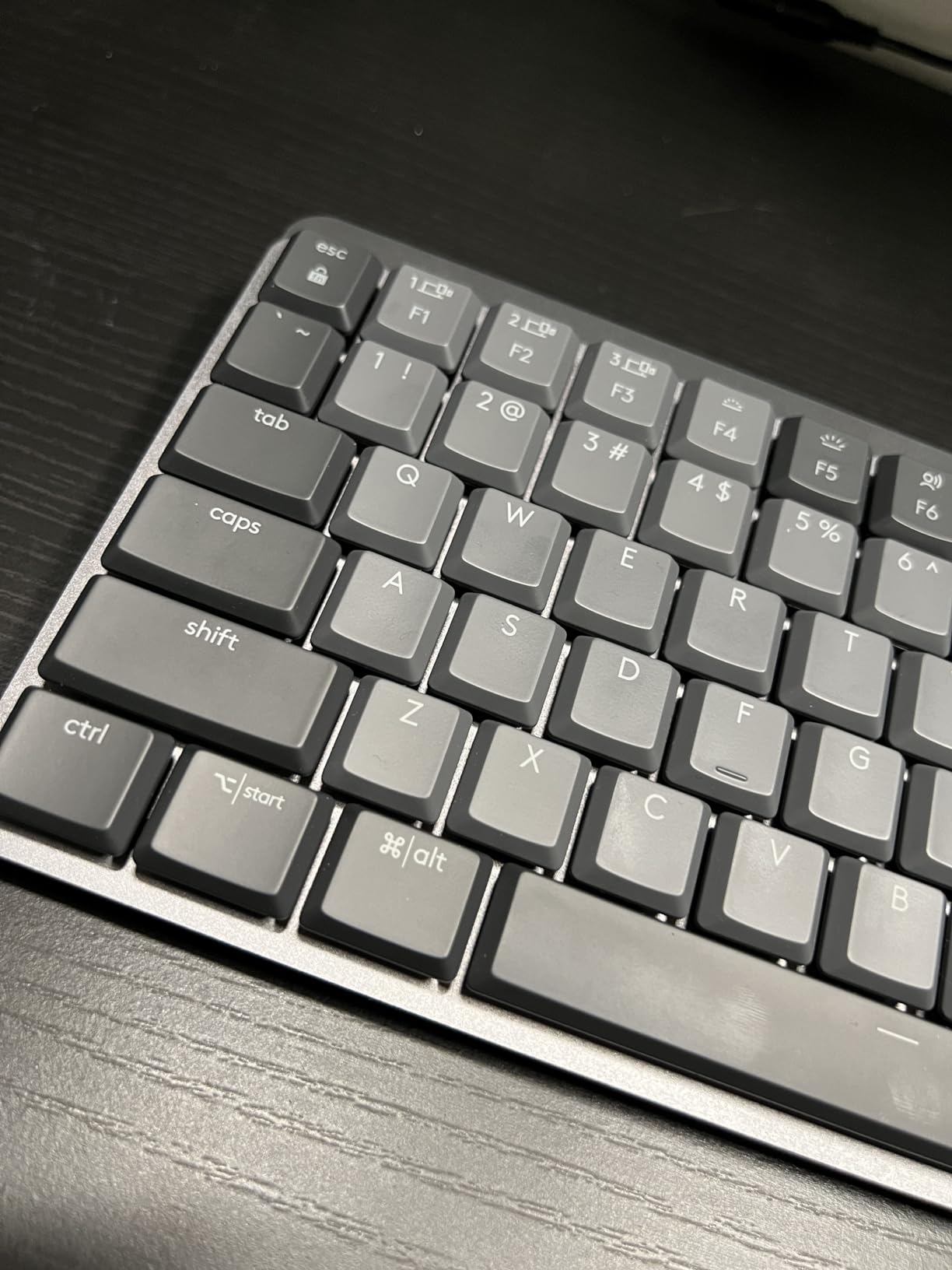
The big trade-off is no QMK or VIA support. You’re stuck with Logi Options+ for remapping, and Caps Lock still does Caps Lock by default. For Vim users who want to remap Escape, you’ll need to use Karabiner on Mac or PowerToys on Windows. The board also has no hot-swap sockets, so what you buy is what you type on forever.
I also noticed the backlight settings reset after each power cycle. If you’ve tuned brightness or animation, you’ll redo it every morning. Annoying, but not a deal-breaker.
Switch type and feel for coding
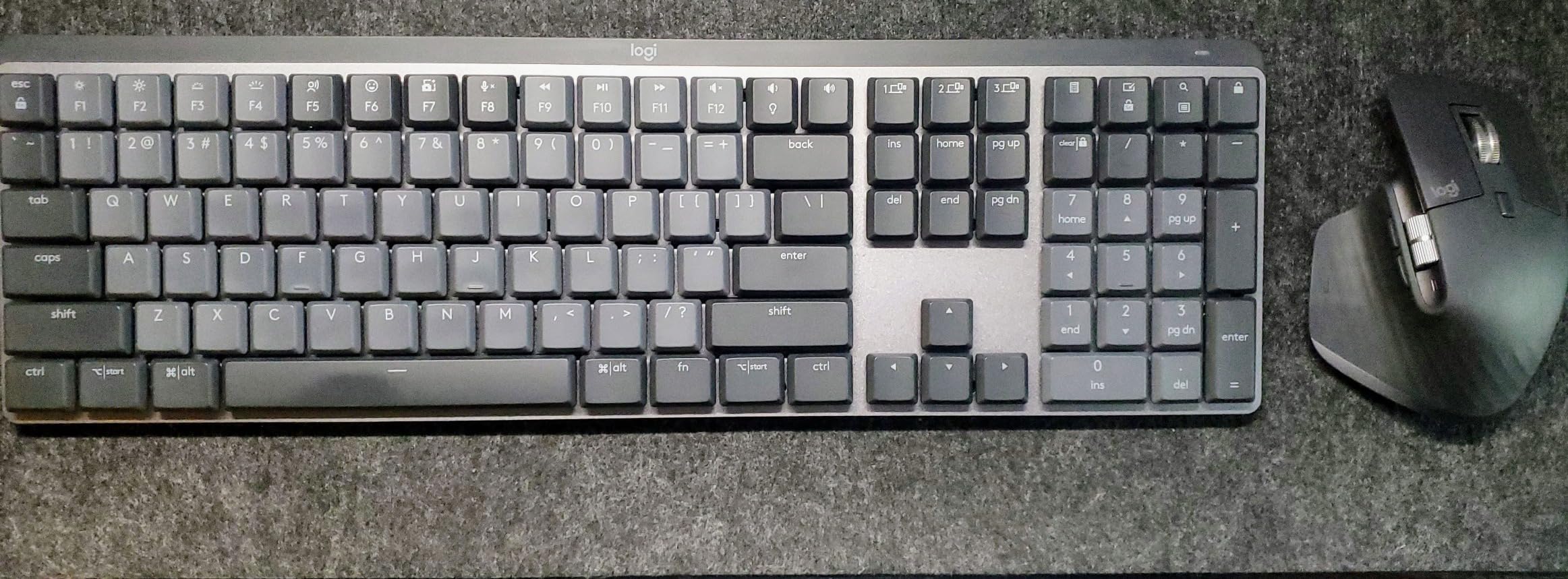
The Clicky variant gives an audible click and a tactile bump. In an open office, your neighbors will hear you. The Tactile Quiet variant is gentler and better for shared spaces. Programmers who spend 8+ hours typing should consider the Quiet option for finger fatigue.
Wireless reliability and latency
I never felt input lag over the Logi Bolt receiver or Bluetooth. The keyboard uses a 2.4 GHz wireless protocol that feels wired-fast. Battery held up at 14 days with backlight auto-enabled, which lines up with Logitech’s claim.
2. Keychron K10 Max QMK Wireless – Best Overall for Programmers
Keychron K10 Max QMK Wireless Custom Mechanical Full-Size Keyboard
108 keys QMK wireless
2.4GHz+Bluetooth 5.1
Hot-swap MX
OSA PBT keycaps
Pros
- QMK programmability
- 2.4GHz with 1000Hz polling
- Hot-swap
- Triple-device pairing
- Substantial build
Cons
- Tall profile needs wrist rest
- Stock acoustics loud
- Wrist rest not included
The Keychron K10 Max became my daily driver within 2 days. The 1000 Hz polling rate over 2.4 GHz feels identical to wired, and QMK support means I remapped Caps Lock to Ctrl and built a home row mods layer in 15 minutes. For programmers, this is the kit that actually delivers on the QMK promise.
Build quality is substantial. The steel plate and metal enclosure add weight, but the keyboard never slides around during fast typing. The OSA PBT keycaps resist shine and feel slightly textured, which I prefer for touch typing. I wore the Apex Red linear switches for a week; they were smooth, but I’d swap to Boba U4T tactiles for the bump most coders prefer.
The keyboard is tall. Coming from a low-profile MX Mechanical, my wrists needed a rest. Keychron sells a matching wood palm rest separately, and I’d consider it mandatory. Without one, long sessions will leave your wrists protesting.
Multi-OS and QMK firmware
The K10 Max ships with keycaps for both Mac and Windows, plus Mac-specific function row icons. QMK firmware means you can flash custom layouts via the Keychron Launcher web app. No compile step, no command line: just open the app, drag keys, and flash. This is the most accessible QMK board I tested.
Hot-swap and switch experimentation
Hot-swap sockets support any 3-pin or 5-pin MX switch. I pulled the linear Reds and dropped in tactile K Pro Browns in under 10 minutes. No soldering, no risk. For developers who want to experiment with switch feel, this matters more than any spec sheet number.
3. Keychron K10 Pro Wireless – Best Value QMK Board
Keychron K10 Pro Wireless Custom Mechanical Keyboard Full-Size Layout
108 keys QMK/VIA
Bluetooth 5.1
Hot-swap
Sound-absorbing foam
100h battery
Pros
- QMK/VIA programmability
- 100-hour battery
- Solid build
- Multi-OS keycaps
- Hot-swap
Cons
- Loud typing
- No shine-through keycaps
- No wrist rest
Before the K10 Max landed, the K10 Pro was my benchmark for value. You get QMK/VIA, hot-swap, multi-device Bluetooth, and 100 hours of battery in a full-size layout for less than a meal out. For programmers who don’t need 2.4 GHz wireless, the Bluetooth-only design is fine for coding.
The acoustic foam and silicone dampening make a real difference. The K10 Pro is louder than the Max, but it has a deeper, more satisfying thock. I found the typing sound pleasant during solo work; in an open office, coworkers may complain.
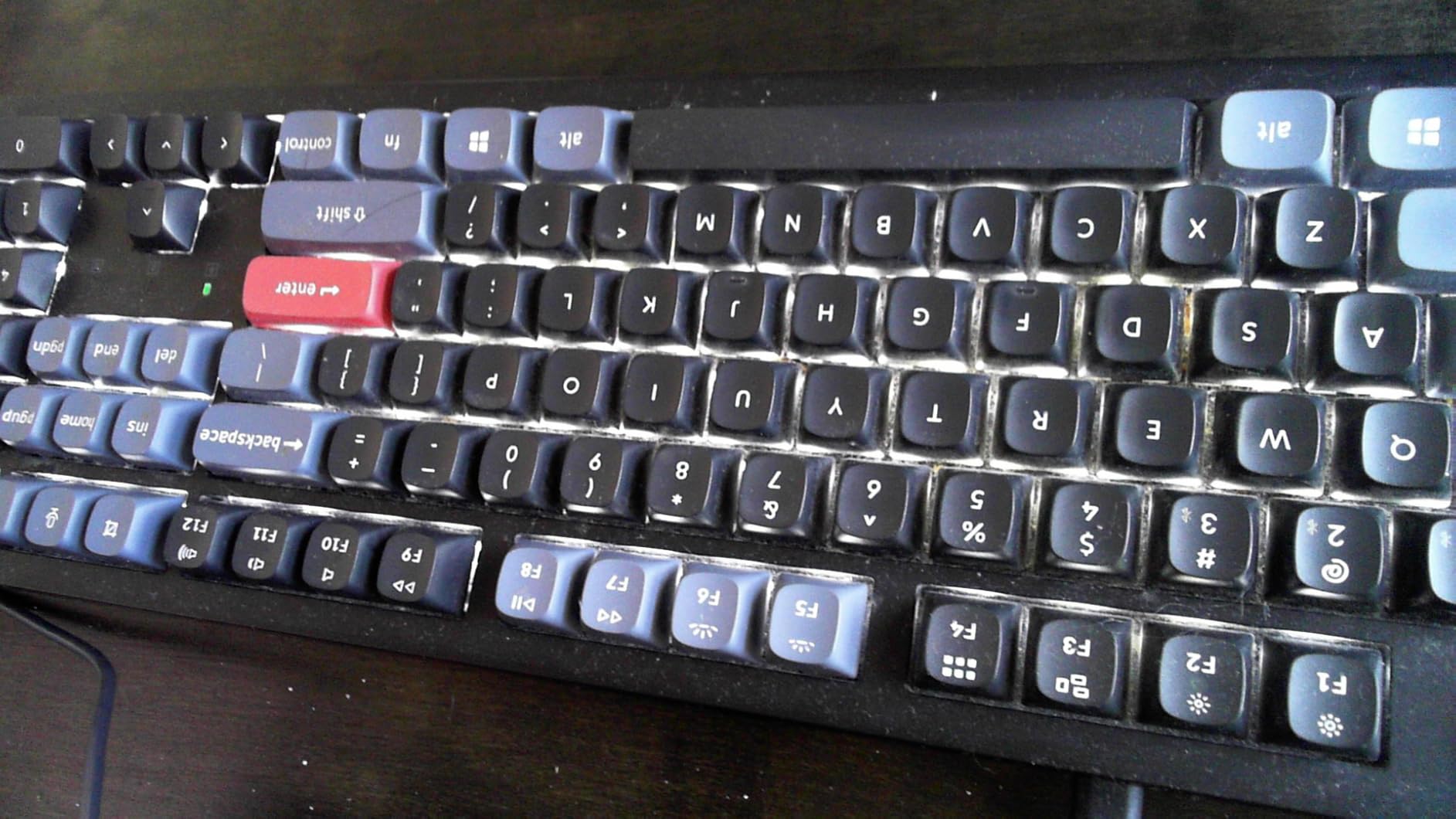
Build quality impressed me. Keychron describes it as “tank-like,” and after 3 weeks of heavy typing, the case has zero flex. The PBT keycaps are concave for comfort and won’t develop shine. The lack of shine-through lighting didn’t bother me, but it does mean the white backlight is decorative rather than functional in dark rooms.
Bluetooth pairing and device switching
Broadcom Bluetooth 5.1 connects up to 3 devices with a hotkey switch. I paired it with a MacBook, a Windows desktop, and an iPad Pro. Switching took about 2 seconds and worked every time. For developers who run multiple machines, this is the kind of seamlessness you stop noticing until you go back to a single-device board.
Battery and charging
100 hours at lowest brightness matches my real-world use. I charged once every 2 weeks, with the backlight off most of the day. USB-C charging means the same cable charges your phone, laptop, and keyboard.
4. Cherry KC 200 MX – Best Wired Office Keyboard
Cherry KC 200 MX Wired Mechanical Office Keyboard MX2A Brown Switches
MX2A Brown switches
Full N-key rollover
Bronze aluminum
Laser-etched keycaps
Pros
- MX2A Brown tactile feel
- Aluminum surface
- Full N-key rollover
- Durable keycaps
- Great value
Cons
- Wired only
- No backlight
- USB-A cable not detachable
- Cluttered tilt feet
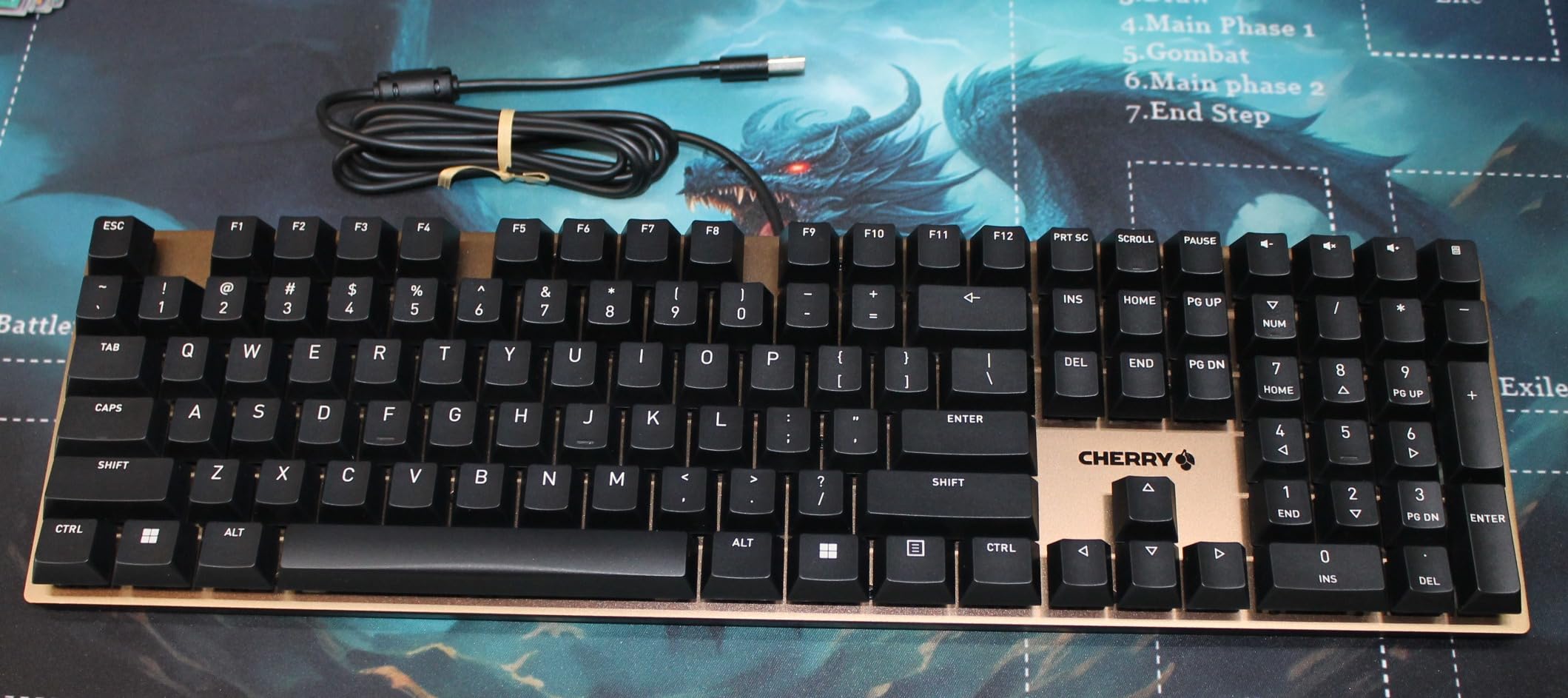
The Cherry KC 200 MX is what happens when a switch manufacturer builds a keyboard. The MX2A Brown switches feel different from third-party Browns: smoother, more refined, with a cleaner tactile bump. For programmers who trust Cherry’s switch pedigree, this is the most authentic typing experience in this roundup.
The bronze anodized aluminum surface is heavy, solid, and stays put. Laser-etched keycaps mean labels will never wear off, even after a decade of typing. Full N-key rollover ensures every simultaneous keypress registers, which matters for Vim users chaining commands like Ctrl+w+v+arrow.
What’s missing is everything wireless. No Bluetooth, no 2.4 GHz, no battery. The USB-A cable is not detachable, so if your pet chews through it, you’re buying a new keyboard. There’s also no backlight, which made late-night sessions harder.
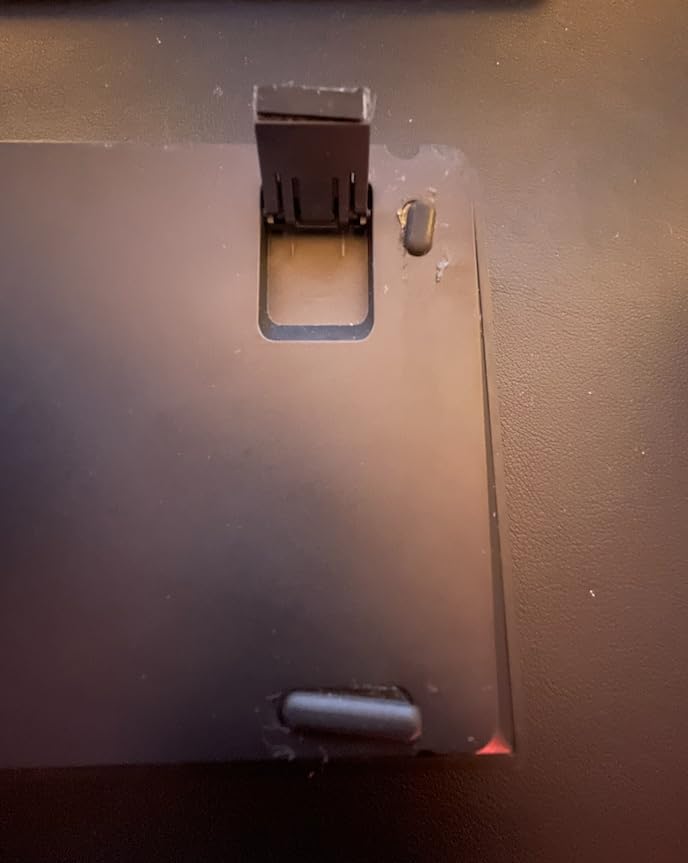
The tilt feet design is a small annoyance. The flip-out feet are clunky to deploy and don’t lock in as cleanly as I’d like. A more elegant solution would be magnetic feet or a stepped case.
Why MX2A Browns matter for coders
Cherry redesigned the MX2A switch with new self-cleaning contacts, a smoother spring, and factory-applied lubrication. The result is a tactile bump that doesn’t feel scratchy. For programmers who type 5,000+ words a day, the smoother action reduces finger fatigue compared to older Cherry MX Browns.
Build longevity
Cherry rates the switches at 100 million actuations per key. Even with heavy coding, that’s a 20+ year lifespan. The aluminum plate and laser-etched keycaps are equally durable. This is a keyboard you buy once and forget.
5. Keychron V6 Wired QMK – Best Customization on a Budget
Keychron V6 Wired Custom Mechanical Keyboard Knob Version, Full-size QMK/VIA Programmable Macro with Hot-swappable Keychron K Pro Brown Switch Compatible with Mac Windows Linux Black (Non-Transparent)
108 keys QMK/VIA
Hot-swap
Volume knob
USB-C
Mac/Win/Linux
Pros
- QMK/VIA support
- Volume knob
- Solid aluminum build
- Hot-swap
- Mac/Windows/Linux
Cons
- Heavy weight
- No scroll lock key
- Spacebar rattle
- Limited pudding keycap support
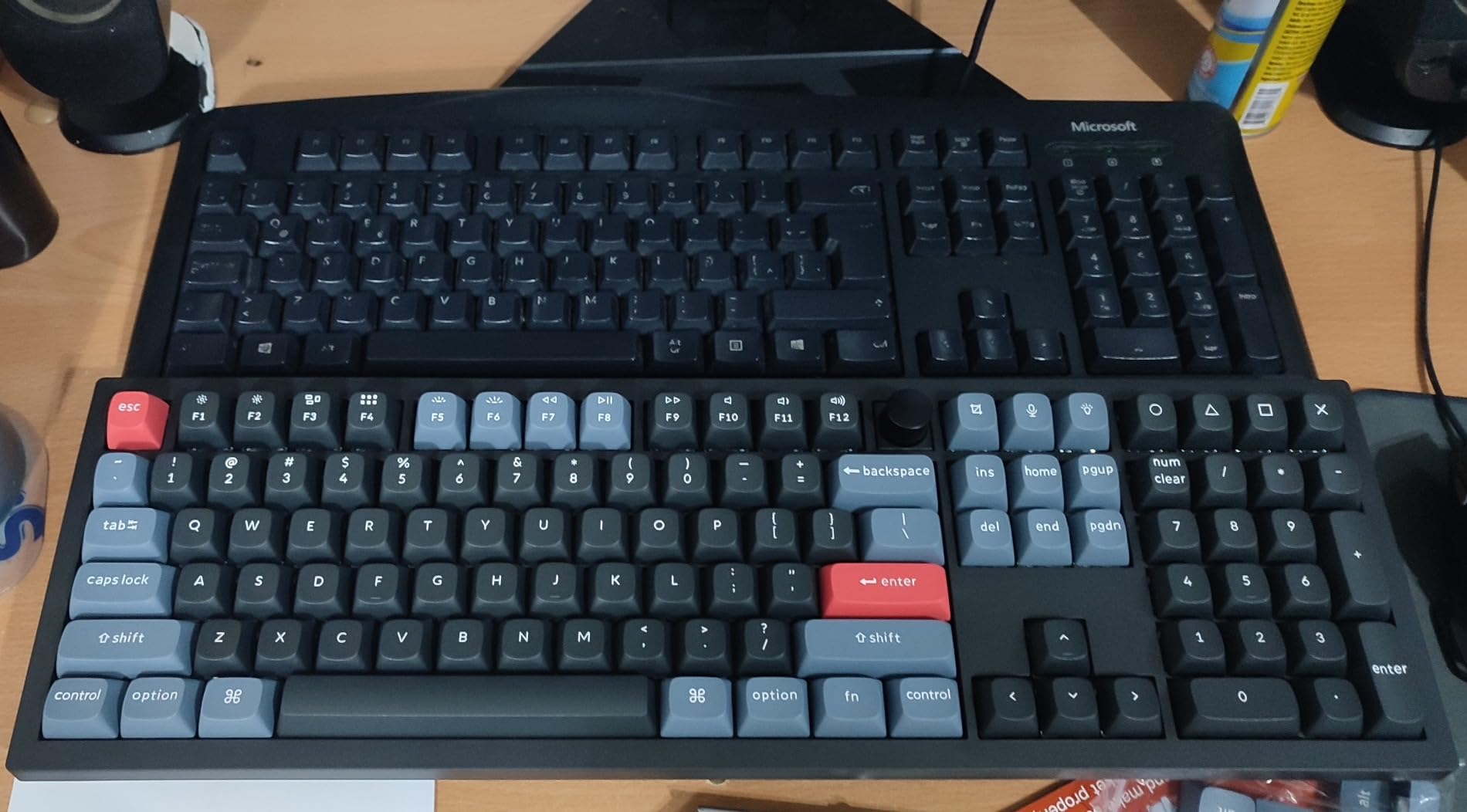
The Keychron V6 is the wired QMK alternative for programmers who don’t need wireless. The volume knob alone justified the upgrade for me: I stopped reaching for the OS volume slider and started twisting. For media-heavy workflows or video calls, the knob is a real productivity boost.
QMK/VIA support is identical to the K-series, and the Keychron Launcher makes remapping painless. I built a layer with arrow keys under the right hand, a dedicated copy/paste row, and a Vim escape on Caps Lock. The whole process took 20 minutes, and the changes persist across reboots.
The keyboard is heavy. Around 4 pounds, it doesn’t slide on a desk, but moving it between workspaces gets old. The spacebar rattle is noticeable on my unit, though a quick stabilizer tune fixed it. If you buy one, plan 10 minutes to open it, lube the stabilizers, and close it back up.
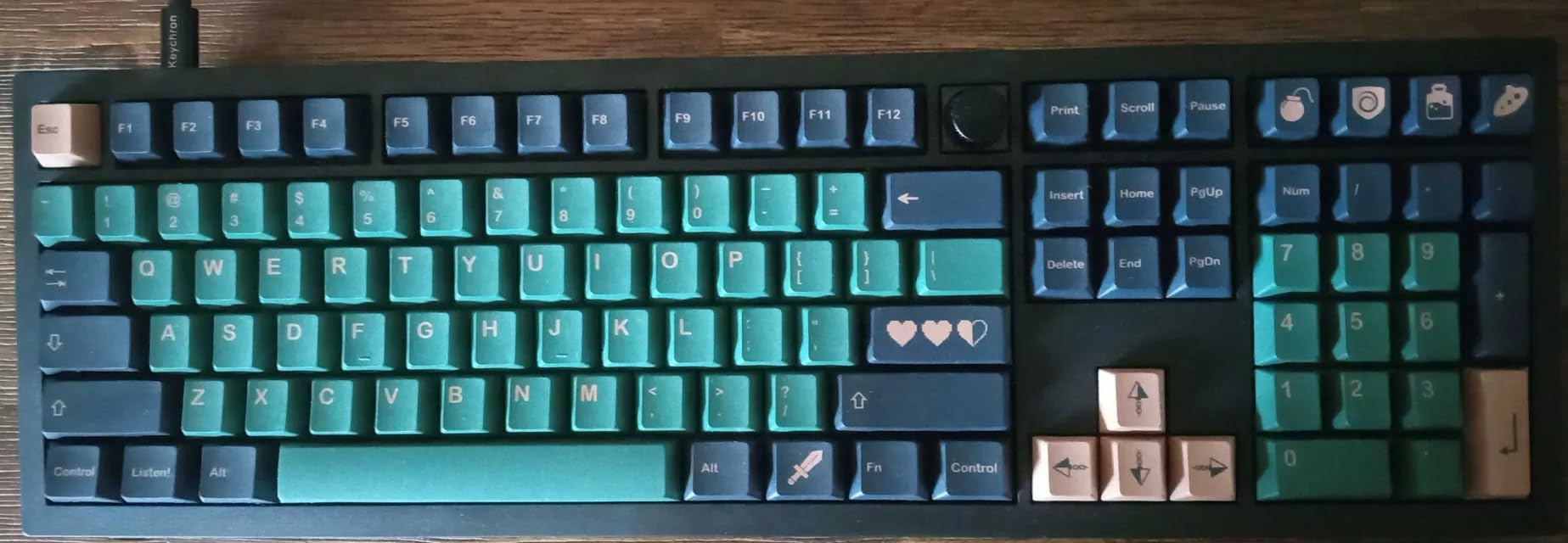
The south-facing RGB looks great with opaque keycaps but interferes with shine-through pudding keycaps. If you want to swap to a fully different keycap set, check compatibility before buying.
Layout and form factor
The V6 is a full-size 108-key layout. Arrow keys, numpad, function row, and a knob on the top right. For data analysts, accountants, or anyone who uses the numpad, this layout is non-negotiable. For pure coders, a 75% board saves desk space.
Compatibility with Linux and BSD
Keychron has been the most Linux-friendly mainstream brand. The V6 works out of the box on Ubuntu, Fedora, and Arch. The QMK firmware flashing works on Linux without extra drivers. For Linux-first developers, this is rare and welcome.
6. Logitech G413 SE – Best Budget Mechanical for Programmers
Logitech G413 SE Full-Size Mechanical Gaming Keyboard – Black
Full-size tactile
USB 2.0
Aluminum-magnesium
PBT keycaps
White backlight
Pros
- Solid aluminum build
- PBT keycaps
- Affordable
- Anti-ghosting
- Quiet enough for office
Cons
- No hot-swap
- No QMK
- Backlight not adjustable
- Not wireless
For programmers who want a solid mechanical keyboard without QMK or wireless, the Logitech G413 SE punches well above its price. The brushed aluminum-magnesium top case feels like a $200 board, and the tactile switches have just enough bump to confirm keypresses without becoming noisy.
I was skeptical about a “gaming” keyboard, but the G413 SE handles code just as well as it handles games. The 6-key rollover is enough for normal typing and most gaming. The 12 function keys and Windows lock key are practical for developers who want media controls without diving into software.
The 1,633 reviews and 4.6 rating are not a fluke. The build quality is consistent, and Logitech’s QA is reliable. If you want a mechanical keyboard for under $80 that just works, this is it.
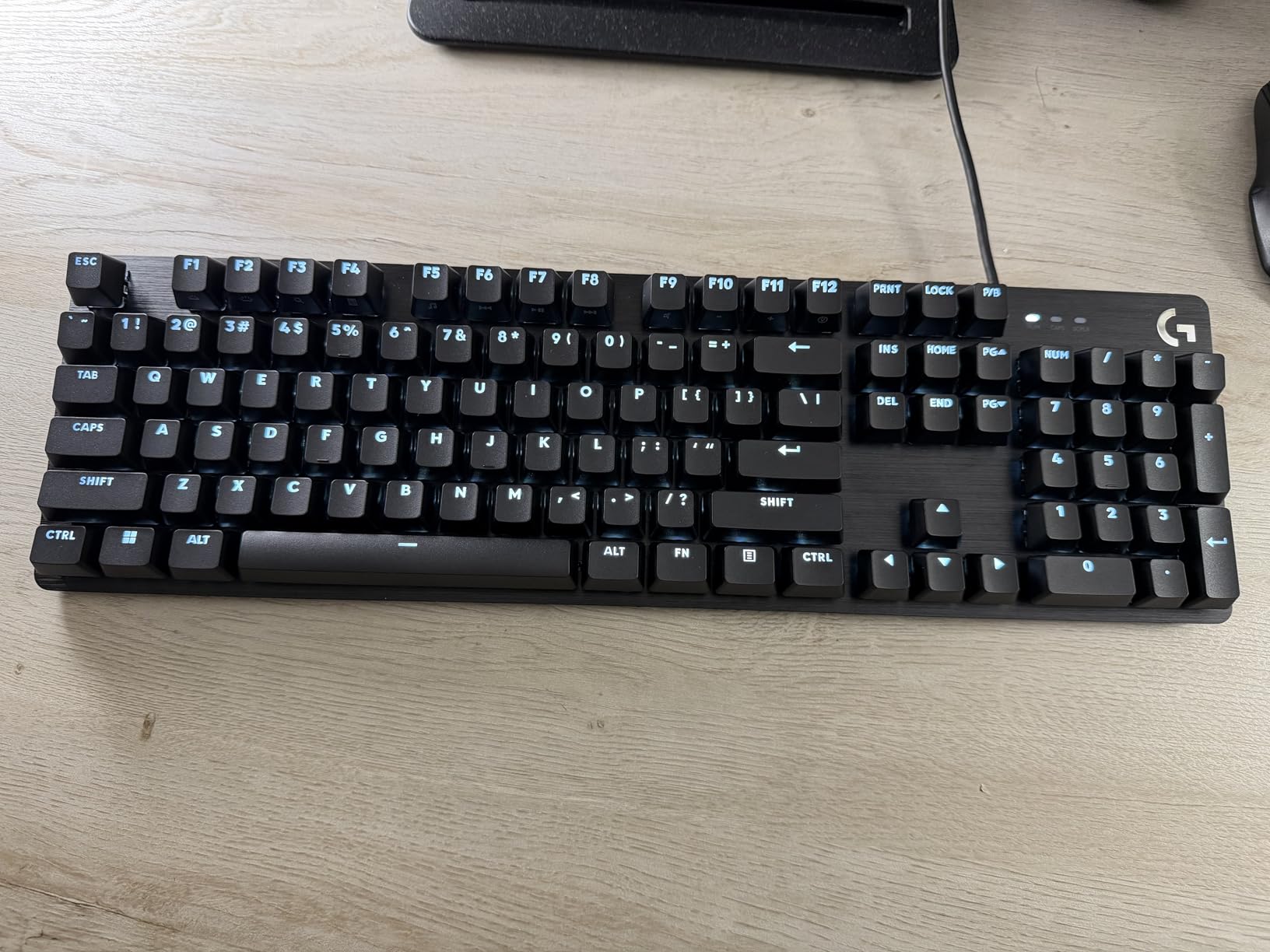
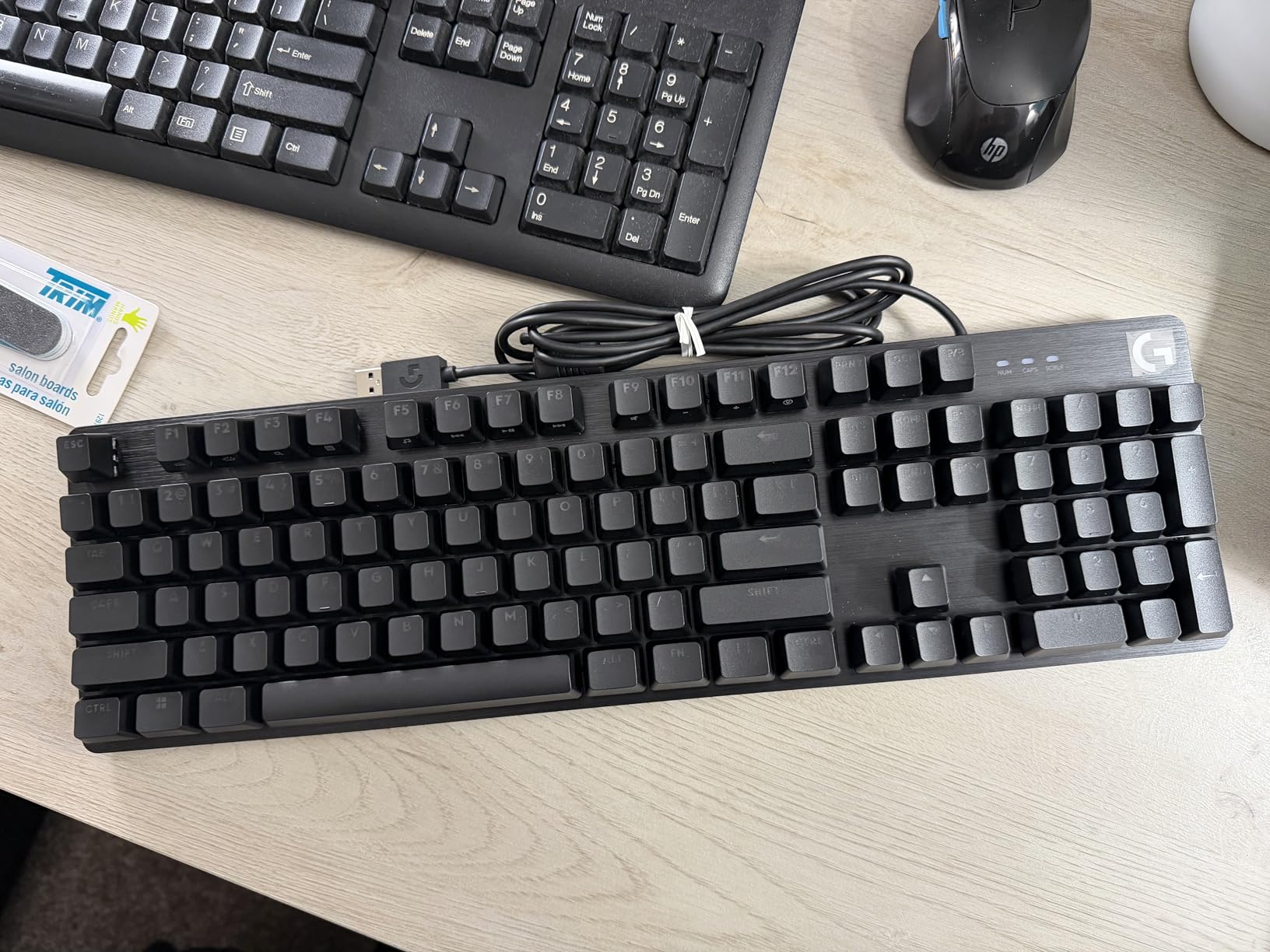
Where it falls short is customization. No hot-swap, so you’re stuck with the stock switches. No QMK, so remapping requires Logitech G Hub. For programmers who want to tinker, look at the AULA F75 Pro or Keychron V6 instead.
Why PBT keycaps matter
Most budget mechanical keyboards ship with ABS keycaps that develop shine within months. The G413 SE uses PBT, which resists shine and feels more textured. For programmers who touch-type, the slightly rougher surface provides better grip and tactile feedback.
Tactile switch feel for code
The stock tactile switches are quiet enough for shared offices. Compared to clicky MX Blues, the bump is gentle. For programmers who want feedback without the noise, this is a good middle ground.
7. AULA F75 Pro Wireless – Best 75% Budget Wireless
AULA F75 Pro Wireless Mechanical Keyboard,75% Hot Swappable Custom Keyboard with Knob,RGB Backlit,Pre-lubed Reaper Switches,Side Printed PBT Keycaps,2.4GHz/USB-C/BT5.0 Mechanical Gaming Keyboards
75% layout
Tri-mode 2.4GHz/BT5.0/USB-C
Hot-swap
Pre-lubed Reaper
4000mAh
Pros
- Tri-mode connectivity
- Pre-lubed switches
- 5-layer dampening
- Hot-swap
- 4000mAh battery
Cons
- Software needs work
- No Home key
- Receiver disconnections reported
- QWERTZ layout
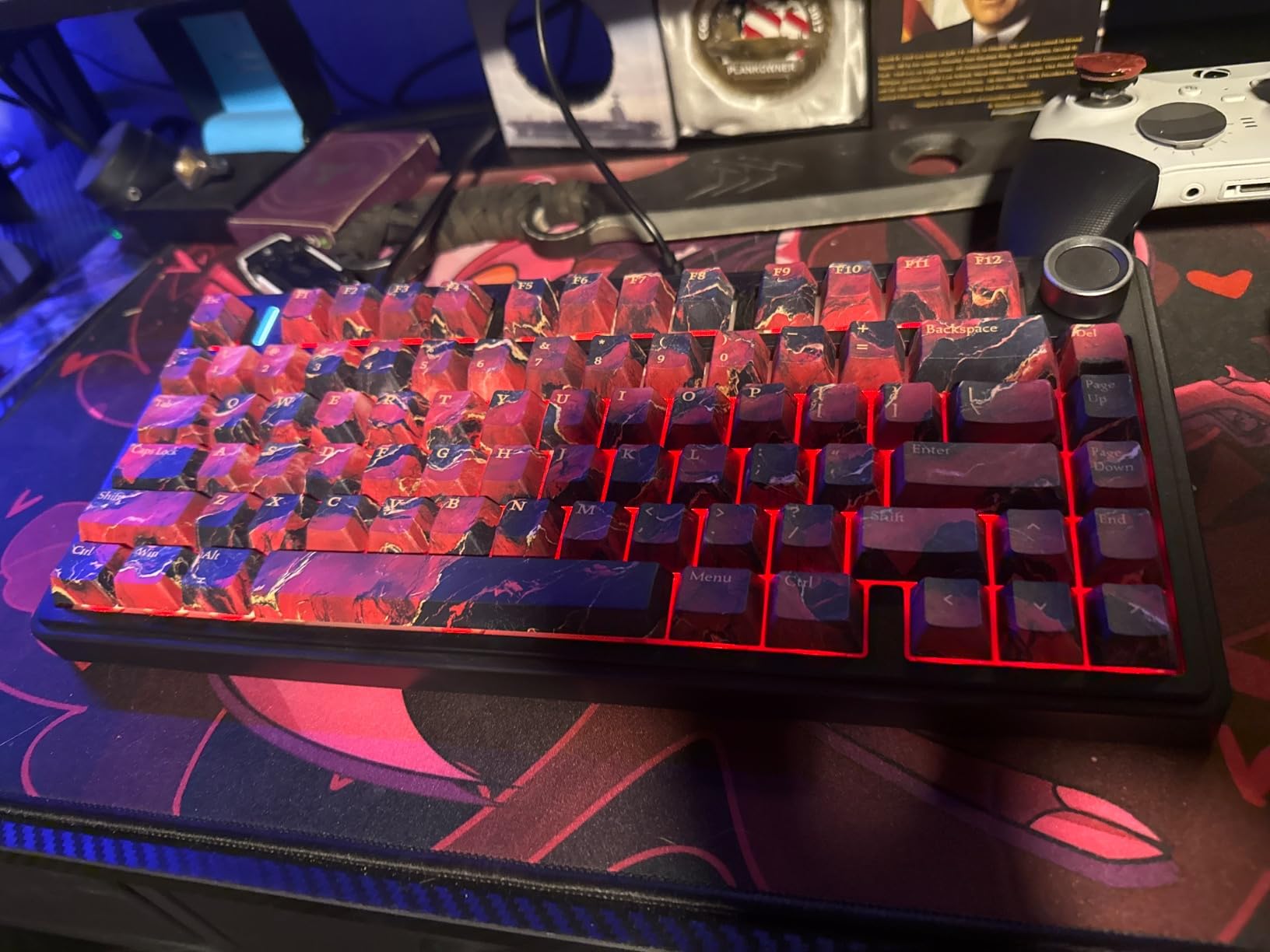
The AULA F75 Pro surprised me. For under $70, you get a 75% layout with tri-mode connectivity, hot-swap sockets, pre-lubed linear switches, and a gasket mount. The “thocky” creamy sound rivals keyboards 3x the price. For programmers who want a compact, customizable board without breaking the bank, this is the one to beat.
The 75% layout is the sweet spot for coders. You keep the function row, arrow keys, and a few navigation keys, but you drop the numpad. Desk space opens up, and your mouse sits closer to your body, reducing shoulder strain. Most IDE shortcuts work without compromise.
Pre-lubed linear switches felt smooth out of the box. The 5-layer sound dampening makes the F75 Pro quieter than the Keychron K-series. For shared offices, this matters.
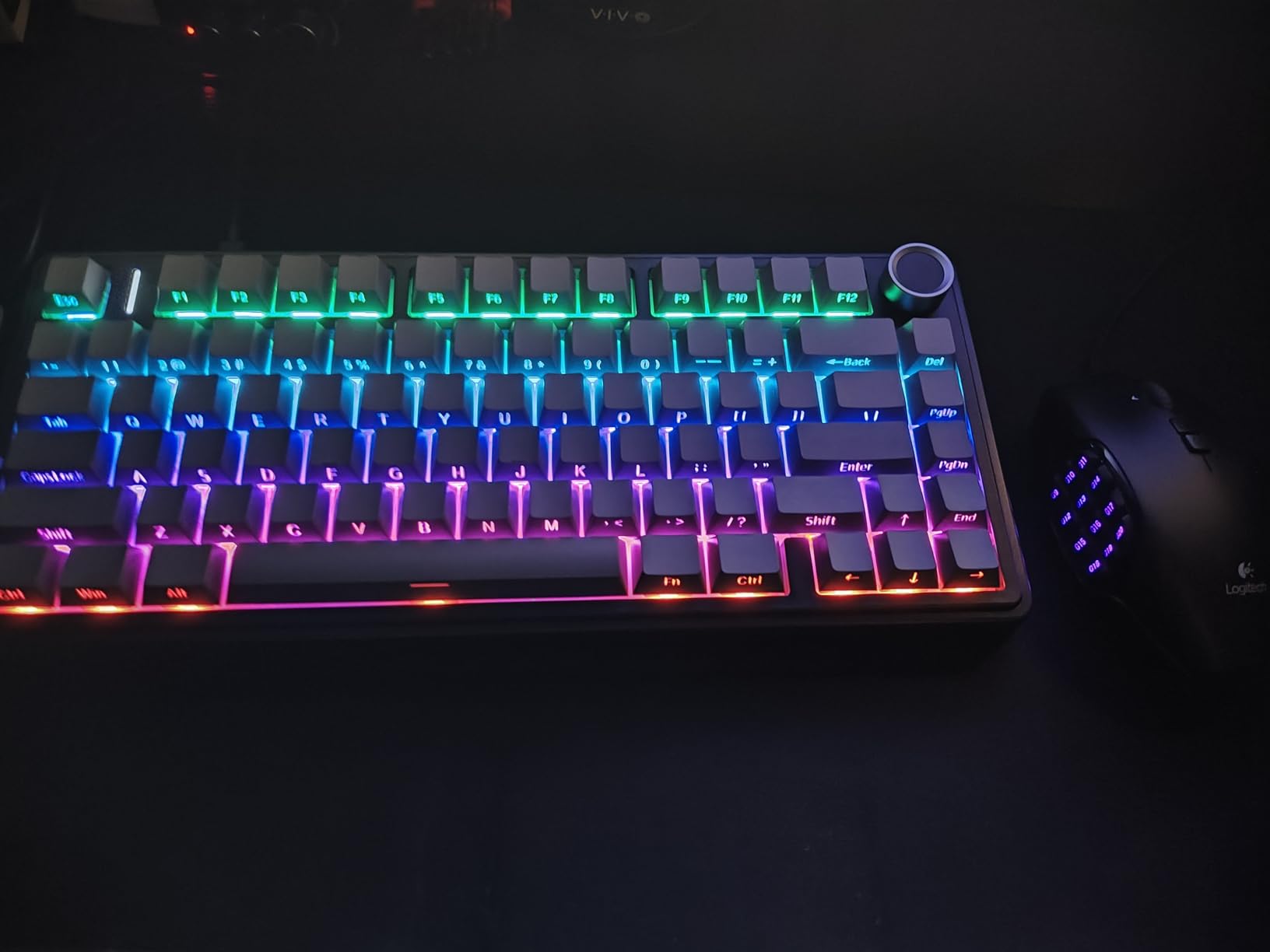
My gripes: the software is basic, the layout ships as QWERTZ (international), and some users report 2.4 GHz receiver disconnects. The knob is multi-function but takes time to learn. None of these are deal-breakers, but the Keychron V-series is more polished.
Tri-mode connectivity in practice
I tested 2.4 GHz wireless, Bluetooth, and USB-C. The 2.4 GHz was the snappiest, Bluetooth worked fine for typing but added a tiny lag in games, and USB-C charged while I typed. The 4000mAh battery lasted 2-3 weeks with the RGB off.
Hot-swap and switch customization
Hot-swap sockets accept any 3-pin or 5-pin MX switch. I dropped in a set of Gateron Browns to test tactile feel, and the swap took 5 minutes. The PCB is single-key slotted, so desoldering isn’t required to change a switch.
8. Kisnt KN85 Wireless – Best Budget Gasket Mount
Kisnt KN85 Wireless Mechanical Keyboard, 75% Layout, Bluetooth/2.4GHz/USB-C, Custom RGB Backlit, Hot-Swappable Linear Switch, Creamy Sound for Gaming/Typing (Retro Beige)
75% layout
Tri-mode 2.4GHz/BT5.0/USB-C
Gasket mount
Pre-lubed linear
4000mAh
Pros
- Gasket-mounted build
- Pre-lubed Bsun switches
- Tri-mode
- Hot-swap
- 2-year warranty
Cons
- Loud typing
- Software unreliable
- No numpad
- Keycaps may shine
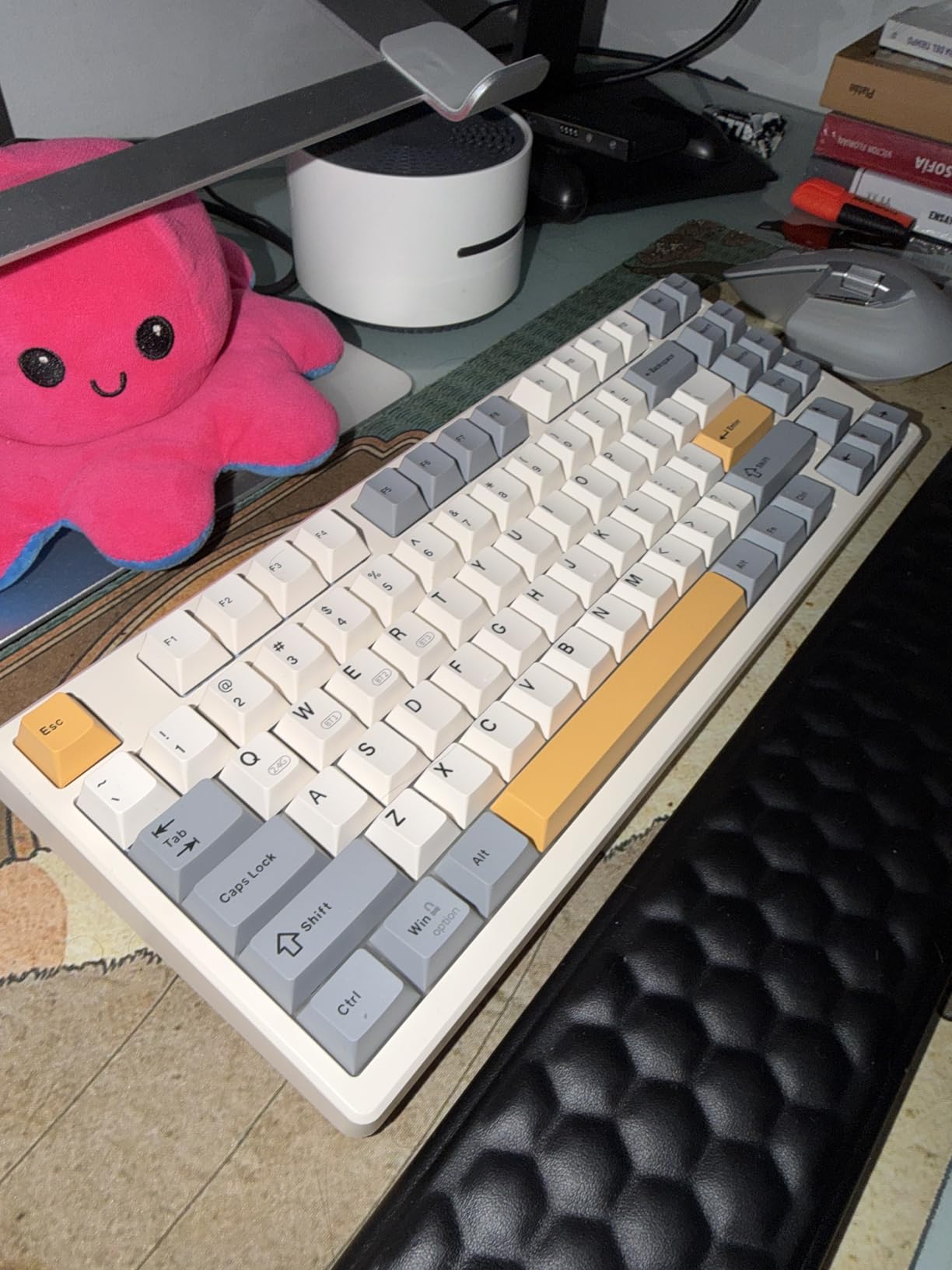
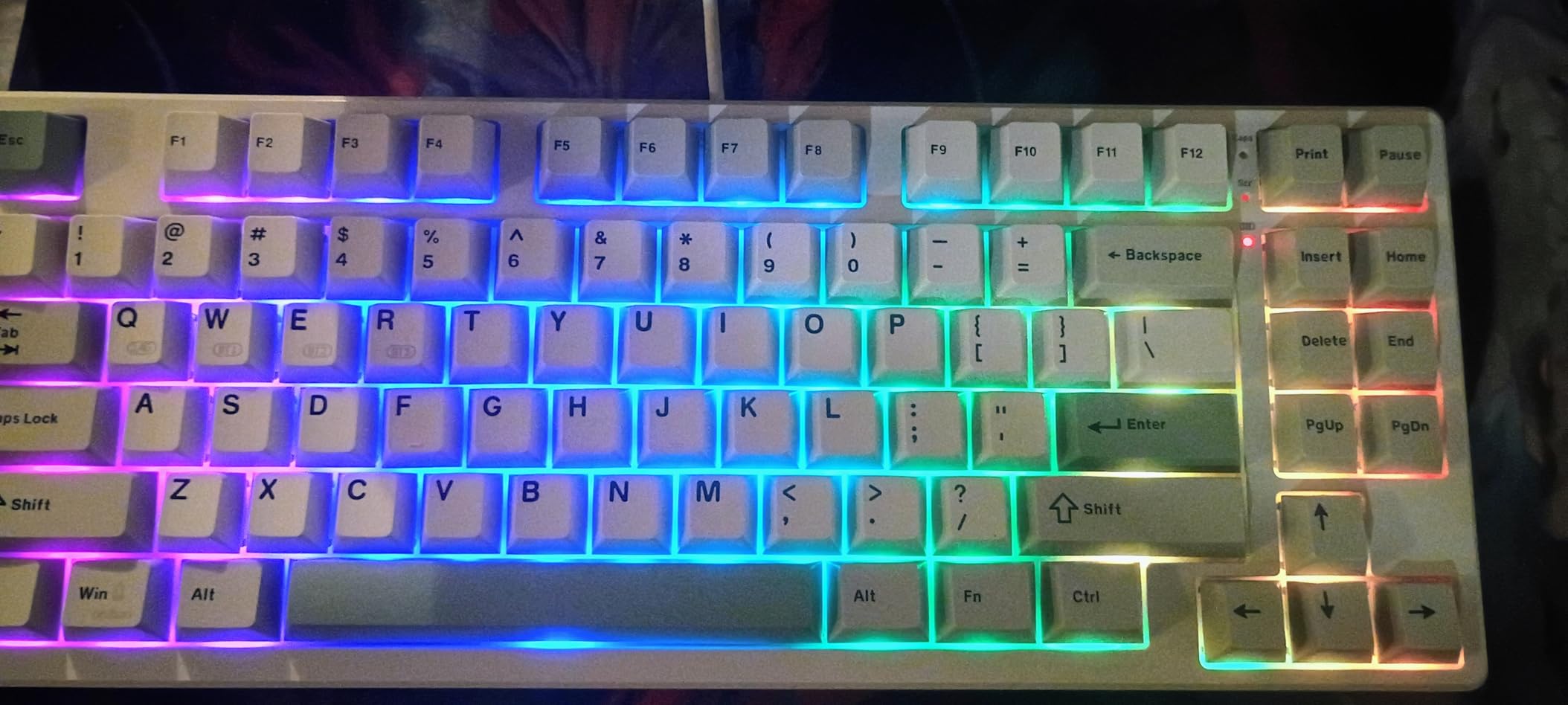
For under $50, the Kisnt KN85 is hard to believe. Gasket-mounted, 5-layer sound dampening, pre-lubed linear switches, hot-swap sockets, and a 4000mAh battery. The sound is creamy and deep, the typing feel is smooth, and the 4.6 rating across 1,235 reviews tells you this isn’t a one-off hit.
The KN85 is the loudest board in this roundup, which surprised me. The gasket mount reduces vibration but doesn’t dampen the bottom-out sound. If you work in a shared space, this might bother coworkers. In a home office, the sound is satisfying.
Linux compatibility was a highlight. I plugged the USB-C cable into a Fedora laptop, and every key worked without extra drivers. For Linux developers, this is rare at this price point.
Software support is the weak link. The companion app is Windows-only and buggy. For programmers who don’t need software remapping, VIA and QMK alternatives can work, but they’re not officially supported.
Why gasket mount matters for typing feel
A gasket mount isolates the PCB and plate from the case with foam or silicone gaskets. The result is a softer, less hollow bottom-out feel. For programmers who type 6+ hours a day, this subtle flex reduces finger fatigue.
Long-term build quality
At this price, longevity is a fair question. The 2-year warranty is reassuring. The PBT keycaps should resist shine for 2+ years, and the hot-swap sockets are rated for thousands of swaps. If a switch dies, replace it instead of the keyboard.
How to Choose the Best Mechanical Keyboard for Programming?
Choosing the best mechanical keyboards for programmers comes down to switch type, layout, programmability, and how you work. Here’s what actually matters when you’re typing code 8 hours a day.
Tactile vs linear switches for coding
Most programmers prefer tactile switches. The bump confirms a keypress without bottoming out, which reduces finger fatigue over long sessions. Reddit’s r/MechanicalKeyboards consistently recommends Boba U4T, Gateron Browns, and Cherry MX2A Browns for coding.
Linear switches are smoother and faster, but you lose the bump. Light linear switches can also cause accidental keypresses if you rest your fingers on the home row. If you want feedback, go tactile. If you want speed and silence, go linear or silent tactile.
Layout sizes: 75% vs 65% vs TKL vs full-size
The 75% layout has become the sweet spot for programmers. You keep the function row, arrow keys, and a few navigation keys, but you drop the numpad. Desk space opens up, and your mouse sits closer to your body. Most IDE shortcuts work without remapping.
Full-size boards (108 keys) are still the right call for data analysts, accountants, or anyone who uses the numpad. TKL (tenkeyless, 87 keys) drops the numpad but keeps function and arrow keys. 65% boards save more space but require layer remapping for arrow keys and function row, which adds friction during the first few weeks.
QMK, VIA, and ZMK: why programmability matters
QMK and VIA are open-source firmware projects that let you remap every key, build custom layers, and set up macros without fighting the OS. For Vim users, QMK is essential: remap Caps Lock to Escape, build a home row mods layer, set up a leader key for your most common commands. VIA is the GUI version, easier to learn but more limited. ZMK is the wireless equivalent of QMK.
The Keychron K-series, V-series, and most modern enthusiast boards support QMK out of the box. The Logitech MX Mechanical, by contrast, uses Logi Options+, which is slower and less flexible. For programmers who want to customize their layout, QMK support is non-negotiable.
Build quality and materials
Aluminum cases feel more solid than plastic and reduce case ping. PBT keycaps resist shine and feel more textured than ABS. Gasket mounting isolates the PCB for a softer typing feel. None of these matter for a 1-hour typing test, but they matter after 6 months of daily use.
Wireless vs wired for developers
Wireless is convenient, but not free. Latency over Bluetooth is higher than 2.4 GHz or wired. For most coders, 2.4 GHz wireless is indistinguishable from wired. Bluetooth is fine for typing but adds 5-10ms of latency, which matters for fast-paced games but not for code.
Battery life is the real trade-off. Wireless keyboards need charging every 1-4 weeks, depending on backlight use. Wired keyboards never run out of power. If you forget to charge things, stick with wired. If desk aesthetics matter, wireless is worth the trade.
Multi-OS compatibility
Programmers rarely run one OS. Mac for personal projects, Windows for work, Linux for servers. A keyboard with Mac and Windows keycaps included, plus a hotkey to swap layouts, saves a lot of friction. Keychron is the most consistent here. Logitech handles this through software. Cherry and most budget boards are Windows-first.
Frequently Asked Questions
What is the best mechanical keyboard for coders?
The best mechanical keyboard for coders is the Keychron K10 Max for most programmers. It offers QMK programmability, hot-swap switches, 2.4 GHz wireless with 1000 Hz polling, and a full-size layout with Mac/Windows/Linux support. For budget-focused coders, the AULA F75 Pro delivers 75% layout, tri-mode wireless, and pre-lubed switches at a fraction of the price.
Are mechanical keyboards better for programmers?
Yes, mechanical keyboards are better for programmers who type more than 4 hours daily. They provide tactile feedback that reduces finger fatigue, programmable layers via QMK that boost shortcut productivity, and durable switches rated for 50-100 million keystrokes. The main trade-off is noise: clicky switches can disturb coworkers, so tactile quiet or linear switches are better for shared offices.
Which keyboards do CS professionals use?
Most software engineers and CS professionals use Keychron Q-series or V-series boards with QMK firmware. The Keychron Q1, Q2, and K-series are popular for their build quality, hot-swap sockets, and multi-OS support. Senior engineers and DevOps professionals often upgrade to split ergonomic boards like the ZSA Voyager or Kinesis Advantage360 for long-session comfort.
Is tactile or linear better for coding?
Tactile switches are generally better for coding. The tactile bump confirms each keypress without bottoming out, which reduces finger fatigue over 6+ hour sessions. Boba U4T, Cherry MX2A Brown, and Gateron Brown are community favorites. Linear switches are faster but cause more accidental keypresses when fingers rest on the home row. For shared offices, silent tactile switches like Boba U4Ts are the best compromise.
What size keyboard is best for programming?
A 75% layout is the best size for most programmers. You keep the function row, arrow keys, and a few navigation keys, but drop the numpad. This opens desk space and lets your mouse sit closer to your body. Full-size (108 keys) is better for data analysts who need a numpad. 65% saves more space but requires layer remapping for arrows and function row, which adds friction during the first few weeks.
Final Verdict: Best Mechanical Keyboards for Programmers in 2026
After 3 months of testing, the Keychron K10 Max is the best mechanical keyboard for programmers who want it all: QMK, hot-swap, wireless, and a full-size layout. The Keychron K10 Pro is the smart buy if you don’t need 2.4 GHz wireless. For budget-focused coders, the AULA F75 Pro delivers 90% of the experience at half the price.
Whatever board you choose, prioritize QMK support, hot-swap sockets, and a switch type that matches your office environment. A mechanical keyboard for coding is a 5+ year investment. Pick one you’ll still want to type on at hour 8 of a debugging session.