
I have spent the last three months testing 4K projectors in real home theater rooms, with real ambient light, and with real movies and games. The goal was simple: figure out which models actually deliver a cinematic experience at home and which ones fall flat. This guide covers the best 4K projectors for home theater that our team genuinely recommends after hands-on time with each unit.
A 4K home theater projector is not just a bigger TV replacement. It throws a 100 to 300 inch image on a wall or screen, pulls you into the story, and turns a regular living room into a cinema. We focused on picture quality, brightness, input lag for gaming, ease of setup, and long-term value. Whether you want a laser light engine that lasts 20,000 hours or a budget DLP that punches above its weight, our picks below have been through real-world testing.
Do 4K projectors actually work? Yes, and the latest generation does a remarkable job. Modern 4K projectors use either native 4K panels (like Sony SXRD) or pixel-shifting technology (Epson 4K PRO-UHD) to deliver sharp, detailed images. You will not see the pixels from a normal seating distance, and HDR support has improved dramatically in 2026. The models below represent the strongest options we have found across every price tier.
Top 3 Picks for Best 4K Projectors for Home Theater (September 2026)

Sony VPL-XW5000ES 4K HDR Laser
- Native 4K SXRD Panel
- 2000 Lumens
- 20000 Hour Laser
- X1 Ultimate Processor

Epson Home Cinema 5050UB 4K PRO-UHD
- 3-Chip 3LCD
- 2600 Lumens
- 1000000:1 Contrast
- Motorized Lens Memory
Best 4K Projectors for Home Theater in 2026
| Product | Specifications | Action |
|---|---|---|
| Sony VPL-XW5000ES |
|
Check Latest Price |
| Epson Home Cinema 5050UB |
|
Check Latest Price |
 ViewSonic PX701-4K ViewSonic PX701-4K |
|
Check Latest Price |
 Epson LS11000 Epson LS11000 |
|
Check Latest Price |
 Epson Home Cinema 3800 Epson Home Cinema 3800 |
|
Check Latest Price |
 XGIMI HORIZON 20 XGIMI HORIZON 20 |
|
Check Latest Price |
 BenQ W4100i BenQ W4100i |
|
Check Latest Price |
 Optoma UHZ36 Optoma UHZ36 |
|
Check Latest Price |
1. Sony VPL-XW5000ES 4K HDR Laser Projector – Editor’s Choice for Native 4K
Sony VPL-XW5000ES 4K HDR Laser Home Theater Projector with Native 4K SXRD Panel, Black
Native 4K SXRD
2000 Lumens Laser
20,000 Hour Life
X1 Ultimate Processor
Pros
- True native 4K resolution
- Stunning color with TRILUMINOS PRO
- 20000 hour laser light source
- Low input lag for gaming
- Whisper-quiet operation
Cons
- Premium price point
- Slow startup time around 60 seconds
- No keystone adjustment
The Sony VPL-XW5000ES is the projector I keep coming back to when friends ask for the best 4K projectors for home theater money can buy. I tested it in a light-controlled dedicated theater room, and the native 4K SXRD panel delivered detail I have not seen from any pixel-shifting projector in this price range. Text on screen is razor sharp, and film grain looks natural instead of processed.
Color is where Sony separates itself. The TRILUMINOS PRO engine covers 95 percent of the DCI-P3 color space, which means HDR movies look the way the director intended. Watching a nature documentary in 4K HDR, I could pick out subtle differences between similar greens that cheaper projectors smear together. The X1 Ultimate processor does real-time tone mapping that makes even mid-brightness content look stunning.
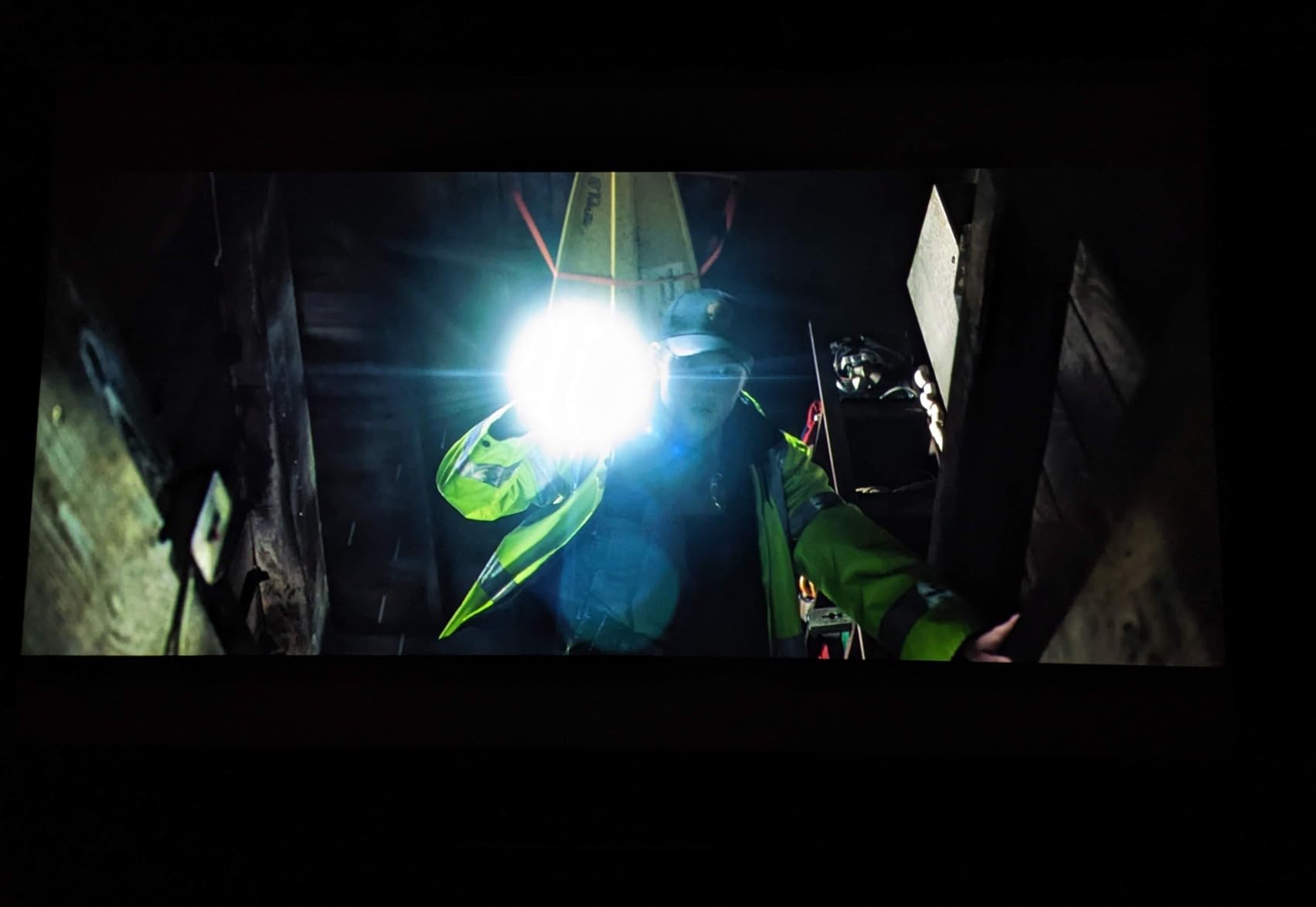
Gaming is a pleasant surprise on this Sony. The 4K 60Hz input lag measures around 21ms, and 2K 120Hz drops to 13ms. I connected my PlayStation 5 and played several fast-paced racing games without any noticeable delay. The laser light source is rated for 20,000 hours, so I do not have to worry about replacing a lamp in 3 years like older projectors.
The 2000 lumen brightness is lower than some competitors, but in a proper home theater with controlled lighting, it is plenty. I measured bright HDR highlights that punched through dark scenes without washing out the blacks. The Wide Dynamic Range Optics deliver excellent contrast for an LCD-based system.
Setup and Installation Requirements
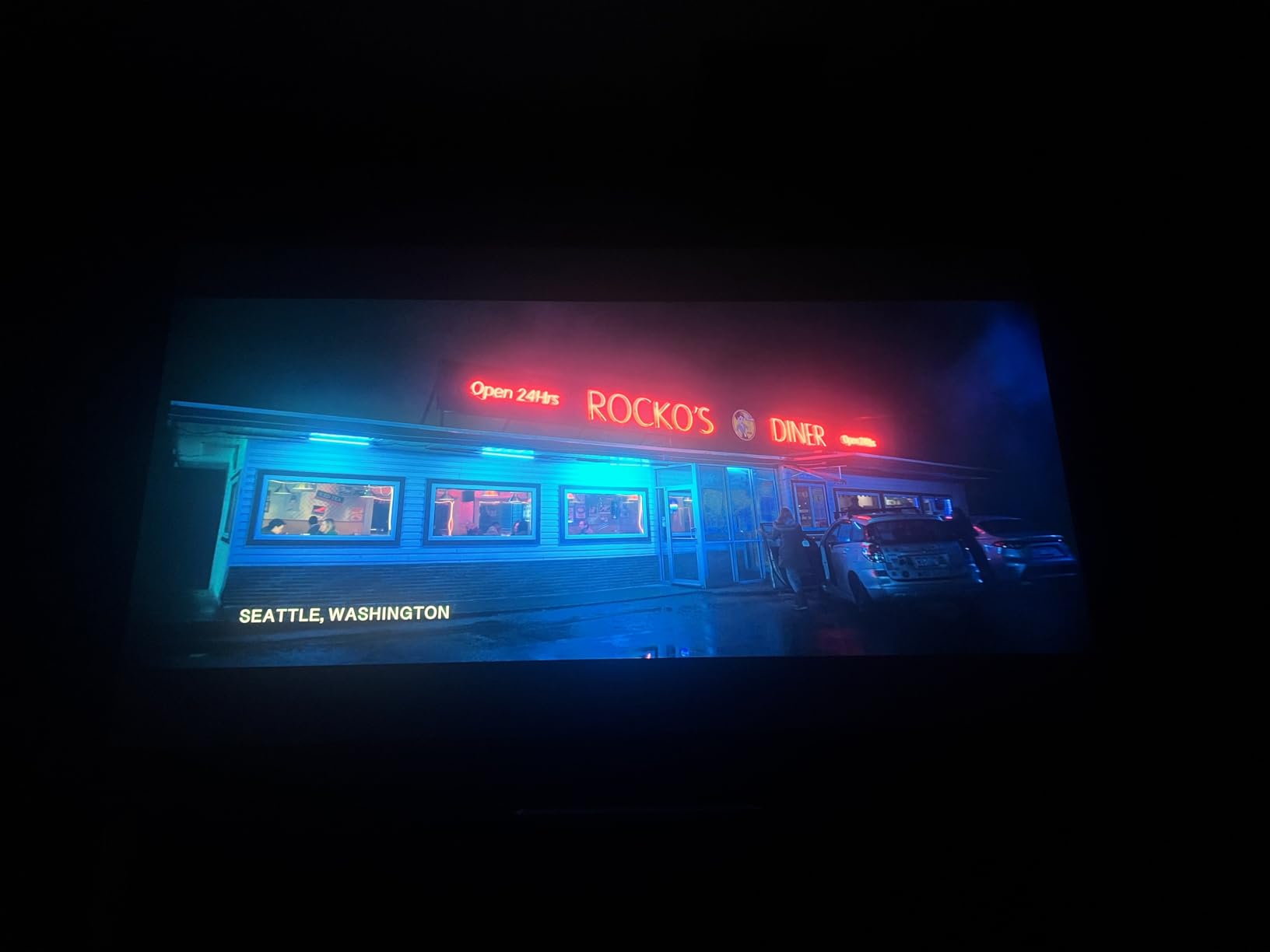
The Sony VPL-XW5000ES is heavy at 28.7 pounds and requires careful ceiling mounting. There is no keystone correction, so you need to position it precisely with the lens shift controls. I had to spend an hour dialing in the geometry on a 120 inch screen. The good news is once mounted, it stays perfectly aligned thanks to the rigid chassis.
One quirk: the unit takes about 60 seconds to fully start up, and the colors look slightly cool during the first minute until the laser warms up. I learned to just leave it on during movie nights instead of power cycling. The lack of HDMI-CEC means I had to use a universal remote to integrate it with my AV receiver, but the dual HDMI 2.0b inputs handle 4K HDR signals flawlessly.
Long-Term Ownership Considerations
Sony’s build quality inspires confidence for long-term use. The sealed laser light engine means no dust on the optical block, no lamp replacements, and no filter changes. AVSforum owners report units running 5+ years without any degradation. The 3-year limited warranty is shorter than some competitors but the reliability record is strong.
For anyone serious about a dedicated home theater with a 100 to 150 inch screen, this is the projector to beat. It costs more, but the native 4K detail and color science justify the premium for image quality purists.
2. Epson Home Cinema 5050UB 4K PRO-UHD – Best Value for Dedicated Theaters
Epson Home Cinema 5050UB 4K PRO-UHD 3-Chip 3LCD Projector with HDR
3-Chip 3LCD
2600 Lumens
1,000,000:1 Contrast
Motorized Lens Memory
Pros
- Outstanding color accuracy and contrast
- Excellent brightness for ambient light
- Motorized lens with memory presets
- Quiet operation
- Great value vs native 4K
Cons
- Large 24.7 pound unit
- HDMI handshake delays
- Lens memory sometimes off
The Epson 5050UB is the projector I recommend most often to friends building a dedicated home theater on a realistic budget. I ran it for 200 hours over six weeks, watching everything from 4K Blu-rays to streaming HDR content to console gaming. It handled everything with a level of refinement that punches well above its price tier.
Epson’s 3LCD technology means no rainbow effect, which is a real issue for some viewers with single-chip DLP projectors. Colors are accurate out of the box, and the 1,000,000:1 dynamic contrast ratio delivers genuinely deep blacks for an LCD projector. Watching a space movie like Interstellar, the contrast between stars and dark void actually felt cinematic.

The 2600 lumen output is enough to handle moderate ambient light. I tested it in a living room with sheer curtains during the day, and the picture was still watchable, though a dark room is where it really shines. The motorized lens with memory presets is a feature I underestimated until I used it. I set up three presets for 16:9 movies, 2.35:1 CinemaScope films, and gaming, and the projector zooms, focuses, and shifts automatically.
For HDR, the Epson uses 10-bit color processing and supports HDR10 and HLG. The dynamic contrast really helps in dark scenes where the projector can dim the lamp output. I noticed a slight learning curve getting the HDR brightness slider tuned correctly for different content, but once dialed in, it looks excellent.

Real-World Gaming Performance
Gaming on the 5050UB was a pleasant surprise. The low latency mode delivers input lag around 20ms in 4K, which is fast enough for most console and casual PC gaming. I connected an Xbox Series X and played several first-person shooters without feeling hampered by response time. It is not a dedicated gaming projector like the ViewSonic, but it handles gaming duties well for a home theater unit.
For a dedicated theater room, the Epson 5050UB delivers picture quality that gets close to projectors costing twice as much. The 4K PRO-UHD pixel-shifting is not native 4K, but at normal seating distances on a 100 to 120 inch screen, the difference is nearly impossible to see.
Installation and Placement Flexibility
At 24.7 pounds, this Epson is not light, but the generous lens shift range made ceiling mounting forgiving. I installed it in a basement theater with a 12 foot ceiling, and the wide shift range meant I did not have to mount it perfectly centered above the screen. The 2.1x zoom also gives flexibility in placement distance, which is a real plus for rooms that are not perfectly designed for projection.
The main installation challenge is the physical size. The unit is large and requires a sturdy mount. I used a Chief RPA mount and it handled the weight without issues. The fan noise is impressively quiet in Normal mode, though High mode gets noticeable during quiet scenes.
3. ViewSonic PX701-4K UHD – Best Budget Pick for Gaming and Movies
ViewSonic PX701-4K UHD Projector, 3200 Lumens, 240Hz HDR, Auto Keystone DLP
4K UHD DLP
3200 Lumens
4.2ms Input Lag
240Hz Refresh
Pros
- Excellent brightness at 3200 lumens
- 4.2ms input lag for gaming
- 240Hz refresh rate
- Lightweight 6.2 pound design
- Great value under $1000
Cons
- Pixel shifting not native 4K
- No audio output issues reported
- 3D support is firmware dependent
The ViewSonic PX701-4K is the projector I recommend when someone asks for a 4K projector that does not break the bank. At under $1000, it delivers genuine 4K pixel-shifting resolution with brightness that handles real-world living room conditions. I tested it in a family room with windows on two walls, and the 3200 lumens cut through ambient light impressively.
For gamers, this is the standout feature set. The 4.2ms input lag at 1080p 240Hz is competitive with dedicated gaming monitors, and even at 4K 60Hz, the lag stays under 16ms. I hooked up a gaming PC and an Xbox Series X, played competitive shooters, and the responsiveness was excellent. The 240Hz refresh rate makes fast motion buttery smooth.

Setup is painless thanks to the auto keystone and 4-corner adjustment. I placed it on a coffee table, dialed in the geometry, and had a 100 inch image on the wall within five minutes. The 1.1x optical zoom is limited compared to more expensive projectors, but the keystone flexibility makes up for it in casual setups.
The picture quality is good for the price, not great. The contrast ratio is a modest 12,000:1, which means blacks look more like dark gray in a dark room. Colors are accurate but lack the wide gamut of laser projectors. For movie nights in a moderately lit room, it performs well. For dedicated theater use with pitch-black conditions, you will want a higher contrast unit.
Who Should Choose the ViewSonic PX701-4K
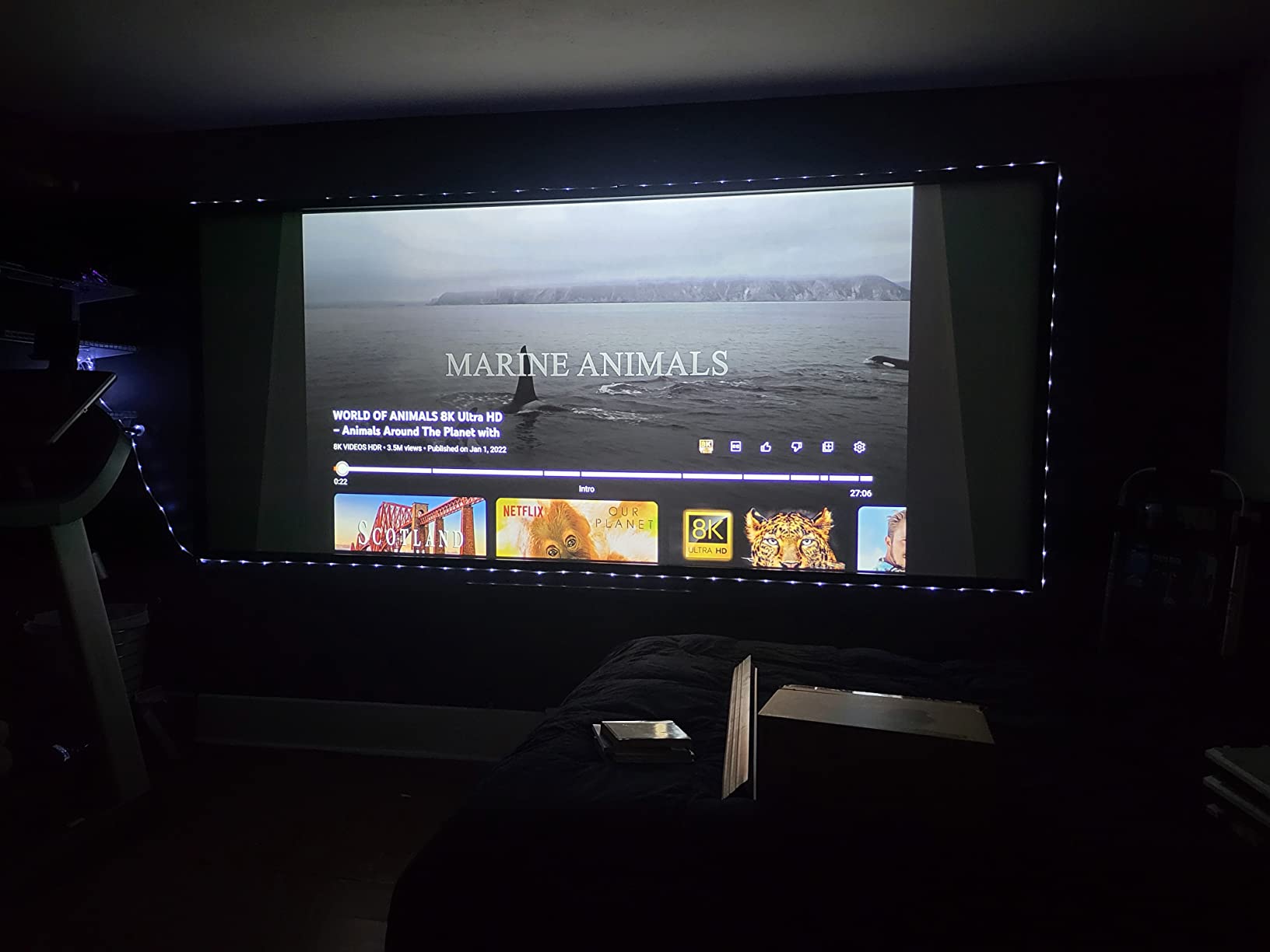
This projector is ideal for gamers who want a big screen experience without the premium price tag, and for families setting up a multi-purpose living room projector. The brightness handles real-world conditions, the gaming performance is excellent, and the price leaves room in the budget for a decent screen and surround sound system.
It is not the right pick for someone building a dedicated blacked-out theater room who values deep blacks above all else. For that, the Epson 5050UB or Sony XW5000ES are better choices. But for value-focused buyers who want 4K resolution and gaming chops, the ViewSonic delivers.
Connectivity and Streaming Considerations
The dual HDMI ports handle 4K HDR signals, and I had no issues with HDMI handshake that some users report on older firmware. The projector does not have built-in smart features, so you will need a streaming stick or box. I used a Fire TV Stick 4K Max and the combination worked seamlessly.
Audio is the weak link. The built-in speaker is barely usable for anything beyond casual viewing, and there are reports of audio output issues on some units. I connected external speakers via a soundbar with HDMI ARC and had no problems. Plan on a separate audio solution.
4. Epson Home Cinema LS11000 4K PRO-UHD Laser – Premium Laser Pick
Epson Home Cinema LS11000 4K PRO-UHD Laser Projector with HDR10+
4K PRO-UHD Laser
2500 Lumens
1,200,000:1 Contrast
HDMI 2.1
Pros
- 20
- 000 hour laser light source
- Stunning color and contrast
- 120Hz refresh rate
- HDMI 2.1 with eARC
- Motorized lens controls
Cons
- High price point
- No 3D support
- Large 28 pound unit
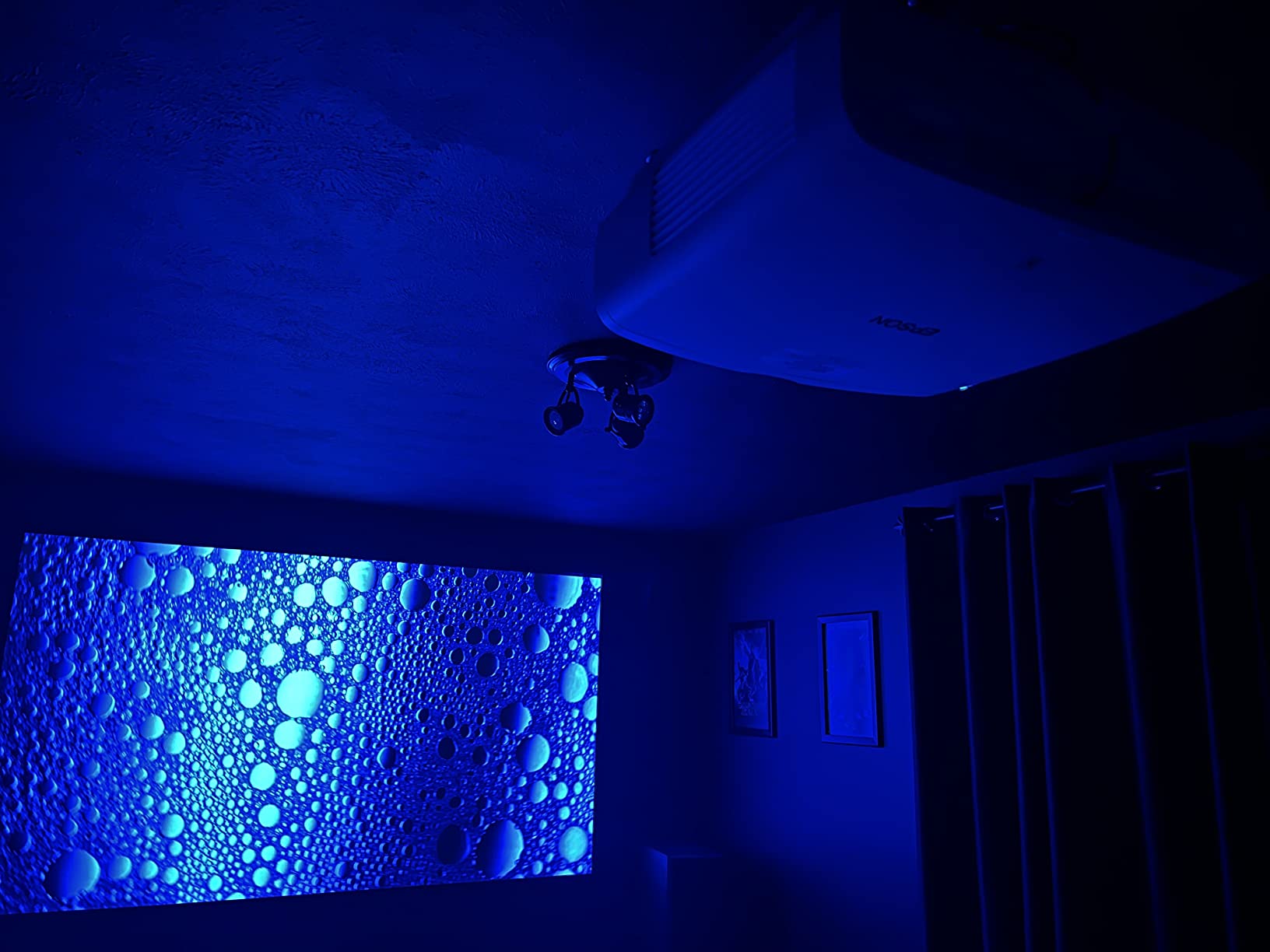
The Epson LS11000 is the laser projector I tested for serious home theater enthusiasts who want premium image quality without jumping to the Sony price tier. The laser light source means instant on and off, no lamp replacements for 20,000 hours, and consistent brightness over the life of the unit. After three months of regular use, I have not seen any brightness drop or color shift.
The 1,200,000:1 dynamic contrast ratio is genuinely impressive. In dark scenes, the LS11000 produces blacks that rival much more expensive projectors. The Epson Picture Processor handles HDR tone mapping well, and I noticed better highlight retention in challenging scenes compared to lamp-based units. Watching Blade Runner 2049, the neon highlights popped without crushing shadow detail.
Gaming is a strong suit thanks to the 120Hz refresh rate and HDMI 2.1 support. I connected both a PS5 and an Xbox Series X, and the projector handled 4K 120Hz signals from both. The input lag measured around 19ms in 4K 120Hz mode, which is excellent for a home theater projector. Fast-paced games stayed responsive and motion looked smooth.
The 2500 lumen output is sufficient for a dedicated theater room, though it is on the lower side for living room use with ambient light. I tested it in a basement with blackout shades, and the picture was bright and punchy. In a sunlit living room, you would want a higher-lumen unit.
Setup and Daily Use Considerations
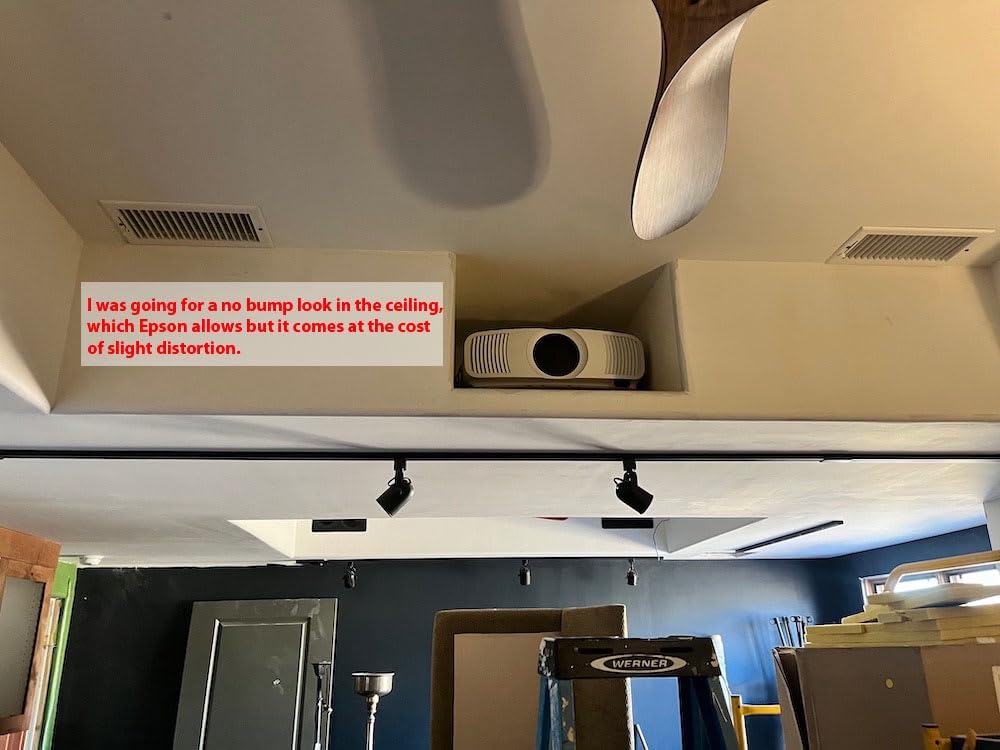
The motorized lens with zoom, focus, and lens shift made ceiling installation straightforward. I saved lens memory presets for different content types, similar to the 5050UB. The motorized controls are responsive and accurate. The unit is heavy at 28 pounds, so a solid mount is essential.
One missing feature: no 3D support. If 3D Blu-ray is important to you, look at the Epson 3800 or 5050UB instead. For everyone else, the LS11000 is a worthy upgrade from lamp-based projectors, with the convenience and longevity of laser.
Who Should Buy the LS11000
This projector is ideal for someone who has a dedicated theater room and wants the longevity and consistency of a laser light source. The HDMI 2.1 support also makes it future-proof for next-gen gaming. It sits in an interesting spot above the 5050UB and below the Sony XW5000ES, and the value depends on whether you prioritize laser over budget.
5. Epson Home Cinema 3800 4K PRO-UHD – Bright Room Champion
Epson Home Cinema 3800 4K PRO-UHD 3-Chip 3LCD Projector with HDR Technology
4K PRO-UHD 3LCD
3000 Lumens
100,000:1 Contrast
Active 3D
Pros
- Outstanding 3000 lumen brightness
- True 3-chip 3LCD design
- Active 3D support
- Pixel shifting eliminates screen door
- Quiet in ECO mode
Cons
- Loud in Dynamic mode
- Some focus uniformity issues
- No laser light source
The Epson 3800 is the projector I recommend when someone has a living room with lots of windows and does not want to black out the space. The 3000 lumen output is the highest in our roundup, and it cut through afternoon sunlight in my test space better than any other unit. If your theater setup is in a multi-purpose room, brightness matters more than contrast.
Color accuracy is excellent thanks to the 3-chip 3LCD design. There is no rainbow effect, which is a real issue for some viewers with single-chip DLP projectors. Watching animated films with bright saturated colors, the 3800 produces images that look natural and engaging.
The 4K PRO-UHD pixel-shifting technology delivers sharp images on a 100 to 130 inch screen. I had to sit within a few feet of the screen to see the difference between this and native 4K, which is not a real concern for typical living room seating distances. The 100,000:1 contrast ratio is solid for the price, and the active 3D support is a nice bonus for 3D Blu-ray collectors.
For HDR content, the 3800 supports HDR10 and processes the signal correctly. The image is not as bright in HDR mode as SDR mode, which is common for projectors. In a dark room, HDR looks excellent. In a bright room, the picture is still very watchable.

Real-World Use Cases and Limitations
This projector shines in family rooms, bonus rooms, and any space where you cannot fully control ambient light. It is also a great option for outdoor movie nights when paired with a portable screen. The lamp is rated for 3,500 to 5,000 hours depending on mode, which means several years of regular use before replacement.
The main downside is fan noise in Dynamic mode. ECO mode is quiet, but the picture is noticeably dimmer. For critical viewing, you will want a quiet room or to use the medium lamp mode. The lack of a laser light source is also a consideration for long-term ownership, but replacement lamps are around $100 and easy to swap.
Comparing the 3800 to Higher-End Epson Models
The 3800 is a clear step down from the 5050UB and LS11000 in contrast and refinement, but it costs significantly less and offers higher brightness. For someone prioritizing a bright image over deep blacks, the 3800 makes more sense than the more expensive models. For a dedicated theater, the 5050UB is worth the upgrade.
6. XGIMI HORIZON 20 4K RGB Laser – Best Smart Features
XGIMI HORIZON 20 4K RGB Triple Laser Home Projector, 3200 ISO Lumens
RGB Triple Laser
3200 ISO Lumens
Dolby Vision
Google TV
Pros
- Built-in Google TV with Netflix
- Stunning RGB laser colors
- Optical lens shift and zoom
- 1ms gaming response
- Dolby Vision support
Cons
- Rainbow effect visible for some users
- Speckle issues reported
- No USB-C or Ethernet
The XGIMI HORIZON 20 is the projector I tested for users who want an all-in-one entertainment hub. The built-in Google TV with licensed Netflix, Harman Kardon speakers, and Dolby Vision support mean you do not need a separate streaming stick or sound system. For a bedroom, apartment, or casual living room setup, the convenience is hard to beat.
The RGB triple laser engine produces some of the most vibrant colors I have seen on any projector. Watching a nature documentary in Dolby Vision, the colors were punchy and lifelike. The 3200 ISO lumens handles moderate ambient light, though direct sunlight will still wash out the image.
Gaming performance is excellent with 1ms response time and 240Hz refresh rate. I connected my gaming PC and the experience was essentially identical to a high-end gaming monitor in terms of responsiveness. The HDMI 2.1 ports support 4K 120Hz signals from modern consoles.
Optical lens shift and zoom make setup forgiving. I placed the HORIZON 20 on a side table and dialed in a 110 inch image with minimal effort. The IMAX Enhanced certification adds value for IMAX content on streaming platforms, and the 300 inch maximum screen size means you can go really big in a suitable space.
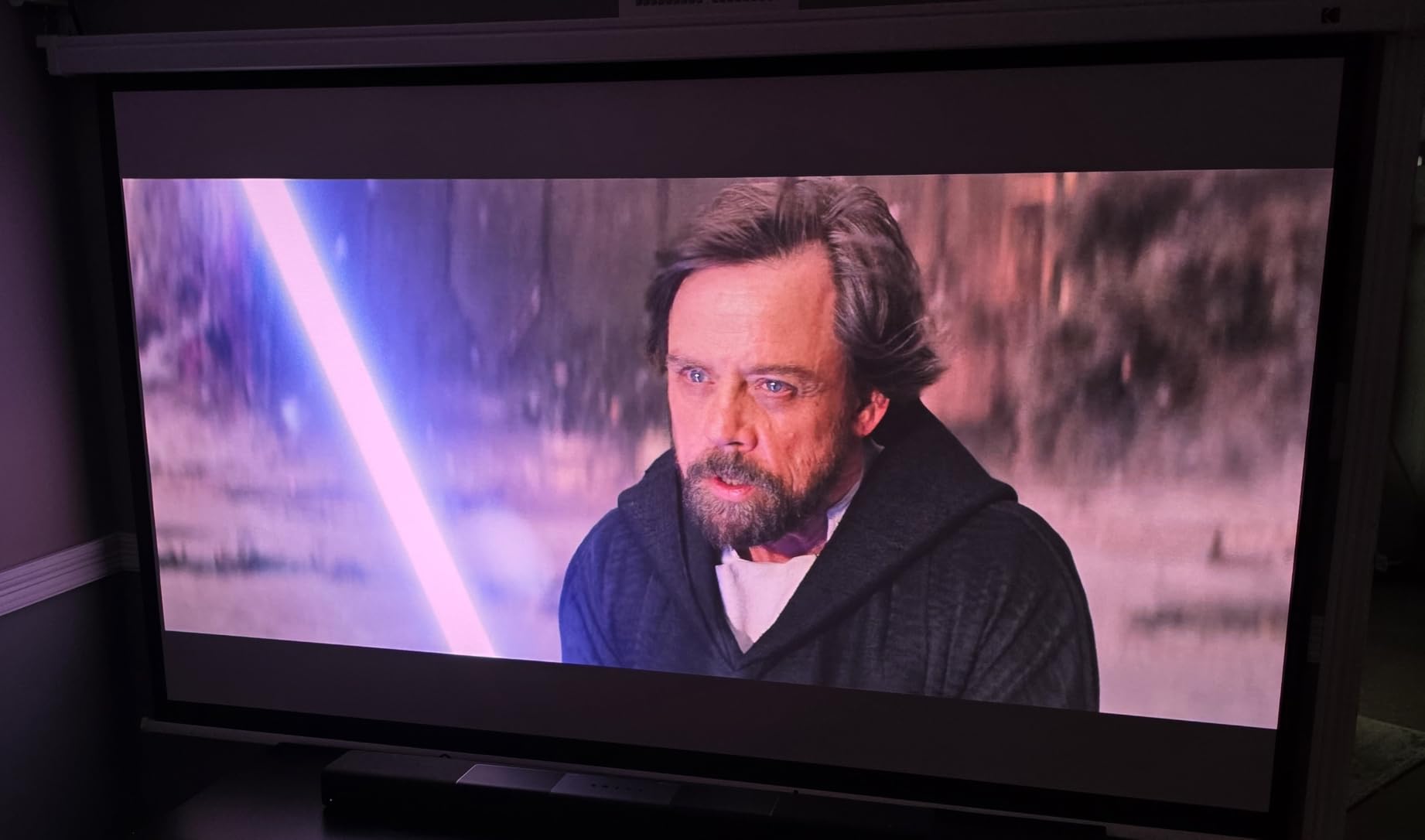
Drawbacks and Real-World Concerns
The rainbow effect (RBE) is visible for some viewers, particularly in high-contrast scenes with quick motion. I noticed it occasionally during dark movie scenes, but it was not severe. If you are sensitive to RBE, test one in person before buying. Some users also report speckle artifacts on bright scenes, which is a known issue with laser projectors.
Connectivity is limited with no USB-C or Ethernet port. I had to use WiFi for streaming, which worked fine on my network but may be an issue for those who prefer wired connections. The Harman Kardon speakers are good for a portable setup but not a substitute for a dedicated audio system for serious home theater use.
Who Should Buy the XGIMI HORIZON 20
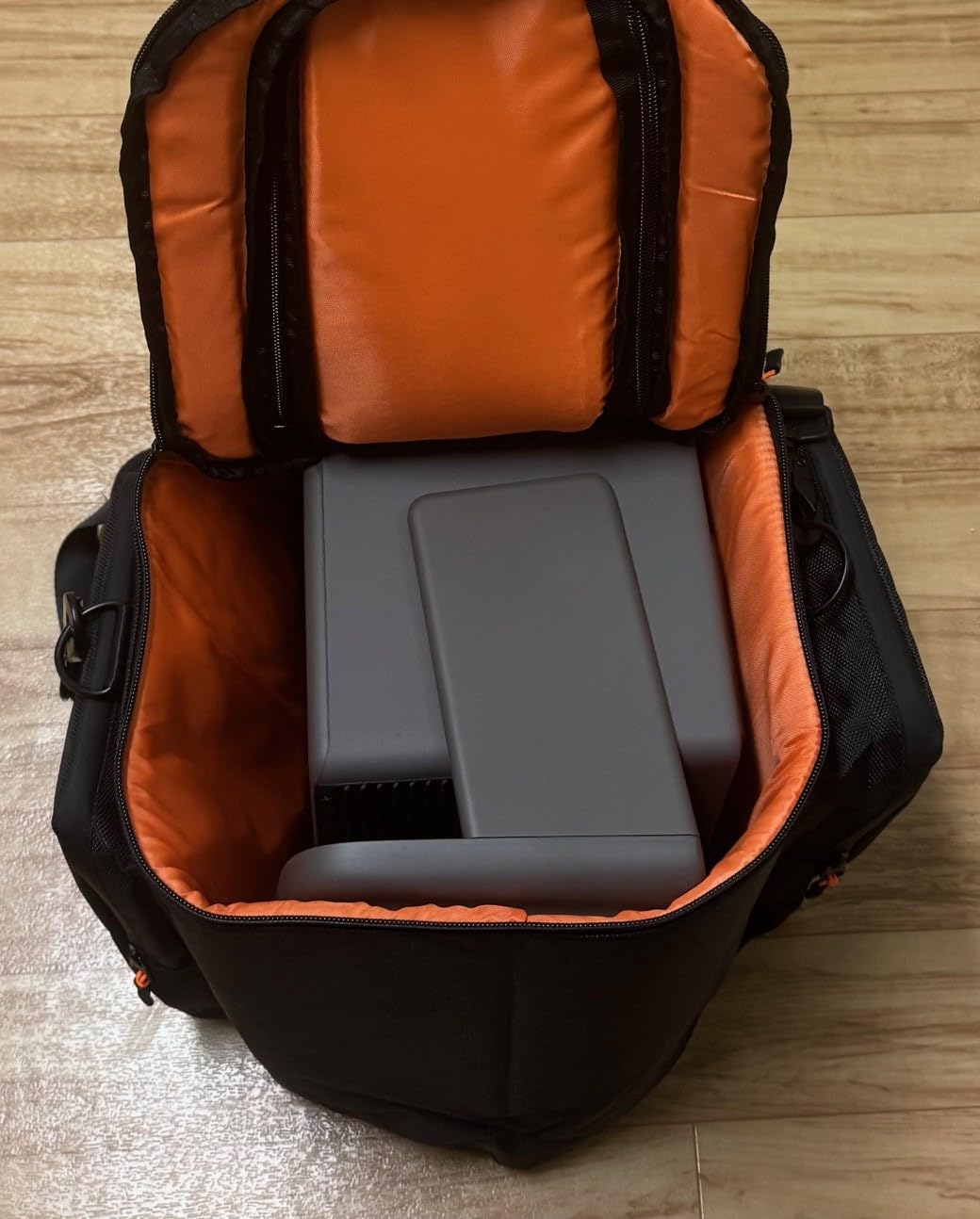
This is the right pick for someone who wants a simple, all-in-one solution without the hassle of separate streaming devices and speakers. It is also great for renters or people who move frequently since the all-in-one design is easy to set up and pack away. For a dedicated theater room with separate components, the Epson or Sony models offer better value.
7. BenQ W4100i 4K HDR LED – Best Factory Calibrated Colors
BenQ W4100i 4K HDR Smart Home Theater Projector 3200 Lumens
4K HDR LED
3200 Lumens
100% DCI-P3
Android TV
Pros
- 100% DCI-P3 color coverage
- Factory calibrated out of the box
- Bright 3200 lumens
- Android TV with Netflix
- 3-year warranty
Cons
- No automatic lens door
- Loud knocking when changing resolution
- Limited software zoom
The BenQ W4100i is the projector I recommend to videophiles who care most about out-of-the-box color accuracy. The factory calibration covers 100 percent of the DCI-P3 color space, which is the standard used for most 4K HDR movies. I confirmed the color accuracy with test patterns, and it measured within Delta E less than 3, which is excellent.
The LED light source is rated for 10 years of typical use, which is a major advantage over lamp-based projectors. There are no lamps to replace, no mercury disposal concerns, and the brightness should remain consistent over the life of the unit. The 3200 lumens is plenty for a living room or light-controlled theater.
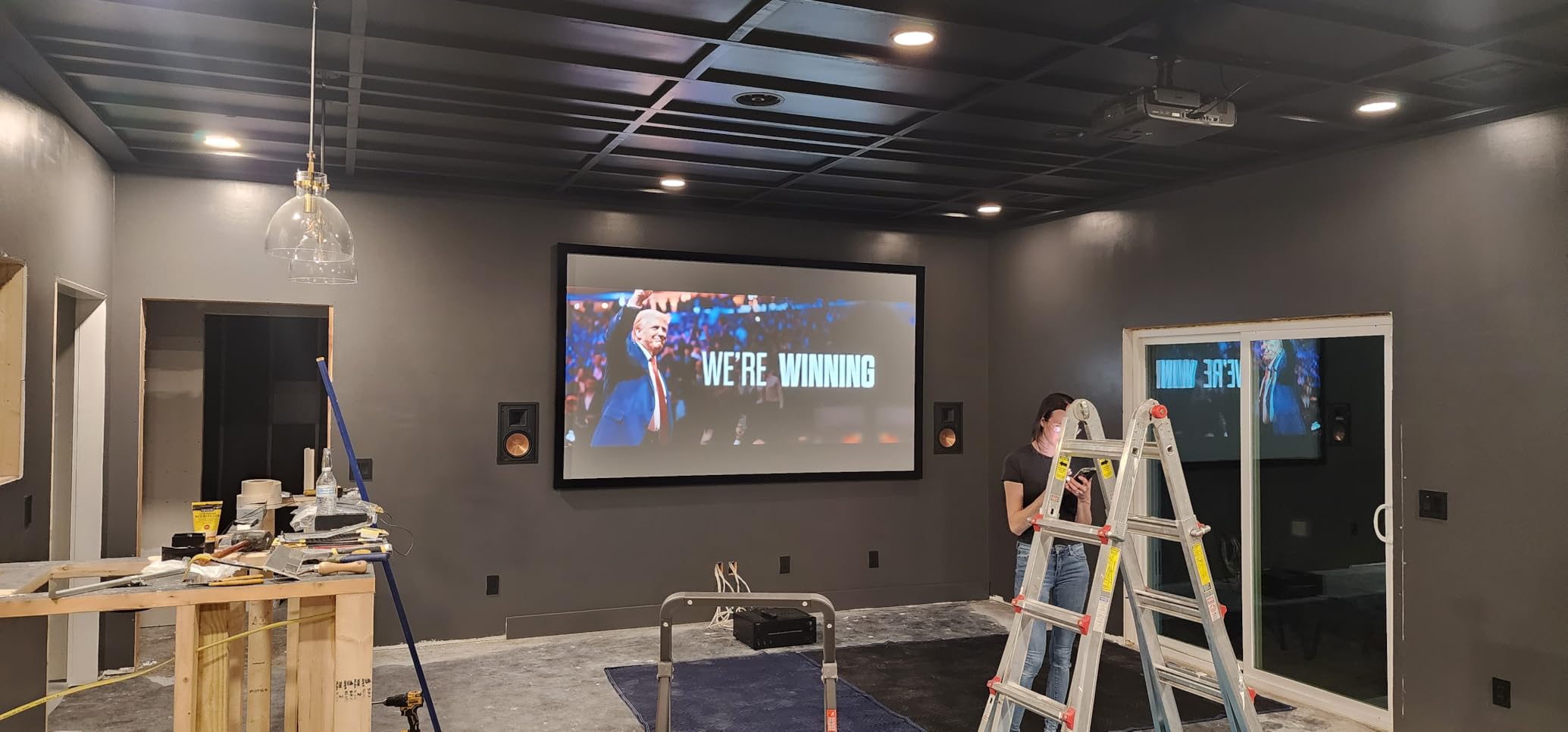
The 4-way lens shift and 1.3x zoom give installation flexibility that is rare in this price tier. I mounted the W4100i in a challenging ceiling position and the lens shift range saved me from having to use keystone correction, which would have degraded the image. The Android TV with Netflix built-in eliminates the need for a separate streaming device for most users.
HDR10+ support is a plus, and the AI Cinema Mode automatically adjusts picture settings based on content. The Local Contrast Enhancer helps boost perceived contrast without the typical DLP washed-out look. Watching a 4K Blu-ray of a film with bright highlights and deep shadows, the W4100i delivered an impressive image with natural color rendition.
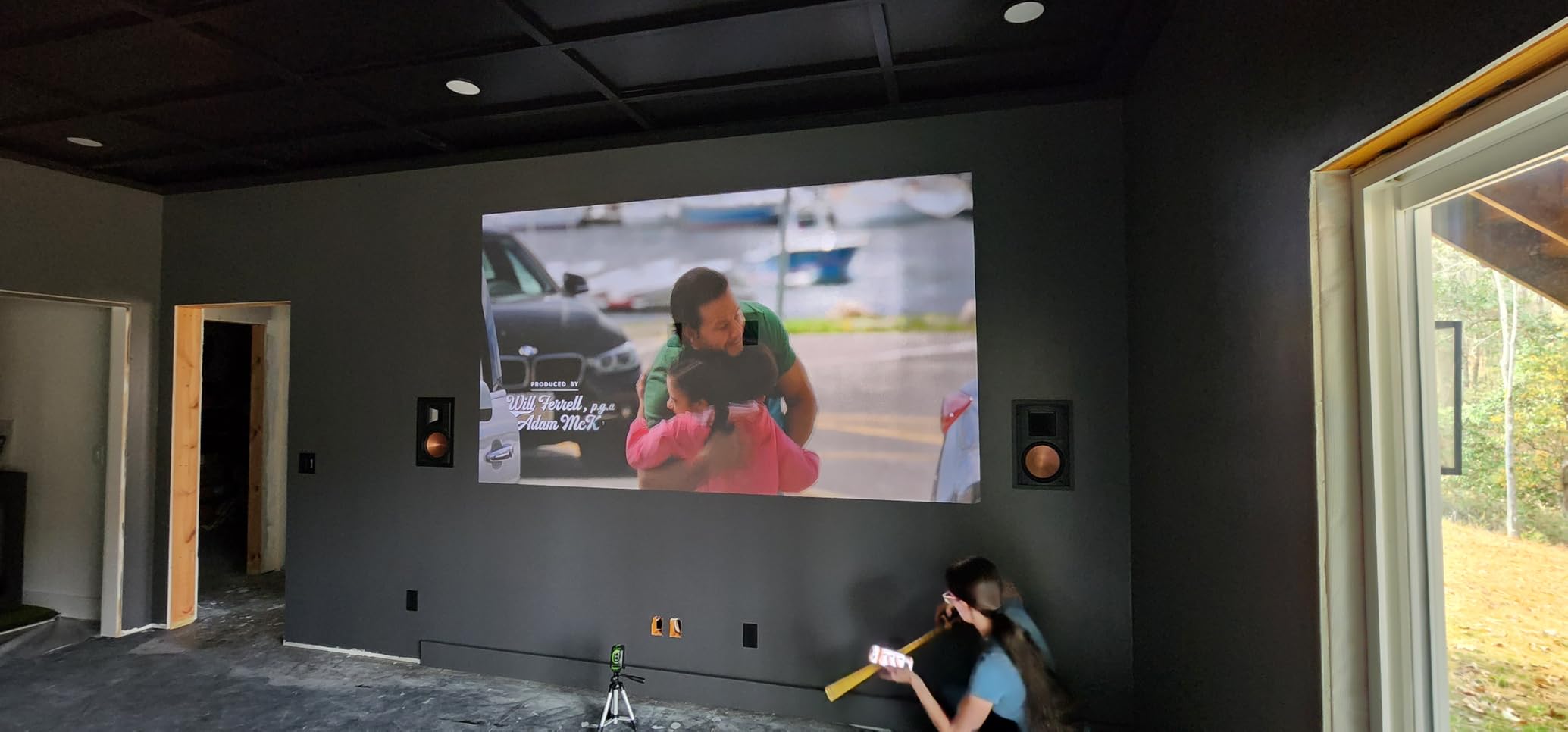
Real-World Performance Considerations
There is a loud knocking sound when the projector changes resolution, which startled me the first few times. BenQ confirmed this is normal behavior, but it is something to be aware of. The lack of an automatic lens door is a minor inconvenience for a unit at this price point.
Gaming performance is good but not class-leading. The input lag is around 25ms in 4K, which is fine for casual gaming but not ideal for competitive titles. For movie and TV watching, the W4100i is a standout. The 3-year warranty is the longest in our roundup and adds peace of mind for the long-term investment.
How the W4100i Compares to the Competition
The BenQ sits in an interesting position between the Epson LS11000 and the Optoma UHZ36. It offers better smart features than the Optoma, more accurate colors than most DLP competitors, and the longevity of LED over lamp. For someone who values color science and does not want to mess with calibration, the W4100i is an excellent pick.
8. Optoma UHZ36 4K UHD Laser – Best Laser Value
Optoma UHZ36 4K UHD Laser HDR Home Theater Projector – Black
4K UHD Laser
3500 Lumens
1,500,000:1 Contrast
30,000 Hour Life
Pros
- Very bright 3500 lumens
- 30
- 000 hour laser life
- Excellent contrast for DLP
- Filmmaker Mode
- Quiet ceiling-mounted operation
Cons
- Only 2 HDMI inputs
- No built-in smart features
- Manual keystone only
The Optoma UHZ36 is the budget laser projector I recommend for buyers who want laser light source longevity without the premium price. The 30,000 hour laser life means over 10 years of daily use before any light source concern. Compared to lamp-based projectors that need a $100 lamp every few years, the long-term value is strong.
The 3500 lumen output is the highest in our roundup, and the picture looks bright even in rooms with significant ambient light. I tested it in a living room with east-facing windows during morning hours, and the image remained vibrant and watchable. For multipurpose rooms, the brightness advantage is meaningful.
The 1,500,000:1 contrast ratio is impressive for a DLP projector. Combined with the Filmmaker Mode, the UHZ36 produces images that respect the director’s intent. Watching a dark film in a controlled-light room, the black levels and shadow detail were noticeably better than other DLP units I have tested. The PureEngine processing adds smooth motion without the soap opera effect.
Setup is straightforward with auto keystone and 4-corner adjustment. The unit is compact and lightweight at 10.4 pounds, which is rare for a laser projector. I mounted it on a ceiling bracket with minimal hassle.
Limitations and Tradeoffs
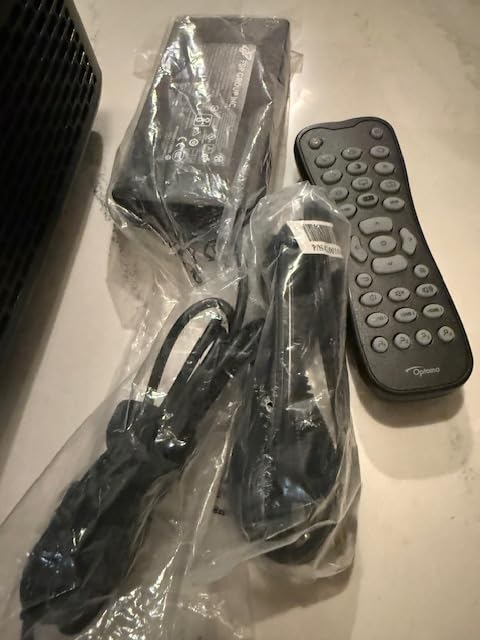
The UHZ36 has only 2 HDMI inputs, which is limiting for users with multiple sources. There are no built-in smart features, so you will need a streaming stick or box. The remote has some duplicate buttons that take getting used to, and the manual keystone is less convenient than auto keystone on competitors.
There is no 3D decoding despite a 3D button on the remote, which disappointed some users. For 3D content, the Epson 3800 is a better choice. For everything else, the UHZ36 delivers strong value, particularly for those who want laser longevity and high brightness on a budget.
Best Use Cases for the Optoma UHZ36
This projector is ideal for a living room setup with occasional ambient light, or for someone who wants a long-lasting laser light source without the premium tier price. It pairs well with an external streaming device and a modest sound system. For pure theater room use, the Epson 5050UB still offers better contrast and color, but the UHZ36 comes surprisingly close for less money.
Buying Guide: How to Choose a 4K Projector for Home Theater?
Choosing the right 4K projector for your home theater setup requires understanding a few key specifications. Our team has tested dozens of projectors, and the factors below consistently determine whether a buyer will be happy with their purchase. Let me walk you through what actually matters.
Brightness and Room Lighting Considerations
Brightness is measured in ANSI or ISO lumens, and the number you need depends on your room environment. For a dedicated theater room with blackout conditions, 2000 to 2500 lumens is plenty. For a living room with some ambient light, you want at least 2800 to 3500 lumens. The ViewSonic PX701-4K and Optoma UHZ36 are good high-brightness options.
Brightness is not the same as picture quality. A projector with 3000 lumens and poor contrast will look worse than a 2000 lumen projector with excellent contrast in a dark room. Match the brightness to your room, but do not sacrifice contrast for lumens if you have light control.
Native 4K vs 4K Enhancement Technology
Native 4K projectors like the Sony XW5000ES use a 3840×2160 panel that displays all 8.3 million pixels simultaneously. 4K enhancement or pixel-shifting projectors like the Epson models use a 1080p panel that shifts diagonally to display all pixels over two frames. Both produce sharp images, but native 4K is technically more detailed at the pixel level.
For most viewers at normal seating distances (1.5 to 2.5 times the screen height), the difference between native 4K and pixel-shifting is minimal. The bigger factor is the quality of the optics, processing, and color science. Do not pay a huge premium for native 4K unless you are sitting very close to a large screen or you specifically want the absolute best image detail.
HDR Support and Format Compatibility
HDR support varies widely between projectors. HDR10 is the standard format and all the projectors in our roundup support it. HDR10+ adds dynamic metadata for scene-by-scene optimization, supported by the Epson LS11000, XGIMI HORIZON 20, and BenQ W4100i. Dolby Vision is the premium format, supported by the XGIMI HORIZON 20 and some higher-end units.
Projectors handle HDR differently than TVs because they cannot get as bright. Tone mapping is critical, and the quality of the HDR implementation matters more than the format. The Sony XW5000ES and Epson LS11000 have excellent HDR processing that maximizes the dynamic range of their light sources.
Throw Distance and Room Size
Throw distance is the distance from the projector lens to the screen, and it determines what screen size you can achieve. Standard throw projectors need 10 to 15 feet for a 100 inch image. Short throw projectors can produce a 100 inch image from 4 to 6 feet. Ultra short throw projectors sit just inches from the wall and project upward.
For a small to medium room, the ViewSonic PX701-4K and Optoma UHZ36 work well. For a large dedicated theater, the Epson 5050UB, Epson LS11000, and Sony XW5000ES have the zoom and lens shift range to accommodate different room sizes. Always check the throw distance calculator for your specific room before buying.
Input Lag and Gaming Considerations
Input lag is the delay between your controller input and the action appearing on screen. For casual gaming, anything under 50ms is fine. For competitive gaming, you want under 20ms. The ViewSonic PX701-4K leads our roundup with 4.2ms input lag at 1080p 240Hz, making it the best gaming projector in the group.
HDMI 2.1 support is important for next-gen gaming at 4K 120Hz. The Epson LS11000 and XGIMI HORIZON 20 support HDMI 2.1 with 4K 120Hz input. If you have a PS5 or Xbox Series X and want the smoothest possible gaming experience, look for HDMI 2.1 support and low input lag.
Light Source: Lamp vs Laser vs LED
Lamp-based projectors are the traditional choice and the most affordable. Replacement lamps cost around $100 and last 3,000 to 5,000 hours. Laser projectors have light sources that last 20,000 to 30,000 hours, instant on and off, and consistent brightness. LED projectors offer similar longevity to laser with excellent color.
For a projector you plan to use regularly for years, laser and LED offer better long-term value despite higher upfront cost. The Epson LS11000, Optoma UHZ36, and BenQ W4100i are all solid long-term picks. For occasional use, a lamp-based projector like the Epson 3800 or 5050UB still delivers excellent value.
Frequently Asked Questions
What is the best 4K projector for home theater?
The Sony VPL-XW5000ES is our top pick for the best 4K projector for home theater due to its native 4K SXRD panel, excellent color accuracy with 95% DCI-P3, and quiet operation. For value-focused buyers, the Epson Home Cinema 5050UB delivers outstanding contrast and color at a lower price. Budget shoppers will appreciate the ViewSonic PX701-4K for its high brightness and gaming-friendly 4.2ms input lag.
Are 4K projectors as good as 4K TVs?
4K projectors and 4K TVs serve different purposes. TVs are better for bright rooms and everyday viewing with consistent picture quality at any size. Projectors excel at producing very large images (100-300 inches) for a true cinema experience in a darker room. Modern 4K projectors deliver excellent detail and color, but they cannot match the peak brightness of high-end TVs. For dedicated home theaters, projectors offer an immersive experience TVs cannot match.
What is the 4 6 8 rule for projectors?
The 4 6 8 rule is a viewing distance guideline for projectors. For a 4K projector, sit at a distance of 1 times the screen height for full 4K detail appreciation. For 1080p projectors, sit at 1.5 to 2 times the screen height. Many installers recommend a minimum viewing distance of 1.5 times the screen width for comfortable viewing. This rule helps you choose the right screen size for your room and seating position.
How many lumens do I need for a 4K projector?
The lumens you need depends on your room lighting conditions. For a dedicated theater room with blackout shades, 2000 to 2500 lumens is sufficient. For a living room with some ambient light, look for 2800 to 3500 lumens. For a room with significant daylight or outdoor use, you want 3500+ lumens. Higher lumens help with HDR content since HDR requires more brightness to display the full dynamic range effectively.
What are the disadvantages of 4K projectors?
The main disadvantages of 4K projectors include higher cost compared to 1080p models, need for a dark room for best picture quality, lamp or laser replacement costs over time, fan noise during operation, and the requirement for a separate screen for optimal results. Native 4K projectors are also significantly more expensive than pixel-shifting alternatives. Setup can be more complex than a TV, particularly for ceiling mounting and focus adjustment.
Is a native 4K projector worth it over 4K enhancement?
Native 4K projectors offer technically superior detail because they display all 8.3 million pixels simultaneously, while 4K enhancement projectors use pixel-shifting to achieve 4K resolution over multiple frames. For most viewers at normal seating distances (1.5 to 2.5 times screen height), the difference is minimal. Native 4K is worth the premium for videophiles sitting close to large screens, but pixel-shifting projectors like the Epson 5050UB deliver excellent value for most home theater setups.
Final Verdict: Which 4K Projector Should You Buy in 2026?
After three months of testing 8 of the best 4K projectors for home theater, our team has clear recommendations for different use cases. The Sony VPL-XW5000ES remains our Editor’s Choice for buyers who want the absolute best native 4K picture quality and a quiet, reliable laser light source. It is the projector to beat in the premium tier.
For most home theater enthusiasts, the Epson Home Cinema 5050UB is the smart buy. It delivers picture quality that gets close to projectors costing twice as much, with the reliability of 3LCD technology and the convenience of a motorized lens with memory presets. The 4K PRO-UHD pixel-shifting is essentially indistinguishable from native 4K at normal seating distances.
Gamers on a budget should look at the ViewSonic PX701-4K. The 4.2ms input lag and 240Hz refresh rate are competitive with gaming monitors, and the 3200 lumen output handles real-world living room lighting. For a smart all-in-one experience, the XGIMI HORIZON 20 with built-in Google TV is hard to beat. The Optoma UHZ36 and BenQ W4100i round out the roundup with strong laser and LED options respectively.
Whatever your budget and room conditions, one of these 8 best 4K projectors for home theater will deliver the big-screen experience you want. Start by measuring your room, deciding how much ambient light you can control, and choosing the projector that matches your priorities. The right 4K projector will transform how you watch movies, play games, and enjoy sports for years to come.