
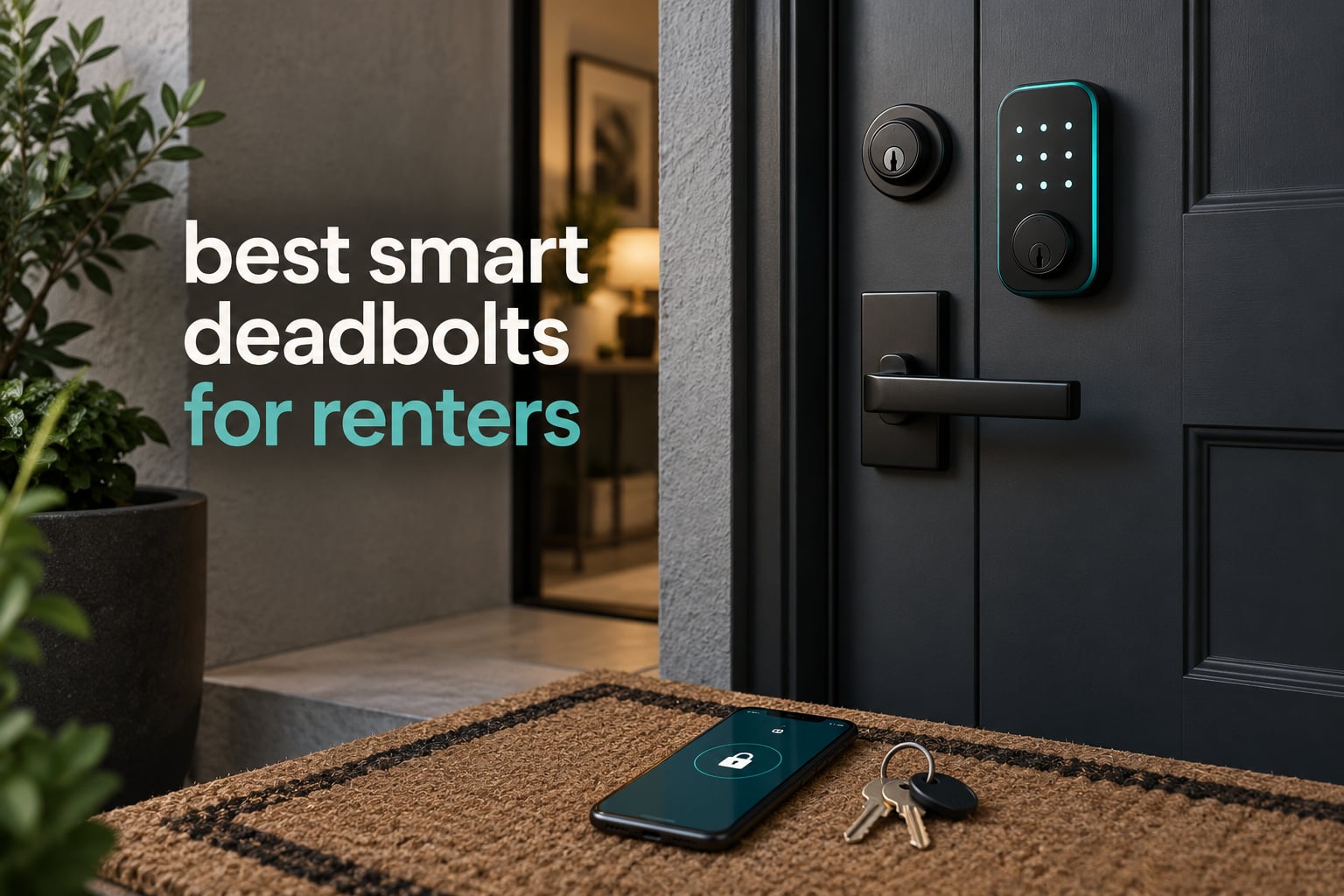
The best smart deadbolts for renters are the ones that bolt on top of the deadbolt you already have. A retrofit unit clamps to the interior thumb-turn, leaves the outside of the door completely untouched, and keeps every existing key working, including the landlord’s. That single fact is the difference between a smart lock you install in ten minutes and one you are still arguing about at move-out.
I have spent the last few months putting these locks through the renter filter rather than the spec-sheet filter. A lock can be the fastest, most capable model on the market and still be the wrong choice for someone living in a unit they do not own, because it needs drilling, or a hub, or a new cylinder that changes the look of the door from the sidewalk.
So this roundup ranks all ten picks on the same four questions: does the exterior of the door stay the same, do the existing keys keep working, does it come out clean when you move, and what does it actually cost you in batteries and hub hardware over a twelve-month lease. Every pick below carries a plain renter verdict, and the ones that replace your deadbolt are flagged as such.
If you are still building out the rest of the rental, our guide to the best smart home devices for renters covers the hardware that pairs well with a lock like this.
Top 3 Picks: smart deadbolts for renters in 2026

Schlage Encode Smart WiFi Deadbolt
- Built-in WiFi
- no hub
- Up to 100 access codes
- 6 months on 4 AA batteries
- BHMA certified
- Backup key included

ULTRALOQ Bolt SE WiFi Matter
- Fingerprint plus 50 passcodes
- Built-in WiFi and Matter
- Up to 18 months battery
- IP65 and ANSI BHMA

Veise KS02A Fingerprint Lock
- Offline
- no app or account
- 20 fingerprints and 20 codes
- Up to 365 days on 4 AA
- ANSI Grade 3
Best smart deadbolts for renters compared in October
| Product | Specifications | Action |
|---|---|---|
| Schlage Encode Smart WiFi Deadbolt |
|
Check Latest Price |
| ULTRALOQ Bolt SE WiFi Matter |
|
Check Latest Price |
| Veise KS02A Fingerprint Lock |
|
Check Latest Price |
 Veise RZ07 App Control Lock Veise RZ07 App Control Lock |
|
Check Latest Price |
 ULTRALOQ U-Bolt WiFi ULTRALOQ U-Bolt WiFi |
|
Check Latest Price |
 CANDY HOUSE Sesame 5 CANDY HOUSE Sesame 5 |
|
Check Latest Price |
 Philips Wi-Fi Smart Deadbolt Philips Wi-Fi Smart Deadbolt |
|
Check Latest Price |
 Wyze Auto-Lock Bolt v2 Wyze Auto-Lock Bolt v2 |
|
Check Latest Price |
 Tapo DL100 Smart Deadbolt Tapo DL100 Smart Deadbolt |
|
Check Latest Price |
 TEEHO TE012W WiFi Lock TEEHO TE012W WiFi Lock |
|
Check Latest Price |
1. Schlage Encode Smart WiFi Deadbolt – the best overall pick for renters
Schlage Encode Smart WiFi Deadbolt Lock with Century Trim, Matte Black
Built-in WiFi, no hub
Up to 100 access codes
4 AA batteries, 6 months
BHMA certified
Pros
- Built-in WiFi so there is no hub to buy or power
- Up to 100 keyless codes with lock history
- Fingerprint-resistant touchscreen
- One physical backup key in the box
- Installs with a screwdriver on standard doors
Cons
- Priced above every other lock in this roundup
- Touchscreen needs deliberate presses
- Backup key is a single unit
This is the one I end up recommending to friends who ask for a single answer. It connects straight to your own Wi-Fi network, so there is no bridge to plug in, power, or explain to a landlord, and the Schlage Home app handles codes, history and remote locking from anywhere. With 4 AA batteries included and up to six months of stated life, you are looking at roughly two battery changes across a one-year lease.
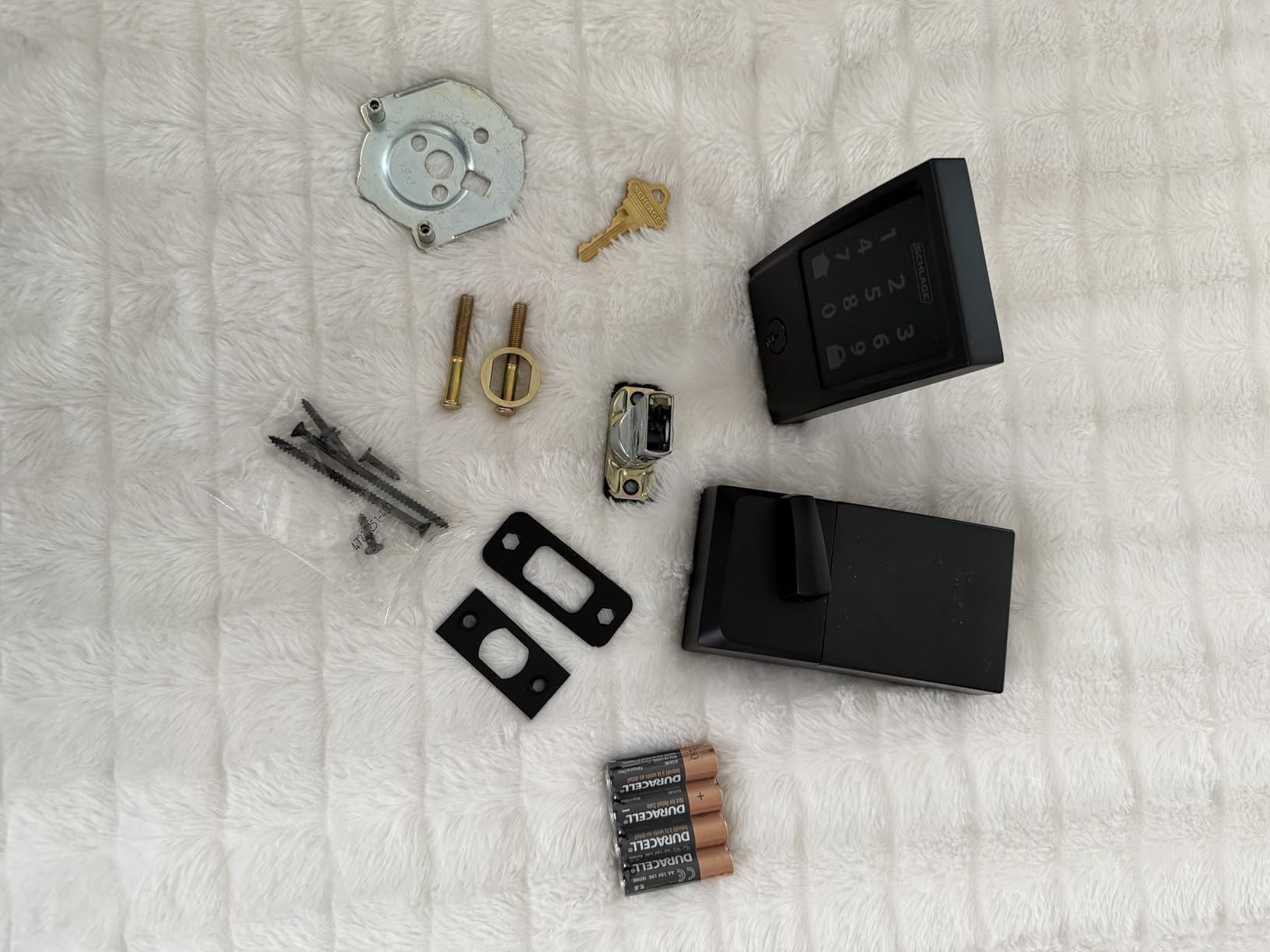
The install is genuinely a screwdriver job. The Snap ‘n Stay design keeps the unit on the door while you thread the spindle, and it fits standard doors from 1-3/8 to 1-3/4 inches thick with either a 2-3/8 or 2-3/4 inch backset, which covers most standard US apartment and rental doors.
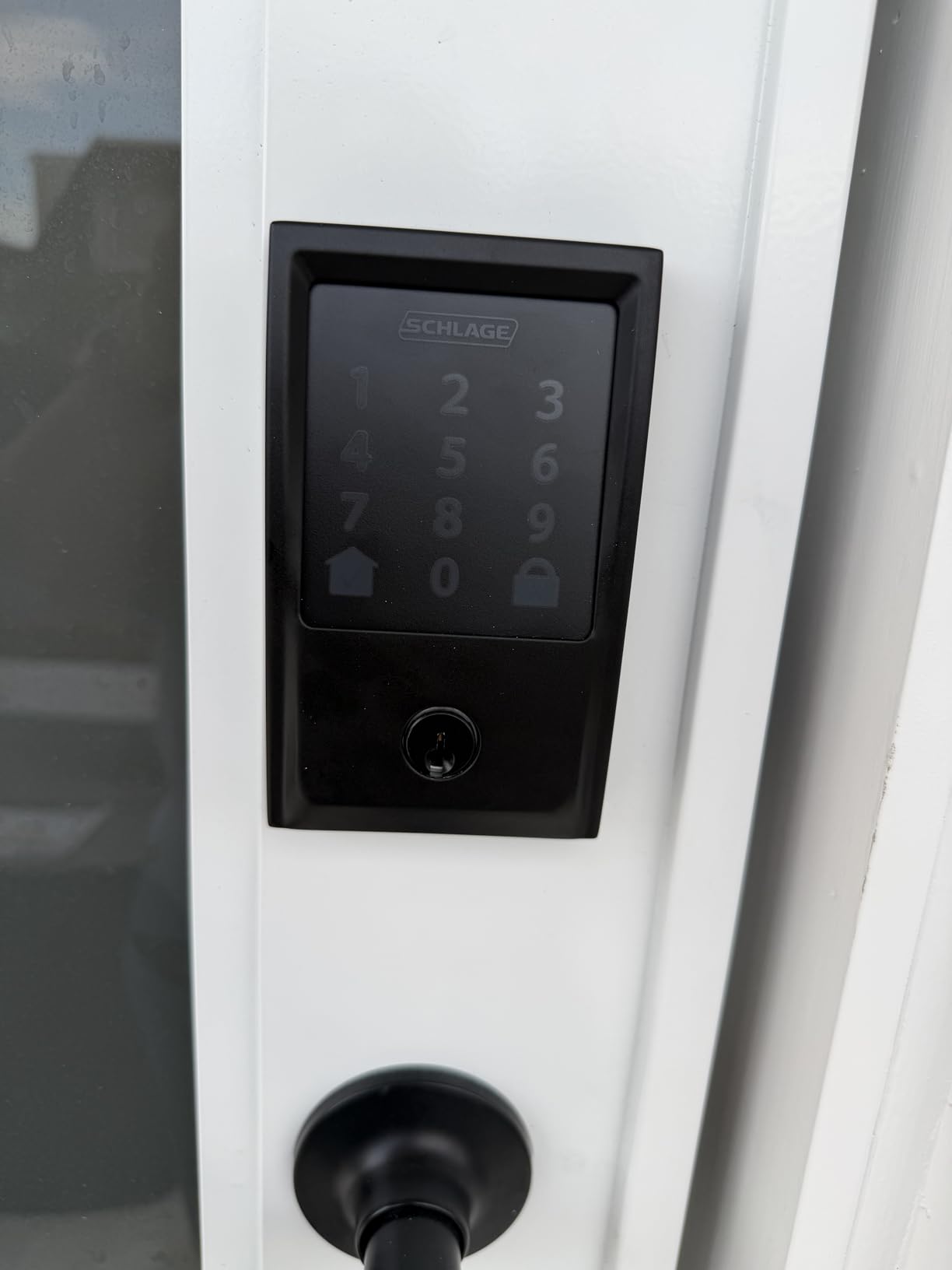
Security is the part that matters most if you actually live there. Schlage lists BHMA certification at the highest residential level for security, durability and finish, and the forced-entry and door-movement alarm is customizable, so you can be notified when the door opens instead of just when the bolt throws.
The honest drawback is cost, and it is the most expensive lock in this group. The touchscreen also feels less immediate than the fingerprint scanners below, since it wants a deliberate press rather than a brush of the finger, and only one backup key ships in the box.
What renters like about it
The hub-free Wi-Fi is the decisive part for a rental. There is nothing to mount on a landlord’s wall, nothing to unplug at move-out, and no bridge to explain in a request email. If you already run a smart home, it talks to Alexa and Google Assistant, and the app is stable enough that owners rarely talk about connectivity.
The 100-code capacity also changes the social math in a shared rental. You can hand a dog walker their own code, give a contractor a scheduled one that expires on its own, and keep the master code to yourself, without any of them ever holding a key.
What renters should know first
This is a full deadbolt replacement, not a retrofit. The exterior of the door changes, the old key may stop working, and a landlord who cares about appearance has a legitimate objection. Get the written permission before you buy, and confirm your door thickness and backset first.
Reviewers also flag the touch response as less crisp than newer fingerprint models. If you plan to use the keypad in the rain with one hand, test it before commit to this one.
2. ULTRALOQ Bolt SE – the best value pick with a fingerprint reader
ULTRALOQ Bolt SE Wi-Fi Smart Lock, Matter Over Thread, App Remote Access
Fingerprint plus keypad
Built-in WiFi and Matter
Up to 18 months battery
IP65 ANSI BHMA
Pros
- Seven unlock paths including two physical keys
- Built-in WiFi removes the hub requirement
- Matter over Thread support for Apple Home
- Up to 18 months of battery life
- About 10 minute installation
Cons
- Matter over Thread needs a Thread Border Router
- WiFi limited to the 2.4 GHz band
- No door sensor included
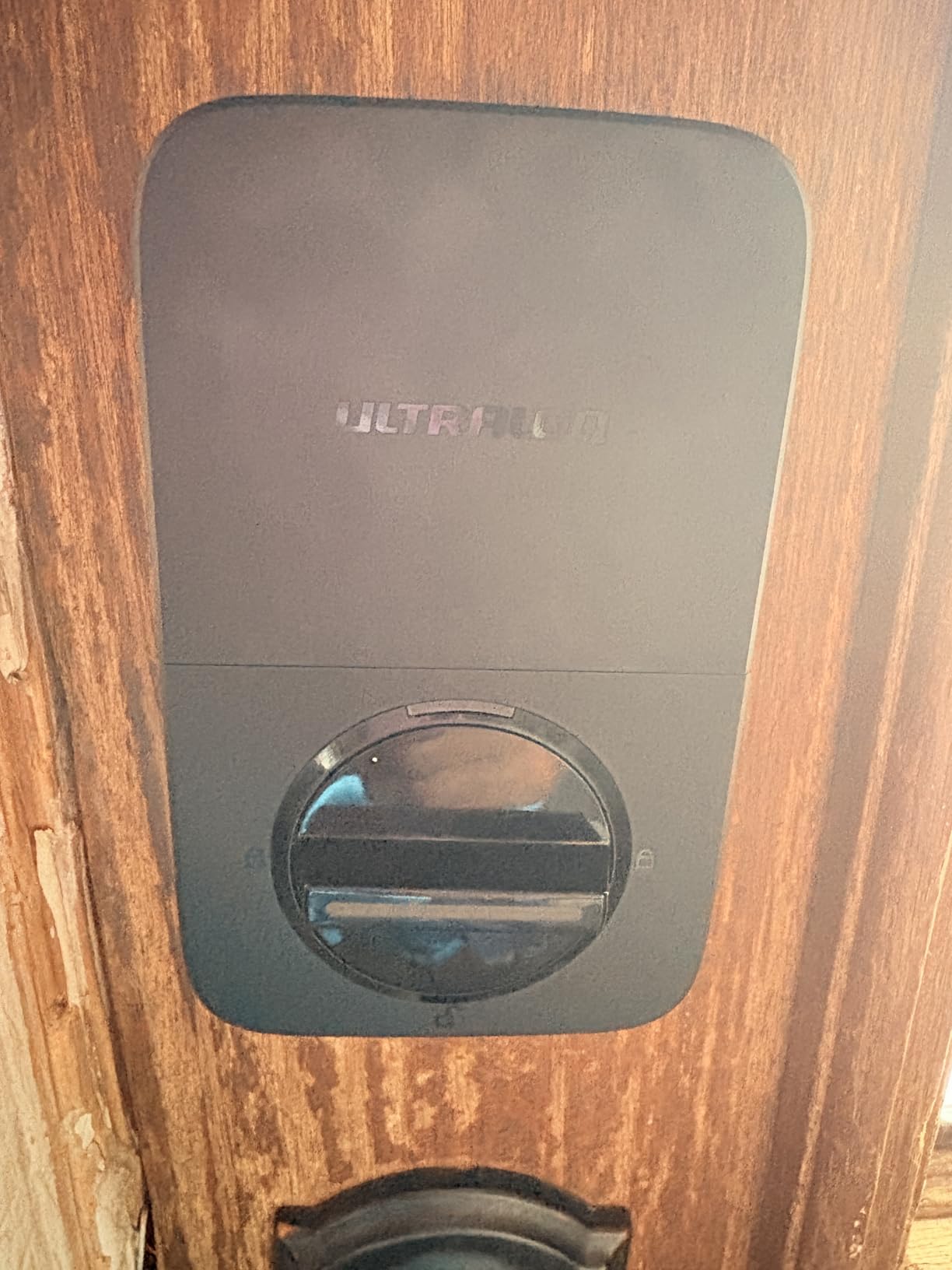
For most renters this is the smart buy. You get a fingerprint reader, a keypad, an app, shared eKeys, voice control and two physical keys, and the built-in Wi-Fi means remote access without a separate bridge. On battery life it is the strongest in this roundup: up to 18 months on the Thread mesh, which for a one-year lease usually means you may not change them once.
Matter over Thread support is the underrated part. If you move out and take the lock with you, or buy a second one for a new place, Matter means it can land in Apple Home, Google Home, Alexa or SmartThings without being stuck in one vendor’s app. That portability is exactly what a tenant needs.
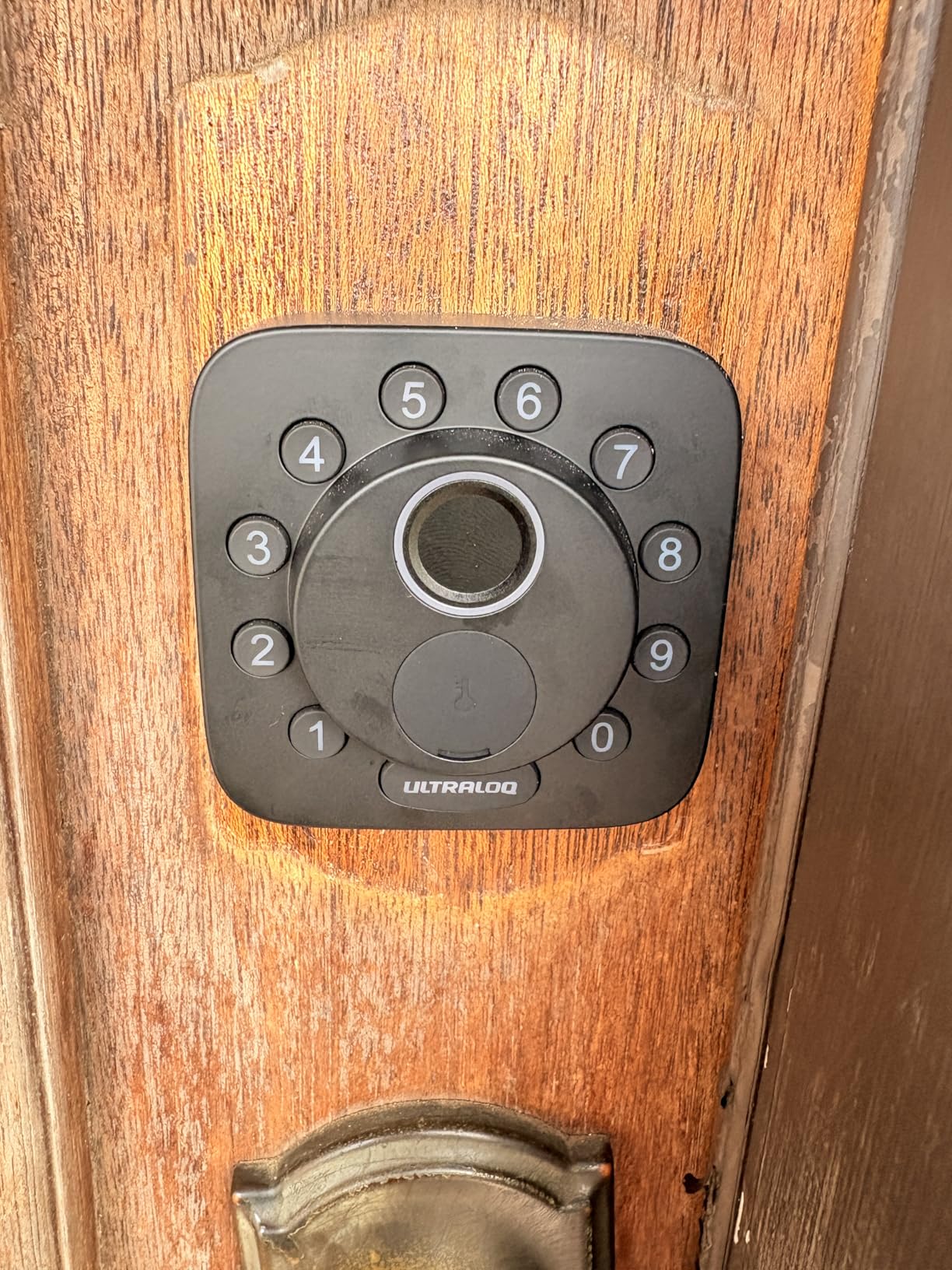
The hardware is a zinc alloy body with an IP65 weather rating and ANSI BHMA certification, and the listing claims a 10-minute install with no professional help. Storage is generous: 50 fingerprints and 50 passcodes, which is plenty for a house share where several people, a cleaner and a contractor all need different ways in.
There is one setup catch worth knowing before you buy. Full Matter functionality requires a Thread Border Router, and the built-in Wi-Fi is 2.4 GHz only, so the router needs to be within about 70 feet of the door. Check your network band and signal first, and treat Matter as a bonus rather than a day-one requirement.
Why it suits a rental
It is a replacement lock, so it changes the outside, but it is a well-documented and popular unit that landlords recognise. The two included emergency keys are the detail that reassures people: if the battery dies, the landlord can still get in with a physical key rather than breaking the door.
Lifetime mechanical coverage and 18-month electronic protection also reduce the risk of arguing with a property manager two months before you leave.
Where it falls short
No door sensor is included, so the auto-lock timer can throw the bolt into a door that is still standing open. If you routinely prop the door or carry a large box through, use passage mode or set a longer delay.
Owners who enable every feature report needing extra hub hardware, so budget for that if Matter is the reason you want it. Bluetooth pairing on some setups also takes a couple of attempts.
3. Veise KS02A – the best budget pick that works with no app at all
Veise KS02A Fingerprint Door Lock, Keypad Deadbolt, Matte Black
Fully offline, no account
20 fingerprints and 20 codes
Up to 365 days on 4 AA
ANSI Grade 3
Pros
- Works with no app
- account or subscription
- Fingerprint reader at a budget price
- 20 fingerprints and 20 passcodes
- Up to 365 days on 4 AA batteries
- Auto-detects left or right handed doors
Cons
- No WiFi so no remote access
- No voice assistant integration
- Fingerprint capacity capped at 20
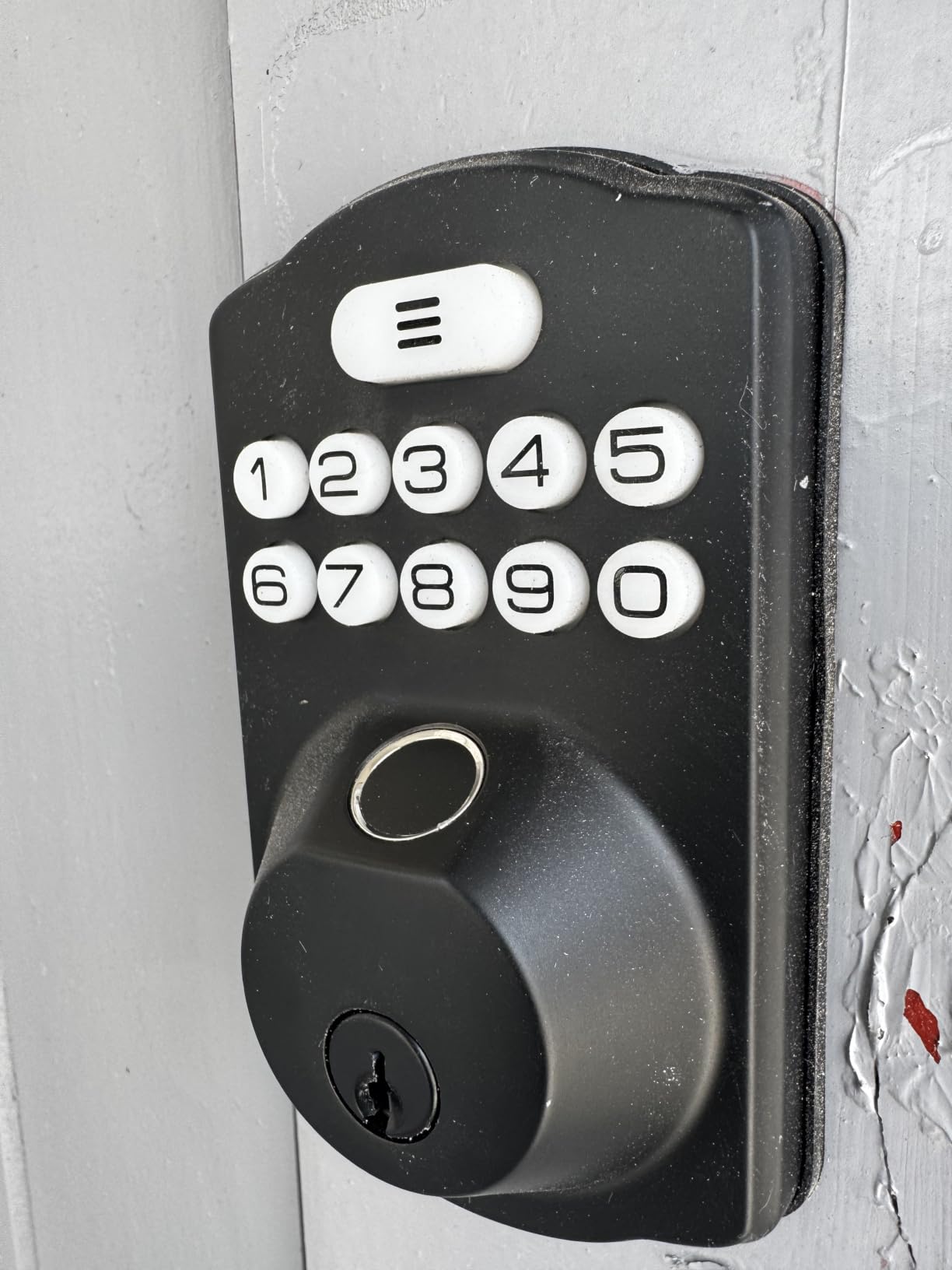
If your lease might end in a year and the door has a deadbolt you are not allowed to change much, simplicity is worth more than features. This one stores 20 fingerprints and 20 passcodes on the lock itself, recognises a finger in about 0.2 seconds, and needs no app, no account and no cloud. Nothing to unlink at move-out, nothing to lose if the company shuts down.
Battery life is the standout: up to 365 days on 4 AA batteries, which for most renters means you might set a battery change reminder once and forget it. There is a red LED low-battery alert on the unit itself.
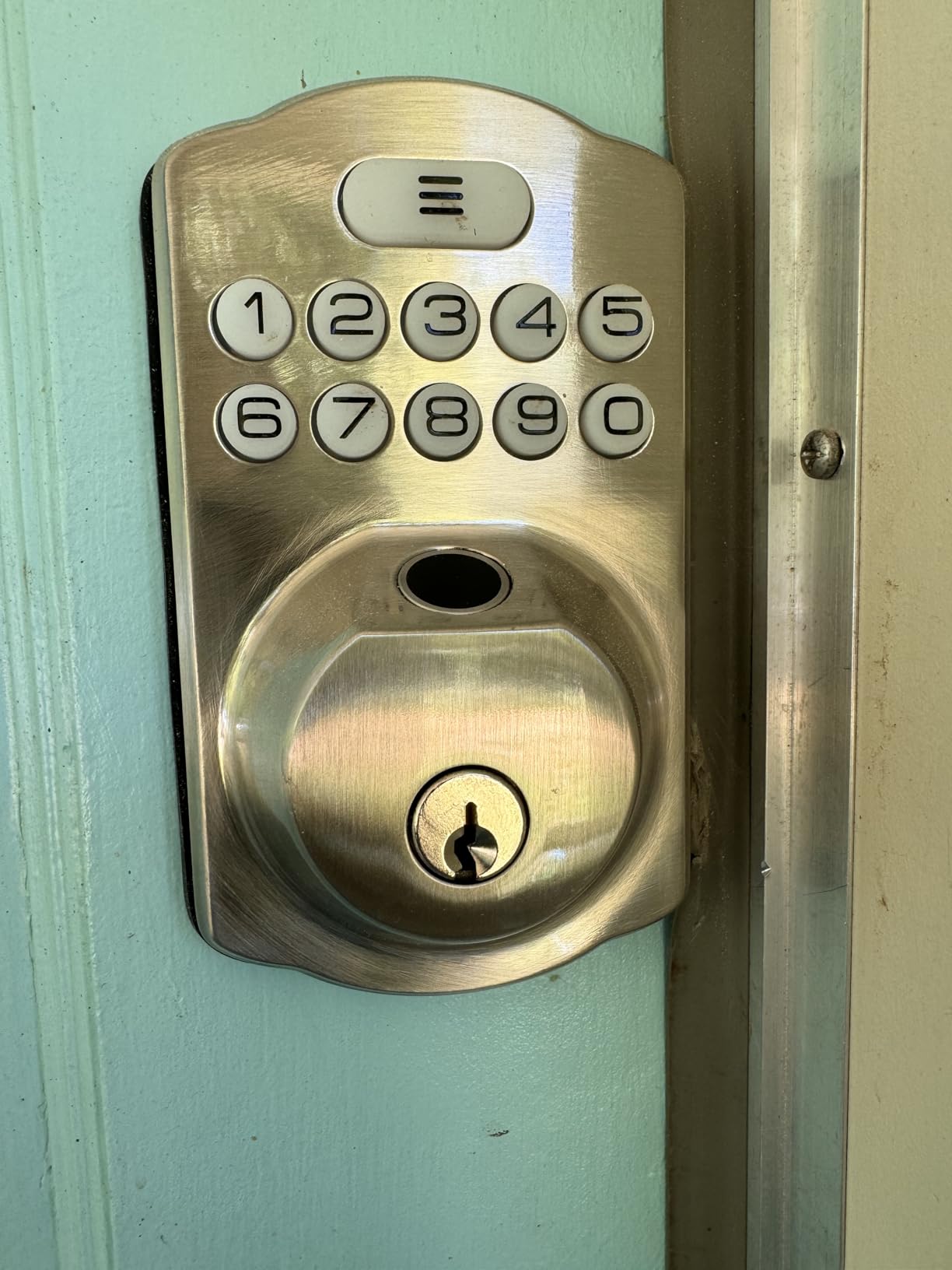
Security is respectable rather than exceptional, with ANSI Grade 3 and BHMA certification, IP54 water resistance, and a rating from minus 31F to 158F. It also has an anti-peeping feature that lets you add extra digits before or after your real PIN so a shoulder-surfer cannot copy the code, plus a master password and self-expiring one-time codes for a contractor visit.
Installation is a screwdriver job in about 15 minutes, and it fits doors from 1-3/8 to 2 inches thick with a 2-1/8 inch bore, which is the most common US rental door size.
Best for a short lease or a shared house
Because nothing is stored in the cloud, a landlord cannot ask for your app data and no company can retire the backend while you are still living there. For a tenant with a 12-month lease who wants codes for housemates and a dog walker, the 20-code capacity is comfortable.
Silent Mode and Vacation Mode are useful if you have roommates, and the one-touch lock plus a configurable 10 to 99 second auto-lock covers most households.
What you give up
There is no remote access at all. You cannot lock the door from work, and you cannot see who came in. If you hand this to a housemate, they cannot see a code you gave a contractor.
It is also a full replacement lock, so the exterior changes, and 20 fingerprints is low for a large household or a property with many visitors. A few owners also find the keypad takes a moment to wake up.
4. Veise RZ07 – the best pick for handing over a rental between tenants
Veise RZ07 Fingerprint Smart Door Lock Deadbolt, App Control, Matte Black
App and web portal control
Up to 250+ codes
50 fingerprints
Gateway for remote access
Pros
- Remote temporary and scheduled codes with no subscription
- 250+ user codes including one-time and recurring
- Seven unlock methods including fob and eKey sharing
- Screwdriver-only install on standard doors
- Support repeatedly praised for free replacements
Cons
- Remote access needs the separately sold G2 gateway
- Keypad glass hard to read in direct sun
- App battery readout is not very informative
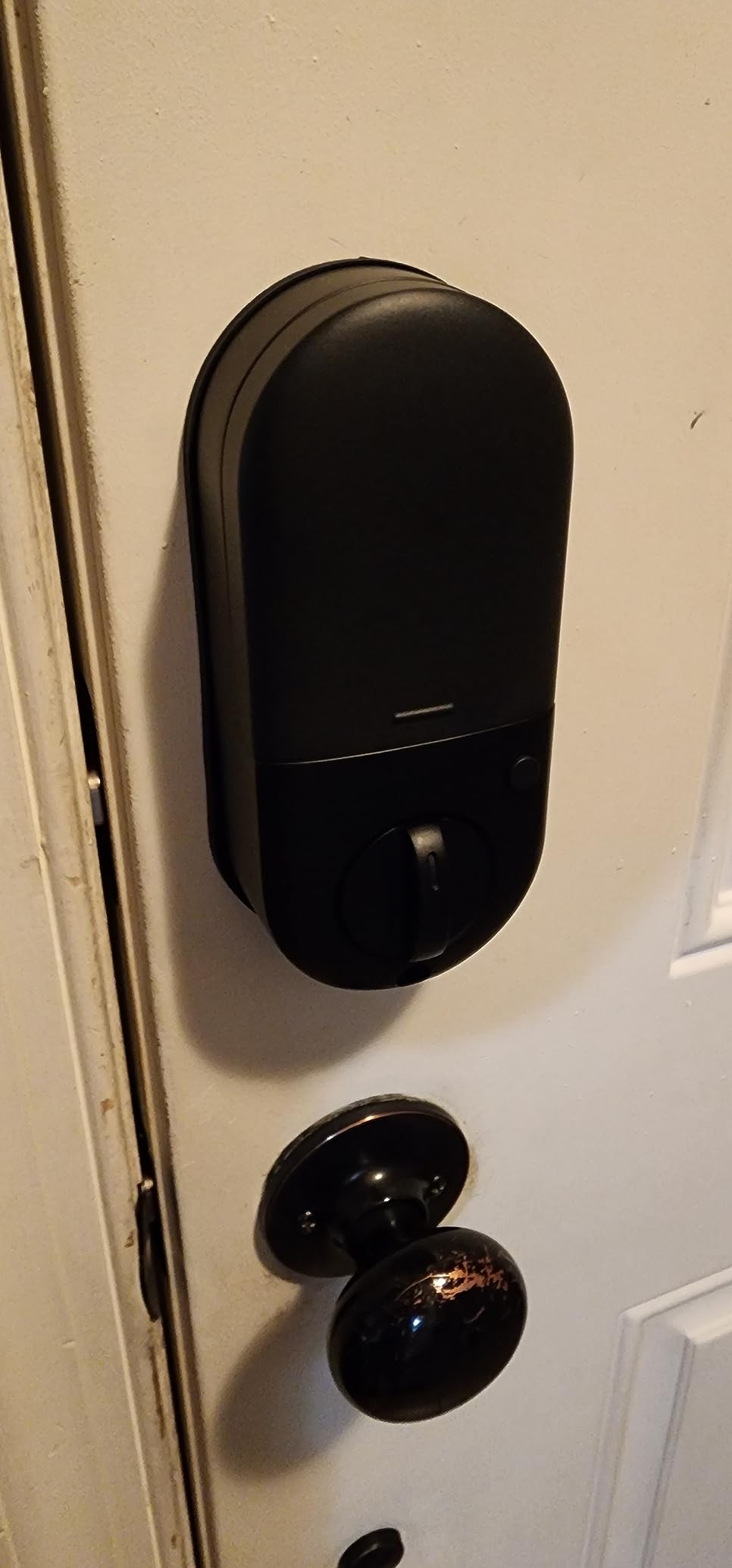
This is the lock for anyone who shares a place with strangers: a housemate moving out, a sublet, a contractor living in the spare room for a month. It holds up to 250+ user codes across one-time, permanent, scheduled and recurring types, generates remote eKeys, and keeps an access log through both the app and a web portal with no monthly subscription.
Seven unlock paths cover fingerprint, app, web portal, fob, passcode, eKey sharing and a mechanical key. Fingerprint recognition runs in about 0.2 seconds with a self-learning algorithm, and it stores 50 fingerprints, twice the offline model above.
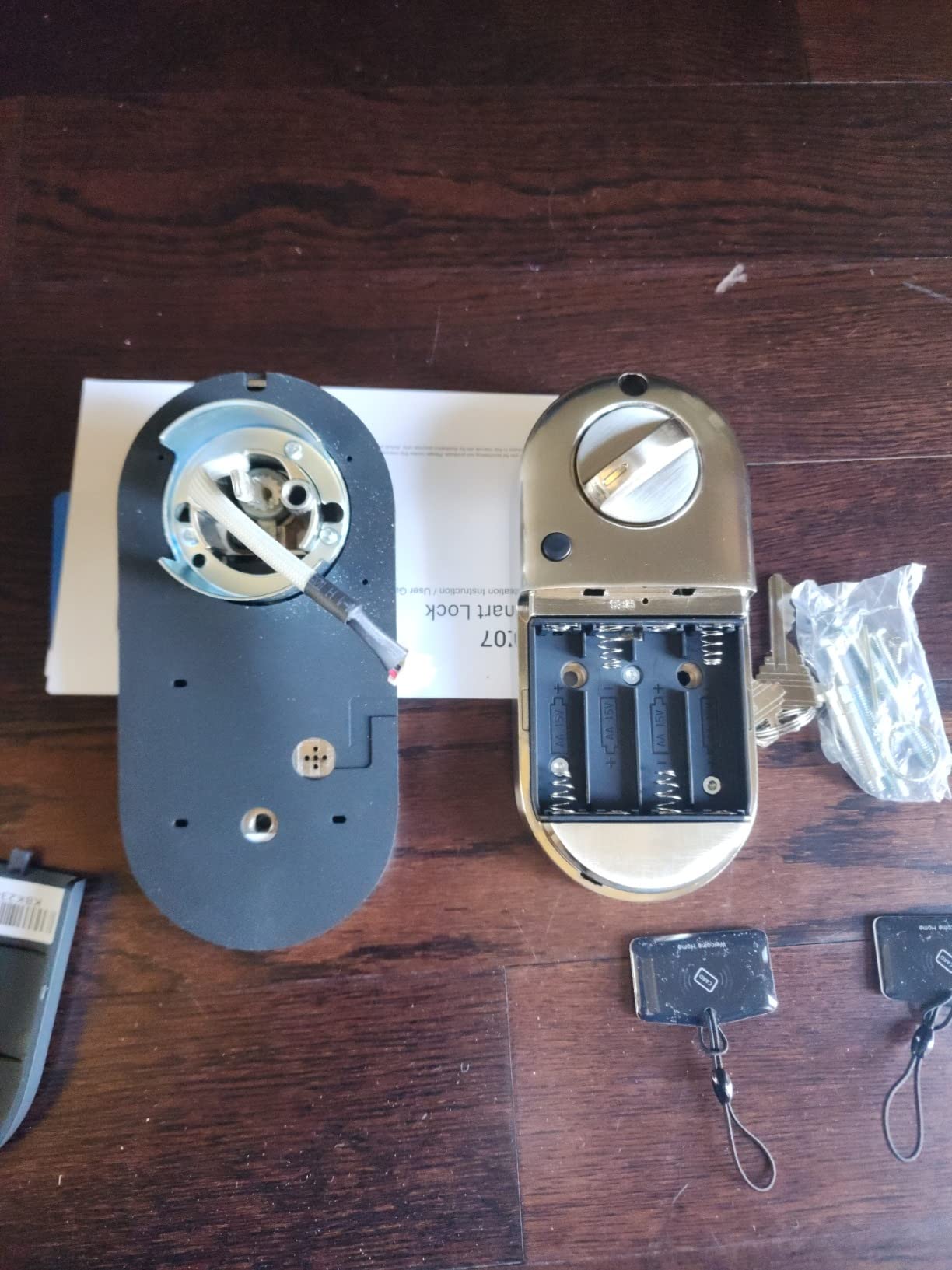
It is BHMA and ANSI Grade 3 certified with IP55 weatherproofing, and the listed battery life is up to 12 months. Bluetooth app control works within range with no extra hardware, and the company states there is no subscription for app and web access, which matters over a lease year.
Customer support is the quiet strength here. The review base repeatedly mentions patience and free replacement shipments, including one long-term owner whose motor failed after two years and was replaced at no cost. For a renter, that is a meaningful part of the purchase.
Why renters in shared units like it
Revoking access is instant. When a roommate leaves you delete a code rather than rekey a cylinder, and the audit trail tells you whether the old code is actually gone. Reviewers single out that ability to hand out expiring codes without handing over keys as the reason they bought it.
It also fits left- and right-handed standard US doors from 1-3/8 to 2 inches thick with a screwdriver-only install, so the door-hand guess is handled automatically.
What to watch out for
Getting access beyond Bluetooth range means buying the separately sold Veise G2 gateway, and that gateway is also what Alexa and Google Home need. Plan for that extra device if you want remote unlock rather than standing in the hallway.
The darkly tinted keypad glass is hard to read in direct sunlight, which matters on an exterior door facing south. App operations occasionally need a retry, and the battery readout is thin, so check the physical alert instead.
5. ULTRALOQ U-Bolt WiFi – the best pick with the included door sensor
ULTRALOQ U-Bolt WiFi Smart Lock with Door Sensor, App Remote Access
Door sensor included
Built-in WiFi no bridge
50 passcodes
8 months on AA
Pros
- Door sensor stops the bolt throwing on an ajar door
- Built-in WiFi with no bridge required
- Batteries and two backup keys included in the box
- Groups multiple locks in one app
- ANSI BHMA Grade 1 and IP65
Cons
- WiFi and Bluetooth pairing can drop
- App structure feels over-engineered for one lock
- Firmware updates fail intermittently
- Auto lock can be aggressive
The included door sensor is the reason to pick this one, and reviewers treat it as the fix for a real problem. Without a sensor, a timer-based auto-lock throws the bolt into a door that is still open, which can damage the strike or leave the door unlatched. This one reports open and closed status and sends left-open alerts.
Connectivity is built-in Wi-Fi with no bridge, plus Bluetooth for proximity auto-unlock. It works with Alexa, Google Assistant, SmartThings and IFTTT, and up to 50 custom passcodes include one-time and scheduled access, which covers a contractor or a short-term sublet easily.
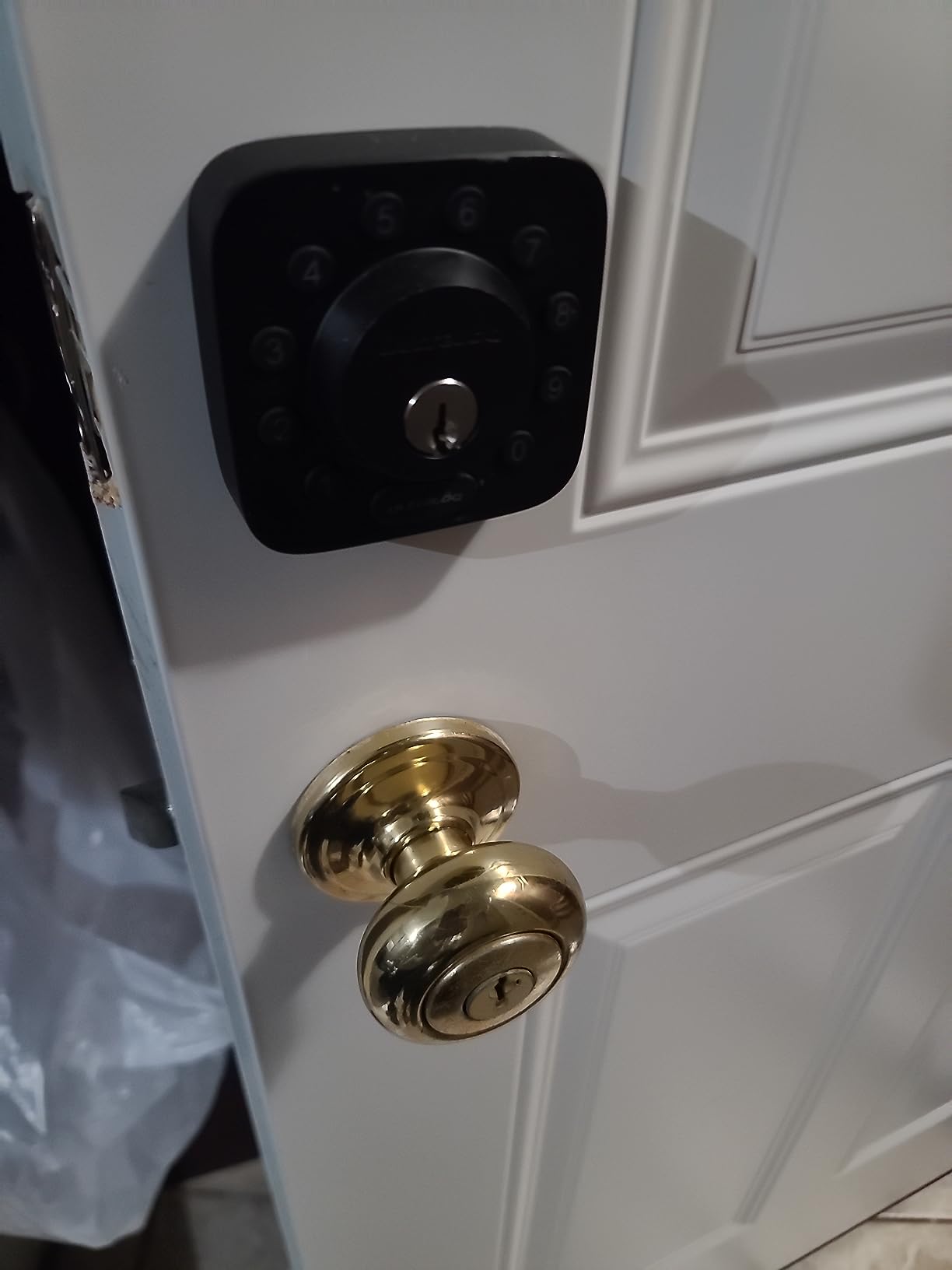
Security is the highest grade in this roundup, ANSI and BHMA Grade 1 on an IP65 zinc alloy body. It fits left- or right-handed doors from 1-3/8 to 1-3/4 inches thick with a screwdriver-only install and no drilling or wiring, and the box includes four AA batteries and two backup keys.
Battery life is listed at up to 8 months with monitoring, so expect roughly one to two changes across a year-long lease. There is a Lockout Mode that disables electronic unlocking while you are away, which is a useful state if the unit is empty for a stretch.
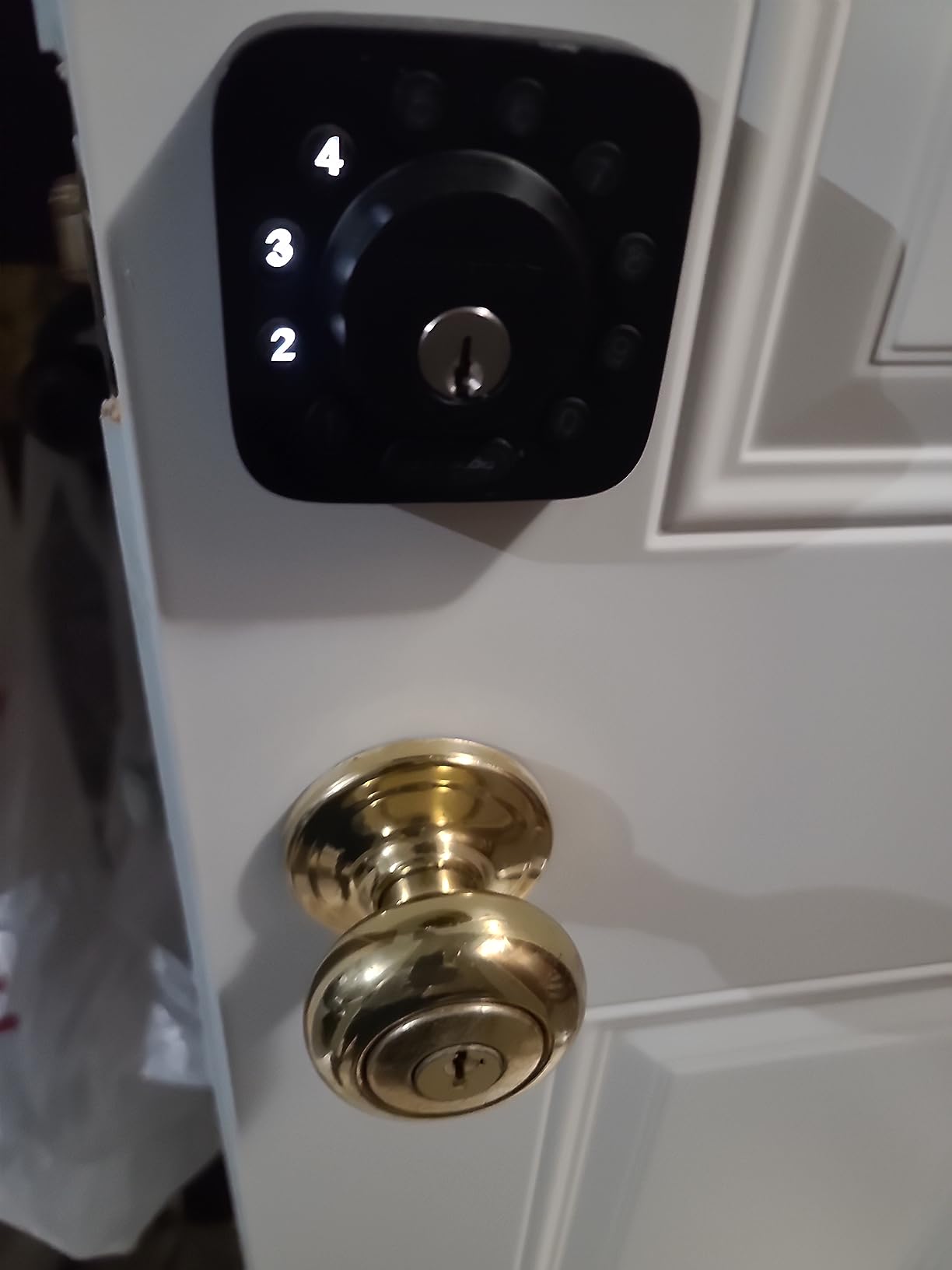
Best for a door that gets propped or bashed
Anyone with a busy household knows the failure this prevents. The sensor means the lock will not throw the bolt into an open door, and the left-open alert tells you something is wrong before a neighbour reports it. Reviewers who had damaged an earlier model specifically call the sensor out as the fix.
It is also a good fit for a house share where several people come and go and you want proximity unlock rather than typing a code every time.
Where it frustrates owners
The recurring complaint is connection stability. Some owners report the WiFi and Bluetooth pairing dropping and needing a full re-pair, and firmware updates fail intermittently. If your rental has weak signal at the door, test it before committing.
The app’s structure of Addresses, Locations and Devices also feels over-engineered for a single lock, and auto lock can be aggressive if you want to leave the door open. There is no fingerprint reader on this model.
6. CANDY HOUSE Sesame 5 – the best no-drill retrofit that keeps the original deadbolt
CANDY HOUSE Sesame 5, Smart Lock, Bluetooth Electronic Deadbolt, Auto-Lock, Keyless Entry Door Lock for Front Door, Fits Your Existing Deadbolt, for Airbnbs Vacation Rentals
Retrofit over existing deadbolt
No-drill 3M adhesive mount
Works with 99% of keys
Hub3 for remote
Pros
- Mounts over your existing deadbolt so all keys keep working
- No-drill installation with 3M adhesive and a screw kit
- Weighs 138 g so it suits existing doors
- Open SesameOS app with a free Bluetooth API
- Matter support
Cons
- Bluetooth pairing reported unstable on newer iPhones
- Remote control needs the separately sold Hub3
- App store reviews are mixed
- Motor failures reported after extended use
This is the only true retrofit in the group, and for a strict lease it is the safest pick by a distance. It clamps onto the interior of the deadbolt you already have rather than replacing it, so the exterior, the cylinder and every key stay exactly as they were. The landlord’s emergency key keeps working, and nobody can say you changed the look of the door.
Installation is genuinely no-drill. It mounts with strong 3M adhesive tape, and a screw mounting kit is included if you prefer mechanical fixing. At 138 grams it is also the lightest thing here, so it puts almost no stress on an older or slightly warped door.
It claims to work with 99% of existing keys, and if your deadbolt is an odd size or brand the company will make a custom 3D-printed adapter from a photo you send. That promise is the one to lean on when your rental has an unfamiliar door.
Control is through iPhone, Apple Watch, NFC tags and widgets, with Alexa, Google Assistant and Siri support, and SesameOS 3 offers Matter plus a free Bluetooth API and an open-source app. Auto-lock is adjustable from 3 seconds to 1 hour, and two CR123A batteries are included.
Why renters with strict leases pick it
Long-term owners point to exactly this in their reviews: keeping the original high-security deadbolt in place and removing the unit cleanly at move-out. Japanese-language reviews also recommend it specifically for rental apartments, which is a good sign for a unit that has to be handed back in original condition.
Because nothing is drilled, the deposit argument essentially disappears. Peel it off, put the cap back on, and the door looks untouched.
What to know before you commit
The weak point is Bluetooth pairing stability. Several owners report they could not add the device on newer iPhone models, and app store reviews are mixed. If you rely entirely on phone control, this is the biggest risk in the roundup.
Remote control needs the separately sold Hub3, and there is no built-in Wi-Fi in the unit. A few long-term users also report the motor eventually stopping, and one owner reports support declining a return on the grounds the hardware itself was working. This is the pick to test in week one and confirm you can live with.
7. Philips Wi-Fi Smart Deadbolt – the best pick for tenants who travel
Philips Wi-Fi Smart Deadbolt Lock, Keyless Entry Door Locks for Front Door
Fingerprint plus keypad
Built-in WiFi no hub
100 passcodes
Away Mode
Pros
- Fingerprint reader with no separate hub required
- Up to 100 passcodes with one-time and scheduled sharing
- Away Mode blocks every unlock except the master code
- Real-time access alerts and full entry history
- Screwdriver install on standard doors
Cons
- No door sensor so the bolt can throw on an ajar door
- Batteries are not included
- WiFi limited to the 2.4 GHz band
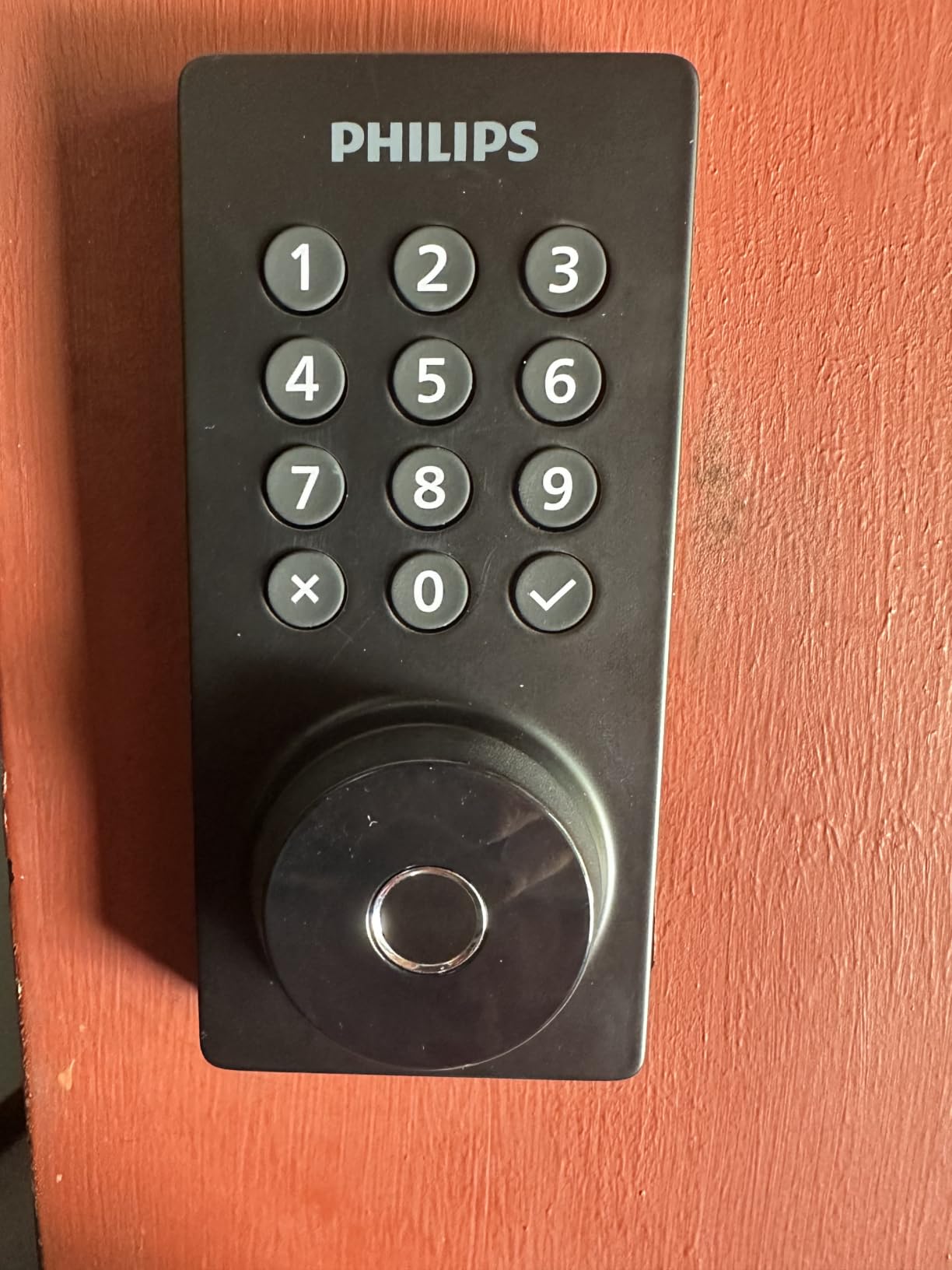
Away Mode is the feature that sets this one apart for frequent travellers. It disables every unlock method except the master code, so even a tenant with a valid passcode cannot get in while you are away. For someone who sublets the room or leaves a key with a friend, that turns a convenience feature into a control feature.
Otherwise it is a well-balanced lock: a fingerprint reader, keypad, app, physical key and voice unlocking, up to 100 custom passcodes with unlimited one-time or scheduled codes, and real-time open and lock alerts with a full access history in the app.
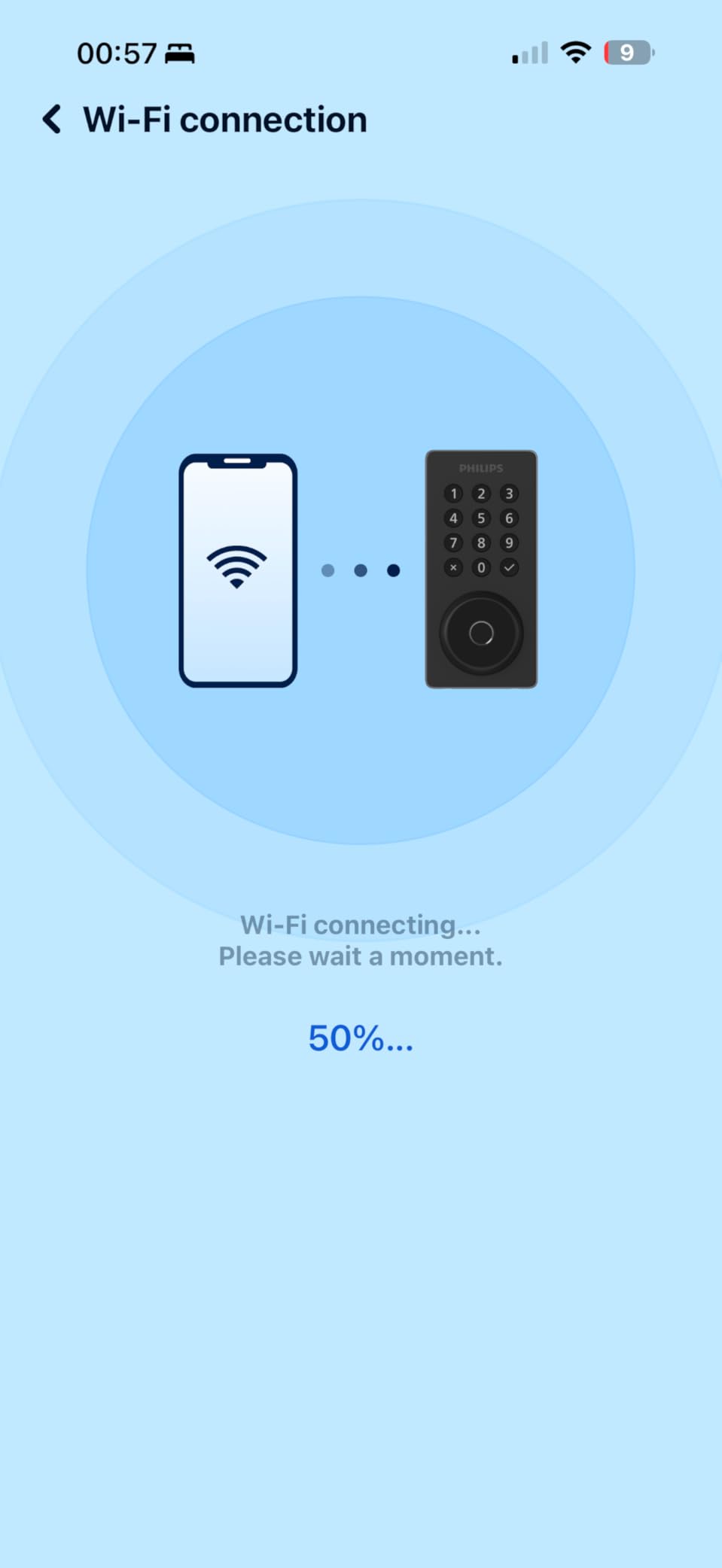
Connectivity is built-in Wi-Fi with no extra hub, which keeps the landlord conversation simple, and auto-lock is adjustable from 10 to 180 seconds. The listed range is 2.4 GHz only with the router within about 65 feet, so check signal strength at the door before you buy.
It fits doors from 1-3/8 to 2 inches thick with a screwdriver-only install, and support is US-based with weekday and Saturday hours plus 24/7 email, which is helpful if something fails during a lease.
Best for people who are not always home
Owners highlight the fingerprint reader, the generous passcode limits and the simple installation as the main draws, and the access log is genuinely useful when a housemate or guest is in the unit and you are not. Voice control works through Alexa and Google Assistant with PIN verification, so a voice command alone will not open your door.
It is a good middle ground: modern entry methods without a subscription, and no separate gateway to mount in a hall.
What to watch
There is no door sensor, so the bolt can extend while the door is still ajar. Reviewers who occasionally leave the door open note exactly that. Batteries are not included, and it is 2.4 GHz only.
Like the other fingerprint models here, enrollment can be finicky for older users with low blood flow, so test it with everyone who will use it before the landlord visits.
8. Wyze Auto-Lock Bolt v2 – the best pick for fingerprint speed and USB-C backup
Wyze Auto-Lock Bolt v2, Fingerprint Keyless Entry Smart Lock, AI Learning Scanner with Wi-Fi Front Door Lock Deadbolt, Auto-Lock, 8 Months Battery, BHMA2, IP53, Anti-Peep Keypad, Backup Keys
0.5 second fingerprint reads
Built-in WiFi
8 AA up to 8 months
USB-C emergency power
Pros
- Fast 0.5 second reads on scratch and smudge-resistant glass
- AI learning scanner adapts to each user over time
- 8 AA batteries plus a USB-C emergency power input
- Installs in roughly 10 to 12 minutes
- Lock and camera live in the same app
Cons
- Keypad confirmation beep is very quiet
- Timer auto lock cannot be overridden when the door is open
- Fingerprint enrollment can be finicky for older users
- Newer model with a smaller review base
The USB-C emergency power port is the detail that makes this the most forgiving lock in a rental. If the batteries die, you can hold a power bank to the port and unlock the door instead of calling a locksmith at midnight, which is exactly the lockout scenario that makes tenants nervous about electronic locks.
Fingerprint reads are the fastest in this group at about 0.5 seconds on scratch and smudge-resistant tempered glass, and the AI learning scanner adapts to each user’s touch pattern over time. Owners report the accuracy improving the more it is used.
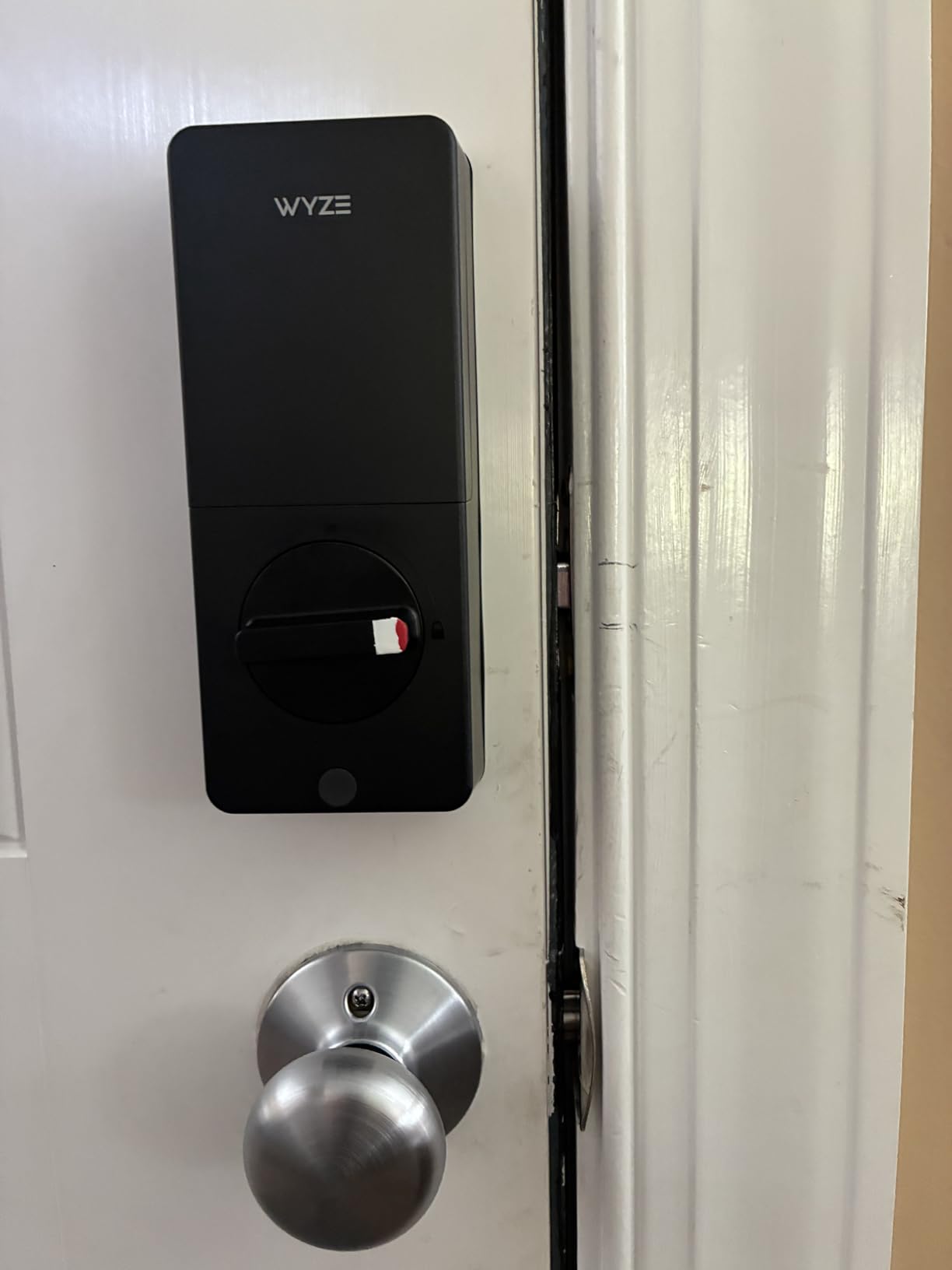
Built-in Wi-Fi handles remote lock and unlock in the Wyze app, and there is a neat integration with a Wyze Video Doorbell, letting you see a visitor on the live feed and unlock from the same screen. Delayed auto-lock has a user-settable interval, and the app shows battery level and status.
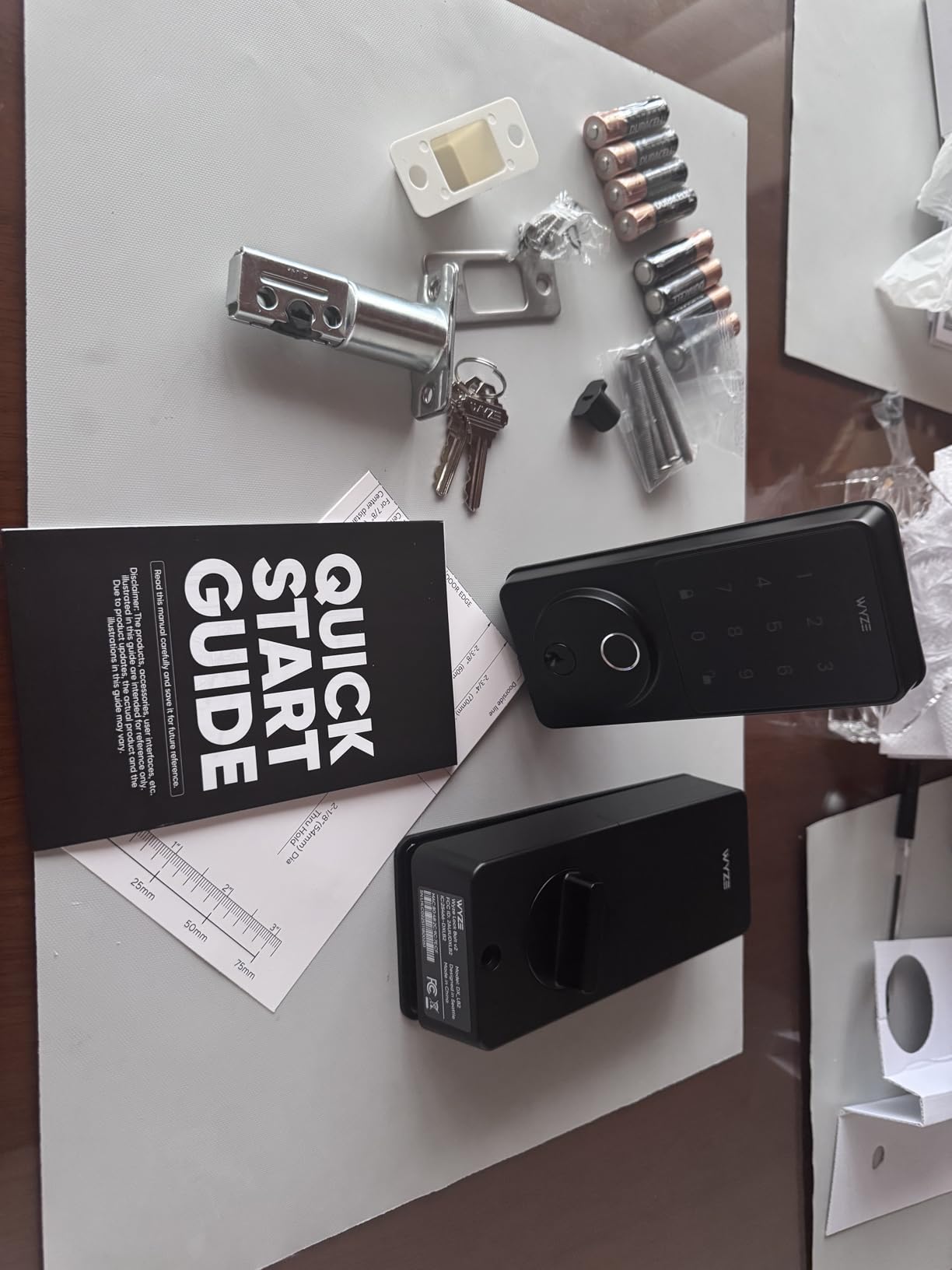
Certification is BHMA Grade 2 with IP53 weather resistance. It runs 8 AA batteries for up to 8 months, which works out to roughly one change per lease year, and the batteries are included in the box along with physical backup keys.
Why it suits a busy rental
Owners consistently report easy installation, fast and accurate fingerprint reads and a very quiet, sleek keypad, and several bought a second unit after the first. For a household where people come in and out all day, not typing a code matters more than any app feature.
It installs in roughly 10 to 12 minutes with everything needed in the box, so the whole job fits in one evening with no landlord on site.
The trade-offs
The confirmation beep is very quiet, which is a real problem for hard-of-hearing users and for anyone using the keypad without looking. Fingerprint enrollment can also be finicky for older users with lower blood flow, and the timer-based auto lock cannot be overridden when you want to leave the door open.
It is also a newer model, so its review base is much smaller than the established locks here. Treat the 4.5 average as promising rather than settled, and it changes the exterior of the door, so get permission first.
9. Tapo DL100 – the best tactile keypad with the most passcodes
Tapo Smart Wi-Fi Deadbolt Door Lock, Keyless Tactile Buttons, DL100
Tactile buttons not a touchscreen
Up to 200 passcodes
200 days WiFi or 300 Bluetooth
USB-C port
Pros
- Physical buttons work with wet or gloved hands
- Up to 200 customizable codes with per-guest groups
- Battery life up to 200 days on WiFi and 300 on Bluetooth
- Batteries keys and USB-C cable all included
- PIN-verified voice control blocks unintended unlocks
Cons
- No fingerprint reader on this model
- Battery life is shorter than the 8-AA and Thread models
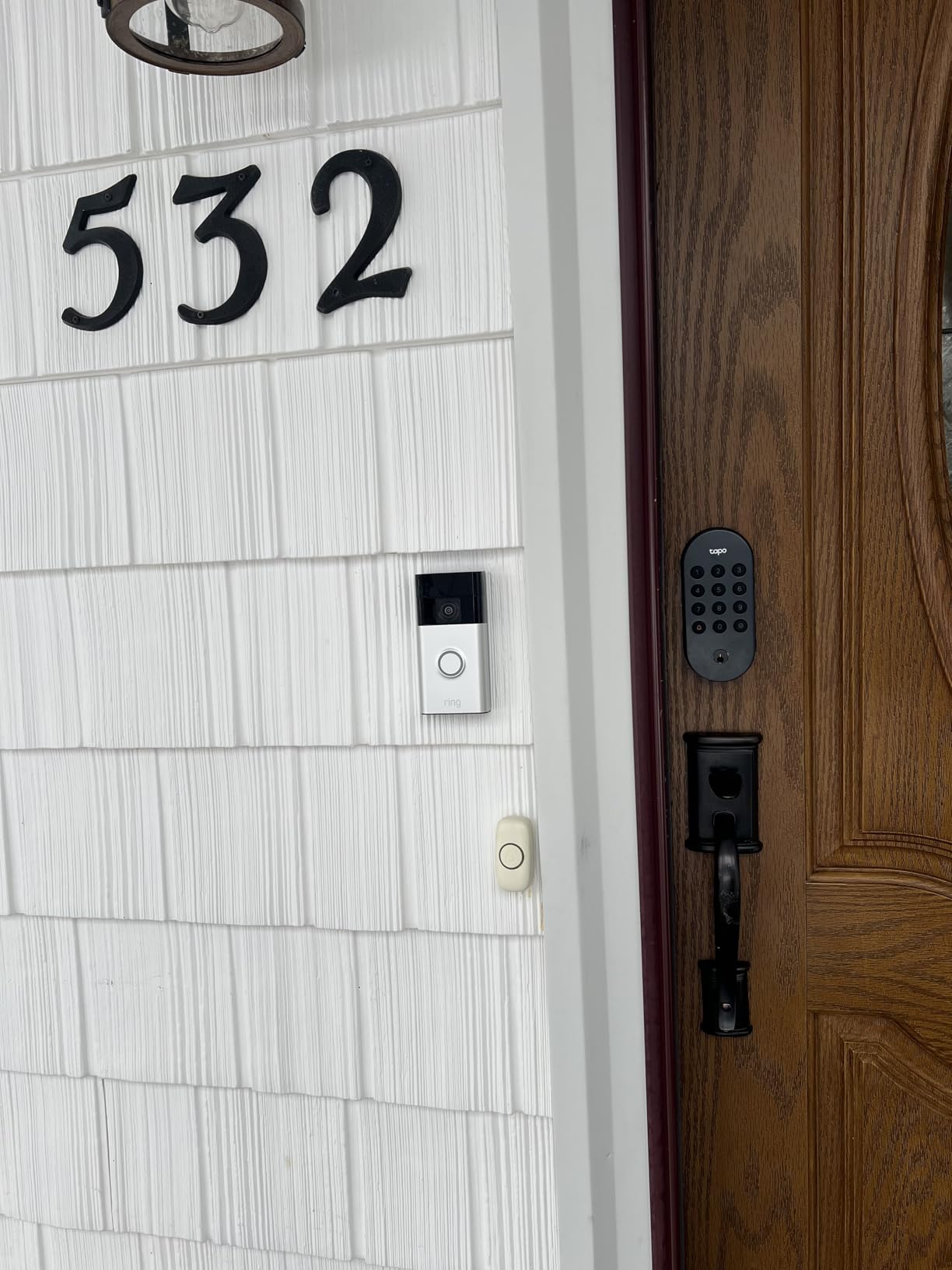
The physical buttons are the point. There is no touchscreen to wake, no fingerprint sensor to miss a read, and it works with wet hands, gloves or a box of groceries. Reviewers single this out for reliability in daily use, and for a shared house where several different people use the door, that consistency beats a clever sensor.
Passcode capacity is the highest in this roundup at up to 200 customizable codes, with app-based access groups for family, guests and visitors, a backlit keypad for night entry, and random-digit entry so your real code can be hidden inside a longer number.
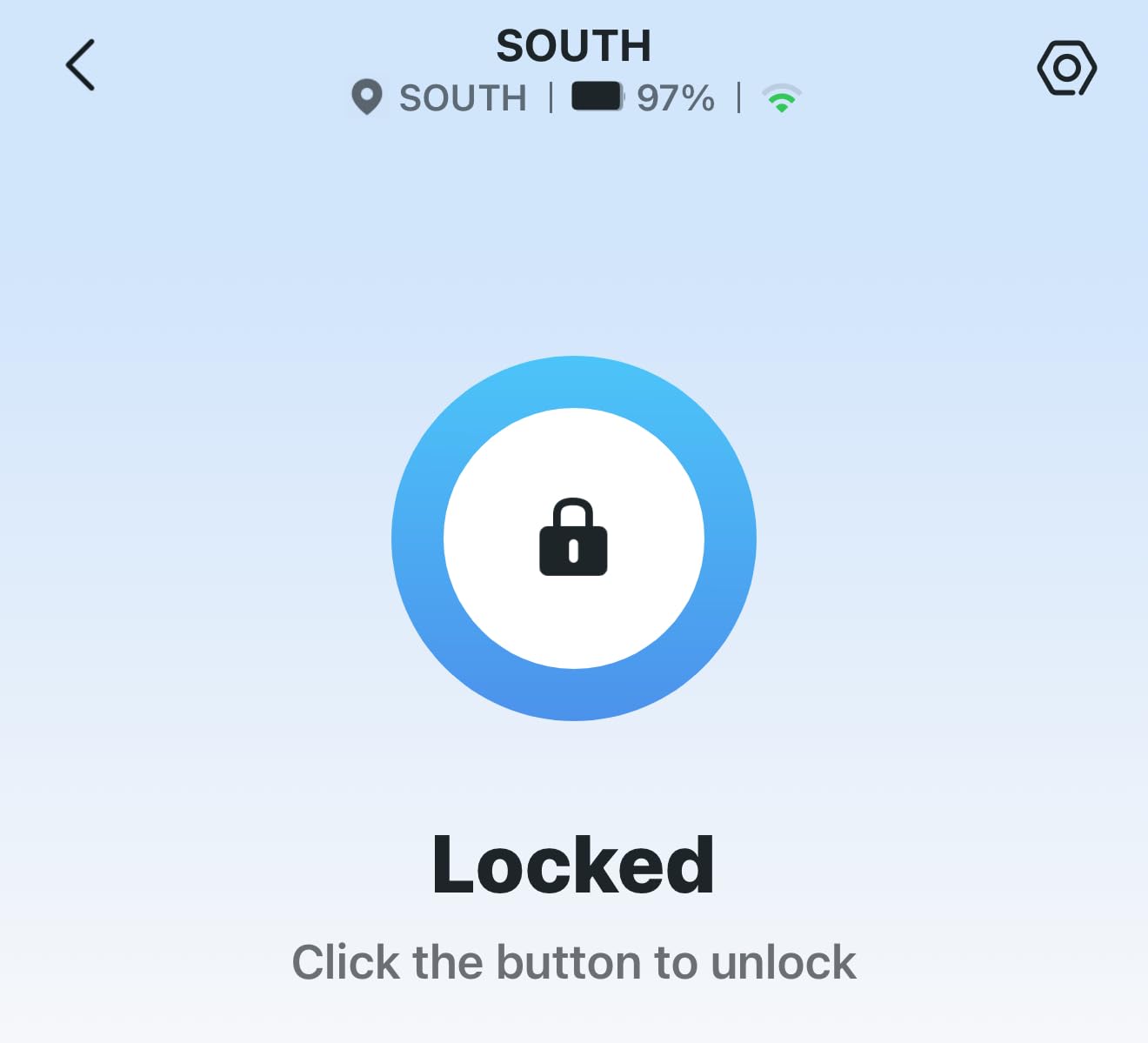
Battery life is up to 200 days in Wi-Fi mode or 300 days in Bluetooth mode on 4 included AA batteries, plus a USB-C emergency power port in case they go. That works out to roughly one battery change per lease year in Wi-Fi mode.
It is BHMA Grade 3 certified and IP54 weatherproof, fits standard 2-1/8 and 1-1/2 inch lock holes with no drilling, and works with Alexa, Google Home and Samsung SmartThings. Voice commands require PIN verification, which stops a stray voice assistant from opening your door.
Best for a house share or a rental with a lot of visitors
With 200 codes and groups, you can give every housemate, cleaner, contractor and dog walker their own entry and revoke it individually. The PIN attempt limiter locks the system after repeated failures, and auto-lock intervals are customizable so you can tune it to your household.
Everything you need arrives in the box: four AA batteries, two keys and a USB-C cable.
What you trade away
There is no fingerprint reader, so entry is always code, key, app or voice. That is a downgrade in speed if you were expecting a touch-and-go experience, and it is the main reason people buy the models above.
Battery life is also meaningfully shorter than the 8-AA designs and the Thread-based model, so plan on more than one change if your lease runs long. It also changes the exterior of the door.
10. TEEHO TE012W – the best pick for tracking who opened the door
TEEHO TE012W WiFi Fingerprint Smart Door Lock for Front Door, Satin Nickle
Fingerprint plus 100 passcodes
Built-in WiFi no hub
8 AA batteries
BHMA Grade 3 and IP55
Pros
- Fingerprint and Wi-Fi at a lower price than most comparable models
- 8 AA batteries give steadier Wi-Fi than 4-AA designs
- Five unlock paths including two physical keys
- 100 passcodes with anti-peeping entry
- App shows which profile opened the door
Cons
- 8 AA batteries are swapped more often than 4-AA models
- Alexa routines link but do not always run
- Interior housing feels more plastic than the exterior
- Smart features depend on the vendor's servers staying active
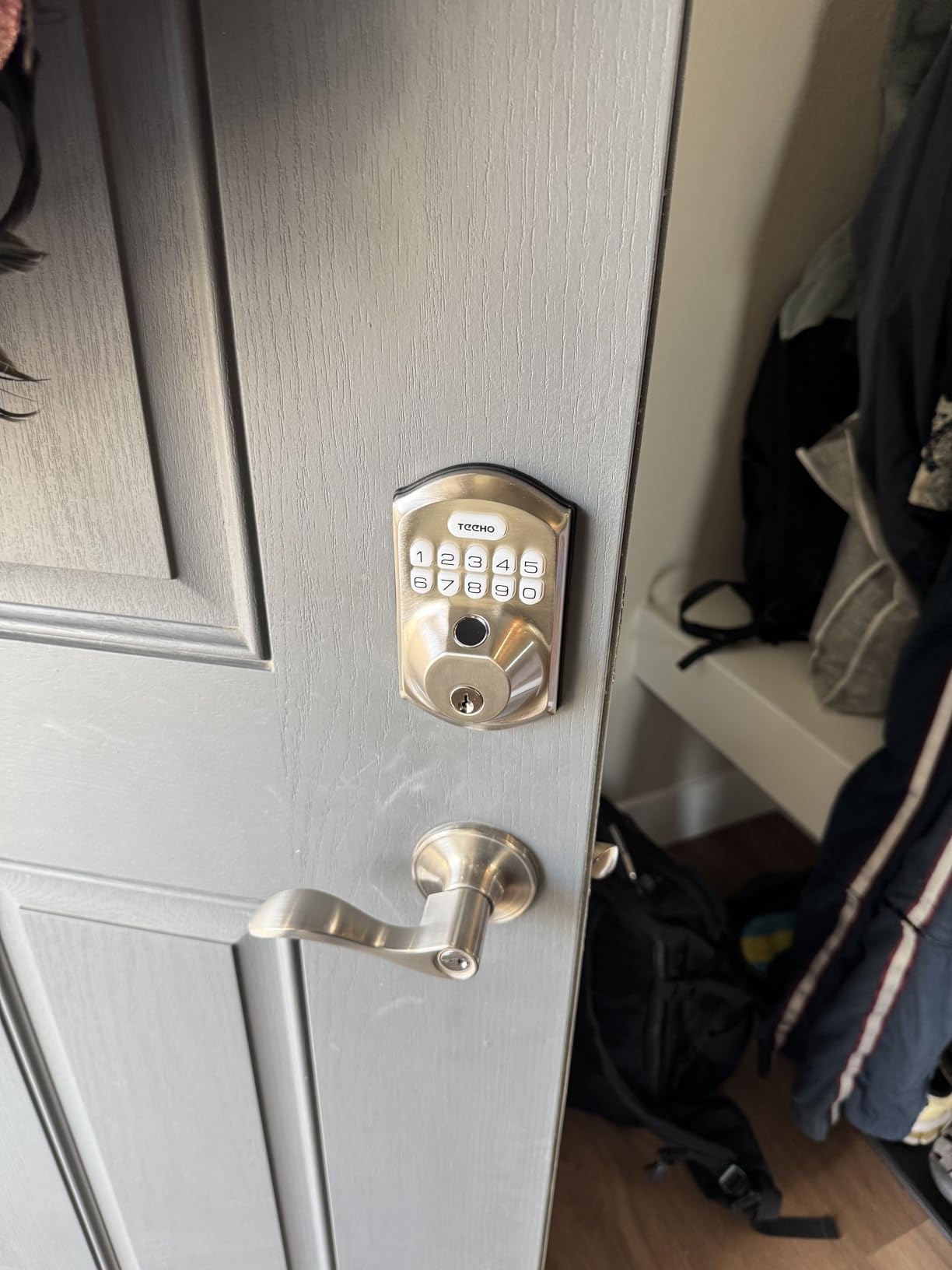
The access log here is more granular than most. The app shows which profile unlocked the door, not just that something unlocked it, which turns a shared rental into something you can actually audit. Owners who switched from other brands highlight the lower price and a ten-minute setup.
You get five unlock methods: app, fingerprint for up to 20 users, passcode for up to 100, two backup keys, and voice control. Built-in 2.4 GHz Wi-Fi means no hub to mount, and the 8 AA battery pack is what keeps that Wi-Fi connection stable compared with 4-AA designs.
Security touches are solid for the class: BHMA Grade 3, IP55 weather resistance, AES-128 encryption with data stored locally, a three-minute lockout after 10 wrong PIN attempts with instant break-in alerts, and an anti-peeping password that accepts random digits around the real code.
Installation takes 10 to 15 minutes with a screwdriver, and it fits doors from 1-3/8 to 2 inches thick with either a 2-3/8 or 2-3/4 inch backset on left- or right-handed doors. A 2-year warranty with lifetime after-sales support is included.
Why a renter would pick it
Two physical keys in the box is a landlord-friendly detail, and the per-profile log is the feature that settles arguments in a shared unit. If a code was copied and used at an odd hour, you can see exactly which entry it belonged to.
The local data storage and AES-128 encryption are reassuring for anyone who does not want their entry history living on someone else’s server, and the break-in alert pushes a notification after repeated wrong codes.
What to know first
Eight AA batteries get swapped more often than 4-AA models, so this is the pick to set a battery reminder for. Several owners also report an occasional brief abnormal-state warning in the app.
Alexa routines link but do not always execute even when the account connects, and the interior housing feels more plastic than the exterior body. Like the rest of this roundup, it is a replacement lock that changes the outside of the door.
How to choose a renter-friendly smart deadbolt
Retrofit or replacement: the decision that settles everything else
If your lease has any wording about alterations, fixtures or locks, a retrofit is the only clean answer. It is the single most repeated recommendation across renter forums, and the reason is simple: nothing on the outside of the door changes, so there is nothing for a landlord to object to. The CANDY HOUSE Sesame 5 is the only pure retrofit in this roundup, and it is also the only pick that can honestly say it left your door alone.
A replacement gives you better hardware, better security ratings and more connectivity options, and nine of our ten picks are replacements. The trade is permission and appearance. Ask in writing before you buy, and photograph the original door the day you move in so the baseline is documented.
Hub or built-in Wi-Fi
Hub sprawl is the most common regret on the forums: people buy a lock, then discover they also need a bridge, an extra hub or a Thread border router. Built-in Wi-Fi models such as the Schlage Encode, ULTRALOQ Bolt SE, Philips and TEEHO avoid that entirely.
Watch the network details before you commit. The ULTRALOQ Bolt SE, Philips and TEEHO are 2.4 GHz only, and each has a stated distance from the router, roughly 65 to 70 feet. The Veise RZ07 works over Bluetooth out of the box but needs a separately sold gateway for anything remote, and the CANDY HOUSE Sesame 5 needs its Hub3. If you want Matter over Thread portability across ecosystems, plan for a Thread Border Router as well.
Turn battery life into changes per lease year
Advertised months are not very useful on their own, so here is the same data in lease terms:
Veise KS02A: up to 365 days on 4 AA, so roughly one change or none across a 12-month lease.
Tapo DL100: up to 200 days on Wi-Fi, about two changes per lease year.
ULTRALOQ Bolt SE: up to 18 months on the Thread mesh, usually one change or none.
Veise RZ07: up to 12 months, about one change per lease year.
ULTRALOQ U-Bolt WiFi and Wyze Auto-Lock Bolt v2: up to 8 months, so one to two changes on AA power.
Schlage Encode: up to 6 months on 4 AA, about two changes per lease year.
Whatever you choose, turn on low-battery notifications the day you install it, and keep a physical key or know your USB-C fallback. A deadbolt that cannot be opened by a landlord with a key is a landlord emergency, and that conversation goes badly.
Ecosystems and older doors
Apple Home, Google Home, Alexa and SmartThings support varies across these picks, and if you are already deep in one ecosystem, check compatibility before you buy rather than after. The ULTRALOQ Bolt SE has the broadest story because of Matter, which lets one lock move between ecosystems. Our broader guide to smart home devices for renters and apartments covers how to pair the rest of the setup.
Older rentals are where retrofits fail. If your door has a rim lock, a mortise case, a warped leaf or an unusual backset, a standard retrofit or a direct replacement may not fit, and the standard answer is a surface-mounted padlock or bolt instead. Iron gates and utility doors need surface-mount hardware, not a deadbolt. Check the bore and backset measurements on the units above against your door before ordering, and expect to shim a door that does not close squarely, since a misaligned strike plate is the most common cause of a deadbolt that will not latch.
The real downsides nobody mentions
Battery anxiety. Anything on AA power needs attention, and several models here are rated in months rather than years.
Hub cost and extra hardware. Two picks in this roundup need a separately sold gateway for remote access, and Matter adds a Thread Border Router on top.
Cloud dependency. Remote unlock relies on the manufacturer’s servers staying up. The Veise KS02A is the only pick here that works with no account at all.
Lockout risk. Every pick here has a mechanical key fallback, but pairing bugs on some phone models are a real reported problem with the Sesame 5.
Changing the door’s appearance. Nine of ten picks are replacements, and a visible keypad does advertise that the unit is automated.
Five steps to remove the lock and protect your deposit
Removal is the part renters underestimate, and it takes about five minutes if you bought a retrofit and about thirty if you swapped a deadbolt. The order matters more than the speed.
Delete your access. Remove every code, delete the lock from the app and factory-reset it before you uninstall anything. A lock left with active codes on a former landlord’s door is a genuine security problem.
Remove the interior unit. Retrofit units unclip or unscrew from the existing thumb-turn. Replacements need the spindle pulled from the door edge before the lock body will clear.
Reinstall the original deadbolt. If you removed the original cylinder, put it back, or fit the closest equivalent. Do not leave a bare bore in the door.
Fill and touch up. If any holes were drilled, use the supplied cover plates or a matching filler, then repaint. Photograph each step.
Send the evidence. Email the landlord or property manager dated photos of the restored door and the working original key, and keep a copy with your move-in photos. Deposit disputes are settled on documentation, not memory.
Frequently Asked Questions
Can you install smart locks on rental property?
Usually yes, if you install a retrofit lock that mounts over the inside of your existing deadbolt. The exterior, the cylinder and every existing key stay unchanged, nothing is drilled, and the unit lifts off in minutes at move-out. A full deadbolt replacement changes the outside of the door and normally needs written landlord permission. Read your lease for clauses on alterations or door hardware and get the answer in writing either way.
What is the best door lock for a tenant in an apartment?
The best smart deadbolt for a tenant in an apartment is a retrofit unit that leaves the existing deadbolt in place, because it keeps the landlord’s key working and comes out clean at move-out. If your lease allows replacing hardware, a built-in Wi-Fi keypad and fingerprint model with a physical backup key is the most practical upgrade, since it removes hub cost and keeps a key fallback for emergencies.
Do I need permission from my landlord to install a smart lock?
It depends on your lease and the install type. A no-drill retrofit that mounts on the inside of the existing deadbolt generally falls outside most alteration clauses, while a full deadbolt replacement usually needs written consent because it changes the outside of the door. Write a short request naming the model, confirming you will restore the original hardware at move-out, and offering photos. Keep the reply in writing.
What happens if my smart lock battery dies?
Every lock in this roundup has a mechanical key fallback, and several also have a USB-C emergency power port that accepts a power bank to unlock the door from outside. The Schlage Encode and the ULTRALOQ models ship with backup keys, and the Tapo, Wyze and TEEHO models include keys plus USB-C power. Turn on low-battery alerts when you install so you find out before the landlord does.
Do smart locks work without a hub?
Most of them do now. The Schlage Encode, ULTRALOQ Bolt SE, ULTRALOQ U-Bolt WiFi, Philips, TEEHO and Tapo all have built-in Wi-Fi and need no separate bridge. Two exceptions in this roundup are the Veise RZ07, which needs the separately sold G2 gateway for access beyond Bluetooth range, and the CANDY HOUSE Sesame 5, which needs its Hub3 for remote control. Matter over Thread additionally needs a Thread Border Router.
What are the downsides of smart door locks?
The main downsides for renters are battery maintenance, extra hardware cost, lockout risk and the fact that most models change the outside of the door. AA-powered locks are often rated in months rather than years, some models need a separately sold gateway or a Thread Border Router for remote access, and remote unlock depends on the manufacturer’s cloud staying online. Phone pairing bugs are reported on a few models, so keep a physical key and know your emergency power option.
The bottom line for renters
The best smart deadbolts for renters are not the ones with the longest feature lists. They are the ones that leave your door the way you found it, keep the landlord’s key working, and come out in five minutes when the lease ends.
If your lease is strict, pick the CANDY HOUSE Sesame 5, the only true retrofit here, and accept the Bluetooth trade-offs. If you have written permission to swap the deadbolt, the Schlage Encode is the safest all-round choice with built-in Wi-Fi, 100 codes and no hub to power. For the best balance of features and cost, the ULTRALOQ Bolt SE adds a fingerprint reader, Matter portability and the longest battery life. The offline Veise KS02A suits a short lease where you want nothing in the cloud.
Whichever you choose, ask in writing, photograph the door before and after, and delete every code on the day you hand the keys back. If you are still working out the rest of the setup, our picks for smart home devices for renters and smart TVs for home automation are worth a look alongside it.