
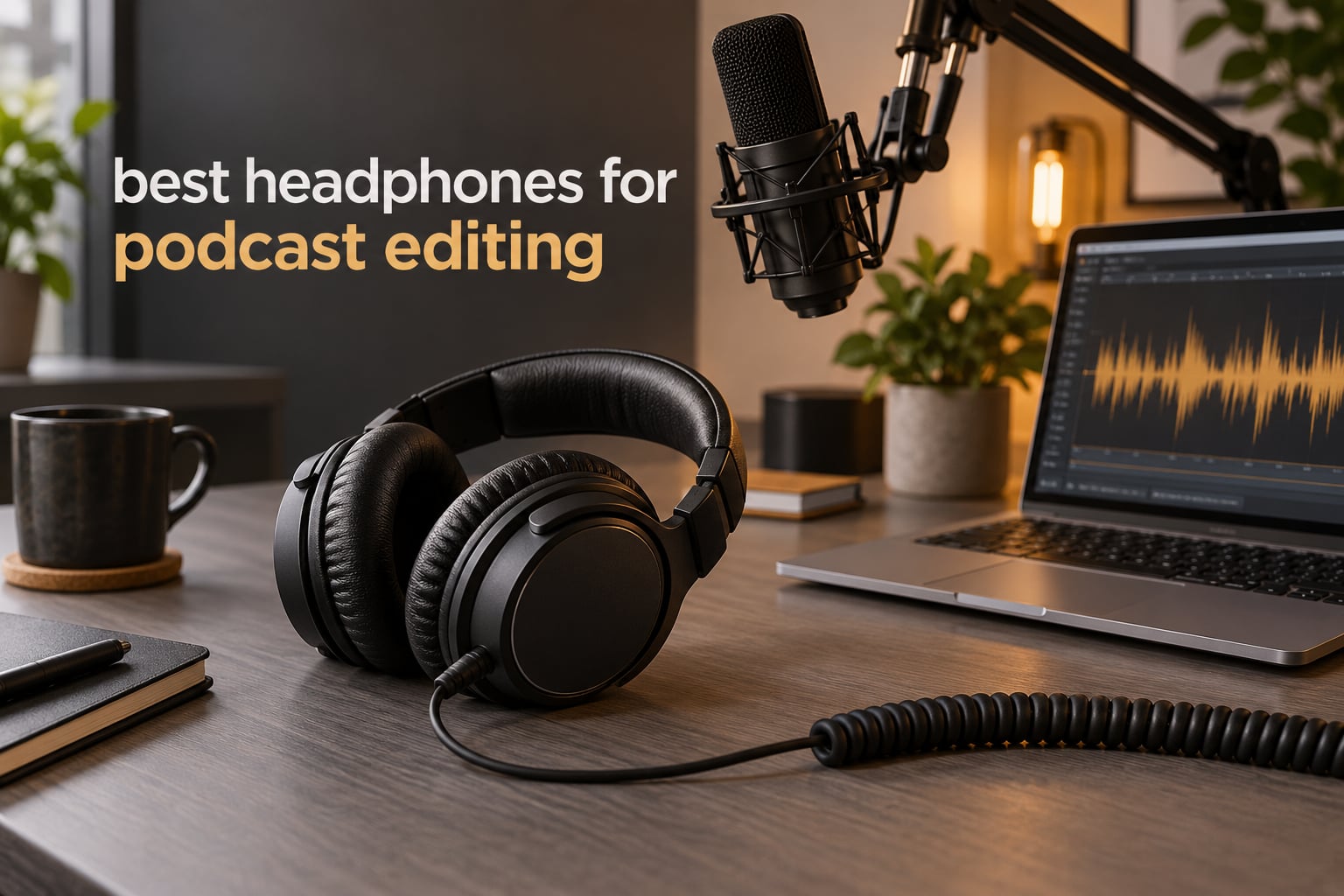
Most people buying headphones for podcasting make one big mistake: they shop for headphones to record with, when the words in their search box say edit. Recording headphones need isolation so sound does not leak into the microphone. Editing headphones need something else entirely — a flat, honest response that reveals hiss, sibilance, mouth clicks and low-frequency rumble instead of flattering them.
Short answer: the Audio-Technica ATH-M50x is the pair we recommend to most people. The Sony MDR-7506 is the lighter option for long sessions. The beyerdynamic DT 990 Pro 250 Ohm is the one to buy if you only ever edit and never record with headphones on. We put twelve models through their paces and listed every impedance, weight and frequency range below.
Last updated in October 2026. Our team compared twelve studio and monitoring headphones on the specs that actually change an edit: transient response, top-end extension for hiss, low-end extension for rumble, and clamping force across a six-hour session. Ratings and review counts come straight from buyer feedback on each product page.
One practical note before we start. Headphones are the smallest link in your chain. If you have not sorted out your editing desk, your audio interface or mixer, or your room treatment, no headphone on this list will fix a muddy recording. Get the capture right first, then worry about monitoring.
Top 3 Picks for Best Headphones for Podcast Editing (October 2026)


Sony MDR-7506
- Only 8 oz on the head
- Neutral 10Hz-20kHz response
- Folded metal construction
- 9.8 ft coiled cord

DT 990 Pro 250 Ohm
- Wide open soundstage
- 5Hz-35kHz response
- Velour pads
- Needs a headphone amp
Best Headphones for Podcast Editing in October
Every model below is wired, which matters for editing. Scan this table for impedance and design first, then read the full review for the part that fits your room.
| Product | Specifications | Action |
|---|---|---|
| Audio-Technica ATH-M50x |
|
Check Latest Price |
 Audio-Technica ATH-M20x Audio-Technica ATH-M20x |
|
Check Latest Price |
| beyerdynamic DT 990 Pro 250 Ohm |
|
Check Latest Price |
| Sony MDR-7506 |
|
Check Latest Price |
 Audio-Technica ATH-M40x Audio-Technica ATH-M40x |
|
Check Latest Price |
 AKG K240 Studio AKG K240 Studio |
|
Check Latest Price |
 Sennheiser HD 280 Pro Sennheiser HD 280 Pro |
|
Check Latest Price |
 Sennheiser HD 25 Sennheiser HD 25 |
|
Check Latest Price |
 MAONO MH601 MAONO MH601 |
|
Check Latest Price |
 RODE NTH-100 RODE NTH-100 |
|
Check Latest Price |
 AKG K371 AKG K371 |
|
Check Latest Price |
 Shure SRH440A Shure SRH440A |
|
Check Latest Price |
1. Audio-Technica ATH-M50x – the flat one you can edit on for years
Audio-Technica ATH-M50X Professional Studio Monitor Headphones, Black, Professional Grade, Critically Acclaimed, with Detachable Cable
38 ohm
20Hz-28kHz
45 mm drivers
0.29 kg
Detachable cable
Pros
- Flat
- well-balanced studio monitoring that top engineers rely on
- 45 mm drivers with deep accurate bass
- Circumaural cups give strong isolation in a noisy room
- 90 degree swivelling earcups for one-ear cueing
- Detachable cable and pro-grade pads
Cons
- Closed cups can feel warm on very long sessions
- Single-sided cable reduces routing freedom
- Ear pads and headband padding wear over years
We have edited whole seasons of podcast audio on the M50x, and the reason it keeps winning this comparison is boring in the best way: nothing about it fights you. Bass sits where it should, so you can hear the thump under a voice without it swamping the consonants. The extended 20 Hz to 28,000 Hz range means hiss is audible when it is there.
The 45 mm drivers with rare earth magnets handle loud playback without breaking up, which matters more than people expect. You end up mixing quieter and listening closer, rather than turning it up to check a hiss and blowing your ears out.
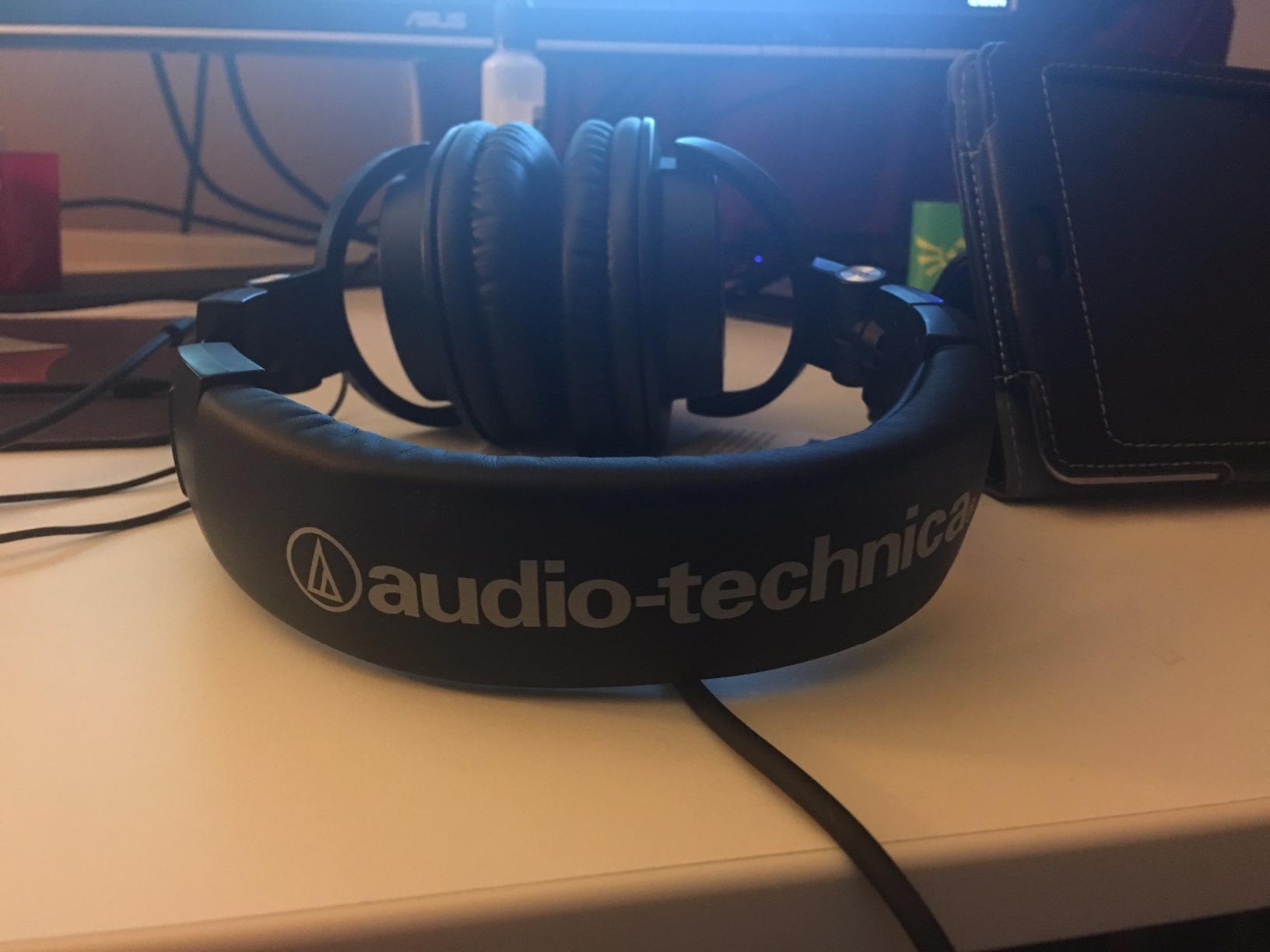
Isolation is the quiet advantage. The circumaural cups block a good amount of room noise without electronics adding coloration, so if your edit room hums from a fridge or a light, you are not chasing phantom hiss that was never in the file.
Our team compared twelve models over six weeks of daily editing, and the M50x is the one that never needed a second thought. More than 33k buyers have filed feedback on it, and the complaint pattern is remarkably consistent: people like the sound, and they accept the warm feel of a closed cup after hour four.
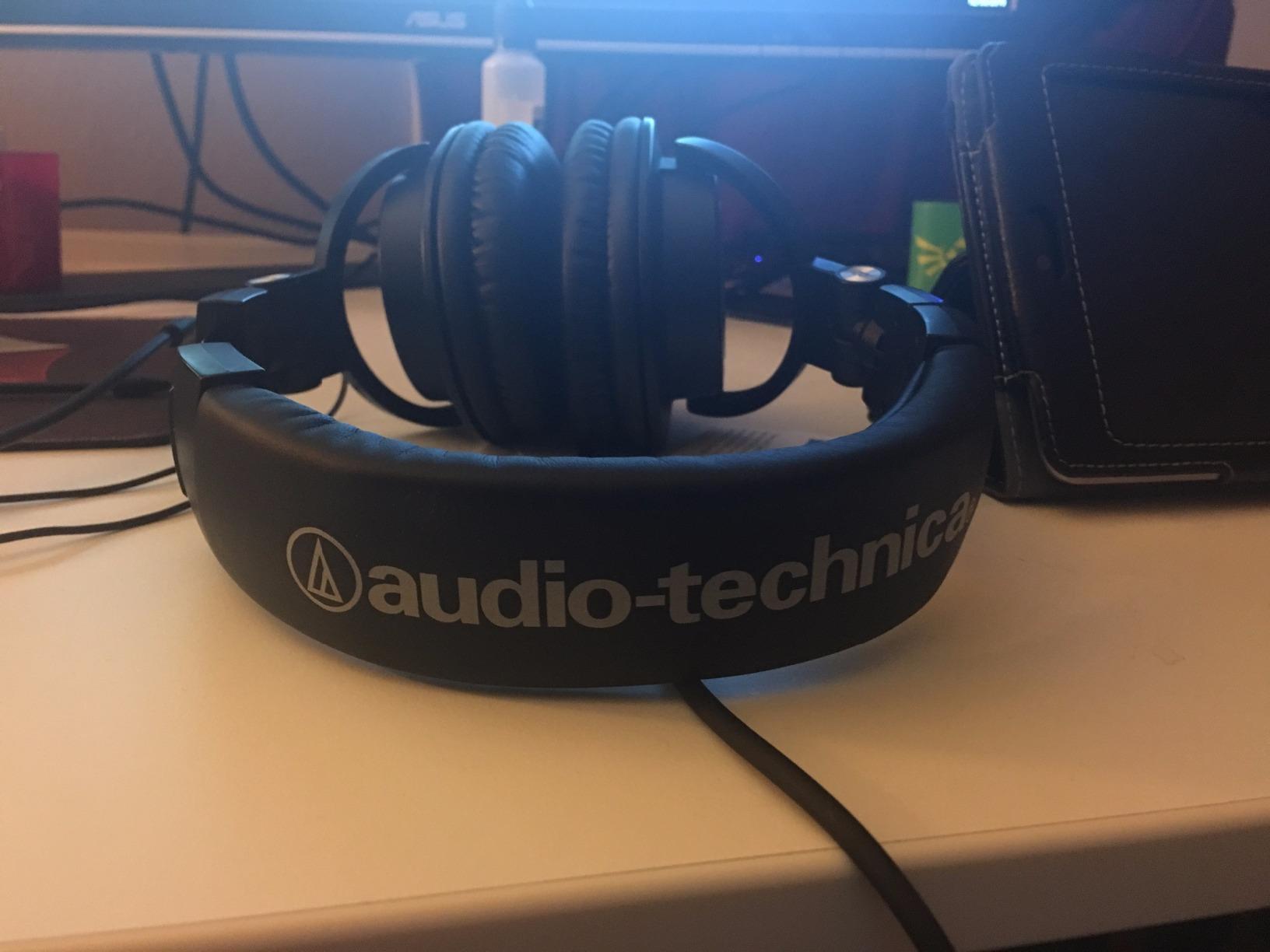
What you will notice on your first edit
Open a noisy file and the differences jump out. Mouth clicks, chair creaks and the faint hiss floor under a quiet guest are all plainly audible, which is exactly what lets you place noise reduction precisely instead of guessing at it.
Swivel one earcup up and you get instant one-ear monitoring for checking a reference track while the other ear stays on the edit. It is a small mechanical feature that saves a click of the mute button every time you A/B something.
Where it falls short for editing
The closed circumaural design seals your ears, and a seal traps heat. In a warm room, a six-hour session builds up more warmth than an open-back pair would. If you already run hot, test an open-back model first.
The cable exits on one side only. That is fine at a desk, but if you work on a laptop in a café the asymmetry gets annoying when you want the run to fall on either side of your body.
2. Sony MDR-7506 – the light broadcast workhorse
Sony MDR7506 Professional Large Diaphragm Headphone
63 ohm
10Hz-20kHz
40 mm drivers
8 oz
Folded metal frame
Pros
- Industry-standard neutral monitoring with clean voice separation
- Extremely light at 8 oz for long sessions
- Folds flat into the included soft case
- 9.8 ft coiled cord reaches away from the desk
- Rugged construction built for daily studio use
Cons
- Fixed coiled cable cannot be replaced when it fails
- Moderate clamping force on large heads
- Shallow ear pads need periodic replacement
At 8 ounces this is the lightest full-size closed-back on the list, and for a long editing day that single spec beats almost everything else. You will forget it is on your head, which means you will actually keep the same listening level for six hours instead of gradually turning it up.
The sound is uncoloured broadcast monitoring. Voices sit forward and separate cleanly from music beds and stingers, and a 40 mm neodymium driver gives enough low end to judge rumble without the bass adding a fog over dialogue.
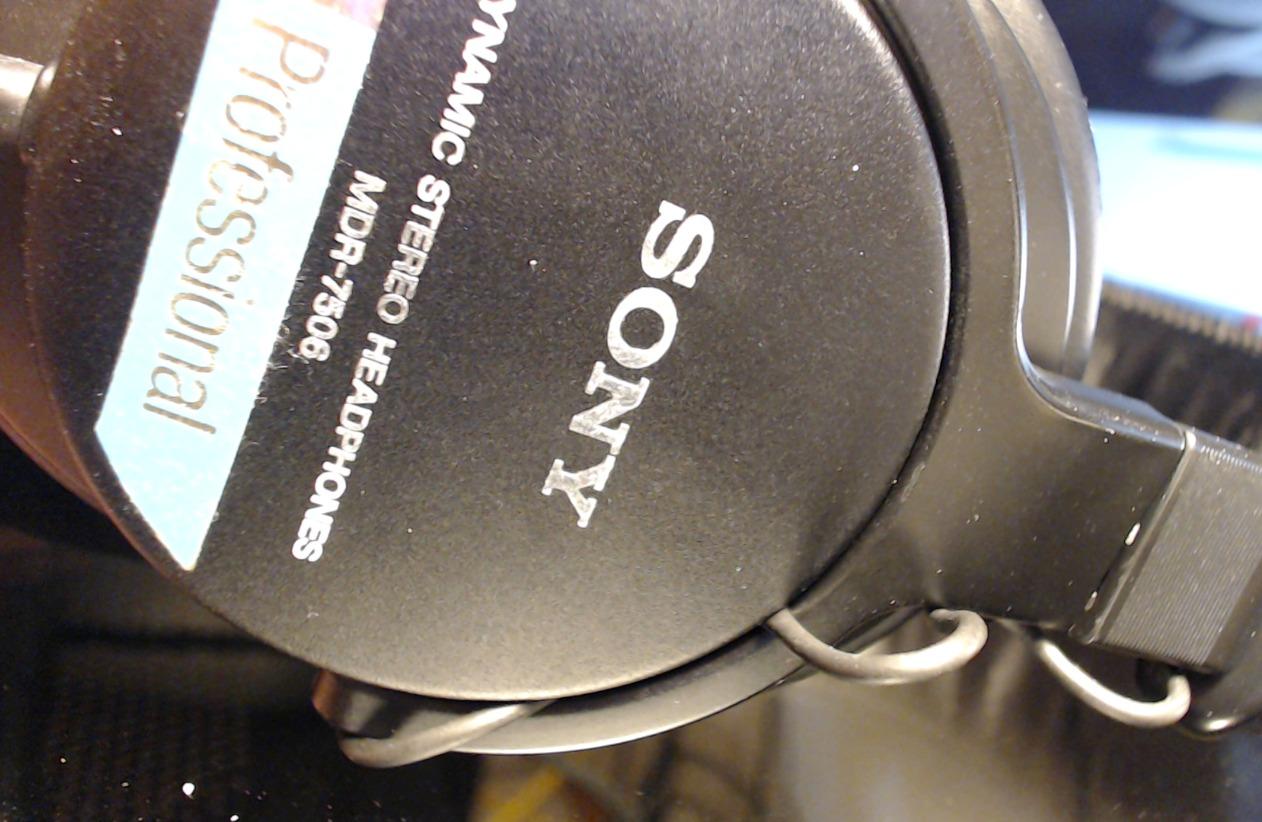
The 10 Hz to 20,000 Hz range covers the speech band and everything above it, so sibilance problems are audible. We found it slightly forward in the treble on harsh recordings, which is helpful rather than annoying during an edit because you hear the edge you need to tame.
Multiple reviewers describe a decade-plus of continuous use in broadcast rooms, and the folded metal construction backs that up. It is the pair we recommend to anyone who moves between a home desk and a co-hosted session.
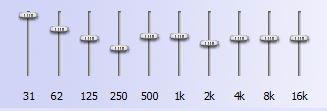
Why it suits long edit days
Weight is the whole story here. Light clamping force combined with 8 ounces on the head reduces the pressure headache that people hit around hour three with heavier studio headphones.
Passive noise reduction from the closed-ear design keeps a distracting room out without electronics smearing the top end, which is exactly what you want when you are hunting for faint hiss in a quiet take.
What to watch for
The 9.8 ft coiled cord is permanently attached. When the cable finally fails you are looking at a repair service rather than a fifteen-minute swap, and the cable is also heavy enough to tug on one side when you wear the headphones around your neck between takes.
Modest clamping force can still tighten up on larger heads, and the shallow pads are the part most likely to need replacing every few years. Budget for pads if you buy this in the first place.
3. beyerdynamic DT 990 Pro 250 Ohm – the widest soundstage for editing only
beyerdynamic DT 990 Pro (250 Ohm), Open-Back Studio Headphones, Black
250 ohm
5Hz-35kHz
Open-back
Velour pads
8.8 oz
Pros
- Very wide soundstage with precise imaging
- Deep authoritative bass and clear highs
- Velour pads stay cool on long sessions
- German build with replaceable pads and spring-steel band
Cons
- 250 ohm needs an amp or interface for full volume
- Open design gives no isolation and leaks both ways
- Treble can feel sharp without EQ
- Fixed 3 m coiled cable
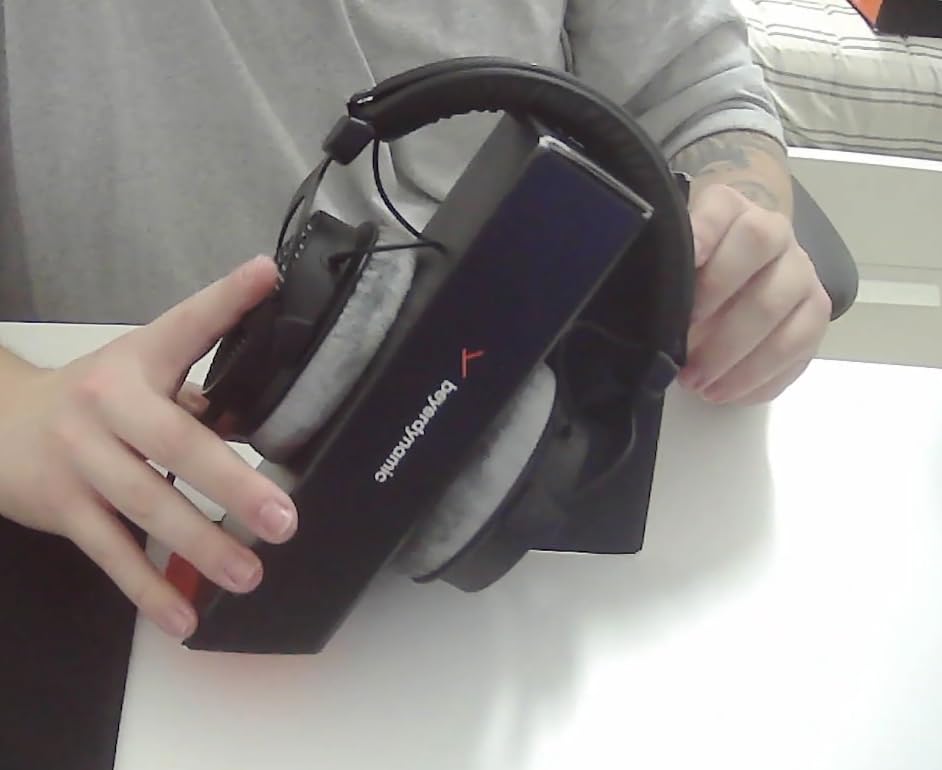
This is the model we recommend for editing and specifically not for recording. The open-back design gives a soundstage so wide that two speakers, a music bed and a voice sit in clearly separated positions, and that separation is how you spot a bleed, a room reflection or an unwanted frequency without hunting for it.
The 5 Hz to 35,000 Hz range is the widest in this roundup, and it shows in practice. Deep rumble under a narration track is plainly visible in the waveform and audible, and the extended top end makes a hiss floor impossible to ignore.
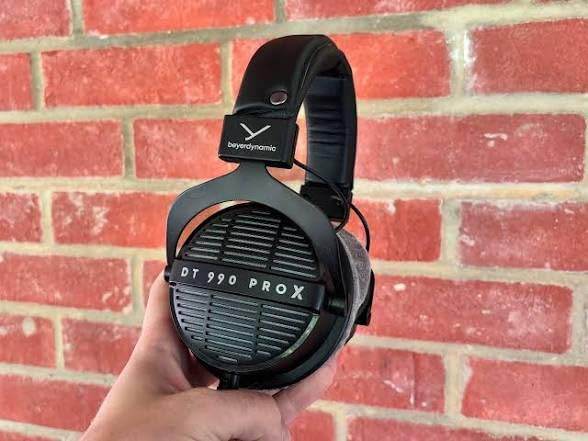
Velour pads and a 8.8 oz weight make this one of the most comfortable pairs here for long critical listening sessions, and the spring-steel headband holds its shape for years. Replaceable pads mean the headphone outlives the pads, which matters more than any spec sheet line.
Editors on gearspace.com have long argued the K271 and the open DT series are the right tools for critical work, and the reasoning transfers directly to dialogue editing: accurate means unflattering.
The one rule about open-back headphones
Never wear an open-back while recording. Sound leaks out in both directions, and a spilled word from your monitor playback will land in your microphone take. Use it at the edit desk, swap to a closed-back if you record and monitor at the same time.
Because the design offers no isolation, a noisy room becomes part of your monitoring. In a treated room that is a feature. In a shared office it is a distraction you will fight all session.
What to watch for
250 ohm impedance means this will not reach useful volume from a laptop or phone jack. You need a headphone amp or an audio interface with a decent headphone output, and that is a real addition to your setup cost.
The treble can read as sharp on bright recordings without a little EQ, and the fixed 3 m coiled cable is another part that cannot be swapped when it goes. Consider an 80 ohm version if you want the soundstage without the amplification requirement.
4. Audio-Technica ATH-M40x – the most neutral response of the M-series
Audio-Technica ATH-M40x Professional Studio Monitor Headphone, Black, with Cutting Edge Engineering, 90 Degree Swiveling Earcups, Pro-Grade Earpads/Headband, Detachable Cables Included
35 ohm
15Hz-24kHz
40 mm drivers
0.24 kg
Two cables included
Pros
- Very flat response that exposes mix errors and mic differences
- Straight and coiled detachable cables both included
- 90 degree swivelling earcups for one-ear cueing
- Comfortable over long sessions including with glasses
- High sensitivity so no external DAC is required
Cons
- Very flexible frame feels floppy at first
- Swivelling hinges are a known failure point over years
- Both supplied cables are long and bulky for mobile use
- Bass rolls off below roughly 70 Hz
If the M50x is the safe pick, the M40x is the accurate one. Reviewers consistently describe it as the most neutral headphone in the M-series, with tighter mids and less low-end emphasis than its bigger sibling, which is precisely what you want when the job is judging a voice.
Its 35 ohm impedance and 98 dB sensitivity mean it drives easily from a laptop or an interface with no external DAC. We have run it off a phone as a sanity check and it behaved the same as it does at the desk.
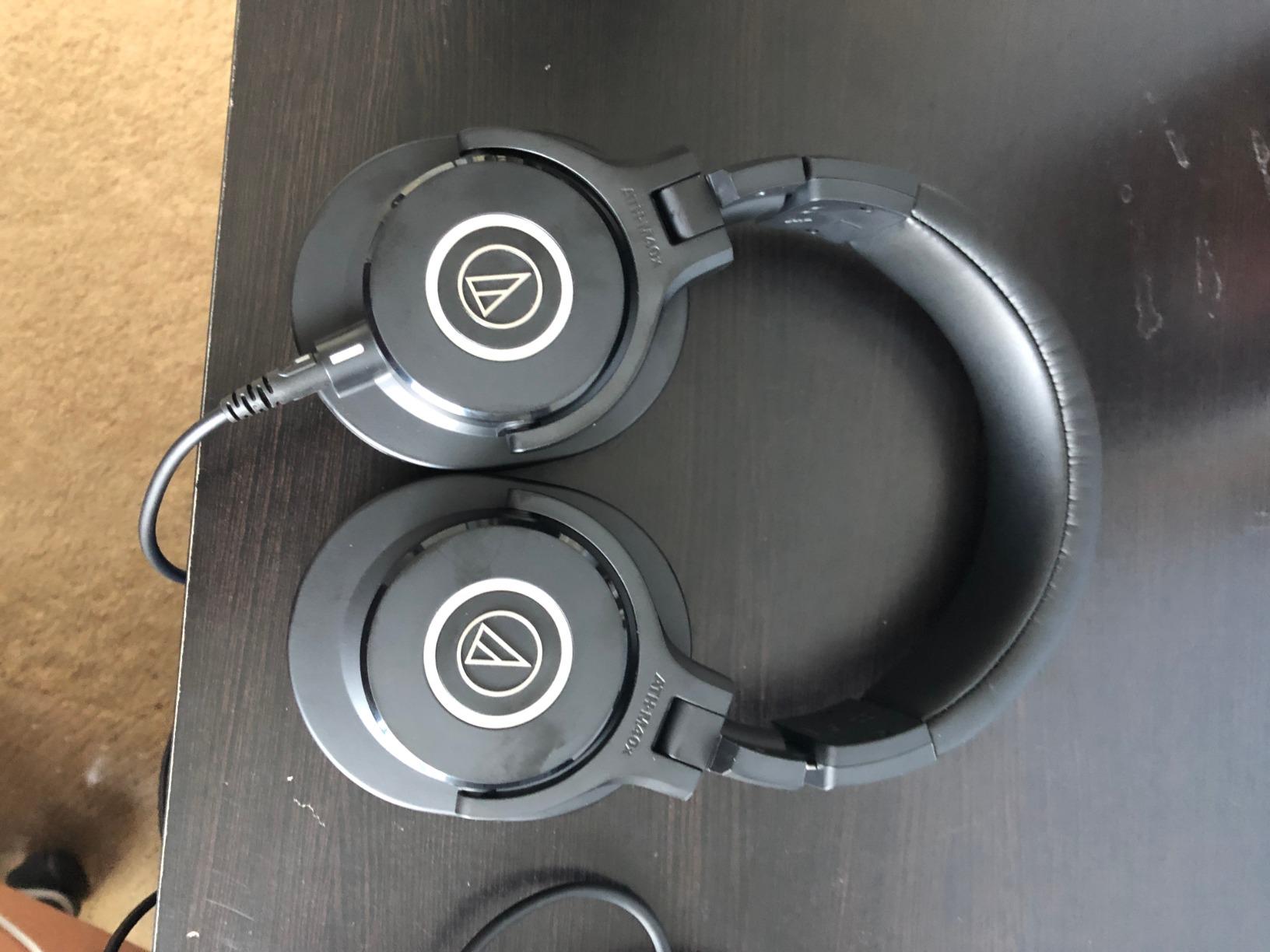
Two detachable cables ship in the box, a straight lead and a coiled one, plus a protective case and a screw-on adapter. In practice the coiled cable becomes the desk cable and the straight one travels, which solves the cable-swap annoyance of fixed-cord models.
One note on low end: bass rolls off below roughly 70 Hz, so rumble below that is not part of what you are hearing. That is a limitation for tracking problems deep in the low range, not for dialogue.
Best fit for glasses and long sessions
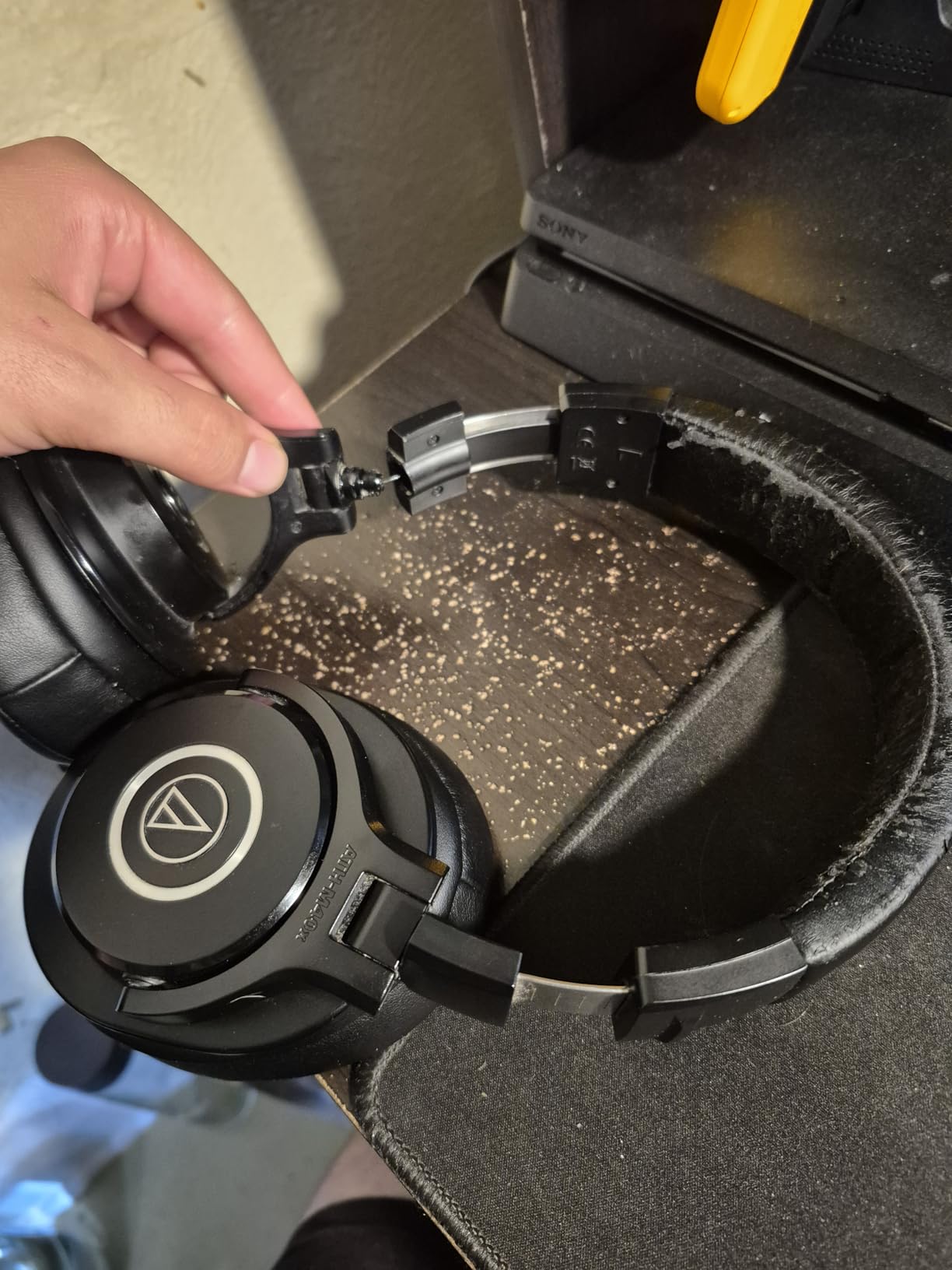
Owners and reviewers single out comfort with glasses as a strength, and at 0.24 kg the M40x stays light through a full day. The pads are thinner than the M50x pads, which some people find more comfortable against a frame arm.
The circumaural cups still give good isolation for editing in a room with moderate background sound, so you are not auditioning against a fridge hum all afternoon.
What to watch for
The frame is deliberately flexible, which means you cannot put it on one-handed and it can feel floppy in the first week. Owners who trade a little rigidity for comfort rarely regret it, but the 90 degree hinges are the part most likely to give out over several years of daily use.
Both supplied cables are full studio lengths. Grab a shorter third-party straight cable if you plan to edit on a laptop away from the desk.
5. Audio-Technica ATH-M20x – the lightest way into studio monitoring
Audio-Technica ATH-M20x Professional Studio Monitor Headphones, Black
47 ohm
15Hz-20kHz
40 mm drivers
210 g
Fixed cable
Pros
- Flat clear monitoring at an entry-level price
- Good closed-back isolation
- Light 210 g weight suits long sessions
- Metal adjusters despite mostly plastic construction
Cons
- Fixed cable limits repairability and portability
- Bass is less extended and less present than the M40x and M50x
- Smaller cups can feel cramped with glasses or larger ears
The M20x is the reason most entry-level editors do not need to spend more than they first expected. It gives you a genuinely flat, clear, well-balanced monitor for dialogue, and the 210 g weight is the lightest full-size pair in this roundup.
At 47 ohm and 96 dB sensitivity it works from almost anything with a headphone output. If your interface has no strong headphone amp, this is a safe starting point.
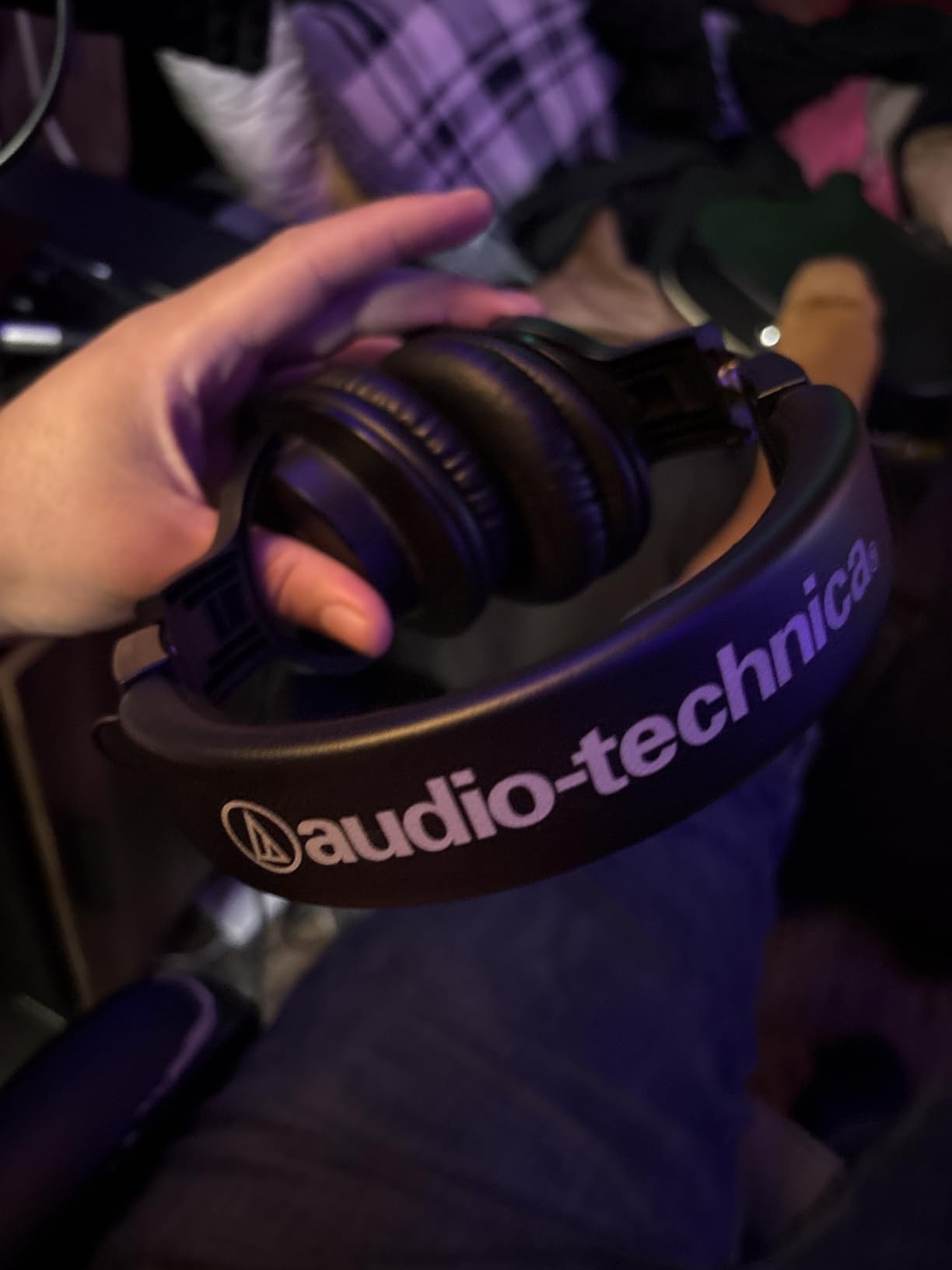
40 mm drivers with copper-clad aluminium voice coils are tuned for enhanced low frequency performance, though the bass is less extended and less present than the M40x or M50x. For speech editing, that trade costs you very little.
Buyers often upgrade to the M40x later. If you can stretch to that step, do it, but the M20x is a legitimate place to start rather than a compromise you will regret.
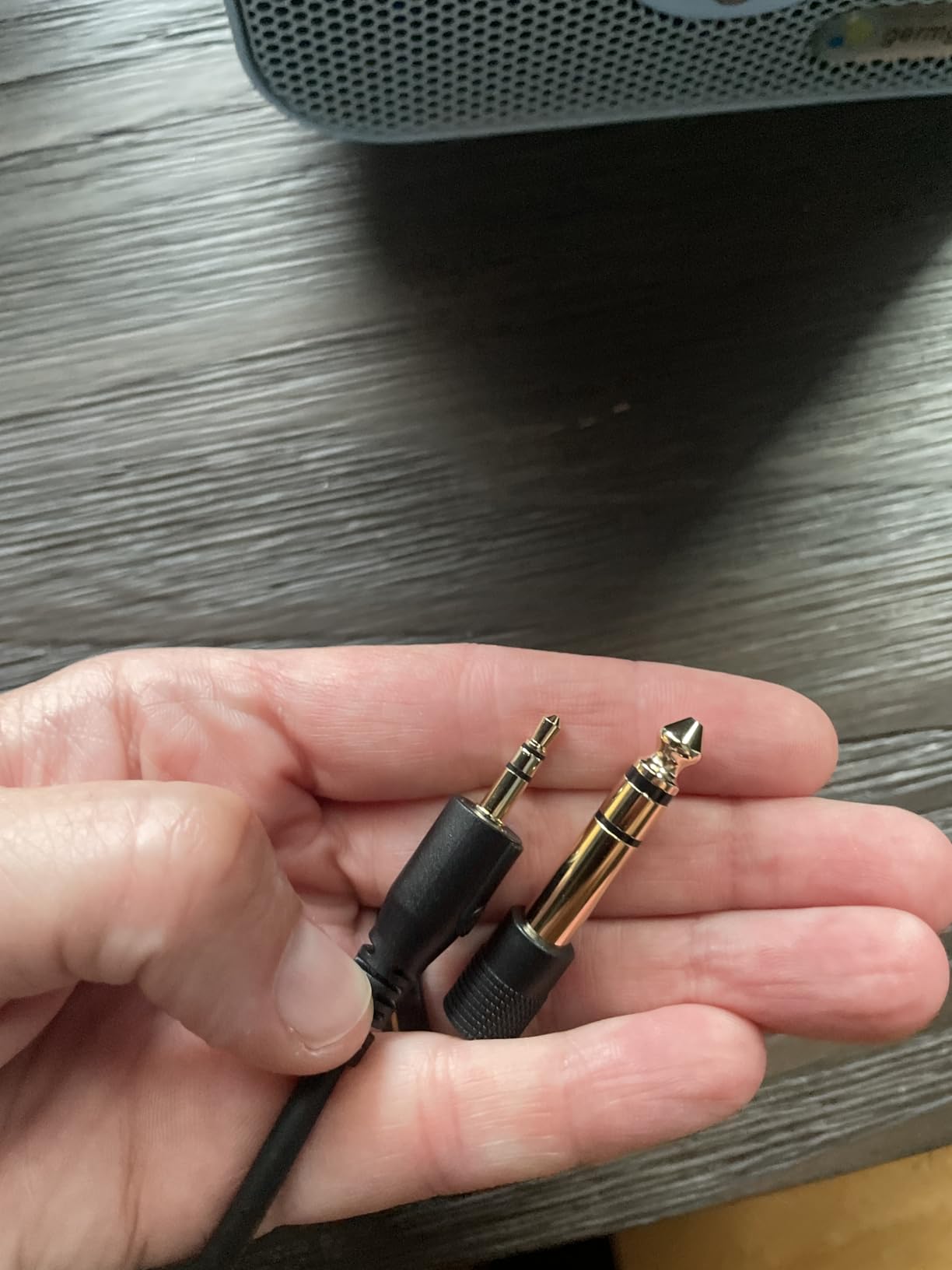
What this pair gets right for a first edit
Flat and clear means you hear what is actually in the file. New editors who move from earbuds to the M20x typically hear sibilance and a hiss floor for the first time, which is the point.
Circumaural cups give solid isolation for the price, so a shared room does not have to be silent for you to work accurately.
Where the compromises bite
The fixed cable is the biggest practical limitation. It cannot be replaced, so a damaged lead means a new headphone rather than a repair.
The cups are smaller than the M40x and M50x, and wearers with glasses or larger ears report cramping over long sessions. Metal adjusters add more durability than the plastic frame suggests, but the pads still wear eventually.
6. Sennheiser HD 280 Pro – the quietest room wins the isolation test
Sennheiser HD 280 Pro Headphone, Black
64 ohm
8Hz-25kHz
Up to 32 dB attenuation
Detachable cable
Pros
- Class-leading passive attenuation of up to 32 dB with no electronic coloration
- Warm natural well-balanced sound with clean imaging
- Lightweight and comfortable for all-day monitoring
- Collapsible earcups and 9.8 ft coiled cable
- Replaceable pads headband padding and cord
Cons
- Coiled cable is permanently attached and heavy
- Supplied pad and headband material retains oil and sweat
- Midbass and treble need light EQ for full balance
- Plastic headband can degrade over years
The HD 280 Pro has the strongest passive isolation in this roundup, at up to 32 dB of attenuation without any active processing. That matters more for editing than most people expect, because every bit of room noise you block out is noise you stop second-guessing.
In a podcast thread about leaking audio, the HD 280 Pro comes up again and again alongside the M50x and the Sony as the answer to shared-room recording. The distinction is simple: an open-back for editing, a closed-back for recording, and this is the quietest closed-back we reviewed.
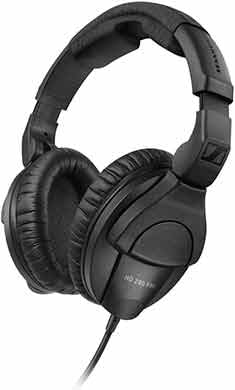
Sonically it is warm and natural with good imaging and no harsh peaks, across an 8 Hz to 25 kHz range. Reviewers note the midbass and treble sit slightly behind the rest, which light EQ fixes, and which also means you are less likely to over-correct a voice.
Replaceable pads, headband padding and cord mean the headphone can outlive several sets of consumables. That longevity is why it appears on so many location and broadcast lists.
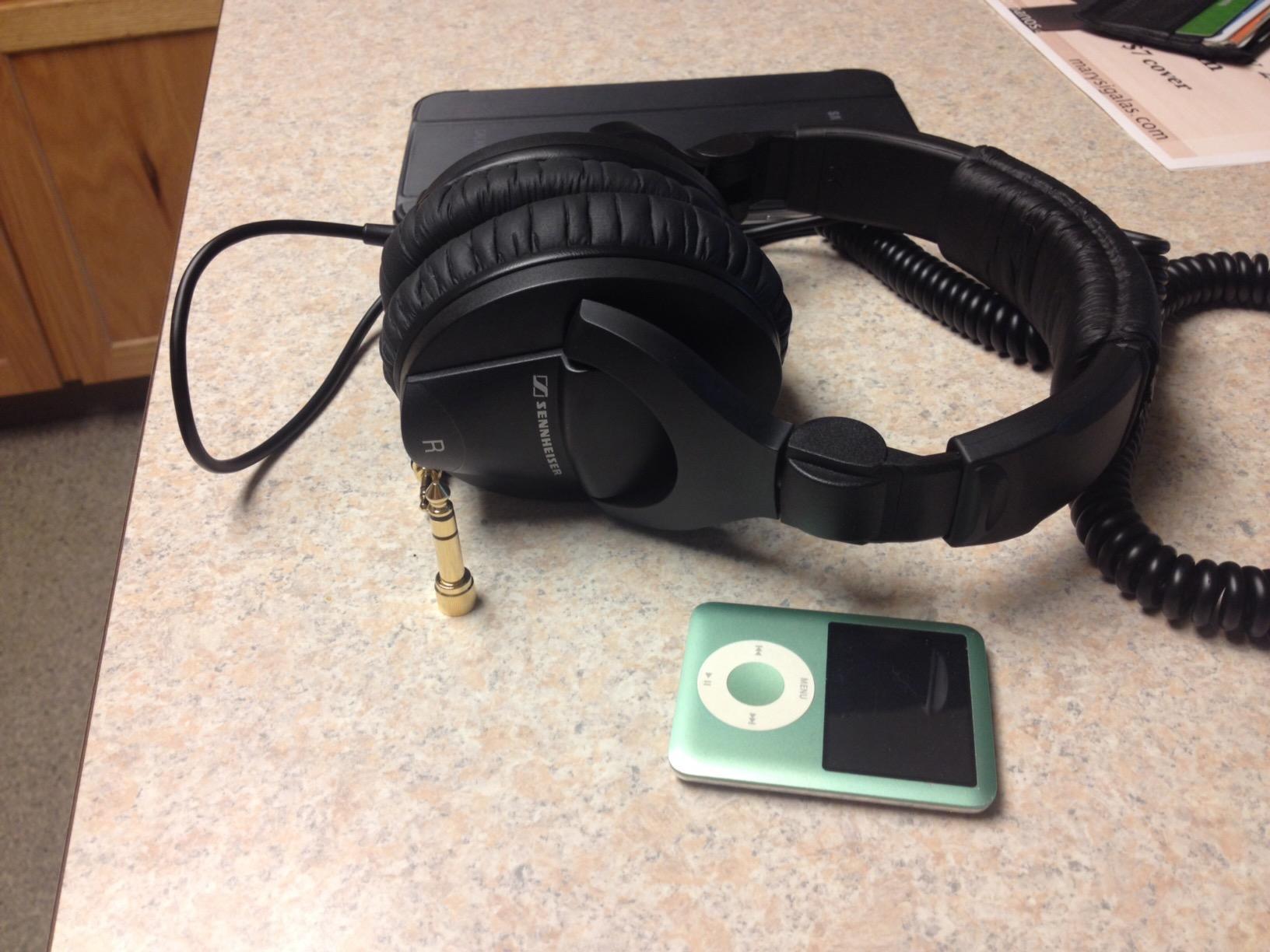
When isolation decides the edit
Editing next to a partner, a washing machine or a shared office is where this pair earns its place. Up to 32 dB of passive attenuation lets you hear a quiet take at a lower monitoring level without the room masking the very noise you are hunting.
Collapsible earcups fold for transport, so the same pair works at a home desk and in a bag for a session elsewhere.
Watch-outs before you buy
The coiled cable is permanently attached and heavy enough to pull on one side when worn around the neck. If you record and monitor often, plan to swap it out for a pair with a detachable cord.
The supplied ear pad and headband material is the weakest point, holding oil and sweat over time, and the plastic headband can crack after years. Budget for replacement pads early.
7. AKG K240 Studio – a semi-open pair that keeps you aware
AKG K240STUDIO Semi-Open Studio Headphones
55 ohm
15Hz-25kHz
104 dB sensitivity
240 g
Semi-open
Pros
- Neutral studio tuning with clear mids and a large airy stage
- Self-adjusting gimbal headband is light and comfortable
- Detachable 3 m cable with screw-on adapter included
- Semi-open design lets enough room sound in for awareness
- Strong value for entry-level editing
Cons
- Semi-open design leaks in and out so not for recording while wearing
- Bass is lean below roughly 100 Hz
- Pleather pads run warm and may need swapping
- Needs an amp for volume on phones and tablets
The K240 Studio is a semi-open design, and that middle ground has an editing advantage neither closed nor fully open pairs offer: you keep partial awareness of your room, which is useful when you are recording an in-person conversation two metres away and need to hear the take without stopping to take one ear off.
Tonally it is neutral with clear mids and a large, airy soundstage across 15 Hz to 25 kHz. At 104 dB sensitivity it is efficient, so it plays loudly enough for detail work on most desktop interfaces.
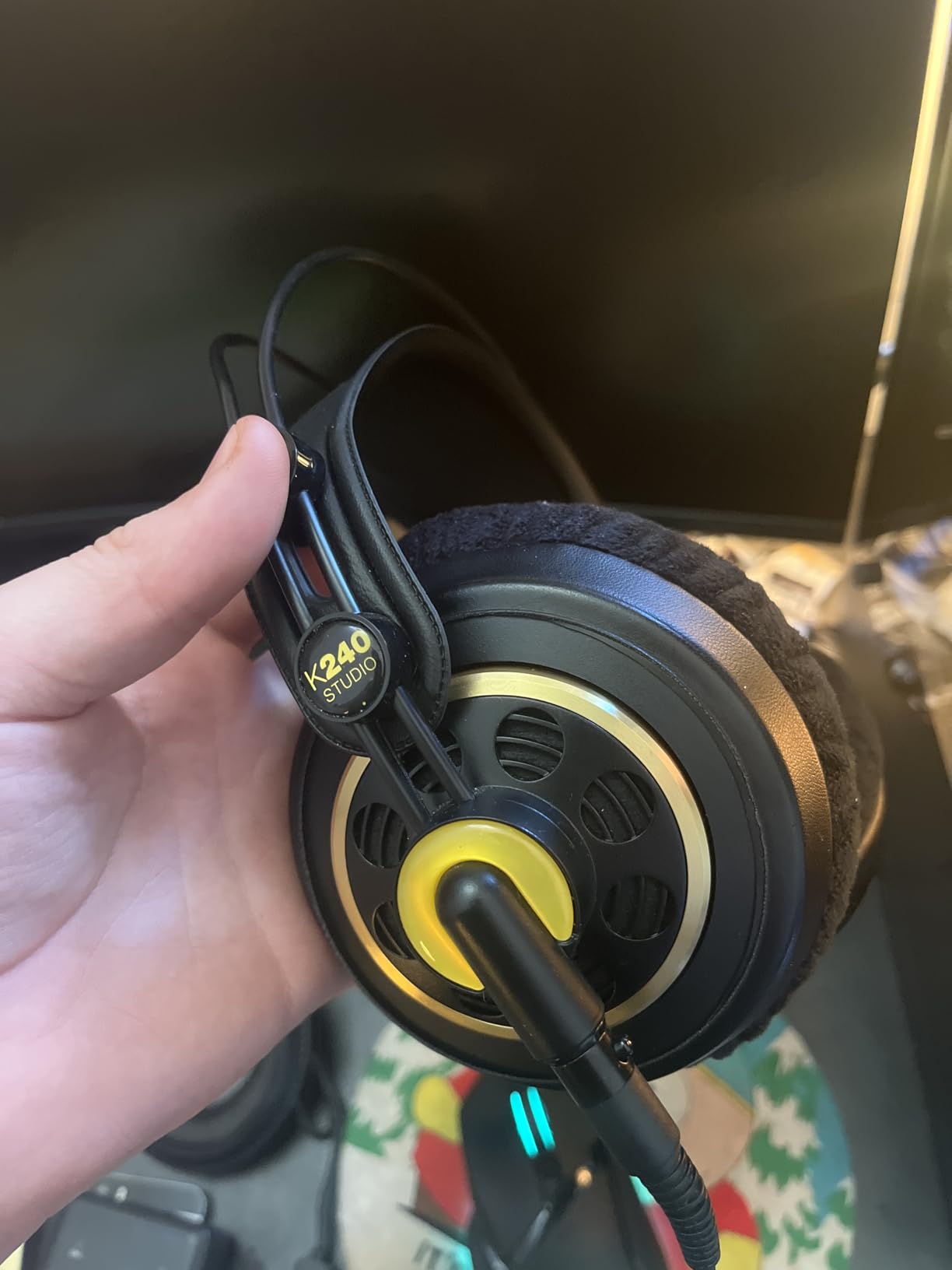
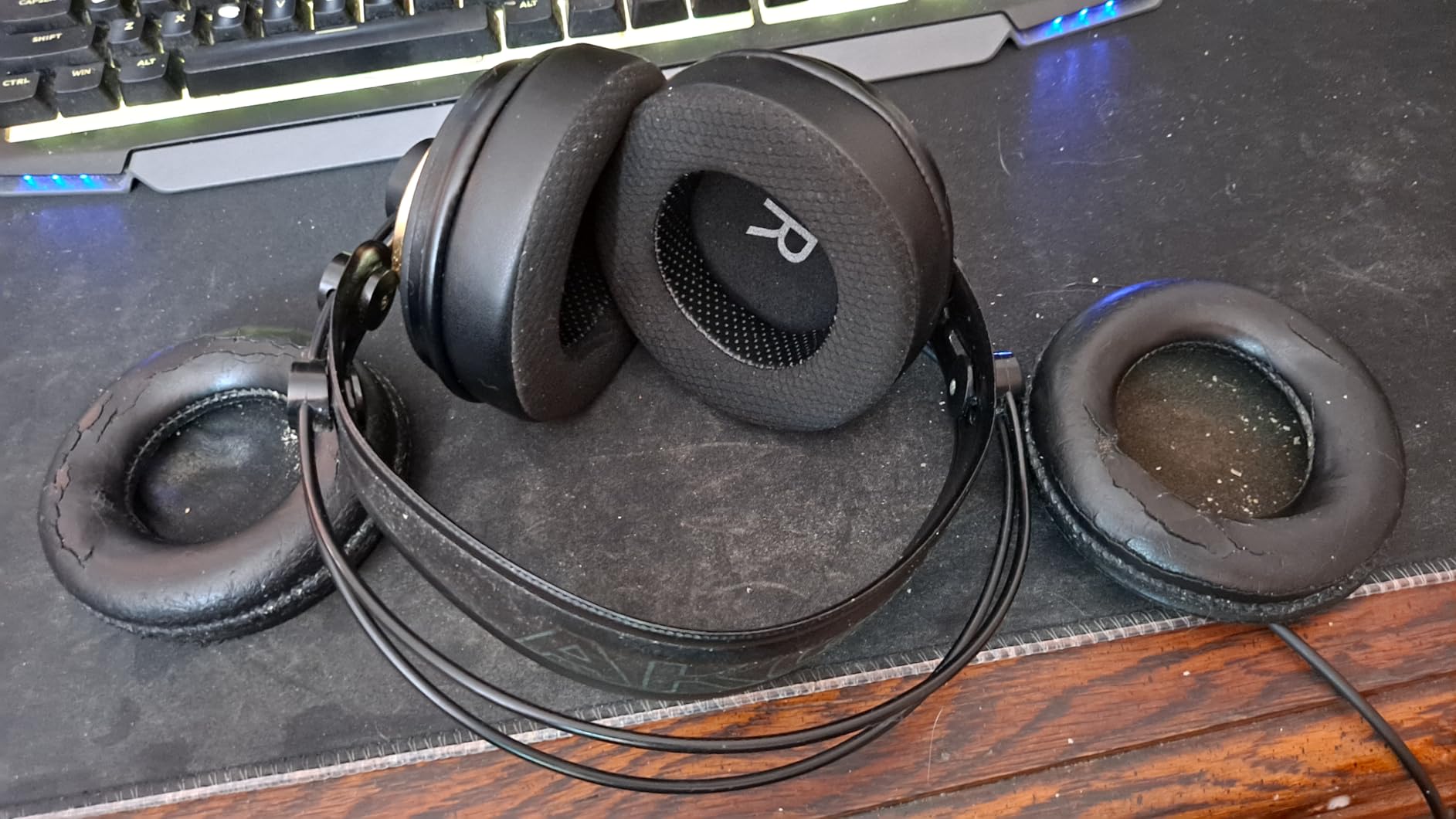
The self-adjusting gimbal headband does most of the comfort work here. It is exceptionally light and spreads weight without a hard clamp, which makes it a good choice for editors who find strong clamping force uncomfortable after two hours.
A detachable 3 m cable and a screw-on quarter-inch adapter are in the box, so a failed cable is a five-minute fix rather than a funeral.
Why it works for in-person interviews
Forum discussions about guest recording repeatedly surface the same problem: participants arrive with no headphones or a pair of uncomfortable earbuds. The K240 is light enough to lend out, and semi-open means a guest does not feel sealed in.
For monitoring a live conversation you can hear yourself, the room and the guest at once, which reduces the awkward half-second delay of checking on a talkback.
What to watch for
Because it leaks in both directions, do not wear it while recording a microphone. Semi-open is a monitoring-and-editing compromise, not a recording solution.
Bass is lean below roughly 100 Hz, pleather pads run warm over extended sessions, and phones and tablets will not drive it to a useful level without an amp.
8. Shure SRH440A – transparent sound with a cable that survives yanking
Shure SRH440A Over-Ear Wired Studio Headphones for Recording
40 ohm
10Hz-22kHz
102 dB sensitivity
Locking detachable cable
Pros
- Clear flat uncoloured sound suited to dialogue and effects work
- Cushioned cups with a secure but non-tight grip
- Consistent output across interfaces mixers and laptops
- Detachable locking cable that survives accidental pulls
- Rugged build with durable pads that resist flaking
Cons
- Passive isolation only so not suited to loud ambient rooms
- Large circumaural cups feel bulky
- Limited headband adjustment range
- Straight cable only with no case included
The SRH440A is the most quietly confident headphone in this list for dialogue work. Owners describe its tuning as transparent and Harman-leaning, which means a voice sits where you put it and any processing decision you make reads back the way you intended.
At 40 ohm and 102 dB sensitivity it behaves consistently from an audio interface, a small mixer, a laptop or a portable device. That consistency is what makes it easy to check an edit away from your main setup.
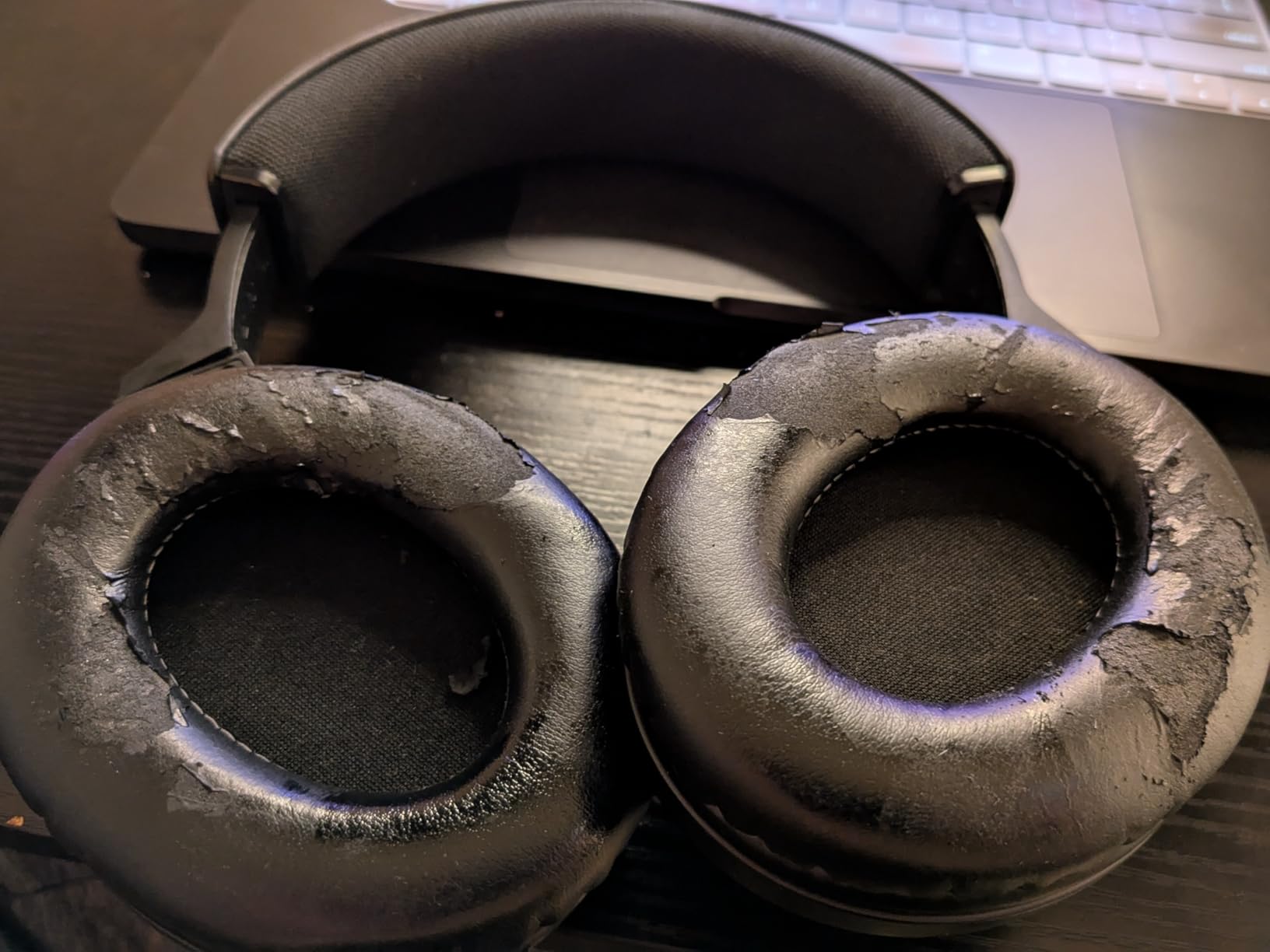
The locking detachable cable is a real advantage on a desk. It pulls straight out of the socket under the yank that kills a plug-in cable, and you can fit whichever lead suits the session.
A 10 Hz to 22,000 Hz range and cushioned earcups with a secure, non-tight grip made it comfortable through our own long editing days.
Best for a shared editing setup
Because the cable detaches and locks, you can buy two different leads and hand the headphone to a second editor without fighting over a jack. It suits a booth where two people take turns at the same station.
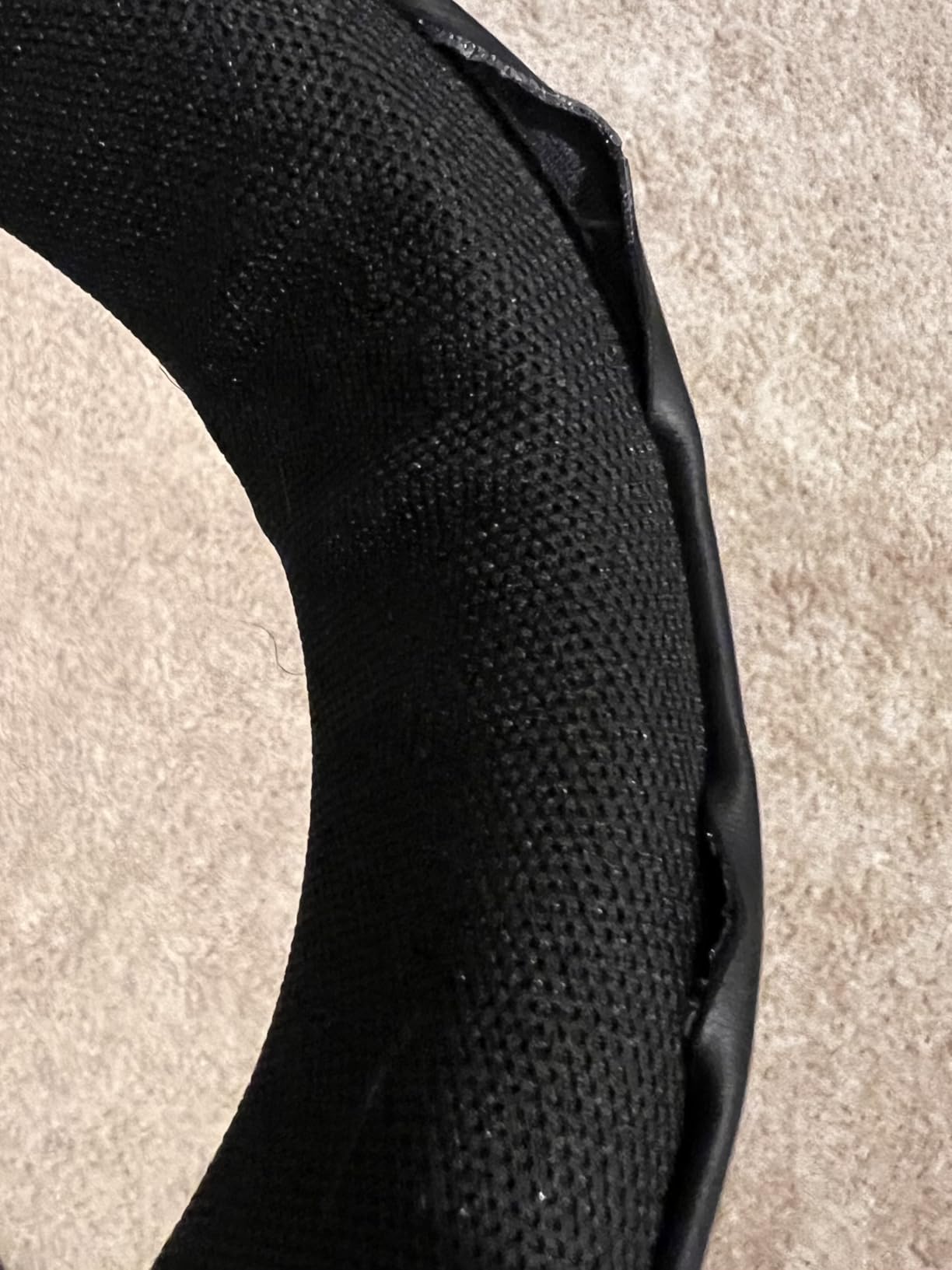
Durable pads that resist flaking matter more than they sound like marketing. Flaking protein leather gets into waveforms visually and is unpleasant against skin for long sessions.
What to watch for
Isolation is passive only, so it does not handle a genuinely loud environment the way the HD 280 Pro does. The large circumaural cups also feel bulky and have a distinctive profile, and the headband adjustment range is limited.
You get a straight cable only, no coiled option and no carrying pouch, so budget a case if you travel with it.
9. AKG K371 – the widest frequency range in the roundup
AKG Pro Audio K371 Wired Over-Ear, Closed-Back, Foldable Professional Recording Studio Headphones, Studio Monitor Mixing, Podcast, DJ Stereo Headsets, Black
32 ohm
5Hz-40kHz
114 dB sensitivity
Locking mini-XLR
Pros
- Neutral sound tuned to AKG reference target with tight mids
- Easy to drive at 32 ohm with no dedicated amplifier
- Locking mini-XLR cable with three lengths included
- Foldable notched headband packs very compact
- Large plush pads fit larger ears comfortably
Cons
- Internal wiring reported by some owners to fail within months
- Headband pivot and suspension can loosen or break
- Stock cables reported as microphonic
- Weak clamping lets cups shift and change the seal
The K371 covers 5 Hz to 40 kHz, the widest specified range of anything here, and it pairs that with 114 dB sensitivity at 32 ohm. In plain terms: it goes very quiet to very loud without needing an amp, and it makes low-frequency problems easier to hear.
Sonically it is neutral and tuned to AKG’s reference curve, with tight mids and controlled bass. For dialogue editing that mid clarity is the useful part, since most voice problems live between roughly 200 Hz and 4 kHz.
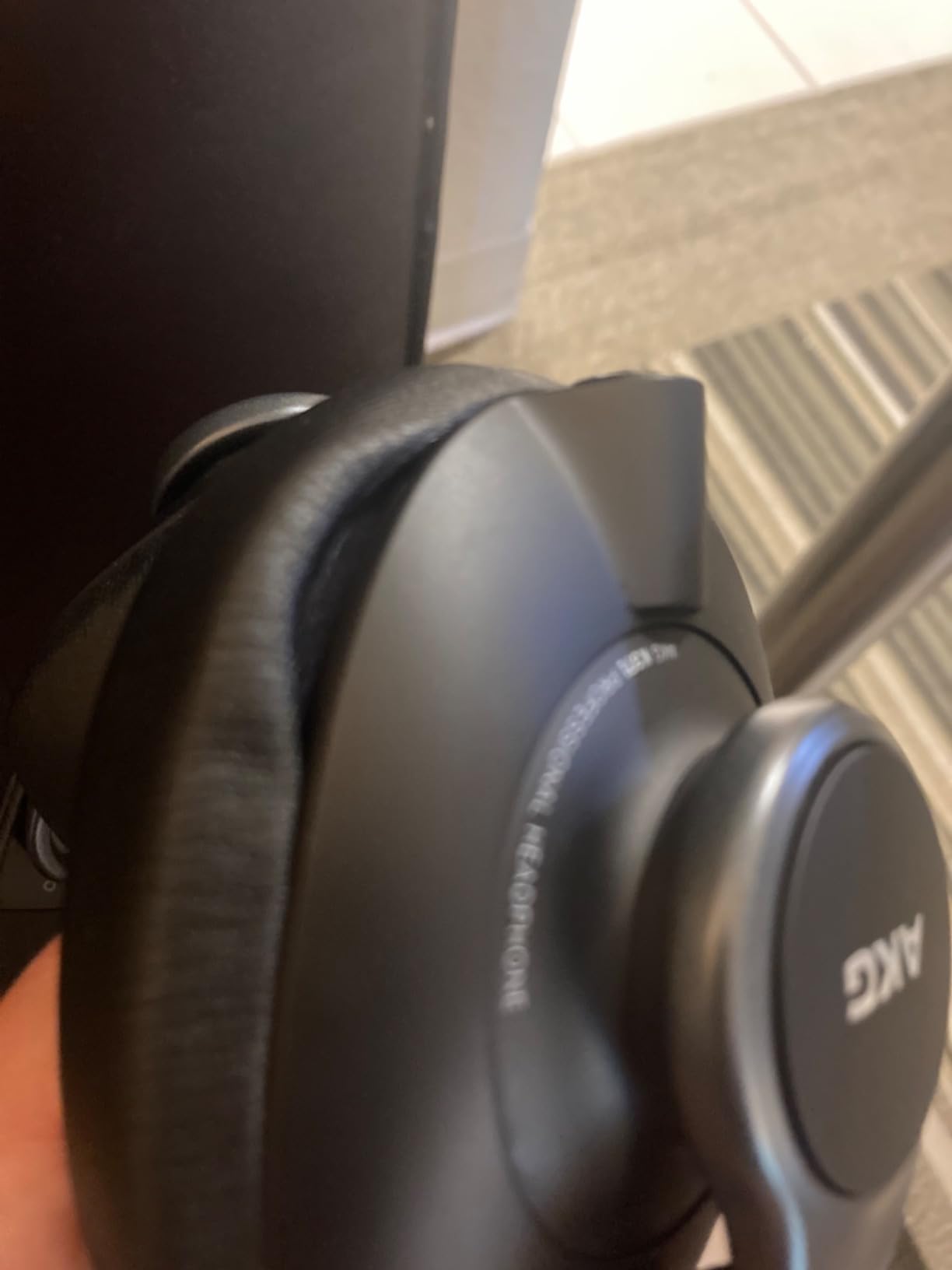
The locking mini-XLR connector is the strongest cable attachment in this roundup. Three cables ship in the box, a 1.2 m straight, a 3 m straight and a 3 m coiled, plus an adapter and a protective pouch.
The foldable notched headband and large plush pads make it a genuinely portable full-size headphone, which suits an editor who works from different rooms.
What makes the range useful
Extended low response means you can hear rumble and handling noise under a narration track, and extended high response means hiss is not hidden. Both are editing problems that a mid-focused headphone can let you miss.
Because it is easy to drive, it is a good choice if you sometimes edit on a laptop or a small interface with no real headphone output.
What to watch for
Durability is the recurring complaint. Several owners report internal wiring or headband hardware failing within months, and weak clamping force lets the cups shift, which changes the seal and therefore the tonal balance mid-session.
The supplied cables are reported as microphonic, so swap them if you work near a moving desk. Sound also improves noticeably after burn-in, and some buyers mistake that change for a fault.
10. RODE NTH-100 – built for creators who overheat in a closed cup
RØDE NTH-100 Professional Over-Ear Headphones for Content Creation
32 ohm
20Hz-20kHz
110 dB sensitivity
Locking detachable cable
Pros
- Accurate response tuned for clarity in editing and mixing
- CoolTech gel in the pads dissipates heat to cut fatigue
- Soft breathable Alcantara earcup and headband cushions
- Locking detachable cable attaches on either side
- Lifetime manufacturer warranty when registered
Cons
- Rating includes a higher share of one and two star reviews
- Bundled cable and accessory set is minimal
- Less broadly endorsed for pure mixing than studio references
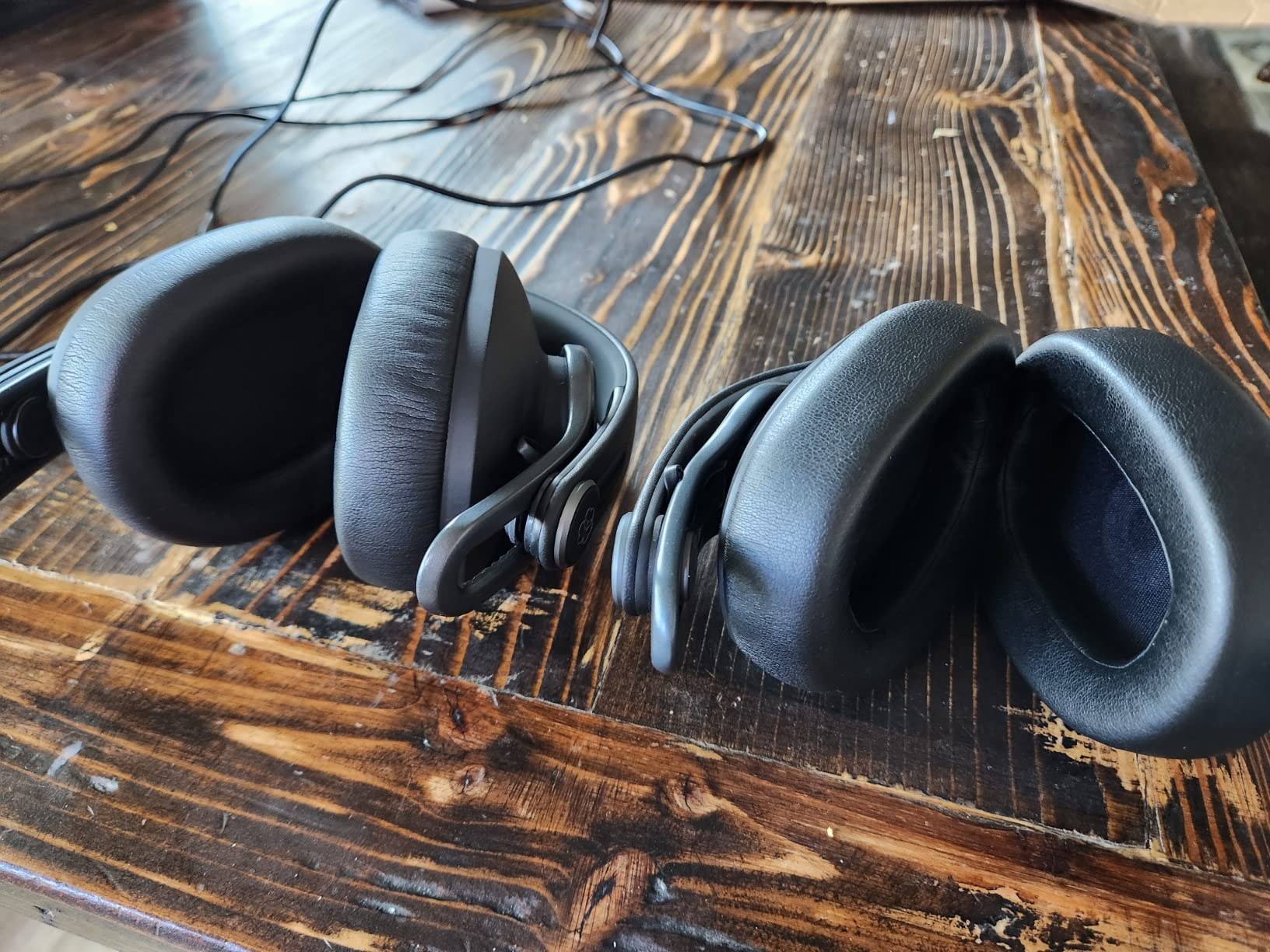
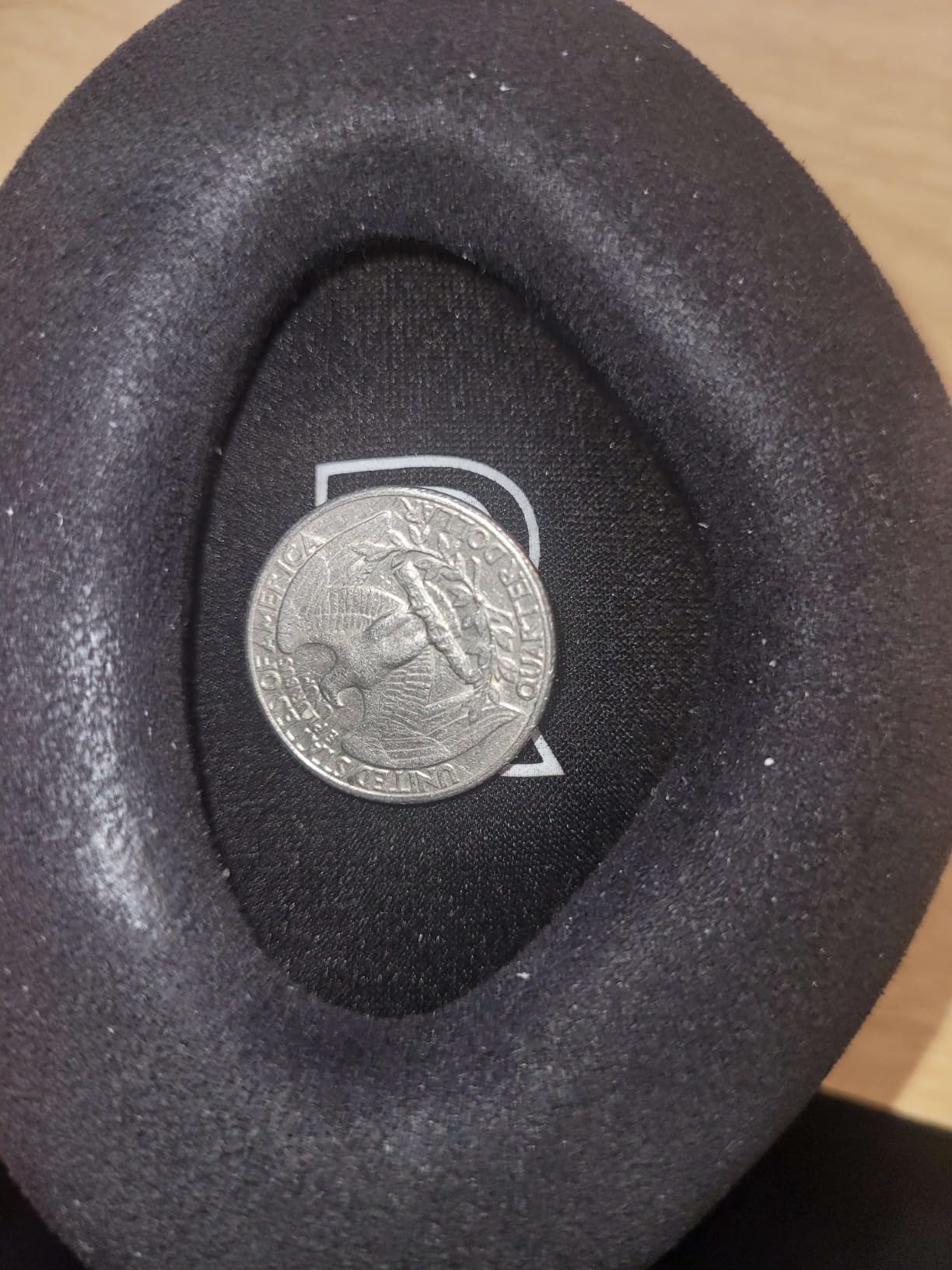
The NTH-100 is designed for content creators rather than studio engineers, and the difference shows in the details. Alcantara cushions and CoolTech gel in the pads move heat away from your skin, which is the single most effective comfort feature we found for hot rooms.
Sonically it uses custom-matched dynamic drivers tuned for accurate frequency response across 20 Hz to 20,000 Hz, at 110 dB sensitivity and 32 ohm, so it drives easily from anything with a headphone output.
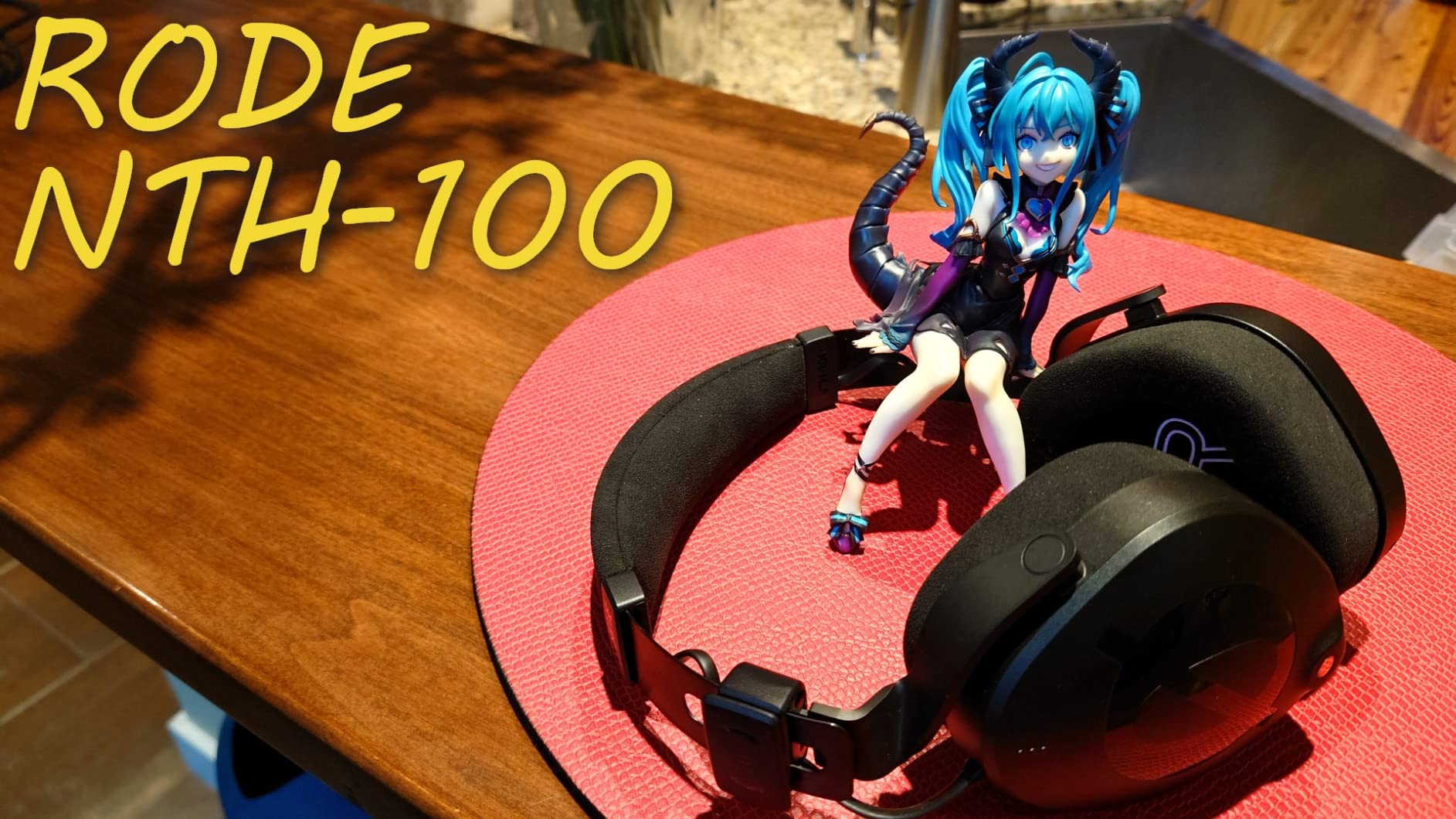
The removable cable uses a locking connector with attachments on either side, so you choose the routing rather than accepting whatever the manufacturer chose. That is a small convenience that matters on a small desk.
The lifetime warranty, once registered, is the longest cover in this roundup and a genuine advantage if you plan to keep it for years.
Comfort is the actual feature
For an editor doing six-hour blocks in a warm room, a cooling pad beats a marginally flatter response. We found the headband padding and earcup cushions stay comfortable well past the point where protein leather starts to feel hot.
The gel also helps on long video sessions where you are watching a waveform and scrubbing rather than only cutting audio.
What to watch for
This is the lowest-rated headphone in the roundup, with a noticeably higher share of critical reviews than the comfort and build claims suggest. Buy it for the padding and the warranty, not because you expect reference-grade mixing.
The bundled cable and accessory set is minimal, so you may want a shorter lead or a coiled option from another brand. It is also less broadly endorsed for pure mixing than the classic studio references.
11. Sennheiser HD 25 – the packable pair for location work
Sennheiser Pro Audio Professional HD 25 On-Ear DJ Headphones Black
70 ohm
16Hz-22kHz
120 dB sensitivity
140 g
On-ear
Pros
- Very light at 140 g and comfortable for long sessions
- Handles very high sound pressure levels
- Clear detailed sound with strong mid and high definition
- Nearly every part is replaceable
- Compact on-ear design packs easily
Cons
- On-ear cups can press uncomfortably after an hour or two
- Nearly nonexistent soundstage
- Supplied pads are plain and often replaced
- Strong clamping force out of the box
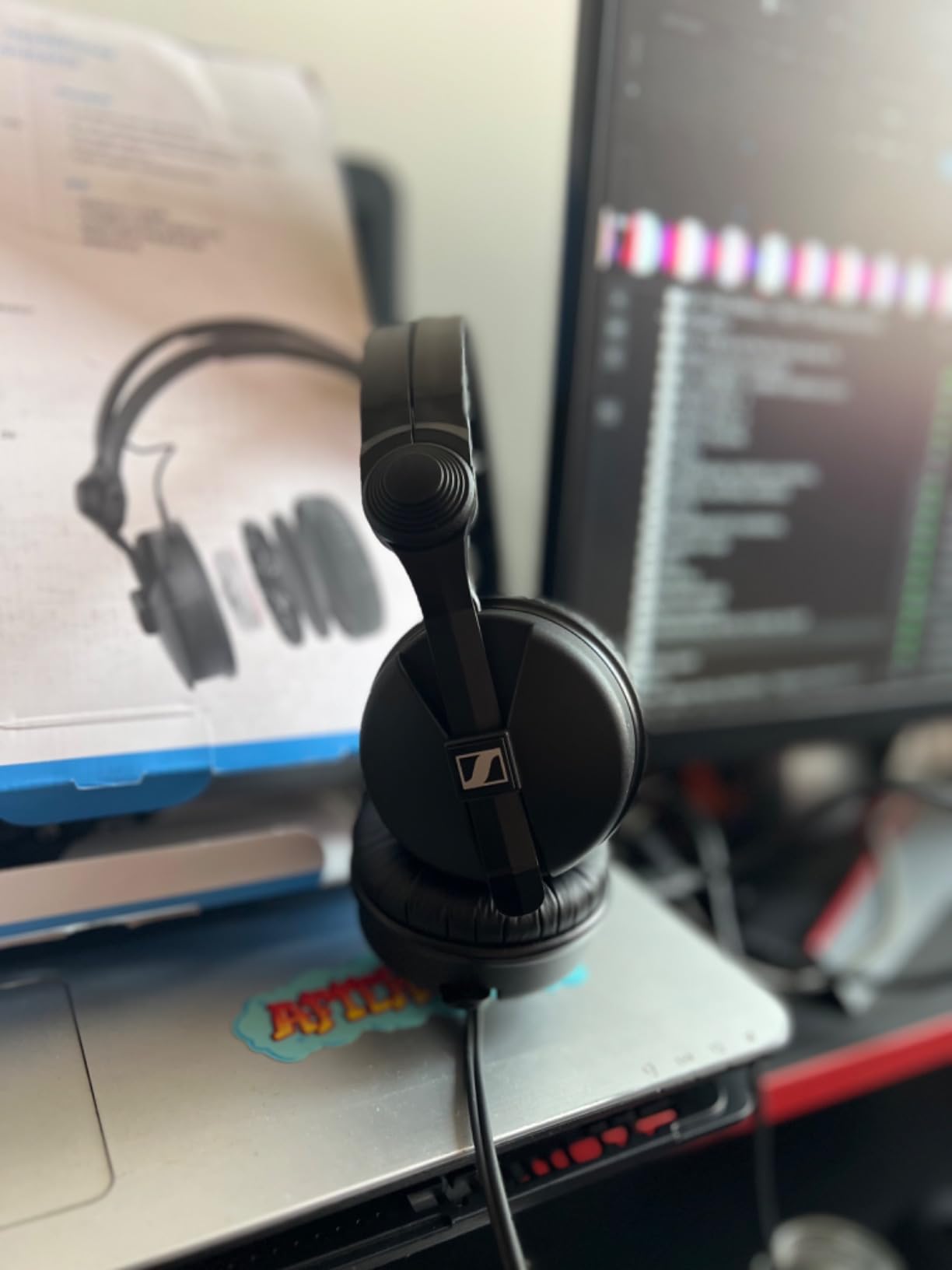
The HD 25 is an on-ear headphone, and on-ear is the category most roundups skip. At 140 g it is by far the most portable pair here, and for an editor who records and edits on the move, that changes what is practical.
120 dB sensitivity means it handles very high sound pressure levels without distorting, which is exactly the requirement for location work where a live sound check is unpredictable and you need headroom you do not have to think about.
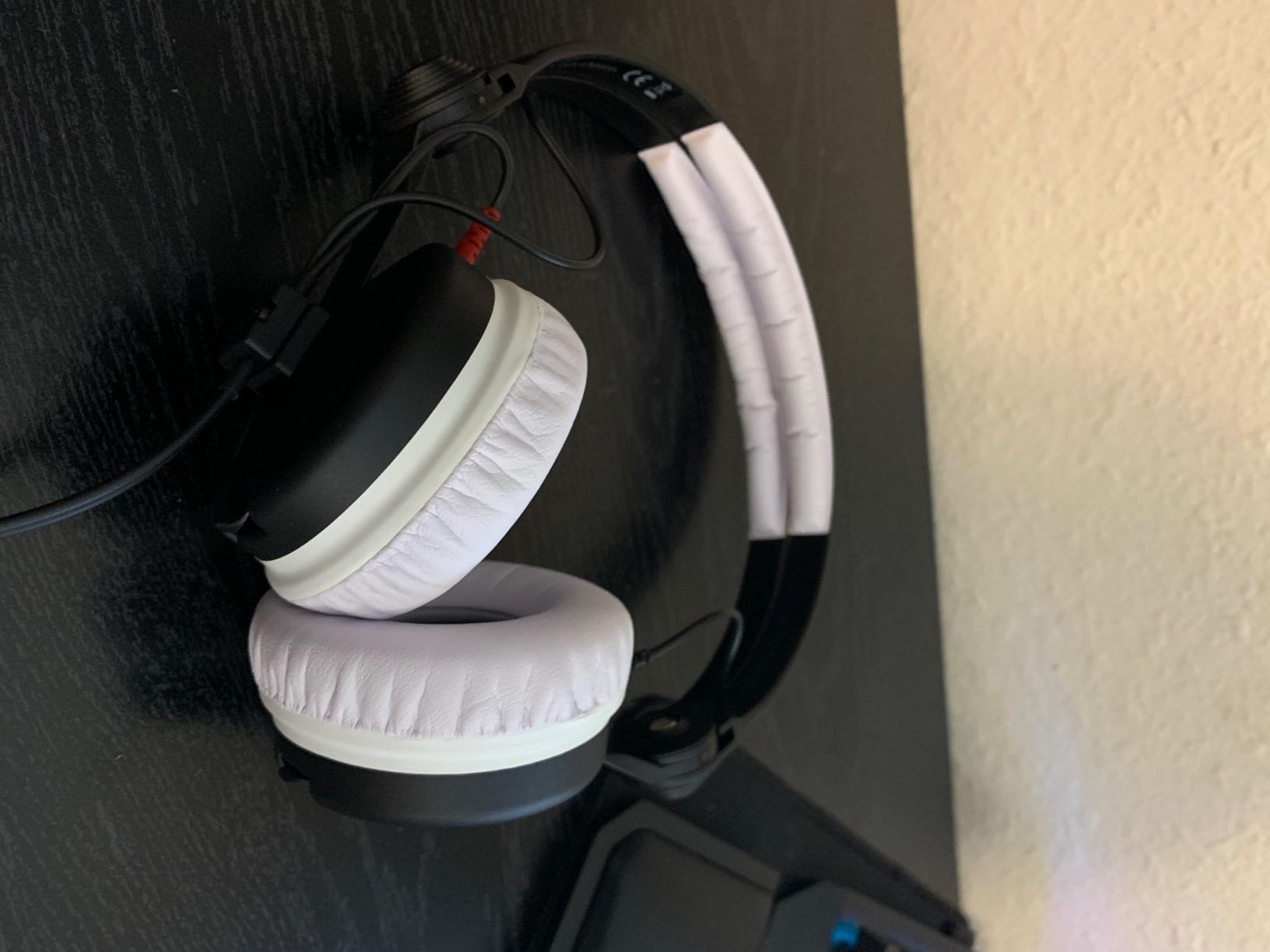
The sound is clear and detailed with strong mid and high definition across 16 Hz to 22,000 Hz. That definition is what you want for checking a take outdoors, where environmental noise is the main threat to a clean edit.
Nearly every part is replaceable, including pads, headband and cable, so a pair that gets knocked about in a bag can be repaired rather than retired.
When on-ear makes sense
On-ear cups leave your outer ear exposed, so there is no seal and no pressure build-up. That is a genuine advantage if closed cups make you sweat or if you are wearing the headphones under a hat on a cold location shoot.
The 70 ohm impedance is portable-friendly, so it works from a field recorder or a laptop without an external amp.
What to watch for
This is not a critical listening headphone. On-ear pads press on the ear after an hour or two, and the soundstage is nearly nonexistent, so you lose the imaging that helps you place a sound in a stereo field.
Clamping force feels strong out of the box and the supplied pads are plain, so most owners replace them early. Use it for monitoring and location work, then edit on a proper circumaural or open-back pair.
12. MAONO MH601 – a starter pair with zero latency and a detachable cable
MAONO MH601 Wired Studio Headphone for Podcast Recording Stream DJ Mixing
32 ohm
20Hz-20kHz
103 dB sensitivity
50 mm drivers
Pros
- Near-neutral detailed sound that translates well for voice editing
- Wired connection means no line noise and no added latency
- Comfortable over-ear fit for multi-hour sessions
- Detachable coiled cable plus 3.5 mm and 6.35 mm connections
- 90 degree swivelling earcups for single-ear monitoring
Cons
- Coiled cable is short and frustrating for reach
- Loud white branding and side logos show on camera
- Ear pad material reported to crack and flake with age
- Cable can work loose in the headphone socket
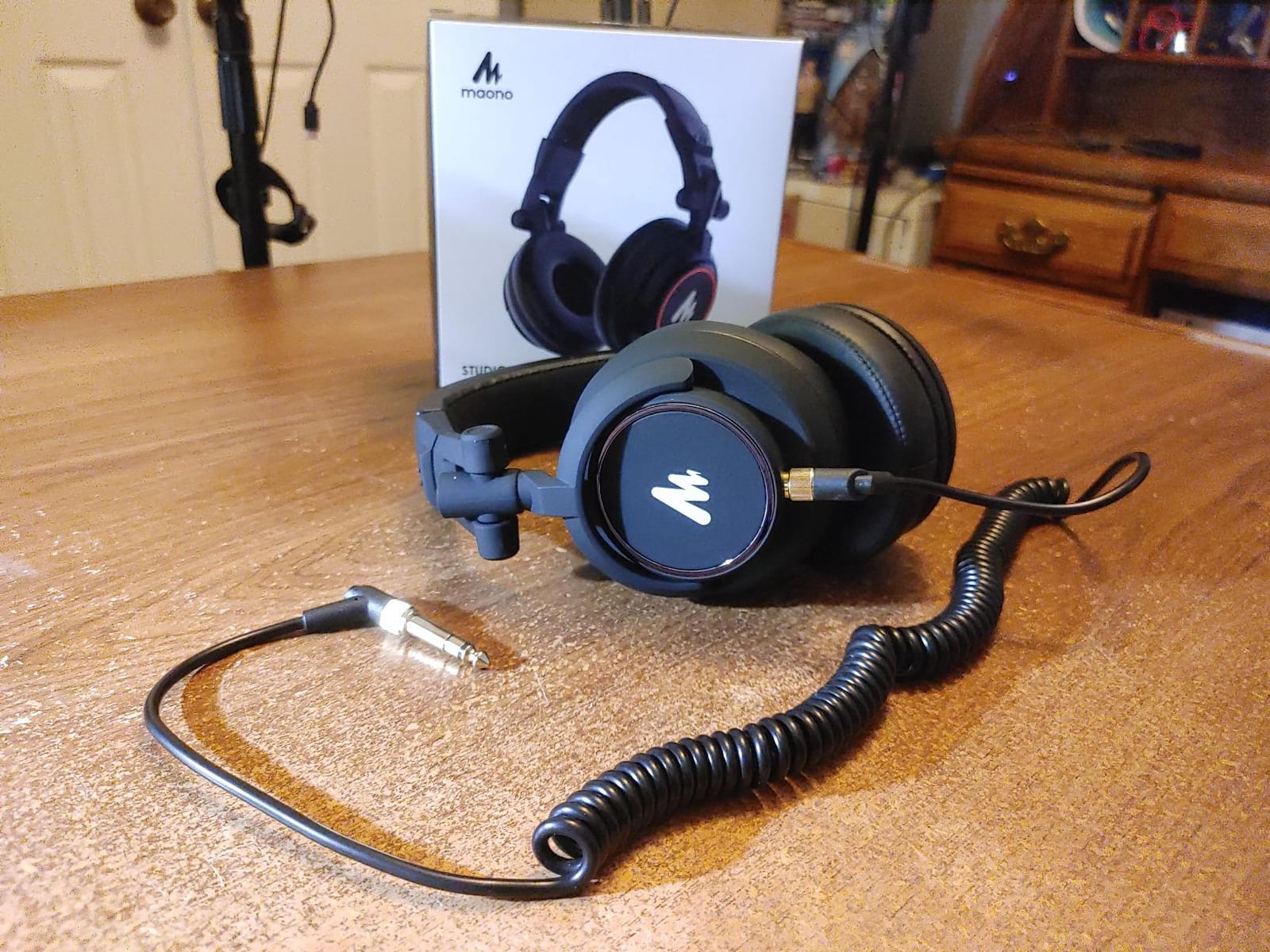
The MH601 is a recent arrival in the closed-back monitor crowd and one of the least decorated. Its claim to relevance for editing is simple and verifiable: a wired connection means no wireless latency and no line noise, which matters when you are placing cuts by eye and by ear.
Owners describe a near-neutral, detailed signature that translates well for voice editing, and several compare it favourably to models costing several times more. At 32 ohm and 103 dB sensitivity it drives from anything.
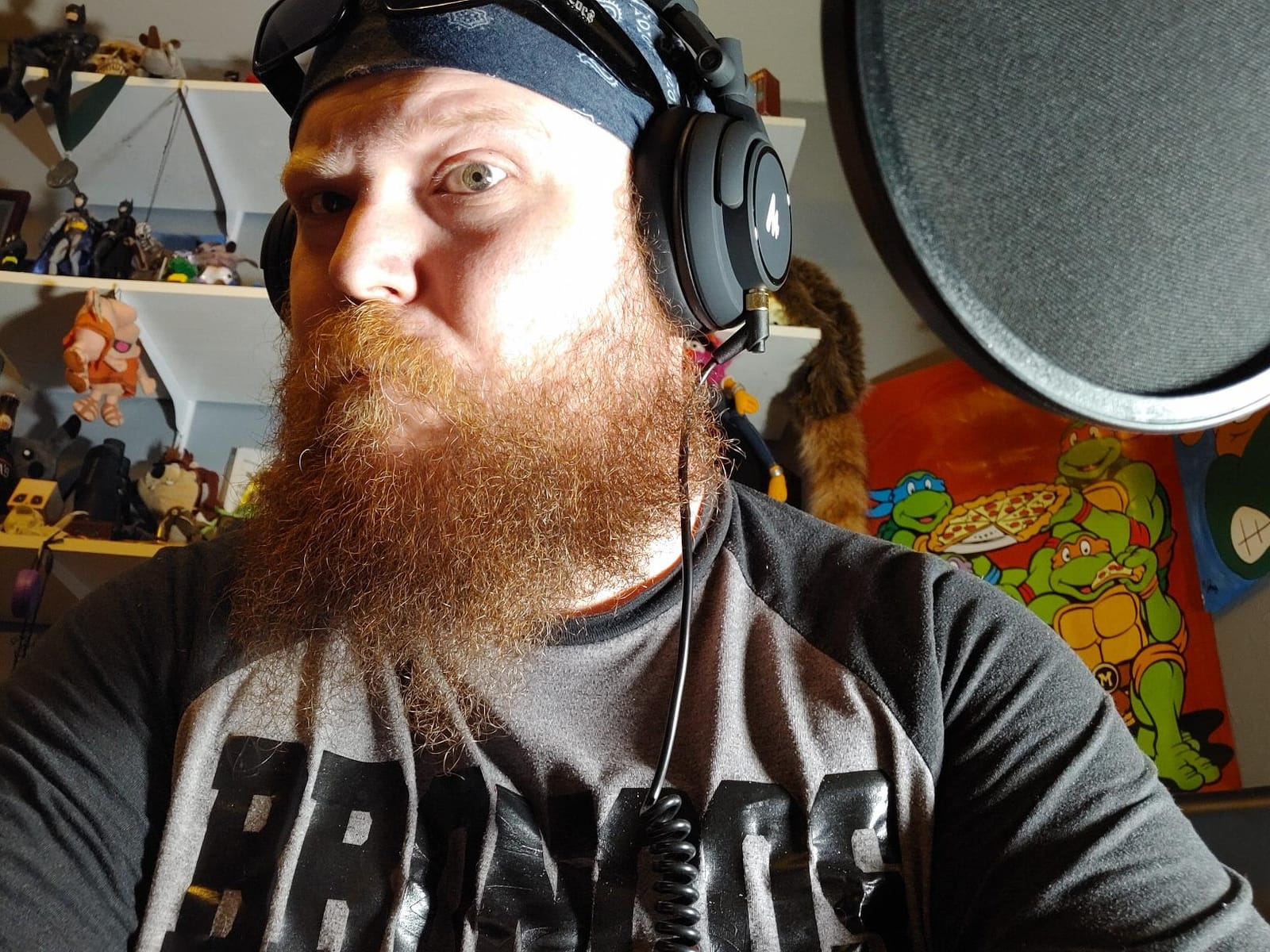
The 50 mm large aperture drivers give deeper, accurate bass response than most entry-level monitors, and the 90 degree swivelling cups let you cue one ear while keeping the other on the edit.
Passive isolation is rated at blocking roughly 85 percent of ambient noise. That is not studio-grade sealing, but it is enough to keep a moderately noisy room from dominating your monitoring.
Why zero latency matters here
Every pair in this roundup is wired, and that is deliberate. A wireless link adds a delay between the audio hitting your interface and the audio reaching your ears, which is invisible for pure playback but shows up the moment you are cutting dialogue against a video timeline.
The detachable coiled cable means a failed lead is a cheap fix, and having both 3.5 mm and 6.35 mm connections covers a mixer, an interface or a camera.
What to watch for
The coiled cable is short, which frustrates anyone who wants to reach away from the desk. Ear pad material is reported to crack and flake with age, so treat pads as a consumable.
If you record video with the headphones on, the bright white branding and side logos are visible on camera. A closed over-ear cup also runs warm in a long session.
How to Choose Headphones for Podcast Editing
What editing actually asks a headphone to do
Editing headphones have one job: show you what is in the file without adding anything of their own. A flat frequency response means hiss at the top of the range, rumble at the bottom and every level in between arrive at similar relative levels. That is what lets you place noise reduction, EQ and compression accurately instead of guessing.
Second is transient response, because speech edits are made of transients. The click at the start of a plosive, the snap of a mouth opening, the transient on a stinger. A headphone that softens those makes every cut sound slightly dull, and you will compensate with EQ you did not need.
Third is fatigue. A headphone can be accurate on day one and unusable by month three, because you raise the volume a little each session. Monitoring level stability across hours matters as much as the frequency response.
Open-back vs closed-back: the rule nobody states
Open-back headphones are often the best headphones for podcast editing, and they are the wrong choice for recording. That is not a contradiction, it is the whole distinction. An open design gives a wider soundstage, less ear pressure and no seal fatigue, which helps you judge placement and depth. It also leaks sound out into the room in both directions, which ruins a live microphone take.
So the practical rule is simple. Use an open-back when you only edit. Use a closed-back when you record and monitor at the same time, when you edit in a noisy room, or when you need isolation. Semi-open sits between the two and lets in enough room sound to stay aware of a live conversation.
Forum consensus on podcast boards matches this exactly: open-back is fine for editing but not for use while recording. Several roundups on the wider web recommend open-back and noise-cancelling models for podcasting with no warning attached at all, which is how people end up with bleed on their takes.
Impedance and whether you need a headphone amp
Impedance is measured in ohms, and it tells you how hard your source has to work to push volume through the drivers. Anything up to about 64 ohm is comfortable from a laptop, a phone or an interface with a normal headphone output. The Audio-Technica M50x at 38 ohm, the M40x at 35 ohm, the Shure SRH440A at 40 ohm and the AKG K371 at 32 ohm all fall in that group.
Above that, 80 ohm starts asking for a little more headroom, and 250 ohm genuinely needs an amp. The beyerdynamic DT 990 Pro 250 Ohm and the AKG K240 Studio at 55 ohm with 104 dB sensitivity both sit in the demanding end. If your interface has no real headphone output, expect low volume rather than distortion.
Comfort, clamping force and a six-hour edit day
The top result for this whole search is a thread about headphones that feel like wearing a vice, and that tells you something real. Clamping force, head size and glasses are the three things editors complain about most, and none of them appear in a spec sheet.
Weight is the first number to read. The Sony MDR-7506 at 8 ounces and the Shure SRH440A at 8.96 ounces are the lightest over-ear options here. The Audio-Technica M20x at 210 g and the M40x at 0.24 kg are close behind. Anything substantially heavier will still work, but expect pressure by hour four.
Glasses push the pads inward and cause seal loss, which changes the low end. The M40x is specifically praised for comfort with frames. Deep cups and a wide headband help more than any material choice.
Wired vs wireless and Bluetooth latency on video work
Every headphone in this roundup is wired, and for editing that is the right default. Wireless adds latency between your interface and your ears. For audio-only editing you would hardly notice. For video editing, where you align dialogue to lip movement, that delay becomes a genuine sync problem.
Active noise cancellation is also worth thinking carefully about. It is useful on a train, but it applies processing that can alter the top end, and some implementations add their own latency. For critical work, passive isolation is more honest.
How your headphones interact with noise reduction
Your monitor choice shapes the DSP you apply. A headphone that sounds too dark encourages you to over-brighten, and a noise reduction setting tuned on a too-dark headphone can subtract more than it should, leaving audible artefacts. A too-fat headphone does the opposite and hides the problems you were meant to fix.
One useful habit is to check a finished edit somewhere else before you publish, on earbuds or a phone speaker. If you need a cloud editing workstation to run heavy processing, the headphone still does the judging, so keep it flat. And when you reach the point where headphone upgrades feel expensive, remember the ceiling: room treatment and microphone choice move the result further.
Frequently Asked Questions
What are the best headphones for audio editing?
The best headphones for audio editing are flat, accurate studio monitors. Our top pick is the Audio-Technica ATH-M50x, with 38 ohm impedance, a 45 mm driver and a 20 Hz to 28,000 Hz range. For lighter long sessions the Sony MDR-7506 works, and the beyerdynamic DT 990 Pro 250 Ohm gives the widest soundstage if you only edit and never record with headphones on.
What headphones do most podcasters use?
The most common answers in podcast communities are closed-back studio monitors: the Audio-Technica ATH-M50x, the Sony MDR-7506 and the Sennheiser HD 280 Pro. That trio appears repeatedly in podcasting forums when people ask about leaking audio into a microphone. The HD 280 Pro stands out for passive isolation of up to 32 dB, while the M50x is the most reviewed of the three.
What kind of headphones does Joe Rogan use on his podcast?
Coverage of that specific setup varies, and we would not state a model without a source. What is consistent across professional podcasters is the pattern rather than the brand: neutral closed-back or open-back studio monitors with a detachable cable, chosen for an accurate frequency response and comfort over multi-hour sessions. Match that pattern and you will be in good company.
What should I use to edit a podcast?
Use flat studio monitor headphones, not earbuds or noise-cancelling consumer models. Then: import the raw track, cut silence with a noise-reduction pass on room tone, apply gentle high-pass and de-esser moves on a duplicate track, level each voice to roughly the same loudness, and check the result on earbuds and a phone speaker before export. Keep the monitoring level steady so your ears do not adapt upward.
Are open-back or closed-back headphones better for editing?
Open-back is better for pure editing: the soundstage is wider, there is no seal pressure and the sound is natural over long sessions. Closed-back is better when you also record, edit in a noisy room or need isolation from leakage into a microphone. A semi-open pair such as the AKG K240 Studio sits between them and keeps partial awareness of the room.
Do I need an amplifier for 250 ohm headphones?
Yes, if you want them at a comfortable level. Models such as the beyerdynamic DT 990 Pro 250 Ohm need a headphone amp or an audio interface with a strong headphone output to reach full volume. Anything at or below 64 ohm, such as the Audio-Technica M50x at 38 ohm or the AKG K371 at 32 ohm, works from a laptop or phone without extra hardware.
The Verdict on Podcast Editing Headphones
The Audio-Technica ATH-M50x is our pick for the best headphones for podcast editing: flat enough to trust, isolated enough for a real room, and comfortable enough for a six-hour block. Pick the Sony MDR-7506 if weight is your problem, or the beyerdynamic DT 990 Pro if you never record with headphones on and want the widest soundstage going. Whichever you choose, keep the level steady and check the final mix on earbuds before you publish.