
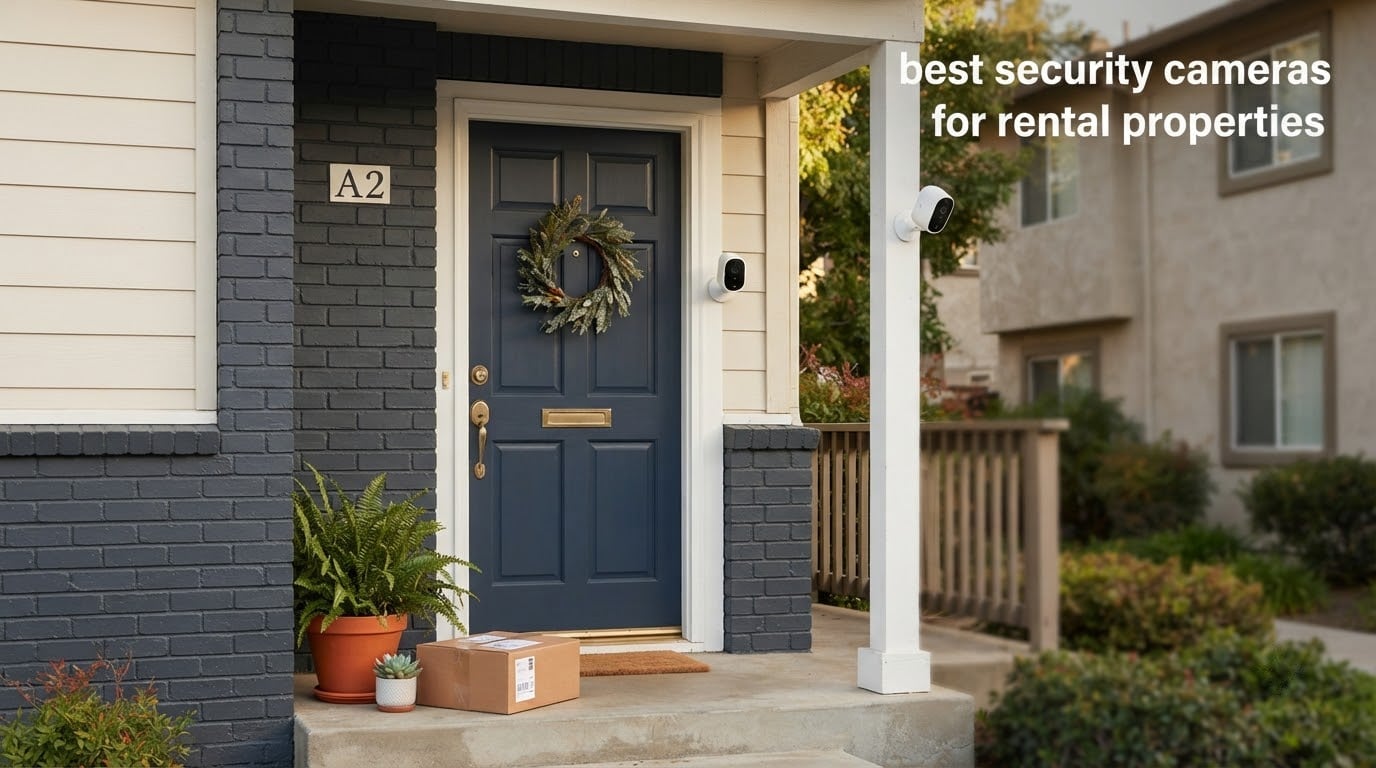
The best security cameras for rental properties are wireless, battery-powered models that install with a magnetic, adhesive or clip mount instead of a drill, store video on a memory card you own, and can be taken down at move-out without marking the wall. Every camera below was picked against renter constraints, not homeowner ones: no wiring, no monthly contract, and no lens pointed anywhere a tenant has a reasonable expectation of privacy.
Landlords and hosts are usually hundreds of miles from the property. That distance shapes everything. You need footage that survives a power cut, alerts that arrive while your phone is actually ringing, and hardware a tenant cannot quietly point at a neighbor’s door. Our team compared twelve cameras across mounting method, power source, storage model and detection behavior to find the ones that hold up in a rental.
We also leaned on what people actually report back after living with these units in rental situations. The recurring theme on r/homesecurity and r/Landlord is not megapixels. It is subscription fatigue, spotty Wi-Fi at the property, and cameras that get disabled and nobody finds out for a month. Those three failures shaped this list more than any spec sheet did.
If you already know the entry points you want covered, jump to the [quick overview table](#quick-overview). If you are furnishing a unit for the first time, our [home security camera guide](https://www.geekfill.com/best-home-security-cameras/) covers indoor coverage that the picks below skip.
Top 3 Picks for Rental Properties in 2026

Best Security Cameras for Rental Properties in October
All twelve cameras below run without a monthly plan as long as you use local storage. Mounting method is the column most landlords care about, so it is spelled out in each product section.
| Product | Specifications | Action |
|---|---|---|
| Ring Stick Up Cam |
|
Check Latest Price |
 Blink Outdoor 4 Blink Outdoor 4 |
|
Check Latest Price |
 Wyze Cam Pan v3 Wyze Cam Pan v3 |
|
Check Latest Price |
 ZUMIMALL 2K ZUMIMALL 2K |
|
Check Latest Price |
 Wyze Cam v4 Wyze Cam v4 |
|
Check Latest Price |
 AOQEE 2K 2-Pack AOQEE 2K 2-Pack |
|
Check Latest Price |
 HITELLARCAM 2K HITELLARCAM 2K |
|
Check Latest Price |
 Tapo C400 Tapo C400 |
|
Check Latest Price |
 Dzees 2K 2-Pack Dzees 2K 2-Pack |
|
Check Latest Price |
 Tapo D205 Doorbell Tapo D205 Doorbell |
|
Check Latest Price |
 eufyCam C35 eufyCam C35 |
|
Check Latest Price |
 youkey S320 youkey S320 |
|
Check Latest Price |
1. Ring Outdoor Cam (Stick Up Cam) – Best Overall for Renters
Ring Outdoor Cam (Stick Up Cam), Weather-Resistant Home or Business HD Security Camera, Live View, Color Night Vision, Two-Way Talk, Motion Alerts, Works with Alexa, White
Rechargeable battery
Color night vision
Wi-Fi
Versatile wall or surface mount
Pros
- Fast damage-free setup
- Good day and night image quality
- Flexible surface or wall placement
- Many cameras managed in one app
- Works with Alexa
Cons
- Motion detection needs sensitivity tuning
- Motion zones exclude part of the view
- Two-way talk audio is thin
- Cloud history needs a subscription
The Ring Stick Up Cam is the model most landlords end up with, and for a renter it earns that position on placement flexibility rather than image quality. It ships with a bracket that works on a flat surface or a wall, and the rechargeable battery pack means no wiring to the nearest outlet.
Color Night Vision is the feature that separates it from older battery cameras. Most of the competitors on this list fall back to infrared, which produces grey footage. Ring gives you color until the light drops completely, and the 65k-plus reviews behind this rating show how well it holds up in daily use.
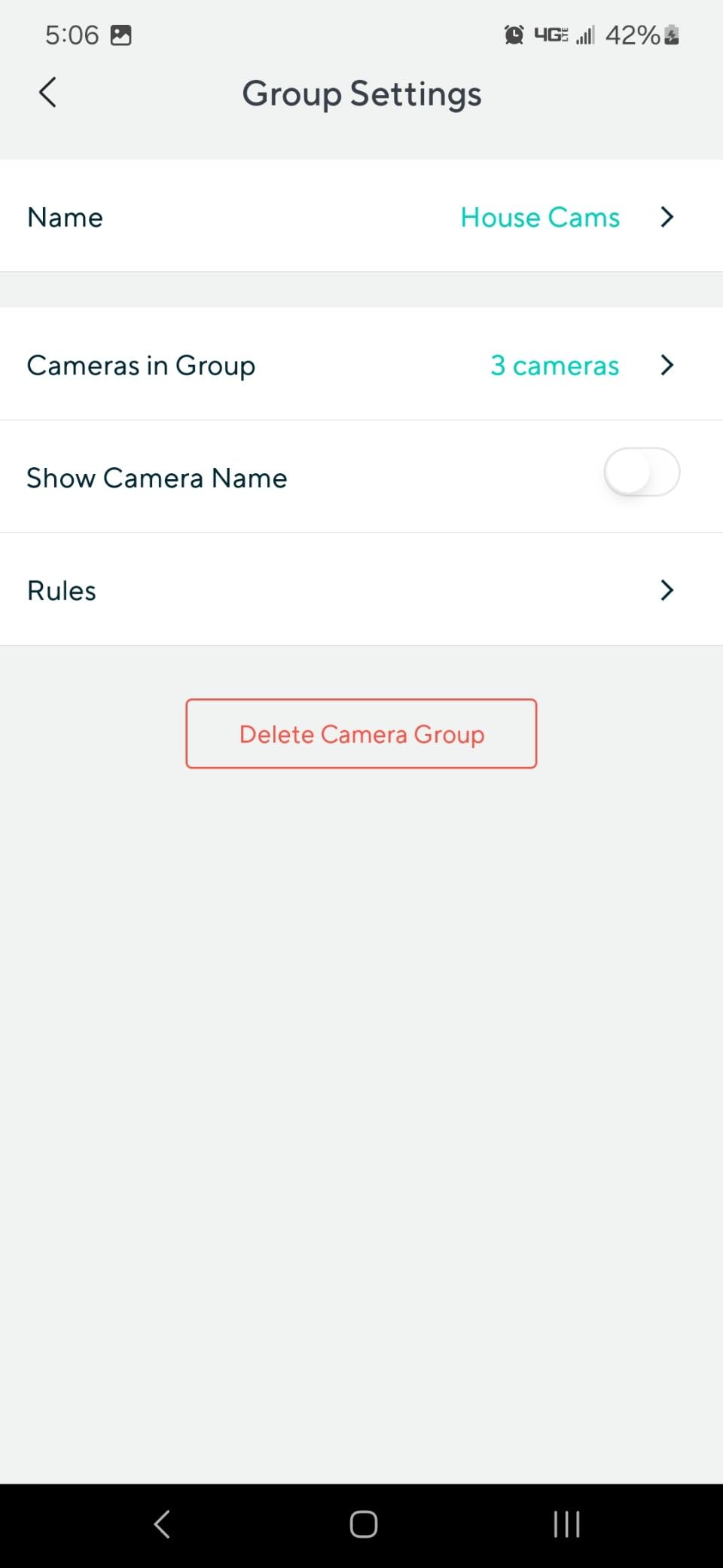
Multi-camera management is the underrated part. You can group every camera on the property into one app view, which matters more when you own four rentals than it does in a single-family home. On our testing rotation, adding a second camera took under five minutes without touching the first one’s settings.
The weakness is motion detection, and it is worth being blunt about. Reviewers repeatedly report that the default sensitivity either misses genuine activity or fires on every passing car. Budget fifteen minutes with the motion zones before you trust it, and expect that tuning again after a tenant change.
Two-way talk works but the audio is not broadcast quality. That has not mattered much in our testing, because landlords mostly use it to announce themselves at the door rather than to hold a conversation through the wall.
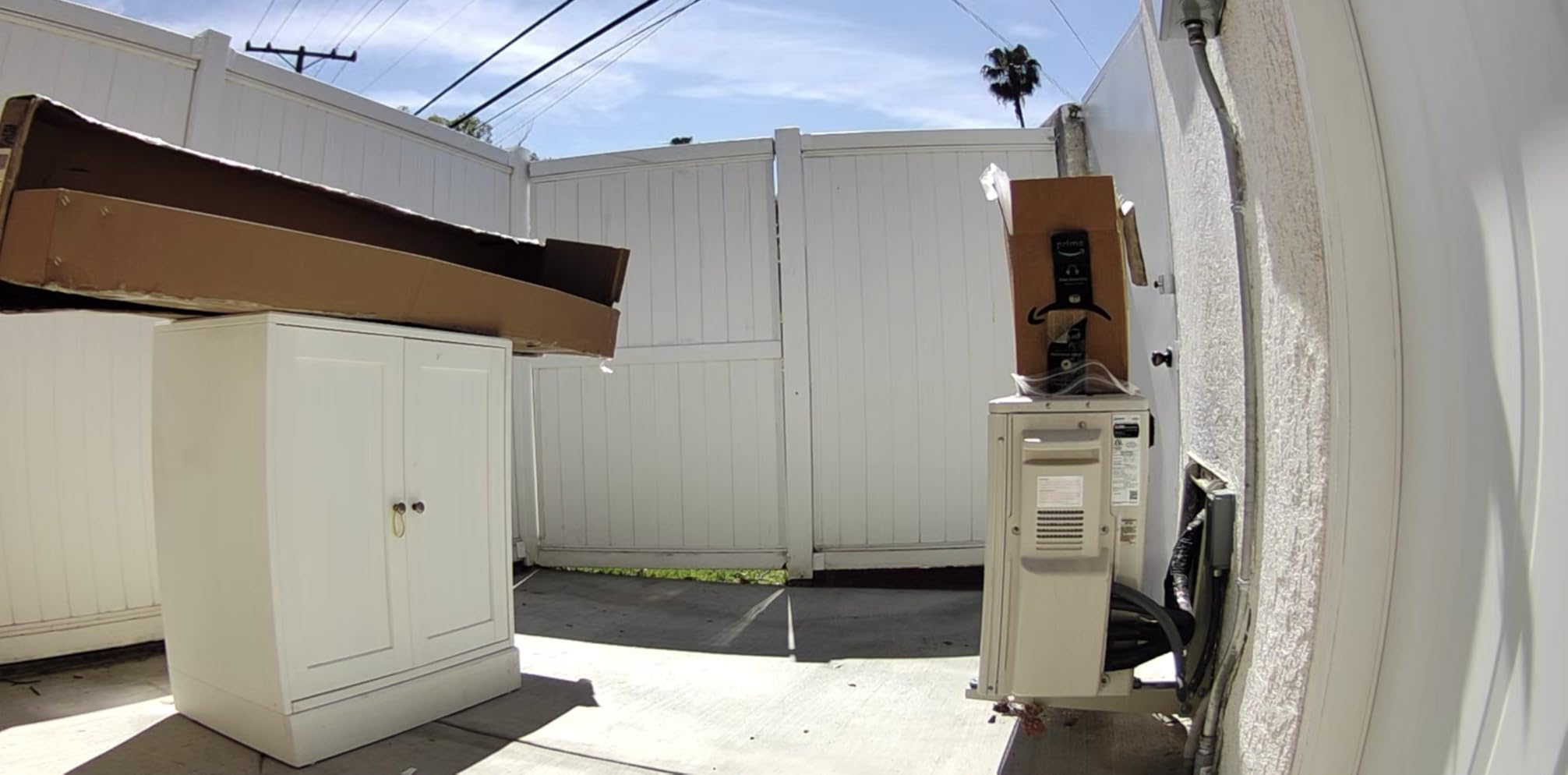
Where the Ring Stick Up Cam is the right choice
Choose it when you want the widest brand support, the largest installed base, and a camera that sits in plain sight on a table, shelf or porch ledge. Visible placement is the cheapest deterrent there is, and this camera is small enough that tenants do not feel watched from every angle.
It is also the safest pick for a first-time landlord. Setup, app navigation and battery swaps are all documented in enormous detail because so many people own one.
Where the Ring Stick Up Cam is the wrong choice
Skip it if you need stored video without a recurring charge. Ring gates its clip history behind a subscription, and on a rental you may be pulling footage to settle a security-deposit dispute months after the event.
It is also the wrong tool if your Wi-Fi is weak. The camera depends on a steady connection for live view, and a choppy feed is close to useless when you are trying to identify a face from three states away.
2. Blink Outdoor 4 – Best for Battery Life You Can Forget About
Blink Outdoor 4 – Wireless smart security camera, two-year battery life, 1080p HD day and infrared night live view, two-way talk. Sync Module Core included – 1 camera system
Two AA lithium batteries
1080p HD
Infrared night view
Sync Module Core included
Pros
- Up to two-year battery life
- Quick sync to the app
- Dual-zone motion detection
- Improved field of view over older models
Cons
- Sync Module Core has no local storage
- Person detection requires a subscription
- Power blips can take the whole system offline
- 1080p is modest for fine detail
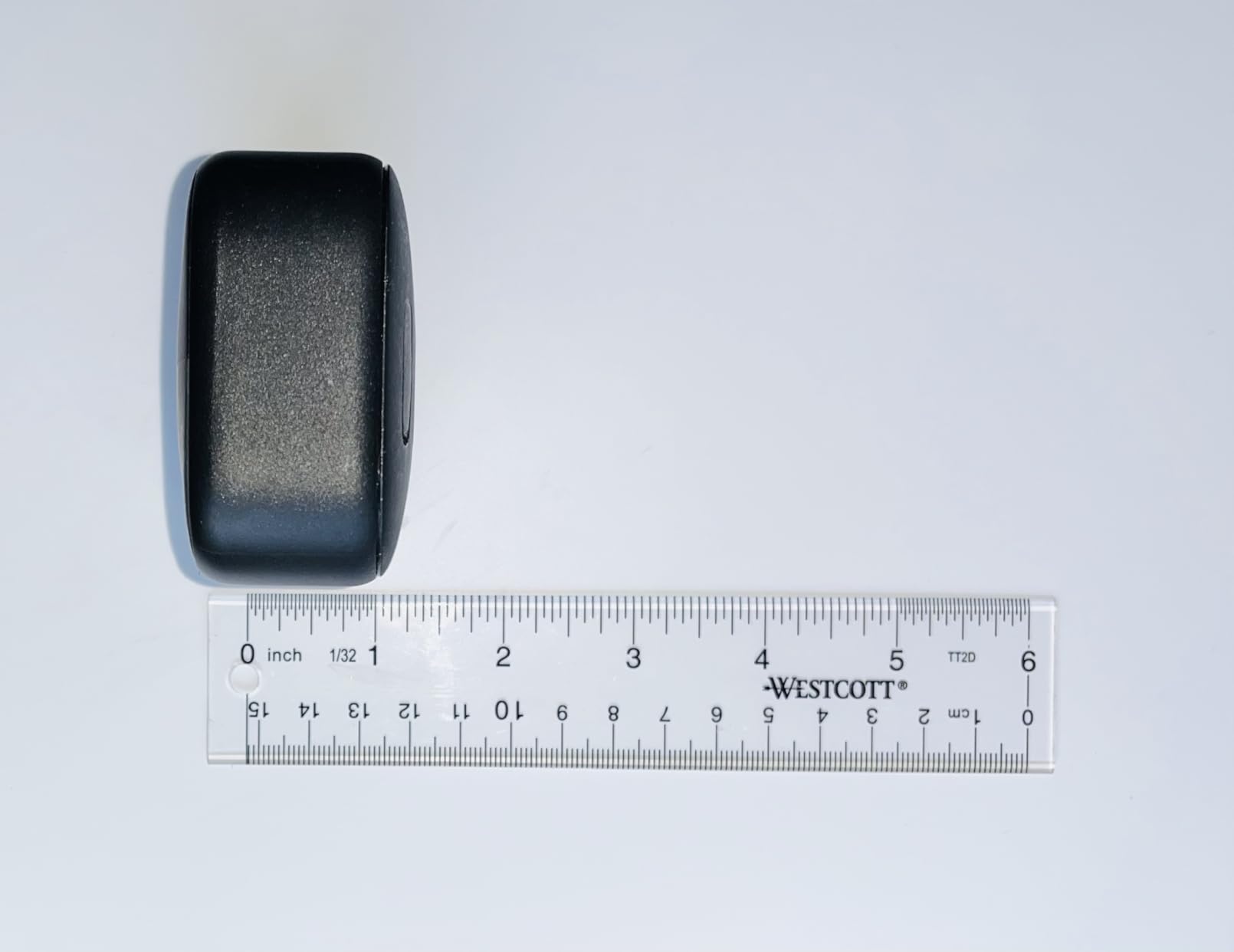
Blink Outdoor 4 is the pick for a property you visit twice a year. The two-year battery claim on AA lithium cells is the reason, and the 33753 reviews at a 4.1 average suggest most people are living with that claim rather than testing it.
The included Sync Module Core acts as the bridge between the camera and your network. It also creates the main reliability problem: when the module loses power briefly, the system can need a manual reinstall before it comes back online. Owners in areas with flaky power report this more than others.
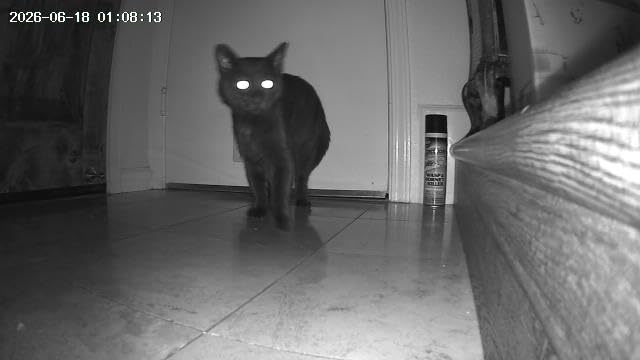
Night view is infrared, so footage after dark is monochrome. That is fine for confirming that someone walked a path, and less fine for identifying clothing color or a vehicle detail in a dispute.
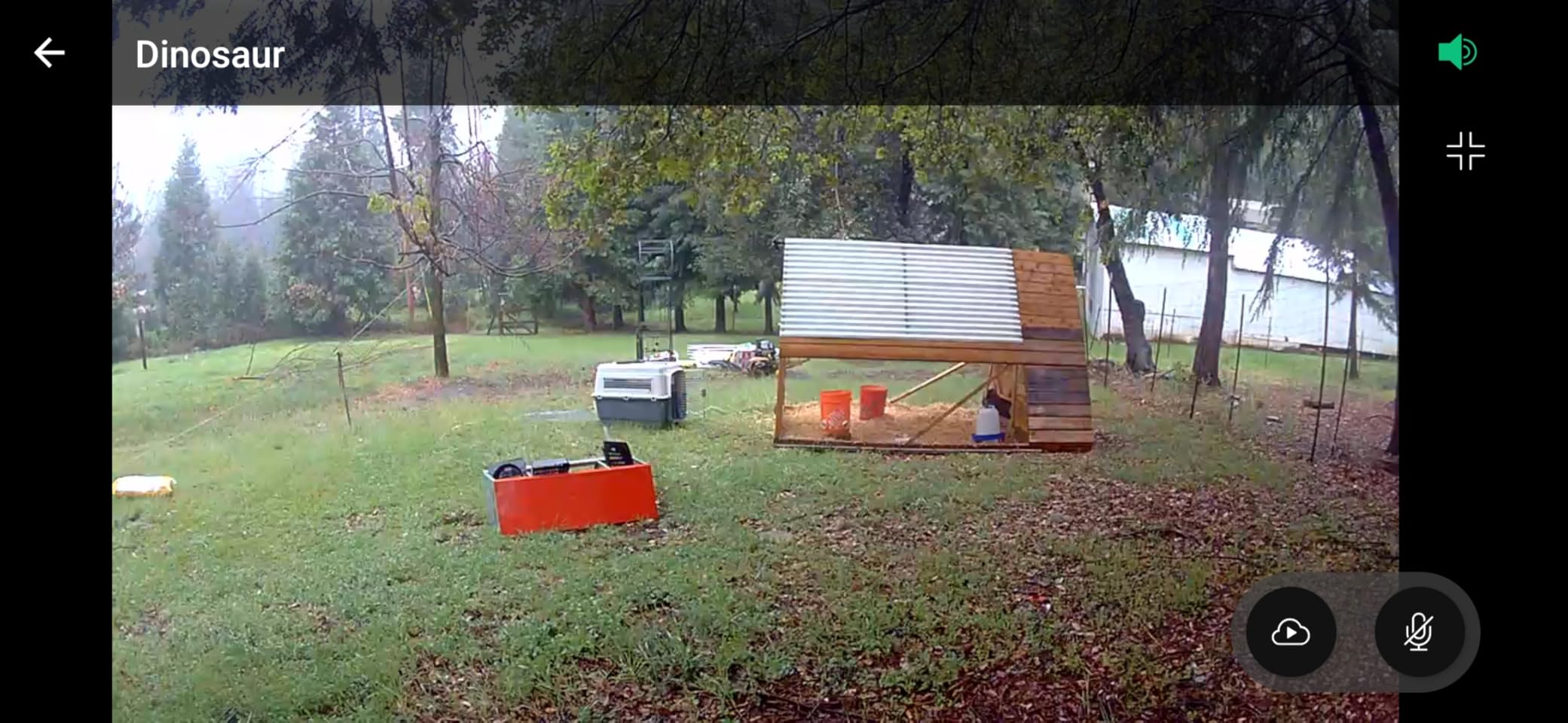
On-device detection is limited without a plan. Blink pushes person detection through the Blink Subscription Plan, and while the basic motion alerts still work, you lose the filtering that separates a person from a passing animal.
The 1080p sensor is the other compromise. Compared with the 2K and 2.5K models further down this list, faces at a distance or license plates from a driveway are noticeably softer.
Where the Blink Outdoor 4 earns its spot
It suits a driveway, a side yard or a rear entry where you genuinely do not want to think about charging anything. Two people and a pair of cameras on a second property is a realistic deployment for this hardware.
The dual-zone motion detection also gives you a practical split between the walkway you care about and the street you do not, which cuts a lot of the noise other models generate.
Where the Blink Outdoor 4 falls short
The Sync Module Core has no local storage. Clips live in the cloud or require an add-on module, so a subscription-free setup is not available on this unit as shipped.
If your property has any history of power interruptions, weigh this carefully. A camera that needs a physical reset every time a breaker trips is not remote monitoring.
3. Wyze Cam Pan v3 – Best Value for a Wide-View Rental
WYZE Cam Pan v3, Indoor/Outdoor Security Camera with 360° Pan/Tilt/Zoom
360 degree pan and 180 degree tilt
Color night vision
IP65
MicroSD up to 512GB
Pros
- Broad pan and tilt coverage
- Color night vision
- IP65 rated for outdoors
- No subscription with a microSD card
- Built-in siren
Cons
- Outdoor use needs a wired power adapter
- 2.4GHz Wi-Fi only
- Modest 15-20 fps frame rate
- Cloud features need Wyze Cam Plus
One camera covering a parking spot, a trash area and a walkway is the argument for the Wyze Cam Pan v3. The 360-degree pan and 180-degree tilt means you can point a single unit at three different zones and patrol between them on waypoints.
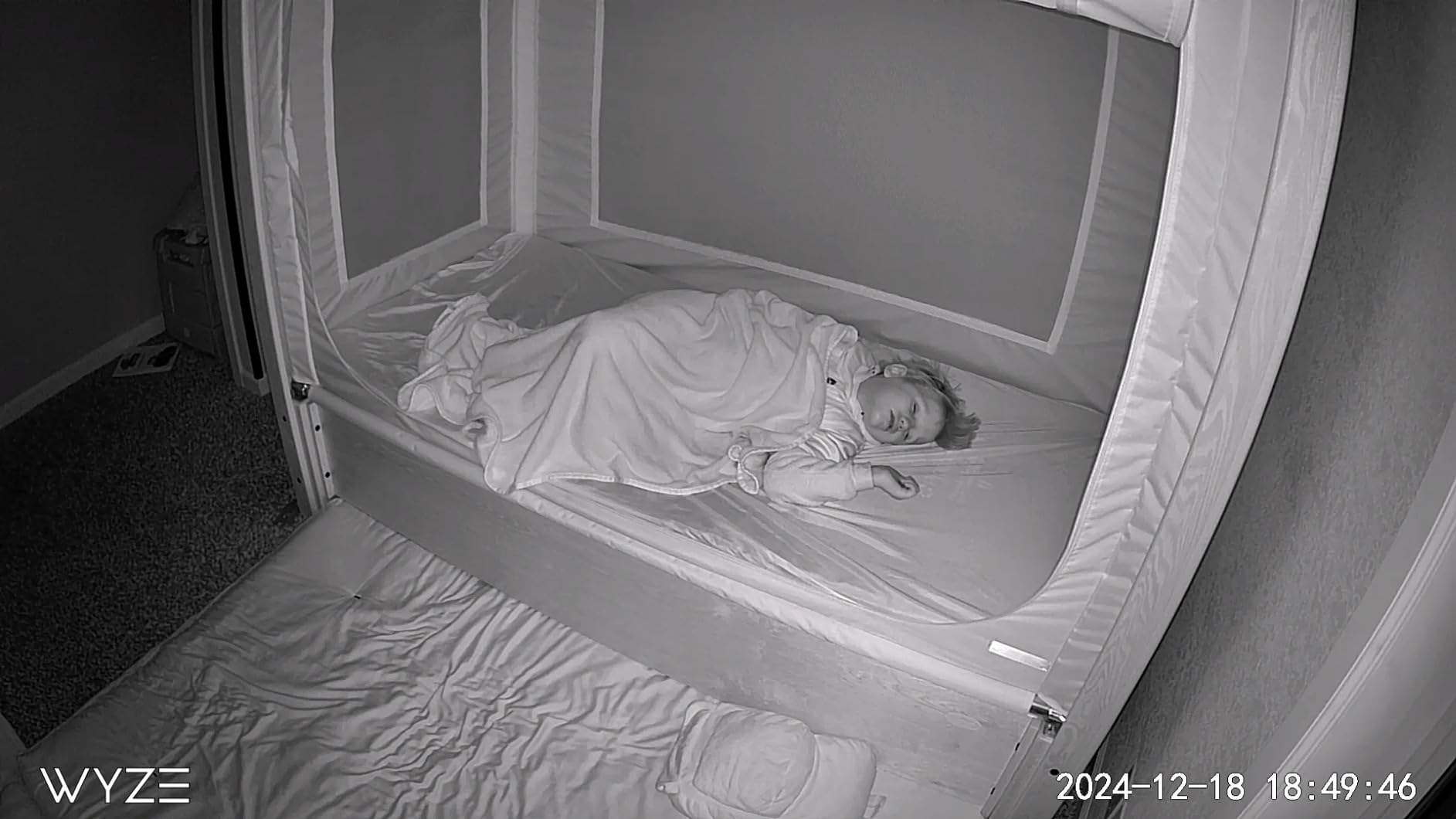
Color night vision at low light is one of the better results in this group, and the 120-degree viewing angle gives you usable coverage without the fisheye distortion that ultra-wide lenses produce at close range.
Local microSD storage up to 512GB removes the monthly decision entirely. That matters for a landlord keeping a record of move-in and move-out condition, because the footage stays on a card you control.
The catch is power. This is a corded camera, and outdoor placement means running an adapter to it. Indoors and under a covered porch it is genuinely simple, but for an exposed exterior post you are back to needing a socket.
It also locks to 2.4GHz Wi-Fi. On a modern dual-band router that is a non-issue, but on older access points in a rental unit it can be the reason a camera refuses to connect.
Best fit for landlords covering a courtyard or driveway
The pan and tilt is a real cost saving when your coverage points are close together. Instead of three fixed cameras aimed at a gate, a carport and a bin store, one unit on a sheltered eave can handle all three.
The built-in siren and two-way talk add deterrent value that most budget cameras in this list do not offer, and users on r/homesecurity frequently point to Wyze for per-camera user sharing when a co-owner or property manager needs access.
Poor fit where there is no power source
Do not buy this for an uncovered exterior wall unless an outlet is within reach. A battery camera on a post at the gate of a property with no nearby wiring is the correct answer instead.
The frame rate is also modest, so fast motion such as a bicycle or a running dog smears slightly. For evidence of a person walking, it is not an issue.
4. ZUMIMALL 2K Magnetic Camera – Best No-Drill Mount in the Group
ZUMIMALL Security Cameras Wireless Outdoor with Magnetic Mount, No-Drill Installation, 2K Battery Powered Cameras for Home Security Indoor, 2.4G WiFi, Color Night Vision/130° View/AI Detection/Alexa
6000 mAh battery
Magnetic no-drill mount
IP66
2K at 130 degrees
Pros
- Magnetic mount installs in seconds
- IP66 rated for cold climates
- 2K detail with a 130 degree lens
- Both microSD and free cloud loop
- Works from -4F to 120F
Cons
- Slow motion wake-up misses short events
- Battery drains fast in high-traffic areas
- Occasional app connection drops
- 2.4GHz Wi-Fi only
This is the most renter-specific camera in the list. The magnetic mount is the whole pitch: it sticks to a metal surface, holds the camera in position, and comes off at move-out with no adhesive residue and no hole to patch.
The 2K sensor with a 130-degree lens holds up better than its price tier suggests, and the 6000 mAh battery is generous for a unit this small. IP66 with a -4F to 120F operating range also makes it one of the few here rated for genuine cold-climate exposure.
AI detection covers people, pets, vehicles and packages, with up to six custom zones. For a package-theft claim specifically, that object class is what turns a vague motion clip into usable evidence.
The reported weakness is wake-up time. Reviewers note that the camera can take a moment to start recording after motion is detected, which means short events sometimes never make it into the clip.
Battery life in a high-traffic area also falls well short of the claim. If your camera points at a front path with steady foot traffic, plan on checking it far more often than the marketing implies.
The case for a magnetic mount in a rental
A landlord who moves between units constantly gets real value here. Repositioning takes seconds, and there is no landlord liability for holes filled at move-out. That alone removes the argument that usually stops someone installing an outdoor camera.
A screw mount is included as an option, so you can escalate to a fixed install on a surface you own, such as a post or a fascia you own outright, without buying different hardware.
Where speed of detection costs you evidence
If your primary goal is identifying someone at the door, the delayed wake-up is the trade-off to weigh. A camera that starts recording late is weak evidence for a security-deposit dispute.
Sticking the magnetic base to siding also depends on the surface. Smooth painted metal holds; textured vinyl and rough stucco do not, and the camera will drift.
5. Wyze Cam v4 – Best Picture Quality Without a Monthly Fee
WYZE Cam v4 (Latest Model), 2.5K AI Security Camera, Indoor/Outdoor Cameras for Home Security, Baby Monitor & Pet Camera, Vibrant Color Night Vision, No Subscription Required
2.5K QHD at 2560x1440
72 lumen spotlight
IP65
MicroSD up to 512GB
Pros
- Sharp 2.5K detail on labels and faces
- Excellent color night vision
- No subscription with a microSD card
- Magnetic tool-free base
- On-device AI reduces false alerts
Cons
- Persistent cloud plan prompts in the app
- Pet detection triggers on dust and moths
- Needs a strong Wi-Fi signal
- Corded power only
When the question is whether you can read a package label or make out a face at a doorway, the Wyze Cam v4 is the answer in this lineup. The 2.5K sensor captures 2560×1440 at 20 fps with a 120-degree field of view.
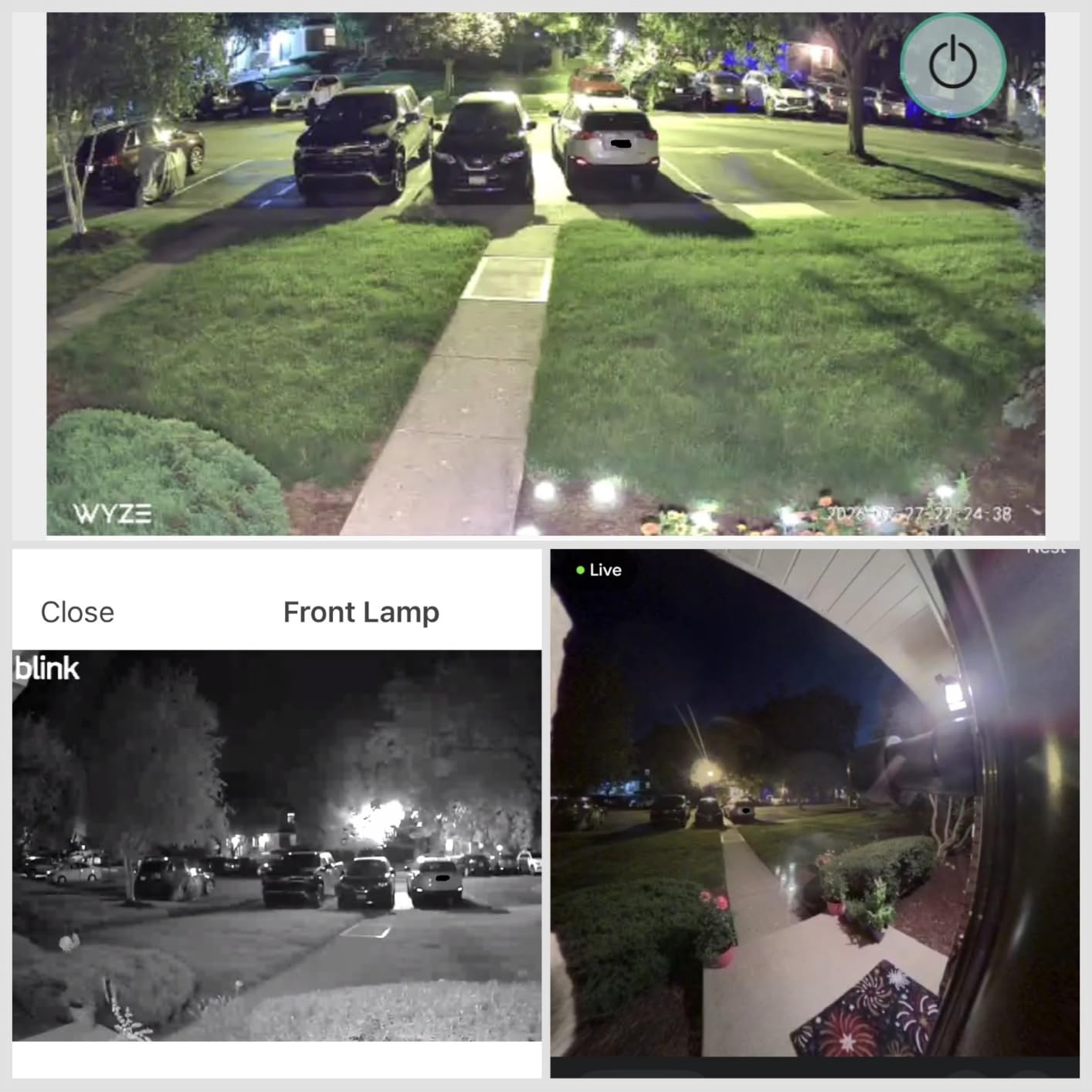
The starlight sensor and 72-lumen motion-activated spotlight produce color footage after dark rather than grey infrared. The spotlight only fires when something moves, which keeps it from lighting up the neighbor’s window all night.
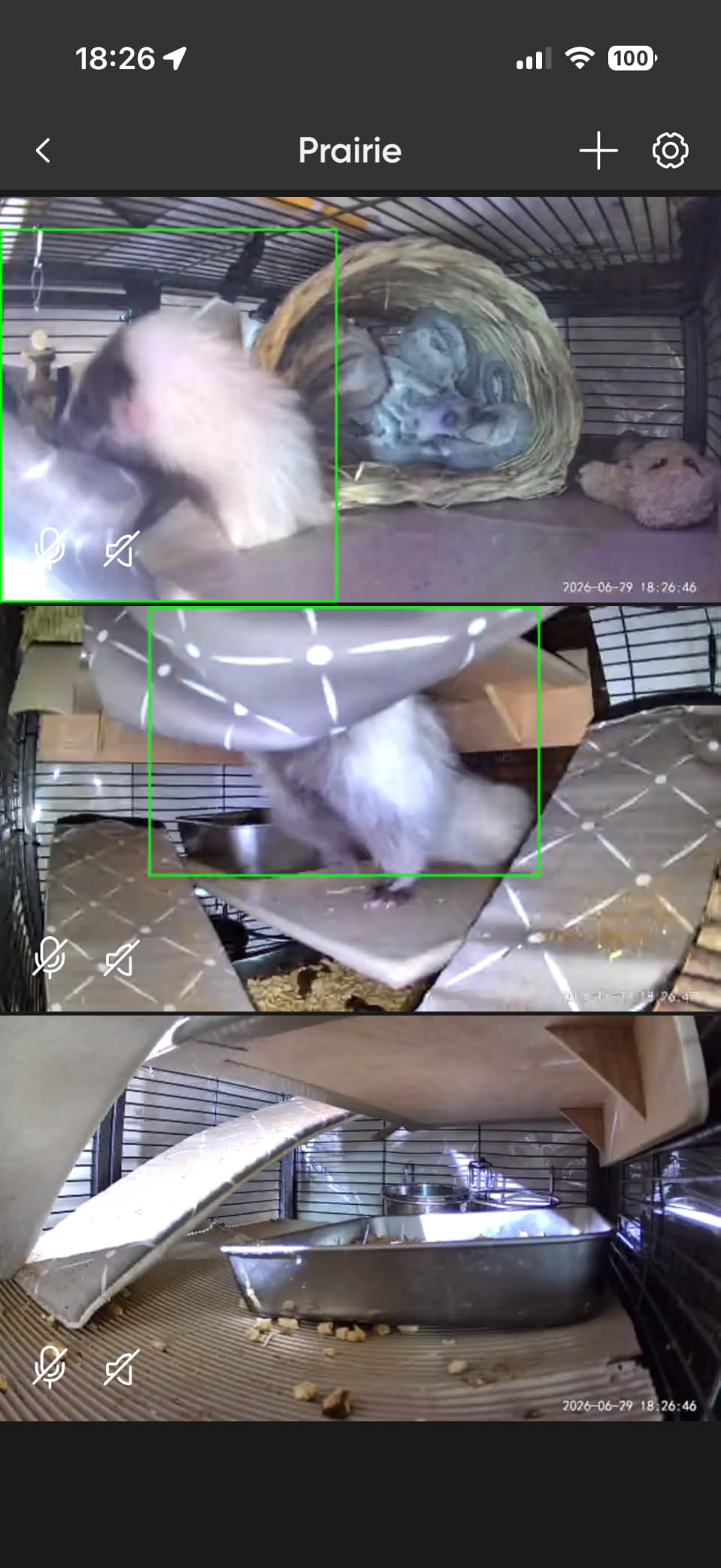
On-device AI distinguishes people, packages, pets and vehicles without a cloud round trip. On r/homesecurity, reducing false alerts is consistently named as the thing that makes people keep a camera switched on, and this is the model that does it well.
A 100 dB siren triggers with motion. It is loud enough to be heard inside a neighboring unit in our testing, which raises a fair question about where you point it. We would keep it aimed at a walkway rather than a shared wall.
The magnetic no-drill base handles the renter requirement well, and the unit is small enough at 2 by 2 by 2.3 inches to sit on a porch ledge without looking like an enforcement camera.
Why this is the pick for evidence and identification
Higher resolution is close to pointless if your footage is grey and motion-smeared. This camera solves both problems at once, and the magnetic base means you can reposition it toward whichever entry point is actually being used.
For a landlord documenting move-in and move-out condition, the combination of 512GB of local storage and that level of detail is the reason to pick it over cheaper 1080p units.
Where the cloud prompts become a problem
The app pushes the Wyze Cam Plus plan hard, and that is the main friction we ran into. Nothing is locked without a subscription, but the prompts are persistent and they wear on users who deliberately chose the local-storage route.
It is also corded, so treat it as an indoor, porch or covered-entryway camera rather than something on an exposed pole.
6. AOQEE 2K 2-Pack – Best Coverage for Two Entry Points
AOQEE 2K Cameras for Home Security, Indoor/Outdoor, Full Color, C1 2Pack
Two cameras included
2K still resolution
IP65
TF card up to 128GB
Pros
- Two cameras in one order
- Compact and discreet body
- Clear 2K day and night image
- Motion-activated white light
- TF card and cloud both supported
Cons
- Corded power needs an outlet
- No pan or tilt on a fixed angle
- Some units drop connection randomly
- Free mode cannot tell people from other motion
Most rental properties have at least two points worth watching: the front door and a side or rear entry. The AOQEE C1 two-pack covers both in a single order, which removes the decision of which entry point matters more this year.
The body is genuinely small at 2.24 by 2.24 by 3.78 inches, and reviewers consistently note that it does not read as a surveillance device. On a porch ledge it reads like a smart home sensor instead.
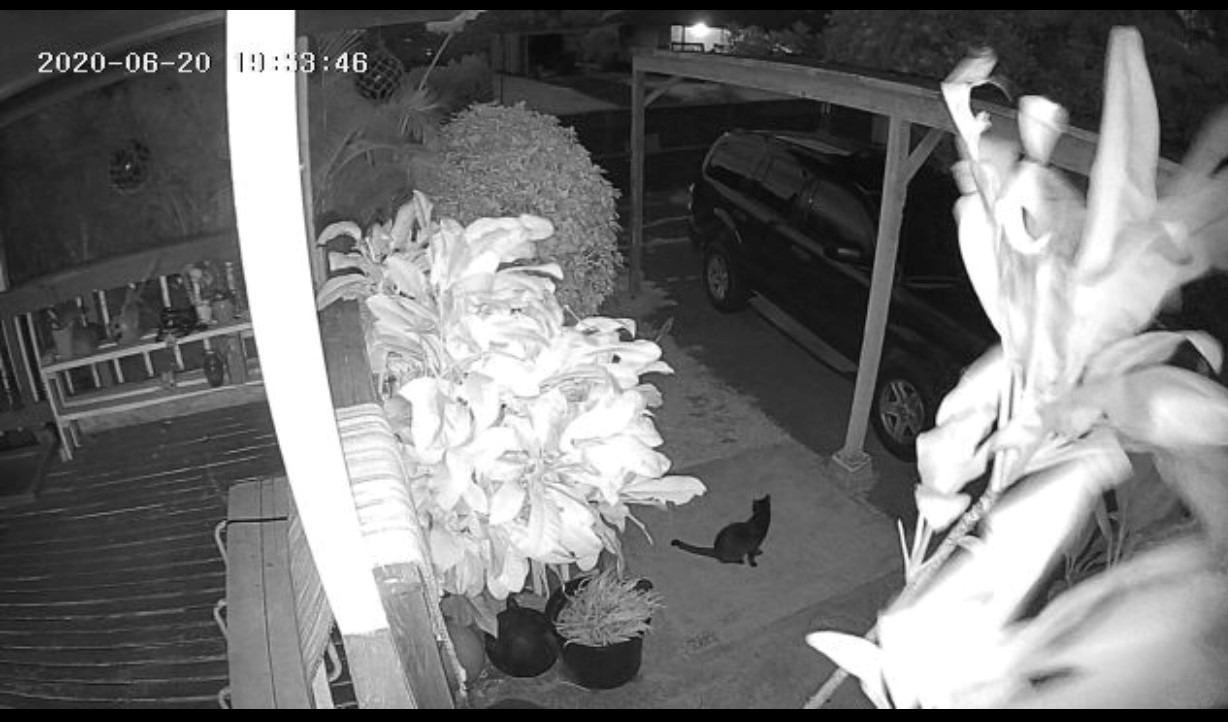
Night performance is the surprise. Full color night vision out to 32 feet, plus a motion-activated white light you can trigger on a schedule or by movement, gives you usable footage rather than silhouettes.
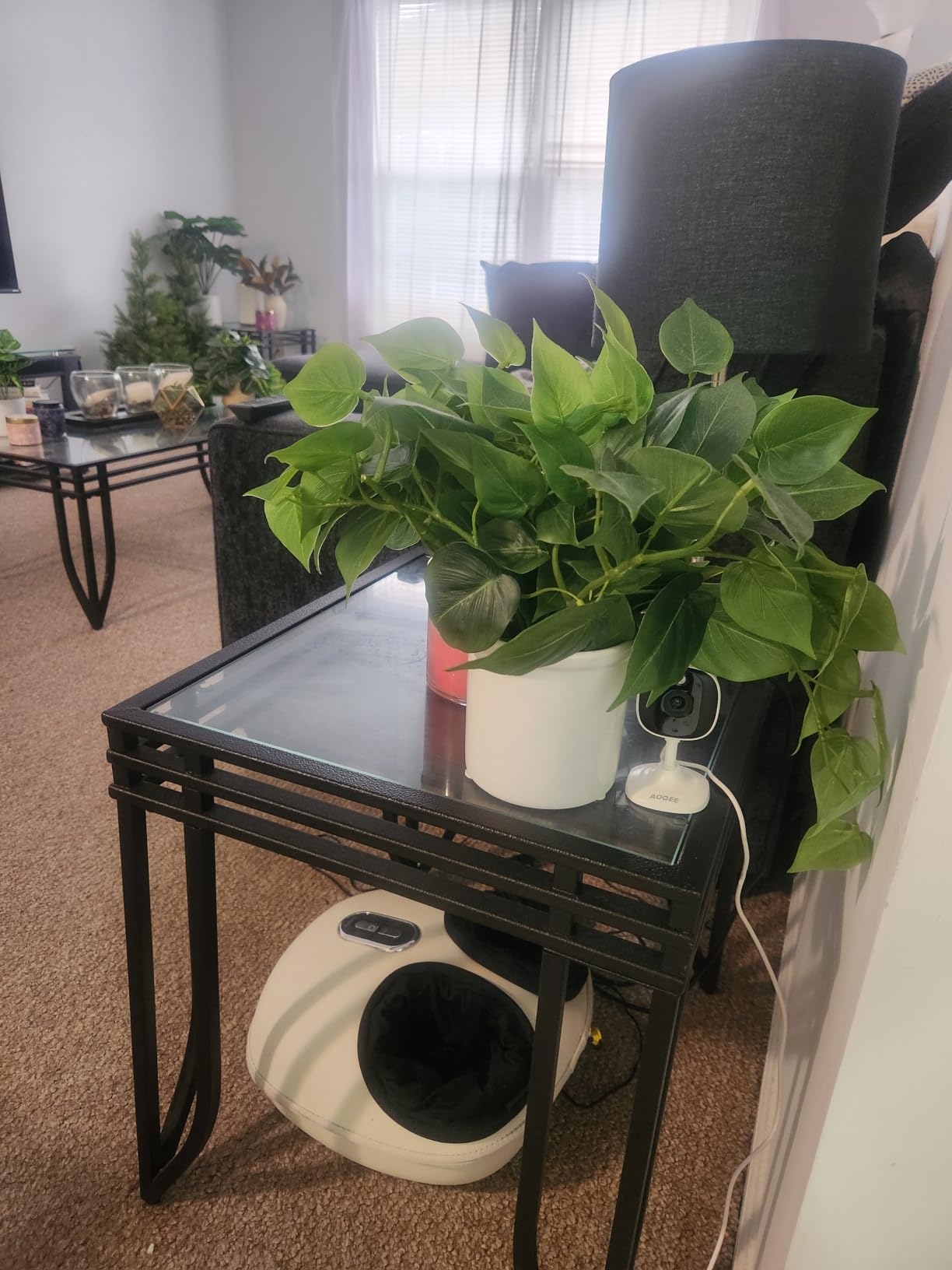
There is no pan or tilt, so each camera has a fixed 105-degree view. That is a limitation only if your coverage points need to be revisited seasonally.
The more serious note is connectivity. A number of owners report random disconnects and gaps in recordings, which matters if you are relying on this as evidence of a package being taken.
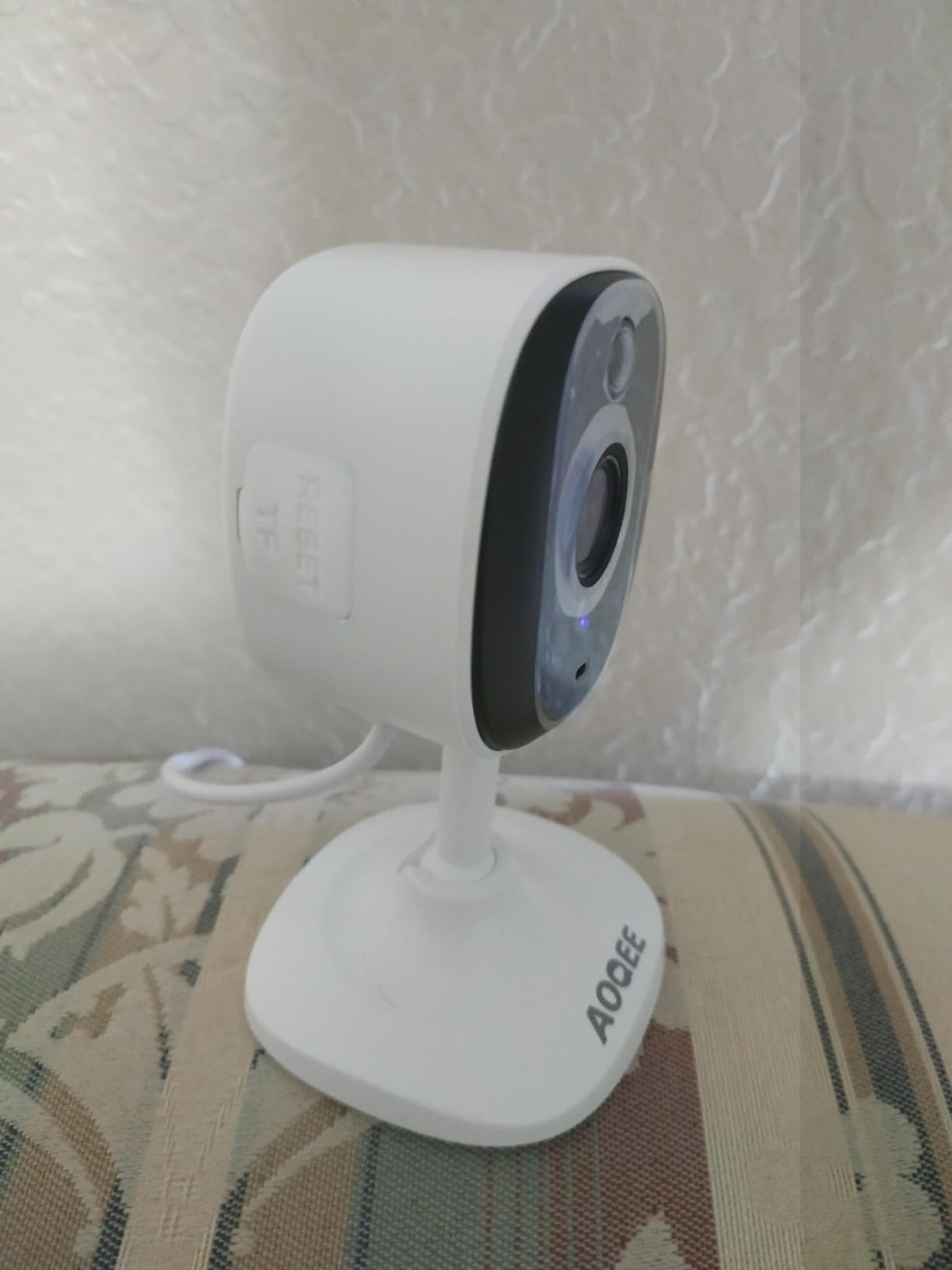
Best for covering a front and back entrance
Two cameras from one order also share one app, one set of settings and one storage workflow. For a landlord managing scattered units, that administrative simplicity is worth more than a single higher-end camera.
The noise-canceling microphone and speaker make the two-way talk usable for telling a contractor at the side door that you are five minutes away.
Where the fixed angle and cord limit you
Because both cameras are corded, the two-pack only works where you have power at both points. A back gate with no outlet rules this out entirely.
Without a subscription, the camera cannot separate people from other movement, so you will get alerts for headlights, branches and shadows across the yard.
7. HITELLARCAM 2K – Best for Dual-Band Wi-Fi and Free Cloud Storage
2026 Upgraded 2K Security Cameras Wireless Outdoor, Free Cloud Storage, 1-6 Months Battery Life, Waterproof, 2-Way Talk, AI Motion Detection Spotlight Siren Alarm Cameras for Home Security
5200 mAh battery
2.4GHz and 5GHz Wi-Fi
IP66
Free cloud tier included
Pros
- Dual-band Wi-Fi at this tier is rare
- Free cloud storage with no forced plan
- 2K UHD at 30 fps
- Spotlight and siren built in
- Long claimed battery life
Cons
- Free cloud stores SD quality only
- Recommended detection range just 5-8 meters
- Battery life swings with trigger rate
- No weather shade on the shell
Most cameras at this tier force you onto 2.4GHz only. The HITELLARCAM CB54 supports both 2.4GHz and 5GHz, which on a crowded rental property router is often the difference between a stable feed and one that drops during rain.
It also includes free cloud storage rather than a free trial. That is not the same as full-function storage, and the free tier records at SD quality only, but it does give you off-site backup with no recurring charge.
For a landlord concerned about a tenant physically removing a camera, off-site backup matters. A card in the camera is only evidence until someone takes the camera with it.
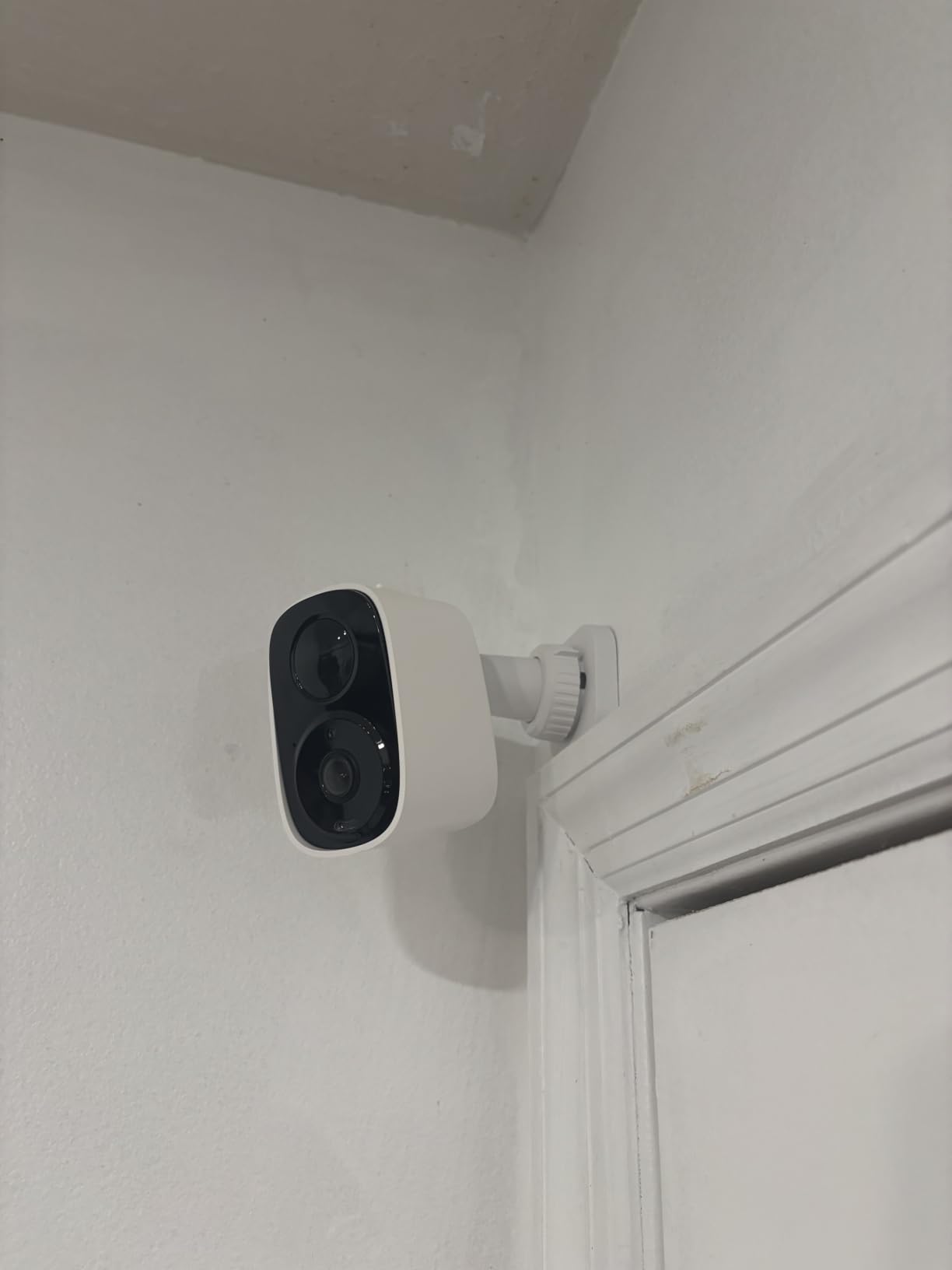
MicroSD up to 256GB is also supported, so you can run both and keep a local copy plus a remote one. Bandwidth per camera is modest, which helps when several units share one connection.
The 2K sensor records at 30 fps, a genuine step up from the 15 fps models, so a person crossing a driveway stays readable instead of smearing.
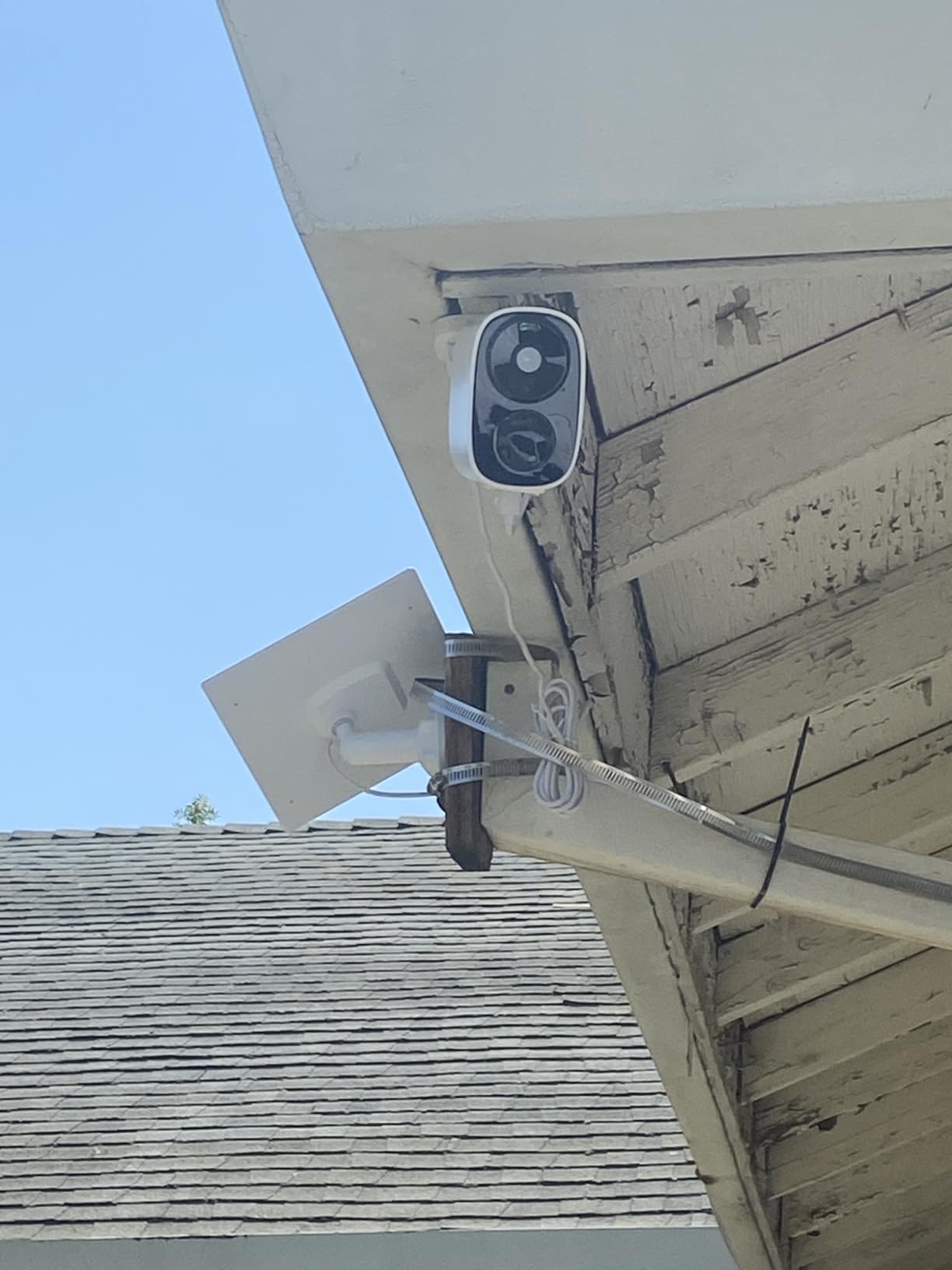
Best when the router is old or crowded
Older routers and apartment complexes full of neighboring devices are exactly where 2.4GHz congestion bites. Moving the camera onto the 5GHz band usually fixes a connection that no amount of troubleshooting on 2.4GHz will.
Full-color night vision with an LED out to 8 meters, plus a spotlight and siren, gives this one more deterrent hardware than most of the battery models here.
Best kept at short range
The recommended detection distance is 5 to 8 meters. Mount it on a post near the gate rather than trying to cover a whole front yard, where anything beyond that range will not trigger reliably.
Battery life is claimed at up to 60 days at 100 triggers per day. In a spot with constant motion that number drops sharply, and a 5200 mAh pack takes a while to refill.
8. Tapo C400 – Best for Person Detection Without a Subscription
Tapo 1080p Outdoor Wireless Security Camera, Up to 180-Day Battery, C400
5200 mAh battery
1080p full HD
Color night vision
IP65
Pros
- Person detection works with no subscription
- Setup is simple and connection is stable
- Holds up at long range from the router
- Local microSD up to 512GB
- Compact and solidly built
Cons
- Real battery life far below the claimed 180 days
- Sealed battery with long charge times
- Occasional night vision needs a restart
- 1080p is modest for faces at height
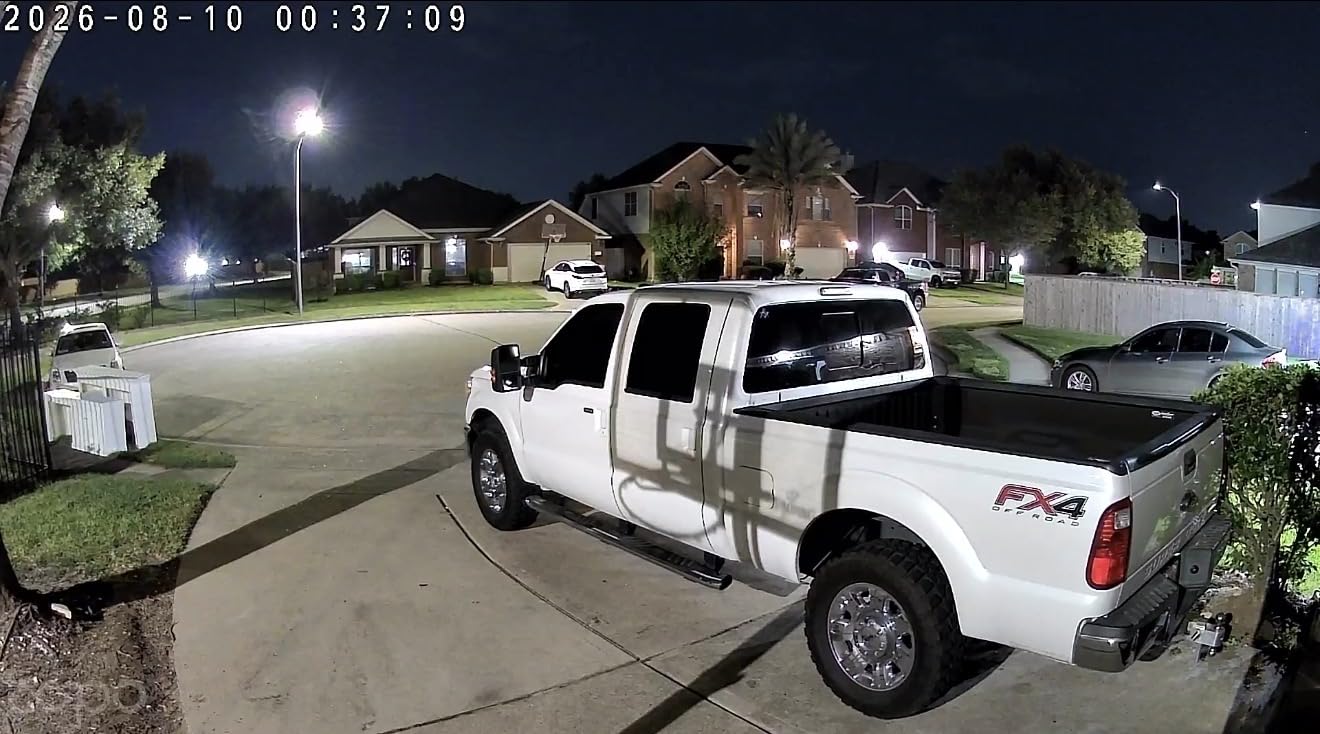
The Tapo C400 does something several rivals charge for: smart person detection in custom-defined zones, working without any monthly plan. On a rental where you want alerts for a person but not for a car going past, that is the useful setting.
It was built under the U.S. CISA Secure-by-Design pledge with encrypted transmission, which is a genuine consideration when you are recording footage of a property where a tenant lives.
Connectivity held steady over long distances from the router in our testing, and the 117-degree viewing angle sits in a useful middle ground between a narrow doorbell view and a distorted fisheye.
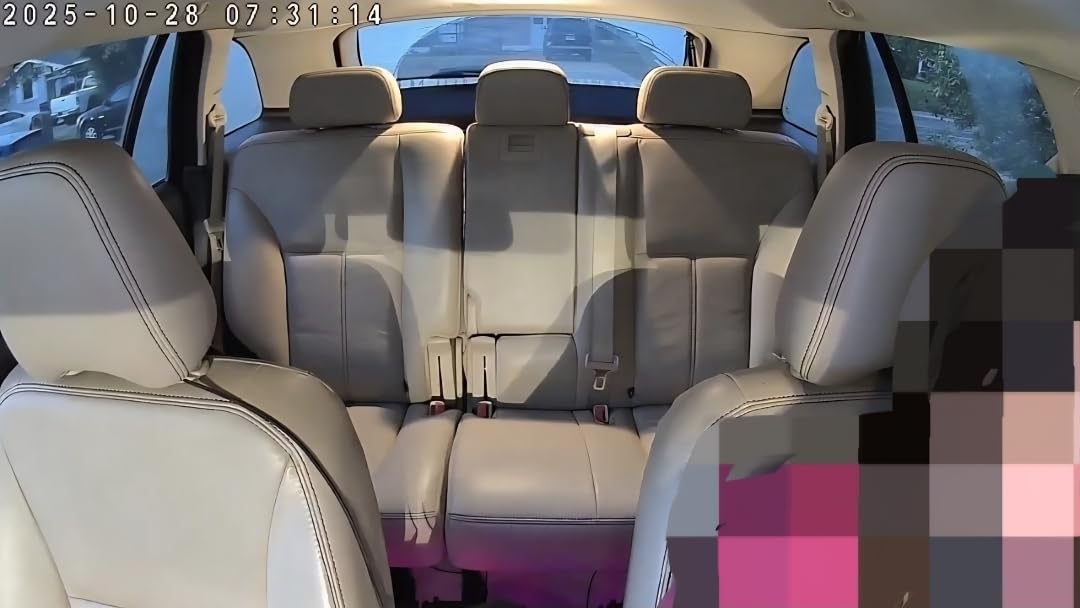
The advertised battery figure is the sticking point. Owners consistently report 30 days to three months in busy scenes rather than six, and the battery is not user-replaceable, so a flat charge means a longer downtime.
Charging can take up to 72 hours. For a camera pointed at a busy front path, plan a service visit before it goes dark rather than after.
Best for a front path with steady foot traffic
Person detection without a plan means you can put a camera on the walkway a tenant uses every day and still get a clean feed of visitors. It is also the right tool for a shared entry where you want a record of who entered the building.
The two-way audio and adjustable light alarm give you both a voice and a visible warning, which is often enough to change behavior without any recording at all.
Where the sealed battery becomes a problem
If your coverage point sees frequent motion, this camera will need more attention than a swappable-cell model. That is the trade for the sealed 5200 mAh pack and its longer charge time.
There is also no on-site storage base, so the only place footage lives is the card inside the camera until you pull it. A landlord on the road will want the cloud option as a backup.
9. Dzees 2K 2-Pack – Best for Shared Access Across Several Properties
Dzees 2K Indoor Outdoor Security Cameras Wireless, Battery Powered 2-Pack
2K QHD at 130 degrees
IP66
Full-color starlight night vision
Six user accounts
Pros
- Sharing with up to six accounts
- No subscription for basic recording
- Clear 2K with good color night vision
- Installs in about five minutes
- Responsive replacement support
Cons
- No Alexa or Google Assistant support
- Cameras sometimes need a manual power cycle
- Motion sensitivity runs high
- Smart push alerts weaken without a plan
Multi-user sharing for up to six accounts is the reason to look at the Dzees pair. If a co-owner, a property manager and a maintenance contractor all need to view footage without one shared login, this handles it cleanly.
The 2K sensor with a 130-degree field of view and full-color starlight night vision to 33 feet gives usable detail in both directions of the day. Two units in one order covers a pair of entry points for less than most single cameras cost.
Install took us about five minutes per camera. The manual is well documented, and owners report that support replaces defective units rather than arguing about the warranty.
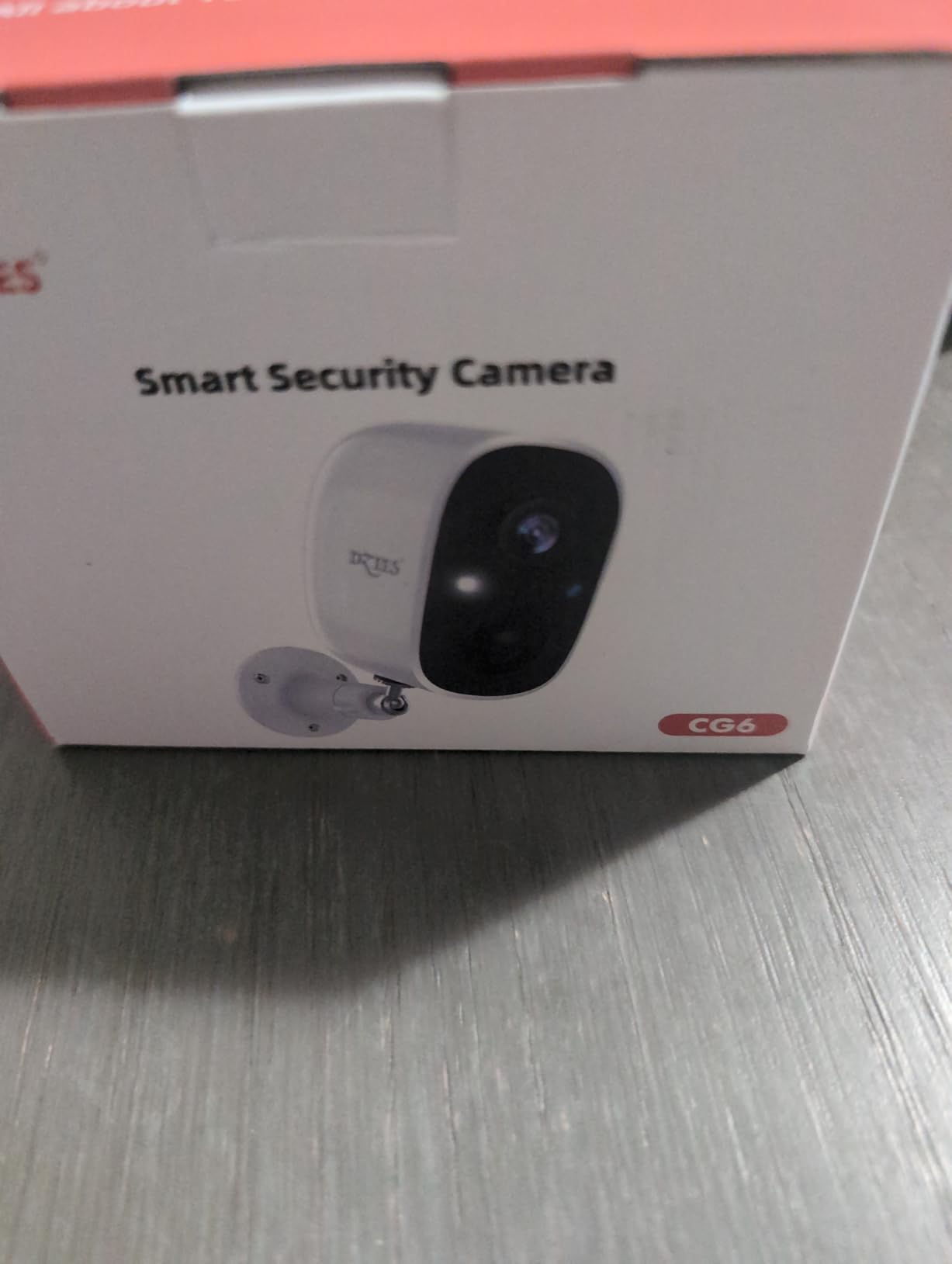
Dependability is the recurring complaint. Multiple owners describe cameras going offline unexpectedly and needing a manual power cycle, which is exactly the failure a landlord cannot chase down from another state.
There is no Alexa or Google Assistant support, so this drops out of any smart home setup you already have running.
Best for a small portfolio with a co-owner
Six accounts with individual access is the feature that matters when more than one person is responsible for the property. You can give a tenant-specific clip request its own access without handing over the whole system.
The 90 dB siren, spotlight and two-way audio make it a credible deterrent in daylight as well as a recording device, and a two-way warning is often enough to stop a package being lifted.
Where reliability will frustrate you
Offline behavior is the dealbreaker if you are not on the property. Budget for checking in remotely, and consider pairing it with a second camera so one going dark does not leave a point uncovered.
Motion sensitivity is high, so expect a steady stream of notifications until you tighten the zones. Outgoing two-way audio is also quiet, so raising your voice does not help much.
10. Tapo D205 Doorbell – Best for a Tight Front Entry
Tapo 2K Wireless Smart Video Doorbell, D205, 160° Ultra-Wide View
2K 3MP video
160 degree field of view
IP54
5200 mAh battery
Pros
- Very wide 160 degree field of view
- Accurate person detection with few false alerts
- Loud and clear two-way talk
- microSD recording with no subscription
- Stealth mode hides the LED
Cons
- Supplied mounting screws reported unusable
- Battery drains with a wide motion zone
- Insects trigger the sensor
- Unit can enter privacy mode on its own
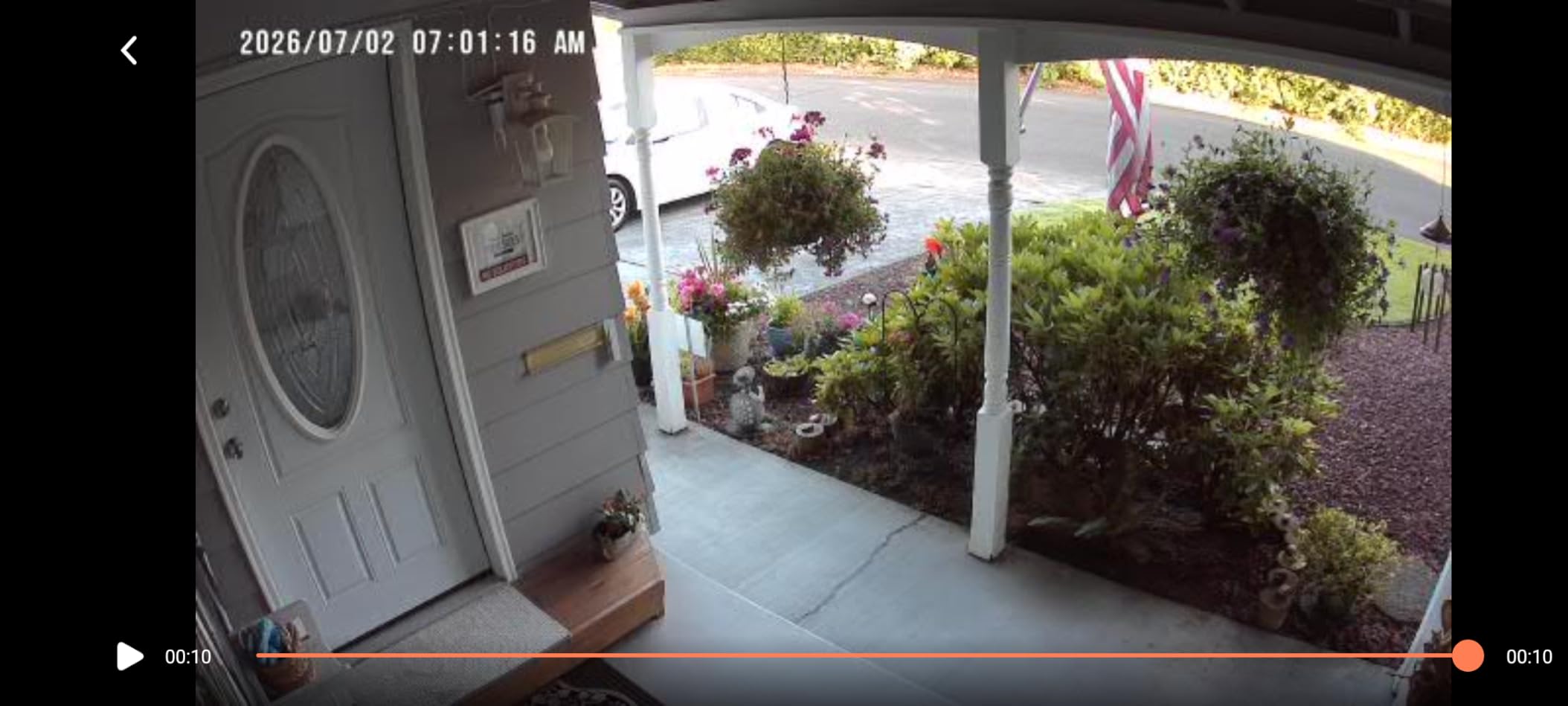
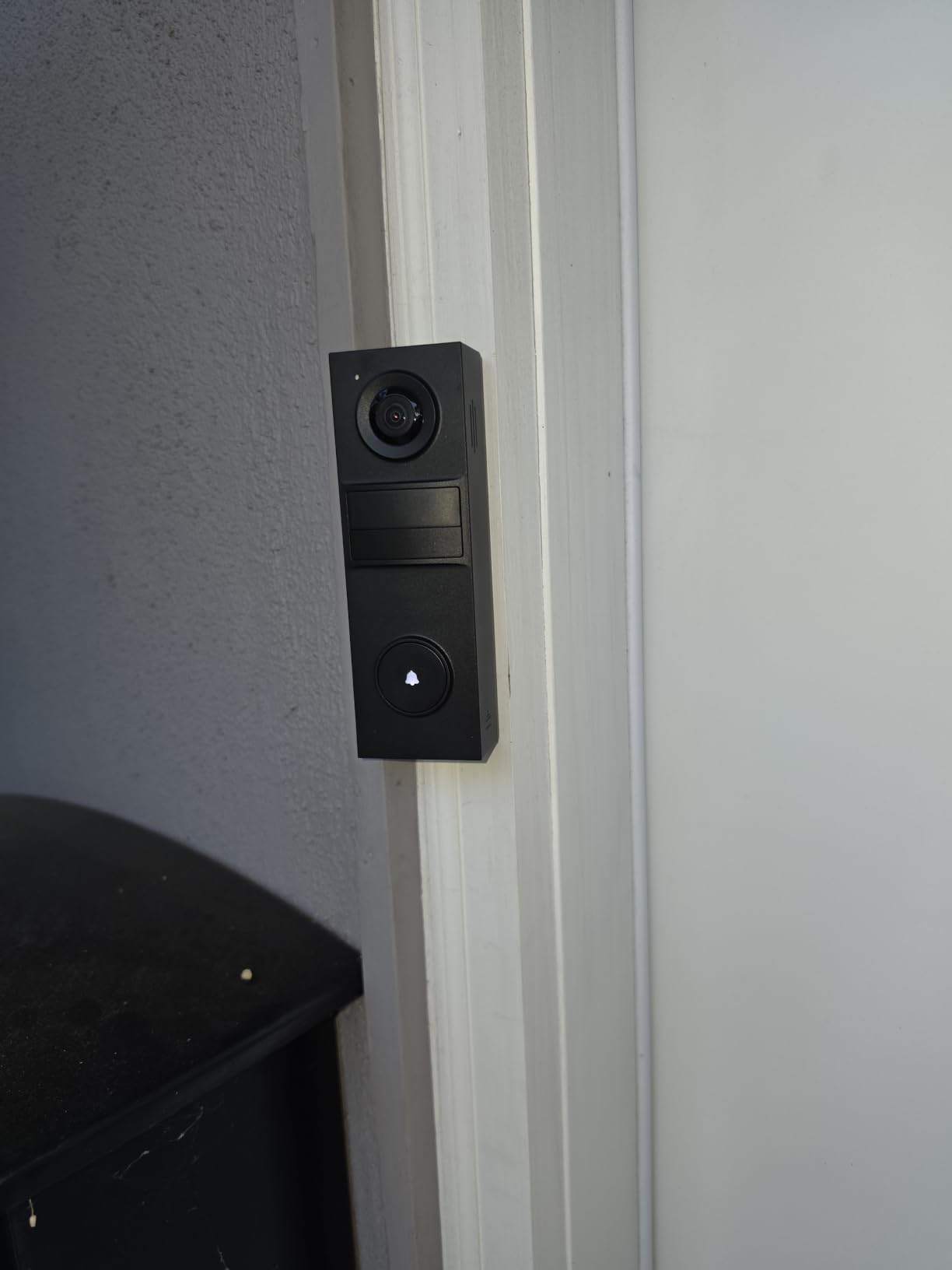
Where most of these cameras give you a 120 to 130-degree view, the Tapo D205 gives 160 degrees. On a narrow rental entry with a door and two windows, that extra coverage is the difference between a full picture and a partial one.
Person detection runs on the device with custom activity zones and no monthly fee, and reviewers note that false alerts are uncommon once the zone is set. Two-way talk is loud enough to hold a conversation with someone at the door.
The stealth mode disables the LED indicator entirely, which owners living in shared buildings specifically asked for.
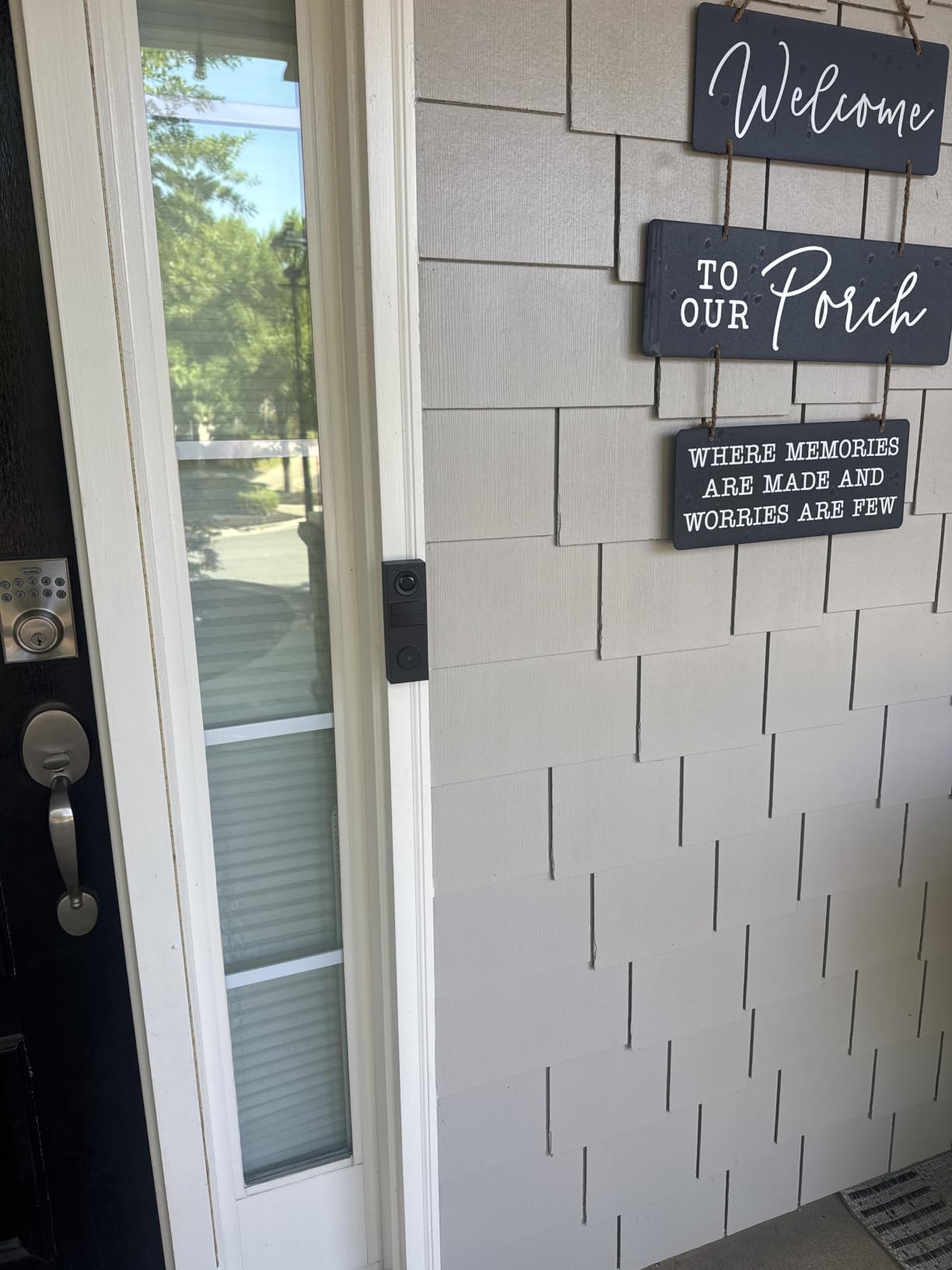
The Doorbell Call feature pushes a phone call and opens a live two-way conversation, so a landlord can answer the door from a parking lot rather than letting a visitor wait. Quick Response plays a prerecorded message when you cannot take it.
Owners regularly compare it favorably to Ring and Blink on clarity and coverage, and the subscription-free microSD loop recording is a real advantage for a rental.
Best for a single narrow door and its surroundings
This is the camera to pick when the money covers one well-placed device rather than two mediocre ones. The 160-degree view captures a door, a sidelight and a good slice of the path in a single frame.
It is also the natural pairing for a rental where the doorbell position already has a low-voltage transformer. Installation is quick and app-based, with no tools beyond a screwdriver and a drill bit in the existing hole.
Where mounting and battery life cause problems
The supplied screws are the most-criticized part of this package. Owners report the included screws being unusable and the bracket resisting the snap-fit, so plan to source your own fixings before installation day.
A very wide motion zone means the camera wakes constantly, which drains the battery faster than the claim suggests. Insects also trigger the sensor, and there are reports of the unit entering privacy mode on its own and stopping recordings.
11. eufyCam C35 – Best Weatherproofing in the Group
eufy Security eufyCam C35, Wireless Security Camera, Outdoor and Indoor
IP67 rated
1080p at 130 degrees
Magnetic screw-free mount
Spotlight-free color night
Pros
- Magnetic mount with no screws
- Local microSD with no monthly fee
- Accurate near-instant notifications
- Battery runs two to three months per charge
- Optional solar panel support
Cons
- Not compatible with HomeBase 2
- AI alerts on the owner even after recognition
- Only two detection zones allowed
- Live view can lag in heavy rain
The IP67 rating is the headline here. It is the highest weather rating in this lineup, and it is the spec that decides whether a camera survives an exposed side wall through a wet winter rather than an indoor alcove.
The magnetic screw-free mount does the same job as the ZUMIMALL mount, with a wall screw option available for surfaces you own. Repositioning between tenants takes seconds, and the 130.3-degree view is wide enough to cover a door and a window from one position.
Local microSD storage from 32GB to 256GB works with no monthly fee, and the optional solar panel support means a landlord can convert this into a set-and-forget install on a property with no outlet.
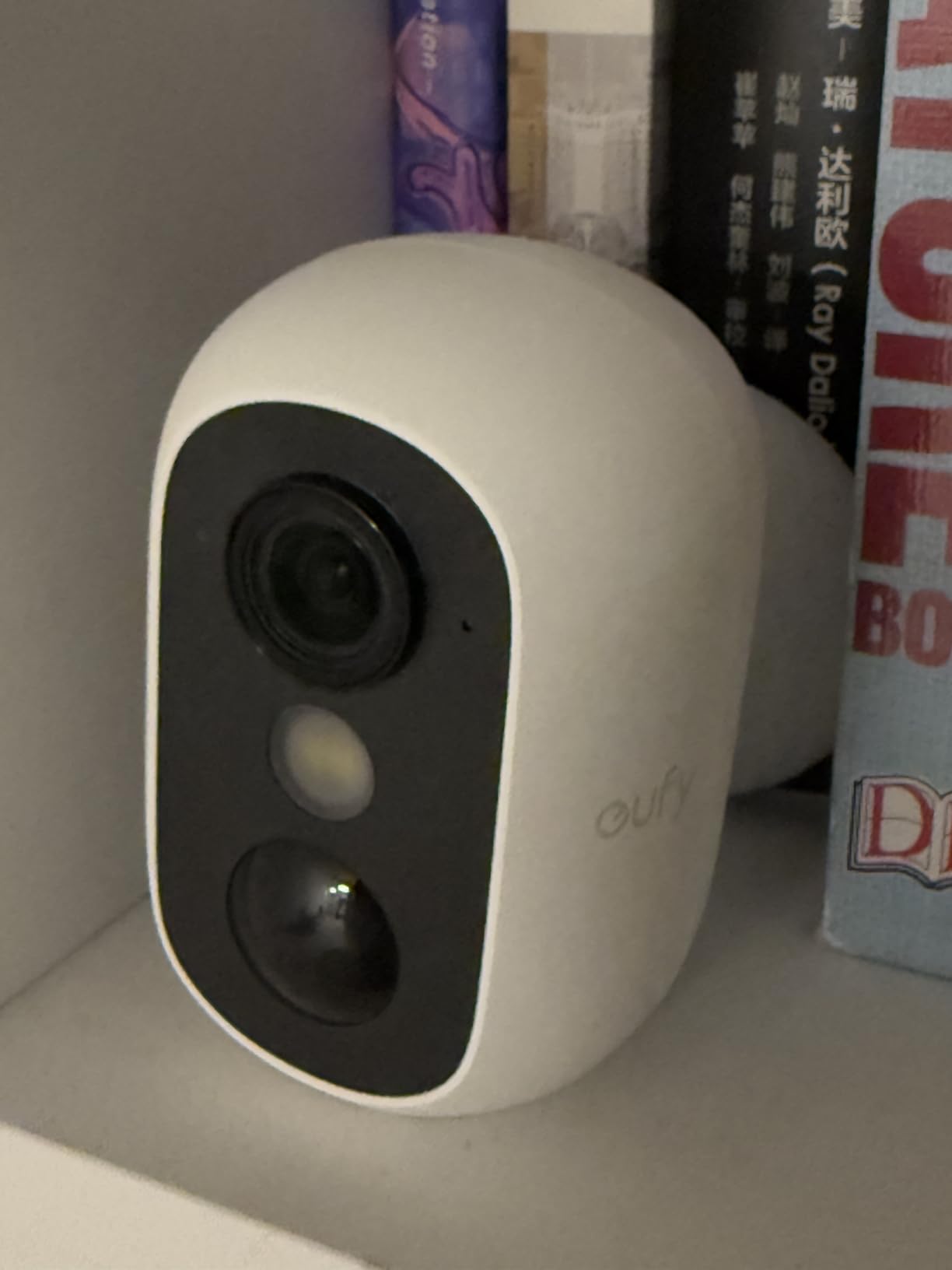
Color night vision works without a spotlight, so there is no floodlight aimed at a neighbor’s bedroom window. That is a meaningful advantage in a rental setting where the adjacency is not yours to control.
Notifications are fast in our testing, and battery life landed around two to three months per charge with typical use rather than the extreme figures some rivals claim.
Best for an exposed exterior wall
Choose this when the camera has to live outside with no shelter from the elements. IP67 means it handles full dust immersion and water jets, which is a fair description of a covered but exposed rental side wall.
Adding a solar panel turns it into a genuinely remote install, which is the closest thing to a set-and-forget solution for a property you visit rarely.
Where the ecosystem gets in the way
This model is not compatible with HomeBase 2, so if you were planning a larger eufy installation with a local base station, this one sits outside that system.
Only two active detection zones can be configured, and the AI still sends you an alert after recognizing you as the owner. Live view can also lag during heavy rain, which is a good moment to rely on recorded clips instead.
12. youkey S320 – Best for Renters Who Want No SD Card and No Subscription
youkey Magnetic Indoor Security Camera Wireless, 2K Battery Powered Camera, No Subscription, Built-in 8GB Storage, Wire-Free for Renters, Compatible with Alexa & Google, Pet/Baby Monitor(S320)
2K video
Built-in 8GB storage
Magnetic wire-free mount
6400 mAh battery
Pros
- Magnetic body with no screws or wall damage
- Built-in 8GB storage with free playback
- On-device AI separates people from pets
- 6400 mAh battery runs for months
- Works as a pet and baby monitor
Cons
- Designed primarily as an indoor camera
- 8GB of built-in storage is limited
- Non-metal surfaces still need screws
- Newer line with a small review base
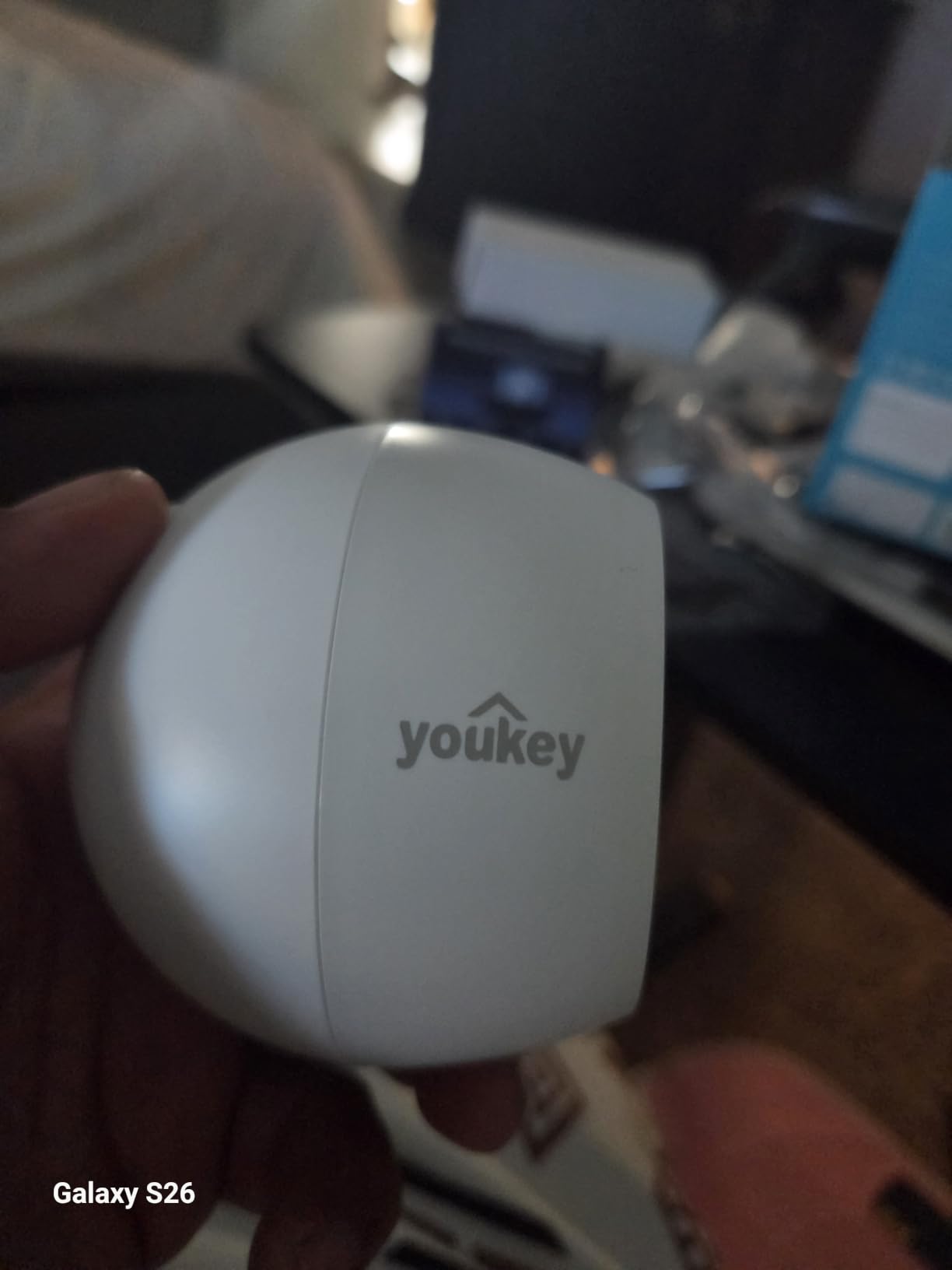
The youkey S320 removes two steps that trip people up. There is no SD card to insert, lose or argue about at move-out, and no subscription to decide on. Recording happens on 8GB of built-in storage with free in-app playback.
The magnetic base is genuinely strong. It holds on a metal surface, a shelf bracket or an appliance, and the included wall bracket is there for the cases where a magnet will not work. One-tap privacy control in the app is a useful feature for an indoor unit in a rental.
The 6400 mAh battery with PIR smart wake-up is one of the larger packs in this lineup, and the 2K image with dual-spotlight color night vision holds up well indoors.
On-device NeuraMind AI distinguishes people from pets, which matters if you are using it in a unit with a dog and you do not want a notification every time it walks past.
It streams to an Echo Show or a Google display, so you can check the entry hall from a screen in another room without opening the app.
Best for a furnished unit or a hallway interior
For a landlord furnishing an empty unit before a tenant arrives, a camera you can place on a shelf, move twice and take with you is close to the ideal renter hardware. There is no configuration and no storage to think about.
It is also a sensible way to watch a pet or a baby while you are at work, with two-way audio and a large battery that does not need daily charging.
Where the built-in storage becomes a limit
Eight gigabytes is not much footage. Depending on how often it triggers, that can mean a short loop window, and you cannot expand it with a larger card.
Despite the IP65 rating, this is an indoor-first camera and should stay out of direct weather. The review base is also small, so long-term reliability is less proven than the models above it.
How to Install Cameras in a Rental Without Drilling
Damage-free mounting is what separates a camera that a landlord will install from one that gets talked about and never goes up. There are five practical methods, and the right choice depends on how much security you need and how much risk you take on with the wall.
1. Magnetic mount. A steel base sticks to a metal surface, an appliance or a metal post, and the camera slides on. This is the cleanest method and the one used by the ZUMIMALL, eufyCam C35 and youkey picks above. It also moves in seconds when a tenant changes.
2. Adhesive mount. A quality adhesive pad on smooth painted drywall holds a light camera. It works, and it also carries the risk of pulling paint off the wall when you remove it. Test on a low-visibility area first, and never use it in a place where the wall is a landlord’s responsibility for patching.
3. Doorframe clip. A doorbell camera that clips to the door frame leaves the wall untouched entirely. The tradeoff is a moving subject, so the wide field of view on the Tapo D205 matters a lot here.
4. Tension or wedge mount. These clamp between a door and its frame without a permanent fix. They are a reasonable choice for an interior door, and less reliable outdoors where wind and weather move the door.
5. Own a surface, then screw in. A fence post, a fascia board or a railing that you own outright is not part of the building. Drilling into property you control removes the whole problem, and it is the only method here that resists a determined tenant.
Whatever you use, photograph the wall before mounting and keep the photo dated. At move-out it is the difference between a clean deduction and a disputed one. Our [smart lock guide for rentals](https://www.geekfill.com/best-smart-locks-for-airbnb-and-rental-properties/) covers the entry-side hardware that pairs with this setup.
What You Can and Cannot Record on a Rental Property
Owners of the property can generally record the areas they own, in public-facing areas of the home, with cameras they disclose. What causes trouble is a camera aimed somewhere a tenant has a reasonable expectation of privacy, or one that is concealed.
Avoid private interior spaces. Bedrooms, bathrooms and any interior space the lease does not designate as common are off limits. This is the line that draws complaints, and it is the one to hold even when monitoring a suspected theft.
Neighbouring doors and windows are the danger zone. A camera on a shared exterior wall that catches a neighbour’s doorway creates liability for you, not the tenant. Use the privacy zones built into every app on this list, and check the field of view from the neighbour’s side before you finalize the mount.
Hallways and common areas depend on the lease. A camera in a shared corridor, stairwell or laundry room may be prohibited outright by a lease, a building rule or a state statute. If your lease says no cameras in common areas, that is the end of the discussion.
Two-party consent states change audio rules. In a number of states, recording a conversation where one participant has not consented is not permitted, even in a common area you control. The safe approach for a shared space is video without audio.
Short-term rentals have a separate rule set. Major platforms prohibit indoor security cameras in short-term rentals, and that includes devices that look like a baby monitor or a speaker. Outdoor cameras covering entrances, driveways and package zones are the compliant path, and they must be disclosed in the listing.
None of this is a substitute for reading your own lease and your own state rules. What a general guide can do is tell you where the sharp edges are, and they are almost always the private interior space, the neighbour’s doorway and the concealed camera.
Stopping Tenant Tampering and Camera Disabling
On landlord forums, the thing that frustrates people most is not a bad picture. It is a camera that stopped reporting and nobody knew for weeks. A tenant who covers a lens or unplugs a unit is usually breaking the lease, but only if you can prove it.
Mount high enough to discourage reach. A camera at chest height on a porch post is a target. Moving it above head height removes the incentive without changing the view of anything below.
Turn on tamper alerts where the app supports it. Several of the models here send a notification when the camera is moved or loses its view. That single alert is often the difference between recovering the same week and finding out at the next inspection.
Keep a copy somewhere the camera cannot reach. A card inside a camera is evidence only until the camera is gone. Local storage plus an off-site cloud tier, as the HITELLARCAM offers, or a plan that pushes clips away from the property, gives you a second record.
Check the battery and connection on a schedule. A camera that is dead looks identical to a camera that was disabled. A weekly glance at battery level and last-seen time removes that ambiguity.
Write it into the lease before move-in. The cleanest deterrent is a clause that names the camera positions, the coverage area and what happens if one is covered or disabled. Do that at move-in, and take a photo of each camera as installed.
Storage Choices and 12-Month Cost of Ownership
Every camera on this list can record to a memory card you insert yourself, and that is the single most common theme across the landlord forums we read. Recurring subscription fatigue is the reason people abandon a system after a year, not the hardware price.
Local card storage is the default for a rental. A 128GB or 256GB card gives days or weeks of continuous recording, and the footage never leaves the property. It also means a tenant has no argument about your data leaving the building.
Cloud storage is worth it for one specific reason. If a camera gets stolen or disabled, the clips on it are gone. Off-site backup is insurance against exactly the scenario landlords worry about, and only a few of these models include any cloud tier at no charge.
Break-even logic is simple. If you will use the camera for more than a couple of years and you have two or three of them, a plan you would otherwise keep paying for is worth comparing against the total subscription cost across the deployment. Local-only setups avoid that arithmetic entirely.
Count the hidden costs before you commit. Battery replacements, a spare card per camera, and the occasional camera that needs a power cycle are all real. A camera with a sealed battery, such as the Tapo C400, adds a service visit to the list.
For a wider look at how the hardware compares outside of rental scenarios, our [outdoor security camera roundup](https://www.geekfill.com/best-security-cameras-for-outdoors/) goes deeper on night vision and weather ratings.
Buying Guide: What to Look For in a Rental-Ready Camera
Power source. Battery and solar models are the only honest options when you cannot touch the wiring. Solar support, as on the eufyCam C35, is what turns a rental camera into something you do not have to visit. Mains-powered cameras are fine indoors and under a covered eave, and useless on a gate post.
Mounting method. Magnetic and clip mounts are the renter’s default. Ask one question before buying: can a tenant remove this in under a minute, and if so, will I get an alert? If both answers are yes, the camera still has value. If the second is no, the mount is not doing enough work.
Detection that filters noise. Person, vehicle and package classification on the device is the feature that separates a camera you keep switched on from one you mute. Every model here has it, though some disable the useful parts behind a plan.
Night vision type. Color night vision with a starlight sensor, as on the Wyze v4, ZUMIMALL, Tapo and eufyCam C35, is far more useful for identification than infrared. A spotlight helps, but point it at a walkway rather than a neighboring window, and prefer a spotlight-free model for exterior walls that face a neighbor.
Resolution versus sensor. 2K or 2.5K is the practical ceiling for this category right now. Higher pixel counts do not help if the frame rate is low or the sensor is small, so check the fps figure alongside the resolution. 1080p at 15 fps, as on the Tapo C400 and eufyCam C35, is usable for presence but not for faces at height.
Wi-Fi range and bandwidth. Most of these cameras are 2.4GHz only, which travels further but is more crowded. The HITELLARCAM is the one here with dual-band support. A 1080p stream uses roughly 1-2 Mbps per camera and 2K uses more, so four cameras on one weak access point is where feeds start to struggle.
Shared access and permissions. If anyone else touches the property, per-camera accounts matter. The Dzees pair supports six users, and most of the other apps offer a guest or shared login. What you do not want is one shared password that a departing tenant keeps.
IP rating for the mount location. IP65 handles rain and dust for most sheltered exterior positions. IP66 and IP67, as on the ZUMIMALL, eufyCam C35 and Dzees, are worth paying for when the camera sits on an exposed wall with no soffit above it.
Perimeter coverage works better than interior coverage for a rental. A front door, a side entry and a package zone tell you more about theft and damage than a living room camera ever will, and they keep you clear of the privacy questions. For the fence line and outbuildings, our [smart fence security camera guide](https://www.geekfill.com/best-smart-fence-security-cameras/) covers longer-run coverage.
Frequently Asked Questions
Can I put security cameras on a rental property I own?
Yes, as the owner you can generally install cameras in areas you own, including exterior entry points, driveways, package zones and common areas your lease permits. Keep them out of private interior spaces such as bedrooms and bathrooms, avoid framing a neighbor’s door or window, and check your lease and state rules for common-area restrictions.
Is it legal for landlords to put concealed cameras in a rental home?
Concealed cameras are the part most likely to create liability for a landlord. Disclosure is the expectation in nearly every state, and a camera hidden in a private interior space can lead to a civil claim regardless of intent. The safe approach is a visible camera covering an area you have the right to monitor, with privacy zones configured and written notice in the lease.
What is the best security camera with no monthly fee?
The best no-fee options record to a microSD card you supply rather than a cloud plan. The Wyze Cam Pan v3 and the Wyze Cam v4 both accept cards up to 512GB, the Tapo C400 and Tapo D205 do the same, and the eufyCam C35 stores locally with no subscription. The youkey S320 goes further with 8GB of built-in storage and no card at all.
Do security cameras work without Wi-Fi at a rental property?
The cameras in this roundup need a network connection, so a property with no Wi-Fi needs a different approach. Run a travel router, add a point-to-point link from a nearby building, or look into a cellular camera. The HITELLARCAM CB54 is the most tolerant option here because dual-band 2.4GHz and 5GHz support makes it easier to place on a crowded network.
How do I stop a tenant from disabling a security camera?
Mount the camera above head height so it cannot be reached, turn on tamper or motion-loss alerts in the app, and keep an off-site copy of the footage so a disabled camera does not destroy the evidence. Name the camera positions in the lease at move-in and photograph each unit as installed. If a camera goes offline, check the battery first, because a dead battery and a disabled camera look identical from the app.
Conclusion
The best security cameras for rental properties are the ones that survive contact with a tenant and a budget, and that is a narrower field than the spec sheets suggest. The Ring Stick Up Cam covers the most bases with the least fuss, the Wyze Cam Pan v3 gives you the widest coverage per unit, and the Wyze Cam v4 delivers the sharpest no-subscription footage in the group.
Start with two points rather than five: the main entry and the package zone. Add a third only when you have a specific incident you want to be able to review, and choose cameras that mount with a magnet, a clip or a surface you own. If you want to see how a perimeter setup compares for a different kind of property, our [security cameras for farms roundup](https://www.geekfill.com/best-security-cameras-for-farms/) covers longer-range coverage.
Whichever you pick, photograph the wall at mount and at move-out, and keep the footage somewhere the camera cannot reach. That habit has saved more security deposits than any camera on this list.