
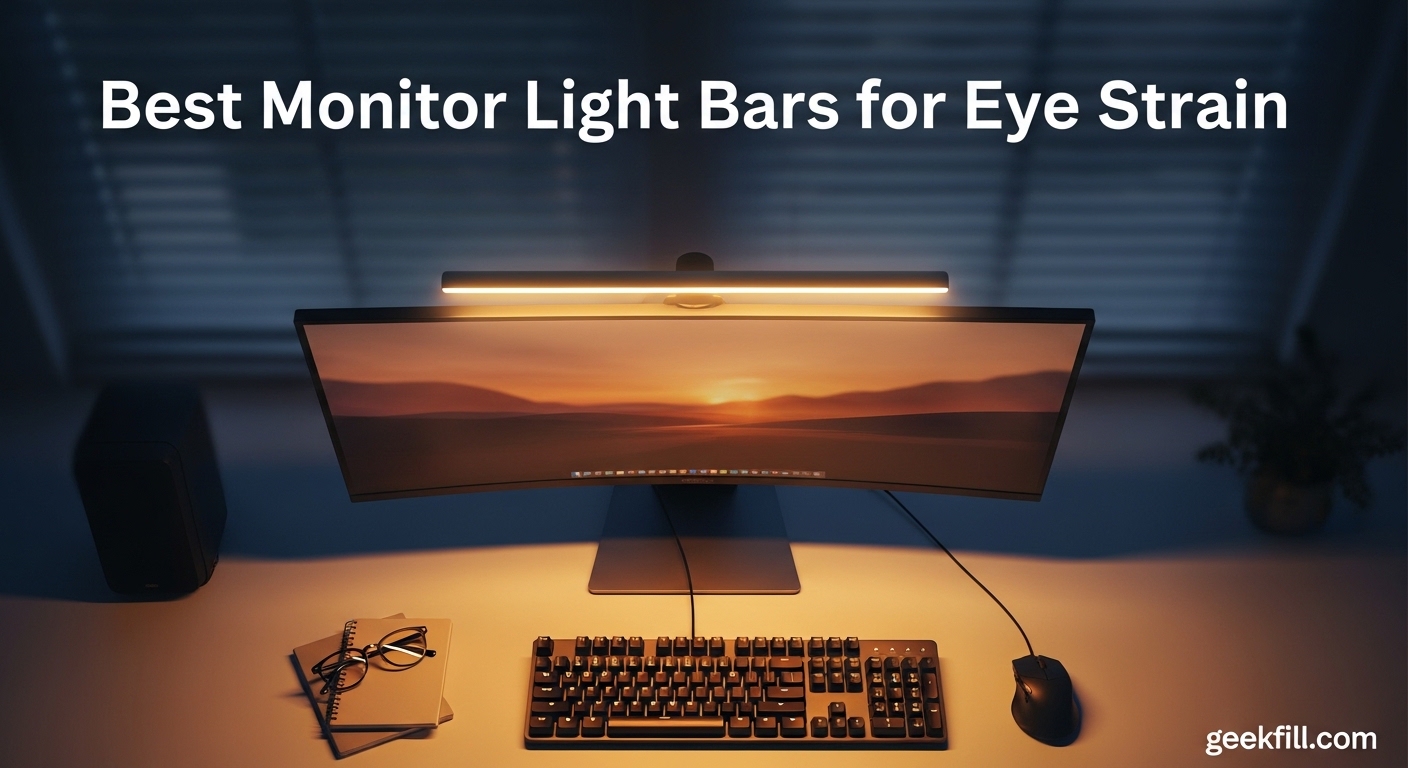
If you spend hours staring at a screen every day, you already know the toll it takes. Dry eyes, tension headaches, that foggy feeling after a long session — eye strain creeps up on everyone from remote workers to late-night gamers. I dealt with it for years before I discovered monitor light bars, and honestly, they changed my entire desk setup. The best monitor light bars for eye strain solve the root problem: your eyes constantly adjusting between a bright screen and a dark desk.
Monitor light bars mount directly on top of your monitor and use asymmetrical optical design to illuminate your desk and keyboard without casting any light onto your screen. This means zero screen glare, even brightness across your workspace, and far less fatigue during extended use. Studies and user reports suggest proper task lighting can reduce eye strain by up to 60%. One Reddit user in r/Workspaces put it perfectly: “After I bought the light bar, I feel it is a game changer for my eyes. I always wear glasses with the blue light filter but with the light bar, it is so much better.”
Our team tested 10 of the most popular monitor light bars available in 2026, comparing brightness output, color temperature range, build quality, and real-world comfort over weeks of daily use. We looked at everything from premium BenQ models down to budget-friendly options under $25. Here is what we found.
Table of Contents
Top 3 Monitor Light Bars for Eye Strain Relief
Best Monitor Light Bars for Eye Strain in 2026
| Product | Specifications | Action |
|---|---|---|
 BenQ ScreenBar Pro BenQ ScreenBar Pro |
|
Check Latest Price |
 BenQ ScreenBar Halo 2 BenQ ScreenBar Halo 2 |
|
Check Latest Price |
 Quntis Monitor Light Bar with Remote Quntis Monitor Light Bar with Remote |
|
Check Latest Price |
 Quntis Curved Monitor Light Bar RGB Quntis Curved Monitor Light Bar RGB |
|
Check Latest Price |
 ONWAY Curved Monitor Light Bar ONWAY Curved Monitor Light Bar |
|
Check Latest Price |
 Quntis Computer Monitor Lamp Quntis Computer Monitor Lamp |
|
Check Latest Price |
 YEELIGHT Monitor Light Bar YEELIGHT Monitor Light Bar |
|
Check Latest Price |
 Quntis Monitor Light RGB Backlight Quntis Monitor Light RGB Backlight |
|
Check Latest Price |
 CATPOWER Computer Monitor Light Bar CATPOWER Computer Monitor Light Bar |
|
Check Latest Price |
 OOWOLF Monitor Light Bar with Remote OOWOLF Monitor Light Bar with Remote |
|
Check Latest Price |
1. BenQ ScreenBar Pro – Best Overall Monitor Light Bar
BenQ ScreenBar Pro LED Monitor Light Bar (Black) – Ultrawide Lighting, Motion Sensor, Adjustable Brightness/Color Temperature, Eye-Care USB-C Monitor lamp, No Glare, Curved Monitors, Monitor accessory
1000lx Central Brightness
Motion Sensor Auto On/Off
Fits Curved 1000-1800R
USB-C Powered
Pros
- Over 1000lx brightness for large desks
- Motion sensor auto on/off
- No screen glare with asymmetrical light
- Fits curved monitors 1000-1800R
Cons
- Premium price vs competitors
- No wireless remote
- Captive USB-C cable
I have been using the BenQ ScreenBar Pro on my main workstation for over three months now, and it has become one of those desk accessories I genuinely cannot imagine removing. The first thing you notice when you power it on is how evenly the light spreads across your desk without a single reflection hitting the screen. BenQ calls this asymmetrical optical design, and their implementation is the best I have tested.
The motion sensor was a feature I thought I would not care about. I was wrong. Walking up to my desk and having the light turn on automatically, then shutting off when I walk away, is surprisingly convenient. It detects movement within about 24 inches of the sensor, and after a week I stopped reaching for a power button entirely.
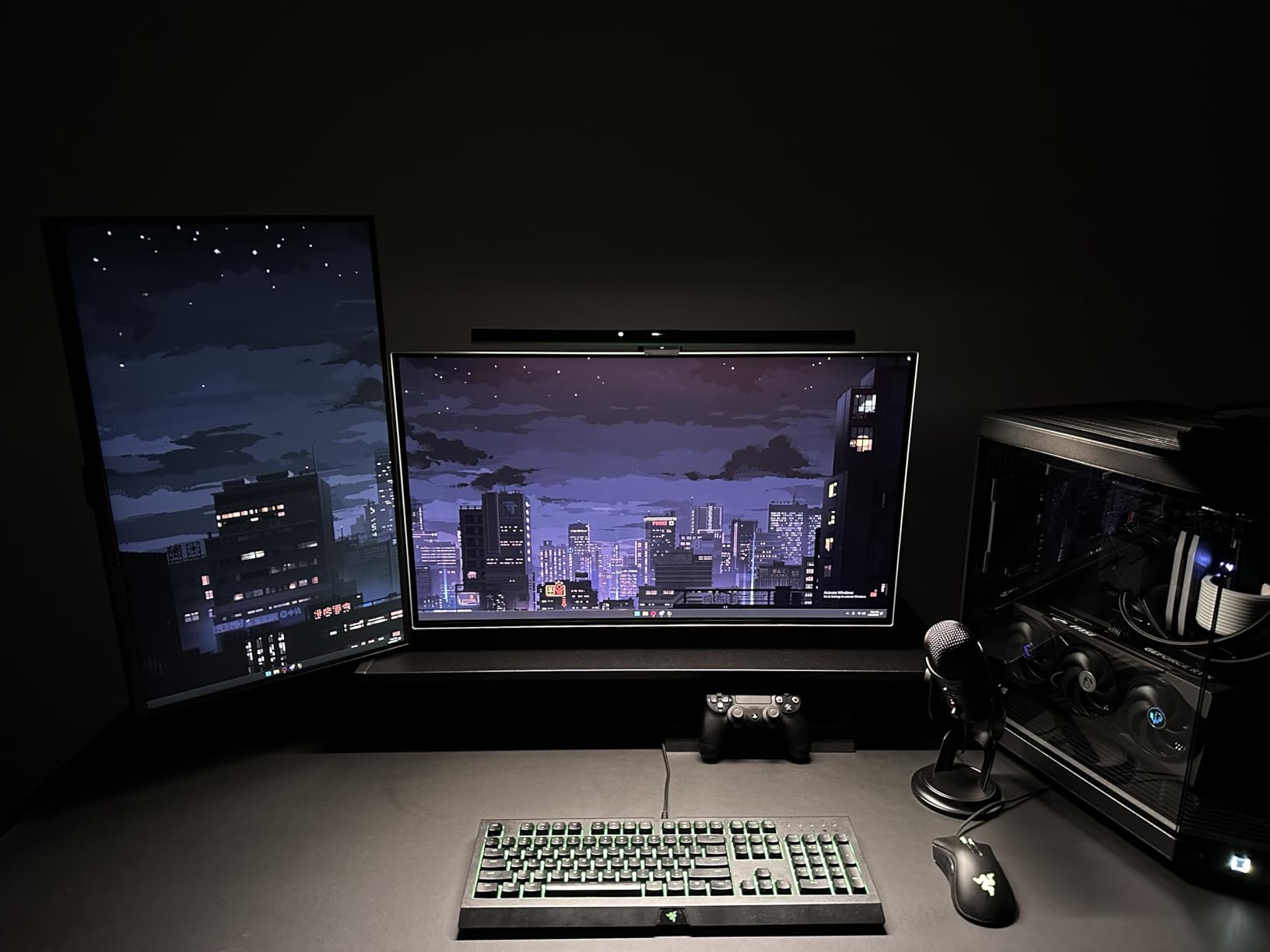
Brightness output is where the ScreenBar Pro separates itself from cheaper options. At over 1000 lux at the center, it easily lit up my 30-inch deep desk from end to end. The color temperature range spans from warm reading light to cool daylight, and adjusting it with the touch controls on top of the bar is intuitive. The bar itself is aluminum and feels like a premium product in hand.
The weighted clamp system sits securely on monitors between 0.17 and 2.56 inches thick, and it works with curved monitors rated 1000R to 1800R. I tested it on both a flat 27-inch display and a 34-inch curved ultrawide, and it fit both without issue. The one downside is the captive USB-C cable — if it gets damaged, you cannot swap it out. There is also no wireless remote, so all adjustments happen on the bar itself.
Setup and Monitor Compatibility
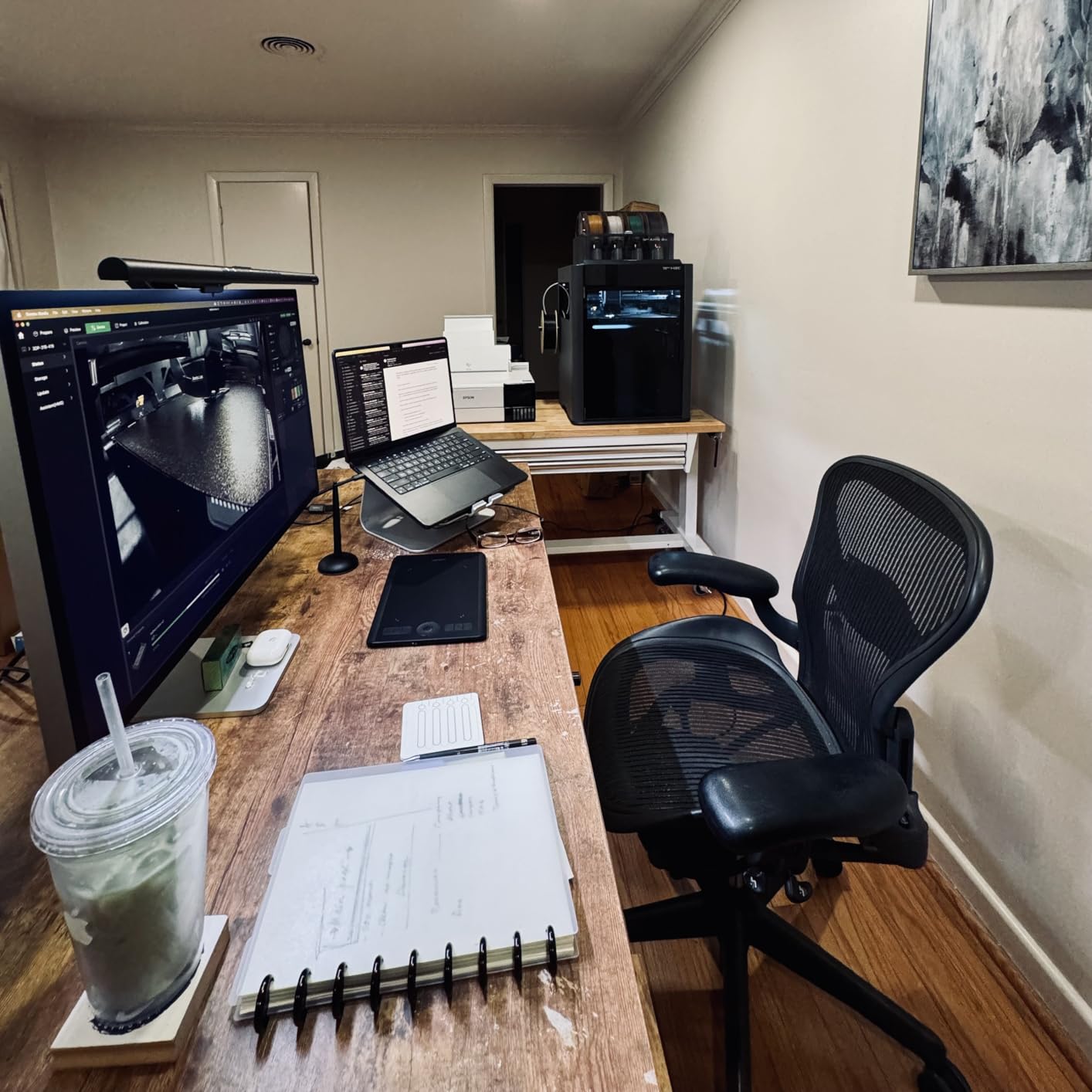
Installation takes about 30 seconds. The weighted clamp slides onto the top of your monitor and stays put with gravity alone — no adhesive, no screws, no brackets. I appreciated this because it means zero risk of damaging your monitor bezel. The clamp adjusts to fit displays from ultra-thin laptop-style monitors up to chunky 2.5-inch thick office displays. For curved monitors, BenQ specifically engineered the bar to follow curvature ranges from 1000R to 1800R, which covers essentially every curved screen on the market.
One thing to note: the USB-C cable is permanently attached to the light bar. This means you need a USB-C port on your monitor, a USB-C wall adapter, or a powered USB hub nearby. The cable is long enough for most setups at about 5 feet, but cable management is worth planning ahead for.
Motion Sensor and Smart Features
The ultrasonic motion sensor has a detection range of about 24 inches and works reliably even in dark rooms. In my testing, it never triggered false positives from things like my cat walking by or ceiling fan movement. The sensor can be toggled on or off if you prefer manual control. The touch controls on top of the bar handle brightness and color temperature adjustments with stepless precision, meaning there are no fixed intervals — you swipe to your exact preference.
For users who spend 6 to 10 hours a day at their desk, the motion sensor alone saves noticeable energy and extends LED lifespan. BenQ rates the LEDs at over 50,000 hours, which translates to years of daily use without degradation.
2. BenQ ScreenBar Halo 2 – Best Premium Monitor Light Bar
BenQ ScreenBar Halo 2 LED Monitor Light Bar – Wireless Controller, Backlight, Motion Sensor, Adjustable Brightness/Color Temperature, Eye-Care, No Screen Glare, Fits Curved Monitor, Monitor Accessory
CRI Over 95
Wireless Controller with Display
Backlight Mode
2700K-6500K Range
Pros
- Outstanding CRI over 95 for color accuracy
- Wireless controller with digital display
- Ambient backlight for reduced eye strain
- Automatic brightness adjustment
Cons
- Most expensive option at $199
- Touch controls have a learning curve
The BenQ ScreenBar Halo 2 is the most feature-rich monitor light bar I have ever tested, and also the most expensive. After using it for six weeks in my home office, I can say the premium price is justified for users who want the absolute best eye comfort setup possible. The standout feature is the ambient backlight, which bathes the wall behind your monitor in soft light, reducing the contrast between your bright screen and dark room.
The wireless controller is where the Halo 2 truly shines compared to the Pro model. It is a small desktop dial with a built-in display that shows your current brightness and color temperature levels. You spin the dial to adjust brightness and press it to toggle color temperature. It connects wirelessly to the light bar, so you can place it anywhere on your desk. This is significantly better than reaching up to touch controls on the bar itself.
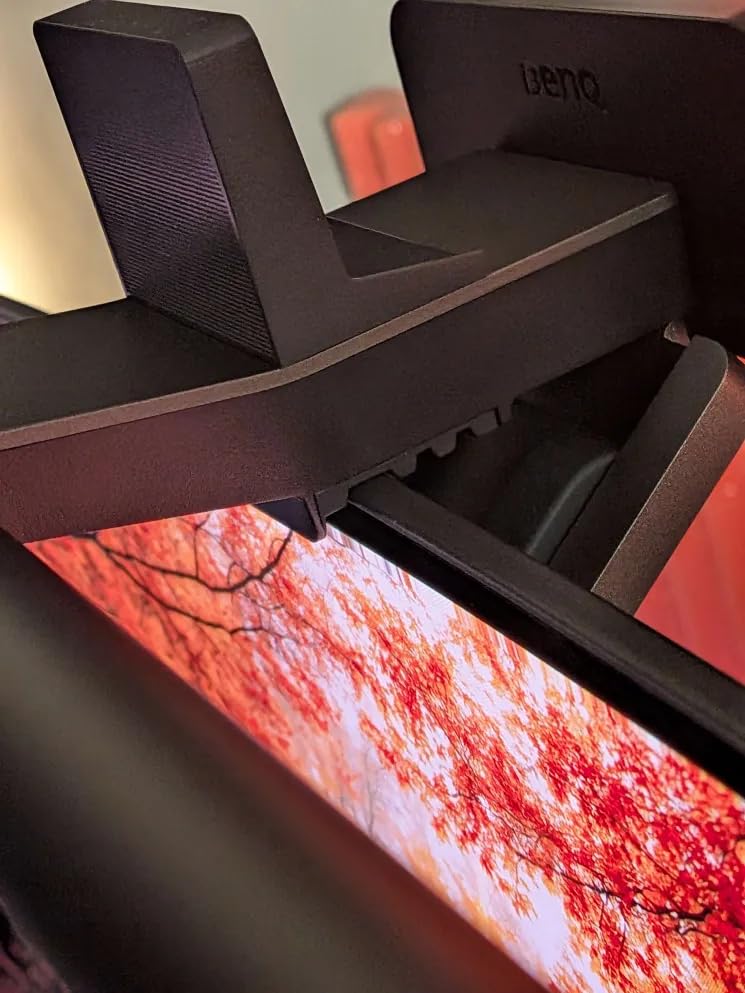
Color accuracy is exceptional with a CRI rating above 95, meaning colors under this light appear nearly identical to how they look in natural daylight. For photographers, designers, and anyone who does color-sensitive work, this matters a lot. The color temperature range spans 2700K to 6500K with stepless adjustment, giving you total control from warm amber tones to cool white light.
The backlight feature projects a soft glow onto the wall behind your monitor, creating what is known as biased lighting. This is important for eye strain because it reduces the harsh contrast between your bright screen and the dark wall behind it. I found the backlight especially helpful during evening work sessions when my office is otherwise unlit. The Halo 2 also includes a motion sensor and memory function that recalls your last settings when powered on.
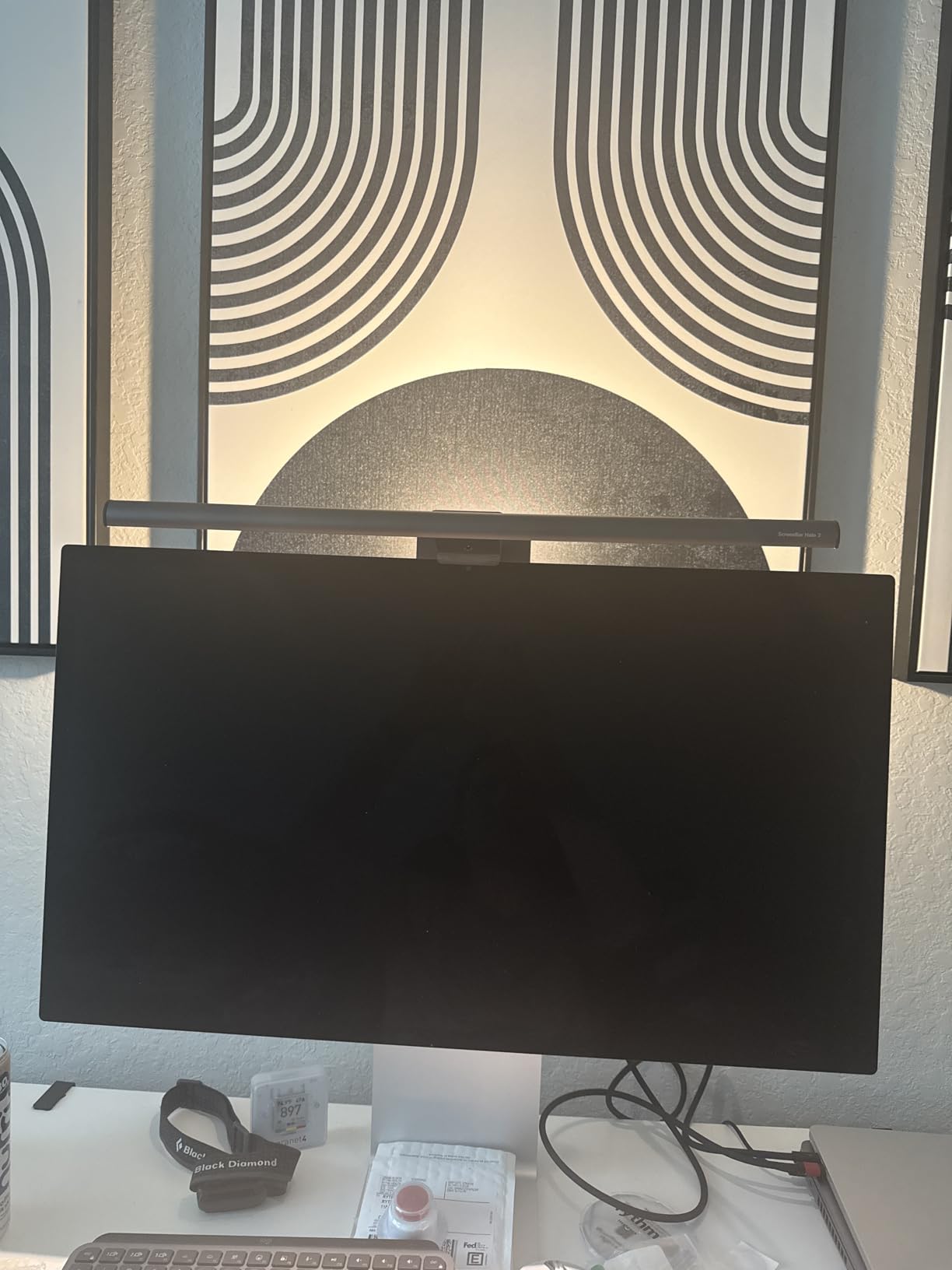
Wireless Controller Experience
The wireless puck is battery-powered and lasts several weeks on a charge in my experience. It connects to the light bar via a proprietary wireless protocol, not Bluetooth or Wi-Fi, which means zero latency when making adjustments. The dial has a satisfying tactile feel and the small display shows exact brightness percentage and color temperature in Kelvin. You can also toggle the front light, backlight, and motion sensor directly from the controller.
The only drawback is that the touch-sensitive ring around the dial can be accidentally triggered if you brush against it while reaching for something else on your desk. After a few days of use, I learned to position it away from my mouse area, which solved the issue completely.
Backlight Benefits for Eye Comfort
Bias lighting works by reducing the perceived contrast between your monitor and the surrounding environment. When your screen is bright but everything behind it is dark, your pupils constantly dilate and constrict as your eyes move between the screen and the background. The Halo 2 backlight softens this transition dramatically. In my testing, I noticed less eye fatigue during 3+ hour evening work sessions compared to using a light bar without backlight.
The backlight is adjustable independently from the front task light, so you can dial in exactly the right balance. BenQ also includes a webcam accessory clip that sits between the light bar and your monitor, giving you a mounting point for your camera without blocking the light output.
3. Quntis Monitor Light Bar with Remote – Best Value Pick
Quntis Computer Monitor Light Bar with Backlight, Desk Lamp with Remote
Ra95 CRI
3 Lighting Modes
Wireless Remote
Patented Sliding Clip
Pros
- Excellent Ra95 CRI at this price
- Three dedicated lighting modes
- Wireless remote for easy control
- Patented weighted clip for curved monitors
Cons
- Remote requires batteries
- Control puck less intuitive than BenQ
The Quntis Monitor Light Bar with Remote hits a sweet spot between price and performance that makes it the best value pick in our lineup. I tested it for four weeks on my secondary desk, and at roughly one-third the price of the BenQ ScreenBar Pro, it delivers surprisingly capable eye-care lighting. The asymmetrical optical design kept light off my screen consistently, and the 84 LED beads produced uniform illumination across my workspace.
What sets this Quntis apart from other budget options is the three dedicated lighting modes: Work Mode for maximum brightness and clarity, Immersive Mode for dimmer, warmer light during media consumption, and Design Mode optimized for color accuracy. Switching between them with the wireless remote is fast, and the light bar remembers your last mode when you power it back on.
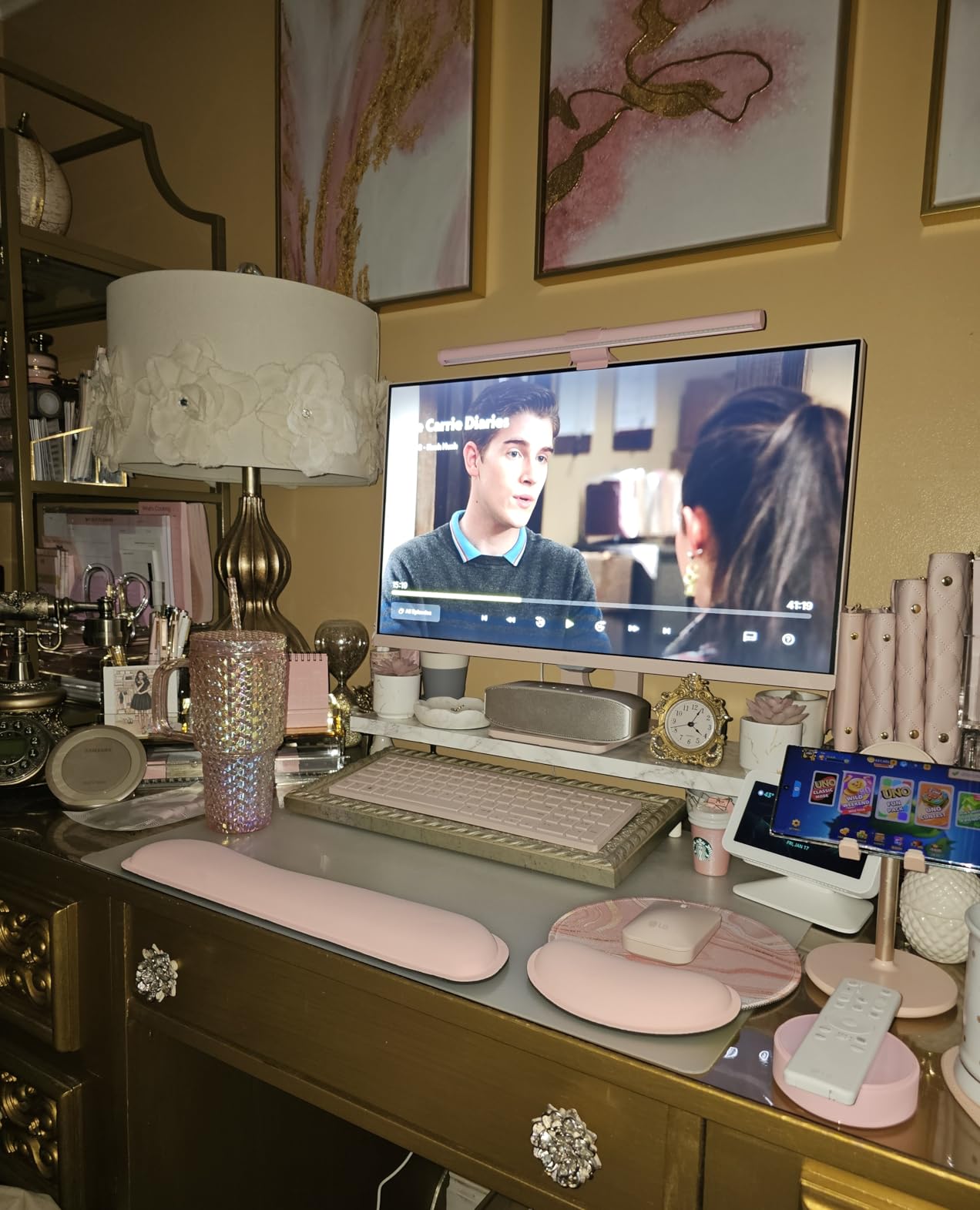
The Ra95 CRI rating is impressive for this price range. Colors under this light look natural and accurate, which makes a real difference when you are reviewing photos or working with design files for hours. The stepless dimming gives you precise brightness control, and the color temperature adjusts smoothly across its range. Build quality is solid aluminum with a matte finish that looks professional on any desk.
The patented sliding weighted clip is one of the better mounting systems I have seen at this price. It uses a gravity-based counterweight that sits behind your monitor, so the bar stays secure without any clamping pressure on the bezel. It works on curved monitors too, which is something many budget light bars struggle with.
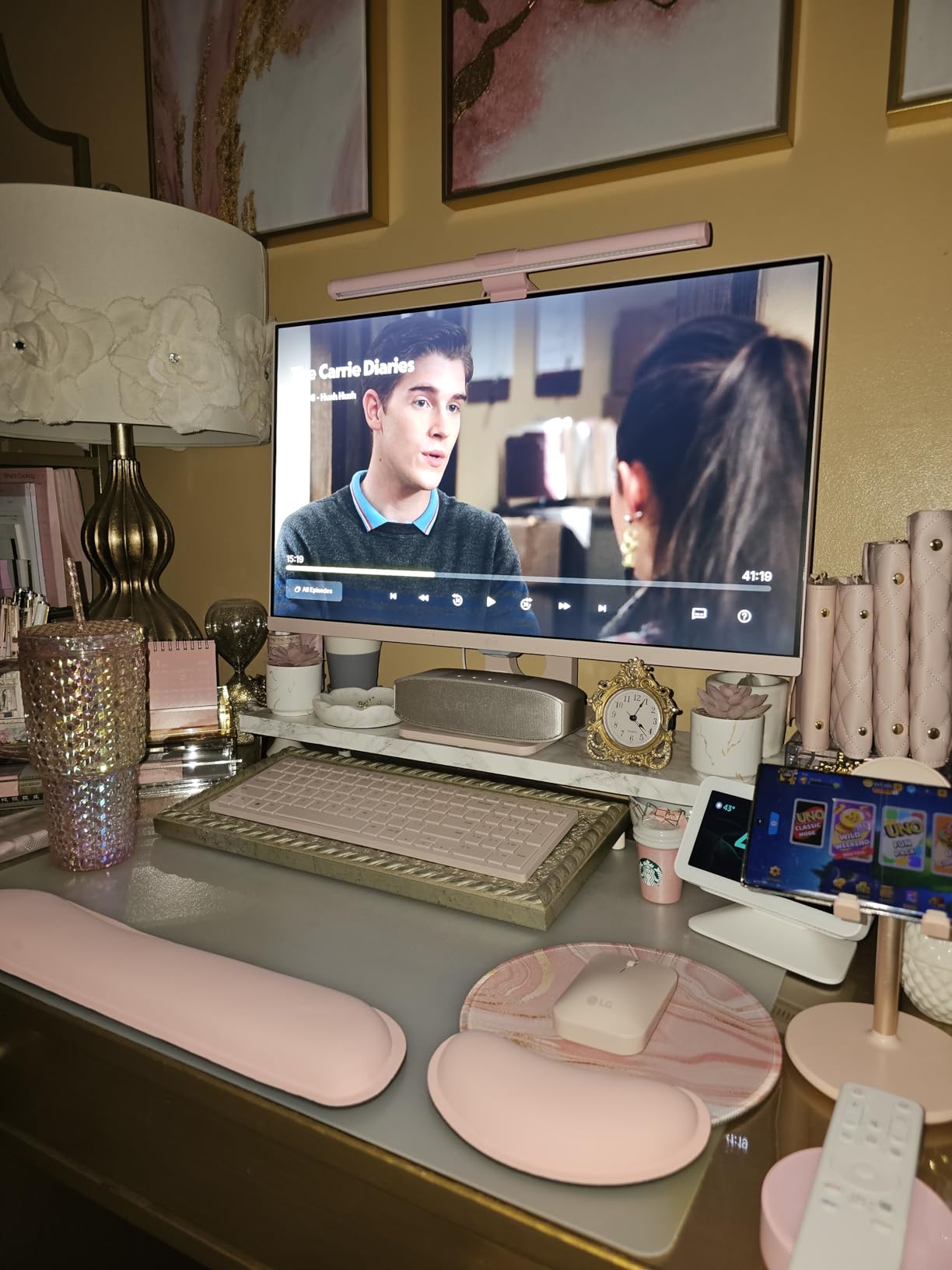
Remote Control and Ease of Use
The included wireless remote uses infrared to communicate with the light bar. It has a touch-sensitive surface for brightness and color temperature adjustments, plus dedicated buttons for each lighting mode. The remote requires two AAA batteries, which are included in the box. In practice, the remote works well within about 15 feet and needs a relatively clear line of sight to the sensor on the light bar.
One small annoyance: the touch surface on the remote is not quite as precise as the BenQ wireless controller. Adjustments sometimes overshoot or undershoot your target, requiring a few extra taps to dial in. Once you find your preferred settings, the memory function stores them reliably between power cycles.
Lighting Modes and Color Accuracy
Work Mode pushes maximum brightness with a neutral color temperature that keeps you alert and focused. Immersive Mode drops the brightness and shifts to a warmer tone, which is great for watching videos or casual browsing in the evening. Design Mode balances brightness and color accuracy to give you the most true-to-life rendering. Having these presets means you spend less time fiddling with settings and more time working.
The Ra95 CRI means color rendering is nearly identical to natural daylight for most practical purposes. If you do graphic design, photo editing, or any color-sensitive work, this CRI level prevents the color shifts that cheaper LEDs with lower CRI ratings produce. For general office work, it simply makes text easier to read and reduces eye fatigue.
4. Quntis Curved Monitor Light Bar RGB – Best for Ultrawide Curved Screens
Quntis Curved Monitor Light Bar 15 RGB Backlight for 34″+ Screens, Computer Bar Lights Foldable Dual Light with Color Temperature Brightness Stepless Dimming, No Glare Desk Lamp for Home Office Gaming
1400 Lux Max Output
15 RGB Backlight Modes
Auto-Dimming Sensor
For 34+ inch Curved
Pros
- Purpose-built for ultrawide curved monitors
- Up to 1400 lux brightness
- 15 RGB backlight modes for ambiance
- Auto-dimming ambient light sensor
Cons
- Thick plastic housing
- Remote not rechargeable
- Some light bleed on glass desks
If you rock a 34-inch or larger curved monitor, most standard light bars simply do not provide adequate coverage. I tested the Quntis Curved Monitor Light Bar RGB on my 34-inch ultrawide curved display for three weeks, and it was specifically designed to solve this exact problem. The bar is physically wider and curved to match the radius of large monitors, and the dual foldable light panels can be angled independently for even coverage across the entire desk surface.
The brightness output is impressive at up to 1400 lux at the center, making this one of the brightest light bars we tested. Even with my monitor set to high brightness in a sunlit room, the Quntis provided plenty of task lighting to eliminate the contrast between screen and desk. The asymmetrical optical design at a 45-degree angle kept all the light directed downward with no screen reflections.
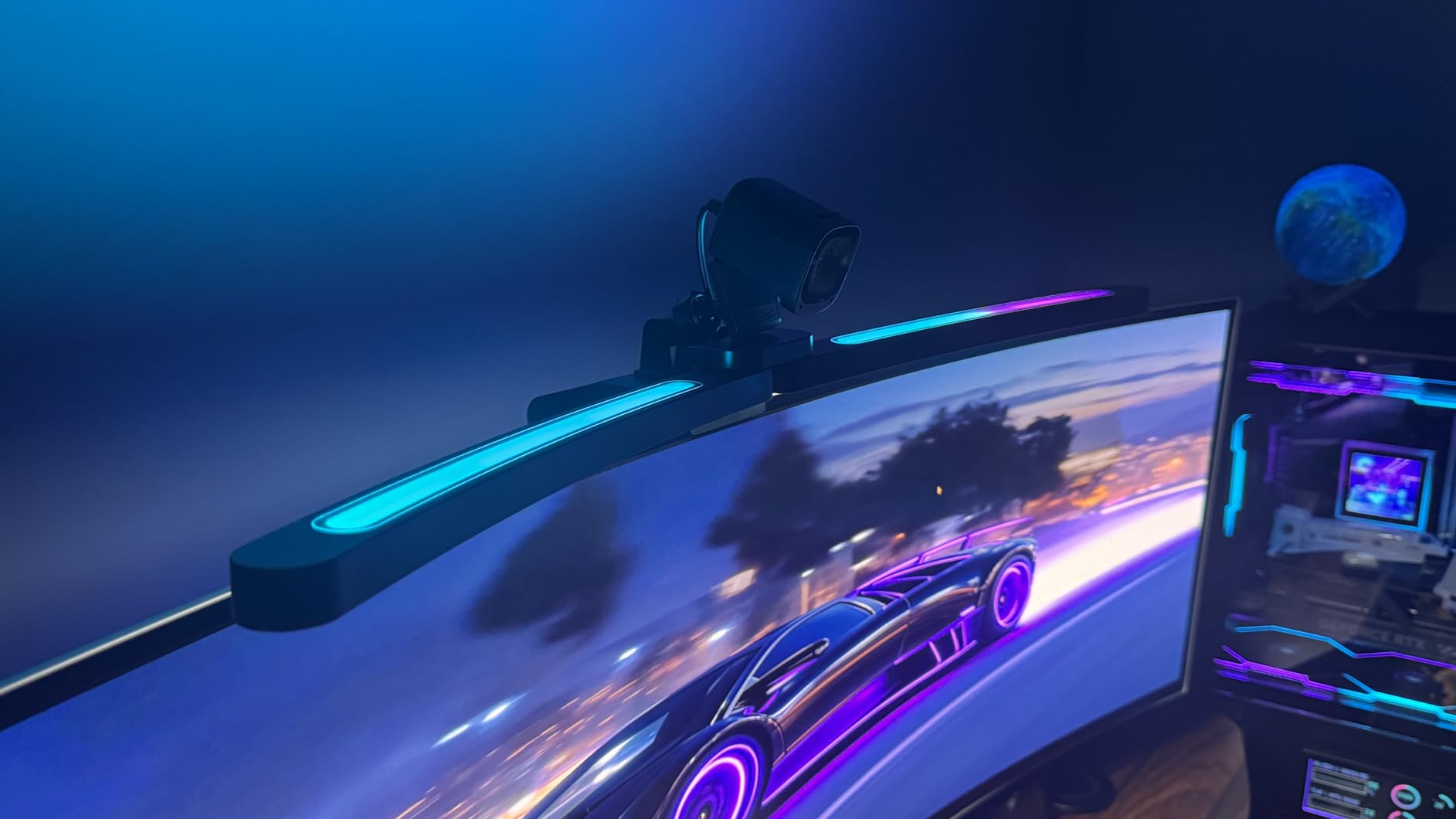
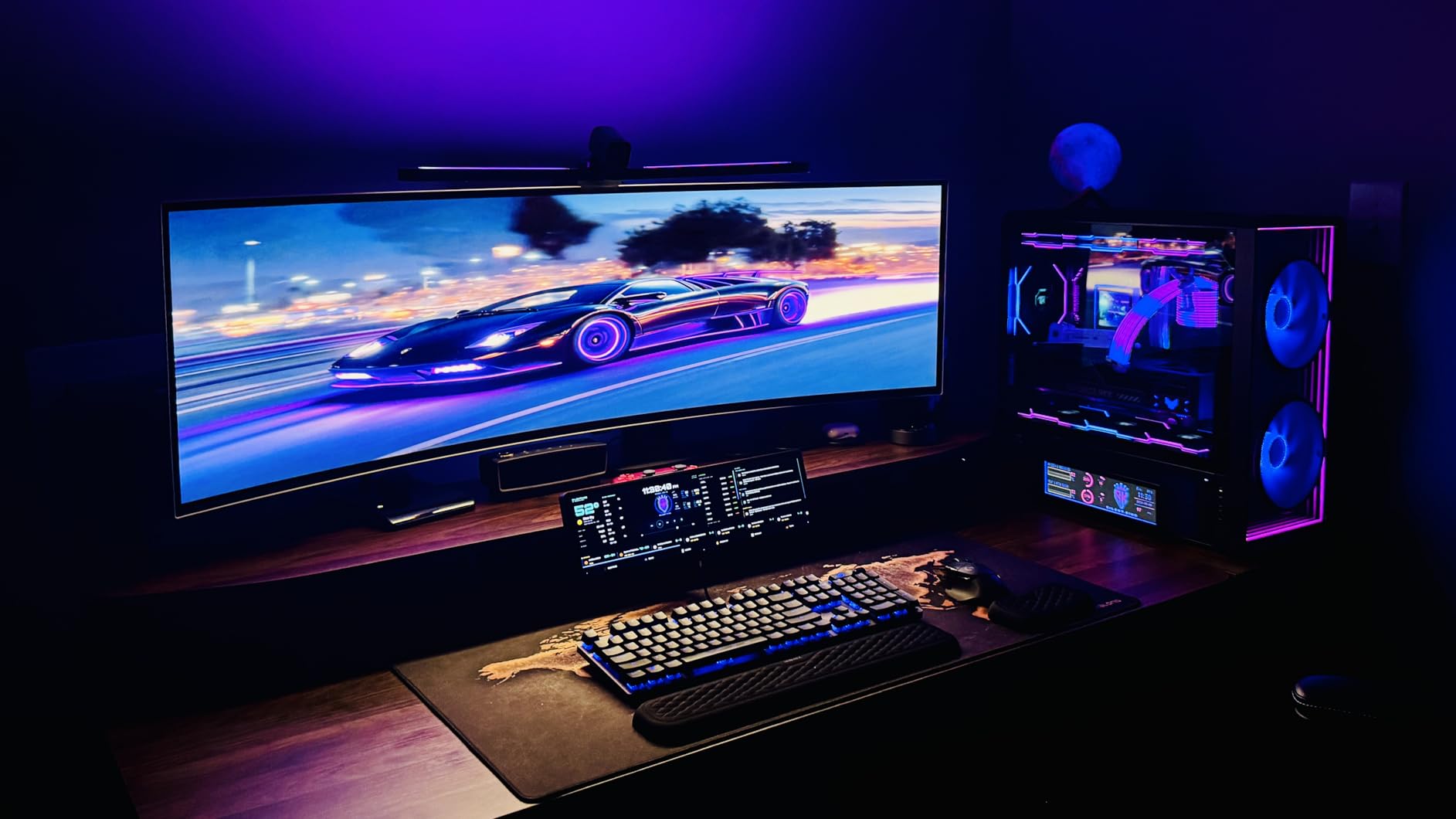
The 15 RGB backlight modes are a highlight for gamers. The back of the light bar projects colored ambient light onto the wall behind your monitor, creating an immersive atmosphere that pairs well with RGB keyboards and mice. The RGB is not just cosmetic either — the backlight reduces eye strain during gaming by lowering the contrast between your bright screen and dark room. You can cycle through colors or pick a static hue to match your setup.
The RA98 CRI rating is among the highest in our entire roundup. This means colors under this light are virtually indistinguishable from natural daylight, which is a big deal for creative professionals using curved ultrawide monitors for design work. The auto-dimming sensor reads ambient room light and adjusts brightness automatically, so you never have to think about it.
Curved Monitor Fit and Coverage
This light bar is engineered for curved monitors from 34 inches up to the largest ultrawide displays, with curvature compatibility from 1000R to 3000R. The three-section adjustable clamp system is more robust than typical weighted clips, and it holds the bar securely even on monitors with aggressive curves. The foldable dual-light design lets you angle each panel independently, which is useful for illuminating both your keyboard area and a larger desk surface simultaneously.
Installation is straightforward but slightly more involved than simpler clip-on bars. The clamp system has three adjustment points, so you can fine-tune the fit to your specific monitor. Once installed, the bar is rock-solid and does not shift when you adjust the light panels.
RGB Backlight and Gaming Setup
The RGB backlight offers 15 distinct modes ranging from static single colors to animated effects. For gaming, I preferred the static warm amber and cool blue options, which provided enough ambient light to reduce eye strain without being distracting. The animated modes are fun for casual use but can be distracting during competitive gaming sessions. The backlight cannot be dimmed independently from the front light, which is a limitation compared to the BenQ Halo 2.
The included remote controls both front and back lighting, brightness, and color temperature. It requires batteries rather than being rechargeable, which is a minor inconvenience. Despite a few small compromises, this is the best monitor light bar for eye strain if you use a large curved display.
5. ONWAY Curved Monitor Light Bar – Best Budget Curved Monitor Pick
ONWAY Curved Monitor Light Bar with Wireless Remote,Monitor Auto-Dimming and Camera Base,Applicable to All Screens. No Screen Glare,for Home Office
Auto-Dimming Sensor
Camera Base Included
Wireless Remote
Asymmetric Optical Design
Pros
- Excellent curve match for curved monitors
- Wireless remote included
- Camera base for webcam mounting
- Affordable price point
Cons
- Remote can be finicky
- Plastic build material
- Auto brightness may toggle accidentally
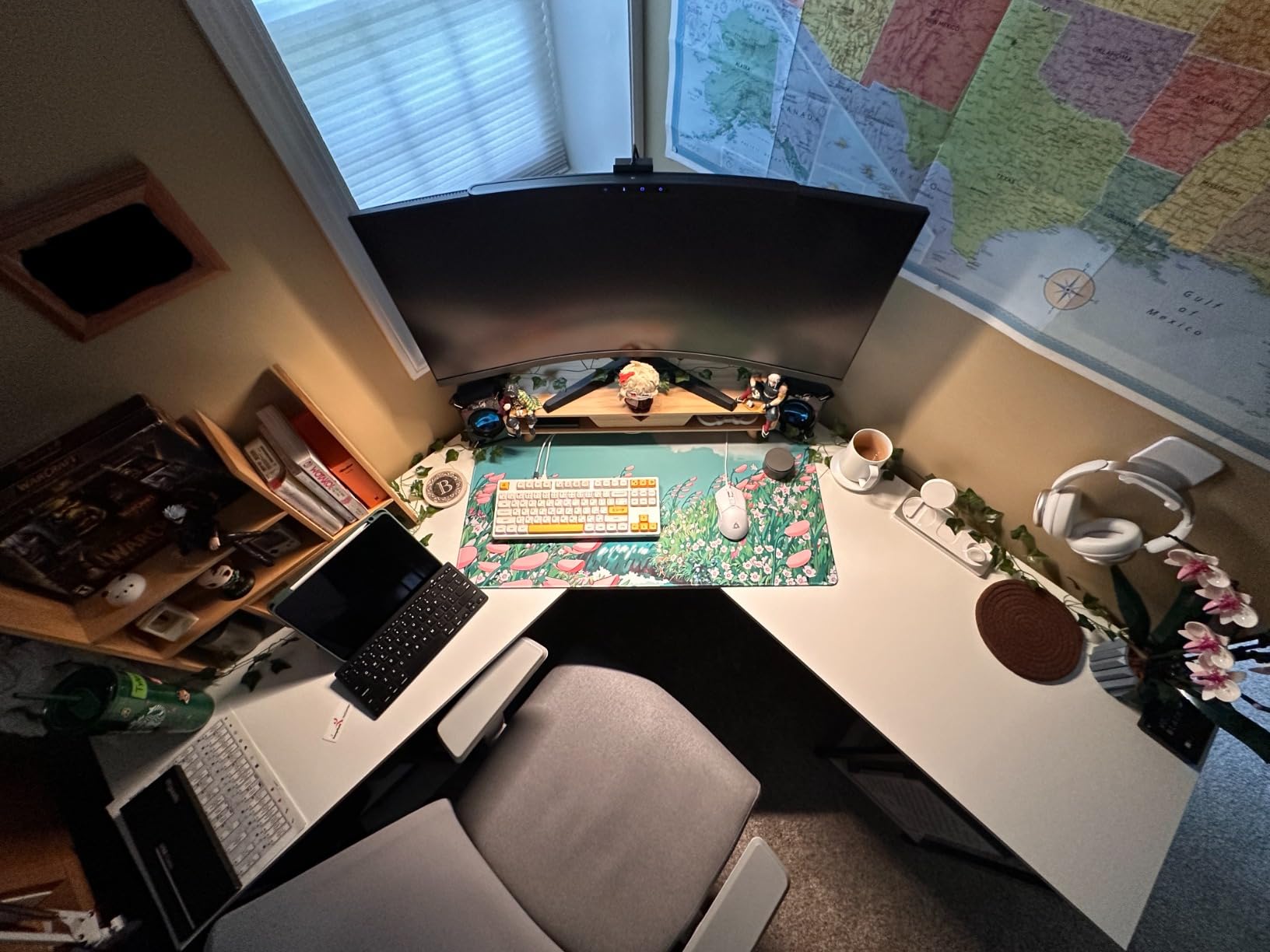
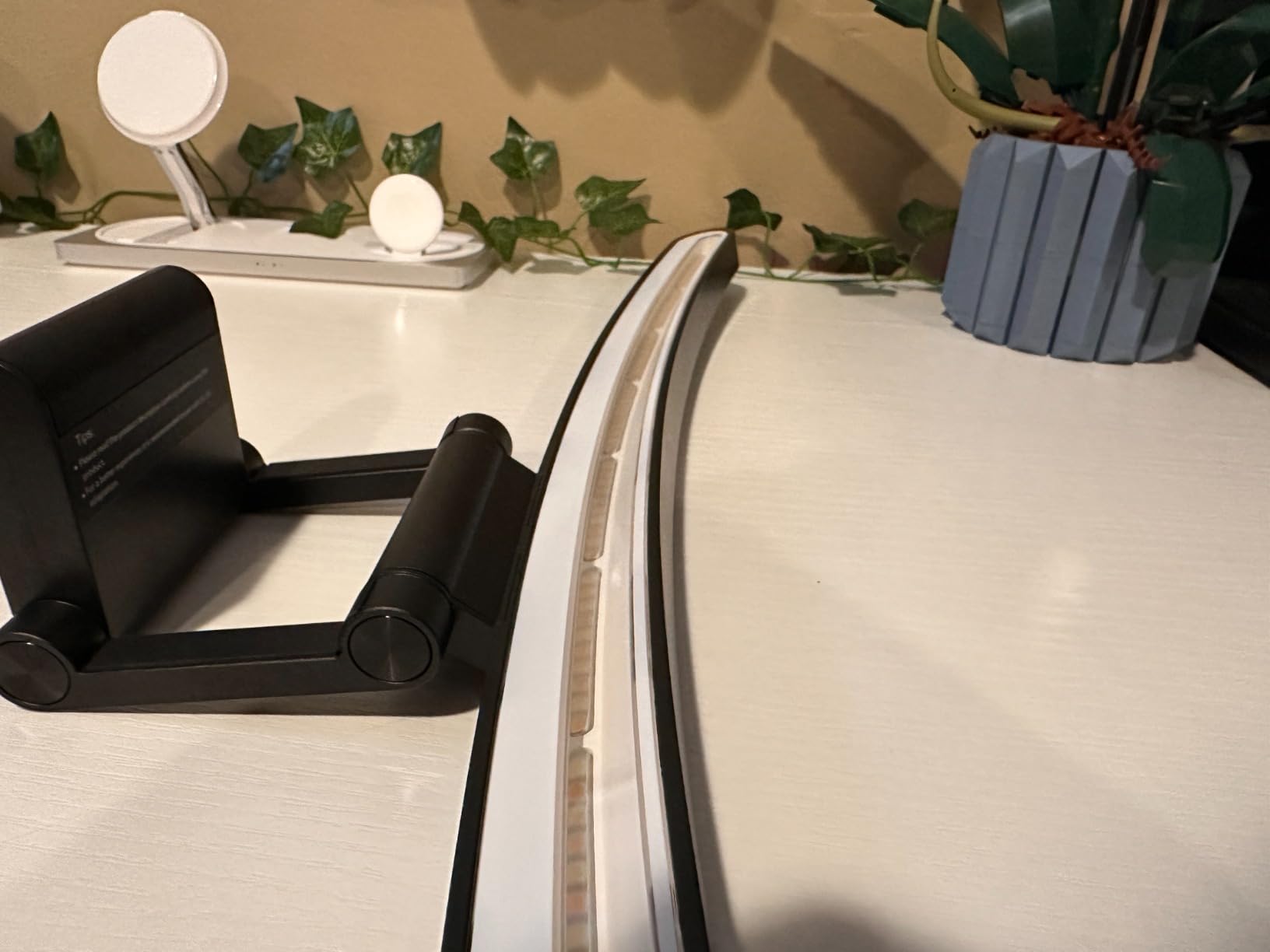
The ONWAY Curved Monitor Light Bar is one of the few options at this price point that was specifically engineered for curved screens. I used it on a 32-inch curved display for three weeks and the physical curve of the bar matched my monitor nicely. The asymmetric optical design kept light off the screen consistently, and the auto-dimming sensor adjusted brightness as ambient light changed throughout the day.
What makes the ONWAY stand out is the included camera base. If you use a webcam on top of your monitor, this base gives you a dedicated mounting point that sits between the light bar and your display. This is a thoughtful inclusion that eliminates the awkward stacking of webcam on top of light bar that many setups require.
The wireless remote handles brightness, color temperature, and power on/off. It connects via infrared and works reliably within about 10 feet. The auto-dimming sensor reads ambient light levels and adjusts output automatically, which is a feature typically found on more expensive models. The IEC62778 anti-blue light certification means this bar meets international standards for eye safety.
Build quality is the main compromise here. The housing is plastic rather than aluminum, and while it does not feel cheap, it does not have the premium heft of the BenQ or even the Quntis options. The clamp fits monitors from 0.12 to 2.36 inches thick, which covers most displays. I noticed the clamp held firm on my curved monitor but shifted slightly when I pressed the remote sensor on the bar.
Auto-Dimming Sensor Performance
The ambient light sensor on the ONWAY does a good job of adjusting brightness in response to changing room conditions. When I turned on my overhead desk lamp, the light bar dimmed itself within about two seconds. When I turned the room light off, it ramped back up. The transition is smooth and gradual, not jarring. One quirk: the auto-dimming can sometimes toggle unexpectedly if a bright object moves near the sensor, but this was infrequent in my testing.
The sensor can be disabled if you prefer full manual control. For users who work in rooms where natural light changes throughout the day — like a window-facing desk — the auto-dimming feature is genuinely useful for maintaining consistent eye comfort without constant adjustments.
Camera Base and Mounting System
The camera base is a separate piece that attaches to the light bar clamp and provides a flat, stable platform for your webcam. It is compatible with most standard webcams and positions the camera at a natural height above your monitor. If you do video calls regularly, this is a much cleaner solution than trying to balance a webcam on top of a light bar. The clamp itself is a weighted design that uses gravity to stay in place, similar to other bars in this price range.
For dual monitor setups, the ONWAY works well on the primary monitor but does not extend wide enough to cover a second display. Users with two monitors side by side may want to consider a second light bar or a different solution for the secondary screen.
6. Quntis Computer Monitor Lamp – Best Budget Auto-Dimming Pick
Quntis Computer Monitor Lamp, Screen Monitor Light Bar for Eye Caring, USB Reading LED Task Lamp with Auto-Dimming, Dimmable Light Bar, Touch Control, No Glare Space Saving Home Office Desk Lamps
Auto-Dimming Sensor
Ra98 CRI
78 LED Beads
Flicker-Free Certified
Pros
- Outstanding Ra98 CRI for accurate colors
- Auto-dimming ambient light sensor
- 13k+ reviews with 4.6 rating
- No blue light hazard certified
Cons
- Some users report slight flickering
- Mount articulation could be improved
- May cause glare on glossy desk items
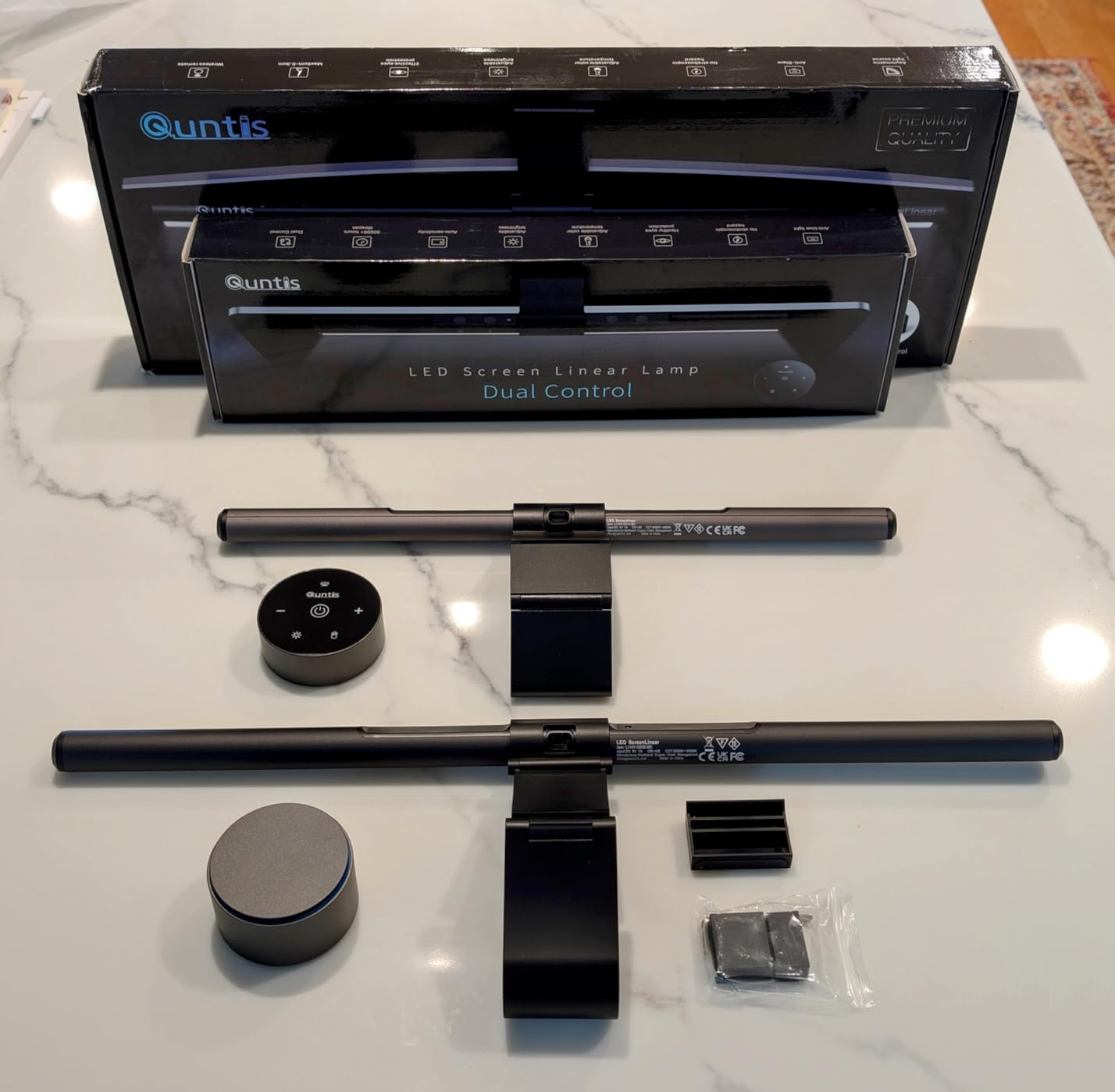
The Quntis Computer Monitor Lamp is the best-selling monitor light bar we tested, with over 13,500 reviews on Amazon. That massive review count tells you something about how popular this model is, and after testing it for three weeks, I understand why. It offers auto-dimming, a Ra98 CRI rating, and flicker-free lighting at a price that makes it accessible to almost anyone looking to reduce eye strain.
The auto-dimming sensor was responsive and accurate in my testing. The sensor targets 900 lux at desk level and adjusts output to maintain that brightness regardless of ambient light changes. This means your desk stays consistently lit even as the sun sets or room lights toggle on and off. For eye strain reduction, consistency matters more than raw brightness.
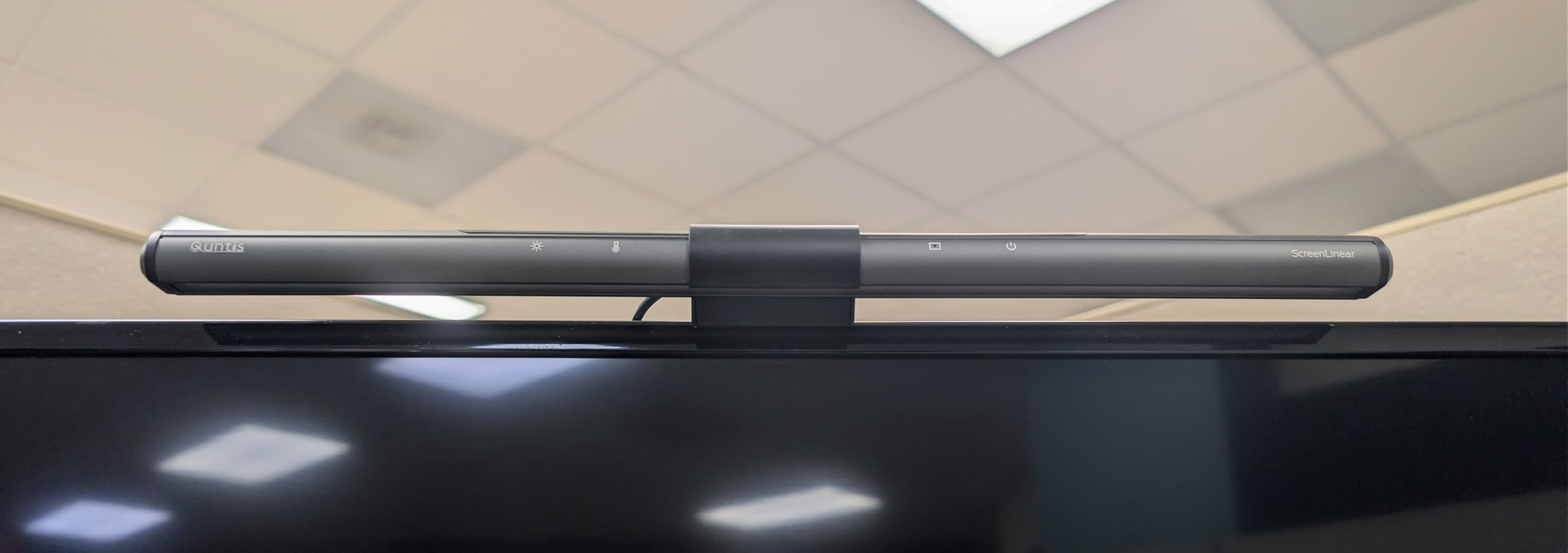
The Ra98 CRI is the highest in our entire roundup and it shows. Colors under this light look remarkably natural, making it an excellent choice for anyone who does creative work. The 78 LED beads produce smooth, even illumination without visible hot spots or dark zones. The asymmetrical optical design directed light downward onto my desk with zero screen reflections.
The touch controls sit on top of the bar and respond to taps and swipes for brightness and color temperature adjustments. They work well most of the time, though I occasionally had to tap twice to register a command. The weighted clip mount is simple and effective on flat monitors from about 0.4 to 1.2 inches thick. It will not fit on particularly thick or curved monitors.
Auto-Dimming Sensor Accuracy
The ambient light sensor on this Quntis model targets 900 lux at desk height, which is considered ideal for task lighting. In practice, this means the sensor continuously reads room brightness and adjusts the LED output to maintain that target. When I dimmed my room lights in the evening, the light bar brightened within a second. When morning sun flooded my office, it dimmed appropriately. The auto-dimming can be toggled off for users who prefer manual control.
The one issue I noticed is that the sensor can be confused by objects placed near it. If you position a phone or pen holder too close to the sensor window, it may read the obstruction as darkness and increase brightness unnecessarily. Keeping the sensor area clear solves this completely.
Touch Controls and Daily Use
Daily use with the Quntis Monitor Lamp is straightforward. The touch controls require a light tap — pressing too hard can shift the bar on the monitor, which is a common complaint in forum discussions. The color temperature ranges from 3000K to 6500K, and stepless dimming means you can set exactly the brightness you want. The power-off memory function recalls your last settings, so you do not need to readjust every time you sit down.
For the price, this is one of the best monitor light bars for eye strain available. The combination of auto-dimming, high CRI, and flicker-free certification at this price point makes it a strong recommendation for budget-conscious buyers.
7. YEELIGHT Monitor Light Bar – Best Budget Full-Metal Build
YEELIGHT Monitor Light Bar, Computer Monitor Lamp for Home Office Gaming, 250LM No Glare Eye-Care LED Screen Bar, Touch Control USB Reading Desk Lamp with Stepless Dimming for Flat & Curved Monitor
Ra95 CRI
Full Aluminum Body
RG0 Blue Light Safety
2700K-6500K Range
Pros
- Premium full-metal aluminum construction
- RG0 highest blue light safety rating
- Camera-friendly low-profile design
- Works with flat and curved monitors
Cons
- Touch buttons can be fiddly
- Adjustment difficulty on some curved monitors
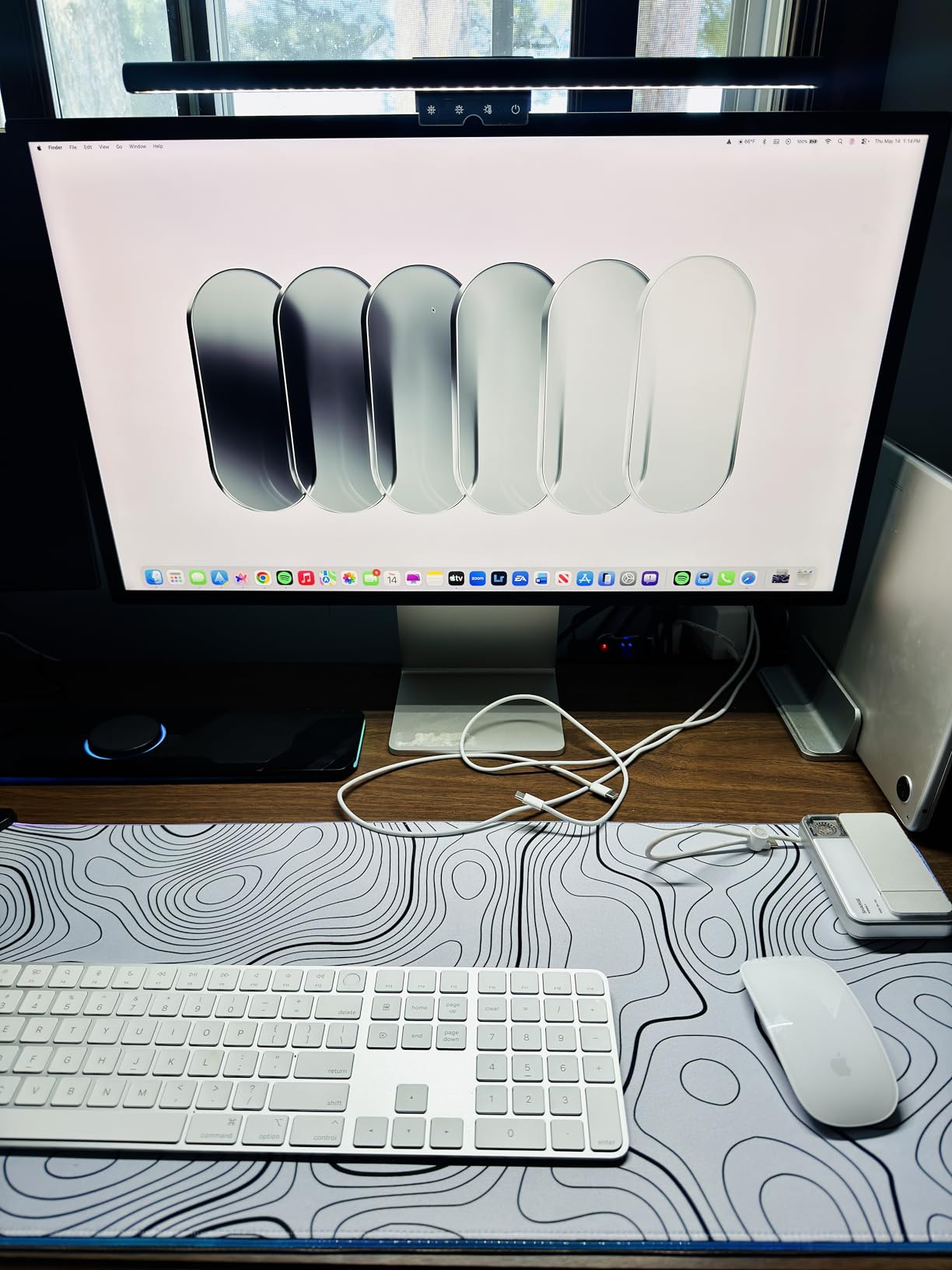
The YEELIGHT Monitor Light Bar caught my attention because it is one of the few options at this price point with a full aluminum body. After testing it for three weeks, the build quality genuinely feels closer to something twice its price. The metal housing provides better heat dissipation than plastic alternatives, and the matte dark gray finish looks clean on any desk setup.
The RG0 safety rating for blue light exposure is the highest standard available, meaning this light bar produces zero harmful blue light. For users specifically concerned about eye health, this certification provides peace of mind that cheaper, uncertified options cannot match. The Ra95 CRI delivers accurate colors, and the 250-lumen output is sufficient for standard desk depths up to about 24 inches.
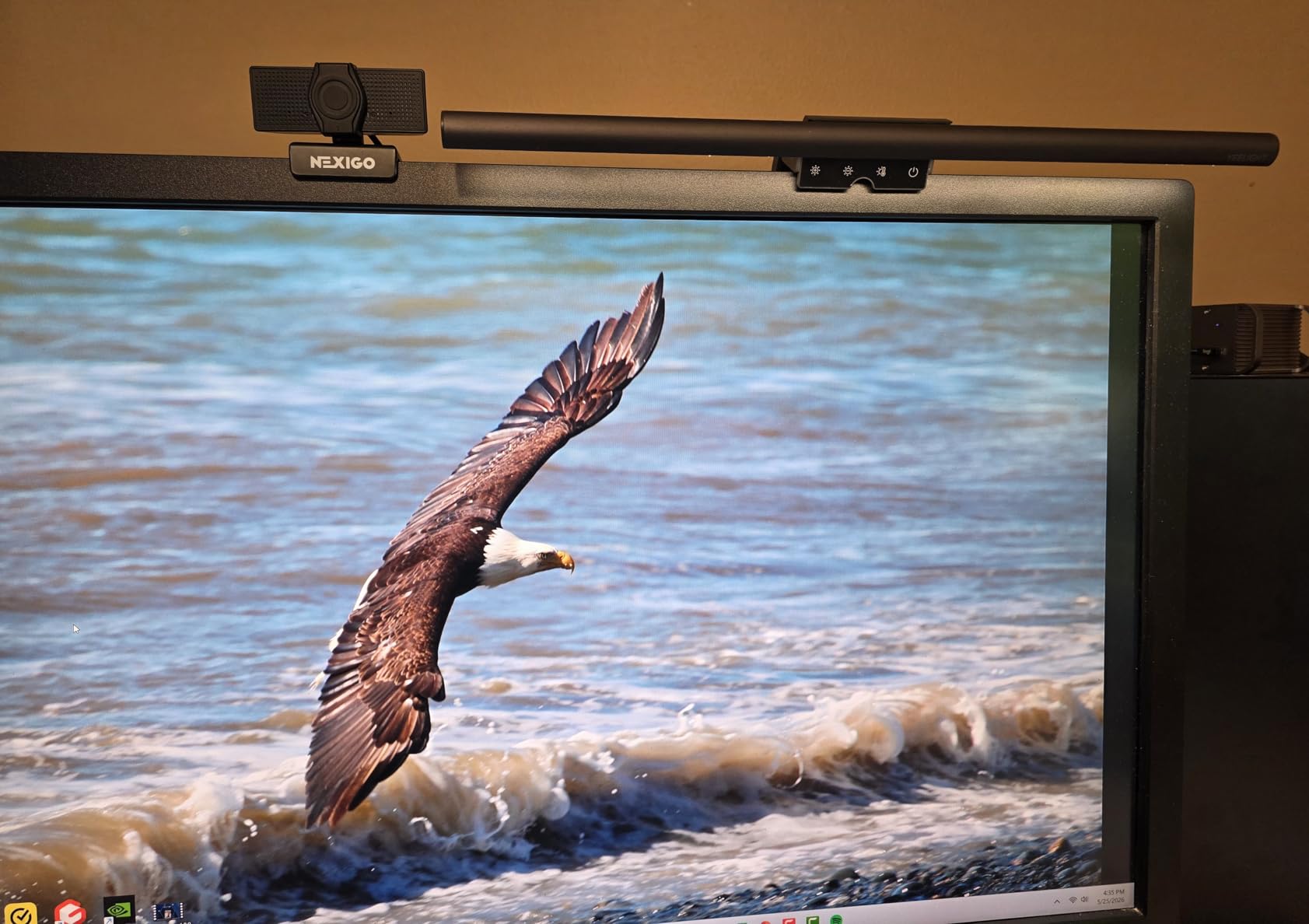
The retractable clip adjusts to fit monitors from 0.3 to 1.4 inches thick, covering most standard displays. I tested it on both a flat 27-inch monitor and a 1500R curved 32-inch display, and it worked well on both. The low-profile design sits flush enough that it does not block webcams, which is a practical detail that matters for video conferencing.
Stepless dimming and color temperature adjustment from 2700K to 6500K give you full control over the lighting character. The warm end of the spectrum produces a cozy amber tone that is easy on the eyes during evening sessions, while the cool end provides crisp, alert light for focused daytime work. The touch controls on top of the bar work but require precise taps, and I occasionally missed the sensor zone on the first try.
Build Quality and Design
The full aluminum body sets the YEELIGHT apart from nearly every other light bar in this price range. The metal construction means the bar feels solid and substantial without being heavy — it weighs about 1.1 pounds. The matte finish resists fingerprints and dust, and the overall aesthetic is minimalist and professional. This is a light bar that looks good on a premium desk setup without drawing attention to itself.
The 78 LED beads are arranged behind a diffuser that produces smooth, even light without visible individual LED points. This diffused output is easier on the eyes than direct LED exposure, reducing micro-saccadic stress that contributes to eye fatigue during long sessions.
Monitor Compatibility and Installation
The retractable clip mechanism is spring-loaded and adjusts to grip monitors from 0.3 to 1.4 inches thick. Installation takes about 10 seconds: pull the clip open, slide it onto your monitor, and release. The counterweight in the back keeps everything balanced. The clip has rubber pads on the contact surfaces to prevent scratching. I tested it on a monitor with a very thin bezel and it held securely without wobbling.
For curved monitors, the YEELIGHT works but the fit is not as precise as purpose-built curved light bars like the ONWAY or Quntis curved model. On my 1500R curve, there was a small gap at the edges of the bar, but it did not affect lighting performance. The USB cable is 1.5 meters long, which is adequate for most desk setups but may require a USB extension for wall-powered arrangements.
8. Quntis Monitor Light RGB Backlight – Best Gaming Monitor Light Bar
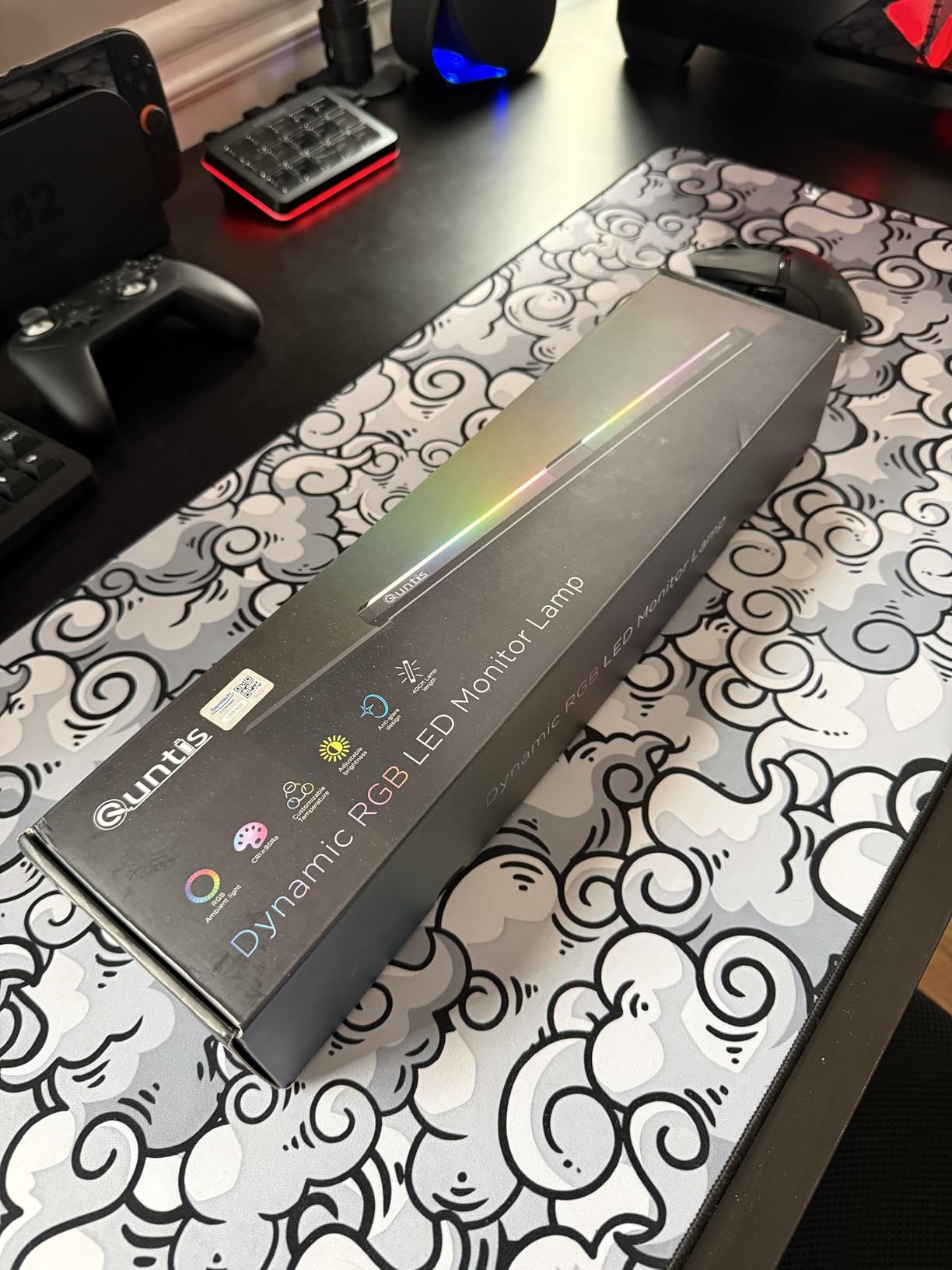
Quntis Monitor Light Bar 15.7 Inch, Eye Care Dual Light with 24 RGB Modes
Dual Light Source
15 RGB Backlight Modes
Ra95 CRI
3 Color Temperatures
Pros
- Front and back dual light source
- 15 RGB backlight color modes
- Ra95 CRI for vivid colors
- Memory function saves settings
Cons
- RGB brightness not independently adjustable
- No remote control
- Not suitable for laptops or curved monitors
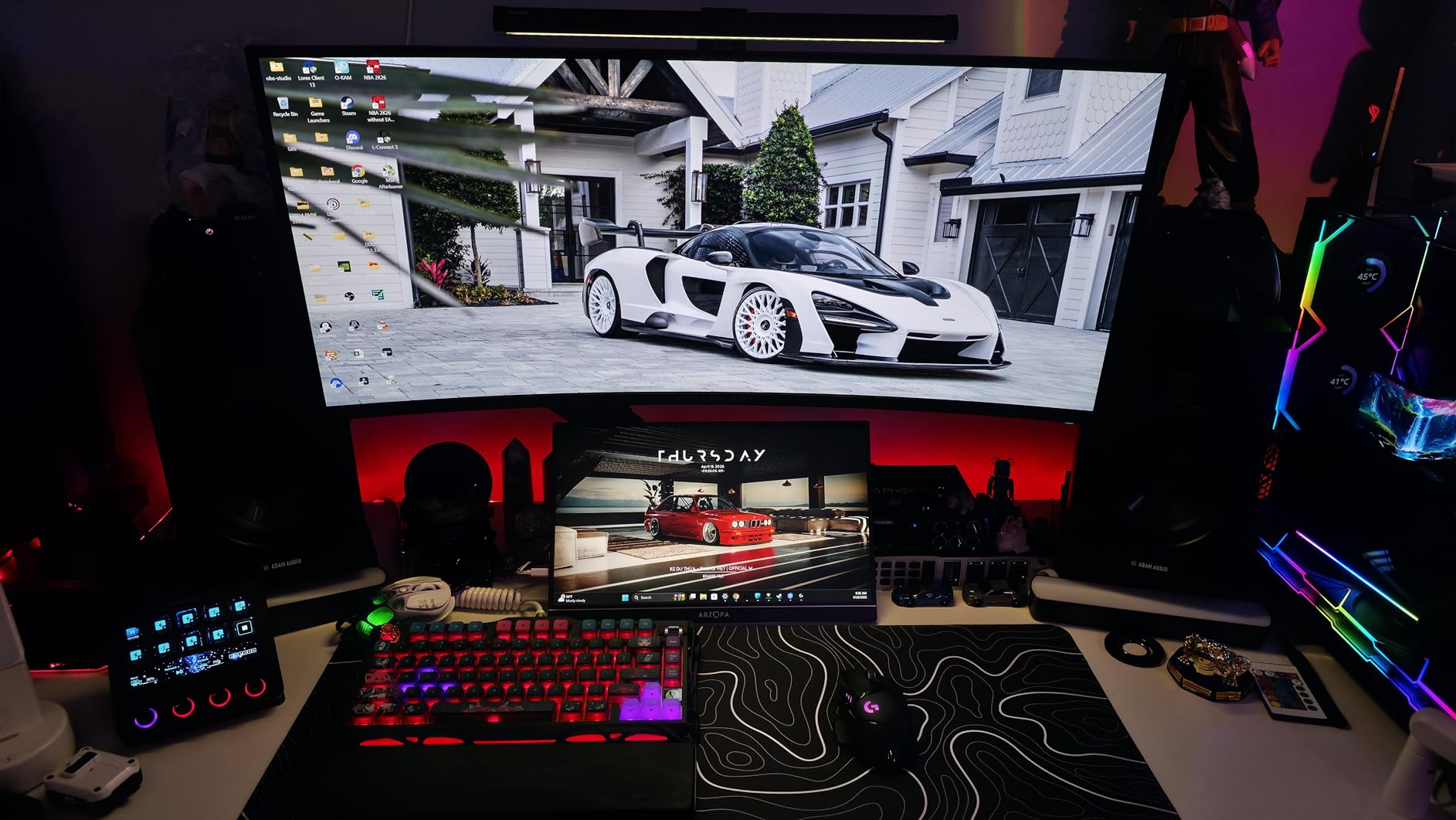
The Quntis Monitor Light RGB Backlight is built for gamers who want both functional eye-care lighting and RGB ambiance in one package. I tested it during a two-week period of heavy gaming and evening work sessions, and the dual light source design — with a front task light and an RGB back strip — creates a setup that looks great on camera and feels comfortable during extended sessions.
The front light uses asymmetrical optical design to keep your screen glare-free, and the 15 RGB backlight modes project colored light onto the wall behind your monitor. For gaming, this creates an immersive atmosphere similar to what you get from dedicated RGB light strips, but integrated into a single device that also handles your task lighting needs.
The Ra95 CRI rating ensures colors look accurate under the front task light, which matters when you are gaming for hours and your eyes are processing a lot of visual information. The three color temperature presets — 3000K, 4000K, and 6500K — cover the warm-to-cool spectrum adequately, though you lose the stepless adjustment that higher-end models offer. Brightness is adjustable within each temperature mode.
The weighted clip mount fits monitors from 0.39 to 1.18 inches thick, which covers most standard desktop monitors but rules out laptops and curved displays. The touch controls sit on top of the bar and handle power, brightness, color temperature, and RGB mode cycling. The memory function stores your last settings between power cycles.
RGB Backlight Gaming Experience
The 15 RGB backlight modes include static colors in red, green, blue, purple, orange, and several blends, plus animated modes that cycle through colors at different speeds. For competitive gaming, I preferred a static warm orange or purple backlight, which reduced screen-to-room contrast without being distracting. For casual gaming and streaming, the animated modes added a fun visual element that looked impressive on camera.
The main limitation is that you cannot adjust the RGB backlight brightness independently from the front light. This means when you dim the task light for a cozy gaming session, the backlight dims too. It is a compromise that keeps the price low but reduces flexibility compared to the BenQ Halo 2 or the Quntis Curved RGB model.
Dual Light Source and Eye Care
The dual light source approach addresses eye strain from two angles. The front task light illuminates your desk and keyboard area with glare-free, high-CRI light, reducing the fatigue caused by your eyes constantly adjusting between a bright screen and dark surroundings. The backlight reduces the contrast between your monitor and the wall behind it, which is particularly helpful during evening gaming sessions when room lighting is low.
The no blue light hazard and flicker-free certifications ensure the front light is safe for extended use. Users who game for 3 to 5 hours at a stretch will notice less eye dryness and fewer headaches compared to gaming without any bias lighting. At this price, the combination of functional task lighting and RGB ambiance is hard to beat for gaming setups.
9. CATPOWER Computer Monitor Light Bar – Best Ultra-Budget Option
CATPOWER Computer Monitor Light Bar, LED Screen Light
700+ Lux Output
84 LED Beads
Button Control
3000K-7150K Range
Pros
- Button controls are easy and tactile
- 700+ lux brightness covers most desks
- Good value for basic eye-care lighting
- Fits monitors 15-22 inches
Cons
- Short power cord for some setups
- Lowest brightness still too bright for some
- Plastic build quality
- Clamp may not fit curved monitors
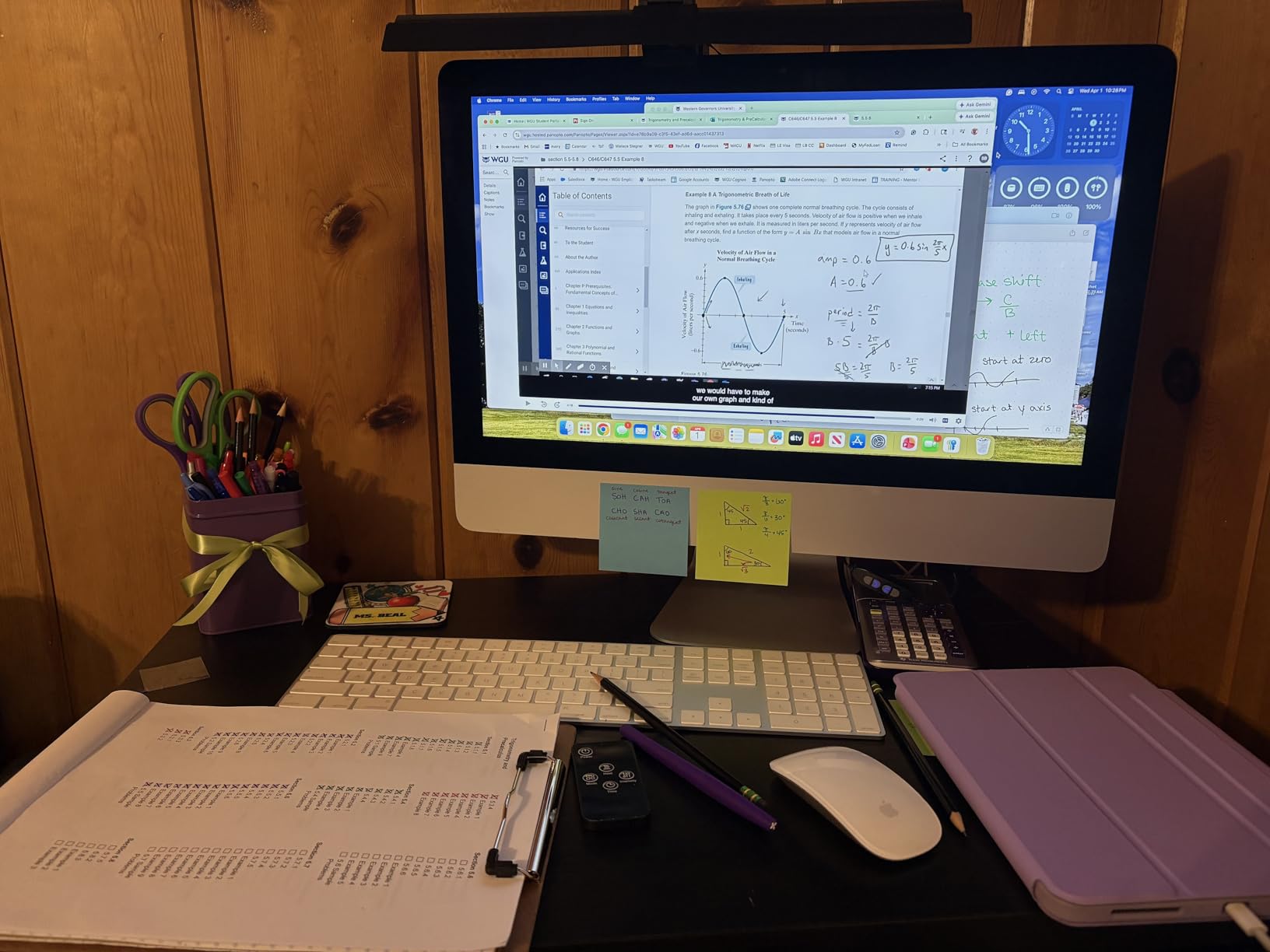
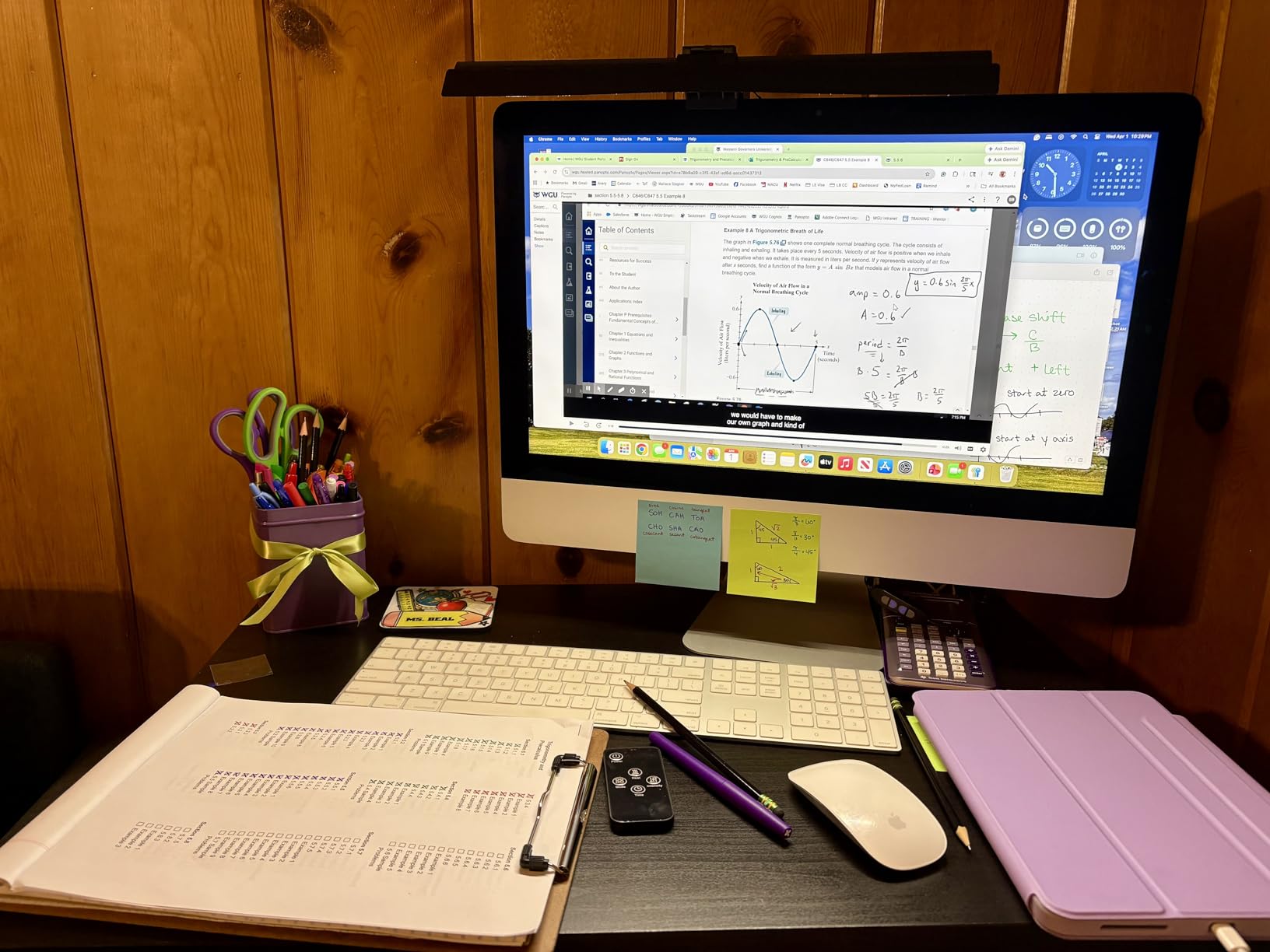
The CATPOWER Computer Monitor Light Bar is the most affordable option in our roundup, and I tested it to see if a light bar at this price can still make a meaningful difference for eye strain. The short answer is yes, it can. The 84 LED beads produce over 700 lux of brightness, which is enough to light up a standard desk workspace, and the asymmetrical optical design keeps the light directed downward.
This is a no-frills light bar that focuses on the basics: even illumination, no screen glare, and simple controls. The button interface on the side of the bar cycles through three brightness levels and three color temperatures. There are no touch sensors, no remote, no auto-dimming, and no backlight. But what it does, it does competently.
The CRI rating is above 95, which is impressive for this price and ensures colors look natural under the light. The color temperature range spans 3000K to 7150K — the upper end of this range is one of the widest available, giving you a very cool, energizing light option. Three brightness levels give you basic control, though users who want fine-tuned adjustment will find the fixed steps limiting.
The clamp fits monitors from 0.039 to 1.96 inches thick, covering most flat desktop displays from 15 to 22 inches. The plastic housing is lightweight but does not feel as solid as the aluminum options higher up in our list. The USB power cord is shorter than most competitors at about 3 feet, which may require a USB extension or careful cable routing for some desk setups.
Button Controls vs Touch Controls
The button controls on the CATPOWER are a deliberate design choice that solves a real problem: physical buttons do not accidentally trigger when you brush against them, and pressing them does not shift the light bar on your monitor. This is a pain point many users report with touch-controlled light bars, and forum discussions on Reddit frequently mention the button issue with touch-based models. The buttons on the CATPOWER have a satisfying click and are easy to find by feel.
The trade-off is that you only get three fixed brightness levels and three color temperature presets. There is no stepless dimming or fine-tuning available. For users who just want a set-and-forget light bar, this is perfectly fine. For those who like to adjust their lighting throughout the day, the lack of granularity may be frustrating.
Brightness Levels and Coverage
The three brightness levels cover low, medium, and high output. The high setting produces over 700 lux, which is more than adequate for most desk depths up to about 24 inches. The low setting is still relatively bright, which was a common complaint in user reviews. If you work in a very dark room, even the lowest setting may feel too intense for comfortable extended use. The medium setting struck the best balance for evening work in my testing.
At this price point, the CATPOWER delivers reliable eye-care lighting without any premium features. It is a good starting point for anyone who wants to try a monitor light bar without making a significant investment. If it works for you, you can always upgrade later to a model with more features.
10. OOWOLF Monitor Light Bar with Remote – Best Budget with Backlight
OOWOLF Monitor Light Bar with Remote, Ra95 Computer Monitor Lamp for Eye Caring, USB Reading Lamp Task Lamp, Dimmable Light Bar with Backlight, No Glare Space Saving Home Office 16.14″ 1-Pack
Backlight Ambient Light
Wireless Remote
Ra95 CRI
Stepless Dimming
Pros
- Remote control for easy adjustment
- Backlight adds ambient illumination
- High CRI over 95 for accurate colors
- Memory function recalls last settings
Cons
- Touch controls can be finicky
- Backlight not independently dimmable
- USB Type-A to C cable may need adapter
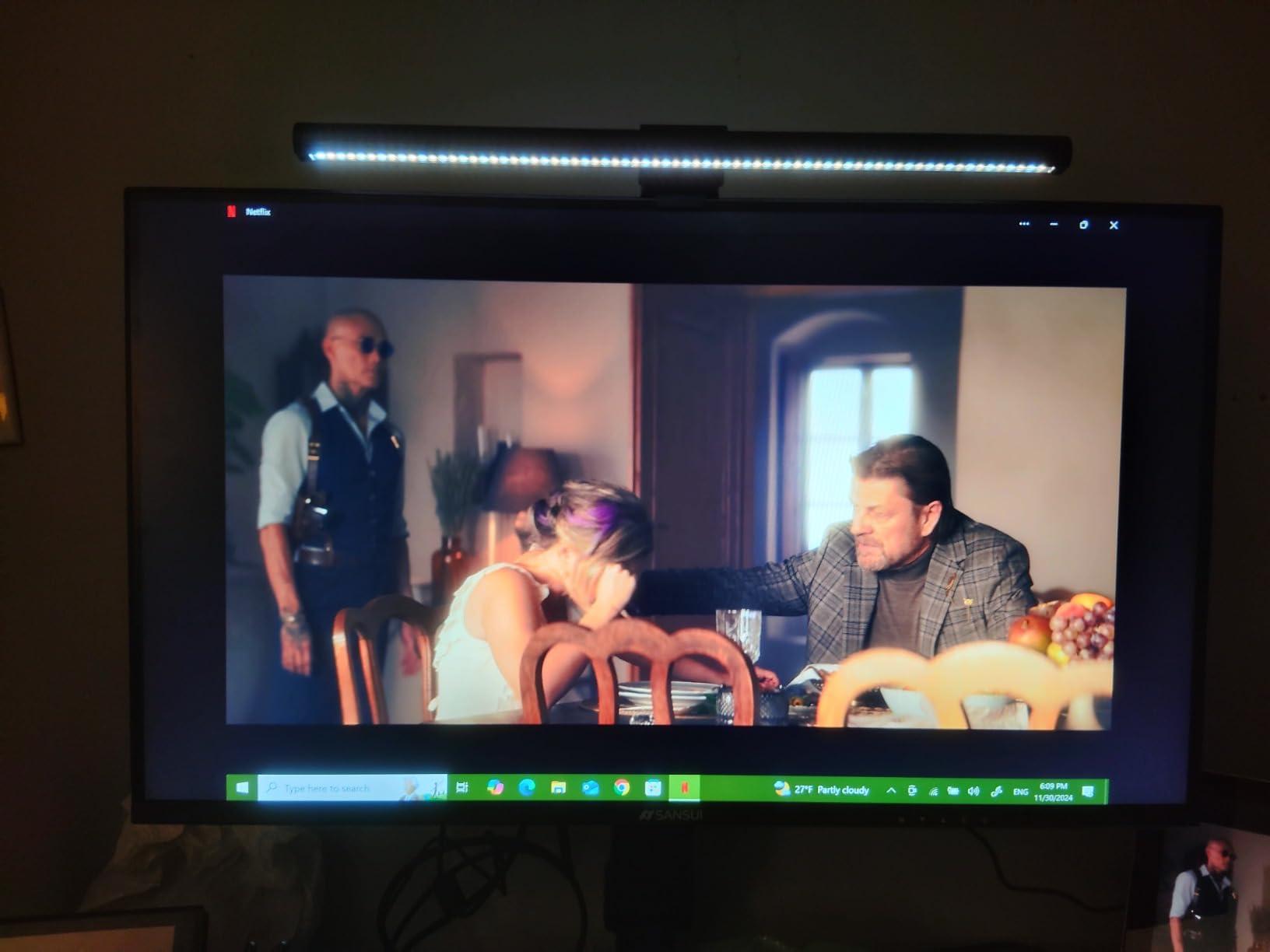
The OOWOLF Monitor Light Bar with Remote is one of the few budget options that includes both a wireless remote and an ambient backlight. I tested it for three weeks on my secondary workstation, and it brings two premium features — backlight and remote control — to a price point where most competitors offer neither. The aluminum body feels solid, and the 84 LED beads produce smooth, even illumination across my desk.
The backlight projects a soft glow behind your monitor, creating bias lighting that reduces the contrast between your screen and the wall. This is the same principle behind the BenQ Halo 2’s backlight, but at a fraction of the cost. While the OOWOLF backlight is not as bright or adjustable as the BenQ version, it still makes a noticeable difference in eye comfort during evening use.
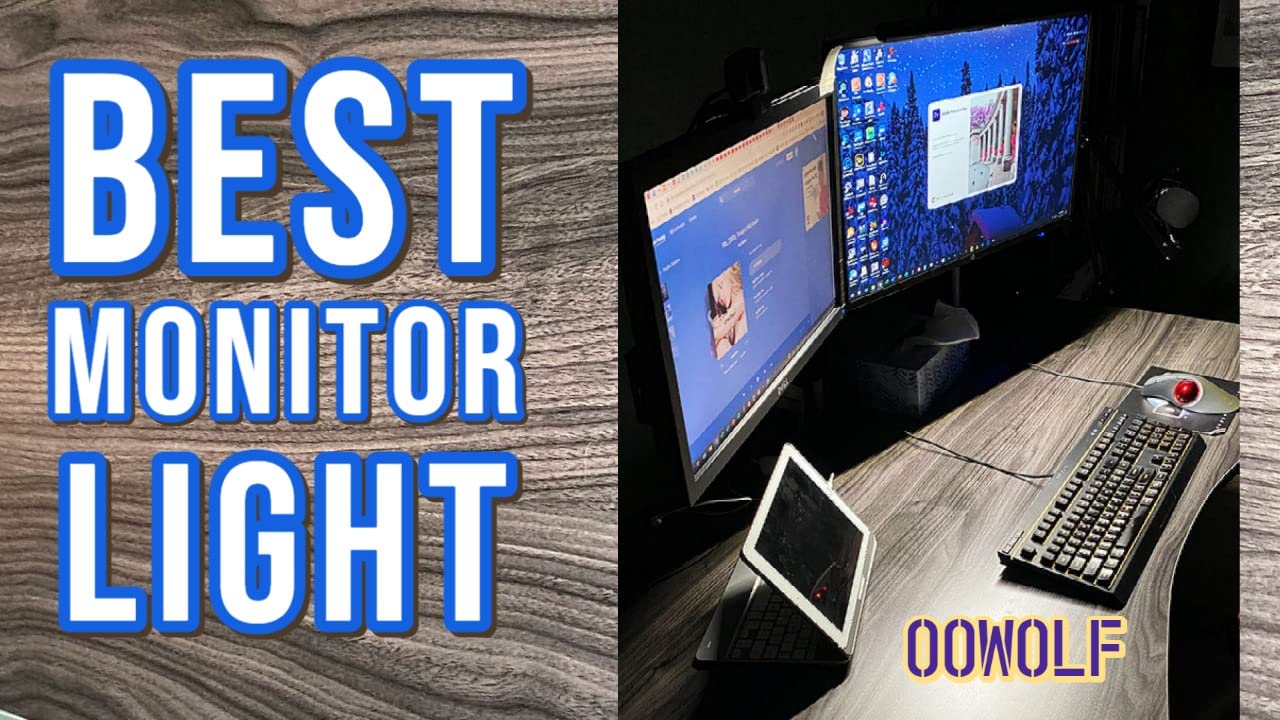
The wireless remote handles brightness, color temperature, and power. It uses a coin-cell battery and connects to the light bar via a short-range wireless signal. In my testing, the remote worked reliably within about 6 feet. The stepless dimming gives you precise control over brightness, and the color temperature adjusts smoothly from 3100K to 6500K. The CRI rating is 95 or above, meaning colors appear natural and accurate.
The weighted clip mount uses a counterweight system that sits behind your monitor. It fits displays from about 0.4 to 1.2 inches thick and holds the bar securely in place. The 59-inch cable is longer than most budget options, giving you more flexibility in routing to a power source. The aluminum construction gives this bar a surprisingly premium feel for its price.
Remote Control and Memory Function
The wireless remote is small and unobtrusive, roughly the size of a poker chip. It handles power, brightness, and color temperature with single-button presses and long-press adjustments. The remote connects via a proprietary wireless protocol and does not require line of sight to the light bar, which is an advantage over infrared remotes used by some competitors. The memory function stores your last brightness and color temperature settings, so you do not need to readjust every time you power on.
The one annoyance is that the touch controls on the bar itself are less responsive than the remote. Tapping the top of the bar to change settings sometimes requires two or three attempts, and the touch zones are not clearly marked. I quickly learned to rely exclusively on the remote, which worked much better.
Backlight Ambient Illumination
The backlight on the OOWOLF produces a moderate amount of ambient light that washes over the wall behind your monitor. It is not as bright or controllable as the BenQ Halo 2 backlight, but it effectively reduces the jarring contrast between a bright screen and a completely dark wall. During my testing, I found the backlight most useful in the evening when my office lights were off and the only illumination came from my monitor and the light bar.
The backlight cannot be dimmed independently from the front light, which means both dim together. This is a limitation shared with other budget backlight options. Despite this, the OOWOLF is the most affordable way to get both task lighting and bias lighting in a single device, making it an excellent value pick for budget-conscious users who want the eye comfort benefits of backlighting.
How to Choose the Right Monitor Light Bar for Eye Strain
Choosing the best monitor light bar for eye strain comes down to understanding a few key factors that directly impact how well the light reduces fatigue. I have tested enough of these to know that the wrong choice can actually make eye strain worse. Here is what matters most.
Asymmetrical Lighting Design is the single most important feature. This is what prevents light from hitting your screen and creating glare. Every product in our roundup uses asymmetrical optics, but implementation quality varies. BenQ is the gold standard here — their light line is sharp and well-defined, with zero bleed onto the display. Budget options are generally good but may allow a tiny amount of light bleed on certain monitor shapes.
Color Temperature Range affects both comfort and productivity. Look for a range that spans at least 3000K to 6500K. Warmer temperatures around 2700K to 3500K are easier on the eyes during evening use and help your brain wind down. Cooler temperatures around 5000K to 6500K keep you alert and focused during work hours. Models with stepless adjustment give you more control than those with fixed presets.
CRI Rating determines how accurately colors appear under the light. A CRI of 95 or above means colors look nearly identical to natural daylight. Every product in our roundup meets this threshold, which is why all of them made the cut. Cheaper light bars with CRI below 90 can make text look washed out and colors appear shifted, which increases eye strain over time.
Monitor Compatibility is critical and often overlooked. Check the thickness range of the clamp and whether it supports your monitor type. If you have a curved monitor, look for light bars specifically designed for curved screens. Standard bars may not sit flush on curved displays, causing uneven light distribution. For ultrawide monitors above 34 inches, consider wider bars like the Quntis Curved RGB model. For dual monitor setups, you may need two light bars or one wide model that covers both screens.
Control Method comes down to personal preference. Wireless remotes are the most convenient and eliminate the issue of shifting the bar when adjusting settings. Touch controls are sleek but can be finicky and may move the bar when pressed. Physical buttons are the most reliable but offer less precision. For users who adjust their lighting frequently throughout the day, a wireless remote is worth the extra cost.
OLED Monitor Warning: If you use an OLED monitor, be aware that light bars mounted on top of your display can cause minor color perception shifts due to light spillage at the top edge. The effect is subtle but may bother professionals doing color-critical work. Consider mounting your light bar on a separate arm rather than directly on the OLED display, or use a bar with a very tight light line like the BenQ models.
Brightness and Lux Output should match your desk depth. For desks up to 24 inches deep, 500 to 700 lux is sufficient. For deeper desks up to 30 inches or well-lit rooms, look for 900 to 1000+ lux. The brightest option in our roundup is the Quntis Curved RGB at 1400 lux, which is designed for large ultrawide setups where light needs to travel further.
Frequently Asked Questions About Monitor Light Bars
Do monitor light bars actually work for reducing eye strain?
Yes, monitor light bars genuinely reduce eye strain. They use asymmetrical optical design to illuminate your desk and keyboard area without casting any light onto your screen. This eliminates the constant pupil adjustment between bright screen and dark surroundings that causes fatigue. Users report noticeable improvement within the first few days of use, and proper task lighting can reduce eye strain by up to 60% according to lighting studies.
Do monitor lamps reduce eye strain better than desk lamps?
Monitor light bars are generally better for eye strain than traditional desk lamps because they provide targeted asymmetrical lighting that eliminates screen glare. Desk lamps often cast light in all directions, including onto your monitor, which creates reflections and increases eye fatigue. Light bars also save desk space by mounting directly on your monitor. However, a high-quality desk lamp positioned correctly can achieve similar results if you prefer that form factor.
What color temperature is best for reducing eye strain?
The best color temperature for reducing eye strain depends on the time of day and your activity. During daytime work, 4000K to 5000K provides alert, neutral lighting. For evening use, 2700K to 3500K produces warmer light that is easier on the eyes and less disruptive to sleep patterns. The ideal monitor light bar offers stepless adjustment across this full range so you can match the light to your environment and task.
How do I reduce eye strain on my monitor beyond using a light bar?
Beyond using a monitor light bar, you can reduce eye strain by following the 20-20-20 rule: every 20 minutes, look at something 20 feet away for 20 seconds. Adjust your monitor brightness to match room lighting, enable night mode or blue light filters in the evening, position your monitor at arm’s length with the top of the screen at eye level, and use a monitor with flicker-free technology. Combining these habits with a quality light bar provides the best results.
Can you use a monitor light bar with a curved monitor?
Yes, many monitor light bars work with curved monitors, but you need to check compatibility. Look for models that specify curved monitor support with curvature ratings like 1000R to 1800R. Purpose-built curved light bars like the ONWAY Curved Monitor Light Bar and the Quntis Curved RGB are physically shaped to match the curve of your display. Standard flat light bars may not sit flush on curved monitors, which can cause uneven lighting or gaps at the edges.
Final Thoughts on Monitor Light Bars for Eye Strain
Finding the best monitor light bars for eye strain does not have to be complicated, but the right choice depends on your setup and budget. For most users, the BenQ ScreenBar Pro delivers the best overall experience with its sharp asymmetrical light line, motion sensor convenience, and premium build. If you want premium features like a wireless controller and backlight, the BenQ ScreenBar Halo 2 is worth the investment. For budget-conscious buyers, the Quntis Monitor Light Bar with Remote and the YEELIGHT Monitor Light Bar both punch well above their price tags.
The key takeaway from our testing is that any quality monitor light bar will reduce eye strain compared to working in an unlit or unevenly lit room. The asymmetrical lighting design alone makes a significant difference. From there, features like auto-dimming, backlight, and wireless controls add incremental comfort improvements that matter during long work sessions. Pick the model that fits your monitor, your desk, and your budget, and your eyes will thank you.