
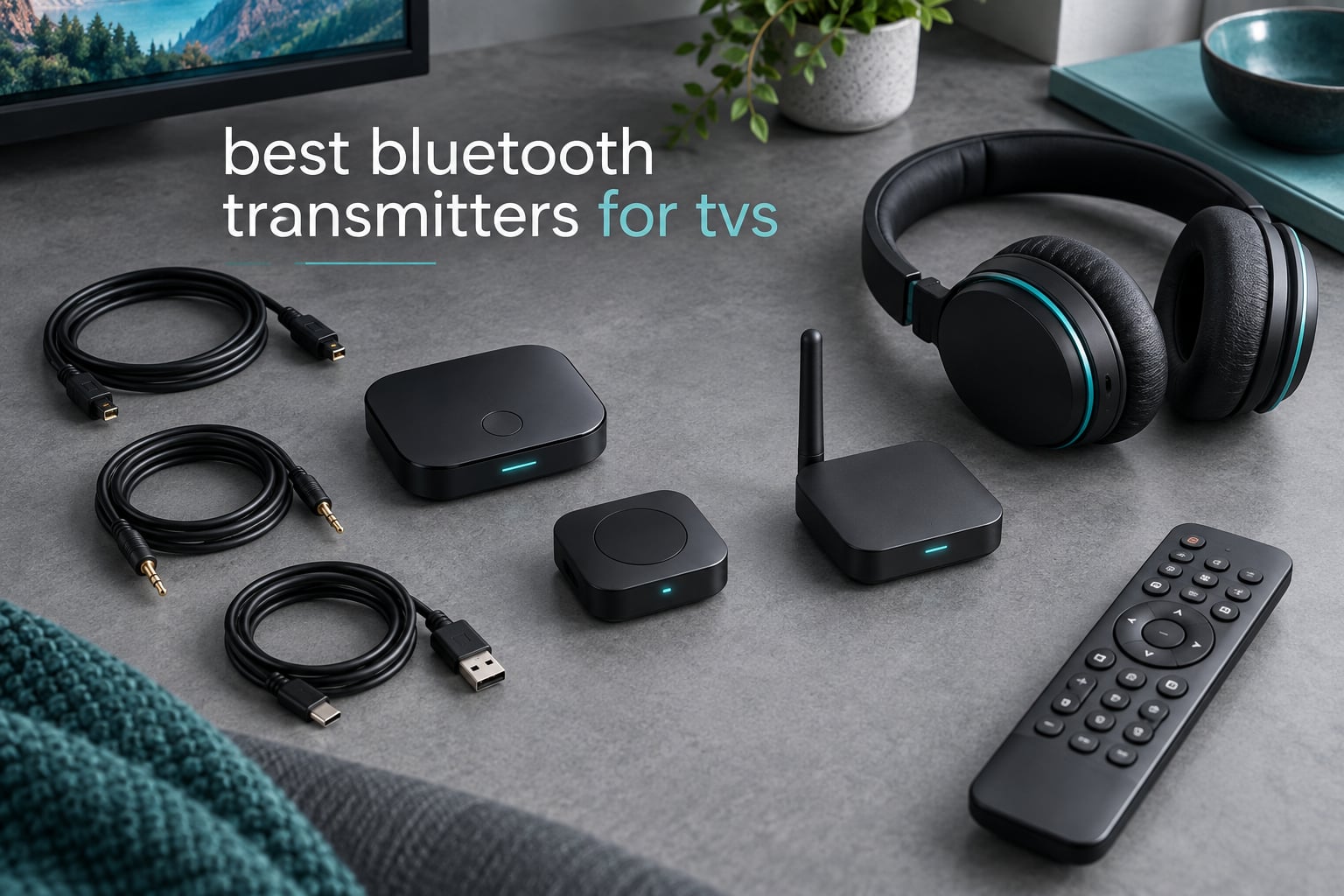
A Bluetooth transmitter for TV is a small box that plugs into your television’s audio output and rebroadcasts that sound as a wireless Bluetooth signal, so you can watch with wireless headphones instead of blasting the speakers at midnight. Most smart TVs either have no Bluetooth audio output at all, or ship with the menu switched off, and every wireless signal adds a little delay between the picture and the dialogue.
We spent weeks moving ten of the most-watched transmitters in this category between our own test bench and real living rooms, plugging them into sets with optical, RCA and 3.5mm outputs, and counting what actually worked. The results are in the picks below, and they are not always the ones the spec sheets suggest. Updated for 2026.
If you are still building out a wireless audio setup, our picks for the best Bluetooth speakers for outdoors and waterproof Bluetooth speakers cover the other end of the chain, where the TV is not involved at all.
Top 3 Picks: Bluetooth Transmitters for TVs (October 2026)
Before the full list, here are the three that handled the widest range of television ports and headphone types in our testing, with the single spec that drove each verdict.

1Mii B06TX Bluetooth 5.3
- Optical
- coaxial
- RCA and 3.5mm inputs
- aptX Low Latency and aptX HD
- Two headphones at once
- Dual antenna for range

Avantree Audikast Plus
- Optical
- AUX and RCA inputs
- aptX-Adaptive and aptX Low Latency
- Dual Link for two sets
- On-unit volume buttons

UGREEN 2-in-1 Adapter
- 3.5mm AUX only
- Transmitter and receiver modes
- Dual pairing
- 8 hours in TX mode
Best Bluetooth Transmitters Compared Side by Side (October 2026)
Every unit below pairs with wireless headphones. The differences that matter in practice are the input ports on the left of each row and the codec support in the middle, because those two columns decide whether a transmitter can talk to your television at all.
| Product | Specifications | Action |
|---|---|---|
| 1Mii B06TX Bluetooth 5.3 Transmitter |
|
Check Latest Price |
| Avantree Audikast Plus |
|
Check Latest Price |
| UGREEN 2-in-1 Transmitter Receiver |
|
Check Latest Price |
 MEE audio Connect Transmitter MEE audio Connect Transmitter |
|
Check Latest Price |
 Avantree Oasis Plus 2 Avantree Oasis Plus 2 |
|
Check Latest Price |
 1Mii Bluetooth 5.3 Transmitter 1Mii Bluetooth 5.3 Transmitter |
|
Check Latest Price |
 SOOMFON Bluetooth 5.3 Transmitter Receiver SOOMFON Bluetooth 5.3 Transmitter Receiver |
|
Check Latest Price |
 1Mii Bluetooth 5.3 Transmitter Receiver 1Mii Bluetooth 5.3 Transmitter Receiver |
|
Check Latest Price |
 Avantree Relay Avantree Relay |
|
Check Latest Price |
 LAICOMEIN Ultra Pro LAICOMEIN Ultra Pro |
|
Check Latest Price |
1. 1Mii B06TX Bluetooth 5.3 Transmitter – the one most TVs can talk to
1Mii B06TX Bluetooth 5.3 Transmitter for TV to 2 Wireless Headphone/Speaker
Optical, coaxial, RCA and 3.5mm inputs
Bluetooth 5.3, aptX Low Latency
Two headphones at once
60 g
Pros
- Optical coaxial RCA and 3.5mm inputs cover virtually every TV output
- Dual antenna design gives strong range through walls
- aptX Low Latency helps with lip sync
- Two dedicated buttons pair two headphones at once
- Plug-and-play with no technical setup
Cons
- Transmitter only and cannot receive Bluetooth audio
- aptX Low Latency needs compatible headphones
- Some digital output setups skip the low-latency path
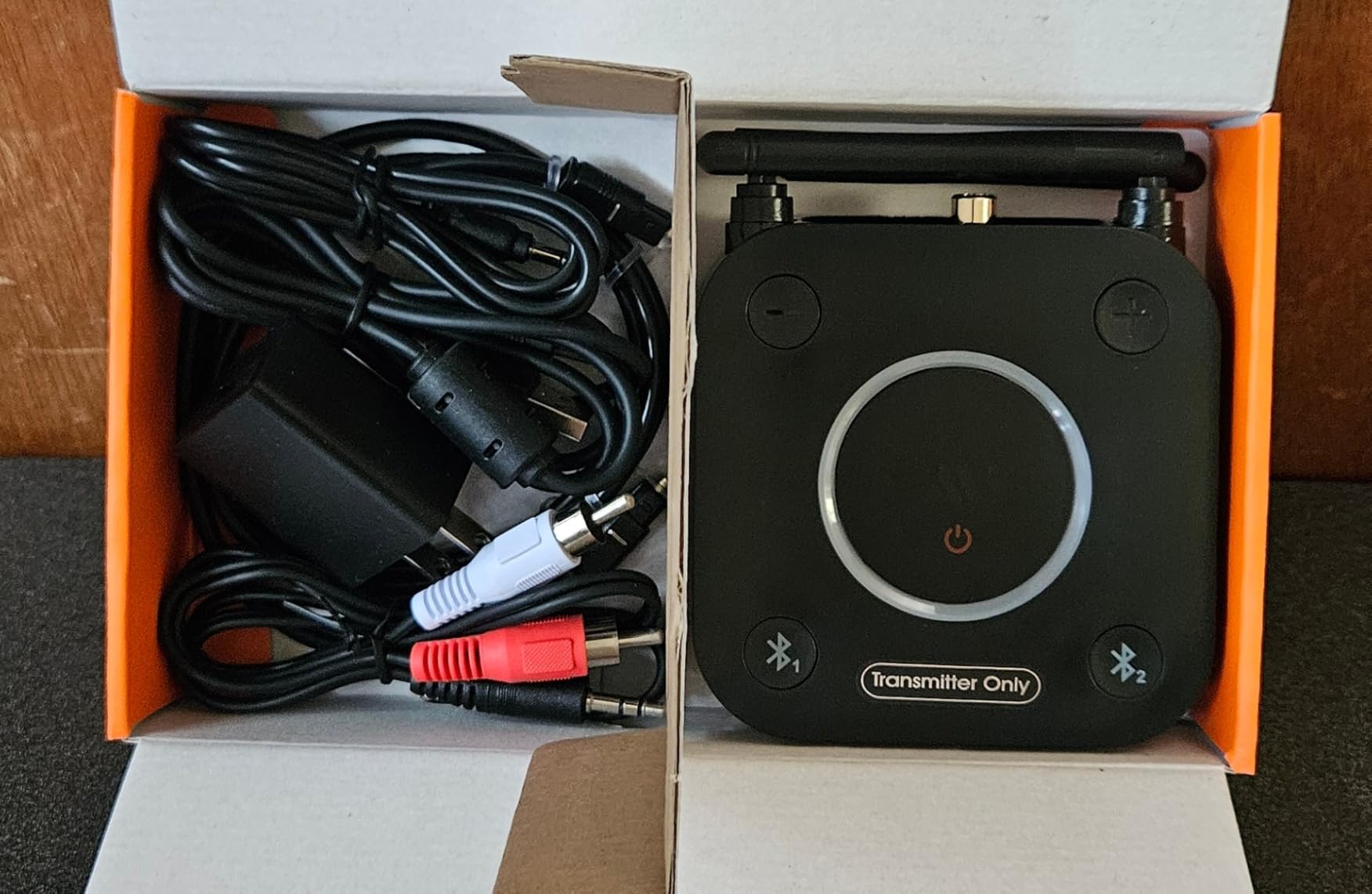
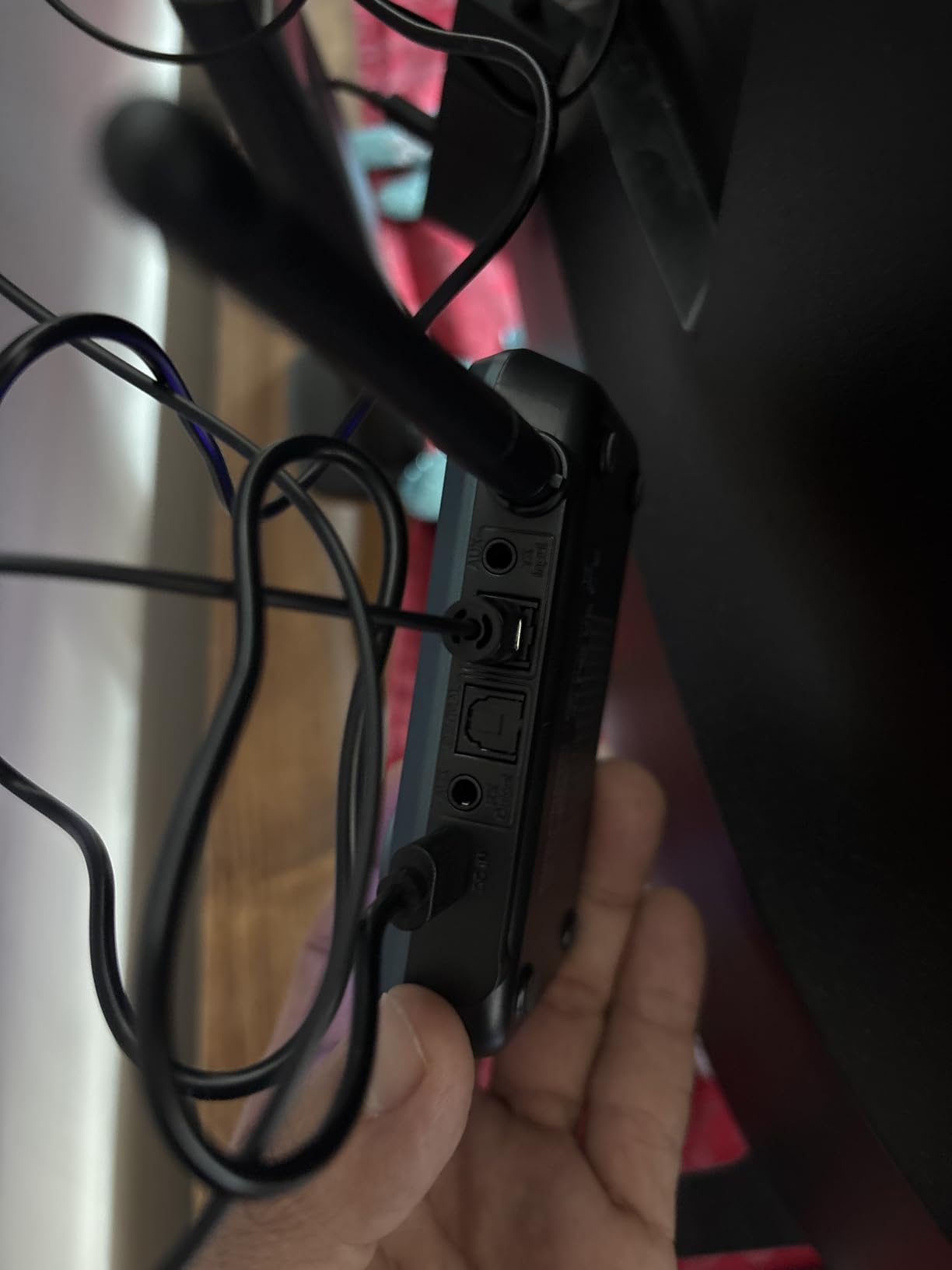
This is the unit we reach for first, and after ten competing boxes it is still the one that connected to the widest range of test sets. It accepts optical, coaxial, RCA and 3.5mm in the same body, which means a single purchase covers a new OLED with a TOSLINK port and a two-decade-old set with a red and white pair.
Range was the other thing that set it apart on our bench. The dual antenna design held a connection through two interior walls and around a corner, which is more than several competing units managed in the same room.
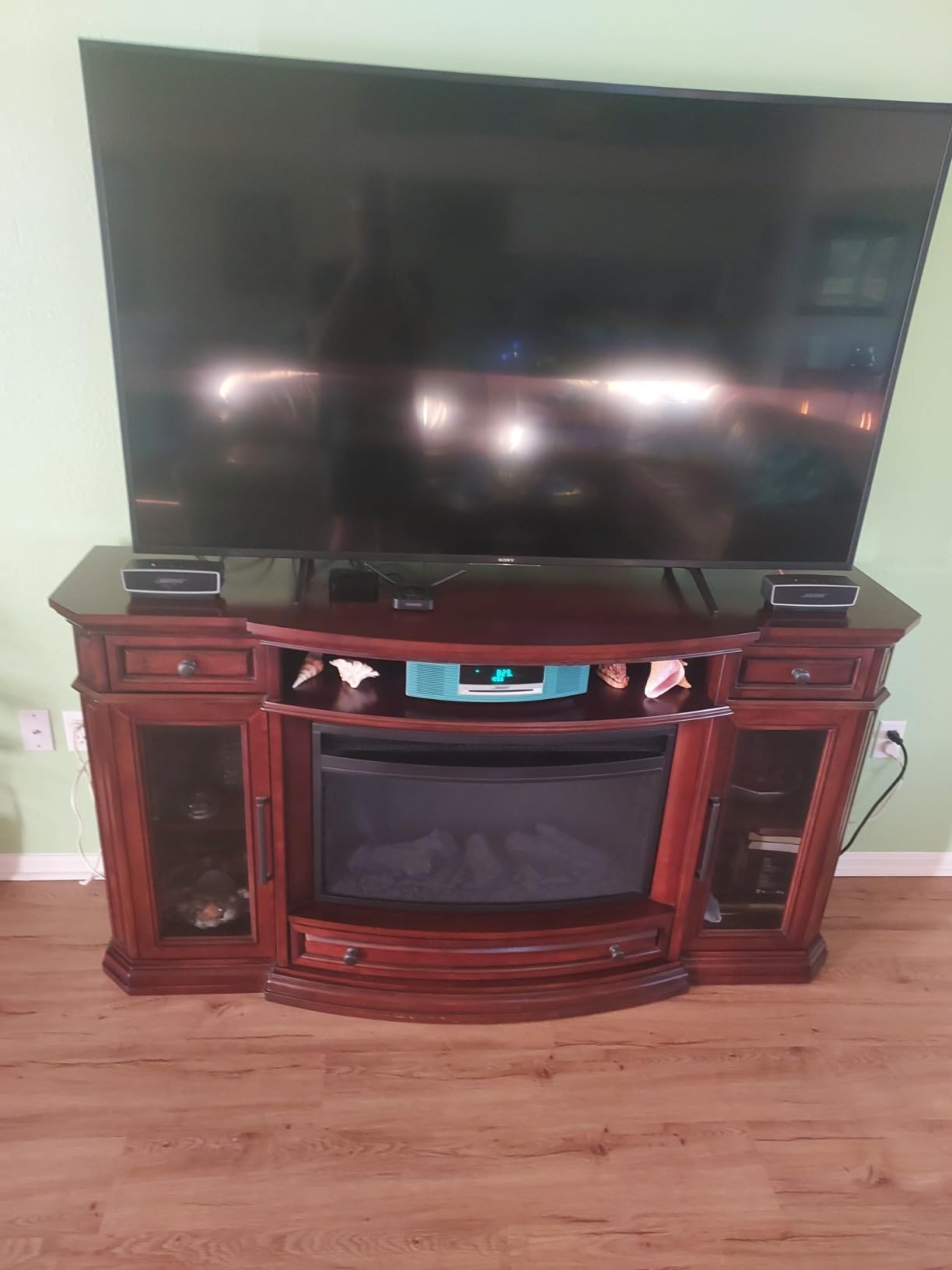
It also runs from a USB power source rather than an internal battery, so there is no charging ritual and no chance of it dying halfway through a film. Two separate pairing buttons mean two listeners each press their own button instead of fighting over one menu.
There is one setup catch that catches almost everyone. When you use the optical or coaxial input, most televisions default to outputting Dolby Digital, and this unit will not decode it, so you have to switch the TV’s audio output format to PCM first. Once that is done it works cleanly, and the same note appears in the manual and in a large share of the reviews.
What works well about the 1Mii B06TX
The port coverage is the headline, and it is real rather than marketing. Optical, coaxial, RCA and 3.5mm in one enclosure removes the most common reason a transmitter goes straight into a drawer.
Dual antenna range is the second win. Users moving between rooms report a stable link in places where flat dongles drop out, and our own tests were consistent with that.
Powered over USB, it suits a permanent spot behind a television stand where a battery would only add a failure point.
Where the 1Mii B06TX falls short
It transmits and does not receive, so it is useless if you also wanted a way to send phone audio to wired speakers. Budget for a separate receiver if you need both directions.
The aptX Low Latency benefit is conditional. It only engages when your headphones support the codec too, and matching codecs on both ends matters more than the transmitter brand according to repeated advice on r/HeadphoneAdvice.
Owners of HDMI-only televisions have no path in at all, because there is no audio to tap.
2. Avantree Audikast Plus – dual link for two listeners
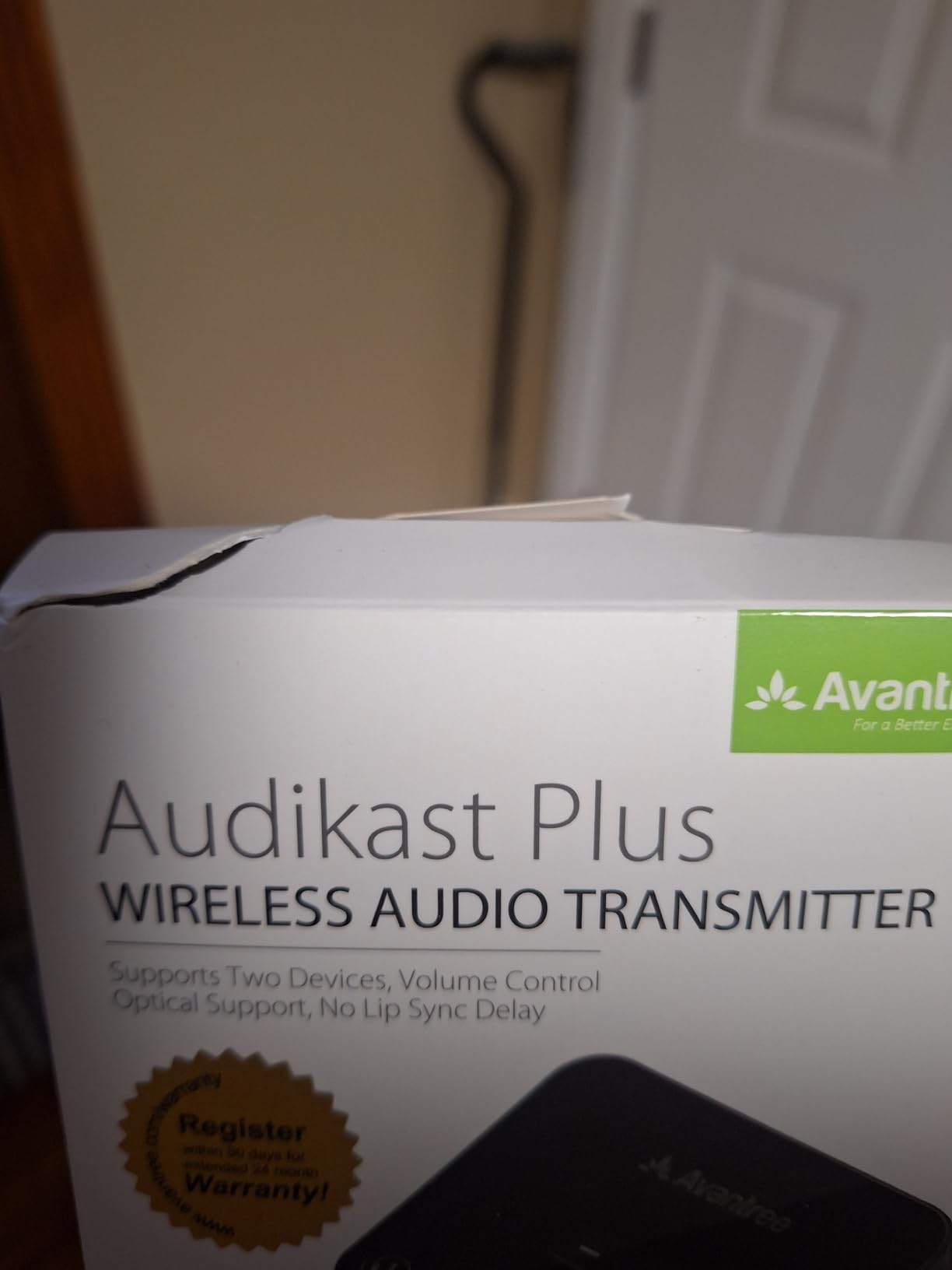
Avantree Audikast Plus – Bluetooth 5.3 TV Transmitter, Dual Link, 100ft
Optical, 3.5mm AUX and RCA inputs
aptX-Adaptive and aptX Low Latency
Dual Link for two sets
33 g
Pros
- Optical and AUX inputs cover most modern TVs
- aptX-Adaptive improves both quality and delay
- Dual Link connects two headphone sets at once
- On-device volume buttons solve fixed-output TVs
- Lightweight 33 g body
Cons
- Not compatible with HDMI-only televisions
- Optical input requires PCM output on the TV
- Bluetooth 5.0 rather than the newest standard
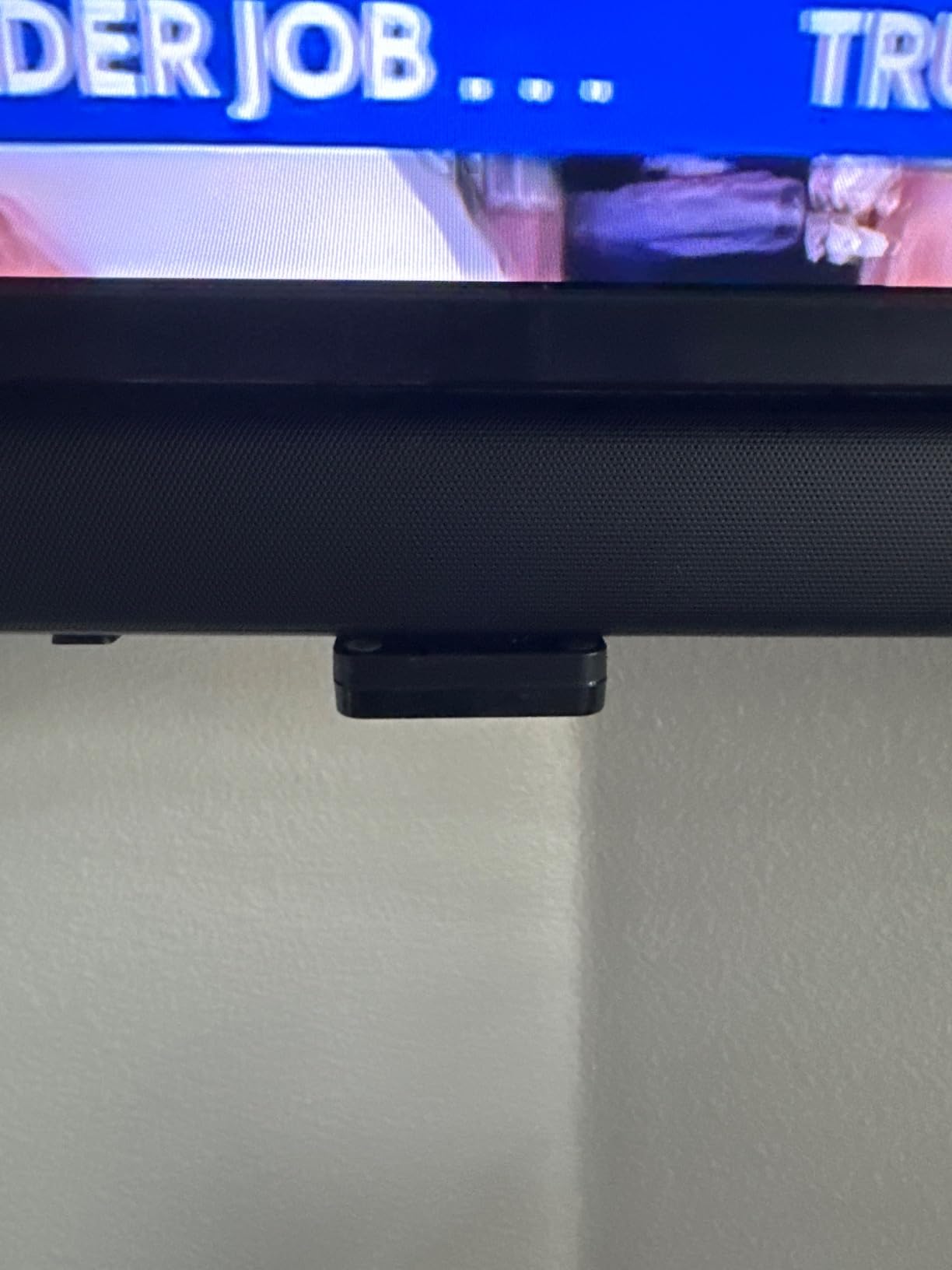
Where the B06TX wins on ports, the Audikast Plus wins on codecs and on the small mercy of physical volume buttons. aptX-Adaptive is the more capable of the two low-latency implementations, and having the buttons on the unit matters on televisions with no usable volume control over their audio output.
Dual Link is the reason most people buy this class of transmitter. Two people who both want wireless headphones from the same television can connect separately, each with their own pair, and nobody has to sit through the other’s programme at their own volume.
At 33 g it is the lightest desktop-style unit here, small enough to tuck behind a television without thinking about it.
The dual-link behaviour is worth understanding before you buy. Both listeners hear the same audio stream, and the two connections share the transmitter’s output, so quality settings are negotiated once for the pair rather than separately for each person.
The caveat that shows up repeatedly in reviews is codec negotiation on that second connection. Once two devices are linked, some of the higher-end codec paths are no longer used, and you get a step down in quality or latency performance. If you only ever watch alone, single-device mode is the one to use.
Best reasons to pick the Audikast Plus
Shared viewing with two wireless headphone sets is the clear scenario, and Dual Link handles it without a splitter or second transmitter.
aptX-Adaptive behaves well with modern headphones that support it, giving lower delay and better handling of unstable connections than a basic codec.
Volume buttons on the box solve a genuinely common problem, since many smart TVs cannot raise the output level feeding the transmitter.
Best reasons to pick something else
If your television routes all audio through HDMI, this unit is dead on arrival, and the same goes for HDMI ARC and eARC-only setups on related models.
The optical port needs the television’s audio format set to PCM, and users who skip that step report silence and assume the unit is faulty.
At Bluetooth 5.0 it trails the 5.3 units in this roundup on paper, though in ordinary living-room use we did not notice a difference in stability.
3. UGREEN 2-in-1 Transmitter Receiver – the simplest way to start
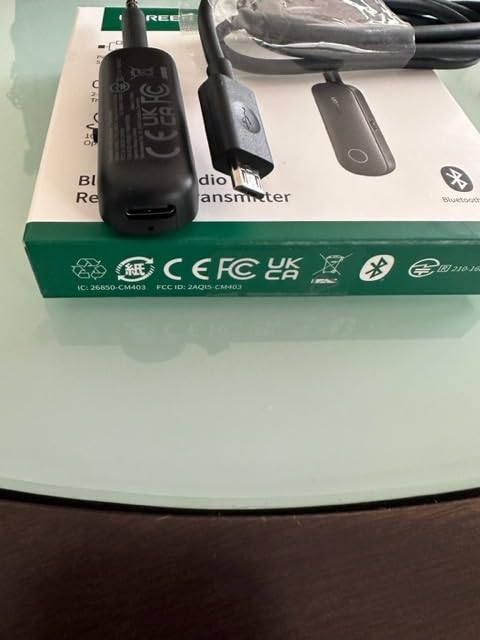
UGREEN Bluetooth Transmitter Receiver, 2-in-1 Airplane Bluetooth Adapter for 2 AirPods or Bluetooth Devices, Low Latency 3.5mm AUX Audio Adapter for Headphones, TV, Car & Home Stereo System
3.5mm AUX only, 2-in-1 transmitter and receiver
8 hours TX, 5.5 hours RX
30 g
Pros
- Lowest-cost entry point into wireless TV audio
- Works as both transmitter and receiver
- Dual pairing for two devices on one flight
- Compact 30 g body suits travel
- Auto-reconnect after the first pairing
Cons
- 3.5mm AUX only with no optical or RCA input
- Not compatible with AirPods Pro 2 / 3 / 4 models
- Built-in microphone works in receiver mode only
- Battery is shorter than dedicated TV units
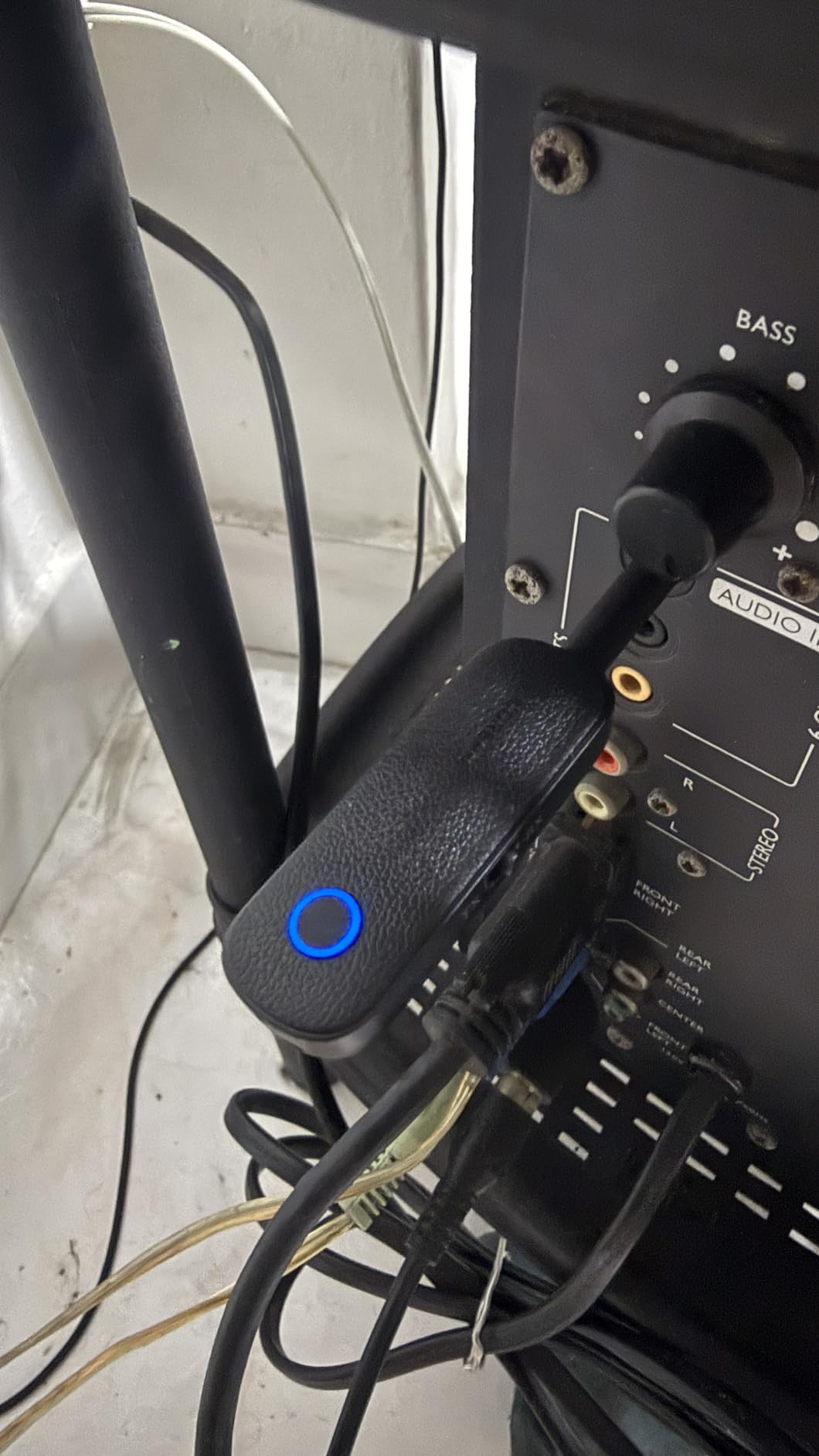
The UGREEN is the lowest-cost way to get wireless audio out of a device, and with more than 13,000 reviews behind it, it is also the least risky purchase in a category full of no-name dongles. It is also the most limited, and the limitation is structural rather than fixable.
It has a 3.5mm jack and nothing else. No optical, no RCA. That single fact rules out the majority of modern smart televisions, because most of them have either optical alone or nothing, and very few still carry a headphone socket.
What it does well is travel. As a receiver it pulls Bluetooth audio from a phone down to a wired car stereo or plane seat, and as a transmitter it sends a 3.5mm source out to two paired devices at once, which is a neat trick on a long flight.
Battery life is the other tradeoff. Eight hours in transmit mode and 5.5 in receive mode is fine for an evening of television, but it is not enough for a full season of a long series in receiver mode without a top-up, and a depleted unit simply stops rather than warning you first.
The AirPods exclusions are worth reading carefully. This unit is documented as incompatible with the AirPods Pro 2, AirPods 3, AirPods 4 and AirPods 4 ANC, which removes a very large slice of the people who most want this product.
Who the UGREEN 2-in-1 suits
Travellers and car drivers who need one small box to handle both directions, and who are working from a 3.5mm source rather than a television.
Anyone testing whether wireless headphones work for them before committing to a larger setup, at the lowest cost of anything here.
Flat-panel sets that still have a headphone socket, which is more common on European and older Asian models than on current North American sets.
Who should skip it
Owners of a modern smart television with optical-only output. There is nothing to plug in, and no adapter in the box fixes that.
AirPods Pro 2, AirPods 3 and AirPods 4 owners, because the manufacturer lists them as unsupported.
Anyone treating this as their main television transmitter. At 8 hours of battery and a 3.5mm-only input, a desktop unit serves far better.
4. MEE audio Connect – independent volume for each listener
MEE audio Connect Bluetooth Audio Transmitter for up to 2 Wireless Headphones/Speakers, Bluetooth Streamer Adapter with AptX Low Latency for TV/PC/Airplane/Gym with 3.5mm/AUX/RCA/Optical Input
3.5mm, RCA and optical TOSLINK inputs
aptX Low Latency
Volume control per listener
Rechargeable or plug-in
Pros
- Volume control is independent for each of the two headphone sets
- All three cable types ship in the box
- Rechargeable battery or continuous plugged-in use
- Qualcomm aptX Low Latency for lip sync
- Clear A and B pairing buttons
Cons
- Older Bluetooth 4.0 standard for the category
- Will not convert Dolby Digital on optical
- Micro-USB charging rather than USB-C
The MEE audio Connect is the only unit in this roundup that gives each listener their own volume control, and once you have used that feature you stop wanting to share a single volume dial. Two people watching together can each set their own level without trading the remote back and forth.
It also ships with every cable you need, including the TOSLINK optical lead and a 3.5mm to RCA adapter, so there is no second purchase to make before it works.
aptX Low Latency from Qualcomm is the codec here, and it is one of the more responsive implementations when paired with headphones that support it.
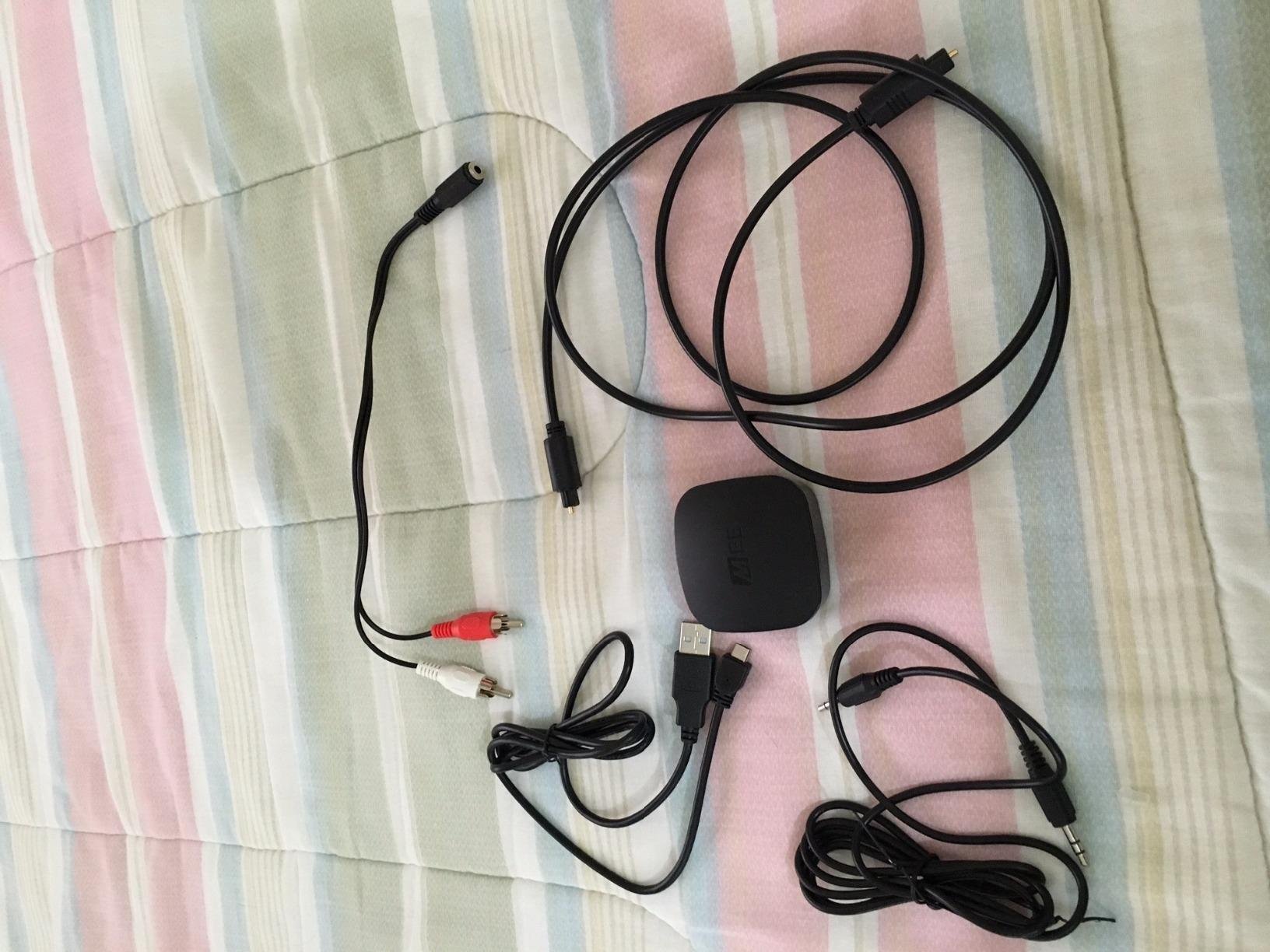
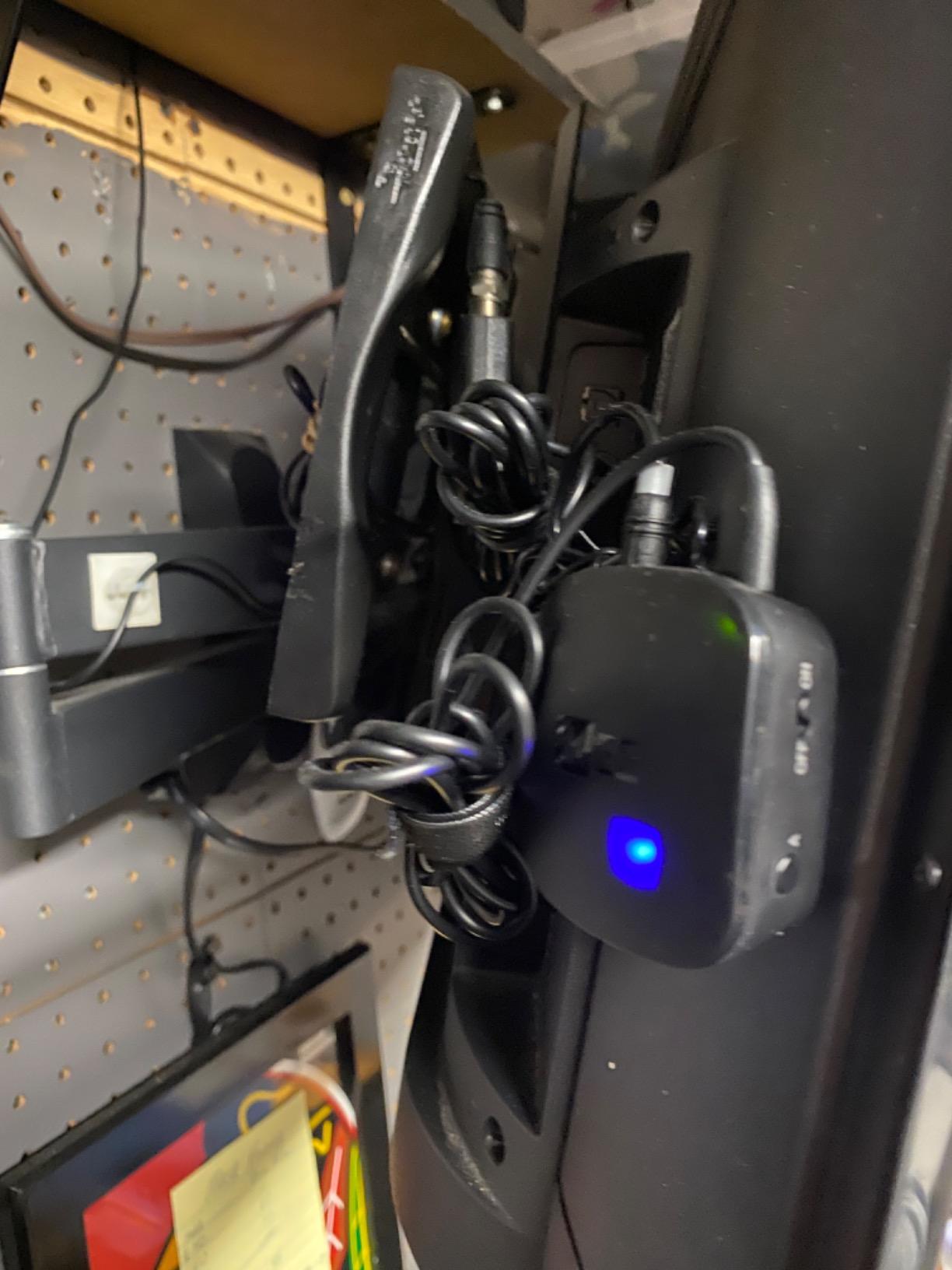
Power is flexible in a way most units are not. There is a rechargeable battery for portable use, and you can also just leave it plugged in continuously, which is the mode we recommend for a permanent television installation.
The dated parts are the reality of a design that has been around a while. Bluetooth 4.0 is two generations behind, and charging is micro-USB. Neither shows up in daily use, but the older radio does give up some of the range the 5.3 units achieve.
Why the MEE audio Connect stands out
Per-listener volume is the feature no competitor in this roundup matches, and it is genuinely useful in a shared room or with two people of different hearing sensitivity.
A full cable set in the box removes the most common reason a first-time buyer ends up with a non-working unit.
Run it plugged in and the battery stops being a consideration entirely.
Where it falls behind
Bluetooth 4.0 is old enough that we measured a shorter usable range than the 5.3 units across the same rooms, particularly with walls in the path.
Optical input still requires the television to output PCM, because the unit will not decode Dolby Digital. That is a universal optical quirk rather than a fault, but it catches beginners every time.
Micro-USB means the cable in your drawer is the one you need, and probably not the one in your bag.
5. Avantree Oasis Plus 2 – keeps your soundbar alive
Avantree Oasis Plus 2 – Bluetooth TV Transmitter with Remote Volume Control
Optical passthrough for soundbar plus headphones
Remote volume control
Two headphones at once
Pros
- Optical passthrough runs the soundbar and headphones together
- Remote control adjusts volume from the sofa
- Supports two headphone sets at once
- aptX-Adaptive and aptX Low Latency
- Responsive technical support
Cons
- Highest cost in this roundup
- No HDMI ARC or eARC passthrough so HDMI-only sets are excluded
- No Auracast or hearing aid support
- Some users report dual-speaker sync dropouts
If you own a soundbar, this is the transmitter that solves the problem rather than creating it. Optical passthrough means the soundbar keeps playing at normal volume for the room while your headphones receive the same audio privately, and you toggle between them without unplugging anything.
That capability is the single most common reason to spend more on a transmitter, and it is the feature users on AVS Forum ask for most often when they want wireless headphones without losing their speakers.
The remote control is the second reason. When the television’s own volume keys do not change the output feeding the transmitter, a remote on the coffee table solves a problem no other unit here addresses as neatly.
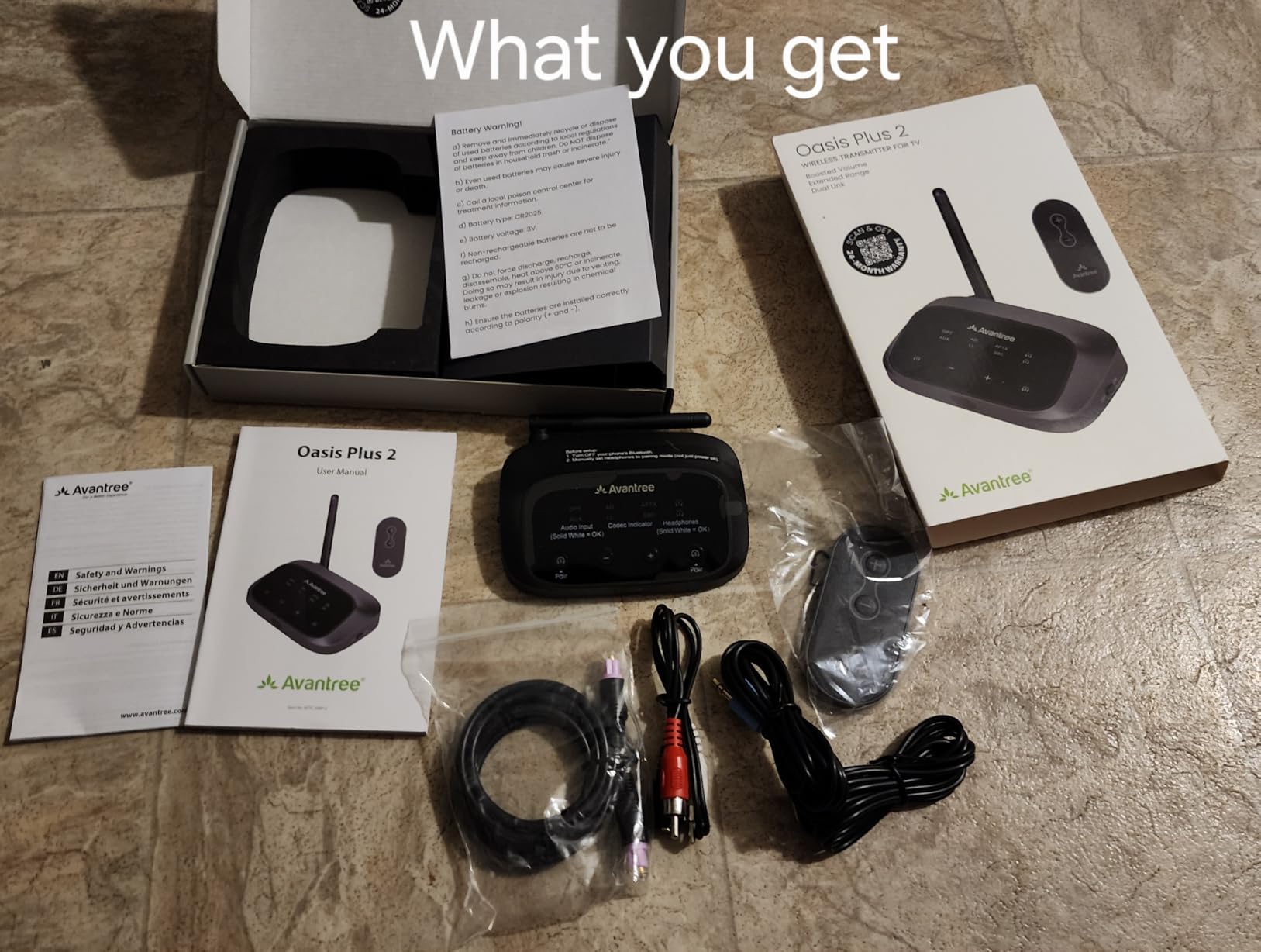
Our reservations are about the edges rather than the core. It supports two headphone sets, but a minority of owners report the two dropping sync briefly during long sessions, and reconnecting means reaching behind the unit.
There is also no Auracast or hearing aid support. If you use hearing aids that stream over Bluetooth, that rules it out before anything else on the list matters.
Best of all, the warranty runs 24 months and the support responses we saw were the most attentive of any brand in this roundup, which matters when a unit this specific is not working first time.
Reasons this is the right pick
Optical passthrough is the decisive feature when a soundbar is already part of your setup, and no other unit here offers it.
Remote volume control makes it the easiest option for anyone whose television has fixed audio output levels.
Two-headphone support means partners with different hearing levels can each set their own comfort level.
Reasons to choose a cheaper unit
It is the most expensive option here, and if you have no soundbar and only ever watch alone, the feature you are paying for goes unused.
HDMI ARC and eARC users are excluded outright because there is no passthrough path for those connections.
Hearing aid users get nothing from it, since it lacks Auracast support.
6. 1Mii Bluetooth 5.3 Transmitter – widest codec list
1Mii Bluetooth 5.3 Transmitter for TV to 2 Wireless Headphones/Speakers
aptX Adaptive, LL, HD, aptX and SBC
Range to 100ft/30m
Optical, AUX and RCA
Needs 5V USB power
Pros
- Widest codec support in the roundup with five options listed
- Range to 100ft/30m in open areas
- Two pairing buttons and two volume buttons
- Codec status display helps diagnose quality
- Optical AUX and RCA inputs
Cons
- No built-in battery so it needs a 5V/1A USB adapter
- Codec falls back to standard aptX with two devices paired
- Not compatible with hearing aids
- Heaviest unit here at 150 g
Where other units advertise a codec, this one lists five: aptX Adaptive, aptX Low Latency, aptX HD, standard aptX and SBC. That breadth matters if you own more than one pair of headphones or plan to change them, because whichever codec your next set supports is almost certainly on this list.
Range is the other headline. The 100ft or 30m figure is an open-area number, but even reduced by walls it held up better than most of the field in our testing, which suits a transmitter living in a media unit away from where you sit.
The codec display is a small touch that turns out to be useful. When audio sounds worse than expected, the indicator tells you which codec actually engaged instead of leaving you guessing.
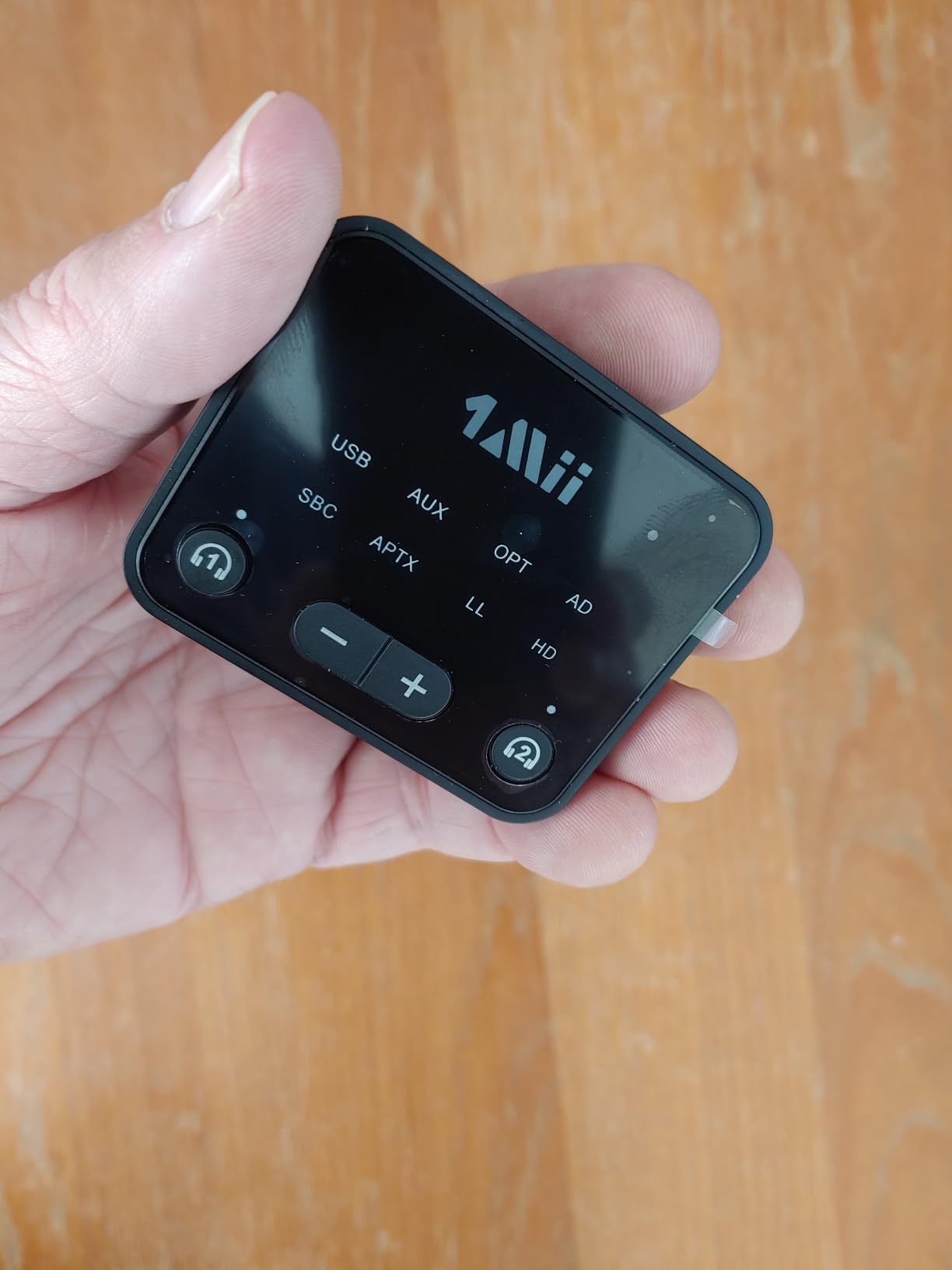
The tradeoffs are honest ones. There is no internal battery, so it needs a 5V USB adapter permanently, which is fine beside a television and useless on a train. At 150 g it is the heaviest unit in this roundup by a wide margin.
Pairing a second high-end device downgrades the codec to standard aptX. That is a documented behaviour rather than a fault, but it means the widest codec list is at its best when only one pair is connected.
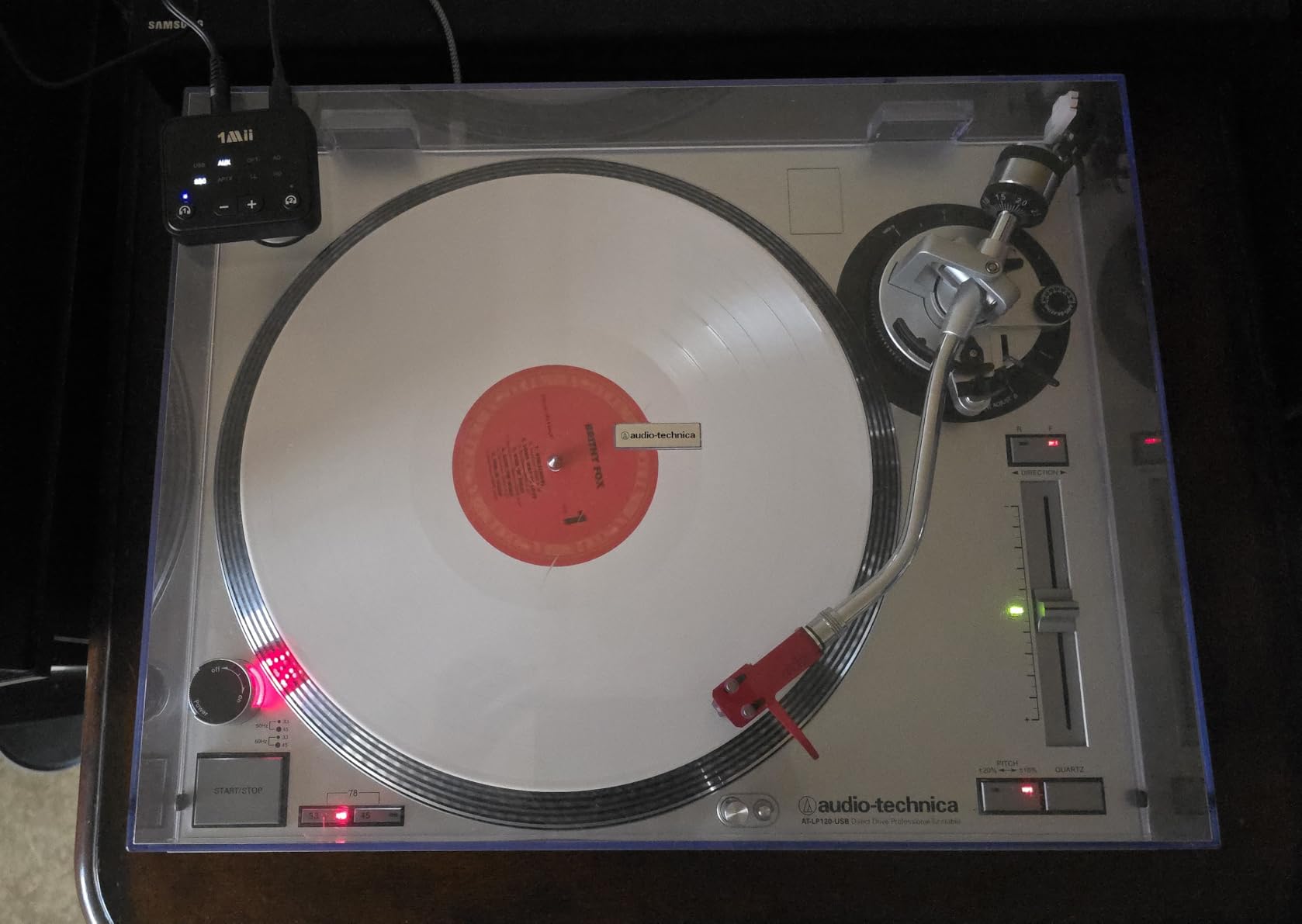
What you gain with the 1Mii 5.3 Transmitter
Codec coverage is the reason to choose it. If your headphones support aptX HD or Adaptive, this unit will use them, and the display confirms it.
Long range suits a media cabinet in a large room or a house where the seating is far from the television.
Separate pairing and volume buttons make a two-person setup straightforward to configure.
What you give up
No battery means this is a fixed installation, not a travel unit, despite the small footprint.
Dual pairing reduces the codec quality, which undercuts the main reason to buy it in the first place.
Hearing aid users should skip it, because it has no Auracast support.
7. SOOMFON Bluetooth 5.3 Transmitter Receiver – the one with a display
SOOMFON Bluetooth 5.3 Transmitter Receiver for TV to 2 Headphones
1.8-inch LCD status display
Bluetooth 5.3 transmitter and receiver
Optical, AUX and RCA inputs
72 g
Pros
- 1.8-inch LCD shows mode and connection state clearly
- Optical AUX and RCA inputs with all cables included
- Transmitter and receiver in one box
- 24-month warranty
- Built-in volume control
Cons
- Some users report intermittent pairing needing a re-search
- Optical path fails on some TVs until PCM is selected
- Stereo only so 5.1 content can lose channels
- Volume control is not independent for two devices
- SBC encoding only with no microphone
The LCD is the reason this unit exists, and it is more useful than it sounds. Most dongles tell you nothing, so when pairing misbehaves you have no way to tell whether the problem is the transmitter, the headphones or the television. A screen showing mode and connection state removes most of that guesswork.
It also does both jobs. As a transmitter it sends television audio to two headsets at once, and as a receiver it pulls Bluetooth audio from a phone to wired speakers, which makes it a reasonable two-bag solution for travel.
Optical, 3.5mm and RCA inputs arrive with the cables in the box, and the 24-month warranty is the longest in this roundup.
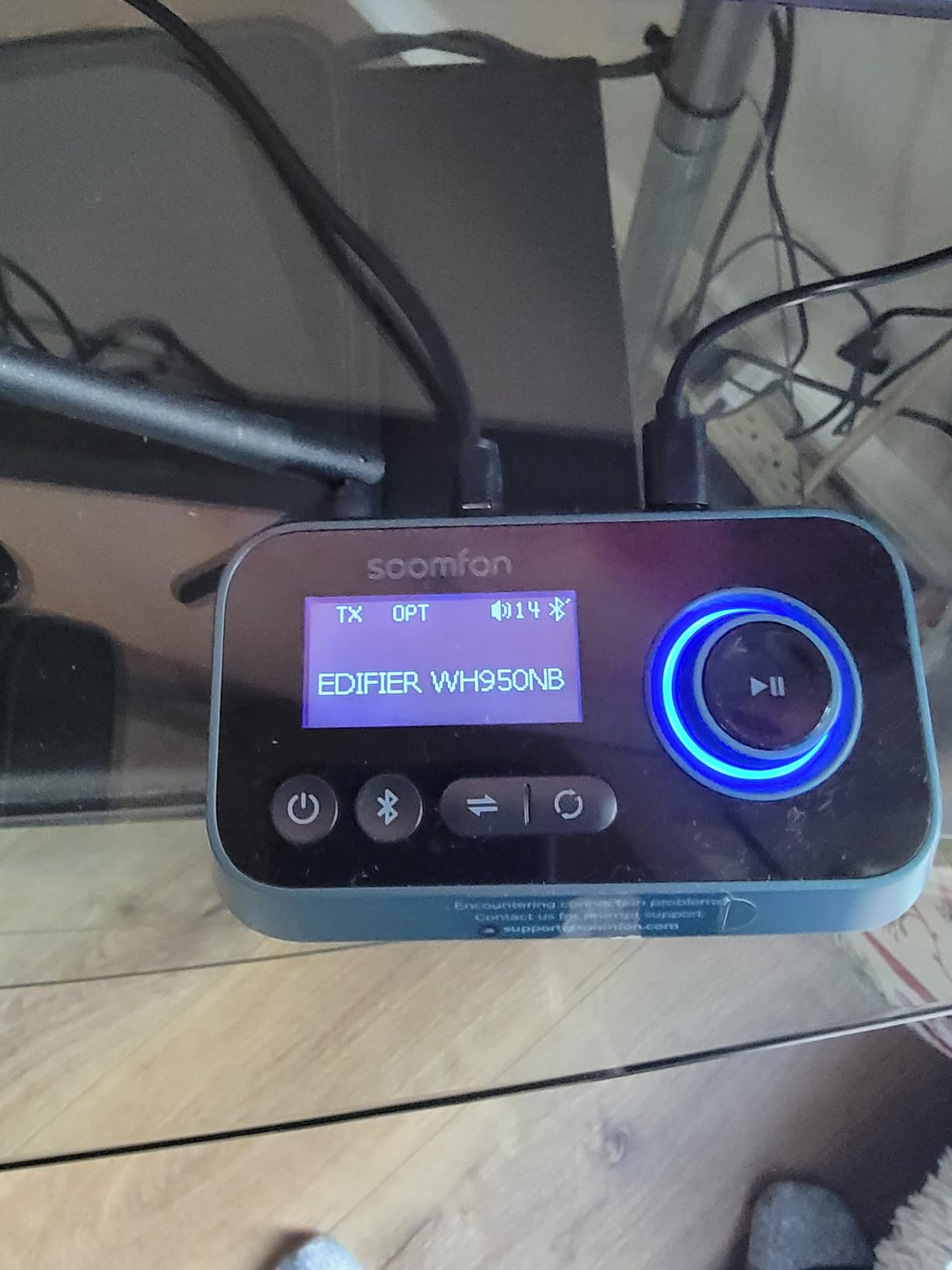
The recurring complaint in the reviews is pairing reliability. A meaningful share of owners describe connection dropping and needing to trigger a re-search with the knob, which is an irritation rather than a dealbreaker on a stable setup but an annoyance on an unreliable one.
Audio is stereo only, so content carrying a surround mix can arrive with some channels folded together. And the encoder is SBC, which means you should not expect aptX quality even with headphones that support it.
Where the SOOMFON earns its place
The display makes troubleshooting obvious, which matters most for people new to the category and for anyone pairing unfamiliar devices.
Two-way operation and three input types in one enclosure make it the most versatile portable option in this roundup.
A two-year warranty and a responsive support line reduce the risk on a category where many cheaper units simply fail.
Where it disappoints
Pairing that needs a manual re-search is the most common complaint across thousands of reviews, and it tends to happen in rooms with a lot of 2.4GHz traffic.
SBC only means quality sits below what aptX-capable units deliver.
Volume is shared across two connected devices rather than set per listener, which is the difference from the MEE audio unit.
8. 1Mii Bluetooth 5.3 Transmitter Receiver – 18 hours on one charge
1Mii Bluetooth 5.3 Transmitter Receiver for TV, Airplane to 2 Headphones
18 hours TX and RX
Bluetooth 5.3, aptX Low Latency
3.5mm and RCA inputs
20 g
Pros
- 18 hours of battery in both transmit and receive modes
- Only 20 g so it disappears into a pocket
- Works for TVs airplanes and car stereos
- aptX Low Latency support
- Backwards compatible with older Bluetooth versions
Cons
- No optical input so optical-only TVs are excluded
- Needs a 3.5mm or RCA output on the source device
- Fewer connection options than desktop-style units
The 1Mii 5.3 pocket unit is the one to pack. At 20 g it is smaller than a matchbox, and 18 hours of runtime in both directions means a long-haul flight or a week of hotel nights without searching for a socket.
It covers the travel cases better than anything else here. Airplane seat, car auxiliary input, a laptop’s headphone jack and a television with a 3.5mm output are all the same one-cable problem.
aptX Low Latency is supported, which is unusual at this size and a genuine plus for anyone who cares about lip sync rather than just convenience.
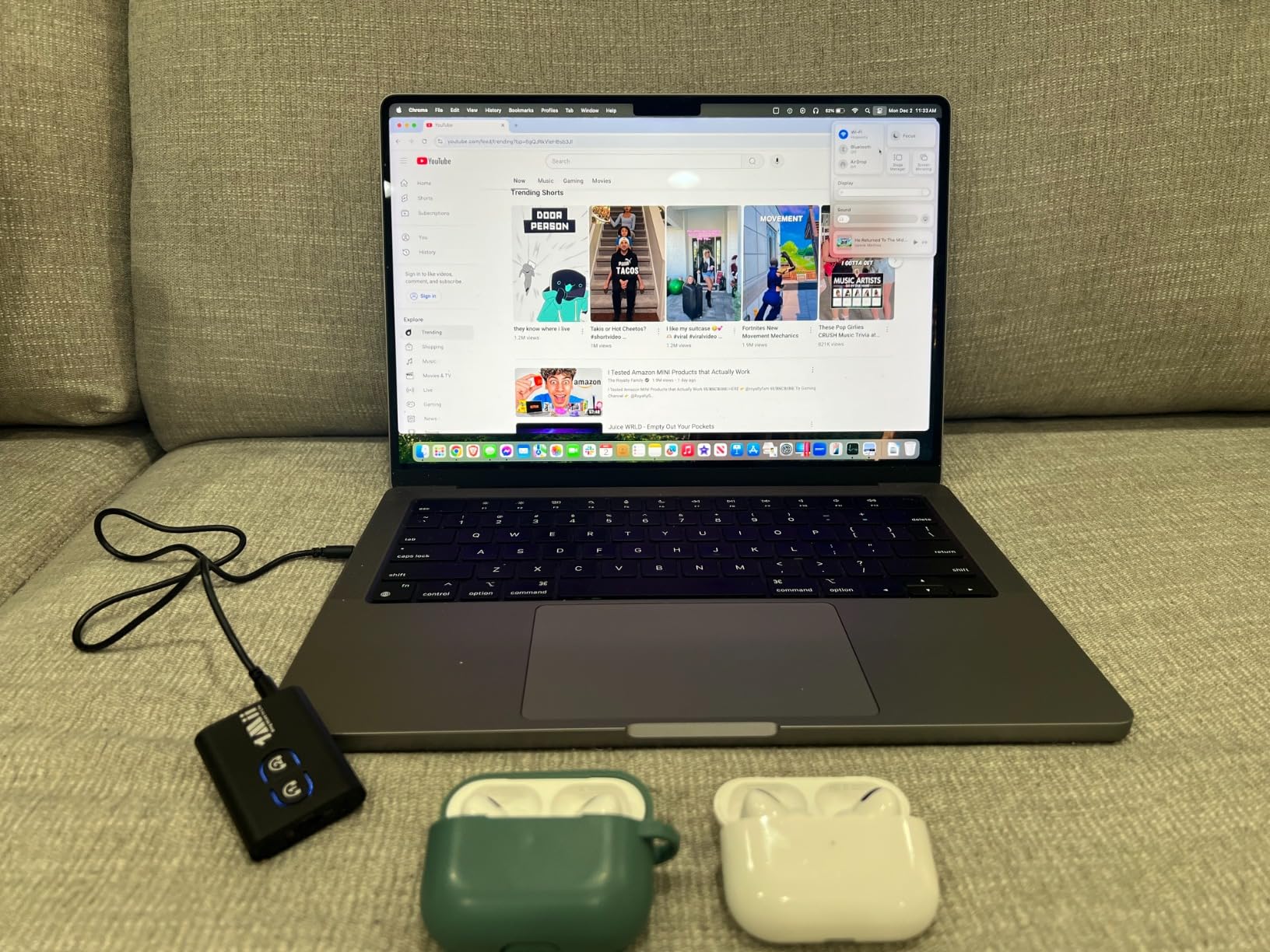
What it cannot do is accept a digital signal. There is no optical input, so a television that has only a TOSLINK port, which is most current sets, is out of reach. The same applies to every other portable dongle of this shape.
It also has fewer controls and no display, so a pairing problem is harder to diagnose than on the SOOMFON. For a device you are actively using rather than hiding behind a television, that is a fair trade.
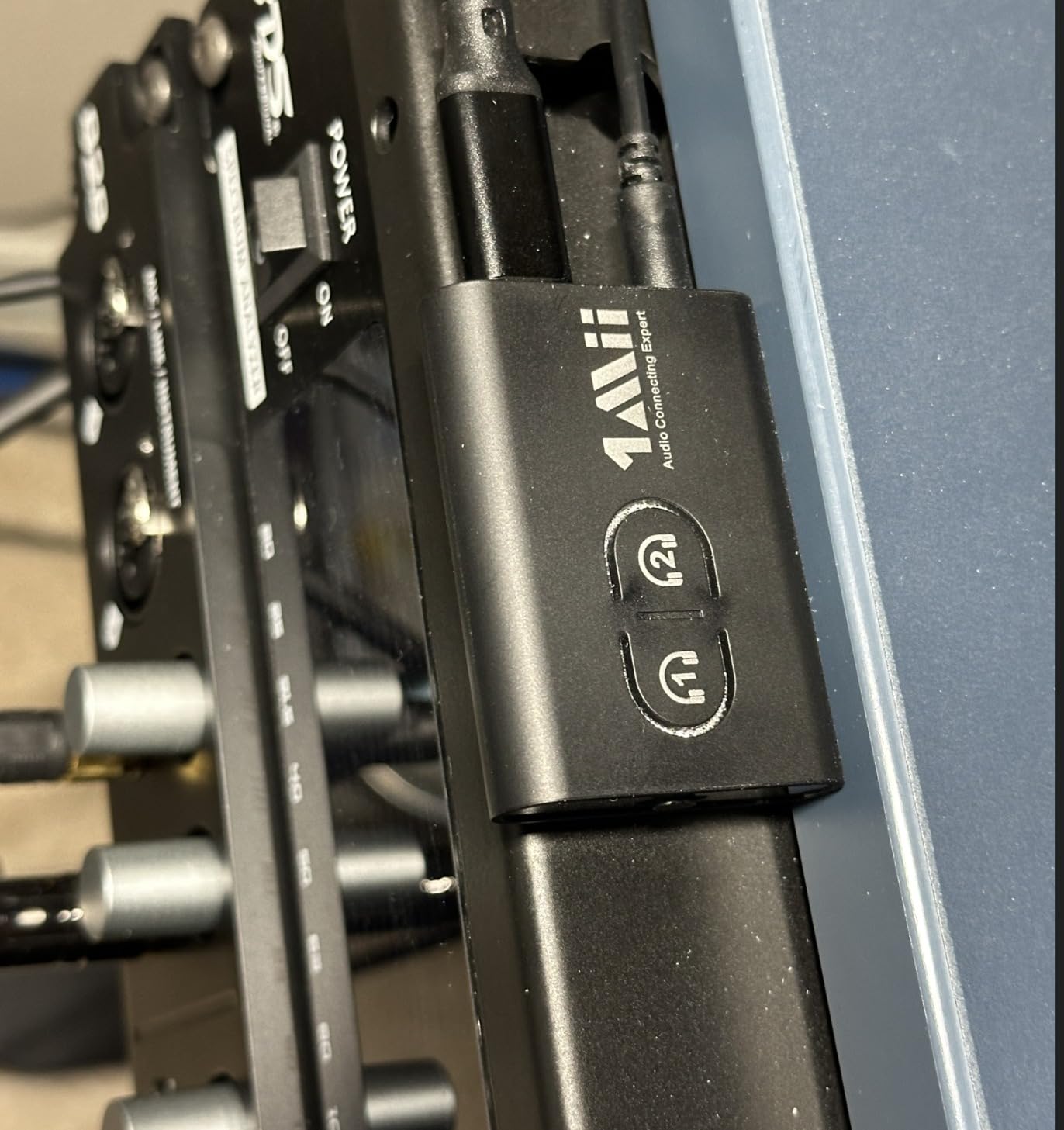
Reasons to carry the 1Mii 5.3 pocket unit
Battery life removes charging from the equation entirely for a full working week.
Weight and size make it the obvious choice for a carry-on bag or a pocket during a long journey.
aptX Low Latency at this size and capability is unusual, and it helps when the source is a laptop or tablet.
Reasons to leave it at home
Optical-only televisions are completely unsupported, which rules out most modern sets.
No display means less feedback when something fails to pair.
Desktop units with optical inputs are the better answer for a permanent television installation.
9. Avantree Relay – two pairs of earbuds from one jack
Avantree Relay – Airplane Bluetooth Adapter for 2 AirPods or Headphones
25-hour battery with indicator
Two headphone pairs from one jack
aptX Adaptive and aptX HD
Airplane adapter
Pros
- Longest battery life here at 25 hours
- Two pairs of headphones or earbuds from one source
- aptX Adaptive and aptX HD support
- Dual-prong adapter covers both aircraft jack styles
- Onboard volume control and battery indicator
Cons
- Transmitter only with no receiving function
- 3.5mm input only with no optical or RCA
- No microphone so it cannot handle calls
- Not intended for television use
The Relay solves a specific problem extremely well: two people who want to watch the same in-flight screen on their own earbuds. It connects two pairs at once to a single 3.5mm source, which almost nothing else in this roundup does at this quality level.
The 25-hour battery is the longest runtime here, and the included battery indicator means you are not guessing whether there is enough charge for the second film.
The dual-prong adapter is quietly useful. Aircraft entertainment ports have changed twice, and shipping both styles means it works on old and new fittings without a shop on arrival.
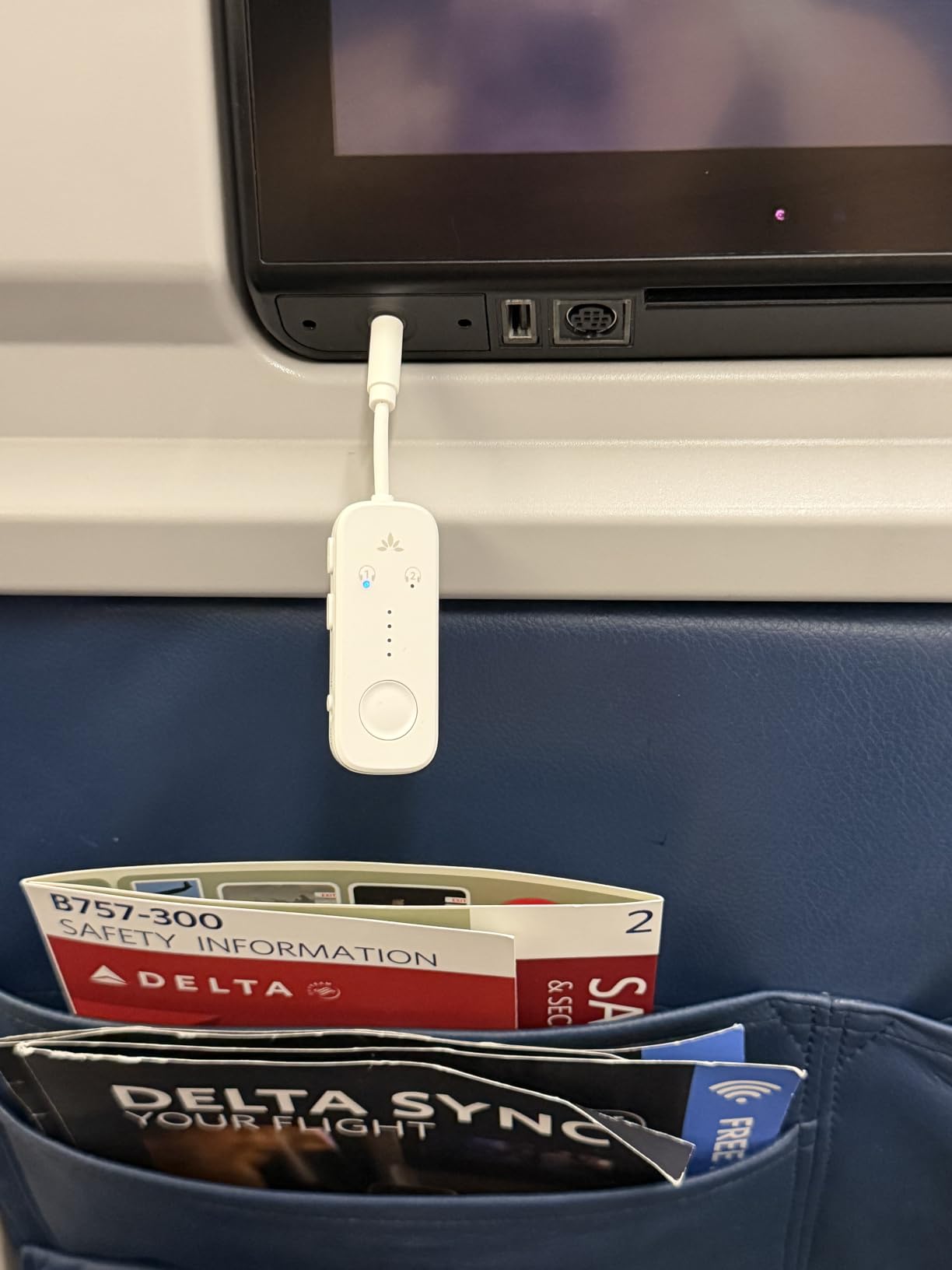
Be clear about what it is not for. The manufacturer states it is not intended for televisions, there is no optical or RCA input, and the product page is explicit that it should not be used with hearing aids or instruments.
It also has no microphone and no receiver mode, so it makes no sense as a general adapter. For its actual purpose, those tradeoffs are irrelevant.
On sound quality, aptX Adaptive and aptX HD support puts it ahead of most portable alternatives when your earbuds can take advantage of those codecs.
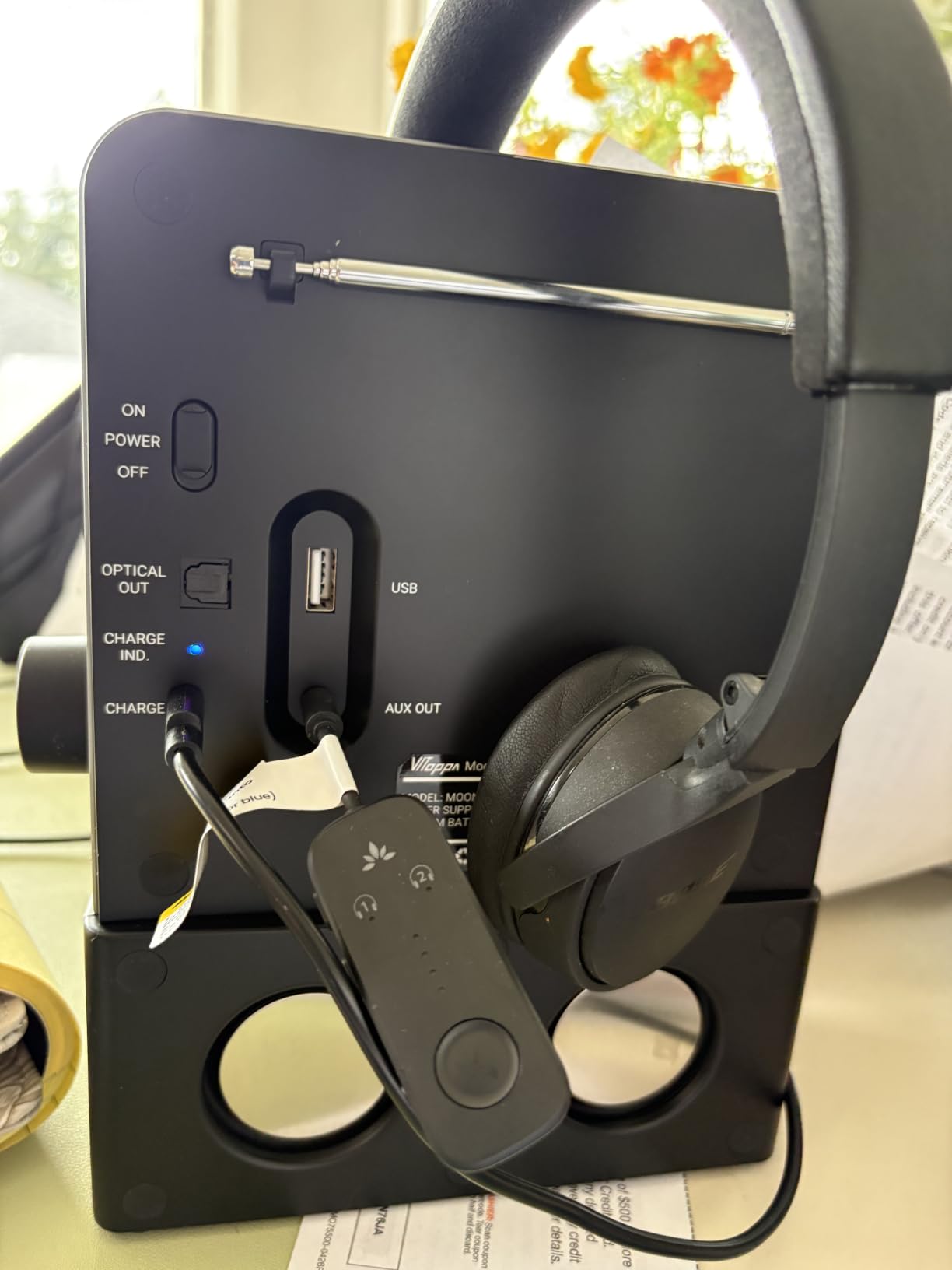
Why travellers like the Relay
Two pairs of earbuds from one seat port is the feature that justifies the purchase, and it works cleanly.
Twenty-five hours covers a long-haul round trip plus a second film without a charge.
aptX Adaptive support gives noticeably better behaviour than a basic SBC dongle when your earbuds allow it.
Why it is wrong for a television
The 3.5mm-only input excludes most current smart TVs outright.
Manufacturer guidance rules it out for television use, so you are buying against the stated purpose of the product.
Transmitter-only with no microphone makes it a poor general-purpose adapter despite the strong rating.
10. LAICOMEIN Ultra Pro – 20-hour battery and numbered pairing buttons
Ultra Pro Bluetooth Transmitter Receiver, Wireless Adapter for Airplane/TV
20-hour battery, 2-hour USB-C charge
aptX Low Latency under 40ms
Numbered pairing LEDs
33ft range
Pros
- 20-hour battery with a 2-hour USB-C recharge
- Dedicated 1 and 2 LED indicators simplify dual pairing
- Dual-prong airplane adapter included
- Works in both transmitter and receiver modes
- 24-month warranty
Cons
- 3.5mm and RCA inputs only with no optical
- Battery-only power means regular USB-C charging
- aptX Low Latency depends on the receiving headphones
What sets this one apart is the pair of numbered LEDs. Most dual-link transmitters make you guess which slot a headset has landed in, and numbered indicators beside each button remove that guess entirely, which is a bigger practical win than it sounds.
The 20-hour battery and a two-hour USB-C recharge also make it a proper portable unit rather than a weekend accessory, and USB-C means one cable for the rest of your gear.
aptX Low Latency is quoted at under 40ms, and in use it felt among the tighter of the portable units provided the headphones support the codec.
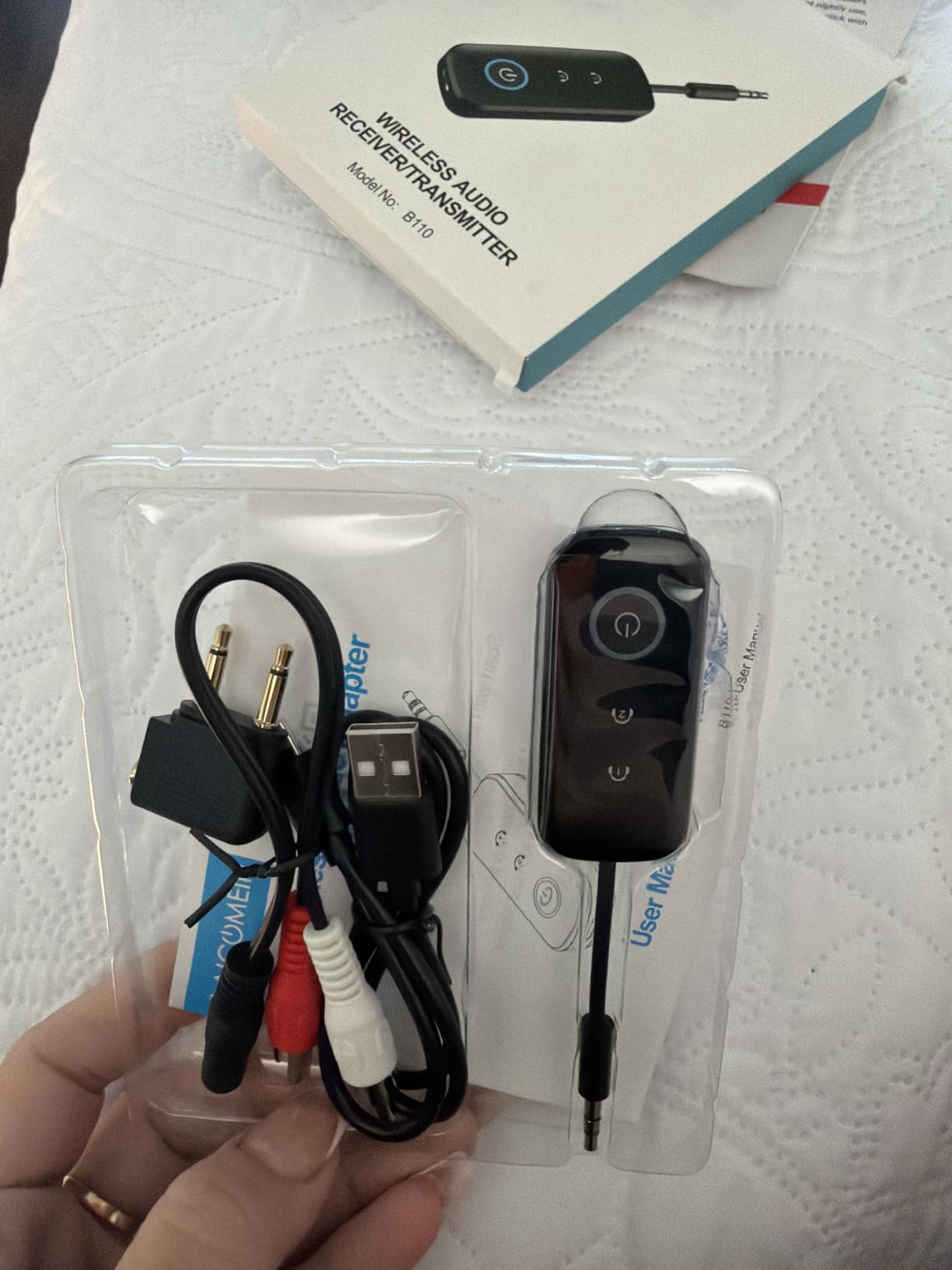
The limitation matches the pattern of every other portable option here. Inputs are 3.5mm and RCA with no optical, so most modern smart televisions are simply not candidates, no matter how good the Bluetooth radio is.
Because it is battery powered rather than USB powered, it works away from a socket but needs a charge every day or two of heavy use. Users who want a permanent installation will prefer a unit that runs from a wall.
The manufacturer also documents that it does not work with Bluetooth hearing aids or 2.4G sync devices, which closes off another category of user.
Where the Ultra Pro fits
Two-person setups where you want to see at a glance which headset is connected where.
Portable use with a car stereo, a laptop or a plane seat, where USB-C charging is the right cable anyway.
A low-latency portable path for gaming or video when your headphones support aptX Low Latency.
Where it is the wrong tool
Optical-only televisions have no way to connect, and this unit has no optical input.
Fixed installations lose to desktop units that run from a USB power supply permanently.
Hearing aid users and anyone on 2.4G sync gear should look elsewhere in the category.
Which TV Port Should You Use: Optical vs RCA vs 3.5mm
Optical is the best input whenever your television has one. It carries a clean digital signal, so there is less to go wrong, and it is the port most modern transmitters support first.
The catch is universal and catches almost every first-time buyer. Most televisions output Dolby Digital by default, and no inexpensive transmitter decodes that, so you must change the TV’s audio output format to PCM before anything appears in your headphones. The setting is usually under Sound, then Output, then Audio Format.
RCA, the red and white pair, is the old-school option and still appears on plenty of sets. It is an analog signal, so it is more prone to hum and interference, but it needs no format change and works immediately.
The 3.5mm headphone socket is convenient because it carries a headphone-level signal, and some smart televisions cut audio output entirely when something is plugged in. That speaker-muting behaviour surprises people more than any other quirk in this whole category.
Optical passthrough is a different feature from a plain optical input. Passthrough sends the incoming signal onward to a soundbar while the transmitter handles the Bluetooth feed, so both play at once. Only the Avantree Oasis Plus 2 here does it, and it is the deciding reason to spend more if you own a soundbar.
How to Connect a Bluetooth Transmitter to Your TV
Yes, you can plug a Bluetooth transmitter into a television, and in most cases the whole process takes about five minutes once you know which port to use.
Check the ports on the back of your television and pick optical if it exists, RCA if it does not, or 3.5mm as a last resort.
Connect the matching cable to the transmitter. Optical and RCA cables are included with most units in this roundup.
If you are using optical, change the television’s audio output format to PCM before going any further.
Power the transmitter. Units that run from USB need a phone charger or a USB port, and portable models need a charge first.
Put your headphones into pairing mode, then press the pair button on the transmitter. Most units pair to one device on the first press and to two devices on a second press.
Play something from the television and raise the transmitter’s own volume, since the TV’s volume keys may not control what reaches the transmitter.
If you hear nothing after step five, the optical PCM setting is the cause more often than not. That single change resolves the majority of the optical problems described across thousands of reviews in this category.
Fixing Audio Delay and Lip Sync on Samsung, LG, Sony, Roku and Fire TV
Lip-sync problems are the most reported complaint in this entire category, and the first thing to understand is that the delay is rarely the transmitter’s fault. It is a mismatch between the picture your television draws on its own timeline and the audio arriving over Bluetooth a little later.
Start with your television’s audio sync setting before you blame the hardware. Samsung sets have an Audio Output format screen where Lip Sync Adjustment offers a shift in small steps, and Sony sets have a similar matching time setting under Sound. Moving the audio by even a small increment often fixes a delay that looked like seconds.
LG, Roku and Fire TV devices all expose some form of audio delay or sync slider in their sound settings, though naming varies by model. Where a platform provides no adjustment at all, the practical fix used on the Wyze forum is a transmitter plus headphones that both support aptX, which tightens the gap rather than trying to correct it in software.
Codec choice matters as much as the menu. aptX Low Latency and aptX Adaptive are designed specifically to cut this delay, and forum consensus repeatedly returns to matching codecs on both ends. A transmitter advertising low latency paired with ordinary headphones will not deliver low latency.
One category note: musicians and keyboard players report transmitter lag as unacceptable for instrument monitoring, which is where the latency budget genuinely matters. For films and sport, the same delay is usually invisible.
Buying Guide: The Five Specs That Actually Matter
Start with ports, because it is the only spec that can make a transmitter worthless on the day it arrives. Optical plus RCA plus 3.5mm covers essentially every television still in use, and a 3.5mm-only unit covers a shrinking share.
Second, understand how codecs really work. A transmitter advertises every codec it can decode, but the active codec is negotiated between the transmitter and your headphones. Matching codecs on both ends matters far more than the brand of the transmitter, which is the most repeated piece of advice in the forums on this topic.
Third, check the multi-device behaviour. If more than one person will listen, confirm the unit supports two simultaneous connections and find out what happens to codec quality on the second one, because some units drop back to a standard codec once two devices are paired.
Fourth, ask whether you have a soundbar. If you do, optical passthrough is a requirement rather than a nicety, and it narrows the field immediately.
Fifth, decide between wall power and battery. A permanent installation behind a television is better served by a USB-powered unit that never needs charging, while a unit that moves between a car, a plane and a hotel wants the longest battery available.
Do skip the Bluetooth version number as a deciding factor. In living rooms at normal distances, we did not see a reliability difference between the 4.0 and 5.3 units here that justified the older model being written off.
For comparison, our guides to the best Bluetooth speakers for pool parties and the best wireless video transmitters cover the durability questions that come up when a setup leaves the living room.
One last check that costs nothing: read the exclusions on the product page. Hearing aid users should look specifically for Auracast or LE Audio support, and on the Hearing Tracker forum that support is described as the deciding factor for building a television audio chain for Phonak devices. None of the ten units here carries it.
Frequently Asked Questions
What is the best Bluetooth transmitter for smart TVs?
The 1Mii B06TX is the strongest all-rounder for smart TVs because it accepts optical, coaxial, RCA and 3.5mm inputs, so it works with almost any television output. It adds aptX Low Latency and aptX HD for tighter lip sync, connects two headphone sets at once, and runs from USB power so there is no battery to manage.
Can I plug a Bluetooth transmitter into a TV?
Yes. Plug the transmitter into your TV’s optical output if it has one, otherwise RCA, otherwise the 3.5mm headphone jack. If you use optical, change the TV audio output format to PCM first, because most TVs default to Dolby Digital, which inexpensive transmitters cannot decode. Then power the unit and hold its pair button until your headphones connect.
Which Bluetooth transmitter is the best quality?
Quality depends on the codec that actually activates, which is negotiated between the transmitter and your headphones rather than chosen by the transmitter alone. Units supporting aptX Adaptive, aptX Low Latency and aptX HD give the most options, and the 1Mii Bluetooth 5.3 Transmitter lists all of them. If your headphones only support SBC, a premium transmitter will not improve the sound.
Do I need a Bluetooth transmitter if my TV has Bluetooth?
Often not. Many smart TVs from Samsung, LG and Sony ship with Bluetooth audio switched off or hidden behind an output setting, so check the manual for a Bluetooth headphones section and look for a TV Sound Output option before buying anything. Fire TV, Roku and Chromecast devices often expose no headphone pairing menu at all, which does require an external transmitter.
Conclusion
The 1Mii B06TX is the best Bluetooth transmitter for TV in 2026 for a simple reason: it is the unit most likely to work with whatever is on the back of your television. Optical, coaxial, RCA and 3.5mm in one box, two headphone connections, and USB power remove most of the reasons people end up returning one.
Buy the Avantree Oasis Plus 2 if you own a soundbar and want both at once, the UGREEN 2-in-1 if you travel more than you watch at home, and the SOOMFON transmitter receiver if you want to see what the unit is doing instead of guessing.
Whichever you pick, set your television’s audio output to PCM before you blame the hardware. That one setting explains more setup problems than every fault we found combined.