

The sub-500 laptop deals worth watching in Amazon’s Prime Big Deal Days sale start with the Acer Aspire 3 A315-24P, and the reason is simple: it is the only machine here that pairs a 1080p IPS panel with a quad-core Ryzen 3 chip and a backlit keyboard without pushing past the price cap. Behind it sit two cheaper options for buyers who need almost nothing from a laptop: the renewed HP 14 HD for basic Windows work, and the Dell Chromebook 3100 for anyone happy to live inside a browser. Prime Big Deal Days runs October 6-7, 2026, and most offers need a Prime membership.
Table of Contents
Our Top 3 Picks for Best Amazon Prime Big Deal Days Laptop Deals Under $500

Acer Aspire 3 A315-24P
- 15.6 inch FHD IPS screen
- Quad-core Ryzen 3 7320U
- 8GB LPDDR5 and 128GB NVMe
- Backlit keyboard

HP 14 HD Renewed
- 14 inch 1366 x 768 display
- Intel Celeron dual-core
- 4GB DDR4 and 64GB SSD
- Three USB-A ports and an SD reader

Dell Chromebook 3100
- 11.6 inch 1366 x 768 display
- Intel Celeron N4020
- 4GB RAM and 16GB flash
- ChromeOS with a 14-hour stated battery
Best Amazon Prime Big Deal Days Laptop Deals Under $500 Compared (2026)
| Product | Specifications | Action |
|---|---|---|
| Acer Aspire 3 A315-24P |
|
Check Deal Price |
| HP 14 HD Renewed |
|
Check Deal Price |
| Dell Chromebook 3100 |
|
Check Deal Price |
 Lenovo IdeaPad Slim 3 15 Lenovo IdeaPad Slim 3 15 |
|
Check Deal Price |
 Lenovo Chromebook 14 Touch Lenovo Chromebook 14 Touch |
|
Check Deal Price |
 Lenovo Slim 3 Chromebook 14 Lenovo Slim 3 Chromebook 14 |
|
Check Deal Price |
 Acer Aspire Go 15 Acer Aspire Go 15 |
|
Check Deal Price |
 Dell 15 DC15250 Dell 15 DC15250 |
|
Check Deal Price |
 Acer Chromebook 315 Acer Chromebook 315 |
|
Check Deal Price |
 HP Stream 14 Renewed HP Stream 14 Renewed |
|
Check Deal Price |
How We Chose
We lined up ten laptops and compared the specs that actually decide this purchase: processor class, memory, storage type, screen resolution and brightness, weight, ports and warranty. We then read the owner reviews and ratings attached to each listing, since at this budget the review history says more about reliability than the spec sheet does. Specs and ratings were checked in October 2026.
1. Acer Aspire 3 A315-24P: Editor’s Choice for Everyday Work and Study
Acer Aspire 3 A315-24P
Display: 15.6 inch FHD IPS
Memory: 8GB LPDDR5
Storage: 128GB NVMe
OS: Windows 11
Pros
- Full HD IPS panel with narrow bezels
- Backlit keyboard at this price
- Quad-core Ryzen 3 7320U
- Wi-Fi 6 and an 11-hour stated battery
- One-year Acer warranty
Cons
- 128GB fills up quickly
- 8GB of memory is soldered and not upgradeable
- Ryzen 3 7320U is an entry-level chip
The most complete laptop in the group for the least compromise.
The Aspire 3 is the one to watch first because its screen is a genuine 1920 x 1080 IPS panel rather than the 1366 x 768 matte plastic most of this list settles for. At 3.9 pounds and 0.74 inches thick, it is not the lightest machine here, but the Ryzen 3 7320U quad-core running to 4.1 GHz gives it more headroom than the Intel N-series and Celeron entries further down.
Owners rate it 4.2 stars across 4677 reviews, and the praise repeats itself in predictable ways: the panel looks sharp, the backlit keyboard is a genuine bonus at this money, and Acer’s TNR and PurifiedVoice processing make video calls look better than the webcam deserves.
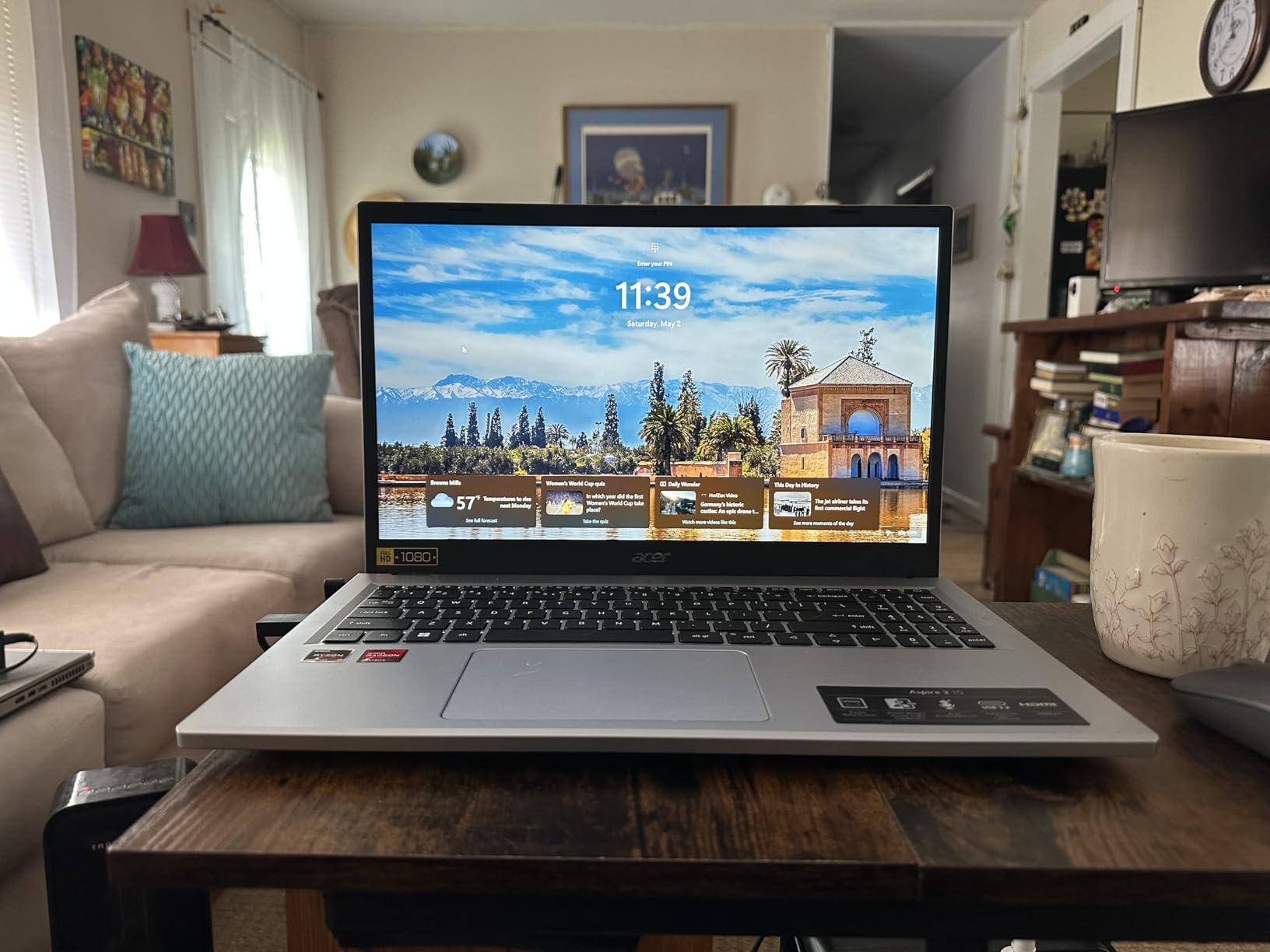
Two complaints come up just as often. Owners report the 128GB drive filling quickly once Windows and a handful of apps are installed, and the 8GB of LPDDR5 sits soldered to the board with no way to add more later. Performance is fine for browsing, streaming and Microsoft Office, but it stretches once you run many tabs and a video call together.
Compare it with the Dell 15 DC15250 if storage matters more than weight. That machine carries 512GB and a 120 Hz panel, but it weighs 4.2 pounds and runs a 12th Gen Core 3 100U. If you would rather have a backlit keyboard and a lighter chassis than a bigger drive, stay with the Aspire 3.
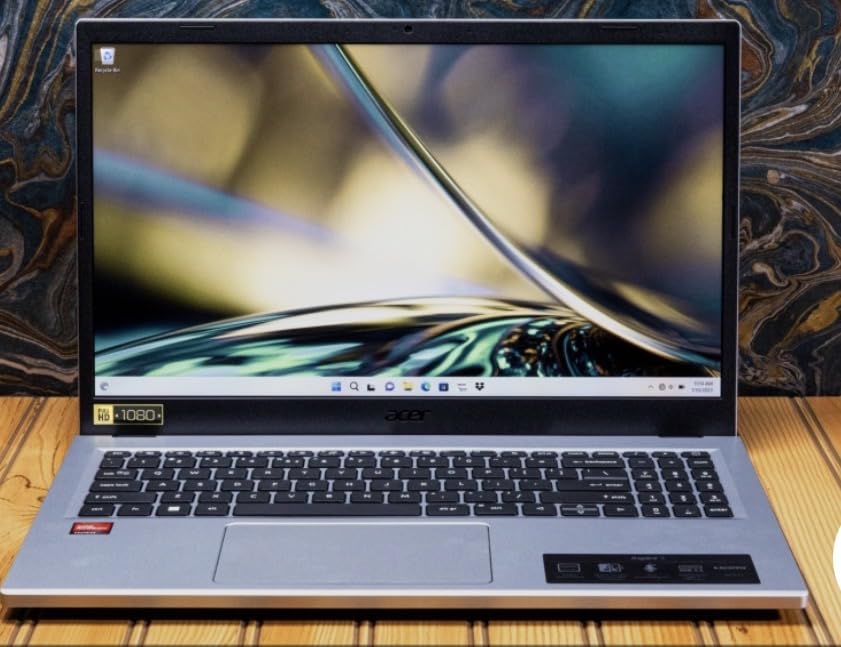
Good to know: the ports are two USB-A, one HDMI and one USB-C for charging, so budget for a small hub if you plug into a display regularly.
2. HP 14 HD Renewed: Best Value for Browsing and Email
HP 14 HD Renewed
Display: 14 inch 1366 x 768
Memory: 4GB DDR4
Storage: 64GB SSD
OS: Windows 11
Pros
- Low outlay for a working Windows machine
- Light enough to carry daily
- Open M.2 slot allows a storage upgrade
- Three USB-A ports plus an SD card reader
- Comes with a 90-day extended warranty
Cons
- 4GB of RAM runs out with several tabs open
- 64GB leaves little room after Windows installs
- 1366 x 768 is a low-resolution panel
Buy this one if the whole job is email, browsing, streaming and the occasional document. Everything else in the list runs the same operating system and does the same web-based work; this is one of the lower-cost ways to do it in a full Windows machine.
The 4GB of DDR4 is the number to understand before you commit. Owners repeatedly describe Windows 11 plus a browser with several tabs pushing the machine into out-of-memory warnings, and that is the single complaint that comes up most across 2144 reviews averaging 4.2 stars. The saving grace is the free M.2 slot, so a larger drive later is straightforward.
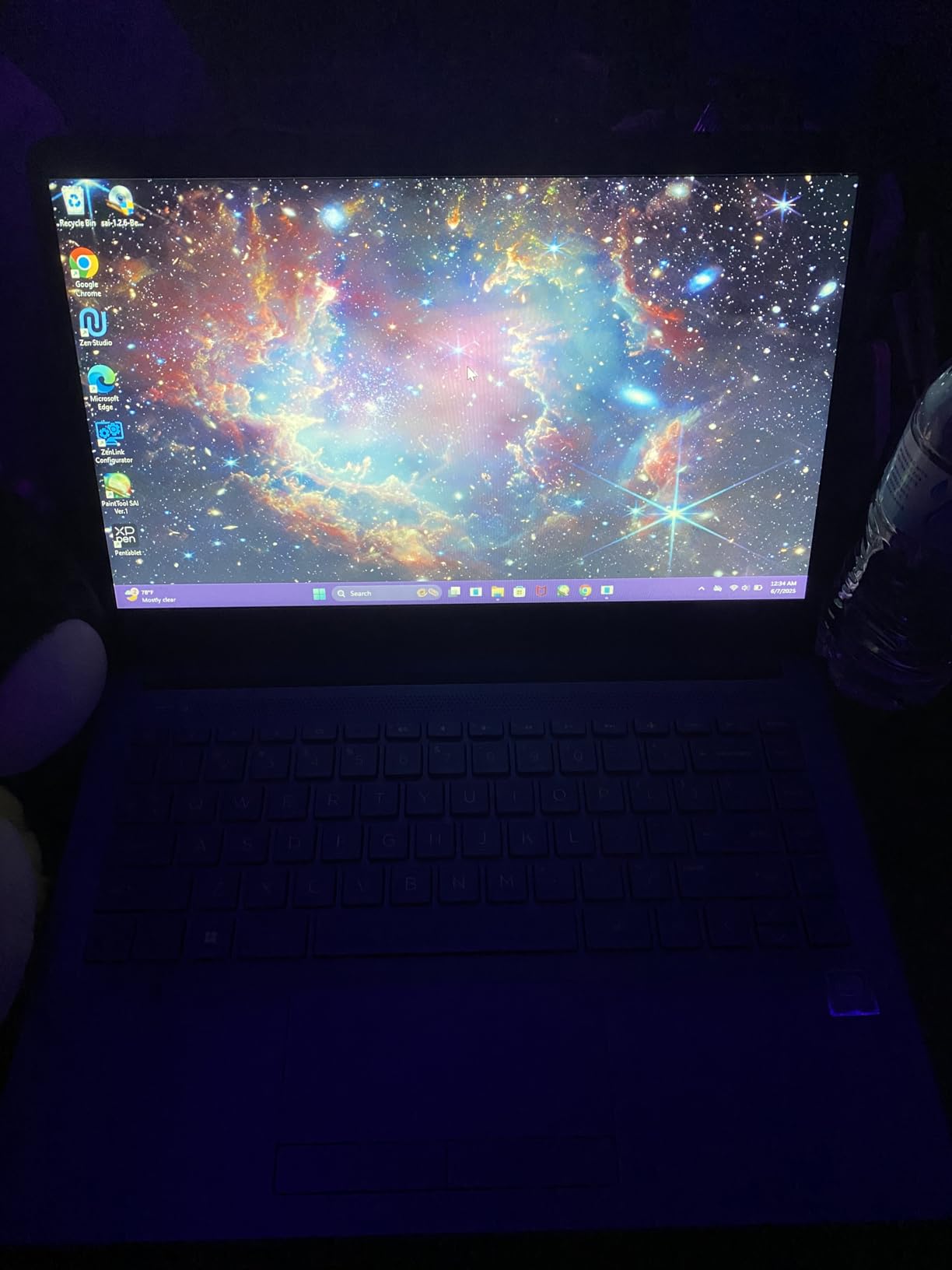
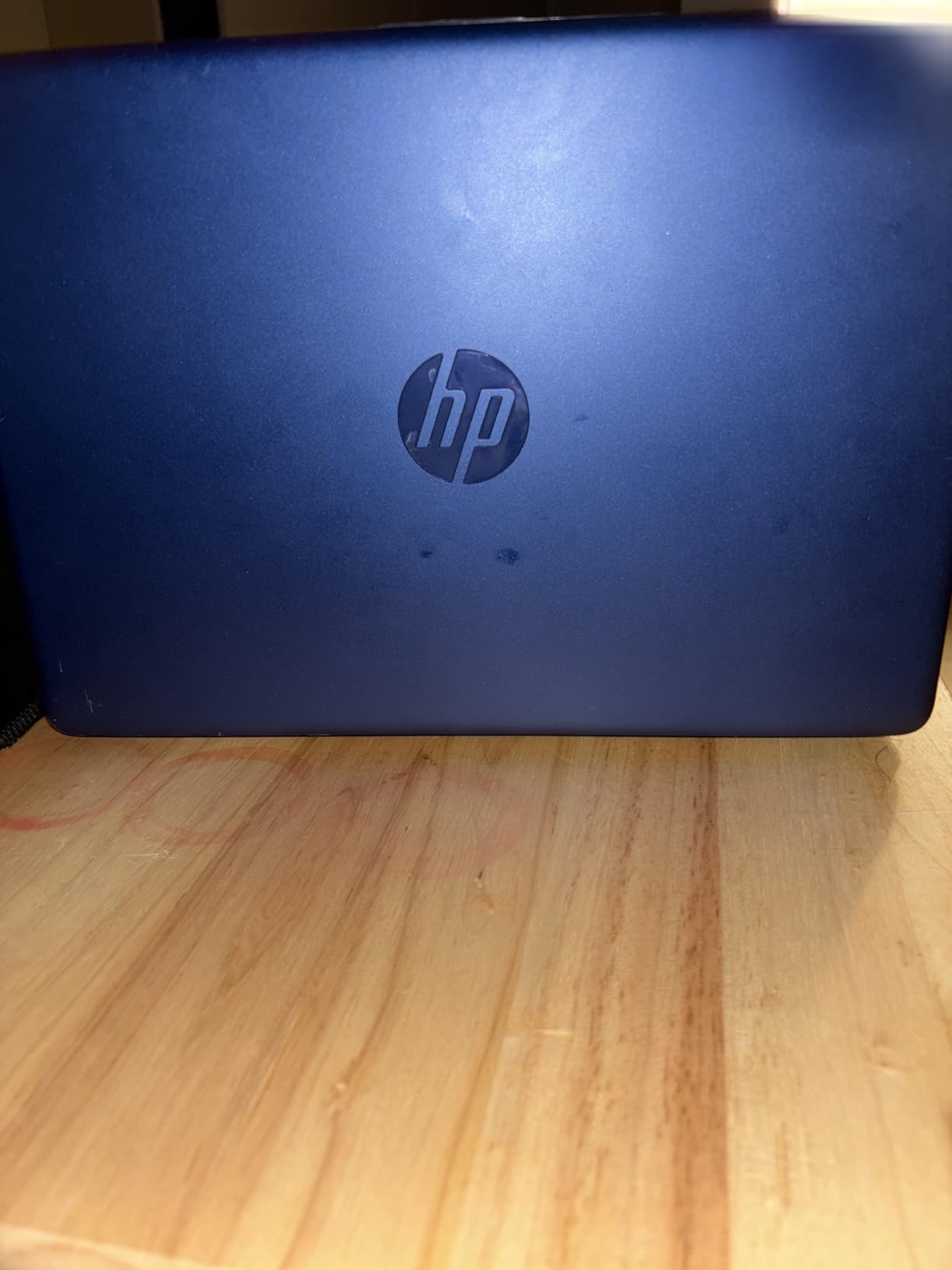
This is renewed inventory rather than a new machine, which changes what you should expect. Units arrive in Dale Blue with a power cord, and buyers generally report clean cosmetics. The 90-day extended warranty is shorter than the one-year cover on new models, so treat it as a stopgap or a second machine rather than a long-term purchase.
The screen is a 14 inch HD BrightView WLED panel at 250 nits with an anti-glare coating. That is perfectly serviceable in a room with normal light and noticeably soft in a bright window seat. Three USB-A ports and an SD card reader are a genuine plus for a laptop at this level.
Skip it if you need Windows applications with heavy memory use, or if you want a warranty that lasts. The Acer Aspire 3 A315-24P gives you a full HD screen, more memory and a one-year warranty for not much more money.
3. Dell Chromebook 3100: Budget Pick for Browsing on a Shoestring
Dell Chromebook 3100
Display: 11.6 inch 1366 x 768
Memory: 4GB DDR
Storage: 16GB flash
OS: ChromeOS
Pros
- Lowest outlay of any pick in the list
- 2.9 pounds and easy to carry
- Roomy keyboard for the size
- 14-hour stated battery life
- Renewed units often arrive without visible scratches
Cons
- 16GB flash storage is extremely tight
- Pages can time out before they load
- Some renewed units show charging or key failures
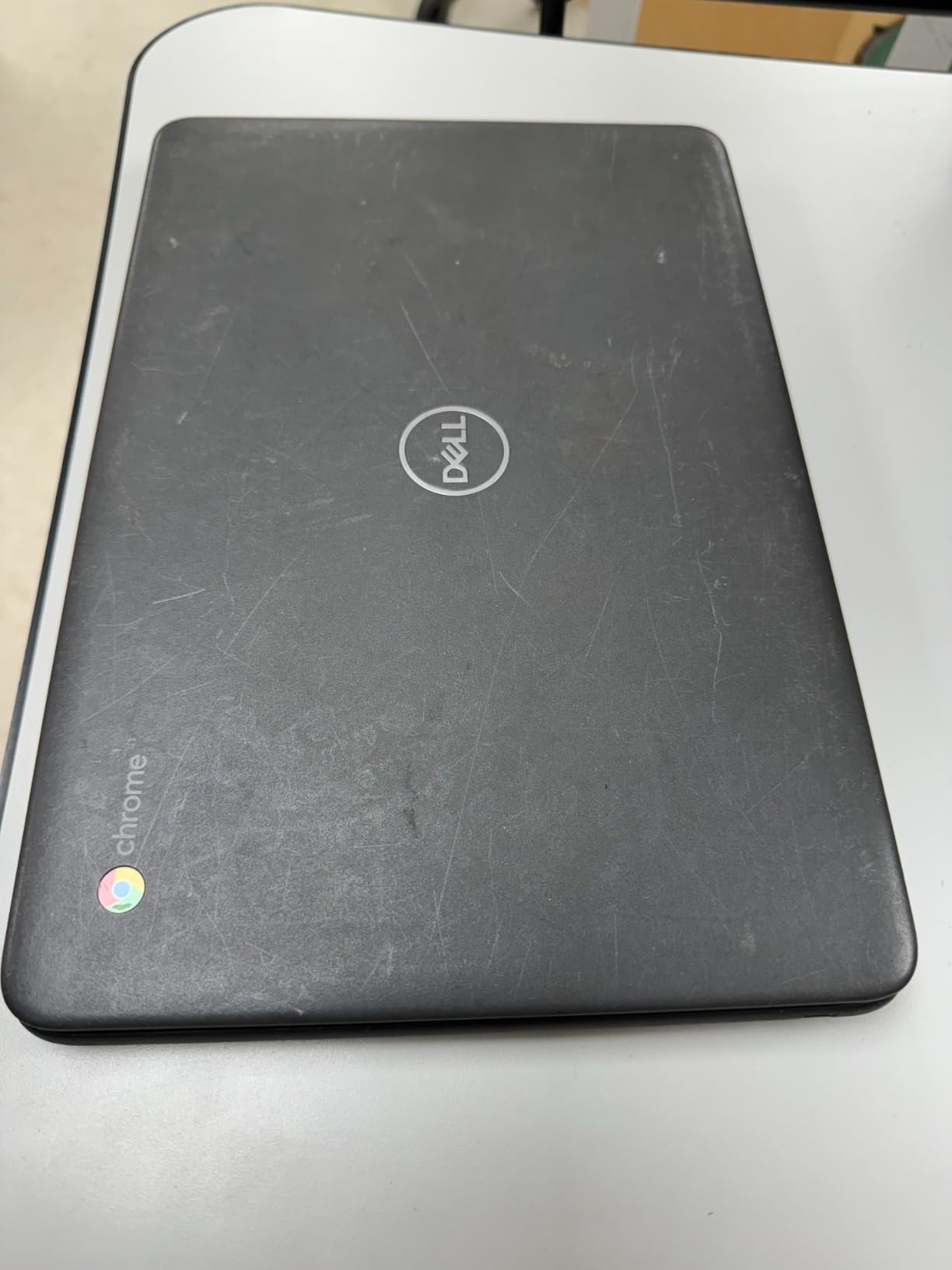
This is the cheapest route to a working laptop, full stop. If the goal is a machine for browsing, email, streaming and cloud documents, nothing else on this list gets you there for less, and the 2.9 pound weight makes it easy to carry between classes or on a trip.
The keyboard draws more praise than the specifications suggest. Owners repeatedly mention how comfortable and roomy it feels for an 11.6 inch chassis, and the stated 14-hour battery figure is the longest in the group. Rated 4.2 stars from 1705 reviews, the response is warm for a renewed machine this old.
Storage is where it struggles. Sixteen gigabytes of flash leaves very little usable space after ChromeOS and a handful of apps, and some reviewers report seeing well under 2GB available on a fresh unit. Performance is also modest, with page loads sometimes timing out before they finish.
Because this is renewed hardware, treat the condition as part of the spec. Some buyers have had charging failures or individual keys stop working, and the warranty runs 90 days. Sellers resolve returns easily according to the reviews, which takes some of the risk out of it.
If the 11.6 inch screen feels cramped for what you do, look at the Acer Chromebook 315 instead. It is larger at 15.6 inches and adds an integrated numeric keypad, though it also runs on 4GB of memory and 64GB of storage.
4. Lenovo IdeaPad Slim 3 15: Premium Pick for a Portable Windows Laptop
Lenovo IdeaPad Slim 3 15
Display: 15.6 inch FHD IPS
Memory: 8GB LPDDR5
Storage: 128GB UFS
OS: Windows 11 S mode
Pros
- 3.42 pound chassis with a 0.70 inch profile
- Anti-glare 1080p panel at 250 nits
- USB-C with power delivery and DisplayPort
- Physical camera privacy shutter
- Wi-Fi 6 and Bluetooth 5.2
Cons
- 128GB UFS storage is not user-upgradeable
- 8GB of memory is soldered and cannot be expanded
- Intel N150 is built for light productivity only
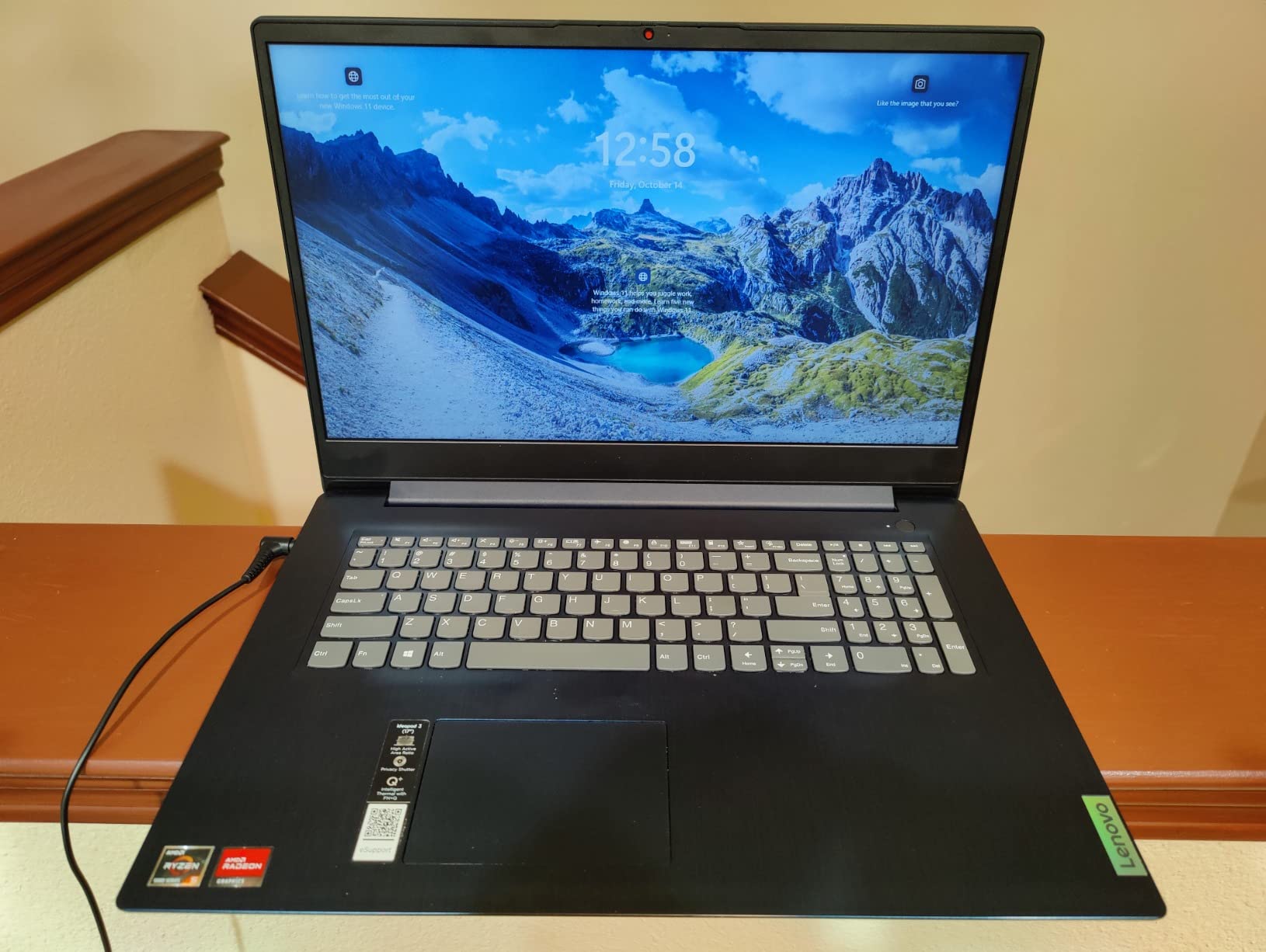
Owners buy this for the port selection and the weight. At 3.42 pounds and 0.70 inches thick, it is the lightest full-size Windows machine in the list, and the USB-C port supports both power delivery and DisplayPort, so one cable handles charging and an external monitor.
The 15.6 inch 1920 x 1080 IPS panel is anti-glare at 250 nits, which makes it easier to work near a window than the glossy-style panels some cheaper models use. A physical privacy shutter over the 720p camera is a small thing that shows up more often than you would expect on machines built for shared desks.
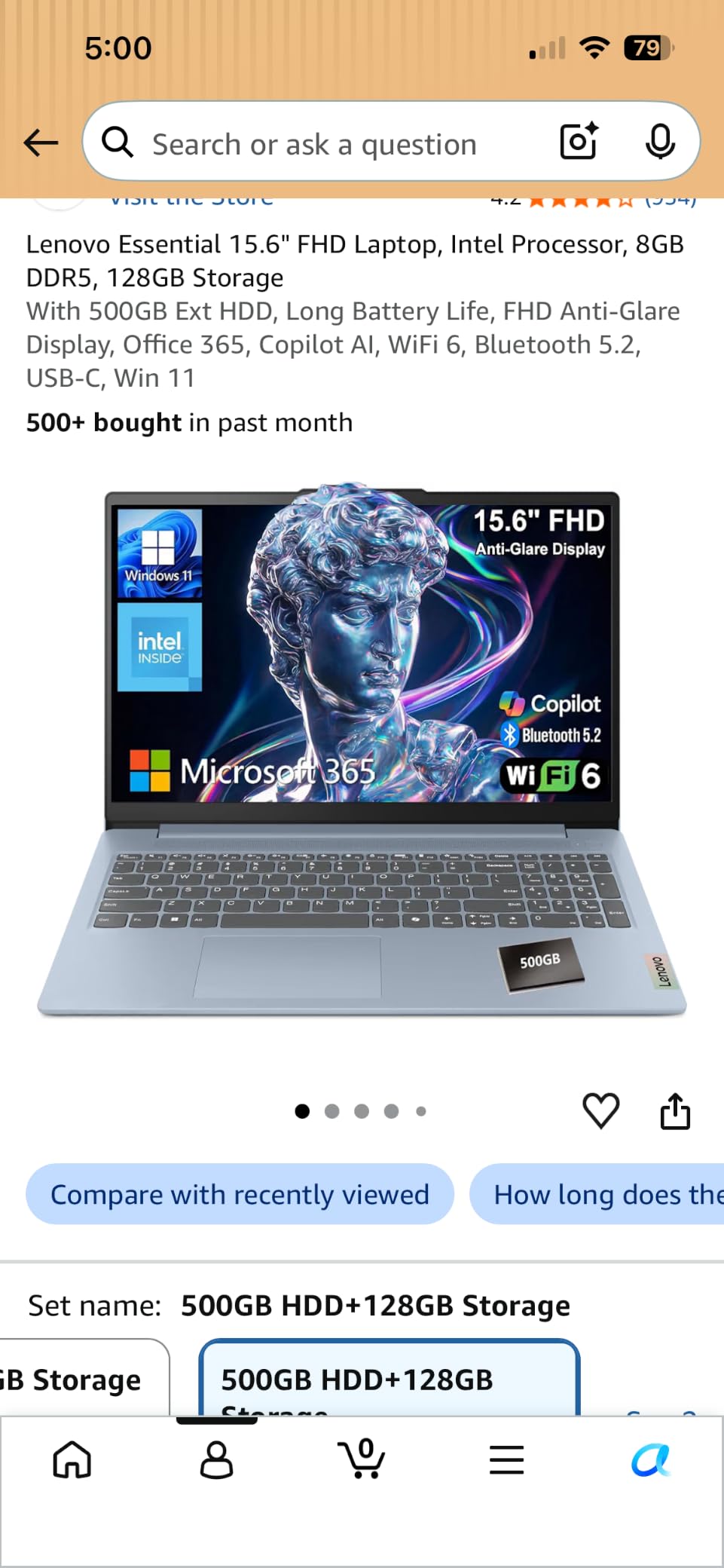
The trade-off is that this is a current-generation budget machine built for schoolwork, browsing and calls rather than heavy multitasking. The Intel N150 quad-core runs to 3.6 GHz, and 8GB of LPDDR5-4800 is faster memory than most rivals here ship, but it is soldered in place.
Storage is 128GB of UFS 3.1, which boots quickly and cannot be upgraded. If that bothers you, the Acer Aspire Go 15 keeps the same general weight class and adds an open M.2 slot, letting you add a larger drive yourself later.
One practical note for first-time Windows buyers: it arrives in S mode, which restricts what you can install until you switch out of it. Windows 11 Home with Microsoft 365 Personal is included.
5. Lenovo Chromebook 14 Touch: Best for Backlit Typing on a Budget
Lenovo Chromebook 14 Touch
Display: 14 inch FHD IPS touch
Memory: 4GB DDR4
Storage: 64GB eMMC
OS: ChromeOS
Pros
- Backlit keyboard at this price
- 14 inch 1080p IPS touchscreen
- 2.86 pound chassis
- 13.5-hour stated battery life
- 720p camera with a privacy shutter
Cons
- 4GB RAM struggles with many tabs
- 64GB eMMC storage is limited
- Touchpad is often described as unresponsive
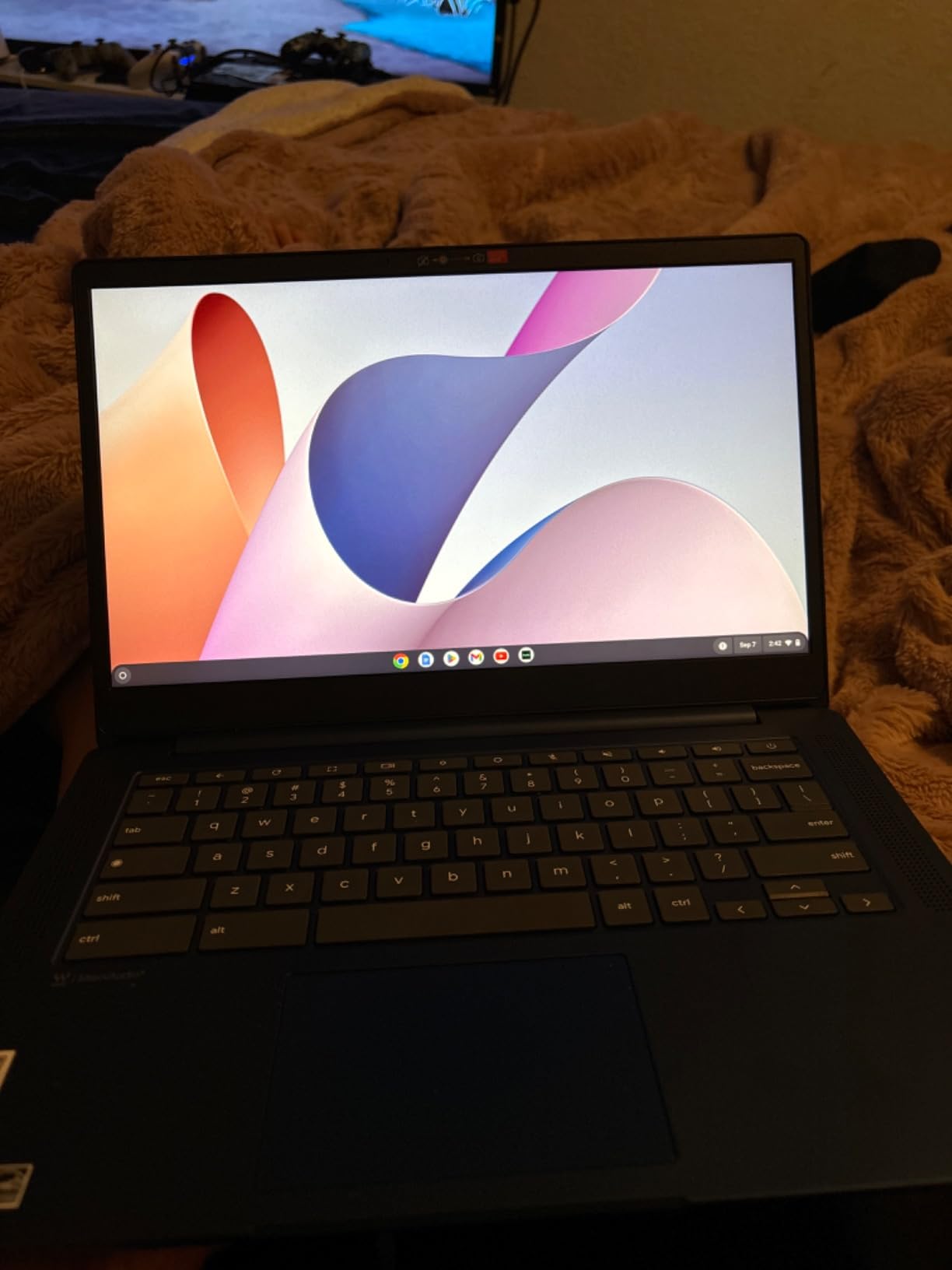
A backlit keyboard is usually the first thing to disappear below this price, and it is the reason this Chromebook stands out. For anyone writing essays or notes in a dim room, it removes a daily annoyance that most competing machines here accept.
The 14 inch 1920 x 1080 IPS touchscreen at 250 nits is also unusual in this bracket. Owners comment on screen colour and clarity more often than they do with the 1366 x 768 panels, and the 720p webcam comes with a physical privacy shutter and a dual-array microphone for calls.
The octa-core MediaTek Kompanio 520 handles everyday ChromeOS work smoothly, and the stated 13.5-hour battery life is among the better figures in the group. At 2.86 pounds, it is one of the easiest machines here to carry all day.
Two complaints recur. Four gigabytes of memory stutters once a lot of tabs or apps are open, and the touchpad is described by owners as unresponsive, with missed or delayed movements. Plan on using a wireless mouse, and expect slower web apps than the machines with 8GB of memory.
If accurate colour matters more than the keyboard light, the Lenovo Slim 3 Chromebook 14 is brighter at 300 nits and covers 100 percent of sRGB. It gives up the backlight to get there.
6. Lenovo Slim 3 Chromebook 14: Best for Screen Colour Accuracy
Lenovo Slim 3 Chromebook 14
Display: 14 inch FHD IPS
Memory: 4GB LPDDR4X
Storage: 64GB eMMC
OS: ChromeOS
Pros
- 300 nit panel covering 100 percent sRGB
- 10-point touch on an anti-glare screen
- USB-C charging with DisplayPort
- 2.87 pound chassis
- Google Security Chip and Kensington slot
Cons
- Lowest rating in the lineup at 4.0 stars
- 4GB of RAM caps multitasking
- Non-backlit keyboard
This is the screen to pick if colour accuracy matters. A 300 nit anti-glare IPS panel covering 100 percent of sRGB is a genuine step up from the 250 nit and lower options in the same price band, and it shows when you are editing photos rather than just reading text.
The rest of the specification sheet is quietly strong. USB-C charging with Power Delivery 3.0 means the same charger works with a phone, the port also carries DisplayPort, and a Google Security Chip plus a Kensington slot make it reasonable for a shared or school-issued machine.
The rating is the lowest in this lineup at 4.0 stars from 1573 reviews, and it carries the largest share of one-star responses of any pick here. Several of those reviews describe quality-control inconsistencies on arrival rather than a fault with the design, so it is a variation worth knowing about.
Four gigabytes of LPDDR4X and 64GB of eMMC are the practical ceiling on how much you can keep open at once. The keyboard is not backlit, which is the clear thing to give up if you work in low light.
If your work involves adjusting images rather than reading them, this panel is the reason to choose it. The anti-glare finish also helps in bright rooms, where a glossy screen at this brightness would be difficult to work with.
7. Acer Aspire Go 15: Best for Adding Storage Later
Acer Aspire Go 15
Display: 15.6 inch FHD IPS
Memory: 8GB DDR5
Storage: 128GB UFS
OS: Windows 11 S mode
Pros
- 8GB of DDR5 in slots and upgradeable to 16GB
- Open M.2 slot for a larger drive later
- Two full USB-C ports with DisplayPort
- 12.5-hour stated battery life
- Top-rated among the Acer picks here at 4.4 stars
Cons
- 128GB leaves roughly 70GB usable
- Some owners report Windows 11 slowness and hangs
- USB-C fit is snug
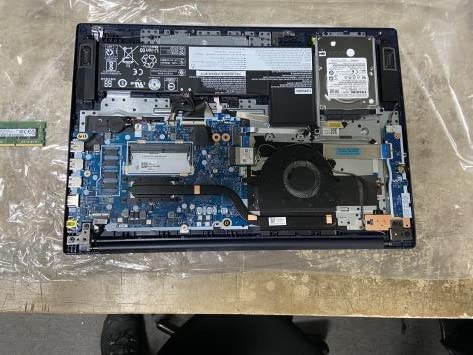
Almost every laptop in this list is sealed shut. This one is not. The 8GB of DDR5 sits in a full-size slot and can go to 16GB, and an open M.2 bay lets you add a proper SSD in about ten minutes. Several owners did exactly that and recommend it to anyone else buying at this level.
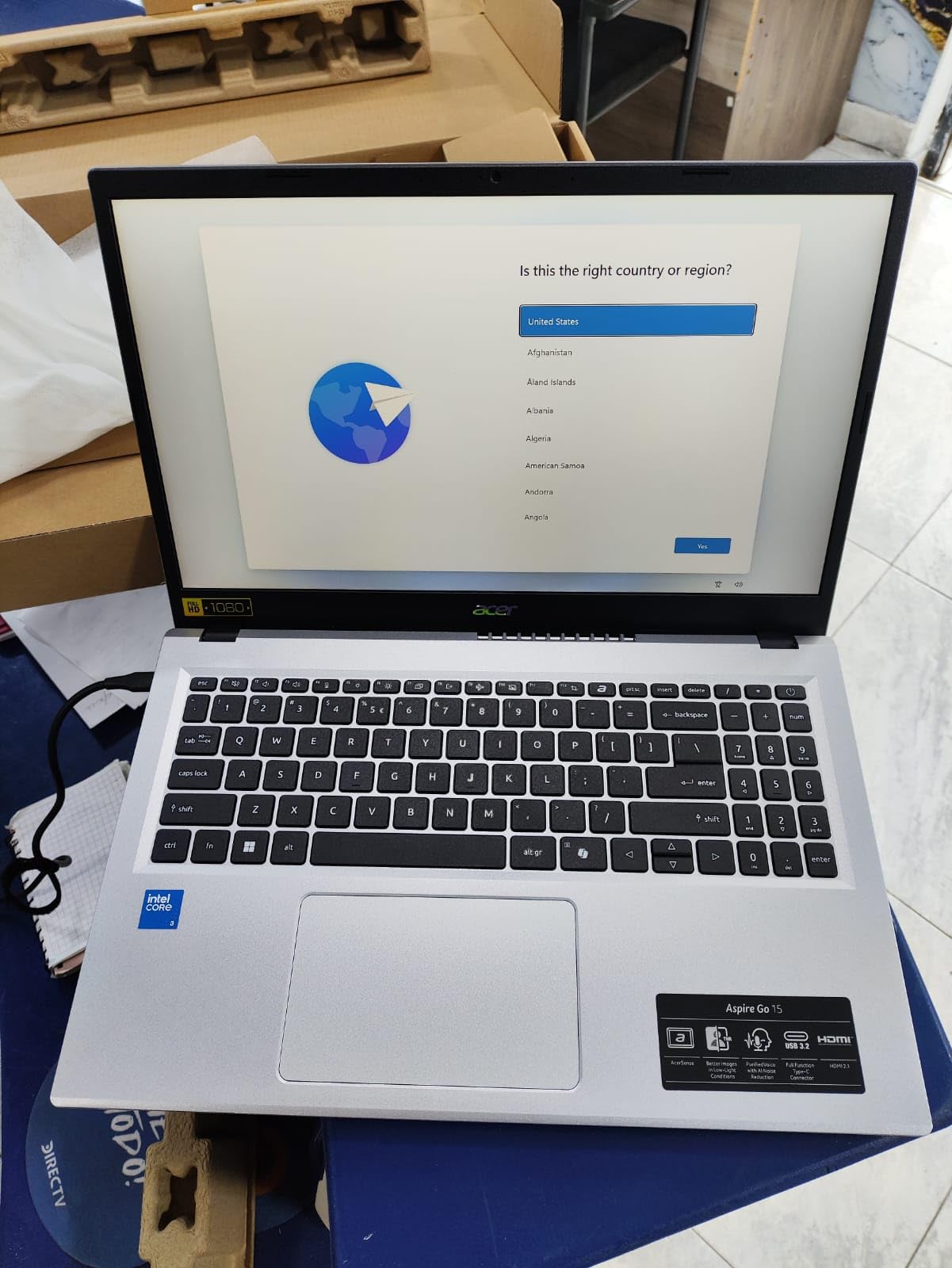
That is why it carries the highest rating among the Acer entries here at 4.4 stars from 949 reviews. The Intel Core 3 N355 octa-core runs to 3.9 GHz, and owners frequently describe it as behaving like a machine a tier above. Two USB-C ports support DisplayPort and charging, so it fills up fast from empty.
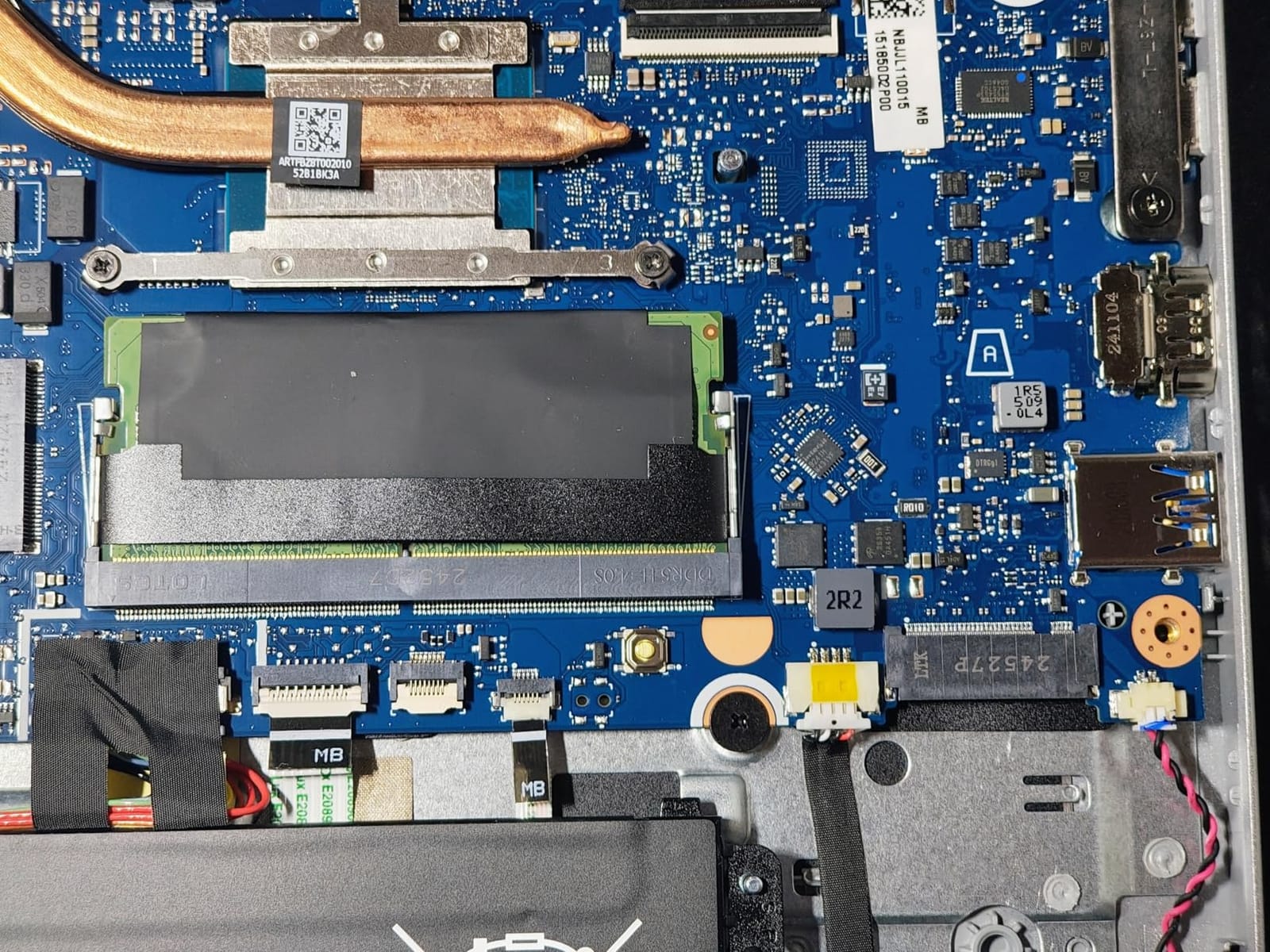
The 15.6 inch 1920 x 1080 IPS panel carries a narrow bezel and Acer’s BluelightShield, and the battery is stated at 12.5 hours. The chassis weighs 3.8 pounds at 0.78 inches, with a Copilot key and an AcerSense button for battery and storage management.
The recurring gripes are about storage capacity rather than storage capability, since 128GB of UFS leaves roughly 70GB usable. Some owners also report Windows 11 running slowly with long update times, and several mention the USB-C connector feeling snug in the port.
Compared with the Dell 15 DC15250, both offer upgradeable memory. The Aspire Go 15 gives you the spare drive bay; the Dell ships with 512GB already fitted and a faster processor, at a heavier 4.2 pounds.
8. Dell 15 DC15250: Best for Heavy Multitasking
Dell 15 DC15250
Display: 15.6 inch FHD IPS
Memory: 8GB DDR4
Storage: 512GB SSD
OS: Windows 11 Home
Pros
- Only pick here with 512GB of storage
- 12th Gen Core 3 100U is the quickest CPU in the group
- 8GB DDR4 upgradeable to 16GB
- 120 Hz anti-glare panel with ComfortView
- One-year onsite Dell service
Cons
- Heaviest machine here at 4.2 pounds
- Only three USB ports and one is USB 2.0
- 120 Hz panel can shorten battery life
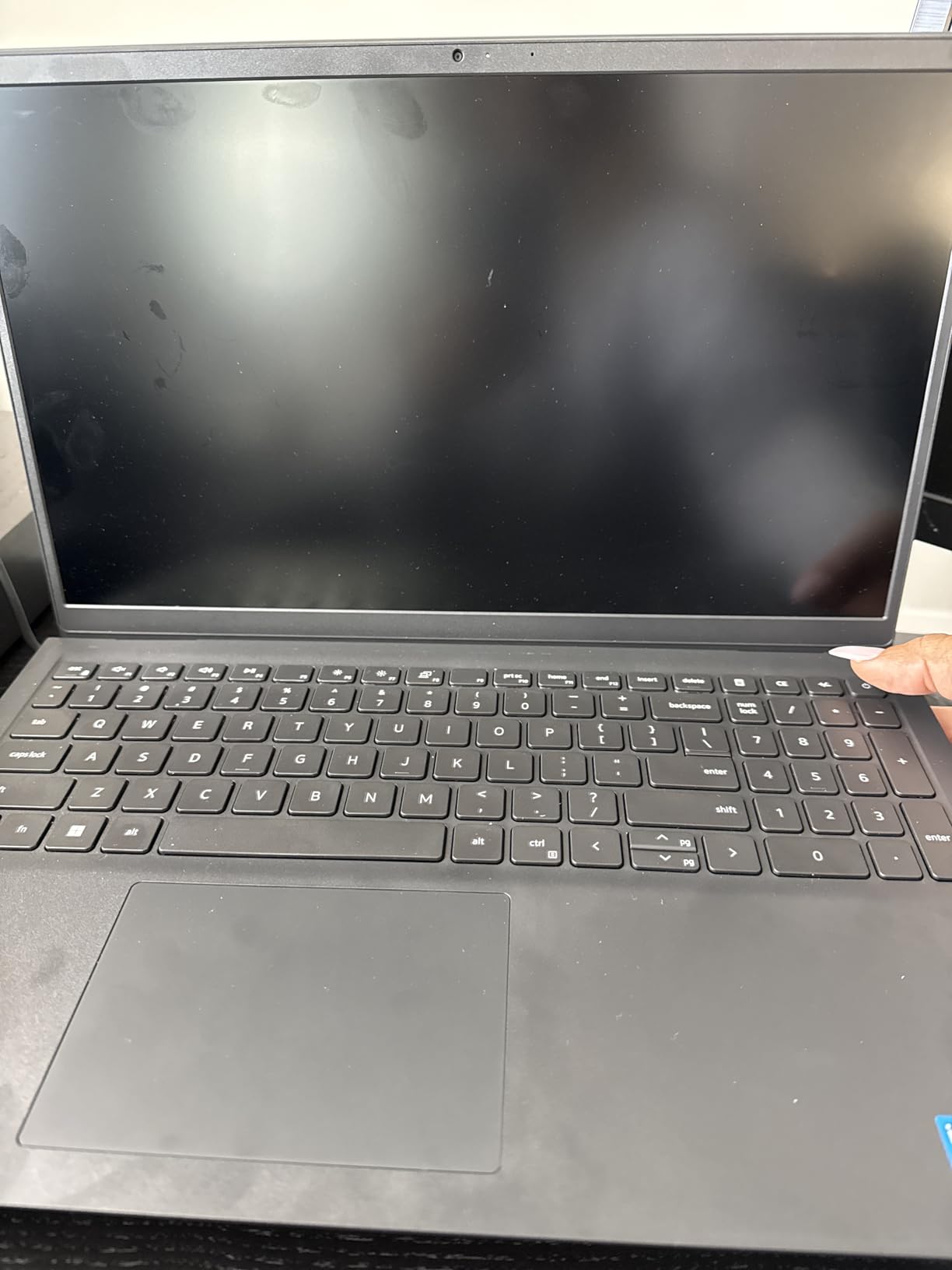
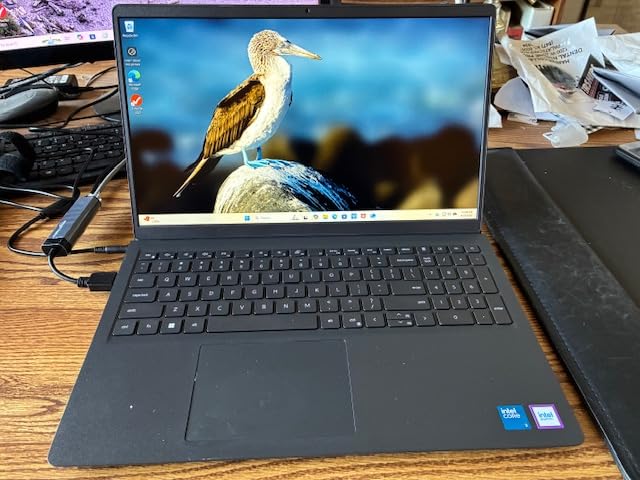
If you want one machine that does not feel like a compromise, this is the pick. The 12th Gen Intel Core 3 100U runs to 4.7 GHz, and with 512GB of SSD storage on board, you are not managing 70GB of free space or picking which files to delete.
The 15.6 inch 1920 x 1080 IPS WVA panel is anti-glare at 250 nits and runs at 120 Hz, which is unusual in a budget machine and makes scrolling noticeably smoother. Dell’s ComfortView reduces blue light, and the full-size keyboard includes a separate numeric keypad with a calculator hotkey for spreadsheet work.
Memory is 8GB of DDR4 in replaceable form and can go to 16GB, another rarity here. Buyers single out the 512GB drive, the upgradable RAM and the processor as the reasons it handles more than the Chromebooks and N-series entries, and it draws strong ratings across its 766 reviews.
The cost is weight and ports. At 4.2 pounds this is the heaviest machine in the list, so it is a desk machine more than a travel one. There are only three USB ports and one of them is USB 2.0, which limits fast external storage. A 120 Hz panel can also draw more power over a long day away from a charger.
What you gain is one-year onsite service from Dell, where covered hardware issues are handled where the laptop is. Few competitors here offer anything similar. If you move between home and office constantly, the Lenovo IdeaPad Slim 3 15 at 3.42 pounds is the lighter counterpoint.
9. Acer Chromebook 315: Best for a Big Chrome Screen With a Keypad
Acer Chromebook 315
Display: 15.6 inch 1366 x 768
Memory: 4GB LPDDR4
Storage: 64GB eMMC
OS: ChromeOS
Pros
- 15.6 inch screen is rare at this Chromebook price
- Integrated numeric keypad
- 12.5-hour stated battery life
- Balanced USB-C and USB-A port mix
- One-year manufacturer warranty
Cons
- 4GB of memory limits open tabs
- 64GB eMMC fills up quickly
- 1366 x 768 resolution is a step down
The 15.6 inch anti-glare screen is the reason this Chromebook exists. That size is unusual for a machine in this price range, and the 0.37 inch bezel keeps the usable area wide despite the chassis being only 0.8 inches thick.
More useful still is the integrated numeric keypad. Anyone entering data, tracking hours or working through spreadsheets will feel the difference between a full-size keyboard with a number pad and one without, and ChromeOS handles that kind of web-based office work without complaint.
At 4.4 stars from 317 reviews, it matches the top rating in this lineup, with owners naming the display, keypad and stated 12.5-hour battery as the features they value. Two USB-C and two USB-A ports cover most peripherals, and the warranty runs a full year rather than the 90 days common on renewed machines.
The compromises are familiar. Four gigabytes of memory limits how many tabs and apps run at once, 64GB of eMMC fills up quickly, and the 1366 x 768 resolution is a visible step down from the 1080p Chromebooks in this same group.
For a sharper screen at 14 inches, the Lenovo Slim 3 Chromebook 14 offers 1920 x 1080 at 300 nits. For something smaller and cheaper, the Dell Chromebook 3100 drops to 11.6 inches.
10. HP Stream 14 Renewed: Best for a Spare or Temporary Laptop
HP Stream 14 Renewed
Display: 14 inch 1366 x 768
Memory: 4GB DDR4
Storage: 128GB UFS
OS: Windows 11
Pros
- Light and compact at 3.24 pounds
- 128GB of storage for a renewed budget machine
- Renewed units often arrive in good cosmetic condition
- Seven colour options including pink and sky blue
- HDMI and a media card reader
Cons
- 4GB of RAM causes lag and memory warnings
- Speaker quality is criticised by several owners
- Renewed reliability varies unit to unit
Treat this as a second machine rather than a main one. A spare for a week away, a backup for a shared family computer, something that sits in a bag in case the primary laptop fails. For that job, renewed inventory makes sense and the 3.24 pound weight means it is barely noticeable.
The Intel N150 quad-core runs to 3.6 GHz and pairs with 128GB of UFS storage, which is more room than most machines at this level offer. USB-C, two USB-A, HDMI and a media card reader cover the basics, and a fast-charge adapter is included.
It carries the smallest review base in the list at 195, averaging 4.0 stars. Four gigabytes of memory produces lag and low-memory warnings, which several owners mention directly. Speaker quality draws its own complaints, and renewed reliability varies from unit to unit, which is the usual trade with this kind of inventory.
If you want the same processor with more memory and a longer warranty, the Lenovo IdeaPad Slim 3 15 steps up to 8GB of LPDDR5-4800 and a 1080p anti-glare panel. If you want the very lowest outlay and can accept a browser-only machine, the Dell Chromebook 3100 is the cheapest pick here.
How to Choose Laptops During Prime Big Deal Days
Performance and Processor Needs
Match the processor to the workload, not to the marketing. An Intel Core 3 100U or a Ryzen 3 7320U quad-core handles ten browser tabs, Microsoft Office and video calls comfortably; an Intel N150 or Celeron chip is fine for three or four tabs and documents; a Celeron N4020 is a browser-only machine.
None of these picks has discrete graphics, so gaming is limited to light titles at low settings. Anyone who wants real gaming has to move into a different tier of machine entirely, and our guide to gaming laptops under $1000 sets out what that costs. Students in demanding clinical or technical courses can start with laptops for nursing students.
Display Size and Portability
Weight and screen size trade directly against each other here. Under 3 pounds you get an 11.6 inch or 14 inch machine; 3.4 to 3.9 pounds covers 15.6 inch screens; the Dell 15 DC15250 pushes to 4.2 pounds.
Resolution matters more than size for long work sessions. A 1920 x 1080 IPS panel such as the one on the Acer Aspire 3 is noticeably easier on the eyes than the 1366 x 768 screens on the HP and Dell entries. For colour-critical work, our picks for 2-in-1 laptops for photo editing explain how panel specs translate into usable colour.
Battery Life and Daily Reliability
Stated battery figures in this bracket run from about 11 hours on the Windows picks to 14 hours on the Dell Chromebook 3100. Real results fall short of the claim, so treat the number as an upper bound and pack a charger for a full day away.
Build quality is the other half of reliability. The Lenovo IdeaPad Slim 3 15 is MIL-STD-810H tested, while renewed machines carry 90-day warranties against one year on new models. Teachers buying for a shared classroom should read laptops for teachers for what survives repeated daily use.
Storage and Everyday Features
Treat 128GB as the practical floor and 64GB as tight. Windows plus a browser eats a large share of a small drive, and the ChromeOS machines lean on cloud storage to compensate. Only the Acer Aspire Go 15 and the Dell 15 DC15250 let you add memory or storage later.
Check ports before you commit. USB-C with power delivery, an HDMI output and at least one USB-A port cover most needs, and a full-size keyboard with a numeric keypad helps if you handle data entry. Ergonomics matter in a long setup, and laptop stands for home offices covers getting the screen height right.
Chromebook or Windows at This Price
Choose ChromeOS when your work happens in a browser, and Windows when you need desktop applications, files stored locally or a full Office install. The Chromebook entries here are lighter, cheaper and last longer on a charge; the Windows machines cost more and give you more flexibility.
A middle option exists. The Lenovo IdeaPad Slim 3 15 and the Acer Aspire Go 15 ship with Windows 11 in S mode, which restricts installing non-Store applications until you switch out of it. That switch is free and takes a few minutes, but know it is required before you plan around a specific program.
How to Shop Laptop Deals During the Sale
Read the model code in the listing rather than the marketing title, because the same name covers several configurations. On a Windows listing, confirm the exact processor, memory and storage in the specification table, and check whether the machine is new, Amazon Renewed or sold by a third-party marketplace seller, since the return terms differ. Renewed units here carry 90-day warranties against one year on new ones. Most offers during Prime Big Deal Days need a Prime membership, and individual prices and offers change through the event.
Before you commit, run through this short list:
- Confirm the processor, memory and storage match what the section promised.
- Check whether the seller is Amazon or a third-party marketplace seller.
- Note the condition label and the warranty length that comes with it.
- Verify the ports you actually need, especially USB-C charging and HDMI.
- Compare the current price against the machine’s recent price history rather than the struck-through figure.
Frequently Asked Questions
When does Amazon Prime Big Deal Days run and do I need a Prime membership?
Prime Big Deal Days runs October 6-7, 2026, and most offers need an active Prime membership. A free trial counts, so you can sign up for the event and cancel afterwards. Individual offers appear and disappear through the two days, so check the listing again before you buy.
What are the best Amazon Prime Big Deal Days laptop deals under $500?
The Acer Aspire 3 A315-24P leads this list, pairing a 15.6 inch 1080p IPS screen with a quad-core Ryzen 3 7320U and a backlit keyboard. The renewed HP 14 HD covers basic Windows work for less, and the Dell Chromebook 3100 is the cheapest route to a working browser machine.
Is a laptop in this price range actually worth buying?
Yes, for browsing, streaming, documents, video calls and schoolwork. These are entry-level machines with integrated graphics, 4GB to 8GB of memory and small storage, so they are not suited to heavy multitasking, large photo projects or modern gaming. Choose the model with more memory if you want it to last.
How do I tell if a laptop deal is real?
Ignore the struck-through figure and compare the current price with the recent price history for that model on the listing page. A genuine offer is usually below what the model normally sells for. Also check the seller name, because a third-party marketplace seller offers different return terms than Amazon itself.
Which laptops should I stay away from in this price range?
Avoid anything with 4GB of memory and less than 64GB of storage if you plan to keep more than a few tabs open, and be careful with machines listing 16GB of flash storage. Treat renewed units as a stopgap rather than a long-term buy, since they carry shorter warranties and vary in condition.
Final Verdict: Best Amazon Prime Big Deal Days Laptop Deals Under $500
The most worthwhile pick to watch during the sale is the Acer Aspire 3 A315-24P. It gives you a real 1080p IPS screen, a quad-core Ryzen 3 chip and a backlit keyboard, which is more than any other machine on this list manages inside the cap.
For the budget alternative, the renewed HP 14 HD does basic Windows work for the least money, and the Dell Chromebook 3100 is cheaper still if you are happy working only in a browser. Choose the Acer Aspire Go 15 if you plan to add memory or a bigger drive later, and the Dell 15 DC15250 if storage and a faster processor matter more than carrying weight. For typing in low light, the Lenovo Chromebook 14 Touch is the one with a backlit keyboard, and the HP Stream 14 Renewed works as a spare.
Check each listing again during the event, confirm who the seller is and what condition the machine is in, then use the button on the section that matches what you actually need.