
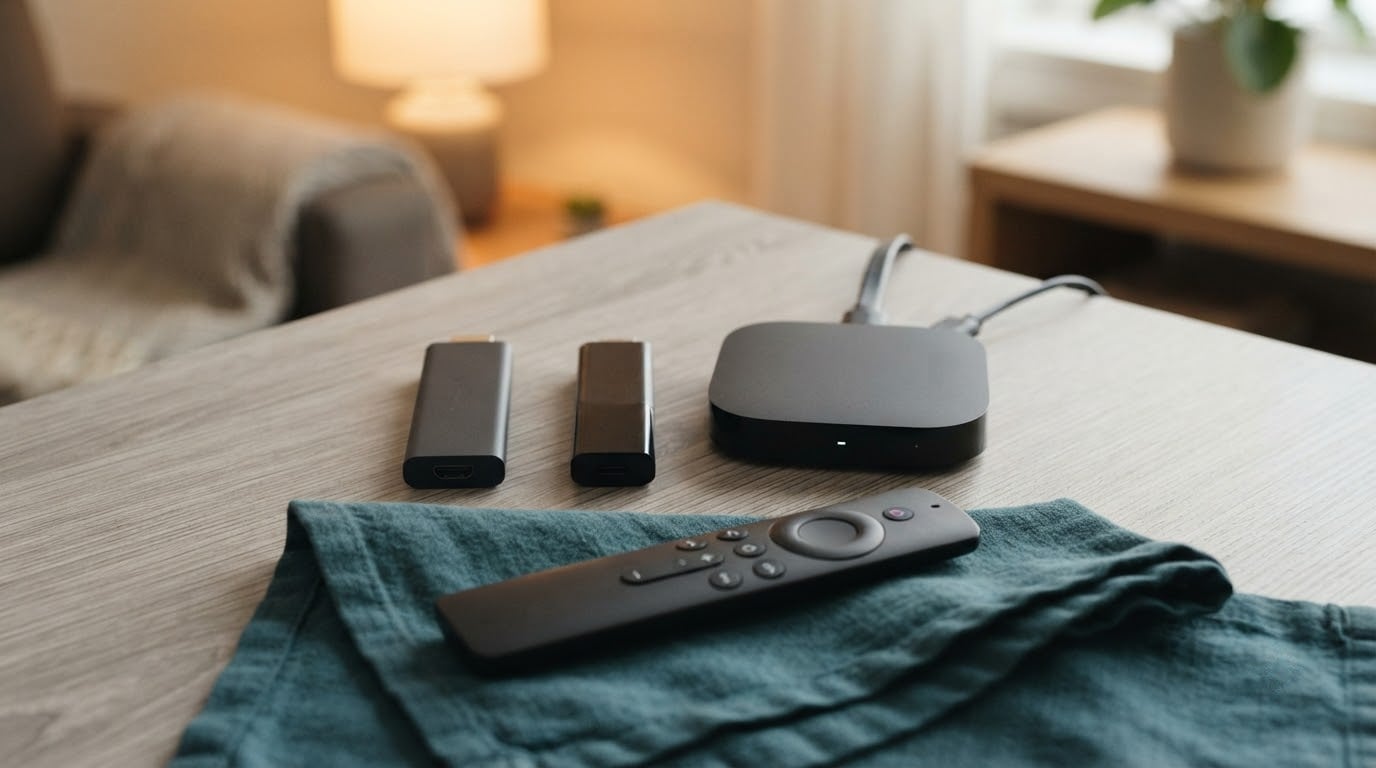
Fire TV Stick 4K Plus leads these Fire TV picks because it pairs Wi-Fi 6 with Dolby Vision and HDR10+ support on a 4K stream, and at 4.6 stars across more than 114k owner reviews it is the most proven way to turn any television into a smart TV. The Fire TV Stick 4K Max is the step up for anyone who wants more storage and a 6E connection, and the Fire TV Stick 4K Select covers the cheapest way into 4K streaming.
The rest of the list is deliberately mixed, because Fire TV is two different products wearing one name: small streaming sticks and full Fire TV smart televisions from Amazon, INSIGNIA, Toshiba and Hisense. Prime Big Deal Days runs October 6-7, 2026, and offers shift through the event, so treat everything below as a shortlist worth watching rather than a confirmed discount list.
Table of Contents
Our Top 3 Picks for Best Amazon Prime Big Deal Days Fire TV Deals


None of these three needs a second device, a new television or a paid tier to work well. Each one plugs into an HDMI port and is streaming within minutes of unboxing.
Best Amazon Prime Big Deal Days Fire TV Deals Compared (October 2026)
| Product | Specifications | Action |
|---|---|---|
| Fire TV Stick 4K Plus |
|
Check Deal Price |
| Fire TV Stick 4K Max |
|
Check Deal Price |
| Fire TV Stick 4K Select |
|
Check Deal Price |
 Fire TV Cube Fire TV Cube |
|
Check Deal Price |
 INSIGNIA F50 50-Inch INSIGNIA F50 50-Inch |
|
Check Deal Price |
 INSIGNIA F20 32-Inch INSIGNIA F20 32-Inch |
|
Check Deal Price |
 INSIGNIA F40 40-Inch INSIGNIA F40 40-Inch |
|
Check Deal Price |
 Fire TV Stick HD Fire TV Stick HD |
|
Check Deal Price |
 Hisense E6 43-Inch Hisense E6 43-Inch |
|
Check Deal Price |
 Ember 55-Inch 4-Series Ember 55-Inch 4-Series |
|
Check Deal Price |
 Toshiba C350 43-Inch Toshiba C350 43-Inch |
|
Check Deal Price |
 Hisense A4 40-Inch Hisense A4 40-Inch |
|
Check Deal Price |
The stick rows and the television rows answer different questions, so read the type column before the specs.
How We Chose
We compared the specifications that decide day-to-day use: wireless standard, resolution, storage, processor, port count, voice remote support and audio formats. Alongside those we read the owner reviews and star ratings listed on each product, and checked the full data set on October 2026.
1. Fire TV Stick 4K Plus: Best All-Rounder for Most Homes
Amazon Fire TV Stick 4K Plus with AI-powered Fire TV Search, Wi-Fi 6, stream hundreds of thousands of movies and shows, free & live TV, find shows faster with Alexa+
Type: Streaming stick
OS: Fire OS
Resolution: 4K UHD
Wi-Fi: 6
Pros
- Wi-Fi 6 holds 4K streams on busy networks
- Dolby Vision HDR10+ and Dolby Atmos
- Voice search finds titles faster than menus
- Includes an HDMI extender cable
- Travels easily between rooms
Cons
- Some owners report remote volume and power buttons failing
- Occasional audio glitches on individual titles
- A small number needed a replacement unit
The safe buy, and the one most people should take. It runs on Wi-Fi 6 rather than the newest standard, which in practice means it holds a 4K stream on a busy household network without buffering, and it decodes Dolby Vision, HDR10+ and Dolby Atmos on the stick itself rather than relying on the television.
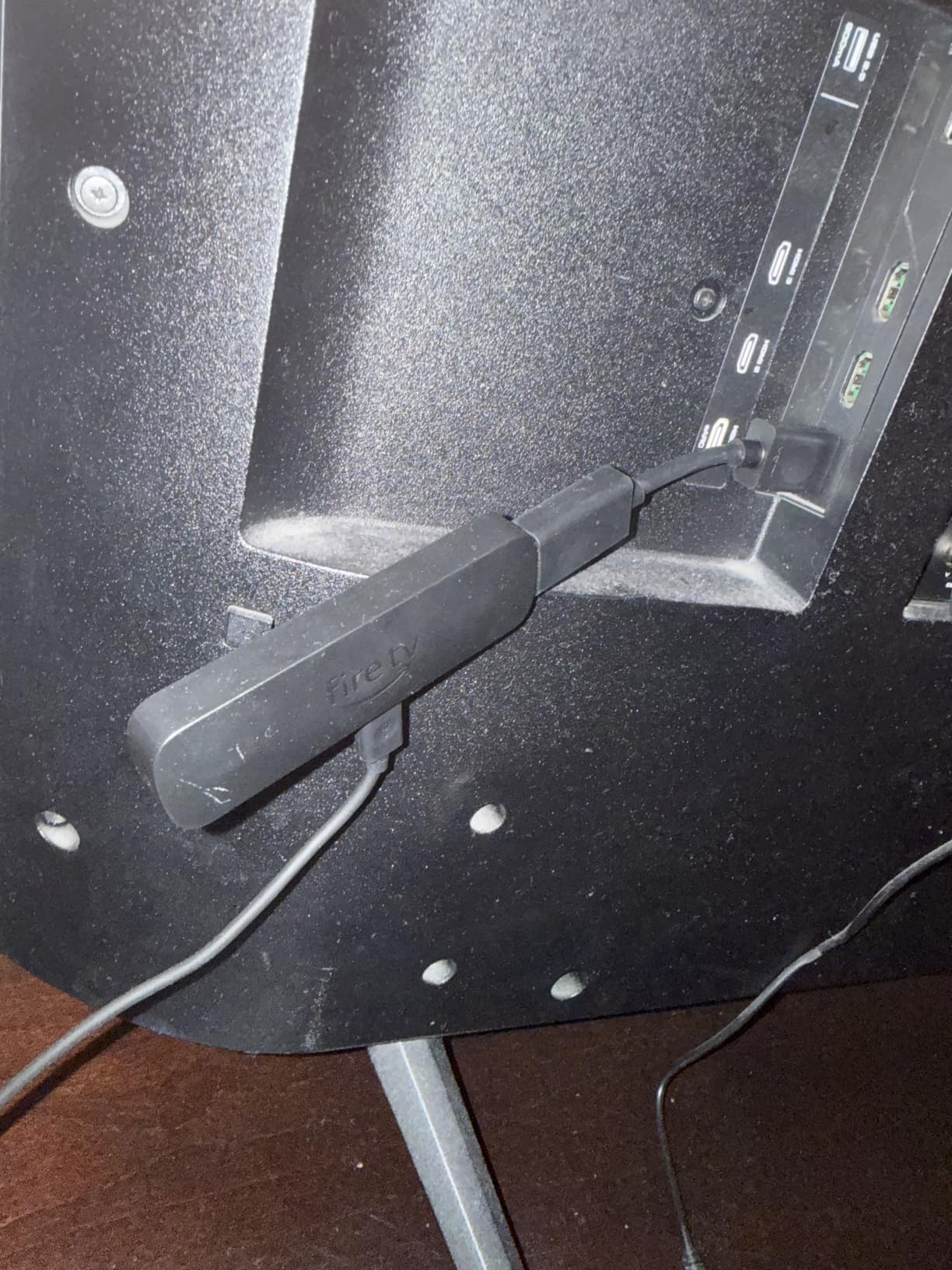
Owners describe setup as close to instant: connect the included HDMI extender, sign in, and the home screen loads. The Alexa Voice Remote has dedicated app buttons, so the shortcut row takes you to Prime Video or Netflix without opening the menu first.
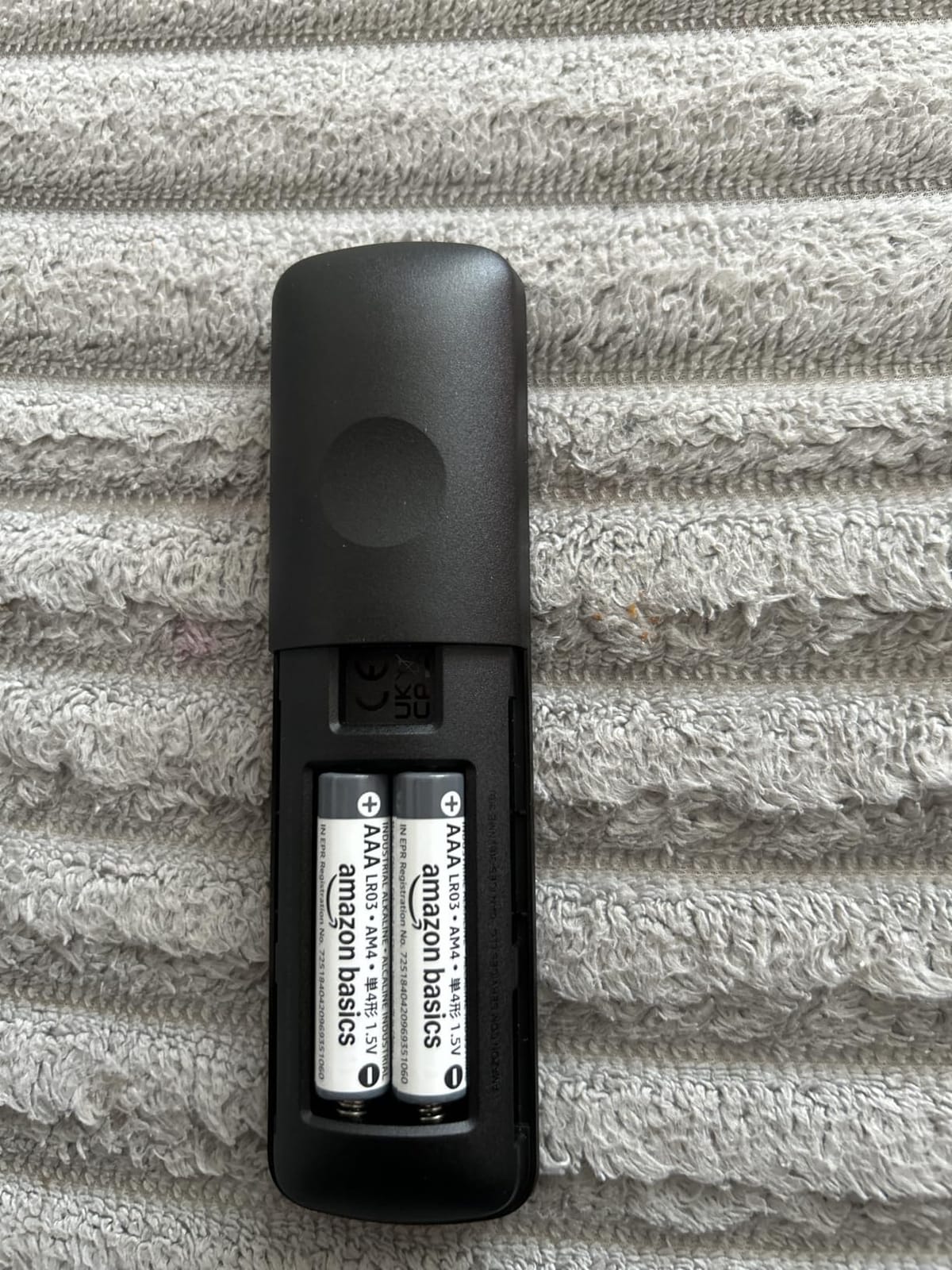
The trade-off is remote reliability. Several reviews describe volume or power buttons on the remote that stop responding, which sends people back to their television’s own controls or to a second remote. Audio also drops out on an isolated title now and then, and a small number of owners needed a replacement device shortly after it arrived.
Compared with the Fire TV Stick 4K Max, this model gives up the 16GB of storage, the 6E radio and the Ambient Experience screensaver, and in exchange it costs less and is the far simpler remote to live with. Against the Fire TV Stick 4K Select it is the same 4K picture with a faster wireless standard and a much wider app library.
Good to know: if your television is a 4K set with HDR, this is the model that pays for itself, because HDR formats only show an advantage at 4K resolution.
2. Fire TV Stick 4K Max: Best for Heavy App Users and Fast Networks
Amazon Fire TV Stick 4K Max (newest model), streaming device, with AI-powered Fire TV Search, supports Wi-Fi 6E, free & live TV without cable or satellite, find shows faster with Alexa+
Type: Streaming stick
OS: Fire OS
Resolution: 4K UHD
Wi-Fi: 6E
Pros
- Double the storage of the 4K Plus at 16GB
- Wi-Fi 6E for crowded networks
- Recents button and channel buttons on the remote
- Ambient Experience with over 2000 artworks
- Fast app starts across every major app
Cons
- Costs more than the Fire TV Stick 4K Plus
- Wi-Fi 6E needs a compatible router to matter
The step-up pick for anyone who juggles a dozen apps. Storage is the reason most people move up: 16GB holds the apps, cloud game installs and downloads that fill the smaller sticks and start to drag on navigation.
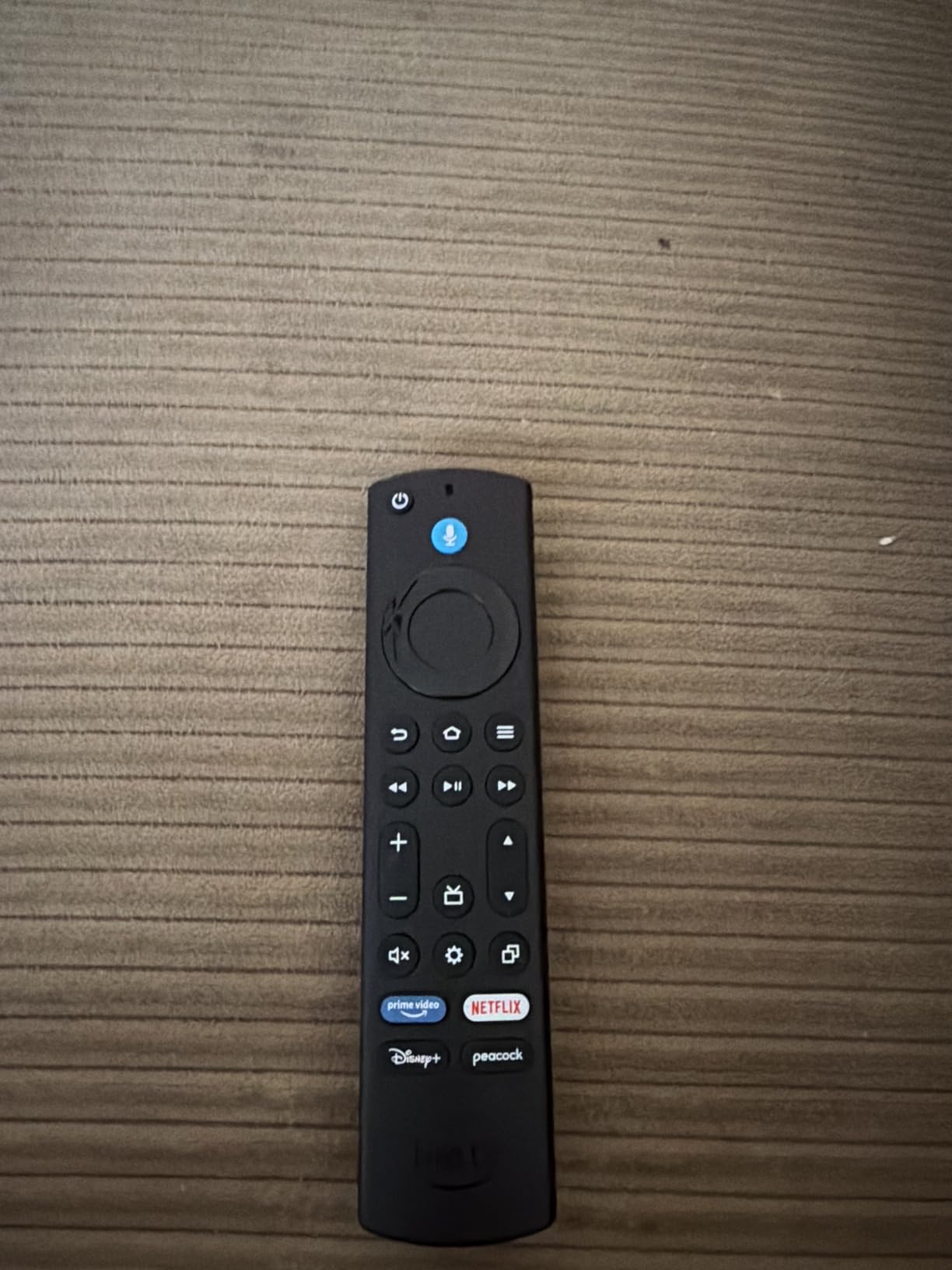
The upgraded remote is a quiet upgrade too. It carries a recents button, so backtracking to the last app is a single press instead of a scroll through the home row, and there are dedicated channel buttons for people who still mix streaming with live channels.
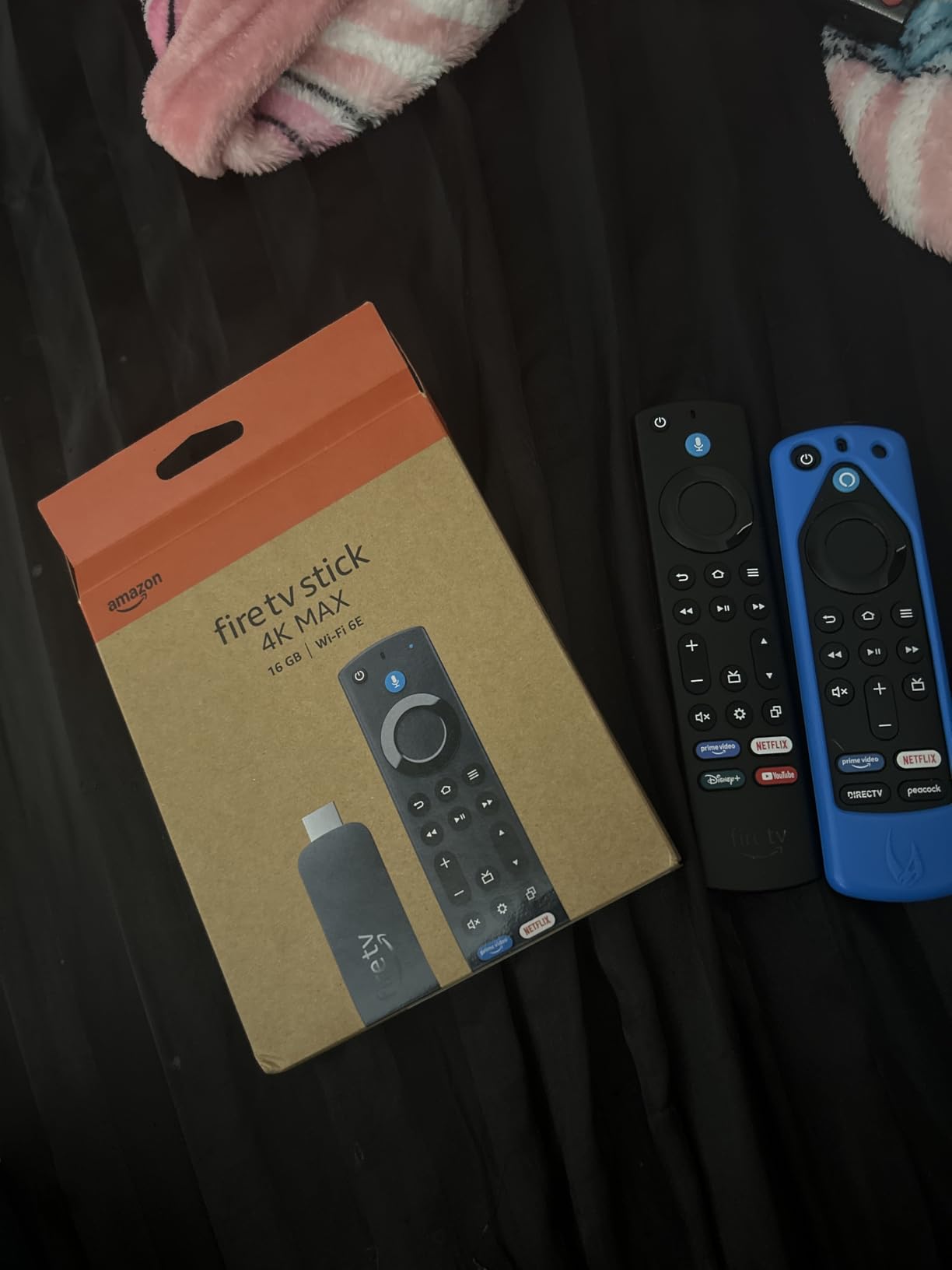
The Ambient Experience turns the stick into a screensaver with more than 2,000 artworks, which matters in a living room where the television is on more than it is watched. Reviewers also point out fast app launches and smooth navigation as the visible difference over the 4K Plus.
Two honest caveats. It costs more than the Fire TV Stick 4K Plus, and the Wi-Fi 6E advantage only shows up on a router that supports 6E. On an older dual-band router the two sticks feel close to identical apart from storage.
Skip it if your household streams one or two services and never downloads anything. In that case the Fire TV Stick 4K Plus is the better-value buy and leaves money for a better television.
3. Fire TV Stick 4K Select: Best Budget Route Into 4K Streaming
Amazon Fire TV Stick 4K Select, start streaming in 4K, AI-powered search, and free & live TV, find shows faster with Alexa+
Type: Streaming stick
OS: Vega OS
Resolution: 4K HDR10+
Wi-Fi: 5
Pros
- 4K HDR10+ output at the lowest entry cost
- Conversational voice search works very well
- Setup takes under five minutes
- Compact enough to move between rooms
- Smooth playback in the major streaming apps
Cons
- Vega OS blocks sideloading and developer options
- Wi-Fi 5 only and weaker at range from the router
- 8GB storage fills quickly with several heavy apps
The cheapest way to watch in 4K, with strings attached. Owners treat this as the budget pick and rate it 4.1 stars, which is a few tenths below the Amazon sticks, and the reason sits mostly in the software rather than the picture.
What it does well is uncomplicated: plug it in, sign in, and it streams 4K with HDR10+ and HLG support. The voice search handles natural requests well, and setup is quick enough that reviewers describe it as under five minutes.
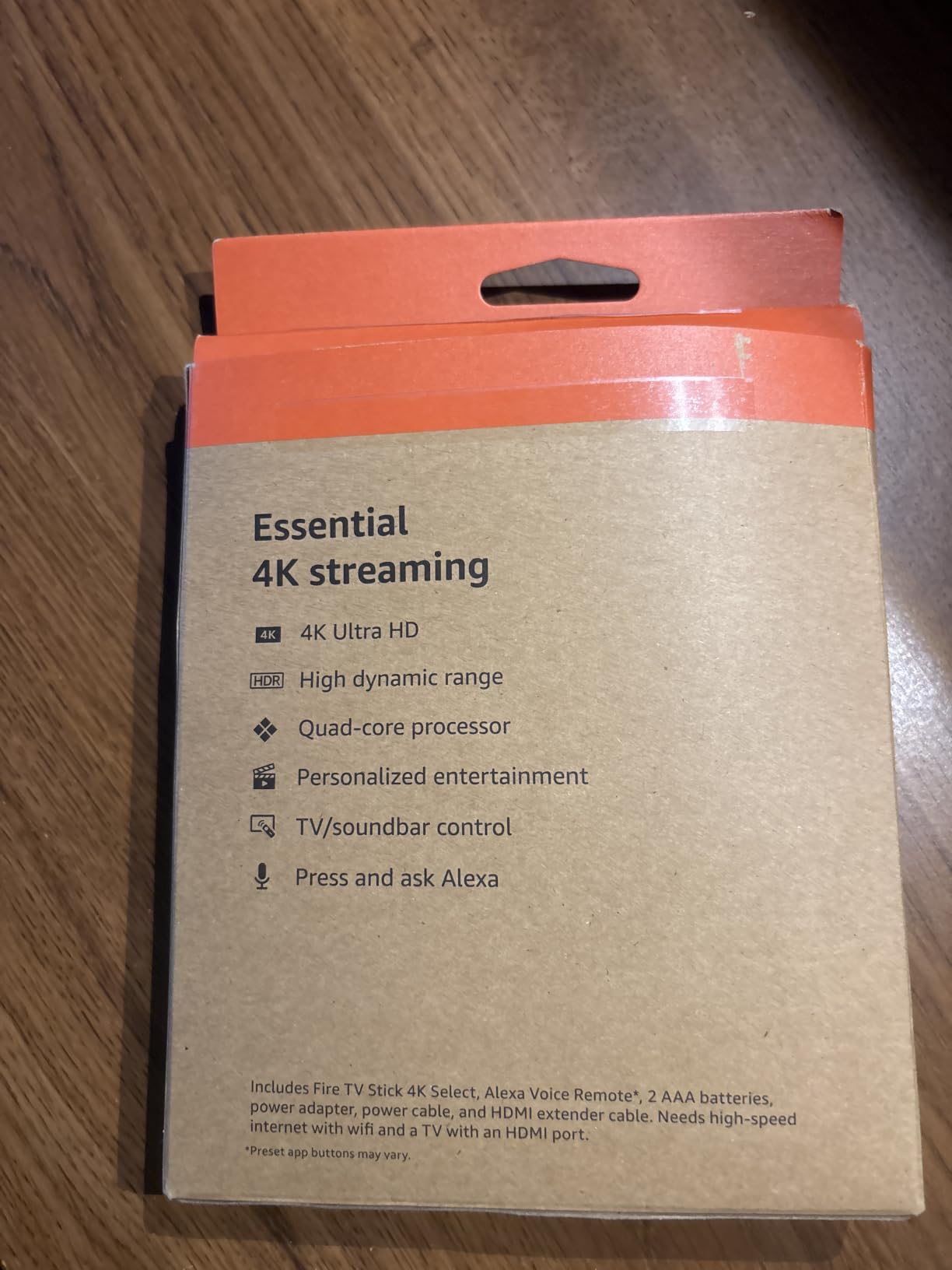
The catch is the operating system. Vega OS is a Linux-based platform that blocks sideloading and removes developer mode, and reviewers note a smaller app library for niche services and VPN tools than Android-based sticks offer. Storage is 8GB, which fills fast once a few large apps are installed, and the Wi-Fi 5 radio is the one to think about if the stick sits across the room from the router.
Compared with the Fire TV Stick 4K Max, you trade the 6E radio, 16GB of storage and the newer remote for a noticeably lower entry point. If you plan to add VPN apps or a heavy Plex library, look at the Fire TV Stick 4K Plus instead.
A few owners also report the stick sleeping quickly when playback is paused, and needing to unregister and re-register the device from the Amazon account before app downloads would work.
4. Fire TV Cube: Best for Hands-Free Voice Control
Amazon Fire TV Cube, with AI-powered Fire TV Search, Hands-free streaming device, find shows faster with Alexa+, Wi-Fi 6E, 4K Ultra HD
Type: Streaming device
OS: Fire OS
Resolution: 4K UHD
Wi-Fi: 6E
Pros
- Octa-core processor rated twice the power of the 4K Max
- Hands-free Alexa from across the room
- Physical microphone disconnect switch
- First streaming player with Wi-Fi 6E
- Dolby Vision HDR and Dolby Atmos
Cons
- Costs noticeably more than every Fire TV stick
- Voice control needs a clear path to the room
The only device here that listens when you are not holding anything. Far-field microphones and built-in speakers mean you can change volume, search for a title or pause a film from the couch, which is the reason a lot of households end up with one.
Performance is the best in the Fire TV device line. The octa-core processor is rated at twice the power of the Fire TV Stick 4K Max, app starts are quick, and it was the first streaming media player to carry Wi-Fi 6E. It decodes Dolby Vision, HDR and Dolby Atmos.
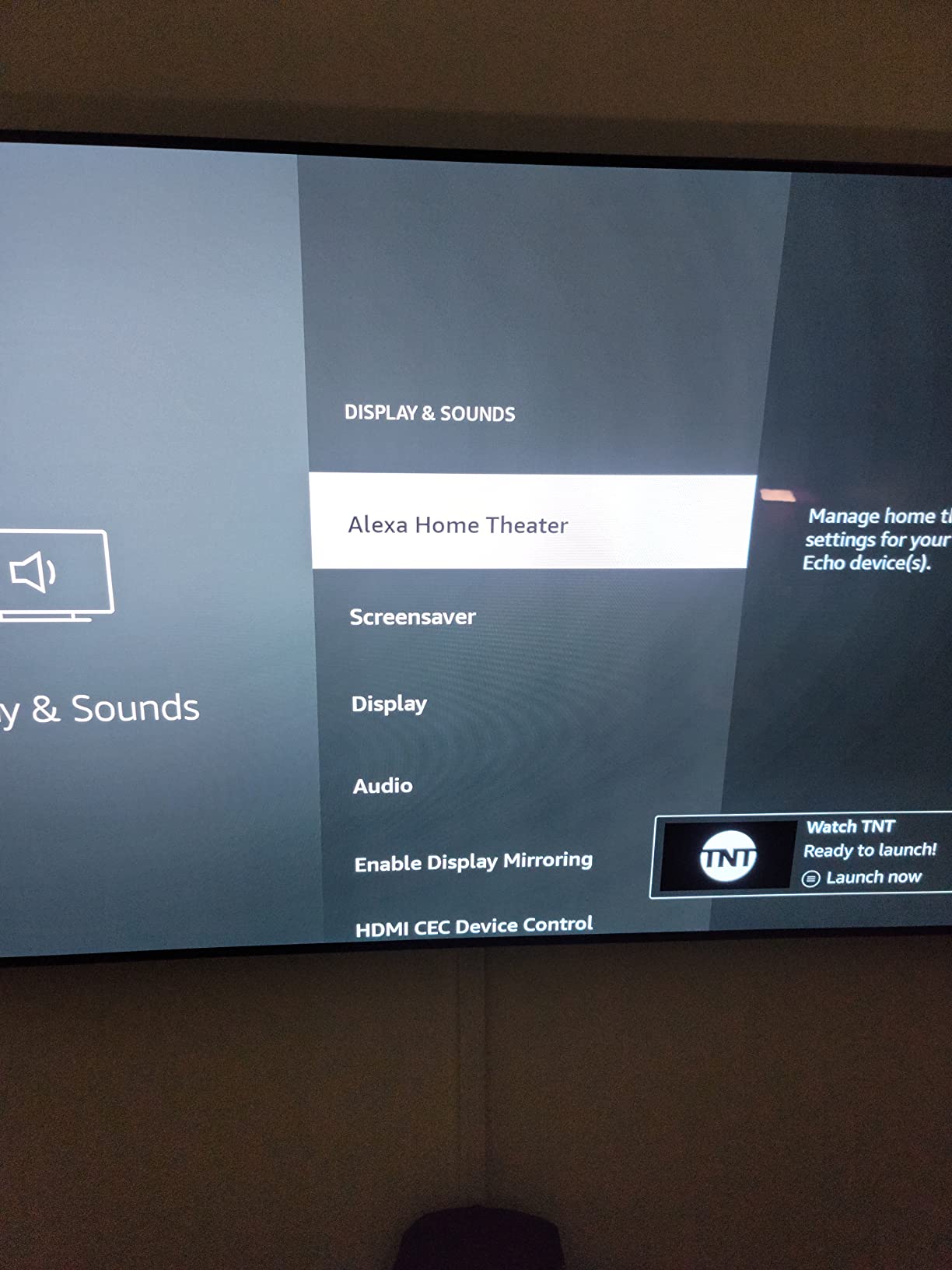
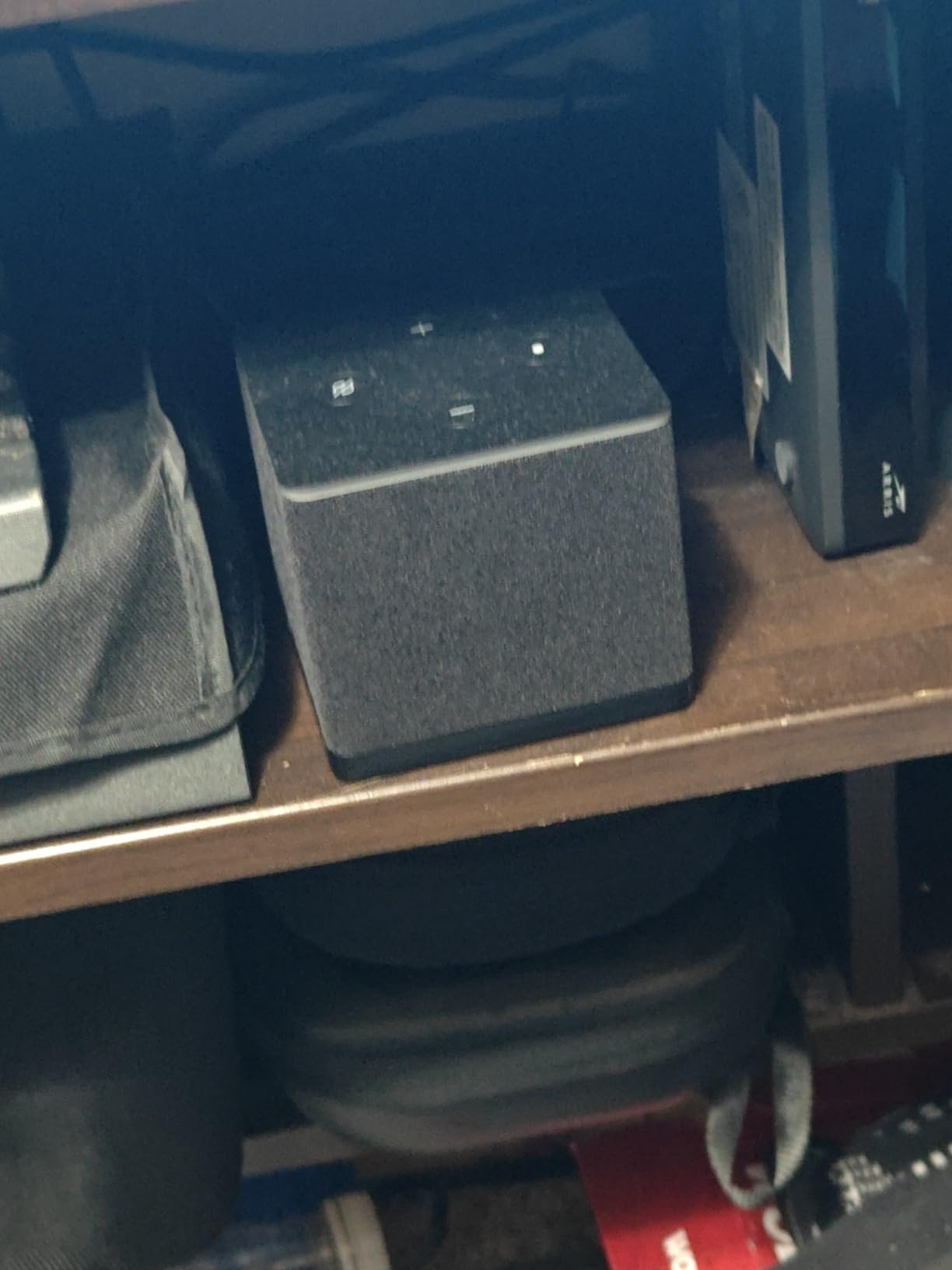
There is a physical microphone disconnect button on the top, and owners who are careful about privacy mention it as a deciding feature. The box also handles live camera feeds and video calls on screen, so it can double as a smart-home display.
The cost is the sticking point. It sits well above every stick in this list, and hands-free listening picks up ambient sound unless the room is reasonably clear, which matters in an open-plan flat. Owners who only want one remote in hand rate the Fire TV Stick 4K Max as the better-value route to the same 4K picture.
5. INSIGNIA F50 50-Inch: Best Big-Screen Value With 4K
INSIGNIA 50″ Class F50 Series LED 4K UHD Smart Fire TV, Voice Remote with Alexa, Stream Live TV Without Cable
Type: Fire TV smart TV
OS: Fire OS
Resolution: 4K UHD
Wi-Fi: yes
Pros
- Strong 4K picture with HDR10 at 300 nits peak
- Three HDMI ports including eARC
- Useful port spread with optical USB and Ethernet
- Wall mountable on a 200 x 200 pattern
- Alexa remote with a reliable microphone
Cons
- Fire OS menus and app response are noticeably slow
- Often forgets the last-used app
- Box includes only a quick setup guide
A 50-inch 4K panel for the family room, if you can live with the menus. Direct LED backlighting with HDR10 at 300 nits peak is a step up from the 1080p sets, and owners consistently call the picture good for what it costs.
Connectivity is unusually generous at this size. Three HDMI ports including one with eARC, plus optical audio, two USB ports, composite, headphone, coaxial and Ethernet, so a soundbar and a console can both be connected without an adapter.
The recurring complaint is software speed. Owners report laggy Fire OS menus, and a fairly common one is the set forgetting the last-used app and replaying the startup screen. A few mention audio dropping to near silence after pausing, and the box carries only a quick setup guide with no detailed manual, so deep picture settings take some finding.
Against the Toshiba C350 at 43 inches, this set gives you a larger screen and a third HDMI port but no Dolby Vision, and against the Hisense E6 it trades quantum dot colour for size. If picture accuracy matters more than screen inches, look there instead.
6. INSIGNIA F20 32-Inch: Best for Dorms, Kitchens and Offices
INSIGNIA 32″ Class F20 Series LED HD Smart Fire TV, Voice Remote with Alexa, Free & Live TV
Type: Fire TV smart TV
OS: Fire OS
Resolution: 720p HD
Wi-Fi: yes
Pros
- Small footprint for a bedroom desk or kitchen counter
- Alexa remote handles search and input switching
- DTS Virtual:X widens the built-in sound
- HDMI ARC allows a simple soundbar hookup
- Table stand or wall mount both included
Cons
- 720p panel looks softer than Full HD sets
- Only two HDMI ports
- HDR10 support is nominal at this size
For the second television most people actually need. A bedroom, a kitchen counter or a home office is where a 32-inch set earns its place, and buyers treat the softer 720p panel as a fair trade at this size.
The Alexa Voice Remote does the heavy lifting here. It searches, launches apps and switches inputs, which matters on a small set mounted high on a wall. DTS Virtual:X processing widens the soundstage from the built-in speakers, and HDMI ARC means a soundbar connects with one cable.

Two HDMI ports is the real limitation, and it shows when you already have a console, a soundbar and a live box competing for the same sockets. The panel is 720p with a 60 Hz refresh rate, so HDR10 is listed but does little at this resolution, and about a tenth of reviews land in the one-star column for general budget-level performance.

Compare it with the Fire TV Stick 4K Select if you already own a decent television. A stick on an existing 4K set gives you a sharper image for a similar outlay, whereas this set is for rooms with no screen at all.
7. INSIGNIA F40 40-Inch: Best for a Bedroom Upgrade From 720p
INSIGNIA 40″ Class F40 Series LED Full HD Smart Fire TV, Voice Remote with Alexa, Free & Live TV
Type: Fire TV smart TV
OS: Fire OS
Resolution: 1080p FHD
Wi-Fi: yes
Pros
- Sharp 1080p panel for the size
- Ethernet port alongside Wi-Fi and Bluetooth
- DTS Virtual:X 2.1 sound from built-in speakers
- Wall mountable on 200 x 200 VESA
- Alexa remote for voice search
Cons
- Higher one-star share than the 4K INSIGNIA models
- Only two HDMI ports
- Basic speakers compared with larger sets
A Full HD step up at 40 inches, with a wired option. The obvious use is replacing a 32-inch bedroom set, where the extra inches and the jump from 720p to 1080p are both felt every day.
It has something the smaller INSIGNIA sets do not: an Ethernet port, alongside Wi-Fi and Bluetooth. On a weak wireless setup, a wired connection is the most reliable fix for a stuttering stream.
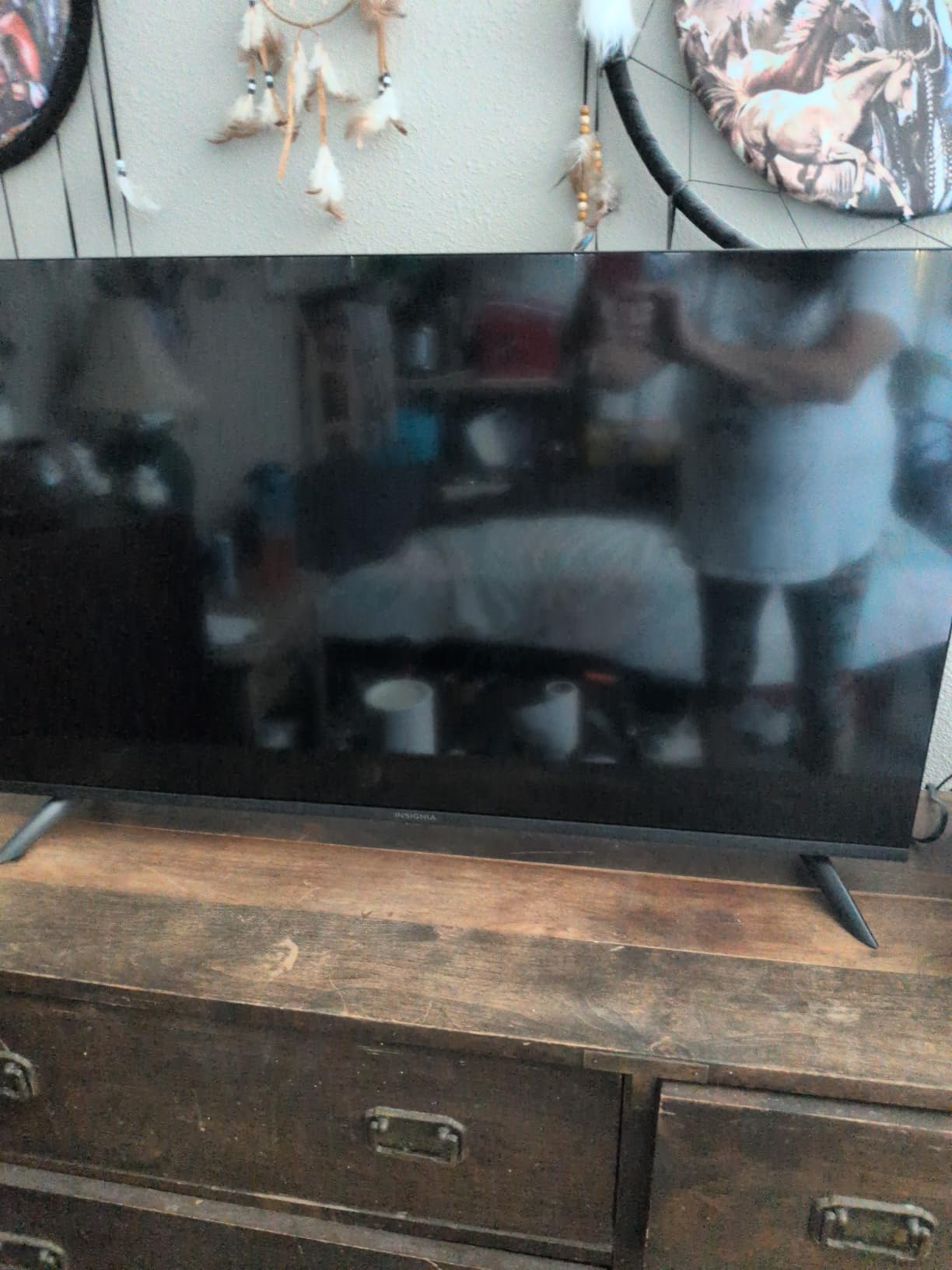
Reviews are more mixed here than on the 4K models. Owners like the sharpness, the voice remote and DTS Virtual:X audio, but a 16 percent one-star share points to more variability in picture consistency and app performance than the bigger sets show. Sound is basic, and the panel is 60 Hz with no motion processing listed.
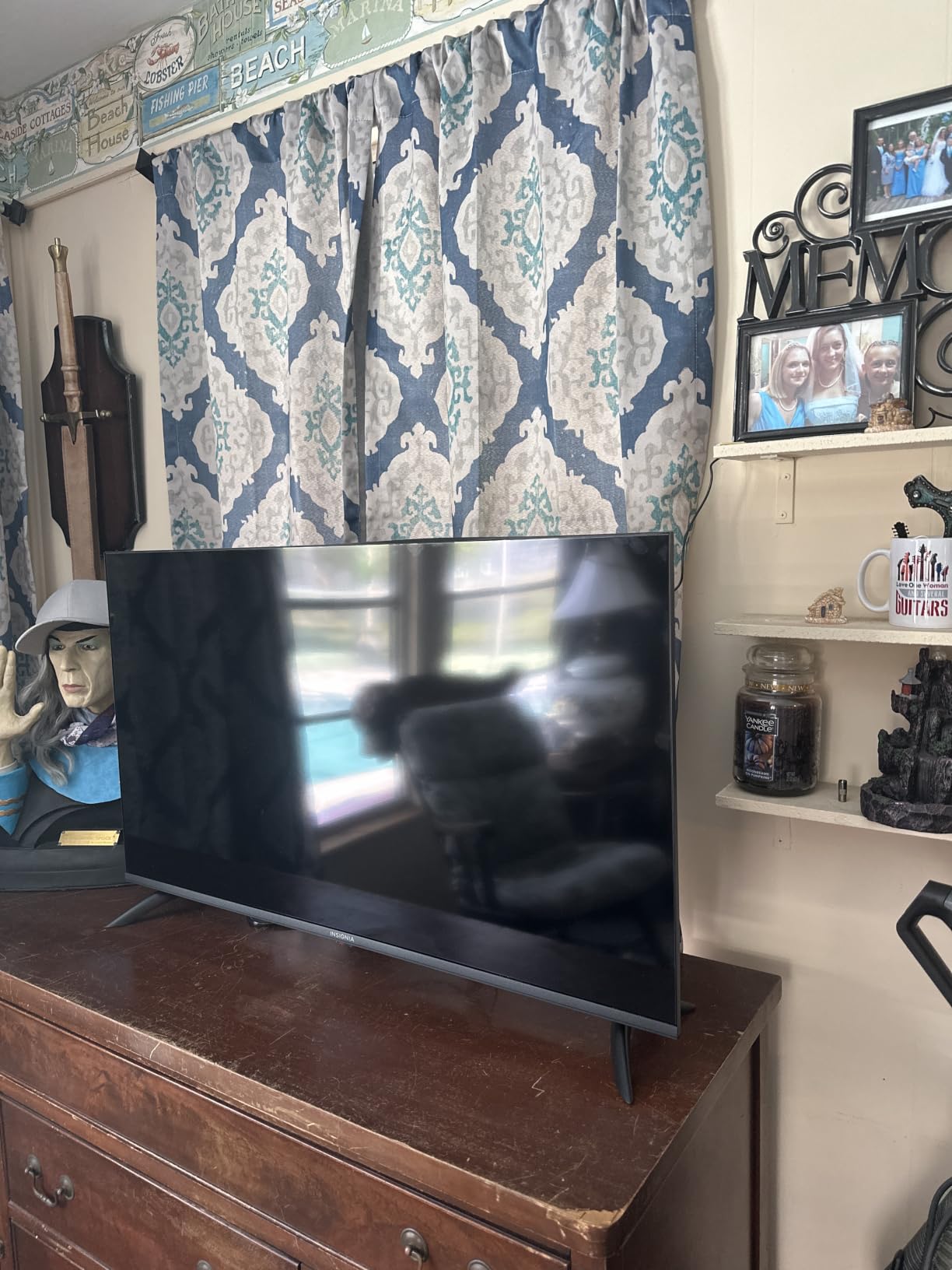
If your room is under about 12 feet wide, the 43-inch Toshiba C350 gives you 4K and Dolby Vision instead, which is a larger jump than the size increase. If your room is smaller still, the INSIGNIA F20 is the more sensible size.
8. Fire TV Stick HD: Best for Travel and Clutter-Free Setup
Amazon Fire TV Stick HD (newest model), free & live TV, Alexa Voice Remote, powered by the TV, effortless setup, find shows faster with Alexa+
Type: Streaming stick
OS: Fire OS
Resolution: 1080p FHD
Wi-Fi: 6
Pros
- Direct Power draws from the television USB port
- Slim and light enough to move between rooms
- Connects without blocking adjacent HDMI ports
- Bluetooth headphone listening for private viewing
- Wi-Fi 6 on a Full HD stream
Cons
- Full HD only with no 4K output
- Less processing power and storage than the 4K sticks
- One-star share higher than the 4K Plus and Max
The one to pack for a hotel room or a second television. Direct Power draws electricity from the television’s own USB port using the included USB-C cable, which means no wall adapter and one less cable to lose in a bag.
The slim, light body fits beside other HDMI devices without blocking the neighbouring ports, and Bluetooth headphone support gives you private listening late at night. Navigation goes straight to movies, shows and live channels rather than through layered menus.
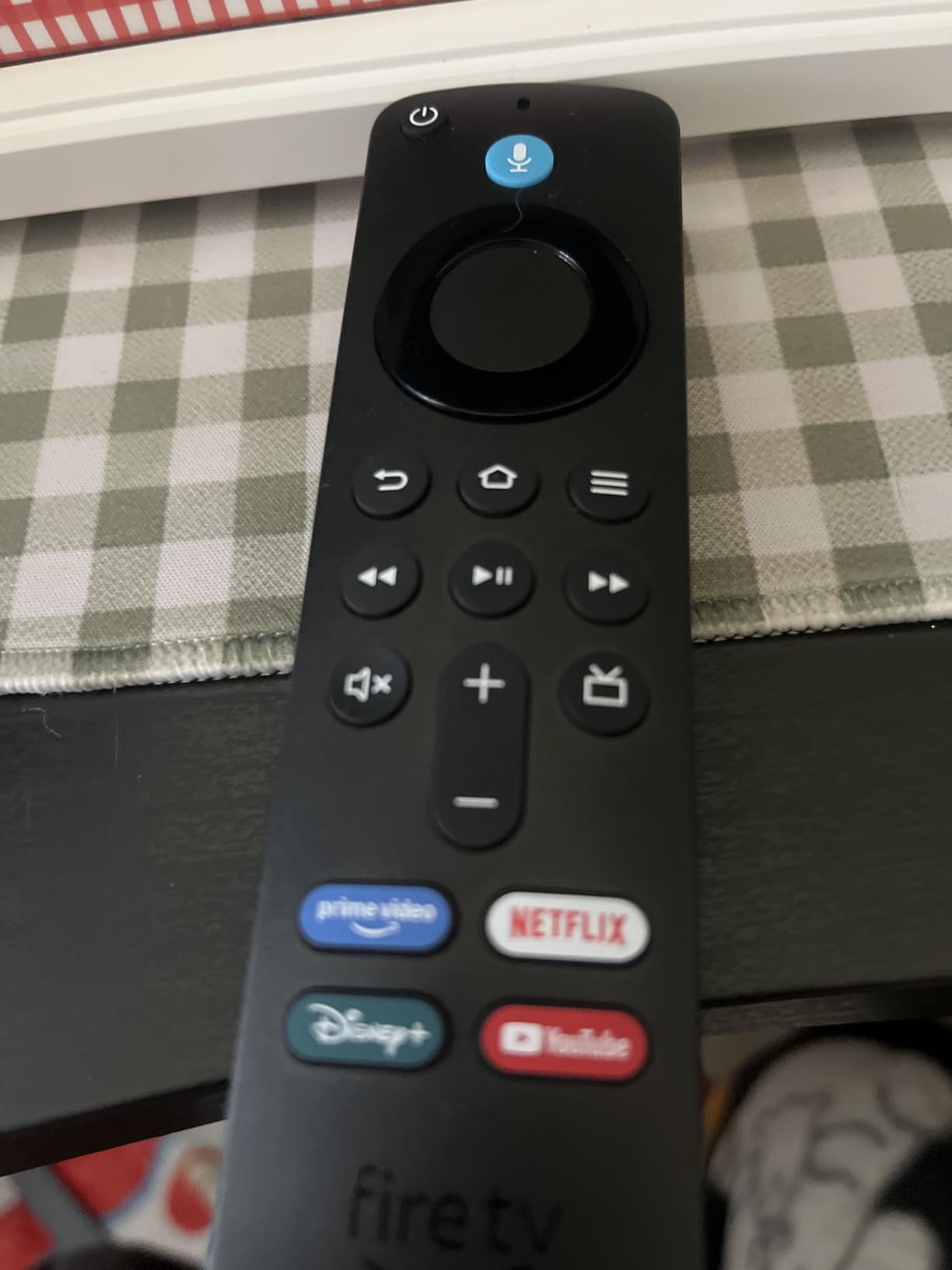
The limits are obvious and honest. It outputs 1080p rather than 4K, and it has less processing power and storage than the 4K sticks, which shows as more inconsistency: the 4.0 average and a 15 percent one-star share are both weaker than the Fire TV Stick 4K Plus.
Anyone buying for the living room should skip it and take the Fire TV Stick 4K Plus, which costs more but is a completely different class of device. This one earns its place precisely because it is small, simple and disposable.
9. Hisense E6 43-Inch: Best for QLED Colour and Dolby Vision
Hisense 43″ E6 Cinema Series Hi-QLED 4K UHD Smart Fire TV (43E6QF) – AI Light Sensor, Dolby Vision · Atmos, Voice Remote with Alexa, Motion Rate 120, HDR 10+ Adaptive, Game Mode Plus
Type: Fire TV smart TV
OS: Fire OS
Resolution: 4K UHD
Wi-Fi: 6
Pros
- Hi-QLED quantum dot colour with Dolby Vision
- AI 4K upscaler sharpens lower-resolution sources
- AI Light Sensor adjusts brightness to the room
- Filmmaker Mode preserves original framing and colour
- Three HDMI ports and Wi-Fi 6
Cons
- 60 Hz native refresh with MEMC-based motion handling
- Highest one-star share among the 4K sets here
- Interface speed slower than competing brands
The most colour-forward television in this list. Hi-QLED quantum dot technology, Dolby Vision and HDR 10+ Adaptive together produce the richest picture here, and the 14W Dolby Atmos speakers add more than a typical budget set manages.
Two AI features earn their place in daily use. The light sensor adjusts brightness to ambient conditions automatically, so daytime sports and evening films both look right without touching the settings, and the 4K upscaler visibly sharpens Full HD streaming.
There is no native refresh rate advantage: it runs at 60 Hz and relies on MEMC-based motion handling. The 4.0 average reflects a 16 percent one-star group citing interface speed and software stability, which is worth knowing if you are used to faster menus.
Gamers should look at the Toshiba C350, which adds VRR and ALLM for console play. The Hisense E6QF offers better colour and a more capable processor, but its Game Mode Plus is a basic implementation rather than a full gaming mode.
10. Ember 55-Inch 4-Series: Best for Consoles and Home Theatre
Amazon Ember 55″ 4-Series with Fire TV (newest model), 4K Ultra HD smart TV with Alexa Remote, HDR10+, fast processor, Dolby Audio, Ambient Experience, free and live TV, find shows faster with Alexa+
Type: Fire TV smart TV
OS: Fire OS
Resolution: 4K UHD
Wi-Fi: 6
Pros
- Four HDMI inputs at this screen size
- 4K HDR10+ with better brightness in dark scenes
- New quad-core processor and Wi-Fi 6 for fast app loading
- Omnisense sensors wake the display on approach
- Ambient Experience works as a screensaver
Cons
- Dolby Audio is a step below full Dolby Atmos
- One-star share reflects early app-loading issues
- Available sizes top out at 55 inches
Built for people who have run out of HDMI ports. Four inputs on a 55-inch Fire TV is unusual at this level, and it means a console, a soundbar, a live box and a Blu-ray player can all be connected without swapping cables.
Picture performance is solid 4K with HDR10+ and improved brightness in darker scenes. The new quad-core processor and Wi-Fi 6 make apps open quickly, which addresses the sluggish menus that hold back several budget Fire TV sets.
The Omnisense Instantly On sensors are the feature people mention most. Walk past and the display wakes showing artwork instead of a black panel, and the Ambient Experience doubles as a full screensaver with more than 2,000 pieces of art.
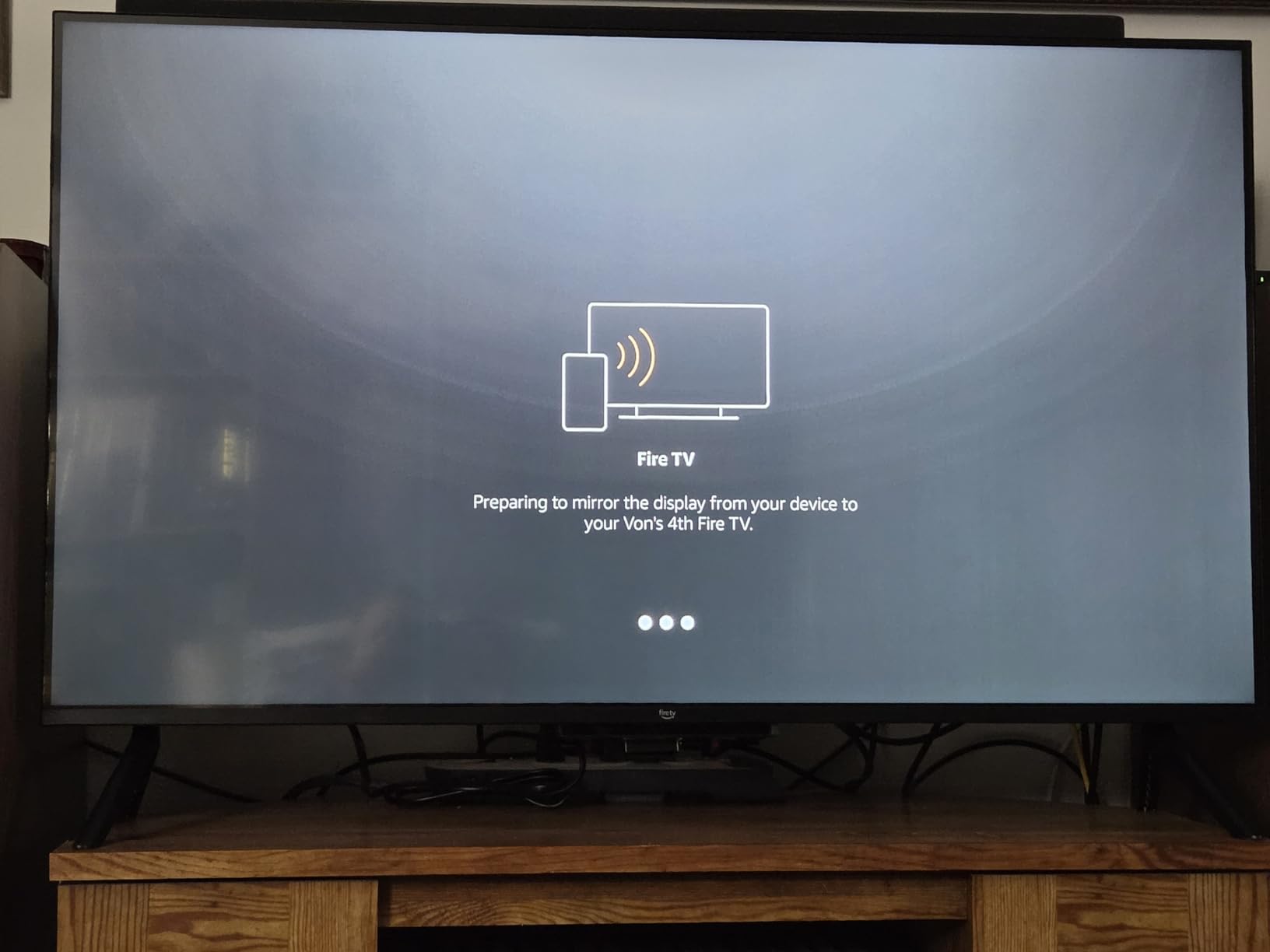
Two limits. Audio is Dolby Audio rather than full Dolby Atmos, so a soundbar is worth adding if you care about sound, and a 12 percent one-star share points to some early app-loading and software issues that later updates appear to have smoothed out.
Anyone wanting true Dolby Atmos and quantum dot colour should compare the Hisense E6 at 43 inches, which is smaller but noticeably better on both counts.
11. Toshiba C350 43-Inch: Best for Dolby Vision With Console Features
TOSHIBA 43″ Class C350 Series LED 4K UHD Smart Fire TV, Voice Remote with Alexa, Free & Live TV
Type: Fire TV smart TV
OS: Fire OS
Resolution: 4K UHD
Wi-Fi: yes
Pros
- Dolby Vision with Dolby Atmos from 14W speakers
- Game Mode adds VRR and ALLM with eARC
- REGZA engine with an AI 4K upscaler
- Lightweight body that is easy to wall mount
- Three HDMI ports and two USB ports
Cons
- Remote response is slow with a clear delay
- Narrow viewing angles distort off-axis
- Backlight looks washed out out of the box
The feature combination owners praise most at 43 inches. Dolby Vision imaging with Dolby Atmos sound on a REGZA engine, and it is the only set here with VRR and ALLM in its Game Mode plus eARC, which matters if a console is part of the plan.
The AI 4K upscaler adds visible detail to Full HD streaming, and Ultimate Motion plus Sports Mode smooth out fast action. Reviewers also note how light it is, and that attaching it to an existing wall mount is straightforward.
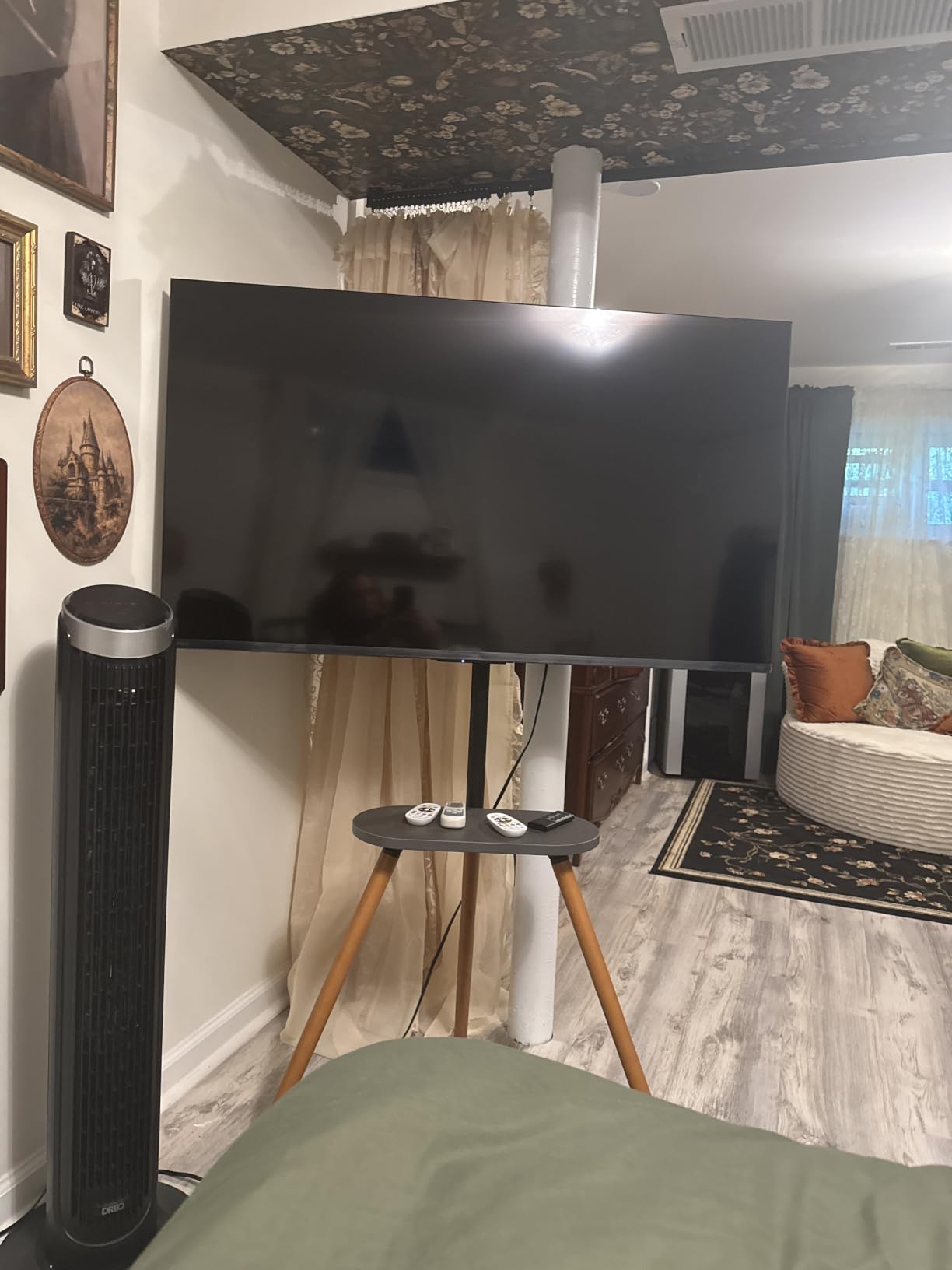
The most common complaint is the remote, which responds with a noticeable delay on every command. Viewing angles are narrow enough that watching from the side introduces distortion, and the default backlight is bright, so the picture looks washed out until you spend time in the settings.
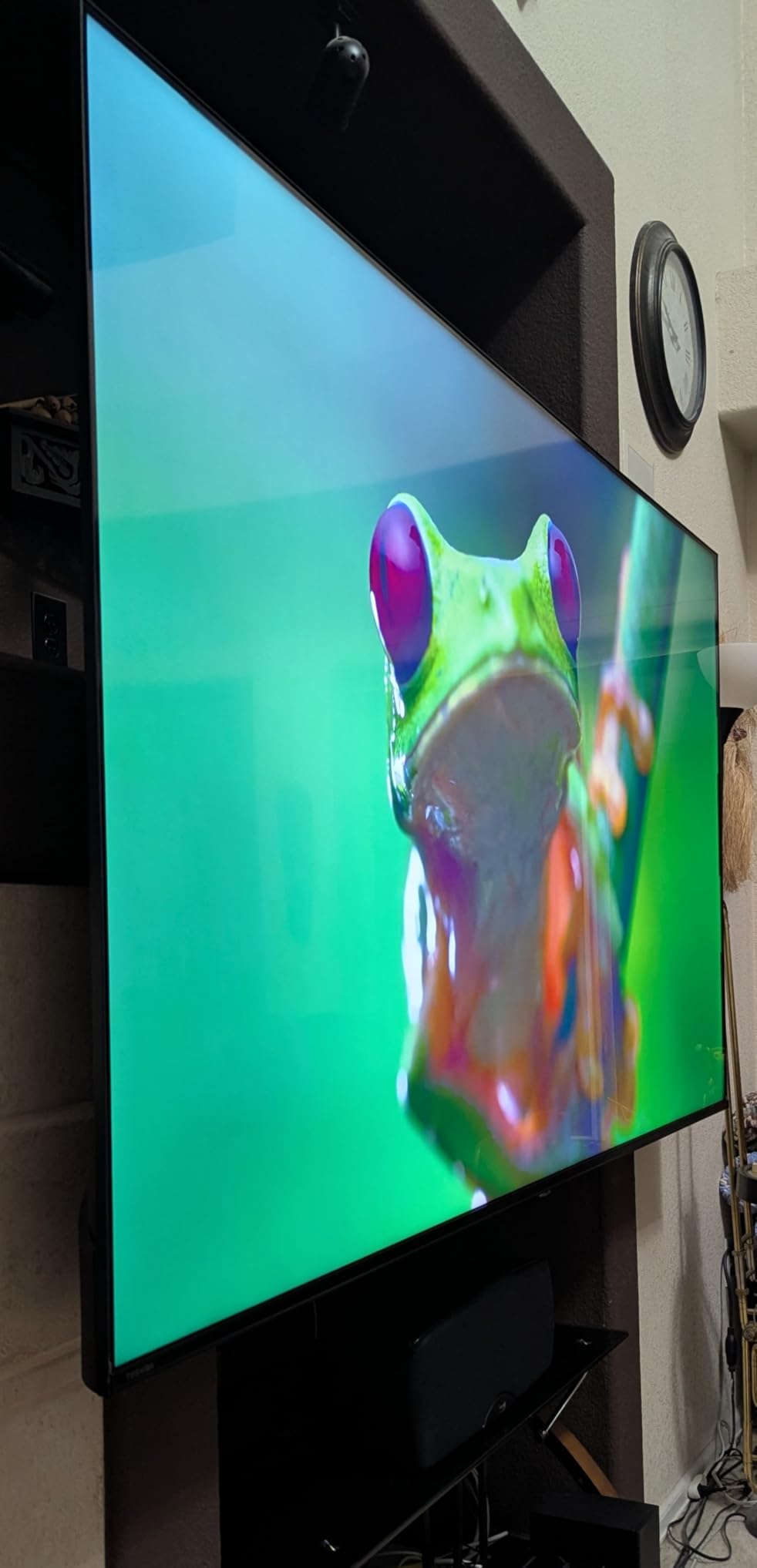
Compared with the Hisense E6 at the same size, you trade quantum dot colour for better console features and a cleaner motion processor. Both run at 60 Hz, so neither wins on refresh rate.
Good to know: sound is adequate on its own, but owners who add a soundbar report the biggest gains when they connect it with an optical cable rather than relying on the built-in speakers.
12. Hisense A4 40-Inch: Best Lightweight Set That Is Easy to Mount
Hisense 40-Inch Class A4 Series FHD 1080p Smart Fire TV (40A4NF) – DTS Virtual: X, Slim Bezel Design, Alexa Built in, Streaming TV, Black
Type: Fire TV smart TV
OS: Fire OS
Resolution: 1080p FHD
Wi-Fi: yes
Pros
- Full Array LED backlight brightens a 1080p panel
- Under 12 pounds so it is easy to place or mount
- Three HDMI ports at a compact size
- Game Mode reduces input delay to 16ms
- Alexa built in with a voice remote
Cons
- No 4K panel
- 60 Hz with no motion processing
- Only one USB port
Owner satisfaction runs high for a budget set, and the reason is the backlight. A Full Array LED backlight across a 1080p LCD panel makes it look brighter and sharper than the resolution alone suggests, and at 4.4 stars it sits near the top of the ratings in this list.
It is also the easiest to deal with physically. Just under 12 pounds with a slim bezel and a VESA 200 x 100 pattern, so a single person can lift it onto a stand or a wall bracket without help.
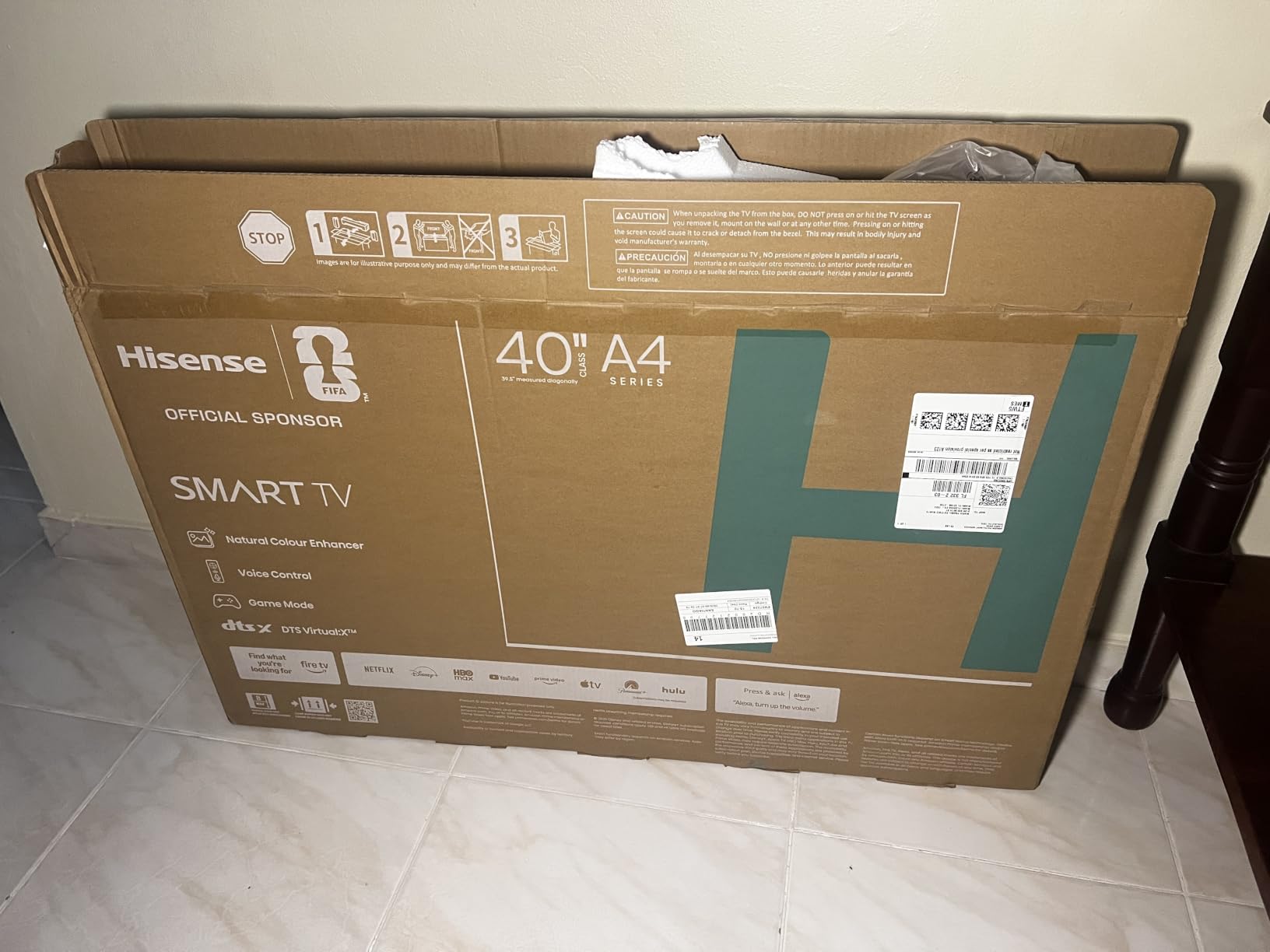
DTS Virtual:X gives clear dialogue, which is the point for a news-heavy or daytime viewing setup, and Game Mode cuts input delay to 16 milliseconds. Three HDMI ports at this size is generous, though there is only one USB port.
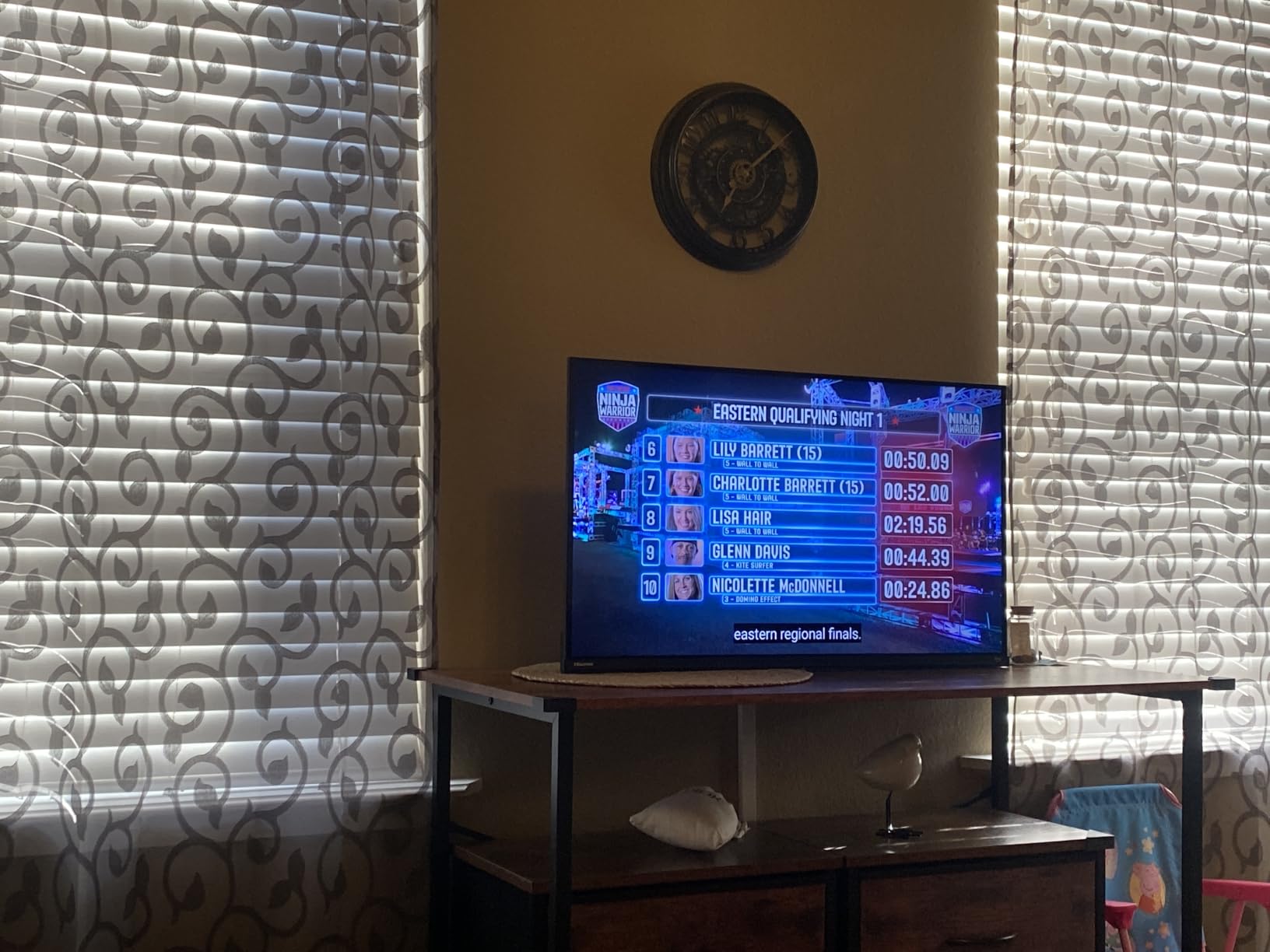
The trade-offs are plain: no 4K panel, a 60 Hz refresh rate with no motion processing, and 14W speakers that reviewers describe as modest for films. If you want 4K in a similar footprint, the Toshiba C350 at 43 inches is the step up.
How to Choose Fire TV Devices During Prime Big Deal Days
Streaming Performance and Device Speed
Processor power and storage decide how a device feels after six months, not on day one. For a stick, anything with 4K output and at least 8GB of storage is workable, and 16GB is the point at which app-heavy households stop noticing slowdowns. For a Fire TV built into a television, look for a recent quad-core processor, because older Fire OS builds on budget sets are the ones owners describe as laggy.
Wi-Fi matters as much as the chip. Wi-Fi 6 sticks such as the Fire TV Stick 4K Plus hold up on busy networks, Wi-Fi 6E needs a router that supports it, and Wi-Fi 5 is fine in a small flat and frustrating in a large one. Pick the Fire TV Stick 4K Max for storage and speed, the Fire TV Stick 4K Select when cost is the deciding factor.
Content Apps Voice Controls and Smart Features
Check that the streaming services you actually pay for are on the platform before anything else, and note that the Fire TV Stick 4K Select runs Vega OS, which has a smaller app library and blocks sideloading. A voice remote with dedicated app buttons saves the most time day to day, and hands-free listening needs a device like the Fire TV Cube.
Smart home control is a real differentiator across Fire OS, with camera feeds and lights manageable on screen. Screen mirroring through AirPlay is standard on most of the televisions here.
Connectivity and Home Theater Setup
Count the HDMI ports before you buy anything. Two ports is the bare minimum and leaves nothing spare, three is workable, and the Ember 55-Inch 4-Series is the only one here with four. For audio, look for HDMI eARC or an optical output, since that is what connects a soundbar properly.
A wired Ethernet port is worth having on a television that lives in a weak wireless spot, and Bluetooth headphone support on the Fire TV Stick HD covers late-night viewing without disturbing anyone.
Picture Quality and Fire TV Edition Televisions
Decide first between a streaming device and a television. A stick improves a screen you already own for a fraction of the outlay, while a Fire TV television replaces the panel as well as the software.
For panels, 4K at 2160p is the sensible floor above 43 inches, and HDR only makes a visible difference at 4K. Quantum dot, as on the Hisense E6, gives richer colour than standard LED. Refresh rate matters most for console play, and none of the 60 Hz sets here will satisfy a dedicated gaming display, though the Toshiba C350 adds VRR and ALLM to soften the difference.
Storage Voice Remote and Everyday Convenience
Storage is the quiet failure point. Sticks with 8GB fill quickly and then slow down, and free space matters more than raw size. Remote design deserves attention too: buttons you can find in the dark and a recents button save constant irritation, which is why owners rate the Fire TV Stick 4K Max remote highly.
For multi-user households, check that the remote handles input switching between a live box and streaming without extra steps, and use parental controls with a PIN if children use the set.
How to Shop Fire TV Deals During the Sale
On a Fire TV listing, check the model number, not just the series name: the 2025 INSIGNIA sets carry codes like NS-50F501NA26, and the year matters because Fire OS support ages faster on older hardware. Confirm the screen size and resolution in the specification block, and read what is in the box, since some sets include only a quick setup guide and no full manual. Check whether the seller and the shipper are Amazon or a marketplace partner, and whether the offer is new or a renewed listing. Most offers on Fire TV hardware need a Prime membership, and prices change through the event, so compare the current listing with the usual price before you commit.
Checklist before buying any Fire TV during Prime Big Deal Days:
- Decide stick or television first, since a stick improves a screen you already own
- Match the model number and model year, not only the series name
- Count HDMI ports and confirm eARC or optical output for a soundbar
- Check Wi-Fi generation against your router, especially for 6E models
- Confirm resolution and panel type, since HDR only shows at 4K
- Verify the seller, the condition and what is included in the box
Frequently Asked Questions
When does Amazon Prime Big Deal Days run in 2026?
Amazon Prime Big Deal Days runs October 6-7, 2026. Amazon confirmed the two-day window, and offers on Fire TV devices and Fire TV televisions appear through the event, with some ending earlier than others.
Is an Amazon Prime membership required for Prime Big Deal Days Fire TV deals?
Most offers on Fire TV hardware during the event need a Prime membership, and a free trial counts. Some partner brand sets are listed without a membership requirement, so check the offer details on the listing before you buy.
Should I buy a Fire TV stick or a Fire TV television?
A stick such as the Fire TV Stick 4K Plus adds apps and voice control to a television you already own and costs far less. A Fire TV television such as the INSIGNIA F50 50-Inch replaces the panel as well as the software, so it suits a first screen or an upgrade from an older set.
Are major streaming apps available on Fire TV devices?
Yes. Prime Video, Netflix, YouTube, Disney+, Apple TV+, Hulu, HBO Max, Peacock and Paramount+ are all available on Fire OS devices. The Fire TV Stick 4K Select runs Vega OS, which carries the major apps but has a smaller library and blocks sideloading.
Do Fire TV deals during Prime Big Deal Days usually last for the entire event?
Not always. Offers on Fire TV devices and televisions change through the event and some end before the final day, while others run to the end. Check the listing regularly and decide on the model you want before the event starts.
Which Fire TV should I pick from the best Amazon Prime Big Deal Days Fire TV deals?
The Fire TV Stick 4K Plus is the most balanced choice for most homes, with Wi-Fi 6 and 4K HDR. Choose the Fire TV Stick 4K Max for more storage, the Fire TV Stick 4K Select for the lowest entry point, and a Fire TV television when you need a new screen.
Final Verdict: Best Amazon Prime Big Deal Days Fire TV Deals
Buy the Fire TV Stick 4K Plus if you want one device that covers almost everyone: Wi-Fi 6, 4K HDR and a remote with app buttons, backed by the largest review base in this list. Buy the Fire TV Stick 4K Max if you install a lot of apps or run a busy 6E network, and the Fire TV Stick 4K Select if the lowest entry cost matters more than app flexibility. The Fire TV Cube is the one to watch for hands-free voice control.
For a new screen, the Hisense E6 43-Inch gives the best colour, the Toshiba C350 43-Inch is the pick for Dolby Vision and console features, the INSIGNIA F50 50-Inch covers a large main-room set, the Ember 55-Inch 4-Series solves HDMI port shortages, the Hisense A4 40-Inch is the easiest to mount, and the INSIGNIA F20 32-Inch and F40 40-Inch cover small rooms. Whichever you choose, confirm the model year, the seller and the current offer on the listing before you order, since prices move throughout the sale.