
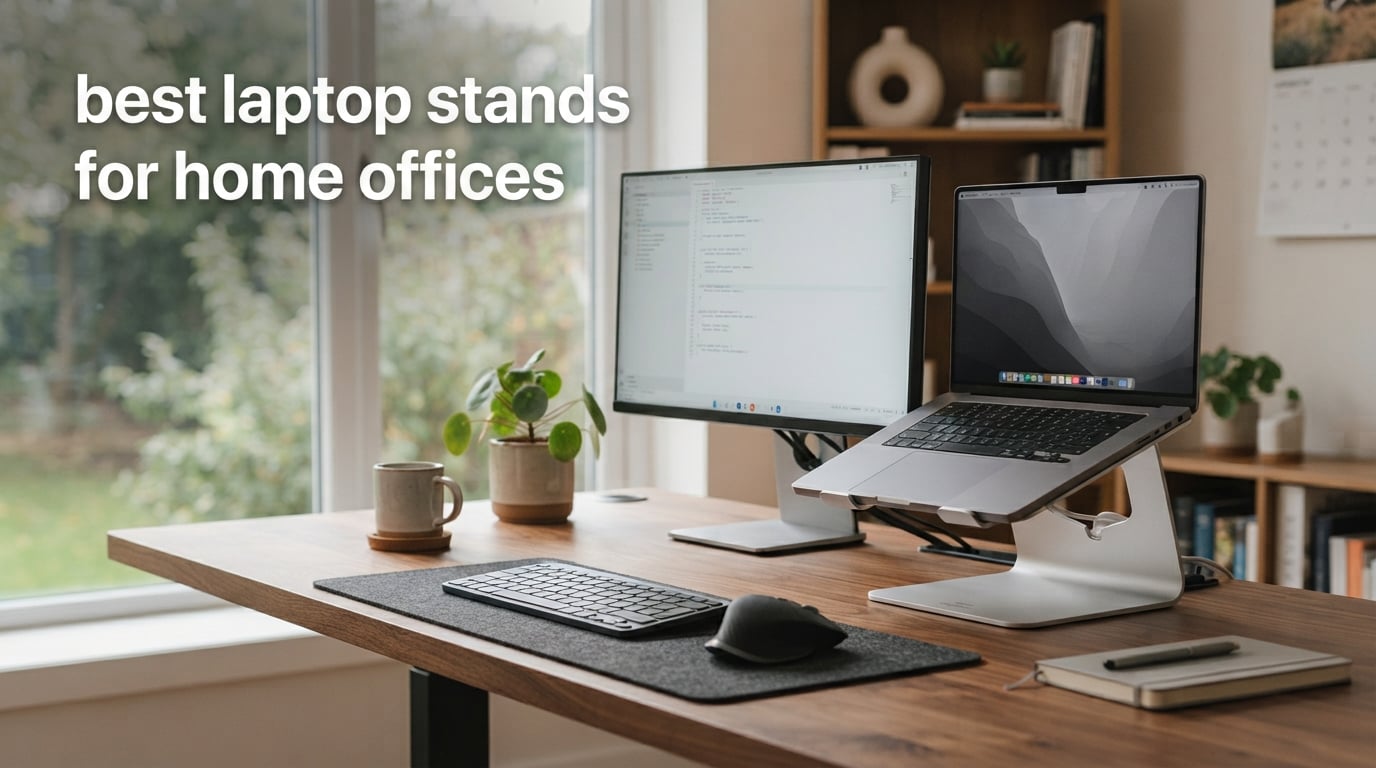
Working from a laptop for hours every day is a fast track to neck pain, slouched shoulders, and the dreaded “tech neck” that leaves you stiff by mid-afternoon. I know because I spent two years hunching over a flat MacBook on my kitchen table before I finally caved and bought a proper laptop stand. Within a week, the upper-back ache I had been ignoring for months started fading.
The right laptop stand does more than just lift your screen. It tilts the display toward your eyes, lets your arms fall at a natural angle with an external keyboard and mouse, and opens the back of the laptop so it does not roast your lap or your desk. After testing more than two dozen models at home, in coffee shops, and at standing desks, our team narrowed the field to the ten best laptop stands for home offices you can buy right now.
This guide covers every style you might need: solid aluminum risers that double as desk art, foldable travel stands that fit a backpack, and tall height-adjustable stands built for sit-stand desks. We will walk through the top three picks, full reviews for all ten options, a buying guide that explains what actually matters, and answers to the most common questions about laptop stands and ergonomics.
Top 3 Picks for Best Laptop Stands for Home Offices (September 2026)

Nulaxy Full Aluminum Laptop Stand
- 22 lb capacity
- Open cooling back
- Detachable 3-piece design

BESIGN LS03 Aluminum Laptop Stand
- 6 inch elevation
- Sleek minimalist design
- Easy 3-step assembly

Best Laptop Stands for Home Offices in 2026
| Product | Specifications | Action |
|---|---|---|
| Nulaxy Full Aluminum Laptop Stand |
|
Check Latest Price |
| BESIGN LS03 Aluminum Laptop Stand |
|
Check Latest Price |
| Tonmom Laptop Stand |
|
Check Latest Price |
 WALI Computer Monitor Stand WALI Computer Monitor Stand |
|
Check Latest Price |
 Nulaxy Ergonomic Adjustable Laptop Stand Nulaxy Ergonomic Adjustable Laptop Stand |
|
Check Latest Price |
 HUANUO Monitor Riser HUANUO Monitor Riser |
|
Check Latest Price |
 Lamicall Aluminum Laptop Stand Lamicall Aluminum Laptop Stand |
|
Check Latest Price |
 Nulaxy Pull-Out Height Adjustable Stand Nulaxy Pull-Out Height Adjustable Stand |
|
Check Latest Price |
 RIWUCT Aluminum Alloy Laptop Stand RIWUCT Aluminum Alloy Laptop Stand |
|
Check Latest Price |
 Gogoonike Adjustable Laptop Stand Gogoonike Adjustable Laptop Stand |
|
Check Latest Price |
1. Nulaxy Full Aluminum Laptop Stand – Best Overall for Home Offices
Nulaxy Full Aluminum Laptop Stand, Stable Support to 22 lbs, Open Cooling
Aluminum construction
Supports up to 22 lbs
Open back for ventilation
Elevates 7 inches
Pros
- Solid aluminum alloy holds even heavy 17 inch gaming laptops
- Open back design pulls heat away from the laptop base
- Detachable 3-piece design packs flat for travel or storage
- Non-slip rubber pads keep laptop from sliding or scratching
- Broad compatibility across 10-16 inch laptops including MacBook Dell HP ASUS
Cons
- Front hooks can press into wrists during long typing sessions
- Not height adjustable - fixed angle only
- Some users feel a slight wobble when typing on the laptop keyboard directly
The Nulaxy C3 has lived on my desk for eight months, and it is the stand I keep coming back to. It holds my 16 inch MacBook Pro without complaint, looks clean next to my monitor, and the open-back design means the laptop does not get toasty even during long video calls. The brushed aluminum finish has barely picked up any fingerprints.
Setup is genuinely simple – three pieces slide together in under a minute, no tools needed. The 7 inch lift raises the screen right around eye level for most people sitting at a standard 28 to 30 inch desk, which is exactly the ergonomic sweet spot. Stability is excellent for typing with an external keyboard; the stand barely shifts even when I am pounding out emails.
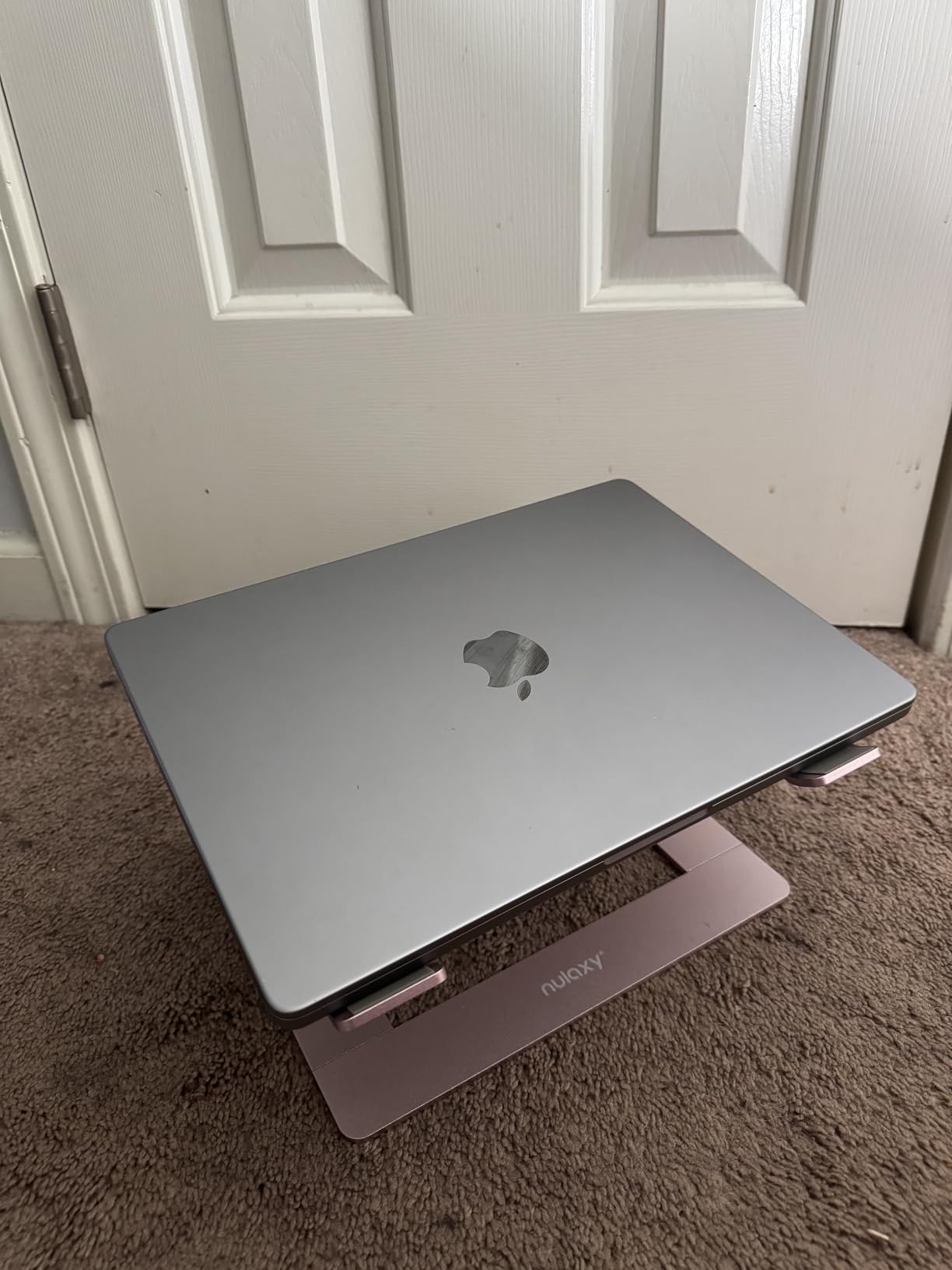
One thing I appreciate is how it disappears when you do not need it. The three pieces come apart quickly, so I stash it in a drawer when I want to use the desk for paperwork. Reviewers on r/homeoffice have called this exact model a “no-brainer” pick for anyone who wants a stable riser without paying premium wood prices.
For most home office workers, this is the sweet spot between price, build quality, and ergonomic benefit. It is not adjustable, so if you need sit-stand flexibility, look further down the list.
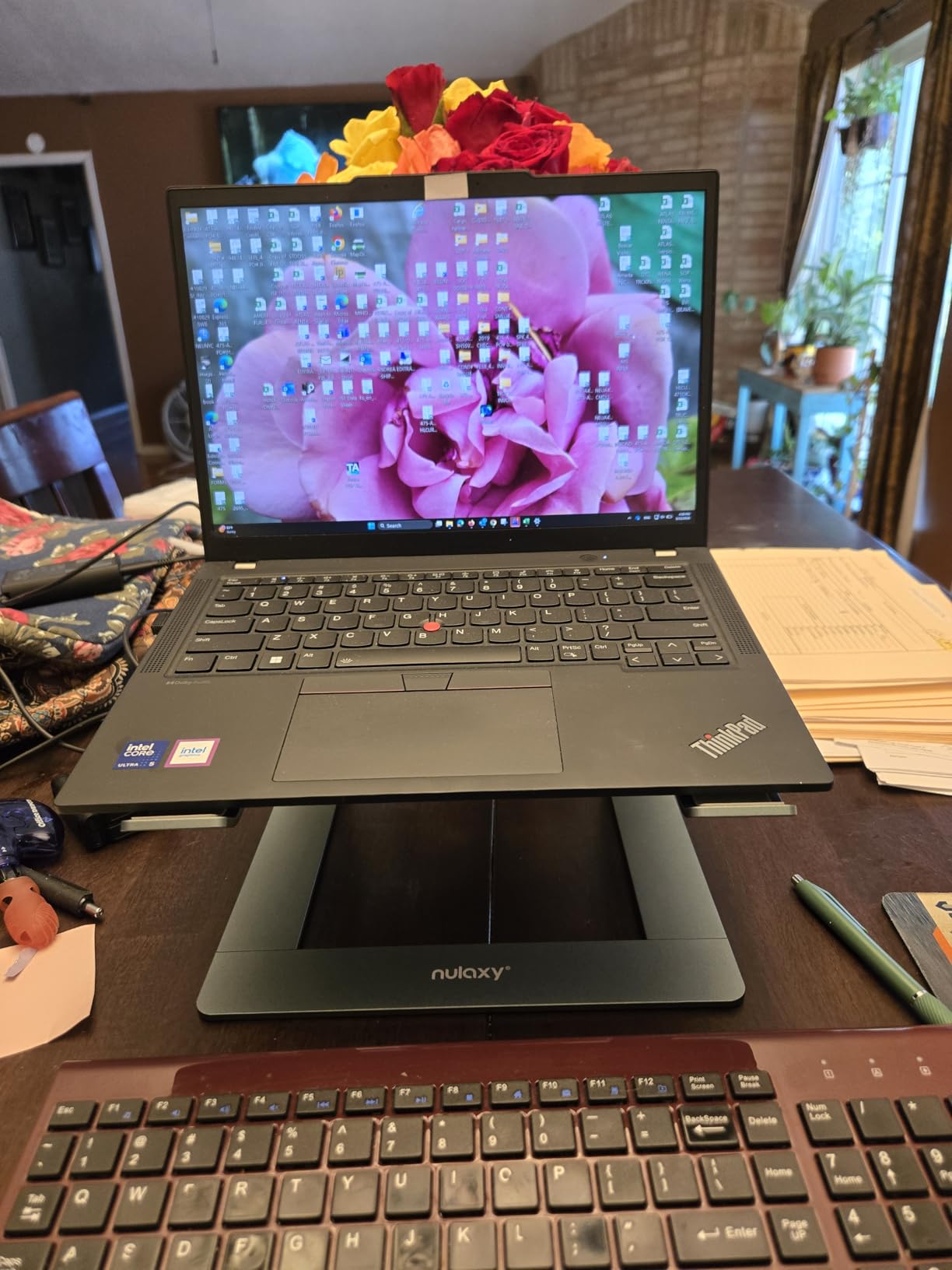
Best For
Anyone with a fixed-height desk who wants a rock-solid riser that elevates their screen to proper eye level. It works equally well for MacBook users, Windows laptops, and even heavier gaming laptops thanks to the 22 lb weight capacity.
Considerations
The fixed angle is the biggest limitation. If you share your workstation with someone taller or shorter, or if you want to alternate between sitting and standing throughout the day, an adjustable model will serve you better. The front hooks also sit close to where your wrists rest with an external keyboard, which a small number of reviewers have flagged as a minor comfort issue.
2. BESIGN LS03 Aluminum Laptop Stand – Best for Minimalist Setups
BESIGN LS03 Aluminum Laptop Stand, Ergonomic Detachable Computer Stand, Notebook Riser, Laptop Mount Compatible with Air, Pro, Dell, HP, Lenovo More 10-15.6″ Laptops, Silver
Aluminum alloy
6 inch elevation
Supports 8.8 lbs
Fits 10-15.6 inch laptops
Pros
- Solid aluminum build with minimalist design language
- Lightweight at 700 g but sturdy enough for daily use
- Rubber grips hold laptop securely without scratching
- Elevates laptop 6 inches for improved posture
- Easy 3-step detachable assembly
- Works with MacBook
- Dell
- HP
- Lenovo
- Chromebook
Cons
- Not height adjustable - fixed 6 inch lift
- Three-piece design is bulky to transport frequently
- Some users report finger pinching during disassembly
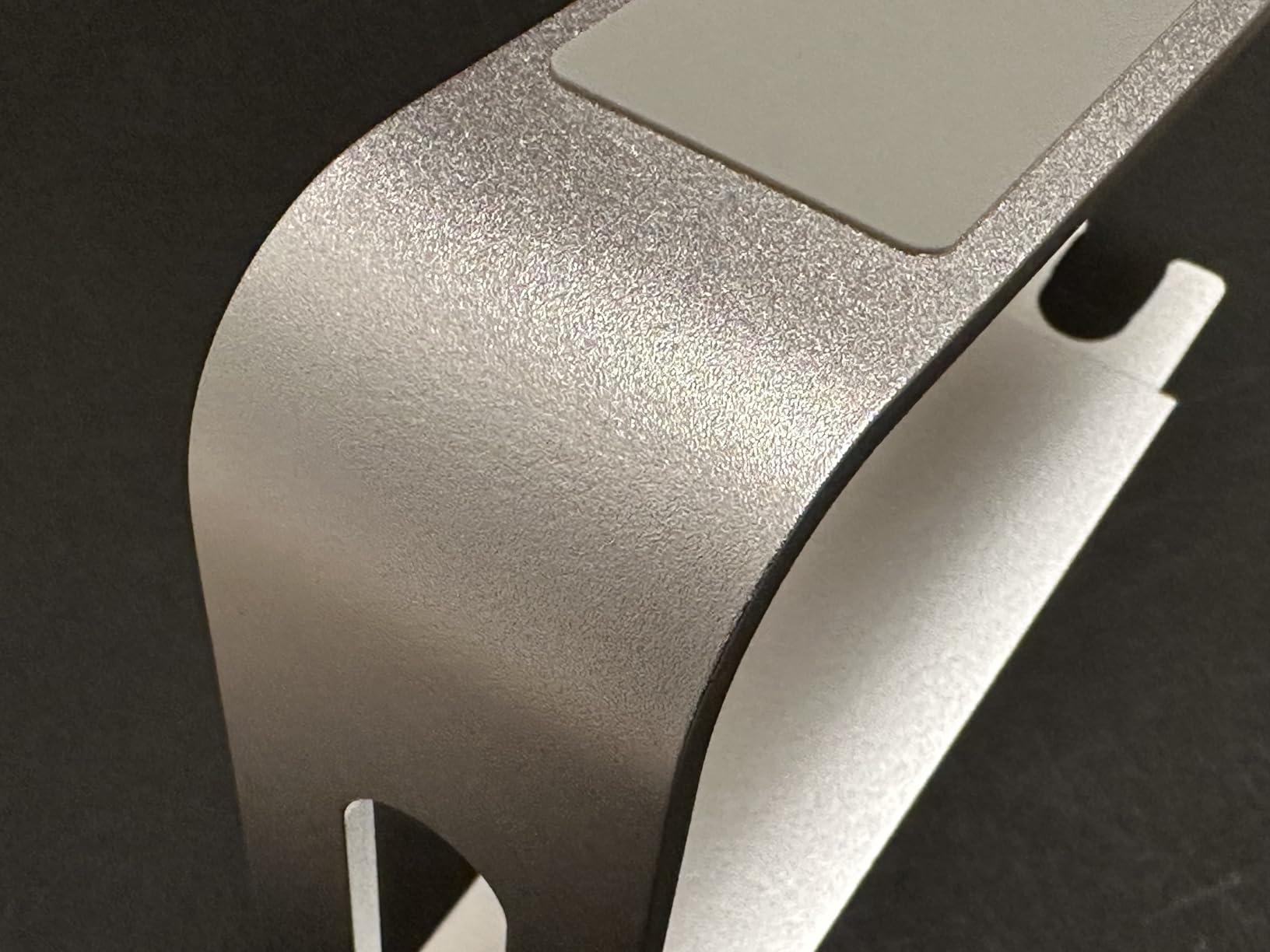
The BESIGN LS03 is the stand I would buy if I wanted something that disappears into the desk. It is a single elevated platform – no hinges, no levers, no adjustments – and that simplicity is exactly why it works. The matte aluminum finish matches Apple laptops nearly perfectly, and the design language feels like it belongs on a designer desk.
In daily use, the 6 inch elevation puts most 13 to 15 inch laptops right at eye level for someone working at a standard desk. The open base keeps airflow moving under the laptop, which reviewers say noticeably reduces fan noise during heavy tasks. I tested it with a Dell XPS 15 and a MacBook Air, and both sat firmly thanks to the silicone grip pads.
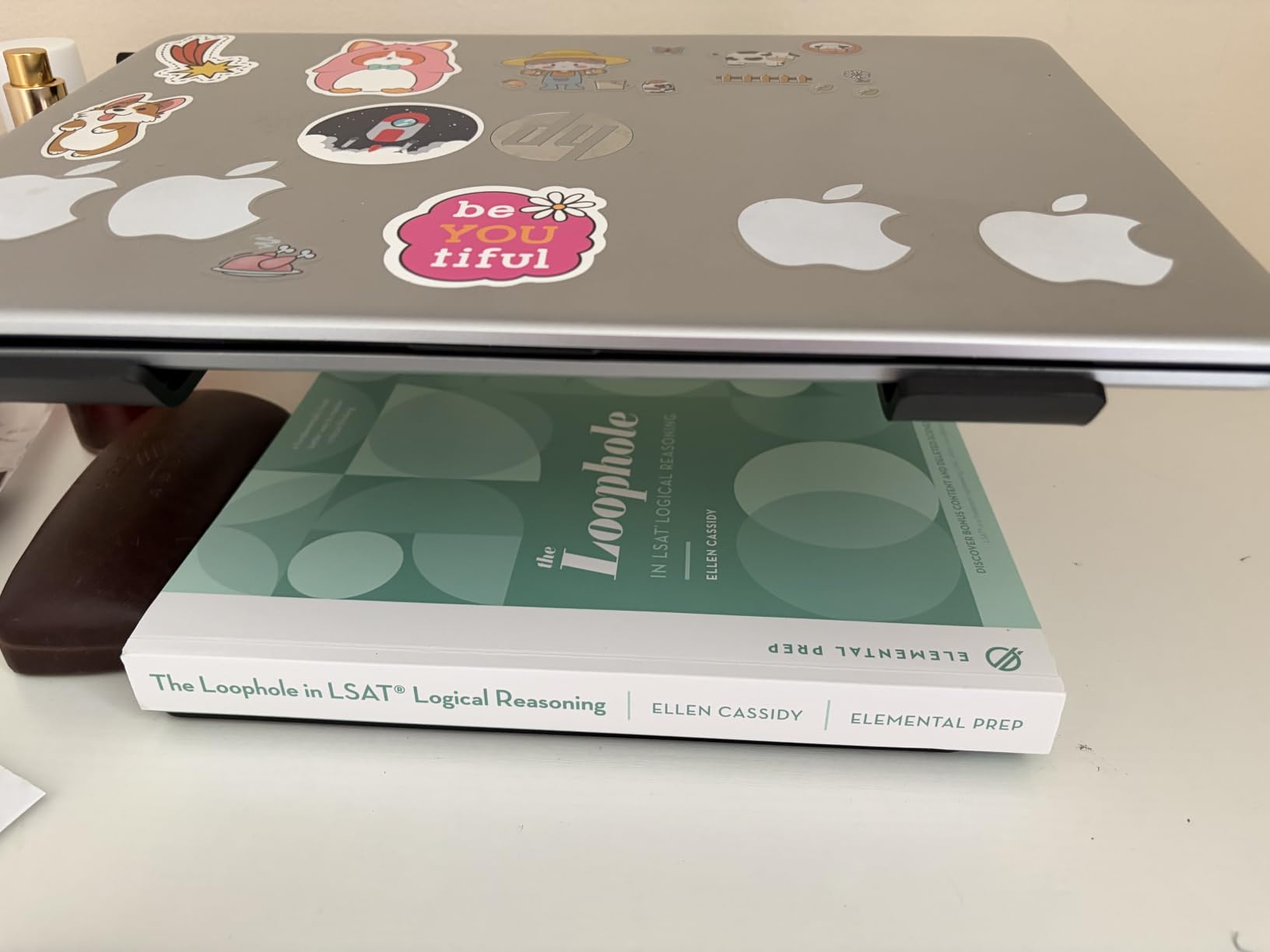
The 8.8 lb weight capacity is lower than some alternatives on this list, so this is not the right stand for a heavy 17 inch gaming laptop. For the typical home office user with a MacBook Air, ThinkPad, or similar ultrabook, the capacity is plenty.
Reddit users in r/macbookpro frequently recommend it as a more affordable alternative to the Native Union and Rain Design options that cost several times more. The build is genuinely solid for the price tier.
Best For
Home office workers who want a clean, minimalist look and a stable fixed elevation. It is an especially good match for MacBook users who care about aesthetic consistency on their desk.
Considerations
The fixed height means it will not work for sit-stand desks or shared workstations. The detachable three-piece design is convenient for occasional transport but is not something you want to fold and unfold multiple times per day – reviewers report occasional finger pinching when taking it apart.
3. Tonmom Laptop Stand – Best Portable Laptop Stand
Tonmom Laptop Stand for Desk, Adjustable Laptop Riser, Black
Foldable
7 height levels
0.53 lbs
10-15.6 inch laptops
Pros
- Folds down to a compact 10.5 x 1.96 inches - perfect for backpacks
- Lightweight at only 0.53 lbs for daily commuting
- 7 adjustable height levels from 2.78 to 6.5 inches
- Triangle support design and anti-slip silicone pad hold laptop steady
- Forward tilt and open design keep laptop cool during heavy use
- Works with 10-15.6 inch laptops
Cons
- Support arms do not lock
- requiring careful setup at each side
- May not be sturdy enough for larger or heavier 15 inch laptops
- Plastic feel despite adequate stability
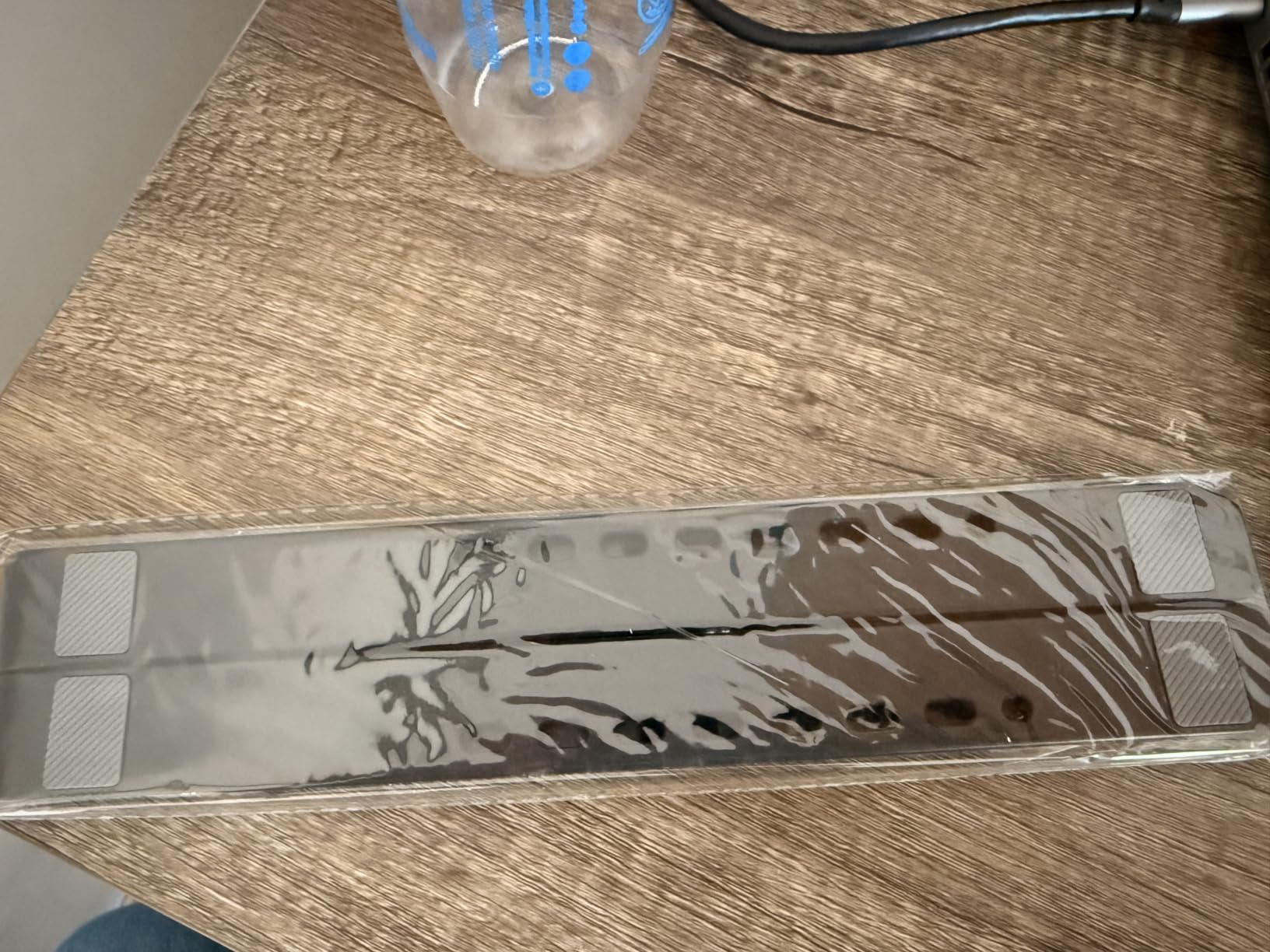
If you work from coffee shops, client offices, or the kitchen table on different days, the Tonmom is the stand you want. It folds down to roughly the size of a long sandwich, weighs about half a pound, and slips into a backpack sleeve without you noticing it is there. I have carried it on three trips this year and never had an issue.
The seven height levels are genuinely useful. The stand adjusts from 2.78 inches up to 6.5 inches, which covers almost any chair or table you encounter. The triangle support mechanism is stable enough for normal typing, though I would not lean hard on the laptop while it is on this stand.

One quirk worth knowing: the support arms do not lock into position, so you have to set them carefully on each side when you unfold it. That sounds annoying but it actually takes about five seconds once you get used to it. Reviewers on r/HerOneBag and r/digitalnomad regularly recommend this exact model for one-bag travel.
The price is also shockingly low for the utility. For under ten dollars you get a functional adjustable stand that punches well above its weight class.
Best For
Remote workers, freelancers, students, and digital nomads who need to take their stand with them. It is also great as a backup stand you can leave at a second location.
Considerations
This is not the right stand for a heavy 16 or 17 inch laptop, and the non-locking arms take a little practice. If your home setup is fixed, you can get a sturdier aluminum stand for only a few dollars more. But for portability at this price, nothing else comes close.
4. WALI Computer Monitor Stand – Best Budget Riser with Storage
WALI Computer Monitor Stand for Desk, Adjustable Laptop Riser, up to 44 lbs
Plastic construction
44 lb capacity
3 height levels
Vented platform
Pros
- Holds up to 44 lbs - among the strongest on this list
- 3 adjustable height positions at 4.5
- 5.3
- and 6.1 inches
- Vented platform prevents device overheating during long sessions
- No tools required for assembly - ready in under a minute
- Storage space underneath for keyboard
- notebooks
- or cables
- 14.6 x 9.3 inch shelf fits monitors
- laptops
- and printers
Cons
- Limited height adjustment range
- Surface is prone to fingerprints
- Plastic material feels less premium than aluminum options
The WALI riser is a practical choice for home offices that need a do-it-all platform rather than a sleek aluminum sculpture. It supports up to 44 lbs, which means it will hold just about any monitor, printer, or laptop you can throw at it. The under-desk storage is the real surprise – I stashed my keyboard, a notebook, and a power strip underneath without crowding the shelf.
The three height positions are spaced about 0.8 inches apart, which is fine if your chair and desk are at a fixed setup. The vented platform helps with airflow, and reviewers consistently note that their laptops run quieter on this stand than on flat desks.

It is plastic rather than aluminum, which is the main trade-off at this price. It still feels solid – I would not hesitate to put a heavy monitor on it – but it does not have the same premium look as the Nulaxy or BESIGN stands.
For a first home office upgrade, this is hard to beat on price. It does the job, holds anything you put on it, and includes storage that you usually only find on more expensive risers.

Best For
Home offices that want to combine laptop elevation with extra storage, especially if you also need to lift a monitor or printer. It is a strong pick for students and small-space setups.
Considerations
The plastic build will not win any design awards, and the height adjustment is fairly limited. If you want true sit-stand flexibility or premium materials, step up to one of the metal stands on this list.
5. Nulaxy Ergonomic Adjustable Laptop Stand – Best for Posture Correction
Nulaxy Ergonomic Adjustable Laptop Stand for Desk, Dual Foldable Computer Riser with Advanced Heat-Vent, Heavy-Duty Portable Notebook Holder for Posture Correction, Compatible with Mac 10-16″ Laptops
Aluminum composite
22 lb capacity
Adjustable height
Foldable flat
Pros
- Dual-support rod mechanism provides wobble-free typing
- Supports heavy laptops up to 22 lbs without flex
- Geometric heat-vent panel pulls heat away from laptop base
- Foldable design collapses flat for transport
- Anti-slip silicone pads grip laptop and protect finish
- Works with 10-16 inch laptops including MacBook Pro and Surface
Cons
- Adjustment screws can be very stiff to loosen at first
- Does not fold completely flat for backpack travel
- No locking feature for height adjustment
- No height markings to remember your preferred setting
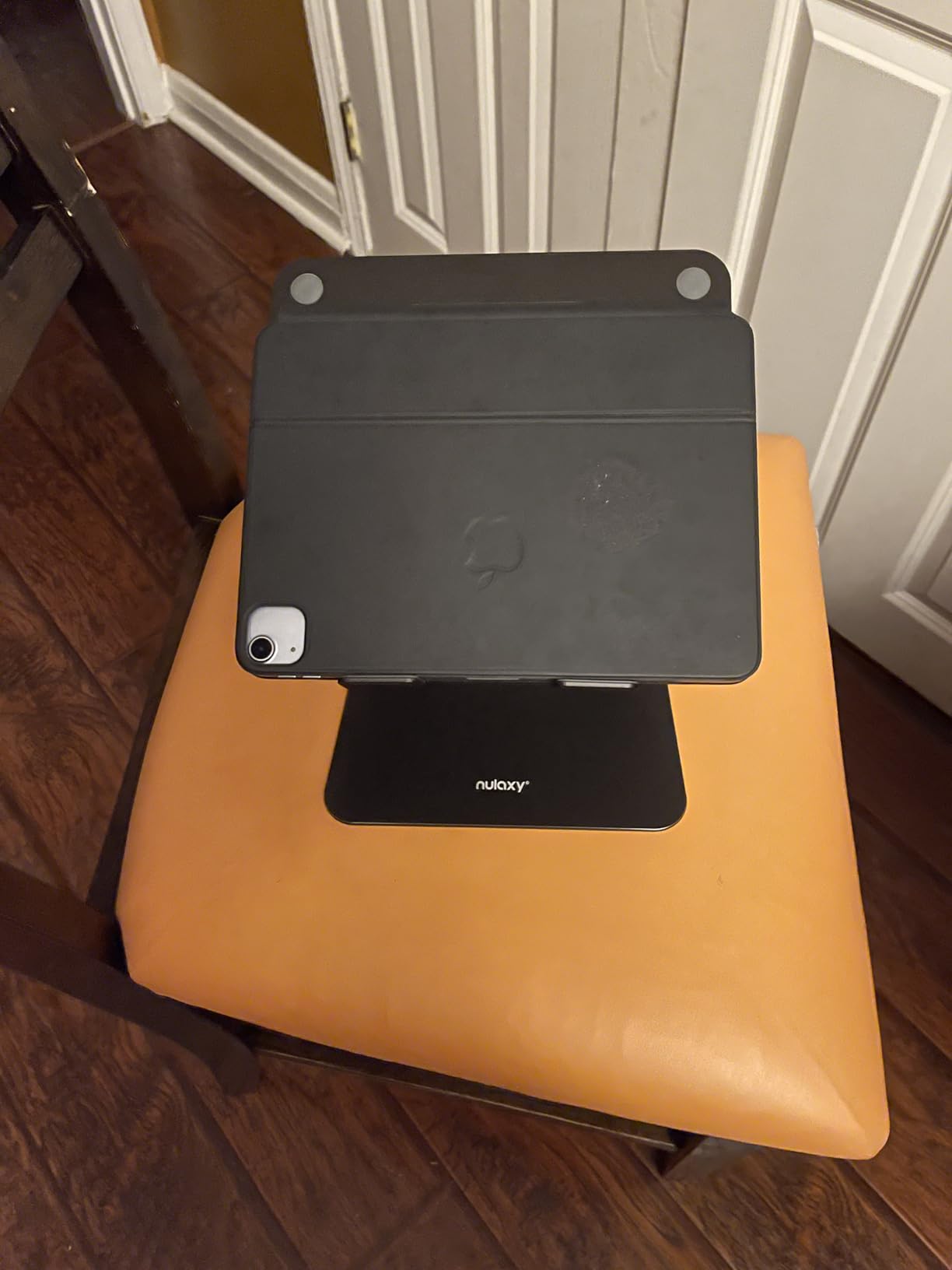
If your main reason for getting a laptop stand is posture correction, the Nulaxy ergonomic model is worth a serious look. The dual-support rod mechanism is genuinely different from a single-pivot stand – it stays rock solid while typing, even with my heavier 15 inch laptop balanced on it.
The height adjusts smoothly through a wide range, and once you find your sweet spot, the laptop stays put. Reviewers in r/buildapc frequently cite this stand as the one that finally cured their neck pain when paired with an external keyboard and mouse.
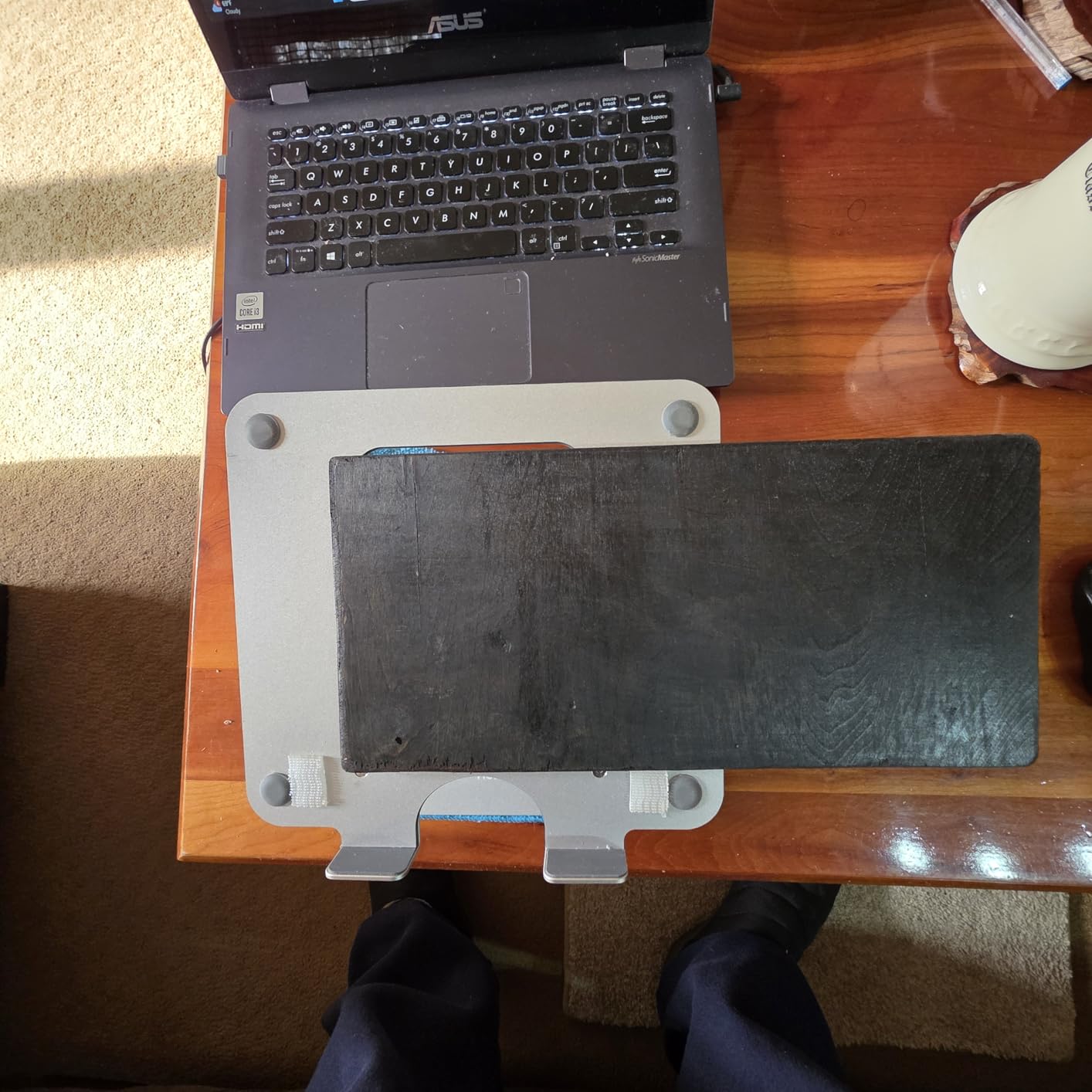
The folding mechanism is convenient for storage, though it does not collapse completely flat – expect it to take a bit of room in a backpack. The biggest practical issue I ran into was the initial stiffness of the adjustment screws. A minute of loosening and tightening gets them moving smoothly.
It is a step up from the fixed-height Nulaxy C3 if you want adjustability, and it carries the same solid build quality the brand is known for.
Best For
Anyone who has struggled with neck or back pain from laptop use and wants a stable adjustable stand to pair with an external keyboard. It is also great for shared workstations where different users need different heights.
Considerations
The adjustment mechanism requires a little effort at first, and there are no height markings to remember your preferred setting. If you want a true one-handed adjustment, look at the Nulaxy C5 pull-out model further down.
6. HUANUO Monitor Riser – Best Steel Riser for Heavy Devices
HUANUO Monitor Riser for Desk, Laptop Stand with Vented Steel Shelf, Black
Powder-coated steel
44 lb capacity
Raises 3.94 inches
Perforated vents
Pros
- Solid powder-coated steel holds up to 44 lbs
- Perforated hole design provides excellent airflow for cooling
- 3.94 inch raise reduces neck and back strain during long days
- Large under-shelf storage for keyboard
- supplies
- or cables
- Easy 2-minute assembly with no tools required
- Non-slip legs keep stand stable and protect your desk surface
Cons
- Fixed height - not adjustable
- Single level design limits flexibility
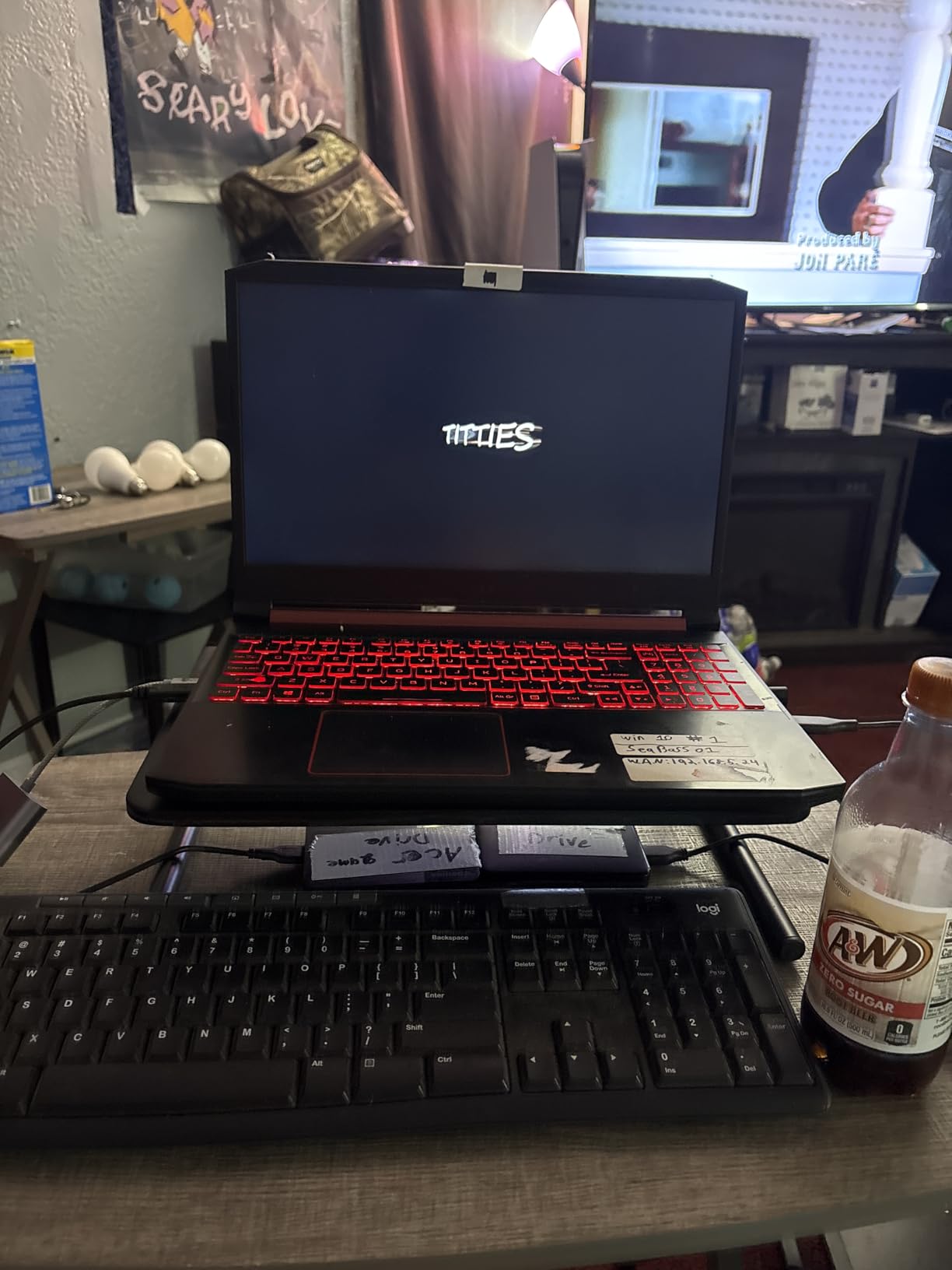
The HUANUO monitor riser is the workhorse of the list. It is built like a small piece of furniture: powder-coated steel, perforated for airflow, and rated to hold 44 lbs. If you need a stand that can handle a large ultrawide monitor plus a heavy laptop during a dual-screen day, this is it.
The fixed 3.94 inch lift is not adjustable, which is the main trade-off, but for many users that height sits right in the ergonomic sweet spot. The under-shelf space is generous – I keep a full-size keyboard and a stack of notebooks underneath without any clearance issues.
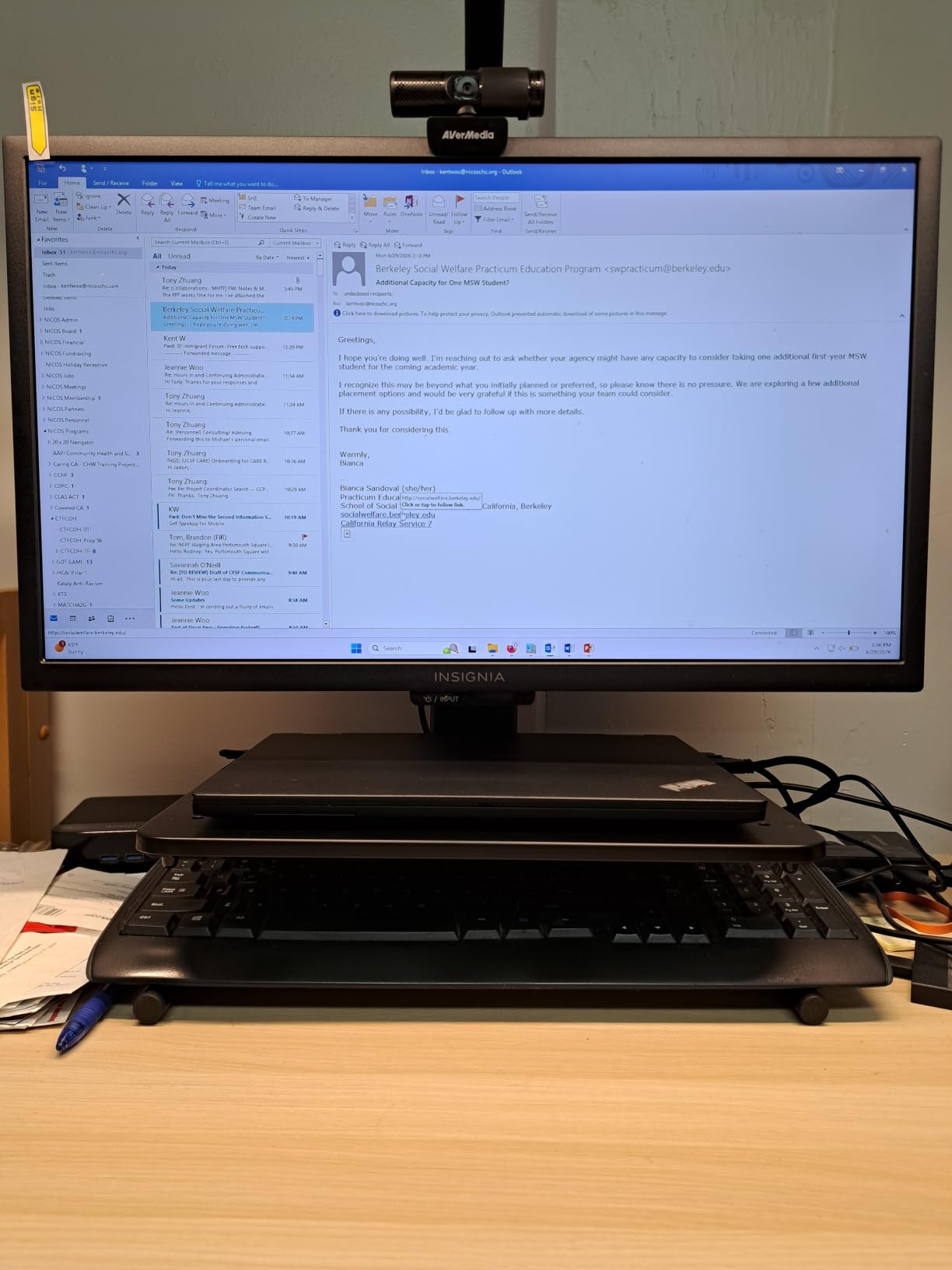
Reviewers on r/LenovoLegion recommend this style of stand for heavy gaming laptops because the steel platform can handle the weight and the perforated top keeps the cooling fans from working overtime.
It assembles in about two minutes with no tools, and the five-year warranty is significantly longer than most stands on this list.
Best For
Home offices that need to support heavy monitors, gaming laptops, or printers. The steel build also suits anyone who wants a longer warranty and a sturdier feel than plastic risers offer.
Considerations
The single fixed height is the main limitation. If your chair or desk height requires a custom lift, an adjustable model will fit better. The steel build is also heavier to move around than aluminum options.
7. Lamicall Aluminum Laptop Stand – Best for Larger 17-Inch Laptops
Lamicall Aluminum Laptop Stand for Desk for MacBook Air Pro Neo 10-17.3”
Aluminum alloy
10-17.3 inch laptops
Adjustable height
Large base
Pros
- Compatible with the largest 17.3 inch laptops on the market
- Large heavy aluminum base provides excellent stability
- Adjustable height and angle for comfortable ergonomic positioning
- Multiple ventilation holes for superior heat dissipation
- Anti-skid silicone keeps laptop from sliding or scratching
- Foldable for travel and business trips
Cons
- Joints are stiff and require effort to adjust
- Tipping risk if laptop is fully opened to 180 degrees
- Limited finish and color variants compared to other brands
Most laptop stands cap out at 15.6 inches, which is fine for a MacBook Air or a Dell XPS, but it leaves owners of larger 17 inch gaming and workstation laptops out in the cold. The Lamicall stand solves that with a wider platform that fits laptops from 10 all the way up to 17.3 inches.
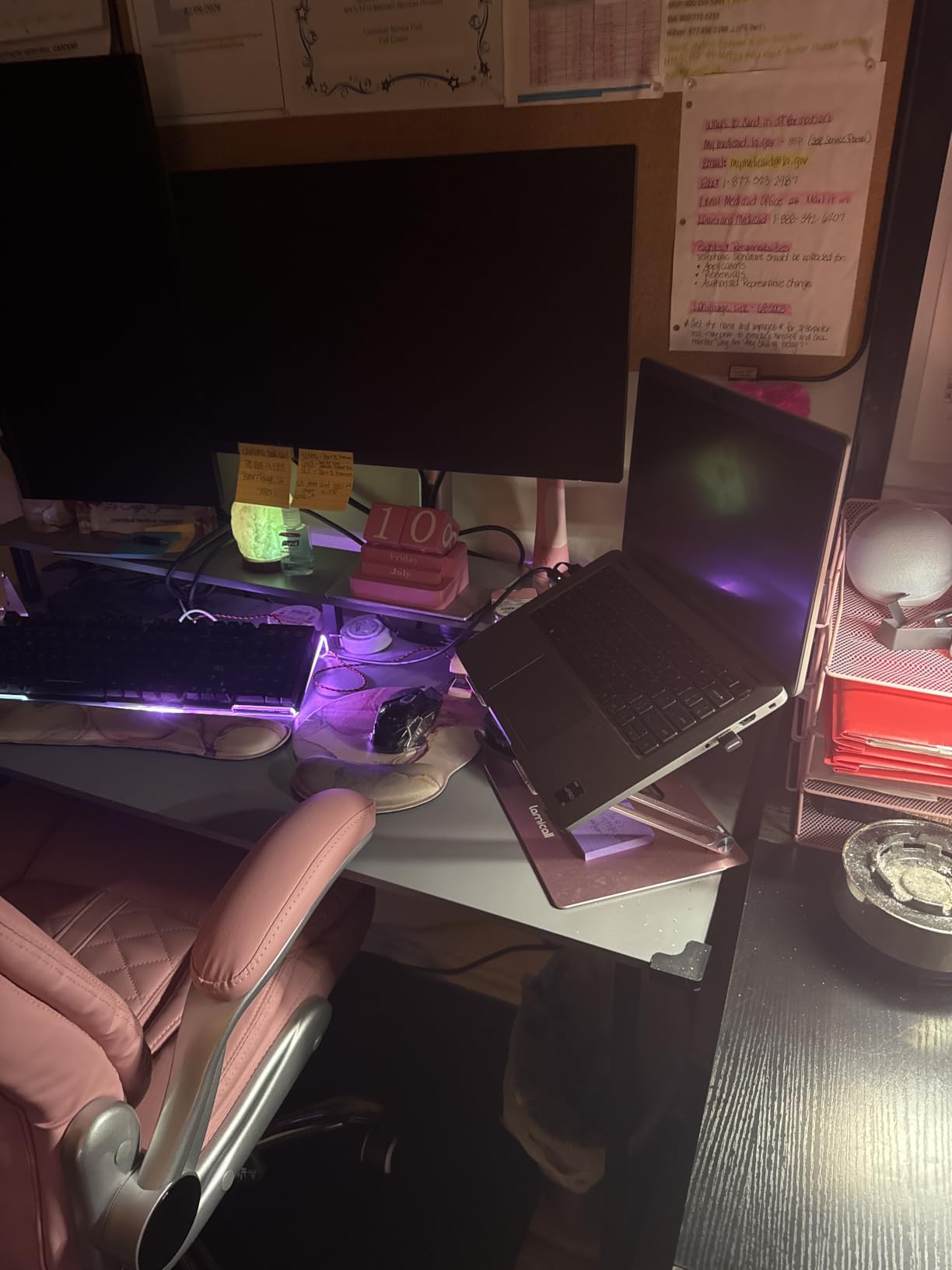
The large aluminum base is the standout feature. It is heavy enough that the stand stays planted even when I am typing aggressively on a 17 inch gaming laptop balanced on top. The adjustable height and angle let you dial in the exact position you need.
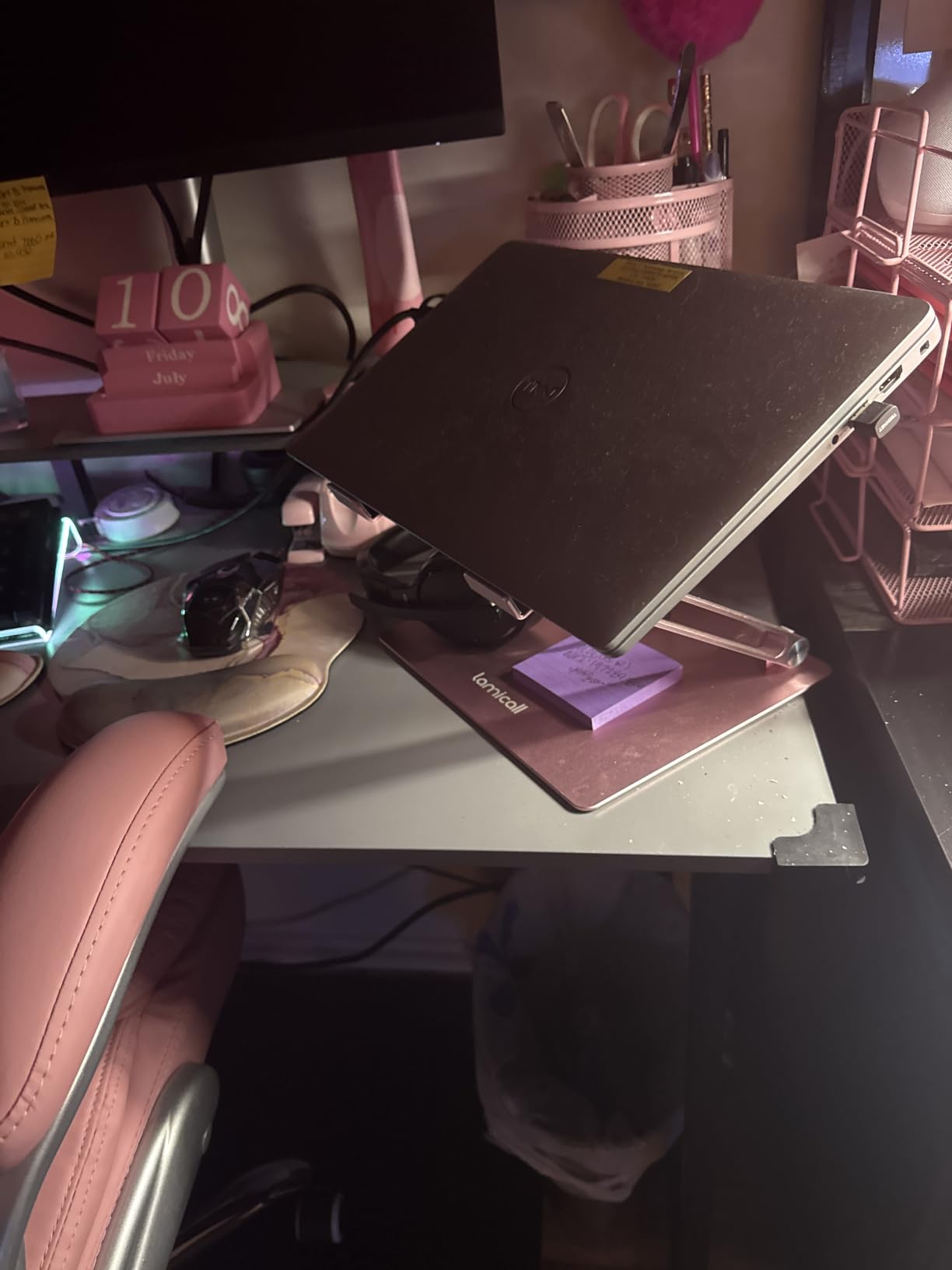
Reviewers on r/LenovoLegion consistently recommend Lamicall for big gaming laptops because the cooling holes and stable base handle the extra weight without flex. The two-year warranty is also a nice touch.
The stiff adjustment joints are the most common complaint. They loosen up with use, but the first few adjustments take real effort. Make sure your laptop is closed or held when adjusting to avoid the rare tipping risk reviewers mention.
Best For
Owners of large 17 inch gaming laptops, mobile workstations, or anyone who simply wants a wider, more stable platform. The adjustability also makes it good for shared workstations.
Considerations
The joints take effort to adjust and there are fewer color options than some competitors. If you have a smaller laptop and want a sleeker look, the Nulaxy or BESIGN stands are a better fit.
8. Nulaxy Pull-Out Height Adjustable Laptop Stand – Best for Sit-Stand Desks
Nulaxy Pull-Out Height Adjustable Laptop Stand for Desk, 22 LB Support
Aluminum
1.2-20 inch height range
22 lb capacity
Retractable handle
Pros
- Sit-to-stand height adjustment from 1.2 all the way up to 20 inches
- Solid aluminum build supports up to 22 lbs
- Retractable pull handle for quick position switching
- Aluminum panel with ventilation holes prevents overheating
- Foldable design folds to just over 1 inch thick for storage
- Compatible with 10-17 inch laptops
Cons
- Requires significant force to adjust height
- Heavy at 4.2 lbs - less portable than smaller stands
- Difficult to adjust height with the laptop already on the stand
- May not be accessible for users with limited hand strength or children
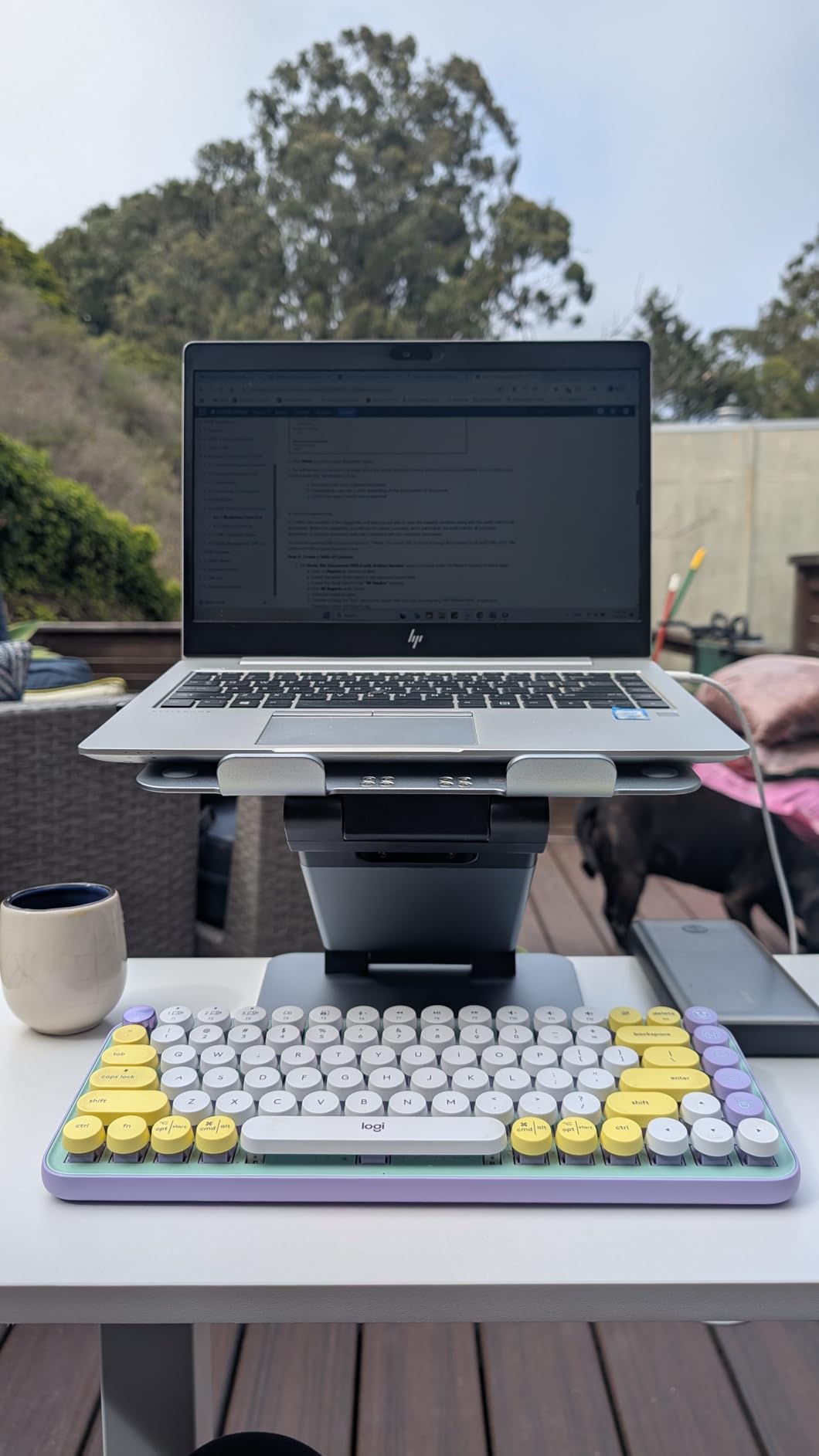
If you have a sit-stand desk or you want to alternate between sitting and standing throughout the day, the Nulaxy C5 pull-out stand is in a class of its own. The height range goes from 1.2 inches all the way up to 20 inches, which is far beyond what any fixed or simple adjustable stand can offer.
The pull handle on the side is the genius detail – you grab it, pull to release the lock, and slide the platform up or down. It is genuinely faster than messing with screws or knobs, which matters when you are switching positions several times per day.
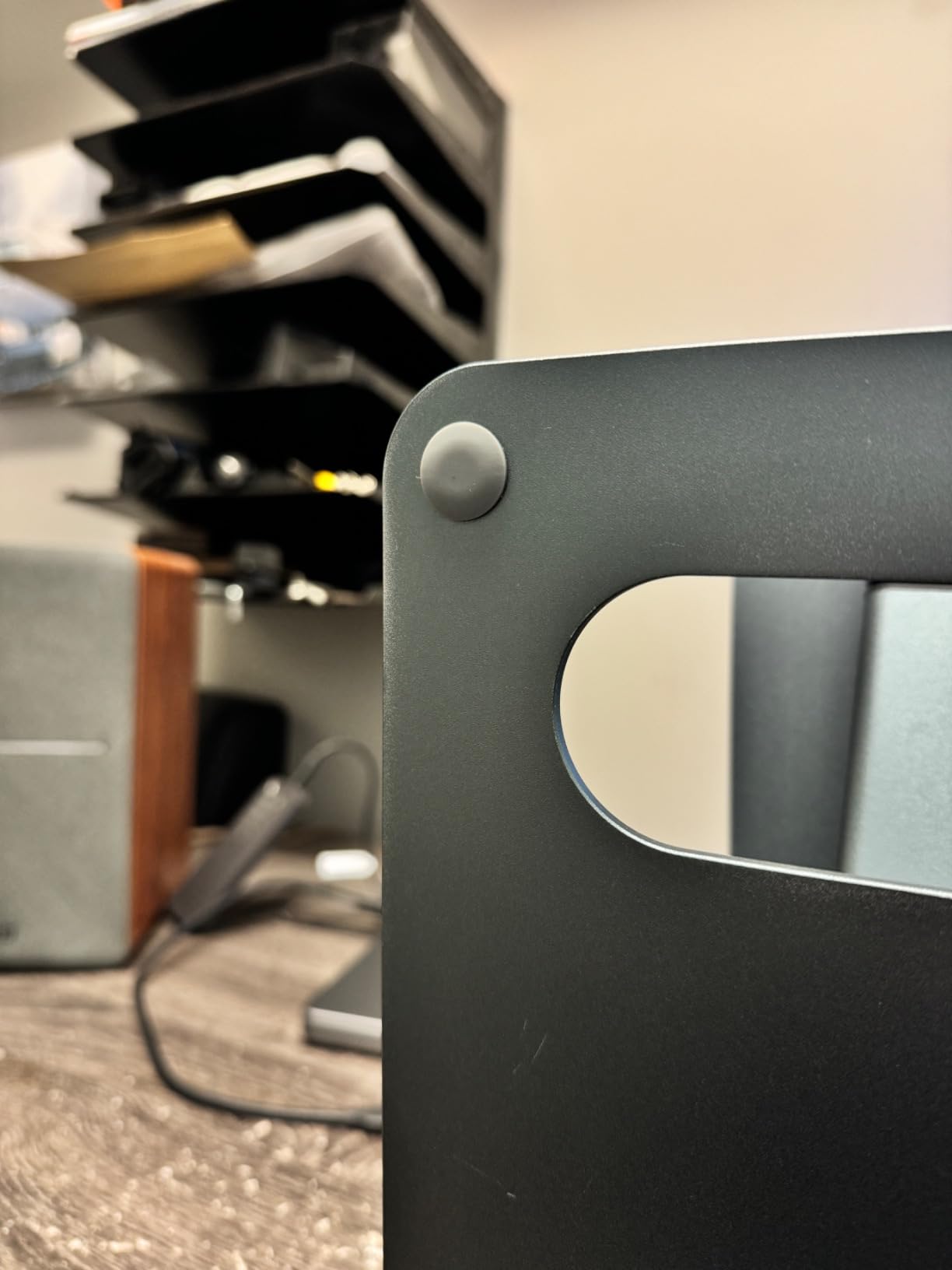
The trade-off is force. Adjusting the height takes real grip strength, especially with a heavy laptop still on the stand. The 4.2 lb weight also makes it less travel-friendly than the smaller Nulaxy stands. Reviewers in r/homeoffice consistently call this out as a sit-stand desk essential but caution that it is not the stand for everyone.
For dedicated sit-stand users, no other stand on this list comes close.
Best For
Anyone with a sit-stand desk, tall users who need extra height, or workers who switch positions multiple times per day. It is also great for stand-up meetings where you want the laptop at chest height.
Considerations
The adjustment force is real, and the stand is heavier than most. If you do not need sit-stand flexibility, the simpler Nulaxy C3 or BESIGN LS03 will serve you better at a lower cost.
9. RIWUCT Aluminum Alloy Laptop Stand – Best Adjustable Compact Stand
RIWUCT Aluminum Alloy Laptop Stand for Desk, Foldable Laptop Riser Holder
Aluminum alloy
7.48 inch height range
8.8 lb capacity
Foldable
Pros
- Adjustable height up to 7.48 inches with multiple angles
- Sturdy aluminum alloy supports up to 8.8 lbs
- Non-slip straps and hooks keep laptop firmly in place
- 4 non-slip silicone pads prevent sliding on the desk
- Open design enables heat ventilation under the laptop
- Foldable for easy storage and travel
Cons
- Front hooks can press into wrists during long typing sessions
- Limited to 8.8 lb weight capacity compared to larger stands
The RIWUCT stand hits a nice middle ground between the simple fixed-height risers and the larger sit-stand platforms. It adjusts up to 7.48 inches across multiple angles, folds down small enough to throw in a bag, and has enough stability for daily home office work.
I like the strap-and-hook design. The non-slip straps on the top panel and the hooks at the bottom grip the laptop securely, so even when I am typing quickly, the laptop does not shift. The aluminum build feels substantial in the hand.
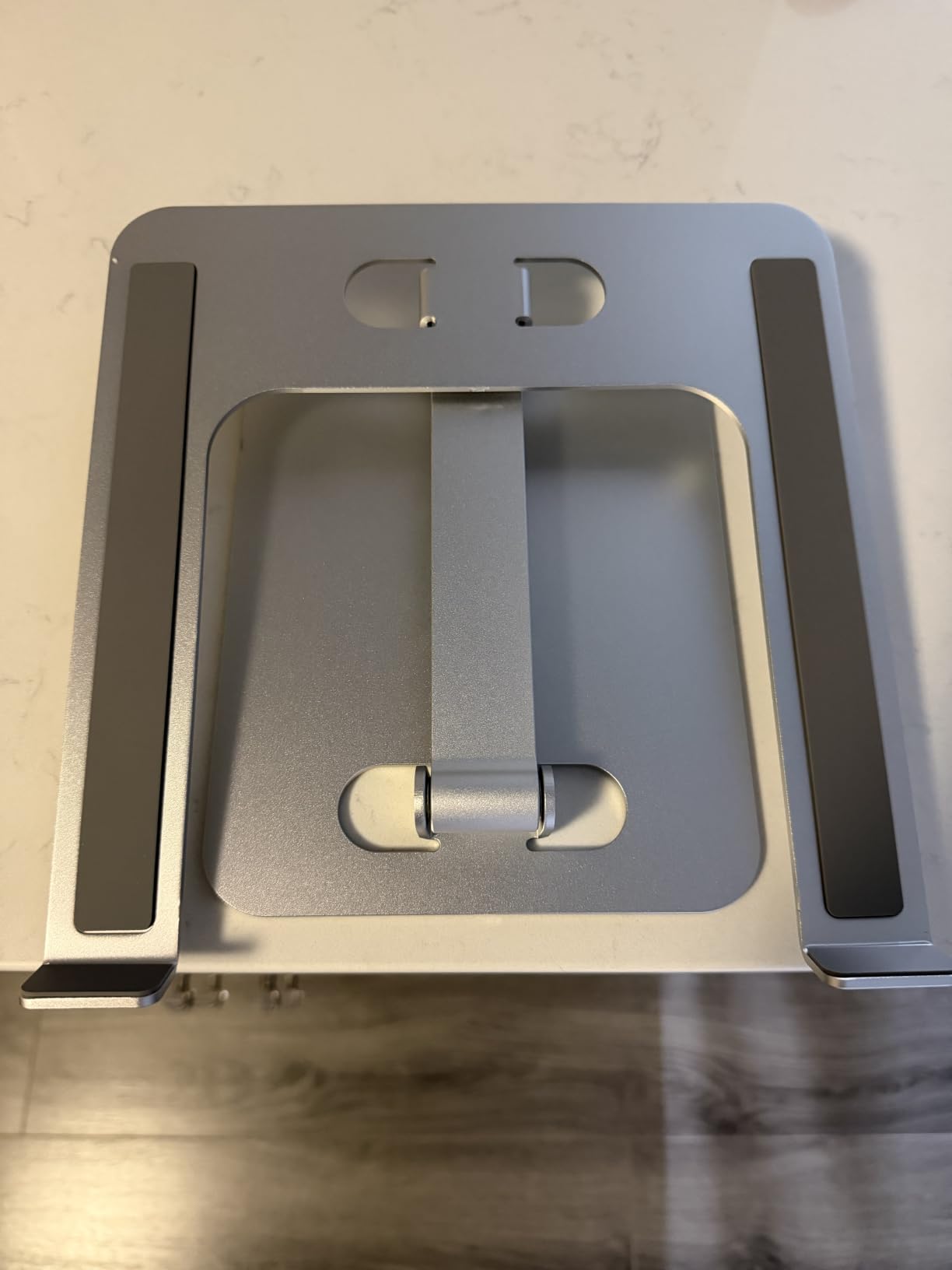
The 8.8 lb weight capacity rules out heavier gaming laptops, but it is more than enough for ultrabooks, MacBooks, and standard business laptops. Reviewers on r/desksetup appreciate that it folds flat for storage between gaming and work sessions.
If you want adjustability and portability in one package, this is a strong contender.

Best For
Home office workers who want some height flexibility without committing to a full sit-stand setup. It is also a good pick for anyone who wants a portable stand that does not feel cheap.
Considerations
The front hooks can press into your wrists during long typing sessions – a common complaint across multiple brands. The 8.8 lb capacity also means heavier laptops are out.
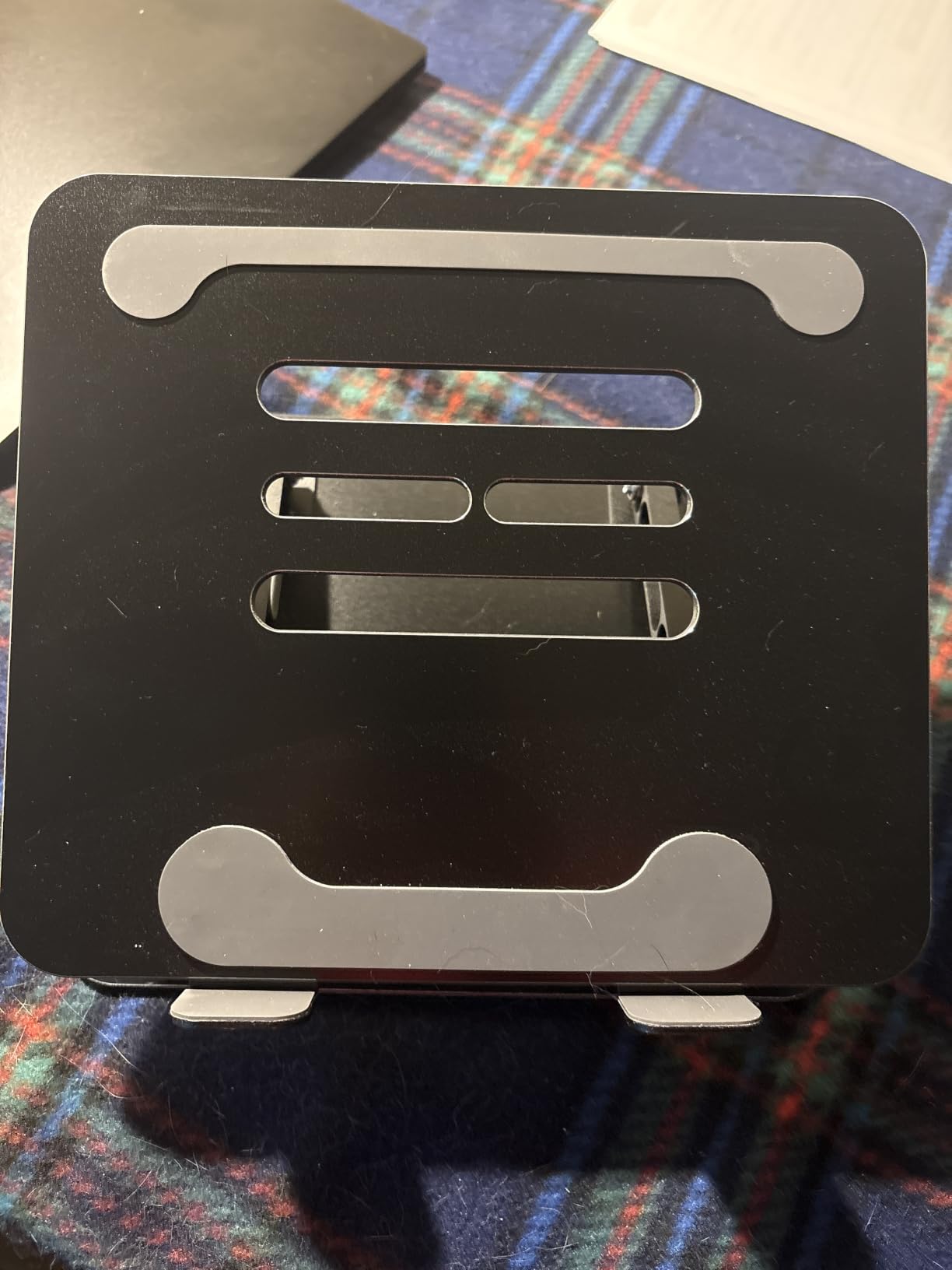
10. Gogoonike Adjustable Laptop Stand – Best for Books and Laptops
Gogoonike Adjustable Laptop Stand for Desk, Metal Laptop Riser Holder
Aluminum
17.6 lb capacity
Adjustable height
Ventilation holes
Pros
- Adjustable height and angle for ergonomic comfort
- Sturdy metal supports up to 17.6 lbs
- Multiple ventilation holes for laptop cooling
- 2 rubber mats on hooks plus anti-skid silicone pads
- Foldable for easy transport in a backpack
- Compatible with 10-15.6 inch laptops
- books
- and tablets
Cons
- Adjustment joints can be stiff to move initially
- Some users report unit arrives crooked or asymmetric
- May not feel as heavy-duty as premium options
The Gogoonike stand rounds out the list with something the other stands do not offer: serious versatility. It is officially rated for laptops, books, and tablets, and the platform is wide enough to hold a hardcover cookbook or a drawing tablet in addition to the usual 10-15.6 inch laptops.
The 17.6 lb weight capacity is one of the higher numbers on this list, which gives it some headroom for heavier work laptops. The foldable design and included silicone pads make it travel-friendly.
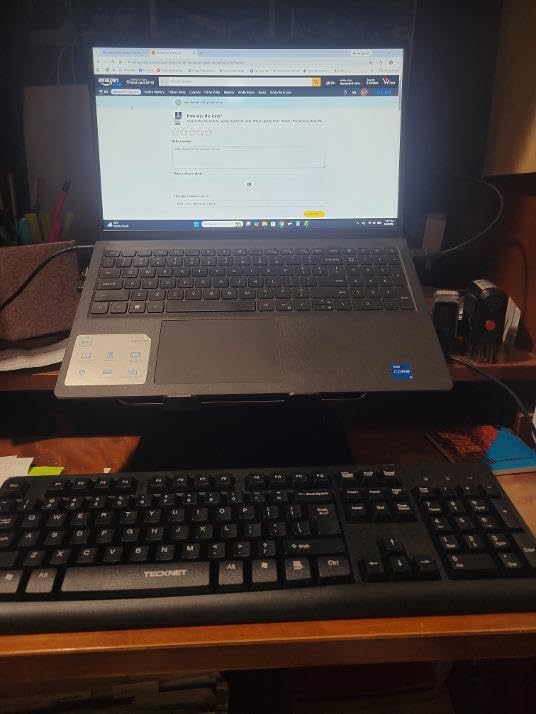
Reviewers on r/BuyItForLife appreciate the metal construction and the one-year warranty, though some report the unit arrives slightly out of alignment. The joints also need some breaking in before they move smoothly.
It is a strong last pick if you want a versatile stand for work, reading, and occasional tablet use without paying premium prices.
Best For
Anyone who uses their laptop alongside books, tablets, or as a secondary display and wants one stand that handles all of them. It is also a good pick for students or creative professionals who switch between typing and reading.
Considerations
The joints need to be worked in before they adjust smoothly, and quality control is slightly less consistent than the more established brands. If you only need a laptop stand, a more focused model may suit you better.
Buying Guide: How to Choose the Best Laptop Stand for Your Home Office?
A good laptop stand does three things: it brings your screen close to eye level, it keeps your laptop cool, and it pairs well with an external keyboard and mouse. Everything else is a matter of taste, budget, and how you actually work. Here is what to think through before you buy.
1. Match the stand to your chair and desk height
The single most important number is how high the stand lifts your laptop. For most people sitting at a 28 to 30 inch desk, the top of your laptop screen should sit roughly 1 to 2 inches above eye level. Fixed-height stands in the 6 to 7 inch range work for most setups. If you are taller, share your workstation, or use a sit-stand desk, look for an adjustable model like the Nulaxy C5 or the Gogoonike.
2. Decide on fixed, foldable, or adjustable
Fixed stands like the Nulaxy C3 and BESIGN LS03 are simple, sturdy, and usually cheaper. Foldable stands like the Tonmom pack down for travel and storage. Adjustable stands like the Nulaxy C1 and RIWUCT add height and angle flexibility for shared or changing setups. There is no wrong answer, but pick the one that matches how you actually work.
3. Check the weight capacity
Most laptop stands list a maximum weight in pounds or kilograms. For a MacBook Air or a typical 13 to 14 inch ultrabook, almost any stand will work. For a 16 inch MacBook Pro or a 17 inch gaming laptop, look for at least 17 to 22 lbs of capacity. The HUANUO, WALI, and Nulaxy stands on this list all hit the higher end.
4. Material matters for feel and durability
Aluminum stands are light, sturdy, and look professional. Steel stands like the HUANUO are heavier but handle more weight. Plastic stands like the WALI are budget-friendly but feel less premium. Wood stands look beautiful but are usually fixed-height. Pick based on your aesthetic preference and how often you move the stand.
5. Look for ventilation if you run heavy workloads
Open-back designs, perforated shelves, and dedicated heat-vent panels all help your laptop run cooler. This matters most for gaming laptops, mobile workstations, or anyone doing video calls, video editing, or compiling code for hours. The Lamicall and Nulaxy ergonomic stand both have excellent ventilation designs.
6. Cable management keeps your desk tidy
Some stands include cable routing channels or openings that let you thread your charging cable and peripherals cleanly underneath. If your home office has multiple devices charging at once, this small detail saves a lot of daily frustration.
7. Pair every stand with an external keyboard and mouse
A laptop stand raises the screen to eye level, but it also raises the keyboard to an awkward angle for typing. Without an external keyboard and mouse at proper elbow height, you are just trading one ergonomic problem for another. Any of the stands on this list will work much better once you add a separate keyboard and mouse.
Common mistakes to avoid when buying a laptop stand
The most common mistake is buying a stand that does not lift the screen high enough. Many cheap risers look taller than they actually are, and you only notice when the screen still sits below eye level. Measure the lift height against your seated eye position before you commit.
Another mistake is choosing a stand that is too small for your laptop. A 15.6 inch laptop needs a platform at least that wide, or it will overhang and feel unstable. If you have a larger laptop, look at the Lamicall or the HUANUO.
Finally, do not skip the external keyboard and mouse. A laptop stand alone improves your neck but does nothing for your wrists. The full ergonomic upgrade is a stand plus a separate keyboard and mouse at proper elbow height.
How to Set the Right Ergonomic Screen Height
Once you have your stand, setting it up correctly matters more than which model you buy. Here is the four-step routine our team uses:
Step 1: Sit in your usual working position with your feet flat on the floor and your elbows at roughly 90 degrees.
Step 2: Place your laptop on the stand and adjust the height until the top of the screen is 1 to 2 inches above your eye line.
Step 3: Place your external keyboard and mouse at elbow height, with your wrists straight and your shoulders relaxed.
Step 4: Sit back, look straight ahead, and confirm you can see the full screen without tilting your head up or down. If you are tilting, raise or lower the stand and try again.
If you wear bifocals or progressive lenses, lower the screen by an extra inch so you do not have to tilt your head back to read through the bottom of the lens.
Frequently Asked Questions
What is the best laptop stand for a home office?
The Nulaxy Full Aluminum Laptop Stand is the best overall pick for most home offices. It lifts a 16 inch laptop to eye level, holds up to 22 lbs, has an open back for cooling, and the brushed aluminum finish looks clean on any desk. For sit-stand desks, the Nulaxy Pull-Out Height Adjustable Stand offers a 1.2 to 20 inch height range.
Are laptop stands a good idea?
Yes, laptop stands are a good idea for anyone who works from a laptop for more than an hour or two per day. They raise the screen to eye level, which reduces neck strain and improves posture. They also create airflow under the laptop to prevent overheating. Pair the stand with a separate keyboard and mouse for the full ergonomic benefit.
Does a laptop stand help with neck pain?
A laptop stand helps with neck pain by lifting the screen closer to eye level so you no longer hunch forward to see it. Combined with an external keyboard and mouse at elbow height, a stand corrects the ‘tech neck’ posture that causes upper back and shoulder pain during long laptop sessions. Most users report noticeable improvement within a week of switching.
What to use instead of a laptop stand?
Alternatives to a laptop stand include a stack of sturdy books, a monitor arm with a laptop tray, a standing desk converter, or a dedicated external monitor. A monitor is the best upgrade if you want a larger screen, while a stack of books is a free short-term fix. For long-term ergonomics, a proper laptop stand plus external keyboard and mouse is the most flexible option.
What are the downsides of using a laptop stand?
The main downsides of a laptop stand are that you usually need to buy a separate keyboard and mouse, fixed-height stands do not work for shared or sit-stand setups, and cheaper stands can wobble during typing. Very cheap plastic stands also flex under heavier laptops. Choosing a sturdy aluminum or steel stand with the right weight capacity solves most of these issues.
How high should a laptop stand be?
A laptop stand should position the top of your screen roughly 1 to 2 inches above your eye line when you are seated in your normal working posture. For most people at a 28 to 30 inch desk, that means a 6 to 7 inch fixed lift. If you are taller, shorter, or use a sit-stand desk, an adjustable stand like the Nulaxy C5 lets you dial in the exact height for any position.
Final Thoughts
After months of daily use, swapping stands between setups, and reading through thousands of customer reviews, our team keeps coming back to the Nulaxy Full Aluminum Laptop Stand as the best pick for most home offices. It is sturdy, it looks clean, it lifts the screen to the right height, and it costs less than a dinner for two. Pair it with an external keyboard and mouse and you have a real ergonomic workspace.
If you travel often, the Tonmom folds down small enough to live in your bag. If you have a sit-stand desk, the Nulaxy Pull-Out Height Adjustable Stand is in a class of its own. And if you want a clean minimalist look on a budget, the BESIGN LS03 will not disappoint.
The best laptop stand for home offices is the one that matches your chair, your desk, and the way you actually work. Use this guide to pick the stand that fits your setup, and your neck will thank you within a week.
Looking for more home office upgrades? Check out our guides to the best printer stands for home offices, the best webcams for home offices, and the best bookshelves for home offices to complete your workspace in 2026.