
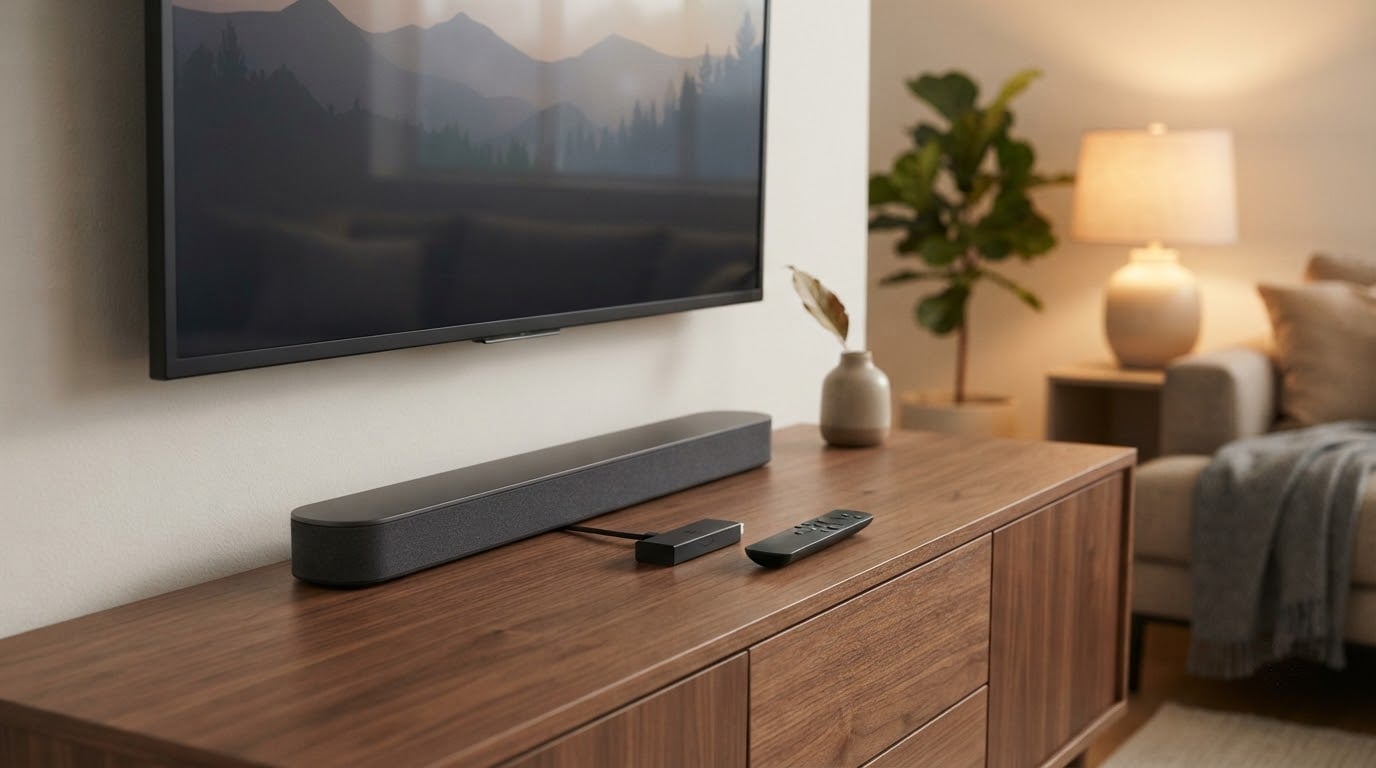
If you want one Roku device to watch during Amazon’s Prime Big Deal Days sale, the Roku Streaming Stick 4K is the pick to watch: it is the most-reviewed player here by a wide margin, it outputs 4K with Dolby Vision and HDR10+, and it hides behind the TV without blocking the HDMI ports next to it. Prime Big Deal Days runs October 6-7, 2026, so these are the devices worth putting on your list rather than the devices to buy right this second.
Two alternatives cover different needs. Value-focused shoppers get more out of the Roku Streaming Stick HD, a 1080p stick that powers from the television alone and keeps the cable count to one. Viewers who want premium features without leaving the Roku ecosystem should look at the Roku Ultra LT, which adds a wired Ethernet port and a headphone jack in the remote for a modern home setup.
Our Top 3 Picks for Best Amazon Prime Big Deal Days Roku Deals (October 2026)

Roku Streaming Stick 4K
- 4K UHD up to 2160p at 60fps
- Dolby Vision and HDR10+
- 16 GB storage
- Voice remote with TV power and volume

Roku Streaming Stick HD
- 1080p output
- USB powered from the TV alone
- Voice remote with TV controls
- Wi-Fi and Bluetooth

Roku Ultra LT
- Ethernet port
- 4K output at 3840x2160
- Headphone jack in the voice remote
- Quad-core processor
Best Amazon Prime Big Deal Days Roku Deals Compared
| Product | Specifications | Action |
|---|---|---|
| Roku Streaming Stick 4K |
|
Check Deal Price |
| Roku Streaming Stick HD |
|
Check Deal Price |
| Roku Ultra LT |
|
Check Deal Price |
 Roku Ultra Roku Ultra |
|
Check Deal Price |
 Roku Streambar SE Roku Streambar SE |
|
Check Deal Price |
 Roku 32-Inch Select TV Roku 32-Inch Select TV |
|
Check Deal Price |
 Roku 65-Inch Plus TV Roku 65-Inch Plus TV |
|
Check Deal Price |
 Roku 50-Inch Select TV Roku 50-Inch Select TV |
|
Check Deal Price |
 Roku Express HD Renewed Roku Express HD Renewed |
|
Check Deal Price |
 Roku SE Streaming Player Roku SE Streaming Player |
|
Check Deal Price |
How We Chose
We compared the specs that actually separate these devices: output resolution, HDR format support, wired and wireless connectivity, audio path, storage, and which remote lands in the box. We weighted that against owner ratings and the volume of reviews behind each one on Amazon, and we checked the listings again in October 2026. Deals shift hour by hour, so treat these as the shortlist to watch and let the buttons show current pricing.
1. Roku Streaming Stick 4K: Best Overall 4K Streaming
Roku Streaming Stick 4K with Voice Remote – HDR10+ & Dolby Vision
Output: 4K UHD 2160p at 60fps
HDR: Dolby Vision and HDR10+
Power: wall adaptor
Warranty: 1 year
Pros
- Dolby Vision and HDR10+ on a stick form factor
- Long-range Wi-Fi receiver included in the box
- One remote handles TV power and volume
- Compact body that leaves neighbouring HDMI ports free
Cons
- No Ethernet port
- 2021 model with 1 GB of RAM
- Voice remote is not rechargeable or backlit
This is the safest thing to watch during the sale and the one most people end up happy with. Nearly 99,000 ratings at 4.7 stars is not a sample size you get twice in this category.
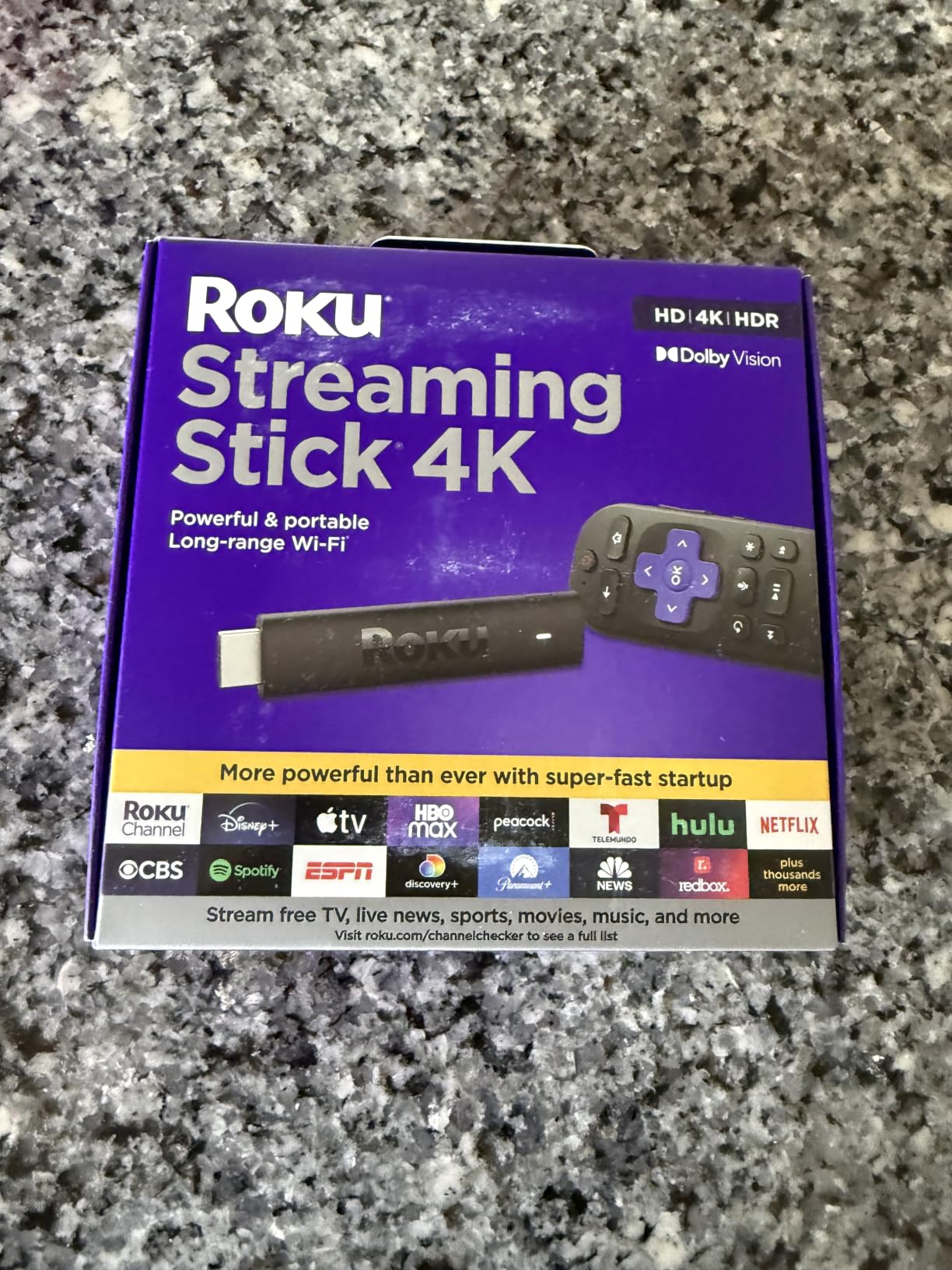
Two details do most of the work here. The long-range Wi-Fi receiver in the box rescues streaming in rooms where the router sits two floors away, and the included remote carries TV power, volume and mute buttons so the soundbar remote can go back in the drawer.
What you give up is hardware headroom. Owners report that the 1 GB of RAM and 2021 vintage show up as slightly slower app launches than newer boxes, and there is no Ethernet port if your living room has a stubborn Wi-Fi dead zone.
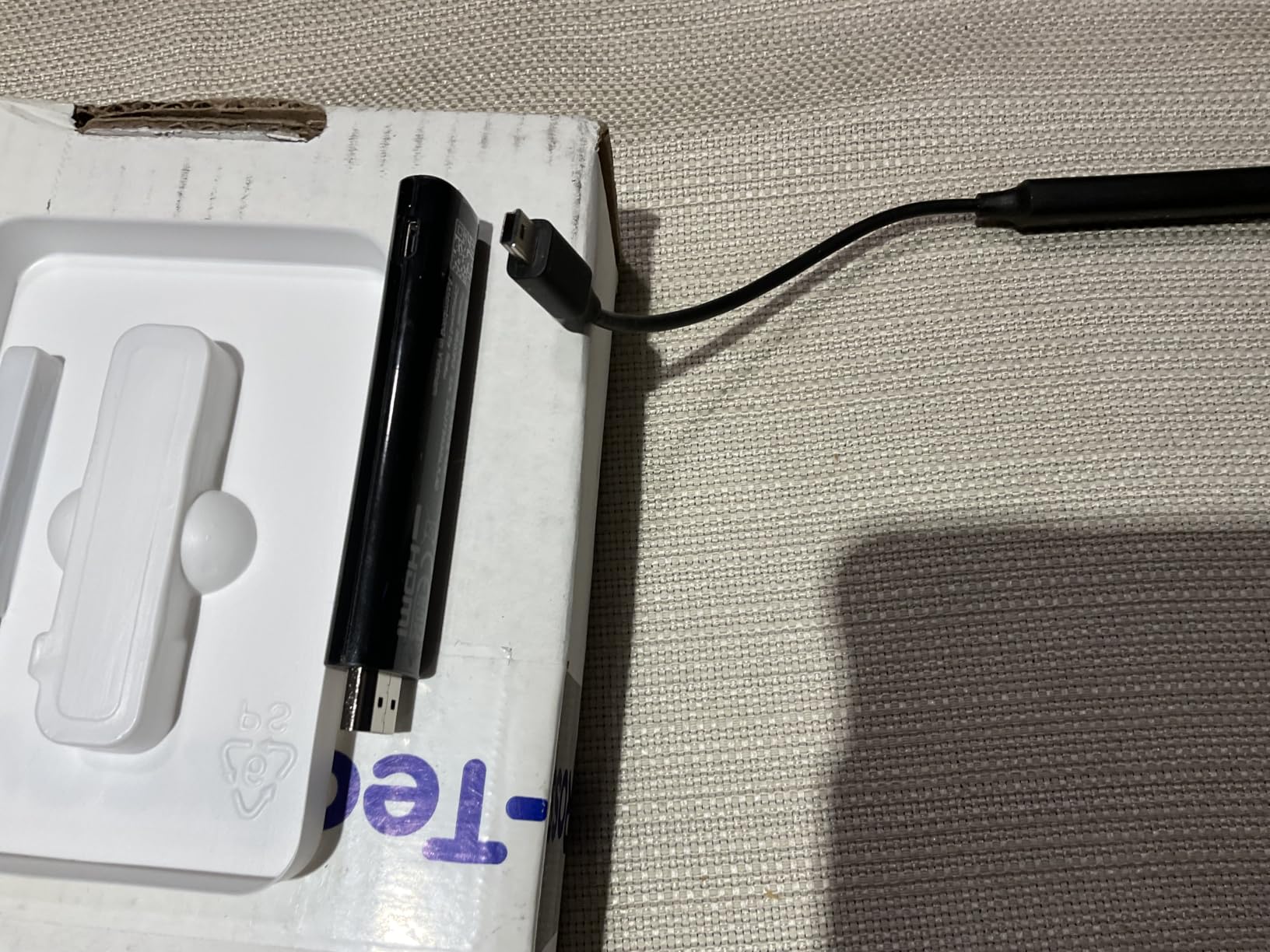
Compared with the Roku Ultra, this stick trades the Ethernet jack, the rechargeable remote and Wi-Fi 6 for a smaller price tag and a form factor you can travel with. Compared with the Roku Streaming Stick HD, it is the step up that matters if your television is 4K.
Good to know: this is the stick to pick for a main living room television. For a bedroom or kitchen set, the Roku Streaming Stick HD does the same job at 1080p with fewer compromises.
2. Roku Streaming Stick HD: Best for Bedrooms and Kitchens
Roku Streaming Stick HD with Voice Remote
Output: 1920x1080
Codecs: H.264/AVC and AV1
Power: USB from the TV
Warranty: 1 year
Pros
- Powers from the television with no wall outlet
- One remote for TV power and volume and voice search
- Works with Alexa and Apple AirPlay and HomeKit
- Small body that hides behind the display
Cons
- 1080p ceiling with no 4K or HDR
- No Ethernet port
- Remote is not rechargeable or backlit
The Roku Streaming Stick HD exists so a second television does not need a second cable run to the wall. It draws power from the TV’s USB port, which makes it the pick for a guest room, a dorm or a kitchen counter set.
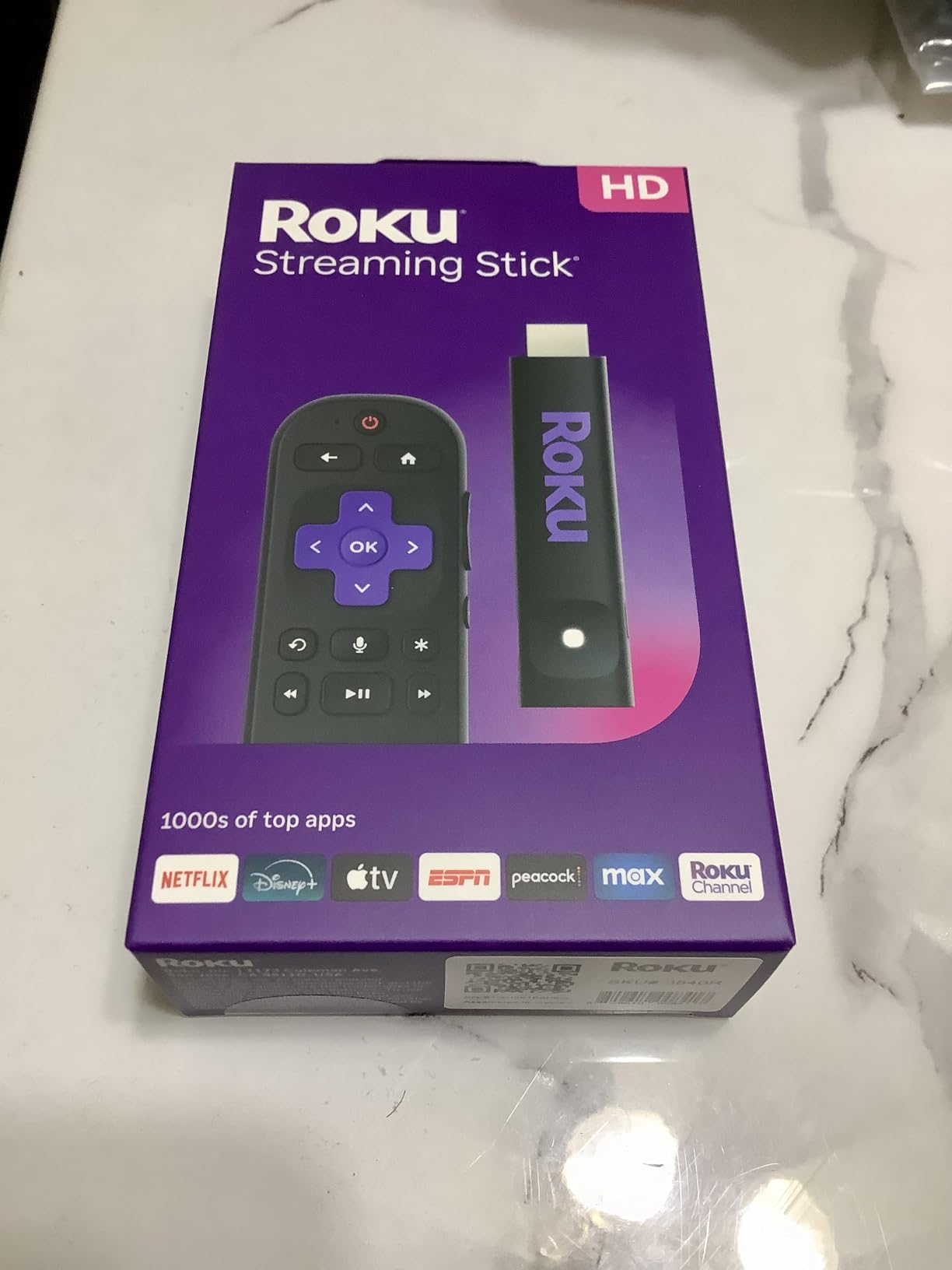
The interface is the same one on every Roku device, so owners moving up from an older player find nothing to relearn. Voice search and the shortcut row get you into an app in a couple of presses.
Skip it if your set is 4K. The 1080p ceiling is the deal-breaker people complain about most, and there is no way around it in software.
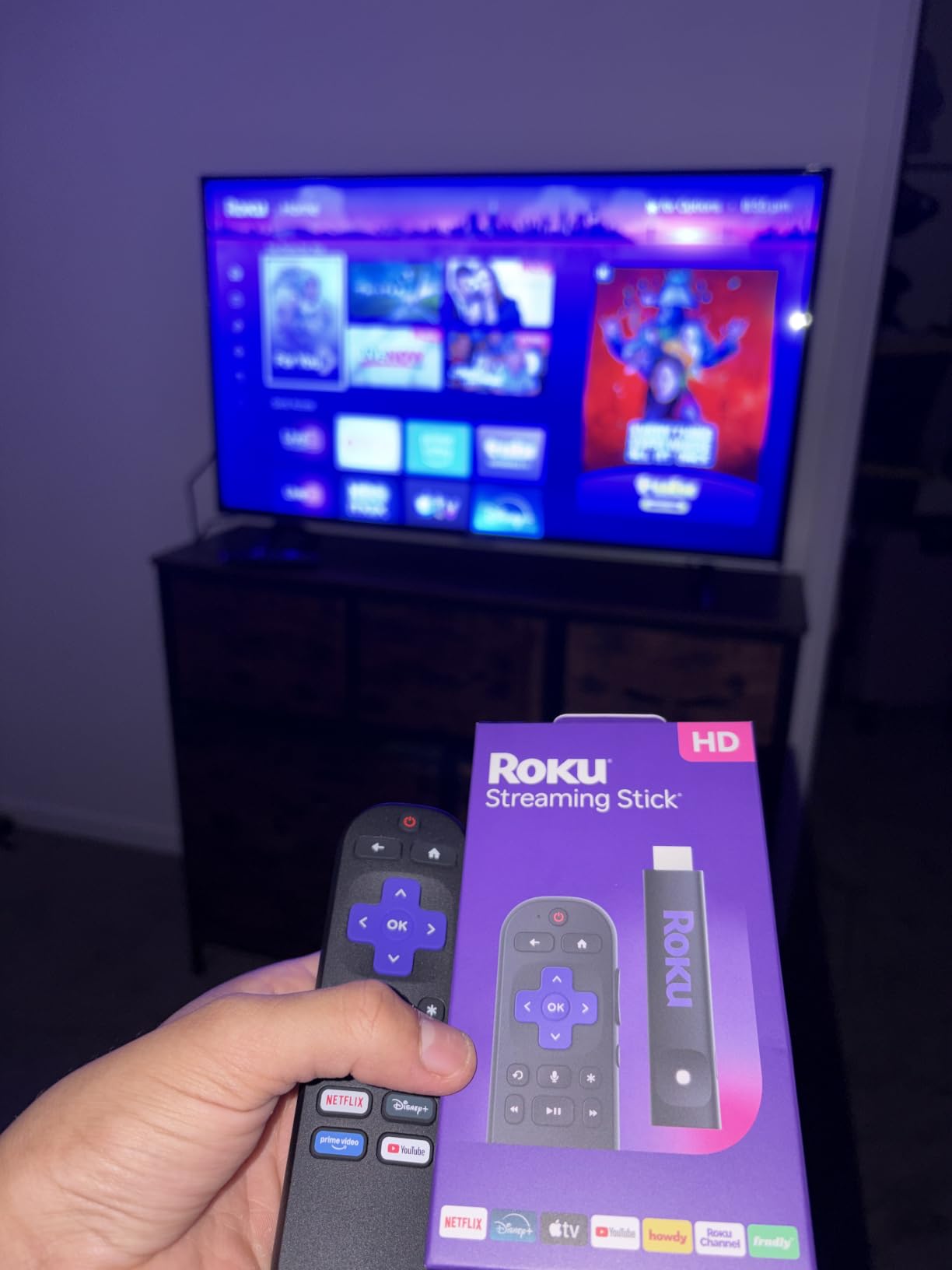
Against the renewed Roku Express HD, this stick wins on age and warranty, running current-generation hardware under a 1 year manufacturer warranty rather than a 90 day one. Against the Roku Ultra LT it wins on simplicity and loses on every spec that matters for a wired home.
3. Roku Ultra LT: Best for Wired Homes and Local Media
Roku Ultra LT (2023) HD/4K/HDR Dolby Vision Quad-Core Streaming Player with HDMI Cable, Headphones, Voice Remote w/Private Listening, Ethernet
Output: 4K UHD at 3840x2160
Power: wall adaptor with HDMI cable
Warranty: 1 year
Pros
- Ethernet port for a stable wired connection
- 3.5mm headphone jack in the remote for private listening
- Quad-core processor speeds up navigation
- HDR and Dolby Vision support
Cons
- Voice remote drains batteries quickly
- Box takes more shelf space than a stick
- Older 2023 hardware and fewer than 2500 reviews
Media server owners keep coming back to this one for a reason: the Ethernet port. Streaming a local library or a surround setup in a room where Wi-Fi is unreliable is where the Roku Streaming Stick 4K gives you nothing and this box gives you a cable.
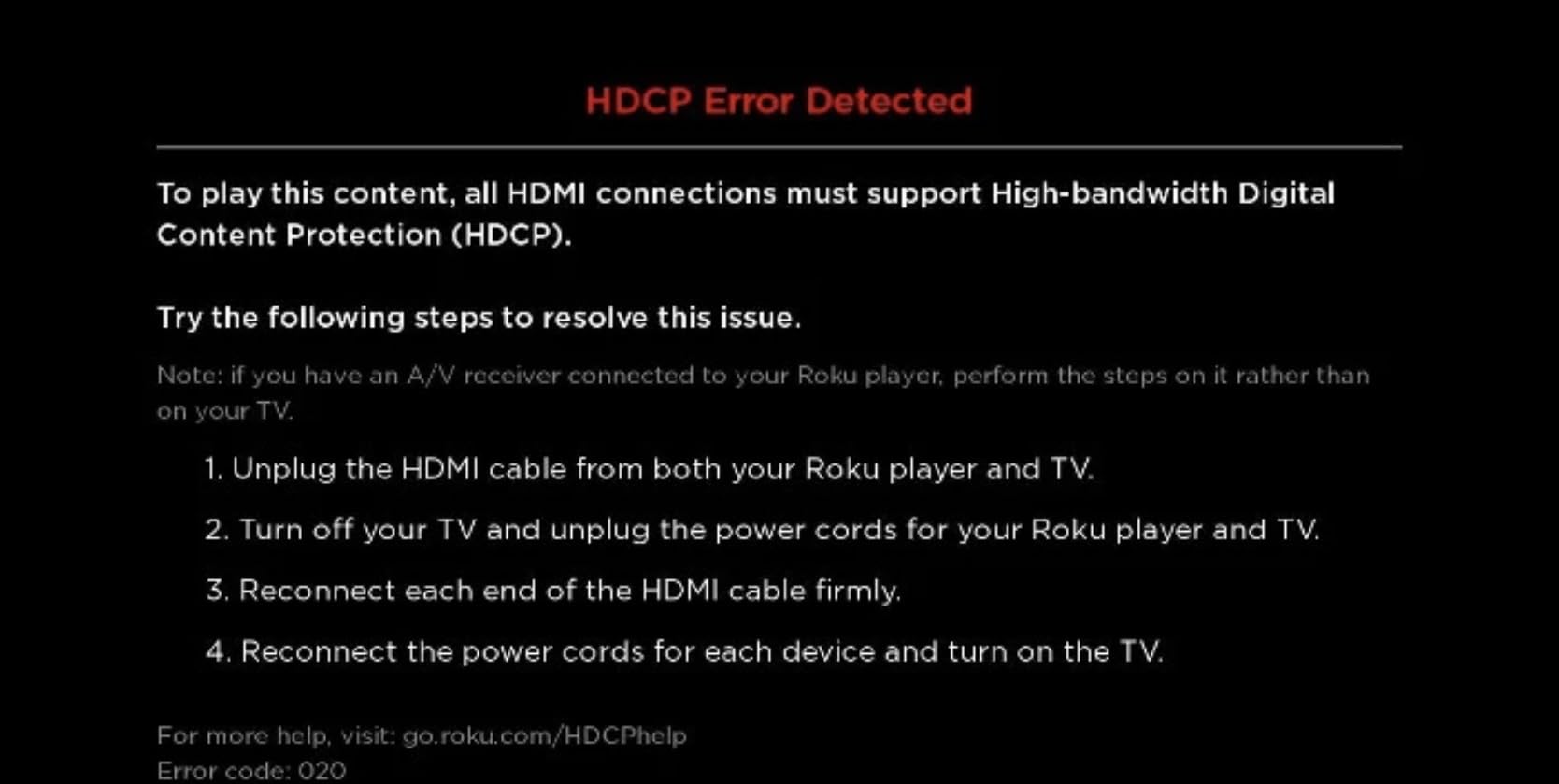
The headphone jack built into the voice remote is the sleeper feature. Owners who watch late with a surround system running use it instead of waking the whole house to a full-volume menu.
The battery complaint is real and repeated. Several reviews note the voice remote drains cells faster than Roku’s stick remotes, and switching to rechargeable AAA is the fix most of them landed on.
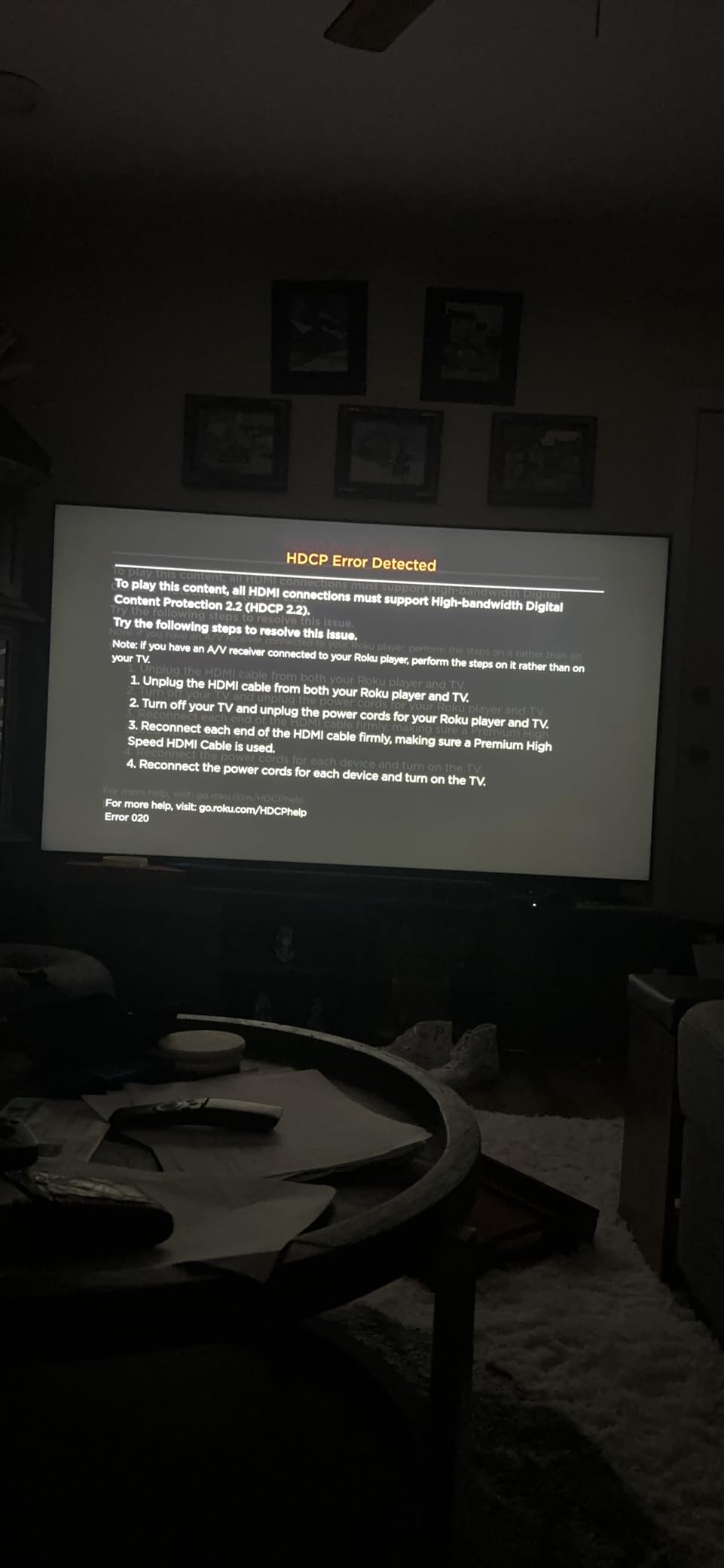
Compared with the current Roku Ultra, this is the older 2023 board with 2,491 reviews instead of 8,790, and you give up the rechargeable backlit remote and Wi-Fi 6. You keep Dolby Vision and the wired port, which is where most of the value sits.
Good to know: if your interest is Plex or a local media library, check the audio formats your server outputs before you buy. Owners comparing sticks to boxes almost always settle on this one for the cable, not the chip.
4. Roku Ultra: Most Versatile for Dolby Atmos and Speed
Roku Ultra, Ultimate Streaming Player – 4K Streaming Device for TV
Output: 3840x2160
HDR: Dolby Vision and HDR10+
Wireless: Wi-Fi 6
Warranty: 2 years
Pros
- Fastest Roku interface with Wi-Fi 6 and Ethernet
- Rechargeable Voice Remote Pro with backlit buttons
- 4K Dolby Vision picture with Dolby Atmos
- Two year manufacturer warranty
Cons
- Rechargeable remote pairs unreliably for some owners
- Some YouTube audio sync complaints
- Costs more with no gain if an older Roku still works
Buyers replacing a sluggish smart TV platform land here. Wi-Fi 6 and the current-generation processor are what the marketing is about, and the interface speed is the reason most reviews are positive.
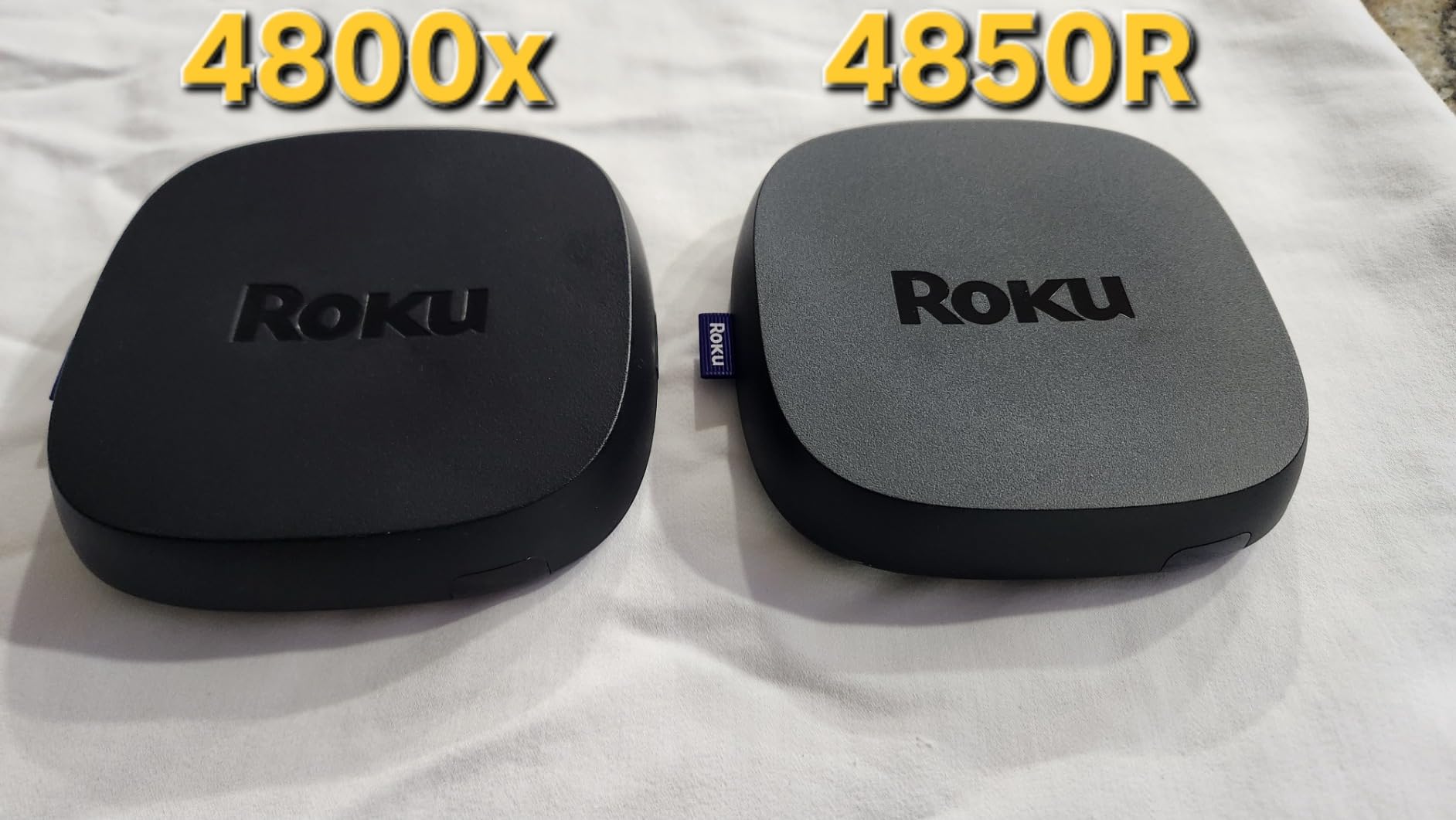
The rechargeable Voice Remote Pro with backlit buttons and a lost remote finder is a genuine upgrade over every stick remote in this list. It charges over USB-C and keeps its buttons lit in a dark room.
Now the trade-off, because it is a real one. Several detailed reviews describe pairing failures, repair prompts on the remote and voice control dropping mid-session. A few also report YouTube audio drifting out of sync at higher playback speeds.
If a Roku stick you already own works fine, this is money spent for nothing. If you are on an older box or a slow smart TV, it is the one device here that fixes both the speed and the audio path, and the 2 year warranty is the longest in the group.
5. Roku Streambar SE: Best for a Sound Upgrade in Small Rooms
Roku Streambar SE, 4K Soundbar with Built-in Streaming Device
Output: 4K HDR and HDR10+
Storage: 4 GB
Power: wall adaptor
Warranty: 1 year
Pros
- Streaming player and soundbar in one unit
- Two front speakers plus a bass port
- Automatic volume leveling for dialogue and commercials
- Optical cable included for TVs without HDMI ARC
Cons
- Standard remote has no TV power or volume buttons
- No deep bass compared with a dedicated soundbar
Thin TV speakers are the reason this one exists. Two front-facing speakers with a dedicated bass port give TV audio a real upgrade, and the automatic volume leveler lifts dialogue while pulling down loud commercials.
Setup is one HDMI cable to an ARC port plus a power cord. The optical cable in the box covers older televisions that do not have HDMI ARC, which is the situation where the remote confuses people most.
That remote is the main gripe. It has no TV power or volume buttons, so on a television with ARC disabled the soundbar will not respond to the button you press.
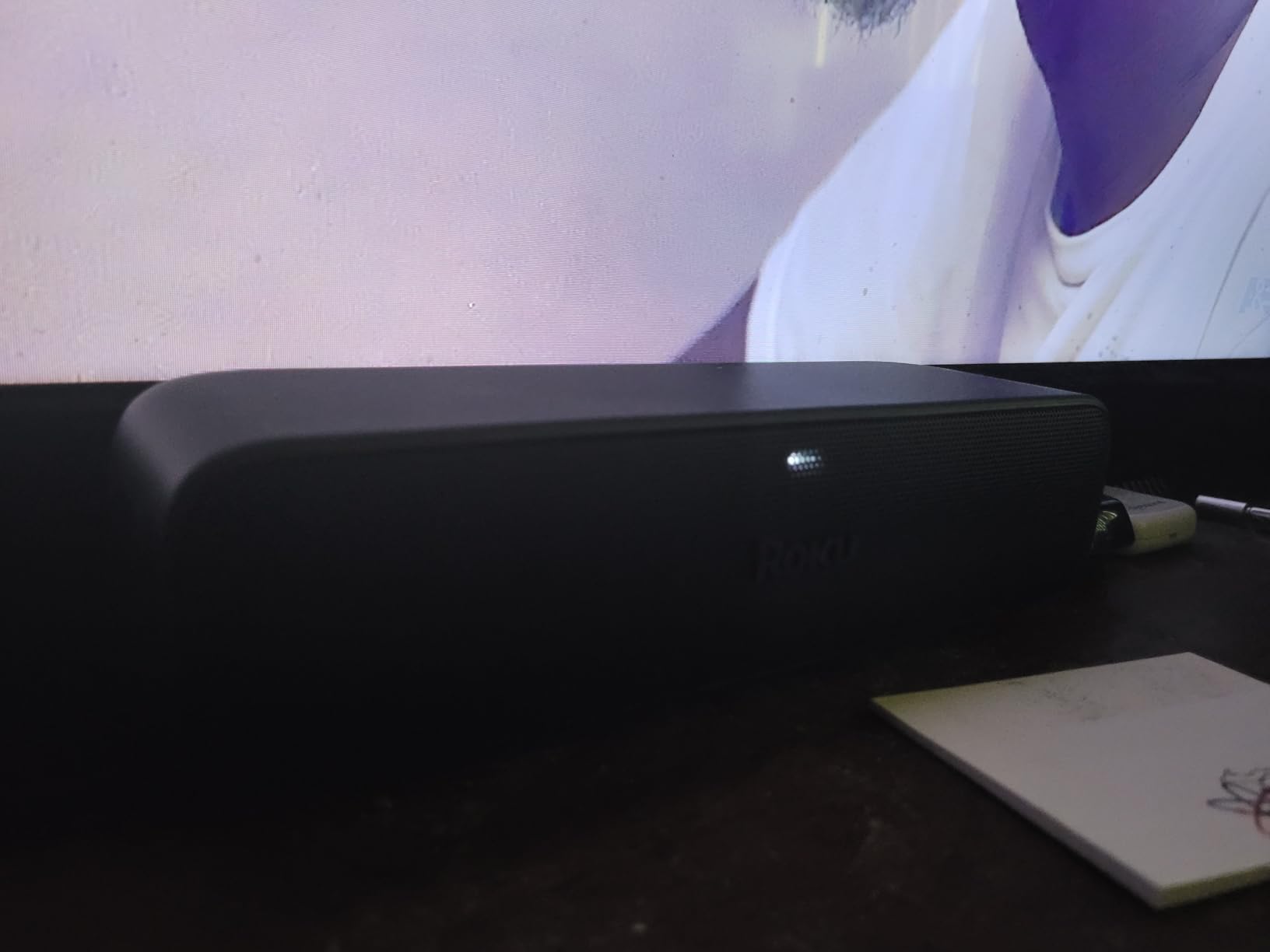
Compared with the Roku Ultra, the Streambar SE trades the Ethernet port, Wi-Fi 6 and rechargeable remote for actual speakers. Compared with the Roku Streaming Stick 4K, it saves you the second box and the second cable if your problem is audio.
Best fit is a bedroom, a dorm or a small living room where a full soundbar is more hardware than the space wants.
6. Roku 32-Inch Select TV: Best for Small Rooms
Roku 32-Inch Select Series Smart TV 2026-1080p Full HD TV – RokuTV
Screen: 32-inch 1080p LED
Refresh: 60Hz
Audio: 14 watts and 2.1 channels
HDR: Roku Smart Picture
Pros
- Affordable small TV for bedrooms and kitchens and RVs
- Roku OS sets up quickly if you already have an account
- Light at 7.7 pounds
Cons
- Menus render at 720p and upscale on the 1080p panel
- Few audio settings and no speech or night mode
At 32 inches this is a room-filling television, not a home theatre one. For a bedroom, a kitchen counter, a dorm or an RV it is the least fuss in this list because the streaming platform is built in and there is no stick to lose.
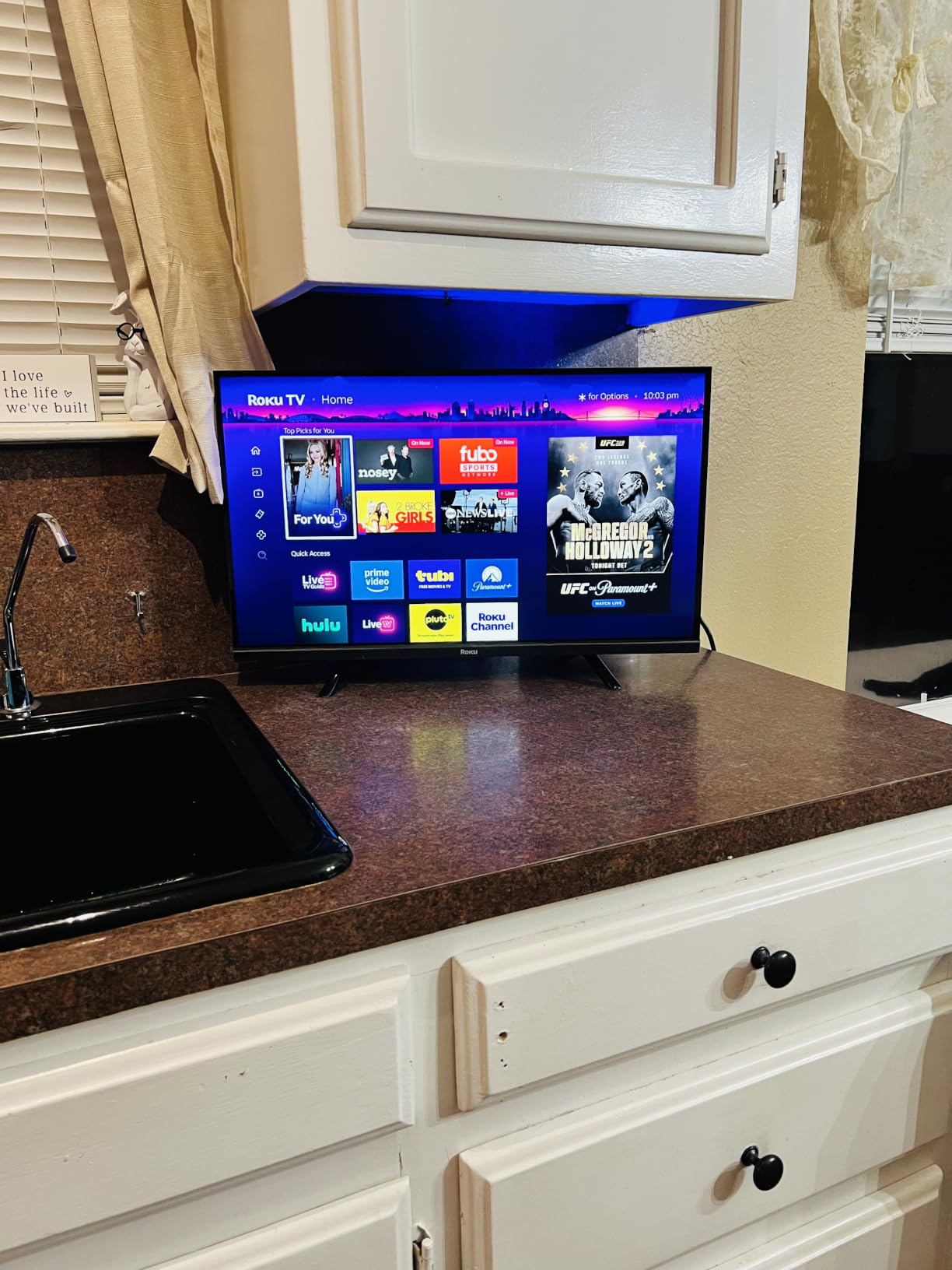
Owners who already use Roku OS praise how quickly it goes from box to streaming, especially if you already have a Roku account. The Bluetooth Headphone Mode is a nice touch for late viewing.
The soft look on screen catches people out. The panel is 1080p but the menus and app interfaces render at 720p and upscale, so on-screen text looks softer than the picture deserves. Audio settings are thin too, mostly volume with no speech or night mode.
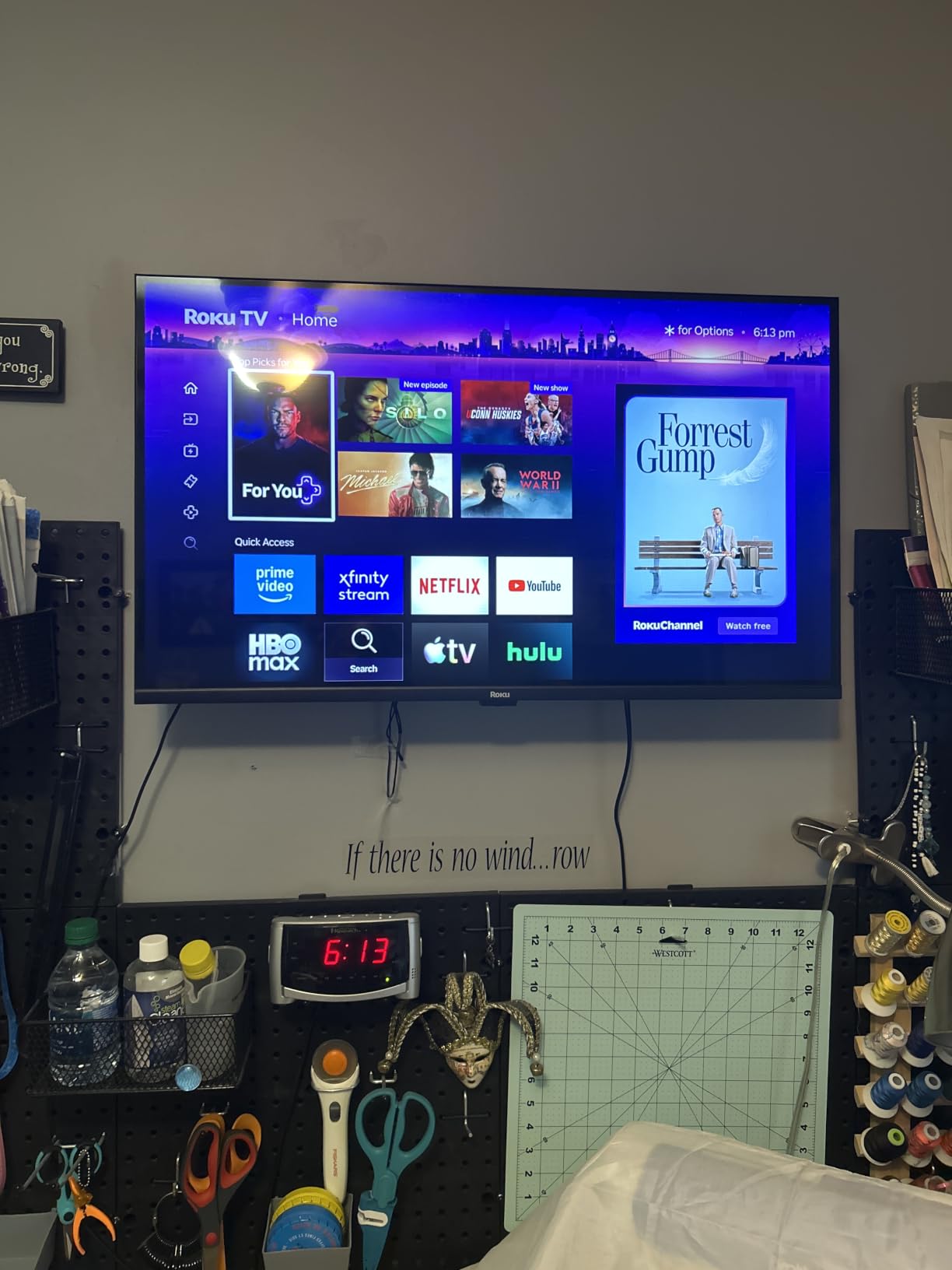
Compare it with the renewed Roku Express HD if you already own a decent television. If you do not own a working set at all, the built-in platform makes this the simpler buy. The 50-inch Select is the jump if your space allows it.
7. Roku 65-Inch Plus TV: Best Picture Quality of the Roku TVs
Roku 65-Inch Plus Series Smart TV – 4K QLED Mini-LED TV – RokuTV
Screen: 65-inch 4K QLED Mini-LED
Audio: Dolby Atmos 4.1ch
Refresh: 60Hz
HDR: Dolby Vision
Pros
- Mini-LED backlighting with full array local dimming
- Dolby Vision and HDR10+ on a QLED panel
- Dolby Atmos with a built-in subwoofer
Cons
- Weighs 39.7 pounds so it is a two-person lift
- Thinnest review base among the larger sets here
- 65 inches needs several feet of viewing distance to justify
This is the picture to buy if the television is the main event. Mini-LED backlighting with full array local dimming is the step that separates it from every other Roku TV here, and it shows most in dark scenes.
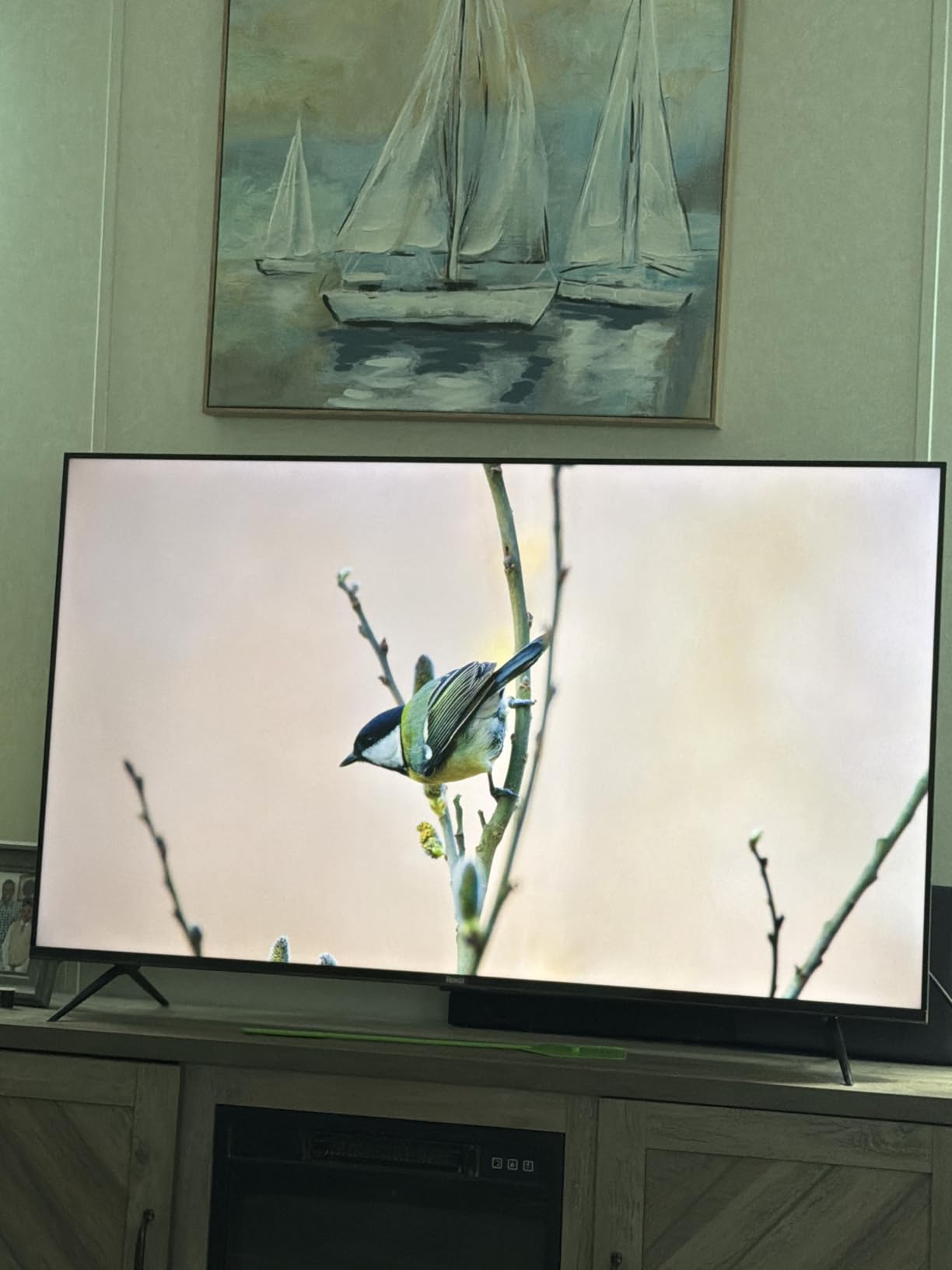
The 4.1 channel Dolby Atmos system with a built-in subwoofer at 50 watts removes the need to plan a separate soundbar. Roku Smart Picture Max tunes color and sharpness per scene, and a single Roku account sets the whole set up.
Buyers pick this over an equivalent panel on a competing platform for the remote and the platform rather than the panel itself. The remotes are interchangeable with other Roku TVs, so one remote can run the whole house.
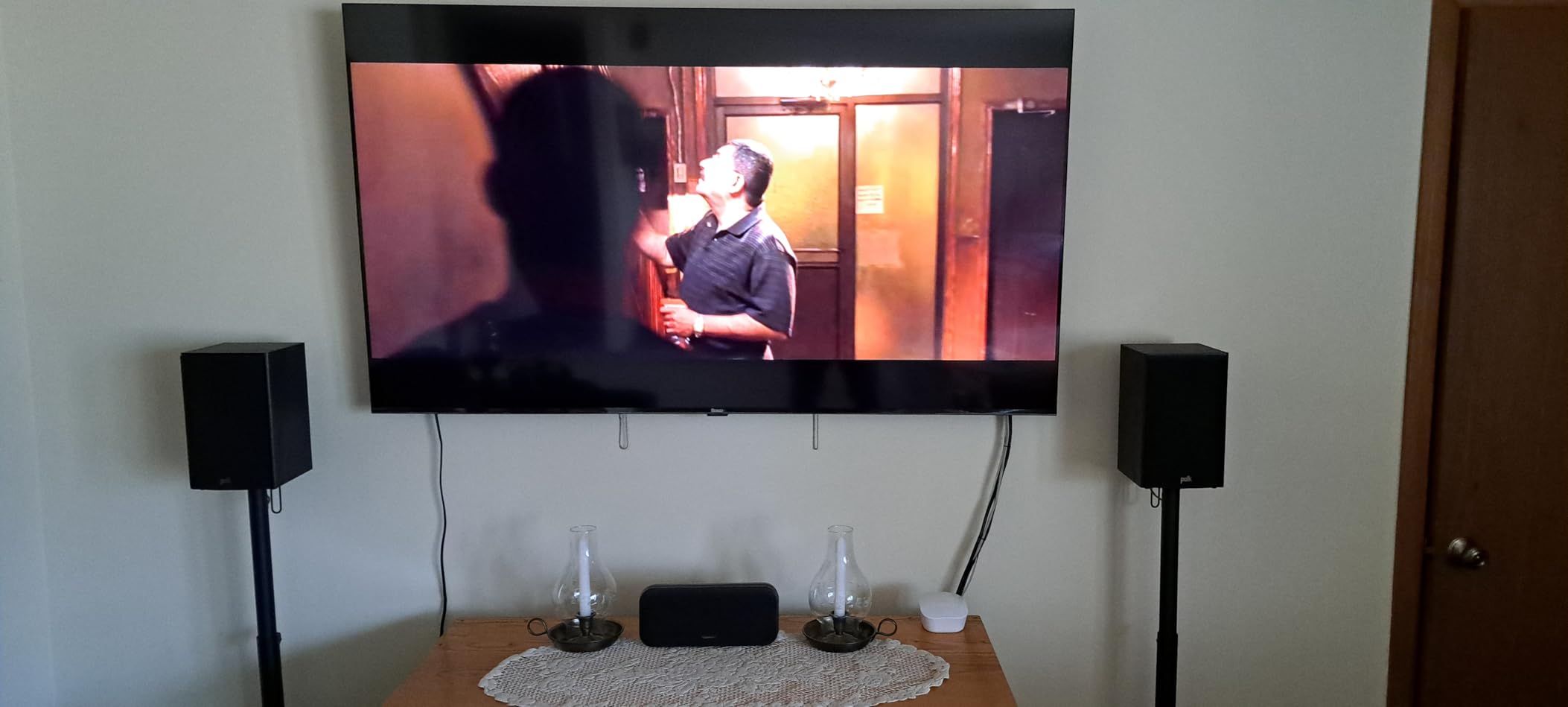
Two things to plan for. At 39.7 pounds it needs two people to move or mount, and the 717-rating review base is the thinnest of the larger sets in this roundup, so treat the owner feedback as thinner evidence here.
8. Roku 50-Inch Select TV: Best Big-Screen Value Here
Roku 50-Inch Select Series Smart TV 2026-4K (2160p) QLED TV TV
Screen: 50-inch 4K QLED LED
HDR: HDR10 and HDR10+
Audio: Dolby Audio at 20 watts
Refresh: 60Hz
Pros
- 4K QLED panel with HDR10 and HDR10+ at a midrange price
- Setup reported in under 10 minutes
- Light at 16.8 pounds so wall mounting is straightforward
Cons
- Quick access and Recommended rows cannot be reordered
- Some owners dislike the AI personalization on the home screen
Owners replacing a Google TV set with this one keep saying the same thing: faster, cleaner, less cluttered. That is a Roku OS advantage, not a panel advantage, and it is the reason this set keeps coming up as good value.
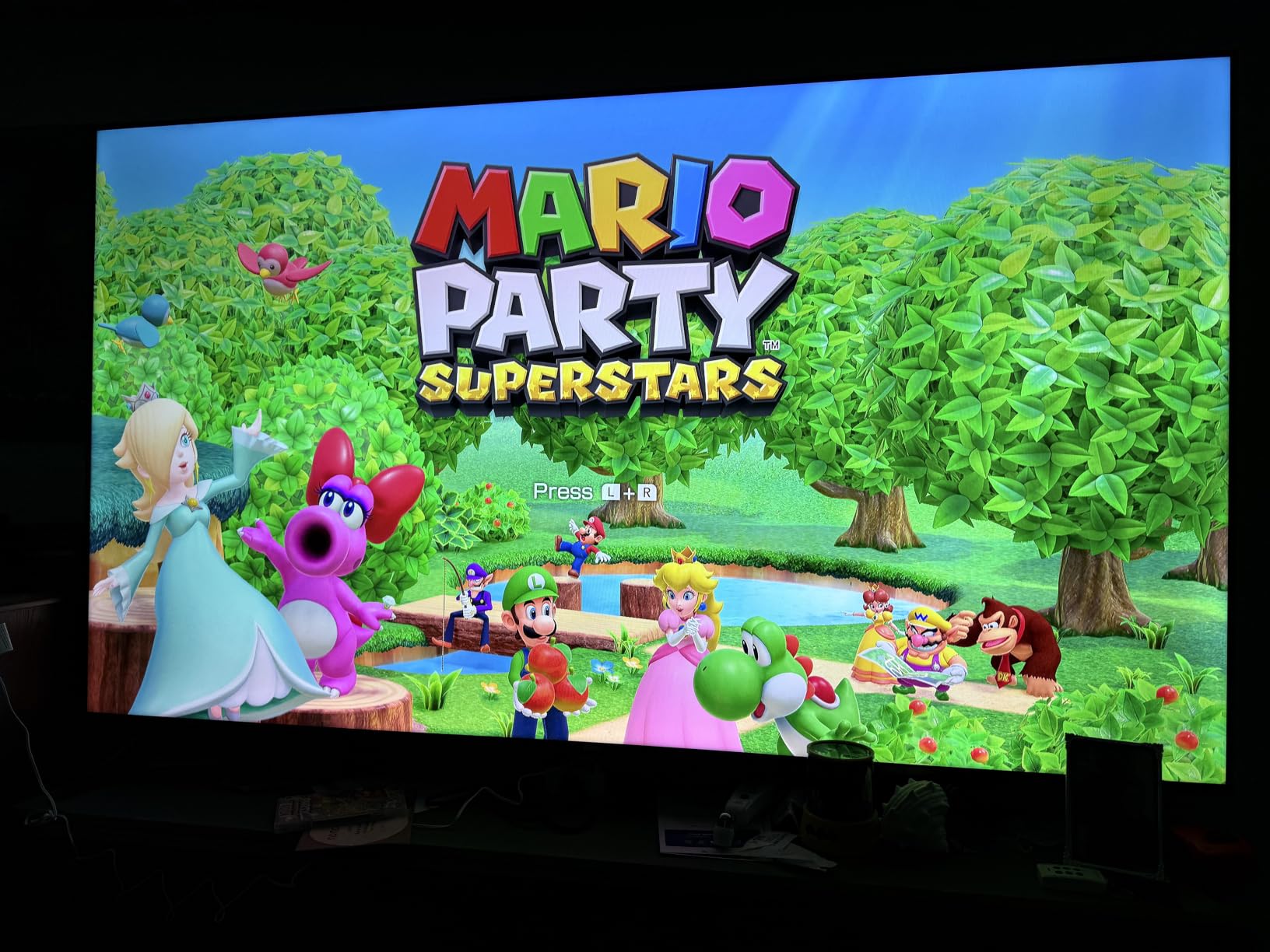
Picture quality is described as sharp with saturated but natural color. At 16.8 pounds the wall mount is a one-person job, unlike the 65-inch Plus.
The Recommended row cannot be rearranged into your own app order, and some owners dislike the AI personalization behind it. The 20 watt stereo pair is fine for news and shows and thin for films, so plan on a soundbar if you care.
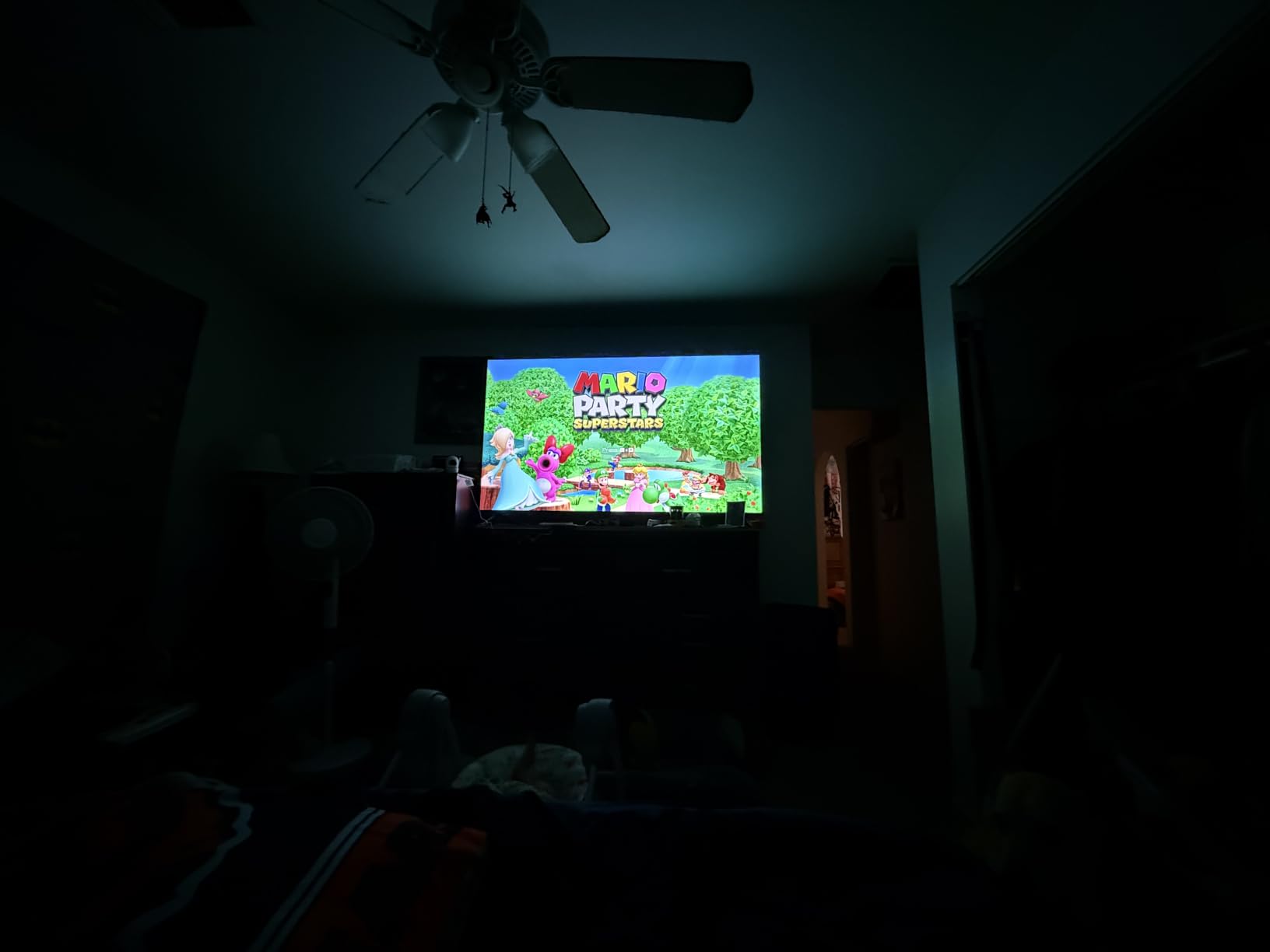
Against the 32-inch Select this is the sensible upgrade for a main room. Against the 65-inch Plus it trades Mini-LED local dimming and built-in Atmos for a size most people can actually sit close to. For most households this is the balance point in the Roku TV line.
9. Roku Express HD Renewed: Best for Second TVs
Roku Express HD Streaming Media Player, Black (Renewed)
Output: 1920x1080
Connectivity: Wi-Fi only
Warranty: 90 days
Condition: Amazon Renewed
Pros
- Low entry point into the Roku platform
- High speed HDMI cable included
- Shortcut buttons to popular channels on the remote
- Free live TV through The Roku Channel
Cons
- Renewed condition with a 90 day limited warranty
- Wi-Fi only with no Ethernet port
- Older hardware that feels slower than current sticks
The renewed Express is a budget-friendly door into Roku OS, and with more than 10,600 ratings the feedback on this condition grade is unusually deep. Owners generally find it performs as described once setup is done.
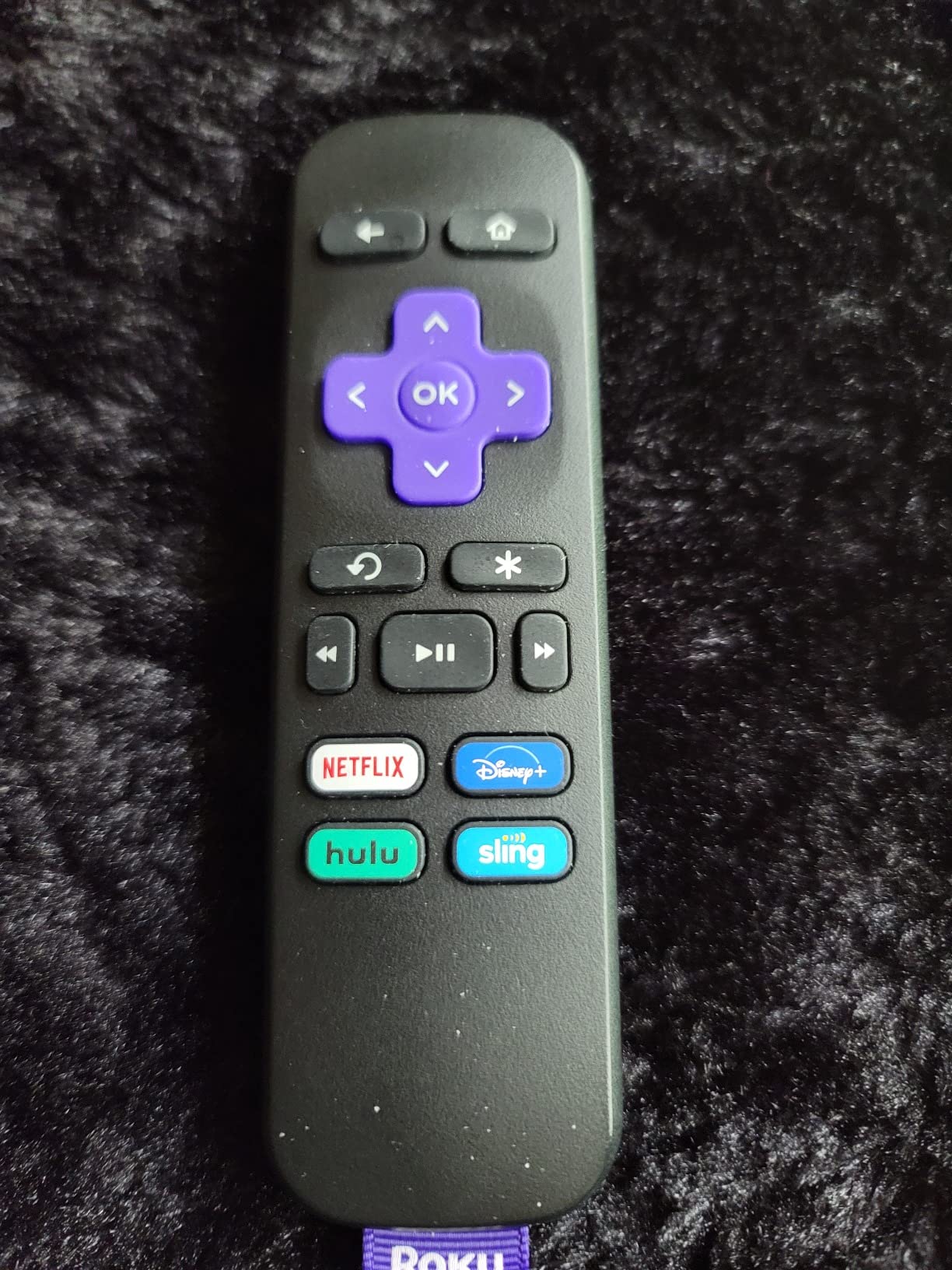
The included high speed HDMI cable matters more than it sounds when you are hanging a second television. The remote carries shortcut buttons for popular channels, which is the whole appeal of a simple device.
Read the condition details before you commit. Renewed means a 90 day limited warranty rather than a year, the box is older hardware that navigates slower than current sticks, and there is no Ethernet port.
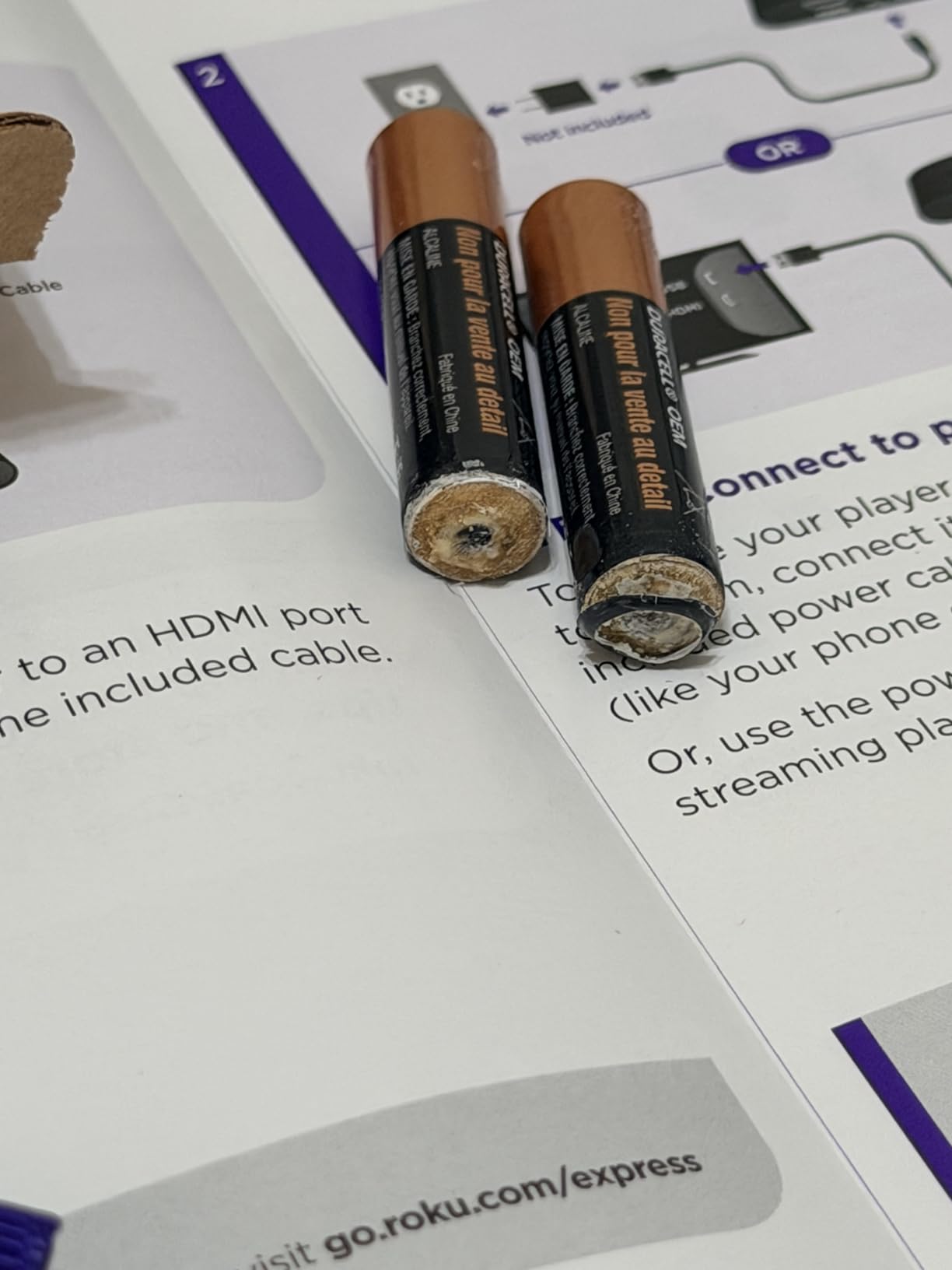
Against the Roku Streaming Stick HD, the stick is newer and carries a 1 year warranty, so it wins on everything except the entry cost. Against the full-size Roku SE it has a more capable remote and the same 1080p limit.
10. Roku SE Streaming Player: Best for Gifting
Roku 3900SE SE- Fast High-Definition Streaming. Easy On The Wallet
Output: 720p
Storage: 6 GB
Connectivity: HDMI
Warranty: 1 year
Pros
- Smallest and simplest way into Roku OS
- HDMI cable included in the box
- Compact 3 x 2 x 1 inch body tucks behind a TV
- Access to the full Roku channel catalog
Cons
- 720p only with no 4K or HDR
- Basic remote with no voice search or backlit buttons
- Older internals that feel slower than current sticks
This is the one to hand to someone who just cut the cord and does not want a project. The setup is short, the remote has no learning curve, and the whole thing tucks behind a television in minutes.
It is one of the oldest devices in the roundup and still holds a 4.6 average across more than 2,000 ratings. What you are accepting is 720p video, plain hardware and a remote without voice search.
Skip it for yourself. Nobody chooses a 720p player in 2026 when a 4K stick costs a similar amount, unless the gift recipient is set on a specific older television.

Compared with the renewed Roku Express HD, this one is new rather than renewed and carries a 1 year warranty, but drops to 720p and loses the voice remote. For a first streaming box or a gift, that trade still works.
How to Choose Roku Devices During Prime Big Deal Days
Start with the television, not the player. A 4K device on a 1080p panel buys you nothing visible, and a 1080p device on a 4K panel leaves picture quality and HDR formats unused. Match the device to the screen you actually watch most.
Choose the Right Resolution for Your TV
For a 65-inch or 50-inch 4K television, the Roku Streaming Stick 4K or the Roku Ultra are the right tier, since both output 4K UHD with Dolby Vision. For a bedroom or kitchen set, the Roku Streaming Stick HD at 1920×1080 is enough. The renewed Roku Express HD is the other 1080p option here, and the only one with a 90 day warranty rather than a year.
Compare Wi-Fi Performance and Streaming Stability
Only two devices here have a wired option: the Roku Ultra LT and the Roku Ultra, both with Ethernet. If your router is far from the main television or you run a local media library, that port is the deciding feature. Everything else runs on Wi-Fi, and the Roku Streaming Stick 4K ships with a long-range receiver that helps in distant rooms.
Check Voice Remote and Navigation Features
Three remotes in this list carry TV power and volume buttons: the Roku Streaming Stick 4K, the Roku Streaming Stick HD and the Roku Ultra LT. The Roku Streambar SE does not, which matters on any television where HDMI ARC is switched off. Only the Roku Ultra includes a rechargeable backlit remote, and owners report both that they love it and that some units struggle to pair.
Distinguish Models from Bundles and Accessory Sets
Listings for these devices vary in what is in the box. The Roku Streaming Stick 4K includes a power adaptor, a long-range Wi-Fi receiver and AAA batteries. The Roku Streambar SE includes an optical cable, a premium HDMI cable and a standard remote. The renewed Roku Express HD includes a high speed HDMI cable. Check the model number in the listing against the box contents before you buy, because a sale can mix generations of the same product name.
Compare Condition Warranty and Seller Details
Nine of these ten are new with a 1 or 2 year manufacturer warranty. The Amazon Renewed Roku Express HD is the exception, with a 90 day limited warranty. Read the condition notes and the return eligibility on any renewed listing before checkout, and confirm who is selling and shipping the item.
How to Shop Roku Deals During the Sale
On any Roku listing during Prime Big Deal Days, verify the model number rather than the product name, since Roku reuses names across generations. Check the screen size or variant on the Roku TV listings, read the box contents line for the player, confirm whether the unit is new or renewed, and look at who sells and ships it. Most offers during the event need a Prime membership, and prices change through the two days.
Quick checklist before you buy:
- Match the output resolution to the television, not the other way round
- Decide whether Ethernet is worth paying for in your specific room
- Check whether the remote has TV power and volume buttons
- Confirm the model number and generation, not just the product name
- Read renewed condition notes and warranty length
- Confirm Prime membership is active before you check out
Frequently Asked Questions
Which Best Amazon Prime Big Deal Days Roku Deals are worth watching, and when does the sale run?
The Roku Streaming Stick 4K, the Roku Streaming Stick HD and the Roku Ultra LT lead this list. Prime Big Deal Days runs October 6-7, 2026, and most offers need a Prime membership.
Does a Roku streaming device work with any internet provider?
Any provider that delivers a normal home internet connection works, because Roku streams over your existing Wi-Fi network. The device needs no separate line or provider app. A wired Ethernet option is only available on the Roku Ultra LT and the Roku Ultra.
Is a 4K Roku device worth it for a 1080p television?
Not really. A 4K player on a 1080p panel sends a signal the screen cannot show, so you pay for resolution and HDR formats you never see. Pick the Roku Streaming Stick HD or the renewed Roku Express HD for a 1080p set instead.
Does every Roku model come with a voice remote?
No. The Roku Streaming Stick 4K, the Roku Streaming Stick HD and the Roku Ultra LT include voice remotes with TV controls. The Roku Streambar SE ships with a standard remote without TV power or volume, and the Roku SE uses a basic remote with no voice search.
Do Roku devices require a recurring subscription?
The hardware does not carry a required subscription. You need a Roku account to set up, and the apps you watch may have their own fees. Free ad-supported channels run through The Roku Channel at no added cost.
Should shoppers buy a renewed Roku device during Prime Big Deal Days?
It depends on the warranty. The renewed Roku Express HD here carries a 90 day limited warranty against one year on new units, and it is 1080p with no Ethernet. Buy it for a second television and skip it for a main room.
Final Verdict: Best Amazon Prime Big Deal Days Roku Deals
Watch the Roku Streaming Stick 4K if you want the strongest all-round pick for a main 4K television, with Dolby Vision, HDR10+ and the widest review base in this roundup. Take the Roku Streaming Stick HD as the budget-friendly alternative for a bedroom, kitchen or second set where 1080p is plenty and one-cable power matters.
The Roku Ultra LT suits wired homes and local media libraries. The Roku Ultra is the premium option for Dolby Atmos, Wi-Fi 6 speed and a rechargeable remote, with a two year warranty behind it. The Roku Streambar SE is the pick when thin TV speakers are the actual problem. The Roku 50-Inch Select TV is the value balance for a main room, and the Roku 65-Inch Plus TV is where picture quality stops being a compromise. The renewed Roku Express HD covers second televisions on a budget, and the Roku SE is the simple gift.
Check the model number and condition on each listing, confirm your Prime membership before checkout, and let the buttons show you where each one sits today.