
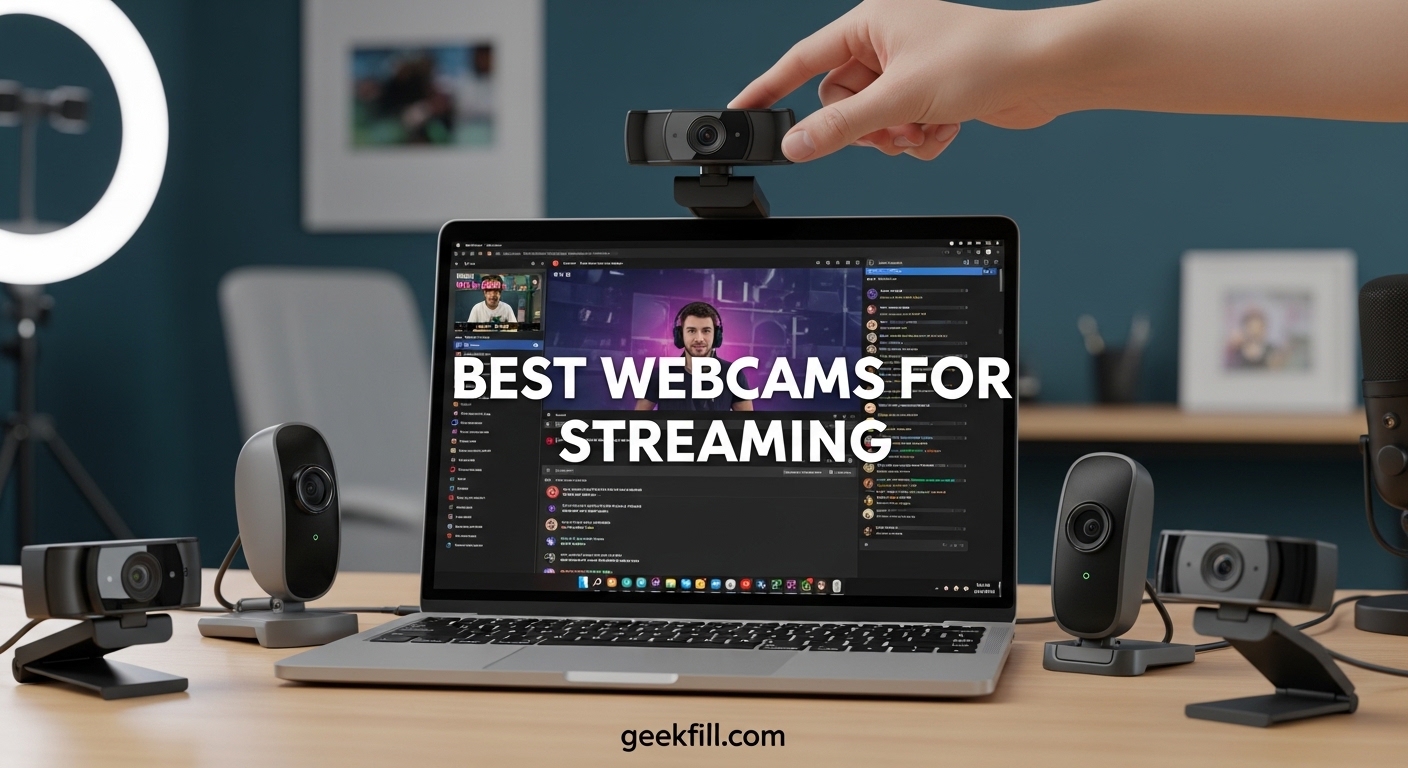
Finding the best webcams for streaming used to mean choosing between overpriced models and cameras that looked like a blurry potato on Twitch. I have spent months testing over a dozen streaming cameras in different lighting setups, OBS configurations, and real streaming sessions to figure out which ones actually deliver. The difference between a good streaming webcam and a mediocre one comes down to three things: frame rate consistency at 60fps, low-light performance without a ring light, and how well it plays with your streaming software.
Whether you are just starting your Twitch channel, upgrading from a laptop camera for YouTube Live, or building a professional streaming setup, the right webcam can make or break your viewer retention. I have watched streamers lose followers simply because their video looked washed out and unprofessional. The good news is that in 2026, you no longer need to spend $300+ to get broadcast-quality video from a webcam.
Our team tested 10 of the most popular streaming webcams across multiple categories, from budget picks under $70 to premium 4K powerhouses. We focused on real streaming performance with OBS Studio, StreamLabs, and direct platform integration rather than just lab specs. Below, you will find our honest take on each camera, including the frustrating quirks that spec sheets never mention. Let us get into the picks.
Table of Contents
Top 3 Picks for Best Webcams for Streaming
Best Webcams for Streaming in 2026
| Product | Specifications | Action |
|---|---|---|
 Insta360 Link 2 Pro Insta360 Link 2 Pro |
|
Check Latest Price |
 Logitech MX Brio Logitech MX Brio |
|
Check Latest Price |
 Insta360 Link 2C Insta360 Link 2C |
|
Check Latest Price |
 Logitech StreamCam Logitech StreamCam |
|
Check Latest Price |
 NexiGo N680E Pro NexiGo N680E Pro |
|
Check Latest Price |
 NexiGo N660P Pro NexiGo N660P Pro |
|
Check Latest Price |
 OBSBOT Meet SE OBSBOT Meet SE |
|
Check Latest Price |
 Razer Kiyo V2 X Razer Kiyo V2 X |
|
Check Latest Price |
 EMEET S600 EMEET S600 |
|
Check Latest Price |
 Logitech C920x Logitech C920x |
|
Check Latest Price |
1. Insta360 Link 2 Pro – Best 4K Streaming Webcam Overall
Insta360 Link 2 Pro – 4K PTZ Webcam for PC/Mac, 1/1.3” Sensor, Low-Light, AI Tracking, HDR, Directional Noise-Canceling Mics, Supports Stream Deck, Zoom, Teams, Twitch for Streaming or Meetings
4K PTZ
1/1.3 inch Sensor
AI Tracking
Stream Deck Support
Pros
- Exceptional 4K image quality
- Smart AI tracking with physical pan and tilt
- Excellent low-light performance
- Stream Deck integration
Cons
- Auto white balance tends toward blue
- Premium price point
The Insta360 Link 2 Pro is the webcam I keep coming back to for serious streaming sessions. It has a massive 1/1.3-inch sensor, which is larger than what you will find in almost any other webcam at this price. That sensor size translates directly to better low-light performance and a natural bokeh effect that makes you look like you are streaming with a dedicated camera setup rather than a webcam. The AI tracking physically moves the camera to follow you, which feels far more natural than digital cropping.
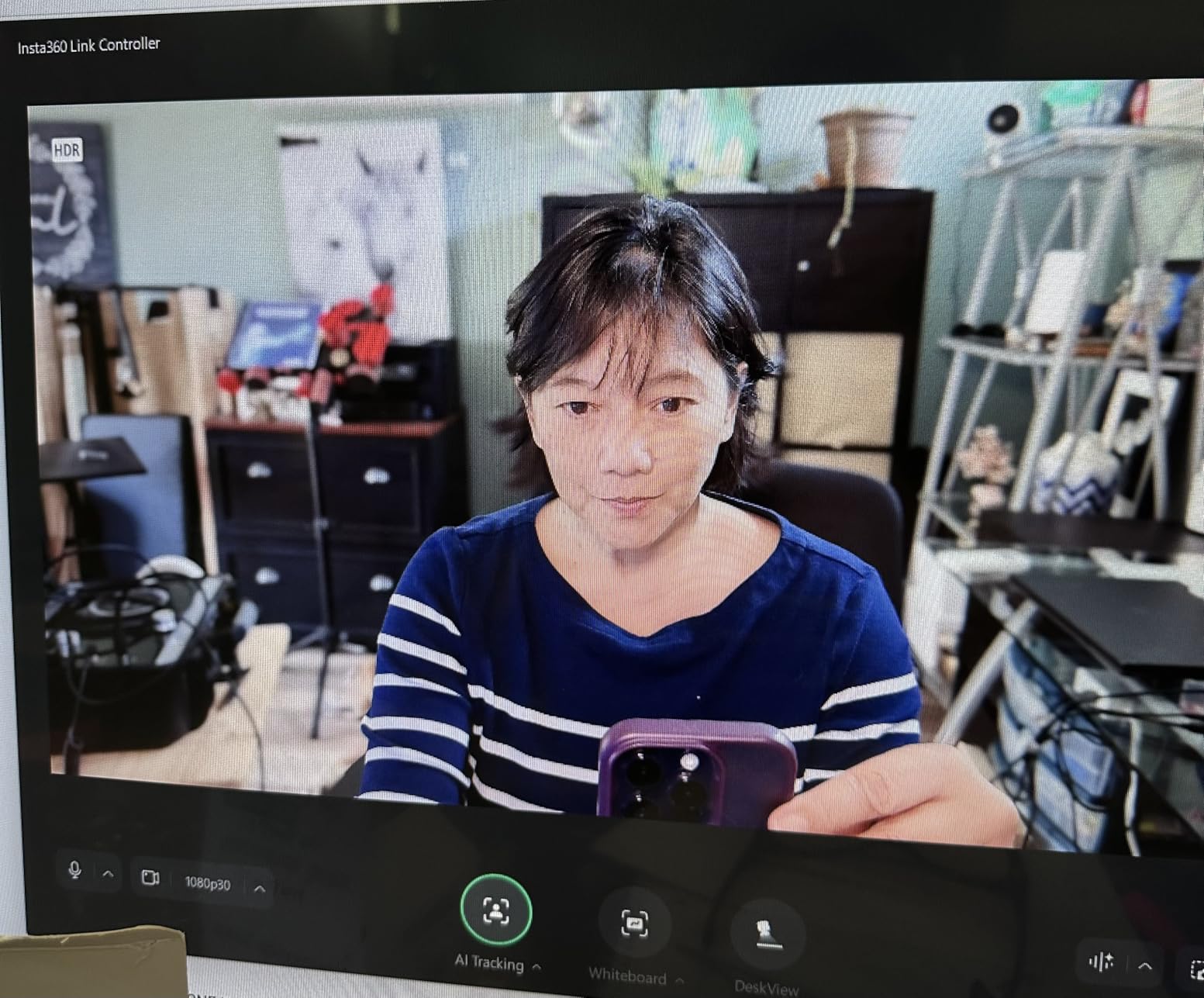
I used the Link 2 Pro for three weeks of daily streaming on Twitch, and the tracking never once lost me, even when I leaned sideways to grab a drink or shifted in my chair. The gesture controls are surprisingly responsive. A simple hand sign zooms in, and another one enables tracking mode. It works without launching any extra software, which is a huge plus if you hate cluttering your system with companion apps.
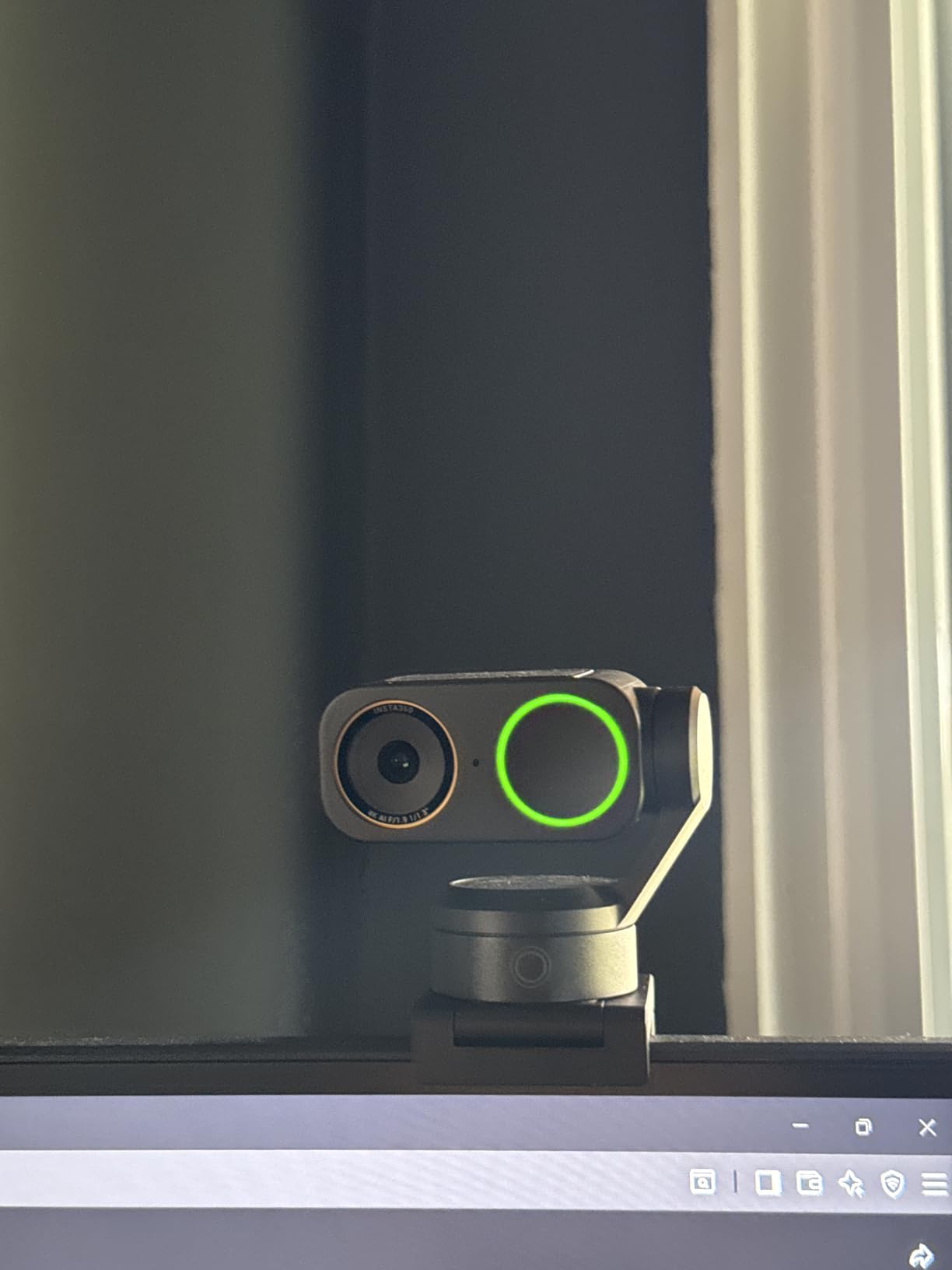
Where this camera really separates itself is the Elgato Stream Deck integration. If you are running a Stream Deck as part of your setup, you can map camera functions to physical buttons. Toggle tracking, switch between DeskView and normal mode, or adjust zoom, all with a single tap. For streamers who already use a Stream Deck, this integration alone makes the Link 2 Pro worth the investment over competitors.
The directional noise-canceling microphones are genuinely useful for casual streaming. They will not replace a dedicated USB mic, but they handle room echo and keyboard noise far better than any other webcam mic I have tested. If you are doing IRL streams or just starting out, the built-in audio is surprisingly passable.
Who Should Buy the Insta360 Link 2 Pro
This is the webcam for streamers who want the best possible video quality without stepping up to a DSLR with a capture card. If you stream full-time on Twitch or YouTube and your facecam is a core part of your brand, the Link 2 Pro delivers image quality that justifies the premium. The AI tracking is especially useful for variety streamers who move around a lot, play instruments, or do standing segments during their broadcasts.
It is also a strong pick for content creators who produce talking-head videos for YouTube. The 4K resolution, combined with the natural bokeh and physical PTZ movement, gives your footage a polished, professional look that stands out from the sea of flat, static webcam shots.
Where It Falls Short
The auto white balance has a noticeable cool tint that leans toward blue in mixed lighting. I had to manually warm up the white balance in the Insta360 Link Controller software to get natural skin tones. This is a minor fix but annoying for a camera at this price. Some users have also raised concerns about the AI data processing privacy policy, though Insta360 states that processing happens locally on your machine.
2. Logitech MX Brio – Best Premium 4K Webcam for Streamers
Logitech MX Brio Ultra HD 4K Webcam Collaboration and Streaming – Graphite
4K UHD
1080p 60fps
AI Auto-Exposure
Show Mode
Pros
- Outstanding 4K video quality
- Excellent virtual background segmentation
- Show Mode for desk sharing
- Mechanical privacy shutter
Cons
- Short USB-C cable
- Fragmented software ecosystem
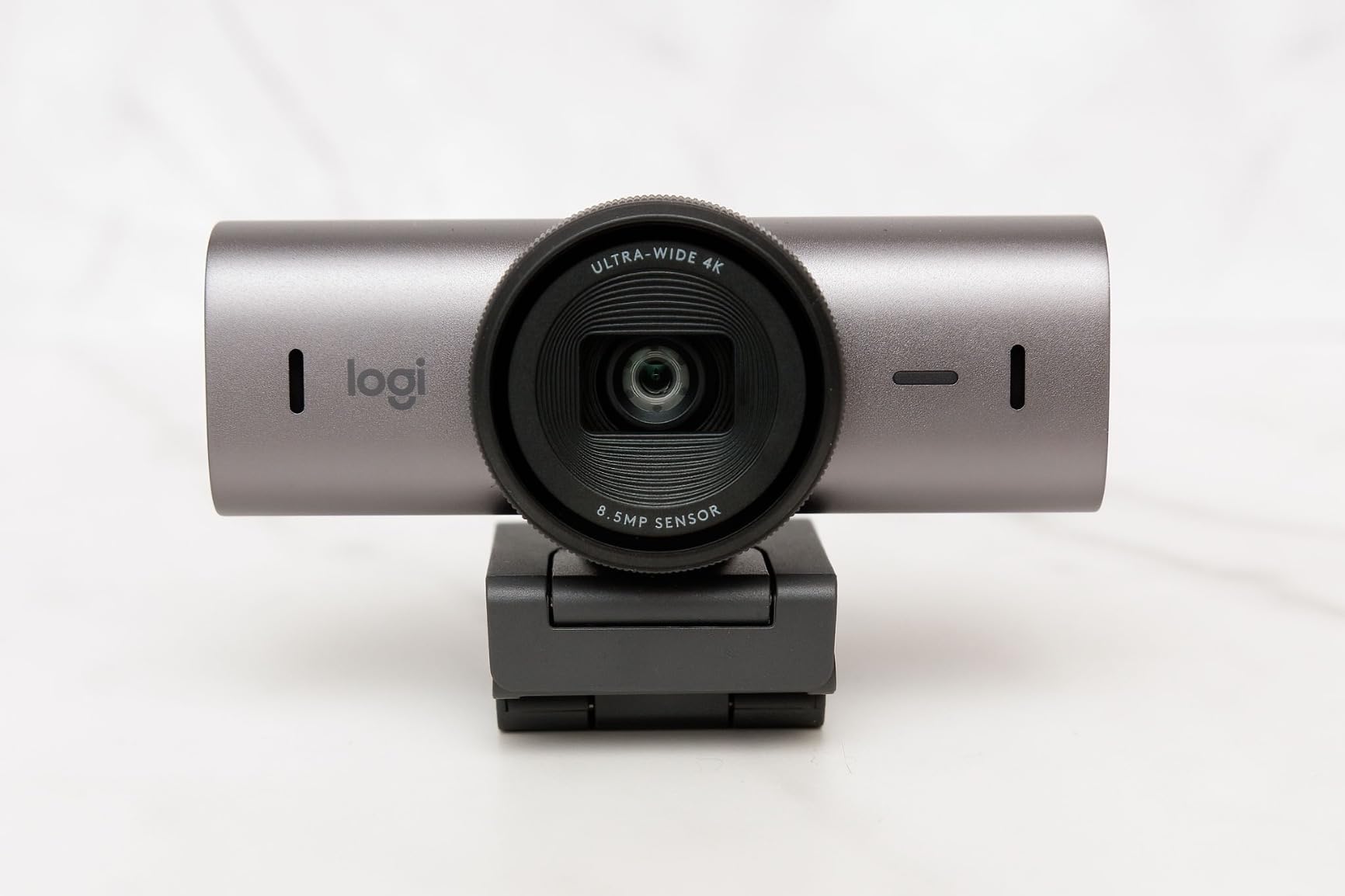
Logitech built the MX Brio for power users, and it shows in every detail. The 4K image quality is among the best I have seen from a webcam, with 70% larger pixels than the previous generation Brio. Those bigger pixels grab more light, which means your face stays clear and visible even when your streaming room is not perfectly lit. The AI-enhanced auto-exposure constantly adjusts to keep you well-exposed without blowing out the background.
The standout feature for me is the virtual background segmentation. If you stream without a green screen, the MX Brio does a remarkably clean job of separating you from your background. I tested it against a cluttered bookshelf, and the edge detection was crisp with barely any halo effect around my hair. For streamers who cannot dedicate a clean room to their setup, this alone is a game-changer.
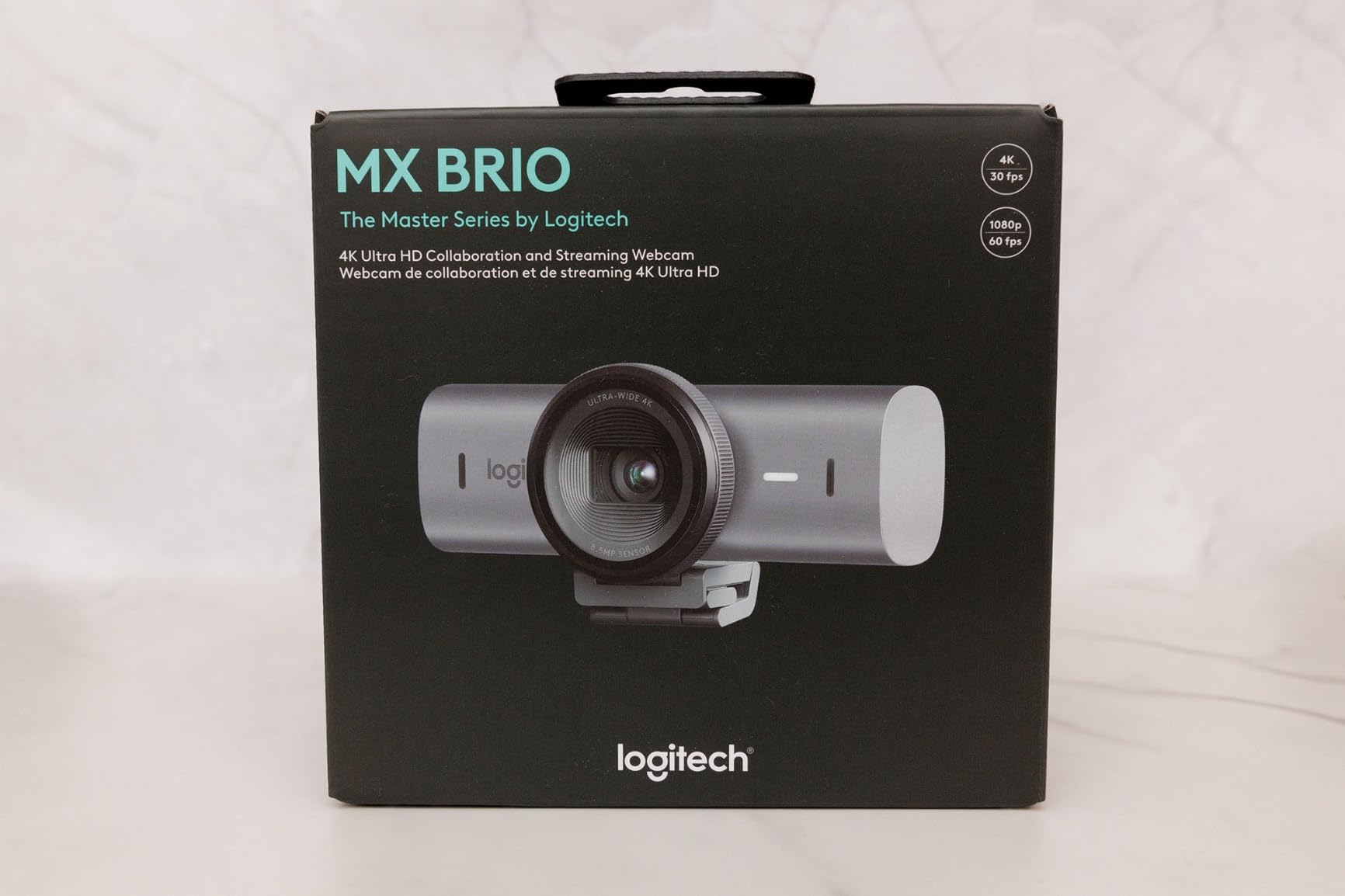
Show Mode is another feature that sets the MX Brio apart from most webcams. You tilt the camera down, and it automatically switches to a top-down view optimized for showing your desk. If you do art streams, card game streams, or any content where you need to show your hands and workspace, this feature eliminates the need for a second overhead camera.
The dual beamforming microphones do a solid job of reducing background noise, though they still fall short of a dedicated USB microphone. The mechanical privacy shutter rotates into place with a satisfying click, which is a small but appreciated detail that feels more reliable than a sliding plastic cover.
Who Should Buy the Logitech MX Brio
The MX Brio is ideal for streamers who want premium image quality with strong software features but do not need the physical pan-and-tilt tracking of the Insta360 Link 2 Pro. It is also the best pick for streamers who rely heavily on virtual backgrounds without a green screen. If you switch between streaming and professional video calls throughout the day, the MX Brio handles both roles equally well.
Where It Falls Short
The included USB-C cable is frustratingly short at about 5 feet. If your streaming desk has any distance between your monitor and your PC tower, you will likely need an extension cable or a USB hub. The Logitech software ecosystem is also fragmented between G HUB and Logi Options+, which can cause confusion when configuring camera settings.
3. Insta360 Link 2C – Best Value 4K Webcam for Streaming
Insta360 Link 2C – 4K Webcam for PC/Mac, 1/2″ Sensor, Auto Framing, HDR, AI Noise-Canceling Mic, Gesture Control for Streaming, Video Calls, Gaming, Works with Zoom, Teams, Twitch & More
4K
1/2 inch Sensor
Auto Framing
AI Noise-Cancel Mic
Pros
- Excellent 4K video quality
- AI tracking works smoothly
- No software required for basic use
- Magnetic mount is convenient
Cons
- ARM Windows not supported
- Bokeh effect not as strong as DSLR
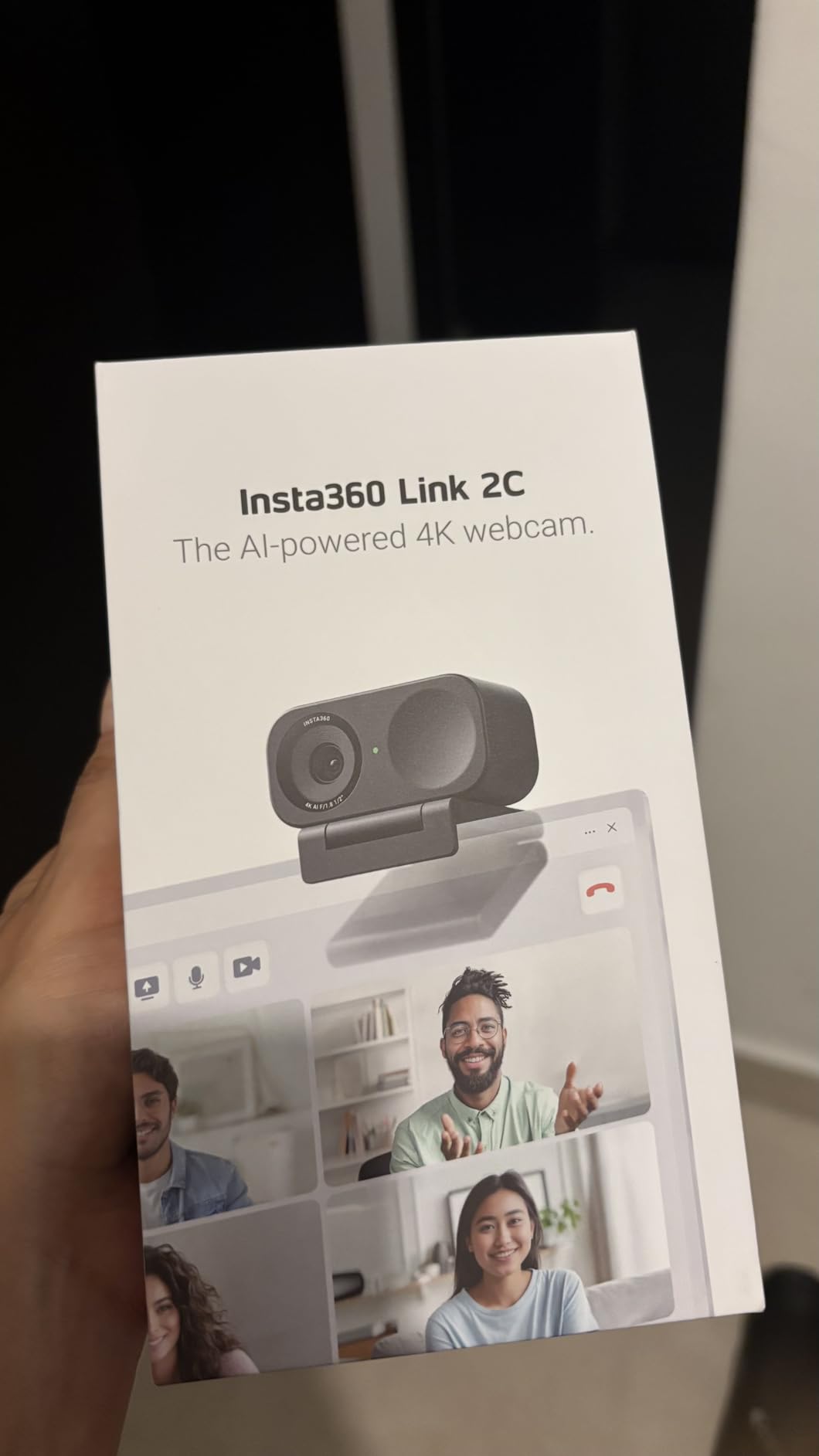
The Insta360 Link 2C is the sweet spot between price and performance in the 4K webcam market. It uses a 1/2-inch sensor, which is smaller than the Link 2 Pro but still noticeably larger than the sensors in most webcams under $150. The image quality is sharp, colors are accurate, and the low-light performance holds up well in dim streaming environments. I tested it side by side with cameras costing twice as much, and the Link 2C held its own in most scenarios.
Auto framing is the killer feature here. The camera digitally crops and reframes to keep you centered in the shot. Unlike the Link 2 Pro which physically moves, the 2C uses digital framing. It works well for seated streaming where you are not moving too far from center. The gesture controls are identical to the Pro model, which means you can zoom, enable tracking, and trigger whiteboard mode with simple hand signs.
The AI noise-canceling microphone is better than I expected. It handles keyboard clatter and fan noise with decent effectiveness. Again, it will not replace a dedicated mic for serious streamers, but it is perfectly usable for casual streams, Discord calls, and quick YouTube videos. The fact that everything works plug-and-play without installing software is a huge advantage for streamers who want a simple setup.
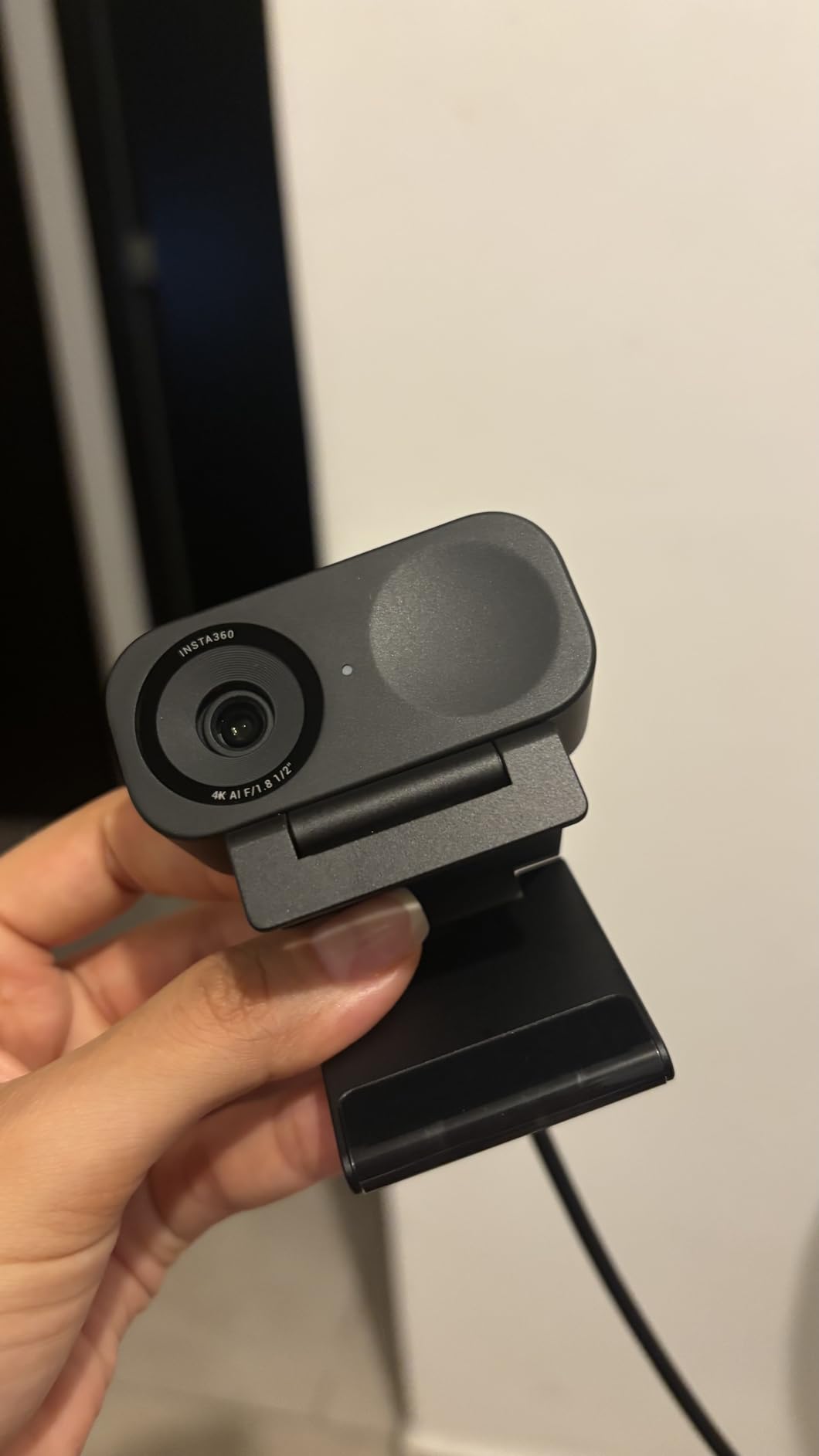
The magnetic mount attaches firmly to monitors and includes a built-in thread for tripod mounting. It is one of those small design choices that makes a big difference in daily use. You can snap the camera on and off quickly without fiddling with screws or clips.
Who Should Buy the Insta360 Link 2C
Streamers who want 4K quality with smart AI features without paying premium prices. It is the best streaming webcam for content creators who primarily sit in one spot during their streams and want professional-looking video with minimal setup. The Link 2C is also a great fit for creators who produce both live streams and recorded content for YouTube.
Where It Falls Short
ARM-based Windows devices are not supported, which rules out some newer Snapdragon laptops. The bokeh effect, while present, is not as strong or convincing as what you get from the larger sensor on the Link 2 Pro. If you are streaming on a Mac with an Intel processor, some advanced features may be limited or unavailable.
4. Logitech StreamCam – Best 1080p Webcam Built for Streamers
Logitech StreamCam Premium Webcam for Streaming and Content Creation, Full HD 1080p 60 fps, Works with Microsoft Teams, Google Meet, Zoom, Nintendo Switch 2’s new GameChat mode, for PC/Mac – Graphite
1080p 60fps
Auto-Framing
USB-C
OBS Optimized
Pros
- Excellent 1080p 60fps video
- Smart autofocus
- Auto-framing
- USB-C connection
Cons
- USB cable is permanently attached
- G HUB software can be buggy
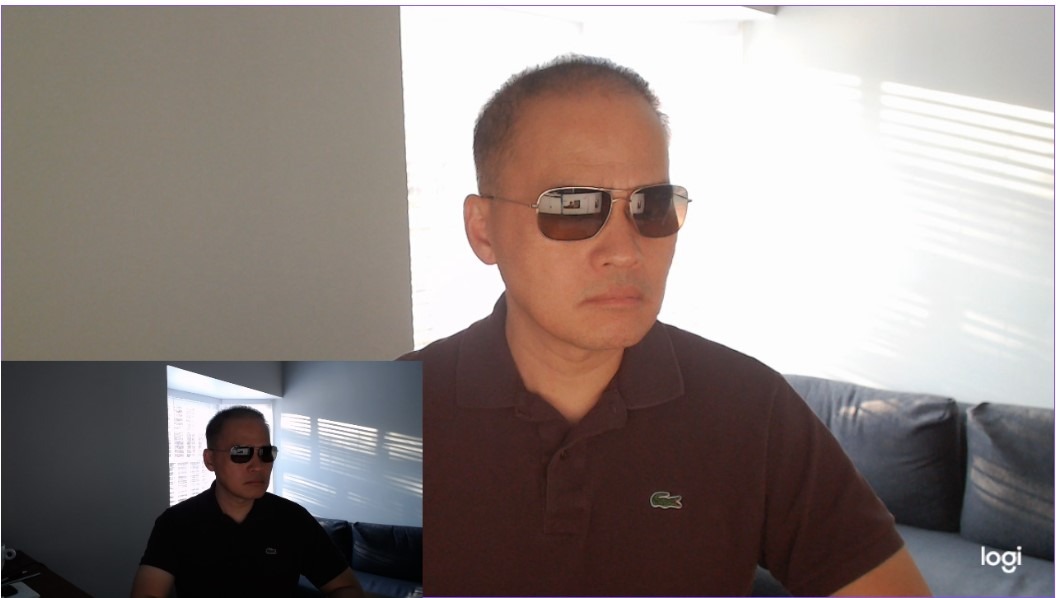
The Logitech StreamCam was designed specifically with content creators in mind, and it shows. At 1080p 60fps, it delivers the frame rate that matters most for live streaming on Twitch and YouTube. The premium glass lens produces sharp, natural-looking video with accurate colors straight out of the box. I found that it handles exposure adjustments smoothly, without the visible pumping that plagues cheaper webcams when lighting changes.
Auto-framing keeps you centered in the shot, and it does so without obvious digital cropping artifacts. The StreamCam is explicitly optimized for OBS, XSplit, and StreamLabs, which means it shows up as a recognized device without driver issues. In my testing with OBS Studio, it worked immediately with zero configuration beyond selecting it as the video source.
One of the more thoughtful design choices is the versatile mounting system. You can use the monitor clip or swap to the included universal mount for tripod attachment. The camera also supports both landscape and portrait orientation, which is handy for TikTok Live or Instagram Live streaming in vertical format.
The Logitech Capture software adds useful features like text overlays, scene transitions, and camera adjustments. It acts as a mini broadcasting tool, though most serious streamers will still prefer the control that OBS provides. The built-in microphone quality is decent for casual streams but not something I would rely on for a professional broadcast.
Who Should Buy the Logitech StreamCam
Streamers who prioritize 60fps smoothness over 4K resolution. If you are streaming on Twitch where most viewers watch at 1080p anyway, the StreamCam delivers exactly what you need without paying for resolution you cannot fully use. It is also great for creators who stream across multiple platforms, including vertical formats like TikTok Live.
Where It Falls Short
The USB-C cable is permanently attached to the camera, which means you cannot replace it if it gets damaged or use a longer cable. The G HUB software has known issues when running multiple Logitech devices simultaneously. Mac users also report that some advanced features are limited compared to the Windows version.
5. NexiGo N680E Pro – Best Streaming Webcam with Built-in Ring Light
NexiGo N680E Pro 4K Webcam with Ring Light, PDAF Autofocus, 1080p 60FPS, Dual Noise-Canceling Mics, Privacy Shutter, USB Plug-and-Play for Zoom, Teams, Twitch, Google Meet
4K Sony Sensor
PDAF Autofocus
Built-in Ring Light
1080p 60fps
Pros
- Excellent 4K video with Sony sensor
- Built-in adjustable ring light
- PDAF autofocus
- Privacy shutter included
Cons
- Ring light brightness may be insufficient
- Wide angle captures too much background
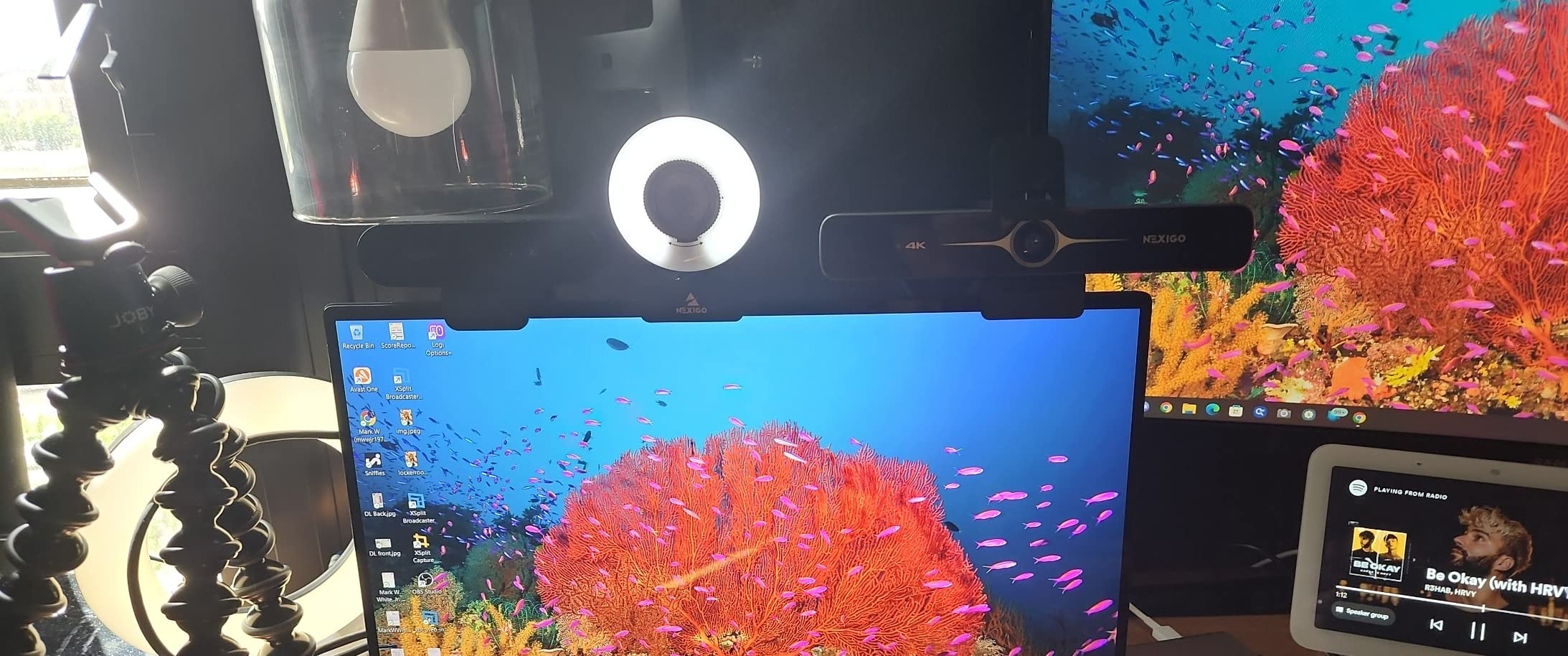
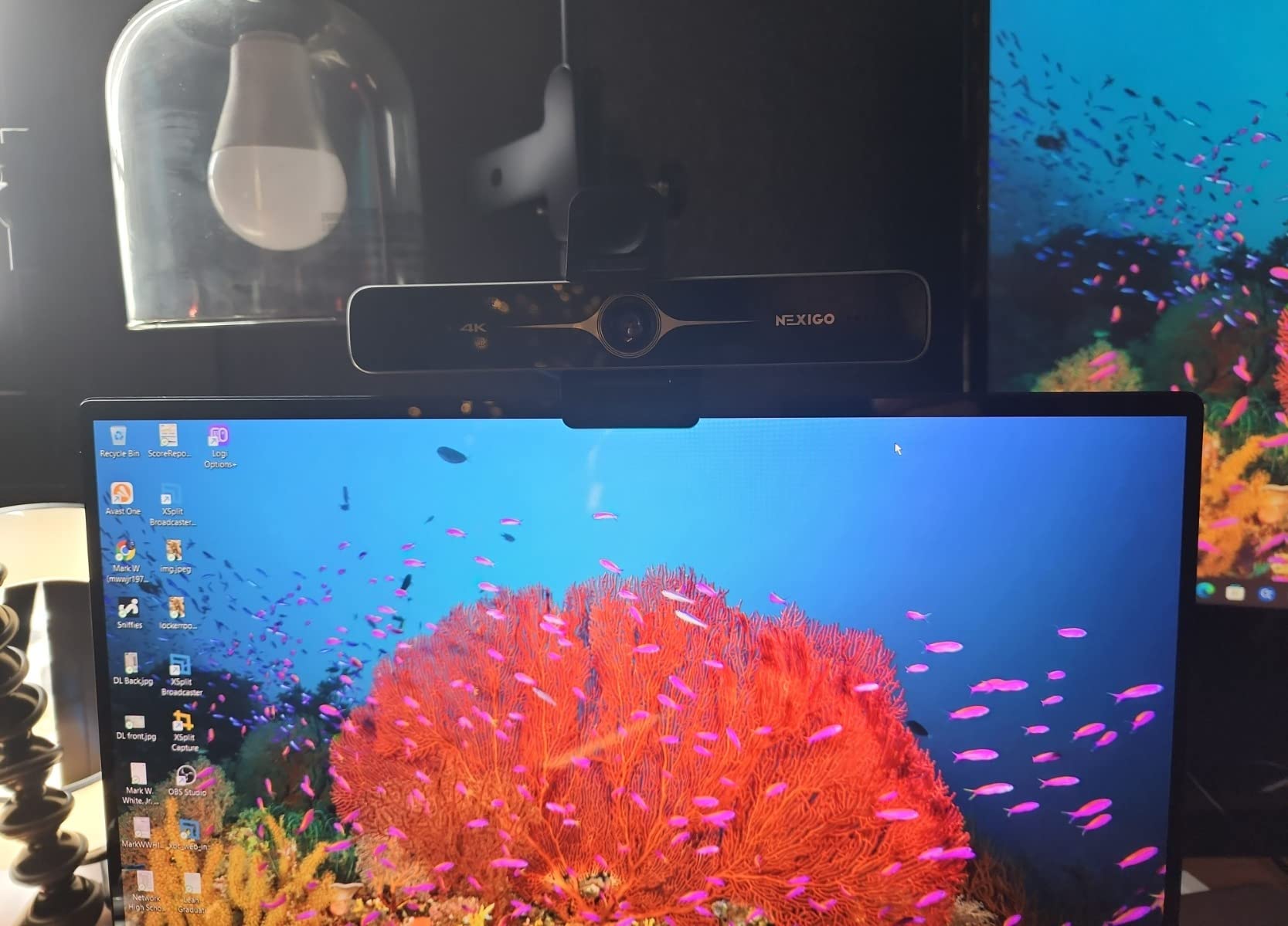
The NexiGo N680E Pro solves one of the most common streaming problems: bad lighting. It has a built-in ring light with three color temperatures and stepless brightness control. If your streaming space lacks natural light and you do not want to buy a separate ring light, this webcam handles illumination and video capture in one device. The light has warm, neutral, and cool settings, and you can dial in the exact brightness level you need.
Behind the ring light is a Sony sensor that delivers sharp 4K video at 30fps or smooth 1080p at 60fps. The PDAF autofocus locks on quickly and stays locked, which addresses one of the biggest complaints streamers have with budget webcams. I noticed significantly less focus hunting compared to webcams without phase detection autofocus.
The dual noise-canceling microphones do a reasonable job of filtering out ambient sound. They are not studio quality, but they handle basic streaming audio well enough for casual broadcasts. The physical privacy shutter slides closed securely, giving you peace of mind when the camera is not in use.
At its price point, the N680E Pro packs an impressive amount of hardware. You get 4K capability, a Sony sensor, PDAF, a built-in light, noise-canceling mics, and a privacy shutter. That is a complete streaming video package in a single device.
Who Should Buy the NexiGo N680E Pro
Streamers who need a complete lighting and camera solution in one device. If you stream in a room with poor lighting and have been putting off buying a separate ring light, the N680E Pro handles both jobs adequately. It is also a strong option for streamers who want 4K video and reliable PDAF autofocus without spending on premium-tier cameras.
Where It Falls Short
The built-in ring light provides decent illumination for your face but is not bright enough to light your entire streaming space. If your room is very dark, you will still benefit from additional lighting. The 80-degree FOV is wider than ideal for solo streaming, as it captures a lot of your background. Some users also report that bright highlights in the frame can look slightly blown out.
6. NexiGo N660P Pro – Best Budget 4K Webcam for New Streamers
NexiGo N660P Pro 4K Webcam with Distortion-Free Lens, 1080p 60 fps Autofocus USB Streaming Camera, 3DNR, Noise-Canceling Mics & Privacy Cover, Web Cam for Gaming/Live Streaming/PC/Mac/Switch 2, White
4K
Distortion-Free Lens
1080p 60fps
3DNR
Pros
- Sharp 4K video with distortion-free lens
- Smooth 60FPS at 1080p
- Physical privacy shutter
- Excellent value for 4K
Cons
- Autofocus may hunt during movement
- Microphone not suitable for professional use
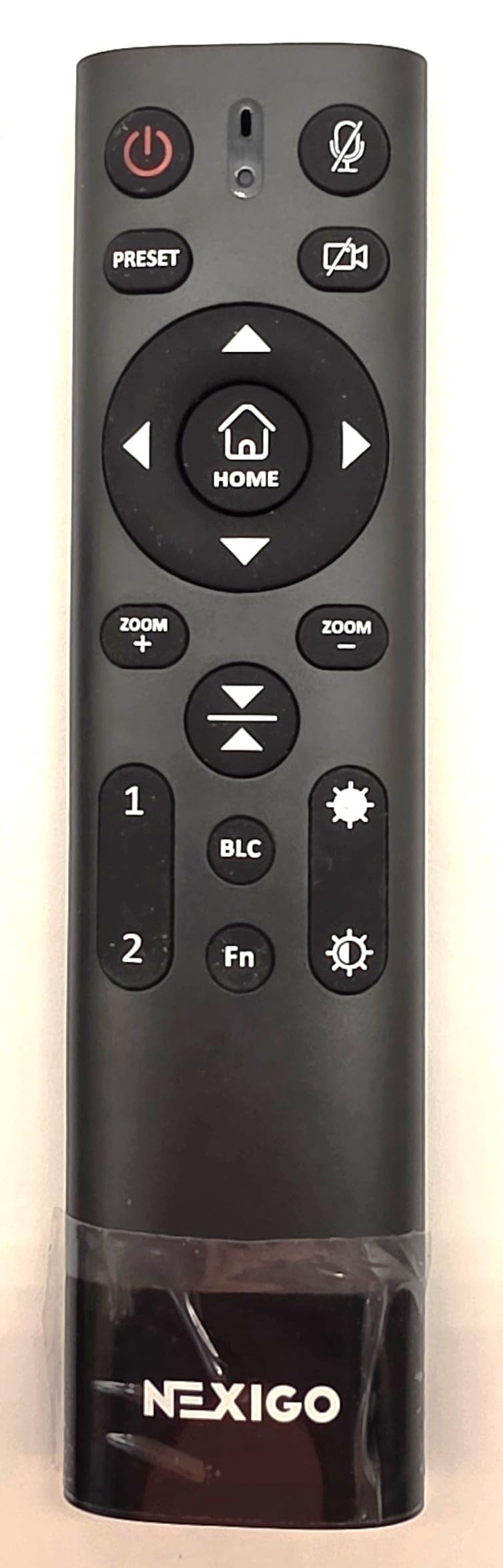
The NexiGo N660P Pro is proof that you do not need to spend a fortune to get 4K streaming video. It delivers sharp, clear footage through a distortion-free lens that avoids the fisheye effect common in wide-angle webcams. At 1080p 60fps, it provides the smooth frame rate that matters most for live streaming, and the 4K mode at 30fps is available for recorded content.
What impressed me most about the N660P Pro is the 3D Noise Reduction technology. In dim lighting, instead of the grainy, noisy image you get from most budget webcams, the N660P Pro produces a cleaner picture with less visual noise. It is not magic, and you will still want decent lighting for the best results, but it handles moderate low-light situations better than cameras at twice the price.
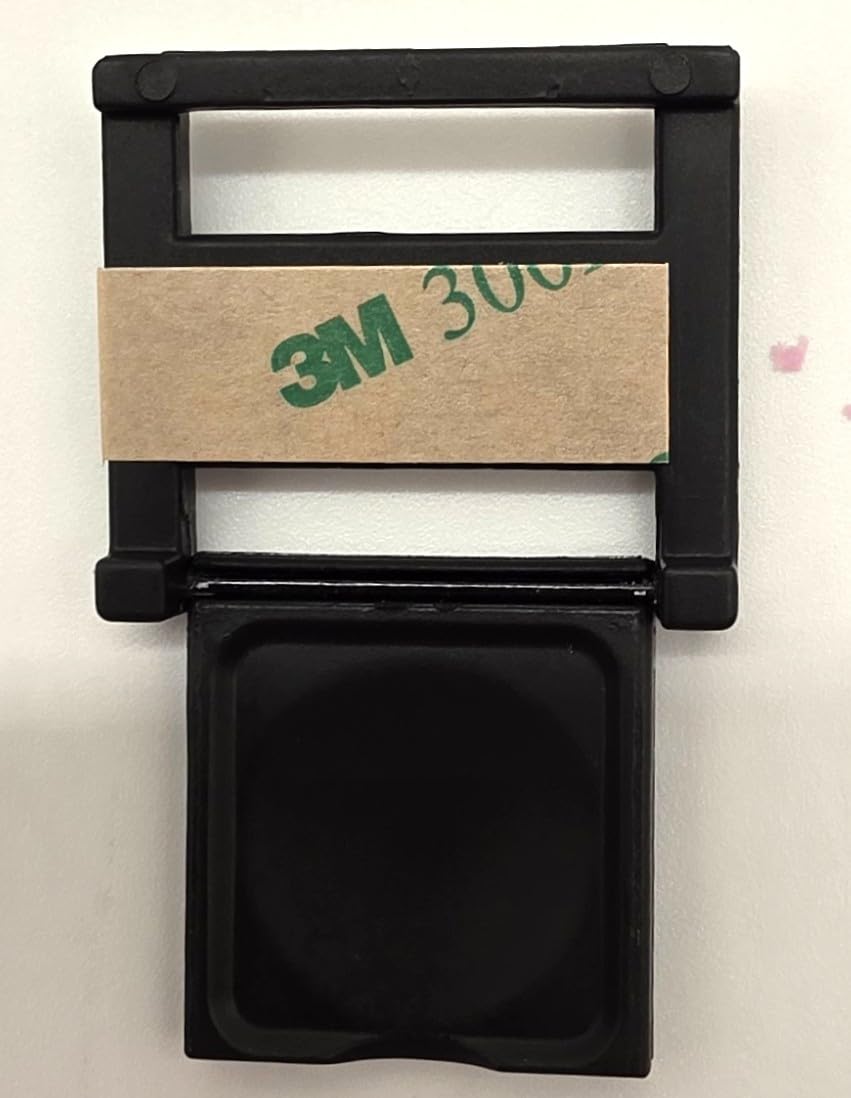
The 360-degree swivel mount gives you flexibility in positioning, and it includes a standard quarter-inch tripod thread for mounting on any tripod or boom arm. The sliding privacy shutter is a physical barrier that clicks into place securely. Setup is genuinely plug-and-play on both Windows and Mac with no driver installation needed.
With over 27,000 reviews and a 4.5-star rating, the N660P Pro has earned its reputation as one of the most trusted budget streaming webcams. It consistently ranks as a best-seller because it delivers where it counts: video quality and ease of use at a price that new streamers can actually afford.
Who Should Buy the NexiGo N660P Pro
New streamers on a tight budget who want 4K capability without compromise. If you are just starting your Twitch or YouTube channel and need a reliable webcam that looks professional without draining your wallet, this is the one to get. It is also a solid backup camera for experienced streamers who need a secondary angle.
Where It Falls Short
The autofocus can hunt during fast movement, which is noticeable if you are an animated streamer who gestures a lot. The built-in microphones are functional but not suitable for professional-quality audio. If you are serious about streaming, plan to pair this with a dedicated USB microphone for the best results.
7. OBSBOT Meet SE – Best High-FPS Webcam for Smooth Streaming
OBSBOT Meet SE 1080P 100FPS Webcam for PC, AI Framing Streaming Camera
1080p 100FPS
1/2.8 inch Sensor
AI Framing
Staggered HDR
Pros
- Incredible 100FPS for ultra-smooth video
- AI framing and gesture controls
- Staggered HDR for low-light
- Magnetic mount
Cons
- Can overheat during extended use
- Magnetic privacy cover easy to lose
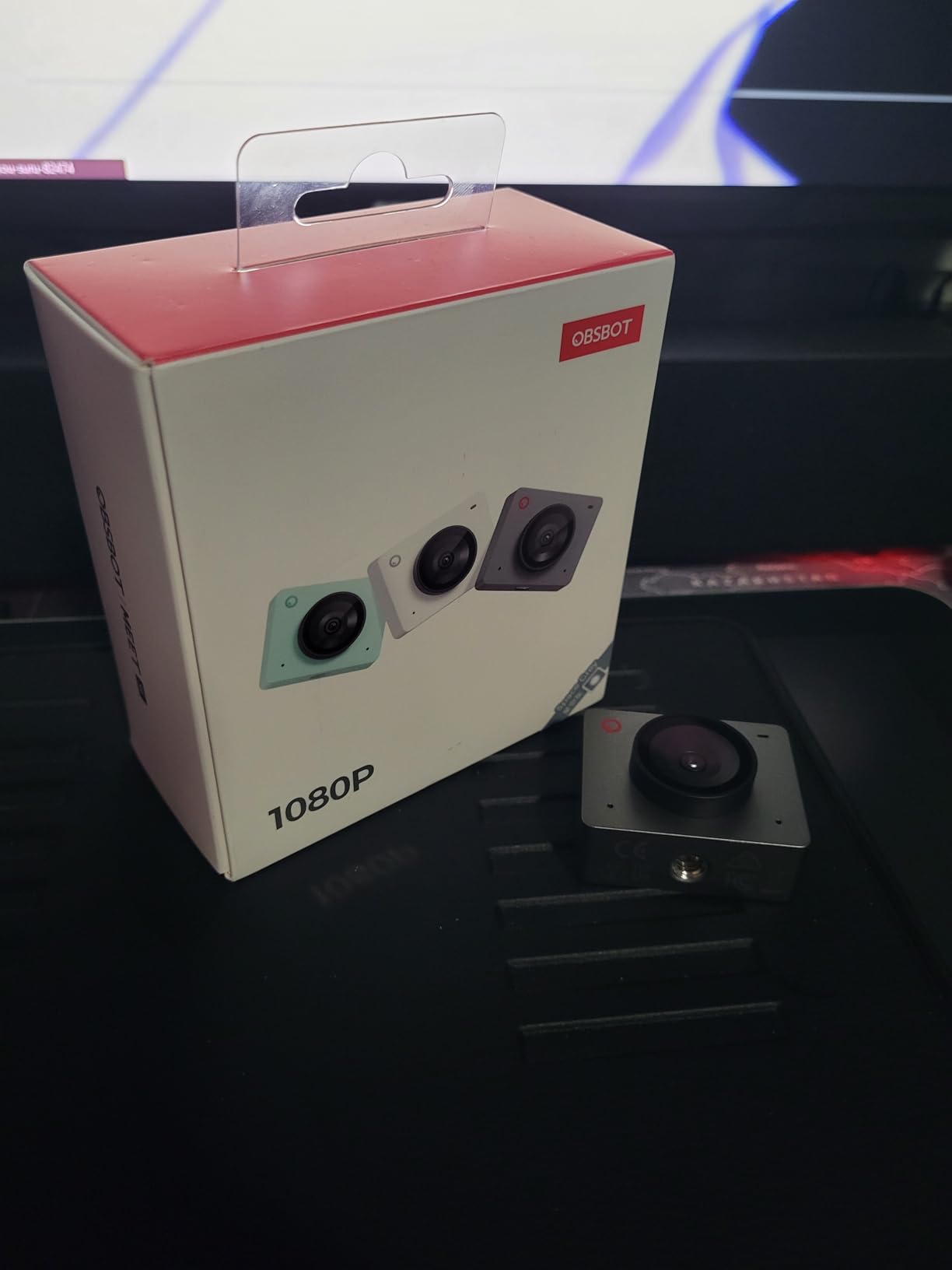
The OBSBOT Meet SE does something most webcams cannot: it shoots at 100 frames per second. While 60fps has become the standard for streaming, 100fps takes motion smoothness to an entirely different level. If you are a fast-paced gamer who moves around a lot on camera or an IRL streamer, the extra frames make your video look noticeably more fluid and professional. Even downscaled to 60fps on Twitch, the extra capture frames give the encoder more data to work with.
Under the hood, it uses a 1/2.8-inch stacked CMOS sensor with Dual Native ISO. This sensor technology, borrowed from professional cinema cameras, gives the Meet SE excellent dynamic range and low-light performance. The Staggered HDR mode combines multiple exposures in real time to prevent your face from being blown out when sitting in front of a bright monitor.
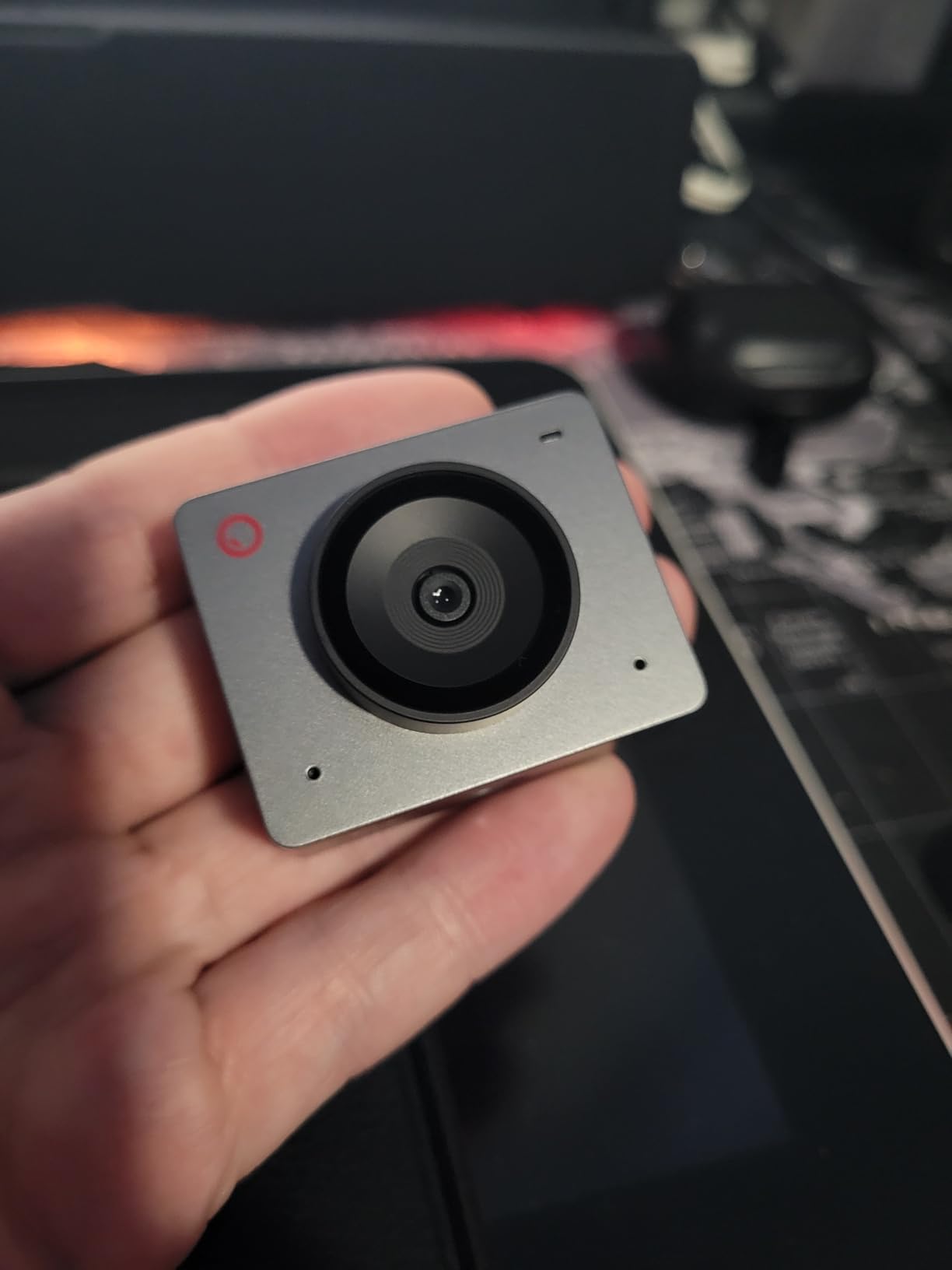
The AI framing works by digitally cropping the image to keep you centered. It responds quickly and does not jerk around like some digital framing systems I have tested. Gesture controls let you trigger framing and zoom with hand signs, and they work without installing any software. The magnetic mount snaps on and off your monitor easily, which is convenient if you need to reposition frequently.
At this price, the OBSBOT Meet SE offers an incredible amount of technology. You are getting cinema-sensor features, AI framing, gesture control, and 100fps capture for less than what some basic 1080p 30fps webcams cost. The value proposition is genuinely hard to beat.
Who Should Buy the OBSBOT Meet SE
Streamers who want the smoothest possible video without spending on a premium 4K camera. It is especially great for fast-paced content creators, IRL streamers, and gamers who want their facecam to match the fluidity of their gameplay. The AI framing makes it ideal for anyone who moves around during streams.
Where It Falls Short
The camera can overheat during extended streaming sessions lasting several hours. When it gets warm, you may notice slight degradation in frame rate consistency. The magnetic privacy cover is a small, loose piece that is easy to misplace. The built-in microphone is basic, so plan to use an external mic for anything beyond casual streaming.
8. Razer Kiyo V2 X – Best 1440p Webcam for Mid-Range Streamers
Razer Kiyo V2 X Webcam for Streaming and Meetings, 1440p 60 FPS, Black
1440p 60fps
Wide Angle Lens
Privacy Shutter
Auto Focus
Pros
- High quality 1440p 60fps video
- Built-in privacy shutter
- Compact design
- Good value
Cons
- Fuzzy in low light
- Mic quality is mediocre
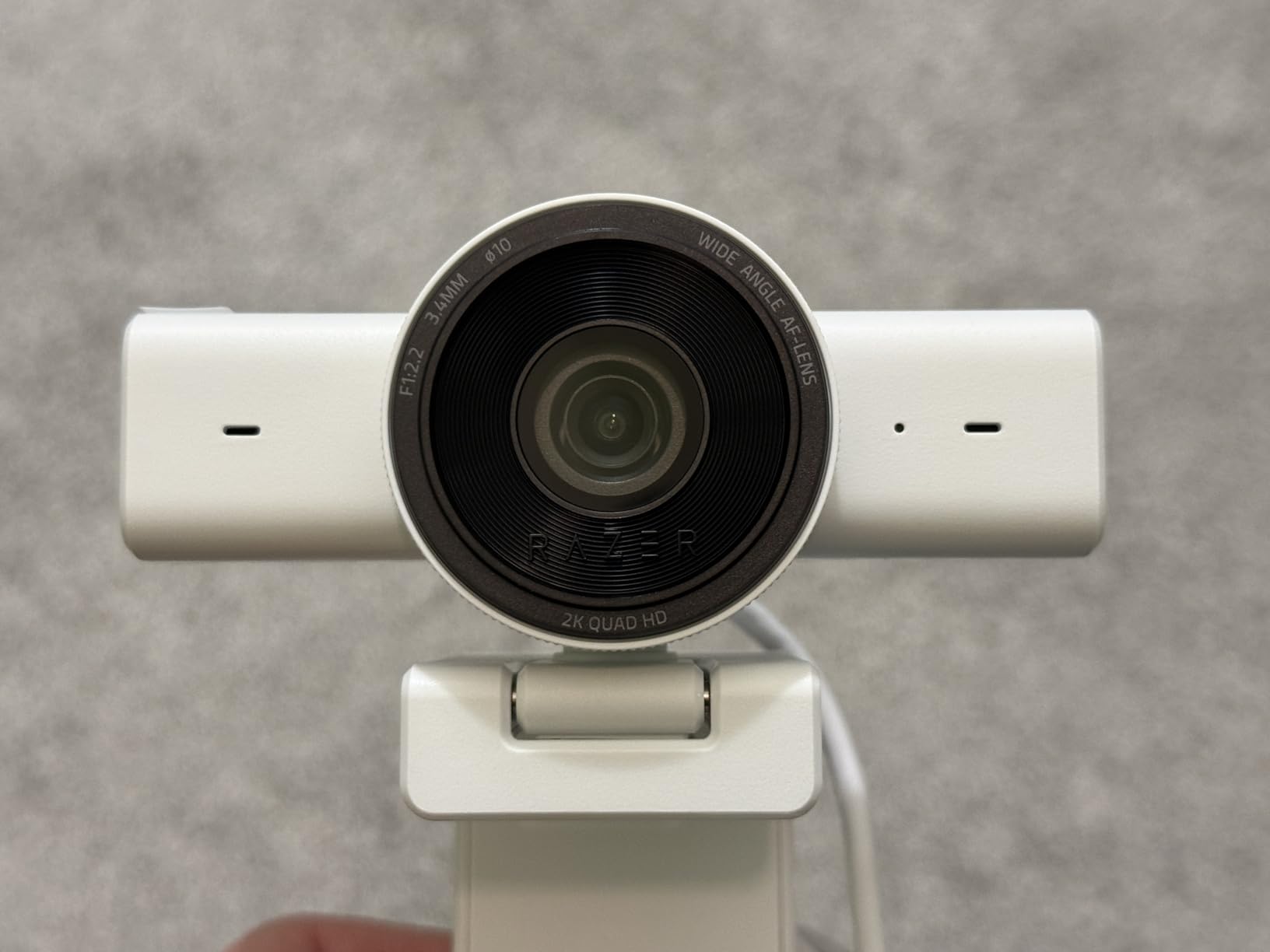
The Razer Kiyo V2 X fills an interesting niche between 1080p and 4K by offering 1440p at 60fps. This resolution gives you noticeably sharper video than 1080p without the bandwidth demands of 4K. For streamers whose internet cannot handle 4K streaming but want more clarity than standard HD provides, 1440p is an excellent middle ground.
The wide-angle lens captures a generous field of view at 80 degrees, which is good for showing your streaming setup or including a second person in the frame. The autofocus is fast and accurate in good lighting, locking onto your face quickly and staying put. The integrated privacy shutter slides closed smoothly, which is a feature I always appreciate on streaming webcams.
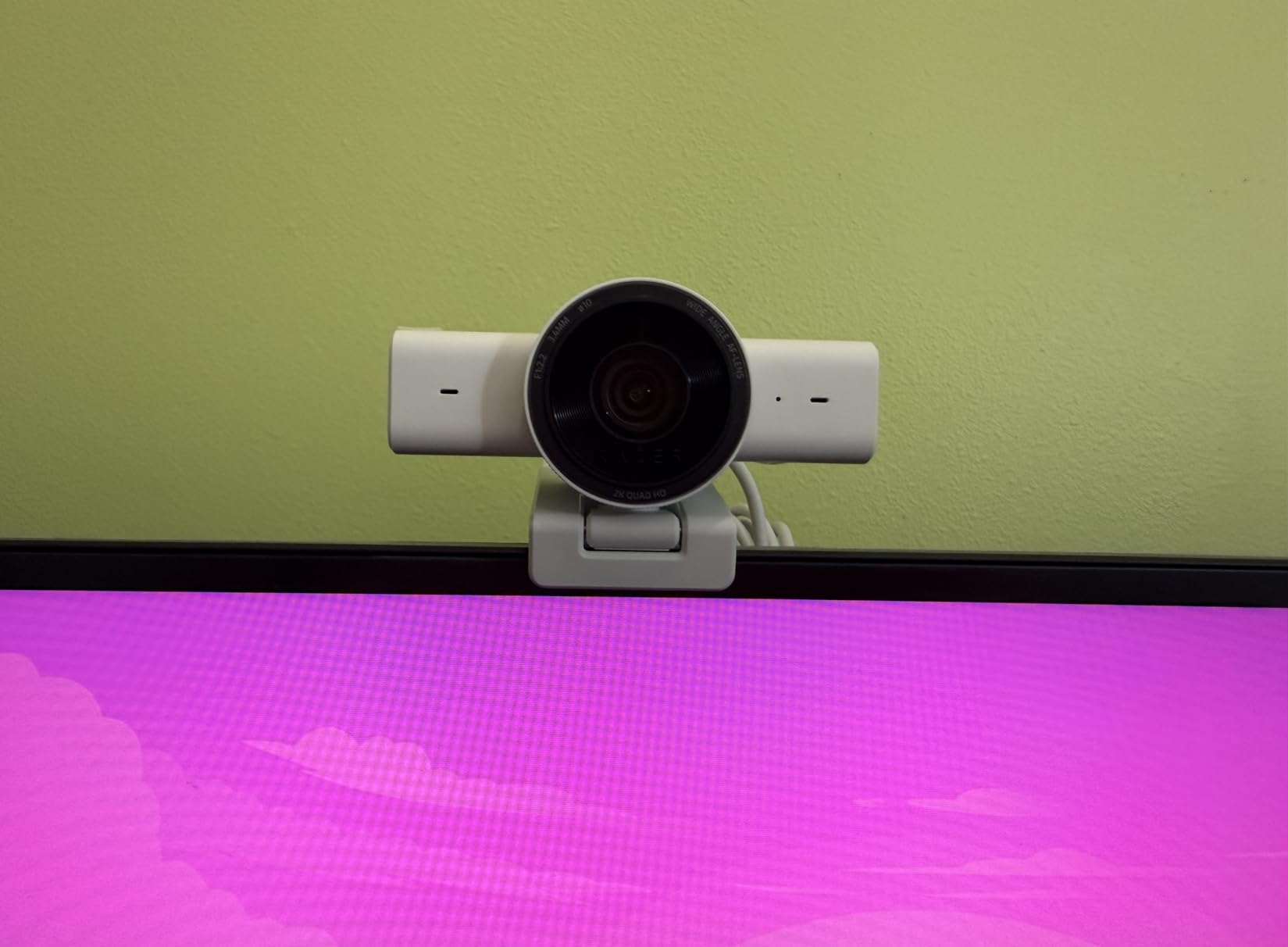
Setup is straightforward plug-and-play via USB. The camera is recognized immediately by OBS, StreamLabs, and other streaming software without requiring driver installation. The compact design sits neatly on top of your monitor without blocking your screen, which is a practical consideration that matters more than you might think during long streaming sessions.
The universal pivoting mount gives you flexibility to angle the camera exactly where you need it. Razer Synapse software is available for customizing image settings, though I found the default color profile to be accurate enough that most streamers will not need to tweak much.
Who Should Buy the Razer Kiyo V2 X
Streamers who want sharper-than-HD video at 1440p 60fps without the bandwidth requirements of 4K. It is a great fit for mid-tier Twitch and YouTube streamers who have decent internet but cannot reliably push 4K to their viewers. The compact design also makes it suitable for streamers with limited desk or monitor space.
Where It Falls Short
Low-light performance is the Kiyo V2 X’s biggest weakness. Without good lighting, the image gets fuzzy and loses detail quickly. The built-in microphone is mediocre at best, so you will definitely want a dedicated mic. Some users also report degraded performance when connecting through a USB hub rather than directly to the computer.
9. EMEET S600 – Best Budget 4K Webcam with Sony Sensor
EMEET S600 4K Webcam for Streaming, Sony 1/2.55” Sensor, PDAF Autofocus
4K Sony 1/2.55 inch Sensor
PDAF Autofocus
1080p 60fps
Privacy Cover
Pros
- Exceptional 4K quality with Sony sensor
- Fast PDAF autofocus
- Smooth 60FPS at 1080p
- Built-in privacy cover
Cons
- No manual focus option
- Microphones not suitable for pro audio
The EMEET S600 punches well above its weight class thanks to a Sony 1/2.55-inch sensor. Sony sensors are the gold standard in image quality, and having one in a webcam at this price point is remarkable. The image is sharp, colors are vibrant without being oversaturated, and the sensor handles a wider dynamic range than you would expect from a budget webcam.
PDAF autofocus makes a real difference in streaming performance. Unlike contrast-detect autofocus that hunts back and forth before locking on, PDAF snaps to focus quickly and stays there. If you lean forward to type, lean back to relax, or hold up a product to the camera, the focus transition is smooth and decisive. For streamers, this eliminates one of the most distracting visual issues on a live broadcast.
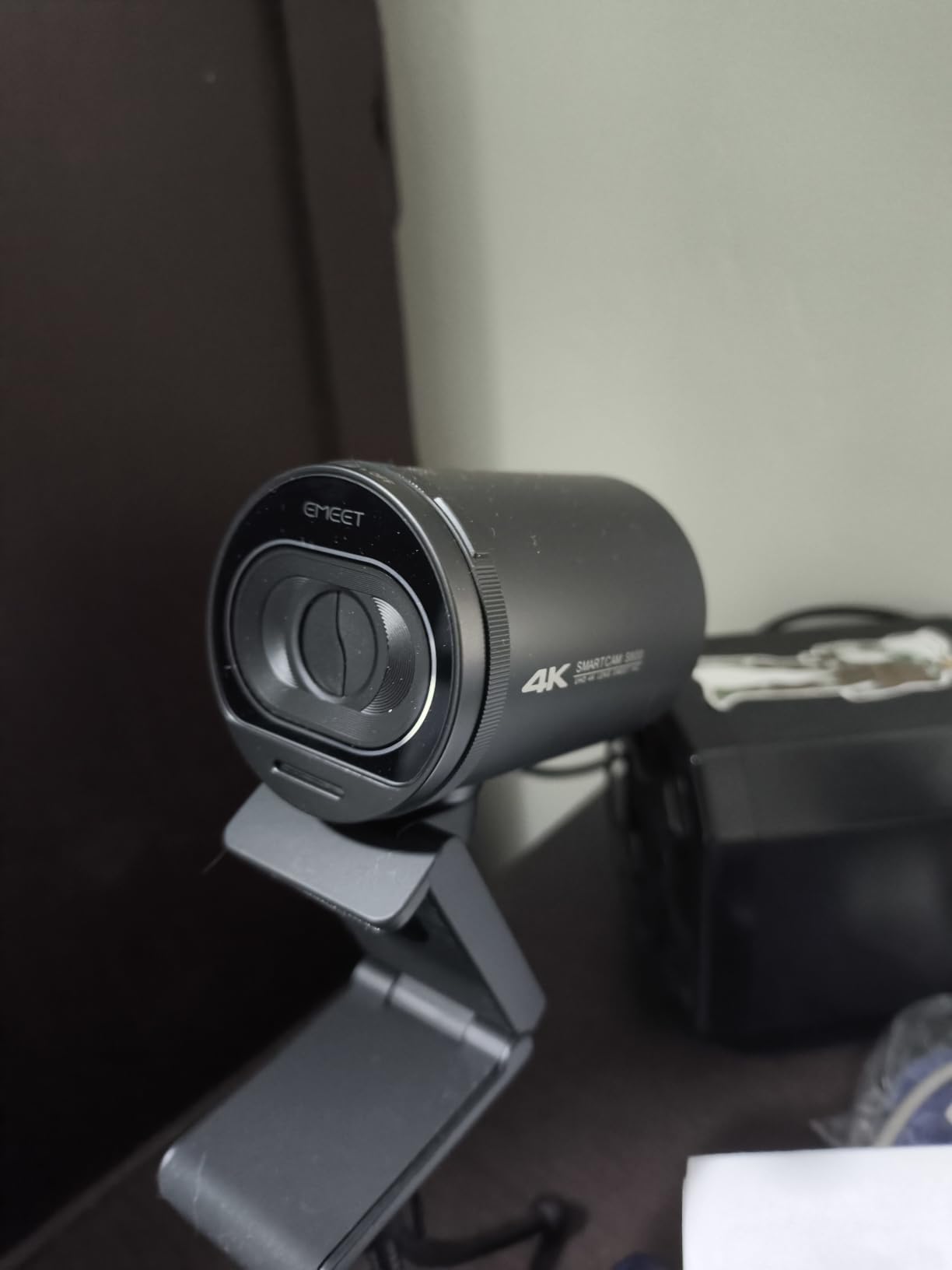
The adjustable FOV ranges from 40 to 73 degrees at 1080p, letting you dial in exactly how much of your background is visible. I prefer a tighter FOV for solo streaming because it keeps the focus on you rather than your room. The built-in privacy cover is integrated into the camera body, so there is no separate piece to lose.
Plug-and-play setup works flawlessly on both Windows and Mac. The optional EMEETLINK software provides additional customization for brightness, contrast, and saturation, but the default settings are well-tuned for streaming out of the box.
Who Should Buy the EMEET S600
Streamers who want Sony sensor quality and PDAF autofocus on a budget. It delivers image quality that rivals cameras costing significantly more. If you are upgrading from a basic 720p or 1080p 30fps webcam, the jump in quality to the S600’s 4K output and smooth 60fps will be immediately noticeable to your viewers.
Where It Falls Short
There is no manual focus option, which means you are entirely reliant on the PDAF system. In most cases this works great, but if you want to focus on an object held close to the camera for a product review stream, you cannot override the autofocus manually. The microphones are adequate for casual use but lack the clarity needed for professional streaming.
10. Logitech C920x – Best Entry-Level Webcam for New Streamers
Logitech C920x HD Pro PC Webcam Full 1080p/30fps Video – Black
1080p 30fps
Dual Mics
Auto Light Correction
78 Degree FOV
Pros
- Excellent video quality for the price
- Easy plug-and-play setup
- Good low-light auto adjustment
- Sturdy adjustable stand
Cons
- Only 30fps at 1080p
- No privacy shutter included
- Built-in mics are average
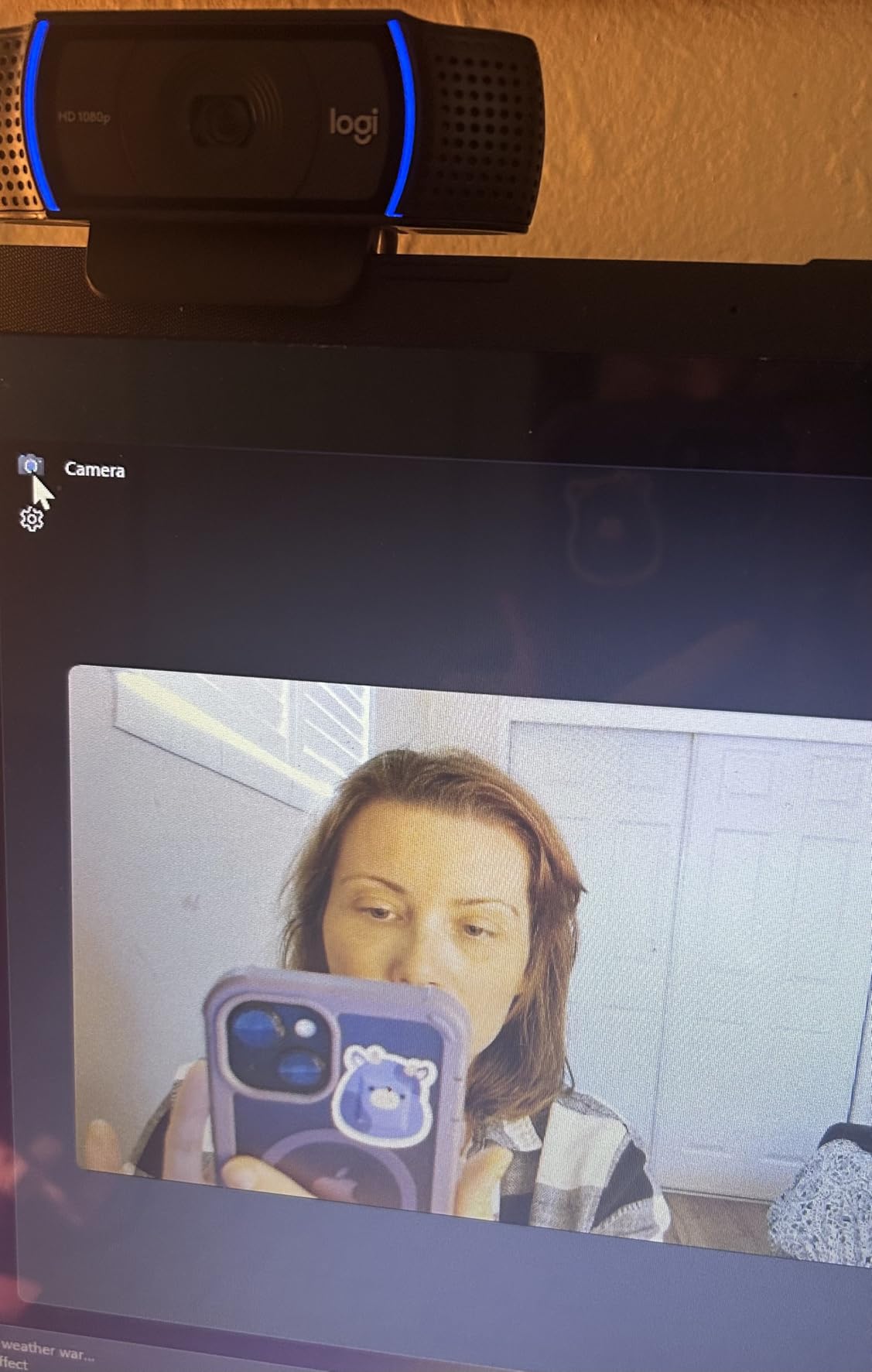
The Logitech C920x has earned its reputation as the gold standard for entry-level streaming. With over 21,000 reviews and a 4.6-star rating, it is one of the most popular webcams on the market, and for good reason. It delivers solid 1080p video at 30fps with automatic light correction that handles varying room conditions surprisingly well. For new streamers who are just figuring out their setup, the C920x works reliably from day one.
The glass lens produces crisp images with natural colors. The automatic HD light correction adjusts exposure in real time, which helps when your room lighting changes throughout a streaming session. I found that the C920x handles moderate low-light situations decently, though it definitely performs best with some form of dedicated lighting like a ring light or desk lamp.
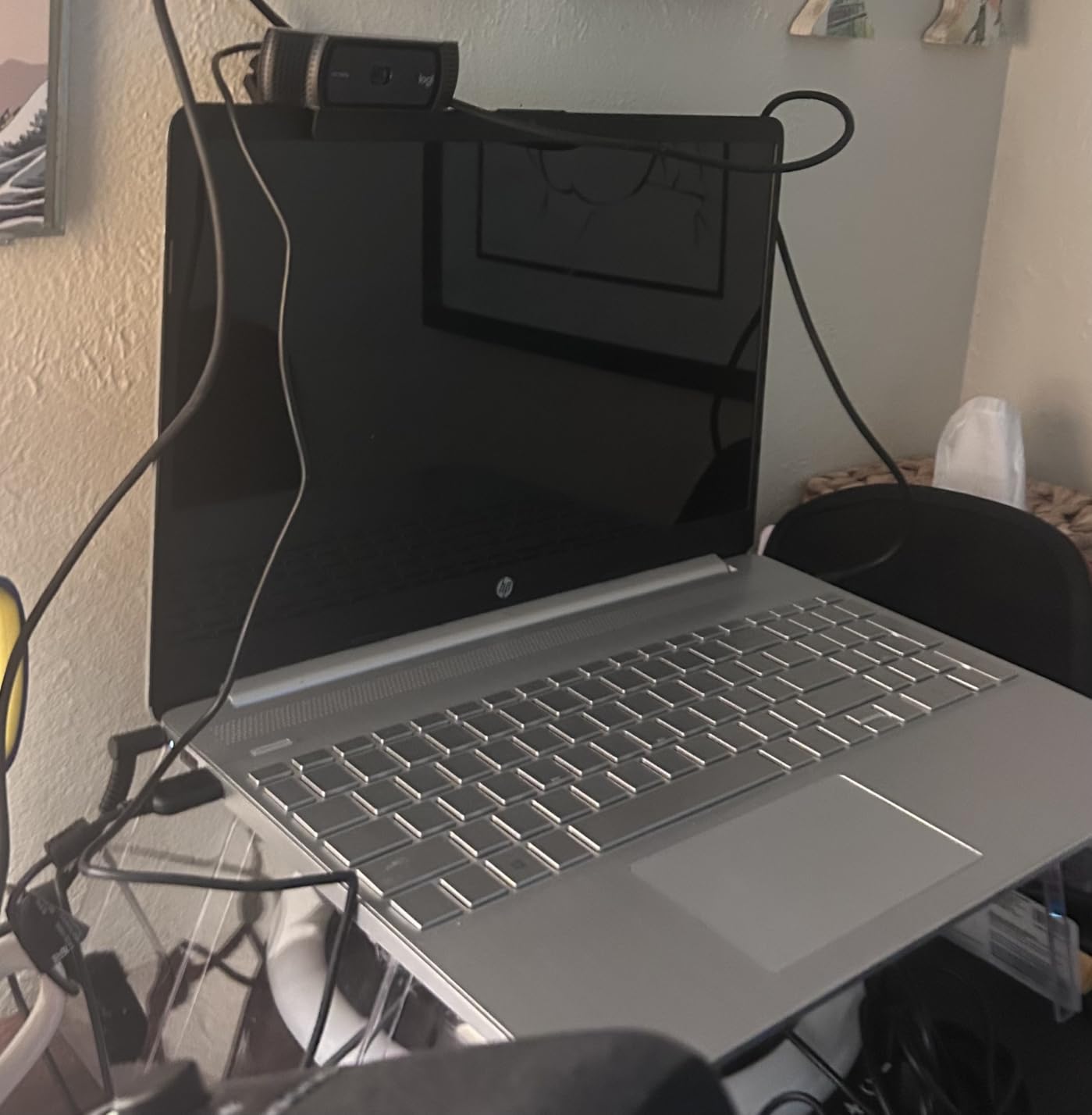
The stereo dual microphones capture audio from multiple directions, which is fine for basic streaming and video calls. However, if audio quality matters for your stream, the C920x’s mics will not meet the standard your viewers expect. Pair it with even a basic USB microphone and you will have a streaming setup that looks and sounds professional without breaking the bank.
The adjustable stand clips securely onto monitors and can also sit flat on a desk. It is compatible with virtually every platform and application you can think of: OBS, StreamLabs, Zoom, Discord, Microsoft Teams, and even the Nintendo Switch 2’s GameChat mode. This universal compatibility is one reason the C920x has remained a best-seller for years.
Who Should Buy the Logitech C920x
Brand-new streamers who want a reliable, no-fuss webcam that works with everything. If you are setting up your first streaming station and need a camera you can trust without spending hours on configuration, the C920x is the safest bet. It is also a great option for casual streamers who go live occasionally and do not need premium features like 4K or AI tracking.
Where It Falls Short
The 30fps cap at 1080p is the biggest limitation for serious streaming. While 30fps is acceptable, most modern streaming setups benefit from the smoother motion that 60fps provides. There is no privacy shutter included, which is a notable omission. The built-in microphones, while functional, are not suitable for producing the audio quality that viewers expect from dedicated streamers.
Buying Guide: How to Choose a Streaming Webcam
Choosing the right streaming webcam means understanding which specs actually matter for live broadcasting versus what looks good on a product box. Here is what you need to know before making a decision.
Resolution and Frame Rate: What You Actually Need
For Twitch streaming, 1080p at 60fps is the sweet spot. Most viewers watch Twitch at 1080p or lower, so streaming in 4K gives you no real benefit on that platform. YouTube Live supports higher resolutions, so 4K is worth considering if YouTube is your primary platform. However, 4K requires significantly more upload bandwidth and processing power from your PC. If your internet upload speed is below 20 Mbps, stick with 1080p 60fps for a stable stream without dropped frames.
The frame rate debate between 1080p 60fps and 4K 30fps comes down to content type. If you are a gaming streamer who moves around on camera, 60fps makes your facecam look noticeably smoother. If you are a talk-show style streamer who sits relatively still, 4K 30fps gives you sharper detail.
Low-Light Performance
Most streaming rooms are darker than you think. Your monitor provides light, but it is not enough for a webcam to produce a clean image. Webcams with larger sensors and wider apertures perform better in dim environments. Look for cameras with sensors at least 1/2.8-inch or larger, and features like HDR or dual native ISO. The Insta360 Link 2 Pro with its 1/1.3-inch sensor and the OBSBOT Meet SE with Staggered HDR are both strong performers in challenging lighting.
Autofocus Type: PDAF Makes a Difference
Phase Detection Autofocus (PDAF) is a step up from traditional contrast-detect autofocus. PDAF cameras like the EMEET S600 and NexiGo N680E Pro lock focus faster and with less visible hunting. If you have ever watched a stream where the webcam keeps pulsing in and out of focus, that is a contrast-detect system struggling. PDAF essentially eliminates this problem, which is why I recommend it for streaming.
Software Compatibility
Your webcam needs to work seamlessly with OBS Studio, StreamLabs, or whatever broadcasting software you use. All the webcams in this list are plug-and-play compatible with major streaming software. Some cameras, like the Logitech StreamCam, are specifically optimized for streaming applications. Others, like the Insta360 Link 2 Pro, offer Stream Deck integration for hardware control of camera functions during live broadcasts.
Field of View (FOV)
For solo streaming, a narrower FOV between 65 and 78 degrees keeps the focus on you and minimizes background distractions. For group streaming or showing your setup, look for wider FOV options around 80 to 90 degrees. The EMEET S600 offers an adjustable FOV from 40 to 73 degrees, giving you flexibility to choose the right framing for your content.
Budget Tiers for Streaming Webcams
Under $70, you can get solid 1080p webcams and even some 4K options like the NexiGo N660P Pro and EMEET S600. These are great for new streamers building their first setup. Between $70 and $150, you gain access to premium sensors, PDAF autofocus, and AI features. The OBSBOT Meet SE and Insta360 Link 2C live in this sweet spot. Above $150, you are paying for the best image quality available, with features like physical PTZ, large sensors, and Stream Deck integration.
Frequently Asked Questions About Streaming Webcams
What is the best webcam for streaming in 2026?
The Insta360 Link 2 Pro is the best webcam for streaming overall in 2026. It features a large 1/1.3-inch sensor for excellent low-light performance, AI tracking with physical pan-and-tilt, 4K resolution, and Elgato Stream Deck integration. For budget-conscious streamers, the NexiGo N660P Pro and EMEET S600 deliver impressive 4K quality under $70.
Is 1080p 60fps better than 4K 30fps for streaming?
For most streamers, 1080p 60fps is the better choice. The higher frame rate produces smoother motion, which is especially noticeable for gaming and IRL streams where you move around frequently. 4K 30fps gives you sharper detail but at half the frame rate, which can look choppy during movement. Choose 4K only if your upload speed exceeds 20 Mbps and your primary platform supports it (YouTube Live, not Twitch).
What specs should a streaming webcam have?
A streaming webcam should have at minimum 1080p resolution at 30fps, though 60fps is strongly recommended. Key specs to look for include: a sensor size of at least 1/2.8 inches for decent low-light performance, PDAF autofocus to prevent focus hunting during streams, a field of view between 65-80 degrees for solo streaming, and USB-C connectivity for reliable bandwidth. AI features like auto-framing and gesture control are useful bonuses.
How much should I spend on a streaming webcam?
New streamers can get a solid starting webcam for $50 to $70, with options like the Logitech C920x and NexiGo N660P Pro delivering reliable performance. For serious streamers, spending $100 to $170 gets you premium features like PDAF autofocus, 4K resolution, and AI tracking in cameras like the Insta360 Link 2C and NexiGo N680E Pro. Professional streamers should consider $170 to $250 for flagship models with the best image quality.
What webcam do professional streamers use?
Professional streamers use a range of cameras depending on their budget and setup. Many top Twitch streamers use dedicated cameras like Sony mirrorless bodies with capture cards for the best possible quality. Among webcam users, popular choices include the Insta360 Link 2 Pro for its AI tracking and large sensor, the Logitech MX Brio for its 4K quality and virtual background support, and the Logitech StreamCam for its 60fps streaming optimization.
Final Thoughts on the Best Webcams for Streaming
After testing all 10 of these webcams in real streaming conditions, the Insta360 Link 2 Pro stands out as the best overall pick for serious streamers. Its combination of a large 1/1.3-inch sensor, AI tracking with physical pan-tilt, and Stream Deck integration makes it the most capable streaming webcam you can buy in 2026. The Logitech MX Brio is the best premium alternative if you want outstanding 4K quality with virtual background support, while the Insta360 Link 2C delivers the best value with 4K and smart AI features at a mid-range price.
For budget-conscious creators, the NexiGo N660P Pro and EMEET S600 prove that you can get impressive 4K streaming video without emptying your wallet. And if you are brand new to streaming, the Logitech C920x remains the most reliable entry point. Whatever your budget or streaming platform, there is a webcam on this list that will make your broadcast look professional from day one.