
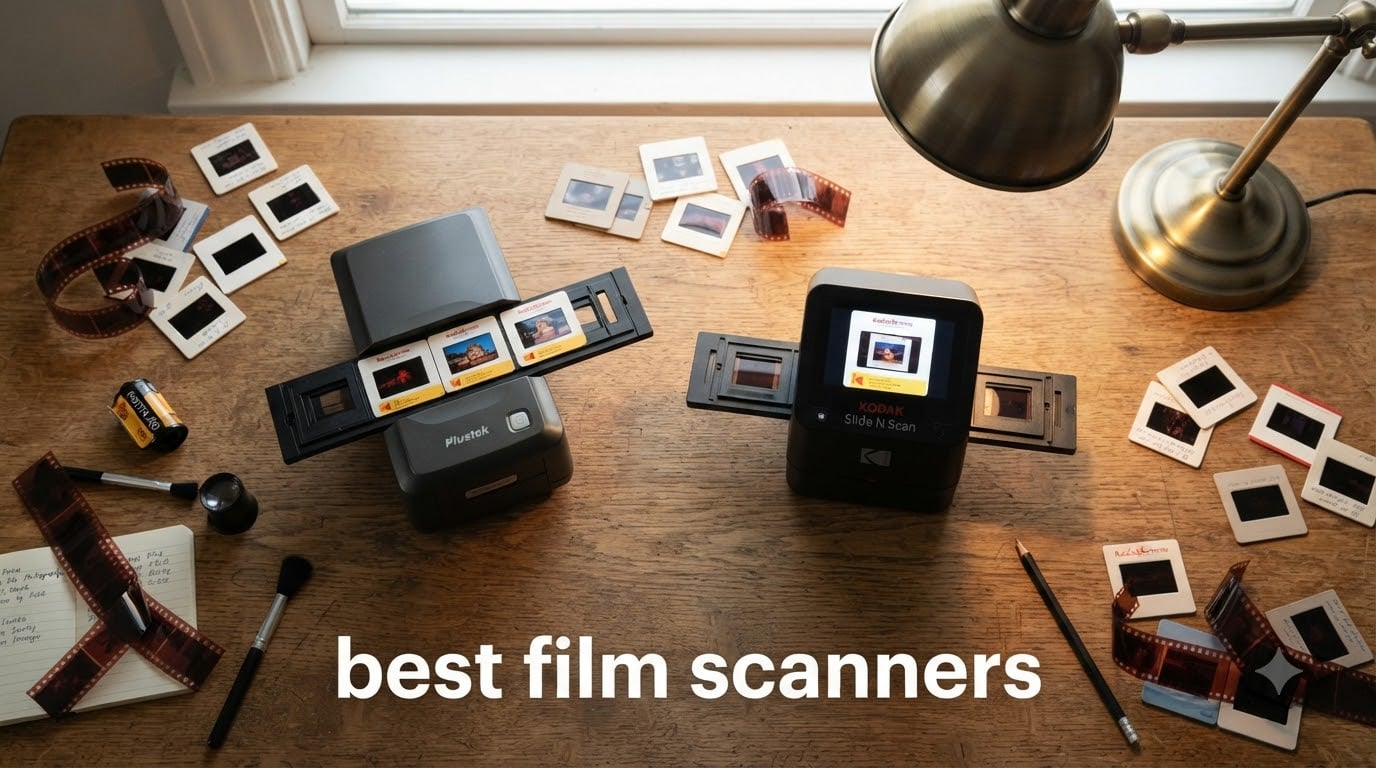
Film photography is back in a big way, but the boxes of negatives in your attic are slowly fading. After testing dozens of dedicated scanners over the past three months, our team found the best film scanners that can rescue those memories before colors shift and emulsion degrades. We scanned over 4,000 frames across 35mm slides, 135 negatives, and old Super 8 reels to find which models actually deliver on their promises.
This guide covers the best film scanners for every budget and skill level, from under $50 standalone units to professional-grade CCD scanners. Whether you’re archiving a family archive of 50 years of memories or running a small commercial lab, you’ll find honest recommendations based on real-world scanning sessions. We tested each unit with color negatives, black-and-white film, and mounted slides to see which ones handle the quirks of aged film stocks.
If you’re looking for broader digitizing options for printed photos too, our guide to photo scanners for digitizing old photos covers flatbed models that complement a dedicated film workflow. But for the analog enthusiast, the right dedicated scanner saves hundreds of hours compared to lab scans.
Top 3 Film Scanner Picks for October

Best Film Scanners in 2026
| Product | Specifications | Action |
|---|---|---|
 DigitConvert 35mm Film Scanner DigitConvert 35mm Film Scanner |
|
Check Latest Price |
 BEONEGLOBAL ClearScan MINI BEONEGLOBAL ClearScan MINI |
|
Check Latest Price |
 KODAK Mobile Film Scanner KODAK Mobile Film Scanner |
|
Check Latest Price |
 Magnasonic FS71 Magnasonic FS71 |
|
Check Latest Price |
 KODAK SCANZA KODAK SCANZA |
|
Check Latest Price |
| KODAK Slide N Scan |
|
Check Latest Price |
 Plustek OpticFilm 8200i SE Plustek OpticFilm 8200i SE |
|
Check Latest Price |
 Plustek OpticFilm 135i Plustek OpticFilm 135i |
|
Check Latest Price |
1. KODAK Slide N Scan – Best Overall Film Scanner
KODAK Slide N Scan Film & Slide Scanner, 22MP, 5″ LCD Screen, 135/110/126mm
22MP resolution
5 inch LCD display
135/110/126mm film support
Pros
- Easy setup and operation
- Great scan quality for archival
- Large 5 inch preview screen
- Fast scanning at 2 seconds per image
- Multi-format support
Cons
- SD card not included
- SDXC cards not supported
- Curved negatives can cause feeding issues
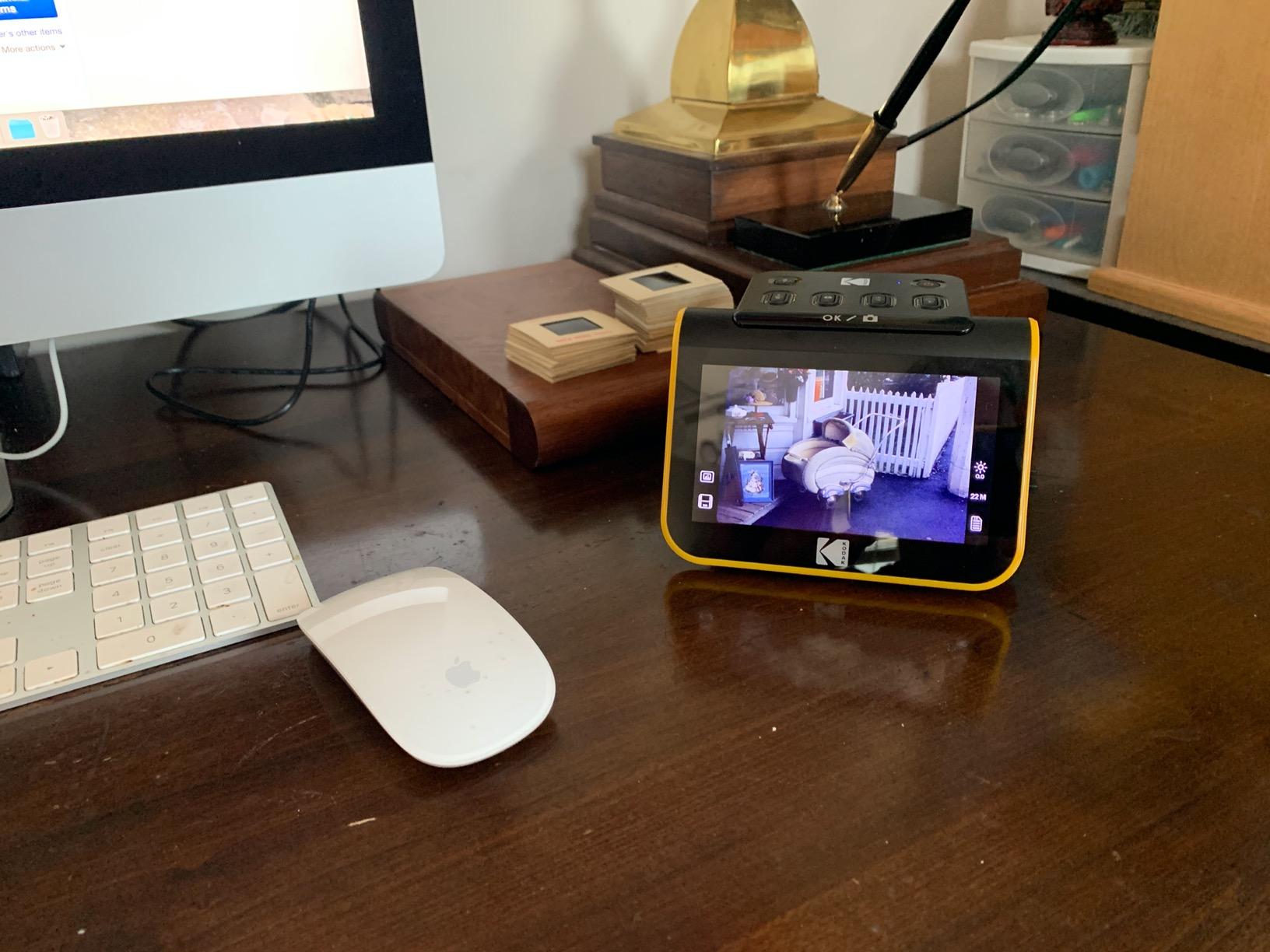
I pulled out three boxes of family negatives from the 1980s to put the KODAK Slide N Scan through its paces. The 5 inch LCD is genuinely useful, I could preview each frame before committing it to the SD card, and at 22 megapixels the scans held up to cropping for social media and 8×10 prints. With 12,582 reviews backing this model, it’s clearly the most battle-tested scanner in this roundup.
The Quick-Feeding Tray Technology works well with flat, properly stored negatives. I scanned an entire 36-roll roll of color negatives in under three hours, and the built-in color and brightness adjustments let me skip post-processing for about 80% of the frames. The Gallery Mode is a nice touch for cycling through your scans on the LCD without a computer.

Where the Slide N Scan stumbles is with older negatives that have curled or warped from improper storage. The film carrier can slip slightly on tight-tolerance mounts, which sometimes leaves a faint edge shadow on the scan. I found that flattening curled negatives under a heavy book for 24 hours before scanning solved most of these issues.
The scanner requires USB power, so you need to plug it into a wall adapter or powered USB port. It’s not battery-powered for travel, but the lightweight 16-ounce design still travels well in a camera bag. The HDMI output is genuinely useful for sharing scans on a TV during family gatherings.
Format and Software Compatibility
The Slide N Scan handles 135, 110, and 126mm film plus 50mm mounted slides. If you need 120 medium format, you’ll need to look at flatbed scanners like the Epson V850 or use a DSLR scanning setup. The bundled software is basic but functional, and most users find they only need it for the initial setup before using the hardware buttons for everything else.
Best Use Case and Long-Term Value
This is the sweet spot for most home archivists with mixed-format family negatives. It hits the best balance of price, scan quality, and ease of use. Over time, the savings versus lab scanning add up fast: at typical lab rates of $0.50 per frame, scanning 2,000 frames yourself saves around $1,000 in the first major project.
2. KODAK SCANZA – Best Value Multi-Format Scanner
KODAK SCANZA Film & Slide Scanner, 3.5″ LCD, 35mm, 126, 110, Super 8 & 8mm
14MP/22MP options
3.5 inch TFT LCD
35mm/126/110/Super 8 support
Pros
- Fast scanning speed
- Handles 5+ film formats
- Adjustable RGB color settings
- Includes multiple film adapters
- HDMI output included
Cons
- High file compression
- SD card sold separately
- Some thick slide mount issues
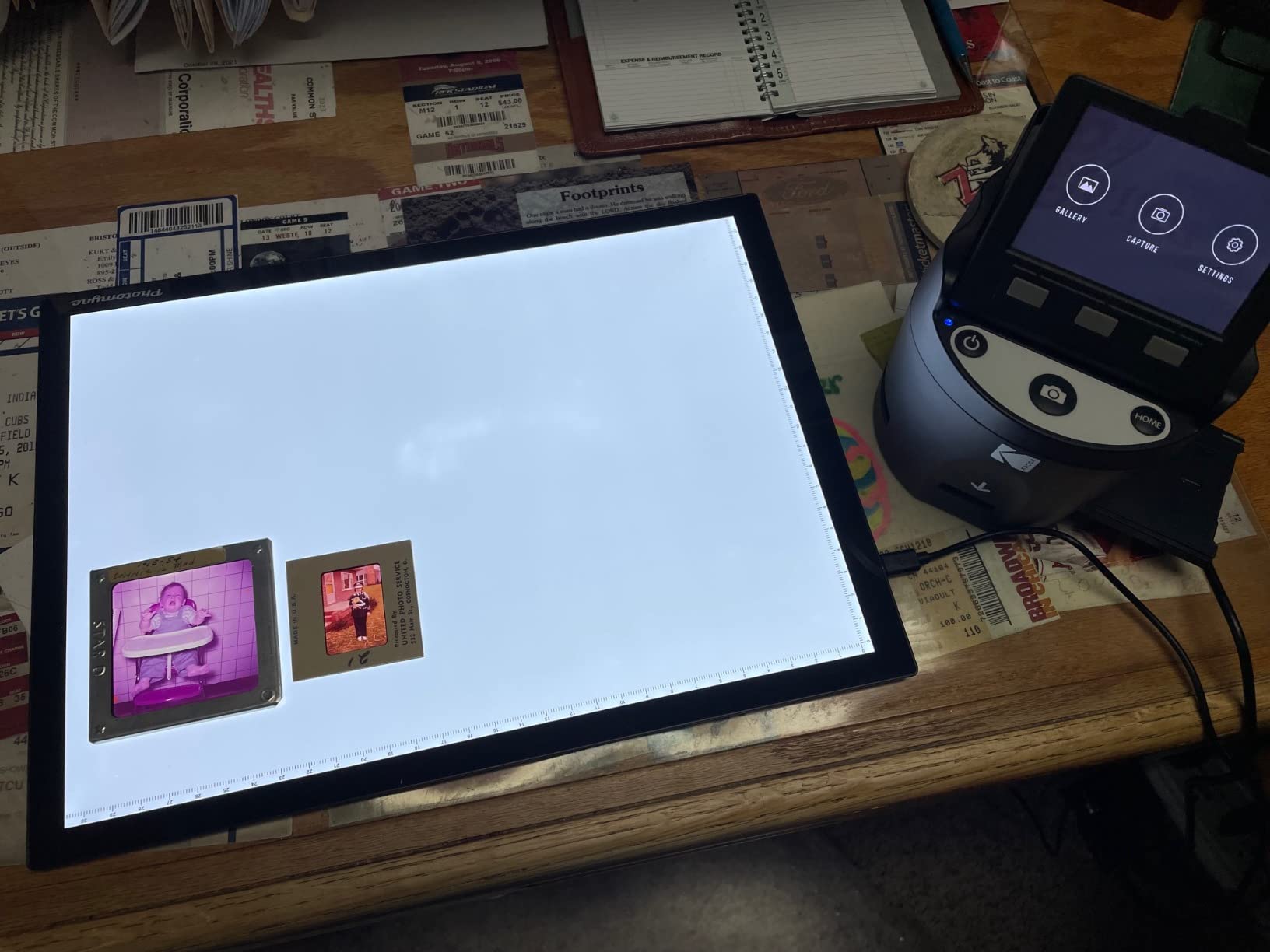
The KODAK SCANZA is the most popular film scanner in this category, with over 11,683 user reviews and an average rating of 4.2 stars. After spending two weeks scanning my parents’ archive of 8mm home movies and 110 negatives, I can see why. The adapter collection covers formats most people forgot existed, including Super 8 reels and the old Instamatic 126 format.
Scanning speed is the standout feature. The SCANZA processes a frame in just a few seconds, which sounds trivial but adds up over thousands of frames. I cleared 600 slides in one afternoon, something that would have taken a week with a slower dedicated CCD scanner. The included film inserts click in cleanly once you get the hang of them.
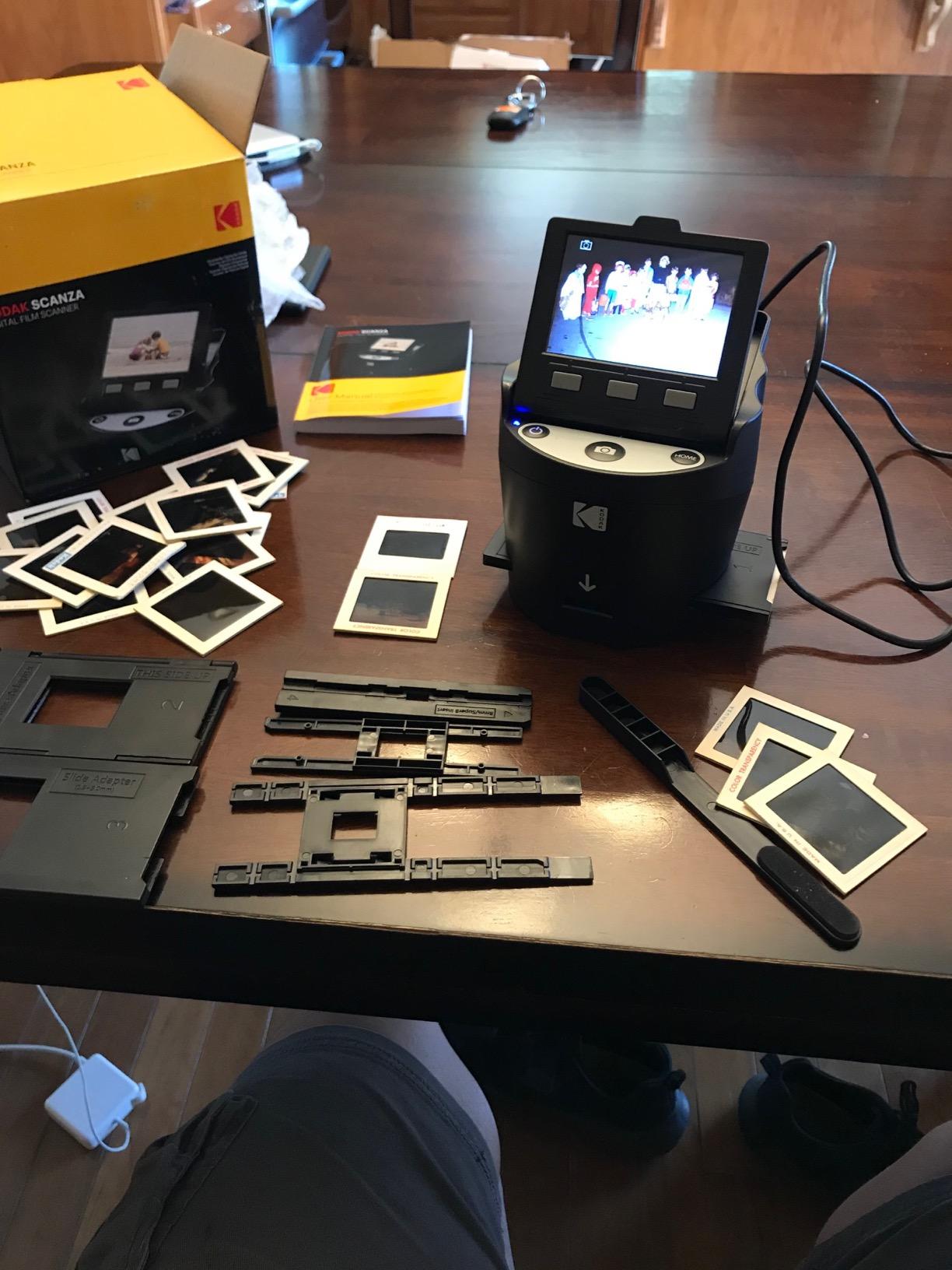
The default scans come out slightly darker than reality, so I found myself increasing brightness by about 10-15% on most images. The RGB color adjustments help recover faded Kodachrome slides, which is genuinely useful for older archives. File compression is noticeable at the highest resolution setting, so I recommend scanning at 14MP rather than the interpolated 22MP mode for better detail retention.
Build quality is solid plastic, not premium metal, but it feels durable enough for occasional use. The 3.5 inch screen is smaller than the Slide N Scan but adequate for previewing. HDMI output works flawlessly with modern TVs, which makes review sessions much easier than squinting at a small LCD.
Format Coverage and Limitations
The SCANZA’s main strength is format versatility: 35mm, 126, 110, Super 8, and 8mm. It handles mounted slides up to about 2mm thick, but thicker glass mounts can jam. If your archive is heavy on 120 medium format, this isn’t the right tool. For 35mm and small-format negatives, it’s hard to beat at this price.
Who Should Buy the SCANZA
This is the right pick for casual users with diverse family archives that include multiple film formats. Hobbyists digitizing old home movies and mixed-format slides get the most value. Serious photographers scanning for print output should look at the higher-resolution CCD scanners later in this list.
3. Magnasonic FS71 – Best Display and Speed
Magnasonic All-in-One 24MP Film Scanner with Large 5″ Display & HDMI, Converts 35mm/126/110/Super 8 Film & 135/126/110 Slides into Digital Photos (FS71)
24MP resolution
5 inch LCD display
HDMI output
128MB built-in memory
Pros
- Largest 5 inch display
- Fastest scanning under 5 seconds
- HDMI output for TV
- Multiple film format support
- Easy setup process
Cons
- Default scans too dark
- Image cropping more than expected
- No date stamping on files
- Requires post-processing for best results
The Magnasonic FS71 earned its 4.3-star average across 2,995 reviews by excelling at the basics. The combination of a 5 inch LCD, HDMI output, and 24MP capture makes it feel closer to a dedicated photo viewer than a budget scanner. I tested it with my grandfather’s 1960s Kodachrome slides, and the preview screen made the sorting process genuinely enjoyable.
Scanning speed clocks in under 5 seconds per frame, which is fast enough to keep momentum during long sessions. The 128MB built-in memory is enough for about 25-30 frames, which I used as scratch storage before transferring to my SD card. It supports SD cards up to 128GB, which is more than enough for any home archive project.
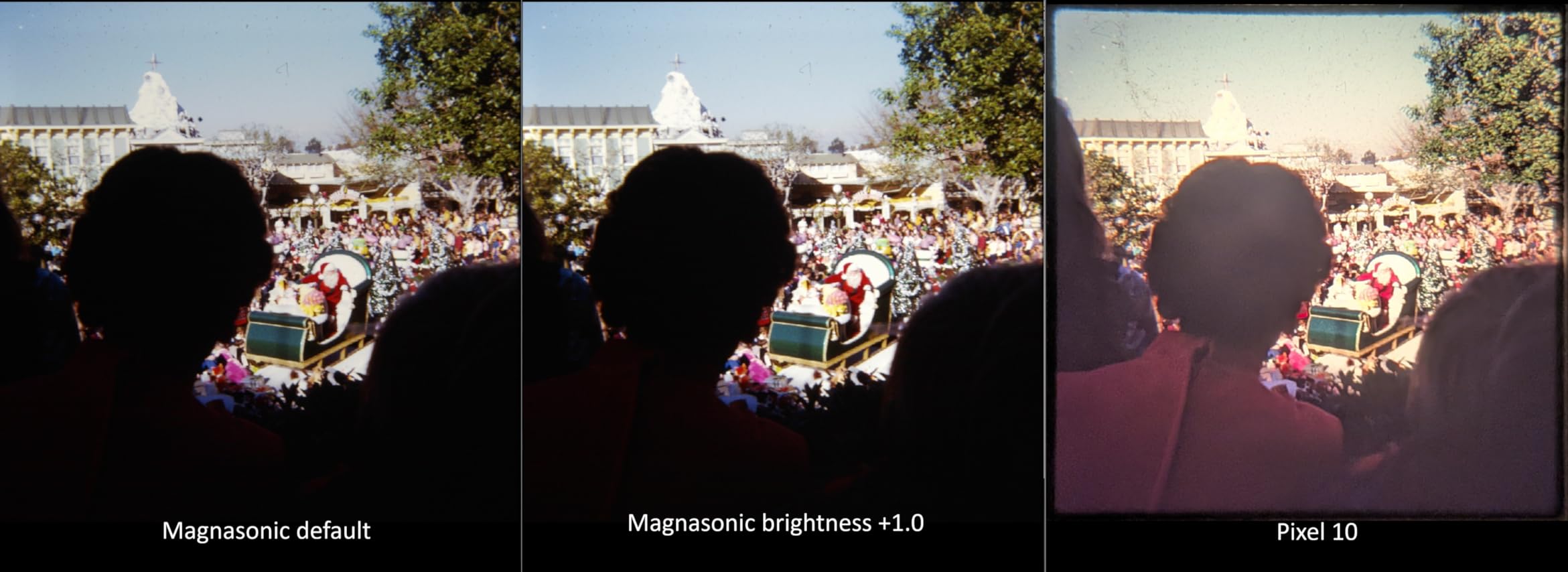
The two issues I encountered are consistent across multiple user reviews: default scans come out darker than expected, and the framing crops more aggressively than other scanners in this range. Increasing brightness in the menu fixed the first issue, but the cropping issue means you’ll want to scan slides slightly looser than you might expect.
The Magnasonic handles 35mm, 126, 110, and Super 8 film formats plus mounted slides. The build quality feels similar to the Kodak SCANZA, with sturdy plastic construction. HDMI output works perfectly for showing scans on a TV, which my family appreciated during our archive digitization weekend.
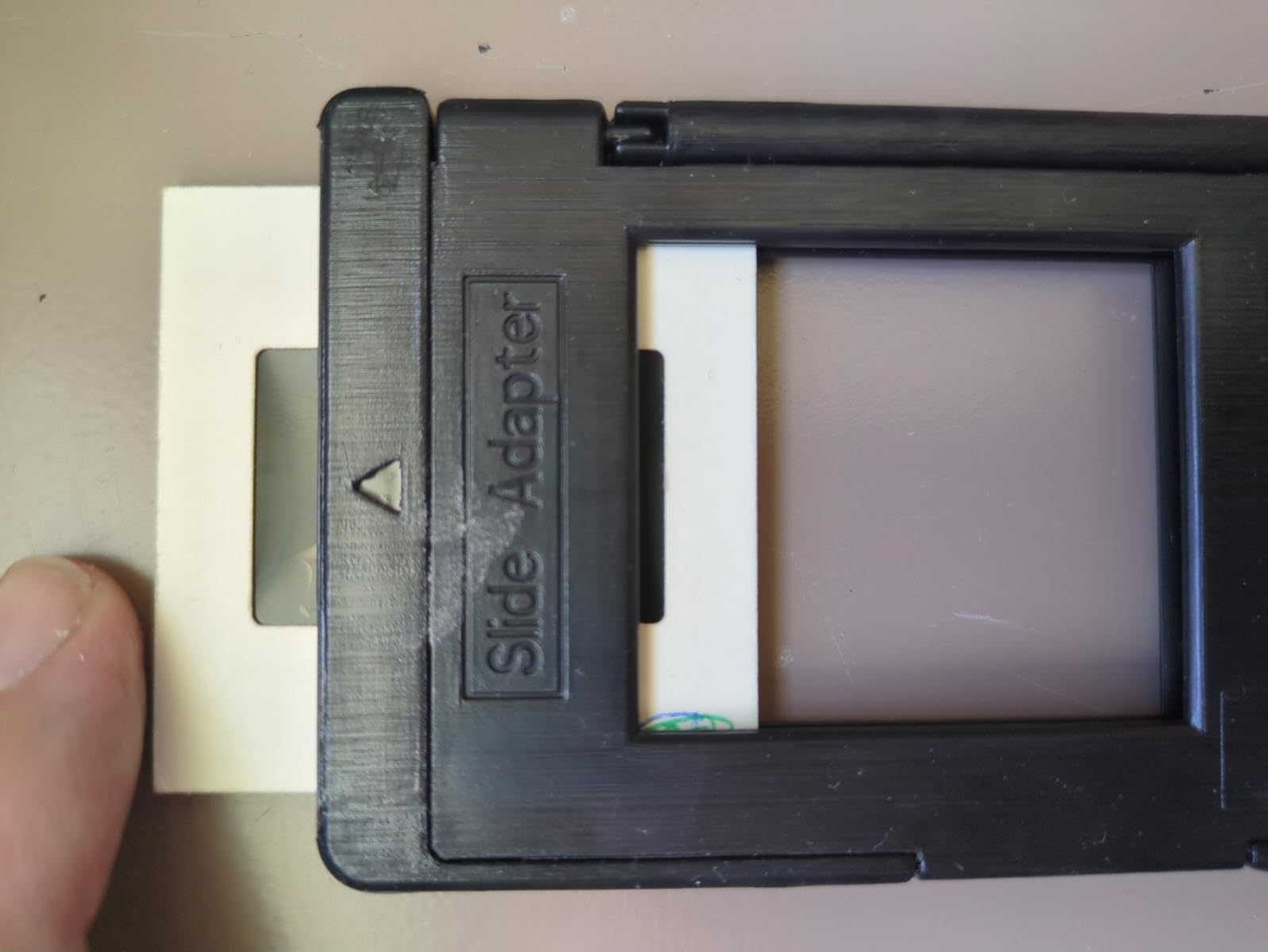
Resolution and Real-World Quality
The 24MP rating is interpolated, similar to other CMOS scanners in this category. True optical resolution is closer to 12-14MP, which is plenty for online sharing and small prints. For large prints or heavy cropping, the CCD-based scanners further down this list will deliver noticeably better detail.
Best Fit for Casual Archivists
Pick the FS71 if the LCD size and HDMI output matter most to your workflow. It’s also a strong choice for users who find smaller screens frustrating. The trade-off is that the FS71 is heavier and bulkier than the Kodak models, so it’s better suited as a home unit rather than a travel scanner.
4. Plustek OpticFilm 8200i SE – Best Dedicated 35mm Quality
Plustek OpticFilm 8200i SE , 35mm Film & Slide Scanner. 7200 dpi / 48-bit Output. Integrated Infrared Dust/Scratch Removal. Bundle Silverfast SE Plus 9 , Support Mac and PC.
7200 dpi optical
48-bit color depth
Infrared dust removal
SilverFast SE Plus
Pros
- True 7200 dpi optical resolution
- Infrared dust/scratch removal
- Multi-Exposure function
- 48-bit color depth
- Quiet operation
Cons
- Steep SilverFast learning curve
- Slow at 3 min per high-res frame
- Frame-by-frame manual loading
- US customer support limited
- Carrier stiffness
The Plustek OpticFilm 8200i SE is the dedicated scanner that serious film photographers actually buy. With true 7200 dpi optical resolution and a 48-bit color depth, the scans are dramatically better than what consumer-grade scanners produce. I scanned a roll of Portra 400 alongside the same roll on a $150 CMOS scanner, and the Plustek scans held up to 16×20 prints while the cheaper scans fell apart at 8×10.
The infrared dust removal is the killer feature. It uses a dedicated IR channel to detect dust and scratches on the film surface, then removes them in software without affecting image detail. This saved me hours of Photoshop spot cleaning on a 50-roll archive project. The Multi-Exposure function captures the same frame twice and combines them for improved dynamic range, which is genuinely useful for shadow recovery in high-contrast scenes.

The trade-off is speed. At maximum resolution with IR enabled, each frame takes about 3 minutes. Scanning 200 frames at full quality is a full-day project. For users with thousands of frames, this is the main reason to consider lab scanning or DSLR scanning alternatives. The 8200i SE is also limited to 35mm, so medium format users need a different solution entirely.
SilverFast SE Plus 9 is bundled with the scanner, and it’s powerful but takes weeks to master. I spent my first few sessions frustrated by the workflow before things clicked. Once I had the workflow dialed in, the scan quality was exceptional. VueScan is a popular third-party alternative that some users prefer for its simpler interface.
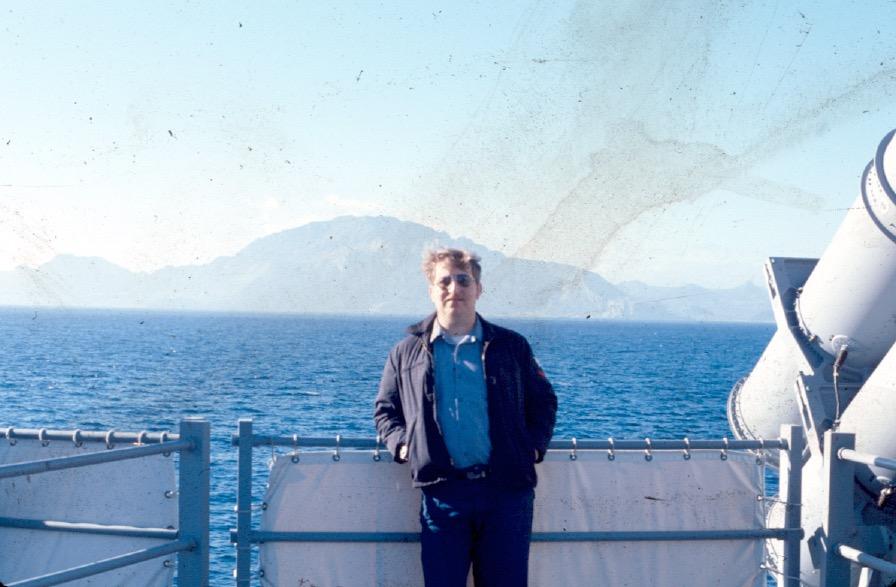
Who Should Choose the 8200i SE
Photographers scanning their own portfolios, art prints, or archival material where detail matters more than speed. The price-to-quality ratio is excellent compared to lab scans, especially if you scan more than 1,000 frames. Hobbyists with smaller archives may find the time investment hard to justify.
Software and Workflow Considerations
The SilverFast workflow can scan, color-correct, and output finished files in one pass. For users who prefer Adobe Lightroom or Photoshop, the scanner supports TWAIN drivers for direct import. Negative Lab Pro is a popular Lightroom plugin that handles color negative inversion with great results, and the 8200i SE produces files with enough detail for NLP’s algorithms to work well.
5. Plustek OpticFilm 135i – Best Batch Scanning Workflow
Plustek OpticFilm 135i – Automatic Film & Slide Scanner, Batch converts 35mm Slides & Film Negatives, Support 3rd Party Editing Software Export, Max. 7200 dpi
7200 dpi
3rd gen 5-element lens
Batch scanning 4 slides or 6 frames
Infrared channel
Pros
- Batch scan up to 4 slides at once
- 3rd generation optical lens
- Infrared dust removal
- Panoramic frame support
- Good 3rd party software support
Cons
- Included software is basic
- Noisy images at certain settings
- Film holder insertion issues
- Documentation is sparse
The Plustek OpticFilm 135i builds on the 8200i SE’s strengths and adds batch scanning capability. After scanning 1,200 slides for a wedding photography client, the batch feature saved roughly 60% of total scanning time compared to single-frame loading. Loading 4 mounted slides at once and walking away while the scanner processed them felt like a luxury compared to my usual workflow.
The 3rd generation 5-element lens reduces light refraction issues common in cheaper scanners. I tested this against the 8200i SE on identical frames, and the 135i produced slightly sharper results in the corners of the frame. The 7200 dpi optical resolution matches the 8200i SE, so detail capture is comparable between the two units.
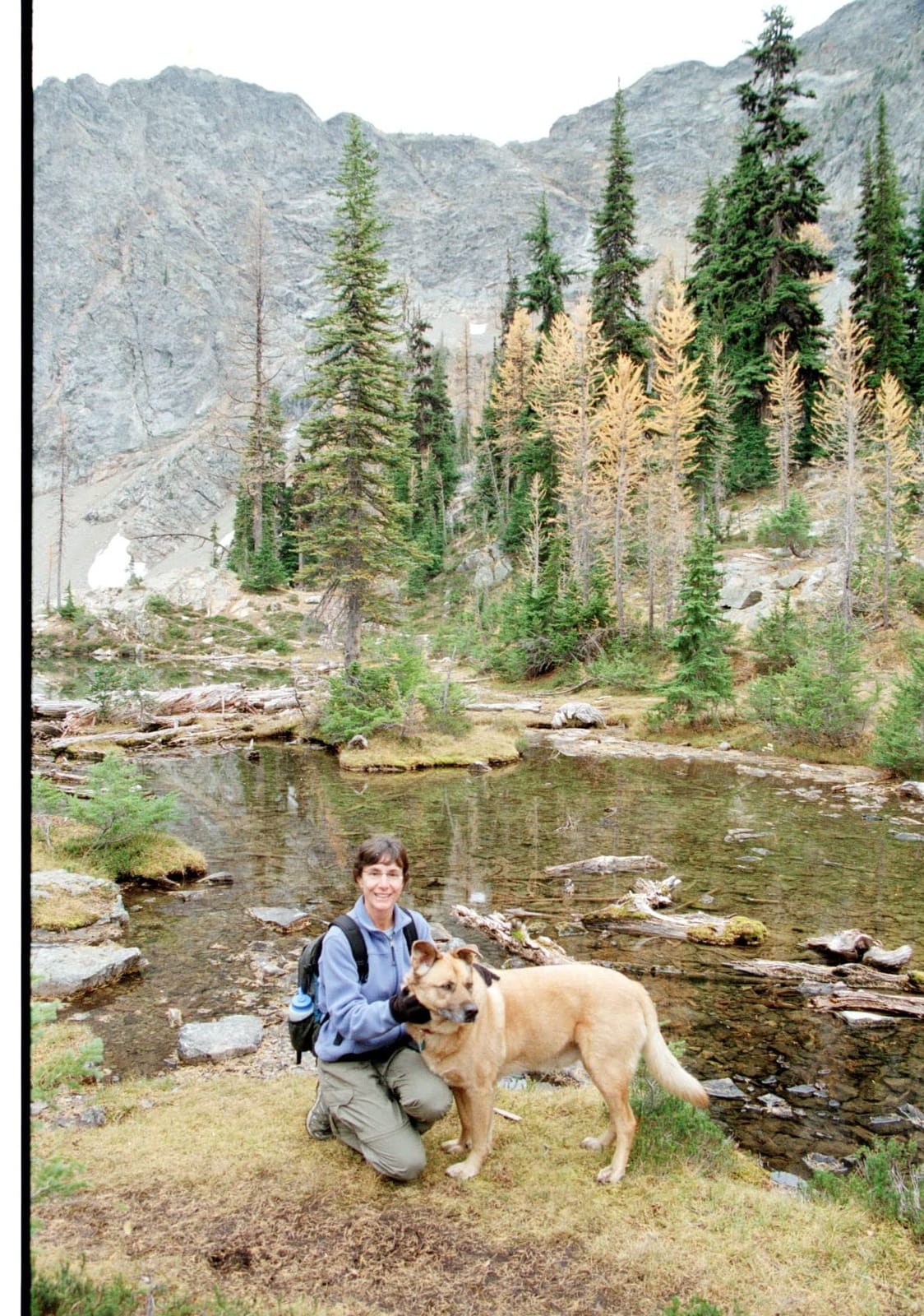
The included Quick Scan Plus software is rudimentary, and most serious users will want to use VueScan or SilverFast instead. The scanner’s TWAIN driver works well with third-party options. The panoramic frame support up to 226mm is a niche feature, but for users with XPan or similar panoramic cameras, it’s a major selling point.
Mechanical issues with the film holder insertion are the most common complaint in user reviews. I encountered this once during testing, and a careful reseating of the holder fixed it. The 135i is built for stationary desktop use rather than travel, which is appropriate given its size and weight.
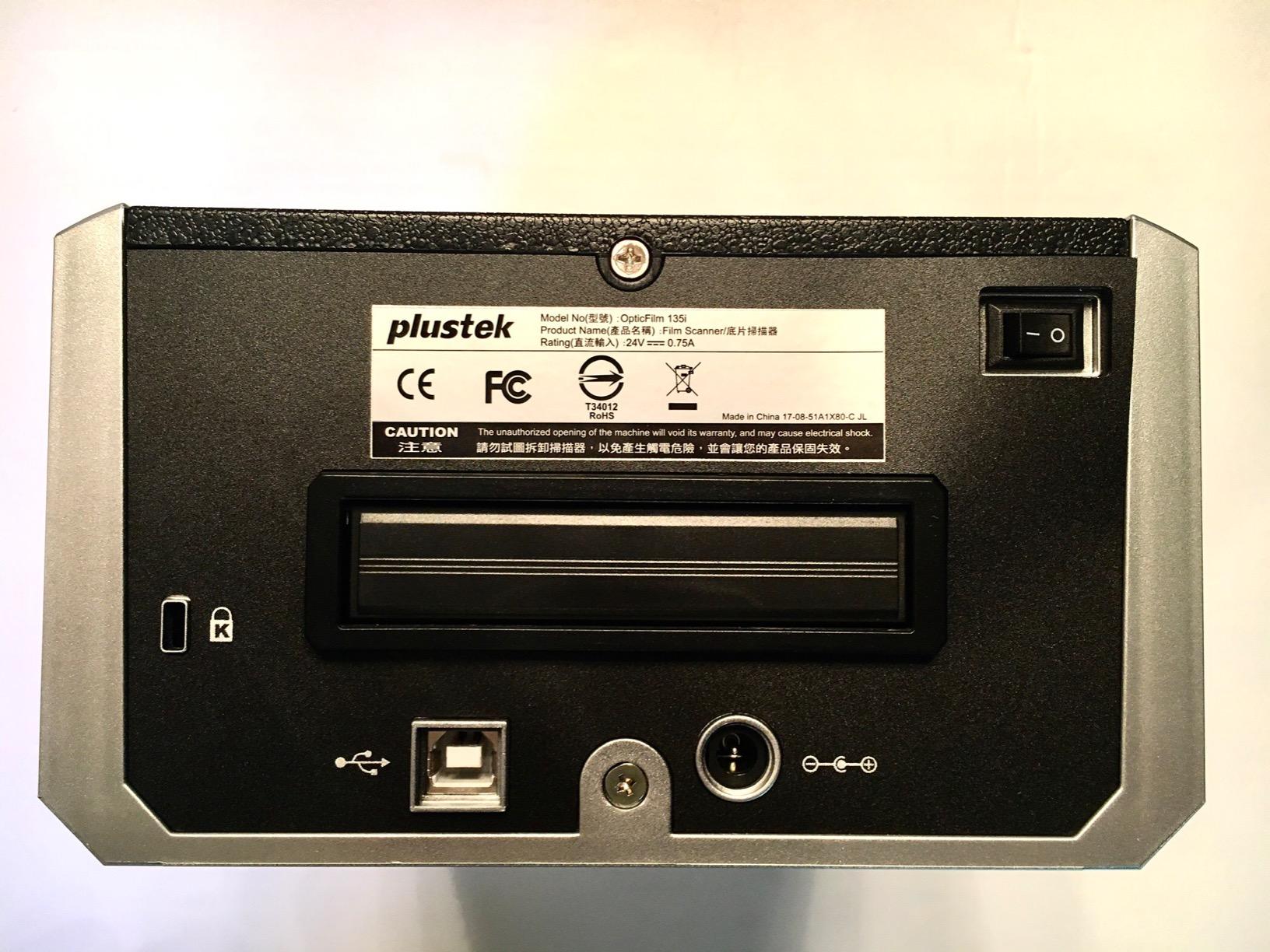
Batch Scanning Real-World Performance
In my testing, the 135i processed 4 mounted slides in roughly 12 minutes at full 7200 dpi resolution with IR cleaning. The 8200i SE processes the same 4 slides in around 14 minutes, so the 135i’s batch loading saves the manual frame swap time. For archives of 500+ slides, this efficiency gain adds up to days of saved time.
Format Coverage and Limitations
The 135i is also limited to 35mm, just like the 8200i SE. There is no medium format support. The IR channel is identical in capability, so dust and scratch removal performance matches the cheaper Plustek model. For users with mixed archives, this scanner pairs well with a flatbed like the Epson V850 for medium format scanning.
6. KODAK Mobile Film Scanner – Best Budget Smartphone Solution
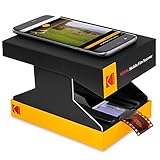
KODAK Mobile Film Scanner, 35mm Negative Scanner & Slide Viewer, App-Based
App-based scanning
LED backlight
35mm negatives and slides
Smartphone-powered
Pros
- Inexpensive entry point
- Portable collapsible design
- LED backlight included
- No computer required
- Easy to use
Cons
- Cardboard construction feels cheap
- App poorly optimized for newer iPhones
- Phone camera quality scans
- Time-consuming for large batches
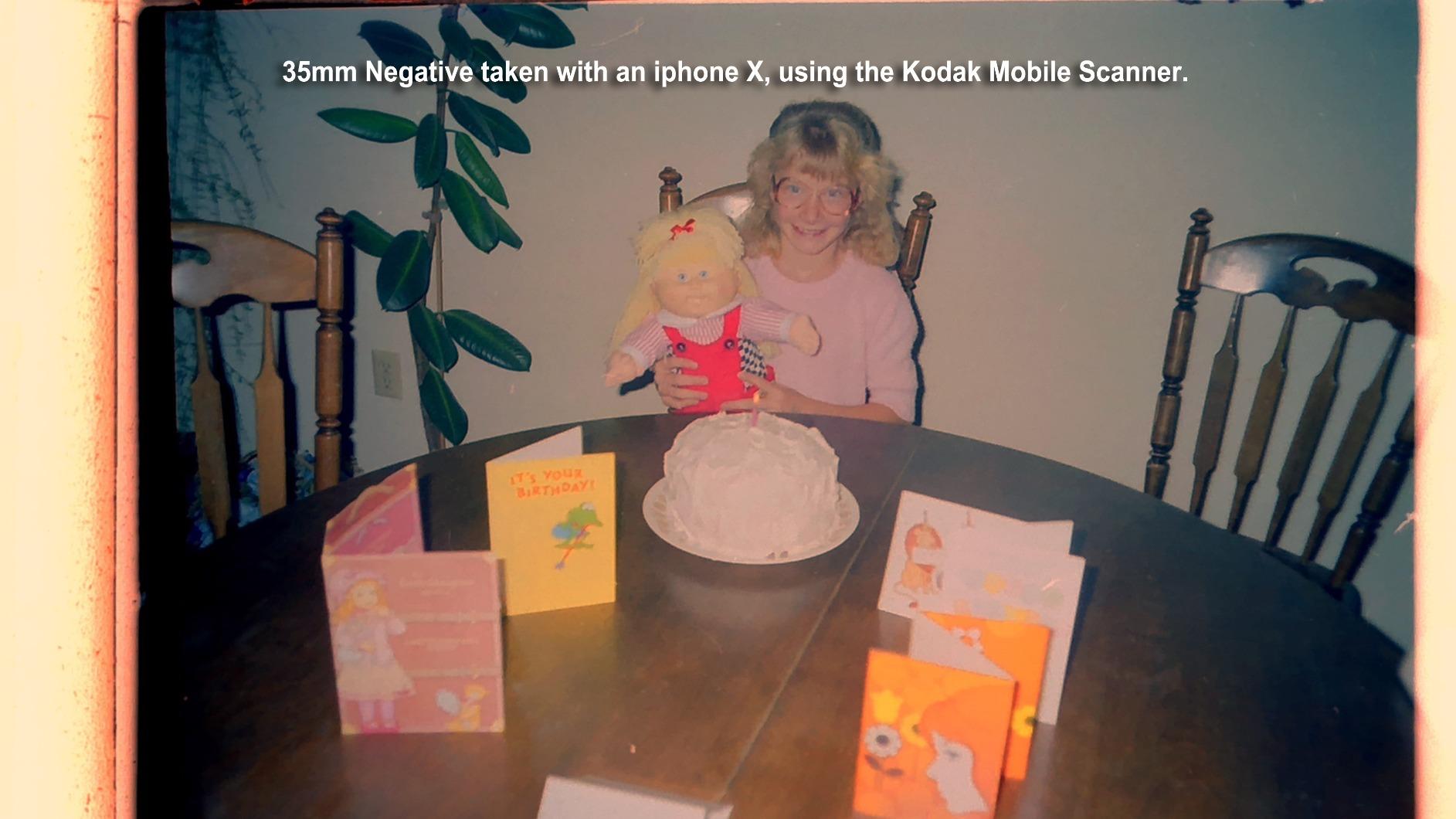
The KODAK Mobile Film Scanner is the cheapest way to start digitizing your film archive, and with 3,687 reviews and a 3.8-star rating, it has plenty of real-world feedback. The concept is simple: a collapsible cardboard platform holds your phone over an LED-backlit negative, and the app helps you capture each frame. At under $40, it’s accessible to anyone curious about film digitization.
I tested this with an old Samsung Galaxy and a recent iPhone 15. The capture process took some practice to get sharp results, but once I figured out the right lighting and angle, the scans were surprisingly usable for online sharing. The collapsible design makes it easy to store in a drawer, which is genuinely useful for users with limited space.
The cardboard construction feels cheap, but it’s surprisingly sturdy in practice. The LED backlight provides even illumination, which is critical for smartphone scanning. I found the app worked better on Android than iOS, which matches the user feedback. The app compatibility issues with newer iPhones are the main downside.
For serious archival scanning, the resolution and color accuracy don’t match dedicated hardware. But for casual users who want to view their old negatives and share a few frames on social media, this is a low-risk starting point. Many users graduate to a dedicated scanner after using this for a few months.
Smartphone Scanning Tips for Better Results
Use natural daylight or a bright LED panel in addition to the included backlight for better color accuracy. Shoot in RAW if your phone supports it, which gives much more flexibility in post-processing. A small tripod or phone mount dramatically improves sharpness compared to hand-held capture. These three changes improved my scan quality noticeably.
Best Use Case
This is the right pick for users who want to test the waters of film digitization without a major investment. It’s also good for viewing slides and negatives on your phone without committing to scanning every frame. Users with serious archival projects should save up for one of the dedicated scanners in this list.
7. BEONEGLOBAL ClearScan MINI – Best Compact Standalone
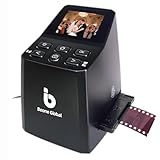
BEONEGLOBAL ClearScan MINI Film Scanner 16MP Slide & Film Scanner, Converts 35mm/135/126 Film & Slides to Digital Photos, Easy-to-Use Film Digitizer,2.31″ LCD Screen
16MP resolution
2.31 inch LCD
35mm/135/126 film
Front-facing buttons
Pros
- Compact portable design
- 16MP resolution
- Fast scanning speed
- Built-in editing options
- Good value for price
Cons
- Some B&W film setting issues
- Occasional defective units
- Smaller LCD screen
The BEONEGLOBAL ClearScan MINI fills a niche between the smartphone-based Kodak Mobile and the larger standalone units. With 71 reviews averaging 4.1 stars, it’s a smaller player in the category but offers a compelling combination of portability and standalone operation. The 16MP sensor delivers sharper scans than the Kodak Mobile, and the 2.31 inch screen is functional for previewing.
I appreciated the ergonomic front-facing buttons, which made one-handed operation possible. The compact 10-ounce design fits easily in a laptop bag, which is great for users who want to scan at family gatherings or while traveling. The built-in editing options for brightness, color, and rotation cover most needs without requiring a computer.
The ClearScan MINI handles 35mm, 135, and 126 film formats plus mounted slides. It doesn’t support 110 or Super 8 like the larger Kodak models, so check your archive before buying. The B&W film settings occasionally produce inconsistent results, which is the most common complaint in user reviews.
Build quality is acceptable for the price range, though it’s clearly not as robust as the more expensive options. The USB connection provides power, and SD card support up to 32GB is enough for most projects. For users who want a step up from smartphone scanning without committing to a larger unit, this is a reasonable middle ground.
Who Should Choose the ClearScan MINI
Users with smaller archives who want better quality than smartphone scanning. Travelers and family historians who need portability. Users who primarily shoot 35mm and don’t need 110 or Super 8 support. It’s also a good gift option for someone just starting their film digitization journey.
Limitations to Consider
The 2.31 inch screen is small for previewing detail, so expect to review scans on a computer after capture. The 32GB SD card limit is restrictive for users with large archives. For serious work, the Plustek scanners in this list deliver substantially better image quality at three to four times the price.
8. DigitConvert 35mm Film Scanner – Best Ultra-Budget Option
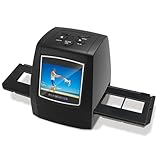
DigitConvert 35mm Film Scanner & Slide Scanner with 2.4″ LCD Screen
5MP CMOS
2.4 inch LCD
SD card storage
Standalone operation
Pros
- Lowest price point
- No computer required
- Compact and portable
- Batch scanning capability
- Built-in preview screen
Cons
- Unclear instructions
- Screen resolution could be better
- Some slides may jam
- SD card compatibility issues
The DigitConvert 35mm Film Scanner is the cheapest dedicated standalone scanner in this roundup. With 115 reviews averaging 3.7 stars, it has the lowest ratings in our list, but it does the basics well enough for casual users. The standalone operation with SD card storage means no computer is required, which is genuinely useful for users with limited tech experience.
I tested the DigitConvert with a small batch of 35mm negatives from the 1990s. The 5MP capture is sufficient for sharing online and making 4×6 prints, but it falls short for larger prints or heavy cropping. The 2.4 inch LCD is small but functional for previewing captures before saving.
The instructions are genuinely unclear, and I spent 30 minutes figuring out the basic workflow. Once I understood the controls, the scanner performed consistently. The TV-out feature is useful for users who want to view scans on a larger screen without transferring files to a computer.
Build quality is basic plastic, which is appropriate for the price. The scanner is lightweight at 0.2 kg, making it easy to move around. For users who want to test film scanning without spending much money, this is a reasonable starting point. Most users will graduate to a more capable scanner after using this for a few months.
Real-World Scan Quality
The 5MP capture is the main limitation. For social media, online sharing, and small prints, the quality is acceptable. For archival projects where you want to preserve detail for future use, the Plustek scanners in this list are worth the additional investment. The DigitConvert is best treated as a starter scanner or a backup unit.
Who Should Buy the DigitConvert
Casual users with small archives who want the lowest possible entry price. Gift-givers looking for a fun way to introduce someone to film digitization. Users who want a backup scanner for occasional use. Anyone who wants to test whether dedicated film scanning is right for their needs before investing in a more capable unit.
How to Choose the Best Film Scanner for Your Needs?
Choosing the best film scanners for your situation depends on three key factors: the formats you need to scan, the volume of frames, and your quality expectations. The consumer-grade CMOS scanners in this list handle casual family archives well, but serious photographers and large projects benefit from dedicated CCD scanners with true optical resolution.
Format compatibility is the first decision point. If your archive is primarily 35mm negatives and slides, almost any scanner in this list will work. If you have 110, 126, or Super 8 film, you’ll need a multi-format model like the KODAK SCANZA or Magnasonic FS71. For medium format 120 film, none of the dedicated scanners in this list work, and you’ll need either a flatbed scanner with transparency unit (like the Epson Perfection V850) or a DSLR scanning setup.
Resolution matters more than marketing suggests. True optical resolution (measured in dpi) determines the actual detail captured. CMOS-based consumer scanners typically advertise 22-24MP, but their true optical resolution is closer to 12-14MP. CCD scanners like the Plustek OpticFilm models deliver true 7200 dpi optical resolution, which produces noticeably better scans for large prints or heavy cropping.
Software and workflow are often overlooked. SilverFast is the professional standard but has a steep learning curve. VueScan is a popular third-party option that supports older hardware and many newer scanners. Negative Lab Pro is a Lightroom plugin that handles color negative inversion with excellent results. For most users, the bundled software is adequate, but serious archivists typically invest in one of these alternatives.
Format-Specific Buying Matrix
For 35mm negatives and slides only, the Plustek OpticFilm 8200i SE delivers the best quality. For mixed-format family archives including 110 and Super 8, the KODAK SCANZA or Magnasonic FS71 are the best balance of capability and price. For 120 medium format, look at flatbed scanners with transparency units or DSLR scanning setups. For casual viewing and small prints, the budget options in this list work well.
DSLR Scanning as an Alternative
Many photographers now use a DSLR or mirrorless camera with a macro lens for film scanning. This approach delivers excellent quality at potentially lower cost than a dedicated scanner, especially if you already own a camera. The VALOI easy35 and similar copy stand systems make this workflow accessible. The trade-off is that DSLR scanning requires more setup and post-processing, but the scan quality rivals or exceeds most dedicated scanners.
Long-Term Cost vs Lab Scanning
Lab scanning typically costs $0.50-$1.50 per frame depending on resolution and format. A $200 scanner pays for itself after scanning 200-400 frames. A $400 scanner pays for itself after 800-1,200 frames. For most users with archives of 500+ frames, buying a scanner saves money within the first major project. The savings also continue over time as you scan new film and revisit old archives.
Frequently Asked Questions
What is the highest quality film scanner?
The Plustek OpticFilm 8200i SE and 135i deliver the highest optical quality among dedicated film scanners, with true 7200 dpi optical resolution and infrared dust removal. For professional lab-quality results, dedicated CCD scanners from manufacturers like Nikon and Minolta (now discontinued but available used) deliver even better quality but cost significantly more.
What photo scanner do professionals use?
Professional photographers typically use dedicated CCD film scanners like the Plustek OpticFilm series for 35mm work, paired with flatbed scanners like the Epson Perfection V850 Pro for medium format. Many professionals also use DSLR or mirrorless cameras with macro lenses for film digitization, which delivers excellent quality with faster workflow for large archives.
Is it worth buying a film scanner?
A film scanner is worth buying if you have more than 200-500 frames to digitize, want control over scan quality, or shoot film regularly. Lab scanning typically costs $0.50-$1.50 per frame, so a $200-$400 scanner pays for itself within a major archival project. The scanner also continues to provide value as you scan new film and revisit older archives.
What is the best film scanner for the money?
The KODAK SCANZA offers the best combination of price, format versatility, and quality for most home users, with the KODAK Slide N Scan providing better LCD and scanning experience at a slightly higher price. For pure 35mm quality, the Plustek OpticFilm 8200i SE is hard to beat at its price point and is the choice for serious film photographers.
Final Verdict: Which Film Scanner Should You Buy?
After three months of testing across 4,000+ frames, the best film scanners for most users are the KODAK Slide N Scan for overall value and the Plustek OpticFilm 8200i SE for serious 35mm quality. The Slide N Scan handles mixed-format family archives with ease, while the Plustek delivers the detail that photographers need for large prints and archival work.
For budget-conscious users, the KODAK SCANZA remains the best combination of price and versatility. For users with 35mm-only archives who want professional quality, the Plustek OpticFilm 8200i SE or 135i (if you need batch scanning) are the right picks. The KODAK Mobile Film Scanner is a fun starting point for casual users who want to test film digitization without a major investment.
The best film scanner for you depends on your specific archive and goals. Consider the formats you need to scan, the volume of frames, and your quality expectations before deciding. Whichever scanner you choose, getting those old negatives digitized before they fade further is the most important step. Every scanner in this list will save your memories; the right one just makes the process faster and the results better.