

If you want one tablet that handles streaming, reading and schoolwork without stretching past $200 during Amazon’s Prime Big Deal Days sale, the Amazon Fire HD 10 is the one to watch. It leads this list because it pairs a 10.1 inch 1080p screen with up to 4 GB of RAM and a 13-hour battery claim, and more owners have rated it than any other tablet here.
The Apple iPad 10.2-inch Renewed takes second spot for anyone who cares more about app choice and long-term polish than raw screen value, and the Amazon Fire HD 8 in third is the lighter buy for travel, for small hands and for anyone who wants the same idea in a backpack. Amazon runs Prime Big Deal Days on October 6-7, 2026, and offers shift through the window, so check the button on each pick before you commit.
Table of Contents
Our Top 3 Picks for Best Amazon Prime Big Deal Days Tablet Deals Under $200


Each of the three leads this list for a different reason, and the Fire HD 10 edges ahead on the combination of screen size, owner rating volume and how rarely its core strengths are disputed. Reviewers describe it as faster than the previous generation with no lag on everyday tasks, and the 1080p panel is the sharpest on any Amazon tablet in this price band.
The Fire HD 8 is the same idea in a smaller body, and the Fire HD 8 Kids Pro exists for a specific age band. If your household has a child between six and twelve, that third card is the most sensible one on the page.
Best Amazon Prime Big Deal Days Tablet Deals Under $200 Compared (2026)
| Product | Specifications | Action |
|---|---|---|
| Amazon Fire HD 10 |
|
Check Deal Price |
| Amazon Fire HD 8 |
|
Check Deal Price |
 Fire HD 8 Kids Pro Fire HD 8 Kids Pro |
|
Check Deal Price |
 Apple iPad 10.2 Renewed Apple iPad 10.2 Renewed |
|
Check Deal Price |
 Fire HD 8 Kids Fire HD 8 Kids |
|
Check Deal Price |
 Lenovo Idea Tab Lenovo Idea Tab |
|
Check Deal Price |
 Lenovo Tab One Lenovo Tab One |
|
Check Deal Price |
 FEONAL 11-inch Tablet FEONAL 11-inch Tablet |
|
Check Deal Price |
 WXUNJA C5 Tablet WXUNJA C5 Tablet |
|
Check Deal Price |
 Evermyth 10-inch Tablet Evermyth 10-inch Tablet |
|
Check Deal Price |
Two patterns stand out in that table. The four Amazon tablets pull apps from the Amazon app store and no other, while every Lenovo, FEONAL, WXUNJA and Evermyth model runs a full Google Play certified Android build, which is the single biggest practical difference between the two groups.
Screen resolution splits the same way. Only the Fire HD 10 and the renewed iPad clear 1080p, and the Lenovo Idea Tab is the only model that goes higher with a 2.5K panel, so anyone reading small text or working with documents will feel the difference most.
How We Chose
Every tablet here was compared on the specs that decide a purchase at this budget: screen size and resolution, memory, storage and whether it expands, battery claim, charging, speakers, and the app store it ships with. We also weighed the rating and the volume of owner reviews on each listing, plus the complaints that repeat across them. Specs and review data were checked on October 2026, before the event window opens.
1. Amazon Fire HD 10: Best Overall Pick for Streaming and Reading
Amazon Fire HD 10 tablet, built for relaxation, 10.1″ vibrant Full HD screen, octa-core processor, 4 GB RAM, 32 GB, Black
Display: 10.1 inch 1080p
Memory: up to 4 GB RAM
Storage: 32 to 64 GB
Software: FireOS app store
Pros
- Sharp 1080p panel owners call crisp
- 25 percent faster than the previous generation
- 13 hour battery claim with multi-day standby
- Split-screen works for reading and streaming
- Storage expands to 1 TB with microSD
Cons
- No Google Play Store
- Lock screen offers some buyers dislike
- Included USB-C cable is short
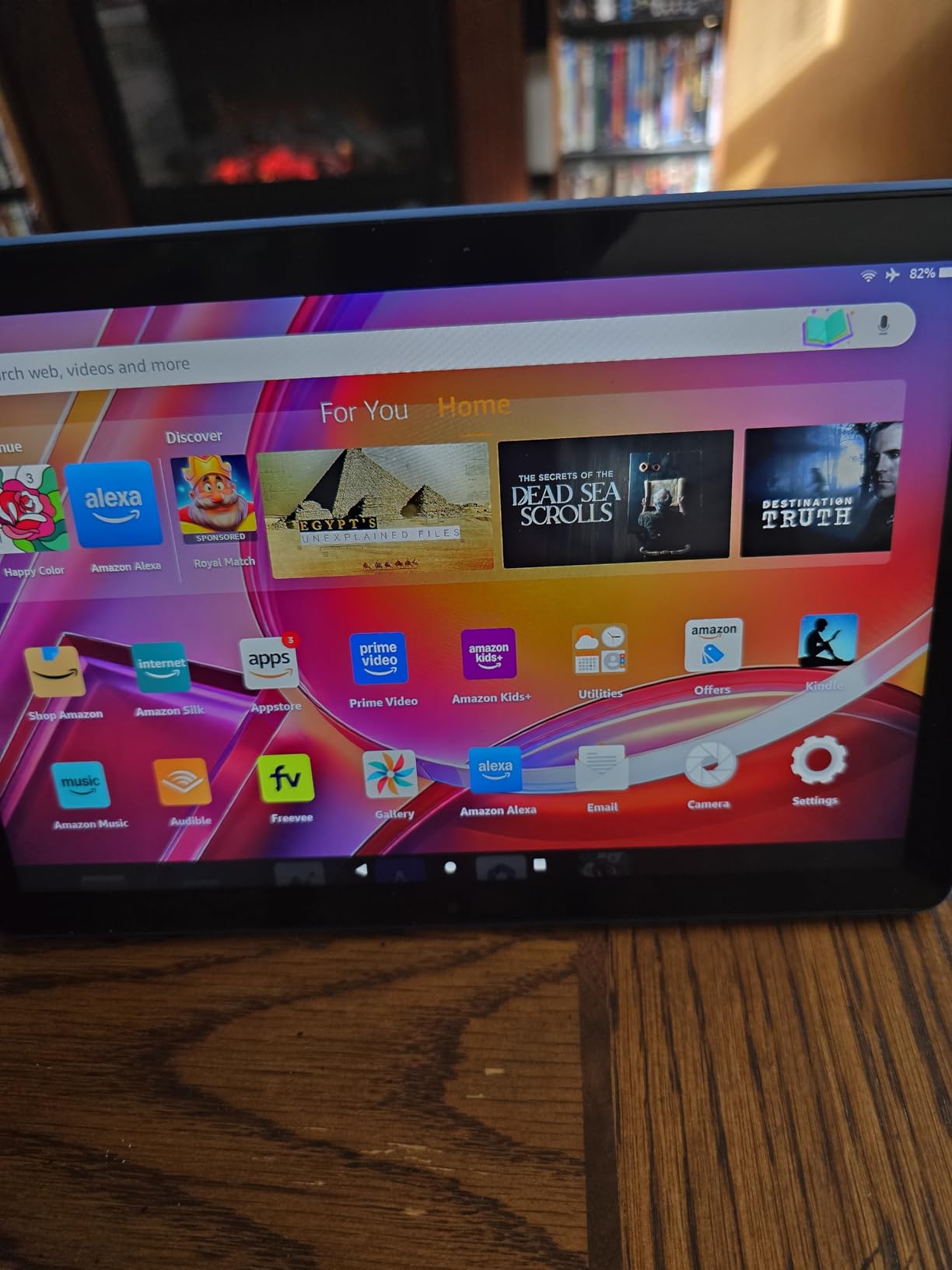
This is the tablet to put at the top of a shortlist for a bedroom, a kitchen or a first screen for a kid who has moved past shared devices. Owners treat it as a media and reading machine first, and the 10.1 inch 1080p screen is the reason: at this budget most rivals ship a 1280 by 800 panel, and text looks noticeably cleaner here.
Amazon rates the battery at 13 hours, and owners report multi-day standby between charges. A minority dispute the figure under sustained app use, so treat it as a streaming-and-reading number rather than an all-day-on-tap one. The 5 MP front camera also makes it a reasonable second screen for video calls in a pinch.
Amazon says this generation runs 25 percent faster than the one before it, and owners agree that everyday tasks no longer drag. Two spec numbers are worth watching, though. The 32 GB base model fills quickly once you add a streaming library, and the bundled USB-C cable is short, so a spare cable is a sensible add-on.
Screen size is the whole difference against the Amazon Fire HD 8: 2.1 extra inches and a 1080p panel. Against the Apple iPad 10.2 Renewed you give up the full app store and the stylus ecosystem, and gain a screen and battery figure that suit long reading sessions.
The bundled Amazon Stylus Pen has 4096 levels of pressure sensitivity and is sold separately. It is not a drawing tablet, but owners do use it for handwritten notes, which makes it a reasonable stopgap if note-taking is the main job.
Skip it if the missing Google Play Store is a dealbreaker for you, or if you need more than 32 GB of built-in storage without adding a card. Owners also mention that parental-control setup instructions are unclear, so budget time for that if a child will use it first.
2. Amazon Fire HD 8: Best Value Pick for Travel and Small Hands
Amazon Fire HD 8 tablet (newest model), 8” HD Display, 4GB memory, 64GB, responsive and vibrant, designed for portable entertainment, Black
Display: 8 inch HD
Memory: up to 4 GB RAM
Storage: 64 GB plus microSD
Software: FireOS app store
Pros
- Compact and light enough for one hand
- 64 GB storage with up to 1 TB expansion
- Up to 13 hours of mixed use
- 5 MP rear camera
- Smart tools for email and web summaries
Cons
- No Google Play Store
- HD panel is softer than the Fire HD 10
- Some apps need a subscription
Buy this one if the tablet lives in a backpack rather than on a desk. Owners single out the 8 inch form factor as easy to hold and carry, and the refresh over the 2022 release doubled memory to as much as 4 GB and moved storage to 64 GB, so it holds more than the model it replaces.
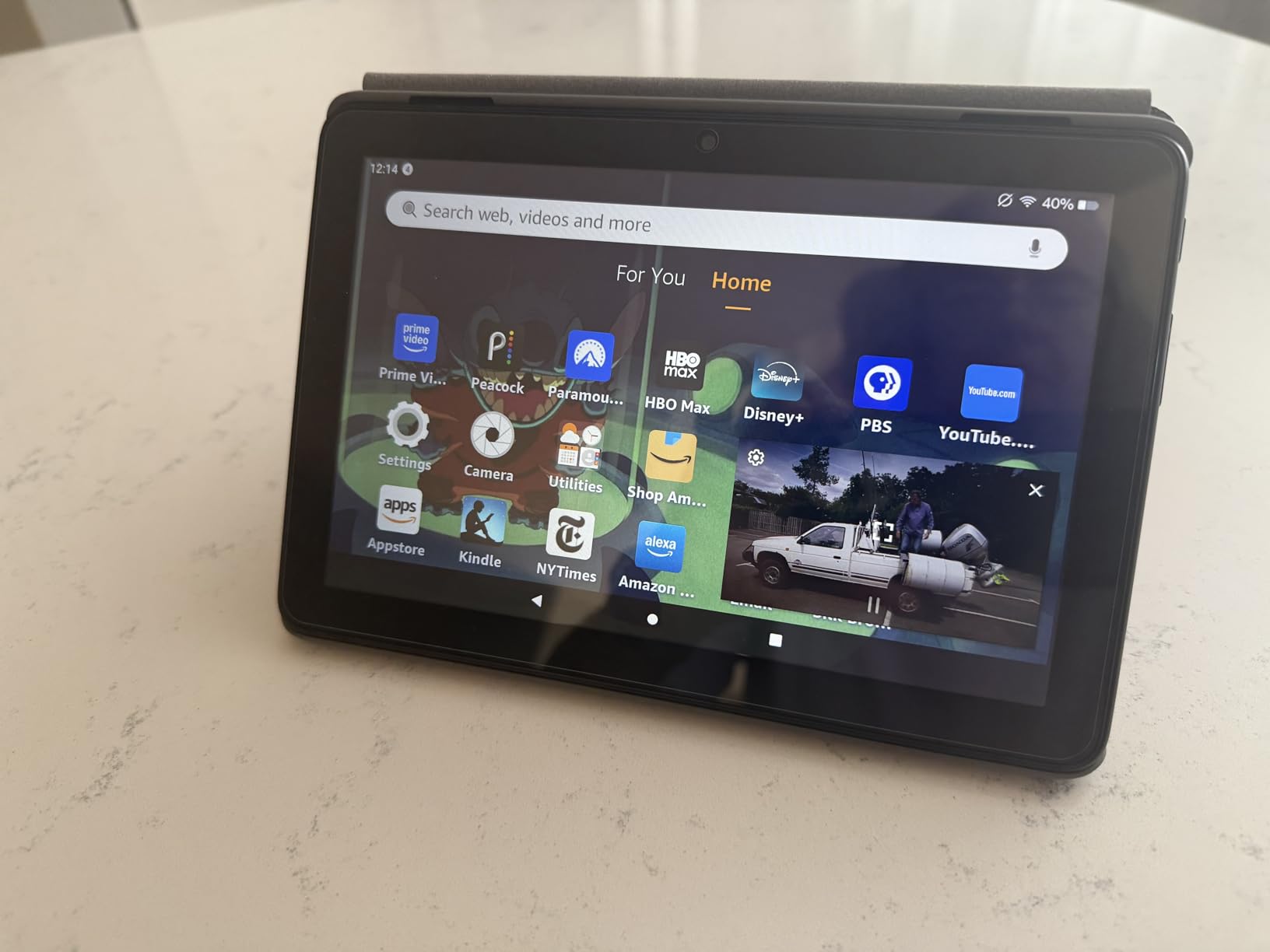
The battery claim is up to 13 hours of reading, browsing, streaming, gaming and music, which lines up with what buyers describe for a normal day. A hexa-core chip handles the basics without drama, and there is a 5 MP rear camera for the occasional photo, which the Fire HD 10 does not carry.
- 64 GB of built-in storage is double what many tablets in this bracket offer
- microSD expansion reaches 1 TB, so the base model is not a dead end
- Smart tools summarise webpages and polish email drafts
- Alexa handles Zoom video calls over Wi-Fi
Where it loses to the Amazon Fire HD 10 is obvious and worth stating plainly: an 8 inch HD screen is softer, and reading long documents on it tires the eyes faster than a 1080p panel of any size. Owners also repeat the same structural complaint, which is that every app has to come from the Amazon app store.
One ownership detail worth checking before you buy: some apps on this tablet require a subscription on top of the hardware, so the running cost is not always the sticker number. If your child plays games that are missing from the store, the Fire HD 8 Kids Pro section below covers a version built around that use.
For anyone already paying for streaming subscriptions, the Lenovo Tab One further down the list is the alternative worth weighing. It is lighter, keeps a 3.5 mm headphone jack and runs real Android, in place of Amazon first-party content and Alexa.
3. Fire HD 8 Kids Pro: Best Tablet for Ages 6 to 12
Amazon Fire HD 8 Kids Pro tablet, ages 6-12. Bright 8″ HD screen, includes ad-free content, parental controls, 13-hr battery, slim case for older kids, 64GB, Hello Teal, (2024 release)
Display: 8 inch HD
Memory: up to 4 GB RAM
Storage: 64 GB plus microSD
Software: FireOS kids profile
Pros
- 4.6 owner rating from thousands of reviews
- Case survives drops and throwing
- Parental controls managed from a phone
- Two year worry-free guarantee
- 6 months of ad-free kids content included
Cons
- Cannot download YouTube Kids
- Kids can work around download restrictions
- Kids Plus subscription renews after the trial
Parents buying for a primary-school child should start here, and the reason is not the specs. It is the two-year worry-free guarantee with free replacement, plus a slim case designed for the kind of handling an eight-year-old gives a tablet. That combination is why this model carries a 4.6 owner rating, at the top of the group.
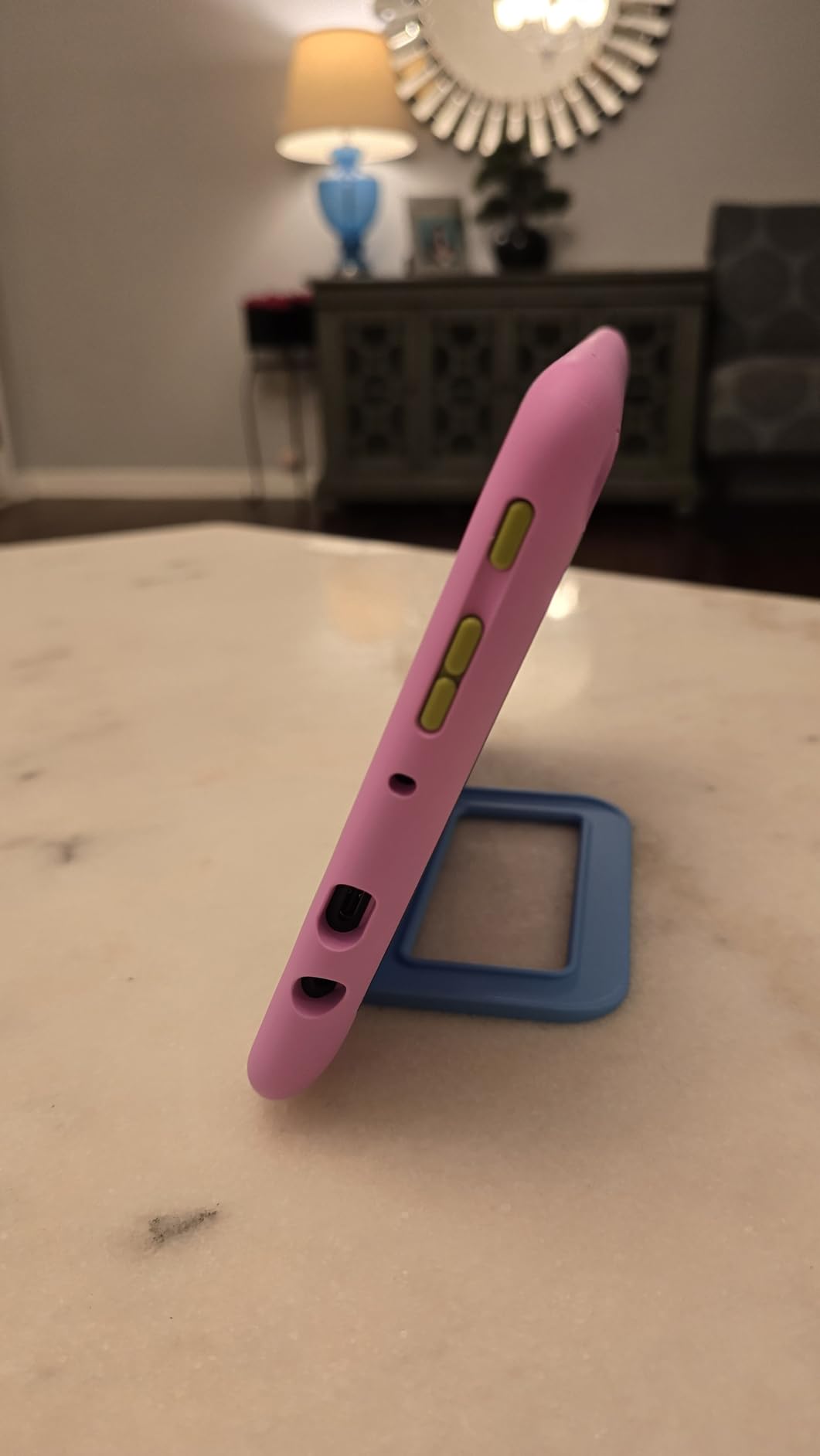
Reviewers describe the case as the part that holds up best, with owners reporting it takes repeated throwing and drops without damage. The 8 inch display is bright and crisp for the money, and several parents mention it as a step up from older Fire tablets whose batteries had degraded within a few months. This one holds a charge through a full day of heavy use.
Set-up is where the effort goes, and it is worth doing properly. Parental controls are managed from a phone app, which means time limits, activity review and app approvals all live on your phone rather than the tablet. A filtered browser and approved-contact video calls come built in, so a younger child can make a call without wandering into an open app.
- Ages 6 to 12 age band, so the interface is not babyish for a nine-year-old
- Six months of ad-free educational content, games and books included
- Up to 13 hours of battery and 64 GB that expands with microSD
- Two-year replacement guarantee covers battery failure, which is the usual failure point
Owners flag one gap more than any other: YouTube Kids cannot be downloaded on this tablet. That is not a small thing for a family, and it is worth checking which apps a child actually uses before settling on a Fire tablet. Parents also report that determined children can find ways around download restrictions, so the filters are a speed bump rather than a wall.
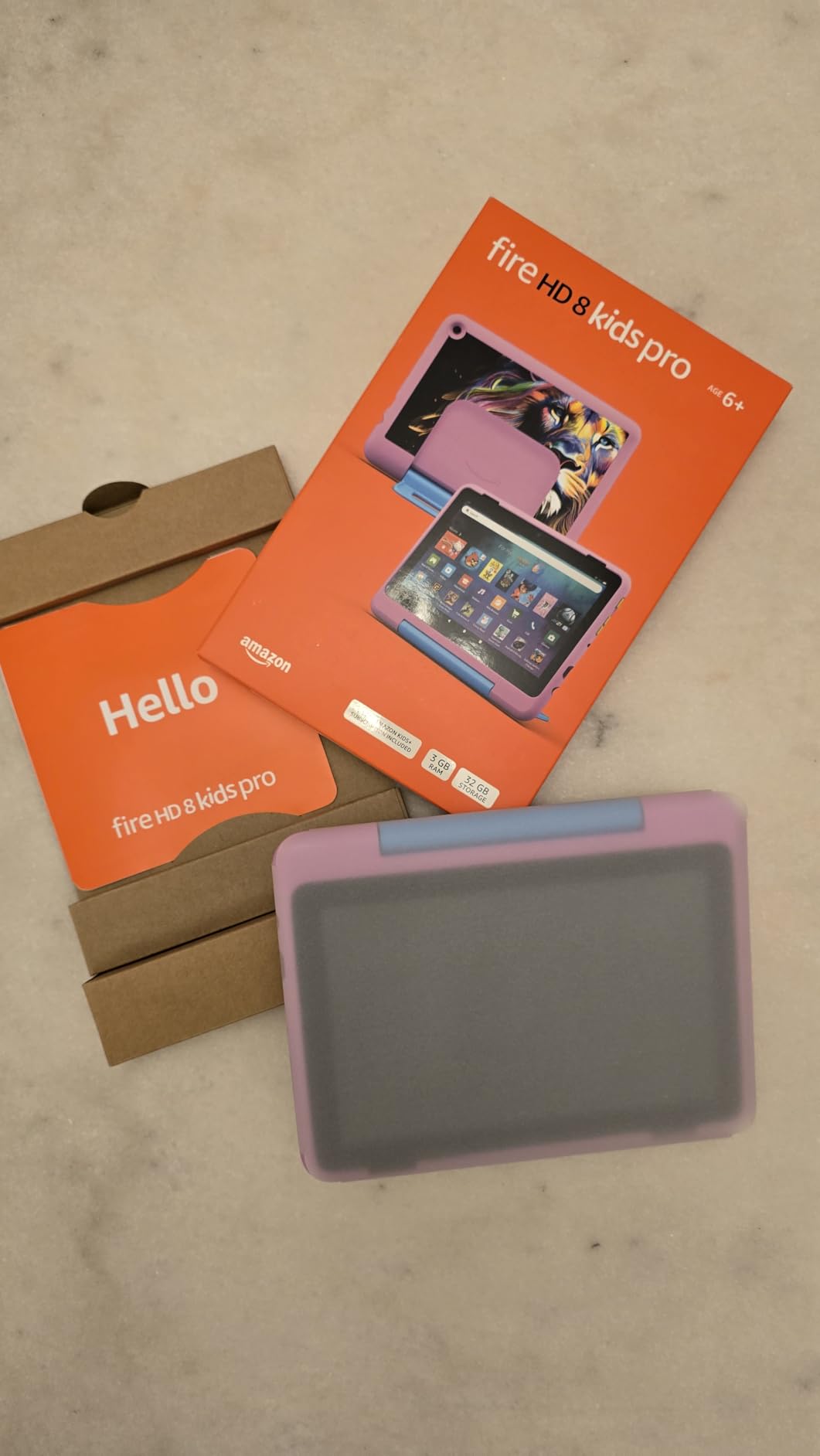
The bundled content trial renews on a monthly billing cycle after it ends, so set a reminder or turn it off the same week if you do not want to continue. The Fire HD 8 Kids Pro above serves an older child with a slimmer case and a wider age band, while this one leads on the length of included content and the built-in stand.
4. Apple iPad 10.2 Renewed: Best for Travel for App Variety and Long-Term Polish
Apple 2020 iPad 10.2-inch, Wi-Fi, 128GB – Silver (Renewed)
Display: 10.2 inch Retina
Memory: 6 GB RAM
Storage: 128 GB
Software: iPadOS app store
Pros
- Full app ecosystem far broader than FireOS
- 2160 x 1620 Retina display
- A12 Bionic chip handles apps and streaming
- Apple Pencil and Smart Keyboard support
- Touch ID and Apple Pay
Cons
- 2020 hardware with an aging chip
- Lightning charging and only 10 hours of battery
- Renewed units carry a 90 day warranty
This is the pick for a buyer who would rather have the real app store than the sharpest screen. A renewed 10.2-inch iPad lands in this bracket with 128 GB of storage, 6 GB of memory and the full iPadOS catalogue, which no Fire tablet on this page can match.
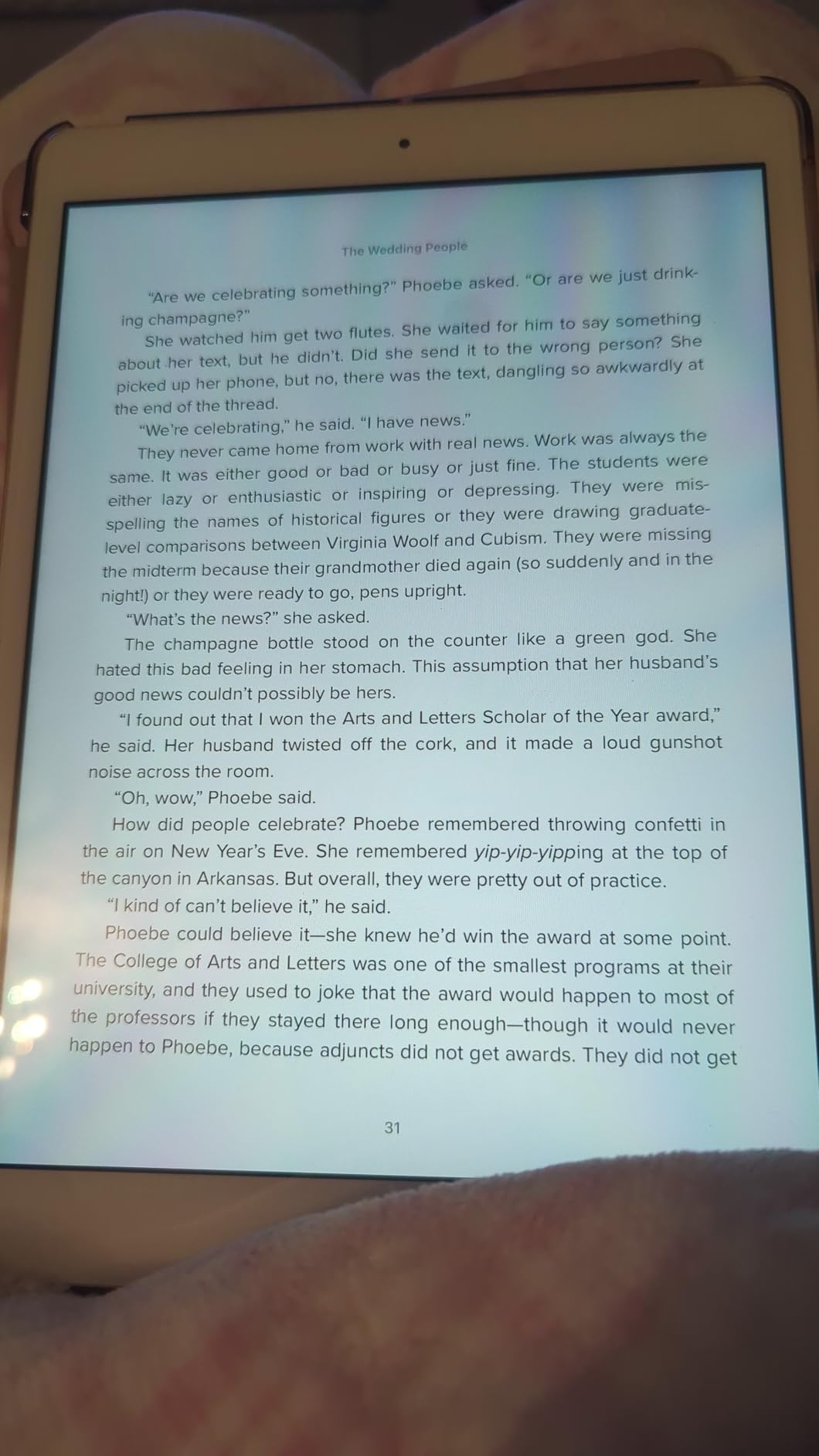
Owners frame the purchase as a deliberate trade rather than a compromise. The 2160 by 1620 Retina display has strong colour reproduction, the A12 Bionic chip still runs apps and streaming smoothly, and the 1.2 MP FaceTime camera on the front handles calls that most budget tablets cannot. Stereo speakers come standard.
Two things to plan around. This is 2020 hardware, so the chip is showing its age next to anything current, and charging runs through a Lightning port with a single USB port and a 3.5 mm headphone jack. Battery life is up to 10 hours, which is shorter than the Fire HD 10 claim and the Lenovo Tab One figure.
- Apple Pencil, first generation, and the Smart Keyboard both work with it
- 128 GB of storage removes the capacity worry entirely
- Touch ID handles secure sign-in and Apple Pay
- 8 MP rear camera, plus stereo speakers the budget Android tablets here often lack
The renewed condition is the main risk, and it is a real one. The warranty runs 90 days, and the one-star share of reviews is higher than the Fire tablets in this group, which reflects unit-to-unit variation rather than dislike of the hardware. If you can return it easily, that risk is manageable. If you cannot, the Fire HD 10 is the safer purchase.
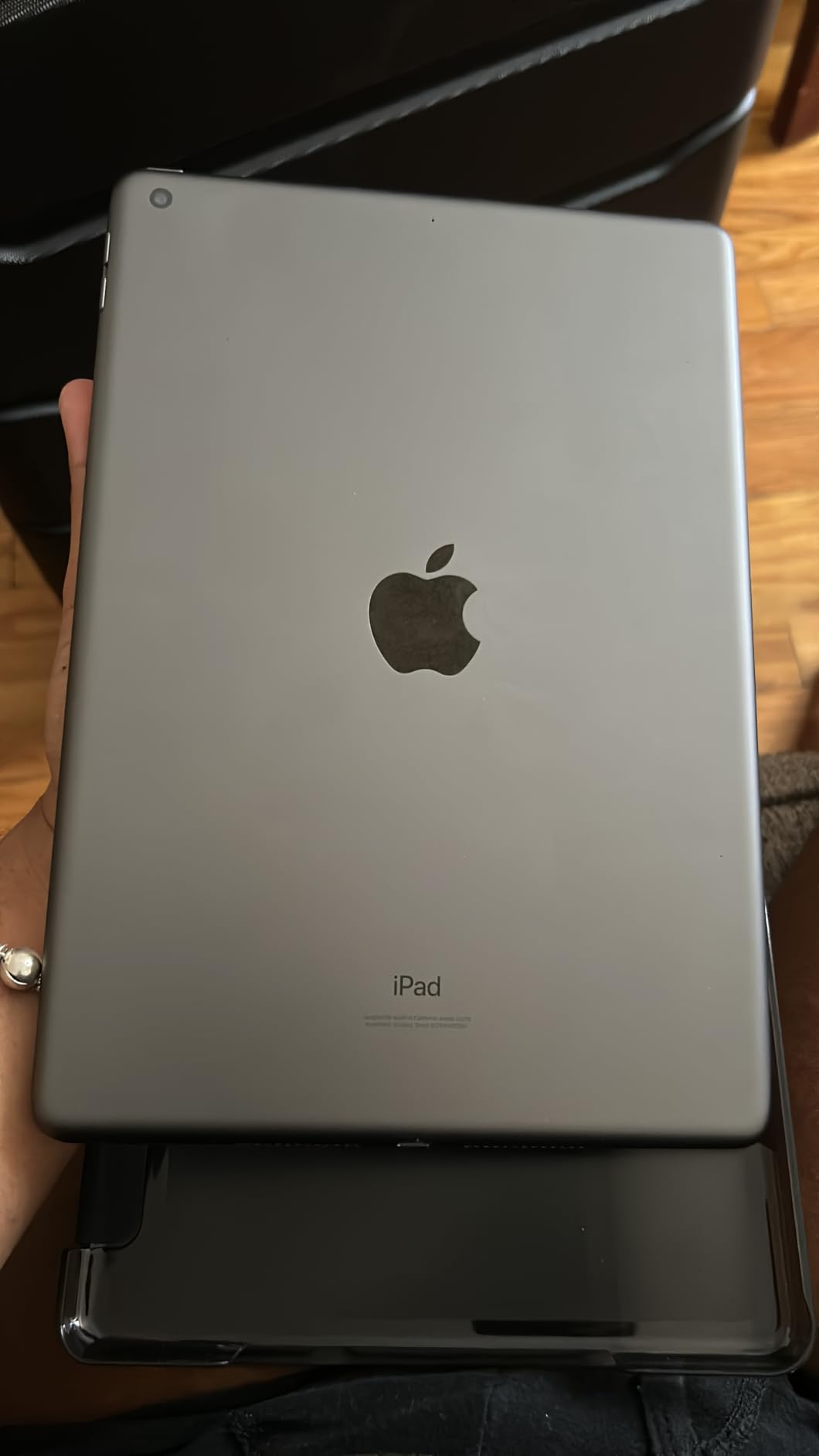
Where this tablet wins is breadth: apps, storage, stylus support and resale value. What it gives up is shipping weight, a modern charging port and warranty length. The Lenovo Idea Tab offers more raw specification for the money, and here you are paying for software longevity instead.
This is a Wi-Fi configuration with no cellular option. If you want a tablet that works away from Wi-Fi, the FEONAL 11-inch further down the list is the one with an LTE slot.
5. Fire HD 8 Kids: Best for Preschool and Early Primary Ages 3 to 7
Amazon Fire HD 8 Kids tablet (newest model), ages 3-7 | 4GB memory, Includes ad-free and exclusive content, parental controls and 13-hr battery, 64GB, Blue
Display: 8 inch HD
Memory: 4 GB RAM
Storage: 64 GB plus microSD
Software: FireOS kids profile
Pros
- Full year of ad-free kids content bundled
- Case with built-in stand and handle
- Two year worry-free guarantee
- 4 GB RAM and 64 GB storage
- Content from Disney Nickelodeon and PBS Kids
Cons
- Subscription renews monthly after year one
- Narrower age band than the Kids Pro
- Not built for older kids demanding apps
For a child between three and seven, the deciding factor is what arrives in the box. This one includes a full year of ad-free content rather than a trial, a kid-proof case with a stand and handle built into it, and the same two-year replacement guarantee as the older model.
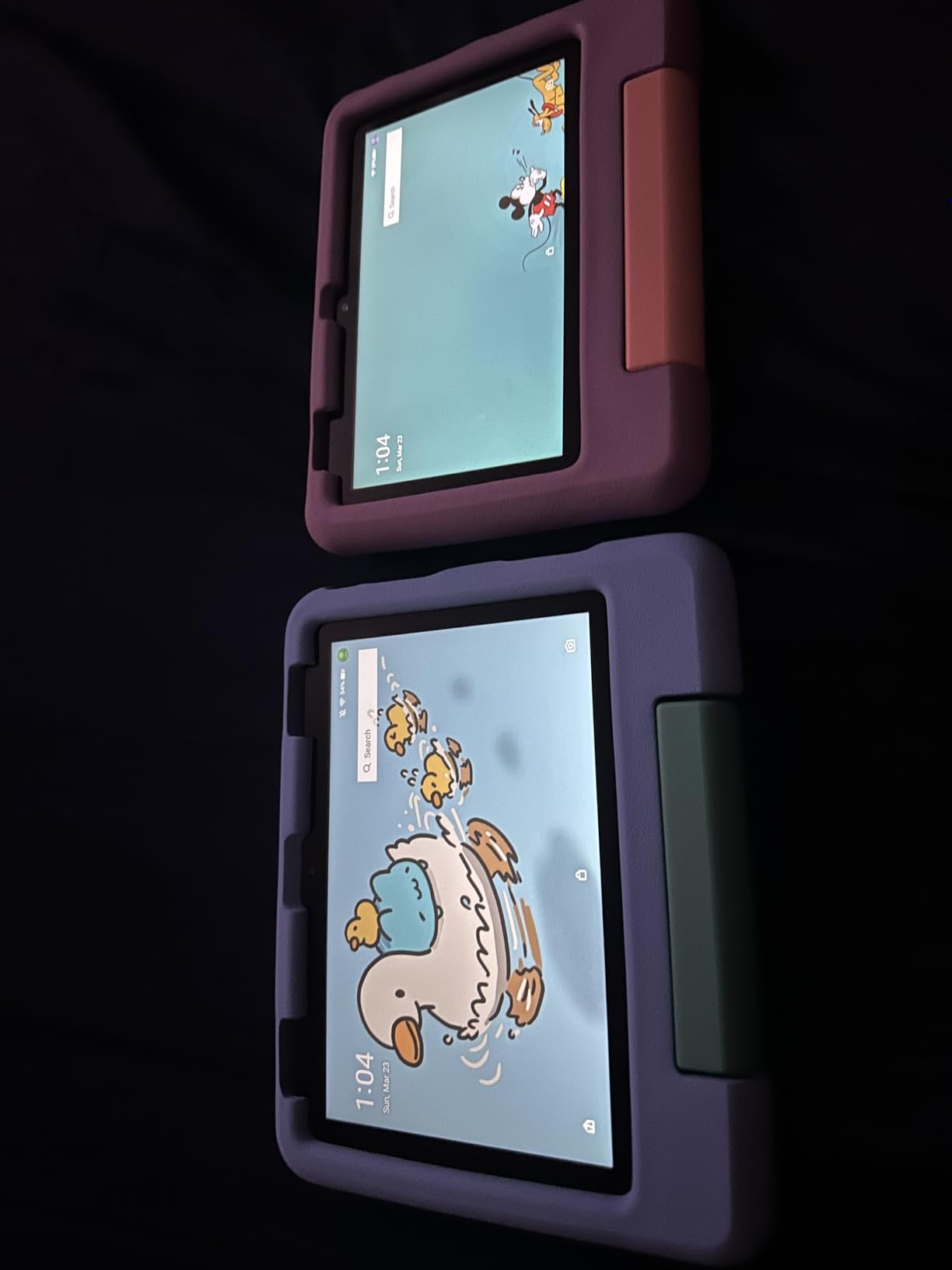
Memory doubled against the 2022 release, to 4 GB, with 64 GB of storage and microSD expansion, and the screen is strengthened aluminosilicate glass. Parents mention the parental dashboard for activity review, time limits and choosing which learning apps surface first, and the browser is filtered out of the box. Content from Disney, Nickelodeon and PBS Kids is included.
It weighs in at 8 inches with a hexa-core chip and a battery claim of up to 13 hours. Owners say the stand handle is the feature that quietly matters most, because a propped-up tablet gets used and a loose one ends up face-down on a sofa cushion.
Who should skip it: a family with a child past seven. The age band is narrower than the Fire HD 8 Kids Pro, and reviewers note it is not built for more demanding apps as children get older. If you are buying for a nine-year-old, go up a section.
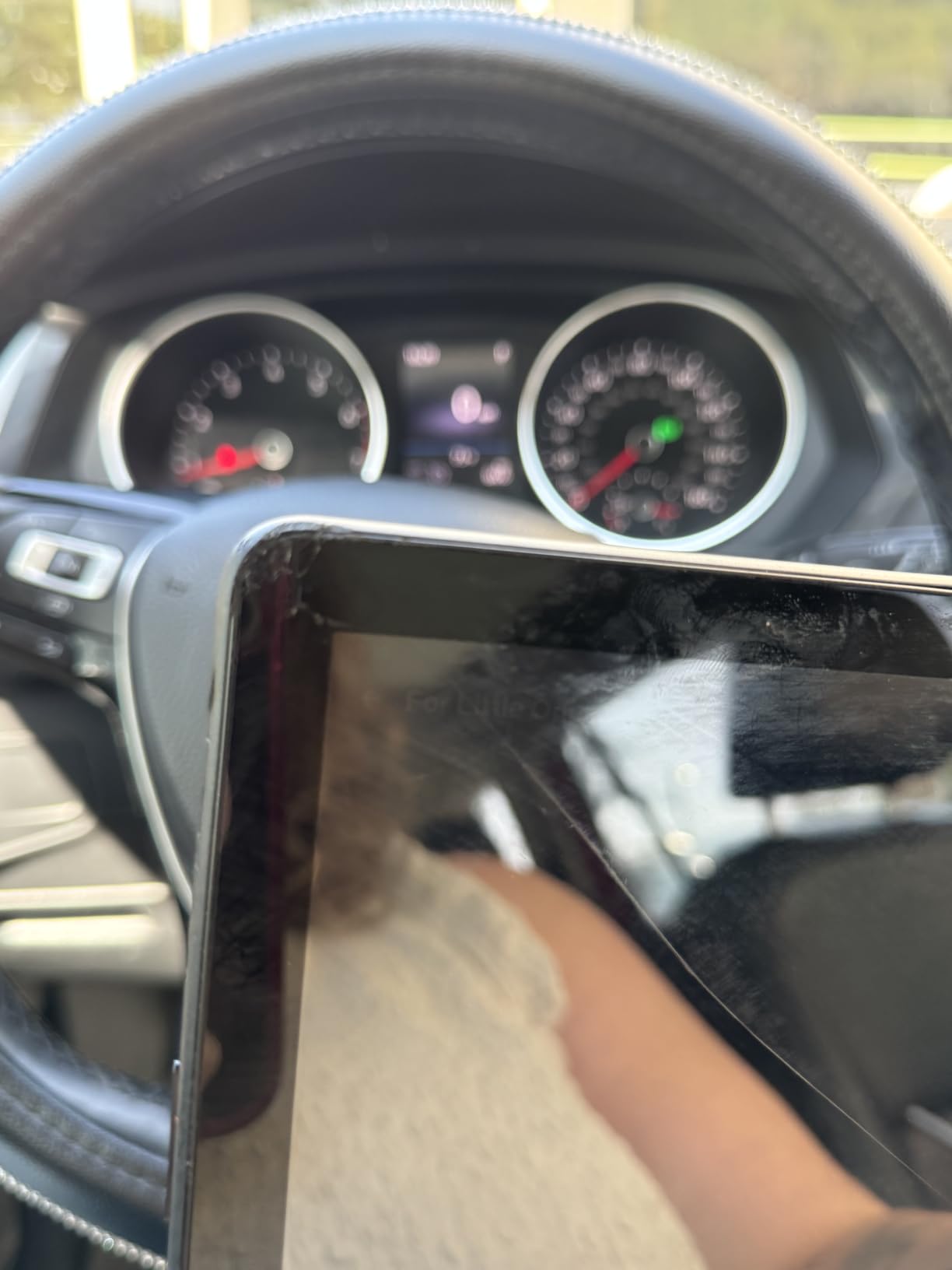
The trade-off is the subscription. The full year of content ends and the service renews monthly on a billing cycle, which is a longer commitment than the Kids Pro trial and costs more if you forget about it. Turn it off when the year is up and the tablet still works as a reading and games device.
Compared with the Fire HD 8 Kids Pro, this model has the longer included content period and the built-in stand, while the Pro has the slimmer case and the wider age band. Both carry the same FireOS restriction on app sources, which is the limit to keep in mind for any child tablet at this budget.
6. Lenovo Idea Tab: Best for Note-Taking With a Pen
Lenovo Idea Tab – College Tablet – 11″ 2.5K IPS Touchscreen Display – 90Hz – MediaTek Dimensity 6300-4 GB Memory – 128 GB Storage – Integrated Arm Mali-G57 MC2 – Tab Pen and Folio Case
Display: 11 inch 2.5K 90Hz
Memory: 4 GB RAM
Storage: 128 GB
Software: Android 15
Pros
- Sharp 2.5K IPS panel at 90Hz
- Tab Pen and folio case in the box
- 7216 mAh battery rated for 12 hours of video
- Quad Dolby Atmos tuned speakers
- Low blue light certification for study sessions
Cons
- Only 4 GB RAM shows under heavy multitasking
- Included folio case feels flimsy
- 11 inch body feels bulky for some owners
If the plan is a lecture hall or a kitchen table, this is the strongest pick in the group. The 11 inch 2560 by 1600 IPS panel runs at 90Hz with 500 nits of brightness, and the Tab Pen and folio case come in the box, so the two accessories that normally push a tablet past this budget are already paid for.
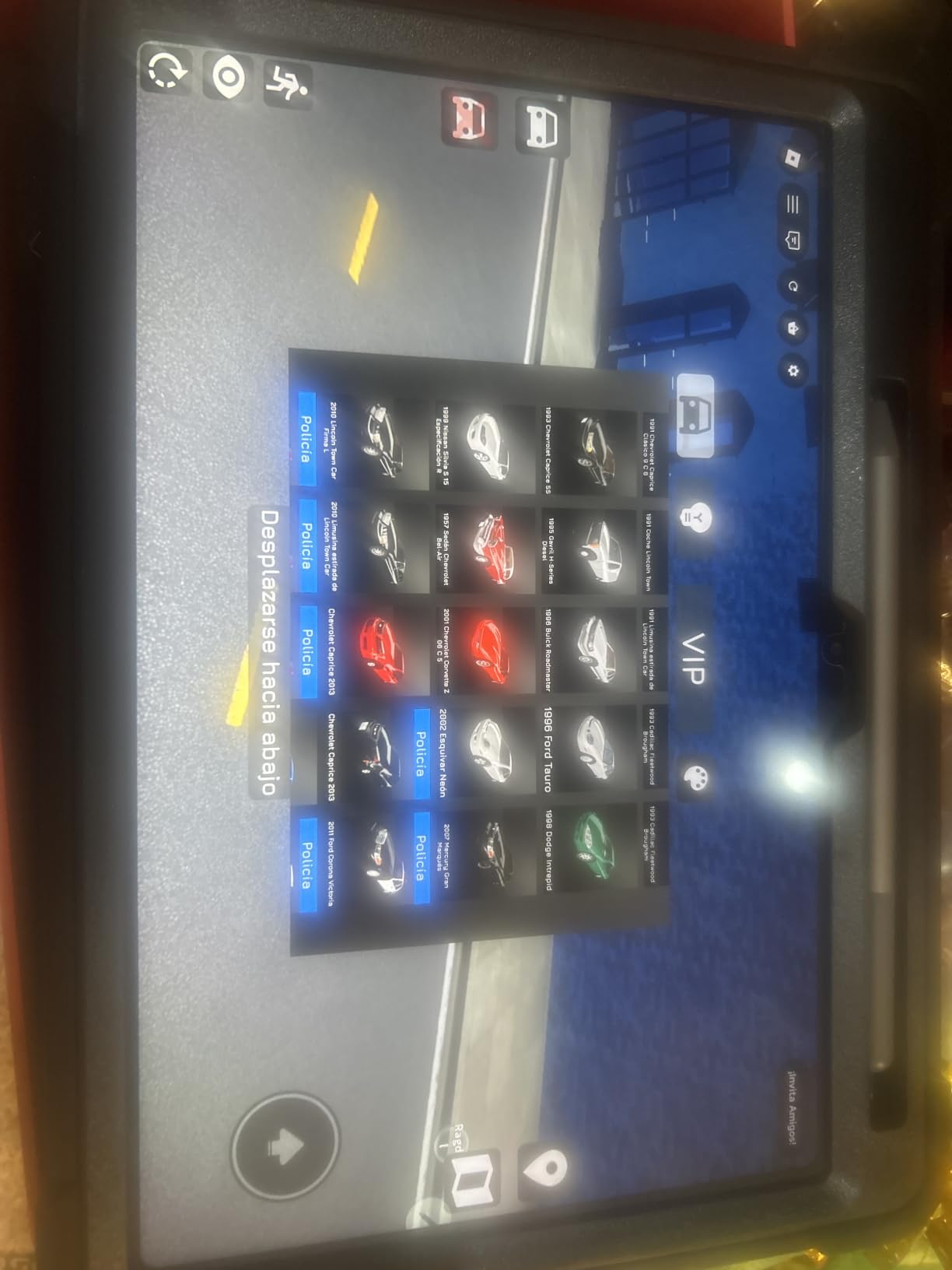
Android 15 with Google Play means the full app store, plus Circle to Search and Lenovo AI Note, Squid, Nebo and MyScript Calculator for study. The 7216 mAh battery is rated for up to 12 hours of YouTube playback and owners report more than a day of ordinary use. A 1.1 pound weight is light for an 11 inch slate.
The trade-off is memory. Four gigabytes is the whole story of the complaints, and owners describe lag once many apps are open or during heavy multitasking. The bundled folio is the second most criticised part, with reviewers saying it feels flimsy and does not hold the tablet at a useful angle.
- The 2560 by 1600 panel and 90Hz refresh rate are the sharpest figures in this list
- Four Dolby Atmos tuned speakers, which is unusual at this budget
- microSD expansion and 128 GB of built-in storage
- TUV Rheinland low blue light certification for long evening reading
The stylus setup instructions are unclear, so expect a few minutes in settings before the pen behaves. Some owners also report social and game apps pre-installed that you will want to remove on day one.
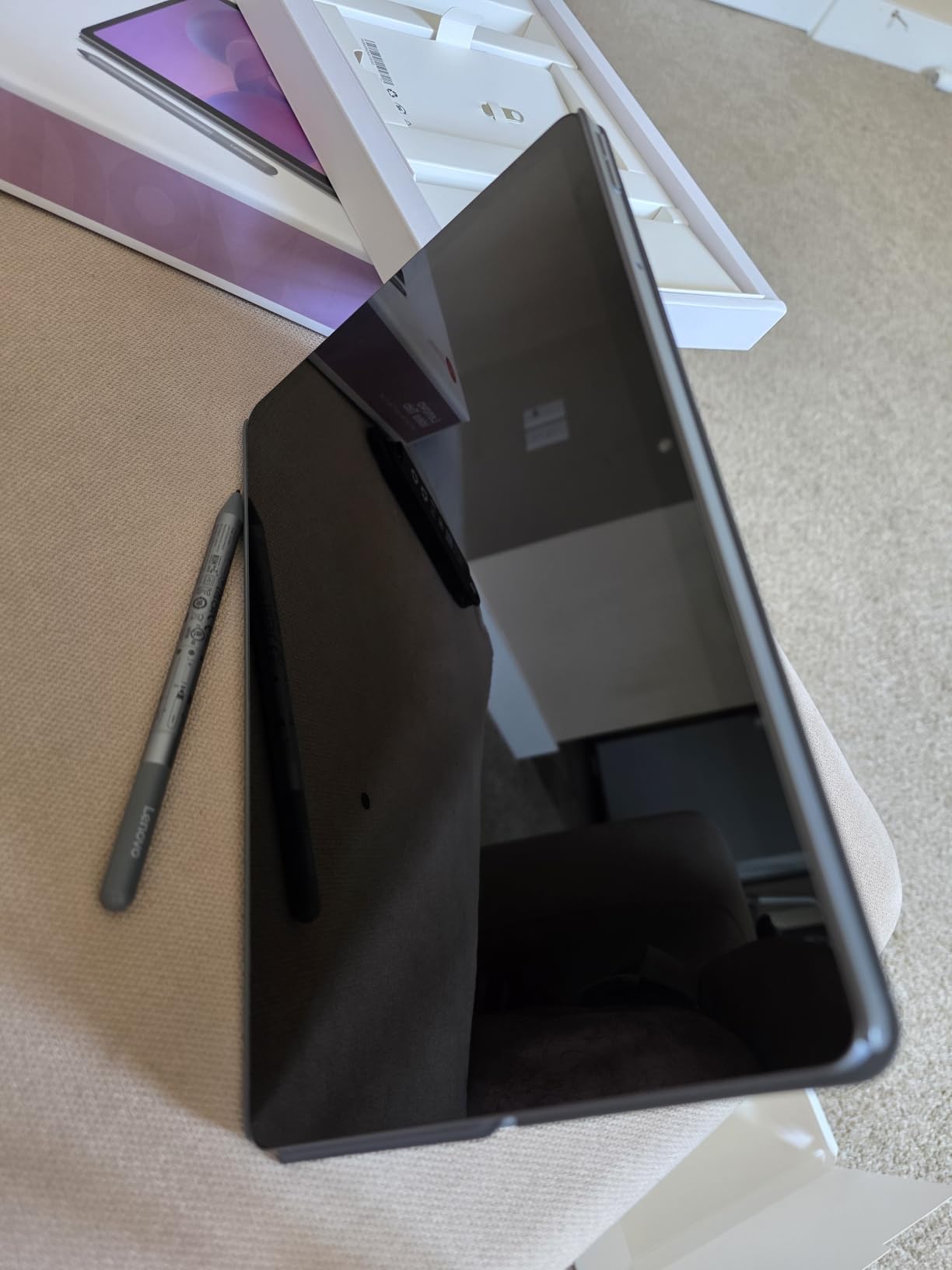
The Apple iPad 10.2 Renewed offers a sharper, faster panel and bundled accessories, while this tablet wins on accessories alone: a pen and a folio case normally push a tablet past this budget. If note-taking with a pen decides the purchase, these are the parts that matter for the job.
Skip it if you plan to keep thirty apps open at once. For that, step up to a machine with more physical memory or a bigger budget.
7. Lenovo Tab One: Premium Pick, Reading and Bedside Use
Lenovo Tab One – Lightweight Tablet – up to 12.5 Hours of YouTube Streaming – 8.7″ HD Display – 4 GB Memory – 64 GB Storage – MediaTek Helio G85 – Includes Folio Case
Display: 8.7 inch HD
Memory: 4 GB RAM
Storage: 64 GB
Software: Android 14
Pros
- Under one pound at 11.2 ounces
- Full Google Play access
- 19.55 Wh battery rated for 12.5 hours of streaming
- 3.5 mm headphone jack alongside Bluetooth
- Folio case with built-in stand included
Cons
- Screen is dim and capped at 60Hz
- Pre-installed bloatware is slow to remove
- No fingerprint reader and weak cameras
At 11.2 ounces this is one of the lightest tablets on the page, and that weight is the whole reason to buy it. It disappears into a hand-luggage pocket or a reading bag in a way the 10.1 inch Fire HD 10 never will, and owners consistently describe it as a second device rather than a main one.
The 8.7 inch 1340 by 800 LCD runs at 60Hz and 480 nits, which is a fair screen in a room and a poor one on a sunlit train. A MediaTek Helio G85 chip with 4 GB of memory and 64 GB of storage runs Android 14 with the full Play Store, and microSD handles any storage shortfall. The included folio case doubles as a stand.
Owners report that performance improves noticeably once the pre-installed apps are removed, and they like the 3.5 mm headphone jack because it removes one more thing to charge. The MediaTek chip charges 15W faster than earlier models, and the 19.55 Wh battery is rated for up to 12.5 hours of unplugged video.
What holds it back: the screen will not play 60 fps video, touch response is reported as sluggish at times, and there is no fingerprint reader, so unlocking means a PIN, pattern or password every time. Cameras are weak, which makes this a poor video-calling tablet.
The Amazon Fire HD 8 is lighter on nothing and cheaper on everything: it keeps Amazon first-party content and Alexa in place of Google Play. Software support length is a genuine reason to prefer the Lenovo in 2026 and beyond.
Good to know: the Amazon shopping app is unavailable on this tablet. Nothing stops you buying elsewhere, but it is an odd gap on a device sold through the same storefront, and it is the kind of detail owners mention more than once.
8. FEONAL 11-inch Tablet: Best for Cellular Use Away From Wi-Fi
Tablet 11 inch Android 16 Tablet 2026 Latest Update Octa-Core 128GB+20GB
Display: 11 inch HD
Memory: 8 GB RAM
Storage: 128 GB
Software: Android 16
Pros
- Dual 4G LTE SIM slot with VoLTE
- Runs Android 16 with GMS certification
- 128 GB storage expanding to 1 TB
- 13 MP rear camera with flash and 8 MP front
- Split-screen and wireless screen projection
Cons
- Speakers are weak especially for text to speech
- Thin plastic build creaks when twisted
- Measured battery capacity below the advertised figure
One feature separates this from every other tablet here: a dual SIM slot with 4G LTE and VoLTE. Insert a SIM and it makes calls, sends texts and carries data away from Wi-Fi, which turns a cheap Android slate into something closer to a large phone.
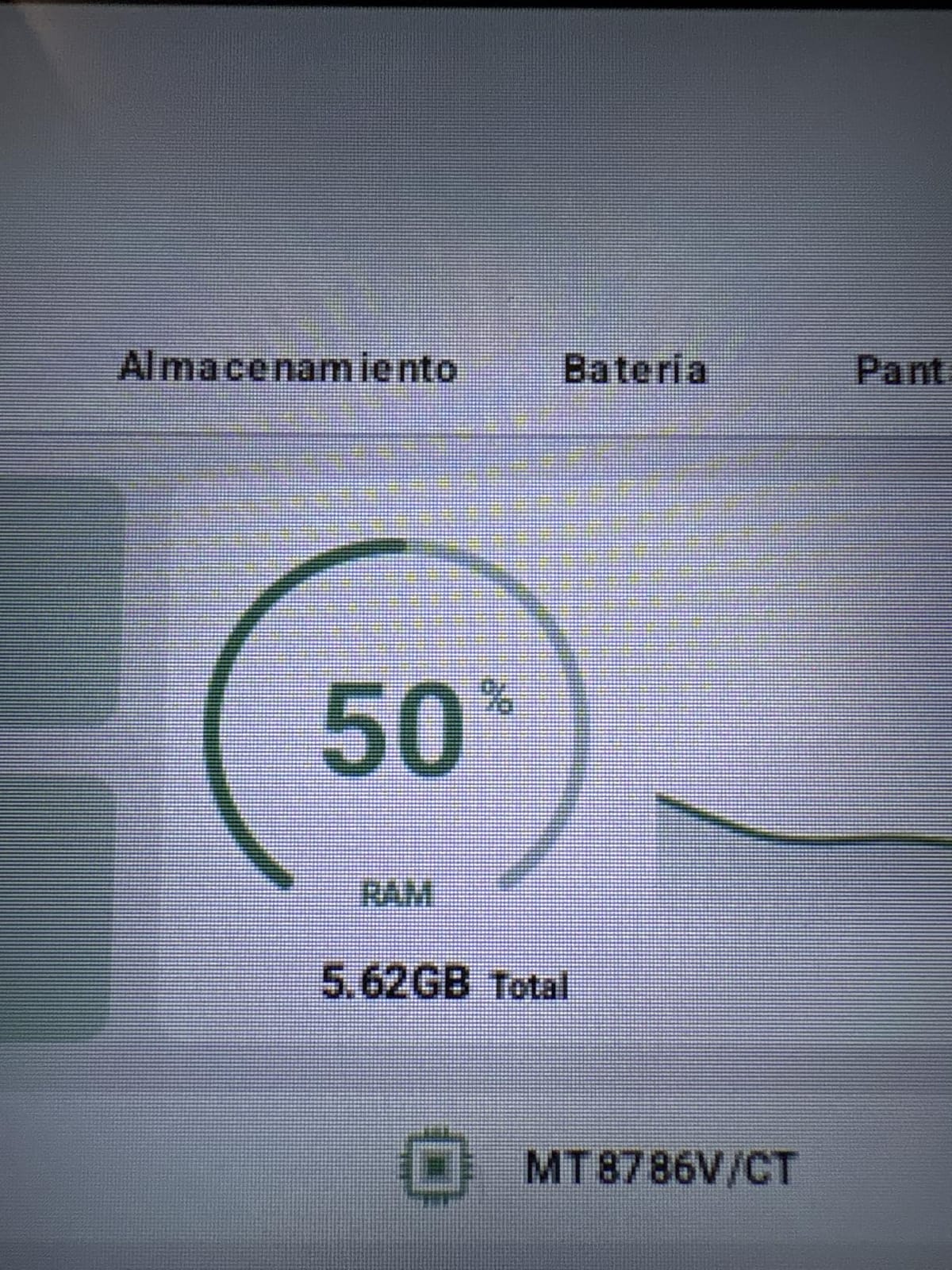
Underneath, it is a straightforward Android 16 tablet with Google Play certification, an MTK8786 octa-core chip and 128 GB of storage that expands by microSD to 1 TB. The 11 inch 1280 by 800 panel renders well in both portrait and landscape, and a screen protector arrives fitted with a spare in the box.
The memory figure needs a caveat. It reads as 20 GB, but that is 8 GB of physical memory plus 12 GB of virtual allocation, and virtual memory is storage presented to the system rather than real RAM. The same applies to several of the budget Android tablets in this roundup, so check the physical figure, not the headline.
- Dual-band Wi-Fi, Bluetooth 5.0 and GPS alongside the LTE slot
- 13 MP rear camera with flash is unusually good for this price band
- Reading mode, eye protection mode and dark mode for long sessions
- 3.5 mm headphone jack and USB-C charging
Owners report solid battery life, with one buyer measuring 38 percent remaining after about eight hours of mixed use. The same owners point out that the cell measured below the advertised 7000 mAh on some units, and that the built-in speakers are poor, which matters if you plan to use it for text to speech or audiobooks.
The WXUNJA below trades processor quality for a bigger battery, a bundled case and a longer warranty, and in exchange makes fewer demands on you at setup. This one is the same class of media tablet as the Amazon Fire HD 10, with real Android and a cellular option underneath.
Skip it if you need a rugged build. The thin plastic shell creaks under twisting, and the documentation is close to useless, so a first-time Android owner should budget an evening of setup.
9. WXUNJA C5 Tablet: Best for a Big Screen on a Tight Budget
11 Inch Android 16 Tablet, Octa Core, 28GB RAM 128GB ROM 1TB Expand, Blue
Display: 11 inch HD LCD
Memory: 4 GB RAM
Storage: 128 GB
Software: Android 16
Pros
- 11 inch screen with a case and protector in the box
- 8000 mAh battery for long reading sessions
- Two year warranty plus a year of repair service
- Widevine L1 certified for HD streaming
Cons
- Specifications do not always match the unit received
- Screen does not wake on tap
- Adware inside social and shopping apps
Reviewers who temper their expectations tend to be delighted with this one. You get an 11 inch Android 16 tablet with a case and screen protector included, an 8000 mAh battery and a two-year warranty, which is more hardware per dollar than anything else in this roundup.
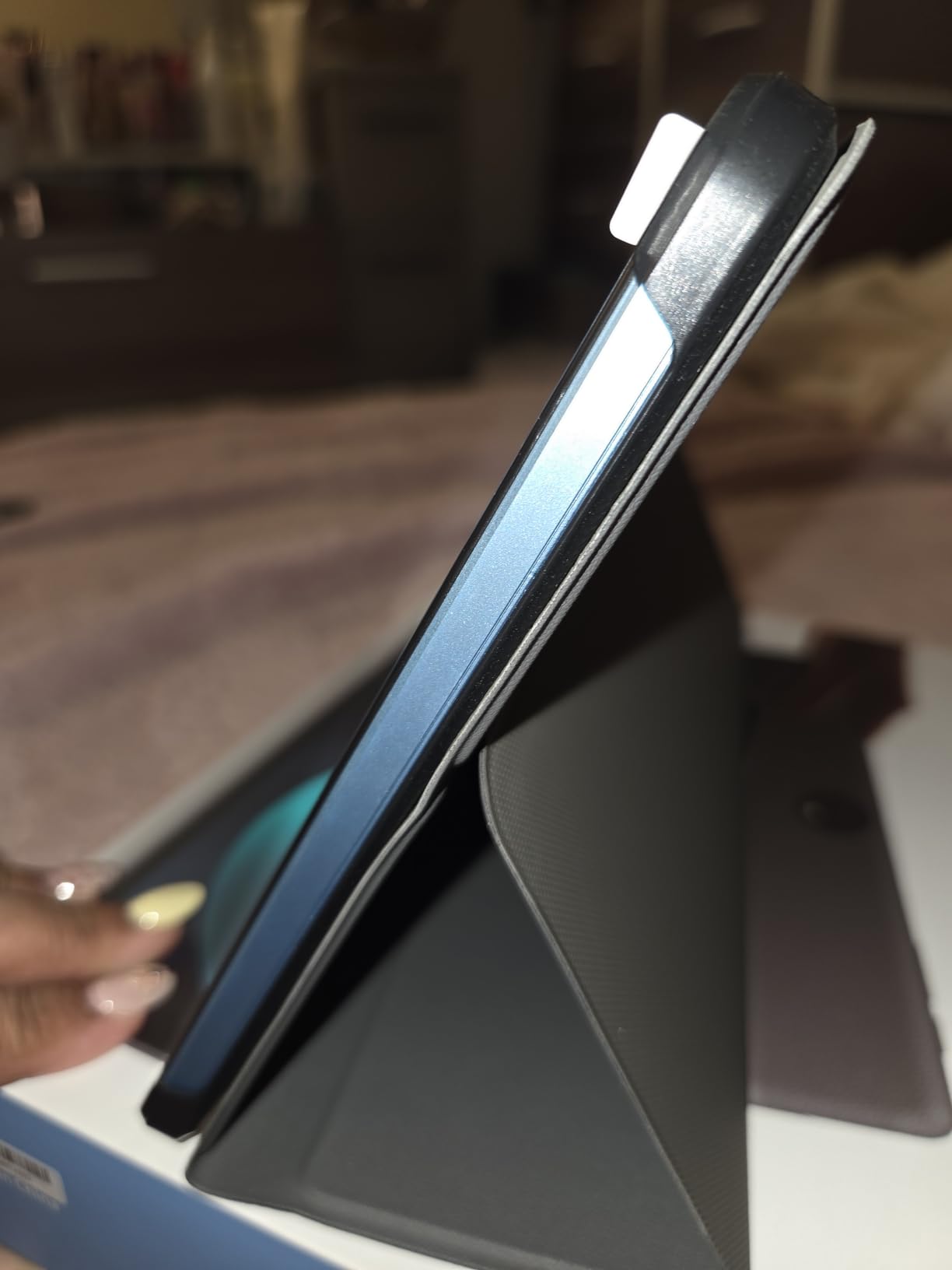
The Unisoc T606 octa-core chip and 1280 by 800 LCD are unremarkable on paper, and the Widevine L1 certification means licensed streaming services play in HD rather than dropping to a lower tier. Owners praise the screen as bright with sharp colours and strong blacks, and several report the tablet surviving multiple drops in the bundled case without visible wear.
The 8000 mAh battery is rated for 8 to 10 hours of playback, with 18W PD fast charging, and a 3.5 mm headphone jack sits alongside Wi-Fi, Bluetooth 5.0, GPS and an FM radio. Mouse and keyboard support both work well, according to owners, which turns it into a small workstation with a dock.
Now the part that decides it. The one-star share of reviews is the highest in this group, and the reason is consistency: some buyers report that the processor and memory in the unit they received do not match the listing. Tapping the screen does not wake it, some apps close on their own, and the home screen can stay locked in landscape. Read recent reviews, not the top ones.
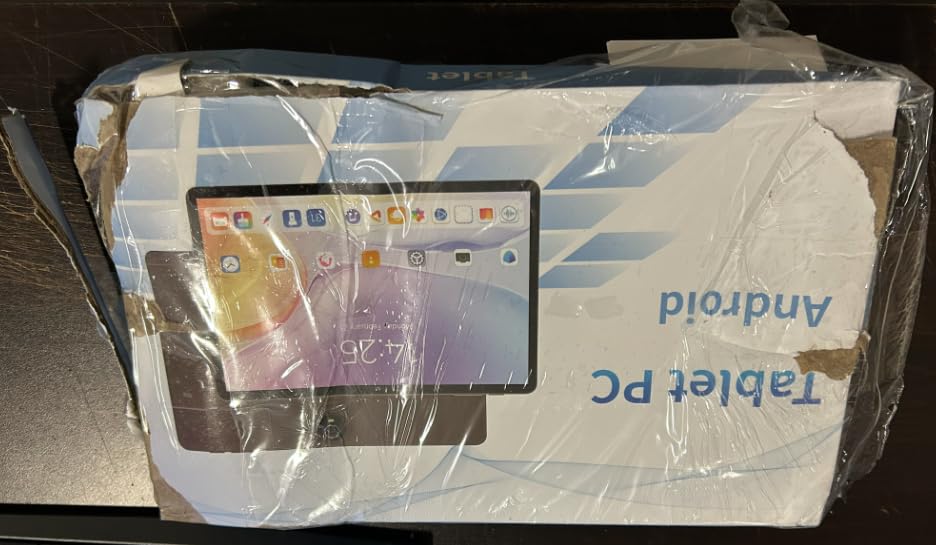
Compared with the FEONAL, the WXUNJA has the bigger battery, the bundled case and the longer warranty, and the FEONAL has the better chip, the cellular slot and fewer software complaints. Compared with the Amazon Fire HD 8, you get a much larger screen and real Android for a similar outlay.
Good to know: owners mention adware inside social and shopping apps, which is a normal Android annoyance rather than a fault, but it is the reason some of the highest ratings here are four stars and not five. If you want a cleaner software experience at the same size, the Lenovo Idea Tab is the more predictable machine.
10. Evermyth 10-inch Tablet: Best for Simple Streaming and Browsing
Android 16 Tablet 10 Inch, 24GB RAM 64GB ROM 1TB,HD IPS,Fast WiFi 6, BT 5.4
Display: 10 inch HD IPS
Memory: 3 GB RAM
Storage: 64 GB
Software: Android 16
Pros
- Google Play pre-installed on a GMS certified build
- Clear bright IPS display for streaming
- Lightweight and comfortable to hold
- microSD expansion up to 1 TB
Cons
- Five-core Allwinner chip is slow on demanding tasks
- Only 3 GB of physical memory
- 6000 mAh is the smallest battery here
This is the last one on the list and the most straightforward: a 10 inch Android 16 tablet with Google Play installed, a clear IPS display and a weight that is easy on the wrist. Owners set expectations well themselves, describing it as a capable entry-level slate for streaming, browsing, reading and light work.
The 10 inch 1280 by 800 HD in-cell IPS panel runs at 60Hz with low blue light filtering, and reviewers call the streaming quality above average for the money. A 6000 mAh battery lasts a full day of regular use, or up to eight hours of mixed activity, and up to three days on standby. The textured back panel is a small touch that genuinely helps grip.
Expansion runs to 1 TB through a TF card, though the card is not included. Wi-Fi 6 on both bands and Bluetooth 5.4 are current, and USB-C charging, face recognition and a reading mode round out the basics. In the box you get the tablet, a manual and a charger.
Good to know about that headline memory number. It reads 24 GB, but only 3 GB is physical, with the rest allocated from storage. The processor is a five-core Allwinner running at up to 1.8 GHz, and owners say heavier apps and games are noticeably slow on it.
The Evermyth gives you the full Google Play store and a lighter body, while the Fire HD 10 gives you a 1080p panel, a far larger review base and first-party content integration. For a second screen that mostly streams and reads, either works, and the decision comes down to which app store you want.
Skip it if you plan to type long documents on it or run anything demanding. Slow touch response and a 6000 mAh battery mean it is a media and reading device, and it is honest about that.
How to Choose Tablets During Prime Big Deal Days
What Matters Most in an Affordable Tablet
Processor and memory decide whether a tablet feels fast in year two, not year one. Look for at least 4 GB of real physical memory and a chip with eight cores if you plan to split-screen, keep messaging apps open and browse at the same time.
Be careful with the memory figures on budget Android listings. Several tablets here advertise totals inflated with virtual memory pulled from storage, so the physical figure is the one that matters. If you want a more capable machine than this bracket allows, our picks for budget tablets a step up cover what a bigger budget adds.
Screen Size, Resolution, and Display Quality
Resolution matters more than size for reading. At this budget, a 1280 by 800 panel on a large screen looks softer than a 1080p panel on a small one, and the Fire HD 10, the renewed iPad and the Lenovo Idea Tab are the only models here that clear Full HD or better.
Match size to the job. An 8 inch tablet is a hand-held reading and travel device, a 10 inch one works on a lap or a desk, and an 11 inch model is for desk work and stylus note-taking. For anything more demanding than writing, our guide to tablets for drawing covers what pressure sensitivity and refresh rate really buy you.
Battery Life and Charging Flexibility
Advertised battery figures assume video playback, not constant touch use. Four of the tablets here claim 13 hours and the Lenovo models run from 12 to 12.5 hours of video, but owners report shorter real days under app-heavy use, so treat these as streaming numbers.
Check what comes in the box. The Fire HD 10 ships with a short USB-C cable, while the Lenovo Idea Tab bundles a pen and folio case and the Evermyth includes a charger. A larger cell such as the 8000 mAh in the WXUNJA C5 matters more on a long travel day. Our picks for tablets for college students weight battery life against screen size for all-day use.
Software, Apps, and Update Support
This is the decision that ends most debates. The four Fire tablets draw apps only from the Amazon app store, which is a genuine limitation for anyone whose essential tools are not in it. Every Lenovo, FEONAL, WXUNJA and Evermyth model on this page ships with Google Play and runs stock Android.
Update support is the quiet factor. The Lenovo Tab One states two years of security patches, the Idea Tab runs Android 15, and the FEONAL, WXUNJA and Evermyth tablets run Android 16. Fire tablets receive updates on an unpredictable schedule, and owners repeatedly report that a one-year-old Fire may never see another one. Classroom buyers should read our tablets for teachers guide before committing, since a device that stops updating in year two becomes a problem rather than a bargain.
Build, Connectivity, and Accessories
Weight is the number most people underestimate. The Lenovo Tab One comes in at 11.2 ounces, which is roughly a third lighter than an 11 inch Android tablet, and for a device read in bed or carried on a plane that difference decides the purchase.
Then check the ports and the boxes. A 3.5 mm headphone jack saves a charger, microSD or TF expansion saves you paying for storage, and a bundled folio case or stylus adds real value at this budget. Stylus support varies sharply: the Lenovo Idea Tab includes a pen, the Fire HD 10 works with one sold separately, and most of the cheapest Android tablets here include nothing. Readers who want a calmer page should also see our picks for color E Ink tablets.
How to Shop Tablet Deals During the Sale
Work through the listing rather than the headline. Confirm the model generation, because a 2024 and a 2022 Fire tablet can share a name, and check whether the price shown is for 32 GB or 64 GB, Wi-Fi or cellular, new or renewed. Renewed units carry much shorter warranties, as the iPad on this page shows with its 90-day cover. Look at what is in the box, read who the seller is, and check whether the offer is a coupon that needs activating.
Most offers on this kind of product need an active Prime membership, with a free trial counting, and prices move through the event. Refresh the page on the day you plan to buy, because the popular low-end models change most often.
- Match the model year in the listing to the specs, not the product name
- Check the storage and cellular variant before comparing two prices
- Read the most recent one-star reviews, not only the top reviews
- Confirm what is in the box, especially chargers, cases and styluses
- Check the warranty length, especially on renewed units
- Recheck the price on the day of purchase, since offers shift through the event
Frequently Asked Questions
When does Amazon Prime Big Deal Days run in 2026?
Amazon Prime Big Deal Days runs October 6-7, 2026, across two days. Most tablet offers on this list are live for that whole window, though lightning deals on the lowest-priced models end quickly.
Is Prime membership required to buy during Prime Big Deal Days?
Most offers during Prime Big Deal Days need an active Prime membership, and a free trial counts for the length of the trial. A small number of offers run for everyone, so check the Prime badge on each listing before you assume you are locked out.
What are the best Amazon Prime Big Deal Days Tablet Deals Under $200?
The Amazon Fire HD 10 leads for streaming and reading on its 10.1 inch 1080p screen, the renewed Apple iPad 10.2 wins on app choice and stylus support, and the Amazon Fire HD 8 covers the smaller, lighter, lower-cost slot. Each keeps the total under the 200 dollar ceiling.
Why do Fire tablets show ads on the lock screen?
Amazon funds the low hardware cost of Fire tablets with advertising, so the standard models carry offers on the lock screen and home screen. An ad-free version of each Fire tablet is sold separately at a higher price, and on the Kids models the bundled content trial is ad-free.
Can an affordable tablet handle streaming and schoolwork?
Yes, for reading, browsing, note-taking and video calls, provided you pick on screen size and app store. The Fire HD 10 handles streaming and split-screen study, the Lenovo Idea Tab suits handwritten notes with its bundled pen, and the Fire HD 8 Kids Pro covers younger children with parental controls.
Do tablet offers during Prime Big Deal Days change during the event?
They do. Static event offers usually run until the window closes, while lightning deals on the lowest-priced models last only a few hours and end without warning. Refreshing the listing on the day you plan to buy gives you the clearest picture of what is still live.
Final Verdict: Best Amazon Prime Big Deal Days Tablet Deals Under $200
Buy the Amazon Fire HD 10, our Editor’s Choice, if you want the sharpest Amazon screen in this bracket and the most proven tablet on the list. It is the only Amazon model here with a 1080p panel at this size, and more owners have rated it than any other tablet we cover.
The Amazon Fire HD 8, our Best Value pick, is the smaller and more portable answer for travel, a commute and a first tablet for a child. The renewed Apple iPad 10.2, our Premium Pick, is the one to watch if app choice, stylus support and resale value matter more than screen sharpness and a long warranty, and the Fire HD 8 Kids Pro, our Top Rated pick, remains the strongest buy for a child aged six to twelve.
For note-taking, the Lenovo Idea Tab ships with a pen and a 2.5K 90Hz panel. The Lenovo Tab One is among the lightest tablets here and the easiest to travel with, the FEONAL 11-inch is the only one with a working 4G LTE slot, the WXUNJA C5 gives you the most hardware per dollar alongside a two-year warranty, and the Evermyth 10-inch is a simple Google Play slate for reading and streaming.
Check the button on each pick for the current price, read the most recent reviews rather than the top ones, and compare the model year in the listing before you commit. Offers during Prime Big Deal Days shift through the event, so the version you want is the one you decide on today.