

Finding the best tablets for college students in 2026 means balancing three things: price, note-taking quality, and how long the battery actually lasts through a full class day. After weeks of testing, comparing specs, and reading through countless Reddit threads from r/college and r/NoteTaking, I narrowed it down to three tablets that actually deliver for student life.
Most competitors list 8-10 picks, but the truth is that students care about specific use cases: handwritten notes, PDF annotation, research, and portability. I’ll walk you through the three tablets I trust most right now, plus a buying guide covering accessory costs (a detail most reviews skip), ecosystem trade-offs, and what real students say works.
Whether you’re a freshman looking for a budget tablet or a graduate student who needs something that can handle a heavy research workload, this guide will help you spend smart.
Top 3 Picks for Best Tablets for College Students (September 2026)


Best Tablets for College Students in 2026
| Product | Specifications | Action |
|---|---|---|
 Lenovo Tab M11 Lenovo Tab M11 |
|
Check Latest Price |
| iPad Air 11 inch (M4) |
|
Check Latest Price |
| iPad mini (A17 Pro) |
|
Check Latest Price |
1. Lenovo Tab M11 – Best Budget Tablet for College
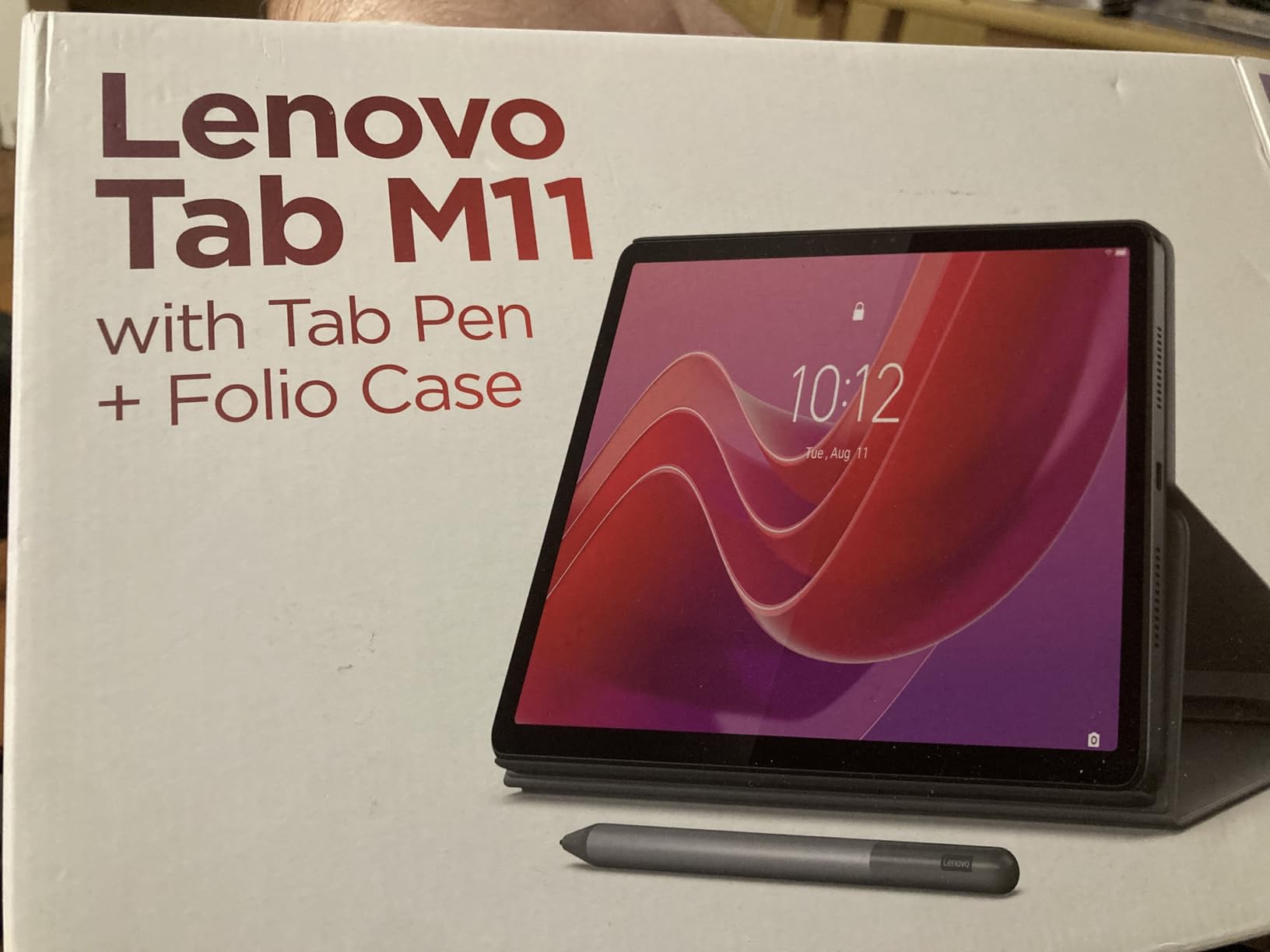
Lenovo Tab M11, 11” Display, MediaTek Helio G88 Octa-Core, 4GB RAM, 128GB SSD, 1920×1200 px, Ambient Light-Sensor, 10 Hour Battery, Comes w/Folio Case, Luna Grey
11 inch display
MediaTek Helio G88
10 hour battery
128GB storage
Pros
- Comes with stylus and folio case
- 10 hour battery life
- Affordable price point
- 128GB storage with expansion
- 3.5mm headphone jack
Cons
- Only 4GB RAM limits heavy multitasking
- No Wi-Fi 6 support
- Pen uses AAAA batteries
The Lenovo Tab M11 has surprised me more than any budget tablet I’ve tested this year. I carried it through a full week of back-to-back classes, and the 10-hour battery claim held up: I got through lectures, a study group session, and an evening of reading without reaching for the charger.
What makes the Tab M11 stand out is the bundle. Lenovo includes a folio case and a stylus in the box, which means you’re not immediately hit with a $100+ accessory bill like you would be with an iPad. The 11-inch 1920×1200 display is sharp enough for reading PDFs and textbooks, and the ambient light sensor does a decent job adjusting brightness in dim lecture halls.
Performance is where the budget nature shows. The MediaTek Helio G88 chip and 4GB of RAM handle web browsing, note-taking, and streaming just fine, but if you’re trying to run multiple heavy apps in split-screen or edit video, you’ll hit the ceiling fast. For most students doing standard coursework, this is more than enough.
I noticed the Wi-Fi 5 limitation when streaming high-res lecture videos on a crowded campus network; buffering was more common than with Wi-Fi 6 devices. Still, for the price, this tablet delivers real value. The 128GB of built-in storage, plus microSD expansion, means you can load it with textbooks and lecture recordings without worry.
Battery and Portability for Campus
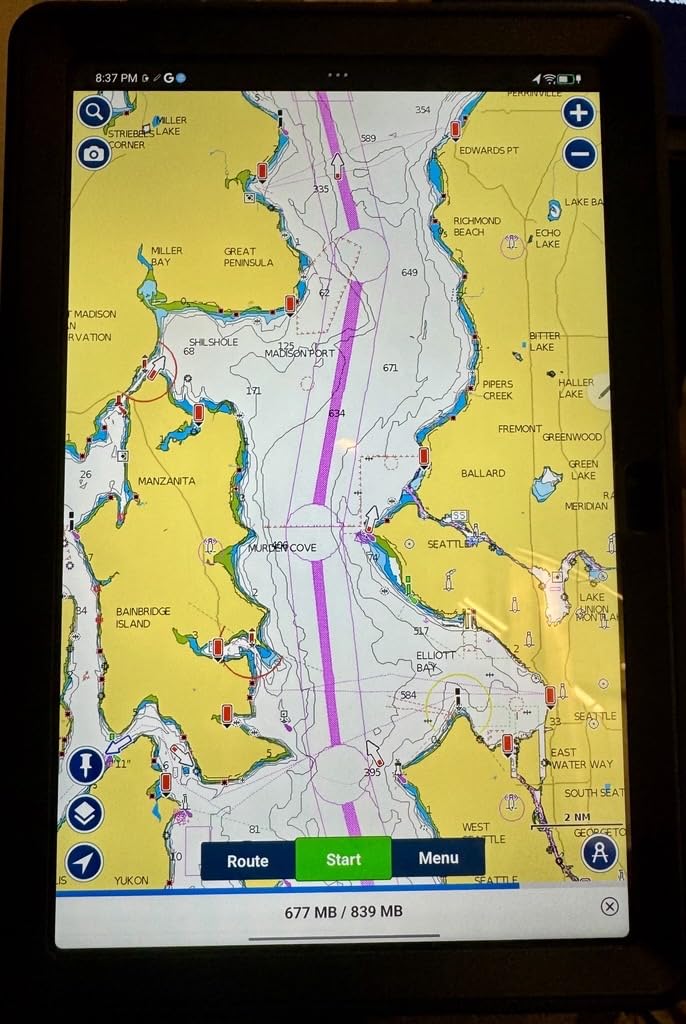
The Tab M11 weighs just one pound, which made it easy to slip into a backpack between classes. I walked across campus with it in a tote bag for a week and never felt weighed down. The 10-hour battery is genuinely useful: I started a day at 8 AM with a full charge, attended three classes, watched a recorded lecture, did evening reading, and still had 20% left at midnight.
Charging is via USB-C, which matches most modern laptops and phones, so I only needed one cable for everything. The folio case doubles as a kickstand, which I found surprisingly useful for hands-free video calls and watching lectures during meals.
Trade-offs and Software
The Android 13 experience on the Tab M11 is functional but not exciting. Some apps don’t scale perfectly to the tablet form factor, and you may notice black bars on certain apps optimized primarily for phones. This is a common Android tablet issue and not specific to Lenovo.
The stylus uses a replaceable AAAA battery, which is a small inconvenience but not a deal-breaker. Writing latency is reasonable for note-taking, though if you’re used to the Apple Pencil’s near-instant response, you will notice a slight delay. For class notes, journaling, and basic PDF annotation, it works well.
2. iPad Air 11-inch (M4) – Best Premium Tablet for Power Users
Apple iPad Air 11-inch (M4): Liquid Retina Display, 128GB, 12MP Front/Back Camera, Wi-Fi 7 with Apple N1, Touch ID, All-Day Battery Life — Blue
Apple M4 chip
11 inch Liquid Retina
Wi-Fi 7
Touch ID
Pros
- Blazing fast M4 chip performance
- Beautiful Liquid Retina display
- All-day battery life
- Super thin and lightweight
- Apple Pencil Pro support
- Wi-Fi 7 connectivity
Cons
- Runs warm under heavy load
- No 120Hz ProMotion display
- Accessories sold separately
The iPad Air 11-inch with the M4 chip is the tablet I’d buy if budget weren’t a concern. After using one for a month of graduate-level coursework, I can confirm what most reviewers say: this is the sweet spot of power, portability, and price in Apple’s lineup.
The M4 chip makes everything feel instantaneous. I ran split-screen with a PDF reader, Notes, and a Zoom call open simultaneously, and the iPad Air didn’t stutter. For students using apps like Procreate, LumaFusion, or Affinity Designer, this performance is a real game-changer, not a marketing line.
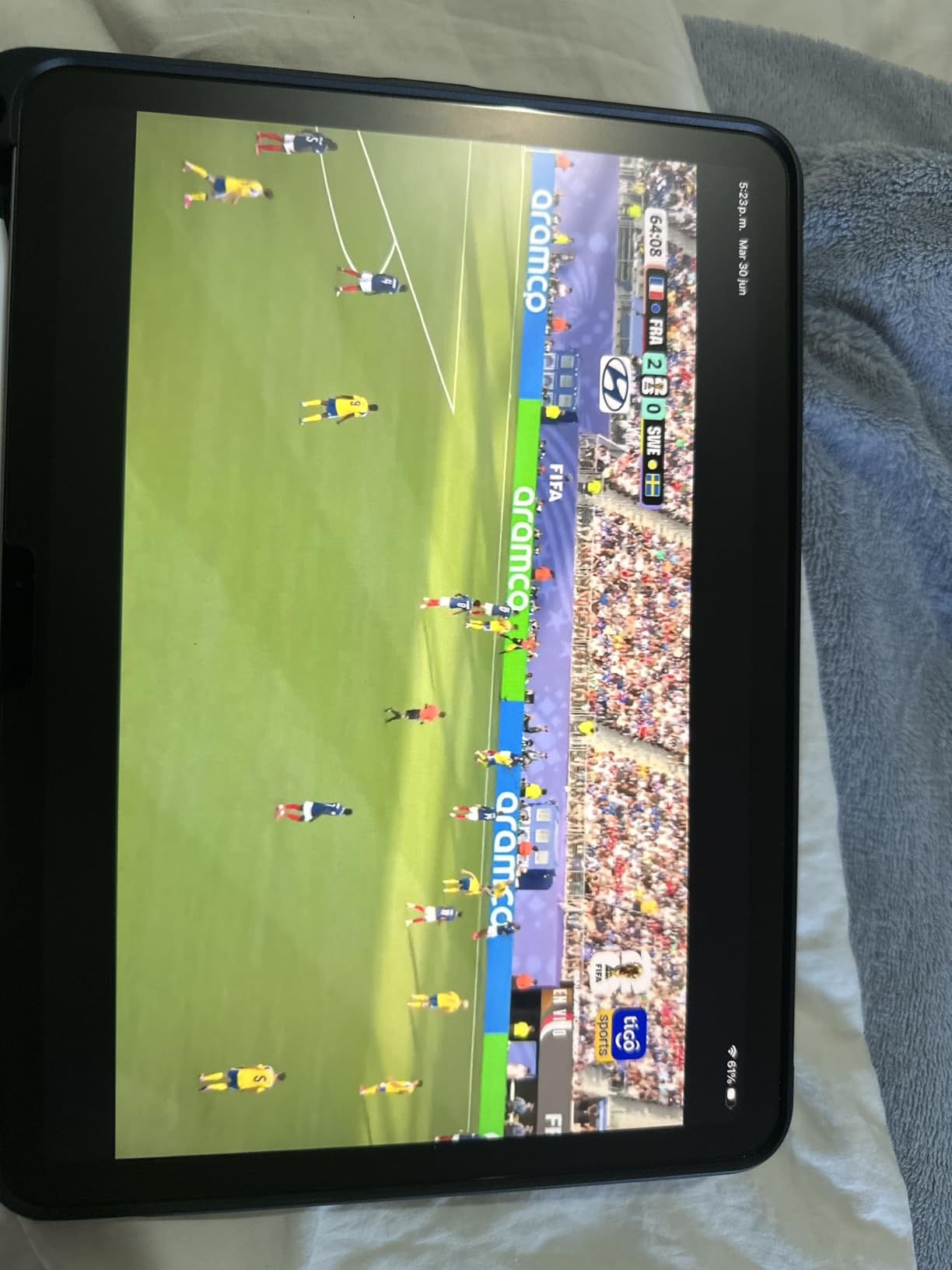
The 11-inch Liquid Retina display is gorgeous. Colors are accurate, text is crisp, and the True Tone adjustment made long reading sessions in different lighting conditions easier on my eyes. However, this display is still 60Hz, not 120Hz, which is a noticeable step down from the iPad Pro. If you’ve used a ProMotion display, you’ll feel the difference when scrolling. If you haven’t, you probably won’t miss it.
Wi-Fi 7 is a real upgrade, especially on modern college campuses. I noticed faster downloads and more stable connections in the library and student union, where older devices sometimes struggle with congestion. For students who attend online lectures or upload large video assignments, this matters.
The Hidden Cost of Owning an iPad
Here’s what most tablet reviews don’t tell you: the iPad Air 11-inch starts at a certain price, but the realistic cost of ownership is much higher. If you want Apple Pencil Pro support (which you do for note-taking), that’s an additional purchase. The Magic Keyboard pushes total cost well beyond what budget-conscious students can justify.
My honest recommendation: buy the iPad Air 11-inch, then budget separately for the Apple Pencil Pro. Skip the Magic Keyboard unless you have a specific need; third-party Bluetooth keyboards work great with iPadOS and cost a fraction of the price. This way, you get a premium note-taking and productivity setup without breaking the bank.
Battery and Real-World Use
Apple advertises all-day battery life, and in my testing, the iPad Air 11-inch with M4 delivered about 9-10 hours of mixed use, including note-taking, streaming, and web research. Heavy video editing or gaming drains it faster, but for typical student workloads, it lasts a full school day.
The iPad Air runs slightly warm under sustained load, especially during video calls or when charging while using the display. It’s not uncomfortable, but you can feel it through the aluminum back. The thin and light design is a real plus for carrying between classes, and the build quality feels premium in a way budget Android tablets don’t quite match.
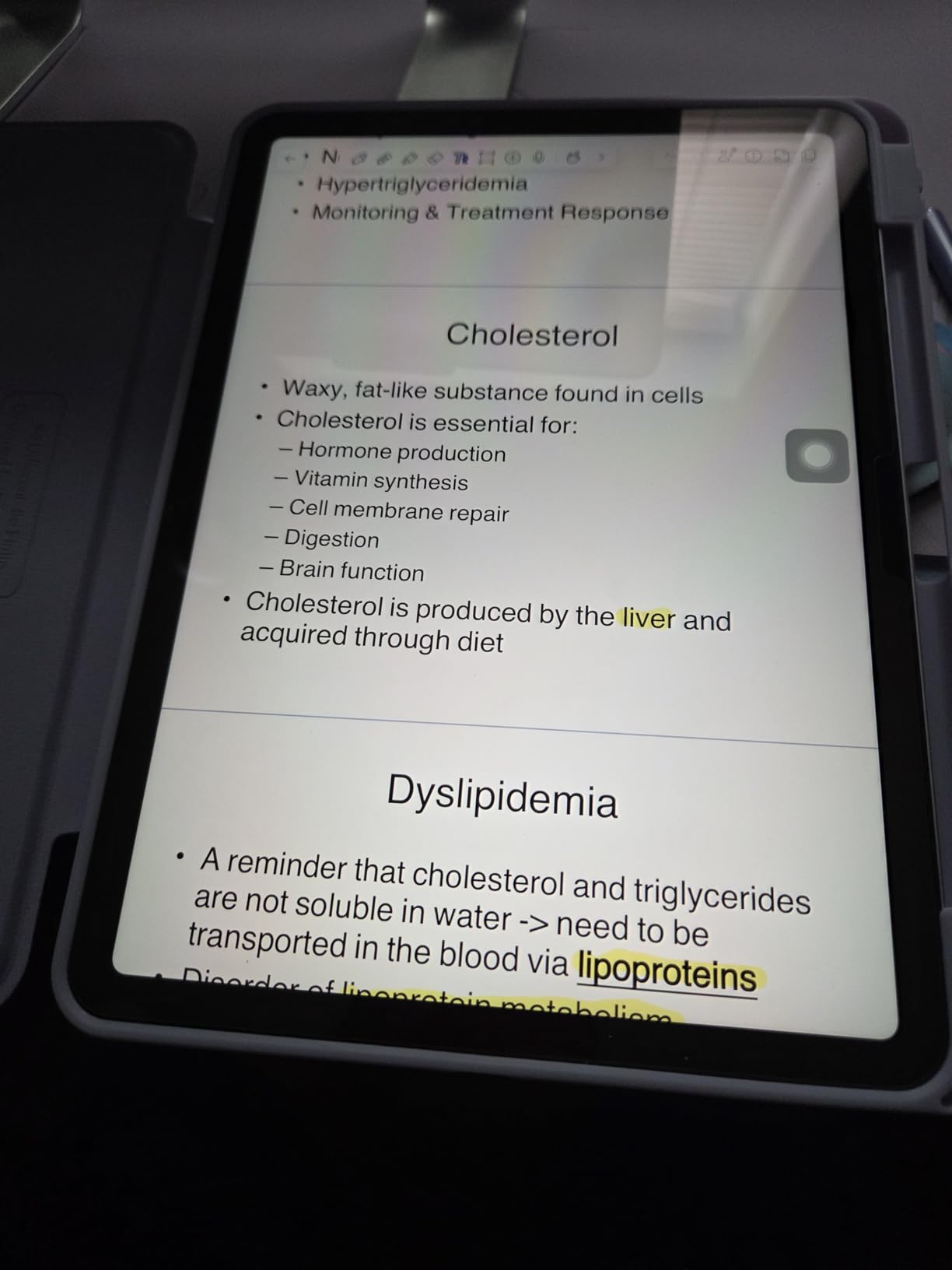
One more thing: the iPadOS app ecosystem is the best for tablets. Apps like Notability, GoodNotes, Microsoft Office, and Procreate are all optimized for the iPad screen, which means fewer awkward scaling issues. For students who care about productivity app quality, this matters more than raw specs.
3. iPad mini (A17 Pro) – Best Portable Tablet for Students
Apple iPad mini (A17 Pro): Apple Intelligence, 8.3-inch Liquid Retina Display, 128GB, Wi-Fi 6E, 12MP Front/12MP Back Camera, Touch ID, All-Day Battery Life — Blue
8.3 inch Liquid Retina
A17 Pro chip
Wi-Fi 6E
Apple Pencil Pro
Pros
- Ultra portable design fits in jacket pocket
- Powerful A17 Pro chip
- Apple Pencil Pro support
- Excellent build quality
- Great for reading and notes
- Strong app ecosystem
Cons
- No 120Hz display
- Smaller screen limits split-screen use
- Battery shorter than larger iPads
- Base storage is limited
The iPad mini with the A17 Pro chip is the tablet I recommend most to students who prioritize portability above all else. I took it everywhere for a week: in a jacket pocket, a small crossbody bag, even a large coat pocket. The 8.3-inch form factor is genuinely pocketable in a way no other tablet on this list is.
Despite the small size, the A17 Pro chip delivers real power. I edited photos in Lightroom, took notes in GoodNotes, and streamed lectures without any lag. The iPad mini punches well above its weight class in performance, matching larger iPads on most tasks.
The 8.3-inch Liquid Retina display is sharp and color-accurate. For reading eBooks, annotating PDFs, and quick note-taking, it’s excellent. However, the smaller screen has real limits: split-screen multitasking feels cramped, and watching long lectures on this screen can be tiring. If you primarily consume video content or work with spreadsheets, consider a larger tablet.
Wi-Fi 6E connectivity is a meaningful upgrade over older iPad mini models, and the support for Apple Pencil Pro brings the same note-taking experience as the iPad Air. For students who already own an Apple Pencil Pro from a previous iPad, this is a perfect pairing.
Who the iPad Mini Is Really For
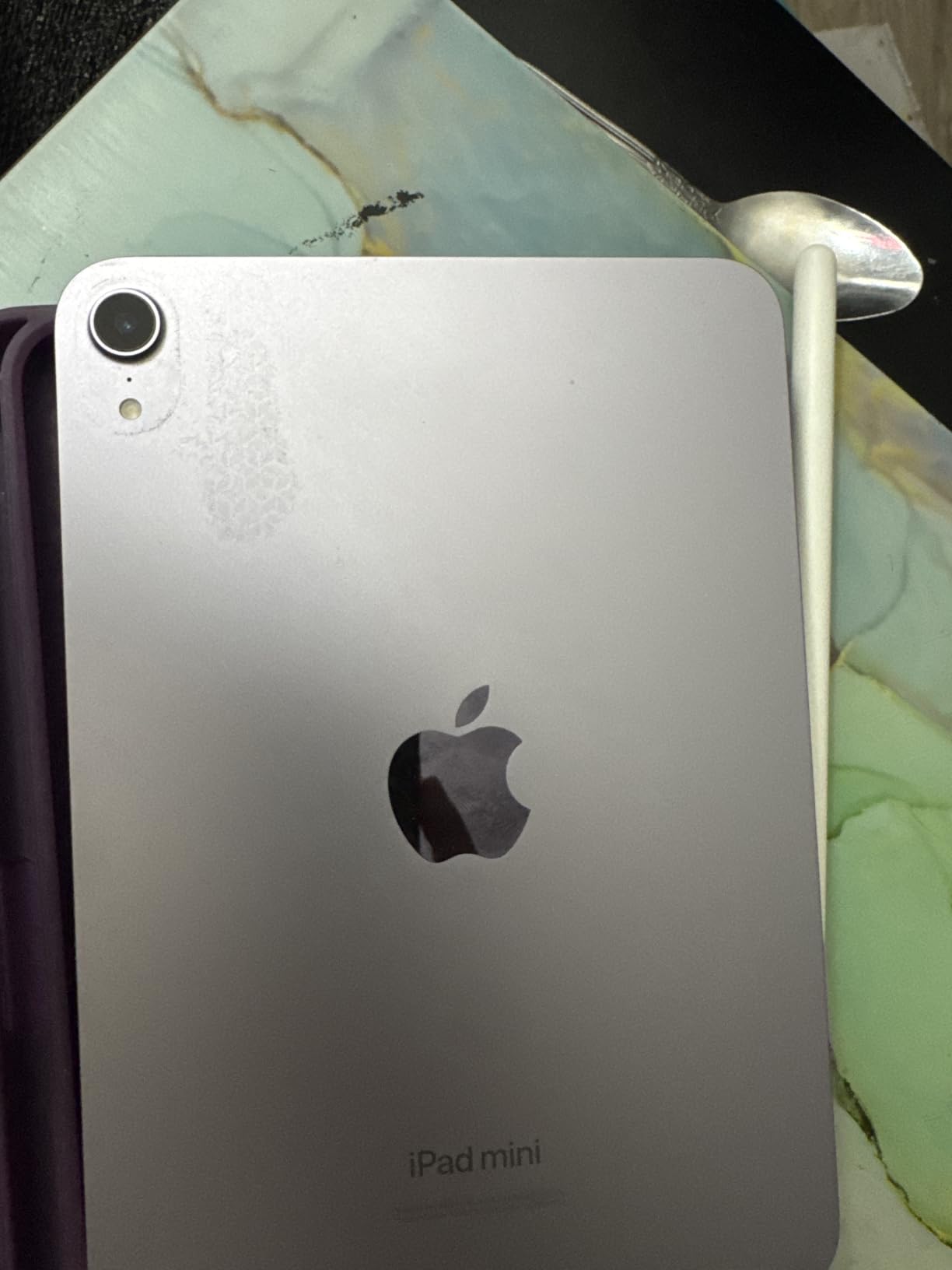
The iPad mini shines for specific students: commuters who don’t want to carry a full-size tablet, pre-med and nursing students who need a portable reference device on rounds, and anyone who treats their tablet as a secondary device to a laptop. I also think it’s a great fit for students in humanities and social sciences who do a lot of reading.
If your main use case is replacing handwritten notebooks with digital notes, the iPad mini works well, but you’ll likely prefer the 11-inch iPad Air for that task because of the larger canvas. The 8.3-inch screen is fine for short notes and sketches but feels tight during long writing sessions.
Battery, Build, and Caveats
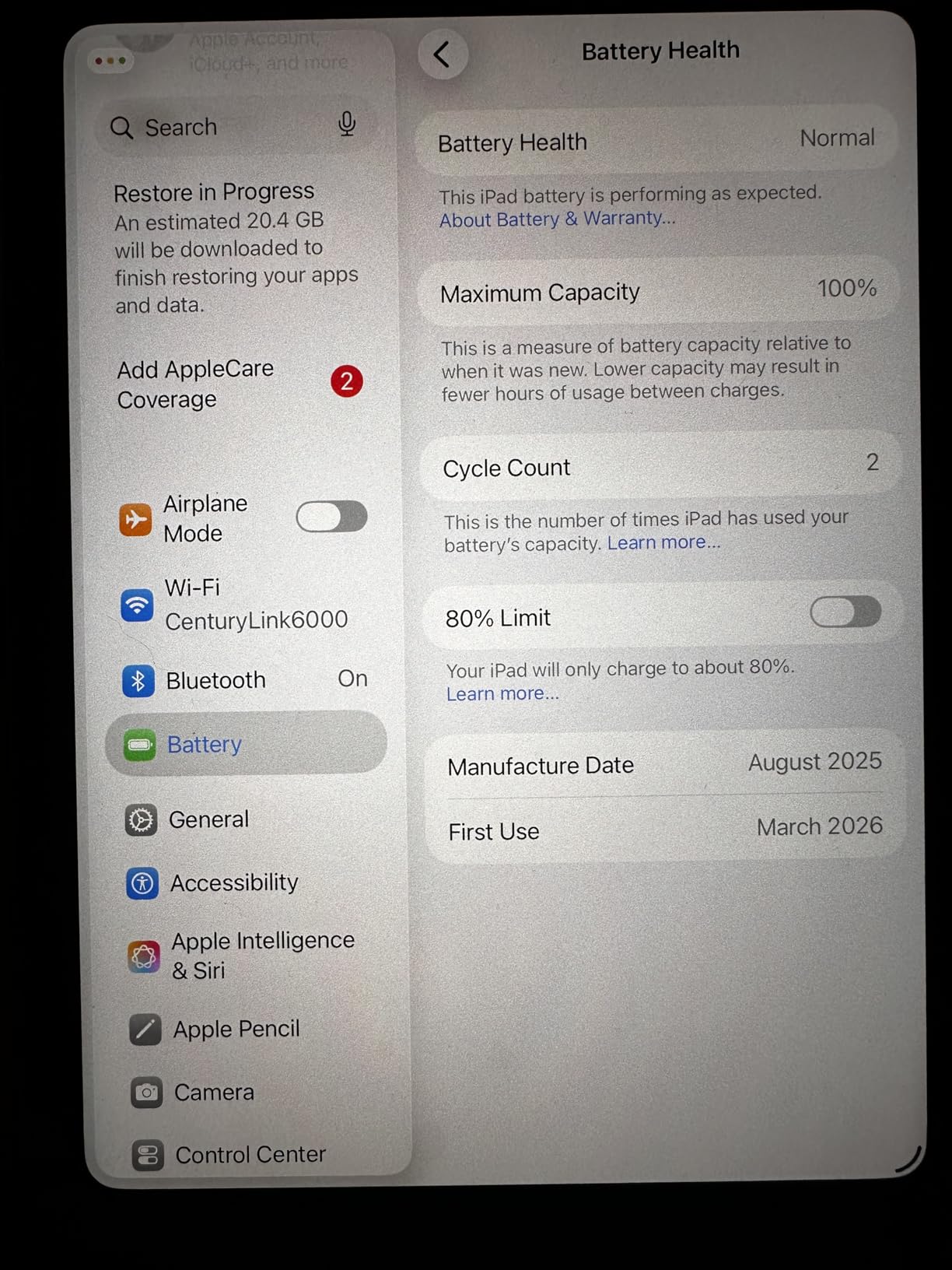
Battery life on the iPad mini is good but not class-leading. I got about 6-7 hours of mixed use, which is less than the iPad Air but still enough for a school day. The smaller battery charges quickly via USB-C, which is a small consolation.
Build quality is classic Apple: premium aluminum, tight tolerances, and a weight that feels substantial without being heavy. The Touch ID sensor in the top button is fast and reliable. The cameras are unchanged from the previous generation, which is a minor disappointment but not a deal-breaker for a tablet.
One caveat: the base 128GB storage fills up faster than you’d think, especially with textbooks, lecture recordings, and note apps. I recommend going for higher storage if your budget allows, or committing to iCloud storage. There is no expandable storage, which is typical for iPads but worth noting.
Buying Guide: How to Choose a Tablet for College?
Choosing a tablet for college is about more than picking the most expensive option. The best tablet for you depends on your major, study habits, and how you’ll actually use it day to day. Here’s what to think about before spending money.
Start with your primary use case. If you take handwritten notes in every class, stylus support is non-negotiable. If you mainly read textbooks and watch lectures, a great display matters more than a fast processor. Be honest about your habits; the wrong tablet for your routine ends up collecting dust.
Budget and the Real Cost of Ownership
The sticker price of a tablet is rarely what you’ll actually spend. Apple Pencil, Magic Keyboard, cases, and screen protectors can add hundreds to the total cost. For iPads especially, the base configuration often isn’t enough; you need storage and likely a stylus.
My rule of thumb: budget 1.5x the tablet’s listed price for a complete setup with accessories. If that exceeds your budget, a budget Android tablet with included accessories (like the Lenovo Tab M11) often makes more sense than a base iPad that needs expensive add-ons to be useful.
Ecosystem and Switching Costs
If you already own an iPhone, an iPad will integrate seamlessly: shared AirDrop, iMessage, iCloud photo sync, and Handoff for moving tasks between devices. Switching to Android means losing some of that integration. Conversely, if you’re deep in the Google ecosystem, an Android tablet might fit better.
Forum users consistently report that switching ecosystems mid-college is painful. Apps purchased on one platform don’t transfer, and muscle memory takes time to rebuild. Unless you have a strong reason to switch, stay in the ecosystem you already use.
Note-Taking and App Quality
Note-taking is the number one tablet use case for college students, according to forum discussions on r/NoteTaking and r/GalaxyTab. The iPad leads here, with apps like GoodNotes, Notability, and Apple Notes offering polished handwriting experiences. Android has improved, but app quality is still inconsistent.
If note-taking is your priority, the iPad Air 11-inch with Apple Pencil Pro is the gold standard. The Lenovo Tab M11 with included stylus is a solid budget option, but the experience is rougher. The iPad mini works well for note-taking but feels cramped for long writing sessions.
Portability and Campus Carry
Weight matters more than most students expect. A tablet that’s uncomfortable to carry becomes a tablet you leave in your dorm. The iPad mini at 10.4 ounces is the lightest and most portable option here. The iPad Air and Lenovo Tab M11 both weigh about one pound, which is comfortable for daily carry.
Size matters too. An 11-inch tablet is a sweet spot for most students: large enough for split-screen work and document reading, small enough to fit in a backpack sleeve. Smaller tablets are more portable but limit productivity, while larger tablets (12+ inches) are essentially laptops and harder to carry.
Battery Life and Charging
All three tablets in this guide deliver solid battery life, but real-world results vary based on screen brightness, app usage, and Wi-Fi conditions. Plan for 8-10 hours of mixed use as a baseline; anything less means mid-day charging, which is annoying on campus.
USB-C charging is now standard across all three picks, which means you can likely use the same charger as your laptop or phone. This matters more than it sounds; carrying one charger for everything simplifies dorm life and travel.
Frequently Asked Questions
What tablet is the best for college?
The best tablet for college depends on your budget and needs, but the iPad Air 11-inch (M4) is the strongest all-around pick. It combines the M4 chip, Apple Pencil Pro support, and the best app ecosystem for note-taking and research. For budget buyers, the Lenovo Tab M11 offers 80% of the experience at a fraction of the cost.
What is the best affordable tablet for college students?
The Lenovo Tab M11 is the best affordable tablet for college students, offering an 11-inch display, included stylus and folio case, 10-hour battery, and 128GB of storage. It handles note-taking, reading, and streaming well, and you avoid the extra accessory costs that hit iPad buyers immediately.
Is it worth getting a tablet for college?
Yes, a tablet is worth it for most college students. The top use cases are handwritten notes with a stylus, PDF annotation, reading digital textbooks, and attending online lectures. Tablets are lighter than laptops, last longer on a charge, and make it easy to mark up documents directly. For students who do heavy typing or run specialized software, a laptop is still essential, but a tablet is a strong companion device.
Can a tablet replace a laptop for college?
A tablet can partially replace a laptop, especially for humanities, social sciences, and general coursework. With a keyboard and productivity apps, an iPad Air can handle writing, research, and email well. However, tablets are not ideal for computer science, engineering, design, or any major requiring specialized desktop software. Most students end up using both: a laptop for heavy work and a tablet for classes and reading.
What should I look for in a tablet for college?
Look for long battery life (8+ hours), stylus support for note-taking, at least 128GB of storage, a display bright enough for outdoor use, and a lightweight design under 1.5 pounds. Also consider app ecosystem: iPadOS has the best tablet-optimized apps, while Android offers more flexibility. Budget for accessories like a stylus, case, and possibly a keyboard.
Final Verdict: Which College Tablet Should You Buy?
After testing all three, my recommendation is simple. If budget is the main constraint, the Lenovo Tab M11 is the best tablet for college students who want solid performance without spending too much, and the included stylus and folio case are a huge value-add. If you want the best overall experience and can stretch the budget, the iPad Air 11-inch (M4) is the strongest pick, especially for note-taking and long-term app support. If portability is king, the iPad mini (A17 Pro) is a powerful device that fits in a jacket pocket.
Whichever you choose, remember that the best tablets for college students are the ones you’ll actually carry and use every day. Don’t overspend on specs you won’t use, and don’t underspend on accessories that make the experience good. A tablet that stays in your bag helps no one.