
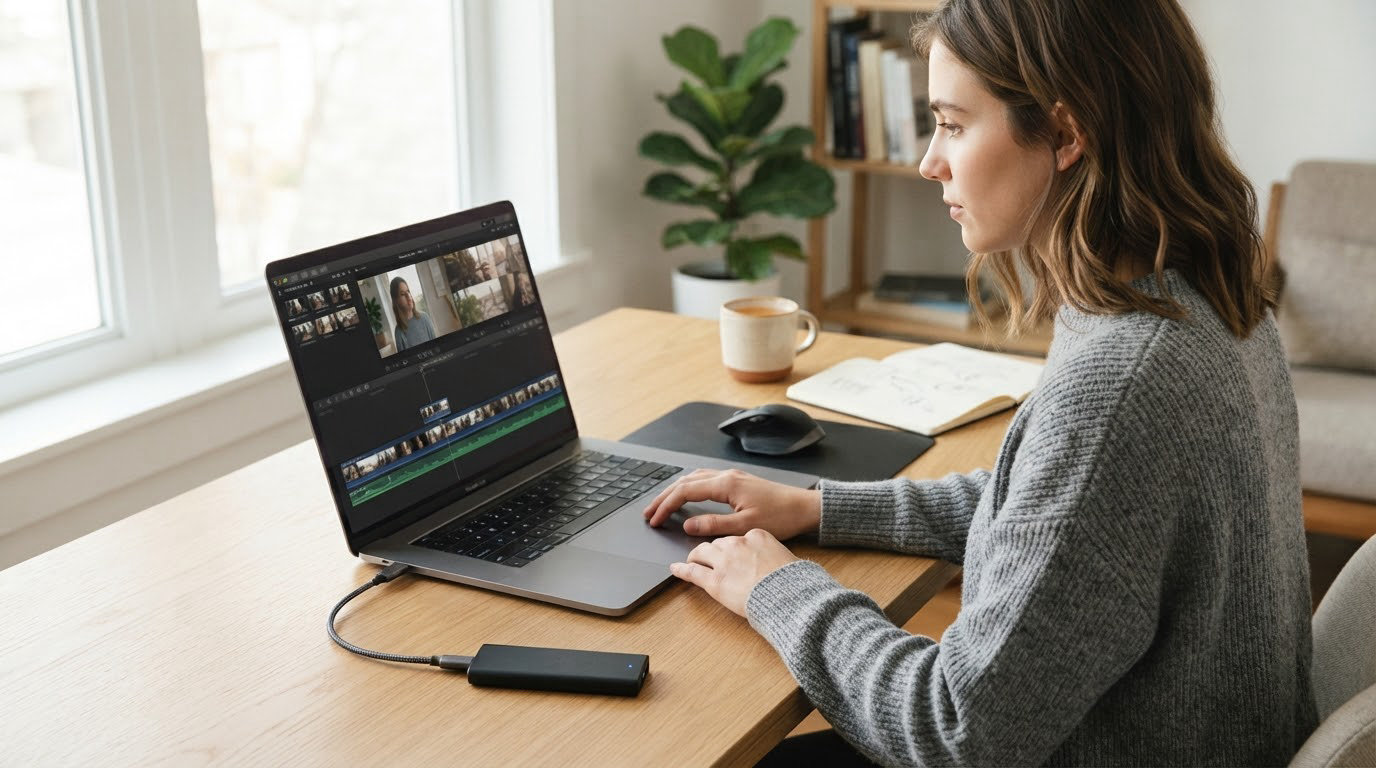
Storage is the one upgrade that changes how a machine feels every single day, and the Kingston NV3 1TB is the drive we would put at the top of an SSD shortlist this October. It is a single-sided PCIe 4.0 NVMe stick that stays cool under load and drops into thin laptops without a fight.
The Crucial P310 1TB is the pick for handheld consoles and older PCIe 3.0 machines, and the Samsung 990 PRO 1TB is the one for PlayStation 5 owners and heavy editors. Prime Big Deal Days runs October 6-7, 2026, and most of the offers need a Prime membership, where a free trial counts.
Table of Contents
Our Top 3 Picks for Best Amazon Prime Big Deal Days SSD Deals
These three are worth watching first. Each one covers a different job, so the right answer depends on what you are upgrading rather than on which drive is fastest on paper.

Kingston NV3 1TB
- Up to 6000 MB/s read
- Single-sided 4.54 g design
- Runs 42-48C under load
- 3 year warranty

Crucial P310 1TB
- Up to 7100 MB/s read
- Works in ROG Ally X and Legion Go
- Backward compatible with Gen3
- 5 year warranty

Samsung 990 PRO 1TB
- Up to 7450 MB/s read
- Up to 1400K read IOPS
- PS5 and DirectStorage ready
- 5 year warranty
Best Amazon Prime Big Deal Days SSD Deals Compared
Every drive in the list sits below. Form factor and interface differ more than speed does, so check that column first before you compare anything else.
| Product | Specifications | Action |
|---|---|---|
| Kingston NV3 1TB |
|
Check Deal Price |
| Crucial P310 1TB |
|
Check Deal Price |
| Samsung 990 PRO 1TB |
|
Check Deal Price |
 Samsung 870 EVO 1TB Samsung 870 EVO 1TB |
|
Check Deal Price |
 Crucial BX500 240GB Crucial BX500 240GB |
|
Check Deal Price |
 Kingston A400 480GB Kingston A400 480GB |
|
Check Deal Price |
 Patriot P210 512GB Patriot P210 512GB |
|
Check Deal Price |
 SanDisk Extreme 2TB SanDisk Extreme 2TB |
|
Check Deal Price |
 Samsung T7 1TB Samsung T7 1TB |
|
Check Deal Price |
 SSK SD500 1TB SSK SD500 1TB |
|
Check Deal Price |
How We Chose
We compared the specs that decide an SSD purchase: interface, form factor, rated read and write speeds, weight, warranty and endurance. We also read through owner reviews on Amazon, weighting long-term reliability reports over first-week impressions. Ratings and review counts were checked on October 2026.
1. Kingston NV3 1TB: Best Overall
Kingston NV3 1TB M.2 2280 NVMe SSD | PCIe 4.0 Gen 4×4 | Up to 6000 MB/s | SNV3S/1000G
Type: internal NVMe
Speed: 6000 MB/s read
Warranty: 3 years
Pros
- Near-peak Gen 4x4 throughput at roughly 6000 MB/s read
- Single-sided design fits tight laptop slots
- Runs around 42-48C under sustained load
- DRAM-less HMB design holds up near full capacity
- No BIOS changes needed after install
Cons
- Slight speed dip on very large 50GB plus transfers
- Entry-level endurance suits light write workloads
- Listed warranty is 3 years
The NV3 is the pick we would put in front of most people because it solves the boring problems first. At 4.54 g it is one of the lighter sticks here, and the single-sided layout means it clears low-profile motherboard heatsinks and slim laptop bays without a fight.
Owners report instant boots, smooth game loading and a drive that has simply not failed in over ten months of daily use. Independent testing puts it at roughly 6000 MB/s read and 4000 MB/s write, which is close enough to the PCIe 4.0 ceiling that a faster internal drive buys very little for normal desktop work.
- Up to 6000 MB/s read and 4000 MB/s write on PCIe 4.0 x4
- Measures 3.15 by 0.89 inches and weighs 4.54 g
- Runs around 42-48C under load, so throttling stays out of the picture
- DRAM-less host memory buffer, so no configuration step after install
Good to know: it is a DRAM-less design using a host memory buffer, and reviewers say it still performs well with roughly 800GB of a 1TB drive filled. The catch shows up only when you move very large 50GB or bigger folders, where write speed dips briefly.
Compared with the Crucial P310, the NV3 gives up some peak speed but gains a lighter, cooler-running board. Compared with the Samsung 990 PRO, you lose PS5 DirectStorage gains and a 5-year warranty. Pick the NV3 unless you have a specific reason not to.
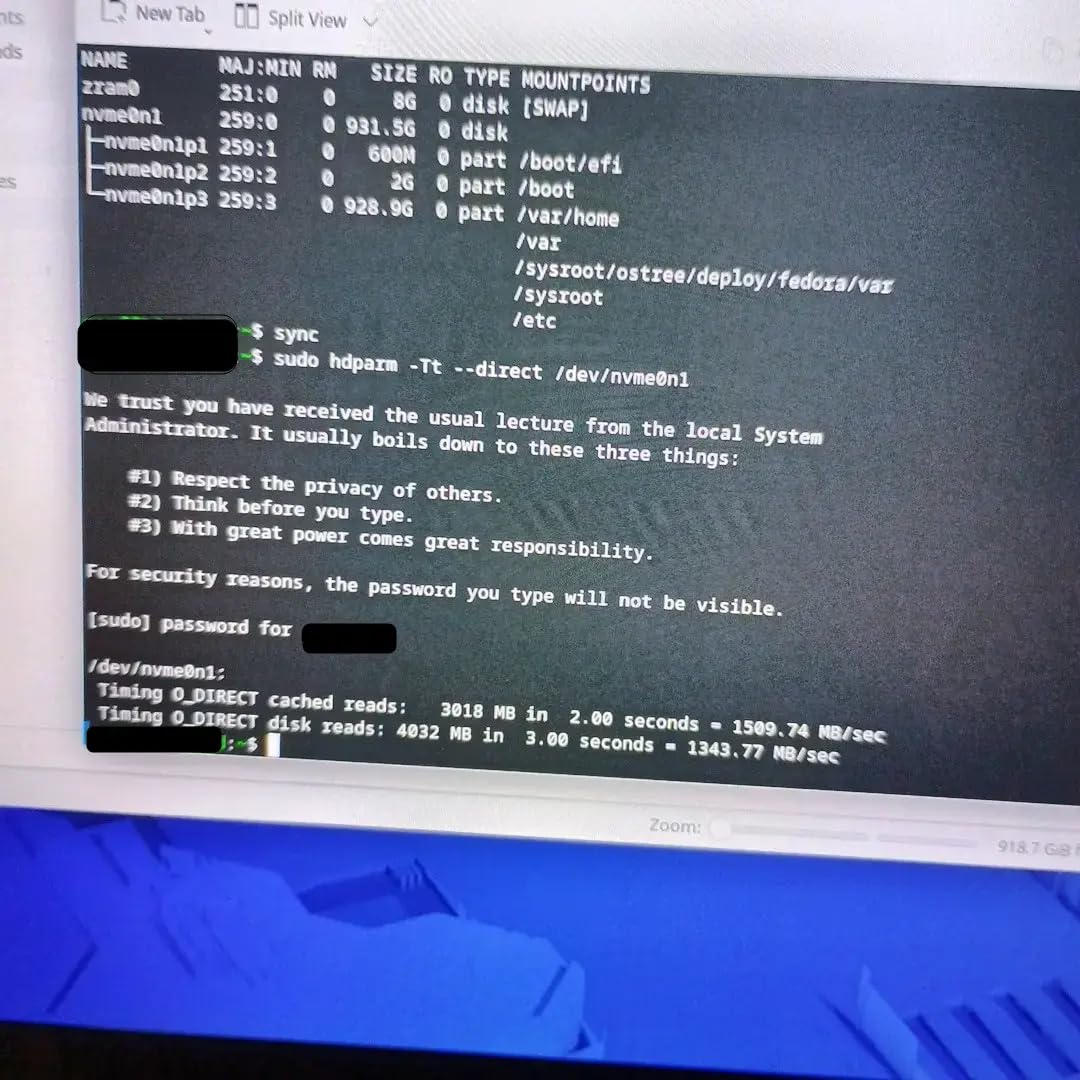
Installation is a drop-in: the drive is recognised immediately with no BIOS changes. Owners describe it as a set-and-forget upgrade, which is exactly what most people want from a system drive.
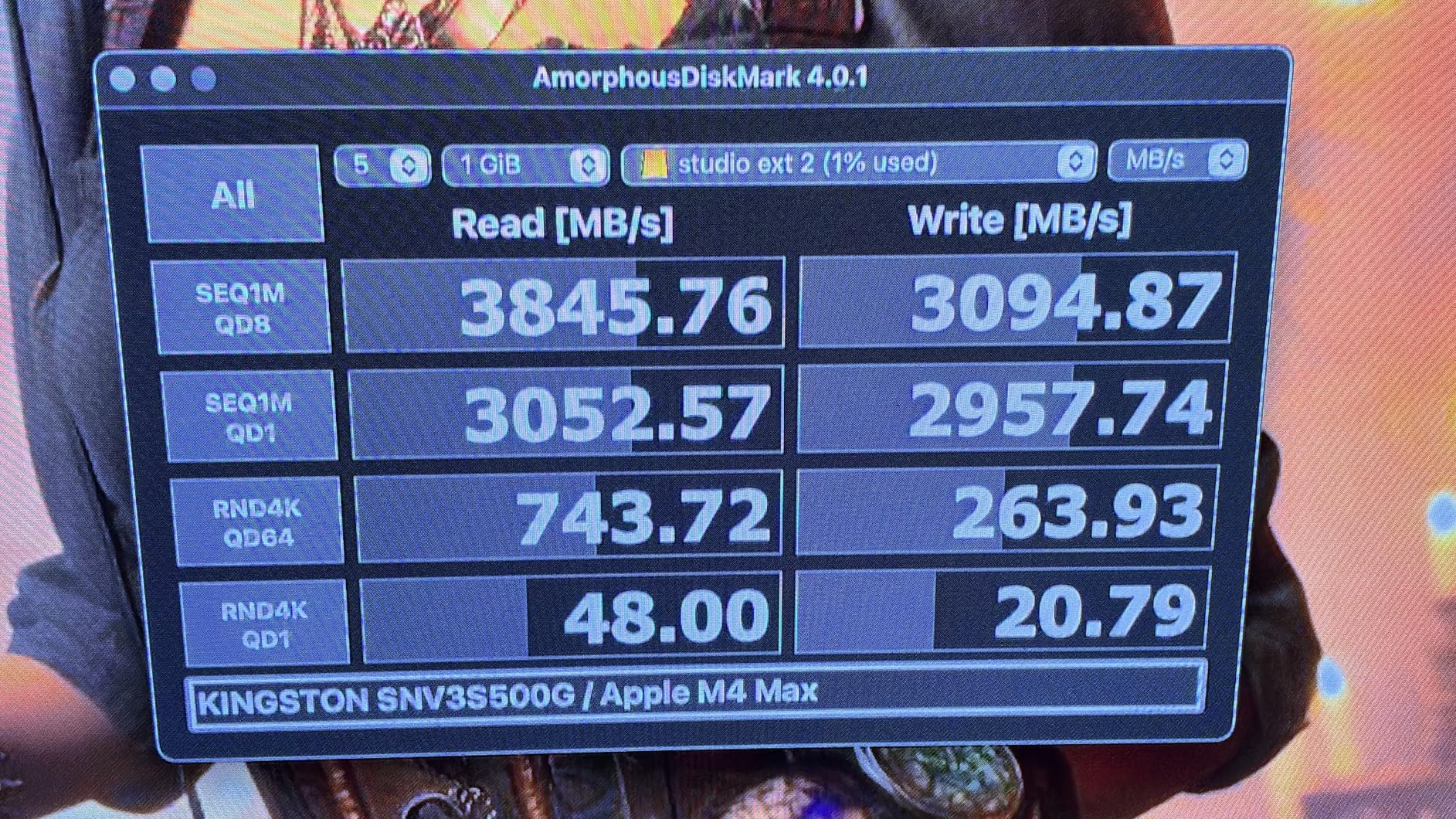
2. Crucial P310 1TB: Best Value for Handhelds and Older Machines
Crucial P310 1TB SSD, PCIe Gen4 NVMe M.2 2280, Up to 7,100MB/s, for Laptop, Desktop (PC), & Handheld Gaming Consoles, Includes Acronis Data Recovery Software, Solid State Drive – CT1000P310SSD801
Type: internal NVMe
Speed: 7100 MB/s read
Warranty: 5 years
Pros
- Up to 7100 MB/s read and 6000 MB/s write
- Works in ROG Ally X and Legion Go handhelds
- Backward compatible with PCIe Gen3 systems
- Low power draw suits older laptops
- Runs cool under mixed workloads
Cons
- Some buyers report the listed price has risen over time
- Acronis bundle adds little for a clean install
The P310 is the interesting one for anyone whose machine is not a plain desktop. The listing names handheld consoles specifically, including the ROG Ally X, Lenovo Legion Go and AYANEO Kun, which is coverage most internal drives in this list do not offer.
It is also built on Micron G8 NAND with thermal control, so it behaves like a normal desktop drive when you move it into a PCIe 3.0 slot. Several reviewers use theirs in USB4 enclosures as external storage, and owners consistently report a plug-and-play experience with faster boots and no stability issues.
That backward compatibility is the reason we like it for older laptops. You get a large real-world jump over an OEM drive even in a machine that only speaks Gen3, and the low power draw matters more on a laptop than any peak speed figure.
Skip it if: you want the highest ceiling available, in which case the Samsung 990 PRO is the faster pick, or you need more than 1TB, since this is the capacity most of these listings come in.
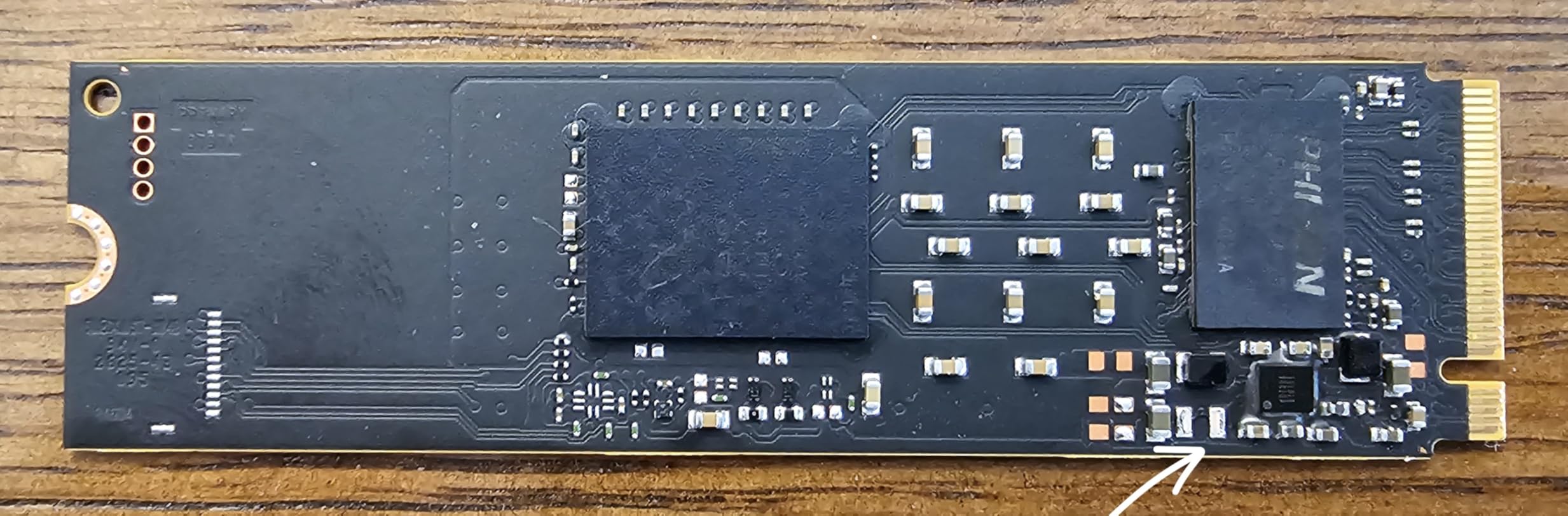
Before you buy, confirm the bay in your device takes a 2280 M.2 card. Handhelds and thin laptops sometimes ship with a shorter slot or a different key, and no amount of speed helps if the card does not fit.
3. Samsung 990 PRO 1TB: Most Versatile for PS5 and Heavy Editing
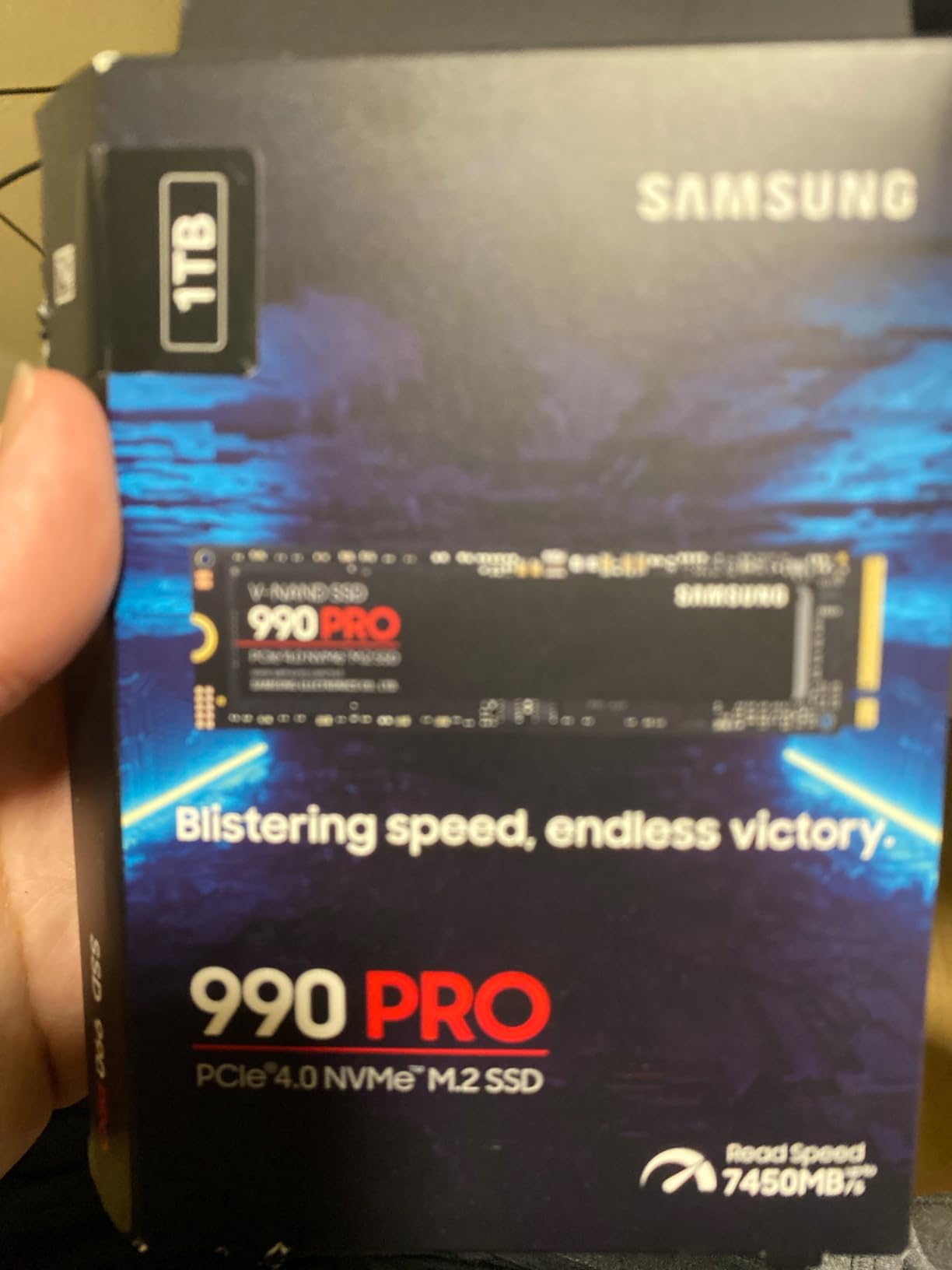
Samsung SSD 990 PRO 1TB, PCIe 4.0 M.2 2280, Up to 7,450 MB/s
Type: internal NVMe
Speed: 7450 MB/s read
Warranty: 5 years
Pros
- Up to 7450 MB/s read and 6900 MB/s write
- Up to 1400K read and 1550K write IOPS
- Holds sustained speed in long transfer sessions
- Magician software covers health and firmware
- Nickel-coated controller manages heat
Cons
- Price premium over budget Gen4 drives is real
- Gain over cheaper Gen4 drives is subtle for everyday use
- No heatsink included so console installs need one added
The 990 PRO is the fastest internal drive in this list and the one most owners recommend without reservation. It is explicitly PlayStation 5 compatible, and Samsung quotes up to 65 percent better random performance for DirectStorage loads, which is where modern games actually feel the difference.
Random performance is the number that matters here. Sequential read and write of 7450 and 6900 MB/s look spectacular, but up to 1,400K read and 1,550K write IOPS is what shortens load screens and keeps a machine responsive while a dozen apps are open.
Long sessions hold up. The nickel-coated controller and slim PCI-SIG D8 design keep sustained throughput steady, and owners running a year of heavy daily creative and gaming work report no data loss or instability. Magician handles benchmarks, encryption, firmware and health monitoring in one place.
Good to know: this model does not come with a heatsink, so a console or bare motherboard install means adding one. Several owners do exactly that to avoid throttling under sustained load.
Against the Kingston NV3, the extra speed is real on paper and small in daily use. Buyers who care about value usually land on the NV3, and buyers who care about a console or a workstation buy this one and stop thinking about it.
The single-sided layout is worth noting on a drive this fast. It clears cramped laptop bays and low-profile heatsinks, which is not always true of flagships.
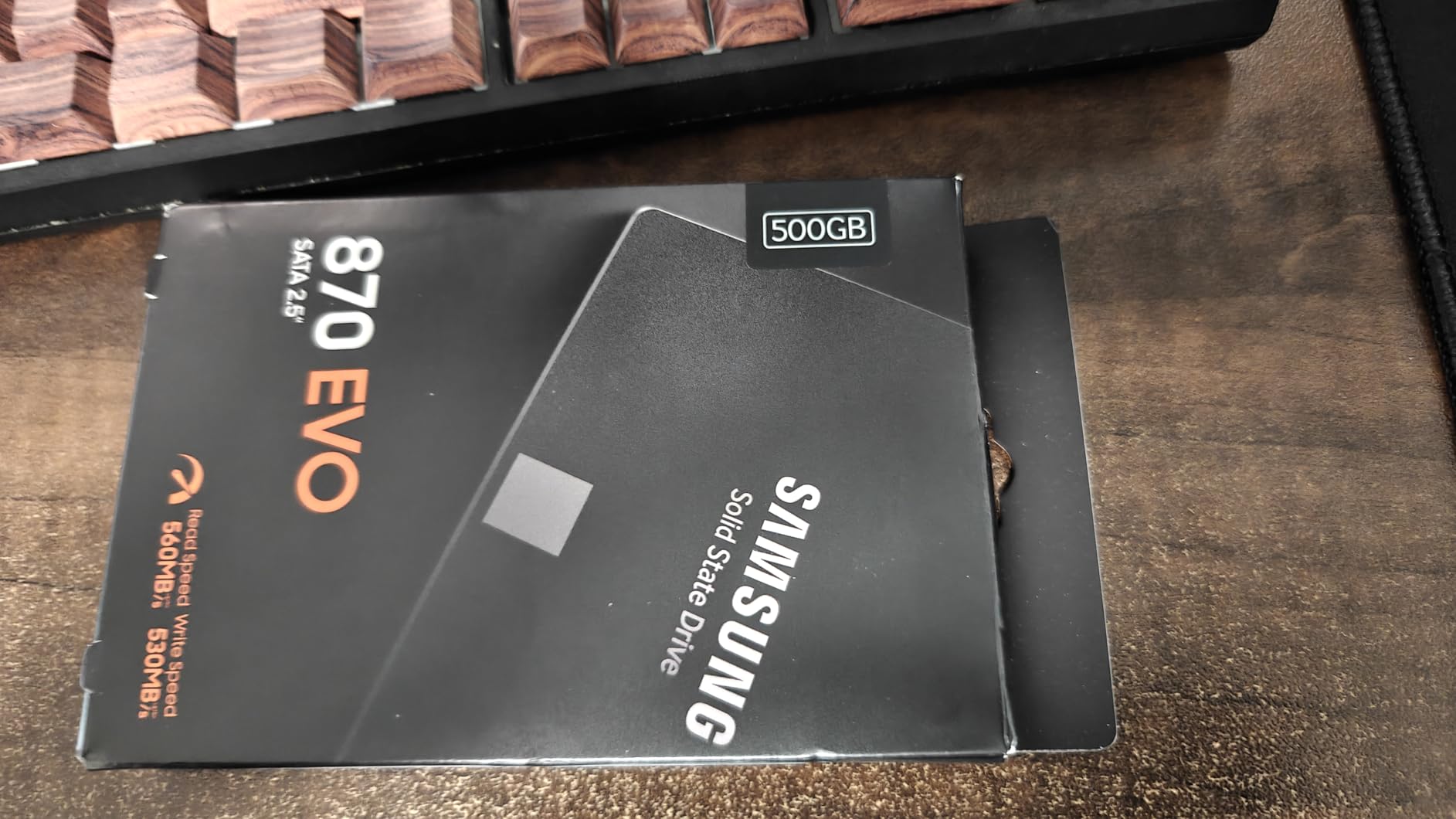
4. Samsung 870 EVO 1TB: Best for Long-Term SATA Reliability
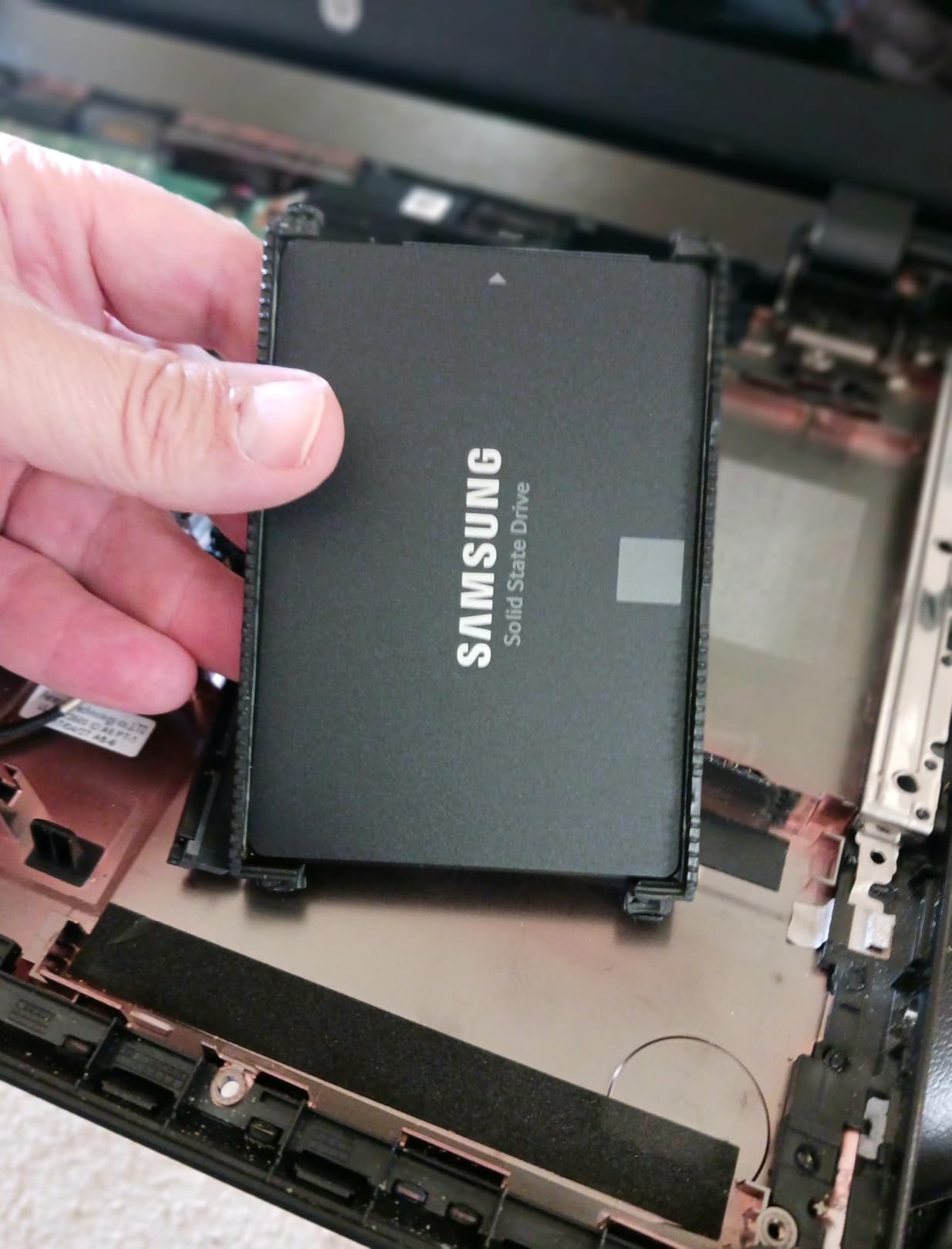
Samsung SSD 870 EVO SATA III 2.5” 1TB, Read Speeds Up to 560MB/s
Type: internal SATA
Speed: 560 MB/s read
Warranty: 3 years
Pros
- Years of zero failures reported across many units
- Runs about 15 degrees cooler than hard drives
- Uses 55-80 percent less power than spinning drives
- Standard 7mm 2.5 inch form factor
- Up to 600 TBW endurance
Cons
- Magician software has documented false LBA alerts
- SATA III caps throughput near 600 MB/s
- Base warranty listed at 3 years
When a machine only has SATA, the 870 EVO is the drive owners trust most, and the review count explains why. Across servers, laptops and workstations, buyers report years of service with no failures, and several note the drive running slightly above its advertised speed.
Roughly 540 MB/s of sustained write is more than triple what a mechanical drive delivers, and it draws far less power while staying cooler. The standard 7mm 2.5 inch body drops into older desktops, laptop bays and NAS enclosures without adapters.
- 560 MB/s read and 530 MB/s write on SATA 6.0 Gb/s
- MLC V-NAND with up to 600 TBW endurance
- AES 256-bit encryption with TCG Opal and IEEE 1667
- Compatibility tested across major chipsets, motherboards, NAS and video recorders
The honest complaint here is software, not hardware. Magician has documented bugs, including false Failed LBA alerts and migration failures on dual-boot systems, and the drive will not fully register through some USB enclosures with non-Intel controllers. S.M.A.R.T. data itself is reported clean.
Compared with the Crucial BX500, you pay for MLC NAND and a much higher endurance ceiling. Compared with any NVMe drive, you are accepting a ceiling near 600 MB/s, which is fine for a system drive and slow for large media work.
Warranty terms deserve a close read on this one. The endurance figure references a 5-year limited warranty while the base listing shows 3 years, so check the current terms on the page before you order.
5. Crucial BX500 240GB: Best for a Basic Old-PC Refresh
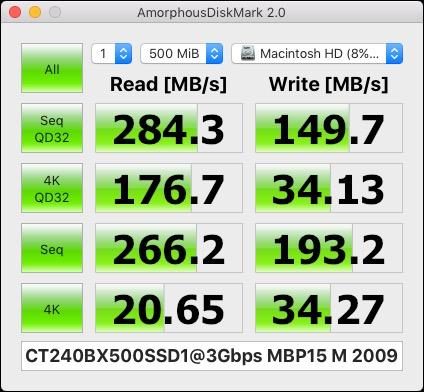
Crucial BX500 240GB 3D NAND SATA 2.5-Inch Internal SSD, up to 540MB/s – CT240BX500SSD1, Solid State Drive
Type: internal SATA
Speed: 540 MB/s read
Warranty: 3 years
Pros
- Cuts boot times on old machines dramatically
- Silent and cool running
- Simple 2.5 inch drop-in replacement
- Currently uses TLC NAND
- Proven reliable in retro builds
Cons
- 240GB is tight for modern games and apps
- Slow well behind any NVMe drive
- Bundled Acronis cloning runs slowly from an HDD
The BX500 exists for one job: turning a machine with a spinning hard drive into something that feels modern again. Owners report boot times falling from minutes to roughly 30 seconds, and the system gets quieter and cooler as a side effect.
It uses Micron 3D NAND and currently TLC flash, which has a longer expected lifespan than the QLC parts in cheaper alternatives. The 2.5 inch body is a straightforward replacement for a mechanical drive in any desktop or laptop that takes 7mm SATA.
Capacity is the problem, not speed. At 240GB you are choosing this for a work machine, a console library or a retro build, not for a modern gaming library. If you need room to grow, step up to the Kingston A400 at nearly twice the capacity.
Plan the data move carefully. The most frequently reported friction is the cloning workflow: the bundled Acronis tool runs painfully slowly when the source is a mechanical drive, and some owners end up using offline Linux rescue media instead. Clone from a USB stick rather than from the old drive where you can.
The Samsung 870 EVO is the step up if you want endurance and write speed rather than a lower entry point. The Kingston A400 is faster on paper and twice the size, so match the pick to the machine and not to the spec sheet.
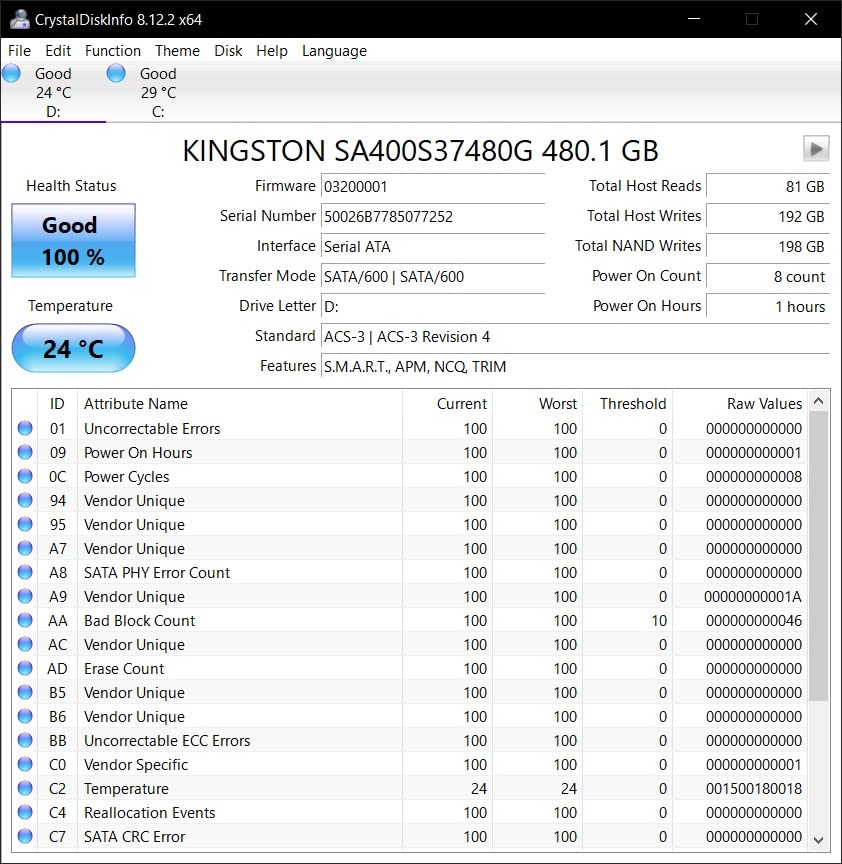
6. Kingston A400 480GB: Best for the Most Reviews
Kingston 480GB A400 SATA 3 2.5″ Internal SSD SA400S37/480G – HDD Replacement for Increase Performance
Type: internal SATA
Speed: 500 MB/s read
Warranty: 3 years
Pros
- Largest review base of any drive in this list
- Massive perceived speed gain over hard drives
- 7mm profile fits slim notebooks
- Shock and vibration resistant
- Backwards compatible with SATA Rev 2.0
Cons
- Entry-level performance below premium SATA
- Interface caps the drive near 500 MB/s
- Limited 3 year warranty
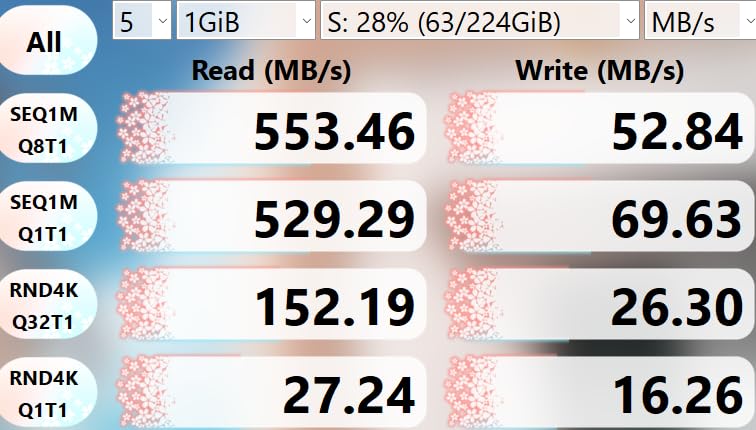
With more than 200,000 reviews, the A400 has the most documented long-term behaviour of anything here, and that record is what makes it a safe recommendation. Owners consistently frame it as an inexpensive, dependable way to revive aging laptops and desktops.
Sentiment centres on reliability and capacity per dollar rather than throughput, which is honest. At 500 MB/s read and 450 MB/s write on SATA Rev. 3.0, the drive is well below premium SATA options, and the interface itself is the limit.
The 7mm thin profile is the practical highlight. It fits slim notebooks and tight bays that will not accept a thicker 9.5mm drive, and it runs from 0C to 70C with shock and vibration resistance for mobile use. It also works in a PlayStation 4.
Skip it if: you are building anything new with an M.2 slot. In a modern machine the Kingston NV3 or Crucial P310 is a completely different experience. The A400 is for hardware that has no NVMe option at all.
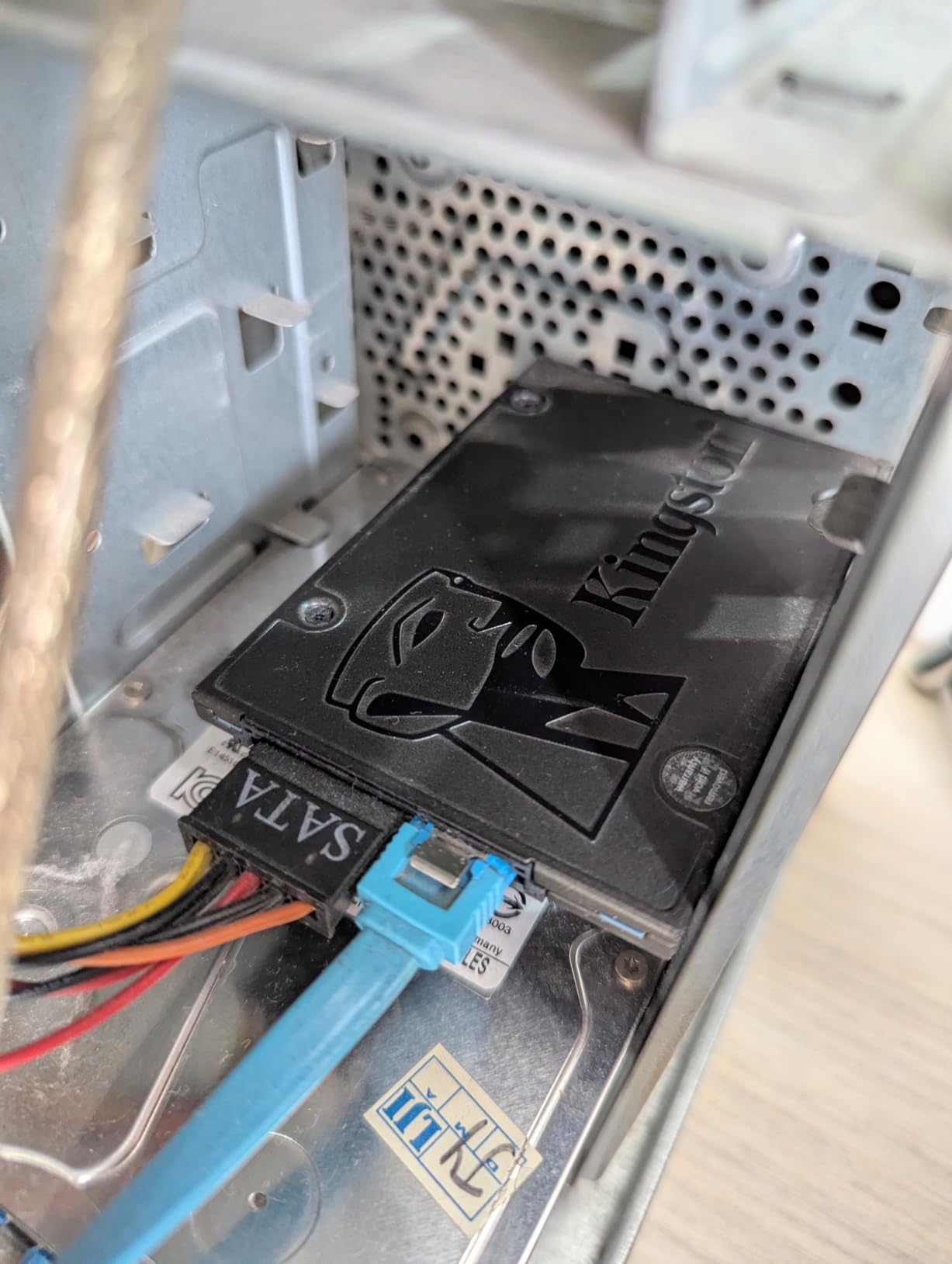
Backwards compatibility with SATA Rev. 2.0 systems is listed, which is useful on genuinely old hardware. Check that your machine has a 2.5 inch bay or a caddy rather than assuming the drive will fit.
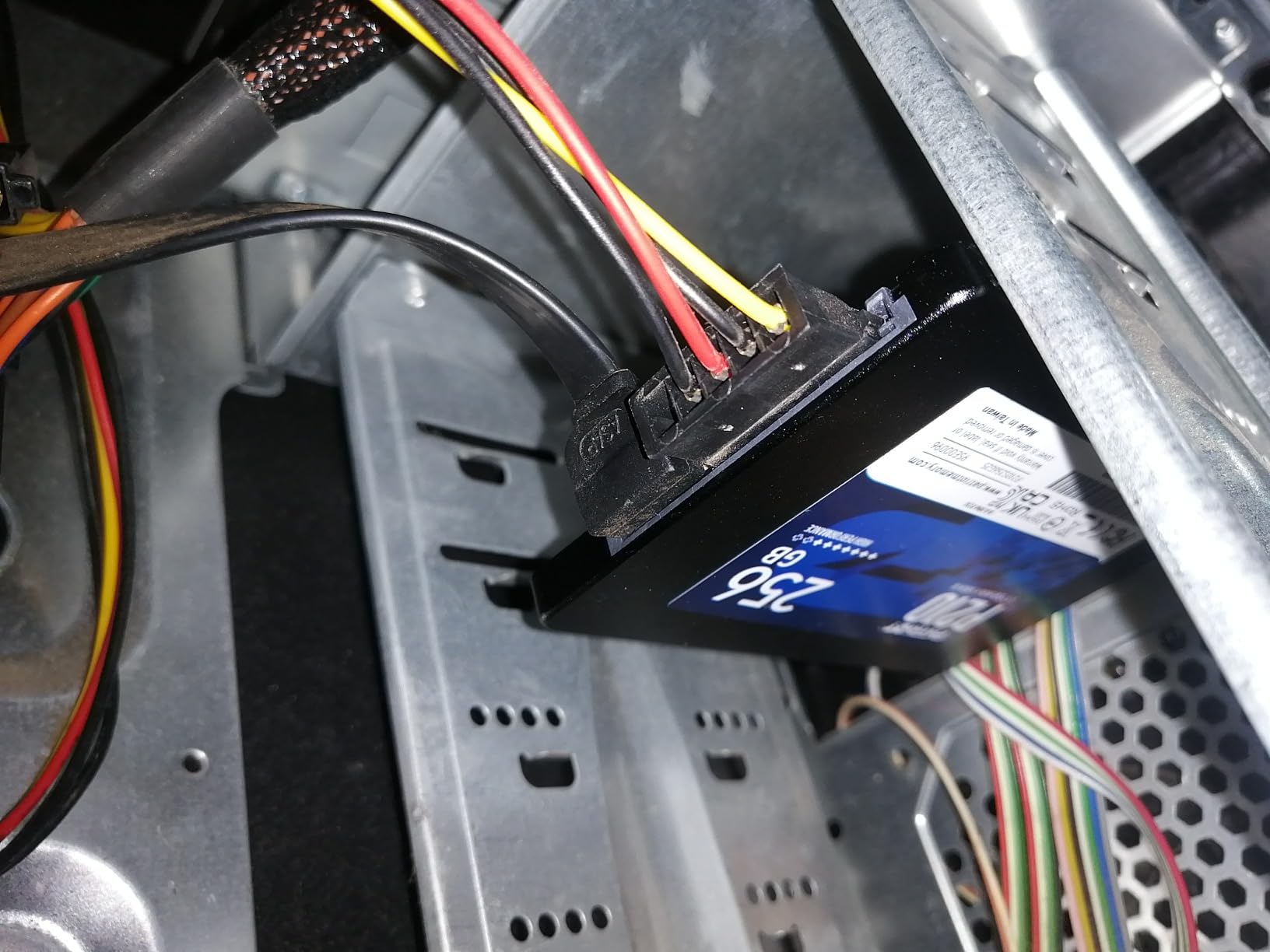
7. Patriot P210 512GB: Best for Legacy BIOS Laptops
Patriot P210 512GB Internal SSD – SATA 3 2.5″ – Solid State Drive – P210S512G25
Type: internal SATA
Speed: 520 MB/s read
Warranty: 3 years
Pros
- Dramatic boot speed gain over a hard drive
- Transfers run close to rated figures
- Works with older BIOS and UEFI setups
- SmartECC and thermal throttling built in
- Recognisable brand rather than a no-name part
Cons
- A small minority report early unit failure
- Some owners find the build feel thin
- Operating system support stated only through Windows 10 era
The P210 earns its place through compatibility rather than speed. It works with older BIOS and UEFI setups where some newer drives fail outright, which is exactly the situation a decade-old business laptop tends to present.
Sequential read of 520 MB/s and write of 430 MB/s runs close to the rated figures in practice, and the drive includes SmartECC end-to-end data path protection plus thermal throttling. Buyers like that it comes from a known brand rather than a nameless module.
Its average rating of 4.6 is the lowest in this group, and the reason is visible in the one-star share at 6 percent. A small minority report a first unit dying prematurely, and some find the build feels thin at certain points. That is a real consideration on a machine you rely on daily.
Good to know: operating system support is stated only for Windows 7 through 10, so if you plan to run something newer, check current documentation first.
The Crucial BX500 is the cheaper sibling, with less capacity and a lower ceiling. Set against the Samsung 870 EVO, the P210 gives up a good deal of long-term confidence, and on a machine you cannot easily replace the 870 EVO is the calmer choice.
A 512GB drive is a comfortable fit for a business laptop, a console library or a small retro build, and the P210 is one of the few budget options that still installs cleanly into machines with an old BIOS.
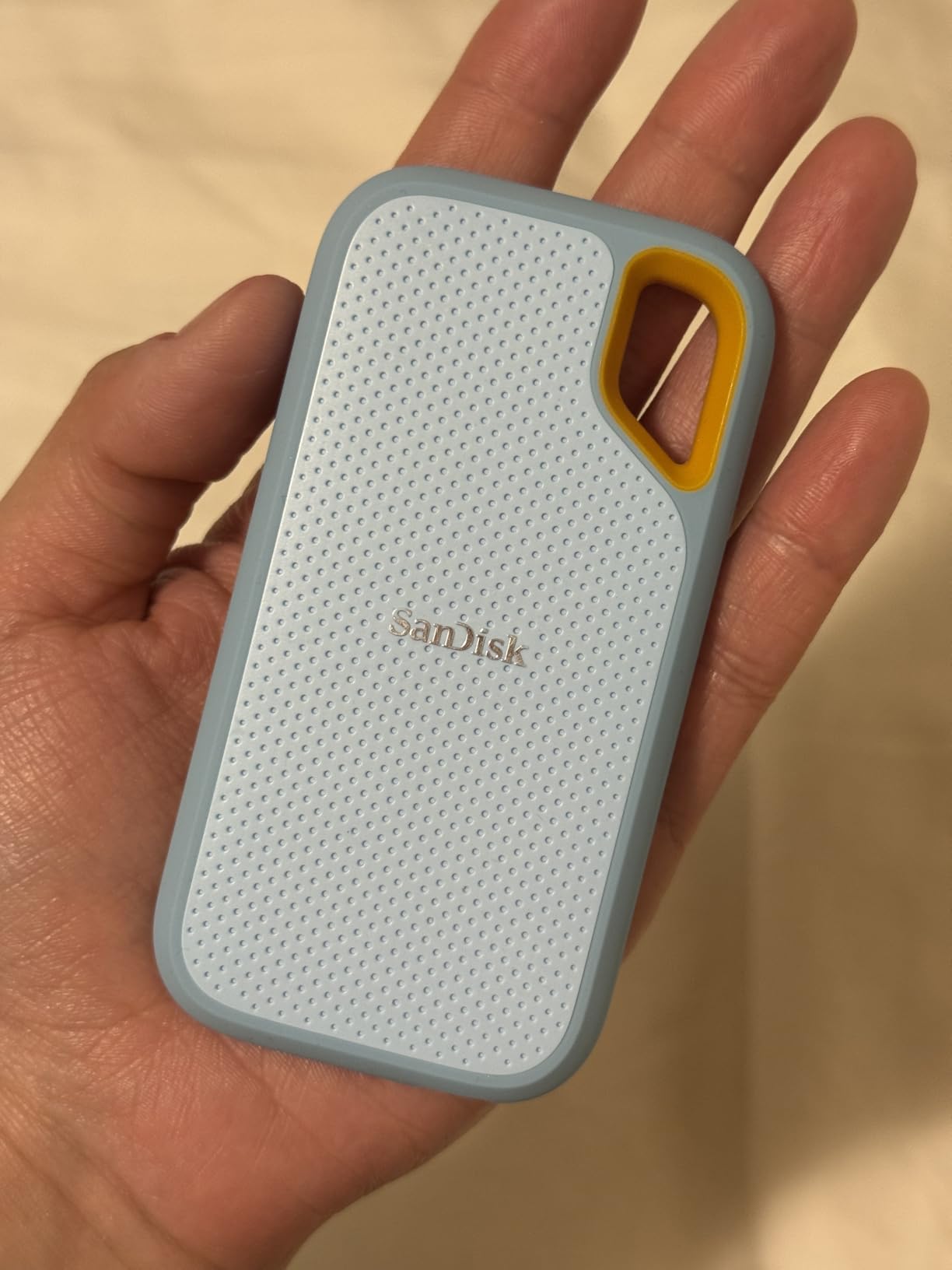
8. SanDisk Extreme 2TB: Best for Rugged Portable Storage
Sandisk 2TB Extreme Portable SSD, Up to 1050MB/s, USB-C, USB 3.2 Gen 2, IP65 Water and Dust Resistance, Updated Firmware, External Solid State Drive, SDSSDE61-2T00-G25
Type: external portable
Speed: 1050 MB/s read
Warranty: 5 years
Pros
- Measured around 984 MB/s read and 991 MB/s write
- IP65 water and dust resistance
- Handles drops up to 3 meters
- Only 1.76 ounces so it fits a pocket
- USB-C cable and adapter included
Cons
- Very picky about which USB-C cable you use
- No direct file transfer on iPhone 11 Pro or iOS devices
- Can run warm during long sustained transfers
Photographers and field crews are the reason this drive exists. It holds up to 1050 MB/s read and 1000 MB/s write on USB 3.2 Gen 2, and measured real-world numbers land close to that at roughly 984 and 991 MB/s.
The durability is the differentiator. IP65 water and dust resistance plus drop protection to 3 meters, in a body that weighs 1.76 ounces, means it goes in a camera bag without a case. There is a carabiner loop for a belt loop or backpack strap.
- 256-bit AES hardware encryption with password protection
- Compatible with Xbox Series X and PlayStation 4
- SanDisk Memory Zone app for file management
- Operating range of minus 20C to 85C when not in use
The cable complaint is the one that catches people. It is very sensitive to which USB-C cable you use, and generic or some Apple cables cause the drive not to mount or to unmount unexpectedly. Use the included cable and the problem disappears.
Compared with the Samsung T7, you get ruggedness and 2TB where the T7 offers a more compact metal body. Compared with the SSK SD500, you get a much longer warranty and a far bigger review base, at the cost of some size.
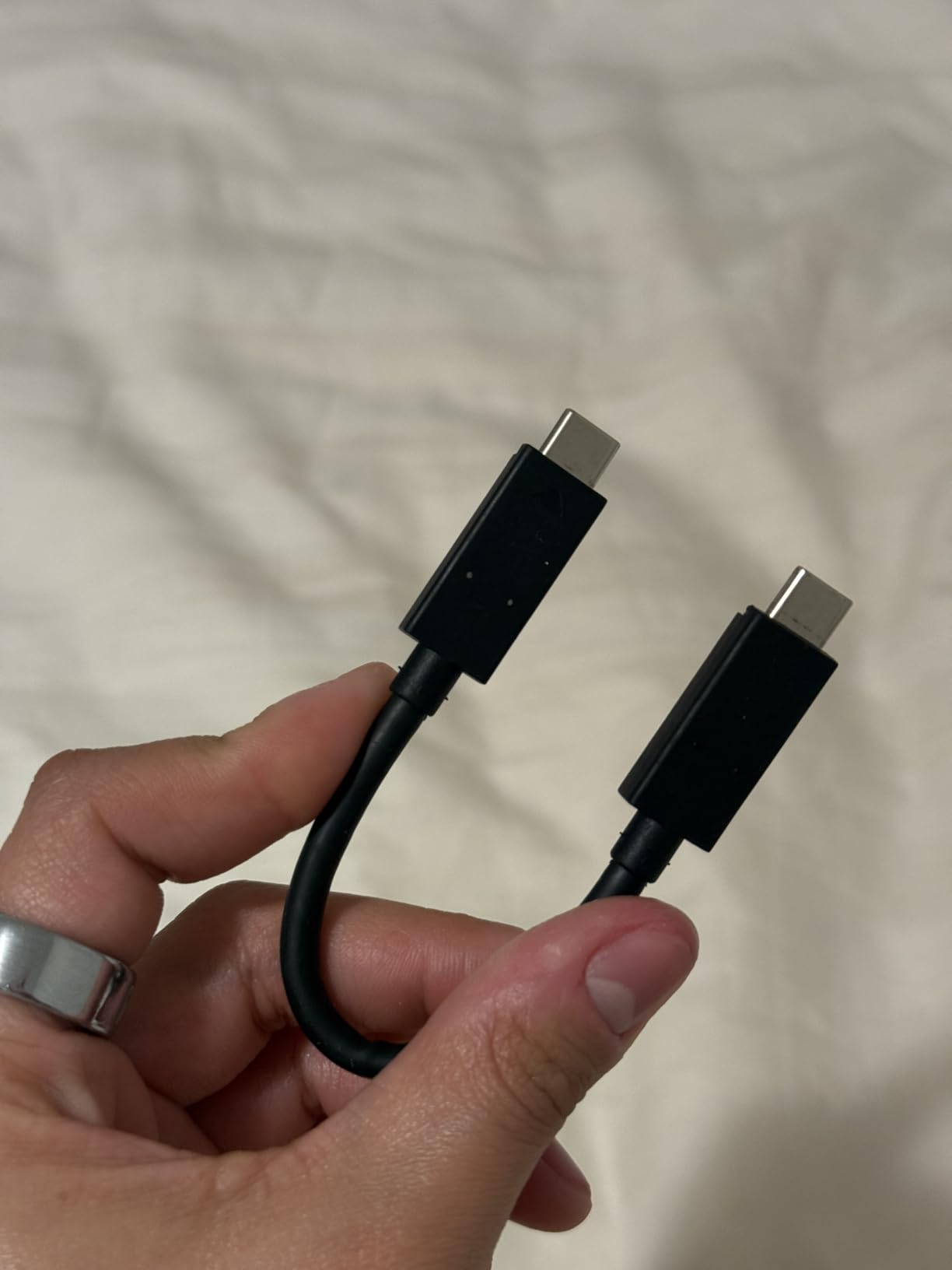
There is one limitation to plan around here. It does not handle direct file transfer on an iPhone 11 Pro or other iOS devices, so if iPhone capture is the plan, look at the Samsung T7 or the SSK SD500 instead.
9. Samsung T7 1TB: Best for Direct 4K Capture
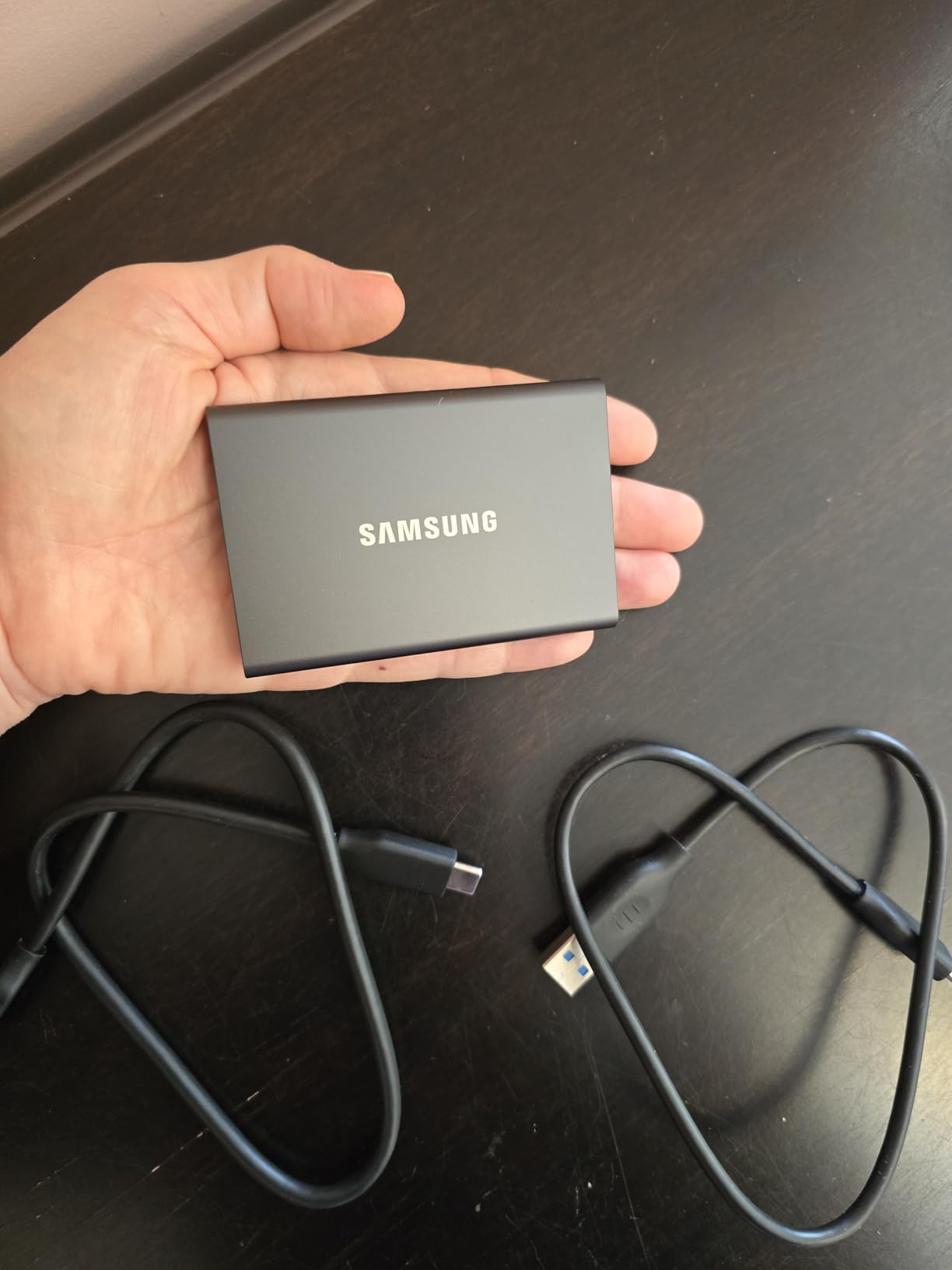
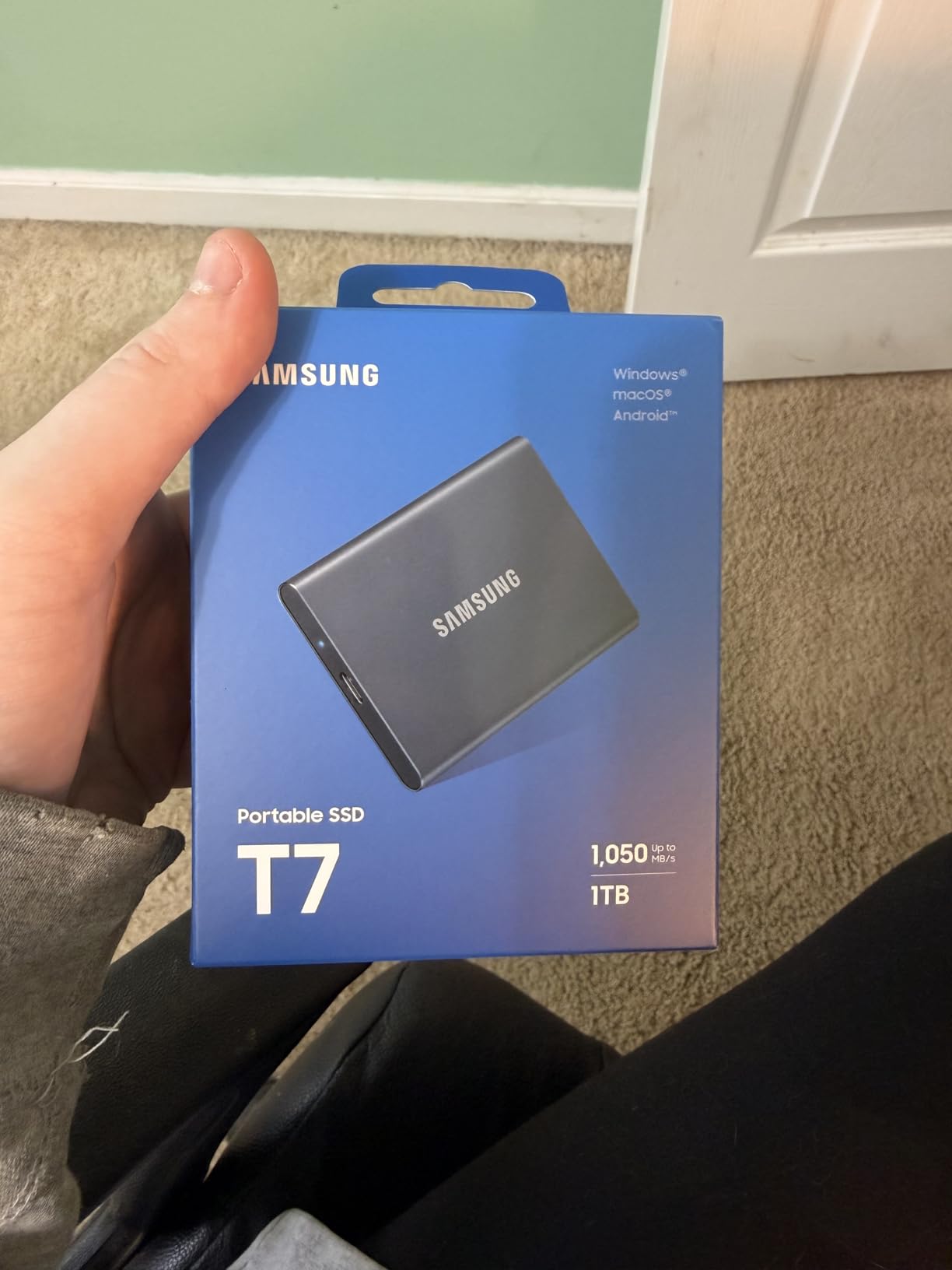
Samsung T7 Portable SSD 1TB Titan Gray, USB 3.2 Gen 2, Up to 1,050MB/s
Type: external portable
Speed: 1050 MB/s read
Warranty: 3 years
Pros
- Records 4K 60fps video directly to the drive
- Compact solid aluminum unibody body
- Shock and fall resistant up to 6 feet
- Works with PCs and Macs as well as phones and consoles
- 256-bit AES hardware encryption
Cons
- Sustained heavy transfers slow once the cache is full
- No IP rating for water or dust resistance
- Premium pricing for the capacity
The T7 is the drive to look at if you record straight to external storage. It handles 4K 60fps video directly, including iPhone 15 Pro Res 4K at 60fps, which turns a phone into a usable capture rig without a cable and a laptop in the middle.
Build quality is the second argument. The solid aluminum unibody resists shock and falls up to 6 feet, and at 3.3 by 2.2 by 0.3 inches it is small enough to live in a camera bag permanently rather than in a drawer.
Compatibility is broad. PC, Mac, smartphone, tablet, PS4 and PS5 all work, and 256-bit AES hardware encryption protects sensitive footage without slowing transfers noticeably.
The trade-off owners mention most is cache behaviour. Once the drive cache is exhausted, sustained heavy transfers slow down, so a long day of continuous recording needs a fast card rather than this drive alone.
The SanDisk Extreme is the rougher option, with IP65 sealing and a shell that is less rigid. The SSK SD500 is smaller still, at the cost of a much thinner review base and a shorter warranty.
Good to know: capacities go up to 4TB in this line, so the same model covers a long backup set if one drive is not enough. It runs almost twice as fast as the older T5, which is the upgrade most people notice first.
10. SSK SD500 1TB Portable SSD: Best for Lightweight Travel
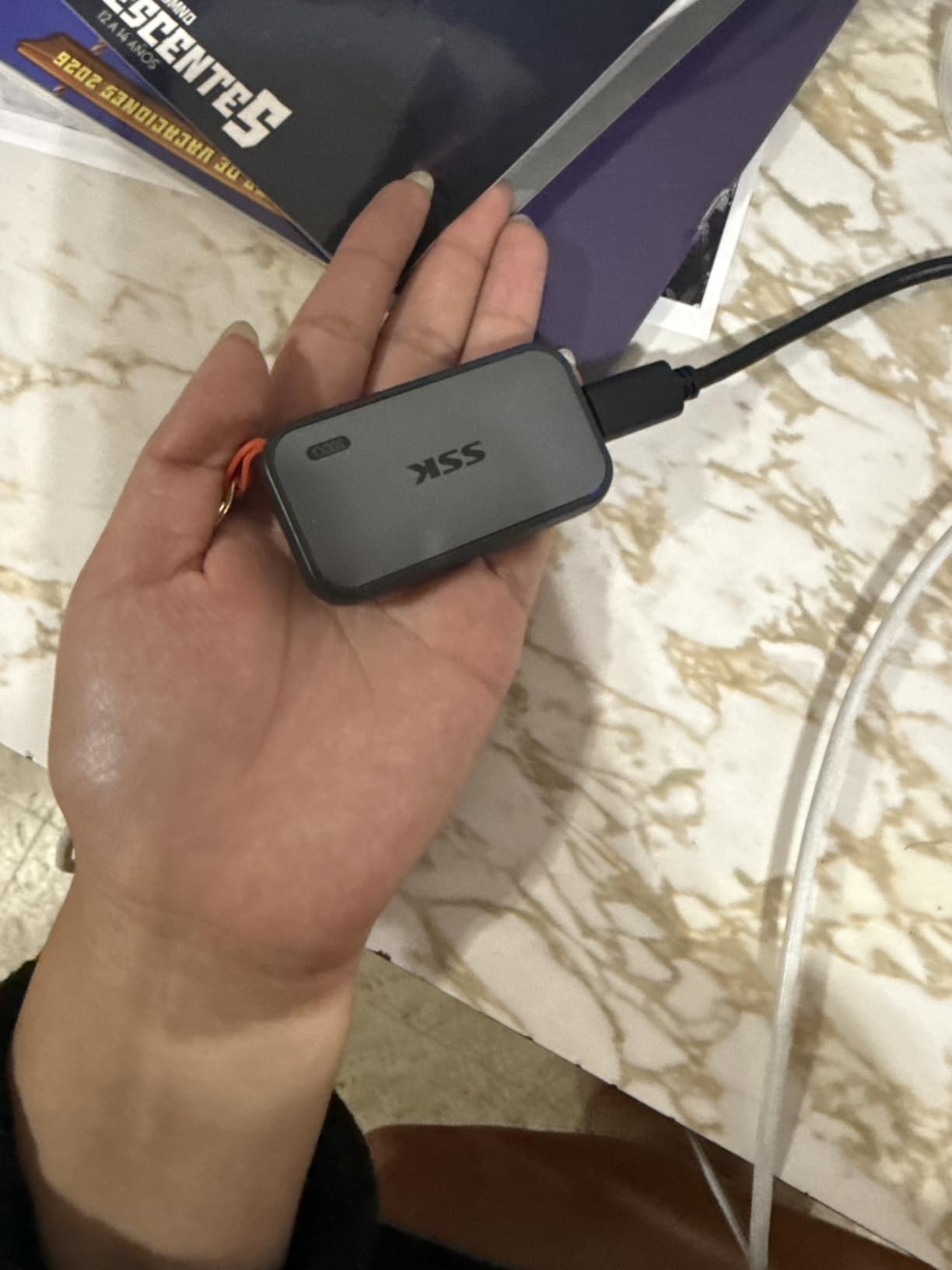
SSK Portable SSD 1TB External Solid State Hard Drive USB C Up to 1050MB/s
Type: external portable
Speed: 1050 MB/s read
Warranty: 3 years
Pros
- Weighs 36.6 g in a 2.6 by 1.5 by 0.5 inch body
- USB-C and USB-A cables both included
- Supports 4K60Hz ProRes HDR capture from iPhone
- Draws under 2.4 W for mobile workflows
- Aluminum case keeps peak temperature near 105F
Cons
- Windows shows about 931GB rather than 1TB
- Write speed drops after the SLC cache fills
- Only a 3 year warranty
The SD500 is the smallest and lightest drive in this list at 36.6 g, and it is built for people who carry storage rather than store it. Both USB-C and USB-A cables come in the box, so there is nothing to buy and nothing to lose in a bag.
It supports 4K60Hz ProRes HDR capture from an iPhone and draws under 2.4 W, which is what makes that claim realistic on a phone workflow. Power draw that low means the drive will not be the thing that kills your recording battery.
Thermal behaviour is handled by a 2mm aluminum alloy case, with a peak case temperature of about 105F during activity. S.M.A.R.T. health diagnostics and adaptive TRIM keep write speeds consistent over time.
Two complaints come up repeatedly. Windows reports roughly 931GB instead of 1TB because of how capacities are calculated in binary, which is normal but surprises people. And once the SLC cache, set at 25 percent of capacity, is exhausted, sustained write speeds fall away.
Compared with the Samsung T7, you get a smaller body and a lower rating, in exchange for a lower entry point. Compared with the SanDisk Extreme, you give up IP65 sealing and a 5-year warranty. For a phone-first workflow in a small bag, that trade works.
The drive is listed as compatible with PlayStation 5 as well as USB hosts, so it can do double duty as console scratch storage and a phone transfer drive.
How to Choose SSD Deals During Prime Big Deal Days
Most disappointing SSD purchases are not bad drives. They are good drives in the wrong slot, at the wrong capacity, bought without checking a compatibility detail that took ten seconds to confirm. These five checks cover almost every case.
NVMe or SATA SSD?
If your machine has an M.2 2280 slot, buy NVMe. The four PCIe 4.0 drives in this list run from 6000 to 7450 MB/s, while every SATA drive here tops out near 560 MB/s. That is a difference you feel on every boot and every game load.
SATA is still the right answer for older laptops, desktops, NAS enclosures and anything with only a 2.5 inch bay. The Crucial BX500, Kingston A400, Patriot P210 and Samsung 870 EVO cover that case well.
One exception is a handheld console. Several handhelds use a short M.2 slot that a standard 2280 card will not fit, so check the card length before ordering. Our handheld gaming PC deals roundup covers the storage side of those machines.
How Much Storage Do You Need?
A modern operating system and a handful of apps want roughly 250GB before you install anything else. Modern AAA games run 50GB to 150GB each, so a game library of five titles is already a 1TB problem.
For work machines and consoles, 240GB to 512GB is a realistic floor. For a gaming PC or a creative workstation, 1TB is the sensible starting point and 2TB removes the constant housekeeping. Anything you keep as a cold archive or a backup target can live on the portable drives in this list.
Do not overbuy. A larger drive is not faster, and unused capacity is capacity you pay for twice, once at purchase and once in a listing you compare against for years.
What Speed Matters for Everyday Use?
Sequential read speed is the headline number and the least interesting one for most people. Random read IOPS is what makes a machine feel quick, and it is the figure behind the 990 PRO’s 1,400K read and 1,550K write IOPS.
Any of the Gen 4 drives here is fast enough that you will not notice the difference between them in normal use. Owners of the 990 PRO commonly say the same thing: most people will not notice a large gap against cheaper Gen 4 drives. Buy the fast one when you are building new, and buy the cheaper one when you are filling an old machine.
If you also plan to run a wide display alongside a new graphics card, our ultrawide monitor deals guide covers the rest of the setup.
How to Check SSD Compatibility and Condition
Check four things before checkout: the form factor, the key and length, the interface, and the warranty terms. M.2 2280 is the common size, but B-key and shorter cards exist and will not fit a 2280 slot.
Thermals matter too. A bare drive in a desktop with airflow is fine, but a console install or a laptop usually wants a heatsink, and the Samsung 990 PRO does not include one. Read the listing for what is actually in the box rather than assuming.
Condition is the part people skip. Confirm the listing is new rather than renewed, check the warranty length on the specific capacity rather than the series, and read recent reviews for failure reports. When a listing shows a manufacturer date or a model number that differs from the one you expect, stop and confirm.
How to Shop SSD Deals During the Sale
Compare the model number first, because capacities share a family name and the numbers at the end are what tell them apart. Then check what is in the box, since a bare drive and a drive bundled with a heatsink or cloning software are not the same offer.
Seller and fulfilment details matter as much as the specification. A drive sold and dispatched by Amazon itself is a different proposition from the same model from a marketplace seller, and renewed condition on a storage device is worth avoiding outright.
Offers change through the event, so the price you see early in the sale is not the price you get. Most offers also need a Prime membership, and a free trial counts if you are not already a member.
- Match the interface to the slot: NVMe for M.2, SATA for 2.5 inch bays
- Confirm the card length and key fit the device before you order
- Check that the warranty length applies to the capacity you are buying
- Confirm the listing is new, and check whether a heatsink is included
- Read recent reviews for early failure reports, not just the rating
- Recheck the price partway through the sale, since offers change
Frequently Asked Questions
When does Amazon Prime Big Deal Days run, and do I need a Prime membership?
Amazon Prime Big Deal Days runs October 6-7, 2026. Most of the offers on storage require an active Prime membership, and a free trial counts if you do not already have one. Check the listing for the Prime badge before you plan your purchase, since a small number of offers run for everyone.
What are the best Amazon Prime Big Deal Days SSD deals for a gaming PC?
For a gaming PC, watch the Samsung 990 PRO 1TB if you want the fastest loads and PlayStation 5 and DirectStorage support, or the Kingston NV3 1TB if you want a cooler running and lighter drive for the same everyday experience. Add a 2TB portable drive such as the SanDisk Extreme for a library you do not want on the system drive.
Do I need a PCIe 5.0 SSD, or is PCIe 4.0 enough?
PCIe 4.0 is enough for almost every build right now. The drives in this list reach 6000 to 7450 MB/s, and owners of the fastest model report that most people will not notice a large gap against cheaper Gen 4 drives. Buy PCIe 5.0 only when your motherboard has a Gen 5 M.2 slot and you have a workload that uses the extra bandwidth.
Are SSD prices going to drop after the sale?
Nobody can promise a direction. Demand from data centres has kept NAND supply tight, and buyers report capacity costing more than it did a year earlier even when discounts are advertised. If your machine needs storage now, buy during the event rather than waiting, and check the current price on the listing before you commit.
How do I tell whether an SSD deal is a real saving?
Check the price history rather than the discount percentage, because a large percentage can be measured against an inflated list price. Compare the specific capacity and model number against what the drive has actually cost before, and treat a large claimed discount on an entry level SATA drive with caution, since those are often compared against premium pricing.
Final Verdict: Best Amazon Prime Big Deal Days SSD Deals
Buy the Kingston NV3 1TB if you want one drive that suits most desktops and laptops: light, cool running, single sided and installed in minutes. It is the pick worth watching most closely through the event.
For a handheld console or a PCIe 3.0 laptop, the Crucial P310 is the one with the widest device coverage. For a PlayStation 5 or a workstation handling 4K timelines, go with the Samsung 990 PRO and budget for a heatsink.
On SATA machines, the Samsung 870 EVO is the reliable choice for a drive you expect to keep for years, and the Crucial BX500 is the budget pick that revives an aging laptop fastest. The Kingston A400 covers the same ground with more capacity and the most reviews anywhere in this list, while the Patriot P210 fits the legacy BIOS laptops that newer drives sometimes reject.
For storage that leaves the machine, the SanDisk Extreme 2TB handles rough field conditions, the Samsung T7 records 4K straight from a phone, and the SSK SD500 is the one to slip into a jacket pocket. Use the buttons above to check what each one costs right now, and confirm the interface matches your slot before you order.