
If you print more than the occasional boarding pass, the Epson EcoTank ET-2800 is the printer to watch during Amazon’s Prime Big Deal Days sale, because refillable ink tanks keep the running cost low and one bottle set goes a very long way before you refill.
The Canon MegaTank G3270 is the runner-up for anyone who wants the same low ink cost with a screen and wider media handling, and the Brother DCP-L2640DW is the pick for a home office that prints black text all day and needs scanning built in. Amazon’s autumn event runs October 6-7, 2026, so check the listings early. 3D printers are a separate deal set and are not covered here.
Table of Contents
Our Top 3 Picks for Best Amazon Prime Big Deal Days Printer Deals
For anyone new to it, Prime Big Deal Days is Amazon’s October sales event, a shorter and sharper version of the July Prime Day. It is not the same as Prime Early Access, which opens a few days earlier, and most of the printer offers on it are reserved for members, with a free trial counting for as long as it is active.

Epson EcoTank ET-2800
- Refillable ink tanks
- Up to 4500 black pages per fill
- Print scan and copy
- Wi-Fi

Canon MegaTank G3270
- Ink tank with 2 years of ink
- 6000 black and 7700 color pages
- Wireless print scan and copy
- 1.35 inch LCD

Brother DCP-L2640DW
- Monochrome laser at 36 ppm
- Automatic duplex
- 50-page document feeder
- 250-sheet tray
The ET-2800 wins this list on running cost and proof of durability rather than speed. It is the only pick here with refillable tanks, thousands of owner reviews, and no subscription of any kind attached to it. Everything else in the top three trades a little of that for speed or for hardware that does more.
The MegaTank G3270 does the same job with a slightly larger ink capacity and a small screen for ink status, which helps if you refill less often. The Brother DCP-L2640DW is the change of pace: monochrome laser, 36 pages per minute, automatic duplex and a feeder that swallows 50 sheets at a time.
Best Amazon Prime Big Deal Days Printer Deals Compared (2026)
| Product | Specifications | Action |
|---|---|---|
| Epson EcoTank ET-2800 |
|
Check Deal Price |
| Canon MegaTank G3270 |
|
Check Deal Price |
| Brother DCP-L2640DW |
|
Check Deal Price |
 Canon PIXMA TS3720 Canon PIXMA TS3720 |
|
Check Deal Price |
 Brother HL-L2460DW Brother HL-L2460DW |
|
Check Deal Price |
 Canon PIXMA TS6520 Canon PIXMA TS6520 |
|
Check Deal Price |
 HP LaserJet M209dw HP LaserJet M209dw |
|
Check Deal Price |
 Canon PIXMA TS7720 Canon PIXMA TS7720 |
|
Check Deal Price |
 Canon PIXMA TR160 Canon PIXMA TR160 |
|
Check Deal Price |
 HP LaserJet Pro MFP 3101sdw HP LaserJet Pro MFP 3101sdw |
|
Check Deal Price |
 Brother HL-L2405W Brother HL-L2405W |
|
Check Deal Price |
 HP Envy 6155 HP Envy 6155 |
|
Check Deal Price |
Two columns in that table matter more than the rest. Speed tells you whether a job will stall on a long report, and type tells you what each page costs to run, which is the figure that decides whether a cheaper printer was actually cheaper.
The twelve picks span four brands and three technologies. Six are colour machines, five are monochrome lasers and one is a portable inkjet, so a reader can see the ink cost argument and the speed argument side by side rather than taking a single brand’s word for it.
How We Chose
We compared the specifications that decide a printer purchase: print type, pages per minute, paper tray size, duplex, wireless support, warranty and running-cost hardware, then read the owner reviews and ratings on Amazon for each model. Specs and review data were checked on October 2026.
1. Epson EcoTank ET-2800: Editor’s Choice for the Lowest Ink Bill
Epson EcoTank ET-2800
Type: color ink tank
Speed: 10 and 5 ppm
Duplex: single-sided
Warranty: 1 year
Pros
- Refillable tanks instead of cartridges
- Up to 4500 black and 7500 color pages per fill
- Up to 2 years of ink in the box
- Print scan and copy in a compact body
- Wi-Fi plus USB for flexible placement
Cons
- No automatic duplex so two-sided jobs need manual flipping
- Entry-level LCD with no touchscreen
- Modest 10 ppm black and white speed
The most sensible printer to own if ink cost is the thing that annoys you most.
Epson’s cartridge-free system is the whole point here. One set of ink bottles is the equivalent of about 90 individual cartridges and runs up to 4,500 black pages or 7,500 color pages, so the trip to buy ink stops being a monthly errand. With up to two years of ink in the box, most households will not touch the bottles again in the first year of ownership.
That economics is why the ET-2800 has accumulated 18,215 reviews and holds a 4.0 rating. Owners keep coming back to the same conclusion: the machine is unexciting and the running cost is not. There is no subscription here, no enrolment step and no cartridge chips to fight.
A household that prints homework, shopping lists and a colour calendar every week gets a good fit here. Scanning and copying sit in the same box, so a school form that needs a copy does not need a second machine on the desk. At 22.8 inches wide, it also needs a real shelf rather than a corner of a sideboard.
What it will not do is duplex on its own. Two-sided pages mean turning the stack by hand, which is the single complaint owners repeat most often. Print speed sits at 10 pages per minute black and 5 in color, so a 40-page report is a short wait rather than an instant one.
Compared with the Canon MegaTank G3270, the ET-2800 holds slightly less ink per fill but costs less to buy and has a longer owner history on Amazon. Compared with the Brother DCP-L2640DW, it prints color and photos at a fraction of the cost per page, but it is nowhere near as fast on black text.
Good to know: Epson recommends its own genuine ink, and non-genuine bottles can cause damage the warranty does not cover. If you print heavy black volumes every day rather than a few times a week, look at the Brother laser options instead.
The hardware details are modest but sensible. The flatbed scanner handles originals up to the same size, the maximum sheet is 8.5 by 14 inches, and 4 by 6 inch and 5 by 7 inch photo sizes are supported for school projects. Micro Piezo heat-free technology drives the 5760 dpi black and 5760 by 1440 dpi color output, and it draws 12 watts, so it is cheap to leave switched on between jobs.
The one-year limited warranty is the standard length across most of this list, and the single USB port is the only wired option, so keep the network password somewhere you will find it before setup day.
2. Canon MegaTank G3270: Best Value for Color Without Cartridges
Canon MegaTank G3270
Type: color ink tank
Speed: 11 and 6 ppm
Duplex: single-sided
Warranty: 1 year
Pros
- Ink tank with up to 2 years of ink included
- Up to 6000 black and 7700 color pages per set
- 4800 x 1200 dpi for documents and photos
- Borderless and square photo printing
- Wireless print copy and scan with an LCD
Cons
- Simplex only with no automatic duplex
- Small 1.35 inch LCD screen
- Larger footprint than a compact home inkjet
Same low ink cost as the ET-2800, with a bigger tank and a screen that tells you when it is running low.
The MegaTank G3270 holds up to 6,000 black and white pages and 7,700 color pages per ink set, which is the largest capacity in this group. The 1.35-inch square LCD is small by modern standards, but it is the difference between guessing and knowing when a colour cartridge is nearly done.
With 5,138 reviews at 4.1 stars, it sits in the same well-regarded band as the ET-2800 while handling media a little more patiently. Square photo sizes, envelopes and card stock all print without a fuss, and the output stays sharp at 4800 x 1200 dpi in both color and black.
A home office that produces colour documents, menus or a weekly newsletter fits this machine well. It is also a reasonable second printer for a busy school term, when the ink simply lasts rather than running out mid-project. The trade is footprint: at 21.9 inches deep, it claims more desk space than the Epson.
Like the ET-2800, it prints one side at a time only. If duplex matters to you, move up this list to the Canon PIXMA TS6520 or the Canon PIXMA TS7720, both of which flip the page automatically.
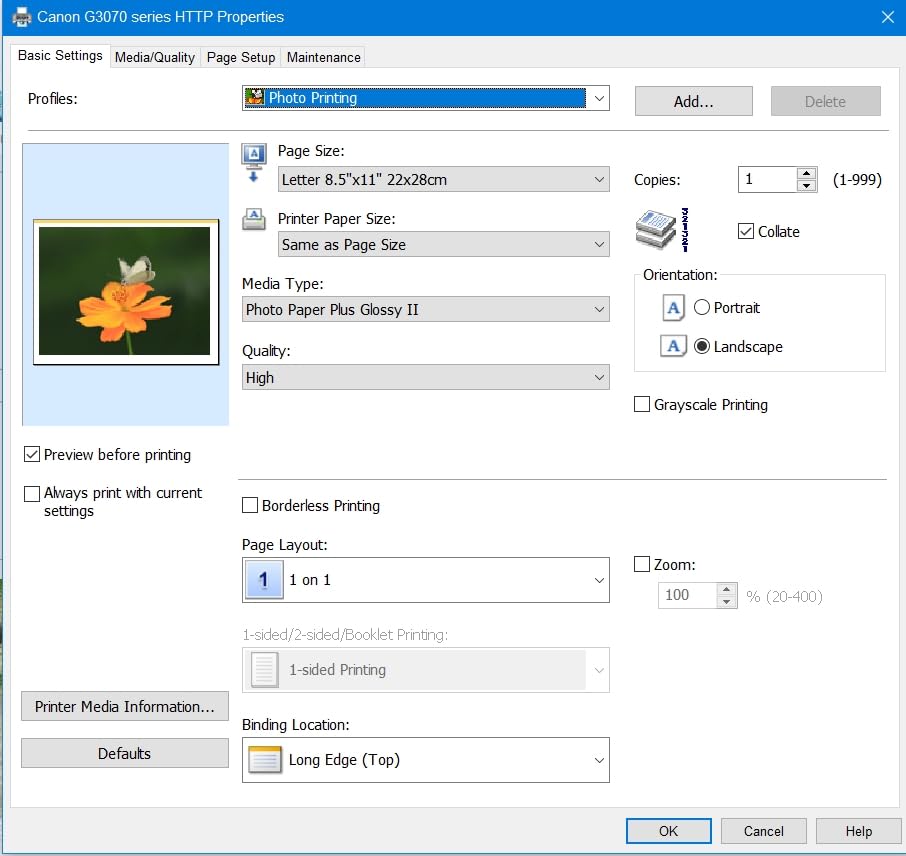
Skip this one if you need a document feeder. The flatbed scanner handles a single page at a time, and for anyone scanning a stack of receipts or a signed contract, the Brother DCP-L2640DW with its 50-page feeder is the pick that saves the most time.
EU spare part availability is listed at five years for this model, which is a reasonable signal for a machine you expect to keep past a warranty cycle.
Paper handling is straightforward rather than clever: a 100-sheet input tray and 100 sheets of output, with media up to 8.5 by 14 inches. Energy Star and EPEAT certification and network-ready status are both listed, and it draws 16 watts, which is a little more than the Epson but still modest for a machine that does scanning too.
Borderless output matters more than it sounds if you print greeting cards or square social posts, and this model handles it without hunting through paper settings. That, plus a physical screen, is where it edges ahead of cheaper cartridge machines.
3. Brother DCP-L2640DW: Most Versatile for a Home Office That Never Stops
Brother DCP-L2640DW
Type: monochrome laser
Speed: 36 ppm
Duplex: automatic
Warranty: 1 year
Pros
- 36 ppm monochrome with a first page in 8.5 seconds
- Automatic duplex cuts paper use
- 50-page automatic document feeder
- Dual-band Wi-Fi plus Ethernet and USB
- Affordable TN830 toner that does not dry out
Cons
- Monochrome only with no color output
- On-printer menu navigation is awkward
- Wi-Fi password and firmware prompts can be confusing
The pick when every page is black text and the volume never drops below a stack a day.
A monochrome laser changes the running-cost conversation. Toner is powder, so it never dries out in a half-used cartridge and the cost per page sits well below any colour inkjet in this list. At 36 pages per minute with a first page in 8.5 seconds, a 200-page contract is finished before a coffee cools.
The 250-sheet paper tray, 120-sheet output and automatic duplex are the details that matter after the speed. Duplex alone roughly halves the paper a busy office uses, and this is the one all-in-one in the top three that scans a stack as well as it prints one.
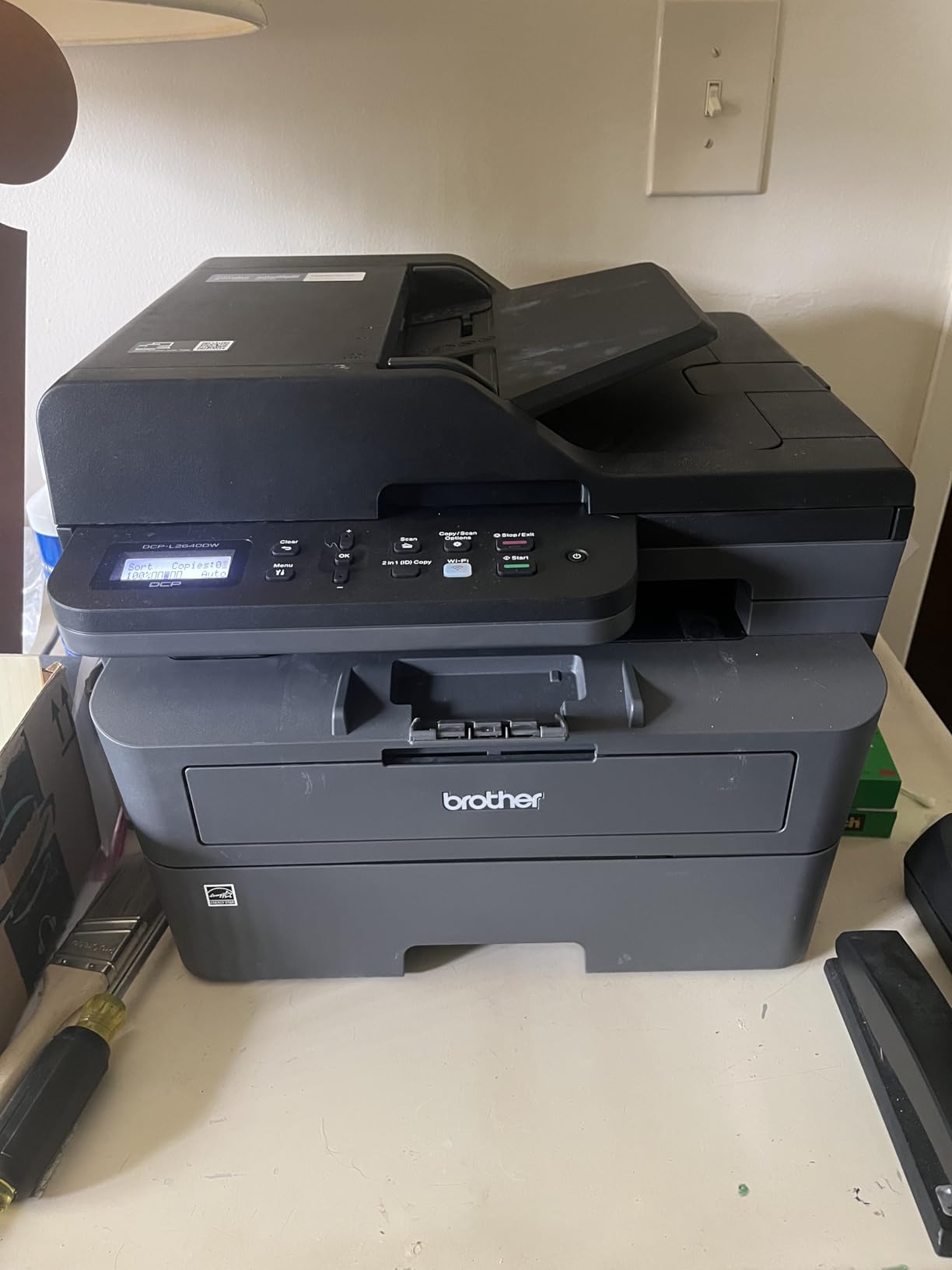
Where owners report friction is the setup rather than the printing. Provisioning a password and firmware prompts on a new network can be confusing enough that some people need to print a network configuration report from the machine itself. The fix is to set it up from the Brother Mobile Connect app, which most owners say is far easier than the on-device menu.
If your work is colour at all, this is the wrong machine. If you want the same laser engine without a scanner, the Brother HL-L2460DW runs at the identical 36 ppm with a smaller footprint and less to go wrong.
It runs Brother Genuine TN830 or TN830XL toner, and while a Refresh EZ Print subscription is supported, nothing requires you to join it to print.
Scanning keeps up with the engine at up to 23.6 images per minute in black and 7.9 in color, and the Brother Mobile Connect app handles printing, scanning, toner ordering and usage tracking from a phone. Energy Star and EPEAT qualified, the machine ships with a one-year limited warranty and free support by phone, chat or online.
At 25 pounds and 15.7 by 16.1 inches, it needs a real shelf rather than a side table, so measure before you commit. The weight is also the honest signal that this is office hardware, not a bedroom printer.
4. Canon PIXMA TS3720: Budget Pick for Light Home Printing
Canon PIXMA TS3720
Type: color inkjet
Speed: 7.7 and 4 ppm
Duplex: single-sided
Warranty: 1 year
Pros
- Low entry cost for a wireless all-in-one
- Light and compact at 8.7 pounds
- Two easy to replace cartridges
- Stable dual-band Wi-Fi plus USB
- Works with Chromebook and AirPrint
Cons
- Single-sided printing only
- Small 60-sheet tray means constant refills
- Modest 7.7 ppm black speed
The cheapest way to put a scanner and a colour printer on one desk.
This is a cartridge printer, and that is the honest headline. Two tanks, one black and one tri-colour, mean lower page yields than the ink tank models and a higher cost per page over time. In exchange, the machine is small, light and simple, which is the right trade for a household that prints a few pages a week.
3,484 reviews at 4.0 stars put it firmly in dependable territory. Owners mention setup that runs in minutes without a computer, a 1.5-inch segment LCD, and dual-band Wi-Fi that stays connected. Borderless 5 by 7 inch photos are supported, so it handles a school project that needs an image as well as a shopping list.
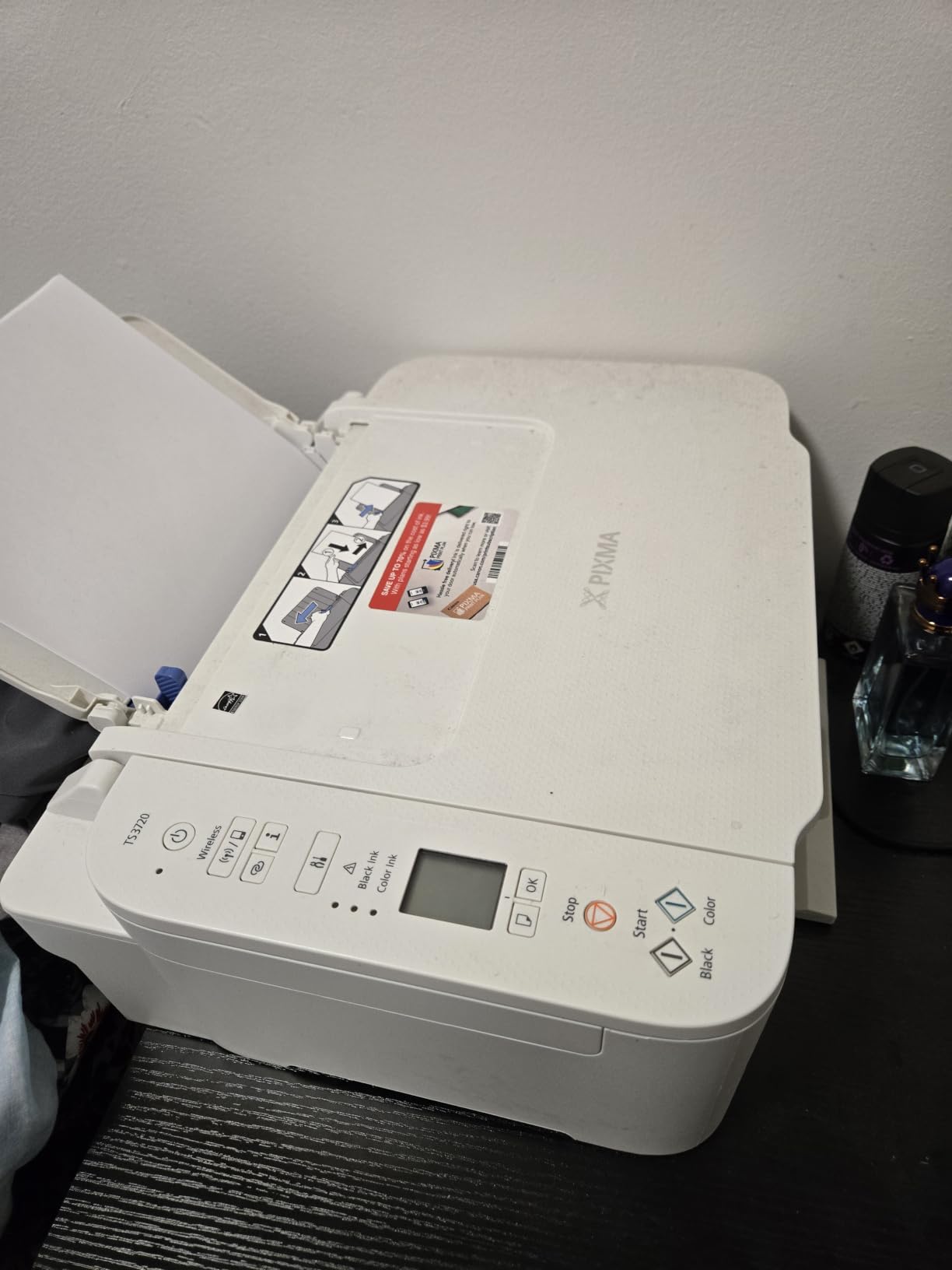
Buy it if the printer lives in a dorm, a bedroom or a study where shelf space counts. At 8.7 pounds and 5.8 inches tall, it is the least intrusive machine in this roundup. Skip it if you print weekly rather than monthly, because the 60-sheet tray will run dry mid-project.
The Canon PIXMA TS6520 is the step up when you want automatic duplex and faster output for not much more, and the Canon PIXMA TR160 is worth a look if the machine is travelling rather than staying put.
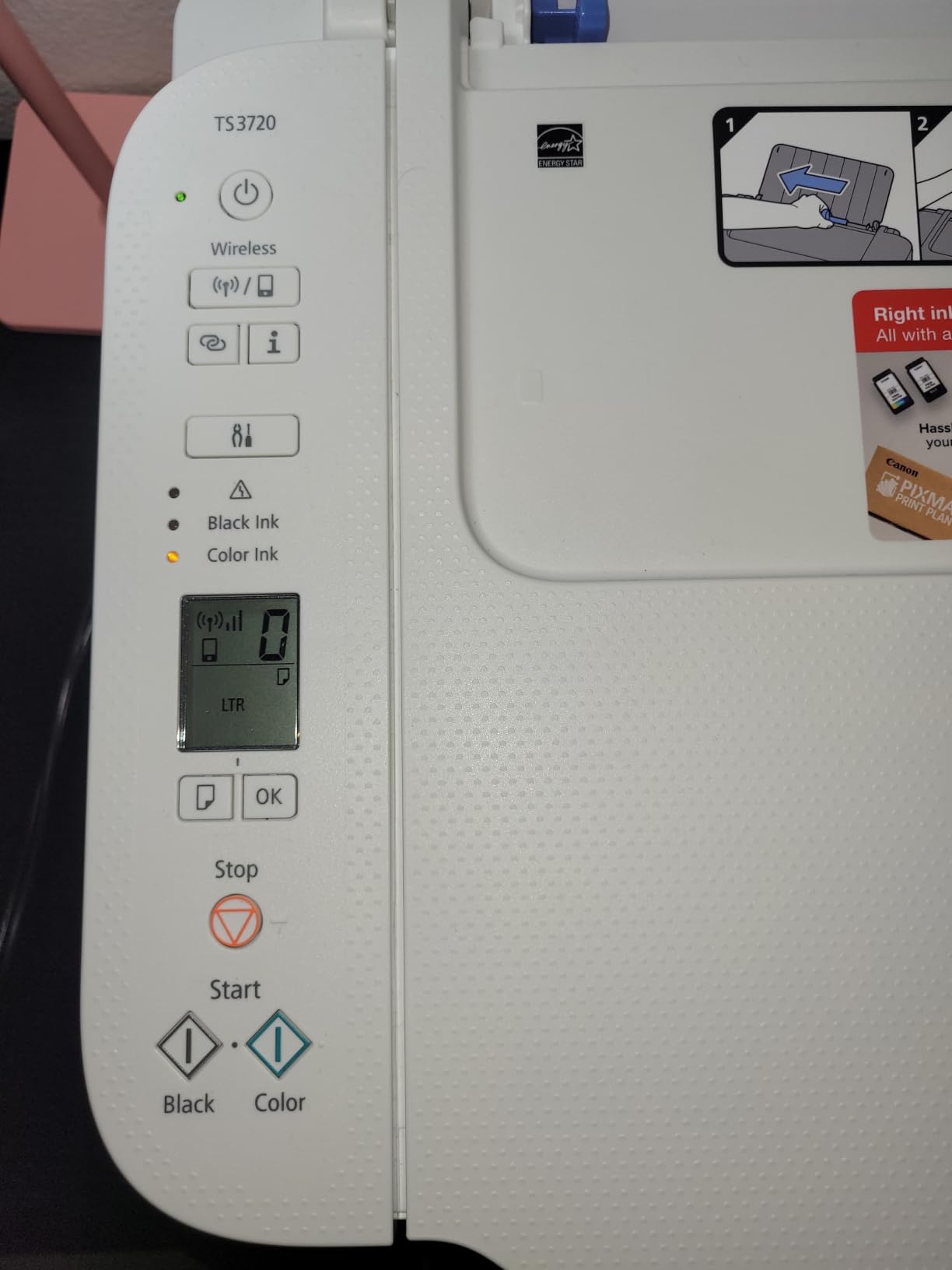
It supports AirPrint, Mopria and Chromebook, so no driver hunting is needed on most modern devices.
The ink side is the PG-275 black and CL-276 tri-colour pair, and both are straightforward to swap without a mess. Colour depth is 16 bits per pixel, media runs up to 8.5 by 14 inches, and envelopes, labels, high-resolution paper and borderless 5 inch prints are all supported. It draws 21 watts, which is normal for a class of machine that scans as well as prints.
5. Brother HL-L2460DW: Best for Home Office Duplex Without a Scanner
Brother HL-L2460DW
Type: monochrome laser
Speed: 36 ppm
Duplex: automatic
Warranty: 1 year
Pros
- 36 ppm with a first page under 8.5 seconds
- Automatic duplex on a print-only body
- 250-sheet tray plus a manual feed slot
- Dual-band Wi-Fi plus Ethernet and USB
- Crisp smudge-free text at 1200 x 1200 dpi
Cons
- Print only with no scanner or copier
- On-screen Wi-Fi setup is tedious on the limited button set
- Refresh EZ Print trial can add per-page charges
Everything the DCP-L2640DW does well, minus the scanner, at a smaller size.
Print-only machines are underrated. If you scan on a phone or a separate flatbed already, the money you do not spend on a scanner goes into toner and paper handling, and this one runs the same 36 pages per minute with automatic duplex and a 250-sheet tray. A manual feed slot handles envelopes and thicker media that a plain tray would refuse.
2,627 reviews at 4.0 stars show a well-liked machine. Owners who came from inkjets single out the low cost per page and text quality as the reason they stayed. At 15.6 pounds and just over seven inches tall, it also suits a shelf that will not take a full-size office MFP.
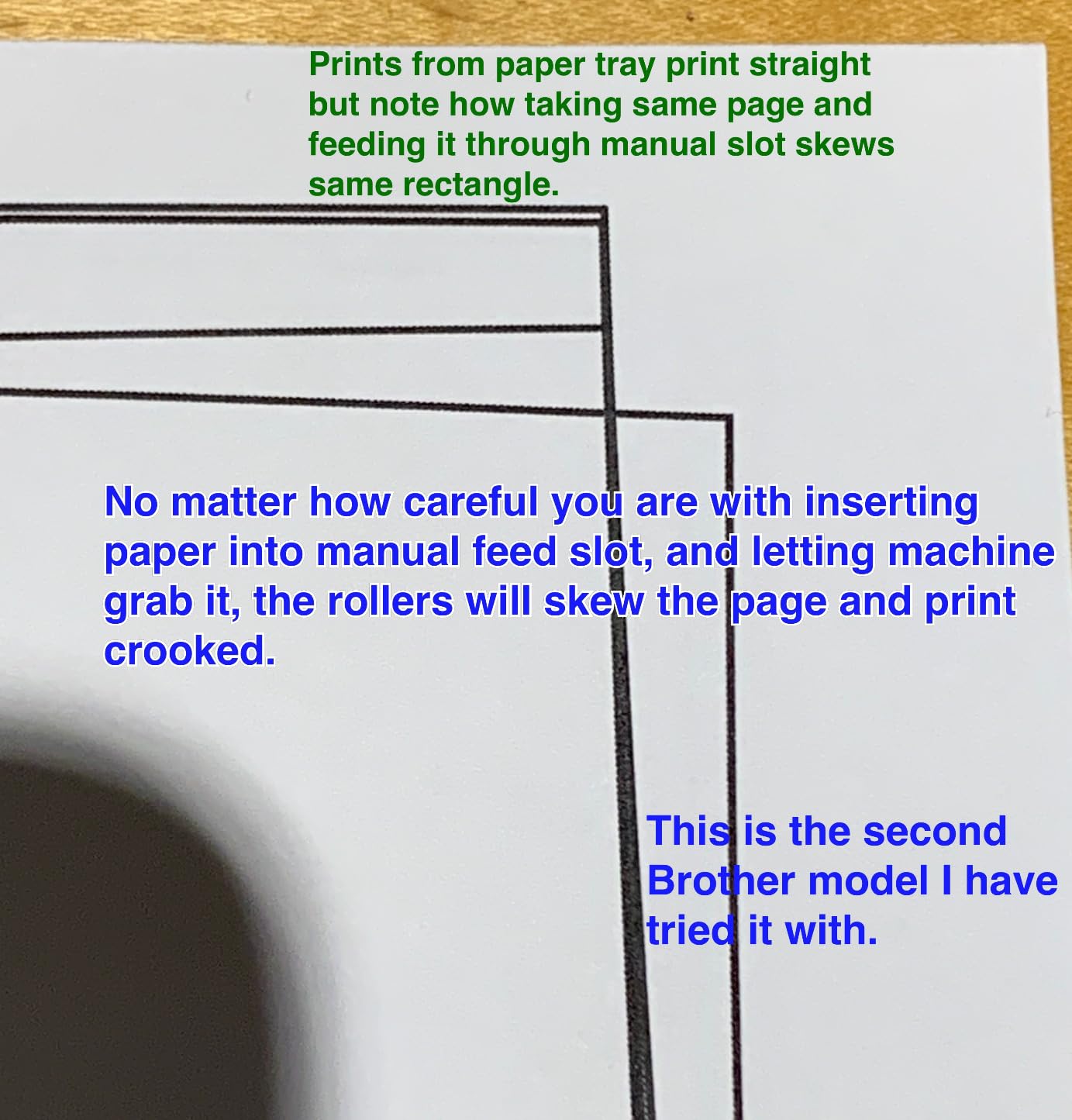
Compared with the Brother HL-L2405W further down this list, this is the version to choose if two-sided documents are routine. Compared with the HP LaserJet M209dw, you get the same automatic duplex at a faster 36 ppm rather than 30, plus an Ethernet port for a wired office.
Two things to know. The on-screen Wi-Fi setup runs on a small button set and owners find it tedious, so use the Brother Mobile Connect app. And a Refresh EZ Print trial is bundled, which carries per-page charges if you leave it running.
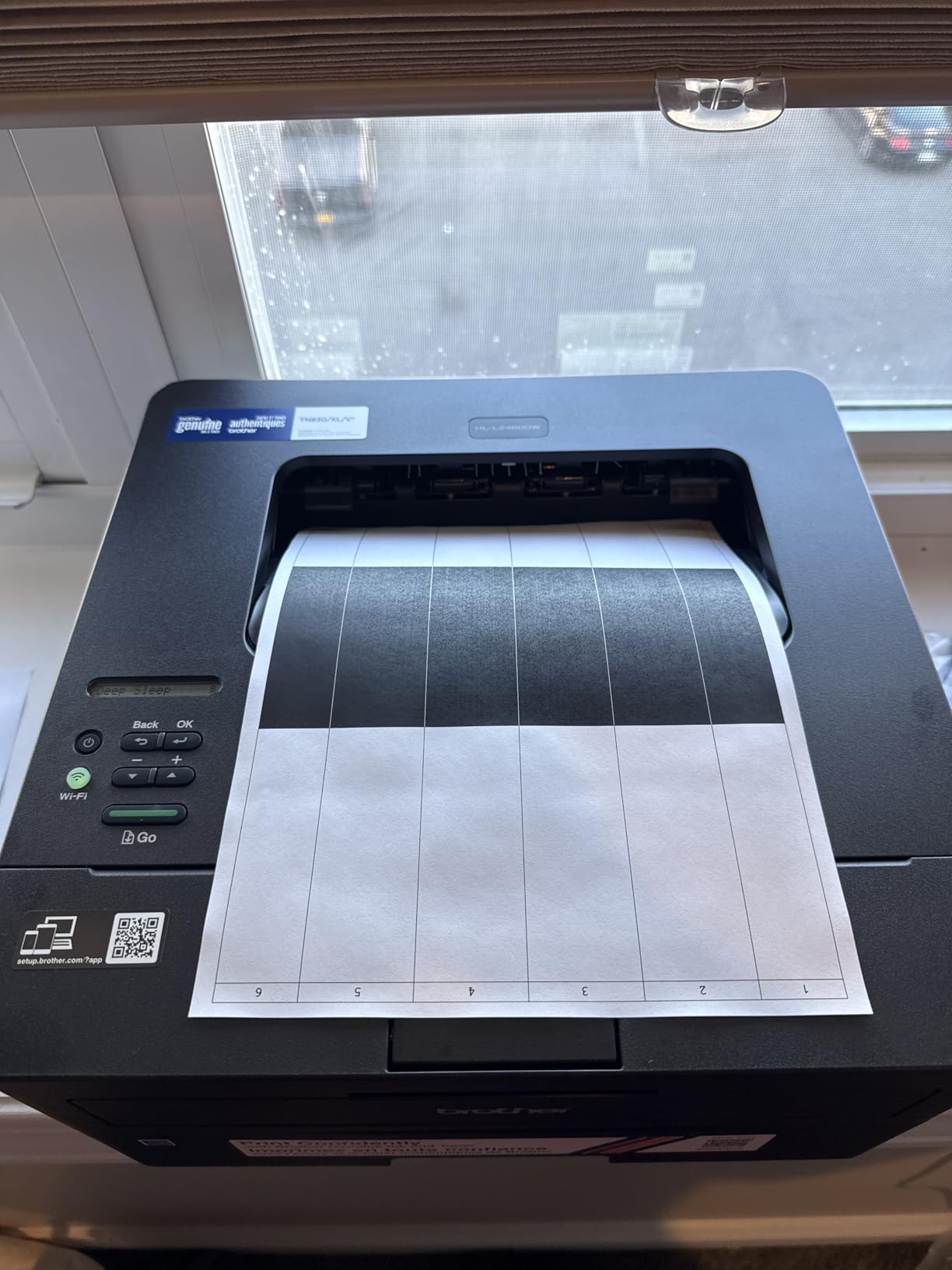
It works reliably on both Windows and Linux, which matters more than it sounds if your household has more than one kind of computer.
Output capacity is 100 sheets, with a manual feed slot for envelopes and specialty paper, and media is accepted up to 8.5 by 14 inches. Amazon Alexa support is listed alongside the Brother Mobile Connect app, and the one-year limited warranty comes with free online, call or live chat support.
Both Wi-Fi bands and an Ethernet port are on board, which is why this is the safer pick for an office that keeps losing the network on a single-band machine.
6. Canon PIXMA TS6520: Best for Duplex Prints on a Budget
Canon PIXMA TS6520
Type: color inkjet
Speed: 14 and 9 ppm
Duplex: automatic
Warranty: 3 years
Pros
- Automatic duplex at an entry price
- 1.42-inch OLED shows ink level and status
- Two cartridge hybrid system gives sharp text
- Stable dual-band Wi-Fi with quick setup
- Three-year manufacturer warranty
Cons
- Flatbed scanner only with no document feeder
- Two-cartridge system has lower photo yield
- Paper capacity is limited for long runs
Automatic duplex at this price is rare, and it changes how a home printer feels day to day.
Two-sided printing used to be the feature you paid extra for. At 14 pages per minute black and 9 in color, with a first page in 7.5 seconds, the TS6520 handles two-sided documents without the pause you get from flipping paper by hand, and the 1.42-inch monochrome OLED shows ink levels without an app.
1,977 reviews at 4.2 stars make it one of the better-rated machines in this roundup. Owners also mention the three-year manufacturer warranty, which is the longest coverage listed here, and a setup process most people finish in a few minutes.
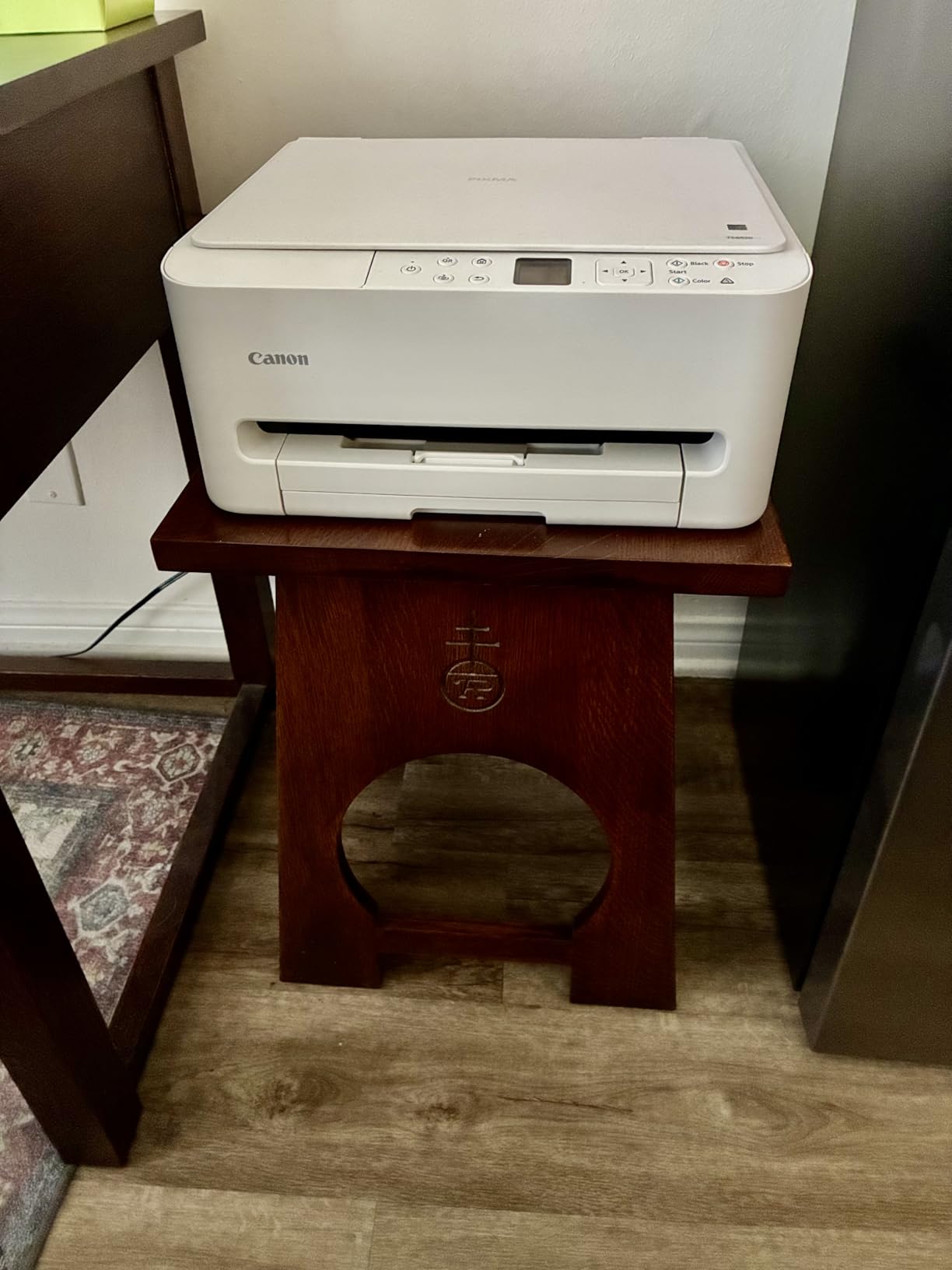
For a hybrid worker printing contracts, lesson plans and the occasional colour handout, this is the balanced choice. The hybrid cartridge setup pairs a pigment black with a dye colour tank, which keeps text crisp and colour bright without moving to three or four cartridges.
Two limits are worth knowing. There is no automatic document feeder, so a stack of pages means scanning one at a time, and the two-cartridge arrangement yields fewer colour photos before a refill than the ink tank models at the top of this list.
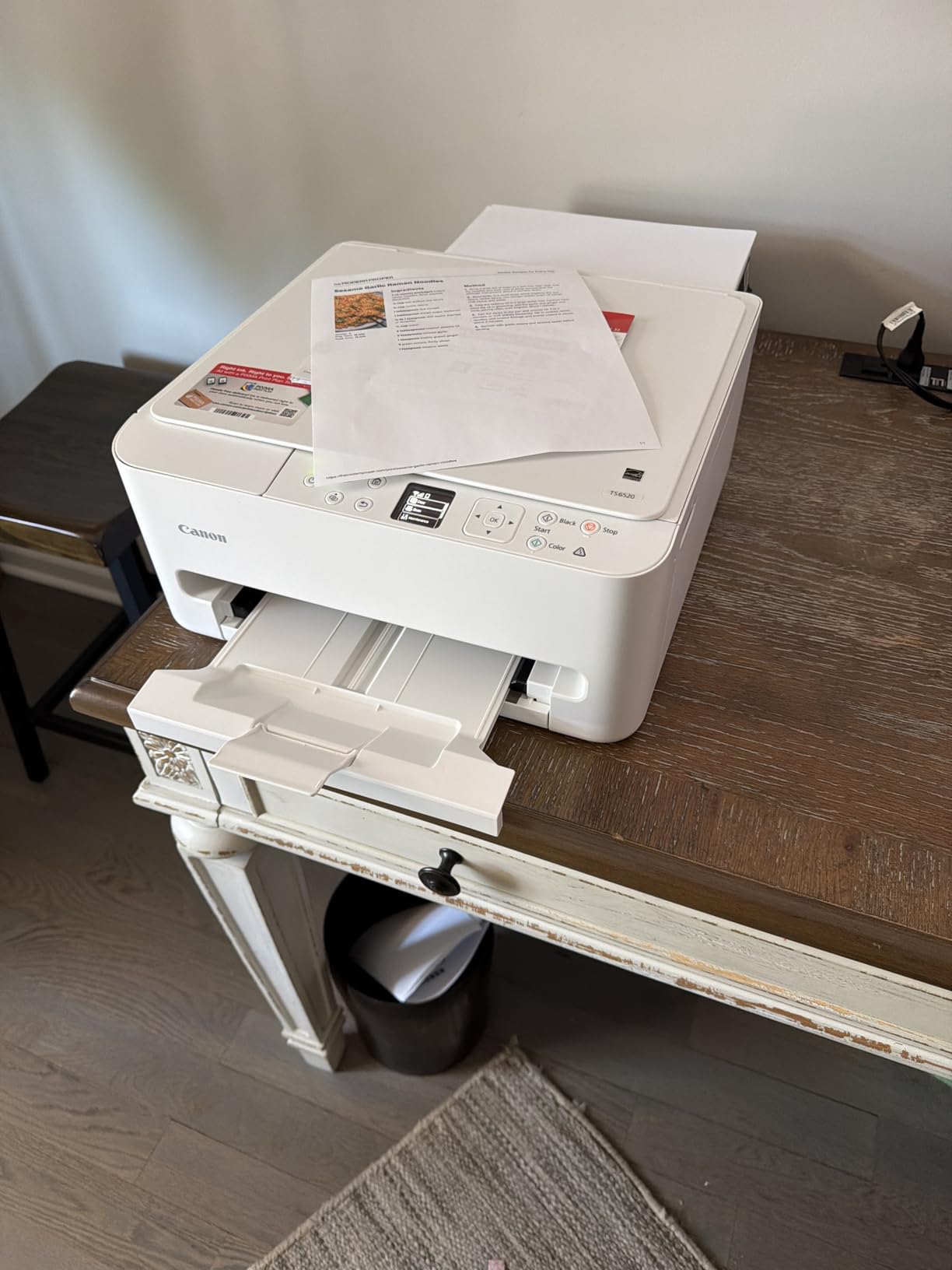
If photo output matters more than duplex, the Canon PIXMA TS7720 adds a 2.7-inch touchscreen and faster colour. If duplex matters more than ink cost, the Brother HL-L2460DW prints 36 black pages per minute and never touches a cartridge.
It works with the Canon PRINT app, AirPrint and Mopria, and the display also answers to voice control through Amazon Alexa.
Maximum media is letter size at 8.5 by 11 inches, and borderless printing is supported, so photo output does not need a separate machine. Power draw is 21 watts, and the whole unit weighs 15.4 pounds, which is a good deal of hardware for a home desk.
The pigment black and dye colour pairing is the reason text stays sharp while colour stays bright, and it keeps the cartridge count at two.
7. HP LaserJet M209dw: Best for a Small Team on a Tight Shelf
HP LaserJet M209dw
Type: monochrome laser
Speed: 30 ppm
Duplex: automatic
Warranty: 1 year
Pros
- Up to 19 images per minute two-sided
- Automatic duplex on a compact 11.2 pound body
- Dual-band Wi-Fi with self-reset
- Long-life toner cartridge keeps running cost down
- Fits spaces other office machines cannot
Cons
- Print only with no scanner or copier
- 150-sheet tray is smaller than rival lasers
- Some owners report dropping off the network
Built for one to five people, and narrow enough to sit on a credenza instead of a cabinet.
Two-sided speed is where this machine leads. Up to 30 pages per minute single-sided and 19 images per minute duplex is quick for a compact laser, and the automatic flip means a 50-page report lands in one tray and one job. A starter toner cartridge of roughly 700 pages is in the box.
1,381 reviews at 4.2 stars reflect a machine people buy once and stop thinking about. Owners mention quick setup, sharp black text and a self-resetting dual-band connection that recovers from network hiccups on its own, plus a touch control panel.
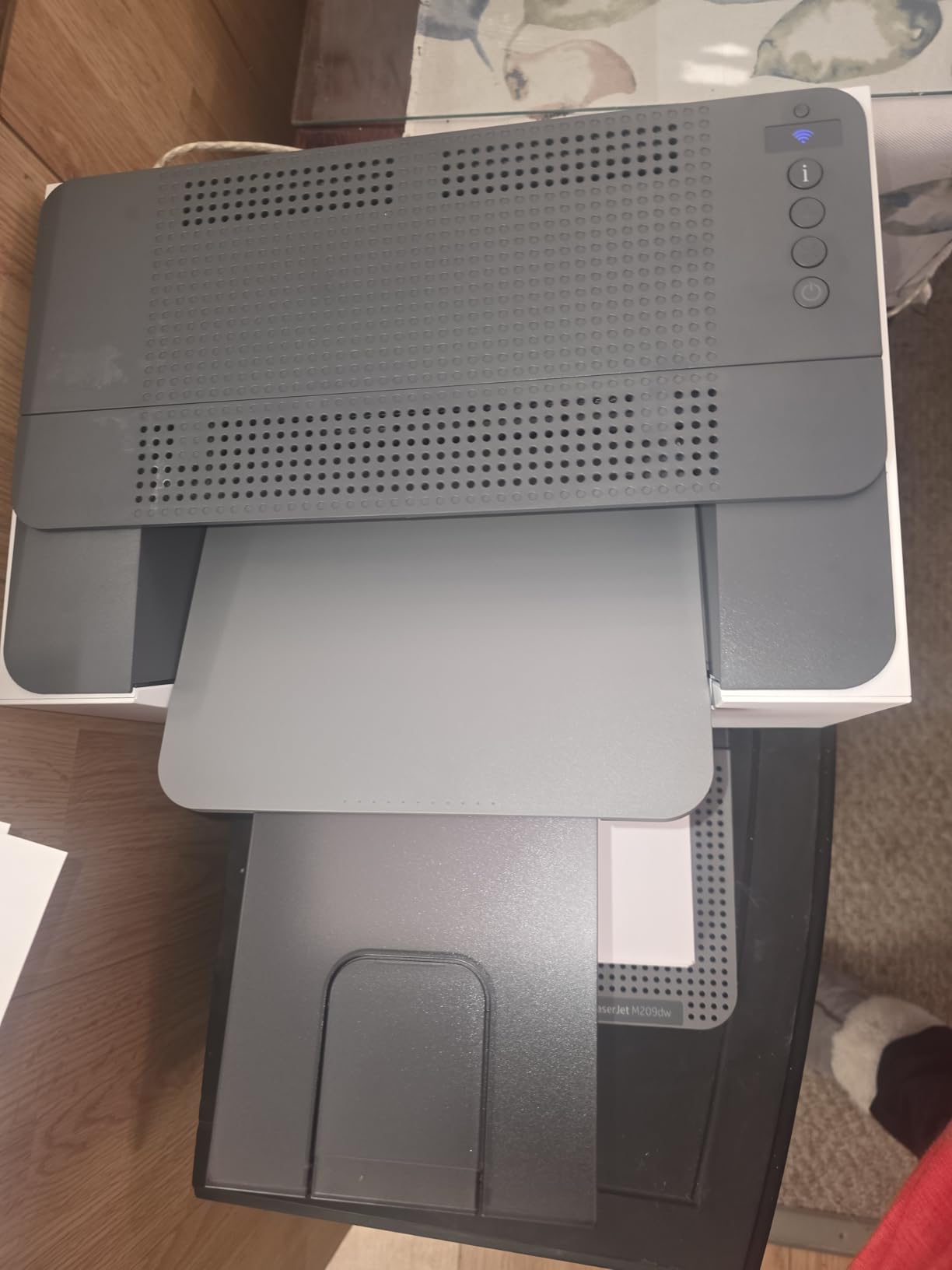
At 11.2 pounds and 11 inches deep, this is the smallest serious laser in the list. That makes it the pick for a home office that shares a room with a desk, or a reception counter where a full-size MFP will not fit.
A minority of owners report the printer dropping off the network and needing a restart, which is the main complaint in reviews. If your network is mesh-heavy, the Brother HL-L2460DW or the Brother HL-L2405W are steadier choices with no such pattern reported.
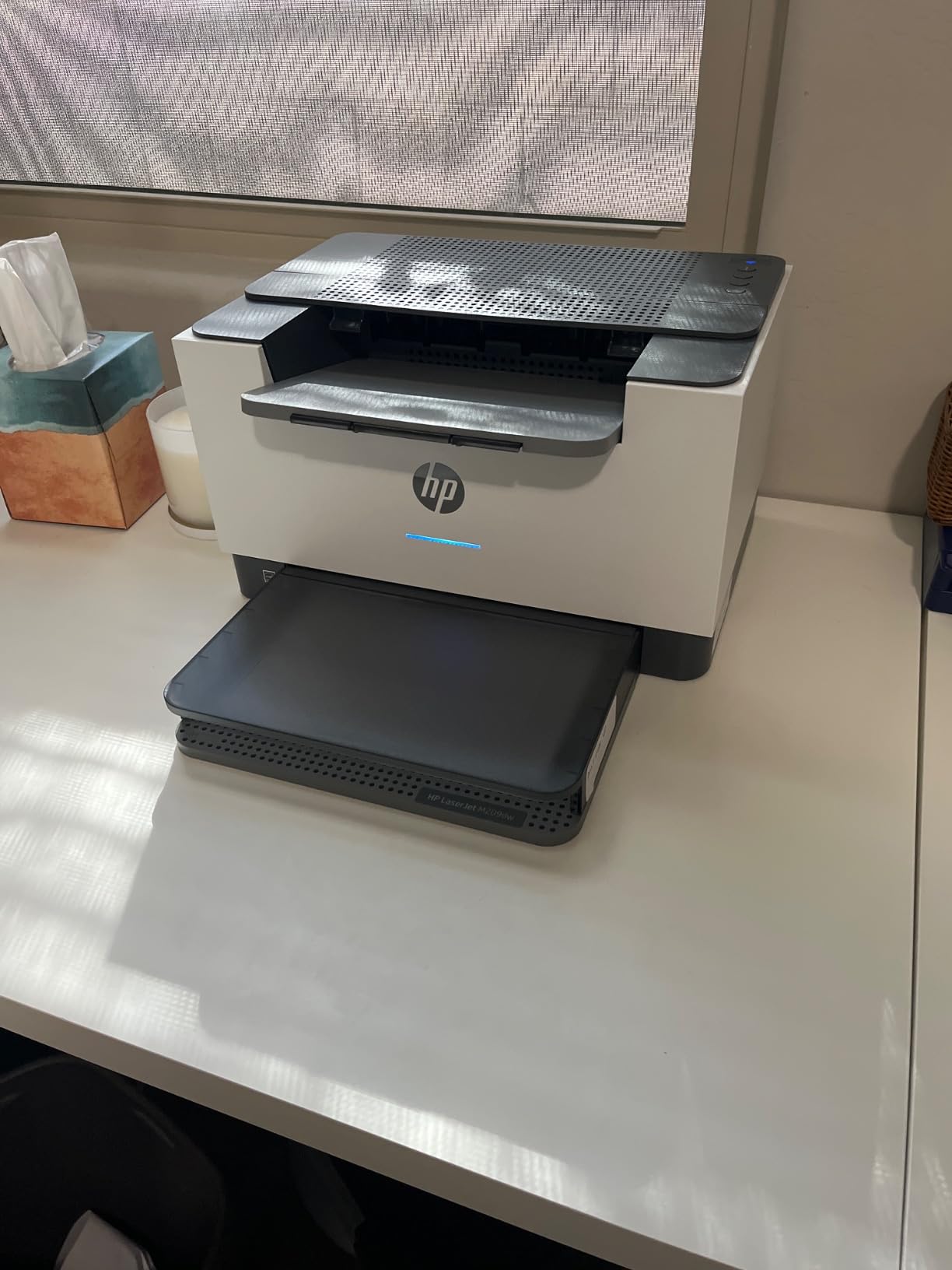
Compared with the HP LaserJet Pro MFP 3101sdw, you give up a scanner, a 50-page feeder and 250-sheet trays, and you keep 5 ppm less speed. If you need to copy and scan, the 3101sdw is worth the extra hardware; if you only print, this one is leaner and cheaper to run.
It handles media from 4 by 6 inches up to legal size, including card stock, envelopes and labels.
Built-in security features are listed alongside the self-resetting wireless, and the touch control replaces a button panel, which is rare at this size. Output capacity matches the input at 150 sheets, and the machine is Energy Star certified and network-ready.
Resolution is 600 by 600 dpi, which is low next to the Brother lasers at 1200 by 1200. On black text nobody notices, and on graphics you will, so this is a documents machine and nothing more.
8. Canon PIXMA TS7720: Best for Photos With a Touchscreen
Canon PIXMA TS7720
Type: color inkjet
Speed: 15 and 10 ppm
Duplex: automatic
Warranty: 1 year
Pros
- Fast 15 and 10 ppm colour output for a home inkjet
- Automatic duplex printing
- Large 2.7-inch LCD touchscreen
- Two paper trays with 200-sheet output
- Supports borderless and square photo prints
Cons
- Two-cartridge system limits colour photo yield
- No document feeder on the base configuration
- Wi-Fi and USB only with no Ethernet port
When you want to print photos without opening a laptop, the 2.7-inch touchscreen is the reason to buy this one.
Previewing an image, checking a job and changing paper all happen on the screen, which no other budget printer in this list does. Output is quick for its size at 15 pages per minute black and 10 in color, and two paper trays with 200 sheets of output keep photo paper and documents apart.
1,066 reviews at 4.1 stars describe a capable mid-tier machine for home photos and coursework. Media handling covers letter, legal, A4, A5, B5, 4 by 6 inch, 5 by 7 inch and square sizes, plus envelopes, with borderless printing supported.
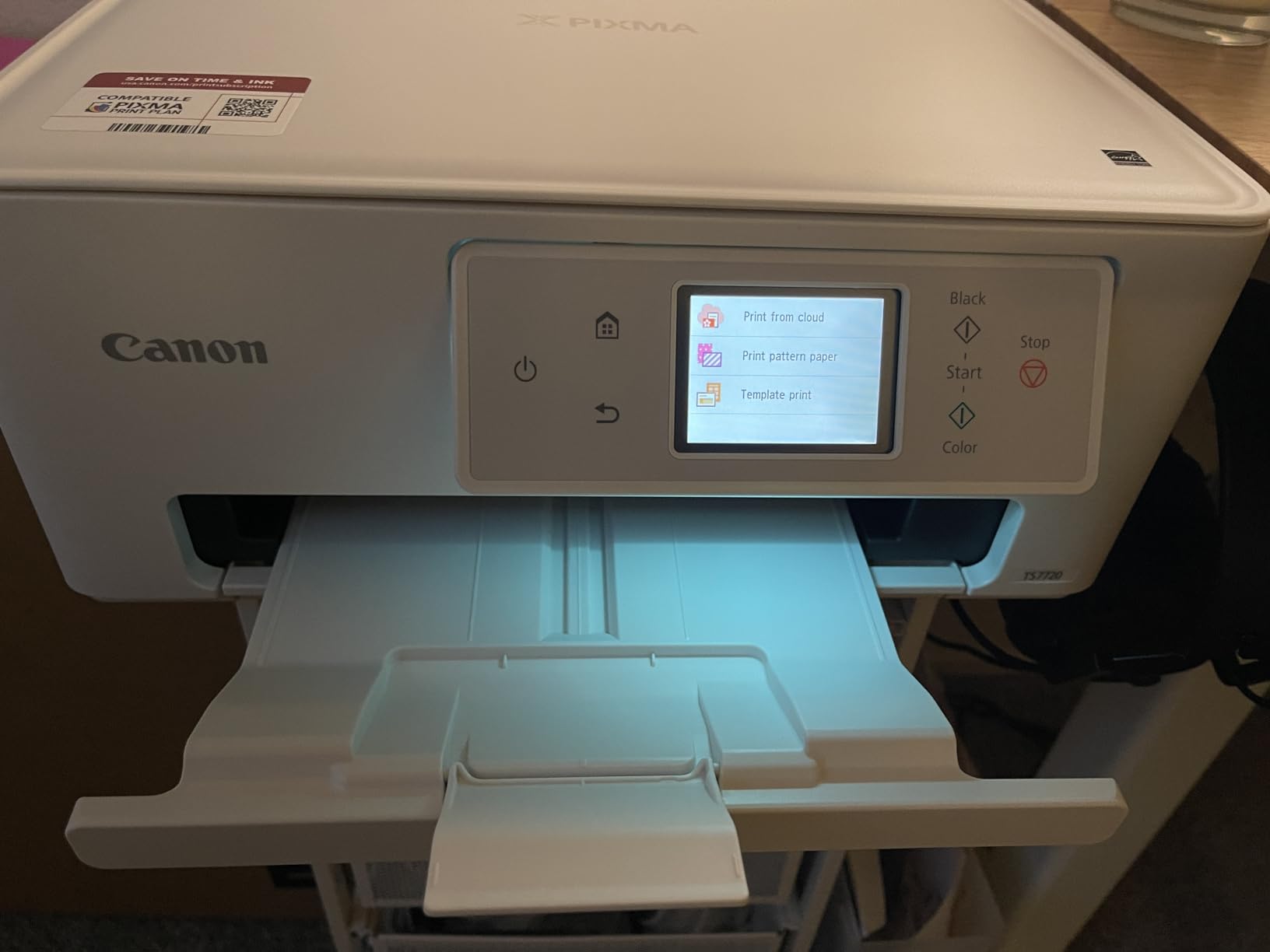
It suits a family that prints school projects, holiday photos and the occasional certificate without sharing a printer with a home business. Compared with the Canon PIXMA TS6520, you pay for the screen and the extra tray, and you lose the three-year warranty in favour of one year.
If you print photos regularly enough that cartridge ink cost starts to hurt, move to the Canon MegaTank G3270 at the top of this list. The tank holds 7,700 color pages per fill, which no two-cartridge machine here comes close to.
There is no Ethernet port, so a wired network is not an option, and no document feeder is included on this configuration.
Print and copy resolution both top out at 1200 by 1200 dpi, energy use is 22 watts, and the body weighs 13.8 pounds. The two trays, a rear tray plus a cassette, are the reason this model handles a full letter and a stack of photos without a mid-job refill.
Ink is the PG-285 pigment black and CL-286 colour pair. The touchscreen is the reason people keep this model rather than the cheaper cartridge machines below it.
9. Canon PIXMA TR160: Best for Printing Away From Home
Canon PIXMA TR160
Type: color inkjet
Speed: 9 and 5.5 ppm
Duplex: single-sided
Warranty: 1 year
Pros
- Only 4.5 pounds and 2.6 inches thick
- 5-colour hybrid ink system for sharp text and colour
- Wireless Direct Mode works without a router
- 1.44-inch OLED for ink and status checks
- Supports square and borderless prints
Cons
- Print only with no scan or copy function
- Single-sided printing with a 50-sheet tray
- Modest 9 ppm black speed
Nothing else in this roundup weighs less, and that is the entire point of it.
At 4.5 pounds and just 2.6 inches thick, the TR160 goes into a backpack. It prints at 9 pages per minute black and 5.5 in color, and the five-colour hybrid ink system keeps text sharp while photos stay vivid, which is harder than it sounds on a machine this small.
785 reviews at 4.2 stars is a smaller sample than most picks here, and the feedback is consistent: people like the print quality for the size, and the router-free connection is the feature they mention first. Wireless Direct Mode lets it print straight from a phone or laptop with no network in the room.
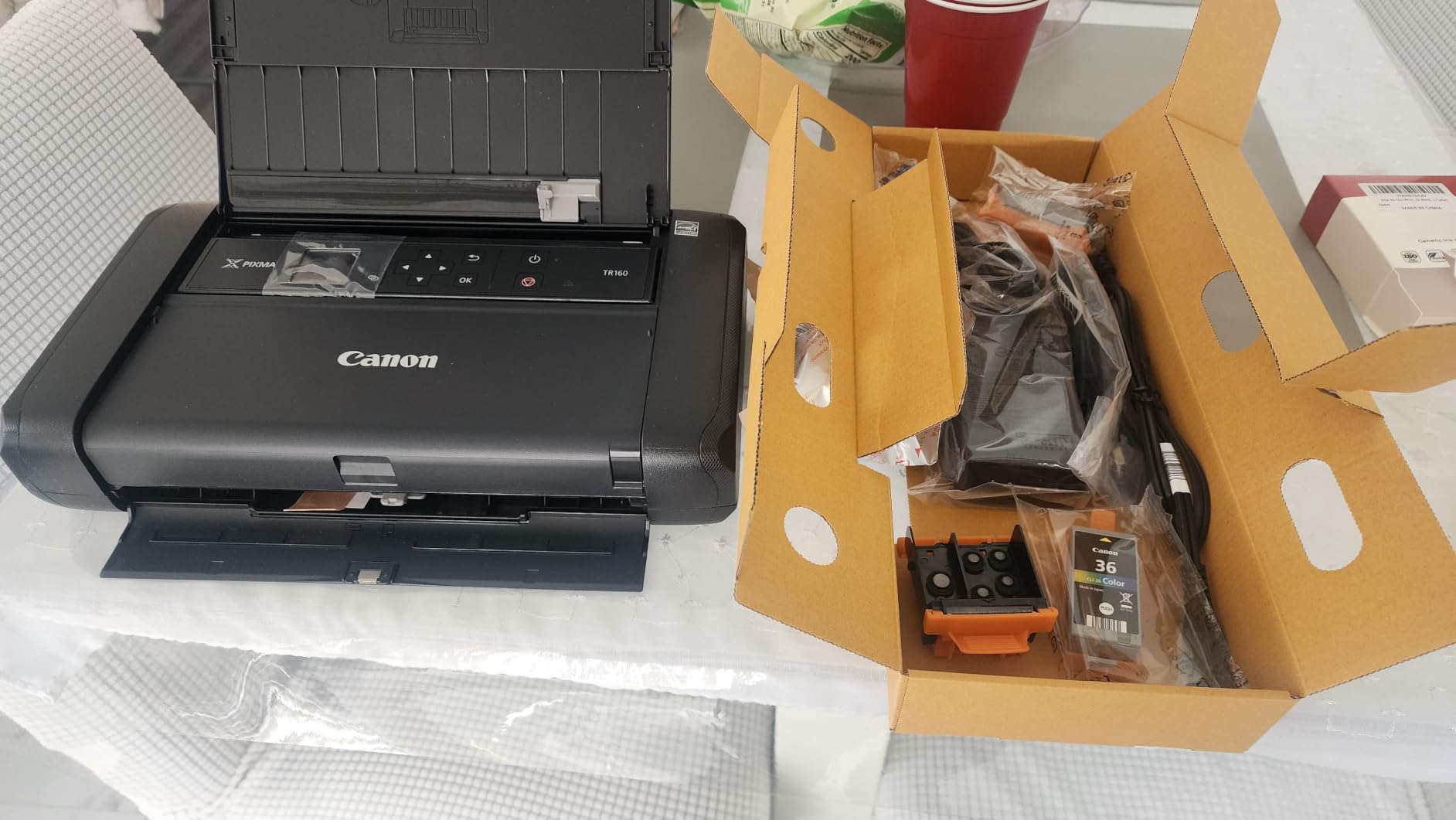
The case for it is a student in a dorm, a freelancer working from a different house each week, or anyone who needs a signed document printed while travelling. The case against is that a 50-sheet tray, single-sided output and no scanner make it a poor desk printer.
If you never leave home, the Canon PIXMA TS3720 is the more sensible machine and costs less to sit on a shelf. This one trades tray size and speed for the 4.5-pound weight that makes it fit in a bag.
It draws only 8 watts and works through the Canon PRINT app, AirPrint and Mopria, with a USB Type-C port for a wired fallback.
Square and borderless prints are supported up to 8.5 by 11 inches, and the 1.44-inch monochrome OLED shows ink level and status without opening an app. The one-year limited manufacturer warranty is standard, and Energy Star certification is listed.
Wireless Direct Mode is the feature that matters when you are somewhere without a router, and it is the reason this machine suits a kitchen table as well as a home office.
10. HP LaserJet Pro MFP 3101sdw: Best for High Office Volume
HP LaserJet Pro MFP 3101sdw
Type: monochrome laser
Speed: 35 ppm
Duplex: automatic
Warranty: 1 year
Pros
- 35 ppm black with a first page in 7 seconds
- 50-sheet feeder plus a flatbed scanner
- 250-sheet input and 250-sheet output
- Self-healing wireless that reconnects after outages
- Introductory toner of about 1000 pages included
Cons
- Blocks cartridges without HP chips so aftermarket toner is limited
- Some owners report Wi-Fi drops needing a reset
- Monochrome with no colour output
The highest-rated machine in this list, with the paper handling to justify it.
A 4.5 rating across 596 reviews is the best figure any pick here carries, and 77 percent of those reviewers gave it five stars. The reasons are consistent: installation is easy, duplex output is fast at 35 ppm with a first page in seven seconds, and the 250-sheet input and output trays plus a 50-sheet feeder handle long runs without anyone walking over to refill.
Scanning works from the feeder or the flatbed, and scan to email is supported, which covers the workflow of a small office that used to walk documents to a shared machine. AirPrint, Mopria, Ethernet and USB are all there, and the wireless connection searches for a better route when the network wobbles.
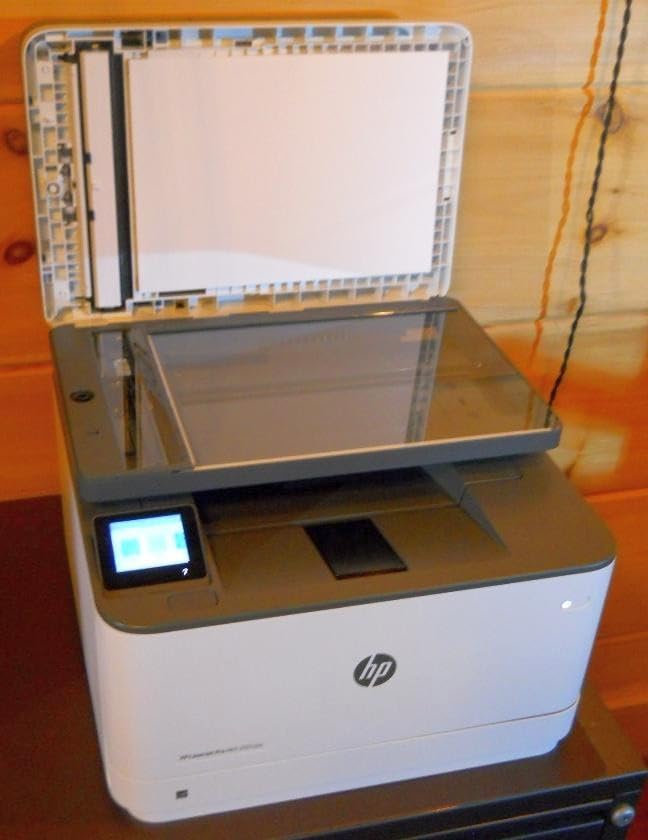
The catch is toner policy. This machine works only with cartridges containing HP chips or circuitry, and periodic firmware updates maintain that block, so the cheaper third-party toner route is closed. Budget for genuine HP cartridges over the life of the printer rather than assuming the cheapest drum online will fit.
Owners do report occasional Wi-Fi disconnects needing a reset, though it is not the pattern most reviewers describe. For a machine that will be wired into an office, the Ethernet port solves it cleanly.
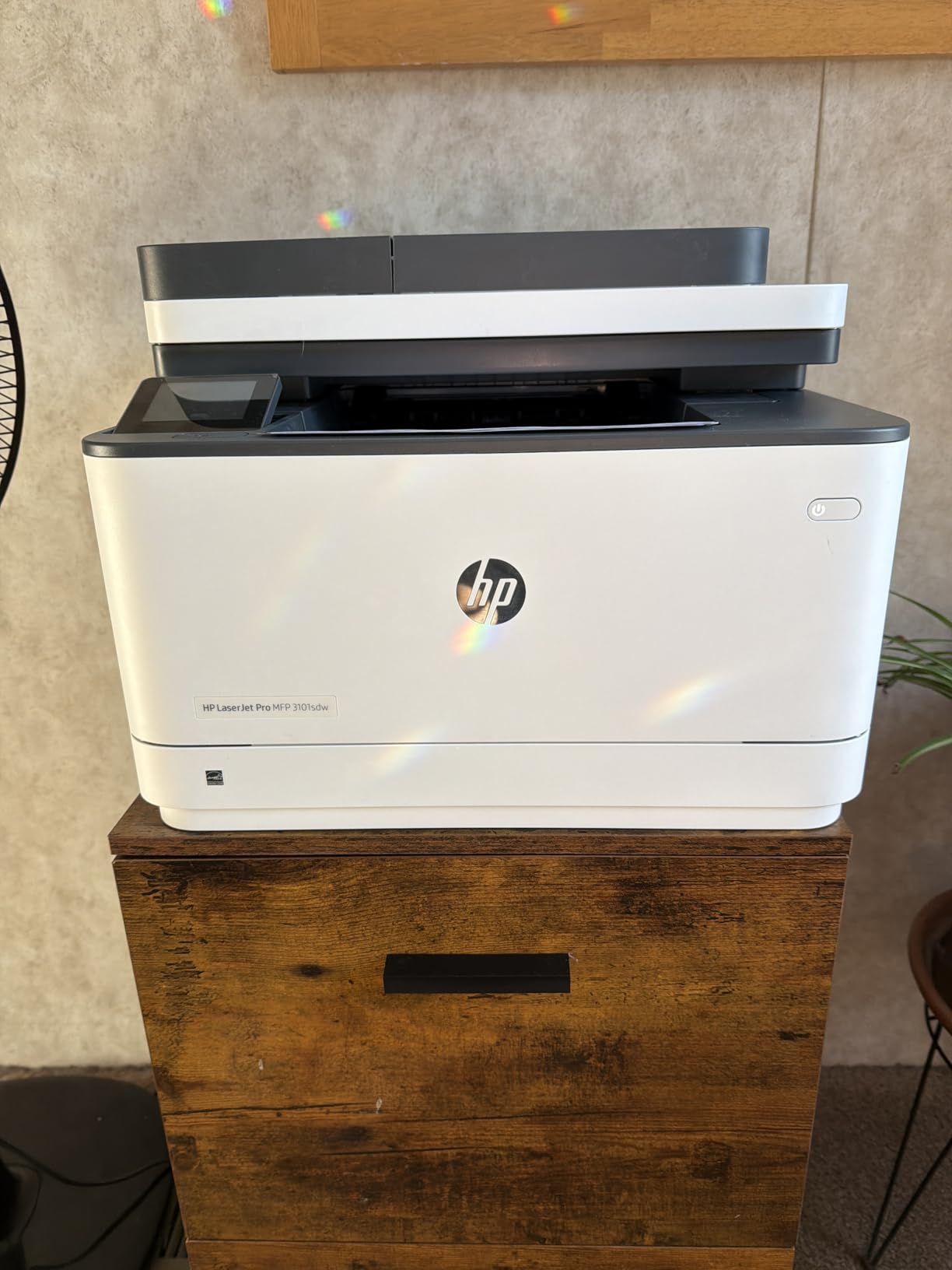
The Brother DCP-L2640DW is the freer choice on supplies and carries a far larger body of owner reviews behind its 4.1 rating. This HP machine trades that freedom for a faster first page, larger trays and a higher score, and the locked cartridge policy is the price you pay.
Runs of up to 999 copies per job are supported, which suits an office printing a full mailing or a batch of invoices.
Print and copy resolution reach 1200 by 1200 dpi, and AirPrint, Mopria, Ethernet, USB and Print Anywhere are all supported alongside wireless. The introductory toner cartridge in the box runs to about 1,000 pages, so the machine is usable on day one rather than waiting on a supply order.
Scan to email from the feeder is the feature office buyers mention most, and the one-year limited warranty is part of what the 4.5 rating reflects. Weigh the chip lock against that before you commit, because it is the one limitation that cannot be worked around.
11. Brother HL-L2405W: Best for a Clean Setup With No Bloatware
Brother HL-L2405W
Type: monochrome laser
Speed: 30 ppm
Duplex: manual
Warranty: 1 year
Pros
- Bloatware-free install with no terms to accept
- 30 ppm black with a first page in 8.5 seconds
- Long-lasting affordable toner
- Works with laptops and Android phones
- 250-sheet tray plus a manual feed slot
Cons
- No automatic duplex so two-sided jobs are manual
- Print only with no scanner or copier
- Deep sleep can drop it from some mesh routers
Some printers ask you to accept terms and install apps you never wanted. This one does not.
2,394 reviews at 4.1 stars, and the most repeated comment is about the absence of clutter. Owners describe an install with no bloatware, no auto-installed apps and nothing to accept, followed by toner that lasts a long time and costs far less than inkjet cartridges. It prints 30 pages per minute with a first page in 8.5 seconds.
The 250-sheet tray and manual feed slot are familiar from the rest of the Brother line, and the machine works reliably with laptops and Android phones. Sharp text at 1200 by 1200 dpi is what most owners notice first.
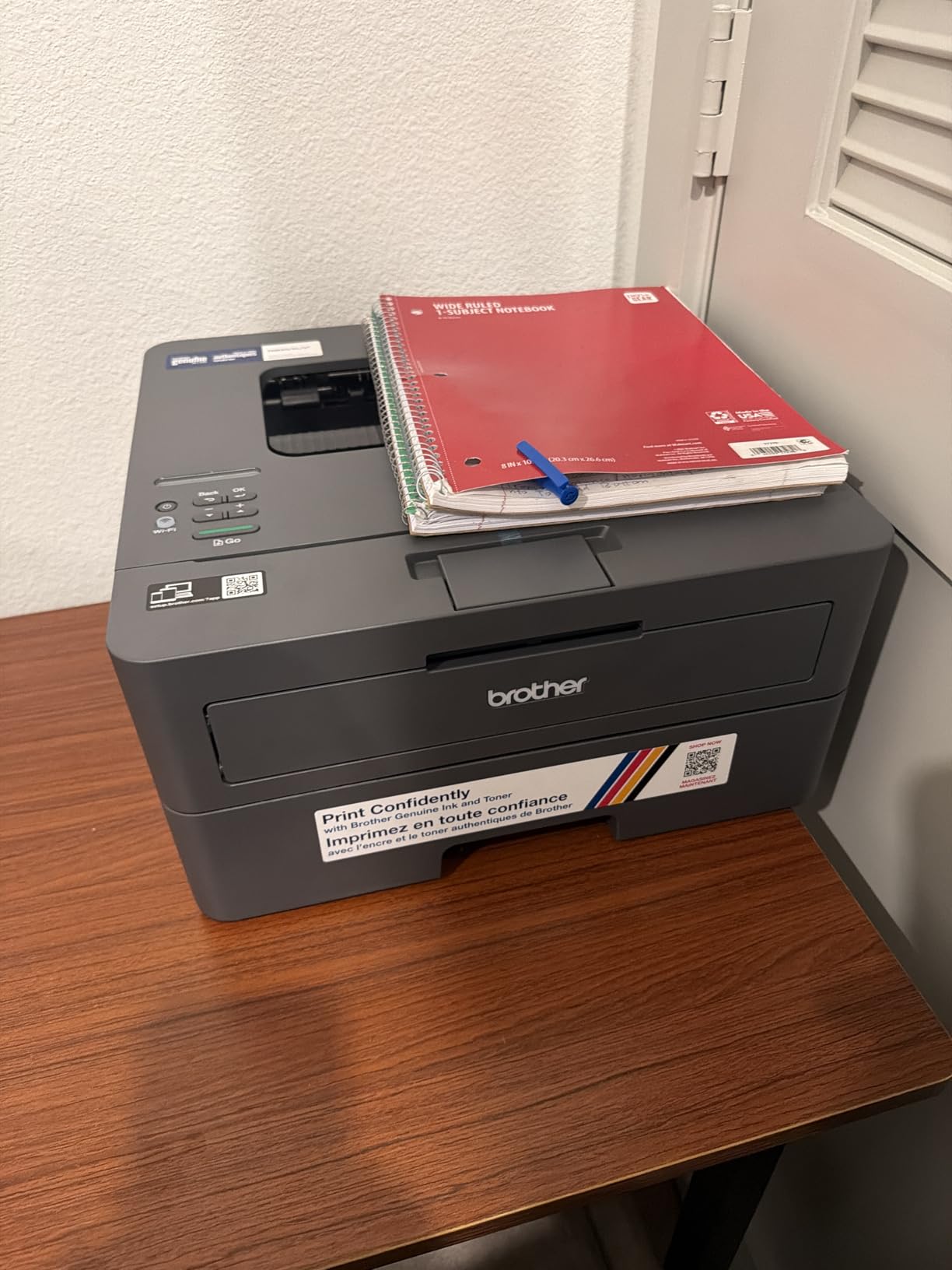
Buy it for a household that wants a printer that behaves like a printer. It suits a study or a home office printing invoices, forms and shipping documents, where duplex is something you do occasionally rather than daily.
Two caveats come up in reviews. Duplex is manual on this model, so step up to the Brother HL-L2460DW if two-sided documents are routine. And deep sleep can leave the printer off some mesh Wi-Fi networks when it wakes, which is a settings change rather than a fault.
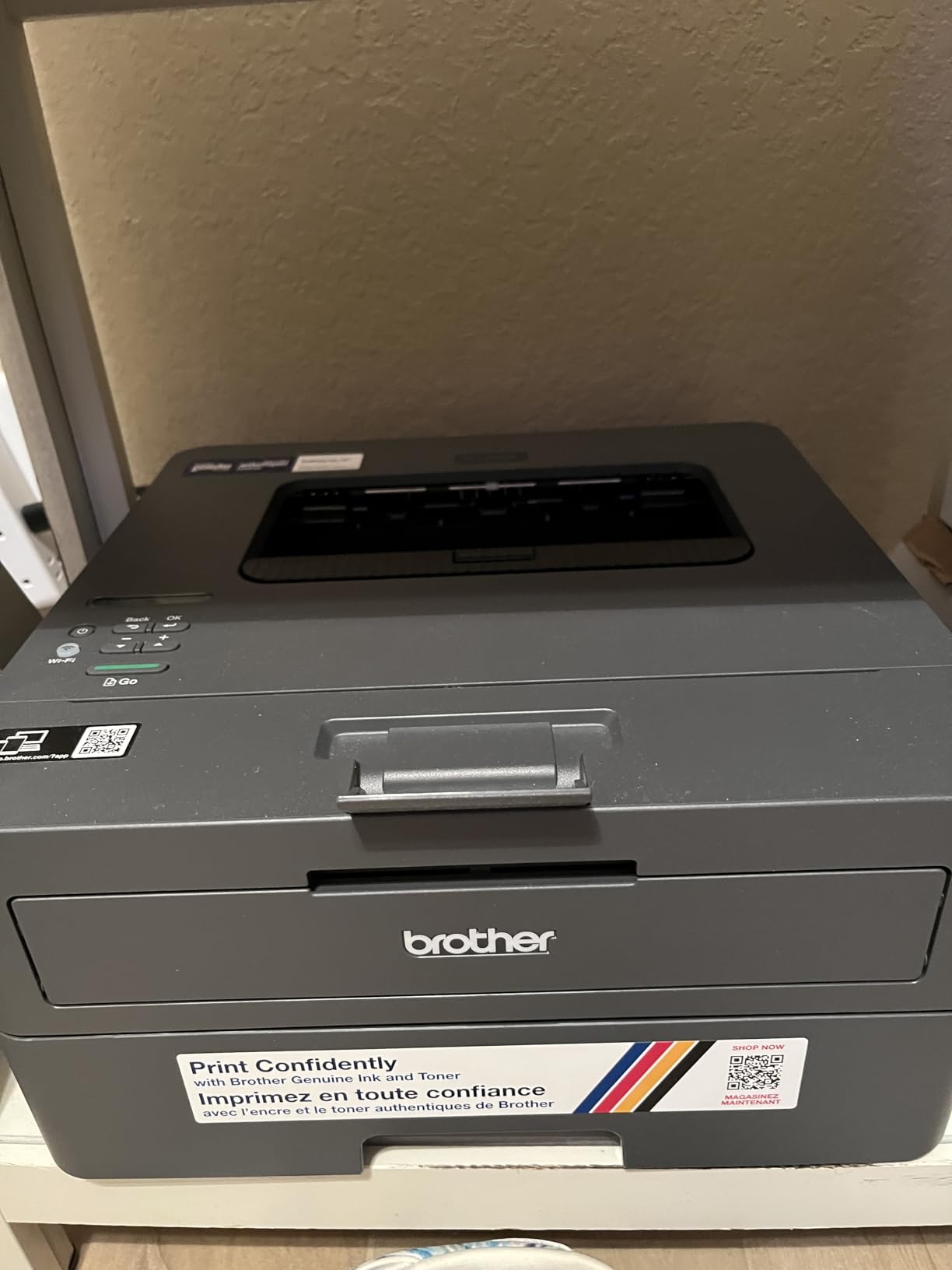
A Refresh EZ Print subscription trial is included with the machine, so cancel it if you do not want per-page charges. The toner itself is Brother TN830, TN830XL or the two-pack version, with no chip lock reported by owners.
Output capacity is 100 sheets, media runs up to 8.5 by 14 inches, and envelope printing is supported. At 15.1 pounds and 14.2 by 14 by 7.2 inches, it is a compact laser that still carries a 250-sheet tray.
There is no Ethernet port on this model, unlike the HL-L2460DW, so a wired office should choose the other one. The 450-watt power draw is the highest of the compact lasers here.
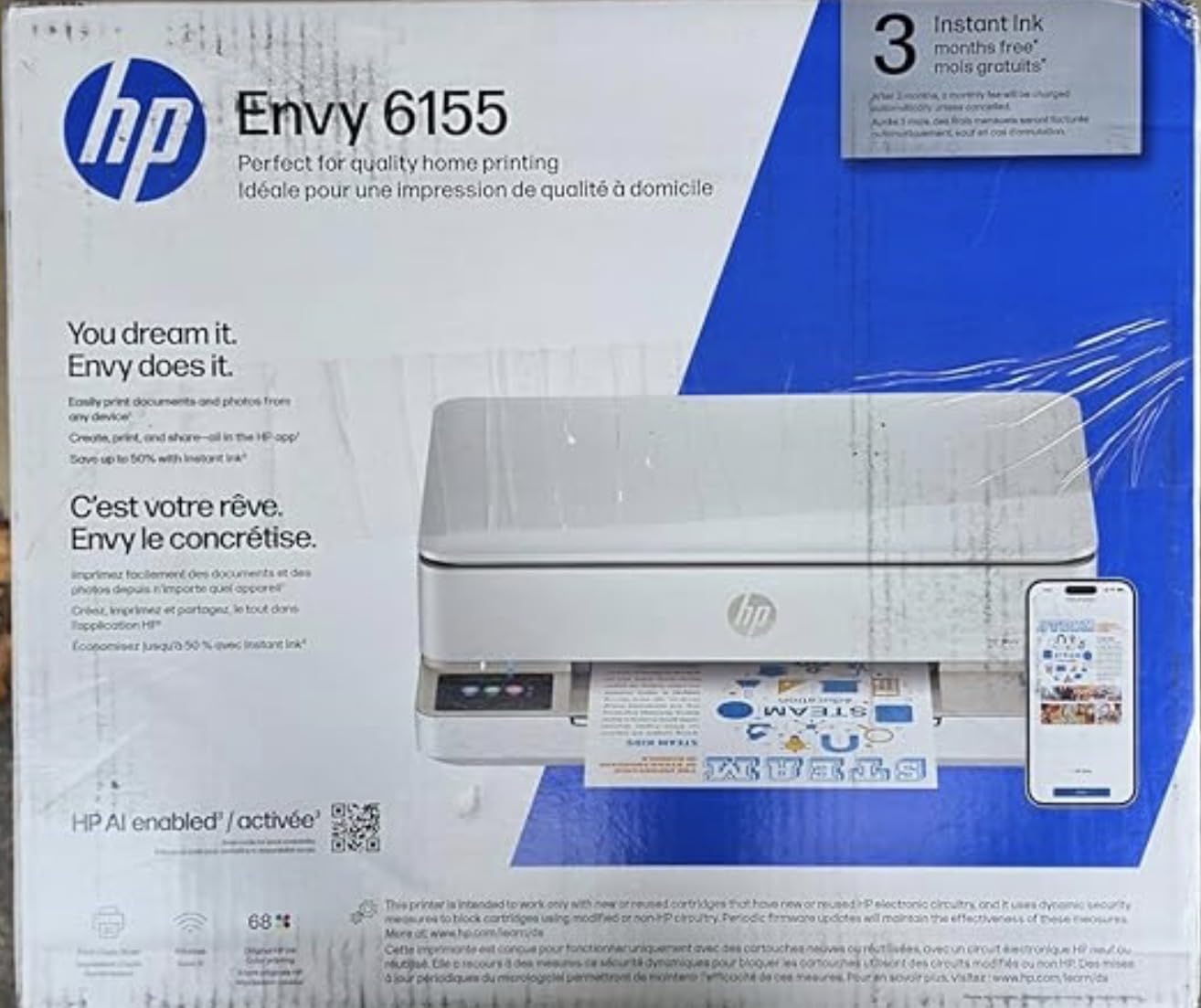
12. HP Envy 6155: Best With HP Instant Ink
HP Envy 6155
Type: color inkjet
Speed: 10 and 7 ppm
Duplex: automatic
Warranty: 1 year
Pros
- Automatic duplex in a home all-in-one
- 2.4-inch colour touchscreen for standalone control
- Dual-band Wi-Fi that self-resolves connection issues
- HP P3 colour close to on-screen appearance
- Built with at least 60 percent recycled plastic
Cons
- Blocks cartridges without HP chips so aftermarket ink is limited
- Small starter cartridges of roughly 120 and 75 pages
- Wi-Fi only with no USB listed
If you are already inside the HP Instant Ink programme, this is the home printer to buy during the sale.
The Envy 6155 is a home all-in-one with automatic duplex, a 2.4-inch colour touchscreen, and a dual-band connection that detects and resolves its own network problems. Print speed is 10 pages per minute black and 7 in color, and HP’s P3 colour technology keeps output close to what you saw on screen.
415 reviews at 4.2 stars with 69 percent five-star ratings is a small but strong sample. Owners mention the touchscreen, reliable wireless, duplex and HP’s print formatting that strips unwanted content from web pages and emails before printing. The body is made with at least 60 percent recycled plastic.
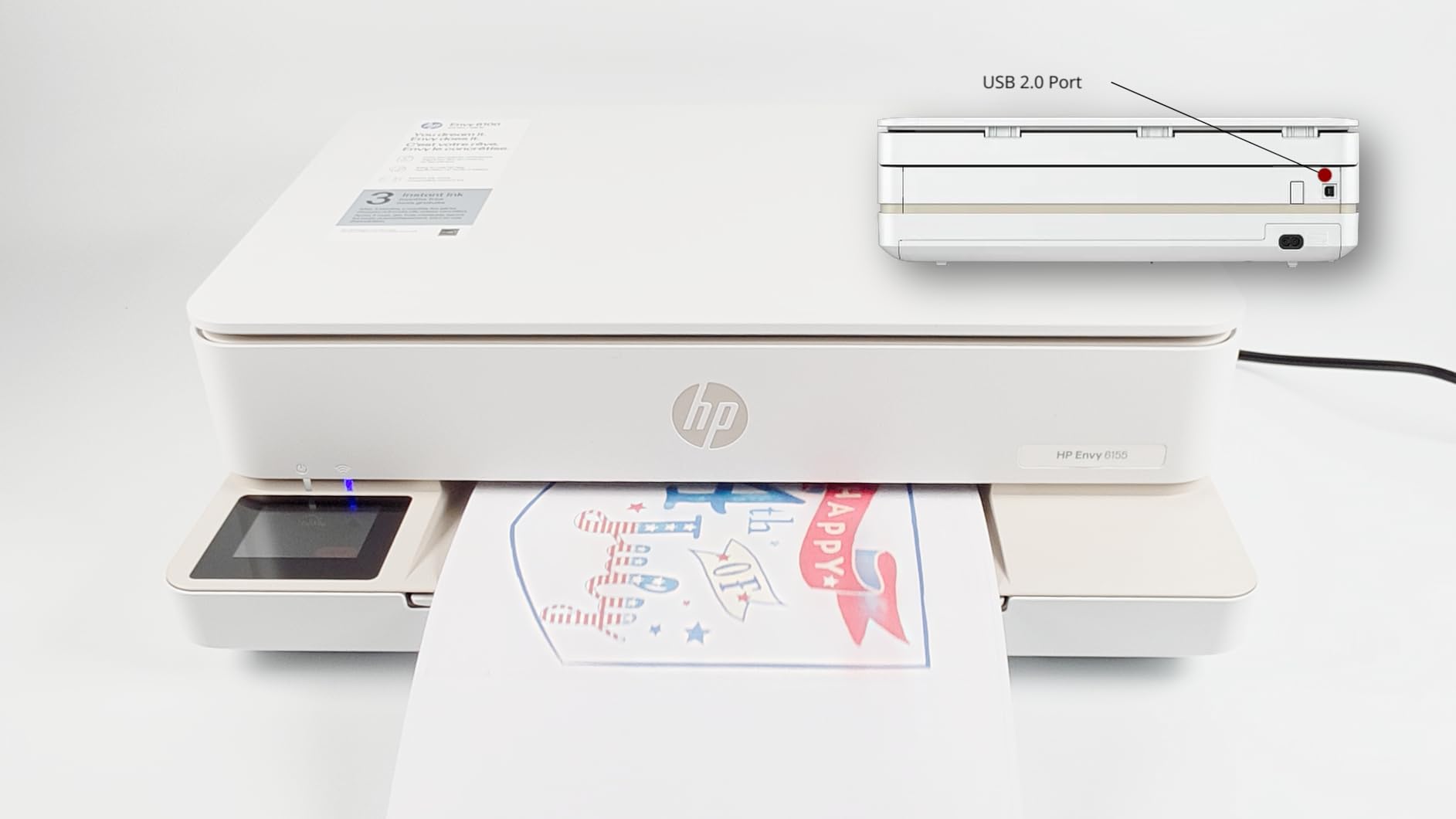
Read the ink terms before you buy. A three-month Instant Ink trial is included, and a monthly fee applies after it unless you cancel. Set a reminder, because the trial is the part people remember and the renewal is the part that costs money.
Two hardware limits follow from the price. There is no document feeder, so scanning is one page at a time, and the setup cartridges are small at roughly 120 black and 75 colour pages. The machine also blocks cartridges without original HP chips, so third-party ink is not an option.
If you would rather avoid the subscription and the chip lock entirely, the Canon PIXMA TS6520 gives you duplex, a status display and a three-year warranty with no enrolment step, and the Canon MegaTank G3270 removes the running cost question altogether.
There is no USB connection listed on this model, so it needs a network rather than a cable.
Colour resolution reaches 4800 by 1200 dpi, the body weighs 11.2 pounds, and power use is 12.2 watts, which makes it one of the least demanding machines here to leave on standby. At 100 sheets, the input tray is mid-sized rather than large.
The HP app handles print, scan, copy and fax from a phone, and HP AI formatting strips the clutter from web pages and emails before they print. Those two software touches are the reason people rate it above cheaper cartridge machines.
How to Choose Printers During Prime Big Deal Days
All-in-one versus single-function printers
An all-in-one adds a scanner and copier to the same box, which is what school forms, return labels and receipts need. A single-function machine skips that hardware and puts the difference into toner or paper capacity, which is a better trade if you already scan on a phone.
Rule of thumb: if anyone in the house regularly copies a document, buy the all-in-one. Check the scanner type before you do, because a flatbed handles one page while a sheetfed feeder takes 50 at a time. The Brother DCP-L2640DW and the HP LaserJet Pro MFP 3101sdw have feeders; most of the inkjets here do not.
Inkjet or laser printing
Inkjet sprays liquid ink, which handles photos and colour graphics well and keeps the machine affordable, but cartridges need replacing often. Laser uses powder toner, which never dries out, costs less per page at volume and prints black text faster, but the machines cost more and the models in this list are monochrome.
Match the technology to your monthly volume rather than to the sticker. Under about 100 pages a month, a cartridge inkjet such as the Canon PIXMA TS3720 is fine. Over that, an ink tank such as the Epson EcoTank ET-2800 or the Canon MegaTank G3270 changes the arithmetic, and a monochrome laser such as the Brother DCP-L2640DW changes it again. If you are still narrowing a shortlist for scanning and copying, our guide to all-in-one printers for home goes deeper on the scanner side.
Print speed and paper capacity
Speed only matters once you pass about 50 pages a month. The laser options here run 30 to 36 pages per minute, while the inkjets run 4 to 15, so a long report feels very different between them. Anything under 10 pages per minute is a waiting game for a colour job.
Color speed follows a similar split, and the Canon PIXMA TS7720 at 10 pages per minute is the fastest colour inkjet in this group. The Canon PIXMA TR160, by contrast, prints 5.5 colour pages per minute, which is fine for a signed contract and slow for anything else.
Paper capacity is the quieter factor. A 60-sheet tray such as the Canon PIXMA TS3720 needs refilling constantly in a busy week, while a 250-sheet tray on the Brother HL-L2460DW can carry most of a month. Look for automatic duplex too: it roughly halves paper use, and only one budget inkjet in this list has it.
Feeder capacity is the other half of the story. A 50-page automatic document feeder, as on the Brother DCP-L2640DW or the HP LaserJet Pro MFP 3101sdw, is what makes scanning a stack of signed forms realistic rather than tedious. Several of the inkjets here are flatbed only, which means one page at a time.
Connectivity and setup
Dual-band Wi-Fi at 2.4GHz and 5GHz is the standard worth insisting on, because a 5GHz connection avoids the crowded 2.4GHz band in most homes. USB remains a useful fallback, and AirPrint plus Mopria support means phones and Chromebooks print without installing anything. Several machines here also add an OLED or touchscreen for status without an app.
Set up from the manufacturer’s app rather than the printer’s own menu. Brother owners in particular report much smoother Wi-Fi provisioning that way, and mesh networks can need a sleep-mode setting change. If the output is photos rather than documents, our picks for 4×6 photo printers cover borderless printing and colour depth in more detail.
Ink and toner costs
Cost per page is the only number that matters over two years, and the gap between the models here is large. Ink tanks refill by the bottle for a fraction of cartridge cost, laser toner is cheaper again per page and cannot dry out, and chip-locked cartridges are the most expensive route in the long run because aftermarket options are blocked.
The two HP models in this list both block cartridges without original HP chips, and firmware updates keep that block in place, so budget for genuine supplies with both. The Canon and Brother machines have no such restriction reported, and a trial included in the box is optional rather than a condition of printing. If you would rather not think about subscriptions at all, the Epson EcoTank ET-2800 and the Canon MegaTank G3270 are the two picks here with no enrolment step of any kind.
Do the multiplication before you buy. Take the price of one ink set or toner cartridge, divide by the stated page yield, then multiply by your monthly volume and twelve. Also check the subscription terms, because included trial months often convert to a monthly fee that a modest user never cancels. Our guide to printers for teachers works through the running cost of heavily printed school paperwork.
How to shop printer deals during the sale
Check the model number, not the headline, because printer listings are refreshed often and two numbers apart can mean a different paper tray. Look at what is in the box, since bundles sometimes swap the starter cartridge for nothing or add a second ink set. Read who the seller is and who handles dispatch, and whether the unit is new or renewed. Finally, check whether a warranty is included and whether a trial of an ink plan is attached, because that changes the running cost more than any discount does. Most offers on printer deals during Prime Big Deal Days require a Prime membership, with a free trial counting, and prices change through the event.
- Decide inkjet, ink tank or laser from your monthly page volume
- Treat cost per page as the real price, not the listing price
- Check for automatic duplex if you print anything on both sides
- Confirm the tray size fits a week of paper before you order
- Read the subscription terms on any trial included in the box
- Set a reminder for the end of any trial period
Frequently Asked Questions
When do Amazon Prime Big Deal Days printer deals run?
Amazon Prime Big Deal Days runs on October 6-7, 2026. That is when most of the printer deals in this list go live, and many of them end as soon as demand is met, so checking the listings early in the event gives you the widest choice of models.
Do I need Prime to access Prime Big Deal Days printer deals?
Most printer offers during the event are reserved for Prime members, and a free trial counts for as long as it is active. A handful of deals run for everyone, but if you do not have Prime and do not plan to use it, read the listing wording before you assume you will see the same offer.
What is the difference between inkjet and laser printers?
Inkjet printers spray liquid ink, which suits photos and colour graphics and keeps the machine affordable, while cartridges need regular refilling. Laser printers use powder toner, which costs less per page at volume, never dries out and prints black text faster, but the machines cost more and stay monochrome on the models listed here.
Are all-in-one printers better for home use?
For most homes, yes, because the scanner and copier earn their keep with school forms and return labels. A single-function printer is the better buy when you only print and every pound saved on scanning hardware can go toward ink. Scan to email from a phone also works on several of the all-in-ones here.
How do I compare printer ink and toner costs?
Divide the cost of a cartridge or toner bottle by its page yield, then multiply by the number of pages you print in a year. That running cost, not the price of the printer, decides a two-year total. Ink tank models look cheap per page while chip-locked cartridge models can cost several times more.
Best Amazon Prime Big Deal Days Printer Deals: which type should I buy?
Buy an ink tank model such as the Epson EcoTank ET-2800 or the Canon MegaTank G3270 for colour at a low running cost, a monochrome laser such as the Brother DCP-L2640DW for heavy text, and a small cartridge inkjet for light home use. Match the type to your monthly page count before comparing anything else.
Final Verdict: Best Amazon Prime Big Deal Days Printer Deals
Buy the Epson EcoTank ET-2800 if you print colour and want the running cost to stay low, since refillable tanks and no subscription make it the pick most worth watching during Prime Big Deal Days. Buy the Canon MegaTank G3270 as the alternative if you want a larger ink capacity and a screen for status.
For black text at volume, the Brother DCP-L2640DW is the one to watch, with 36 pages per minute, automatic duplex and a 50-page feeder. The Brother HL-L2460DW is the leaner print-only version, and the HP LaserJet Pro MFP 3101sdw is the highest-rated machine here if you need the bigger trays and can accept chip-locked toner.
On a tighter budget, the Canon PIXMA TS6520 brings automatic duplex to a home all-in-one, and the Canon PIXMA TS3720 is the simplest low-cost option for light printing. The HP Envy 6155 suits buyers already using HP Instant Ink, while the Canon PIXMA TR160 covers printing away from home. Check the live listing on each product before you order, since prices change through the event.