
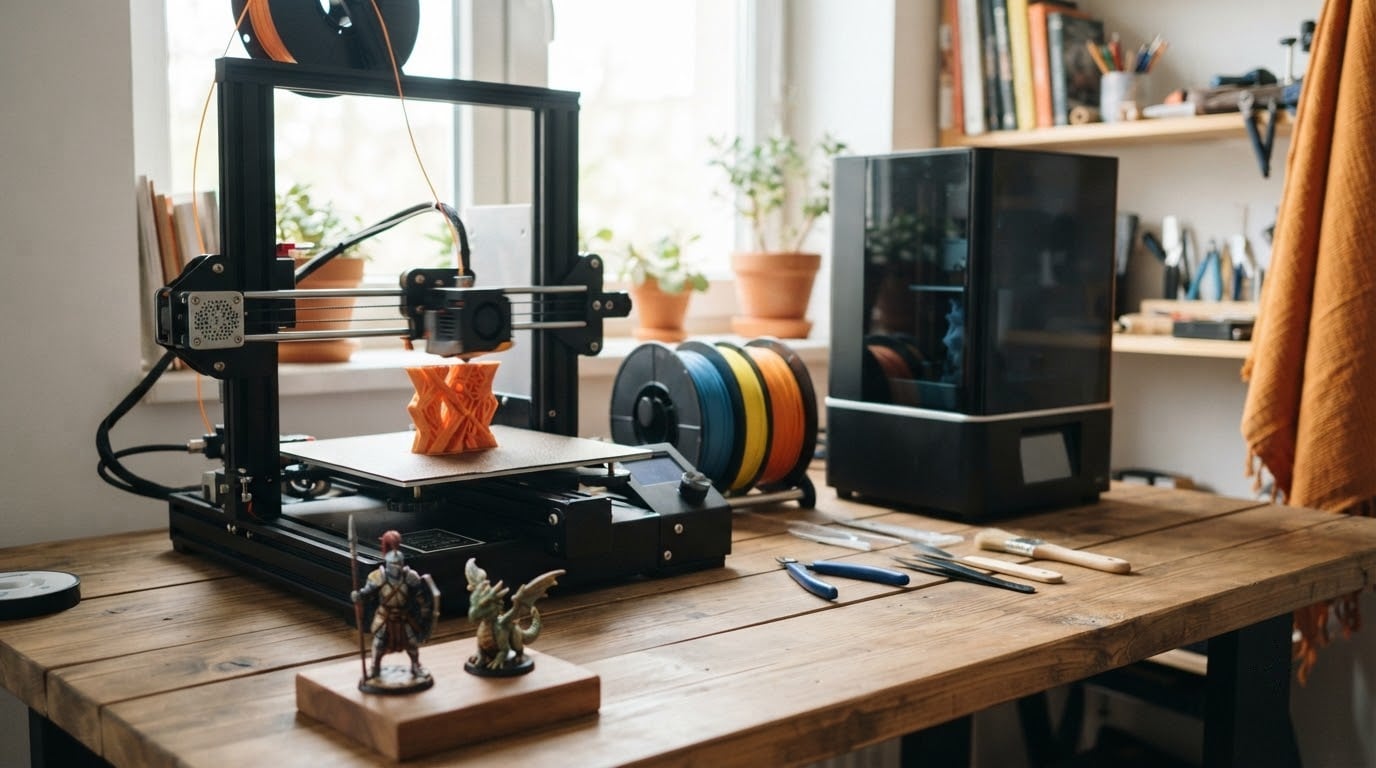
The Bambu Lab A1 leads our picks for the best Amazon Prime Big Deal Days 3D printer deals in 2026 because it calibrates itself, runs quietly and holds a 4.7 rating across 671 owner reviews, which is the strongest combination of rating and review volume on this list. Buyers with a large workshop and a big part in mind should look at the Sovol SV08 MAX, a 500 mm cube CoreXY machine. Anyone printing in colour without babysitting filament swaps wants the Creality K2 Combo, which includes a CFS.
Prices and offers shift through the event, so treat everything here as the machines worth watching rather than confirmed discounts. Amazon Prime Big Deal Days runs October 6-7, 2026, and most offers need a Prime membership.
Table of Contents
Our Top 3 Picks for Best Amazon Prime Big Deal Days 3D Printer Deals

Bambu Lab A1
- 10000 mm/s² acceleration
- Full-auto Z-offset and bed calibration
- Quiet motors with noise cancellation
- Phone app monitoring

Sovol SV08 MAX
- 500 x 500 x 500 mm build volume
- 700 mm/s CoreXY motion
- 300°C high-flow hotend
- Eddy current bed leveling

Creality K2 Combo
- CFS unit for up to 16 colors
- 600 mm/s with 20000 mm/s² acceleration
- RFID filament identification
- AI chamber camera
Best Amazon Prime Big Deal Days 3D Printer Deals Compared (2026)
| Product | Specifications | Action |
|---|---|---|
| Bambu Lab A1 |
|
Check Deal Price |
| Sovol SV08 MAX |
|
Check Deal Price |
| Creality K2 Combo |
|
Check Deal Price |
 Creality Ender 3 V3 SE Creality Ender 3 V3 SE |
|
Check Deal Price |
 Bambu Lab P1S Combo Bambu Lab P1S Combo |
|
Check Deal Price |
 FlashForge Adventurer 5M FlashForge Adventurer 5M |
|
Check Deal Price |
 Anycubic Photon Mono 4 Anycubic Photon Mono 4 |
|
Check Deal Price |
 Creality Sparkx i7 Creality Sparkx i7 |
|
Check Deal Price |
 Creality K2 Pro Combo Creality K2 Pro Combo |
|
Check Deal Price |
 Elegoo Mars 5 Ultra Elegoo Mars 5 Ultra |
|
Check Deal Price |
 Elegoo Saturn 4 Ultra Elegoo Saturn 4 Ultra |
|
Check Deal Price |
How We Chose
Every machine here was compared on the same set of specifications: build volume, motion system and claimed speed, nozzle and hotend temperature, auto leveling, enclosure, filament handling and camera features. Ratings and owner review counts came from Amazon listings, and the specs were checked against each model in October 2026.
1. Bambu Lab A1: Our Editors Choice
Bambu Lab A1 3D Printer, Ready-to-Use FDM 3D Printer for Beginners and Kids
Type: FDM
Weight: 22 lb
Size: 21.8 x 20.8 x 12.9 in
Auto level: full auto
Pros
- Calibrates Z-offset and bed level with no manual work
- Quiet enough for a shared room
- 4.7 rating across 671 reviews
- App control with run-out auto-pause
Cons
- Multi-color needs the AMS lite unit
- Closed-source software ecosystem
- First run can fault if the internal USB-C module is loose
The safest first printer on this list, full stop. Owners describe the A1 as the machine they stopped adjusting and simply started using, and the 4.7 rating across 671 reviews is the highest on the list with a review count above the middle of the pack.
Two numbers do most of the work here. Acceleration of 10000 mm/s² means short moves between features do not smear the surface, and full-auto calibration covers Z-offset and bed levelling rather than just levelling. That is the difference between a first-timer printing within an hour and a first-timer spending a Saturday on a first layer.
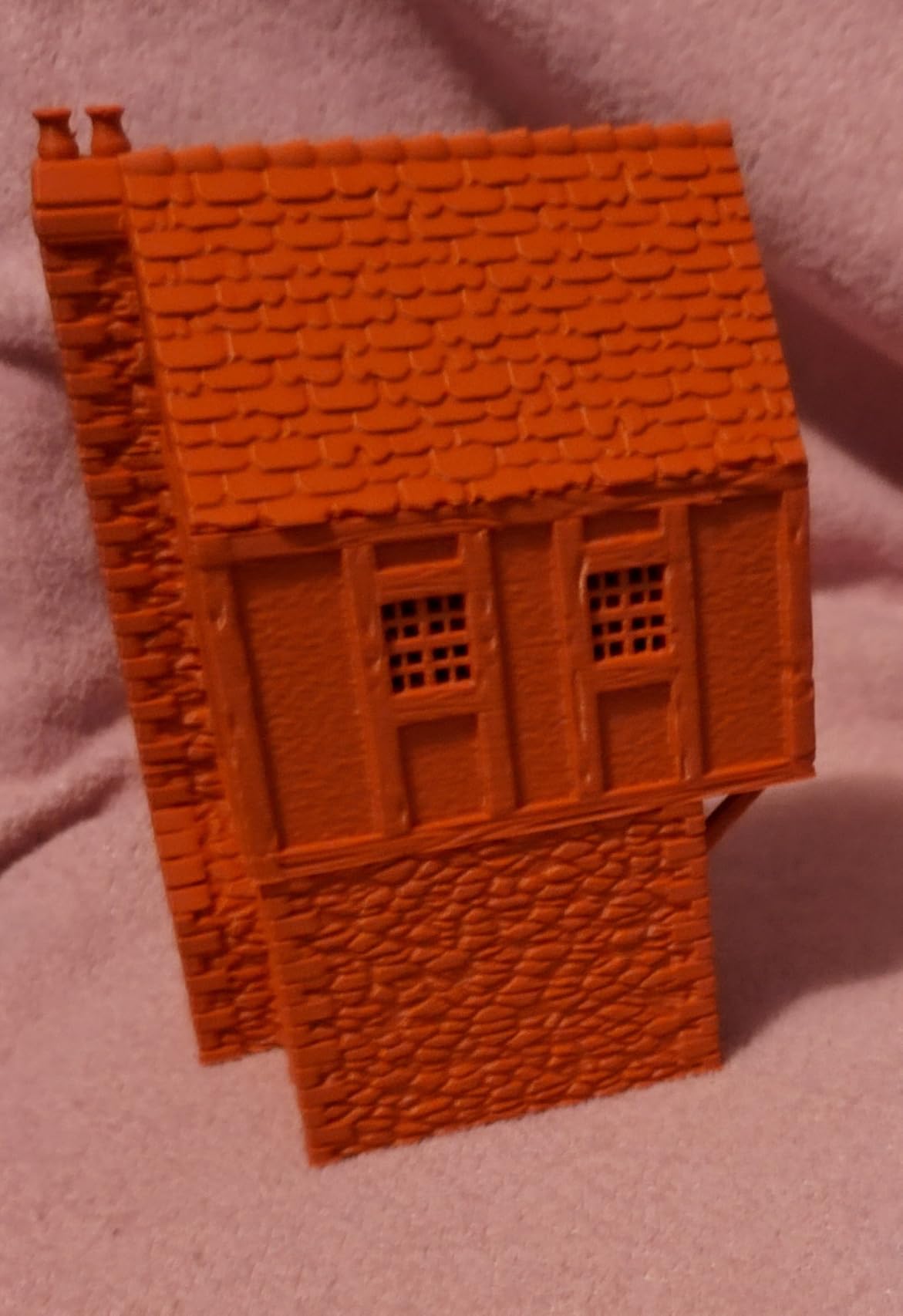
The quiet operation matters more than the spec sheet suggests. Active motor noise cancellation means the A1 can live in a bedroom or a shared office without becoming the reason nobody else gets any work done, which is not true of every machine at this size.
- 1-Clip quick swap nozzle changes in seconds
- Active flow rate compensation corrects extrusion mid-print
- App connectivity handles monitoring and remote starts
- 22 lb weight keeps it a one-person carry
Skip it if colour printing is the plan, because multi-colour on the A1 depends on the AMS lite and that unit costs more added later than choosing a Combo version from the start. For that route, the Bambu Lab P1S Combo bundles its AMS and adds an enclosure; if your parts are large rather than colourful, the Sovol SV08 MAX opens up to 500 mm on a side.
One day-one detail worth checking: a small number of first-run owners hit a Z-axis fault because an internal USB-C module was not fully seated in transit. It is a reseat rather than a return, but open the box and seat it before the first print.
2. Sovol SV08 MAX: Best for Large Parts
Sovol SV08 MAX CoreXY 3D Printer, Voron 2.4 700mm/s High Speed 3D Printers
Type: FDM
Weight: 86.8 lb
Size: 28 x 27.6 x 29.5 in
Auto level: eddy current scan
Pros
- 500 x 500 x 500 mm build volume
- 700 mm/s CoreXY motion
- 300°C hotend for engineering filament
- Built-in HD camera with time-lapse
Cons
- 86.8 lb frame needs real floor space
- Heated chamber sold separately
- Rating spread is wide at 4.1
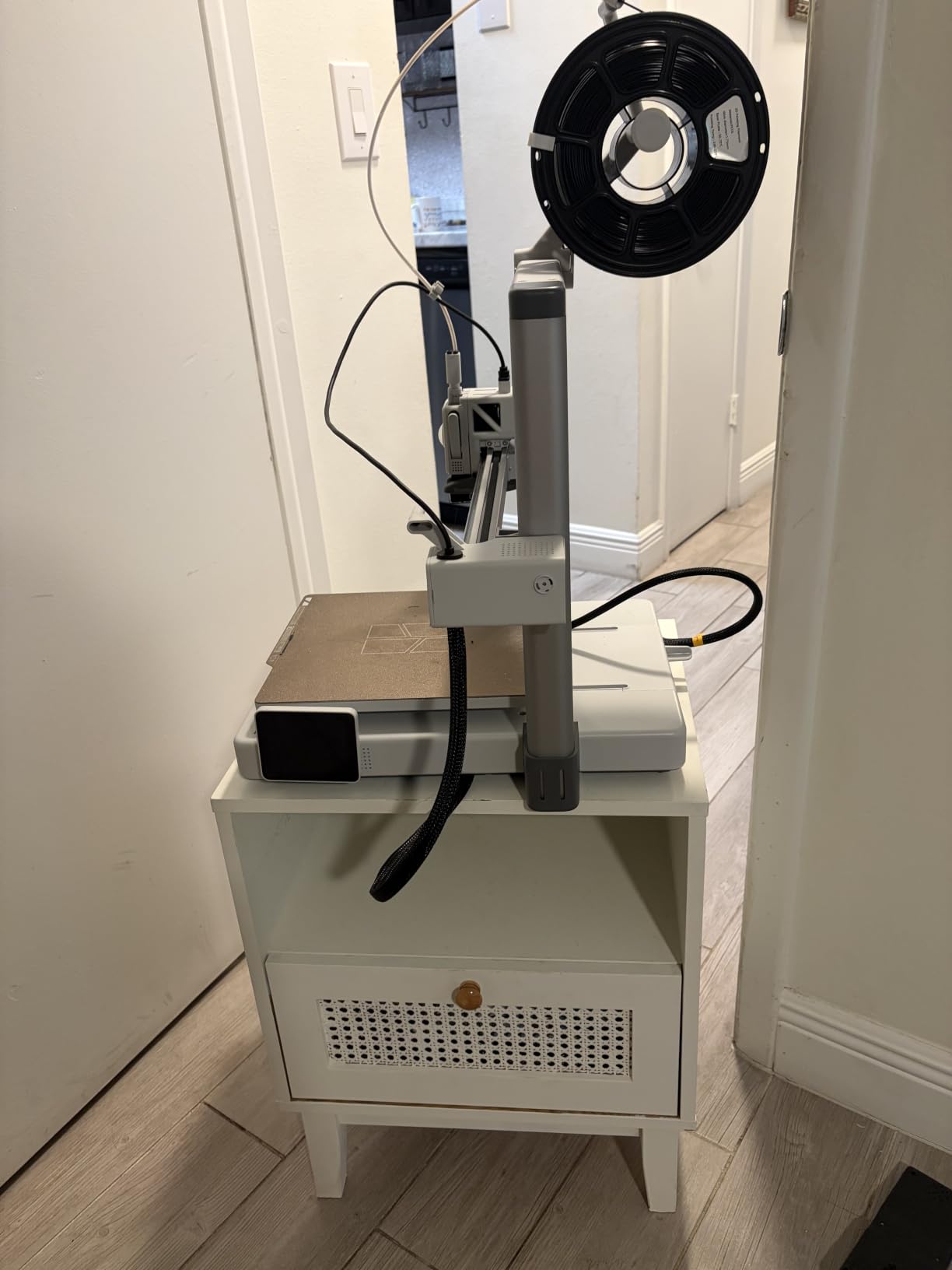
A 500 mm cube is the whole argument for this machine. Everything else on the list tops out at 300 mm, so the SV08 MAX is the one to watch if you print chair frames, large enclosures or full-scale prototypes instead of small brackets.
CoreXY kinematics keep the moving mass low, which is what allows the claimed 700 mm/s and 40000 mm/s² acceleration without the ringing you get from a bedslinger pushing those speeds. The 300°C hotend widens the material menu to the engineering filaments that a 200°C hotend simply cannot feed.
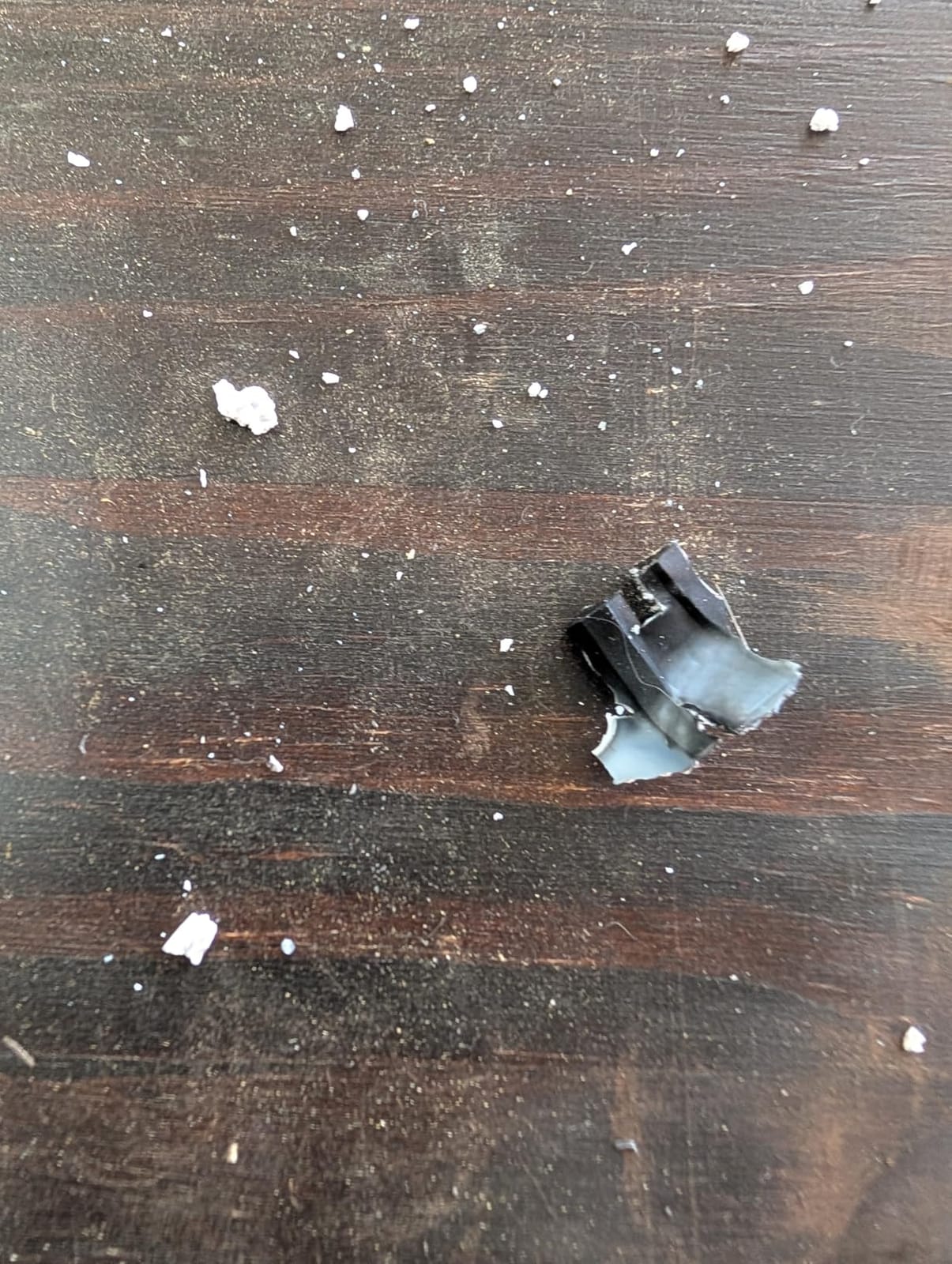
Set-up is handled by eddy current bed levelling with pressure-sensing touch points, and a 1280×720 camera with time-lapse and Obico integration lets you watch a long print from another room. Owners rate the large-format capability and the speed as the defining strengths.
- Largest build volume in this roundup at 500 mm per axis
- 0.4 mm nozzles included, with 0.6 mm and 0.8 mm available separately
- Reserved interface for an optional heated chamber module
- Camera-based failure detection on long unattended runs
The trade-off is space and rigidity of commitment. At 86.8 lb and 28 x 27.6 x 29.5 inches, this is not a desk machine, and its 4.1 average across 1422 reviews carries roughly 13% one-star feedback tied to the premium tier and the extra accessories needed. If your parts fit inside a 300 mm cube, the Creality K2 Pro Combo does the same job with a heated chamber already built in.
Skip it if: high-temperature materials like ASA and PC are on your list. They really want that heated chamber, and without one you are buying the machine twice over, in cost and in failed prints.
3. Creality K2 Combo: Best for Multi-Color
Creality K2 (A) Combo 3D Printer, Multicolor Printing with CFS
Type: FDM
Weight: 55 lb
Size: 21 x 25 x 20 in
Auto level: guided auto
Pros
- One CFS included with expansion for 16 colors
- RFID filament identification and auto relay
- Pre-assembled and ready out of the box
- Silent Mode with balanced fans
Cons
- First-generation ratings spread with notable one-star share
- Camera and air purifier add bulk to 55 lb
- Extra colors need extra CFS boxes
This is the pick for anyone who wants colour without babysitting filament. The included CFS filament box holds four spools, with automatic wire switching between them and RFID identification to sort out which filament is which, and the system expands to four boxes for 16 colours.
Rigidity comes from an aerospace-grade aluminium frame with a steel X-axis rail and dual Z-axis, which is how it holds 600 mm/s and 20000 mm/s² without visible wobble. The 40 mm³/s high-flow hotend runs to 300°C with a hardened steel nozzle, so wear parts are not a constant expense.
RFID filament management also means airtight moisture-proof storage, which quietly protects you from the stringy, poor-layer-adhesion prints that damp filament causes in humid months. It arrives pre-assembled with guided auto levelling, so there is no build weekend to schedule.
- AI chamber camera with failure detection and Wi-Fi
- 8G local storage keeps prints running without a network
- Built-in air purifier for fumes and particles
- Silent Mode for shared workspaces
Owners praise the speed, frame rigidity and quiet running, and the 4.0 average across 1087 reviews carries about 17% one-star feedback that reflects early-generation reliability and a software learning curve. That is the honest catch on a first-generation flagship. Compared with the Bambu Lab P1S Combo, which also bundles a multi-material box and adds an enclosure, the Creality reaches a higher top speed and includes RFID; the P1S has a longer track record and better-polished software. For resin detail rather than filament colour, skip both and look at the Elegoo Saturn 4 Ultra.
No filament spools come in the box, so budget for PLA or PETG before the printer arrives rather than after. That is the one thing that catches out buyers of this bundle.
4. Creality Ender 3 V3 SE: Budget Pick
Creality Ender 3 V3 SE Beginner-Friendly 3D Printer with Auto Leveling
Type: FDM
Weight: 19.8 lb
Size: 15 x 19.6 x 15 in
Auto level: CR Touch
Pros
- Beginners finish setup in about 20 minutes
- CR Touch handles bed levelling and Z-offset
- Direct drive extruder takes PLA and PETG and TPU
- 32-bit silent mainboard
Cons
- Open frame with no enclosure for ABS or ASA
- Fan and Y-axis bearing noise reported within weeks
- Some report unreliable USB and screen connections
The cheapest way into 3D printing that still calibrates itself. CR Touch auto levelling with automatic Z-offset removes the single most common beginner frustration, and owners routinely report a working first print roughly 20 minutes after opening the box.
What you give up for the low outlay is speed and enclosure. The 250 mm/s ceiling and 2500 mm/s² acceleration are respectable but a long way behind the CoreXY machines here, and the open frame means ABS and ASA are off the table unless you add an enclosure.
The Sprite direct drive extruder is a real step up from older budget machines. Direct drive handles TPU and nylon-filled filament that a bowden setup struggles to feed, and the flexible PC spring steel plate makes finished parts easy to peel off.
- Dual synchronized Z-axis lead screws with precision Y linear shafts
- 32-bit silent mainboard keeps running noise down
- Magnetic flexible build plate for easy part removal
- 15 x 19.6 x 15 inch footprint fits a small desk
The durability notes are worth reading before you commit. Across 791 reviews at 4.1, about 12% are one star, mostly fan and drive failures in the first months. If you would rather spend once and stop thinking about it, the Bambu Lab A1 removes most of that risk, and the FlashForge Adventurer 5M sits in the same bracket with CoreXY speed and a sturdier frame.
Before the first power-up, check that the rear voltage selector is set for 125V in North America. Owners who miss it end up back on the listing asking about it.
5. Bambu Lab P1S Combo: Best Enclosed Multi-Color
Bambu Lab P1S Combo, P1S 3D Printer and AMS, Multi-Color 3D Printing
Type: FDM
Weight: 47.5 lb
Size: 15.3 x 18 x 15.3 in
Auto level: automatic
Pros
- AMS bundled for up to 16 colors
- Fully enclosed chamber for ABS and ASA
- 500 mm/s with 20000 mm/s² acceleration
- Setup takes about 15 minutes
Cons
- Screen and interface feel dated
- Wi-Fi binding flow has a learning curve
- No filament spools in the box
The step-change upgrade for anyone coming from an open-frame entry machine. The fully enclosed body changes what you can print: ABS, ASA and PET behave properly, and warping drops away because the chamber holds heat instead of losing it to the room.
The AMS multi-material box is already fitted, so 16 colours work out of the box. Print speed reaches 500 mm/s with 20000 mm/s² acceleration, which puts it level with the Creality K2 Combo on motion and behind it only on the top-end number.
Material support is genuinely wide: PLA, PETG, TPU, PVA, PET, ABS and ASA are all in the ideal list, with PA and PC capable. Bambu Studio and MakerWorld give you a large model library on day one, and many owners are printing within one to two hours of unpacking.
- Automatic bed levelling on a fully enclosed frame
- AMS handles multi-material loading and swaps
- 47.5 lb weight is still manageable for one person
- Enclosure holds heat steady through long overnight prints
At 4.2 across 752 reviews, the criticism lands on polish rather than hardware. Owners mention a dated screen, a Wi-Fi and Bluetooth binding flow that takes getting used to, and default SD card files that do not use the AMS until you change them. In humid climates the AMS benefits from extra desiccant. If you do not need an enclosure, the Creality K2 Combo reaches further on speed and adds RFID filament identification.
One material note catches people out on this machine: carbon-fibre and glass-fibre filaments are not recommended here, which surprises anyone who reads the compatible list at speed.
6. FlashForge Adventurer 5M: Best for Fast Single-Color Work
FLASHFORGE Adventurer 5M 3D Printer, 600mm/s High-Speed, 1 Click Fully Auto Leveling, Upgraded Direct extruder Quick Detachable 280°C Nozzle, Dual-Sided PEI Coating Plate, Print Size 220x220x220mm
Type: FDM
Weight: 23.8 lb
Size: 14.3 x 15.8 x 17.6 in
Auto level: one-click
Pros
- CoreXY at 600 mm/s with input shaping
- One-click leveling and calibration
- 32 mm³/s nozzle reaching 280°C
- Dual-sided PEI plate
Cons
- Open frame so ABS needs an enclosure kit
- Nozzle is not tool-free despite the marketing
- Wi-Fi can need the 2.4 GHz band
CoreXY motion in a compact frame is the trick here. Input shaping and vibration compensation hold 600 mm/s and 20000 mm/s² together without the ghosting that a bedslinger at the same speed produces, and one-click levelling does the calibration in a single step.
Owners with a few years on these describe a workhorse that runs daily with very few failed prints, and several compare the results favourably to a more expensive enclosed Bambu machine for single-colour work.
The hotend is worth a note: a 32 mm³/s nozzle reaches 200°C in 35 seconds on a 50W heater, so a filament change does not eat your working session. Power loss recovery and a filament run-out sensor both save long prints from becoming scrap.
- 220 x 220 x 220 mm build volume in a 14-inch-wide frame
- Dual-sided flexible PEI steel plate for PLA and PETG and TPU
- Fast support response and readily available spare parts
- 23.8 lb weight stays in one-person territory
At 4.3 across 625 reviews, roughly 10% are one star, mostly early sensor and extrusion consistency complaints that were resolved with replacement parts, and the 220 mm cube is the harder limit for anyone printing cosplay armour. The nozzle is also not tool-free quick change, whatever the marketing suggests. If colour is the goal, the Creality K2 Combo is the different machine.
If the Wi-Fi will not connect, force the 2.4 GHz band first. That single step resolves most of the connection complaints owners post.
7. Anycubic Photon Mono 4: Best Compact Resin Pick
ANYCUBIC Photon Mono 4, Resin 3D Printer with 7” 10K Mono LCD Screen
Type: Resin
Weight: 7.7 lb
Size: 10 x 10 x 15 in
Auto level: 4-point
Pros
- 17 x 17 micron pixels with invisible layer lines
- Printing within about 30 minutes of unboxing
- 7.7 lb and quiet enough for a home office
- Laser-engraved platform grips and releases
Cons
- 153 x 87 x 165 mm volume forces model scaling
- Resin vats and LCD screens can need replacing
- Resin handling needs ventilation and gloves
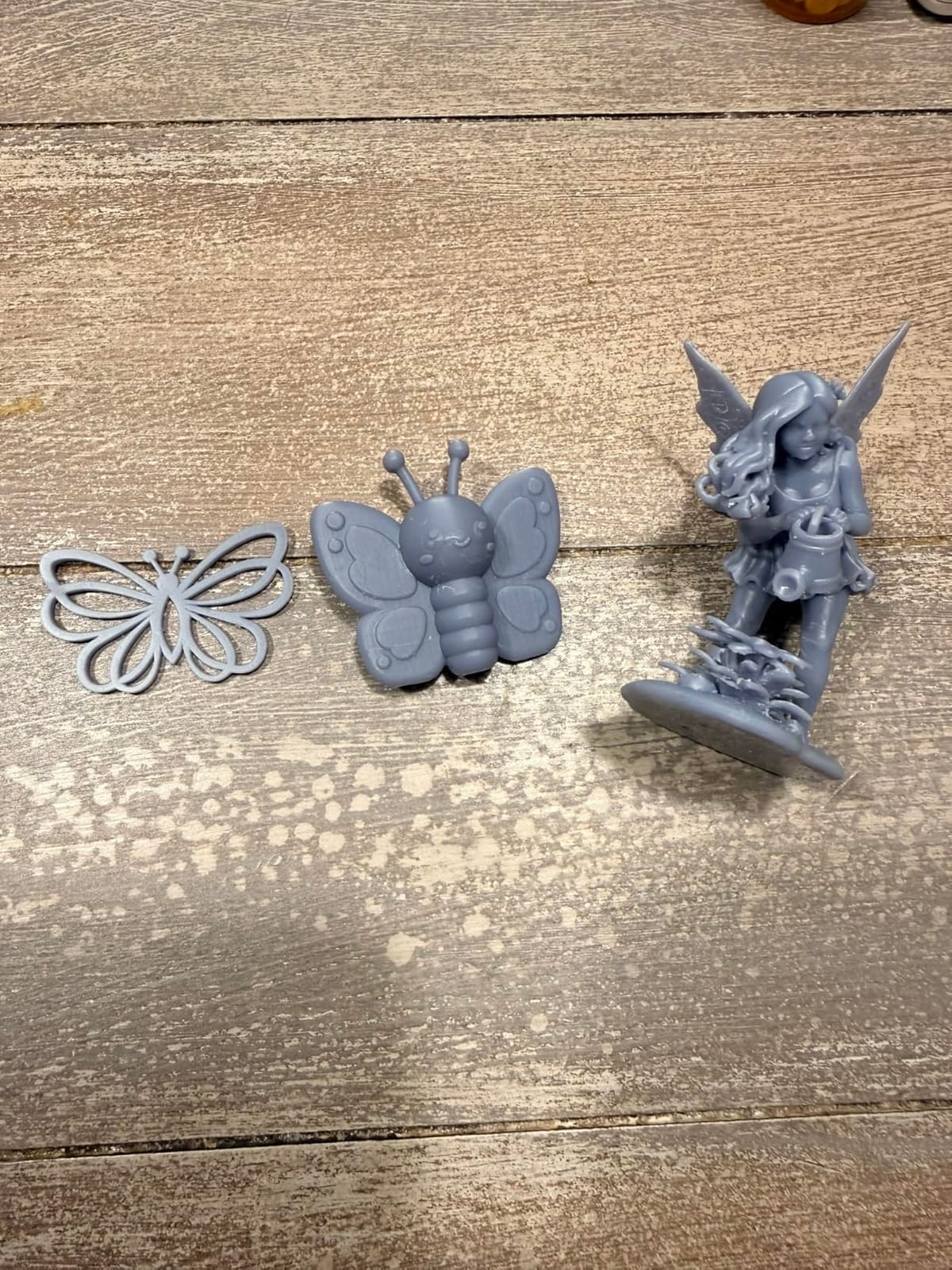
Resin prints things filament cannot: visible layer lines essentially disappear, and the 7-inch 10K mono LCD puts pixels at 17 x 17 microns in X and Y, a 105% precision gain over the Mono 2. For miniatures, dice, jewelry and waxes this is the machine, not a compromise.
At 7.7 lb and 10 x 10 x 15 inches, it is the smallest printer here and quiet enough to keep on a desk rather than in a garage. Owners report printing within half an hour of unboxing and levelling in one tightening thanks to four-point adjustment.
The LighTurbo matrix light source keeps illumination even across the whole screen, which is what stops the corners of a print curing slower than the centre. Power outage resume saves both material and hours on longer models.
- 9024 x 5120 mono resolution on a 7-inch screen
- Laser-engraved Print Platform 2.0 for adhesion and easy removal
- No Anycubic app support on this model, so slicing happens on PC
- Lightest machine here at 7.7 lb
Two honest limits. The build volume of 153.4 x 87 x 165 mm means constant model scaling, and resin needs ventilation, gloves and a place to cure prints. Consumables are the real running cost: vats and LCD screens are fragile and sometimes need replacing. If you want more speed and auto levelling rather than maximum resolution, the Elegoo Mars 5 Ultra is the better buy, and our guide to resin printers on a tighter budget covers the rest.
Large flat prints can lift off the platform without a brim. Add one on your first attempt rather than losing the piece.
8. Creality Sparkx i7: Best Pre-Built All-Rounder
Creality SPARKX i7 3D Printer with AI Camera Monitoring, Auto Leveling, Quiet High-Speed Desktop Printing, Easy Setup, Direct Drive Extruder, WiFi Connectivity, 260×260×255mm Build Volume
Type: FDM
Weight: 29.7 lb
Size: 16.6 x 17.9 x 18.5 in
Auto level: automatic
Pros
- Arrives assembled and prints with stock app settings
- 260 x 260 x 255 mm volume
- 5-second tool-free hotend swap
- Camera with time-lapse and remote status
Cons
- Louder than competing desktop printers
- Frame wobble and bed stability on some units
- QR code in the box is for overseas buyers
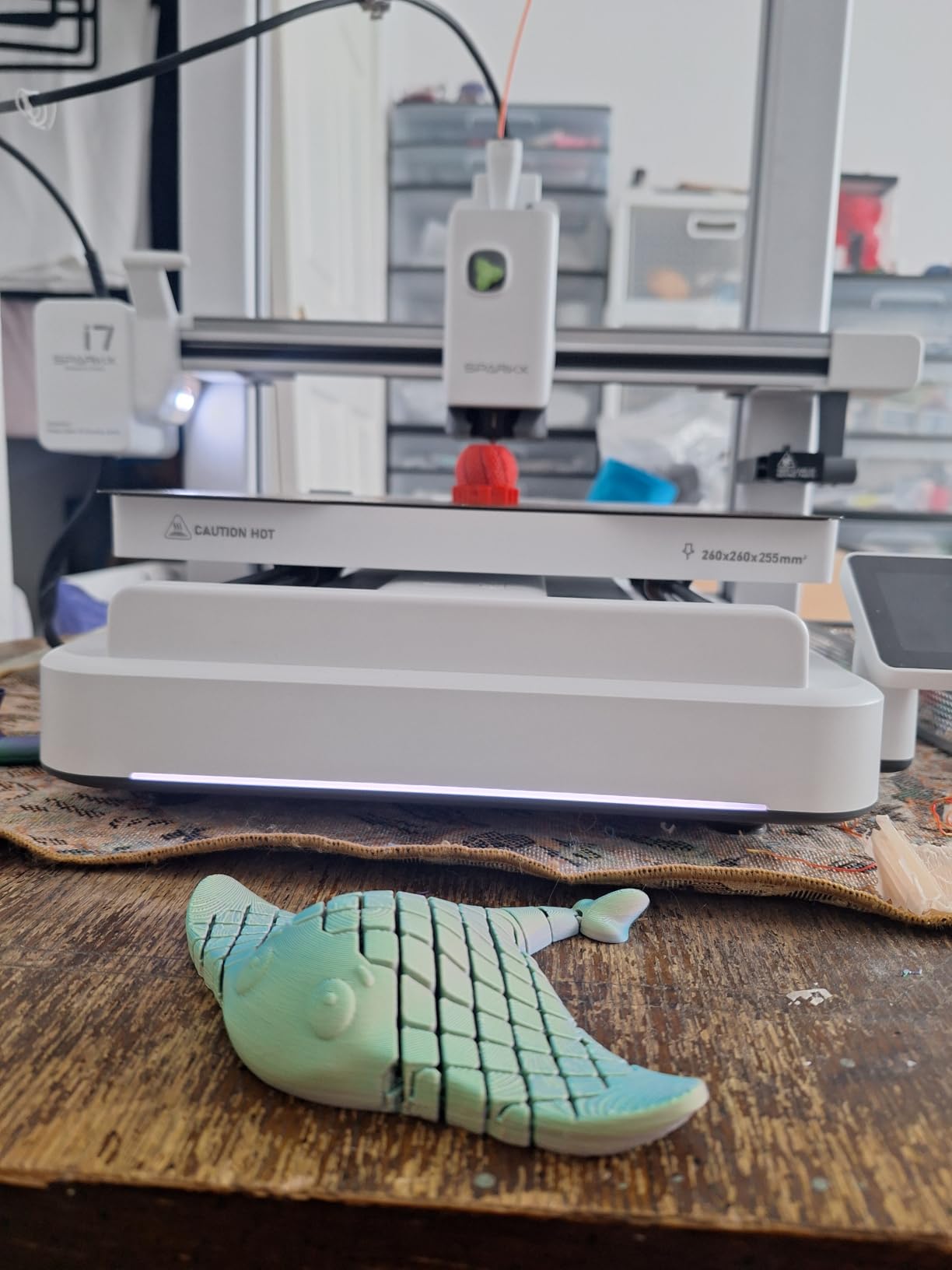
Owners frequently compare this to a Bambu A1 at a lower outlay, and that is the honest read: a 260 mm cube, automatic levelling and a camera in a machine that arrives ready to print. For someone who does not want a build weekend, that combination is hard to argue with.
The flexible PEI build plate and Wi-Fi control from phone or PC cover the everyday loop. The tool-free 5-second hotend swap is a small thing that saves real time when you change between PLA and TPU across a day of work.
It launched in May 2026, which makes it the newest machine in this roundup and the reason its feedback is thinner. At 4.0 across 546 reviews, about 15% are one star, and those reports cluster around frame wobble and bed stability on a minority of units rather than print quality.
- Built-in smart camera with time-lapse and status detection
- 260 x 260 x 255 mm build volume for practical parts and models
- Optional CFS Lite sold separately for multi-colour
- Pre-assembled with no tuning needed for first prints
It is also louder than most of the desktop FDM machines here, so it does not suit a shared room. And the QR code in the box is aimed at overseas buyers and will not work in the US. For a quieter-running alternative at a similar size, the Bambu Lab P1S Combo adds an enclosure and its multi-material box; for resin detail, look at the Anycubic Photon Mono 4.
Power-loss resume is less reliable on prints that rely on supports, so long unsupported runs are the case to watch on this machine.
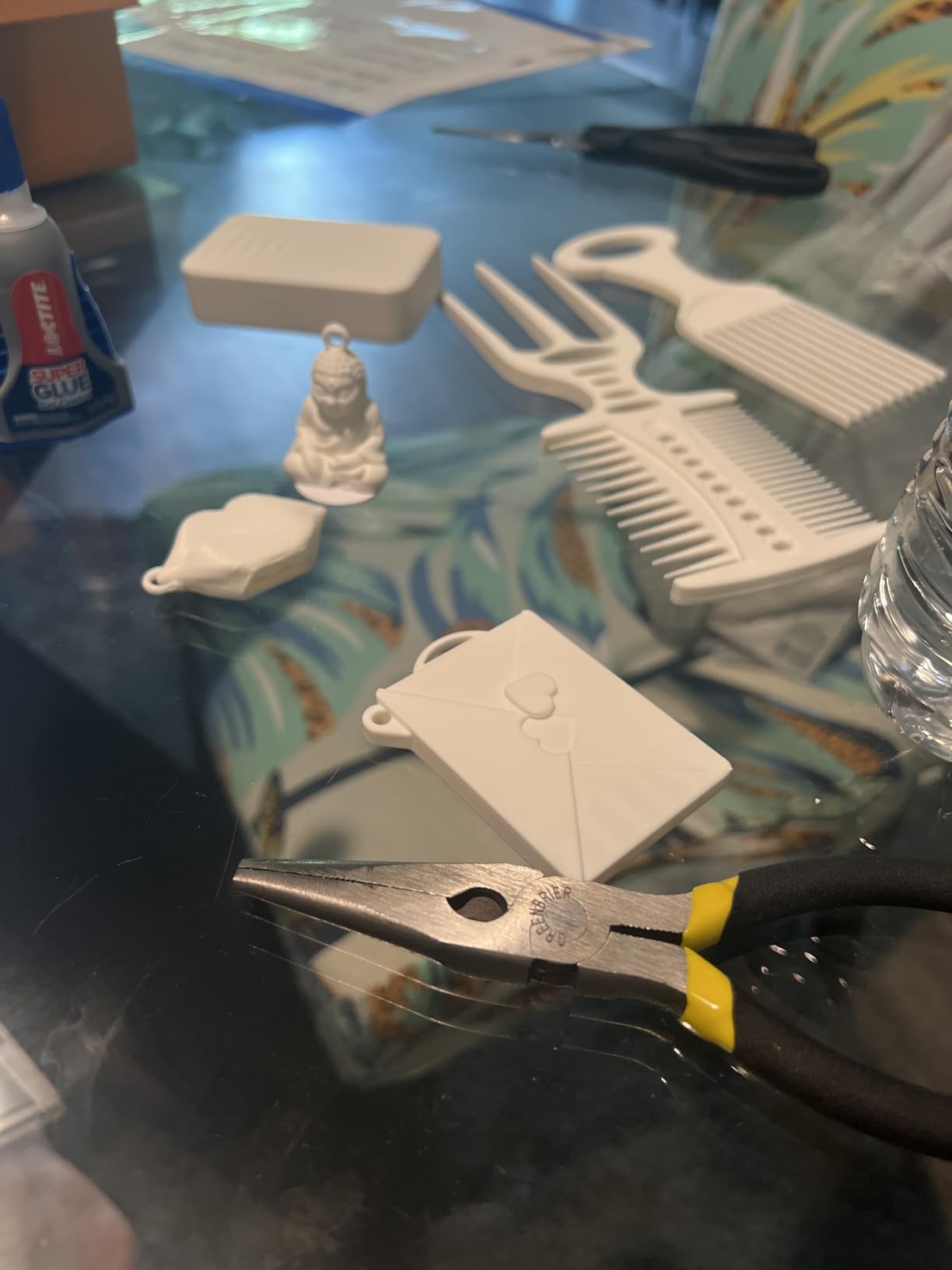
9. Creality K2 Pro Combo: Best for Heated Chamber
Creality K2 Pro Combo (A) 3D Printer, Multicolor Color Printing with CFS, 600mm/s High-Speed, Dual AI Camera, Active Chamber Heating, Auto Leveling, Large Build Volume 300×300×300mm
Type: FDM
Weight: 61.6 lb
Size: 17 x 20 x 18 in
Auto level: smart probing
Pros
- Chamber heated to 60°C for ASA and PPA
- CFS bundled for 16 colors
- 300 x 300 x 300 mm build volume
- Dual AI cameras for failure and flow tuning
Cons
- High outlay versus entry FDM machines
- 61.6 lb chassis limits portability
- First-generation software learning curve
Active chamber heating to 60°C is the headline, and it is the reason this machine exists. Warping in large ABS, ASA and PPA-CF prints is a chamber temperature problem, not a slicer problem, and a heated chamber is the only real answer rather than a brim and a fan pointed at the corner.
The rest is built for volume: a 300 mm cube, 600 mm/s on FOC step-servo motors with linear rails, and a direct drive extruder with 40 mm³/s flow and automatic filament cutting. Probing auto levelling scans only printed areas, which protects the plate surface.
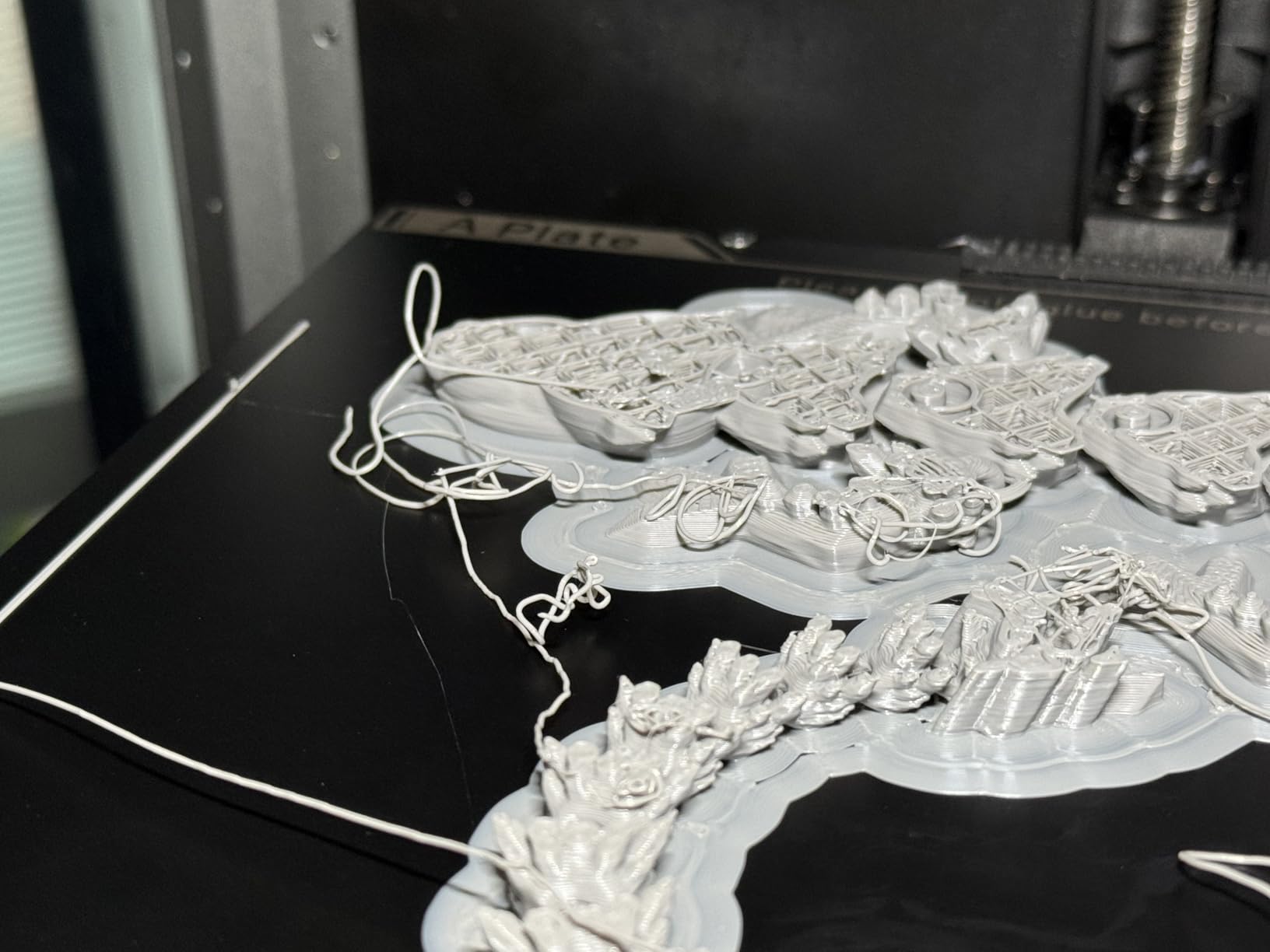
Two cameras do different jobs. The chamber camera watches the whole build and flags failures, while the nozzle camera tunes flow in real time, which is the feature earlier machines only pretended at. Owners treat the cameras as a genuine help on long unattended runs.
- Bundle includes the CFS, 500g of Hyper RFID filament and a hardened steel nozzle
- Supports PLA and ABS and ASA and PPA-CF and PET-CF
- RFID filament identification inside the CFS
- Suited to batch printing and small production runs
At 4.0 across 448 reviews with roughly 17% one star, the pattern matches a newly launched flagship: early reliability and software friction, not bad output. Single-colour buyers carry the CFS bulk and filament cost for nothing. If you need the chamber but not the colour box, the Sovol SV08 MAX has a reserved interface for a heated chamber and a far larger 500 mm volume.
Plan the floor space before this one arrives. It is a 61.6 lb machine with a CFS attached, and moving it later is not a weekend job.
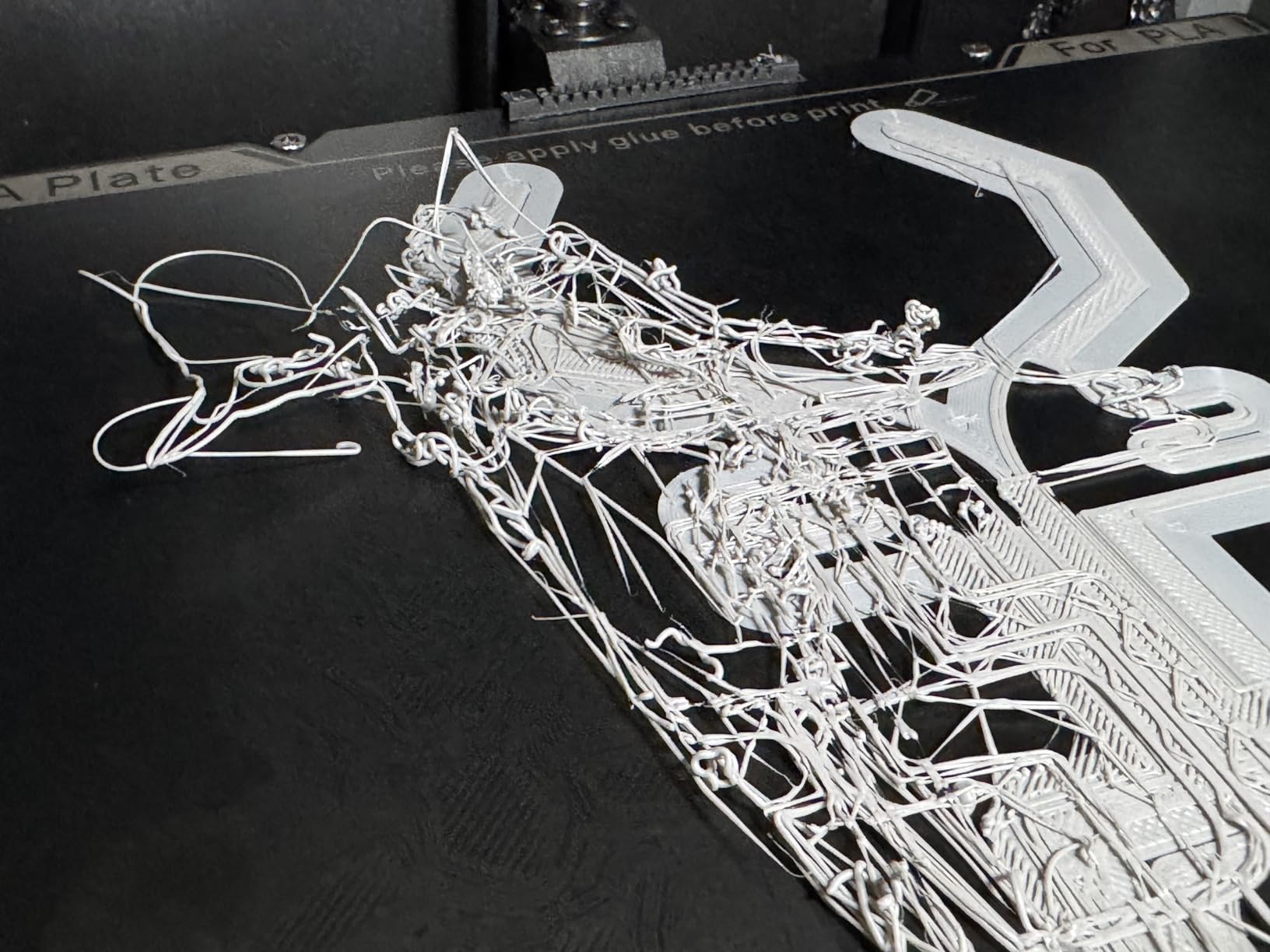
10. Elegoo Mars 5 Ultra: Best for Fast Resin Work
ELEGOO Mars 5 Ultra Resin 3D Printer
Type: Resin
Weight: 19.4 lb
Size: 15.8 x 18.5 x 9.1 in
Auto level: self-leveling
Pros
- 9K LCD with 18 micron XY pixels
- Tilt release roughly halves print time
- Self-leveling plate removes manual setup
- Three months of Chitubox Pro included
Cons
- Lid has no hinges and must be removed fully
- Resin spout is awkward to pour from
- Camera view is easily blocked by tall prints
Tilt release is what makes this one faster in practice. Instead of lifting the whole vat away from the screen, the plate tilts to peel each layer, and owners commonly report that print times roughly halve against older Elegoo resin machines. Up to 150 mm/h follows from that mechanism.
The 7-inch 9K mono LCD at 18 micron XY pixel size keeps detail high enough for miniatures and models, and the self-levelling build plate removes the manual bed levelling chore entirely.
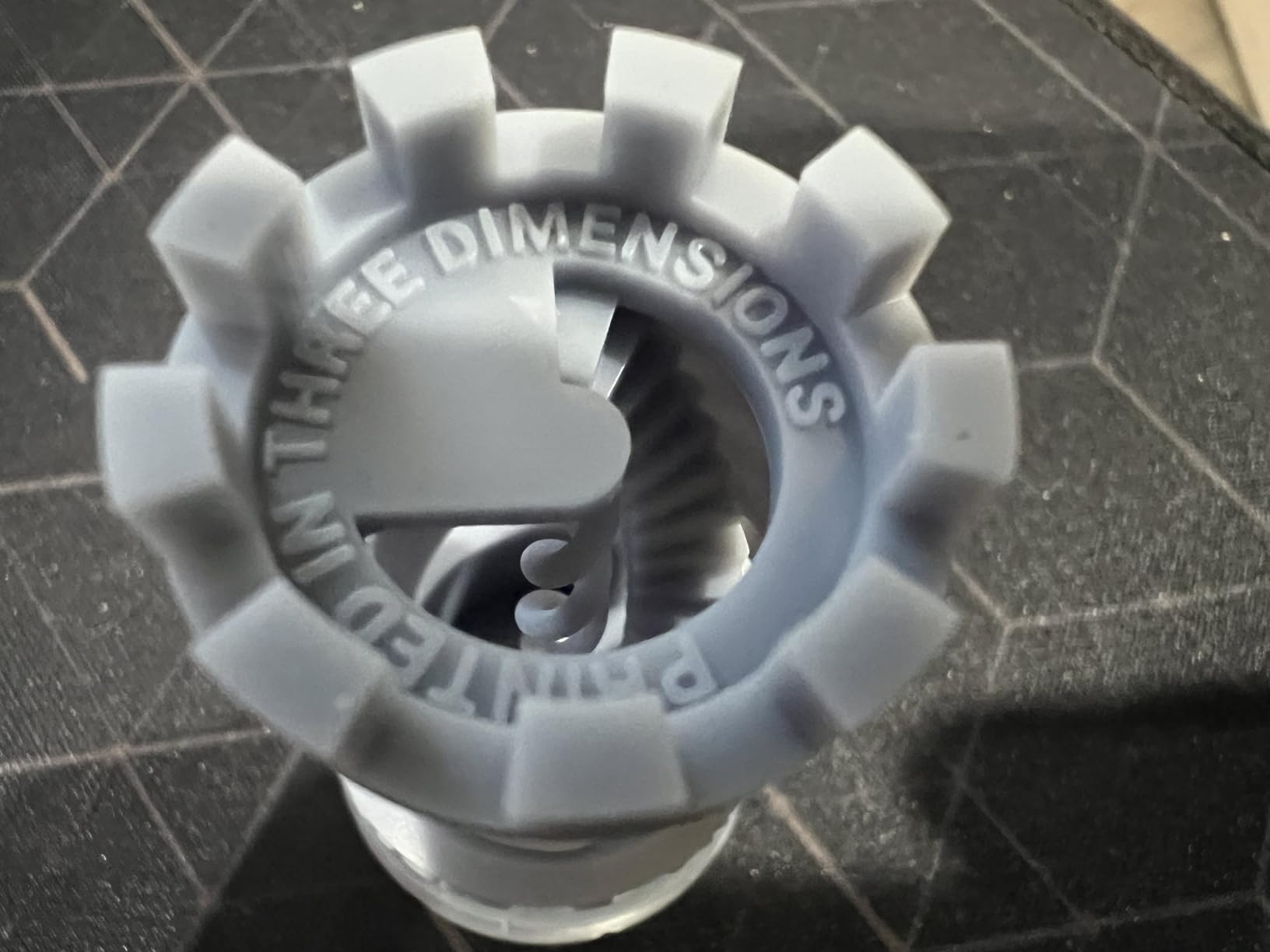
Three small features add up over a week of use: a smart mechanical sensor that detects residue to protect the LCD, alarms for resin shortage and levelling failure, and Wi-Fi cluster printing lets you control several machines at once.
- AI camera with error detection, plate checks and time-lapse
- Fast and slow print modes for different resin types
- 19.4 lb weight is easy to move between rooms
- Works out of the box for first-time resin owners
The 4.3 rating across 384 reviews carries about 9% one star, centred on first-layer adhesion and occasional hardware damage. Physical design annoyances are real: the lid has no hinges so it comes off entirely, and the rounded resin spout makes pouring messy. If your priority is maximum resolution rather than throughput, the Elegoo Saturn 4 Ultra doubles the pixel count with a heated tank; if it is a small footprint on a desk, the Anycubic Photon Mono 4 is lighter still.
Clean the vat between resin changes. The residue sensor protects the screen, but it does not clean for you.
11. Elegoo Saturn 4 Ultra: Best for Finest Resin Detail
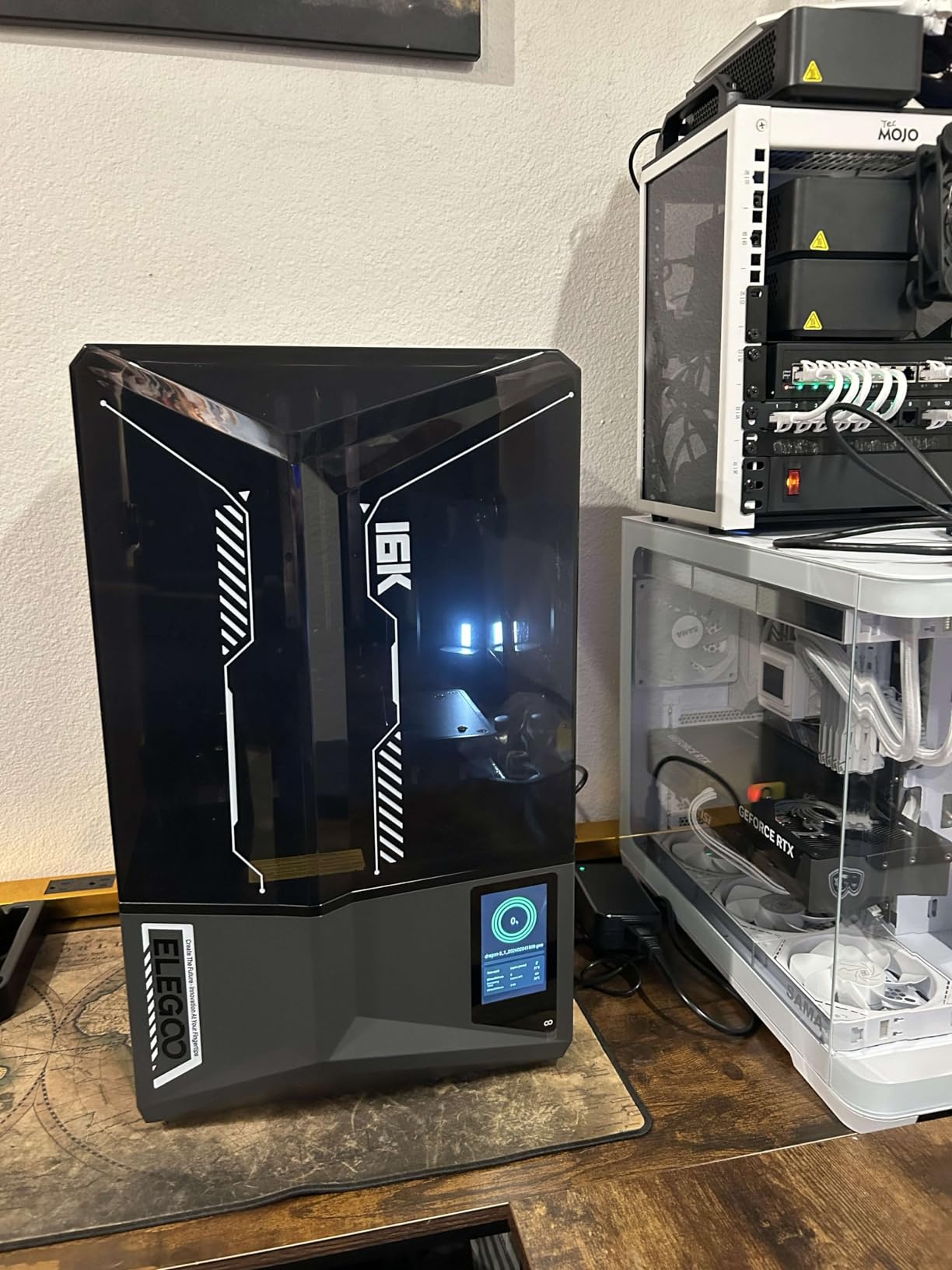
ELEGOO Saturn 4 Ultra 16K Resin 3D Printer
Type: Resin
Weight: 35.5 lb
Size: 24 x 17 x 15 in
Auto level: automatic
Pros
- 16K mono LCD for very fine detail
- Heated tank holds resin at 30°C for adhesion
- Chamber light and AI camera for long prints
- Automatic levelling with tilt release
Cons
- Bulky 35.5 lb footprint for a resin machine
- Resin handling needs ventilation and protective gear
- Occasional transit damage reported
The 16K mono LCD is the reason this machine is on the list. At that resolution the pixel pitch drops below what most people can see without magnification, which matters when you are printing faces, filigree or master patterns for other processes.
The heated tank is the sleeper feature. Holding resin at 30°C dramatically improves layer adhesion and cuts down on the delamination failures that plague resin prints in a cold room, and it is something most entry resin machines skip.
A built-in chamber light plus an AI camera means long unattended prints can be checked visually instead of guessed at, and tilt release keeps speeds up to 150 mm/h despite the higher resolution.
- 16K resolution is the highest in this roundup
- Residue detection sensor protects the LCD from cured resin
- Alarms for resin shortage and levelling failure
- Automatic build plate levelling, no manual adjustment
At 4.2 across 366 reviews, roughly 13% are one star, and those reports lean toward resin handling frustration and transit damage rather than print quality. At 35.5 lb and 24 x 17 x 15 inches it is a bulky machine for resin, so measure the bench. If you want most of the resolution without the size, the Anycubic Photon Mono 4 is 7.7 lb; if you want speed over detail, the Mars 5 Ultra tilt-releases at the same rate.
This listing carries several variants, so confirm you are looking at the Saturn 4 Ultra 16K and not the 12K or the base Saturn 4, which share the same product family name.
How to Choose 3D Printers During Prime Big Deal Days
Filament or Resin Printing
Decide the process before the model. FDM machines melt plastic filament and are safer, quieter and easier to clean up, with PLA and PETG as the easy starting materials. Resin machines cure liquid photopolymer under a UV screen and deliver detail filament cannot approach, but they demand gloves, ventilation and a curing setup. If resin detail is what you are after, our picks for resin printers on a tighter budget cover the smaller machines.
A resin machine also means consumable running costs: vats and LCD screens wear out and get replaced, and resin has to be stored and disposed of carefully.
Build Volume and Printer Size
Match the cube to the largest thing you actually want to print, not the biggest number on the page. Under 200 mm suits miniatures and small mechanisms. The 220 to 260 mm range covers cosplay helmets, planters and functional brackets, and our guide to 3D printers for cosplay props goes deeper on the size question. At 300 mm and above you are looking at prototypes and props rather than parts.
Then measure the machine, not just the volume. Weight on this list runs from 7.7 lb for a resin printer to 86.8 lb for the large-format FDM machine, and a printer you cannot lift onto a shelf is a printer you will not maintain.
Print Quality and Core Features
Four specs predict results better than headline speed. Acceleration governs how fast short moves can happen, auto levelling with automatic Z-offset removes the most common failure, an enclosure stabilises temperature for ABS and ASA, and a heated chamber fixes corner warping outright. Print speed only means something alongside those; a machine claiming 600 mm/s with manual levelling will frustrate you more than a 250 mm/s machine that calibrates itself. If fine detail on miniatures is the goal, our roundup of 3D printers for miniatures covers the resin side in detail.
Camera-based failure detection is a genuine help on long prints, though treat it as a useful net rather than a guarantee.
Assembly, Software and Learning Curve
Check whether the printer ships assembled. The Bambu Lab A1, Creality K2 Combo and Creality Sparkx i7 arrive ready to print, while kits need a build and tuning weekend. Slicer choice matters too: slicer software ships with the printer, updates on its own schedule, and community model libraries attach to whichever one you use. Expect a day of small adjustments on any machine, and more if you skip the assembly.
Running Costs and Workspace Needs
Filament and resin are the recurring line items, and a filament dryer pays for itself quickly in humid months when damp filament causes stringy, weak prints. Resin adds gloves, a wash station, a curing box and ventilation. Budget for spare nozzles, a spare build plate and replacement PEI sheets. Our picks for useful 3D printer upgrades cover the parts most owners add in the first year, and any machine with a multi-material box locks you into that brand’s filament ecosystem.
Space is a running cost too: 22 lb desktop machines share a room with you, while 55 to 86.8 lb machines take a corner of it.
How to Shop 3D Printer Deals During the Sale
Verify the exact model and generation on the listing before you commit. Printers with near-identical names sit under the same parent page, and variants differ: the Creality K2 Combo and K2 Pro Combo are different machines with different build volumes, and the Elegoo Saturn 4 family splits into 12K and 16K versions. Check what is in the box, since bundles change between the base printer, a combo with a multi-material filament box and a kit. Confirm the condition is new, who sells it, and whether Amazon or a third-party seller fulfils the order.
Most offers on 3D printers during Prime Big Deal Days need a Prime membership, and the offer set changes through the event.
- Match the model name and generation number on the listing to the machine you researched
- Confirm whether the box includes a multi-material filament box, filament or a hardened nozzle
- Check the seller and the fulfilment method before adding to cart
- Look at recent owner reviews for the exact ASIN, not the parent listing
- Re-check the listing before you buy, since offers move during the event
Frequently Asked Questions
When does Amazon Prime Big Deal Days run in 2026?
Amazon Prime Big Deal Days runs October 6-7, 2026. It is Amazon’s autumn sale event and the main window for 3D printer offers, running alongside the October and November deal calendar. Offers change through the event, so check the listing again close to the time you plan to buy.
Do I need Prime membership for Amazon Prime Big Deal Days 3D printer deals?
Most offers during Prime Big Deal Days need a Prime membership, and a free trial counts for the length of the trial. A small number of deals run for everyone, but printer offers usually sit behind the membership gate. Check the Prime badge on the listing before you plan your purchase around it.
Are 3D printers usually easier to use than resin printers?
Yes, FDM filament printers are usually easier for a first machine. They are safer, quieter and need gloves and ventilation far less than resin, which cures liquid photopolymer and produces fumes and sticky waste. Resin printers win on detail, so the trade is convenience against surface finish and fine features.
What materials should a first-time 3D printer owner look for?
Start with PLA. It prints easily at low temperatures, needs no enclosure and forgives most beginner mistakes. Add PETG for anything that needs strength or heat resistance, and TPU only once the machine handles direct drive well. Leave ABS and ASA for enclosed machines, and skip carbon-fibre and glass-fibre filaments on entry hardware.
Do 3D printers need assembly or calibration after arriving?
It depends on the model. Pre-assembled machines such as the Bambu Lab A1, Creality K2 Combo and Creality Sparkx i7 print within an hour or two, while kits need a build and tuning session. Almost every machine needs some calibration on day one, so budget an evening and keep spare filament and a spare build plate on hand.
How do I confirm that a Prime Big Deal Days 3D printer offer is for the model I want?
Check the model number in the listing specifications, not just the product title. Families such as the Creality K2 Combo and K2 Pro Combo, or the Elegoo Saturn 4 and Saturn 4 Ultra 16K, sit close together with different build volumes and screen resolutions. Also check the bundle contents, since combo listings add a multi-material filament box and sometimes filament.
Final Verdict: Best Amazon Prime Big Deal Days 3D Printer Deals
The Bambu Lab A1 is the one to watch most closely during this sale. It carries the highest rating on the list with a review count above the middle, calibrates itself completely, and stays quiet enough for a room with other people in it. If the lowest sensible outlay matters more than polish, the Creality Ender 3 V3 SE does the job for less, with the understanding that it is open frame and it runs slower.
Buy the Creality K2 Combo if you print in colour and want the filament swaps to handle themselves. Buy the Bambu Lab P1S Combo if you need an enclosure for ABS and ASA alongside a bundled multi-material box. Buy the Creality K2 Pro Combo when warping on large engineering prints is your real problem, and the Sovol SV08 MAX when 500 mm parts do not fit in anything smaller.
For resin, the Anycubic Photon Mono 4 is the small and light one, the Elegoo Mars 5 Ultra is the faster one, and the Elegoo Saturn 4 Ultra is the sharpest one. The FlashForge Adventurer 5M covers fast single-colour work in a compact frame, and the Creality Sparkx i7 suits anyone who wants a pre-built machine and nothing to tune.
Pick one, check the listing details above, and confirm the current price through the button before you commit.