
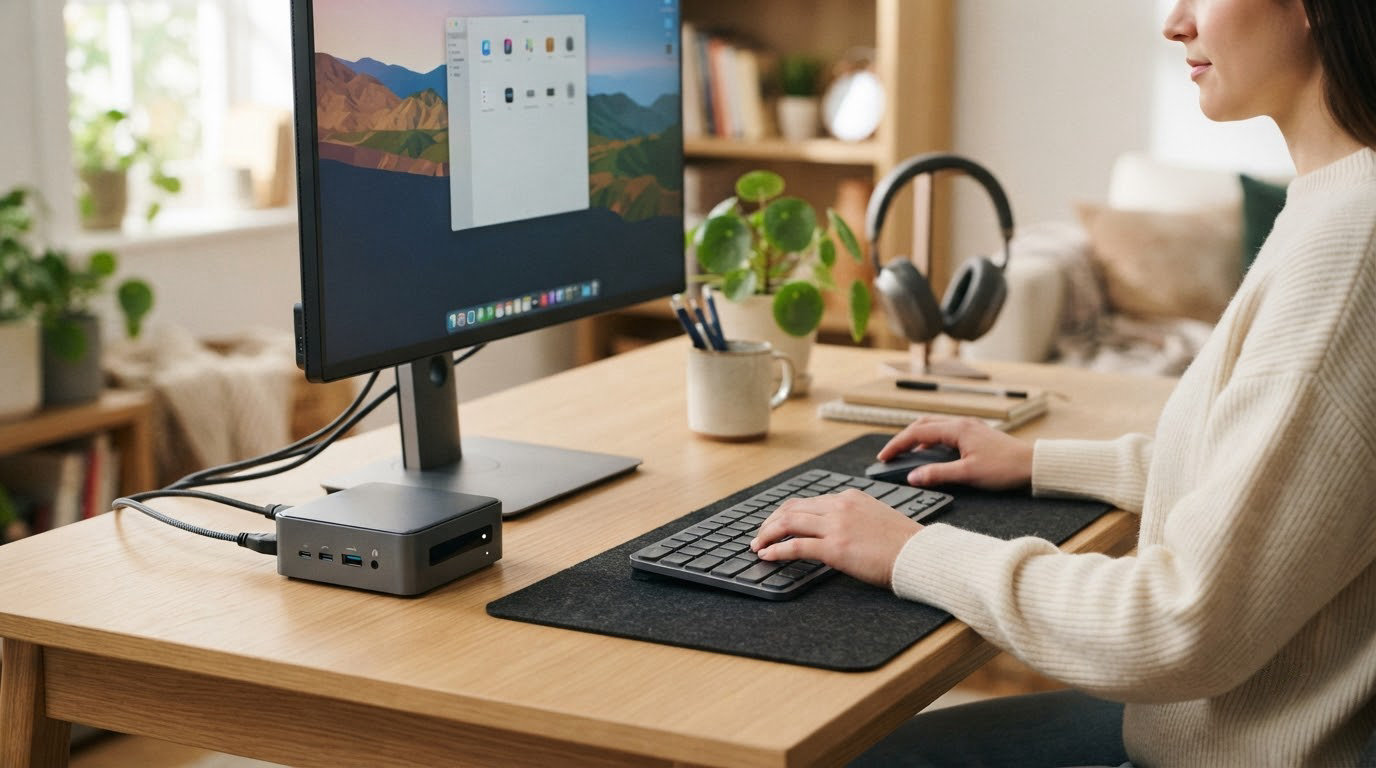
A mini PC only earns its place on a desk if it stays quiet, stays cool and does not need cables running everywhere. The Beelink SER3 leads this list because it keeps its memory in real sockets, ships with a three-year warranty and carries more owner reviews than any other box here. The BOSGAME P3 Lite is the one to look at for a triple-monitor desk, and the BOSGAME E4 Air makes sense when you want two Ethernet ports and little else.
Prime Big Deal Days runs October 6-7, 2026, and offers on these machines tend to move through that window. Check the current price on each listing before you commit, because no offer here is confirmed in advance.
Our Top 3 Picks for Best Amazon Prime Big Deal Days Mini PC Deals in 2026

Beelink SER3
- Ryzen 3 3200U 2C/4T
- 16GB DDR4 in sockets to 32GB
- 500GB M.2 SSD
- Dual 4K60 over two HDMI

BOSGAME P3 Lite
- Ryzen 7 6800H 8C/16T
- 32GB DDR5 to 64GB
- 1TB NVMe plus free M.2 slot
- Triple 4K60 or one 8K display

BOSGAME E4 Air
- Ryzen 5 3500U 4C/8T
- 8GB DDR4 to 32GB
- 256GB SATA with dual M.2 slots
- Dual Gigabit Ethernet
Best Amazon Prime Big Deal Days Mini PC Deals Compared
| Product | Specifications | Action |
|---|---|---|
| Beelink SER3 |
|
Check Deal Price |
| BOSGAME P3 Lite |
|
Check Deal Price |
| BOSGAME E4 Air |
|
Check Deal Price |
 BOSGAME P6 BOSGAME P6 |
|
Check Deal Price |
 Acemagician S3A Acemagician S3A |
|
Check Deal Price |
 Geekom A8 Geekom A8 |
|
Check Deal Price |
 Kamrui E3B Kamrui E3B |
|
Check Deal Price |
 GMKtec G10 GMKtec G10 |
|
Check Deal Price |
 Origimagic C4 Plus Origimagic C4 Plus |
|
Check Deal Price |
How We Chose
We compared processor generation, memory and storage flexibility, port selection, display support, warranty length and owner ratings for all nine machines. Ratings, review counts and specifications were checked on October 2026.
1. Beelink SER3: The One to Buy First
Beelink SER3
CPU: Ryzen 3 3200U 2C
Memory: 16GB DDR4 to 32GB
Displays: dual 4K60
Warranty: 3 years
Pros
- Memory sits in sockets and goes to 32GB
- Four USB 3.2 ports plus two HDMI
- Three year warranty is the longest here
- Large owner review base for a mini PC
Cons
- Two cores and four threads lag newer parts
- Older DDR4-2400 memory speed
Most people coming to a compact desktop want a dependable second machine for email, documents, a browser and a 4K television. This handles all of that without drama, and it is the pick here because the fundamentals are right rather than because the specification sheet is exciting.
Two points put it ahead of the field. The 16GB of DDR4 sits in two upgradeable slots and can reach 32GB, so nothing is wasted when you outgrow it. The warranty runs three years, longer than any other mini PC in this list, and the fan moves air through dual heat pipes rather than a single vent.
Owners consistently describe it as quiet and dependable, which is exactly what you want on a desk during video calls. The 500GB M.2 drive is a sensible size for an office machine and holds plenty of applications without crowding.
- Two HDMI ports drive two 4K60 displays, enough for a laptop-style two-screen layout
- Gigabit Ethernet plus dual-band Wi-Fi covers wired desktops and wireless rooms
- Four USB 3.2 ports mean most peripherals plug in without a hub
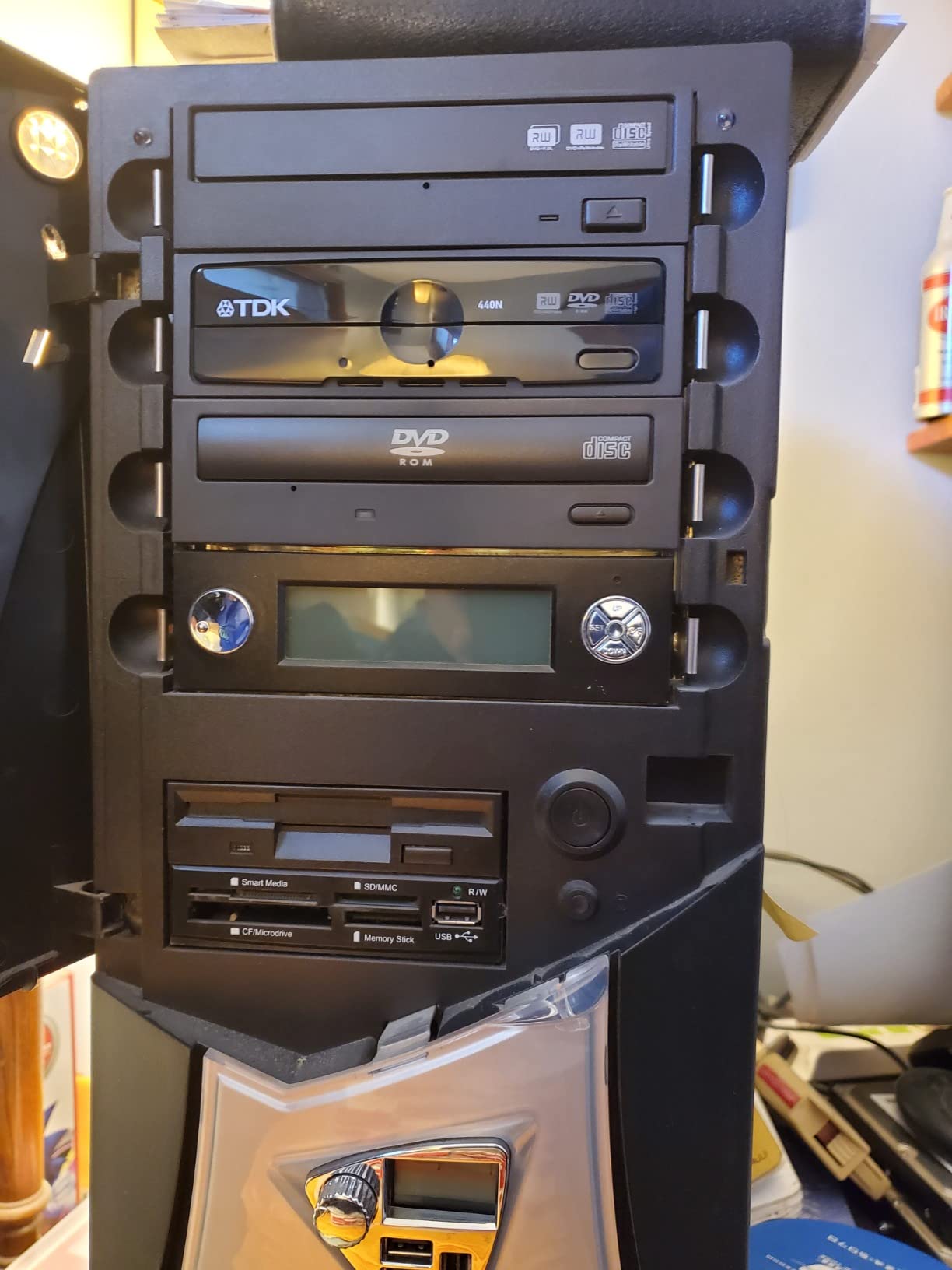
Skip it if you plan to game. The Radeon Vega 3 graphics have three cores and are fine for 4K video playback, not much else. For that, look at the Geekom A8 or the Acemagician S3A, both of which carry far newer processors and RDNA 3 graphics.
Compared with the BOSGAME E4 Air, which is cheaper on paper but arrives with 8GB and a SATA drive, the Beelink gives you more memory, a faster drive and a longer warranty for a modest difference.
2. BOSGAME P3 Lite: Best for Triple-Monitor Desks
BOSGAME P3 Lite
CPU: Ryzen 7 6800H 8C
RAM: 32GB DDR5 to 64GB
Displays: triple 4K60
Warranty: 1 year
Pros
- 32GB dual-channel DDR5 out of the box
- Second M.2 2280 bay sits empty
- USB4 handles eGPUs and charging
- Dual 2.5GbE ports and Wi-Fi 6E
Cons
- Fan noise is audible to some owners
- Warranty support has drawn complaints
If your desk has three screens and you refuse to give up two of them, this is the box in the list to watch. It drives three 4K60 displays or a single 8K panel, and the Ryzen 7 6800H gives it eight cores and sixteen threads that hold up under heavy multitasking.
The memory story is the strongest argument here. You get 32GB of dual-channel DDR5 at 4800MHz as standard, expandable to 64GB, which removes the usual budget-PC compromise where you start at 16GB and immediately regret it. Storage is a 1TB PCIe 4.0 drive with a second M.2 2280 bay ready for another drive up to 8TB.
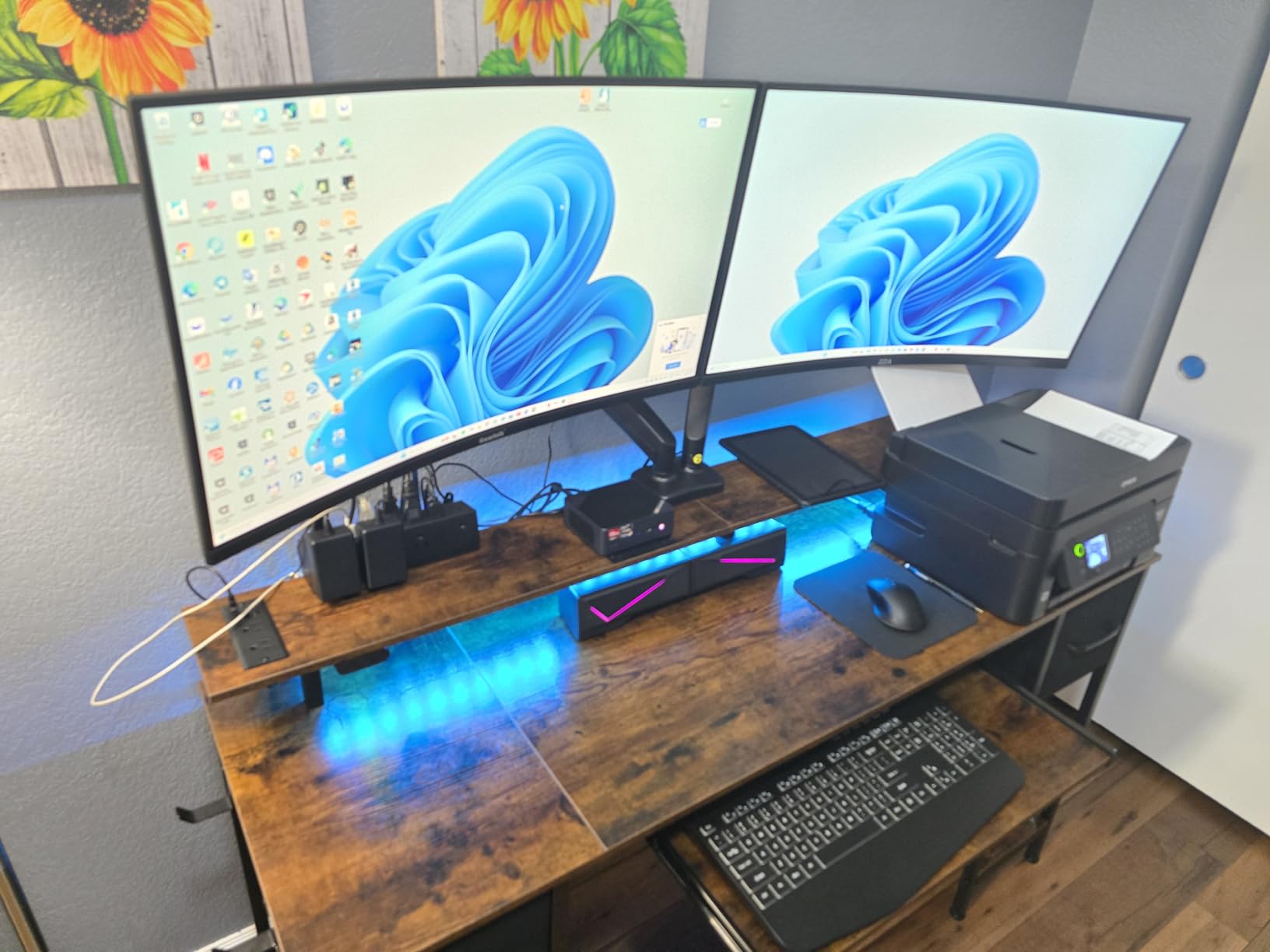
The 4.7-inch square chassis is small enough to mount behind a monitor with the included VESA bracket, and a 45W power draw keeps electricity and heat modest. Owners running spreadsheets, programming and video calls report fast boot times and a machine that stays near room temperature even after hours of gaming.
- USB4 at 40Gbps supports external displays, charging and an external GPU
- Two 2.5GbE ports beat the single gigabit port most rivals offer
- Windows 11 Pro is pre-installed and TPM 2.0 is built in
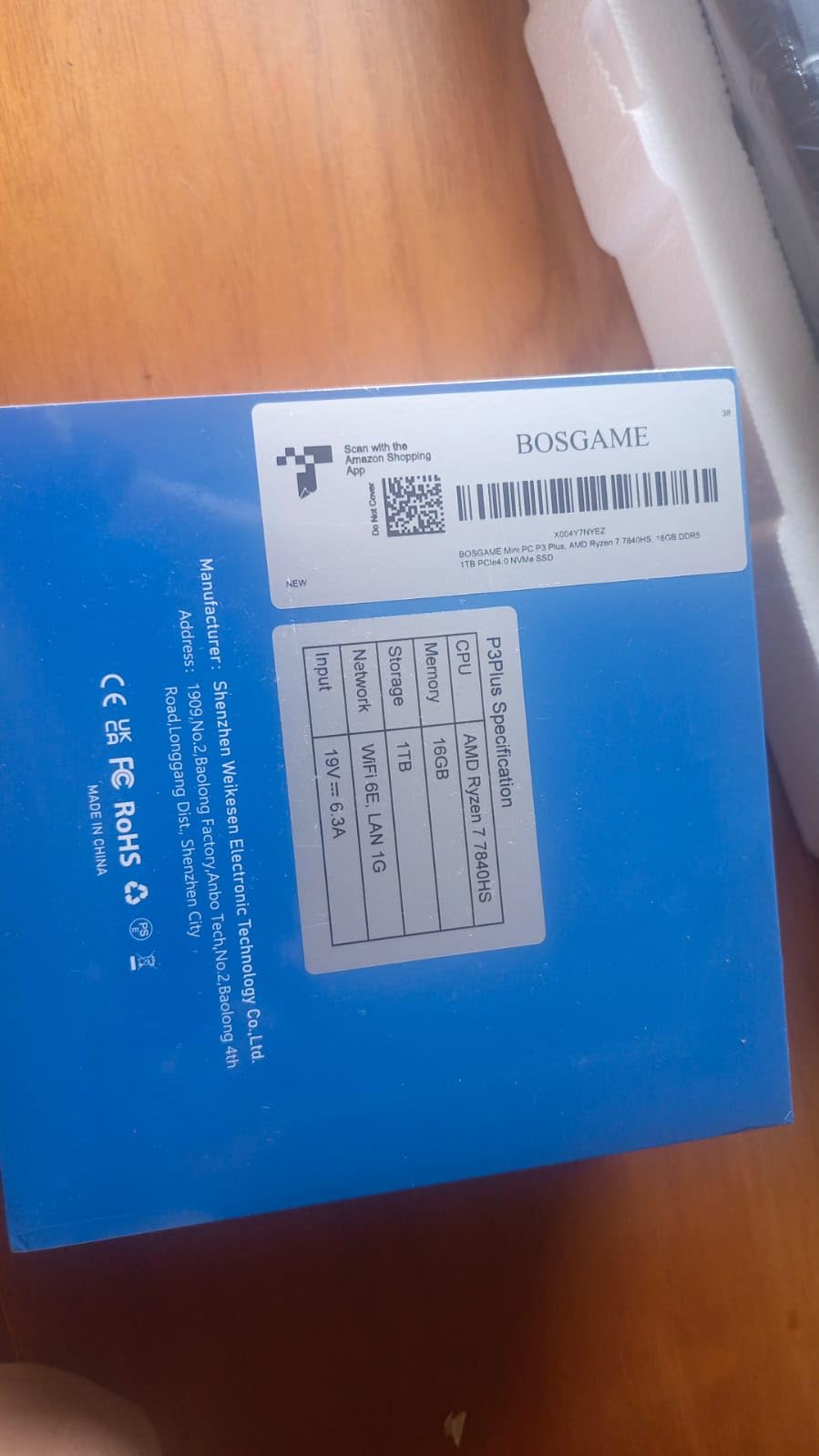
The trade-off worth knowing about is noise and support. A few owners report the fan being audible, and there is a run of unresolved warranty and customer-service complaints in the reviews. If quiet operation matters more than upgrade headroom, the Acemagician S3A has a dedicated Silent mode and a longer warranty.
3. BOSGAME E4 Air: Best for Homelab and Soft Routers
BOSGAME E4 Air
CPU: Ryzen 5 3500U 8C
RAM: 8GB DDR4 to 32GB
Displays: triple 4K
Warranty: 1 year
Pros
- Two Gigabit Ethernet ports for router or lab use
- Triple 4K output at this specification level
- Dual M.2 slots allow storage expansion
- Weighs 1.2 lb for portable setups
Cons
- 8GB RAM is the bare minimum
- 256GB SATA drive is slow and small
Two Ethernet ports on a machine this small is unusual, and that is the whole reason to look at it. People running a soft router, a network-attached storage box or a monitoring stack need two wired connections, and this has them without a USB adapter.
Four cores and eight threads put this a step above the Intel N-series chips that dominate the cheapest listings, and browsing, spreadsheets, HD video editing and video calls all run without complaint. Display output covers triple 4K through HDMI, DisplayPort and USB-C.
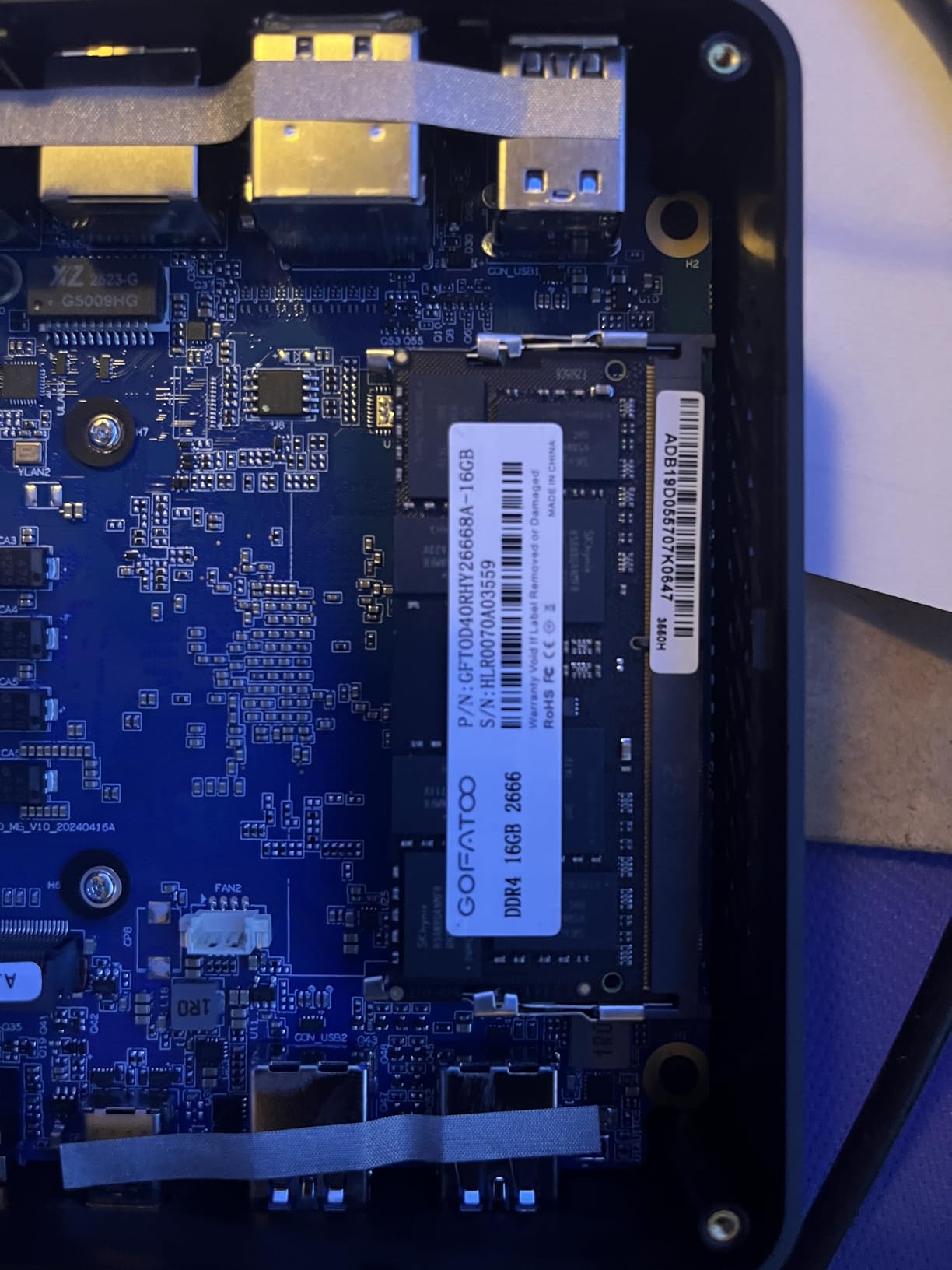
The configuration is the honest weak point. 8GB of DDR4 and a 256GB SATA drive leave little headroom once Windows and a browser are running, and the SATA drive is slower than the NVMe standard everywhere else on this list. Budget for a memory module and a proper SSD on day one, or the small price gap versus the Beelink SER3 is not worth taking.
- Storage expands across dual M.2 slots up to 4TB
- Dimensions of 5.1 by 5 by 1.8 inches fit a shelf or a monitor arm
- One year machine warranty with a three year parts warranty
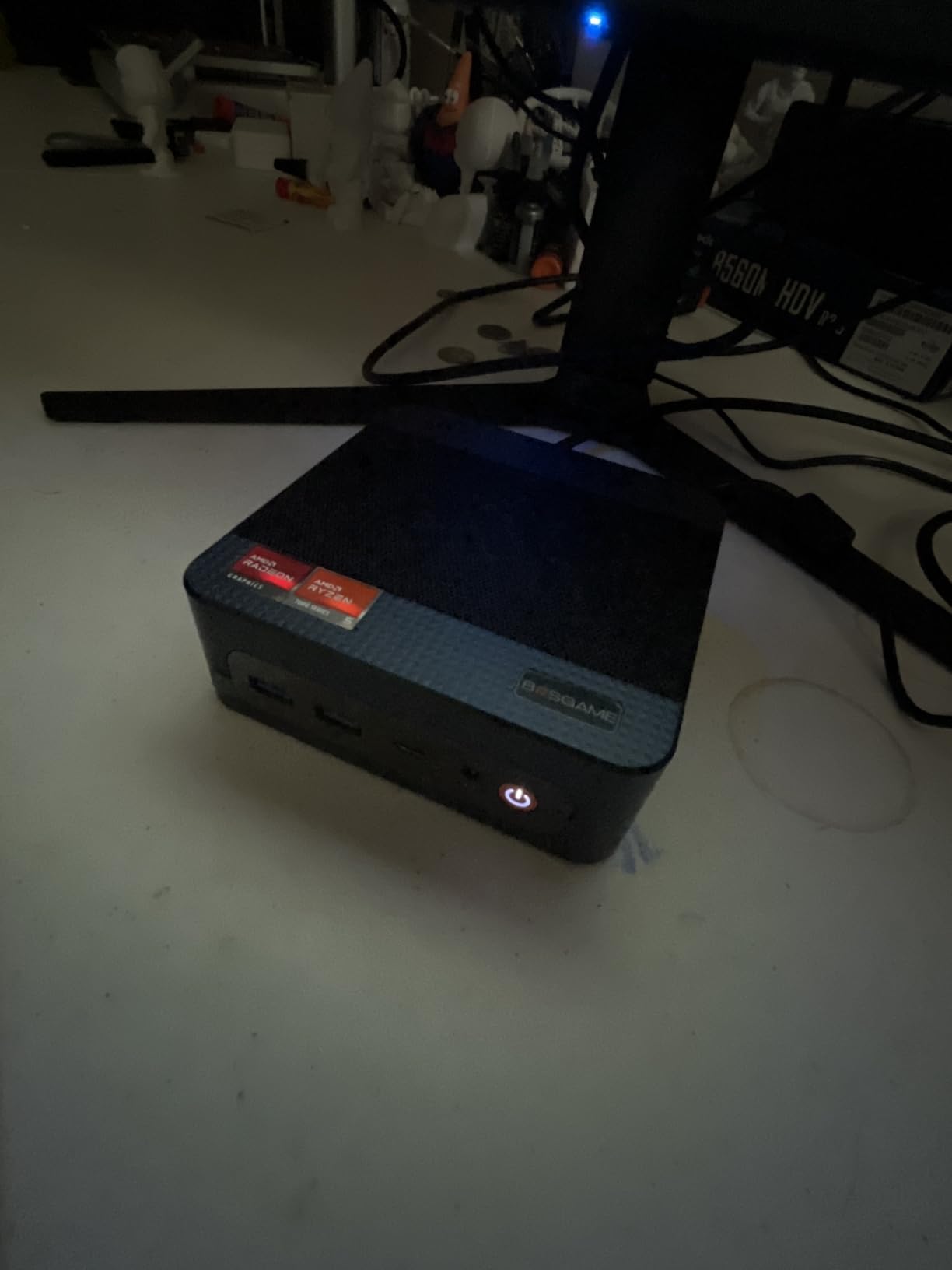
Good to know: no keyboard or mouse is bundled, so budget for those separately if this is a first computer rather than a desk addition.
4. BOSGAME P6: A Quiet All-Rounder for Creators and VMs
BOSGAME P6
CPU: Ryzen 9 6900HX 8C
RAM: 24GB LPDDR5X
Storage: 1TB PCIe 4.0
Warranty: 1 year
Pros
- Ryzen 9 chip reaches 4.9GHz for editing and VMs
- Quiet under load at under 36dB
- Dual Ethernet plus full-function USB-C with PD
- PCIe 4.0 drive expands to 8TB
Cons
- 24GB LPDDR5X is soldered for good
- Bluetooth 5.3 needs the latest driver
Creators and developers who want speed without a tower get it here. Eight cores and sixteen threads up to 4.9GHz is enough headroom for 1080p editing in DaVinci Resolve or two or three lightweight virtual machines running at once.
It sits at the top of the rating table in this group, with an unusually flat spread of reviews and only a small share of one-star ratings. Owners point at the quiet running and the reclaiming of roughly 60% of their desk space compared with a tower.
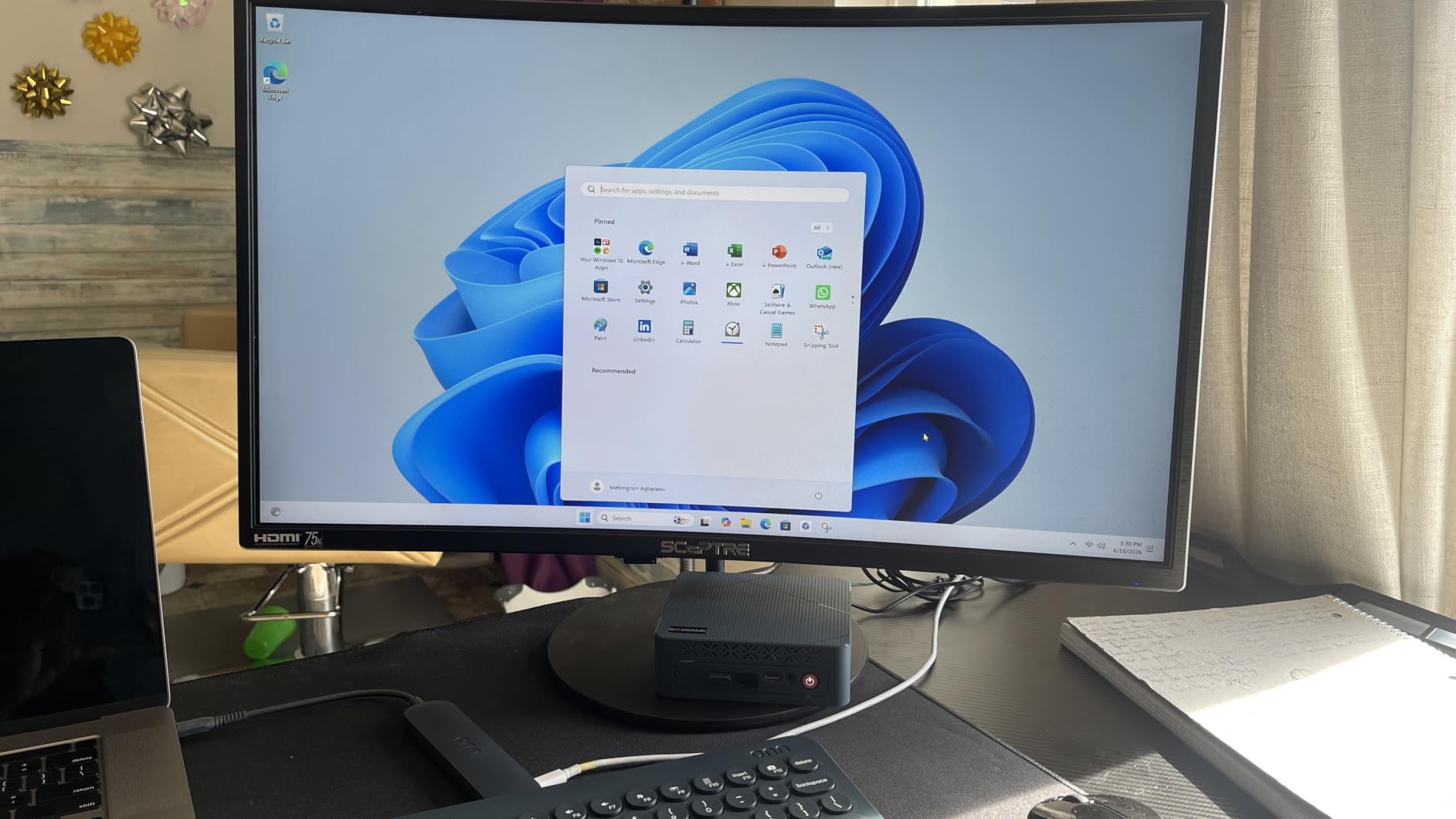
The part you cannot change is the memory. 24GB of LPDDR5X at 4800MT/s is fast and efficient, but it is soldered to the board, so there is no upgrade path in three years. Storage is more generous: the 1TB PCIe 4.0 drive can be joined by another M.2 for up to 8TB.
- Phase-change cooling keeps it under 36dB and near room temperature
- Triple 4K60 output through HDMI, DisplayPort and USB-C
- Wi-Fi 6E, Bluetooth 5.3, VESA mount and a 65W adapter in the box
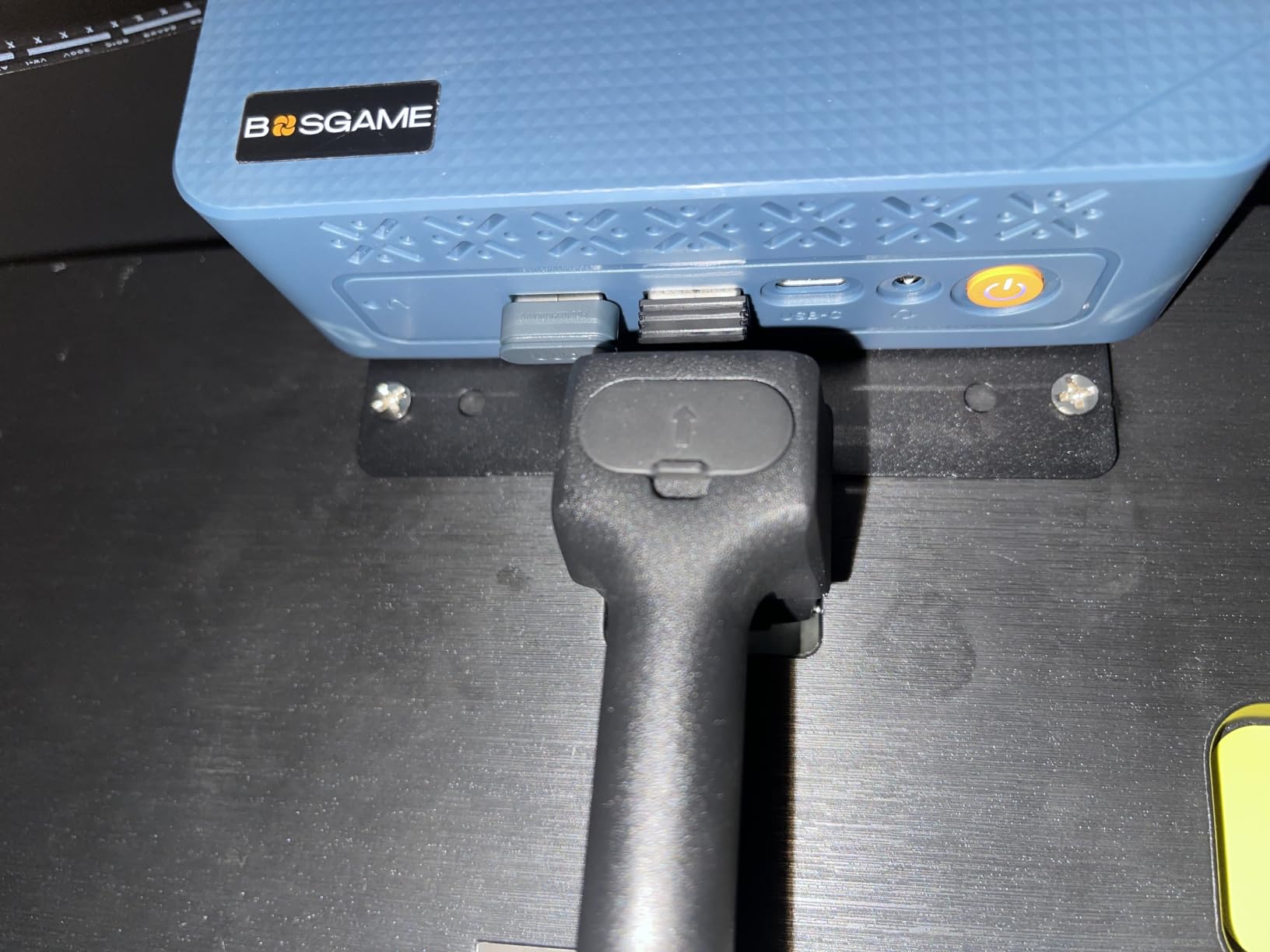
If your memory needs will grow, the Geekom A8 is the better long-term buy with its socketed DDR5. If they will not, this is faster and quieter today.
5. Acemagician S3A: Best for Creative Work and Quiet Rooms
Acemagician S3A
CPU: Ryzen 7 H 255 8C
RAM: 16GB LPDDR5 6400
Storage: 512GB NVMe
Warranty: 2 years
Pros
- Radeon 780M RDNA 3 graphics with 12 cores
- Fastest memory speed on this list at 6400MT/s
- Three power modes including a 35dB Silent setting
- Two year warranty included
Cons
- 16GB LPDDR5 is soldered and capped
- 512GB is the smallest drive here
- Only one HDMI port
Radeon 780M graphics in RDNA 3 form is the reason to look here for 3D design, programming and anything with a GPU attached. Twelve graphics cores at 2600MHz handle desktop-class creative work that the older integrated parts in the budget boxes simply cannot attempt.
Eight cores and sixteen threads up to 4.9GHz underneath, and 6400MT/s LPDDR5 that is the fastest memory in this group. Three selectable power modes let you choose between a Silent setting drawing 20 to 35W at a 35dB floor and a Performance setting reaching 54W.
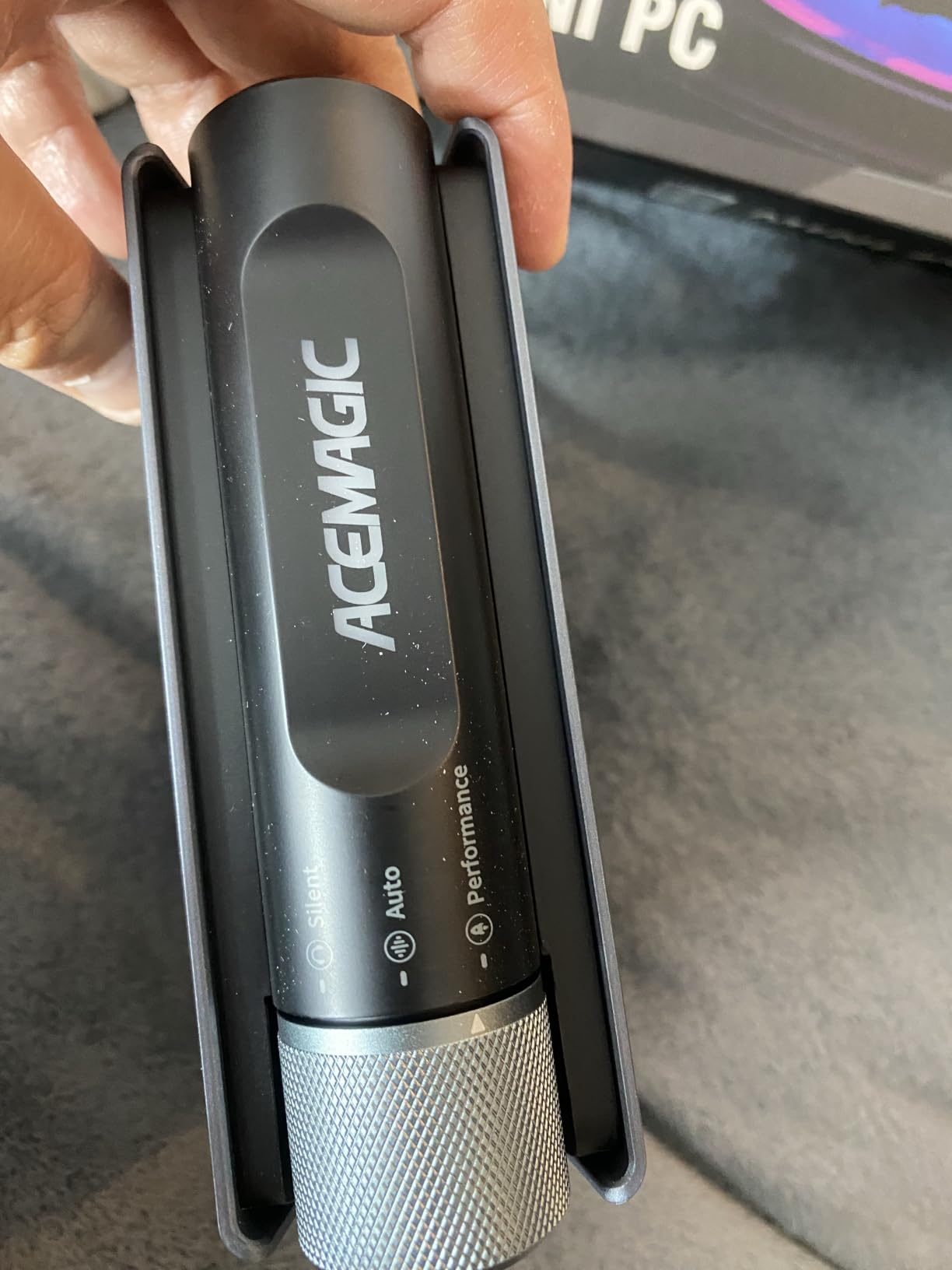
That Silent mode is the detail that matters in a bedroom or a shared office. It is the difference between a machine you leave running and one you switch off.
Two compromises: the 16GB of memory is soldered and capped with no upgrade path, and 512GB fills quickly once you install creative software. Storage is tool-free removable and expands to 4TB, which is at least easy to service. With only one HDMI port, a multi-monitor setup needs DisplayPort and USB-C cables.
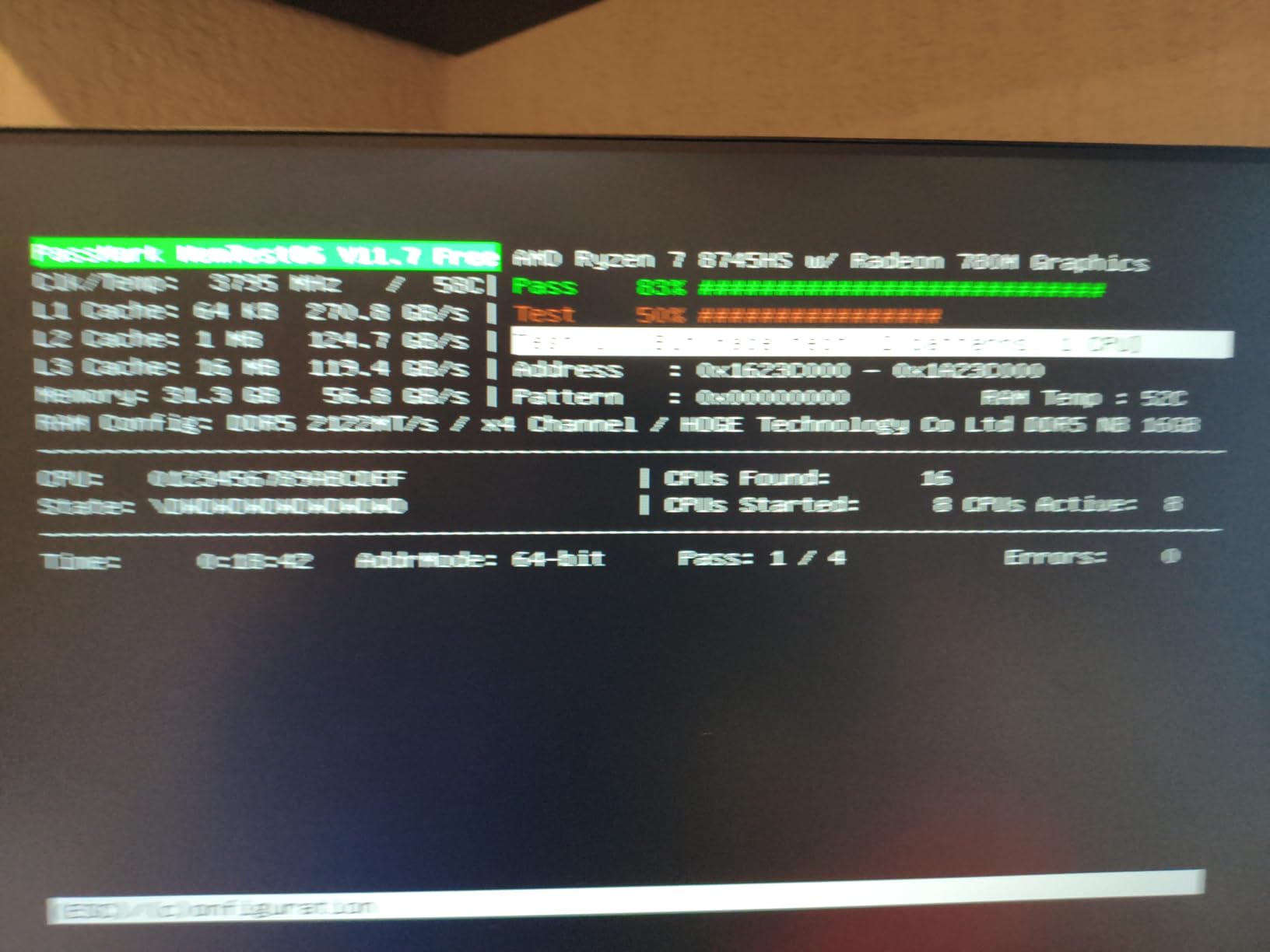
6. Geekom A8: Best When You Plan to Upgrade
Geekom A8
CPU: Ryzen 7 8745HS 8C
RAM: 16GB DDR5 to 128GB
Displays: four screens
Warranty: 3 years
Pros
- DDR5 in real slots that expand to 128GB
- Half-litre aluminium chassis with VESA mount
- Four display outputs including USB4
- Three year warranty
Cons
- Only one internal M.2 drive slot
- Some units changed memory configuration
Almost every mini PC on this list bakes its memory into the board. This one does not. The 16GB of DDR5 at 5600MHz sits in two sockets and expands to 128GB, which makes it the safest purchase for anyone who expects their workload to grow.
Graphics are Radeon 780M in RDNA 3, and owners report smooth 4K video editing, graphic design, compiling and emulation, plus playable frame rates in Fortnite and heavily modded titles. Display support is the best in the group, with two HDMI 2.0 ports and two USB-C video outputs driving up to four screens.
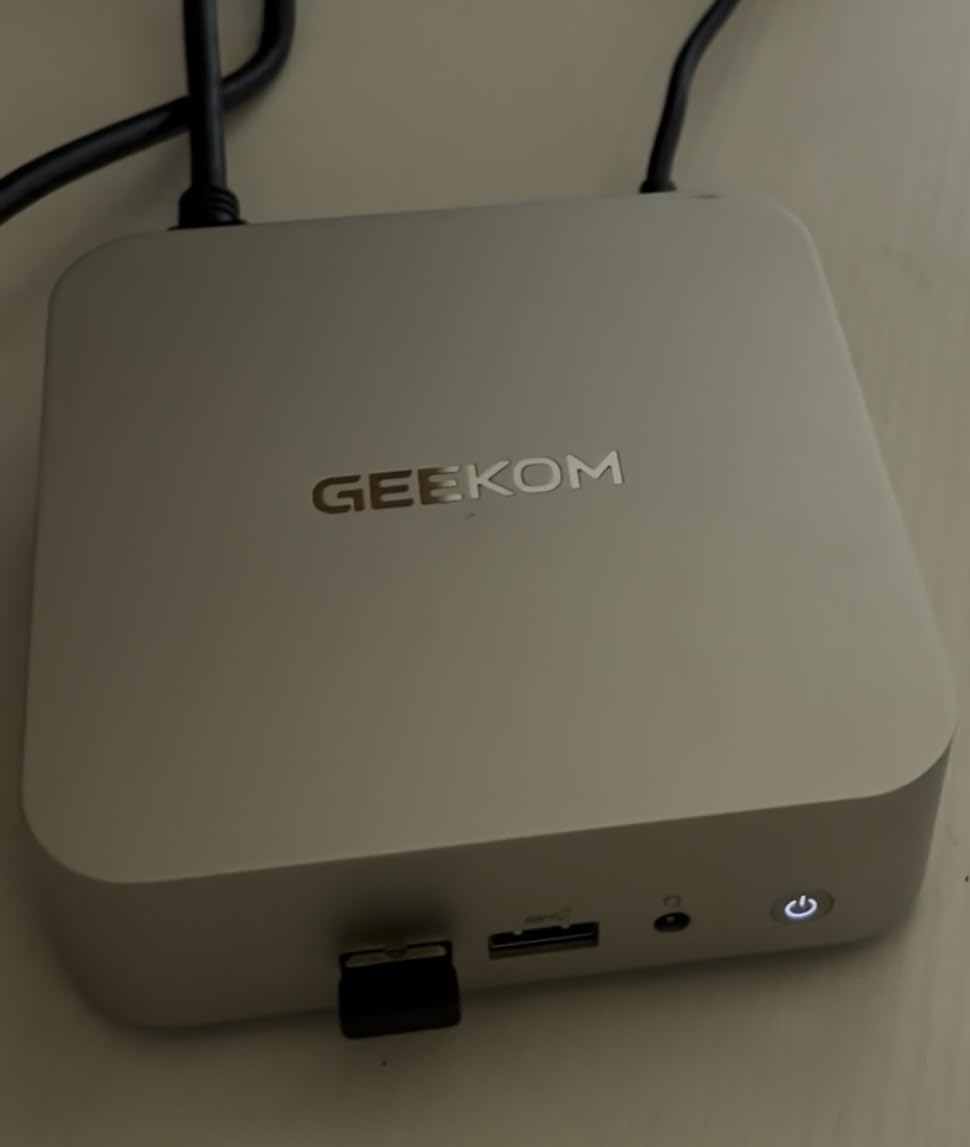
The chassis is a 0.5-litre aluminium body that feels a step above the plastic boxes, with a VESA mount in the box and an SD card slot for photographers. Support runs to three years, with 90-day returns and a two-year parts position behind it.
- 2.5GbE LAN and Wi-Fi 6E for fast transfers on a home network
- Support for 8K at 60Hz and 4K at 120Hz
- Storage is one 1TB PCIe 4.0 NVMe drive, which is the main limitation
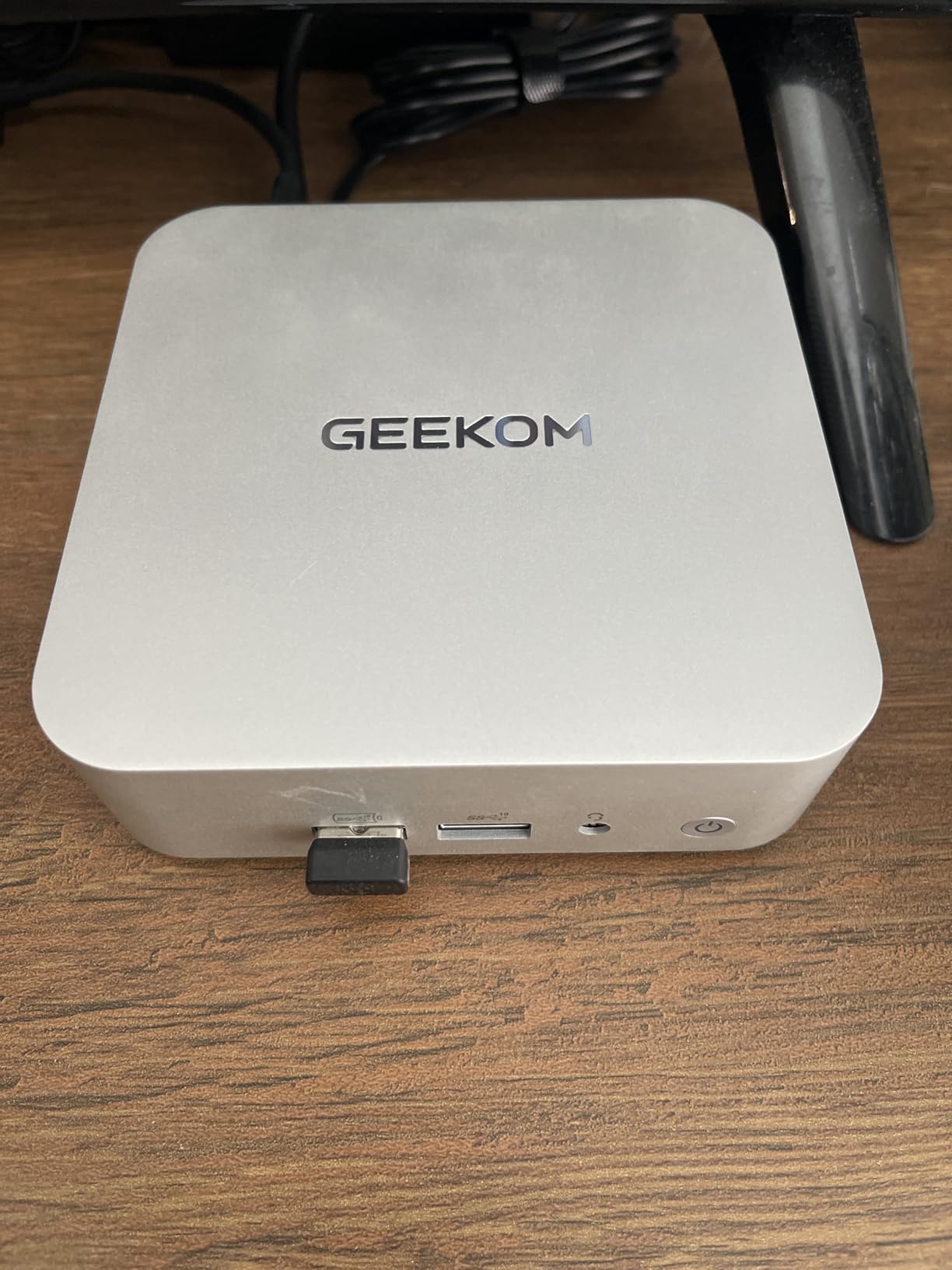
Two things owners raise: there is only one internal M.2 slot, so extra storage means an external USB-C drive rather than a second internal bay. And the shipped memory configuration has changed over time, with some units arriving with a single 16GB stick instead of dual-channel memory, which costs integrated graphics performance. Check the memory figure on the listing before ordering.
7. Kamrui E3B: Best for Emulation on 28 Watts
Kamrui E3B
CPU: Ryzen 7 7730U 8C
RAM: 16GB LPDDR4X
Storage: 1TB M.2 plus slot
Warranty: 1 year
Pros
- Eight cores and sixteen threads on a 28W budget
- Light at 568g for a portable setup
- Second M.2 slot for storage expansion
- Triple 4K60 over HDMI and DP and USB-C
Cons
- 16GB LPDDR4X is soldered
- Older Zen 3+ chip trails newer rivals
Retro gaming and emulation is where eight cores still earn their keep, and this one delivers them while drawing 28 watts. At 568g and 5 by 5 inches, it is small and light enough to move between a shelf and a desk without ceremony.
Storage is a 1TB M.2 2280 drive with a second slot taking the total to 4TB, which suits a library of ROMs and dumps. Triple 4K60 output runs through HDMI 2.0, DisplayPort 1.4 and a USB-C port, so a capture card or a second display has somewhere to go.
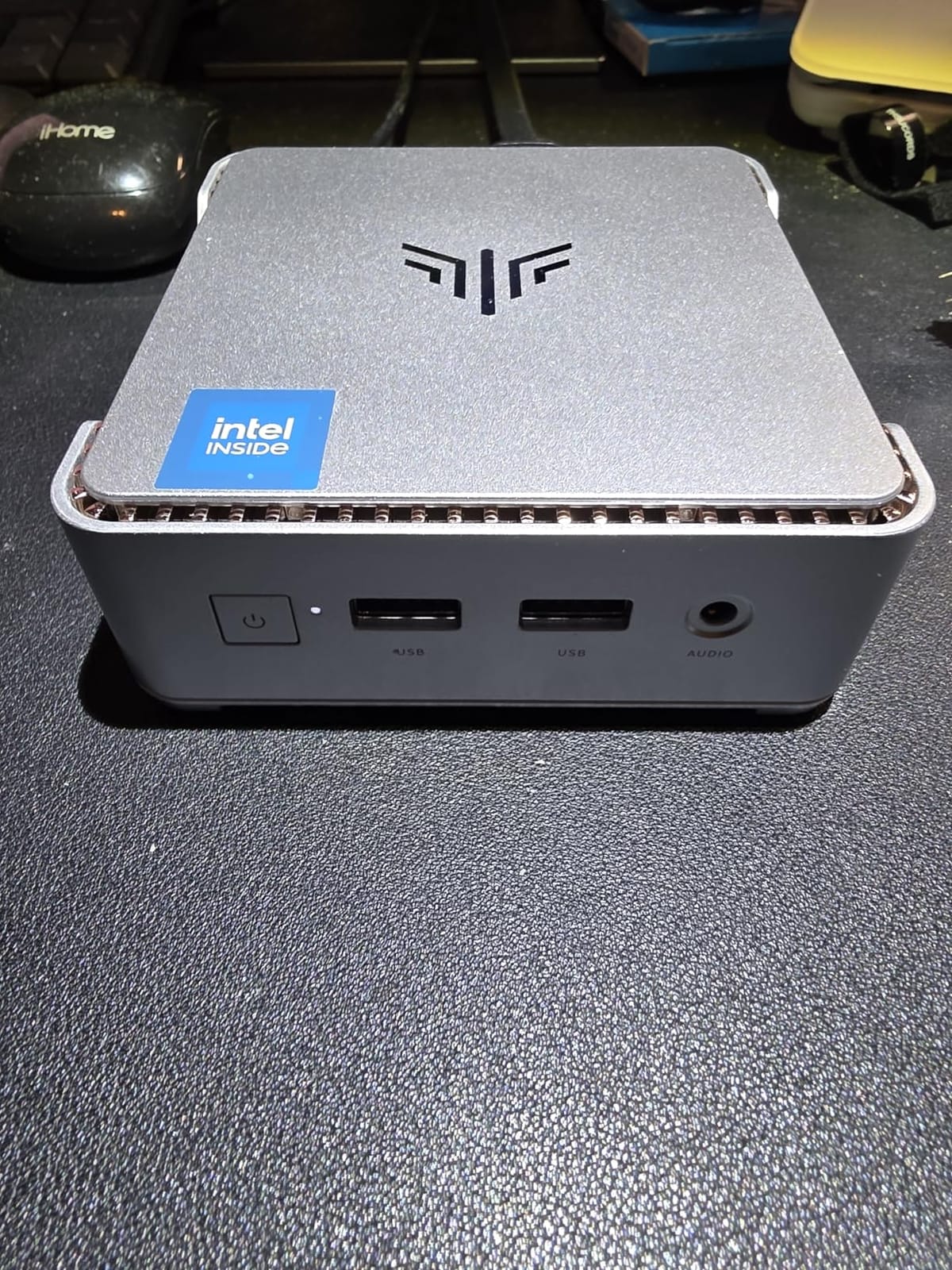
The memory is 16GB of LPDDR4X and it is soldered, so treat that as the ceiling. Two BIOS modes let you trade quiet running for a 4.5GHz turbo, though switching modes in the BIOS is clumsier than a hardware button would be.
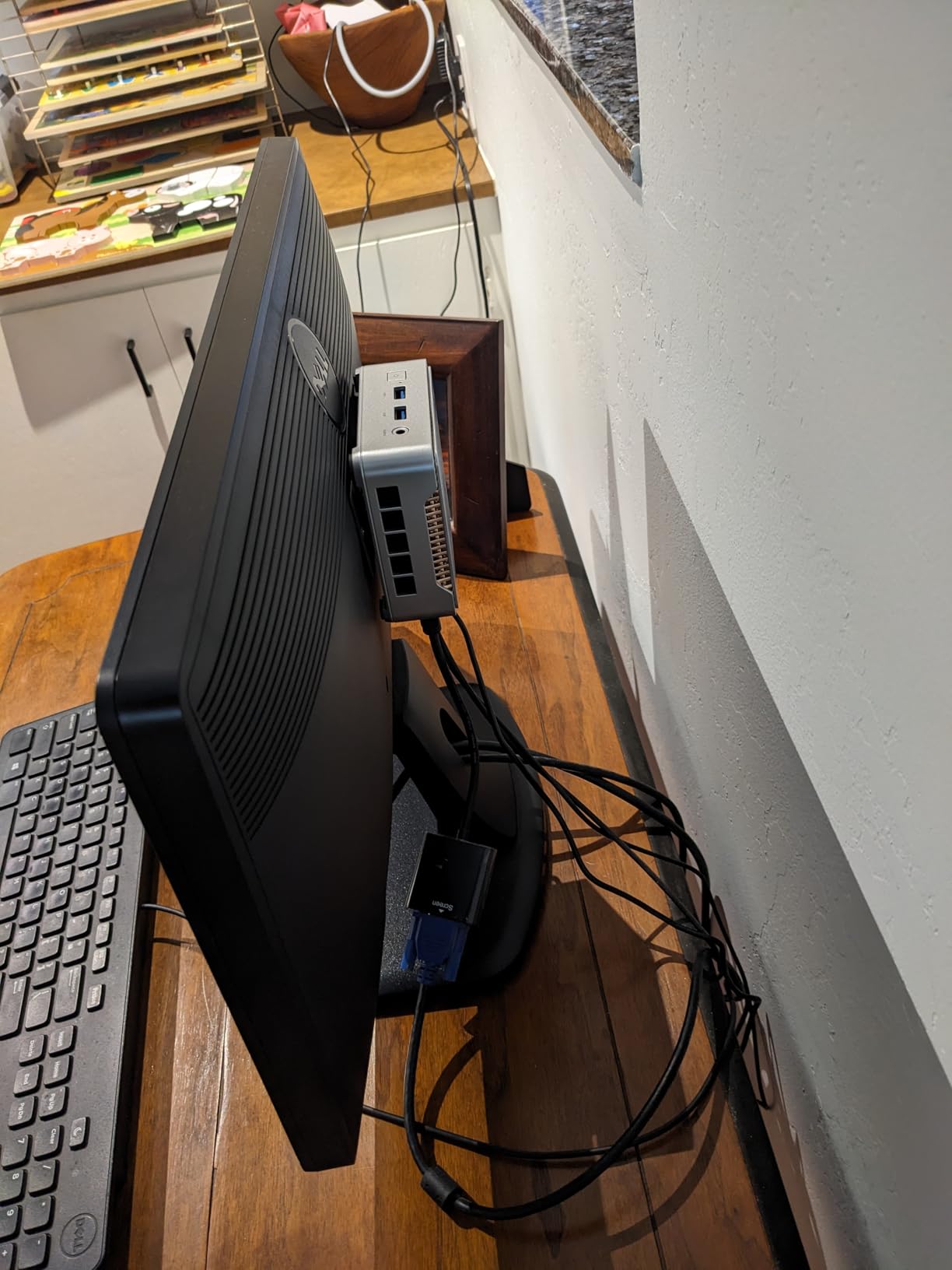
This machine carries the lowest average rating in the list, and the reason is quality control rather than design. Owners like what they bought, but the share of one-star reviews points at support and build friction. If that worries you, the Geekom A8 has a longer warranty and a much bigger review base.
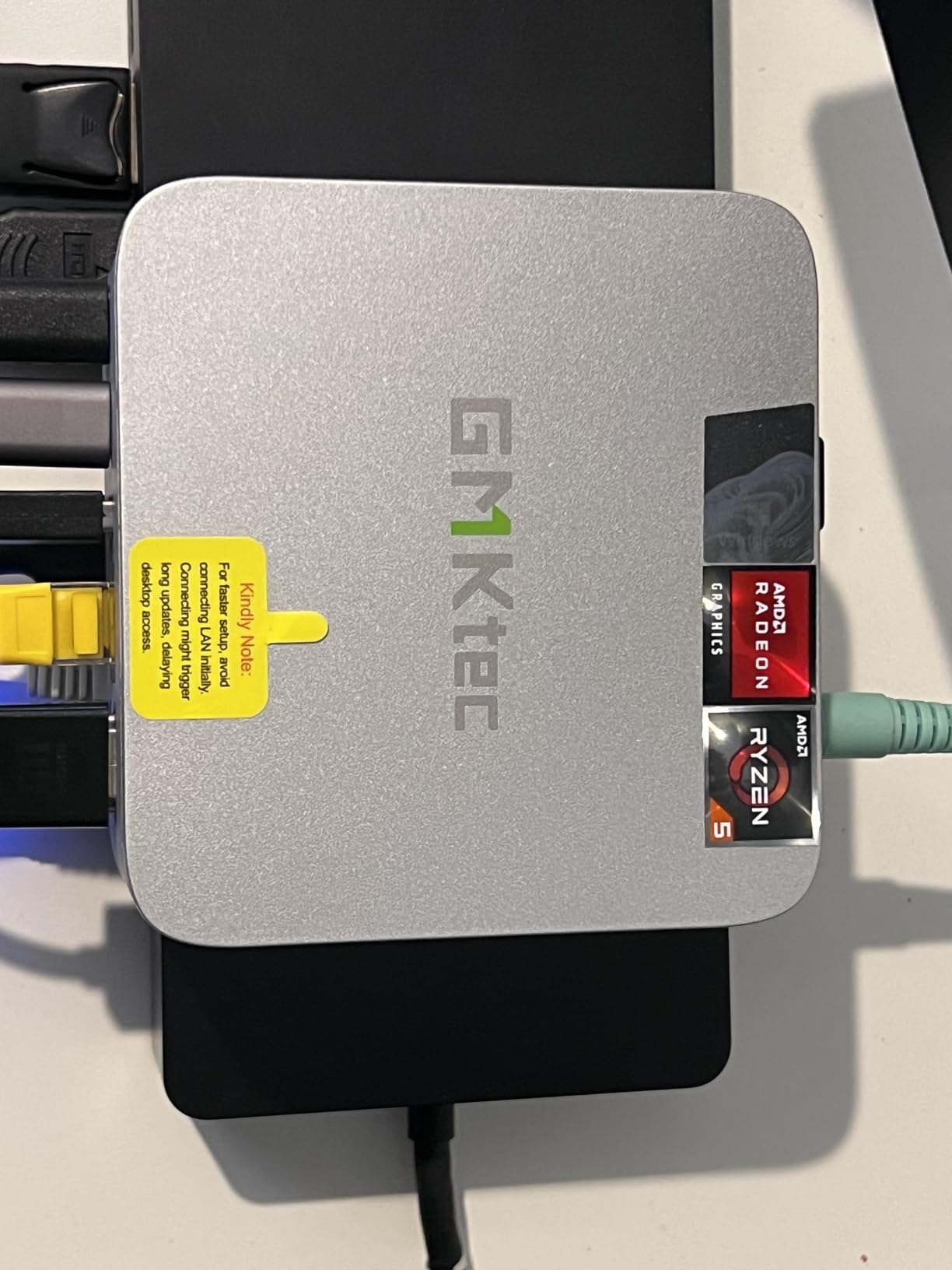
8. GMKtec G10: Best When Desk Space Is the Constraint
GMKtec G10
CPU: Ryzen 5 3500U 8C
RAM: 16GB dual-channel
Displays: triple 4K60
Warranty: 1 year
Pros
- Palm-sized chassis at 3.86 by 1.65 by 4.06 inches
- Dual M.2 slots for flexible storage
- 2.5GbE LAN beats the usual gigabit port
- 16GB supplied as dual-channel 2 x 8GB
Cons
- WiFi 5 only with no WiFi 6
- Older 12nm processor
- 2400MT/s memory is slow
At 3.86 by 1.65 by 4.06 inches this is the smallest box here, and it draws 25 watts. On a trading desk, a small apartment workspace or behind a wall-mounted screen, that footprint matters more than any benchmark.
Owner experience puts this well ahead of the Intel N-series chips found at similar money. Memory arrives as 16GB of dual-channel DDR4 in two 8GB sticks, and that pairing helps the integrated Vega 8 graphics more than a single stick would.
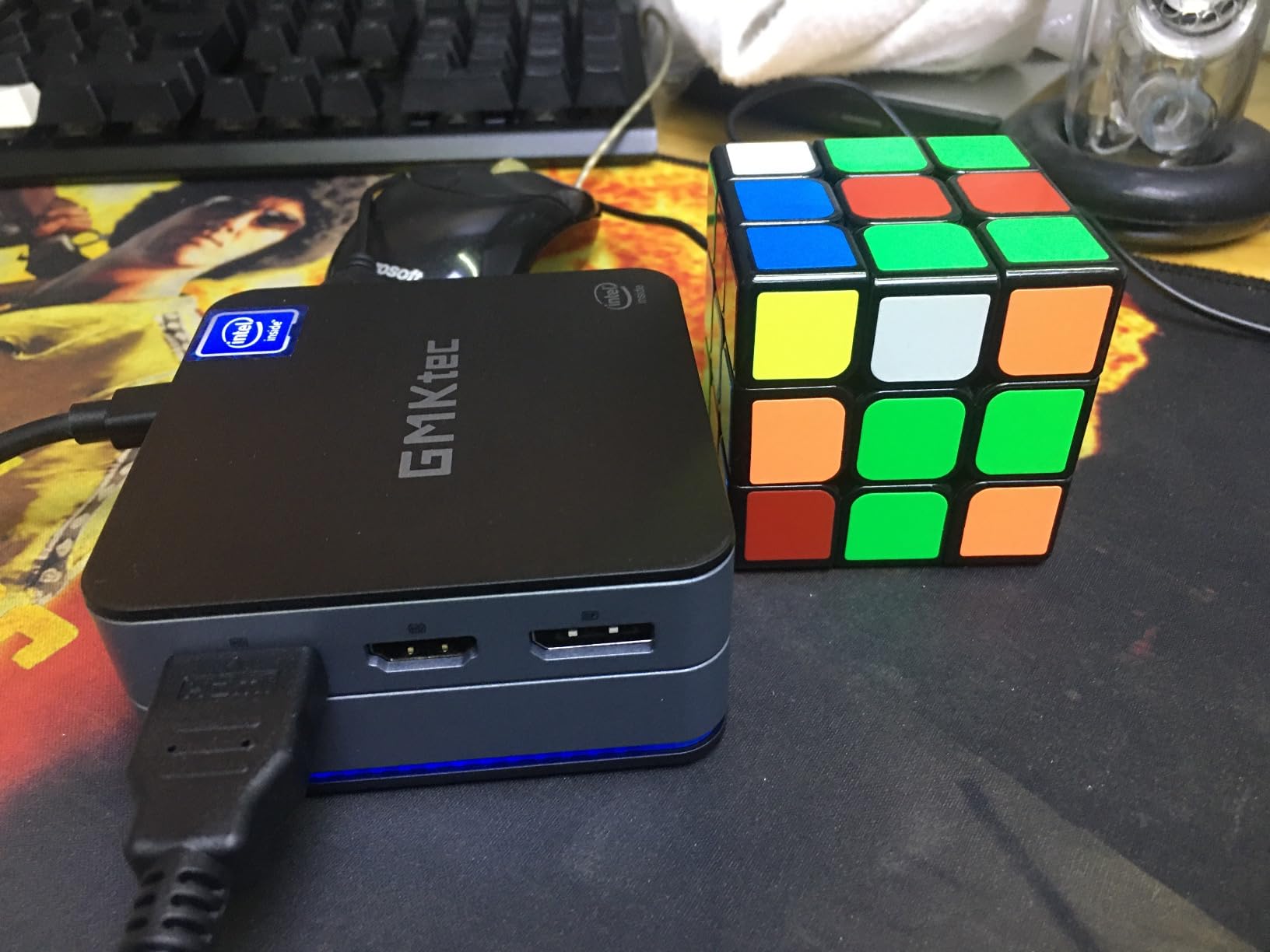
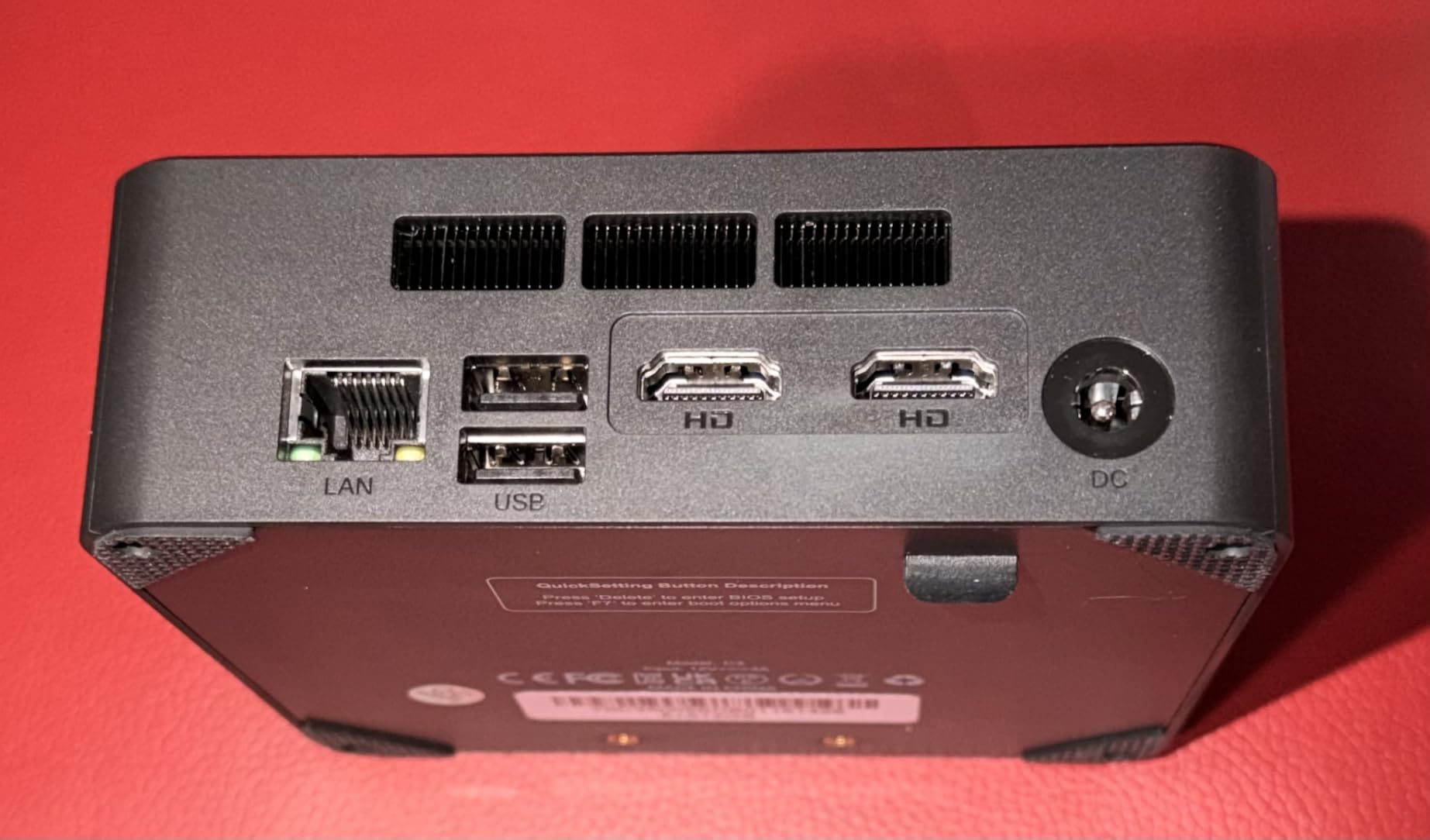
Connectivity is unusually good for the size. Two M.2 2280 PCIe 3.0 slots take drives up to 8TB each, 2.5GbE Ethernet covers fast transfers to a NAS, and triple 4K60 output runs through HDMI 2.1, DisplayPort 1.4 and USB-C.
- VESA mount, HDMI cable and a Type-C power supply in the box
- Windows support for office, media and light gaming duty
The honest limits: WiFi 5 with Bluetooth 5.2 and no WiFi 6, and 2400MT/s memory that is slow next to the DDR5 options on the pricier machines. For video calls in a busy wireless office, the Geekom A8 handles the 6GHz band.
9. Origimagic C4 Plus: Best as a First Computer
Origimagic C4 Plus
CPU: Ryzen 5 3501U 8C
RAM: 8GB SODIMM to 32GB
Displays: HDMI and DP
Warranty: 1 year
Pros
- SODIMM slots take memory to 32GB
- Second M.2 bay accepts NVMe drives
- Dual Gigabit Ethernet at the lowest cost
- Draws 15W for near-zero running cost
Cons
- 8GB and 256GB is thin for Windows 11
- Case runs warm under sustained load
- Some owner reports of early unit failures
This is the entry point. A four-core Ryzen 5 3501U, Windows 11 Pro pre-installed, dual Gigabit Ethernet and a 15W power draw add up to a first computer or a Linux box that costs very little to leave switched on.
Two details make it better than its specification suggests. The memory sits in SODIMM slots rather than being soldered, so 8GB can become 32GB with two sticks. And the second M.2 bay accepts an NVMe PCIe 3.0 drive, so you can replace the 256GB SATA drive with something much quicker later.
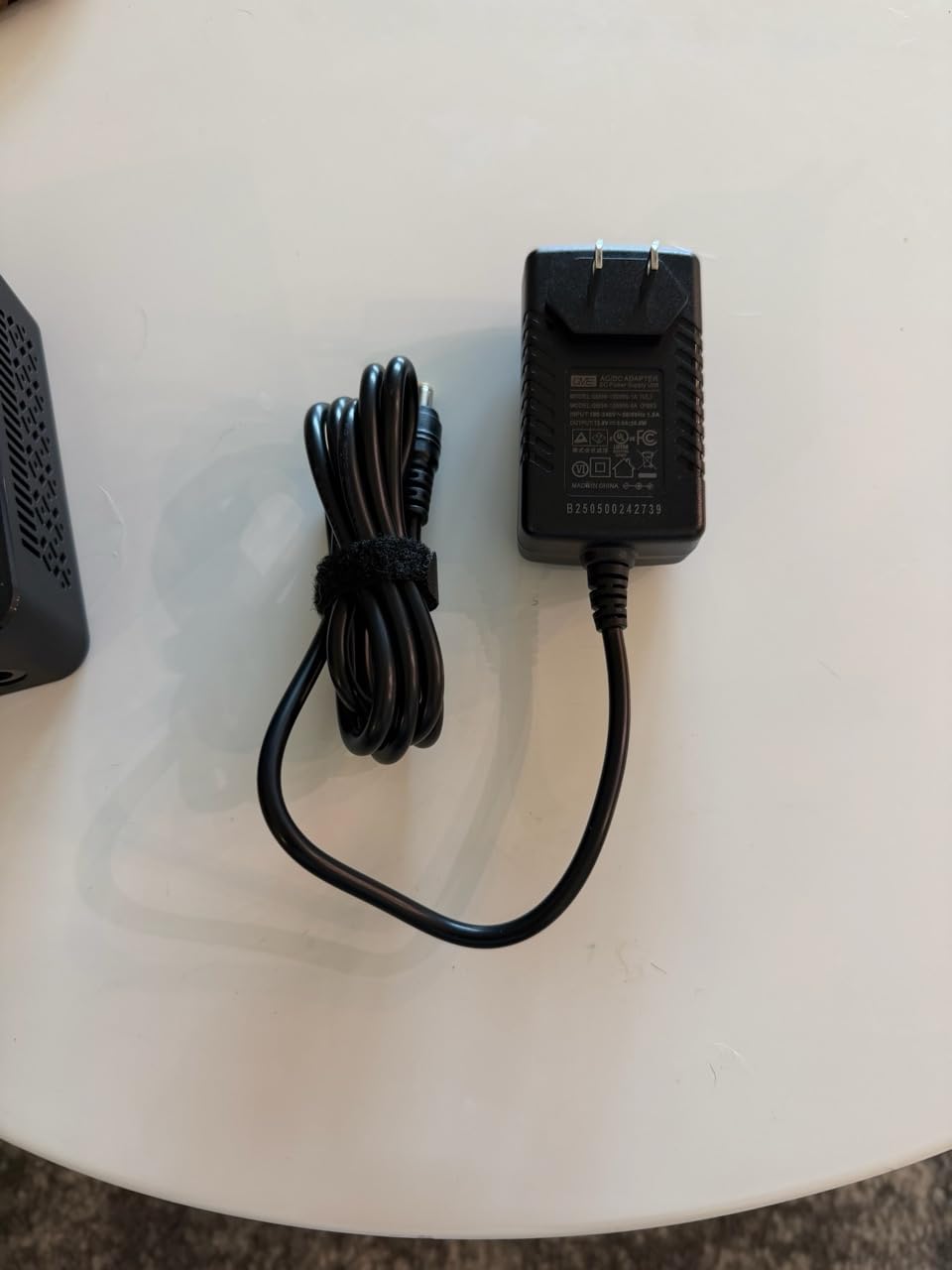
What you give up is headroom. Windows on 8GB with a 256GB SATA drive is tight the moment you open several browser tabs, and the cooler is modest enough that the case runs warm under sustained load. There are also reports of units failing shortly after arrival and one account of a Windows update breaking an otherwise good machine.
Display output covers three screens, though note that the USB-C port tops out at 1080p while HDMI 2.0 and DisplayPort reach 4K60. For a single 4K monitor, the GMKtec G10 costs little more and arrives with 16GB.
How to Choose Mini PCs During Prime Big Deal Days
Choose a Processor That Matches Your Workload
Email, documents and a browser need four cores and 8GB. Twenty browser tabs, spreadsheets and video calls want eight cores and 16GB, which the Ryzen 7 6800H, the Ryzen 7 8745HS and the Ryzen 9 6900HX all provide. Video editing and virtual machines need eight cores plus fast memory, and anything with a discrete GPU on your wish list is out of reach here.
Check Memory and Expandability
16GB is the sensible floor in 2026; 8GB only suits light use. Memory in sockets or SODIMM slots can grow later, and soldered LPDDR5 or LPDDR5X cannot, so treat 16GB soldered as the ceiling. Storage is cheaper to fix than memory, so a 256GB drive is a fair trade only if a second M.2 bay exists.
Match the Mini PC to Your Desk
Chassis sizes here run from 3.86 inches wide on the GMKtec G10 to 5.3 inches across on the Acemagician S3A, and weight from 568g to 1.38kg. Most come with a VESA mount, so check whether yours includes the bracket and screws before assuming you can tuck it behind a monitor.
Verify Ports, Displays and Peripherals
Count your monitors first: two HDMI ports covers a two-screen desk, and three or four outputs cover a trading setup. Then check whether you need an adapter for what you already own. If you are also weighing portable gaming hardware, our guide to handheld gaming PC deals covers the same desktop-versus-mobile question from the other direction.
Consider Operating System and Everyday Compatibility
Several of these listings include Windows 11 Pro already, while others support it without stating what is installed. That distinction changes the real cost, so read the operating system line carefully. Bluetooth keyboards, webcams and office applications all work normally once drivers are installed.
Check the Complete Listing Before Ordering
Confirm the exact model and generation, whether the unit is new or renewed, what is in the box, who the seller is and who ships it, and what the warranty covers. A marketplace seller and a sold-by-Amazon listing can look identical in a search result and differ completely on returns and support.
How to Shop Mini PC Deals During the Sale
Mini PC model numbers change often, so read the generation in the processor name rather than trusting the brand. Check whether the configuration is barebone or fully populated, whether memory is soldered, who the seller and shipper are, and whether a Prime membership is required. Most offers on these listings need Prime, and prices change through the event.
- Decide your floor for memory and storage before the event starts
- Compare the absolute price rather than the percentage off
- Check whether the listing is sold by Amazon or a marketplace seller
- Confirm the warranty length in writing, not just the badge on the listing
- Look at the memory configuration, which some brands quietly changed
- Read the one-star reviews for support and quality-control patterns
Frequently Asked Questions
When does Amazon Prime Big Deal Days run?
Amazon Prime Big Deal Days runs October 6-7, 2026, a two-day window. Offers on mini PCs usually appear when the event opens and change throughout the weekend, so the price you see early may not be the price you see at the end.
Do you need Prime to buy a mini PC during the sale?
Most offers during Prime Big Deal Days require an active Prime membership, and a free trial counts if you have not used one before. Some mini PC listings still carry discounts for everyone, but the deepest offers tend to be member-only, so join before the window opens.
What is a barebone mini PC?
A barebone mini PC ships with the processor and often the storage drive, but no memory and usually no operating system. It costs less up front and lets you choose the RAM and drive, which suits builders who already know what they need. Check the listing carefully, because barebone and fully configured units sit next to each other in search results.
Does a Prime Big Deal Days mini PC come with Windows?
It depends on the listing. Some mini PCs in this roundup arrive with Windows 11 Pro pre-installed, while others only state Windows support and include nothing. Linux distributions such as Ubuntu run well on all of them if you would rather install your own operating system.
How much RAM does a mini PC need for gaming?
For esports titles at 1080p, 16GB of dual-channel memory is the practical minimum, and 32GB gives you room for modern games launched alongside a browser and voice chat. Integrated graphics borrow from system memory, so dual-channel memory matters more here than on a machine with a discrete GPU.
Are the best Amazon Prime Big Deal Days Mini PC deals guaranteed to be available?
No specific offer on a mini PC is guaranteed to last through the event. Prices and configurations on these listings change frequently, and older mini PC deals often appear outside the window entirely. Check each listing directly for the current price before deciding.
Final Verdict: Best Amazon Prime Big Deal Days Mini PC Deals
The Beelink SER3 is the pick most worth watching during Prime Big Deal Days, because socketed memory, a three-year warranty and the largest review base on this list make it the least likely to disappoint. For a budget alternative, the Origimagic C4 Plus is the cheapest way into a proper x86 mini PC, provided you add memory and a faster drive straight away.
For a three-screen desk, take the BOSGAME P3 Lite with its 32GB of DDR5 and a free M.2 bay. For editing and virtual machines, the BOSGAME P6 combines a top-rated processor with the best rating. For graphics work, the Acemagician S3A has RDNA 3 graphics and a Silent mode. If you expect to add memory later, the Geekom A8 is the one that grows with you, and the Kamrui E3B handles emulation on 28 watts. Where space is the constraint, the GMKtec G10 is the smallest, and the BOSGAME E4 Air fits homelab work with its dual Ethernet ports.
Check each listing for the current price, then buy the one that matches your memory and display needs rather than the one with the biggest percentage attached.