
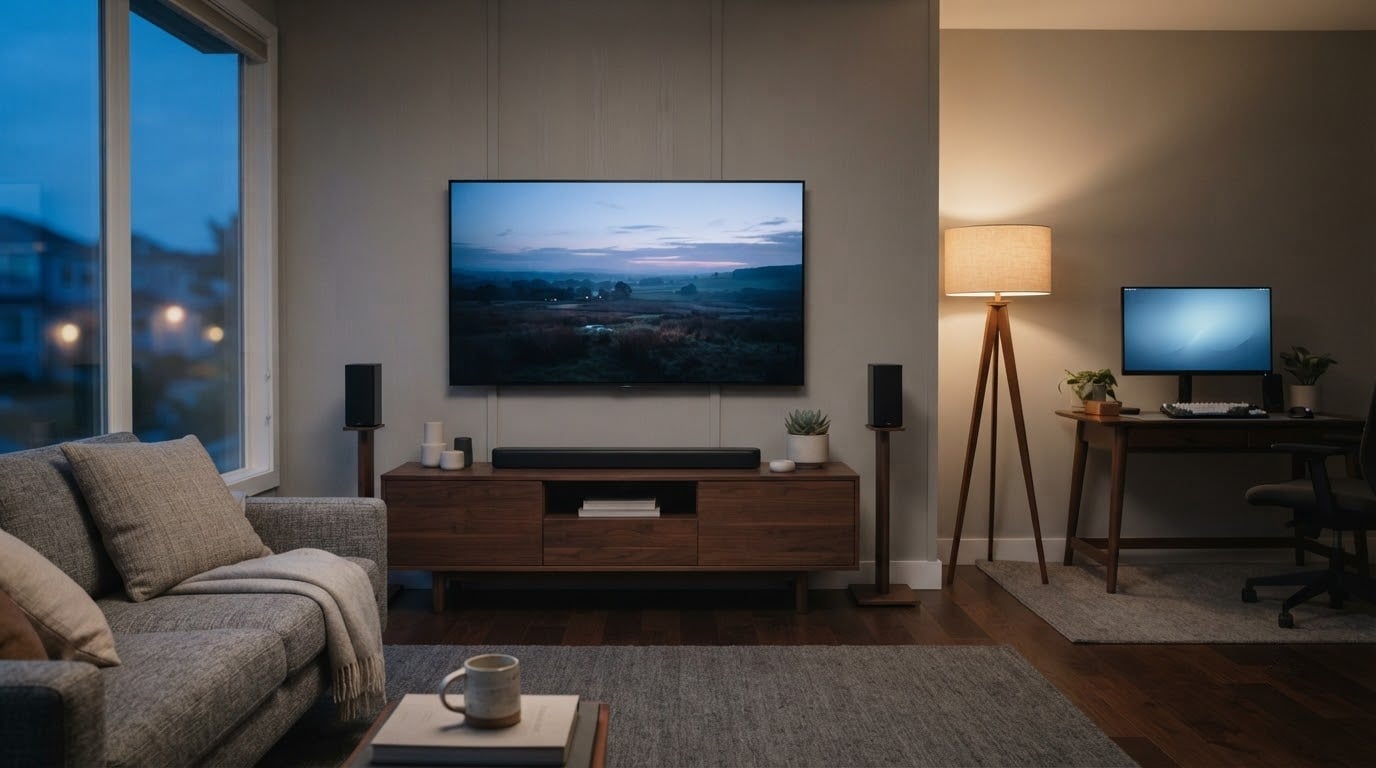
LG’s most compelling television in this roundup is the OLED77C3PUA, a 77-inch OLED evo set with 120Hz native refresh and four HDMI 2.1 ports. It leads because owner reviews back it hardest: 4.5 stars across more than 2,100 ratings, the deepest review history of any product here. Buyers who want more screen per inch of living room should watch it first.
Two alternatives serve different rooms. The OLED55C4PUA is the smarter buy for most people, a 55-inch C-series panel that runs up to 144Hz and carries five years of webOS updates. The S40TR soundbar is for anyone whose television is fine but whose speakers are not. Prime Big Deal Days runs October 6-7, 2026, and most offers need a Prime membership.
Our Top 3 Picks for Best Amazon Prime Big Deal Days LG Deals (October 2026)

LG OLED77C3PUA 77-inch C3
- 77-inch OLED evo panel
- 120Hz native refresh
- Four HDMI 2.1 ports
- 1 year parts and labor

LG OLED55C4PUA 55-inch C4
- Up to 144Hz refresh
- a9 Gen7 upscaling
- 5 years webOS updates
- 1 year warranty

LG S40TR 4.1-ch Soundbar
- Wireless rears and subwoofer
- Dolby Audio and DTS
- 28.4 inch bar
- 1 year warranty
Best Amazon Prime Big Deal Days LG Deals Compared
| Product | Specifications | Action |
|---|---|---|
| LG OLED77C3PUA 77-inch C3 |
|
Check Deal Price |
| LG OLED55C4PUA 55-inch C4 |
|
Check Deal Price |
| LG S40TR 4.1-ch Soundbar |
|
Check Deal Price |
 LG 27GX704A-B 27-inch OLED LG 27GX704A-B 27-inch OLED |
|
Check Deal Price |
 LG OLED65B4PUA 65-inch B4 LG OLED65B4PUA 65-inch B4 |
|
Check Deal Price |
 LG OLED55G5WUA 55-inch G5 LG OLED55G5WUA 55-inch G5 |
|
Check Deal Price |
 LG 27UP650K-W 27-inch 4K IPS LG 27UP650K-W 27-inch 4K IPS |
|
Check Deal Price |
 LG 32GX870A-B 32-inch 4K OLED LG 32GX870A-B 32-inch 4K OLED |
|
Check Deal Price |
 LG S90TR 7.1.3-ch Soundbar LG S90TR 7.1.3-ch Soundbar |
|
Check Deal Price |
How We Chose
We compared the specifications that decide these purchases: panel type, refresh rate, HDMI port count, response time, weight, dimensions and warranty terms. Then we read the owner-review patterns on each Amazon listing for recurring praise and recurring gripes. Data checked October 2026.
1. LG OLED77C3PUA: Editor’s Choice for Large Rooms
LG OLED77C3PUA 77-inch C3
Type: OLED TV
Warranty: 1 year parts and labor
Weight: 85 lb
Pros
- Infinite contrast with self-lit pixels
- Four HDMI 2.1 ports at 120Hz native
- 0.1ms response time
- Brightness Booster for lit rooms
- Deepest owner-review history in this list
Cons
- webOS menus feel slower than rival platforms
- Magic Remote pointer is intrusive
- Panel looks slightly uneven under direct reflected light
This is the set to watch if your room can carry a 77-inch screen and you care most about film. The panel is self-lit OLED evo with a Brightness Booster, driven by the a9 AI Processor Gen6, and the listing lists Dolby Vision with Dolby Atmos and FILMMAKER MODE. Owners overwhelmingly describe picture quality, gaming performance and brightness as the reason they stayed with it.
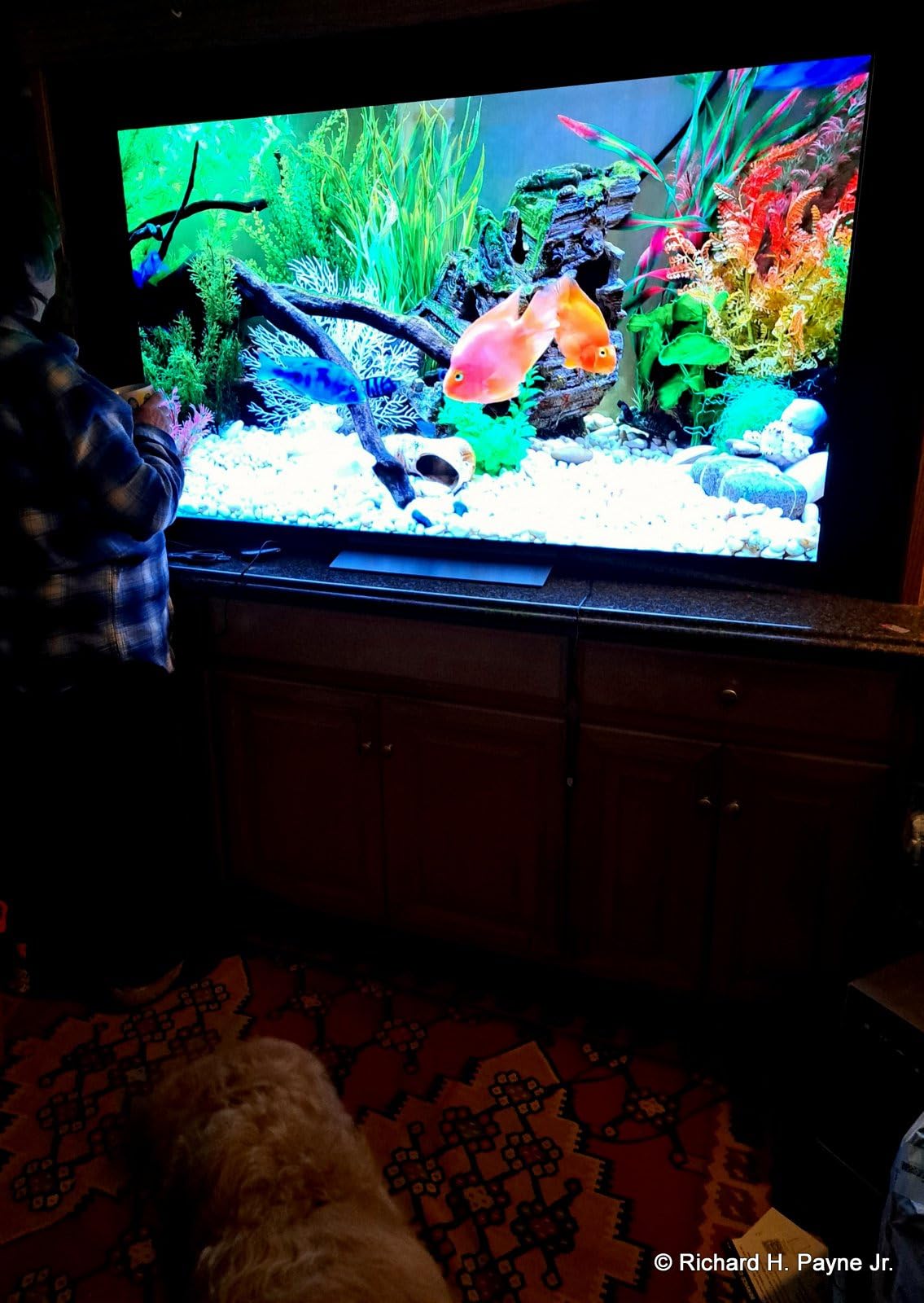
At 67.4 inches wide and 40.7 inches tall with the stand, it needs a wall or a console built for a television, not a sideboard. Four HDMI 2.1 ports mean a console, a soundbar receiver and a streaming box all connect without a switch, and native 120Hz with variable refresh rate covers current-generation consoles. The measured 0.1ms response time is the figure owners cite when they explain why motion looks clean.
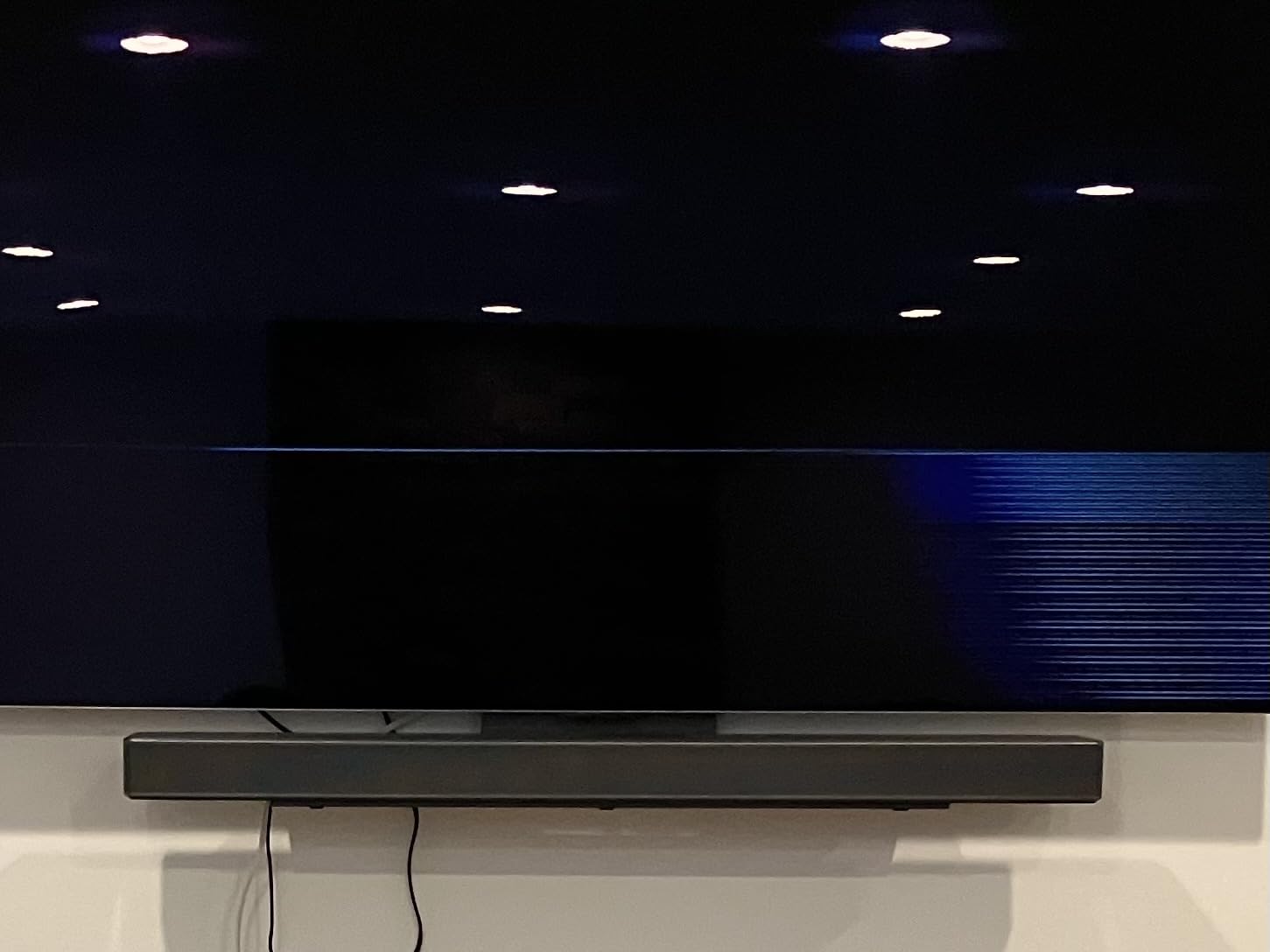
The trade-off every owner mentions is software, not the screen. Reviewers report that the webOS interface is clunky next to competing platforms, that the Magic Remote cursor appears when nobody asked for it, and that audio passthrough prompts can interrupt a film. Some also note the panel surface can look slightly uneven under direct reflected light, which matters more in a daylight-filled room than in a darkened one.
Compared with the OLED55G5WUA, the 2023 C-series generation trades brightness for size: the G-series adds Brightness Booster Ultimate and a thinner wall profile, while the C3 gives you 22 more inches of diagonal. Compared with the OLED55C4PUA, it is the same picture philosophy at a size that suits a dedicated media room rather than a normal living room. Owner ratings sit at 4.5 across 2103 reviews, the widest review base in this roundup, and that depth of history is the reason it takes the top slot.
2. LG OLED55C4PUA: Best Value in the C-Series
LG OLED55C4PUA 55-inch C4
Type: OLED TV
Warranty: 1 year parts and labor
Weight: 35.3 lb
Pros
- Refresh rate up to 144Hz for PC and console gaming
- 100% color volume and color fidelity
- Five years of webOS software updates
- Four HDMI 2.1 inputs
- Multi View with two screens
Cons
- webOS apps can feel slow to respond
- Aggressive dimming on static content affects desktop use
- Magic Remote cursor is hard to dismiss
Owners who rate this set highest talk about two things: the a9 AI Processor 4K Gen7 with AI Super Upscaling, and the refresh ceiling. Most televisions stop at 120Hz. This one goes to 144Hz, which matters if you game on a PC as well as a console, and it pairs that with NVIDIA G-Sync, AMD FreeSync Premium and variable refresh rate across four HDMI 2.1 inputs.
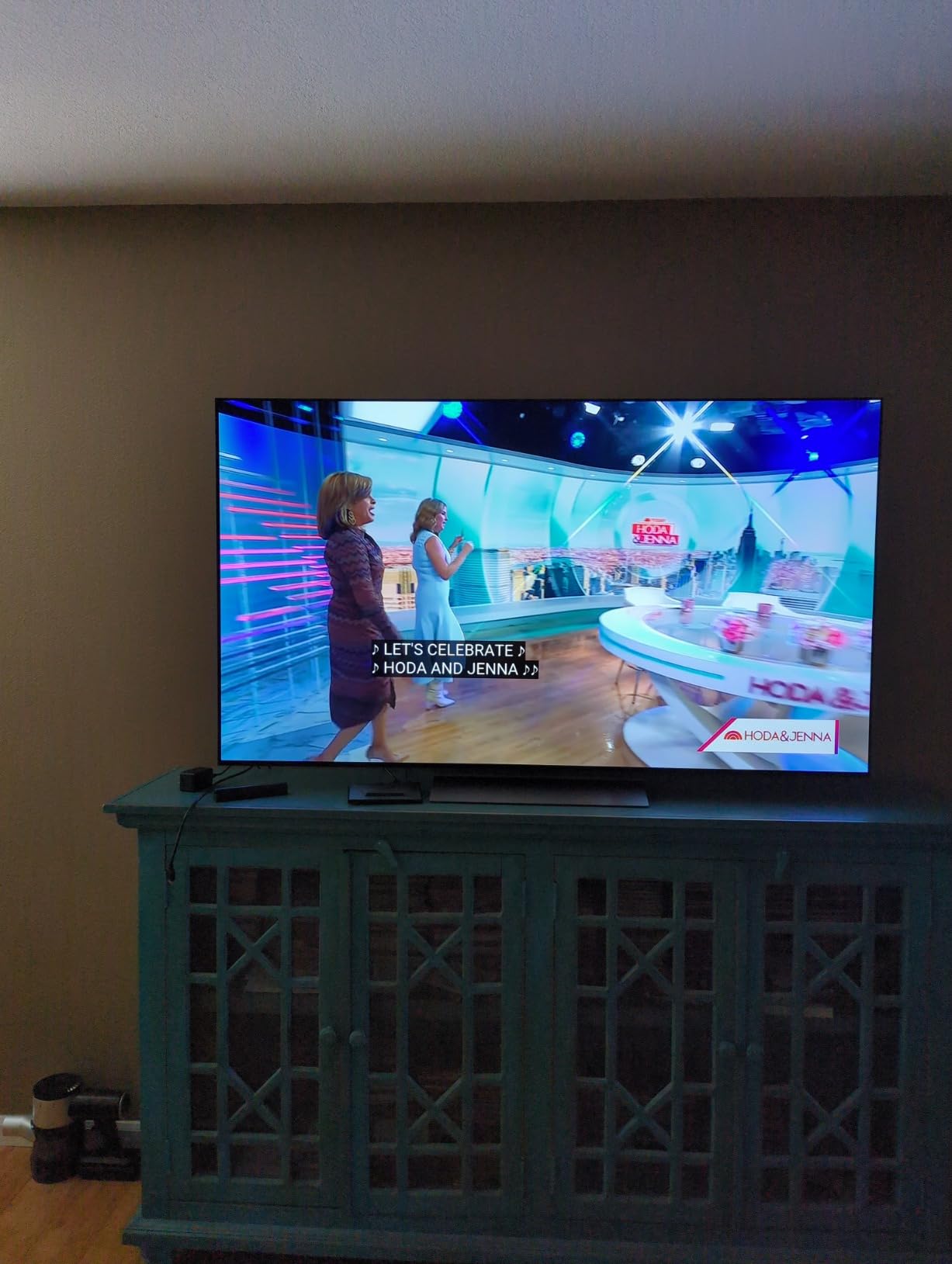
The 55-inch size is the sweet spot most people actually shop for. At 48.11 inches wide and 35.3 pounds, it fits a standard living room wall or a media console without the planning a 77-inch set demands. The self-lit panel delivers 100% color volume and 100% color fidelity with a listed 1,000,000:1 contrast ratio, and Dolby Vision with FILMMAKER MODE covers the streaming side.
Good to know: a handful of owners use it as a desktop display, and that group is the most vocal about two behaviors. Static content can trigger aggressive dimming, and the Magic Remote cursor tends to appear mid-work. Reviewers also flag that webOS menus and apps can feel slow, and that the pixel-cleaning routine interrupts viewing on occasion. Built-in speakers are adequate for dialogue but not much more.
Set against the OLED65B4PUA, the C4 buys a faster processor and a higher refresh ceiling for buyers who game seriously, while the B4 buys diagonal inches. Against the newer OLED55G5WUA, the C4 is the older platform but the one with the longest software runway, since webOS Re:New commits to five years of updates. Ratings land at 4.4 across 1718 reviews, and the value case rests on that second-place review volume rather than on a headline feature.
3. LG S40TR: Budget Pick for First-Time Surround Sound
LG S40TR 4.1-ch Soundbar
Type: soundbar
Warranty: 1 year parts and labor
Weight: 12.9 lb
Pros
- Truly wireless rear speakers and subwoofer
- Clear Voice Plus makes dialogue easy to follow
- Single-remote control of bar and LG TV
- 3-band equalizer in the LG Soundbar App
- Dolby Audio with DTS Digital compatibility
Cons
- No wall-mount points on the bar itself
- Limited on-screen feedback so most settings live in the app
Most budget soundbars promise surround and then hand you two cables. This one has genuinely wireless rear speakers, with only a short link between the pair, and a wireless subwoofer on top of that. Buyers describe the surround effect as a real upgrade from television speakers, especially for sports, where the rears carry the crowd.
It is also the easiest bar in this list to live with. Clear Voice Plus lifts dialogue out of a busy mix, and the WOW Interface lets one remote run the bar and an LG television at the same time. The 28.4-inch-wide bar sits on a tabletop rather than a wall, and the whole package weighs 12.9 pounds, so moving it between rooms is not a project.
Owners report two limitations that matter during setup rather than afterward. The bar has no mounting points, so it cannot go under a wall-mounted television, and the rear speakers each need their own power outlet even though they are wirelessly paired. On-screen feedback is thin, so the 3-band equalizer in the LG Soundbar App does most of the tuning work, and a few people report audio and video drifting out of sync.
Choose the S90TR instead if your media console is wide enough for a 49-inch chassis and you want height effects and room calibration. The S40TR is the pick when the goal is surround without cable management or a second box, and it pairs cleanly with any of the LG televisions in this list. Ratings sit at 4.3 across 640 reviews.
4. LG 27GX704A-B: Best for 240Hz Desktop Gaming
LG 27GX704A-B 27-inch OLED
Type: computer monitor
Warranty: 2 year parts and labor
Weight: 15.9 lb
Pros
- 240Hz refresh with 0.03ms response
- 98.5% DCI-P3 coverage with True Black 400
- Height tilt swivel and pivot on a metal base
- Dual HDMI 2.1 and DisplayPort 1.4
- Single-knob on-screen control
Cons
- Glossy finish shows fingerprints
- External power brick with a short cable
- Moderate HDR peak versus QD-OLED panels
This is the monitor pick for competitive shooters and high-refresh PC gaming. The 27-inch QHD OLED runs at 240Hz with a 0.03ms response time, and owners call it the best value 27-inch OLED gaming monitor for good reason: the black levels are true, the motion is clean and the color coverage is listed at 98.5% DCI-P3.
Brightness is listed at 275 cd/m2 typical and up to 1300 nits peak, which is honest for an OLED of this class but modest next to QD-OLED panels in the same bracket. The glossy screen finish gives you vivid color and deep blacks, and it also shows fingerprints. Some PS5 Pro owners report occasional out-of-range messages at 1440p and 120Hz, and light sub-pixel fringing on text is the usual OLED trade.
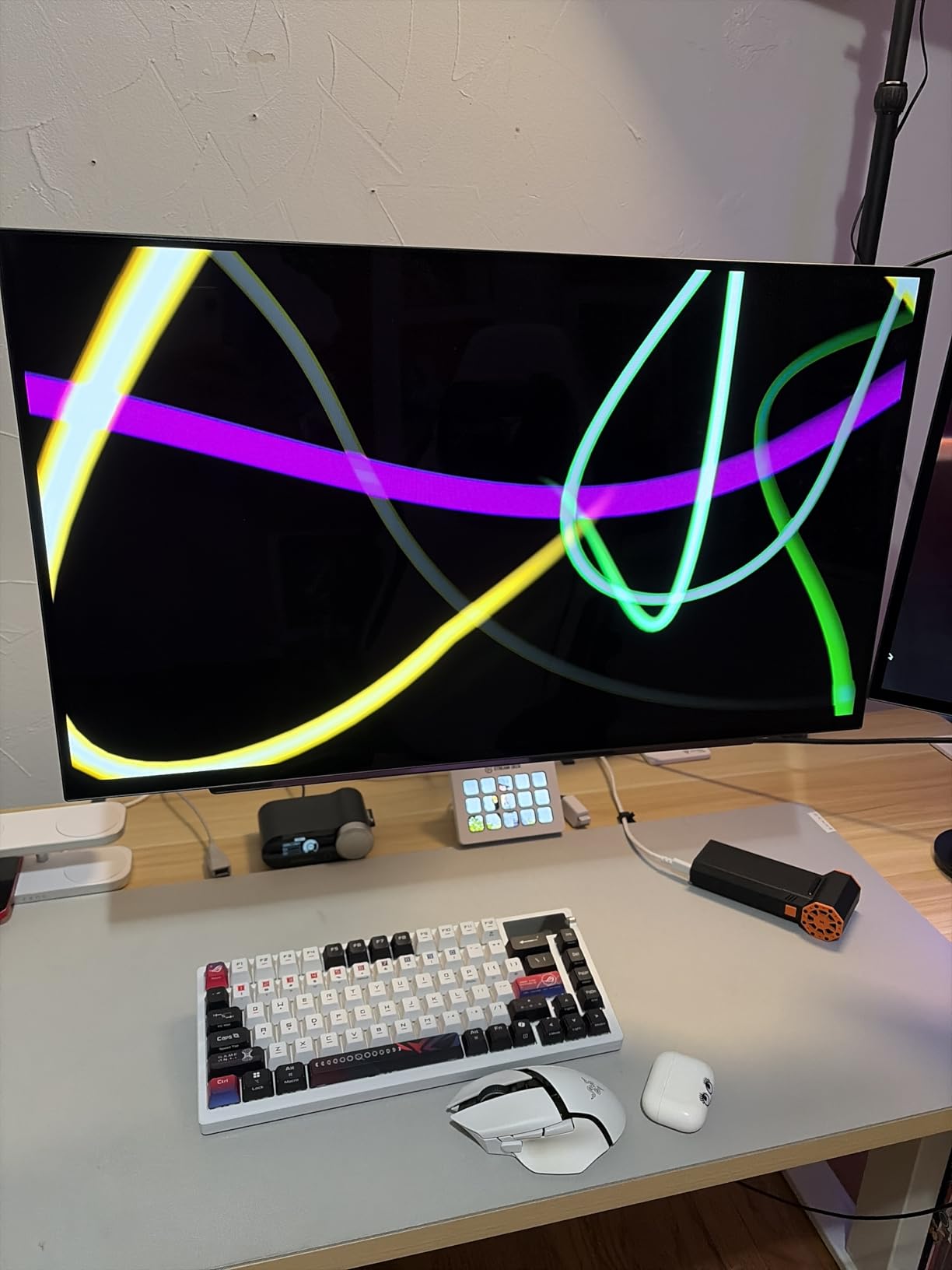
Connectivity is where it earns its keep: dual HDMI 2.1, DisplayPort 1.4 and USB 3.2 upstream with two downstream ports, plus NVIDIA G-Sync compatibility and AMD FreeSync Premium Pro. The stand adjusts for height, tilt, swivel and pivot, and the control is a single knob rather than a menu maze. Two years of parts and labor coverage is longer than the one-year term on the televisions here, and OLED Care runs the pixel-protection cycles automatically.
Compared with the 32GX870A-B, the 27-inch panel is faster in the modes that matter for competitive play and sits on a smaller footprint at 15.9 pounds. The 32-inch adds 4K sharpness and a 480Hz mode, but it trades some of that speed for resolution. Both carry the same 0.03ms response. Ratings hold at 4.5 across 484 reviews, and the 2-year warranty is a real differentiator at this end of the lineup.
5. LG OLED65B4PUA: Best for Big-Screen OLED Starters
LG OLED65B4PUA 65-inch B4
Type: OLED TV
Warranty: 1 year parts and labor
Weight: 38.1 lb
Pros
- Self-lit OLED with over 8 million pixels
- a8 AI Processor with AI Picture Pro
- Four HDMI 2.1 inputs with 0.1ms response
- 120Hz native refresh with G-Sync and FreeSync
- Five years of webOS updates
Cons
- Panel is dimmer than C and G series panels
- Only 2.0 channel built-in speakers
- webOS and Magic Remote cursor stay points of friction
The B-series is the door into OLED, and this 65-inch is the version of it that fits a normal living room. The self-lit panel carries over 8 million pixels with 100% color volume and 100% color fidelity, and the a8 AI Processor 4K handles the picture work with AI Picture Pro and Multi View with two screens.
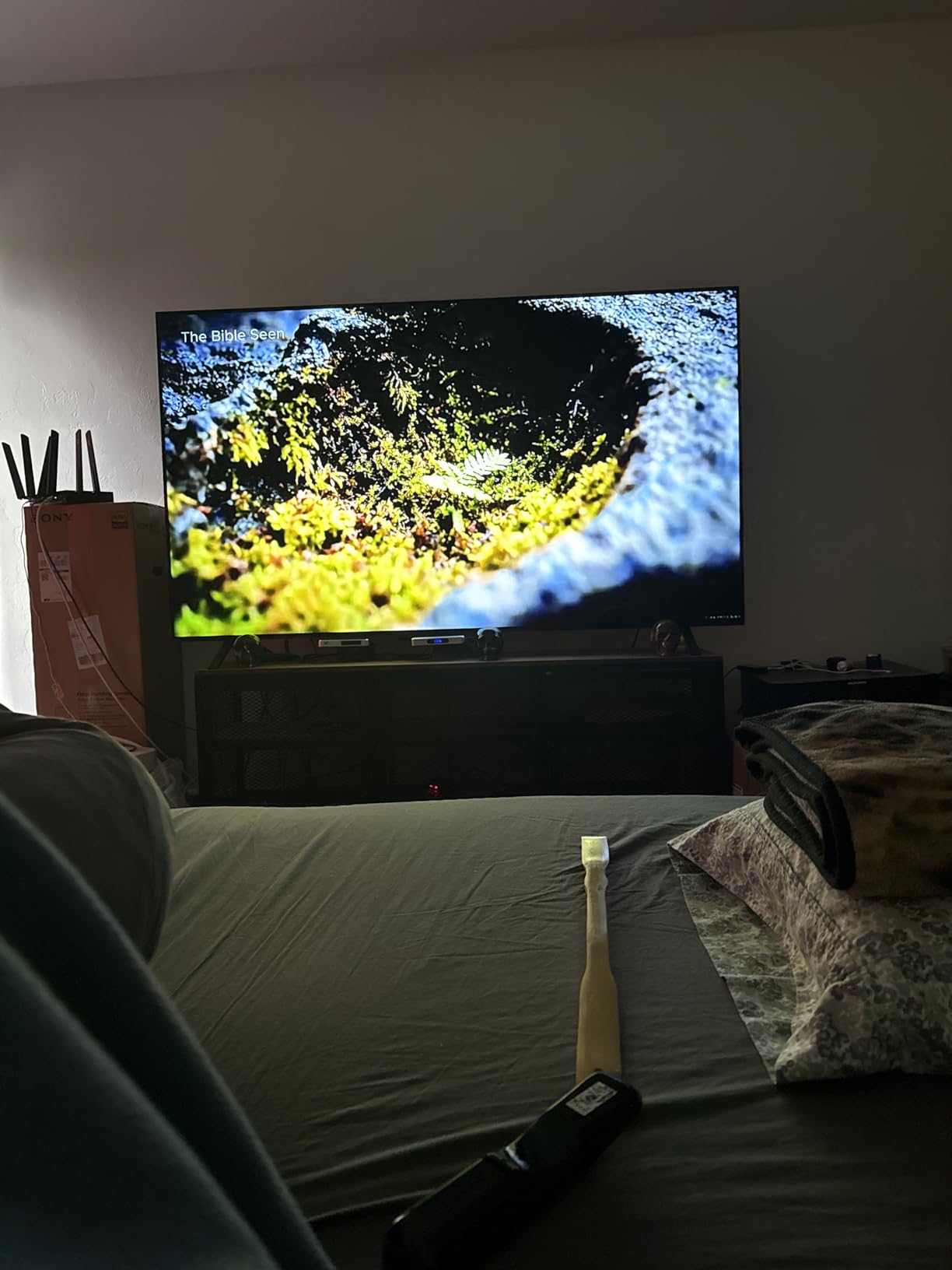
Gaming is not the weak point people expect on an entry model. Four HDMI 2.1 inputs, 0.1ms response, 120Hz native refresh, NVIDIA G-Sync and AMD FreeSync Premium with variable refresh rate mean consoles and PC both run properly, and the Game Dashboard and Game Optimizer are the same tools LG puts on its higher tiers.
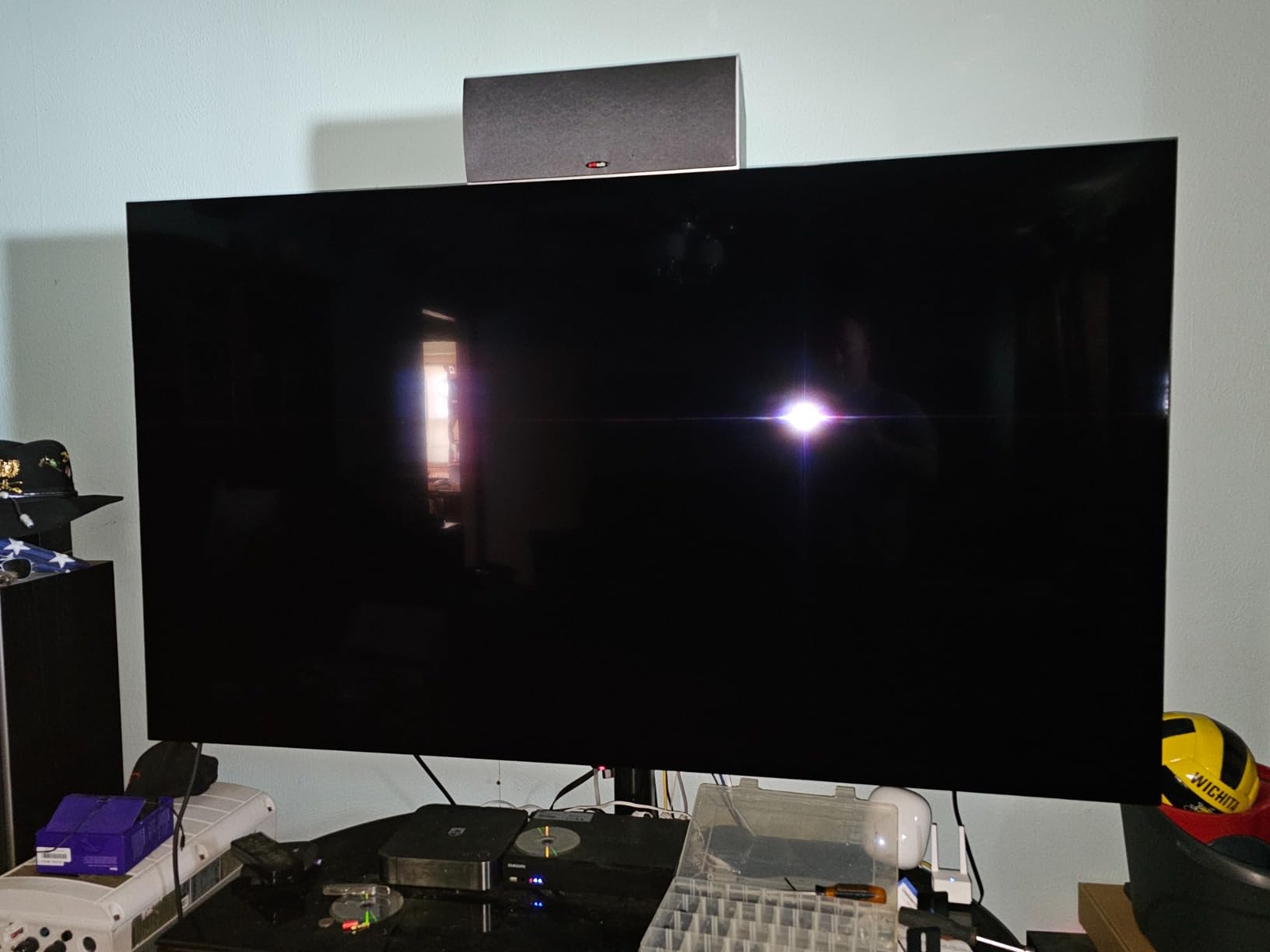
Owners are clear about the one thing you give up: brightness. The entry panel is dimmer than the C and G series, which shows in a sunlit room more than in a darkened one. The 2.0 channel built-in speakers are modest, so plan on the S40TR or a receiver rather than expecting the television to carry a film. The webOS interface and Magic Remote cursor remain the friction points buyers mention most.
At 57.05 inches wide and 38.1 pounds, the B4 is physically closer to the OLED55C4PUA than to a typical large television, but it buys 10 more inches of diagonal. For someone who mostly watches films and can dim the room, it gets OLED black levels and full HDMI 2.1 gaming support without stepping up a tier. Ratings sit at 4.4 across 434 reviews.
6. LG OLED55G5WUA: Best for Bright Rooms
LG OLED55G5WUA 55-inch G5
Type: OLED TV
Warranty: 1 year parts and labor
Weight: 37 lb
Pros
- Brightness Booster Ultimate raises panel output
- alpha 11 AI Processor Gen2 with AI Director
- 4.2 channel audio with Dolby Atmos
- One Wall Design sits nearly flush
- Refresh rate up to 165Hz
Cons
- 55-inch and 65-inch models arrive without a table stand
- Minimal printed documentation
- Low output volume when feeding an external receiver
OLED’s usual weakness is daylight, and this is the LG in the list built to argue against that criticism. Brightness Booster Ultimate is listed at 45% brighter than its predecessor, and owners who use the set in a bright room report that the picture holds up where earlier LG panels washed out. The alpha 11 AI Processor Gen2 adds AI Director Processing and AI Super Upscaling on top.
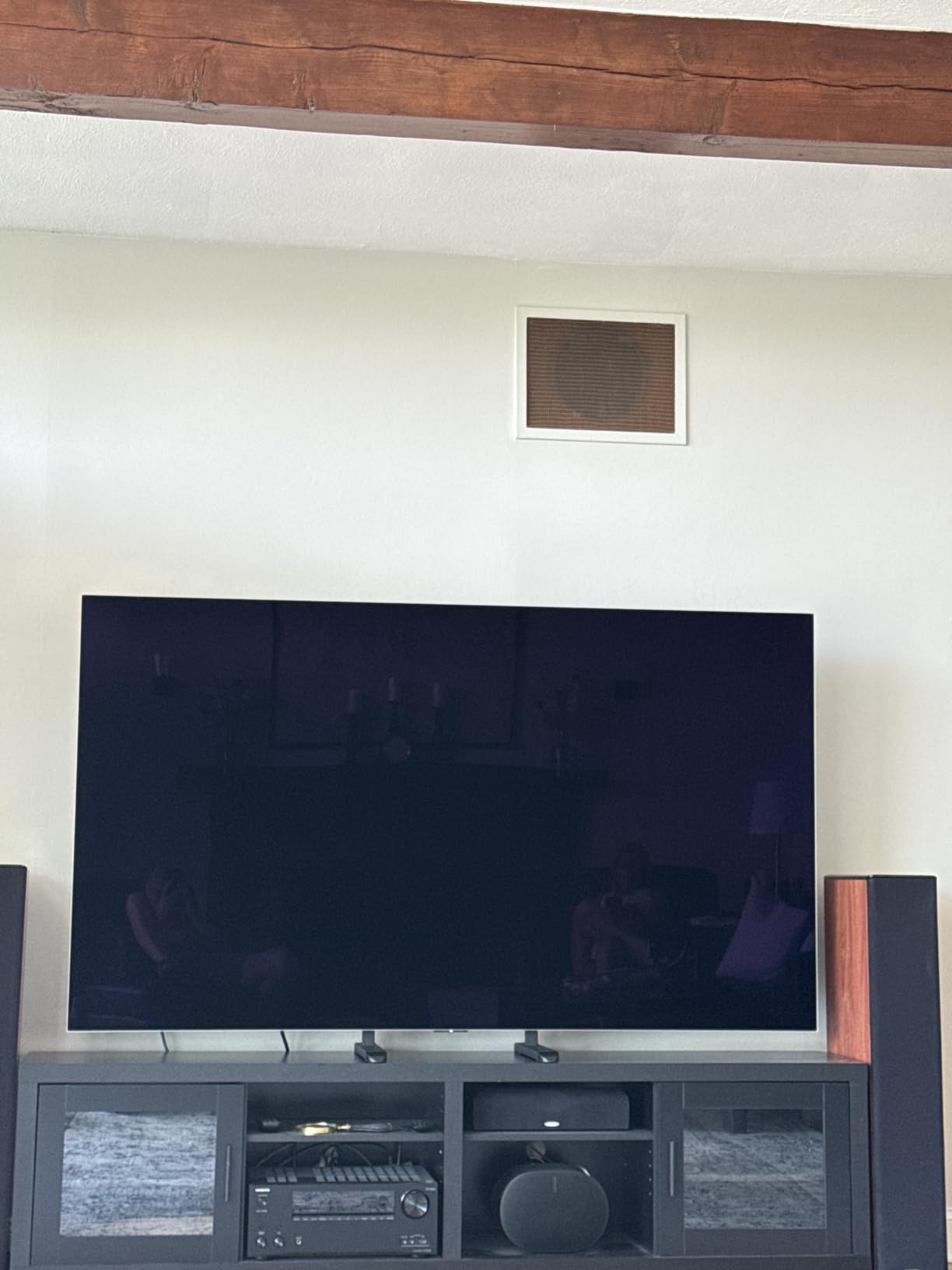
Gaming headroom is unusual at this size. The set lists up to 165Hz refresh capability with 0.1ms response, four HDMI 2.1 ports, G-Sync, FreeSync Premium and variable refresh rate, so a PC user gets far more than the 144Hz the OLED55C4PUA reaches. Audio is a step up too, with 4.2 channels, Dolby Atmos, AI Sound Pro and WOW Orchestra integration that pairs the television and a soundbar.
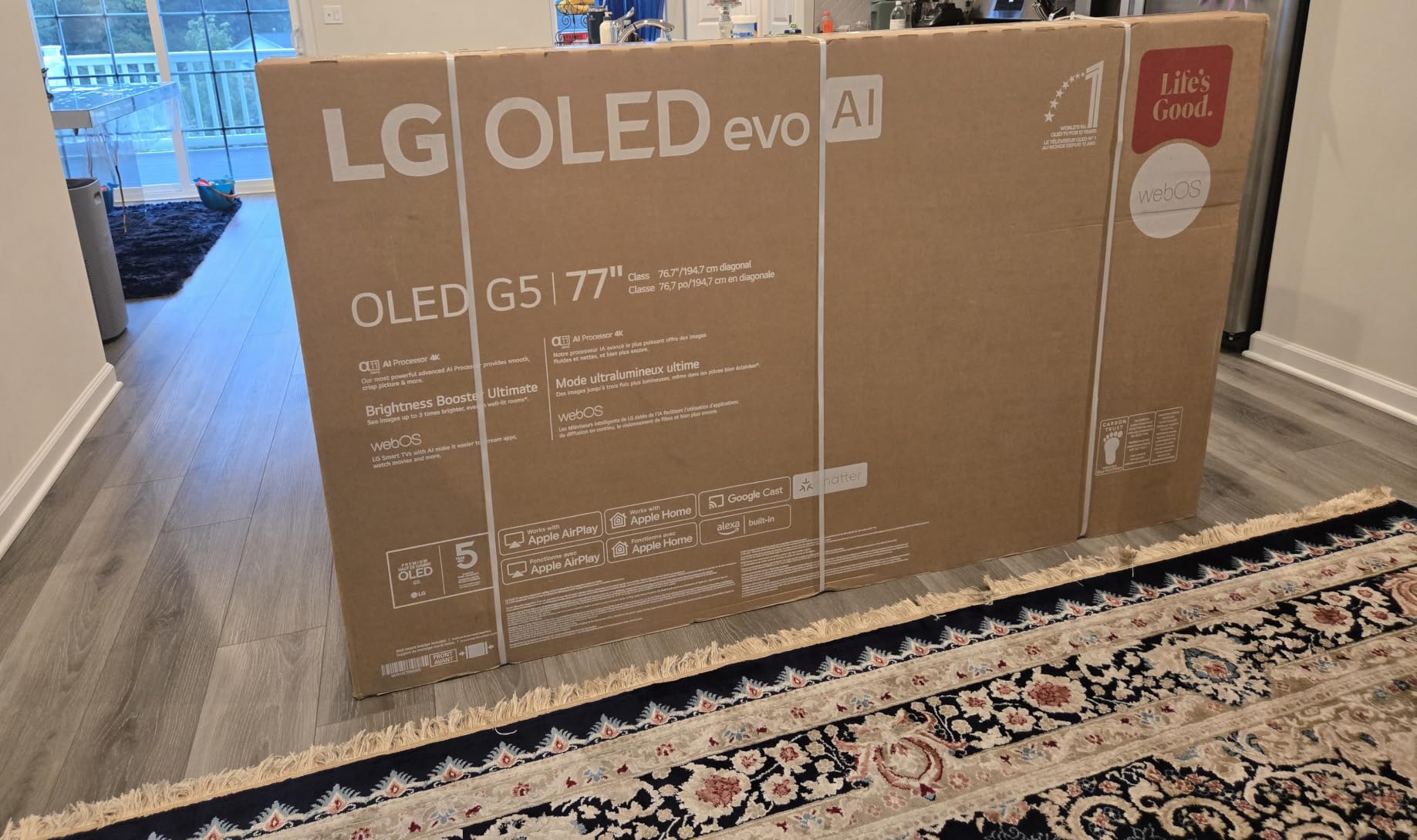
Skip it if you plan to stand the set on furniture. Owners repeatedly report that the 55-inch and 65-inch models arrive without a table stand, and the One Wall Design is built around wall mounting, where the 1.1-inch profile leaves almost no gap. Printed documentation is minimal and some owners note low output volume when feeding an external receiver. The wall mount is not an accessory here, it is the plan.
A gaming setup is where the extra refresh headroom finally gets used. A PC driving the panel at 165Hz keeps high-frame-rate titles smooth without relying on frame generation, and the four HDMI 2.1 ports leave room for a console alongside it. Owners who pair an external streaming device instead of using the built-in platform also report that the picture holds up, which matters given how thin the profile is.
Against the OLED77C3PUA, the G5 is the smarter choice for a bright, everyday room and the wrong one for a dark cinema space, since you would be paying for brightness headroom you cannot see. Against the OLED65B4PUA, it is brighter, far thinner and faster on paper, but it is also the more demanding set to place. Ratings are 4.3 across 343 reviews, the smallest sample among the televisions here, which is worth weighing against the newer platform.
7. LG 27UP650K-W: Best for Productivity and Photo Work
LG 27UP650K-W 27-inch 4K IPS
Type: computer monitor
Warranty: 1 year manufacturer
Weight: 12.3 lb
Pros
- Sharp 4K IPS text rendering
- Up to 95% DCI-P3 with DisplayHDR 400
- Matte finish handles glare well
- Height tilt and pivot adjustable stand
- Reader Mode and Flicker Safe for long sessions
Cons
- 60Hz and 5ms response are unremarkable for gaming
- No built-in speakers
- HDR 400 is modest next to OLED and Mini LED
Not every monitor needs 240Hz. If your day is documents, spreadsheets, code and photo review, this 27-inch 4K IPS panel is the one in the list that earns its place on a desk, and it holds the highest rating here at 4.7 across 332 reviews. The 3840 by 2160 resolution at 27 inches means roughly twice the pixel density of a QHD screen, and text renders cleanly at native scaling.
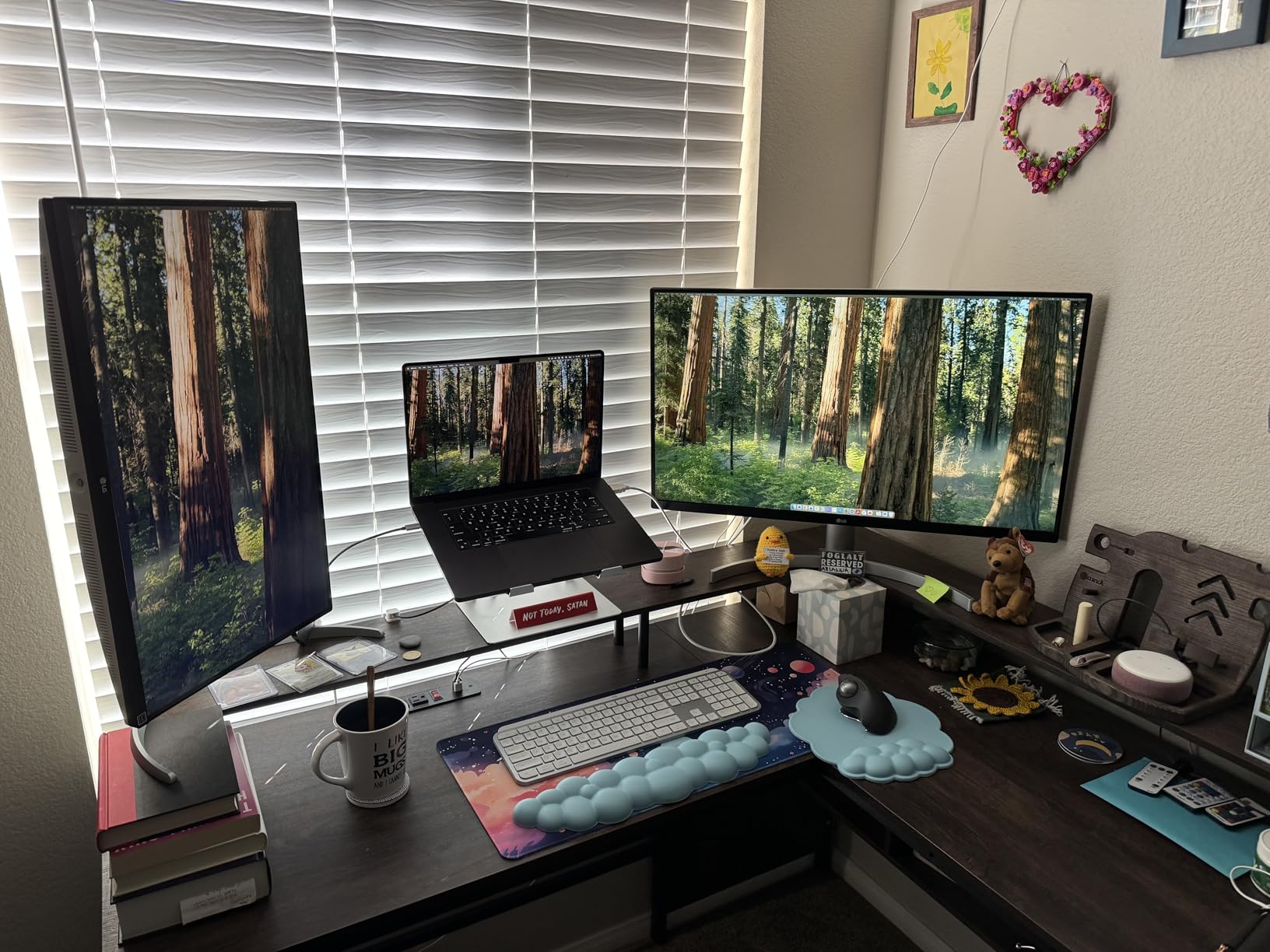
The matte finish is the underrated part. A glossy gaming panel rewards a dim room, while this one handles office lighting and window glare without the reflections that make glossy screens tiring over a long shift. Color reaches up to 95% DCI-P3 with VESA DisplayHDR 400 support, and Reader Mode plus Flicker Safe reduce eye strain across a full day.

Owners mention the stand more than the specs. Height, tilt and pivot adjustment with a front joystick control means the screen reaches eye level without a monitor arm, and HDMI plus DisplayPort inputs let two computers share one display. The limits are equally clear: 60Hz refresh and 5ms response mean this is not a competitive gaming monitor, there are no built-in speakers, and the HDMI variant drops USB connectivity and USB-C.
Against the 27GX704A-B, the choice is speed versus clarity. The OLED runs 240Hz with true blacks and covers 98.5% DCI-P3, but its glossy finish works best in controlled lighting; the IPS holds its picture in a bright office. Against the 32GX870A-B, this is lighter at 12.3 pounds and less demanding on your desk, but it caps at 60Hz.
8. LG 32GX870A-B: Best for Mixed Gaming and Work
LG 32GX870A-B 32-inch 4K OLED
Type: computer monitor
Warranty: 2 year limited
Weight: 21.6 lb
Pros
- Dual Mode gives 4K 240Hz or Full HD 480Hz
- 0.03ms response time
- USB Type-C plus two USB 3.0 ports
- Built-in speakers with DTS Headphone:X
- Two-year limited warranty covering the OLED panel
Cons
- 480Hz mode drops resolution sharply
- True Black 400 brightness is modest
- Matte finish makes blacks look slightly hazier
The argument for a 32-inch 4K OLED is that it does two jobs. At 3840 by 2160 it has the sharpness of a productivity panel, and at 240Hz with 0.03ms response it has the speed of a gaming panel. Dual Mode adds a hotkey switch to Full HD at 480Hz for competitive titles, which is a genuinely useful trick even though it costs you resolution.
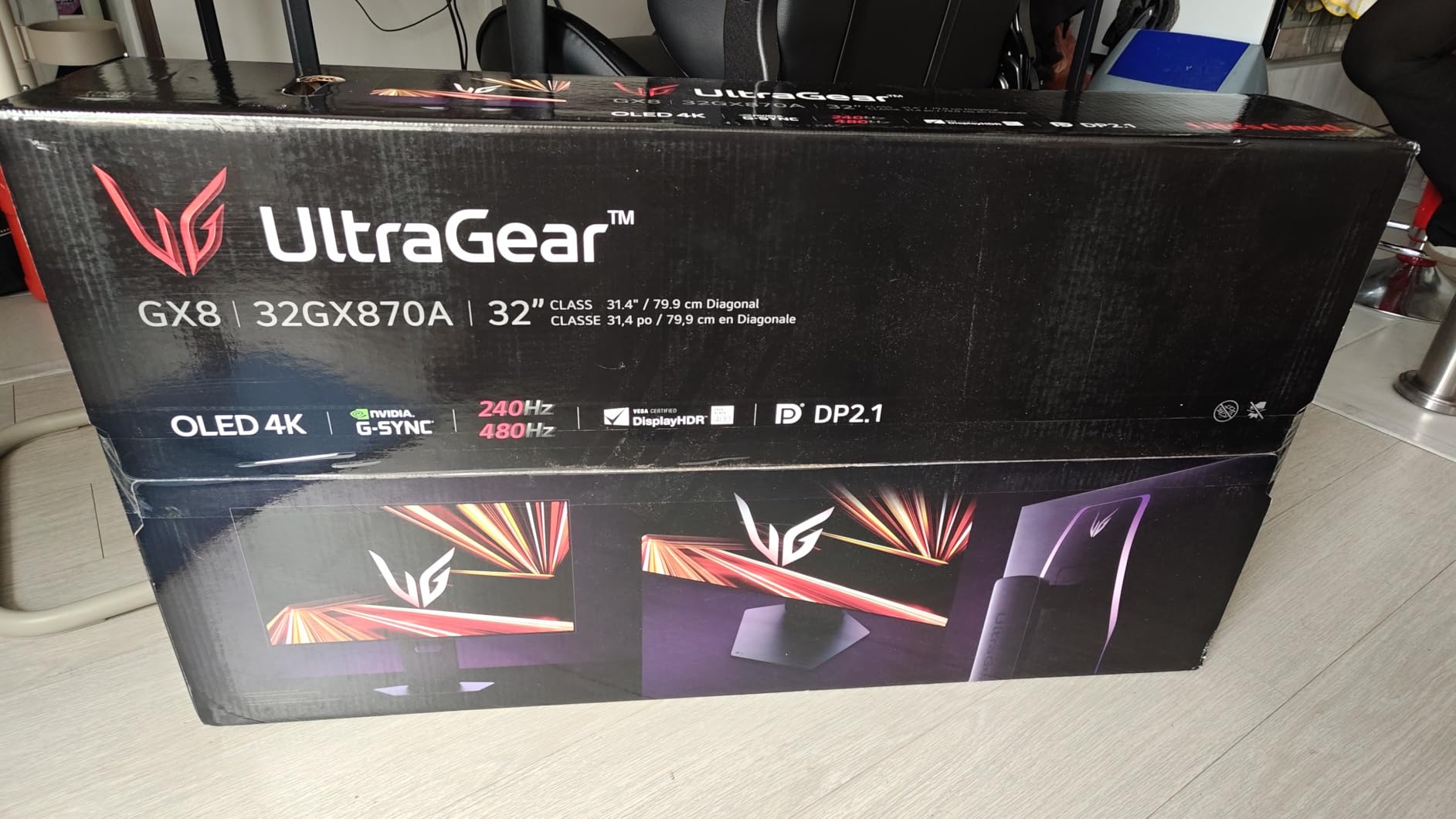
Brightness is listed at 275 cd/m2 typical and up to 1300 nits peak through a Micro Lens Array+, with 98.5% DCI-P3 coverage and a 1.5M:1 contrast ratio under VESA DisplayHDR True Black 400. The matte, low-reflection panel is the practical choice for a desk that sees daylight, and reviewers note that it can make blacks look slightly hazier than a glossy OLED.
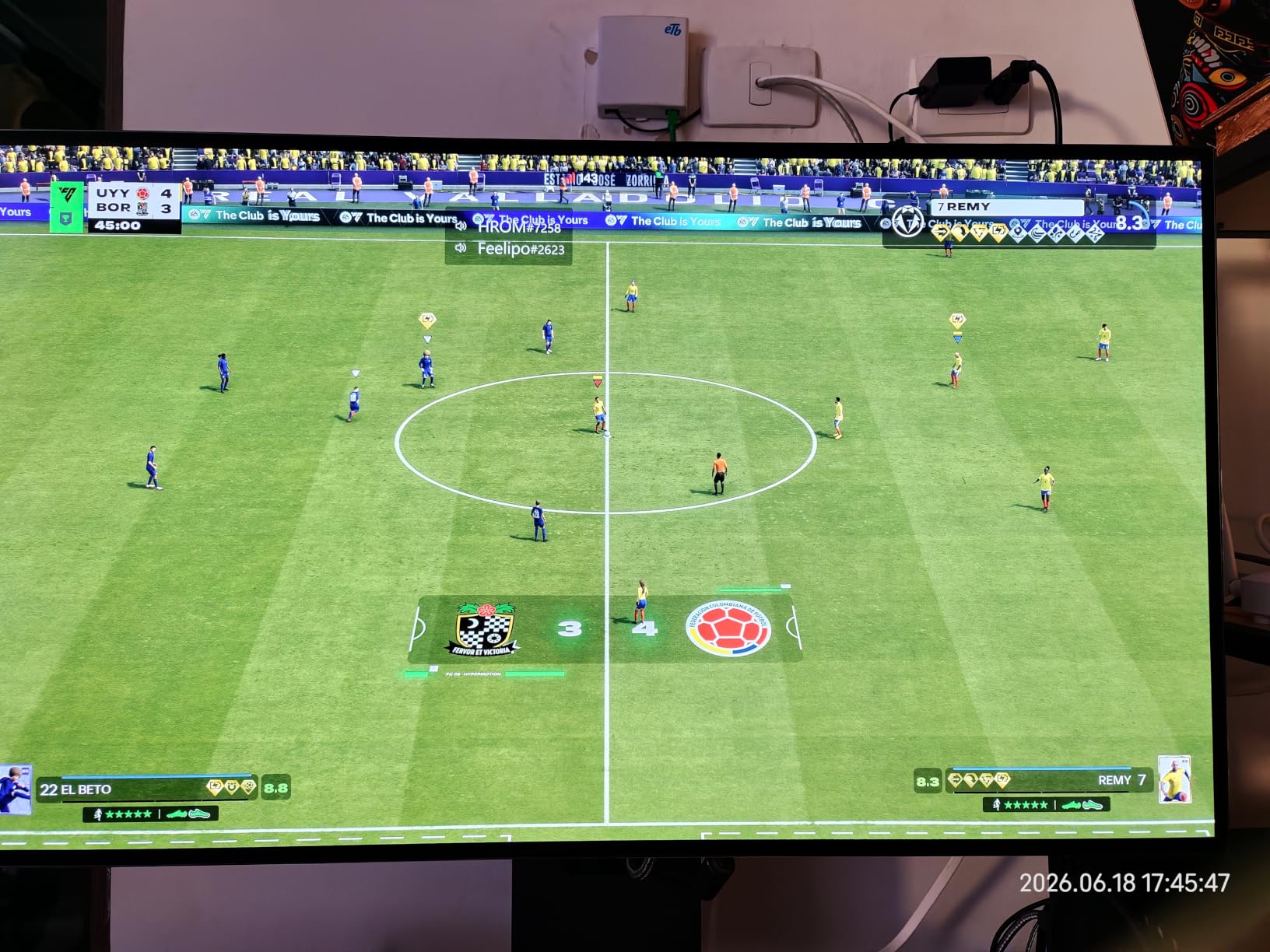
Connectivity covers the gaps most 32-inch monitors leave. USB Type-C, DisplayPort, HDMI and two USB 3.0 ports feed a laptop, and built-in speakers with DTS Headphone:X mean a conference call does not need a headset or a separate bar. Height, tilt, swivel and pivot adjustments are all present, and a two-year limited warranty covers the OLED panel itself, which is the term to look for on any OLED display.
One caution carries over from the reviews: 132 ratings is the thinnest review history in this roundup, so long-term reliability data is limited. Compared with the 27GX704A-B, the 32-inch trades some competitive speed for 4K sharpness, USB Type-C and built-in audio. Against the 27UP650K-W, it does more than the IPS panel can: 4K resolution, 240Hz, USB Type-C and built-in audio on one screen. The IPS holds its picture in a bright office for less, but it caps at 60Hz and will never run a frame of competitive play.
9. LG S90TR: Best for Cinema-Room Audio
LG S90TR 7.1.3-ch Soundbar
Type: soundbar
Warranty: 1 year parts and labor
Weight: 44.8 lb
Pros
- 7.1.3 channels with genuine up-firing height drivers
- Wireless rears and wireless subwoofer
- Center up-firing channel sharpens dialogue
- WOWCAST built-in for wireless Dolby Atmos
- Advanced room calibration with built-in microphone
Cons
- 49-inch chassis needs a wide media console
- Equalizer controls live in the app with limited granularity
- Some owners report spontaneous disconnects
Owners describe this bar as the one that finally matches a large LG OLED, and the reason sits in the channel count. Seven point one point three channels with up-firing drivers create real height effects rather than simulated ones, and the center up-firing channel makes dialogue clearer, which is the first thing people notice in a mixed film.
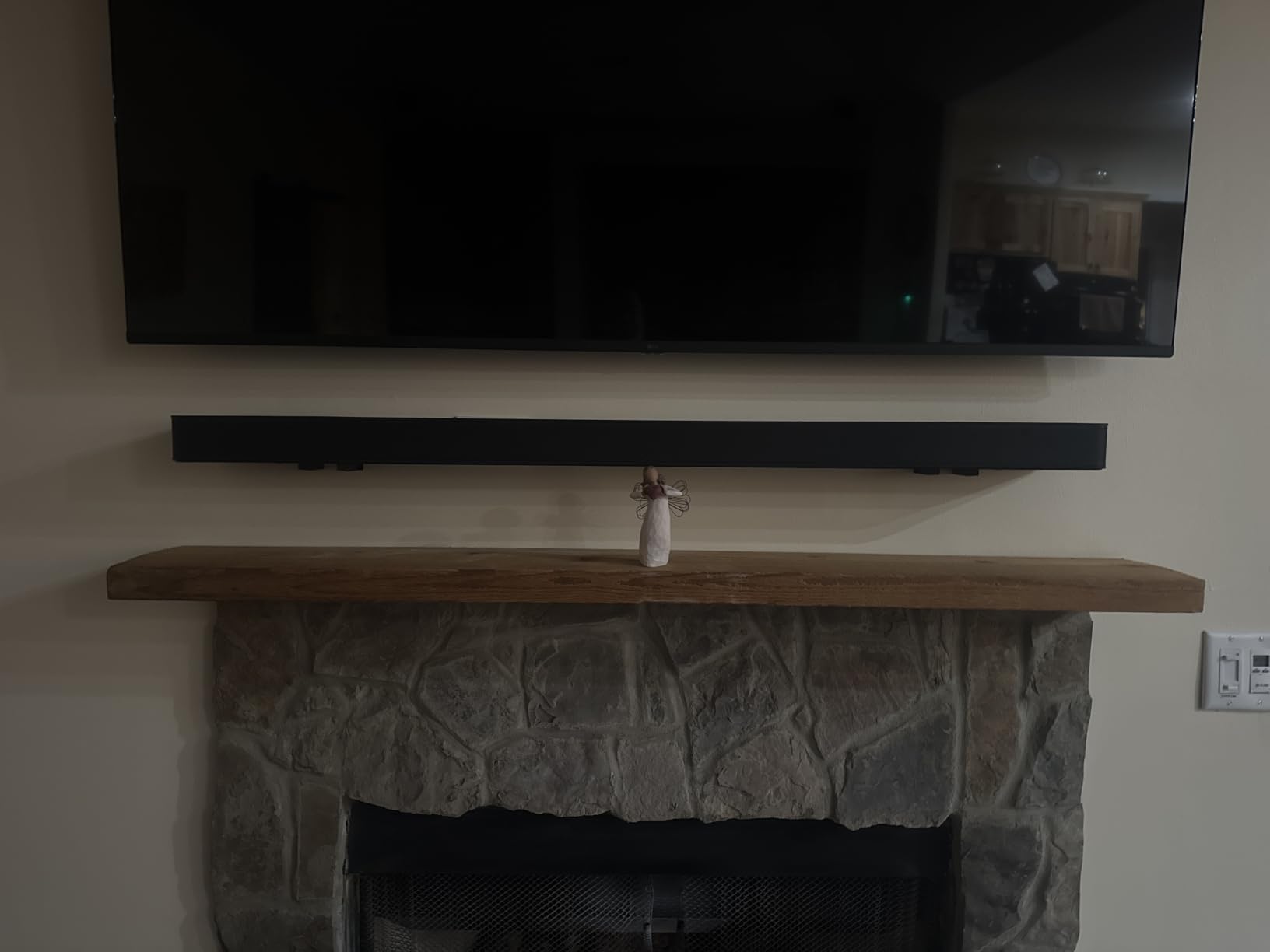
It is designed to pair with LG televisions. WOW Orchestra synchronizes the television and soundbar audio, WOWCAST is built in for wireless Dolby Atmos from an LG set, and the WOW Interface runs both from one remote. Bluetooth, HDMI, Wi-Fi and AirPlay cover the rest, and variable refresh rate plus ALLM passthrough up to 120Hz keeps gaming in step.
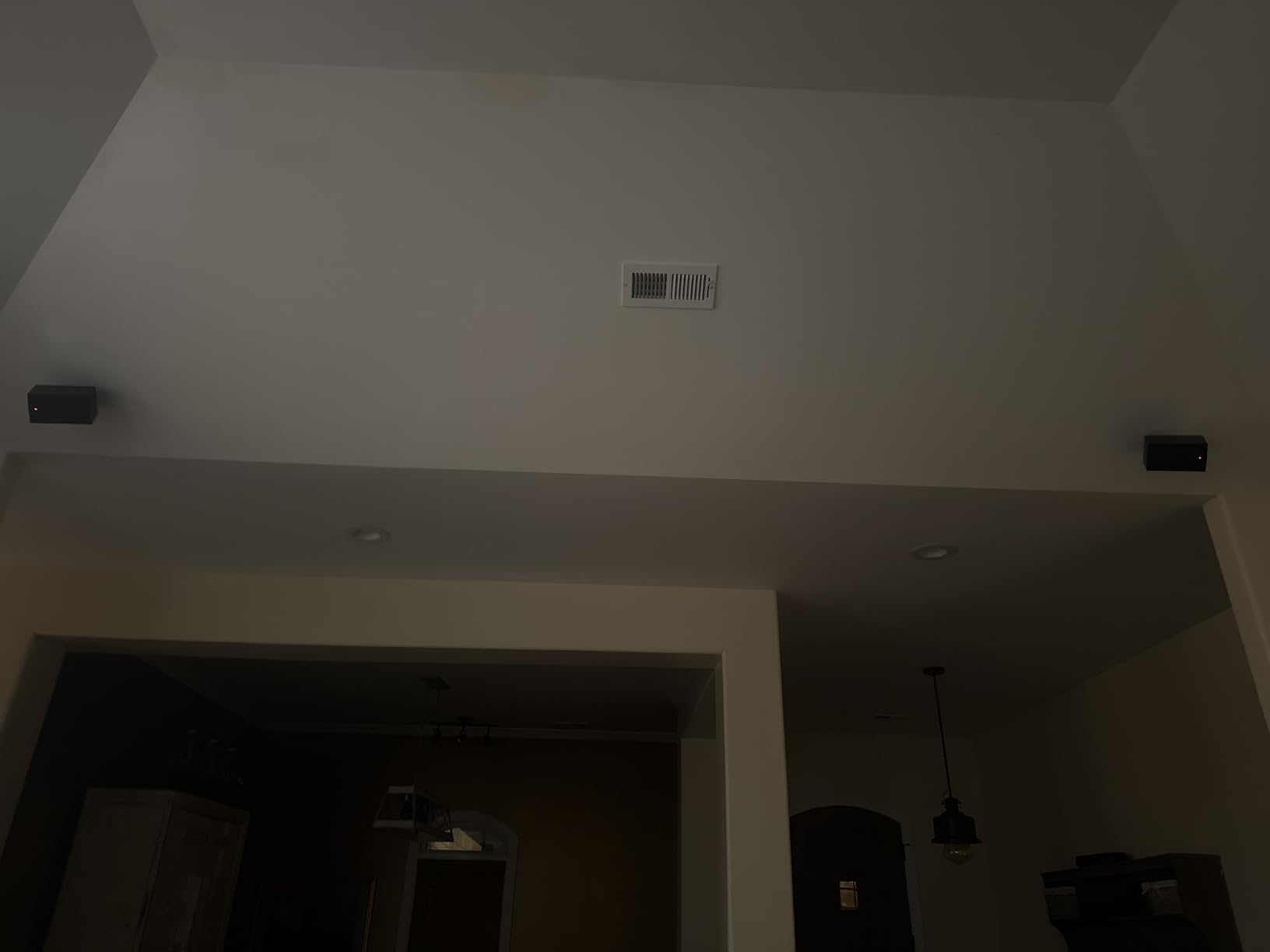
Know the size before you buy. The chassis is 49.2 inches wide and the whole package weighs 44.8 pounds, so it needs a genuinely wide console, and the box includes a wall mount bracket if you would rather hang it. Equalizer access is limited to the app with blended tone controls, the app does not quantify what room calibration changed, and some owners report the system disconnecting on its own.
Set against the S40TR, the S90TR trades a compact footprint and app-free simplicity for height channels, calibration and the tightest LG integration in the list. Buyers pairing a 65-inch or 77-inch panel from this roundup have the most to gain, since the larger screens leave more room for the soundstage to register. Ratings are 4.5 across 118 reviews, a strong score on a small sample.
How to Choose LG Electronics and Appliances During Prime Big Deal Days
Match the Product to the Right Use
Start with the room, not the spec sheet. A 77-inch set needs a dedicated wall and roughly nine feet of viewing distance; a 55-inch panel works for most living rooms and doubles as a large desktop display, and the 27-inch monitors are desk products rather than television replacements. Check the display dimensions against the stand or wall before anything else, and match the product category to the use rather than to the discount.
Check the Exact Model and Generation
Two LG listings that look identical can be different hardware. Model numbers carry the year and the region, and sizes change within a series, so read the full model code on the detail page rather than the title. Renewed and open-box listings sit next to new ones with the same model number and different warranty terms, which is exactly where shoppers get caught.
Compare Specifications Against Available Space
Numbers decide whether a set is usable. For televisions, check width, height and weight, plus VESA mounting at 300 x 200 mm if a wall mount is planned. For monitors, panel size, native resolution, refresh rate and desk depth matter more than diagonal inches. On the audio side, bar width, subwoofer clearance and the outlet count behind the console prevent an install-day problem.
Verify Smart Features and Compatibility
Every LG television here runs webOS, and every one supports voice control and app-based control. Confirm the refresh rate your source device outputs, since a 144Hz or 165Hz panel only helps if the PC or console can drive it, and check that VRR and ALLM are supported on the ports you plan to use. On monitors, USB Type-C, DisplayPort and HDMI availability decides whether a single cable setup is possible.
Review Warranty Condition and Seller Details
Warranty terms differ inside this list, and the difference is meaningful: several products carry one year of parts and labor, one monitor carries a two-year limited term covering the OLED panel, and everything else falls to a single year. The manufacturer term is separate from any listing-specific protection, and the seller, shipper, item condition and return window are listed separately from all of it. Read those four fields before checkout.
How to Shop LG Deals During the Sale
LG listings change shape during an event, so verify the model code, the screen size and what is in the box before you commit. Confirm whether the unit is new or renewed, who sells and who ships it, and whether the price applies to your membership. Most offers need a Prime membership, with a free trial counting, and the offer on a given model can change through the event, so a listing you watched yesterday is not a promise about today. Use the buttons below to see the current listing for each pick.
- Match the screen size to viewing distance before comparing features.
- Read the full model code and check for renewed or open-box conditions.
- Confirm the warranty term, and whether it covers the panel.
- Check the seller, the shipper and the return window on the listing.
- Verify that your source device can drive the refresh rate and VRR modes.
- Re-check the live listing on the day you plan to order.
Frequently Asked Questions
Which are the Best Amazon Prime Big Deal Days LG Deals?
The strongest picks are the LG OLED77C3PUA for large-room movies, the LG OLED55C4PUA for the best balance of price and features, and the LG S40TR if your television is fine but the sound is not. For bright rooms the OLED55G5WUA makes more sense, and the 27GX704A-B and 32GX870A-B cover desktop gaming. Check each live listing before buying.
When does Amazon Prime Big Deal Days run in 2026?
Amazon Prime Big Deal Days runs October 6-7, 2026. Most of the offers tied to the event need an active Prime membership, and a free trial counts for the length of the sale. Offers are released in waves rather than all at once, so a model that is quiet on day one can appear later. Verify the current listing on the day you plan to order.
Is a Prime membership required to access these deals?
Yes, for most of them. The majority of Prime Big Deal Days offers are limited to Prime members, and a free trial qualifies for the length of the event. A small number of deals run for everyone, but they are not the ones worth planning around. If you only need one item, the trial is the usual way to reach the member pricing.
Do Prime Big Deal Days offers usually include LG TVs and home audio?
Yes. Televisions are one of the strongest categories during the event, and LG sets are consistently among the most heavily featured because outgoing model years need clearing. LG monitors and soundbars also appear, though with fewer listings than televisions. Non-TV categories can run out of offers earlier in the window, so audio and monitor picks are worth checking sooner.
How can shoppers tell whether two similar LG listings are the same model?
Compare the full model number on the product detail page, not just the title. The code carries the series, the screen size and the year of manufacture, and regional variants use different suffixes. Also compare the item condition, the seller and the shipper, since a renewed unit can share a model number with a new one while carrying very different warranty terms.
Final Verdict: Best Amazon Prime Big Deal Days LG Deals
The pick most worth watching during the sale is the LG OLED77C3PUA, since it leads the list on owner-review depth at 4.5 stars across more than 2,100 ratings, and a 77-inch OLED evo panel with four HDMI 2.1 ports suits a dedicated media room. The budget-friendly alternative is the LG S40TR, which adds genuine wireless rear speakers and a wireless subwoofer without cable management or a second box.
Buy the LG OLED55C4PUA if a 55-inch set that runs to 144Hz with five years of webOS updates fits your room better than a 77-inch. Buy the LG OLED65B4PUA if diagonal inches matter most and you can live with a dimmer panel. Buy the LG OLED55G5WUA if daylight is a daily problem and you are wall mounting anyway. Buy the LG 27GX704A-B for competitive desktop gaming, the LG 32GX870A-B when one screen has to do gaming and office work, and the LG 27UP650K-W for text-heavy work in a bright room. The LG S90TR is the one to watch if your media console is wide enough for a 49-inch chassis.
Check the live listing, the model code and the warranty terms on the day you order, since offers shift through the event.