
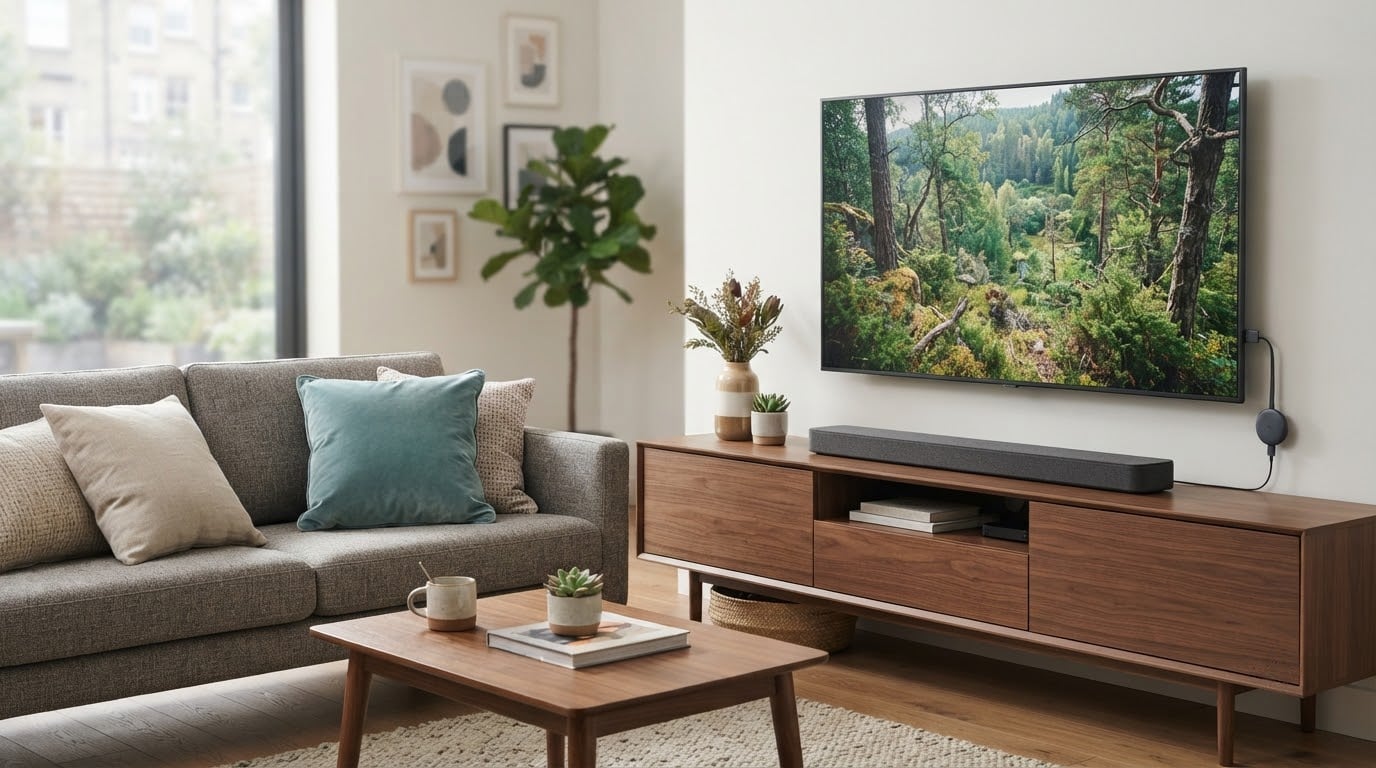
The Insignia F50 55-inch is the set we would buy first from this list, and it leads our picks for a simple reason: it carries more than 12000 owner ratings, and at 4.3 out of 5 it holds its picture and its voice remote together better than anything else in the sub-500 tier. Big screen, 4K panel, HDR10, three HDMI ports and a Fire TV interface that people of every age can work without a manual.
Two alternatives sit close behind. The Vizio V435 43-inch is the smarter buy in a small room, where full-array dimming and Dolby Vision do more for you than extra inches would. The Toshiba C350 43-inch is the cheapest way into 4K here, and it pairs Dolby Vision with an AI upscaler that visibly helps older HD sources. Prime Big Deal Days runs October 6-7, and every button below goes to the current listing, because offer pricing shifts by the hour across those two days.
Table of Contents
Our Top 3 Picks for Best Amazon Prime Big Deal Days TV Deals Under $500

Best Amazon Prime Big Deal Days TV Deals Under $500 Compared (2026)
| Product | Specifications | Action |
|---|---|---|
| Insignia F50 55-inch |
|
Check Deal Price |
 Vizio V435 43-inch Vizio V435 43-inch |
|
Check Deal Price |
 Toshiba C350 43-inch Toshiba C350 43-inch |
|
Check Deal Price |
 Hisense E6QF 43-inch Hisense E6QF 43-inch |
|
Check Deal Price |
 Amazon Ember 4-Series 55-inch Amazon Ember 4-Series 55-inch |
|
Check Deal Price |
 Roku Select 55-inch Roku Select 55-inch |
|
Check Deal Price |
 Insignia QF 55-inch Insignia QF 55-inch |
|
Check Deal Price |
 Samsung U8000H 55-inch Samsung U8000H 55-inch |
|
Check Deal Price |
 Samsung M70H 65-inch Samsung M70H 65-inch |
|
Check Deal Price |
 Roku Plus 55-inch Roku Plus 55-inch |
|
Check Deal Price |
How We Chose
We compared the specs that actually separate sets at this budget: panel type, backlight approach, HDR formats, refresh rate, HDMI count and smart platform. Then we read the owner reviews behind each rating and the recurring complaints inside them. Specs and review data were checked in October 2026, and offer pricing changes constantly, so read every listing before you commit.
1. Insignia F50 55-inch: The Best Big-Screen Buy Overall
Insignia F50 55-inch
Screen: 55-inch
Panel: LED 4K
HDR: HDR10
Refresh: 60Hz
Platform: Fire OS
Pros
- 4K picture with solid HDR10 handling
- Alexa voice remote that children can use
- Three HDMI ports with eARC and Ethernet
- DTS Virtual:X fills out the built-in speakers
- Wall mountable on a 200 x 200 VESA pattern
Cons
- FireOS menus and app loading feel sluggish
- 60Hz panel smears fast sports
- 300 nit brightness is weak in direct sun
Fifty-five inches of usable 4K for a set that sits at the value end of the category is the whole argument here. Owners rate the picture as sharp with good HDR10 performance and deeper blacks than the price suggests, and 74% of reviews are five stars. Setup is described as easy in one breath, Bluetooth pairing included, with on-screen prompts doing the work.
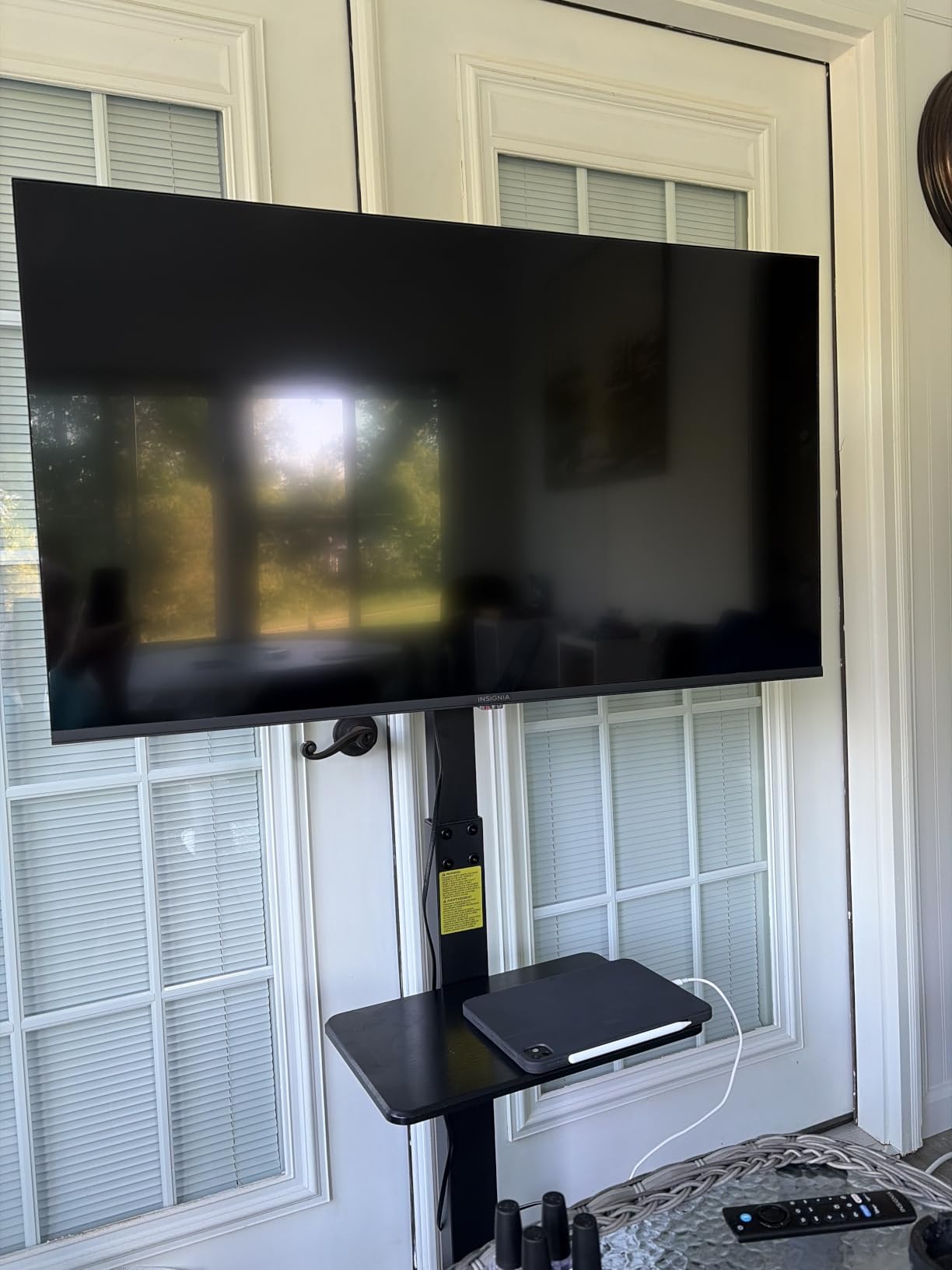
What keeps it from a perfect score is software, not picture. Several reviews mention FireOS feeling slow in menus, and a few report audio dropouts that need a power cycle. Picture settings also pause playback and can drop to a brighter screen mid-scene, which irritates people who like to fiddle while they watch.
Against the Roku Plus 55-inch, the difference is audio and dimming rather than screen size. The Roku carries a 4.1-channel Dolby Atmos system with a built-in subwoofer and full-array local dimming; the Insignia gives you neither, and buys them with simpler Fire TV software. Against the Samsung U8000H 55-inch, you trade Tizen and its library of free channels for a voice remote that families actually pick up.
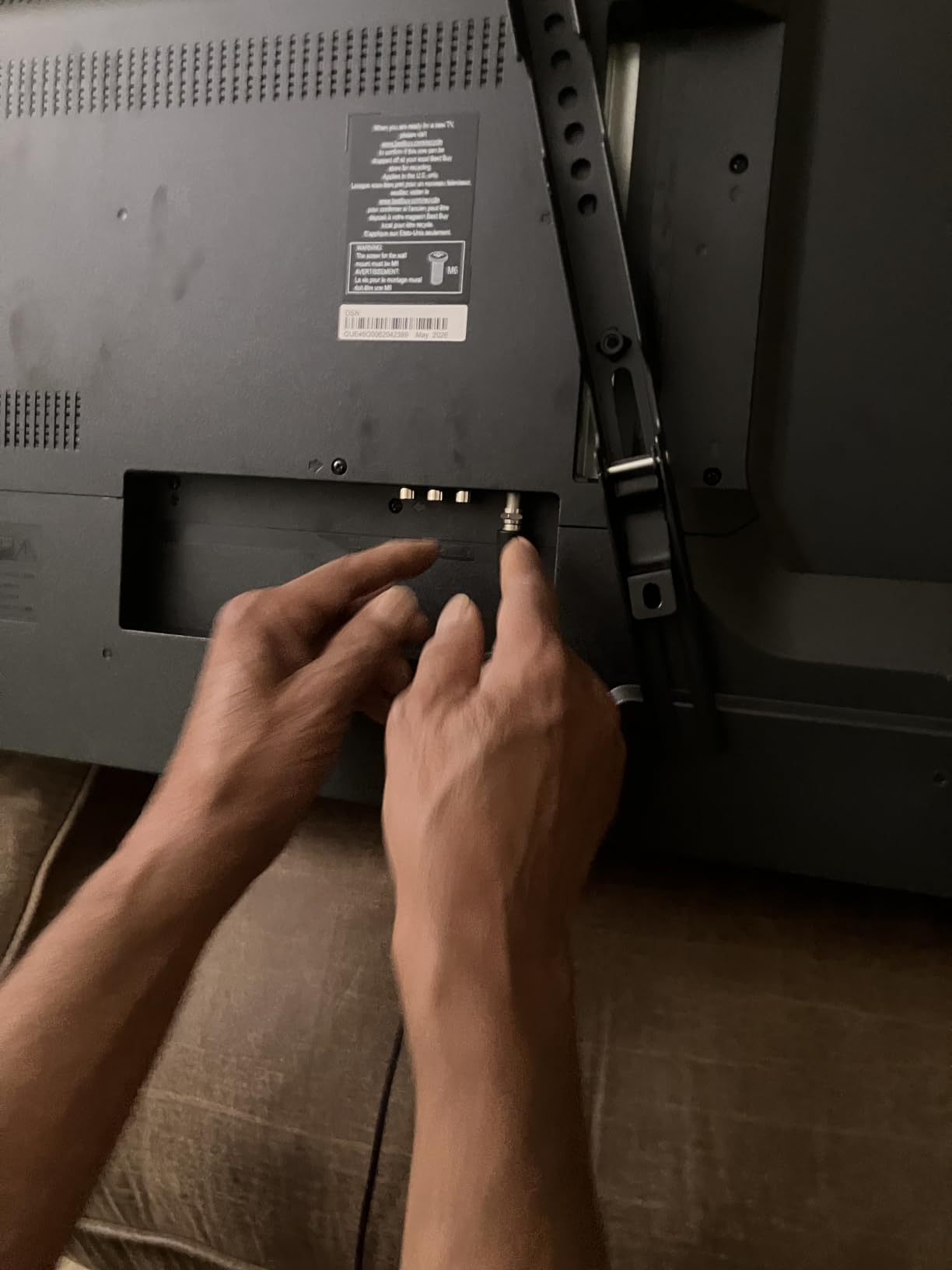
Pick something else if your room gets direct afternoon sun. A 300 nit panel washes out in daylight, and the QF version from the same brand does not solve it either. For console gaming, the 60Hz native rate is the limit you will feel first, and nothing in this list changes that except a lower resolution.
It weighs 28.3 pounds without the stand and mounts on a 200 x 200 mm pattern, so plan on a second pair of hands for the wall job. All three HDMI inputs are usable and one handles eARC, which means adding a soundbar later is a single cable rather than a receiver.
2. Vizio V435 43-inch: The Best Value in a Smaller Room
Vizio V435 43-inch
Screen: 43-inch
Panel: LED full array
HDR: Dolby Vision
Refresh: 60Hz
Platform: SmartCast
Pros
- Full-array dimming at an entry price
- Dolby Vision and HDR10+ in this class
- IQ Active processor upscales HD cleanly
- Compact size suits bedrooms and dorms
Cons
- 60Hz panel limits motion and gaming
- Only 10W x 2 built-in speakers
- Older model generation
This is the set to buy when screen inches matter less than what happens inside them. It is the only 43-inch in the group with full-array backlight, and the Active Pixel Tuning adjusts contrast frame by frame across more than 2000 zones. That is where dark scenes hold detail instead of turning into grey blocks, and owners call the dimming the standout feature.
It also does something rare at this money: Dolby Vision with Bright Mode, plus HDR10+ and HLG. Most of the field offers one of those formats. If you watch a lot of films and you are picky about how highlights look, the extra processing is worth more here than a larger screen would be.
Compared with the Toshiba C350 43-inch, you are paying for dimming and a better processor, and giving up Dolby Atmos audio, since the Vizio ships with 10 watts per channel. Compared with the Hisense E6QF 43-inch, you get no Wi-Fi 6 and no AI Light Sensor, so brightness control in a sunlit room is on you rather than automatic.
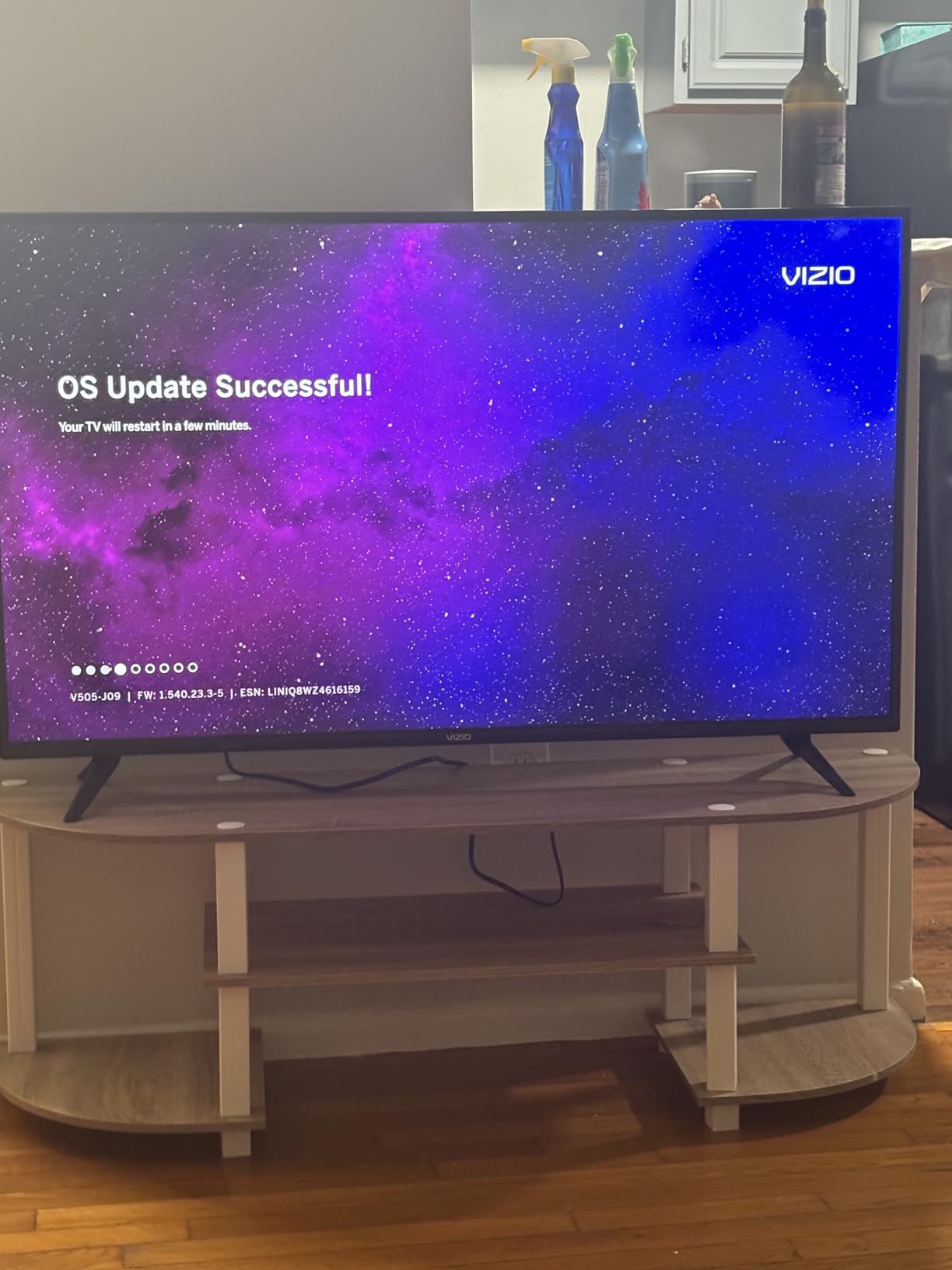
Two honest limits. The 60Hz panel means football and fast games smear more than a 120Hz panel would, and this is a 2022 model generation, so do not expect software features added since. Buy a soundbar if films are the priority, since the built-in pair is thin and gets quiet quickly.
Good to know: it weighs 15.9 pounds and mounts on a 200 x 100 mm pattern, so it is a one-person job on the wall. SmartCast is serviceable but no longer the sharpest interface in the category.
3. Toshiba C350 43-inch: The Cheapest Route Into 4K
Toshiba C350 43-inch
Screen: 43-inch
Panel: LED 4K
HDR: Dolby Vision
Refresh: 60Hz
Platform: Fire OS
Pros
- Dolby Vision and Dolby Atmos at the lowest spend
- AI 4K upscaler improves older HD sources
- Lightweight chassis that is easy to move
- REGZA processing with a Super Contrast Booster
- Easy wall mounting
Cons
- Narrow viewing angles distort off-center
- Default backlight looks washed out
- Remote and menu response can be slow
Only two sets here pair Dolby Vision with Dolby Atmos, and this is the cheaper of the two, on a 43-inch panel that suits a bedroom or a first apartment. The REGZA engine’s AI 4K upscaler is genuinely useful if most of your content arrives at 1080p. Owners consistently describe the picture as sharp and the setup as painless, including wall mounting and Wi-Fi.
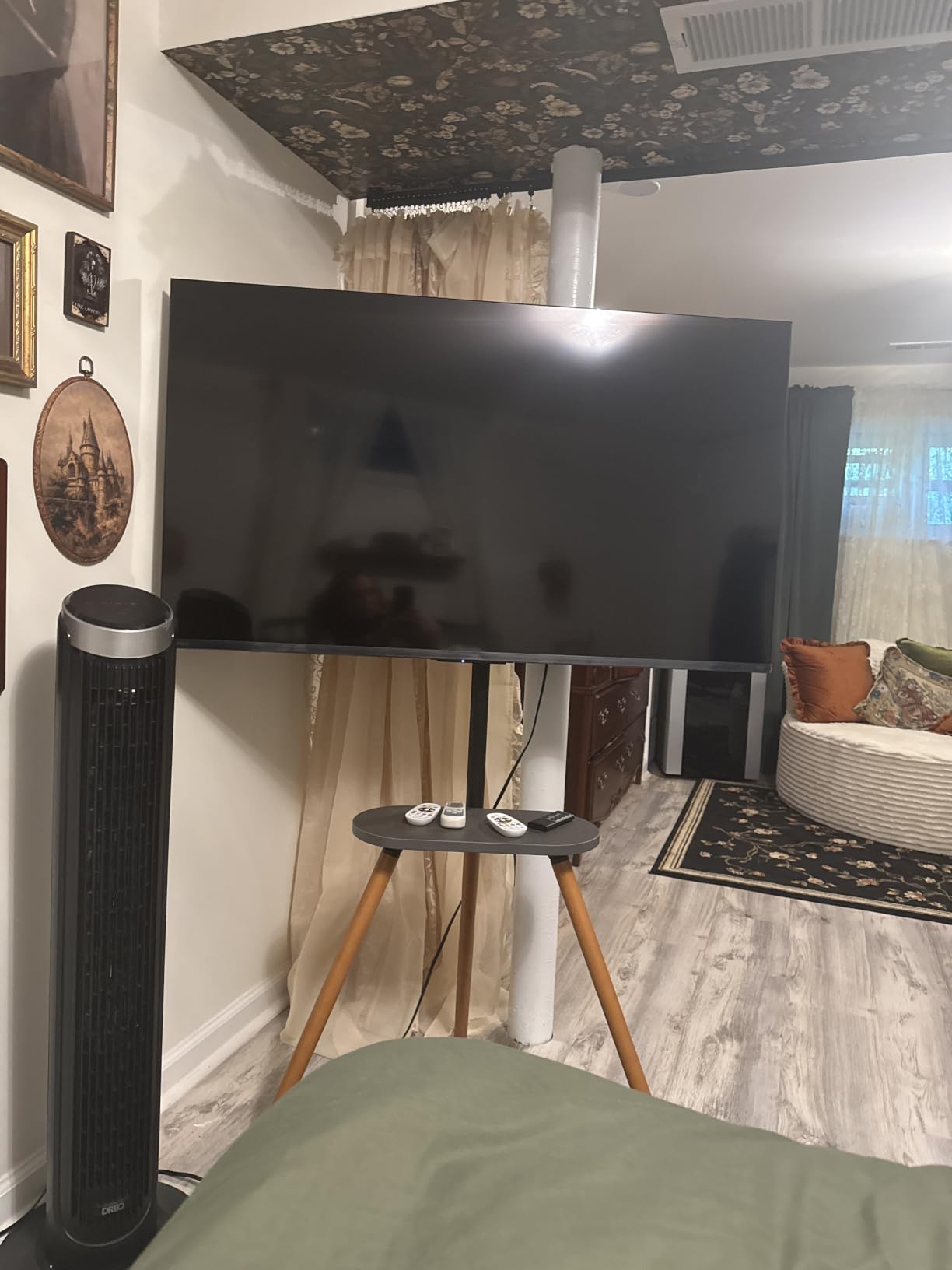
The catch is viewing geometry. Several reviews report visible distortion when seated off-center, which matters in a wide sofa or a bedroom where the bed is not square to the screen. The default backlight also runs bright, so colours look washed out until you turn it down, and the remote and menus respond slowly.
Skip it if you sit at an angle to the screen regularly, and look at the Hisense E6QF 43-inch instead, which lists a 178-degree viewing angle and an AI Light Sensor that manages brightness for you. If sound carries more weight than picture, the Vizio V435 43-inch trades the Atmos support for real local dimming, which is the better long-term picture buy.
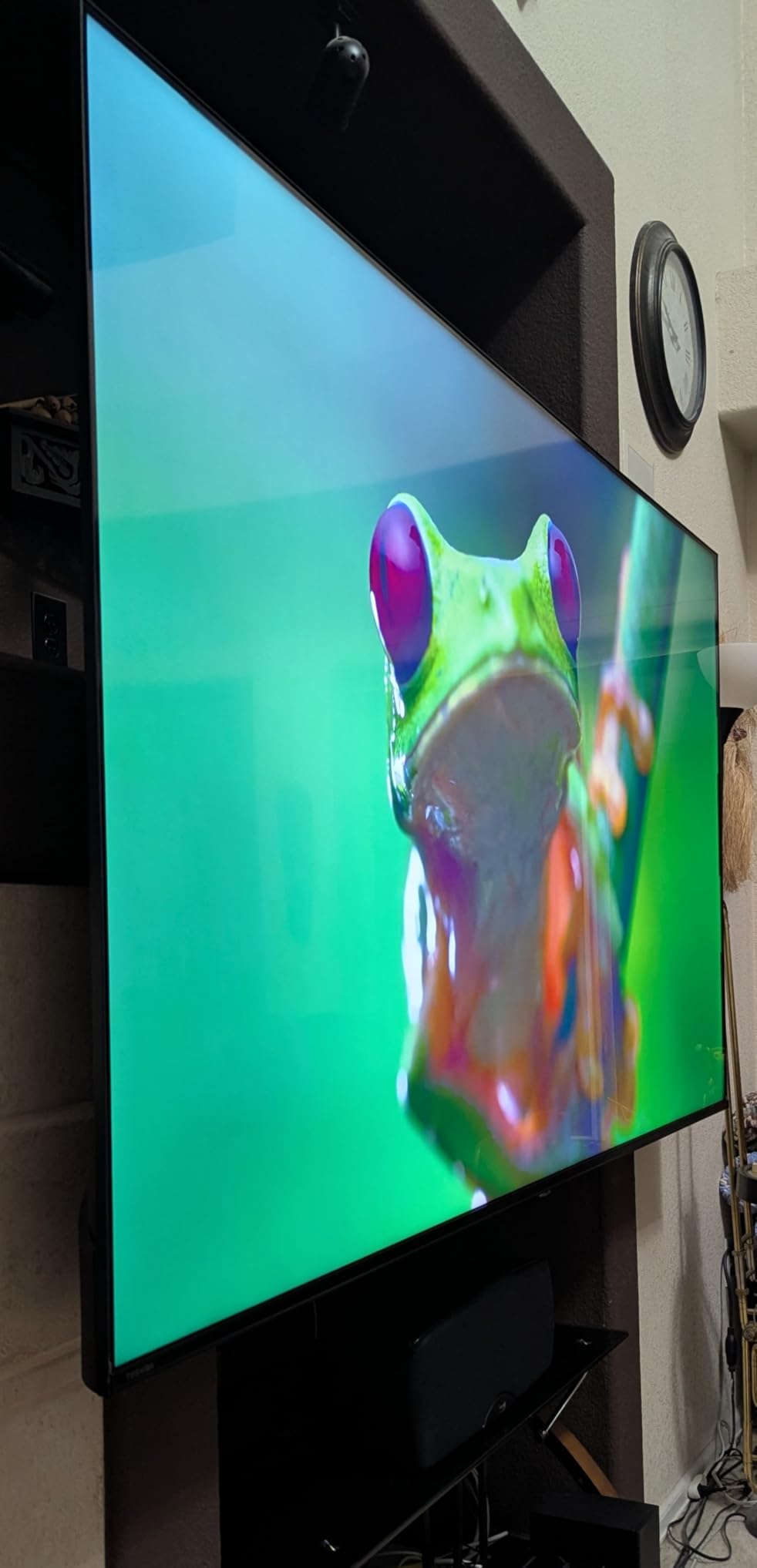
There is also a game angle here that the spec sheet does not advertise loudly: Game Mode with ALLM, VRR and eARC, which is more gaming plumbing than most sets at this spend include. The 60Hz panel still caps the benefit, so treat it as a tidy extra rather than a console upgrade.
Owners report roughly 13 pounds, and it mounts on a 400 x 400 mm pattern. Listed energy use is 160 kWh a year, which is worth thinking about if this is the set running in a bedroom every night rather than one used occasionally.
4. Hisense E6QF 43-inch: The Best Fit for a Sunlit Room
Hisense E6QF 43-inch
Screen: 43-inch
Panel: Hi-QLED
HDR: Dolby Vision
Refresh: 60Hz
Platform: Fire OS
Pros
- AI Light Sensor adjusts brightness automatically
- Dolby Vision plus HDR10+ Adaptive
- Wi-Fi 6 for steadier streaming
- Filmmaker Mode for accurate colour
- 178-degree viewing angle
Cons
- Lowest rating in the group at 4.0
- 60Hz panel with Motion Rate 120
- FireOS performance can feel sluggish
The AI Light Sensor is the reason to look at this one. It reads the room and adjusts brightness automatically, which is the single most useful feature you can have in a living room that gets daylight. Add Filmmaker Mode, a 178-degree viewing angle and Wi-Fi 6, and this is the most thoughtful spec sheet in the group for daylight viewing.
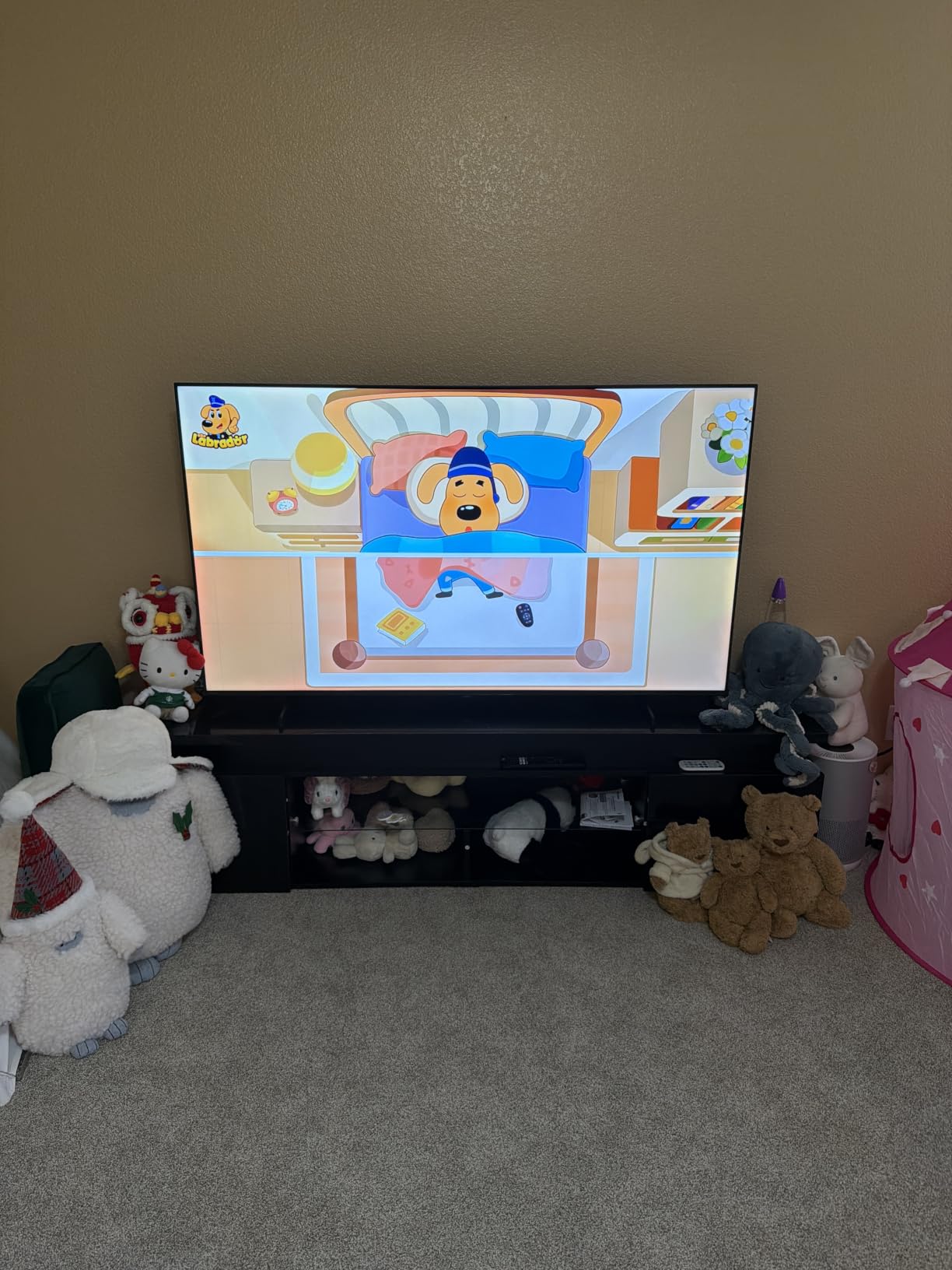
Colour is the other argument. This is Hi-QLED with a wide colour gamut, and the Total HDR Solution covers Dolby Vision, HDR10+ Adaptive, HDR10 and HLG, so you are not locked out of a format when a service switches on. The AI 4K upscaler and AI Smooth Motion with MEMC are there to clean up softer sources.
Owners are more divided here than anywhere else in this list. The 4.0 average is the lowest here, with 64% five stars against 16% one star, and the complaints cluster around motion handling, software stability and thin audio at 14 watts per channel. If you are sensitive to a laggy menu, test the interface before committing.
Where the Insignia F50 55-inch wins is size and simplicity. The Hisense gives you a smarter panel in a 43-inch frame, while the Insignia gives you two more inches of diagonal and a remote children will use without being asked. For a bedroom or a sunlit corner, the Hisense is the better engineering; for a main room, the bigger screen usually wins.
Good to know: it weighs 14.9 pounds and mounts on a 200 x 300 mm pattern, so check your bracket before the sale rather than after.
5. Amazon Ember 4-Series 55-inch: The Best Pick for the Newest Fire TV Software
Amazon Ember 4-Series 55-inch
Screen: 55-inch
Panel: LED 4K
HDR: HDR10+
Refresh: 60Hz
Platform: Fire TV
Pros
- Quad-core processor and Wi-Fi 6 keep menus quick
- Updated Fire TV experience with app pinning
- Four HDMI inputs
- Alexa+ voice search and preset buttons
- Omnisense Instant On wakes the panel
Cons
- HDR10+ only without Dolby Vision
- 55-inch is the largest size in the range
- Cloud gaming needs a subscription
Most of the complaint about budget Fire TV sets is that the software feels old, and this one is built to answer that directly. A new quad-core processor with Wi-Fi 6, plus the refreshed Fire TV interface, is why owners single out speed as the reason the set feels more expensive than it is.
It is also unusually well connected for its tier. Four HDMI inputs beat the three on most rivals, and AirPlay covers the phone-to-screen case. Omnisense Instant On wakes the display with your own artwork, which is a small touch that changes the look of a room compared with a black rectangle on standby.
Picture-wise this is the least refined of the 55-inch sets here. It is HDR10+ only, with no Dolby Vision and no quantum dot layer, and owners report the picture lacks the punch of the QLED and Mini-LED sets further down the list. Luna and Xbox Game Pass streaming are useful demos, but both are subscription extras rather than value in the box.
Choose the Insignia F50 55-inch if you want the same size of screen for noticeably less and do not care about menu speed. Choose the Insignia QF 55-inch if you want QLED colour and Dolby Vision at 55 inches. The Ember is the pick for anyone building an Alexa household where voice control and app launching are the main job.
This listing is the 55-inch version, and the same series comes in 43 and 50 inches, so a smaller room does not have to give up the software. Weights and dimensions were not published for this model, so measure the cabinet space before ordering rather than after delivery.
6. Roku Select 55-inch: The Best Pick for a Simple Uncluttered Interface
Roku Select 55-inch
Screen: 55-inch
Panel: QLED
HDR: HDR10+
Refresh: 60Hz
Platform: Roku OS
Pros
- QLED colour well above the price tier
- Setup takes under ten minutes
- Roku remotes are interchangeable across models
- Frameless thin design is easy to wall mount
- Art Mode and Bluetooth Headphone Mode
Cons
- No local dimming despite QLED labelling
- 60Hz panel for gaming
- Dolby Audio only
Reviews rate this one at 4.4 with 79% five stars, and the two things owners praise most are the software and the interface. Roku OS is quick, the home screen has no clutter, and if you already own a Roku account your subscriptions move over without fuss. That is a real advantage for anyone tired of Fire TV menus.
Roku Smart Picture cleans up incoming signals, and the QLED panel delivers colour that reviewers single out as punching above the tier. Setup under ten minutes is repeated often, and the interchangeable remote means losing this set’s remote is a small problem rather than an evening.
The important caveat: there is no local dimming on this panel despite the QLED label, so dark scenes sit flatter than on the Vizio V435 43-inch or the Samsung M70H 65-inch. Audio is 20 watts of Dolby Audio with no Atmos and no subwoofer. A few owners also dislike the new quick-access app ordering, which is a software preference rather than a fault.
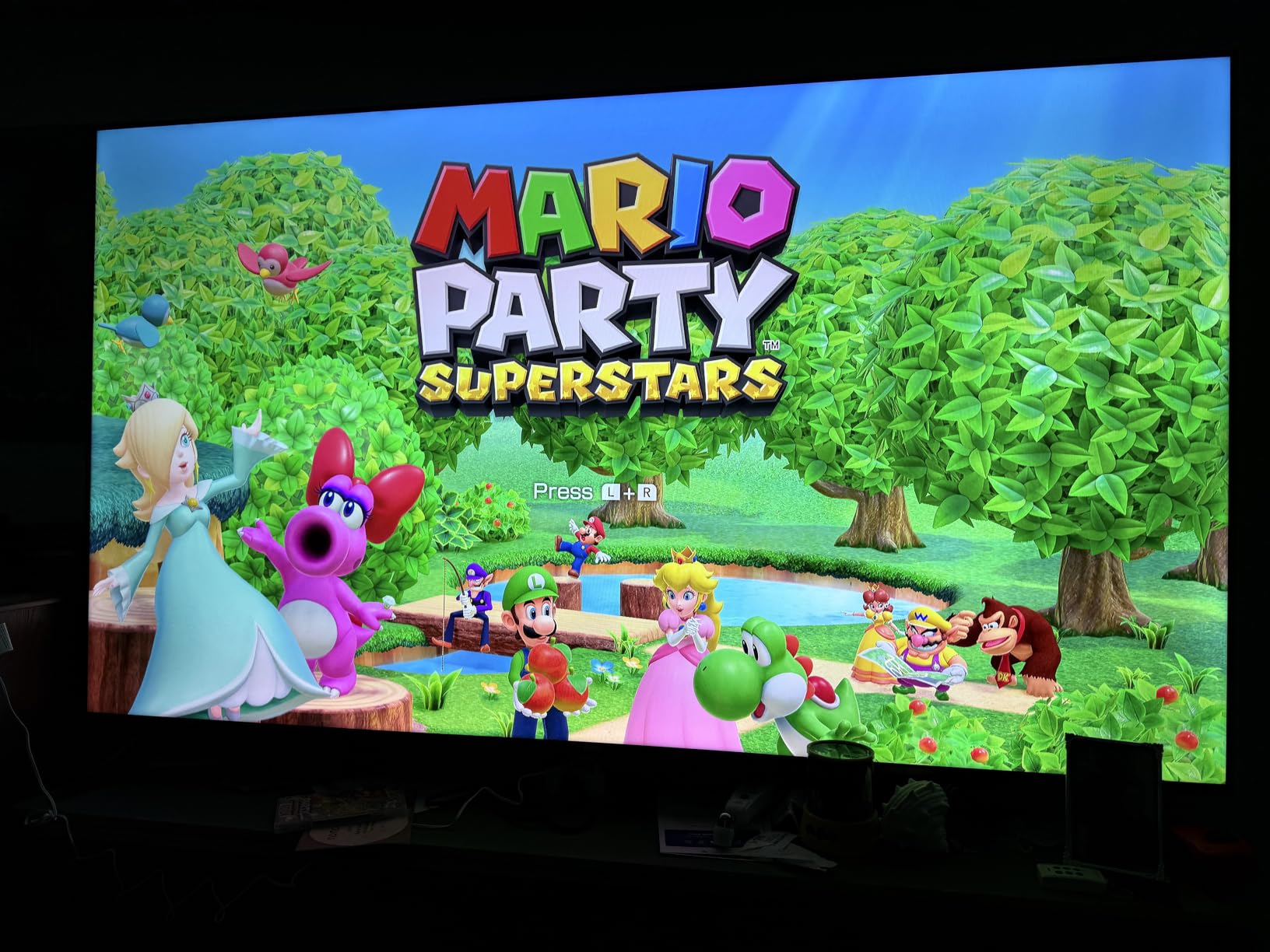
For picture purists, the Roku Plus 55-inch adds Mini-LED backlighting, full-array local dimming and Dolby Vision for not much more, and it is the same interface. For everyone else, the Select is the cleaner value and the lighter 20.5-pound chassis makes it far easier to hang on a wall.
Good to know: mounting is a 200 x 100 mm pattern and the panel is thin, so this is a straightforward single-person install. AirPlay 2 and Miracast are both supported for casting from a phone.
7. Insignia QF 55-inch: The Best 55-Inch QLED for the Money
Insignia QF 55-inch
Screen: 55-inch
Panel: QLED
HDR: Dolby Vision
Refresh: 60Hz
Platform: Fire OS
Pros
- 55-inch QLED with Dolby Vision and Atmos
- Direct LED backlight aids uniformity
- Bezel-less metal design looks premium
- eARC input makes soundbar hookup simple
- Quantum dot colour for wider gamut
Cons
- No local dimming on the QLED panel
- 60Hz panel limits motion and gaming
- Brightness is modest in very lit rooms
A 55-inch quantum dot panel with Dolby Vision and Dolby Atmos is not a normal combination at the bottom of the range, and owners notice it: 78% five stars at 4.4. Direct LED backlighting keeps brightness more even across the panel than edge-lit budget sets, and the bezel-less metal face looks far more expensive than the spend implies.
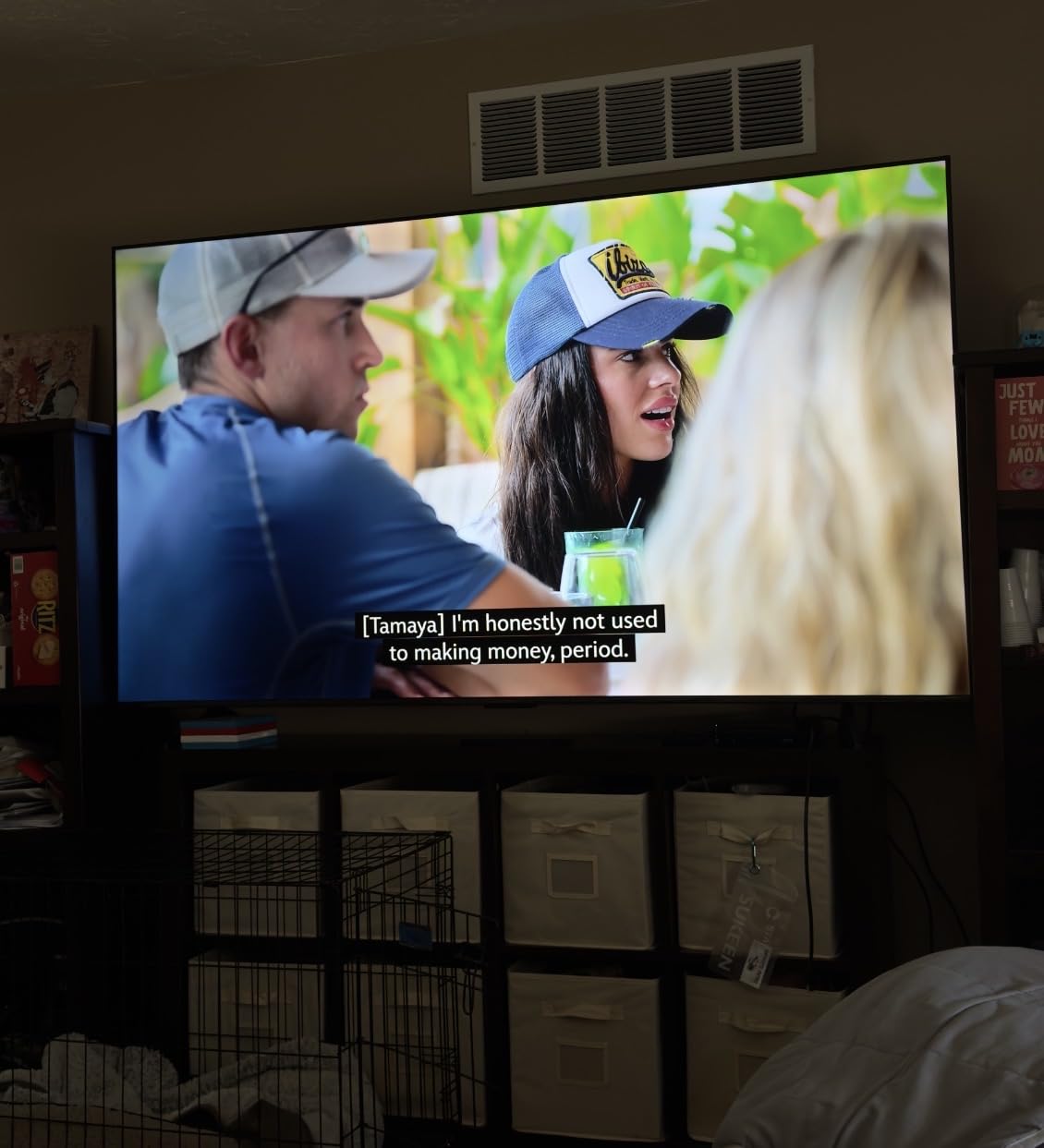
It runs Fire OS with the Alexa voice remote, so it sits in the same ecosystem as our top pick, and the eARC HDMI input means adding a soundbar later is a one-cable job. If you want 65 or 75 inches instead, the same series exists in those sizes, though pricing moves with the event.
The honest limit is that QLED here is about colour, not contrast. There is no local dimming, so dark rooms will not get the depth the Roku Plus 55-inch or Samsung M70H 65-inch can show, and brightness in a very bright room is only 300-nit class in practice. Both are the reservations owners repeat.
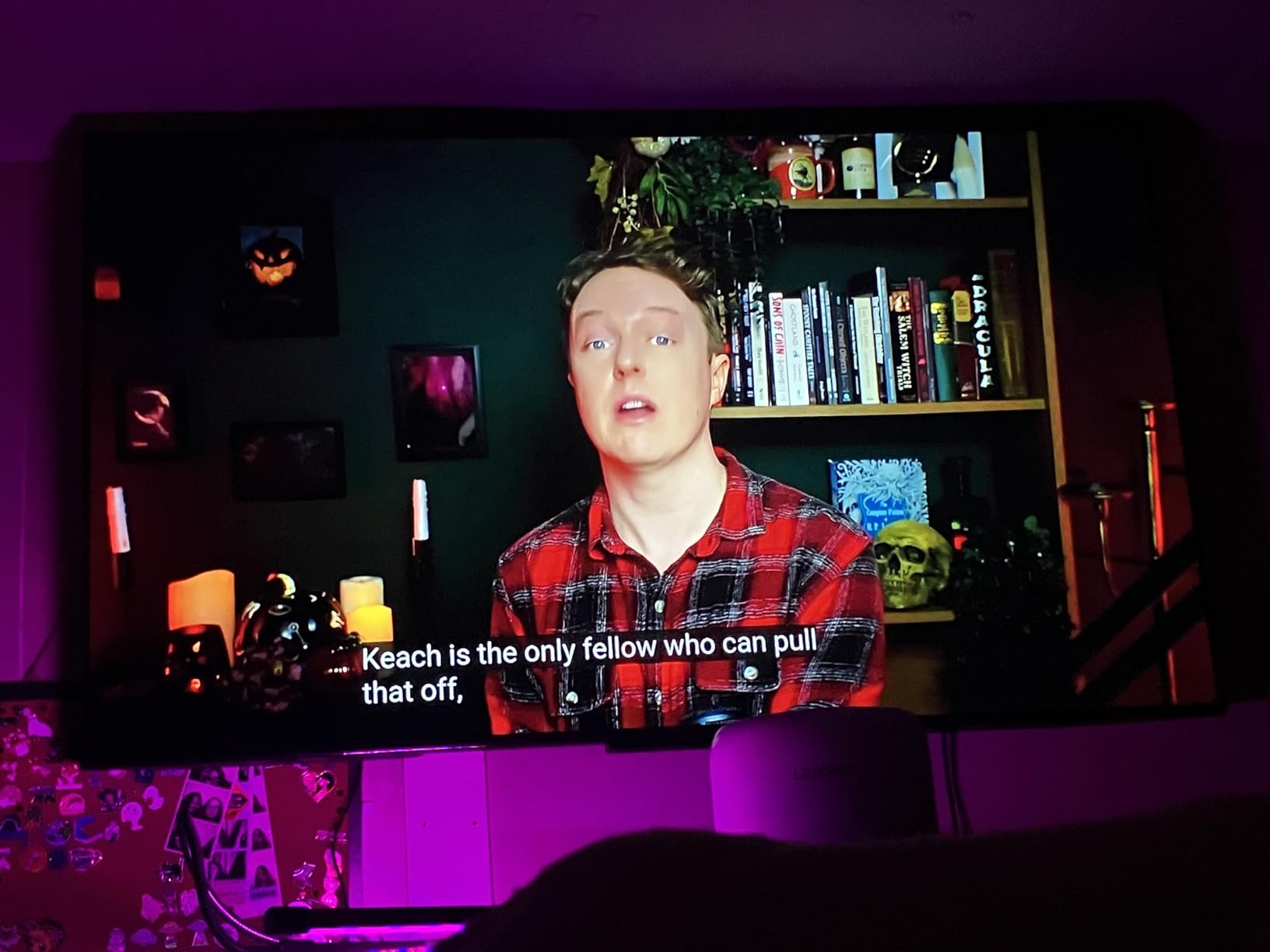
Against the Insignia F50 55-inch, the QF gives you quantum dot colour, Dolby Vision and a more premium chassis for modest money, while the F50 keeps a larger review count and simpler software. Pick the F50 for a family room used daily; pick the QF when colour accuracy on a big screen is the point.
The panel is deeper than it looks at 2.8 inches, and it mounts on a 400 x 400 mm pattern, so check the clearance behind your furniture before the wall job rather than after.
8. Samsung U8000H 55-inch: The Best Pick for Free Ad-Supported Channels
Samsung U8000H 55-inch
Screen: 55-inch
Panel: Crystal UHD
HDR: HDR10+
Refresh: 60Hz
Platform: Tizen
Pros
- More than 2700 free streaming options
- 750+ subscription-free channels
- Crystal Processor 4K cleans up soft sources
- Color Booster adds punch to flat scenes
- Tizen interface is well established
Cons
- 60Hz panel with no Mini-LED
- No Dolby Vision only HDR10+
- Motion Xcelerator is modest for sports
The argument for this set is content, not pixels. Tizen carries more than 2700 free streaming options including over 750 subscription-free channels, and if your household watches a lot of that rather than a subscription stack, the annual maths works out fast. The Crystal Processor 4K also handles upscaling cleanly for older sources.
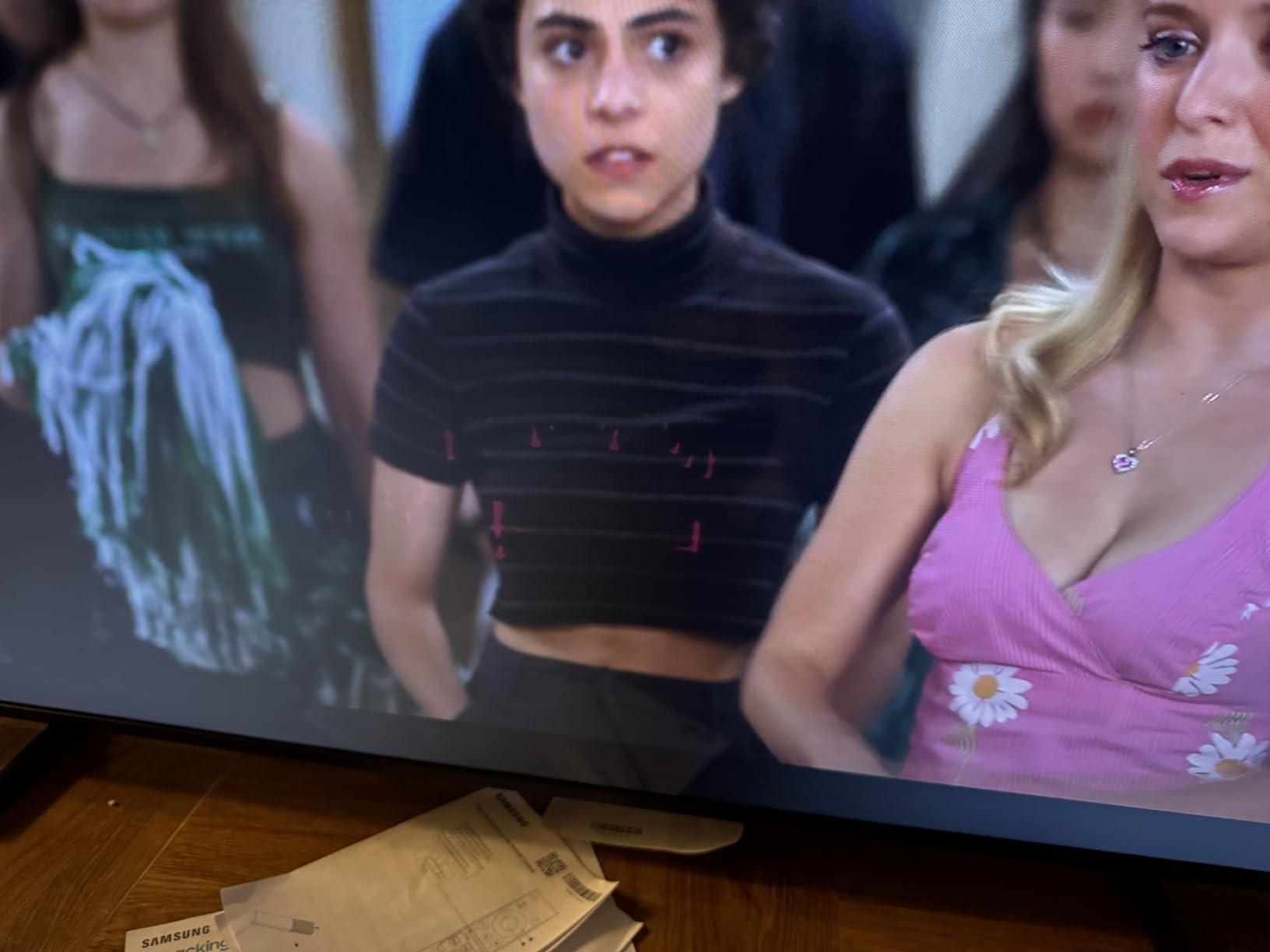
It is also a 2026 model, which means Samsung support and firmware are current. Colour Booster is the small feature owners like, adding intensity to scenes that otherwise look flat.
Where it falls short is picture hardware, and buyers notice. This is the entry Crystal UHD tier, so a 60Hz panel with no Mini-LED undercuts Samsung’s own QLED sets on contrast, there is no Dolby Vision, and the built-in audio is a 10-watt-class pair. Motion Xcelerator is modest for fast sport.
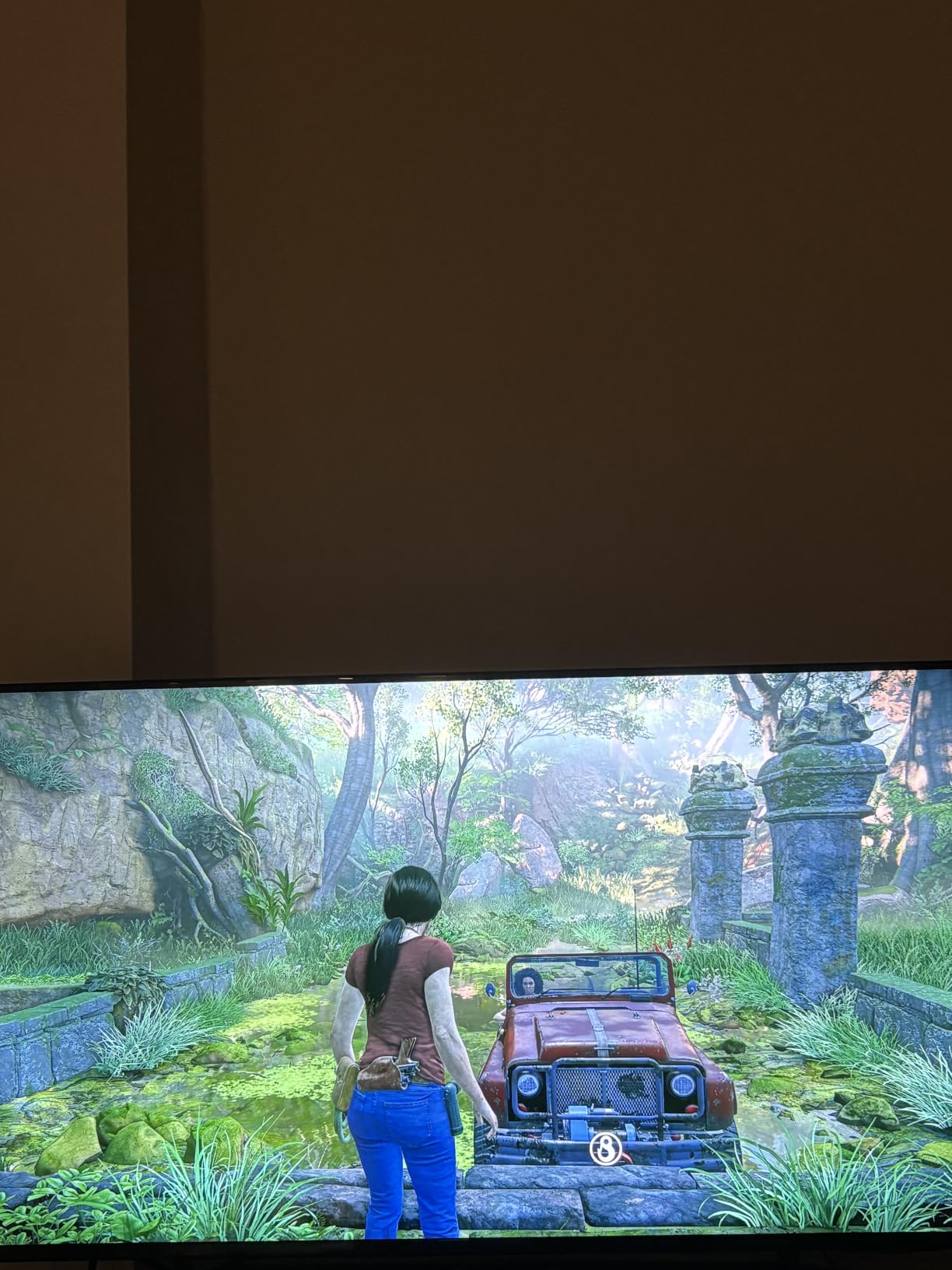
If picture is the priority, the Insignia QF 55-inch gives you Dolby Vision, Atmos and QLED colour for a similar outlay, and the Samsung M70H 65-inch adds Mini-LED dimming and 65 inches. Pick the U8000H for the free library, the current model year and the brand, not for the panel.
Good to know: it weighs 22.5 pounds, mounts on a 200 x 200 mm pattern and carries Bluetooth 5.3, which is more current than most sets in this roundup.
9. Samsung M70H 65-inch: The Best Pick for the Largest Screen
Samsung M70H 65-inch
Screen: 65-inch
Panel: Mini-LED
HDR: HDR10+
Refresh: 60Hz
Platform: Tizen
Pros
- Mini-LED dimming gives standout contrast
- 65-inch Mini-LED size is rare at this tier
- Gaming Hub pulls console and cloud games together
- Soccer Mode preset suits fast sports
- Same large free-channel library as Samsung sets
Cons
- Physical panel is 60Hz despite 120Hz processing
- Only two-channel built-in audio
- No Dolby Vision listed
- Heavy 31.7-pound chassis
Sixty-five inches with Mini-LED local dimming is the rarest combination in this whole tier, and it is the reason to look past the smaller sets if your room can take it. Supreme Mini LED Dimming handles highlight and shadow separately, so bright windows no longer wash out the picture and dark scenes hold their shape. Owners call the contrast the standout feature, and 70% of reviews are five stars.
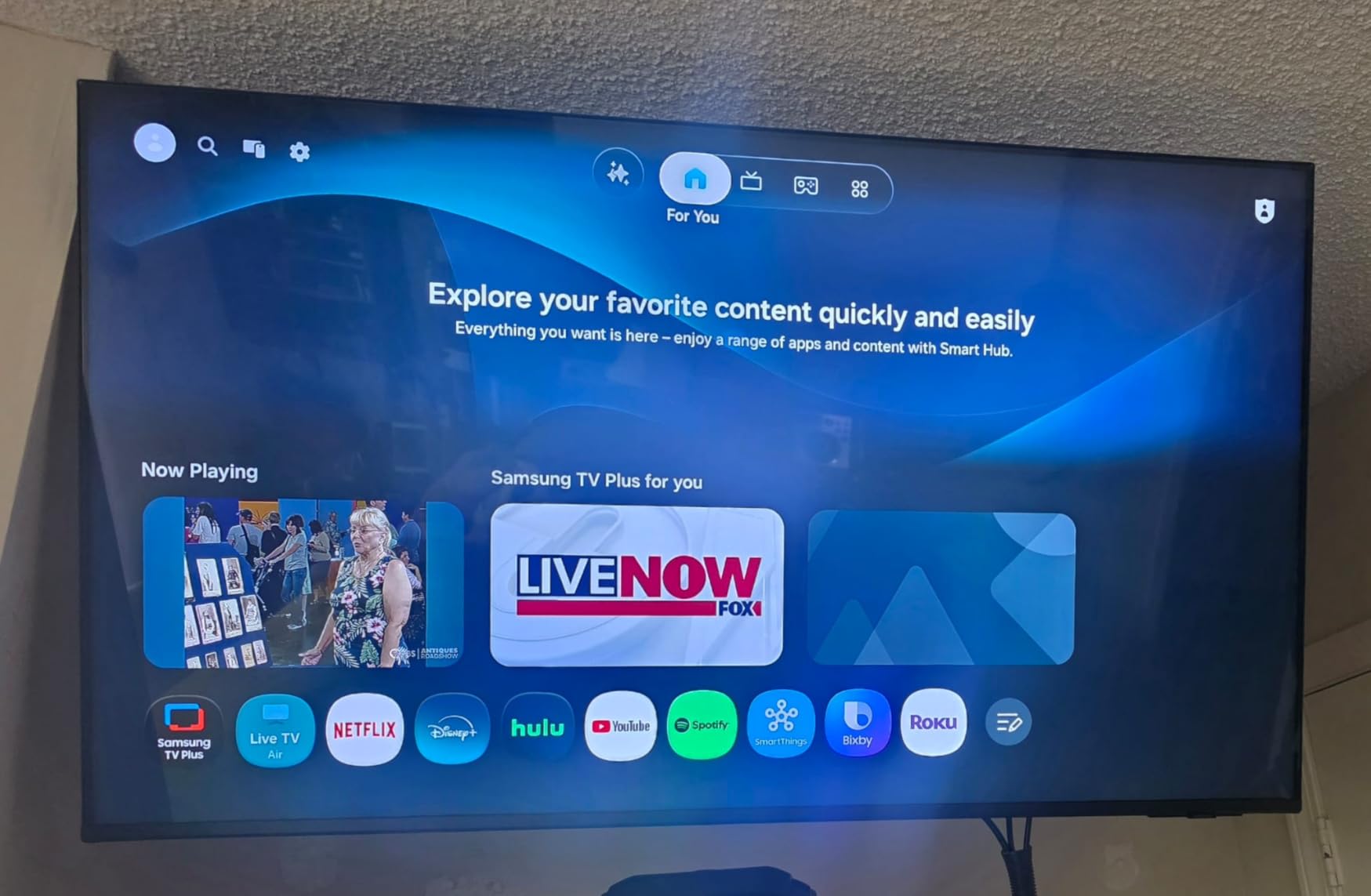
The Mini LED Processor 4K and Pure Color Spectrum add wide colour handling, and Motion Xcelerator Turbo+ with 120Hz-class motion analysis helps sports even though the panel itself runs at 60Hz. The Gaming Hub gathers console, cloud and app games in one place, and Soccer Mode is a genuinely useful preset.
That 60Hz output is the catch. Motion processing smooths footage, it does not add frames, so competitive console gaming stays limited. Audio is two channels with no subwoofer, and Dolby Vision is not listed, only HDR10+. If either matters, the Roku Plus 55-inch provides both Atmos and Dolby Vision at a smaller size.
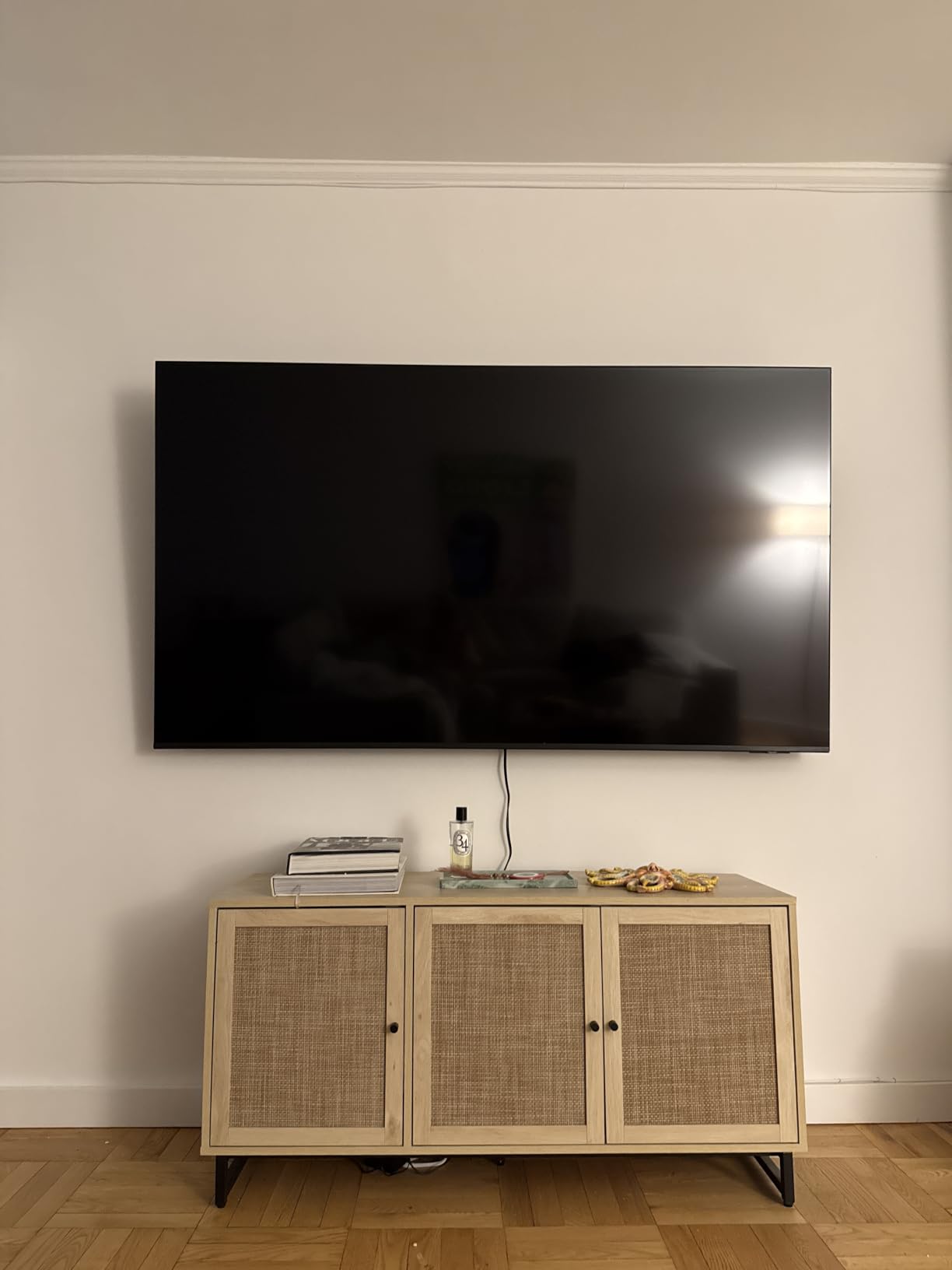
Check your wall before committing. At 31.7 pounds and 8.7 inches deep, this is the heaviest and deepest set in the roundup, and a two-person lift is sensible. The 200 x 200 mm pattern is simple, but a fireplace surround or a narrow media unit is where people get caught out.
The largest screen with real local dimming in this roundup, which is the plain value case. If the room is small, step down to the Roku Select 55-inch instead.
10. Roku Plus 55-inch: The Best Pick for Movie Nights and HDR
Roku Plus 55-inch
Screen: 55-inch
Panel: QLED Mini-LED
HDR: Dolby Vision
Refresh: 60Hz
Platform: Roku OS
Pros
- Mini-LED dimming and Dolby Vision handle HDR best here
- 4.1-channel Atmos with a built-in subwoofer
- Four HDMI ports plus optical and USB-C
- Roku Smart Picture Max optimises signals
- 6.5 ms response time
Cons
- 60Hz panel limits gaming and motion
- 300 x 300 mounting with a rear-firing subwoofer
- DTS-HD MA from personal libraries may not play
- Antenna audio can sound thin
This is the highest-rated set in the group at 4.5, with 79% five-star ratings, and the specs explain why owners keep mentioning it. Mini-LED backlighting with a QLED panel and full-array local dimming, plus Dolby Vision, means bright highlights stay bright while dark scenes keep visible detail instead of crushing to black. Roku Smart Picture Max handles the processing on the way in.

The audio is the other reason it stands out. A 4.1-channel Dolby Atmos system at 50 watts with a built-in subwoofer is unusual on a flat panel, and reviewers single out the subwoofer as the feature that most changed their experience at home. If sound matters and a separate soundbar is out of reach, this solves it inside the screen.
Connections are the most complete in the roundup: four HDMI ports including eARC, plus optical, Ethernet and USB-C, and a listed 6.5 ms response time that no other set here publishes. The Roku interface stays fast, with subscription management through a single account login and a lost-remote finder on the remote itself.
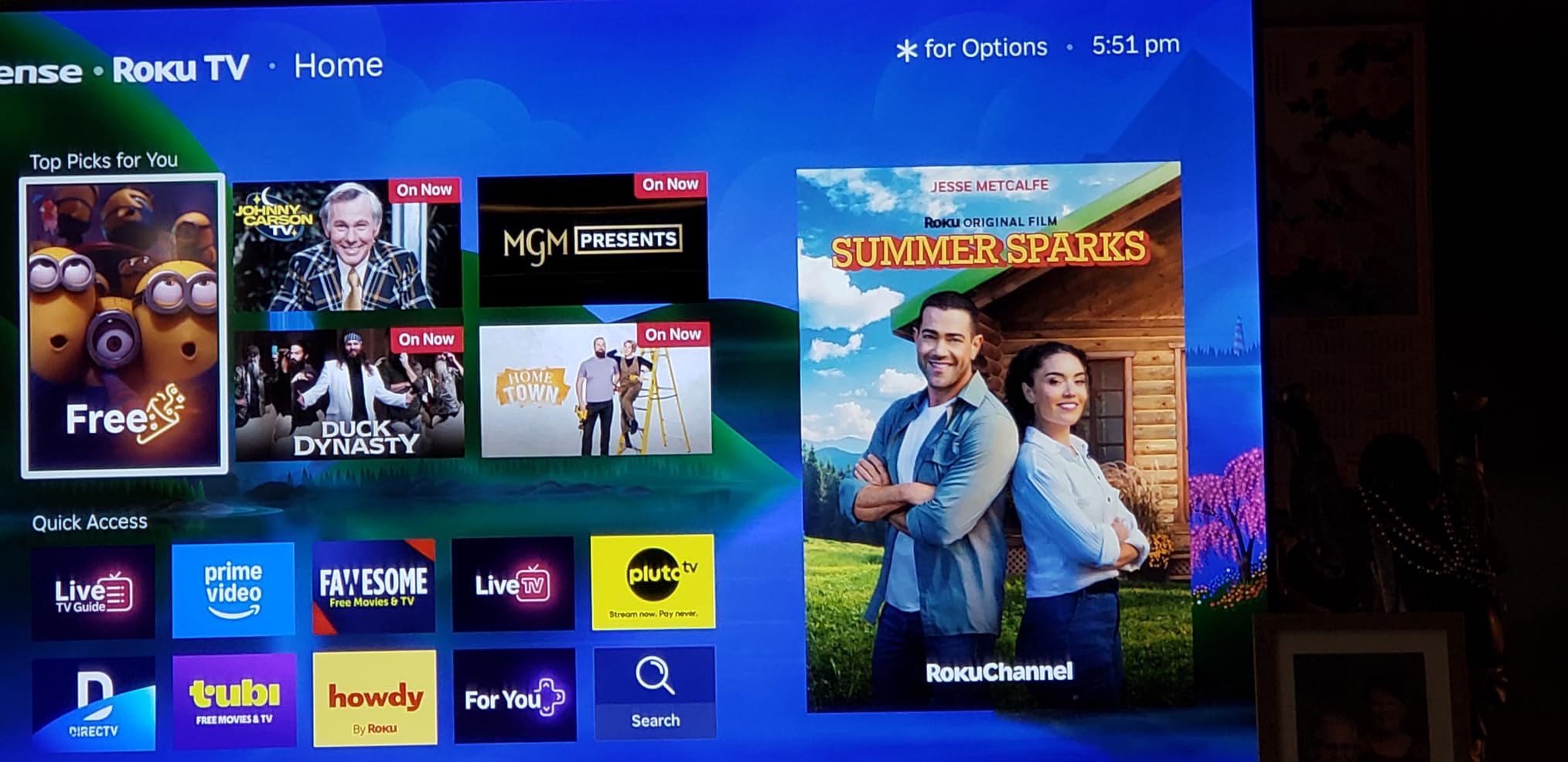
There are real limits. The 60Hz panel is the same compromise every set here makes, so fast games and sport are not the use case. The 300 x 300 mm mount with a rear-firing subwoofer makes wall mounting more awkward than a flat-backed set, and a few owners report DTS-HD MA tracks from personal media libraries not playing natively.
Compared with the Roku Select 55-inch, you are stepping up the same platform for local dimming, Dolby Vision and proper bass. Compared with the Samsung M70H 65-inch, you get sound and HDR format support instead of two extra inches of screen. For film nights, this is the pick we would make.
How to Choose TVs During Prime Big Deal Days
Every set on this list runs a 60Hz panel, which tells you something about the tier before any spec sheet does. The decisions that actually separate them are screen size, backlight approach, HDR format and smart platform.
Screen Size and Room Fit
Pick the largest screen your room allows, then step back one size if the sofa is close. A 55-inch set sits about 9 feet away comfortably in a bedroom, and 65 inches starts to feel right from 10 feet or more. People regularly buy a 65-inch for a small room and regret the wall-huggle; if your set lives in a bedroom or a first apartment, 43 inches is the sensible ceiling. For sound to match the picture at these sizes, our picks on bookshelf speakers under $500 are worth a look before you spend on a larger screen.
4K Resolution and HDR Performance
At 4K, resolution is the least interesting number because every set here shares it. The difference is what happens to contrast and colour in dark scenes, which is a backlight question rather than a resolution question. Only the Vizio, Toshiba, Hisense, Insignia QF and Roku Plus list Dolby Vision, while the rest carry HDR10 or HDR10+ only. Check the format list, not the HDR badge.
QLED, Mini-LED and LED Panels
Plain LED is the baseline and does the job in a dim room. QLED adds a quantum dot layer, which widens the colour volume noticeably and costs very little at this tier, so it is worth having. Mini-LED backlighting is a different idea: many small LEDs behind the panel give local dimming, so black levels improve. That is the step you feel in a dark room, and no set on this list is an OLED, so if you are weighing that panel type against these, the answer at this budget is that OLED does not reach this tier.
Gaming Features and Input Performance
Console and PC gaming has a ceiling in this tier: all ten sets are 60Hz, so no amount of motion processing adds frames. Look instead at input response, ALLM for automatic low-latency switching, VRR, and how many HDMI ports you get. The Roku Plus 55-inch lists 6.5 ms response alongside four HDMI ports, and the Toshiba C350 43-inch adds ALLM and VRR at the lowest spend. If your system is the centre of the room, the receiver matters too, and our guide to budget AV receivers under $500 covers the switcher and eARC side properly.
Smart-TV Platform and App Support
Three platforms cover this list. Fire OS runs on the Insignia, Toshiba, Hisense and Ember sets, and owners frequently report slow menus and app loading on the older models. Roku OS is rated as fast and uncluttered, with interchangeable remotes. Tizen on the Samsung sets is mature and carries the largest library of free ad-supported channels. Pick the platform you already have subscriptions in, because switching costs you time and money.
How to Shop TV Deals During the Sale
Check the model number in the listing against what you expect, since the same series name covers different panel variants. Confirm the screen size, because 43, 50, 55, 65 and 75-inch versions of one series are different products with different prices. Read what is in the box, and check whether the listing is new or renewed and who the seller is, because a third-party Marketplace seller changes your return options. Most offers during the event need a Prime membership, and a free trial counts, while prices change through the two days.
- Match the panel to the room: Mini-LED for dark viewing and QLED for colour, with plain LED as the budget baseline.
- Check the HDR format list for Dolby Vision, not just an HDR badge.
- Count HDMI ports before you plan the console, the soundbar and any streaming stick.
- Confirm the exact size and model number, since series names cover several panels.
- Have your measurements ready, including the mount pattern and depth of the cabinet.
Frequently Asked Questions
When does Amazon Prime Big Deal Days run in 2026?
Amazon Prime Big Deal Days runs October 6-7, 2026. TV offers open shortly before those two days and most of them need a Prime membership, with a free trial counting. Because offer pricing changes by the hour, check the listing early in each day rather than assuming yesterday’s price carries over.
Is a Prime membership required to buy these TV deals?
Most offers during the event are tied to Prime, and a free trial counts for the length of the trial. Some prices in the wider television category are open to everyone, so read the checkout line before you assume a deal is off limits. If you do not have Prime and do not want to sign up, check the same model at Best Buy or Walmart first.
Are Amazon Prime Big Deal Days TV deals under $500 worth buying?
Yes, and the sub-500 tier is where the sale is most useful. Sets in this range are led by Insignia, Hisense, Roku, Toshiba, Samsung and Amazon’s own Ember brand rather than the flagship models headline deals usually promote. The trade-off is honest: every set at this level runs a 60Hz panel, and you give up OLED contrast, high-refresh gaming and usually local dimming.
Is a 55-inch TV under $500 big enough for a bedroom?
A 55-inch set is comfortable at roughly 9 feet of viewing distance, which covers most bedrooms, dorms and first apartments. If your bed sits close to the wall, a 43-inch model such as the Toshiba C350 or Vizio V435 is the better call. If a television is not what you want at all in a dark room, our guide to u003ca href=u0022https://www.geekfill.com/best-projectors-under-500/u0022u003eprojectors under $500u003c/au003e is worth reading first.
Should I choose an OLED or QLED TV at this budget?
Choose QLED, because OLED sets do not appear in this price range. QLED adds a quantum dot layer that widens colour at very little extra cost, and the QF Series Insignia, the Roku Select and the Roku Plus all use it. If you specifically want OLED, you are moving into a different price bracket entirely and the trade-offs change with it.
How do I tell whether a TV deal is actually a good price?
Do not trust the struck-through was-price on its own, because it is sometimes just list price. Check the model’s price history over the past year, confirm the size and panel variant in the listing, and read who the seller is and who fulfils the order. If the listing is a third-party Marketplace seller rather than Amazon, your return options differ even at a good price.
Final Verdict: Best Amazon Prime Big Deal Days TV Deals Under $500
The Insignia F50 55-inch is the pick most worth watching during the sale, with more than 12000 owner ratings behind it and a feature set that suits a family room used every day. The Toshiba C350 43-inch is the budget-friendly alternative: Dolby Vision and Dolby Atmos on a 43-inch panel at the lowest spend in this group.
For a sunlit living room, take the Hisense E6QF 43-inch and let the AI Light Sensor handle the brightness. For a dark room and long films, the Roku Plus 55-inch has the Mini-LED dimming, Dolby Vision and built-in subwoofer that nothing else here combines. For the biggest screen that will fit, the Samsung M70H 65-inch is the one to measure carefully before you order. For QLED colour at 55 inches, the Insignia QF 55-inch, and for the newest Fire TV software with the most HDMI ports, the Amazon Ember 4-Series 55-inch. For the simplest interface of all, the Roku Select 55-inch, and for the most free channels on a current model, the Samsung U8000H 55-inch.
Check the listing for the exact size, panel and seller on the morning of each day, and use the button on that pick to see the current price.