

Fire 7 is the Fire tablet worth watching first during Amazon’s Prime Big Deal Days, mostly because it has the largest owner base of anything on this list and a microSD slot that takes the sting out of its small storage. The Fire HD 10 is the one to buy if you want a bigger screen and a modern chip set, and the Fire 7 Kids is the pick for a child aged three to seven.
Prime Big Deal Days runs October 6-7, 2026, and most offers on the Fire line need a Prime membership. A free trial counts. Prices and offers move around during the event, so the buttons below are the only place to check what a specific model costs right now.
Our Top 3 Picks for Best Amazon Prime Big Deal Days Fire Tablet Deals (October 2026)

Fire HD 10
- 10.1 inch 1080p display
- Octa-core chip with 3 or 4 GB RAM
- 32 or 64 GB plus microSD to 1 TB

Fire 7 Kids
- 7 inch display
- 10-hour battery
- Kid-Proof case and a year of Kids+ included
The Fire 7 leads because it is the one that keeps working, keeps getting bought and does the least to embarrass you. It is not the fastest tablet here and it is not the newest, but 248,299 ratings at 4.4 stars is a track record no other model in the Fire range can touch.
The Fire HD 10 is the practical answer for most households. The Fire 7 Kids is worth a look when the tablet is going to a three-year-old and nothing else will do.
Best Amazon Prime Big Deal Days Fire Tablet Deals Compared
Every Fire tablet below is listed in the order it makes sense to shop, cheapest screen first and largest last. Fields are identical across the table so you can scan one column at a time.
| Product | Specifications | Action |
|---|---|---|
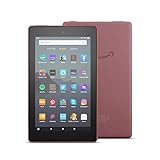 Fire 7 Fire 7 |
|
Check Deal Price |
| Fire HD 10 |
|
Check Deal Price |
| Fire 7 Kids |
|
Check Deal Price |
 Fire Max 11 Fire Max 11 |
|
Check Deal Price |
 Fire HD 8 Fire HD 8 |
|
Check Deal Price |
 Fire HD 10 Kids Fire HD 10 Kids |
|
Check Deal Price |
 Fire HD 8 Plus Fire HD 8 Plus |
|
Check Deal Price |
 Fire HD 8 Kids Pro Fire HD 8 Kids Pro |
|
Check Deal Price |
 Fire HD 8 Kids Fire HD 8 Kids |
|
Check Deal Price |
How We Chose
We lined up the specification sheets for all nine models side by side, then read the owner reviews and ratings on Amazon to see which claims held up. Display size and resolution, memory, storage and expansion, battery claims, port type and bundled accessories were the deciding fields. We checked the data on October 2026, before the event window opens.
1. Fire 7: Editor’s Choice for a Straightforward First Fire
Fire 7
Display: 7 inch IPS
Processor: quad-core
Storage: 16 GB plus microSD
Battery: up to 7 hours
Pros
- Largest owner base of any Fire tablet
- Holds up to a paperback in size and weight
- Real battery life runs past the stated claim
- MicroSD expansion to 512 GB
- Hands-free Alexa works while asleep
Cons
- 1 GB RAM lags with several apps open
- About 9-10 GB of the 16 GB is usable
- Micro-USB charging instead of USB-C
The plainest Fire tablet, and the one most people should look at first.
What stands out is the review count. At 248,299 ratings the Fire 7 has been bought by more people than every other tablet in this guide combined, and owners keep reporting units that still work after five years. Long-term reliability is worth something when the hardware is a decade old.
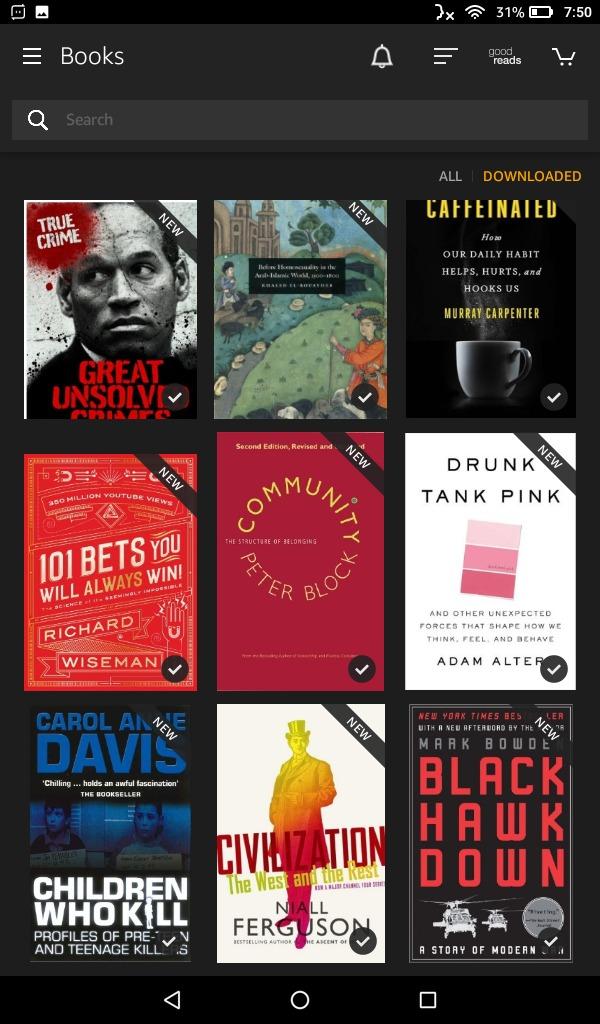
For a reader who wants Kindle books, a streaming stick’s worth of Prime Video and a screen that fits in a coat pocket, the trade list is short. The 7 inch IPS panel runs at 1024 x 600, which is fine for text and adequate for video. The quad-core chip manages Amazon’s Appstore well and everything else adequately.
- 1 GB of RAM, the least in this list, and it shows once you stack tabs
- 16 GB internal, of which roughly 9 to 10 GB is usable before you add anything
- microSDXC expansion up to 512 GB, which rescues the small internal storage
- Up to 7 hours of mixed use, with owners reporting 6 to 8 hours in practice
- 2 MP front and rear cameras, enough for a video call and little more
The Fire HD 8 gives you an extra inch of screen and 64 GB of storage where this one has 16 GB, and it runs twice the memory. What the Fire 7 does not give up is the price gap, and during a two-day sale that gap is usually the whole argument.
Skip it if you plan to install lots of apps or keep fifty video downloads on the device. Owners report the Silk browser grinding past around ten tabs, and the 1 GB of memory is the reason.
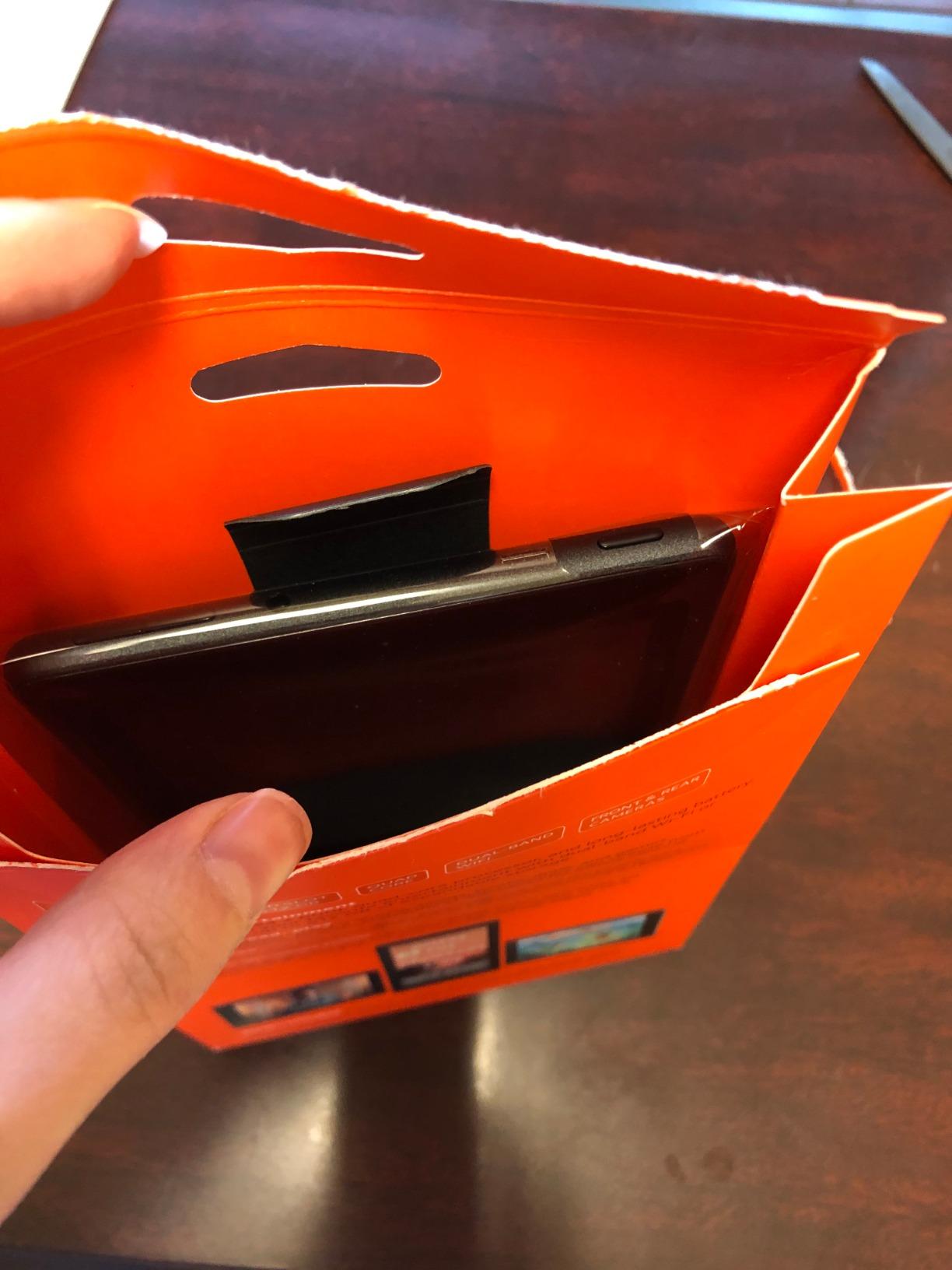
Good to know: the mono speaker is quiet, and the port on the bottom is micro-USB, so the cable you already own for an older phone probably works. A case is close to essential on this one. Owners on this model mention cracked screens more often than on any of the newer tablets.
2. Fire HD 10: Best Value and the Default Choice for Most Homes
Fire HD 10
Display: 10.1 inch 1080p
Processor: octa-core
Storage: 32 or 64 GB
Battery: 13 hours
Pros
- Sharp 1080p screen at a size everyone can see
- Battery easily covers a long day
- Octa-core chip handles split screen
- Older Bluetooth keyboard cases still fit
- Setup usually takes under five minutes
Cons
- No Google Play Store
- Lock-screen ads unless you pay the special-offers fee
- Real battery life can fall short of 13 hours
Best for: a household that wants one tablet to do everything a Fire tablet can do.
The 13th generation Fire HD 10 is the most balanced machine in the range, and the only one here with a 1080p screen under 11 inches on a modern chip set. Amazon says the octa-core chip set is 25 percent faster than the previous generation, and owners backing that up describe a tablet that boots quickly and handles split screen without stuttering. That is a bigger jump than anything else here offers at this level.
The 10.1 inch 1080p panel is the reason so many people land on this model. It is bright enough for a kitchen or a sofa, sharp enough for a comic page, and large enough that two people can watch something without fighting over it.
- 3 GB or 4 GB RAM depending on the storage variant you pick
- 32 GB or 64 GB internal, with microSD expansion up to 1 TB
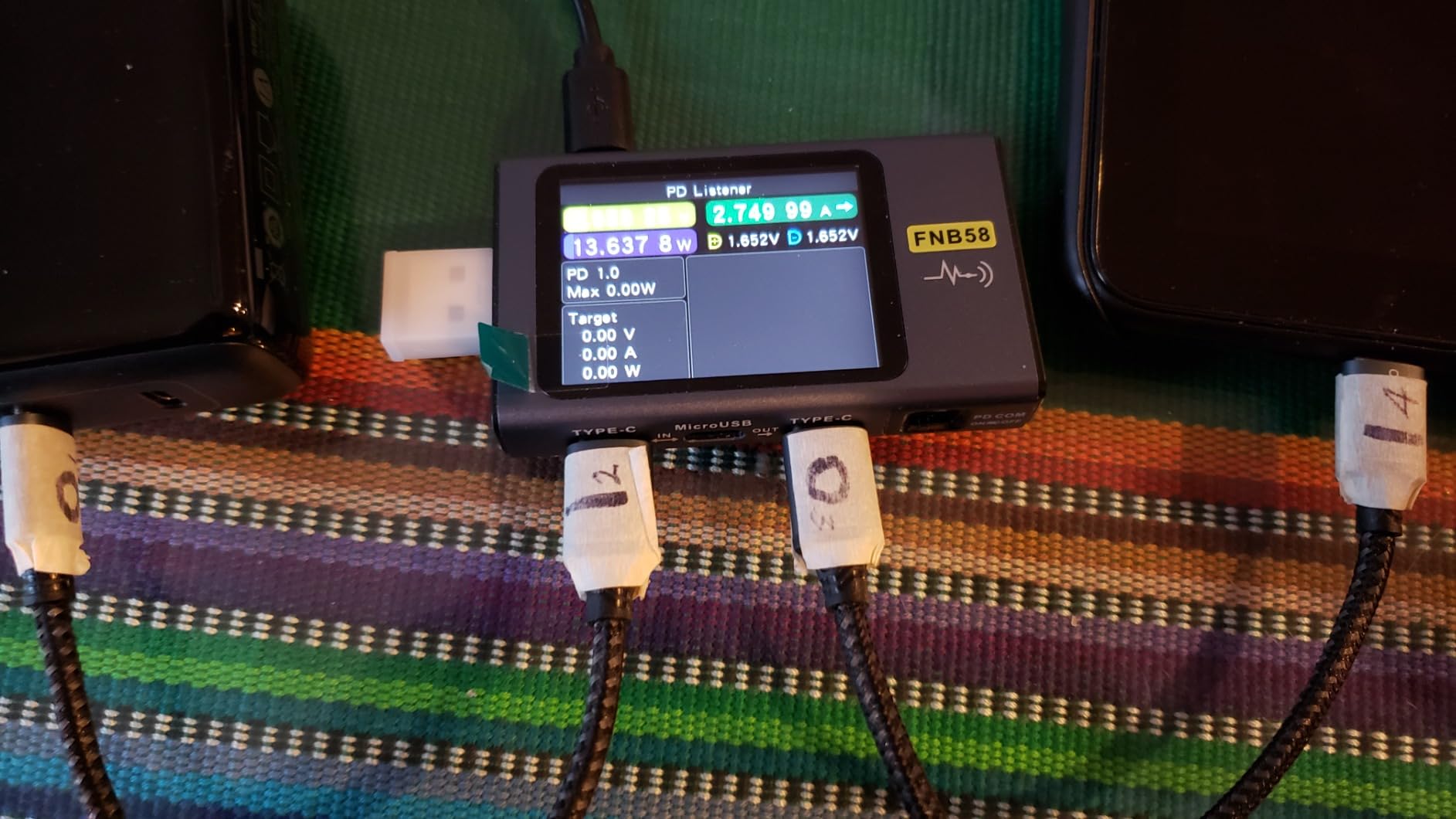
- 13-hour battery claim, with several owners reporting days between charges
- 5 MP front-facing camera, good enough for Zoom calls and video
- Works with the Made for Amazon Stylus Pen at 4,096 pressure levels
- Aluminosilicate strengthened glass, rated 2.7 times as durable as a Galaxy Tab A8 in tumble tests
The Fire Max 11 is the bigger step up, and you give up an inch of screen, Wi-Fi 6, the aluminum body and the fingerprint sensor to get it. The Fire HD 8, meanwhile, is the cheaper of the pair and gives you a noticeably better screen for streaming plus a newer chip set.
Owners who are frustrated tend to be frustrated about software, not hardware. Fire OS has no Google Play Store, some music apps are missing from the Appstore, and the lockscreen ads stay unless you pay to remove them. Several reviewers also say the recharge time is long and real battery life lands under the 13-hour figure for heavy daily use.
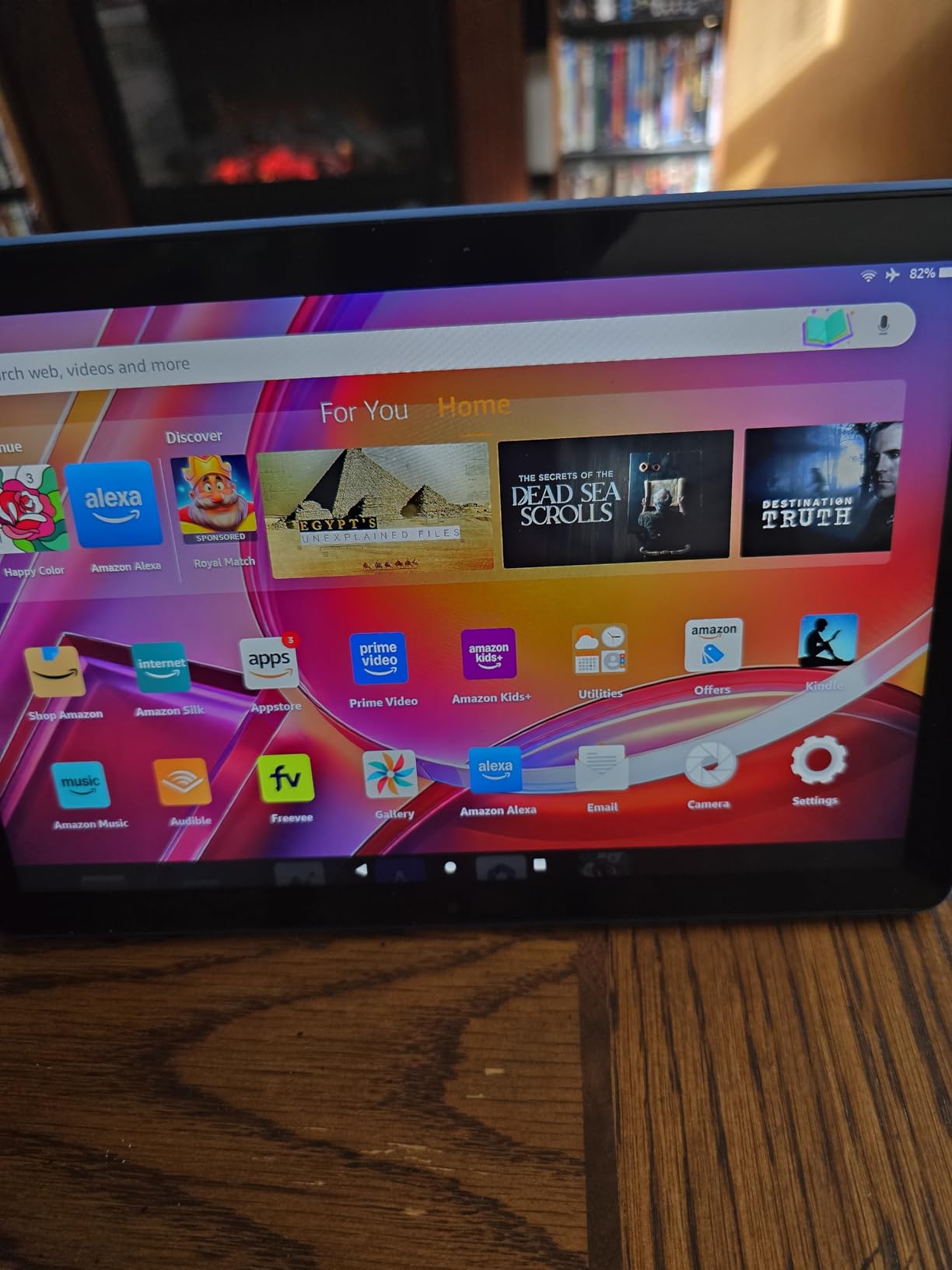
Good to know: Bluetooth keyboard cases made for earlier Fire HD 10 generations still fit, loose but functional. That matters if a family already owns one.
3. Fire 7 Kids: Best for Toddlers and Pre-Schoolers
Fire 7 Kids
Display: 7 inch IPS
Processor: quad-core
Storage: 16 or 32 GB
Battery: up to 10 hours
Pros
- Kid-Proof case handles repeated drops
- Right size for small hands
- Age filters and time limits in the Parent Dashboard
- 10-hour battery survives outings
- A full year of Amazon Kids+ included
Cons
- 16 GB model leaves about 3.5-4 GB usable
- microSD setup is not intuitive
- Some filters block educational apps
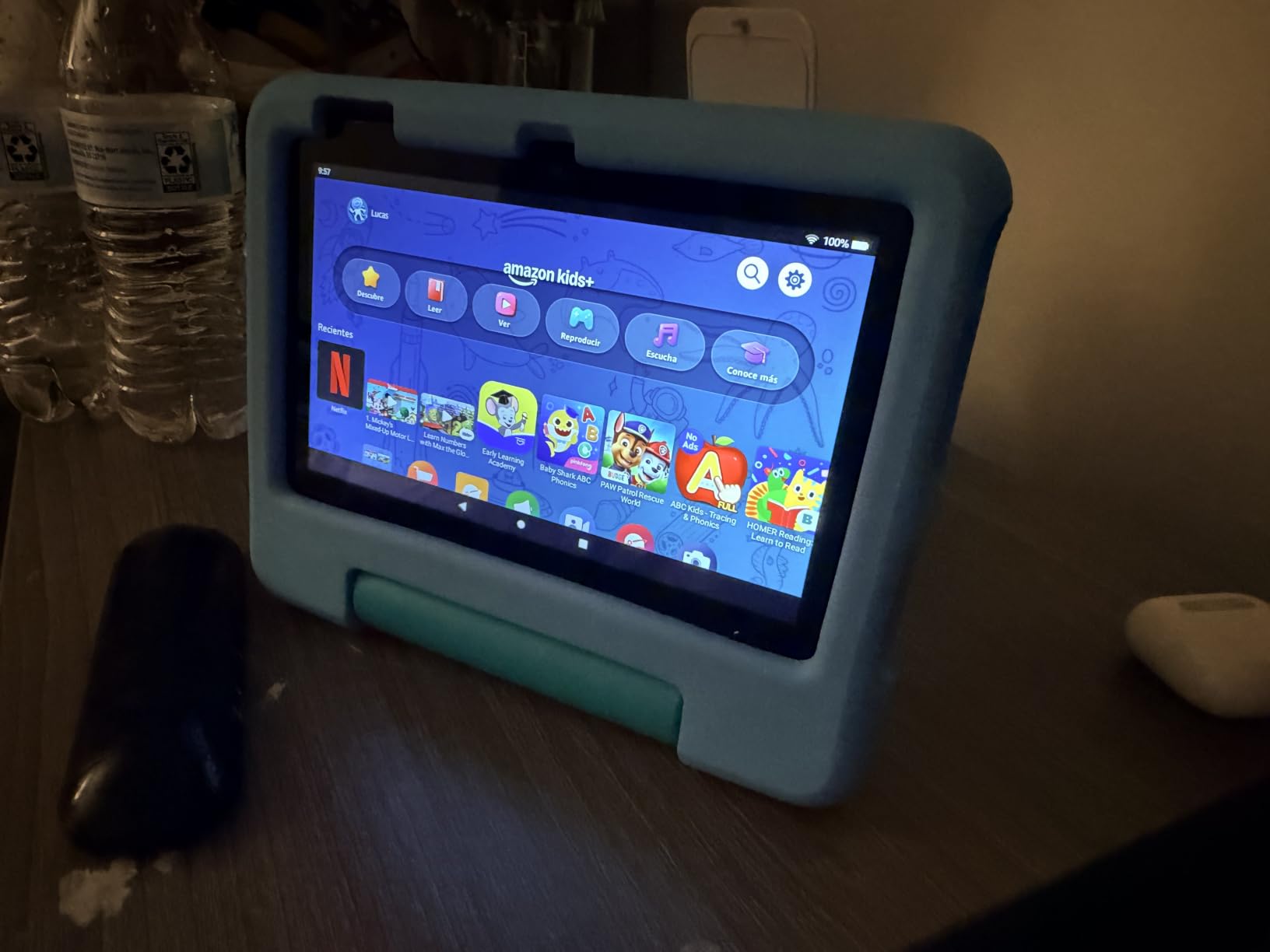
Owners report this is the tablet that survives a three-year-old. The included Kid-Proof case takes drops and bumps, and the 7 inch screen is genuinely sized for a child who has not yet learned to hold something bigger. Battery life is quoted at up to 10 hours, better than the adult Fire 7 on the same class of hardware.
The bundle is the argument. A full year of Amazon Kids+ is included, and the listing is explicit that the renewal starts at 7.99 a month plus tax after year one. Cancel from the Parent Dashboard or through customer service if the trial runs out and you are done.
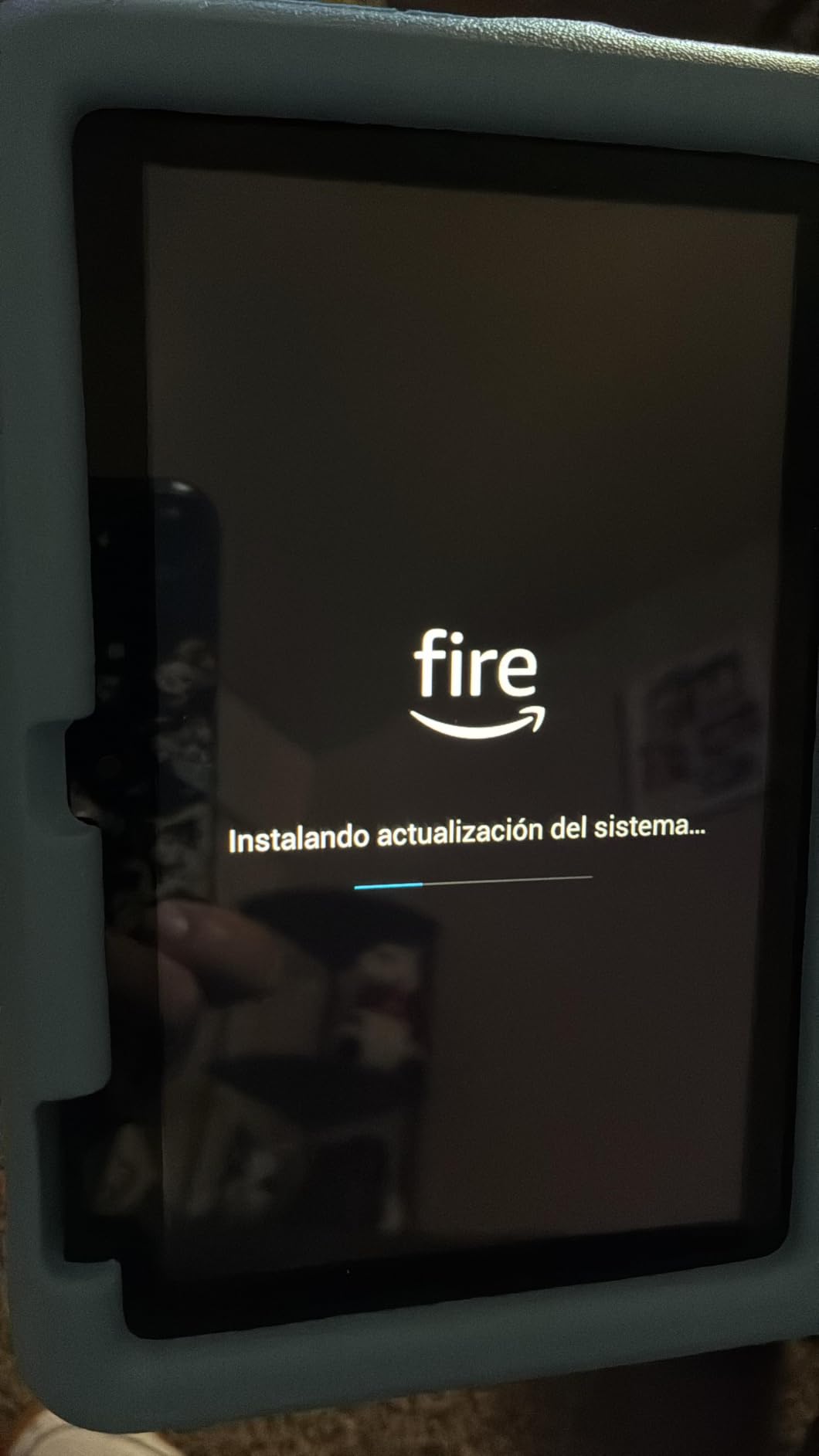
Ages 3 to 7 is the target, and the Parent Dashboard filters content by age, sets educational goals and time limits, and can approve Netflix and Disney+ access. Parents praise that. They also complain that the limits sometimes behave oddly, with educational apps such as ABCmouse getting caught in a filter that was meant for something else.
- Parent Dashboard manages everything from the parent’s phone
- Amazon replaces it free for two years if it breaks
- Disney, Nickelodeon and PBS Kids content sits inside the same library
- microSD expansion up to 1 TB when the internal storage fills
Storage is the weak point. Owners with the 16 GB version report only 3.5 to 4 GB usable once the operating system is in place, which is not much room for anything beyond the bundled content. The 32 GB version avoids the worst of it.
Skip this one if the child is over about ten. The Fire HD 8 Kids Pro is built for that age group and comes with a slimmer case. Compared with the Fire HD 8 Kids, the difference is screen size and how much RAM you get, and for a small child the smaller tablet is easier to use.
4. Fire Max 11: Premium Pick for the Biggest Screen in the Range
Fire Max 11
Display: 11 inch 2000x1200
Processor: octa-core
Storage: 64 or 128 GB
Battery: 14 hours
Pros
- Sharpest and largest screen in the Fire range
- 14-hour battery covers a full day
- Stylus and keyboard accessories are well made
- Aluminum body with fingerprint sensor
- Wi-Fi 6 and 8 MP camera
Cons
- No headphone jack and slow 15W charging
- Only 4 GB of RAM for the money
- Heavy for long handheld reading
Buy the Fire Max 11 if you want the largest screen in this guide and you intend to use it with a keyboard or a stylus. The 11 inch panel runs at 2000 x 1200, which is 2.4 million pixels, and it is certified for low blue light. Reviewers describe the picture quality as closer to a small television than to a tablet.
This is the only tablet in the guide with an aluminum unibody and a fingerprint reader built into the power button. Amazon rates the glass at three times as durable as the iPad 10.9-inch from the tenth generation in tumble tests, and the screen is the reason the tablet is not the heaviest thing here but close to it.
Performance is genuinely good for a Fire tablet. An octa-core chip, 4 GB of RAM and Wi-Fi 6 add up to real multitasking, and owners pair it with the Fire Max 11 Keyboard Case and describe it as a plausible light-laptop replacement for email, documents and note-taking.
- 4 GB RAM, which is the weak spec once you see the price
- Charging capped at roughly 15W with a 9W brick in the box, so a full charge takes hours
- No 3.5 mm headphone jack, so Bluetooth headphones or a USB-C adapter
- 64 GB or 128 GB, plus microSD up to 1 TB
- microSD read and write speeds can feel sluggish at the A2 level
Screen size, sharpness and build quality are all lower on the Fire HD 10, so the extra inch and the aluminum body are what you pay for here. You also take on the weight, and several owners mention that long handheld reading sessions get tiring. For a device that stays propped on a desk, that does not matter.
Good to know: a smaller group of owners report an update that stopped Alexa working from the lockscreen. If hands-free Alexa is a requirement for you, check the current owner reviews before you commit during the sale.
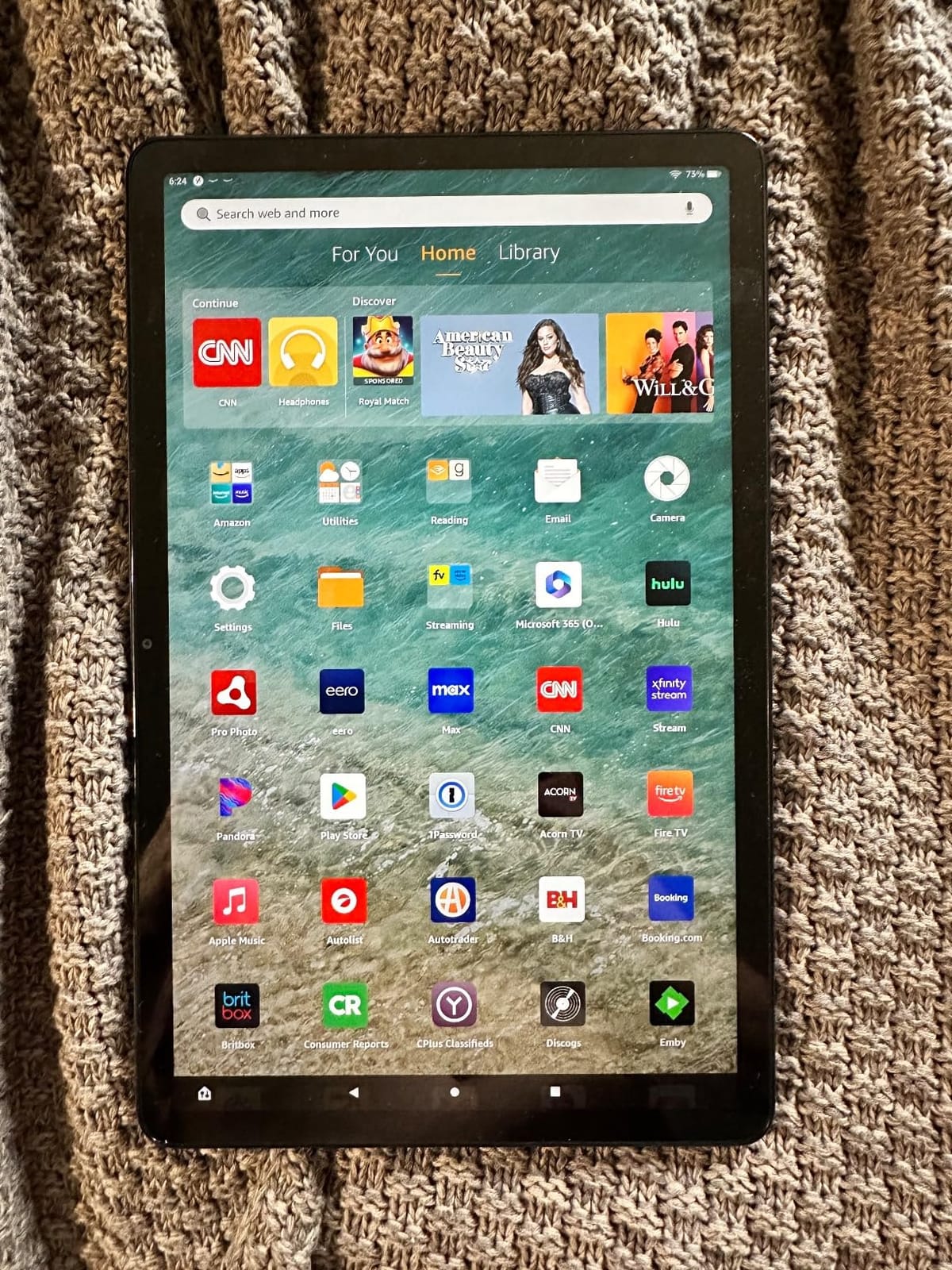
5. Fire HD 8: Best for Travel and Long Reading Sessions
Fire HD 8
Display: 8 inch HD
Processor: hexa-core
Storage: 64 GB plus microSD
Battery: up to 13 hours
Pros
- Easy to hold for long reading sessions
- 4 GB RAM is double the 2022 model
- 64 GB of storage is generous at this level
- 13-hour battery suits travel
- Three built-in smart tools
Cons
- No Google Play Store
- 8 inch HD is serviceable rather than sharp
- Basic speakers and cameras
Start here if picture sharpness is not your first concern. The 8 inch HD panel is fine for reading and streaming, and several owners say it is serviceable rather than crisp by current standards. For a commute or a flight, that trade is an easy one to accept.
What you get here is the largest memory jump in the budget part of the range. The 2024 Fire HD 8 carries a hexa-core chip set, up to 4 GB of RAM, which is twice the memory of the 2022 release, and 64 GB of internal storage. Owners consistently name the memory increase as the reason older tablets felt sluggish to them.
Battery life is quoted at up to 13 hours of reading, browsing, video, gaming and music. That figure is the same as the larger models, which is unusual for a smaller tablet, and it is why this one works well as a travel device.
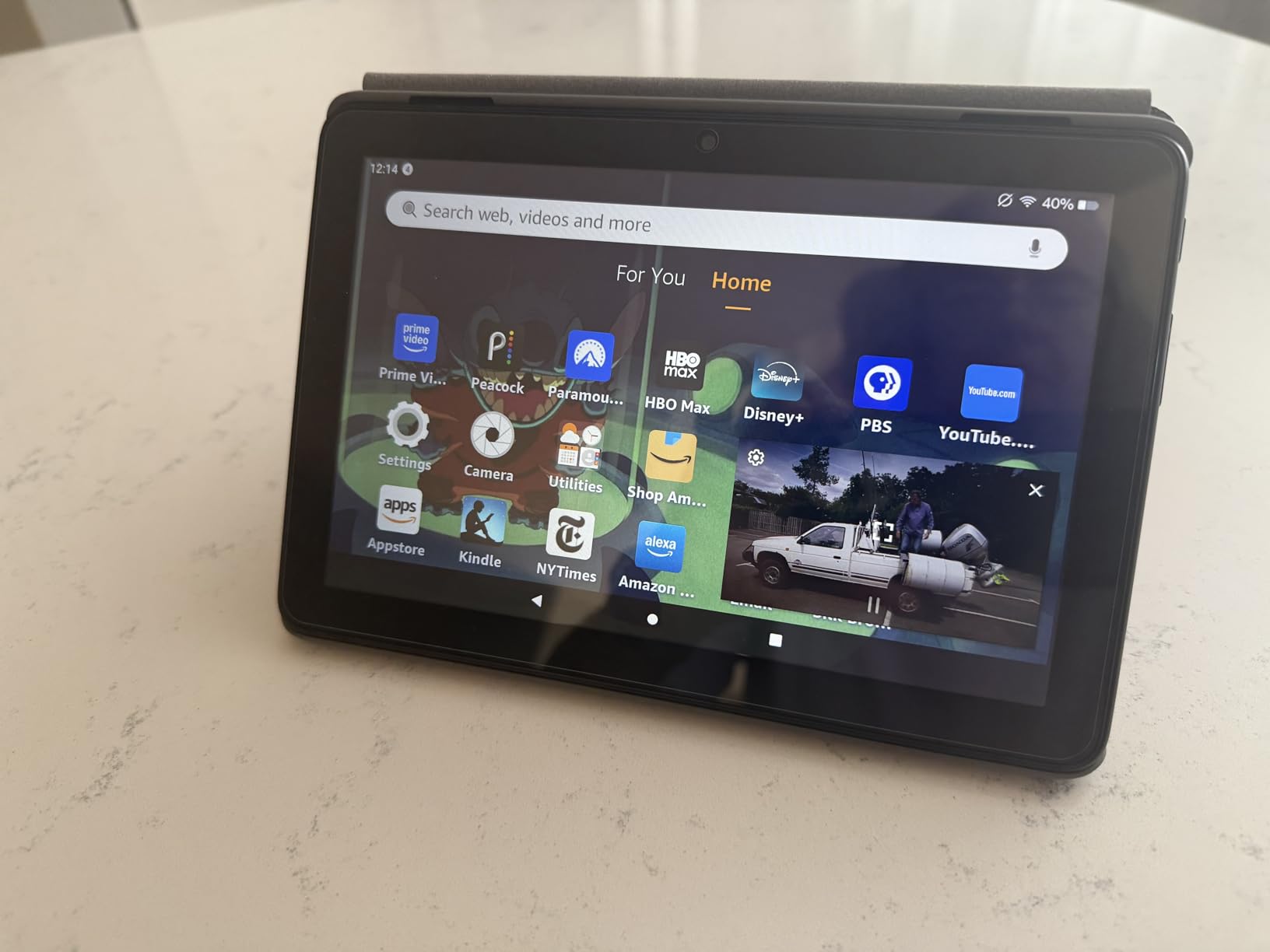
- 5 MP rear-facing camera, no front-facing camera listed
- microSD expansion up to 1 TB, sold separately
- Smart tools for drafting emails, summarising webpages and making wallpapers
- Alexa video calls, including through apps such as Zoom
- Available in Black
Only the cheaper Fire 7 competes on price, and it makes sense when the extra money matters less than the extra hour of screen and the extra memory. Of the two 8 inch options, the Fire HD 8 Plus is an older machine whose one advantage over this one is wireless charging.
Owners still raise the same two complaints: there is no Google Play Store, so the Appstore is your only source, and some apps ask for a separate subscription. Lock-screen ads appear unless you pay the special-offers fee.

6. Fire HD 10 Kids: Best for Big-Screen Shows on Family Trips
Fire HD 10 Kids
Display: 10.1 inch 1080p
Processor: octa-core
Storage: 32 GB plus microSD
Battery: 13 hours
Pros
- Survives serious drops and pressure
- Case has a built-in stand for travel
- Large bright 10.1 inch screen
- Parental controls managed from a phone
- 13-hour battery covers long journeys
Cons
- 32 GB fills up with downloads
- Kids interface is visually busy
- Screen protector bubbles after impacts
Best for: a child who watches a lot of video and travels in the car more than once a month. The 10.1 inch 1080p display is the same panel as the adult Fire HD 10, which makes this a straightforward way to put a large screen in front of a small person.
Durability is the headline in owner reviews, and the stories are not subtle. Multiple parents describe tablets that fell from a car roof and were run over by a car, and kept working. The kid-proof case has a built-in stand, which is exactly what you want in a hotel room or at the back of a car seat.
The performance is a step up on the previous generation at 25 percent faster, with 3 GB of RAM and 32 GB of storage plus microSD expansion to 1 TB. Parental controls are managed entirely from the parent’s phone, including pausing the device and approving store requests such as Netflix and Disney+.
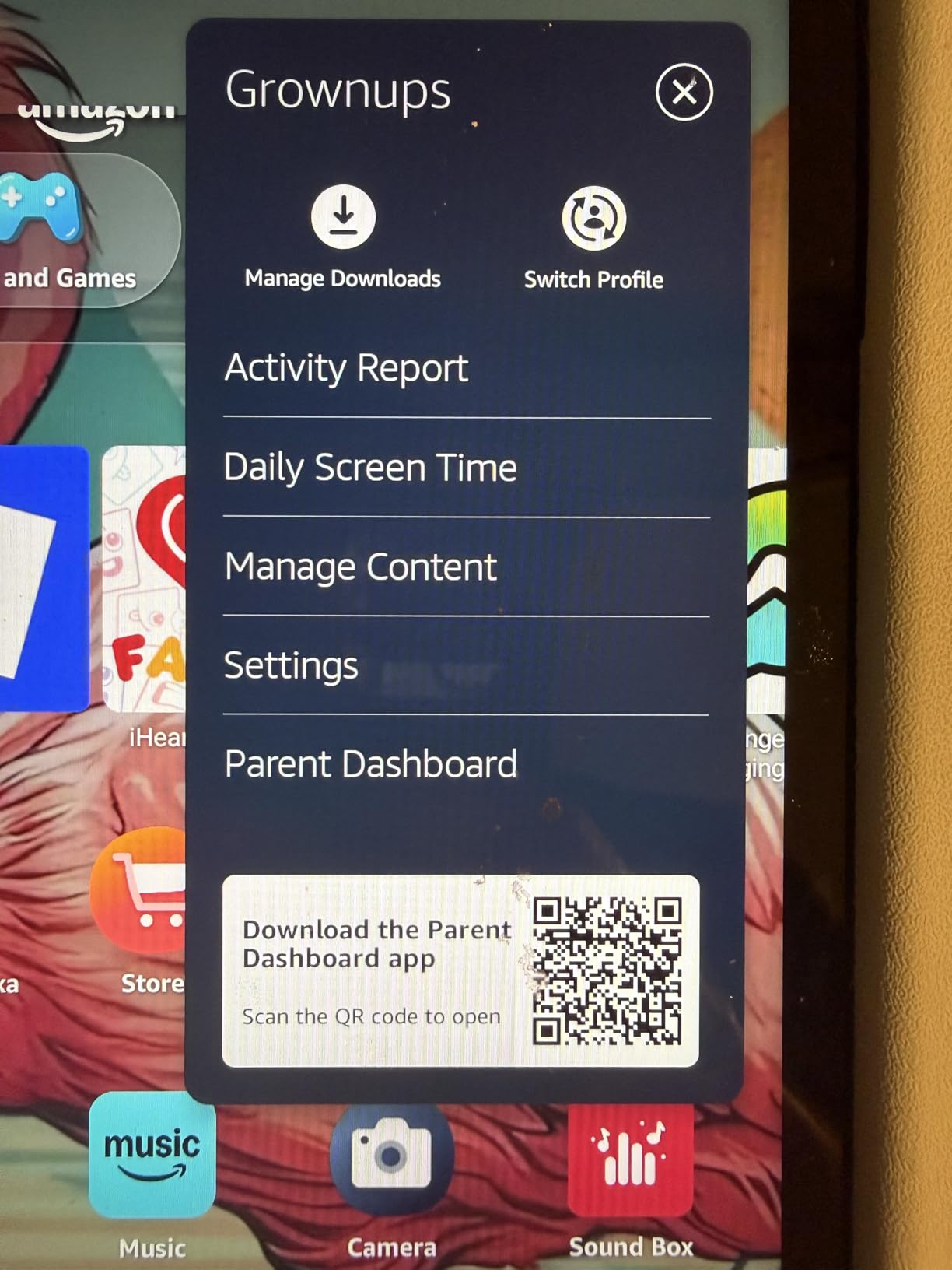
- Free replacement for two years if it breaks, through the worry-free guarantee
- One year of Amazon Kids+ included, then 7.99 a month plus tax
- Age filters that can be widened as the child grows
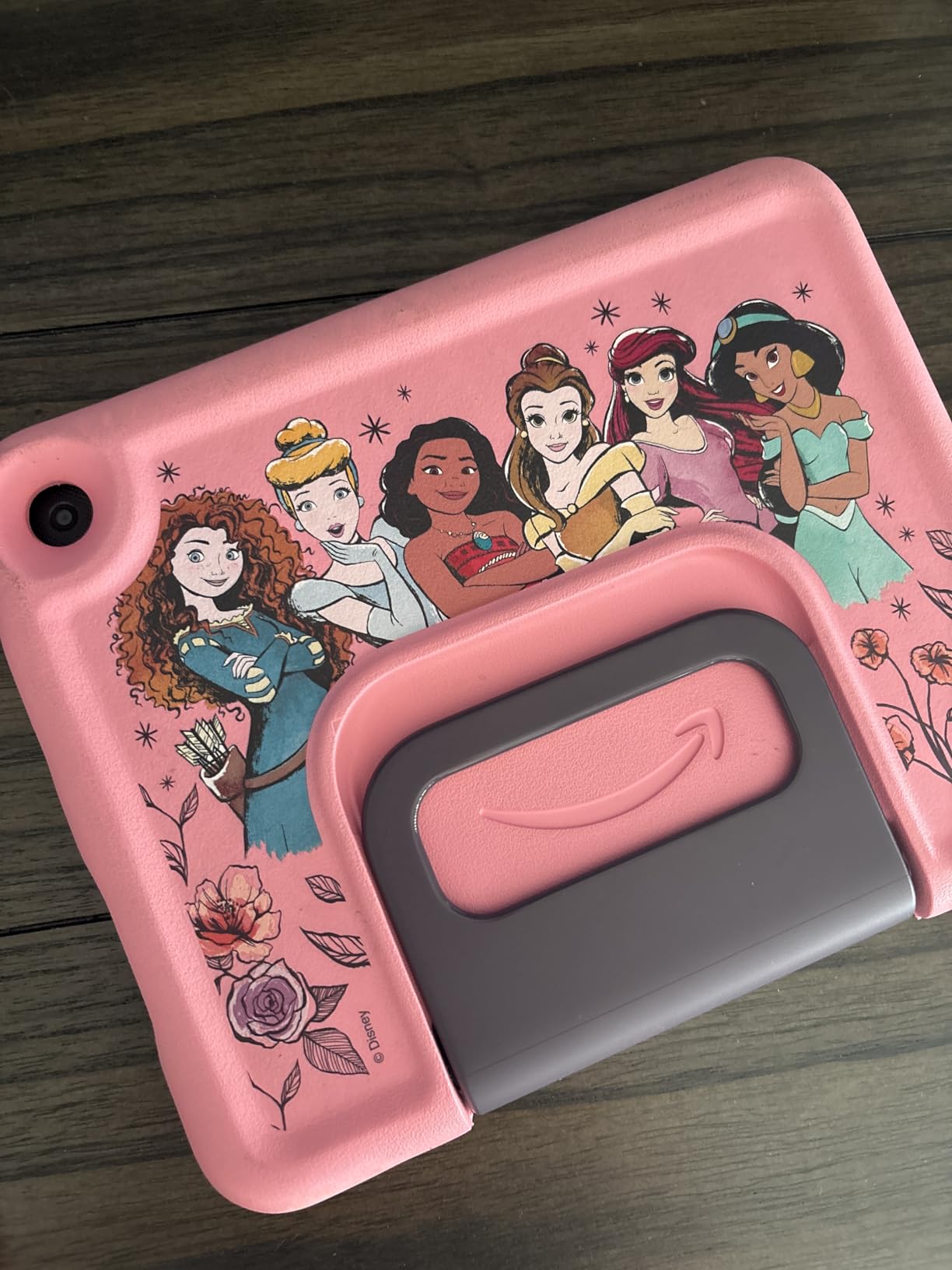
- Disney Princess and Disney Mickey Mouse character variants
Older children are better served by the Fire HD 8 Kids Pro, which targets ages 6 to 12 and has app-based parental controls that let parents review activity in detail. This model aims at ages 3 to 7 and leans on simple filters instead.
Owners’ gripes are small. The 32 GB fills up as content is downloaded, the kids interface is visually cluttered for very young users, and the textured back of the case does not hold stickers well.
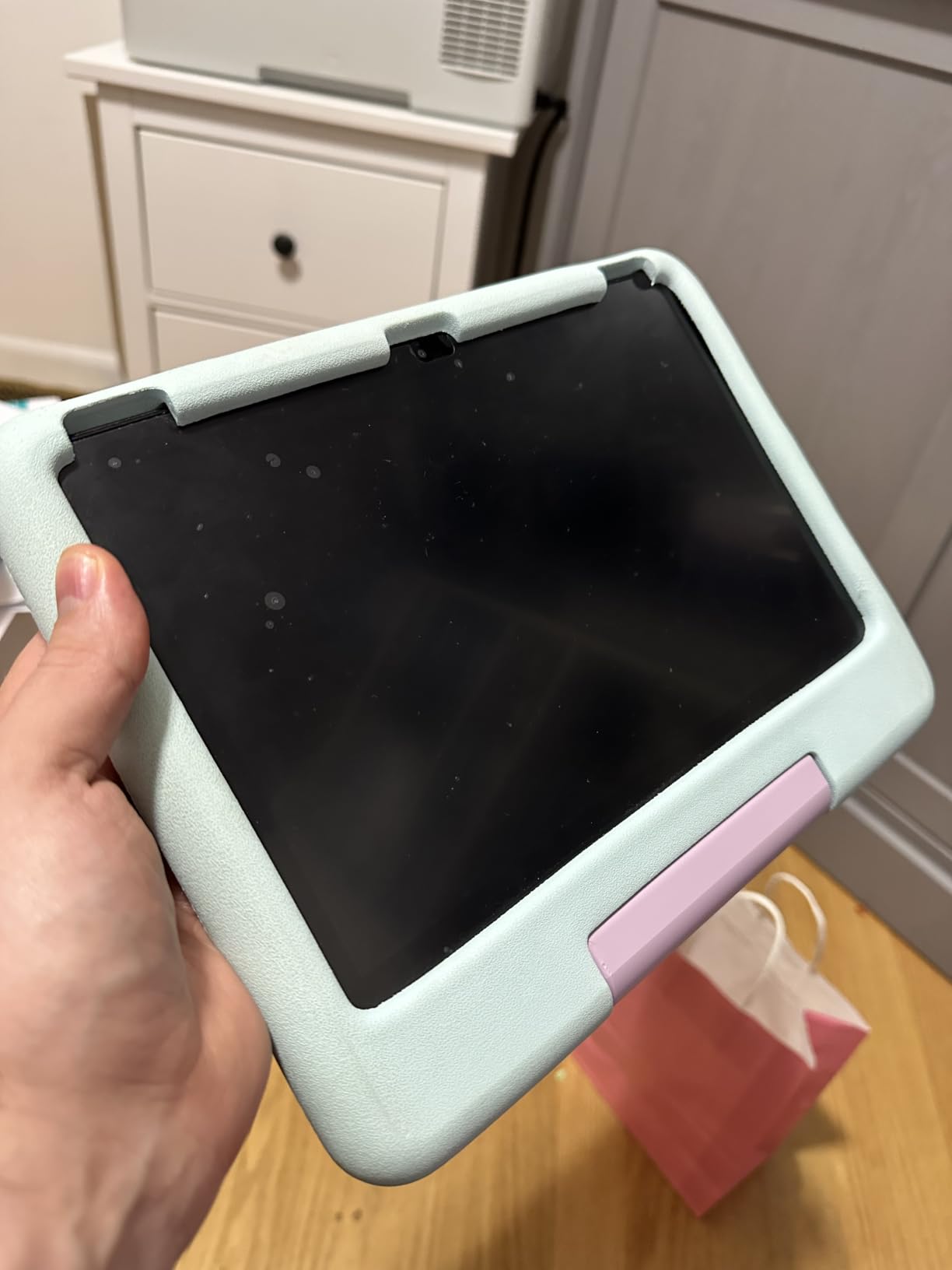
7. Fire HD 8 Plus: Best for Wireless Charging and Show Mode
Fire HD 8 Plus
Display: 8 inch 1280x800
Processor: hexa-core
Storage: 32 or 64 GB
Battery: up to 13 hours
Pros
- Wireless charging dock support
- USB-C with 9W adapter included
- Comfortable for long reading sessions
- Bluetooth keyboards and headphones pair well
- Thinner and lighter than the model before it
Cons
- Reflective 8 inch screen
- No Google Play Store
- Average speakers and 2 MP front camera
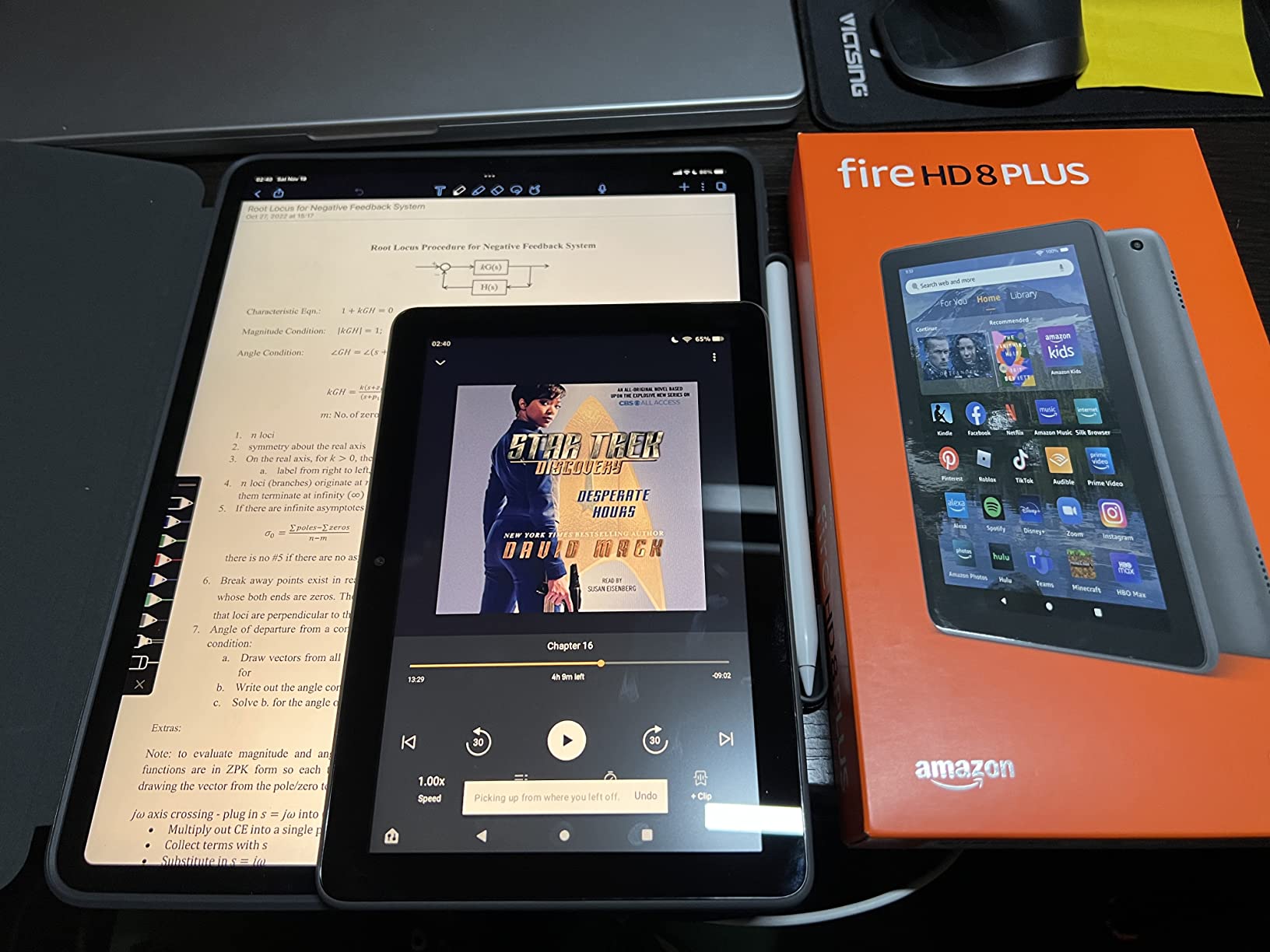
One hardware feature separates this from the Fire HD 8: it can sit on a wireless charging dock. Everything else about it is a 2022-generation machine with 3 GB of RAM, a hexa-core chip set and a reflective 1280 x 800 screen.
That dock is not included, so it is a feature for people who already own one or who want to buy one. For everyone else, the newer Fire HD 8 is the more sensible target during a sale, with twice the memory and 64 GB of storage as standard.
Where the Plus does earn its place is as a second device. Owners like it as a travel or bedside reader, and the thinner, lighter body makes it comfortable for a long session. Battery life is quoted at up to 13 hours.
- 2 MP front-facing and 5 MP rear-facing cameras
- Strengthened aluminosilicate glass, rated at twice the durability of the iPad mini from 2021 in tumble tests
- Alexa Show Mode turns the tablet into a smart display
- Bluetooth keyboard, mouse and headphone support pairs reliably
- 32 GB or 64 GB, with microSD up to 1 TB
A note for anyone planning to mount one on a kitchen wall: Show Mode plus hands-free Alexa is the combination smart-home owners use most, and the Plus does it well. Owners also report that the home-screen recommendations banner persists even on ad-free units, which is worth knowing if you are paying to remove the special offers.
An 11 inch Fire Max 11 on a bedside table makes little sense, since the weight works against long reading sessions and the charging takes hours. The Fire HD 8 is the one worth pairing with a dock, and only for the charging.
8. Fire HD 8 Kids Pro: Best for Ages 6 to 12
Fire HD 8 Kids Pro
Display: 8 inch HD
Processor: hexa-core
Storage: 64 GB plus microSD
Battery: up to 13 hours
Pros
- 4.6 average rating from over 5000 owners
- Slim case that older children can handle
- App-based controls with activity review and purchase approval
- 64 GB plus up to 4 GB RAM
- Safe web browsing with per-site blocking
Cons
- The kids video app cannot be downloaded
- No Google Play Store
- Controls take time to learn and set up
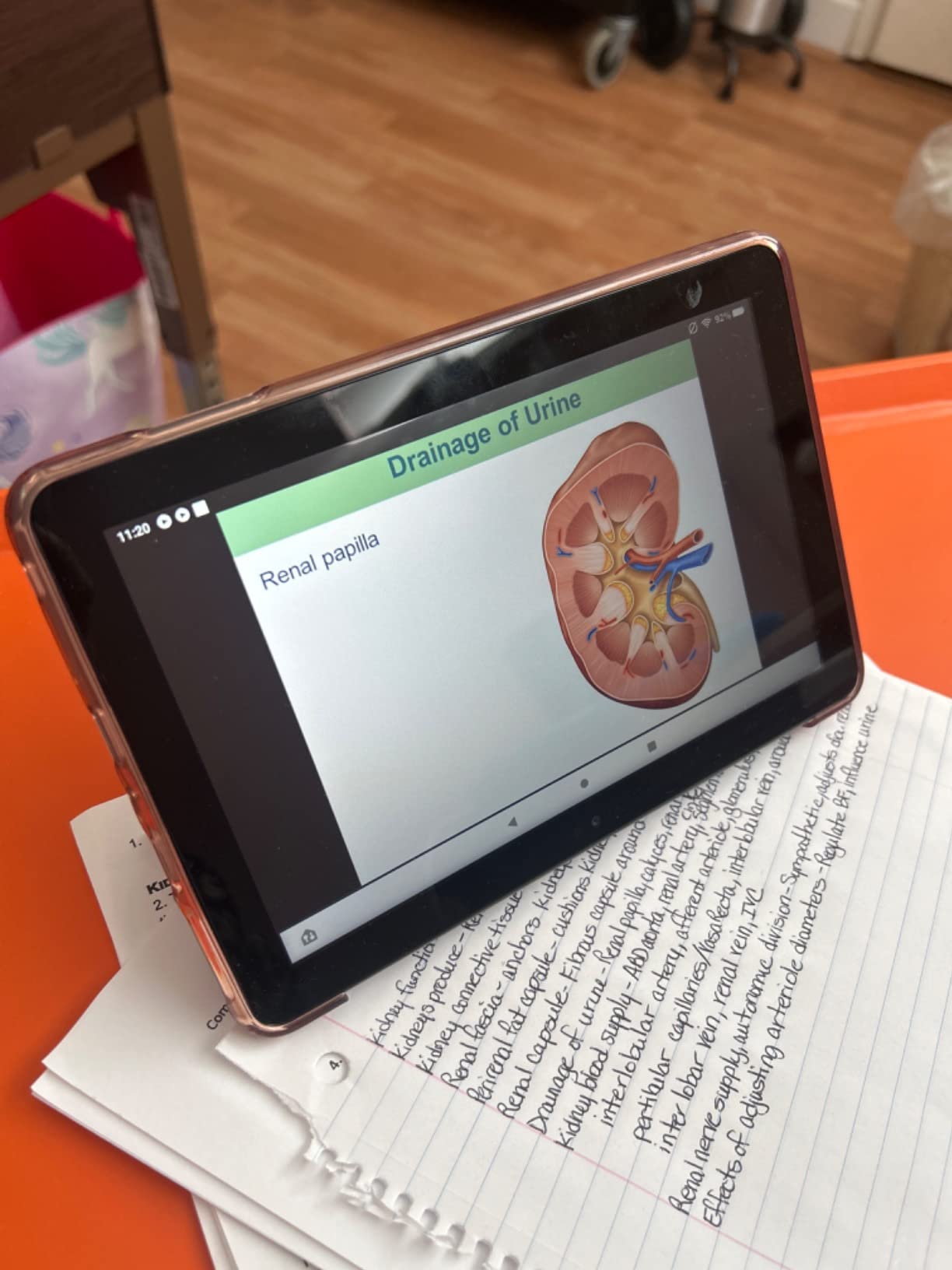
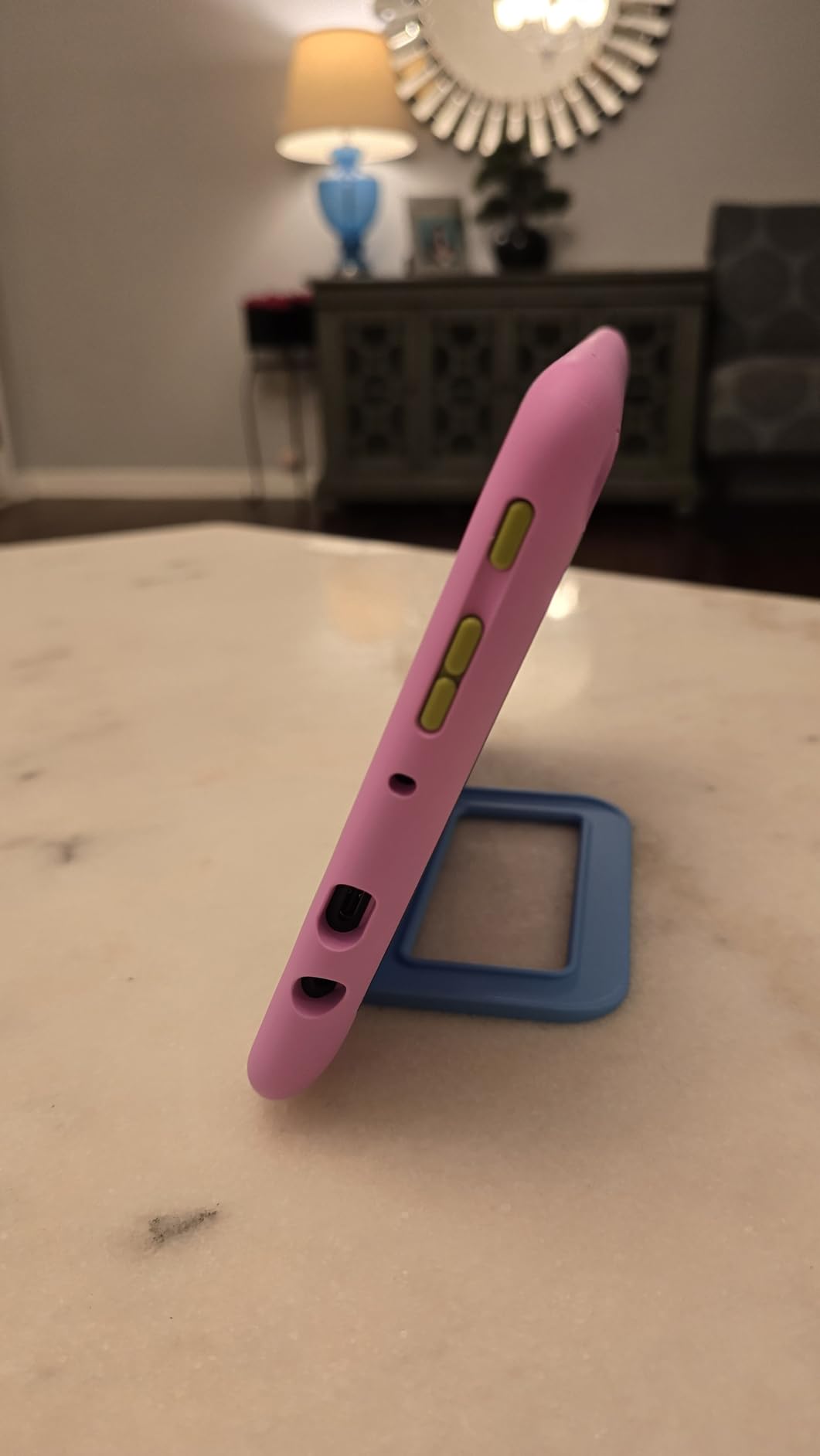
This is the model to buy when the child is old enough to want some control and the parent wants all of it back. Parents can review what the child has been doing, approve or deny purchases and downloads, and block individual sites rather than whole categories of site.
The hardware is the same platform as the 2024 Fire HD 8, with a hexa-core chip set, up to 4 GB of RAM, 64 GB of storage and microSD expansion to 1 TB. The case is slimmer than the one on the younger kids tablets, which suits a child in the 6 to 12 range who thinks a bulky case is babyish.
Battery life is up to 13 hours, and owners specifically mention long car rides. Voice and video calls work over Wi-Fi to contacts you have approved through an Alexa-enabled device or the Alexa app.
- Six months of Amazon Kids+ included, then 7.99 a month plus tax
- Free replacement for two years under the worry-free guarantee
- Built-in browser filtering with the option to block specific sites
- Hello Teal colour variant
Owners rate this joint-highest of any model in the guide, and several households say the two-year guarantee and the replacement service are the deciding factor rather than the specifications. That is a fair reason to pick a tablet.
Two real limitations: the kids video app cannot be downloaded on the device, and there is no Google Play compatibility. Parents also note the controls take real setup effort before they stop surprising you.
9. Fire HD 8 Kids: Best as a First Tablet for Ages 3 to 7
Fire HD 8 Kids
Display: 8 inch HD
Processor: hexa-core
Storage: 64 GB plus microSD
Battery: up to 13 hours
Pros
- Case has a handle for small children
- Clear screen with games preloaded
- Survives being dropped or thrown
- 4 GB RAM and 64 GB of storage
- Free two-year replacement cover
Cons
- No Google Play Store
- Controls take time to figure out
- Battery drains faster after several months for some
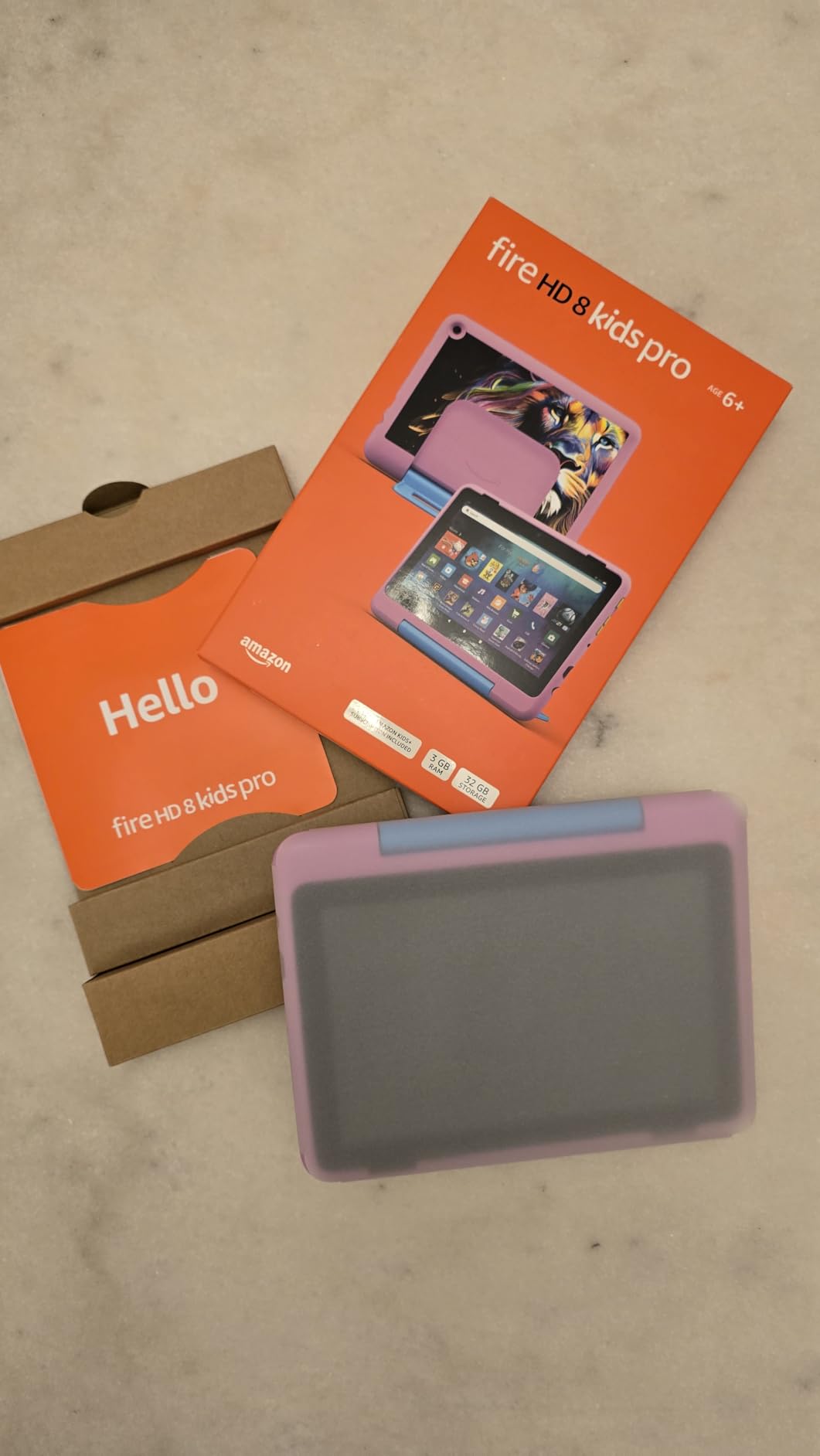
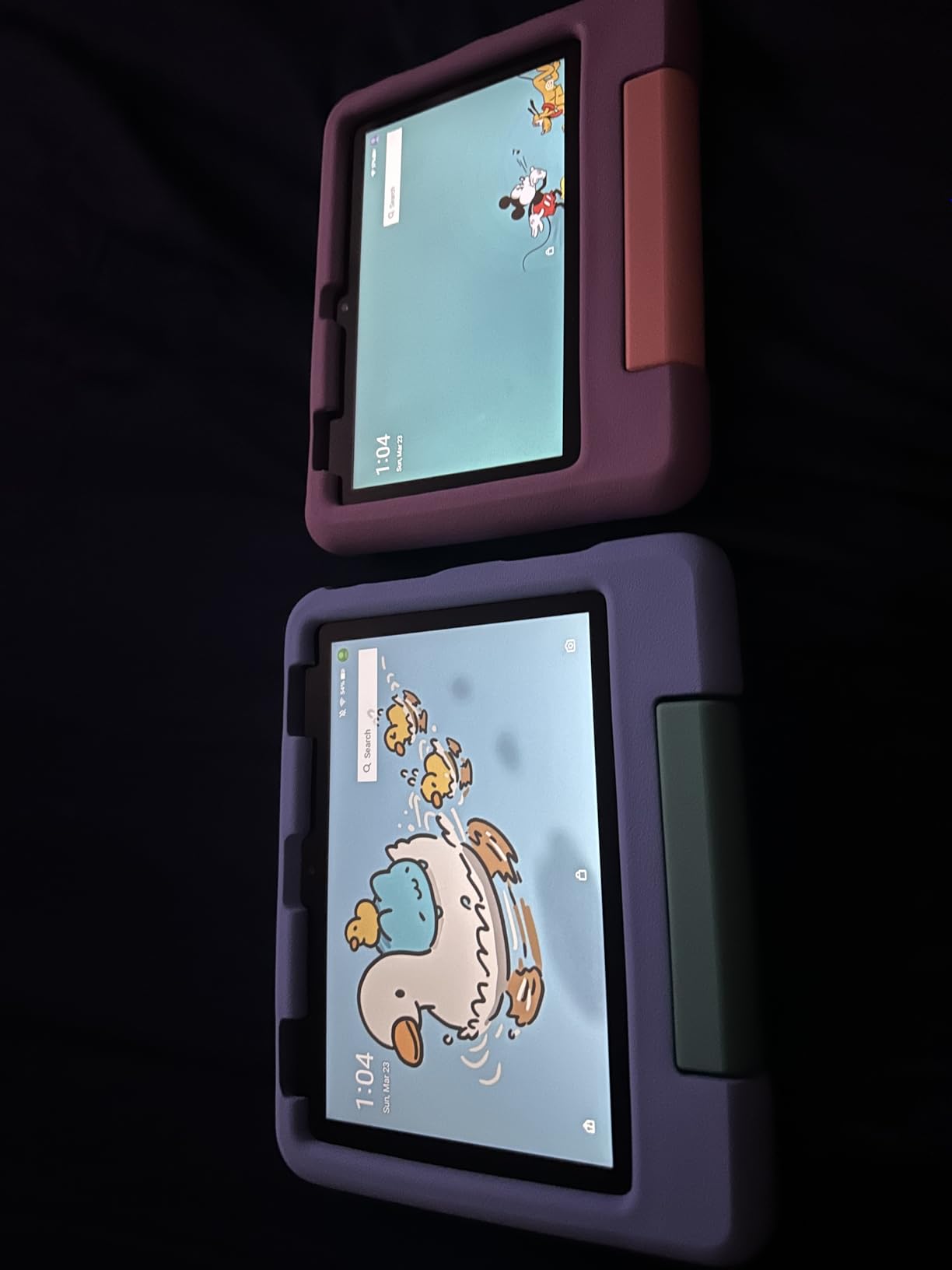
The handle is the detail that comes up most. The included Kid-Proof Case has a stand and a handle, which is what makes this workable for a toddler who has to carry it from room to room, and parents say it survives being thrown as well as dropped.
It targets ages 3 to 7 and comes with content already on it, so it works out of the box without a setup session. The screen is 8 inch HD with a hexa-core chip set, 4 GB of RAM and 64 GB of storage, which means it does not suffer the storage problem that plagues the 16 GB Fire 7 Kids.
USB-C 2.0 charging and strengthened aluminosilicate glass are both listed, and the box includes the tablet, the case with stand and handle, a power adapter, a USB-C cable and the built-in battery.
- Amazon Kids+ subscription included with the bundle
- Remote controls for activity review, time limits and prioritising books over games
- Amazon replaces it free for two years if it breaks
- Up to 1 TB of expansion through microSD
Same idea, smaller price tag, less screen. For a child who cannot yet hold a 7 inch tablet comfortably, the Fire 7 Kids is the answer; for anyone who can, this one leaves far more usable storage and twice the memory.
Parents do report faster battery drain after several months of use on some units, and the renewal cost of the Kids+ subscription after the included period is a recurring expense worth deciding on before you buy rather than after.
How to Choose Fire Tablets During Prime Big Deal Days
Screen Size and Display Quality
Display size is the decision that matters most, and it is mostly a decision about who else is in the room. A 7 inch panel is genuinely handheld and fits in a coat pocket; 8 inches is the sweet spot for one adult reading or streaming; 10.1 inches is the point where two people can share, or a child can watch a film without squinting; 11 inches is for a device that mostly sits on a desk or a stand.
Resolution matters less than size until you reach 10.1 inches. Below that, 1024 x 600 and 1280 x 800 are both readable. Above it, 1080p and 2000 x 1200 are what you are paying for.
Performance and Storage
Look at two numbers together: memory and internal storage. Below 2 GB of RAM, multitasking gets painful, which is the single most common complaint about the Fire 7. Below 32 GB of internal storage, the operating system takes a large slice and you will be adding a microSD card or deleting apps within weeks. If the Fire line is not the only option you are considering, our picks for budget tablets set out what the same money buys elsewhere.
Storage expandable to 1 TB is a genuine advantage of every Fire tablet in the 2024 and 2025 generations. It is not available on the Fire 7, which caps out at 512 GB.
Battery Life and Portability
Claimed battery life on this list runs from 7 hours on the Fire 7 to 14 hours on the Fire Max 11, and owners usually report a reasonable match. A full day of reading or streaming needs at least 10 hours, so the Fire 7 and the Fire 7 Kids are the two that will not comfortably get you through a long travel day.
Portability is weight and size together. The Fire 7 weighs 10.1 oz. The Fire Max 11 has an aluminum chassis that owners describe as hefty and tiring over long handheld sessions. Students who mostly read and take notes on the move should also look at our tablets for college students before settling on a Fire.
Apps and Accessory Compatibility
Every Fire tablet runs Fire OS from the Amazon Appstore, not the Google Play Store. Check the apps you actually need before you buy, because some music and productivity apps are not available at all, and some need their own subscription on top of the tablet. This is the most common reason owners end up regretting a Fire purchase, and the most common reason forums recommend a Samsung or Lenovo instead.
On accessories, the Made for Amazon Stylus Pen works with the Fire HD 10 and the Fire Max 11, and keyboard cases fit according to the generation they were made for. Teachers should weigh the keyboard bundle carefully, and our guide to tablets for teachers covers how that decision usually goes.
How to Shop Fire Tablet Deals During the Sale
Check five things on the listing before you click through. The model number tells you the generation, and the differences are large: a 2019 Fire HD 10 and a 13th generation one are not the same machine. The storage figure is in the title, so 16 GB and 64 GB variants of the same model are different products. Check what the bundle actually contains, because a kids tablet includes a case and a subscription that a standalone listing does not. Then read who sells and who ships the unit, and what the return terms say, since marketplace sellers and renewed units behave differently from a direct purchase.
Most offers need a Prime membership, and a free trial counts. Everything here changes through the event, so treat the event page as the only current source.
- Match the model number to the generation before comparing two listings
- Confirm the storage size, since it changes the price and the ASIN
- Check what the kids bundles include and when the Kids+ period ends
- Read the special-offers wording to see whether lockscreen ads are on the model
- Check the seller, the shipper and the return window
- Compare the Fire 7 and Fire HD 8 directly, since they are the two most common trade-offs
Frequently Asked Questions
When does Amazon Prime Big Deal Days run in 2026?
Amazon’s Prime Big Deal Days event runs October 6-7, 2026, a two-day window. Fire tablet offers appear across both days rather than in one launch moment, and the list of models on offer can change partway through. The best Amazon Prime Big Deal Days Fire tablet deals tend to appear early, so waiting until the second day is a gamble.
Do you need a Prime membership to get Fire tablet deals during Prime Big Deal Days?
Most offers during Prime Big Deal Days require a Prime membership, and a free trial counts as membership for the length of the trial. A small number of Fire tablet promotions apply to everyone, though they are rarer and usually shallower. If you are not sure whether you will keep Prime, start the trial before the event and cancel afterwards.
Which Fire tablet size is best for reading and watching videos?
Eight inches is the balanced answer for one person, because it is comfortable to hold for a long read and still large enough for video. Ten or eleven inches wins for a child, a shared screen or a tablet propped on a desk. If you want colour and page-turning rather than video, our picks for u003ca href=u0022https://www.geekfill.com/best-color-e-ink-tablets/u0022u003ecolor E Ink tabletsu003c/au003e cover a different category entirely.
Are Fire tablets still worth buying for everyday use?
Yes, for streaming Amazon content, Kindle books, comics, kids’ use and a wall-mounted Alexa panel, they remain good value at sale prices. For heavy app use, drawing or work, the absence of the Google Play Store is a real limit. Fire tablets are priced as loss leaders, so buying one outside a sale event rarely makes sense.
Should I choose a Fire tablet bundle with a keyboard or stylus?
Only if you will use them. The Made for Amazon Stylus Pen works with the Fire HD 10 and the Fire Max 11, and the Fire Max 11 has a dedicated keyboard case. For streaming and reading, a plain tablet and a good case is the better use of the same money. Check which generation the keyboard case was made for before ordering.
How can I tell if a Fire tablet deal is genuinely a good offer?
Compare the listing against its own recent history rather than against the sticker price, and treat a headline discount percentage with care. Check whether the saving applies to Prime members only, and whether the ad-free version of the same model is also reduced. Nothing here is ever a good buy at full list price, so the honest test is simply how it compares to the last sale.
Final Verdict: Best Amazon Prime Big Deal Days Fire Tablet Deals
Buy the Fire 7 if you want the lowest-cost way into the Fire range and you mostly read, browse and watch. It is the Editor’s Choice here because of what it has survived rather than what it does, and the microSD slot keeps the 16 GB version usable.
Buy the Fire HD 10 if you are choosing one tablet for a household. It is the Best Value pick, it is one of only two models here with a 1080p screen below 11 inches, and it has the newest chip set in the budget part of this list.
Buy the Fire Max 11 as the Premium Pick when a stylus, a keyboard or a large desk-based screen is the actual goal. The Fire HD 8 is the travel and reading answer, and the Fire HD 8 Plus is worth it only if you already own or want a wireless charging dock.
For children, the Fire HD 8 Kids Pro suits ages 6 to 12, the Fire HD 8 Kids is the best first tablet for ages 3 to 7, the Fire HD 10 Kids wins on screen size for car trips, and the Fire 7 Kids is the right pick when small hands and a small budget are the constraints.
Whichever one you choose, open the listing during the event, confirm the model number, storage and bundle contents, then use the button on that section to see the current price.