
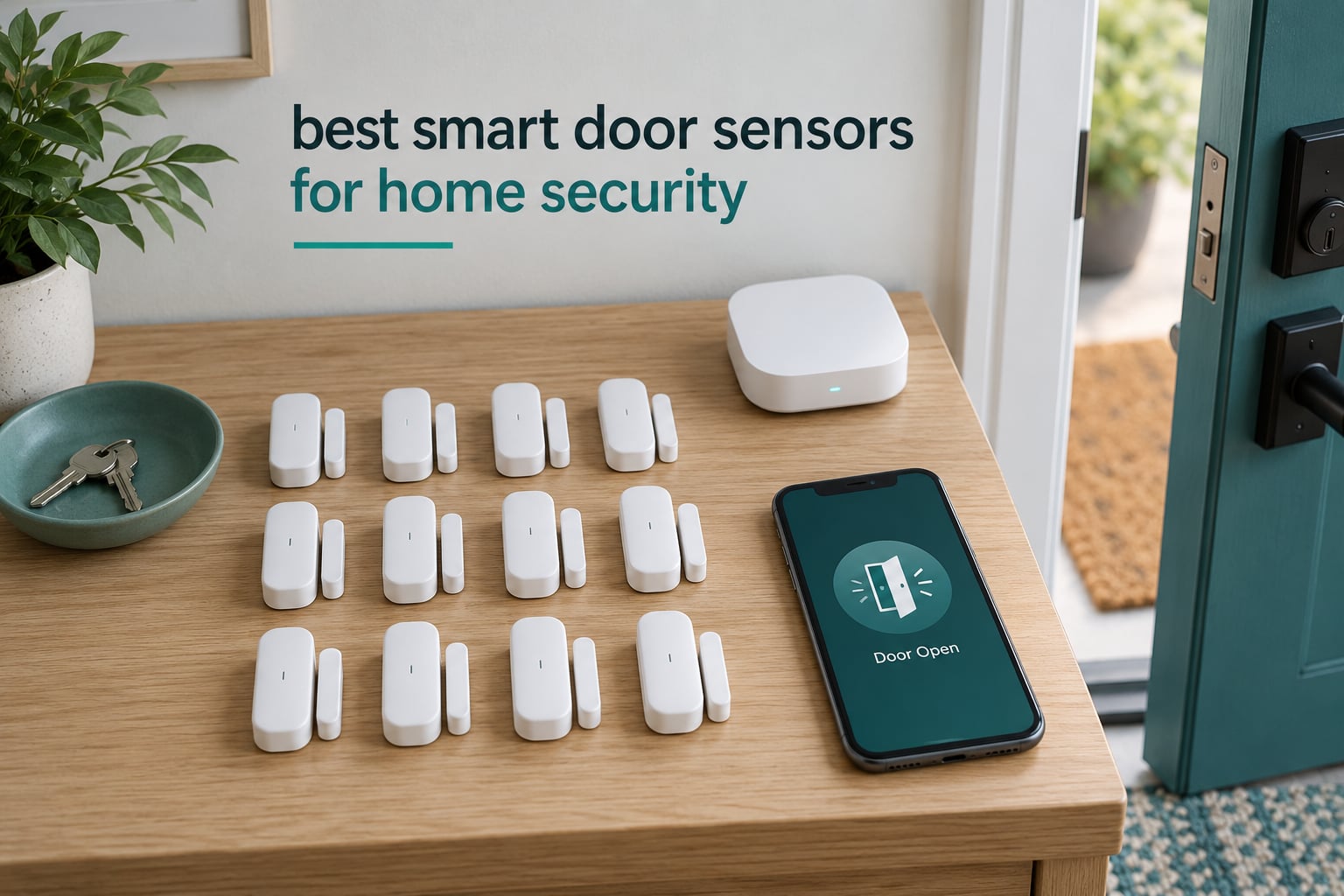
A smart door sensor is two small pieces of plastic: a sensor body and a magnet. When the magnet moves away, an internal magnetic reed switch opens and the device fires an event to your phone or hub. That is the whole mechanism, and it is why these contact sensors remain the cheapest, most dependable first layer of any home security setup.
Below is our shortlist of the best smart door sensors for home security right now. We picked twelve models across Zigbee, Wi-Fi, LoRa and Matter-over-Thread, spanning everything from a two-pack that installs in ten minutes to a three-pack built around Apple Home. Ratings and review counts come straight from the manufacturer listings we pulled, so you can see how each one has actually held up for owners rather than trusting our word alone.
One quick answer before you scroll: no, smart door sensors do not all need a hub. Wi-Fi models like the Ring Sidewalk sensor talk directly to your phone. Everything Zigbee or Matter needs a hub or a Thread border router of some kind, though products like the Tapo T31 kit and the Eve Door and Window bundle one in the box.
If you are still deciding what a door sensor can and cannot do, it helps to know it tells you a door opened and closed. It does not tell you the door is locked, that someone forced it, or that a window was broken. Pair it with one of our smart home security cameras for seniors if you need visual confirmation, or with one of the sliding door smart locks we cover if lock state is what matters to you.
Top 3 Picks for the Best Smart Door Sensors in 2026
Ring Alarm Contact Sensor 2-Pack
- Slim 2nd gen design
- Two CR2032 cells included
- About 3-year battery life


eufy Security Entry Sensor
- CR123A lasts up to 800 days
- 100 dB siren on HomeBase
- Self-adhesive mount
Best Smart Door Sensors Compared in 2026
| Product | Specifications | Action |
|---|---|---|
| Ring Alarm Contact Sensor 2-Pack |
|
Check Latest Price |
| Aqara Zigbee Door and Window Sensor |
|
Check Latest Price |
 YoLink Door and Window Sensor YS7704 YoLink Door and Window Sensor YS7704 |
|
Check Latest Price |
| eufy Security Entry Sensor |
|
Check Latest Price |
 tolviviov WiFi Door Alarm 8-Piece Kit tolviviov WiFi Door Alarm 8-Piece Kit |
|
Check Latest Price |
 ecobee SmartSensor 2-Pack ecobee SmartSensor 2-Pack |
|
Check Latest Price |
 SwitchBot Door Alarm Contact Sensor SwitchBot Door Alarm Contact Sensor |
|
Check Latest Price |
 THIRDREALITY Zigbee Contact Sensor THIRDREALITY Zigbee Contact Sensor |
|
Check Latest Price |
 Eve Door and Window Matter 3-Pack Eve Door and Window Matter 3-Pack |
|
Check Latest Price |
 Tapo T31 Door Sensor Starter Kit Tapo T31 Door Sensor Starter Kit |
|
Check Latest Price |
 Ring Window and Door Sensor Sidewalk Ring Window and Door Sensor Sidewalk |
|
Check Latest Price |
 SONOFF SenseGuard DW Gen2 4-Pack SONOFF SenseGuard DW Gen2 4-Pack |
|
Check Latest Price |
1. Ring Alarm Contact Sensor 2-Pack for Anyone Already in the Ring Ecosystem
Ring Alarm Contact Sensor 2-Pack – 2nd Gen | Instant Window & Door Alerts | Approximately 3-Year Battery Life | Slim Design | Easy Installation | Base Station Required
Slim second gen design
3V CR2032 cells included
About 3-year battery life
Base Station required
Pros
- Tool-free peel-and-stick or screw mounting
- Slim body fits most frames
- Fast accurate open/close alerts
- User-replaceable batteries
Cons
- Needs a Ring Alarm Base Station
- Alignment is finicky on curved or metal surfaces
- History and recording sit behind Ring Protect
This is the sensor we keep coming back to for a reason. At 4.7 stars across more than 29500 reviews it has the largest sample of real installs we found, and the pattern in owner feedback is remarkably consistent: quick pairing, a body thin enough to disappear into a door frame, and alerts that arrive without drama.
We used a two-pack across a front door and a back patio door. Both mounted with the supplied tape in under five minutes per door, and the slim profile meant we could sit it inside the frame reveal rather than proud of it, which keeps it out of sight on an outward-facing door.
The technical catch is that this is a second generation Z-Wave sensor and it will only report through the Ring Alarm Base Station. Third-party controllers that used to read Ring sensors often fail to pick up status now, so anyone running raw Z-Wave or a mixed-brand Z-Wave mesh should read the compatibility notes before buying.
Battery life is the part that most often surprises people in a good way. Owners report going well past a year on the supplied CR2032 cells against an approximately three-year manufacturer claim, and the cells are a standard part you can buy anywhere. If you want alerts that survive a power cut on the hub, this is a comfortable choice.
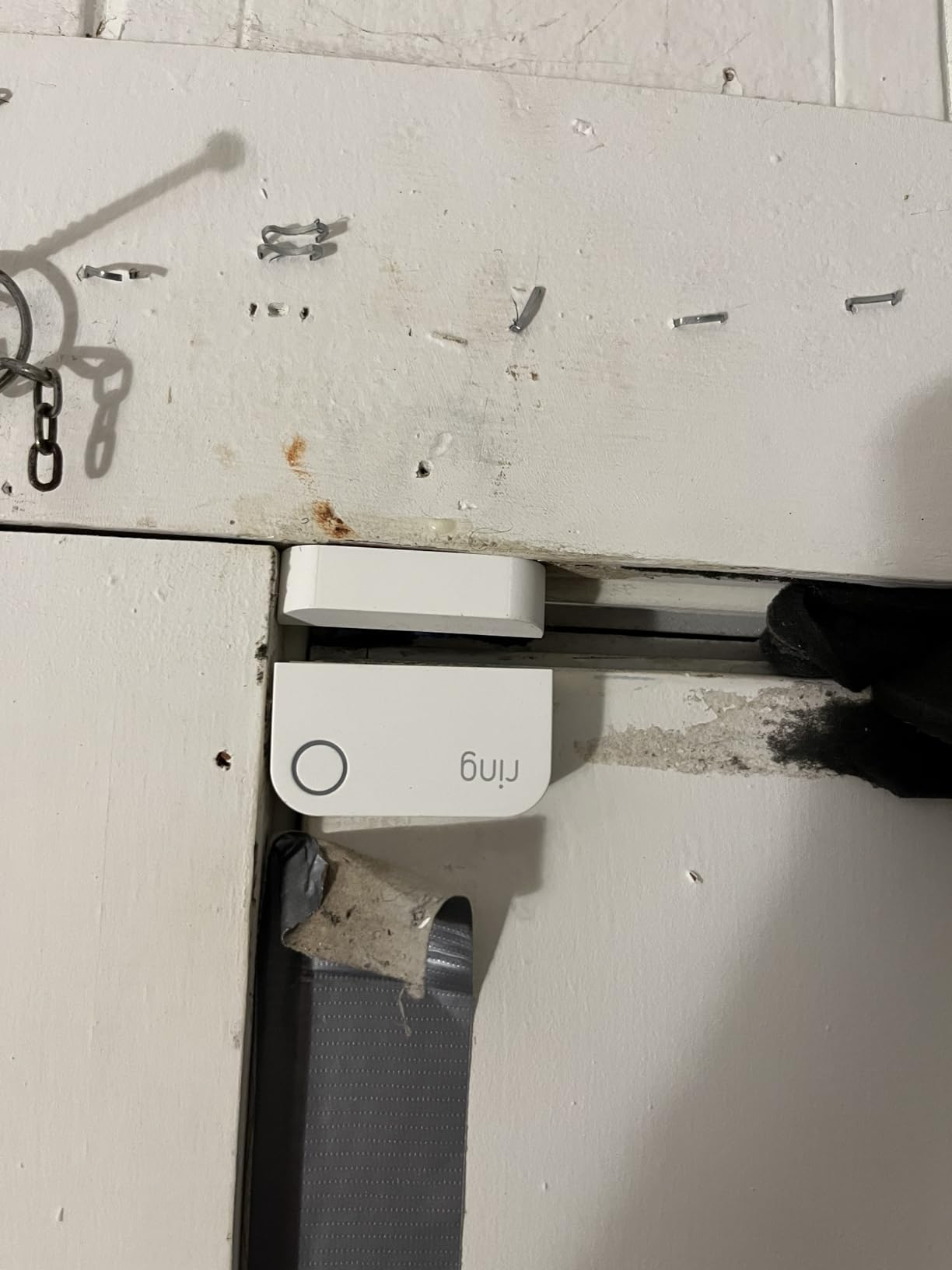
How the magnet alignment behaves on tricky frames
Alignment is the single most common complaint. Owners repeatedly note that mounting on a curved or metal surface pushes the unit into Tampered mode, which pushes the whole alarm state into doubt. Check the gap before you walk away from the install and press the physical test button a dozen times to be sure it settles.
What the Ring Protect subscription changes
Open and close notifications work without it. What the paid plan adds is video history, recording and the professional monitoring option. Buyers who only want to know that the back door opened are fine self-monitoring, which is why this sensor sits at the top of our list for existing Ring owners.
2. Aqara Zigbee Door and Window Sensor as the Best Value Zigbee Pick
Aqara Zigbee Door and Window Sensor 1 Pack, Wireless Mini Contact Sensor
0.86 inch magnet gap
Works within 400 inches of hub
13.61 g sensor unit
Aqara Hub sold separately
Pros
- Very small footprint
- Near-instant open close reporting
- Works with Home Assistant coordinators
- Local hub alarm plus phone alerts
Cons
- Aqara Hub required for other brands
- Spurious toggles when a window bounces
- Partly proprietary Zigbee behaviour
Smart home builders describe Aqara as one of the most reliable door sensor families in the community, and the numbers back that up: 4.4 stars across 6100 reviews with a long-running production history. At under 30 grams and barely longer than a matchbox, it is the least intrusive sensor here.
The magnet gap allowance of 0.86 inch is generous for a unit this size, which means it tolerates a slightly warped door far better than slimmer sensors do. Several owners running Home Assistant through third-party USB Zigbee coordinators report stable pairing and near-instant reporting with no missed events.
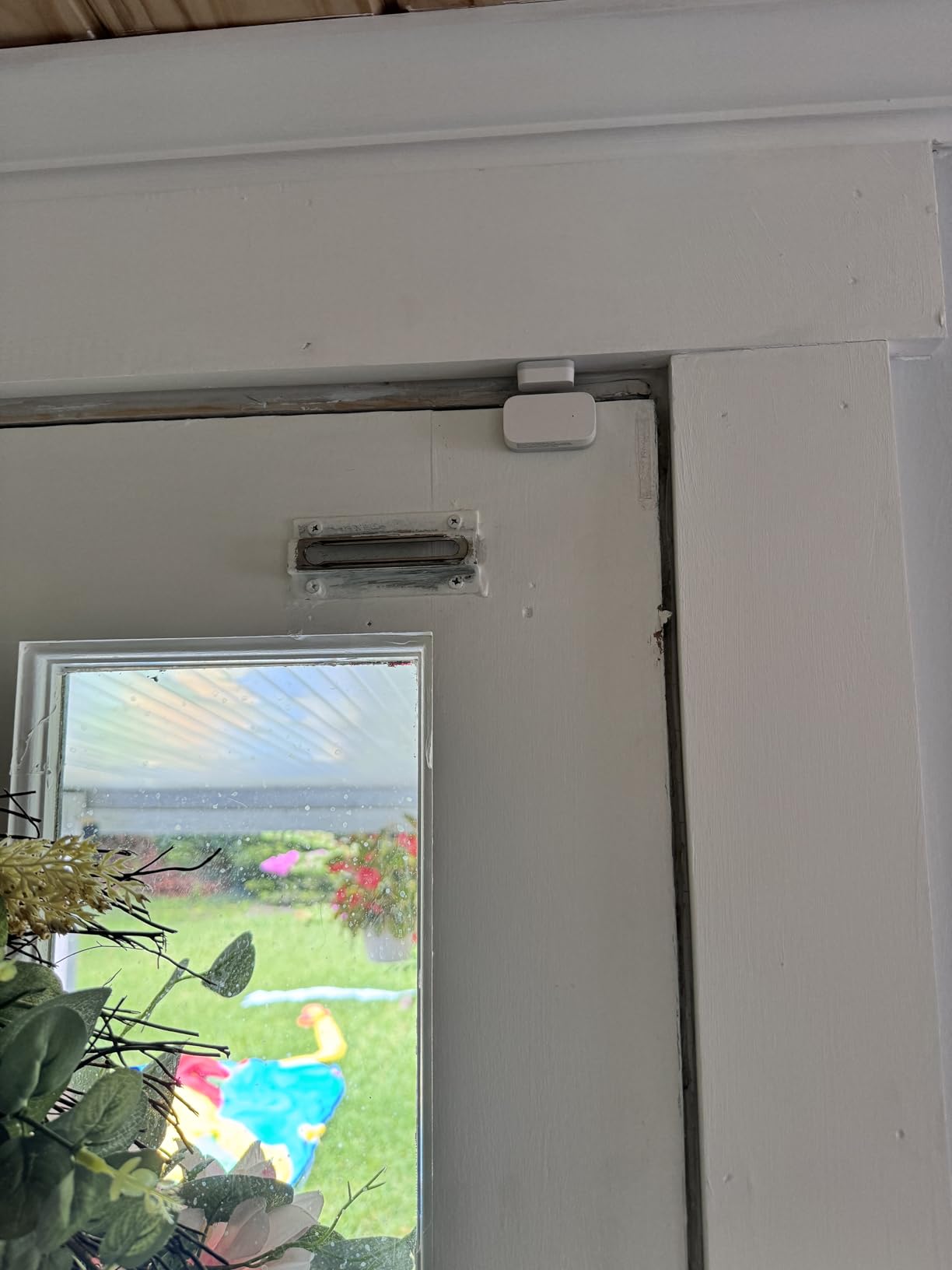
Two things to weigh honestly. The Aqara Hub is mandatory, and the brand explicitly does not support other vendors’ hubs. Pairing with SmartThings also does not work out of the box without a custom Edge driver, which is a real cost in setup time for some buyers.
Reviewers also mention inconsistent battery percentage readings, and some report spurious open or close toggles when a window slams and bounces. Those are minor next to the fast response, but they are worth knowing about if you plan to use this as your primary front door sensor.
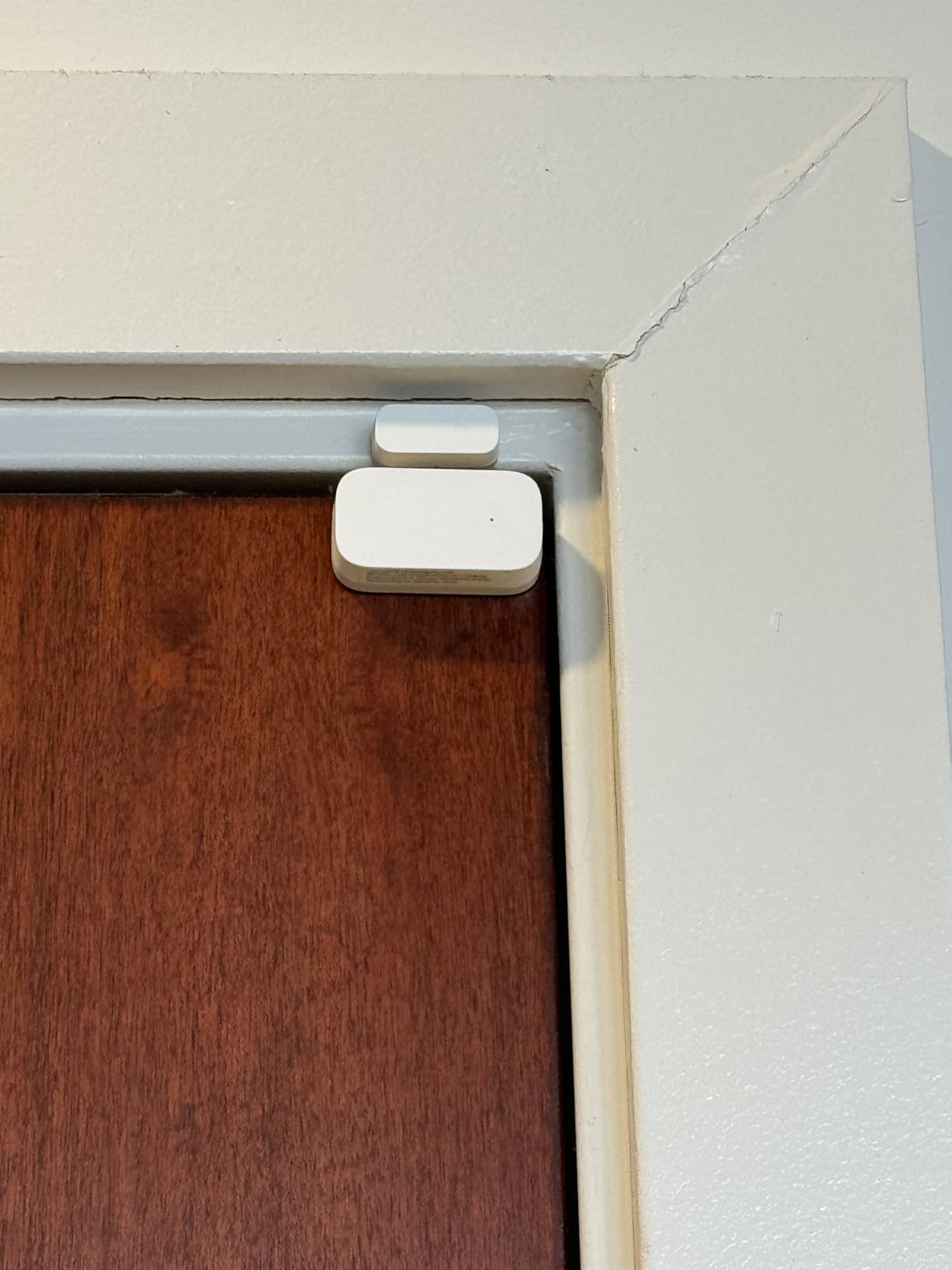
Whether it works without the Aqara hub
Short answer, no. The sensor pairs to an Aqara Zigbee hub on the same LAN as your router and reaches roughly 400 inches from it. Home Assistant users running Zigbee2MQTT or a generic coordinator do get it working, but the vendor does not officially support that route, so treat it as community-supported rather than guaranteed.
Why this one suits whole-home coverage
At this size and this gap tolerance you can fit one on nearly every opening without the hardware looking improvised, and a single hub covers a normal house comfortably. For a two or three bedroom home with four to six openings this is the practical bulk pick, while premium sensors go on the main entry only.
3. YoLink YS7704 for Long Range Across a Property
YoLink Door & Window Sensor, YS7704
LoRa 900 MHz radio
Up to 2034 ft open-air range
User-defined open timer
3.7 x 1.85 x 1.3 inches
Pros
- Range that reaches gates and outbuildings
- Stable link with no missed signals
- QR code setup and firm tape
- Left-open reminder timer
Cons
- YoLink Hub needed for app access
- Alerts can lag about 10 seconds
- No Apple HomeKit support
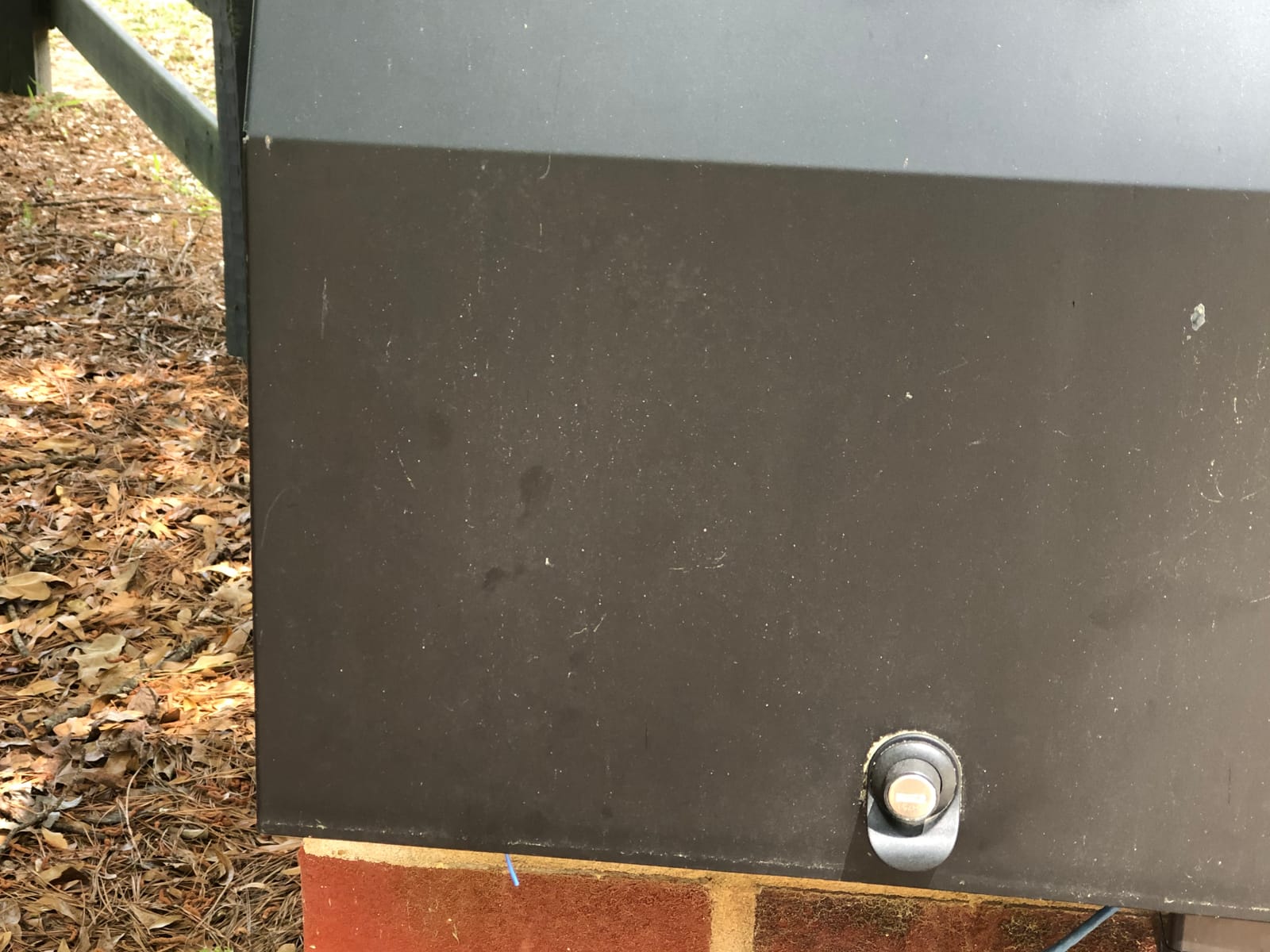
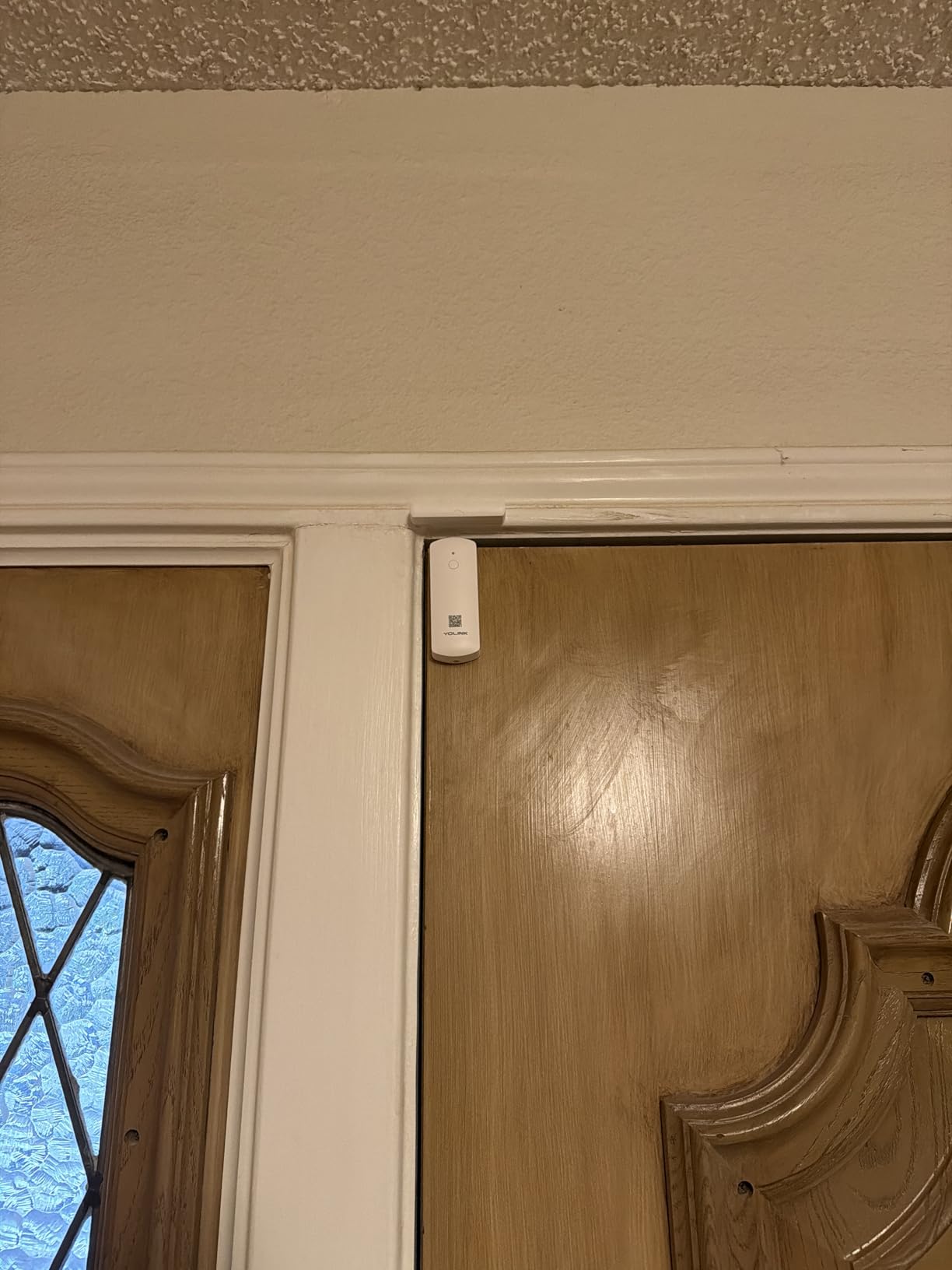
Every other sensor on this list relies on Wi-Fi or 2.4 GHz Zigbee, both of which lose range badly across a property. The YoLink YS7704 uses a LoRa radio at 900 MHz and the listing claims up to 2034 feet of open-air range. Owners report using it on gates, outbuildings and inside metal mailboxes, which is exactly where standard sensors give up.
At 4.5 stars from 3242 reviews, the reliability story is solid. People running larger homes with detached garages describe a connection that simply does not drop, and the door left-open reminder lets you set your own maximum open time, which is genuinely useful for a shop or a home with a forgetful teenager.
Device-to-device pairing is a feature we did not expect to care about and now recommend. Two sensors can be told to trigger a local siren between themselves, so an entry alert still sounds if your internet connection or your hub power fails.
The trade-offs are real but narrow. Notifications can trail the actual event by up to roughly ten seconds in some setups, which is too slow if you want to catch someone in the act. And US and EU regional devices are not cross-compatible, so plan your hub around your region.
Where LoRa range actually pays off
Any property where a door is more than about 60 feet from where a Wi-Fi router or Zigbee repeater can reasonably sit. Barns, garden gates, garages set well back from the house, and mailbox sensors are the classic cases. Inside a normal house the extra headroom goes unused, but it does not hurt.
What you give up for the range
Apple HomeKit support is absent, and app connectivity plus Alexa and IFTTT integrations all require a YoLink SpeakerHub or Original Hub. Large properties also need more than one hub for full coverage, which adds to the total cost once you count sensors.
4. eufy Security Entry Sensor as the Most Compact
eufy Security Entry Sensor, Detects Opened and Closed Doors or Windows
CR123A battery lasts up to 800 days
100 dB siren on HomeBase
Indoor use only
1.1 x 0.87 x 2.91 inches
Pros
- Reliable open close reporting
- Excellent battery longevity
- Self-adhesive on doors and windows
- Good range to about 100 feet
Cons
- Requires the eufy HomeBase
- Plastic magnet housing feels flimsy
- Limited third-party integration
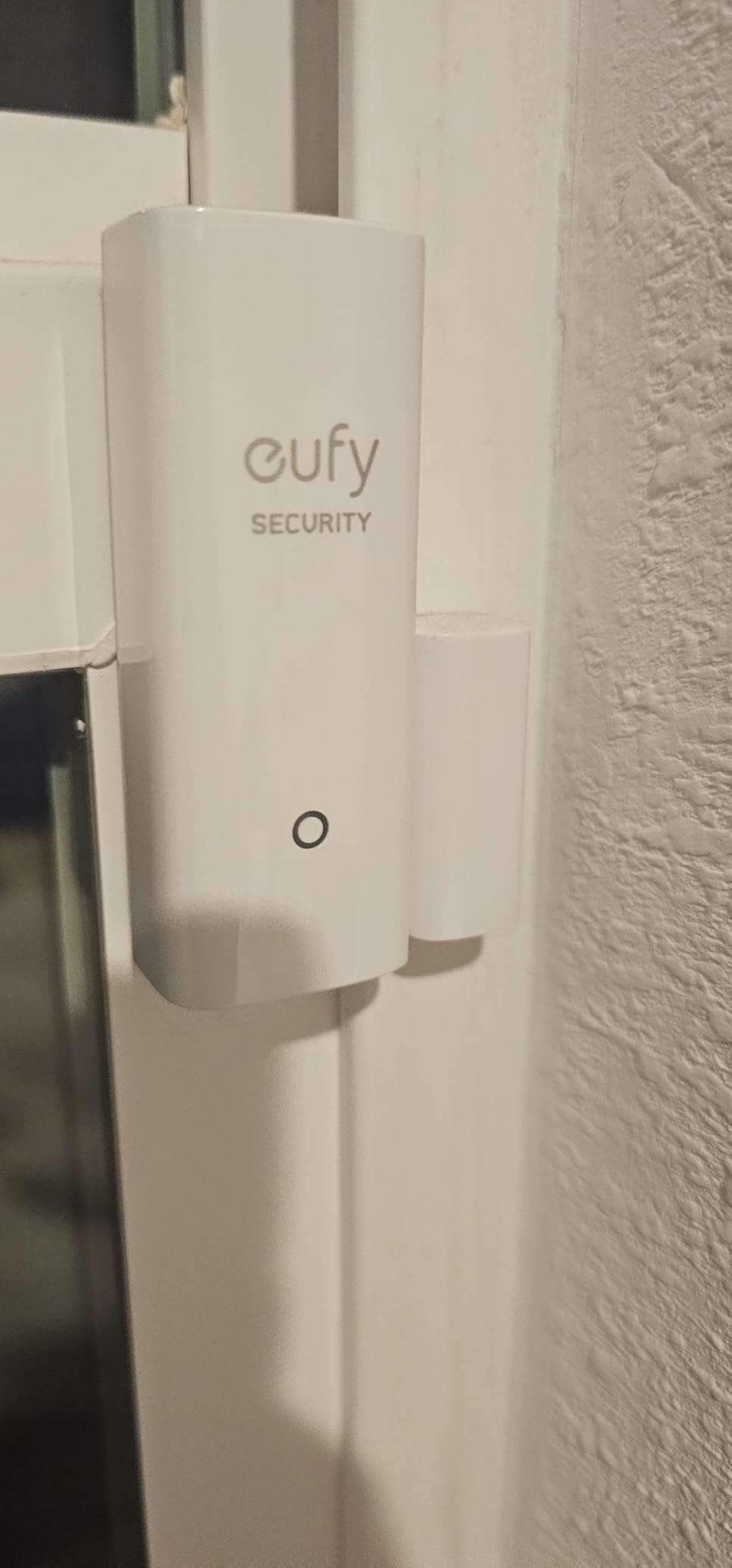
The eufy Security Entry Sensor earns its place on battery life more than anything else. One CR123A lithium cell is rated at up to 800 days, and owners report reaching four years before a change. At 4.6 stars across 2015 reviews it sits near the top of our ratings.
The siren is the second argument. A 100 decibel alert on the eufy Security HomeBase is loud enough to be heard across a house, and it fires alongside the phone notification. That combination of audible and mobile alert is what most people actually want from a door sensor.
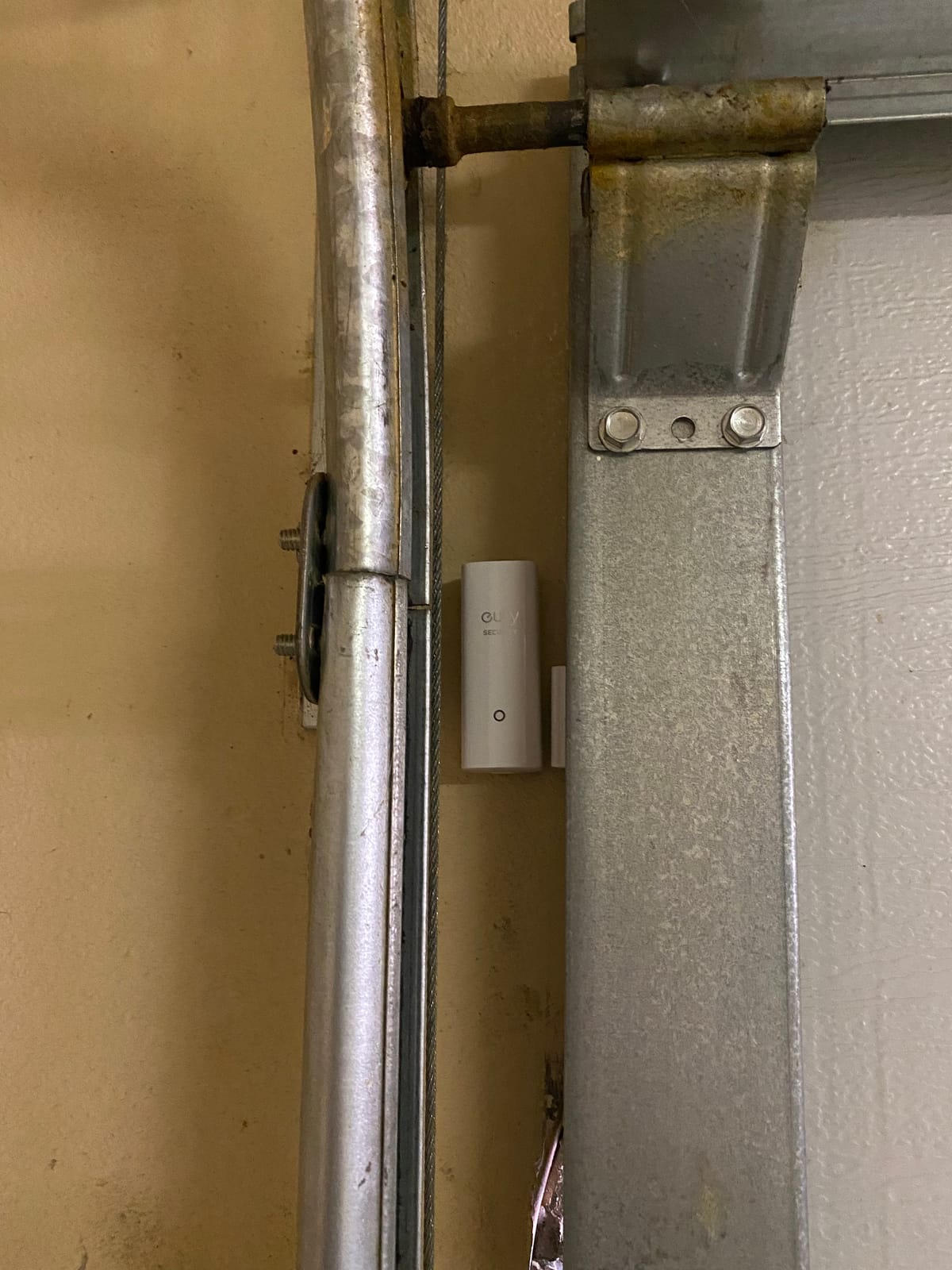
Owners also mount it on garage doors and in detached shops, reporting usable range at around 100 feet through the structure. Adhesive can be peeled and repositioned a few times before it loses its grip, which gives you room to correct a first attempt.
The physical weaknesses are the magnet housing, which is thin plastic and feels fragile, and the tiny screw head that will not hold on porous surfaces such as unfinished wood or masonry. The siren also only sounds while the system is armed, so check your arming state before you rely on it.
Battery life versus the rest of this list
Two years is already common in this category, so the CR123A advantage is real but not enormous. Where it separates is cell availability. A CR123A is stocked everywhere and costs pocket change, while the CR2450 cells some rivals use are pricier and harder to find in a hurry.
How it fits with cameras and locks
This is where eufy is strongest. The Entry Sensor sits in the same HomeBase ecosystem as eufy cameras and motion sensors, so one entry alert can turn on a camera and start recording. If you also want smart locks, see our sliding door lock guide for the pairing side.
5. tolviviov WiFi 8-Piece Kit for Renters Starting From Scratch
WiFi Door Alarm System, 8-Piece DIY Wireless Alarm Kit with Door Sensors
Five door sensors plus siren station
Two key fob remotes
2.4 GHz Wi-Fi only
Expands to 20 sensors
Pros
- Loud siren with no monthly fee
- Tool-free wireless install
- Instant app notifications
- Remotes are more practical than the app
Cons
- Weak written instructions
- Arm and disarm beeps cannot be disabled
- Wrought iron doors defeat the magnets
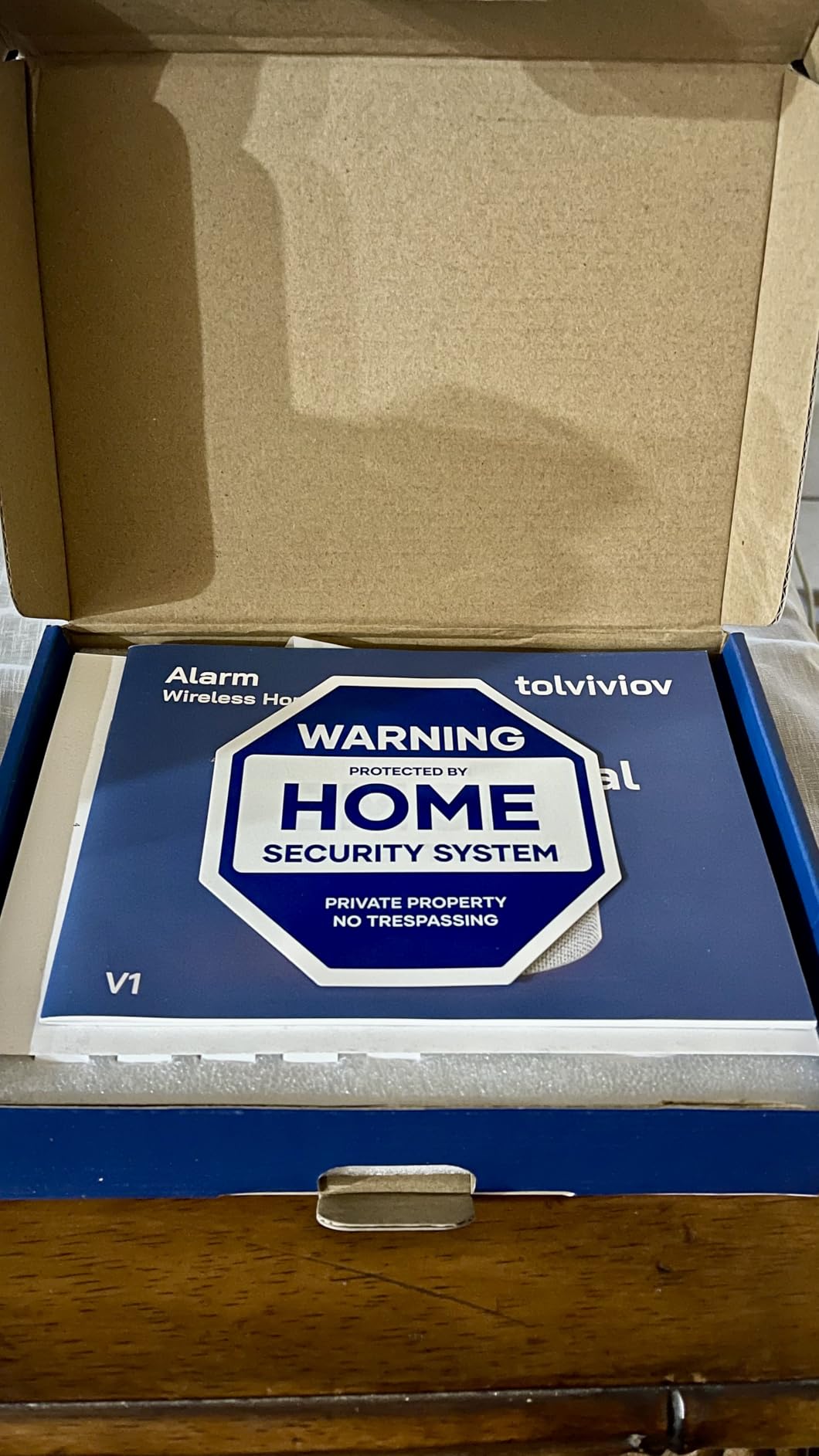
This kit is the answer when you have no hub, no ecosystem and no desire to build one. You get a siren base station, five door and window sensors and two remote fobs in a single box, all talking over 2.4 GHz Wi-Fi. Nothing else to buy and no monthly subscription.
At 4.2 stars from 4181 reviews it is not the highest rated kit here, but the value is hard to argue with. Owners in flats and rentals report installing most sensors in under an hour with the supplied adhesive and no tools at all, which matters when you cannot drill.
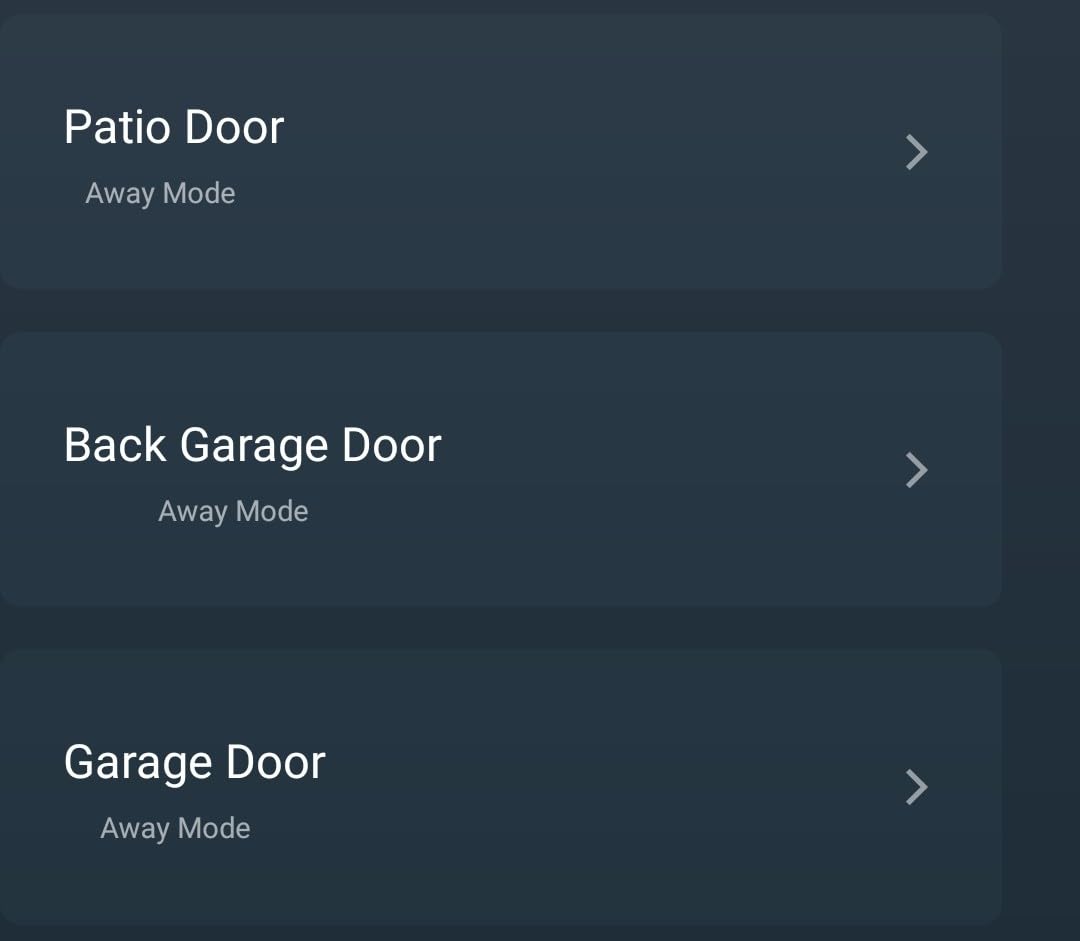
The station has a backup battery for roughly eight hours of runtime, so an entry alert still sounds during a short outage. Sensors expand to a maximum of 20, and Away, Home and Disarm modes work by voice through Alexa and Google Assistant.
Two complaints show up repeatedly. The arming and disarming confirmation beep is loud and has no volume control or off switch, which gets old fast in a shared building. The documentation is also thin, and notification permissions have to be granted manually or alerts never arrive.
Why it suits renters and short-term homes
Everything mounts with adhesive, so you can take the whole system with you when you move. There is no base station to hardwire, no hub to configure, and the sensors fit within about three-quarters of an inch magnet gap, which is forgiving on older frames. For a holiday let or a student flat it is hard to argue with.
What it will not do for you
It is a closed system. These sensors report to the tolviviov app and its own base station, and they do not join HomeKit, Home Assistant or a broader smart home setup. If you already own cameras or locks you would like to trigger, our smart garage door openers guide covers the compatible ecosystem approach.
6. ecobee SmartSensor 2-Pack for Multi-Function Sensing
ecobee Smart Sensor for Doors & Windows 2 Pack for Home Security
Contact plus motion plus light plus temperature
3-year replaceable battery
Maximum range 16 feet
Rated 32 to 113 F
Pros
- Real-time alerts with no subscription
- One unit covers four sensing types
- Quick adhesive installation
- Works with ecobee thermostat
Cons
- Smart motion and HVAC features need a paid plan
- Premium price for a two pack
- Largest body in this roundup
The ecobee SmartSensor does more than tell you a door opened. In a single unit it combines contact sensing with motion detection, ambient light and temperature, which makes it useful as a multi-purpose sensor rather than a single-purpose one. At 4.2 stars across 1284 reviews the reception is solid but not ecstatic.
The thing most buyers care about works without paying anything. Real-time open and close notifications run through the ecobee app with no subscription, and the replaceable lithium batteries are rated for about three years.
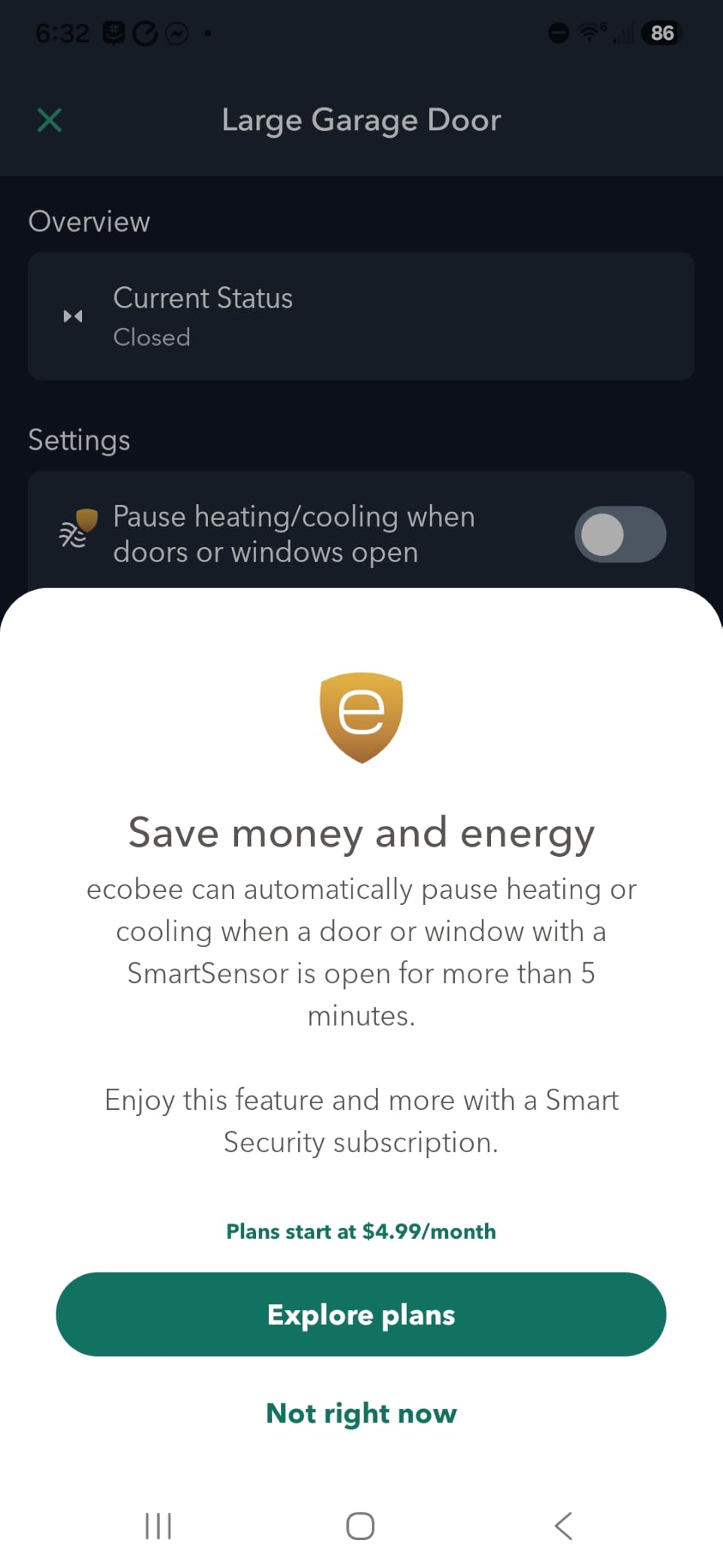
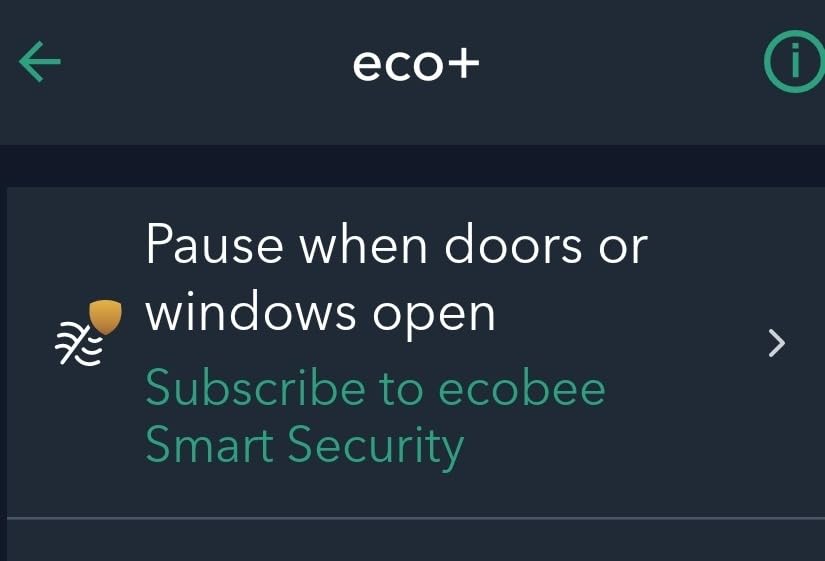
Where the value shifts is when you add the paid Smart Security plan. That unlocks a 120 degree, 16 foot motion arc, entryway HVAC shutoff if a door stays open for five minutes, and a chime through the ecobee Smart Thermostat Premium. Owners who pair it with a thermostat rate that combination very highly.
Two physical points to weigh. The body is the largest of the sensors here, which shows on a narrow window frame, and it is rated for indoor use only between 32 and 113 degrees Fahrenheit. Do not plan to put one on an exterior wall.
Whether the extra sensors are worth the higher cost
If you would otherwise be adding separate motion and temperature devices anyway, one combined unit is a genuine saving. If you only need open and close alerts, a plain contact sensor does the same job for a fraction of the outlay, and you can put the difference into a better camera.
Where it fits in an ecobee home
This one is really for households already running ecobee thermostats. Pairing to a Smart Thermostat Premium gives you a door chime, which is the feature single-family households mention most. Outside that ecosystem the value proposition thins considerably.
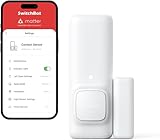
7. SwitchBot Door Alarm Contact Sensor for Scene Automations
SwitchBot Door Alarm Contact Sensor – Smart Home Security Wireless Window Alarm and Door Sensor, Add SwitchBot Hub to Make it Compatible with Alexa
Contact plus motion plus light
Magnet gap within 1.2 inches
About 2 second response
2.8 x 1.02 x 0.91 inches
Pros
- Three sensing types in one unit
- Pairs fast and alerts in 2 seconds
- Peel and stick installation
- Works with Home Assistant
Cons
- Hub needed for remote alerts and Alexa
- Only contact is exposed to Alexa
- Not directly Matter compatible
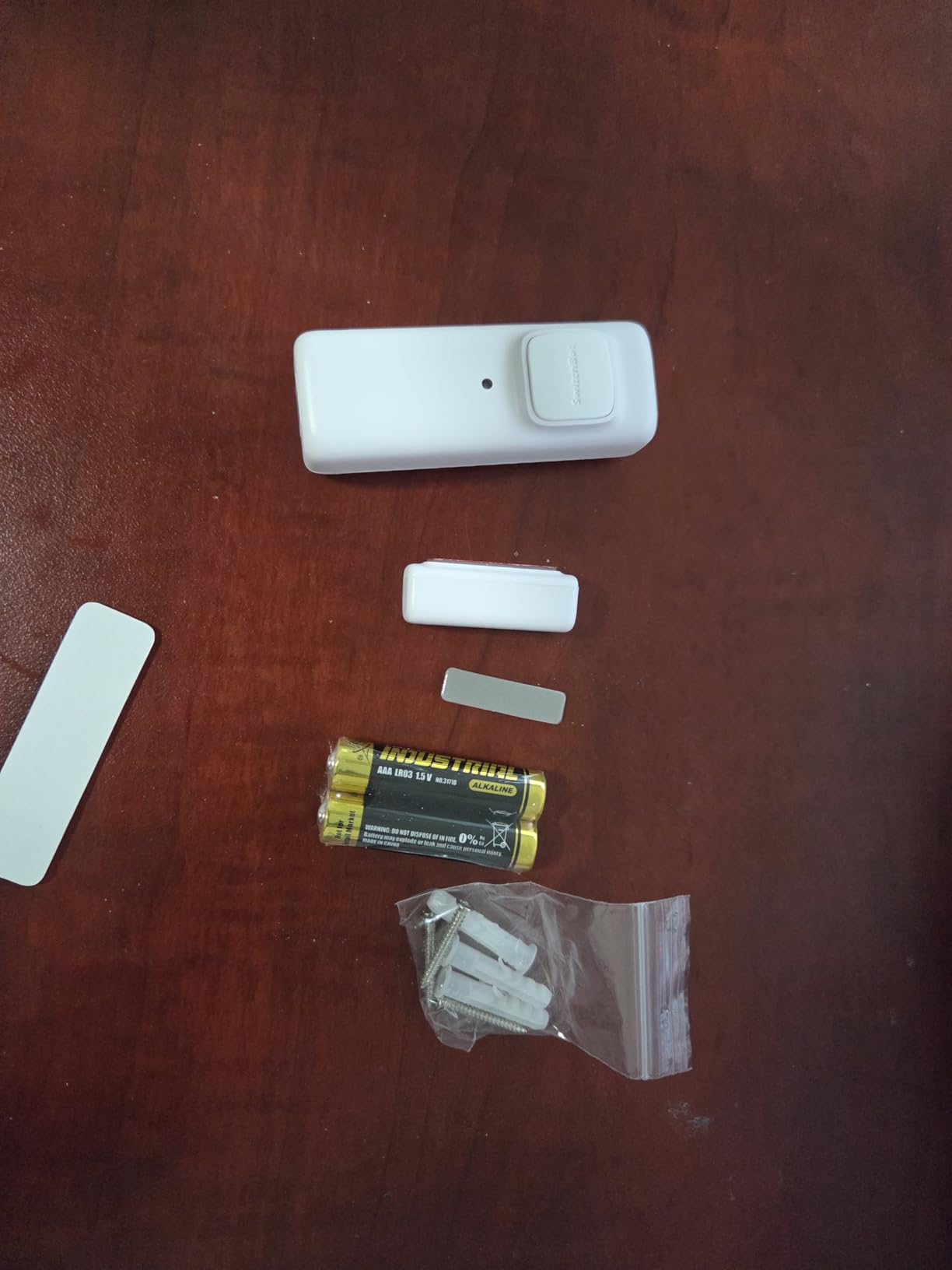
SwitchBot packs three sensing functions into one body: door and window contact, a built-in motion sensor and an ambient light sensor. That means fewer batteries to juggle and fewer devices to mount if you want a corridor that reacts when someone walks past and when the door opens.
Owners rate the speed highly, with alerts arriving in about two seconds once a SwitchBot Hub is paired. At 4.3 stars from 1176 reviews the feedback is positive, and installation is a matter of peeling the backing and sticking it down.
The magnet needs to align with the base of the body within 1.2 inches, and the housing includes markings for that. Its scene integration is the real strength: contact status can drive SwitchBot bots, bulbs and cameras in a single automation, and per-sensor notifications can be switched off entirely for automation-only setups.
Buying the hub is a real requirement for anything beyond local Bluetooth. Without a SwitchBot Hub 2 or Hub Mini you get no remote notifications, no Alexa and no remote access. And only the contact function is exposed to Alexa routines, while motion and light readings stay inside the SwitchBot app.
Whether three sensors in one beat three separate devices
For a hallway where you want lighting and motion triggers plus door status, yes. One sensor where three devices would have sat on the frame is tidier and cheaper to maintain. For a plain front door where you only want an open alert, it is paying for capability you will never use.
How it handles local control
The sensor reports into Home Assistant for owners running that platform, and per-sensor notification muting is useful when a busy door would otherwise flood your phone. Just budget for the hub as part of the cost rather than treating it as an optional extra.
8. THIRDREALITY Zigbee Contact Sensor as the Most Versatile
THIRDREALITY Zigbee Contact Sensor, Door and Window Monitor, Home Automation, Works with Home Assistant, SmartThings, Aeotec, Homey, Hubitat or Echo Devices with Build-in Zigbee Hub,hub Required
Two AAA alkaline batteries
Up to 2-year battery life
Zigbee standard pairing
Indoor use only
Pros
- Pairs fast with Home Assistant and SmartThings
- Common AAA cells are easy to replace
- Generous magnet gap tolerance
- Painless magnetic mount
Cons
- Zigbee hub needed for most use
- Bigger body than coin cell rivals
- Not for metal doors or windows
Two AAA batteries instead of a coin cell is what separates this one. Alkaline AAAs are cheap, stocked everywhere and trivial to swap, which removes the most common long-term annoyance of small contact sensors. Battery life is rated at up to two years.
Pairing is fast across the major Zigbee platforms, including Home Assistant, SmartThings, Hubitat, Homey and Echo devices with a built-in Zigbee radio. At 4.3 stars from 785 reviews the feedback is steady and unexcited, which is what you want from a component you will forget about.
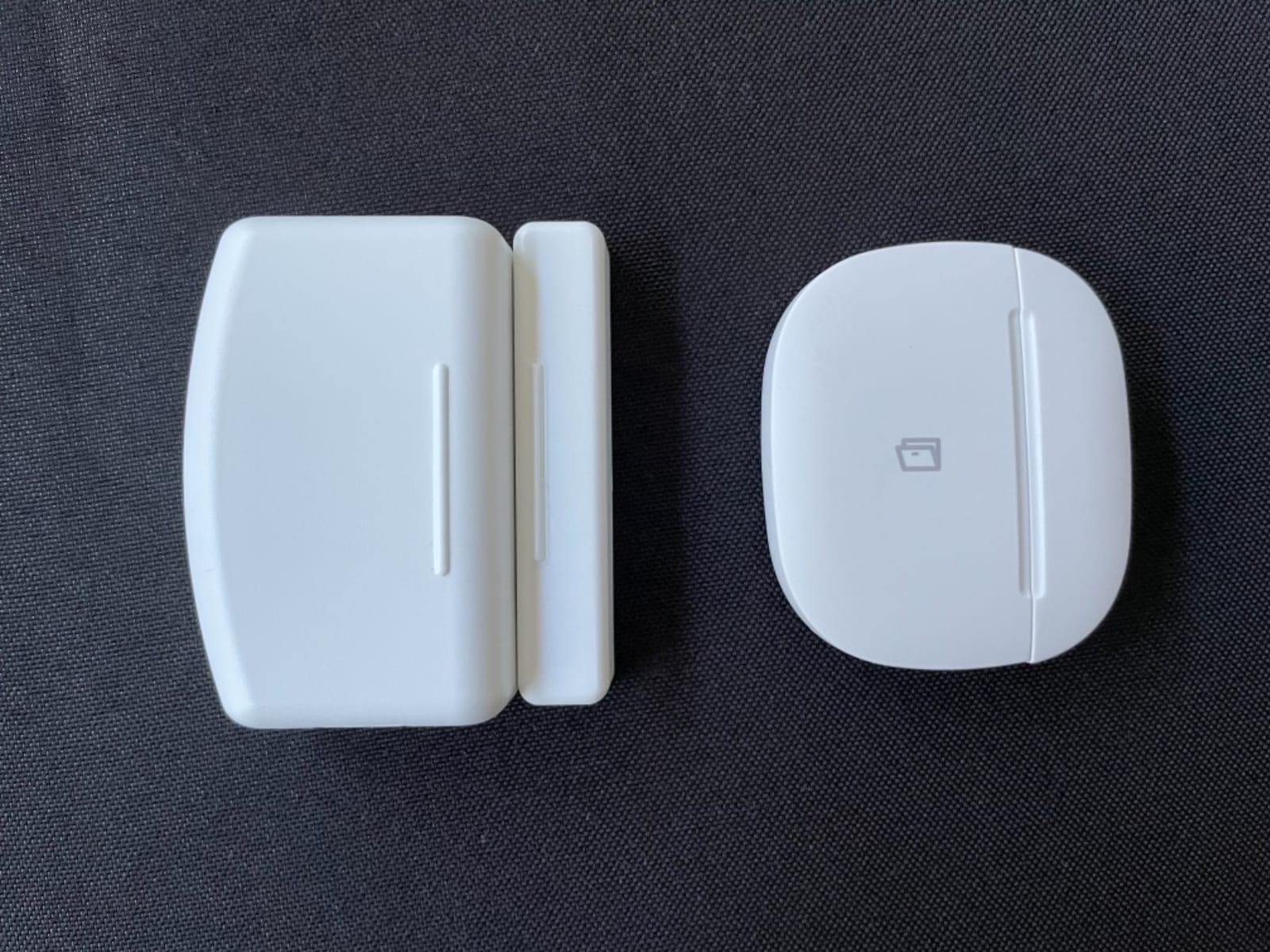
The detection gap is generous enough to handle recessed doors, poorly moulded frames and hardware that does not line up neatly. That forgiving tolerance is the reason several owners picked it for older properties rather than a slimmer premium unit.
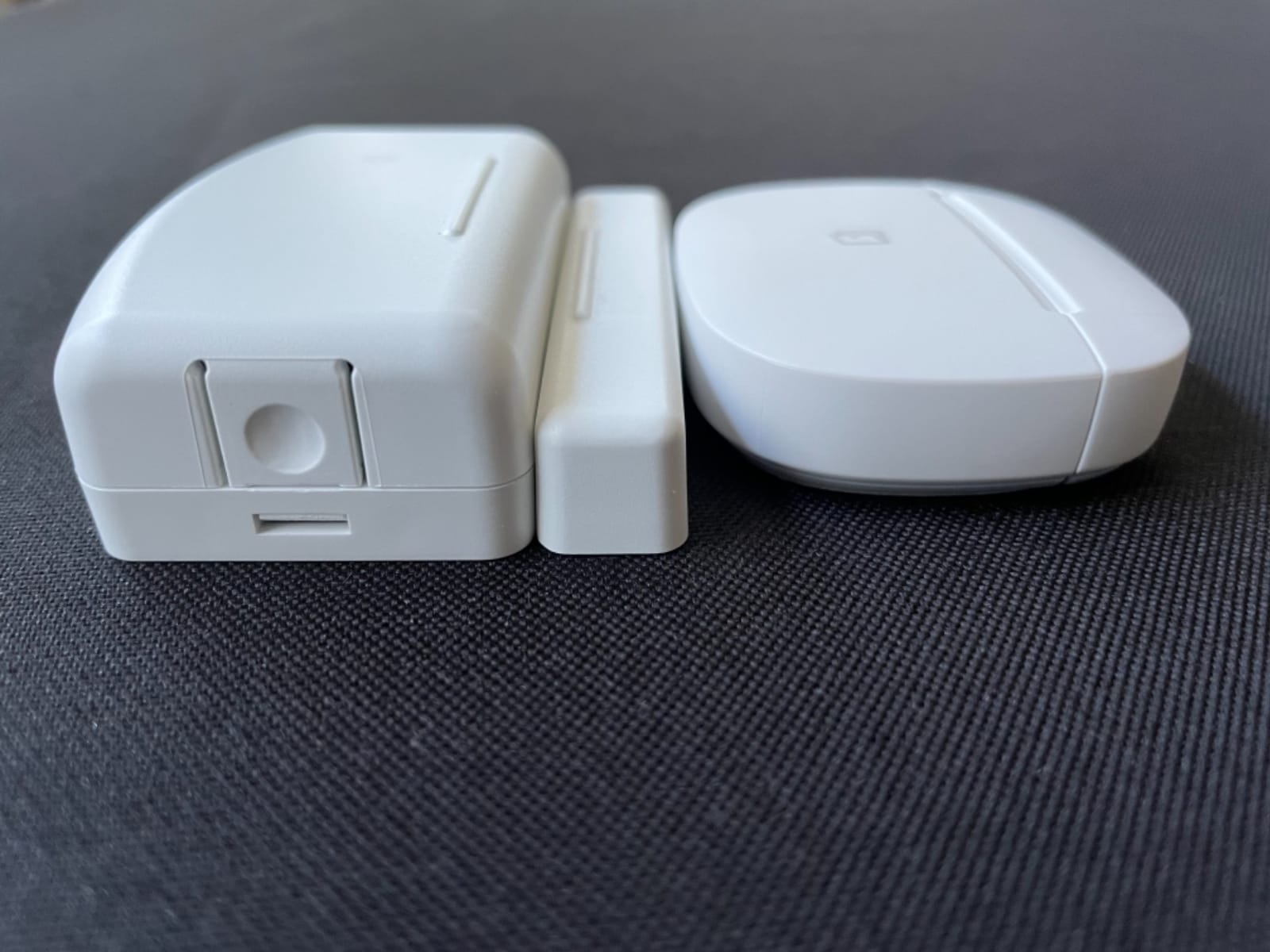
The trade-off is size. Two AAA cells make the body wider and taller than coin-cell competitors, so it is more visible on a front door. The listing also restricts it to indoor use and explicitly excludes metal doors and windows, which rules it out for some exterior installations.
Why AAA batteries matter more than they sound
Over five years a coin cell that runs flat early means two or three replacement rounds, and CR2450 cells in particular are harder to find and cost more. AAAs are a purchase you make in any shop on any street. If you are covering a whole home, that difference adds up quickly.
Where pairing issues actually show up
Some Hubitat installations report intermittent dropouts, and Echo Zigbee outages have temporarily stopped reporting for some users. Both are network-side problems rather than sensor faults, but they are worth knowing if your whole alarm depends on that route.
9. Eve Door and Window Matter 3-Pack for Apple Home Users
Eve Door & Window (Matter) 3 Pack – Smart Contact Sensor for Doors & Windows, Open/Closed State, Automatic Control of Accessories, Matter Over Thread, Apple Home, Alexa, Google Home, SmartThings
Matter enabled over Thread
3 pack with spacers
Replaceable ER14250 battery
2 year warranty
Pros
- Automations fire in about a second
- Works across Apple Home Alexa Google Home
- No cloud account or tracking
- Strong Thread range through walls
Cons
- Firmware update is essential on older units
- Tight battery cover
- Spacers are confusing to assemble
This is the pick if your home runs Apple Home, and the only three-pack here built natively around Matter over Thread. Owners who have updated the Thread firmware report automations firing in about a second and a strong signal that holds through several walls from a router around 30 to 40 feet away.
The privacy position is the standout. There is no Eve cloud, no registration and no tracking, and communication stays local. If local control is your deciding factor, this is the clearest expression of it in the whole roundup.
You will need a Thread border router of some kind. That means an Apple TV or HomePod, a SmartThings Hub v3, an Echo 4th Gen or Echo Show 8, or a Nest Hub 2nd Gen. Spacers ship in the box so you can tune the passive magnet for varying door gaps, which is genuinely useful on older frames.
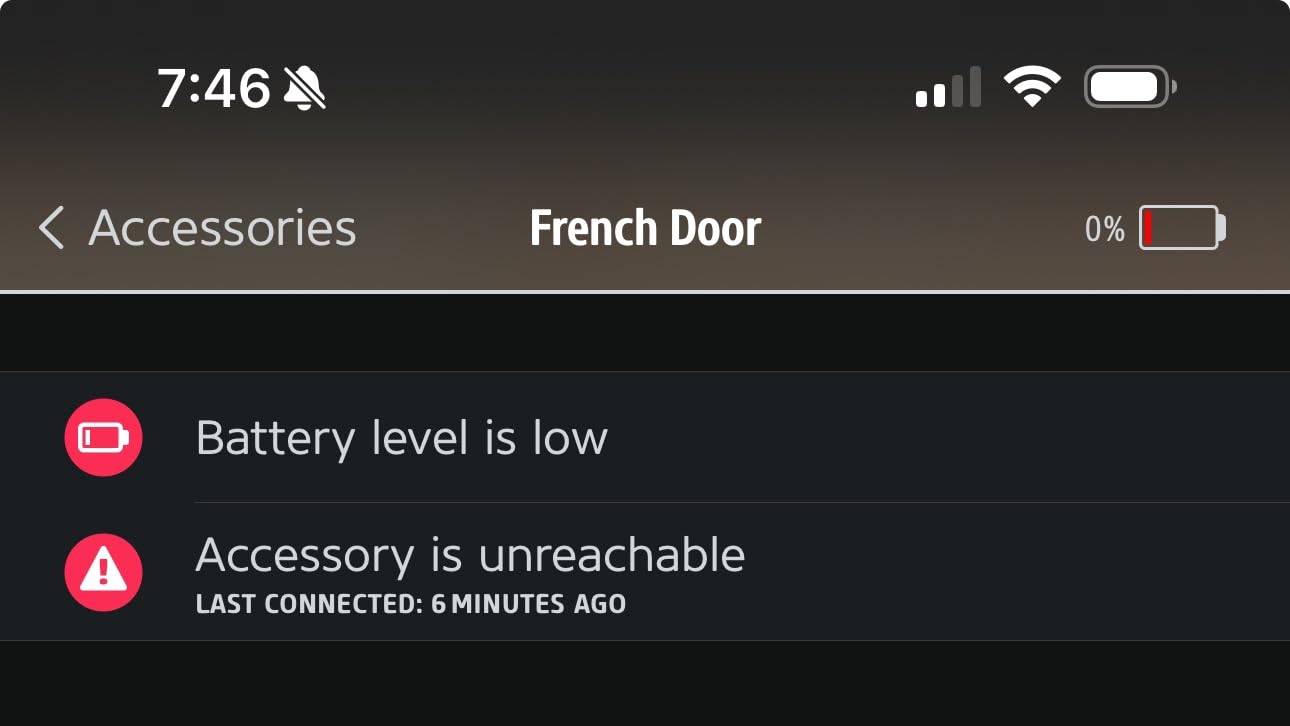
One warning deserves repeating. Older units without the current Thread firmware show multi-second delays and drained batteries in about two months, so updating through the Eve app is not optional. Reviewers also find the battery cover tight and the spacers confusing to fit.

What Matter and Thread actually change for you
It means the sensor is not tied to one brand. The same unit shows in Apple Home, Alexa, Google Home and SmartThings without a proprietary hub, and it keeps working locally if the vendor changes direction. That portability is the whole argument for spending more here.
How to avoid the firmware trap
Check the Thread firmware status as soon as the sensor is set up rather than trusting the box. Batteries that appear flat after two months on a sensor that should last years are almost always an un-updated unit, and the symptom is far more expensive to diagnose than the update itself.
10. Tapo T31 Starter Kit for a Complete Set With a Hub Included
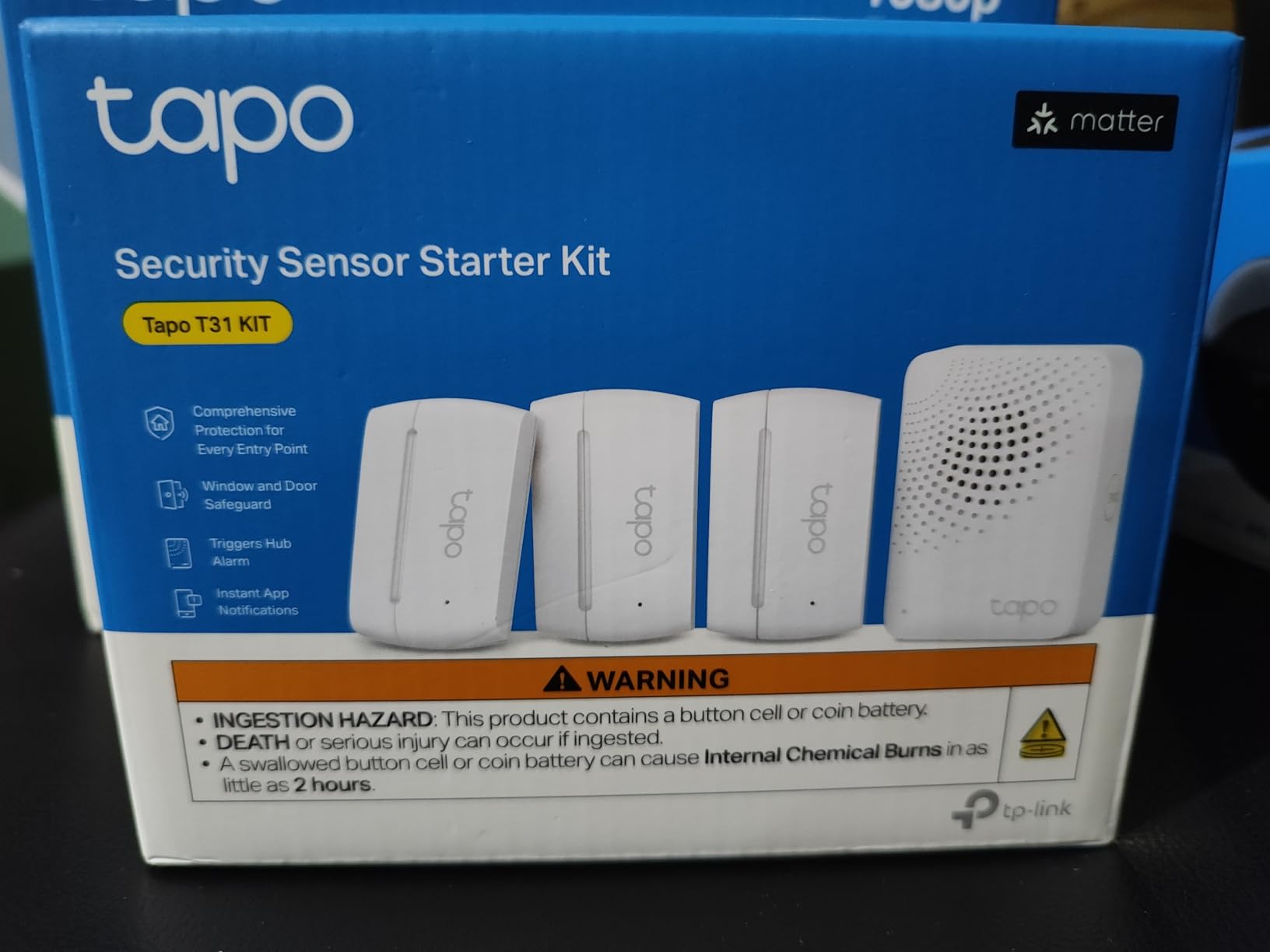
Tapo Door Sensor Starter KIT, Matter Compatible, 3X Smart Door Window Contact Sensor and 1x Smart Hub with Built-in Chime, Smart Automation, Real-Time Notification, T31 KIT
Three T110 sensors plus H100 hub
Hub has built-in chime
Sub-GHz protocol
CR2032 rated 2 years
Pros
- Hub chime removes extra siren hardware
- Fast notifications with few missed events
- Matter certified for four platforms
- Strong adhesive and TP-Link support
Cons
- Adhesive only mounting
- No battery percentage reading
- Hub must be reasonably close
The Tapo T31 kit bundles three T110 contact sensors with a Tapo H100 hub that has a built-in chime. That hub detail is what makes it feel finished. Most kits force you to buy a separate siren, and this one sounds an alert on the hub out of the box.
At 4.3 stars across 299 reviews the sample is still small, but the feedback is consistently positive: fast setup, no missed events on most installs, and a body that survived a seven-foot drop onto concrete in one owner’s test. Support from TP-Link is also called out as competent.
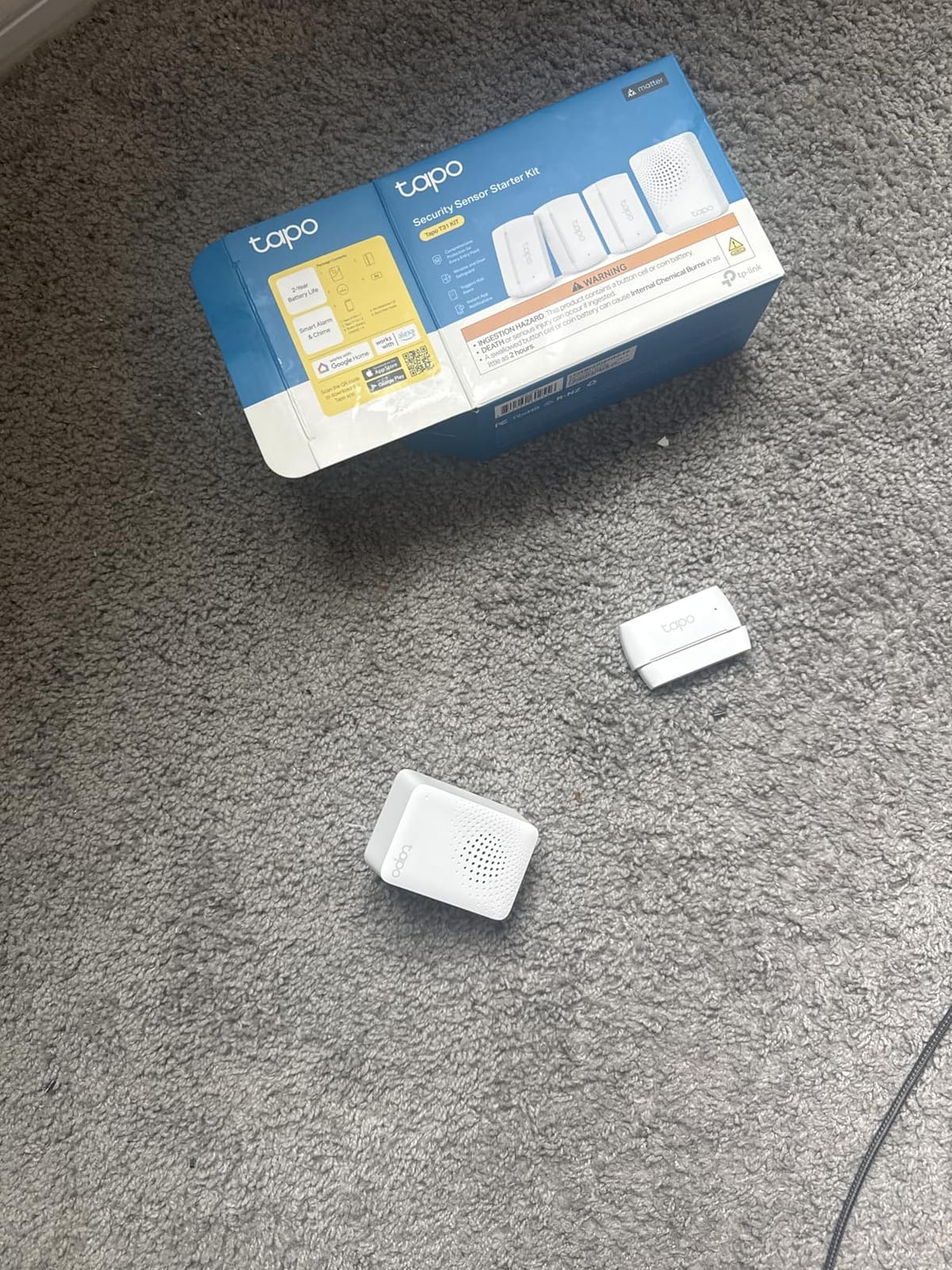
The sensors use the Sub-GHz protocol, which the manufacturer says extends range and can extend device battery life by as much as ten times compared with Wi-Fi devices. CR2032 cells are rated at up to two years, and the hub handles up to 64 sensors, switches and buttons.
Limitations are real but small. Mounting is adhesive only, so repositioning means fresh tape. You get a low-battery alert rather than a percentage reading. And a few reviewers report connections dropping, so keep the hub within a sensible distance of the sensors.
Whether the bundled hub saves money
For anyone starting a smart home from zero, yes. You get a working system, a audible chime and a central hub in one purchase, which removes the most common early mistake of buying sensors with no hub. Add sensors later and the same hub handles up to 64 devices.
How it handles mixed ecosystems
The kit is Matter certified for Alexa, Google Home, Apple HomeKit and Samsung SmartThings, and it also works locally with Home Assistant through the TP-Link integration. That flexibility is unusual at this level and removes the ecosystem lock-in complaint we hear most often.
11. Ring Window and Door Sensor for Hub-Free Ring Setups
Ring Window & Door Sensor (newest model), protect entry points with instant alerts, easy installation, no base station needed, Professional Monitoring (sold separately)
Connects over Amazon Sidewalk
No base station needed
Battery powered
Mounts in minutes
Pros
- No hub or base station required
- Quick tool-free installation
- Alerts land in the Ring app with cameras
- Compact and unobtrusive
Cons
- Push alerts can be too quiet at night
- Escalation timing is aggressive
- Older Ring hardware no longer pairs
This is the newer Ring contact sensor, and the meaningful difference is that it needs no base station. It connects over Amazon Sidewalk and reports straight into the Ring app, which makes it the easiest way to add entry sensors to a home that has a Ring doorbell but no alarm hub.
Owners like the low cost of entry and how the notifications sit alongside camera alerts in one app. At 4.1 stars across 355 reviews it is the newest model here, so the long-term record is still thin.
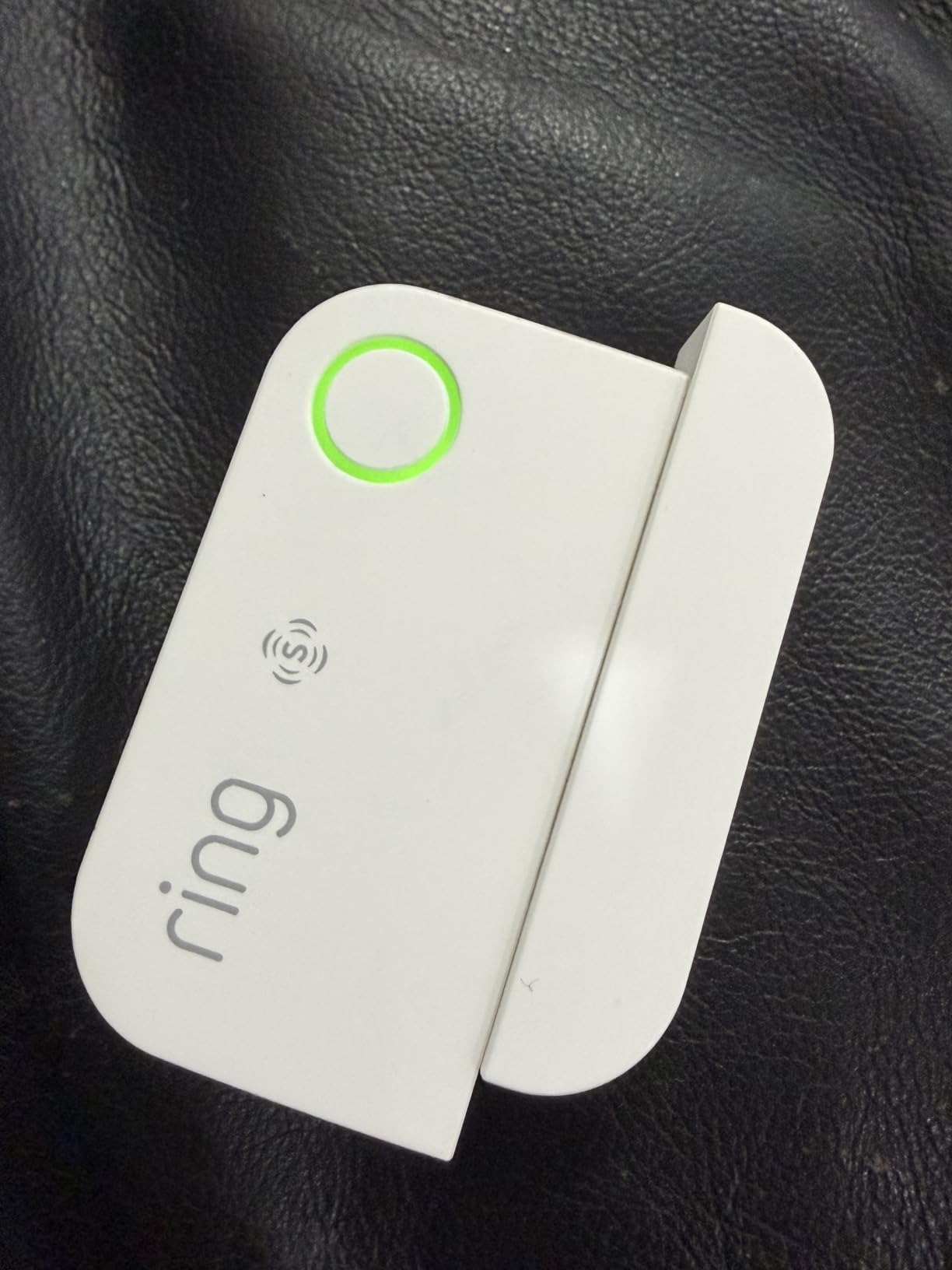
Two complaints matter if you sleep through alerts. Push notification volume can be very quiet, particularly overnight, and the escalation to a professional response after roughly 30 seconds without acknowledgement is aggressive with no middle setting. Test both on your own phone in your own bedroom before trusting it.
Also note the compatibility break. These newer models no longer pair with older Ring base stations or with Z-Wave setups such as Home Assistant, and owners report unreliable registration on uneven sliding doors.
Sidewalk coverage and what it means
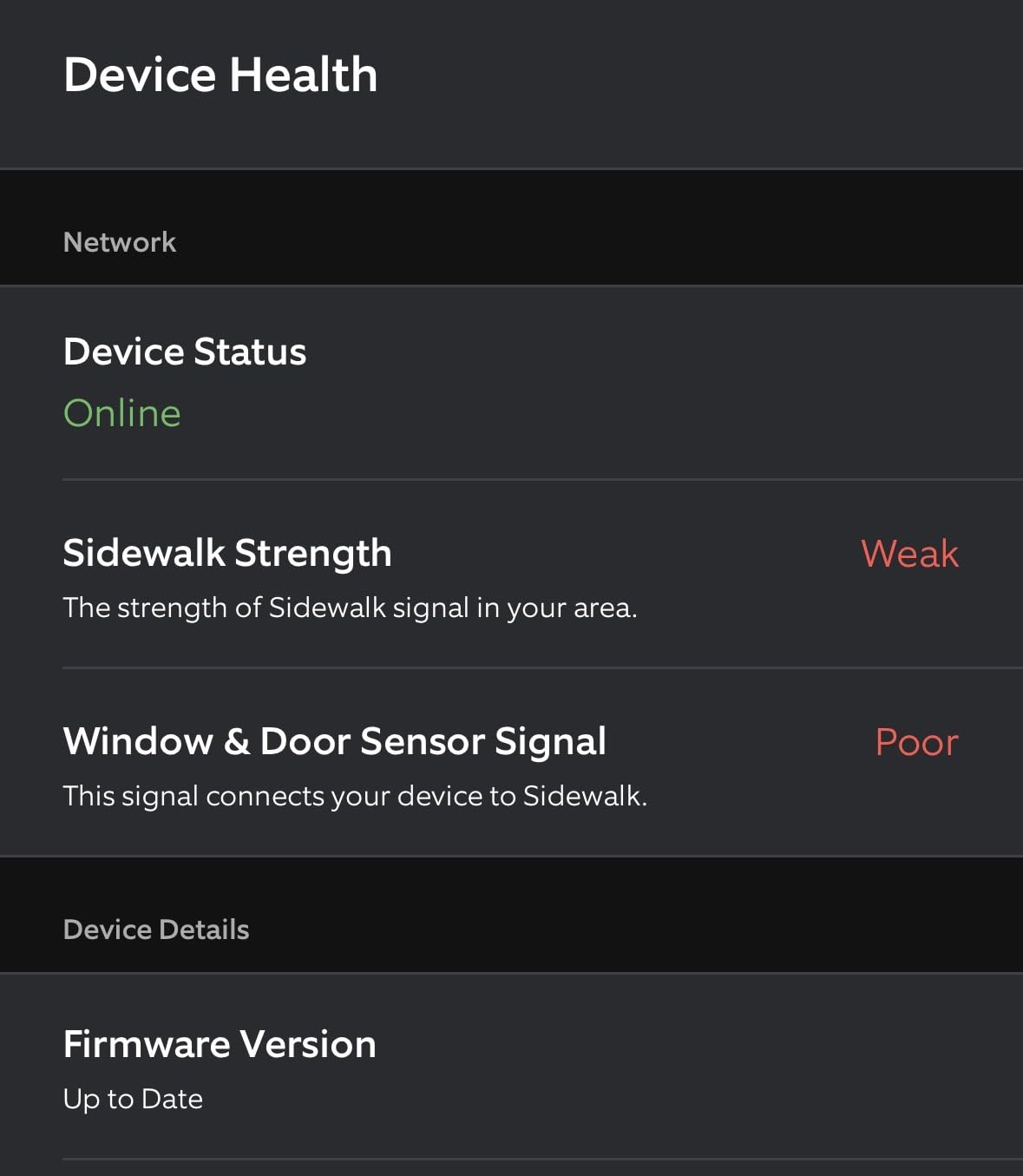
Amazon Sidewalk is required for these sensors to function, and usable coverage varies by location. If you already rely on Sidewalk for a doorbell and that has been dependable, these sensors will behave the same way. If not, check your area first.
How they fit with cameras
The real value is the shared app. A door alert and a camera alert arriving in the same place means far less hunting around when something triggers at night. Pairing with outdoor coverage is worth reading about in our smart fence security camera guide.
12. SONOFF SenseGuard DW Gen2 4-Pack for Budget Whole-Home Coverage
SONOFF SenseGuard DW Gen2 SNZB-04PR2 Zigbee Door Window Contact Sensor, Open/Close Monitoring, Tamper Proof, Phone Alert, Home Security Alarm, Works with Alexa, Home Assistant & SmartThings, 4-Pack
Four sensors per pack
Up to 30mm detection distance
Tamper prevent button
Requires Zigbee hub
Pros
- Pairs instantly with Home Assistant and Hubitat
- Slim body with strong adhesive
- Wider detection gap than generic sensors
- Good value in a four pack
Cons
- Tamper state not reported by ZHA or Zigbee2MQTT
- Occasional missed open events
- Zigbee hub required
Covering eight or ten openings at once is where a four-pack earns its place. The SONOFF SenseGuard DW Gen2 pairs instantly with Home Assistant through ZHA with no driver or blueprint, which saves real setup time when you are onboarding sensors one after another.
The detection distance of about 30mm is more forgiving than no-name sensors, and that tolerance is what several owners credit for switching away from flakier units. At 4.1 stars from 223 reviews the record is modest, but the pairing experience is consistently described as instant.
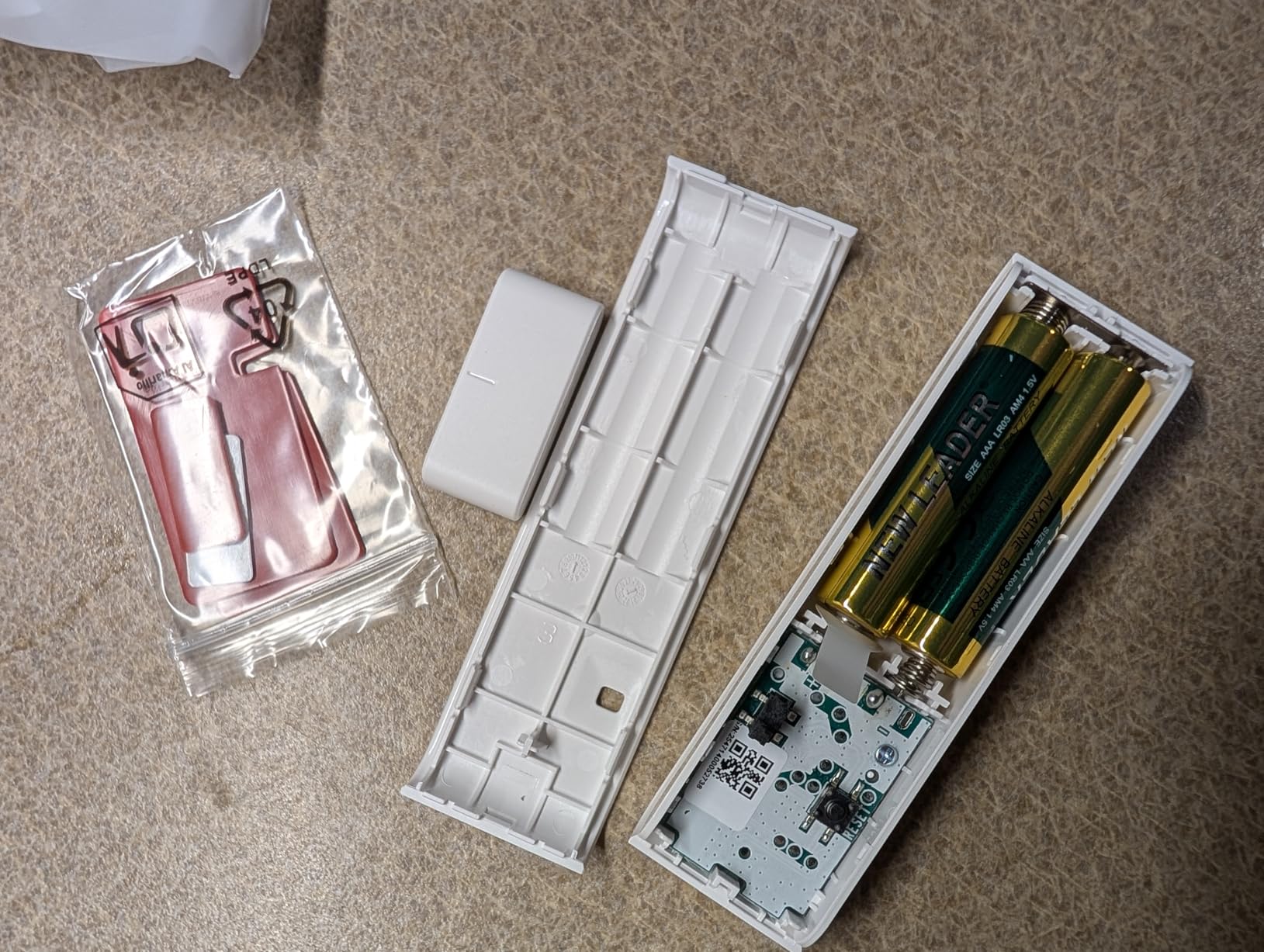
There is one genuine gotcha. The unit advertises a tamper-prevent button that fires a phone alert if the device is removed, but that tamper state is not surfaced by ZHA or Zigbee2MQTT. Treat it as a physical feature rather than an automation trigger you can rely on.
A few reviewers report a sensor sleeping through an open event, and on Hubitat the device initially pairs as a generic device that must be manually retyped. The adhesive is also strong enough that repositioning once mounted is a chore.
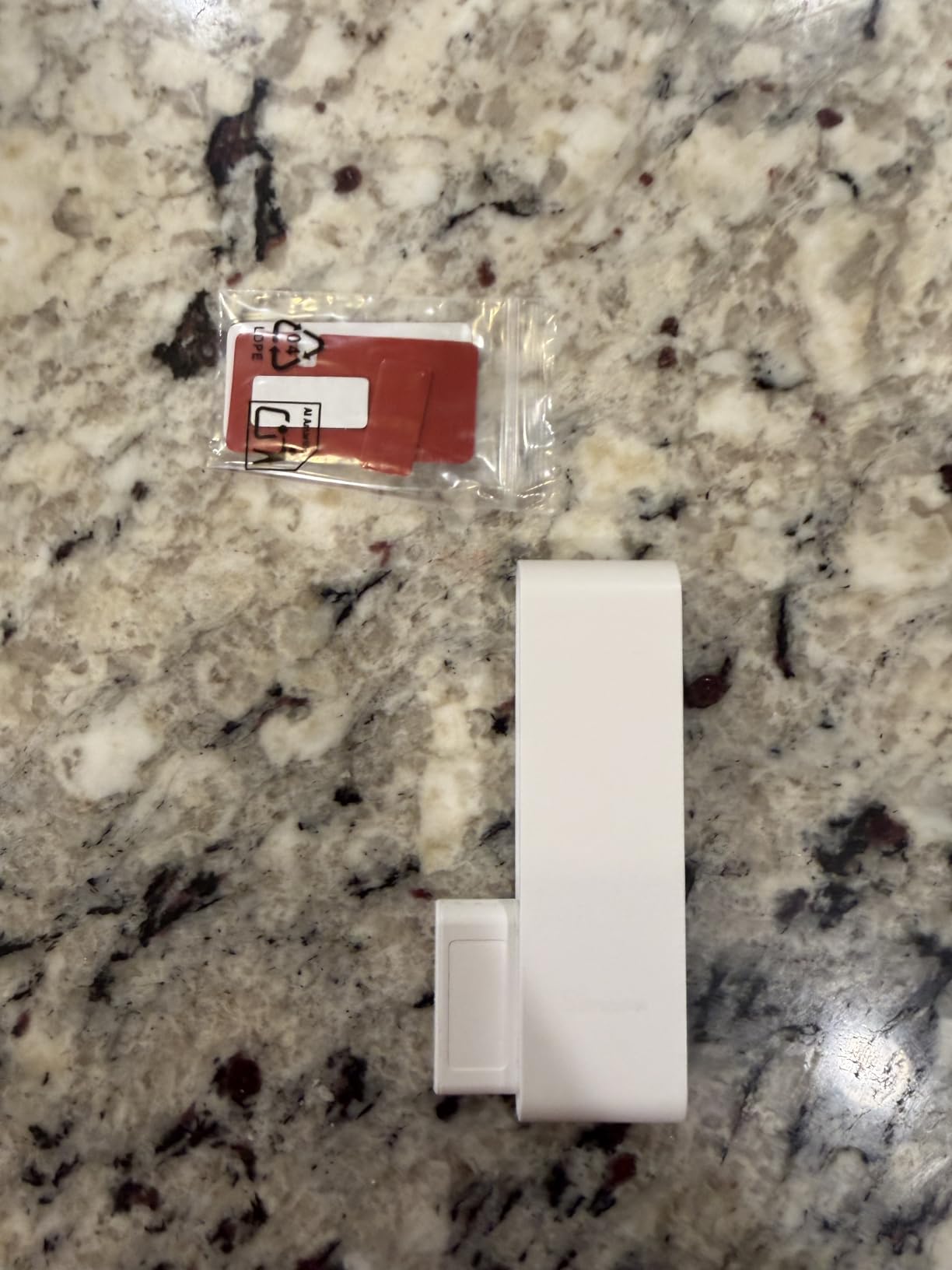
Why bulk packs suit whole-home coverage
Most homes have more openings than people expect, especially once you include patio sliders, basement doors and interior garage entries. Buying four at a time keeps the model, the battery type and the app behaviour consistent across every sensor, which makes troubleshooting far simpler later.
When to choose something else instead
If you have no Zigbee hub at all, this is the wrong starting point. Go for the Tapo T31 kit or the Ring Sidewalk sensor instead. If tampered state matters to your monitoring setup, pick a unit whose tamper flag actually reports.
How to Choose a Smart Door Sensor Without Buying It Twice
Most disappointing door sensors are not bad products. They are good products bought into the wrong ecosystem, mounted on the wrong surface, or paired with a hub that was never compatible. Work through these five questions in order and you will usually narrow the field to two or three models before spending anything.
Do smart door sensors need a hub?
Some do and some do not. Wi-Fi models like the Ring Window and Door Sensor connect over Amazon Sidewalk and report to your phone with no base station at all, and complete kits like the tolviviov system include their own station. Zigbee sensors need a hub, and Matter-over-Thread sensors need a Thread border router such as an Apple TV, HomePod, Echo or Nest Hub. Bundles like the Tapo T31 kit and the Eve 3-pack reduce that friction by including the hub hardware, or by being designed around a hub you probably already own.
Zigbee, Z-Wave, Wi-Fi, LoRa or Thread and Matter
Zigbee is the most common choice for good reason. It is low power, inexpensive, mesh-based so devices can relay for each other, and supported by Home Assistant, SmartThings, Homey, Hubitat and Echo devices. The trade-off is that you need a hub and a bit of setup patience.
Z-Wave is more resilient on congested networks because it runs on a frequency well away from Wi-Fi, but you now have far fewer consumer choices outside the Ring and eufy ecosystems. Wi-Fi is the simplest to install and the worst for battery life and range, so it suits a sensor or two rather than a whole house. LoRa, used by YoLink, trades responsiveness for enormous range at 900 MHz. Thread and Matter give you local control and cross-platform portability, at the cost of needing a border router.
Matching the sensor to the ecosystem you already own
This matters more than any spec on the box. If your home runs Apple Home, the Eve Door and Window is the clean fit and the Aqara works through an Aqara hub. SmartThings and Home Assistant users get the widest choice from THIRDREALITY and SONOFF, both of which pair quickly. Alexa-only households with no hub should start with the Tapo kit or a Ring Sidewalk sensor.
Buyers consistently regret pairing order. Check what is already on your network before you buy, not after. And if local control without a cloud account matters to you, the Eve sensor and Home Assistant paired Zigbee hardware are the two options in this roundup that give you that.
Battery type and real-world battery life
Manufacturer battery claims run two to three years across this list, and most owners report somewhere in that range with occasional shortfalls. The bigger practical issue is which cell you have to hunt for. CR2032 is universal and cheap. AAA is universal and cheap. CR123A is easy to find. CR2450 is the awkward one, pricier and thinner on shop shelves.
One practical warning from the community: sensors sitting on doors that get opened constantly, on garage entries and on unheated exterior walls all drain faster than an indoor sensor in a hallway. If you are covering several openings, using AAA cells avoids a mid-winter scramble.
What a door sensor cannot tell you
A contact sensor reports one state, open or closed. It cannot tell you the door is locked, that someone forced entry rather than using a key, that a window was broken, or who came through. It also cannot see anything. For lock state you need a smart lock, for identification a camera, and for presence in a room a motion sensor.
That is not a weakness so much as a boundary. The best setups treat the door sensor as the trigger and the camera, lock or light as the response, which is exactly how we use these in the buying guide below.
Installation and Placement: Getting the Magnet Gap Right
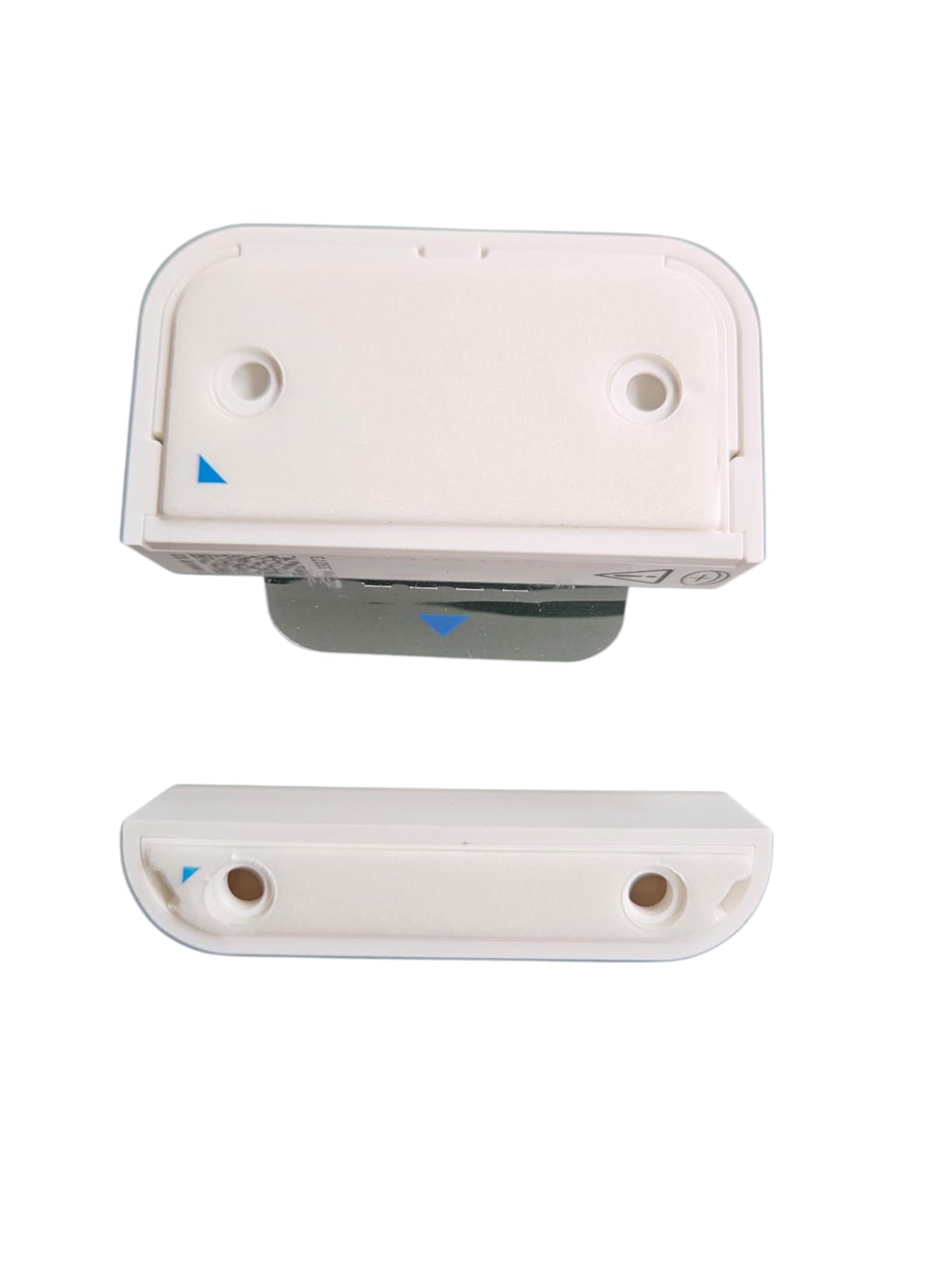
Most false alerts and missed events come down to a magnet sitting two millimetres too far from the body, not a faulty sensor. Every one of the models here reports open state correctly only when the magnet sits within its specified gap, and that number ranges from about three-quarters of an inch to 1.2 inches depending on the model.
Surface-mount versus recessed
Surface-mount sensors stick or screw to the face of the frame and are the practical choice for almost everyone. Recessed sensors sit inside a drilled bore, which looks far cleaner on a visible front door and on newer steel doors with a prepped hole. Recessed installation needs a drill, correct diameter and patience, so it suits homeowners rather than renters. The THIRDREALITY and SONOFF units with generous gaps are good picks when you want tolerance rather than precision.
Metal and aluminium frames
This is the most common real-world failure, and it comes up repeatedly across smart home forums. Metal near the reed switch can prevent the magnetic field from registering, so the sensor may never confirm it is closed. The practical workarounds are to move the body to a wooden stile or jamb, keep the sensor off the metal edge, or choose a unit rated for metal mounting. Note that the THIRDREALITY listing specifically excludes metal doors and windows.
Sagging doors and sliding tracks cause the same symptom later. If a sensor works on day one and starts producing phantom open events after a month, the door has moved and the gap has changed. Re-align before you start blaming the radio.
Sliding doors, garage doors and weather
Sliding glass doors are the hardest case because the magnet has to stay aligned along a track and any dip throws it off. Owners report uneven sliders as a repeat problem on newer Ring models. Our advice is to mount the body on the fixed jamb and the magnet on the moving panel at the point where the two overlap most consistently.
For garage and utility doors, the eufy Entry Sensor is used on garage doors by several owners. On weather, most contact sensors here are indoor rated. The ecobee is specified for 32 to 113 degrees Fahrenheit, the THIRDREALITY is indoor only, and only the YoLink is comfortable in unheated spaces and metal mailboxes. If a sensor sits outdoors year-round, plan for a housing rather than a bare contact unit.
Renter-friendly mounting that will not damage the door
Peel-and-stick mounting with the supplied 3M tape is the answer for flats and rentals. Buy a small pack of fresh tape before you start, because repositioning after the adhesive has set is the most common install frustration. The Tapo sensors are adhesive only, so that applies directly. Where screws are offered, use them on door stops and frame edges rather than on the visible face of a door.
Fixing false alerts quickly
Work through these in order. First, confirm the magnet gap with a physical gap tool or a coin held at the closed position. Second, check whether the door bounces on closing, which produces a real second event and a real second alert. Third, look for wind, vibration from slamming doors, and busy 2.4 GHz networks causing mesh congestion. Fourth, replace the battery, since a tired cell can produce erratic reporting. Finally, confirm the magnet is not sitting next to steel screws or a metal strike plate.
Frequently Asked Questions
Which smart door sensors are the best?
The best smart door sensors depend on your ecosystem. The Ring Alarm Contact Sensor 2-Pack leads for existing Ring users, the Aqara Zigbee sensor is the best value pick for whole-home Zigbee coverage, the eufy Security Entry Sensor is our pick when you want the longest interval between battery changes on a single easy-to-find cell, and the Eve Door and Window is the strongest option for Apple Home and Matter. For a starter kit that includes a hub, the Tapo T31 kit is the most complete.
Do smart door sensors need a hub?
It depends on the protocol. Wi-Fi models such as the Ring Window and Door Sensor connect over Amazon Sidewalk and report straight to your phone with no base station. Zigbee sensors need a hub such as Home Assistant, SmartThings, Homey or an Echo device. Matter-over-Thread sensors need a Thread border router like an Apple TV, HomePod, Echo or Nest Hub. Kits such as the Tapo T31 bundle a hub with the sensors.
Which door sensors are the most reliable?
Reliability tends to follow build quality, magnet gap tolerance and how well the sensor suits the surface. The Aqara family is repeatedly described in the smart home community as one of the most reliable, and the Ring Alarm Contact Sensor has the largest review sample of any model here at more than 29500 reviews. The THIRDREALITY and SONOFF Zigbee units also earn repeat mentions for forgiving magnet gaps on older frames.
What are the downsides of smart sensors?
The main drawbacks are battery replacements, hub dependence and false alerts. Most sensors run two to three years on a coin cell or AAA pair, so whole-home coverage means periodic battery work, and some cells such as CR2450 are harder to source. Hub-based models will not report at all without their hub. False alerts usually trace back to magnet misalignment, doors that bounce on closing, or wind and vibration rather than sensor failure.
Why does my door sensor keep giving false alerts?
Most false alerts come from magnet misalignment rather than a broken sensor. Check that the magnet sits within the specified gap, confirm the door does not bounce after closing, and look for wind or vibration from slamming doors. Busy 2.4 GHz networks can congest a Zigbee mesh and cause odd behaviour. Replacing the battery also helps, since a tired cell can produce erratic reporting on an otherwise healthy sensor.
The Best Smart Door Sensors for Home Security in 2026
If you want one dependable answer, take the Ring Alarm Contact Sensor 2-Pack when you already run Ring hardware. Its 4.7 rating across more than 29500 reviews is the most proven record in this roundup, and installation takes minutes. For Zigbee and Home Assistant, the Aqara Zigbee Door and Window Sensor gives you the smallest footprint and the best bulk value. For long properties, gates and mailboxes, the YoLink YS7704 wins on LoRa range no other model here can match.
For battery life, the eufy Security Entry Sensor runs the longest on a single widely available CR123A. Renters starting from zero should take the tolviviov WiFi kit, which needs no hub and no drilling. Apple Home households get the Eve Door and Window and its local-only Matter operation, while the Tapo T31 kit is the most complete starting point because the hub and its chime come in the box.
Whatever you choose, spend the extra ten minutes getting the magnet gap right before you walk away. Alignment causes more false alerts than any hardware fault, and it costs nothing to fix properly the first time.