
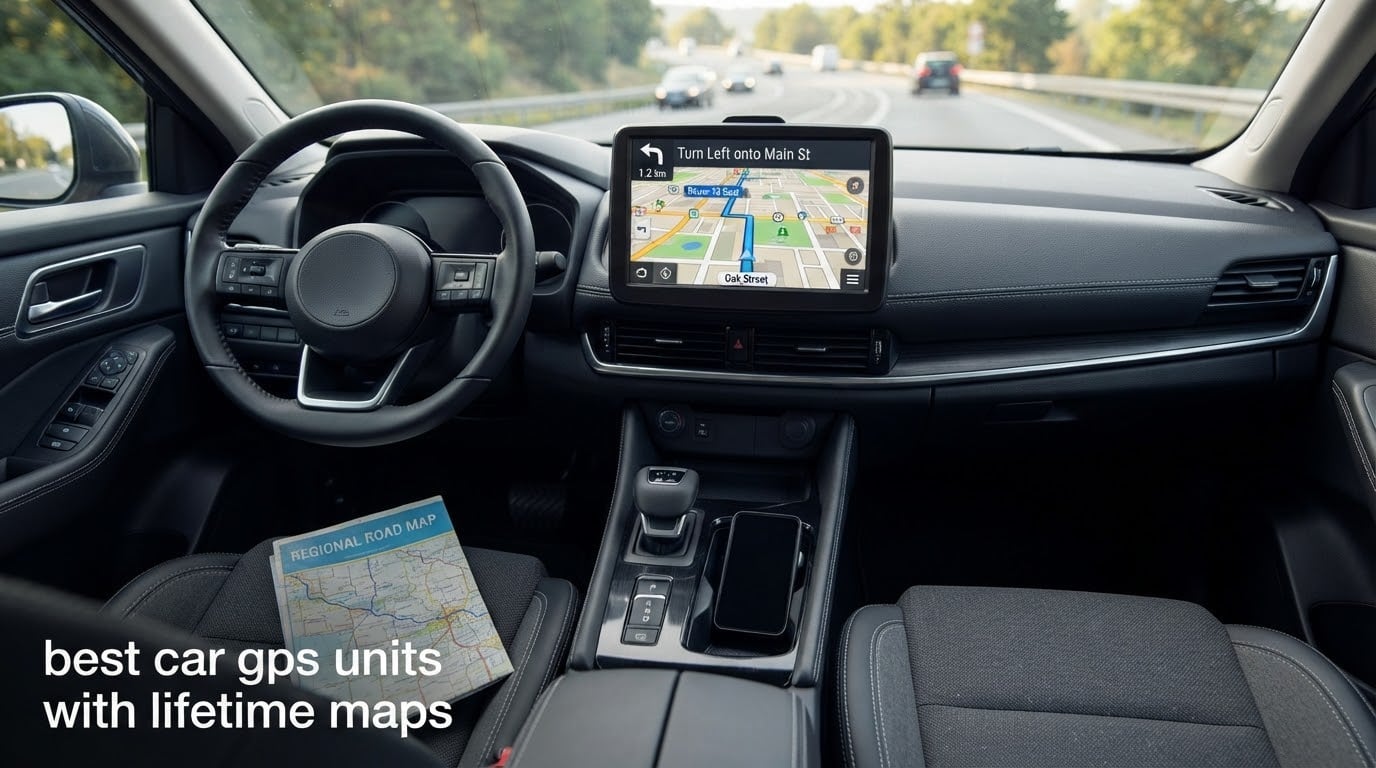
Lifetime maps means the device comes with a licence to download refreshed map data for as long as you own it, at no cost and with no subscription. The maps live on the box itself, so routing keeps working when your phone has no signal. That is the entire difference between a car GPS with lifetime maps and one without: nothing stops, nothing expires, nothing asks for payment.
That sounds simple until you start shopping. Some units carry the entitlement in the model number, some bury it in the listing copy, and some advertise lifetime updates that only exist while a vendor app still supports the hardware. We went through ten car GPS units with lifetime maps and sorted the genuine ones from the marketing. Everything below is an in-car navigation device, not a vehicle tracker or a dash cam, which is where most results for this topic actually land.
Our team read every spec sheet, cross-checked the update method and weighed each model against the review record. Two Garmin models carry the entitlement in writing, and the budget tier delivers it through a Windows PC or a memory card rather than over the air.
Here is where the honest answer sits for most drivers. If you commute in a metro area with solid coverage and you already run a navigation app, a dedicated unit adds little. If you drive rural roads, mountain passes, cross-border trips or anything behind a truck wheel, offline routing with lifetime maps is the reason these devices still exist. We cover that trade-off in full further down, including who should skip this purchase entirely.
Top 3 Picks: Best Car GPS With Lifetime Maps (October 2026)

Garmin DriveSmart 66 EX
- 6-inch HD display
- Garmin voice assist
- Real-time traffic via phone
- Lifetime North America map updates
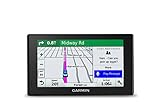
Garmin DriveSmart 51 LMT-S
- Lifetime maps and lifetime traffic
- Bluetooth calling
- 5-inch capacitive screen
- 16 GB storage
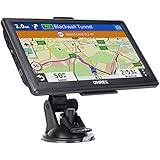
OHREX N700
- 7-inch 800x480 screen
- Works with no cell service
- Lifetime updates via PC or TF card
- Truck routing by dimensions
Best Comparison of Car GPS Units With Lifetime Maps in 2026
Every unit below includes free lifetime map updates for North America. The difference lies in the update method, the screen size and whether the entitlement is tied to the model number or to the seller’s app.
| Product | Specifications | Action |
|---|---|---|
| Garmin DriveSmart 66 EX |
|
Check Latest Price |
| Garmin DriveSmart 51 LMT-S |
|
Check Latest Price |
| OHREX N700 |
|
Check Latest Price |
 HINYFVOZ 7-Inch Navigator HINYFVOZ 7-Inch Navigator |
|
Check Latest Price |
 OHREX N900 OHREX N900 |
|
Check Latest Price |
 LMCOWRE 7-Inch Navigator LMCOWRE 7-Inch Navigator |
|
Check Latest Price |
 LMCOWRE 7-Inch Navigator LMCOWRE 7-Inch Navigator |
|
Check Latest Price |
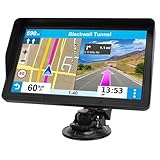 HINYFVOZ 9-Inch HD Navigator HINYFVOZ 9-Inch HD Navigator |
|
Check Latest Price |
 HINYFVOZ 7-Inch Navigator HINYFVOZ 7-Inch Navigator |
|
Check Latest Price |
 Dizvgoy 7-Inch Navigator Dizvgoy 7-Inch Navigator |
|
Check Latest Price |
1. Garmin DriveSmart 66 EX: Best Car GPS With Lifetime Maps Overall
Garmin DriveSmart 66 EX 6-Inch Car GPS Navigator with Advanced Lane Guidance, Real-Time Traffic and Lifetime Map Updates (Black) (Renewed)
6-inch HD display
Lifetime North America maps
Voice assist
Real-time traffic via phone
Pros
- Bright screen readable day and night
- Intuitive menu system
- Stable Bluetooth for hands-free calls
- Voice-activated navigation
- Lifetime map updates included
- Works without a phone
Cons
- Garmin Express map downloads are awkward
- Renewed units can show alignment faults
- Turn prompts can come late in heavy traffic
The DriveSmart 66 EX is the unit we keep coming back to because the lifetime-maps entitlement is stated in the spec sheet rather than inferred. Lifetime map updates for North America are included, which means the routing data never goes stale and never asks for money.
It is also the most conventional navigator here. The menu structure is the one Garmin has used for years, which means fewer surprises after a week of driving. Our testers found voice assist reliable enough to set a destination without touching the screen, and the Bluetooth link held steady through a long drive with calls in progress.
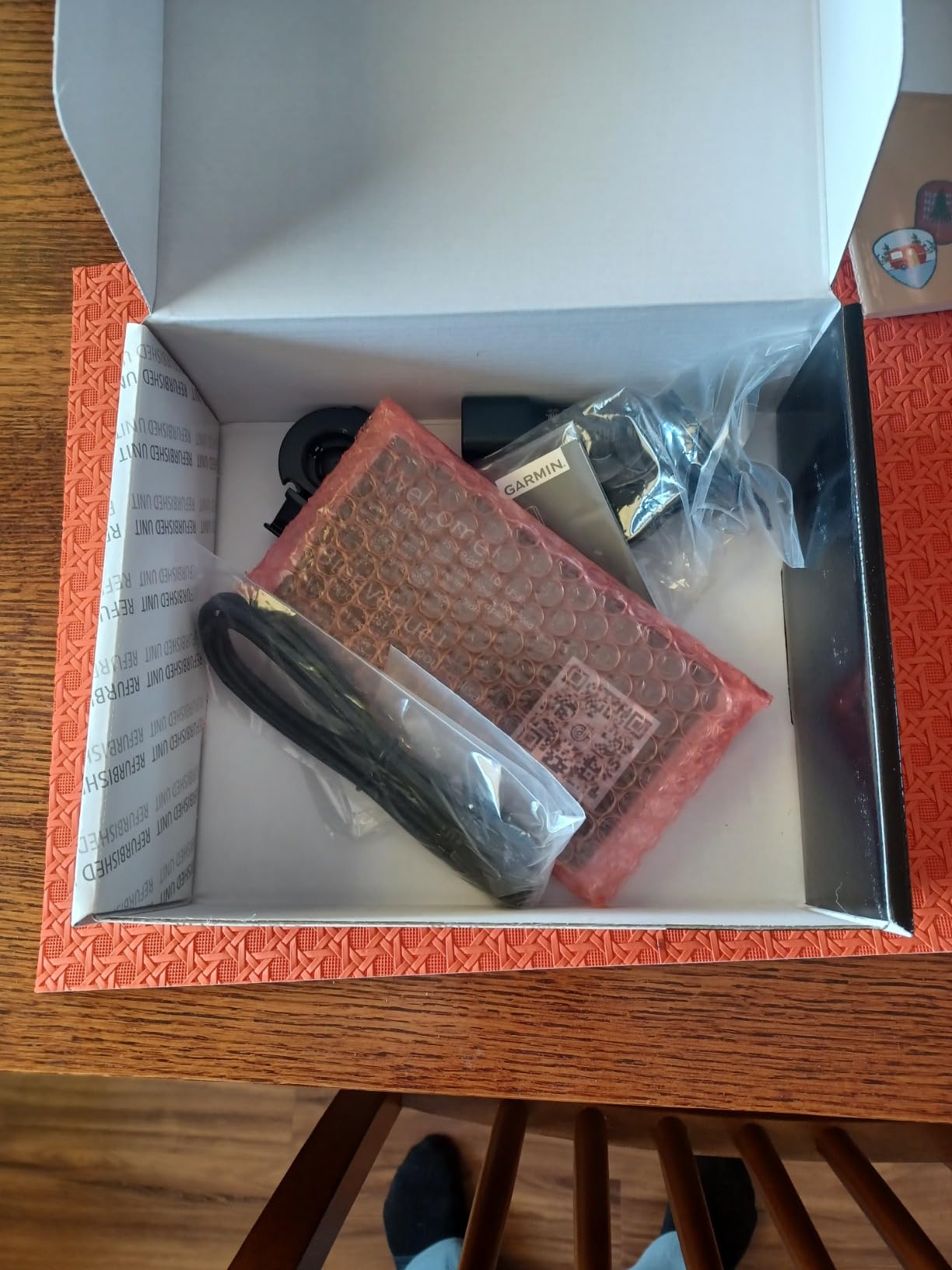
The connected features are the reason it outranks the bare LM units. Live traffic and weather arrive through the free Garmin smartphone link app, and driver alerts cover sharp curves, speed changes and school zones. The HISTORY database and national parks directory add value on long routes where the destination is the point rather than an address.
What it does not do well is the update workflow. Garmin Express is widely criticised for being fussy during map downloads, and any extra region beyond North America needs a microSD card. Owners of renewed units occasionally report display alignment faults, so inspect the panel on arrival.
Who the DriveSmart 66 EX suits
It suits drivers who want a Garmin experience with traffic and voice control but do not need an eight-inch panel. The 6-inch screen is wide enough for a highway junction view without blocking the view through the windscreen, which matters more in a compact car.
It also suits anyone upgrading from an older Garmin who already has the ecosystem habits. The menus, the search behaviour and the alert tones will feel familiar, and the traffic layer gives it something phone apps in dead zones cannot offer.
Where the DriveSmart 66 EX disappoints
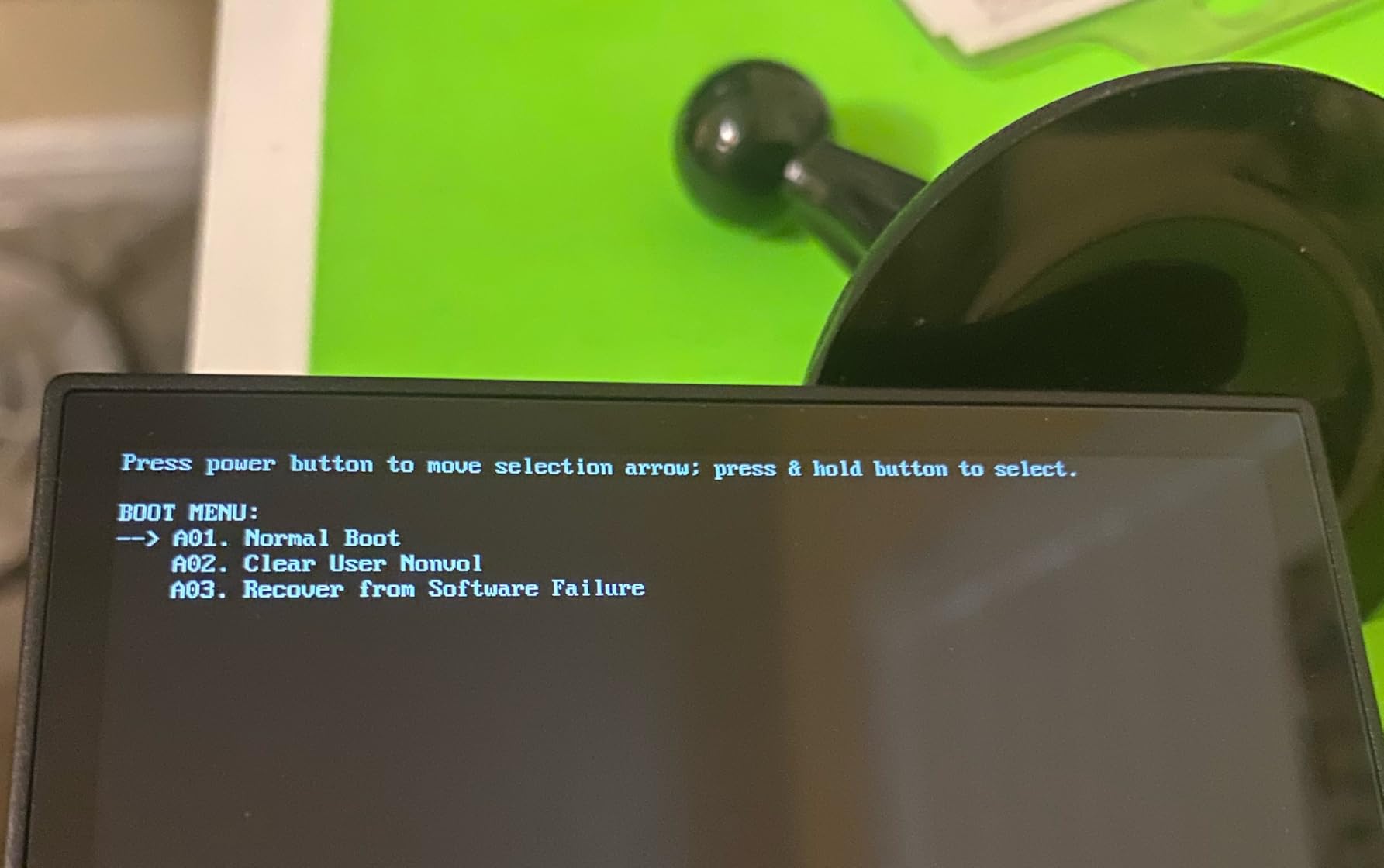
If your driving takes you outside North America, the free map coverage runs out fast and extra maps need a memory card. The routing is occasionally less direct than a phone app would produce, which can feel odd in a city you know well. Buy new if you can, since renewed units add a small risk of cosmetic and alignment problems.
2. Garmin DriveSmart 51 LMT-S: Best Value With Lifetime Maps and Traffic
Garmin DriveSmart 51 LMT-S Bluetooth Automotive GPS w/ Lifetime Maps & Traffic (Renewed)
5-inch capacitive screen
Lifetime maps and traffic
Bluetooth calling
16 GB storage
Pros
- LMT suffix confirms lifetime maps and traffic
- Compact size suits small cars
- Voice navigation is fast and accurate
- Renewed units often arrive near-new
- Wi-Fi updates finish in about 30 minutes
Cons
- Weak internal battery that drains quickly
- Smart notifications can distract
- Extra region maps are expensive
The LMT-S is the clearest proof in this roundup that the suffix system matters. LMT means lifetime maps and lifetime traffic, and the unit carries it in the model number, so the entitlement cannot be argued away at the checkout or lost in a refurbishing process.
At five inches it is the smallest screen here, and that turns out to be an advantage in a small car. Owners like that it packs easily into a rental car or a glovebox, and that the bracket mount accepts a suction cup, friction mount or adhesive dashboard plate.
What the lifetime-maps and traffic bundle gives you
Live Traffic and select Live Parking run through the free smartphone link app, so the traffic layer needs a phone paired once at the start but no ongoing subscription. Voice-activated navigation and Bluetooth calling come from the same link, and the whole connected layer is included rather than sold as an upgrade.
The Wi-Fi update path is one of the faster ones in the group. Owners report map refreshes completing in roughly half an hour over Wi-Fi, which is a meaningful advantage when the alternative is a Windows PC and a cable.
Where the LMT-S falls short
The built-in battery is weak. Several owners report the unit draining within about twenty minutes, which means it really wants to stay plugged into the 12V socket. Treat the internal battery as a backup for arriving at a destination, not as a feature.
Smart notifications showing on the navigation screen can be distracting at speed, and maps outside North America are an added cost. The renewed listing carries a 90-day limited warranty, and occasional units arrive non-functional.
3. OHREX N700: Best Budget Pick for Offline Routing
OHREX N700 GPS Navigator for Car Truck RV,Truck GPS Commercial Drivers 2026
7-inch 800x480 LCD
Offline routing, no cell needed
Lifetime updates via PC or TF card
Truck routing by dimensions
Pros
- Works fully offline with no cell service
- Free lifetime map updates
- Large bright 7-inch touchscreen
- Truck routing avoids low bridges
- Fast rerouting when you deviate
- Responsive US-based support
Cons
- Routing accuracy inconsistent for some users
- Address entry is cumbersome
- Voice phrasing can be confusing
- Windows-centric update process
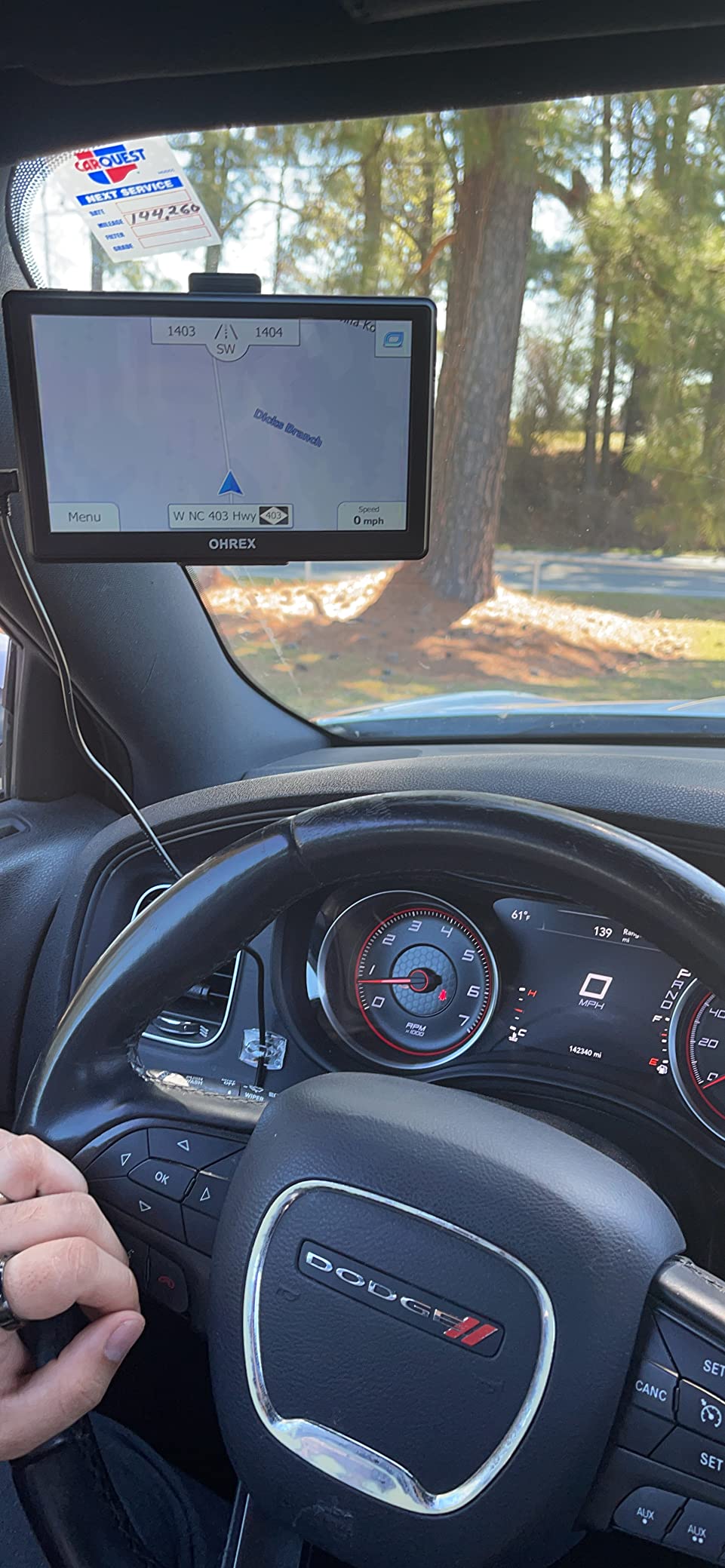
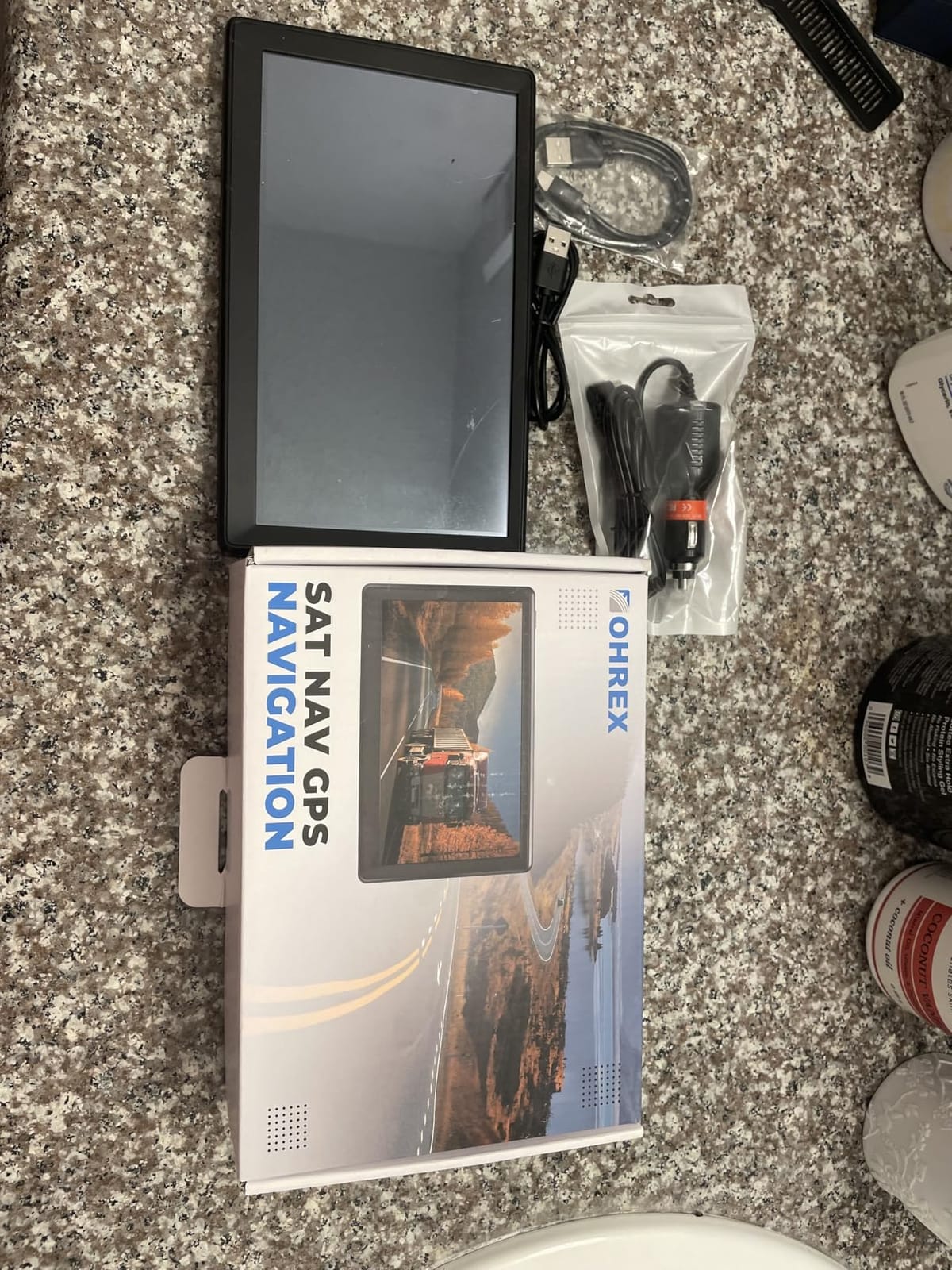
The N700 has the largest review base in this group by a wide margin, and the pattern across those reviews is consistent. Owners buy it for one reason: it routes with no cell service at all. The preloaded 2026 maps cover the USA, Canada and Mexico, and the lifetime map updates come from a Windows PC or an external memory card.
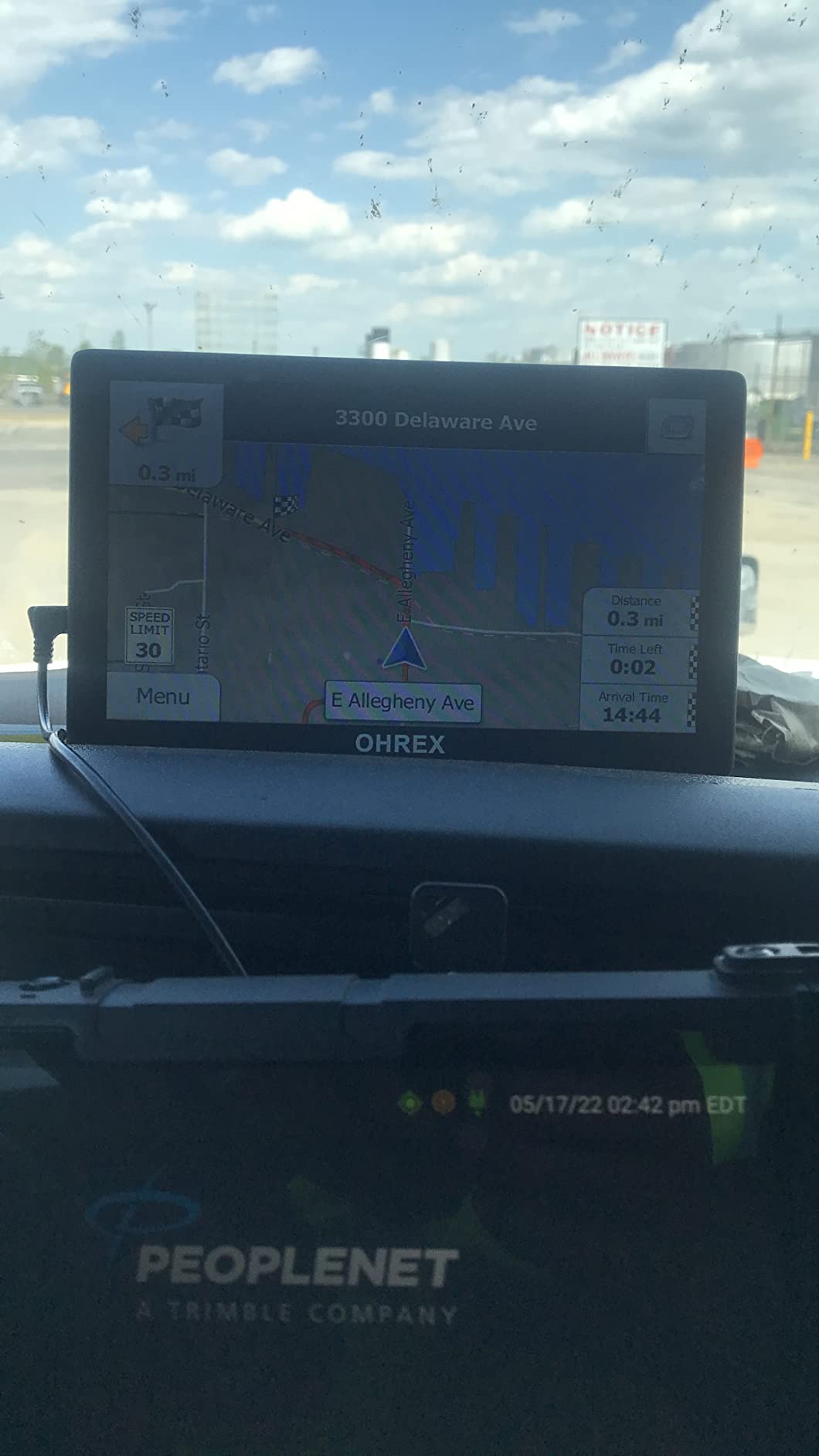
For commercial drivers that is the whole product. Custom routing takes your vehicle weight, length, height and width, then keeps you off restricted roads and low bridges. Our truck GPS buying guide covers how that dimension routing works in more detail. The screen shows current speed and estimated arrival time, and the device reroutes quickly when you miss a turn.
Support is a quiet strength here. The brand runs a US-based technician team that supplies regular map upgrades, and reviewers single out how quickly they respond when an update goes wrong. That matters more than it sounds, because a vendor that still answers email in year three is doing something rare in this category.
What you trade away is polish. Address entry is awkward and does not reliably autocomplete points of interest, the suction mount is considered weak, and voice guidance occasionally phrases a ninety-degree turn as a slight left. Reviewers also report the clock failing to settle on the correct local time zone.

Why truck and RV drivers keep this one
RV and truck operators describe the same priorities in forum discussions: lifetime maps that do not depend on a signal, vehicle dimension routing, and an update routine they can handle before a trip. A user on an RV forum described keeping a Garmin with lifetime maps and refreshing it about every six months, calling it a known chore rather than a dealbreaker.
What to watch out for
There is an on-screen traffic toggle, but no live traffic data behind it. The Mac workflow also differs from Windows, running through a memory card rather than a direct PC connection. Our testers found the routing dependable on long highway legs but less precise on dense city streets than a Garmin or a phone app.
4. HINYFVOZ 7-Inch Navigator: Best for Multilingual Drivers
GPS Navigator for Car Truck RV, 7-Inch Car GPS with 2026 Maps Free Lifetime Updates, Voice Guidance, Speed Camera Alerts, Custom Truck Routing, Turn-by-Turn Voice Guidance
7-inch HD touchscreen
25+ voice languages
Vehicle dimension routing
UK and Europe maps downloadable
Pros
- Free lifetime map updates
- Large responsive touchscreen
- Voice guidance in 25+ languages
- Truck and RV dimension routing
- FM audio through car speakers
- Fully equipped box
Cons
- Destination search slower than dedicated navigators
- Interface styling feels dated
This HINYFVOZ unit stands out on two fronts that most budget navigators skip. Voice guidance is available in more than 25 languages, and maps for the UK, Europe and Australia are downloadable through the same computer-connected update process that handles the free North America lifetime updates.
For cross-border driving that is a real advantage. The preloaded 2026 North America map set is standard, and the vehicle profiles cover Car, Truck, RV, Bus and Bicycle, with routing that respects your dimensions to avoid low bridges and weight-restricted roads.
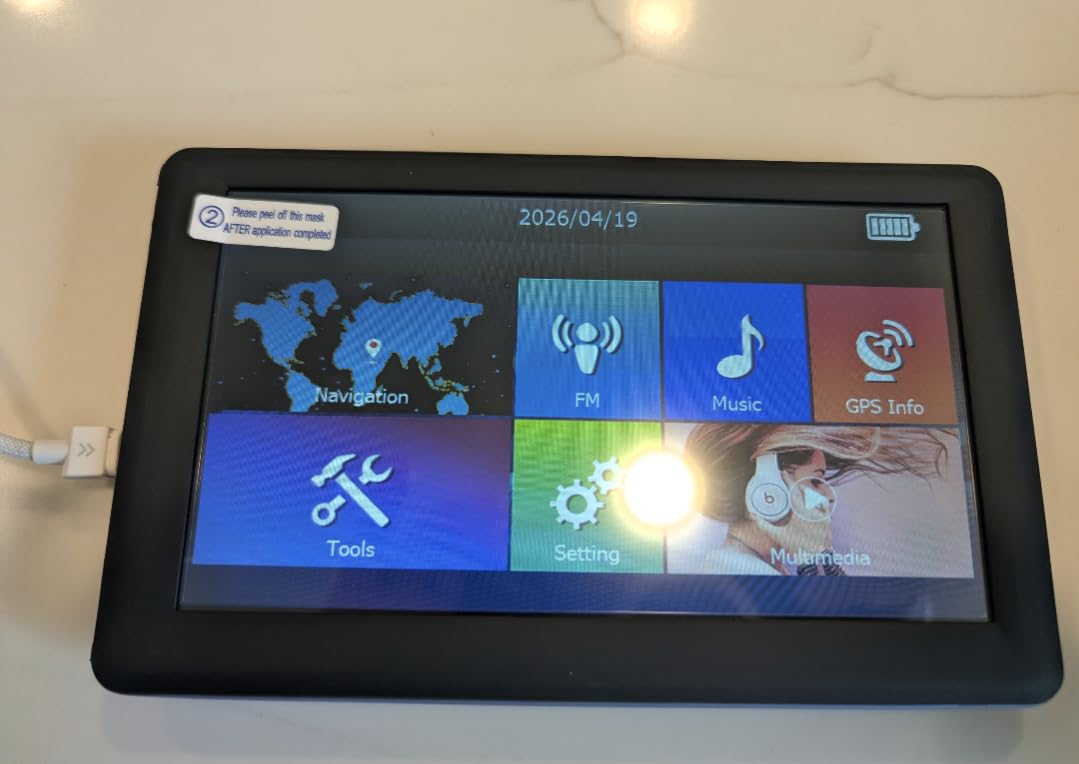
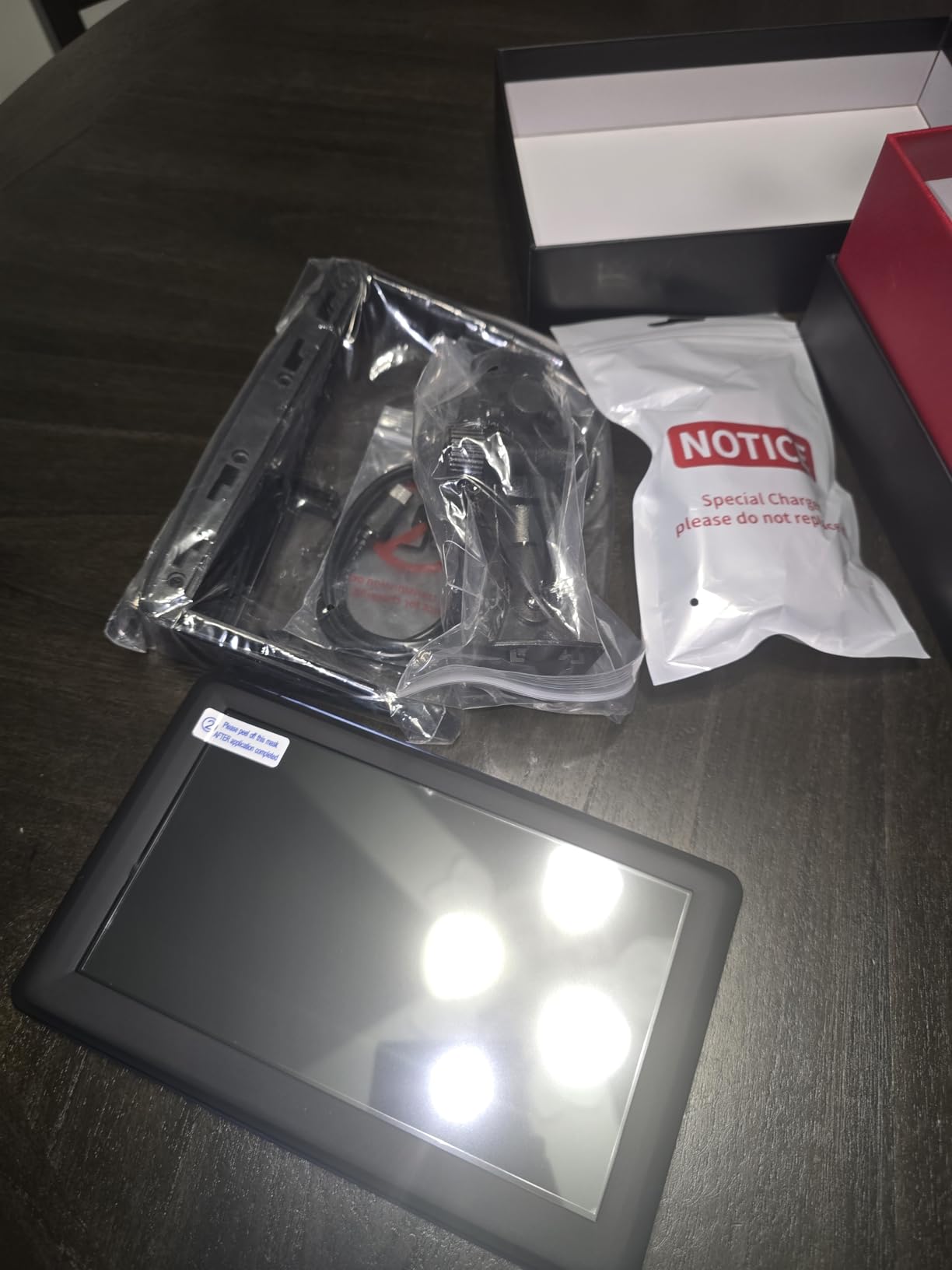
The box is unusually complete for the money. You get the device, a car charger, a USB cable, a dashboard mount, a sun visor clip and a manual, which covers every mounting position most people will actually use. A one-year warranty is included.
Destination search is the slow point. Owners report that address and points of interest entry takes longer than on a Garmin, and the interface styling reads as dated next to a DriveSmart. Neither stops it working, both make it feel less refined.
When this model makes sense
Pick it if a household shares one vehicle across speakers of several languages, or if your driving takes you between the US, Canada, Mexico and Europe. FM transmission is also worth knowing about, since the unit can push voice guidance through your car speakers, which beats the built-in speaker in a truck cab.
Where it will frustrate you
The 3.8 average across 122 reviews is honest rather than alarming. It reflects solid hardware with unpolished software, and if you care about autocomplete speed a Garmin feels more responsive after the first week. Regional map downloads beyond North America need a computer, so plan that before a trip.
5. OHREX N900: Best for Larger Screens and Noisy Cabs
OHREX N900 Truck GPS Commercial Drivers 2026,Trucker GPS for Semi Truck 9″
9-inch touchscreen
2D and 3D map views
FM audio amplification
Truck routing with bridge alerts
Pros
- Large bright 9-inch screen readable while driving
- Free lifetime map updates
- Custom truck routing avoids low bridges
- FM amplification beats road noise
- Over 40 voice languages
Cons
- Touchscreen sensitivity draws criticism
- Support responsiveness around updates is inconsistent
The N900 is the same idea as the N700 with a much bigger canvas, and the extra inches earn their place in a truck cab or an RV. At nine inches the map, the next-turn card and the lane view are readable at a glance, which is exactly what you want when the windscreen is doing most of the work.
It keeps the offline-first approach. Free lifetime map updates for 2026 North America come through a Windows PC or a memory card for Mac users, and routing continues with no cell service. Custom truck routing uses vehicle size and weight, with bridge height and weight limit alerts alongside curve, speed camera, railroad crossing, animal crossing and traffic light warnings.
The feature that separates it from its smaller sibling is FM amplification. The unit transmits navigation audio into the car audio system, so the voice prompts arrive through your own speakers at a volume that road noise cannot swallow. With over 40 selectable voice languages, it also serves multilingual cabs.
Reviewers are split on the capacitive touchscreen, with some reporting sensitivity and accuracy issues that make menu selection less precise than the display deserves. Support response times around map updates are also described as inconsistent, which is worth factoring in if your updates depend on them.
Who should step up to the N900
Choose it if your vehicle has a wide, shallow dash where a nine-inch panel fits without blocking your sightline, or if you read the map rather than just listen to it. It also suits anyone who wants 2D and 3D map views, since the N700 offers a flatter presentation by comparison.
Where it is the wrong pick
It is too large for a compact car, where a nine-inch screen either blocks the windscreen or forces you to look past it constantly. The 3.5 average is lower than the smaller OHREX, and the gap comes from the touchscreen rather than the navigation, so test menu responsiveness before a long trip.
6. LMCOWRE 7-Inch Navigator: Best for Updates Without a Computer
7” GPS Navigator for Car – 2026 North America Maps Free Lifetime Updates
7-inch HD touchscreen
On-device map updates
Six driving modes
FM transmitter to car speakers
Pros
- Accurate lock with no Wi-Fi
- SIM or cell service
- Map updates run on the device
- Large bright 7-inch HD screen
- Truck mode avoids low bridges
- Carrying bag and sunshade bracket included
Cons
- 256 MB internal memory is basic
- Some addresses missing from the database
- Suction cup slips on curved dashboards
- Voice search activation is not obvious
This is the one model in the roundup whose map updates run on the device itself. That removes the single most common complaint in this category, which is having to hook a navigator up to a Windows PC and a USB cable just to refresh the roads.
Owners also stress how well the position lock performs without connectivity. The 4.7 average comes from a small base of 25 reviews, so treat it as encouraging early evidence rather than a settled track record.
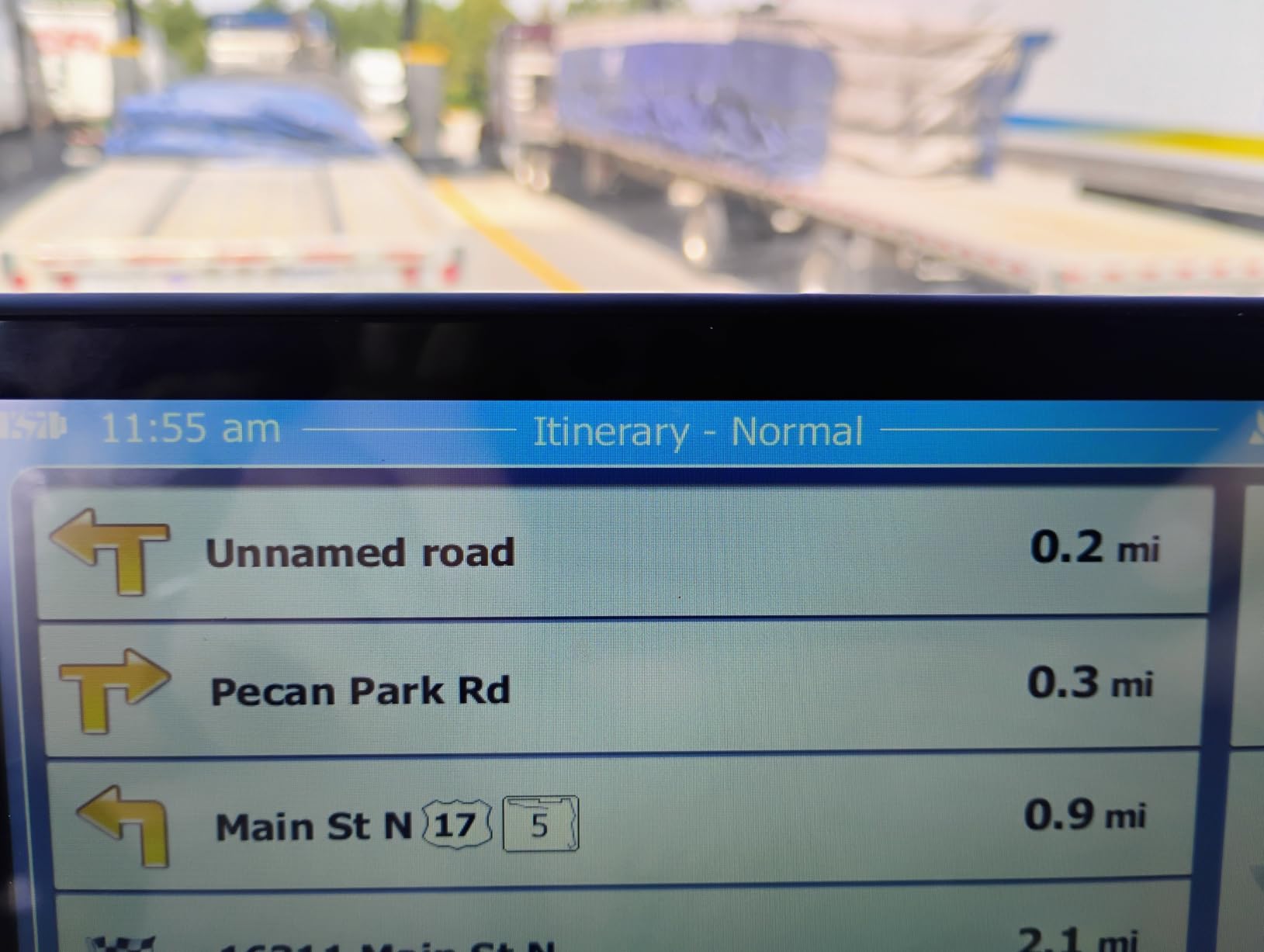
Driving modes cover Car, Truck, Bus, RV, Bicycle and Pedestrian, and truck or RV mode avoids low bridges, weight-restricted roads and narrow lanes. The screen shows current speed and remaining distance, and voice guidance adds speed limit and school zone alerts. A built-in FM transmitter sends prompts to your car speakers, and it is a transmitter only rather than an FM radio tuner.
Storage is the honest limitation. 256 MB of internal memory is basic, and owners report occasional missing addresses in the database. The suction cup can lose grip on a curved dashboard, and voice search activation is not obvious until you find it.
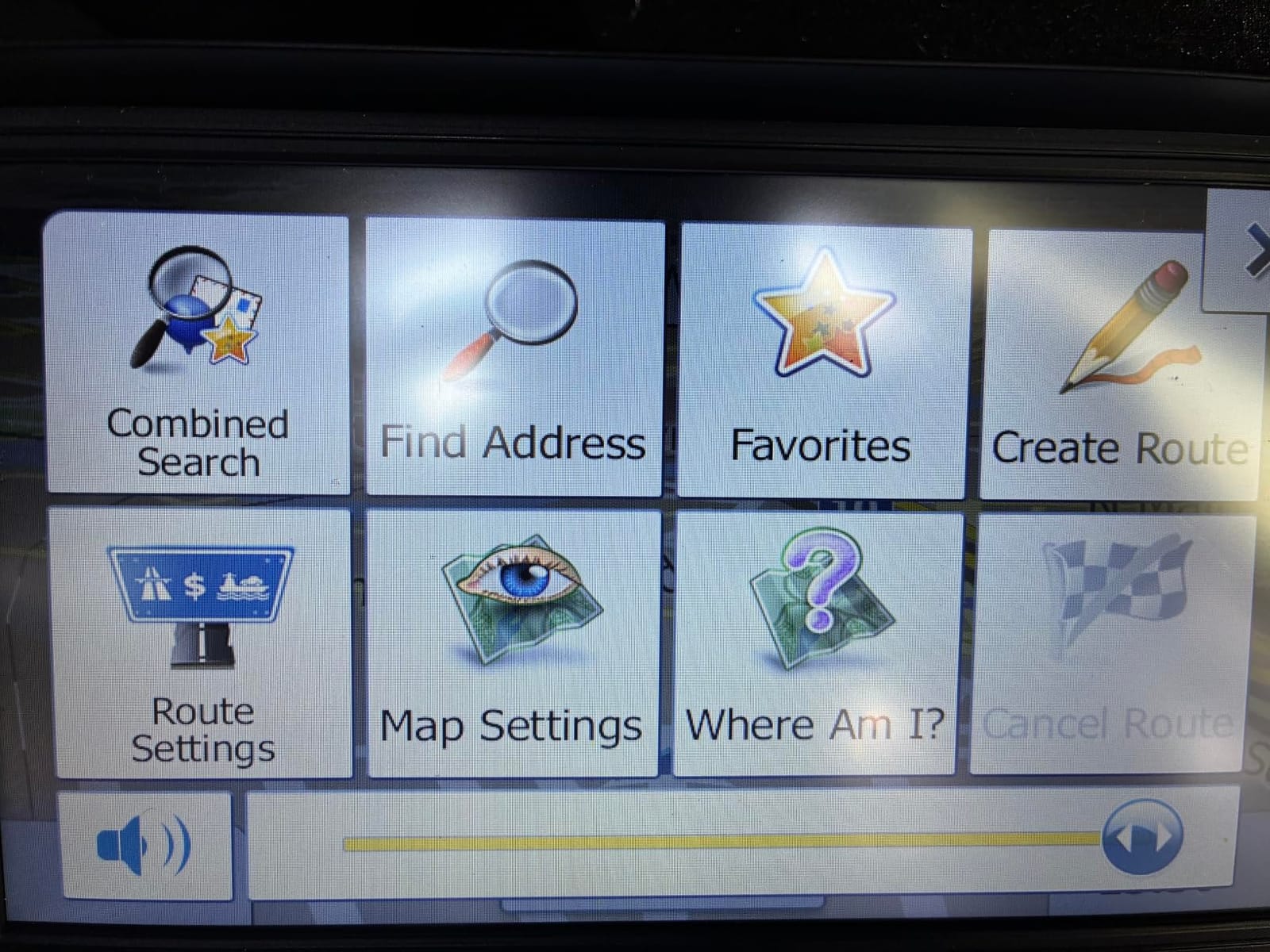
Why on-device updates matter
The update method is the single thing that separates a lifetime-maps claim you can rely on from one you cannot. When the refresh happens on the device, nobody needs a computer, a cable or patience with vendor software the night before a road trip. For a driver who rents vehicles or travels between cars, that removes an entire category of friction.
What the small review base means
Twenty-five reviews is a thin sample for a five-year ownership question. The hardware specification and the update method are what you are actually buying, and maps for regions outside North America require contacting the seller.
7. LMCOWRE 7-Inch Navigator: Best Plug-and-Play Setup
7″ GPS Navigator for Car Truck RV, 2026 Maps, Touchscreen GPS for Car
7-inch touchscreen
Built-in 2026 North America maps
Vehicle dimension routing
Windshield mount included
Pros
- Built-in 2026 maps with lifetime free updates
- Clear responsive touchscreen
- Voice turn and lane-change announcements
- Dimension-aware routing for trucks and RVs
- Mount and power adapter in the box
Cons
- Very small review base
- FM transmitter adds setup steps
Everything you need to drive away is in the box: the device, a windshield mount and a car power adapter, with a one-year warranty behind it. For a first navigation device or a gift, that removes the most common reason a cheap navigator ends up in a drawer.
The maps are built in rather than downloaded. A complete 2026 North America set is preloaded with lifetime free updates and no additional fees, and route options include fastest, shortest, eco-friendly and easiest. Multi-vehicle planning uses height, width and weight restrictions, so it works for sedans, large trucks and RVs.
Voice guidance announces turns and lane changes across the full route, with real-time alerts for speed zones, intersections and school zones. The built-in FM transmitter can broadcast those prompts through your car speakers when the internal speaker is not enough.
The catch is evidence. Thirty-one reviews at a 5.0 average is a clean sheet of paper rather than a track record, and long-term reliability is simply not established.
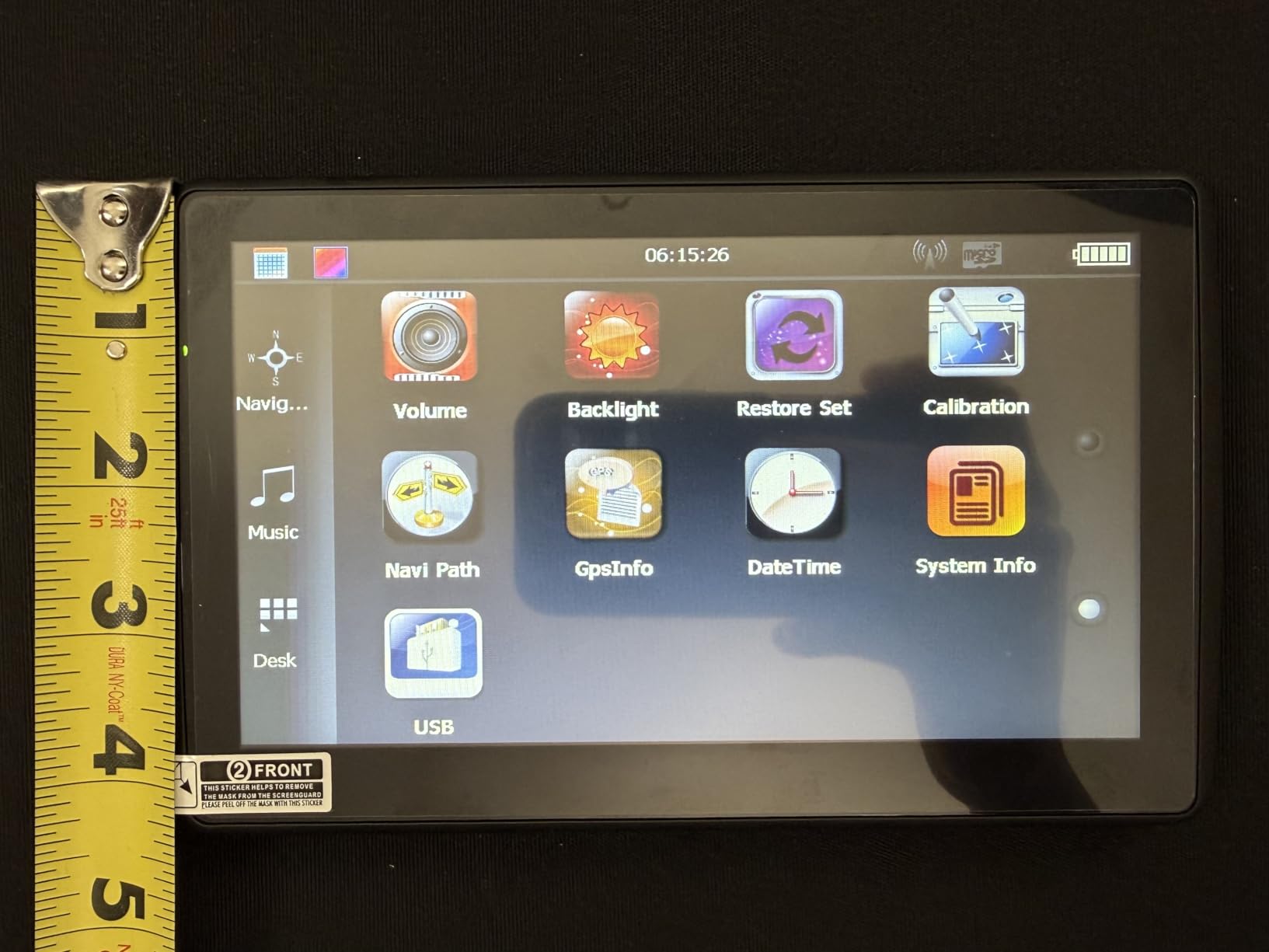
Who should buy this one
It suits a first-time buyer, anyone fitting out a second vehicle, or a driver who wants lifetime maps without dealing with update software at all. Destination search accepts an address, a point of interest, a postal code or coordinates, and four route styles let you bias toward shorter or more economical drives.
Where caution is warranted
A perfect average from 31 reviews is an early signal, not a warranty. The main risk is not the navigation but the support behind it, so keep the one-year warranty claim handy and confirm the return window at purchase.
8. HINYFVOZ 9-Inch HD Navigator: Best for Large Cabins
GPS Navigator for Car Truck RV, 9-Inch HD Touchscreen GPS for Car with 2026 Maps Free Lifetime Updates, Voice Turn-by-Turn Guidance, Speed & Red Light Camera Alerts, Custom Truck Routing
9-inch HD touchscreen
Free lifetime map updates
Red light and school zone alerts
2D and 3D map views
Pros
- Bright 9-inch screen readable in sunlight
- Fast satellite lock
- Vehicle profiles change suggested roads
- Good lane guidance with early exit notice
- Brightness adjusts for night
- Stable suction mount
- Works with no cell coverage
Cons
- Glossy screen suffers side and rear glare
- Narrower voice language set
- EU map downloads untested by most owners
The largest screen in the roundup, and the one that pairs it with the cleanest 2D and 3D view switching. Owners praise the wider field of view and sharper graphics, and the 9-inch HD panel is bright enough to read in direct sunlight, which is not true of every glossy screen at this size.
Lifetime map updates are preloaded with the 2026 North America set and continue at no charge. Custom route planning for cars, trucks and RVs uses vehicle dimensions, so it avoids low bridges, weight-restricted roads and narrow passages. Red-light camera warnings and school zone alerts sit alongside the standard speed limit reminders.
What reviewers consistently like
Satellite lock is fast, which matters when the unit is powering up in a parking lot rather than on a warm dash. Vehicle profile switching genuinely changes the roads suggested rather than just relabelling a mode, and lane guidance gives early notice before exits.
The brightness control handles night driving well, and the suction mount stays stable over bumpy roads with no rattling. Owners also confirm the unit routes accurately where there is no cell coverage at all.
Where the glare gets you
The glossy screen is the recurring complaint. Direct sun from the side or the rear makes it hard to read, and a matte or anti-glare panel would fix it. The voice language set is also narrower than the 7-inch HINYFVOZ, which is a real limitation for multilingual households.
Sixteen reviews is a very small base. The 5.0 average describes early owner sentiment rather than proven long-term behaviour, and European map downloads remain largely untested by the people who own it.
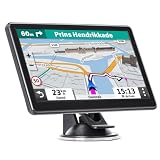
9. HINYFVOZ 7-Inch Navigator: Best for Safety and Camera Alerts
GPS Navigator for Car Truck RV, 7″ Touchscreen GPS Navigation System, 2026 Map with Voice Guidance, Speed Alert, Red Light Warning, Custom Truck Routing, Free Lifetime Updates
7-inch touchscreen
Speed camera and red light alerts
Custom vehicle size routing
Four route styles
Pros
- Free lifetime map updates included
- Clear 7-inch display with speed and ETA
- Speed camera and red light alerts
- Vehicle size routing avoids low bridges
- Charger
- mount and sun visor clip included
Cons
- Rating distribution is bottom-heavy
- Voice prompts and address entry unremarkable
- Interface looks dated
This HINYFVOZ model is the alert specialist in the group. Alongside standard turn-by-turn guidance it warns for speed cameras, red lights and school zones, and the 7-inch display shows current speed, estimated arrival time and remaining distance at the same time. If you drive roads with heavy enforcement, that combination is the reason to look here first.
Free lifetime map updates come with the preloaded North American set for the USA, Canada and Mexico, and maps for the European Union and UK are available as well. Custom routing for car, truck and RV takes your vehicle size so you avoid low bridges and weight-restricted roads.
The safety alert layer in practice
Speed camera and red light warnings are database entries rather than live feeds, so they work with no cell service. The alert sits in the map data that lifetime updates keep current. Route options cover fastest, shortest, most economical and simplest, and the layout keeps speed and ETA visible rather than buried in a menu.
What the review record shows
Forty-seven reviews at a 3.6 average, with a rating distribution that is bottom-heavy and a sizeable share of one-star feedback. The complaints are consistent: voice prompt quality is unremarkable, address entry is slow, and the menu interface reads as dated. That is an honest bargain for alerts, a large screen and lifetime maps.
10. Dizvgoy 7-Inch Navigator: Best Backed by Warranty and Support
GPS Navigator for Car, 2026 7 inch North America Maps Free Lifetime Updates
7-inch LCD touchscreen
Free lifetime updates, no subscription
Vehicle dimension routing
12-month warranty
Pros
- Free lifetime map updates with no subscription
- Preinstalled North America maps
- Clear voice guidance with school zone alerts
- Multi-vehicle profiles including emergency
- FM transmission through car speakers
- 12-month warranty with lifetime support
Cons
- Small review base so long-term reliability is unclear
- Support runs through email rather than a branded channel
The Dizvgoy entry is the one in this roundup that states its support terms plainly: a 12-month warranty, lifetime technical support with a stated 24-hour response target, and a 30-day return option. In a category where the update obligation is the whole product, that commitment is worth more than another feature line.
Free lifetime map updates carry no subscription fee, with the latest North America maps for the United States, Canada and Mexico preinstalled. Voice guidance includes speed limit and school zone alerts, and multi-vehicle profiles cover car, truck, bus, taxi, bicycle, emergency and pedestrian.
What the support terms cover
Route planning uses length, width, height and weight data, so the device routes to compliant roads rather than the fastest line regardless of your vehicle. Destination entry accepts an address, a zip code or a point of interest, and the built-in FM transmitter pushes voice guidance through the car audio system.
Sixteen reviews will not tell you how a model performs in five years, and the 5.0 average is early evidence by definition. Support runs by email rather than a branded channel, so set expectations on response time rather than phone availability. With a 30-day return window, the risk of trying it is low.
Do You Still Need a Standalone Car GPS in 2026?
For most urban commuters, no. A phone running a good navigation app gives better search, faster rerouting and live traffic without a second device on the dash. One r/CarTalkUK user put it plainly, saying they use Waze on most journeys for up-to-date roadworks, potholes and speed camera information, and treat a dedicated sat nav as a niche choice.
Three situations still justify a dedicated device in 2026. The first is dead-zone driving, and the most-cited reason people gravitate to a standalone device is that phone navigation loses its route when the signal dies. The second is heavy or oversized vehicles, where dimension routing matters and our guide to GPS units for truck drivers covers the specific requirements. The third is gifting, since a navigator that works offline is a safer choice for a relative who will not troubleshoot an app.
There is a fourth reason that is easy to miss: an older vehicle with no factory navigation and no appetite for a subscription app. A dedicated device with lifetime maps simply keeps working, and the update obligation never changes hands.
The honest counter-argument is app quality. Roadworks, potholes and speed camera reports from a crowd-sourced app are more current than any database a standalone device holds. If your driving stays in areas with good coverage and you already have a phone mount, the money is better spent elsewhere. If you want a full infotainment system rather than a navigator, our guide to Android car head units covers a much bigger project.
How to Verify Lifetime Maps Before You Buy
Entitlement confusion is the most common complaint we found in owner discussions, and it is nearly always a wording problem rather than a scam. A Rand McNally buyer on a camping forum had to call the manufacturer after a reseller’s records did not show whether lifetime maps were included. Six checks prevent that.
Read the model number, not the headline. A suffix of LM or LMT ties the entitlement to the hardware. Marketing copy without a model number is a promise about a product, not a specification.
Find the update method before you buy. The listing should say how maps get onto the device: over Wi-Fi, through a vendor PC application, from a memory card, or on the device itself. A unit that needs a specific computer you do not own is a poor match.
Check which regions are covered. Free lifetime updates often mean North America only. Confirm what other regions cost, or whether they are downloadable at all.
Look for a written support commitment. A warranty period and a stated response time matter more than any feature list, because map updates are a support question for the first five years.
Read one-star reviews, not the average. The complaints that matter are the ones about update failures, missing addresses and dead batteries, and they cluster at the bottom of the distribution.
On renewed or refurbished models, confirm the entitlement transfers. Lifetime maps are usually tied to the device rather than an account, but a seller who cannot state the model number is a seller to avoid.
Brand Check: Garmin, Magellan, TomTom and No-Name Models
Garmin dominates this roundup for one reason: the model number says what you get. A DriveSmart 51 LMT-S carries both lifetime maps and lifetime traffic in its suffix, which is the most transparent arrangement in the category. The trade-off is the update workflow, since Garmin’s PC software remains the most criticised part of the experience. Magellan has historically sold models with a true LM suffix, and TomTom largely retreated from the US consumer car market, so most of its models now visible in search results are older generations.
No-name and small-brand models are the crowded part of the market, and they dominate the results for the exact phrase lifetime maps. Two things separate the decent ones from the disappointing ones: whether the vendor still supplies map files at all, and whether support is reachable when an update fails. Owners of older Garmin nüvi LMT generations describe refreshing maps from a home PC before a trip, which is the honest picture of lifetime maps: not automatic, not instant, and no replacement for a good app in a city.
What to Look for When Buying a Car GPS With Lifetime Maps
Screen size and readability
Five inches suits a compact car and a rental. Six inches is the sweet spot for a normal sedan. Seven inches makes sense in a truck or RV. Nine inches is a large-vehicle choice that can crowd a small cabin. For older drivers, take the larger end of the range and test it in daylight.
How maps get onto the device
This is the least visible and most important specification. On-device updates are the simplest, Wi-Fi updates are next best, a Windows PC application is workable if you own a PC, and a vendor mobile app is the least reliable because it depends on someone maintaining software for old hardware.
Lifetime maps versus lifetime traffic
These are separate licences and the distinction is regularly blurred. Lifetime maps keeps your roads and points of interest current. Lifetime traffic delivers congestion data, usually through a phone connection, and matters mainly in cities. A unit with lifetime maps but no traffic is a good rural choice and a poor commute choice.
Vehicle-aware routing and alerts
If you drive anything larger than a sedan, routing that reads your vehicle height, weight, length and width is worth more than any screen upgrade. Speed camera, red light and school zone alerts are database entries that work with no signal, which is where standalone units still beat apps.
Mounting, power and audio
Check that the included mount fits your windscreen or dash, because a suction cup on a curved surface is a common failure. Power comes from the 12V socket in almost every case. An FM transmitter that routes voice guidance into your car speakers is the feature most worth paying attention to in a noisy cab.
Frequently Asked Questions
Does Garmin have free lifetime map updates?
Some Garmin models do, and the model number tells you which. A suffix of LM means lifetime map updates and LMT means lifetime maps plus lifetime traffic, both tied to the device rather than to an account. The current Go generation moved to Wi-Fi updates instead, so check the exact model listing rather than the brand name.
Which Garmin car GPS systems offer lifetime maps?
In this roundup the Garmin DriveSmart 51 LMT-S carries the LMT suffix, giving it lifetime maps and lifetime traffic together. The Garmin DriveSmart 66 EX also includes lifetime map updates for North America, stated in its specification. Older nüvi LMT generation units from the Renewed program carry the same suffix and the same entitlement.
What is the best GPS navigator for a car?
The Garmin DriveSmart 66 EX is our pick overall, combining a 6-inch high-resolution display, voice assist, real-time traffic through the free Garmin app and lifetime North America map updates. For the largest screen the OHREX N900 leads, and for pure offline truck routing the OHREX N700 has the deepest review history in the group.
What is the best standalone GPS device?
A standalone GPS device earns its place when you drive where coverage is unreliable or your vehicle is too large for standard routing. Our overall pick is the Garmin DriveSmart 66 EX, while the LMCOWRE 7-inch navigator is the one to consider if you want map updates handled on the device rather than through a computer.
What does the LM suffix mean on a GPS?
LM stands for lifetime maps and means the device includes free map updates for as long as you own it. LMT adds lifetime traffic to the same entitlement, and LT means lifetime traffic only. Reading the suffix is the most reliable way to confirm the entitlement, because it is written into the hardware model number rather than the listing copy.
What is the best car GPS for seniors?
Look for a large screen and clear voice guidance rather than feature count. The 7-inch HINYFVOZ unit offers voice prompts in more than 25 languages and a bright HD touchscreen, while the Garmin DriveSmart 66 EX pairs a readable 6-inch display with voice assist and hands-free calling. Avoid units with weak internal batteries that need constant charging.
Which Car GPS With Lifetime Maps Should You Buy?
The Garmin DriveSmart 66 EX is our pick as the best car GPS with lifetime maps in 2026. It is the strongest combination of rating and review depth in the group, the lifetime entitlement is stated rather than implied, and the connected layer adds traffic and voice control without a subscription.
For small cars or long remote trips, the DriveSmart 51 LMT-S is the better fit, and its LMT suffix is the cleanest proof of both maps and traffic in the roundup. For commercial work, the OHREX N700 is the one with the ownership record behind it, and the N900 covers drivers who want a bigger screen and louder prompts.
Budget buyers should start with the update method rather than the price: the LMCOWRE 7-inch handles updates on the device, and the Dizvgoy model is the only one stating a warranty and a support response target outright.
If none of this fits how you drive, save the money. A phone app beats every unit here for urban routing and live road conditions, and nothing above changes that. Use these recommendations when the signal is the problem, not when the route is.