
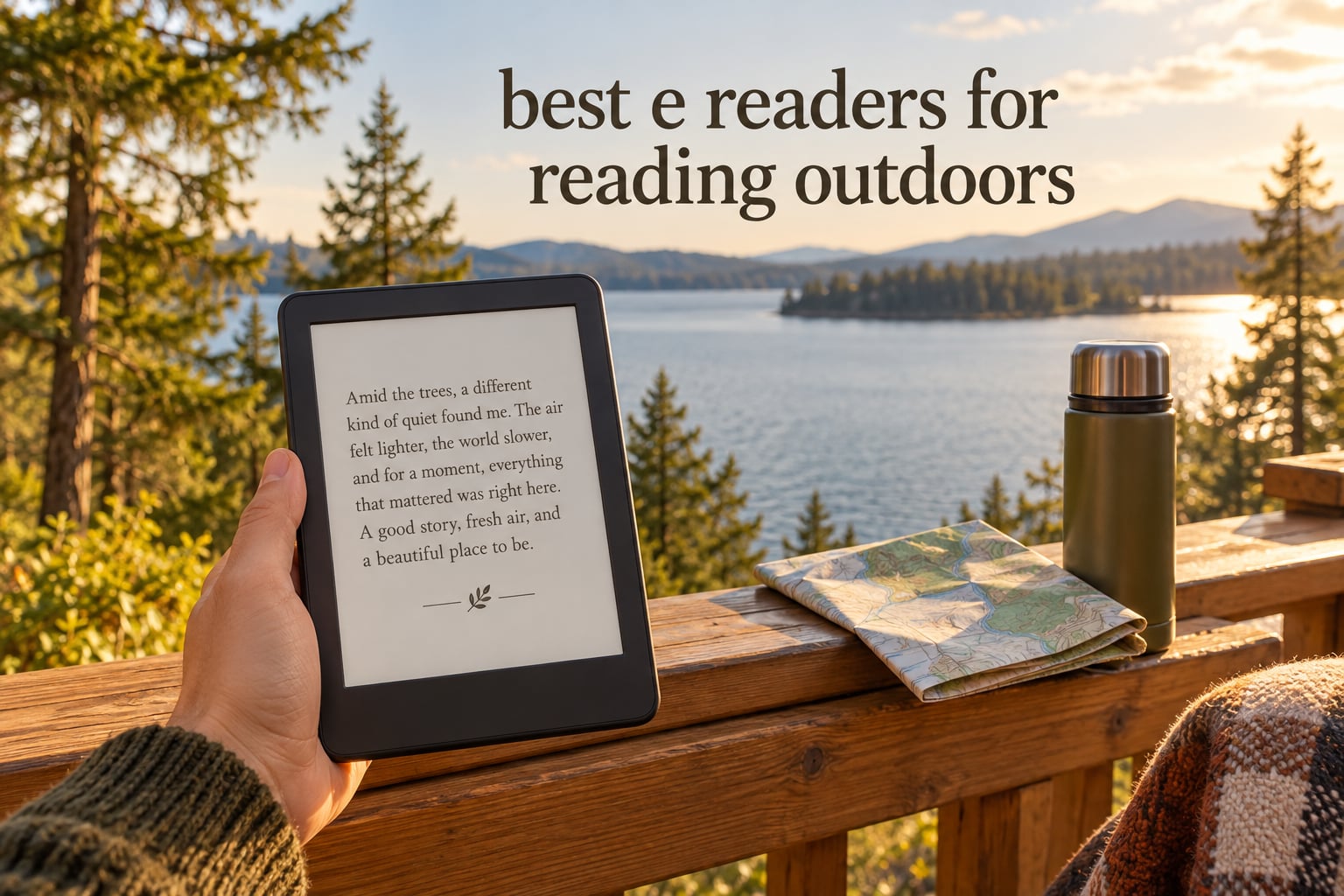
The best e readers for reading outdoors are the Amazon Kindle Paperwhite 16GB, the Amazon Kindle Paperwhite Signature Edition 32GB, and the Kobo Clara Colour. Between them they cover the three things that actually decide whether a reader works at the pool, on a beach blanket or on a trail: a matte glare-free panel that stays legible in full sun, an IPX8 water rating, and battery life measured in weeks rather than days.
That combination matters because a phone or tablet is close to useless outside. An LCD or OLED screen depends on emitting light, so direct sun washes the contrast out and you end up shading the device with your hand. E-ink works the opposite way. Reflected light from the page itself forms the letters, which means the sunnier it gets, the easier the text is to read. No glare-hunting, no craning your neck to find an angle, no squinting.
We spent weeks reading on every device in this guide in direct sun, in shade, at the edge of a pool and on a long flight. What follows covers the ten models worth your attention now in 2026, what each one does well outdoors, where it falls short, and how to pick the right one for your kind of outdoor reading. If you are also assembling a kit for the same trips, our guides to the best Bluetooth speakers for outdoors and the best zero gravity chairs for outdoors cover the rest of the setup.
Top 3 Picks for Reading Outdoors in 2026

Kindle Paperwhite 16GB
- 7 inch glare-free display
- Up to 12 weeks per charge
- Waterproof
- 16 GB storage

Kindle Paperwhite Signature 32GB
- Auto-adjusting front light
- 32 GB storage
- Wireless charging dock
- 7 inch display

Best e readers for reading outdoors in 2026
All ten models below are rated on the same four outdoor criteria: screen legibility in direct sun, water resistance, battery endurance away from an outlet, and how much freedom you have with the books you load. The table gives you the headline specs so you can narrow the field before reading the full reviews.
| Product | Specifications | Action |
|---|---|---|
| Amazon Kindle Paperwhite 16GB |
|
Check Latest Price |
| Amazon Kindle Paperwhite Signature Edition 32GB |
|
Check Latest Price |
| Kobo Clara Colour |
|
Check Latest Price |
 Kobo Clara BW Kobo Clara BW |
|
Check Latest Price |
 Kobo Libra Colour Kobo Libra Colour |
|
Check Latest Price |
 Amazon Kindle Kids 16GB Amazon Kindle Kids 16GB |
|
Check Latest Price |
 PocketBook Verse Pro Color PocketBook Verse Pro Color |
|
Check Latest Price |
 PocketBook Verse PocketBook Verse |
|
Check Latest Price |
 PocketBook Verse Pro PocketBook Verse Pro |
|
Check Latest Price |
 BOOX Palma 2 Pro BOOX Palma 2 Pro |
|
Check Latest Price |
1. Amazon Kindle Paperwhite 16GB: Best E-Reader Overall for the Outdoors
Amazon Kindle Paperwhite 16GB (newest model) – 20% faster, with new 7″ glare-free display and weeks of battery life – Jade
7 inch glare-free E Ink
16 GB storage
Up to 12 weeks per charge
Waterproof
Pros
- 25 percent faster page turns
- Glare-free display stays sharp in bright sunlight
- Up to 12 weeks of battery per USB-C charge
- Waterproof and thin enough for a jacket pocket
Cons
- Closed Amazon ecosystem limits file flexibility
- No built-in speakers for audiobooks
This is the one I hand to anyone who asks for a single recommendation. Owners consistently describe the display as the sharpest they have used in daylight, and our own reading in full afternoon sun matched that. The panel is matte and glare-free, so you can hold it flat, angle it toward the sun or prop it on a towel without losing legibility.
The battery figure is the quiet hero. Up to 12 weeks per USB-C charge in the spec sheet, and in practice a two-week beach trip needs no charger at all. For hikers and flight passengers that removes the single most common anxiety with any electronic device outdoors.
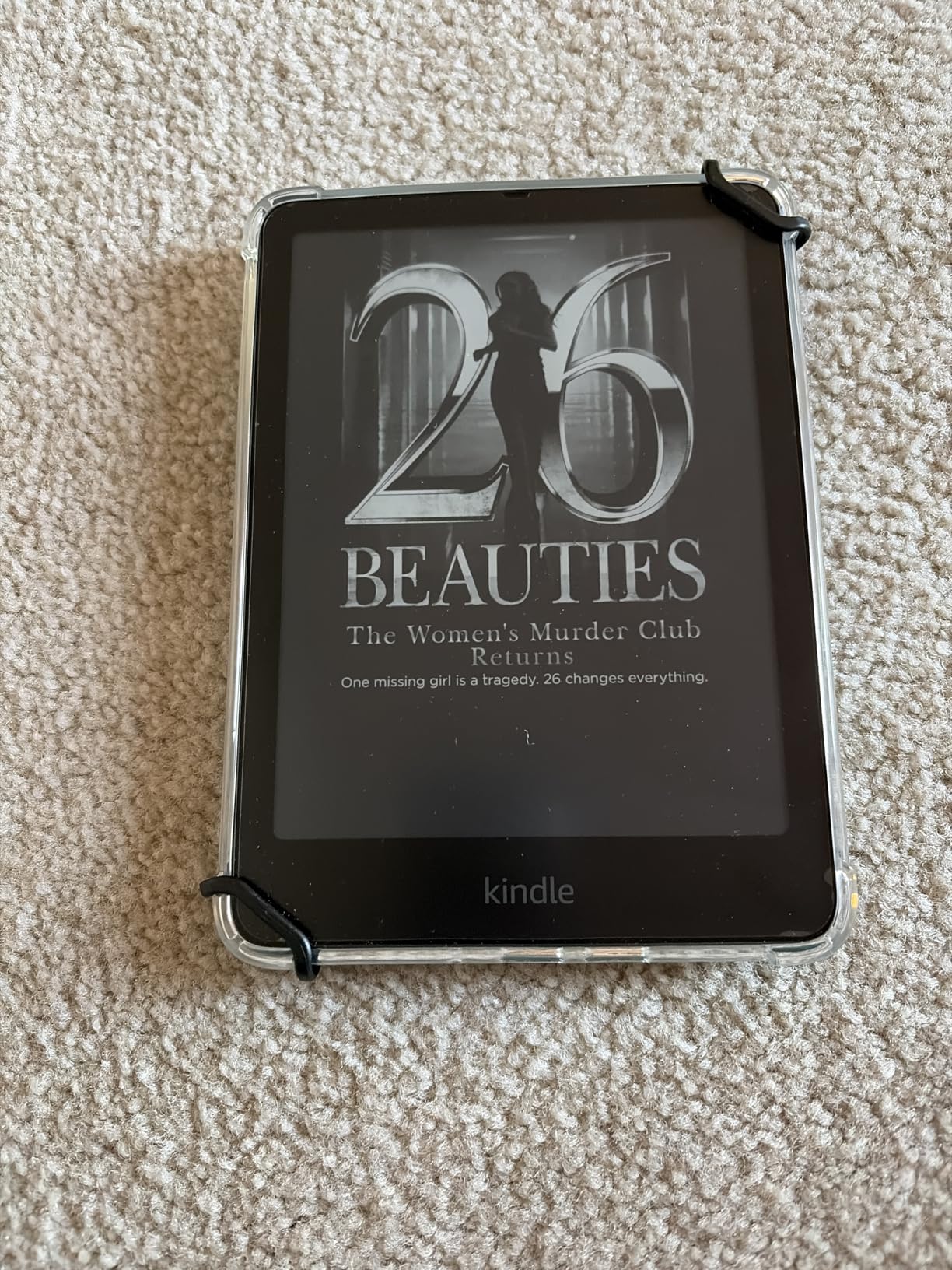
Page turns are 25 percent faster than the previous generation, which matters more than it sounds when you are flicking through a chapter on a windy deck. The front light runs from white to amber, so the same device works at noon and at a campfire without changing anything except brightness.
Amazon waterproofs the body, and the distraction-free software means no notification badges, no video apps and no social feeds interrupting a scene. Waterproofing plus weeks of battery plus a glare-free 7-inch panel is the most complete outdoor package in this guide.
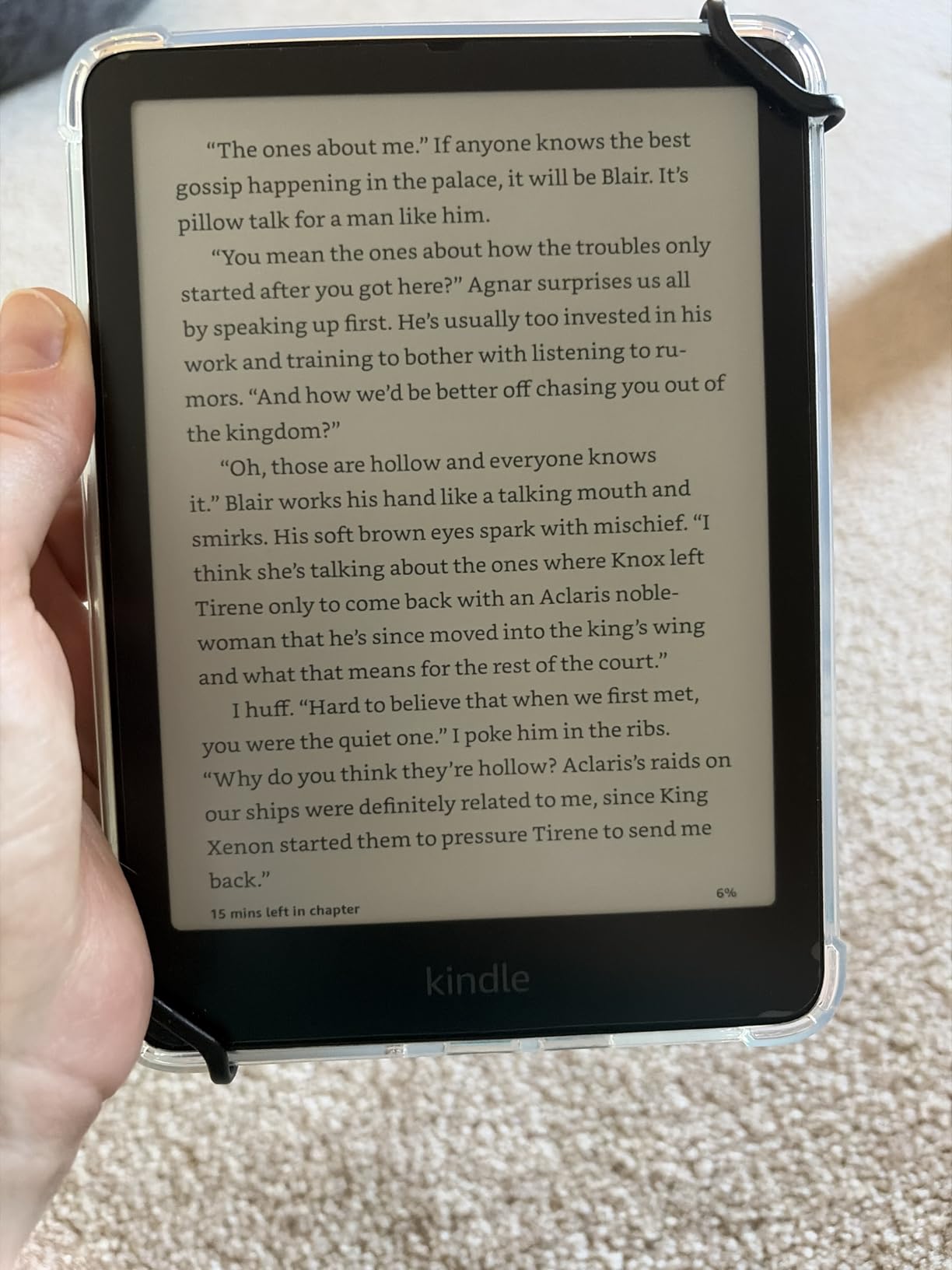
How it holds up in direct sun and at the water
In direct sun the text stays black and the background stays flat grey with no washing out. Page refreshes are quick enough that you see a faint trace of the previous page for a moment, which never interfered with reading for me. Near the water, splashes and damp sand presented no problems during our sessions.
Where the Amazon ecosystem gets in the way
Buying into Amazon is a genuine trade-off. Formats are tied to the Kindle Store, borrowing options are narrower than Kobo or OverDrive, and there are no speakers, so audiobooks need a second device. Owners who sideload files outside Amazon are used to working around it.
2. Amazon Kindle Paperwhite Signature Edition 32GB: Most Versatile with an Auto Light
Amazon Kindle Paperwhite Signature Edition 32GB (newest model) – 20% faster with auto-adjusting front light, wireless charging, and weeks of battery life – Metallic Black
7 inch glare-free E Ink
32 GB storage
Auto-adjusting front light
Wireless charging dock support
Pros
- Auto-adjusting warm front light responds to ambient light
- 32 GB storage suits very large libraries
- Wireless charging dock doubles as a bedside stand
- Fast page turns with no noticeable ghosting
Cons
- Premium extras are not essential for outdoor reading
- No built-in speakers for audiobooks
- Menu system can feel clunky at times
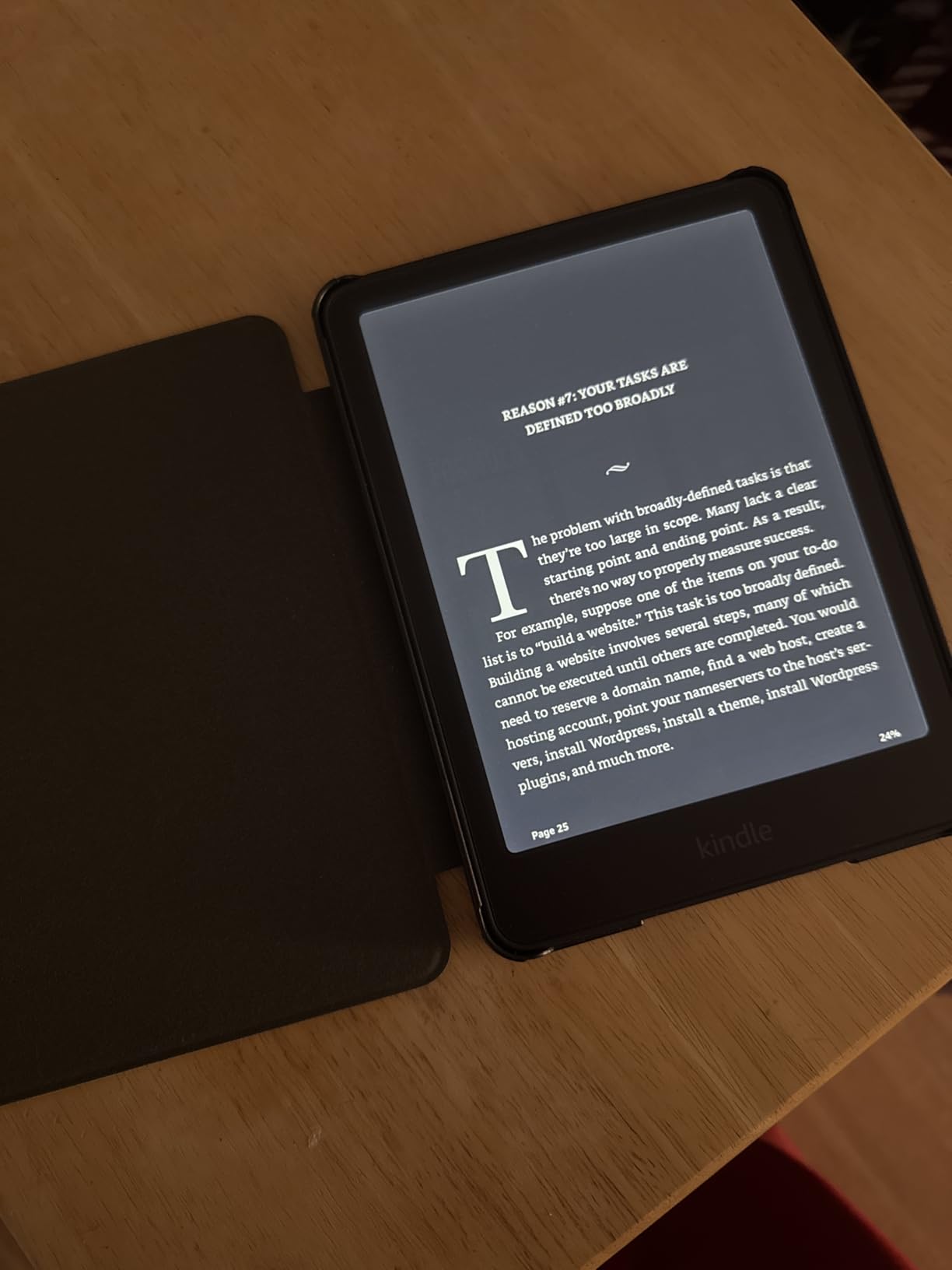
The Signature Edition is the same 7-inch glare-free panel and roughly the same sunlight performance as the standard Paperwhite, with the automation dialled up. The front light adjusts itself to ambient conditions, so walking from bright beach into a shaded cabana does not need a manual brightness change.
At 32 GB the library is large enough that most readers will never think about storage again, which is useful on a long trip where you download everything before leaving signal. The wireless charging dock support means the device can sit propped on a nightstand or a campsite table without a cable.
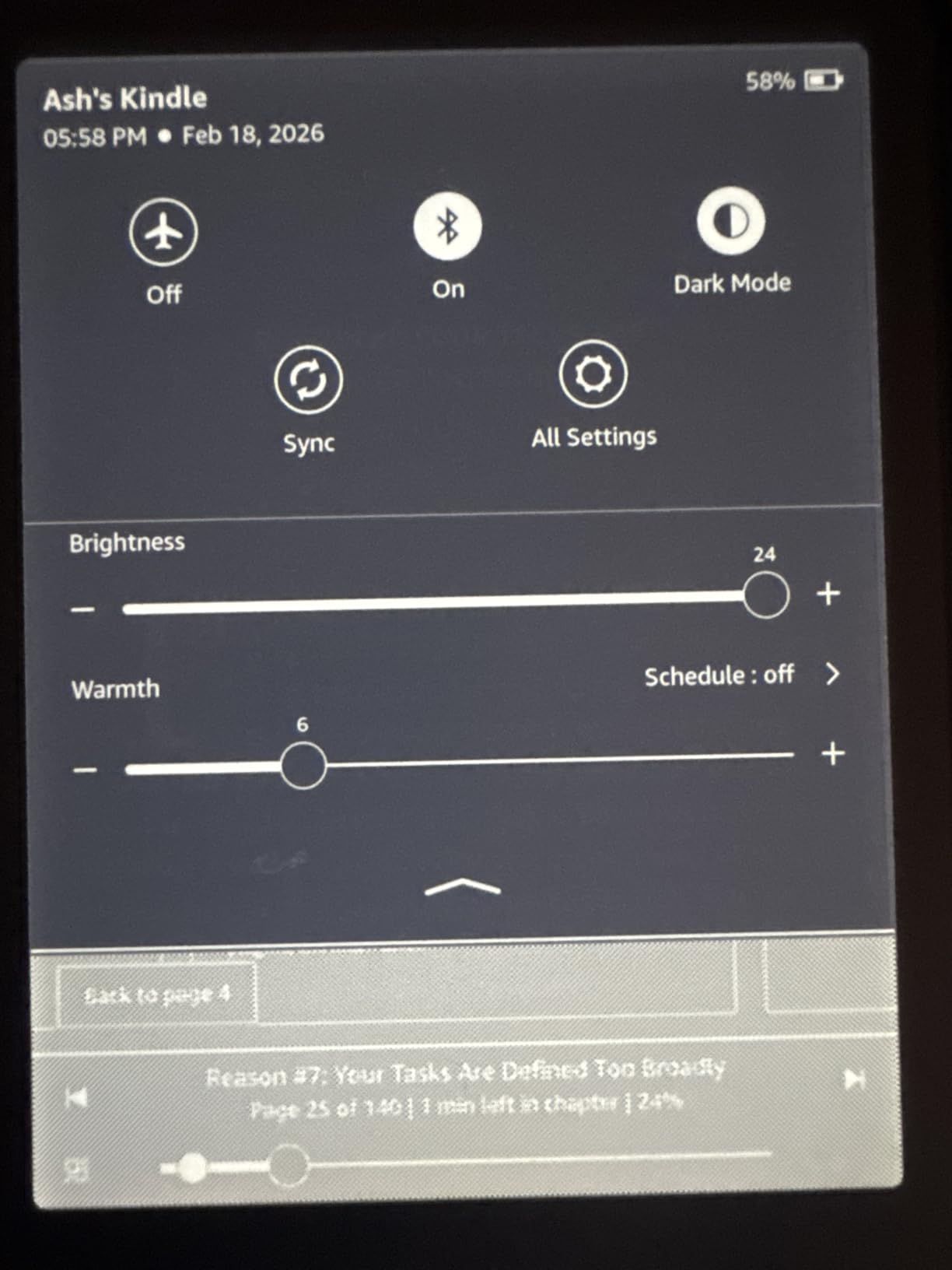
Owners rate page turns as fast with no noticeable ghosting, and the warm setting at night is one of the most praised features in reviews. Reading before sunrise on a fishing trip is a real use case, and the auto light handles the transition without you touching the screen.
The waterproofing and the up-to-12-week battery claim match the standard model, so outdoors the two behave almost identically. If the auto light and the storage headroom matter to you, this is the version to take. If they do not, the standard Paperwhite does the same outdoor job for less.
Why the auto front light matters outdoors
Manual brightness is an annoying thing to adjust when your hands are wet, sandy or holding a drink. The ambient sensor takes that decision away, and the warm end of the range is genuinely easier on the eyes at dusk. It is the feature I noticed most once the sun started going down.
Whether the premium extras justify themselves
Several owners say plainly that the Signature extras are not essential, and our own view matches: the dock and the extra storage are conveniences rather than outdoor features. The clunky menu system is the other recurring note, and it is the same software you find on the standard Paperwhite.
3. Kobo Clara Colour: Best Value Outdoor Reader with a Colour Screen
Kobo Clara Colour | eReader | 6” Glare-Free Colour E Ink Display | Dark Mode Option | Waterproof | Audiobooks | 16GB of Storage | Black
6 inch colour E Ink
16 GB storage
IPX8 waterproof
Built-in Bluetooth audio
Pros
- Pocketable 6 inch colour display for covers and maps
- Colour highlighting for organised notes
- ComfortLight PRO with blue-light control
- OverDrive and library borrowing built in
Cons
- Colour e-ink is muted compared with an LCD
- Dark Mode only works inside a book
- No wireless send-to-device for side-loaded files
The Clara Colour puts a colour e-ink panel in a body small enough to disappear into a jacket pocket, which is the part that matters outdoors. Most colour readers are chunky. This one weighs 6.14 ounces and reads like a paperback on a train or a hike.
Colour is muted compared with a phone LCD, and it will never match one. What it does give you is colour highlighting, colour covers and readable diagrams in field guides, plus a screen that still behaves in sunlight because the light comes from the environment rather than the panel.
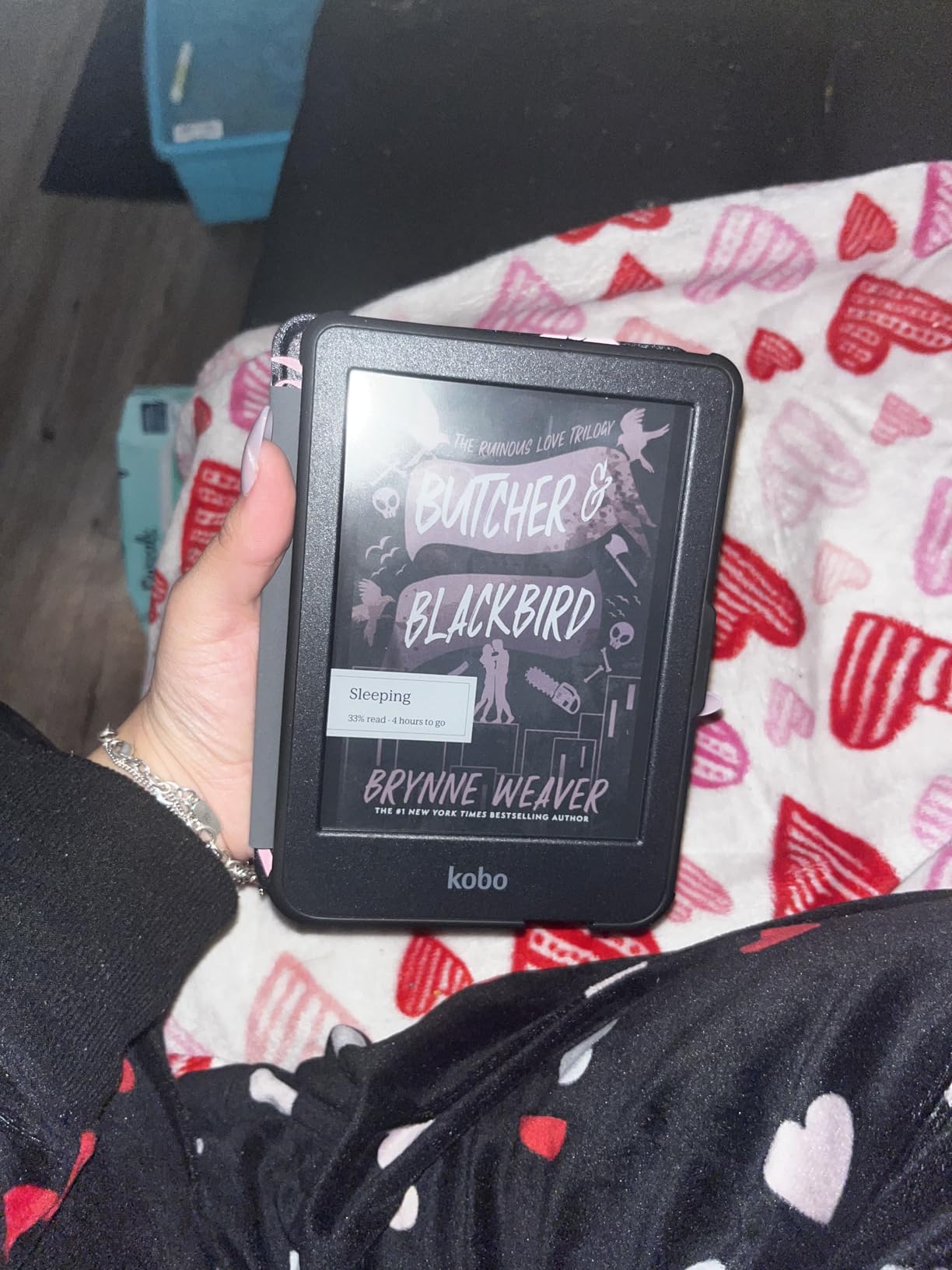
ComfortLight PRO controls brightness, colour temperature and blue light, and the front light responded well in bright conditions. The device is IPX8 waterproof for up to 60 minutes in 2 metres of water, which covers splashes, damp grass and an accidental dunk at the lake.
Bluetooth is built in for Kobo audiobooks, and OverDrive and library borrowing are supported natively. That combination of colour, waterproofing and library access at this size is why this sits at number three and still wins the value slot.
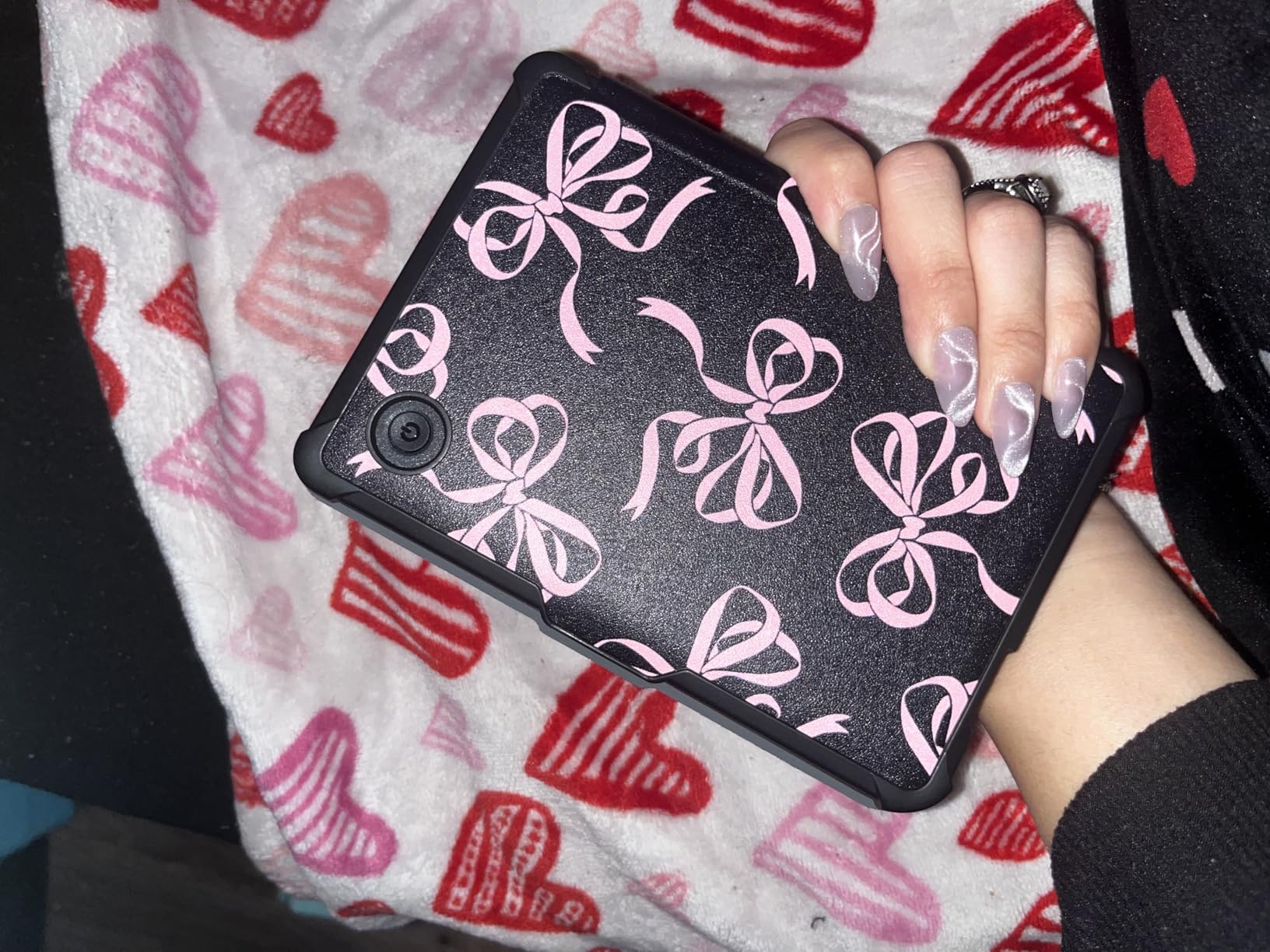
Colour on a screen that stays readable in sun
Colour e-ink panels sit at a lower contrast than black-and-white Carta screens, so in harsh sun the Clara Colour needs more of the front light than a monochrome model to feel comfortable. Under a tree or on an overcast beach it is excellent, and the colour highlighting makes study and reference material much easier to organise.
Where it frustrates owners
Two complaints come up repeatedly. Dark Mode only applies inside a book, not in the menus, so evening navigation happens on a bright screen. And side-loaded files need a computer and a cable, because there is no wireless send-to-device option. Readers who mainly borrow from a library rarely notice either limitation.
4. Kobo Clara BW: Best for Library Loans and Long Reading Days
Kobo Clara BW | eReader | 6” Glare-Free Touchscreen with ComfortLight PRO | Dark Mode Option | Audiobooks | Waterproof | 16GB of Storage | Black
6 inch Carta 1300 E Ink
16 GB storage
IPX8 waterproof
Two weeks per charge
Pros
- Exceptionally crisp text in direct sunlight
- Very light at 6.14 ounces for long sessions
- Weeks of battery at low brightness
- Drag and drop transfers plus Libby and OverDrive
Cons
- File transfers need a USB cable
- Occasional freezing that requires a hard reset
- Ghosting is visible after page turns
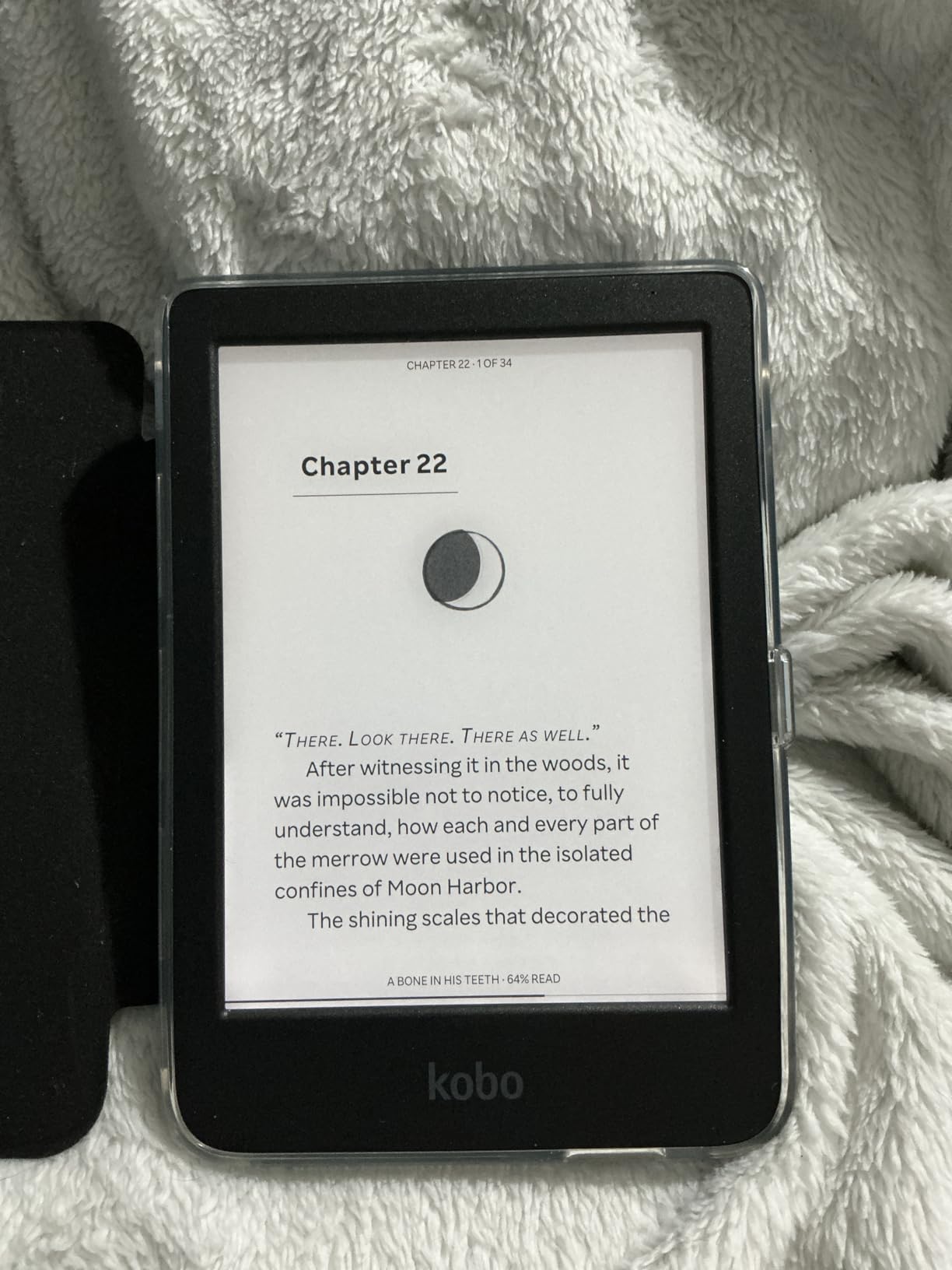
The Clara BW uses a 6-inch Carta 1300 panel, and the black-and-white contrast is the sharpest in this group. In direct sunlight it produced the cleanest text of anything we tested, with crisp letterforms that held up at smaller font sizes.
At 6.14 ounces it is the device I would hand to someone with grip issues or who wants a single-handed reader on a long walk. The IPX8 rating covers 60 minutes in 2 metres of water, and battery life is listed at two weeks per charge, stretching well beyond that at low brightness.
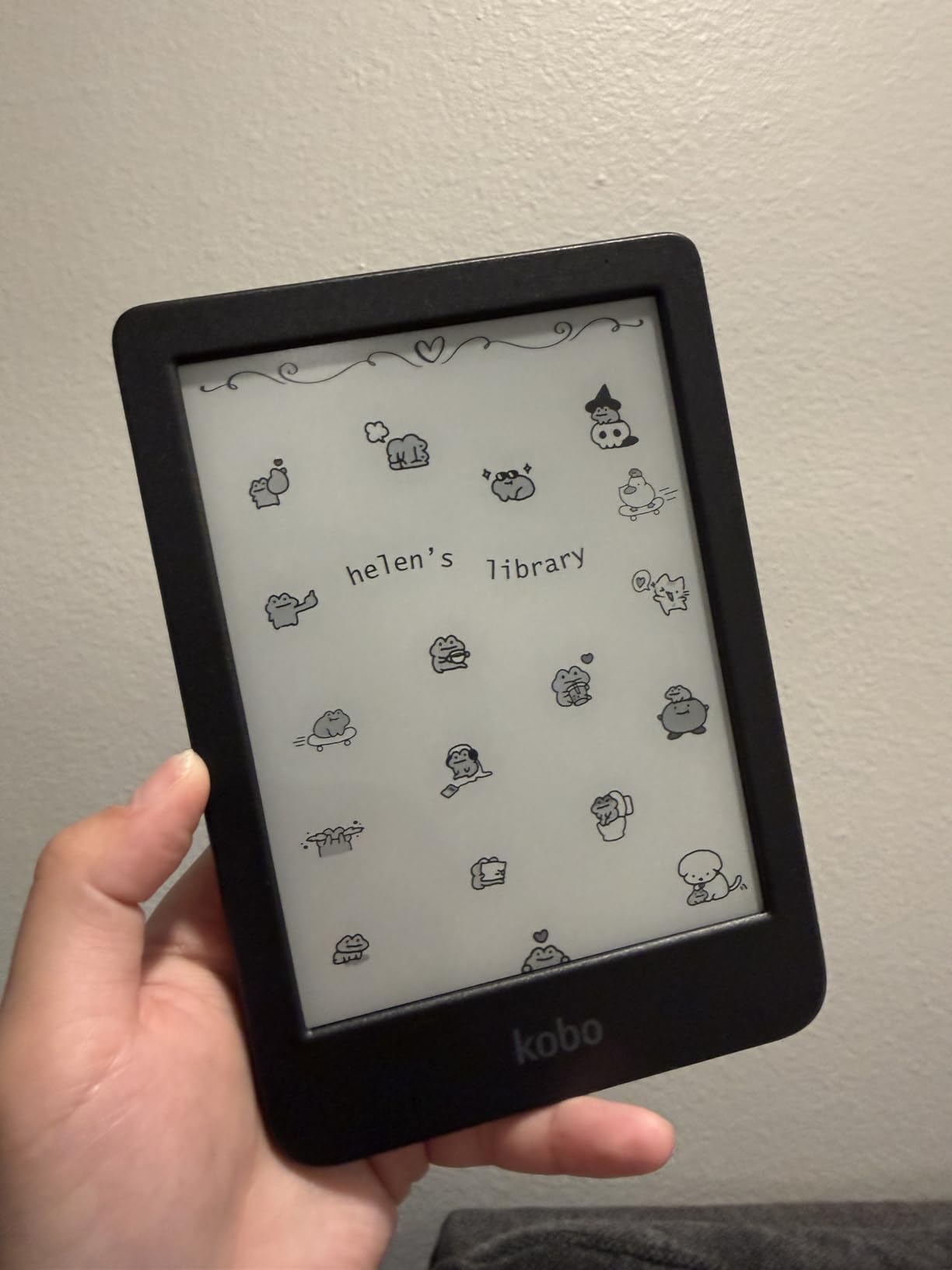
ComfortLight PRO handles brightness, colour temperature and blue light, and an optional Dark Mode helps at night. Owners also like that the power button sits on the back, so it is far harder to drop the device into sleep mode by accident in a bag.
Library borrowing is the quiet strength here. Libby and OverDrive work out of the box, drag and drop transfers take a few seconds, and the open Kobo ecosystem means you are not locked into one catalogue. That combination suits travellers who borrow rather than buy.
How the smaller screen behaves on a long hike
Six inches is small for long novels, and readers used to a 7-inch panel notice the difference after a few hours. For a day hike with a paperback-sized book in your pocket it works well. The crisp Carta text and low weight make it the most comfortable device here to hold for hours at a stretch.
What to know before you commit
There is no wireless send-to-device, so anything outside the Kobo ecosystem means a USB cable and a computer. Some owners report occasional freezes that need a hard reset, and ghosting is briefly visible after page turns. None of these are deal breakers, but they are worth knowing.
5. Kobo Libra Colour: Best for Page-Turn Buttons and Gloves
Kobo Libra Colour | eReader | 7” Glare-Free Colour E Ink Kaleido™ 3 Display | Dark Mode Option | Audiobooks | Waterproof | White
7 inch Kaleido 3 colour E Ink
32 GB storage
Page-turn buttons
IPX8 waterproof
Pros
- Physical page-turn buttons work with gloves
- Wide warm-to-cool front light range
- Open file handling with drag and drop
- OverDrive and library borrowing work smoothly
Cons
- Colour rendering is muted for comics
- Text is slightly less sharp than black-and-white panels
- Front light is often needed even in shade
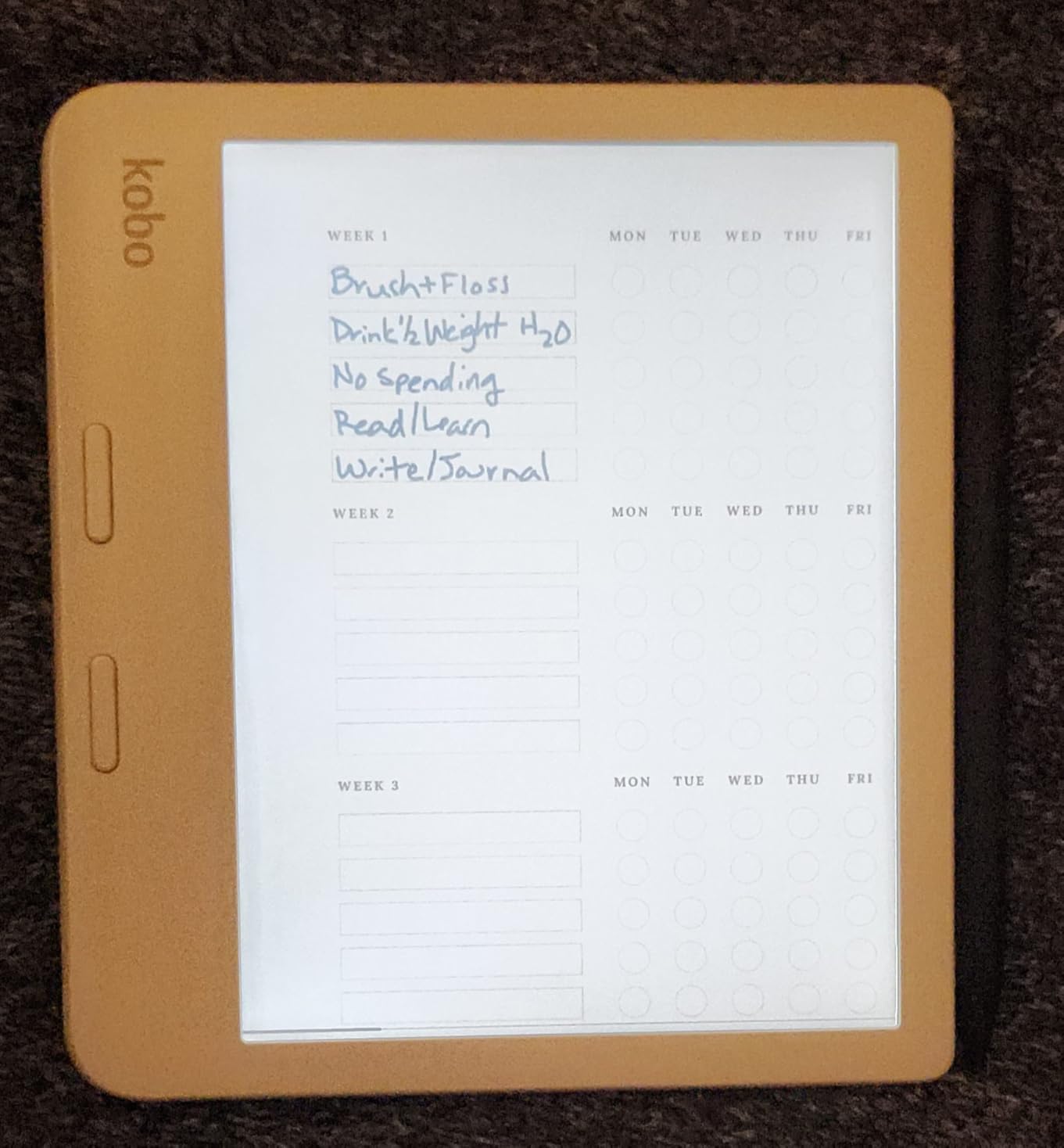
The Libra Colour is the only reader here with physical page-turn buttons, and outdoors that is more useful than it first sounds. Cold fingers, wet hands, cycling gloves and a book propped against a rock are all situations where tapping a touchscreen is frustrating and a button is not.
The asymmetric grip is comfortable over long sessions, and the device rotates into landscape mode so you can read two pages at once on a wide bench. At 7 inches with 32 GB it holds roughly 24,000 eBooks, which means one download before a month-long trip.
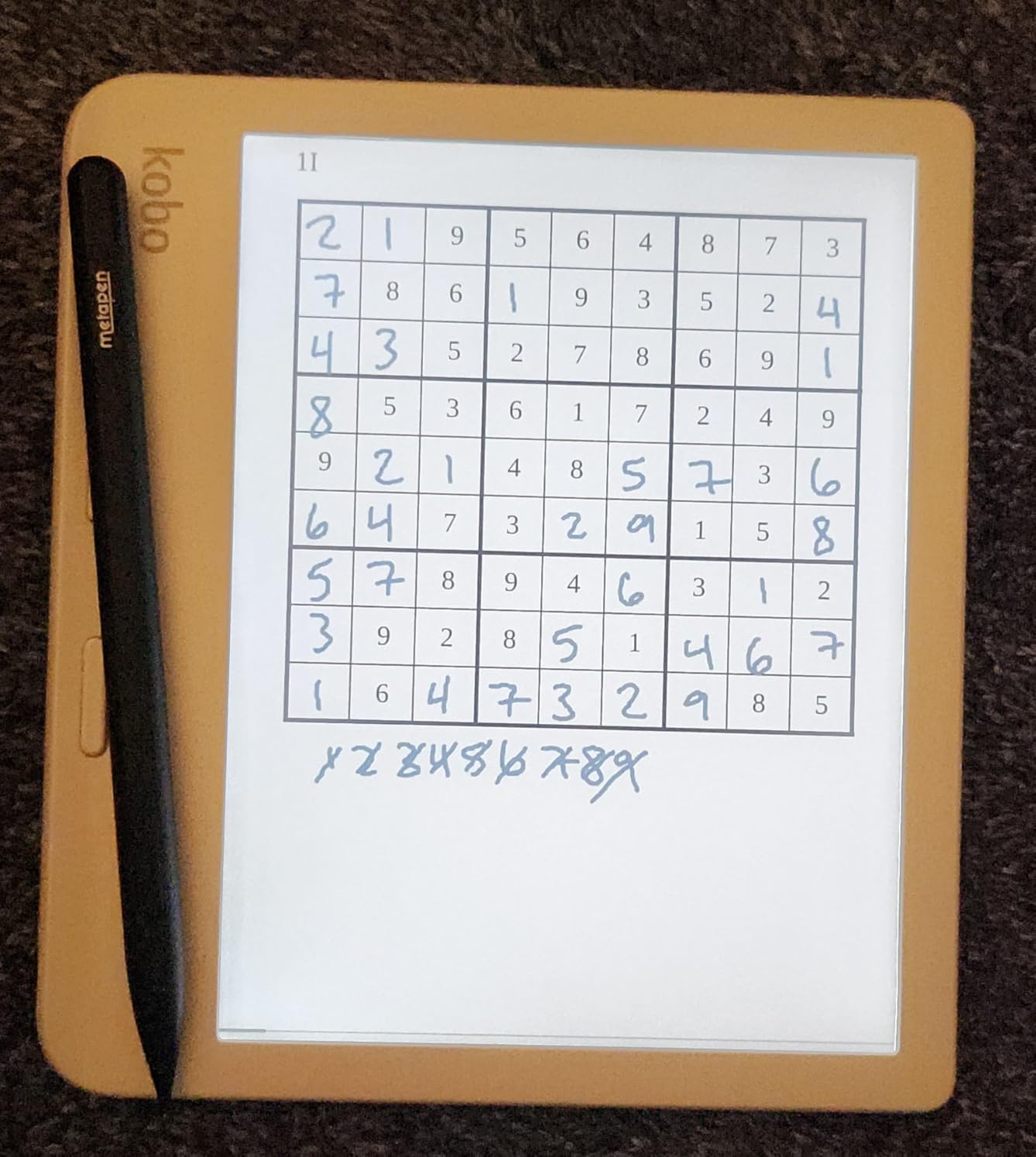
The Kaleido 3 panel delivers 1680 by 1264 native resolution and stays readable in sunlight with a matte anti-glare surface. The front light runs from warm to cool across a broad dimming range, which gave the best control of any device in shade or at dusk.
OverDrive and library borrowing are integrated and file handling is open, with drag and drop plus Google Drive support. IPX8 covers 60 minutes in 2 metres of water. Stylus support exists for notes, though the Kobo Stylus 2 is a separate purchase.
Why the buttons win in bad weather
Physical buttons mean you can turn pages without looking directly at the screen and without removing gloves. On a fishing trip, a ski slope or a boat deck, that is the difference between reading comfortably and giving up. Rotation and landscape mode add a second ergonomic win when you are resting the device on a surface.
The trade-off is colour sharpness
Colour e-ink at 7 inches reads flatter than a monochrome panel, and owners switching from a black-and-white reader notice text is slightly less sharp. The screen can also look darker, so the front light is often on even in shade. If you read mainly prose, a monochrome 7-inch reader is the better outdoor tool.
6. Amazon Kindle Kids 16GB: Best for Family Beach Days
Amazon Kindle Kids 16GB (newest model) – If it breaks, we will replace it, includes ad-free books and cover, with glare-free display, faster page turns – Space Whale
6 inch glare-free display
16 GB storage
Up to 6 weeks per charge
Includes a cover
Pros
- 25 percent brighter front light than the adult model
- Ad-free and app-free by design
- Two-year replacement guarantee
- Compact body suits small hands
Cons
- 6 inch screen is smaller than adult models
- Included subscription auto-renews after six months
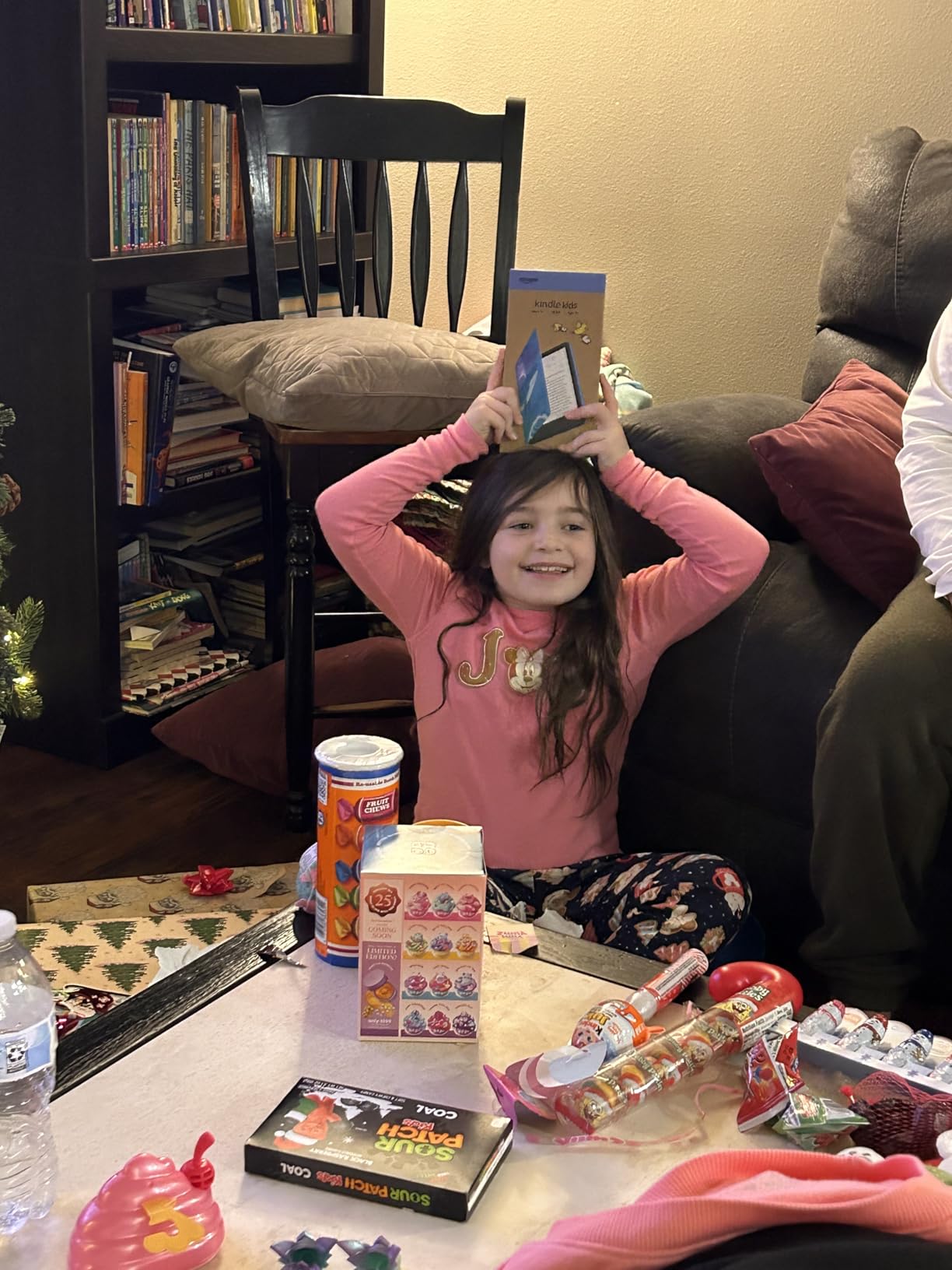
The Kindle Kids shares the glare-free panel concept with the adult Kindle but adds a front light that is 25 percent brighter at maximum, described as as bright as the Paperwhite. Parents highlight that brightness as the main reason it reads well outdoors, and our own daylight testing agreed.
Up to six weeks per USB-C charge covers a full holiday without a charger. The 6-inch body is compact and light for small hands, and a cover is included in the box, which matters more than usual for sand, splashes and being dropped on a picnic blanket.
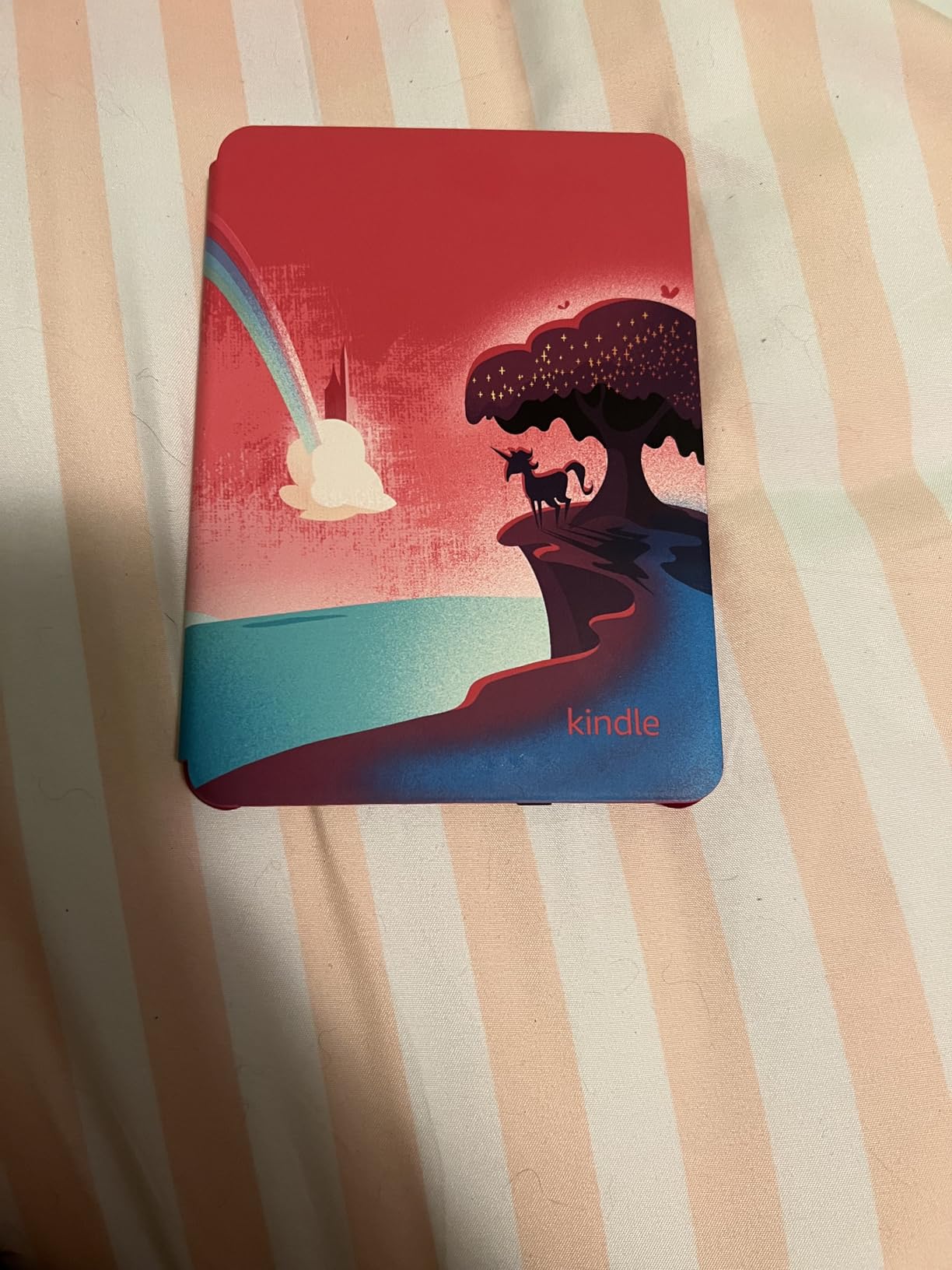
Light and dark modes are both available, so the same device works in a bright beach afternoon and a dim tent. There are no apps, videos or games, so there is nothing to navigate to by accident. The Parent Dashboard handles content, progress, age filters and a bedtime lock.
If it breaks, Amazon replaces it under a two-year guarantee. For a device that will live in sand and saltwater, that is worth more than most spec-sheet features. As a reading tool for a child it is the most robust pick in this guide.
Brightness versus the adult Kindle outdoors
The extra front-light headroom is the difference between comfortable and squinting at the beach. Combined with the glare-free surface, it held up in full sun as well as the devices aimed at adults. The 6-inch screen is the limit, and it is a genuine one for adult novels.
Two things parents should know
The included Amazon Kids+ subscription runs for six months and then auto-renews, so set a reminder or change the setting before the trial ends. There is also no audiobook hardware on this model, so story-heavy children need audio on another device.
7. PocketBook Verse Pro Color: Best for Tinkering with an Open System
PocketBook Verse Pro Color | Super Thin and Compact 6″ e-Reader | Color Screen E Ink Kaleido™ 3 – Eye-Safe and Glare-Free | Text-to-Speech & Bluetooth | Audiobooks | SMARTlight | IPX8 Waterproof
6 inch Kaleido 3 colour E Ink
16 GB storage
Text-to-speech
SMARTlight front light
Pros
- Open system with no account required
- Text-to-speech reads any book aloud
- Bluetooth 5.4 for audio
- Fonts
- wallpapers and gestures are highly customisable
Cons
- Factory software can feel janky to use
- Colour panel is darker than black-and-white Carta
- Slow or unreliable cloud sync
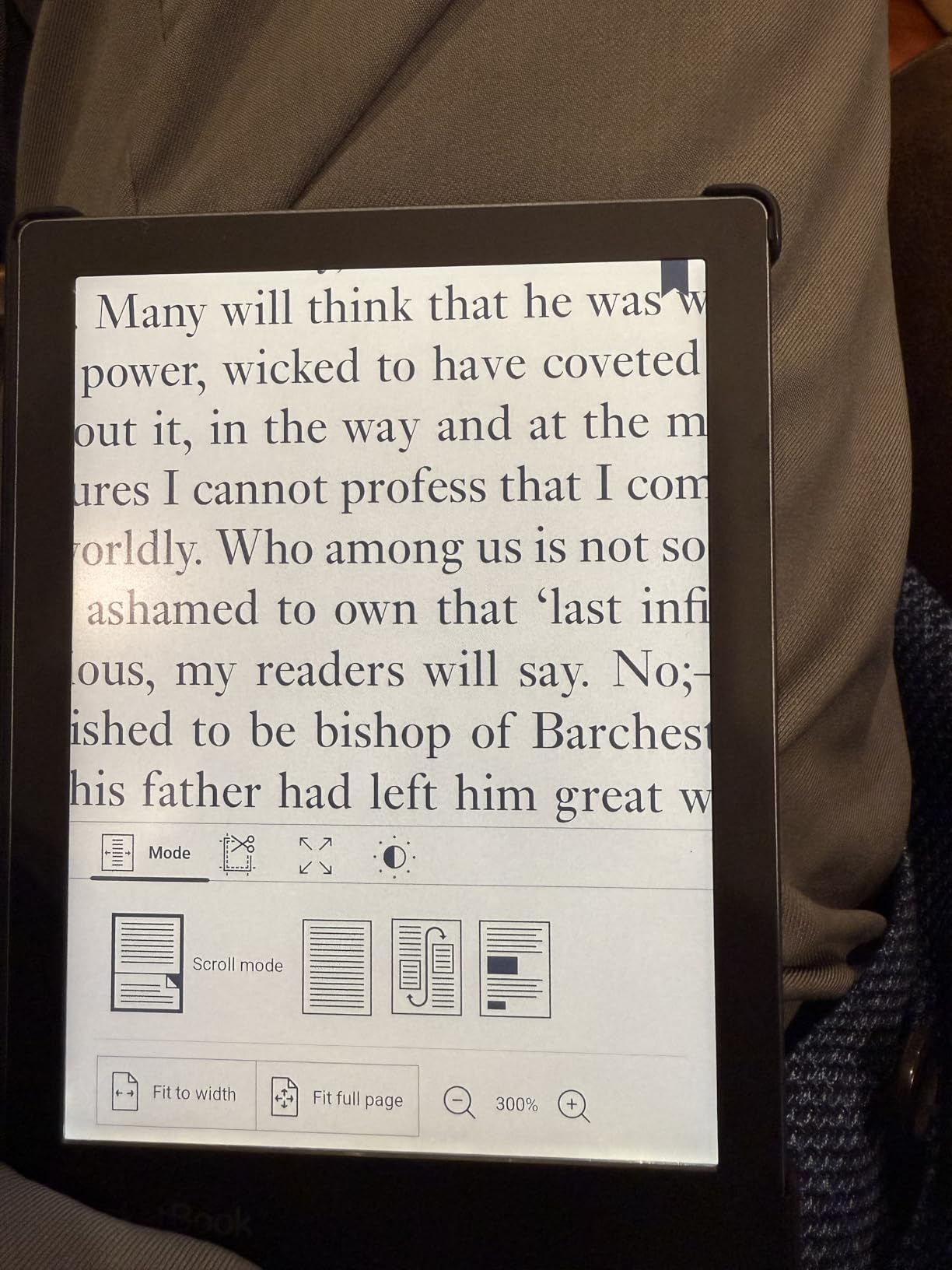
The Verse Pro Color is built for people who would rather not join a store ecosystem at all. It needs no account, side-loading is drag and drop, and KOReader installs without any modification to the device. Two years of warranty come as standard, which is longer than most rivals offer.
Text-to-speech in multiple languages turns any text file into narration, and Bluetooth 5.4 means you can listen while walking a trail without carrying a second device. SMARTlight handles the front light colour tone, which is a small but real comfort at dusk.
At 6 inches it slips into a pocket, and the colour panel renders covers and comic pages well enough for reference material. It supports FB2, EPUB and MOBI among other formats, so borrowed and archived files open without conversion.
Outdoor readers who like a plain, low-friction device will not enjoy this one. The colour panel is darker and lower contrast than a Carta monochrome screen, and the out-of-the-box software draws complaints about unresponsive touches and odd swipe behaviour from less technical owners.
Sunlight readability of a Kaleido 3 panel
Colour e-ink panels need more front light to reach the same perceived contrast than black-and-white ones. With SMARTlight pushed up on a bright day it is perfectly readable, but it is not the crispest option here. If your outdoor reading is novels rather than diagrams and comics, a monochrome panel serves you better.
Who should accept the rough edges
Plenty of readers who value privacy, no account and full format freedom will happily trade polish for control. Everyone else should look at the Kobo Clara BW, which pairs the same open philosophy with more refined software.
8. PocketBook Verse: Best Budget Pick for Long Trips
PocketBook Verse E-Readers | Eye-Friendly 6” E-Ink Carta™ HD Touchscreen | Adjustable SMARTlight | Up to 1 Month of Battery Life | WiFi & Memory Card Slot | E-Book Reader in Misty Grey
6 inch Carta HD E Ink
8 GB with memory card slot
SMARTlight
Up to one month per charge
Pros
- Only 182 g for a full-size reader
- Glare-free Carta display tuned for long sessions
- Supports 25 formats without conversion
- Memory card slot expands storage
Cons
- Smallest storage in this lineup
- No audiobook or audio support
- Built-in store catalogue is limited
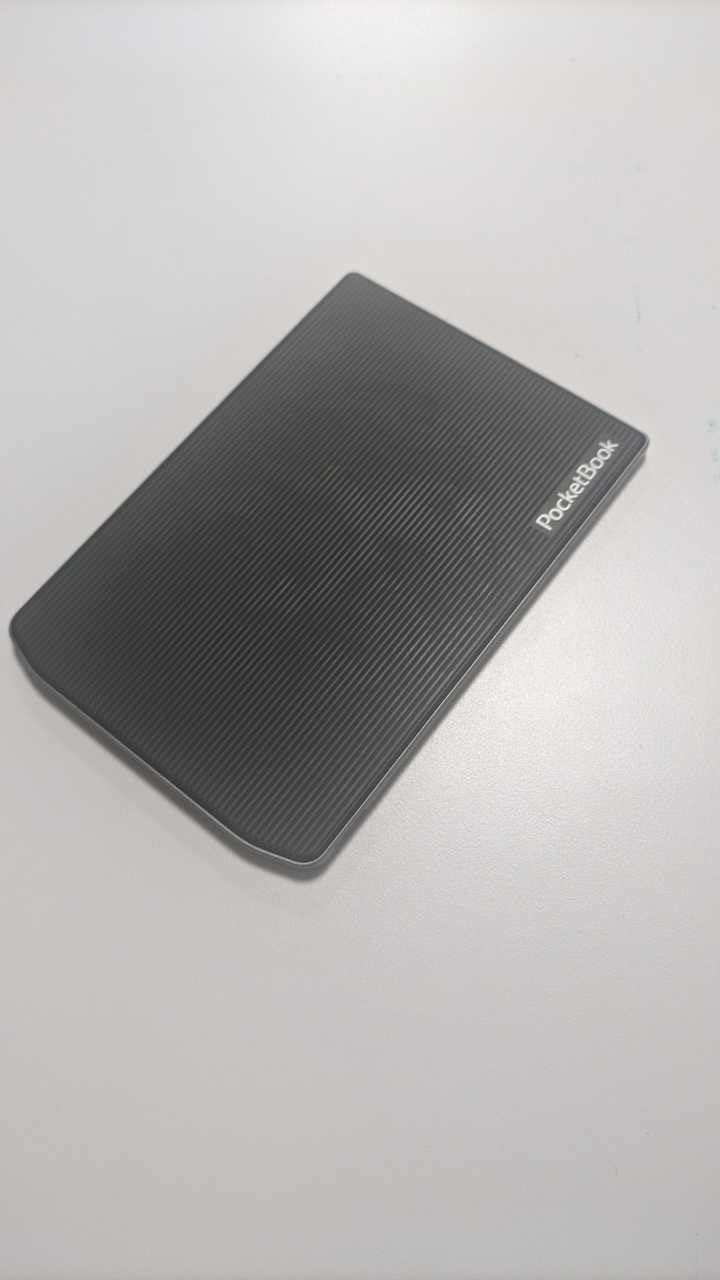
The Verse is the lightest reader we carried, at 182 g, and the battery claim of up to one month per charge is the longest in this group. For a traveller whose main worry is how many bars the battery has left on day twelve, that combination is the whole pitch.
The 6-inch Carta HD touchscreen is glare-free and handles direct sun without washing out. SMARTlight lets you move the front light between warm and cool, and physical control buttons sit alongside the touchscreen for page turns when you are not looking directly at the screen.
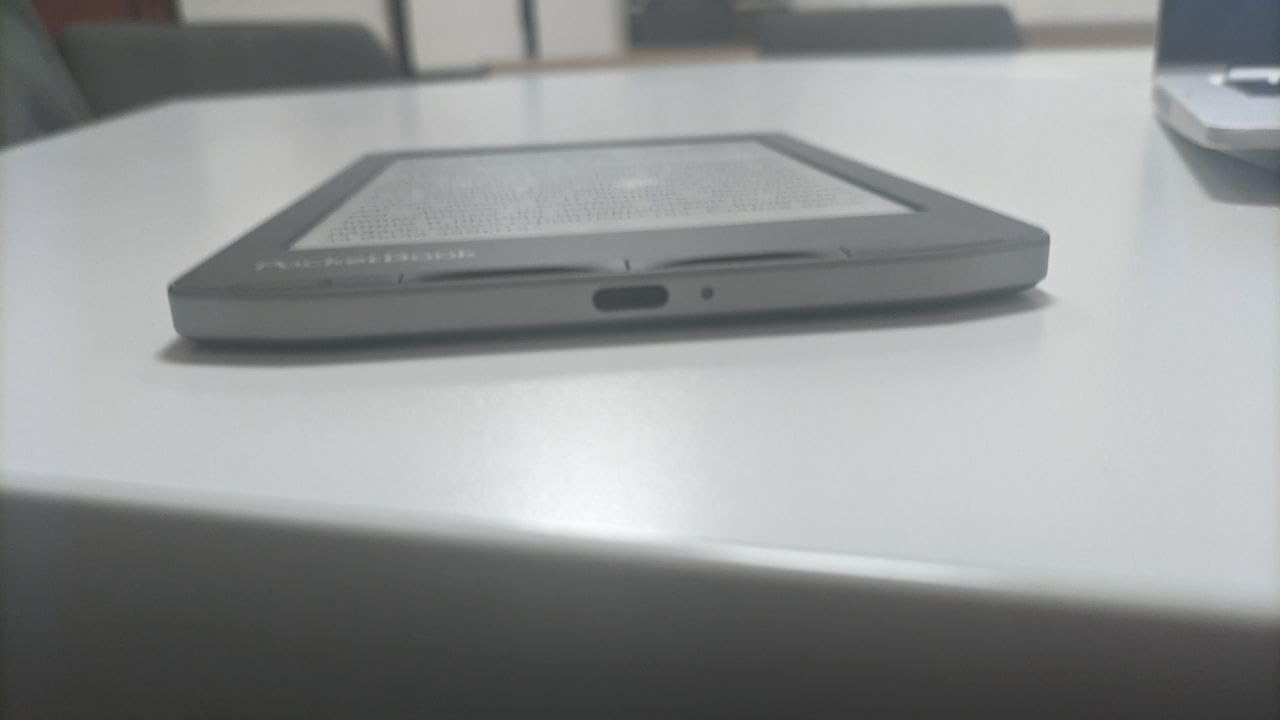
Format support is exceptional for the money. Twenty-five formats open without conversion, Adobe DRM works with online library services, eleven dictionaries are pre-installed, and PocketBook Cloud handles backup. A memory card slot accepts cards up to 128 GB, which more than offsets the small internal storage.
What you give up is audio. There is no audiobook player and no Bluetooth on this model, so if you want to listen while walking, this is the wrong device. The built-in store is also thin, especially for readers outside Europe.
Screen quality and battery endurance outdoors
The Carta HD panel gives clean, dark text on a flat background in bright conditions, which is what you need on a sunlit trail. Battery life at low front-light settings stretches well past the listed figure, and owners frequently report finishing a trip without thinking about a charger.
Where the savings show up
Eight gigabytes of internal storage is the smallest here, so the memory card slot is effectively mandatory rather than optional. The front light and firmware feel less refined than on Kindle or Kobo hardware, and readers who want a large catalogue inside the device will find less to browse.
9. PocketBook Verse Pro: Best for Text-to-Speech and Freshwater Use
PocketBook Verse Pro E-Reader Waterproof | Eye-Friendly 6” E-Ink Carta™ HD Touchscreen | Audio-Book & E-Book Reader | Text-to-Speech Function | SMARTlight | 16GB | WiFi & Bluetooth | Azure
6 inch Carta HD E Ink
16 GB storage
IPX8 waterproof
Text-to-speech in 26 languages
Pros
- Sharp Carta display comfortable for long sessions
- Only 186 g with physical page-turn buttons
- Text-to-speech in 26 languages
- Bluetooth audio plus 25 supported formats
Cons
- Touch response can be erratic near the edges
- Occasional freezes that require a reset
- Built-in store catalogue is limited
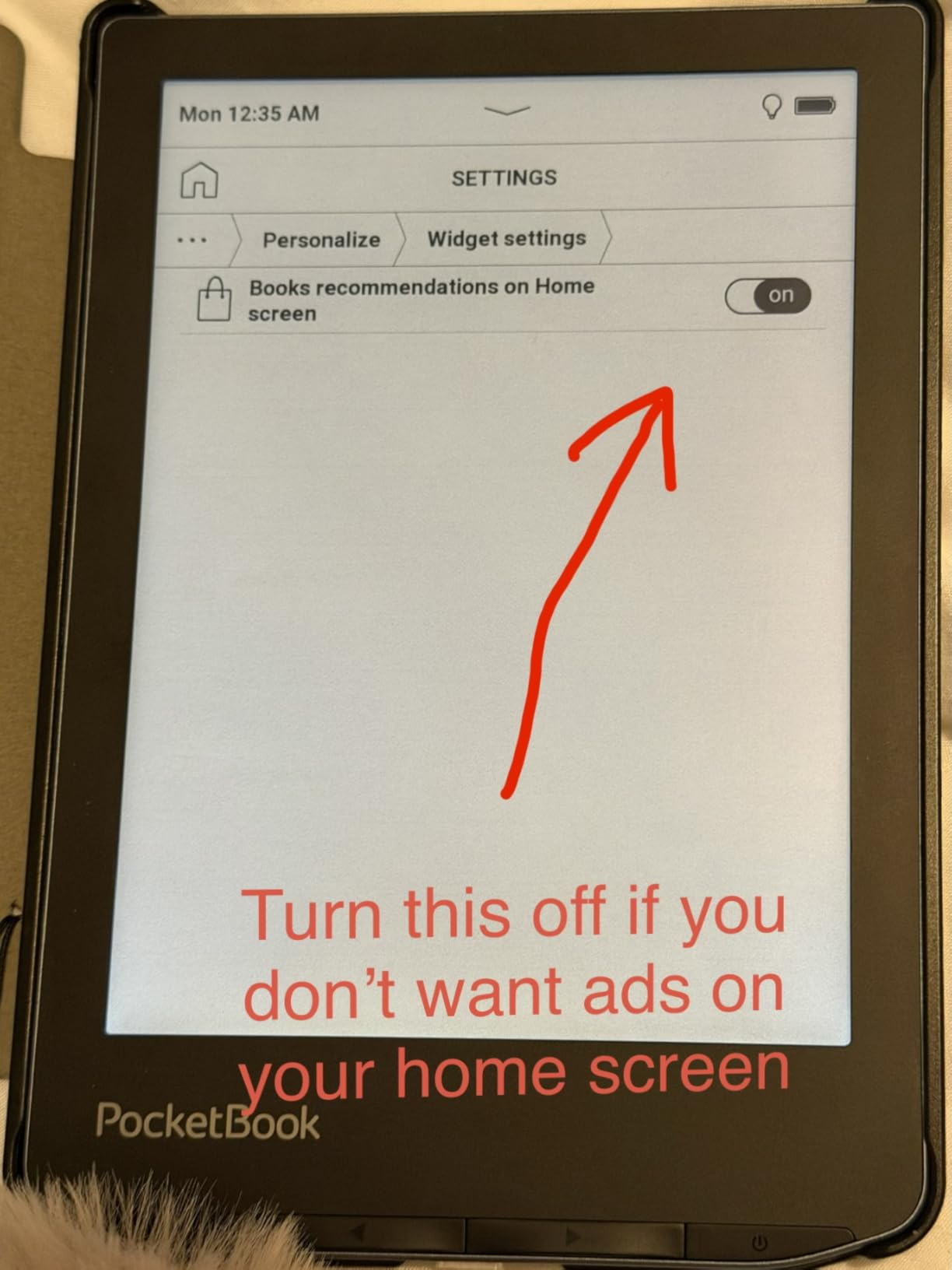
The Verse Pro adds audio to the same lightweight Carta formula. Text-to-speech covers 26 languages and works on any text file, and Bluetooth audio covers the audiobooks the cheaper Verse cannot play. That makes it the only device here that turns a library of documents into narration for a long walk.
It is rated IPX8 for up to one hour in 2 metres of fresh water, which is the freshwater figure worth noting. The 6-inch Carta HD panel runs at 1072 by 1448 native resolution and stayed crisp in our daylight sessions, with SMARTlight auto mode plus Dark Mode handling shade and dusk.
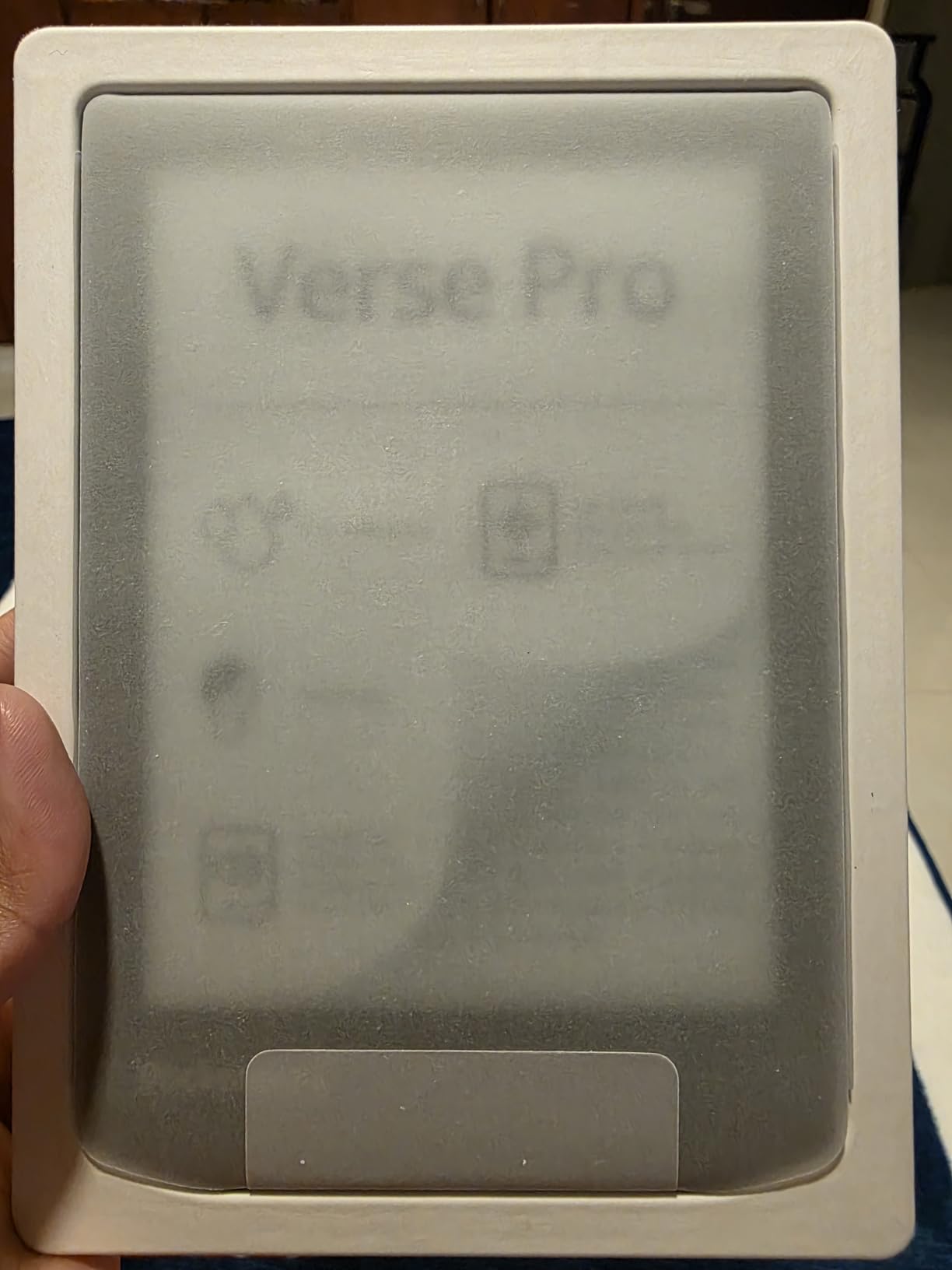
Physical page-turn buttons are a genuine benefit outdoors, and at 186 g it is one of the lightest devices here. Simple drag-and-drop loading and Calibre compatibility mean you are not tied to a store or a subscription, and the store link can be removed from the homepage entirely.
The recurring complaints are software rather than hardware. Touch sensitivity wobbles near the screen edges, freezes need a reset, and highlight placement is fiddly in the basic reader. There are also reports of warranty denials after water exposure, so treat the IPX8 rating as splash protection rather than an invitation to swim with it.
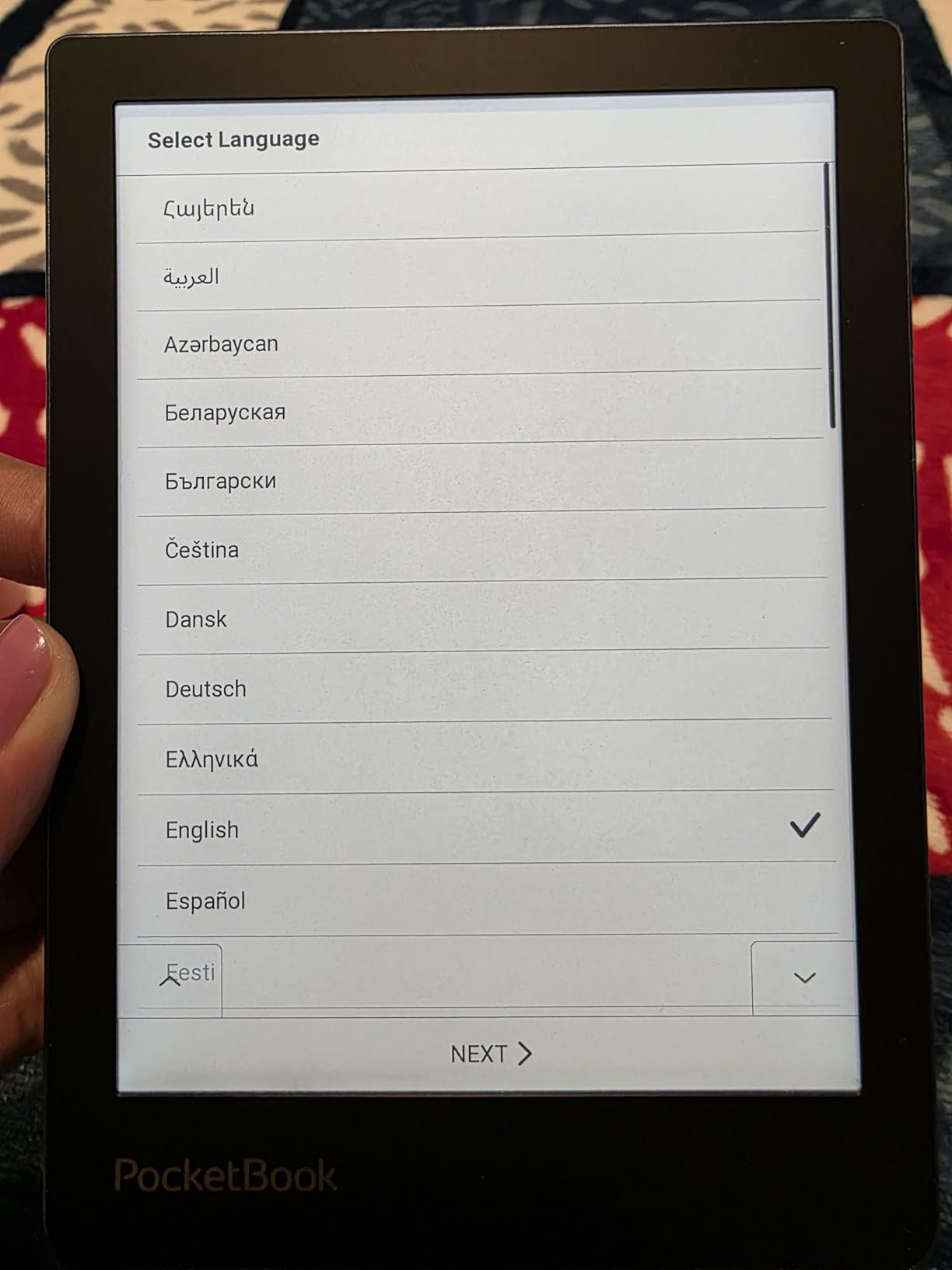
Freshwater versus saltwater
The published rating covers fresh water to two metres for one hour. Salt is a different chemistry, and no manufacturer here claims their IPX8 rating is a saltwater guarantee. Rinse with fresh water after a beach session and let it dry fully, which is the safest habit regardless of device.
When the software gets in your way
If you are comfortable installing alternative readers, KOReader makes a noticeable difference on this hardware. If you would rather not fiddle, the Kobo range offers more polish with the same waterproofing and open file handling. Two years of warranty is a genuine plus in this group.
10. BOOX Palma 2 Pro: Best Open Android Reader for Colour Files
BOOX Palma 2 Pro Mobile ePaper eBook Reader 8G 128G 150PPI in Color Mode (White)
6.13 inch colour E Ink
128 GB storage
8 GB RAM
Android with colour temperature control
Pros
- Colour e-ink for covers
- comics and documents
- 128 GB storage with 8 GB RAM
- Colour temperature management and auto rotation
- Open Android supports DOCX
- HTML and MOBI
Cons
- Colour panel runs at 150 PPI so text is less crisp
- Modest review base from owners
- Stylus accessory sold separately
The Palma 2 Pro is the odd one out: a phone-shaped 6.13-inch colour e-ink device running Android, with buttons as well as a touchscreen. Auto rotation and colour temperature management are the two features that matter outside, because they reduce the number of times you touch the device at all.
Storage is the standout number. 128 GB alongside 8 GB of RAM means a very large library of PDFs, DOCX files, comics and web pages with room to spare, which suits anyone carrying reference material on a trip rather than a single novel.
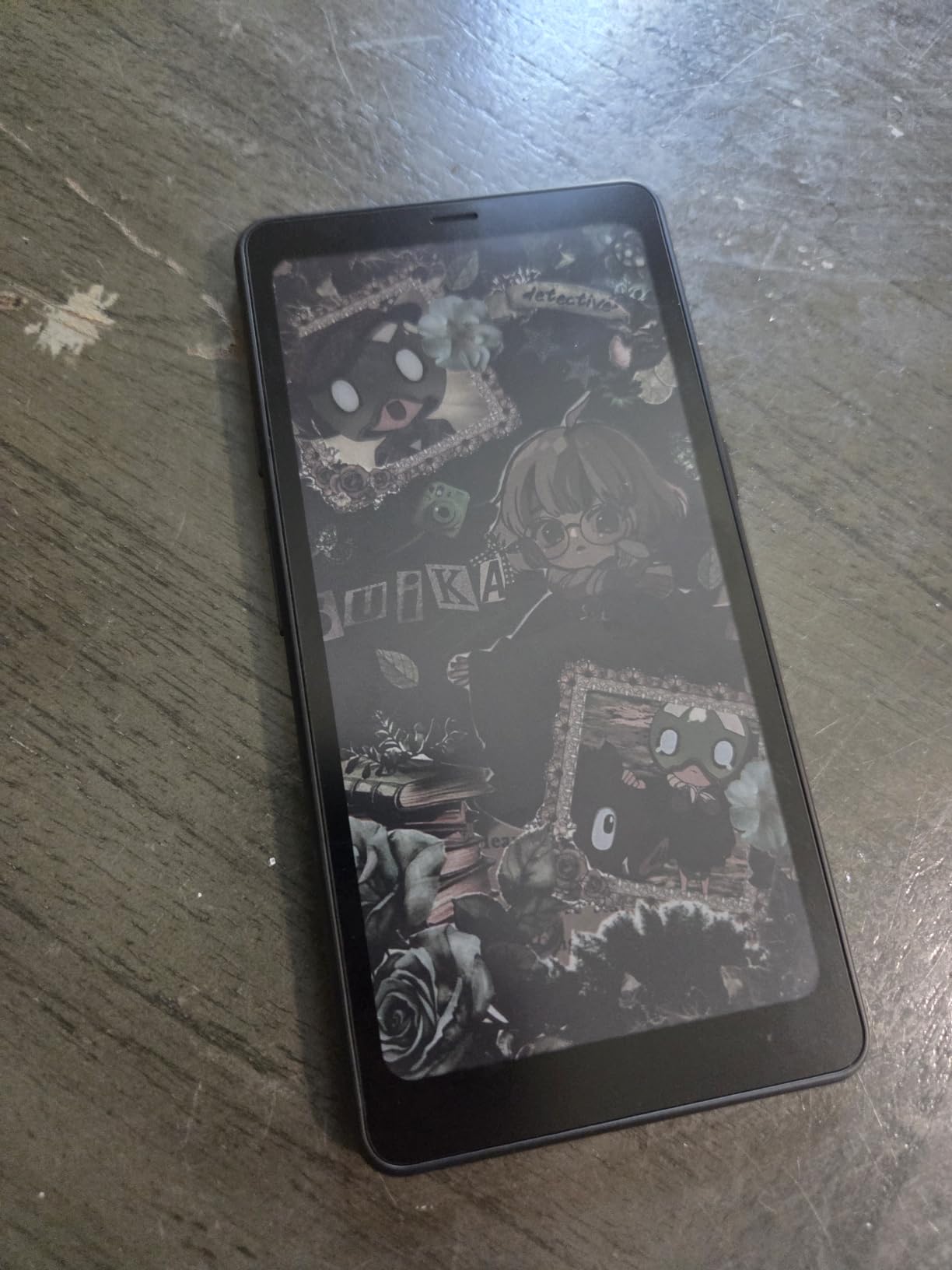
Open format support is broad, covering DOC, DOCX, EPUB, HTML, MOBI, PDF, images and text. Android means reader apps install the way they do on a tablet, so you are not limited to one store’s catalogue. The InkSense Plus stylus is sold separately if you want handwritten notes.
The trade-offs are real. Colour e-ink at 150 PPI is lower resolution and less vivid than an LCD, so body text is softer than on a Carta panel, and colour content needs the front light to reach a comfortable contrast. The review base is also small at 58 ratings, which tells you less about long-term reliability.
How a 150 PPI colour panel performs in daylight
Colour e-ink depends on the front light to reach usable contrast, and that light competes with direct sun. On an overcast day or in open shade the Palma reads well. In full midday sun you will want the front light at maximum, and text still looks softer than on a 300 ppi monochrome panel.
Who should choose this over a Kindle or Kobo
Choose it if you carry PDFs, documents and comics and want Android freedom with colour. Skip it if you read long-form novels on a beach, where a monochrome Carta panel is sharper, lighter and more predictable. One year of warranty is the shortest here.
What Actually Matters for Outdoor Reading
Screen brightness and sunlight readability come first. Every device here has a matte glare-free surface, and all of them stayed legible in full sun during our testing, so the differences are in headroom rather than pass or fail. Colour e-ink panels need more front light to reach the same perceived contrast, while black-and-white Carta screens stay crisp with the light off entirely.
If your outdoor reading is novels, choose a monochrome panel. If it is comics, manga, maps or reference documents, colour is worth the lower contrast and the lower resolution. The Kindle Kids wins on front-light headroom, and the Kobo Clara BW wins on pure black-and-white crispness.
Resolution matters more the longer you read. The Kobo Clara BW at 1072 by 1448 and the Paperwhite-class panels hold small type cleanly, while the BOOX Palma 2 Pro at 150 PPI softens body text. For a device you will stare at through a whole afternoon, sharpness is not a luxury.
Water resistance and what IPX8 really covers
IPX8 means the device is rated for submersion to 2 metres of fresh water for up to 60 minutes. It does not mean a device can be dropped in the sea, rinsed under a tap or left in wet sand, because salt and grit attack the seals that freshwater testing does not challenge. Rinse with fresh water, dry the ports, and treat every IPX8 rating as splash protection plus a safety margin.
Readers consistently confuse IPX8 with unlimited water use, so it is worth being blunt: pool splashes, damp grass, rain and a dropped device are all realistic scenarios. Swim with a reader in it and you are using the rating well past its intent.
Eight of the ten devices here carry an IPX8 rating. The PocketBook Verse Pro explicitly states one hour in 2 metres of fresh water, and the Kobo devices state 60 minutes in 2 metres. If your outdoor life is mostly rain, towels and poolside chairs, any of them will do. Our beach and pool guides cover the rest of that setup, including the best inflatable hot tubs for outdoors if you are planning a longer stay.
Battery life measured in weeks, not hours
Outdoors, an outlet is often far away, so battery life in weeks changes what a trip looks like. The Kindle Paperwhite claims up to 12 weeks per USB-C charge and the PocketBook Verse up to one month. The Kobo Clara BW is listed at two weeks, which is still most of a normal holiday, and it stretches well beyond that at low brightness.
The Kindle Kids is listed at six weeks, which covers a family holiday comfortably. Real battery life depends mostly on how hard you drive the front light, so a device used at midday on a beach will not reach its quoted figure, while one read in shade will exceed it.
Warm front lights, dark mode and evening reading
Outdoor reading does not stop at sunset. ComfortLight PRO on the Kobo devices and the white-to-amber adjustment on the Kindle range let you shift the front light warm, which reduces blue light and eases late-session eye strain. The Signature Edition’s auto-adjusting light removes the decision entirely, which is the reason it earns the premium slot.
Dark Mode is worth checking before you buy. On the Kobo Clara BW it is a genuine system-wide option, while on the Clara Colour it only applies inside a book, leaving the menus bright. That detail matters more on a camping trip in a dark tent than any spec sheet suggests.
Ecosystem lock-in versus open file handling
Kindle is the most closed system here: formats, borrowing and purchase all sit inside Amazon. Kobo is open enough for drag and drop, OverDrive and Libby, without being a general-purpose tablet. PocketBook and BOOX are the most open, with no account required and broad format support including EPUB, MOBI, CBZ, FB2 and PDF.
If you borrow from a public library, Kobo and PocketBook both make that painless. If you buy and sideload files, the PocketBook and BOOX devices avoid subscription pressure entirely. Our other outdoor reading picks, including the best security cameras for outdoors guide for the rest of your trip prep, follow the same test-to-decision approach.
Polarized sunglasses and the glare question
Polarized lenses filter light along a fixed axis, and some e-ink panels rely on that same effect to reduce reflections on screen glass. The result is a screen that can look very dark or almost black behind polarized sunglasses. If you wear polarized lenses for driving, fishing or boating, this is the single most important thing to check before you buy.
The practical fix is to test any device you are considering with the sunglasses you actually own, under actual daylight. If the screen goes too dark to read, non-polarized lens inserts or a polarizing filter over the sunglasses both help, and neither requires a different device.
Screen protectors, cases and sand
Most modern readers have flush glass with no bezel gap, so grit can reach the panel edges and scratch under a case. A matte anti-glare screen protector reduces reflections further in bright sun and gives the glass an edge against sand and keys in a beach bag. Choose a matte protector rather than a glossy one, since a gloss layer reintroduces the reflections e-ink avoids.
A case matters more outdoors than indoors. A pocketable sleeve with a closure keeps sand out and protects the corners when the device is set down on stone or dropped on a boat deck. Waterproof cases add bulk, so for pool and beach use a simple sleeve plus a dry bag in the group bag is usually enough. If you are travelling with pets, our guide to the best dog kennels for outdoors covers the same kind of gear decisions.
Frequently Asked Questions
Which e-reader is best for outdoor reading?
The Amazon Kindle Paperwhite 16GB is the best all-round outdoor e-reader, with a 7-inch glare-free display, waterproof construction and battery life rated at up to 12 weeks per charge. The Kobo Libra Colour is better if you want physical page-turn buttons for cold or gloved hands, and the Kobo Clara Colour suits readers who want colour in a pocketable body.
Can you read outside with a kindle?
Yes. Kindle e-ink screens are readable in direct sunlight because the display reflects ambient light instead of emitting it, and the matte glare-free surface scatters reflections instead of mirroring them. Raise the front light in bright conditions, as the Kindle Kids offers a front light 25 percent brighter than the adult model at its maximum setting.
Is Kobo really better than Kindle?
Kobo is better for library borrowing, open file handling and physical page-turn buttons, and its EPUB support is broader. Kindle is better if you buy heavily from one store, want the simplest distraction-free software, or prefer a very large catalogue in a single place. Neither wins on sunlight readability, where the matte panels perform similarly.
Which e-readers are waterproof?
Eight of the ten devices in this guide carry an IPX8 rating, which covers submersion in 2 metres of fresh water for up to 60 minutes. That includes both Kindle Paperwhite models, the Kindle Kids, all three Kobo devices and the PocketBook Verse Pro Color and Verse Pro. Treat IPX8 as splash protection rather than saltwater permission.
What is the best e-reader for reading in sunlight?
For prose, the Kobo Clara BW offers the crispest black-and-white text thanks to its Carta 1300 panel, and the Amazon Kindle Paperwhite matches it with more headroom and a faster page refresh. For comics and colour reference material outdoors, the Kobo Libra Colour or PocketBook Verse Pro Color give you colour, with slightly lower contrast in full sun.
The Best E-Readers for Reading Outdoors in 2026
The Amazon Kindle Paperwhite 16GB is the pick for almost everyone. It pairs a sharp 7-inch glare-free display with up to 12 weeks of battery and waterproofing, and its software stays out of the way. If you want the light to adjust itself, step up to the Signature Edition 32GB.
Different outdoor habits call for different hardware. Cold hands and gloves point to the Kobo Libra Colour and its physical page-turn buttons. Library loans and the lightest carry point to the Kobo Clara BW. Colour in a pocket points to the Kobo Clara Colour, family trips point to the Kindle Kids with its brighter light and replacement guarantee, and readers who want no store ecosystem at all point to the PocketBook range or the BOOX Palma 2 Pro.
Whichever you choose, download your library before you leave signal, charge fully, and check that your screen reads clearly through your own sunglasses before you commit. That last test takes two minutes and settles more outdoor complaints than any spec sheet.