
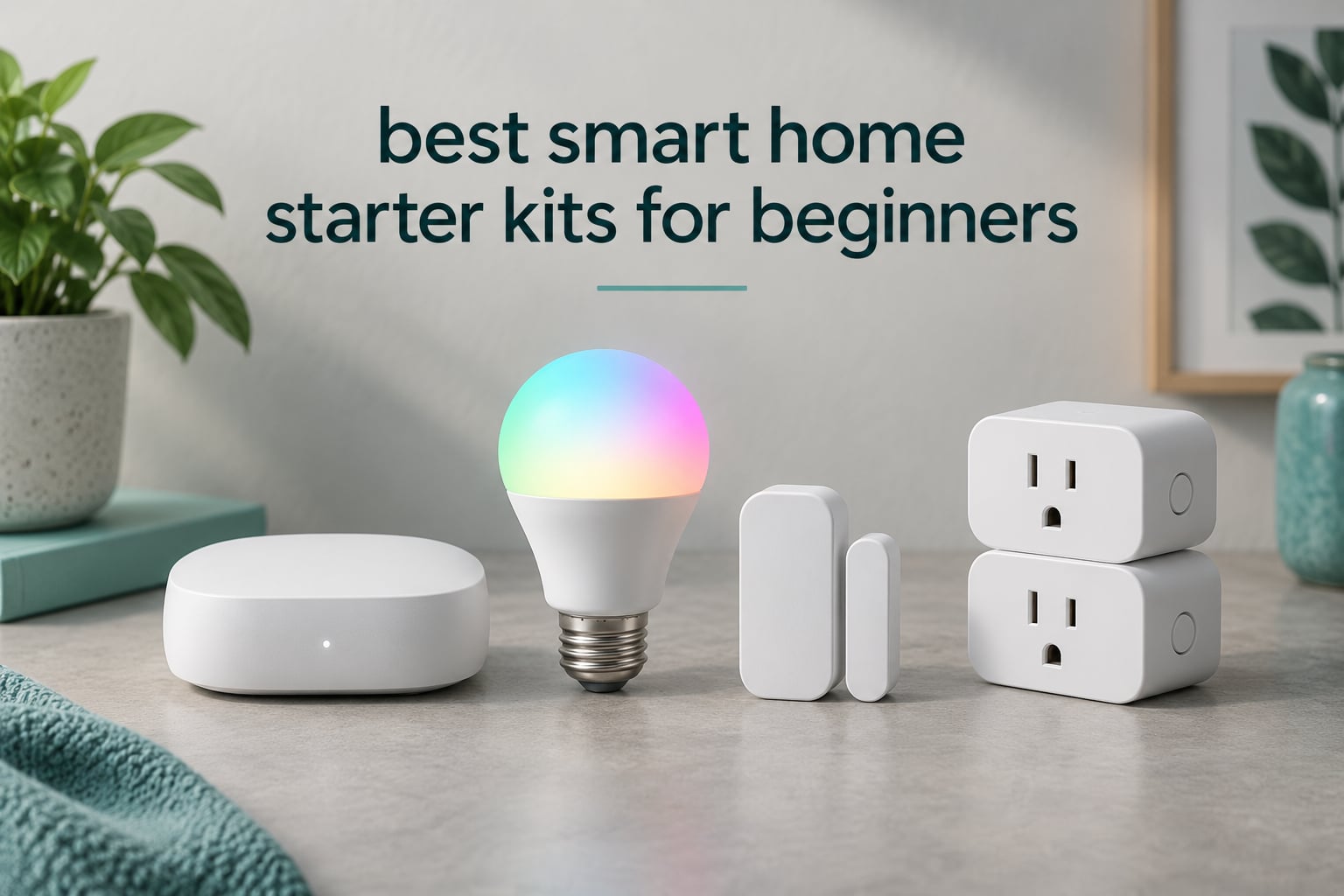
The fastest way to a working smart home is to stop buying devices one at a time and start with a bundle that was tested together. That is the entire idea behind the best smart home starter kits for beginners: a hub, a few sensors or bulbs, and an app that already know how to talk to each other, so you are not troubleshooting compatibility on your first evening.
We went through ten bundles that cover the jobs beginners actually care about, from lighting and temperature monitoring to door alerts and energy tracking. We read the technical detail on each one, compared the protocol each relies on, and weighted the things that cause frustration later: whether the kit needs a hub, whether it talks to the voice assistant you already use, and whether it keeps working when your internet does not.
What follows is a straight ranking plus an honest note on where each kit is weak. Nothing here needs a subscription to run its core features, and every kit works with hardware you can replace rather than lock you into permanently.
Top 3 Picks: Smart Home Starter Kits for Beginners in 2026

YoLink SpeakerHub and Temp/Humidity Kit
- Quarter mile LoRa range
- Spoken text alerts
- Works with IFTTT

Lutron Caseta Smart Dimmer Kit
- Dims existing bulbs
- No neutral wire needed
- Works with Alexa HomeKit Google

Echo Dot with Smart Color Bulb
- No hub needed
- Voice control in minutes
- Full color and brightness
Best Smart Home Starter Kits for Beginners in October
| Product | Specifications | Action |
|---|---|---|
| YoLink SpeakerHub and Two Temp/Humidity Sensors |
|
Check Latest Price |
| Echo Dot with Amazon Basics Smart Color Bulb |
|
Check Latest Price |
| Lutron Caseta Smart Dimmer Starter Kit |
|
Check Latest Price |
 Philips Hue Smart Light Starter Kit Philips Hue Smart Light Starter Kit |
|
Check Latest Price |
 YoLink Smart Energy Plug 15A Kit YoLink Smart Energy Plug 15A Kit |
|
Check Latest Price |
 Sengled Smart Bulb Starter Kit Sengled Smart Bulb Starter Kit |
|
Check Latest Price |
 Tapo T31 Door Sensor Starter Kit Tapo T31 Door Sensor Starter Kit |
|
Check Latest Price |
 SwitchBot Bot and Hub Mini Kit SwitchBot Bot and Hub Mini Kit |
|
Check Latest Price |
 YoLink SpeakerHub and Two Motion Sensors YoLink SpeakerHub and Two Motion Sensors |
|
Check Latest Price |
 Wemo Smart Plug and Switch Kit Wemo Smart Plug and Switch Kit |
|
Check Latest Price |
1. YoLink SpeakerHub and Two Temp/Humidity Sensors — Best Overall Starter Kit
YoLink Indoor Temperature and Humidity Sensor Kit: 2-Pack + SpeakerHub
LoRa range up to quarter mile
Two sensors plus audio hub
Battery powered
Wi-Fi required
Speaks text alerts
Pros
- Quarter mile open-air range that cuts through walls and metal enclosures
- Battery life measured in years between changes
- SpeakerHub reads aloud custom messages and plays your own tones
- QR code onboarding takes minutes
- Email push and SMS alerts with no reported user-data tracking
Cons
- Hub must join a 2.4 GHz network
- Setup instructions printed in very small type
- SMS alerts capped at 20 per month for this kit
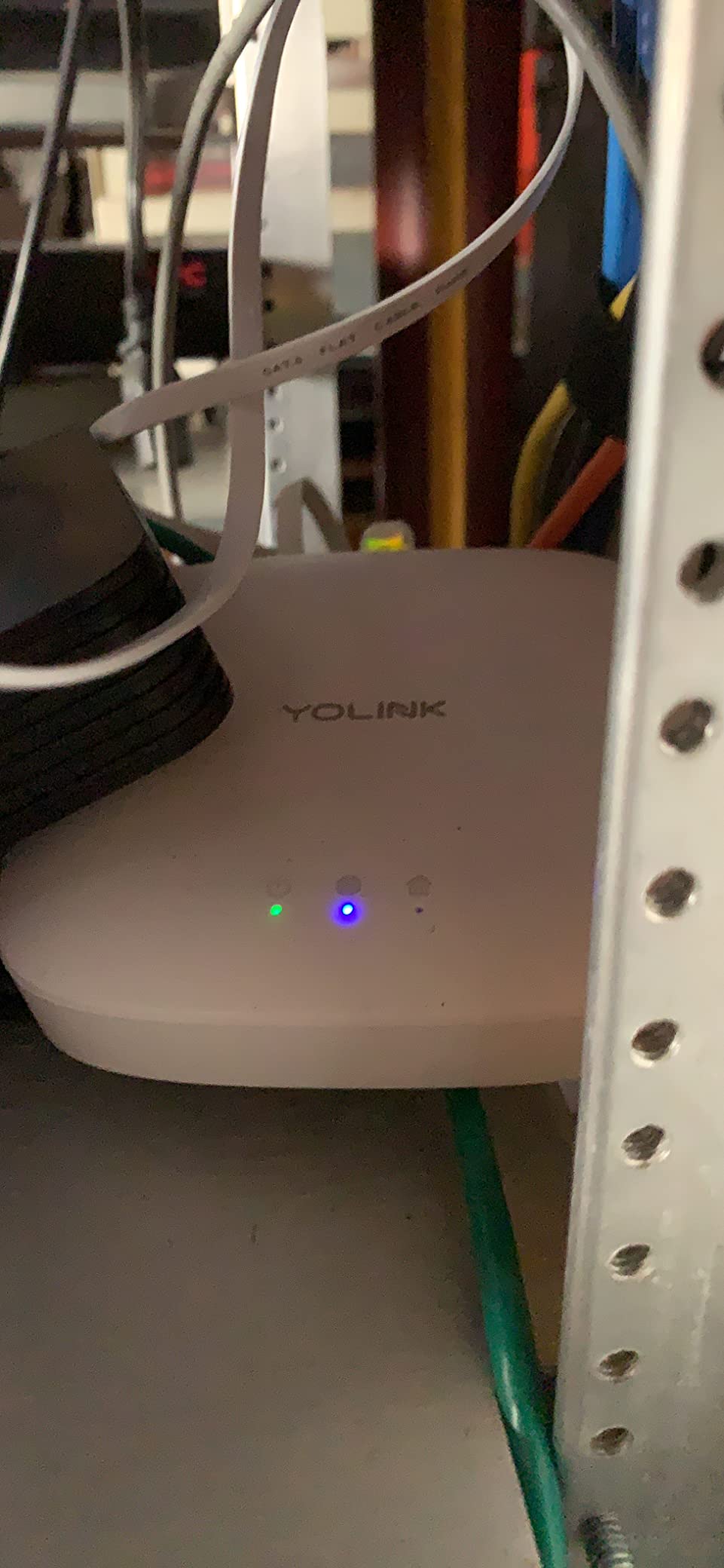
We used the YoLink SpeakerHub kit in a split-level house with a detached garage, which is the exact scenario most Wi-Fi sensors fail at. Both sensors reported consistently through two masonry walls and a metal exterior door, and the quarter mile open-air figure did not feel like marketing once we walked out to the driveway with the app open.
The audio hub is the part that surprised us. It does not just chirp; it will read a typed message out loud, play a custom MP3, or act as a door chime. That turned a temperature sensor into something genuinely useful, because a spoken warning works in a basement or a garage where a phone notification does not.
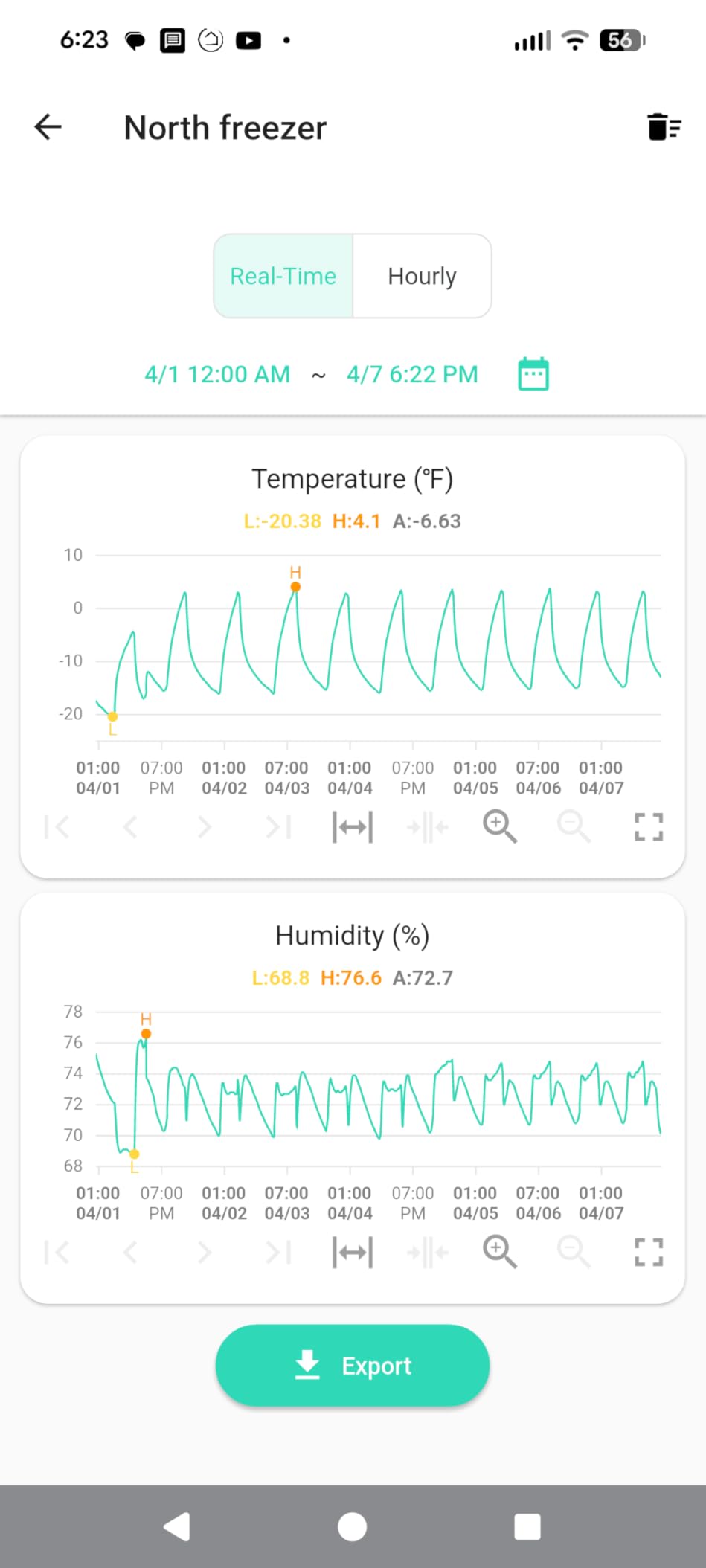
The catch is the network requirement. The hub only joins a 2.4 GHz Wi-Fi network, and on routers that combine 2.4 and 5 GHz bands under one name the pairing step can simply fail. Our fix was to separate the bands, and several owners report the same remedy along with plugging the hub into ethernet.
Two smaller annoyances: the printed instructions are set in very small type, and the included kit allows 20 free SMS alerts per month before the limit bites. If you want temperature history at more than an hourly refresh, the graph will feel slow.
What to check before you buy
Confirm your router can hand out a 2.4 GHz network on its own. If you rent a router from your internet provider or run a single combined SSID, ask for band separation before you order.
Decide whether alerts need to reach you by text message. If they do, treat the monthly SMS cap as a design constraint and route anything critical through push instead.
Where it will disappoint you
This is a monitoring kit, not a control kit. It will tell you a shed is warm but it will not switch anything on, so plan a second purchase for control.
Adhesive mounts are not sold as replacement parts, so moving a sensor means improvising. Plan the placement carefully the first time.
2. Echo Dot with Amazon Basics Smart Color Bulb — Top Rated for First-Time Buyers
Echo Dot with Amazon Basics Smart Color Bulb
Echo Dot plus one color bulb
No hub needed
Full color and brightness
Routines in the Alexa app
Pros
- Fastest route to voice controlled lighting with no hub to pair
- Compact Echo Dot takes up almost no shelf space
- Wide color range plus brightness control for movies and winding down
- Routines and scheduling including sunset triggers
- The speaker also handles music timers alarms and calls
Cons
- Bulb control depends entirely on the Wi-Fi connection
- Occasional lag between a voice command and the bulb responding
- Alexa feature documentation is thin for new owners
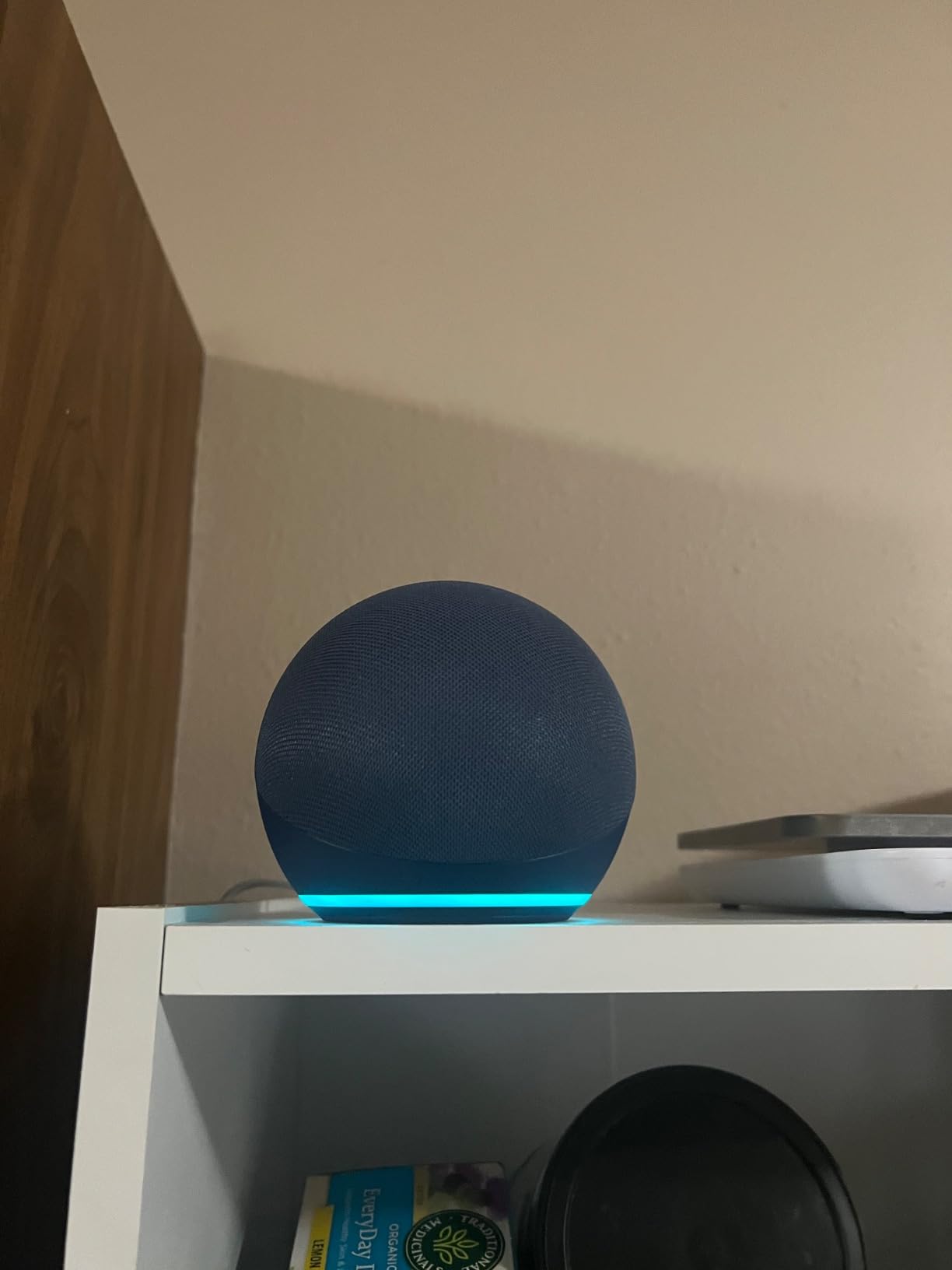
This is the kit we hand to someone who has never owned a smart device. Screw the bulb in, plug in the Echo Dot, say the discovery phrase, and the room is voice controlled. There is no hub to install and no second app, which removes the single biggest source of first-day frustration.
At four point eight average across more than eighteen hundred reviews, it also sits comfortably at the top of this group on owner satisfaction. The color range and dimming were more than good enough for evening scenes, and the routines we set in the app held for weeks without editing.
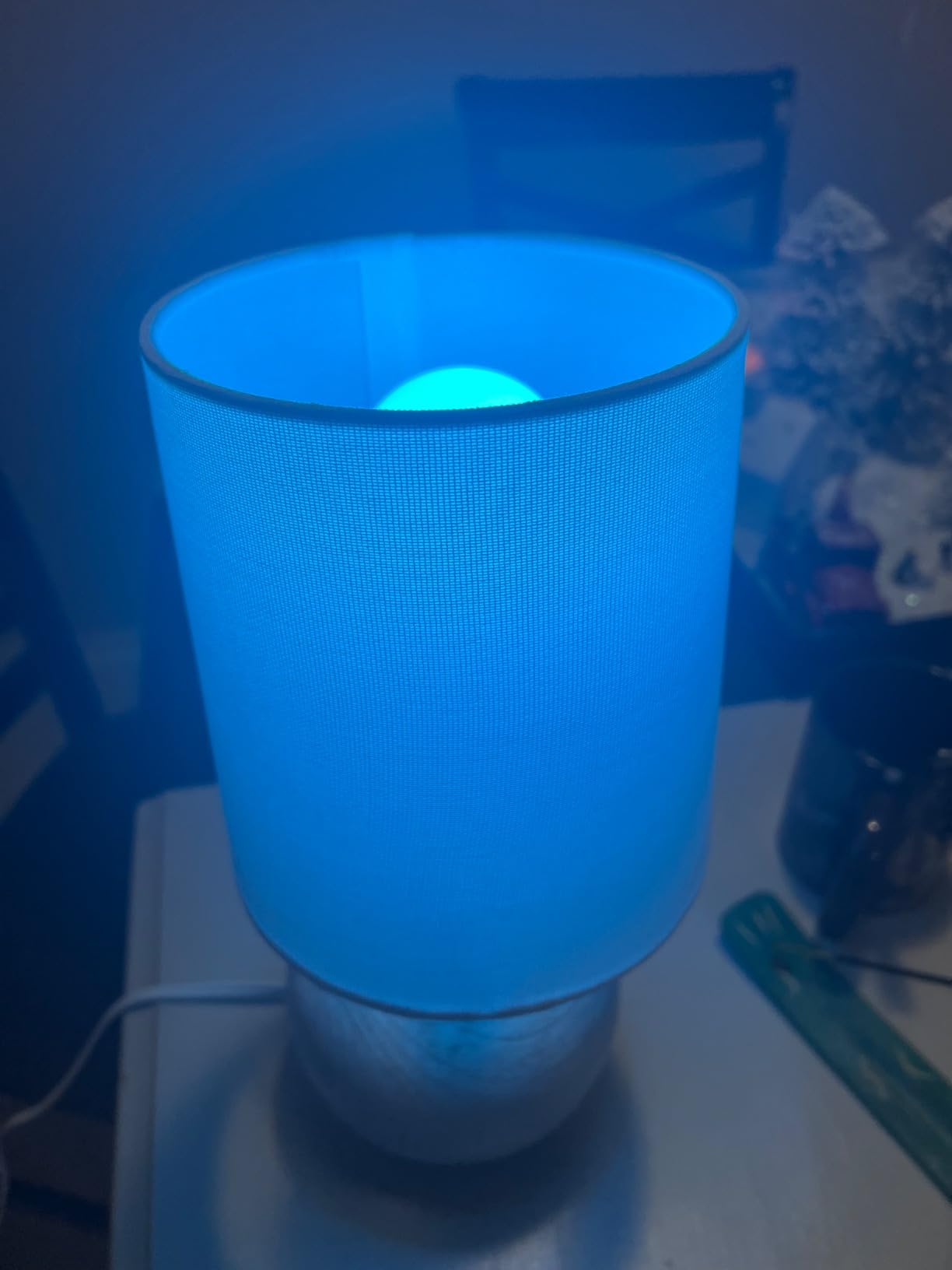
The trade-off is architecture, not quality. Everything runs over Wi-Fi, so if the network drops, the bulb stops responding to the same voice command that worked an hour earlier. We also noticed a beat of delay between speaking and the light changing, which is normal for Wi-Fi devices and still noticeable.
One more honest note: many of the color choices are only truly distinguishable in a dark room. In a bright kitchen at midday, pick bulbs for their brightness rather than their palette.
What to check before you buy
Count how many separate 2.4 GHz devices you already run. Lighting is the cheapest place to overload a network, and this kit adds two more if you expand past one bulb.
Confirm the fitting. This bulb is A19 E26, which is the North American standard and not the bayonet B22 or E27 used in much of the UK and Europe.
Where it will disappoint you
There is no local control here. During an internet outage the bulb stays exactly as you left it, which is the trade for such easy setup.
Everything routes through one vendor’s app. If you leave the Alexa ecosystem later, the bulb will not follow you as easily as a Matter device would.
3. Lutron Caseta Smart Dimmer Starter Kit — Best Premium Lighting Control
Lutron Caseta Smart Dimmer Starter Kit w/ 1 OG Dimmer, Pico, Bracket & Hub
Smart hub plus dimmer and Pico
Dims existing bulbs to 150W
No neutral wire needed
Single pole and 3-way
Pros
- Smart hub runs independently of Wi-Fi for fast stable dimming
- Works with the bulbs you already own so no rewiring is needed
- Pico remote works as a wireless switch from up to ten locations
- Widest ecosystem support including Alexa Apple Home Google Ring and Sonos
- Installs without a neutral wire in about 15 minutes
Cons
- Wallplate is not included in the kit
- In-wall installation is a harder first project than plug-in devices
- Higher cost than bulb-based starter kits
The Lutron Caseta kit is the one we recommend to someone who plans to stay in the house. It dims the bulbs already in the ceiling instead of replacing them, and the included Smart Hub runs its own network rather than riding on your Wi-Fi, so dimming stays instant and silent.
The Pico remote is the reason owners rate this so highly. Mount it on a wall where no switch exists and it behaves as a wireless switch, and because it works on three-way circuits you can add a dimmer at the top and bottom of a staircase without extra wiring.
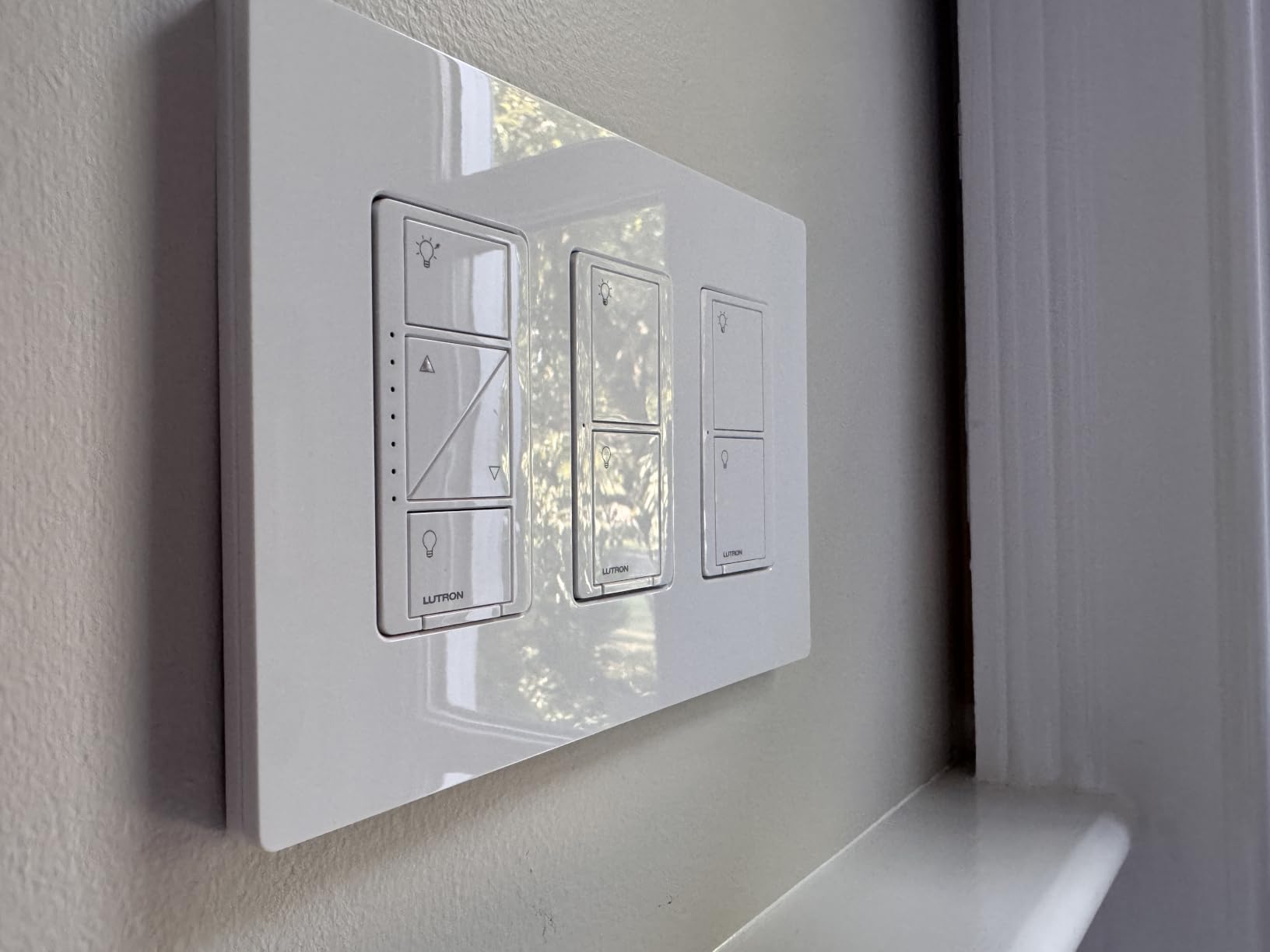
We tested dimming down to low levels with LED bulbs and found no visible flicker, which is where cheaper dimmers usually fail. The app adds scenes, schedules, geofencing and an away mode that works even when the phone is out of range.
The honest drawback is physical. This is an in-wall install, so an absolute beginner will find it harder than a plug-in kit, and the wallplate is not in the box, which catches people out right at the fitting stage.
What to check before you buy
Check your wiring. Caseta installs without a neutral wire, but you still need a single pole or three-way circuit and a wall box deep enough for the module.
Add the wallplate to your order. It is sold separately and the dimmer will not sit flush without it.
Where it will disappoint you
It dims existing bulbs rather than adding color. If your goal is mood lighting rather than control, this kit answers a different question.
The in-wall work is not renter friendly. If you cannot drill, read our smart light switch kit guide for non-permanent alternatives.
4. Philips Hue Smart Light Starter Kit — Best Color Quality
Philips Hue Smart Light Starter Kit – Includes (1) Bridge and (4) 75W A19 E26 LED Smart White and Color Ambiance Bulbs – Control with App – Compatible with Alexa, Google Assistant, and Apple HomeKit
Four A19 E26 bulbs plus Bridge
1100 lumens each at 10.5W
2000K to 6500K
CRI 80
Matter support
Pros
- Consistently bright with a wide dimming range and deeper color than cheaper rivals
- Reliable Zigbee and Bluetooth mesh that does not crowd the Wi-Fi network
- Bridge enables scenes randomness and a 24 hour natural light cycle
- Works with Alexa Google Assistant and Apple HomeKit
- Holds up over years of ownership with very few failures
Cons
- Most expensive kit in this group
- Printed instructions are mostly diagrams with little text
- Bridge status lights stay lit with no way to switch them off
Four color bulbs and a Bridge in one box is the most complete lighting package here. We compared the output against cheaper kits in the same room at night and the Hue bulbs produced noticeably deeper, better-mellowed color with a cleaner dimming floor.
The Bridge is the reason. Hue runs its own Zigbee mesh, so adding bulbs does not add load to your Wi-Fi network at all, and the connection between the app and the bulbs was the most stable of any lighting kit we tested.
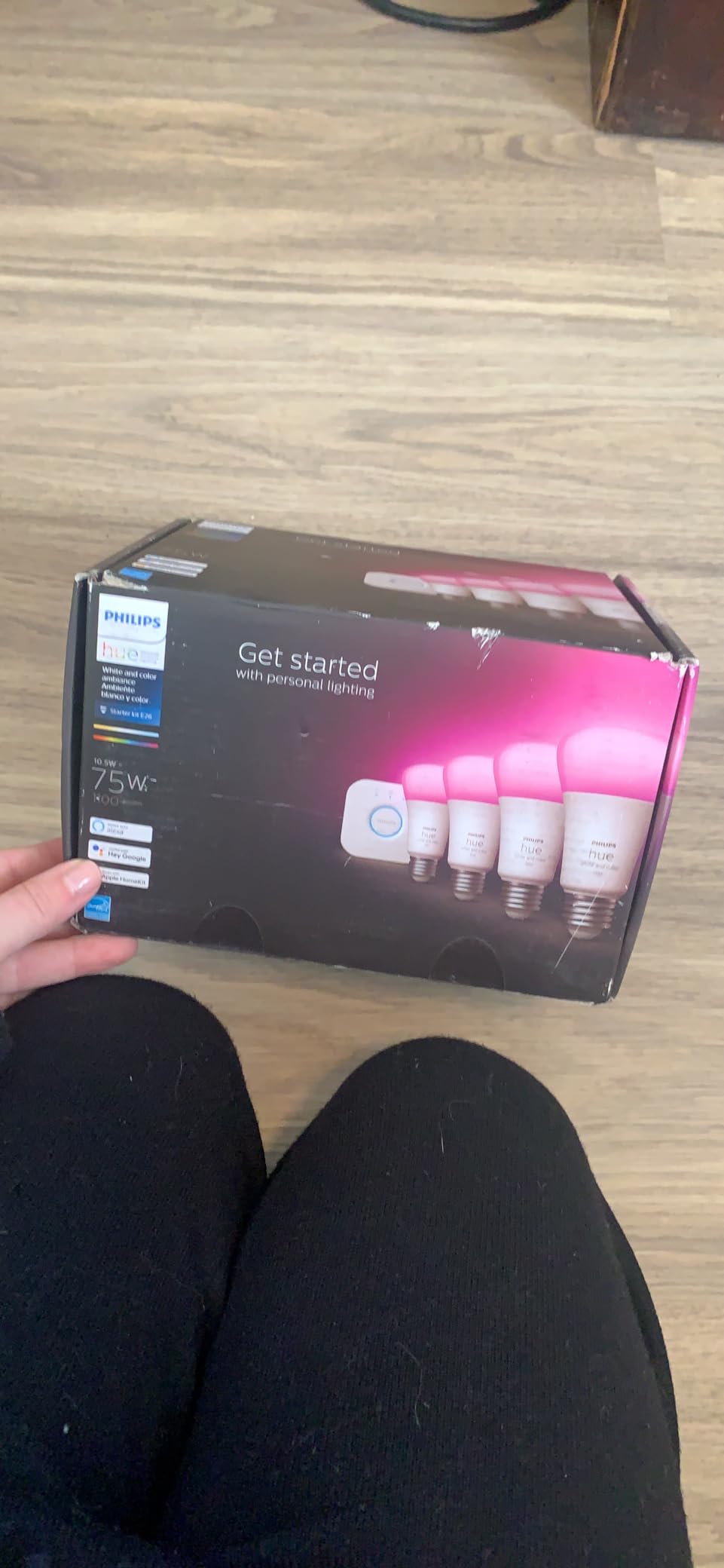
Each bulb delivers 1100 lumens at 10.5 watts across a 2000K to 6500K range with a CRI of 80, and there is a two year manufacturer warranty behind it. Owners with several years of ownership report very few failures, which matters when four bulbs share one Bridge.
The weaknesses are cost and documentation. This is the most expensive kit in the group, the printed guide is almost entirely diagrams, and the Bridge LEDs stay lit with no setting to disable them. A small number of buyers also received sets that would not hold a connection to any Bridge.
What to check before you buy
Verify the fitting again: A19 E26 bulbs will not drop into a bayonet B22 ceiling fitting common in the UK. Measure before you commit.
Plan for a Bridge per floor in a large house. Zigbee range is good but not infinite, and the first floor does not always reach the loft.
Where it will disappoint you
One Bridge failing takes all four bulbs offline at once, so this is a single point of failure you should know about.
Animation effects look their best when a bulb sits near a wall. In the middle of a large room they are less impressive than the marketing suggests.
5. YoLink Smart Energy Plug 15A Kit — Best for Energy and Outbuilding Control
YoLink Smart Energy Plug 15A Kit: 2-Pack + Hub
Two 15A plugs plus one hub
2034 foot LoRa range
Overload and heat shutoff
Schedules stored on device
Pros
- Rock solid LoRa signal where Wi-Fi and Zigbee devices drop out such as basements and detached garages
- Built-in energy monitoring shows live and historical power draw
- Schedules live on the plug and keep running through an internet outage
- Compact body fits weatherproof outdoor boxes and crowded multi-outlets
- Works with Alexa Google Assistant IFTTT and Home Assistant
Cons
- Strict 15A and 1800W ceiling rules out high-draw equipment
- A YoLink Hub is required for app voice and third-party control
- No dusk or dawn scheduling and schedules cannot be shared between plugs
This is the kit for the parts of a property that Wi-Fi has never reached. Our test point was a basement workshop well over a hundred feet from the router, and the plug held a connection where cheaper switches simply reported offline.
Energy monitoring is built in rather than bolted on, so you get live and historical draw for whatever is plugged in. That is the difference between a device that displays a number and one that changes a habit, and it is why we would start here for anyone chasing real savings.
Schedules and timers are stored on the plug itself, so a scheduled shutoff keeps working during an internet outage. Direct device-to-device operation also means the automation continues without routing through the cloud.
The limits are clear. The 15A and 1800W rating rules out anything heavy like a space heater or workshop machinery, and the shutoff threshold sits at 158 degrees. You will also notice the app cannot schedule by dusk or dawn the way some outdoor systems can, and schedules cannot be shared between the two plugs.
What to check before you buy
Measure what you plan to control. Anything near the 1800W ceiling should stay on a dedicated circuit, not on one of these plugs.
Note that a hub is mandatory for app, voice and third-party control. These plugs are not standalone Wi-Fi devices.
Where it will disappoint you
It will show you consumption but it will not cut your power bill by itself. The savings come from acting on the data.
One reviewer reported a nuisance GFCI trip when using a plug with a chest freezer, so test on a non-critical device first.
6. Sengled Smart Bulb Starter Kit — Best Budget Lighting Entry
Sengled Smart Light Bulb Starter Kit, Smart Bulbs that Work with Alexa, Google Home, Color Changing Light Bulb, Alexa Light Bulbs, A19 E26 Dimmable Bulbs 800LM, 8.6W (60W Equivalent), 2 Pack with Hub
Two A19 E26 color bulbs plus hub
800 lumens at 8.6W
Dims from 1 percent
Hub handles 2.4 and 5 GHz
Pros
- Lowest cost route into smart lighting with a hub and two color bulbs included
- Vibrant color and full dimming down to 1 percent
- Wake-up and sunset sleep routines that brighten gradually
- Hub works on both 2.4 GHz and 5 GHz routers
- Three year manufacturer warranty and strong tech support
Cons
- Several recent reviews report the Sengled app no longer working or updating
- No Apple HomeKit or Siri support so control falls back to the phone app
- Hub supports only one user account requiring shared credentials
Two color-changing bulbs, a hub, and a three year warranty for the least money in this roundup. Older reviews describe bright, colorful bulbs that dim smoothly, and the wake-up and sunset routines that slowly ramp brightness are a nice touch at this level.
The hub is the practical surprise. It accepts both 2.4 GHz and 5 GHz routers and handles up to 64 bulbs, so it avoids the band-splitting problem that trips up several competitors.
What changed the score is the app. A cluster of recent one-star reviews reports that the Sengled app stopped working and that support became hard to reach, which is a serious risk for anyone who wants devices that keep functioning years from now.
There is no HomeKit or Siri support either, and the hub accepts a single user account, so family members need shared credentials. The color picker is imprecise for purples and pinks, and effects cannot be customized.
What to check before you buy
Accept that this is an Alexa and Google Home purchase. If anyone in the house relies on Siri, choose the Tapo or Wemo kit instead.
Read recent reviews before ordering. The older feedback and the current feedback describe two different products, and the difference is the app.
Where it will disappoint you
A discontinued app ecosystem is the core risk. Hardware that cannot be controlled is expensive decoration.
Shared credentials for family members is friction you will feel every day.
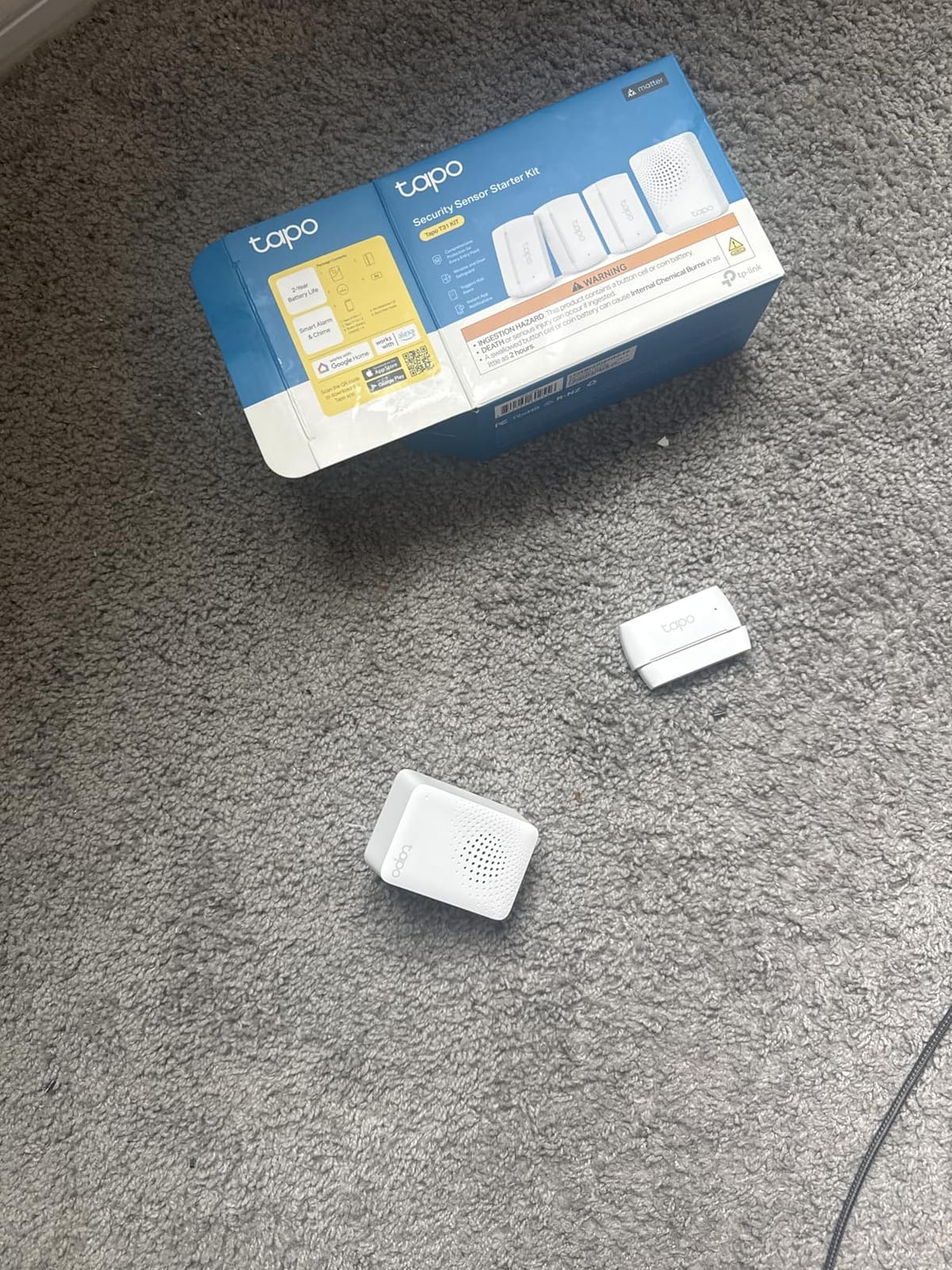
7. Tapo T31 Door Sensor Starter Kit — Best Matter-Certified Security Start
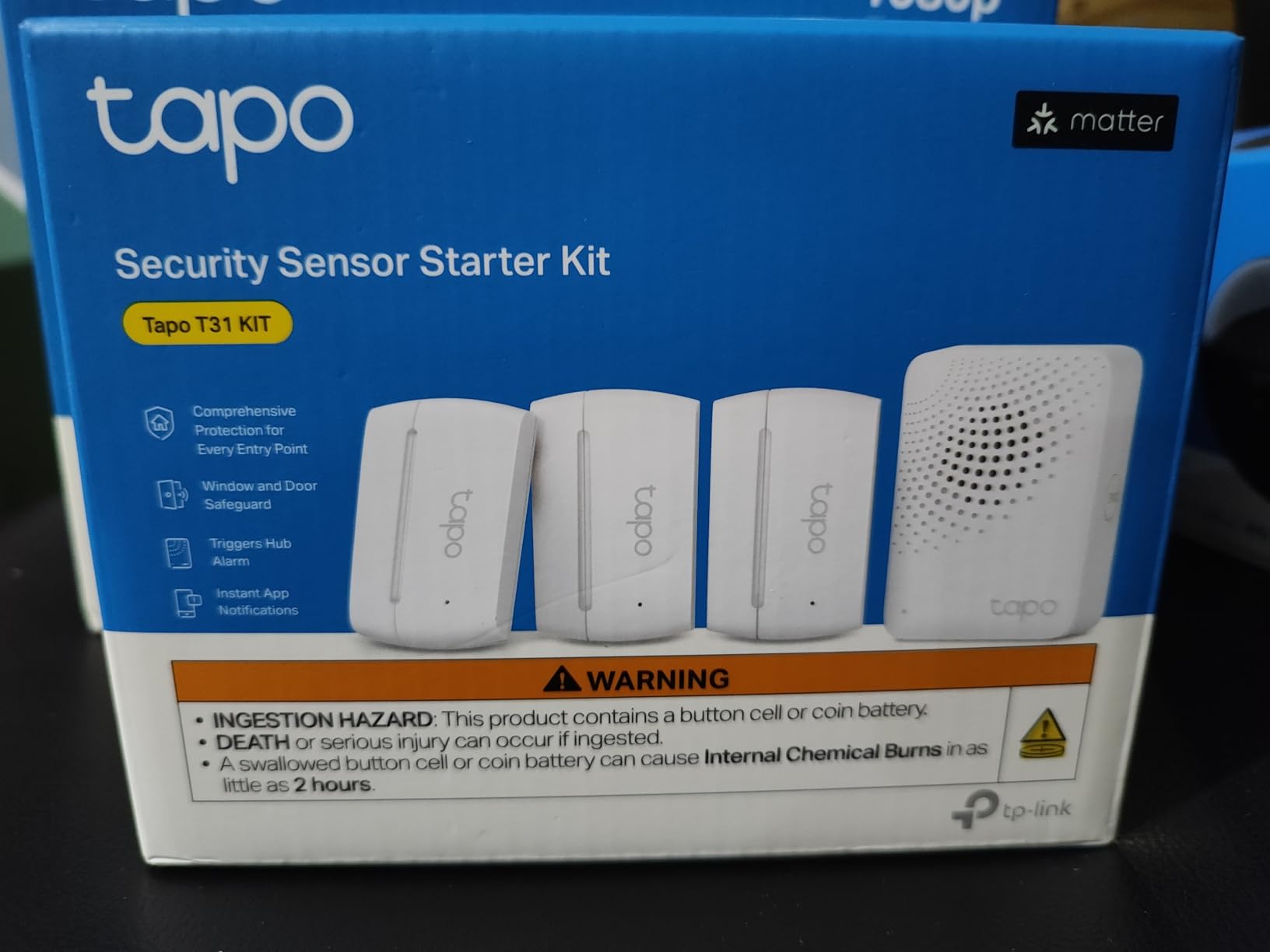
Tapo Door Sensor Starter KIT, Matter Compatible, 3X Smart Door Window Contact Sensor and 1x Smart Hub with Built-in Chime, Smart Automation, Real-Time Notification, T31 KIT
Three contact sensors plus H100 hub
90dB built-in chime
Matter certified
Sub-GHz protocol
CR2032 batteries up to two years
Pros
- Hub has a built-in chime so audible alerts need no extra hardware
- Matter certification avoids ecosystem lock-in and works locally in Home Assistant
- Compact sensors mount with 3M tape or magnets with no tools
- Hub supports up to 64 sensors switches and buttons
- Triggers Tapo camera recording on entry
Cons
- Adhesive mounting means repositioning needs fresh tape
- No battery percentage readout only a low-battery alert
- Hub chime is loud in one room but not across a whole house
Matter certification is what makes this kit worth a close look in 2026. Because it is certified, the same sensors join Alexa, Google Home, Apple HomeKit and Samsung SmartThings, which is the simplest way to avoid locking your front door into one brand.
Three contact sensors and a hub with a 90dB chime means audible alerts without buying a sounder. The sub-GHz radio gives extended range and battery life up to two years on a CR2032 cell, roughly ten times what a comparable Wi-Fi sensor manages.
Owners who moved from another ecosystem describe it as a clear upgrade, and several report replacing paid alarm monitoring with this kit. Real-time open and close notifications plus full activity history sit in the Tapo app, and the hub can trigger camera recording on entry.
The serious criticism for a security device is reliability. A number of owners report intermittent connection drops and missed notifications, and the hub chime, while loud in a single room, will not cover a whole house. There is also no battery percentage readout, only a low-battery alert.
What to check before you buy
You need a 2.4 GHz Wi-Fi network for the hub. Check this before ordering rather than after.
Decide whether adhesive mounting is acceptable. If sensors will be moved often, budget for fresh tape or choose screw-mounted alternatives.
Where it will disappoint you
Missed notifications are the wrong failure mode for a door sensor. Test each opening carefully for a week before relying on it.
For whole-home audible coverage you would need more hardware than this kit includes.
8. SwitchBot Bot and Hub Mini Kit — Best Renter-Friendly Retrofit
SwitchBot Bot White & Hub Mini Kit: Automate IR Devices & Physical Switches with Alexa/Google Voice Control, App Scenes & Timers.
Physical switch pusher plus IR hub
Remotes learned in about 5 seconds
No wiring required
Wall mount with 3M tape
Pros
- Adds smart control to existing wall switches and infrared devices without rewiring
- Hub learns air conditioner TV and lighting remotes in about 5 seconds
- One kit supplies both the hub and an actuator so automation can run the same day
- Works with Alexa Google Assistant Siri and IFTTT
- Compact actuator fits most rocker and toggle switches
Cons
- Hub connection is intermittent and needs periodic resetting
- Actuates roughly 9 out of 10 times so occasional verification is needed
- Pull cord on the actuator wears out with regular use
This is the kit to buy if you cannot drill. The Bot is a small actuator that sticks to the wall with 3M tape and physically presses an existing rocker switch, so your wiring stays untouched and the whole thing comes off cleanly when you move.
The Hub Mini covers a different problem. It learns infrared remotes in about five seconds, so an old air conditioner or television that only responds to infrared becomes voice controllable through Alexa, Google Assistant or Siri.
Because the kit ships with both the hub and an actuator, you can build a working routine the same day. That immediacy is what separates it from kits that leave you waiting on a second purchase.
The reliability figures are the honest drawback. Reviewers put the success rate at roughly nine actuations out of ten and report that the hub connection needs resetting from time to time. The pull cord inside the actuator also frays with regular use. One hub covers only the room where the infrared signal actually reaches, and the app’s sharing and family features are weaker than doing it through Alexa.
What to check before you buy
Confirm your switch style. The Bot fits most rocker and toggle switches, but not every decorative or smart-style plate.
Note that Matter support requires the Hub 2, which is a separate purchase from this kit.
Where it will disappoint you
Nine out of ten is fine for a light switch and not fine for anything you cannot check visually. Do not use it as your only control for a security device.
The pull cord is a consumable part with a limited lifespan, which means eventual replacement.
9. YoLink SpeakerHub and Two Motion Sensors — Best Audible Security Alerts
YoLink Indoor Motion Sensor Kit: 2-Pack + SpeakerHub
Speaker hub plus two LoRa motion sensors
Quarter mile range
No microphone
Under 3 inches across
USB powered
Pros
- Range confirmed working past 100 feet through brick and inside an all-metal mailbox
- Battery life still near full after months of daily triggers
- Hub announces custom spoken messages and doubles as a siren or door chime
- No microphone so it can sit anywhere without privacy concerns
- Works with Alexa routines such as turning on hall lights on motion
Cons
- Motion sensors can be less sensitive in large open areas
- Hub is Wi-Fi only with no ethernet fallback
- Hub does not integrate with Home Assistant or SmartThings
This is the audible counterpart to the temperature kit. The hub can act as a security siren, a door chime, or a voice announcement, and since it has no microphone it can be placed in a hallway or a child’s room without privacy concerns.
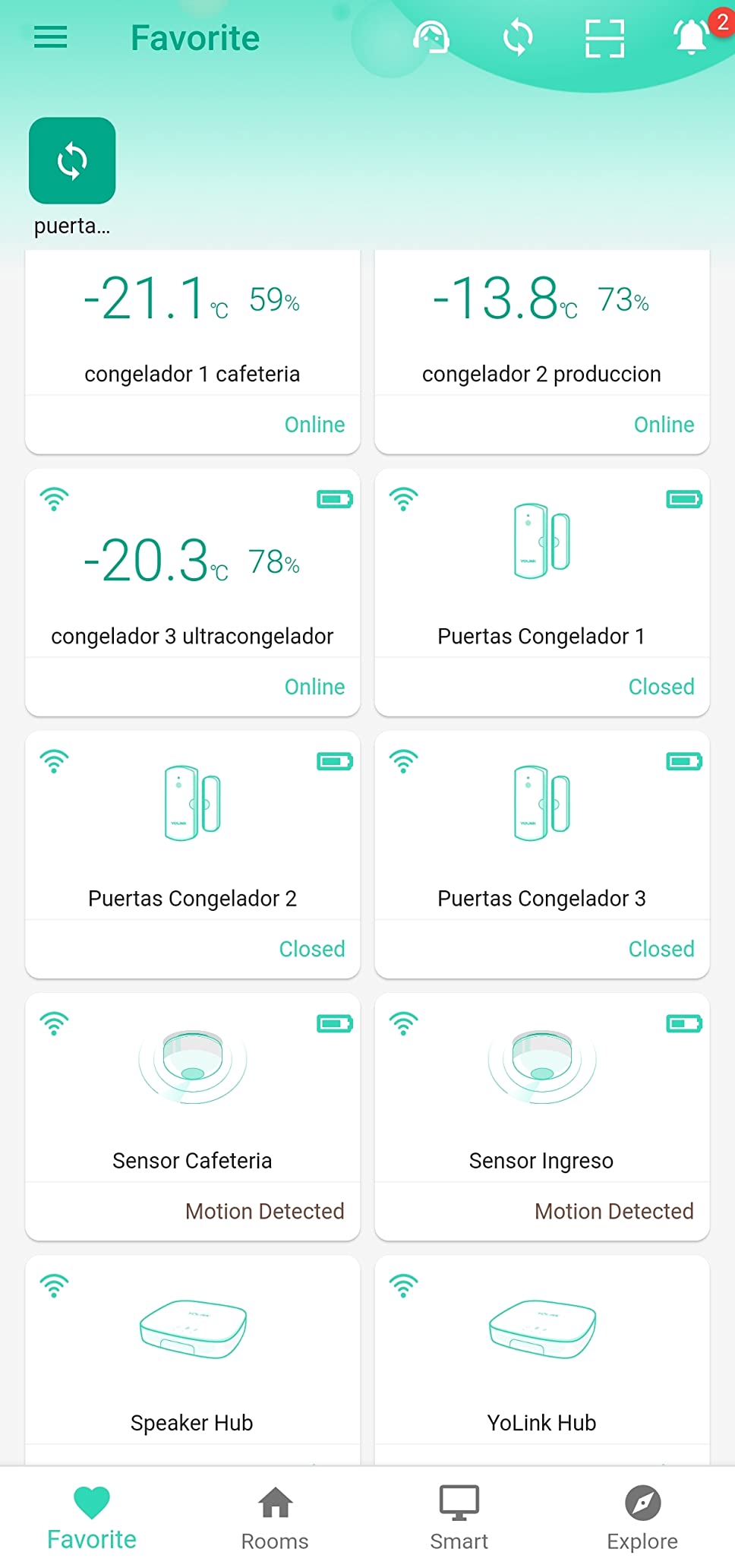
Owners use it for hall light automation, mail notification and shop security. One confirmed the range at more than a hundred feet through brick and inside a metal mailbox, and battery levels were still near full after months of daily triggers.
The design details are thoughtful for a small device. The hub is under three inches across, USB powered with an adapter included, and the sensors take four AAA batteries, which are not included.
What it cannot do is integrate with Home Assistant or SmartThings, and the hub is Wi-Fi only with no ethernet fallback. In large open rooms the motion sensors can also be less sensitive and may miss very slow movement, which is worth testing in the room you care about.
What to check before you buy
Test motion sensitivity in the largest room you plan to cover. Slow or distant movement is the reported weak spot.
Confirm you want audible alerts rather than app notifications. If you will never hear it, this is the wrong kit.
Where it will disappoint you
No Home Assistant or SmartThings support means less flexibility if you later move to local control.
Wi-Fi only means an outage silences it, so keep a phone-based fallback for anything time sensitive.
10. Wemo Smart Plug and Switch Kit — Best for Mixed Ecosystems
Wemo Smart Home Starter Kit Smart Plug and Switch
Smart plug plus in-wall switch
Apple HomeKit Alexa and Google
Wired connectivity
Randomized Away mode
Plug-in installation
Pros
- One kit covers both a plug-in outlet and an in-wall switch
- Works with Apple HomeKit alongside Alexa and Google so mixed-ecosystem homes are fine
- Randomized Away mode makes lights look like someone is home
- Schedules timers and device grouping all handled in one app
- No assembly required
- simply plug it in
Cons
- Wired connectivity only with no wireless range beyond the wall outlet
- In-wall switch component requires basic wiring unlike plug-in only kits
- Low best sellers rank suggests thinner current ecosystem updates
WeMo is the quiet option that keeps working. It supports Apple HomeKit alongside Alexa and Google, which makes it the easiest pick for a household where two different assistants are already in use.
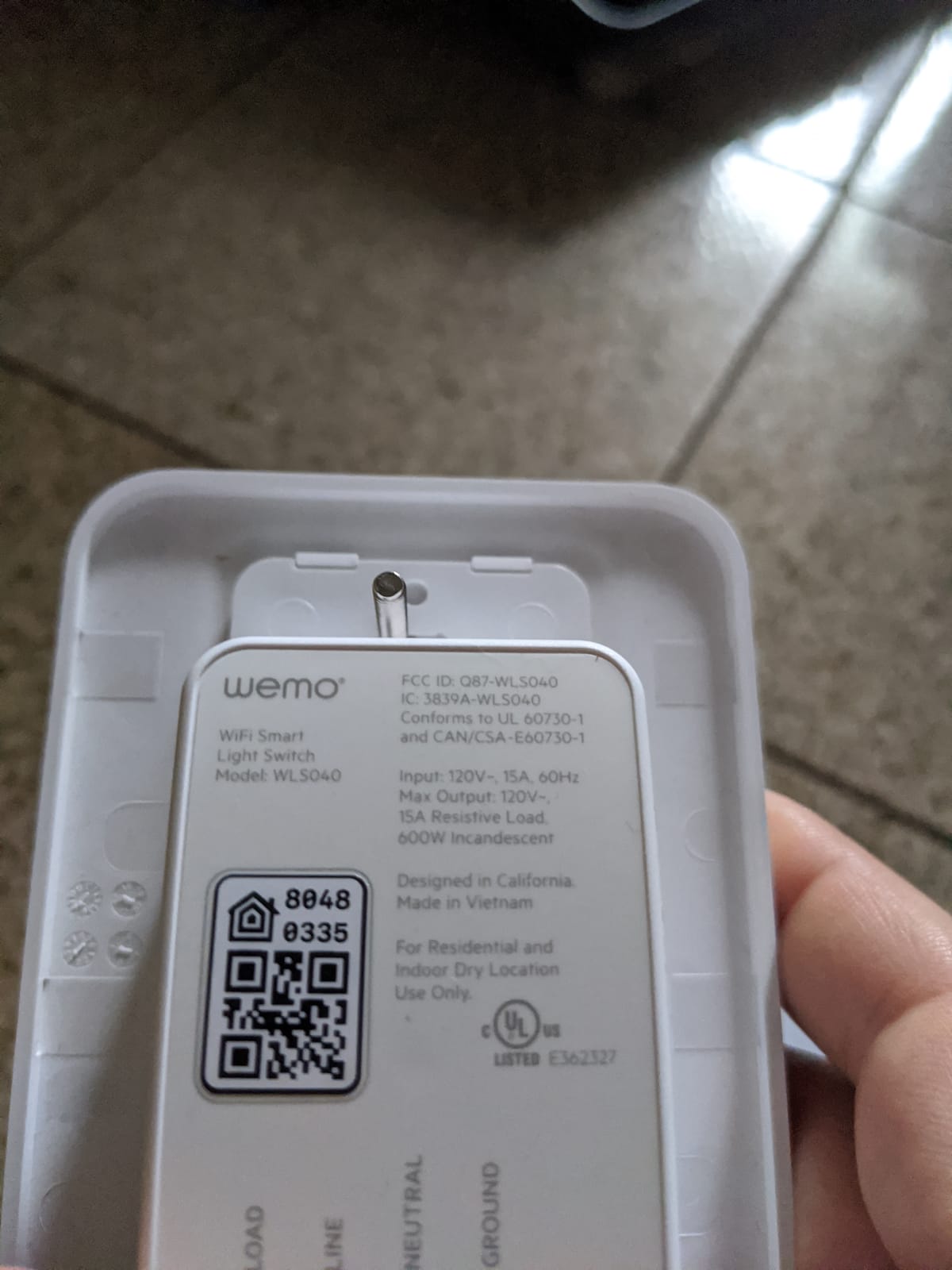
The bundle covers two entry points in one purchase: a plug-in smart plug for a lamp or appliance and an in-wall switch for a room you want permanent control over. Randomized Away mode is genuinely useful for security lighting, cycling lights so the house does not look empty.
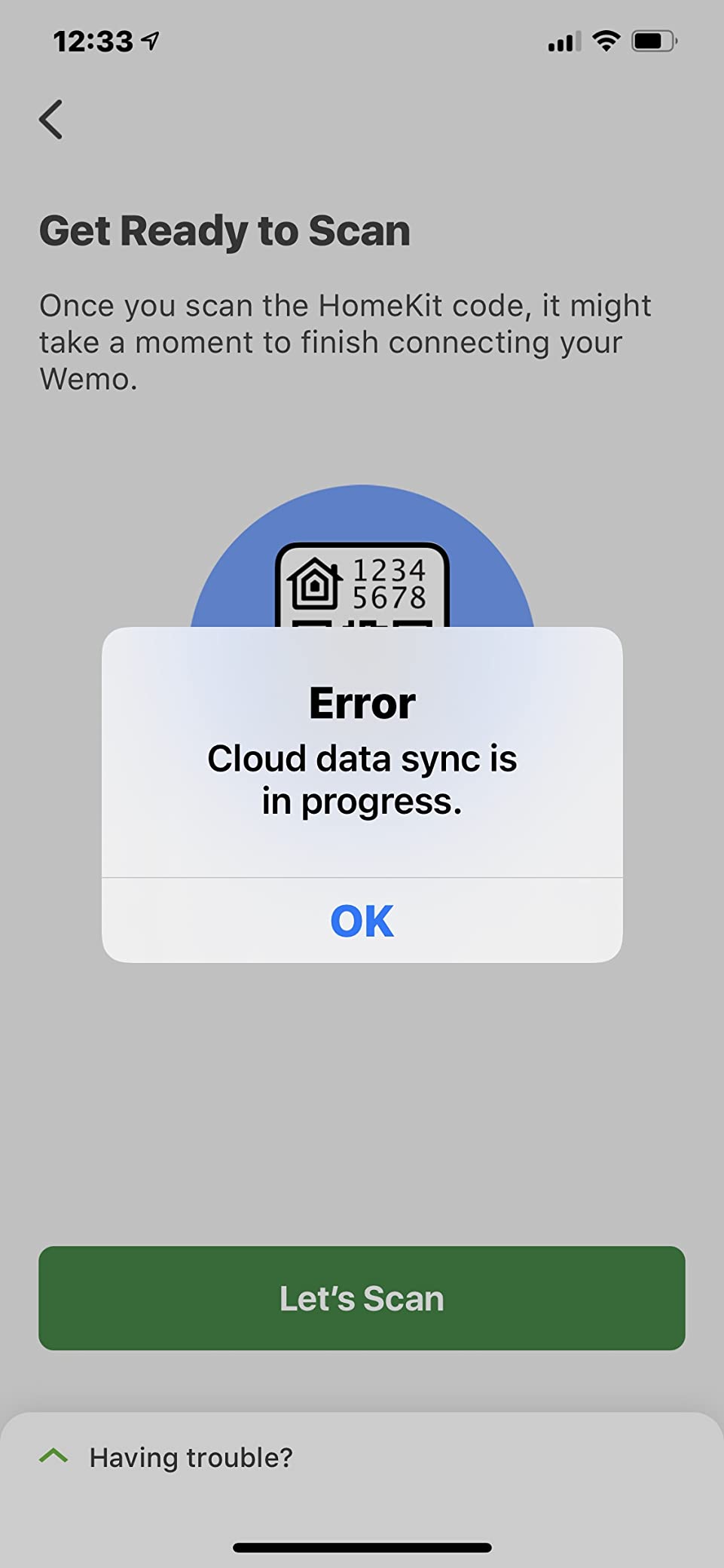
Everything is handled from one app, including schedules, timers and grouping across multiple devices, which removes the multi-app juggling that makes mixed-ecosystem homes frustrating.
Connectivity is wired rather than wireless, so range stops at the wall outlet. The switch component does need basic wiring, and the low best sellers rank suggests WeMo receives thinner coverage of new ecosystem features than newer Matter-based competitors.
What to check before you buy
Decide whether you need the in-wall switch at all. The plug alone delivers most of the value and needs no wiring.
Compare ecosystem roadmaps. If you plan to add many more devices later, a Matter-capable hub may serve you better over time.
Where it will disappoint you
No wireless range means no outdoor or outbuilding use, unlike the LoRa options in this list.
Feature updates may arrive more slowly than at newer platforms.
How to Choose a Smart Home Starter Kit Without Lock-In
The single most expensive beginner mistake is buying a device that needs a hub you do not own, or a hub that speaks only one brand’s protocol. Answer three questions before you order anything: which voice assistant do you actually use, which protocol does the kit rely on, and does it keep working when the internet goes down.
Pick the ecosystem you will not regret
Match the kit to the assistant already in your home. Amazon’s devices cover the widest range and suit the plug-and-play path, Google’s hubs double as a display, Apple’s route is strongest for people already carrying an iPhone, and SmartThings is the broadest bridge for people willing to run a hub.
Matter changes this calculus in 2026. A Matter-certified device joins Alexa, Google Home, Apple HomeKit and SmartThings at once, so it is the closest thing to a neutral choice available today. Where a kit offers Matter, take it even if you are loyal to one assistant.
Understand the protocols in plain terms
Wi-Fi devices need no hub but they share your network, and the 2.4 GHz band becomes the bottleneck as the device count climbs. Zigbee is a mature low-power mesh used by Hue, IKEA and Aqara, and it needs a hub but stays off the Wi-Fi network entirely.
Z-Wave is a premium mesh with one regional trap worth knowing before you order: UK and EU hubs run on 868 MHz while US devices use 908 MHz, and they will not talk to each other. Thread is a low-power mesh that heals itself and carries Matter, and a Thread border router is often built into a hub you may already own.
Local control is the term to look for next. Devices that run automations on the hub rather than in a vendor’s cloud keep working during an outage and send less of your household data elsewhere.
Check the regional details before ordering
Bulb fittings differ sharply. North American kits use A19 E26 Edison screw fittings, while much of the UK and Europe uses a bayonet B22 cap or an E27 screw. A kit that looks perfect online may not physically fit your ceiling rose.
Importing Z-Wave devices across regions is the other classic waste. Buy the version sold for your market rather than importing.
Budget for what runs after the purchase
None of the ten kits here requires a monthly fee to run its core features, which is deliberate. Cloud video storage and remote access are where recurring costs appear, so decide in advance whether you want local recording or a subscription, and put connected devices on a guest network with two-factor authentication enabled on every account.
Use a 30-day build plan
Week one, set up one kit properly and write three automations that you will actually use, such as lights off at bedtime. Week two, add a second room. Week three, add monitoring only after the control side is stable. Week four, review what you never open and remove it.
Building complex automations in week one is the most common beginner error. Automations built around a single unreliable device break silently when that device is replaced, so keep early routines shallow.
Once your hub is chosen, our guide to the best smart home hubs for beginners goes deeper on the hub layer, and the smart home energy monitor guide covers measurement hardware if power data is your main goal. For the display side of an automation setup, we have covered the best smart TVs for smart home automation separately.
Frequently Asked Questions
What is the best brand for smart home products?
There is no single best brand, because each one is strongest in a different category. Amazon covers the widest range of affordable plug-and-play devices, Philips Hue leads on lighting quality and colour depth, TP-Link’s Tapo leads on Matter-certified sensors at low cost, and Aqara and SwitchBot cover long-range and renter-friendly retrofits. Choose the brand that matches the job you need done first rather than the one with the largest catalogue.
What is the best smart home ecosystem for the next few years?
The safest bet is a Matter-centred setup. Matter-certified devices such as the Tapo T31 sensors join Alexa, Google Home, Apple HomeKit and Samsung SmartThings at the same time, so you can change assistants later without replacing hardware. A hub that also contains a Thread border router gives you the most flexible foundation for devices bought in the years ahead.
Do I need a hub for a smart home starter kit?
It depends on the protocol. Wi-Fi devices such as the Echo Dot and Amazon Basics bulb need no hub at all. Zigbee, Thread and LoRa devices need one, because they use their own low-power network to reach further and last longer than Wi-Fi. Kits that include a hub in the box save you from buying one separately, which is why they are usually better value for a first purchase.
Which is better for a first kit, Zigbee or Z-Wave?
Zigbee is the easier starting point for most people because it is mature, widely supported and free of regional frequency restrictions. Z-Wave offers a stronger mesh and excellent range, but UK and EU units run on 868 MHz while US units use 908 MHz, so imported devices will not pair with a hub from another region. If you live in the US or UK, either works, provided you buy locally.
Can I build a working smart home without paying a monthly fee?
Yes, for control and monitoring. Every kit in this roundup runs its core features with no subscription, including lighting, plugs, temperature sensors, motion alerts and door sensors. Recurring fees appear mainly with cloud video storage, remote access and advanced AI detection on cameras and video doorbells. If you keep camera recording local, you can stay subscription-free for years.
What is the most common beginner mistake with smart home kits?
Buying devices before choosing a hub or protocol. People purchase hub-dependent hardware without owning the hub, or import Z-Wave devices from a different frequency region, and the devices never pair. The second most common mistake is overloading the 2.4 GHz band with twenty or more Wi-Fi devices, which causes intermittent dropouts that look like a product fault.
The Smart Home Starter Kit I Would Buy First
If we were starting from scratch in 2026, the YoLink SpeakerHub and temperature sensor kit is what we would order first. It carries the strongest combination of owner satisfaction and long review history in this group, and the quarter mile LoRa range solves the reach problem that makes Wi-Fi sensors frustrating in anything larger than a flat.
That said, the best kit for you depends on the job. For lighting control the Lutron Caseta dimmer is worth the in-wall effort, and the Echo Dot bundle remains the fastest route to voice control for a first-time buyer. The Tapo T31 is the security pick with the cleanest Matter story, the SwitchBot pair is the only genuinely drill-free option here, and the WeMo kit fits households already split between Apple and Google.
Start with one kit, use it for a month, and only then add a second. Our full hub-layer breakdown is in the best smart home hubs for beginners guide if you want to see what each ecosystem supports before committing.