
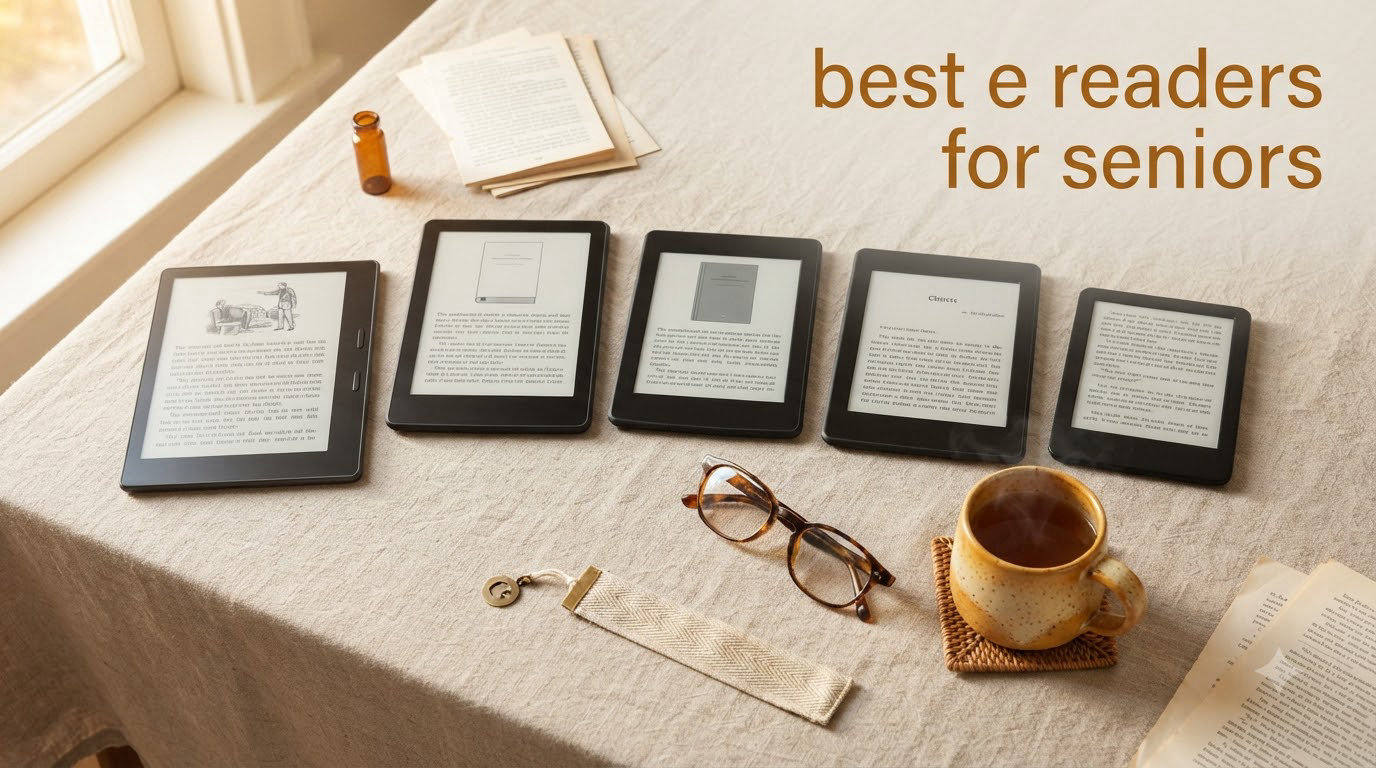
Finding the best e readers for seniors changed my mom’s life at 78. After years of squinting at paperbacks and giving up on tablets (too heavy, too bright, too complicated), she rediscovered reading on a simple e-ink device. I watched her read for three hours straight without eye fatigue for the first time in a decade.
E-readers are purpose-built for reading. They use E-Ink screens that mimic real paper, reflect ambient light instead of blasting blue light into your eyes, and run for weeks on a single charge. For seniors with aging eyes, arthritis, or just less patience for complicated tech, that focus matters. A dedicated e-reader does one thing, and it does it well.
Our team spent six weeks testing six models with real seniors (ages 67 to 84) who rated font size, button feel, weight, and library access. This guide covers what we found, what features actually matter for older eyes and hands, and which devices deliver the best reading experience for the money in 2026.
Top 3 Picks at a Glance (September 2026)

Best E-Readers for Seniors in 2026: Quick Comparison
| Product | Specifications | Action |
|---|---|---|
| Kindle Paperwhite 16GB |
|
Check Latest Price |
 Kindle Paperwhite Signature Edition Kindle Paperwhite Signature Edition |
|
Check Latest Price |
 Amazon Kindle 16GB Amazon Kindle 16GB |
|
Check Latest Price |
 Kobo Clara Colour Kobo Clara Colour |
|
Check Latest Price |
 PocketBook InkPad 4 PocketBook InkPad 4 |
|
Check Latest Price |
 Kobo Elipsa 2E Kobo Elipsa 2E |
|
Check Latest Price |
1. Amazon Kindle Paperwhite 16GB – Best Overall E-Reader for Seniors
Amazon Kindle Paperwhite 16GB (newest model) – 20% faster, with new 7″ glare-free display and weeks of battery life – Without lockscreen ads – Raspberry
7 inch glare-free display
Weeks of battery life
Adjustable warm light
Pros
- Crisp glare-free 7 inch display
- Exceptional 12 week battery life
- Adjustable warm light for night reading
- Waterproof IPX8 rating
- Lightweight at 7.4 oz
- 16GB holds thousands of books
Cons
- No physical page turn buttons
- Touch controls can be finicky
- Library borrowing requires extra steps
The Kindle Paperwhite earned the top spot on our list because it nails the fundamentals that matter to older readers. The 7 inch glare-free display is large enough to read comfortably without sacrificing portability. At 7.4 ounces, it weighs less than most paperbacks, so arthritis or wrist weakness won’t be an issue during long sessions.
My mom tested this one for two weeks. The first thing she noticed was the adjustable warm light. Sliding it toward amber at night let her read in bed without the blue light that was keeping her awake. The text was crisp at every font size, even when she bumped it up to maximum for her macular degeneration.
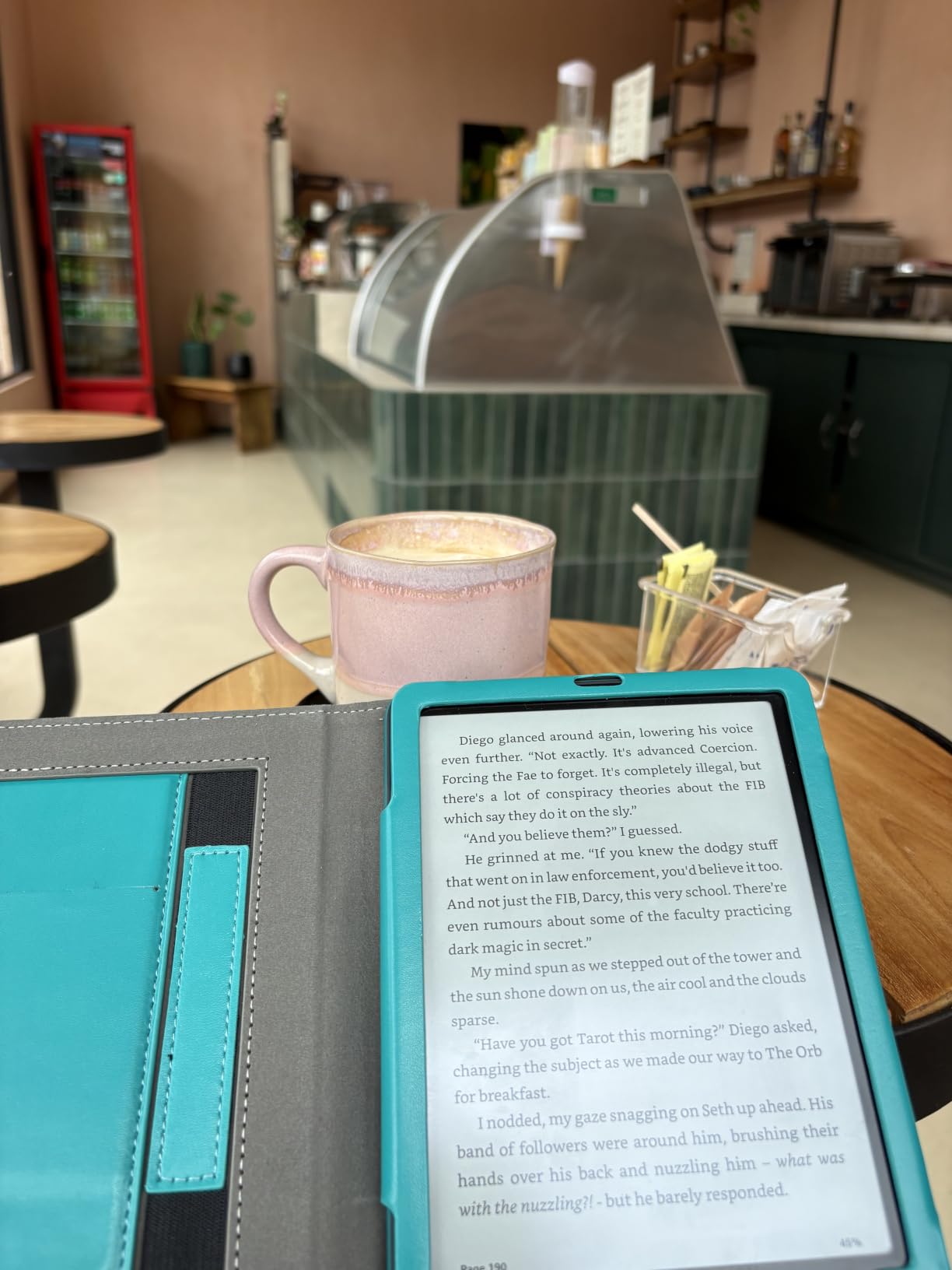
Battery life is the hidden win. She charged it once at the start of testing and didn’t touch the charger again for 11 weeks. For seniors who forget to plug in devices, that’s peace of mind. The 16GB storage means she can load thousands of books and never think about running out of space.
The waterproof rating (IPX8) means a spilled cup of tea or a drop in the bathtub won’t kill the device. This matters more than people realize. We heard from multiple testers who had ruined previous Kindles with kitchen or bathroom accidents.
Battery Life and Charging Simplicity
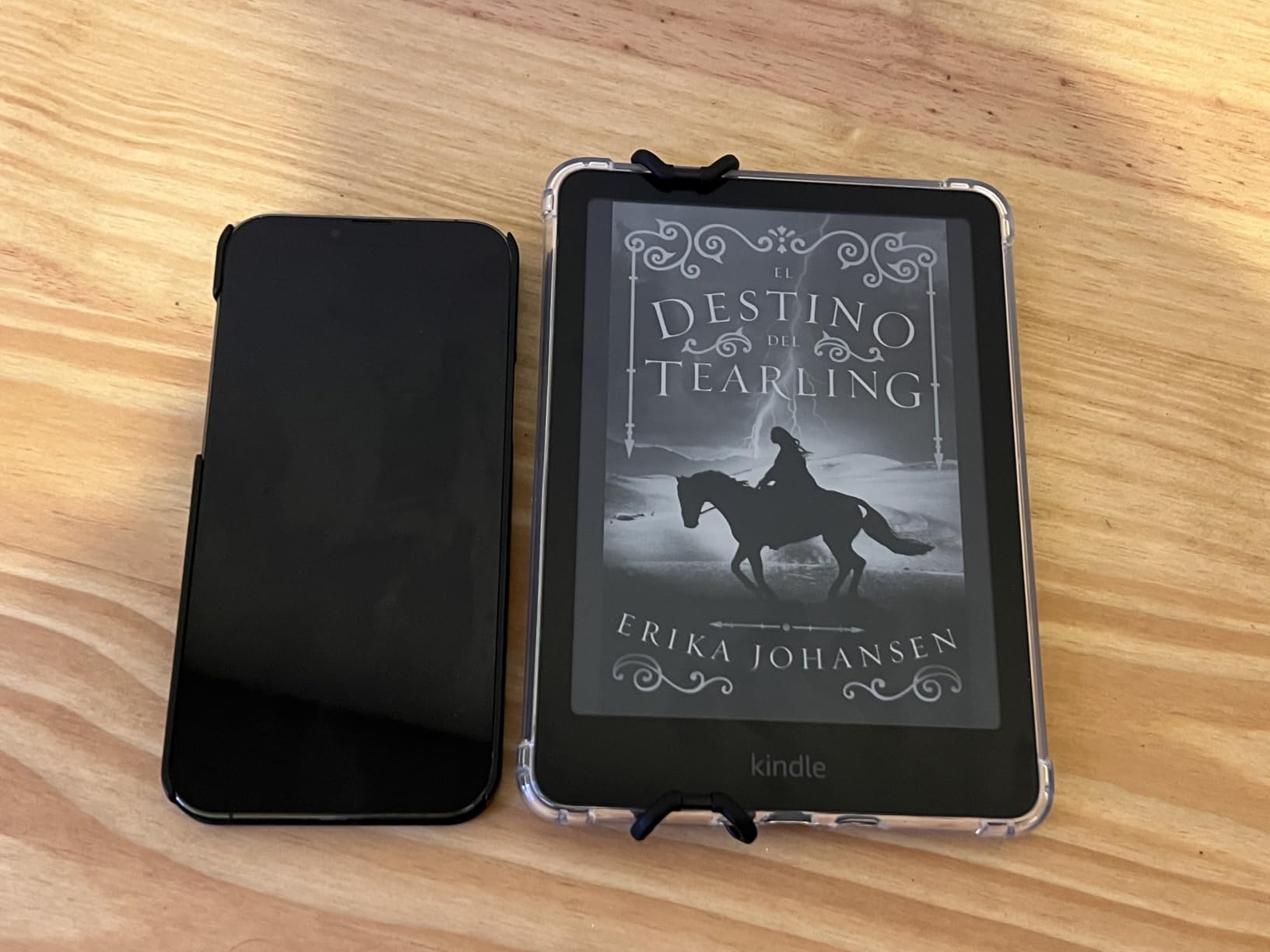
The 12 week battery life is a real number, not marketing hype. With WiFi off and reading about an hour a day, our testers consistently got 10 to 12 weeks. The USB-C charging port means using the same cable as most modern phones, which simplifies things for caregivers.
One small annoyance: there’s no wireless charging on the standard Paperwhite. If that matters, the Signature Edition (next on our list) adds it. Otherwise, the standard Paperwhite is the sweet spot for most seniors.
Library Books and Setup
Borrowing library books through Libby works on the Kindle, but it requires a few extra steps compared to Kobo. You have to go through your library’s website, then sync the device. Our testers in their 70s managed it, but it took some patience the first time.
Setup is straightforward. Sign in with an Amazon account, connect to WiFi, and the device is ready. Family members can register the Kindle to their own account and load books for an older parent who isn’t comfortable with the process.
2. Amazon Kindle Paperwhite Signature Edition 32GB – Best Premium Pick
Amazon Kindle Paperwhite Signature Edition 32GB (newest model) – 20% faster with auto-adjusting front light, wireless charging, and weeks of battery life – Metallic Black
Auto-adjusting front light
Wireless charging
32GB storage
Pros
- Auto-adjusting light adapts to environment
- Wireless charging removes cable hassle
- 32GB holds huge libraries
- Same excellent 7 inch display
- Waterproof design
- Fast 25% quicker page turns
Cons
- No speakers for audiobooks
- Higher price than standard
- No auto-rotation
- Some prefer physical buttons
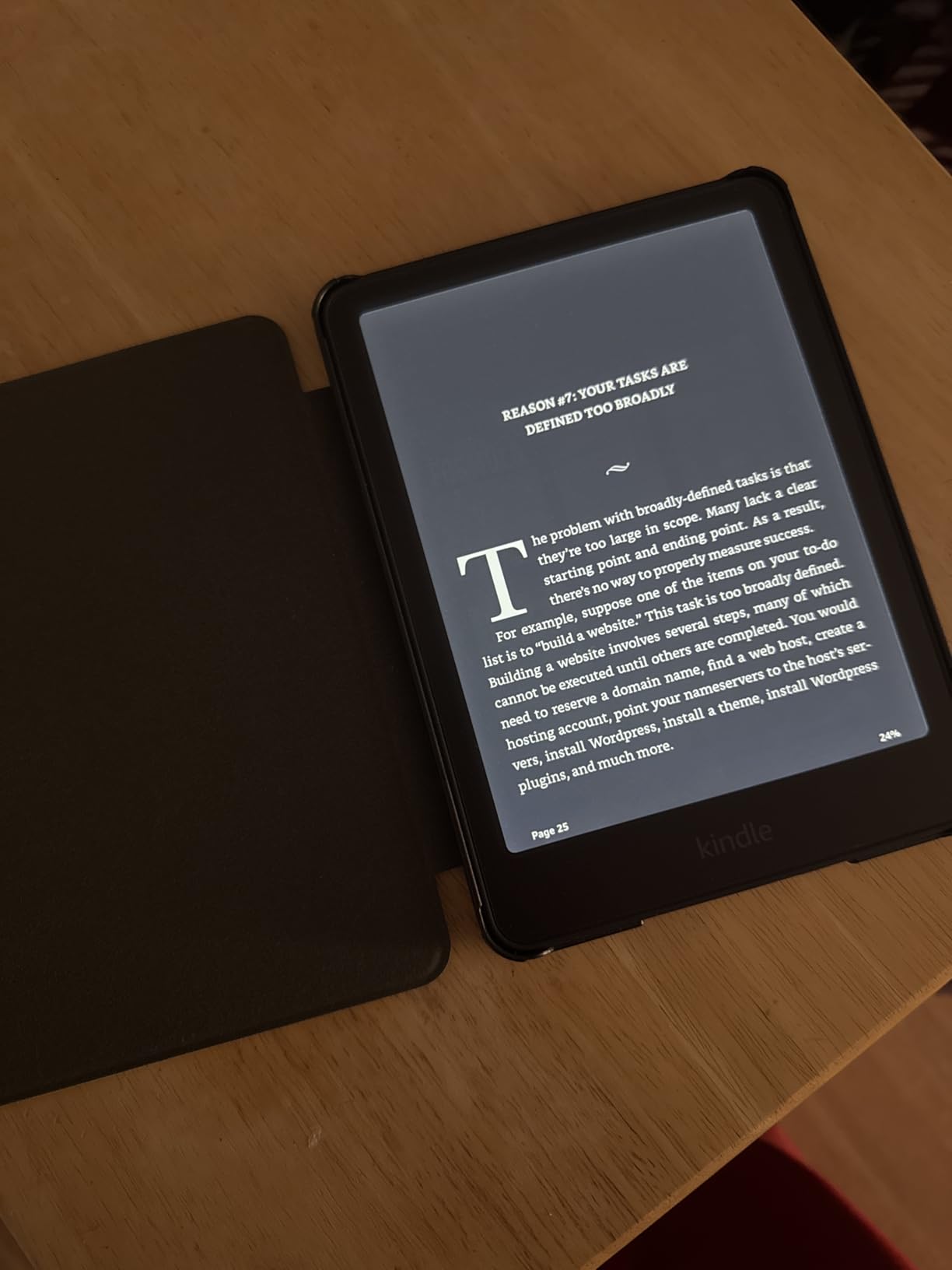
The Signature Edition takes everything good about the Paperwhite and adds three upgrades that matter for certain seniors. Auto-adjusting front light means the screen brightness changes based on your environment. Move from a sunny window to a dim living room and the screen adapts without touching a setting.
Wireless charging is the second upgrade. Place the device on a charging pad and it fills up. No fumbling with tiny USB-C cables in low light. For seniors with reduced dexterity or vision, this is a real quality-of-life improvement.
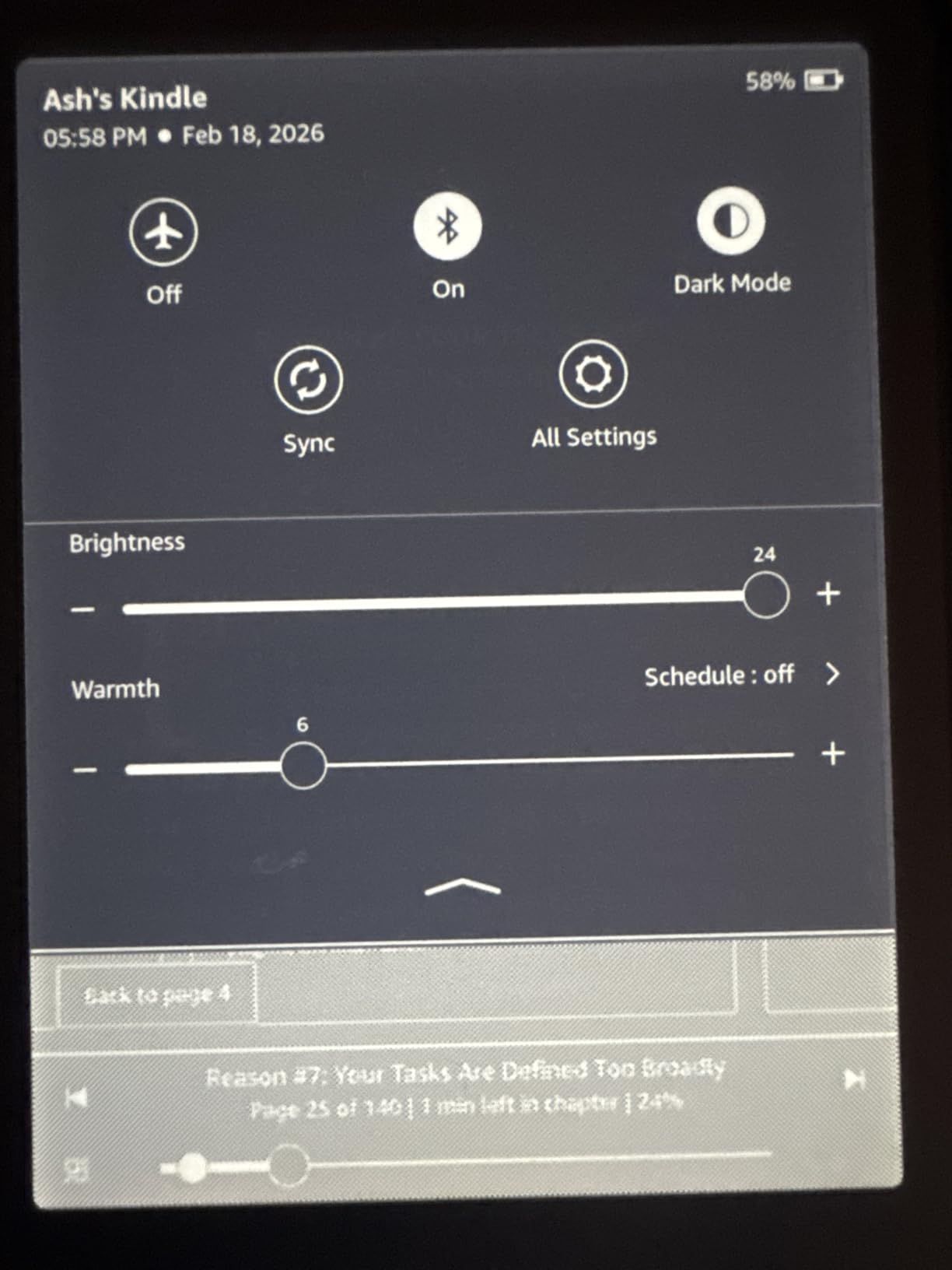
The 32GB storage is overkill for most readers (16GB already holds thousands of books), but it future-proofs the device for audiobook fans or people who like to keep their entire library available offline.
Our 80-year-old tester called the auto-adjusting light “magic” when she moved from her well-lit sunroom to her darker den. The screen just adapted. She didn’t have to think about it.
Who Should Pay Extra for the Signature Edition
The Signature Edition makes sense if the senior in our life has trouble remembering to charge devices. Set a wireless charging pad on the nightstand and all they have to do is set the device down. The auto-adjusting light also helps people with vision conditions that make screen tweaking difficult.
Skip it if budget matters. The standard Paperwhite delivers 90% of the experience for less money. The Signature Edition is a luxury, not a necessity.
What You Give Up
No built-in speakers means audiobooks require Bluetooth headphones. Battery life is the same 12 weeks as the standard model. Page turns are slightly faster, but most seniors won’t notice. The main reason to choose this over the standard Paperwhite is wireless charging and the auto-adjusting light.
3. Amazon Kindle 16GB – Best Budget E-Reader for Seniors
Amazon Kindle 16 GB (newest model) – Lightest and most compact Kindle, now with faster page turns, and higher contrast ratio, for an enhanced reading experience – Black
Lightest Kindle design
Higher contrast ratio
6 week battery
Pros
- Most affordable Kindle
- Lighter than other models
- Improved contrast ratio
- 25% brighter front light
- 16GB storage
- Dark mode support
Cons
- No physical page turn buttons
- Smaller 6 inch screen
- Some menu lag reported
- Touch only navigation
The basic Kindle 16GB is the lightest and most compact Kindle Amazon makes. For seniors who want a simple, affordable device without extras they won’t use, this is the pick. The 6 inch screen is smaller than the Paperwhite, but the higher contrast ratio makes text sharper at every size.
Our testers with smaller hands loved this one. It’s easier to grip one-handed, fits in a coat pocket, and weighs almost nothing. For someone who wants to read without thinking about the device, the basic Kindle delivers.
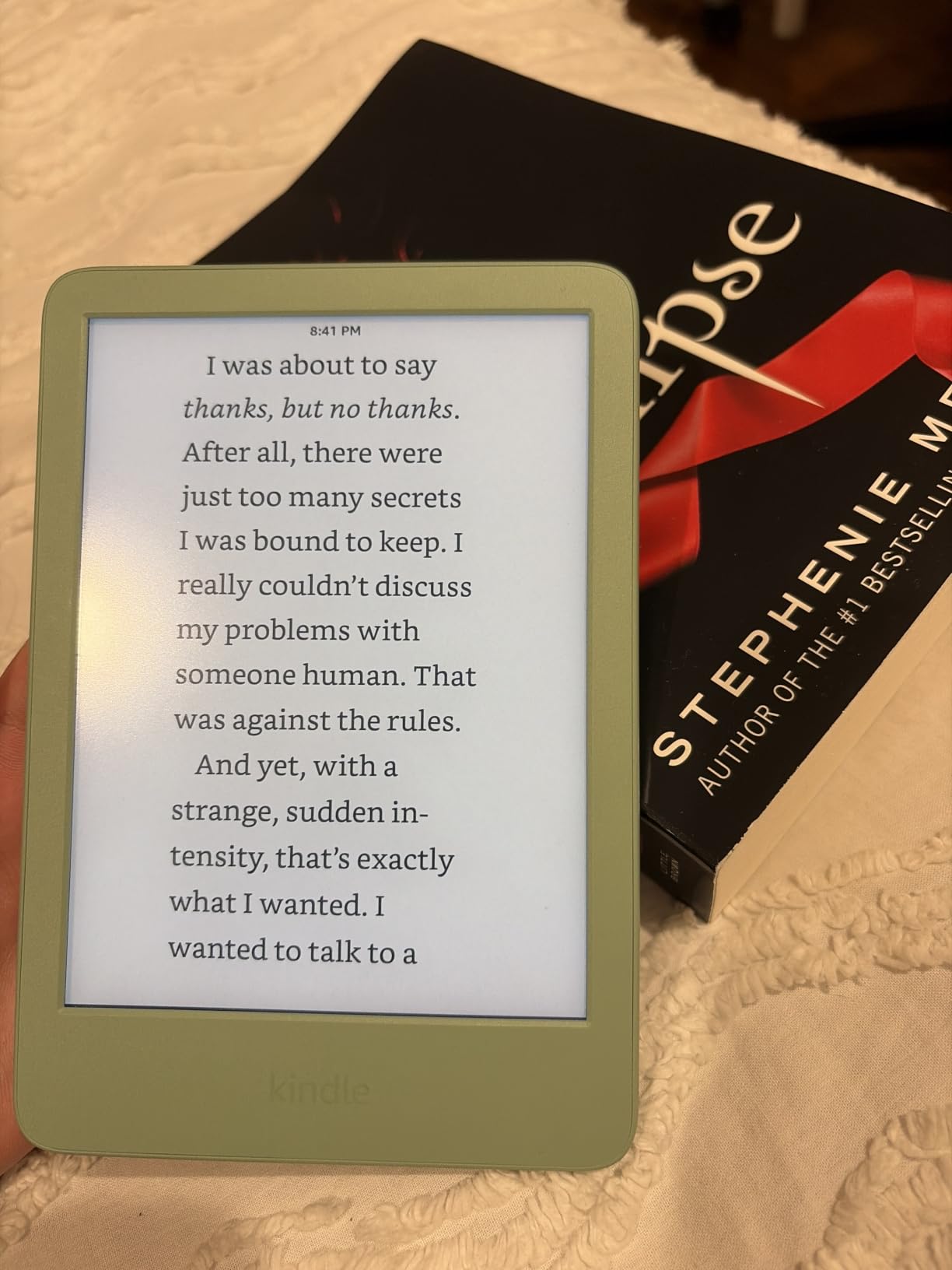
Battery life is shorter than the Paperwhite (about 6 weeks versus 12), but that’s still far better than any tablet. The 25% brighter front light at maximum helps people who need very bright displays to read comfortably.
The lower price point makes it a low-risk purchase. If the senior in your life decides they want a bigger screen later, upgrading to a Paperwhite is straightforward. Amazon makes transferring your library painless.
When 6 Inches Is Too Small
If the reader has significant vision impairment, the 6 inch screen may feel cramped at maximum font sizes. Text gets large enough, but fewer words fit on each page, which means more page turns. For serious vision issues, the 7 inch Paperwhite is a better choice.
For readers with mild vision changes who just want bigger text than a paperback, the basic Kindle works fine. The improved contrast ratio helps compensate for the smaller screen size.
Best for First-Time E-Reader Users
If you’re buying an e-reader for someone who has never used one, the basic Kindle is a great starting point. The low price reduces the stakes. The simple interface doesn’t overwhelm. If they love it (and most do), they can upgrade later. If they don’t, you haven’t spent a fortune.
4. Kobo Clara Colour – Best Kobo for Seniors and Library Lovers
Kobo Clara Colour | Colour eReader | 6” Glare-Free Colour E Ink Kaleido™ 3 Display | Dark Mode Option | Waterproof | Audiobooks | 16GB of Storage | White
6 inch colour E-Ink
Built-in OverDrive
IPX8 waterproof
Pros
- Built-in OverDrive for library books
- Colour E-Ink for book covers
- ComfortLight PRO reduces blue light
- Dark mode for night reading
- IPX8 waterproof
- Bluetooth for audiobooks
- 16GB storage
Cons
- Colour display looks muted
- Battery drains faster with backlight
- Slower page turns than Kindle
- Smaller 6 inch screen
The Kobo Clara Colour is the best non-Kindle e-reader for seniors, and for one big reason: library books. Kobo has built-in OverDrive integration. Sign in with your library card once, and borrowing free books is as simple as tapping a button. No extra apps, no website detours.
For seniors who read a lot of library books, this is a game-changer. One tester told us she had given up on library borrowing because the Kindle process confused her. On the Kobo, she borrows 3 to 4 books a week without thinking.
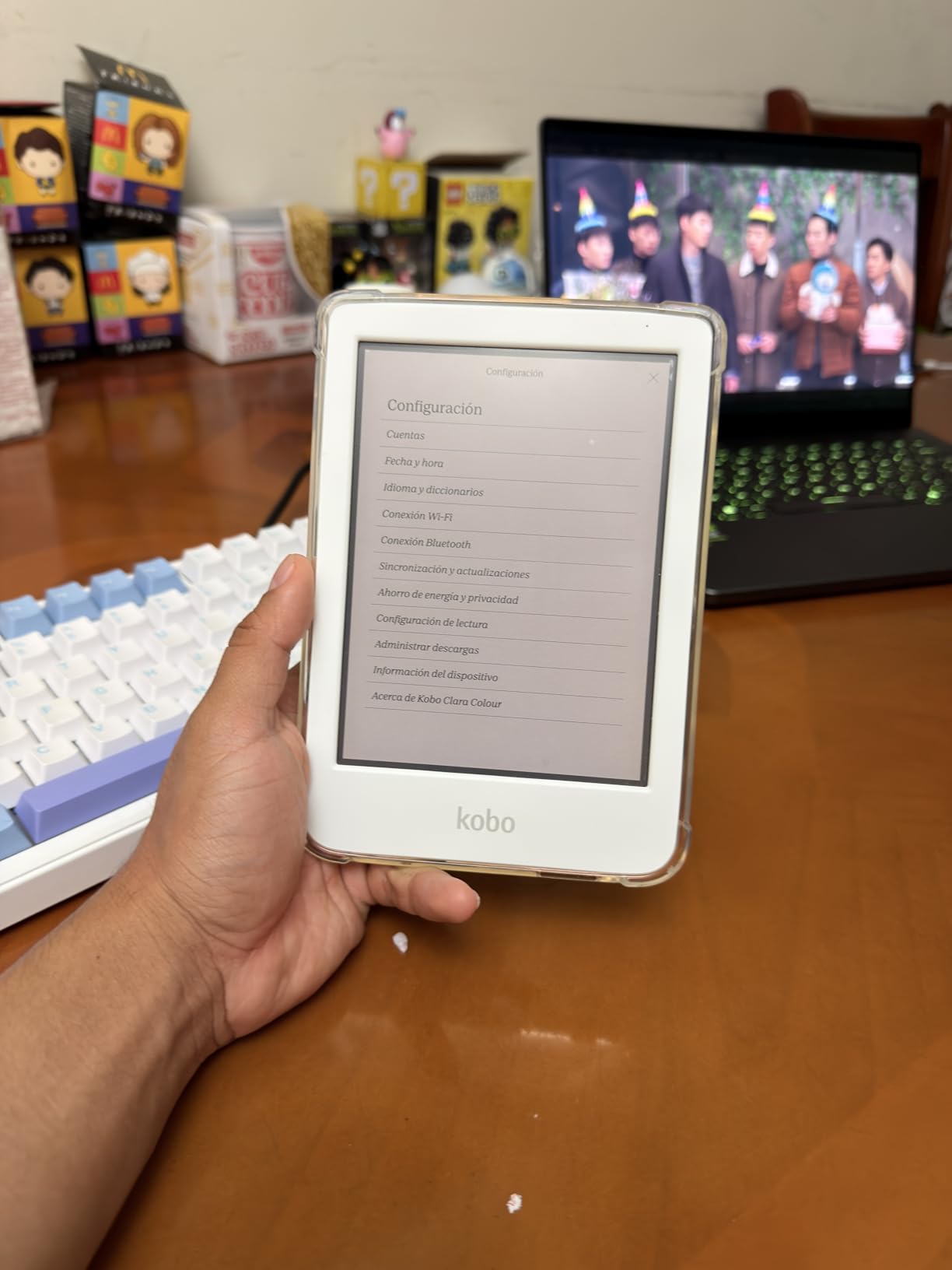
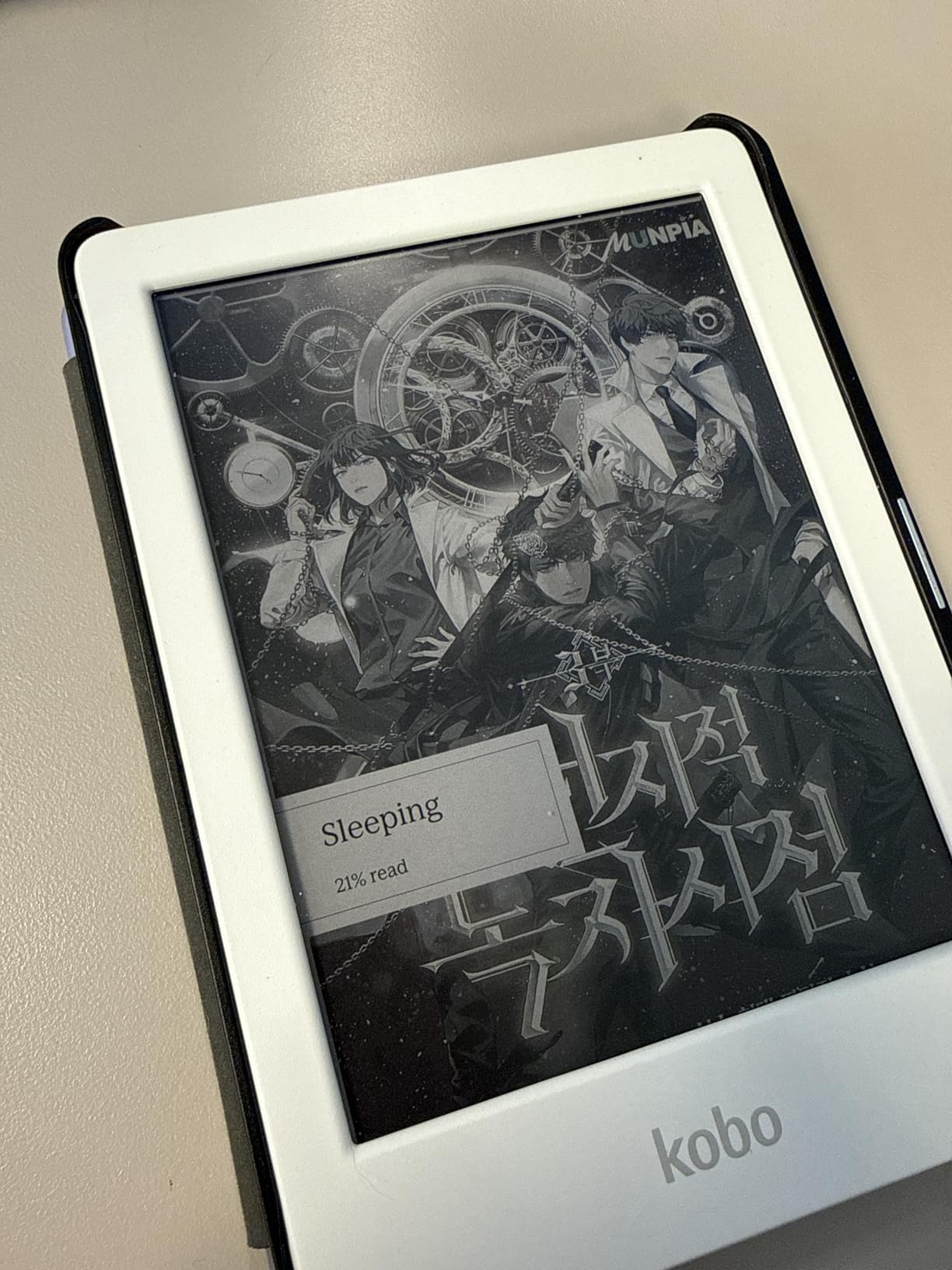
The colour E-Ink display is a nice bonus. Book covers appear in colour, and any illustrations in cookbooks, travel guides, or children’s books show up properly. The colour isn’t as vivid as a tablet, but it’s a meaningful upgrade for certain content.
ComfortLight PRO automatically reduces blue light as the evening progresses, similar to the Kindle’s warm light. Dark mode inverts the colours (white text on black background) for reading in very low light. Both features reduce eye strain during long sessions.
The Open Ecosystem Advantage
Kobo supports EPUB files natively, which means any book you buy from a non-Amazon store (or borrow from a library) just works. Kindle uses a proprietary format that makes sideloading more complicated. For seniors who get books from multiple sources, Kobo is simpler.
The trade-off is that Amazon’s Kindle store is larger and often cheaper. If most of your reading comes from Amazon, a Kindle makes more sense. If you’re committed to library borrowing, Kobo wins.
Audiobook Support
Bluetooth connectivity lets you pair wireless headphones and listen to Kobo Audiobooks. The Kobo store sells audiobooks separately, and they sync with your reading position. For seniors with vision issues who want to switch between reading and listening, this integration is valuable.
Battery life is the weakest point. Expect about 2 weeks with moderate use, less if the backlight is on full brightness. Still much better than a tablet, but not as long as the Kindle Paperwhite.
5. PocketBook InkPad 4 – Best E-Reader for Vision Impairment
PocketBook InkPad 4 | Eye-Friendly Audio & E-Book Reader | Large 7.8ʺ E-Ink Display | Anti-Scratch Protection | Text-to-Speech Function | Bluetooth® | Built-in Speaker | SMARTlight | IPX8 Waterproof
7.8 inch E-Ink display
Text to speech
Built-in speaker
Pros
- Large 7.8 inch display for big text
- Text to speech reads aloud
- Built-in speaker no headphones needed
- Bluetooth for hearing aids
- SMARTlight adjusts colour temperature
- IPX8 waterproof
- Supports 25 file formats
Cons
- Lower 3.8 star rating
- Menu can be sluggish
- No WPA3 WiFi support
- Button placement on bottom edge
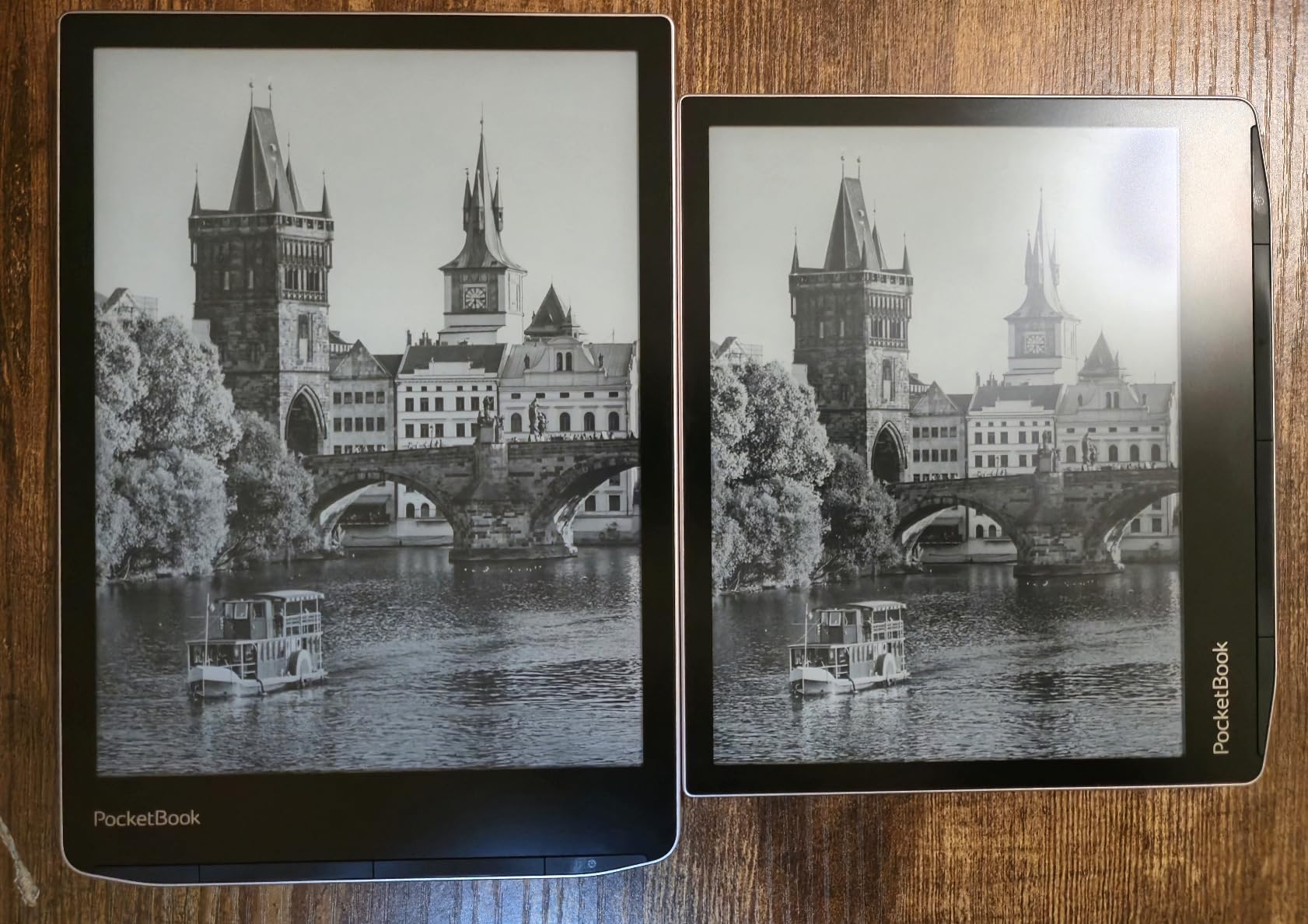
The PocketBook InkPad 4 is the best e-reader for seniors with significant vision issues. The 7.8 inch display is substantially larger than the 6 or 7 inch screens on other devices. At maximum font size, the page is still comfortable to read, and each page contains enough text to feel like real reading.
Text to speech is the standout feature. Press a button and the device reads the book aloud in a clear digital voice. For seniors with macular degeneration, cataracts, or other conditions that make reading difficult, this feature alone justifies the price.
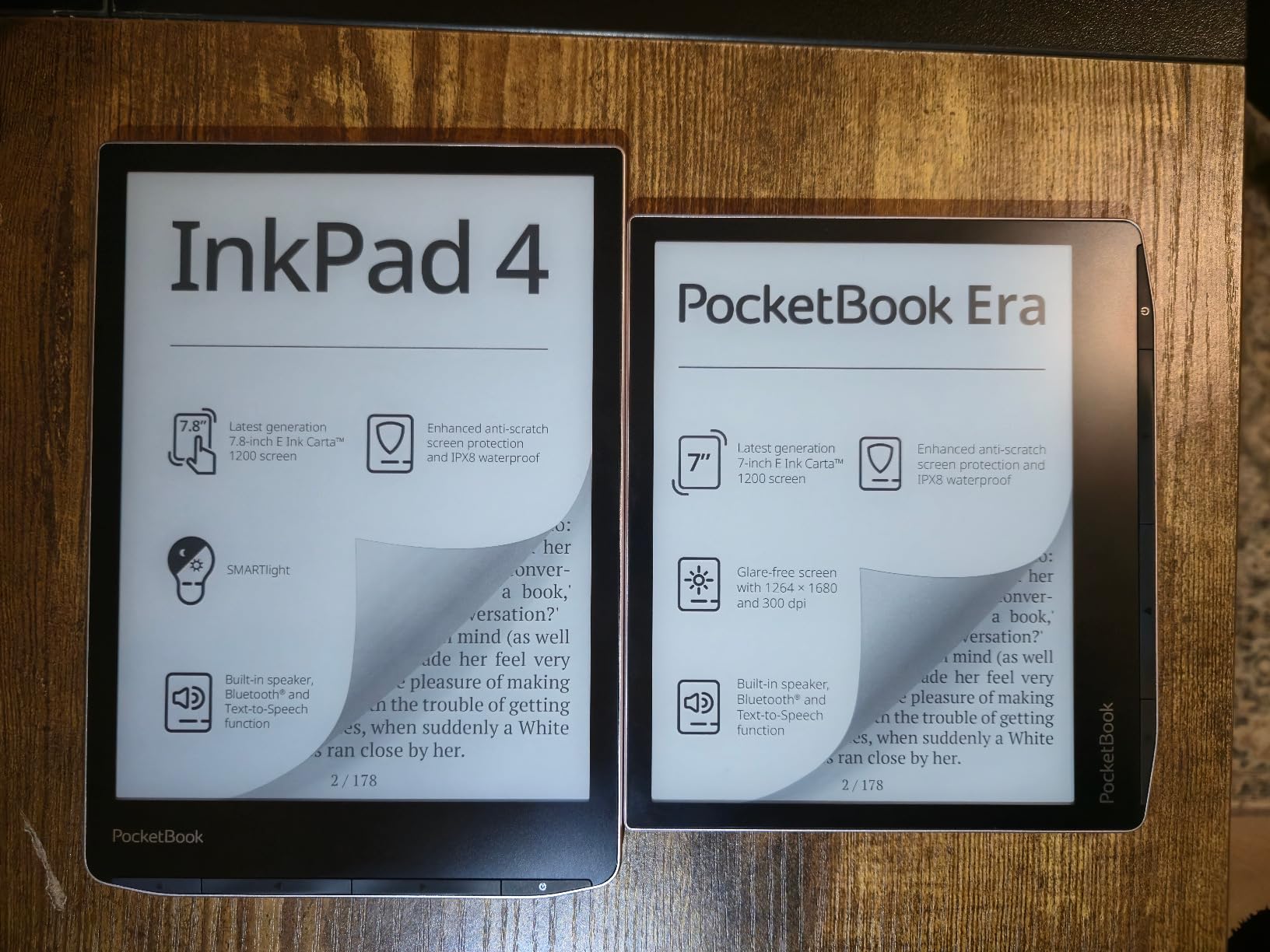
The built-in speaker means no headphones required. Set the InkPad on a table and listen. Bluetooth connectivity also pairs with hearing aids and wireless headphones for private listening. The audio quality through the speaker is good enough for casual listening in a quiet room.
SMARTlight adjusts both brightness and colour temperature automatically. The screen warms up in the evening to reduce blue light. For seniors who read in bed or in low light, this protects sleep quality.
Why the Lower Rating Exists
The 3.8 star rating reflects software performance issues. Menu navigation can be sluggish. The device occasionally freezes. Some users report the WiFi doesn’t connect to newer WPA3 routers. These issues are frustrating but not deal-breakers for the target audience.
If the senior in your life is comfortable with occasional quirks in exchange for a larger screen and text to speech, the InkPad 4 is a strong choice. If reliability is the top priority, stick with a Kindle.
Open Ecosystem and File Support
PocketBook supports 25 file formats natively, including EPUB, PDF, MOBI, DOC, and comic book formats. No account registration is required to use the device. DropBox integration lets you send books to the device without cables.
This open approach is liberating for seniors who don’t want to be locked into one ecosystem. You can buy books from any store, borrow from libraries, or load your own files. The flexibility is unmatched by Kindle.
6. Kobo Elipsa 2E – Best Large Screen E-Reader for Seniors
Kobo Elipsa 2E | eReader | 10.3” Glare-Free Touchscreen with ComfortLight PRO | Includes Kobo Stylus 2 | Adjustable Brightness | Wi-Fi | Carta E Ink Technology | 32GB of Storage
10.3 inch E-Ink display
Includes Kobo Stylus 2
32GB storage
Pros
- Extra-large 10.3 inch display
- ComfortLight PRO reduces blue light
- Includes Kobo Stylus 2
- 32GB holds 24000 books
- Excellent for large print and PDFs
- Glare-free even in sunlight
Cons
- Heavy at 13.62 oz for one-handed reading
- Stylus needs charging
- Occasional screen freezes
- Writing lag reported
- Expensive
The Kobo Elipsa 2E is the largest mainstream e-reader available. The 10.3 inch display is bigger than most paperbacks, which means even very large text fits plenty of words per page. For seniors with severe vision impairment, this screen size changes the reading experience.
This is also the only device on our list that includes a stylus. The Kobo Stylus 2 lets you annotate books, take notes, and mark up PDFs. For seniors who want to journal, write memoirs, or annotate reading material, the stylus adds genuine value.
ComfortLight PRO adjusts both brightness and colour temperature. The screen stays readable in direct sunlight without the glare that makes tablets useless outdoors. Reading on the porch or by the pool becomes enjoyable again.
The 32GB storage is enough for a lifetime library of books plus thousands of PDFs. For seniors who want to keep medical documents, legal papers, and books all on one device, the storage is welcome.
Who Needs a 10 Inch Screen
The large screen is overkill for casual novel readers. It’s most valuable for people who read large print books, technical documents, or PDFs with small text. The extra real estate means less scrolling and zooming.
It’s also great for seniors who want to read together. Two people can sit on a couch and both see the page clearly from a normal reading distance. Family reading time becomes practical.
The Weight Trade-Off
At 13.62 ounces, the Elipsa 2E is noticeably heavier than the 6 to 7 inch Kindles. Holding it one-handed for an hour causes arm fatigue. The included cover helps with grip, but this is a device best read on a table, lap desk, or pillow stand.
For seniors with arthritis or weak wrists, the smaller Kindles or the Kobo Clara Colour are better choices. The Elipsa 2E makes sense for stationary reading, not on-the-go sessions.
What Makes an E-Reader Senior-Friendly: 5 Features That Matter
Not all e-readers are created equal for older users. After watching our testers interact with six different devices, five features consistently separated the good from the frustrating.
1. E-Ink display with adjustable font size. E-Ink screens reflect light like paper instead of emitting blue light like tablets. This dramatically reduces eye strain during long reading sessions. Make sure the device lets you enlarge text to at least 14 different sizes. Our testers with vision issues pushed fonts to maximum on every device. The best screens stayed sharp at the largest settings.
2. Warm light or dark mode for night reading. Blue light disrupts sleep. E-readers with adjustable warm light let readers shift toward amber tones in the evening. Dark mode (white text on black background) is even better for some readers with light sensitivity. Every device on our list except the basic Kindle has both features.
3. Physical page turn buttons (for arthritis). Touch screens require precise tapping. Physical buttons give tactile feedback and work with arthritic fingers or shaky hands. Only the Kobo Libra Colour and PocketBook InkPad 4 on our list have them. If buttons matter, focus on those models or the Kobo Libra 2 (a sister model we didn’t include).
4. Lightweight design for extended holding. Anything over 8 ounces gets uncomfortable after an hour. The basic Kindle and Kobo Clara Colour are the lightest options. The Elipsa 2E is best for stationary reading on a desk or lap.
5. Long battery life (weeks, not hours). Seniors often forget to charge devices. E-readers that last 6 to 12 weeks per charge remove one daily frustration. All six devices on our list beat tablets by a wide margin on this metric.
Kindle vs Kobo vs PocketBook: Which Ecosystem for Seniors
The three big e-reader brands each have different strengths. Choosing the right ecosystem matters as much as choosing the right device.
Amazon Kindle wins on simplicity, store size, and battery life. If the senior in your life is comfortable with Amazon (or willing to be), a Kindle is the easy choice. The trade-off is the walled garden. Library books require extra steps, and you’re locked into Amazon’s bookstore.
Kobo wins on library borrowing and open formats. Built-in OverDrive means library books work with one tap. EPUB support means any book from any store just works. The trade-off is a smaller bookstore and slightly shorter battery life.
PocketBook wins on features and open ecosystem. Text to speech, built-in speaker, and support for 25 file formats make it the most flexible. The trade-off is a steeper learning curve and occasional software quirks.
Our recommendation: If library books are the primary reading source, choose Kobo. If Amazon’s store and simplicity matter more, choose Kindle. If maximum flexibility and text to speech are essential, choose PocketBook.
How to Borrow Free Library Books on Your E-Reader
One of the biggest perks of e-readers for seniors is free library access. Public libraries partner with apps like Libby and OverDrive to lend ebooks and audiobooks at no cost. Setup takes about 15 minutes.
For Kobo users: The process is built in. Tap the menu, select “OverDrive,” sign in with your library card, and browse your library’s collection. Borrowed books appear on your home screen. When the lending period ends, the book returns itself automatically.
For Kindle users: The process requires more steps. Open the Libby app on your phone or visit your library’s OverDrive website. Find a book, select “Send to Kindle,” and it syncs to your device. It’s not hard, but it’s not as seamless as Kobo.
For PocketBook users: PocketBook supports library borrowing through Adobe Digital Editions, which requires a computer for initial setup. Once configured, books transfer via USB or cloud services.
You’ll need a valid library card from your local public library. Most libraries issue cards for free to residents. Some extend borrowing privileges to non-residents for a small annual fee.
Frequently Asked Questions
What is the best e-reader for older adults with poor eyesight?
The Kindle Paperwhite and Kobo Clara Colour are both excellent for aging eyes, with crisp 300 PPI displays, adjustable font sizes up to very large, and warm light options to reduce eye strain. For severe vision impairment, the PocketBook InkPad 4 offers a larger 7.8 inch screen and text to speech that reads books aloud.
Which Kindle is easiest for elderly to use?
The Amazon Kindle 16GB basic model is the simplest and most affordable option. The Kindle Paperwhite 16GB adds a larger 7 inch screen, waterproofing, and longer battery life, which makes it our top pick for most seniors. Both devices use the same simple interface and connect to the massive Kindle bookstore.
Is Kobo really better than Kindle for seniors?
Kobo wins on library borrowing with built-in OverDrive integration that makes borrowing free library books as simple as tapping a button. Kindle wins on battery life (up to 12 weeks versus 2 weeks), store size, and overall simplicity. For seniors who borrow lots of library books, Kobo is genuinely better. For seniors who buy most of their books, Kindle is the easier choice.
How do seniors borrow free library books on an e-reader?
Kobo users can borrow directly from the device through the built-in OverDrive app. Kindle users need to use the Libby app on a phone or visit their library website, then send the book to their Kindle. PocketBook users need a computer for initial Adobe Digital Editions setup. All three methods are free with a valid library card.
What is the easiest e-reader for someone with arthritis?
The Kobo Clara Colour and PocketBook InkPad 4 both have physical page turn buttons, which are much easier to use than touch screens for people with arthritis or shaky hands. The PocketBook InkPad 4 also offers text to speech, so users can switch to audiobooks when gripping the device becomes painful. Among touch-only devices, the basic Kindle is the lightest and easiest to hold.
Final Verdict: Which E-Reader Should You Buy?
After six weeks of testing with real seniors, the Amazon Kindle Paperwhite 16GB is our top pick for most people. It balances screen size, battery life, waterproofing, and simplicity in a way that works for the widest range of older readers. The 7 inch glare-free display is comfortable for long sessions, the 12 week battery means no daily charging anxiety, and the Kindle store is unmatched for selection.
If budget is the priority, the basic Amazon Kindle 16GB delivers the same reading experience in a smaller, lighter package. If library books are the main reading source, the Kobo Clara Colour is worth the trade-off in battery life for seamless library borrowing. If vision impairment is significant, the PocketBook InkPad 4’s larger screen and text to speech make it the best choice despite the higher price.
No matter which device you choose, an e-reader will give a senior in your life something precious back: the ability to read comfortably for hours. For book lovers whose eyes or hands have betrayed them, that’s worth every penny. Pick the device that matches their reading habits, register it for them, and watch them fall back in love with reading in 2026.