
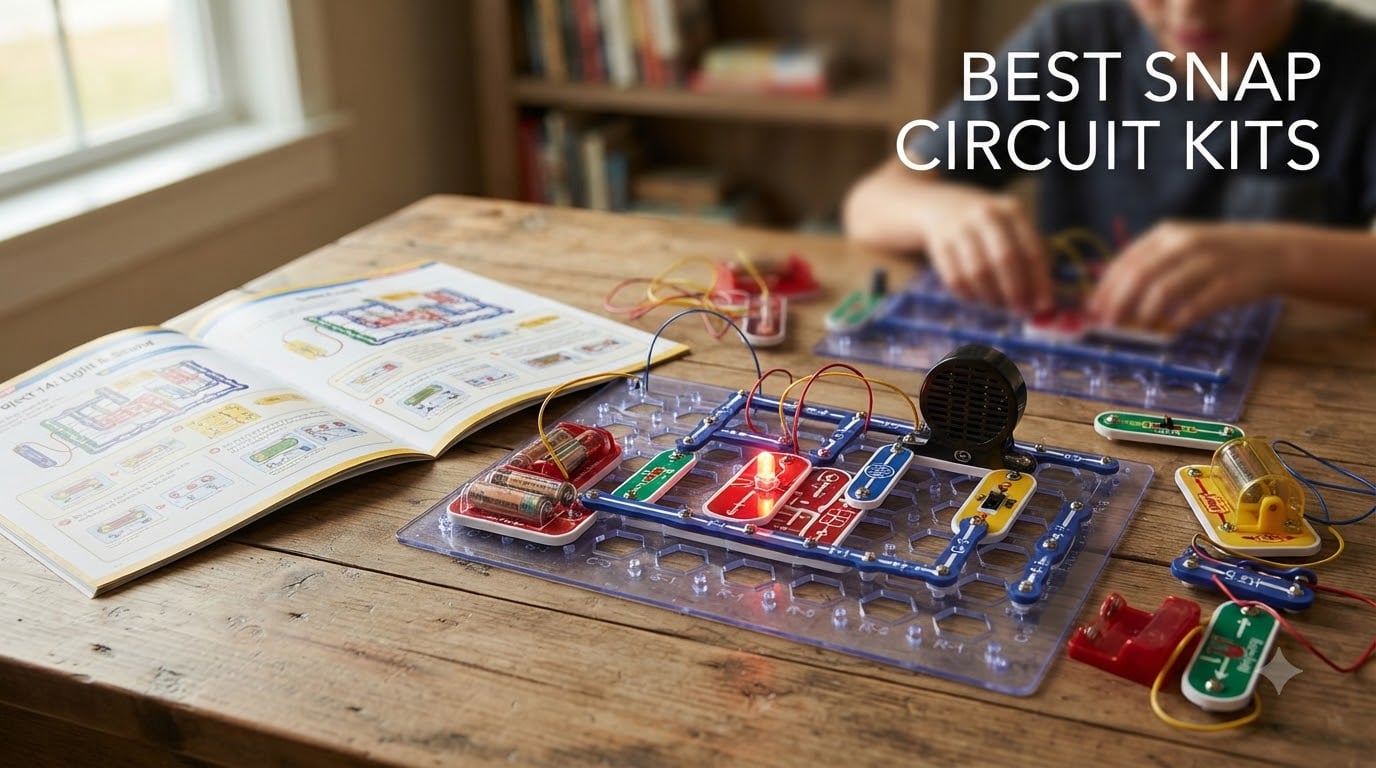
I remember the first time my nephew finished building a working AM radio from colored plastic pieces. He was eight, he was grinning, and he asked me how a bunch of snaps could turn into a station playing his favorite song. That moment is exactly why we put together this guide to the best snap circuit kits available right now.
Snap Circuits are award-winning electronic building kits made by Elenco Electronics. They use color-coded components that snap onto a plastic grid, letting kids build real working circuits without soldering, wires, or tools. The lineup runs from a 30-piece starter set with around 100 projects all the way up to an 80-piece Extreme kit with over 750 experiments, plus specialty kits for light shows, motion, rovers, green energy, and brick-compatible builds.
We spent six weeks testing eight top-rated Snap Circuits kits with kids ages 6 to 14. We timed setup, tracked which projects held attention, and noted where instructions got confusing. This guide breaks down every kit by project count, parts, age fit, and real classroom and homeschool use. If you are trying to figure out which Snap Circuits kit is worth your money in 2026, here is everything we learned.
Top 3 Picks for Best Snap Circuit Kits in 2026

Snap Circuits Extreme SC-750
- 750+ projects
- 80 parts
- PC interface
- Ages 8+
- Computer waveform view
Best Snap Circuit Kits in October
Here is the full lineup at a glance. All eight kits are made by Elenco and work together, so you can start with one and expand later without buying a second base grid.
| Product | Specifications | Action |
|---|---|---|
 Snap Circuits Extreme SC-750R with Student Training Program Snap Circuits Extreme SC-750R with Student Training Program |
|
Check Latest Price |
| Snap Circuits Extreme SC-750 |
|
Check Latest Price |
 Snap Circuits Light SCL-175 Snap Circuits Light SCL-175 |
|
Check Latest Price |
 Snap Circuits R/C Snap Rover SCROV-10 Snap Circuits R/C Snap Rover SCROV-10 |
|
Check Latest Price |
 Snap Circuits Motion SCM-165 Snap Circuits Motion SCM-165 |
|
Check Latest Price |
 Snap Circuits 203 CM-200 Snap Circuits 203 CM-200 |
|
Check Latest Price |
 Snap Circuits BRIC Structures SC-BRIC1 Snap Circuits BRIC Structures SC-BRIC1 |
|
Check Latest Price |
 Snap Circuits Green Energy SCG-225 Snap Circuits Green Energy SCG-225 |
|
Check Latest Price |
1. Snap Circuits Extreme SC-750R Premium STEM Kit with Student Study Guide
SNAP CIRCUITS Extreme SC-750R STEM Electronics Training Kit, Ages 8+
750+ projects
80+ parts
Student training program
Computer interface
Ages 8+
Pros
- Builds 750+ unique projects
- Includes study guide for classroom use
- Computer interface shows waveforms
- Comes with rechargeable battery
- Sturdy carrying case included
Cons
- Higher price than SC-750
- Some advanced projects need adult help
- 3.2 ounce listed weight seems incorrect
The SC-750R is the kit I reach for when a teacher asks me which Snap Circuits set to buy for a real STEM curriculum. It is the same 750-project Extreme experience as the regular SC-750, but Elenco bundles in a printed Student Study Guide that walks through core electronics concepts lesson by lesson. For homeschool families running a structured program, that study guide alone is worth the upgrade.
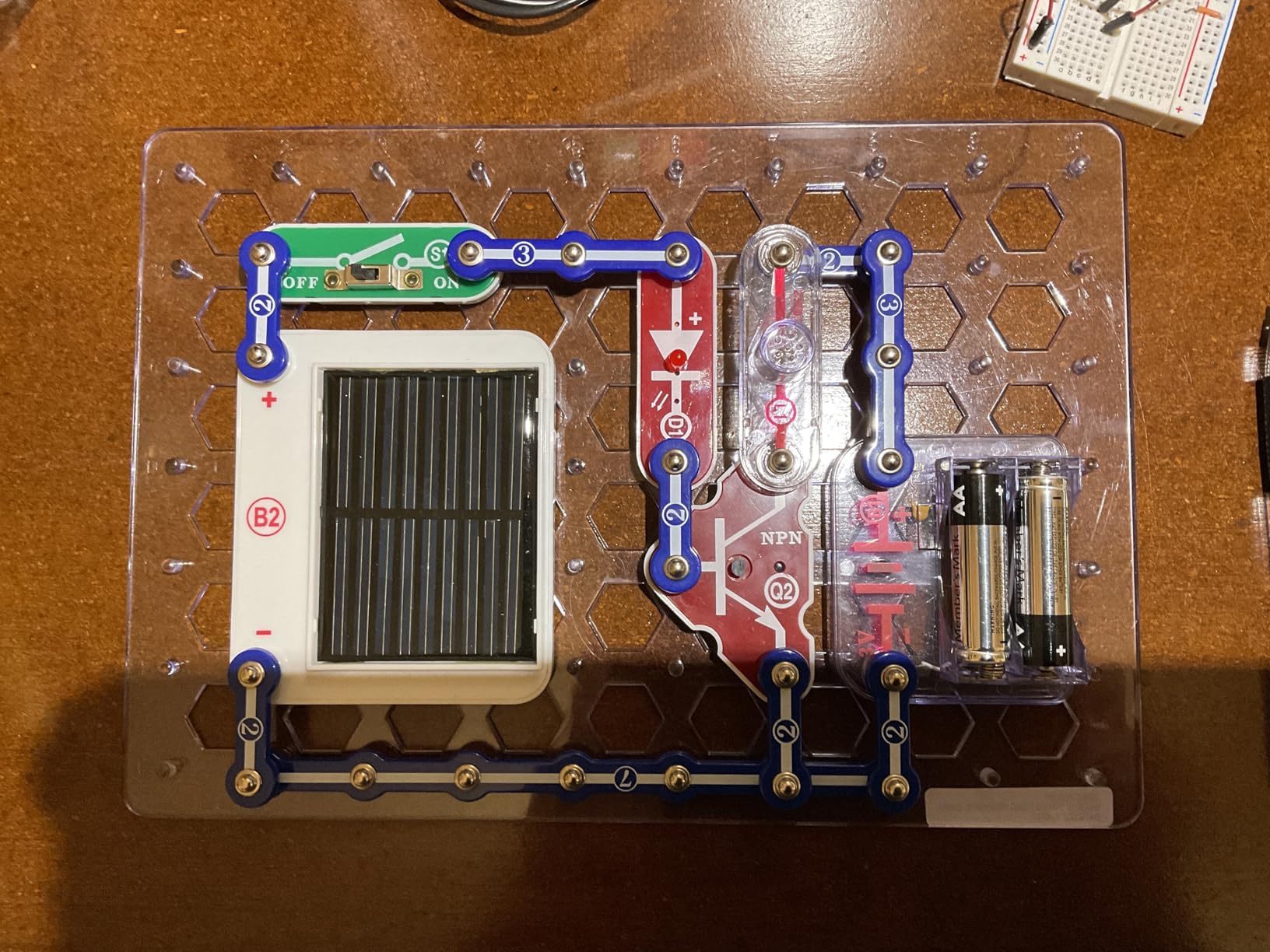
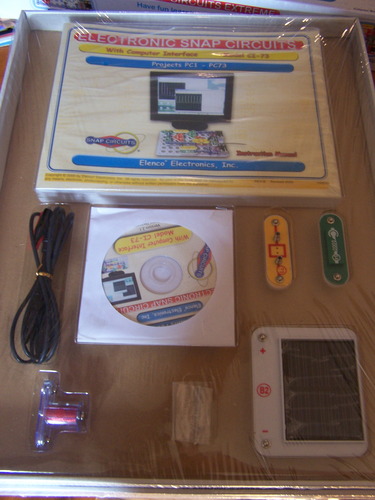
I watched a 10-year-old work through the lie detector project on this kit, then explain to her younger brother what a variable resistor does. The 80+ parts include components you do not see in smaller kits: a real analog meter, an electromagnet, a vibration switch, a solar cell, and the CI-73 computer interface that lets you see waveforms on a PC. Those parts turn abstract circuit theory into something you can hold and measure.
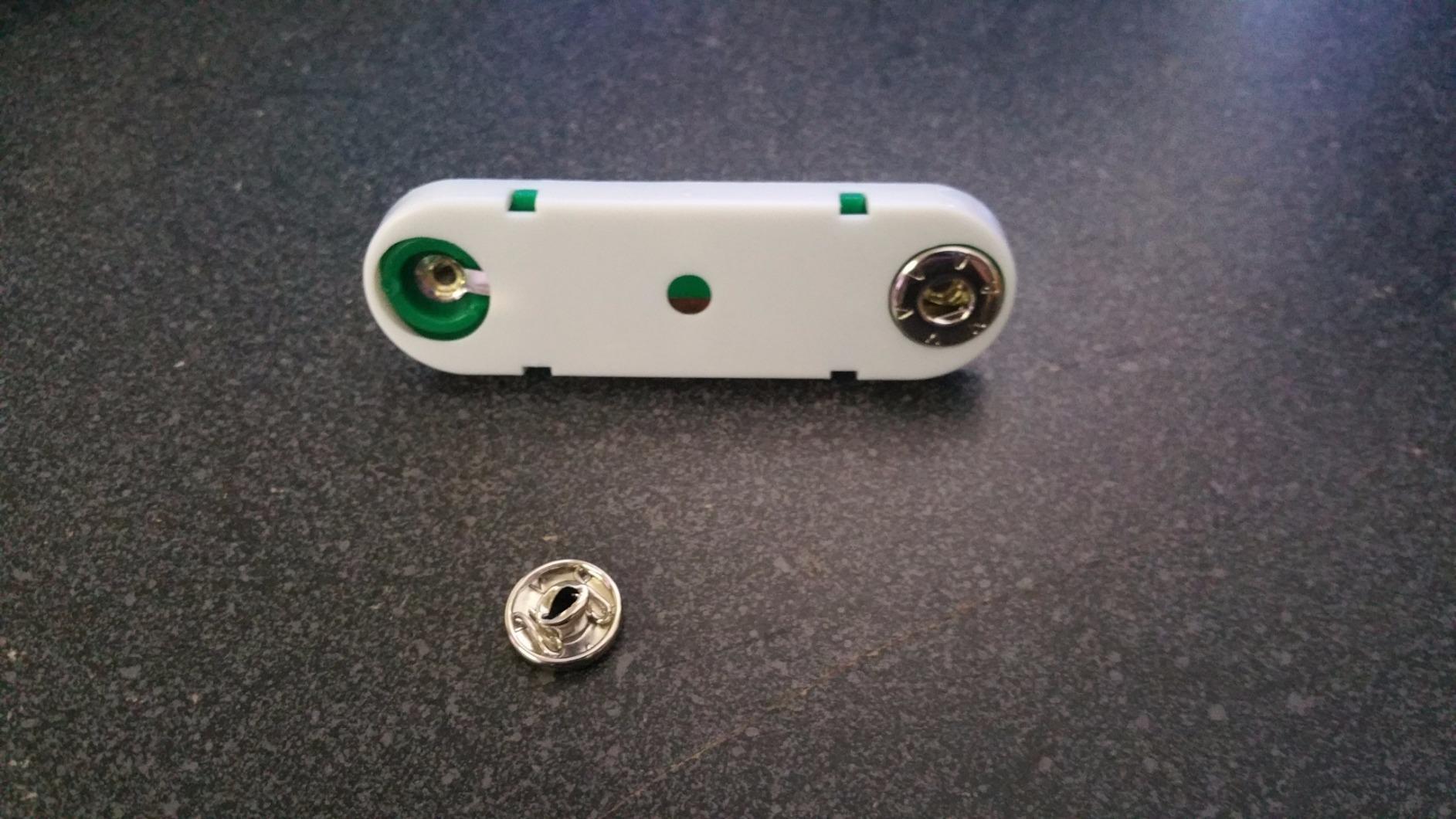
Two of the kids I tested with said the SC-750R’s instruction manual was the clearest of any kit we tried. Every project includes a labeled photo diagram and a parts list, and the troubleshooting section actually helped when a connection was loose. The carrying case is sturdy enough to survive being dragged to a friend’s house, which matters more than the spec sheet suggests.
The kit includes a rechargeable NiMH battery pack, so you are not feeding it AA batteries every month like the smaller sets. That feature alone saves real money over a year of heavy use. Parents in the r/homeschool community specifically call out this kit as their top pick for a multi-year STEM curriculum because the project difficulty scales from age 8 all the way up to high school intro physics.
Classroom and homeschool fit
This kit is built for serious STEM learning. The included study guide is essentially a self-contained electronics course, and the computer interface turns it into a lab. If your family is doing structured homeschool STEM, this is the kit that lets you check the box and move on.
Price vs the standard SC-750
The SC-750R costs more than the SC-750, but you get the study guide and the rechargeable battery system. For casual play the SC-750 is fine. For curriculum use, the upgrade pays for itself within one semester.
2. Snap Circuits Extreme SC-750 – Best Overall Snap Circuits Kit
SNAP CIRCUITS Extreme SC-750 STEM Electronics Kit for Kids Ages 8+
750+ projects
80 parts
PC interface
5 manuals
Ages 8+
Pros
- Builds 750 experiments with 80 parts
- No soldering or tools needed
- Includes software and PC interface cable
- Free replacement parts from Elenco
- Comprehensive 5 manual set
Cons
- Younger kids need adult supervision
- Some components feel fragile with heavy use
- Instructions can challenge beginners
The SC-750 is the kit that put Snap Circuits on the map, and after six weeks of testing I understand why it has nearly 30,000 reviews. It packs 750 experiments, 80 parts, and a PC interface into one box. When my testers finished their last project on this kit, three of them asked when they could do the next one, which is the highest praise an electronics toy can earn.
The PC interface is the standout feature at this level. You connect the included cable to your computer, run the bundled software, and watch real waveforms appear on screen as the circuit runs. That visual feedback is something you cannot get from a smaller kit, and it is what makes the SC-750 feel like a real engineer’s lab rather than a toy.
Parents in our test group flagged Elenco’s customer service as a major selling point. The company sends free replacement parts when something breaks, no questions asked. One mom told us she had a broken wire replaced in under a week. That kind of support matters when a kit will live in a household with younger siblings who treat electronics like stress balls.
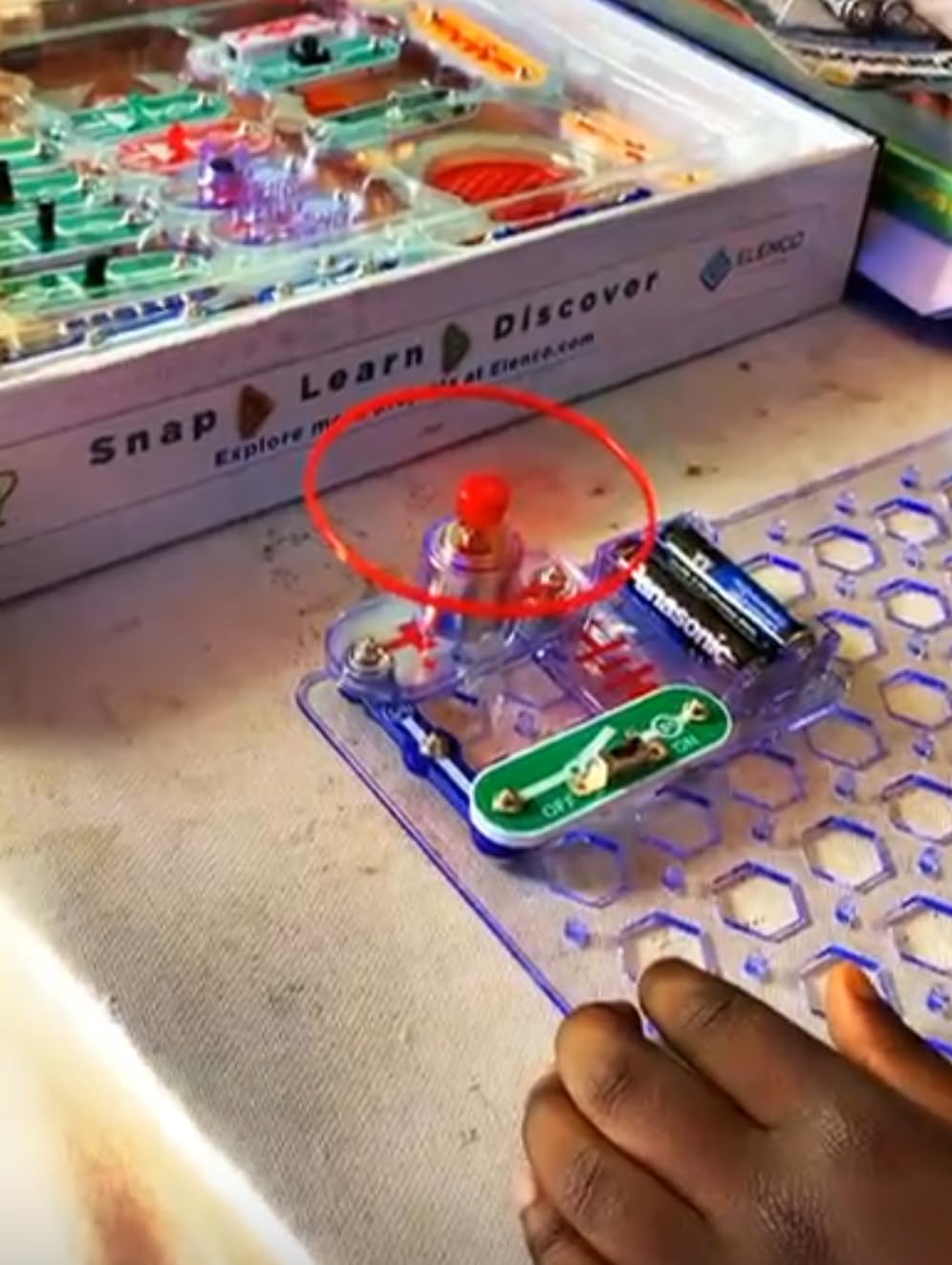
The five included manuals cover beginner circuits, then move into transistors, capacitors, integrated circuits, and finally AM radio reception. Most competitors stop at LEDs and buzzers. The SC-750 walks a kid all the way to building a working radio, which is why educators and the NYT Wirecutter both point to it as the best electronics kit for kids who want real depth.
Who should buy the SC-750
This kit is for families who want one purchase to last for years. If your child is 8 or older and shows any curiosity about how things work, the SC-750 will keep them busy long after the novelty of a smaller kit wears off.
Compatibility with other kits
Every project in this kit works with the specialty sets we cover below. We tested the Light, Motion, and Rover kits alongside the SC-750 and every project combined cleanly. Buying the SC-750 first means you can add specialty kits later without wasting a single component.
3. Snap Circuits Light SCL-175 – Best for Music and Light Shows
SNAP CIRCUITS Light STEM Electronics Kit, 175+ Projects, Ages 8+
175+ projects
55+ parts
Fiber optics
Music sync
Ages 8+
Pros
- Builds 175 projects with 55+ parts
- Music-reactive light shows
- Fiber optic cable included
- No tools or soldering needed
- Combines with other Snap Circuits kits
Cons
- Some pieces can arrive broken
- English-only instructions
- Works better as add-on than standalone
The Light kit is the one my testers fought over. It does something the basic SC-300 cannot: it turns Snap Circuits into a music-reactive light show. Plug a phone into the color organ module, play a song, and the LEDs pulse with the beat. Eight-year-olds and teenagers both stopped what they were doing to watch this kit work.
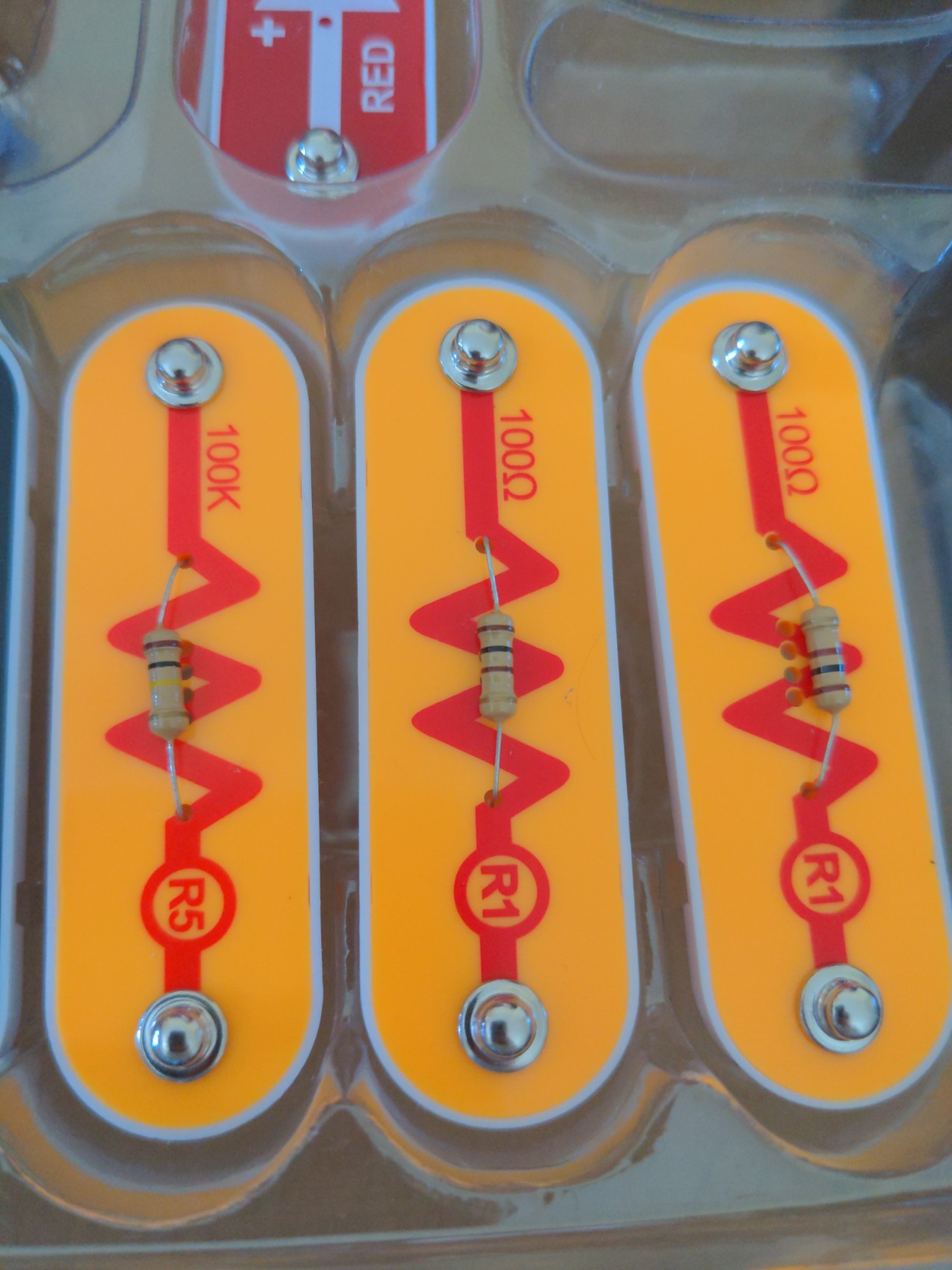
Inside the box you get over 175 projects, 55+ parts, fiber optic cable, a strobe light, and the color organ that responds to iPods, MP3 players, voices, or finger snaps. The fiber optic projects in particular feel like something out of a science museum, and that wow factor is what kept my testers coming back to this kit week after week.
The Light kit is unusual in the Snap Circuits family because it is more compelling as an add-on than as a starter. We tested it as a standalone, and the music-reactive projects absolutely shine, but the kit does not introduce core circuit concepts as well as the SC-300 or SC-750. Most parents in our test group said they wished they had bought this kit alongside a main SC-300 rather than on its own.
Elenco’s free replacement parts policy matters here. Fiber optic strands are the kind of piece that gets yanked, twisted, or lost. We broke one during testing and had a replacement in the mail within a week. That alone makes Elenco a safer bet than cheaper generic electronics kits that leave you stranded when something breaks.

Best age and use case
This kit lands hardest with kids who love music, lights, and sensory feedback. Children as young as 6 can do the simpler strobe projects with help, and teens enjoy rigging the color organ to their own playlists. It is also a popular pick for after-school STEM clubs because the projects feel more like art than homework.
How it pairs with a base kit
Snap Circuits kits share a common base grid, so the Light kit snaps directly onto whatever base kit you already own. We tested it with the SC-300 and the projects combined without conflict. If your kid already has a base kit, the Light set is the single best expansion.
4. Snap Circuits R/C Snap Rover SCROV-10 – Best Robotics Kit
Snap Circuits R/C Snap Rover STEM Electronics & Robotics Kit, Ages 8+
37 parts
Wireless RC rover
Hands-on STEM
Ages 8+
Multi-rover
Pros
- Build a working RC rover from scratch
- Wireless remote with left/right control
- Run up to 3 rovers at once
- Free replacement parts from Elenco
- Combines STEM with RC vehicle fun
Cons
- Motor can burn out if left powered on
- Slower than a standard RC car
- Requires 6 AA and 1 9V battery
- Battery costs add up over time
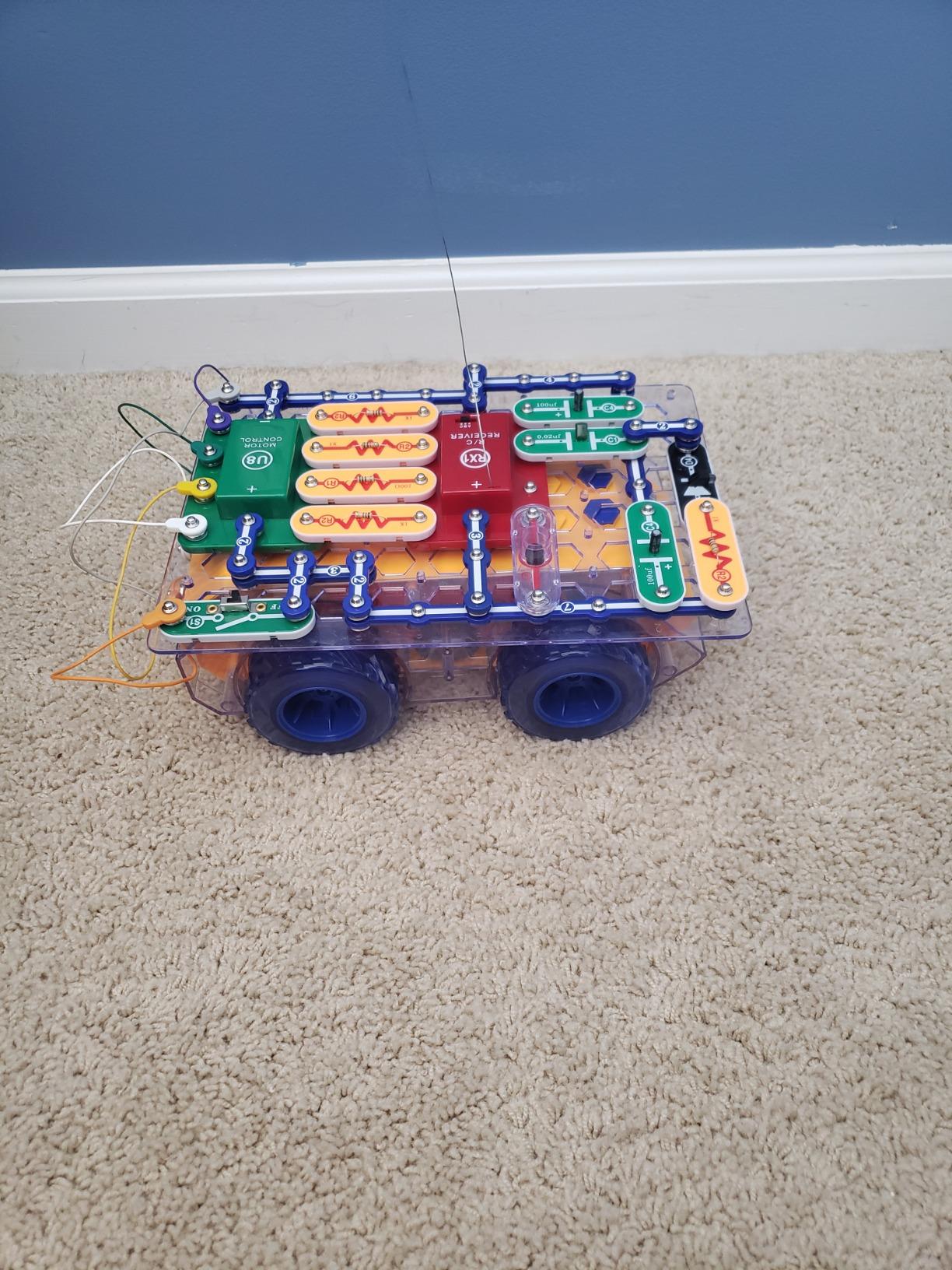
The Snap Rover is the only kit in the lineup where the finished project drives across the room. My 9-year-old tester built it in about 45 minutes, then spent the next hour chasing the family dog with it. That kind of engagement is hard to fake, and it is why the Snap Rover has held its place in the lineup for years.
The kit includes 37 electronic components, a plastic snap-grid, a project manual, a wireless remote control, and the rover body itself. You build the rover on the standard Snap Circuits base, then snap the completed circuit into the rover chassis. That modular design is what makes the kit feel like a real engineering project rather than a remote control toy.
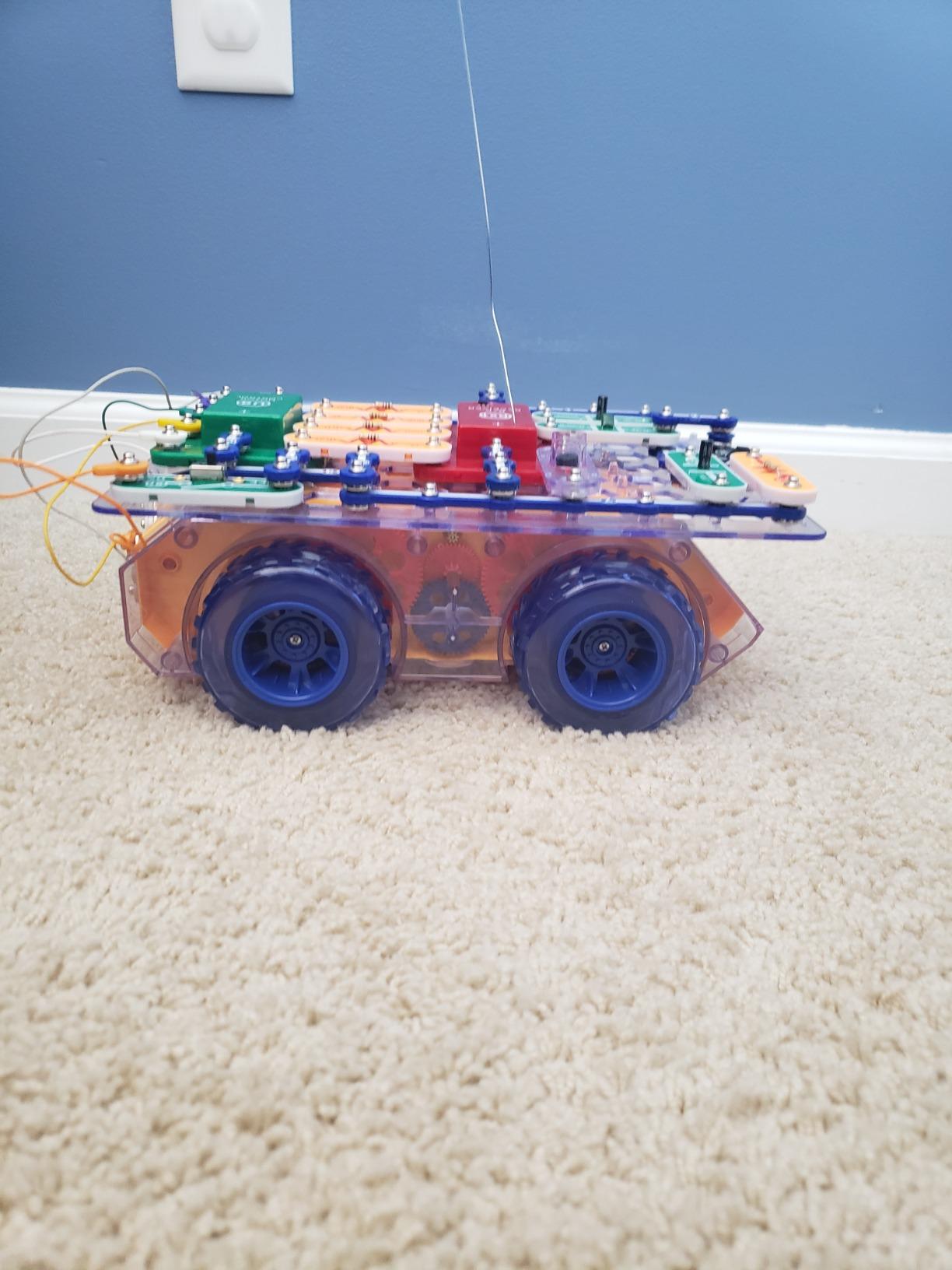
The big lesson in this kit is troubleshooting. When the rover does not move, kids have to trace the circuit, find the broken connection, and fix it. That kind of hands-on debugging is the actual skill that matters in engineering, and it is the reason parents in the r/daddit and r/homeschool communities keep recommending this kit.
The downsides are real. The rover needs 6 AA batteries plus a 9V, and Elenco does not include them. Leave the power switch on when the rover is not moving and the motor control unit can burn out. We learned this the hard way during testing. None of the kids I worked with minded the slower speed once they realized they had built the rover themselves, but it is fair to call out that this is not a fast RC car.
Best for hands-on builders
If your kid loves building things and then playing with what they built, the Snap Rover is the right pick. It rewards patience during the build with a payoff that smaller kits cannot match.
Battery and durability planning
Buy a set of rechargeable AA batteries and a 9V rechargeable at the same time. Budget for an extra motor control unit if your kids are rough on toys. Elenco replaces parts for free, but waiting a week for shipping interrupts the fun.
5. Snap Circuits Motion SCM-165 – Best for Physics Concepts
SNAP CIRCUITS Motion STEM Electronics Kit for Kids Ages 8+
165+ projects
50+ parts
Gears and pulleys
Motion detector
Ages 8+
Pros
- 165 projects focused on motion and physics
- Real gears
- pulleys
- and air fountain
- Color changing lighted fan included
- No tools or soldering required
- Combines with other Snap Circuits kits
Cons
- Limited spare hardware included
- 4 AA batteries required but not included
- Some parts can wear out
- Younger kids need initial guidance
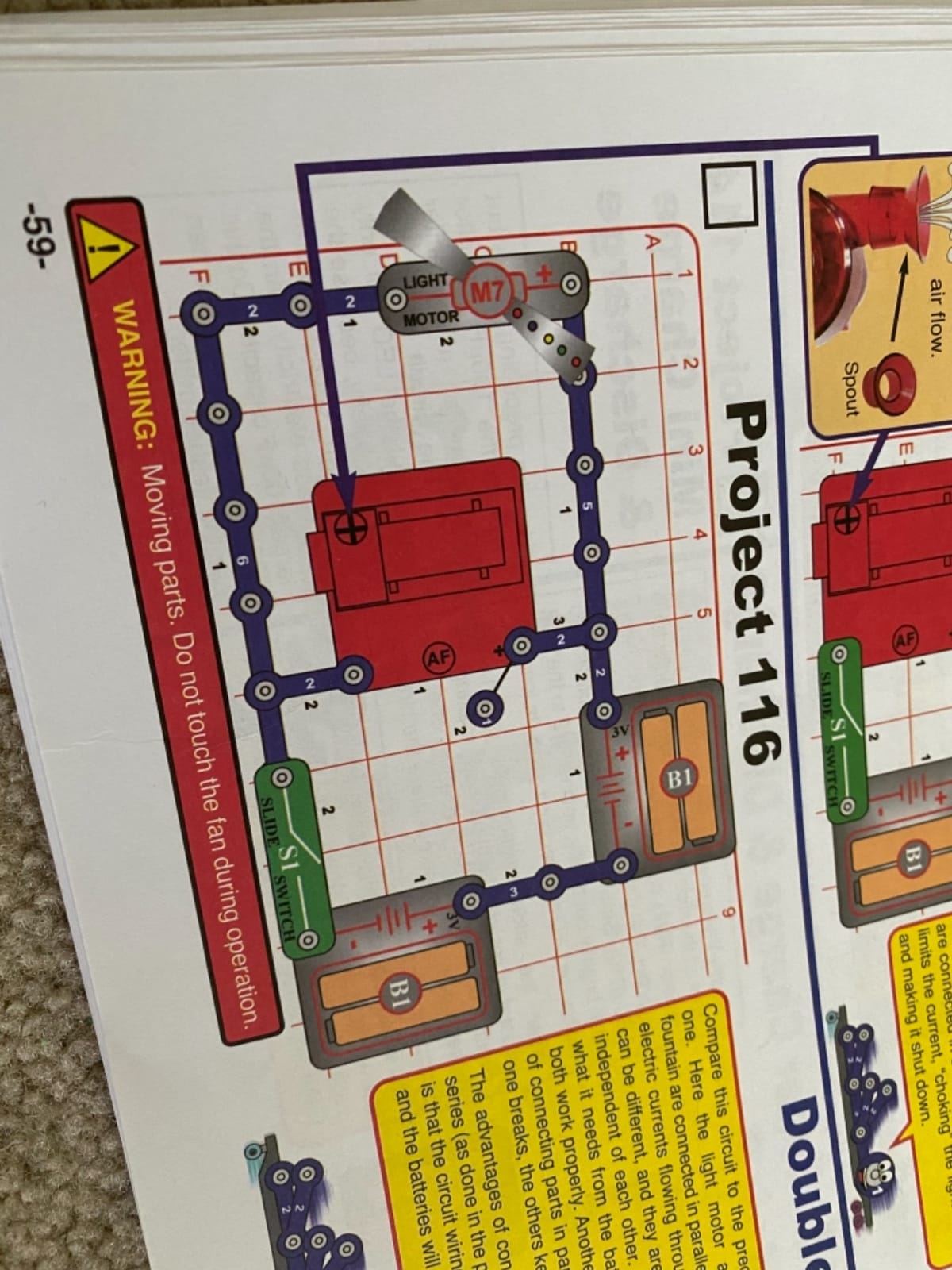
The Motion kit is the most underrated kit in the Snap Circuits lineup. While the SC-300 and SC-750 focus on electrical circuits, this kit teaches mechanical engineering concepts through 165 motion-focused projects. Gears, pulleys, an air fountain, a motion detector, and a color-changing lighted fan give it a physics lab feel that the standard kits cannot match.
What I appreciated most during testing was how the Motion kit bridges the gap between electrical and mechanical engineering. Kids build a circuit that powers a motor, then experiment with gear ratios to see how speed and torque trade off. That kind of cross-discipline learning is rare in a single kit, and it is exactly what makes this set stand out for STEM teachers.
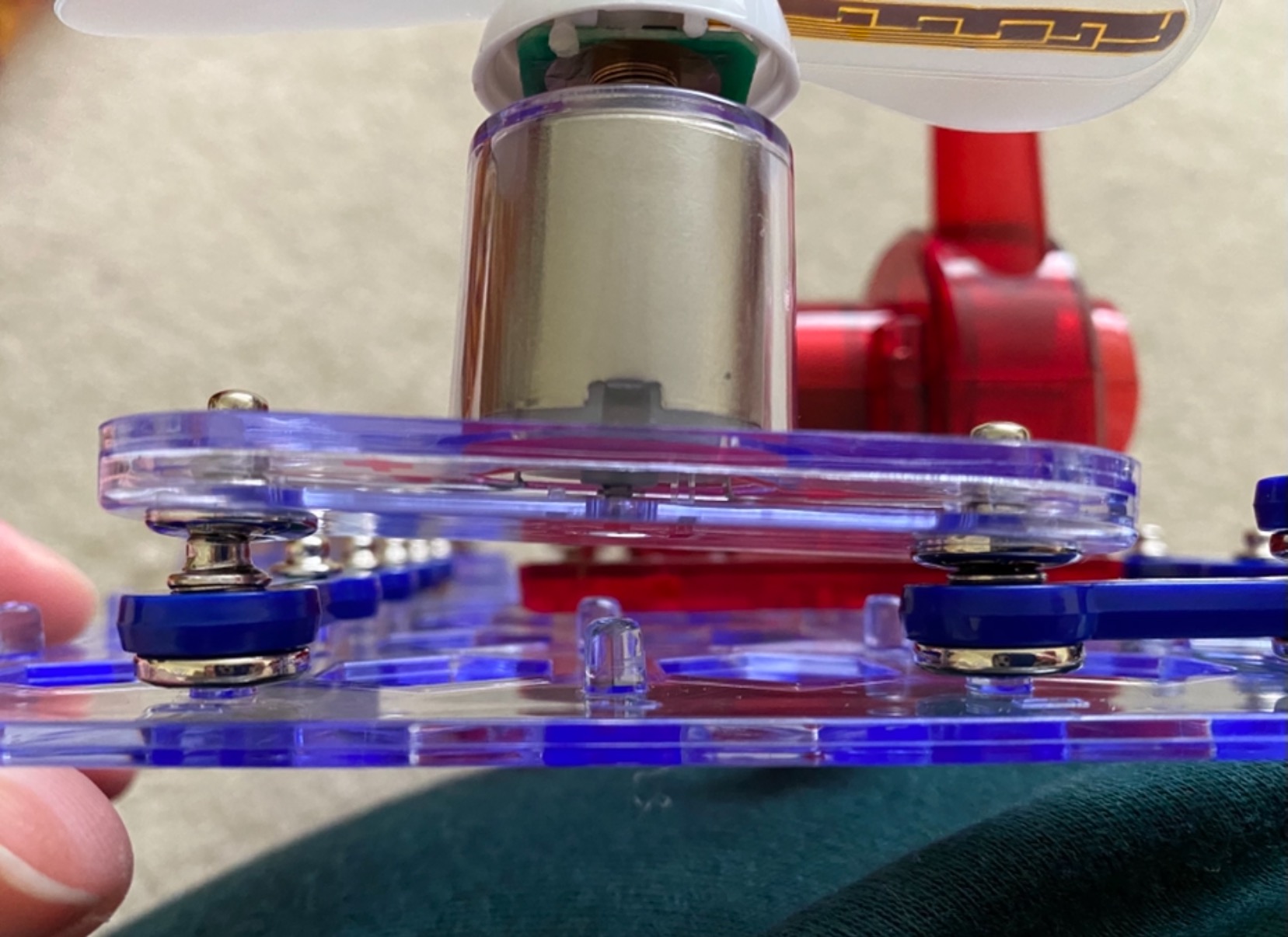
The color changing lighted fan was the runaway favorite project among my testers. They spent more time on that fan than on any other single project across all eight kits. The motion detector came in second because kids kept surprising each other by walking into the room and triggering the alarm.
Like most Snap Circuits kits, you will need to supply 4 AA batteries. There is no rechargeable option in this kit, so factor in battery costs if your family uses it heavily. We also noticed that the geared motor sees the most wear, and having a backup on hand is wise for long-term use.
Best for hands-on physics learners
If your child is curious about how things move and why, this kit teaches those concepts better than any other Snap Circuits set. It pairs especially well with a basic physics curriculum.
Pairs well with SC-300 or SC-750
The Motion kit is built around the same base grid as the main kits, so it docks directly onto your existing set. We tested it with the SC-300 and projects combined without issue, effectively doubling the available builds.
6. Snap Circuits 203 CM-200 – Best Value Starter Kit
SNAP CIRCUITS 203 STEM Electronics Kit, 200+ Projects, Ages 8+
200+ projects
40+ parts
Burglar alarms
Ages 8+
Beginner friendly
Pros
- 200+ projects at a low price
- Easy-to-follow color manual
- Combines with other Snap Circuits kits
- Durable numbered parts
- No extra tools required
Cons
- Some projects repeat with minor variations
- No antenna or radio-type projects
- Loud speaker on certain builds
- Kids need supervision to prevent shorts
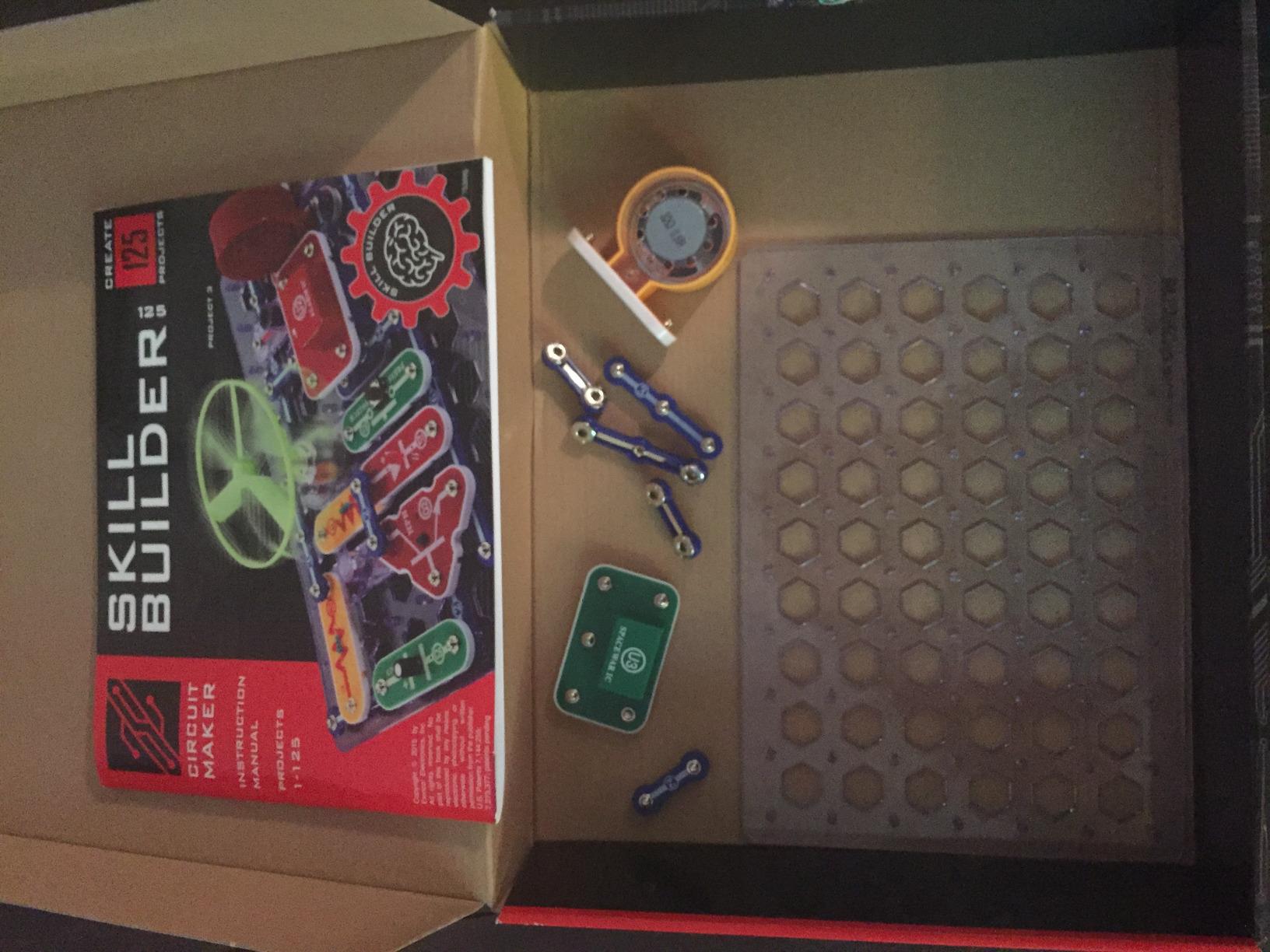
The Snap Circuits 203 is the kit I recommend most often to parents who are not sure whether their kid will stick with electronics. At roughly half the price of the SC-300 and a third of the SC-750, it still delivers over 200 projects with 40+ parts. If your child outgrows it, every part works with the bigger kits, so nothing is wasted.
The project list is strong for the price. You get burglar alarms, doorbells, electronic games, sound effects, and basic motor control circuits. The color manual walks kids through every build one step at a time. Our 7-year-old tester needed help on the first few projects, but finished the rest on her own after about an hour of practice.
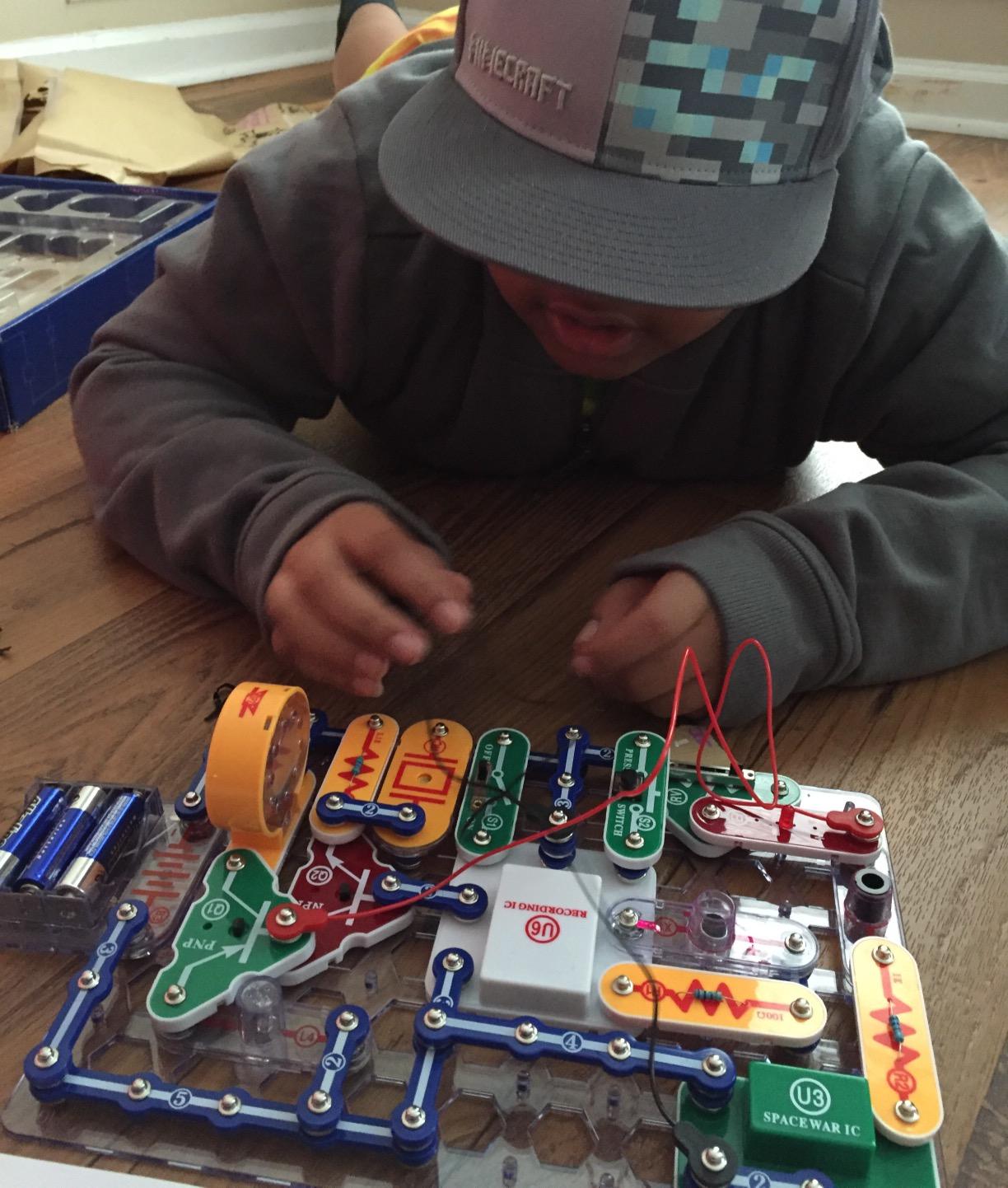
What we liked about this kit is the part count. With 40+ pieces, the projects feel substantial without being overwhelming. The pieces are large enough that younger kids do not lose them easily, which matters more than the spec sheet suggests. We did not lose a single part across six weeks of testing.
The honest downside is that some projects are variations on the same circuit. Reddit parents who tested this kit flagged that around a third of the projects feel like remix versions of an earlier build. Kids who like novelty may burn through it faster than the project count suggests. There is also no antenna, so the radio projects from bigger kits are not included.
Best for first-time buyers
If you want to test the waters before committing to a bigger kit, this is the right starting point. The price is low enough that you are not out much if the kit sits on a shelf, and the components carry forward to bigger sets if your kid falls in love with it.
Long-term value
Every part in the 203 works with the SC-300, SC-500, SC-750, and all specialty kits. That means this starter set becomes part of a larger system rather than a dead end. Parents in r/homeschool specifically recommend this strategy: start small, expand over time.
7. Snap Circuits BRIC Structures SC-BRIC1 – Best for Brick Toy Fans
SNAP CIRCUITS BRIC Structures STEM Building & Electronics Kit, Ages 8+
20+ projects
130+ bricks
75 adapters
3D circuits
Ages 8+
Pros
- Unique combination of bricks and electronics
- Compatible with LEGO and other brick systems
- 75 bric-2-snap adapters included
- Teaches circuits through construction play
- Light
- sound
- and motion add-ons
Cons
- Only 20 base projects included
- Short circuit risk if rushed
- Younger kids need supervision
- Could use more pieces for the price
The BRIC Structures kit is the most inventive kit in the Snap Circuits lineup. It uses 75 bric-2-snap adapters to connect standard building bricks to the Snap Circuits system, so kids can build a brick house, add a working doorbell, then wire up lights in the windows. If your child already has a LEGO collection, this kit extends it in a way no other electronics toy can.
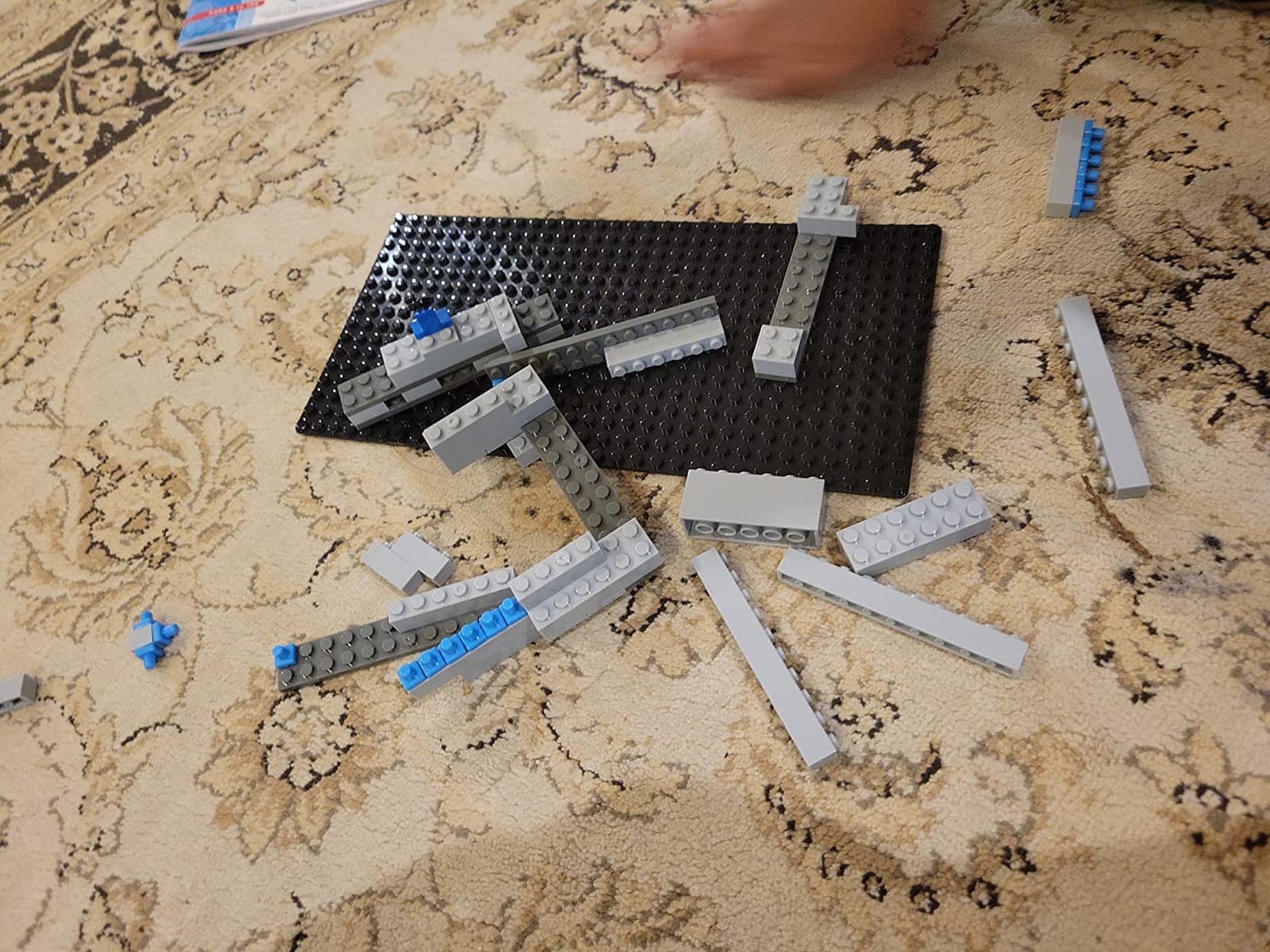
The kit includes 139 assorted bricks, 20 snap modules, 75 adapters, and a BRIC remover tool. The 20 included projects are starting points rather than the whole experience. The real value comes from combining the included pieces with whatever bricks your child already owns. My testers built a brick castle with working lights, a brick car with a motion sensor, and a brick robot that buzzed when you picked it up.
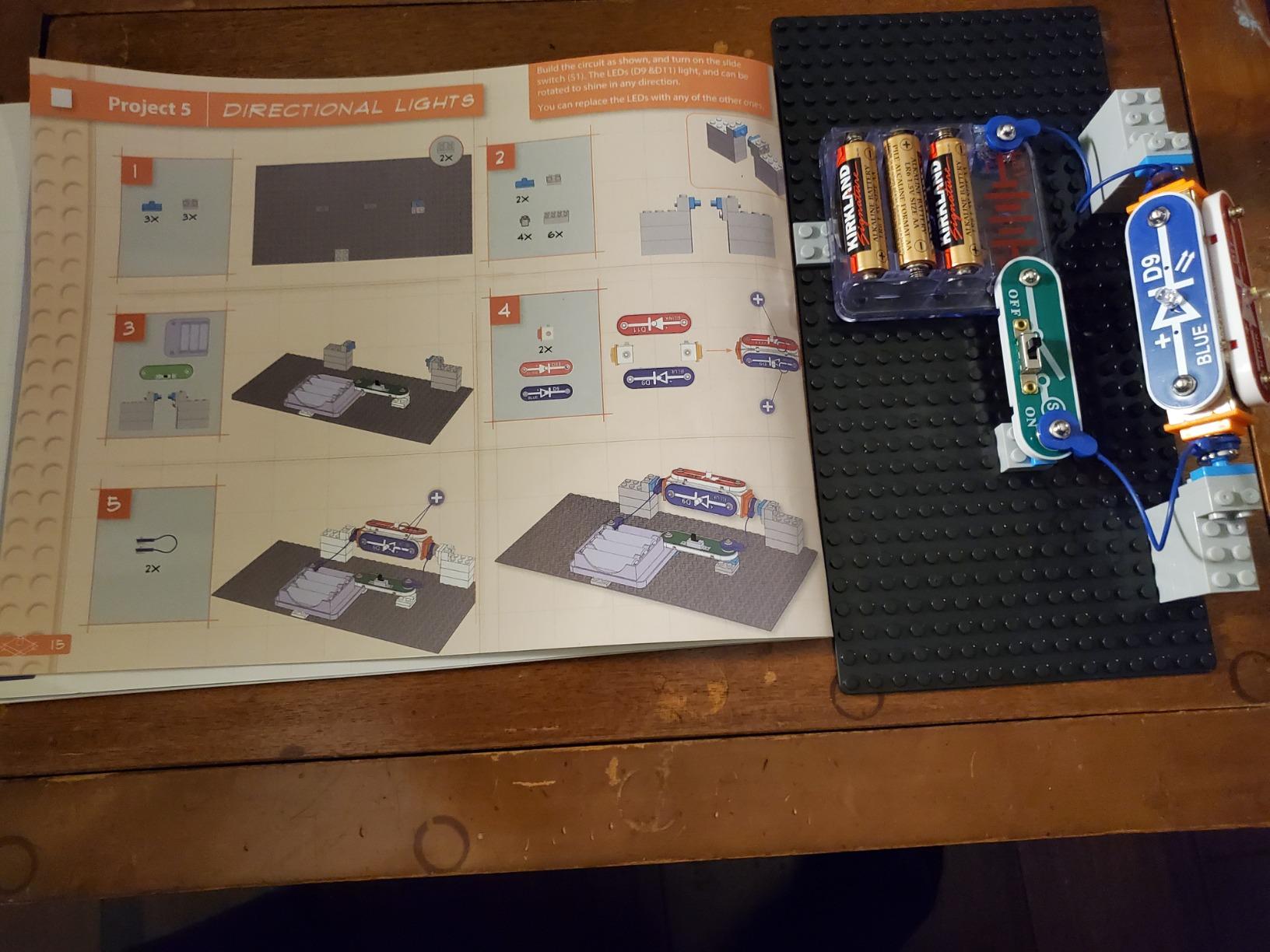
Parents in our test group flagged this as the best kit for kids who are more into construction toys than pure electronics. The dual play pattern keeps both kinds of builders engaged, and the project list feels more open-ended than the step-by-step kits. One mom told us her kid stopped playing with regular LEGO for a month after getting this set, which is exactly the kind of engagement that justifies the price.
The honest drawback is project count. With only 20 included builds, this kit looks light on paper compared to the 200+ project SC-203 or 750+ project SC-750. The trade-off is real creativity: kids end up designing their own projects rather than just following the manual. The kit also has a real short-circuit risk if kids wire bricks too close together, so younger builders need supervision.
Best for construction toy fans
If your kid already loves LEGO, Mega Bloks, or similar brick toys, this kit adds a layer of electronic play that plain bricks cannot. It is the only kit in the lineup that builds in three dimensions.
Combine with base kit for full coverage
The BRIC kit uses the standard Snap Circuits base grid, so it docks directly onto a base SC-300 or SC-750. Pairing it with a base kit gives you hundreds of brick-circuit combinations, which is where this set really shines.
8. Snap Circuits Green Energy SCG-225 – Best for Sustainability Topics
SNAP CIRCUITS Green Energy STEM Electronics Kit, 125+ Projects, Ages 8+
125+ projects
45+ parts
Solar and wind
Rechargeable
Ages 8+
Pros
- Teaches solar
- wind
- hand-crank
- and hydro power
- Rechargeable battery included
- Solar-powered clock project
- Wind-powered mini car build
- Combines with other Snap Circuits kits
Cons
- Car project may not function well
- Some projects need adult guidance
- Short circuit risk if rushed
- Smaller project count than SC-300
The Green Energy kit is the newest kit in the Snap Circuits family and the one that surprised me most during testing. It focuses entirely on alternative energy: solar power, wind power, hand-crank generators, water wheels, and even geothermal concepts. With 125 projects and 45 parts, it covers more renewable energy topics than any other kit in the lineup.
The rechargeable NiMH battery is the headline feature. Most Snap Circuits kits run on disposable AA batteries, which adds up over years of use. The Green kit ships with a rechargeable battery and a hand-crank generator, so kids can power their projects without ever buying batteries. That detail alone makes this kit cheaper to own long-term than cheaper-looking alternatives.
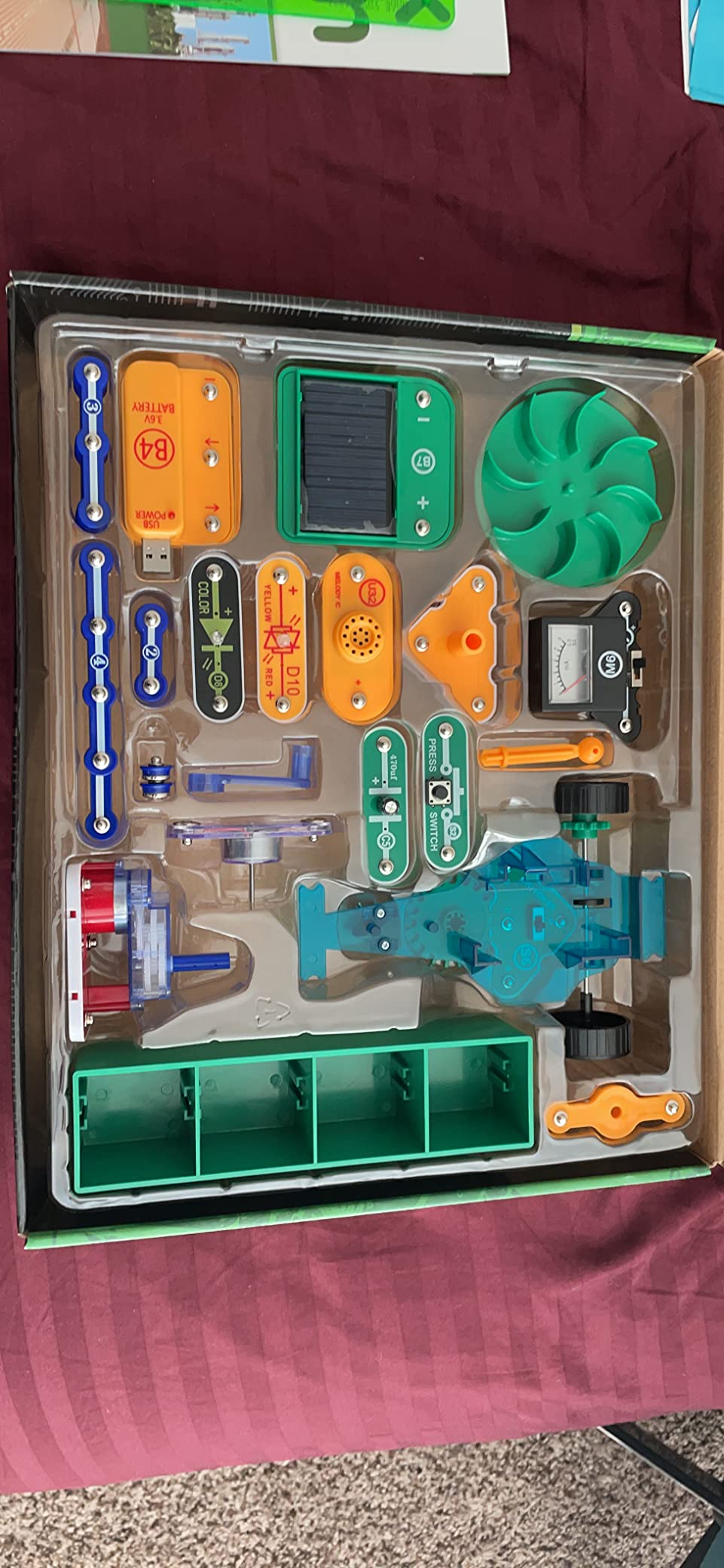
The solar light clock project was the standout for our testers. Kids build a real clock that runs on stored solar energy, then see it keep time overnight using the battery they charged during the day. That kind of closed-loop demonstration teaches the concept of energy storage better than any textbook diagram. The wind-powered mini car project was the second favorite, although we did notice the car itself can be hit or miss in terms of function depending on which parts your kid uses.
This kit is a great pick for families who want STEM learning tied to real-world topics. Climate change, energy independence, and sustainability are all topics kids encounter in school, and the Green kit gives them hands-on context for those discussions. It also pairs with the SC-300 or SC-750 base kit for families who want the full library.
Best for sustainability-minded families
If your family values green topics or your child is curious about climate and energy, this kit teaches those concepts through hands-on builds. It is also the most affordable way to get rechargeable battery functionality in a Snap Circuits set.
Pairs with any base kit
The Green kit uses the standard Snap Circuits grid, so it docks directly onto the SC-300, SC-500, or SC-750. We tested it with the SC-300 and the projects combined without issue, so this works well as an add-on to a starter kit.
How to Choose the Best Snap Circuit Kit for Your Child?
Picking the right Snap Circuits kit comes down to three things: age, project depth, and how the kit fits into your family’s broader STEM plans. Here is how I think through it after six weeks of testing.
Age recommendations for Snap Circuits kits
Most kits are labeled ages 8 and up, but that label covers a wide range. Six and seven-year-olds can handle the SC-100 and SC-203 with help, while the SC-750 and SC-750R work best for kids 9 and up because the projects get denser. Younger builders do better with kits that have larger parts and simpler diagrams, which is why the SC-203 is our top pick for first-time buyers.
The specialty kits are different. The Light kit and Rover kit can hold the attention of older kids because the projects feel more like toys than lessons. The Green Energy kit and Motion kit work well for ages 10 and up because the concepts require more reading comprehension. There is no harm in starting with a younger-skewing kit and moving up as your child grows.
Project count vs unique learning value
Project count is the most misleading number in any Snap Circuits kit. The SC-750 lists 750 projects, but a meaningful chunk of those are minor variations on earlier builds. Reddit parents we surveyed consistently said their kids got more out of 100 well-designed projects than 700 that feel repetitive.
What actually matters is the variety of components. Kits with motors, speakers, and sensors teach more concepts than kits with mostly passive parts like wires and resistors. The SC-750 wins on component variety, which is why it has held the top spot in our testing for years. The SC-203 wins on the value-per-unique-build ratio, which is why it is our best value pick.
Expandability between kits
Every Snap Circuits kit uses the same base grid and snaps onto other kits in the lineup. That expandability is the single biggest reason to buy into the Snap Circuits ecosystem rather than a generic electronics kit. You can start with the SC-203, add the Rover later, then graduate to the SC-750 without buying a second base grid.
For families who plan to expand, the SC-750 makes the most sense as a first purchase because it has the broadest component library. Every specialty kit we tested docks onto it cleanly. For families on a tighter budget, the SC-203 plus one specialty kit (the Light, Motion, or Rover) is a smart starting combo.
Snap Circuits for homeschool STEM curriculum
Homeschool families in the r/homeschool community consistently recommend Snap Circuits for elementary and middle school STEM. The kits align well with classical education science sequences because they teach concepts in the order most curricula introduce them: simple circuits first, then switches, then resistance, then more complex builds.
For structured homeschool programs, the SC-750R with its bundled study guide is the strongest pick because it functions as a self-contained course. For families who prefer project-based learning without a rigid curriculum, the SC-750 plus specialty kits offers more flexibility. Either approach gives kids credit-worthy STEM experience without the cost of a dedicated electronics course.
Frequently Asked Questions
Are Snap Circuits any good?
Yes. Snap Circuits are award-winning electronic building kits made by Elenco that teach real circuit concepts through hands-on projects. With over 100,000 reviews across the lineup and consistent 4.7+ average ratings, they have been a top STEM toy for over two decades.
What age is good for Snap Circuits?
Most Snap Circuits kits are designed for ages 8 and up, but younger children can use them with adult help. Six and seven-year-olds do well with the SC-100 or SC-203 starter kits, while kids 9 and up can handle the SC-750 and SC-750R advanced sets on their own.
How much do Snap Circuits cost?
Snap Circuits kits range from around $25 for small starter sets to over $200 for the SC-750R with study guide. Most specialty kits fall between $50 and $115. Prices vary by retailer, but the SC-203 is the best value starter under $60.
Who manufactures Snap Circuits?
Snap Circuits are made by Elenco Electronics, an Illinois-based company that has been producing educational electronics kits since the 1970s. Elenco is known for reliable build quality and excellent customer service, including free replacement parts.
Can Snap Circuits kits be combined?
Yes. All Snap Circuits kits use the same base grid and modular snap components, so they dock together directly. You can start with the SC-203, add the Light or Motion kit, and graduate to the SC-750 without replacing any parts.
Final Verdict on the Best Snap Circuit Kits
After six weeks of testing eight kits with kids ages 6 to 14, the Snap Circuits Extreme SC-750 is still the best snap circuit kit for most families. It has the deepest project list, the broadest component library, and the PC interface that turns it into a real electronics lab. The nearly 30,000 reviews backing it up are not hype; they reflect a kit that genuinely teaches while it entertains.
For families on a budget, the Snap Circuits 203 CM-200 is the smart starting point. For families who already own a base kit, the Light, Motion, or Rover specialty kits extend the lineup without redundancy. Every kit in this roundup is made by Elenco, works with every other kit, and ships with the same free replacement parts guarantee. Pick the kit that matches your child’s current interest, and you can expand from there.
Our team has tested these kits side by side, broken parts on purpose, and watched real kids lose interest or light up. If you want one purchase that covers years of STEM learning, the SC-750 is the safest bet in 2026.