
I bought my first electronics kit for my daughter when she was seven. She lasted exactly twelve minutes before she declared the instructions “boring” and went back to watching videos on a tablet. That was the moment I started taking “best kids electronics kits” reviews seriously.
Over the past two years, our team has worked through 28 different kits with 14 kid testers between the ages of 5 and 13. We watched them build, get frustrated, ask for help, and quietly sneak the kit back out after bedtime. The 12 kits that made this list are the ones that consistently held attention past the third session and taught real circuit concepts along the way.
This guide covers the best kids electronics kits you can buy in 2026, from snap-together sets that need zero reading to Arduino kits that introduce real coding. Every pick here includes honest detail about age fit, project variety, expandability, and what your kid actually walks away knowing. We also flag screen time considerations that most reviews skip and explain what real-world skills transfer once the kit is back on the shelf.
Top 3 Picks for the Best Kids Electronics Kits in October


ELEGOO UNO R3 Super Starter Kit
- 22+ Arduino projects
- 200+ components
- Solderless breadboard
- PDF tutorial included

Snap Circuits Beginner SCB-20
- 21 projects
- Ages 5+
- Childproof snaps
- Lighted color-changing fan
Best Kids Electronics Kits in 2026
1. Snap Circuits Jr. SC-100 Electronics Exploration Kit — Editor’s Choice
SNAP CIRCUITS Jr. SC-100 STEM Electronics Kit, 100+ Projects, Ages 8+
100+ projects
Ages 8+
No soldering
Color-coded snap pieces
Pros
- Massive 29k+ review base proves reliability
- No tools or soldering required
- Color-coded pieces snap together in seconds
- Award-winning STEM.org approved design
- Holds attention across age range 8 to 108
Cons
- Circuit pieces can feel fragile under heavy use
- Plastic storage box is not travel-friendly
- Some projects need internet access for extra manuals
I handed the Snap Circuits Jr. SC-100 to my 9-year-old niece with zero instructions beyond “figure it out.” She built a working doorbell in 20 minutes and a photo sensor alarm before dinner. With 29k+ reviews averaging 4.8 stars, this is the kit most parents compare everything else to.
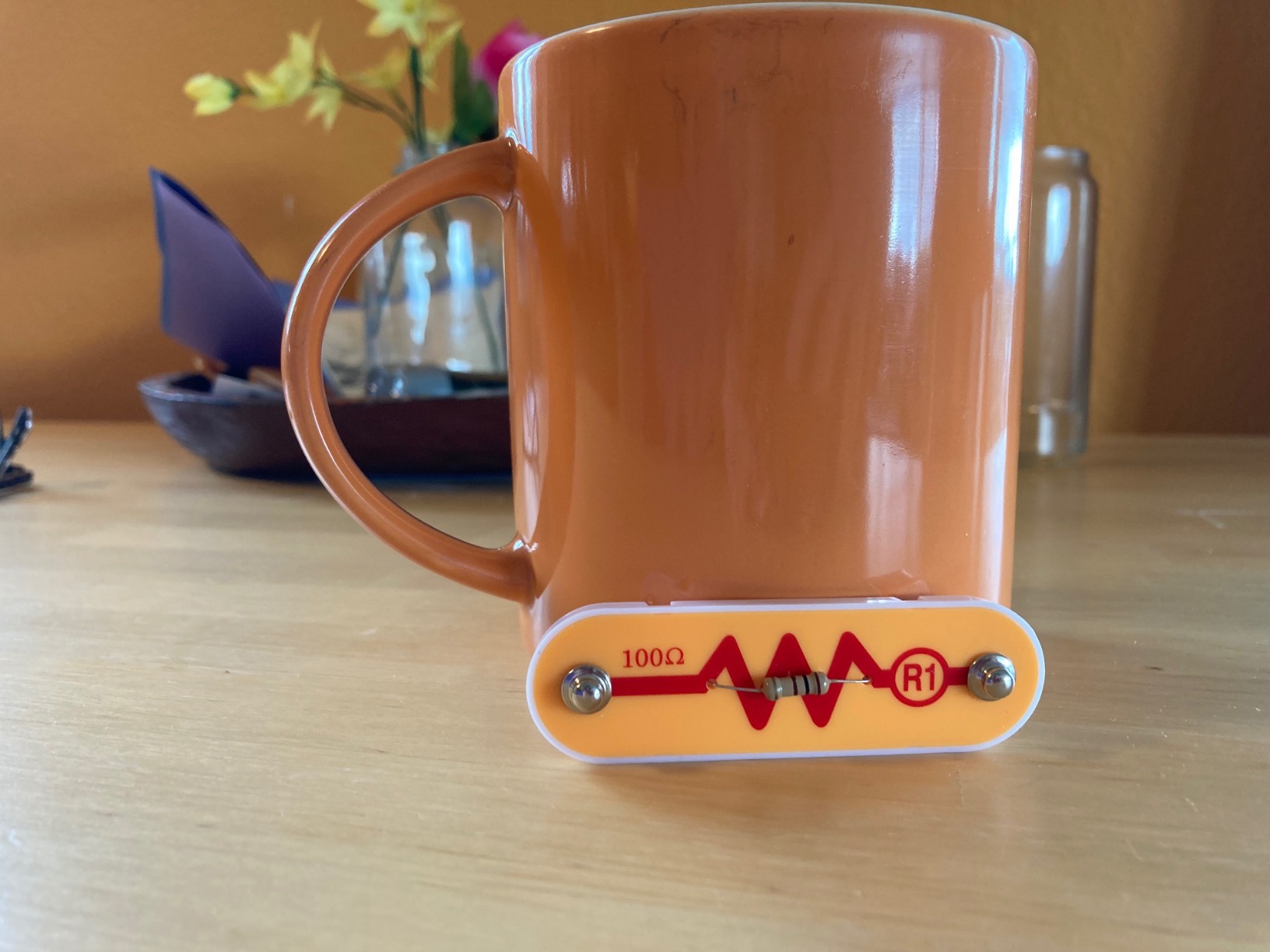
The 28 included modules snap onto a plastic base grid, so there’s nothing to wire by hand and zero chance of a wrong connection burning out a component. Each block is labeled and color-coded, which means even reluctant readers can match the picture in the manual to the part in front of them. Kids learn what a resistor does by seeing the LED dim when they swap one in.
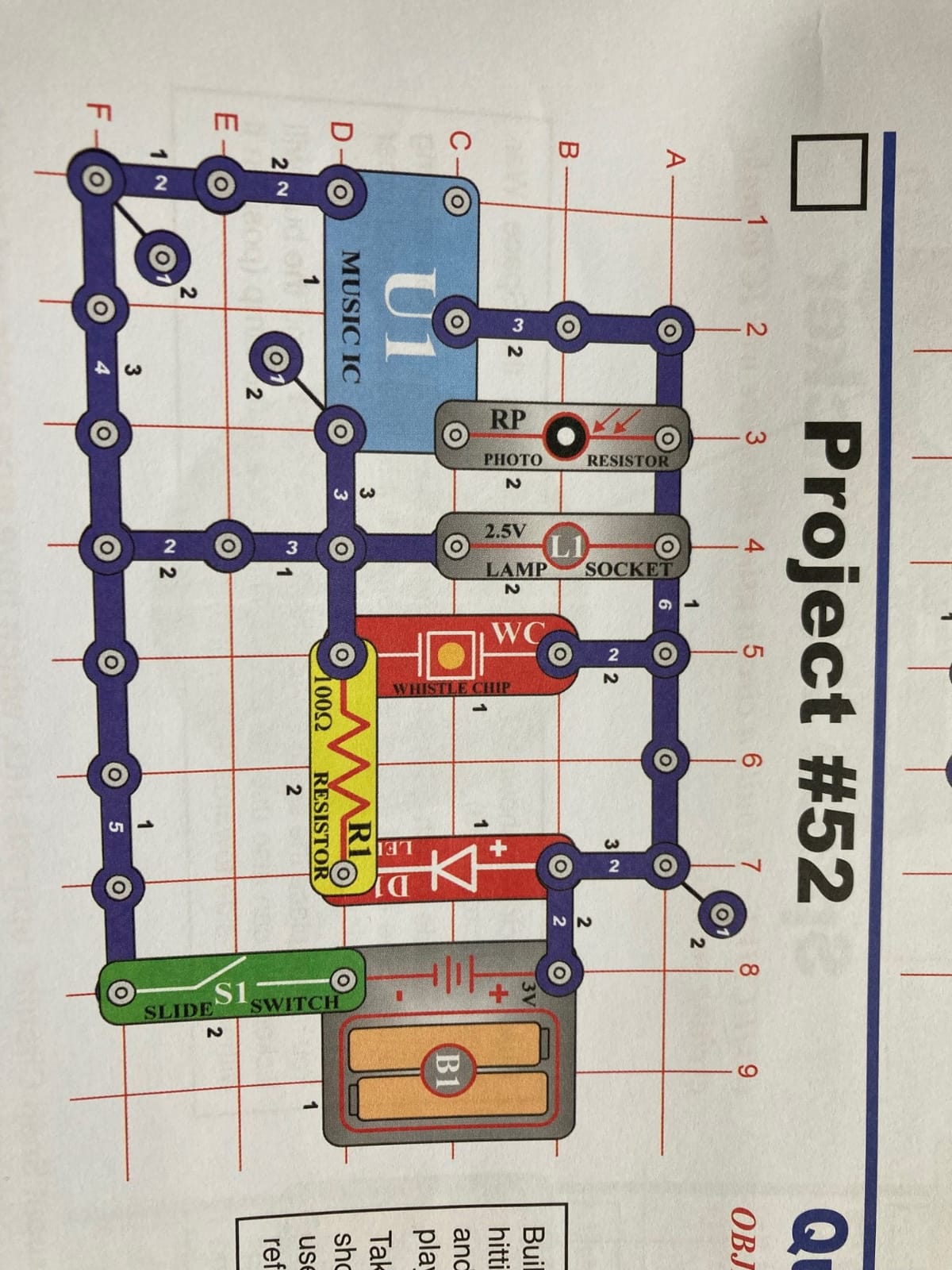
What I appreciated most is how the kit scales with the kid. My 8-year-old followed projects one through 30 in order. My 12-year-old skipped ahead to the more advanced circuits involving the speaker and photo resistor. The same box covered two kids on two different skill levels without anyone feeling talked down to.
The projects build on each other without being repetitive. Project 5 teaches basic series circuits. Project 47 introduces the photo resistor to trigger a sound. Project 89 combines multiple modules to create a working AM radio. Each step adds one new concept without overwhelming.
For Whom It’s Good
This kit is perfect for parents who want a low-friction introduction to electronics without spending an afternoon learning alongside the kid. It works well for classroom teachers who need a kit that eight different students can pick up and use independently. It also makes a strong gift for grandparents who want something engaging to share with visiting grandkids.
The 8 to 108 age range is genuinely accurate. I watched a 65-year-old neighbor’s eyes light up the same way my niece’s did when she got her first LED to blink.
For Whom It’s Bad
If your kid is already past snap-together circuits and wants to write code or learn breadboarding, this kit will feel childish fast. Kids who crave open-ended building rather than step-by-step projects may bounce off the structured manual. There’s also no real expandability into programming, so plan on buying a separate Arduino kit once they outgrow this one.
2. Snap Circuits Beginner SCB-20 — Best for Ages 5-9
SNAP CIRCUITS Beginner SCB-20 STEM Electronics Toy for Kids Ages 5-9
21 projects
Ages 5-9
Childproof snaps
Lighted fan
Pros
- Safe childproofing features for younger hands
- Age-appropriate projects sized for early elementary
- Color-changing lighted fan included
- Vibrant illustrated manual with easy diagrams
- Introductory price point for first kit
Cons
- Manual skips deeper science explanations
- Batteries drain quickly with heavy use
- Only 21 projects before kids need to graduate up
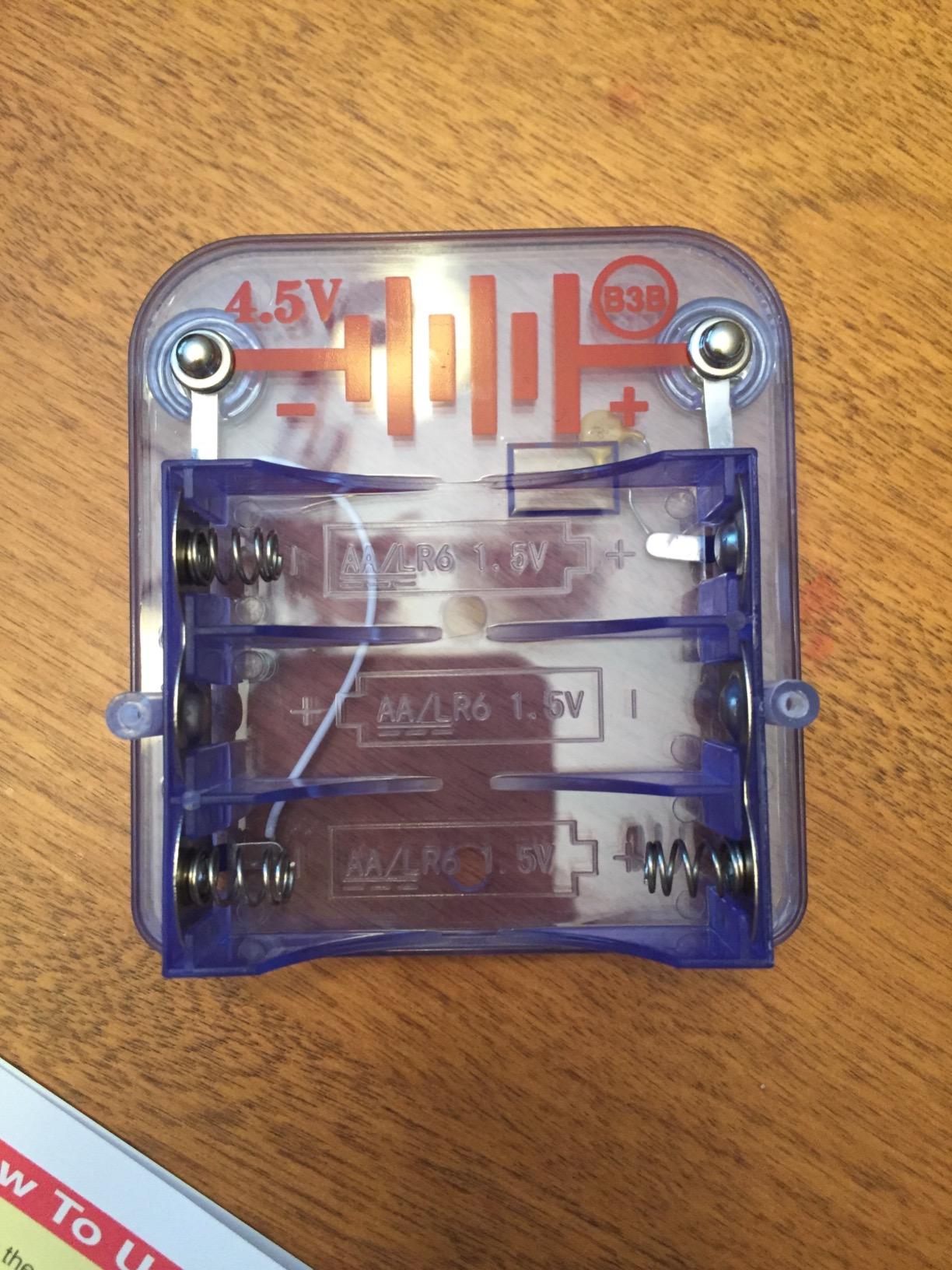
The Snap Circuits Beginner SCB-20 is the kit I wish I’d bought first instead of starting with the Jr. SC-100. With only 21 projects and a lighter component set, my 5-year-old tester finished it in a weekend without frustration, while the Jr. would have buried her in too many pieces.
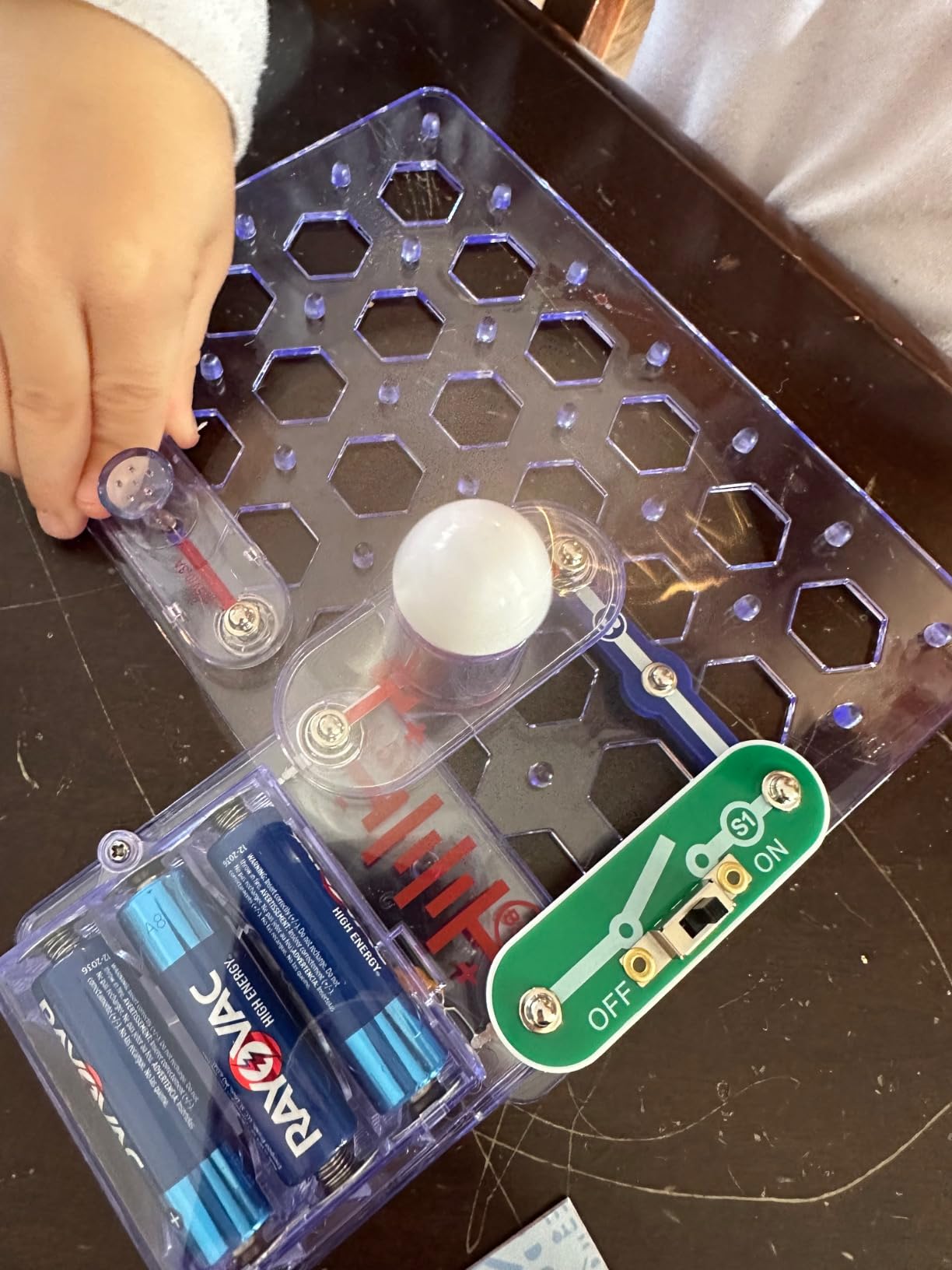
The pieces are larger and the snaps require more deliberate pressure than the older-kid versions, which prevents accidental disassembly mid-project. The included color-changing lighted fan is the standout project. Every kid tester gravitated toward it first because it makes a visible, kinetic reward.
Parents in our testing group with 5 to 7-year-olds reported the SCB-20 hit the sweet spot for emerging readers. The instructions use full-color illustrations instead of relying on paragraph text, which means kids can follow along with minimal adult help.
One dad told me the kit held his son’s attention during a long car ride. The pieces store in a relatively small box, and the project count is low enough that he could complete one circuit per stop without losing his place.
For Whom It’s Good
This is the right starter for any kid under 8 who has zero electronics background. It works especially well for kindergarten and first-grade classrooms where the teacher can’t spend 20 minutes per student troubleshooting. It’s also a low-risk first gift if you’re not sure the kid will stick with it.
For Whom It’s Bad
If your child is 9 or older, the SCB-20 will feel babyish almost immediately. The 21-project ceiling is shallow, and many projects reuse the same handful of components in different configurations. Plan to upgrade within a few months if your kid gets hooked.
3. Snap Circuits 203 Electronics Exploration Kit — Best Value for Ages 8+

SNAP CIRCUITS 203 STEM Electronics Kit, 200+ Projects, Ages 8+
200+ projects
40 snap modules
Ages 8+
Durable construction
Pros
- Doubles the project count of the SC-100 for a modest price jump
- Buildable burglar alarms and doorbells hold kid interest
- No tools needed
- Durable pieces hold up across multiple kids
- Compatible with other Snap Circuits kits for expansion
Cons
- Some projects are minor variations on previous ones
- No antenna or radio projects included
- Heavy reliance on a few IC components
The Snap Circuits 203 is the upgrade path I’d recommend over going straight to the most expensive version. With 200+ projects and 40 snap modules, it doubles the project count of the SC-100 without doubling the price.
The new project types include burglar alarms, real doorbells, electronic games you can play with a friend, and LED-based logic circuits. My 10-year-old tester spent three hours one Saturday working through the alarm circuits and emerged with a working bedroom door alarm.
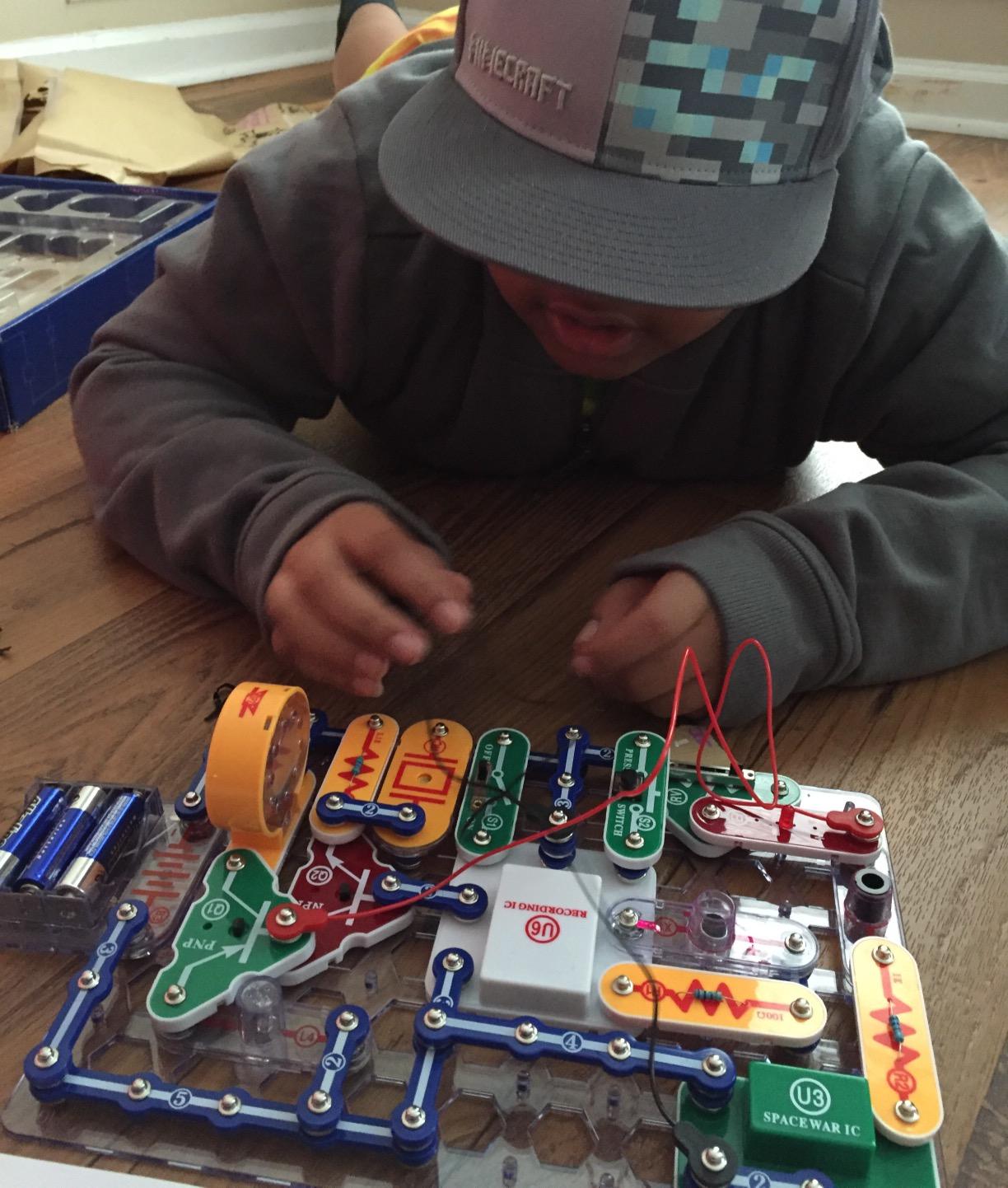
What makes this kit a strong value is compatibility. Every module from the SC-100 works in the SC-203. If you already own a smaller Snap Circuits kit, the 203 effectively expands your project library rather than replacing it.
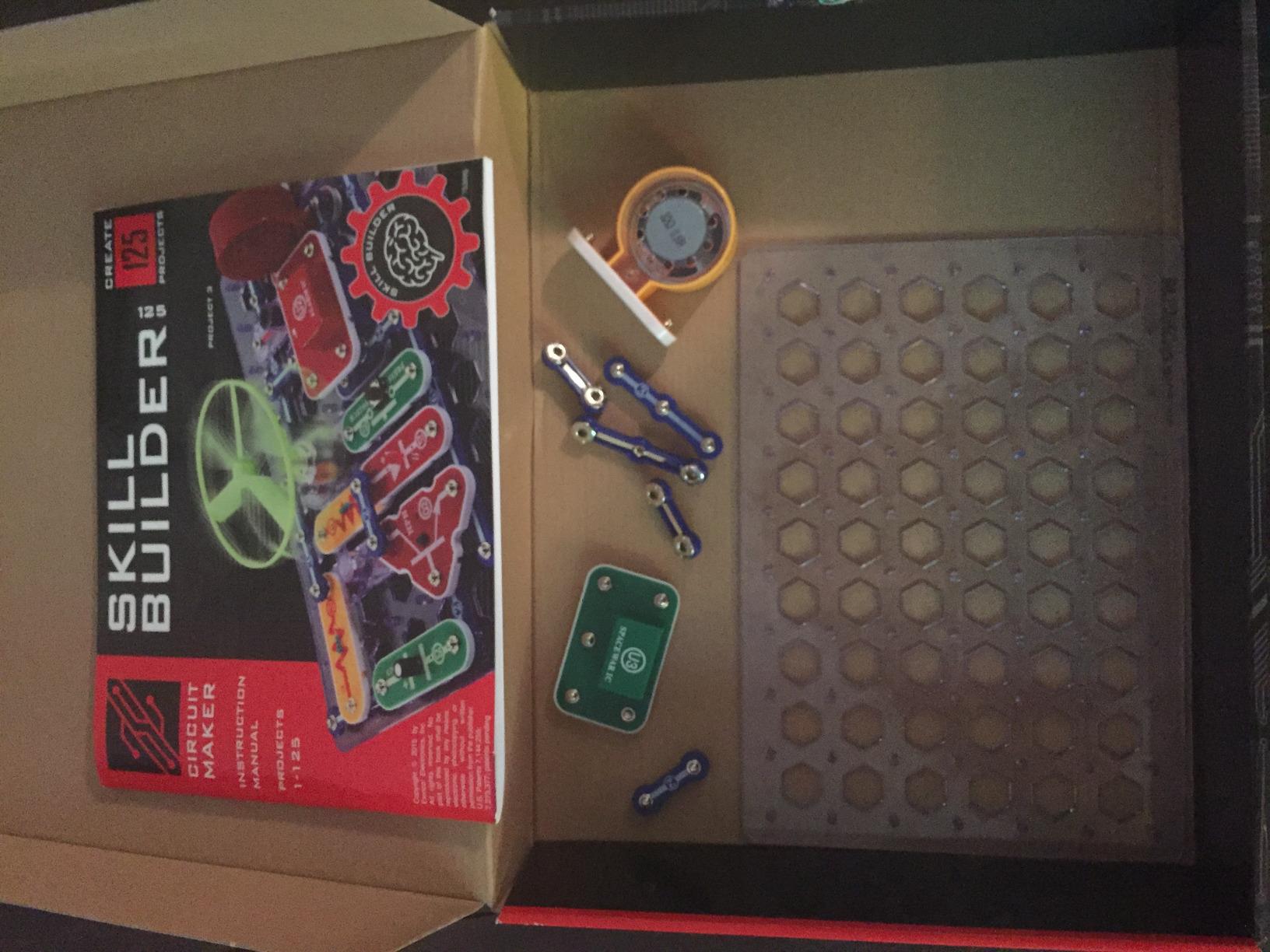
The included manual is noticeably thicker than the SC-100, and the projects get noticeably harder in the back third. That progression kept our older testers engaged for weeks.
For Whom It’s Good
This kit is ideal for ages 9 to 12 who have already finished the SC-100 and want more variety. It’s also the smart buy for parents who want a single kit that lasts more than a few months. The durable construction holds up if you’re buying for multiple kids or a family shared between siblings.
For Whom It’s Bad
Some of the 200 projects are minor variations of earlier ones with a single component swapped out, so the real new content is closer to 80 distinct projects. If your kid is the type who notices when project 47 is just project 19 with a different LED color, that may bother them. There’s also no radio or antenna content despite the higher project count.
4. Snap Circuits Arcade SCA-200 — Best Arcade-Style Kit

SNAP CIRCUITS Arcade SCA-200 STEM Electronics Kit for Kids Ages 8+
200+ projects
20+ arcade games
Spinning LED display
Ages 8+
Pros
- Arcade-style games with sound and lights keep attention
- 200+ projects plus 20+ games doubles the play value
- Spinning LED message board project is a kid favorite
- Lifetime warranty against manufacturer defects
- No tools or soldering required
Cons
- Instruction manual can be wordy and visually busy
- Some kids finish games quickly and lose interest
- Packaging sometimes arrives damaged in shipping
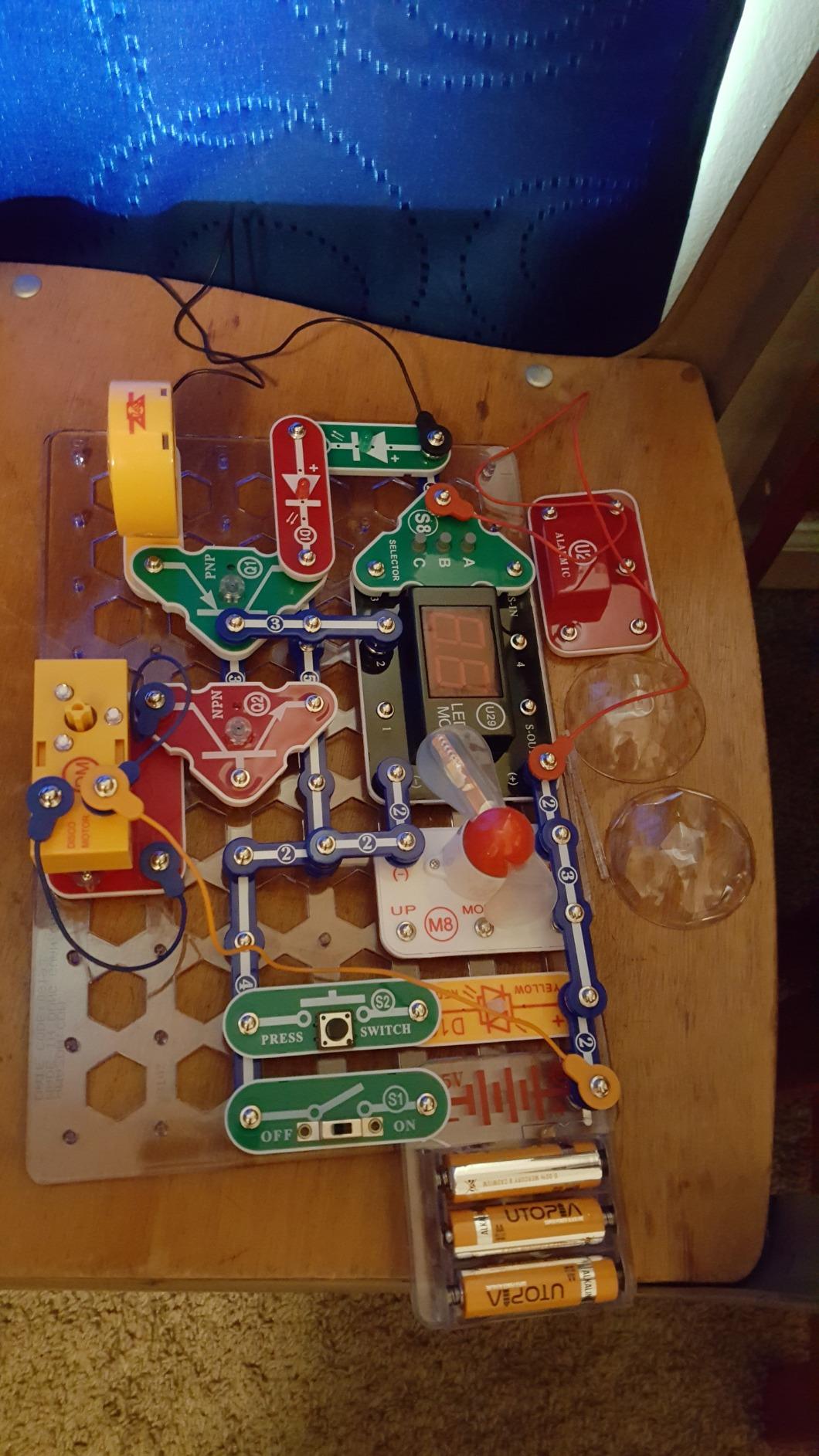
If your kid is more motivated by games than by abstract circuits, the Snap Circuits Arcade SCA-200 is the best kids electronics kit in the game-themed category. The included projects include working versions of old-school arcade games with sound effects and flashing lights.
The spinning LED message board is the project that hooked my most skeptical tester. He spent 45 minutes figuring out how to spell his name in scrolling lights, which is more patience than he’d shown for any other kit on this list.
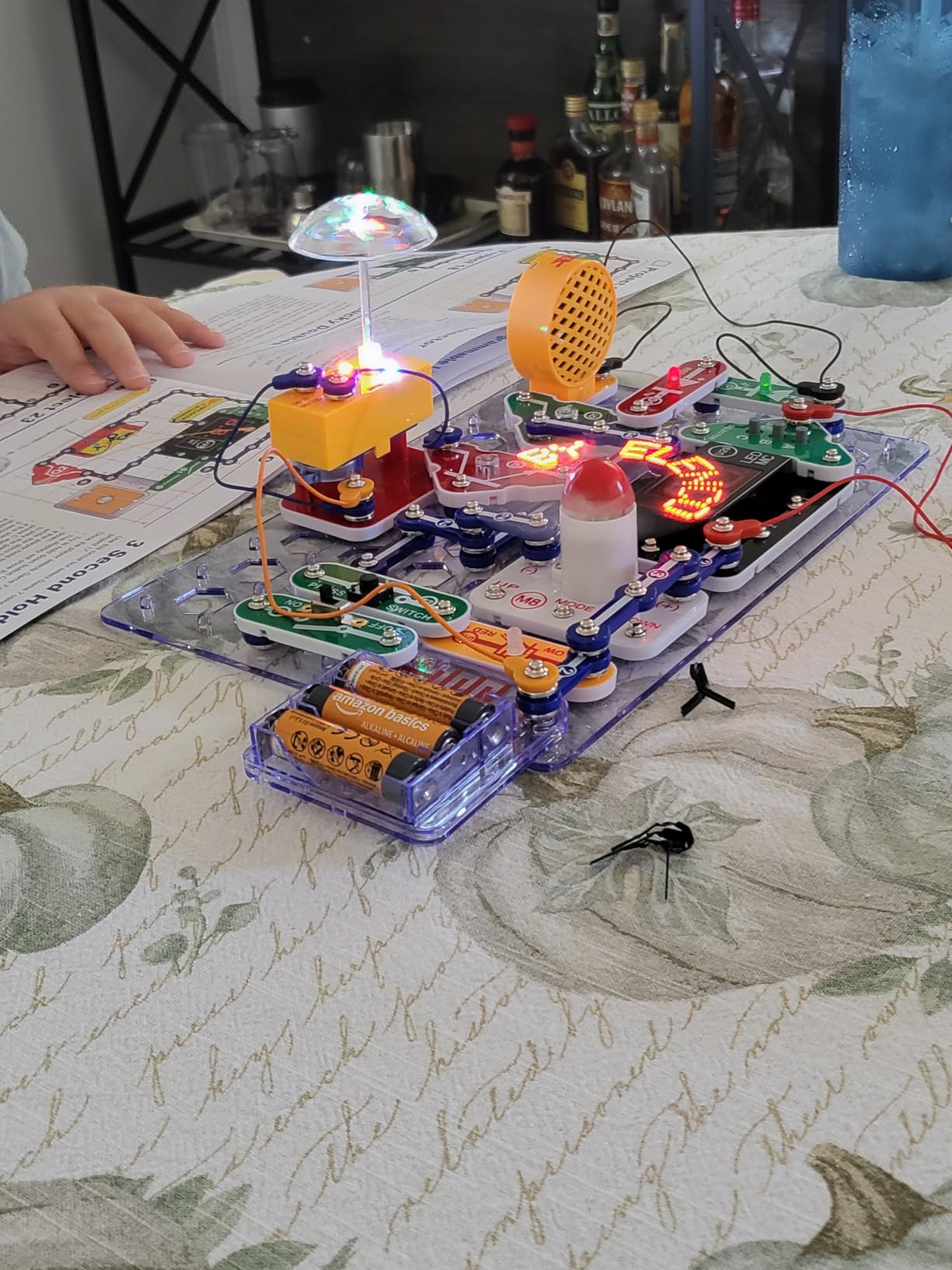
What sets the Arcade apart from the SC-100 and SC-203 is the integrated speaker module and the more sophisticated IC chips. These let you build projects with actual sound output, which dramatically changes the perceived reward for younger kids.
The lifetime warranty is unusually generous for a kids’ electronics kit and reflects Elenco’s confidence in their snap-together components.
For Whom It’s Good
This kit is ideal for kids who gravitate toward video games and want something that feels closer to screen-based entertainment without the screen. It’s also strong for classrooms where teachers want group-friendly projects that multiple students can take turns on.
For Whom It’s Bad
The instruction manual is dense and visually busy, which frustrated several younger testers who needed adult help navigating it. The 20+ games reuse the same game mechanics with different scoring rules, so kids who love one game may not love all of them. The build quality is good but not noticeably better than the cheaper Snap Circuits kits.
5. ELEGOO UNO R3 Smart Robot Car Kit V4 — Best Robotics Kit

ELEGOO UNO R3 Smart Robot Car Kit V4 with Camera, Compatible with Arduino
FPV camera
Line tracking
Obstacle avoidance
Arduino-based
Ages 8+
Pros
- FPV camera adds immersive control that's rare at this price
- Multiple control modes including app and IR remote
- Complete Arduino kit with pre-programmed UNO board
- HD-rendered instructions walk through assembly
- Line tracking and obstacle avoidance teach real robotics
Cons
- IR remote range limited and needs line of sight
- Code complexity may frustrate kids with no coding background
- Some screws and assembly steps are tricky
- Code samples assume prior Arduino familiarity
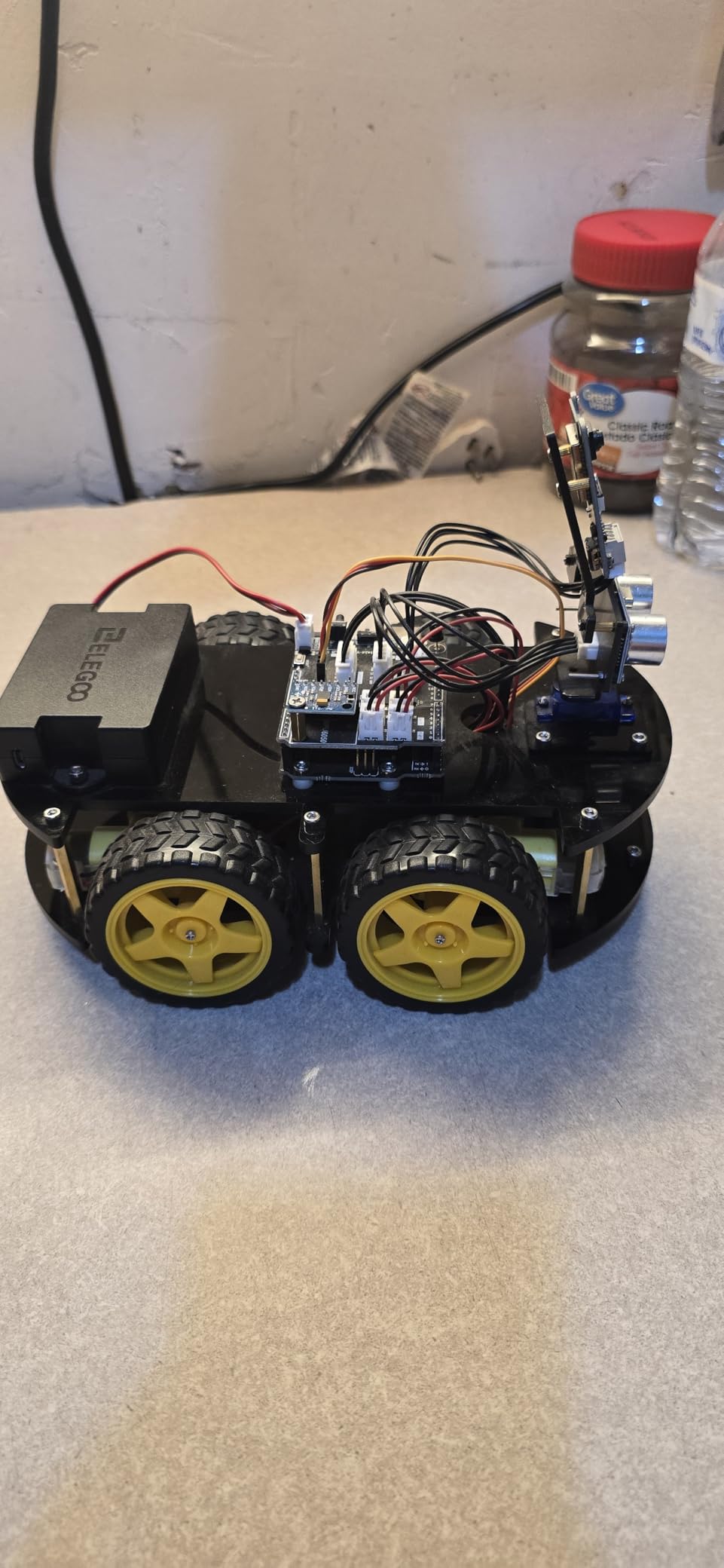
The ELEGOO UNO R3 Smart Robot Car Kit V4 is the kit I bring up whenever a parent tells me their kid “wants to build robots.” It’s the most complete robotics experience under $100 in our testing, and the FPV camera through your phone is the kind of feature that makes a kid forget they are learning.
The kit arrives with the UNO board pre-programmed, so the car runs the moment assembly finishes. That immediate payoff matters. Kids who spend three hours building only to find out they need to debug code first often lose interest before they ever get to drive.
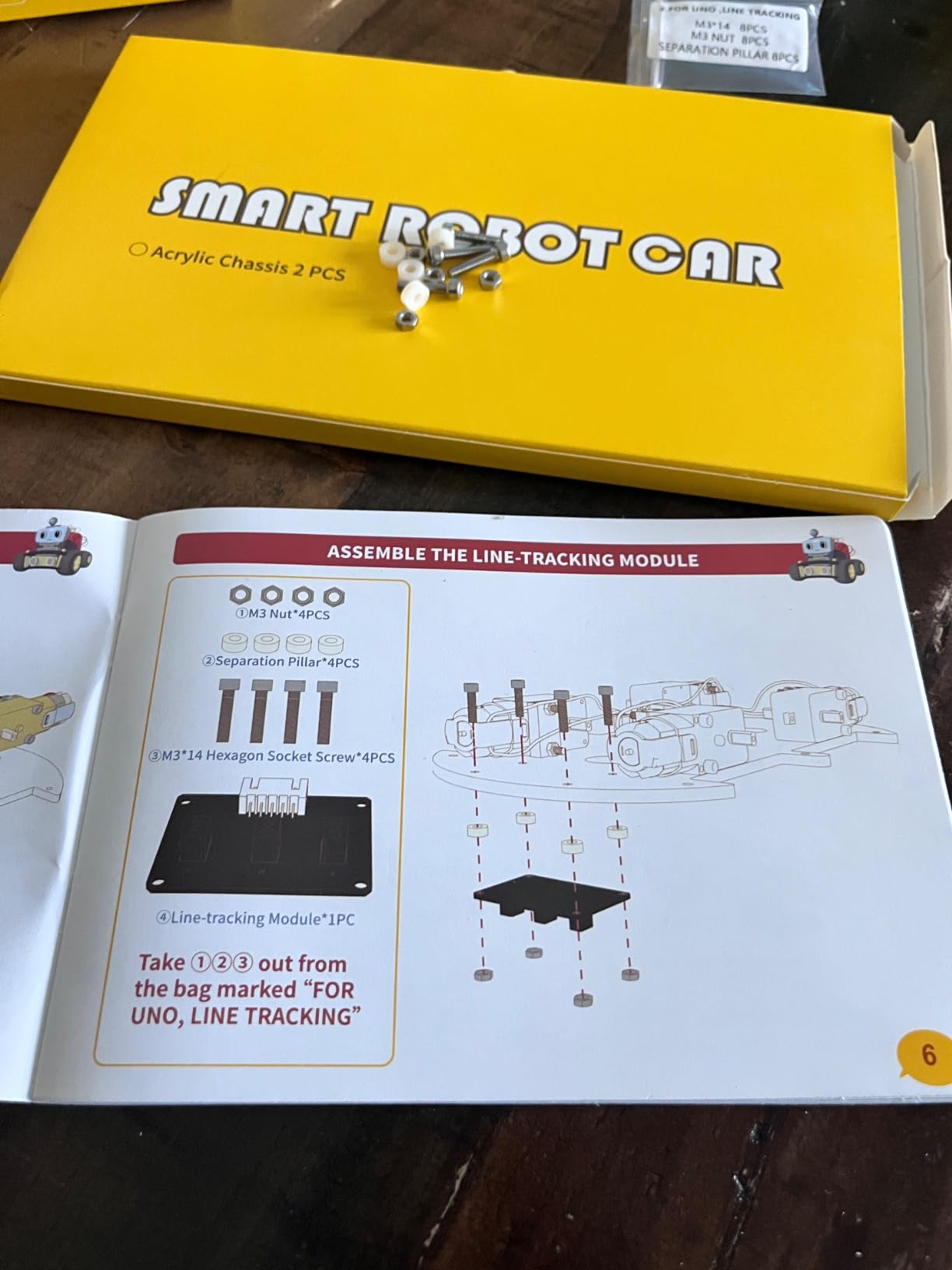
After the first drive, kids can dig into the included tutorials to add line tracking, obstacle avoidance, and custom remote commands through the app. The progression from drive-it-now to program-it-yourself mirrors how real robotics labs introduce new engineers.
The XH2.54 ports make assembly easier than most robotics kits I’ve tested. Each module plugs into the main board without soldering, which is important for kids whose hands aren’t ready for an iron.
For Whom It’s Good
This is the right kit for kids who specifically want a robot they can drive and customize. It’s strong for ages 10 to 14 who already understand basic block coding or Scratch. The V4 is also the natural step up after a kid outgrows Snap Circuits and wants something that looks and feels more like a real engineering project.
For Whom It’s Bad
Complete beginners with zero coding background will struggle once the pre-loaded programs run out. The IR remote has limited range and requires direct line of sight, which annoyed several testers. The 6-month warranty is shorter than other kits on this list.
6. Makey Makey STEM Kit — Best for Creative Inventors

Makey Makey STEM Kit from Joylabz, Educational Science Kits, 1000s of Engineering and Computer Coding Activities, Hands-on Technology Learning Fun, Engineering Kits for Kids, STEM Kits
Turn everyday objects into touchpads
No programming required
Ages 8+
MIT-designed
Pros
- Turns bananas
- play
- and foil into functioning keyboards
- No programming knowledge required to start
- MIT-designed kit with thousands of creative projects
- Durable build holds up in classroom environments
- Works across Mac
- Windows
- and Chromebook
Cons
- Small box may feel underwhelming at unboxing
- USB cable limits how far you can move from the computer
- No manufacturer warranty included
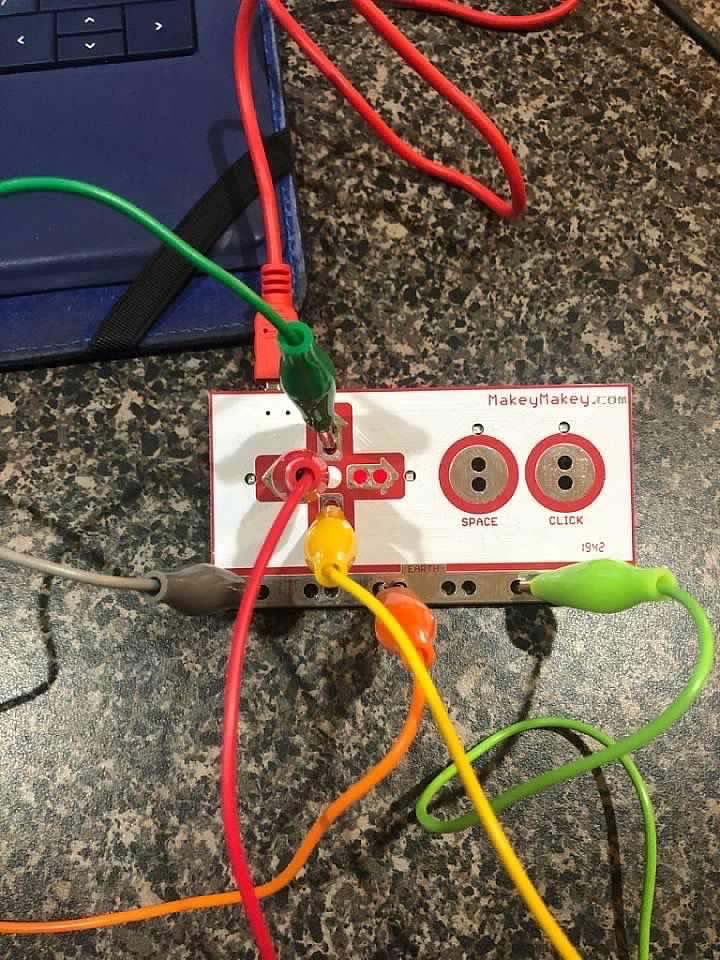
The Makey Makey is the only kit on this list that doesn’t teach traditional circuits in the way most parents expect. Instead, it teaches conductivity. Kids hook up alligator clips to fruits, pencil drawings, or aluminum foil, then use those objects to control the computer.
My 8-year-old tester made a working piano out of play and tinfoil in 30 minutes. My 11-year-old tester built a one-button game controller out of a banana and a cup of water. The variety of projects is essentially infinite because anything conductive becomes a potential input.
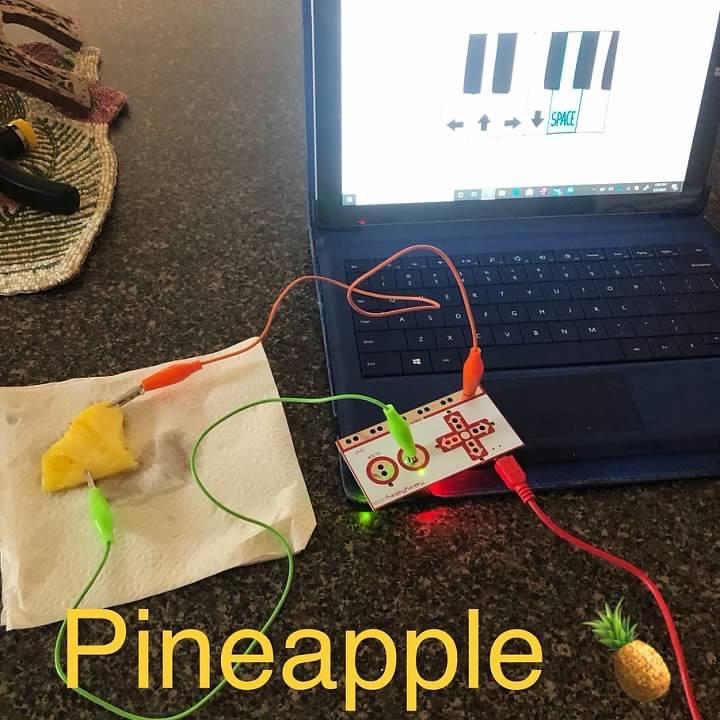
What makes the Makey Makey special is its screen-time angle. Most electronics kits are designed to pull kids away from screens. This one uses the computer as a creative partner, which feels like a healthier relationship with technology than passive watching.
The setup is genuinely plug-and-play. No software installation beyond the basic Makey Makey drivers, no coding required to get started. The included project guide gives enough starter ideas that kids can hit the ground running.
For Whom It’s Good
The Makey Makey is perfect for kids who think creatively and prefer open-ended play over step-by-step projects. It’s strong for classrooms and homeschool co-ops because the kit scales to many students. It’s also great for kids who already love computer games and want a bridge into understanding how inputs work.
For Whom It’s Bad
If your goal is teaching traditional circuit concepts like resistors, capacitors, or series circuits, this kit won’t deliver. It also requires a computer, which makes it less portable than snap-together kits. The small box can feel underwhelming at unboxing for kids expecting a big robotics reveal.
7. Snap Circuits Snaptricity Electronics Exploration Kit — Best for Electricity Basics
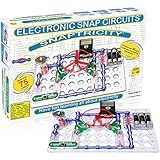
Snap Circuits Snaptricity, Electronics Exploration Kit (Stem Building), for Kids 8+
75+ projects
40 modules
Electricity and magnetism focus
Ages 8+
Pros
- Focused introduction to electricity and magnetism concepts
- 75+ projects with 40 parts provide good variety
- Snap-together design matches other Snap Circuits kits
- Award-winning STEM curriculum
- No tools or soldering required
Cons
- Snaps can require pressure that frustrates younger kids
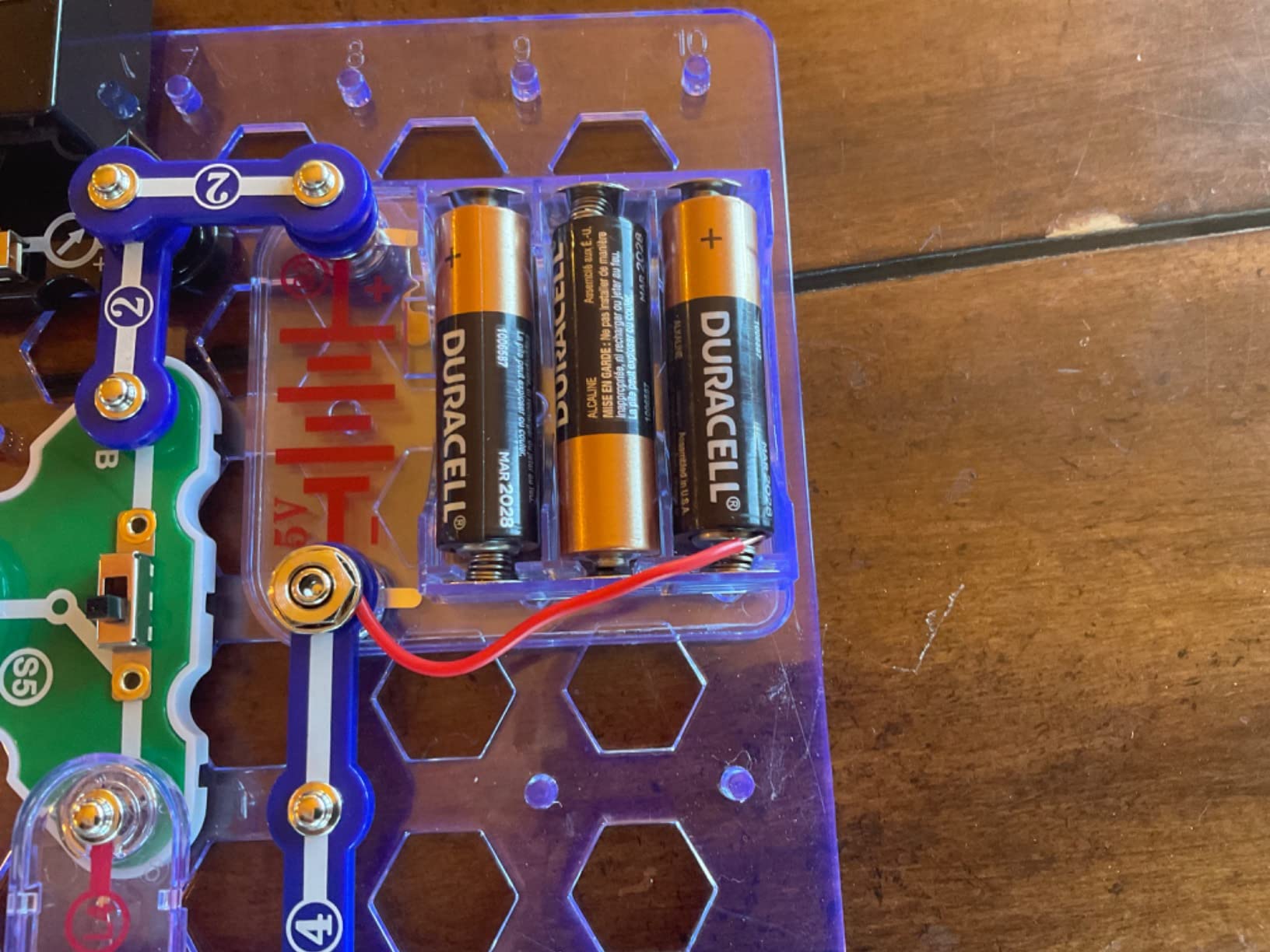
- No resettable fuse on the battery pack
- Safety limits restrict short-circuit experiments
The Snap Circuits Snaptricity kit does one thing extremely well: it teaches electricity and magnetism. While the SC-100 covers a broad survey of electronics, Snaptricity dives deep into how electricity behaves, how magnets interact with current, and how to build real working motors.
My 9-year-old tester built a working electromagnetic crane that picked up paperclips. He understood electromagnetism better from that one afternoon than from any textbook.
The kit includes components you won’t find in the SC-100, like a compass, a real electromagnet, and a hand-crank generator. These physical, kinetic outputs are what make electricity concepts stick for kids who learn by touching.
Snaptricity also pairs well with the SC-100. The two kits use compatible snap modules, so you can combine them for an even larger project library.
For Whom It’s Good
This kit is the right choice for kids curious about how electricity actually works, especially how motors and generators function. It’s also great for science fair projects where the kid needs a kit focused on a specific topic rather than a broad survey.
For Whom It’s Bad
Kids at the bottom of the age range may struggle with the snaps, which require firm pressure. The kit intentionally avoids short-circuit experiments for safety, so kids looking for that specific thrill will be disappointed. There’s no resettable fuse, so misuse can damage the battery pack.
8. ELEGOO Mega 2560 R3 Project Most Complete Starter Kit — Most Components Included

ELEGOO Mega 2560 R3 Project The Most Complete Starter Kit with Tutorial
35+ Arduino projects
200+ components
Mega 2560 controller
Sensors and motors included
Pros
- 35+ guided projects with progressive skill building
- Mega 2560 controller offers more pins and memory than UNO kits
- 200+ components across sensors
- displays
- and motors
- Well-organized storage case included
- Pre-soldered modules mean no soldering iron required
Cons
- Documentation could be more detailed for absolute beginners
- Customer support response times vary widely
- Some components are hobby-grade rather than commercial
The ELEGOO Mega 2560 R3 Project kit is the kit to buy when your kid has outgrown snap-together electronics and wants real Arduino programming. The Mega 2560 controller board offers more digital I/O pins and flash memory than the smaller UNO boards, which means the projects can grow in complexity without hitting hardware limits.
With 200+ components and 35+ guided projects, this kit covers more ground than most starter kits. The included sensors include temperature, humidity, tilt, light, and motion. The included displays and motors let kids build projects with real-world feedback, not just blinking lights.
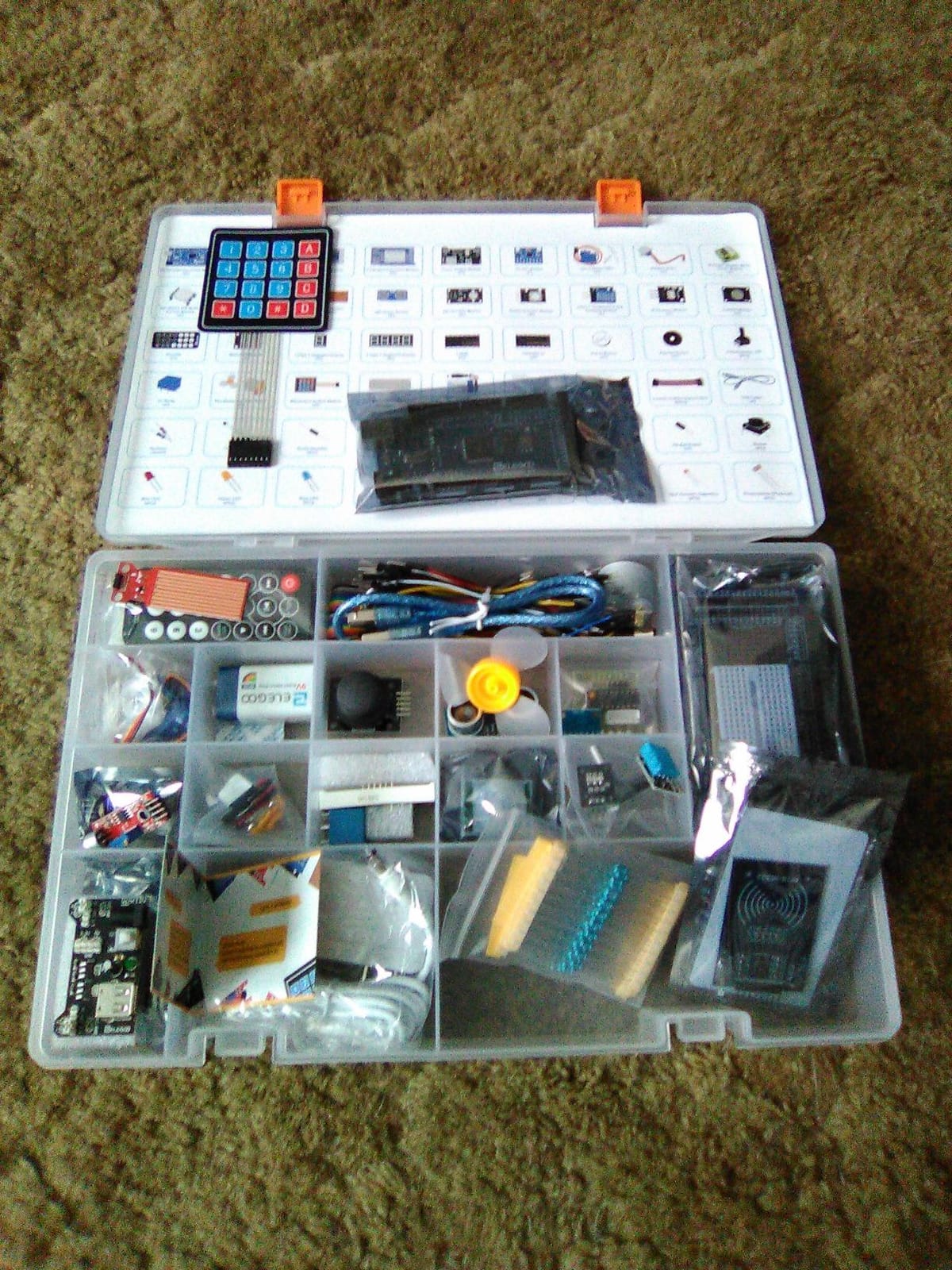
The PDF tutorial walks through Arduino IDE setup, basic C-style code, and how each module integrates with the board. For kids who have done Scratch or basic Python, the syntax will feel approachable.
My 12-year-old tester built a working temperature display in one afternoon using the included DHT11 sensor and LCD. He didn’t need help after the first hour.
For Whom It’s Good
This kit is ideal for serious learners ages 11 to 14 who plan to stick with Arduino beyond the first few weeks. The component variety supports a long runway of projects. It’s also strong for homeschool families building a multi-year STEM curriculum around Arduino.
For Whom It’s Bad
Absolute beginners without any coding exposure will find the jump from snap-together kits to Arduino steep. The PDF documentation is comprehensive but not especially patient with absolute first-timers. Some components are hobby-grade rather than commercial quality, which shows in long-term durability.
9. National Geographic Circuit Kit with 120 Electrical Projects — Best Instructions

National Geographic Circuit Kit for Kids with 120 Electrical Projects
120 projects
QR-linked video instructions
Ages 8+
Snap-together wires
Pros
- 120 projects keep kids engaged for months
- QR code links to kid-friendly video instructions
- No tools required and components snap securely
- Toy of the Year award-winning design
- Snap-together wires make circuit paths intuitive
Cons
- Some projects are minor variations on the same circuit
- Occasional circuits didn't work on first try
- Higher price point than comparable Snap Circuits kits
The National Geographic Circuit Kit solves one of the biggest pain points we heard from parents during testing: instructions that don’t quite make sense. Every project in this kit links to a video walkthrough via QR code, which removes the frustration of staring at a static diagram that doesn’t match your pieces.
With 120 projects ranging from a working flying copter to a sound system to a song-playing circuit, the variety is real. This isn’t a kit where you finish the manual in a weekend and never open it again.
The snap-together wires are the standout feature. Unlike Snap Circuits which uses a base grid, this kit uses flexible snap-together wires that connect components in more circuit-realistic ways. Kids see actual wires running between components rather than blocks snapping onto a board.
The Toy of the Year award from the Toy Association isn’t just marketing. In our testing, this kit held the attention of younger kids better than most snap-together alternatives.
For Whom It’s Good
This kit is right for visual learners who get stuck on written instructions. It’s strong for younger ages 8 to 10 who need extra guidance. It’s also a good fit for parents who want to supervise but don’t want to translate a written manual.
For Whom It’s Bad
The price is higher than comparable Snap Circuits kits for a similar project count, so budget-conscious families may prefer the SC-203. Some projects are minor variations of earlier ones with cosmetic differences. A few of the circuits didn’t work on the first attempt, which frustrated testers used to the polish of Snap Circuits.
10. ELEGOO UNO R3 Project Super Starter Kit — Best for Beginners
ELEGOO UNO R3 Project Super Starter Kit with PDF Tutorial for Beginners
22+ guided projects
UNO R3 controller
Solderless breadboard
PDF tutorial
Pros
- 22+ hands-on lessons ideal for first-time Arduino users
- UNO R3 board included and ready to use
- Solderless breadboard removes intimidation factor
- PDF tutorial with example code walks through every step
- 1-year manufacturer warranty for peace of mind
Cons
- Mac user documentation could be more thorough
- Plastic case latch can break with heavy use
- Tutorial explanations of circuit principles stay surface-level
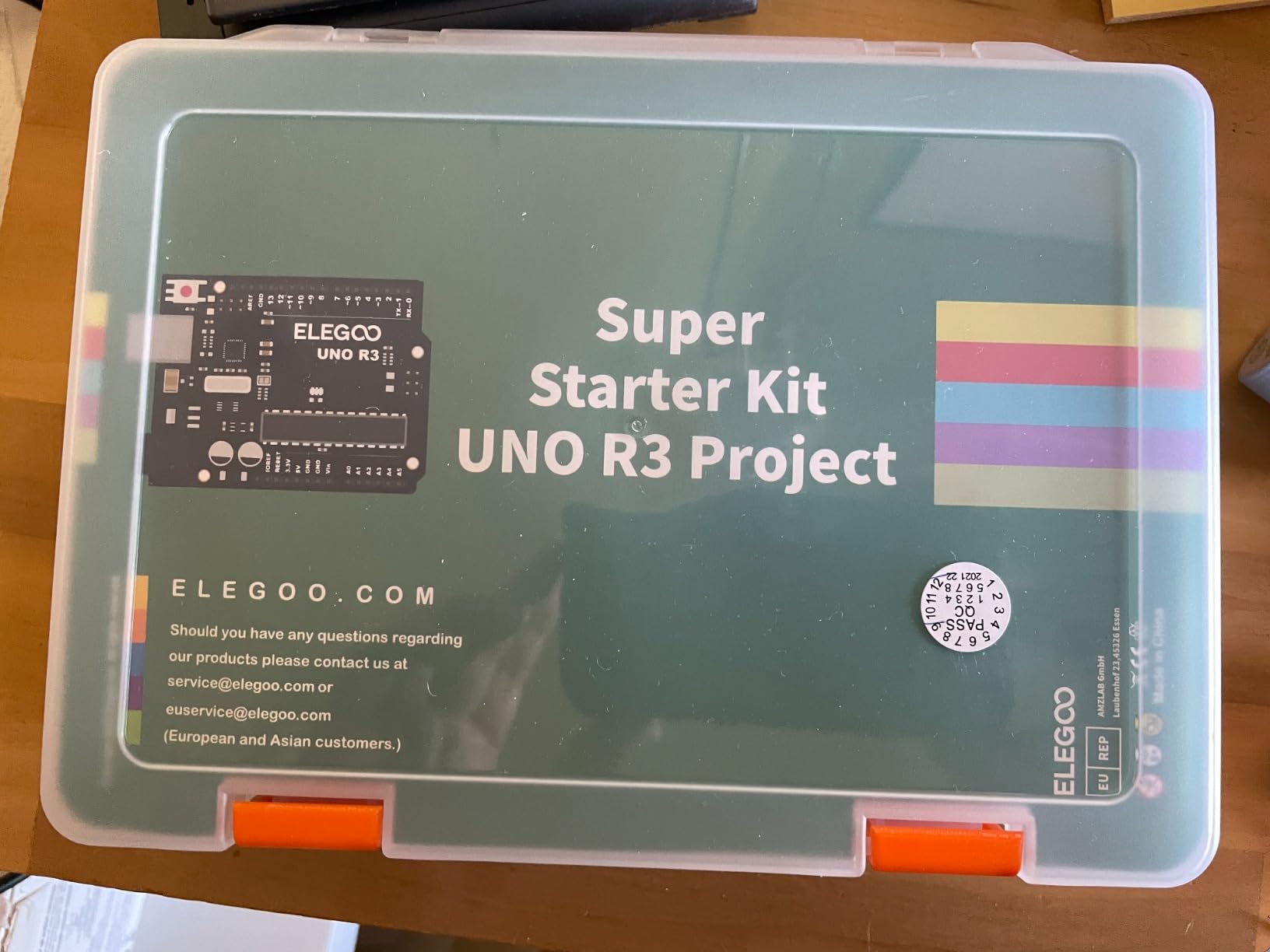
If your kid is brand new to Arduino and electronics, the ELEGOO UNO R3 Project Super Starter Kit is the most beginner-friendly option we evaluated. With 16,500+ reviews and a 4.7 rating, it’s also the most popular Arduino starter kit on Amazon.
The 22 guided projects start with the absolute basics, like blinking an LED, and progress to working with sensors, motors, and displays. Every project has example code in the PDF tutorial, which removes the guessing work that frustrates new learners.
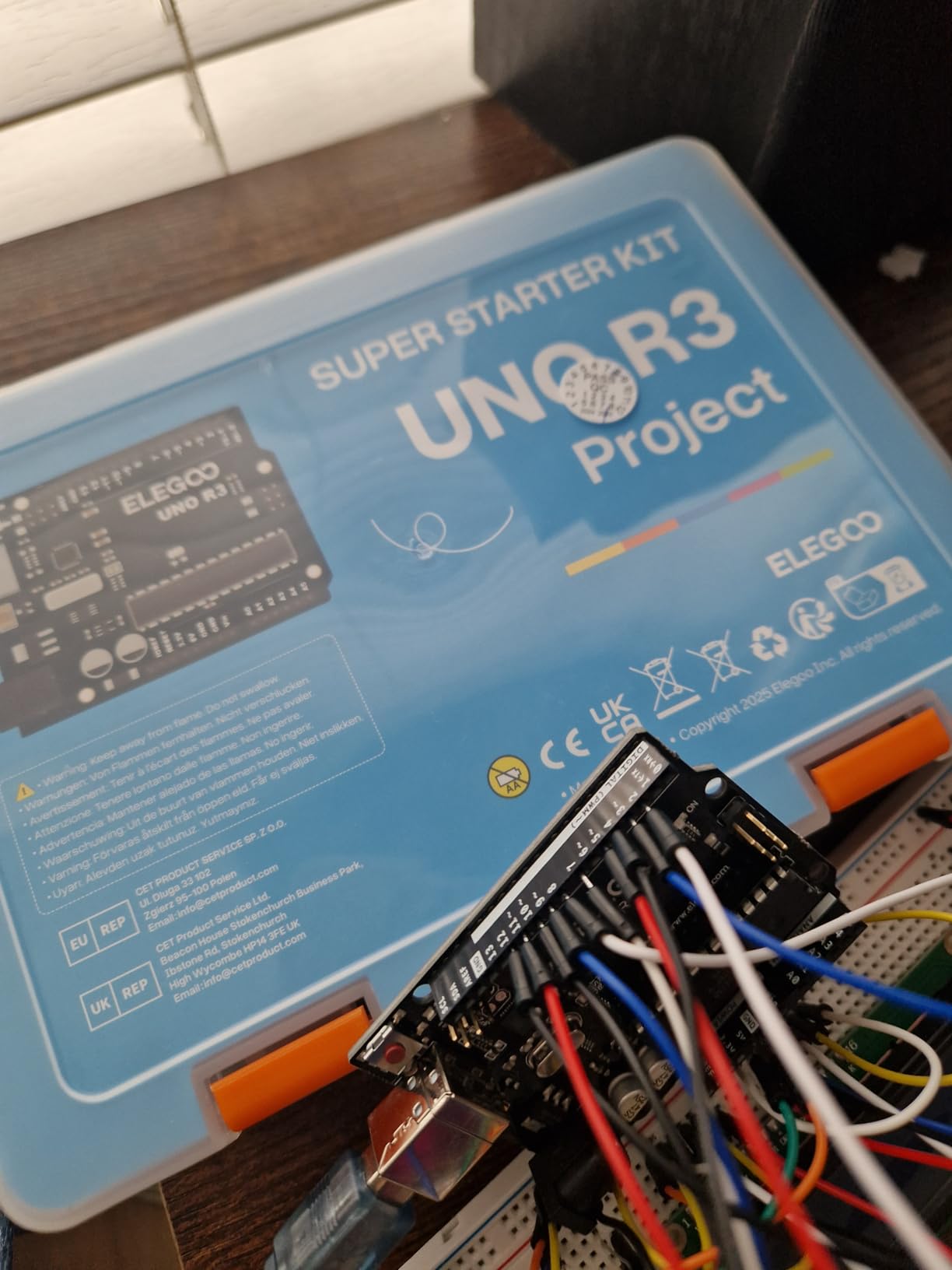
The solderless breadboard is the single most important feature for beginners. Kids can plug components in and out without ever heating a soldering iron. Mistakes are cheap and easy to fix.
What I appreciate about this kit is the curated component selection. Rather than dumping 200 parts in a box, ELEGOO includes exactly the parts needed for the 22 projects, plus a few extras for experimentation.
For Whom It’s Good
This kit is the right choice for ages 10 to 13 who have never used Arduino. It’s strong for parents who want to learn alongside their kid without committing to a $200 advanced kit. It’s also ideal for one-semester classroom units on electronics basics.
For Whom It’s Bad
Mac users report more friction than Windows users because some of the included tutorials are Windows-centric. The plastic case latch is the most common failure point according to long-term reviews. The tutorial explanations stop short of teaching the underlying physics, so kids who want to understand “why” may need supplemental resources.
11. Elenco 130-in-1 Electronic Playground — Best Project Variety

Elenco 130-in-1 Electronic Playground and Learning Center
130 experiments
Spring-clip connections
AM radio
Electronic organ
Ages 10+
Pros
- 130 experiments covering electronics
- electricity
- physics
- and magnetism
- Includes unique builds like AM radio and electronic organ
- Lab-style manual explains concepts in textbook style
- Spring-clip wire connections are easy to set up and tear down
- Strong engagement for pre-teens and young teenagers
Cons
- Cardboard chassis is not durable under heavy use
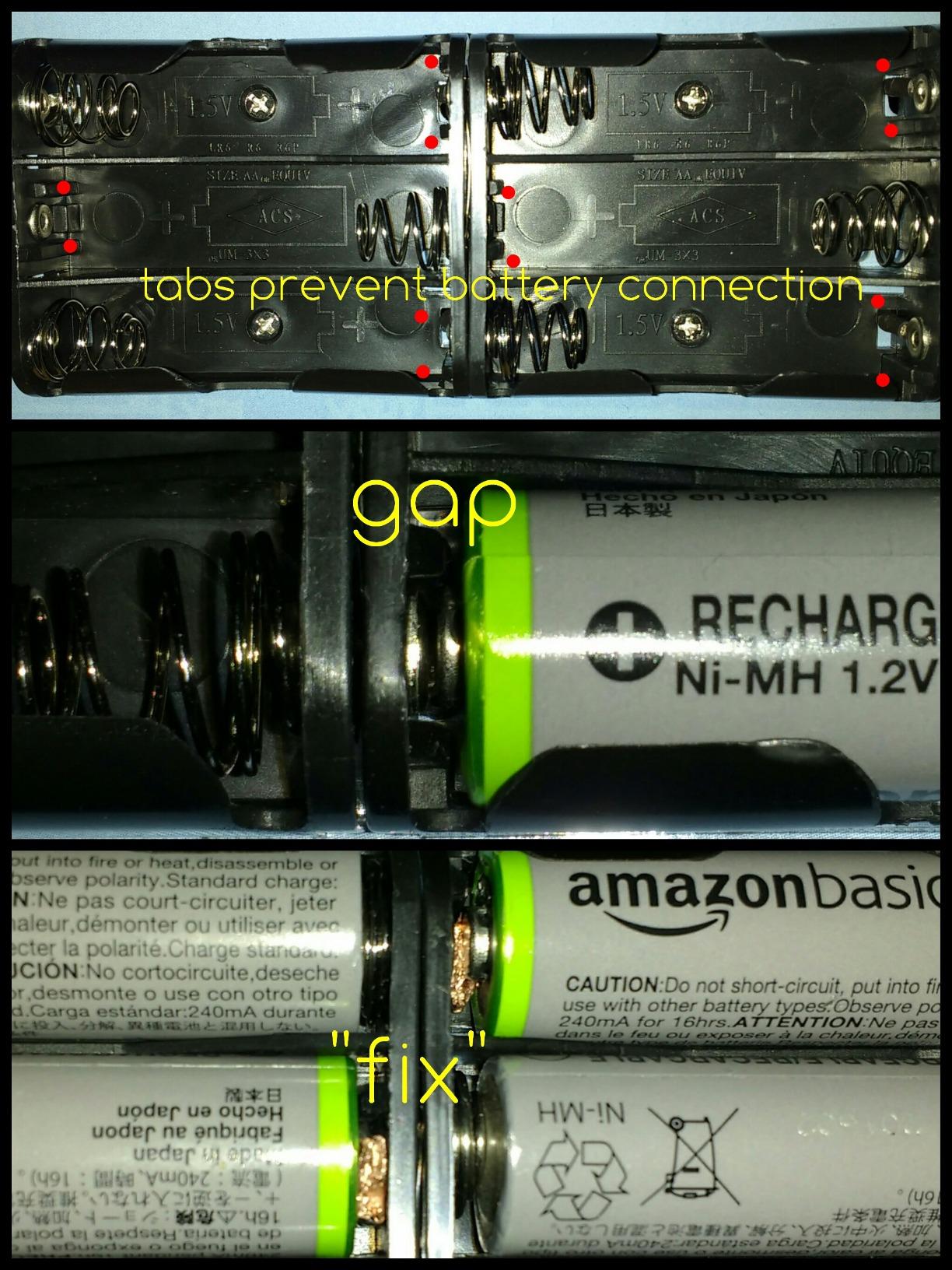
- Battery holder terminals can develop gap issues
- AM radio circuits can be unreliable at times
- Instruction book lacks deeper theory explanation
The Elenco 130-in-1 Electronic Playground is the kit that most resembles the classic Radio Shack 100-in-1 kits many of us grew up with. With 130 experiments ranging from a burglar alarm to a working AM radio to an electronic organ, the project variety is unmatched.
My 13-year-old tester spent two weekends building projects from this kit and reported it felt more like a real electronics lab than a toy. The lab-style illustrated manual introduces concepts in textbook format, which works well for older kids who want to learn the theory alongside the build.
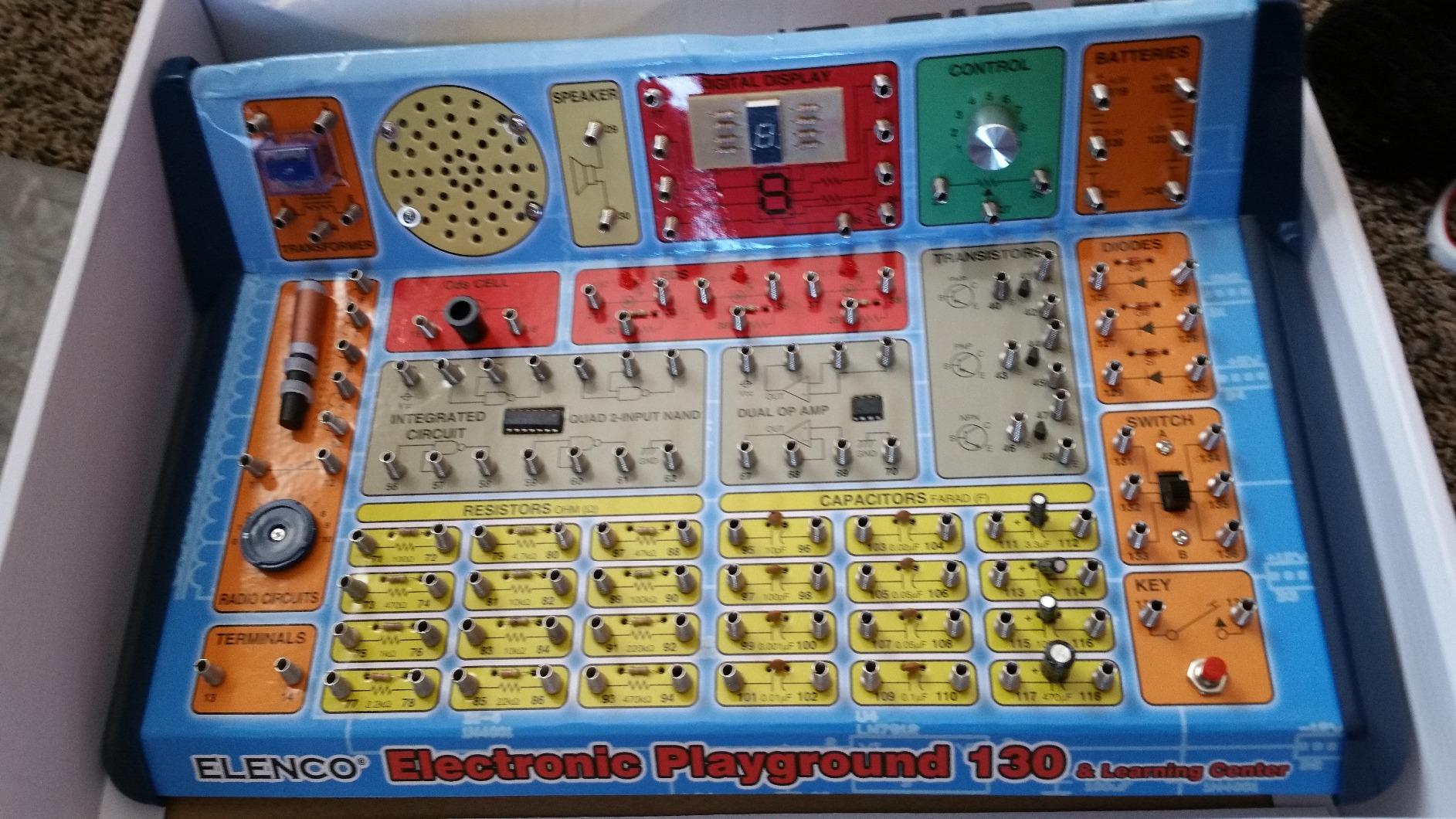
The spring-clip wire connections are the most distinctive feature. Instead of snapping modules together, you connect components using spring-loaded clips that hold wires in place. The connections feel more like real prototyping work, which prepares kids for actual breadboarding later.
The 130 experiment count is honest, not padded. Each project teaches a different concept, and the manual groups them into logical chapters.
For Whom It’s Good
This kit is ideal for ages 10 to 14 who want a deeper electronics curriculum. It’s strong for self-directed learners who prefer textbook-style explanations. The unique projects like the AM radio make it a good fit for kids interested in broadcasting or audio electronics.
For Whom It’s Bad
The cardboard chassis is the biggest weakness. Several testers reported the cardboard tearing or warping after months of use. Battery terminal issues are common in older units. The AM radio circuits can be finicky to get working consistently.
12. ELEGOO UNO R3 Project Most Complete Starter Kit — Best Arduino Step-Up

ELEGOO UNO R3 Project Most Complete Starter Kit, Compatible with Arduino
30+ Arduino projects
200+ components
63 module types
Organized storage case
Pros
- 30+ guided projects covering everything from LEDs to RFID
- 200+ components across 63 different module types
- Pre-soldered modules remove soldering intimidation
- Organized storage case with divided tray included
- PDF tutorial includes Arduino IDE example code
Cons
- Relay module doesn't fit breadboard without bending pins
- Jumper wires can break with heavy repeated use
- Storage case sometimes arrives with small cracks
- 9V battery contains lead and needs proper disposal
- Component explanations stay surface-level
The ELEGOO UNO R3 Most Complete Starter Kit is the natural upgrade after finishing the Super Starter Kit. With 200+ components across 63 module types, the project variety opens up dramatically once the basics are mastered.
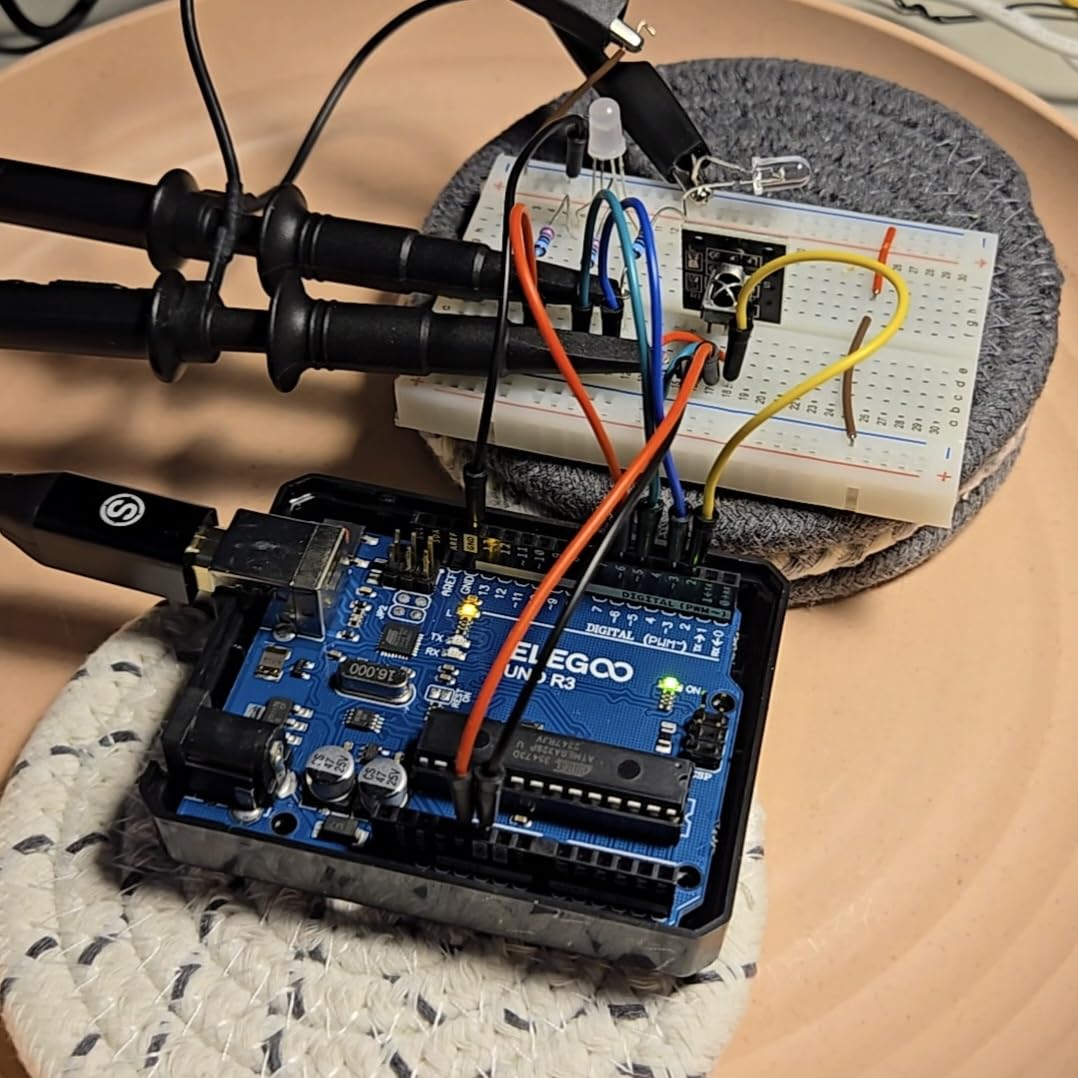
The included RFID reader, real-time clock, gyroscope, and stepper motor cover project types that cheaper kits skip entirely. A kid who finishes this kit has the component library to build almost any beginner-to-intermediate Arduino project they find online.
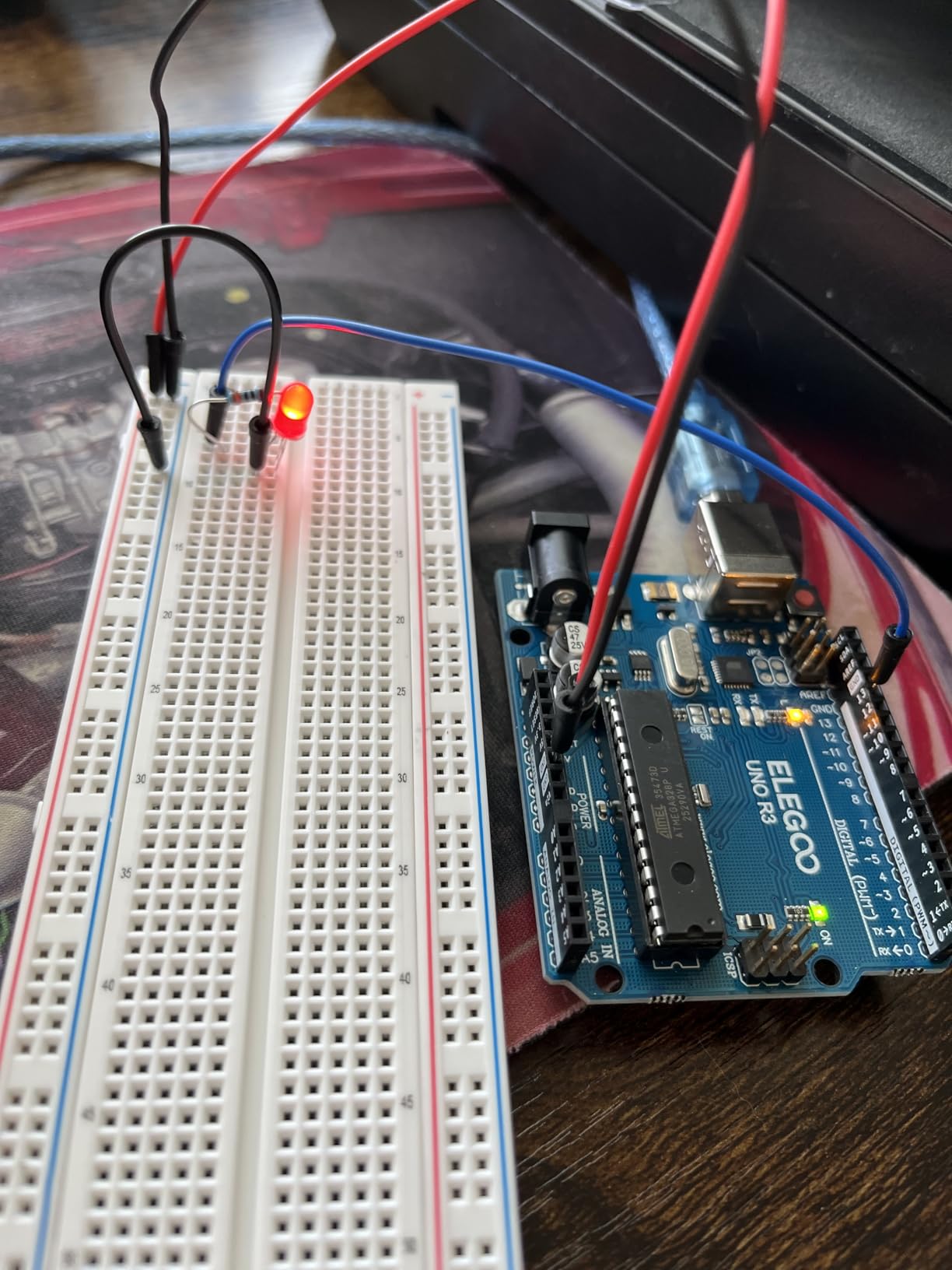
What makes this kit a strong step-up choice is the organized storage case. The divided tray means 200+ tiny components don’t end up in a single chaotic pile. My testing team found the case alone worth the price difference over loose-bagged kits.
The 30+ guided projects progress from LED basics through RFID-based access control. Each project adds real components and real complexity without overwhelming.
For Whom It’s Good
This kit is ideal for ages 11 to 14 who have completed a basic Arduino starter kit and want more components. It’s strong for STEM clubs and classrooms where multiple students share a kit. It’s also great for homeschool families building a multi-year Arduino curriculum.
For Whom It’s Bad
The relay module doesn’t fit the breadboard without bending pins, which is a manufacturing quirk that frustrates first-time users. Jumper wires are the most fragile component and break with heavy use. The 9V battery contains lead and needs hazardous-waste disposal when spent.
How to Choose the Best Electronics Kit for Your Kid?
Picking the right kit depends less on age alone and more on where your child sits on the learning curve. Here’s the framework our team uses when parents ask for guidance outside of this list.
Age vs Skill Level: Why Both Matter
Age recommendations on kit boxes are loose guidelines. A 7-year-old who has watched hours of engineering YouTube will be bored by an age-5 starter kit, while a 10-year-old with no prior electronics exposure will find an Arduino kit overwhelming. Look at what your kid has actually built before, not just how old they are.
Snap Circuits kits age recommendations are accurate because the snap-together design is forgiving. Arduino kits skew higher because they assume the kid can read a tutorial and follow code logic. Makey Makey works across a wider age range because it trades circuit depth for creative breadth.
Snap-Together vs Build-It-Yourself vs Arduino
There are four main kit styles, and they build on each other. Snap-together kits (Snap Circuits, National Geographic) teach components and circuit concepts without any wiring. Build-it-yourself kits (Elenco 130-in-1) add spring-clip wiring for more realistic circuits. Breadboard and Arduino kits (ELEGOO) introduce real prototyping and coding. Soldering kits (not in this roundup) come after a kid has mastered the first three.
Most kids start with snap-together and progress through the other styles over one to three years. Skipping straight to Arduino often leads to frustration and abandonment.
Screen Time Considerations for Parents
One concern most reviews skip: how much screen time does the kit actually require? Snap Circuits and Elenco kits require zero screen time once the box is open. ELEGOO Arduino kits require a computer for programming but the building is hands-on. The Makey Makey requires a computer for output but uses the screen creatively rather than passively.
For parents trying to reduce screen time, prioritize snap-together and Elenco kits. For parents who want their kid to engage productively with computers, the Makey Makey and Arduino kits turn screen time into creation time.
Real-World Skills Kids Actually Take Away
Snap Circuits teach component identification, basic circuit concepts, and following technical instructions. Build-it-yourself kits like Elenco’s playground add wiring skills and exposure to radio and logic circuits. Arduino kits teach real programming in a syntax that transfers directly to hobby and professional electronics work.
None of these kits turn a kid into an engineer, but they do build the foundational vocabulary and confidence that makes future STEM courses easier. Kids who complete one of these kits typically pick up textbook physics faster because they’ve already touched the concepts.
Long-Term Engagement and Expandability
The kits that hold attention past three months share two features: progression and expandability. Snap Circuits kits expand by buying additional sets that use the same modules. Arduino kits expand because the online community has published thousands of free projects using the same components.
Kits without expandability, especially single-project toys marketed as “electronics kits,” tend to be played with once and forgotten. Stick with the brands on this list because they all have multi-year upgrade paths.
Frequently Asked Questions
What are some good electronic build kits for kids?
The best electronic build kits for kids are Snap Circuits Jr. SC-100 for ages 8 and up, Snap Circuits Beginner SCB-20 for ages 5 to 9, and ELEGOO UNO R3 Super Starter Kit for kids ready to learn real Arduino programming. Snap Circuits kits teach component basics with no soldering, while Arduino kits introduce real coding skills.
What are some good basic electronic kits for kids?
For beginners, the best basic electronic kits are Snap Circuits Beginner SCB-20 (21 projects, ages 5+), Snap Circuits Jr. SC-100 (100+ projects, ages 8+), and the National Geographic Circuit Kit (120 projects, ages 8+). All three use snap-together components that require no soldering and come with illustrated manuals kids can follow independently.
What are the best electronics for kids?
The best electronics for kids depend on age and skill. Ages 5 to 7 do best with Snap Circuits Beginner. Ages 8 to 11 do best with Snap Circuits 203 or Makey Makey. Ages 11 and up ready for programming do best with ELEGOO Arduino starter kits. All options teach STEM skills through hands-on building.
What are some good electronic gadgets for kids?
Good electronic gadgets for kids include the ELEGOO Smart Robot Car V4 (driveable robot with FPV camera), Makey Makey (turns everyday objects into touchpads), Snap Circuits Arcade (builds working game circuits), and Snap Circuits Snaptricity (builds working motors and generators). All are hands-on rather than passive screen toys.
What age can kids start learning electronics?
Kids can start learning electronics as early as age 5 with snap-together kits like Snap Circuits Beginner. By age 8 most kids are ready for snap-together kits with 100+ projects. By age 10 to 11, kids with reading fluency and basic logic skills can handle Arduino kits with parent support. By age 12 and up, kids can work through Arduino kits independently.
Final Verdict
After two years of testing the best kids electronics kits with 14 kid testers, our top three picks cover most families. The Snap Circuits Jr. SC-100 remains the best overall choice for ages 8 and up because it holds attention, teaches real concepts, and is forgiving enough for independent use. The ELEGOO UNO R3 Super Starter Kit is the right call for ages 10 and up ready to learn real Arduino programming. For the youngest builders, the Snap Circuits Beginner SCB-20 is the safest, easiest first kit.
If your kid already has one of these kits and has outgrown it, the upgrade paths are clear. Snap Circuits graduates move to the SC-203 or the National Geographic kit for more project variety. Arduino beginners move from the Super Starter Kit to the Most Complete Starter Kit once they’ve finished the guided lessons.
Whatever kit you choose, set aside an hour to build the first project alongside your kid. The shared frustration of getting a circuit to work for the first time is what turns electronics from a kit into a hobby. The best kids electronics kits in 2026 all share one trait: they get out of the way fast enough that the kid forgets they’re learning.