
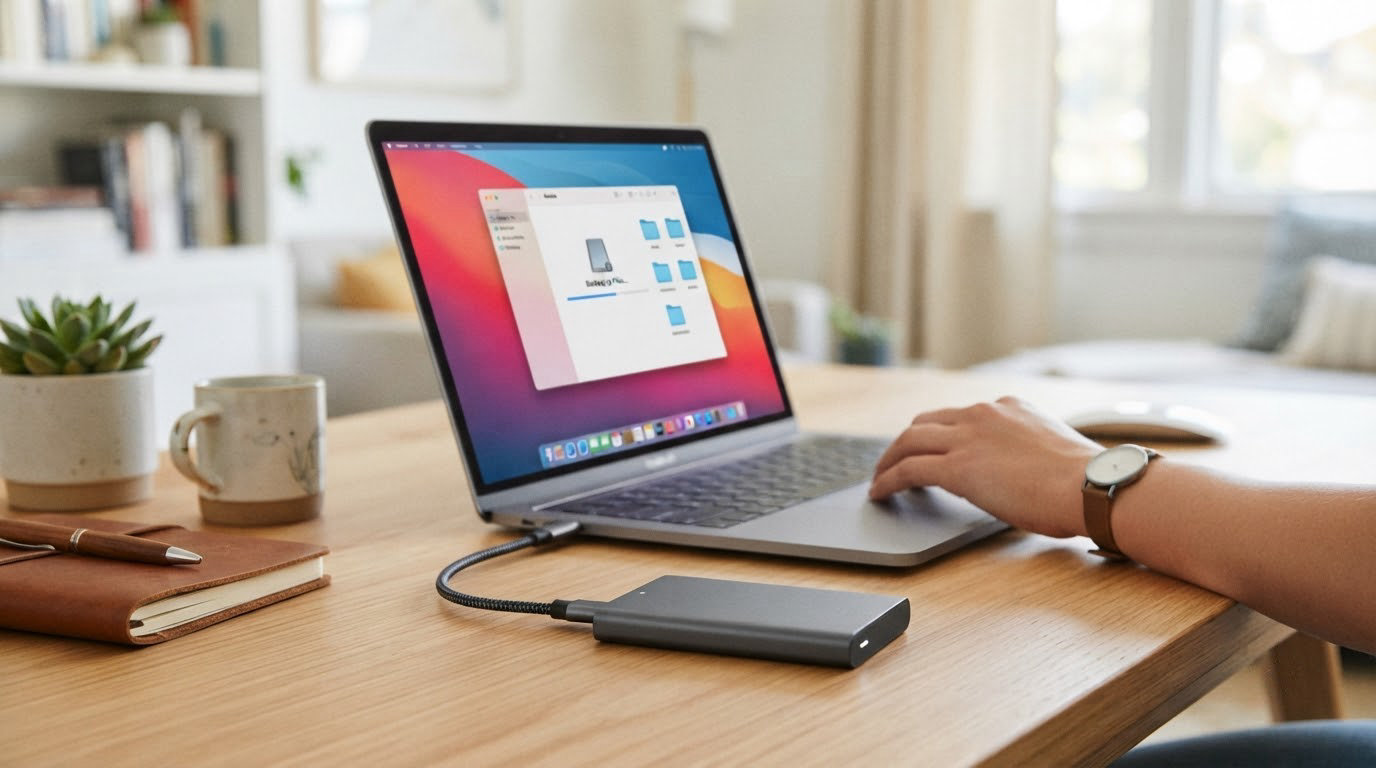
Storage pricing moves more than most categories during an October Prime event, and the external hard drives worth watching this time are the ones that do the plain jobs well: quiet bulk backups, portable archives and high-capacity desktop storage. The WD Elements 2TB leads our list, pairing a 4.7 average rating with the deepest owner history in the category, and the WD Elements 5TB covers buyers who want more room per drive. Photographers with a large shoot should look at the WD Elements 4TB instead.
Prime Big Deal Days runs October 6-7, 2026, and most offers require a Prime membership, so a free trial counts if you are not signed up. Offers shift through the event, and every drive below is a pick to watch rather than a confirmed discount.
Table of Contents
Our Top 3 Picks for Best Amazon Prime Big Deal Days External Hard Drive Deals

WD Elements 2TB
- Highest average rating in the list
- Plug-and-play with no setup
- Compact and light for travel

WD Elements 5TB
- Five terabytes in a slim body
- Quiet and cool during long transfers
- Consistent sequential throughput

WD Elements 4TB
- Four terabytes for photo libraries
- Works with consoles and laptops
- Quiet everyday backup duty
Best Amazon Prime Big Deal Days External Hard Drive Deals Compared (October 2026)
| Product | Specifications | Action |
|---|---|---|
| WD Elements 2TB |
|
Check Deal Price |
| WD Elements 5TB |
|
Check Deal Price |
| WD Elements 4TB |
|
Check Deal Price |
 WD My Passport 2TB WD My Passport 2TB |
|
Check Deal Price |
 WD My Passport 5TB WD My Passport 5TB |
|
Check Deal Price |
 Toshiba Canvio Basics 2TB Toshiba Canvio Basics 2TB |
|
Check Deal Price |
 Toshiba Canvio Advance 2TB Toshiba Canvio Advance 2TB |
|
Check Deal Price |
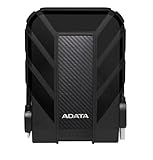 ADATA HD710 Pro 2TB ADATA HD710 Pro 2TB |
|
Check Deal Price |
 WD My Book 8TB WD My Book 8TB |
|
Check Deal Price |
 Seagate One Touch 16TB Seagate One Touch 16TB |
|
Check Deal Price |
How We Chose
We compared the specs that decide this purchase, including capacity, form factor, interface, weight and warranty length, then weighed them against owner ratings and review volume on Amazon. Specifications and ratings were checked in October 2026, and every pick comes from the current listing for that exact model number.
1. WD Elements 2TB: Our Top Pick for Everyday Backups
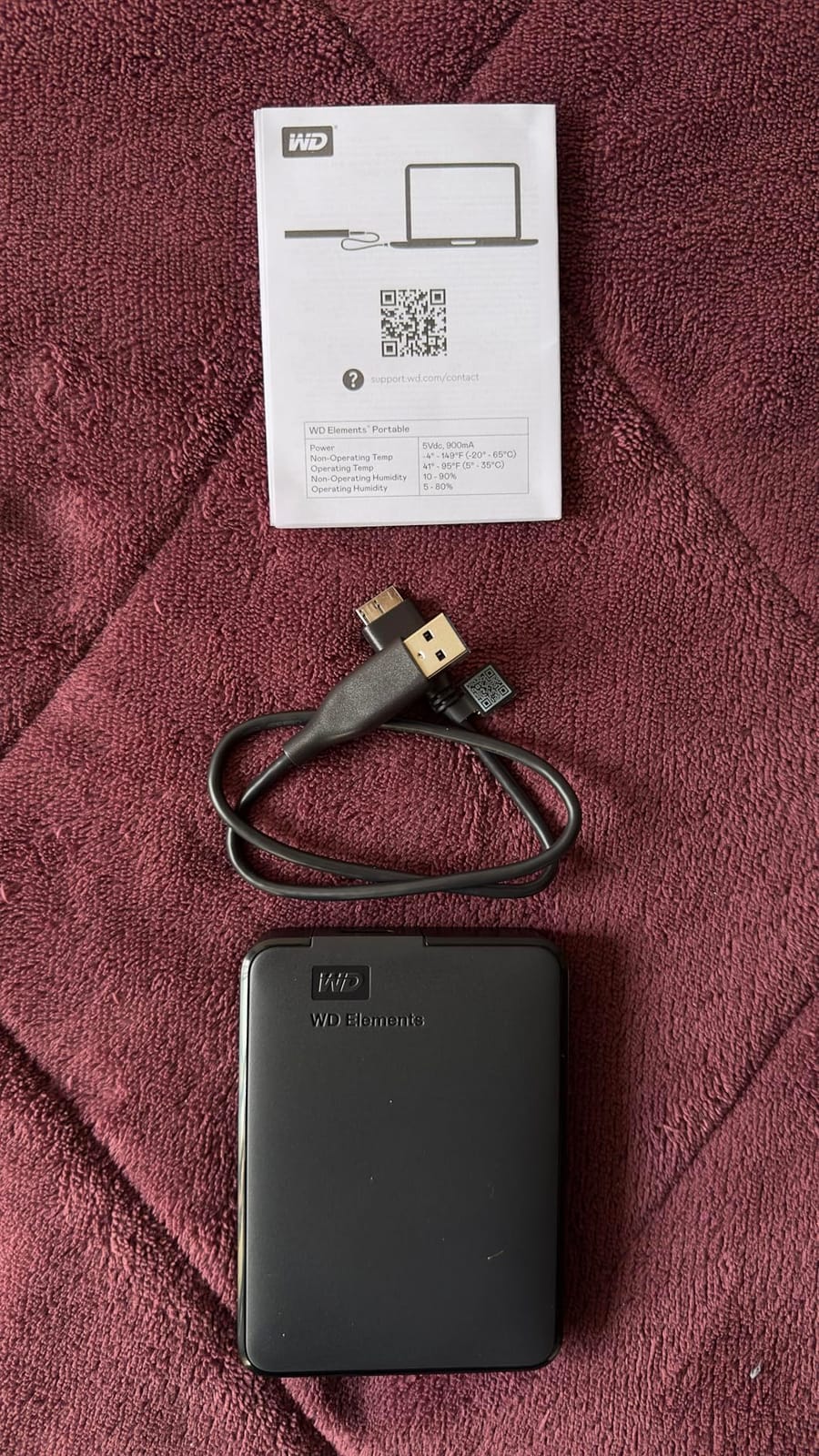
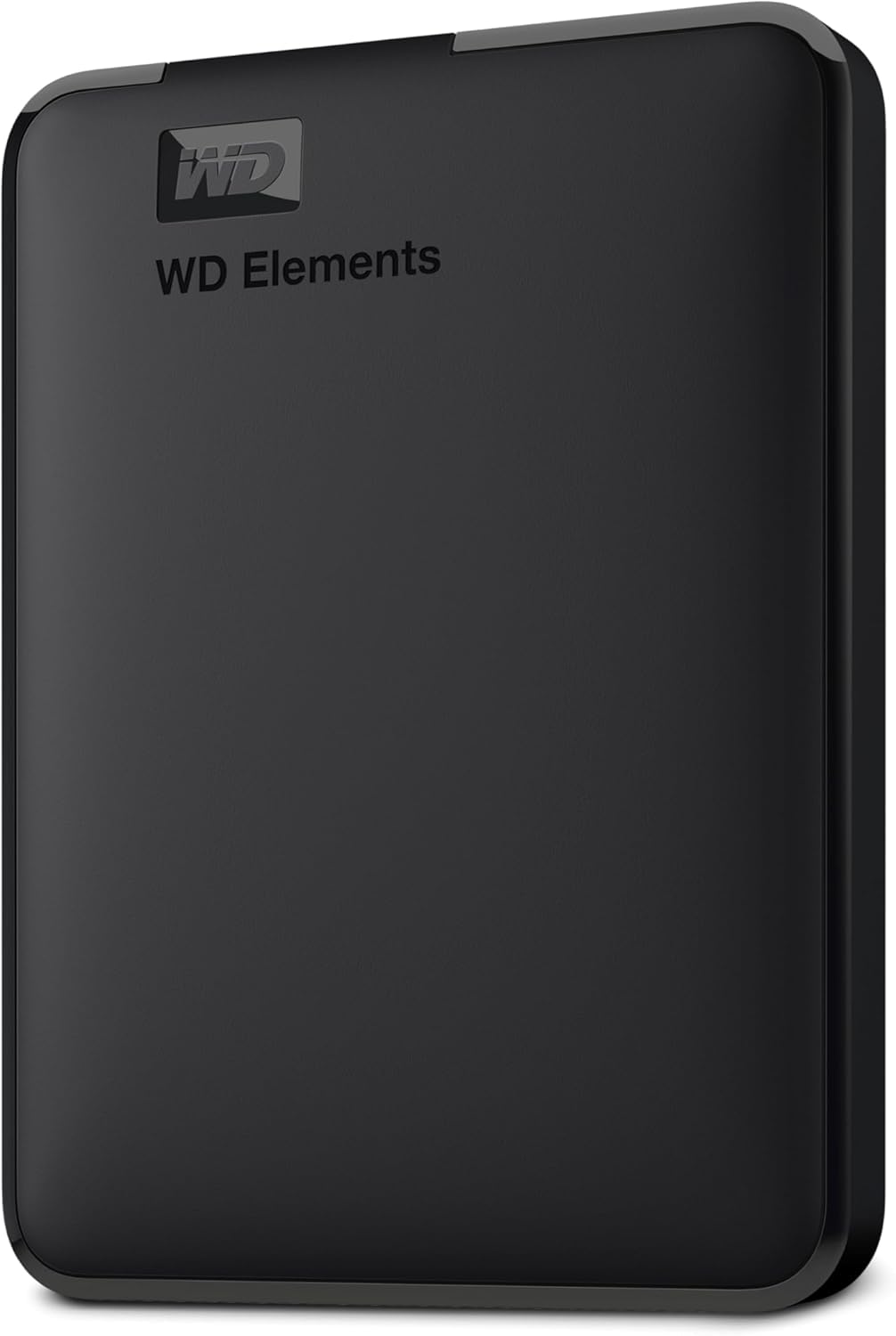
WD 2TB Elements Portable External Hard Drive for Windows, USB 3.2 Gen 1/USB 3.0 for PC & Mac, Plug and Play Ready – WDBU6Y0020BBK-WESN
Capacity: 2TB
Type: Portable HDD
Interface: USB 3.0
Warranty: 2 years
Pros
- Highest average rating in the list at 4.7 stars
- Compact and light enough to travel with
- Plug-and-play with no software to install
- Works across PC and Mac and consoles
Cons
- Mechanical drive is slow with many small files
- No hardware encryption
- Stock cable is a common failure point
Two terabytes is the sweet spot for most people, and this is the drive that fills it with the least fuss. It carries a 5 Gbps USB 3.2 Gen 1 interface, weighs 4.64 ounces and needs nothing beyond the cable in the box to start copying files. There is no software to install and no formatting step on Windows.
Owners describe the Elements line as quiet, dependable and easy to set up, with sequential transfers commonly reported in the 100-135 MB/s range. That is plenty for a nightly photo sync or a monthly full backup of a documents folder.
The trade-off owners mention most is the lack of hardware encryption. If you are storing tax records or client files, the WD My Passport 2TB is the better fit because it encrypts at the hardware level and carries a three-year warranty instead of two.
- Best rating in this list at 4.7 stars across more than 165k reviews
- Plug-and-play expansion with no drivers
- Compact footprint for a laptop bag or a drawer
- Sequential throughput owners report around 100-135 MB/s
Compared with the WD Elements 5TB, you give up three terabytes of room for a lighter body. Compared with a portable SSD, you trade small-file speed for capacity at a fraction of the cost per terabyte.
Good to know: the bundled cable is the most repeated complaint in the reviews. Swap it for a sturdier one early rather than after a failed transfer, and keep more than one copy of anything you cannot replace.
2. WD Elements 5TB: Best Value for Bulk Archives
Western Digital WD 5TB Elements Portable External Hard Drive for Windows, USB 3.2 Gen 1/USB 3.0 for PC & Mac, Plug and Play Ready – WDBU6Y0050BBK-WESN
Capacity: 5TB
Type: Portable HDD
Interface: USB 3.0
Warranty: 2 years
Pros
- Five terabytes in a pocket-sized body
- Very quiet operation
- Consistent 90-135 MB/s sequential transfers
- Runs cool during long sessions
- Pre-formatted NTFS for Windows
Cons
- Mechanical drive is slower with small files and vulnerable to drops
- No hardware encryption
- Stock cable fails often in normal use
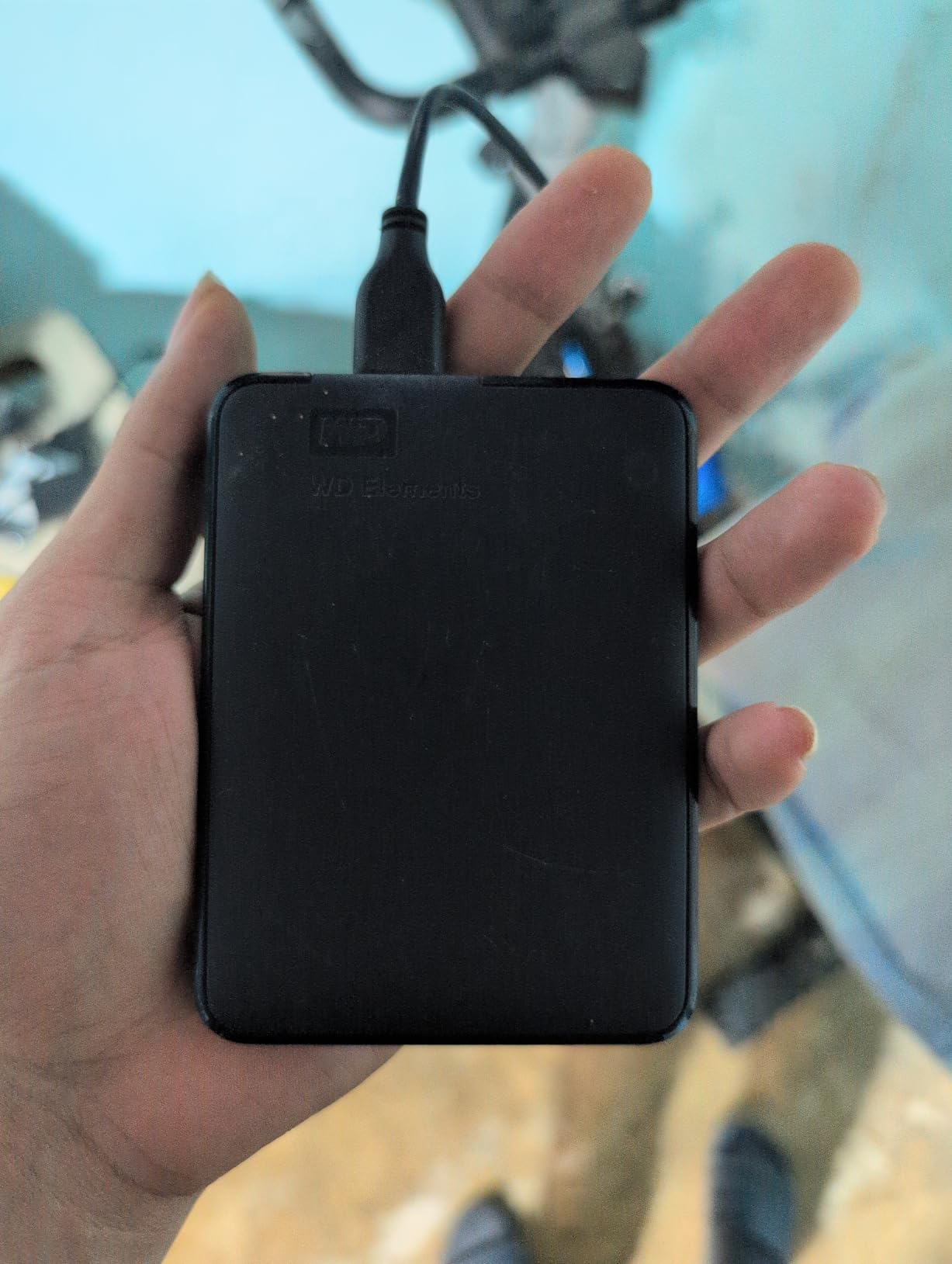
Owners of long-standing WD Elements models tend to describe the same thing: quiet, cool-running and dependable for bulk storage. At 5TB and 8.32 ounces, this is the version of the line that makes sense for a media library, a photo archive or a working folder that outgrew the laptop.
The enclosure measures 4.35 by 3.23 by 0.82 inches, which still slips into a jacket pocket, and sequential transfers hold around 90-135 MB/s in owner reports. Nothing needs external power, so one cable does everything.
Long-term owners generally advise treating it carefully and replacing the bundled cable with a sturdier one. That is the standard advice for any portable mechanical drive, and this model is no different despite the higher capacity.
- Best capacity-to-size ratio in the portable group here
- Quiet enough to sit in a home office without drawing attention
- Runs cool through multi-hour transfers
- Works as desktop, laptop or tablet storage
The WD Elements 4TB is the cheaper-capacity sibling if your library is smaller, and the WD My Passport 5TB is the version to buy if hardware encryption matters to you. Against a desktop enclosure like the WD My Book 8TB, the trade is portability for wall-powered capacity.
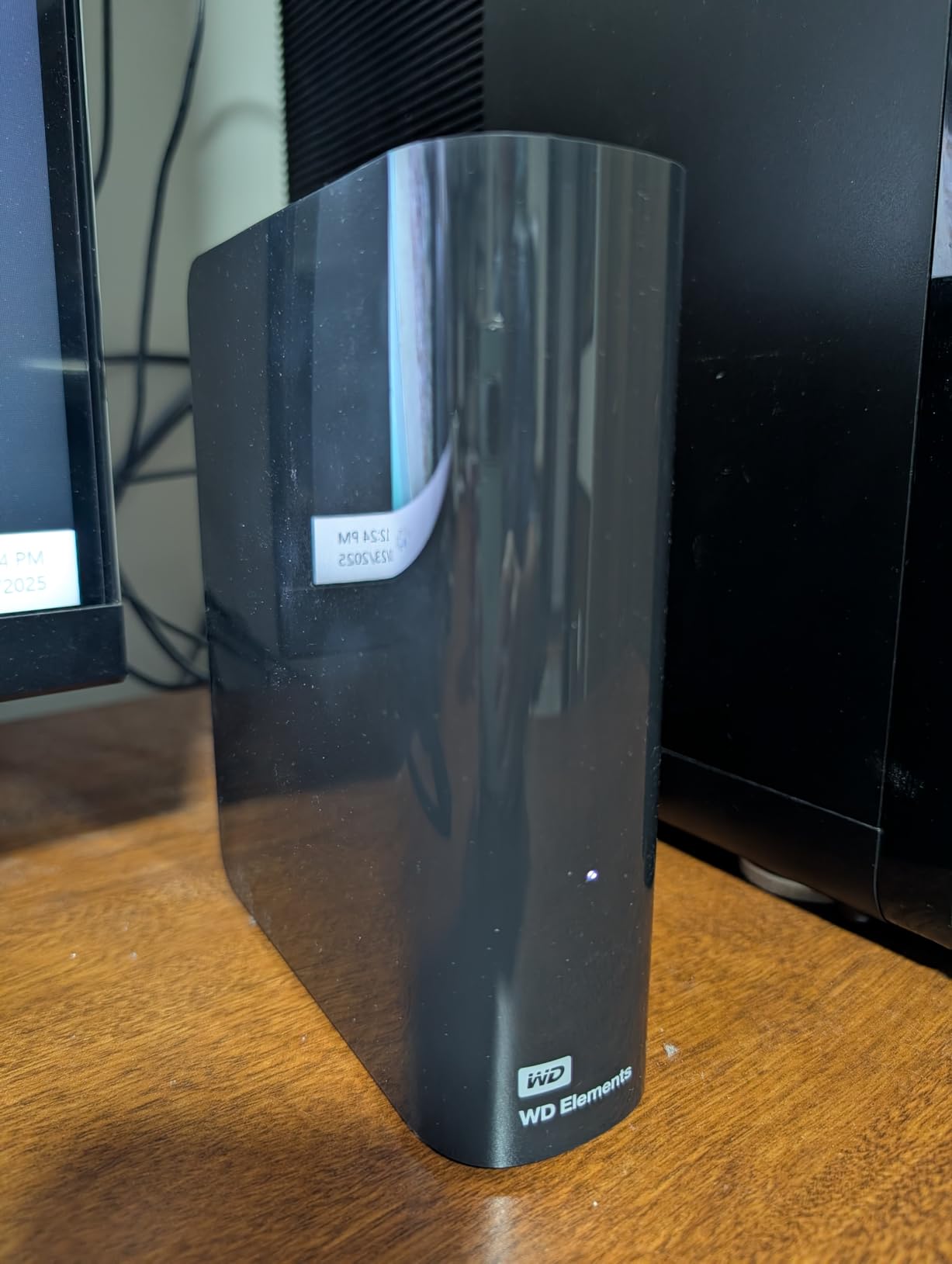
Good to know: this drive is pre-formatted NTFS, so it is usable immediately on Windows. Mac users will need to reformat it before writing, which takes a couple of minutes.
3. WD Elements 4TB: Best for Photo Archives
WD 4TB Elements Portable External Hard Drive for Windows, USB 3.2 Gen 1/USB 3.0 for PC & Mac, Plug and Play Ready – WDBU6Y0040BBK-WESN
Capacity: 4TB
Type: Portable HDD
Interface: USB 3.0
Warranty: 2 years
Pros
- Four terabytes in a slim enclosure
- No software or drivers required
- Quiet and cool for routine backup duty
- Works with laptops and consoles
Cons
- Small-file transfers are slow
- No hardware encryption
- Bundled cable can fail and is awkward to replace
A wedding photographer with two card readers and a laptop full of edits knows exactly what they need: room that does not fill up mid-season and a drive that stays quiet in a hotel room. Four terabytes covers that, and the listing lists compatibility with laptops, desktops and the Nintendo Switch for anyone moving game saves alongside the shoot.
Buyers treat this model as a straightforward backup volume with plenty of room for photos and media. The repeated advice in the reviews is to handle it gently, keep redundant copies and swap the bundled cable if it ever becomes flaky.
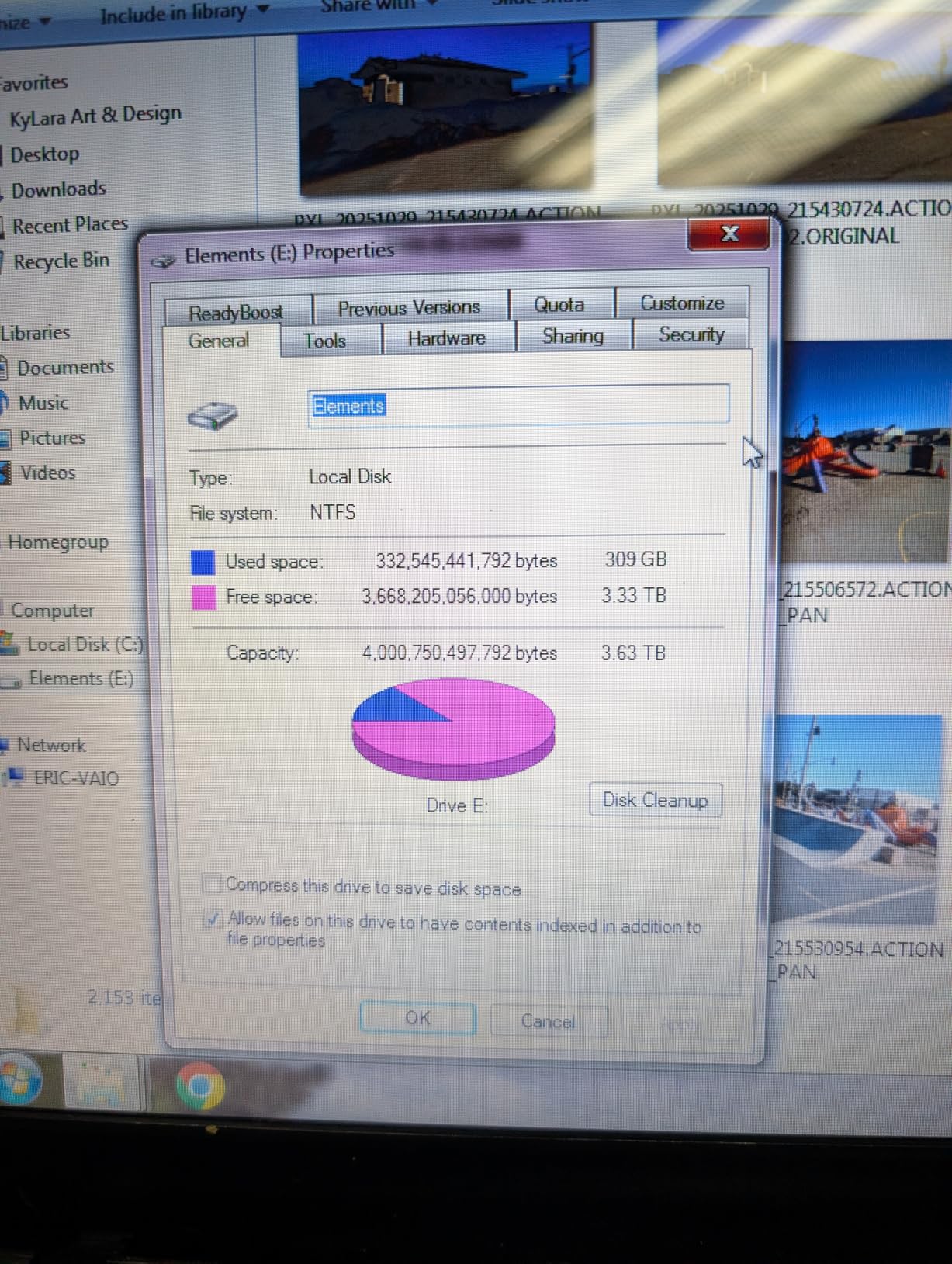
At 8.32 ounces it is the same weight as the 5TB model, so the only real decision between them is how much room you want. One terabyte less on the 4TB is usually plenty for a working archive; the 5TB is better for a decade of photos or a Plex library.
Skip it if you edit 4K video and need scratch space, since a mechanical drive will not keep pace with an SSD there. For that work, a portable SSD is the only sensible answer.
- Enough room for tens of thousands of RAW files plus edited video
- Same slim enclosure as the 5TB, one terabyte smaller
- Two-year warranty from Western Digital
- No reformatting needed on Windows
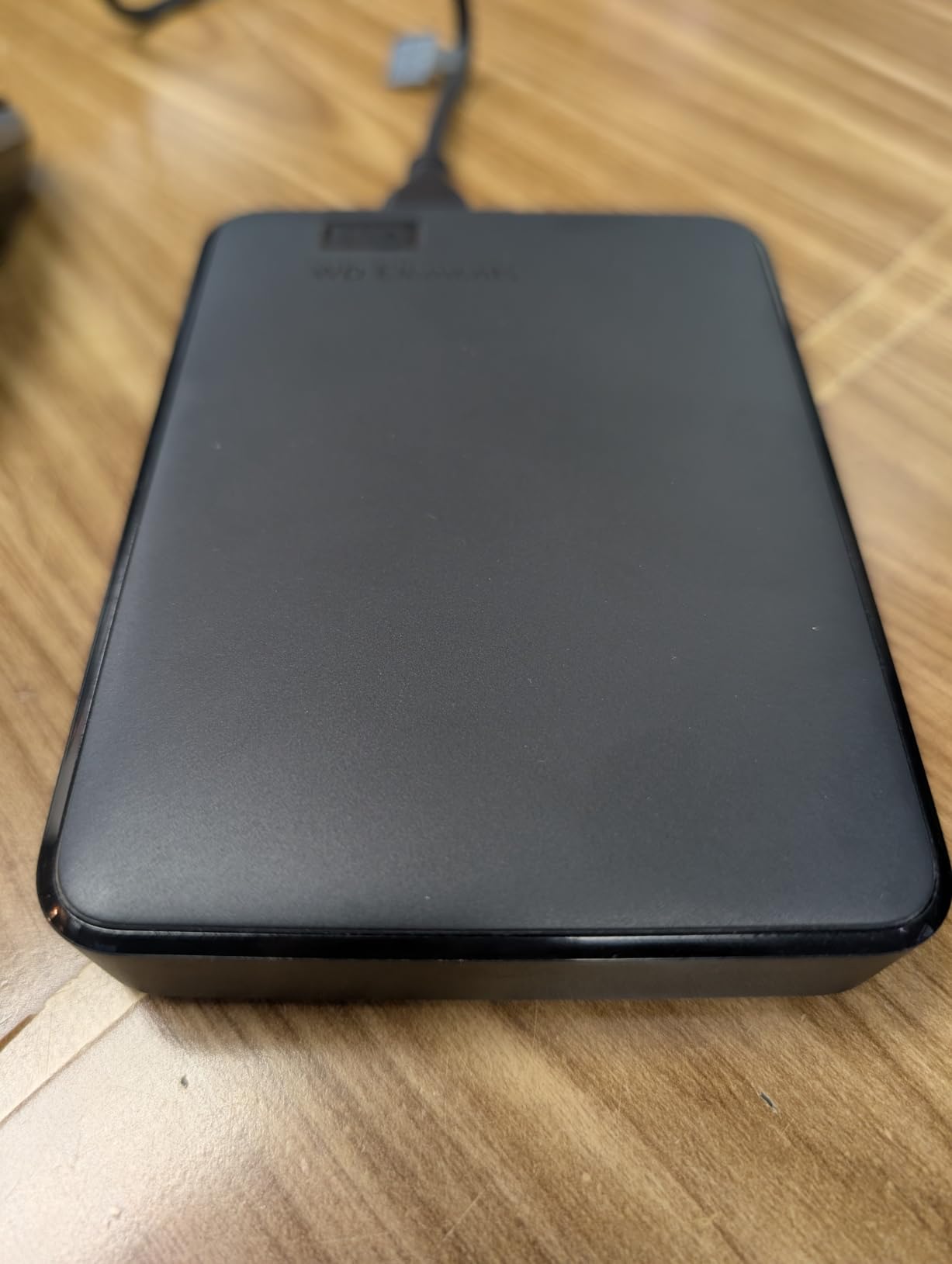
Good to know: leave roughly a tenth of the capacity free. Spinning drives slow down when they get full, and an edit or copy buffer needs somewhere to go.
4. WD My Passport 2TB: Best Budget Pick for Encrypted Backups
WD 2TB My Passport, Portable External Hard Drive, Black, backup software with defense against ransomware, and password protection, USB 3.1/USB 3.0 compatible – WDBYVG0020BBK-WESN
Capacity: 2TB
Type: Portable HDD
Interface: USB 3.0
Warranty: 3 years
Pros
- Hardware encryption and password protection
- Backup software with ransomware defense
- Three-year limited warranty
- Runs cool and transfers quickly
- Slim body at 4.23 ounces
Cons
- USB-A cable only which needs an adapter on USB-C laptops
- Bundled software prompts for optional apps
- First full backup takes a long time
This is the pick for anyone handling files they would rather not explain to someone else. The My Passport line adds password protection and hardware encryption on top of the plain backup volume, which is exactly what a small business or a freelancer storing client material wants.
Owners consistently describe it as reliable, quiet and simple for backup and large-file transfer, with strong brand support behind it. The body is 4.22 by 2.95 by 0.44 inches, so it disappears into a bag the way the Elements does.
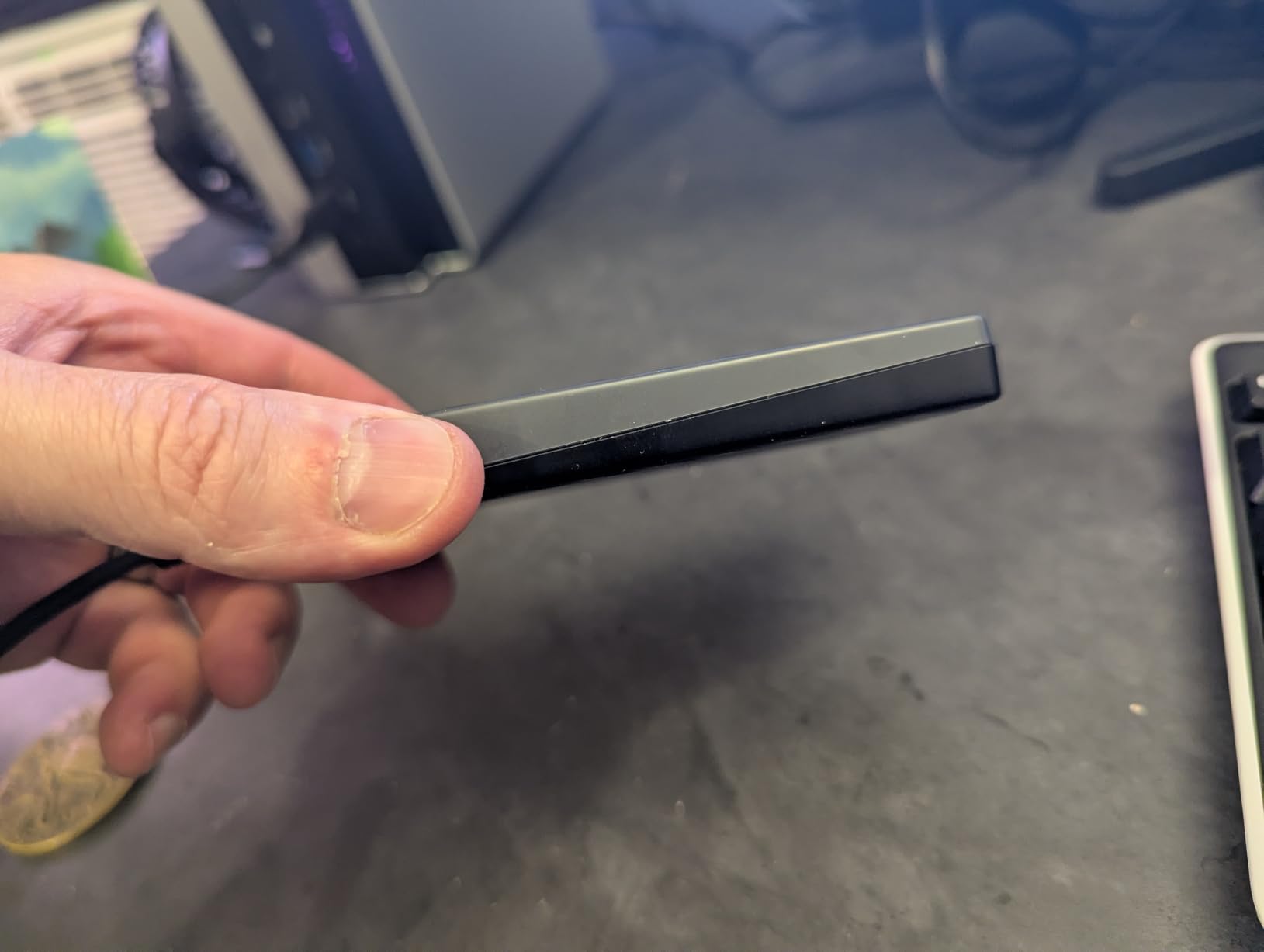
The most repeated drawback is the connection. It ships with USB-A only, which means an adapter on current MacBook models and any USB-C-first machine, and a three-year warranty gives you more cover than the Elements line offers.
Compared with the WD Elements 2TB, you gain encryption and a year of warranty and lose the bundled-cable complaints are matched by an adapter situation instead. Compared with the My Passport 5TB, this is the lighter option that still fits a pocket.
- 256-bit style hardware encryption through WD’s software
- Three-year warranty, longer than any other portable pick here
- Lightest drive in this list at 4.23 ounces
- Bundled backup software with ransomware defense
Expect to lose roughly 10% of the labelled capacity to formatting, which owners report as normal.
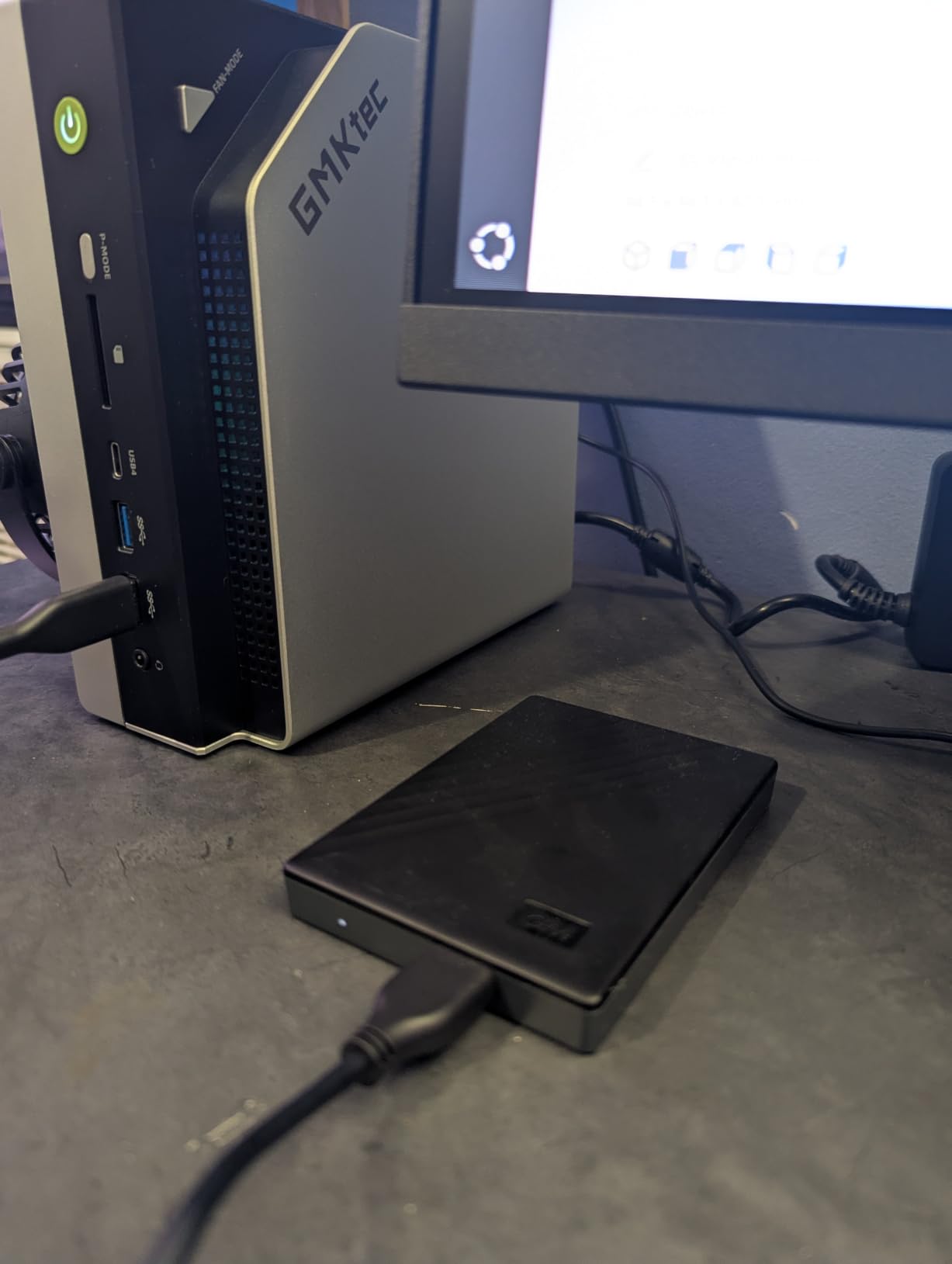
5. WD My Passport 5TB: Best for Secure High Capacity
WD 5TB My Passport, Portable External Hard Drive, Black, backup software with defense against ransomware, and password protection, USB 3.1/USB 3.0 compatible – WDBPKJ0050BBK-WESN
Capacity: 5TB
Type: Portable HDD
Interface: USB 3.0
Warranty: 3 years
Pros
- Hardware encryption and password protection
- Bundled backup software with ransomware defense
- Three-year limited warranty
- Slim body for a five-terabyte drive
- Broad platform support
Cons
- Lowest average rating of the WD portable picks here at 4.5 stars
- USB-A only so USB-C machines need an adapter
- Mechanical speed trails an SSD for game libraries
Five terabytes with hardware encryption is a rare combination in a body this slim, and that is why this one sits above the plain Elements drives for anyone with sensitive material. The enclosure is 4.22 by 2.95 by 0.75 inches and weighs 7.4 ounces.
Owners value the capacity, the slim design and the security features, citing long service life and quiet operation over years of use. Feedback is a little more mixed than on the smaller capacities in the same line.
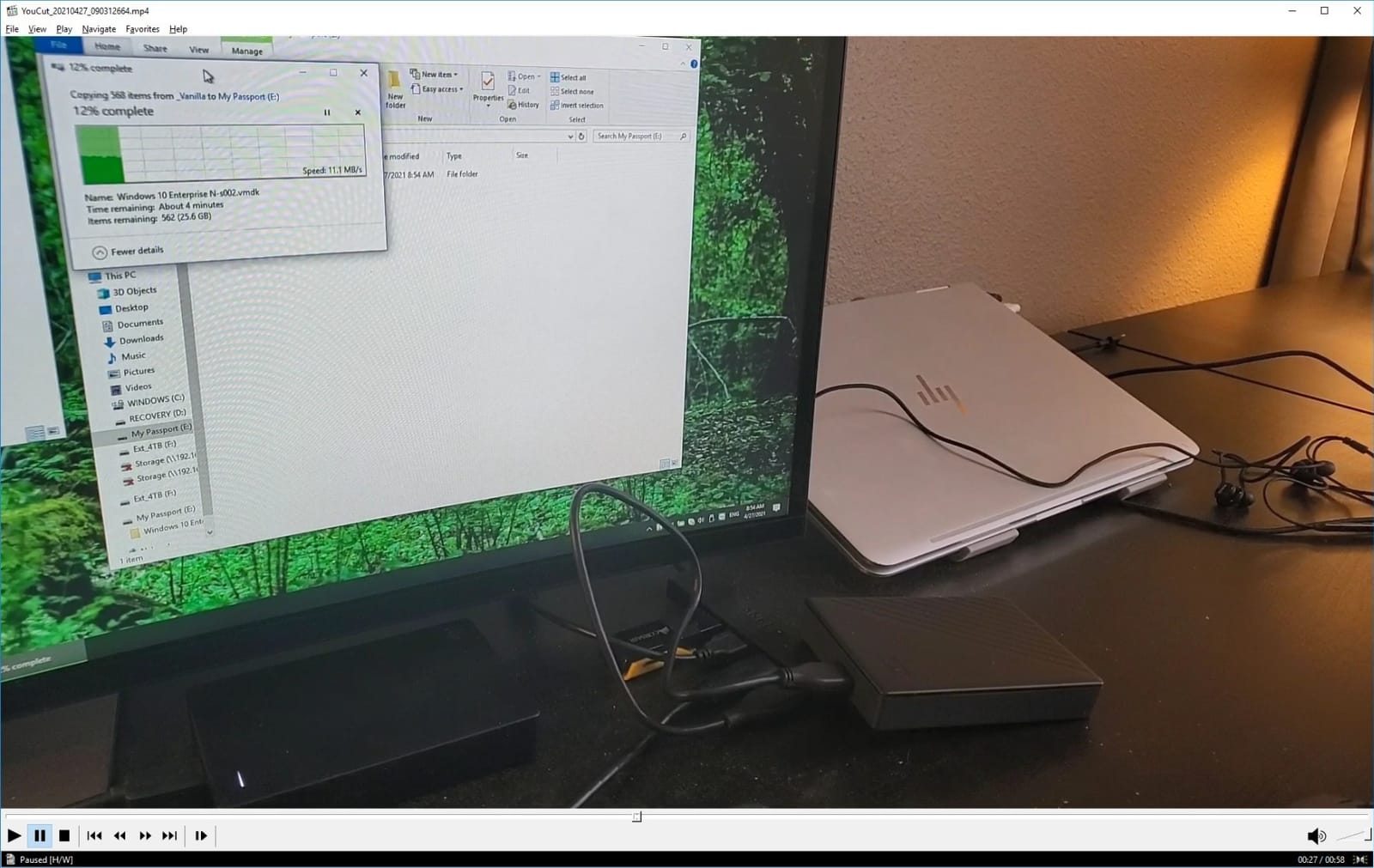
Two things come up repeatedly. The bundled software pushes optional extras during setup, which is mildly annoying, and the USB-A cable means the same adapter conversation as the 2TB My Passport.
- Encryption plus a three-year warranty at 5TB
- Listed support for Windows, Mac with reformat and Linux
- Quiet enough for a bedroom or home office
- Thinner than most 5TB mechanical enclosures
The WD Elements 5TB is the pick if encryption does not matter and you want the quietest option; the WD My Book 8TB is the pick if you want twice the capacity and can live at a desk. Against both, this is the one that stays portable and keeps files locked.
The 4.5 average rating reflects a small number of mixed reliability comments, not a widespread pattern. Two years of warranty on the Elements picks gives less cover than the three years here.
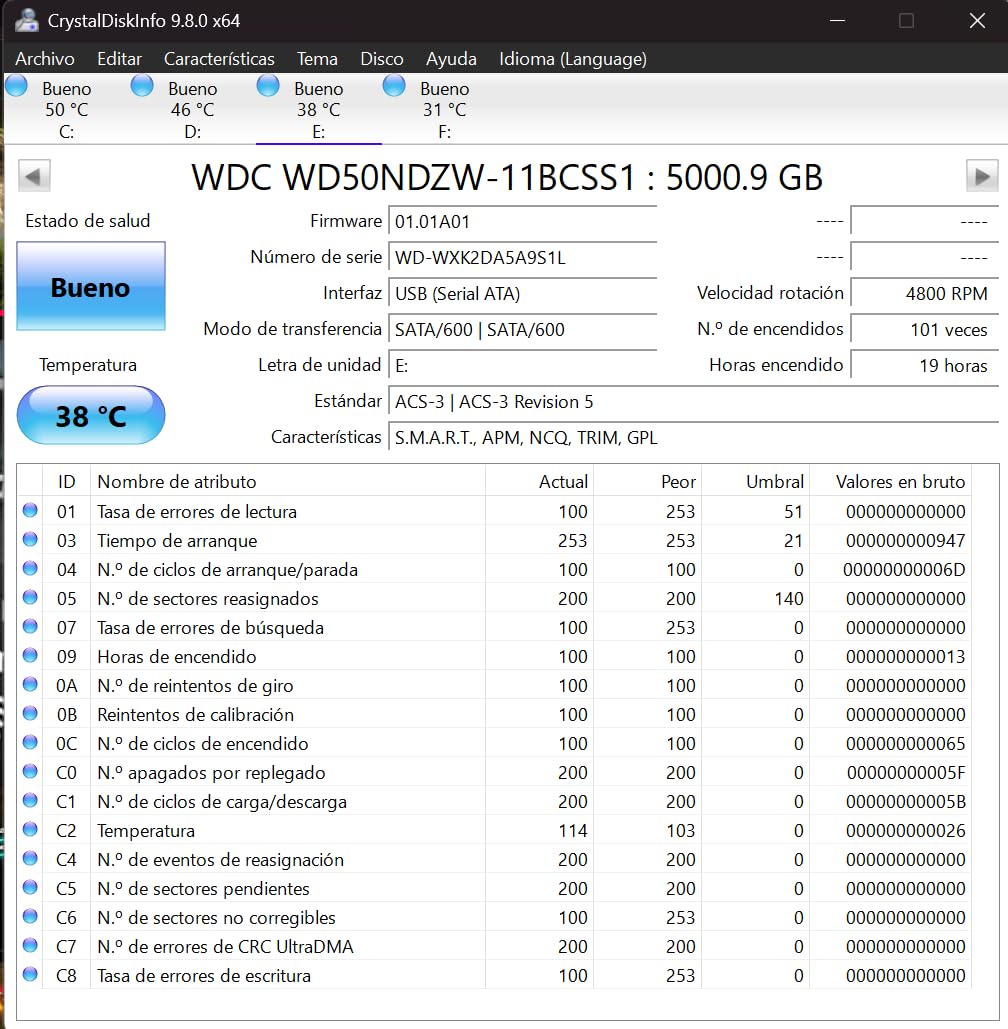
6. Toshiba Canvio Basics 2TB: Best for No-Fuss Storage
Toshiba Canvio Basics 2TB Portable External Hard Drive USB 3.0, Black – HDTB520XK3AA
Capacity: 2TB
Type: Portable HDD
Interface: USB 3.0
Warranty: 1 year
Pros
- Matte smudge-resistant finish
- True plug-and-play with no software
- USB 3.0 and USB 2.0 compatible
- No external power needed
- Slow deliberate activity light
Cons
- Needs a dedicated proprietary cable
- Runs warm during long continuous use
- Only a one-year warranty
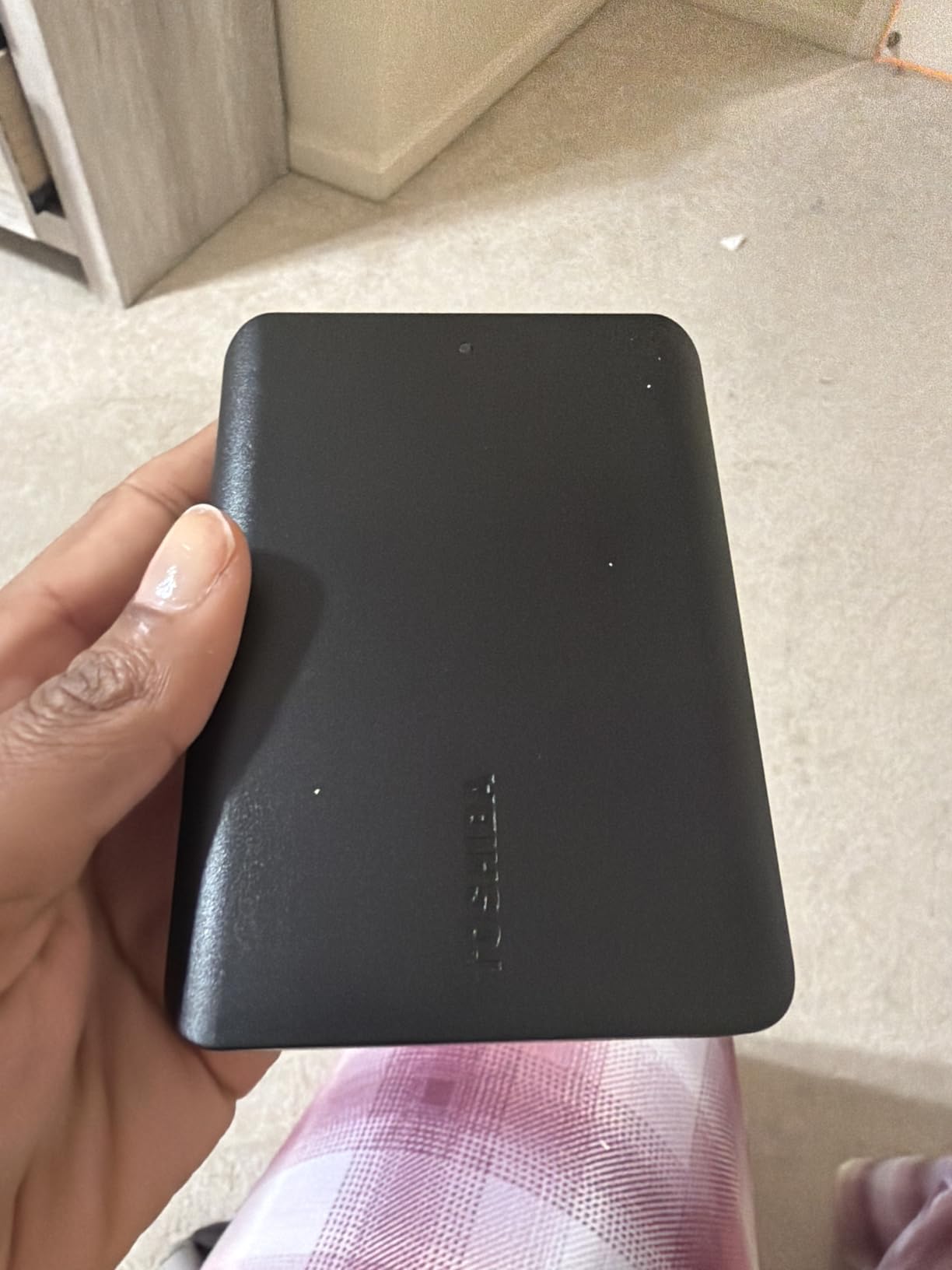
Some people just want a drive that works the first time they plug it in, with no backup utility asking for an account. This is that drive. It is 5.3 ounces, 4.3 by 3.1 by 0.55 inches, and it runs from the USB port alone.
Toshiba Canvio Basics owners highlight the compact matte design, stable operation and quick setup for photos, backups and console storage. The polycarbonate shell resists fingerprints, which matters more than it sounds when the drive lives in a bag.
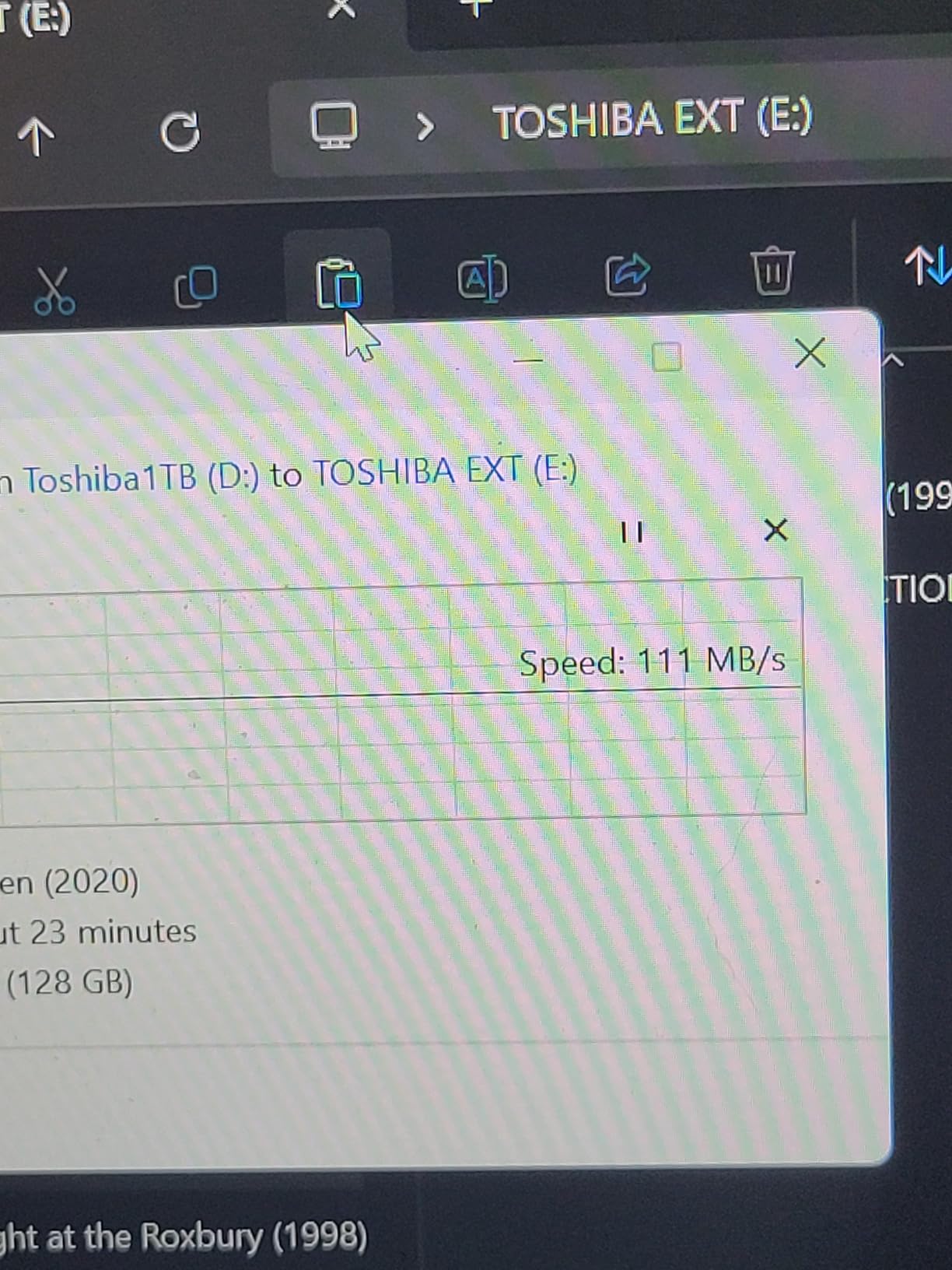
The catch is warranty length. One year is the shortest in this list, against two or three years on every Western Digital pick, and that difference is worth weighing before you commit a decade of photos to it.
Compared with the WD Elements 2TB, you get a similar capacity and interface with a warmer-running body and less cover. Compared with the Toshiba Canvio Advance 2TB, you give up the bundled backup and password software for a cleaner first-run experience.
- Bus-powered with no AC adapter
- Backward compatible with USB 2.0 ports
- Compact enough for a laptop sleeve
- Steady transfers with a calm activity light
The included cable is proprietary, so replacing it later is harder than on a standard USB cable. Keep the original somewhere safe.
7. Toshiba Canvio Advance 2TB: Best for Bundled Backup Software
Toshiba Canvio Advance 2TB Portable External Hard Drive USB 3.0, Black – HDTCA20XK3AA
Capacity: 2TB
Type: Portable HDD
Interface: USB 3.0
Warranty: 2 years
Pros
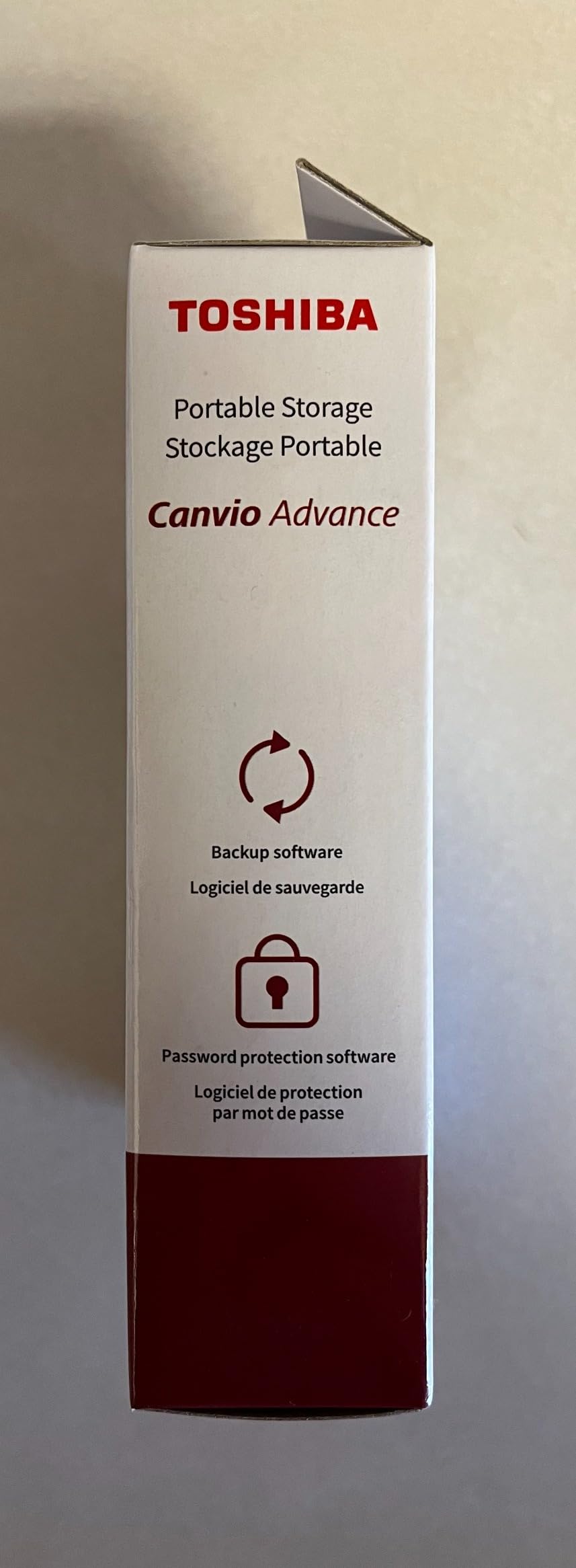
- Automatic backup software included
- Password protection software included
- Textured finish in colour options
- USB 3.0 and USB 2.0 compatible
- Two-year manufacturer warranty
Cons
- Backup and password software are Windows-only downloads
- No hardware encryption like the My Passport line
- Mechanical speed is slower than a portable SSD
The Advance step up from the Basics line is software. Automatic backup and password protection are included as free downloads, which saves you from hunting for a third-party utility the night you set the drive up.
At 5.28 ounces and the same 4.3 by 3.1 by 0.55 inch footprint as the Basics model, the two are physically near-identical. The differences are the textured finish, a two-year manufacturer warranty instead of one year, and the bundled utilities.
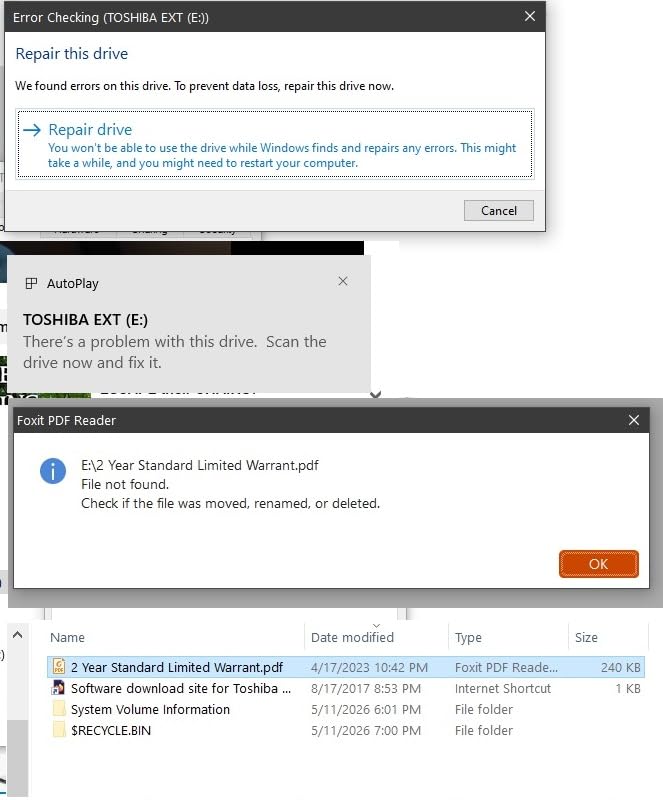
Buyers note the software is Windows-only, which matters if your backup machine runs macOS. They also note this line sits a step below the My Passport on hardware security, since encryption here is software-based rather than built into the drive.
- Two-year warranty, double the Basics model
- Colour and texture options rather than plain matte black
- Listed compatibility with desktops, laptops and cameras
- Same USB 3.0 bus-powered design as the Basics drive
Choose the WD My Passport 2TB instead if hardware-level encryption is the deciding factor, and the Toshiba Canvio Basics 2TB if you would rather skip the software entirely. This model is the middle path for Windows users who want the extras without paying for the My Passport line.
A slow, deliberate activity light makes it easy to tell when the drive is working, which matters more than it sounds during a long first backup.
8. ADATA HD710 Pro 2TB: Best for Travel and Field Use
ADATA HD710 Pro – 2 TB External Hard Drive – Shockproof, Waterproof & Dustproof – Durable Storage – For Gamers, Students & Professionals – Mac, PC & Linux Compatible – Black – AHD710P-2TU31-CBK
Capacity: 2TB
Type: Rugged HDD
Interface: USB 3.0
Warranty: 3 years
Pros
- MIL-STD-810G shock resistance
- IP68 waterproof and IP6X dustproof ratings
- Triple-layered rugged housing
- Built-in cable management and covered socket
- Works with PC and Mac and Linux
Cons
- Heavier and bulkier than slim portable drives at 270 g
- Included cable is short at around 30 cm
- Connector can be stiff for some users
A drive that lives in a backpack, a car door or a job site is a different purchase from one that sits on a desk, and this is the only pick here built for that. The housing carries MIL-STD-810G shock resistance along with IP68 waterproof and IP6X dustproof ratings.
At 270 grams it is the second-heaviest drive in this list, but that bulk is the point. The socket is covered, and the cable tucks into the body instead of dangling.
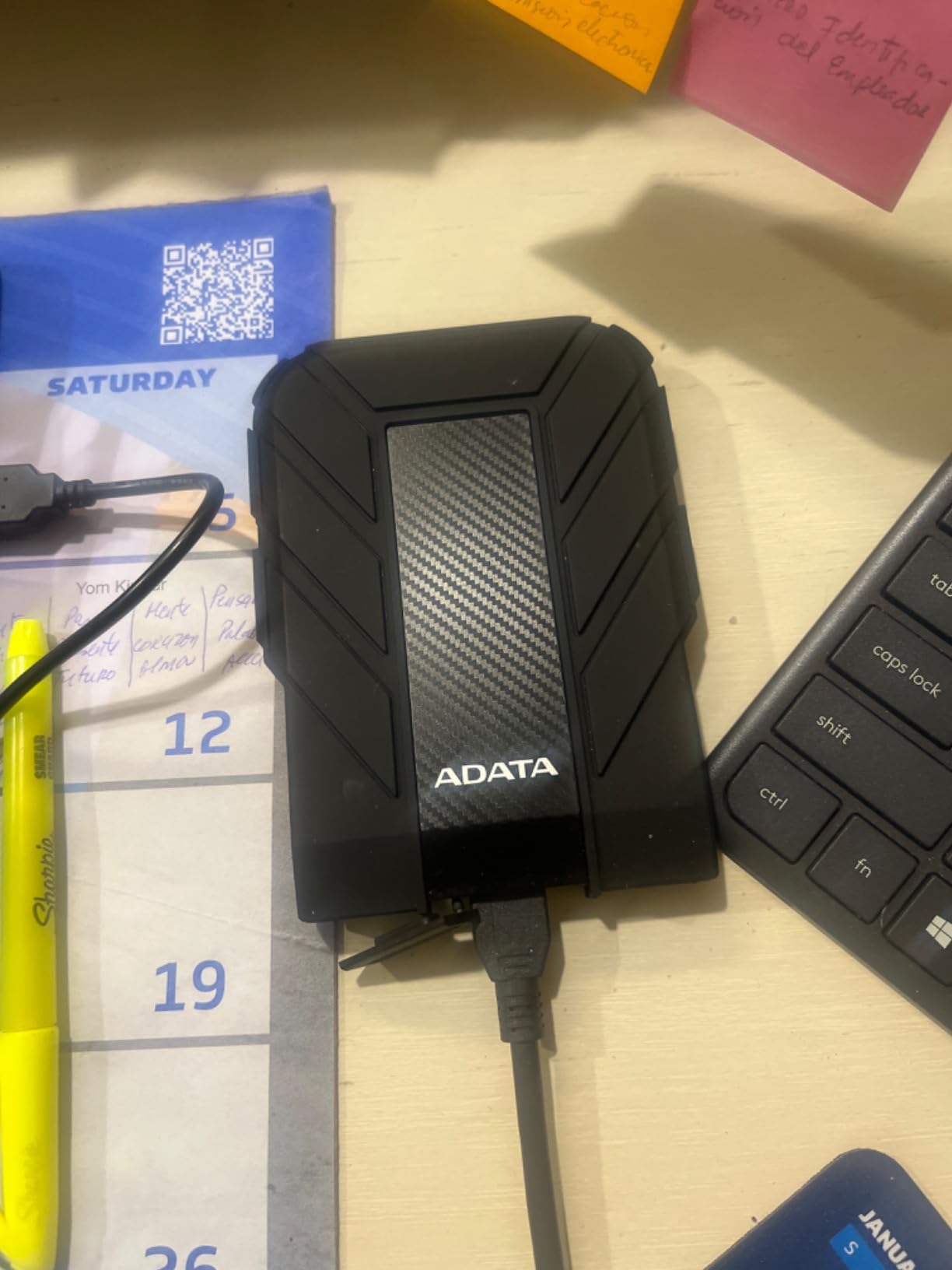
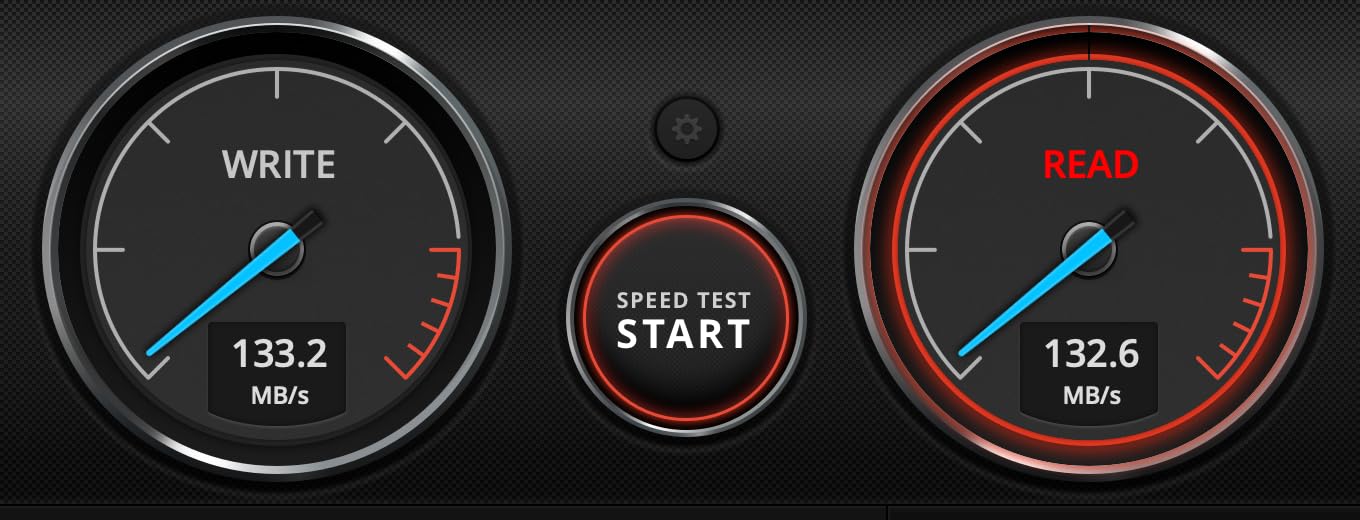
Owners value the rugged shell for travel and field use, along with the integrated cable holder and dust cover. Transfer speed is listed at 90 MB/s, which is in line with the other portable mechanical drives here.
- Rated to survive drops, dust and water exposure
- Three-year warranty, matching the My Passport line
- Listed compatibility with PC, Mac and Linux
- Covered port protects the connector when it is not in use
Skip it if you want a slim drive that disappears in a pocket, since the WD Elements 2TB is smaller and lighter. Compared with the ADATA’s own cable situation, note the supplied cable is short, around 30 cm, so plan for a longer replacement if you use a desktop.
Some users find the connector stiff, which matters for anyone with limited hand mobility.
9. WD My Book 8TB: Best for Desktop Archives
Western Digital 8TB My Book Desktop External Hard Drive, USB 3.0, External HDD with Password Protection and Backup Software – WDBBGB0080HBK-NESN
Capacity: 8TB
Type: Desktop HDD
Interface: USB 3.0
Warranty: 2 years
Pros
- Eight terabytes for archiving and media libraries
- Hardware encryption with password protection
- Included backup and device management software
- Compact vertical footprint with AC adapter
Cons
- Requires a separate AC power adapter
- Sleep mode adds delay before files are accessible
- A minority of owners report early failures
When the drive stays put, capacity beats portability. Eight terabytes in a vertical desktop enclosure gives you room for a decade of photos or a large media server library without hunting for another disk, and large-file transfers average roughly 150 MB/s in owner reports.
Owners prize the capacity-to-price ratio, the hardware encryption and the quiet, compact footprint. The unit stands vertically at 1.9 by 5.5 by 6.7 inches, which is the smallest desktop footprint in this list.
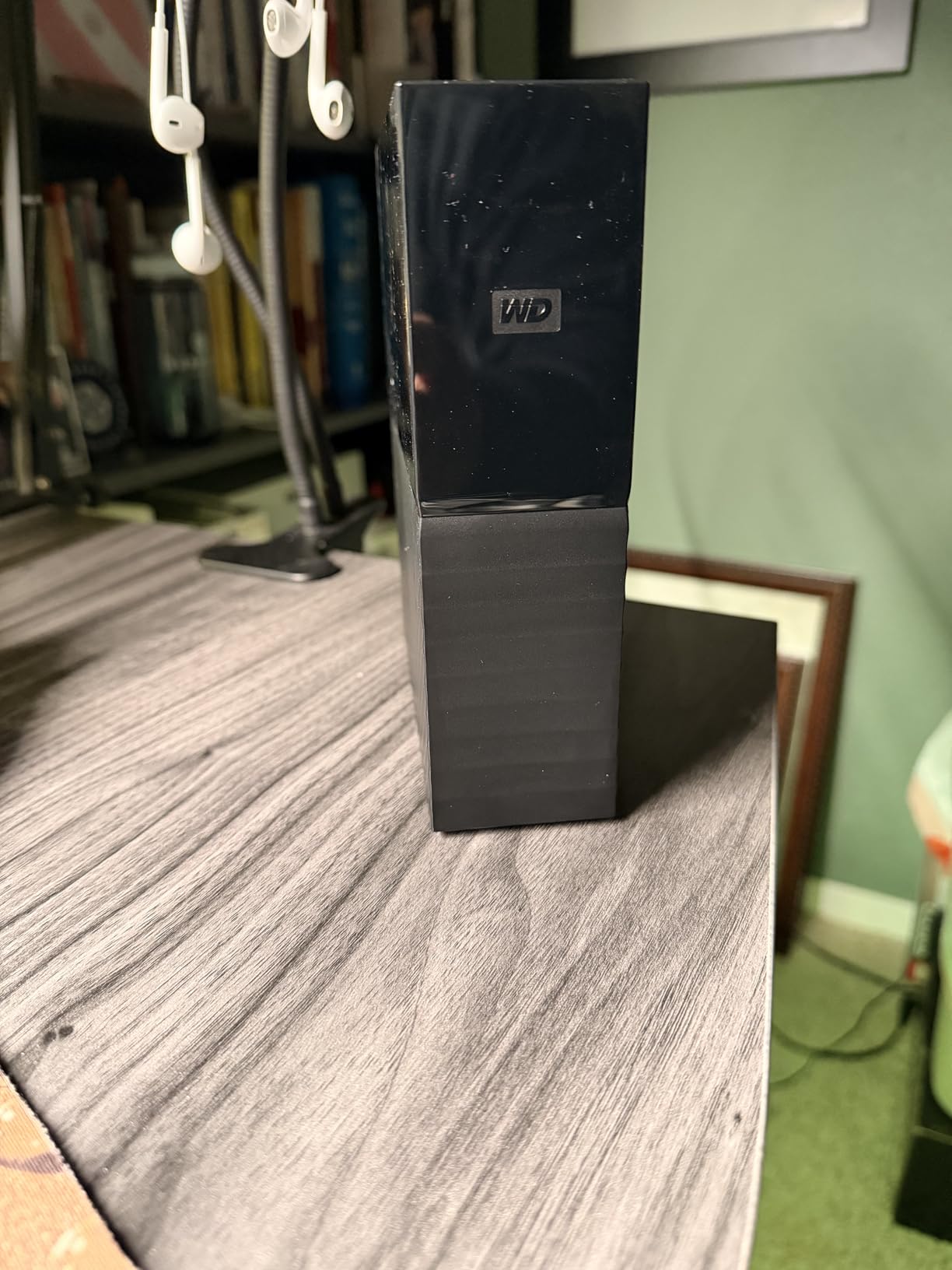
Four things come up in the reviews. It needs a wall adapter, sleep mode adds a few seconds before files are accessible, it runs warm so the vertical orientation matters, and a minority of owners report drives that failed early.
Compared with the Seagate One Touch 16TB, this is the smaller and cheaper-to-ignore option; that one needs no power adapter but carries twice the capacity. Against the WD Elements 5TB, you get three more terabytes and lose the ability to carry it anywhere.
- 256-bit AES hardware encryption with password protection
- Five Gbps SuperSpeed USB with USB 2.0 fallback
- AC adapter and backup software included
- Suited to Plex, Jellyfin or a NAS-style archive
Good to know: this is the lowest-rated drive in the list at 4.4 stars, so buy it with a plan to check the first full backup rather than assume it worked.
10. Seagate One Touch 16TB: Our Premium Pick for Maximum Capacity
Seagate 16TB One Touch Desktop Hard Drive | USB-C (STNB16000400)
Capacity: 16TB
Type: Desktop HDD
Interface: USB-C
Warranty: 2 years
Pros
- Sixteen terabytes in one drive
- Bus-powered USB-C with no wall adapter
- One-cord single-port design
- 7200 rpm class with a solid track record
- Two-year warranty plus Rescue data recovery services
Cons
- Heaviest drive here at roughly 2.6 pounds
- Needs 15 watts from the host device
- Mechanical throughput stays below SSD speed
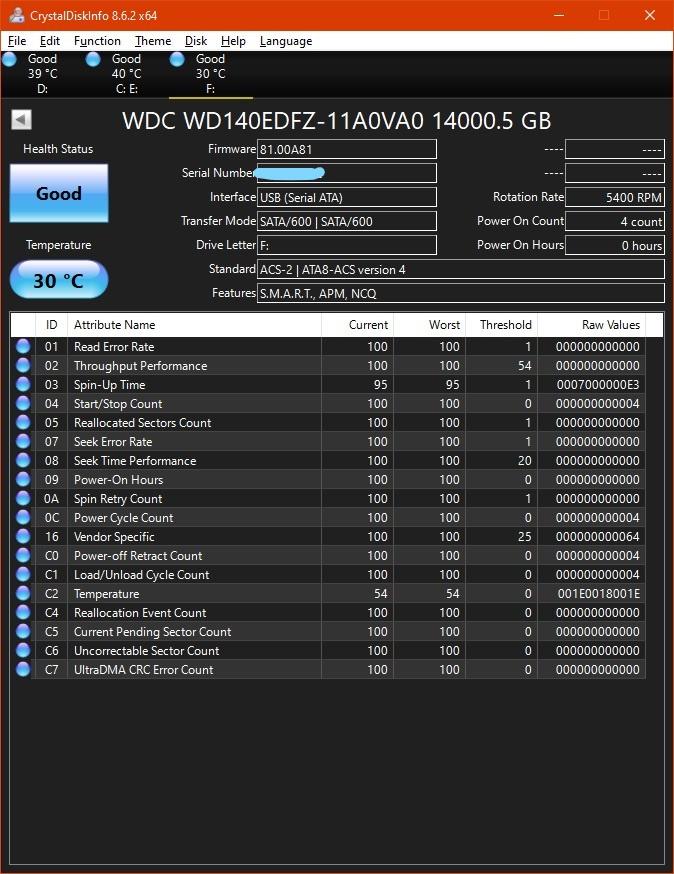
Sixteen terabytes in a single enclosure changes what a backup plan looks like. Rather than juggling four disks, you can mirror a full library or hold several years of footage in one place, and at roughly 120 MB/s read speed the bottleneck is the drive rather than the cable.
What makes this one unusual in the desktop category is the power. It runs bus-powered over USB-C, so there is no wall adapter and only one cord between the drive and the computer. The host device needs to supply 15 watts.
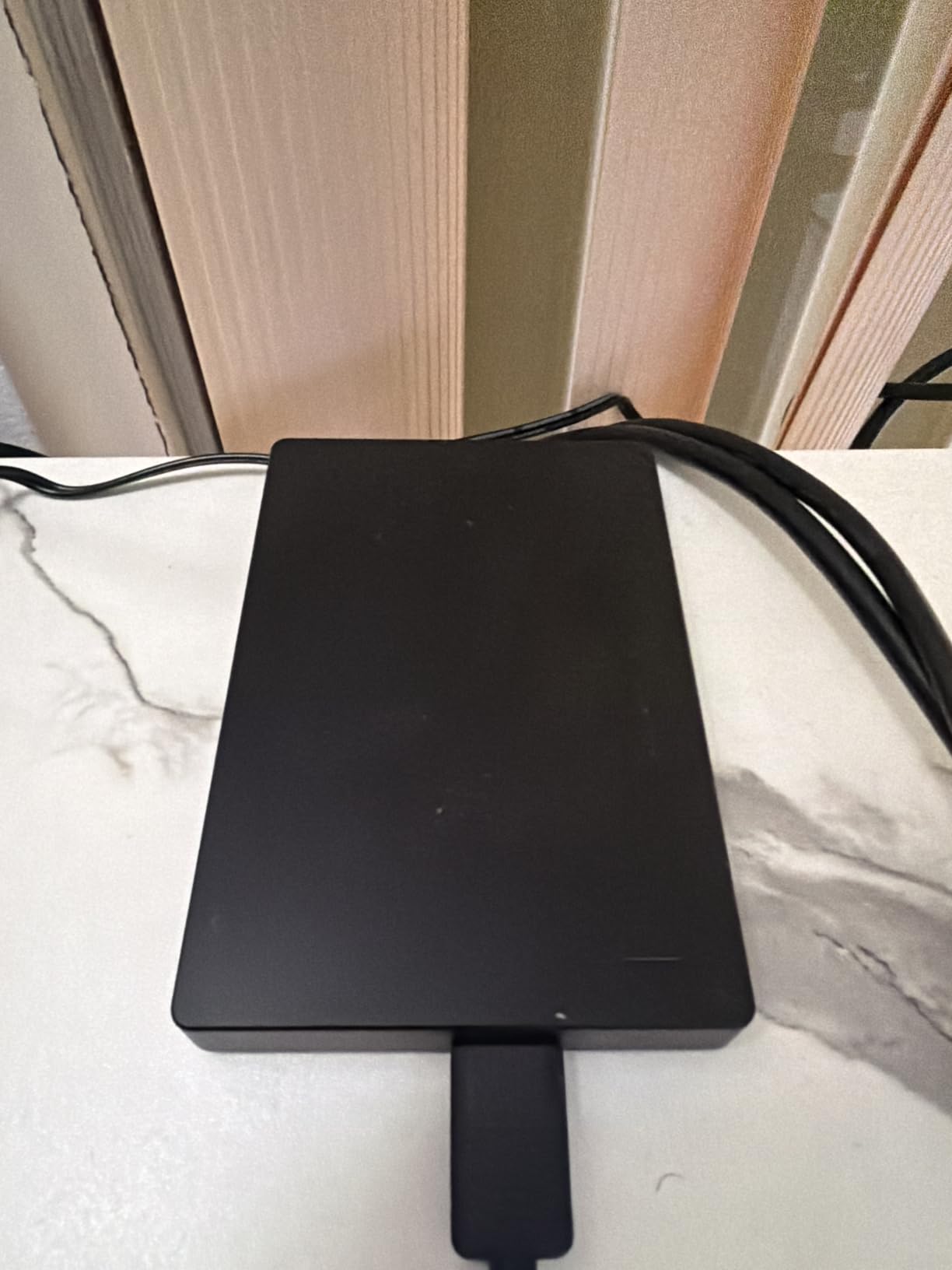
Owners highlight the combination of very high capacity with a single bus-powered USB-C cable, making it a clean one-cord solution for large archives. The main tradeoff buyers mention is weight, at 1176 grams, and the power draw.
- Largest capacity in this list at 16TB
- Bus-powered USB-C, no wall adapter to find a socket for
- 7200 rpm drive class
- Rescue data recovery services included
- More than 273k owner reviews to judge it by
Pick the WD My Book 8TB instead if you would rather halve the capacity and get an AC adapter that never runs out of ports. Both sit at the desk, so the real difference is one cord versus capacity.
Mechanical throughput stays well below any SSD, so this is archive and backup space rather than working space for active edits.
How to Choose External Hard Drives During Prime Big Deal Days
Capacity and Backup Needs
Most households need 2TB for documents and a photo archive, 4TB to 5TB for a growing media library, and 8TB or more for video, a Plex server or several years of footage. Whatever you choose, leave at least a tenth of the capacity free, because a nearly full spinning drive slows down noticeably. The WD Elements 2TB covers the average case; the WD Elements 5TB and WD My Book 8TB cover libraries.
Portable Versus Desktop Design
Portable enclosures under an inch thick draw power from the USB port and travel well; desktop enclosures hold far more and need a mains adapter or a bus-powered high-capacity design like the Seagate One Touch 16TB. If the drive lives in a bag, weight matters more than terabytes. If it lives under a desk, the opposite is true.
Transfer Speed and Interface
USB 3.2 Gen 1 at 5 Gbps is the common baseline on every drive here, and a mechanical drive tops out well below that ceiling at roughly 100-150 MB/s. A faster interface alone will not make a mechanical drive faster; it only matters once you move to an SSD. Match the port on your computer, and note that USB-A-only drives like the WD My Passport models need an adapter on USB-C machines.
Reliability, Warranty and Backup Habits
Warranty length is the clearest quality signal on a listing. The WD My Passport and ADATA HD710 Pro lines carry three years, the Western Digital Elements and Seagate One Touch drives carry two, and the Toshiba Canvio Basics 2TB carries one. Whatever you buy, a single external drive is not a backup: keep at least one more copy somewhere else before you trust a drive with files you cannot replace.
How to Shop External Hard Drive Deals During the Sale
Check the model number in the listing rather than the headline capacity, because the same family covers 2TB through 6TB and the capacities are separate products. Confirm the interface, the colour or bundle variant, whether the item is new or renewed, who sells it, who dispatches it and what the warranty actually covers before you compare two offers. Most Prime Big Deal Days offers require a Prime membership, a free trial counts, and offers change through the event.
- Match the model number, not just the capacity on the thumbnail
- Confirm new versus renewed before you compare two offers
- Check the seller, the warranty and who dispatches the drive
- Keep your existing cable question in mind, it is the most common failure point
- Plan for two copies of anything you cannot lose
- Re-check the listing before the end of the window, offers rotate
Frequently Asked Questions
When does Amazon Prime Big Deal Days run in 2026?
Amazon Prime Big Deal Days runs October 6-7, 2026. Most offers need an active Prime membership, and a free 30-day trial counts. Early-access offers often appear a few days ahead of the main window.
Which drives belong in the best Amazon Prime Big Deal Days external hard drive deals lineup?
Our picks span the range of real use cases: the WD Elements 2TB for everyday backups, the WD Elements 5TB and 4TB for photo and media archives, the WD My Passport models for hardware encryption, the Toshiba Canvio drives for a simpler setup, the ADATA HD710 Pro for travel, and the WD My Book 8TB and Seagate One Touch 16TB for desktop archives.
How much external storage do I need for a full backup?
For documents and photos, 2TB is usually enough for most households. A media library or several years of camera files pushes you toward 4TB or 5TB, and video or a Plex server usually starts at 8TB. Leave some free space, and remember one drive is not a backup, so plan a second copy elsewhere.
Does a faster USB interface make every file transfer faster?
Only up to the speed of the drive itself. The mechanical drives in this list top out around 100-150 MB/s even on a 5 Gbps port, so moving to a faster interface will not change much. Interface speed matters when you switch to an external SSD, where the bottleneck moves off the mechanism and onto the cable and the host device.
Are external hard drives reliable enough for long-term storage?
They are fine for archive and backup duty, provided you keep more than one copy. Mechanical drives fail eventually, and owner reviews on every drive here mention at least one durability caution, whether a fragile bundled cable or an early failure report. Rotate backups and verify your first full copy before you delete anything.
Are renewed external hard drives worth buying during the sale?
Renewed listings can work, but the warranty is usually shorter and the drive’s remaining life is unknown. If you go that way, read the condition description and the return window carefully, and treat the first backup as a test: copy your data, verify it, then keep a second copy. New models with a two or three year warranty are the safer buy for anything you cannot lose.
Final Verdict: Best Amazon Prime Big Deal Days External Hard Drive Deals
The pick most worth watching during the sale is the WD Elements 2TB, which leads on rating and on how much owner history sits behind it. For a budget-friendly alternative in the same class, the Toshiba Canvio Basics 2TB does the job with a shorter warranty; buyers who need security rather than the lowest entry point should take the WD My Passport 2TB, and anyone moving a lot of files should look at the WD Elements 5TB or 4TB.
The rest of the list has a job each: the WD My Passport 5TB for encrypted high capacity, the Toshiba Canvio Advance 2TB for bundled backup tools, the ADATA HD710 Pro 2TB for travel and field use, the WD My Book 8TB for a desktop archive, and the Seagate One Touch 16TB when you want one drive instead of four. Confirm the model number and the current listing details before you buy, and keep a second copy of anything you cannot replace.