
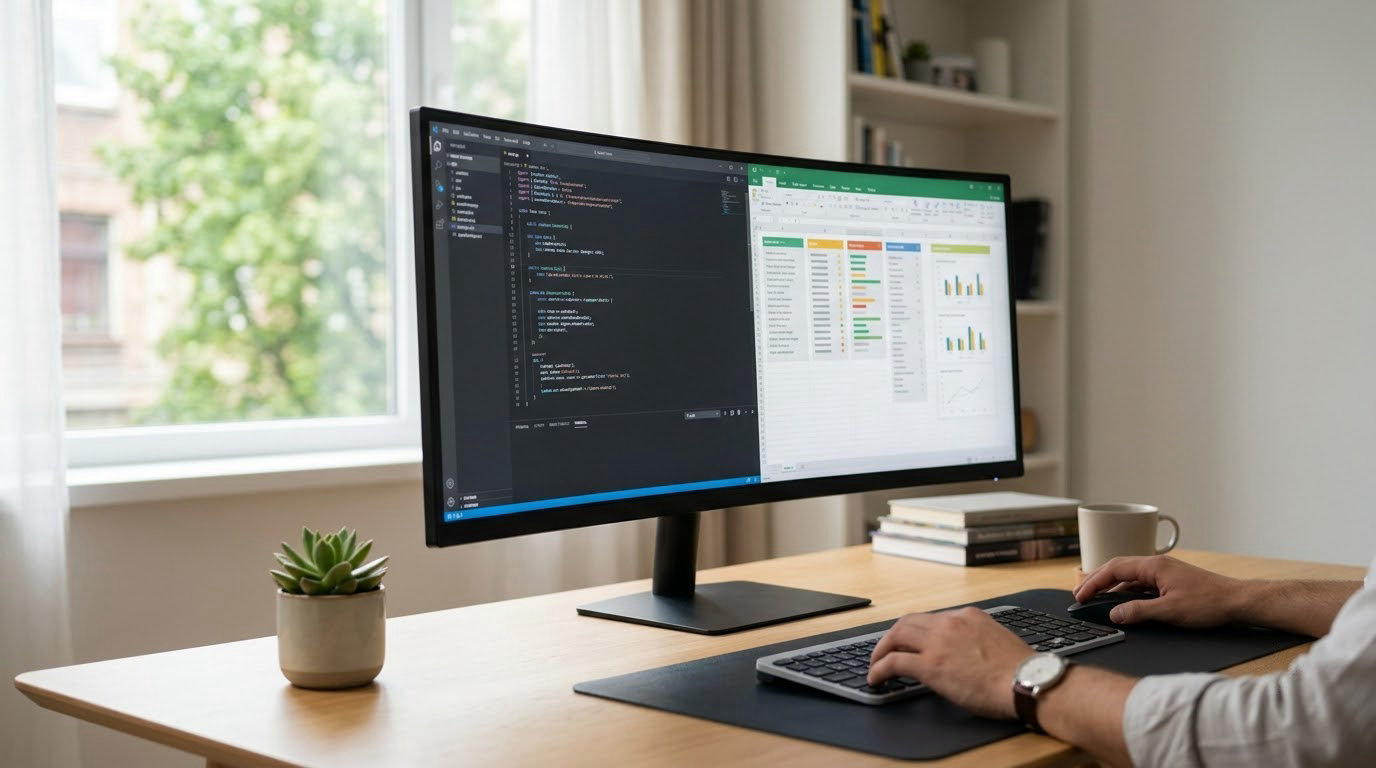
The Alienware AW3425DW is the ultrawide monitor worth watching first in Amazon’s Prime Big Deal Days sale: a 34-inch QD-OLED panel running at 240Hz with 0.03ms response and 99.3% DCI-P3 color on top. It is the only screen here that pairs an OLED panel with that refresh rate, which is why it leads this list for 2026. If your money goes further, the Samsung ViewFinity S50GC covers most office work at 3440×1440, and the Sceptre C345B gives you the same resolution with a faster panel for less. Prime Big Deal Days runs October 6-7, 2026, and most of these offers need a Prime membership.
Table of Contents
Our Top 3 Picks for Best Amazon Prime Big Deal Days Ultrawide Monitor Deals

Alienware AW3425DW
- 34.2-inch QD-OLED at 3440x1440
- 240Hz with 0.03ms response
- 99.3% DCI-P3 with a three-year warranty

Samsung ViewFinity S50GC
- 34-inch VA at 3440x1440
- 100Hz with FreeSync
- PIP and PBP for two sources

Sceptre C345B
- 34-inch VA at 3440x1440
- Up to 180Hz with 1ms MPRT
- Two DisplayPort and two HDMI inputs
Best Amazon Prime Big Deal Days Ultrawide Monitor Deals Compared (2026)
| Product | Specifications | Action |
|---|---|---|
| Alienware AW3425DW |
|
Check Deal Price |
| Samsung ViewFinity S50GC |
|
Check Deal Price |
| Sceptre C345B |
|
Check Deal Price |
 Dell S3425DW Dell S3425DW |
|
Check Deal Price |
 LG 34SR60QC LG 34SR60QC |
|
Check Deal Price |
 LG 34WR55QK LG 34WR55QK |
|
Check Deal Price |
 ASUS TUF VG34VQ3B ASUS TUF VG34VQ3B |
|
Check Deal Price |
 Samsung LS49C954U Samsung LS49C954U |
|
Check Deal Price |
 LG UltraGear 34G600A LG UltraGear 34G600A |
|
Check Deal Price |
 Samsung Odyssey G9 Samsung Odyssey G9 |
|
Check Deal Price |
How We Chose
We lined up the specs that actually decide an ultrawide purchase: panel type, native resolution, refresh rate, response time, adaptive sync, port selection and warranty. Then we read the owner reviews on Amazon for each listing, paying attention to the complaints that show up repeatedly rather than the single glowing review. Ratings and review counts were checked in October 2026, and the picks are ordered by how well each one holds up for the job it is built for.
1. Alienware AW3425DW: Editor’s Choice for 34-Inch Gaming
Alienware 34 240Hz QD-OLED Curved Gaming Monitor – AW3425DW – 34.2-inch WQHD (3440 x 1440) 0.03ms Display, 1800R Curve, AMD FreeSync Premium Pro, VESA AdaptiveSync, DisplayHDR TrueBlack 400
Panel: QD-OLED
Screen: 34.2 inch 3440x1440
Refresh: 240Hz
Pros
- 240Hz with 0.03ms response for fast competitive play
- 99.3% DCI-P3 coverage with Delta E under 2
- DisplayHDR True Black 400 at 1000 nit peaks
- Height swivel and tilt adjustable stand
Cons
- OLED burn-in risk with static desktop content
- Higher cost than LED ultrawides of the same size
- Typical SDR brightness is well below the HDR peak figure
The only 34-inch ultrawide here that does everything at once: OLED contrast, 240Hz, calibrated color and a long warranty term.
Most 34-inch ultrawides make you choose between speed and picture quality. The AW3425DW refuses that trade, running a QD-OLED panel at 240Hz with a 0.03ms response time and covering 99.3% of DCI-P3 with Delta E under 2 accuracy. Owners consistently describe the picture as the best in this group, and the contrast advantage over an LED panel is visible the moment you open a dark scene.
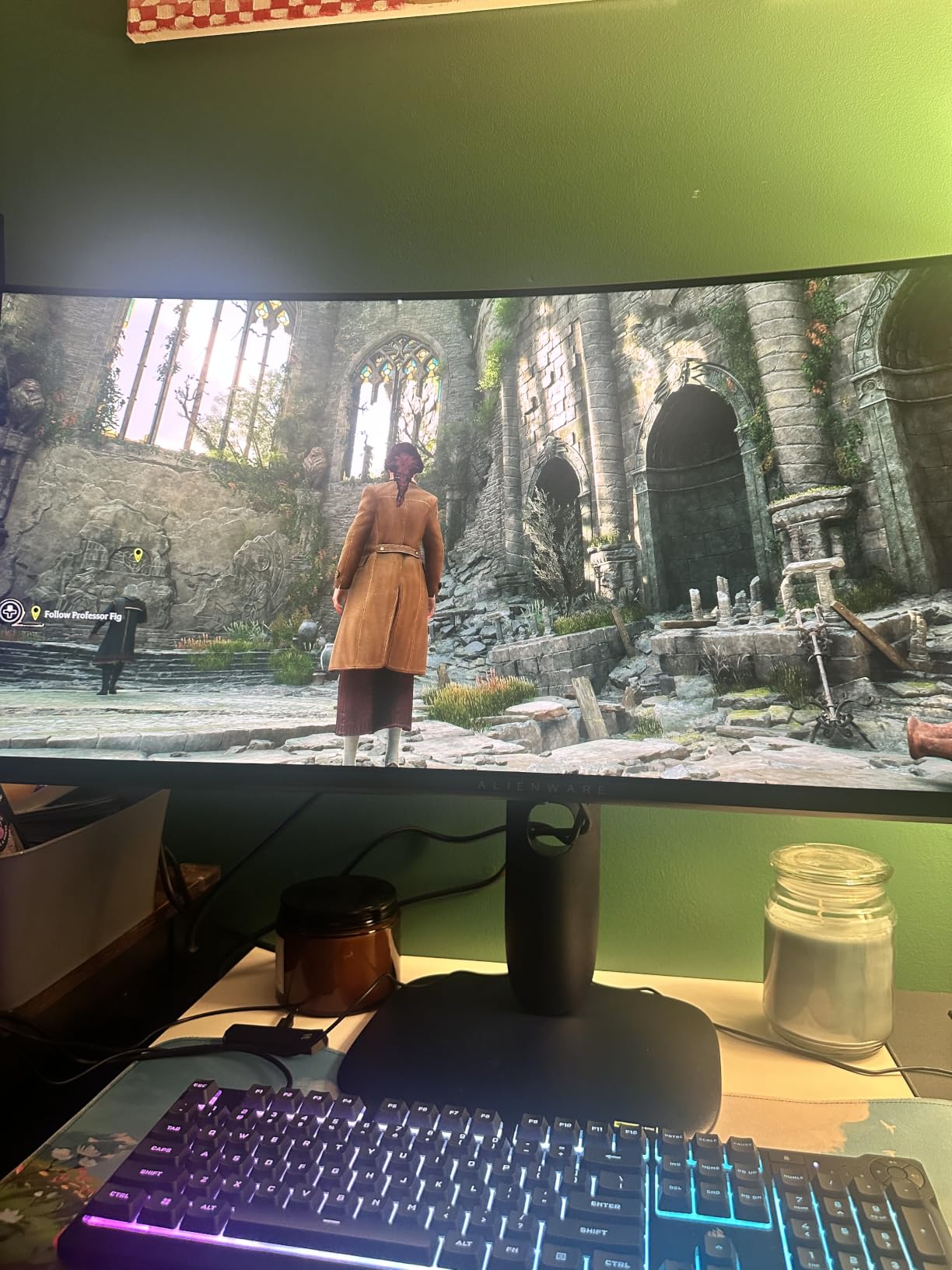
For a fast shooter, that response time and the FreeSync Premium Pro support mean motion stays clean without relying on G-SYNC. The three-year warranty also stands apart: most LED ultrawides in this roundup carry a single year, and a longer term matters on a panel where owners worry about longevity.
- 240Hz refresh with 0.03ms response time
- 99.3% DCI-P3 coverage and Delta E under 2 accuracy
- VESA DisplayHDR True Black 400 with 1000 nit peaks in HDR
- Works with FreeSync Premium Pro, G-SYNC Compatible and VESA AdaptiveSync
Compared with the ASUS TUF VG34VQ3B, the picture is measurably better and the motion handling is faster, but the TUF carries a three-year warranty too and costs considerably less to live with. Compared with the Samsung Odyssey G9, you give up the 32:9 field of view and the 1000 nit HDR ceiling in exchange for a panel that fits an ordinary desk.
Good to know: the stand is height, swivel and tilt adjustable, but everyday desktop brightness is well under the headline HDR peak number, so keep expectations realistic in a bright room.
2. Samsung ViewFinity S50GC: Best Value
SAMSUNG 34″ ViewFinity S50GC Series Ultra-WQHD Monitor, 100Hz, 5ms, HDR10, AMD FreeSync, Eye Care, Borderless Design, PIP, PBP, LS34C502GANXZA, 2023, Black
Panel: VA
Screen: 34 inch 3440x1440
Refresh: 100Hz
Pros
- Widest review base in the list at 1095 ratings
- Wide 21:9 canvas fits two full windows
- 100Hz keeps long document scrolling smooth
- Light at 10.8 pounds and easy to reposition
Cons
- Stand has no height adjustment
- VA panel shifts color at sharp side angles
- Basic HDR performance
The most proven screen on this list, and the reason most people never need to spend more.
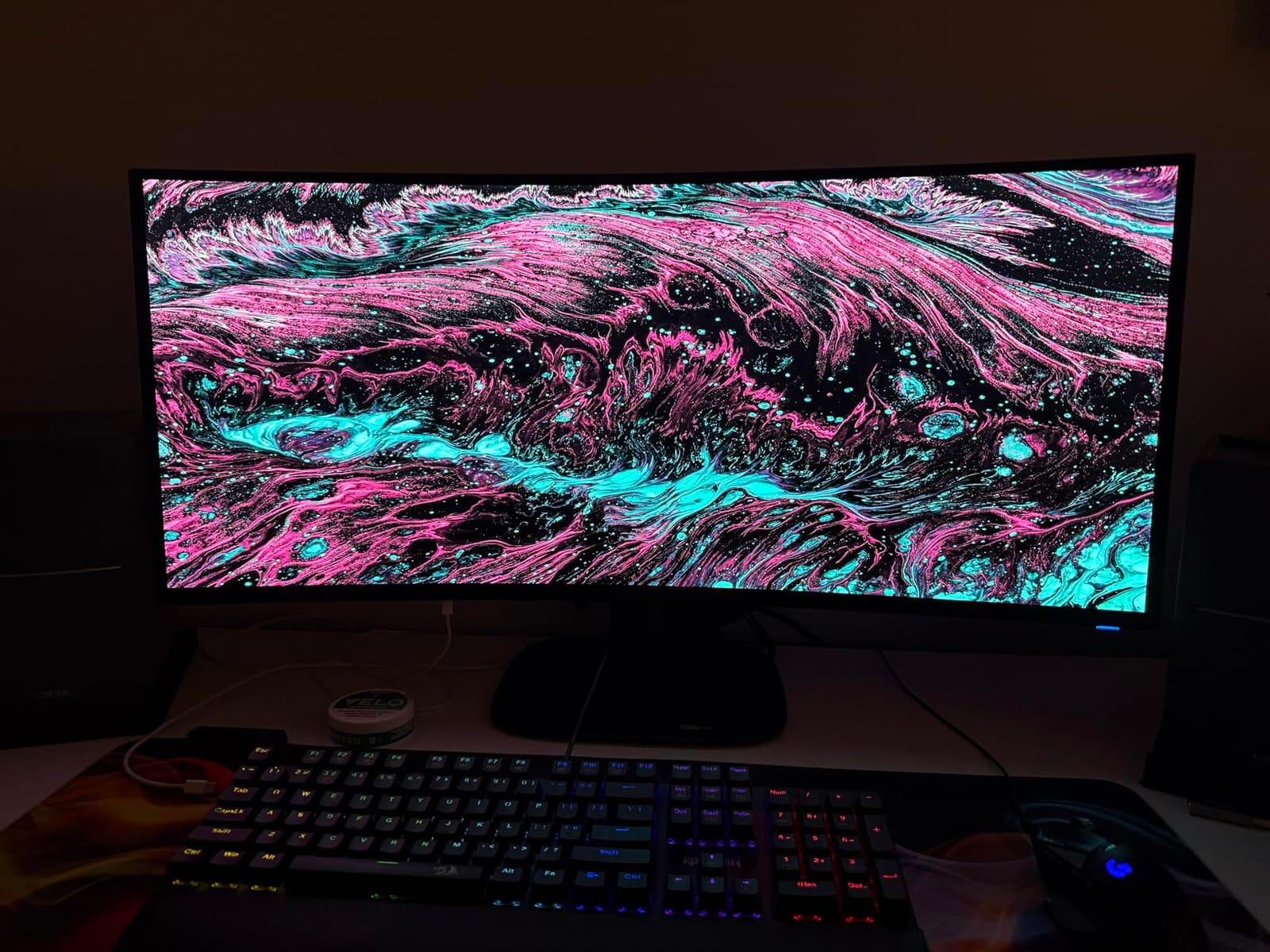
With 1095 ratings averaging 4.4, the ViewFinity S50GC has more owner history than anything else here, which makes its long-term behavior easier to judge. Owners keep coming back to the same thing: two complete windows side by side, sharp text and scrolling that does not feel sticky at 100Hz. The 3000:1 contrast and 300 cd/m2 brightness are honest VA numbers rather than headline figures.
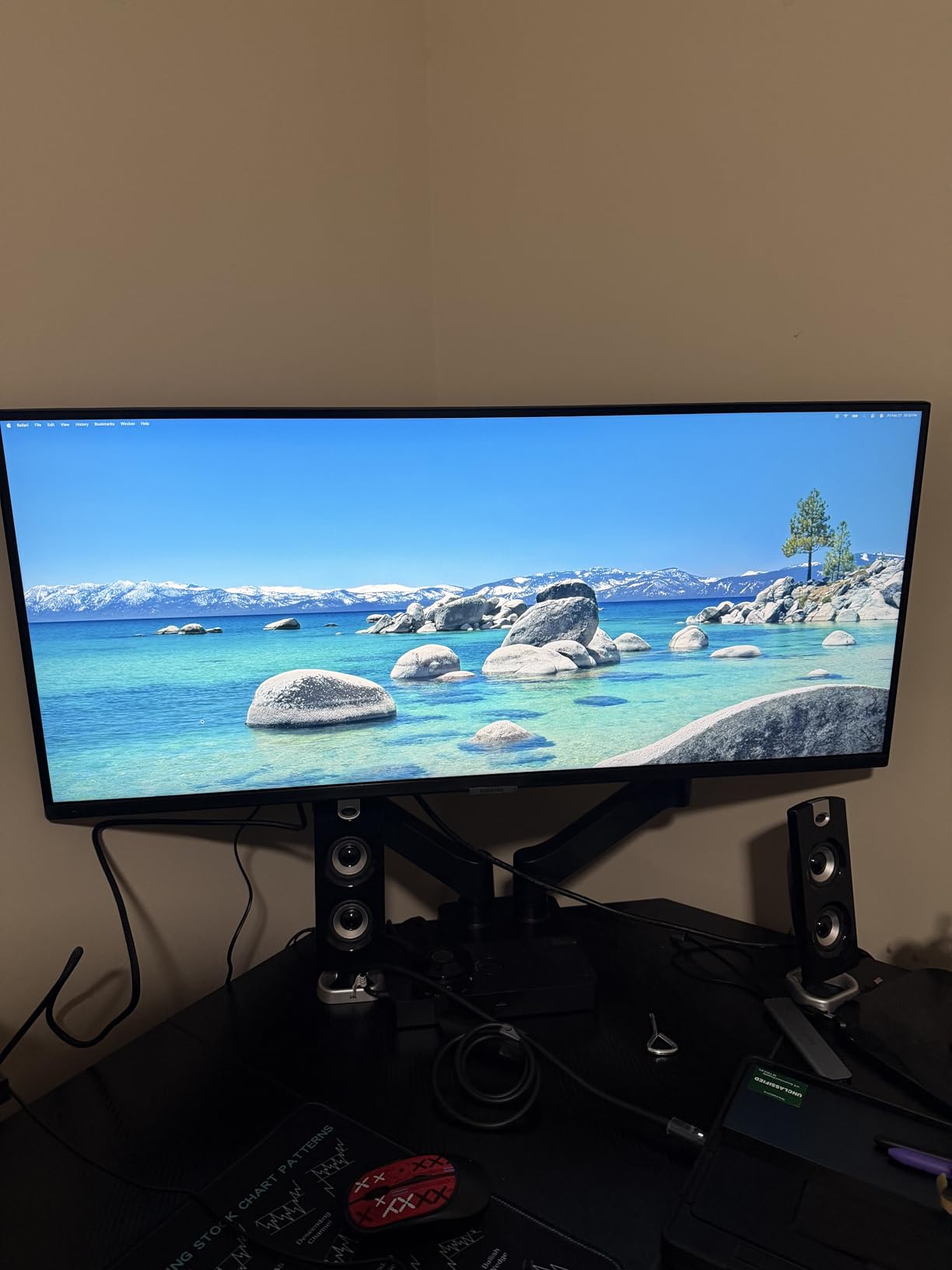
The Eye Care suite is unusually thorough for this tier, with an ambient light sensor that adjusts brightness automatically, plus Eye Saver Mode and flicker-free dimming. PIP and PBP let you run a laptop beside a desktop without a second monitor, and the 21:9 layout is a natural fit for a trading platform with charts stacked on both edges.
The stand is the weak point. Owners report adding a VESA arm, and the borderless three-sided design means an arm looks better than the original foot anyway. If you will sit off to one side, note that the VA panel shifts color at sharp angles.
One detail worth knowing: the on-screen source toggle takes several clicks, so if you switch between a laptop and desktop all day, the LG 34WR55QK with picture-by-picture is the smoother option.
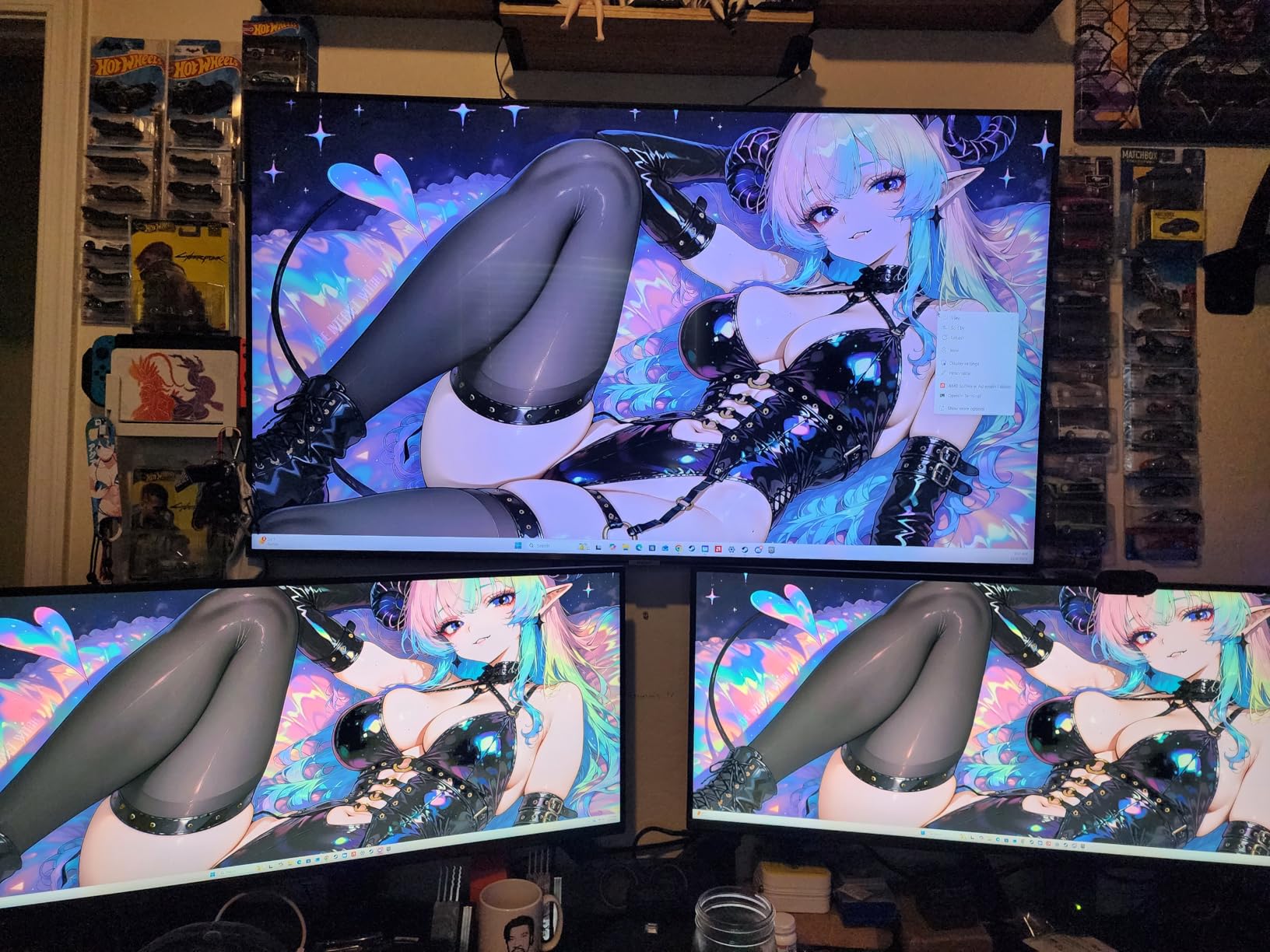
3. Sceptre C345B: Budget Pick
Sceptre 34-Inch Curved Ultrawide WQHD Monitor, 3440 x 1440, R1500, Up to 180Hz/165Hz, DisplayPort x2, 100% sRGB, 1ms, Built-in Speakers, Black (C345B-QUT168 Series)
Panel: VA
Screen: 34 inch 3440x1440
Refresh: 180Hz
Pros
- Up to 180Hz and 1ms MPRT at the lowest cost here
- Sharp and colorful image out of the box
- Two DisplayPort and two HDMI inputs
- Easy-to-reach OSD with downward-facing ports
Cons
- Some units arrive with a dead pixel
- Bundled HDMI cable caps at 100Hz
- Joystick input switching is awkward with two systems live
The cheapest way into a 3440×1440 ultrawide, and it does not feel like a compromise on speed.
Most budget ultrawides land at 100Hz. The C345B-QUT168 series goes up to 180Hz with 1ms MPRT response and 100% sRGB color, so the image is sharp and colorful without any adjustment. The R1500 curve is gentle enough to stay comfortable over a long session.
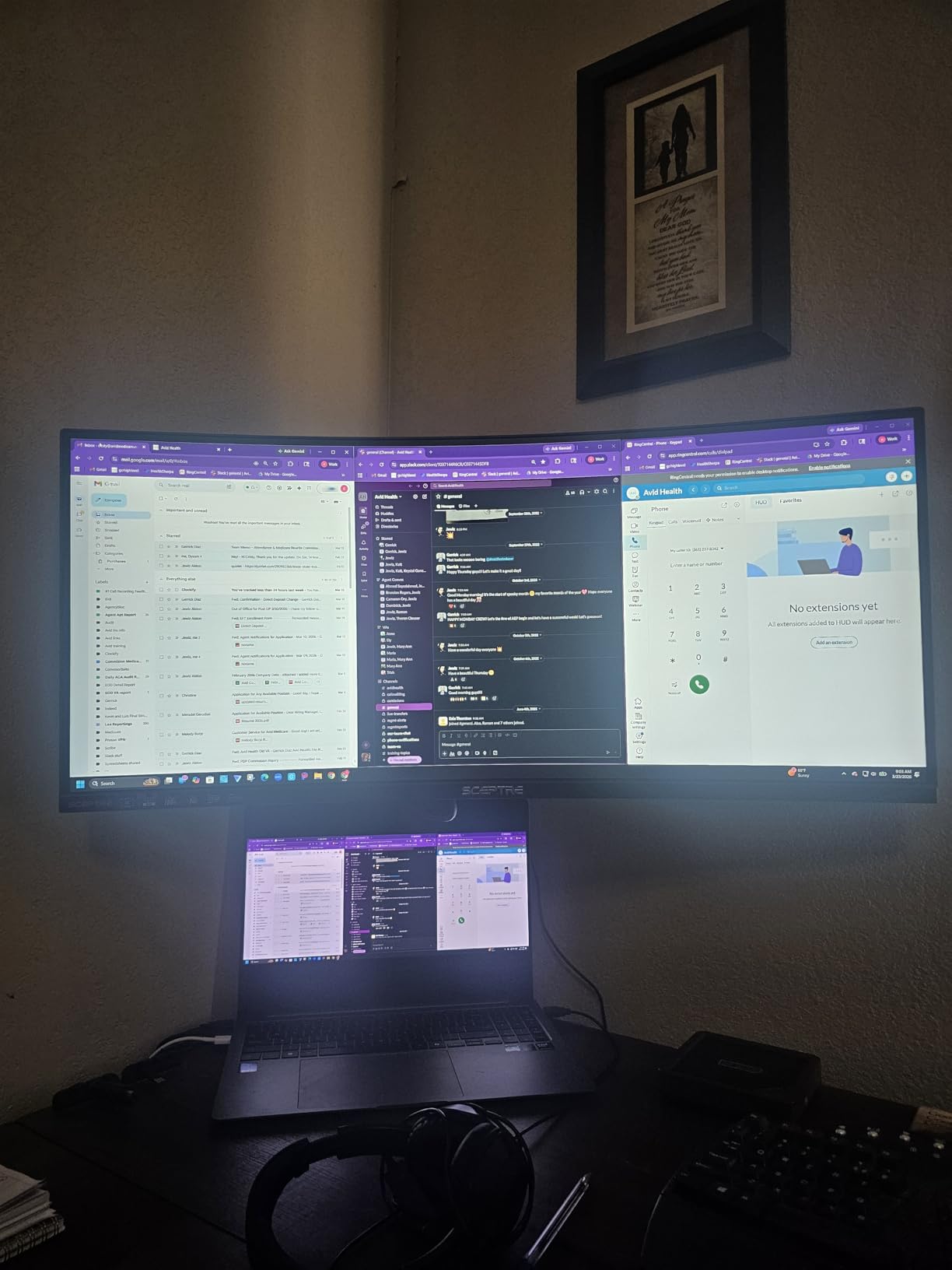
The port selection is generous for the money: two DisplayPort and two HDMI inputs, with the ports facing downward for tidy cable routing behind a desk. If your budget stretches further, our picks for budget gaming monitors cover the smaller sizes and faster panels you might want to compare against.
There are trade-offs. Several reviews mention a dead pixel on arrival, so check the panel early and use the return window. The included HDMI cable only carries 100Hz, which means your top refresh rate needs a DisplayPort source, and the joystick menu is not pleasant when two computers are live at once.
Warranty service came up repeatedly in the reviews, including a replacement for a faulty unit, which counts for a lot at this end of the market.
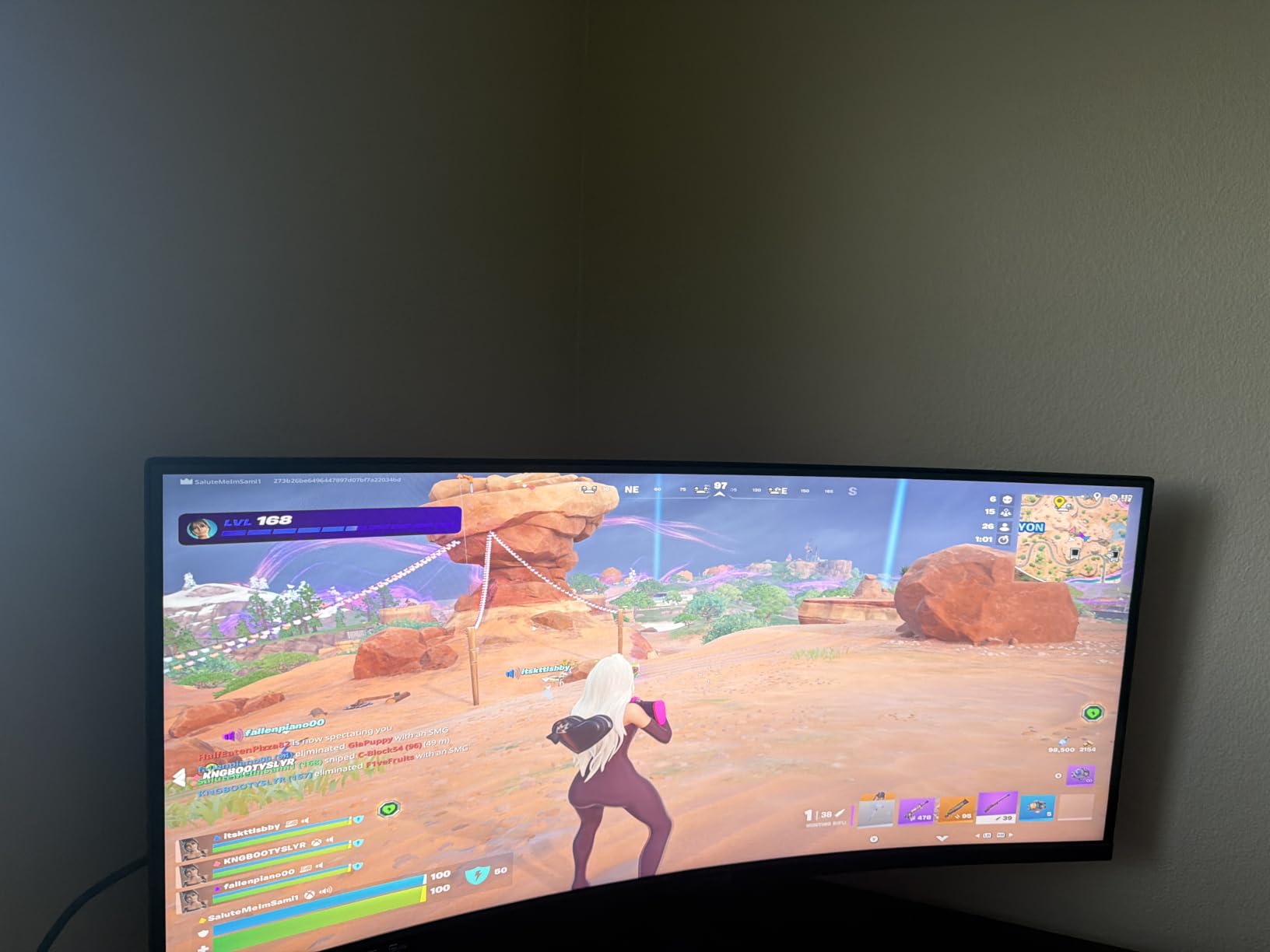
4. Dell S3425DW: Best for Productivity
Dell 34 Monitor S3425DW, WQHD VA, 120Hz, FreeSync Premium, Eye Comfort
Panel: VA
Screen: 34 inch 3440x1440
Refresh: 120Hz
Pros
- Single USB-C cable handles video data and 65W charging
- 120Hz over USB-C even on older laptops
- Height and tilt adjustable stand
- ComfortView Plus trims blue light output
Cons
- No DisplayPort and fewer ports than earlier Dell 34-inch models
- Recessed VESA bracket is awkward to mount
One cable, one stand and a full day of battery left in the laptop.
The S3425DW is built around a single USB-C cable that carries video, data and up to 65W of charging, and owners say it holds 120Hz over that connection even on older MacBook Pro models. For someone who docks a laptop in the morning and undocks it at night, that removes the whole cable basket from the desk.
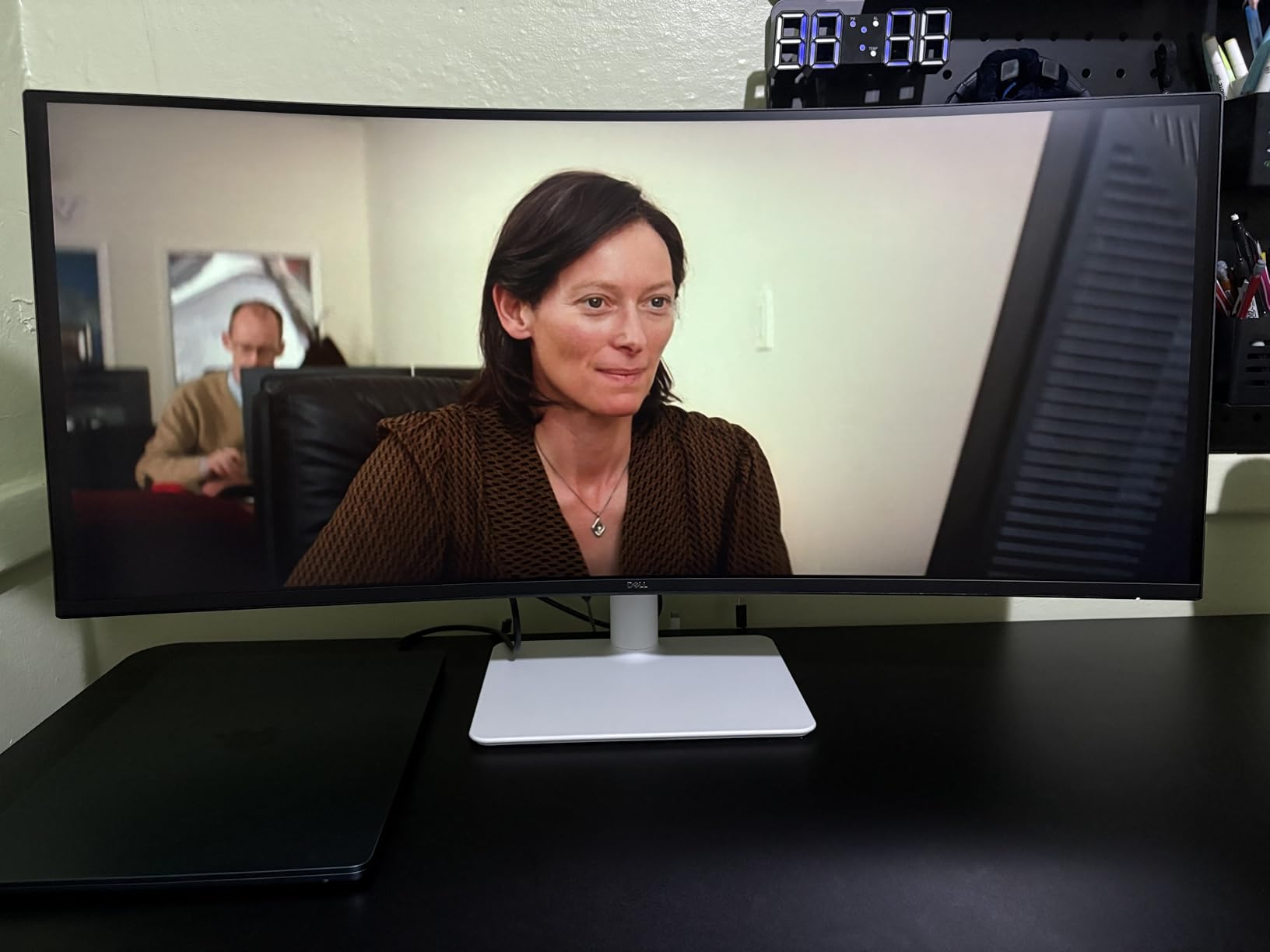
Text-heavy work is the strength. Programming, spreadsheets and editing timelines all benefit from the extra horizontal pixels, and the height and tilt adjustable stand gets the panel to eye level without tools. ComfortView Plus cuts blue light output to 35% or less, and tool-free stand assembly takes about a minute.
The port situation is the catch. There is no DisplayPort, and reviewers comparing it with earlier Dell 34-inch models notice the drop. The recessed VESA bracket also makes a standard arm mount fussy, so plan for the supplied stand unless you have a specific bracket in mind.
The nearest alternatives show where it sits. Against the LG 34WR55QK, the Dell charges at the same 65W, though its 120Hz panel feels smoother in motion. Against the Alienware AW3425DW, the picture is a clear step down; the payoff is a calmer, less reflective work surface.
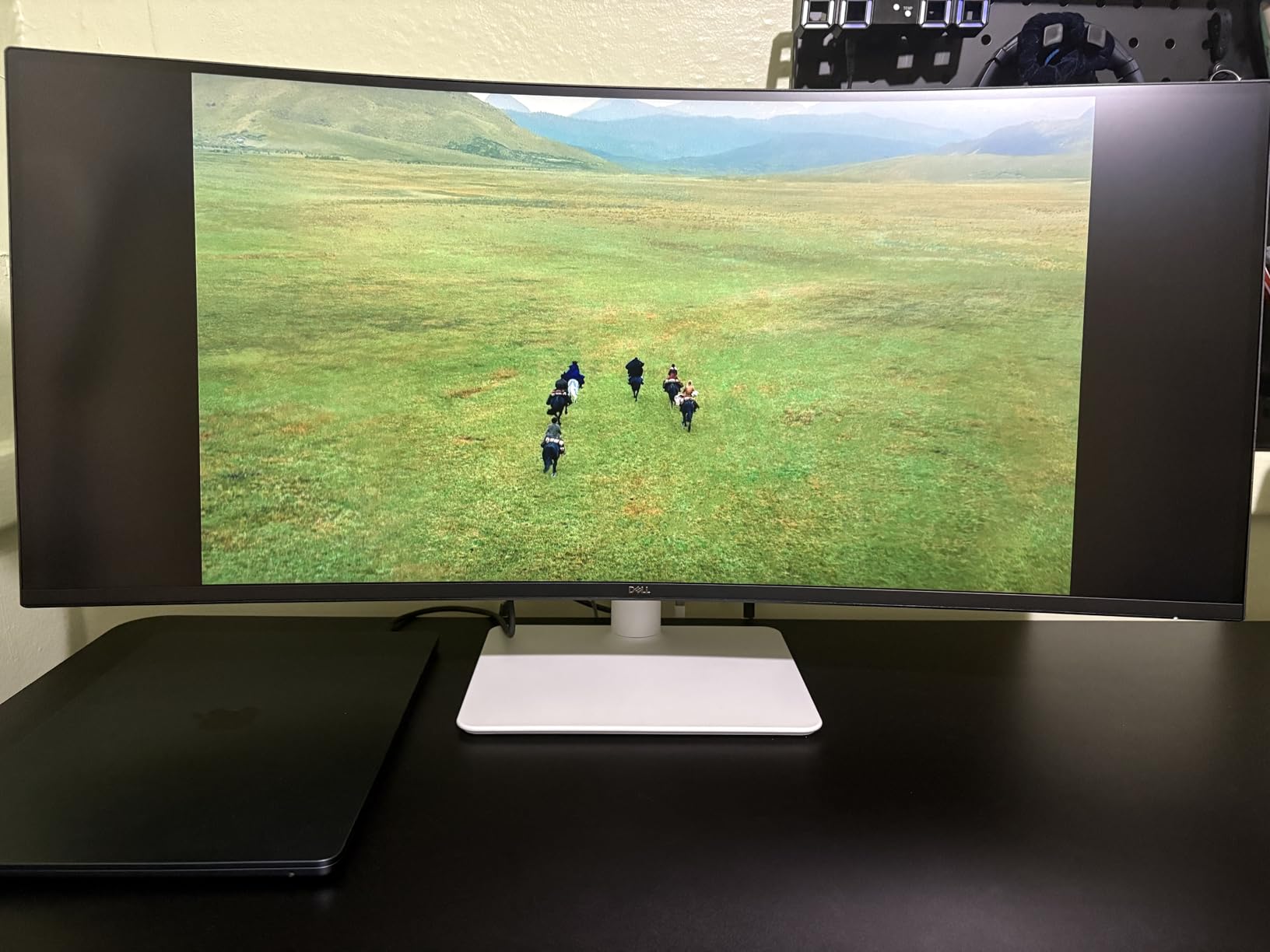
5. LG 34SR60QC: Best for Streaming
LG 34SR60QC-W 34-inch QHD (3440×1440) Curved Smart Monitor with Streaming, UltraWide Screen, webOS, HDR10, 100Hz, Built-in Speaker, AirPlay2, Screen Share, Bluetooth, ThinQ App, White
Panel: VA
Screen: 34 inch 3440x1440
Refresh: 100Hz
Pros
- webOS23 built in with streaming apps and cloud PC access
- AirPlay 2 and HomeKit for wireless casting
- White frameless design suits a home office
- 1800R curve feels cinematic
Cons
- 100Hz is modest against gaming-focused rivals
- Single speaker is fine but not for media
- Tilt-only stand with no height adjustment
A 34-inch ultrawide that doubles as a television, which removes one box from the wall.
The 34SR60QC runs webOS23 with Netflix, Prime Video, the Apple TV app, Disney Plus, HBO Max and several hundred free channels built in, plus cloud PC access. That means a second bedroom or a home office can have one screen doing double duty without a streaming stick or a mini PC sitting underneath it.
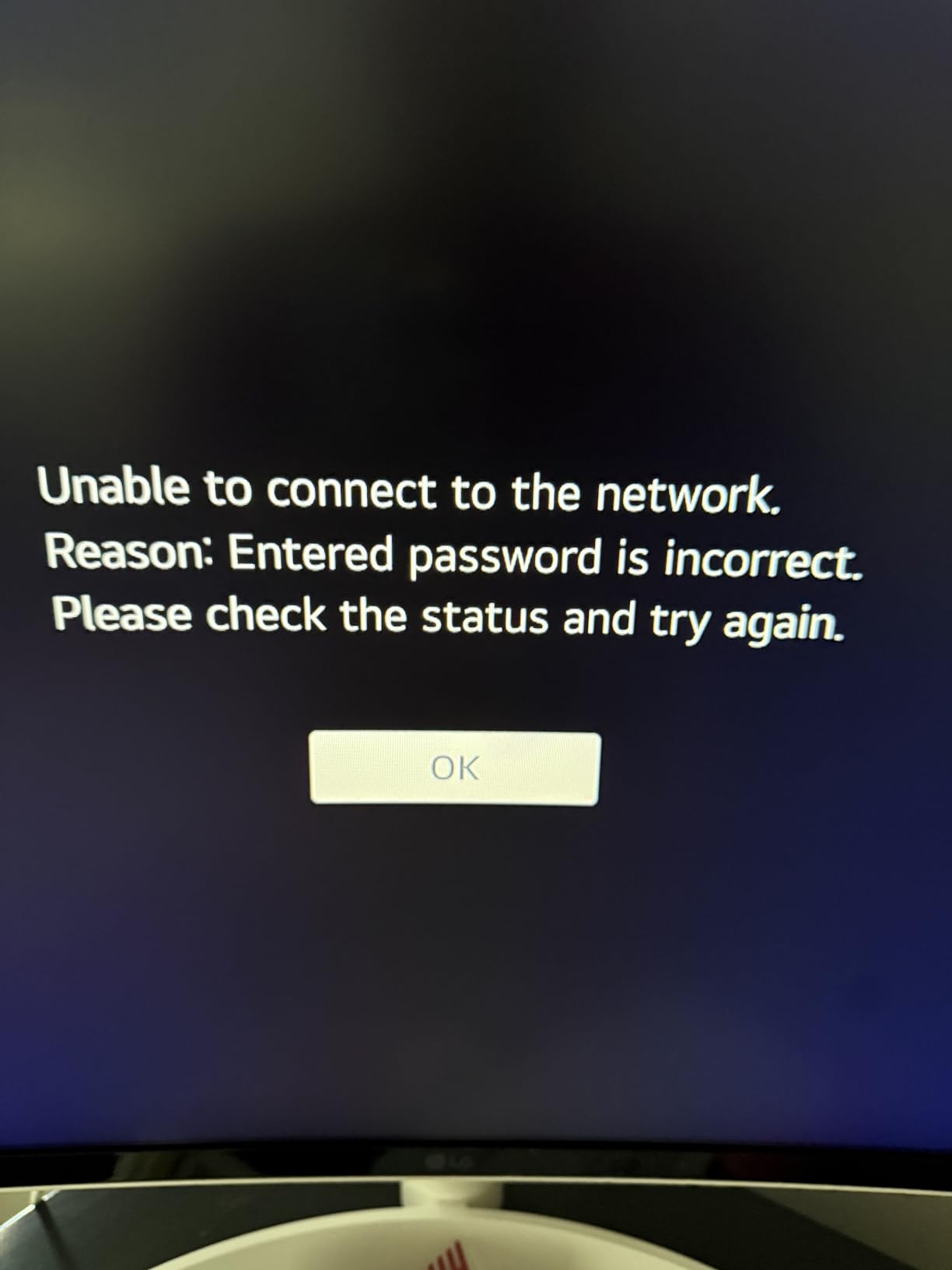
Owners like the 1800R curve, which is gentle enough to look cinematic without wrapping around you, and the white three-sided frameless finish looks clean in a room that is not a battlestation. HDR10 with up to 99% sRGB gives punchy everyday color, and AirPlay 2 plus HomeKit cover casting from an iPhone or Mac without an adapter. A 21:9 view here is roughly 34% wider than a 16:9 panel of the same height.
Two things to accept. The 100Hz refresh rate is the lowest tier here alongside the ViewFinity S50GC, and the tilt-only stand means the panel sits where it sits. Some owners also find the webOS interface busier than they would like.
Good to know: a Magic Remote is supported but sold separately, so keep the physical controls as your main way in.
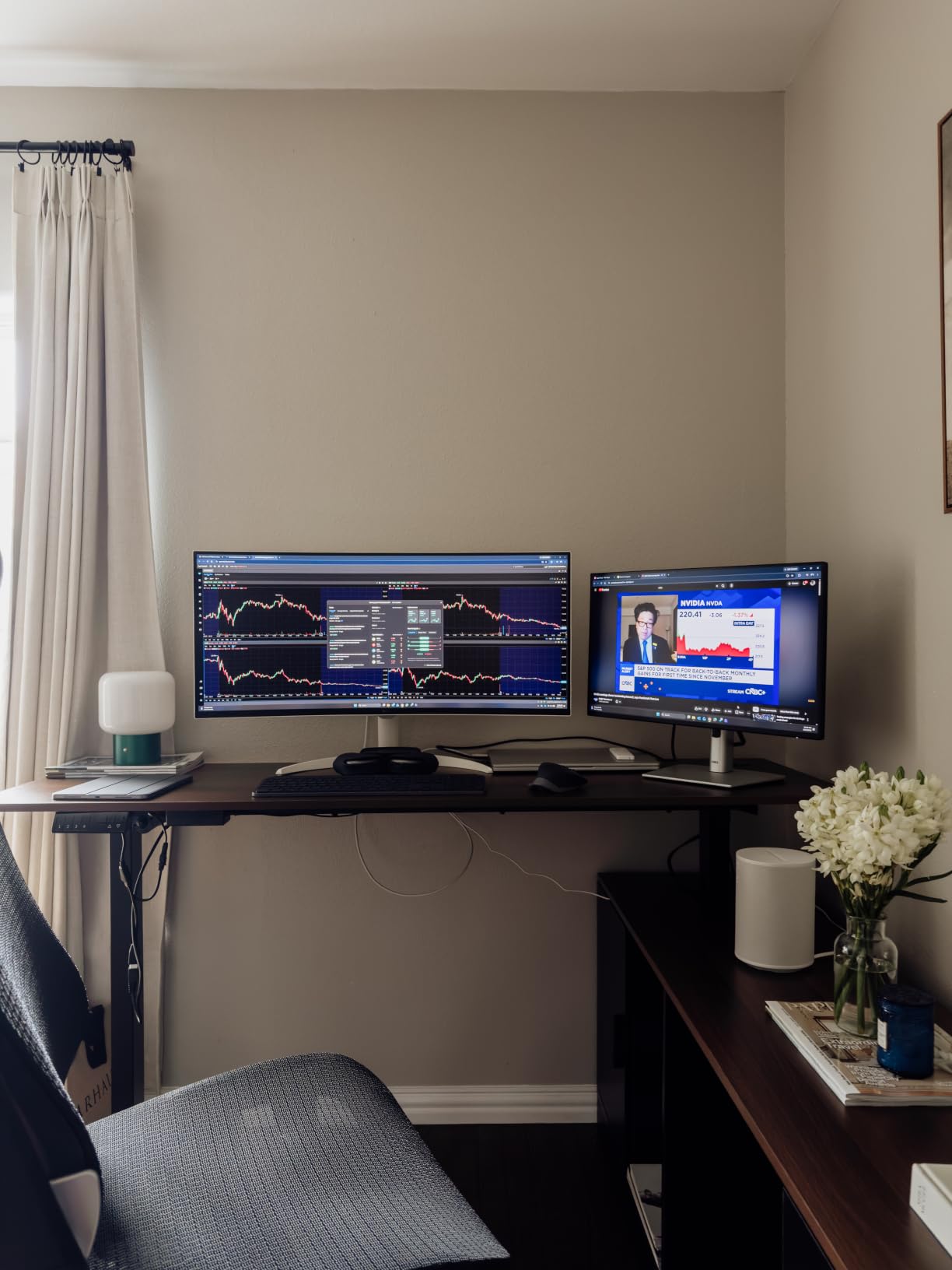
6. LG 34WR55QK: Best for Late-Night Document Work
LG 34WR55QK-B 34-inch UltraWide WQHD (3440 x 1440) Curved Computer Monitor, 100Hz, 5ms, HDR10, Reader Mode, HDMI, DisplayPort, USB Type-C, Tilt/Height Adjustable Stand, Black
Panel: VA
Screen: 34 inch 3440x1440
Refresh: 100Hz
Pros
- Highest average rating in the list at 4.6
- Reader Mode cuts blue light for long sessions
- USB Type-C with 65W power delivery
- OnScreen Control with picture-by-picture
Cons
- 100Hz is basic next to 160Hz and 240Hz options
- No built-in speakers
- VA panel wants a head-on viewing position
The highest owner rating on this list, and the one built for reading rather than racing.
At 4.6 average from 241 ratings, the 34WR55QK-B is the most consistently well-received screen here, and the reason is straightforward: it does a small number of things without any of them being weak. Reader Mode reduces blue light for long document sessions, the panel is sharp at 3440×1440 with HDR10 and 99% sRGB, and the stand adjusts for both height and tilt.
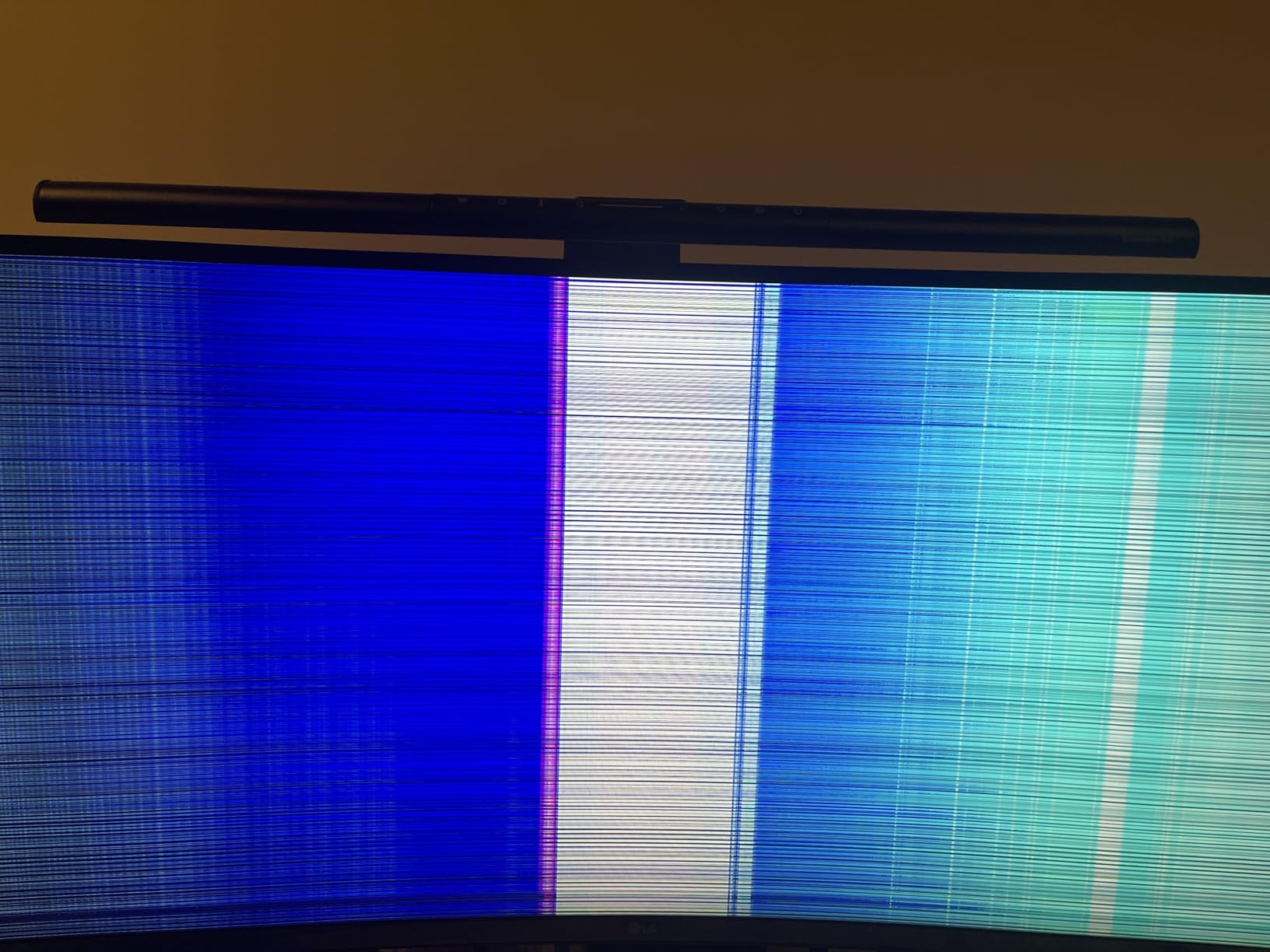
Connectivity is clean for a work display. USB Type-C delivers up to 65W, so a single-cable laptop setup is realistic, and OnScreen Control with picture-by-picture makes it easy to keep a work machine and a personal one visible at the same time. Two HDMI, two USB, one DisplayPort and a headphone jack cover the rest.
Skip it if motion matters. A 100Hz panel will feel slow next to the ASUS TUF VG34VQ3B or the LG UltraGear 34G600A, and there are no built-in speakers despite some models in the LG range including them. The VA panel also rewards sitting directly in front of it.
Compared with the Dell S3425DW, the LG rates slightly higher with owners and adds a DisplayPort; the Dell keeps 120Hz. For a desk that is used nine hours a day, the LG is the calmer choice.
7. ASUS TUF VG34VQ3B: Best for 180Hz Gaming
ASUS TUF Gaming VG34VQ3B 34 Inch 1440p 180Hz Ultrawide HDR Gaming Monitor
Panel: LED LCD
Screen: 34 inch 3440x1440
Refresh: 180Hz
Pros
- 180Hz with 1ms MPRT and ELMB Sync
- Three-year warranty with advanced replacement
- DisplayPort cable and screwdriver included
- FreeSync Premium enabled by default
Cons
- 90% DCI-P3 coverage is modest for the tier
- Brightness is listed in lumens rather than nits
A three-year warranty on a 180Hz ultrawide, which almost nobody else in this price bracket offers.
The TUF VG34VQ3B runs a 34-inch 3440×1440 panel at 180Hz with 1ms MPRT, and ASUS Extreme Low Motion Blur Sync keeps edges clean when frames fall behind. FreeSync Premium is switched on by default rather than buried in a menu, so variable refresh works out of the box on an AMD card and on anything AdaptiveSync-compatible.
- 180Hz refresh with 1ms MPRT and ELMB Sync
- 1500R curve on a 3440×1440 panel
- TÜV flicker-free and low blue light certification
- DisplayWidget Center for on-screen adjustments without leaving a game
The warranty is the quiet advantage. Three years with advanced replacement means a dead panel is swapped rather than repaired, and the box even includes a DisplayPort cable, a USB cable and an L-shaped screwdriver. Owners rate the build quality well for the money.
Color coverage of 90% DCI-P3 is the limitation, and it shows if you edit photos. The listed brightness figure is quoted in lumens rather than nits, which makes it harder to compare against the other picks, so treat the panel as an average-lit gaming screen rather than an HDR one.
The Sceptre C345B matches the speed but gives up on warranty, curve radius and low-motion-blur processing, all of which sit a tier higher here. The Alienware AW3425DW is the step up in picture quality, and that is the trade.
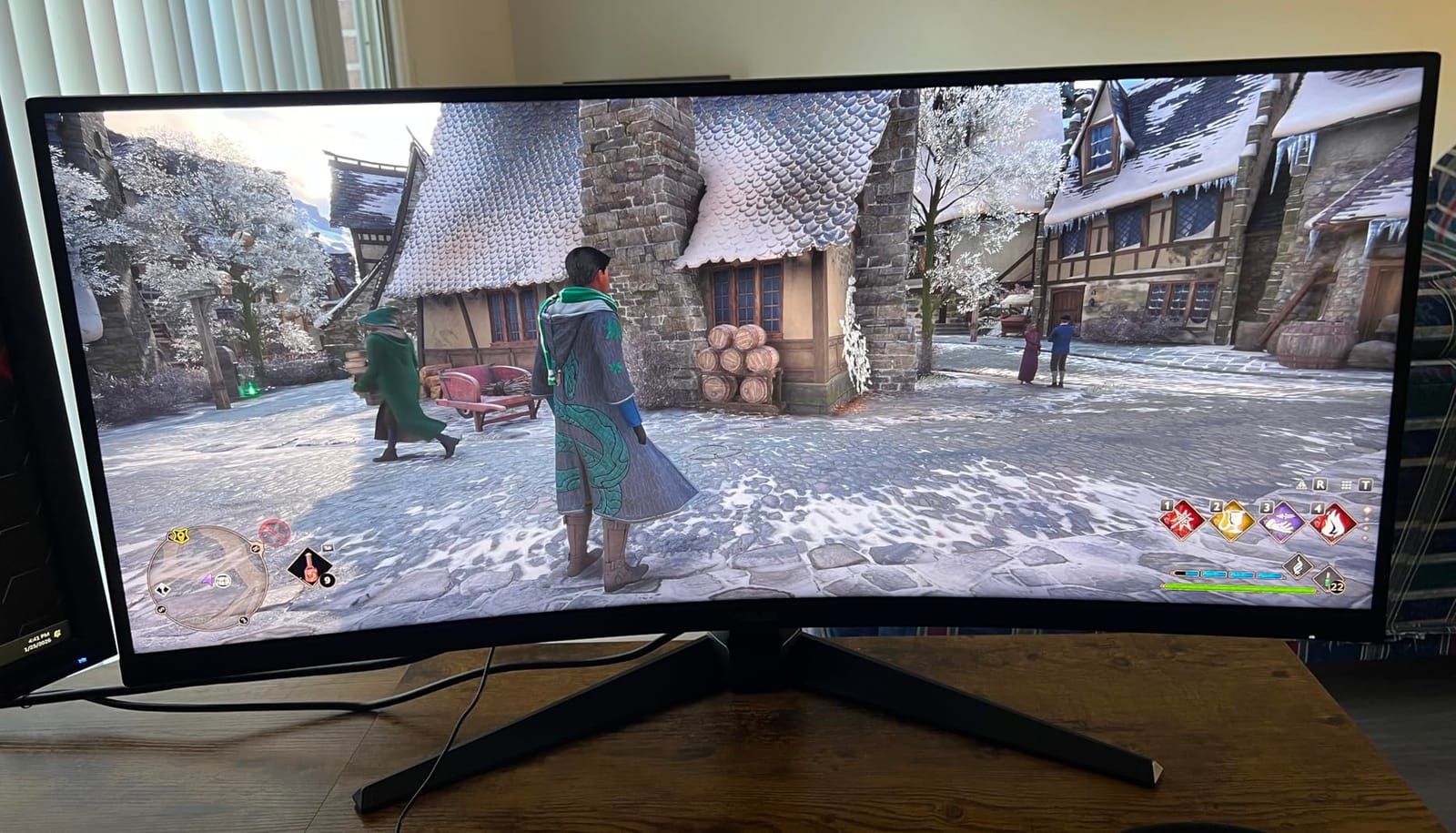
8. Samsung LS49C954U: Best for Super-Ultrawide Work
Samsung 49” Business Curved Ultrawide Dual QHD Computer Monitor, USB-C, DisplayPort, HDMI, 120Hz, VESA DisplayHDR 400, Built-in Speakers, Height Adjustable Stand, Eye Care, LS49C954UANXZA, 2024
Panel: VA LED
Screen: 49 inch 5120x1440
Refresh: 120Hz
Pros
- 32:9 canvas matches a natural office field of view
- USB-C hub with 90W power delivery
- DisplayPort with two HDMI and three USB ports
- Built-in stereo speakers
Cons
- Weakest color gamut rating of any pick here
- 5ms response with no gaming motion features
- 49-inch footprint needs a very deep desk and weighs 32 pounds
The right shape for spreadsheets, tickers and timelines, and the wrong shape for a small desk.
A 49-inch 32:9 panel at 5120×1440 gives you roughly the same horizontal span as two 27-inch monitors without the bezel between them, and this is the only pick here aimed squarely at that use. Owners in business and finance describe it as a productivity investment rather than a gaming screen, and the 1000R curve wraps the edges just far enough to keep side content in view.
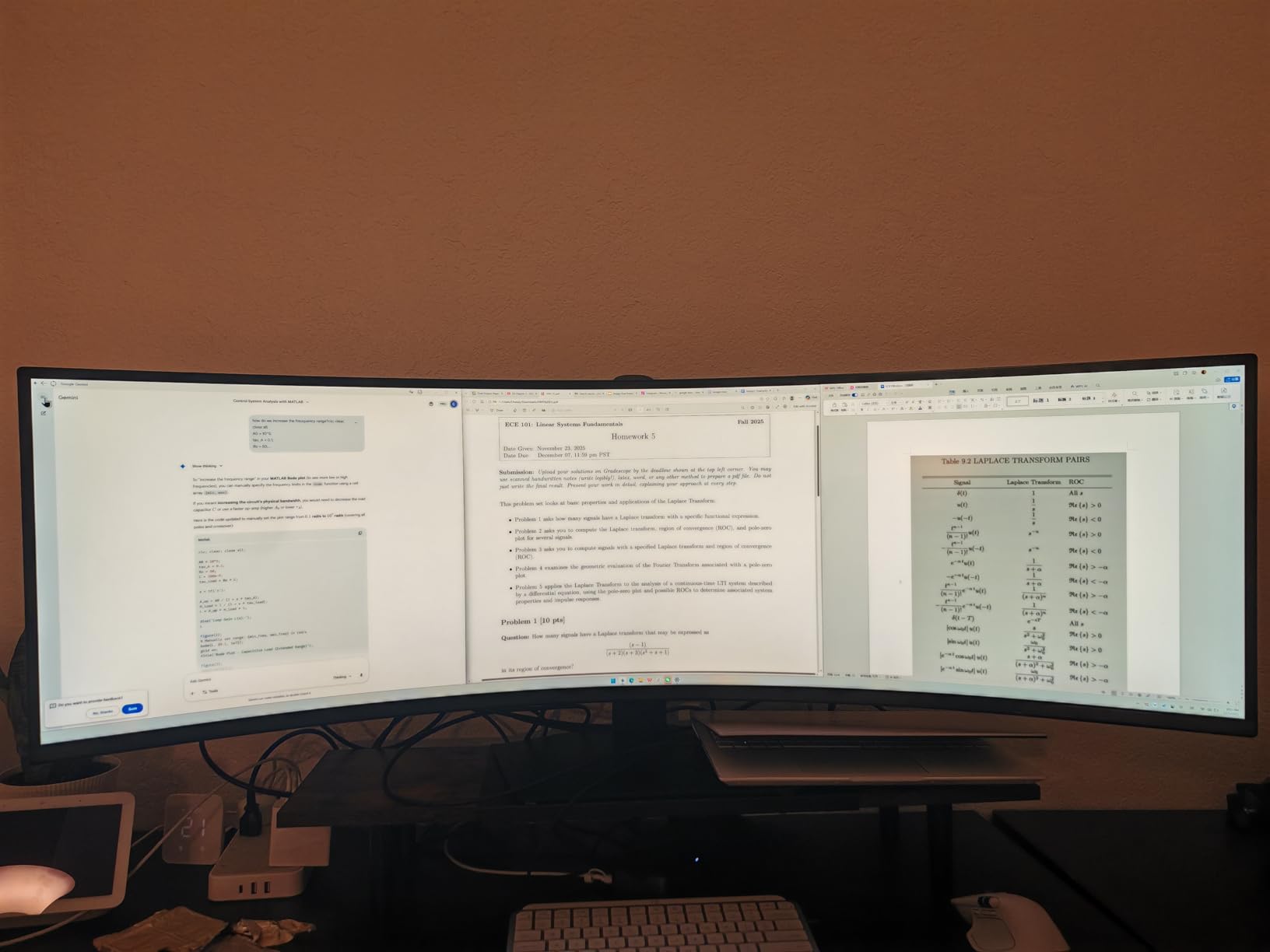
Connectivity is the reason to look twice. The USB-C hub delivers 90W, so a laptop charges and docks over one cable, and you get DisplayPort, two HDMI and three USB ports alongside built-in stereo speakers. The height adjustable stand suits a company desk rather than a hobbyist setup.
The caveats are physical. At 45.2 inches wide and 32.2 pounds, this needs a deep desk and a two-person move, and the 72% color gamut rating is the weakest number on any pick here. At 5ms with no gaming motion features, treat it as a work display.
Plan the desk before you buy, and check arm compatibility for a 49-inch panel rather than assuming the included stand is the last word.
9. LG UltraGear 34G600A: Best for Mixed Work and Play
LG 34G600A-B 34-inch Ultragear WQHD (3440 x 1440) Curved Gaming Monitor 160Hz, AMD FreeSync Premium, HDR10, Built-in Speaker, Reader Mode, HDMI 2.1, DisplayPort, Tilt/Height/Swivel Stand, Black
Panel: VA
Screen: 34 inch 3440x1440
Refresh: 160Hz
Pros
- 160Hz with 1ms Motion Blur Reduction and FreeSync Premium
- Built-in Waves MaxxAudio stereo speakers
- Tilt height and swivel adjustable stand
- Reader Mode and Black Stabilizer included
Cons
- A minority of owners report heavy ghosting and muted color
- No USB Type-C at this price
160Hz, real speakers and a stand that moves in every direction, for a desk that does both jobs.
The 34G600A splits the difference between a work panel and a gaming panel better than most. You get 160Hz with 1ms Motion Blur Reduction and AMD FreeSync Premium on a 1800R curved VA screen, plus Black Stabilizer and a crosshair overlay for shooters. Owners also mention an easy upgrade path from earlier LG UltraGear 32-inch models using the same power cable.
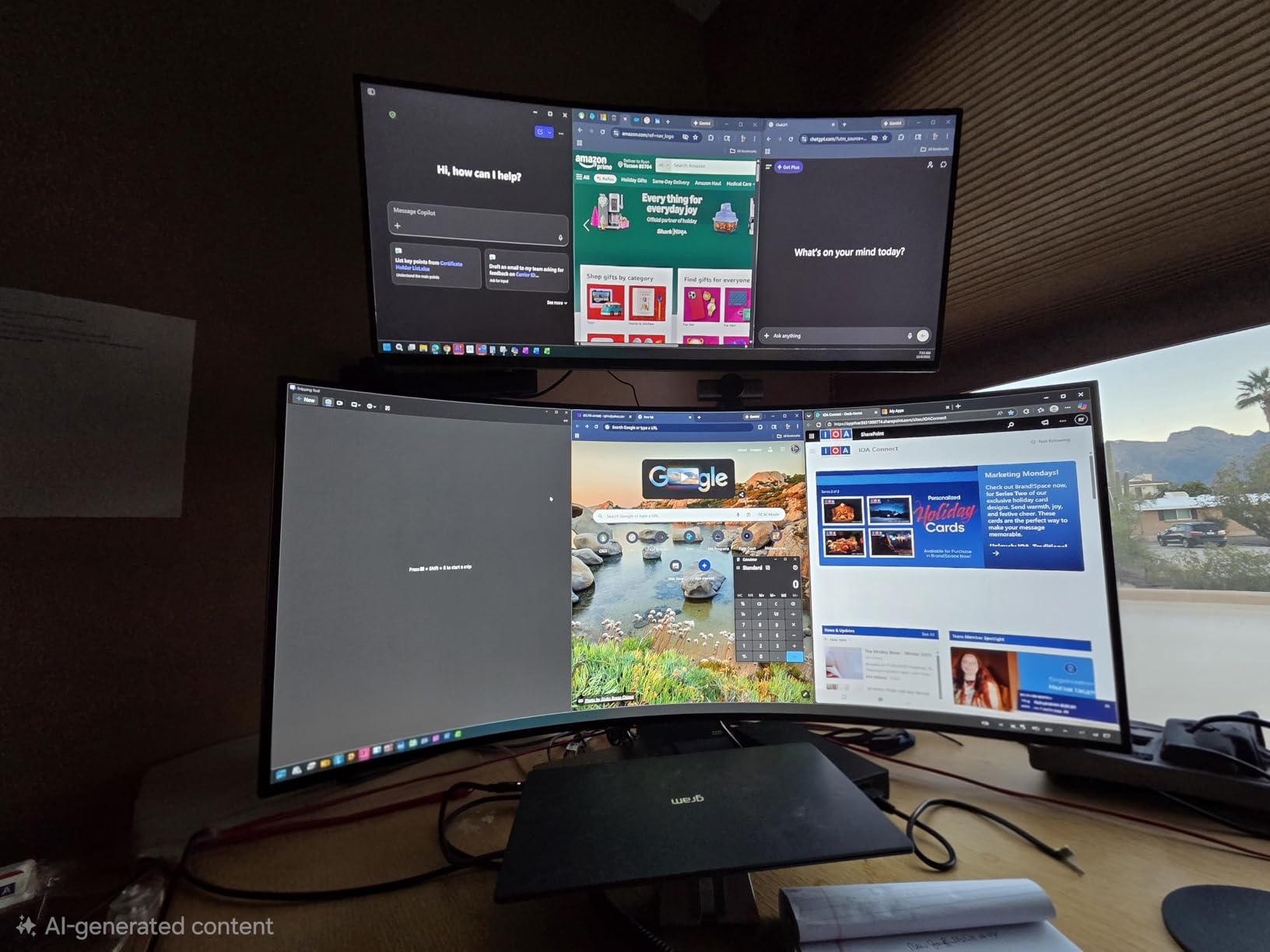
Built-in stereo speakers with Waves MaxxAudio are unusually capable for monitor audio, and the stand adjusts for tilt, height and swivel. HDR10 handles photo browsing and streaming as well as it handles a match.
It is not perfect. A minority of reviews report heavy ghosting and weaker color than expected, which is worth weighing against the ASUS TUF VG34VQ3B. There is no USB Type-C, so a laptop user will carry a full HDMI and power cable.
The LG 34WR55QK is the softer comparison here: the UltraGear moves faster and carries speakers but loses the USB-C docking and Reader Mode. Against the Alienware AW3425DW, the picture is dimmer and less accurate.
10. Samsung Odyssey G9: Best for Sim Racing
Samsung 49” Odyssey G9 Series DQHD 1000R Curved Gaming Monitor, 1ms(GtG), VESA DisplayHDR 1000, 240Hz, AMD FreeSync Premium Pro, Height Adjustable Stand, Ultrawide Screen, LS49CG954ENXZA, 2024
Panel: VA LCD
Screen: 49 inch 5120x1440
Refresh: 240Hz
Pros
- 240Hz with 1ms GtG at 5120x1440
- 1000 nit peak brightness with DisplayHDR 1000
- 1000R curve wraps peripheral vision
- Height adjustable stand
Cons
- Weighs 34.4 pounds and is awkward to move alone
- Some owners report dead pixel columns needing hard restarts
Nothing else here gives you a 32:9 field of view at 240Hz, and in a racing cockpit you feel every degree of it.
The Odyssey G9 pairs 5120×1440 with a 240Hz refresh rate and 1ms GtG response, and the 1000R curve wraps around far enough that peripheral vision genuinely changes how a car feels in a corner. Brightness of 1000 nits with a 1,000,000:1 contrast ratio and VESA DisplayHDR 1000 makes it the only pick here with real HDR headroom, and CoreSync projects the on-screen colors onto the wall behind you.
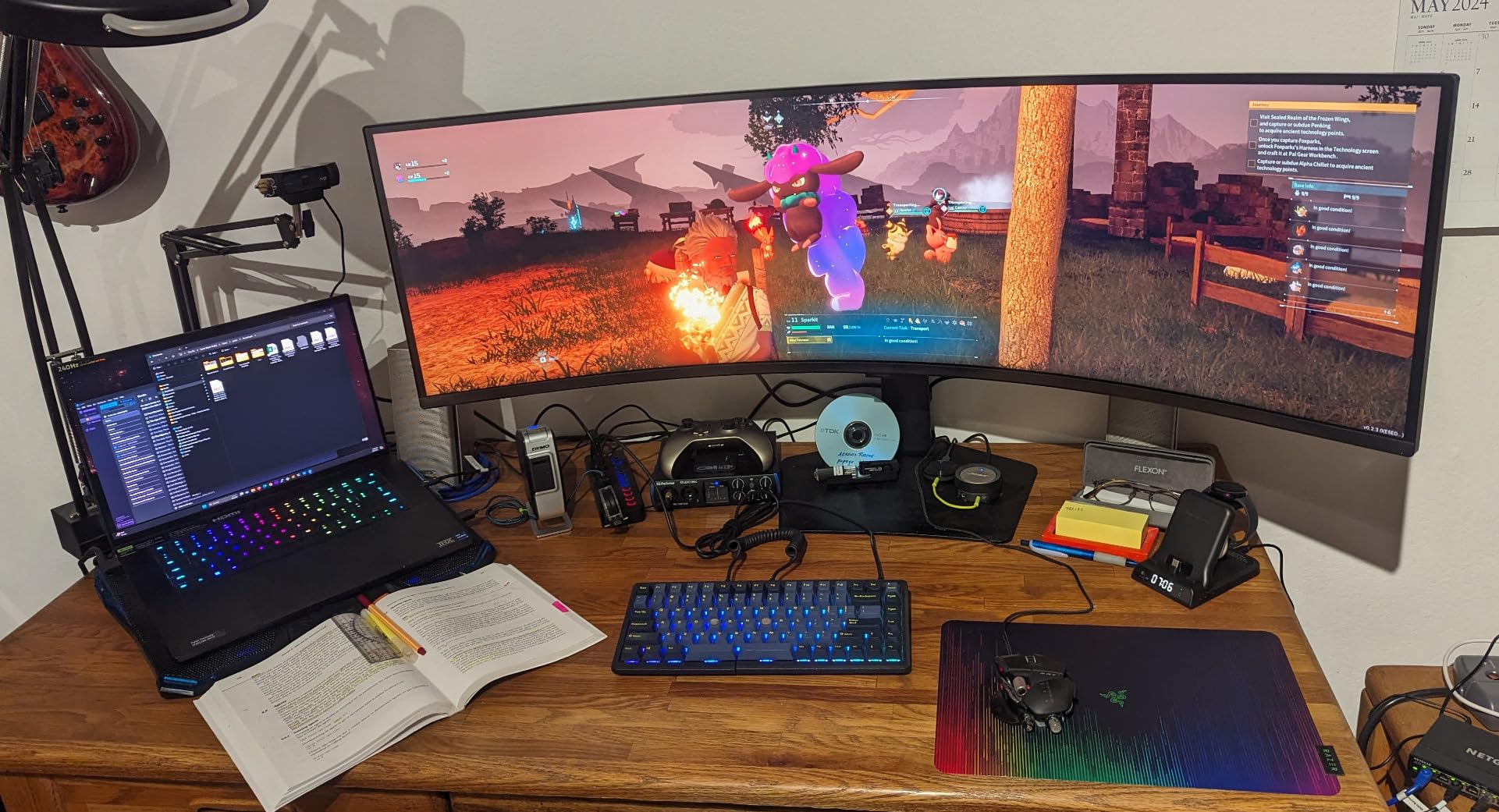
It also works as a productivity panel. PBP and PIP with Auto Source Switch+ let you run a work PC and a laptop side by side at native resolution, and the Adaptive Picture sensor handles brightness automatically with TÜV eye comfort certification.
Owner reviews are the most mixed here, and the rating reflects that. Recurring complaints include dead pixel columns that need a hard restart, power failures, heat near the panel and LCD blacks lifting in the corners. The unit weighs 34.4 pounds, so moving it takes two people, and a 49-inch curved panel is fragile enough that keeping the original packaging is worth the closet space.
Compared with the Samsung LS49C954U, the Odyssey is far faster and much brighter for HDR. Compared with the Alienware AW3425DW, you trade OLED contrast for a genuinely wider field of view.
How to Choose Ultrawide Monitors During Prime Big Deal Days
Choose the Right Resolution and Screen Size
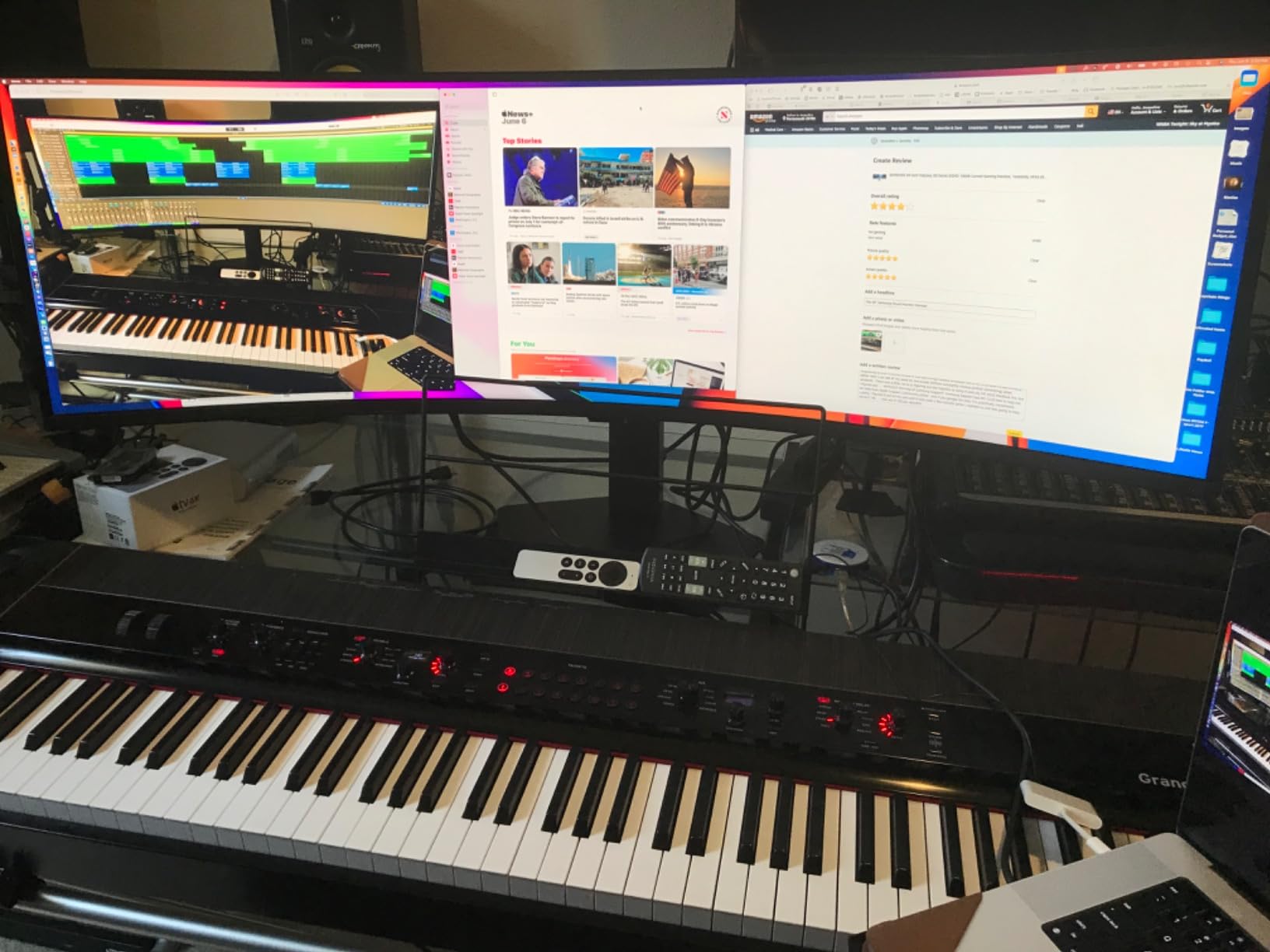
Most of what people mean by an ultrawide is 3440×1440 at 21:9, and that is the right default for a normal desk. A 49-inch 32:9 panel at 5120×1440 roughly doubles the horizontal pixels, which is why it suits trading platforms and video timelines, and why it also demands a much deeper desk. Measure your desk depth before anything else: a 34-inch needs about 70cm, while a 49-inch panel is comfortable at 110cm or more.
Pixel density matters more than raw width. A 34-inch at 3440×1440 gives roughly 109 pixels per inch, which keeps text readable at normal desk distance. Stretching the same vertical resolution across 49 inches drops density and text softening is the first thing people notice. The 5120×1440 panels here fix that with width rather than vertical pixels, which is why they hold up in an office.
Compare Flat and Curved Ultrawide Panels
A lower radius number means a tighter curve. The 1800R panels in this list, such as the LG 34SR60QC and the LG UltraGear 34G600A, wrap gently and suit both gaming and office layouts. The 1000R panels on the two Samsung 49-inch models bend noticeably harder, which sim racers love for immersion but which some people find uncomfortable in a small room. The ViewFinity S50GC is the flat option here, and the R1500 curve on the Sceptre C345B and 1500R on the ASUS TUF VG34VQ3B sit between the two.
Curvature also changes reflections and desk footprint. A curved panel throws highlights away from you instead of straight back, and it needs more clearance in front of the base. Owners who regret a purchase usually regret the radius, not the size. Our picks for curved monitors for office work go deeper on how curvature behaves with spreadsheets and text.
Check Gaming Performance and Response Time
Refresh rate is the number that decides how a game feels. Anything at 100Hz is fine for strategy and role-playing games; competitive shooters and racers want 160Hz or more, and 240Hz is where this list tops out. Pair it with adaptive sync, and check which standard your GPU supports: most picks here carry FreeSync at some level, and the Alienware AW3425DW also lists G-SYNC Compatible.
Response time is the second half of the story. The 0.03ms rating on the AW3425DW and the 1ms MPRT figures on the Sceptre C345B and ASUS TUF VG34VQ3B describe how fast the panel changes state. A more practical check is whether your graphics card can feed the resolution and refresh you bought; a mid-range GPU may not hold 240Hz at 5120×1440 no matter what the monitor promises.
Verify Connectivity and Desk Compatibility
Count ports before you commit. The Dell S3425DW and LG 34WR55QK charge a laptop over USB-C at 65W, the Samsung LS49C954U pushes 90W, and the Sceptre C345B gives you two DisplayPort and two HDMI inputs for multi-machine setups. The AW3425DW has no USB-C docking, so a laptop user needs a separate cable or dock. The Dell also drops DisplayPort entirely, which older desktop users notice.
Then check the physical side. A 49-inch panel is 45 inches wide and over 30 pounds, so desk depth and arm compatibility decide whether it works at all. If you plan to run an ultrawide alongside a second screen, our guide to desks for two monitors covers the widths and depths that actually fit.
Assess Color Accuracy and Productivity Features
For photo and video work, color coverage is the filter. The AW3425DW covers 99.3% of DCI-P3 with Delta E under 2, and the ASUS TUF VG34VQ3B stops at 90%. For documents, the 99% sRGB panels with Reader Mode, such as the LG 34WR55QK, are the more useful target, while the Samsung LS49C954U’s 72% color gamut rating rules it out of color-critical work.
OLED panels add a specific caution for desktop use. Organic pixels can wear from static elements like a taskbar, an IDE sidebar or a spreadsheet grid, so burn-in mitigation and the warranty term matter more than usual. The AW3425DW’s three-year term is the longest on an OLED panel in this list, which is a reasonable safeguard if you leave a code editor open all day.
How to Shop Ultrawide Monitor Deals During the Sale
Start with the model code in the listing, not the headline. Ultrawide names repeat across years, so check the exact model number against the spec list, and confirm the panel size, refresh rate and curve match what you decided above. Look at whether the seller is Amazon itself or a marketplace partner, read the condition line carefully to rule out renewed units, and confirm the box contents, since some models arrive without a DisplayPort cable and that cable is what unlocks the top refresh rate. Most offers during Prime Big Deal Days need a Prime membership, and prices change through the event.
- Match the model number in the listing to the spec sheet, not the product name
- Check whether the refresh rate you want needs DisplayPort rather than HDMI
- Confirm the seller and whether the unit is new or renewed
- Verify the warranty term, since one year and three years change the OLED and large-panel math
- Measure desk depth before committing to a 49-inch panel
- Read the one-star reviews for arrival and dead pixel reports
Frequently Asked Questions
What are the most reliable Amazon Prime Big Deal Days Ultrawide Monitor Deals?
The most reliable picks are the ones with deep owner review histories and stable specs. On this list the Samsung ViewFinity S50GC leads on review volume at 3440×1440, the Sceptre C345B delivers the lowest-cost route to a fast 180Hz ultrawide, and the Alienware AW3425DW is the strongest all-round performer at 34 inches. Offers change through the event, so check the listing details before you buy.
When does Amazon Prime Big Deal Days run, and is a Prime membership required?
Prime Big Deal Days runs October 6-7, 2026, and Amazon confirmed those dates. Most offers in the event require a Prime membership, though a free trial counts for the length of the trial. A small number of deals run without Prime, but the monitor deals worth planning around are the member ones.
Should I buy a 34-inch or a 49-inch ultrawide monitor?
Buy 34-inch unless you have a specific reason. It fits a normal desk, keeps text sharp at roughly 109 pixels per inch and costs far less. A 49-inch 32:9 panel at 5120×1440 is the right call for trading platforms, video timelines and sim racing, but it needs about 110cm of desk depth and a serious graphics card. If desk space is the issue, a portable gaming monitor is a different answer rather than a smaller ultrawide.
Do I need a powerful graphics card for a 3440×1440 ultrawide?
A 3440×1440 monitor at 100Hz is manageable on mid-range hardware, but pushing 180Hz or 240Hz needs a card that can hold that frame rate in demanding games. A 49-inch panel at 5120×1440 and 240Hz is the heaviest load on this list by a wide margin. Buy the refresh rate you will actually hold, not the highest number on the box.
Are OLED ultrawide monitors worth it for everyday office work?
Yes, with one caveat. The Alienware AW3425DW’s QD-OLED panel delivers far better contrast and 99.3% DCI-P3 coverage than any LED option here, which matters for photo and video work. The caveat is burn-in from static interfaces such as taskbars and code editors, so keep the warranty term in mind and use a screensaver. For pure documents, a 100Hz VA panel is calmer and cheaper.
How do I tell if an Amazon monitor deal is a real deal?
Check the price history before you commit. A browser extension such as Keepa plots an item’s price across the last year, and CamelCamelCamel tracks the same for Amazon listings, so you can see whether the current figure is genuinely unusual or just a normal street price. A deal badge on a monitor tells you a price is on offer, not that it is a good one.
Final Verdict: Best Amazon Prime Big Deal Days Ultrawide Monitor Deals
Buy the Alienware AW3425DW if you want one screen that handles competitive gaming, photo work and late-night documents without compromise, and keep its three-year warranty in view as your protection against OLED longevity. Buy the Samsung ViewFinity S50GC if the job is spreadsheets, code and long document sessions on a normal desk, and pick the Sceptre C345B as the budget-friendly alternative that still gives you 3440×1440 at up to 180Hz.
Move up from there by need. The Dell S3425DW suits a single-cable laptop desk, the LG 34SR60QC covers a room where a second television is not wanted, the LG 34WR55QK takes the longest reading sessions, the ASUS TUF VG34VQ3B gives 180Hz with a three-year warranty, the LG UltraGear 34G600A splits work and play evenly, the Samsung LS49C954U handles 32:9 office layouts, and the Samsung Odyssey G9 is the one for sim racing. Use the buttons above to check the current figure on any of them, and read the listing before you commit.