

A Chromebook only has to be good at browsing, documents, video calls and streaming to earn its place on a shopping list, and the ten models below clear that bar with room to spare. The HP Chromebook 14 leads the list: a quad-core Celeron, a 3.2 lb chassis and a manufacturer claim of 14 hours of battery life make it the one we would put in a school bag without hesitating.
Two others go with it depending on who is buying. The Samsung Chromebook 4 is the small-screen option for anyone who wants the most compact body here, and the renewed Dell Chromebook 11 3100 is the entry point when the budget is the deciding factor. Amazon’s Prime Big Deal Days runs October 6-7, 2026, and these are the Chromebooks we would watch when the offers start.
Table of Contents
Our Top 3 Picks for Best Amazon Prime Big Deal Days Chromebook Deals
The top three cover the three situations people ask about most: one laptop for school and work, one small enough to carry every day, and one that costs as little as a Chromebook can. Ratings and review counts come from the listings, and every pick carries thousands of owner reviews, which tells you more about long-term reliability than any spec sheet.


Samsung Chromebook 4
- 11.6 inch compact body
- Military-grade durability
- Lightweight daily carry

One thing worth saying up front: the top pick is not the fastest machine here. It wins because it is the most balanced, with a large screen, long claimed battery and a review history that has held up over years rather than months.
Best Amazon Prime Big Deal Days Chromebook Deals Compared
Ten machines, one table. The fields below are the same for every row, and the order never changes, so you can scan down the display and memory columns and see the shape of the list immediately.
| Product | Specifications | Action |
|---|---|---|
| HP Chromebook 14 |
|
Check Deal Price |
| Samsung Chromebook 4 |
|
Check Deal Price |
| Dell Chromebook 11 3100 |
|
Check Deal Price |
 Lenovo Flagship Chromebook Lenovo Flagship Chromebook |
|
Check Deal Price |
 HP X360 14a HP X360 14a |
|
Check Deal Price |
 HP Chromebook 11A G8 HP Chromebook 11A G8 |
|
Check Deal Price |
 Lenovo IdeaPad Slim 3 Lenovo IdeaPad Slim 3 |
|
Check Deal Price |
 ASUS Chromebook Flip CX1 ASUS Chromebook Flip CX1 |
|
Check Deal Price |
 Acer Chromebook 315 Acer Chromebook 315 |
|
Check Deal Price |
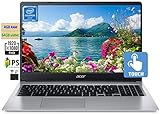 Acer 15.6-inch FHD Chromebook Acer 15.6-inch FHD Chromebook |
|
Check Deal Price |
Two patterns jump out. Every machine here runs ChromeOS, and every one sits at 4 GB of memory except the ASUS Chromebook Flip CX1. That single difference is the reason the ASUS ranks where it does for anyone who keeps twenty tabs open.
How We Chose
We compared the specifications that decide whether a Chromebook is usable day to day: processor, memory, storage, display, ports and weight, then weighed the rating and volume of owner reviews behind each listing. The specs and ratings were checked in October 2026.
1. HP Chromebook 14: Editor’s Choice for Everyday School and Work
HP Chromebook 14
Display: 14 inch 1366x768
RAM: 4 GB
Storage: 64 GB eMMC
Battery: up to 14 hr
Pros
- Longest claimed battery life on the list
- Light 3.2 lb body with an anti-glare screen
- Quad-core chip handles many tabs
Cons
- 4 GB RAM limits heavy multitasking
- 64 GB eMMC fills up quickly
- 1366x768 resolution is low by modern standards
The quad-core Intel Celeron N4120 is the reason this one works where cheaper machines struggle. It is not a fast chip by laptop standards, but it holds a comfortable number of tabs open, streams 4K video through Intel UHD Graphics 600, and never feels like it is about to give up the way single-core and dual-core N-series chips do.
Owners most often mention the battery in reviews, and the 14-hour claim is the highest figure any listing here makes. Real use lands lower than that, as manufacturer claims always do, but this is still the machine we would trust to survive a full day of classes or a long train ride without a charger.
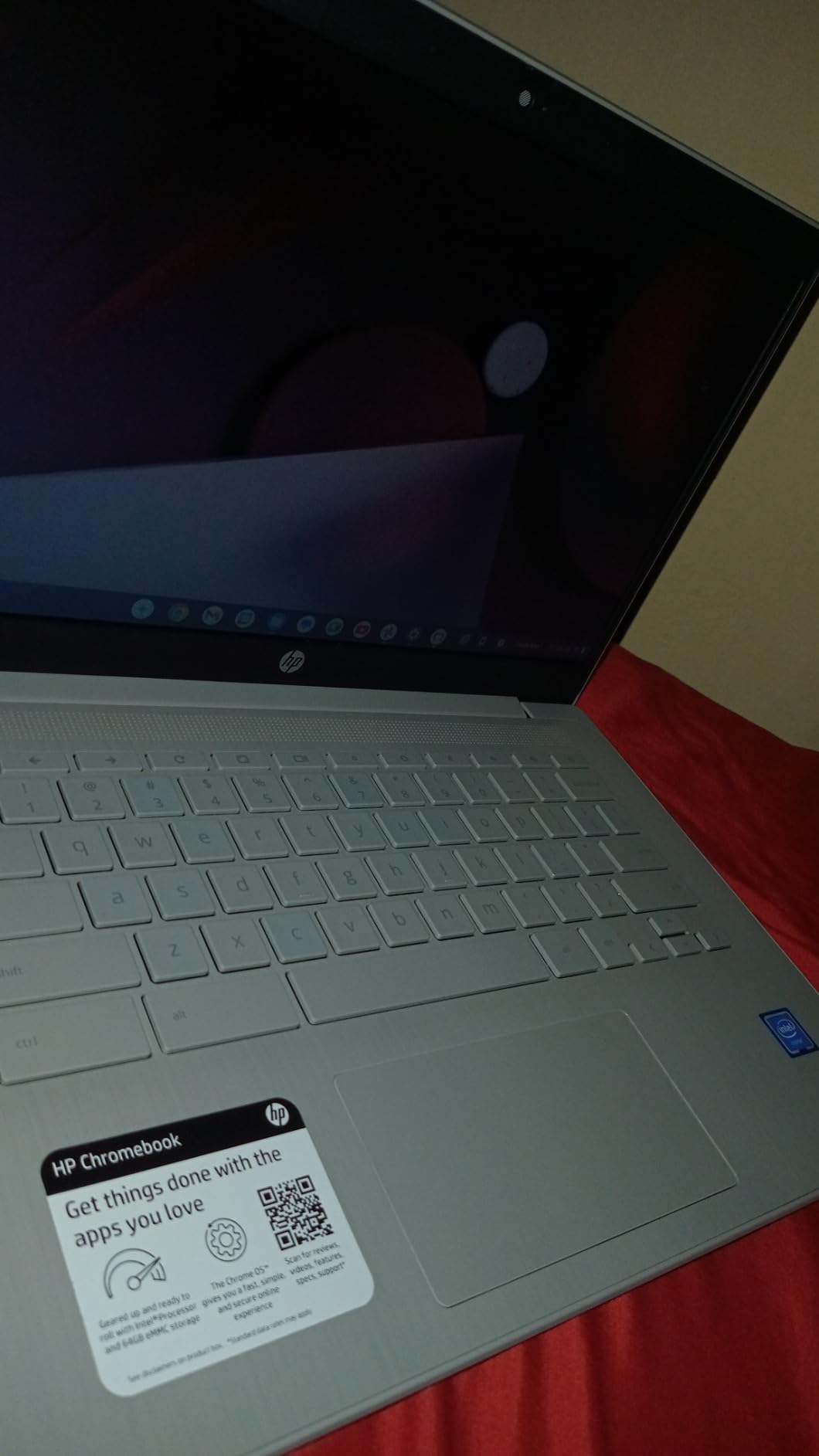
What stands out in the physical design is the anti-glare micro-edge panel and the 3.2 lb weight. Neither is exciting on paper, but both matter every single day: a matte screen is usable under bright classroom lights, and a laptop that weighs about as much as a hardback novel stops being a burden to carry.
Compared with the Samsung Chromebook 4, the HP is the better all-rounder: a larger 14-inch screen, more modern silicon and Wi-Fi 6. The Samsung is smaller and easier to carry, so choose it if footprint is the priority. If you would rather have memory headroom than a bigger screen, the ASUS Chromebook Flip CX1 doubles the RAM to 8 GB.
Good to know: the 64 GB eMMC drive fills quickly with offline files and Android apps, so budget for cloud storage or an external drive if the owner plans to keep media on the machine.
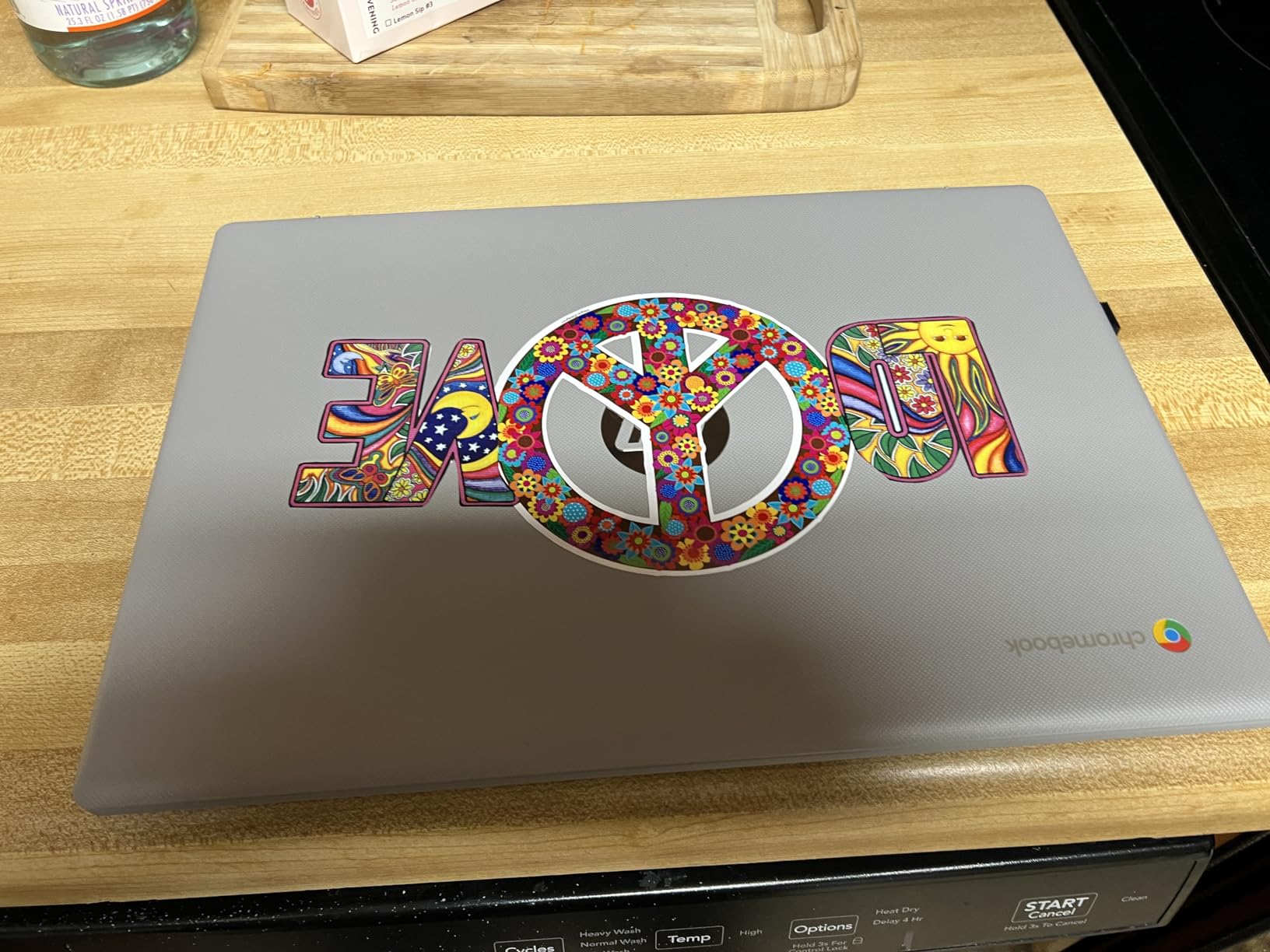
Owner ratings for this model sit heavily on the positive side, and the complaints that do appear almost always come back to memory and storage rather than build quality. For browsing, documents, streaming and video calls, that is exactly the machine most people need.
2. Samsung Chromebook 4: Best Value in a Small Body
Samsung Chromebook 4
Display: 11.6 inch 1366x768
RAM: 4 GB
Storage: 32 GB eMMC
Battery: 5 hr listed
Pros
- One of the most compact bodies in the list
- Military-grade durability
- Simple setup for first-time users
- Gigabit Wi-Fi plus Bluetooth
Cons
- 32 GB eMMC is the tightest storage here
- Quiet speakers
- Non-backlit keyboard
Reviewers treat this as the small, tough option. At 3.8 lb with an 11.6-inch screen it is the machine that takes up the least room in a bag, and the military-grade durability claim is the sort of thing that matters more in a school bag than in a desk drawer.
Battery figures on this listing are worth reading carefully. The product details list five hours, while the marketing copy on the same listing claims 12.5 hours, so the realistic figure sits between the two. It is a full morning of classes, not a full day away from a socket.
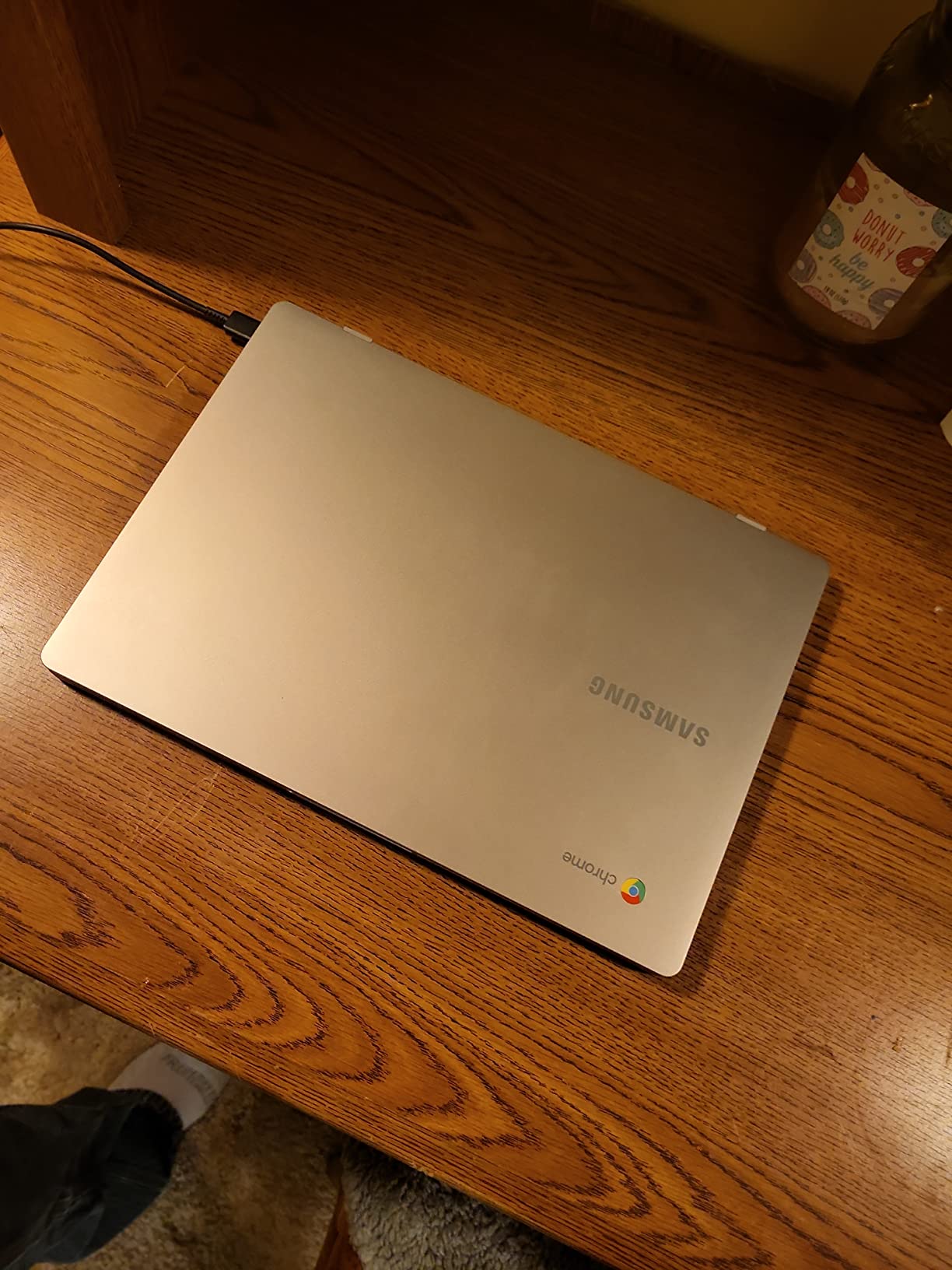
Setup is the quiet strength. Owners repeatedly describe signing in and getting online within a few minutes, which matters when a Chromebook is being configured for a child or handed to a relative for the first time. ChromeOS updates itself in the background, so there is no maintenance routine to learn.
The trade-off owners report most often is storage. At 32 GB eMMC this is the smallest drive in the group, and the listing itself notes that microSD support is not consistent across the range. Streaming and web work are fine; keeping a downloaded film library is not.
Where it beats the top pick: footprint and durability. Where it loses: screen area, since the resolution class is the same at 1366×768 but the panel is smaller, and the older Wi-Fi radio. If a full-size 14-inch screen matters more than a compact body, the HP Chromebook 14 is the swap.
Owner reviews skew strongly positive, and the praise in them clusters around durability, weight and simple setup rather than speed. The minority of negative reviews concentrate on the quiet speakers and the small drive.
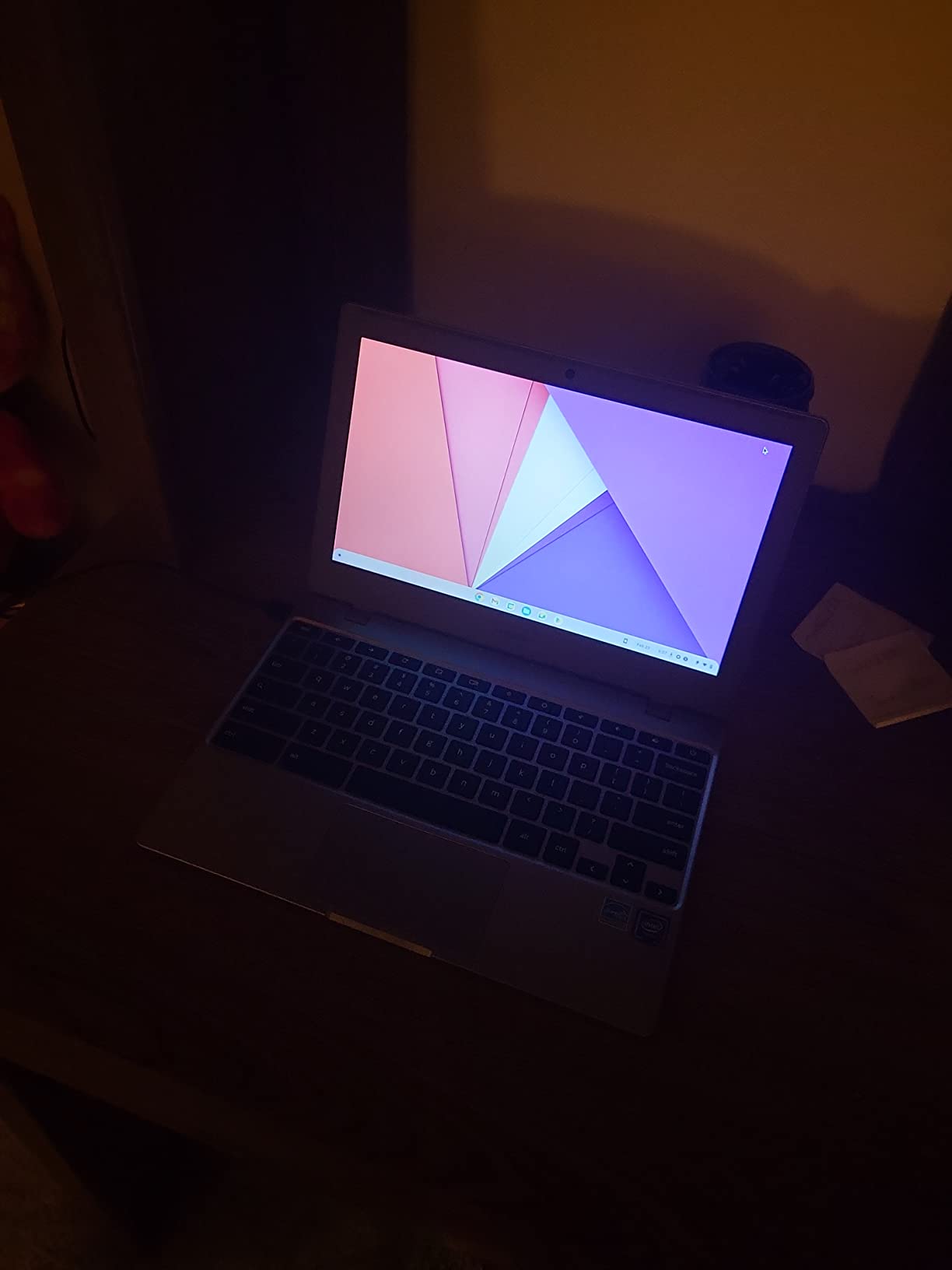
3. Dell Chromebook 11 3100: Budget Pick for a First Laptop
Dell Chromebook 11 3100
Display: 11.6 inch 1366x768
RAM: 4 GB
Storage: 16 GB flash
Battery: 14 hr listed
Pros
- Lowest entry point in the roundup
- Light 2.9 lb body
- Comfortable Dell keyboard
- Five USB ports
- Bluetooth support
Cons
- Slow page loads are reported often
- 16 GB storage leaves very little room
- 90-day limited warranty
This is the machine to look at when the purchase is a first laptop for a child, a spare machine for a guest room, or a way to get online without thinking about it. It comes through Amazon Renewed, which is the trade-off buyers are making deliberately: lower cost in exchange for a shorter warranty and less predictable hardware.
The port selection is genuinely unusual at this level. Five USB ports means a wired mouse, a USB drive and a wired network adapter can all be connected at once without a hub, which is more ports than several machines twice the size manage.
Where owners push back, speed comes first. Slow page loads and timeouts are the most repeated complaint in the reviews, and they trace back to the older Celeron generation and the 16 GB drive. Expect a machine that does one thing at a time well rather than five things quickly.
Storage is the number to think about here. Sixteen gigabytes is a fraction of what the operating system wants, so the usable space after a first sign-in is small. For a browser-only machine that lives online, that is workable. For anything stored locally, it is not.
Compared with the Samsung Chromebook 4, the Dell is a step down in storage and processing power but a step up in port count and weight. Compared with the HP Chromebook 14, it makes sense only when the budget is the binding constraint. The warranty situation is the practical difference: 90 days here against a full year on the HP.
Owner reviews here spread more widely than on the machines above it, and the lower-rated ones tend to fault speed and the small drive. That spread is the renewed program talking, and it is the reason this sits at number three rather than higher.
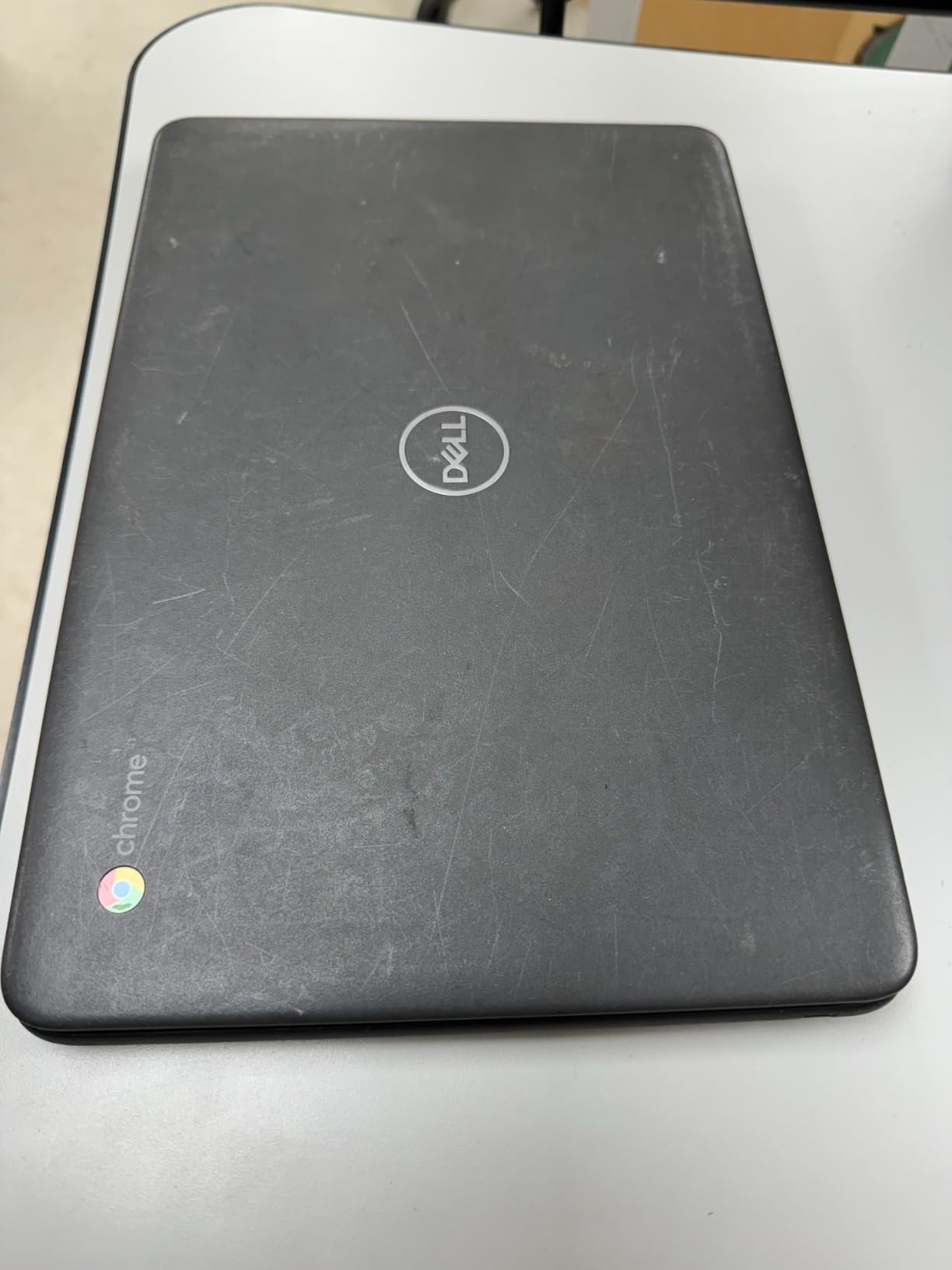
4. Lenovo Flagship Chromebook: Best for a Full-HD Touch Screen
Lenovo Flagship Chromebook
Display: 14 inch 1920x1080 touch
RAM: 4 GB
Storage: 64 GB eMMC
Battery: up to 13.5 hr
Pros
- Full-HD 1920x1080 IPS touchscreen
- Backlit keyboard at this level is rare
- 2.9 lb body
- 13.5 hr claimed battery
- 720p webcam with privacy shutter
Cons
- 4 GB RAM is the limiting factor
- Touchpad accuracy is criticised
- Only a 90-day warranty
A 1920×1080 touchscreen in a 2.9 lb body is the combination this list is missing everywhere else. Most budget Chromebooks ship a 1366×768 panel, and that difference is obvious the moment two documents sit side by side or a video call fills the screen.
The backlit keyboard is the second thing owners single out. Nearly every other machine in this price range has an unlit keyboard, which is unusable in a dim lecture hall and fine everywhere else. The octa-core MediaTek Kompanio 520 handles browsing and streaming smoothly, and the 13.5-hour battery claim is second only to the HP Chromebook 14.
The webcam deserves a mention because it is one of the better ones here: 720p with a physical privacy shutter and a dual-array microphone, which is what you want for online classes and video calls.
Owners report the same limitation every time: 4 GB of memory. Open a lot of tabs and the machine slows, and some owners add a wireless mouse because the touchpad is imprecise. The keyboard also has a plastic feel, and the caps lock key sits close enough to the apps key to be pressed by accident.
The Lenovo IdeaPad Slim 3 further down shares the same panel and chip, but bundles a docking station set with extra storage. The ASUS Chromebook Flip CX1 goes the other way, giving up the backlit keyboard for twice the memory and a folding hinge.
One practical note before buying: the warranty on this listing is 90 days, which is short for a machine of this class.
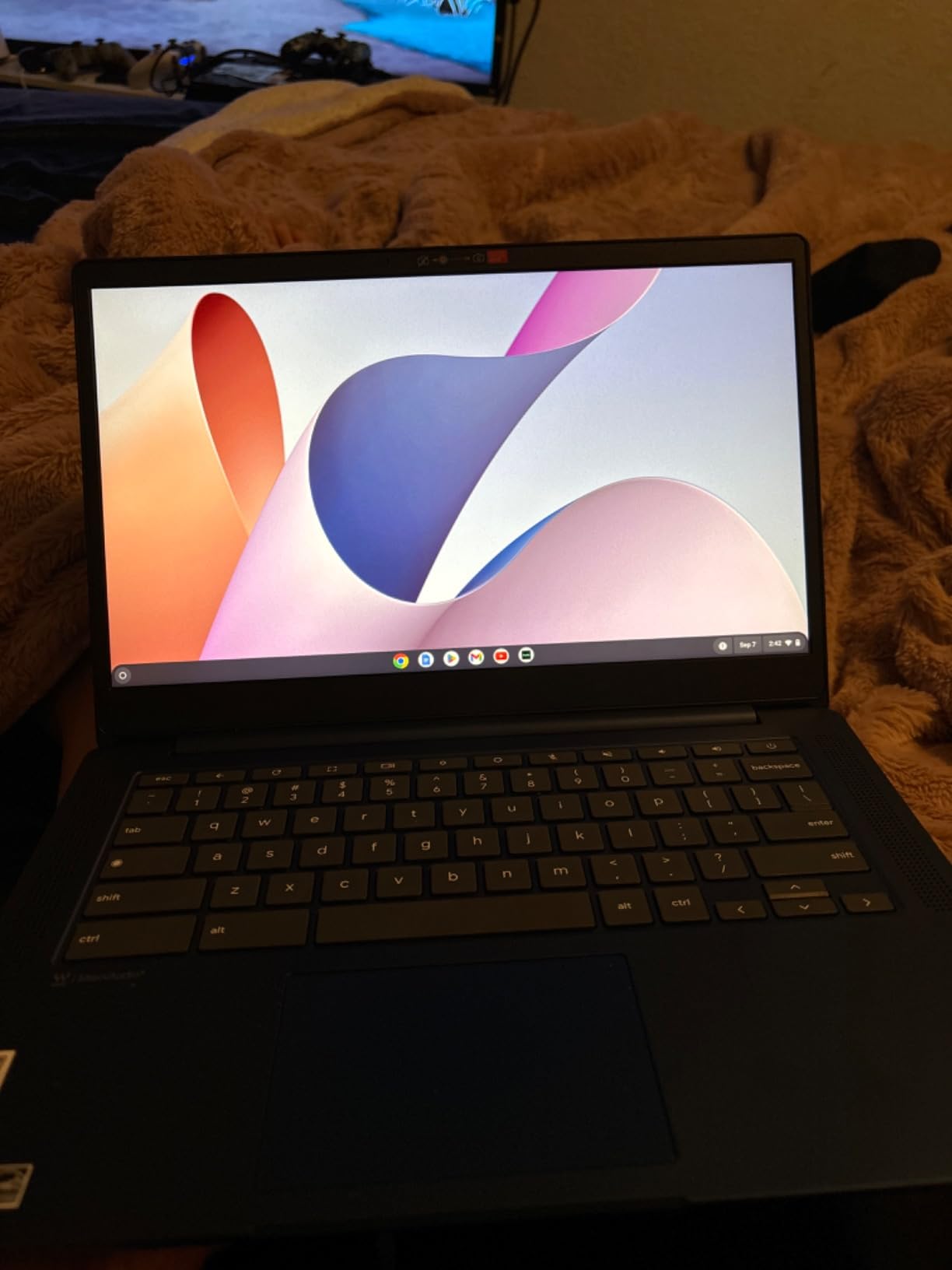
5. HP X360 14a: Best 2-in-1 With a Folding Hinge
HP X360 14a
Display: 14 inch 1366x768 touch
RAM: 4 GB
Storage: 64 GB eMMC
Battery: 12 hr listed
Pros
- 360-degree hinge with four working modes
- Built-in stereo speakers
- Memory card reader included
- 12 hr battery for a convertible
Cons
- 1366x768 touchscreen is low resolution
- 4 GB RAM and 64 GB storage
- Chassis feels more premium than the internals
The hinge is the reason to buy this one. It folds through 360 degrees into laptop, tent, stand and tablet positions, and owners who use it that way report it holding its angle well rather than sagging forward on a desk.
Two details put it ahead of a plain clamshell Chromebook for media and classes: stereo speakers that are a genuine step up from single drivers, and a built-in memory card reader so photos can move off a phone without an adapter.
The port layout is generous too: two USB-C, one USB-A, a DisplayPort output and a headphone and microphone combo, which is enough to run a second display.
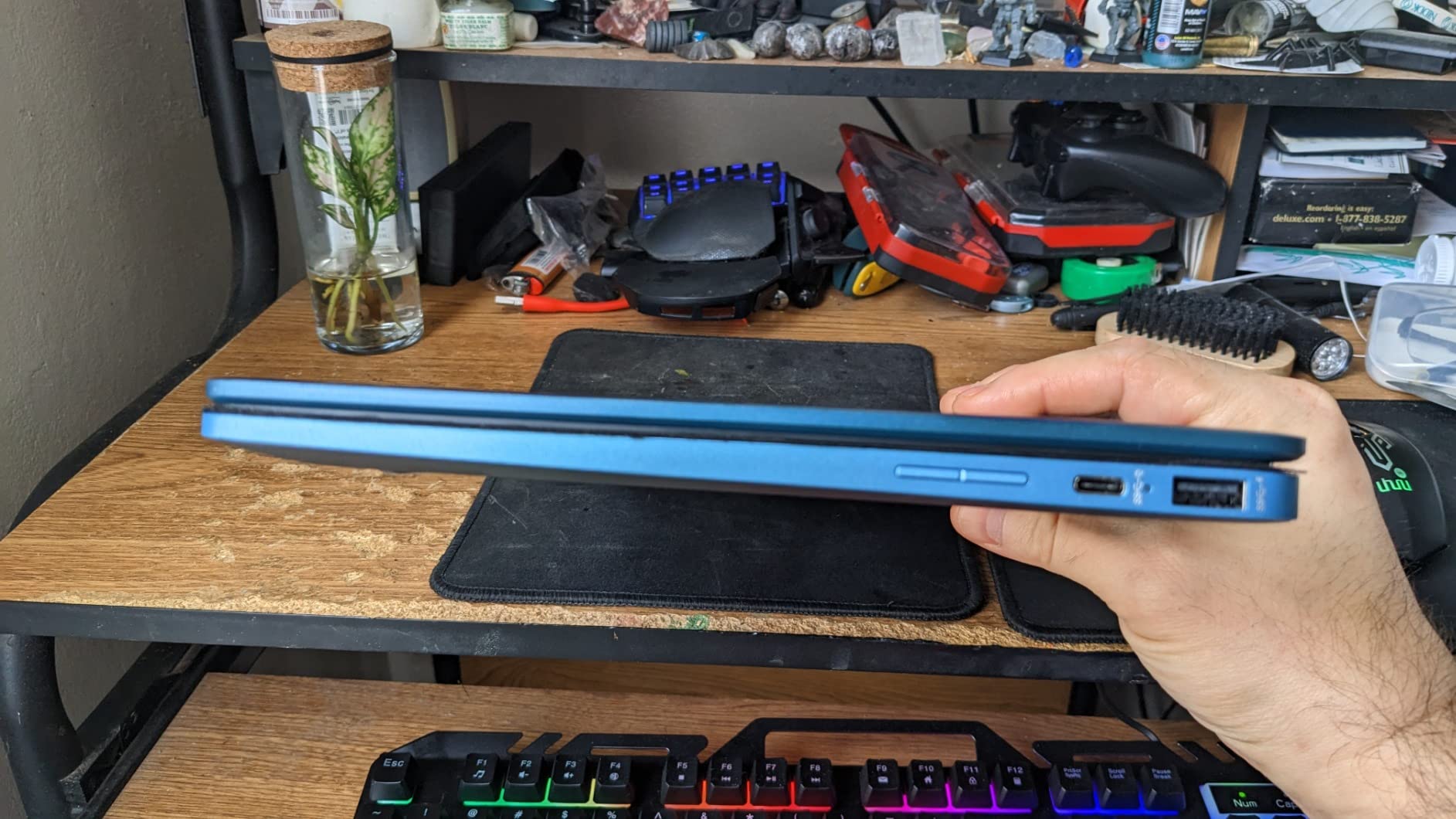
The compromises are honest ones. A 1366×768 touchscreen is a soft image, and paying more for touch on a low-resolution panel is the awkward part of the package. The dual-core Celeron N4020 underneath is entry-level, so the extra modes do not make the machine faster, they just change how it is held.
Against the ASUS Chromebook Flip CX1, both are convertibles at 14 inches, but the ASUS pairs the same folding design with 8 GB of memory, 128 GB of storage and a full-HD panel. The HP wins on speaker quality and on review volume, which runs to more than 1300 owner ratings.
Best to know before buying: a convertible chassis is always a little thicker than a standard laptop, and this one is 3.6 lb. That is the price of having a screen that folds.
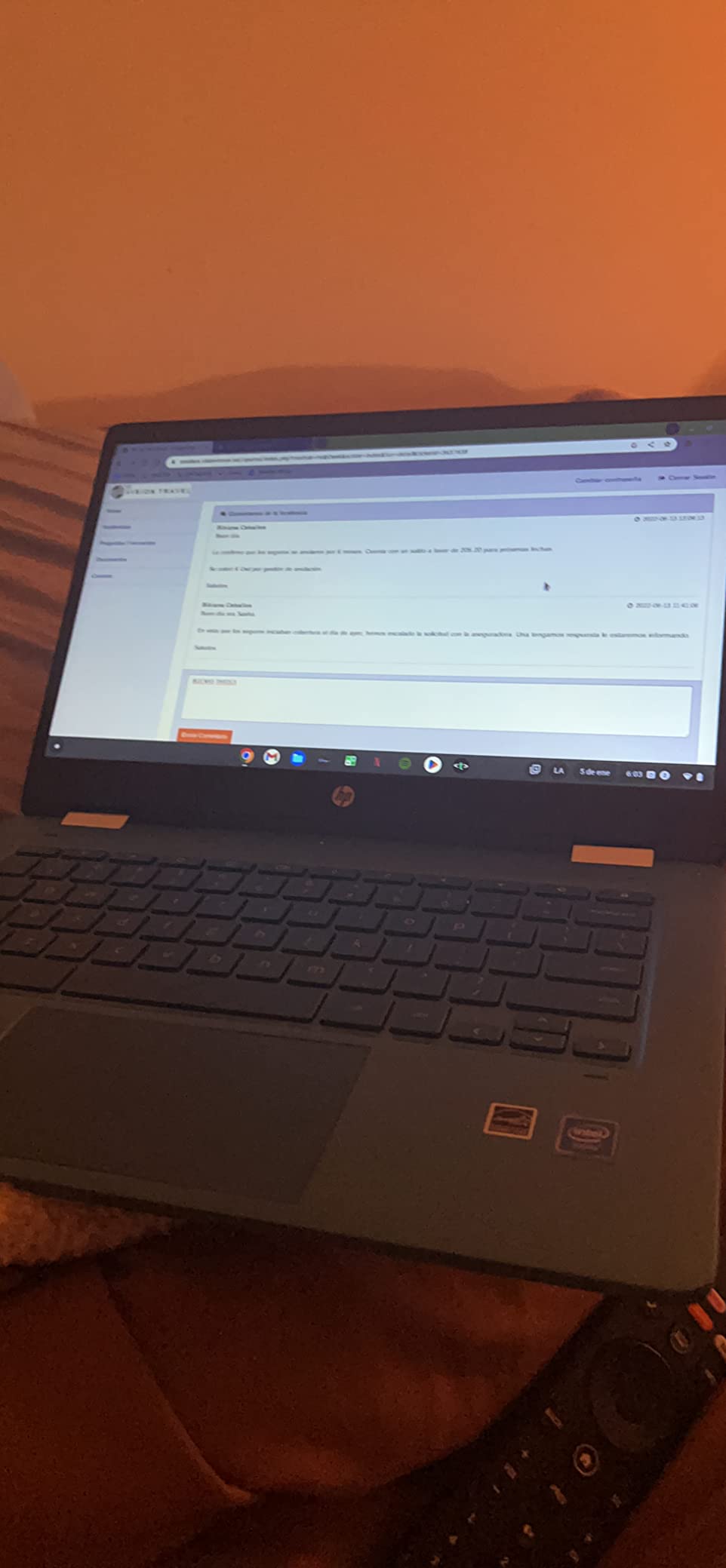
6. HP Chromebook 11A G8: Best Rugged Pick for School Use
HP Chromebook 11A G8
Display: 11.6 inch 1366x768
RAM: 4 GB
Storage: 32 GB eMMC
Battery: 10 hr listed
Pros
- Education Edition chassis with spill-resistant keyboard
- Backlit and full-size at this level
- 3 lb body
- 10 hr battery
- 720p camera and dual speakers
Cons
- AMD A4-9120C is a dated dual-core chip
- 32 GB storage is limited
- Dim 220 nit anti-glare panel
Spill-resistant keys and a rugged Education Edition chassis are not marketing filler on this model. They are the reason a school district or a family with a juice-spilling seven-year-old keeps this one in circulation after the first term.
It is also the only machine here with a backlit keyboard and a full-size island layout under 3 lb, which is unusual at this cost. The 720p camera and dual speakers cover online classes adequately.
Where it falls behind is raw speed. The AMD A4-9120C is a much older chip than the Intel and MediaTek parts elsewhere on this list, and 32 GB of storage leaves little room after setup. Browsing and documents are fine; a dozen open tabs is where owners report the machine complaining.
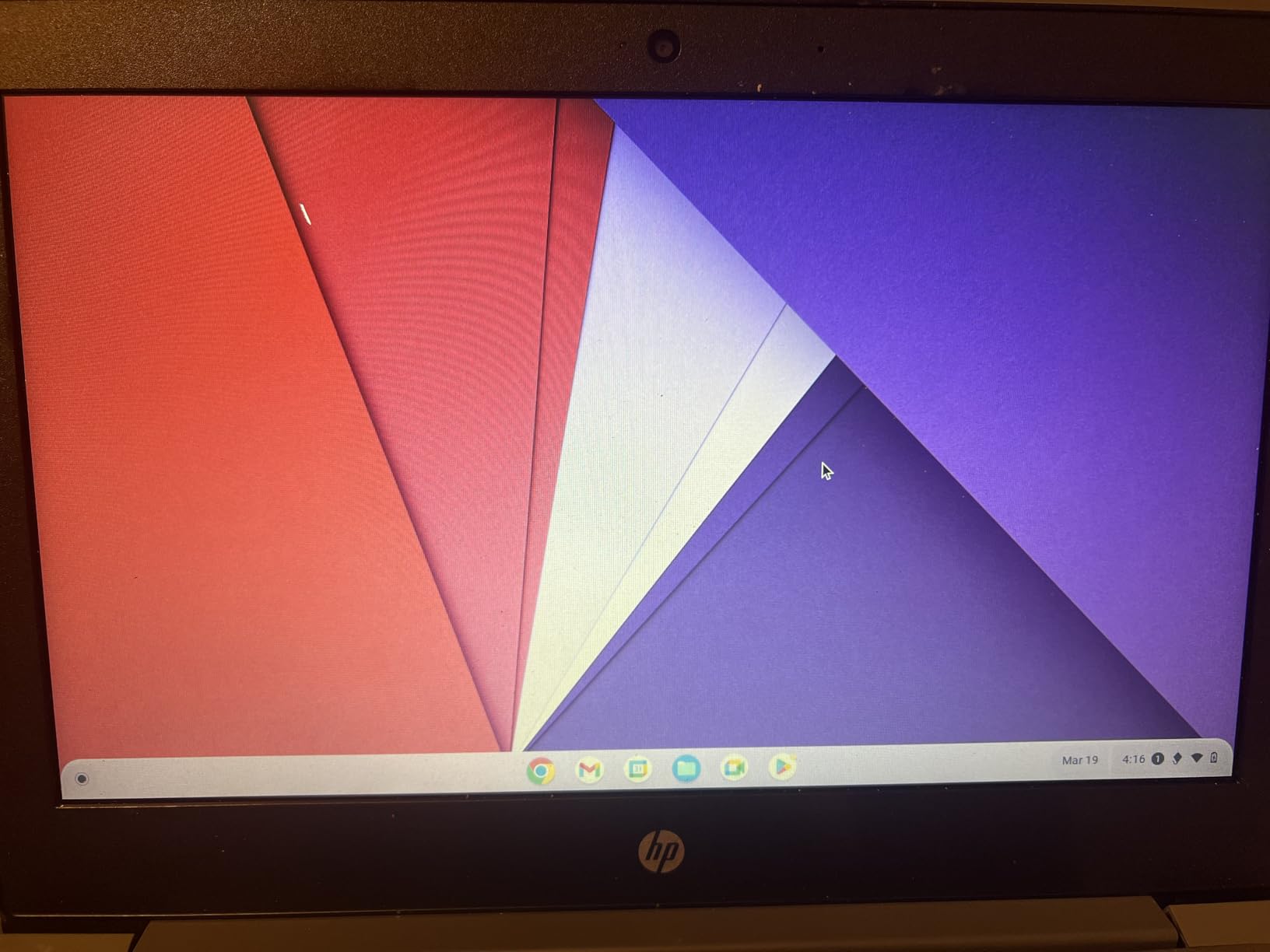
The display is the other weak point. At 220 nits and 45% NTSC coverage the panel is dim and washed out, and a classroom with overhead lighting is exactly where that shows. The HP Chromebook 14 has a brighter anti-glare screen for that reason.
Against the Dell Chromebook 11 3100, both are renewed education machines, and the Dell is cheaper and has more ports while this one has the better keyboard, the backlight and the 32 GB drive to match. Against the HP Chromebook 14, the trade is durability and cost against processing power, screen brightness and warranty length.
Good to know: this is the lowest-rated machine in the roundup, and the reviews behind the complaints usually point to battery or key reliability on a renewed unit. The warranty is 90 days.
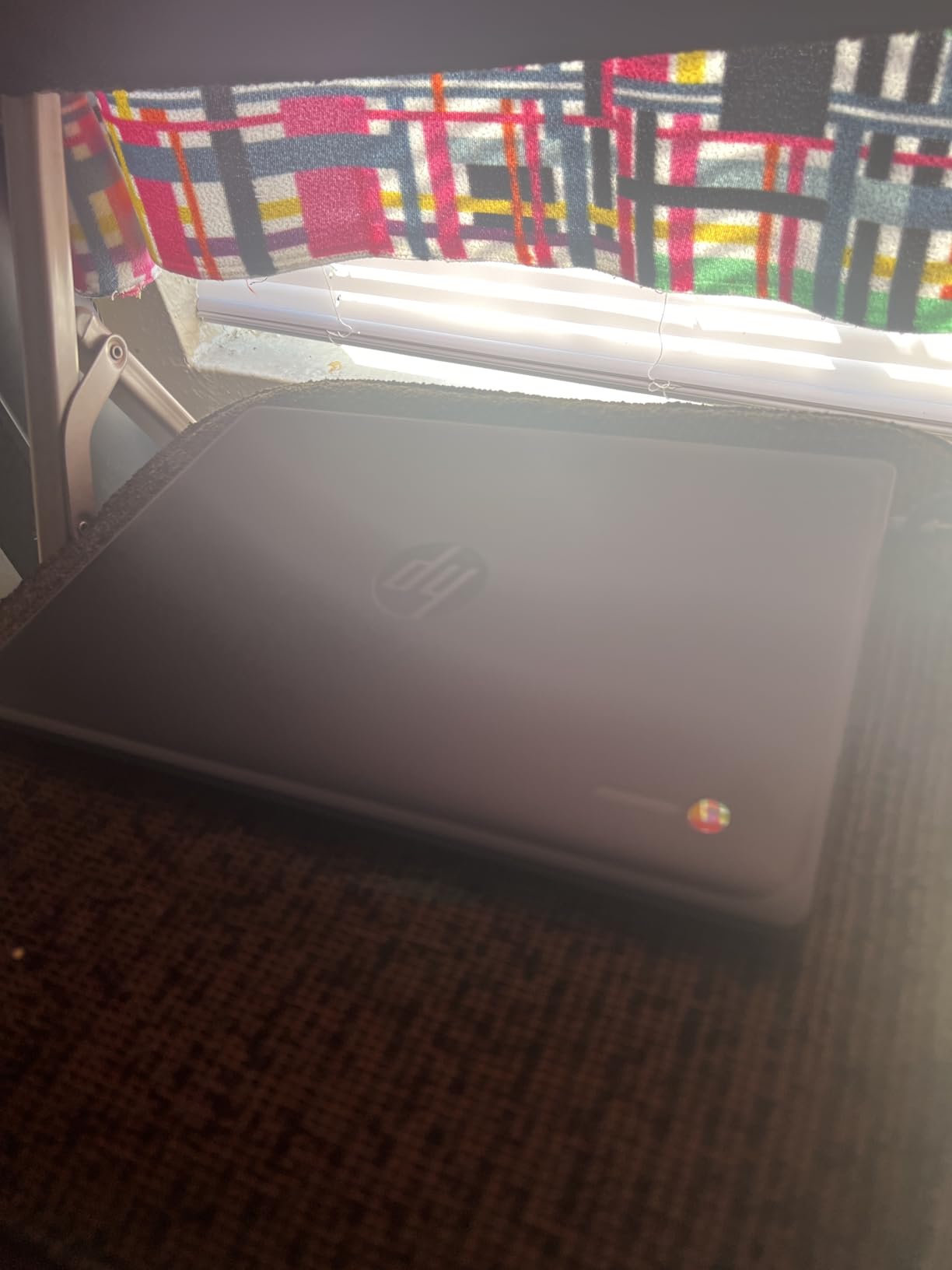
7. Lenovo IdeaPad Slim 3: Best for Bundled Storage and Ports
Lenovo IdeaPad Slim 3
Display: 14 inch 1920x1080 touch
RAM: 4 GB
Storage: 64 GB eMMC
Battery: up to 13.5 hr
Pros
- Docking station set included with a 128GB SSD
- Bright full-HD anti-glare touchscreen
- Good hinge build quality
- 2.9 lb body
- Wi-Fi 6
Cons
- 4 GB RAM causes lag with many apps open
- Speakers and colour accuracy average
- Single USB-C handles charging
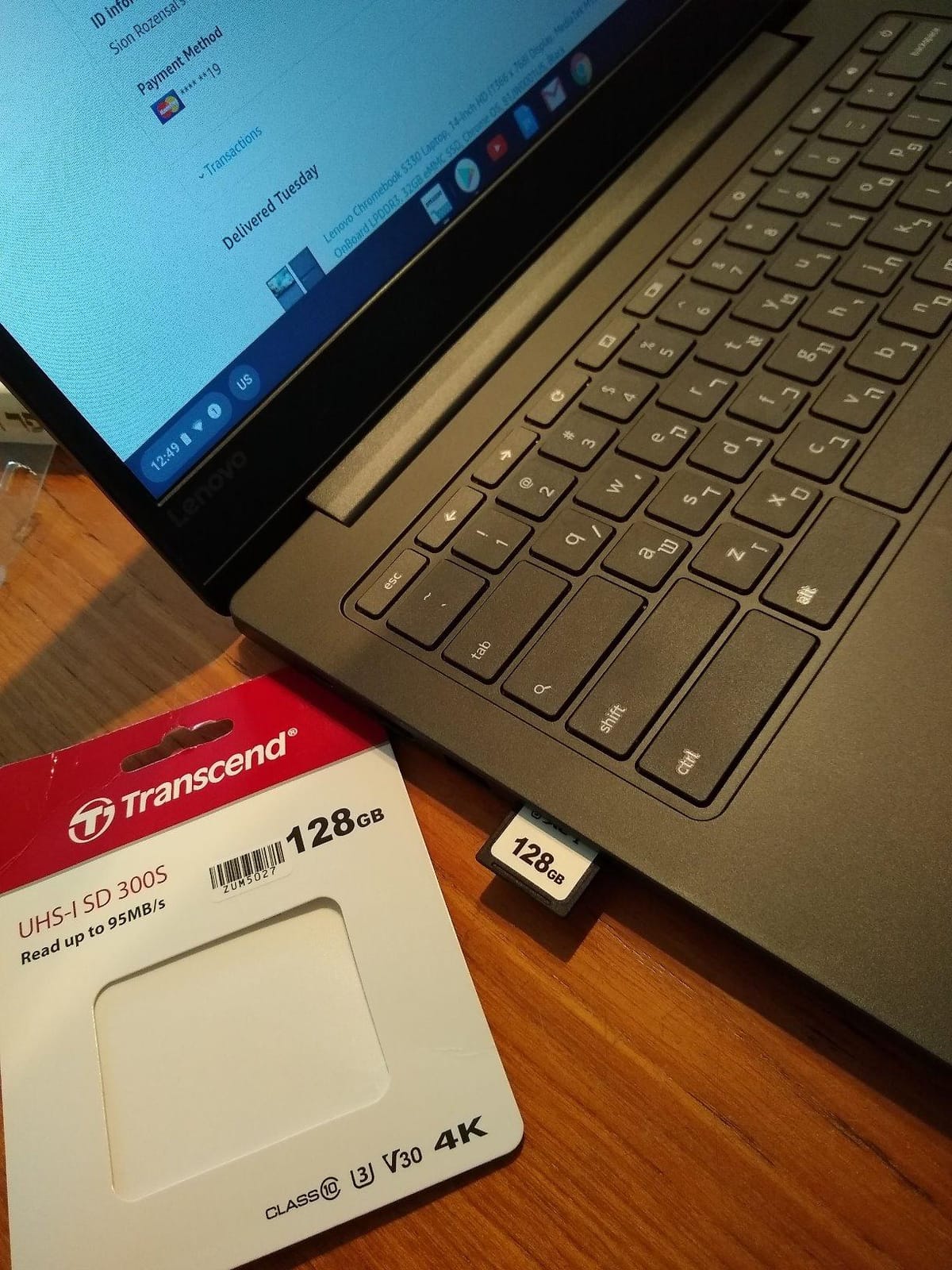
This is the only pick in the list that arrives with a docking station set, and that changes the equation for anyone who works at a desk. The bundle includes a 7-in-1 dock with a 128GB SSD, a 32GB microSD card, a Type-C data cable, a three-in-one charging cable and a cleaning cloth, which covers the storage problem that every other 64 GB Chromebook on this list has.
The panel itself is one of the better screens in the roundup: 14-inch 1920×1080 IPS, anti-glare, and owners describe it as bright with good colour, which puts it ahead of the otherwise similar Lenovo Flagship Chromebook.
Build quality draws praise too, particularly the hinges, which is not something most reviews mention in the budget category.
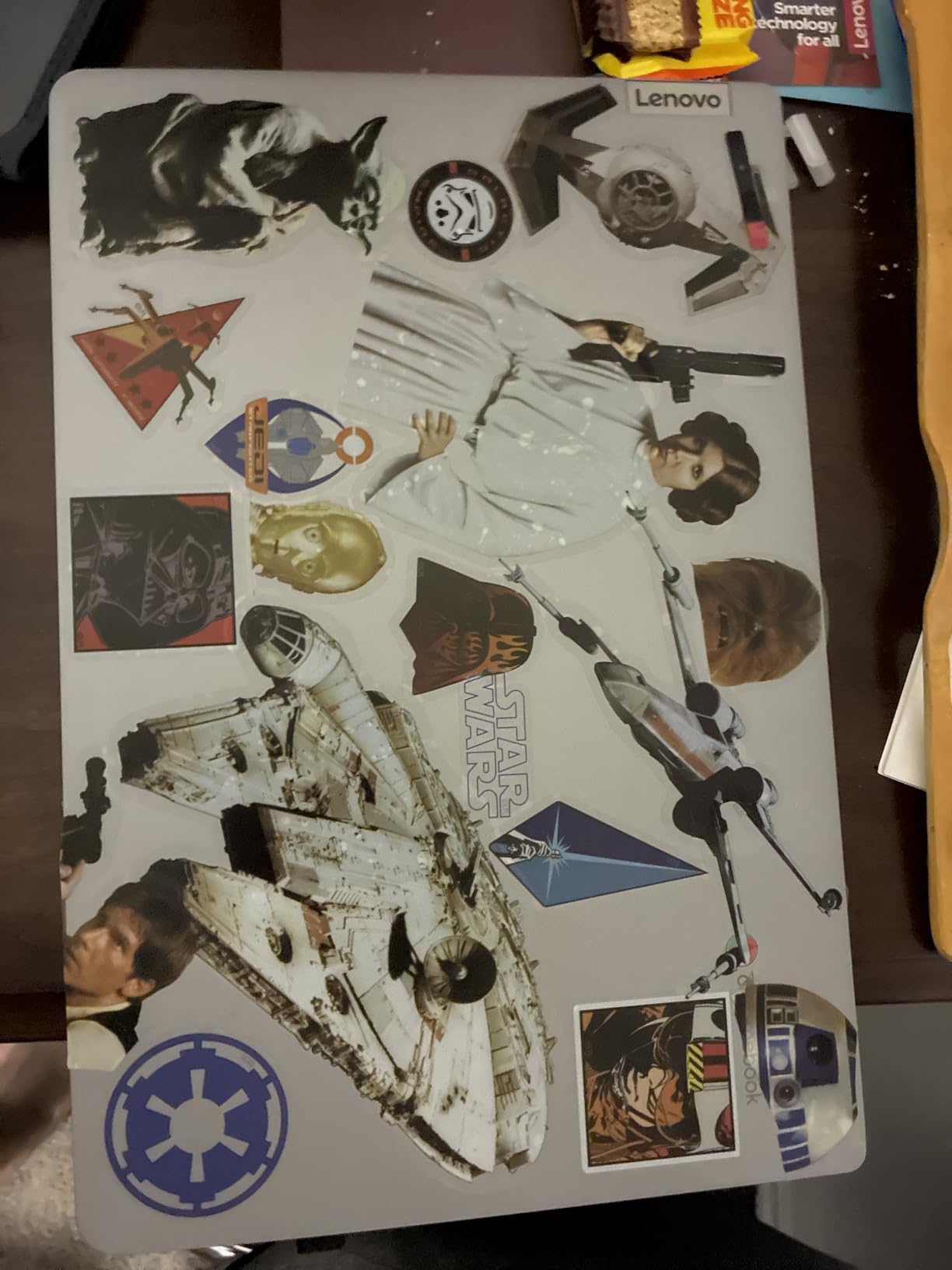
Owners describe it as a lighter replacement for a heavier Windows machine, and the 13.5-hour battery claim is what makes that possible on a full day away from a charger. The console port and microSD slot are both useful additions at this level.
The single biggest complaint is the same 4 GB memory ceiling that appears across this list, and here it is more severe: some owners say the machine struggles badly with several apps open at once. The speakers are average and the single USB-C handles charging, which can limit display options on some external monitors.
Compared with the ASUS Chromebook Flip CX1, both have 14-inch full-HD touch panels, but the ASUS has 8 GB of memory and a folding hinge while this one wins on the bundled dock and the anti-glare coating. Compared with the Lenovo Flagship, pick this one for the bundle and pick the other for the backlit keyboard.
8. ASUS Chromebook Flip CX1: Best for Multitasking
ASUS Chromebook Flip CX1
Display: 14 inch 1920x1080 touch
RAM: 8 GB
Storage: 128 GB eMMC
Battery: up to 11 hr
Pros
- 8 GB RAM is double the norm for this class
- 128 GB storage
- Full-HD 14-inch 360-degree touchscreen
- MIL-STD 810H durability
- Two USB-C with display output
Cons
- Celeron N4500 has limited headroom
- AI plan is a three-month trial then paid
- Convertibles are thicker than clamshells
Everything else on this list runs 4 GB of memory. This one runs 8 GB, and that single specification changes what the machine can hold open at once. If your habit is a dozen browser tabs, a document and a video call at the same time, this is the one to buy.
Storage is the other outlier at 128 GB eMMC, which is double what the machines above it offer and removes most of the storage anxiety that runs through owner reviews of cheaper Chromebooks.
The convertible design does four things with one screen: clamshell, tent, stand and tablet. It is built to MIL-STD 810H durability standards, which is a testing standard rather than a guarantee, but it is the sort of construction that suits a machine carried between a bag, a desk and a sofa.
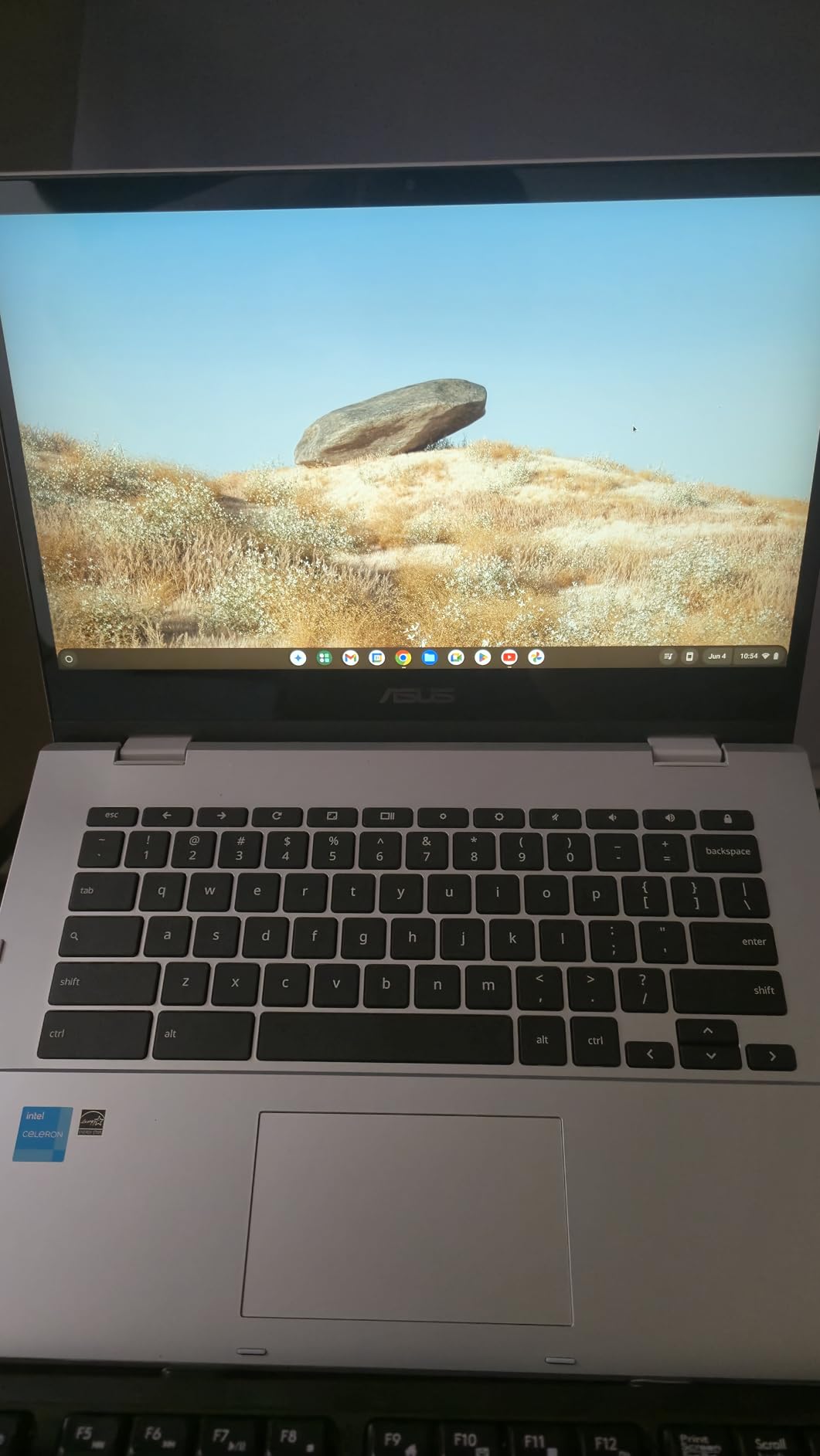
Two caveats sit alongside that. The Celeron N4500 is an entry-level dual-core part, so the extra memory helps when everything is running, but the processor still sets the ceiling on how quickly tabs open. And the three months of Google One AI Premium included with the machine ends and becomes a paid subscription.
The HP X360 14a is the other 14-inch convertible in this roundup, and it holds an edge on speaker quality and on how many owners have reviewed it. The trade runs to memory, panel resolution and warranty length going the other way.
Worth knowing: the review count here is the smallest in the roundup, which means less long-term history to lean on, though owner ratings on the listing are positive.
9. Acer Chromebook 315: Best for a Big Screen and a Numeric Keypad
Acer Chromebook 315
Display: 15.6 inch 1366x768
RAM: 4 GB
Storage: 64 GB eMMC
Battery: 12.5 hr claimed
Pros
- 15.6 inch anti-glare screen with narrow bezels
- Integrated numeric keypad
- 12.5 hr claimed battery
- Four full-size USB ports
- Slim 3.6 lb silver chassis
Cons
- 1366x768 resolution is low on a 15.6 inch panel
- 4 GB RAM and 64 GB storage
- Not a touchscreen
One feature does not show up anywhere else in this list: the integrated numeric keypad, which turns a Chromebook into something closer to a small office machine, useful for data entry, invoices and anything with long numbers in it. The port selection is unusually generous for the category too, with two USB-C and two USB-A, so a wired mouse, a drive and an adapter can all be connected without a hub.
The 15.6-inch anti-glare panel has narrow 0.37-inch bezels, so the large screen does not translate into a bulky body. At 3.6 lb it sits at the heavier end of this list, and that is what a screen this size costs.
Reviewers report it handling browsing, documents and video calls well with strong battery life, and the 12.5-hour claim is one of the higher ones in the group. A full keyboard with a numpad at this level is genuinely rare.
Skip it if touch matters. This is not a touchscreen, and that is the deciding difference from the Acer 15.6-inch FHD model below.
The 1366×768 resolution on a 15.6-inch panel is the real compromise here. The same resolution spread across a smaller screen looks sharper, and on a screen this size the pixels are visible at a normal desk distance. Anyone doing detailed work might find the 15.6-inch FHD model a better use of the same budget.
The 15.6-inch FHD model at the bottom of this list makes the opposite trade: a much sharper panel there against a wider port selection and the same numpad here. Weight is what this machine gives up against the HP Chromebook 14, along with a little screen sharpness.
Good to know: owner ratings here are encouraging, but the review base is smaller than most of this list, so treat them as promising rather than settled.
10. Acer 15.6-inch FHD Chromebook: Best for a Sharp Large Display
Acer 15.6-inch FHD Chromebook
Display: 15.6 inch 1920x1080
RAM: 4 GB
Storage: 64 GB eMMC
Battery: 12.5 hr claimed
Pros
- Full-HD 1920x1080 IPS multi-touch panel
- Numeric keypad at a Chromebook cost
- Setup takes about ten minutes
- Anti-glare coating
- Two USB-C ports
Cons
- Some models ship without a working touchscreen
- 4 GB RAM and 64 GB storage
- ChromeOS limits installed software
This is the only large-screen Chromebook here that resolves at 1920×1080, and for anyone working across spreadsheets, documents and browser tabs at once, the difference between that and 1366×768 is the whole reason to pick it. The IPS panel is multi-touch and carries an anti-glare coating, so it works under bright light.
The keypad is the second argument. A full keyboard with a numeric pad at this level is unusual, and reviews mention it as a deciding factor for families running a small business from the same machine as the homework.
Battery life holds up in daily use, and setup is close to instant for most owners. For online schooling or a shared family computer, that combination of a large sharp screen and a long charge cycle is the practical sweet spot.
One thing to check before buying: some machines from this run arrive with a non-functioning touchscreen even though the listing shows one. Owners report that checking the model number for a T suffix tells you whether touch is included.
The Acer Chromebook 315 directly above is the alternative here, and panel quality is the only meaningful difference between the two. Swapping to the ASUS Chromebook Flip CX1 instead would mean giving up 4 GB of memory and a folding hinge for the bigger screen.
The 4.1 average is the second lowest here, and the touchscreen inconsistency is the main reason. It is still a positive rating, but it is the one to look at closely rather than accept at a glance.
How to Choose a Chromebook During Prime Big Deal Days
Choose by processor and performance
Every Chromebook on this list is fine for browsing, documents, video calls and streaming. The processor decides what happens after that, and a quad-core or octa-core part such as the N4120 or the MediaTek Kompanio 520 will hold many tabs open where older dual-core chips begin to drag. If the work involves photo editing, our Chromebooks for photo editing guide covers what that software demands from a machine.
Compare battery life and portability
Weight here runs from 2.9 lb to 3.8 lb, and the difference is a bag you carry every day. Manufacturer claims range from about 5 hours to 14 hours, and the longer claims belong to the newer chips, so treat 13-plus hours as a good sign and anything under 6 hours as a full-morning machine.
Check display and input quality
Resolution is the fastest way to tell these listings apart. Six of the ten machines here run 1366×768, and on a 15.6-inch panel that is noticeably soft. A 1920×1080 IPS touchscreen, backlit keys and a 360-degree hinge are all worth paying up for when the machine will be used for more than quick browsing.
Assess memory and storage needs
Four gigabytes of RAM and 64 GB of storage is the practical floor in this group, and six machines sit exactly there. Eight gigabytes and 128 GB, as on the ASUS Chromebook Flip CX1, is the configuration that stays comfortable for longer. Anything below 32 GB of storage is a browser-only machine.
Review connectivity and compatibility
Count the USB ports before anything else: some of these listings include two, others five, and a wired mouse plus a drive plus a wired network adapter needs three. Wi-Fi 6 appears on the newer models while older ones carry the older standard, and our Chromebooks for working from home guide covers the rest of the desk setup.
How to Shop Chromebook Deals During the Sale
Check the model number on the listing rather than the headline, because the same series number covers panels, memory and storage that differ a lot. Confirm whether the machine is new or from Amazon Renewed, read what the package includes since one pick bundles a docking station, and look at who sells and ships it. Most offers in this event need a Prime membership, and a free trial counts, and prices move through the two days rather than staying put.
Before you check out, confirm the display, processor, memory, storage and operating system match what this guide describes, and check the return window so a wrong generation is easy to send back.
Frequently Asked Questions
Can shoppers without Prime access the best Amazon Prime Big Deal Days Chromebook deals?
Amazon’s Prime Big Deal Days runs October 6-7, 2026, and most offers need a Prime membership, which a free trial covers. A small number of deals open to everyone, and the Chromebooks on this list are sold through Amazon regardless of membership, so non-members can still buy at the current price.
Is 64 GB of storage enough for schoolwork and travel on these picks?
It works if you keep documents and media in the cloud, since Google Docs and Sheets sync when you reconnect and Android apps keep running offline. Six machines here come with 64 GB and three with 32 GB or less, which fills up faster once ChromeOS is installed. Choose 128 GB, as on the ASUS Chromebook Flip CX1, if you expect to download video.
Is a touchscreen worth it for drawing or handwritten notes?
It depends on which model you pick, and the screen size matters as much as the touch itself. Four picks here have touch panels and two of those fold all the way round, so pen work in a note-taking app is realistic. The Lenovo IdeaPad Slim 3 pairs touch with a bright anti-glare panel.
How much storage do I need if I mainly use web apps?
64 GB is enough for web apps if you keep files in the cloud, though the usable space after ChromeOS is installed is well under that. Choose 128 GB, as on the ASUS Chromebook Flip CX1, if you expect to download video, install Android apps or keep work offline.
Can I use a Chromebook with a monitor and external keyboard?
Yes, all ten support an external display and a full-size keyboard and mouse. Most include USB-C with video output or HDMI, so a single cable usually handles video, data and charging, and the Dell Chromebook 11 3100 with five USB ports needs no hub at all.
How can I tell which Chromebook generation a deal listing includes?
Read the model number in the specifications rather than the product title, because the same series covers different panels and memory. On the Acer 15.6-inch FHD listing, for example, a T in the model number indicates a touchscreen, and owners report non-touch machines arriving under the same title.
Final Verdict: Best Amazon Prime Big Deal Days Chromebook Deals
Buy the HP Chromebook 14 if you want one machine for school or work that stays light, lasts through a full day and will not need replacing in two years. Buy the renewed Dell Chromebook 11 3100 as the budget-friendly alternative when the lowest sensible cost is the deciding factor and browser-only use is acceptable.
For a folding screen, the ASUS Chromebook Flip CX1 wins on memory and storage while the HP X360 14a wins on speakers. Choose the Lenovo Flagship Chromebook for a full-HD touch panel with a backlit keyboard, and the Lenovo IdeaPad Slim 3 for the bundled docking station. The Acer Chromebook 315 suits anyone who wants a numeric keypad, and the Acer 15.6-inch FHD Chromebook is the better large screen. The Samsung Chromebook 4 stays the pick for the most compact body.
Check the current price on each listing during the event, confirm the model number before paying, and use the return window if the panel or memory is not what you expected.