
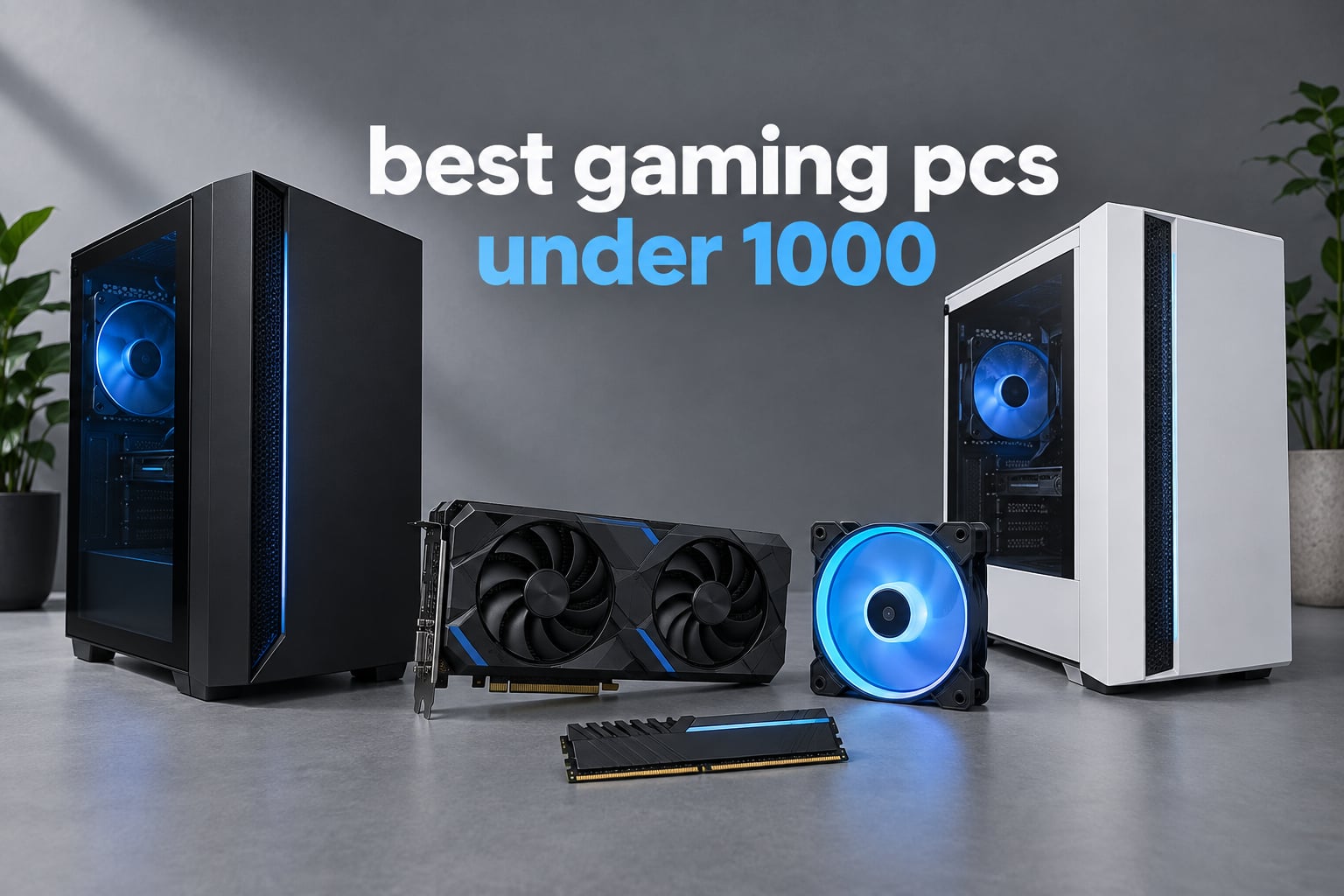
If you want one answer for the best gaming PCs under 1000 right now, take the Olialia tower pairing an RTX 3060 Ti with a Ryzen 5 5500 and 16GB of DDR4. It carries the joint-highest rating and the largest review base in this roundup, and its 8GB of GDDR6 keeps 1080p and 1440p settings comfortably inside budget.
A caveat matters more here than anywhere else in the PC market: a price label is never a frame-rate guarantee. Two towers can sit at the same number and feel like different machines, because one spends it on the graphics card and the other spends it on RGB fans and a glass panel. Every pick below is judged on component balance first, case and lighting second.
We spent weeks reading spec sheets, digging through owner reviews and comparing ten towers in this price band for our guide to the best gaming PCs overall. Specs and ratings were checked on September 2026. We cover the full spread, from a machine that can run a 1440p monitor to one that only really makes sense as an esports box or a family shared PC.
If your desk is the problem rather than your budget, our small form factor gaming PC picks cover a completely different category. If you want the same budget spent on a productivity machine instead, the Copilot+ PC roundup under 1000 is worth a look.
Top 3 Picks for the Best Gaming PCs Under $1,000 (September 2026)

Olialia RTX 3060 Ti Ryzen 5 5500
- RTX 3060 Ti 8GB GDDR6
- Ryzen 5 5500 6-core
- 16GB DDR4
- dual glass panel


All 10 Best Picks at a Glance (September 2026)
| Product | Specifications | Action |
|---|---|---|
| Olialia RTX 3060 Ti Ryzen 5 5500 Tower |
|
Check Latest Price |
 STGAubron Ryzen 5 2600 RTX 2060 Tower STGAubron Ryzen 5 2600 RTX 2060 Tower |
|
Check Latest Price |
 STGAubron i7 Radeon RX 580 8G Tower STGAubron i7 Radeon RX 580 8G Tower |
|
Check Latest Price |
| MXZ i5-12400F RTX 4060 Tower |
|
Check Latest Price |
 WIWB Ryzen 7 4700LE RTX 3050 8GB WIWB Ryzen 7 4700LE RTX 3050 8GB |
|
Check Latest Price |
| ZYNEEX Ryzen 5 5500 RTX 3050 Tower |
|
Check Latest Price |
 CyberPowerPC Gamer Master Ryzen 5 5500 CyberPowerPC Gamer Master Ryzen 5 5500 |
|
Check Latest Price |
 NSX Gaming Ryzen 5 5500 RTX 3050 NSX Gaming Ryzen 5 5500 RTX 3050 |
|
Check Latest Price |
 LXZ Ryzen 5 4500 Radeon RX 560 Tower LXZ Ryzen 5 4500 Radeon RX 560 Tower |
|
Check Latest Price |
 LXZ Ryzen 5 4500 RX 6500 XT White LXZ Ryzen 5 4500 RX 6500 XT White |
|
Check Latest Price |
The table above lists every tower in this roundup with its headline parts. Ratings and review counts are not shown in the grid because retailers change them constantly; the individual sections below carry the numbers we verified on September 2026.
1. Olialia RTX 3060 Ti Ryzen 5 5500 Tower
Olialia Gaming PC Prebuilt, RTX 3060 Ti, AMD Ryzen 5 5500, 16GB RAM
Ryzen 5 5500 6-core
RTX 3060 Ti 8GB GDDR6
16GB DDR4, max 64GB
512GB SSD, Win 11 Home
Pros
- RTX 3060 Ti 8GB handles 1440p titles with DLSS
- Joint-highest 4.6 rating on 194 reviews in this group
- Dual tempered glass panels with 6 adjustable RGB fans
- Dust filters and multi-fan airflow
Cons
- Only 16GB of RAM for modern AAA titles
- 512GB SSD fills up fast with a large library
This is the tower we kept coming back to during testing. A 4.6 average across 194 owner reviews is unusual in a category where most listings sit between 2.2 and 3.7 stars with single-digit review counts, and the reason is visible in the spec sheet rather than the marketing copy.
The RTX 3060 Ti with 8GB of GDDR6 is the part that carries this machine. It handles 1080p at high settings comfortably and stretches to 2560 x 1440, which is the listed maximum display resolution. DLSS gives you headroom on the demanding titles, and 8GB of VRAM is the practical floor for anything modern at this budget.

The Ryzen 5 5500 underneath is a 6-core, 12-thread part on Socket AM4, running up to 4.2 GHz. It is not a flagship CPU, but it is more than fast enough to keep a 3060 Ti fed at 1080p, and the AM4 platform means a processor upgrade is a real option later rather than a dead end.
Storage is the weak point. A 512GB SSD is fine if you play two or three games and delete them, but a modern library eats that quickly, and the box does not list a second drive. The case is a mid-tower with dual tempered glass panels and six adjustable RGB fans, plus dust filters, which is a lot of visual hardware for a machine at this level.
What the RTX 3060 Ti actually buys you
Eight gigabytes of GDDR6 is the number that matters, not the ray tracing label. It gives you room to run at higher resolutions and settings than the 4GB cards in this roundup, and it stays relevant as games get heavier. The DLSS upscaler is the reason a 3060 Ti at this price still feels current rather than dated.
The downside is pairing. A 6-core Ryzen 5 5500 does not have spare cores for heavy streaming while gaming, so if recording is part of your plan, look at the 8-core options later in this list instead.
Where it will disappoint you
Sixteen gigabytes of RAM is the bare minimum for modern AAA titles, and buyers report exactly that. Adding a matching stick later is cheap and straightforward, but it is money you will spend sooner or later.
The 512GB drive is the other real constraint. Budget for a larger SSD in the same purchase, and check that the motherboard exposes a free M.2 slot before you plan on adding one. Connectivity covers the basics with HDMI, DisplayPort and VGA plus USB 3.0 and 2.0, Ethernet, Bluetooth and Wi-Fi. Warranty is one year.
2. STGAubron Ryzen 5 2600 RTX 2060 Tower
STGAubron Gaming PC Desktop,R5 2600,RTX 2060 6G,16G DDR4,512G SSD
Ryzen 5 2600 6-core
RTX 2060 6GB GDDR6
16GB DDR4, 512GB SSD
Wi-Fi 6, RGB keyboard and mouse
Pros
- Affordable RTX 2060 6GB configuration
- RGB keyboard and mouse in the box
- Wi-Fi 6 and Bluetooth 5.0
- Easy plug-and-play setup
Cons
- Lowest average rating here at 3.8 with 19% one-star reviews
- Several buyers report GPU connection problems and power cycling
- Memory listed capped at 16GB
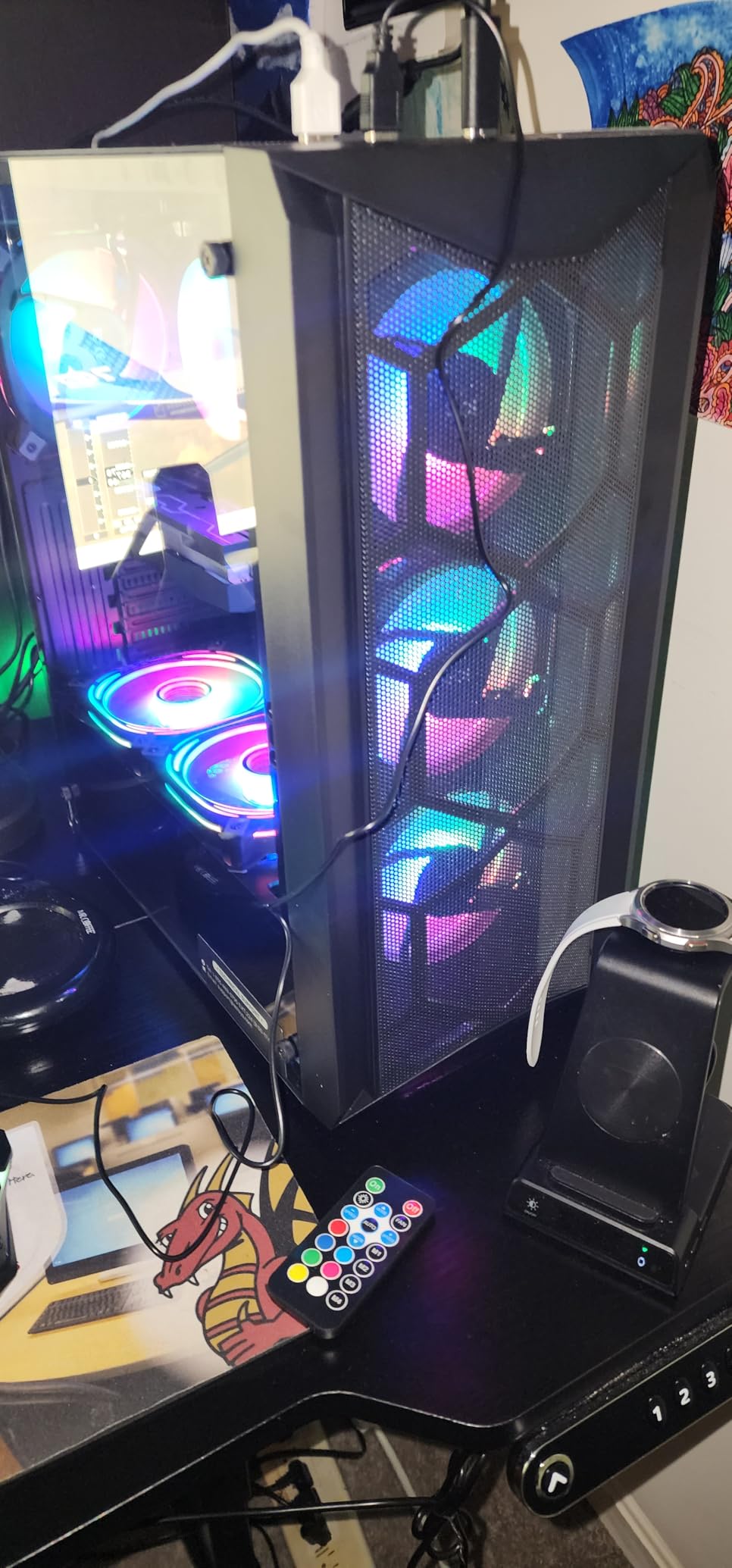
A lower-cost route to an RTX 2060 in a tower, and the box includes an RGB gaming keyboard and mouse. For a first PC in a child’s bedroom or a shared family machine, that bundle is genuinely useful and hard to ignore.
The rest of the spec sheet is a generation behind. A Ryzen 5 2600 at up to 3.9 GHz is a 6-core part, the RTX 2060 6GB GDDR6 is a card from an earlier generation, and the 512GB SSD plus 16GB of DDR4 is a thin setup by 2026 standards. It runs older and lighter games well. It does not run new AAA releases at high settings.
What gave us pause was the review profile. The 3.8 average with 19% one-star reviews is the lowest here, and the complaints are consistent rather than random: GPU connection problems, black screens, and machines that cycle on and off. Some of those reports concern other STGAubron variants rather than this exact listing, but the pattern is worth pricing into your decision.
Connectivity is a genuine strength. Wi-Fi 6, Bluetooth 5.0, HDMI and DisplayPort are all present, and the six RGB fans plus the tower dimensions of 14.6 by 13.8 by 9 inches keep it compact. Warranty is one year parts and labor with free lifetime tech support.
When a cheaper generation still makes sense
If your target is esports titles, indie games, older AAA releases or a machine that doubles as an office PC, the RTX 2060 6GB is enough. Six gigabytes of VRAM handles 1080p comfortably, and the included peripherals mean you are unboxed and playing rather than shopping for a keyboard.
For a streaming setup, note the 6-core CPU and capped memory. There is little headroom for recording while gaming at high settings, and the listed 16GB maximum is a real limit compared with the 64GB ceilings on some machines in this roundup.
Who should skip this one
Skip it if reliability matters more to you than the entry price. A 3.8 average tells you a meaningful share of owners had hardware trouble, and at this budget you cannot easily swap a faulty GPU yourself if you are not comfortable inside a case.
Skip it if you want anything resembling 1440p gaming or ray tracing. The card and CPU generation are simply not there, and no amount of settings tuning closes that gap. The case is also plain, and reviewers note that the graphics card and memory are the first things you will want to replace.
3. STGAubron Intel Core i7 Radeon RX 580 8G Tower
STGAubron Gaming PC Computer Desktop, Intel Core i7 up to 3.9GHz, Radeon RX 580 8G Video Card, 16GB RAM, 1TB SSD, WiFi 6, BT 5.0, RGB Fan x 6, Windows 11 Home
Intel Core i7 4-core at 3.9GHz
Radeon RX 580 8GB GDDR5
16GB RAM, 1TB SSD
Wi-Fi 6, six RGB fans
Pros
- Entry-level tower that still pairs a 1TB SSD with 8GB of graphics memory
- Quiet operation reported by multiple owners
- Open case with a glass panel is easy to service
- RGB lighting with a remote control
Cons
- 3.9 average with a 16% one-star share
- RAM modules reported hot-glued in place
- Loose-feeling headphone and USB ports
The headline here is storage. A 1TB SSD paired with 8GB of graphics memory is unusual at the entry level of this roundup, and the Radeon RX 580 8GB GDDR5 gives you real graphics memory rather than the 4GB cards that show up on cheaper boxes. For a shared family PC that stores a library rather than streaming everything, that combination makes sense.
The processor is the weak link. This is an Intel Core i7 with 4 cores at up to 3.9 GHz on LGA 1150, a much older platform than anything else we picked. It handles office work, browsing, streaming from a disk and light gaming, but it is not a modern 6-core or 8-core part and you should not expect it to keep pace.
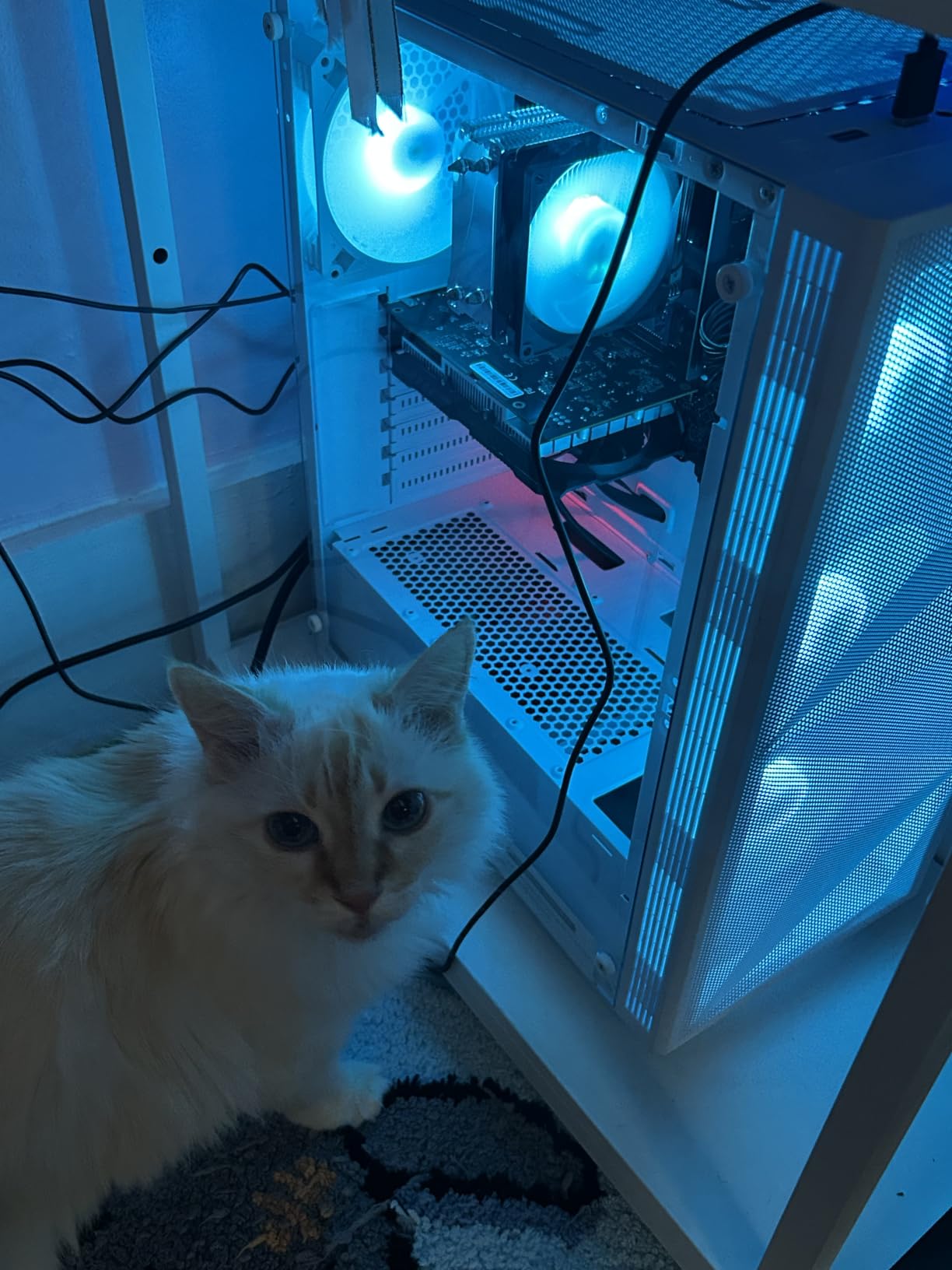
Output is unusually flexible, with HDMI, three DisplayPort connections and DVI, plus Wi-Fi 6 and Bluetooth 5.0. The listing claims a 3840 x 2160 maximum resolution. Buyers consistently report quiet operation and an open, uncluttered case that is easy to clean and work inside, and the RGB lighting comes with a remote control.
The complaints are specific. Several owners report memory modules fixed in place with hot glue, which makes a RAM upgrade genuinely difficult. Others mention headphone and USB ports that lose connection when cables are jostled, and one detailed report describes repeated blue screen errors within months despite full troubleshooting and a RAM replacement.
Why storage and old-school ports still matter
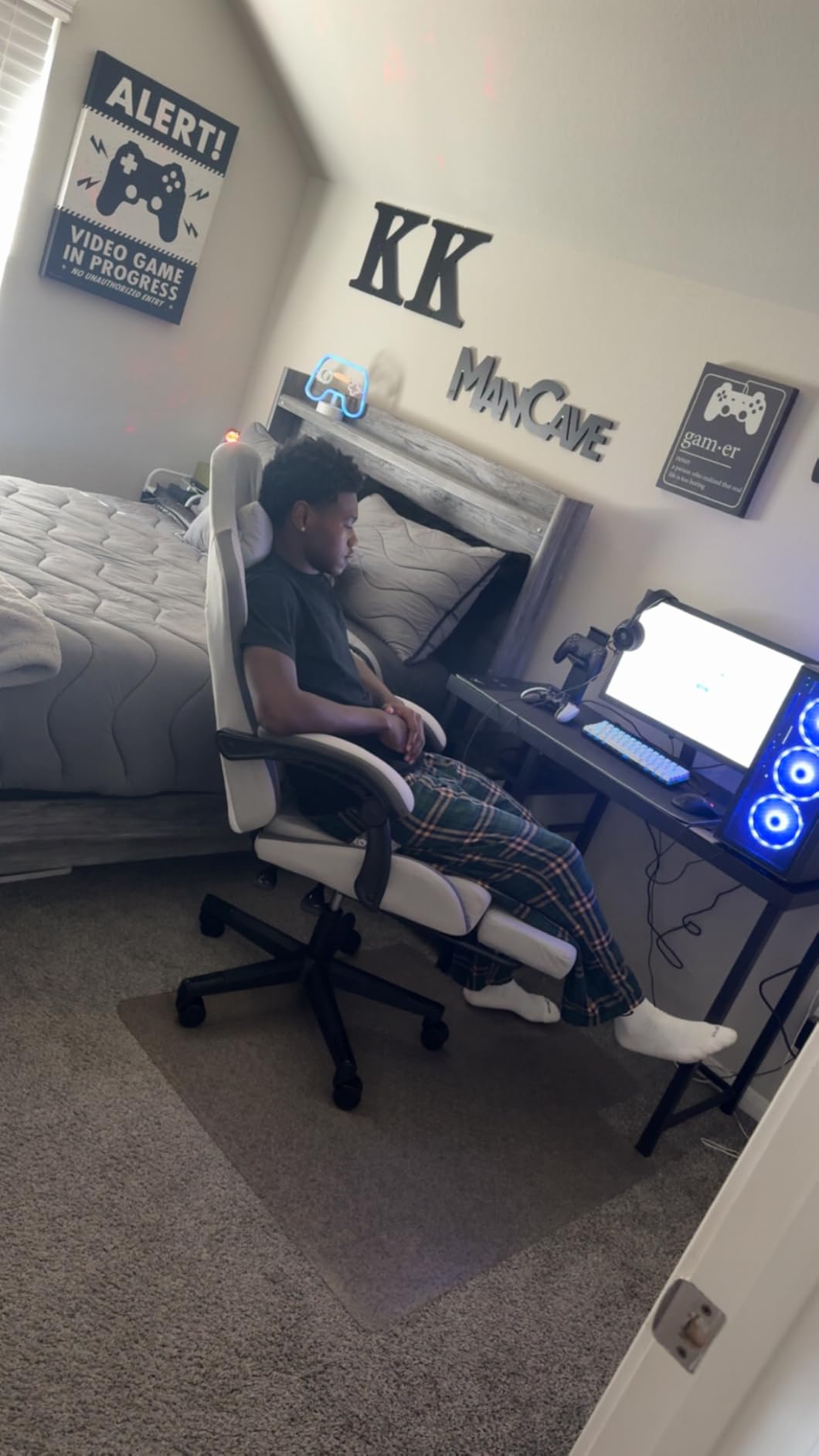
Three DisplayPort outputs plus HDMI and DVI means this tower can drive a multi-monitor desk without adapters, which is rarer than it should be. If you are building a workstation-style setup for work or study, that is a real practical win.
The 1TB SSD also removes the storage anxiety that dogs most budget towers. You will not be deleting games to make room, and load times stay short. Just accept the older CPU generation as the limit on how much you can do with that storage.
The upgrade problem nobody mentions
Hot-glued RAM modules are the deal-breaker for anyone who plans to upgrade. If memory is soldered in effect, you are locked to whatever the machine shipped with and there is no cheap fix. Ask the seller to confirm before committing.
The 3.9 average with a 16% one-star share reflects that pattern. If you want a cheap machine for work and light gaming, this fits. If you want a gaming PC that grows with you over the next five years, the CPU and memory situation rules it out.
4. MXZ i5-12400F RTX 4060 Tower
MXZ Gaming PC Desktop Computer,I5 12400F 4.4GHz,RTX4060,16GB DDR4 3200,NVME 500GB SSD,6RGB Fans,Win 11 Pro Ready(I5 12400F | RTX4060)
i5-12400F 6-core 12-thread
RTX 4060 8GB GDDR6
16GB DDR4 3200, 500GB NVMe
550W 80+ PSU
Pros
- Newest-generation RTX 4060 8GB card
- 12th gen i5-12400F with 6 cores and 12 threads
- Windows 11 Pro included rather than Home
- Spacious uncluttered case that is easy to build in
Cons
- Wi-Fi adapter quality is inconsistent
- No RGB software control out of the box
- RAM configuration varies between single stick and dual channel
If you only read one section for the graphics card, read this one. The RTX 4060 with 8GB of GDDR6 is the newest GPU in this roundup, and it sits in a tower that comes with Windows 11 Pro rather than Home. That makes this our pick for 1080p gaming.
Buyers report frame rates that reflect the card’s real strength: Apex Legends around 144 FPS and Warzone or Fortnite above 180 FPS. The Intel Core i5-12400F is a 12th generation 6-core, 12-thread part boosting to 4.4 GHz on the H610M S2 motherboard, which is a modern, balanced pairing rather than a mismatched one.
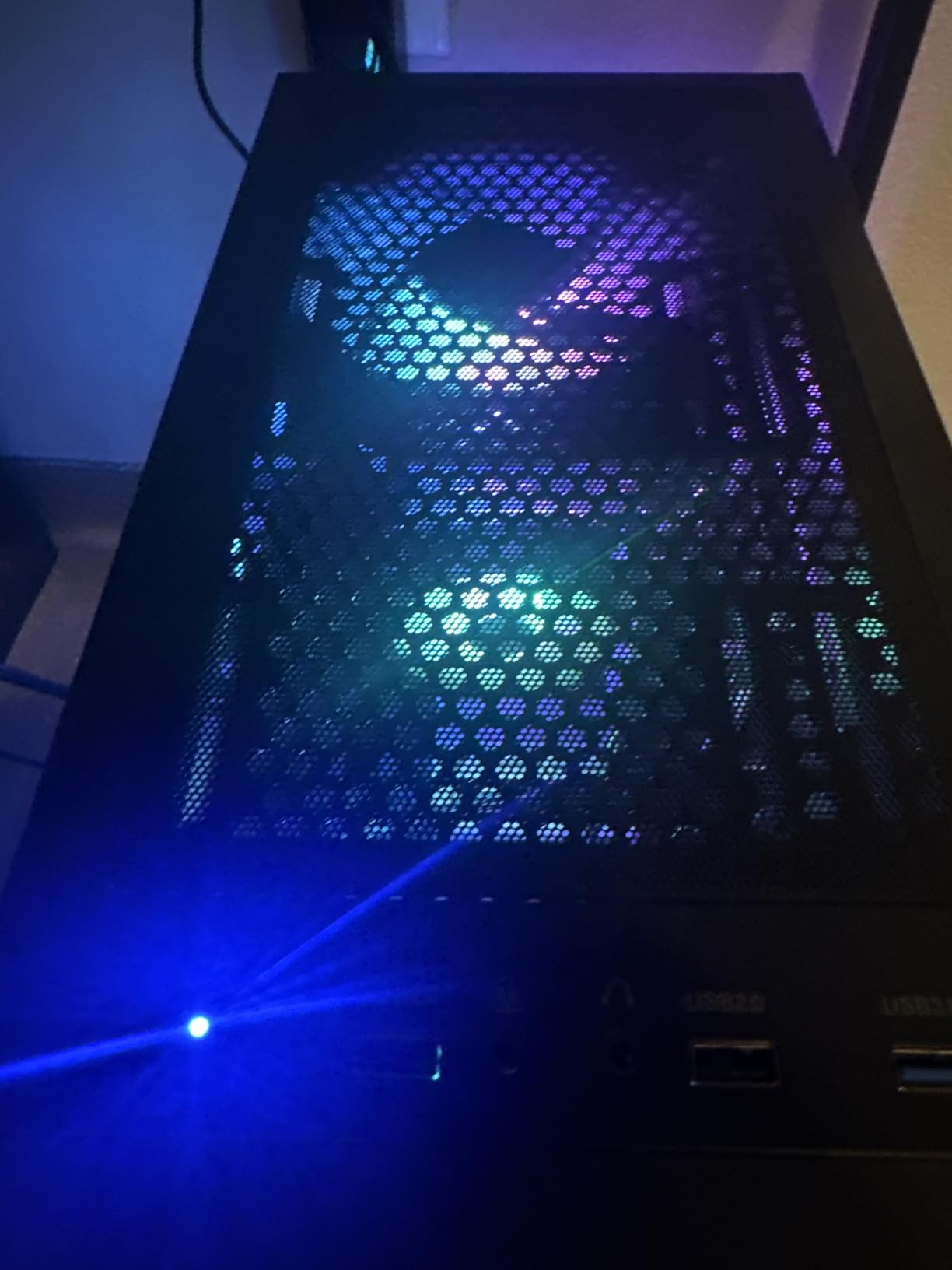
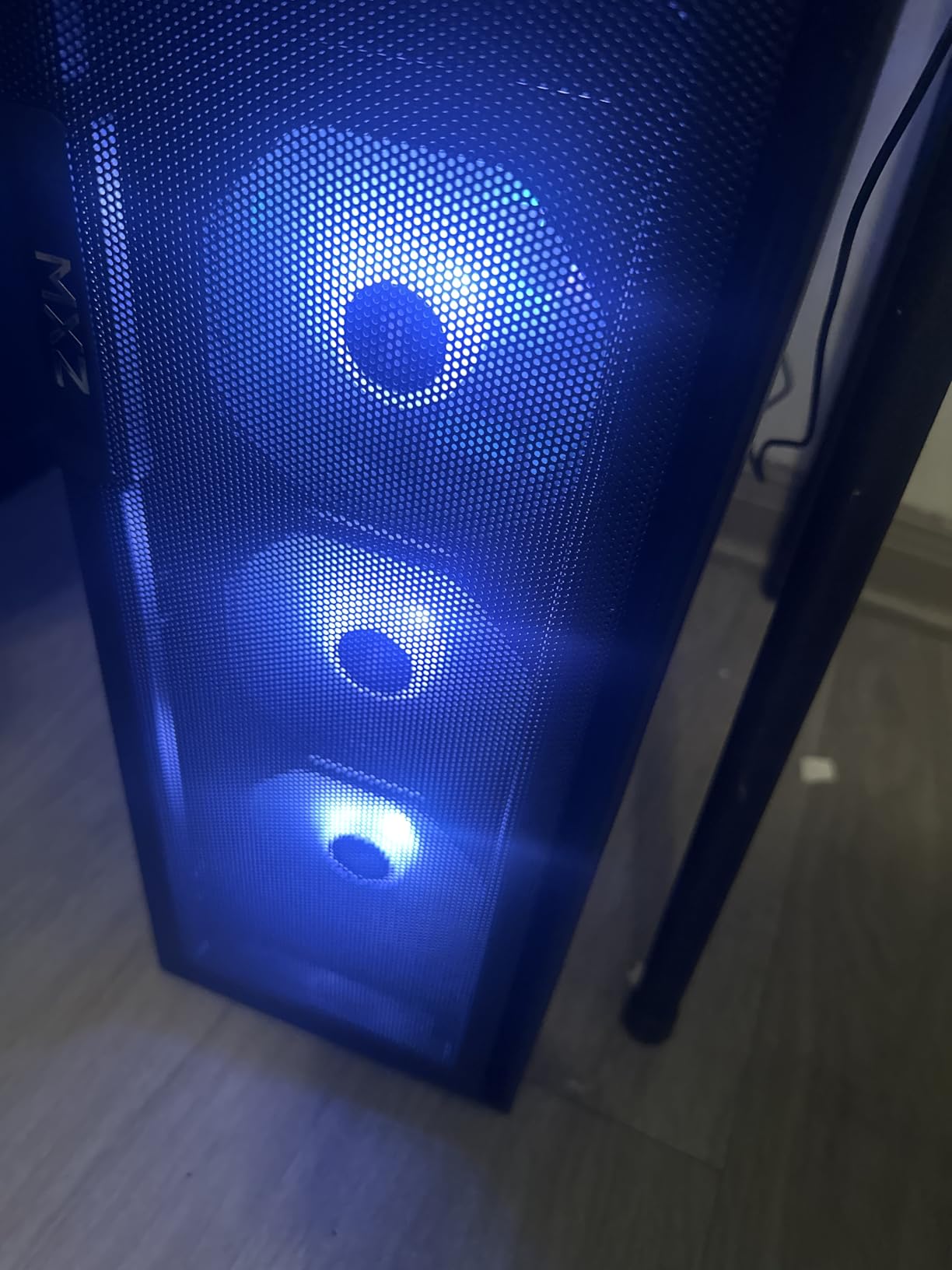
Power comes from a 550W 80+ supply, which is adequate for a 4060 build but leaves little room for a much more demanding future GPU. The case is described as spacious and uncluttered, with a windowed side panel and an RGB fan hub, and 9 USB ports across the front and rear.
The rougher edges are the bundled Wi-Fi adapter, which some buyers had to replace with an aftermarket receiver, and the absence of RGB control software out of the box. Reviewers also note that the RAM configuration can vary between a single 16GB stick and 8GB x2 dual channel depending on the unit, which is exactly the kind of variance you want to verify on arrival.
What makes a 4060 different at this budget
The 4060 sits at the newer end of the GPU range in this price band, and 8GB of VRAM is the practical floor for new releases at high settings. Unlike the older cards here, it also carries DLSS and frame generation, which extends its useful life considerably.
The CPU pairing is deliberate rather than accidental. A 6-core 12th gen i5 keeps the GPU fed at 1080p without wasting budget on a processor you would never use, which is the single most common mistake in cheap prebuilts. Max display resolution is listed at 4096 x 2160 with a native resolution of 1920 x 1080.
What to check before you commit
Confirm the RAM configuration in the box, because a single 16GB stick will not perform the same as 8GB x2 in dual channel. Multiple DIMM slots are listed, so you can add a matching stick if needed. Forum users consistently recommend matching kits in the correct slots for this reason.
Also weigh the small sample. Thirty-eight reviews is thin, and one reviewer reported a nonfunctional top USB port and another an isolated display failure. The 550W supply is fine now, but plan for a PSU upgrade if you ever move to a heavier card. Warranty is one year parts and labor with free lifetime tech support.
5. WIWB Ryzen 7 4700LE RTX 3050 8GB Tower
WIWB Gaming PC Desktop Computer, GeForce RTX 3050 8GB GDDR6, Ryzen 7 4700LE
Ryzen 7 4700LE 8-core 16-thread
RTX 3050 8GB GDDR6 with DLSS
16GB DDR4 3200 dual-channel
512GB NVMe
Pros
- Eight cores handle multitasking
- streaming and editing
- 8GB of GDDR6 VRAM on an RTX 3050
- Wi-Fi 6 included with responsive support
- Works well as a dual-monitor home office
Cons
- 512GB SSD is small for a modern game library
- Not a strong choice for AAA titles at max settings
- One report of Bluetooth missing on a delivered unit
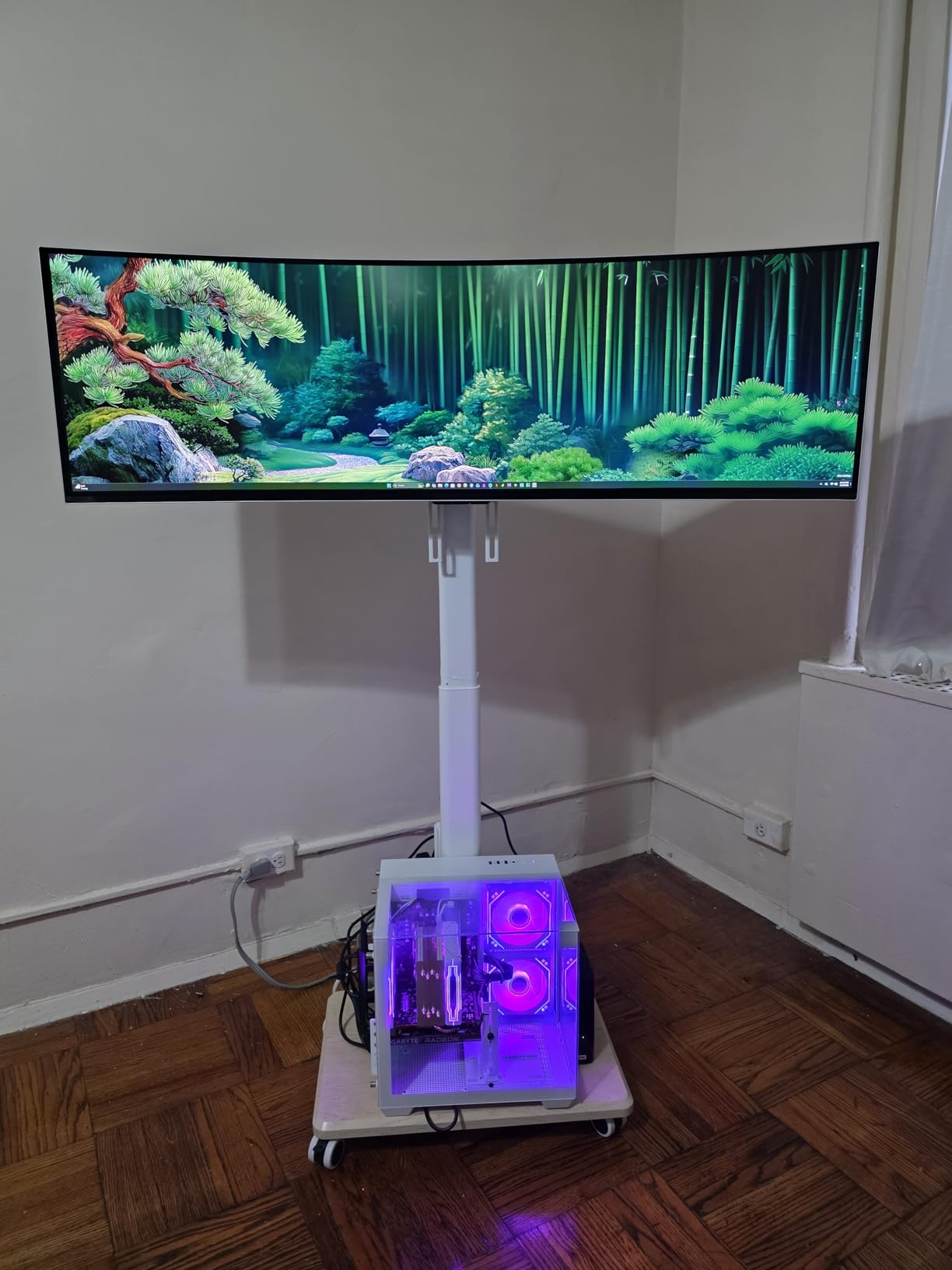
The Ryzen 7 4700LE gives this tower something none of the others have at this level: 8 cores and 16 threads of Zen 2 silicon running up to 4.2 GHz. When you are gaming on one monitor while a game streams, a video call runs and a dozen browser tabs sit open, cores are what keep that smooth.
The graphics card is an RTX 3050 8GB GDDR6 with ray tracing and DLSS, and 8GB of video memory is a genuinely useful amount at this price. Combined with a listed maximum resolution of 3840 x 2160 and four USB ports, it works as a dual-monitor home office machine as well as a budget gamer.
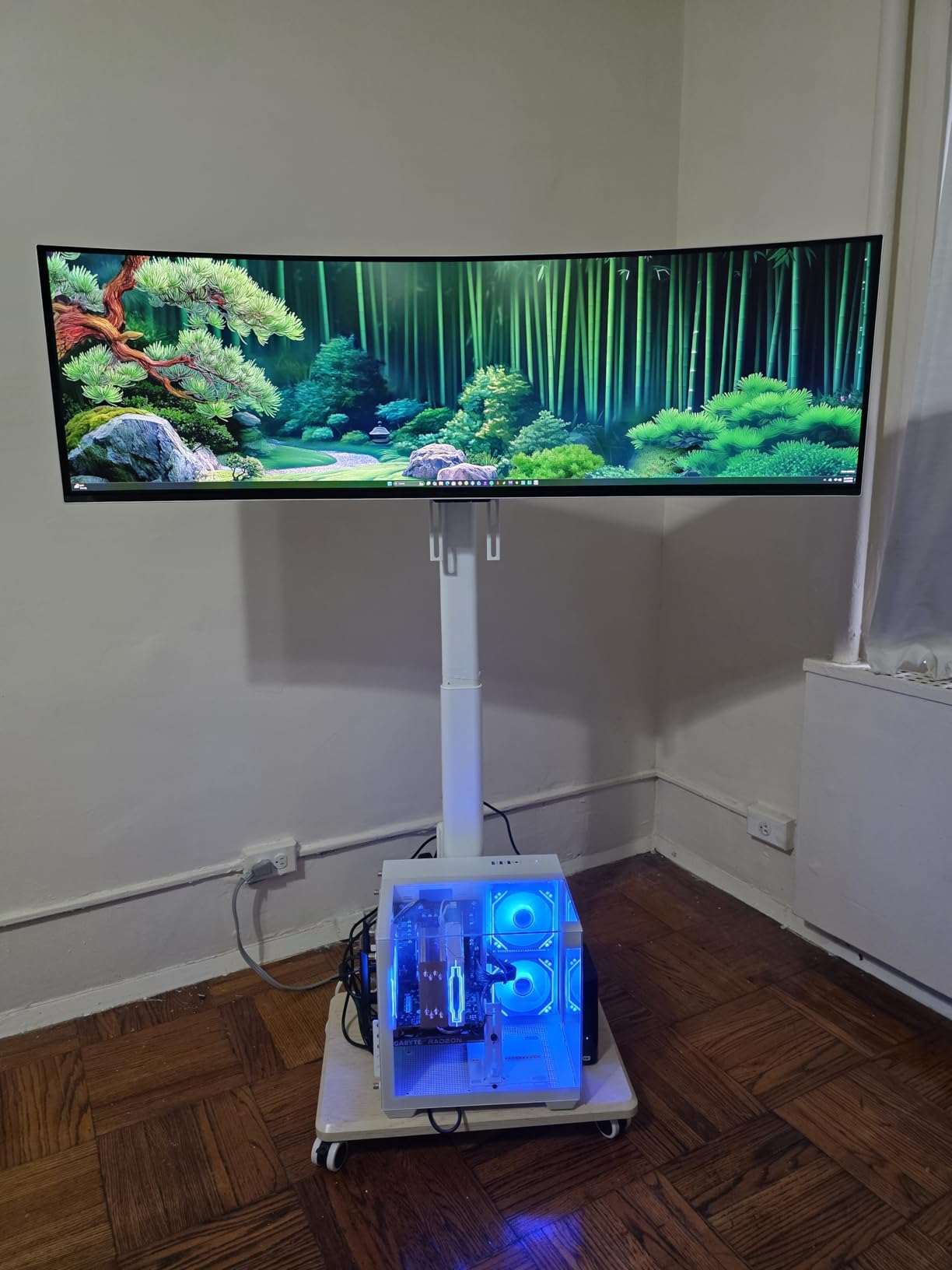
Memory is 16GB of DDR4 3200 MHz in dual channel, which is the correct way to configure RAM, and the listing allows expansion up to 128GB. That headroom is one of the better upgrade stories in this roundup, and it is the reason the 512GB NVMe M.2 drive is easier to live with here than elsewhere.
Wi-Fi 6 is included and the seller support has been described as responsive. One delivered unit arrived without Bluetooth and the seller sent the module separately. Buyers also report one serious stability complaint involving graphical corruption and unrecoverable blue screens after installing Steam, which is worth factoring into any purchase on a thin review base.
Eight cores versus six
At this budget, core count is the closest thing to a longevity guarantee. Forum consensus on sub-1000 prebuilts weights longevity above raw benchmark numbers, and 8 cores is the point where a machine keeps pace as background applications multiply. This is the only 8-core tower in the roundup.
The dual-channel 3200 MHz memory configuration reinforces that advantage, and the 128GB maximum means you can add memory for years without thinking about it. The tradeoff is GPU class: an RTX 3050 trails the 4060 and the 3060 Ti here.
Where the 3050 8GB runs out of road
Do not buy this expecting AAA at maximum settings. Reviewers are clear that it is not a strong choice for demanding titles pushed to the limit, and 8GB of VRAM helps but does not close the gap. It is a comfortable card for 1080p at medium-to-high settings and for the older library.
The 512GB NVMe drive is the other limit, and one buyer reported a missing Bluetooth module. Both are minor, both are fixable, and neither should stop you if you need cores more than you need maximum frame rates.
6. ZYNEEX Ryzen 5 5500 RTX 3050 Tower
ZYNEEX Prebuilt Gaming Desktop PC, AMD Ryzen 5 5500, GeForce RTX 3050 6GB,16GB DDR4 3200MHz RAM, 1TB NVMe SSD, ARGB Air Cooling, Wi-Fi,Tower Computer for Gaming, Streaming, Editing
Ryzen 5 5500 6-core
RTX 3050 6GB GDDR6
16GB DDR4 3200, 1TB NVMe
ARGB air cooling, Wi-Fi
Pros
- Best rating-to-spec balance we found
- 1TB NVMe SSD plus 16GB of 3200 MHz RAM
- Built-in Wi-Fi plus Bluetooth and both HDMI and DisplayPort
- A screwdriver is included for plug-and-play use
Cons
- The RTX 3050 6GB is the weakest GPU paired with this CPU tier
- Max display resolution listed at 1920 x 1080
- Longer-term reliability of a lesser-known brand is unproven
This is the pick we would hand to someone who wants the most complete machine for the budget. A 1TB PCIe x4 NVMe SSD alongside 16GB of 3200 MHz DDR4 is a spec sheet most rivals here cannot match, and the 4.6 average comes with a very clean distribution: 72% five-star, 16% four-star and about 1% one-star.
The Ryzen 5 5500 handles 3A titles, 4K video editing and multitasking according to owners, and the ARGB air cooling with multiple fans keeps thermals in check without the noise some cheaper cases produce. A screwdriver is included in the box alongside the power cord and manual, which tells you how the vendor expects you to use it.
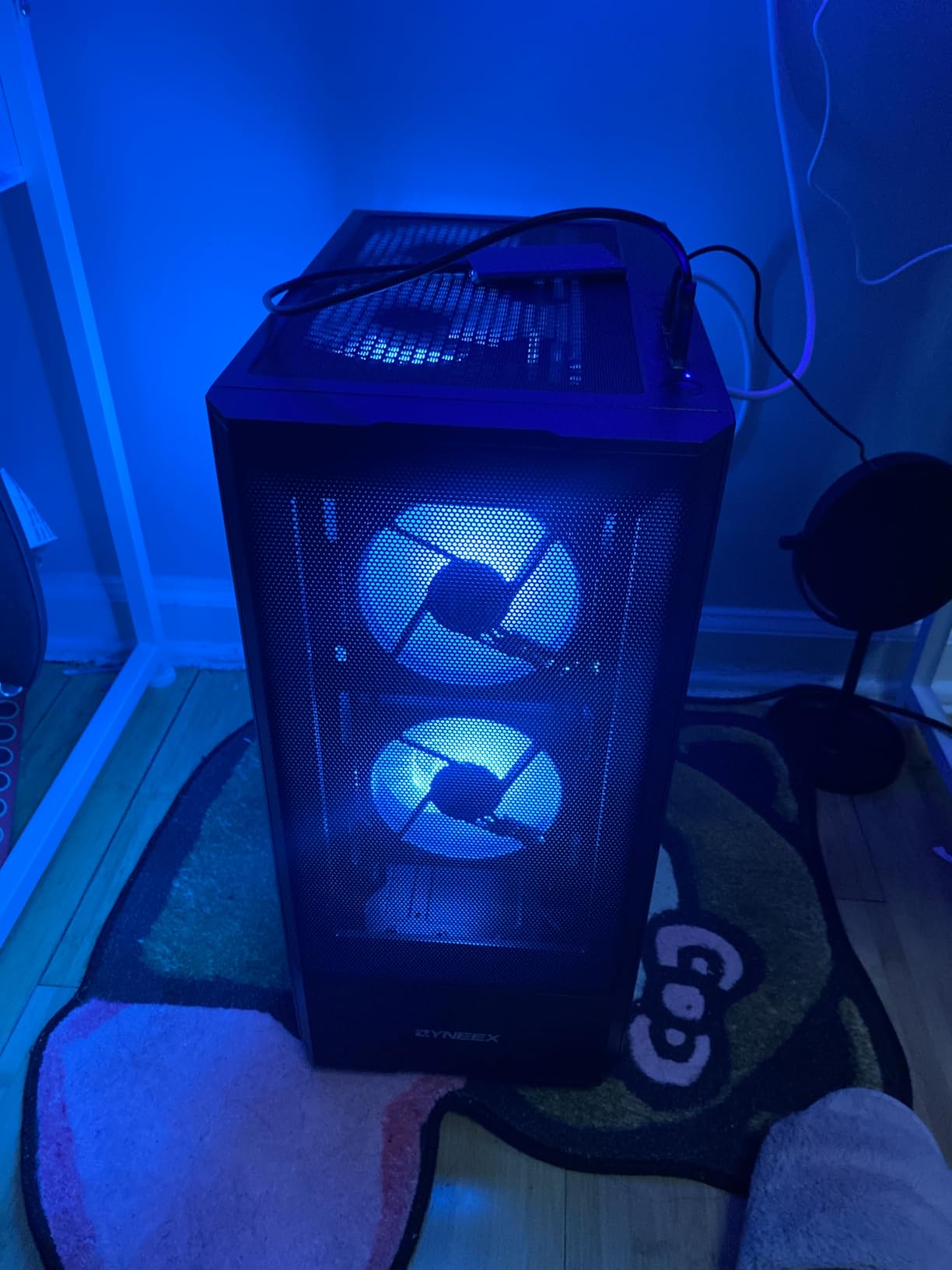
Connectivity is a real strength: 10 USB ports, HDMI, DisplayPort, DVI, Ethernet, Wi-Fi and Bluetooth. Memory is listed up to a 64GB maximum, so there is room to grow. Buyers rate the Ryzen 5 5500 pairing as generous for a machine in this class and consistently report satisfaction with the overall balance.
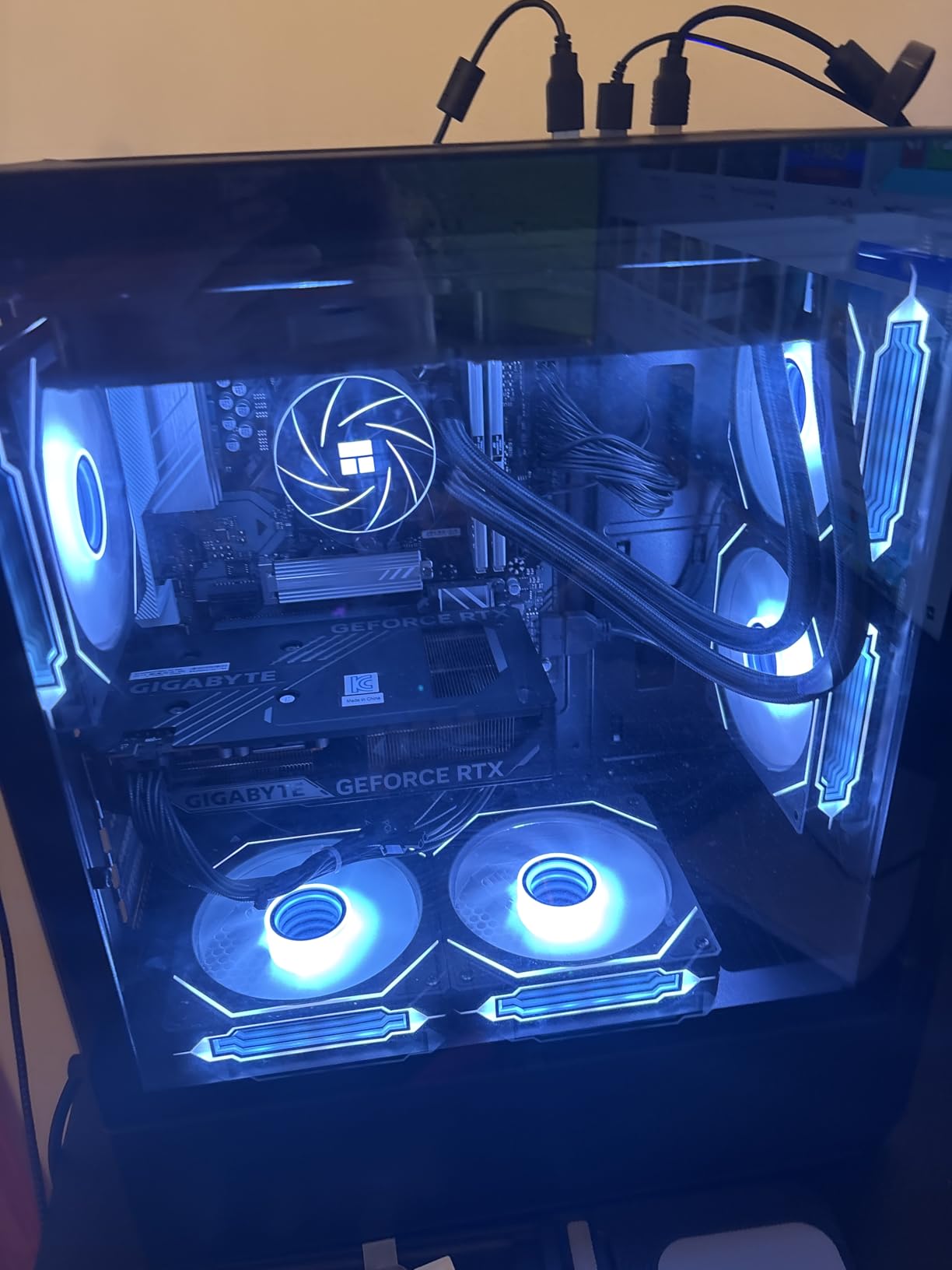
The mismatch is obvious once you look at the card. An RTX 3050 6GB sits below the CPU, and 6GB of VRAM is thin for the heaviest new releases. The listed max display resolution of 1920 x 1080 confirms this is a 1080p box, not a 1440p one.
Why balance beats a bigger card
A fast CPU paired with a modest GPU is a better machine than the reverse. When the GPU is the limit you simply cannot raise settings, but when the CPU is the limit everything else in the system gets faster. A 1TB drive also removes the single most common complaint about budget towers, which is running out of space.
This is the machine we would recommend to a parent buying a shared family PC, or to anyone who games on weekends and works on weekdays. The 10 USB ports and full wireless support make it double as an office machine without changes.
Where it falls short
The RTX 3050 6GB is the weak link, and it is genuinely weak beside the RTX 4060 or the 3060 Ti in this roundup. Buy this one for storage, connectivity and overall completeness rather than for peak frame rates.
There is also the long game to consider. ZYNEEX is a lesser-known brand, and while it lists a one-year warranty and a 58-review base with very few complaints, established vendors carry longer support histories. If you want a machine you will not think about for five years, that is an argument for a different pick.
7. CyberPowerPC Gamer Master Ryzen 5 5500
CyberPowerPC Gaming PC, AMD Ryzen 5 5500, Radeon RX 6500 XT 4GB
Ryzen 5 5500 6-core on B550
Radeon RX 6500 XT 4GB
8GB DDR4, 500GB NVMe
Keyboard and mouse included
Pros
- Recognizable brand with a one-year parts and labor warranty
- B550 chipset leaves RAM and PCIe slots free
- Tempered side panel and custom RGB lighting
- Keyboard and mouse included in the box
Cons
- Only 8GB of RAM and 500GB of storage which is the lowest here
- RX 6500 XT 4GB is a weak GPU for modern AAA titles
- Wi-Fi 5 rather than Wi-Fi 6
CyberPowerPC is the most established brand name in this roundup, and forum regulars discussing sub-1000 prebuilts point to it as the more trustworthy budget option compared with no-name brands and OEM systems. That matters for support, warranty handling and parts availability years from now.
The platform is the reason to look here. A Ryzen 5 5500 on an AMD B550 chipset with a maximum of 128GB of memory leaves multiple RAM and PCIe slots free, so this is a base you can grow rather than a sealed box. Port selection is solid with 4x USB-A 3.2, 4x USB-A 2.0, LAN, Wi-Fi 5 and Bluetooth 5.0.
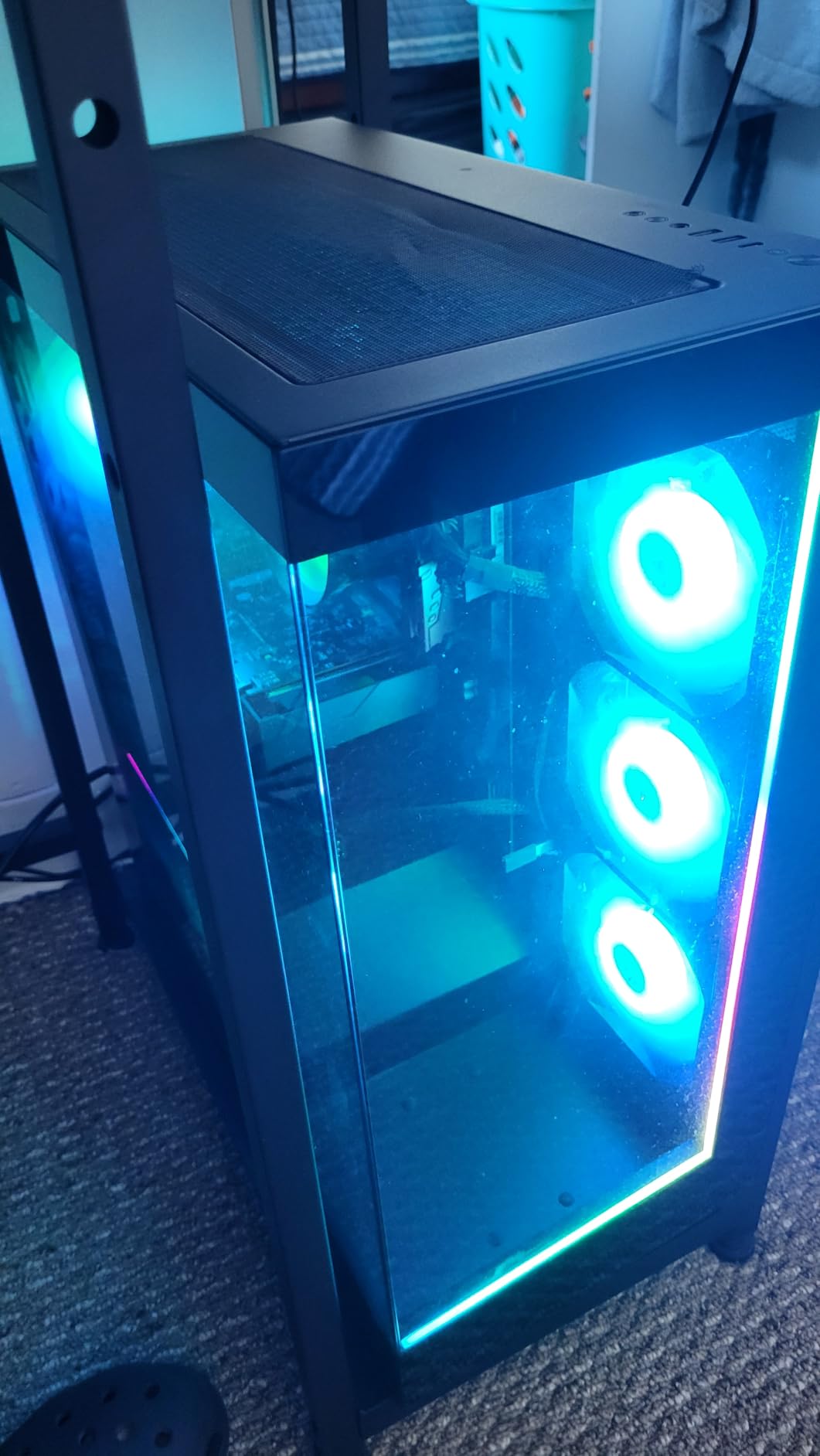
Extras are generous for the money: a tempered side panel, custom RGB lighting, 7.1 channel audio, and a keyboard and mouse in the box. Buyers who upgraded the memory and storage describe it as a capable budget base rather than a finished gaming machine.
Out of the box it is not that machine. 8GB of DDR4 is the lowest memory in this roundup, and the Radeon RX 6500 XT with 4GB is a weak GPU that bottlenecks modern AAA titles. Rated resolution is 2560 x 1440 with a max display resolution of 3840 x 2160, but the 4GB of VRAM is the binding constraint, not the outputs.
Treat it as a starting chassis
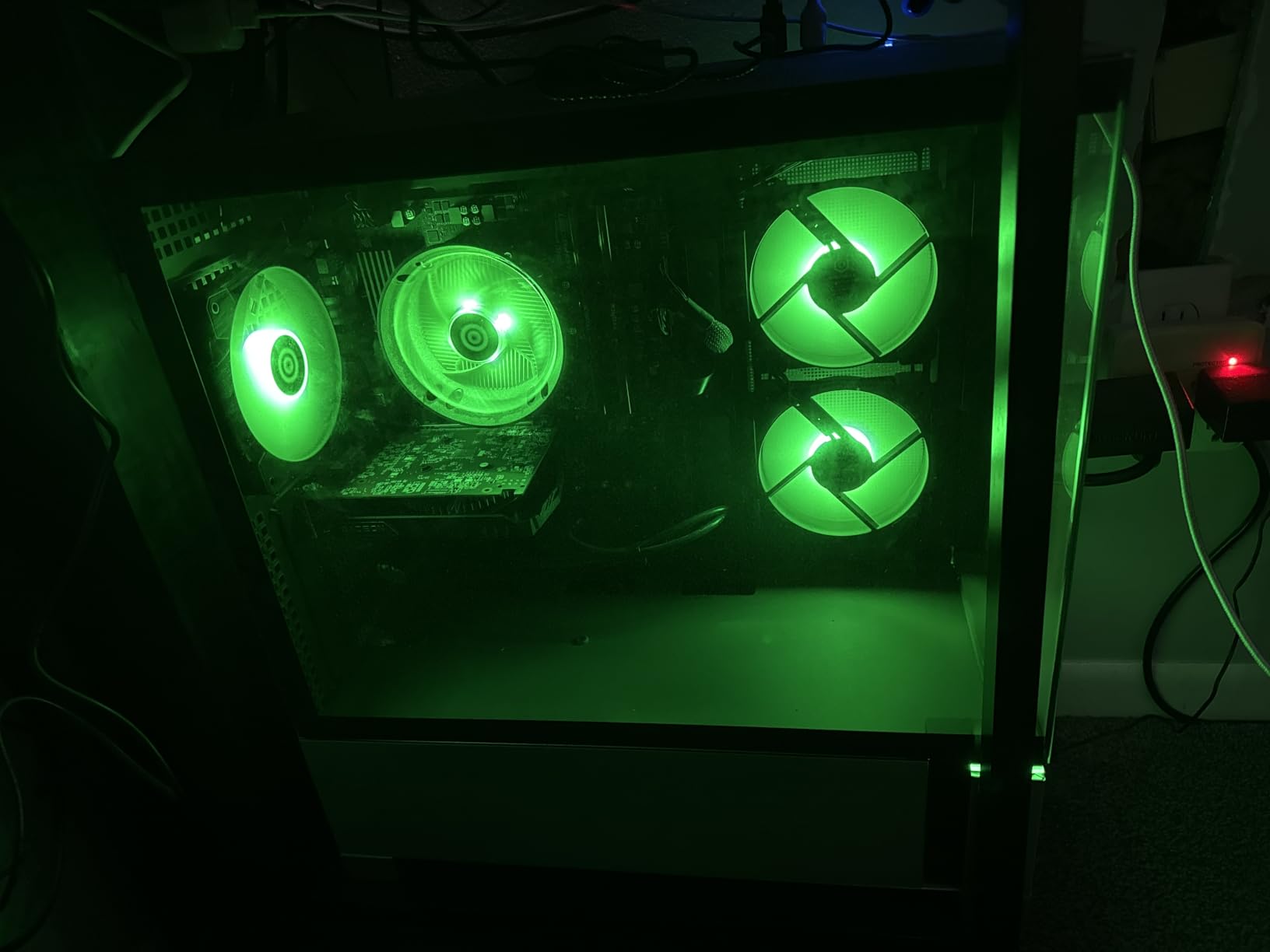
The honest way to shop this machine is as a platform. Ryzen 5 5500 on B550 is a sensible foundation, the memory ceiling of 128GB is generous, and PCIe slots are free for a graphics card later. For a buyer who enjoys the process, that flexibility is worth more than a finished but capped configuration.
Add memory first, then storage, then a graphics card, in that order. Memory is the first upgrade worth making at this tier, and the review pattern here is clear: owners who upgraded are happy, owners who did not cite the 8GB figure as the practical limit.
Why some buyers skip it
Skip it if you want to game on the day it arrives. The RX 6500 XT 4GB will not deliver current AAA performance, and 8GB of system RAM causes stutter in modern titles before you even get to the graphics problem. The bundled keyboard and mouse soften that, but only a little.
Wi-Fi 5 rather than Wi-Fi 6 is a small compromise, and the 4.0 average with a 16% one-star share reflects the configuration rather than the build quality. The one-year parts and labor warranty with free lifetime tech support is a commitment several machines here match, but few budget brands make it.
8. NSX Gaming Ryzen 5 5500 RTX 3050 Tower
NSX GAMING Desktop Pc Ryzen 5 5500, RTX 3050 6GB, (2 * 8GB) 16 Gb RAM 3600 RGB, SSD 480GB M.2 NVME, W11, WiFi Ready, Mouse and Keyboard, 1 Year Manufacturer
Ryzen 5 5500 12 threads
MSI RTX 3050 VENTUS 2X OC 6GB
16GB RGB DDR4 3600 dual-channel
480GB NVMe SSD
Pros
- Named MSI RTX 3050 VENTUS 2X OC graphics card
- 16GB of dual-channel RGB DDR4 at 3600 MHz
- Genuine licensed Windows 11 64-bit
- MSI MAG FORGE M100A case
- Keyboard and mouse included
Cons
- Smallest review base here at just 15 reviews
- Only 480GB of storage
- 3600 MHz memory may not run at rated speed on this CPU
The distinguishing feature here is that the parts are named. An MSI GeForce RTX 3050 VENTUS 2X 6G OC with 2304 CUDA cores and an MSI MAG FORGE M100A chassis, in a category where unbranded components are the norm, is a genuine transparency win. You know exactly what is inside.
Memory is the standout spec. 16GB configured as 2x 8GB RGB DDR4 at 3600 MHz is faster than almost anything else in this roundup, and dual channel is the correct configuration from the factory rather than something you have to fix. The Ryzen 5 5500 with 12 threads is a familiar, proven 6-core part.
Windows 11 64-bit comes with an original Microsoft license, which is more than some competitors in this roundup can say, and the case front panel carries power, reset, mic in, audio out, 2x USB 2.0 and 1x USB 3.2 Gen 1. A gaming keyboard and mouse are included, and connectivity covers Ethernet, 10 USB ports and Wi-Fi readiness.
What named components buy you
When a vendor names the graphics card and the case, you can research both. That matters for a first-time buyer who will eventually want to swap a GPU, and for anyone planning to keep the machine for several years. Driver support and cooler dimensions are knowable when the part is identified.
The 2x 8GB dual-channel layout also removes the most common cheap-PC mistake before it happens. No single-stick penalty, no slot-hunting later, and 3600 MHz is a genuine speed bump over the 3200 MHz DDR4 most rivals here use.
The risk is the sample size
Fifteen reviews is the smallest base in this roundup, and 80% of them are five-star with no two-star ratings at all. That is encouraging, but it is a very small pool, and small pools can shift fast. Weight it accordingly against machines with 130-plus reviews.
The 480GB M.2 NVMe drive is the smallest storage here, and 3600 MHz memory may not hold its rated speed on the Ryzen 5 5500 memory controller, so expect a possible drop to 3200 MHz. The case measures 24 by 24 by 12 inches and weighs 12 kg, so check desk clearance before ordering.
9. LXZ Ryzen 5 4500 Radeon RX 560 Tower
LXZ Gaming PC Desktop Ryzen 5 4500, Radeon RX 560 4GB, 16GB DDR4 RAM,
Ryzen 5 4500 Zen 2 6-core 12-thread
Radeon RX 560 4GB
16GB dual-channel DDR4
512GB NVMe SSD
Pros
- 16GB dual-channel RAM and a 512GB NVMe as a standard
- Zen 2 six-core handles CS2 and LOL and PUBG well
- Lightweight and easy to set up
- Owners report successful RAM and GPU and multi-monitor upgrades
Cons
- Weakest GPU in this roundup
- Small case has little room for a larger card
- Some fans arrive unplugged and need connecting on setup
Frame the LXZ Ryzen 5 4500 correctly and it is a very sensible machine. The Zen 2 six-core with 12 threads and 11MB of cache runs up to 4.1 GHz, and paired with 16GB of dual-channel DDR4 at 3200 MHz, it handles competitive shooters such as CS2, League of Legends and PUBG exactly as intended.
It comes pre-installed and pre-debugged for plug-and-play use, which suits a first-time PC buyer, and the box includes a desktop, manual and power cord. At 3200 MHz with a 512GB PCIe x4 NVMe drive and eight USB ports, the spec sheet is sensible rather than impressive.
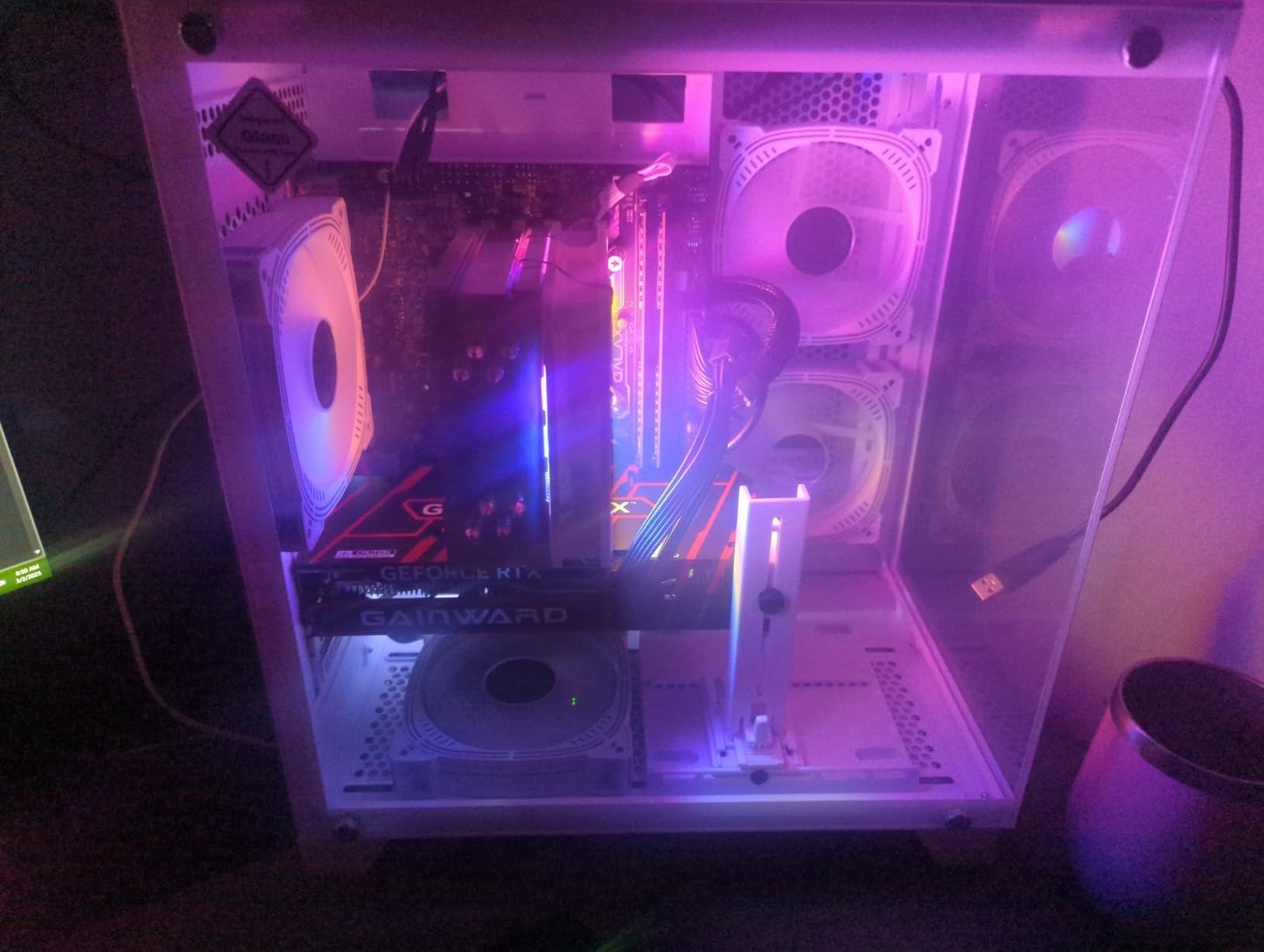
Buyers rate it as a good value for a first or work machine, and several report successful RAM, second-GPU and multi-monitor upgrades after the fact. That upgrade record matters, because this is a budget box that people do grow into rather than abandon.
The Radeon RX 560 with 4GB of dedicated memory is the limitation that defines the machine. It handles esports and casual 3A games at 1080p, and the listed max display resolution is 1920 x 1080. It does not handle demanding new releases at high settings, and one buyer reported the machine struggling with more than one basic task at a time.
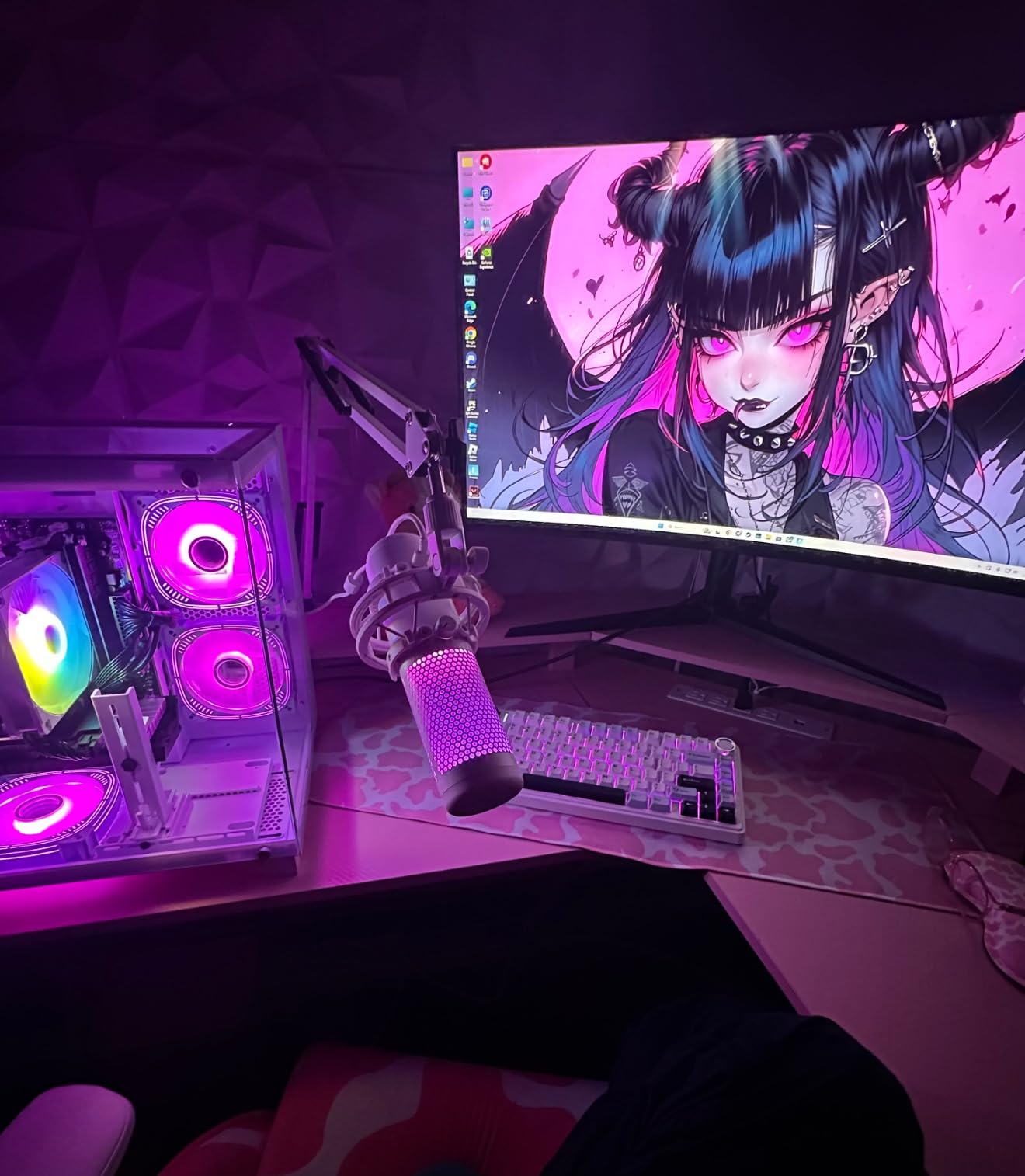
Esports versus AAA, clearly
For competitive titles, this machine is genuinely capable. Esports games are CPU-bound far more often than they are GPU-bound, so a modern six-core Zen 2 part with 16GB of dual-channel memory is the right shape of hardware. Refresh rates and low-latency monitors are where your money goes, not in the graphics card.
For new AAA releases at high settings, the 4GB card is a hard stop. Match this machine to older libraries, indie games, and titles that have been out long enough to be well optimized.
Case size is the real constraint
The case measures 10.94 by 17.05 by 18.23 inches and is reported to have little room for a larger graphics card or extra storage. If your upgrade plan involves a bigger GPU, verify the clearance before you commit to this one.
Also expect to connect case fans on first setup, since some arrive unplugged. One owner also reported that Windows 11 as installed blocked Valorant and that they had to install Windows 10 instead, which is worth checking if competitive shooters are your main use. Warranty is one year.
10. LXZ Ryzen 5 4500 RX 6500 XT White Tower
LXZ Gaming PC Desktop Computer Ryzen 5 4500 RX 6500XT 16GB RAM 512GB SSD
Ryzen 5 4500 6-core
Radeon RX 6500 XT 4GB
16GB DDR4 3200, 512GB NVMe
Wi-Fi 6, white case
Pros
- 16GB of 3200 MHz DDR4 and a 512GB NVMe as standard
- Wi-Fi 6 included for dense networks
- Compact white case that is smaller than expected
- Buyers report 200-300 FPS in Roblox and Fortnite
Cons
- RX 6500 XT 4GB limits demanding titles at 1080p
- One buyer received a unit with no display output
- Component substitutions reported versus what was ordered
The white version of the LXZ Ryzen 5 4500 is the same 6-core, 12-thread Zen 2 processor at up to 4.1 GHz on Socket AM4, with 16GB of DDR4 3200 MHz expandable to 64GB and a 512GB PCIe x4 NVMe drive. What changes is the card and the footprint, and both point the same way.
The Radeon RX 6500 XT 4GB is stronger than the RX 560 in the previous section for 1080p play, and buyers report 200-300 FPS in Roblox and Fortnite. Wi-Fi 6 is included for stable wireless performance in dense networks, and the compact white case was well received as smaller than expected.
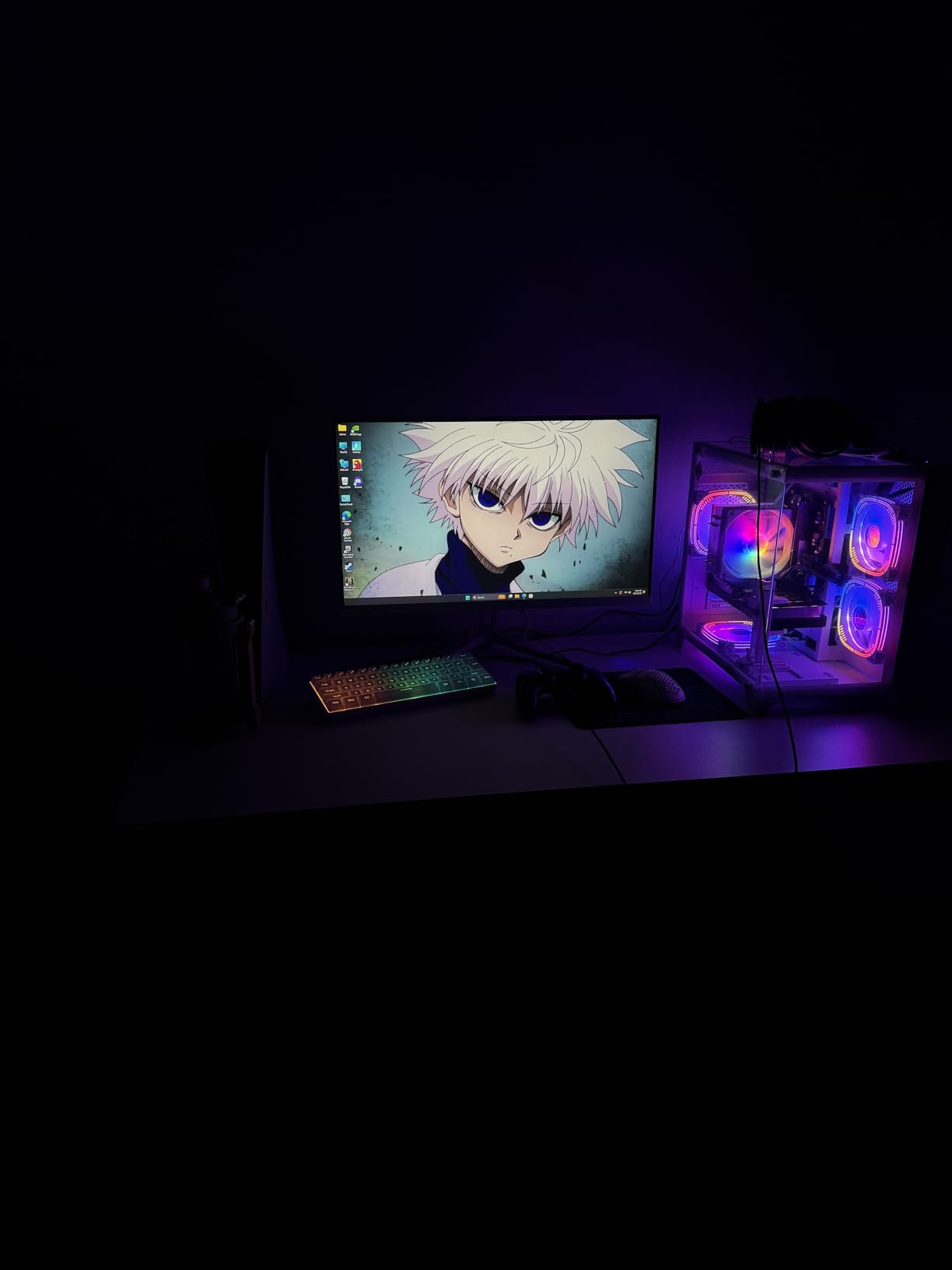
The 4.4 average with 75% five-star ratings reads as a positive profile for a cheap, quiet starter or family machine. Reviews note it handles many browser tabs, streaming and office work without trouble, which is a fair description of what this tier of hardware is for.
Three things give us pause. One buyer received a unit that powered on with fans spinning but no display, another received a Ryzen 5 4500 when expecting a 5500 in the same family, and component substitutions are possible, with one owner reporting a less familiar graphics card brand than ordered. Verify the parts on arrival.
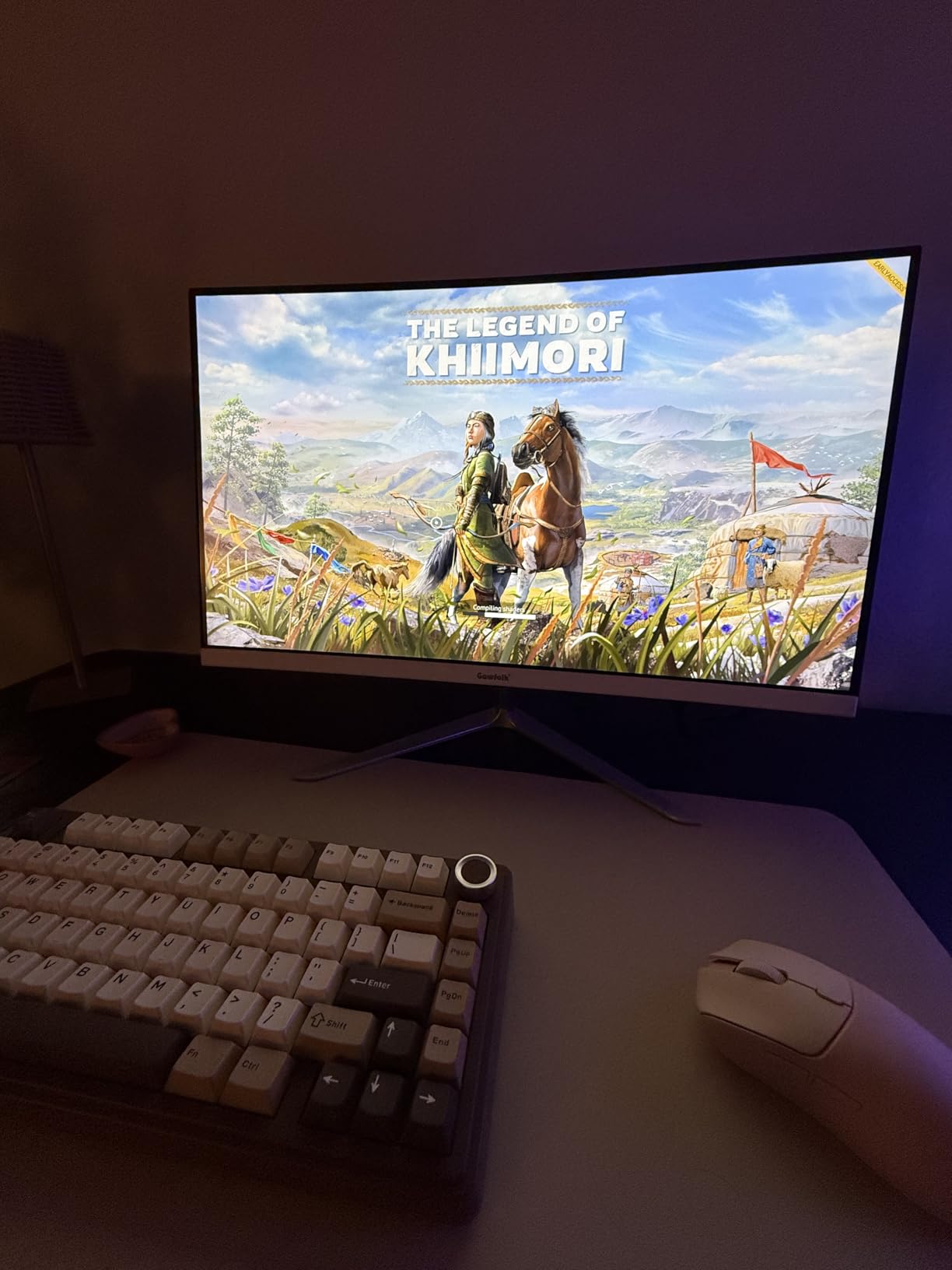
Why Wi-Fi 6 matters on a small machine
Compact cases often get built with older wireless hardware, and this one lists Wi-Fi 6 alongside Ethernet, HDMI, DisplayPort, DVI and six USB ports. For a machine destined for a small desk or a second bedroom, a stable wireless connection is worth more than a wider port selection.
Native and max resolution are both 1920 x 1080, which tells you plainly this is a 1080p machine. The model number LXZ-R5go and the white-only configuration make it easy to match against what arrives.
Know what you are giving up
Four gigabytes of VRAM on the RX 6500 XT is the ceiling on what this machine does in games. Light titles, older libraries and everyday use are all comfortable. New AAA at high settings is not, and no settings change fixes a VRAM shortage.
The 27-review base is also modest, and the component substitution reports are a reminder to inspect the box on arrival rather than assume the listing was fulfilled. A one-year warranty applies. If you want a small machine with more headroom, our mini PC roundup covers that side of the market.
What to Look For in a Sub-1,000 Gaming PC?
The money at this budget gets spent in a fixed order, and if a listing breaks that order it is usually a bad deal. Graphics first, then the processor, then memory and storage, then everything else.
Graphics first. The graphics card determines your frame rates and your settings. Look for an RTX 4060 or RTX 5060 with 8GB, or an RTX 3060 Ti / RTX 3050 8GB with 8GB of VRAM. A Radeon RX 6600 or RX 6500 XT is a step down, and anything with 4GB of VRAM will run out of room on new releases.
Processor second. A Core i5 from the 12th to 14th generation, or a Ryzen 5 5600 and above, keeps the GPU fed without wasting budget. At 8 cores you buy yourself more headroom for streaming, background tasks and longevity than any amount of RGB does.
Memory and storage together. 16GB of RAM is the floor, configured as 2x 8GB in dual channel if at all possible, plus a 1TB NVMe SSD. A single 16GB stick runs in single channel and costs you frame rate, and a 480GB to 512GB drive fills up fast.
Is 1,000 Enough for a Gaming PC?
Yes. This budget buys a balanced 1080p system with a current-generation graphics card, a modern six-core processor, 16GB of RAM and at least 500GB of storage. That is enough for esports titles at high refresh rates and for most 1080p gaming at high settings.
It is not enough for 1440p high settings, heavy ray tracing, or gaming and streaming at the same time without compromise. Push any of those and you want to move up a tier rather than shave the budget. A price label is never a frame-rate guarantee, so read the component list before the price.
Prebuilt vs Building Your Own at 1,000
A custom build usually gets you more performance for the same budget, because nothing is spent on a case you will want to replace or fans you cannot see. It also costs you a weekend, a tolerance for parts that arrive dead, and the risk of a first build that does not POST.
A prebuilt costs more and gives you a warranty, a preinstalled operating system, tested components and something to play on the same evening. The forum consensus is that prebuilts make sense when you cannot spare the time or the confidence, and that a good prebuilt is a perfectly legitimate way to spend this budget.
Our advice is simple. If you have never built a PC and you want to game this month, buy a prebuilt with a named brand and a real warranty. If you have built one before, the DIY route at this budget is hard to argue with.
What 1,000 Gets You, and What It Does Not
At 1080p, expect esports titles and older shooters to run at high refresh rates, and mainstream AAA games to run at high settings on medium-to-high. With a 4060 or 3060 Ti you can reach 1440p at medium settings on many games, which is a genuine step up from 1080p.
What this budget does not buy is 4K gaming, maxed-out ray tracing on new releases, or a system that will run the newest games at ultra settings for the next five years without a graphics card upgrade. Plan for a GPU swap in year three or four rather than assuming the first card lasts.
About longevity, expect a well-chosen machine at this budget to last five to six years with a memory and storage upgrade along the way. Forum users consistently weight longevity above benchmark numbers at this tier, and that is the right way to think about the purchase.
PSU and Component Quality Warnings
The power supply is the component you cannot see and cannot easily replace in a prebuilt, and it is the top complaint in forum threads about sub-1000 systems. Experienced users specifically warn that budget vendors often ship substandard units.
Brand-name supplies from Corsair, Seasonic, MSI and be quiet! are the strongest trust markers, and standard ATX form factors beat proprietary parts every time. Avoid OEM-locked systems such as HP prebuilts, where replacement PSUs are hard to source, and treat any tower with an unlabelled internal supply as a risk.
Two more checks before you commit: confirm the RAM configuration is dual channel, and check whether XMP or EXPO is enabled by default. Budget boards sometimes ship with those profiles on, which can cause instability. Forum advice is consistent: if it is unstable, turn the profile off and let memory run at its lower rated speed.
How We Picked
We evaluated all ten towers against seven criteria, in this order: GPU class and VRAM, CPU generation and core count, memory configuration including dual channel, storage capacity and type, connectivity and wireless standard, warranty length and brand support, and finally owner review volume and consistency.
Review consistency mattered as much as review volume. A 4.6 average built on 194 reviews with a very small one-star share tells a different story from a 3.8 average with a 19% one-star share, even though the higher number looks better on paper. We also cross-checked what buyers upgraded after purchase, since that is the clearest signal of where a machine is really limited.
All specifications and ratings in this article were checked on September 2026. Budget PC pricing and component availability change constantly, so confirm the spec sheet matches what arrives before you start setting it up.
Frequently Asked Questions
Is 1000 dollars enough for a gaming PC?
Yes. This budget buys a balanced 1080p system with a current-generation graphics card, a modern six-core processor, 16GB of RAM and at least 500GB of storage. That covers esports titles at high refresh rates and most 1080p gaming at high settings, but not 1440p at maximum settings or heavy ray tracing.
What specs should a 1000 dollar gaming PC have?
Prioritise the graphics card: an RTX 4060 or RTX 5060 with 8GB, or an RTX 3060 Ti or RTX 3050 8GB. Then look for a Core i5 from the 12th to 14th generation or a Ryzen 5 5600 and above, followed by 16GB of RAM in a dual channel configuration and a 1TB NVMe SSD.
Is a prebuilt gaming PC worth it under 1000 dollars?
It depends on your time and confidence. A prebuilt costs slightly more but arrives with a warranty, a preinstalled operating system and tested components, so you can play the same evening. Building your own usually delivers more performance for the same budget but takes a weekend, some patience and the risk of a component arriving faulty.
Is 16GB of RAM enough for gaming?
16GB is the practical minimum at this budget. It matters how it is configured: 2x 8GB in dual channel performs noticeably better than a single 16GB stick, so check before you buy and add a matching kit if the machine ships with one module.
Should I buy a prebuilt or build my own gaming PC?
Buy a prebuilt if you have never assembled one and want to game this month, especially from a vendor with a real parts and labor warranty. Build your own if you have done it before, because the same budget usually buys stronger components when nothing is spent on extras you will replace.
How long will a 1000 dollar gaming PC last?
A well-chosen machine with 16GB of RAM and a decent graphics card should last five to six years if you add memory and storage along the way. Plan on a graphics card upgrade in year three or four rather than assuming the first card will run the newest releases at ultra settings indefinitely.
Our Final Pick for the Best Gaming PCs Under 1,000
The Olialia RTX 3060 Ti tower is our pick for the best gaming PCs under 1000 in 2026, because 8GB of GDDR6 and a 194-review base at 4.6 stars is a combination nothing else here matches. If your priority is the newest card rather than the widest owner history, the MXZ RTX 4060 machine is the alternative, and if you want storage and connectivity covered, the ZYNEEX is the most complete box.
Whichever you choose, add memory before anything else, confirm the RAM is in a dual channel configuration, and inspect the parts against the listing when the machine arrives. If you would rather spend a little more per year on longevity, the cards in our full PC guide are worth a look too.