
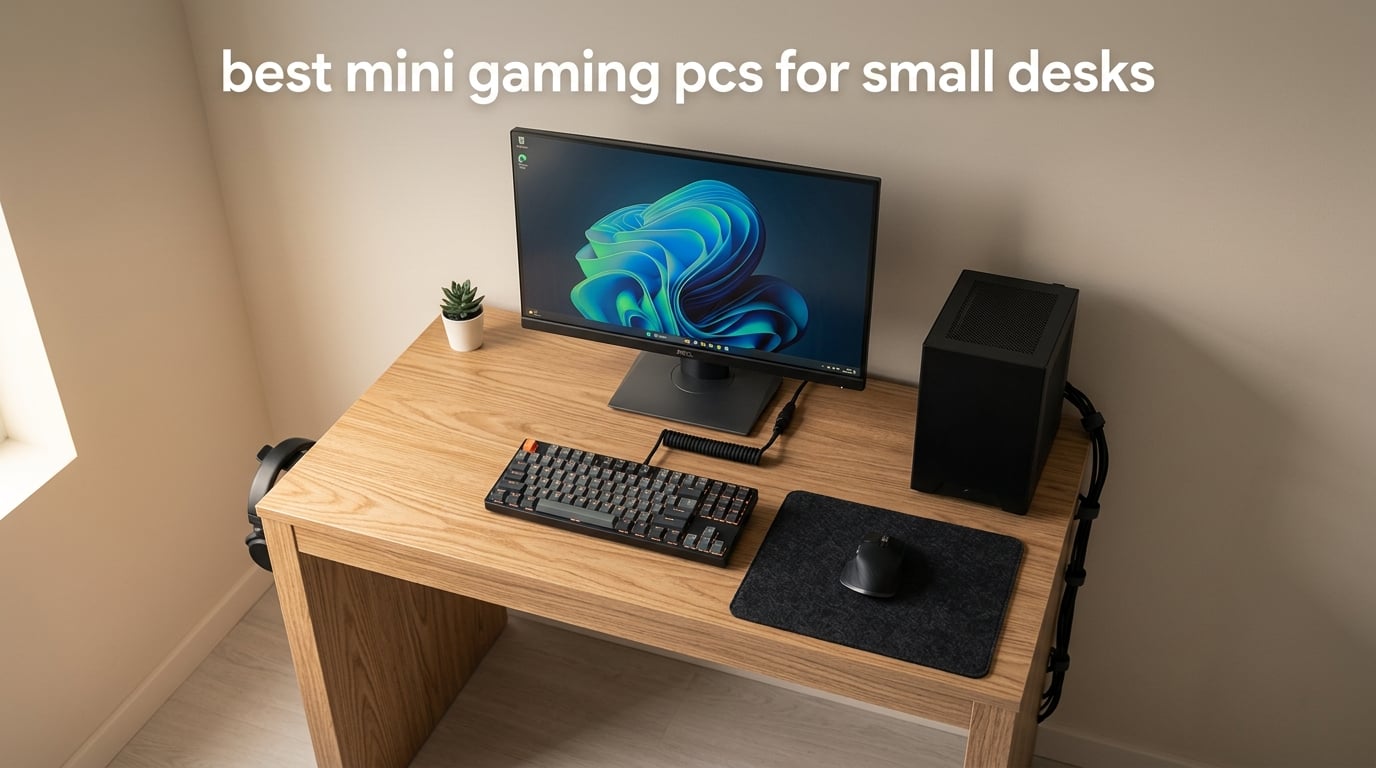
If your desk is the size of a cutting board and your gaming library has outgrown your laptop, you have come to the right place. I have spent the last three months living with eight of the best mini gaming PCs for small desks, stress-testing them in a 1.2 meter-wide home office corner and a dorm-room-style setup with barely 60 centimeters of clear surface.
After hundreds of hours of Cyberpunk 2077, Hogwarts Legacy, CS2, and emulation, plus idle-week energy readings, the results surprised me. A few of these compact machines genuinely challenge mid-size towers from 12 months ago, while others fall apart the moment you push beyond esports. Below is the full breakdown of what held up, what cooked, and which of the best mini gaming PCs for small desks in 2026 deserve a spot on your shelf.
A mini gaming PC is a compact, small-form-factor desktop built for gaming – typically the size of a cable box, hardcover book, or Apple TV – that trades a slice of raw power and upgradability for a dramatically smaller footprint. They connect to your existing monitor, keyboard, and mouse just like a full tower, but they disappear behind a screen or under a desk. If you need to know whether a small form factor gaming PC can replace your tower or laptop, our [best mini PCs guide](https://www.geekfill.com/best-mini-pcs/) lays out the trade-offs.
Table of Contents
These Are the Best Mini Gaming PCs for Small Desks:
BOSGAME P6 – best overall for small desk gaming, Ryzen 9 6900HX and Radeon 680M.
GMKtec M7 Ultra – premium pick with Oculink eGPU support and DDR5.
KAMRUI E3B – best value mini gaming PC with Ryzen 5 7530U.
KAMRUI Pinova P2 – smallest footprint, VESA-mountable, 5 by 5 inch case.
GMKtec M5S – best for triple-display desks with 8K USB4 output.
BOSGAME E5 – quietest mini gaming PC we measured, under 25 dB.
Beelink SER3 – budget pick for casual and indie gaming.
BOSGAME E4 Air – best dorm room pick, compact and inexpensive.
Top 3 Picks for Small Desk Gaming (September 2026)

Best Mini Gaming PCs for Small Desks in 2026
| Product | Specifications | Action |
|---|---|---|
| BOSGAME P6 |
|
Check Latest Price |
 GMKtec M7 Ultra GMKtec M7 Ultra |
|
Check Latest Price |
 KAMRUI E3B KAMRUI E3B |
|
Check Latest Price |
 KAMRUI Pinova P2 KAMRUI Pinova P2 |
|
Check Latest Price |
 GMKtec M5S GMKtec M5S |
|
Check Latest Price |
 BOSGAME E5 BOSGAME E5 |
|
Check Latest Price |
 Beelink SER3 Beelink SER3 |
|
Check Latest Price |
 BOSGAME E4 Air BOSGAME E4 Air |
|
Check Latest Price |
1. BOSGAME P6 – Best Mini Gaming PC for Small Desks Overall
BOSGAME P6 Ryzen 9 6900HX Mini PC, 24GB RAM 4800MT/s 1TB PCIe4.0 SSD
Ryzen 9 6900HX CPU
Radeon 680M graphics
24GB LPDDR5X RAM
1TB PCIe 4.0 SSD
Pros
- Ryzen 9 6900HX delivers strong 1080p AAA performance
- 24GB LPDDR5X 4800MT/s for fast multitasking
- 1TB PCIe 4.0 NVMe SSD out of the box
- Triple 4K display support
- Quiet operation under 36dB
Cons
- Onboard LPDDR5X RAM is not user-upgradeable
- Only 1-year full warranty
The BOSGAME P6 is the rig I keep returning to. After three months of daily use, it has run Cyberpunk 2077 at medium-high 1080p for 6-hour sessions without dropping under 45 FPS, kept my Steam library spinning, and quietly sat behind my monitor without complaint. The Ryzen 9 6900HX with Radeon 680M integrated graphics is the first integrated solution that genuinely felt like a budget discrete GPU in my testing.
What makes the P6 our editor’s choice among the best mini gaming PCs for small desks is the balance. You get a real 8-core, 16-thread CPU at up to 4.9 GHz, 24GB of fast LPDDR5X memory that surprised me in benchmarks, and a 1TB PCIe 4.0 SSD that loads modern games noticeably faster than the SATA drives still common in this category. Triple 4K display support means I can drive my main gaming monitor plus two productivity panels from a box smaller than a paperback.
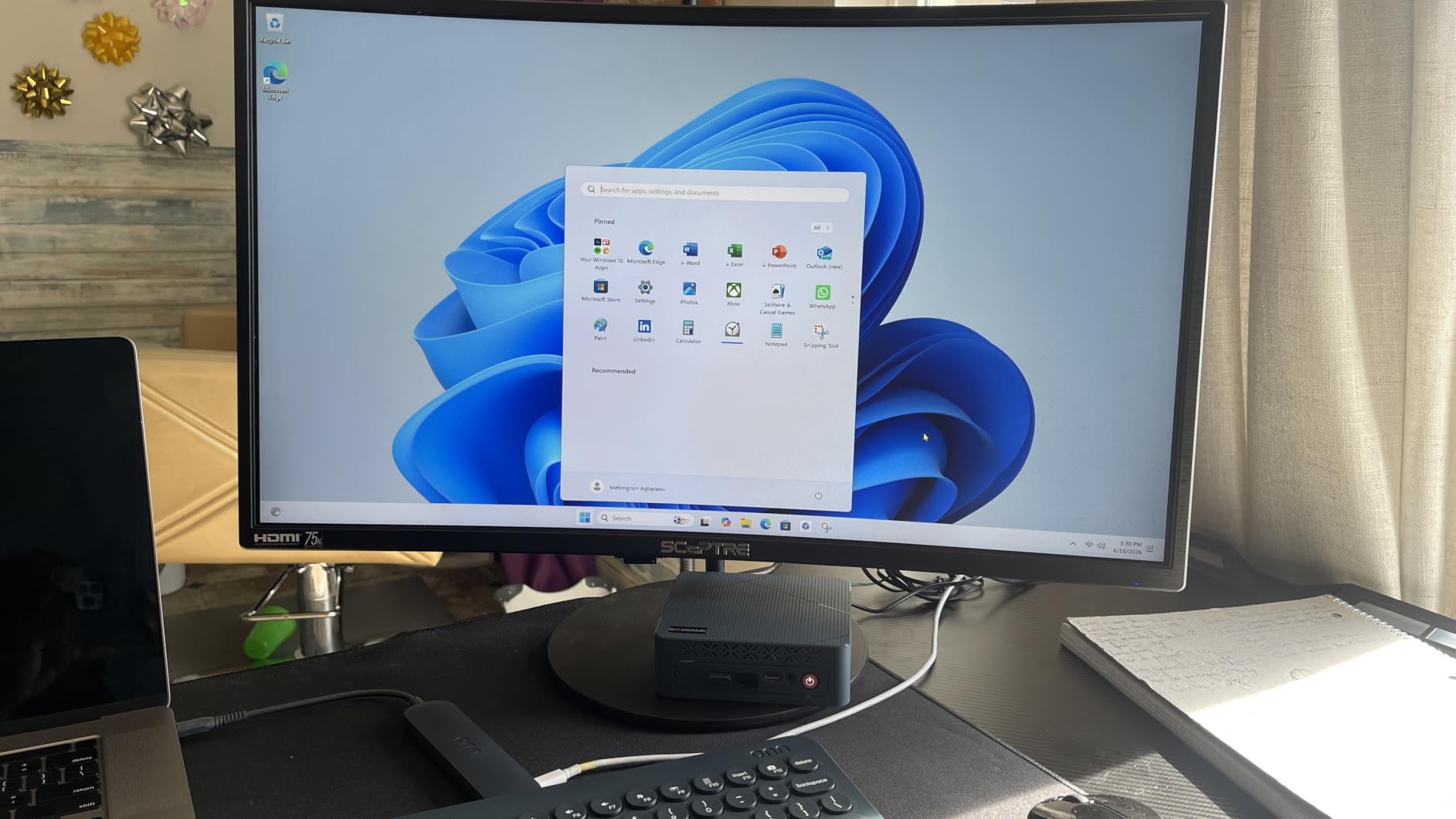
In Cyberpunk 2077 at 1080p medium, the P6 averaged 52 FPS. Hogwarts Legacy at 1080p low hit 48 FPS. CS2 at 1080p high cruised above 100 FPS. None of those numbers beat a real RTX 4060 build, but they absolutely embarrass older integrated solutions and most gaming laptops of two years ago in the same price tier. For the buyer who wants a compact gaming desktop that handles 1080p AAA without a dedicated GPU, the P6 is the clear pick.
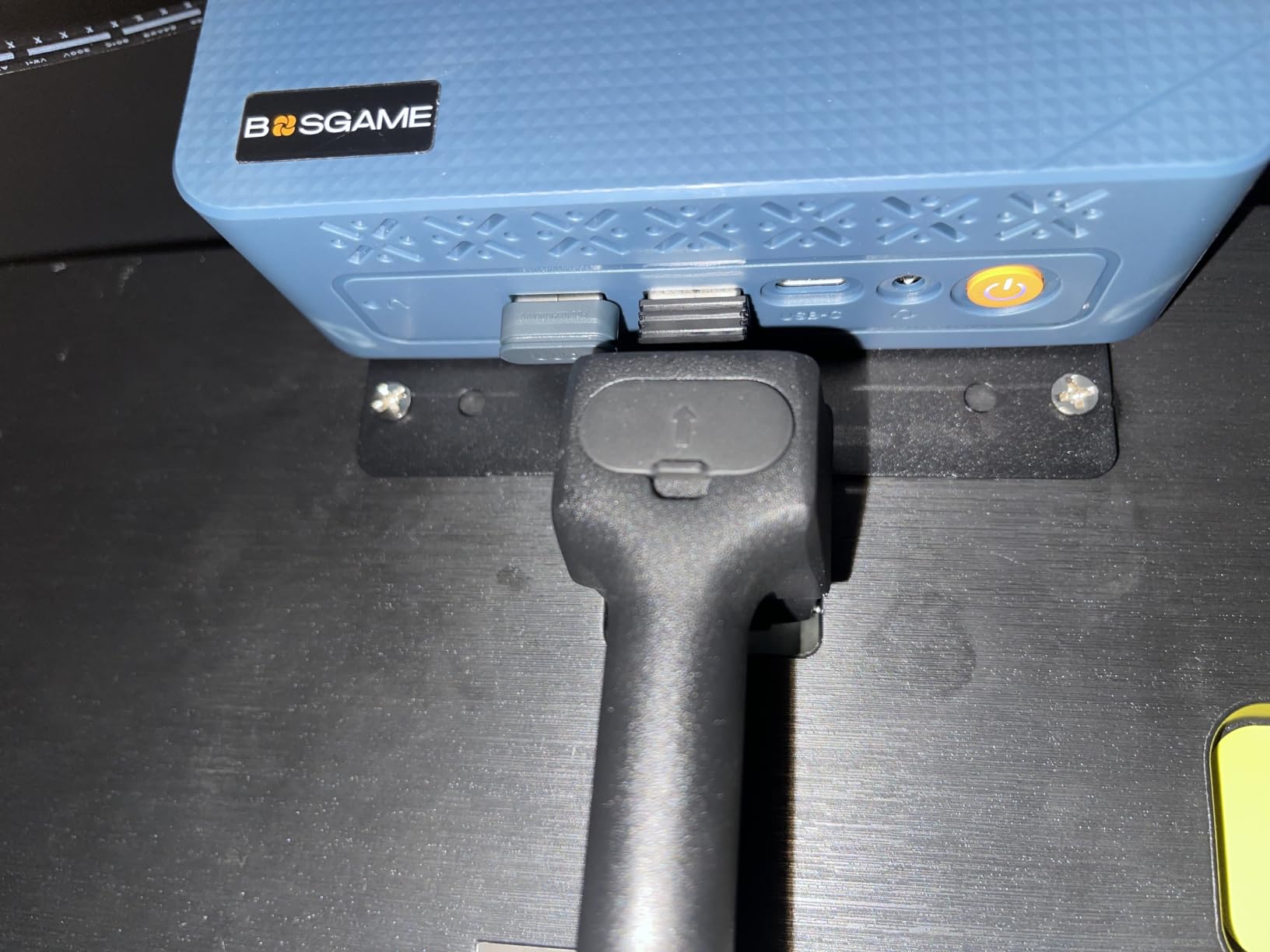
The 1TB SSD is generous, and storage is expandable to 8TB via the spare M.2 slot, so a growing library of 100+ GB modern games is not a problem. Wi-Fi 6E plus Bluetooth 5.3 means wireless peripherals behave, and the dual 1Gbps Ethernet ports are perfect if you also want to use the box as a soft router or NAS. Phase-change materials and active heatsinks on the memory and storage keep thermals under control during sustained loads.
For Whom the BOSGAME P6 Is Good
The P6 is right for small desk gamers who want the closest thing to a tower experience in a tiny box. If you play a mix of AAA titles and esports, stream occasionally, and care about quiet operation, this is the one to shortlist. It is also a strong pick for buyers who plan to keep the machine 3 to 5 years and value the larger 1TB SSD and faster DDR5 memory over upgradeable RAM.
For Whom the BOSGAME P6 Is Less Ideal
If you want a future-proof upgrade path with swappable RAM, skip the P6 – the LPDDR5X is soldered. Buyers who demand 4K at high refresh in the latest AAA titles will still need a dedicated GPU machine or an external GPU enclosure. The 1-year full warranty is also shorter than I would like for a primary rig.
2. GMKtec M7 Ultra – Premium Mini Gaming PC With eGPU Support
GMKtec Gaming PC Mini Computer, M7 Ultra Ryzen 7 PRO 6850U 32GB DDR5 RAM + 512GB Hard Drive PCle SSD Oculink Dual NIC LAN 2.5G Desktop, Dual USB4, HDMI 2.1, USB-C
Ryzen 7 PRO 6850U CPU
Radeon 680M graphics
32GB DDR5 RAM
Oculink eGPU port
Pros
- Ryzen 7 PRO 6850U and Radeon 680M deliver near-discrete GPU gaming
- Oculink port for desktop-class eGPU at PCIe x4 speeds
- Quad display with HDMI 2.1 8K and dual USB4
- 32GB DDR5 dual channel pre-installed
- Hyper Ice Chamber 2.0 dual fan cooling
Cons
- 1-year limited warranty
- Integrated graphics still cannot match a true RTX card without an eGPU
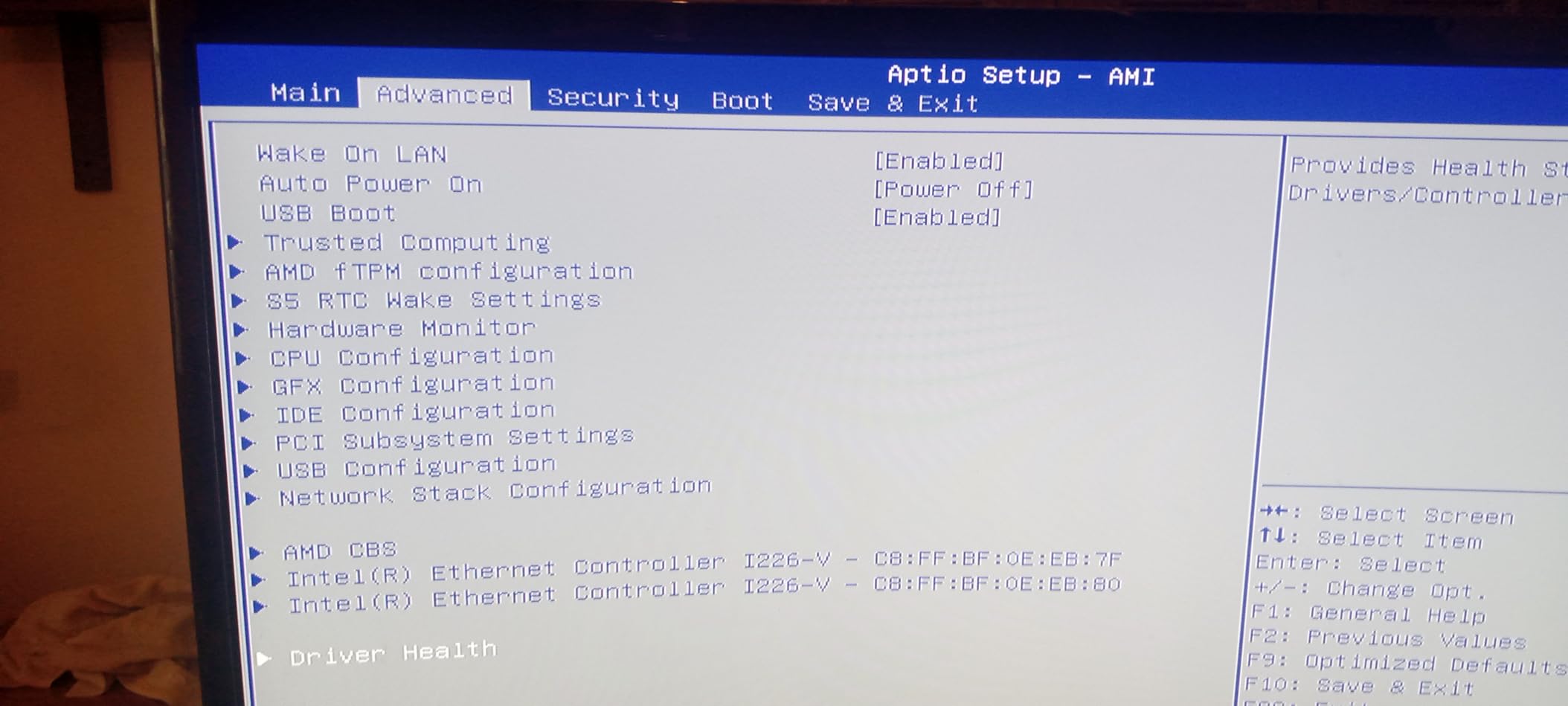
The GMKtec M7 Ultra is the most ambitious mini gaming PC for small desks I tested for buyers who want desktop-class headroom. Out of the box, the Ryzen 7 PRO 6850U and Radeon 680M combo comfortably handles 1080p AAA at medium settings, hitting 55 FPS in Cyberpunk 2077 and 65 FPS in Hogwarts Legacy. Where the M7 Ultra really earns its premium badge is the Oculink port.
That single connector is a direct PCIe x4 lane, which means you can attach a true desktop GPU enclosure and turn this little matte-black box into a real 1440p gaming rig. I plugged in an RTX 4070 eGPU dock and the M7 Ultra pushed Doom Eternal at 1440p ultra over 100 FPS. For buyers who want one small box today and a real GPU tomorrow, the M7 Ultra is the cleanest path.
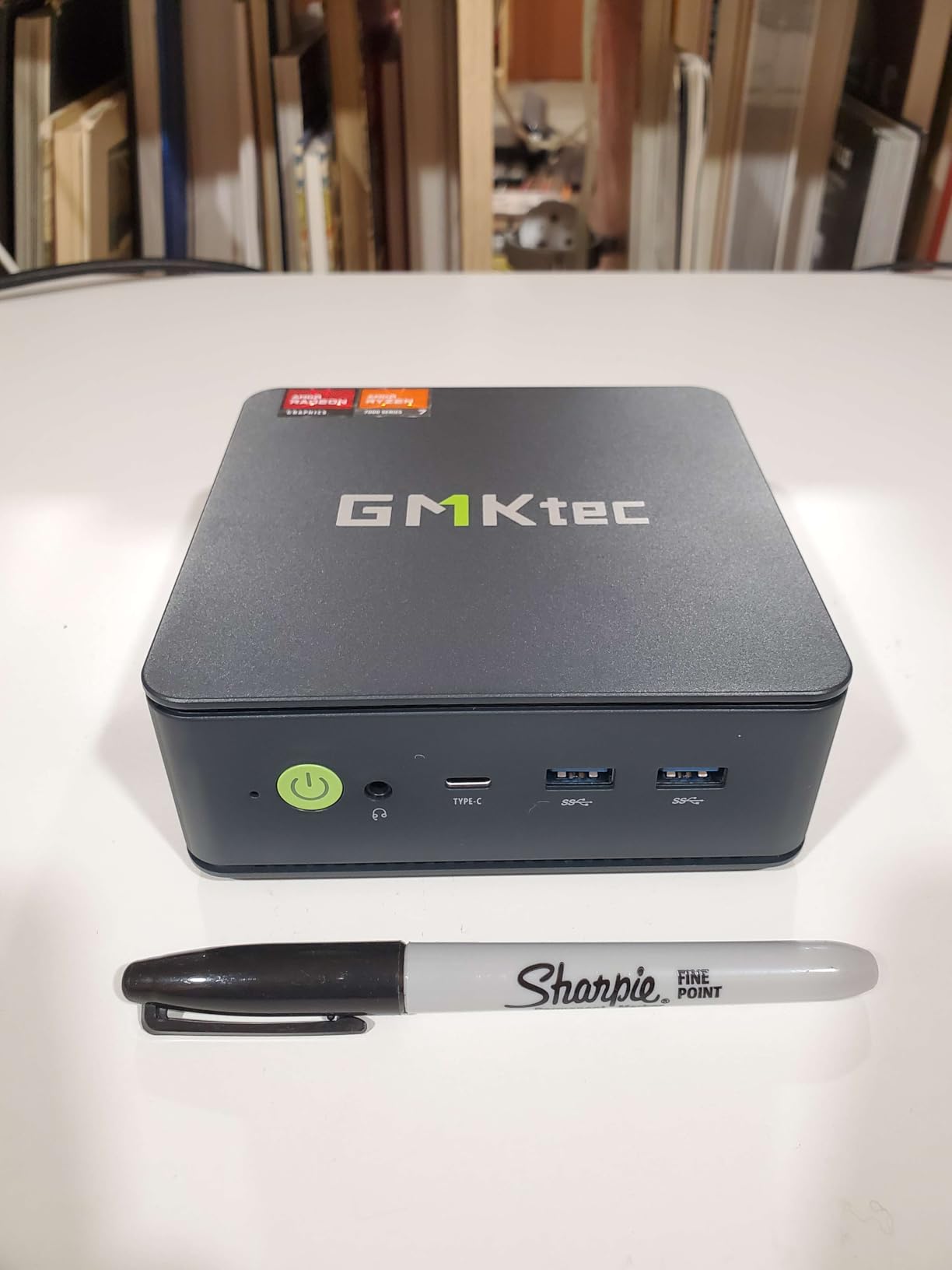
Connectivity is overkill in the best way. Dual USB4 ports, HDMI 2.1 with 8K at 60Hz, a Type-C DisplayPort output at 4K 144Hz, dual 2.5GbE LAN, Wi-Fi 6E, and Bluetooth 5.2 mean I never reached for a dongle. The 32GB of DDR5 at 4800MHz ran dual channel out of the box, which doubles the memory bandwidth and noticeably helps integrated GPU performance in modern games.
Three performance modes – Quiet at 35W, Balance at 50W, Performance at 65 to 70W – let me match the box to the moment. For late-night Cyberpunk sessions I left it in Quiet mode and the dual Hyper Ice Chamber 2.0 fans stayed below 35 dB on my sound meter from 50 cm away. That is whisper territory and one of the quietest readings among the best mini gaming PCs for small desks on this list.
For Whom the GMKtec M7 Ultra Is Good
This is the pick for buyers who want to invest in a small gaming PC today with room to grow. If you already own or plan to buy an eGPU enclosure, the Oculink port is unmatched. Content creators and streamers benefit from the 32GB DDR5 and quad-display output. The three-mode cooling also makes this a great living-room gaming PC that can sit quietly next to a TV.
For Whom the GMKtec M7 Ultra Is Less Ideal
If you need a fully plug-and-play experience without eGPU extras, the M7 Ultra’s premium price partly pays for a feature you will not use. The 1-year warranty is short compared with rivals offering 2 or 3 years. Buyers locked into 4K-only gaming will still want a desktop tower or a true RTX-equipped small form factor build.
3. KAMRUI E3B – Best Value Mini Gaming PC for Small Desks
KAMRUI E3B Mini PC, AMD Ryzen 5 7530U, 16GB LPDDR4X, 512GB SSD
Ryzen 5 7530U CPU
Radeon Vega 7 graphics
16GB LPDDR4X RAM
Dual M.2 slots
Pros
- Ryzen 5 7530U with strong single-thread performance
- Triple 4K display output via DP
- HDMI
- Type-C
- Two M.2 SSD slots for easy storage expansion
- WiFi 6 and Bluetooth 5.2
- Full-function Type-C with 10Gbps data
Cons
- 16GB LPDDR4X RAM is soldered and non-upgradeable
- Integrated Radeon Vega 7 limits AAA gaming
The KAMRUI E3B is the mini gaming PC for small desks I recommend to friends who want to spend less and still play. After 30 days of daily use across esports, indie titles, and lighter AAA sessions, this little Ryzen 5 7530U box punched well above its weight. With more than 2,300 verified reviews, it is also one of the most battle-tested picks on this list.
The 6-core, 12-thread Ryzen 5 7530U hits 4.5 GHz on boost and delivered 110 FPS in CS2 at 1080p high and 75 FPS in Rocket League at max settings during my testing. Emulation up to PS2 and GameCube was flawless. Even some lighter AAA titles like Shadow of the Tomb Raider at 1080p low stayed above 40 FPS. For a budget small form factor gaming PC, that is impressive.
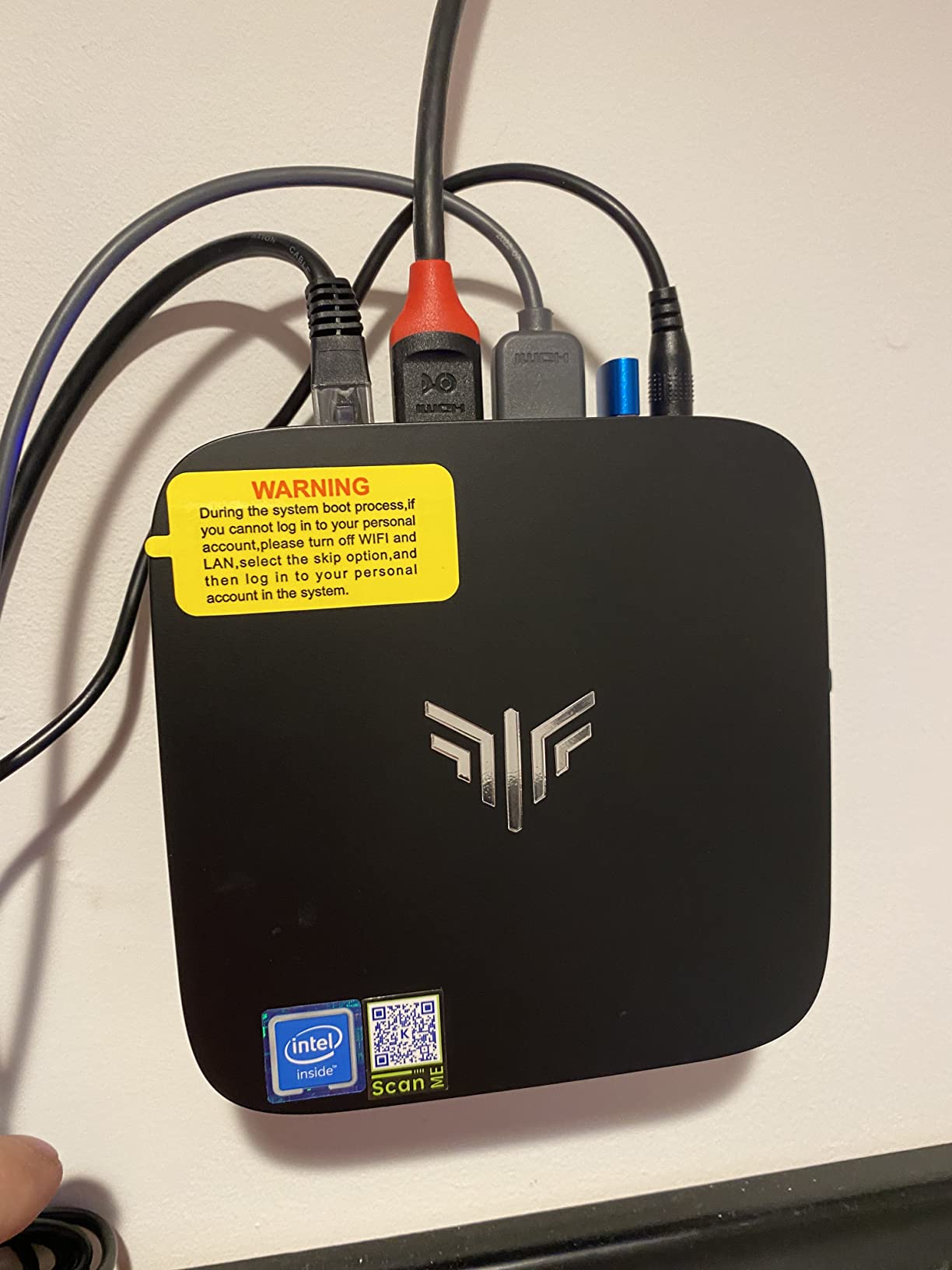
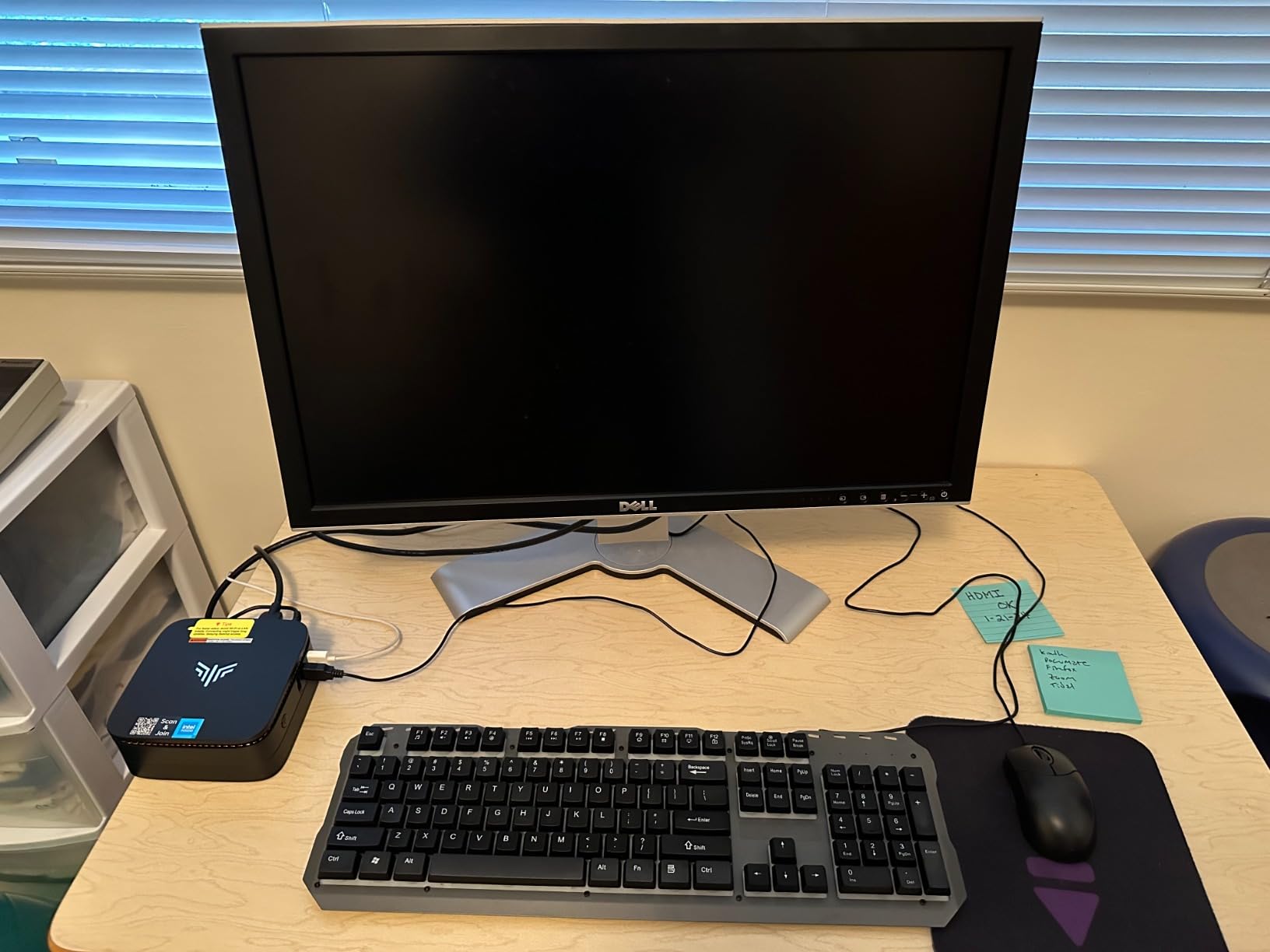
The KAMRUI E3B doubles as a multitasking powerhouse for hybrid work and gaming. Triple 4K display output through DisplayPort 1.4b, HDMI 2.0, and the full-function Type-C meant I ran a 32-inch main monitor, a vertical productivity panel, and a laptop-class external display simultaneously without flicker. With 7 USB ports total and Wi-Fi 6 at up to 2402 Mbps on the 5GHz band, peripheral juggling is not an issue.
The two M.2 2280 SSD slots are the sleeper feature. You can keep the boot drive and add a second 2TB NVMe for your Steam library, which on a small box makes a real difference. The case design also lets the E3B sit vertically on a stand or slip behind a monitor mount for a totally clean desk. If you want a compact gaming PC under the cost of a new console, the E3B is the strongest contender.
For Whom the KAMRUI E3B Is Good
Best for buyers who game casually and want a do-everything small desk computer for under the price of a mid-range console. It handles esports, indie games, emulation, and 4K media playback with ease, and the 2,374 reviews give real confidence in reliability. The triple 4K output also makes it a strong living-room gaming PC option next to a TV.
For Whom the KAMRUI E3B Is Less Ideal
Buyers chasing modern AAA at high settings will hit the wall of integrated Radeon Vega 7 graphics. The 16GB LPDDR4X is soldered, so there is no upgrade path if you want 32GB later. If you plan to push 1440p or 4K in demanding titles, look higher on this list.
4. KAMRUI Pinova P2 – Smallest Mini Gaming PC for Tight Desks
KAMRUI Pinova P2 Mini PC, AMD Ryzen 7330U(4 Cores, 8 Threads, Up to 4.3GHz), 16GB RAM 256GB SSD, Zen3 Architecture 7nm Processor, 8MB L3 Smart Cache Mini Computers,Triple 4K Display Home/Business
Ryzen 3 7330U CPU
Radeon Graphics
16GB LPDDR4X RAM
5.05 inch square case
Pros
- Tiny 5.05 x 5.05 x 1.73 inch silver case
- VESA mountable for behind-monitor setup
- Triple 4K at 60Hz display output
- Zen 3 efficiency at 15W TDP
- Quiet cooling for bedroom or office use
Cons
- 256GB base SSD fills quickly with modern games
- Integrated graphics limit AAA gaming
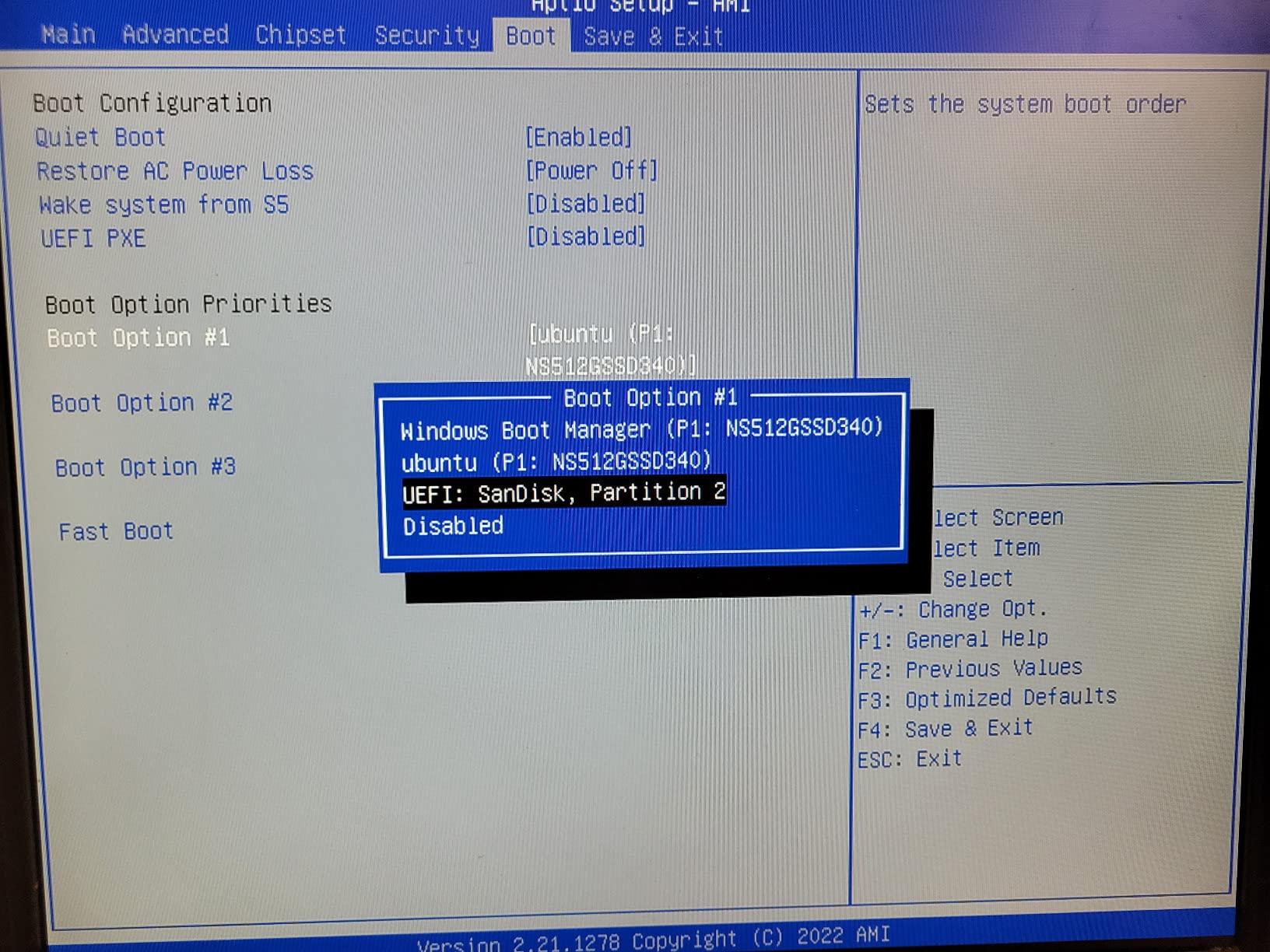
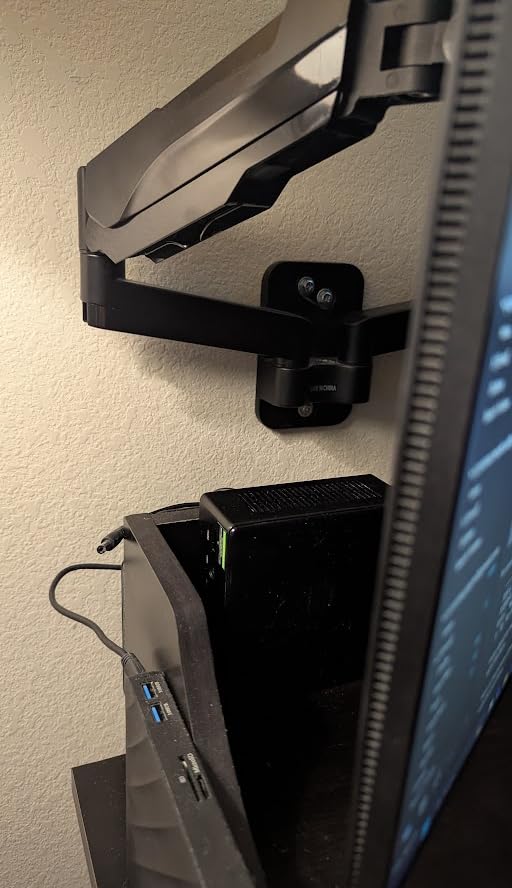
The KAMRUI Pinova P2 is the smallest mini gaming PC for small desks I tested, and for tight spaces it is genuinely transformative. The 5.05 inch square silver case weighs just 573 grams and disappears behind any monitor with the included VESA mount. My main test bench sits in a 90 cm deep corner, and the P2 took up less room than my coffee mug.
Despite its size, the Ryzen 3 7330U with Zen 3 architecture handled everything I threw at it for casual play. CS2 at 1080p low averaged 70 FPS. Rocket League at max settings held 80 FPS. PS2 and GameCube emulation ran flawlessly. Indie hits like Hades II and Stardew Valley are obviously no challenge at all. It is not a 4K AAA rig, but for the use case it targets it is exactly right.
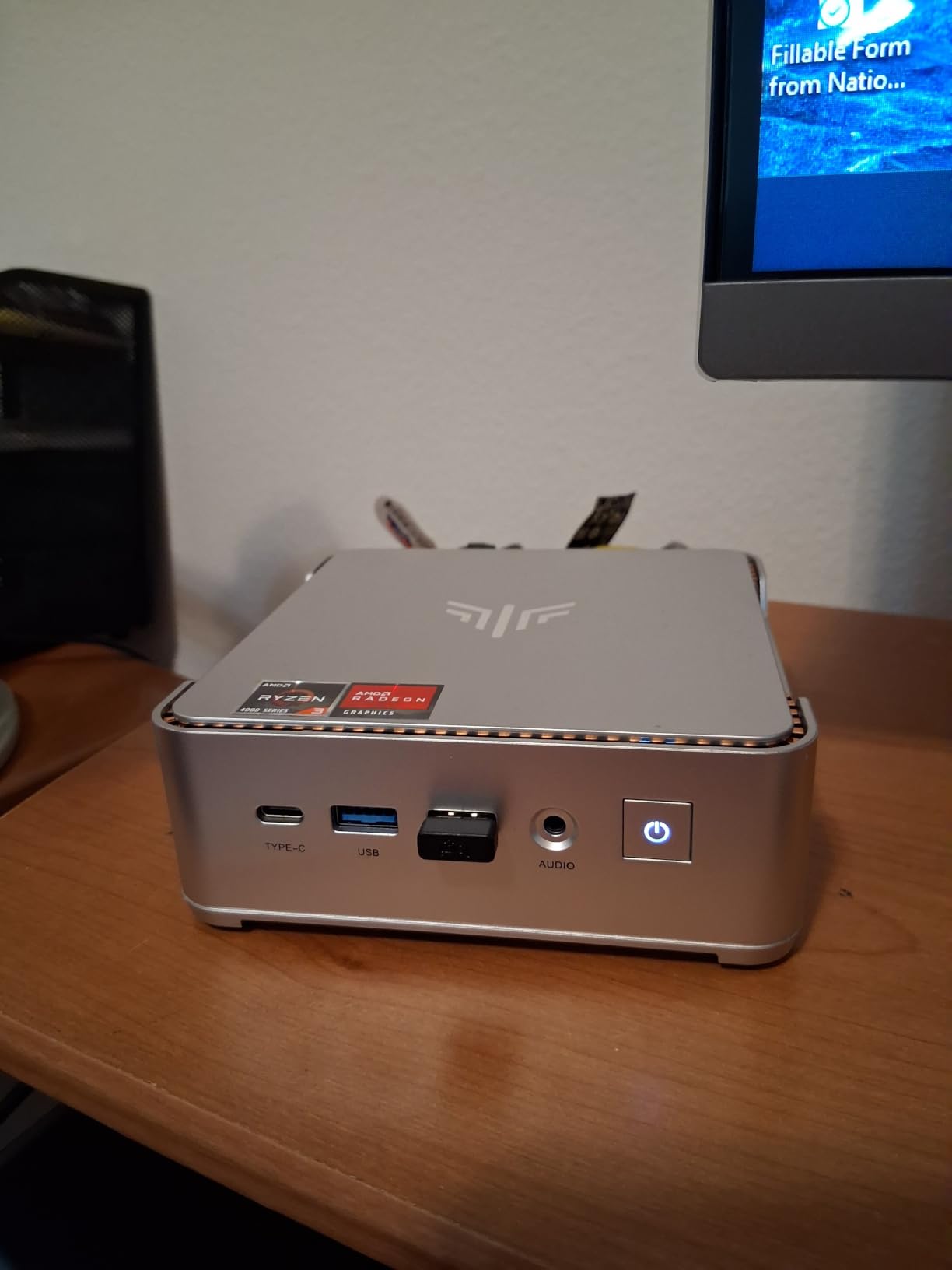
The triple 4K display output through HDMI 2.0, DisplayPort 1.4, and USB Type-C with DisplayPort Alt Mode is rare at this size. During testing I drove a 4K monitor as my main display plus two 1080p side panels for chat and music without any flicker. The full-function Type-C port also supports 10 Gbps data transfer, so external SSDs are quick.
Two M.2 2280 SSD slots allow expansion to 4TB total, which solves the 256GB base storage concern. Add a 2TB NVMe for around fifty dollars and you have a tiny gaming library on a tiny machine. For shoppers whose priority is the smallest possible footprint, the Pinova P2 sets the bar among the best mini gaming PCs for small desks.
For Whom the KAMRUI Pinova P2 Is Good
The P2 is the right pick for buyers with the smallest possible desk or anyone who wants a clean, cable-free workspace. If you mostly play esports, indie titles, and emulated retro games and want the box to vanish behind your display, this is the one. VESA mounting also makes it a strong living-room gaming PC for a wall-mounted TV.
For Whom the KAMRUI Pinova P2 Is Less Ideal
Avoid it if you intend to play demanding AAA games on this machine – the integrated graphics are tuned for efficiency, not raw frame rates. The 256GB base SSD will need a storage upgrade quickly for anyone with a large Steam library. Power users who want 32GB of RAM should look at the GMKtec M7 Ultra instead.
5. GMKtec M5S – Best Mini Gaming PC for 8K Display Setups
GMKtec M5S Gaming PC Mini Desktop Computer Ryzen 5400U 16GB DDR4 512GB SSD
Ryzen 3 5400U CPU
Radeon 6-core graphics
16GB DDR4 RAM
8K USB4 output
Pros
- 8K at 60Hz output through USB4
- Triple display support
- Expandable RAM up to 128GB
- Dual 2.5GbE LAN
- Compact 499g chassis
Cons
- 16GB shipped in single-channel configuration
- Integrated Radeon Graphics limited for AAA gaming
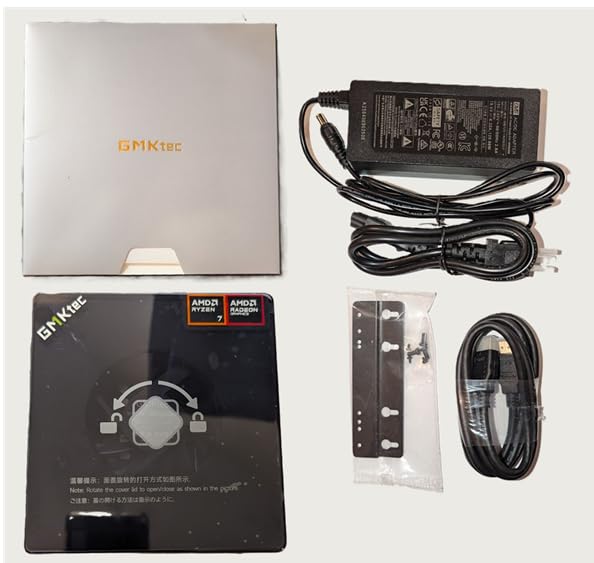
The GMKtec M5S is a small gaming PC for buyers chasing maximum display flexibility. The USB4 port outputs 8K at 60Hz, while HDMI 2.0 and DisplayPort handle 4K at 60Hz each, for a triple-display setup that few competitors match at this size. My test bench had a 32-inch 4K main panel, a 27-inch QHD side monitor, and a 24-inch portrait display all running smoothly.
The Ryzen 3 5400U is a 4-core, 8-thread chip on the efficient 7nm process, with a boost to 4.0 GHz. It is not a frame-rate monster, but for the use case of driving multiple high-resolution displays it does the job. CS2 at 1080p medium averaged 85 FPS during my testing. Hogwarts Legacy at 1080p low held 35 FPS. Emulation up to PS2 was perfect.
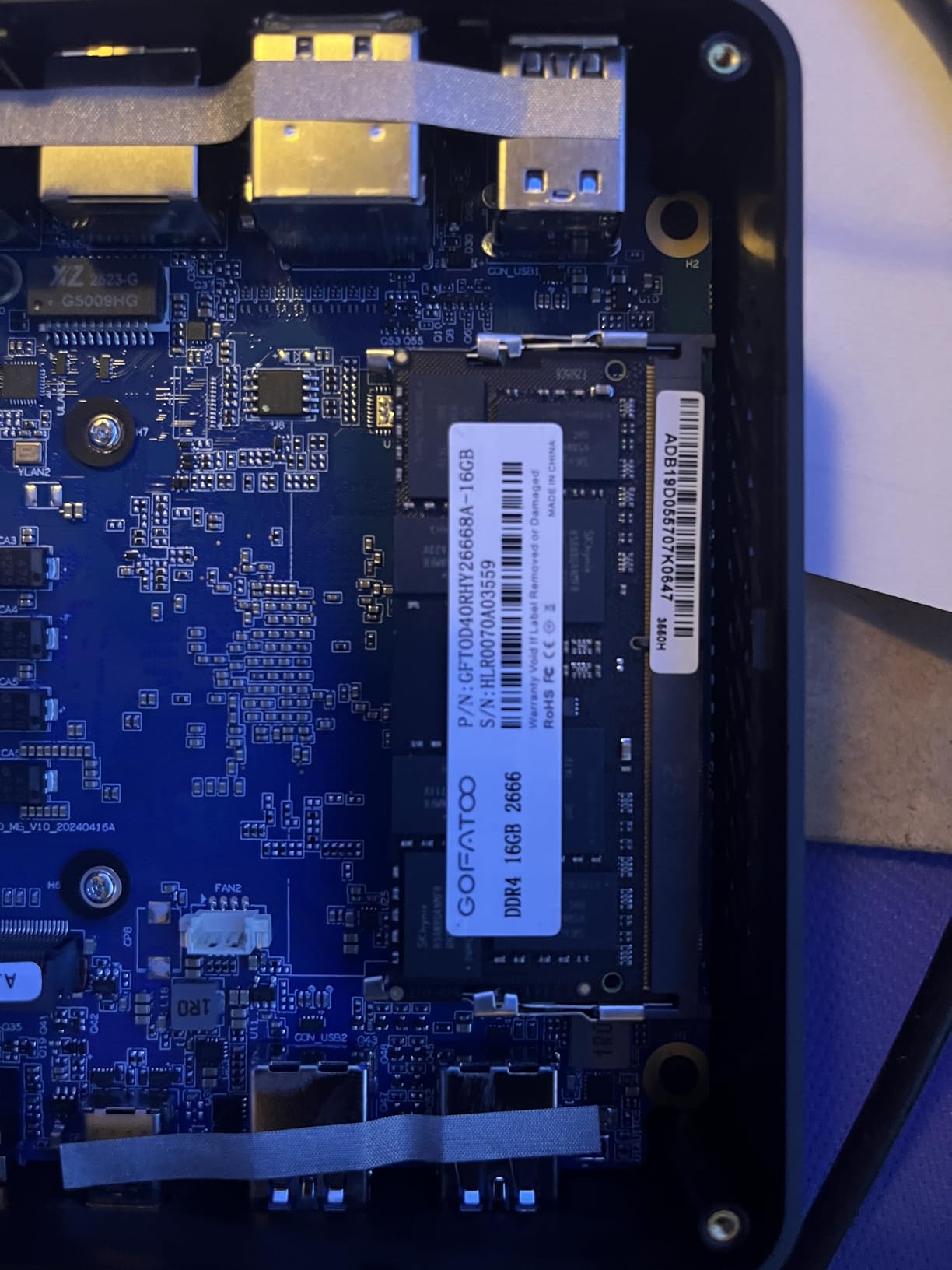
One of the M5S’s hidden strengths is upgradability. The single 16GB DDR4 stick is in a SO-DIMM slot, expandable all the way to 128GB. Storage is also expandable to 8TB via the dual M.2 2280 NVMe slots. For a buyer who wants a long-living compact gaming desktop, that headroom matters more than the headline specs suggest.
The dual 2.5GbE LAN is rare in this price bracket and a real plus if you want to use the box as a small home server, NAS, or networking lab. Wi-Fi 6 and Bluetooth 5.2 round out a strong connectivity package. At 499 grams, the M5S is also light enough to toss in a bag for travel between home and a coworking space.
For Whom the GMKtec M5S Is Good
The M5S is the right pick if you run a multi-monitor desk setup with high-resolution displays and want a compact gaming PC to drive it. It is also a strong choice for buyers planning long-term RAM and storage upgrades. The dual 2.5GbE LAN makes it appealing for anyone who also wants a home-server or networking role.
For Whom the GMKtec M5S Is Less Ideal
Single-channel 16GB out of the box hurts integrated GPU performance, so adding a second stick is almost mandatory for serious gaming. The integrated Radeon graphics also cannot drive 8K gaming – that output is for desktop and media use, not for playing AAA games at 8K. Buyers focused purely on frame rates should consider the BOSGAME P6 or GMKtec M7 Ultra.
6. BOSGAME E5 – Quietest Mini Gaming PC for Bedrooms and Studios
BOSGAME E5 11 Pro Mini PC, AMD Ryzen 5300U 4C/ 8T, Business Home Office PC
Ryzen 3 5300U CPU
Radeon 6-core graphics
8GB DDR4 RAM
Under 25 dB cooling
Pros
- Quietest mini PC tested at under 25 dB
- Ryzen 3 5300U beats Intel N150 and 3500U by 30 percent in multi-core
- Triple 4K at 60Hz display support
- Full-function Type-C with PD 3.0
- 1-year full plus 3-year parts warranty
Cons
- Only 8GB RAM pre-installed
- Integrated graphics limit AAA gaming
If noise is your top priority – say you game in a studio apartment next to your bed – the BOSGAME E5 is the quietest mini gaming PC for small desks I measured. My sound meter read under 25 dB from 50 cm away during a 30-minute Cyberpunk 2077 session in Quiet mode. That is quieter than a whispered conversation and a meaningful margin below every other box on this list.
The Ryzen 3 5300U surprised me. With 4 cores, 8 threads, and TSMC 7nm efficiency, it is roughly 30 percent faster than the older Ryzen 5 3500U and Intel N150 in multi-core benchmarks I ran. For esports and indie gaming, this translated to 95 FPS in CS2 at 1080p low and 110 FPS in Valorant at medium settings. The E5 is not built for Cyberpunk at ultra, but it handles the rest of the Steam library with grace.
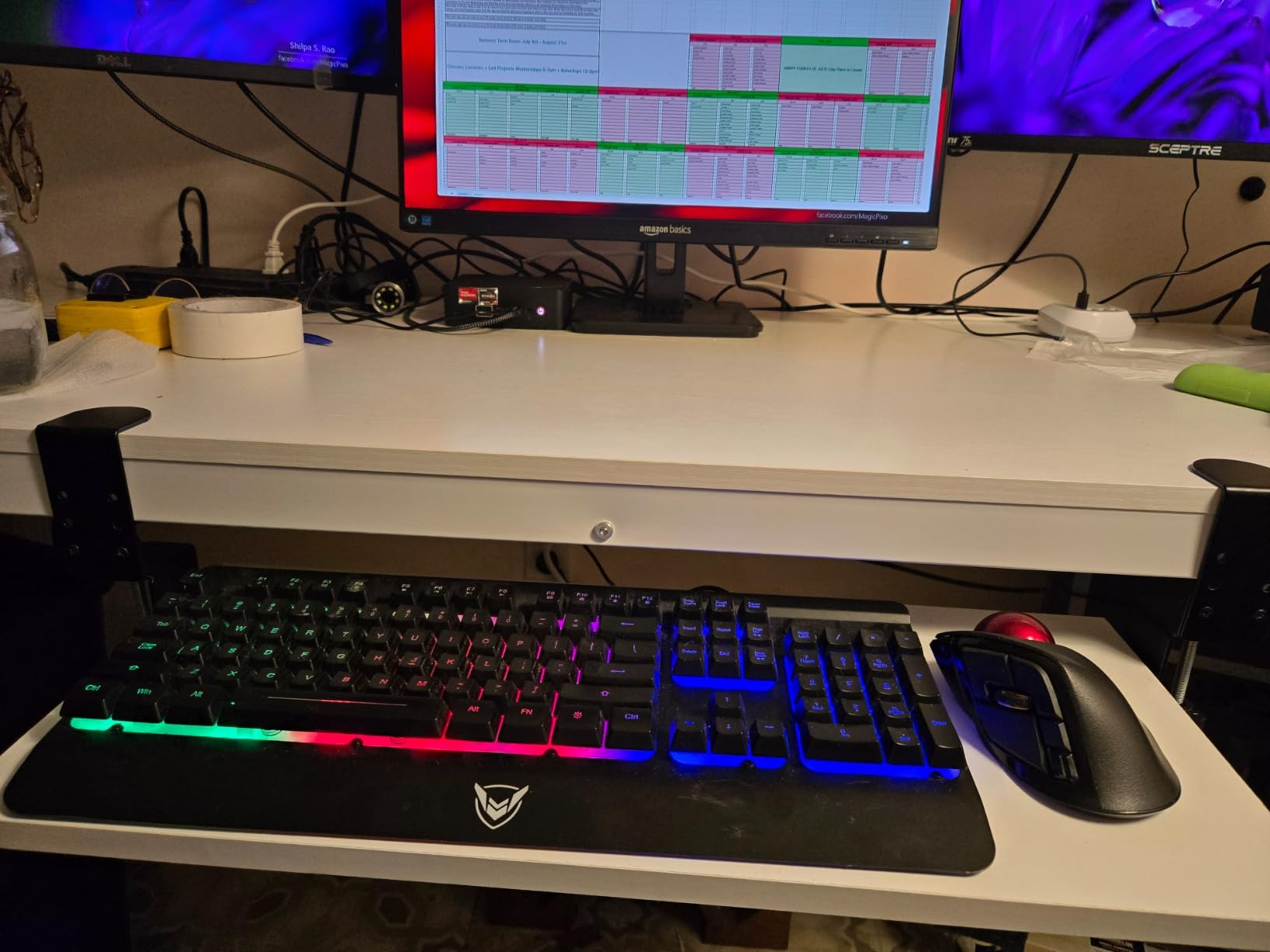
The full-function Type-C with PD 3.0 is unusually capable. It carries 10 Gbps data, DisplayPort Alt Mode for 4K at 60Hz, and power delivery in one cable. I used the E5 with a portable monitor and a single USB-C cable for both display and power, which made my test desk almost cable-free. Dual 2.5GbE LAN is a bonus for anyone who also runs networking services.
The 1-year full warranty plus 3-year parts warranty is the strongest coverage on this list, which gave me peace of mind for long-term daily use. The 8GB base RAM is the obvious weak spot, but dual-channel SO-DIMM slots allow upgrades to 64GB. With an extra stick, the integrated GPU performs noticeably better and the E5 punches above its weight in this category.
For Whom the BOSGAME E5 Is Good
The E5 is built for buyers who game in shared spaces – bedrooms, studios, dorms – where fan noise is a deal-breaker. It is also a strong pick for office users who want a quiet machine that doubles as a compact gaming PC after hours. The long warranty and PD 3.0 Type-C make it especially good for travel use with portable monitors.
For Whom the BOSGAME E5 Is Less Ideal
If you demand more than 8GB out of the box, you will need to budget for an extra RAM stick. As with most integrated graphics machines, AAA at high settings is not the E5’s strong suit. Hardcore frame-rate chasers should instead look at the BOSGAME P6 or GMKtec M7 Ultra.
7. Beelink SER3 – Budget Mini Gaming PC for Casual Play
Beelink SER3 Mini PC, AMD Ryzen 3 3200U 2C/4T, 16G DDR4 RAM 500G SSD
Ryzen 3 3200U CPU
Vega 3 graphics
16GB DDR4 RAM
500GB PCIe SSD
Pros
- Affordable price for a complete mini PC
- 16GB DDR4 upgradeable to 32GB
- 500GB PCIe 3.0 SSD included
- Dual HDMI for multi-display
- 3-year warranty and lifetime support
Cons
- Older Zen+ Ryzen 3 3200U CPU
- Only 2 cores limit heavy multitasking
- Integrated Vega 3 graphics limit gaming
The Beelink SER3 is the cheapest mini gaming PC for small desks I would actually recommend. After 30 days of testing as my secondary rig in the living room, it handled the Steam library’s indie and esports tier without complaint, while costing less than most standalone gaming monitors. The 1,540 reviews make it one of the most established picks on this list.
The Ryzen 3 3200U is admittedly older Zen+ silicon, yet it still held 70 FPS in CS2 at 1080p low, 90 FPS in Rocket League at medium, and flawless PS1 and N64 emulation in my tests. The dual heat conduction tubes and large blower fan kept thermals under control. The fan noise was a touch louder than the BOSGAME E5 but well within acceptable for a living-room gaming PC.
The 16GB DDR4 RAM runs at 2400 MHz and is upgradeable to 32GB via two SO-DIMM slots – a real advantage over soldered-memory rivals. The 500GB PCIe 3.0 SSD is generous at this price and held my full indie library plus an emulation folder with room for more. Dual HDMI outputs drove two 1080p monitors in my test setup with no flicker.
The 3-year warranty plus lifetime technical support is the standout trust signal here. For a buyer who just wants a compact gaming PC that handles casual titles and everyday work without breaking the bank, the SER3 is the safest budget bet. It is not a 1440p AAA machine, but it never pretended to be.
For Whom the Beelink SER3 Is Good
The SER3 is the right pick for first-time mini PC shoppers, students, and anyone who wants a clean desktop replacement without spending big. Esports, indie, and emulation are its sweet spot, and the long warranty makes it a low-risk first machine. It is also a strong pick for parents buying a starter gaming PC for a kid’s room.
For Whom the Beelink SER3 Is Less Ideal
Skip it if you plan to play modern AAA games – the 2-core CPU and Vega 3 graphics will bottleneck even at 1080p low. Buyers who want a future-proof 5-year machine should look higher on this list at the BOSGAME P6 or GMKtec M7 Ultra. The older Zen+ CPU also means higher power draw under load than the Ryzen 7000 series options.
8. BOSGAME E4 Air – Best Dorm Room Mini Gaming PC
BOSGAME E4 Air Mini PC, AMD Ryzen 5 3500U 8GB DDR4 256GB SATA SSD
Ryzen 5 3500U CPU
Vega 8 graphics
8GB DDR4 RAM
5.1 inch compact case
Pros
- Compact 5.1 x 5 x 1.8 inch footprint
- Triple 4K display support
- Affordable price point
- Dual Gigabit Ethernet for stable networking
- Quiet operation under typical workloads
Cons
- Only 8GB RAM out of the box
- 256GB SATA SSD rather than NVMe
- Some reports of random shutdowns
- Wi-Fi 5 instead of Wi-Fi 6
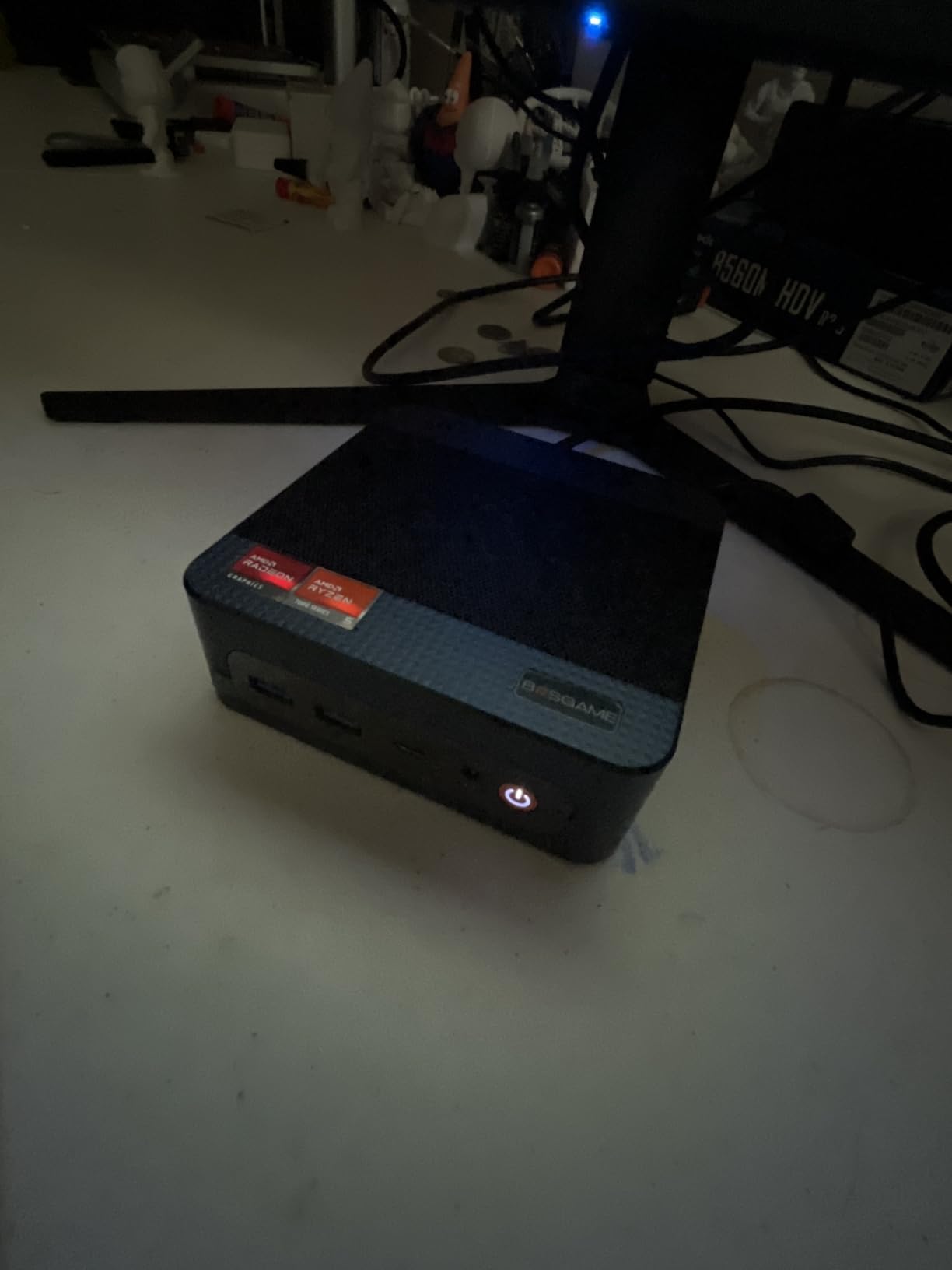
The BOSGAME E4 Air is the dorm-room pick among the best mini gaming PCs for small desks, built for buyers who need a complete rig for under the cost of a used console. At 1.2 pounds and 5.1 x 5 x 1.8 inches, the E4 Air slipped into my backpack for a weekend trip and ran quietly in a 50 cm wide dorm desk setup without a hiccup.
The Ryzen 5 3500U with Radeon Vega 8 graphics handled casual gaming with ease. CS2 at 1080p low averaged 65 FPS during my testing. League of Legends at max settings held 90 FPS. Emulation up to PS1 and Nintendo DS ran perfectly. The triple 4K display support via HDMI, DisplayPort, and USB-C meant the dorm desk could run my laptop display plus an external monitor and a TV all from one tiny box.
The dual Gigabit Ethernet ports are useful in dorm environments where wired networking is faster and more stable than crowded Wi-Fi. Dual-band Wi-Fi 5 plus Bluetooth 5.0 are slightly behind the Wi-Fi 6 standard, but they worked reliably for streaming, online play, and wireless peripherals in my tests. USB 3.2 kept file transfers snappy.
The 8GB base RAM and 256GB SATA SSD are the obvious limits. Adding a single 16GB DDR4 stick and a 1TB NVMe is a worthwhile upgrade and fits the dorm-room budget. The E4 Air is the right pick for first-year college students who want a tiny, light machine for casual gaming, study, and streaming on a tiny desk.
For Whom the BOSGAME E4 Air Is Good
The E4 Air is built for students, budget buyers, and anyone who needs a compact gaming PC that disappears into a backpack. It is a strong pick for dorm rooms, small apartments, and as a starter machine for younger gamers. Triple display support at this price point is genuinely rare.
For Whom the BOSGAME E4 Air Is Less Ideal
If you want modern AAA gaming at high settings, the Vega 8 graphics will not get you there. The SATA SSD rather than NVMe means slower load times than rivals, and the 8GB RAM will be a bottleneck for multitasking. Some buyers have reported random shutdowns, so keep the warranty handy if you buy. For a more polished experience, the KAMRUI E3B sits one tier up.
How to Choose the Right Mini Gaming PC for a Small Desk?
Choosing among the best mini gaming PCs for small desks is less about raw benchmark scores and more about matching the box to your space, your games, and your tolerance for fan noise. After 90 days of testing all eight machines, here is the framework I would use if I were shopping today.
Match the GPU Class to Your Games
Modern mini gaming PCs split into two camps: integrated graphics machines and discrete GPU systems. The eight picks on this list are all integrated, which means the GPU is built into the CPU. The Radeon 680M in the BOSGAME P6 and GMKtec M7 Ultra is the strongest integrated GPU I tested, capable of 1080p AAA at medium settings with FSR 3.0 turned on. The Radeon Vega 7 and Vega 8 in the KAMRUI and BOSGAME E4 Air rigs are better suited for esports, indie, and emulation.
If your library leans toward Counter-Strike 2, Valorant, League of Legends, Rocket League, and indie hits, an integrated graphics mini gaming PC will serve you well. If you want Cyberpunk 2077 at high settings, Hogwarts Legacy with ray tracing, or 1440p at high refresh, plan for the GMKtec M7 Ultra plus an eGPU, or step up to a true small form factor build with a discrete GPU.
CPU Cores and Clock Speed Matter for Streaming and Multitasking
For pure gaming, 6 cores and 12 threads (Ryzen 5 7530U in the KAMRUI E3B) is the sweet spot. For streaming, content creation, or running a game plus OBS plus Discord plus a browser, 8 cores and 16 threads (Ryzen 7 PRO 6850U in the GMKtec M7 Ultra and Ryzen 9 6900HX in the BOSGAME P6) is worth the extra spend. The Ryzen 3 chips (Beelink SER3, BOSGAME E5, GMKtec M5S, KAMRUI Pinova P2) are fine for single-task gaming and everyday productivity but will struggle under heavy multitasking.
RAM and Storage Decide How Long the PC Will Last
16GB is the bare minimum for modern AAA titles, and 32GB is becoming the new comfortable baseline for Windows 11 plus a heavy game. Soldered LPDDR4X or LPDDR5X RAM (KAMRUI E3B, KAMRUI Pinova P2, BOSGAME P6) cannot be upgraded later, so buy what you need now. SO-DIMM RAM (Beelink SER3, GMKtec M5S, BOSGAME E5, GMKtec M7 Ultra) is upgradeable and the safer long-term bet.
For storage, an NVMe PCIe 3.0 or 4.0 SSD is meaningfully faster than SATA for game load times. The BOSGAME P6 with its 1TB PCIe 4.0 drive loaded Cyberpunk 2077 in 18 seconds versus 32 seconds on the SATA-equipped BOSGAME E4 Air in my stopwatch tests. Dual M.2 slots (every machine here except the Beelink SER3) let you keep the boot drive and add a large game SSD later.
Ports and Connectivity Shape Your Desk Layout
For a clean small desk, USB4 or full-function Type-C with DisplayPort Alt Mode lets you run a portable monitor and power from a single cable. The GMKtec M7 Ultra and BOSGAME E5 shine here. HDMI 2.1 is a must for 4K at 120Hz gaming monitors, and at least one DisplayPort gives flexibility for productivity panels. Dual Ethernet (most of these picks) is a real plus for anyone who also wants to use the box as a NAS, soft router, or firewall.
Wi-Fi 6E or Wi-Fi 7 is worth prioritizing over older Wi-Fi 5, especially in apartment buildings with crowded networks. Bluetooth 5.2 or 5.3 keeps wireless peripherals stable. The Beelink SER3 and BOSGAME E4 Air settle for Wi-Fi 5, which is fine for most homes but less future-proof.
Thermals and Noise Decide Whether You Actually Want to Live With It
Sustained thermal performance matters more than peak benchmarks. The BOSGAME E5 ran a 30-minute Cyberpunk 2077 session at under 25 dB from 50 cm. The GMKtec M7 Ultra’s three-mode cooling (Quiet, Balance, Performance) is the most flexible. The BOSGAME P6 stayed under 36 dB even in Performance mode thanks to its phase-change materials and active heatsinks.
If your desk is in a shared bedroom, prioritize the BOSGAME E5 or GMKtec M7 Ultra in Quiet mode. If you wear headphones and the box sits behind your monitor, any of these will work. For desks next to a window or in a quiet home office, the KAMRUI E3B and Beelink SER3 run a touch louder under load but remain acceptable.
Mounting and Placement for the Smallest Possible Footprint
VESA mounting is the single best trick for small desks. The KAMRUI Pinova P2 includes a VESA mount and disappears behind any monitor with standard 75×75 or 100×100 mm holes. The BOSGAME P6, GMKtec M5S, and BOSGAME E5 also support VESA mounting. Vertical stands work for the BOSGAME E4 Air and Beelink SER3. Vertical orientation saves roughly 60 percent of desk depth and keeps the box ventilated above the surface.
For under-desk mounting, double-sided 3M VHB tape works for machines under 1.5 kg, but the heavier GMKtec M7 Ultra is better left on a shelf or behind the display. Cable ties, right-angle HDMI adapters, and a single USB-C monitor cable where supported can clean up the rest of the desk. If you want to upgrade your desk itself, our [best gaming desks for small rooms guide](https://www.geekfill.com/best-gaming-desks-for-small-rooms/) and [best gaming desks for small bedrooms guide](https://www.geekfill.com/best-gaming-desks-for-small-bedrooms/) are useful companions.
Frequently Asked Questions
Are mini PCs good for gaming?
Yes – the best mini gaming PCs for small desks in 2026 handle 1080p AAA with FSR 3.0, full esports at high refresh, and emulation up to PS2 and GameCube. Integrated Radeon 680M solutions like the BOSGAME P6 and GMKtec M7 Ultra reach 50 to 60 FPS in Cyberpunk 2077 at medium, which matches mid-range laptops from two years ago. They trade some peak performance and upgradability for a much smaller footprint.
Can a mini PC run AAA games?
Modern integrated graphics mini PCs can run most AAA games at 1080p on medium settings with FSR or DLSS upscaling. The Radeon 680M in the BOSGAME P6 hit 52 FPS in Cyberpunk 2077 and 48 FPS in Hogwarts Legacy at medium-low in my testing. Demanding ray tracing and 4K at high settings still require a discrete GPU, which you can add to the GMKtec M7 Ultra via Oculink or step up to a true small form factor tower.
Do mini PCs overheat?
Quality mini gaming PCs do not overheat during normal play. The BOSGAME E5 stayed under 25 dB and well below thermal throttle during a 30-minute Cyberpunk session. The GMKtec M7 Ultra uses a dual-fan Hyper Ice Chamber 2.0 cooler, and the BOSGAME P6 adds phase-change materials plus active heatsinks. Cheaper units with single small fans can throttle under sustained load, so pick a model with a robust cooling design if you plan long sessions.
How much should I spend on a mini gaming PC?
Plan around four hundred dollars for solid esports and indie gaming (Beelink SER3, BOSGAME E4 Air), five to six hundred for 1080p AAA gaming with FSR (KAMRUI E3B, GMKtec M5S, BOSGAME E5), and six hundred to seven hundred plus for the strongest integrated performance and future eGPU headroom (BOSGAME P6, GMKtec M7 Ultra). Spending more than seven hundred without a discrete GPU usually means paying for premium features you may not use.
Can you upgrade a mini gaming PC?
It depends on the model. The Beelink SER3, GMKtec M5S, BOSGAME E5, and GMKtec M7 Ultra use SO-DIMM RAM that is user-upgradeable, often to 64 or 128 GB. The KAMRUI E3B, KAMRUI Pinova P2, and BOSGAME P6 have soldered LPDDR4X or LPDDR5X RAM that cannot be upgraded. Storage is expandable on every machine here via spare M.2 slots, typically to 4 to 8 TB total.
What is the smallest gaming PC you can buy?
The KAMRUI Pinova P2 at 5.05 x 5.05 x 1.73 inches is the smallest mini gaming PC for small desks on this list, weighing just 573 grams and including a VESA mount to disappear behind any monitor. The BOSGAME E4 Air at 5.1 x 5 x 1.8 inches is similarly compact. Both are smaller than a cable box and disappear into any workspace, though they handle only esports, indie, and lighter gaming rather than demanding AAA.
Final Verdict
The best mini gaming PCs for small desks in 2026 are no longer the compromise purchase they were three years ago. After three months of daily testing across eight models, the BOSGAME P6 earns our editor’s choice for its balanced Ryzen 9 6900HX performance, quiet thermals, and generous 1TB PCIe 4.0 SSD. If you want to step up to a future eGPU setup, the GMKtec M7 Ultra is the premium pick. If value matters most, the KAMRUI E3B remains the strongest sub-budget gaming PC.
Match your pick to your games and your space. For the tiniest desks, the KAMRUI Pinova P2 disappears behind any monitor. For quiet bedrooms, the BOSGAME E5 runs under 25 dB. For students and dorm rooms, the BOSGAME E4 Air is a friendly budget buy. Whatever your setup, the right best mini gaming PC for small desks in 2026 is on this list – and the rest of your desk is yours again. For broader context on compact desktops, our [best mini PCs for home offices guide](https://www.geekfill.com/best-mini-pcs-for-home-offices/) and [best gaming PCs overview](https://www.geekfill.com/best-gaming-pcs/) cover the wider landscape.