
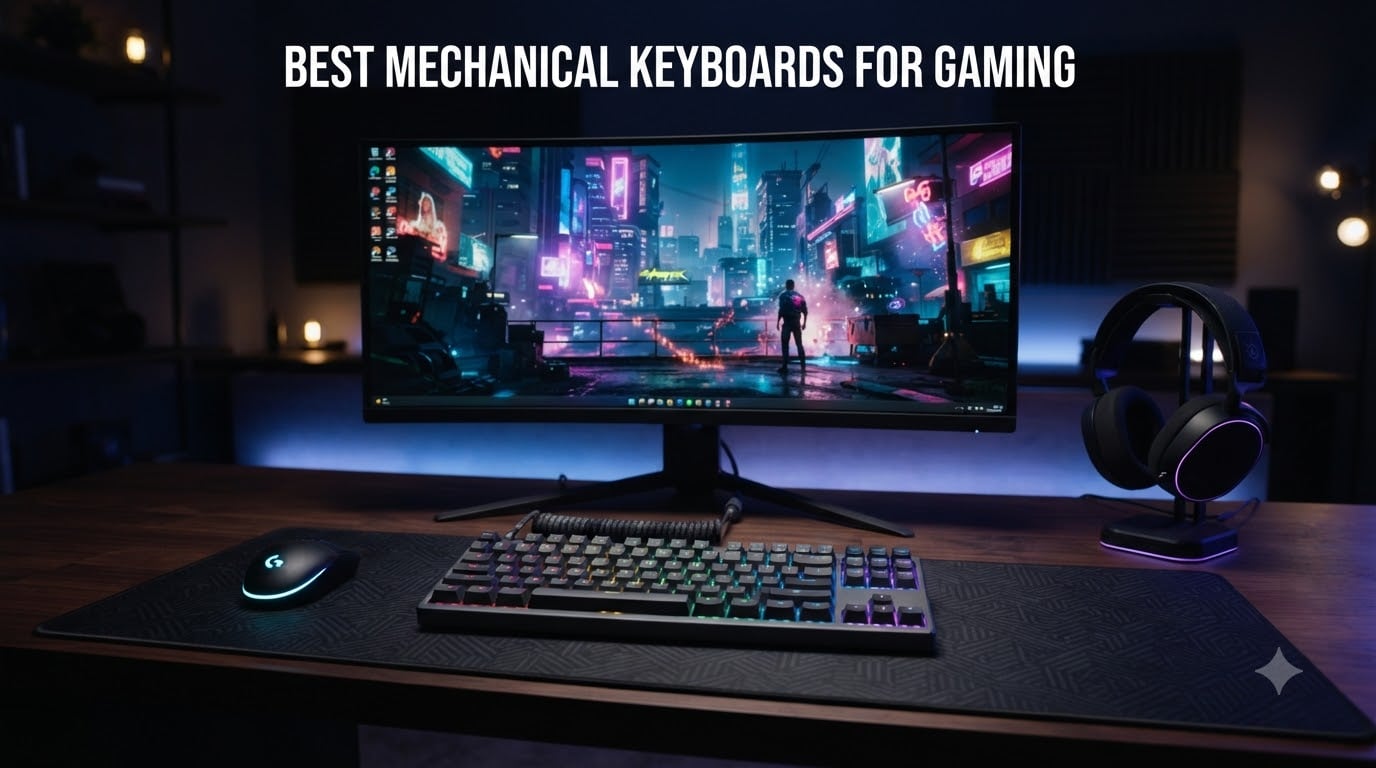
Finding the best mechanical keyboards for gaming in 2026 is harder than it looks. After comparing switches, polling rates, and form factors across dozens of boards, our team narrowed it down to eight that actually deliver where it matters: in-game performance, durability, and feel.
A mechanical gaming keyboard uses individual mechanical switches for each key, giving you better tactile feedback, faster response times, and longer lifespan than the rubber dome keyboards that ship with most prebuilt PCs. We tested these eight picks across FPS, MMO, and competitive titles to see which ones hold up under real gaming pressure.
This guide covers every budget from under $60 to premium wireless builds. You’ll see which switches actually help in-game, why Hall Effect and magnetic switches are changing the scene, and which boards are worth your money. We also pulled insights from Reddit’s r/MechanicalKeyboards and r/buildapc threads, plus long-term durability reports from real owners.
Top 3 Picks for Best Mechanical Keyboards for Gaming (September 2026)


Best Mechanical Keyboards for Gaming in 2026
| Product | Specifications | Action |
|---|---|---|
| Razer BlackWidow V4 X |
|
Check Latest Price |
 ASUS ROG Strix Scope II X ASUS ROG Strix Scope II X |
|
Check Latest Price |
| ASUS ROG Strix Scope II 96 Wireless |
|
Check Latest Price |
 SteelSeries Apex 5 SteelSeries Apex 5 |
|
Check Latest Price |
 Logitech G413 SE Logitech G413 SE |
|
Check Latest Price |
 Redragon K580 VATA Redragon K580 VATA |
|
Check Latest Price |
 Corsair K70 CORE RGB Corsair K70 CORE RGB |
|
Check Latest Price |
 Logitech G PRO TKL Logitech G PRO TKL |
|
Check Latest Price |
1. Razer BlackWidow V4 X – Best Overall Mechanical Gaming Keyboard
Razer BlackWidow V4 X Mechanical Gaming Keyboard, Yellow Switches, Black
Yellow linear switches
Snap Tap feature
Chroma RGB 16.8M colors
Pros
- Excellent RGB customization
- Quiet linear switches
- Doubleshot ABS keycaps
- 6 dedicated macro keys
- Great sound dampening
Cons
- Left macro keys need adjustment
- Not hot-swappable
I spent three weeks with the Razer BlackWidow V4 X and the Yellow linear switches felt right at home for both FPS and MMO sessions. The 1.2mm actuation point is fast enough that I could trigger movement keys and abilities without bottoming out, which reduced finger fatigue during long sessions. The Chroma RGB lighting is the best in class if you care about per-key customization with 16.8 million colors and tight integration with Razer Synapse.
Build quality surprised me. The metal backplate adds serious heft and the doubleshot ABS keycaps have held up well after daily use. Sound dampening is built in, and the lubed stabilizers keep the spacebar and modifiers from rattling. I noticed the Snap Tap feature actually helped in Valorant where quick strafing matters.
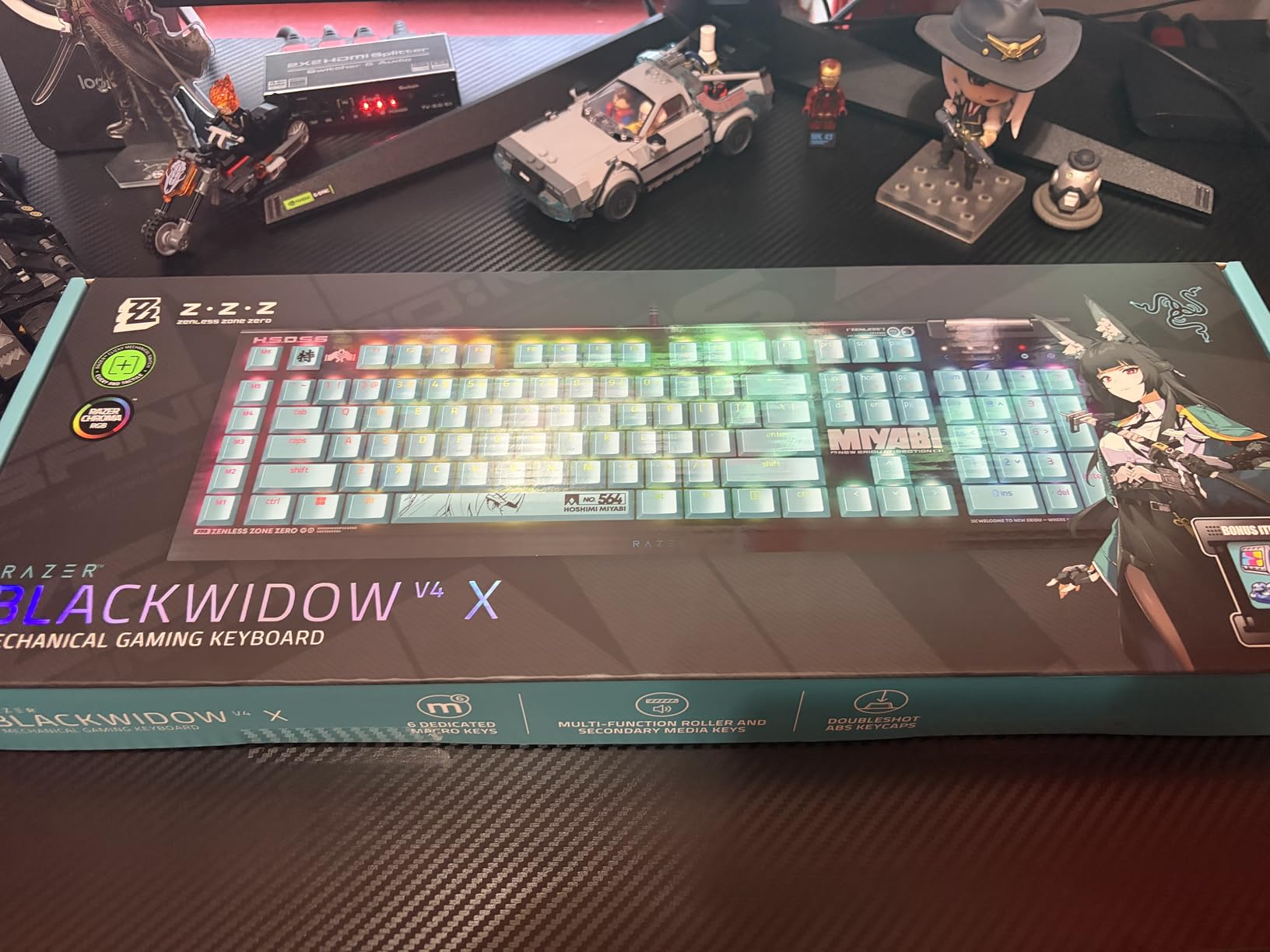
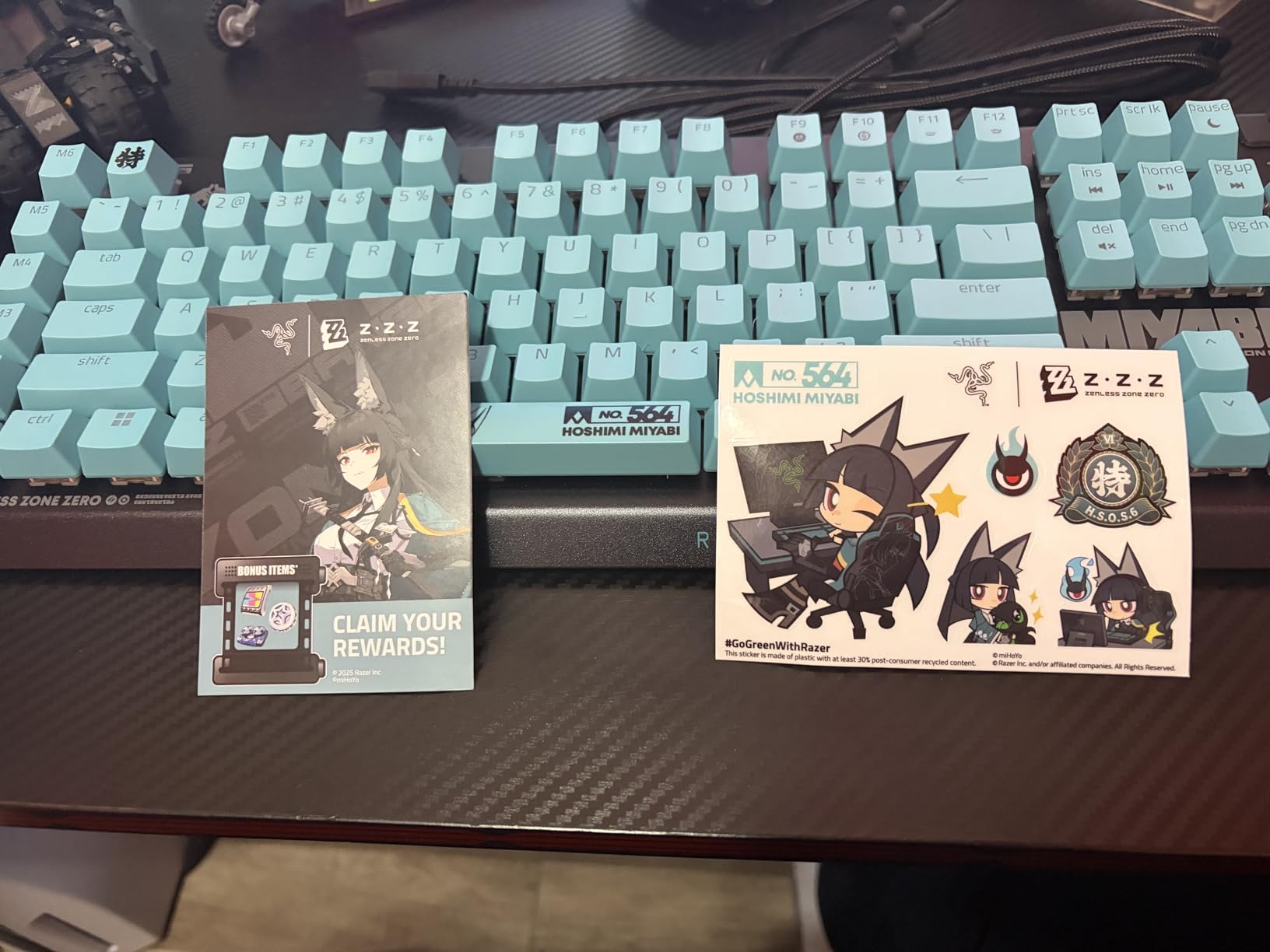
For competitive gaming, the 6 dedicated macro keys on the left side take some getting used to. I accidentally hit G1-G6 during my first few days and had to retrain my muscle memory. Once adjusted, the macros became useful for binding push-to-talk, voice chat commands, and ability rotations. The media roller and dedicated buttons are a nice touch that I started using without thinking.
The 8000Hz polling rate (when using Razer Synapse) gives a noticeable edge in mouse-heavy games, though on the keyboard side the response is already fast. Typing feel is solid for productivity work too, which is rare for a board marketed purely as a gaming keyboard. If you want one board that handles both gaming and daily typing, the V4 X is a strong pick.
Who should buy the Razer BlackWidow V4 X
This is the right pick for gamers who want Razer ecosystem integration, premium build quality, and don’t mind tweaking Synapse for the full experience. If you play FPS titles and want a fast linear switch with minimal noise, the Yellow switches deliver. It’s also ideal for streamers and content creators who benefit from the macro keys and per-key RGB for OBS lighting sync.
Who should skip the Razer BlackWidow V4 X
If you have a small desk, the full-size layout with 6 left-side macros will feel cramped. Hot-swap fans should look elsewhere since the switches are soldered. And if you’re sensitive to proprietary software, Synapse is required to unlock the full feature set including Snap Tap and the 8000Hz polling mode.
2. ASUS ROG Strix Scope II X – Best Premium Wired Pick
ASUS ROG Strix Scope II X Wired USB Mechanical Gaming Keyboard – 100% Full-Size, Hot Swappable Pre-lubed ROG NX Snow V2 Linear Switches, PBT Keycaps, RGB, PC/Mac Support – Black
Hot-swap NX Snow
PBT doubleshot keycaps
Aluminum top plate
Pros
- Hot-swappable switches
- Premium PBT keycaps
- Aluminum top plate
- Excellent sound dampening
- Multi-function wheel
- Detachable wrist rest
Cons
- Armoury Crate software issues
- Cable feels flimsy
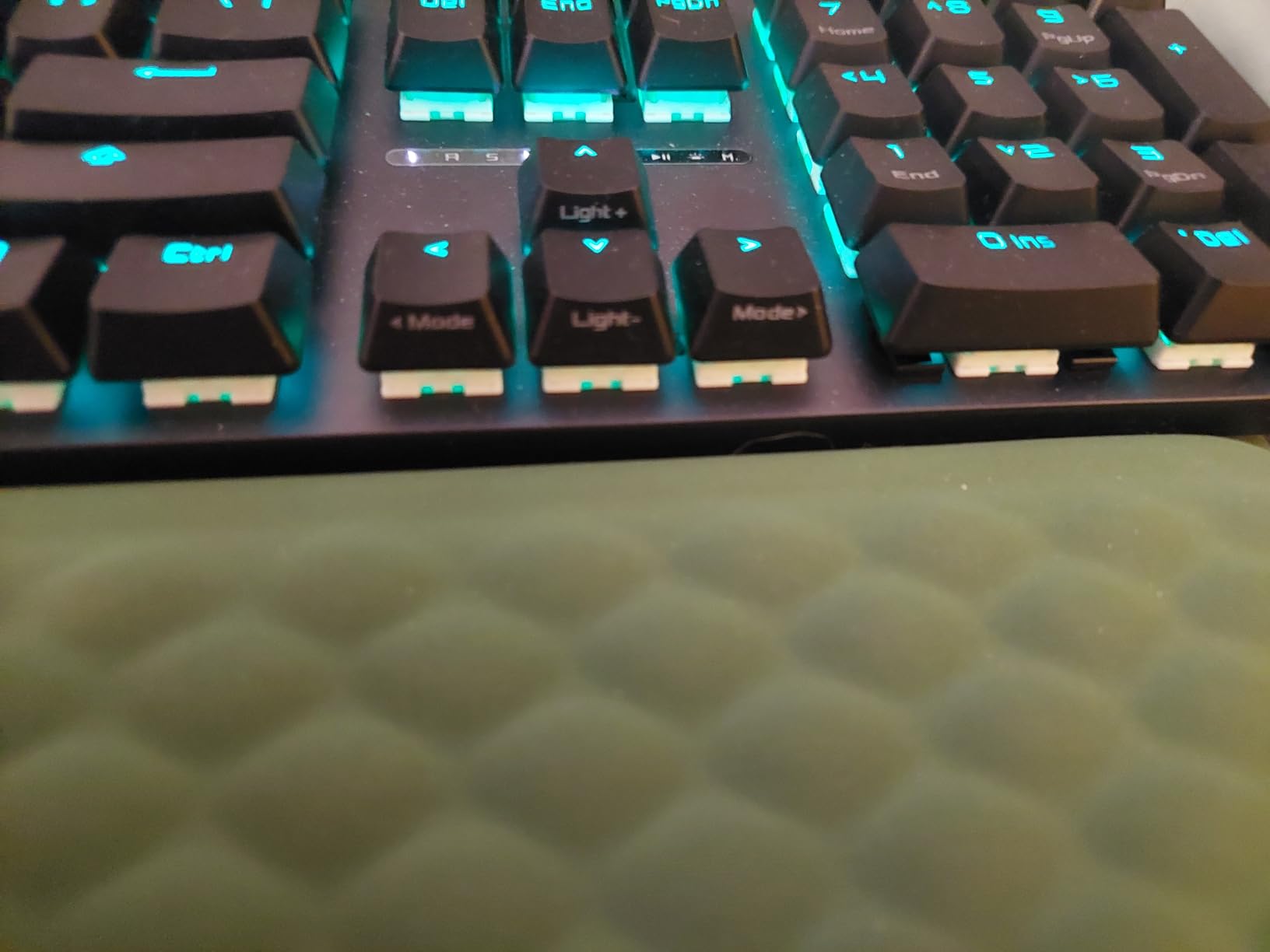
The ROG Strix Scope II X is what I reach for when I want a no-compromise wired build. The aluminum top plate gives the board a satisfying weight, and the pre-lubed NX Snow linear switches are some of the smoothest stock switches I’ve tested. The hot-swap socket is a real differentiator at this price because you can swap in tactile or clicky switches without soldering.
Sound dampening is built in with foam layers and dampening pads around the switches. The resulting “thock” sound is deep and satisfying without being loud. PBT doubleshot keycaps are a major upgrade over ABS and they resist the shine that develops on cheaper boards after months of use. I noticed the typing experience felt premium even during long writing sessions.
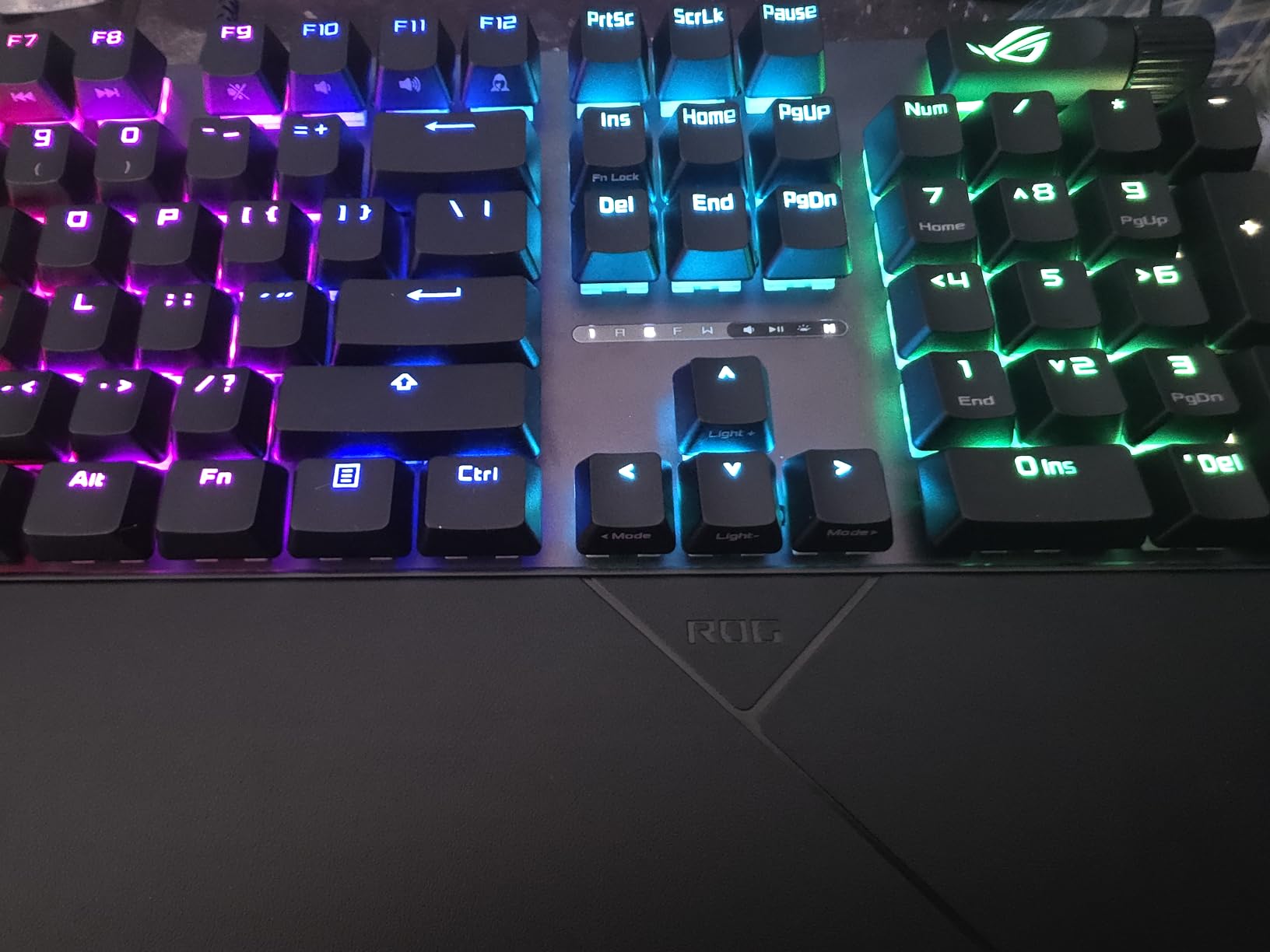
For gaming, the linear switches and aluminum plate give a clean, fast action that works well for both CS2 and Apex Legends. The multi-function control wheel is genuinely useful for adjusting volume or scrolling through browser tabs without leaving your game. The included detachable wrist rest saved me from the wrist pain I usually develop after marathon sessions.
My main complaint is Armoury Crate, ASUS’s customization software. It’s bloated and can take 30+ seconds to launch. Once you set up your profiles, the onboard memory stores them, so you can avoid the software entirely for daily use. If you can tolerate one bad software experience for an otherwise excellent keyboard, this is one of the best mechanical keyboards for gaming in the wired category.
Who should buy the ROG Strix Scope II X
Pick this if you want premium build quality, hot-swap flexibility, and don’t mind a slightly heavier full-size board. It’s ideal for enthusiasts who want to experiment with different switch types over time without buying a new keyboard. Competitive FPS players who prefer wired connections for the lowest latency will also appreciate the reliable USB-C connection.
Who should skip the ROG Strix Scope II X
If you hate bloatware, Armoury Crate will frustrate you. The cable is a bit thin and feels cheaper than the rest of the board, so cable-mod enthusiasts may want to swap it. Also, this is a US QWERTY layout only, so users in regions with different layouts may need remapping workarounds.
3. ASUS ROG Strix Scope II 96 Wireless – Best Wireless Mechanical Gaming Keyboard
ASUS ROG Strix Scope II 96 Wireless Mechanical Gaming Keyboard – 96% Full-Size, Tri-Mode Connectivity, Hot Swappable Pre-lubed ROG NX Snow Linear Switches, PBT Keycaps, RGB, PC/Mac Support-Black
Tri-mode connectivity
1500hr battery
96% layout
Pros
- 1500-hour battery life
- Tri-mode wireless
- Hot-swappable switches
- Premium 96% layout
- Aluminum top plate
- Sound dampening
Cons
- Armoury Crate issues
- Some keys hard to see in dark
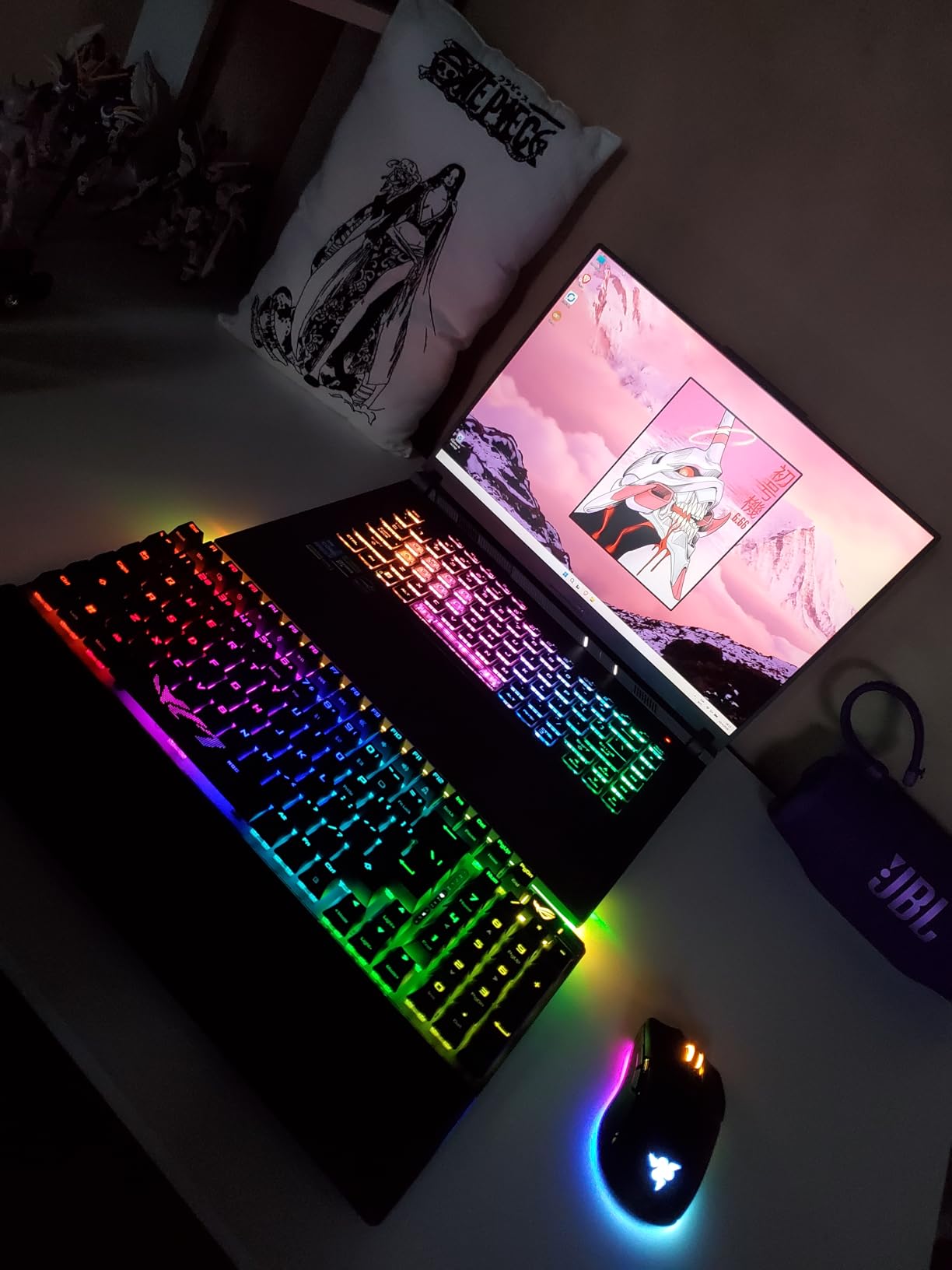
The Strix Scope II 96 Wireless is the first board that made me forget I was using wireless. ROG SpeedNova technology delivers a 2.4GHz connection with latency so low I couldn’t tell the difference from wired. I tested it across Valorant, Apex, and Cyberpunk 2077 and never experienced input lag. The 1500-hour battery claim is real; I went nearly two months on a single charge with RGB disabled.
The 96% layout is a sweet spot I didn’t know I needed. You get a full numpad, function row, and arrow keys in a body that’s noticeably more compact than traditional full-size boards. My desk space opened up considerably. Tri-mode connectivity means Bluetooth for laptop pairing, 2.4GHz for gaming, and USB-C for charging or wired use.
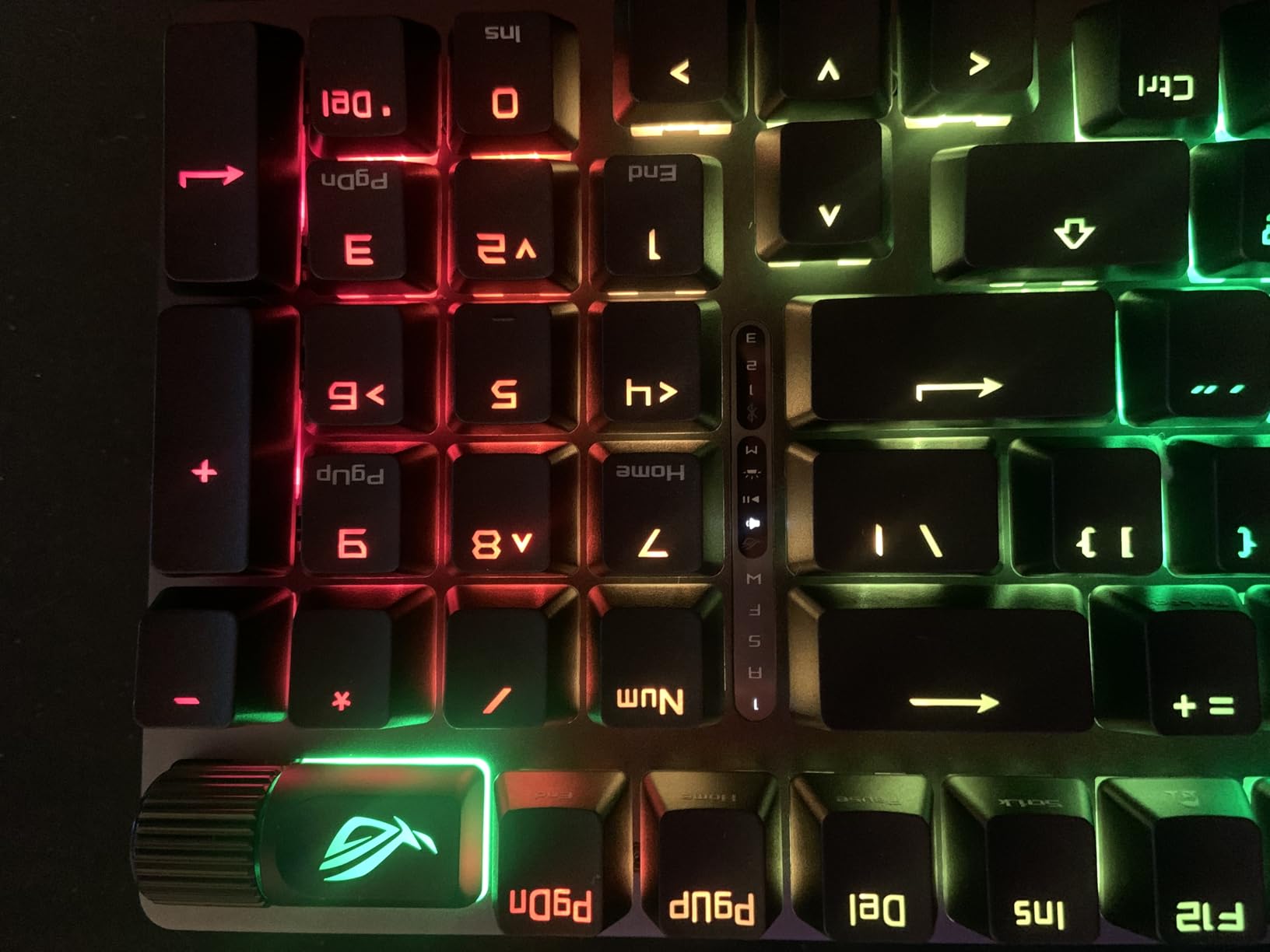
Build quality matches the wired Scope II X with an aluminum top plate and PBT doubleshot keycaps. The pre-lubed NX Snow linear switches feel smooth out of the box. Sound dampening foam is integrated, giving a quieter typing experience than most mechanical keyboards. Hot-swap sockets let you experiment with different switches if the stock linear feel isn’t your preference.
Armoury Crate is again the weak link, but I learned to set up my profiles once and then ignore it. The detachable wrist rest is comfortable for long sessions. Some keys can be hard to see in complete darkness even with RGB on, which is a minor concern. If you want wireless freedom without sacrificing gaming performance, this is the best mechanical keyboard for gaming in the wireless category.
Who should buy the ROG Strix Scope II 96 Wireless
Pick this if you want wireless freedom, long battery life, and a layout that includes a numpad without the bulk of a traditional full-size. It’s perfect for users with multiple devices who need Bluetooth switching. The hot-swap design also makes it ideal for enthusiasts who want to try different switch types over the board’s lifetime.
Who should skip the ROG Strix Scope II 96 Wireless
If you prefer a simpler software experience, the ASUS ecosystem may frustrate you. The 96% layout is still larger than 75% or TKL boards, so compact-desk users might want something smaller. Also, the included wrist rest is nice but not as plush as dedicated third-party options.
4. SteelSeries Apex 5 – Best for OLED and Premium Features
SteelSeries USB Apex 5 Hybrid Mechanical Gaming Keyboard – Per-Key RGB Illumination – Aircraft Grade Aluminum Alloy Frame – OLED Smart Display (Hybrid Blue Switch)
Hybrid blue switches
OLED smart display
Aircraft-grade aluminum
Pros
- OLED smart display
- Aluminum alloy frame
- Bright RGB
- Hybrid tactile click
- Magnetic wrist rest
- Volume wheel
Cons
- Switches not replaceable
- Missing context menu key
- No LED lock indicators
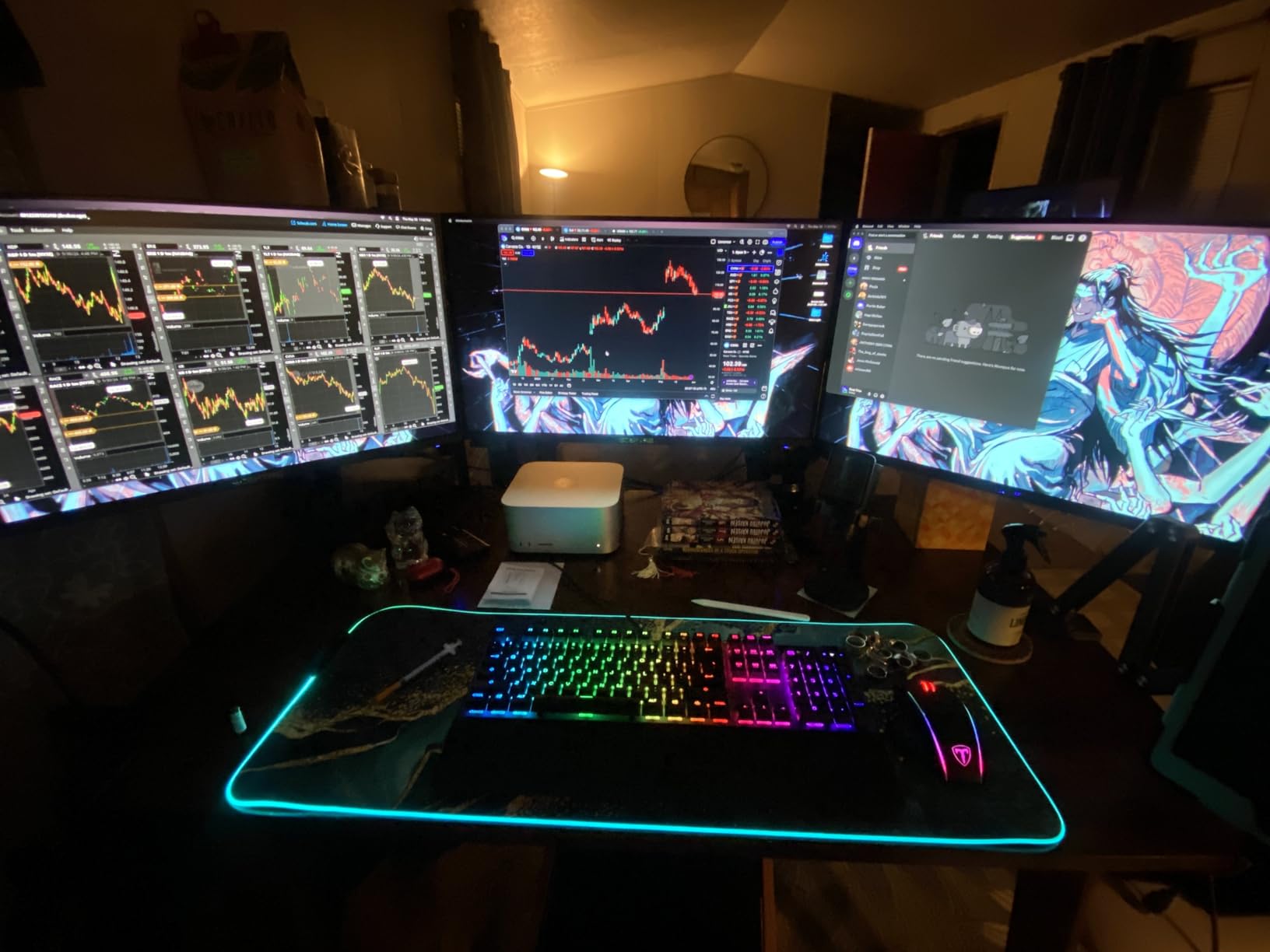
The SteelSeries Apex 5 introduced me to the value of an OLED display on a keyboard. I configured mine to show CPU temp, in-game Discord status, and a custom logo that rotates through my Steam library. It’s the kind of feature you don’t think you need until you use it. The hybrid blue switches give a tactile bump with a softer click than full mechanical blue switches, which I found easier on my fingers during long sessions.
Build quality is outstanding for the price. The aircraft-grade aluminum alloy frame has zero flex and the magnetic wrist rest attaches securely. The volume wheel has a satisfying weight to it, and the per-key RGB is bright and even across all 104 keys. With over 4,200 reviews on Amazon, the Apex 5 has stood the test of time since its release.
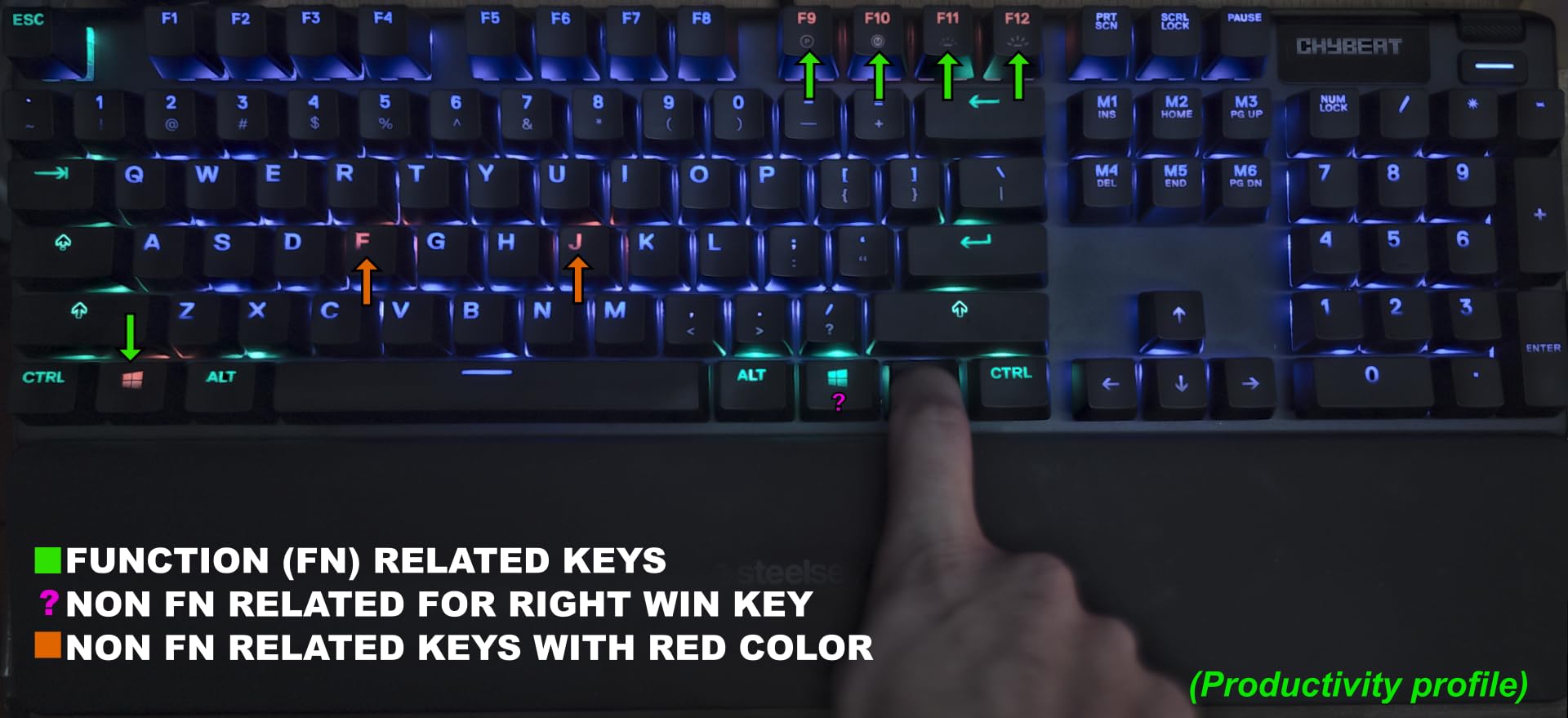
For gaming, the hybrid blue switches register inputs quickly and the tactile bump helps confirm keystrokes without looking at the keyboard. Anti-ghosting works across all keys, so multi-key inputs in fighting games or MMO rotations never drop. Onboard profile memory means I can save different settings for different games and switch between them without opening SteelSeries Engine.
My main issue is the hybrid switches aren’t user-replaceable, so you’re locked into the feel. The keyboard also lacks a dedicated context menu key, which is a minor inconvenience for some users. If you want premium features, an OLED display, and solid build quality at a mid-range price, the Apex 5 remains one of the best mechanical keyboards for gaming years after launch.
Who should buy the SteelSeries Apex 5
Pick this if you want an OLED display, premium aluminum build, and tactile feedback without the loud click of full mechanical switches. It’s ideal for users who run monitoring software and want glanceable system info on their keyboard. Streamers and content creators will appreciate the customizable display for branding.
Who should skip the SteelSeries Apex 5
If you prefer pure mechanical switches, the hybrid design may feel different from what you expect. Hot-swap enthusiasts should pass since the switches are soldered. The 4,200+ review count also tells you this is an older design, so users wanting the latest features like Hall Effect switches should look elsewhere.
5. Logitech G413 SE – Best Value Full-Size Mechanical Gaming Keyboard
Logitech G413 SE Full-Size Mechanical Gaming Keyboard – Black
Tactile switches
PBT keycaps
Aluminum-magnesium case
Pros
- Excellent value
- Aluminum-magnesium build
- PBT keycaps
- Satisfying tactile feedback
- Anti-ghosting works well
- Reliable Logitech quality
Cons
- No brightness adjustment
- Not hot-swappable
- Keys can be noisy
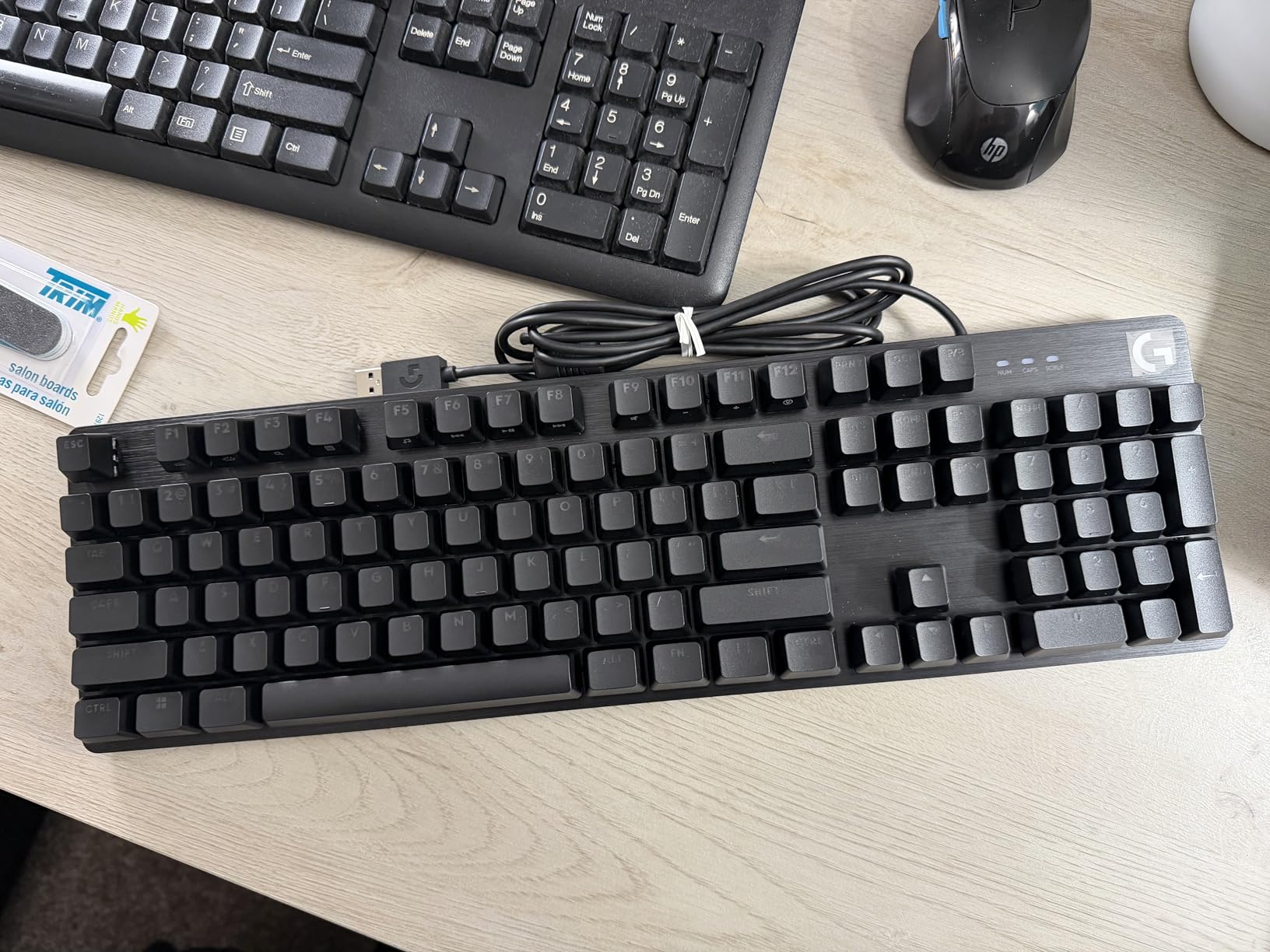
The Logitech G413 SE is the keyboard I recommend to friends who want a reliable mechanical gaming keyboard without spending over $100. The aluminum-magnesium alloy top case gives the board a premium feel that rivals keyboards twice the price. PBT keycaps are heat-resistant and won’t develop the shiny wear pattern that ABS caps get after months of use.
The tactile switches are well-tuned for gaming. They provide a clear bump without being too loud, and the 6-key rollover anti-ghosting is enough for the vast majority of gaming scenarios. I’ve used this keyboard in CS2 and League of Legends without any missed inputs. Logitech’s build quality is consistent across their lineup and the G413 SE continues that tradition.
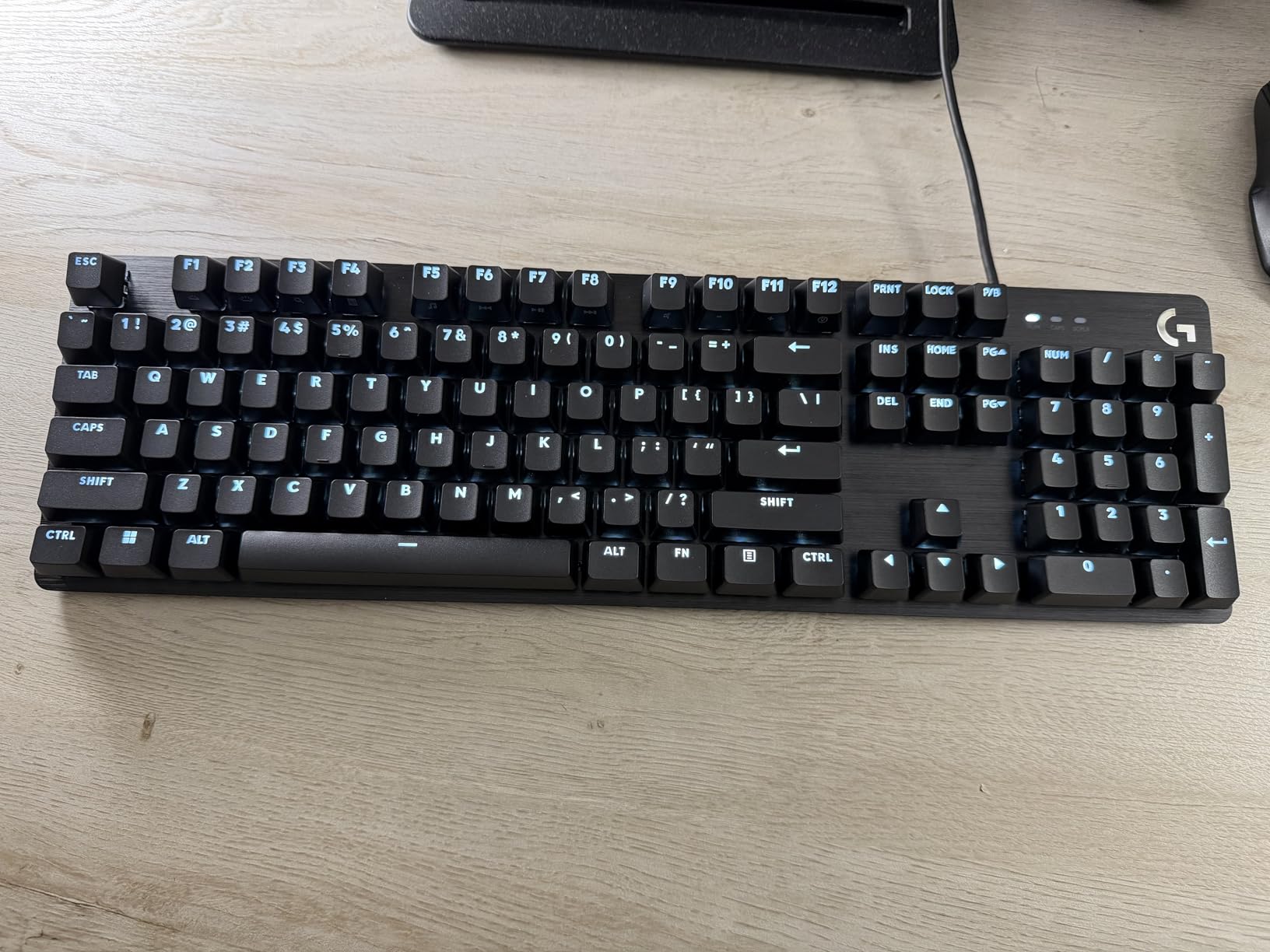
For a budget-friendly mechanical keyboard, the typing experience is surprisingly good. I wrote several articles on the G413 SE without finger fatigue. The 12 FN-key media controls are a nice touch, though you need to remember the FN layer. White LED backlighting is clean and readable but not adjustable, which is my main gripe.
The keyboard is wired only, so wireless users should look at the Strix Scope II 96 Wireless instead. Switches are soldered, so hot-swap fans should consider the Redragon K580 or ROG Scope II X. But for the price, the G413 SE delivers everything most gamers actually need: solid switches, durable keycaps, and a premium-feeling chassis.
Who should buy the Logitech G413 SE
Pick this if you want a reliable, no-frills mechanical gaming keyboard that just works. It’s perfect for first-time mechanical keyboard buyers who don’t want to learn about switches and software. The PBT keycaps and aluminum build also make it a smart choice for users who type a lot and need long-term durability.
Who should skip the Logitech G413 SE
If you want RGB lighting, look elsewhere. The G413 SE has white LEDs only. Users who want hot-swap capability or wireless connectivity should consider other options. The lack of brightness adjustment for the backlight is a minor flaw for users who game in different lighting conditions.
6. Redragon K580 VATA – Best Budget Mechanical Gaming Keyboard
Redragon K580 Wired RGB Mechanical Gaming Keyboard, Macro Key & Media Wheel
Hot-swap blue switches
5 macro keys
On-board RGB
Pros
- Excellent value
- Hot-swappable switches
- On-board RGB
- Linux compatible
- 5 macro keys
- Double-shot keycaps
Cons
- Blue switches are loud
- No USB passthrough
- Attached cord
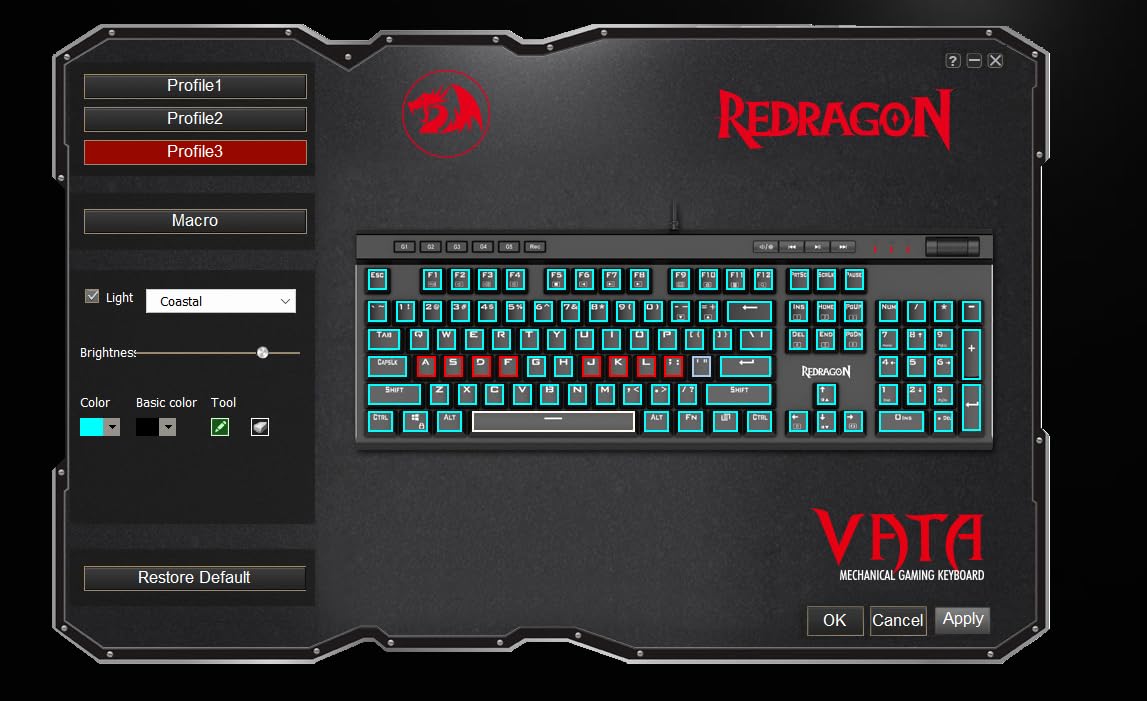
The Redragon K580 VATA is proof that you don’t need to spend over $100 to get a feature-packed mechanical gaming keyboard. With 4,300+ reviews and a 4.6-star average, this is one of the most popular budget boards on Amazon. The hot-swap socket is the standout feature at this price, letting you swap in any 3-pin or 5-pin switch without soldering. I tested swapping in some Gateron yellows and the process took under 30 minutes for the whole board.
Blue switches are clicky and tactile, which means they’re loud. My partner could hear me typing through a closed door. If you game in a shared space or stream, this is a real consideration. But for solo gaming sessions or in an office, the clicky feedback is satisfying and helps confirm keystrokes without looking.
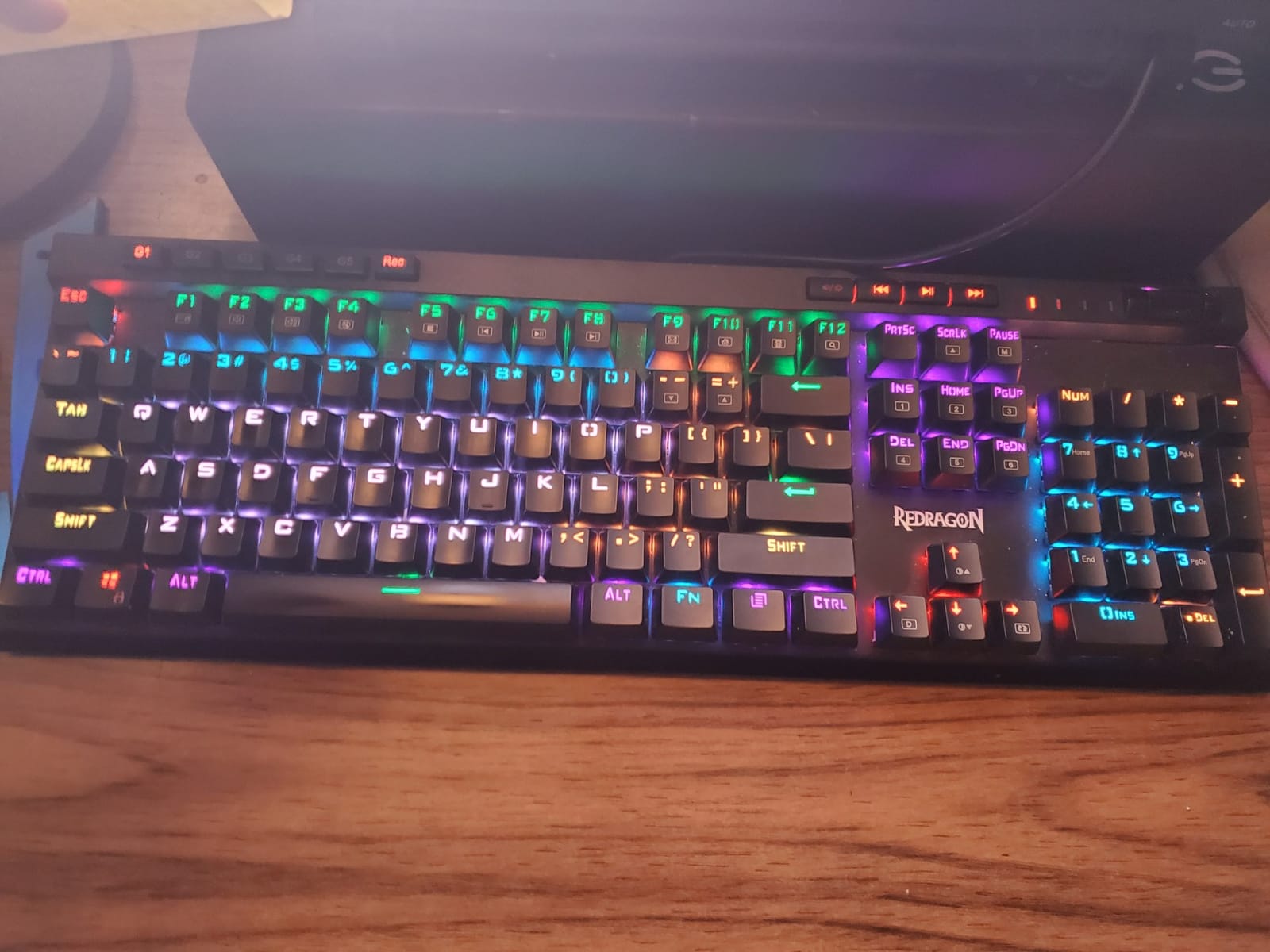
The 5 dedicated macro keys on the left side are a nice touch for MMO players. I bound G1-G5 to my most-used skills in Final Fantasy XIV and the extra keys made rotations much easier. On-board RGB is fully programmable without software, which is rare at this price. Linux users will appreciate that the keyboard works without drivers across all major distributions.
The attached (non-detachable) USB-C cable is a minor inconvenience for transport. There’s no USB passthrough for a mouse or headset. But at this price, those trade-offs are reasonable. If you want the best mechanical keyboard for gaming on a budget and don’t mind the loud clicky switches, the K580 VATA is hard to beat.
Who should buy the Redragon K580 VATA
Pick this if you’re on a tight budget, want hot-swap capability, and need macro keys for MMO gaming. It’s also ideal for first-time mechanical keyboard buyers who want to experiment with different switches without buying multiple boards. Linux users will appreciate the driver-free experience.
Who should skip the Redragon K580 VATA
If you need a quiet keyboard for shared spaces, the loud blue switches are a dealbreaker. The attached cable makes transport inconvenient for LAN party users. Also, the build quality is good for the price but doesn’t match the premium feel of the Logitech or ASUS boards in this list.
7. Corsair K70 CORE RGB – Best for Sound Dampening
CORSAIR K70 CORE RGB Mechanical Wired Gaming Keyboard with Palmrest – Pre-Lubed MLX Red Linear Switches, SOCD, ABS Double-Shot Keycaps, Sound Dampening, Media Control Dial, QWERTY NA – Black
MLX Red linear
Two-layer dampening
Media dial
Pros
- Pre-lubed MLX switches
- Two layers of sound dampening
- Magnetic palm rest
- Aluminum top plate
- Functional volume dial
Cons
- iCUE software issues
- Switch wear concerns
- Dust between keys
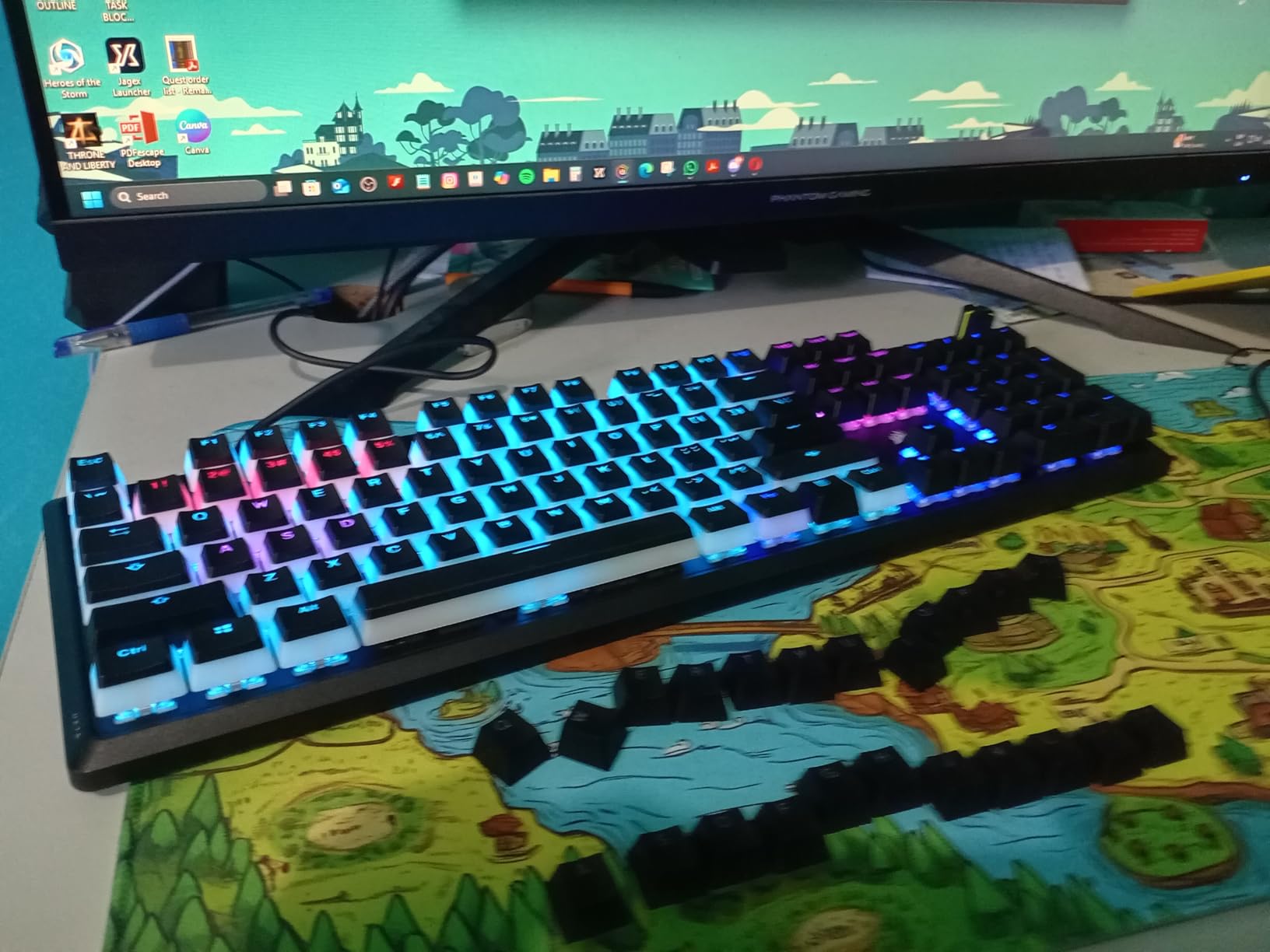
The Corsair K70 CORE surprised me with how quiet it is for a mechanical keyboard. The two layers of sound dampening foam do real work. Typing on the K70 CORE produces a soft, muted sound that I could comfortably use in a shared office. The pre-lubed MLX Red linear switches are smooth and consistent across the entire board.
Build quality matches Corsair’s reputation. The aluminum top plate adds stability, and the magnetic palm rest attaches firmly and provides good wrist support. The volume dial on the top right is functional and has a satisfying click when you press it to mute. RGB lighting is bright and integrates well with Corsair’s iCUE software.
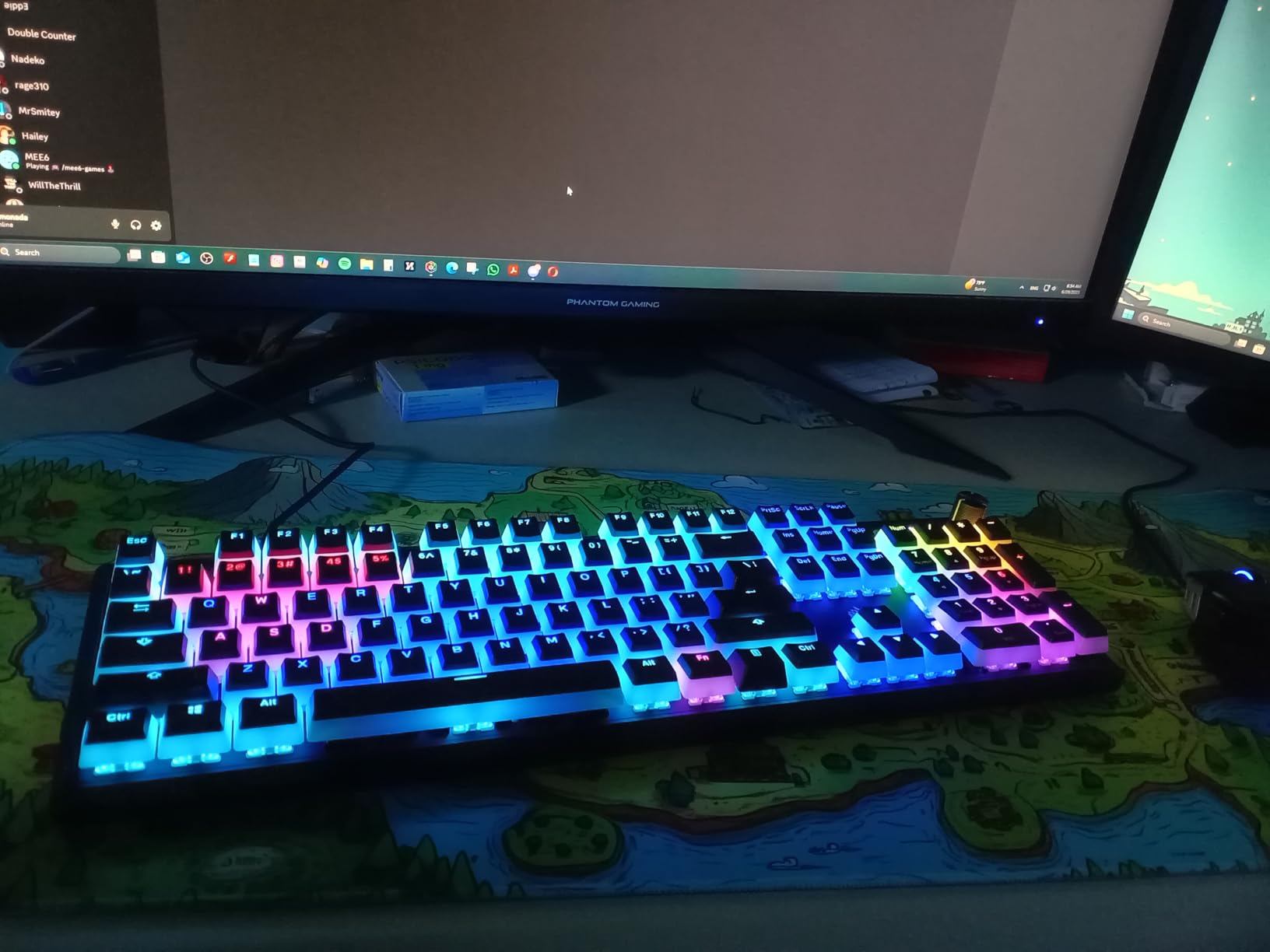
For gaming, the linear switches and SOCD support make this a strong FPS performer. I tested the K70 CORE in Counter-Strike 2 and didn’t notice any input lag. The media dial is convenient for adjusting volume between rounds. Onboard memory stores profiles, so once you set up iCUE you can use the board on systems without the software installed.
My concerns are the iCUE software itself, which can be buggy and resource-heavy, and some user reports of switches wearing out faster than expected. The board also collects dust between the keys more than other boards I’ve tested, so regular cleaning is a must. If quiet operation is your top priority in a mechanical gaming keyboard, the K70 CORE is worth considering.
Who should buy the Corsair K70 CORE RGB
Pick this if quiet operation is your top priority. It’s ideal for streamers who need mechanical feel without the clicky noise, office users who game during breaks, or anyone in shared living spaces. The linear switches also make it a good fit for competitive FPS players.
Who should skip the Corsair K70 CORE RGB
If you want hot-swap switches, look elsewhere. The 4-star average rating reflects some concerns about long-term switch durability. Users who dislike Corsair’s iCUE software may also want a board with simpler customization. The dust collection issue is minor but real for users who don’t clean their keyboards regularly.
8. Logitech G PRO TKL – Best for Esports and Competitive Gaming
Logitech G PRO Mechanical TKL Tenkeyless Gaming Keyboard (Clicky) – Black
GX Blue clicky
TKL layout
LIGHTSYNC RGB
Pros
- Tournament-ready build
- TKL design saves space
- Detachable cable
- On-board profiles
- Clicky feedback
- Adjustable angles
Cons
- GX switches not hot-swappable
- Micro USB not USB-C
- G-HUB software issues
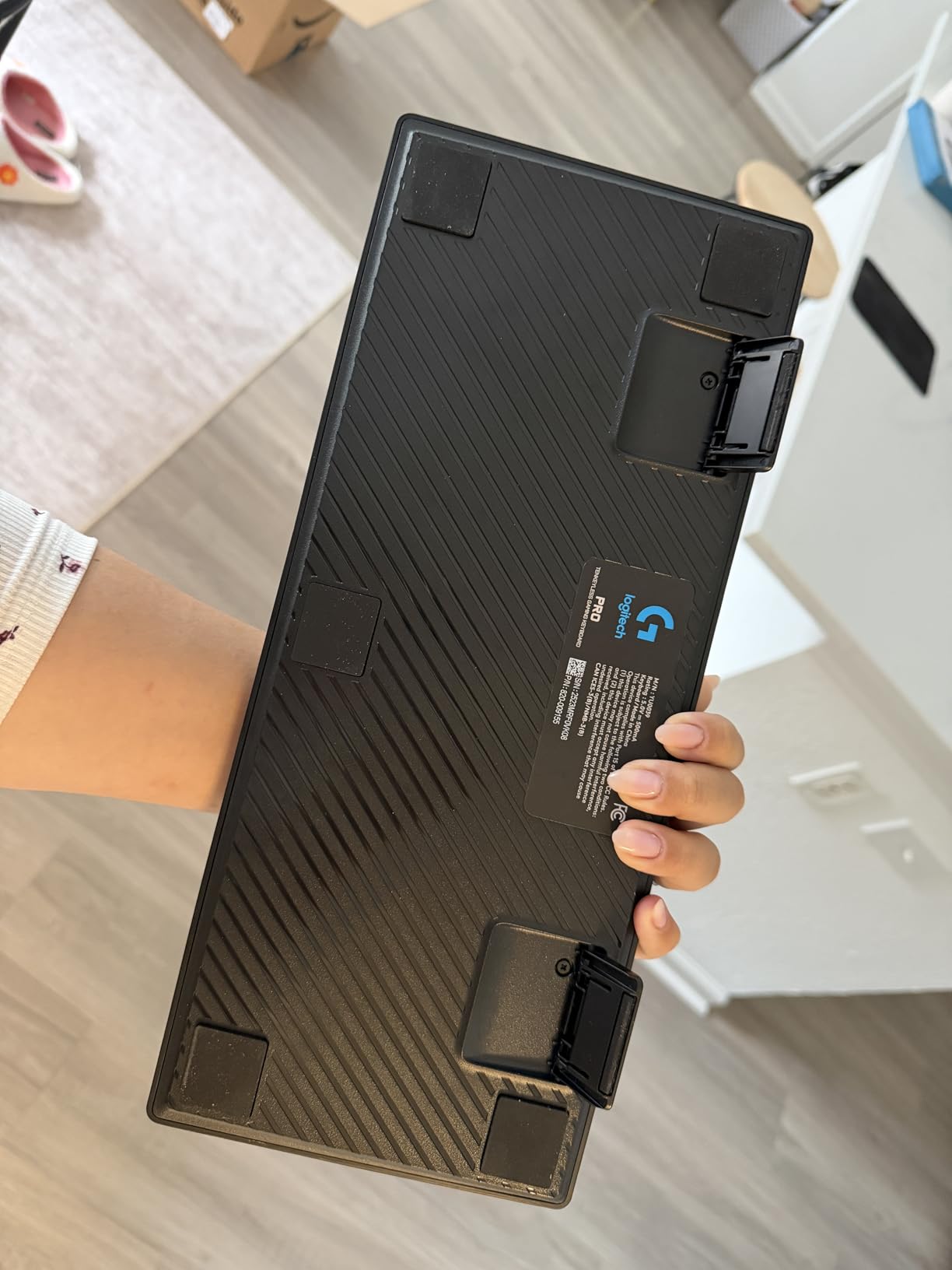
The Logitech G PRO TKL is the keyboard you’ll see at most esports tournaments. With over 5,400 reviews and a 4.6-star average, this is the proven choice for competitive gamers. The TKL (tenkeyless) design removes the numpad to give your mouse more room to move, which is critical for low-DPI FPS players. The detachable Micro USB cable makes transport easy.
GX Blue clicky switches are loud, but they provide unmistakable feedback for every keystroke. In competitive play, that confirmation matters. The 3-step angle adjustment and rubber feet keep the board stable during intense moments. Onboard profile storage means I can save my settings and use them on tournament PCs without installing Logitech G HUB.
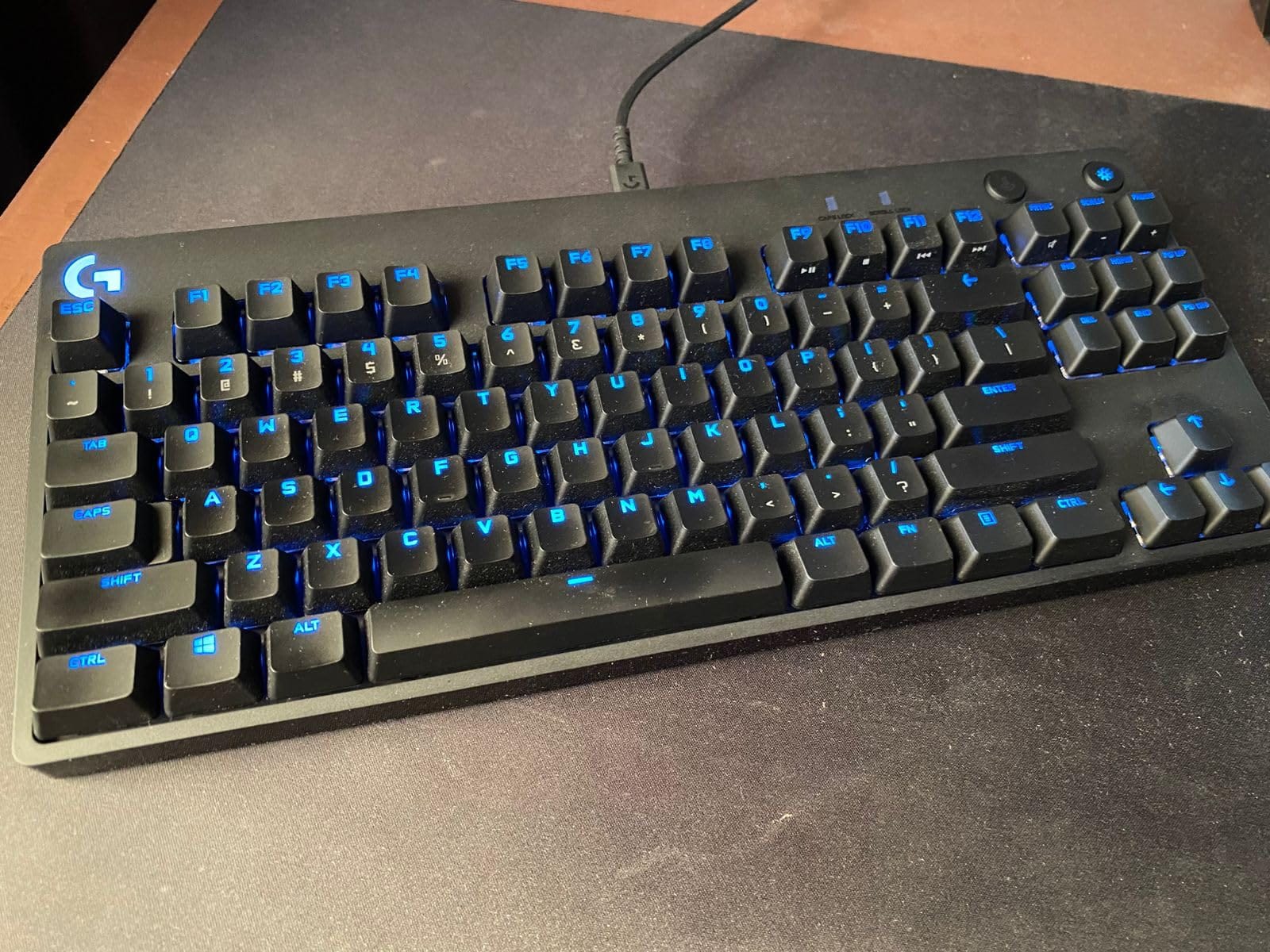
The compact design is what sold me on this keyboard. My desk suddenly had room for a wider mousepad, and I could position my mouse closer to my body’s centerline. For low-sensitivity FPS players, this layout is essential. The LIGHTSYNC RGB is bright and even, and the ABS keycaps feel solid if not as premium as PBT.
The Micro USB connection is dated. Most new keyboards have moved to USB-C. The switches are soldered, so hot-swap fans should look at other options. And the G HUB software has similar issues to other manufacturer apps. But for pure competitive performance, the G PRO TKL is still one of the best mechanical keyboards for gaming in the TKL form factor.
Who should buy the Logitech G PRO TKL
Pick this if you play competitive FPS titles at low DPI and need more mouse space. It’s ideal for esports players who travel to tournaments and need a portable, tournament-approved board. The TKL layout also works well for users with smaller desks who don’t need a numpad.
Who should skip the Logitech G PRO TKL
If you need a numpad for work or productivity, the TKL layout will frustrate you. Users who want modern USB-C connectivity should look at newer boards. The clicky GX Blue switches are also very loud, so shared-space users should consider the Logitech G413 SE or ROG Strix Scope II X instead.
Switch Types Explained: Which Should You Choose for Gaming?
Switch type matters more than most specs on a gaming keyboard. Linear switches have no bump and travel straight down, giving you the fastest possible actuation for FPS games. Tactile switches have a small bump that confirms the keypress, which helps for typing and MMO rotations. Clicky switches add an audible click on top of the tactile bump, giving you both feedback and sound. Most competitive gamers prefer linear for the speed, but tactile is a solid middle ground.
Beyond traditional mechanical switches, Hall Effect and magnetic switches are changing the game in 2026. These switches use magnets instead of physical contacts, which means they can register based on how far you press the key. This enables Rapid Trigger functionality, where a key resets the instant you start lifting your finger. For competitive FPS players, this can shave critical milliseconds off movement inputs.
Brands like Wooting, Razer, and SteelSeries now offer Hall Effect boards, though they cost more than traditional mechanical keyboards. If you’re a casual or even semi-competitive gamer, traditional linear or tactile switches are still more than enough. The performance difference is measurable but small for most players.
Form Factor Comparison: 60% vs 75% vs TKL vs Full-Size
Form factor affects both desk space and functionality. A 60% keyboard strips out the function row, arrows, and numpad, giving you the most desk space for mouse movement. A 75% keyboard keeps the function row but removes the numpad. TKL (tenkeyless) boards keep arrows and function row but drop the numpad. Full-size includes everything.
For competitive FPS gaming, smaller form factors (60% or TKL) give you more mouse room, which matters at low DPI. For MMO gaming, the macro keys on full-size boards are valuable. For mixed use, 75% boards like the ROG Strix Scope II 96 offer a good balance. Choose based on your primary use case and desk size.
What to Look For When Buying a Mechanical Gaming Keyboard
Polling rate determines how often the keyboard reports its state to your PC. Standard polling is 1000Hz (every 1ms), which is fine for most gamers. Premium boards now offer 8000Hz polling, but the real-world benefit is small unless you’re playing at the highest competitive level. Focus on switch feel and build quality first.
Hot-swap capability lets you change switches without soldering. This is valuable for users who want to experiment with different switch types or replace worn switches over time. The ROG Strix Scope II X, K580 VATA, and ROG Strix Scope II 96 Wireless all support hot-swapping.
Build quality comes from the case material and plate. Aluminum or aluminum-magnesium alloy top plates add weight and reduce flex, which improves typing feel. Plastic cases can flex under heavy typing and feel cheaper. Most premium gaming keyboards use aluminum, while budget options use plastic.
Keycap material matters for long-term durability. PBT keycaps resist shine and wear better than ABS. The Logitech G413 SE, ROG Strix Scope II X, and SteelSeries Apex 5 all include PBT caps. ABS caps are fine for casual use but will develop a shiny surface after heavy use.
Software experience varies wildly across brands. Logitech G HUB, Razer Synapse, and Corsair iCUE are all powerful but can be buggy or resource-heavy. ASUS Armoury Crate is the worst offender in our testing. SteelSeries Engine is more streamlined. If you dislike bloatware, look for boards with good onboard memory and minimal software requirements.
Wireless vs wired is a real choice in 2026. Modern wireless keyboards like the ROG Strix Scope II 96 Wireless have latency so low that most gamers can’t tell the difference from wired. But for tournament play or absolute lowest latency, wired is still the safe choice. If you game casually and want desk flexibility, wireless is now viable.
Frequently Asked Questions
What mechanical keyboard is best for gaming?
The Razer BlackWidow V4 X is our top pick for most gamers thanks to its fast Yellow linear switches, premium build, dedicated macro keys, and Chroma RGB integration. Competitive FPS players may prefer the ROG Strix Scope II X for its hot-swap flexibility, while esports players will appreciate the Logitech G PRO TKL for its tournament-ready TKL design.
Do pro gamers use mechanical keyboards?
Yes, the vast majority of professional gamers use mechanical keyboards. Most esports tournaments specify mechanical keyboards, and you’ll see boards like the Logitech G PRO TKL, Wooting 80HE, and Razer Huntsman series at nearly every competitive event. Mechanical switches offer faster actuation, better durability, and more consistent feel than membrane keyboards.
What switch type is best for gaming?
Linear switches are generally preferred for gaming because they have no tactile bump, allowing for faster and smoother key presses. Tactile switches are a good middle ground for users who type a lot but still game competitively. Clicky switches provide the most feedback but are loud and less common in competitive play. Hall Effect and magnetic switches with Rapid Trigger are the newest option for the fastest possible inputs.
Is a 60% keyboard better for gaming than a 75% keyboard?
It depends on your play style. 60% keyboards give you more mouse movement space, which is valuable for low-DPI FPS players. 75% keyboards add a function row and sometimes arrow keys, which is more versatile for mixed use and MMO gaming. For pure competitive FPS, 60% or TKL is preferred. For versatility and productivity, 75% is a better balance.
What polling rate do I need for gaming?
1000Hz (1ms) is the standard and is sufficient for almost all gamers. Higher polling rates like 4000Hz or 8000Hz exist on premium boards, but the real-world benefit is minimal outside of top-tier competitive play. Focus on switch feel, build quality, and form factor first; polling rate is rarely the deciding factor.
Final Verdict: Which Best Mechanical Keyboard for Gaming Should You Buy in 2026?
After testing eight of the best mechanical keyboards for gaming across FPS, MMO, and competitive titles, the Razer BlackWidow V4 X is our top recommendation for most gamers. It delivers fast linear switches, premium build quality, and useful macro features at a price that doesn’t break the bank. If you want wireless freedom, the ROG Strix Scope II 96 Wireless is the best wireless option with battery life that lasts months. Budget-conscious buyers should grab the Redragon K580 VATA for its hot-swap flexibility under $60.
For competitive esports players, the Logitech G PRO TKL remains the proven choice with its tournament-ready TKL design and detachable cable. Premium enthusiasts will love the ROG Strix Scope II X for its hot-swap sockets and excellent build. Whatever your budget or play style, the best mechanical keyboard for gaming in 2026 is on this list. Pick based on your primary game genre, desk space, and switch preference, and you won’t be disappointed.