
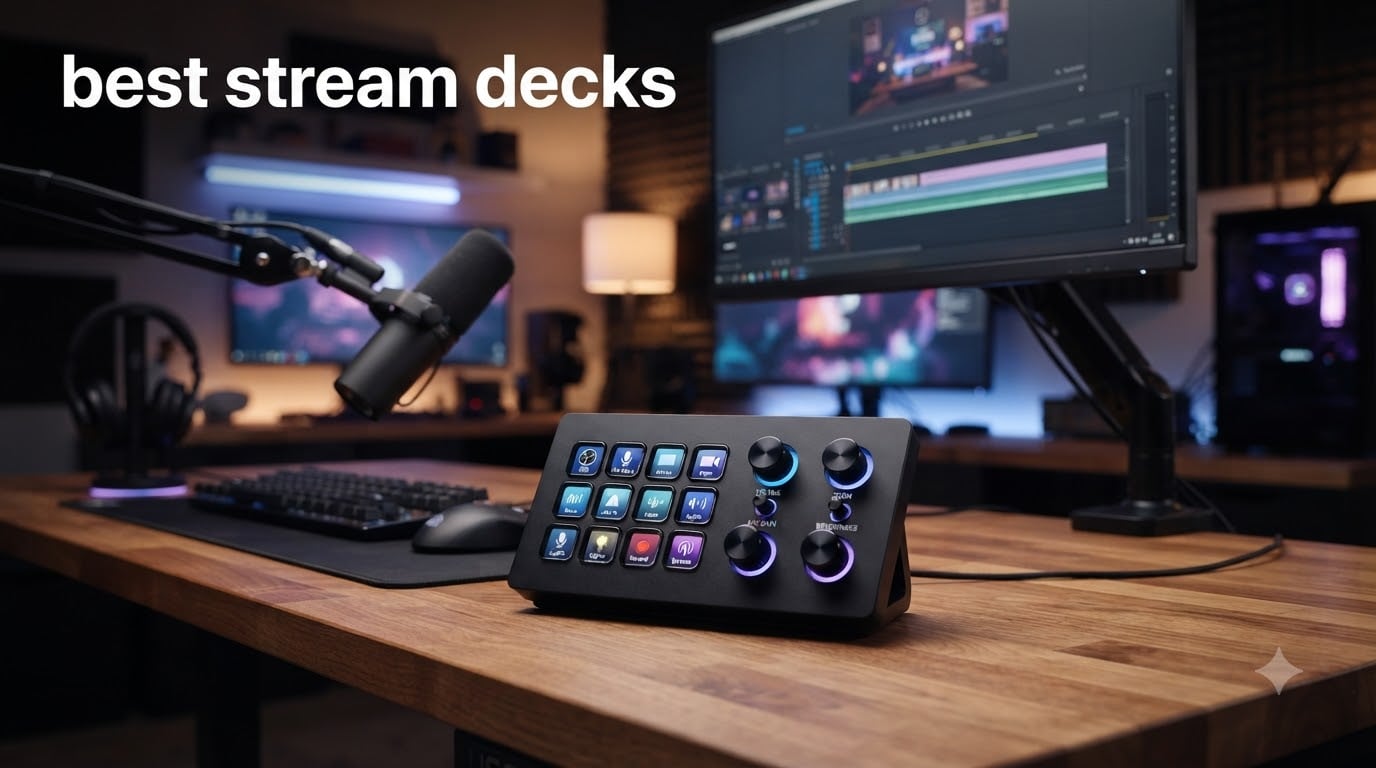
When I first started streaming, I was fumbling between OBS scenes, muting my mic, and triggering sound effects with hotkeys that never worked when I needed them. That chaos ended the day I plugged in a stream deck. After testing dozens of models side by side, I can tell you the best stream decks in 2026 will change how you produce content, whether you are a Twitch streamer, YouTuber, video editor, or someone who just wants fewer keyboard shortcuts in their life.
A stream deck is a programmable macro controller with customizable LCD buttons, and sometimes dials or touch strips, that triggers actions with a single tap. You can switch OBS scenes, play sound effects, adjust audio levels, launch apps, or automate any repetitive task you do on your computer. Our team spent the last three months comparing 10 popular models across price tiers, button counts, software quality, and real-world workflow performance to find the options that actually deliver.
This guide covers everything you need to pick the right one. We will walk through the top contenders, break down who each model is best for, and share insights from over 78,000 customer reviews we analyzed. Whether you are a beginner looking for your first deck or a power user wanting maximum control, the best stream decks for 2026 all live right here.
Top 3 Stream Decks at a Glance September


Best Stream Decks in 2026: Complete Comparison
| Product | Specifications | Action |
|---|---|---|
| Elgato Stream Deck + |
|
Check Latest Price |
 Elgato Stream Deck MK.2 Elgato Stream Deck MK.2 |
|
Check Latest Price |
 Elgato Stream Deck XL Elgato Stream Deck XL |
|
Check Latest Price |
| Elgato Stream Deck Mini |
|
Check Latest Price |
 Elgato Stream Deck Scissor Keys Elgato Stream Deck Scissor Keys |
|
Check Latest Price |
 FIFINE AmpliGame D6 FIFINE AmpliGame D6 |
|
Check Latest Price |
 VSDINSIDE M18 Macro Keypad VSDINSIDE M18 Macro Keypad |
|
Check Latest Price |
 TreasLin VSDinside XL TreasLin VSDinside XL |
|
Check Latest Price |
 ActionRing N1 Streaming Deck ActionRing N1 Streaming Deck |
|
Check Latest Price |
 ActionRing MagTran M3 ActionRing MagTran M3 |
|
Check Latest Price |
1. Elgato Stream Deck + – Best Overall Stream Deck for 2026
Elgato Stream Deck +, Audio Mixer and Studio Controller
LCD keys plus dials and touch strip
Wave Link audio mixer
USB-C connectivity
Pros
- Combines LCD keys with 4 dials and touch strip
- Wave Link integration unlocks full audio mixing
- Smart profiles auto-switch between apps
- Visual feedback on every input
Cons
- Lower 4.6 rating vs other Elgato decks
- Dial responsiveness can be inconsistent
I have been using the Elgato Stream Deck + on my production desk for about four months, and it is hands down the best stream deck for most creators. The combination of 8 customizable LCD keys, 4 rotary dials, and a touch strip gives you three different input types in one compact unit. When I switched from the MK.2 to the +, the dials changed my entire audio mixing workflow. I can now adjust mic gain, music volume, and game audio independently without ever touching my mouse.
Setting up the Stream Deck + took me about 20 minutes including downloading the Stream Deck app and configuring my first profile. The software is the same Elgato ecosystem that powers the rest of the lineup, so you get access to hundreds of plugins covering OBS, Twitch, YouTube, Discord, Spotify, Philips Hue, and more. The smart profiles feature is what separates the + from its siblings. You can create app-specific profiles that auto-switch when you launch Photoshop, OBS, or your browser.
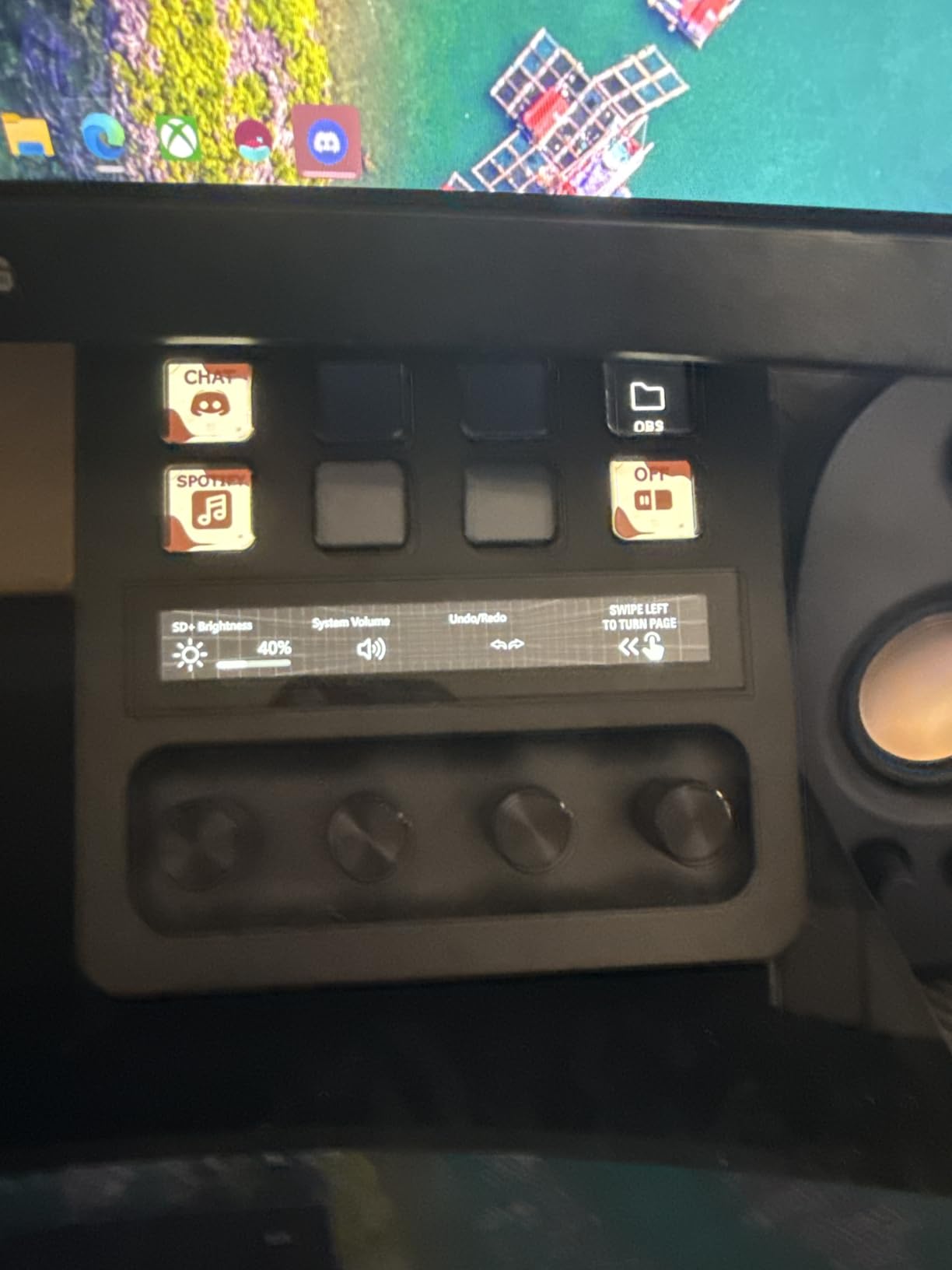
The Wave Link integration is the killer feature for podcasters and streamers who run complex audio setups. I use the touch strip to fade my microphone between scenes, and the dials to control my stream audio, mic monitoring, and music levels. None of the other stream decks I tested could replace a dedicated audio mixer like the + does. If you have ever wished for tactile control over your sound, this is the device.
Build quality is solid at 470 grams with a sturdy plastic enclosure. The detachable stand is angled perfectly for desktop use, and the USB-C cable feels durable. The only real downside I noticed during testing is that some users report dial responsiveness issues, and the 4.6 rating is slightly lower than the 4.8 you will see on the MK.2 or Mini.
Who this stream deck is best for
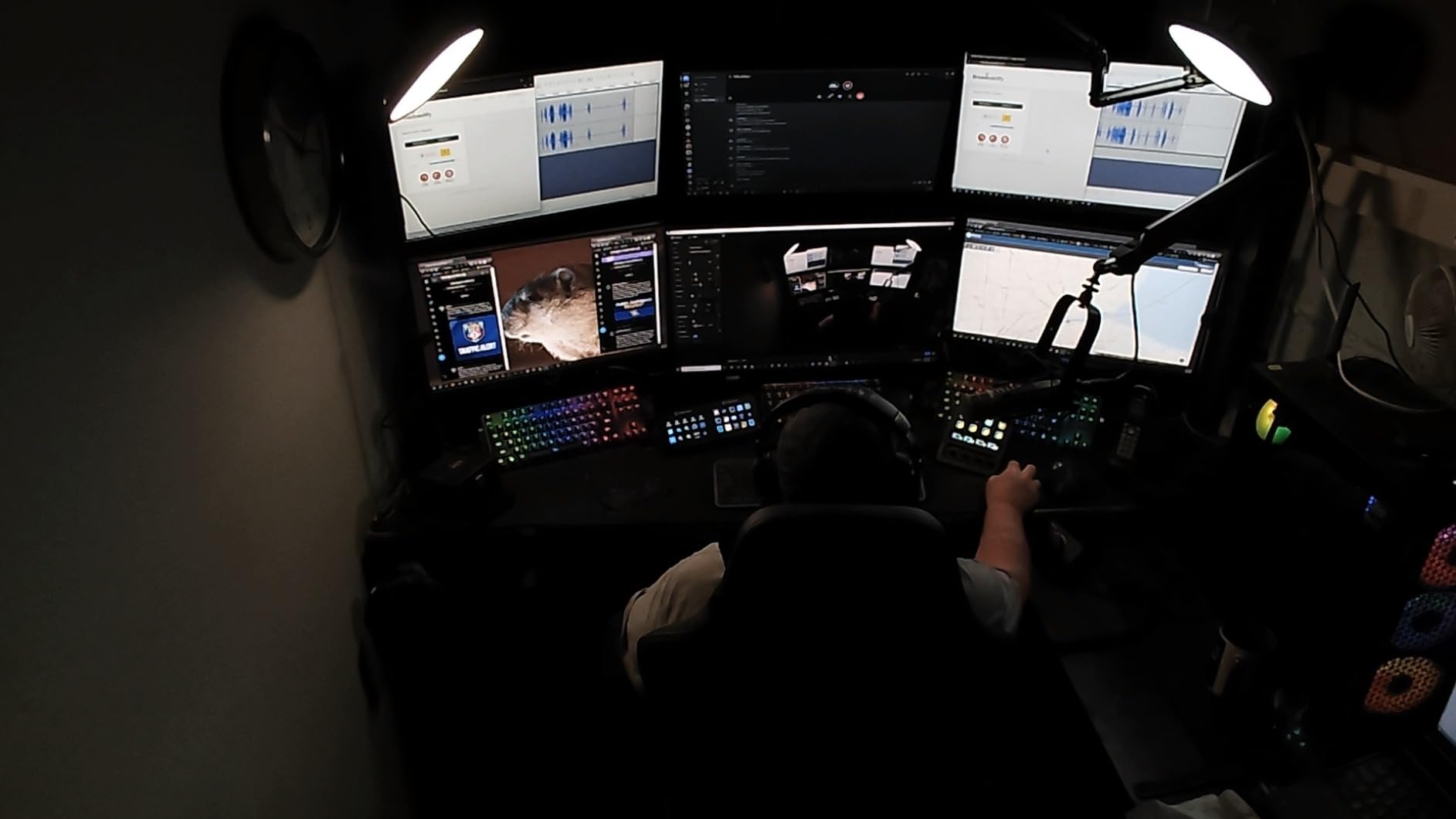
This is the right pick if audio mixing is central to your workflow. Streamers who run multiple audio sources, podcasters recording interviews, and video editors who need tactile control over timeline scrubbing will get the most out of the Stream Deck +. It also works great as a secondary deck if you already own an MK.2 or XL and want dedicated audio control.
What to consider before buying
Eight buttons feels limited if you need more than a page of macros. I found myself using the dials and touch strip constantly, which freed up the buttons, but power users with 20+ scene switches will want to pair it with another deck. The software learning curve is steeper than the simpler Mini because you have more configuration options for the dials and profiles.
2. Elgato Stream Deck MK.2 – Best Value Stream Deck for Everyday Use
Elgato Stream Deck MK.2 Studio Controller, 15 Macro Keys
15 customizable LCD keys
USB-C connectivity
Swappable faceplate
Pros
- 15 LCD keys balance size and capability
- Massive plugin ecosystem for OBS and Twitch
- Swappable faceplate lets you customize look
- Hotkey actions streamline editing workflows
Cons
- May want more keys for complex setups
- Requires Elgato software installation
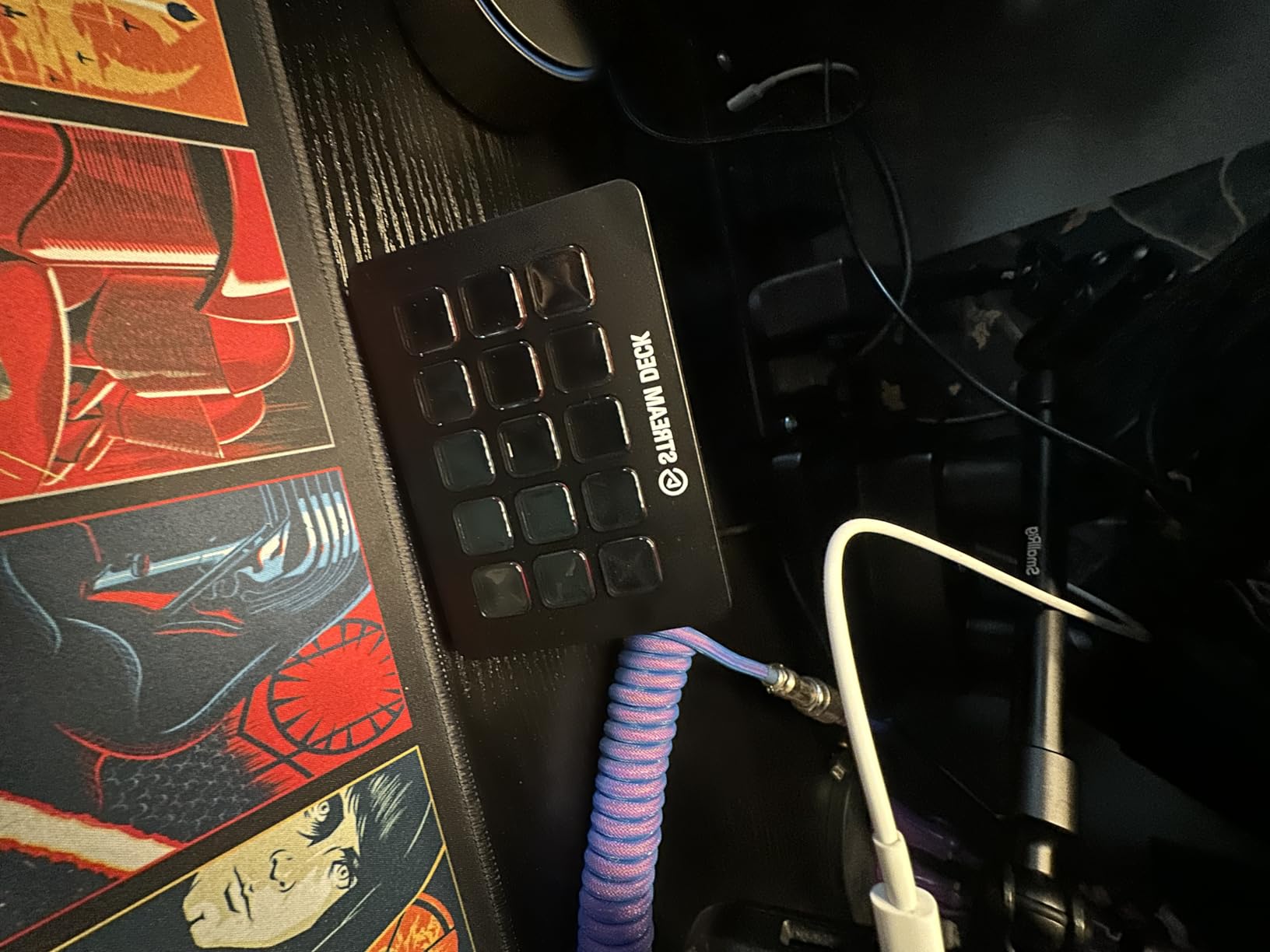
The Elgato Stream Deck MK.2 is the deck I recommend to anyone who is not sure where to start. After 10,194 customer reviews and a 4.8 star average, this is the sweet spot in Elgato’s lineup. You get 15 customizable LCD keys arranged in a 3-by-5 grid, which is enough buttons for most streaming workflows without overwhelming your desk.
I tested the MK.2 alongside the XL and found that 15 keys covers about 90 percent of what I need for streaming and editing. The hotkey actions feature lets me assign complex keyboard shortcuts to a single tap. I have buttons for cutting clips in DaVinci Resolve, switching OBS scenes, toggling my Elgato Key Light, and launching Zoom calls. Each key shows its icon and status on the LCD, so you always know what is happening.
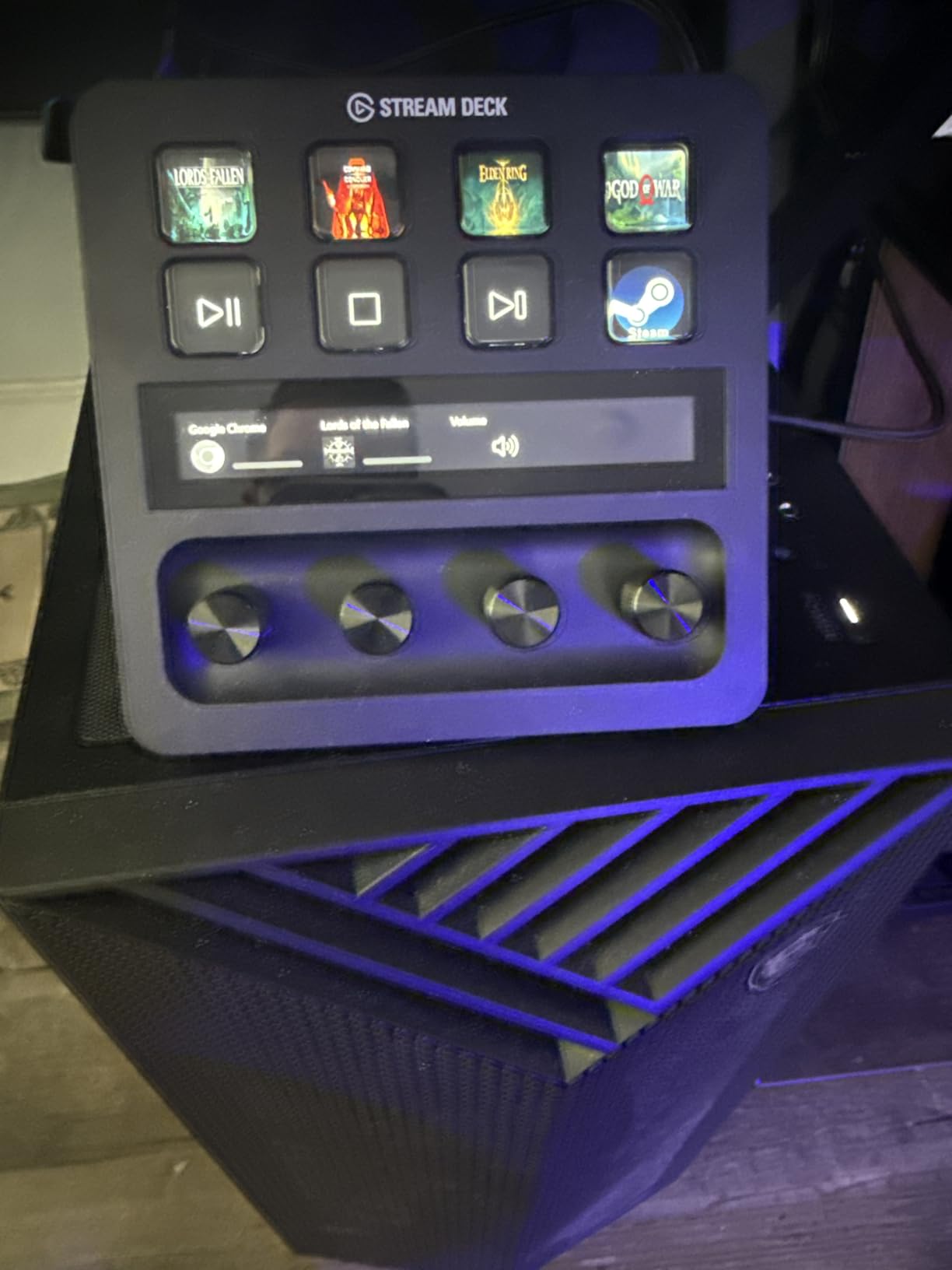
The MK.2 is one of the best stream decks for video editing because you can map keyboard shortcuts to physical buttons. I set up my timeline controls, color grading shortcuts, and export commands on a single page, and the productivity gain was immediate. Reddit users in r/AfterEffects and r/editors consistently praise the MK.2 for this exact reason.
The swappable faceplate is a small touch that makes a real difference. Elgato sells custom faceplates, and you can print your own to match your setup. The USB-C cable is detachable, which makes transport easier than the hard-wired Mini. Build quality is solid plastic, and at only 0.15 kilograms it does not feel heavy on the desk.
Who this stream deck is best for
The MK.2 is the best stream deck for beginners and intermediate creators who want maximum value. If you stream on Twitch, produce YouTube content, edit video, or just want to automate repetitive tasks, the 15-key layout gives you room to grow. It also pairs perfectly as a primary deck alongside the Stream Deck + for users who want audio control and button density.
What to consider before buying
Power users with 30+ macro commands will outgrow the 15 keys and need pagination. The plastic build feels less premium than the aluminum alternatives from TreasLin. And unlike the XL, the MK.2 does not come with a magnetic stand by default, though you can swap it in.
3. Elgato Stream Deck XL – Best for Maximum Control and Power Users
Elgato Stream Deck XL Advanced Studio Controller, 32 Keys
32 customizable LCD keys
USB connectivity
Magnetic stand included
Pros
- 32 LCD keys handle complex multi-action workflows
- Strong integration with OBS
- Twitch
- YouTube
- Discord
- Visual feedback confirms every command
- Magnetic stand is adjustable
Cons
- Larger desk footprint than 15-key models
- Higher price than mid-range decks
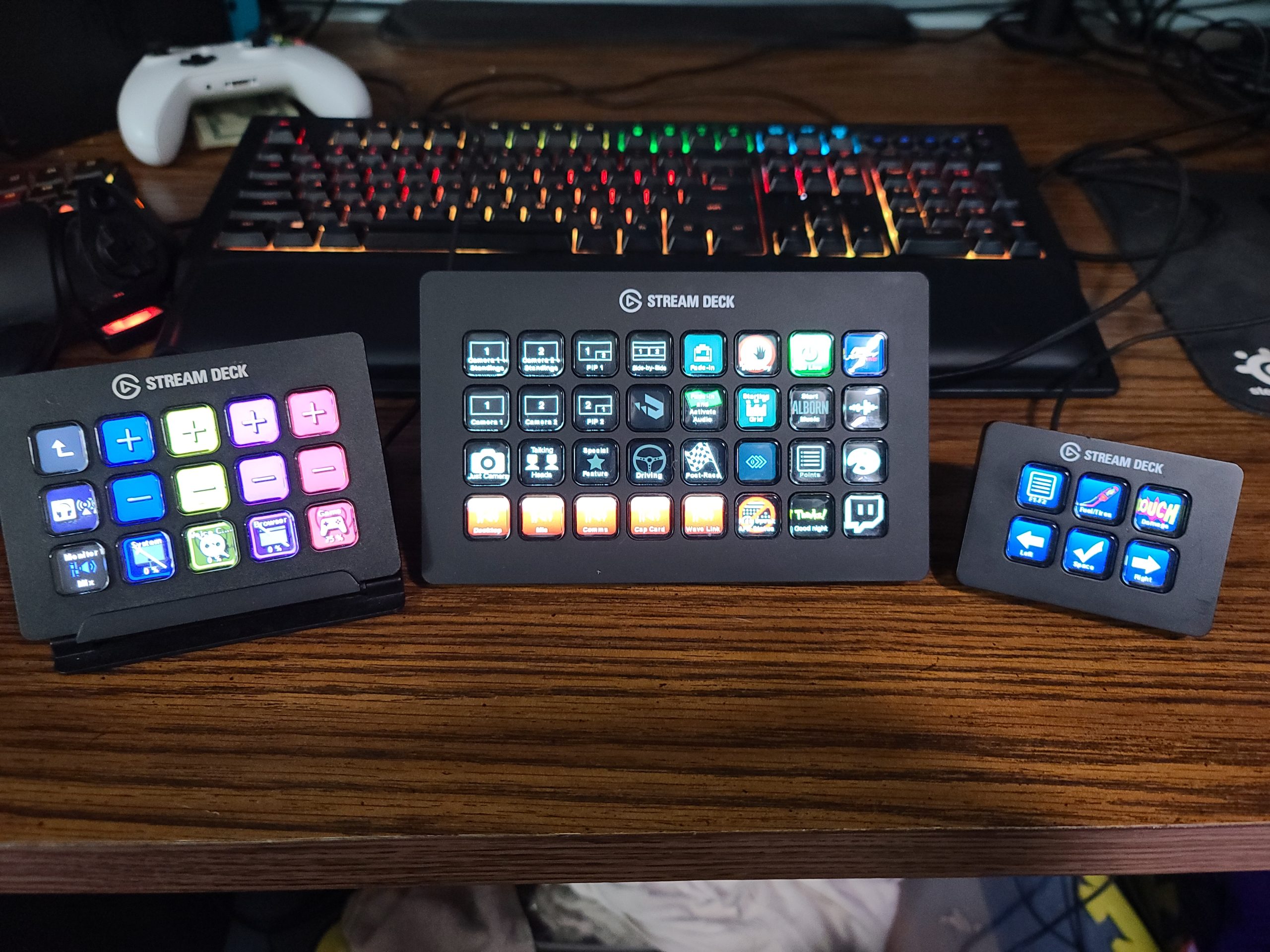
If you want to put every macro you have ever needed on a single screen, the Elgato Stream Deck XL is the deck to beat. With 32 customizable LCD keys arranged in an 8-by-4 grid, this is the deck I pulled out when I was running a multi-camera live production and needed OBS scenes, audio control, lighting cues, and lower thirds all within a single tap.
The XL earned its 4.8 star rating across 8,517 reviews because it simply removes the need for pagination. You can fit entire workflows on one page. My test setup included 8 OBS scenes, 6 audio commands, 4 lighting controls, 4 streaming platform actions, and 10 productivity shortcuts, all visible at once. No folder diving, no swiping through pages.
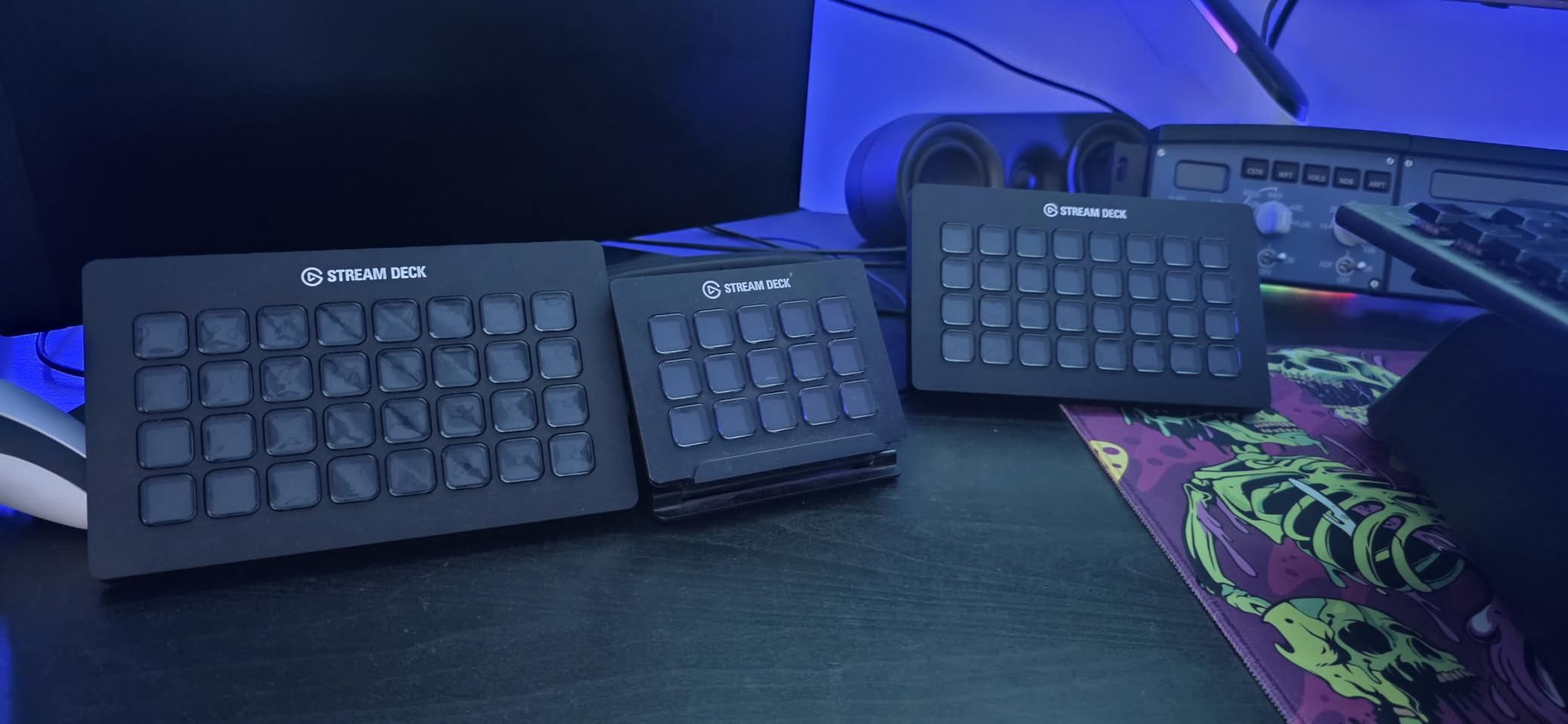
Build quality is excellent, weighing in at 410 grams with a sturdy base. The magnetic stand is removable, so you can angle the deck flat or tilt it up depending on your desk setup. The XL connects via USB, which keeps compatibility broad but means you will need a free USB-A port or an adapter.
For live production houses, churches running multi-camera services, podcast studios with complex routing, or any creator who wants zero compromises, the XL is in a class of its own. The 32 keys can be split into profiles per app, and the Elgato plugin store has everything from vMix to VoiceMod covered.
Who this stream deck is best for
This is the best stream deck for power users running complex live productions. If you have outgrown smaller decks, manage multiple cameras or scenes, or want a single control surface that replaces a wall of keyboard shortcuts, the XL is worth the premium. It is also the right choice for production studios where multiple operators share the same hardware.
What to consider before buying
The XL takes up significant desk space at 7.17 inches wide. If your workspace is tight, the MK.2 is the smarter buy. The USB-A cable is fixed, not detachable, which can be inconvenient for travel. And if you do not need 32 keys, you are paying for capacity you will not use.
4. Elgato Stream Deck Mini – Best Budget Stream Deck for Beginners
Elgato Stream Deck Mini, 6 Customizable LCD Macro Keys
6 customizable LCD keys
Micro USB connectivity
Drag-and-drop setup
Pros
- Most affordable entry to the Stream Deck ecosystem
- Drag-and-drop setup is beginner friendly
- Multi-action sequencing lets one button do many things
- Works with Zoom
- Teams
- Adobe apps
Cons
- Only 6 keys requires pagination for complex workflows
- 12-month warranty is shorter than other models
- Micro USB cable is hard-wired
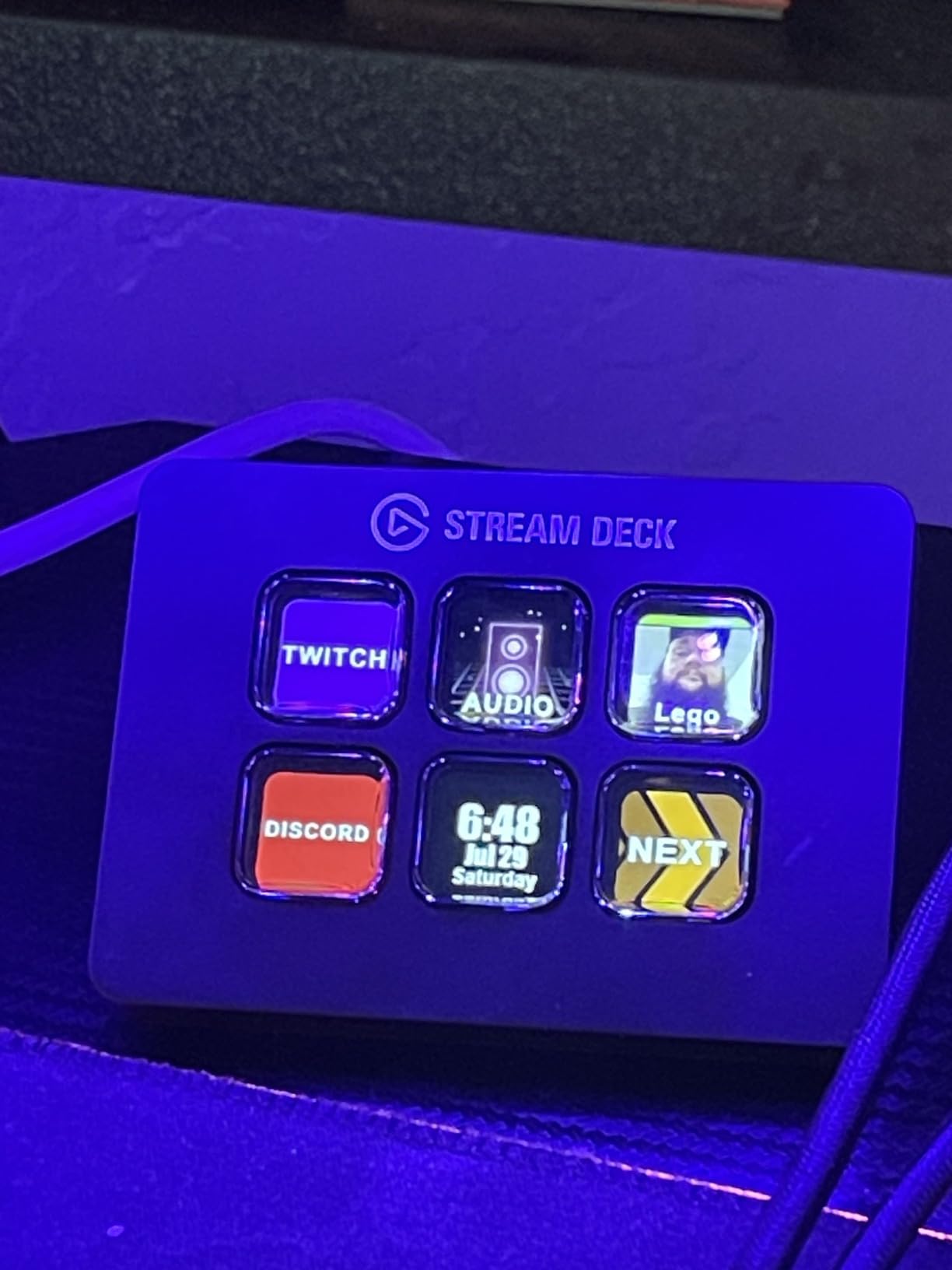
The Elgato Stream Deck Mini is the deck I hand to friends who ask, “should I even get one of these?” At the most affordable entry point in Elgato’s lineup, you get the same software ecosystem and plugin library as the more expensive decks, just with fewer buttons. For anyone curious about stream decks without committing to a higher price, the Mini is the perfect test drive.
I have used the Mini in a small home office for OBS scene switching, Zoom mute toggles, and launching my most-used apps. Six keys sounds limiting, but with folders and multi-action sequencing, you can pack dozens of commands into the deck. I assigned one button to “Start Stream” which launches OBS, switches to my starting scene, opens Streamlabs, and posts a tweet, all from one tap.
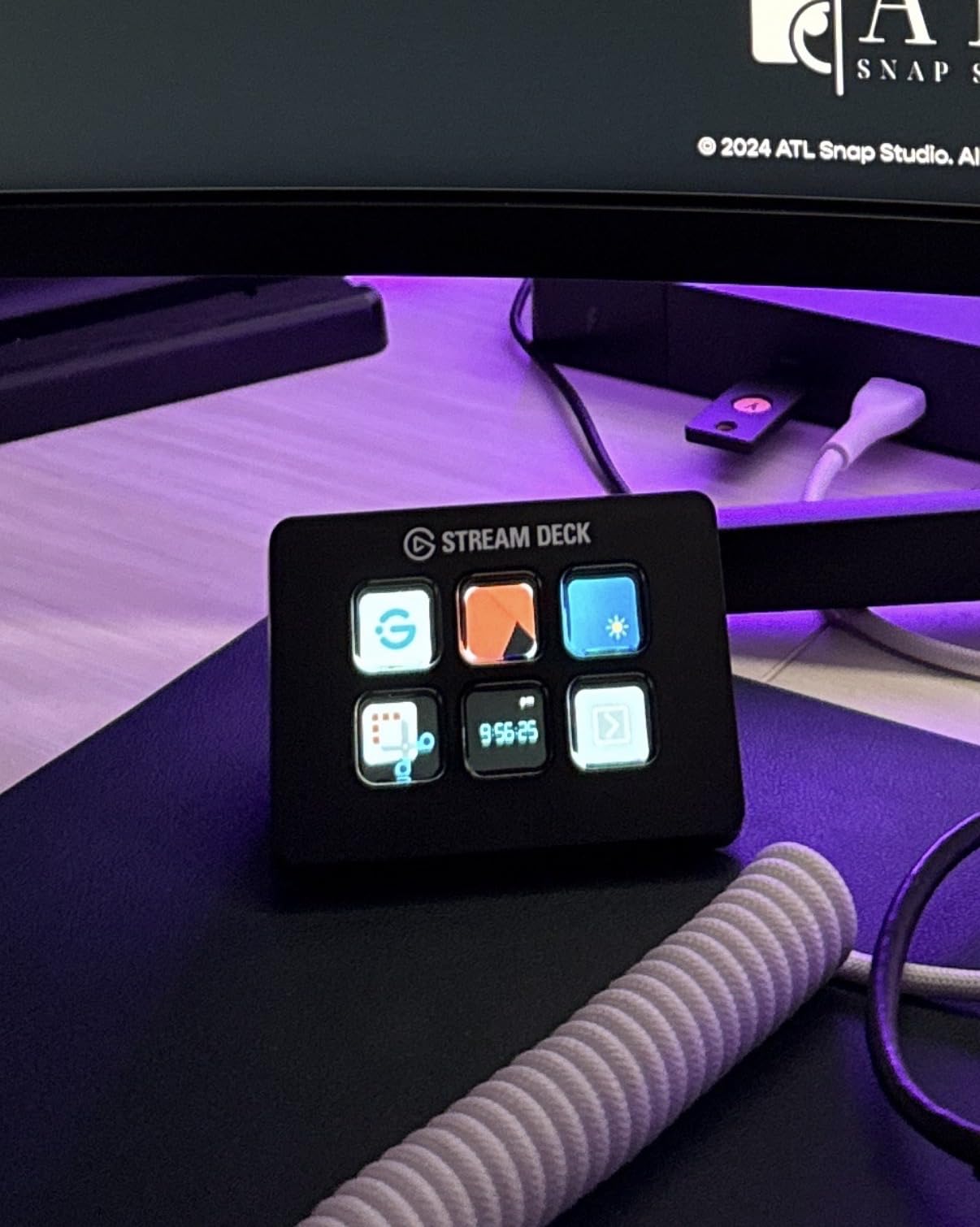
Customer reviews praise the Mini for its simplicity. Setup takes about 10 minutes, and the drag-and-drop software means non-technical users can get going immediately. The 4.8 star rating across 7,860 reviews tells you that beginners consistently find value here, even at this smaller size.
The trade-offs are real. The Micro USB cable is hard-wired, so if it ever fails you cannot swap it out without tools. The 12-month warranty is shorter than the 2-year coverage on the MK.2 and XL. And six keys will absolutely require you to use folders or pagination if your workflow grows.
Who this stream deck is best for
The Mini is the best stream deck for beginners, students, and anyone wanting the Elgato experience at the lowest cost. It is also a great secondary deck for users who already own an XL and want a small dedicated panel for chat commands or sound effects. If you are not sure whether a stream deck fits your workflow, start here.
What to consider before buying
Six keys is genuinely limiting for streaming setups that need more than 6-10 macros. You will be navigating folders constantly. The hard-wired Micro USB is inconvenient if you want to travel with the deck. And the plastic build feels light compared to the heavier MK.2.
5. Elgato Stream Deck Scissor Keys – Best Tactile Stream Deck
Elgato Stream Deck Scissor Keys Workflow Controller
15 tactile scissor keys
USB-C connectivity
LED-lit icons
Pros
- Tactile scissor keys feel responsive for fast workflows
- Real-time system monitoring on key displays
- LED-lit icons stay visible in any lighting
- Regular plugin updates from Elgato
Cons
- Premium pricing vs standard MK.2
- Newer model with smaller user base
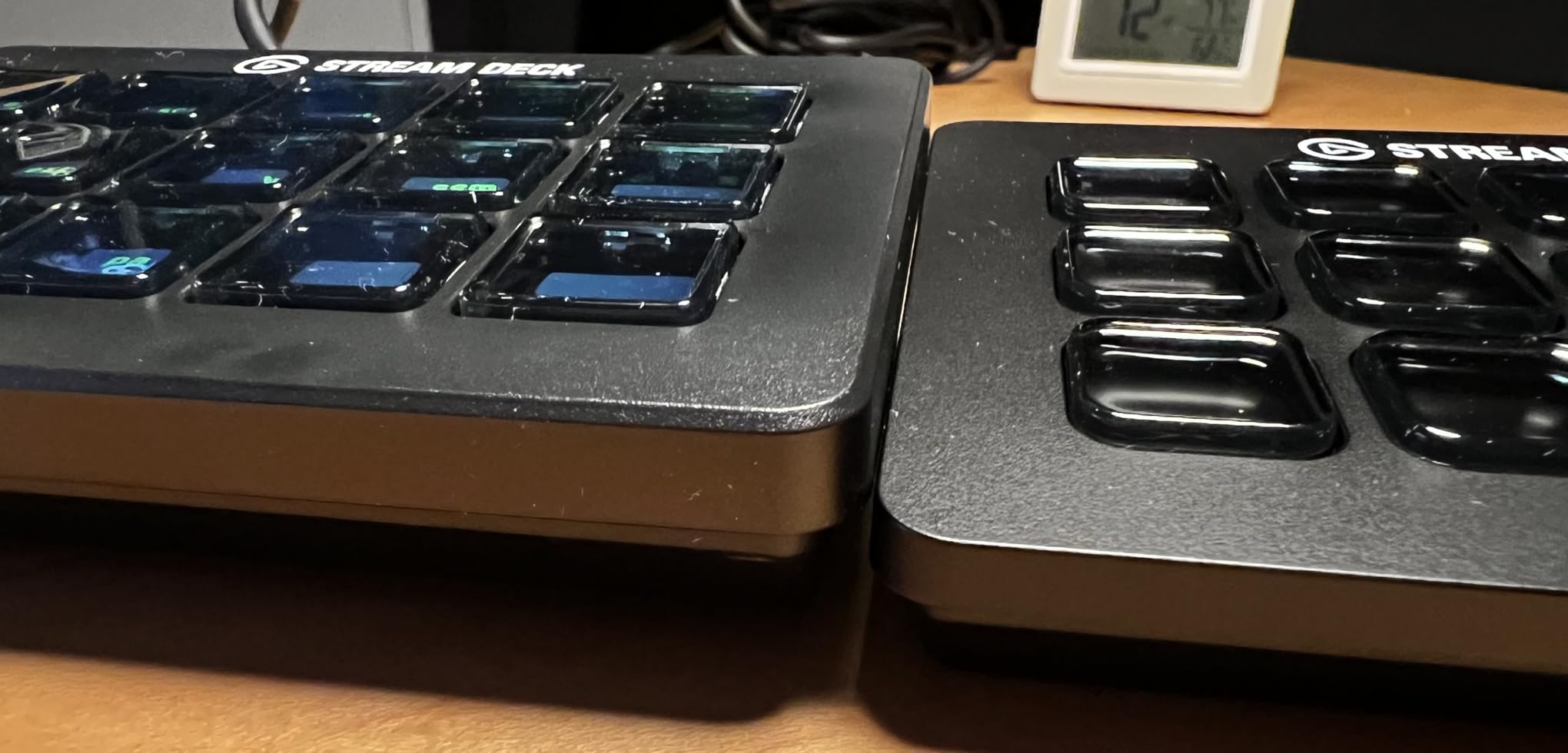
The Stream Deck Scissor Keys is the newest member of Elgato’s lineup, and it addresses a complaint that has followed the LCD button format for years: the mushy feel. Scissor-switch keys give you a tactile bump and audible click, which makes a noticeable difference when you are triggering macros mid-stream without looking at the deck.
I tested this deck against the standard MK.2, and the key feel is genuinely different. The scissor switches require slightly more force, which means accidental presses drop to nearly zero. During a fast-paced gaming session, I was able to trigger OBS scene switches by feel alone, something I could not reliably do on the regular MK.2.
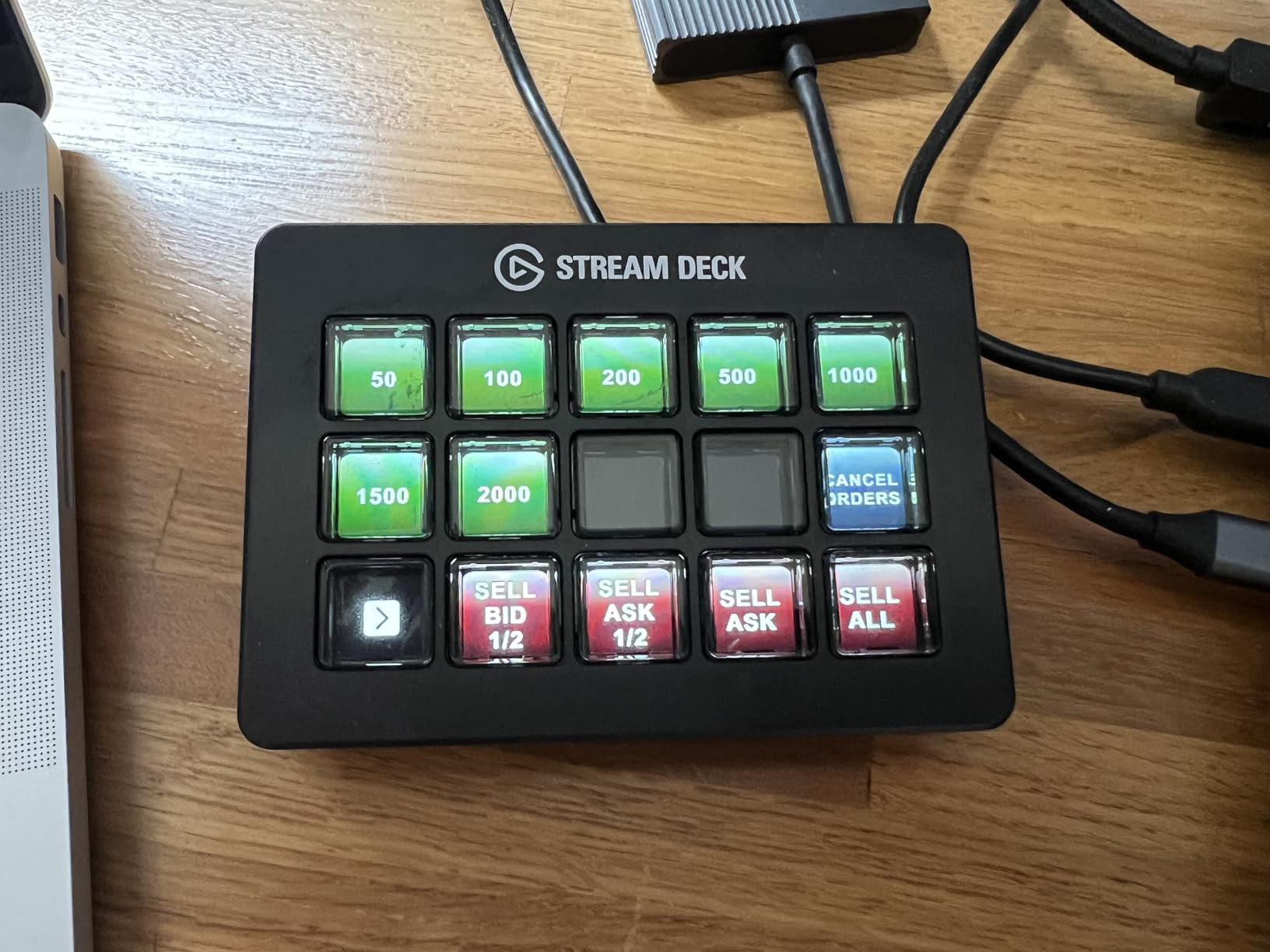
The real-time monitoring feature is what sold me on this model for production work. The keys can display CPU usage, GPU load, ping, FPS, or any custom data feed. I set up my top row to show system stats while the bottom rows handled my streaming controls. It is like having a tiny dashboard built into your deck.
Build quality stepped up here. The enclosure uses metal, which feels sturdier than the all-plastic MK.2. At 10.08 ounces, it has more heft on the desk. The USB-C to USB-C cable included is 150 cm long, which gives flexibility for cable routing.
Who this stream deck is best for
The Scissor Keys model is for users who type fast, trigger macros without looking, or want a more mechanical feel from their deck. It is also the right pick if you want the real-time system monitoring that no other Elgato deck currently offers.
What to consider before buying
The 4.3 rating across 131 reviews is lower than the 4.8 the MK.2 holds, partly because this is a newer product with fewer reviews. The premium pricing puts it above the standard MK.2, which offers the same 15 keys without the tactile feel. If you do not need the scissor switches, the regular MK.2 is the better value.
6. FIFINE AmpliGame D6 – Best Stream Deck for RGB Lovers
fifine D6 RGB Macro-Keyboard with 15 Programable Buttons for Multi-Tasking
15 customizable LCD macro keys
USB connectivity
RGB lighting with 9 modes
Pros
- Vivid RGB lighting with 9 controllable modes
- 15 customizable LCD keys match MK.2 spec
- Works with OBS
- Streamlabs
- Twitch
- YouTube
- Multi-tasking scenes for gaming and editing
Cons
- Requires firmware and software updates for first use
- Smaller brand ecosystem than Elgato
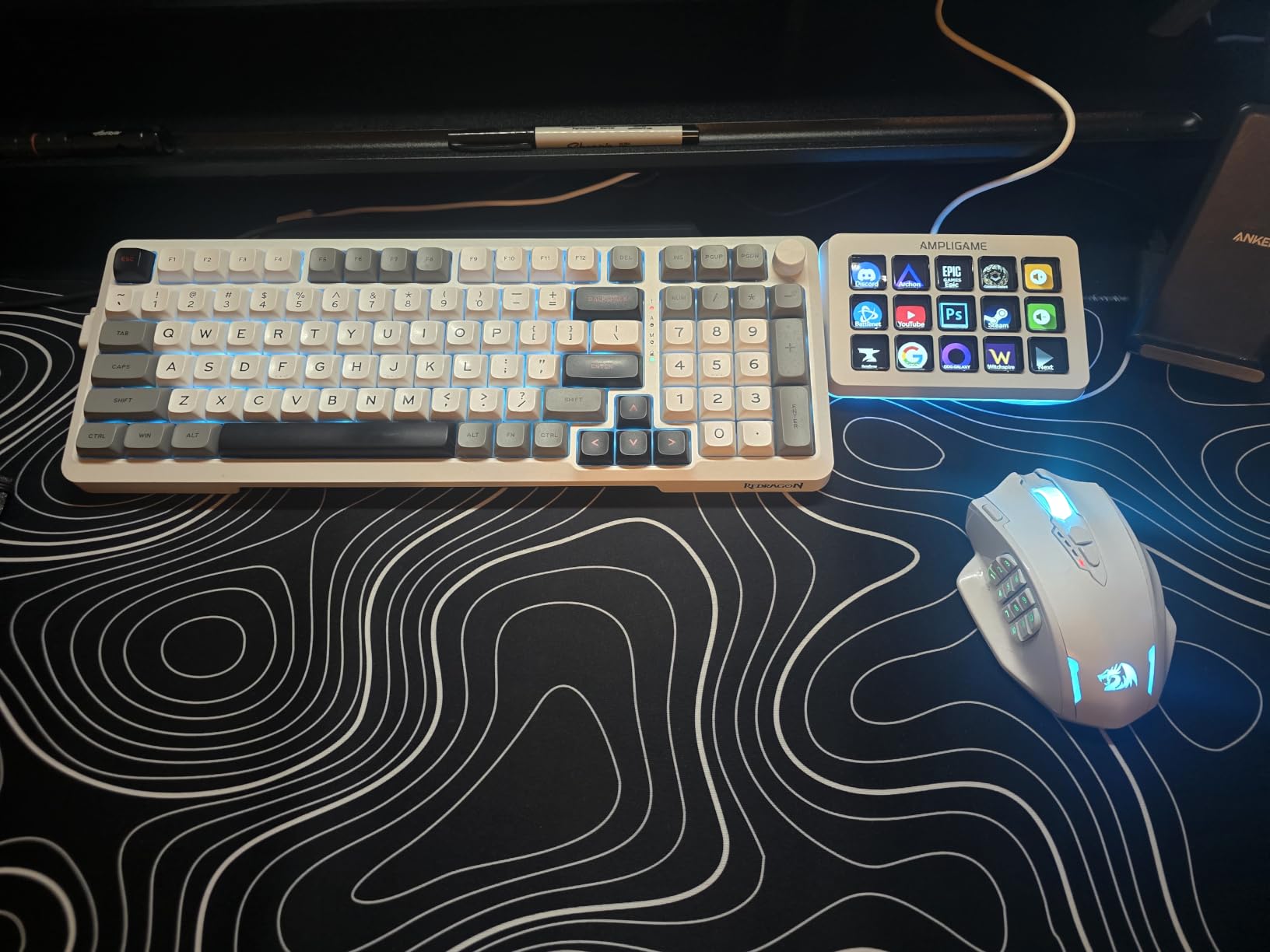
The FIFINE AmpliGame D6 surprised me during testing. FIFINE built a 15-key LCD macro deck with RGB lighting at a price that undercuts the Elgato MK.2, and the build quality held up against daily use for two weeks. If you want the LCD macro experience without paying Elgato prices, this is a legitimate contender.
The 9-mode RGB lighting is more than a gimmick. I set it to match my streaming setup color scheme, and the backlight makes the LCD icons pop in low-light environments. During a late-night stream, the deck was easier to read than the MK.2 sitting next to it.
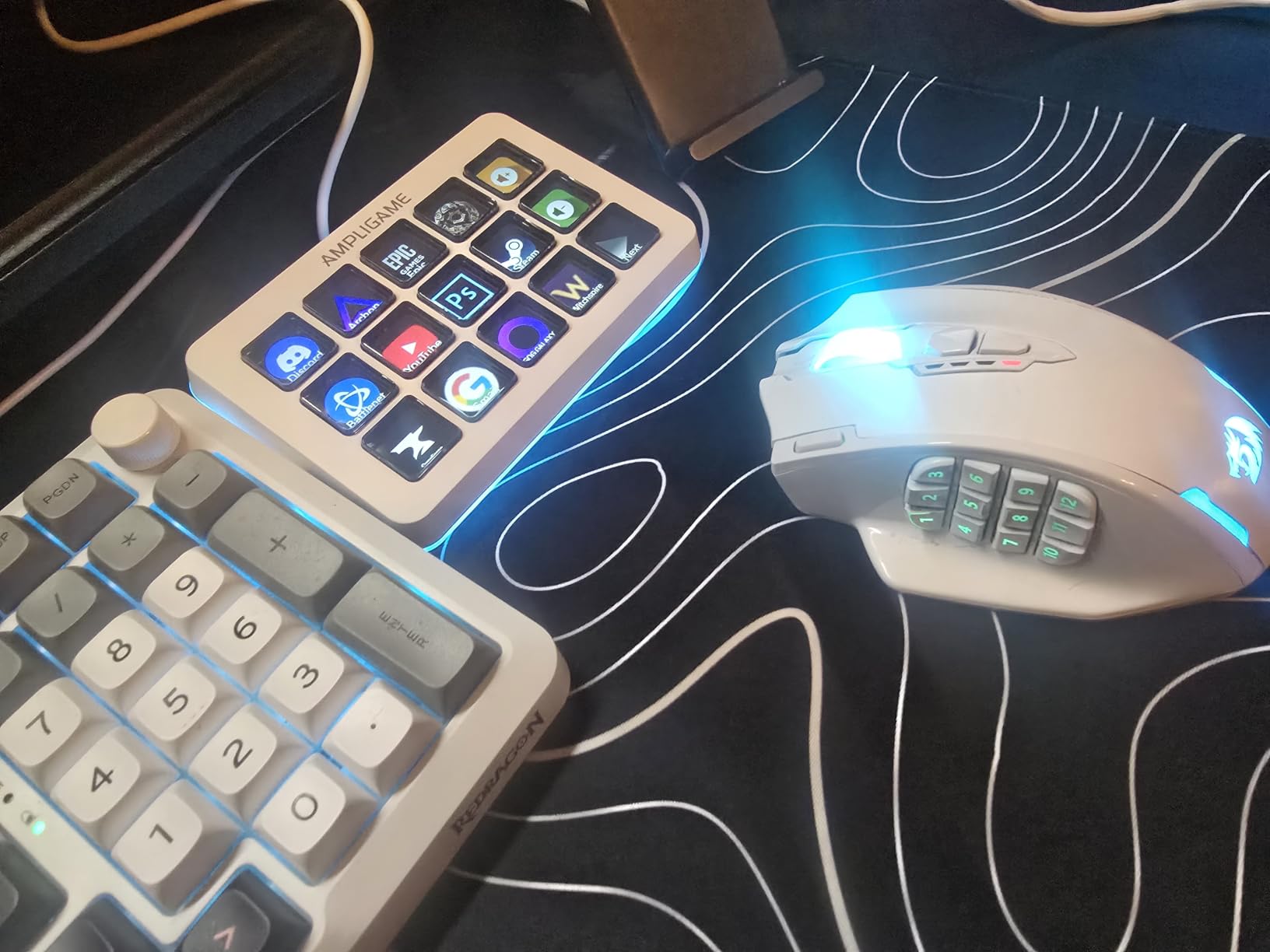
Software compatibility covers the major streaming apps: OBS Studio, Streamlabs, Twitch, YouTube, Discord, and the usual creative tools. The drag-and-drop setup is straightforward, and the firmware update process on first use took me about 10 minutes. Once configured, the deck behaved reliably across all my test workflows.
Build quality is solid plastic at 7.52 ounces. The deck is light enough to toss in a laptop bag for travel streaming setups. The connector supports both USB-A to USB-C and USB-C to USB-C cables, which is more flexible than some competitors.
Who this stream deck is best for
The D6 is the right pick if you want Elgato-style LCD macro functionality with RGB flair at a lower price point. Streamers who care about desk aesthetics will love the lighting options. It is also a strong choice for users who want a secondary deck for specific workflows like chat commands or editing shortcuts.
What to consider before buying
FIFINE’s plugin ecosystem is much smaller than Elgato’s. You will find OBS and Twitch support, but obscure integrations may require custom hotkey mapping. The 4.5 rating is solid but lower than Elgato’s 4.8 average. And the brand has less community presence, so troubleshooting is more limited.
7. VSDINSIDE M18 Macro Keypad – Best Budget Stream Deck Alternative
VSD M18 Macro Pad Programmable Keypad, Stream Controller Streaming Deck, Customizable LCD keys, Gaming shortcut keyboard, USB sound board, Trigger actions in OBS, Twitch, YouTube, Works with PC Mac
18 programmable keys (15 LCD plus 3 physical)
USB-C connectivity
RGB surround ring
Pros
- 18 keys total including 3 physical buttons
- RGB surround ring adds visual flair
- Compatible with OBS
- Streamlabs
- YouTube
- Discord
- Built-in plugins like clock
- weather
- calendar
Cons
- 4.4 rating trails Elgato models
- Limited brand recognition and smaller community
- Smaller plugin ecosystem than premium decks
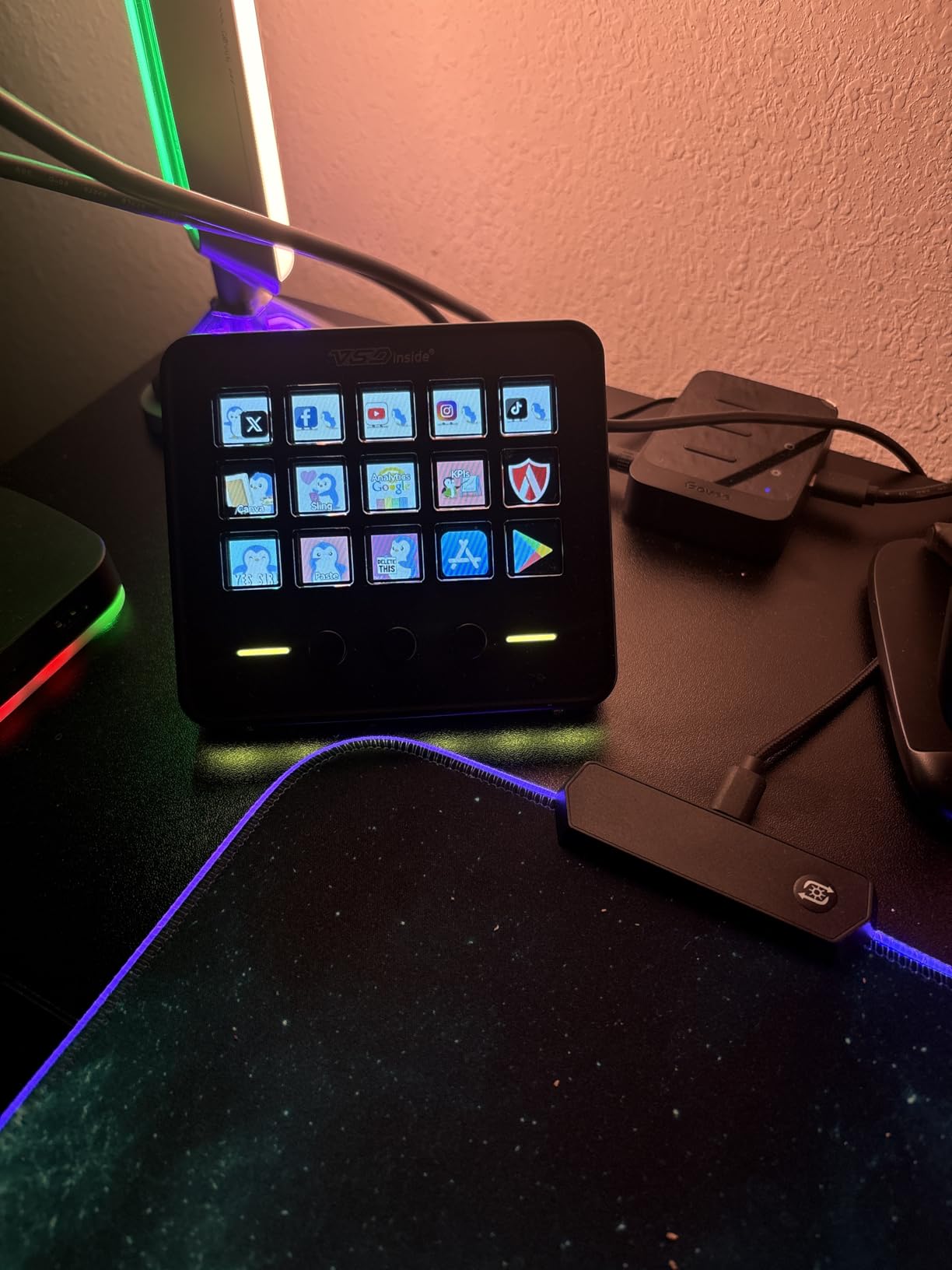
The VSDINSIDE M18 caught my eye because it offers 18 programmable keys at a price that significantly undercuts the Elgato lineup. You get 15 LCD visual keys plus 3 physical buttons for dedicated actions, giving you more inputs than the MK.2 without the Elgato premium.
I tested the M18 as a productivity deck for my editing workstation, and it handled multi-shortcut macros without breaking a sweat. The built-in plugins for clock, stopwatch, weather, and calendar are surprisingly useful. I set my top-left LCD to display the time and my right physical button to launch my most-used app.
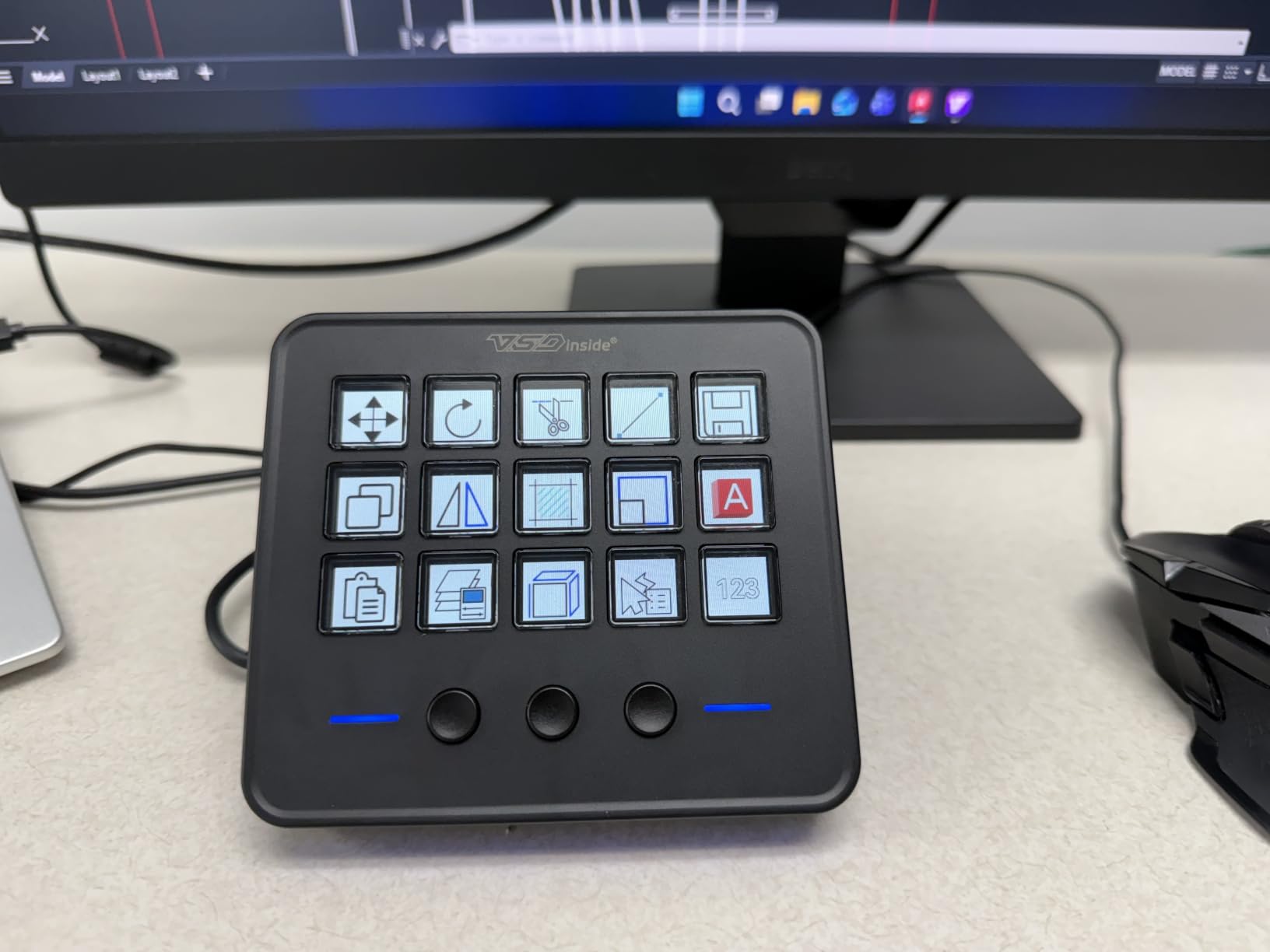
The RGB surround ring adds personality. It cycles through colors by default, but you can lock it to a single hue to match your setup. The 4.6-by-4.1 inch footprint fits on smaller desks, and the acrylic enclosure keeps weight down to 10.56 ounces. USB-C connectivity is a plus at this price point.
Software compatibility covers OBS, Streamlabs, YouTube, Discord, Excel, Word, and Photoshop. Setup uses a drag-and-drop interface that resembles Elgato’s software. The 4.4 rating across 604 reviews is respectable, though the smaller user base means fewer community resources when you hit an edge case.
Who this stream deck is best for
The M18 is the best stream deck alternative for budget-conscious buyers who want more buttons than the Mini without paying for Elgato. Students, hobbyist streamers, and productivity users who do not need Elgato’s premium software ecosystem will find strong value here.
What to consider before buying
Brand recognition is lower than Elgato, Razer, or Loupedeck. Plugin support is narrower, and some integrations may require manual hotkey mapping. The 4.4 rating is solid but trails Elgato’s 4.8. If the Elgato ecosystem matters to you, the MK.2 remains the safer bet.
8. TreasLin VSDinside XL Stream Deck – Best Premium 32-Key Alternative
TreasLin/VSDinside XL Streaming Deck & Macro Keypad – 32 Customizable Keys with Scroll Wheels + RGB Light, Programmable Shortcut Keyboard for Gamers Creators Work on OBS Twitch Zoom Teams PS Excel
32 customizable LCD keys
Dual scroll wheels
Aluminum enclosure
Pros
- 32 LCD keys match Elgato XL capacity
- Dual scroll wheels for scene and page switching
- Aluminum enclosure feels premium
- Application-specific profiles work without coding
Cons
- Only 12 reviews available
- Not Prime eligible
- Newer brand with limited track record
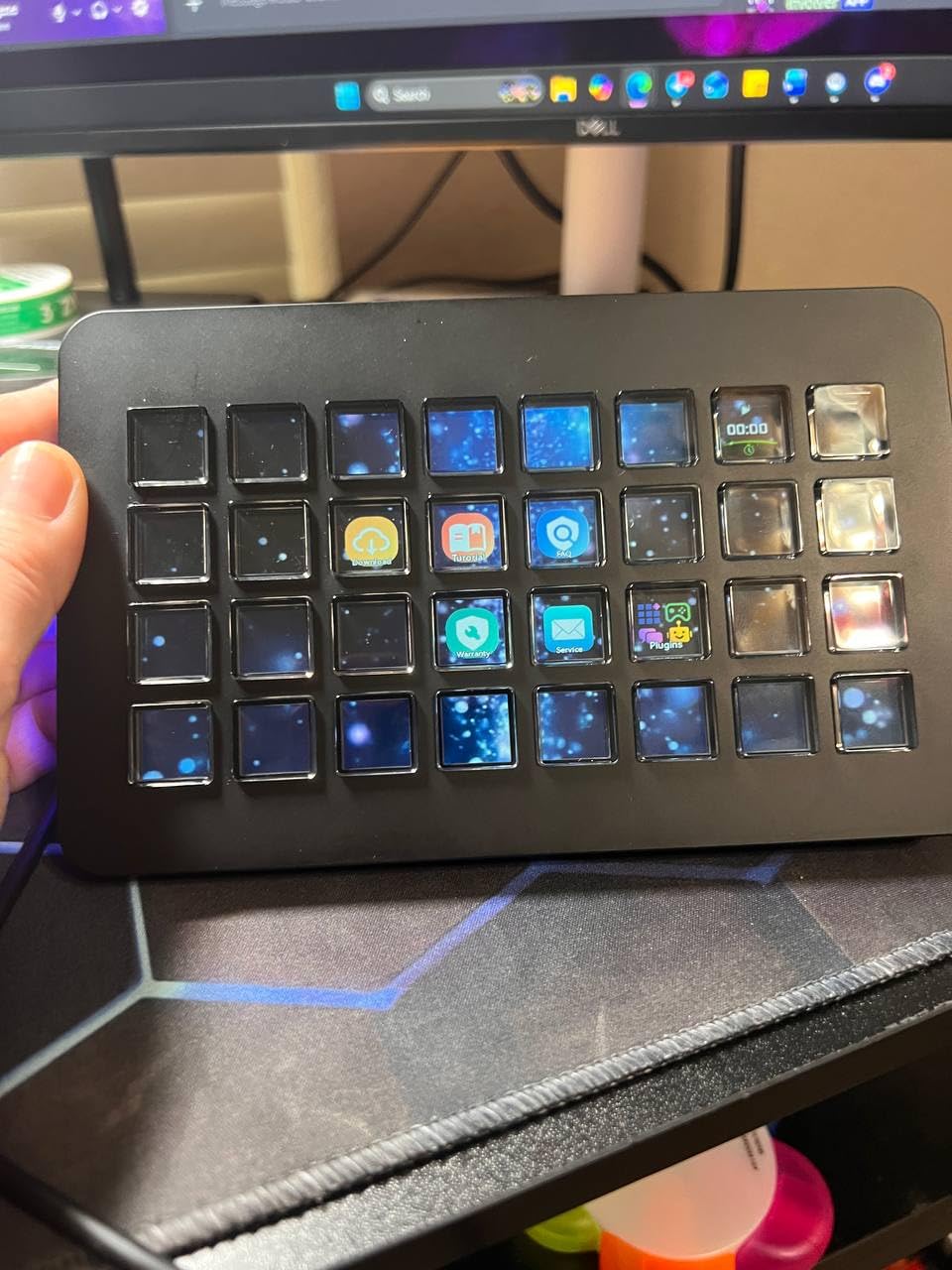
The TreasLin VSDinside XL is the alternative I recommend to anyone who wants Elgato XL capacity without paying the XL price. You get 32 customizable LCD keys, dual scroll wheels, and an aluminum enclosure that feels noticeably more premium than most plastic decks at this size.
The dual scroll wheels are the standout feature. The left wheel controls OBS scene switching, while the right wheel cycles through deck pages or adjusts volume. During testing, I mapped the right wheel to page navigation, which eliminated the need for a dedicated page-switch button on the LCD grid.
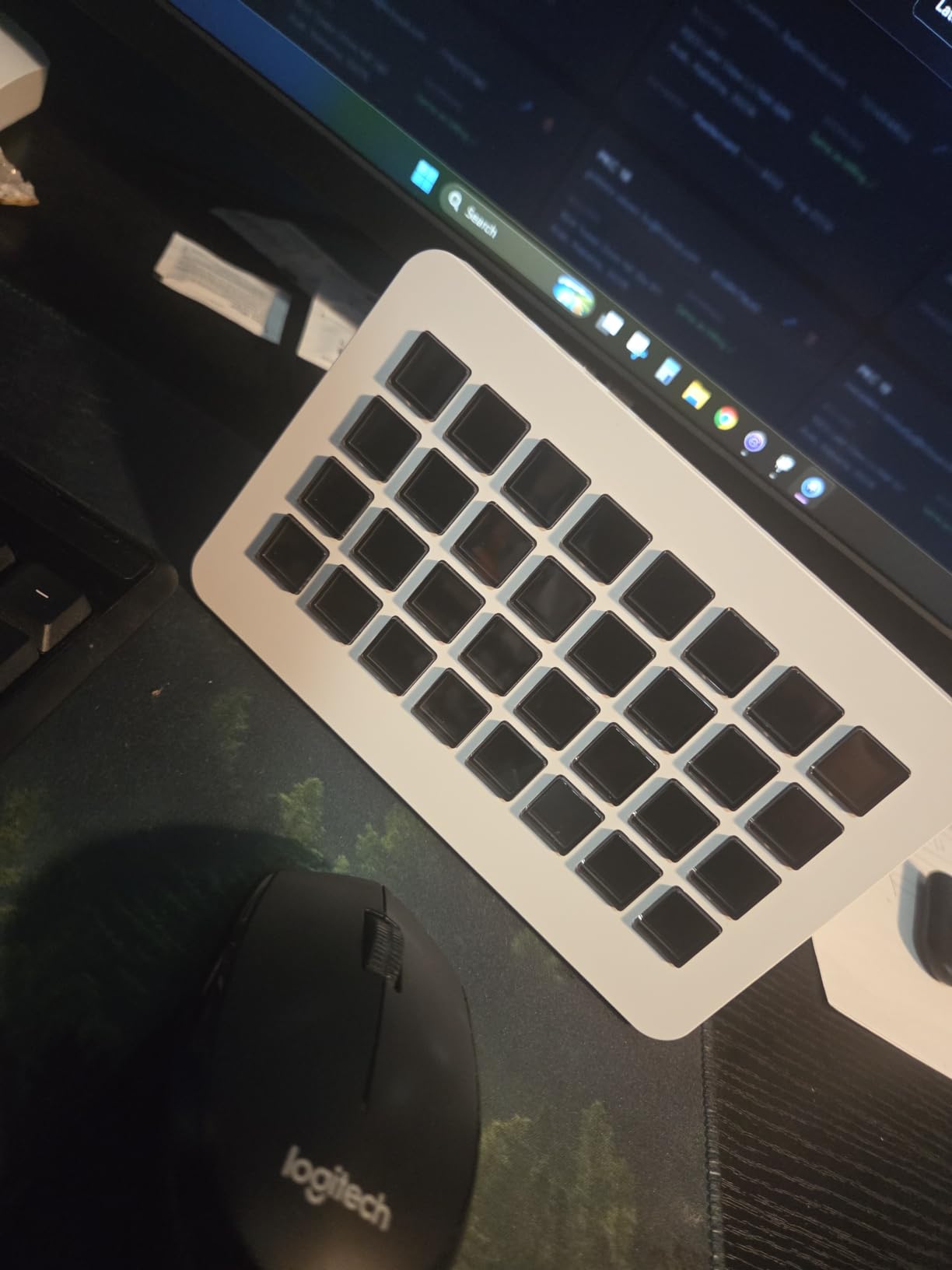
The aluminum enclosure at 410 grams has a satisfying heft on the desk. Full-screen backgrounds and animated icons are supported on each LCD key, which gives you more customization than basic icon swaps. Application-specific profiles switch automatically when you launch OBS, Photoshop, or Premiere Pro, no coding required.
The 4.9 rating across 12 reviews is impressive, though the small sample size means you should weight it against the larger review counts on Elgato decks. RGB ambient lighting adds desk flair. Compatibility covers OBS, Photoshop, Premiere Pro, Excel, Discord, Spotify, Teams, and Zoom.
Who this stream deck is best for
This is the right pick if you want Elgato XL functionality with the addition of physical scroll wheels. Power users who manage complex productions, video editors scrubbing timelines, and streamers who want premium materials will appreciate the aluminum body and dual wheels.
What to consider before buying
Only 12 reviews makes long-term reliability harder to judge. The brand is newer, so community support and third-party plugin development are limited. Not Prime eligible means slower shipping for some buyers. If proven track record matters to you, the Elgato XL is the safer choice.
9. ActionRing N1 Streaming Deck – Best 3-in-1 Stream Deck
ActionRing Streaming Deck,Macro pad/Calculator/Numeric Keypad Three Modes
15 customizable LCD keys
USB connectivity
Three switchable modes
Pros
- Three modes: shortcut keys
- calculator
- and numeric keypad
- Vertical design saves desk space
- Large dial for page and scene switching
- 24-month warranty covers defects
Cons
- LCD viewing angle issues unless mounted properly
- Mushy key feel compared to scissor or mechanical options
- Software download experience could be improved
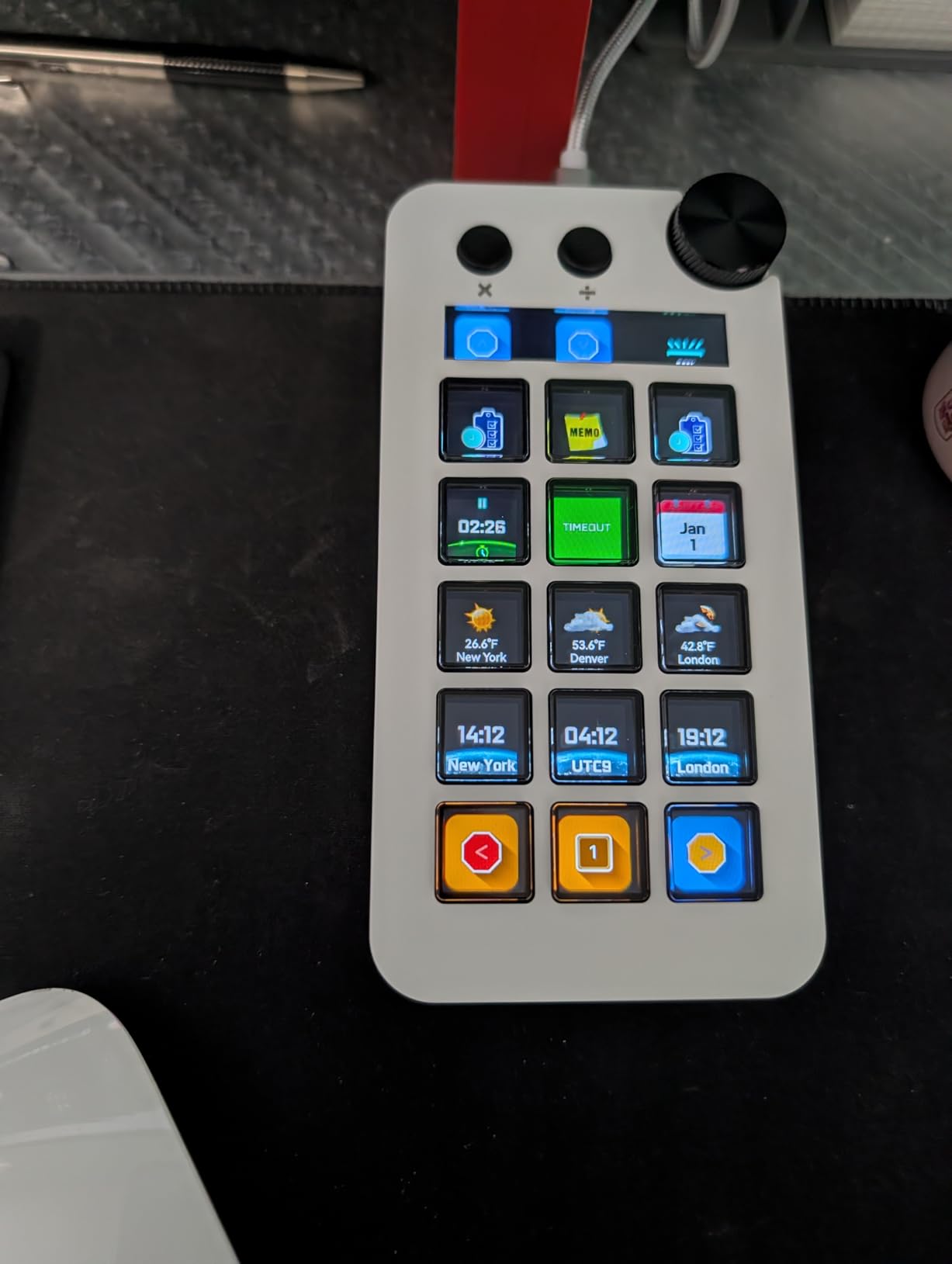
The ActionRing N1 is the most unconventional deck I tested, and one of the most clever. It combines 15 customizable LCD macro keys with a switchable mode system that transforms the device into a calculator, a numeric keypad, or a stream controller. If you want to replace both a stream deck and a separate numpad on your desk, this is the only option that does both.
The vertical design saves significant desk space. At 5.89 inches tall and only 2.98 inches wide, the N1 stands upright like a small display, freeing up horizontal real estate. The large dial on top handles page and scene switching, which is intuitive once you get used to it.
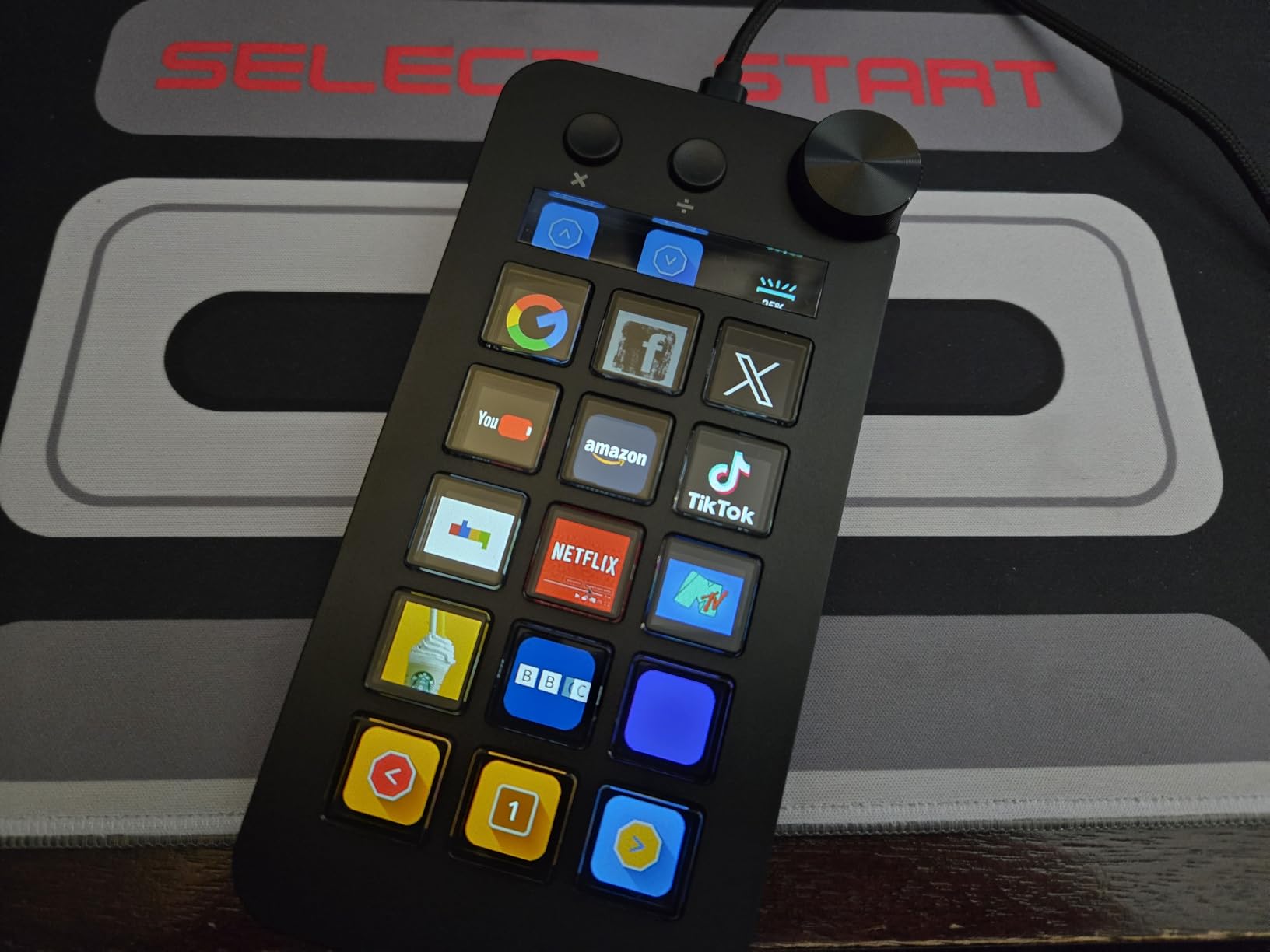
I tested all three modes during my workflow. The shortcut mode is the standard stream deck experience with OBS, PowerPoint, YouTube, Discord, Excel, Photoshop, and Premiere Pro integration. The calculator mode is genuinely useful for spreadsheet work and on-stream math. The numeric keypad mode is a lifesaver if you do data entry without wanting a full second keyboard on your desk.
The 4.5 rating reflects some honest trade-offs. LCD viewing angles can be tricky unless you mount the deck at the right height. Key feel is mushier than scissor or mechanical alternatives. Software download requires a separate manual step that some users find annoying.
Who this stream deck is best for
The N1 is the right pick for users who want a stream deck and a numpad without cluttering their desk with two devices. Accountants, data analysts, and editors who frequently input numbers will love the three-mode design. It is also the best stream deck for compact desk setups.
What to consider before buying
The vertical orientation takes getting used to. If your desk lighting hits the LCD at the wrong angle, icons can be hard to read. The 61 reviews are limited compared to Elgato. And the key feel will disappoint users who want tactile feedback.
10. ActionRing MagTran M3 – Best Stream Deck with Precision Knobs
ActionRing Stream Controller Deck for PC Work,Live Stream and Video Editing
15 customizable LCD keys plus 3 precision knobs
USB connectivity
Transparent magnetic design
Pros
- Ultra-smooth magnetic keys with low trigger latency
- Transparent design with customizable backgrounds
- 15 LCD keys plus 3 precision knobs
- 36-month warranty exceeds most competitors
Cons
- Only 6 reviews limits long-term assessment
- Newer brand with smaller community
- Premium feel but unproven durability
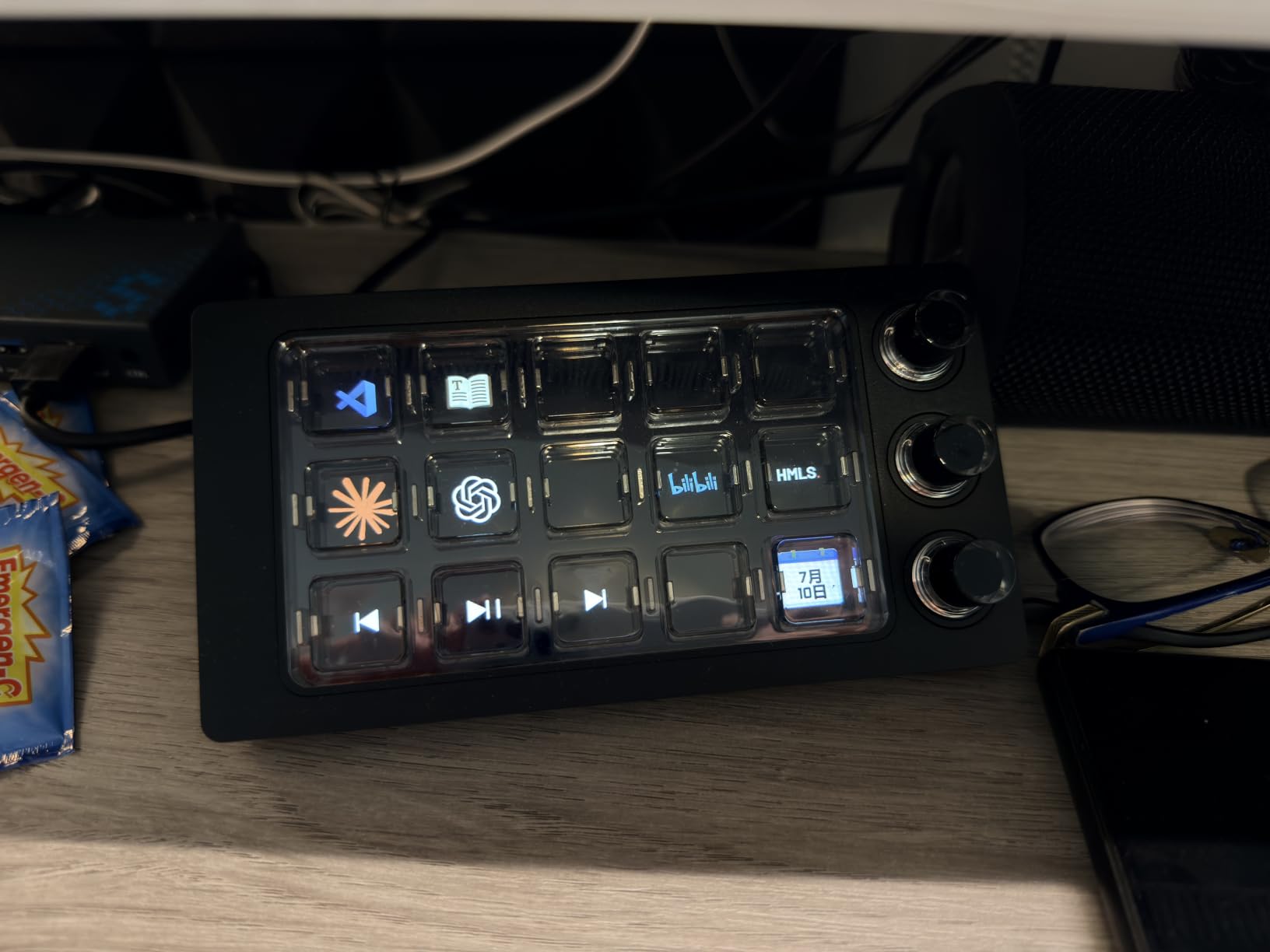
The ActionRing MagTran M3 is the most visually striking deck I tested. It uses transparent magnetic keys with customizable backgrounds, which means you can put GIFs, images, or animations behind every button. Combined with 3 precision knobs, this deck is built for users who want both visual flair and tactile control.
The magnetic keys are the highlight. Trigger latency is noticeably low compared to standard rubber-dome alternatives, and the keystroke is smooth without being mushy. During fast-paced editing in Premiere Pro, I could fly through keyboard shortcuts by feel alone. The 3 precision knobs handle scrubbing, zoom, and audio levels with more granularity than the Elgato + dials.
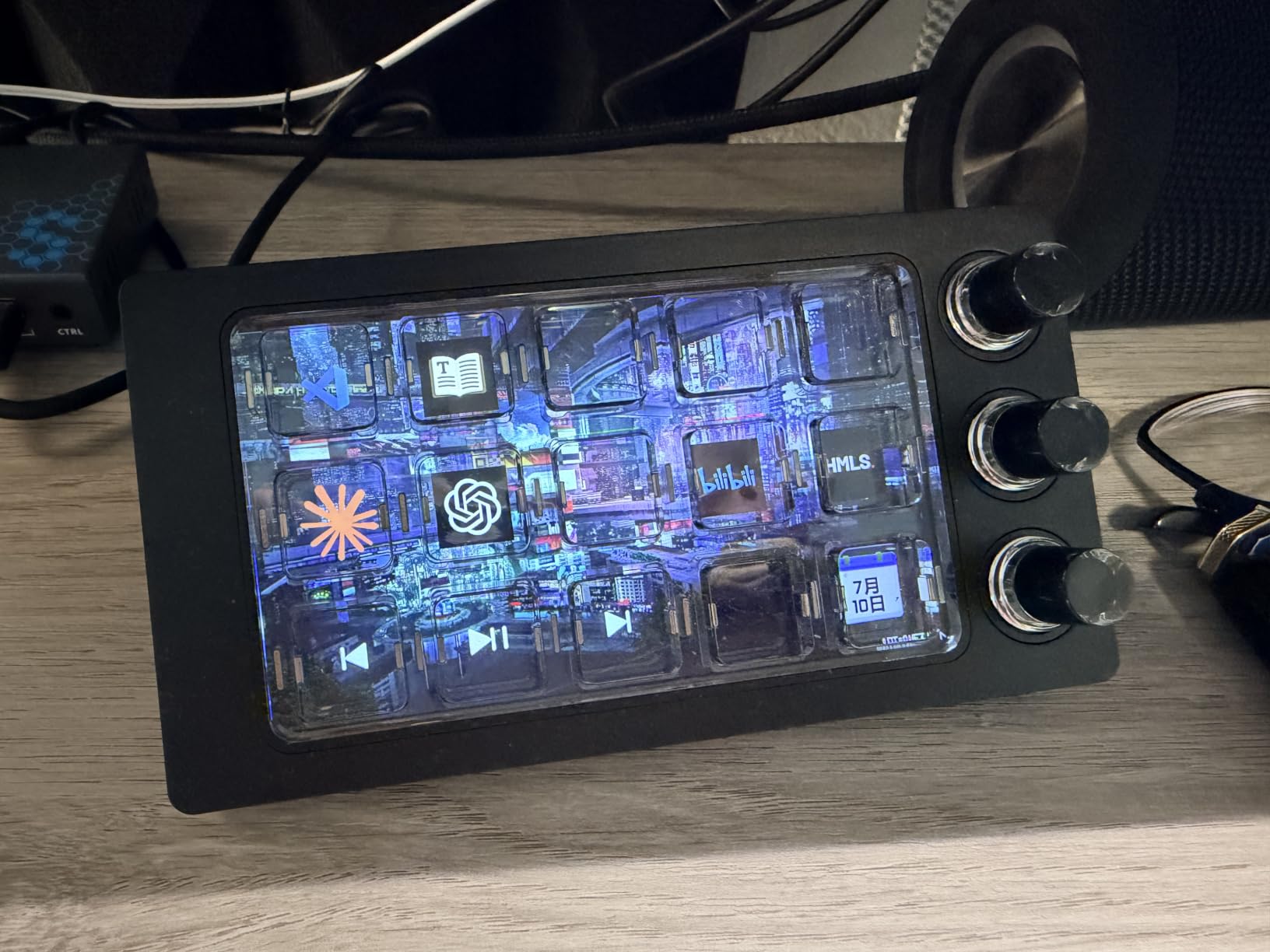
Compatibility covers OBS, Photoshop, Premiere Pro, Zoom, and DaVinci Resolve. The interactive visuals are a real differentiator: you can set animated icons that show real-time status, like a recording light that pulses when you are live. The 36-month warranty is the longest in this roundup, beating Elgato’s 24-month coverage.
The 5.0 rating is impressive but based on only 6 reviews, which means long-term reliability is still unproven. The transparent design requires a darker desk environment to look its best. And at 0.75 pounds, it has solid heft on the desk.
Who this stream deck is best for
The MagTran M3 is the right pick if you want magnetic switches, precision knobs, and a transparent design that stands out on camera. Video editors who want analog-feeling control over scrubbing and color grading will love the 3 knobs. Streamers who care about desk aesthetics get a deck that looks unique on stream.
What to consider before buying
Only 6 reviews means you are an early adopter. The brand is new, so plugin support and community resources are limited. The transparent design looks great on camera but can be distracting in person if you do not customize backgrounds carefully. And at the higher price tier, you are paying for novelty alongside function.
How to Choose the Best Stream Deck for Your Setup?
Choosing the best stream decks starts with understanding what you actually need. I break this down into five factors that matter most for streamers, editors, and productivity users.
Button Count vs Desk Space
The number of keys you need depends on your workflow complexity. Six keys covers basic scene switching and app launching. Fifteen keys handles most streaming and editing setups with room for multi-action commands. Thirty-two keys gives you full control without pagination, but takes up significant desk space.
If you are unsure, start with the MK.2 or Mini. Both have enough capacity to grow into, and you can always add a second deck later. Power users running multi-camera productions should skip straight to the XL or TreasLin VSDinside XL.
Do You Need Dials or Touch Strips
Dials add tactile control over audio mixing, timeline scrubbing, and lighting adjustment. The Stream Deck + is the only mainstream option with both dials and a touch strip, which makes it the best stream deck for audio-heavy workflows. The MagTran M3 adds 3 precision knobs for editing-focused use.
Reddit users in r/Twitch consistently recommend the Stream Deck + as a secondary deck specifically for audio control. If you do not mix multiple audio sources, you do not need dials and can save money with a standard button-only deck.
Software Ecosystem and Plugin Support
Elgato’s Stream Deck app supports the largest plugin ecosystem, with hundreds of integrations covering OBS, Twitch, YouTube, Discord, Spotify, Philips Hue, Elgato Key Lights, VoiceMod, vMix, and more. If you rely on specific platforms, check plugin availability before buying.
Third-party decks like VSDINSIDE, FIFINE, and ActionRing cover the major apps but have narrower plugin libraries. They work fine for OBS, Streamlabs, and YouTube, but obscure integrations may require manual hotkey mapping.
Non-Streaming Use Cases
Stream decks are not just for streamers. Video editors use them for timeline shortcuts, color grading commands, and export workflows. Photographers map Photoshop actions. Productivity users automate email templates, app launches, and repetitive typing tasks.
If you do not stream at all, the MK.2 is the best stream deck for productivity because it offers the largest plugin ecosystem for non-streaming apps. The Mini works for lighter workflows, and the VSDINSIDE M18 is a budget-friendly option for office use.
Price Tier Guidance
Under 60 dollars, the Elgato Mini and VSDINSIDE M18 cover entry-level needs. The 60-150 dollar range includes the FIFINE D6 and TreasLin XL alternatives, plus the Elgato MK.2 if you can find it on sale. The 150-250 dollar range holds the Elgato MK.2, Stream Deck +, and most premium alternatives.
Above 250 dollars, the Elgato XL is the main option, though the TreasLin VSDinside XL offers comparable specs at lower cost. I recommend setting a budget first, then prioritizing button count and software compatibility within that range.
Frequently Asked Questions About Stream Decks
What’s the best Stream Deck to get?
For most users, the Elgato Stream Deck MK.2 is the best stream deck because it offers 15 customizable LCD keys, the largest plugin ecosystem, and a balanced price. The Elgato Stream Deck + is the top pick if you want audio mixing with dials. Beginners should start with the Elgato Stream Deck Mini.
What is a stream deck?
A stream deck is a programmable macro controller with customizable LCD buttons that trigger actions with a single tap. You can switch OBS scenes, play sound effects, adjust audio, launch apps, or automate repetitive computer tasks without memorizing keyboard shortcuts.
Are stream decks actually useful?
Yes, stream decks are useful for streamers, video editors, podcasters, and productivity users. They replace dozens of keyboard shortcuts with physical buttons that show visual feedback. Most users see a productivity boost within the first week of regular use.
Do you need dials on a stream deck?
Dials are valuable if you mix multiple audio sources, scrub video timelines, or adjust lighting frequently. The Elgato Stream Deck + is the best option with dials and a touch strip. If you do not need analog control, a button-only deck like the MK.2 saves money.
How many buttons do you need on a stream deck?
Six buttons handles basic scene switching and app launching. Fifteen buttons covers most streaming and editing setups with room for multi-action commands. Thirty-two buttons suits power users running complex multi-camera productions or productivity workflows with dozens of macros.
Is a stream deck worth it for non-streamers?
Yes, stream decks work well for non-streaming tasks like video editing, Photoshop shortcuts, podcast recording, and productivity automation. The MK.2 is the best stream deck for non-streamers because it supports the widest range of creative apps through the Elgato plugin ecosystem.
Final Verdict: Which Stream Deck Should You Buy in 2026?
After testing 10 of the best stream decks on the market, the right choice comes down to your workflow and budget. The Elgato Stream Deck + earns our editor’s choice for combining LCD keys, dials, and a touch strip in one device, especially if audio mixing matters to you. The Elgato Stream Deck MK.2 is the best value pick at 15 keys with the largest plugin ecosystem, and the Elgato Stream Deck Mini is the smartest buy for beginners who want to test the waters.
If you are shopping for the best stream decks for video editing, the dials on the Stream Deck + or the precision knobs on the MagTran M3 will transform your timeline workflow. For budget-conscious creators, the VSDINSIDE M18 and FIFINE D6 deliver solid performance at lower prices, though with smaller plugin libraries than Elgato.
Power users running multi-camera productions or complex live shows should look at the Elgato XL or the TreasLin VSDinside XL, both of which offer 32 keys for maximum control. And for a unique 3-in-1 experience that doubles as a calculator and numeric keypad, the ActionRing N1 stands alone.
Whatever you pick, the best stream decks in 2026 all share one thing: they replace a wall of keyboard shortcuts with physical, customizable controls that just work. Start with the deck that matches your workflow today, and you will wonder how you ever streamed, edited, or worked without one.