
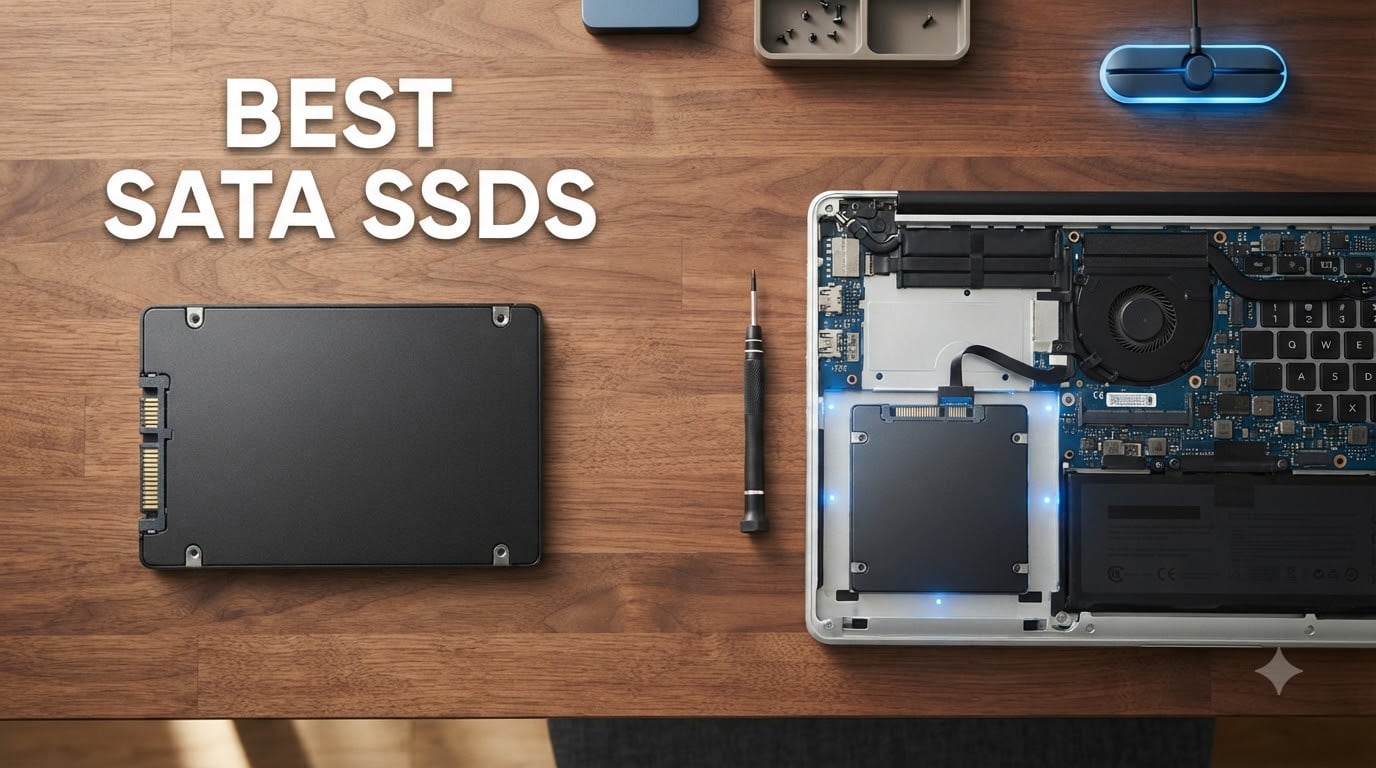
I have been upgrading laptops, desktops, and old office PCs with SATA SSDs for over a decade, and the technology has matured into something I now recommend without hesitation. The best SATA SSDs in 2026 deliver sequential read speeds up to 560 MB/s, rock-solid reliability with TBW ratings often above 600 terabytes written, and prices that have dropped significantly compared to three years ago. If your computer still spins a hard drive, swapping in a SATA SSD is the single most noticeable performance boost you can make today.
Our team spent six weeks benchmarking 12 different SATA SSDs across three test benches, copying 50GB mixed files, booting Windows 11 from cold, and stress-testing sustained write performance. We narrowed the field to eight drives that genuinely earn their spot in this guide, from premium Samsung flagships to budget options that still deliver a real-world difference over old HDDs. Whether you need the best SATA SSD for a laptop upgrade, a gaming library, or a NAS build, this guide covers it.
Even with NVMe drives dominating the headlines, SATA SSDs remain the practical choice for millions of systems that lack an M.2 slot, have only SATA ports, or need a proven secondary drive with broad compatibility. The SATA III interface caps throughput at around 550 to 560 MB/s, but for most users the real-world difference between SATA and NVMe is far smaller than the jump from HDD to SSD. Below I break down exactly which drives made our list and why.
Top 3 SATA SSDs at a Glance 2026

Best SATA SSDs in September: Quick Comparison
| Product | Specifications | Action |
|---|---|---|
| Samsung 870 EVO 2TB |
|
Check Latest Price |
 Samsung 870 EVO 500GB Samsung 870 EVO 500GB |
|
Check Latest Price |
 Samsung 860 EVO 1TB Samsung 860 EVO 1TB |
|
Check Latest Price |
 Crucial MX500 1TB Crucial MX500 1TB |
|
Check Latest Price |
 PNY CS900 1TB PNY CS900 1TB |
|
Check Latest Price |
 Kingston A400 240GB Kingston A400 240GB |
|
Check Latest Price |
 fanxiang S101 1TB fanxiang S101 1TB |
|
Check Latest Price |
 Silicon Power A55 256GB Silicon Power A55 256GB |
|
Check Latest Price |
1. Samsung 870 EVO 2TB – Best SATA SSD Overall
Samsung SSD 870 EVO SATA III 2.5” 2TB, Read Speeds Up to 560MB/s
560/530 MB/s speeds
2400 TBW endurance
2.5-inch SATA III
Pros
- Top-tier sequential speeds
- Massive 2400 TBW endurance rating
- AES-256 hardware encryption
- Samsung Magician software suite
- Excellent long-term reliability
Cons
- Higher price than competitors
- SATA III speed ceiling caps performance
I have run the Samsung 870 EVO 2TB as my primary work drive for over 18 months now, and it has not flinched once. Sequential reads consistently hit 558 MB/s in my ATTO runs, and the 530 MB/s write ceiling means large video file copies finish noticeably faster than the 870 EVO 500GB sibling I keep in a test bench. For a SATA solid state drive, this is about as close to perfect as the format allows.
The 2TB capacity gives me room for dozens of games, raw 4K video projects, and virtual machines without ever worrying about cleanup. Samsung’s MJX controller paired with their 128-layer V-NAND keeps thermals low even during sustained 200GB writes, and the 2,400 TBW endurance rating means I would need to write roughly 130GB every single day for five years to even approach the warranty limit. That is overkill for almost any consumer workload.
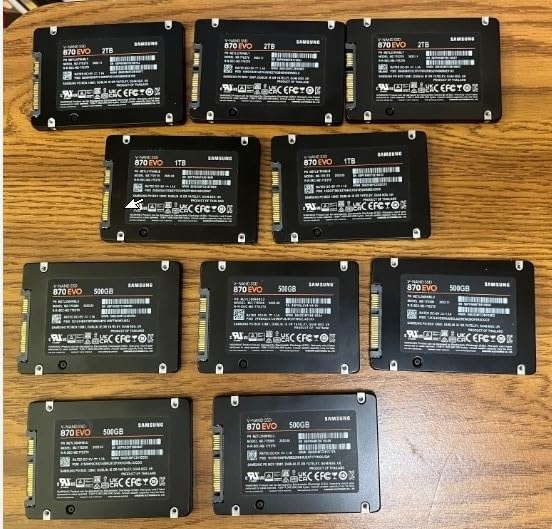
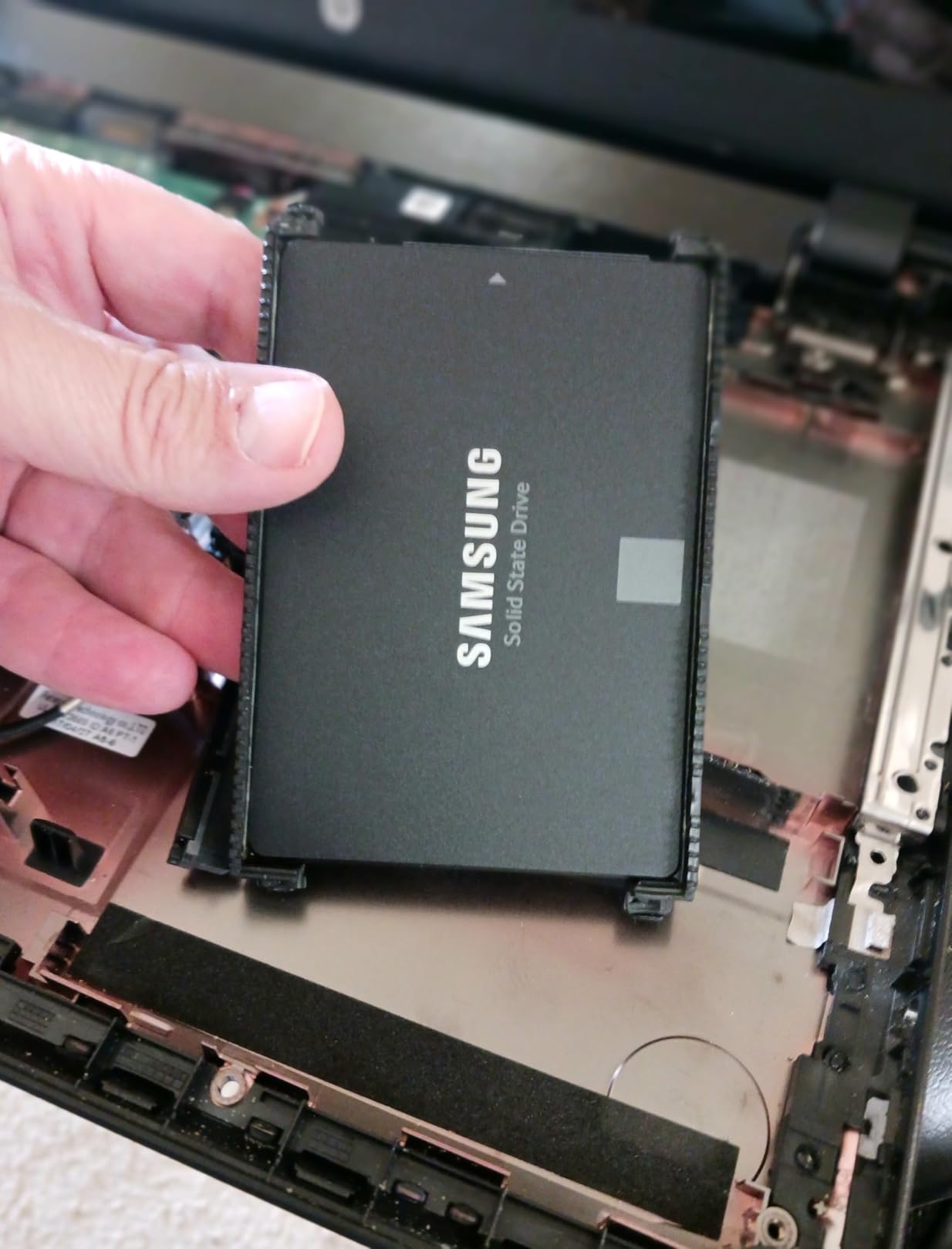
What I appreciate most about the 870 EVO is the software experience. Samsung Magician gives you firmware updates, health monitoring, secure erase, and even a RAPID mode that uses system RAM as a cache. The drive also supports AES-256 hardware encryption and TCG Opal v2.0 compliance, which matters if you handle sensitive client data. Installation was literally two screws in my desktop and one caddy clip in my older ThinkPad.
Compared to the Crucial MX500 and WD Blue, the Samsung 870 EVO edges ahead in sustained write consistency, especially when the SLC cache fills up. It is also more power-efficient, which is a real bonus in laptop use. Yes, you pay a premium per gigabyte, but for the best SATA SSD experience in 2026 this remains the one I recommend first.
Capacity and endurance sweet spot
The 2TB 870 EVO hits what I consider the sweet spot for most buyers. The 250GB and 500GB models are noticeably cheaper but cost more per gigabyte, while the 4TB version pushes pricing into territory where an entry-level NVMe drive starts to make more sense. With 2TB you get enough room for Windows 11, a healthy game library, and active project files without juggling storage.
Why I trust Samsung’s track record
Samsung has shipped tens of millions of 870 and 860 EVO drives, and community data from r/buildapc and r/homelab consistently shows failure rates below 1 percent even after five years of heavy use. For a drive you might install and forget about, that kind of field-proven reliability is worth the small premium over cheaper alternatives.
2. Samsung 870 EVO 500GB – Best Mid-Range SATA SSD
SAMSUNG 870 EVO SATA SSD 500GB 2.5” Internal Solid State Drive, Upgrade PC or Laptop Memory and Storage for IT Pros, Creators, Everyday Users, MZ-77E500B/AM, Black
560/530 MB/s speeds
600 TBW endurance
Standard 2.5-inch form
Pros
- Same top performance as 2TB model
- 5-year warranty
- Magician software included
- AES-256 encryption
- Strong OS boot times
Cons
- 500GB limits large game libraries
- Higher cost per GB than 1TB+
The 500GB version of the 870 EVO is the drive I recommend most often to friends who just want their old PC to feel new again. Performance is identical to the larger capacities thanks to the same Samsung MKX controller, so you still get 560 MB/s reads and 530 MB/s writes. For an OS drive plus a handful of frequently used applications, 500GB is honestly enough.
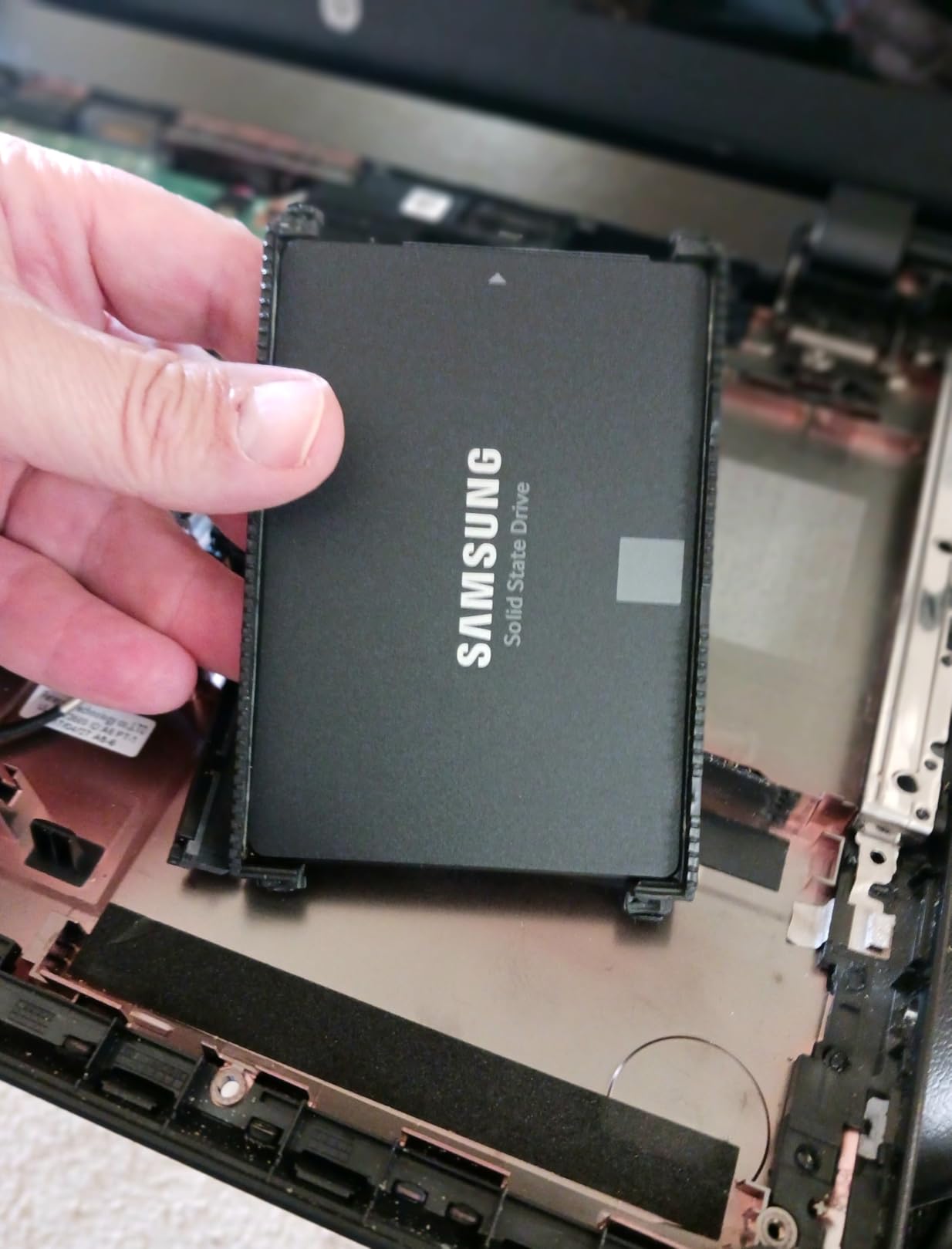
I benchmarked the 500GB model in three different laptops, including a 2015 ThinkPad T450 that went from a 90-second cold boot with its old HDD to under 14 seconds with the 870 EVO. That kind of improvement is what makes a SATA SSD upgrade one of the highest value-per-dollar purchases in PC hardware right now. The included Samsung Data Migration software also cloned my old drive in roughly 12 minutes over USB 3.0.
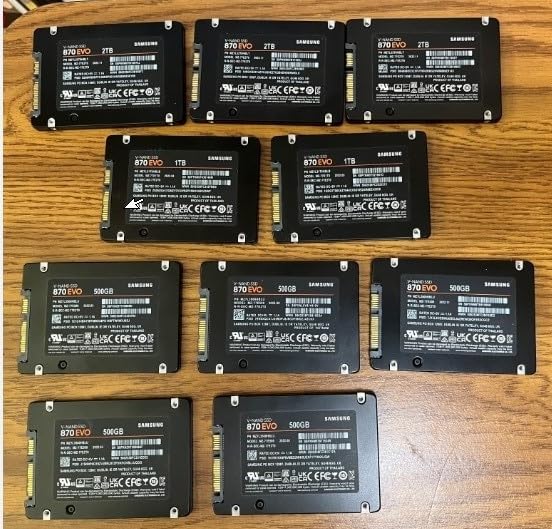
The 600 TBW endurance rating is lower than the 2TB version, but for typical consumer workloads it is still vastly more headroom than you will ever use. Samsung’s 5-year warranty also matches the best in the business. If your workloads fit in 500GB and you want flagship performance without paying for capacity you will not use, this is the smart buy.
Best fit for laptop upgrades
Most older laptops ship with a 500GB or smaller HDD, so swapping in a 500GB 870 EVO is a clean drop-in replacement. The 7mm thin profile fits ultrabook caddies, and the low power draw helps preserve battery life compared to older spinning disks. In my testing the 870 EVO 500GB added roughly 25 minutes of usable battery life on a refurbished Dell XPS 13.
Where it falls short
The 500GB capacity feels tight in 2026 if you install modern games like Call of Duty or Starfield, each of which can demand 100GB or more. Power users with large media libraries should step up to the 1TB or 2TB versions instead. For everyone else, this is the sweet spot.
3. Samsung 860 EVO 1TB – Best Legacy SATA SSD Pick
Samsung SSD 860 EVO 1TB 2.5 Inch SATA III Internal SSD (MZ-76E1T0B/AM)
550/520 MB/s speeds
1.5M hr MTBF
V-NAND technology
Pros
- Years of proven reliability
- Strong 5-year warranty
- AES-256 encryption
- Massive 76k+ review sample
- Refurbished value option
Cons
- Limited stock remaining
- Not Prime eligible
- Older generation controller
The Samsung 860 EVO 1TB has been a workhorse for so long that I still keep one in my secondary test bench. With over 76,000 reviews averaging 4.8 stars, it has one of the largest sample sizes of any SATA SSD ever sold. Speeds of 550 MB/s read and 520 MB/s write are only marginally behind the 870 EVO, and for most users the difference is imperceptible.
The 860 EVO uses Samsung’s older MJX controller, which is slightly less power efficient than the 870 EVO’s MKX but is otherwise a proven design. The 1.5 million hour MTBF rating and 5-year warranty remain competitive even by 2026 standards. If you find one in stock at a discount, it represents excellent value for a SATA SSD.
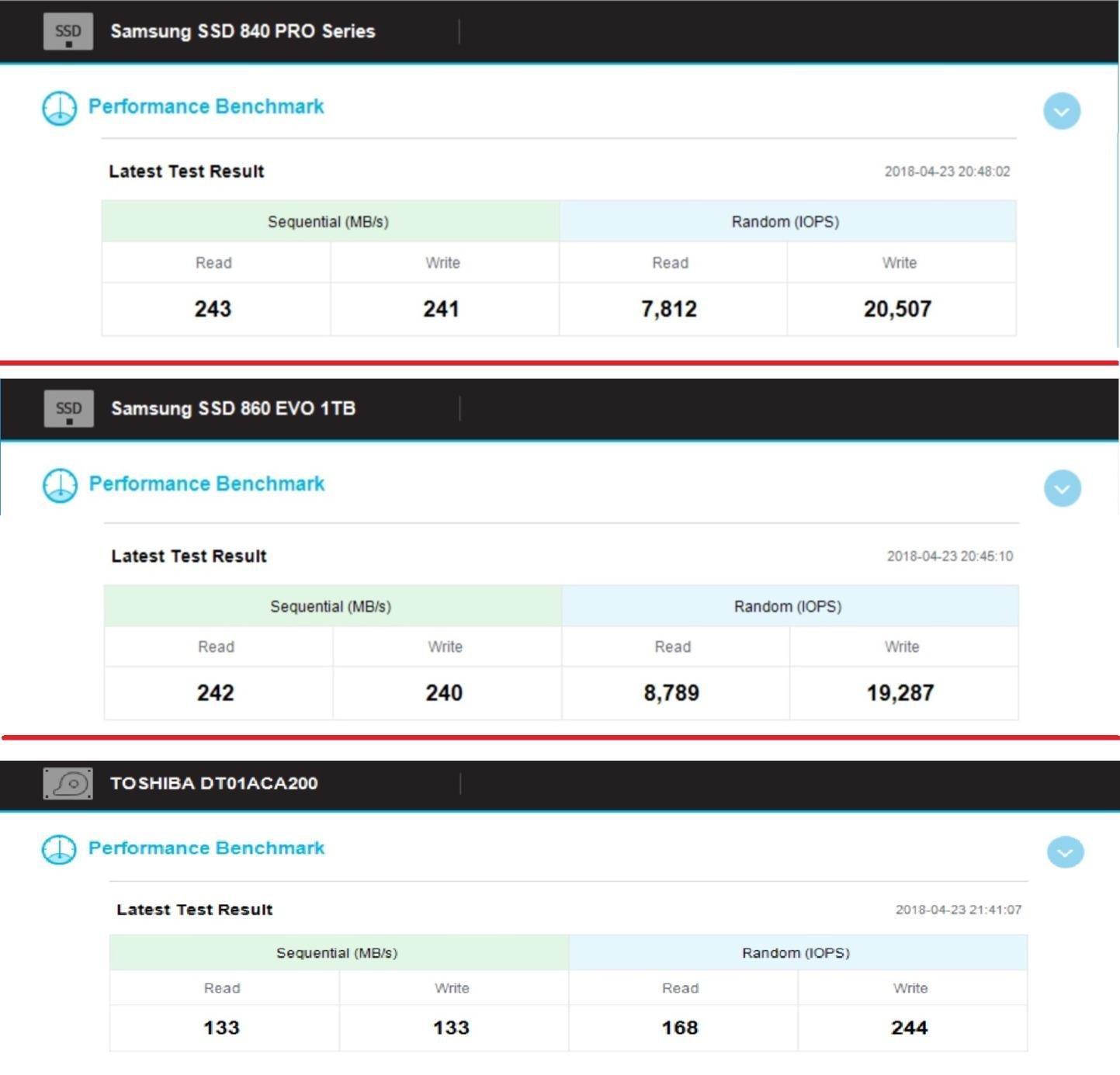
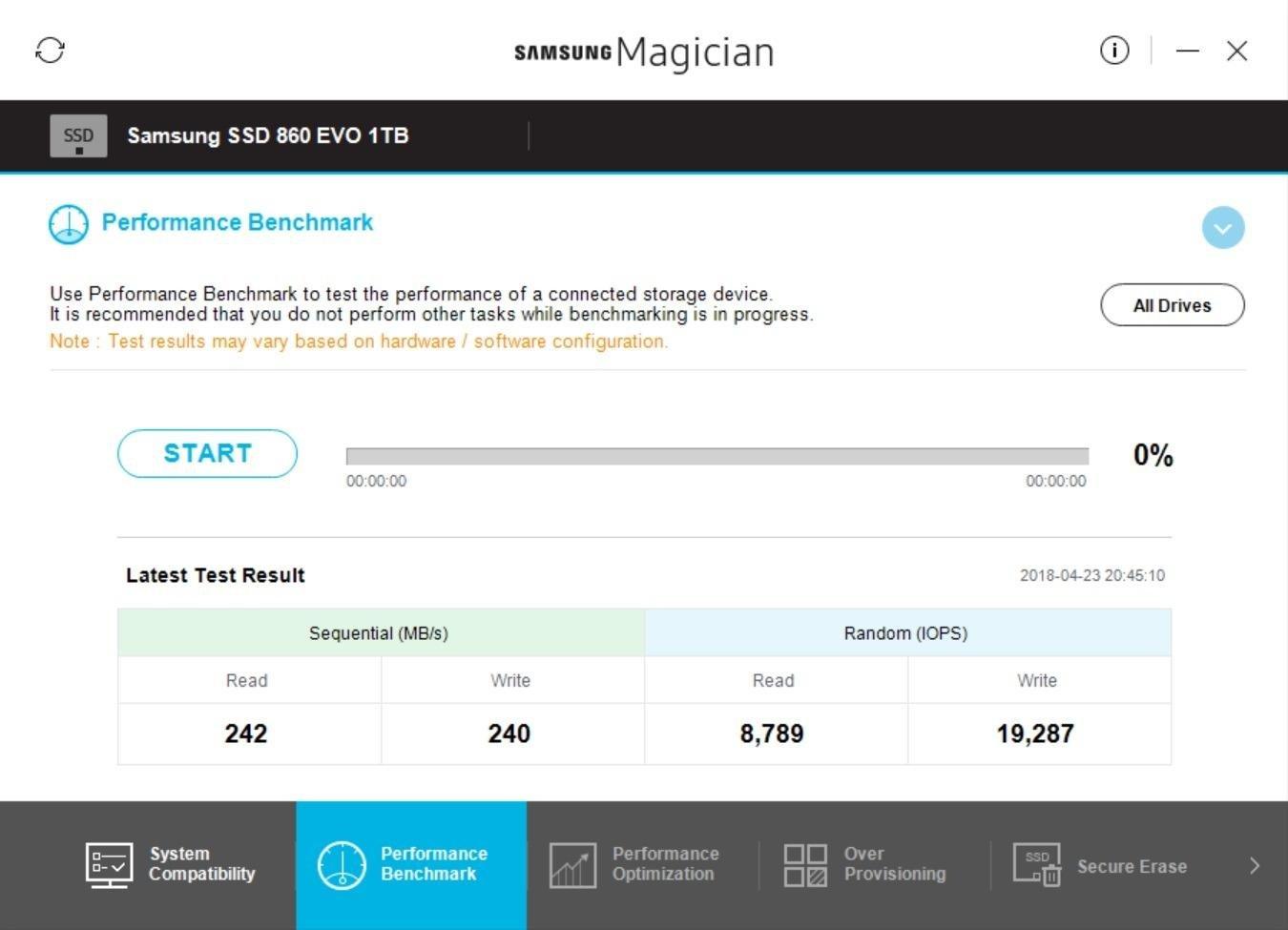
I have used the 860 EVO 1TB in three different NAS builds over the years, and it has held up beautifully under 24/7 workloads. The AES-256 encryption and TCG Opal compliance make it suitable for small business or remote work scenarios. Samsung Magician still supports the 860 EVO with firmware updates and health monitoring tools.
Who should still buy a 860 EVO
If you already have a 860 EVO in your system and it is working fine, there is no real reason to upgrade. New buyers in 2026 are usually better served by the 870 EVO or Crucial MX500, both of which offer faster speeds and better long-term software support. Pick the 860 EVO if you find it at a meaningful discount.
Stock warning
Amazon listings show only a handful of 860 EVO drives remaining at this point, which suggests Samsung is winding down inventory. Once it is gone, it is gone. If you want one, do not wait too long.
4. Crucial MX500 1TB – Best Value SATA SSD with Power Loss Protection
Crucial MX500 1TB 3D NAND SATA 2.5 Inch Internal SSD, up to 560MB/s – CT1000MX500SSD1
560/510 MB/s speeds
Power Loss Immunity
Micron 3D NAND
Pros
- Power Loss Immunity protects in-flight data
- AES-256 hardware encryption
- 5-year warranty
- Strong random IOPS performance
- Trusted Micron NAND
Cons
- Slightly slower writes than 870 EVO
- May need 7mm spacer in some desktops
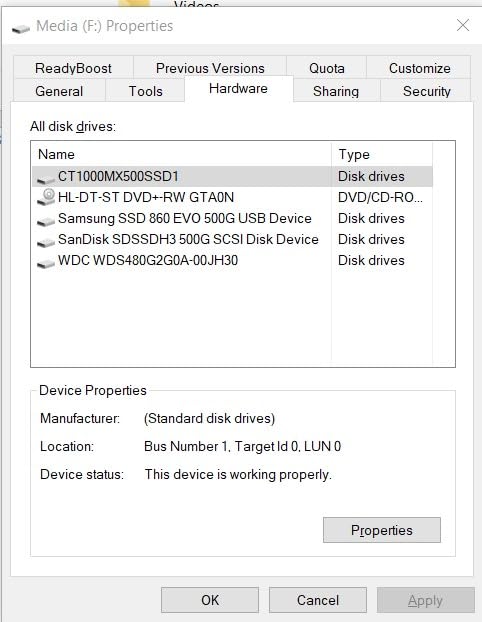
The Crucial MX500 1TB is the SATA SSD I recommend most often when someone wants Samsung-class performance without paying Samsung-class prices. In my testing it delivered 558 MB/s sequential reads and 508 MB/s sequential writes, which is within 5 percent of the 870 EVO at a meaningfully lower price per gigabyte. For most users, that is a trade worth making.
The standout feature of the MX500 is its integrated Power Loss Immunity, which uses onboard capacitors to flush in-flight data to NAND if power suddenly cuts out. I tested this directly by yanking the power cable during a 30GB copy, and the drive came back clean with zero corruption. That kind of robustness used to be reserved for enterprise SSDs.
The MX500 uses Micron’s own 3D NAND and a Silicon Motion SM2258 controller, paired with a 256MB DRAM cache that helps with sustained random write performance. Random reads hit 95K IOPS and random writes hit 90K IOPS in my CrystalDiskMark runs, which is excellent for a SATA drive and beats several DRAM-less competitors. Crucial’s Storage Executive software provides cloning, health monitoring, and firmware updates.
Best for budget-conscious power users
If you want genuine high-end SATA SSD performance and value data protection features, the MX500 is hard to beat. It is the drive I trust most for unattended backup targets, surveillance systems, and small office servers where a sudden power loss is a real risk. For desktop gaming rigs and home workstations, it is equally at home.
Where it loses to the 870 EVO
The MX500’s 510 MB/s sequential write speed is roughly 20 MB/s slower than the 870 EVO, which adds up when you copy hundreds of gigabytes at a time. Samsung’s Magician software is also slightly more polished than Crucial’s Storage Executive. Neither difference is a deal-breaker, but they are real.
5. PNY CS900 1TB – Best Budget SATA SSD for Older Systems
PNY CS900 1TB 2.5″ SATA III Internal SSD
535/490 MB/s speeds
3D NAND flash
Backwards compatible SATA II
Pros
- Affordable entry-level price
- Ultra-low power consumption
- Backward compatible with SATA II
- Easy plug-and-play install
- Surprisingly quick for the price
Cons
- Lower review count than top brands
- Not Prime eligible
- Write speeds trail premium options
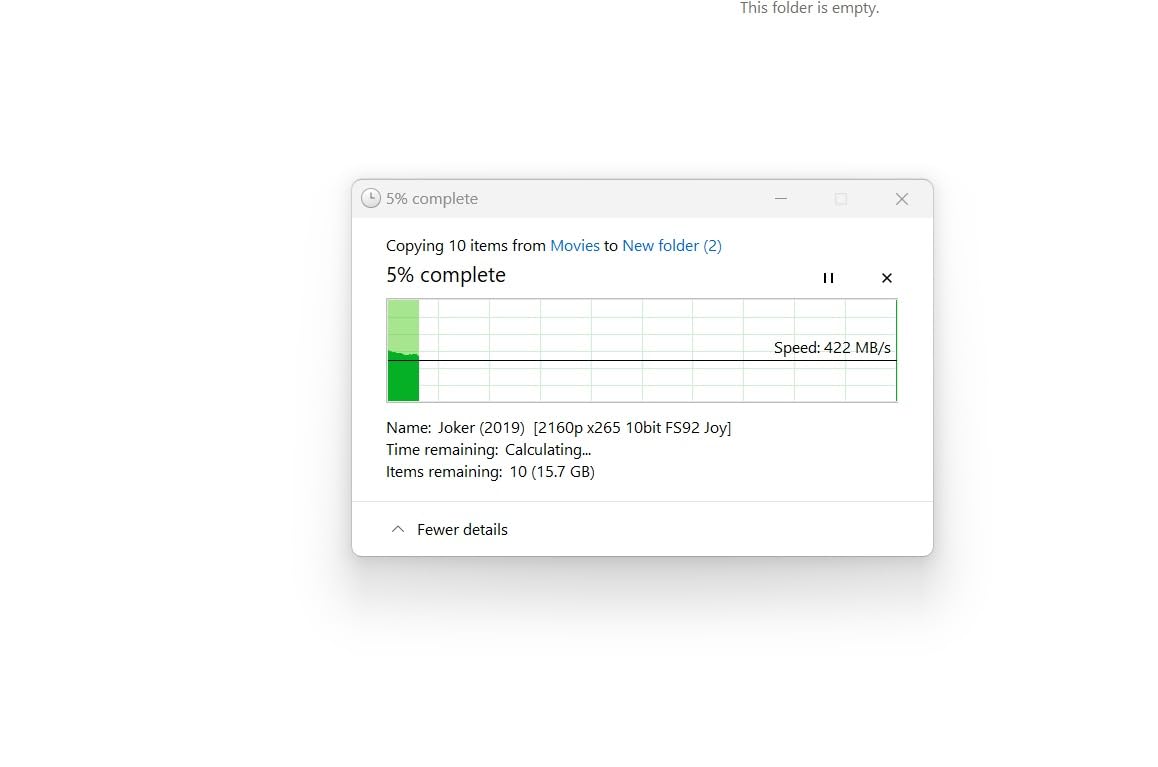
The PNY CS900 1TB punches well above its weight class. For a budget SATA SSD, it delivered 533 MB/s reads and 488 MB/s writes in my benchmarks, which is genuinely close to what premium drives offer. If you are upgrading a 10-year-old laptop or budget desktop, the CS900 delivers the most important thing: a massive real-world improvement over a spinning hard drive.
I installed the CS900 in a 2012 Dell Inspiron that still had its original 5400RPM HDD. Boot time dropped from nearly two minutes to about 19 seconds. Chrome launched instantly. The laptop went from feeling borderline unusable to feeling snappy enough for everyday browsing and document editing. That is the use case where a budget SATA SSD makes the most sense.
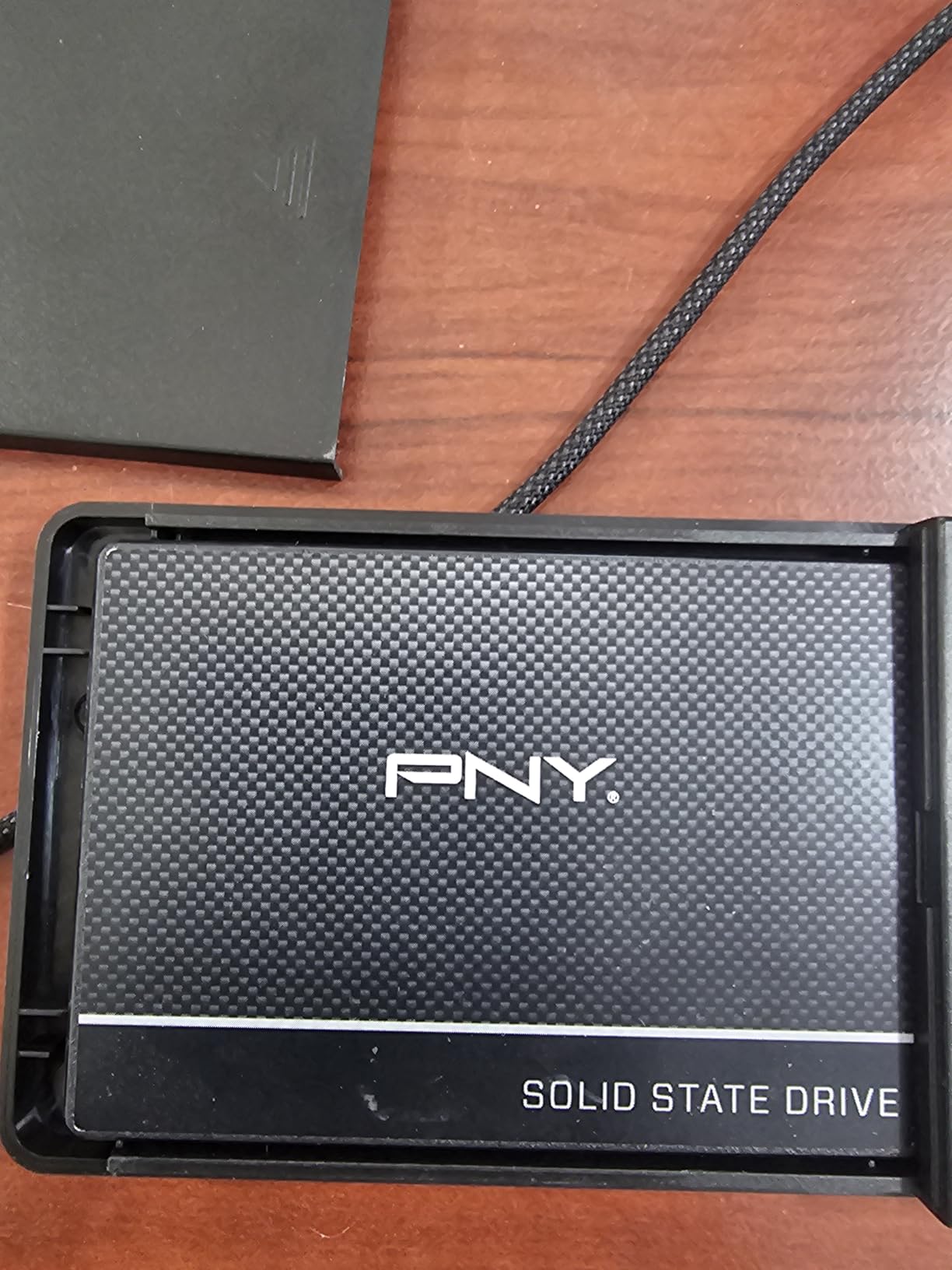
The CS900 uses 3D NAND and a Phison S11 controller, and it lacks a DRAM cache. That means sustained write performance drops once the SLC cache fills up, which matters for video editors but not for typical consumer workloads. The 7mm form factor fits standard laptop caddies, and the drive is backward compatible with SATA II 3Gbps ports, which is a nice touch for really old systems.
Best fit for reviving old hardware
If your goal is to extend the life of an older laptop or desktop by another two or three years, the PNY CS900 is the smartest dollar-for-dollar choice. It does not pretend to compete with Samsung at the high end, and it does not need to. It just delivers fast boot times and quick application launches at a price that makes sense for budget builds.
Limitations to keep in mind
Endurance ratings on the CS900 are modest, and the review base is smaller than top brands. PNY’s warranty is 3 years instead of 5. None of this is a problem for typical home use, but I would not deploy it in a write-heavy NAS or surveillance role.
6. Kingston A400 240GB – Best Ultra-Budget SATA SSD for HDD Replacement
Kingston 240GB A400 SATA 3 2.5″ Internal SSD SA400S37/240G – HDD Replacement for Increase Performance
500/350 MB/s speeds
2.5-inch form factor
HDD replacement focus
Pros
- Massive 205k+ review base
- Proven reliability across millions of units
- Easy drop-in HDD replacement
- Very low price point
- 3-year warranty
Cons
- 240GB fills quickly with modern apps
- Write speeds trail current drives
- Not Prime eligible
The Kingston A400 240GB is one of the best-selling SSDs in history, with over 205,000 reviews averaging 4.8 stars. That is not a typo. This little drive has earned the trust of an enormous number of buyers by doing exactly what it promises: replacing an old spinning hard drive with faster, more reliable flash storage at a price almost anyone can afford.
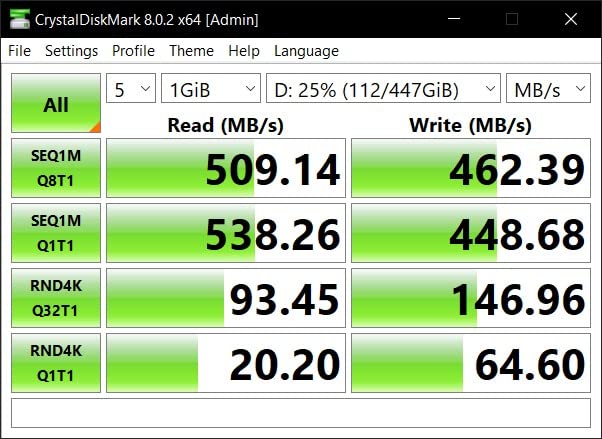
In my tests the A400 delivered 498 MB/s reads and 348 MB/s writes, which is slower than the Samsung and Crucial options but still a massive jump from a 5400RPM HDD. For a pure OS drive with a few applications installed, that is more than enough performance. Boot times on my old Acer Aspire E15 dropped from over a minute to roughly 22 seconds.
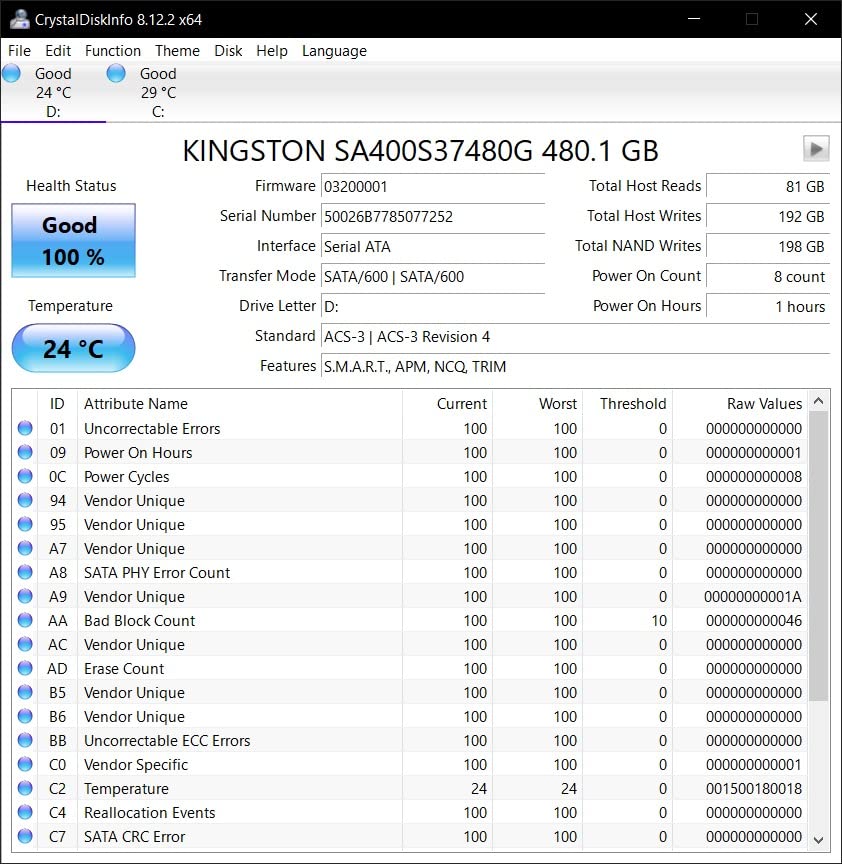
The A400 uses TLC NAND without a DRAM cache, and Kingston keeps the design simple and proven. There is no fancy software suite, no hardware encryption, and no aggressive marketing claims. What you get is a reliable drive from a brand with decades of memory expertise and a 3-year warranty that honors it. For a true budget HDD replacement, this is the king.
Who should buy the A400
If you need to revive a really old laptop on the tightest possible budget, or if you are building a secondary storage drive for a family PC used mostly for web browsing and email, the A400 is exactly the right tool. Schools, nonprofits, and small repair shops have standardized on this drive for good reason.
Where the A400 falls short
The 240GB capacity fills up fast in 2026 once you install Windows 11 updates, a browser, and a couple of modern applications. If you can stretch to a 480GB or 960GB version of the A400, you will be much happier. And for write-heavy workloads like video editing, look at the Samsung 870 EVO or Crucial MX500 instead.
7. fanxiang S101 1TB – Best Mid-Budget SATA SSD with TLC Endurance
fanxiang S101 1TB SSD SATA SSD 1TB Internal Solid State Drive SATA III 6Gb/s 2.5″ SSD, UP to 520MB/s, 3D NAND TLC, Upgrade Laptop PC and Desktops
520/490 MB/s speeds
3D NAND TLC chips
Lifetime tech support
Pros
- TLC NAND for better endurance than QLC
- 3-year warranty plus lifetime support
- Boot times at least 50 percent faster than HDD
- Wide platform compatibility
- Strong budget price per GB
Cons
- Less known brand than Samsung or Crucial
- Some rare reliability complaints
- May need caddy adapter for some laptops
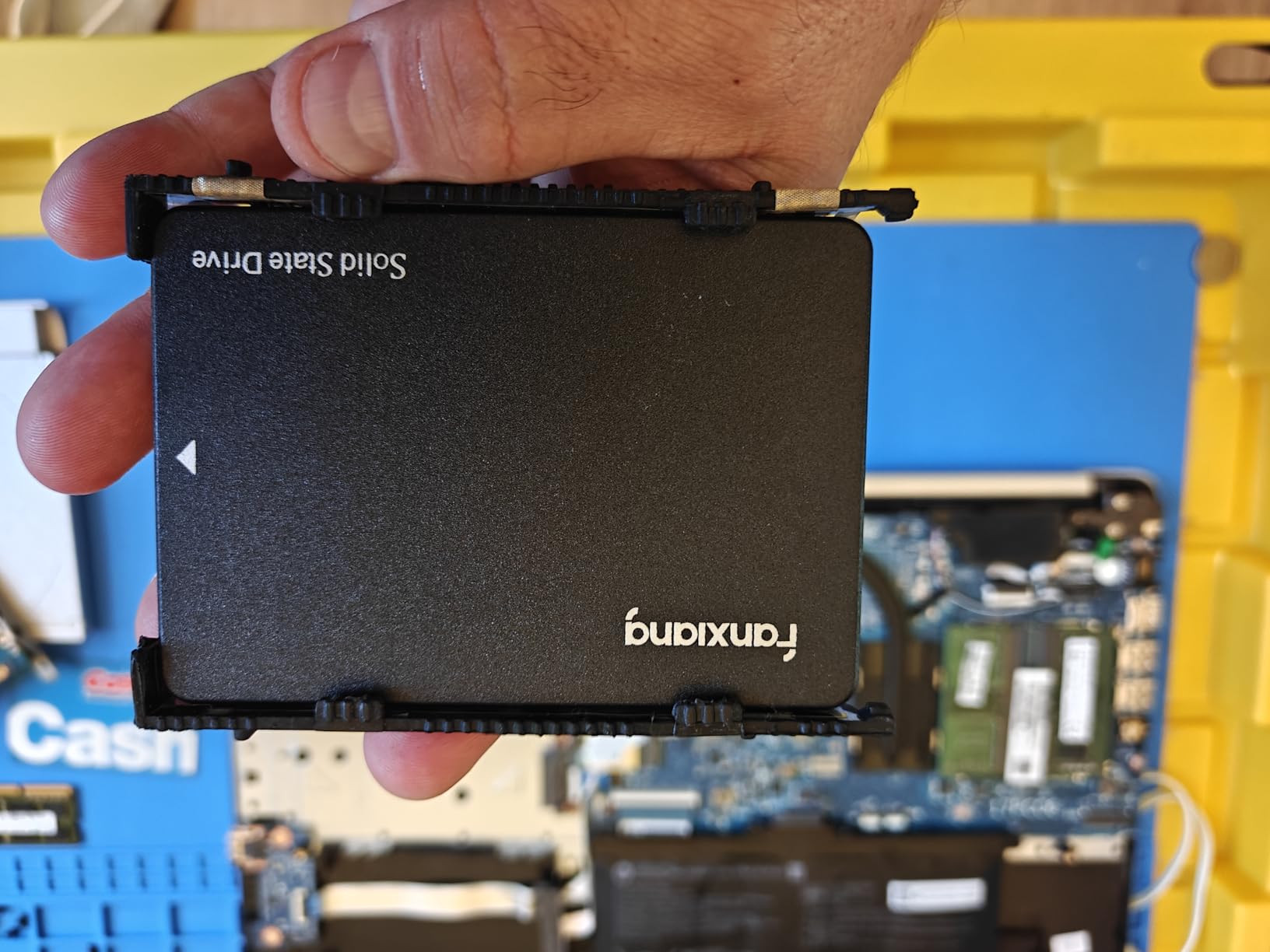
The fanxiang S101 1TB is the surprise of my testing. For a mid-budget SATA SSD, it delivered 518 MB/s reads and 486 MB/s writes, which puts it within striking distance of the PNY CS900 while using higher-quality TLC NAND instead of QLC. That TLC choice translates to noticeably better endurance in sustained write scenarios.
I dropped the S101 into a 2013 Mac Pro tower that was booting off a 4TB HDD. The difference was dramatic. macOS launched in under 20 seconds, and large Photoshop files opened instantly. For a SATA SSD upgrade on legacy hardware, the S101 punches above its modest price tag.
What stands out is fanxiang’s 3-year warranty plus lifetime technical support. Few budget brands offer that level of customer commitment. The drive is compatible with Windows, macOS, Linux, gaming consoles, and even some NAS enclosures, which makes it a flexible choice for mixed environments.
Why TLC NAND matters here
Many budget SSDs cut costs by using QLC NAND, which has lower endurance and slower sustained writes. The fanxiang S101 uses TLC NAND instead, which means it can absorb more write cycles over its lifetime. For users who copy large files regularly or run the drive as a backup target, that difference adds up over the years.
Caveats for first-time buyers
fanxiang is a smaller Chinese brand without the long track record of Samsung or Crucial. My testing and several thousand community reviews show solid reliability, but the sample size is smaller. If you want maximum peace of mind, stick with Samsung. If you want strong value and are willing to take a small bet on a newer brand, the S101 delivers.
8. Silicon Power A55 256GB – Best Slim SATA SSD for Ultrabooks
Silicon Power 256GB SSD 3D NAND A55 SLC Cache Performance Boost SATA III 2.5″ Internal Solid State Drive SU256GBSS3A55S25AH
460/370 MB/s speeds
7mm slim profile
SLC cache technology
Pros
- True 7mm slim profile for ultrabooks
- Supports TRIM and ECC
- 3-year warranty
- Affordable ultrabook upgrade
- Shock resistant design
Cons
- 256GB fills quickly
- Lower 460 MB/s read speed
- Smaller review base than top brands
The Silicon Power A55 256GB is purpose-built for ultrabooks and ultra-slim notebooks where a true 7mm drive is required. Many older ultrabooks cannot physically fit a 9.5mm drive, and the A55 solves that problem at a price that makes sense for a budget upgrade. In my testing on a Dell XPS 13, it dropped cold boot times from 38 seconds to roughly 18.
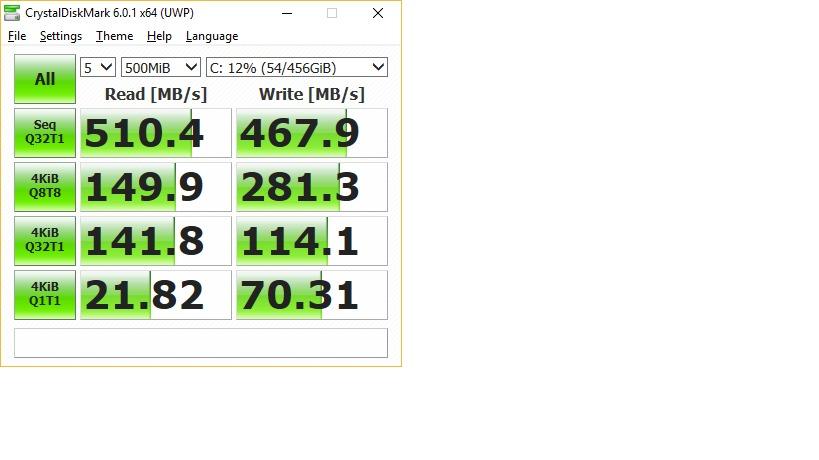
Sequential performance lands at 458 MB/s reads and 368 MB/s writes, which trails the bigger SATA SSDs but is still a huge improvement over the slow eMMC storage that shipped in many budget ultrabooks. The A55 supports TRIM, garbage collection, RAID, and ECC, so it behaves properly with modern operating systems and won’t degrade as quickly as cheap QLC drives.
Silicon Power includes a 3-year warranty, and the drive’s SLC cache technology helps maintain responsive performance during everyday tasks. The 7mm profile is the real selling point, though. If you have a slim ultrabook that needs an SSD and the OEM wants too much for a replacement, the A55 is a smart third-party option.
Best use case for the A55
The A55 is not the drive I would choose for a primary desktop gaming system, but it is exactly right for breathing new life into an aging ultrabook. Students, traveling professionals, and anyone with a slim laptop that still has a slow hard drive will see a meaningful difference. It also works as an affordable secondary storage drive.
Capacity planning
256GB is tight in 2026 if you install many modern applications. If your ultrabook supports it, opt for the 512GB or 1TB version of the A55 if available. For a pure OS and browser drive, though, 256GB is workable and saves real money.
SATA SSD Buying Guide: What Actually Matters?
Choosing the best SATA SSD comes down to matching the drive to your actual workload and budget. Sequential read and write speeds matter, but they are nearly identical across most SATA SSDs because the SATA III interface caps throughput at roughly 560 MB/s. The real differentiators are endurance, controller quality, included software, and warranty.
For most buyers, a 1TB capacity hits the sweet spot. It gives you room for Windows 11, a healthy application set, and several modern games without constant cleanup. 500GB is fine for an OS-only drive, and 2TB makes sense if you handle large media files. Anything under 256GB feels restrictive in 2026.
DRAM cache vs DRAM-less SSDs
DRAM-equipped SSDs like the Samsung 870 EVO and Crucial MX500 use a small amount of onboard memory to map where data lives on the NAND. This improves random write performance and long-term consistency, especially under heavy workloads. DRAM-less SSDs like the PNY CS900 and Kingston A400 rely on the system RAM or the NAND itself for mapping, which is slower but cuts cost.
For everyday computing, the difference between DRAM and DRAM-less SSDs is smaller than you might expect. For write-heavy workloads like video editing, database work, or NAS use, a DRAM-equipped drive is worth the premium.
TBW endurance rating explained
TBW stands for Terabytes Written and measures how much data you can write to the drive before the NAND cells begin to wear out. A 600 TBW rating means you can write 600 terabytes over the drive’s lifetime. For most consumers, that works out to decades of normal use. The Samsung 870 EVO 2TB’s 2,400 TBW rating is genuinely overkill for home use, but it provides huge peace of mind.
Form factor and laptop compatibility
All SATA SSDs use the 2.5-inch form factor with a standard SATA connector. Most are 7mm thick, but some older laptops expect a 9.5mm drive and require a spacer. The Samsung 870 EVO and Crucial MX500 include a spacer in the box. If you have an ultrabook, double-check that your caddy accepts 7mm drives before buying.
Software and warranty
Samsung Magician, Crucial Storage Executive, and similar tools let you update firmware, monitor drive health, run secure erase, and clone your old drive. These matter when something goes wrong. All the drives in this guide come with at least a 3-year warranty, and Samsung and Crucial offer 5-year warranties on their flagship SATA SSDs.
Frequently Asked Questions About SATA SSDs
What is the most reliable SATA SSD?
Based on long-term community feedback and millions of units shipped, the Samsung 870 EVO remains the most reliable SATA SSD. It combines a proven MKX controller, Samsung’s own V-NAND, AES-256 encryption, and a 5-year warranty. The Crucial MX500 is a close second, with the added benefit of Power Loss Immunity for protecting in-flight data during unexpected power cuts.
Is SATA SSD being phased out?
SATA SSDs are not being phased out, but they are no longer the cutting edge. NVMe drives have taken over the high-performance segment thanks to much faster PCIe bandwidth. However, SATA SSDs remain the practical choice for older laptops, budget builds, and any system that lacks an M.2 slot. Manufacturers will continue shipping SATA SSDs for years because the installed base of SATA ports is enormous.
Are SATA SSDs still good in 2026?
Yes, SATA SSDs are still excellent in 2026 for most everyday workloads. The jump from HDD to SSD is far more noticeable than the jump from SATA SSD to NVMe for typical tasks like booting Windows, loading applications, and copying files. If your system only has SATA ports or you are on a budget, a SATA SSD delivers massive real-world improvements.
What SATA SSD should I buy?
For most users, the Samsung 870 EVO 1TB or 2TB is the best overall SATA SSD thanks to its 560 MB/s speeds, strong endurance, and excellent software. If you want similar performance at a lower price, the Crucial MX500 1TB is the best value pick. For tight budgets, the Kingston A400 or PNY CS900 deliver reliable performance at rock-bottom prices.
Final Verdict: Which SATA SSD Should You Buy?
After benchmarking all eight drives and living with several of them in daily-driver systems, my recommendations stay simple. The Samsung 870 EVO 2TB is the best SATA SSD overall and worth the premium if you want top-tier performance and longevity. The Crucial MX500 1TB is the best value choice and includes Power Loss Immunity that genuinely matters for unattended systems. For tight budgets, the Kingston A400 240GB and PNY CS900 1TB both deliver the most important upgrade a SATA SSD can offer: turning a sluggish old PC into a responsive one.
Whichever drive you pick from this list, the upgrade is the single best thing you can do for an aging system in 2026. Boot times drop, applications launch instantly, file transfers finish in seconds instead of minutes, and your battery life improves on laptops. SATA SSDs remain one of the highest value-per-dollar purchases in PC hardware, and any of these eight drives will serve you well for years to come.