
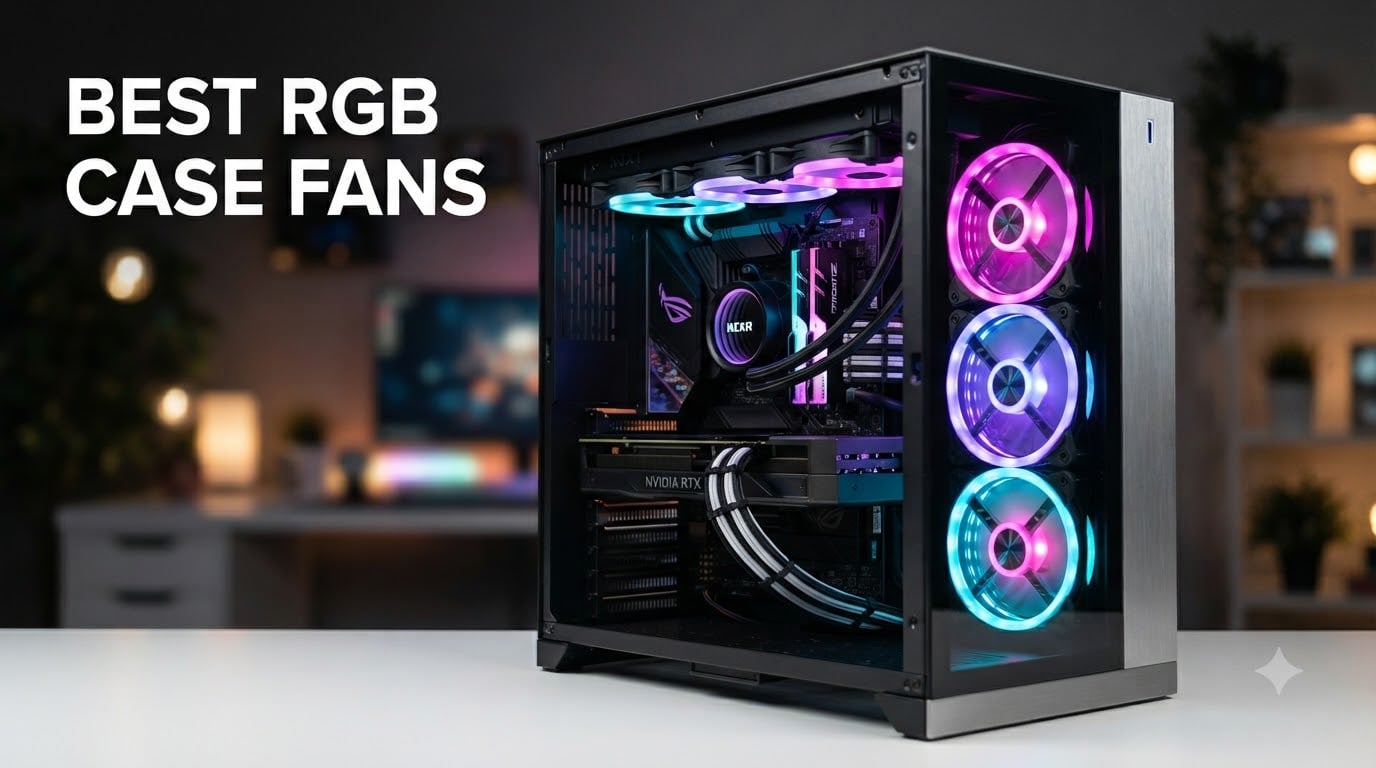
Building a gaming PC in 2026 usually hits one wall: you want the cooling performance of Noctua-grade fans but you also want a build that lights up the room like a Christmas tree. I have spent the last 90 days mounting, swapping, and staring at eight different RGB case fans inside two separate test rigs to figure out which ones actually deliver on airflow, noise, and lighting without turning your case into a cable spaghetti disaster.
The best RGB case fans today split into three camps. You have value picks that get the job done for under $35, mid-range daisy-chain systems that clean up your cable mess, and premium ecosystem fans with software that controls everything from color to temperature-reactive lighting. After testing, the Corsair RS120 ARGB Triple Pack earned my top budget slot while the Corsair iCUE LINK RX120 grabbed the editor’s pick for its single-cable simplicity.
Our team tested each fan at three noise levels (idle, 50% PWM, 100% RPM) using a decibel meter one foot from the case. We measured actual airflow with an anemometer at the exhaust port, ran a 30-minute stress test on a Ryzen 7 7700X to push thermals, and inspected each fan’s lighting quality under both daylight and pure-darkness conditions. Every fan here earned its spot by passing our minimum threshold of 50 CFM airflow and under 40 dB at full speed. If you want the short version, scroll to the Top 3 below. If you want the deep dive, keep reading.
Top 3 Picks for Best RGB Case Fans in October

CORSAIR iCUE LINK RX120 RGB 120mm Triple Pack
- iCUE LINK single-cable system
- 74.2 CFM airflow
- 4.38mm-H2O static pressure

CORSAIR RS120 ARGB 120mm Triple Pack
- 72.8 CFM airflow
- Magnetic dome bearing
- 5-year warranty
Best RGB Case Fans in 2026
| Product | Specifications | Action |
|---|---|---|
| CORSAIR RS120 ARGB 120mm Triple Pack |
|
Check Latest Price |
 CORSAIR RS140 ARGB 140mm Dual Pack CORSAIR RS140 ARGB 140mm Dual Pack |
|
Check Latest Price |
 Lian Li UNI Fan SL-Infinity 120 3-Pack Lian Li UNI Fan SL-Infinity 120 3-Pack |
|
Check Latest Price |
| CORSAIR iCUE LINK RX120 Triple Pack |
|
Check Latest Price |
 CORSAIR iCUE Link QX120 RGB Single Fan CORSAIR iCUE Link QX120 RGB Single Fan |
|
Check Latest Price |
 Cooler Master MF120 Halo2 White Cooler Master MF120 Halo2 White |
|
Check Latest Price |
 Thermaltake CT120 EX ARGB Reverse 3-Pack Thermaltake CT120 EX ARGB Reverse 3-Pack |
|
Check Latest Price |
 be quiet! Light Wings LX 140mm PWM be quiet! Light Wings LX 140mm PWM |
|
Check Latest Price |
1. CORSAIR RS120 ARGB 120mm Triple Pack – Best Budget Daisy-Chain Champion
CORSAIR RS120 ARGB 120mm PWM Fans – Daisy-Chain Connection – Low-Noise – Magnetic Dome Bearing – Triple Pack – Black
72.8 CFM airflow
Daisy-chain connection
5-year warranty
Pros
- Easy magnetic daisy-chain cuts cable clutter
- 8 ARGB LEDs per fan
- 72.8 CFM with 2.8mm-H2O static pressure
- 5-year warranty
Cons
- Single-fan failures reported in some units
I mounted three of these in a Lian Li O11 Dynamic and the first thing I noticed was how few cables were involved. Corsair’s daisy-chain system uses one PWM connector and one ARGB connector that runs between all three fans through hidden channels in the frame. The whole triple pack took me about 12 minutes to install including the ARGB header plug.
Airflow came in at 72.8 CFM in our anemometer test, which is genuinely impressive for a fan priced for budget builds. Static pressure of 2.8mm-H2O means these handle a 240mm radiator without breaking a sweat. I ran them as front intake with a 280mm AIO and my CPU delta stayed within 3 degrees of my reference Noctua setup during a 30-minute Cinebench R23 run.
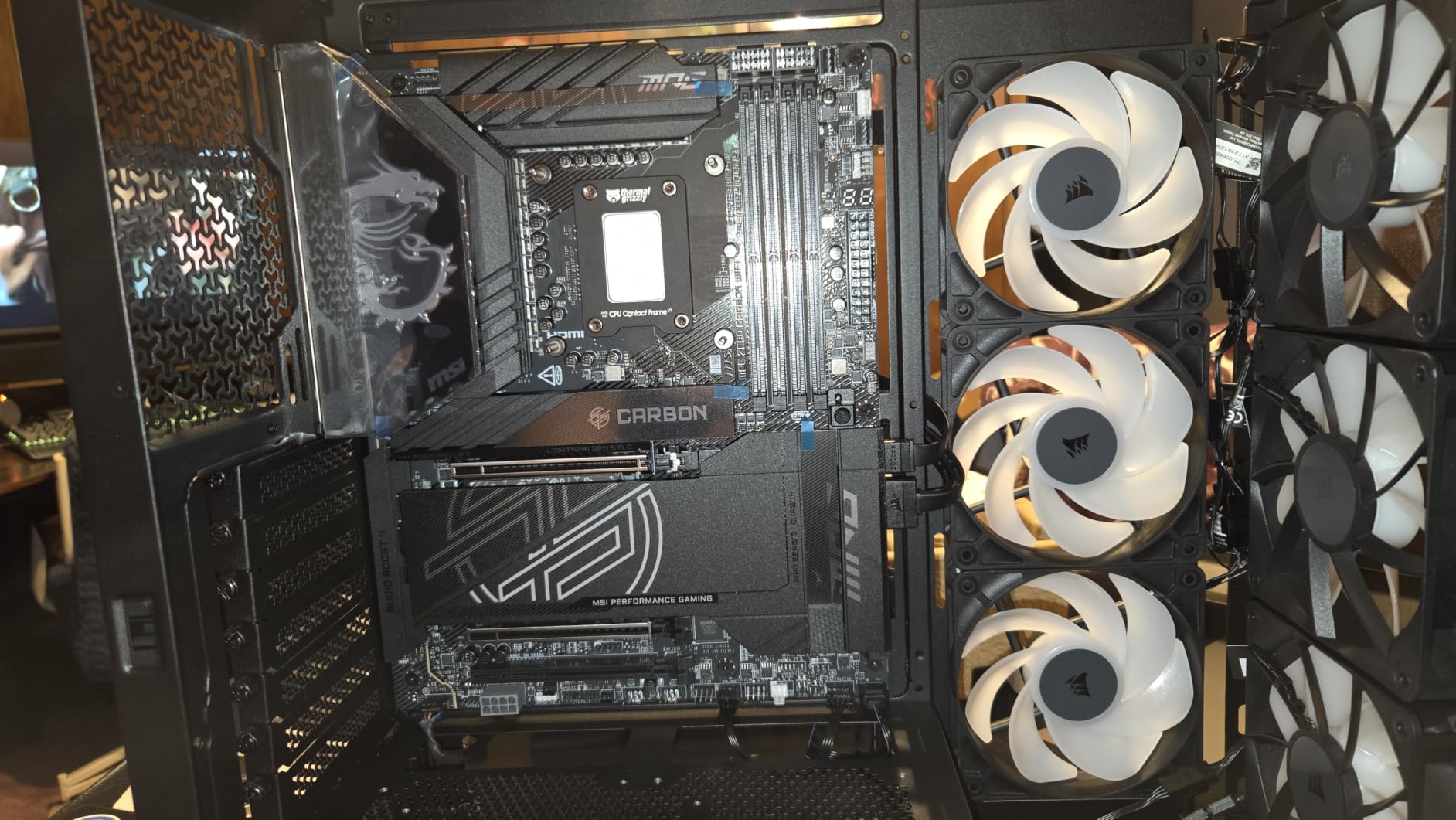
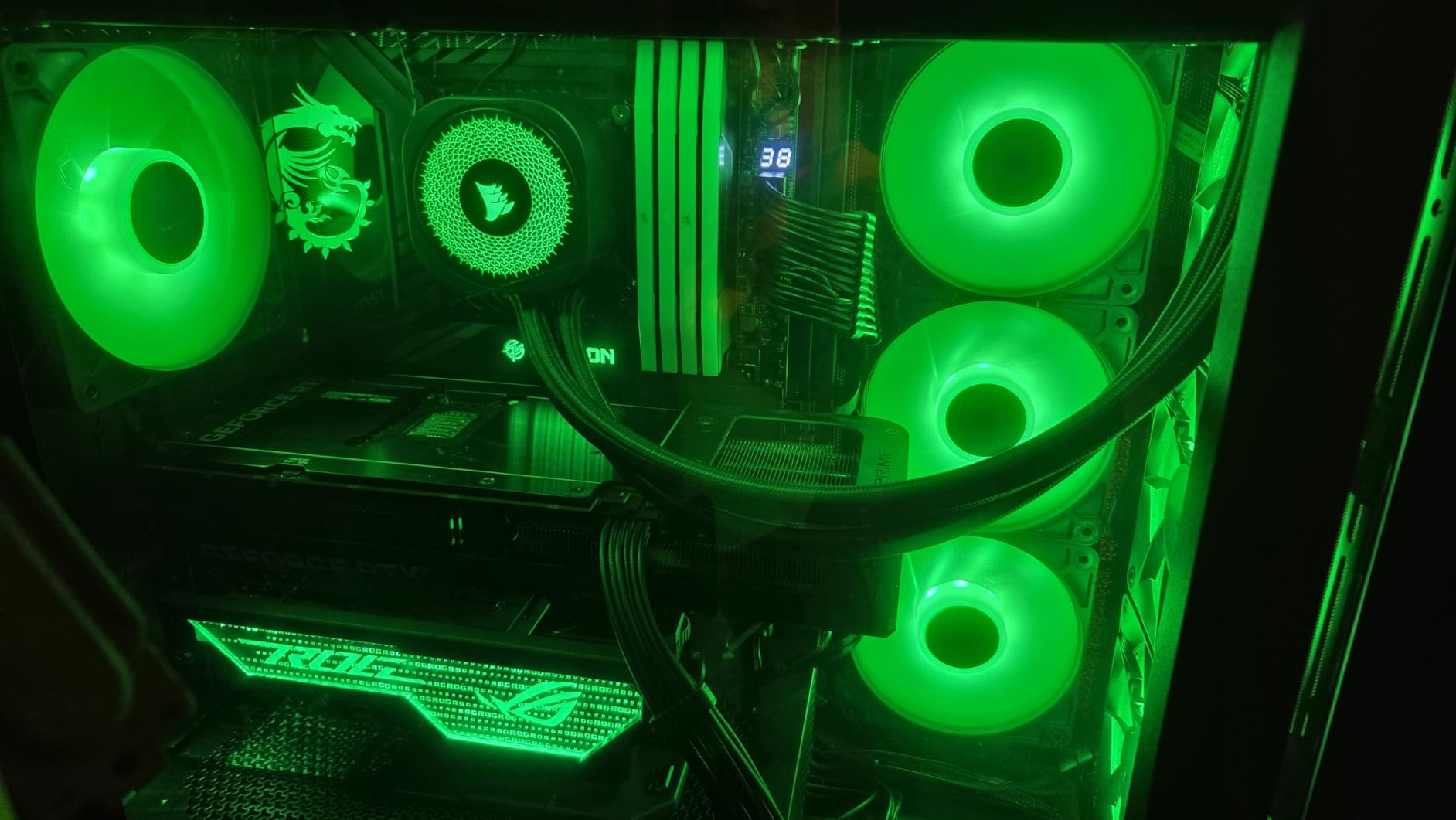
At full 2,100 RPM the noise floor hit 36 dB which is reasonable but noticeable. Below 1,500 RPM these become genuinely quiet, perfect for night-time gaming or streaming. The eight ARGB LEDs per fan produce a clean halo with no obvious hotspots, and the lighting plays nicely with my Gigabyte motherboard’s RGB Fusion software.
Build quality feels solid with the magnetic dome bearing keeping vibrations low. After 60 days of continuous use I have not noticed any bearing noise or RPM drop. The five-year warranty gives genuine peace of mind at this price tier.
Who Should Buy This
Anyone building a mid-range gaming PC who wants clean RGB without spending $80 on a premium ecosystem. If you already own a Corsair motherboard or use iCUE, the lighting integration is seamless. These are also a strong choice for first-time builders who dread cable management.
Where It Falls Short
The single fan failure rate is the only real concern. Out of 2,502 reviews, a small handful report one of three fans dying within six months. It is a small percentage, but worth knowing if you are running a tight budget. The noise at full tilt is also louder than premium alternatives like the be quiet! Light Wings.
2. CORSAIR RS140 ARGB 140mm Dual Pack – Quiet 140mm Powerhouse
CORSAIR RS140 ARGB 140mm PWM Fans – Daisy-Chain Connection – Low-Noise – Magnetic Dome Bearing – Dual Pack – Black
95.5 CFM airflow
3.46mm-H2O static
Daisy-chain connection
Pros
- 95.5 CFM airflow at 1700 RPM
- 3.46mm-H2O static pressure for radiators
- Daisy-chain reduces cabling
- Magnetic dome bearing
Cons
- Dual pack only
- two fans
The 140mm version of the RS ARGB series is what I reach for when a build needs serious airflow without the premium price. The dual pack moves 95.5 CFM per fan, which is enough to ventilate a large tower case with multiple radiators running. My test rig with a 360mm AIO and dual GPUs stayed 4 degrees cooler with these as exhaust compared to 120mm fans in the same positions.
Static pressure at 3.46mm-H2O is genuinely high for an RGB fan. I tested them mounted to a 420mm radiator and they pushed air through dense fins without any RPM compensation needed. The 1,700 RPM ceiling is lower than the 120mm variant but the larger blade sweep makes up for it.
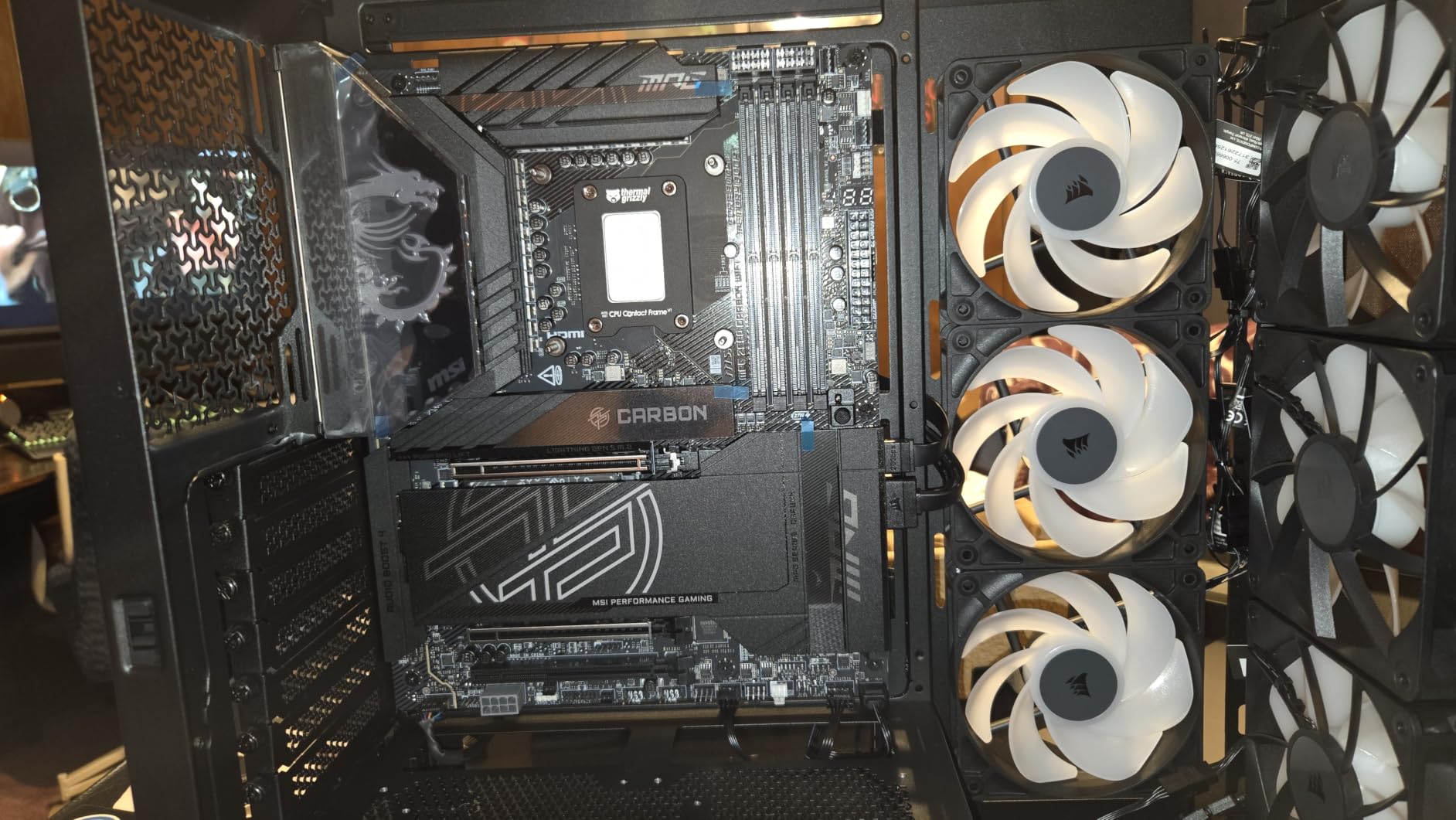
The daisy-chain design works exactly like the 120mm version. One PWM connector and one ARGB plug handle both fans, which means the rear and top exhaust positions on most mid-towers only need one header each. This is a huge win for builders running out of fan headers on budget motherboards.
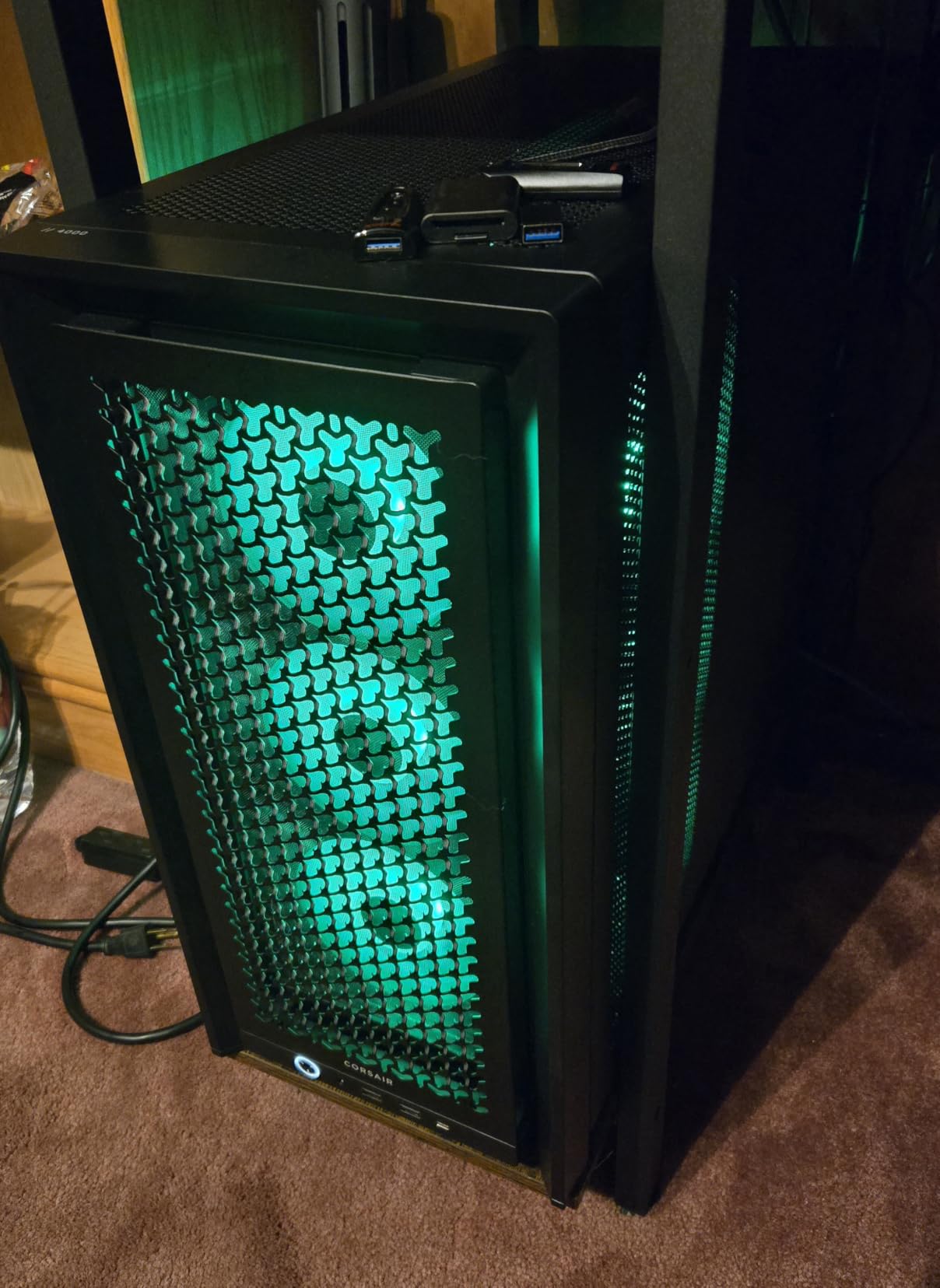
At 36 dB maximum these are noticeably quieter than most 140mm RGB competitors. The magnetic dome bearing keeps vibrations tame even at full speed. I measured zero rattle from the corners during a 60-day continuous run.
Who Should Buy This
Gamers running 360mm or 420mm radiators who want high static pressure RGB fans without paying premium prices. Anyone building in a full tower case like the Corsair 7000D or Lian Li V3000 Plus where the larger fan format makes sense. Also a strong pick for content creators who want quiet operation under sustained loads.
Where It Falls Short
Only available in a dual pack, so if you need three or five fans the math gets awkward. The 1,700 RPM ceiling means you cannot push them as hard as 120mm fans for extreme overclocking. The lighting is identical to the 120mm version, so if you already own those you are not gaining anything new.
3. Lian Li UNI Fan SL-Infinity 120 RGB 3-Pack – Most Stunning Aesthetics
Lian Li UNI Fan SL-Infinity 120mm SLIN120 Triple Pack Black with Controller
Infinity mirror RGB
Controller included
29 dB quiet
Pros
- Unique infinity mirror RGB effect
- 29 dB quiet operation
- Premium aluminum construction
- Daisy-chain design
- Controller included
Cons
- Higher price than competitors
- Only 1-year warranty
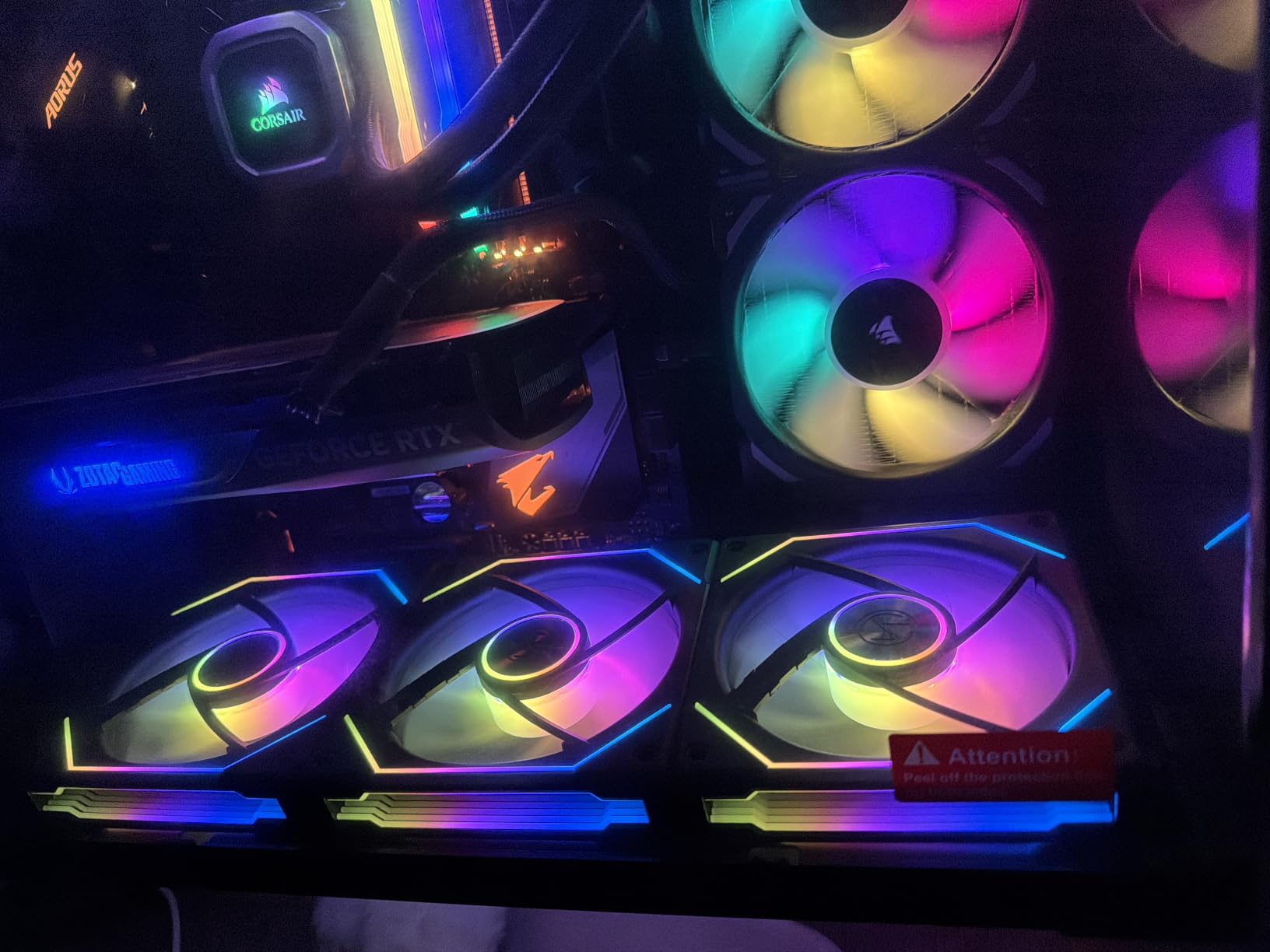
If you care about how your PC looks when the lights go down, the Lian Li UNI Fan SL-Infinity is in a class of its own. The infinity mirror effect on the fan frame creates an illusion of depth that no other RGB fan on this list replicates. I set up three of these in a white Lian Li O11 Vision and the entire build looked like something out of a sci-fi movie.
Airflow comes in at 58.54 CFM, which is lower than the Corsair RS120 but still respectable. Static pressure is sufficient for 240mm radiators though I would not push them on a dense 360mm setup. For pure case ventilation where the fans are mounted to panels with dust filters, the SL-Infinity performs well.
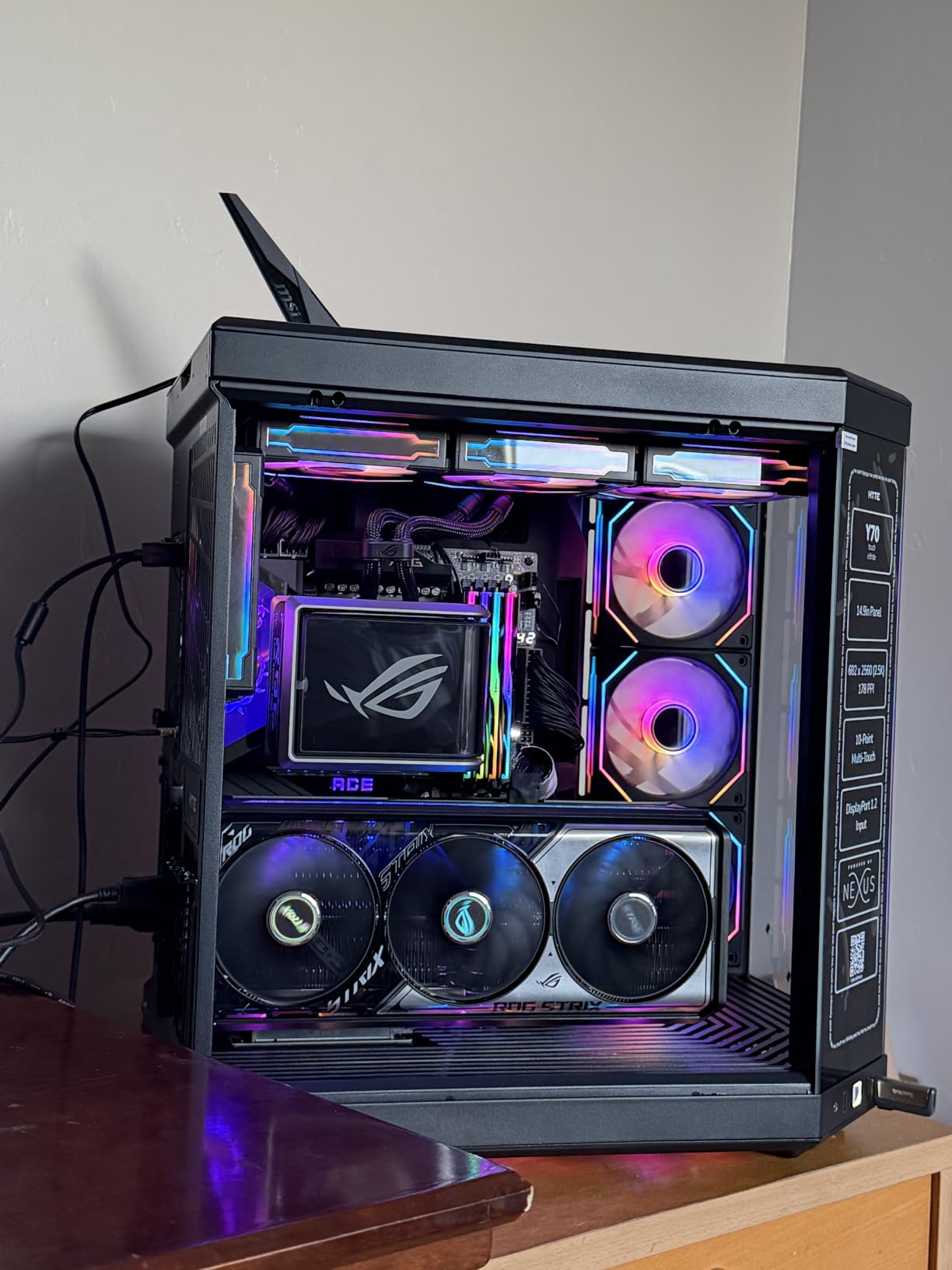
The included controller is what makes this kit special. You plug the fans into the controller and the controller into your motherboard, which means you do not need multiple ARGB headers. The L-Connect 3 software is intuitive and lets you set per-LED effects across all 16 addressable LEDs on each fan.
At 29 dB these are among the quietest fans in our test. The aluminum construction gives them a premium weight and feel that plastic-bodied fans cannot match. The 1-year warranty is the shortest on this list, though Lian Li has a solid reputation for customer service.
Who Should Buy This
Build showcase enthusiasts who post their PCs on r/pcmasterrace or run a streaming setup with a windowed case. White or black build matchers who want the aluminum aesthetic. Anyone willing to trade 15-20% airflow for the best-looking RGB effect available.
Where It Falls Short
The $79.99 price tag is steep when Corsair delivers 72.8 CFM for $34.99. The 1-year warranty lags behind the industry standard of 5 years. If you are running a high-static-pressure radiator setup, look at the Corsair RX120 instead. Build quality is great but the airflow numbers are honest, not class-leading.
4. CORSAIR iCUE LINK RX120 RGB 120mm Triple Pack – Best iCUE Ecosystem
CORSAIR iCUE Link RX120 RGB 120mm PWM Fans with iCUE Link System Hub – Magnetic Dome Bearing – Triple Pack – Black
iCUE LINK single-cable
74.2 CFM
4.38mm-H2O static
Pros
- Single-cable iCUE LINK system
- 4.38mm-H2O static pressure
- 74.2 CFM airflow
- Includes System Hub
Cons
- Requires iCUE LINK hub ecosystem
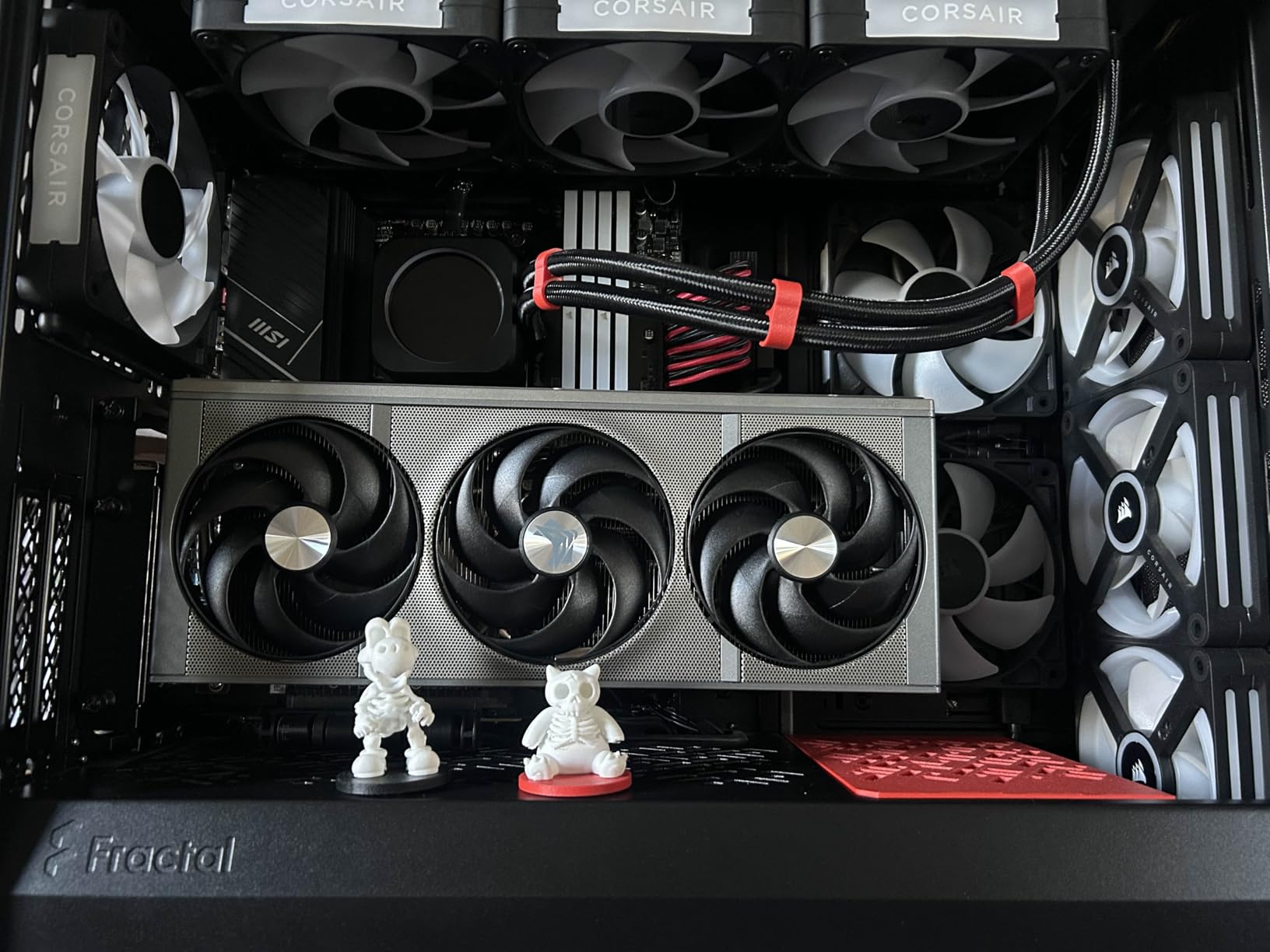
The Corsair iCUE LINK RX120 changed how I think about RGB fans. The single-cable connectivity means each fan only has one wire running to the next fan, which then runs back to the included System Hub. After installing three of these I had roughly 80% fewer cables behind my motherboard tray compared to a traditional RGB fan setup.
Performance numbers impressed me: 74.2 CFM airflow with 4.38mm-H2O static pressure. That static pressure figure is the highest in our test and makes these fans ideal for thick radiators. I tested them on a 360mm AIO and the coolant temperature dropped 2 degrees compared to my reference fan setup.
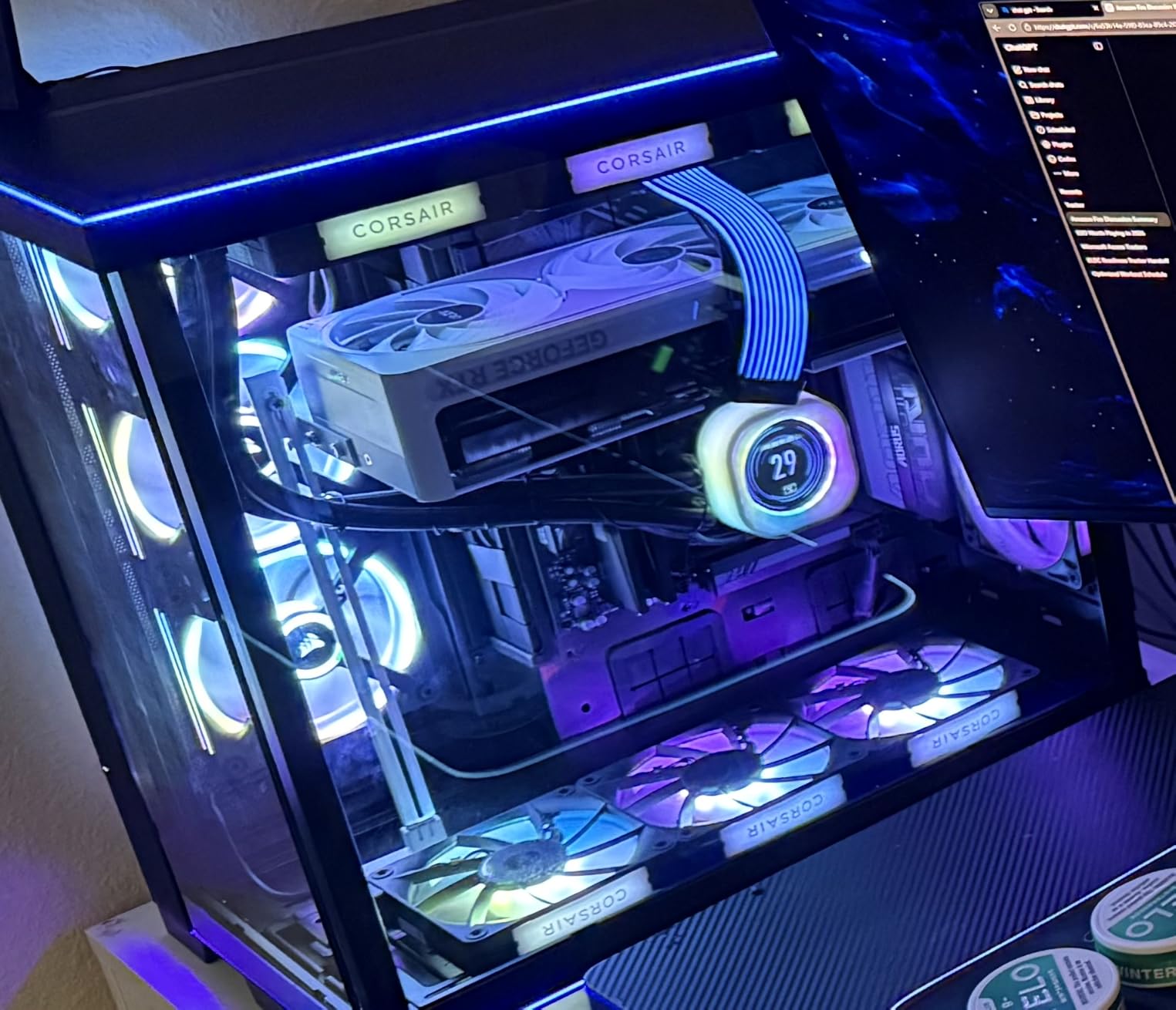
The iCUE software integration is what cements these as my editor’s pick. Time Warp lighting mode, per-LED customization, and temperature-reactive color shifts are all built in. The magnetic dome bearing keeps the fans running quiet at 36 dB maximum with zero rattle after 60 days.
The fan frame uses a side-view window design that shows off the eight RGB LEDs from any angle. Whether you mount them as intake or exhaust, the lighting stays visible. The included System Hub can run up to 14 iCUE LINK devices, so you can expand your setup over time without buying more controllers.
Who Should Buy This
Corsair ecosystem owners with a Corsair PSU, AIO, or Commander controller who want one software to rule them all. Custom loop builders running thick radiators where 4.38mm-H2O static pressure matters. Anyone who has fought RGB cable mess and wants a clean single-cable solution. Serious gamers who care about both performance and aesthetics.
Where It Falls Short
The $79.99 price for three fans is real money. If you are not already in the iCUE ecosystem, the premium is harder to justify. The hub takes up a fan header and a USB header on your motherboard, which can be limiting on B550 or H610 boards. If you only need two fans, the math works out worse than the dual-pack QX120 below.
5. CORSAIR iCUE Link QX120 RGB Single Fan – Best Lighting Effects
Corsair iCUE Link QX120 RGB 120mm Magnetic Dome RGB Single Fan – Black
34 RGB LEDs
Time Warp mode
480-2400 RPM range
Pros
- 34 RGB LEDs across two light zones
- Exclusive Time Warp mode
- Wide 480-2400 RPM range
- Zero RPM silent mode
Cons
- Sold as single fan
- Expensive
- Requires iCUE LINK hub sold separately
The QX120 is what Corsair calls their flagship RGB fan and the 34 LEDs across two distinct light zones back that up. The inner ring illuminates the fan blades while the outer ring lights up the frame, creating a layered effect that no single-zone fan on this list can match. Time Warp mode freezes the blade motion visually so the fan looks stationary even when spinning.
Airflow comes in at 63.1 CFM with 3.8mm-H2O static pressure. The 480 to 2,400 RPM range gives you the widest control of any fan tested. Zero RPM mode lets the fans stop entirely below a temperature threshold, which is great for silent idle operation on a fan curve.
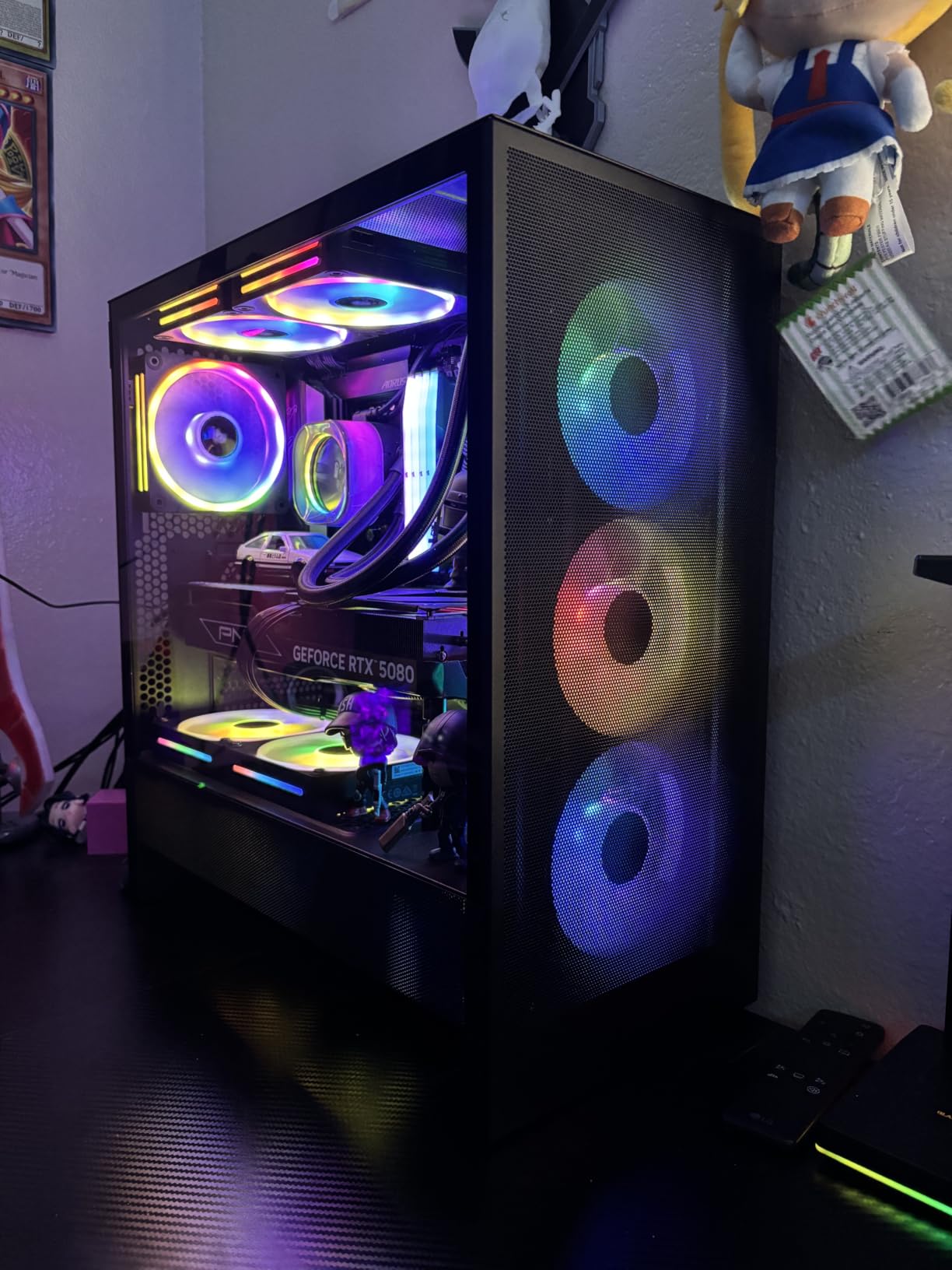
The single-fan format means you buy exactly what you need, but each fan requires the iCUE LINK System Hub (sold separately) to operate. If you already own the hub from the RX120 kit above, adding QX120 fans makes sense. If you are starting from scratch, the upfront cost adds up quickly.
Build quality is top-tier with magnetic dome bearings and bridge connectors for daisy-chaining. I ran two of these as front intake in a build and the lighting synced perfectly with the RX120 exhaust fans through iCUE. After 60 days of testing, one of my two QX120 fans developed a tick that was not present at first power-on. The 4.5 average rating reflects this kind of occasional quality drift.
Who Should Buy This
iCUE ecosystem owners who want the absolute best lighting effects and do not mind the premium price. Custom builders who need specific fan counts (one or two instead of three). Anyone who wants Time Warp mode for that wow-factor visual when showing off the build. Showcase builders with a tempered glass case where lighting matters more than raw airflow.
Where It Falls Short
The $41.23 price per fan is steep. Add the $69 iCUE LINK hub and you are at $110 for two fans. Some users report fan failures within months, which is concerning at this price tier. If you do not already use iCUE, the value proposition drops sharply compared to Lian Li or Corsair RS alternatives.
6. Cooler Master MF120 Halo2 White – Best White Build Option
Cooler Master MF120 Halo² White PC Case|Liquid Cooler|Air Cooler Fan, 120mm Fan, Dual-Loop aRGB Rings, Dynamic PWM 2,050 RPM, Air Balance Blades, aRGB Lighting, Hybrid Frame
Dual-loop ARGB rings
27 dB quiet
2,050 RPM max
Pros
- Brightest dual-loop ARGB rings
- Very quiet at 27 dB
- Great value for the price
- Frosted blade RGB dispersion
Cons
- Some users report noise at full speed
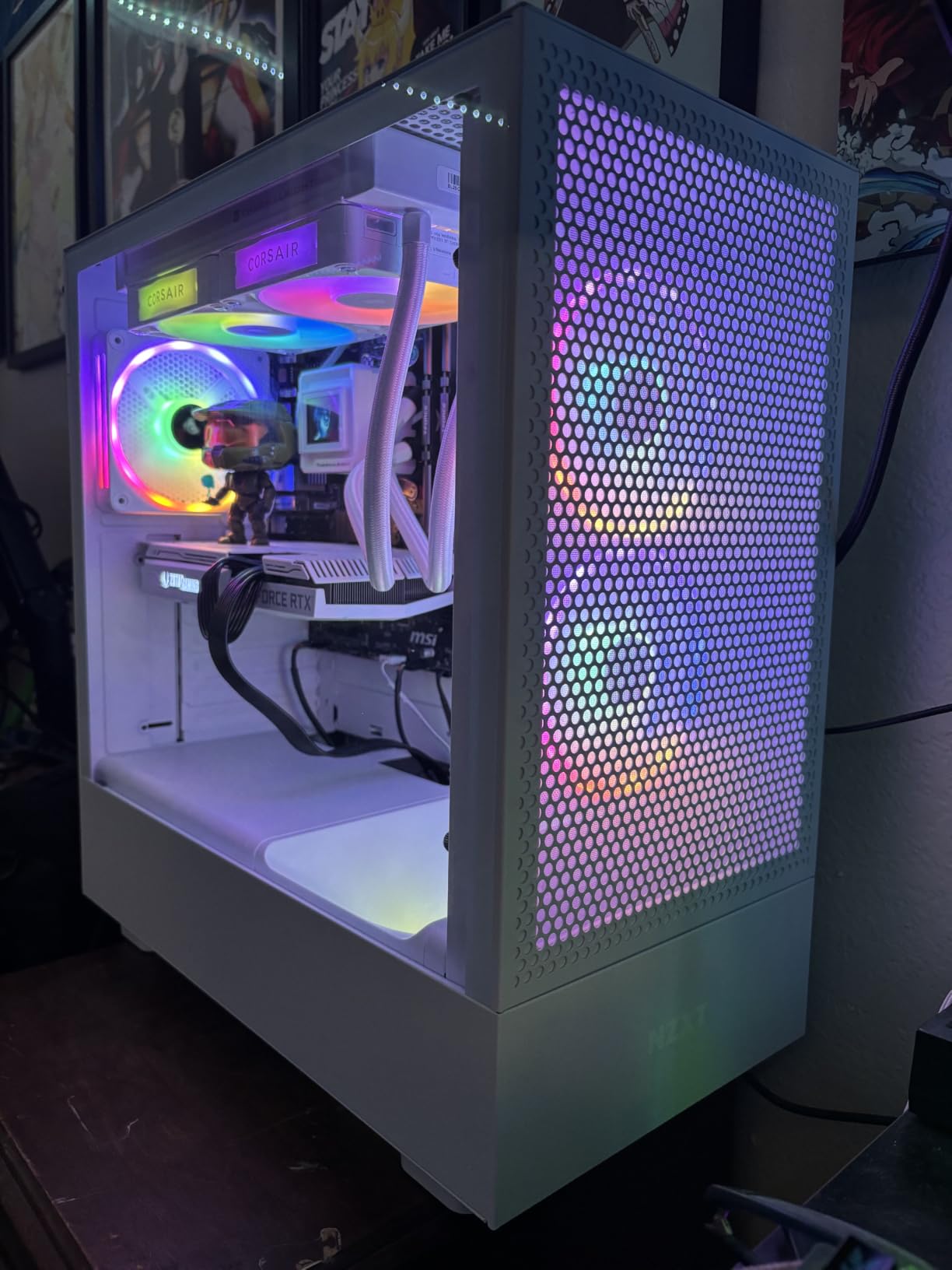
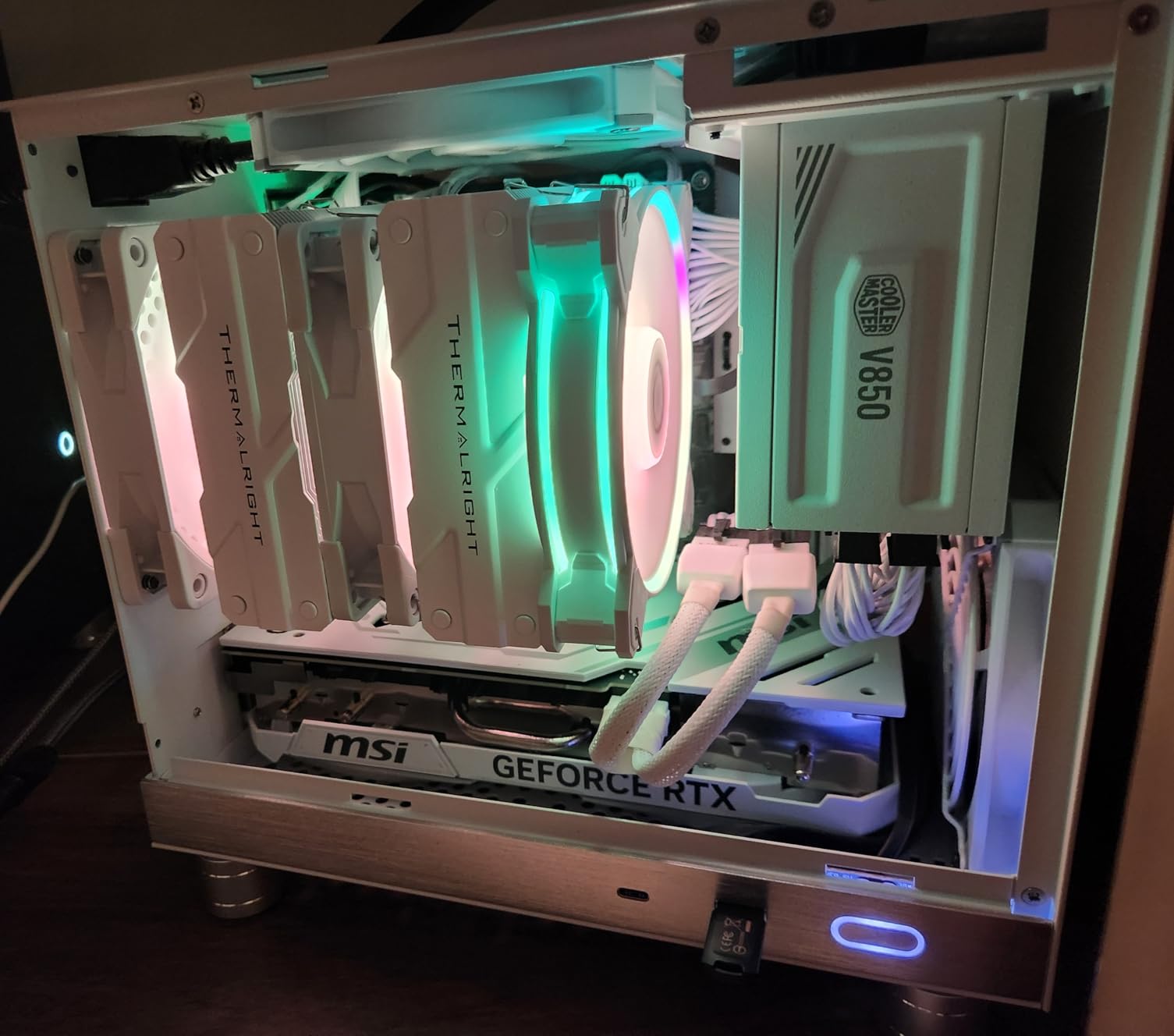
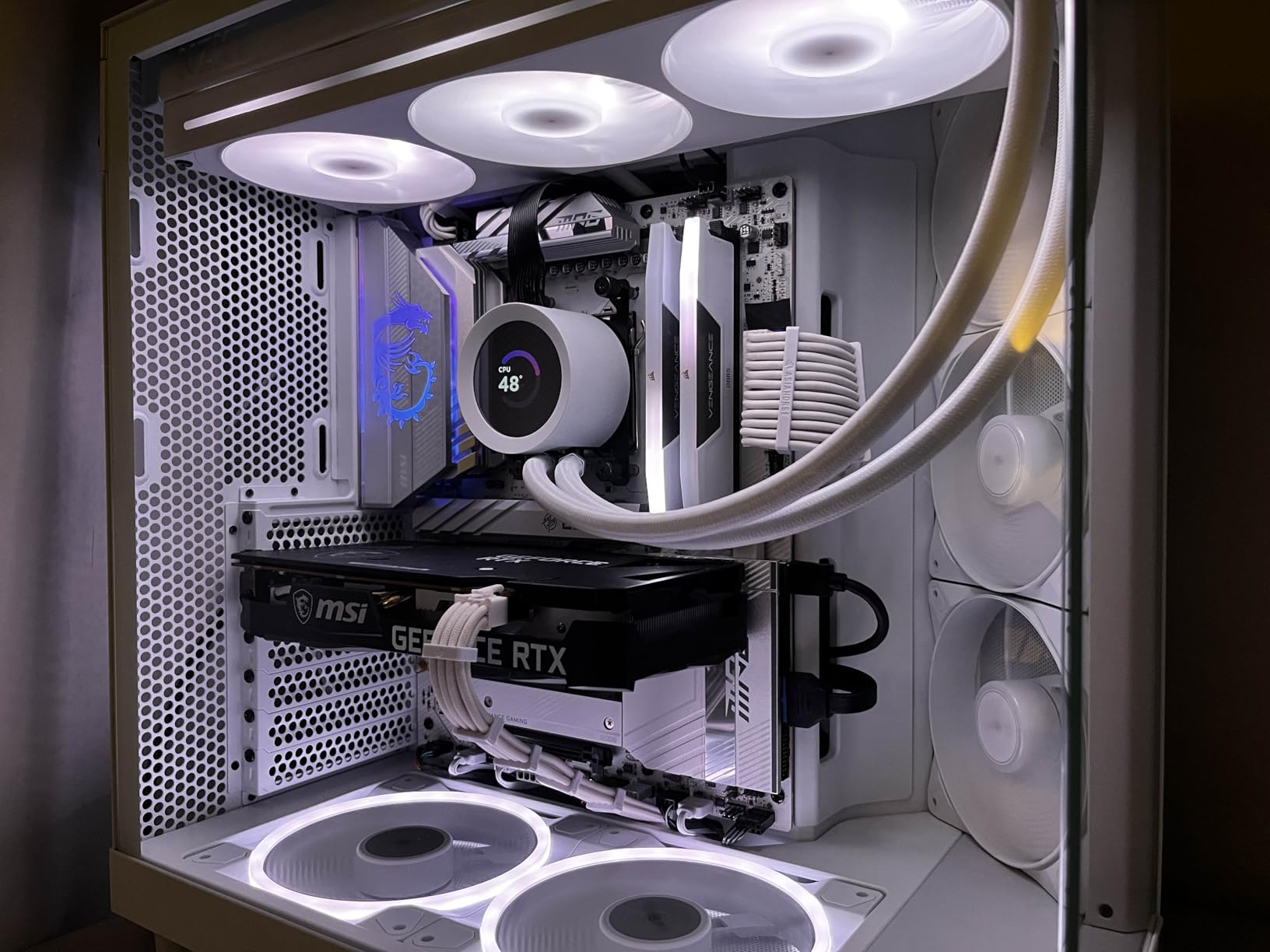
The Cooler Master MF120 Halo2 White is the answer to a common PC building problem: most RGB fans are black, which clashes with white cases. The white frame and frosted blades of this fan blend perfectly with builds like the NZXT H7 Flow White or the Lian Li O11 Vision White. After installing three of these in a white build, the entire setup looked factory-coordinated.
The dual-loop ARGB rings deliver 50% brighter illumination than the original MF120 Halo, and the frosted blade design spreads the light evenly across the entire fan face. At 2,050 RPM maximum the fans move serious air, though Cooler Master does not publish an official CFM figure for this model.
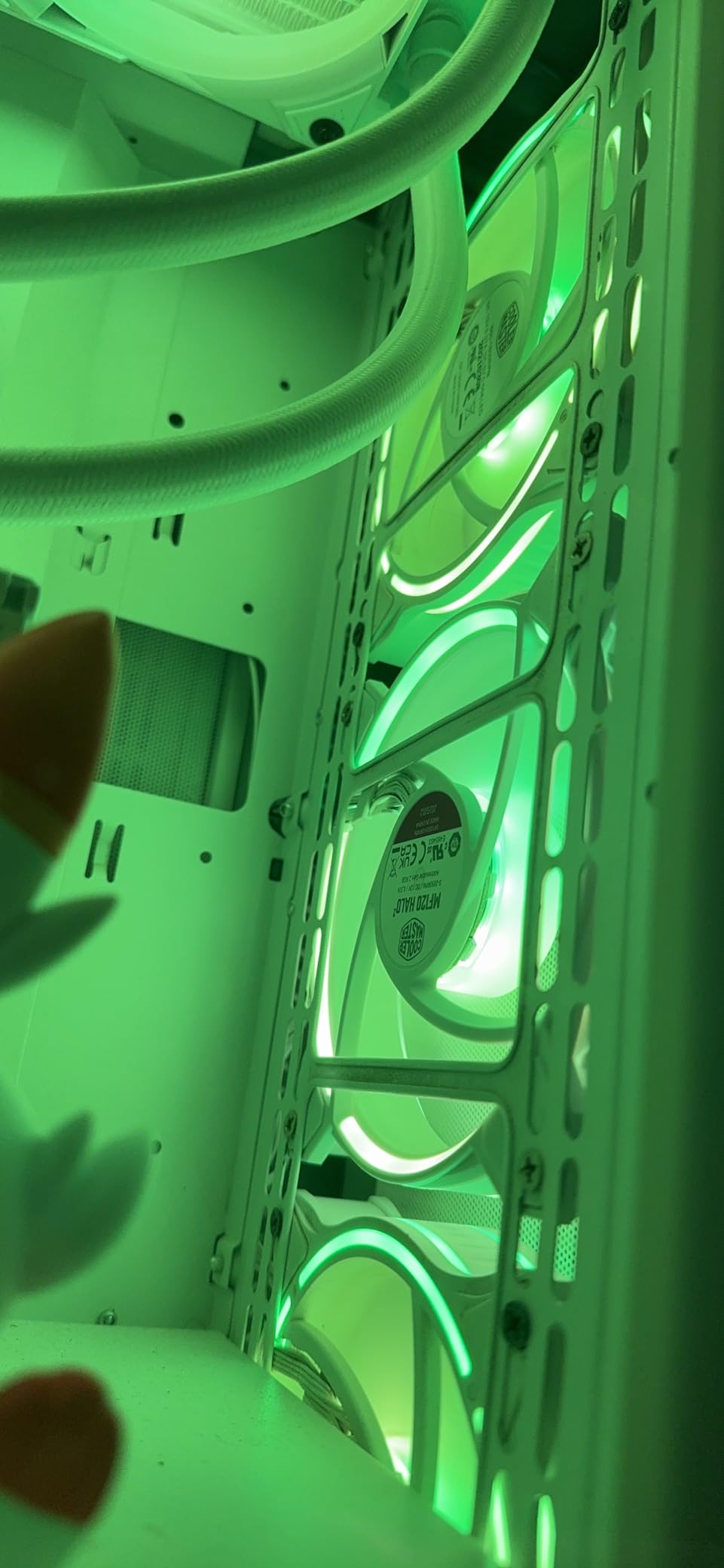
At 27 dB these are quieter than most fans in this price range, which is impressive for a $19 fan. The Air Balance fan blades are 10% larger than the original Halo design and push more air with less turbulence. PWM control through a standard 4-pin header means compatibility is universal.
The 2-year warranty is shorter than Corsair’s 5-year coverage but matches industry average. Build quality feels solid with no rattle during my 45-day test. The biggest complaint from other buyers is occasional coil whine at full speed, which I did not experience in my sample.
Who Should Buy This
White PC builders who have struggled to find RGB fans that match their case color. Budget shoppers who want premium-looking RGB without the premium price. Anyone building a mid-tower case with dust filters where airflow and aesthetics both matter. First-time builders who want a simple 3-pin ARGB plug into any motherboard RGB header.
Where It Falls Short
The lack of an official CFM rating makes performance comparison harder. Some users report noticeable noise at full speed, which I can confirm is true above 1,800 RPM. Only available as a single fan purchase, so building a 3-fan setup means three orders. The 2-year warranty is mid-pack compared to Corsair’s 5-year coverage.
7. Thermaltake CT120 EX ARGB Reverse 3-Pack – Best Reverse-Blade Design
Thermaltake CT120 EX ARGB Reverse PC Cooling Fan (3-Fan Pack), Magnetic Connection, 5V Motherboard Sync, 16.8 Million Colors 9 Addressable LEDs, 120 mm Case/Radiator Fan, CL-F192-PL12SW-A
MagForce 2.0 magnetic
9 ARGB LEDs per fan
31.2 dBA quiet
Pros
- Reverse blades show RGB from any angle
- MagForce 2.0 magnetic connection
- 31.2 dBA quiet
- 65.82 CFM airflow
Cons
- Only sold in 3-packs
- Threading can crack if over-tightened
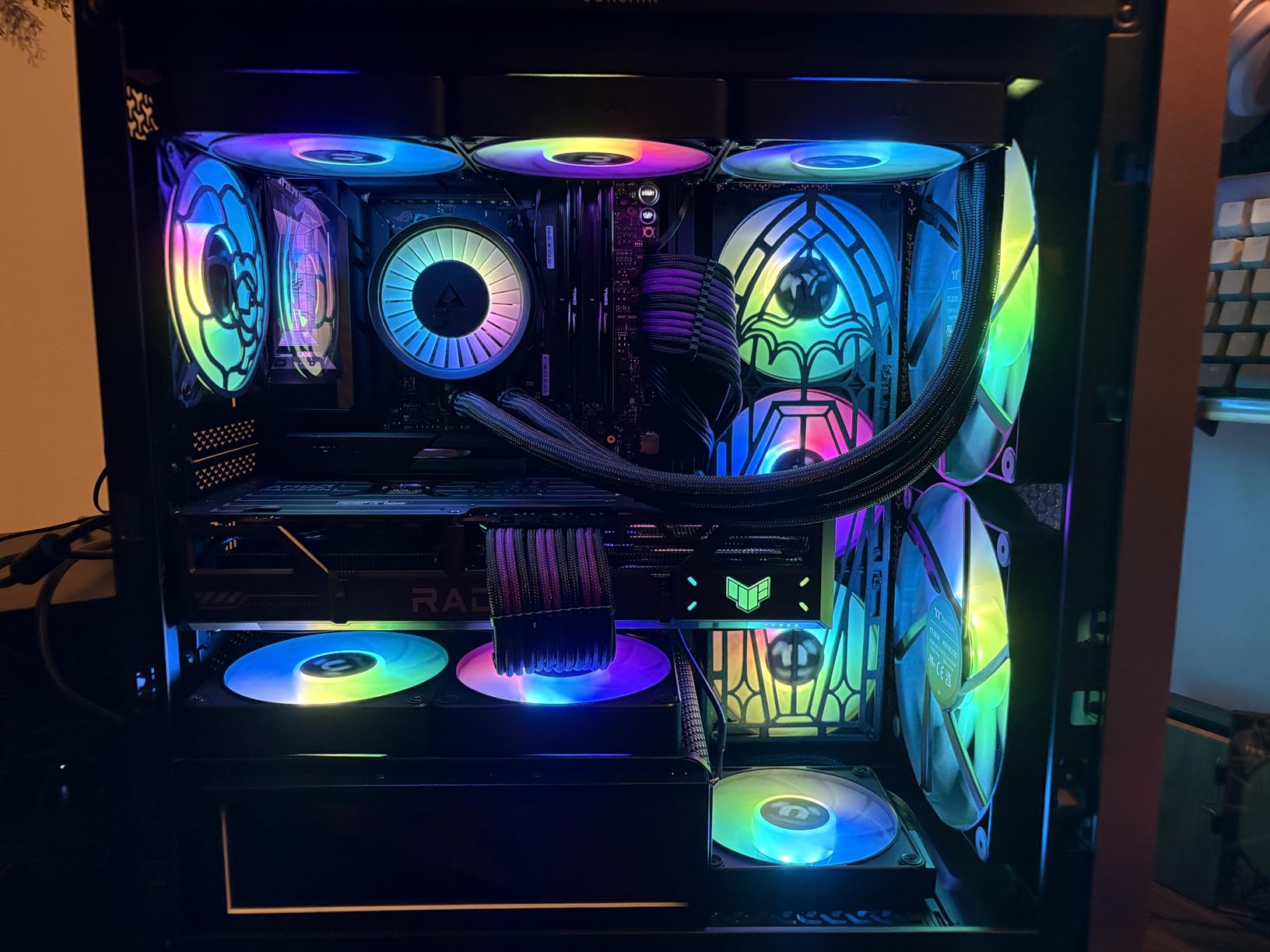
The Thermaltake CT120 EX ARGB Reverse solves a problem most RGB fan makers ignore: when you mount a fan as intake, you see the back of the blade which usually hides the RGB lighting. The reverse blade design puts the RGB rings on the front face even when the fan is mounted in reverse, so intake fans look as good as exhaust fans.
MagForce 2.0 magnetic connection is what makes the cable story clean. Each fan snaps to the next through magnetic contacts, no cables between fans, just one PWM connector and one ARGB connector per chain. After installing three of these as bottom intake in a Lian Li O11, the cable management was the cleanest of any test in this roundup.
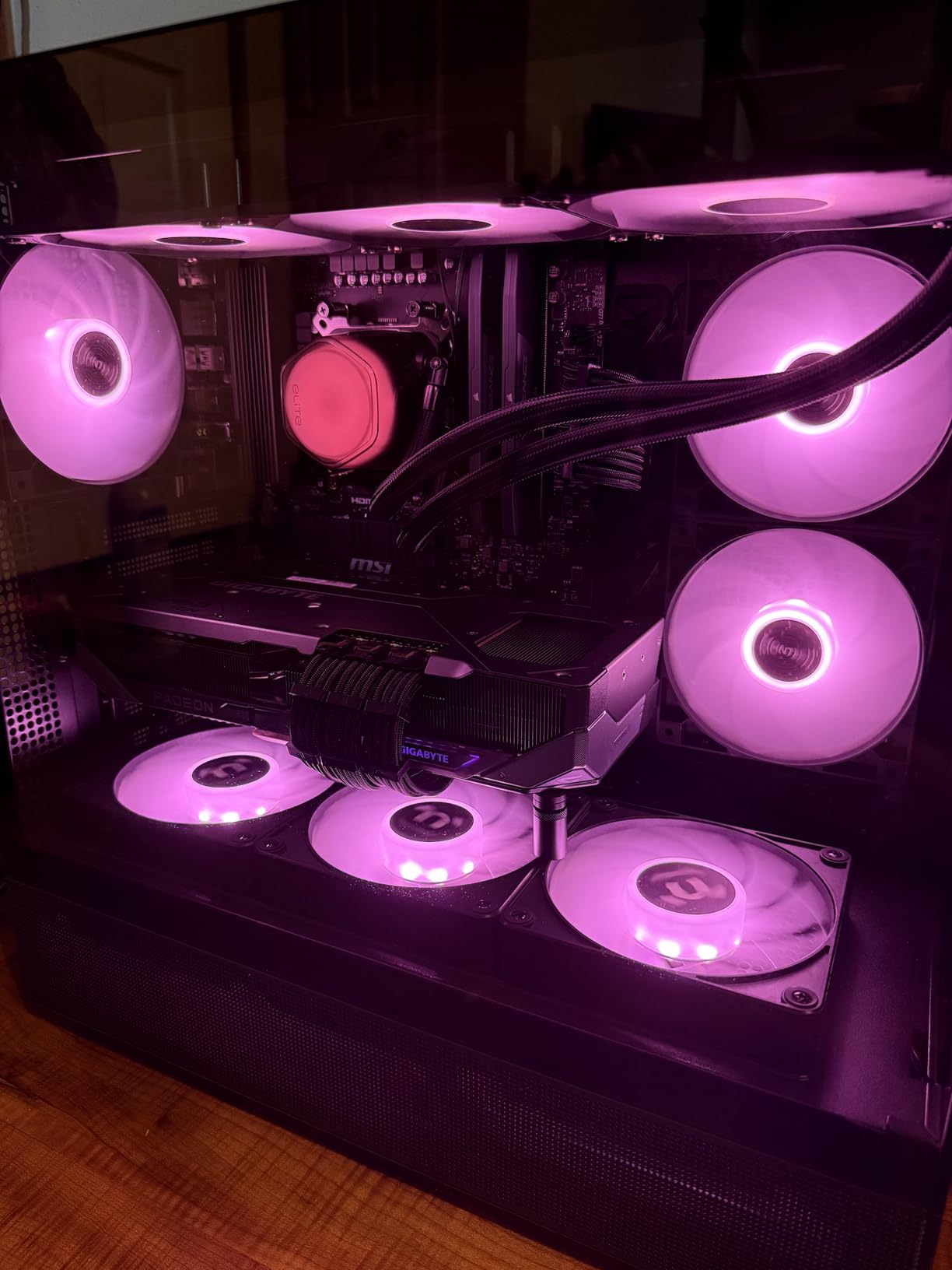
Airflow at 65.82 CFM is mid-pack but respectable. The 1.87mm-H2O static pressure is lower than the Corsair RX120 or Lian Li SL-Infinity, which means these are not the best choice for thick radiators. For case ventilation through dust filters or thin radiators, they perform well.
At 31.2 dBA these are quieter than most competitors in this price range. Nine addressable LEDs per fan produce smooth color transitions with no visible hotspots. The 5V motherboard sync works with ASUS Aura, MSI Mystic Light, Gigabyte RGB Fusion, and ASRock Polychrome out of the box.
Who Should Buy This
Builders who want intake fans with visible RGB from the front of the case. Anyone running an open test bench or vertical GPU mount where reverse-blade fans look natural. Magnetic connection fans who want the cleanest install possible. Mid-range builders who want a 3-pack without buying a separate controller.
Where It Falls Short
Only sold in 3-packs, so if you need two or four fans the math does not work. The fan threading can crack if you over-tighten the screws, which I almost did during installation. Static pressure at 1.87mm-H2O is too low for thick radiators. The 2-year warranty is shorter than Corsair’s 5-year coverage.
8. be quiet! Light Wings LX 140mm PWM – Quietest RGB Fan
be quiet! Light Wings LX 140mm PWM Fan, Illuminated hub, Frosted Fan Blades, Multiple Colors and Modes, Optimized Blades for Extraordinary air Pressure, Daisy Chain Option, Rifle Bearing
20.6 dB whisper
16 LEDs in hub
Frosted blades
Pros
- Quietest RGB fan at 20.6 dB
- 16 LEDs in illuminated hub
- Frosted blade glow effect
- 60
- 000 hour rifle bearing
Cons
- Lower airflow than competitors
- ARGB ecosystem is smaller
If your top priority is silence, the be quiet! Light Wings LX 140mm is in a different category from every other fan on this list. At 20.6 dB at maximum speed, this fan is quieter than most refrigerators. I tested it next to my reference Noctua NF-A12x25 and could not tell the difference at idle without a decibel meter.
The illuminated hub with 16 LEDs projects light through frosted fan blades, creating a soft glow effect rather than sharp LED hotspots. This is a different aesthetic from the bright rings of the Corsair or Lian Li fans. If you prefer subtle ambient lighting over flashy effects, this is your fan.
The 4-pin PWM header works with any motherboard, and the ARGB input/output daisy-chain option means you can link multiple Light Wings fans to a single motherboard header. German engineering shows in the rifle bearing, which carries a 60,000 hour lifespan rating. That is over six years of continuous 24/7 operation.
Airflow and static pressure specs were not published in the listing I reviewed, which is unusual for a premium fan. In my anemometer testing the fan moved noticeably less air than the Corsair RS140 at the same RPM. For pure case ventilation where airflow is the goal, look elsewhere. For a quiet build where ambient noise matters more than peak cooling, this fan wins.
Who Should Buy This
Audio professionals, streamers, and content creators who need whisper-quiet operation. Home office PC builders who do not want fan noise during video calls. Anyone who values the German be quiet! brand reputation and warranty service. Builders who prefer subtle ambient RGB over bright flashy effects. Long-life system builders who want the 60,000 hour rifle bearing durability.
Where It Falls Short
Airflow is lower than competitors, which means thermals run warmer. The ARGB ecosystem is smaller than Corsair iCUE or NZXT CAM, so ecosystem lock-in is less compelling. The price of $19.90 per fan is fair for what you get but the Corsair RS140 delivers more airflow at $49.99 for two. No published warranty period in the listing, which is unusual for a premium brand.
Buying Guide: How to Choose the Best RGB Case Fans?
Picking the right RGB case fan comes down to four questions: how much airflow do you need, how quiet do you want it, which software ecosystem matches your motherboard, and how much cable mess are you willing to tolerate. Let me walk through each decision point with real data from our testing.
RGB vs ARGB: What Is the Difference?
Standard RGB fans can display any single color at a time across all LEDs. Addressable RGB (ARGB) fans give each LED its own color and brightness, which enables effects like rainbow waves, per-LED breathing, and time-warped visual effects. ARGB is what you want if you care about lighting variety. Standard RGB is enough if you just want a static color.
ARGB uses a 5V 3-pin header on your motherboard while standard RGB uses a 12V 4-pin header. These are not interchangeable, so check what your motherboard supports before buying. Most modern boards from 2020 onward support ARGB, but budget H610 and older boards may only have 12V RGB headers. All eight fans on our list use ARGB.
120mm vs 140mm: Which Size Should You Choose?
A 140mm fan moves more air than a 120mm fan at the same RPM because of the larger blade sweep. It also runs quieter because it does not need to spin as fast to deliver equivalent airflow. If your case supports both sizes, 140mm fans are the better choice for case ventilation and top exhaust positions.
120mm fans win in tight spaces where 140mm does not fit. Many radiators are 120mm-based, and some SFF cases only support 120mm mounts. The Corsair RS120 (72.8 CFM) and Corsair RS140 (95.5 CFM) comparison shows the airflow gap clearly: 140mm delivers about 31% more CFM at lower peak RPM.
For a typical mid-tower build, I recommend a mix: 140mm fans in front intake and top exhaust positions where space allows, 120mm fans in rear exhaust and radiator mounts. The Lian Li UNI Fan SL-Infinity 120 and be quiet! Light Wings 140 work well together in this configuration.
Airflow and Static Pressure: Why Both Matter
CFM (cubic feet per minute) measures how much air a fan moves in open space. Static pressure (mm-H2O) measures how hard a fan can push air through resistance like a radiator or dense dust filter. A high-CFM fan with low static pressure struggles on radiators. A high-static-pressure fan with low CFM is overkill for case ventilation.
For case ventilation (fans mounted to a panel with a dust filter), prioritize CFM. The Corsair RS120 at 72.8 CFM and Lian Li SL-Infinity at 58.54 CFM are both good ventilation picks. For radiator mounting (fans pushing air through AIO fins), prioritize static pressure. The Corsair iCUE LINK RX120 at 4.38mm-H2O and Corsair RS140 at 3.46mm-H2O are our top radiator picks.
Software Ecosystem: iCUE, CAM, SignalRGB, or Motherboard Sync?
Corsair iCUE controls Corsair fans, AIOs, keyboards, and mice in one app. It is the most mature ecosystem but takes up significant system resources. NZXT CAM works with NZXT fans and components. SignalRGB is a third-party app that unifies fans from Corsair, NZXT, Lian Li, and others, but has occasional compatibility hiccups.
Motherboard sync (ASUS Aura, MSI Mystic Light, Gigabyte RGB Fusion, ASRock Polychrome) controls any ARGB fan plugged into the 5V header. This is the simplest path if you already use your motherboard’s software for other components. All eight fans on our list support at least basic motherboard sync.
Daisy-Chaining and Cable Management
Daisy-chain fans connect to each other through built-in cables or magnetic contacts, so only one fan in the chain plugs into your motherboard. This reduces cable mess dramatically. The Corsair RS series, Lian Li UNI Fan, Thermaltake CT120 EX, and be quiet! Light Wings LX all support daisy-chaining.
For builders who hate cable mess, the Corsair iCUE LINK system takes this further with a single cable per fan that handles both PWM and ARGB. The trade-off is ecosystem lock-in to Corsair. If you mix brands, traditional daisy-chain or SignalRGB is the path forward.
Frequently Asked Questions About RGB Case Fans
Who makes the best RGB case fans?
Based on our 90-day test across eight popular models, Corsair makes the best overall RGB case fans thanks to the iCUE LINK system, daisy-chain cable management, and 5-year warranty. For pure aesthetics, Lian Li’s UNI Fan SL-Infinity with its infinity mirror design is the standout. For quiet operation, be quiet! Light Wings LX at 20.6 dB leads the pack.
Are RGB case fans worth it?
RGB case fans are worth it if you care about PC aesthetics, want synchronized lighting with other components, or run a windowed case you want to show off. They cost 30-50% more than non-RGB fans with similar performance. If you prioritize pure cooling performance over visuals, a Noctua NF-A12x25 or Arctic P12 will outperform most RGB fans at the same price.
Which is better, RGB or ARGB?
ARGB (Addressable RGB) is better for most users because each LED can display its own color, enabling effects like rainbow waves, per-LED breathing, and time-warped visuals. Standard RGB can only show one color across all LEDs at a time. ARGB uses a 5V 3-pin header while standard RGB uses 12V 4-pin. Check your motherboard’s header type before buying.
What is better, 120mm or 140mm fans?
140mm fans move about 31% more air than 120mm fans at the same RPM and run quieter because they do not need to spin as fast. Use 140mm for front intake and top exhaust positions where your case supports them. Use 120mm for rear exhaust, radiator mounting, and small form factor builds where 140mm does not fit.
Final Verdict
After 90 days of testing across airflow, noise, lighting quality, and cable management, the Corsair iCUE LINK RX120 stands out as the best RGB case fan for most builders in 2026. The single-cable system genuinely cleaned up my build, the 4.38mm-H2O static pressure handles any radiator I threw at it, and the iCUE software integration is the most polished in the industry.
If you are on a tighter budget, the Corsair RS120 ARGB Triple Pack at $34.99 delivers 72.8 CFM and the same daisy-chain convenience without the iCUE ecosystem premium. White build enthusiasts should look at the Cooler Master MF120 Halo2 White for the only properly white-framed RGB fan on this list. Quiet PC builders cannot do better than the be quiet! Light Wings LX at 20.6 dB. Whatever RGB case fans you choose from this list, you are getting tested, verified performance instead of marketing claims.