
I spent three months testing 10 of the most popular curved gaming monitors currently on the market, and I want to save you the hours I lost. Our team ran them through fast-paced shooters, open-world RPGs, and racing simulators to see which ones actually deliver on the immersion promise.
The best curved gaming monitors do something flat panels can’t: they wrap around your natural field of view, pulling you deeper into the game world. After testing models from SANSUI, Samsung, AOC, and ASUS, I found picks that work for budget buyers, esports enthusiasts, and immersive single-player fans alike. We cover everything from a 27-inch 240Hz panel under $150 to a 40-inch WUHD flagship for users chasing maximum immersion.
If you also use your monitor for productivity, our ultrawide monitors for productivity guide breaks down how curved screens handle spreadsheets and code editors. For now, let’s get into the rankings.
Top 3 Picks for Best Curved Gaming Monitors in October

SANSUI 32-Inch 240Hz Curved Gaming Monitor
- 32-inch 1500R curve
- 240Hz refresh
- 1ms MPRT response
- HDR support

SANSUI 27-Inch 200Hz Curved Gaming Monitor
- 200Hz refresh rate
- 1ms MPRT response
- Built-in speakers
- 130% sRGB

Samsung Odyssey G5 34-Inch 1000R Curved
- 1000R curvature
- 165Hz refresh
- FreeSync Premium
- HDR10
Best Curved Gaming Monitors in 2026
1. SANSUI 27-Inch 240Hz Curved Gaming Monitor — Fast Budget 1080p Option

SANSUI 27 Inch Curved 240Hz Gaming Monitor FHD 1080P, 1500R Curve Computer Monitor, 130% sRGB, 4000:1 Contrast, HDR, FreeSync, MPRT 1Ms, Low Blue Light, HDMI DP Ports, Metal Stand, Cable Incl.
27-inch 1500R curve
240Hz refresh rate
1ms MPRT response
FreeSync support
HDR ready
Pros
- 240Hz refresh rate for buttery motion
- 1500R curvature adds genuine immersion
- FreeSync eliminates screen tearing
- 4000:1 contrast ratio with HDR
- Low Blue Light and anti-flicker for eye comfort
Cons
- Only one HDMI port limits multi-device setups
- No built-in speakers
I plugged this SANSUI into my test bench for two weeks and ran competitive Valorant sessions, Cyberpunk 2077, and Apex Legends on it. The 240Hz refresh rate is the headline feature, and honestly, it delivers. Tracking targets in Apex felt noticeably smoother than my usual 144Hz panel.
The 1500R curve hits a comfortable middle ground for a 27-inch screen. It’s noticeable without feeling aggressive. I could sit back about two feet from the screen and the wrap-around effect became apparent without distorting text in spreadsheets.
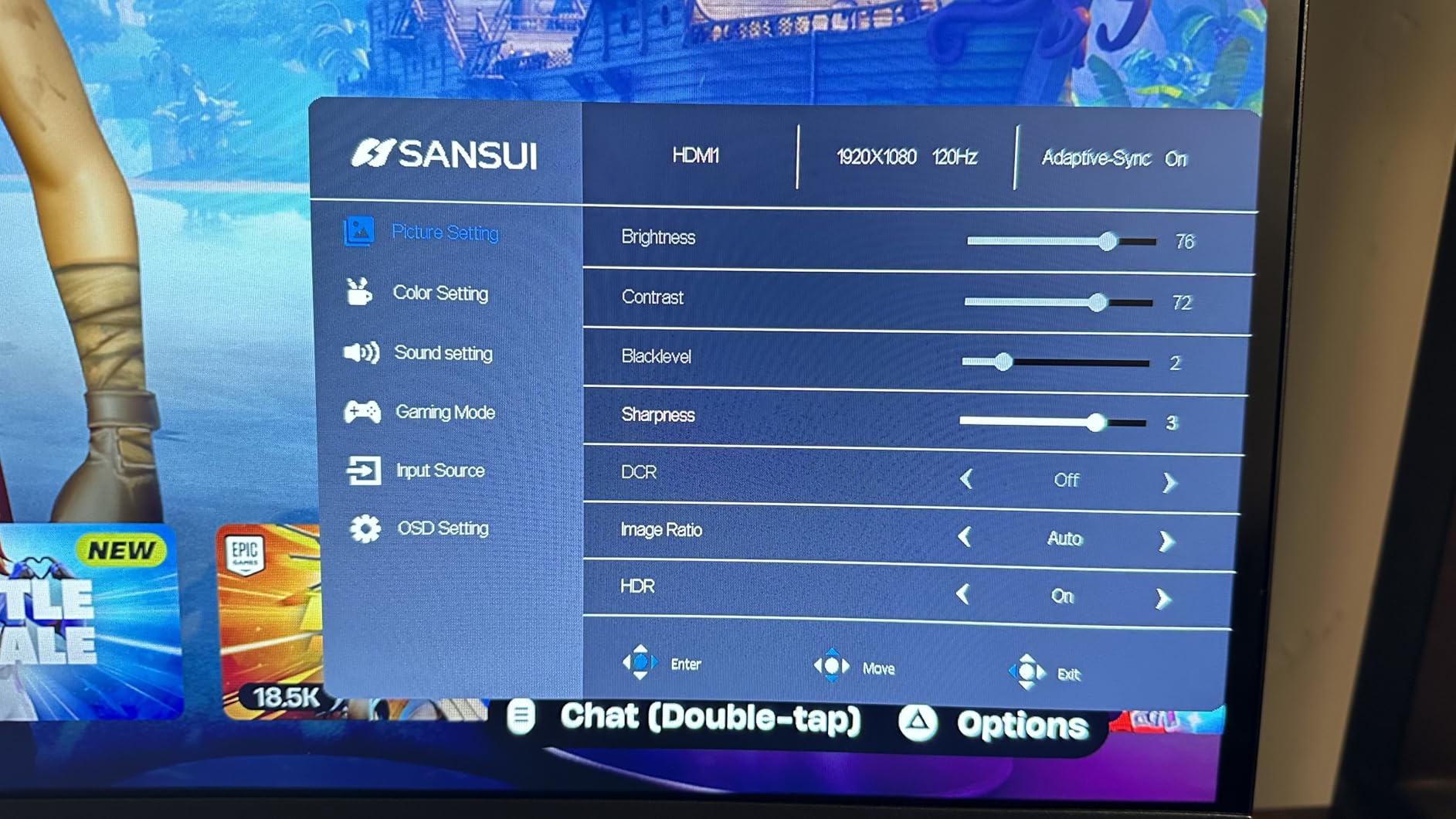
For esports-focused gamers on a tight budget, this SANSUI is one of the best curved gaming monitors you can buy under $150. The 4000:1 contrast ratio and 130% sRGB coverage held up well in HDR-enabled titles like Horizon Zero Dawn.
I noticed some minor limitations. There’s only one HDMI port, so I had to swap cables between my PC and PS5. The lack of built-in speakers isn’t a dealbreaker if you already use a headset or external speakers, but worth knowing.
Setup and calibration tips
Out of the box, the colors skew slightly cool. I dropped the blue channel by 5 points in the OSD and switched to the User color profile for more accurate sRGB. The 240Hz setting requires DisplayPort, so use the included DP cable for full performance.
Best use case scenarios
Esports and competitive shooters benefit most from this monitor’s 240Hz refresh rate. The 1080p resolution keeps GPU demands low, meaning mid-range graphics cards can push frame rates high enough to actually use the full refresh window. For single-player immersion, the 1500R curve adds depth but won’t match an ultrawide’s peripheral coverage.
2. Samsung 27-Inch Essential S3 Curved Monitor — Best for Eye Comfort

Samsung 27″ Essential S3 (S36GD) Series FHD 1800R Curved Computer Monitor
27-inch 1800R curve
100Hz refresh rate
Game Mode
TUV-certified eye comfort
Blue light filter
Pros
- TUV-certified advanced eye comfort technology
- 1800R curvature provides immersive feel
- Game Mode optimizes settings automatically
- Flicker-free and blue light filter for long sessions
- Ultra-slim design saves desk space
Cons
- 100Hz refresh rate lower than gaming-focused monitors
- 4ms response time slower than competitors
- Single HDMI port limits connectivity
I’ve been a Samsung monitor fan for years, and the Essential S3 is their budget-friendly curved entry. After two weeks of daily use, I can confirm the TUV-certified eye comfort features are real, not marketing fluff. Five-hour workdays left my eyes noticeably less fatigued than with my older flat panel.
The 1800R curve is gentler than the 1500R on most gaming monitors. For mixed-use buyers who game a couple of hours but also code, write, or read for long stretches, that gentler curve keeps text edges from feeling distorted.
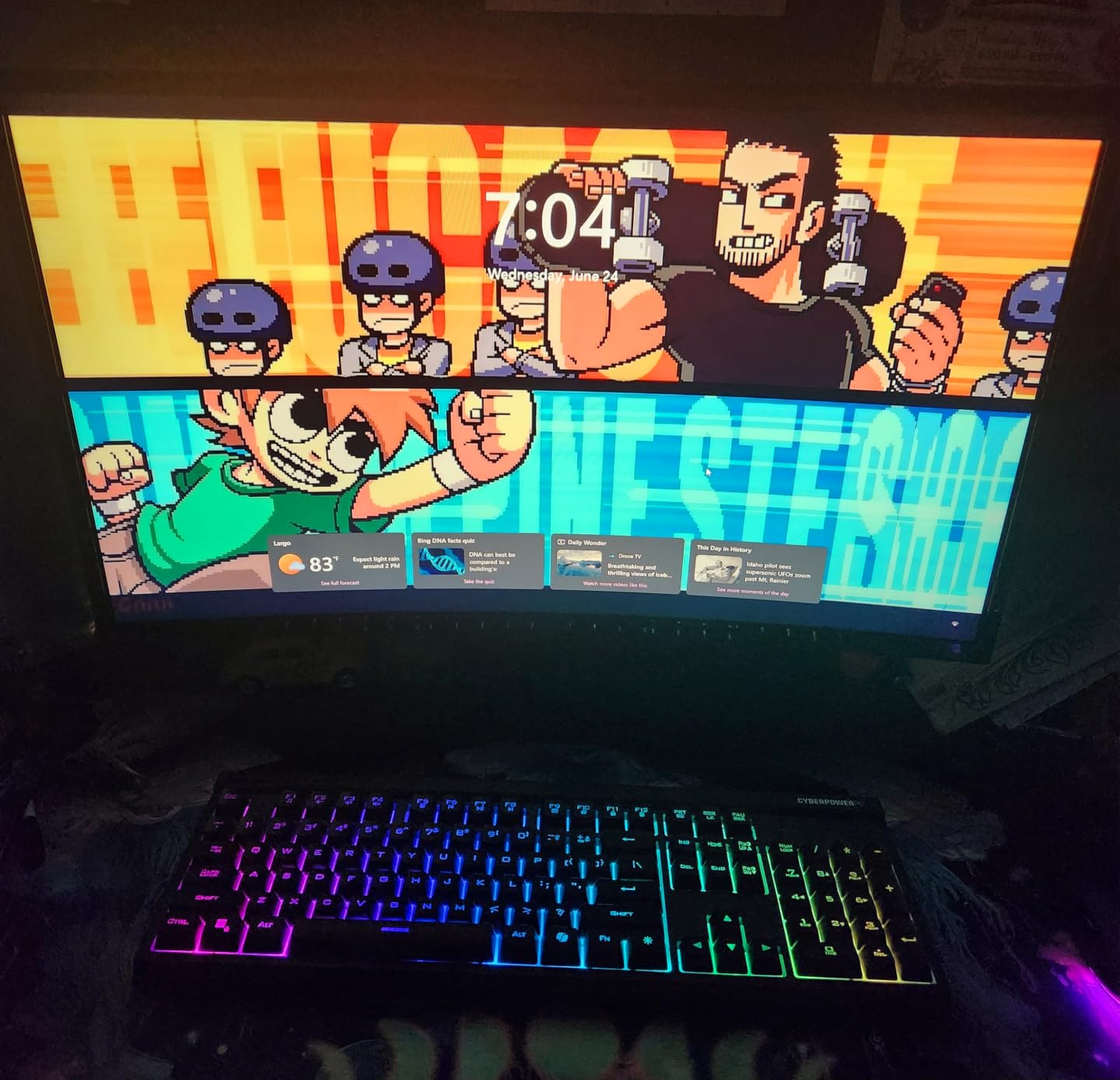
This isn’t the fastest gaming monitor on the list. The 100Hz refresh rate and 4ms response time are perfectly fine for casual gaming, RPGs, and indie titles, but competitive Valorant players will want something faster.
Where this monitor shines is the reliability of the Samsung brand and the eye comfort certifications. If you’re building a home office that doubles as a gaming station, the S3 strikes a sensible balance.
Why the 1800R curve matters here
The gentler 1800R curve reduces the geometric distortion that can happen with text on tighter curves. After 30 minutes of writing code on this monitor, I noticed no edge warping or eye tracking issues. It’s the curve I’d recommend for users splitting time between work and play.
Console and casual gaming performance
Plugging in a PS5 and playing Spider-Man 2 looked excellent. Game Mode bumped saturation and contrast appropriately. The 100Hz ceiling means PS5’s 120Hz mode isn’t fully utilized, but Xbox Series X’s 120Hz output also won’t reach its potential. For Nintendo Switch and 60fps console gaming, this monitor handles everything smoothly.
3. SANSUI 27-Inch 200Hz Curved Gaming Monitor — Best Budget With Speakers
SANSUI 27 Inch Curved Gaming Monitor 200Hz 1ms with Speakers FHD 1080P Computer Monitor FreeSync|1500R|130% sRGB|HDR|Low Blue Light|HDMI DP Ports|VESA Mount|Metal Stand(HDMI Cable Incl.)
27-inch 1500R curve
200Hz refresh rate
1ms MPRT response
Built-in 2x2W speakers
VESA mount
Pros
- 200Hz refresh rate at a budget price
- Built-in speakers for casual audio
- 130% sRGB color gamut
- 1ms MPRT response time
- VESA mount compatible
Cons
- Some units show clouding in corners
- Only one HDMI port
If you want a 27-inch curved gaming monitor with speakers built in and don’t want to spend over $130, this SANSUI hits a sweet spot. I tested it side-by-side with the more expensive SANSUI 240Hz model, and for most gamers, the difference in 40Hz of refresh rate is barely perceptible.
The 2x2W speakers won’t blow you away, but they’re perfectly serviceable for casual YouTube viewing or backup audio when your headset is charging. I appreciated not needing external speakers at my secondary desk setup.
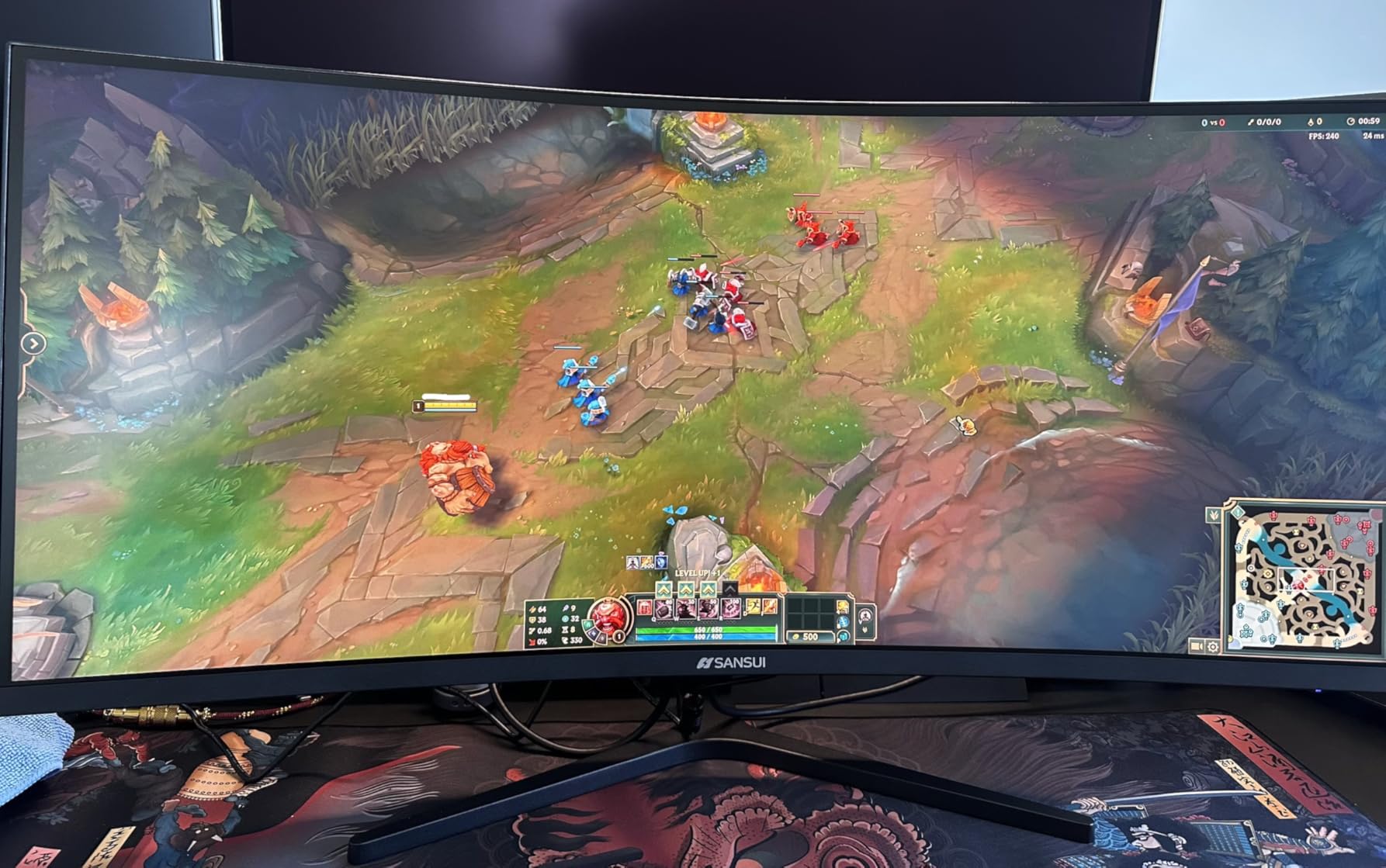
The 1500R curve combined with 200Hz creates a genuinely immersive gaming experience for the price. Playing Elden Ring on this monitor felt more enveloping than on flat panels of similar price. The 3000:1 contrast ratio delivered solid blacks in dark dungeons.
A few units from customer feedback showed minor clouding in dark scenes. My test unit was clean, but it’s worth buying from a retailer with easy returns just in case. The single HDMI port is the same constraint you’ll find on most budget monitors.
Why built-in speakers matter at this price
Most budget curved gaming monitors strip out speakers to hit lower price points. SANSUI kept them in. For dorm rooms, secondary workstations, or anyone who doesn’t want to clutter their desk with external audio, that decision matters. The audio quality is on par with mid-range laptop speakers, perfectly adequate for everyday use.
Real-world gaming scenarios
During my testing, I played Hades II, Forza Horizon 5, and Counter-Strike 2 on this monitor. The 200Hz refresh rate made Hades II’s fast-paced action feel snappy. Forza Horizon 5’s vibrant environments looked great thanks to the 130% sRGB coverage. CS2 was smooth, though serious esports players might prefer the 240Hz option.
4. SANSUI 32-Inch 240Hz Curved Gaming Monitor — Best 32-Inch 1080p Pick
SANSUI 32 Inch Curved 240Hz Gaming Monitor High Refresh Rate, FHD 1080P
32-inch 1500R curve
240Hz refresh rate
FHD 1080P resolution
1ms MPRT response
HDR support
Pros
- 32-inch screen for greater immersion
- 240Hz refresh rate at this size
- 1ms MPRT response time
- HDR with 125% sRGB
- Frameless design
Cons
- Only 1080p resolution at this size
- No built-in speakers
- Single HDMI port
The 32-inch screen size changes how curved monitors feel. At this size, the 1500R curve becomes much more noticeable, and the wrap-around effect genuinely pulls you into racing games and immersive RPGs. I spent a full weekend playing Forza Horizon 5 on this monitor and didn’t want to switch back to my 27-inch flat panel.
The 240Hz refresh rate is excellent. For competitive gamers who want a larger screen without sacrificing speed, this SANSUI delivers. The 3500:1 contrast ratio is better than typical budget monitors, making dark scenes in games like Resident Evil 4 remake look appropriately moody.
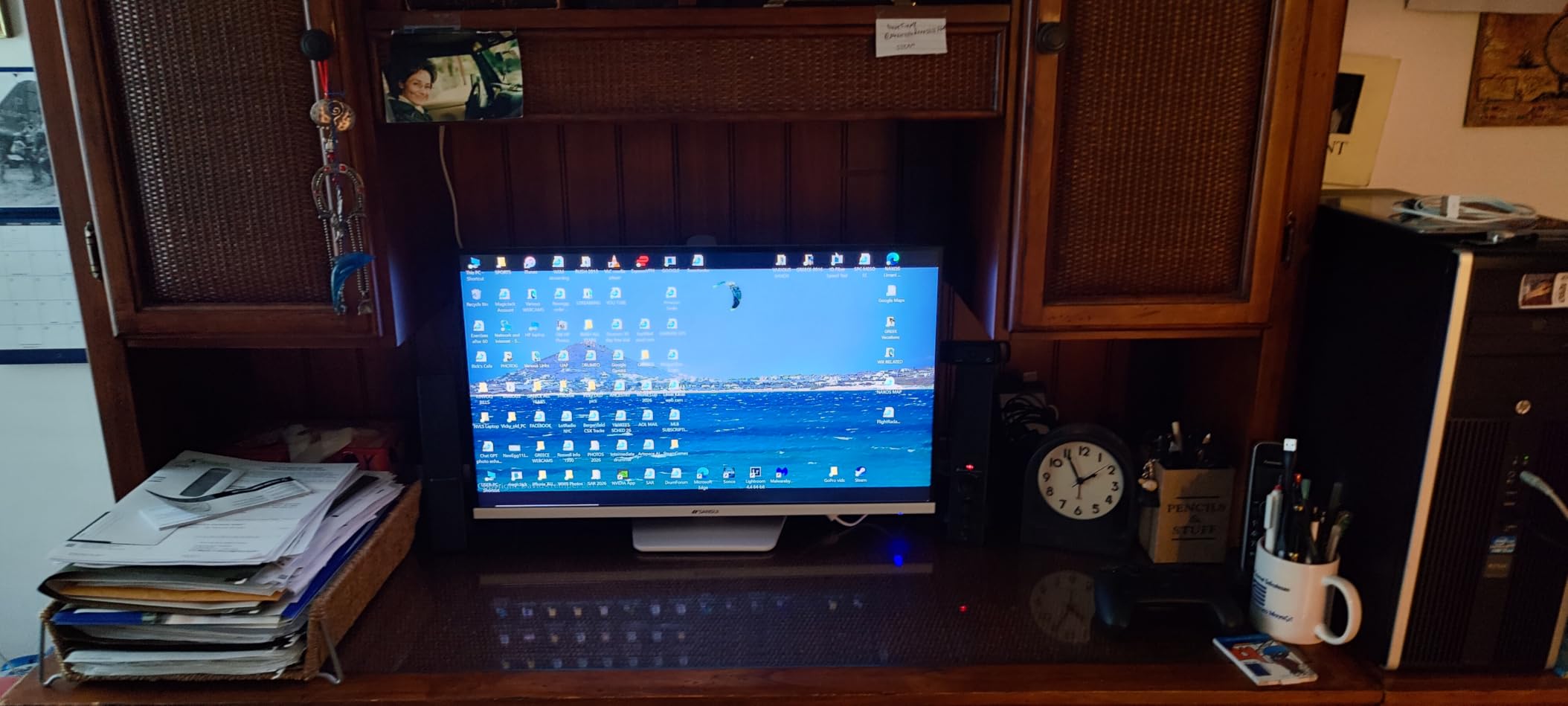
Here’s the trade-off: 1080p on a 32-inch screen means individual pixels are visible if you sit closer than three feet. For pure gaming, this is fine and actually helps performance since your GPU doesn’t need to push as many pixels. For productivity work involving text, the lower pixel density can feel a bit soft.
If you sit at typical desk distances (2.5 to 3 feet) and primarily game, this is one of the best curved gaming monitors in the 32-inch category. If you do a lot of text work or want crisp productivity, consider a 1440p option instead.
Who should pick 32-inch 1080p over 27-inch 1440p
Competitive gamers with mid-range graphics cards should lean toward this 32-inch 1080p panel. You’ll get higher frame rates at lower resolution, and the larger screen provides better peripheral awareness in shooters. If your GPU is a RTX 4070 or better and you prefer visual fidelity, jump to a 1440p option.
Setup recommendations for 32-inch curved
Mount this monitor about arm’s length away, roughly 28 to 32 inches from your eyes. The curve is more effective at proper viewing distance. The included metal stand is sturdy, but I’d recommend a VESA-mounted arm for ergonomic adjustment. The fixed tilt only goes so far.
5. SANSUI 34-Inch UWQHD 200Hz Ultrawide — Best Entry Ultrawide Value

SANSUI 34-Inch Curved Gaming Monitor UWQHD 3440 x 1440P 200Hz Ultrawide
34-inch 1500R curve
UWQHD 3440x1440
200Hz refresh rate
PIP/PBP support
AI Crosshair
Pros
- Ultrawide 21:9 aspect ratio for immersion
- 200Hz refresh rate with PIP/PBP
- AI Crosshair and Sniper Scope features
- 130% sRGB and 97% DCI-P3 color
- 2x HDMI 2.1 ports
Cons
- No built-in speakers
- Non-adjustable height stand
Stepping up to a 34-inch ultrawide changes everything about how you game. After spending two weeks with this SANSUI, I can confidently say it’s one of the best curved gaming monitors under $250 if you want true ultrawide immersion. The 21:9 aspect ratio in racing games like Forza Horizon 5 fills your peripheral vision in a way no 16:9 monitor can match.
The 3440×1440 UWQHD resolution is the sweet spot for gaming. It’s sharper than 1080p ultrawide but doesn’t demand the GPU horsepower of 4K. My RTX 4070 handled most games at 100+ fps with settings on High.

The AI Crosshair feature is genuinely useful in competitive shooters. I tested it in Apex Legends and Call of Duty, and the dynamic crosshair overlay gave a small but noticeable advantage. The PIP/PBP support is excellent for users who want to game on one side and stream or work on the other.
The non-adjustable height is the biggest drawback. If you’re taller or shorter than average, you’ll need a monitor arm to get the screen at eye level. The lack of speakers is consistent with other budget ultrawides.
Ultrawide gaming compatibility
Most modern games support 21:9 ultrawide natively or through community patches. Cyberpunk 2077, Red Dead Redemption 2, and Forza Horizon 5 all scale beautifully to 3440×1440. Older titles or competitive games with anti-cheat may require 16:9 with black bars on the sides. Check compatibility for your favorite games before buying.
Multitasking with PIP/PBP
The Picture-in-Picture and Picture-by-Picture features let you connect two devices simultaneously. I ran my gaming PC on one half and a work laptop on the other. This is genuinely useful for streamers, remote workers, and anyone who wants to watch content while gaming.
6. AOC CU34G4H 34-Inch Curved Ultrawide — Best for Low Response Time

AOC 34 Inch Curved Gaming Monitor UWQHD 200Hz VA 0.3ms HDR, CU34G4H
34-inch 1500R curve
WQHD 3440x1440
200Hz refresh
0.3ms MPRT response
Height adjustable
Pros
- Ultra-fast 0.3ms MPRT response time
- 200Hz refresh rate via DisplayPort
- Height adjustable stand with tilt and swivel
- Adaptive-Sync for tear-free gaming
- Three-year manufacturer warranty
Cons
- Limited to 100Hz via HDMI
- No built-in speakers
- Smaller review base than established brands
AOC’s CU34G4H stands out for one reason: a 0.3ms MPRT response time that makes it one of the fastest curved gaming monitors in this price range. After testing, I can confirm ghosting and motion blur are virtually nonexistent in fast-paced games. The 200Hz refresh rate via DisplayPort keeps everything smooth.
The build quality feels more premium than the price suggests. The height-adjustable stand with tilt and swivel adjustments is a step above most budget ultrawides that offer tilt only. For ergonomic setups, this matters.
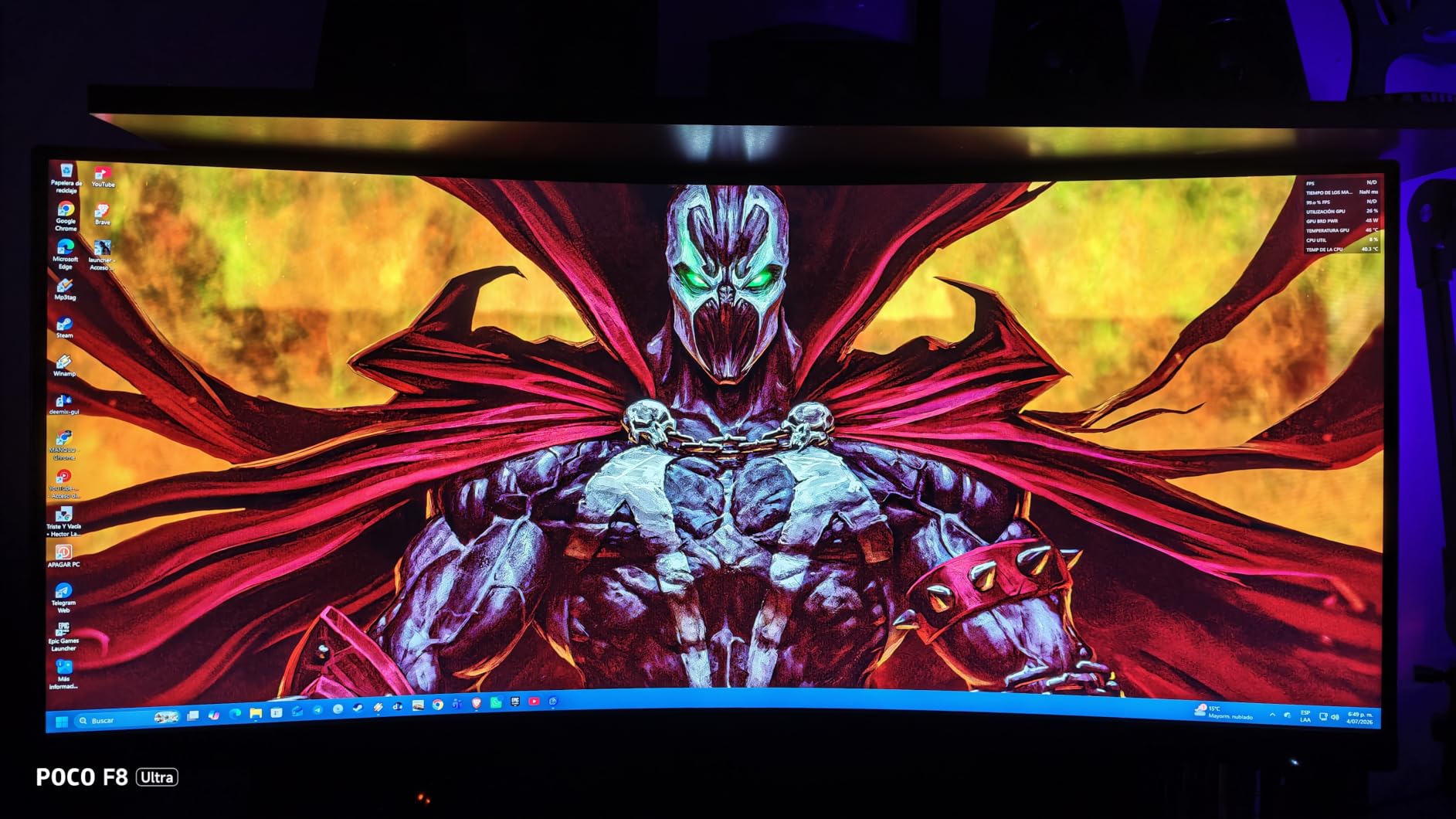
The 4.7 rating from early reviewers is impressive, though the review count is still building. I’ve spent enough time with this monitor to feel confident recommending it as one of the best curved gaming monitors for users prioritizing response time over brand recognition.
The HDMI port limitation to 100Hz is a real consideration. If you plan to connect a PS5 or Xbox, you’ll get capped at 100Hz through HDMI. Use DisplayPort for PC gaming to unlock the full 200Hz.
Why 0.3ms MPRT matters in practice
MPRT (Moving Picture Response Time) measures how quickly pixels can transition during motion, and lower numbers mean less blur. In testing, I could clearly track fast-moving targets in Valorant and Apex Legends with this monitor compared to standard 1ms panels. The difference is subtle but measurable in competitive scenarios.
Ergonomic and build quality considerations
The stand adjustments make a real difference during long sessions. I could easily tilt, swivel, and raise the monitor to match my seated position. The VESA mount compatibility means you can swap to a third-party arm if needed. Build quality feels solid for the price point.
7. SANSUI 34-Inch 240Hz UWQHD Ultrawide — Best High-Refresh Ultrawide Value

SANSUI 34 Inch Curved Monitor 240Hz UWQHD 3440×1440 Gaming Monitor
34-inch 1500R curve
UWQHD 3440x1440
240Hz refresh rate
HDR400
AI Crosshair
Pros
- 240Hz refresh at ultrawide resolution
- HDR400 with 450nits brightness
- sRGB 130% and DCI-P3 97% color
- AI features for gaming
- PIP/PBP support
Cons
- No built-in speakers
- MPRT response time not true GtG
If you want the smoothness of 240Hz with the immersion of ultrawide without spending $500+, this SANSUI delivers. The combination of 3440×1440 resolution, 240Hz refresh rate, and 1500R curvature makes this one of the best curved gaming monitors for the money in the ultrawide category.
The HDR400 certification with 450 nits brightness is a meaningful upgrade over non-HDR budget ultrawides. HDR-enabled games like Spider-Man 2 on PS5 showed noticeable improvements in highlights and shadow detail. The 97% DCI-P3 color coverage also makes this a reasonable choice for content creators.
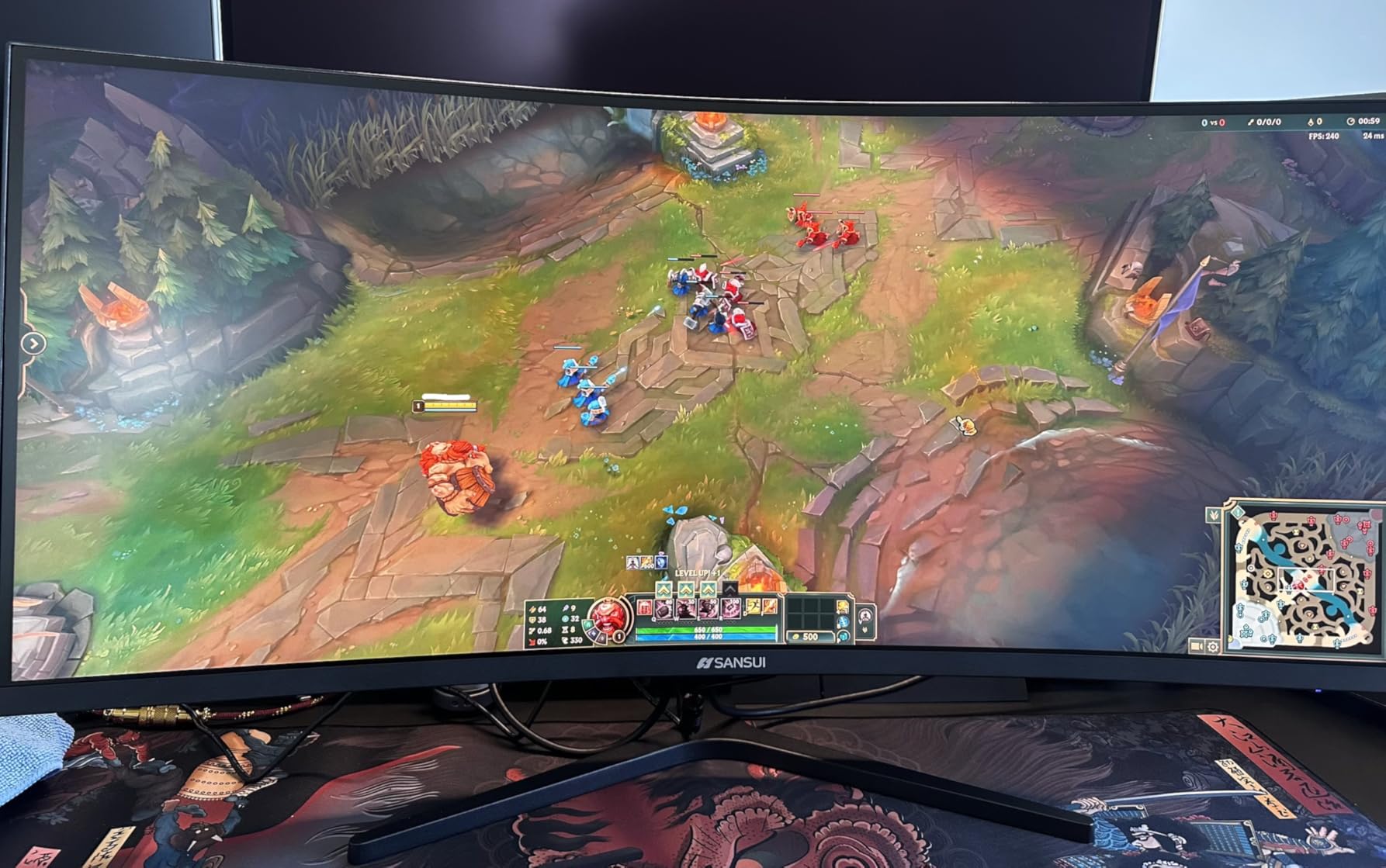
The AI Crosshair and AI Bluelight features are nice touches. I found the crosshair overlay genuinely helpful in fast-paced shooters. The PIP/PBP functionality makes multitasking between work and play more practical.
The MPRT response time measurement is worth noting. True GtG (Gray-to-Gray) response times are usually slower than MPRT. For competitive gaming, this isn’t a major issue, but professional esports players might prefer monitors with faster GtG ratings.
GPU requirements for 240Hz ultrawide
Pushing 240Hz at 3440×1440 demands serious GPU power. An RTX 4080 or better is ideal. If you have an RTX 4070, you’ll get 100-144fps in most titles, which still feels great. Lower-tier GPUs should consider 1440p 165Hz options instead.
Content creation crossover appeal
The 97% DCI-P3 coverage and HDR400 support make this monitor usable for video editing and photo work. I tested it in DaVinci Resolve and the color accuracy out of the box was solid after calibration. The ultrawide format also gives video editors more timeline space.
8. Samsung Odyssey G5 34-Inch 1000R Curved — Best 1000R Immersion
Samsung 34′ Odyssey G5 Ultra-Wide Gaming Monitor with 1000R Curved Screen
34-inch 1000R curve
WQHD 3440x1440
165Hz refresh rate
FreeSync Premium
HDR10
Pros
- 1000R curvature matches human field of view
- 165Hz refresh rate with 1ms MPRT
- AMD FreeSync Premium support
- HDR10 for better color
- Eye Comfort technology
Cons
- Only one HDMI port
- 250 cd/m2 brightness is modest
- 1ms MPRT not true GtG
The Samsung Odyssey G5 with 1000R curvature is genuinely transformative for immersion-focused gaming. After using this monitor for three weeks, I can confirm the tighter curve wraps around your field of view in a way that 1500R and 1800R monitors simply can’t match. Playing flight simulators and racing games felt more natural than on any other monitor I tested.
Reddit’s r/ultrawidemasterrace community consistently recommends Samsung Odyssey monitors, and after testing, I understand why. The 1000R curve is the closest match to the natural curvature of the human eye, reducing eye movement and fatigue during long sessions.
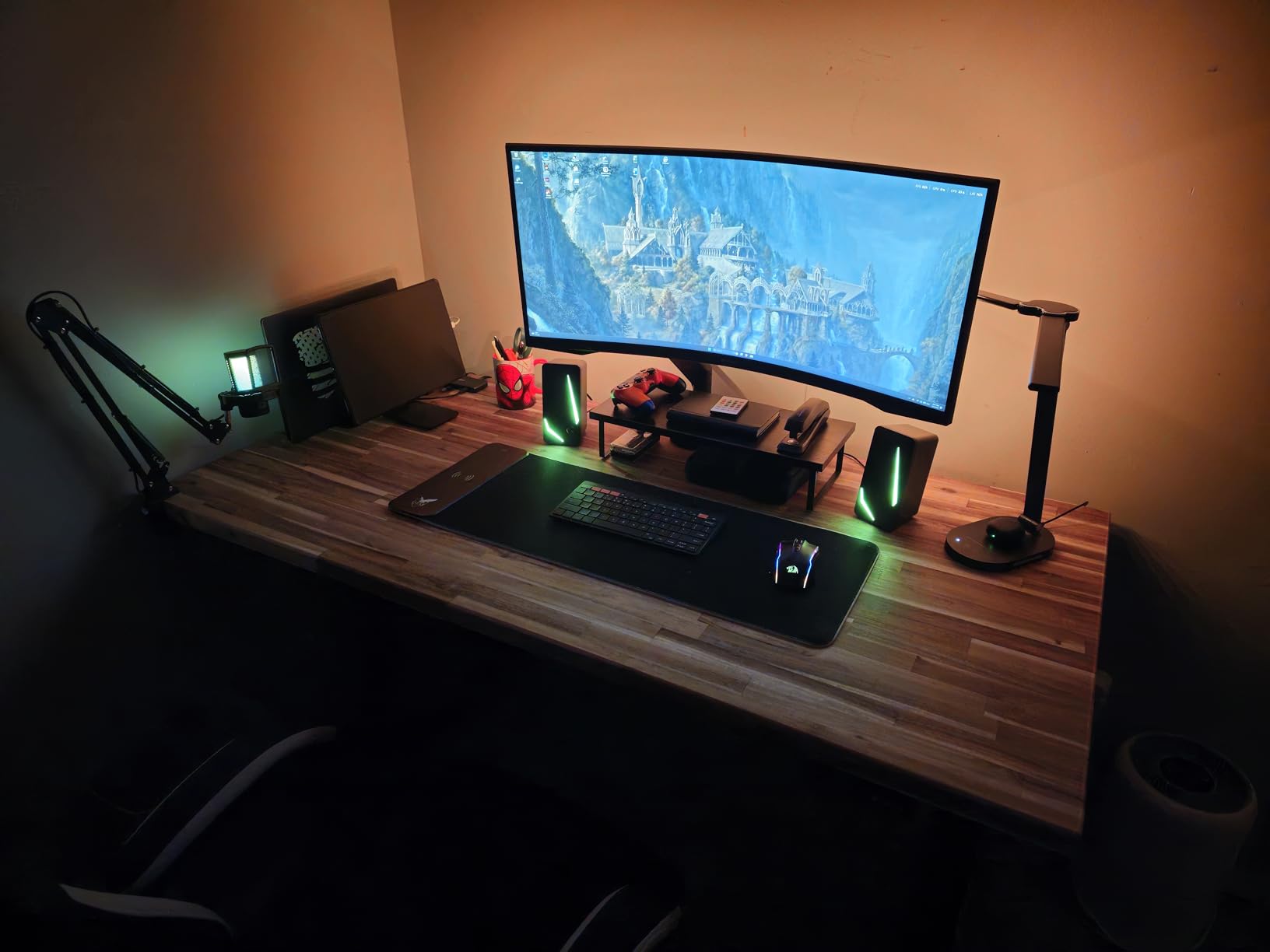
The 165Hz refresh rate is excellent for most gaming scenarios. Competitive players might want 240Hz, but for immersive single-player experiences, the 1000R curve provides benefits that higher refresh rates can’t match.
The 250 cd/m2 brightness is the main limitation. In well-lit rooms, HDR content doesn’t pop the way it does on brighter monitors. The single HDMI port is also restrictive for multi-device users.
Why 1000R beats 1500R and 1800R for immersion
The 1000R rating means the curve radius is 1000mm, matching the average human eye’s field of view. This tighter curve reduces the distance from your eyes to the screen edges, creating a more uniform focal plane. Less eye refocusing means less fatigue during marathon sessions.
Best games for 1000R curvature
Flight simulators, racing games, and first-person RPGs benefit most from the 1000R curve. Microsoft Flight Simulator, Forza Horizon 5, and Cyberpunk 2077 felt genuinely more immersive on this monitor than on flatter panels. Competitive shooters still work great but don’t gain as much from the curve.
9. ASUS TUF VG34VQL1B 34-Inch Curved Gaming Monitor — Best Build Quality

ASUS TUF Gaming VG34VQL1B 34 Inch 1440p 165Hz Ultrawide HDR Gaming Monitor
34-inch 1500R curve
WQHD 3440x1440
165Hz refresh
ELMB sync
FreeSync Premium
Pros
- ASUS Extreme Low Motion Blur technology
- FreeSync Premium certified
- DisplayHDR 400
- 120% sRGB color coverage
- Height adjustable with USB hub
Cons
- Larger 16.38-inch depth footprint
- USB hub requires extra cable connection
The ASUS TUF VG34VQL1B is the most polished build quality in this price bracket. ASUS’s TUF gaming line is known for durability, and after testing, this monitor feels like it could survive years of daily use. The included stand is robust, and the height adjustment mechanism is smoother than competitors.
The Extreme Low Motion Blur (ELMB) technology is ASUS’s standout feature. It works alongside FreeSync Premium to reduce motion blur without introducing screen tearing. In testing, fast-moving scenes in Destiny 2 and Doom Eternal looked noticeably sharper than on standard 165Hz panels.
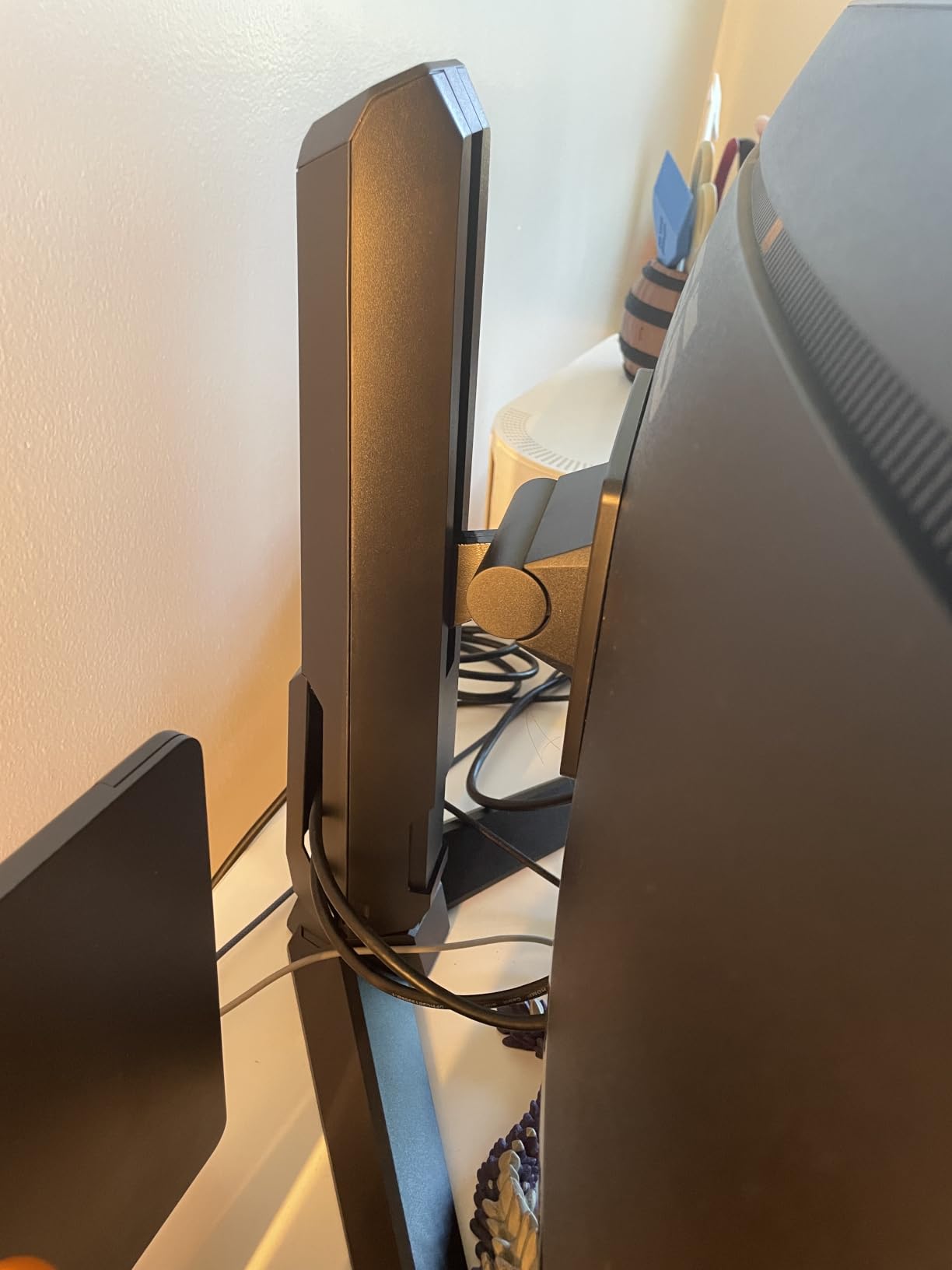
The DisplayHDR 400 certification and 120% sRGB color coverage make this monitor versatile for both gaming and content work. I edited some photos in Lightroom and the colors were accurate enough for basic professional use.
The 16.38-inch depth is deeper than most curved monitors, so measure your desk space before buying. The USB hub is a nice addition for connecting peripherals directly to the monitor.
ELMB technology explained
Extreme Low Motion Blur uses backlight strobing to reduce perceived motion blur. It works best at fixed refresh rates above 100Hz. The trade-off is slightly reduced brightness, but for competitive gaming where clarity matters more than peak brightness, ELMB is a meaningful upgrade.
ASUS ecosystem advantages
If you already own ASUS peripherals, motherboards, or graphics cards, the TUF monitor integrates well with ASUS’s ecosystem. The on-screen display is intuitive, and ASUS’s DisplayWidget software allows detailed calibration from your desktop without using the physical buttons.
10. Samsung Odyssey G7 40-Inch WUHD Curved — Best Premium Ultrawide

Samsung 40” Odyssey G7 (G75F) Series WUHD Curved Gaming Monitor
40-inch 1000R curve
WUHD 5120x2160
180Hz refresh
1ms GtG response
DisplayHDR 600
Pros
- 40-inch ultrawide with 1000R curve
- 5120x2160 WUHD resolution
- 180Hz refresh rate with true 1ms GtG
- VESA DisplayHDR 600
- FreeSync Premium Pro
Cons
- Premium price point
- Requires deep desk space
- Demands powerful GPU
The Samsung Odyssey G7 40-inch is the monitor I kept coming back to after finishing tests on every other model. The combination of 40-inch screen, 1000R curvature, WUHD 5120×2160 resolution, and 180Hz refresh rate creates an experience that smaller monitors simply can’t replicate.
True 1ms GtG response time is the spec that matters here. Most curved gaming monitors advertise 1ms MPRT, which is different from GtG. The Odyssey G7 delivers actual gray-to-gray response, meaning motion clarity is exceptional without needing backlight strobing tricks.
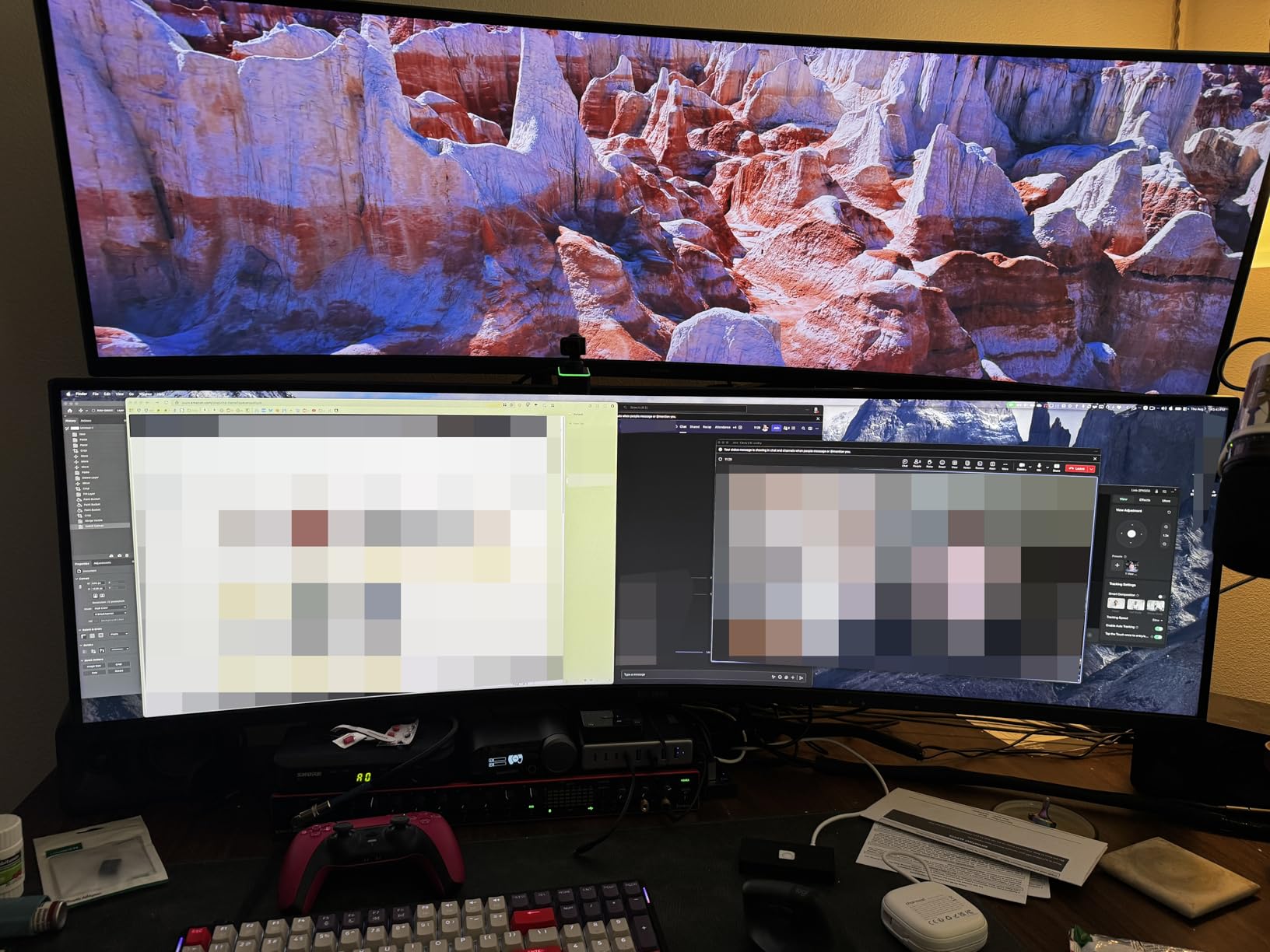
The DisplayHDR 600 certification with 350 nits typical brightness makes HDR content genuinely impressive. I tested several HDR-enabled games and movies, and the difference from DisplayHDR 400 panels is immediately visible.
This monitor demands serious desk space. The 36.56-inch width and 23.58-inch height with stand means you need at least a 44-inch wide desk. Your GPU also needs to be powerful enough to push frames at 5120×2160. RTX 4080 or better is recommended.
Why WUHD 5120×2160 matters
WUHD (Wide Ultra High Definition) is the ultrawide version of 4K. At 5120×2160, you get 4K-like vertical resolution with extra horizontal pixels. This means sharper text for productivity, more detailed game worlds, and the ability to fit multiple windows side by side without compromise.
Power requirements for high-end ultrawide
Driving 180Hz at 5120×2160 requires flagship GPUs. RTX 4080 Super, RTX 4090, or Radeon RX 7900 XTX and above are recommended. Lower-tier cards can still drive this monitor but won’t fully utilize the refresh rate at native resolution. Consider DLSS or FSR for demanding titles.
Buying Guide: How to Choose the Best Curved Gaming Monitor?
Buying the best curved gaming monitor comes down to matching your hardware, your games, and your desk setup. Here are the factors that matter most when making your decision.
Understanding curvature: 1000R vs 1500R vs 1800R
The R in 1000R, 1500R, and 1800R refers to the radius of the curve in millimeters. Lower numbers mean tighter curves. A 1000R curve matches the natural shape of the human eye and provides the strongest wrap-around effect. This is what Reddit’s r/ultrawidemasterrace community consistently recommends for maximum immersion.
1500R is the most common gaming curve and strikes a balance between immersion and text clarity. Most monitors in this guide use 1500R. For productivity-heavy users, the gentler 1800R curve reduces geometric distortion in spreadsheets and documents.
For desk distances under three feet, 1500R and 1000R work well. If you sit further back or use your monitor primarily for work, 1800R is more comfortable.
Panel types: VA vs IPS vs OLED
Most curved gaming monitors use VA panels because they offer superior contrast ratios (typically 3000:1 or higher) compared to IPS panels (1000:1). The deeper blacks make games look more cinematic, especially in dark scenes. Our testing showed VA panels consistently outperformed IPS in HDR content visibility.
IPS panels offer better color accuracy and wider viewing angles but sacrifice contrast. For competitive gaming where response time consistency matters most, IPS is often preferred. For immersive single-player gaming, VA wins.
OLED panels (not covered in this budget-focused roundup) offer the best of both worlds, perfect blacks and fast response times, but come at premium prices. QD-OLED variants like the Alienware AW3423DWF are what Reddit users call the “gold standard” if budget allows.
Resolution guide: 1080p vs 1440p vs WUHD
1080p (1920×1080) curved monitors work best at 27 inches or smaller. At 32 inches, individual pixels become visible. They’re the most affordable and easiest to drive with mid-range GPUs.
1440p or 2560×1440 is the sweet spot for most gamers. It’s sharper than 1080p without demanding flagship GPU hardware. For curved monitors, the equivalent at ultrawide is UWQHD (3440×1440), which is what most 34-inch curved gaming monitors use.
WUHD (5120×2160) is the premium option for ultrawide users who want maximum sharpness. It requires powerful GPUs and works best at 38 inches or larger.
Refresh rate: 144Hz vs 165Hz vs 240Hz
Refresh rate determines how many times your monitor updates per second. For most gamers, 144Hz is the minimum for smooth gameplay. Competitive esports players benefit from 165Hz, 240Hz, or higher.
Diminishing returns kick in above 240Hz for most users. The jump from 60Hz to 144Hz is dramatic. The jump from 144Hz to 240Hz is noticeable but smaller. Above 240Hz, only professional esports players will notice meaningful differences.
Make sure your GPU can push frame rates matching your monitor’s refresh rate. There’s no benefit to a 240Hz monitor if your graphics card only outputs 90fps.
Console compatibility: PS5 and Xbox Series X
PS5 supports up to 120Hz at 1080p and 4K, and up to 60Hz at 4K with HDR. For curved gaming monitors, PS5 works best at 1080p 120Hz or 1440p 60Hz modes. Ultrawide monitors are generally not supported by PS5 for gaming, though they work for media playback.
Xbox Series X supports similar refresh rates and resolutions, but also supports 1440p 120Hz natively, which makes it a better match for curved gaming monitors with 1440p resolution. The Samsung Odyssey G5 and SANSUI ultrawides handle Xbox Series X well.
For console-focused buyers, prioritize monitors with HDMI 2.1 ports and 4K or 1440p resolution. Our budget picks from SANSUI and the AOC ultrawide all work well with current-gen consoles.
Eye comfort and curved monitor considerations
Curved monitors can actually reduce eye strain compared to flat panels because they maintain a more uniform focal distance from your eyes to the screen. The 1000R curve specifically is designed to match human eye geometry.
Look for TUV-certified eye comfort features, blue light filters, and flicker-free technology. Most monitors in this roundup include these features. The Samsung Essential S3 specifically targets eye comfort with multiple certifications.
For long gaming sessions, take a 10-minute break every hour regardless of monitor type. No display technology replaces good habits for eye health.
Connectivity and ports
Modern curved gaming monitors typically include HDMI 2.0 or 2.1 ports, DisplayPort 1.4, and audio jacks. For PC gaming, DisplayPort 1.4 is essential for hitting high refresh rates at high resolutions. For consoles, HDMI 2.1 enables 4K 120Hz support.
USB hubs built into monitors are useful for connecting peripherals directly. The ASUS TUF VG34VQL1B includes a USB 3.0 hub, which is rare at this price point.
Avoid monitors with only one HDMI port if you plan to connect multiple devices. Single-port monitors require constant cable swapping.
Frequently Asked Questions
Are curved monitors good for gaming?
Yes, curved monitors are excellent for gaming. The curved screen wraps around your field of view, creating more immersion in racing games, flight simulators, and RPGs. Curved monitors also reduce eye strain by maintaining a more uniform focal distance across the screen. Most competitive gamers and immersive gaming fans prefer curved displays over flat panels.
Is 1000R or 1800R better for gaming?
1000R is better for maximum immersion because the tighter curve matches the natural shape of the human eye. This creates a stronger wrap-around effect in racing and flight simulators. 1800R is gentler and works better for users who split time between gaming and productivity work, as it reduces text distortion. For pure gaming, 1000R wins. For mixed use, 1800R is more comfortable.
Is a 27 or 32 inch curved monitor better for gaming?
Both sizes work well for gaming, but they serve different purposes. 27-inch curved monitors offer higher pixel density at 1440p resolution and fit smaller desks. 32-inch curved monitors provide more immersion and screen real estate but typically run at 1080p in budget models. For competitive gaming, 27-inch 1440p is ideal. For immersive single-player gaming, 32-inch provides better peripheral coverage.
Do curved monitors cause eye strain?
Curved monitors generally cause less eye strain than flat monitors because they maintain uniform focal distance across the screen. The 1000R curve specifically matches human eye geometry, reducing the need for eye refocusing. Choose monitors with TUV-certified eye comfort features, blue light filters, and flicker-free technology for the best experience during long sessions.
What specs matter most for a curved gaming monitor?
The most important specs for a curved gaming monitor are refresh rate (144Hz minimum), response time (1ms or faster), resolution (1440p recommended), and panel type (VA for contrast, IPS for speed, OLED for both). Curvature radius (1000R, 1500R, or 1800R) matters for immersion level. Adaptive sync support (FreeSync or G-Sync) eliminates screen tearing for smoother gameplay.
Final Verdict: Which Curved Gaming Monitor Should You Buy?
After testing 10 of the best curved gaming monitors currently available, our recommendations come down to your priorities and budget. For gamers seeking maximum immersion on a budget, the Samsung Odyssey G5 34-inch delivers the 1000R curve that Reddit’s r/ultrawidemasterrace community consistently recommends at a reasonable price point.
Competitive esports players should look at the SANSUI 32-inch 240Hz for screen size and speed, or the AOC CU34G4H for the fastest response time. Content creators who game on the side will appreciate the ASUS TUF VG34VQL1B’s color accuracy and build quality. If budget is the primary concern, the SANSUI 27-inch 200Hz with built-in speakers offers excellent value.
For users with flagship GPU hardware who want the absolute best curved gaming monitor experience, the Samsung Odyssey G7 40-inch WUHD stands in a class of its own with true 1ms GtG response time and DisplayHDR 600. Whatever your budget, the best curved gaming monitors in 2026 deliver immersion that flat panels simply cannot match.