
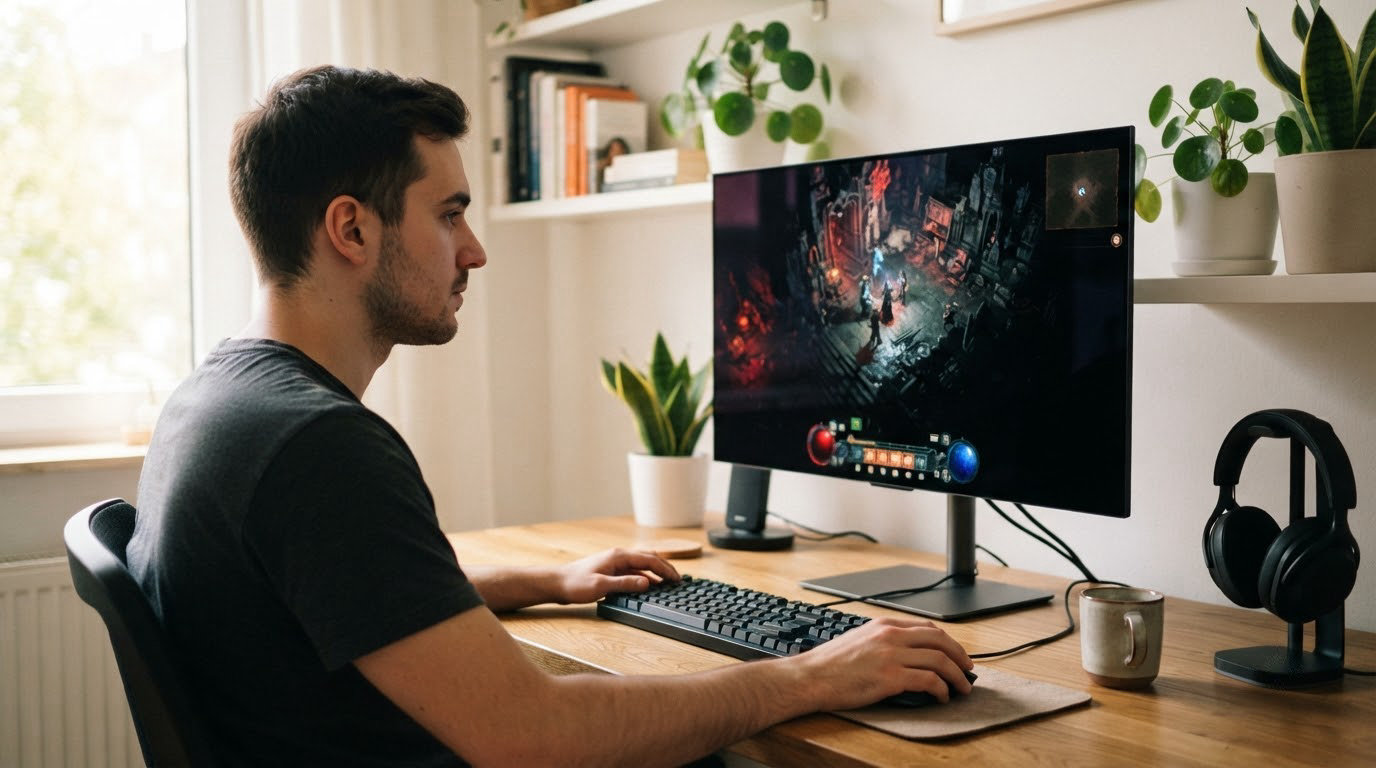
OLED monitors are finally close enough to what a good IPS panel used to cost that the gap has stopped mattering, and the Alienware AW2725DF is the one we would watch first in the 2026 Prime Big Deal Days sale. It pairs a 26.7-inch QD-OLED panel with 360Hz, 0.03 ms response and a three-year warranty that includes OLED burn-in coverage, which is a rare combination at this tier. The AOC Agon Pro AG276QZD2 makes more sense if your budget stops short of the top end, and the Alienware AW3425DW is the one to look at if you want a 21:9 ultrawide instead of a single 27-inch screen. Prime Big Deal Days runs October 6-7, 2026, and prices on these panels move fast during the event.
Table of Contents
Our Top 3 Picks for Best Amazon Prime Big Deal Days OLED Monitor Deals

Alienware AW2725DF
- 26.7-inch QD-OLED
- 360Hz refresh
- 0.03 ms response
- 3-year burn-in warranty

AOC Agon Pro AG276QZD2
- 27-inch QD-OLED
- Up to 280Hz in listing
- 0.03 ms response
- Factory calibration report

Alienware AW3425DW
- 34.2-inch 21:9 QD-OLED
- 240Hz refresh
- 0.03 ms response
- 1000 nits peak HDR
Best Amazon Prime Big Deal Days OLED Monitor Deals Compared (October 2026)
| Product | Specifications | Action |
|---|---|---|
| Alienware AW2725DF |
|
Check Deal Price |
| AOC Agon Pro AG276QZD2 |
|
Check Deal Price |
| Alienware AW3425DW |
|
Check Deal Price |
 ASUS ROG Strix XG27ACDNG ASUS ROG Strix XG27ACDNG |
|
Check Deal Price |
 LG UltraGear 27GS93QE LG UltraGear 27GS93QE |
|
Check Deal Price |
 Samsung Odyssey OLED G6 Samsung Odyssey OLED G6 |
|
Check Deal Price |
 ASUS ROG PG27AQDP ASUS ROG PG27AQDP |
|
Check Deal Price |
 Samsung Odyssey OLED G9 Samsung Odyssey OLED G9 |
|
Check Deal Price |
 ASUS ROG PG27UCDM ASUS ROG PG27UCDM |
|
Check Deal Price |
 MSI MAG 271QPX MSI MAG 271QPX |
|
Check Deal Price |
How We Chose
Every monitor here was compared on the specifications that decide an OLED purchase: panel type, native resolution, refresh rate, response time, color coverage, warranty length and port layout. We also read the owner reviews on Amazon, since recurring complaints about flicker, text rendering and factory calibration tell you more than a spec sheet. The specs and ratings were checked in October 2026, before the sale opens.
1. Alienware AW2725DF: Editor’s Choice for Competitive Gaming
Alienware AW2725DF
Panel: QD-OLED
Size: 27 inch
Refresh: 360Hz
Response: 0.03 ms
Warranty: 3 years
Pros
- 360Hz QD-OLED motion clarity
- DCI-P3 99.3% coverage with Delta E under 2
- DisplayHDR True Black 400
- USB 3.2 hub with five ports
- Full height tilt swivel and pivot adjustment
Cons
- QD-OLED subpixel layout adds slight text fringing
- Periodic pixel refresh routine required
- Matte coating picks up ambient light
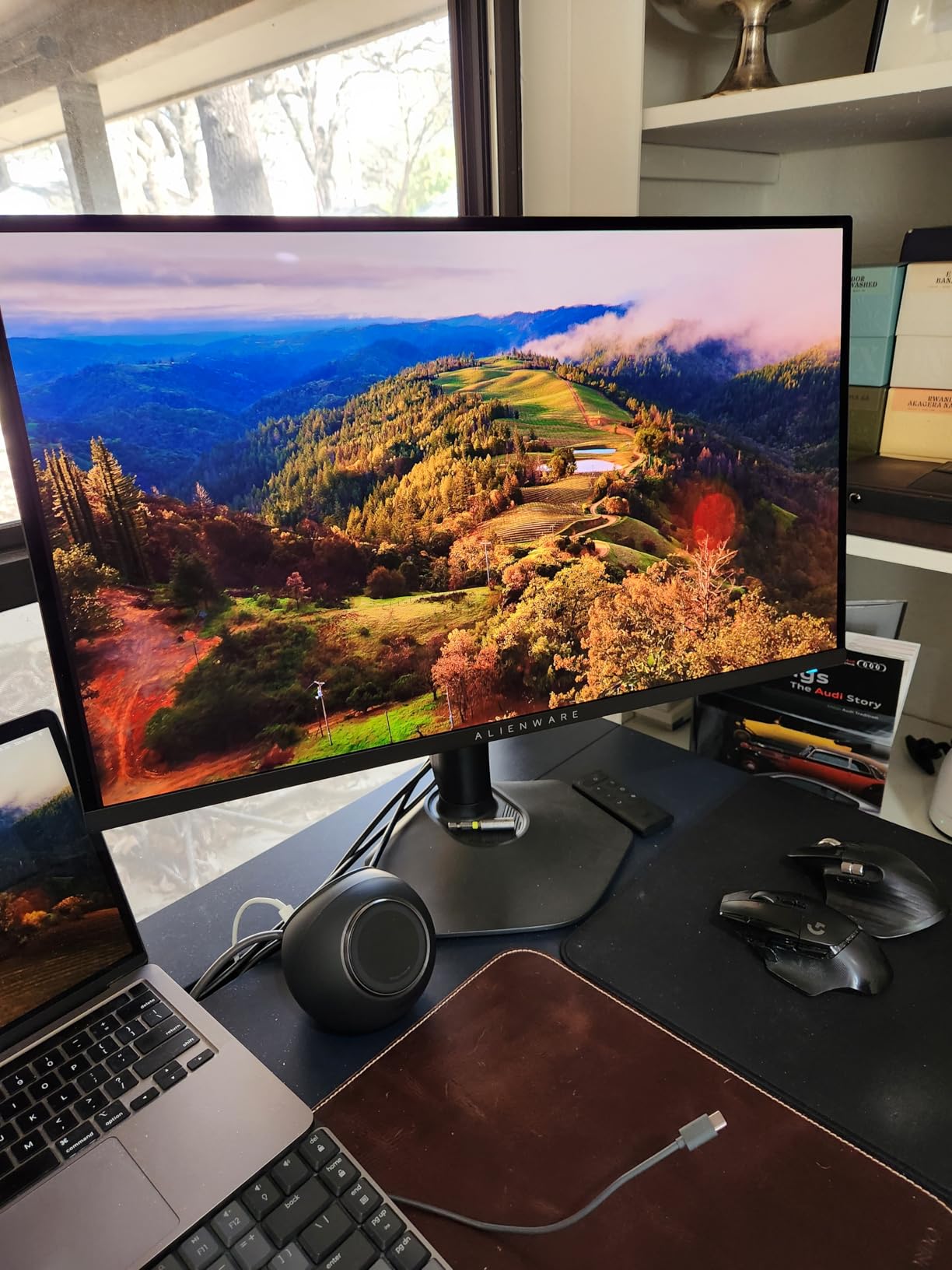
The one to watch in this sale. At 26.7 inches with 2560×1440 native resolution, this is the resolution most competitive players settle on, because it stays inside what a mid-range graphics card can push above 240 fps.

Two details separate it from the other 27-inch QD-OLED panels here. The warranty is a 3-Year Advanced Exchange Service with Premium Panel Exchange, and the coverage explicitly includes OLED burn-in, which is not something every brand in this list offers in the same terms. The stand is fully adjustable, with height, tilt, swivel and pivot.
Owners rate picture quality and motion handling very highly, and the recurring themes are the usual OLED compromises rather than anything model-specific: the subpixel layout adds mild text fringing that needs OSD tuning, the panel wants a periodic pixel refresh, and the coating has a faint tint under room light. A minority report dead pixels shortly after delivery, so inspect the panel early and keep the box.
Compared with the ASUS ROG Strix XG27ACDNG, which also runs 360Hz, the difference is the burn-in warranty language and the USB hub. Compared with the ASUS ROG PG27UCDM, the AW2725DF gives up 4K resolution for a far easier GPU load.
Good to know: at 13.9 pounds with a wide chassis, check your desk depth before ordering. A stand with a smaller footprint suits tighter setups.
2. AOC Agon Pro AG276QZD2: Budget Pick for First-Time OLED Owners
AOC Agon Pro AG276QZD2
Panel: QD-OLED
Size: 27 inch
Refresh: 240Hz
Response: 0.03 ms
Warranty: 3 years
Pros
- Value entry point into QD-OLED
- Factory calibration report included in the box
- Built-in speakers and rear RGB
- HDR10 with 101 percent DCI-P3
Cons
- Some earlier panels ship washed out
- Refresh cycle needed every few hours
- Stand has limited adjustment and wobble
Buy the AG276QZD2 if this is your first OLED. It lands in the same picture-quality class as models costing far more, with 101 percent DCI-P3 coverage, 136.7 percent sRGB and a 1,500,000:1 contrast ratio.
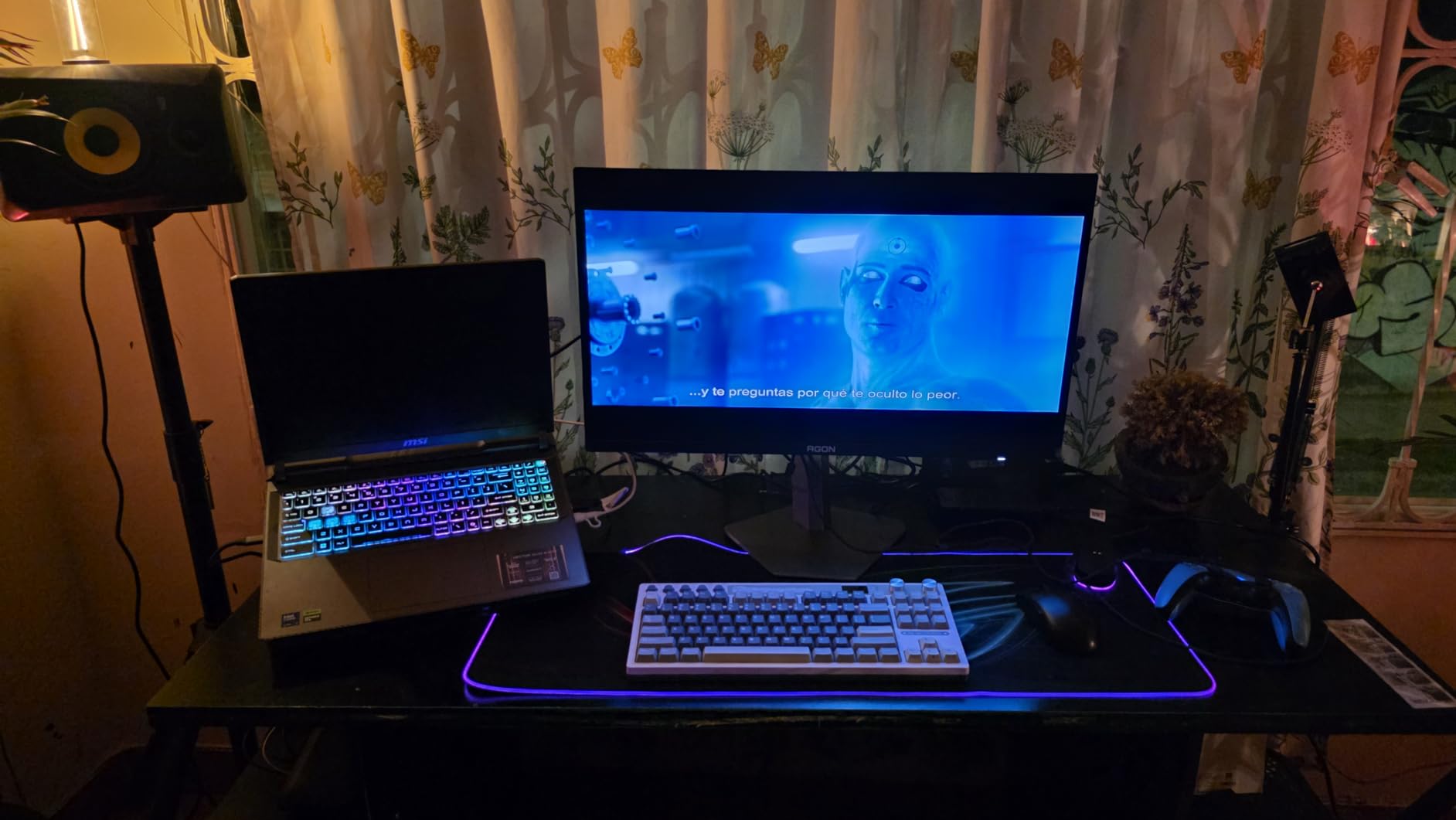
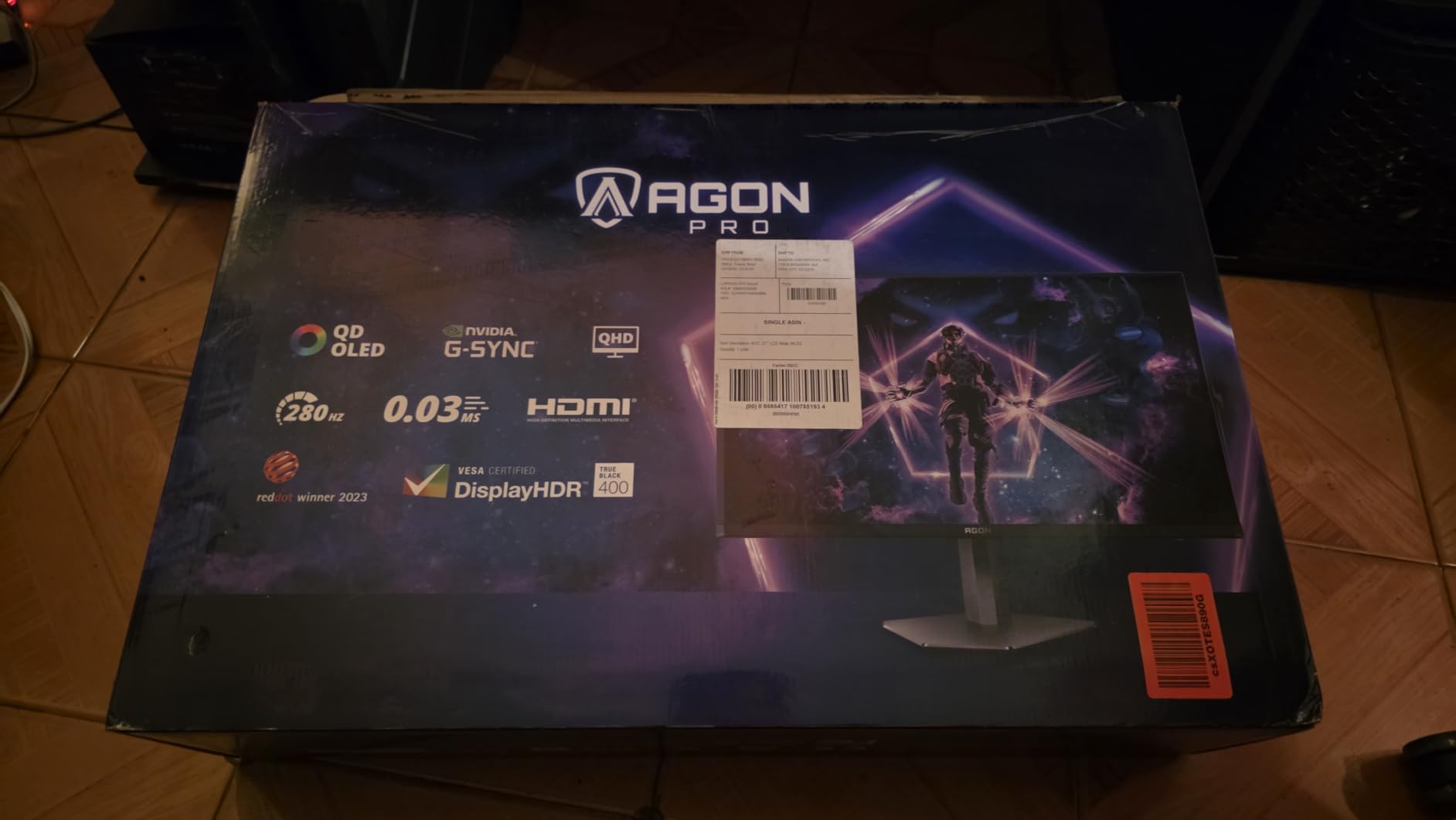
The one thing to understand before you buy is that this listing covers more than one revision. The model card lists 240Hz, and many owners report receiving the updated 280Hz version with stronger HDR. Earlier panels drew the most criticism, particularly for washed-out color that needed an OSD or PC-side tweak before it looked right.
Two less obvious pluses: a factory calibration report comes in the box, and the monitor has built-in speakers plus custom rear lighting with selectable patterns. Both are unusual at this level.
The trade-off owners mention most is the stand. It tilts and works, but adjustment is limited and it can feel wobbly, so plan on a monitor arm if you care about positioning. Text rendering on the QD-OLED subpixel layout is mediocre for productivity, which is fine if this is a gaming display.
Good to know: the pixel refresh cycle runs every few hours. Set it up once during initial configuration and stop thinking about it.
3. Alienware AW3425DW: Best for Ultrawide Gaming
Alienware AW3425DW
Panel: QD-OLED
Size: 34 inch
Refresh: 240Hz
Response: 0.03 ms
Warranty: 3 years
Pros
- Immersive 21:9 field of view
- 1000 nits peak HDR brightness
- Deep blacks with true 0.03 ms motion
- G-SYNC plus FreeSync and AdaptiveSync
Cons
- Single HDMI port limits console switching
- 1800R curve needs desk depth
- Matte coating softens reflections slightly
The ultrawide option, and the only 21:9 panel in this list. At 3440×1440 across 34.2 inches, it gives racing and flight games peripheral vision that no 16:9 screen here can match.
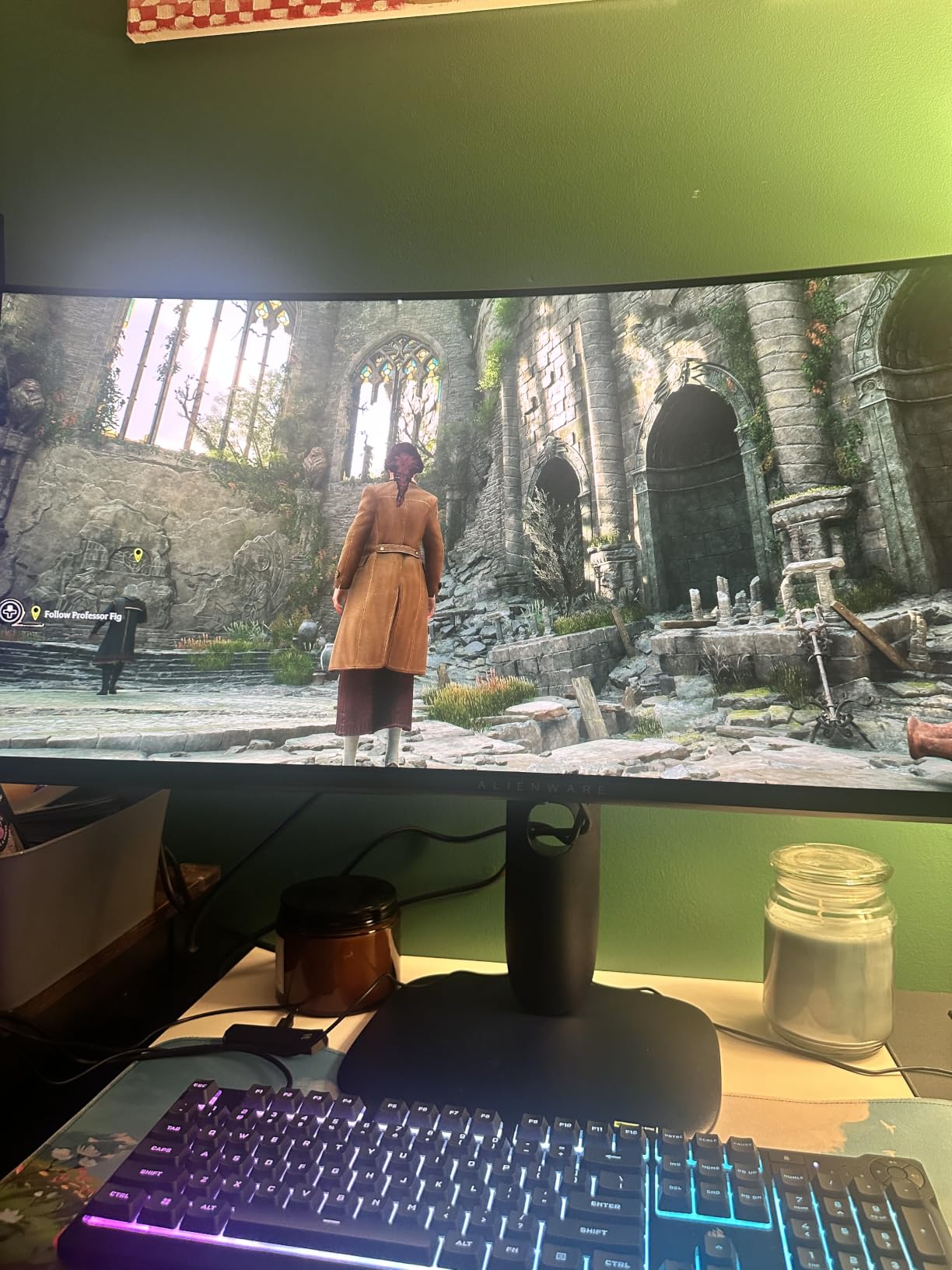
Owners like the combination of a wide field of view with rich, accurate color: 99.3 percent DCI-P3 coverage, DisplayHDR True Black 400 and 1000 nits peak brightness. Verified buyers single out the deep contrast, the color accuracy and the adjustable stand as the main draws, and it carries a 4.5 rating across 377 reviews.
Motion is handled at 240Hz with 0.03 ms response, and it supports NVIDIA G-SYNC Compatible, AMD FreeSync Premium Pro and VESA AdaptiveSync, so it works with either GPU brand.
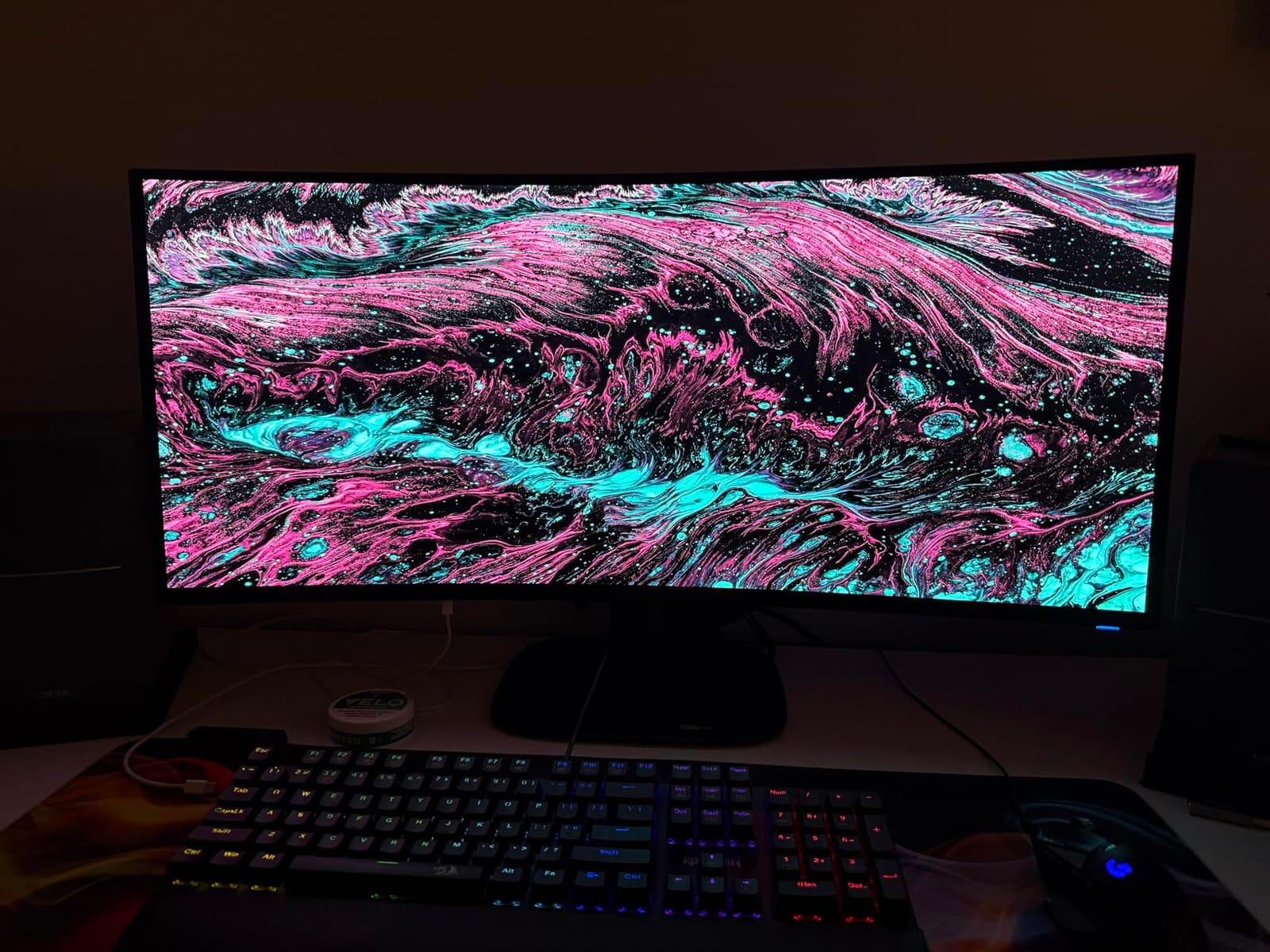
Connectivity is the practical limit. There is one HDMI port, so switching between a PC and a console means reaching behind the monitor. The 1800R curve is gentle by ultrawide standards, but the 31.7-inch-deep footprint still needs real desk space.
Compare with the Samsung Odyssey OLED G9 if you want even more width, or with the 27-inch picks here if your desk is under 30 inches deep. Our ultrawide monitor deals guide covers the wider category.
4. ASUS ROG Strix XG27ACDNG: Best for Flicker-Sensitive Players
ASUS ROG Strix XG27ACDNG
Panel: QD-OLED
Size: 27 inch
Refresh: 360Hz
Response: 0.03 ms
Warranty: 3 years
Pros
- ROG anti-flicker tech smooths refresh-rate swings
- OLED Care+ with custom heatsink
- 99 percent DCI-P3 with true 10-bit
- Three-year burn-in coverage
Cons
- Auto brightness limiter dims during static work
- KVM switching described as clunky
- Room light washes blacks toward gray
The pick for anyone who notices flicker. ROG-Exclusive Anti-Flicker Technology is the reason to choose this over the other 360Hz QD-OLED in the list, since it smooths out the brightness shifts that happen when the refresh rate swings.
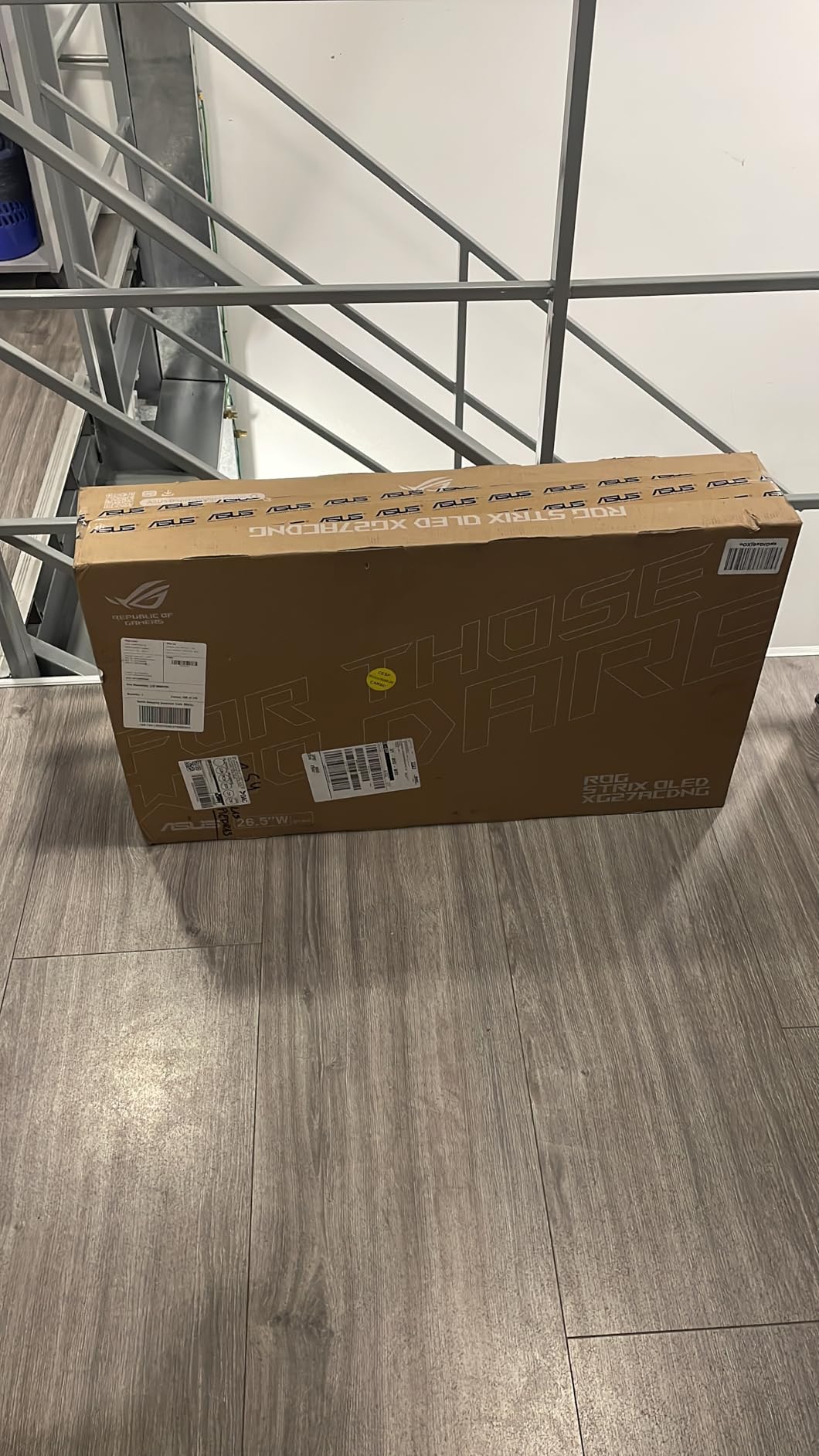
Gamers are happy with the instant response and 360Hz smoothness, and long-term owners report no burn-in after a year of use. Color is strong at 99 percent DCI-P3 with true 10-bit output and Delta E under 2, and the OLED Care+ suite plus a custom heatsink handle panel protection. The warranty runs three years with advance replacement and burn-in coverage.
Productivity reviewers are the critical voice here. They flag text fringing from the triangular subpixel layout, VRR micro-flicker visible in dark scenes and on loading screens, and an Auto Static Brightness Limiter that dims the screen during long stretches of static desktop work.
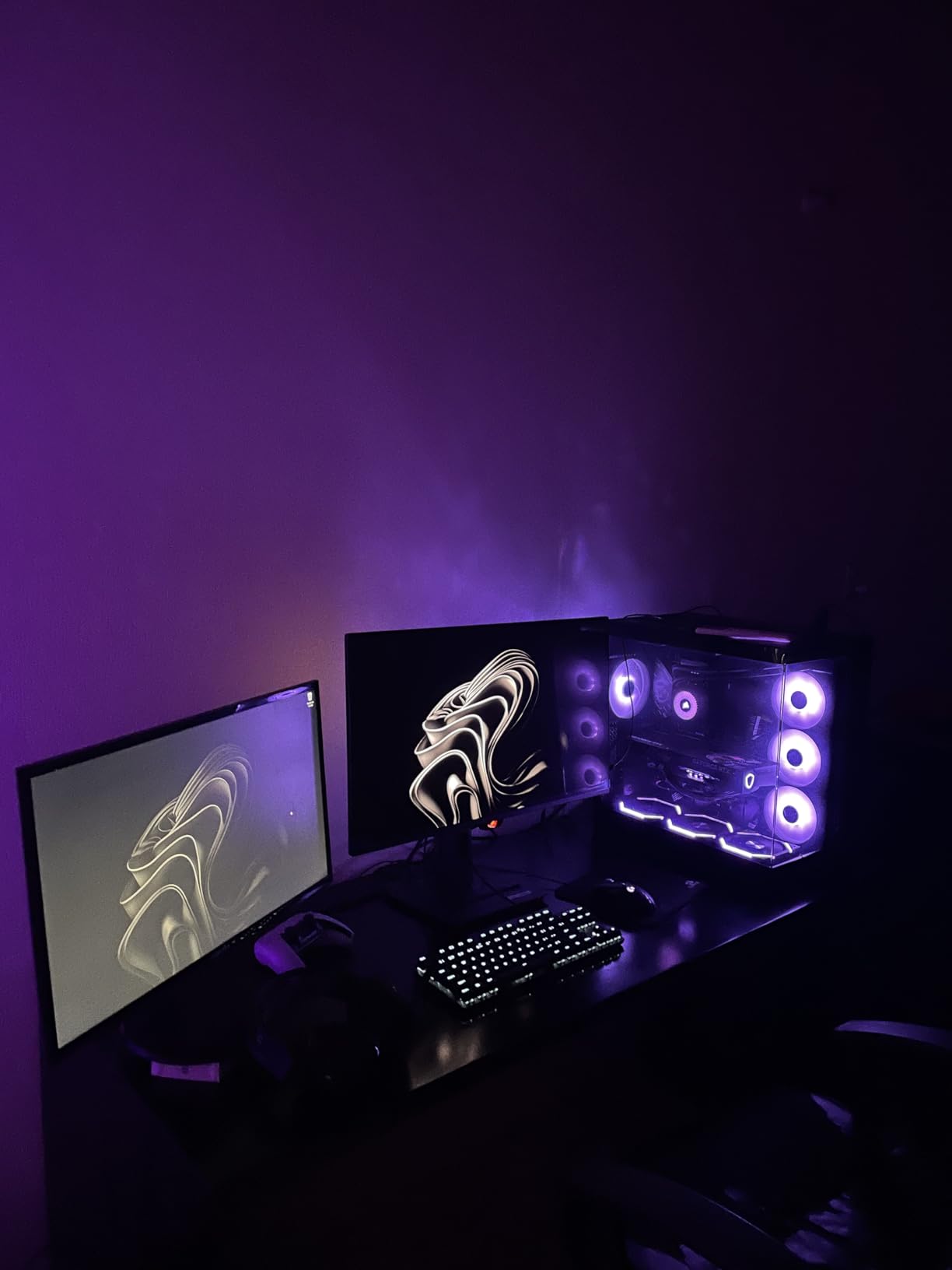
Room lighting matters more than usual here: ambient light washes the blacks toward a purplish gray on this un-polarized panel, so a dim desk is the better spot. KVM switching is also flagged as clunky by owners who expected more.
Compared with the ASUS ROG PG27AQDP, this is the more everyday choice. The PG27AQDP is faster on paper but carries more isolated quality-control complaints.
5. LG UltraGear 27GS93QE: Best for Console and PC on One Desk
LG UltraGear 27GS93QE
Panel: OLED
Size: 27 inch
Refresh: 240Hz
Response: 0.03 ms
Warranty: 2 years
Pros
- Two HDMI ports for console plus PC
- Anti-glare low reflection coating
- Both G-SYNC and FreeSync supported
- Height tilt and pivot adjustment
Cons
- Two-year warranty is shorter than most rivals
- 240Hz panel sits below 360Hz and 480Hz options
- 400 nits brightness is modest for HDR
The one to pick if a console is part of the setup. Two HDMI ports mean a PlayStation or Xbox and a PC can stay connected at the same time, which almost every other 27-inch pick here cannot do.
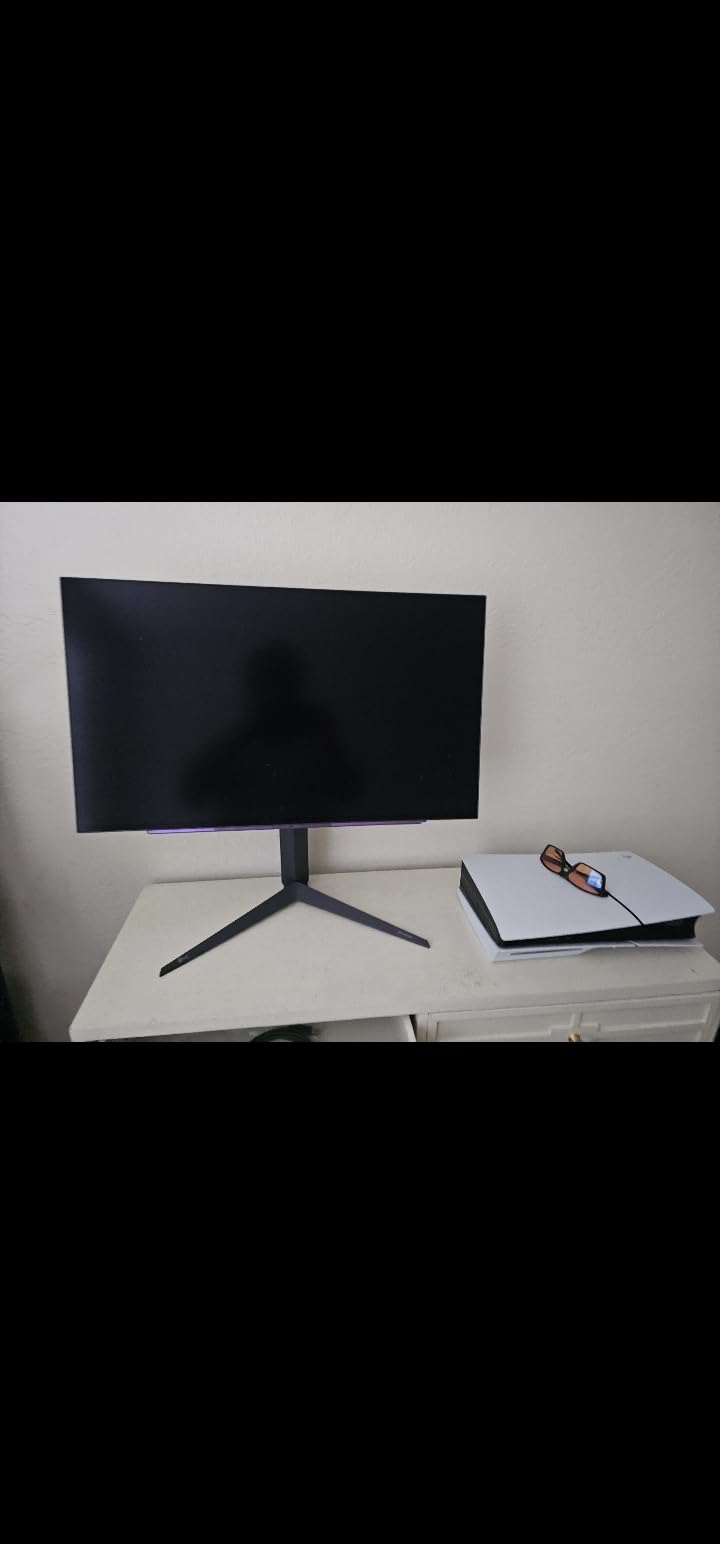
It is also the most restrained design in the list: a flat 27-inch OLED with an anti-glare, low-reflection coating that handles a lit room better than the glossy and near-glare panels some rivals use. DisplayHDR True Black 400 and 1.5M:1 contrast cover dark-scene detail, and up to 98.5 percent DCI-P3 coverage is plenty for most work and all gaming.
Owners like the color accuracy and the gaming mode presets, and the two-year UltraGear warranty covers the OLED panel itself, which is the part that matters.
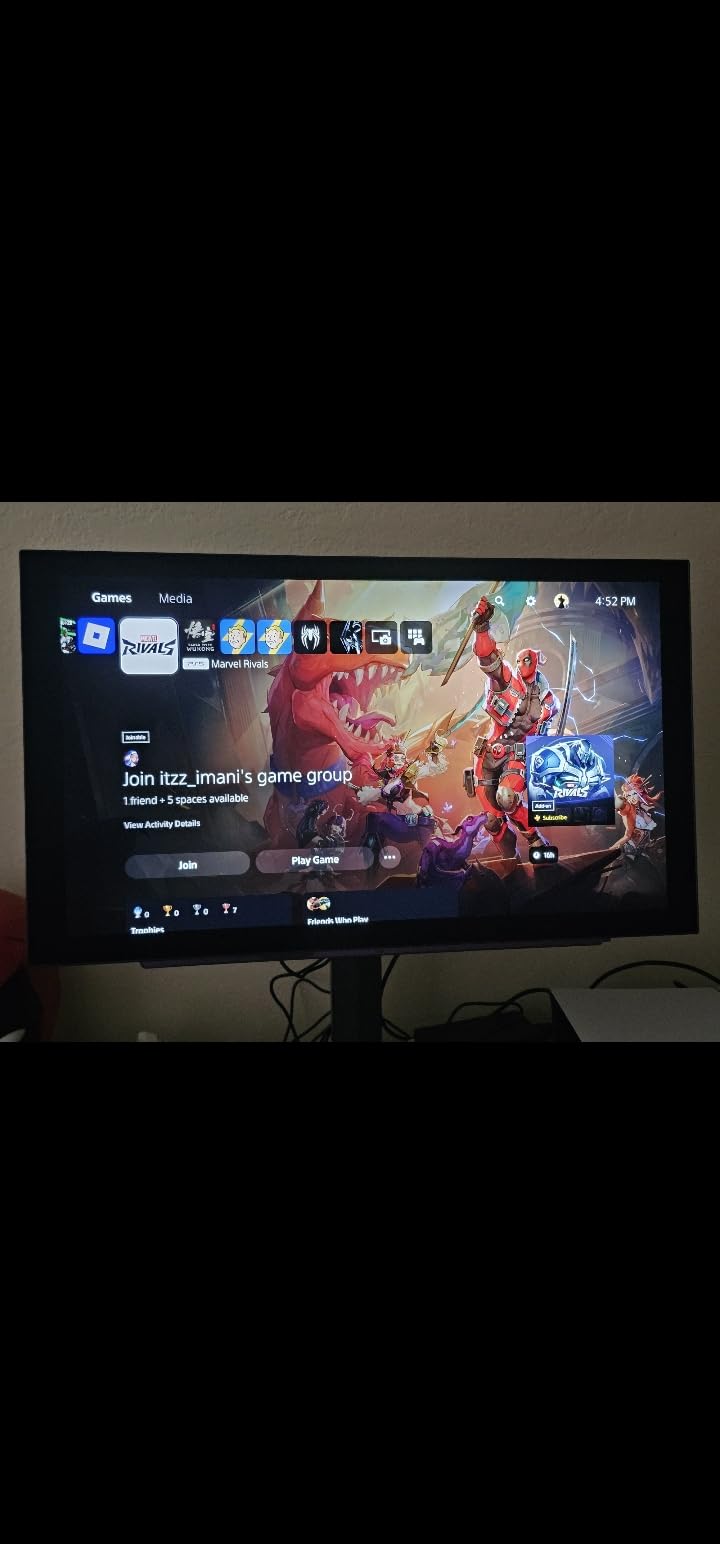
The catch is that two years is shorter than the three-year coverage offered by most rivals in this range, and 240Hz is now a step below the 360Hz and 480Hz panels available. Brightness of 400 nits is fine for HDR in a dim room, not for a bright office. Game mode presets and adjustable height are handled in the OSD.
6. Samsung Odyssey OLED G6: Best for Color-Tuned Displays
Samsung Odyssey OLED G6
Panel: QD-OLED
Size: 27 inch
Refresh: 240Hz
Response: 0.03 ms
Warranty: 3 years
Pros
- Pantone Validated with 110 skin tone shades
- OLED Safeguard thermal burn-in protection
- Glare Free coating resists reflections
- Lightest chassis here at 8.4 lb
Cons
- HDR10 only with no Dolby Vision
- Single HDMI port and no USB hub
- 8.4-pound chassis is light for a 27-inch OLED
One of the two best-rated panels in this group. The Odyssey OLED G6 (G61SH) posts 4.6 stars across 236 reviews, and the color story is the reason: the display is Pantone Validated and reproduces more than 2100 colors and 110 skin tone shades.
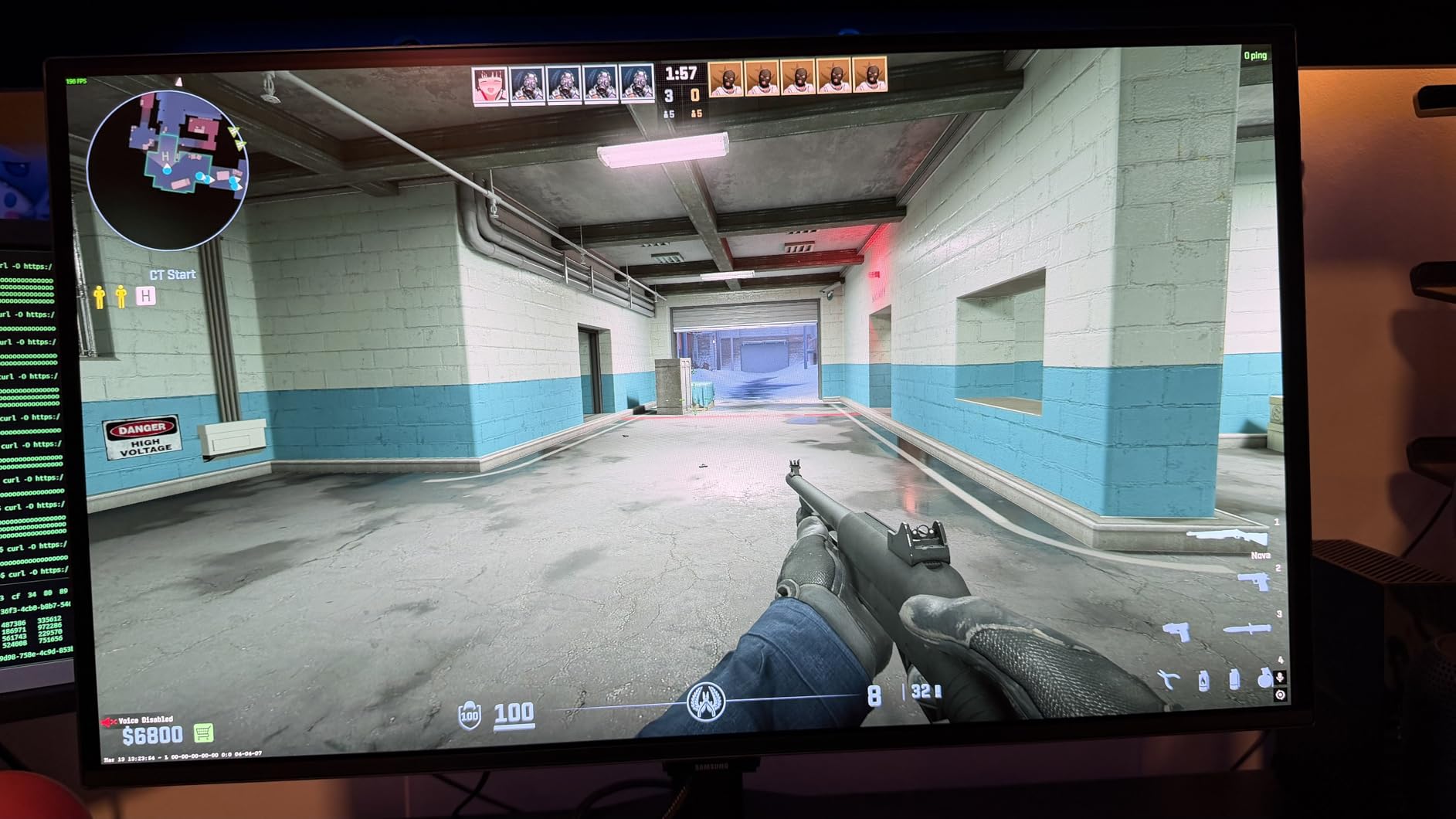
For anyone editing photos or grading footage, that calibration language matters more than a refresh-rate bump. Glare Free technology also keeps reflections from a window or lamp off the screen, which is unusual on OLED and useful in a room that cannot be darkened.
OLED Safeguard uses thermal modulation to keep the panel from sitting in hot, static conditions, and the stand adjusts for height, pivot, tilt and swivel.
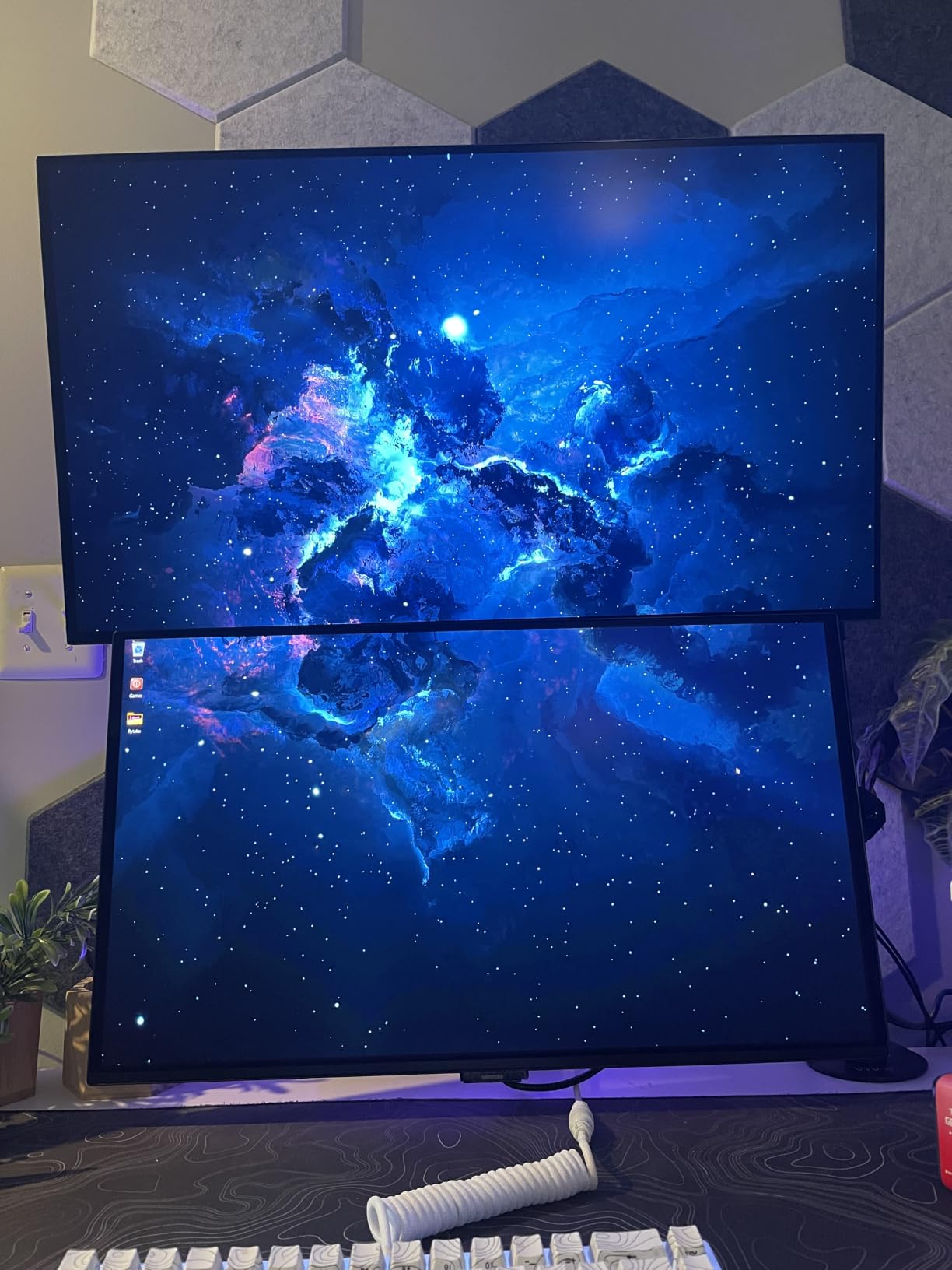
What it gives up: HDR is HDR10 only, with no Dolby Vision option, and there is a single HDMI port with no USB hub. The 8.4-pound chassis is the lightest here, which is easy to handle but leaves the stand with less mass behind it.
Our 27-inch monitors for graphic design guide covers where this panel sits among non-OLED options for color-critical work.
7. ASUS ROG PG27AQDP: Best for the Highest Refresh Rate
ASUS ROG PG27AQDP
Panel: WOLED
Size: 27 inch
Refresh: 480Hz
Response: 0.03 ms
Warranty: 3 years
Pros
- 480Hz is the fastest panel in this list
- Matte coating suits brighter rooms
- OLED Care+ with automatic pixel cleaning
- ELMB support plus portrait rotation
Cons
- 4.3 rating sits below most rivals here
- Reports of dead buttons and early failures
- DisplayPort firmware update is difficult
The fastest panel here, with a caveat that comes with it. A 26.5-inch WOLED at 2560×1440 and 480Hz with 0.03 ms response sits at the top of this list on spec, and the matte coating handles a brighter room better than glossy OLED alternatives.
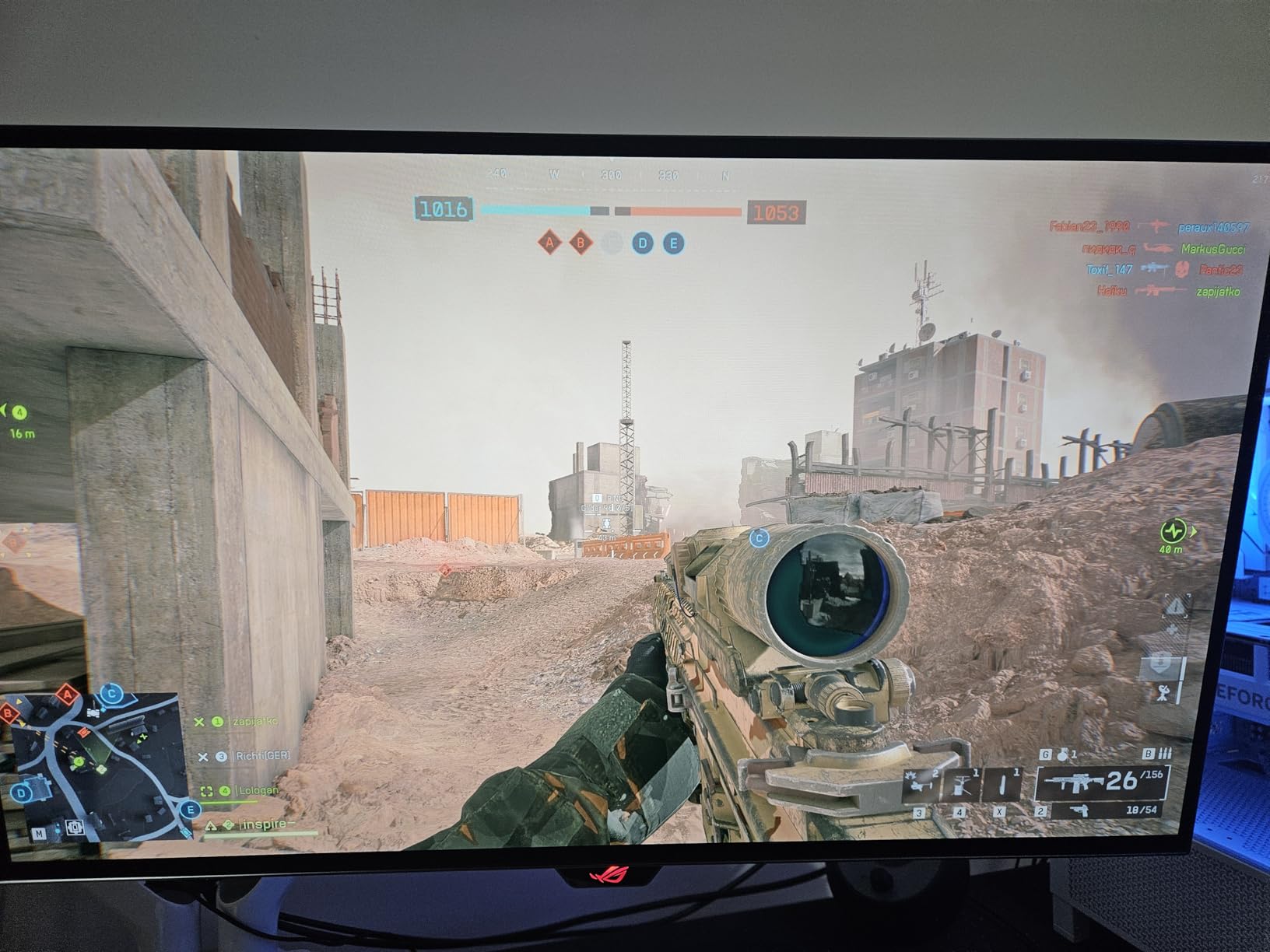
Owners commonly describe it as a strong upgrade from IPS: true blacks, rich color and motion that reads as near-smooth at the top of the range. OLED Care+ runs an automatic pixel clean on power-down, and the package includes ELMB support, portrait rotation and a three-year warranty with advance replacement and burn-in coverage.
Its 4.3 stars across 261 reviews is the second-lowest score in this group, ahead of only the Samsung Odyssey OLED G9. The reviews explain the gap: isolated quality-control reports of unresponsive on-screen buttons and early panel failures, plus a slow PC control app and a difficult DisplayPort firmware update.
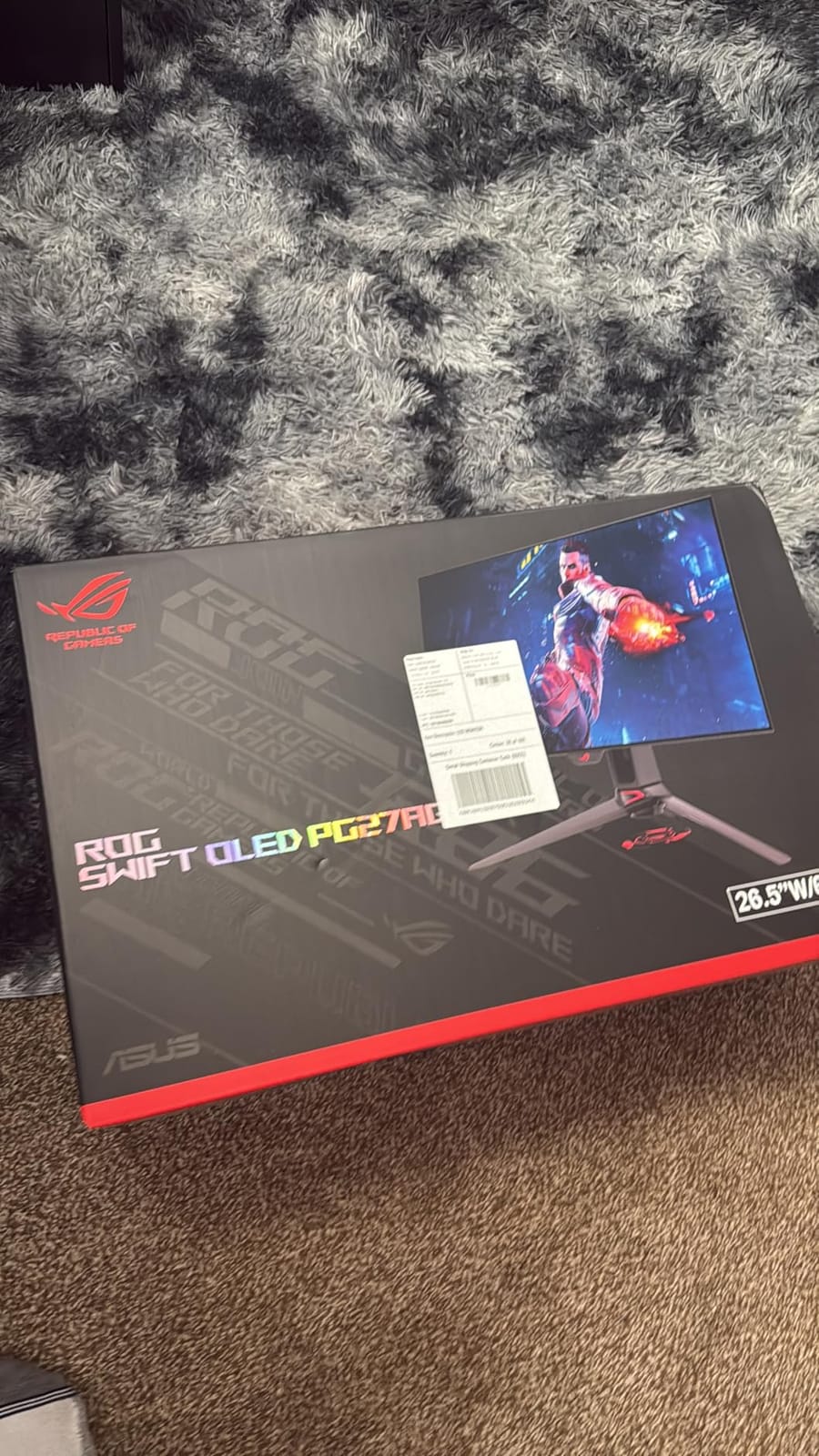
Skip this one if you want the smoothest possible picture with the least drama. The ASUS ROG Strix XG27ACDNG runs at 360Hz, carries anti-flicker technology and holds a 4.5 rating, and it costs less to live with day to day.
Good to know: the stand has a large desk footprint, so measure before committing. A monitor arm solves it.
8. Samsung Odyssey OLED G9: Best for One-Screen Multitasking
Samsung Odyssey OLED G9
Panel: QD-OLED
Size: 49 inch
Refresh: 144Hz
Response: 0.03 ms
Warranty: 3 years
Pros
- 32:9 Dual QHD at 110 pixels per inch
- Picture-in-Picture replaces a second monitor
- Logo and taskbar detection plus screen saver
- True blacks with no pixel light bleed
Cons
- 144Hz is modest beside 27-inch options
- 28.4 lb chassis and a very wide footprint
- Draws 220 watts
The desk-replacement pick. A 49-inch 32:9 QD-OLED at 5120×1440 gives you the pixel density of a 27-inch 1440p screen stretched across two monitors width, so documents, timelines and a chat window all fit without a second panel.
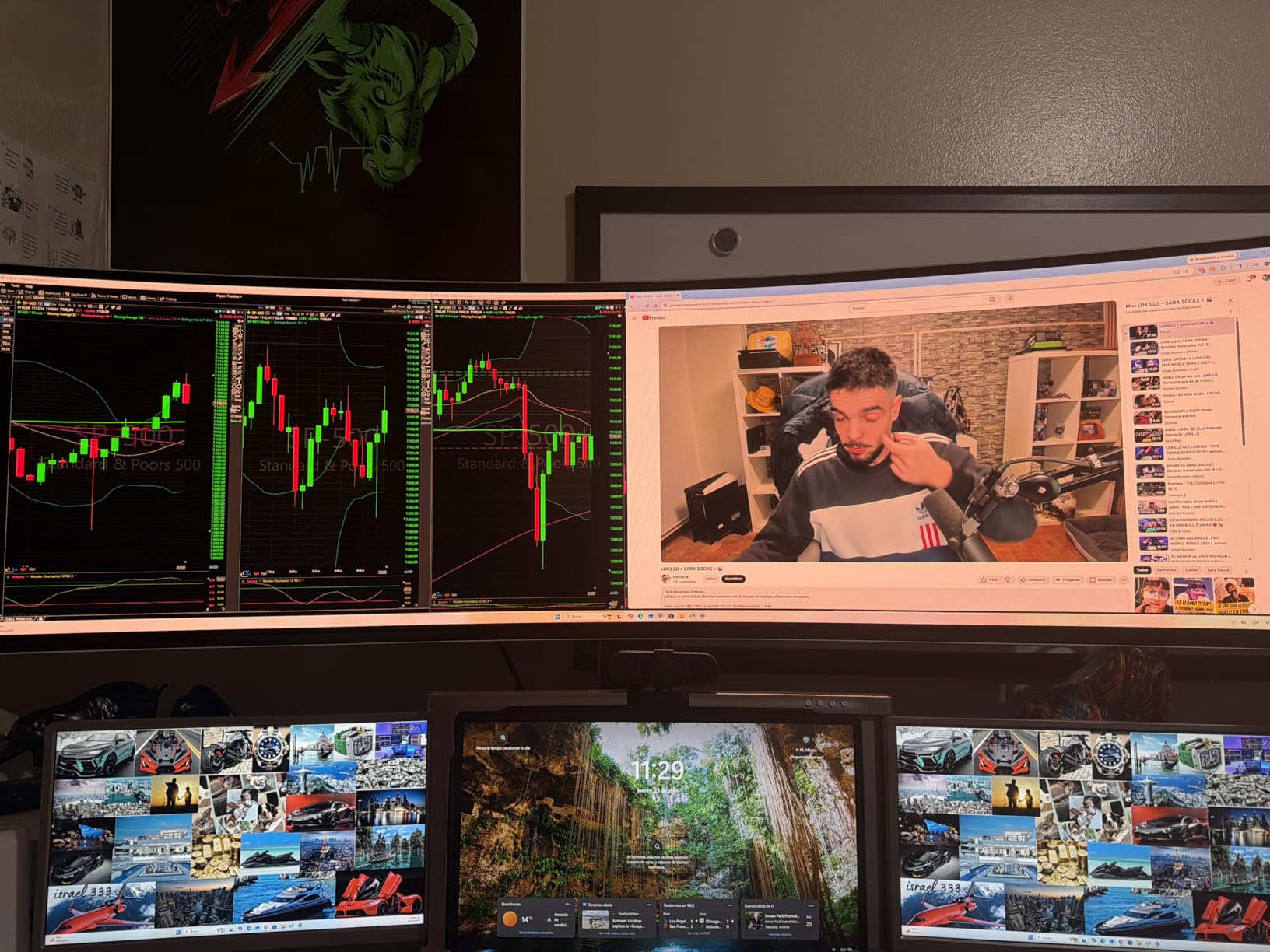
Burn-in protection is unusually thorough for a panel this size. Thermal modulation predicts surface temperature and controls brightness, logo and taskbar detection dims static elements, and the screen saver engages after 10 minutes of inactivity. Reviewers also note no pixel light bleed around true blacks.
Picture-in-Picture is what convinces most buyers to stop using a second monitor. Adaptive sync covers both G-SYNC Compatible and FreeSync Premium Pro.
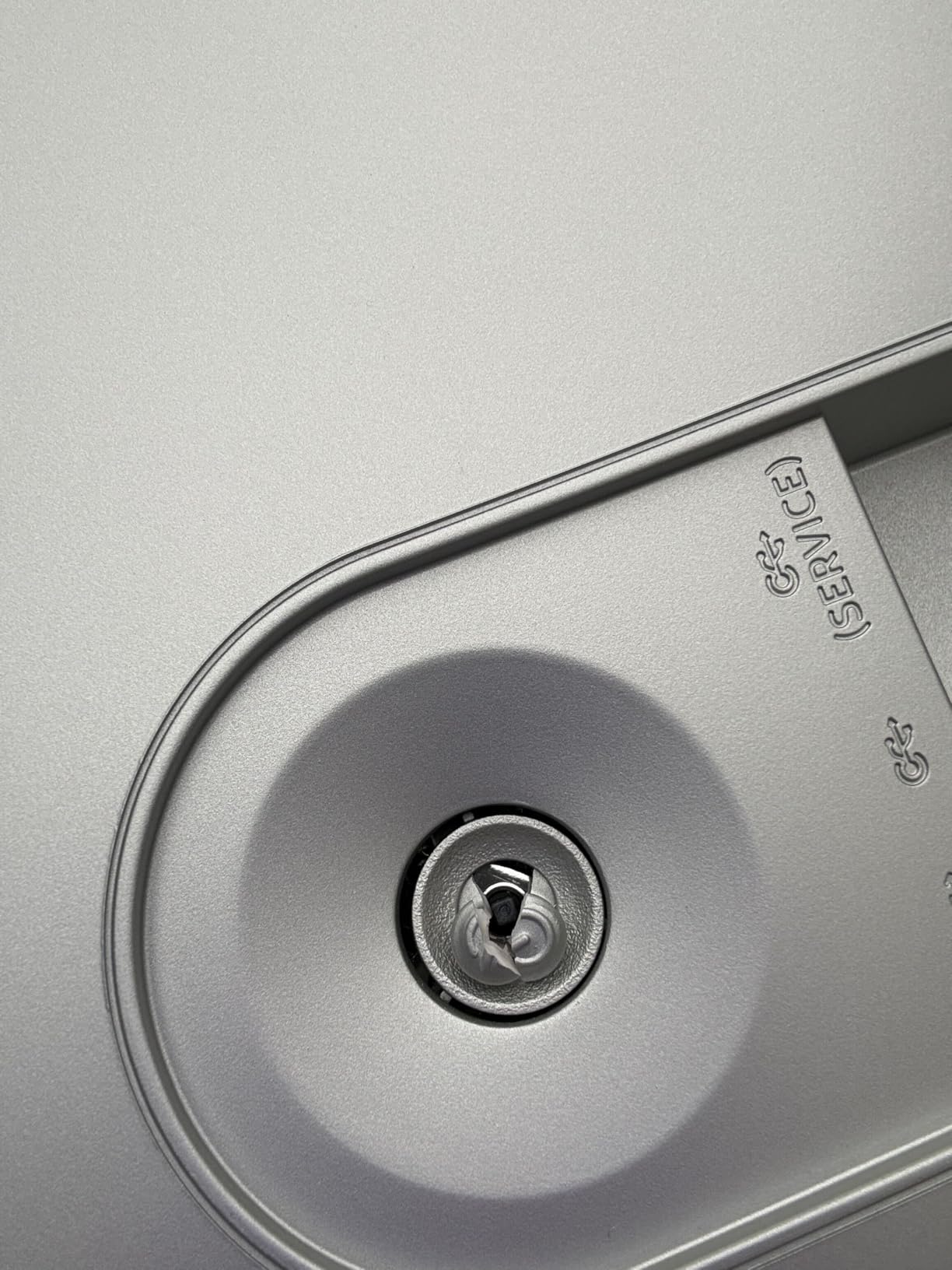
The compromises are size-related. At 144Hz it is the slowest panel here, and the 28.4-pound chassis with a 47-inch-wide frame needs a desk built for it. Power draw is listed at 220 watts, well above every other model here, and at 4.2 stars across 226 reviews it also carries the lowest score in the group.
If you want immersion without a new desk, the Alienware AW3425DW gives you 21:9 at 240Hz in a smaller footprint.
9. ASUS ROG PG27UCDM: Best for 4K Productivity
ASUS ROG PG27UCDM
Panel: QD-OLED
Size: 27 inch
Refresh: 240Hz
Response: 0.03 ms
Warranty: 3 years
Pros
- 4K at 240Hz on 26.5 inches
- DisplayPort 2.1a plus 90W USB-C
- Built-in KVM switch handles console and two PCs
- Factory calibration with very low Delta E
Cons
- No built-in speakers
- Firmware bugs affect KVM auto-switching
- Included DisplayPort cable is very short
The one with the widest feature set here. 3840×2160 at 240Hz on a 26.5-inch fourth-generation QD-OLED panel, with a DisplayPort 2.1a UHBR20 connection, USB-C with 90W power delivery and HDMI 2.1.
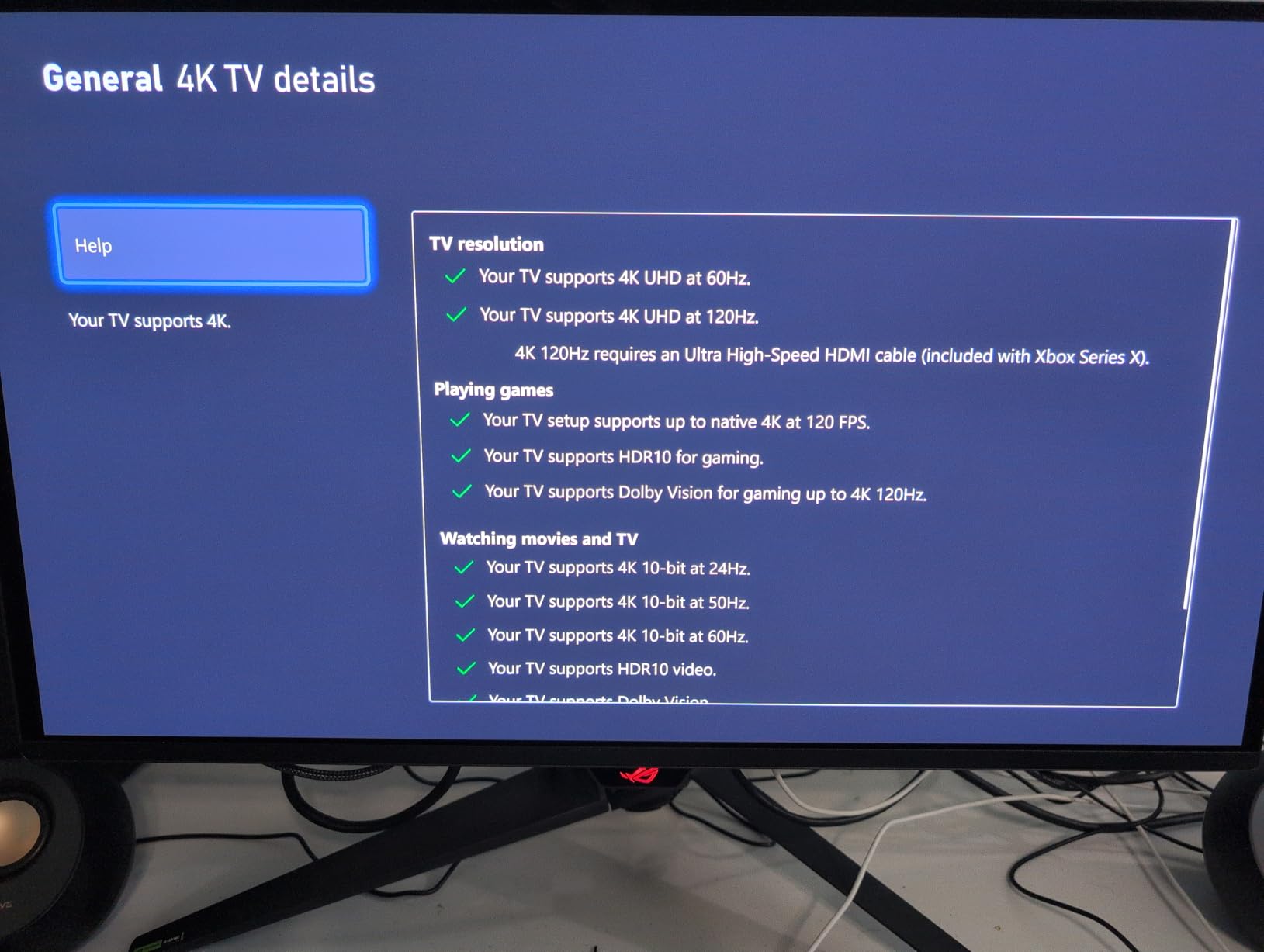
The built-in KVM switch is the detail that separates it from the 1440p picks. Owners use it to run a console and two PCs and switch between them from the monitor, and OLED Care Pro with a Neo Proximity Sensor drops the panel to black when you leave the desk. OLED Anti-Flicker 2.0 cuts flicker by 20 percent against the previous panel generation.
Factory calibration is consistently praised, with 99 percent DCI-P3 accuracy and a very low Delta E. For 4K work, our 4K monitors for productivity guide covers the resolution question more broadly.
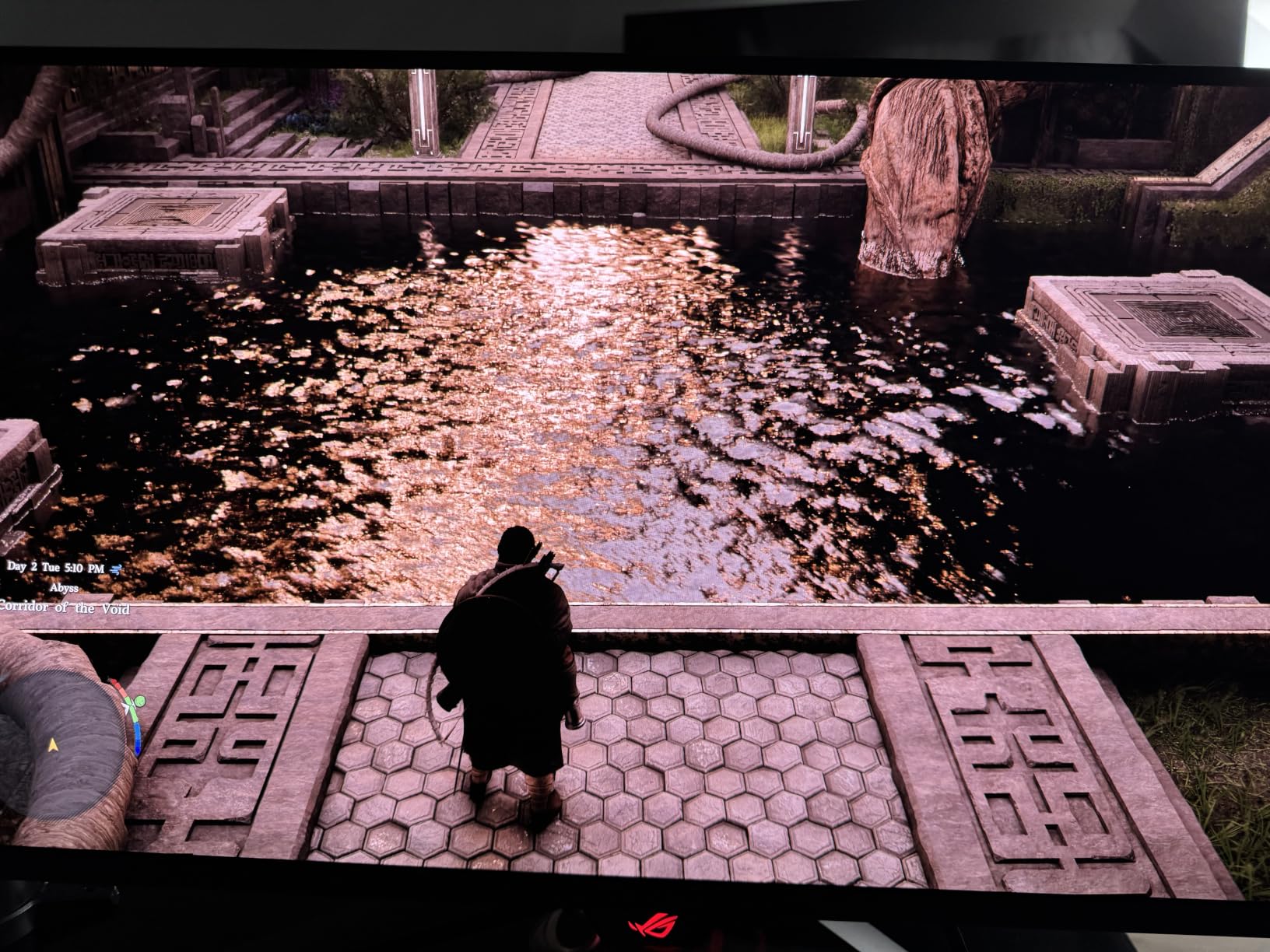
The friction points are practical ones: there are no built-in speakers, firmware bugs affect KVM auto-switching and profile retention, and the included DisplayPort 2.1 cable is short. Expect to run a 4K 240Hz feed from a high-end GPU. The triangular subpixel layout also makes Windows fonts slightly less crisp than on an IPS panel, which is the one compromise reviewers keep returning to.
10. MSI MAG 271QPX: Best for Upgraders From IPS
MSI MAG 271QPX
Panel: QD-OLED
Size: 27 inch
Refresh: 240Hz
Response: 0.03 ms
Warranty: 3 years
Pros
- Contrast jump over IPS is the clearest upgrade
- Factory calibrated with Delta E under 2
- OLED Care 2.0 with graphene film cooling
- Three-year burn-in warranty with registration bonus
Cons
- Bundled HDMI cable is below 4K 10-bit bandwidth
- No USB hub and no native G-SYNC
- VRR can flicker below 48Hz
A straightforward first OLED. It carries a 4.6 rating across 202 reviews, and the owner reports describe the same reaction every time: coming from IPS, the contrast and black levels feel like a different category of screen.
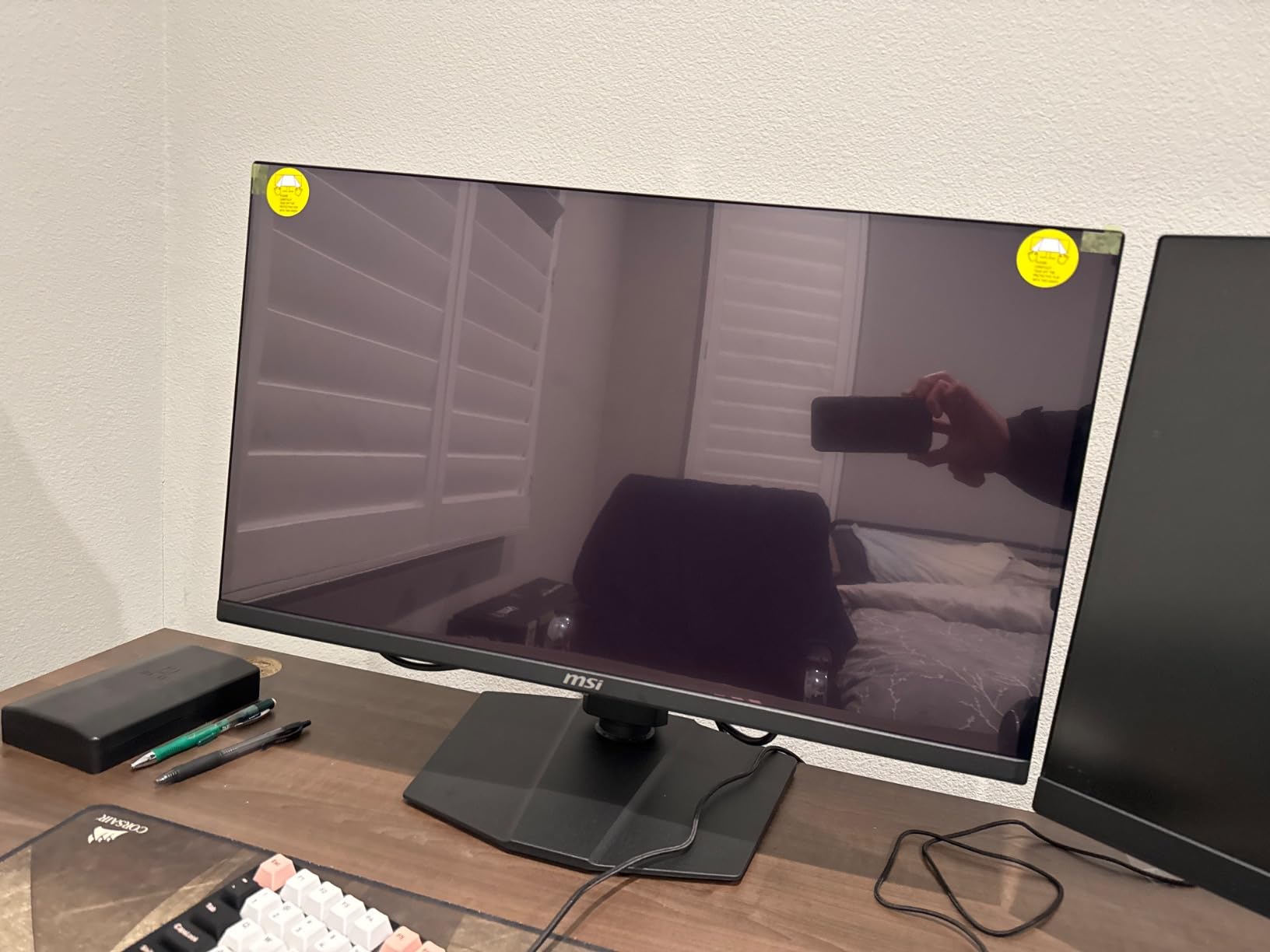
Specs are unremarkable in the best way for this tier: 27 inches, 2560×1440, 240Hz, 0.03 ms, matte finish, True Black HDR 400 and factory calibration with Delta E under 2. Cooling is fanless, using a custom heatsink with a graphene film, and OLED Care 2.0 adds the usual panel-aging protections. The three-year burn-in warranty extends further with product registration.
One accessory is worth replacing on arrival. The bundled HDMI cable does not carry enough bandwidth for full 4K 10-bit HDR output, and owners consistently flag it.
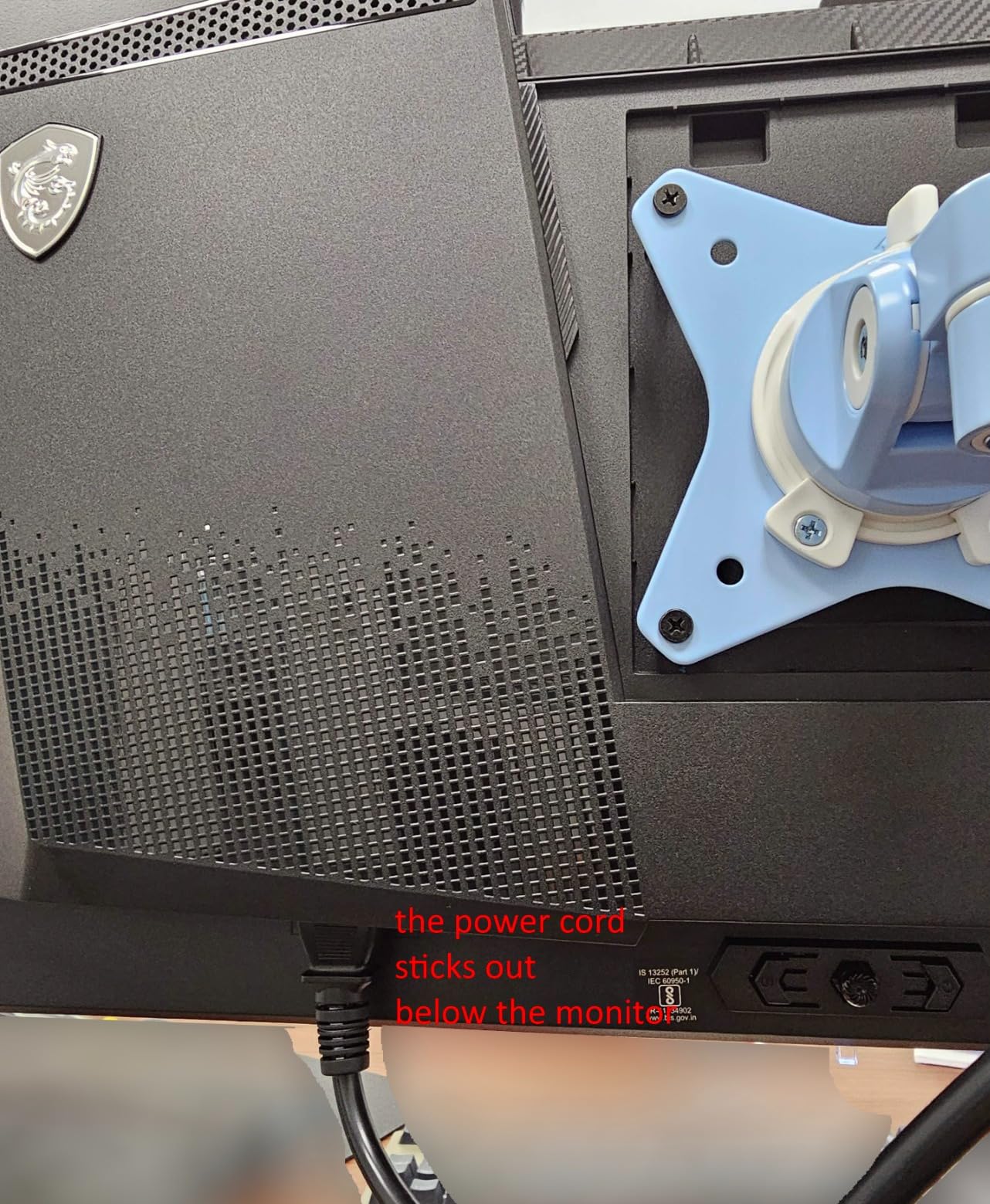
Also missing: a USB hub, native G-SYNC support (FreeSync only), and any curve, since the panel is flat with a bulky stand. VRR can flicker if frame rates fall below the 48Hz supported range.
Value-wise this is the closest match to the Alienware AW2725DF at 240Hz rather than 360Hz. If your GPU is not pushing high frame rates, that difference rarely shows. Our entry-level gaming monitor guide covers the cheaper end of the category.
How to Choose OLED Monitors During Prime Big Deal Days
Choose the Right Screen Size
Desk depth decides this before any spec does. A 26.5-inch 1440p panel needs about 24 inches of width; the 34-inch ultrawide needs close to 32 inches of desk, and the 49-inch Samsung needs a desk built for a 47-inch-wide panel. Measure first, then pick, and our monitors for home offices guide covers desk layouts in more detail.
Check Resolution and Refresh Rate
These two pull against each other. 2560×1440 at 240Hz or 360Hz is what most gaming GPUs can feed; 4K at 240Hz, as on the ASUS ROG PG27UCDM, needs a high-end card to hold those frame rates in demanding titles. A 1440p OLED is the safer buy if your GPU is mid-range.
Understand OLED Response Time and Motion
Every panel in this list measures 0.03 ms gray-to-gray, so that number will not separate them. What differs is refresh rate: 240Hz, 360Hz and 480Hz are all real, and chasing the highest one is a mistake unless your hardware can feed it. Also check for anti-flicker features, which matter more for comfort than another 120Hz of refresh.
Assess Color Accuracy and HDR Performance
Look for a stated color gamut and a calibration report, not just an HDR badge. DCI-P3 coverage near 99 percent with a Delta E under 2 is what the Alienware AW2725DF, Samsung Odyssey OLED G6 and MSI MAG 271QPX all claim. For dark-scene work, the matte and anti-reflective coatings here handle a lit room better than glossy panels do.
Confirm Ports and Gaming Features
Count the HDMI ports before you commit. The LG UltraGear 27GS93QE has two, so a console and a PC can stay connected; the Samsung Odyssey OLED G6 and the Alienware AW3425DW have one each. For high refresh at 4K you need DisplayPort 2.1 or better, and adaptive sync support matters for both PC and console.
How to Shop OLED Monitor Deals During the Sale
On this category, check the model number in the listing rather than the headline, because several of these panels ship in more than one revision, and confirm the screen size and what is in the box. Check who sells and ships the unit, whether it is new or renewed, and what the return window is. Most offers during this event need a Prime membership, and prices change through the event, so compare the listing against your own price history before you commit.
- Confirm the exact model number, not just the brand and screen size.
- Check panel revision, since some listings cover two.
- Verify port counts for your console and PC setup.
- Read who the seller and shipping party are.
- Compare with your price history before buying.
- Keep the packaging for burn-in and dead-pixel claims.
Frequently Asked Questions
What are the Best Amazon Prime Big Deal Days OLED Monitor Deals?
The Alienware AW2725DF leads the list with a 26.7-inch QD-OLED panel at 360Hz and 0.03 ms response. The AOC Agon Pro AG276QZD2 is the value pick for a first OLED, and the Alienware AW3425DW covers the 21:9 ultrawide case. All ten picks were compared on panel type, resolution, refresh rate, warranty and port layout.
When does Amazon Prime Big Deal Days run in 2026?
Amazon Prime Big Deal Days runs October 6-7, 2026. It is a two-day event separate from the July Prime Day, and monitor offers often start appearing as early deals in the days before it opens. Prices can change at any point during the event, so the listing is the only reliable place to check the current figure.
Do you need Prime to buy an OLED monitor during Prime Big Deal Days?
Most offers during the event are limited to Prime members, and a free 30-day trial counts if you have not had one before. A few monitor deals apply to everyone, but the sharper pricing usually sits behind the membership. You can join or start a trial from your Amazon account at any point during the sale.
Are OLED monitors worth buying for gaming?
Yes, because OLED panels respond in 0.03 ms and produce true blacks with no backlight glow, which removes motion blur and washed-out dark scenes at the same time. The trade-offs are a periodic pixel refresh cycle, mild text fringing on some subpixel layouts, and sensitivity to static on-screen elements over long stretches.
Should I choose a 27-inch or 32-inch OLED monitor?
A 27-inch 1440p OLED is the sweet spot for most gaming desks because it fits a normal desk and stays inside what a mid-range GPU can push. A 32-inch panel gives you more workspace but needs more desk depth, and the 4K options here ask more of your graphics card. Measure your desk before deciding.
How can I reduce the risk of burn-in on an OLED monitor?
Turn on the built-in pixel refresh cycle, set a screen saver to run after a short idle period, keep the taskbar auto-hidden, and lower the logo luminance setting so static elements sit dim. Most panels here also ship with logo and taskbar detection or thermal modulation, and the ASUS and Alienware models add three-year burn-in warranty coverage.
Final Verdict: Best Amazon Prime Big Deal Days OLED Monitor Deals
Buy the Alienware AW2725DF if you want the most complete 1440p gaming package: 360Hz, a three-year warranty with explicit burn-in coverage and a USB hub. For a lower starting point, the AOC Agon Pro AG276QZD2 and MSI MAG 271QPX both deliver QD-OLED picture quality with three-year coverage at the value end. The Alienware AW3425DW is the pick for 21:9 immersion, the ASUS ROG PG27UCDM for 4K at 240Hz with a KVM switch, and the Samsung Odyssey OLED G9 for replacing a dual-monitor desk. The ASUS ROG Strix XG27ACDNG suits flicker-sensitive players, the LG UltraGear 27GS93QE suits console plus PC setups, and the ASUS ROG PG27AQDP is the 480Hz option if your hardware can feed it. Check each listing during the sale, confirm the model number, and buy the one that matches your desk and GPU.