
The Kindle Paperwhite earns our top spot for the best Amazon Prime Big Deal Days Kindle deals, pairing a 6.8-inch glare-free display, adjustable warm light, and 10 weeks of battery life with over 65,000 owner reviews. The Kindle Paperwhite 2024 is the smart pick if you want the newest 7-inch screen and 12-week battery, and the Paperwhite Signature Edition is the one to watch if wireless charging and 32 GB of storage matter to you. Amazon’s October sale runs October 6-7, 2026, and most offers require a Prime membership.
Table of Contents
Our Top 3 Picks for Best Amazon Prime Big Deal Days Kindle Deals

Kindle Paperwhite
- 6.8 inch glare-free display
- 10 weeks battery
- IPX8 waterproof
- adjustable warm light

Kindle Paperwhite 2024
- 7 inch glare-free display
- 12 weeks battery
- IPX8 waterproof
- 25 percent faster page turns

Paperwhite Signature Edition
- 32 GB storage
- auto-adjusting front light
- wireless charging
- 7 inch display
Best Amazon Prime Big Deal Days Kindle Deals Compared (2026)
| Product | Specifications | Action |
|---|---|---|
| Kindle Paperwhite |
|
Check Deal Price |
| Kindle Paperwhite 2024 |
|
Check Deal Price |
| Paperwhite Signature Edition |
|
Check Deal Price |
 Kindle Base Kindle Base |
|
Check Deal Price |
 Kindle Colorsoft Kindle Colorsoft |
|
Check Deal Price |
 Kindle Scribe Kindle Scribe |
|
Check Deal Price |
 Kindle Scribe Colorsoft Kindle Scribe Colorsoft |
|
Check Deal Price |
 Kindle Kids Kindle Kids |
|
Check Deal Price |
 Kindle Paperwhite Kids Kindle Paperwhite Kids |
|
Check Deal Price |
 Kindle Colorsoft Kids Kindle Colorsoft Kids |
|
Check Deal Price |
How We Chose
We compared every Kindle on the specs that matter for everyday reading: screen size and type, storage, battery life, waterproofing, and parental controls on the kids’ models. We weighed current Amazon ratings and owner reviews, with the data checked for October 2026. The list leans on the models readers actually buy during October Prime events, not every Kindle Amazon sells.
1. Kindle Paperwhite: Best for Most Readers
Amazon Kindle Paperwhite (16 GB) – Now with a larger display, adjustable warm light, increased battery life, and faster page turns – Agave Green
Display: 6.8 inch
Battery: 10 weeks
Storage: 16 GB
Waterproof: IPX8
Pros
- Larger 6.8 inch display with thinner borders
- 10 weeks of battery life
- IPX8 waterproof for pool and bath
- Adjustable warm light for night reading
- 300 ppi glare-free display reads like paper
Cons
- Older 2021 release
- No color display option
- Slightly slower page turns than 2024 model
The Kindle Paperwhite is the model readers keep coming back to during Prime Big Deal Days, and it’s our top pick for a reason. It has a 4.7 rating across more than 65,000 owner reviews, the largest review base of any Kindle on this list, and the 6.8-inch glare-free display is the one most people picture when they think “real Kindle.” The adjustable warm light makes late-night reading easy on the eyes, and 10 weeks of battery life means most readers charge it once a month.
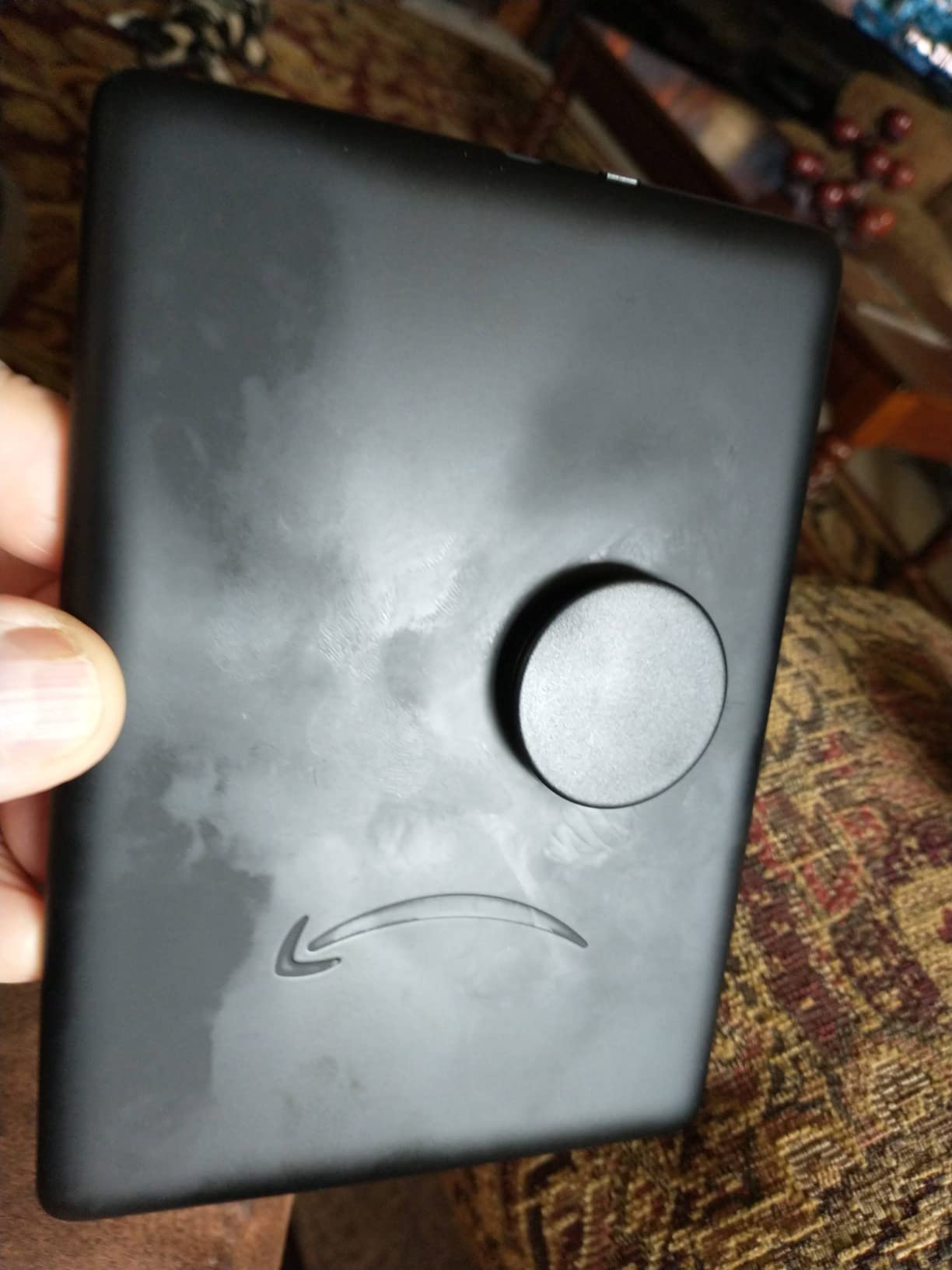
Good to know: this is the 2021 Paperwhite, and during Amazon’s October sale it usually carries the deepest cut of any Paperwhite. If you want the absolute newest hardware, the 2024 model below has a 7-inch screen and 12 weeks of battery, but the reading experience is essentially the same.
What sets it apart from the other picks: a 4.7 rating with that many reviews is hard to argue with, and the warm light plus waterproofing covers most of what daily readers actually need. Wireless charging fans should look at the Signature Edition below; readers who want the newest 7-inch display should look at the 2024 Paperwhite.
2. Kindle Paperwhite 2024: Best for the Newest Specs
Amazon Kindle Paperwhite 16GB (newest model) – 20% faster, with new 7″ glare-free display and weeks of battery life – Black
Display: 7 inch
Battery: 12 weeks
Storage: 16 GB
Waterproof: IPX8
Pros
- Fastest Paperwhite with 25 percent faster page turns
- Larger 7 inch glare-free display
- 12 weeks of battery life
- IPX8 waterproof for beach and bath
- Adjustable warm light from white to amber
Cons
- No app support for services like Libby
- No built-in speakers for audiobooks
- Lock screen ads on the base listing
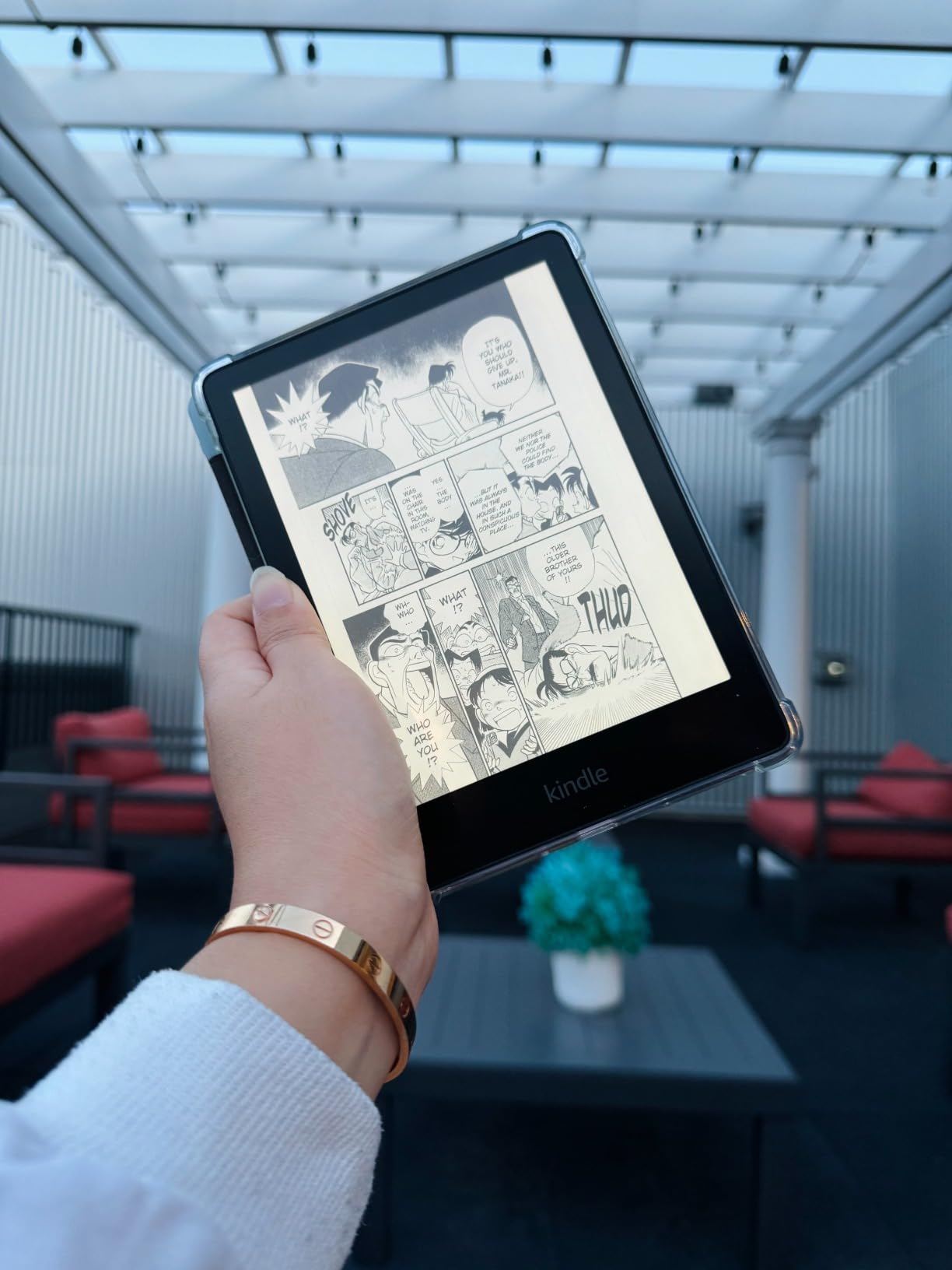
What’s new on the 2024 Paperwhite? The 7-inch display is the largest flush screen on a non-Scribe Kindle, 12 weeks of battery is the longest of any Kindle on this list, and page turns are 25 percent faster than the 2021 model. Owners report that the speed bump is a real step up when you flip back and forth through a long chapter.
Best for: readers who want the newest specs without paying for the Signature Edition’s wireless charging. The 2024 Paperwhite adds a larger screen, longer battery, and snappier page turns over the 2021 Paperwhite above, while keeping the IPX8 waterproofing and adjustable warm light that make the Paperwhite line worth the upgrade over the base Kindle.
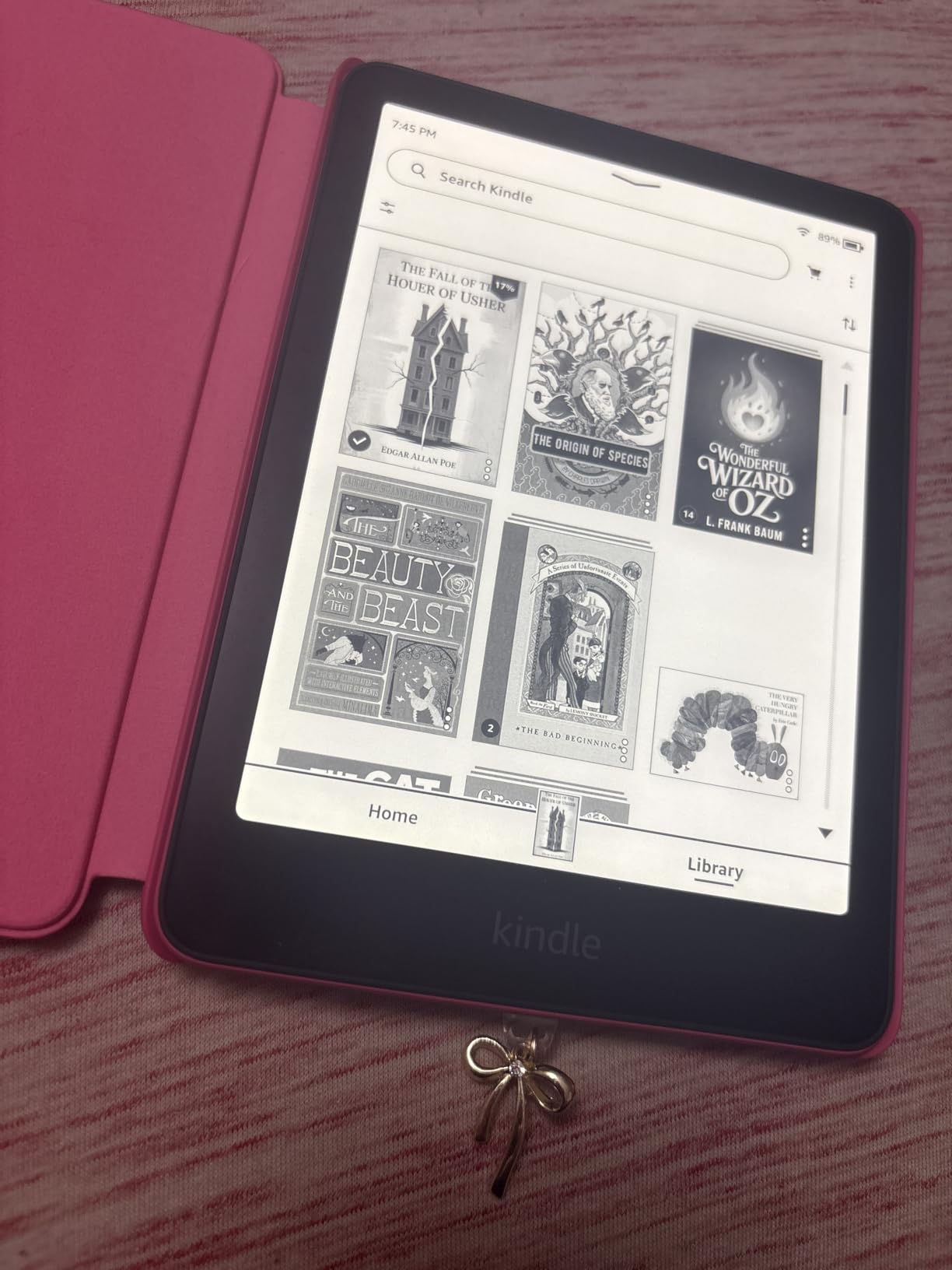
Owners also mention the reading light: the 2024 model’s adjustable warm light is one of the most appreciated upgrades in user reviews. Several reviewers say they read in bed for hours without eye strain.
The trade-off: the 2021 Paperwhite above often carries a deeper cut during the sale, and the reading experience is close. If your current Kindle still works and you mainly want more battery, the older model is the smarter buy.
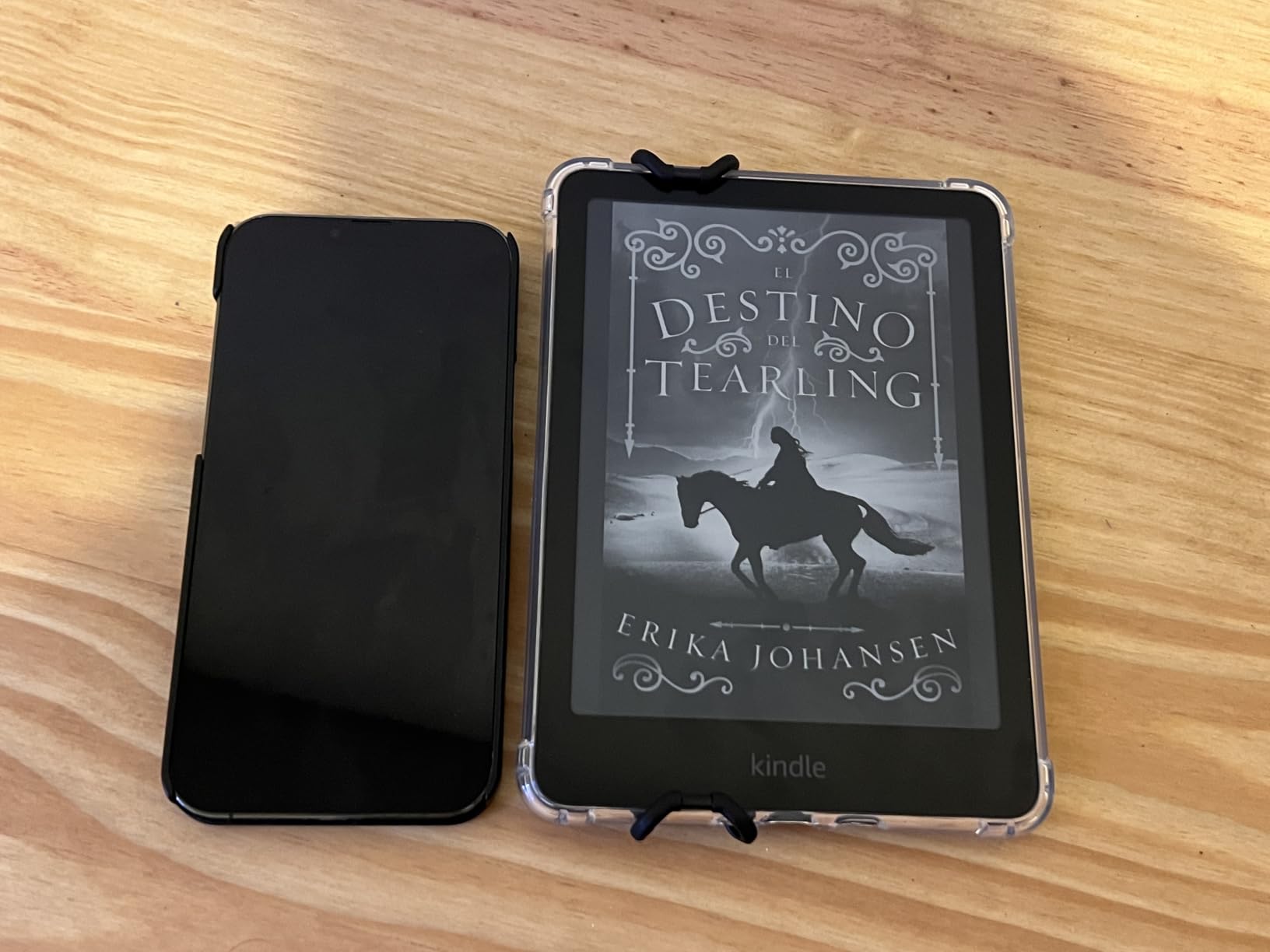
3. Kindle Paperwhite Signature Edition: Best for Premium Extras
Amazon Kindle Paperwhite Signature Edition 32GB (newest model) – 20% faster with auto-adjusting front light, wireless charging, and weeks of battery life – Metallic Black
Display: 7 inch
Storage: 32 GB
Waterproof: IPX8
Charging: wireless
Pros
- 32 GB storage holds thousands of audiobooks
- Auto-adjusting front light adapts to your room
- Wireless charging capable
- 12 weeks of battery life
- IPX8 waterproof design
Cons
- Higher price than the standard Paperwhite
- Wireless charging dock sold separately
- Signature extras not essential for every reader
The Paperwhite Signature Edition is the most premium reading experience in the Paperwhite line, and the upgrades are aimed at audiobook-first readers. The 32 GB of storage matters most for Audible users, since audiobook files are larger than ebooks, and the auto-adjusting front light is the kind of feature you stop noticing because it just works. Wireless charging is the splurge, with the dock sold separately, and reviewers report that dropping the Kindle on a charging pad at the end of the day beats fumbling for a USB-C cable.
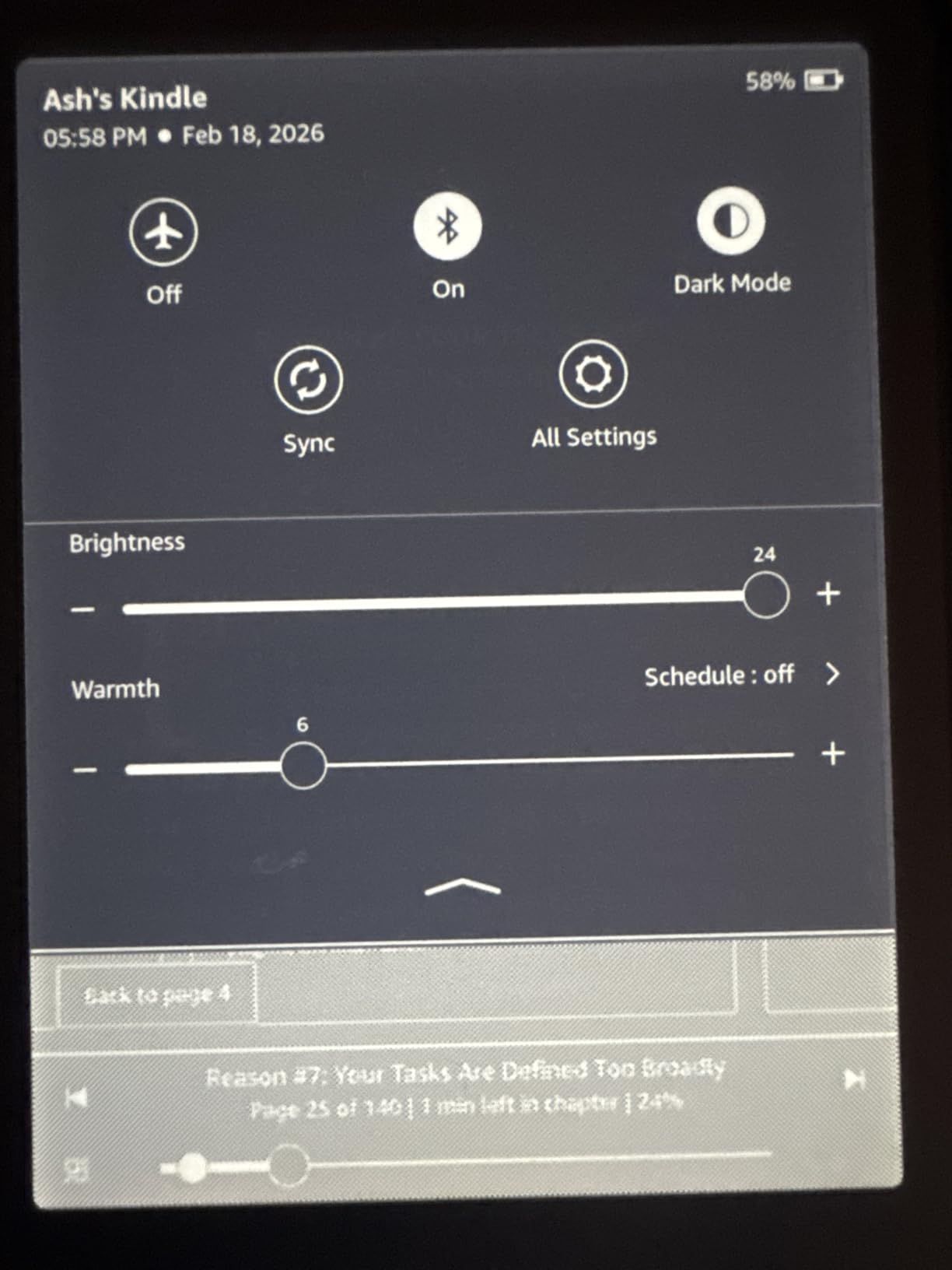
How it stacks up against the Kindle Paperwhite 2024: you pay more for storage, auto light, and wireless charging. The screen, battery, and waterproofing are the same, so this is a smart pick for audiobook-first readers and anyone who wants the Signature’s metallic finish.
The honest read: if you read mostly ebooks and don’t care about wireless charging, the standard Paperwhite 2024 covers the reading essentials at a lower price. The Signature’s extras are nice, not essential.
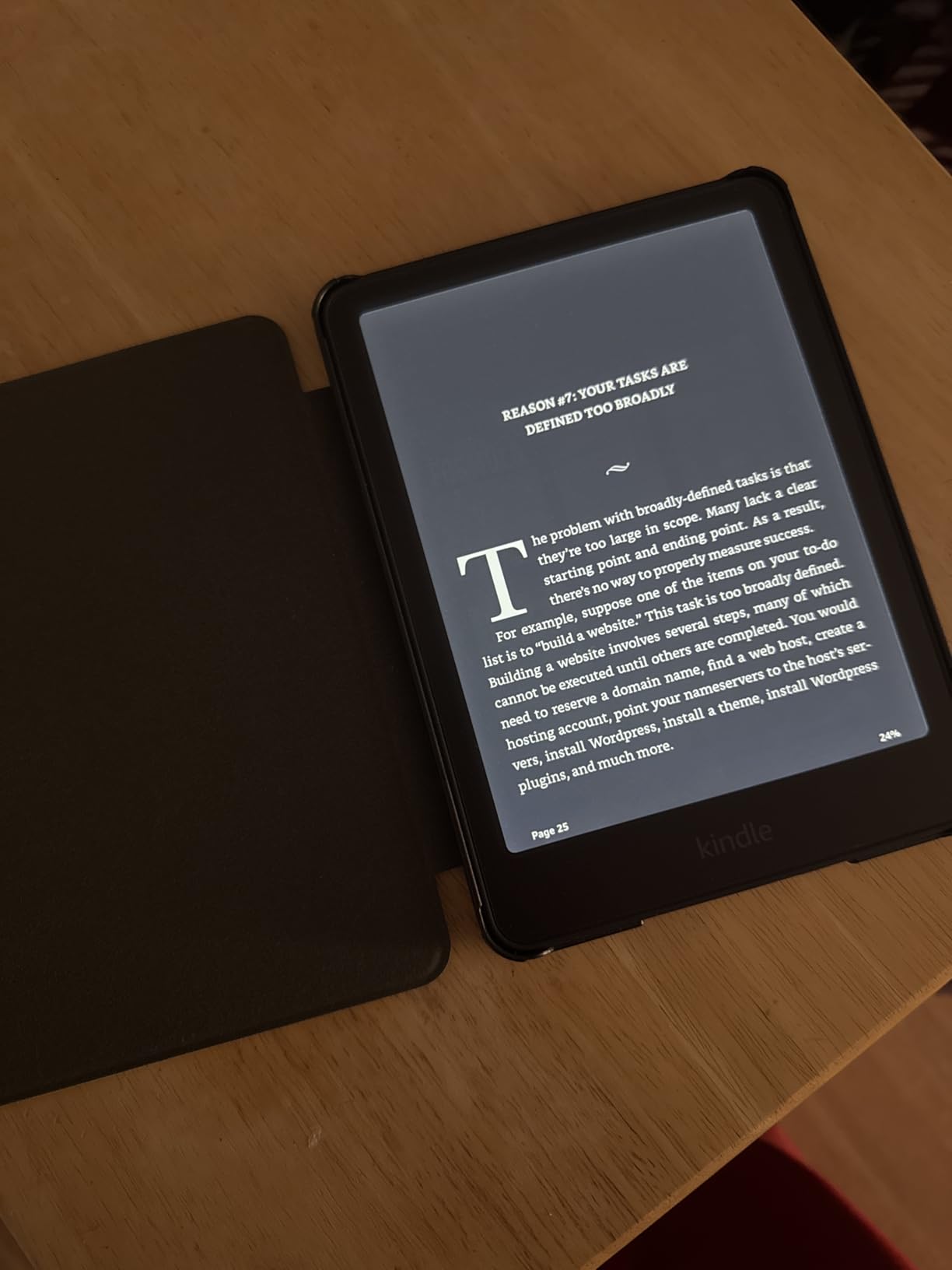
4. Kindle (Base): Best for Budget Shoppers
Amazon Kindle 16 GB (newest model) – Lightest and most compact Kindle, now with faster page turns, and higher contrast ratio, for an enhanced reading experience – Matcha
Display: 6 inch
Battery: 6 weeks
Storage: 16 GB
Weight: 158 g
Pros
- Lightest and most compact Kindle at 158 grams
- 6 inch glare-free display
- 6 weeks of battery life
- 16 GB holds thousands of books
- Higher contrast ratio for sharper text
Cons
- No warm light adjustment
- Not waterproof
- No hardware page-turn buttons
At 158 grams, the base Kindle disappears in a coat pocket, and it’s the lightest Kindle on this list. The 6-inch glare-free display is enough for casual readers who mostly stick to novels and don’t need warm light or waterproofing. Several reviewers mention that the 25 percent brighter front light and higher contrast ratio are real upgrades over older base Kindles, and that page turns feel faster than the previous generation.
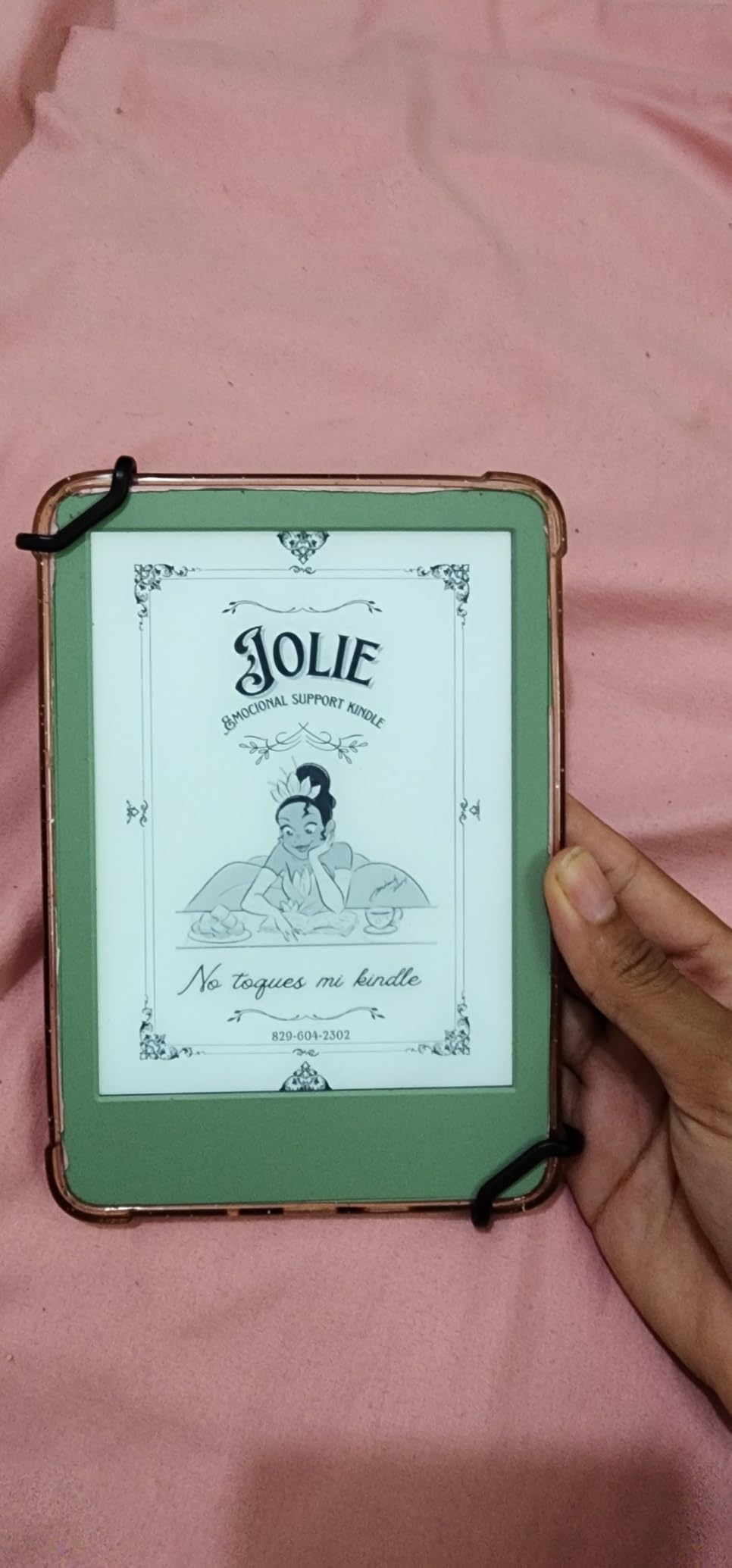
Good to know: the base Kindle is the one to watch for the lowest entry price during Prime Big Deal Days. It’s the right pick for a first e-reader, a travel Kindle, or a gift for someone who’s curious but not sure they’ll read daily.
What it doesn’t do: there’s no IPX8 rating for the bath or pool, and no warm light for late-night reading. Readers who want either feature should look at the Paperwhite line.
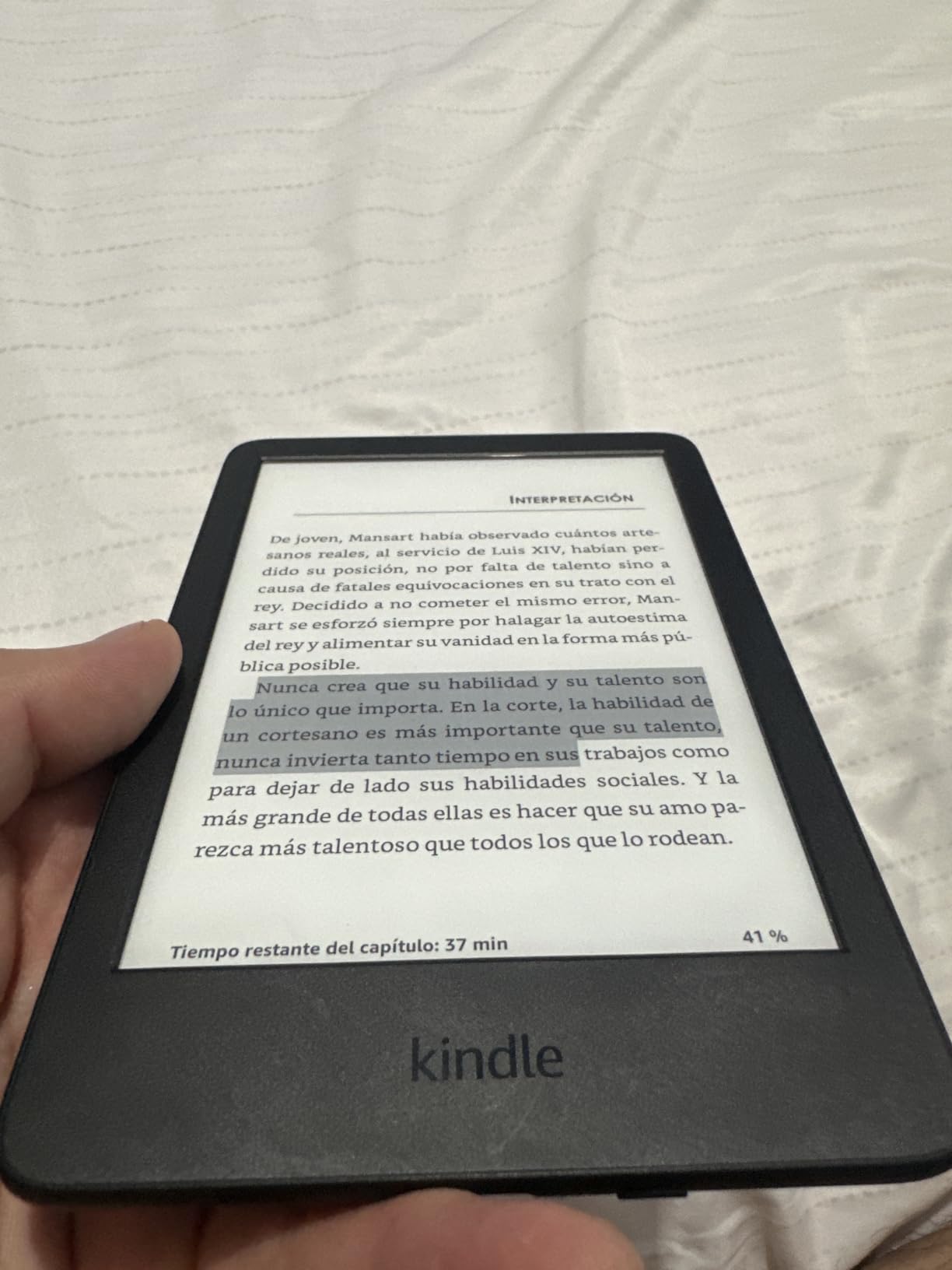
5. Kindle Colorsoft: Best for Color Content
Amazon Kindle Colorsoft 16 GB (newest model) – With color display that brings covers and content to life, now highlight in color – No Ads – Black
Display: 7 inch Color
Battery: 8 weeks
Storage: 16 GB
Waterproof: IPX8
Pros
- Color display brings book covers to life
- Highlight in yellow orange blue and pink
- IPX8 waterproof
- Adjustable warm light and dark mode
- 8 weeks of battery life
Cons
- Colors are muted compared to LED screens
- Text slightly less crisp than Paperwhite in black and white
- Higher price than standard Paperwhite
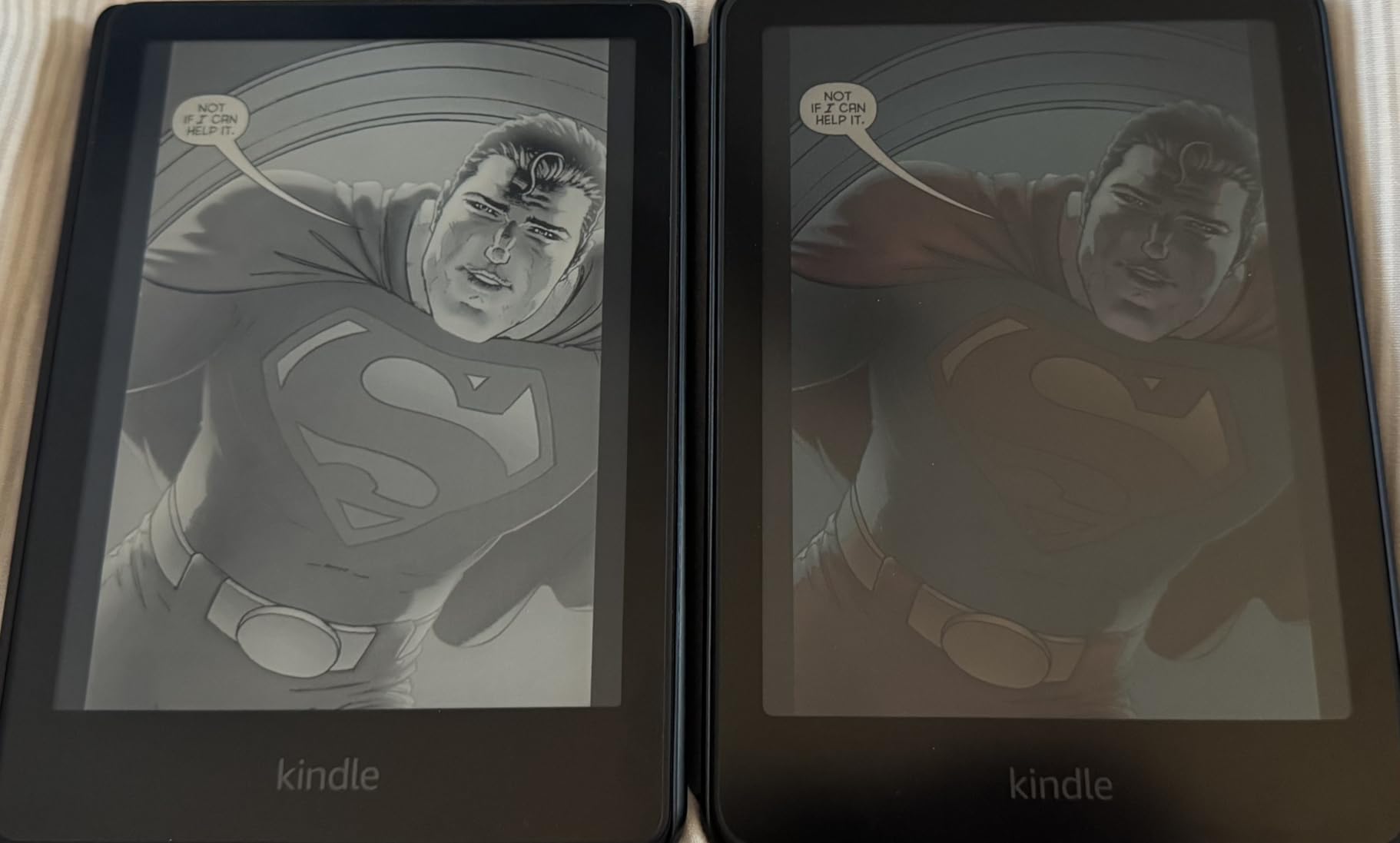
The Kindle Colorsoft is the pick for graphic novels, travel books, or anything with charts, photos, or color covers. The paper-like color display is easy on the eyes in a way that tablets aren’t, and the four-color highlighting (yellow, orange, blue, pink) makes a real difference if you mark up textbooks or work PDFs. Reviewers say the colors are muted compared to an iPad, but that’s the trade-off for a glare-free, weeks-long battery experience.

How it stacks up: same 7-inch screen size and IPX8 waterproofing as the Paperwhite 2024, but you trade four weeks of battery for the color layer. The Colorsoft is a smart pick for readers who want color and don’t mind the shorter battery.
Where it falls short: readers who stick to prose-only novels will get crisper text and longer battery from the standard Paperwhite. The color layer earns its keep mainly for illustrated or visual content.
6. Kindle Scribe: Best for Reading and Notes
Amazon Kindle Scribe 64GB (newest model) — 11” display with front light, paper-like feel, and no distractions — Write in notebooks, docs, and books. Pen included – Graphite
Display: 11 inch
Storage: 64 GB
Pen: included
Weight: 400 g
Pros
- Large 11 inch glare-free display
- Included pen with eraser and shortcut button
- Paper-like writing texture
- AI tools for notes
- Handwriting-to-text conversion
Cons
- Premium price point
- No built-in speakers for audiobooks
- No waterproof designation
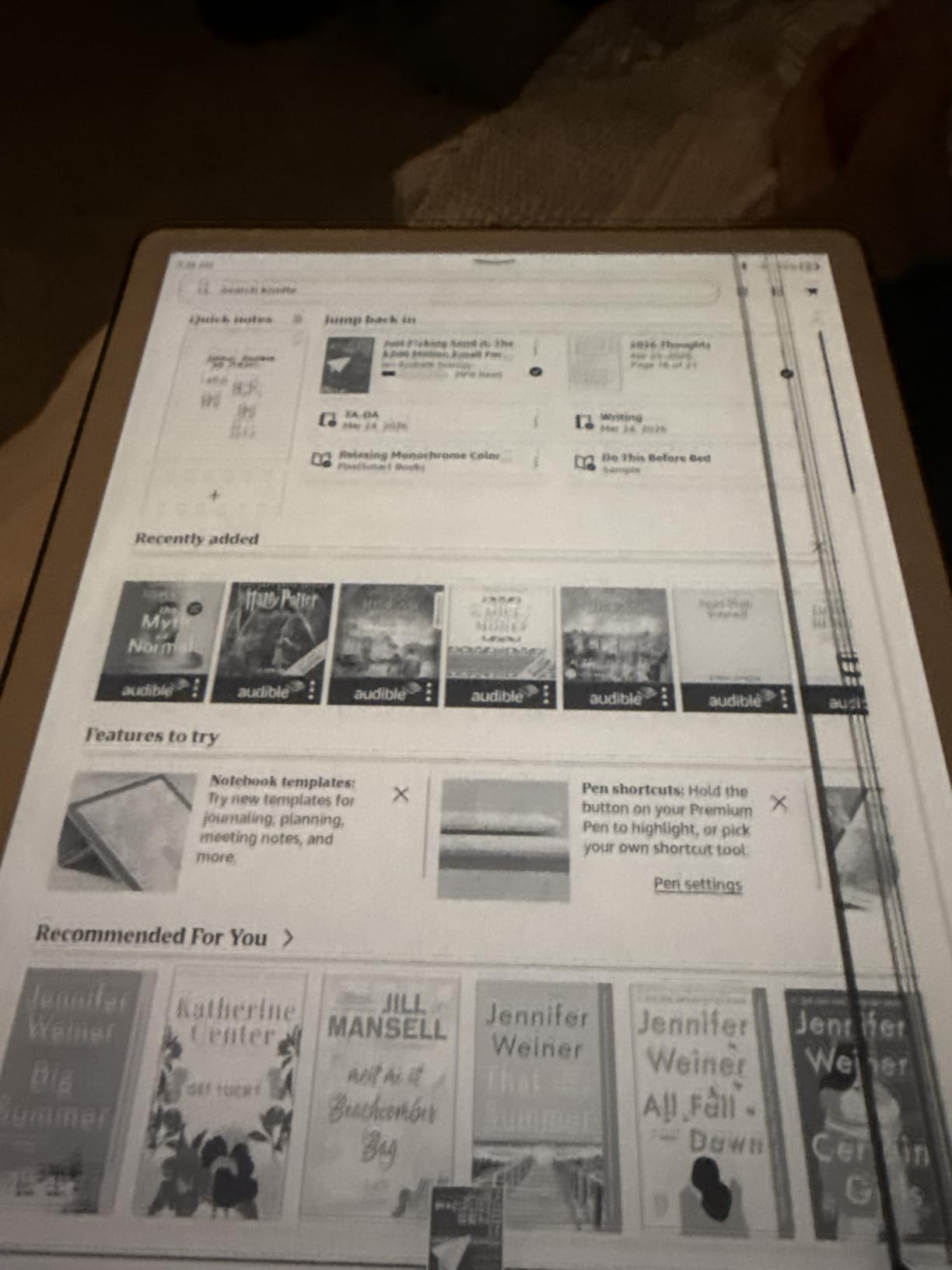
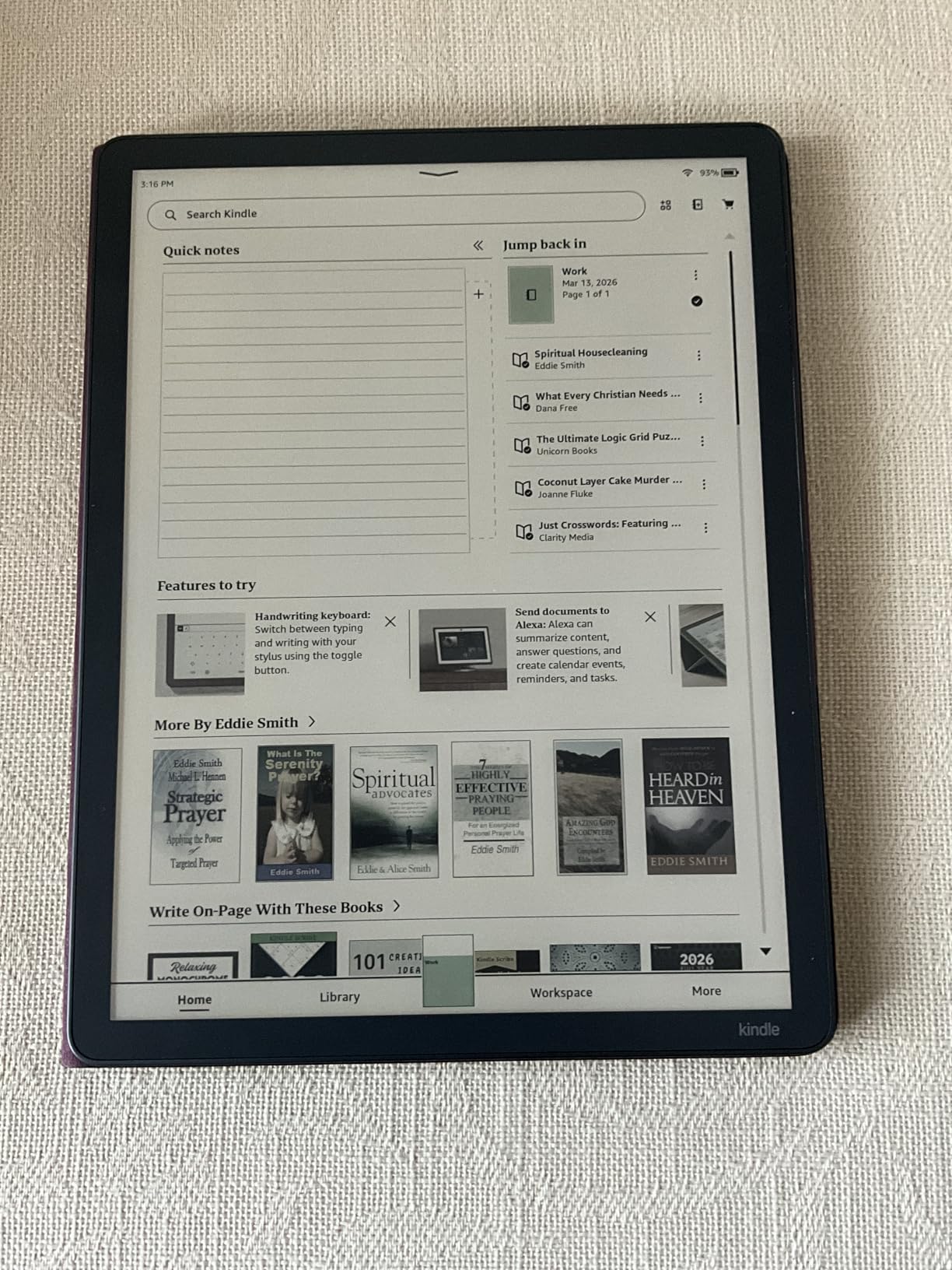
If reading and writing live on the same device for you, the Scribe is the Kindle to watch during the sale. The 11-inch display is the largest on this list, the included pen never needs charging, and reviewers mention that the paper-like texture is what makes the writing feel right. The AI tools for organizing notes and converting handwriting to text are the kind of feature that earns its keep after a few weeks. Cloud support for Google Drive and OneDrive means you can mark up a PDF at home and find it in your inbox.
What it gives up: the Scribe trades the flush 7-inch display and IPX8 waterproofing of the Paperwhite Signature Edition for an 11-inch writing surface and 64 GB of storage. It’s a different category of device, and the right pick for readers who also want to take handwritten notes or mark up documents.
A realistic read: pure readers who don’t take notes may find the Scribe heavier at 400g and the 11-inch screen bulky for one-handed reading on a commute. The Scribe is at its best when the pen gets used daily.
7. Kindle Scribe Colorsoft: Best for Color Notes
Amazon Kindle Scribe Colorsoft 64GB (newest model) — 11” paper-like color display — Write in notebooks, docs, and books. Read in any light. Pen included – Graphite
Display: 11 inch Color
Storage: 64 GB
Pen: included
Weight: 400 g
Pros
- 11 inch Colorsoft color display
- Included pen with eraser and shortcut button
- AI tools for notes
- Cloud integration with Google Drive and OneDrive
- Handwriting-to-text conversion
Cons
- Highest price in the Kindle lineup
- No waterproof designation
- Heavier at 400g for one-handed reading
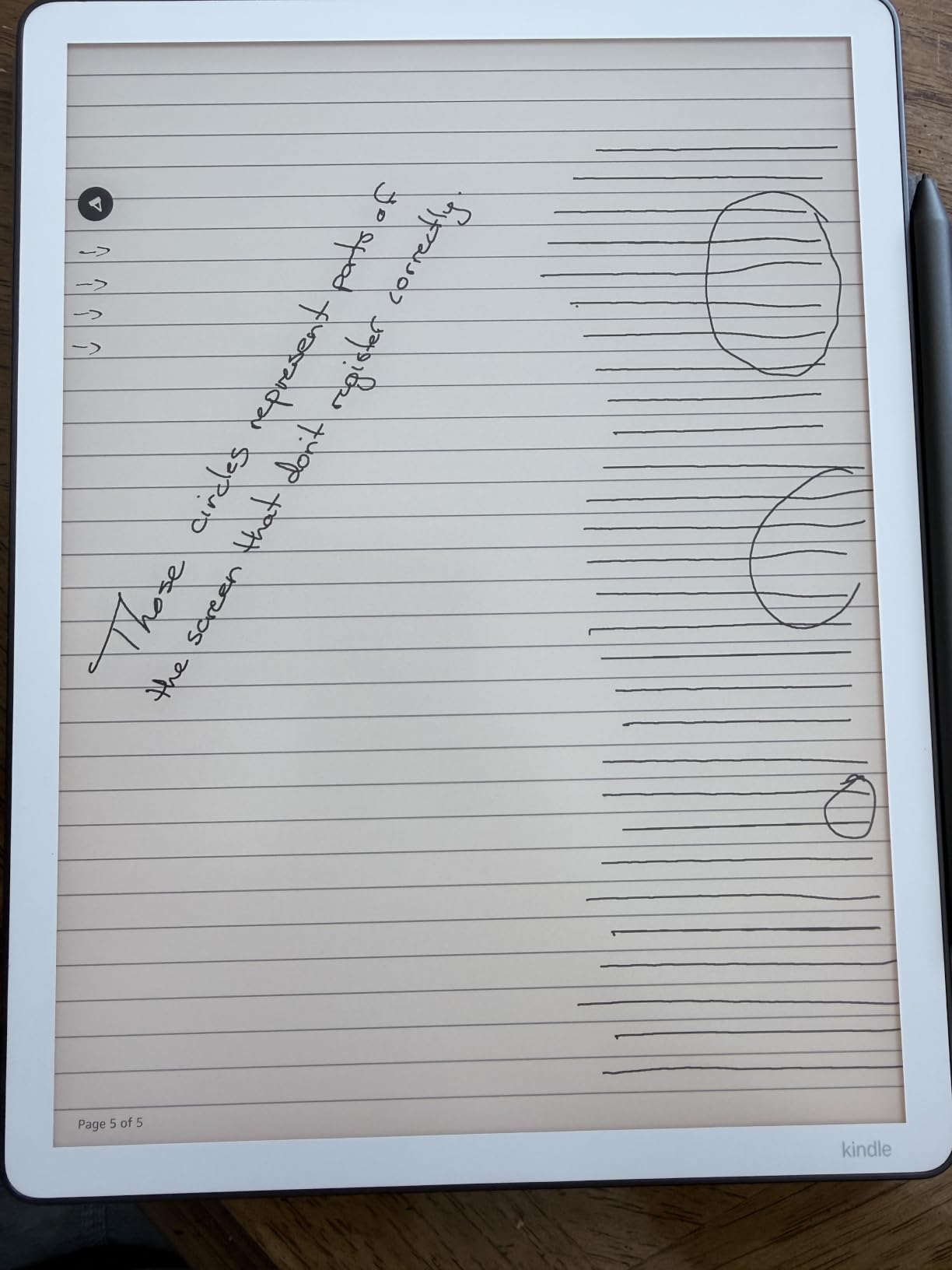
The Kindle Scribe Colorsoft is the most advanced Kindle Amazon sells, pairing the 11-inch writing surface with Colorsoft color technology. Illustrated notebooks, color-coded sticky notes, and color-highlighted PDFs look the way they were meant to on this screen. Reviewers say the AI tools for notes are most useful here, since color organization makes search and recall more powerful when you’ve been marking up documents for months.
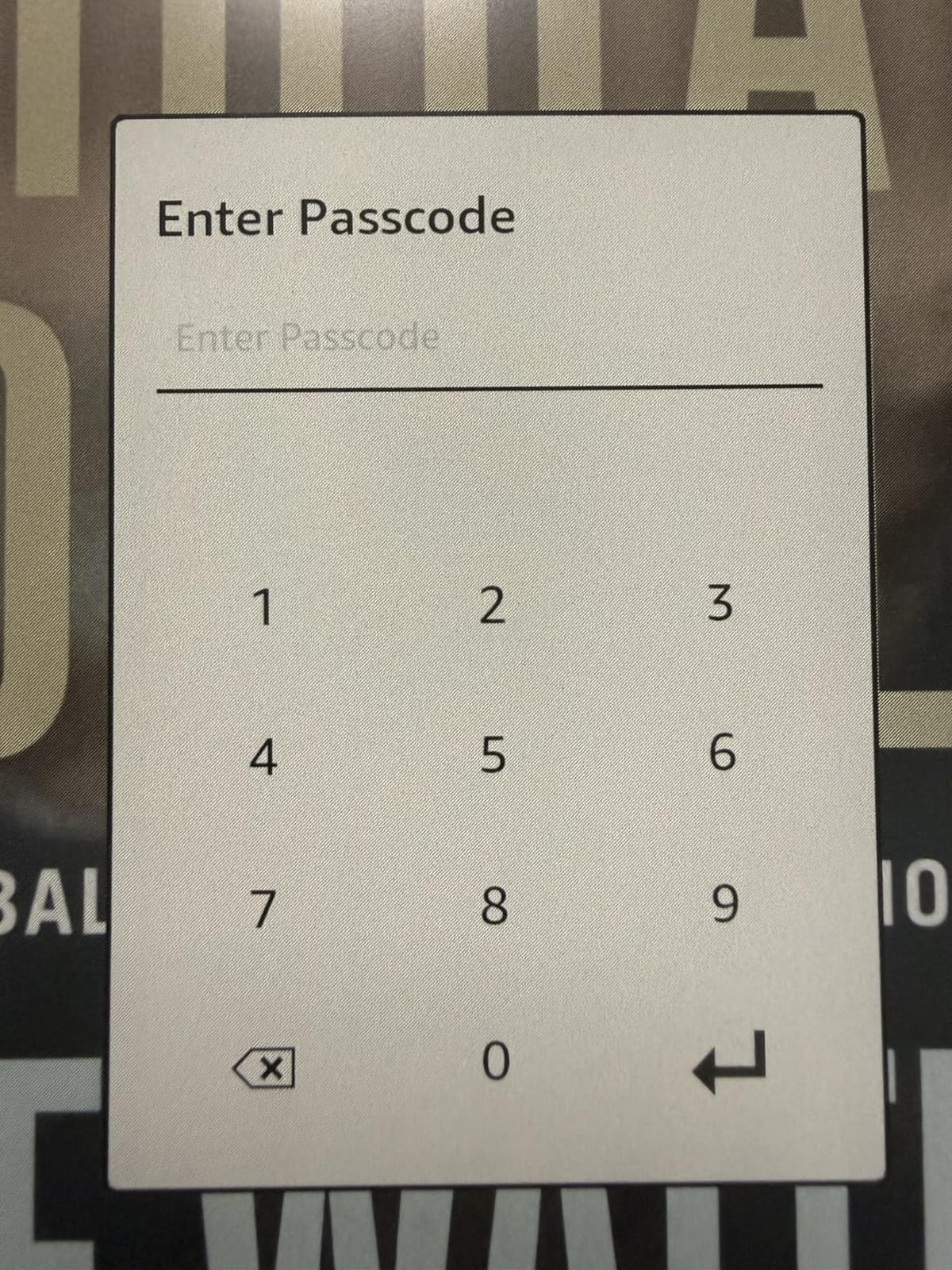
Who it’s really for: same pen, same storage, same 5.4mm thin profile as the standard Scribe, but the Colorsoft layer makes this the right pick for designers, illustrators, students with color-coded notes, or anyone who reads illustrated content on a large screen.
The honest take: this is the highest price in the Kindle lineup, and the Colorsoft trade-off is real for budget shoppers. The standard Scribe handles notes and reading well, and only moves to Colorsoft if color organization is part of how you work.
8. Kindle Kids: Best for Younger Kids
Amazon Kindle Kids 16GB (newest model) – If it breaks, we will replace it, includes ad-free books and cover, with glare-free display, faster page turns – Ocean Explorer
Display: 6 inch
Storage: 16 GB
Warranty: 2 years
Kids+: 6 months
Pros
- 2-year worry-free guarantee with free replacement
- 6 months of Amazon Kids+ included
- Kid-friendly cover included
- No apps videos or games
Cons
- Limited to kids aged 3-12
- Kids+ subscription auto-renews after 6 months
- Smaller screen than Paperwhite Kids
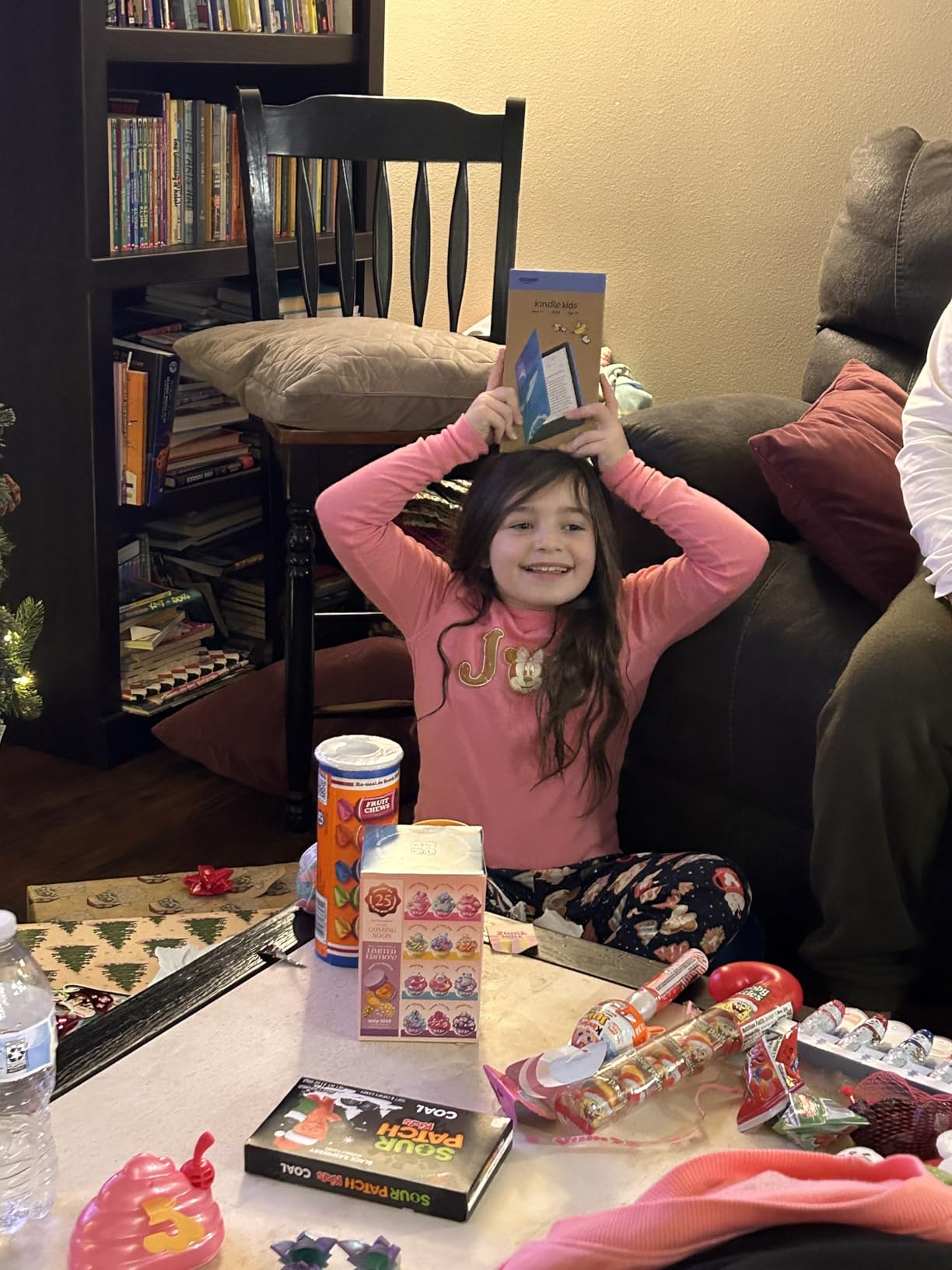
The Kindle Kids is built for younger readers (3-7) and the 2-year worry-free guarantee is the headline feature: if the device breaks, Amazon replaces it. The kid-friendly cover is included, 6 months of Amazon Kids+ comes in the box, and the device has no apps, videos, or games, so it’s a reading-only device. Reviewers say that’s the difference between a Kindle Kids and a regular tablet for a young child.
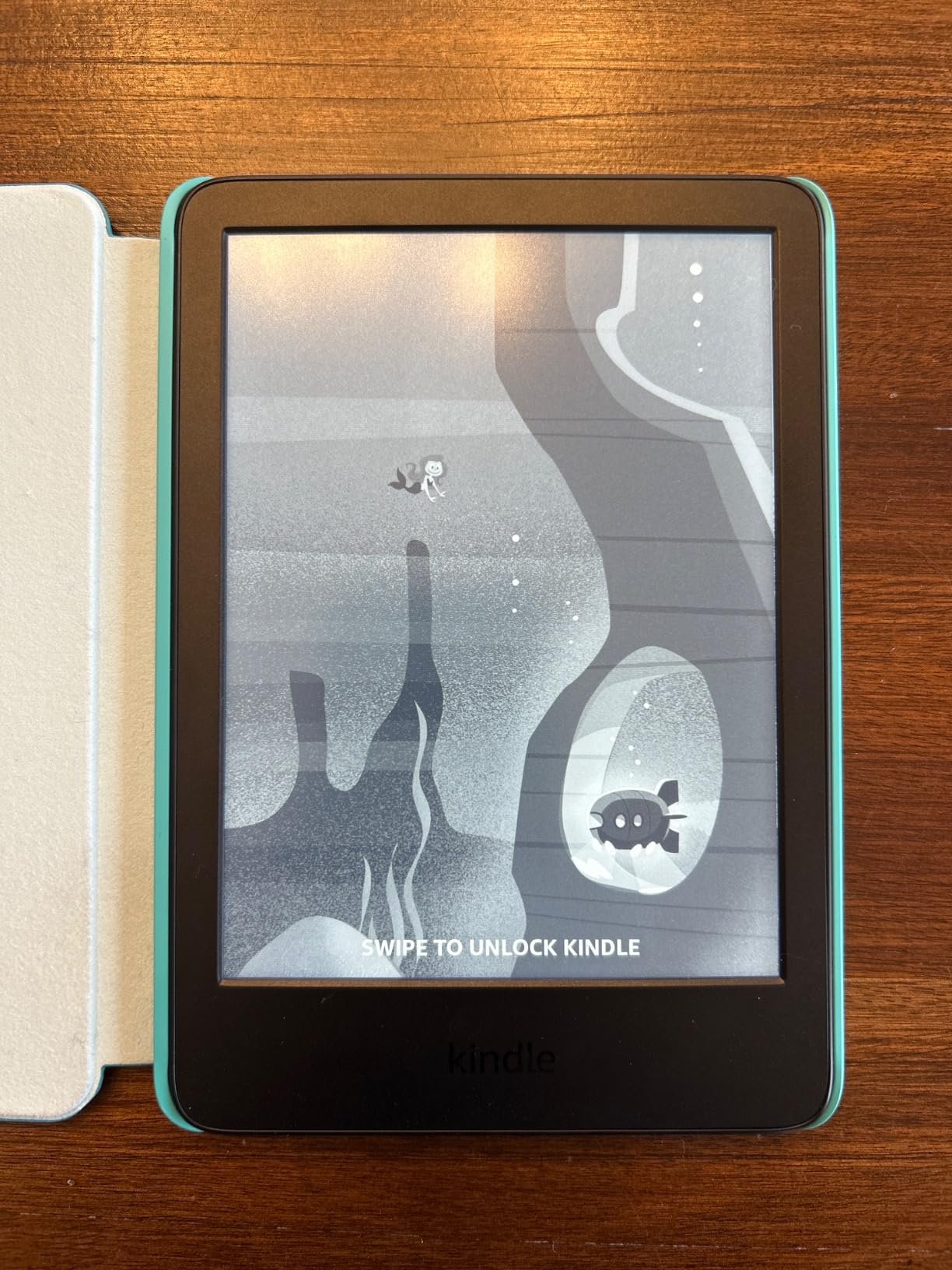
Good to know: the Kids+ subscription auto-renews at the end of the 6-month trial. Set a calendar reminder if you want to cancel before then, or factor the subscription into the deal value.
What it’s not: a fit for older kids (8-12) or for bath-time reading. The Paperwhite Kids below has a larger 7-inch screen and IPX8 waterproofing, and that’s a better match for kids who’ve outgrown early chapter books.
9. Kindle Paperwhite Kids: Best for Older Kids
Amazon Kindle Paperwhite Kids 16GB (2024 model) – large 7″ glare-free display – Kids read an average of 1+ hour per day with Kindle – Cyber City
Display: 7 inch
Warranty: 2 years
Waterproof: IPX8
Kids+: 6 months
Pros
- Larger 7 inch glare-free display
- 2-year worry-free guarantee
- IPX8 waterproof for spills
- Adjustable warm light
- Parental controls via Parent Dashboard
Cons
- Limited to kids aged 3-12
- Kids+ subscription auto-renews
- Less storage than some adult models
The Paperwhite Kids is built for older readers (8-12) and for parents who want a kid-friendly Kindle that can survive a pool, a bathtub, or a spilled juice box. The 7-inch display is the same as the adult Paperwhite, the warm light helps with bedtime reading, and the IPX8 waterproofing means a dunk in the pool is not a crisis. Reviewers with older kids mention that the larger screen and faster page turns make a real difference when the reader moves from chapter books to longer novels.
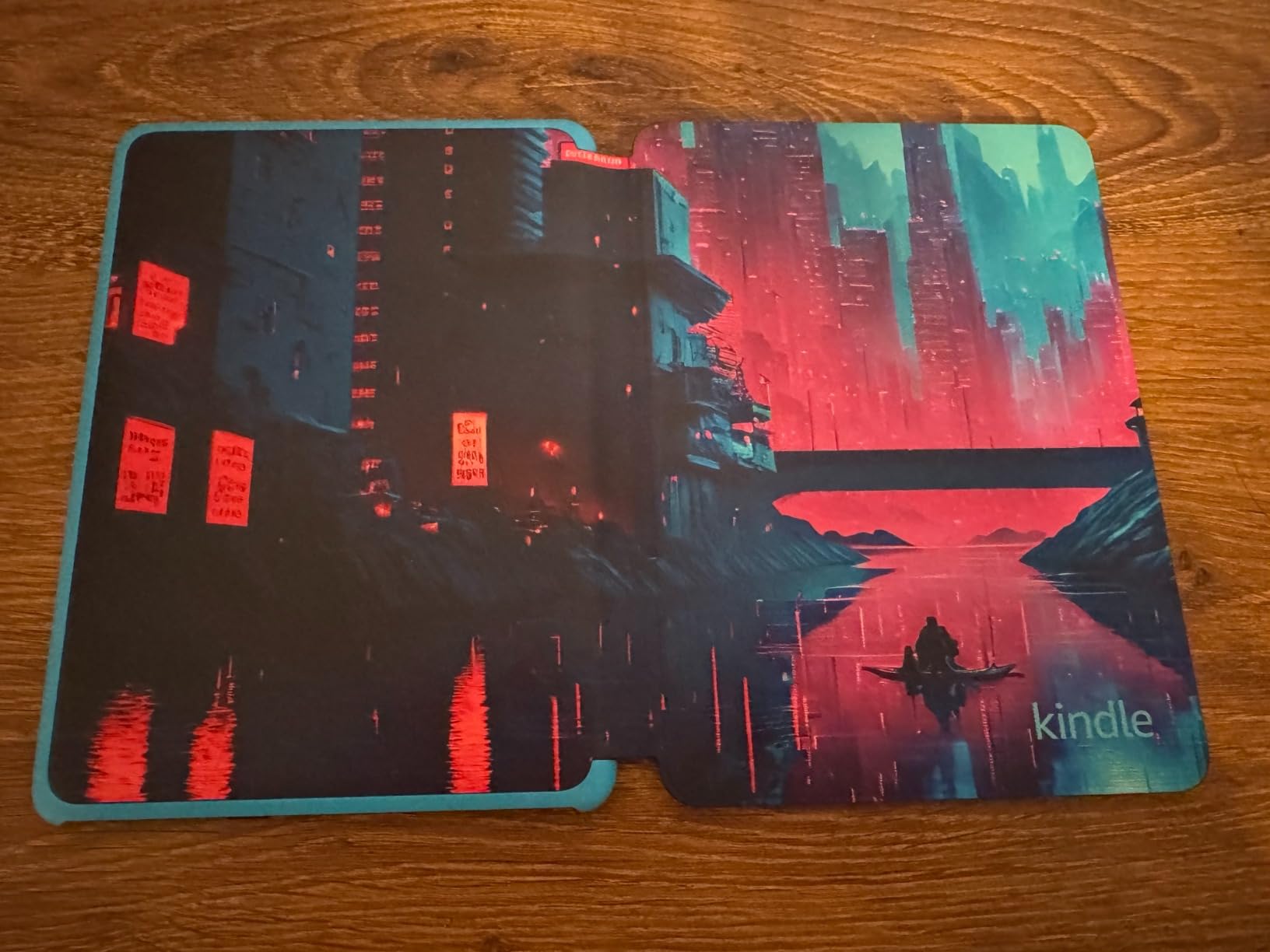
What the upgrade buys over the standard Kindle Kids: same 2-year warranty, same Kids+ subscription, but a larger 7-inch screen and IPX8 waterproofing. The Paperwhite Kids is the right pick if your child reads in different rooms and different conditions.
A note for early readers: if your child is very young and you want the lowest entry price, the standard Kindle Kids is the more affordable pick. The Paperwhite Kids earns its price for kids who actually use the larger screen and waterproofing.
10. Kindle Colorsoft Kids: Best for Illustrated Kids’ Books
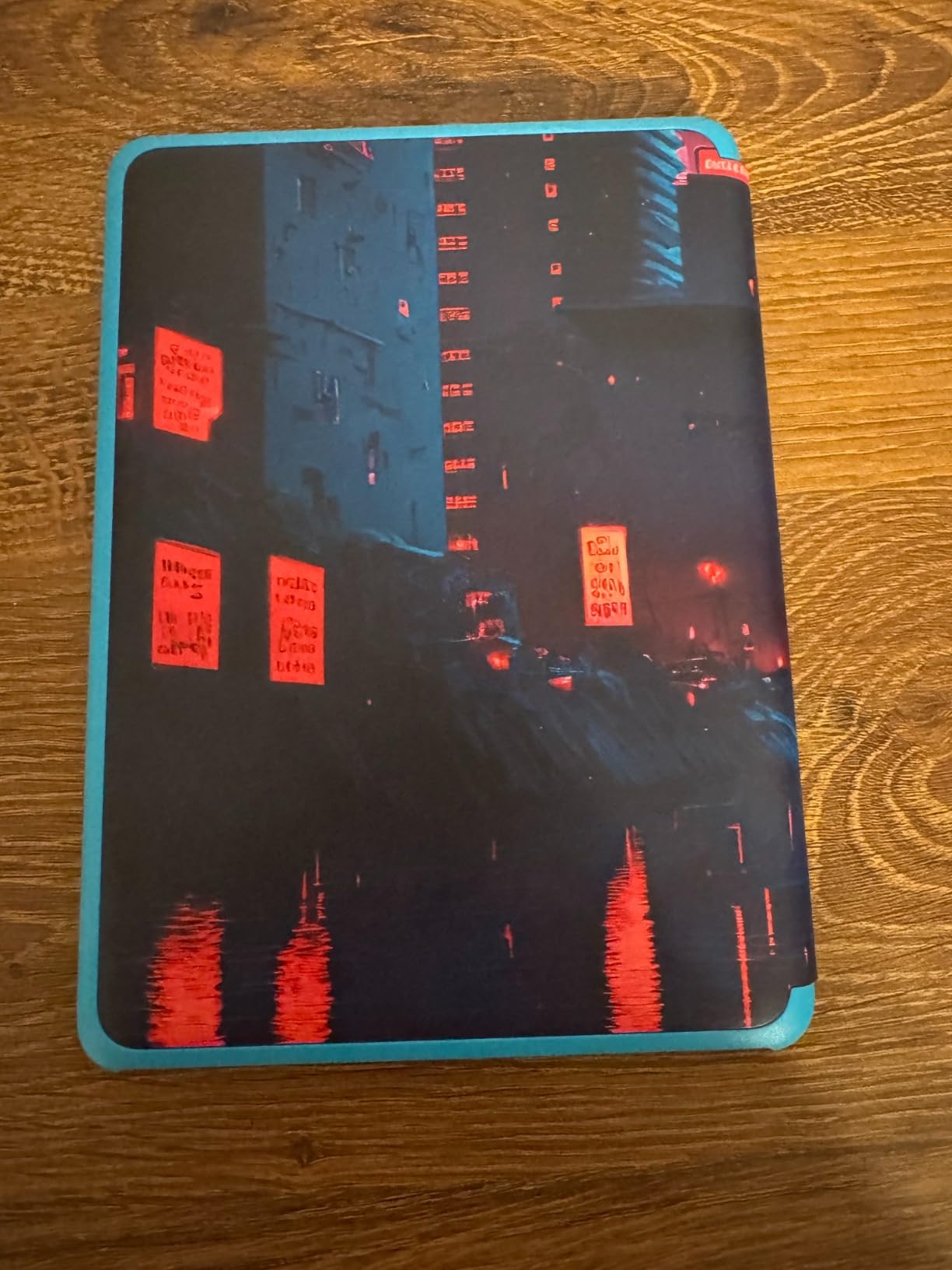
Amazon Kindle Colorsoft Kids 16 GB (newest model) – Lightweight, compact, and designed for reading—no apps, videos, or games. – with cover, Fantasy River
Display: 7 inch Color
Warranty: 2 years
Kids+: 12 months
Storage: 16 GB
Pros
- First color Kindle designed for kids
- 12 months of Amazon Kids+ included
- 2-year worry-free guarantee
- Color display great for graphic novels
- Kid-friendly cover included
Cons
- Higher price than standard Colorsoft
- Colors are muted like the adult Colorsoft
- Battery life shorter when using light frequently
The Colorsoft Kids is the right fit when a child reads graphic novels, illustrated chapter books, or anything where color matters. It’s the first color Kindle Amazon has made for kids, and reviewers say the color layer makes a real difference for visual readers. The 12 months of Amazon Kids+ is twice what the other kids’ Kindles include, and the 2-year worry-free guarantee is the same as the other kids’ models.
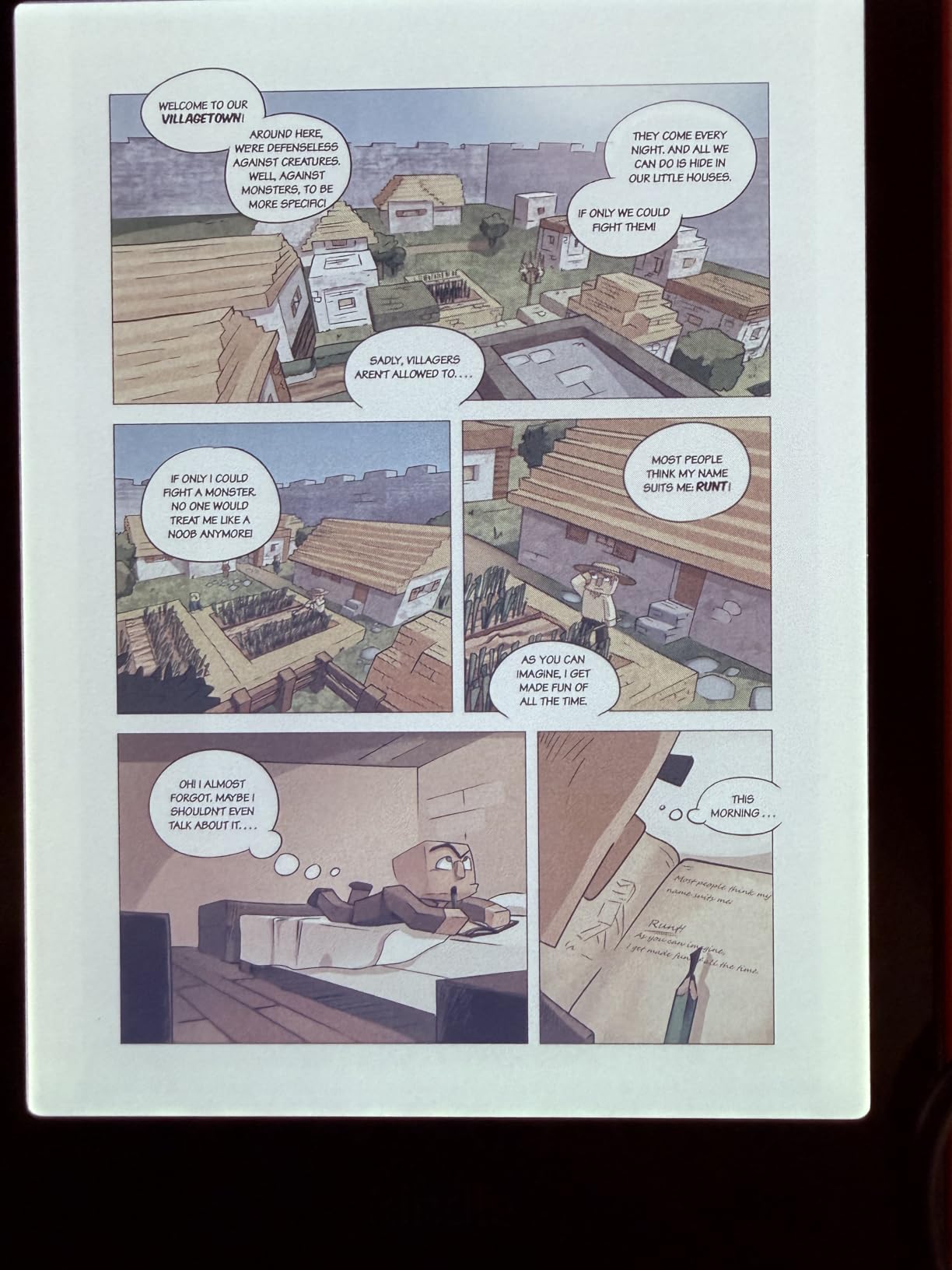
What the upgrade buys over the Paperwhite Kids: same 7-inch screen, same IPX8 waterproofing, same warranty, but the Colorsoft layer plus the longer Kids+ subscription is a real value add if your child reads illustrated content regularly.
When it’s not the right pick: for kids who read prose-only chapter books, the Paperwhite Kids renders text more crisply and the battery lasts longer. The Colorsoft premium is worth it mainly for visual readers.
How to Choose a Kindle During Prime Big Deal Days
Screen Type and Size
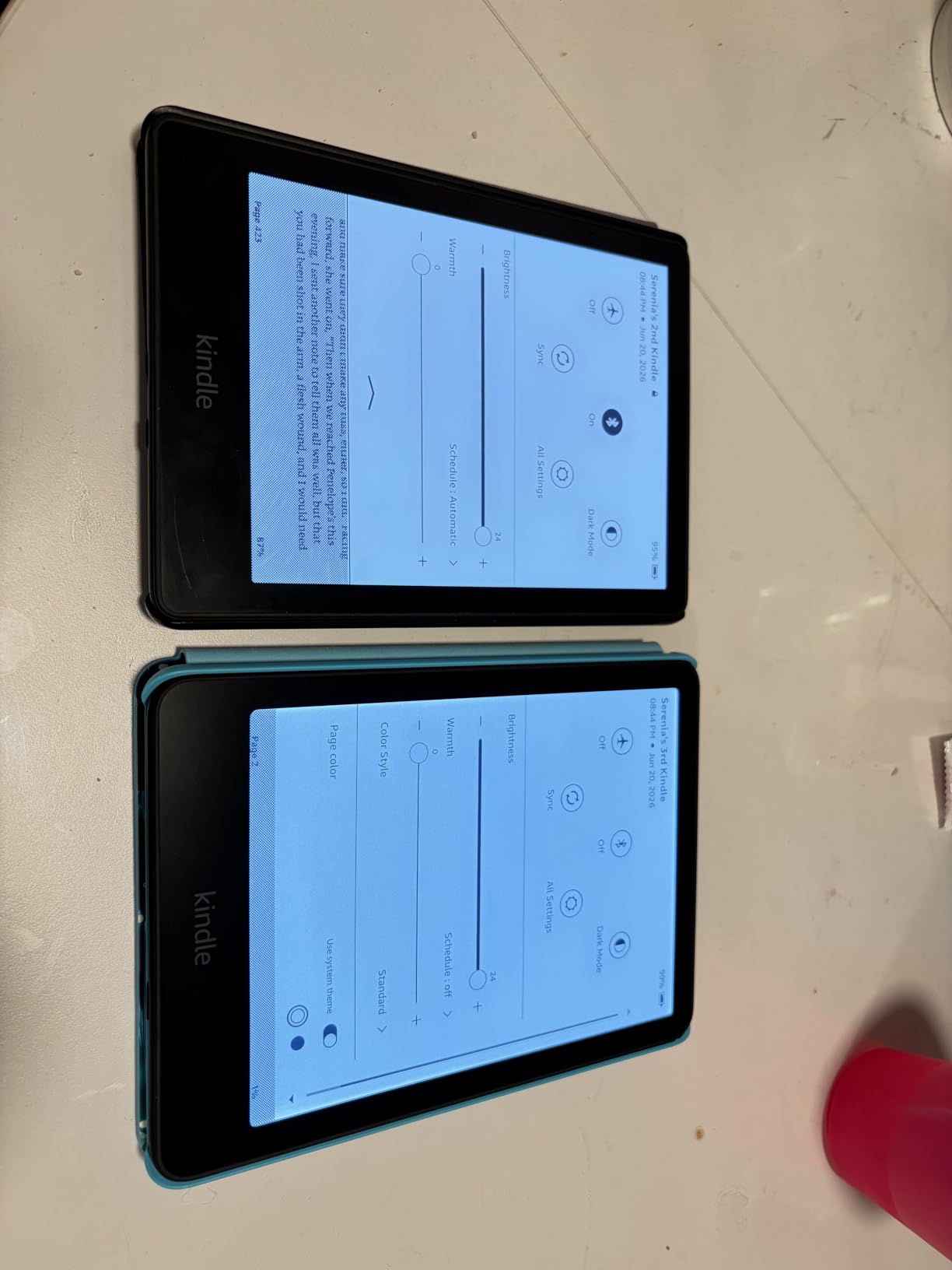
The basic Kindle has a 6-inch non-flush display, the Paperwhite line moves to a 6.8 or 7-inch flush display, and the Scribe jumps to an 11-inch writing surface. The flush design and 300 ppi resolution on the Paperwhite and above make text crisper and easier to read for long sessions. The upgrade pays off if you read more than an hour a day.
Storage and Connectivity
16 GB is enough for thousands of ebooks, and most readers never fill it. 32 GB matters if you load audiobooks, since Audible files are larger. 64 GB on the Scribe is room for notebooks, PDFs, and audiobooks together. Cellular connectivity is rarely worth the upcharge for travelers who can hotspot from a phone.
Battery Life and Waterproofing
Expect weeks, not days: the base Kindle runs 6 weeks, the Paperwhite 10-12 weeks, the Colorsoft 8 weeks, and the Scribe stretches to weeks of mixed reading and writing. IPX8 waterproofing on the Paperwhite, Colorsoft, and Scribe Colorsoft means a drop in the bath or pool won’t end the device. The base Kindle and the standard Scribe don’t have an IPX8 rating.
Kids, Notes, and Reading Extras
For kids: the 2-year worry-free guarantee and the included Kids+ subscription are the real value on the kids’ models. For notes: only the Scribe line includes a pen and supports handwriting conversion. For everyone: the lockscreen-ads version is cheaper, but you’ll see ads on the sleep screen. The ad-free version is the smarter buy if a deal lets you choose.
How to Shop Kindle Deals During Prime Big Deal Days
Check the model year (10th, 11th, 12th gen) and confirm the storage and lockscreen-ads variant before you buy. Kids’ bundles and adult bundles ship different contents, so confirm whether a cover, charger, or warranty is included. Look at who sells and ships the unit: Amazon as the seller is the safest pick. Most Kindle offers during the sale require a Prime membership, and prices shift through the event, so it helps to check the listing on both days.
Quick checklist before you click:
- Confirm the model year and storage (16 GB, 32 GB, or 64 GB).
- Decide lockscreen-ads vs ad-free (ad-free is usually the smarter long-term buy).
- For kids’ bundles, confirm the cover, warranty, and Kids+ trial length.
- Check whether the seller is Amazon and whether the unit ships from Amazon.
- Set a price alert or check the listing on both October 6 and 7.
Frequently Asked Questions
When does Amazon Prime Big Deal Days run in 2026?
Prime Big Deal Days runs October 6-7, 2026. Amazon confirmed the dates, and most Kindle offers during the sale require a Prime membership, though a free trial counts.
Do I need a Prime membership to get Kindle deals during Prime Big Deal Days?
Most Kindle offers during Prime Big Deal Days require an active Prime membership. A free trial counts if you sign up before you check out, and some third-party sellers may run their own deals without a Prime gate.
Which Kindle model usually has the biggest discount during Prime Big Deal Days?
The base Kindle and the older Paperwhite generations tend to see the deepest cuts, since they sit at lower list prices. Newer models like the 2024 Paperwhite and the Scribe usually see smaller percentage discounts.
Should I wait for Prime Big Deal Days or Black Friday for a Kindle?
Prime Big Deal Days in October is the better pick for current-generation Kindles, since stock is full and bundles are aggressive. Black Friday sometimes matches or beats October prices on older models, but popular colors and bundles can sell out.
Is the Kindle Paperwhite worth the extra money over the basic Kindle?
The Paperwhite is worth the upgrade if you read more than an hour a day, want adjustable warm light, or read near water. The basic Kindle is enough for casual readers who want the lightest, most affordable e-reader.
What should I check before I buy a Kindle deal during Prime Big Deal Days?
Confirm the model year and storage, decide on lockscreen-ads versus ad-free, and check the seller and shipping speed. For kids bundles, verify the cover, warranty, and Amazon Kids+ trial length before you check out.
Final Verdict: Best Amazon Prime Big Deal Days Kindle Deals
The Kindle Paperwhite is the most-watched Kindle during the sale, and the one we’d grab first. With a 4.7 rating across more than 65,000 owner reviews, 10 weeks of battery, and an adjustable warm light, it’s the model that fits the most readers and usually sees one of the deepest cuts of any Paperwhite. For a budget-friendly alternative, the base Kindle is the lightest and most affordable pick, and the 2024 Paperwhite is the right choice if you want the newest 7-inch display and 12 weeks of battery.
For audiobook listeners and wireless charging fans, the Paperwhite Signature Edition adds 32 GB of storage and auto-adjusting light. For color readers, the Kindle Colorsoft is the pick, and the Kindle Scribe is the right Kindle for anyone who also wants to take handwritten notes or mark up documents. The Paperwhite Kids is the smart pick for older kids, and the Colorsoft Kids is the right choice for visual readers who love graphic novels and illustrated books.
Add your top picks to your Amazon list now, check the listings on October 6 and 7, and grab the model that matches how you actually read.