

The AirPods Pro 3 is the one to watch first when Prime Big Deal Days opens, and the reason is simple: it is the only pick on this list that changes what you do during a commute. Owners credit the in-ear noise cancellation with cutting far more cabin noise than the previous generation, and eight hours of playback with cancellation on means most people charge it once a week instead of twice. The Apple Watch Series 11 is the alternative if health tracking is the problem you are actually solving, and the Apple Watch SE 3 covers the same basics for anyone buying a first watch. Amazon runs the event October 6-7, 2026, and offers shift through the window, so watch these rather than assume a number.
Everything below is rated and specced from the listings themselves. Apple rarely discounts through its own store, which is exactly why an Amazon event is one of the few predictable moments of the year when this hardware moves.
Table of Contents
Our Top 3 Picks for Best Amazon Prime Big Deal Days Apple Deals


Those three cover the categories with the widest appeal in the list. AirPods for the commute and the gym, the Series 11 for vitals and overnight tracking, the SE 3 for anyone who wants the Apple Watch experience without paying for ECG hardware they will never use.
Best Amazon Prime Big Deal Days Apple Deals Compared (October 2026)
| Product | Specifications | Action |
|---|---|---|
 AirPods Pro 3 AirPods Pro 3 |
|
Check Deal Price |
| Apple Watch Series 11 |
|
Check Deal Price |
| Apple Watch SE 3 |
|
Check Deal Price |
 MacBook Air M5 MacBook Air M5 |
|
Check Deal Price |
 iPad 11-inch A16 iPad 11-inch A16 |
|
Check Deal Price |
 iPad Air M4 iPad Air M4 |
|
Check Deal Price |
 iPad Pro M5 iPad Pro M5 |
|
Check Deal Price |
 AirTag 4-Pack AirTag 4-Pack |
|
Check Deal Price |
 Magic Keyboard Numeric Magic Keyboard Numeric |
|
Check Deal Price |
 Magic Keyboard Folio Magic Keyboard Folio |
|
Check Deal Price |
 iPhone 16 Pro Max iPhone 16 Pro Max |
|
Check Deal Price |
 Apple Watch Ultra Apple Watch Ultra |
|
Check Deal Price |
Two things stand out when the twelve sit next to each other. The tablets take three slots, which reflects how much of Apple’s lineup a sale shopper actually browses, and the two renewed entries at the bottom trade warranty length for hardware you would otherwise pay full price for.
How We Chose
Every pick here was checked against its Amazon listing on (October 2026): the chip and storage configuration, battery claims, ports, weight, warranty terms, the current star rating and the number of reviews behind it. Products with thin review histories or specs that disagreed with the model were left out. Ratings and review counts are copied from the listing, not estimated.
1. AirPods Pro 3: The Editor’s Choice
AirPods Pro 3
Type: Earbuds
Standout: 8 hours with ANC on
Weight: 2.56 oz
Pros
- Class-leading in-ear noise cancellation
- Heart rate sensing for up to 50 workout types
- Five ear tip sizes for a secure fit
- Hearing test and hearing protection features
- Up to 10 hours in Transparency mode
Cons
- 8 hours with ANC is short for long-haul flights
- Live Translation and Adaptive EQ need a paired iPhone
- Needs iOS 14 or later
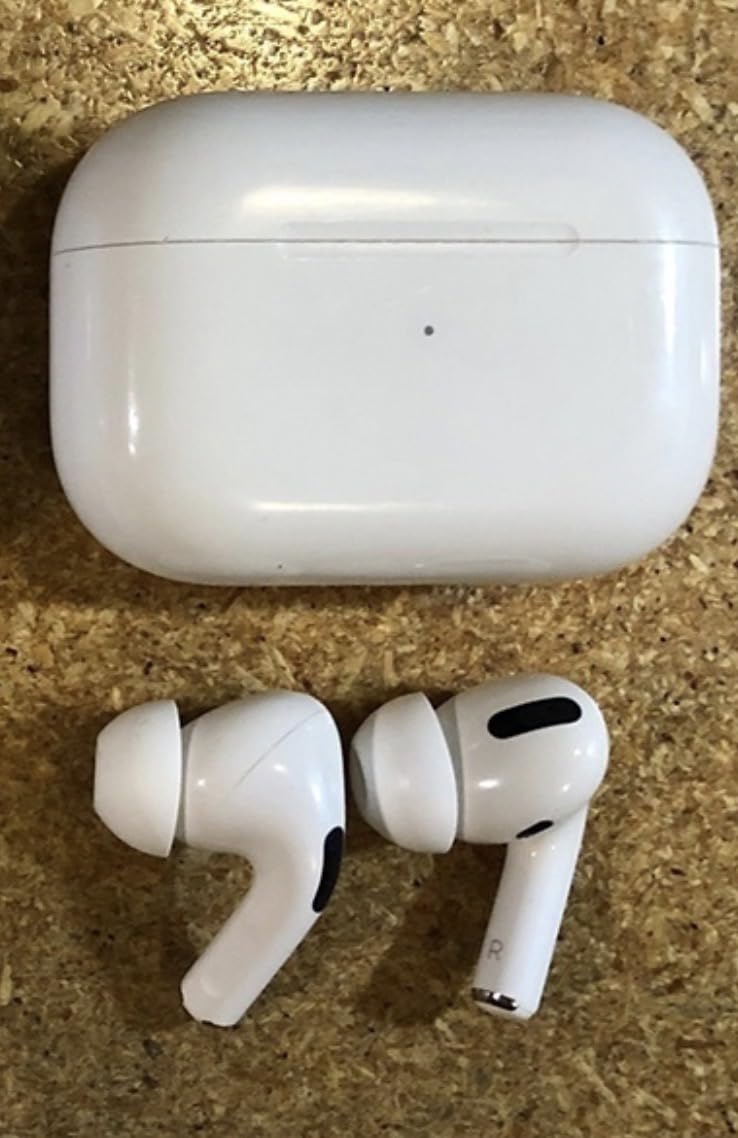
Most of the noise cancelling earbuds on sale are large over-ear cans. These are 2.56 ounces and the case is small enough for a jacket pocket, which changes what you reach for on a plane or a crowded train.
Reviewers consistently point at the cancellation first and the sound second. The listing claims up to twice the noise reduction of AirPods Pro 2, with a new acoustic architecture that gives bass more depth and separates instruments that used to blur together.
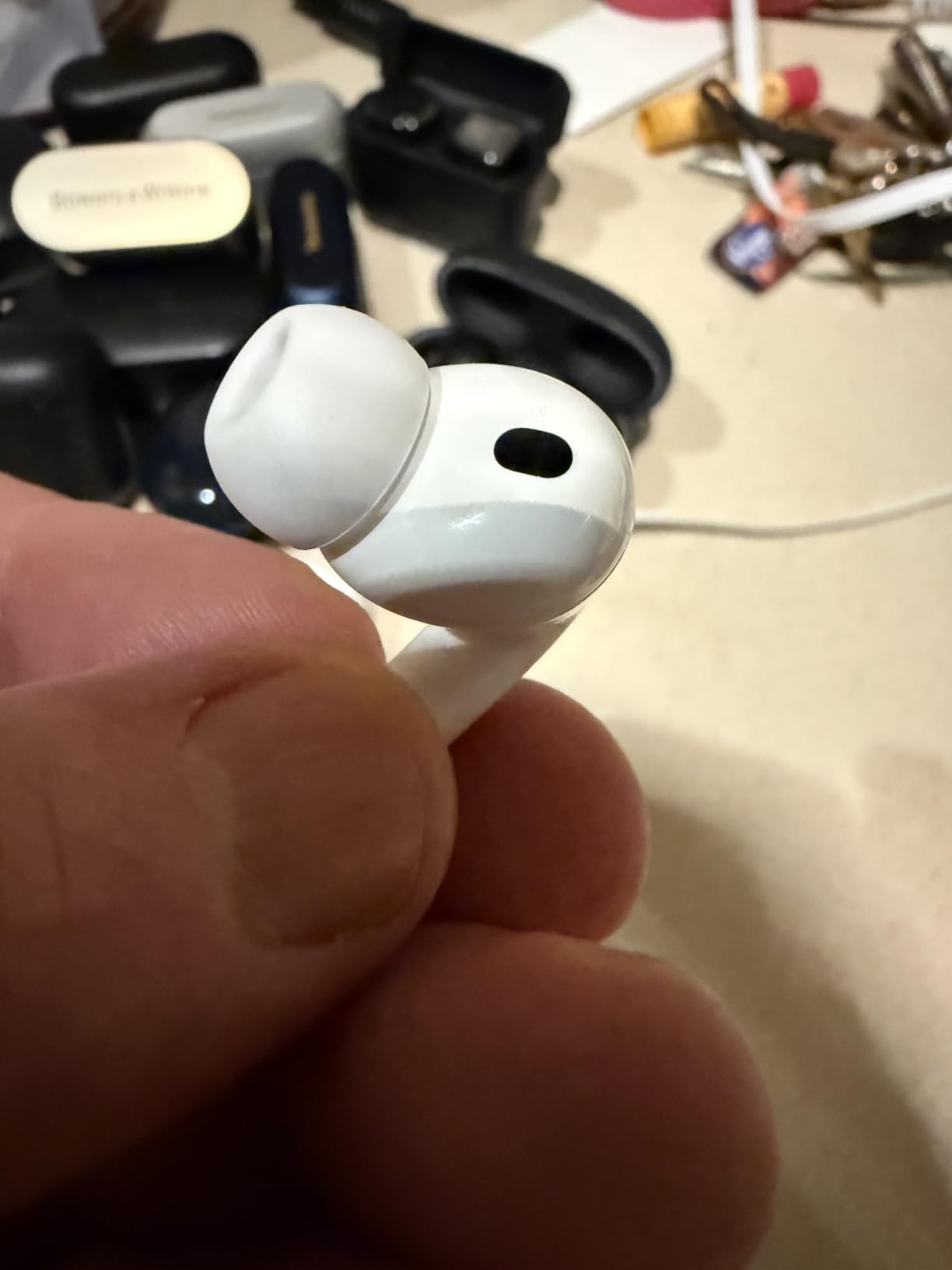
The fitness angle is the part that surprised most owners. Built-in heart rate sensing covers up to 50 workout types, and it feeds a Move ring, a step count and a Workout Buddy view without needing a watch. If you were going to buy a Watch Series 11 to track runs, this is the cheaper half of that habit.
- Eight hours of listening with ANC on a single charge, ten in Transparency mode
- Five ear tip sizes, which is where most fit complaints with earbuds are actually solved
- Hearing test, Hearing Aid with Conversation Boost and Hearing Protection in the same app
- Heart rate sensing across up to 50 workout types
Skip it if you fly more than once a month and want a single charge to last the whole trip. Eight hours runs out over a long-haul day, and there is no over-ear cushion to fall back on. In that case the Apple Watch Series 11 is the better watch to pair with whatever earbuds you already own.
The AirTag 4-Pack further down solves a different problem entirely. That one is a thirty-second purchase; this one asks for a habit change. Both are worth having, and only one of them changes your daily commute.
2. Apple Watch Series 11: Best for Health Tracking
Apple Watch Series 11
Type: Smartwatch
Standout: ECG and 24-hour battery
Weight: 1.28 oz
Pros
- ECG and irregular rhythm alerts with overnight Vitals tracking
- Daily sleep score and sleep apnea notifications
- Hypertension notifications
- Crash detection and hard fall detection
- 24-hour battery with 15-minute fast charge
Cons
- Step counting is less accurate than dedicated fitness devices
- Stock rubber sport bands are not very breathable
- Only the 46mm size adds much over the cheaper SE 3
This is the watch for anyone who has ever read a blood pressure number and wondered whether it was accurate. Owners report consistent readings overnight through the Vitals app, and the hypertension notifications are the feature that has no equivalent on the cheaper models.
Battery is the quiet win. A 24-hour normal runtime means you charge it overnight rather than every second evening, and fifteen minutes on the charger gets roughly eight hours back, which is enough for a run or a flight if you forgot.
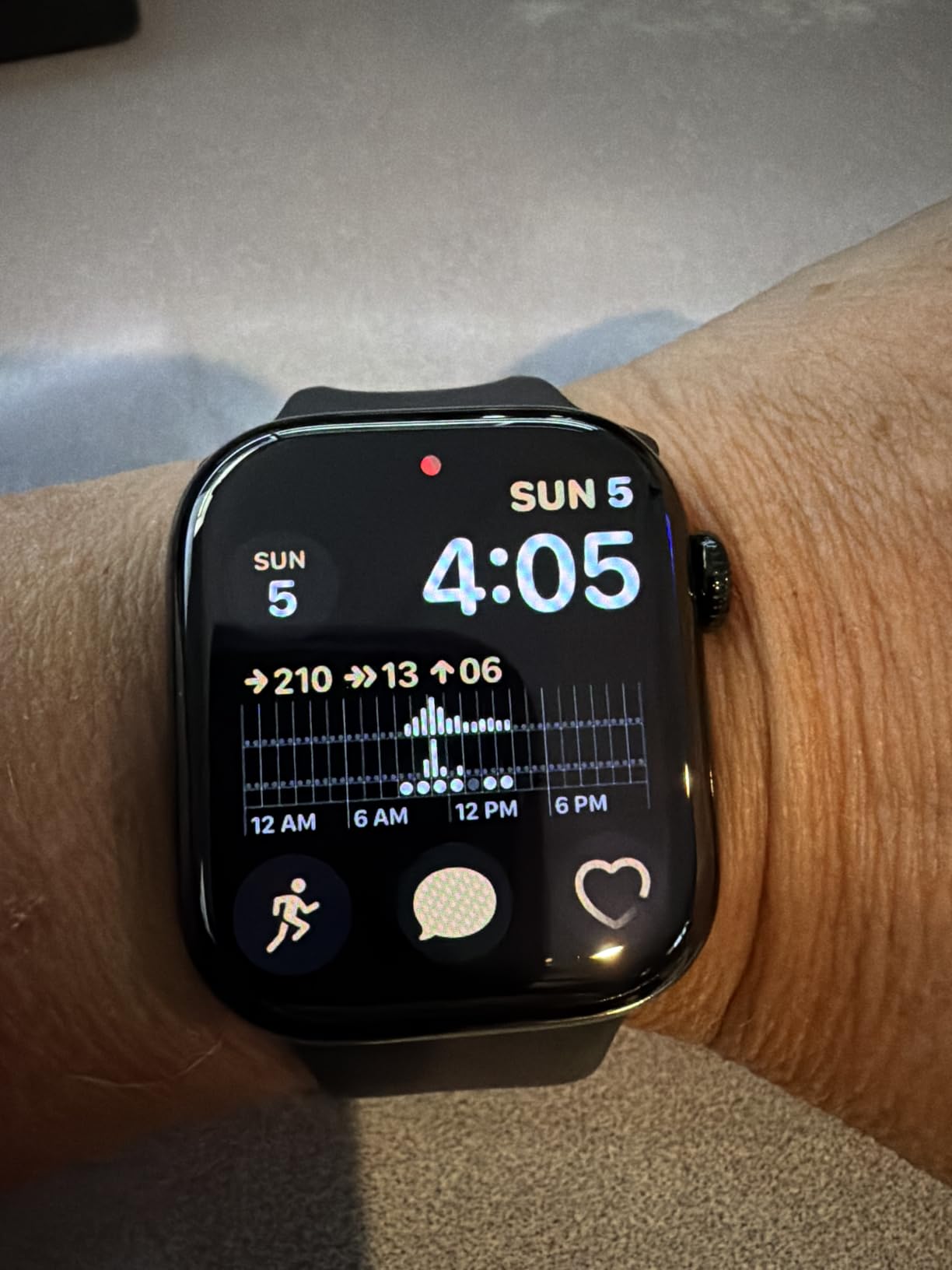
The 46mm case weighs 1.28 ounces and the listing describes the glass as twice as scratch resistant as the previous generation. That matters more than it sounds if you work with your hands or set the watch down face-down on a desk all day.
- ECG, irregular rhythm and high/low heart rate alerts
- Sleep score, sleep apnea notifications and Vitals overnight tracking
- Crash detection, hard fall detection and Check In
- Fifteen-minute fast charge for up to eight hours of use
Good to know: this configuration is GPS-only. There is no cellular here, so the watch leans on your iPhone when you are away from it. If you run without a phone, the Apple Watch Ultra covers that, at the cost of a bulkier case.
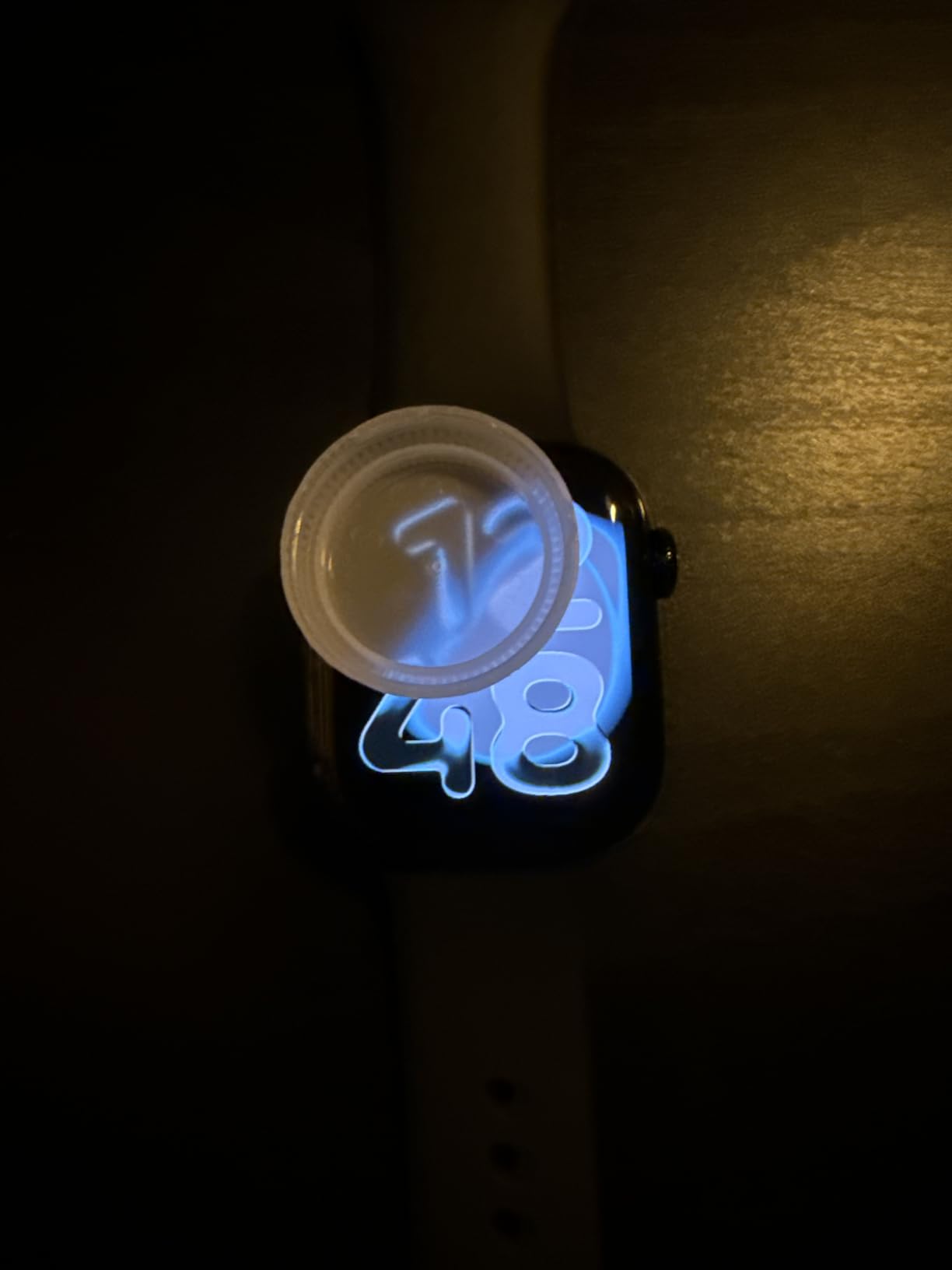
The most common owner complaint has nothing to do with the electronics. The bundled rubber sport band is not breathable and some people end up with irritated skin within a week, which is why a woven or fluoroelastomer band is usually the first extra purchase.
3. Apple Watch SE 3: Best for a First Watch
Apple Watch SE 3
Type: Smartwatch
Standout: 18-hour battery and always-on
Weight: 1.12 oz
Pros
- Best-value entry into the Apple Watch ecosystem
- Irregular rhythm alerts and Vitals app
- Sleep score and sleep apnea notifications
- Always-On display and faster charging
- Women's health and cycle tracking
Cons
- No ECG or blood oxygen app like the Series 11
- 18-hour battery is shorter than the Series 11
- Needs an iPhone 11 or newer for full functionality
Buyers treat this one as the value pick in the lineup, and the reasoning is arithmetic rather than emotional. You give up the ECG app and a slightly larger screen, and you keep the irregular rhythm alerts, the Vitals app, sleep tracking and fall detection, which is where most of the practical value lives.
At 1.12 ounces in a 44mm case it is the lightest watch here, and the always-on display means you read the time without raising your wrist. Charging is twice as fast as the previous SE, so topping up during a coffee break is realistic.
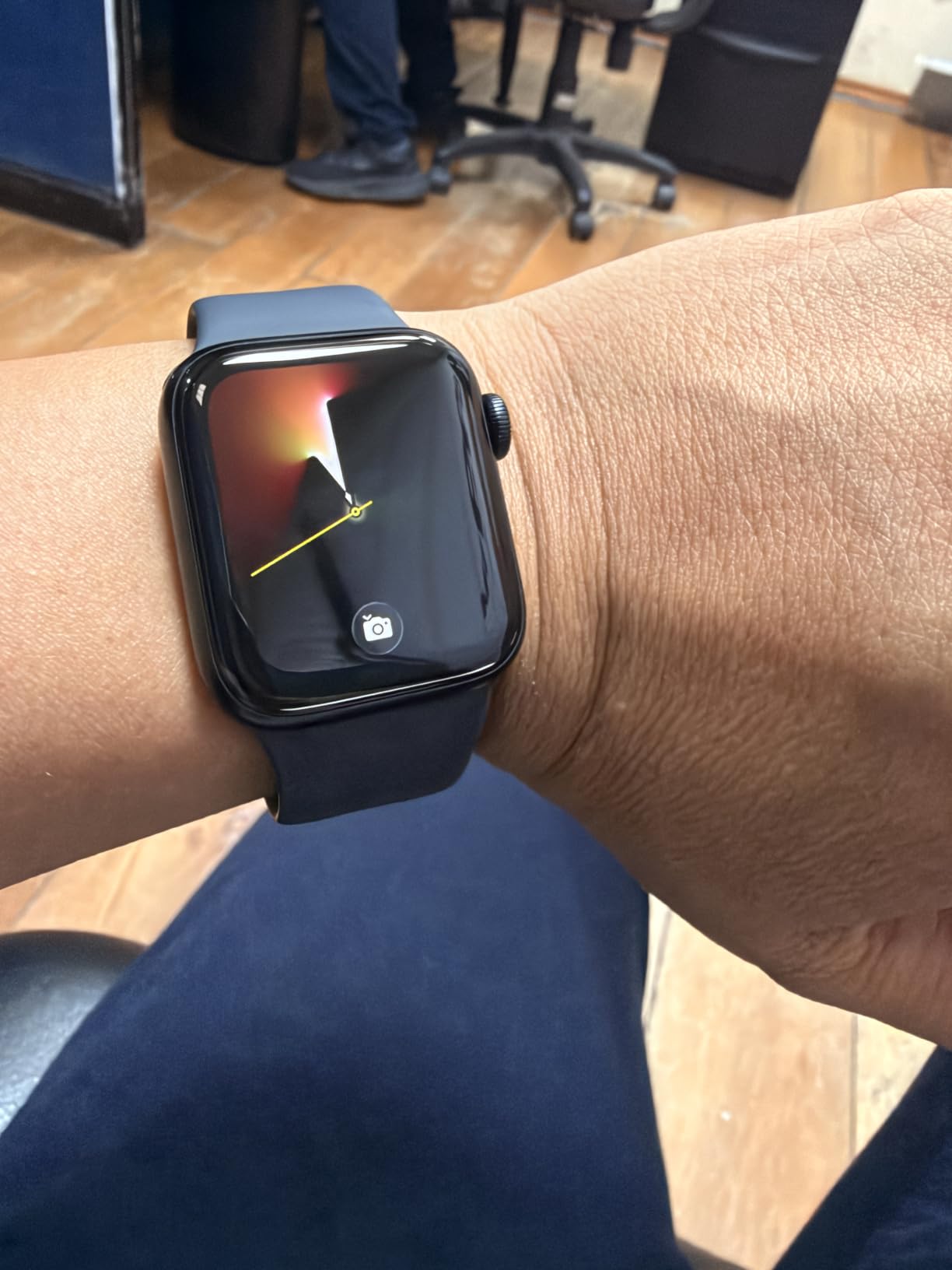
Skip it if your main reason for wanting a watch is heart or blood oxygen data. That gap between the SE and the Series 11 is exactly what the higher model charges for, and no amount of software updates closes it.
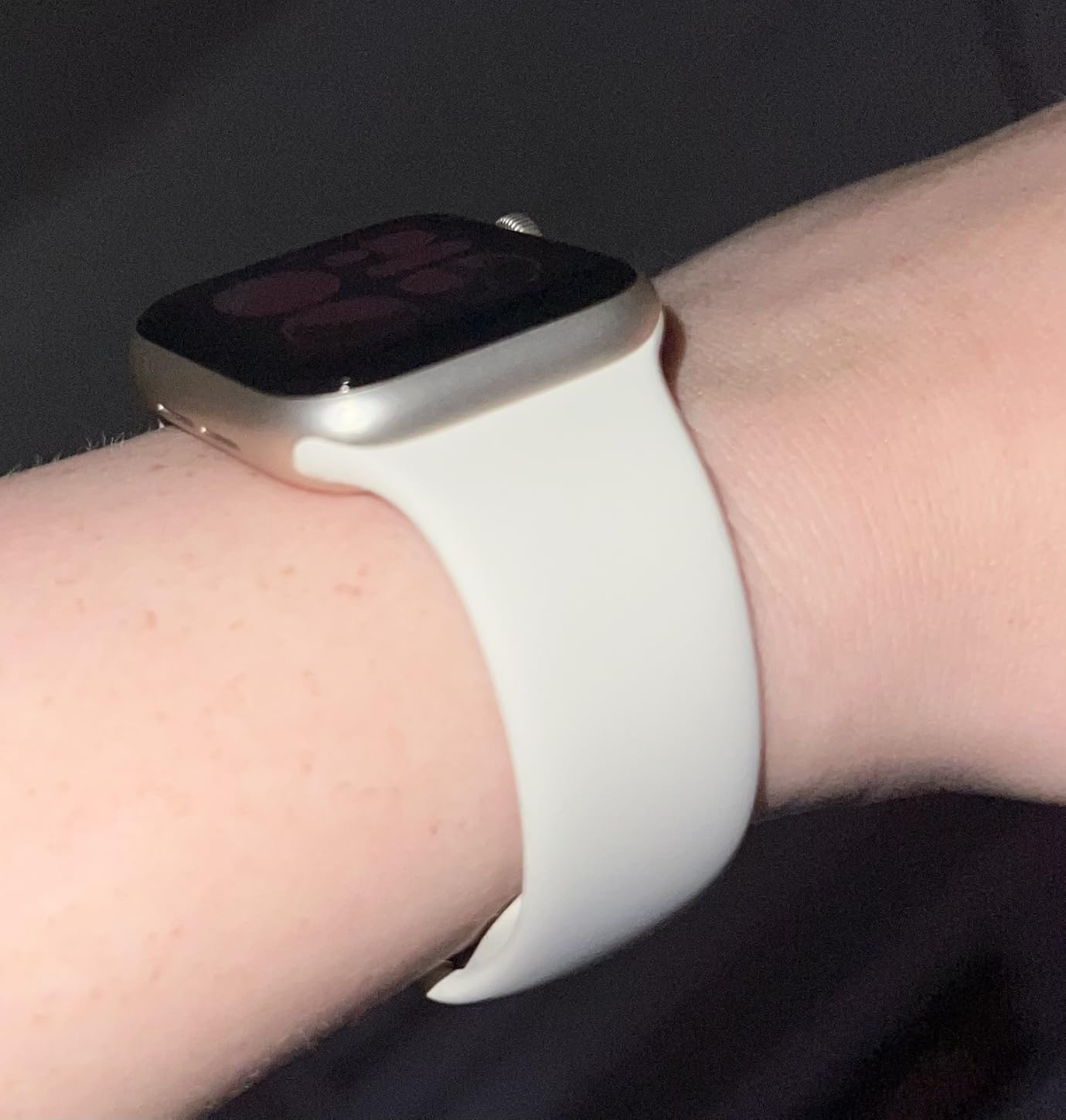
The women’s health tracking is a genuine addition here rather than a checkbox: wrist temperature, period predictions and cycle deviation alerts all run on the SE 3, which is not true of every cheaper wearable.
Compared with the Series 11, the SE 3 gives up about six hours of battery and the ECG app, and nothing else that most buyers would miss. Compared with the Apple Watch Ultra, it is the opposite decision entirely: the Ultra is 49mm, 100m rated and built for open water, which is a different purchase entirely rather than a cheaper version of this one.
4. MacBook Air M5: Best for Everyday Work
MacBook Air M5
Type: Laptop
Standout: 13.6-inch display and 18-hour battery
Weight: 2.71 lb
Pros
- M5 chip with Neural Accelerators for on-device AI
- Up to 18 hours of battery
- 2.71 pounds and 0.44 inches thin
- Two Thunderbolt 4 ports plus MagSafe and Wi-Fi 7
- 12MP Center Stage camera with Desk View
Cons
- Fanless design can throttle under sustained heavy load
- Only two Thunderbolt ports and no card reader
- 512GB fills up with large media libraries
For a student or a desk worker, this configuration covers the whole day without a charger in the bag. Eighteen hours is the claim, 2.71 pounds is the weight, and the 13.6-inch Liquid Retina display renders text sharply enough that most people stop noticing the size within a week.
The M5 chip’s Neural Accelerators handle AI work on the device itself, and 16GB of unified memory is the figure that matters for anyone keeping a large project, a browser with too many tabs and a video call open at once. It also drives two external displays, so a two-monitor desk setup works without a dock.
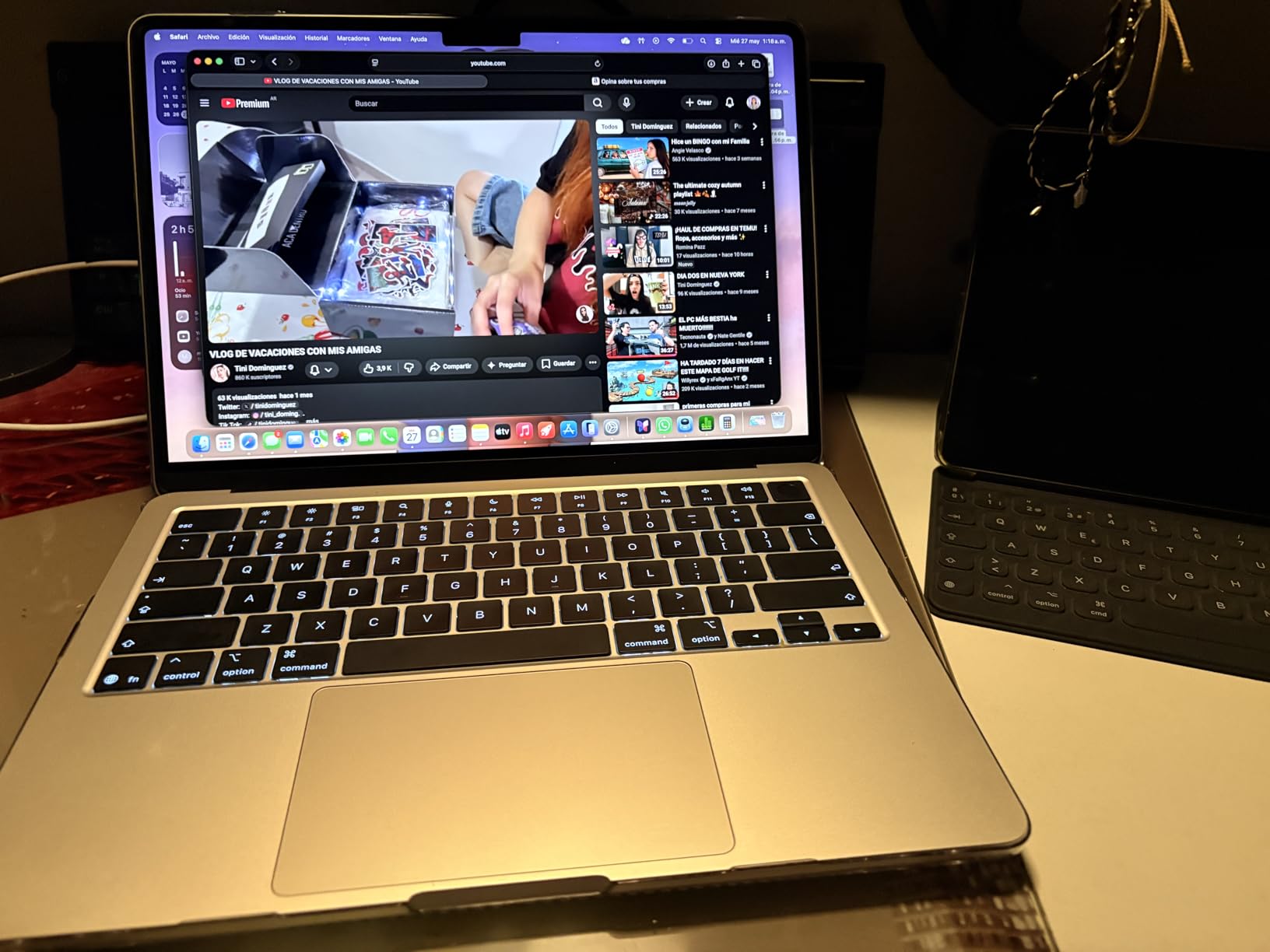
Owners frame it as the ultraportable for everyday work rather than a machine for heavy renders, and the fanless design is the reason. There is no fan, which means it is silent, and it also means a long sustained export can slow down once the chip warms up.
- Two Thunderbolt 4 ports, MagSafe charging and a headphone jack
- Wi-Fi 7 and Bluetooth 6 through the Apple N1 chip
- 12MP Center Stage camera with Desk View plus a three-mic array
- Four-speaker Spatial Audio
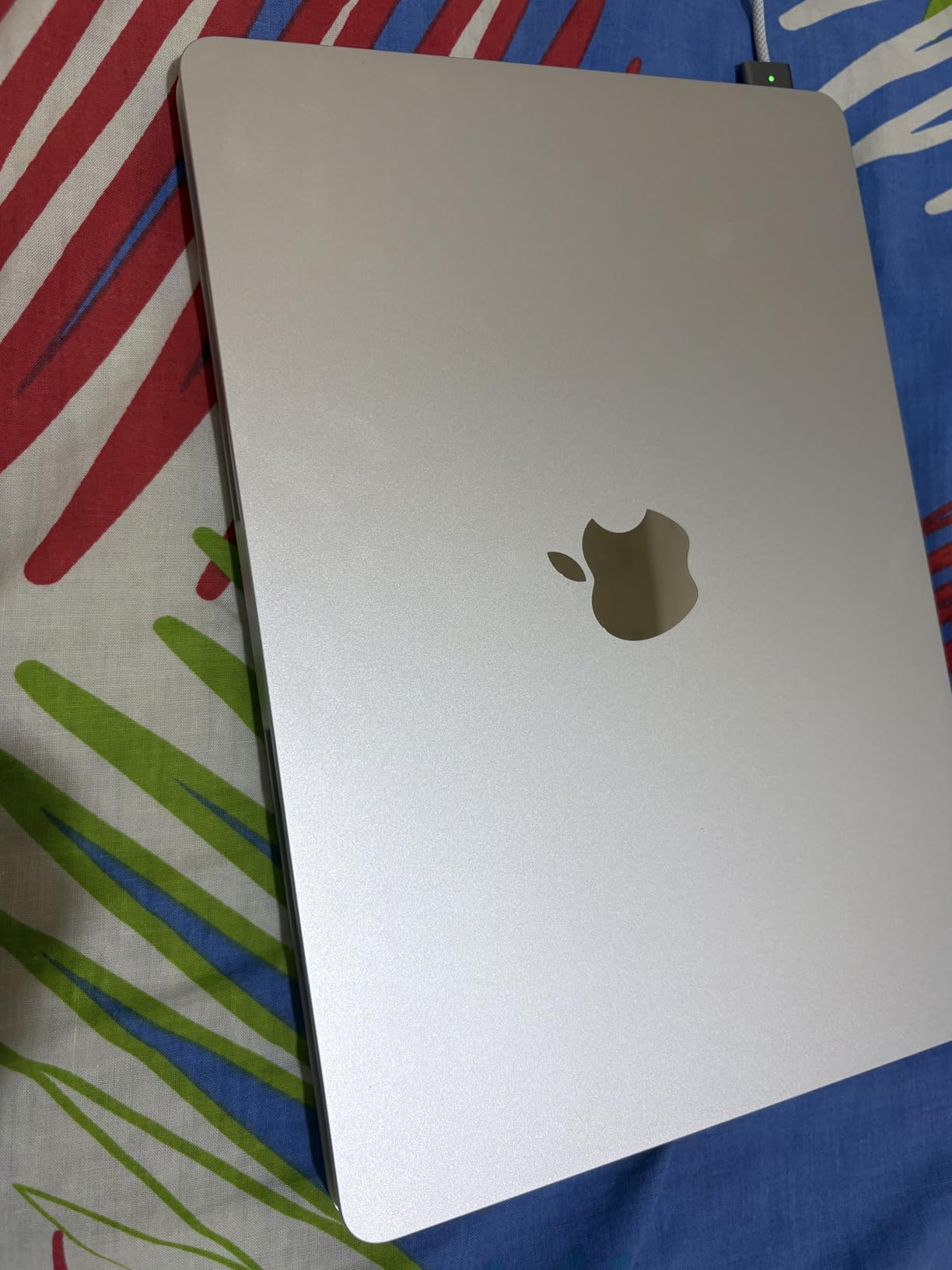
Anyone choosing between this and the iPad Air M4 should start with how you work. If a browser, a spreadsheet and email fill the day, this is the right machine. The tablet is lighter and cheaper, and it becomes a laptop only once you add a keyboard.
Only two ports is genuinely few. If you plug in an external drive, a display and a charger on a full workday, you will be swapping cables unless you carry a hub.
5. iPad 11-inch A16: Top Rated
iPad 11-inch A16
Type: Tablet
Standout: 11-inch Liquid Retina and Touch ID
Weight: 1.05 lb
Pros
- A16 chip handles apps streaming and multitasking
- 1.05 pounds and 0.28 inches thick
- All-day battery that beats older hand-me-down tablets
- 12MP Center Stage front and 12MP rear cameras
- Touch ID in the top button with Apple Pay
Cons
- 128GB fills quickly once apps and media are added
- Screen is dimmer outdoors than a phone or laptop
- Apple Pencil and Magic Keyboard cost extra
With more than 28,000 reviews behind it, this is the most thoroughly owner-tested device on the list, and the pattern in those reviews is remarkably consistent. People buy it to replace an older tablet, find it faster and lighter than the machine it replaced, and stop carrying a laptop for reading and streaming.
The A16 chip is not the newest in Apple’s lineup and does not need to be. In practice owners report no lag in apps, streaming or split-screen multitasking, which is all a family tablet has to do well.
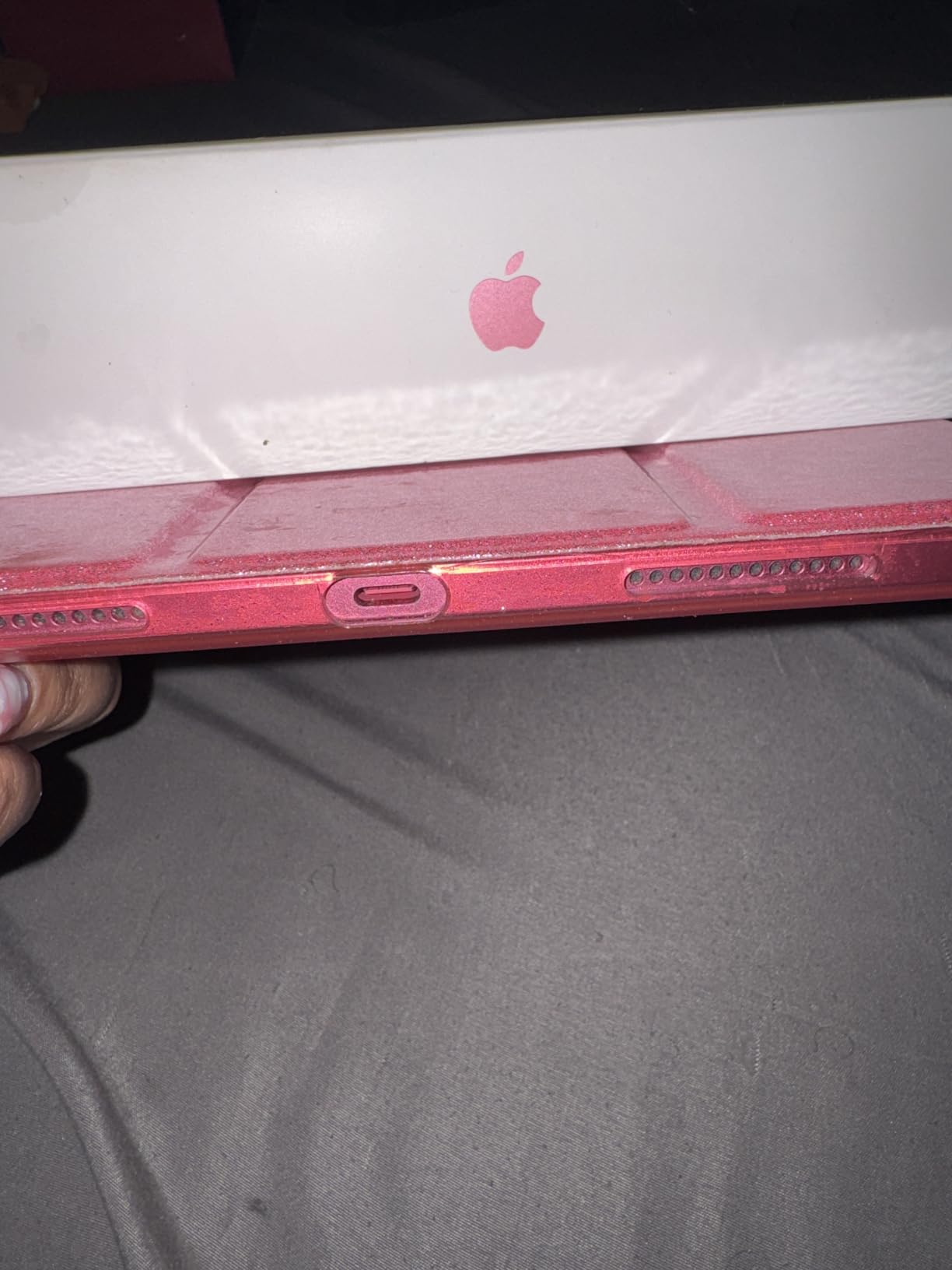
Best for: anyone replacing a tablet that is several years old, or a first iPad for a student. The weight matters more than the specs on a device that lives in a backpack all day.
- 11-inch Liquid Retina display with True Tone for reading in any light
- 12MP Center Stage front camera plus 12MP Wide rear camera for 4K video
- Works with Apple Pencil, Scribble and the Magic Keyboard Folio
- USB-C connector
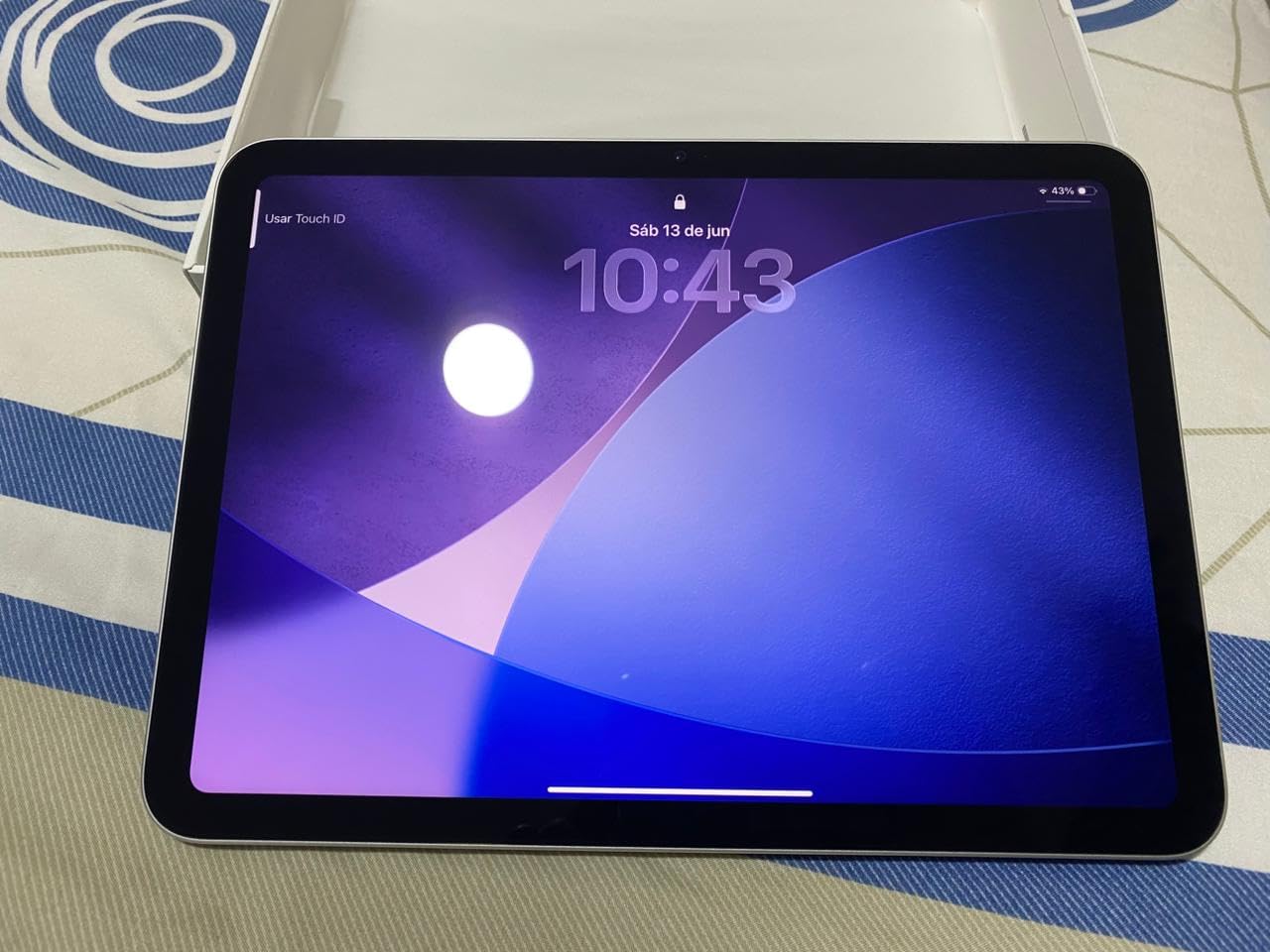
The 128GB base is the trade-off everyone discusses. It fills faster than people expect once apps, photos and a chunk of iPadOS system data are in place, and storage cannot be added later. If you take video on it regularly, the iPad Air M4 starts at 256GB for that reason.
Wi-Fi 6 rather than Wi-Fi 7 is the other gap, and it shows if you move very large files to and from a computer every day. For streaming, notes and browsing it makes no practical difference.
6. iPad Air M4: Best for Multitasking
iPad Air M4
Type: Tablet
Standout: M4 chip with Wi-Fi 7
Weight: 1.02 lb
Pros
- M4 chip with advanced graphics for multitasking
- 256GB base storage
- Wi-Fi 7 with the Apple N1 chip
- 11-inch Liquid Retina with ultralow reflectivity
- Apple Intelligence on device
Cons
- Apple Pencil Pro and Magic Keyboard are extra
- 256GB can still be tight for large libraries
- Listing battery detail is unclear for a rechargeable tablet
This is the middle of the iPad range and reviewers describe it as the sensible middle rather than a compromise. The M4 chip is a clear step up from the A16 in the base iPad, the screen has ultralow reflectivity so it stays usable outdoors, and storage starts at 256GB.
At 1.02 pounds and 0.24 inches it is the thinnest tablet in the list, which matters if you are reading in bed or holding it one-handed on a commute.
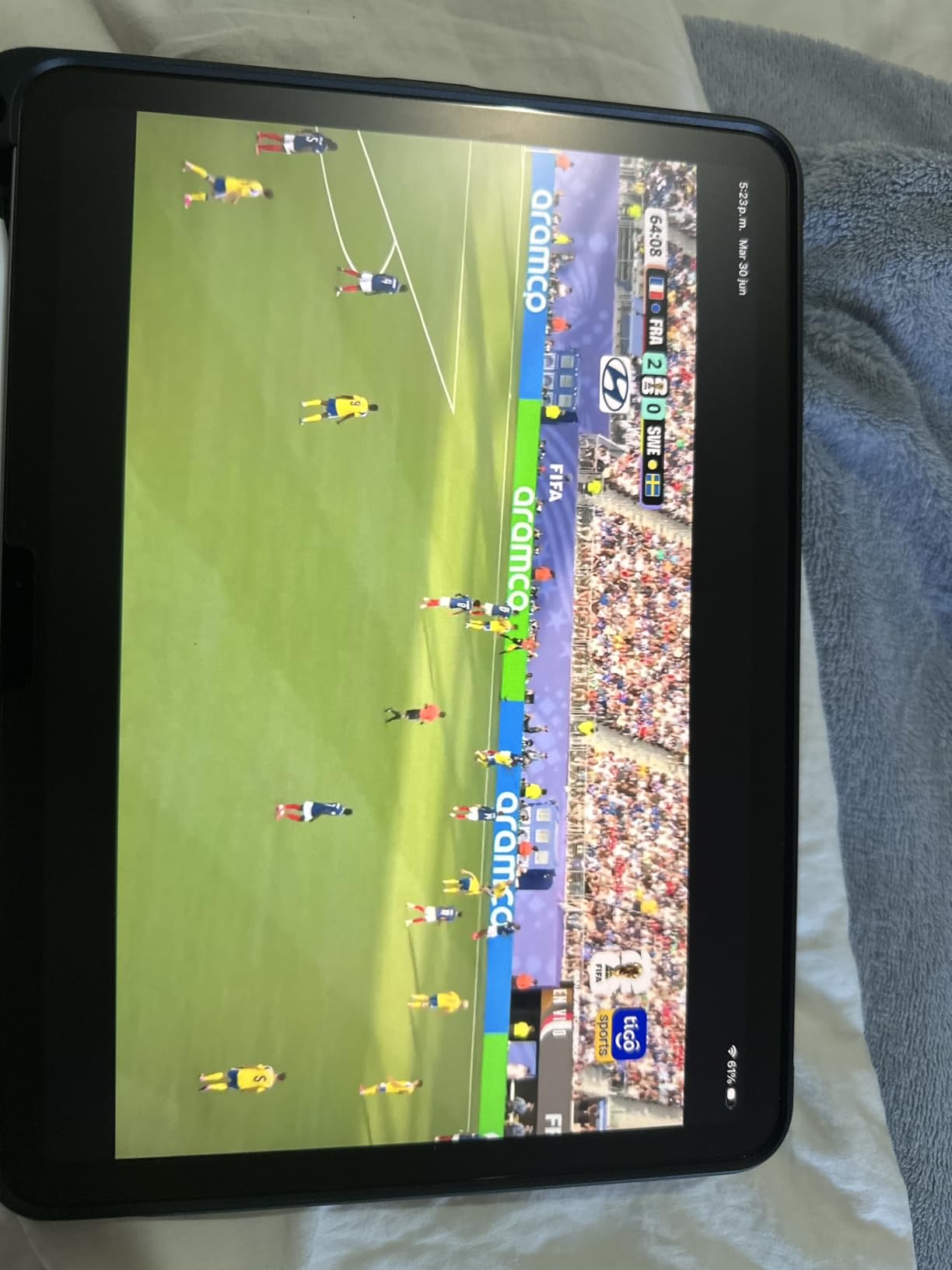
Wi-Fi 7 through the N1 chip is the practical upgrade over the base iPad. If you push a 40GB video library between a laptop and a desktop, the transfer difference is noticeable rather than theoretical.
One oddity in the listing: the battery field reads as a single D cell, which makes no sense for a rechargeable tablet. The stated all-day battery claim is what reviewers actually report on, so judge it on that.
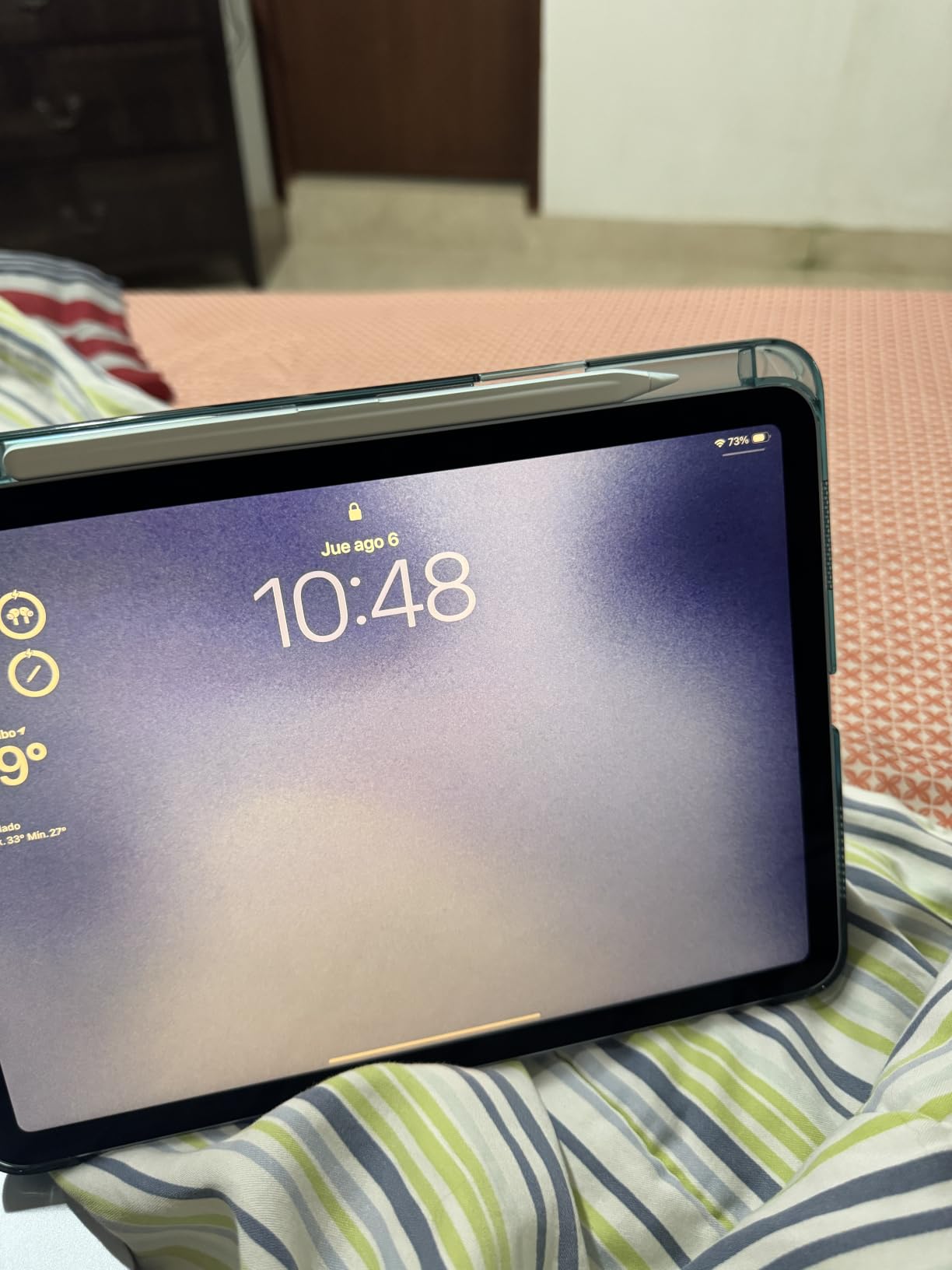
Against the iPad Pro M5, the Air keeps most of the speed and gives up the tandem OLED panel, the LiDAR scanner and Face ID. If you are writing documents and browsing, that trade saves real money. If you edit photos or video, the Pro is the one that changes how the work feels.
Skip it if your iPad use is mostly reading. The base iPad A16 does that job and weighs almost the same.
7. iPad Pro M5: Best for Creative Work
iPad Pro M5
Type: Tablet
Standout: Ultra Retina XDR tandem OLED
Weight: 15.7 oz
Pros
- M5 chip with Neural Accelerators and up to 16GB memory
- Ultra Retina XDR tandem OLED with extreme brightness
- 15.7 ounces and 0.21 inches thick
- Face ID plus LiDAR Scanner
- All-day battery on varied use
Cons
- iPadOS does not run Mac apps
- Apple Pencil and Magic Keyboard are extra
- 256GB is tight once creative apps are installed
Owners describe this as laptop-class hardware held back by software, and that is the honest summary. The M5 chip and the tandem OLED display are the best in the list on paper, and the display’s extreme brightness is the first thing a photo or video editor notices in daylight.
At 15.7 ounces and 0.21 inches it is smaller and lighter than the larger iPad Pro, and several reviewers moving from a bigger or older model called the weight the deciding factor rather than the chip.
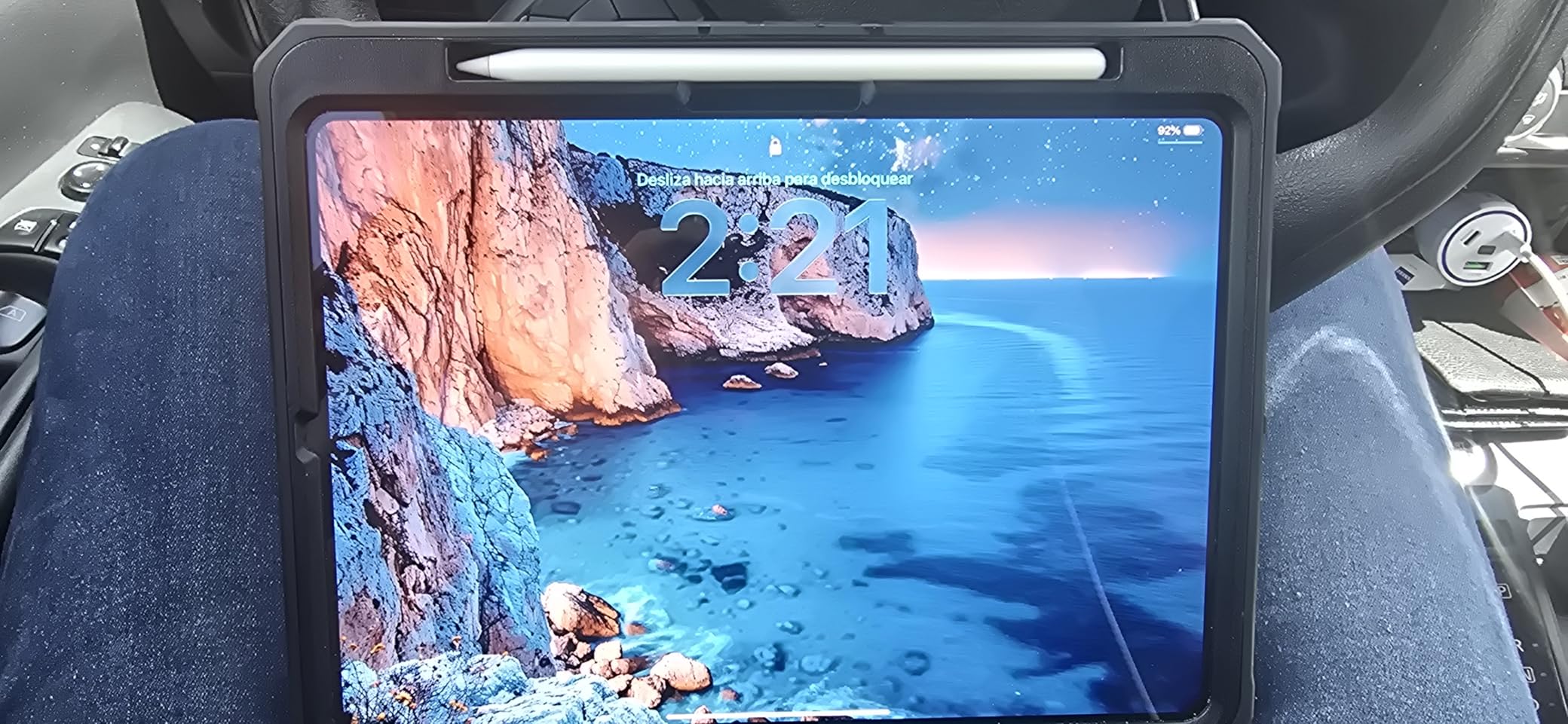
- Ultra Retina XDR tandem OLED with ProMotion and P3 wide color
- LiDAR Scanner and Face ID for unlock and payments
- 12MP landscape Center Stage front camera
- Wi-Fi 7 with the Apple N1 chip
Owners also note that the extreme brightness carries over into outdoor work, where a phone screen washes out in daylight and this panel stays readable. For anyone editing on a train or a park bench, that is the spec that pays for itself.

The limitation is not a discount question. iPadOS will not run Mac applications and will not install apps from outside the App Store, so a workflow that depends on desktop software does not transfer no matter what the sale price is. Check that before buying anything in this tier.
Step down to the iPad Air M4 and you give up the tandem OLED panel, the LiDAR scanner and Face ID for noticeably less money. If your work is documents, email and streaming, that is the smarter buy.
8. AirTag 4-Pack: Budget Pick
AirTag 4-Pack
Type: Item tracker
Standout: Louder speaker and watch finding
Weight: 1.44 oz
Pros
- Speaker is roughly 2x to 3x louder than the first generation
- Precision Finding now works on Apple Watch
- More than a year of battery on a replaceable CR2032
- One-tap setup with suggested categories
- Share Item Location with contacts and 50-plus airline partners
Cons
- No built-in keyring hole so a holder is needed
- Small round design is easy to lose
- Precision Finding improvements need an iPhone 15 or Watch Series 9 or later
The second generation finally fixed the complaint that defined the original: tags that were too quiet to find in a junk drawer. Owners credit a speaker that is two to three times louder, with a new chime, and the upgrade alone justifies the move if you have a first-generation set.
Precise Finding now reaches Apple Watch, which means the watch buzzes and points toward the bag instead of the bag’s location sitting in another app. On an iPhone 15 or later, or a Watch Series 9 or later, you get step-by-step direction rather than a rough radius.
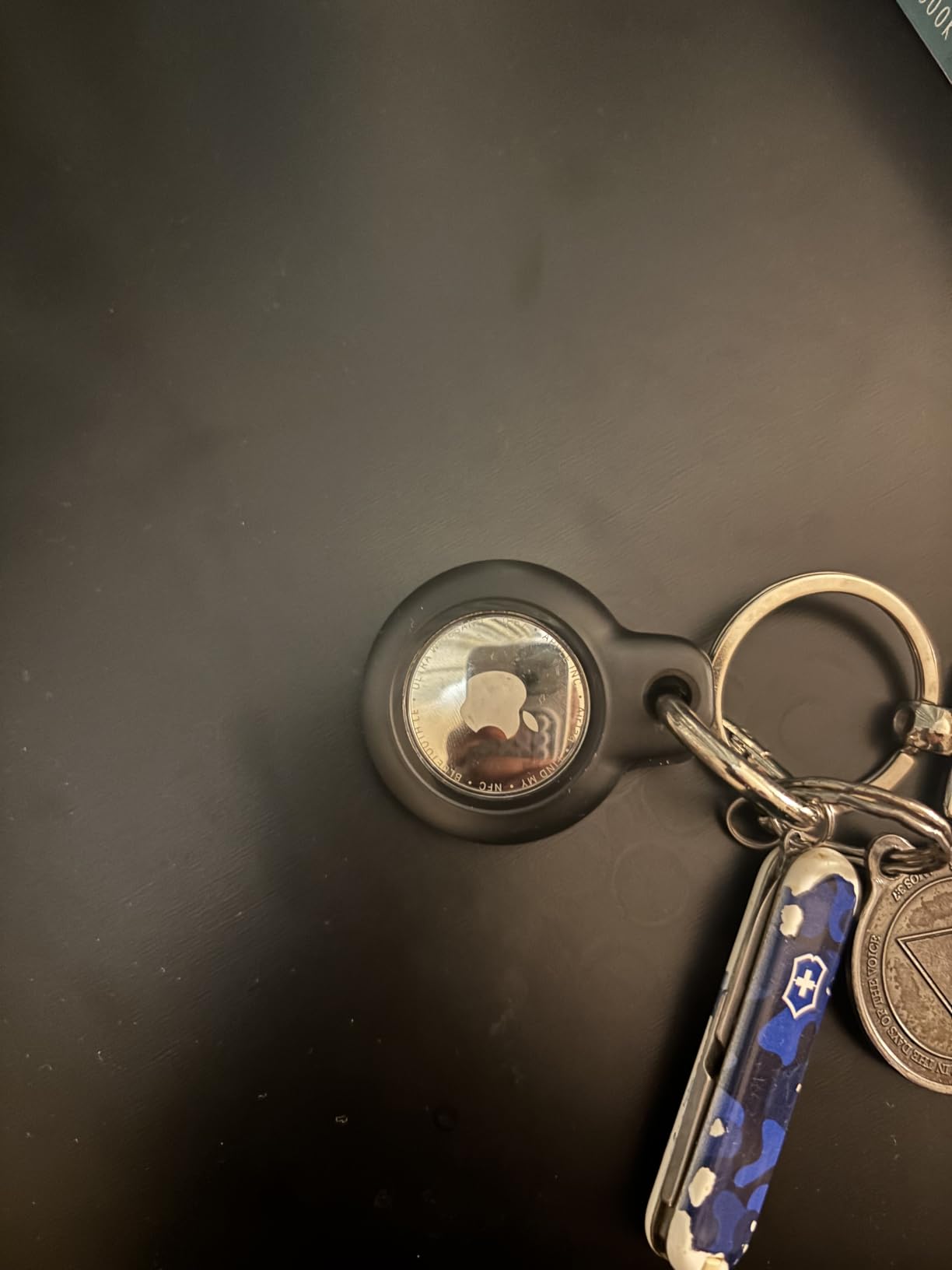
Four tags in one pack covers the set most people actually need: keys, a work bag, a suitcase and a rucksack. Share Item Location is the sleeper feature, since it lets a trusted contact or an airline see the item’s location temporarily when you travel.
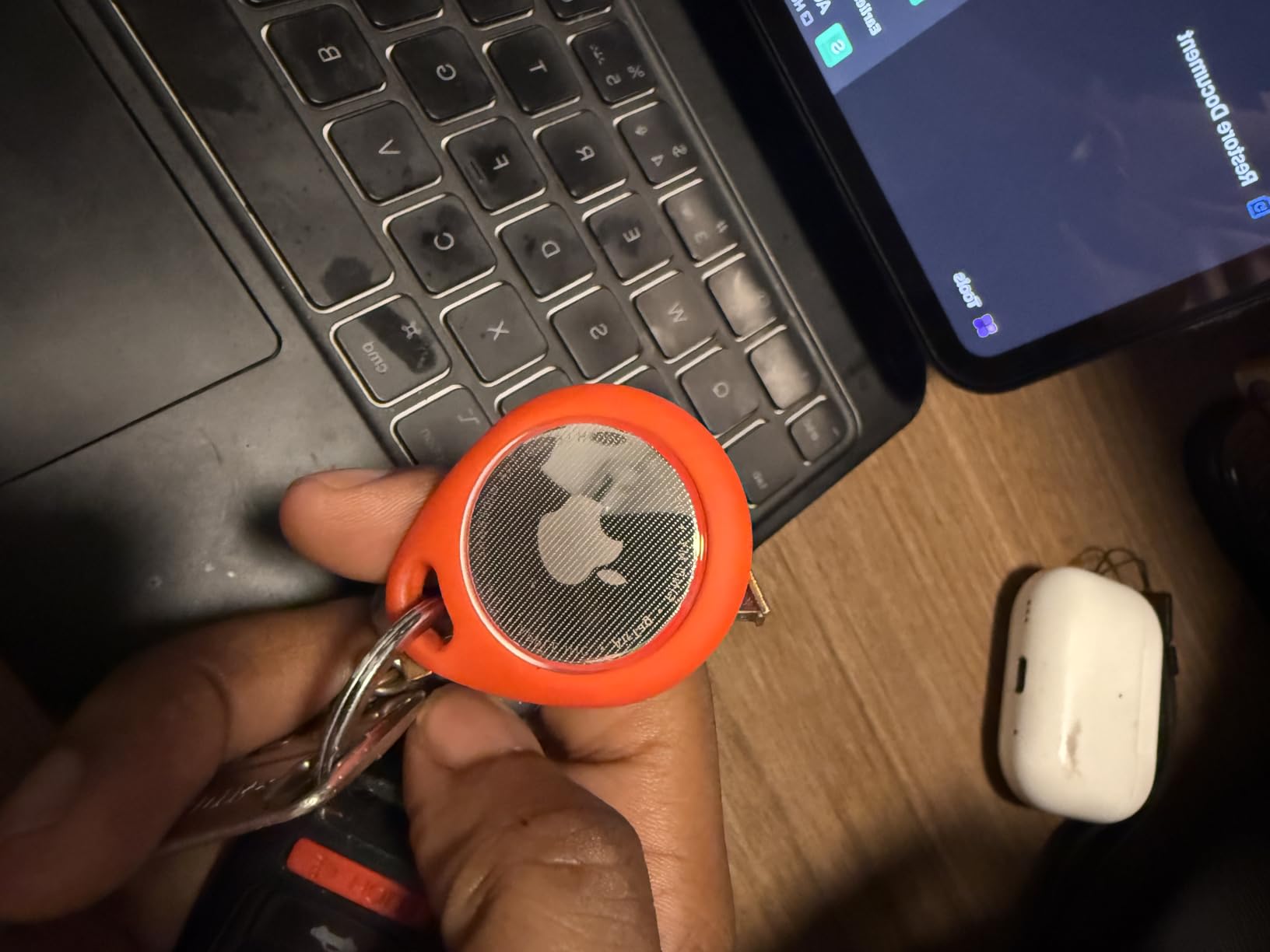
Good to know: there is no keyring hole. The tags are small, round and slick, so owners almost universally recommend buying silicone or card holders at the same time. A tag in a coat pocket is a tag you will be searching for.
Battery life runs past a year on a standard coin cell you can replace yourself, which is the quiet advantage over anything with a sealed rechargeable cell.
9. Magic Keyboard Numeric: Best for Desk Setups
Magic Keyboard Numeric
Type: Keyboard
Standout: Numeric keypad and long battery
Weight: 1 lb
Pros
- Numeric keypad speeds up spreadsheets and data entry
- Precise low-profile typing with a real click
- Bluetooth pairing with Mac iPad or iPhone
- Rechargeable battery lasting a month or more
- Full-size arrow keys and document navigation controls
Cons
- Charges over Lightning rather than USB-C
- Low profile offers little wrist support
- Costs more than third-party keyboards with a keypad
If you type numbers for a living, the keypad is the entire reason to buy this over the compact Magic Keyboard. Finance work, inventory sheets and data entry all become noticeably faster once your right hand has a number row that matches the one you already know.
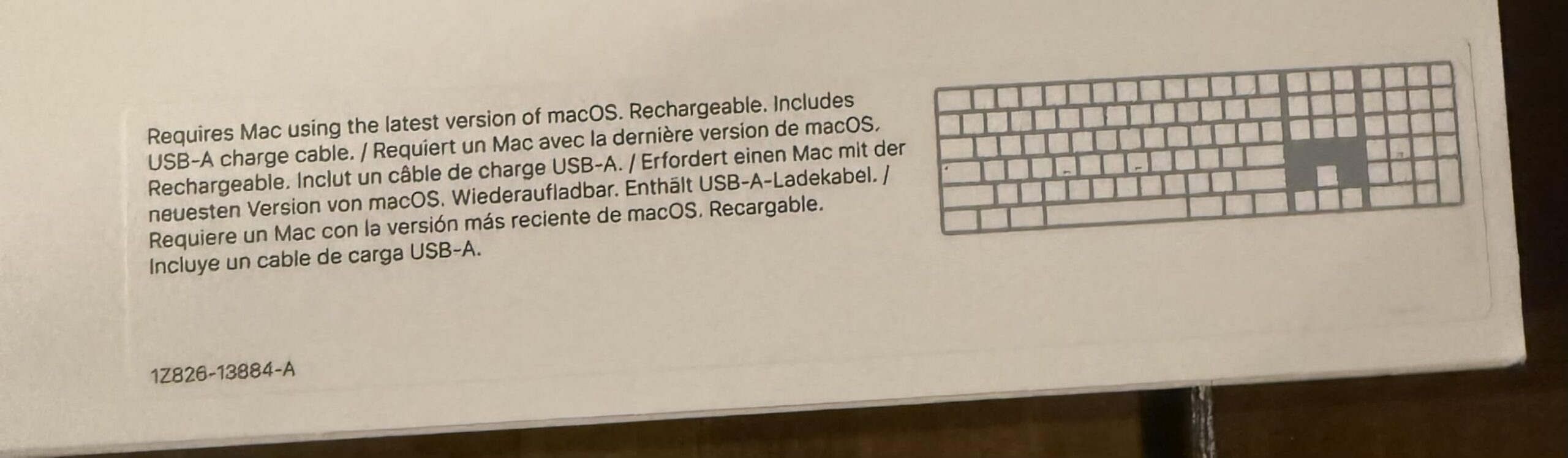
Everything else is the standard Apple keyboard story, and it holds up. Low-profile typing with a satisfying click, instant Bluetooth pairing across Mac, iPad or iPhone, and a rechargeable internal battery that owners report lasting a month or more between charges.
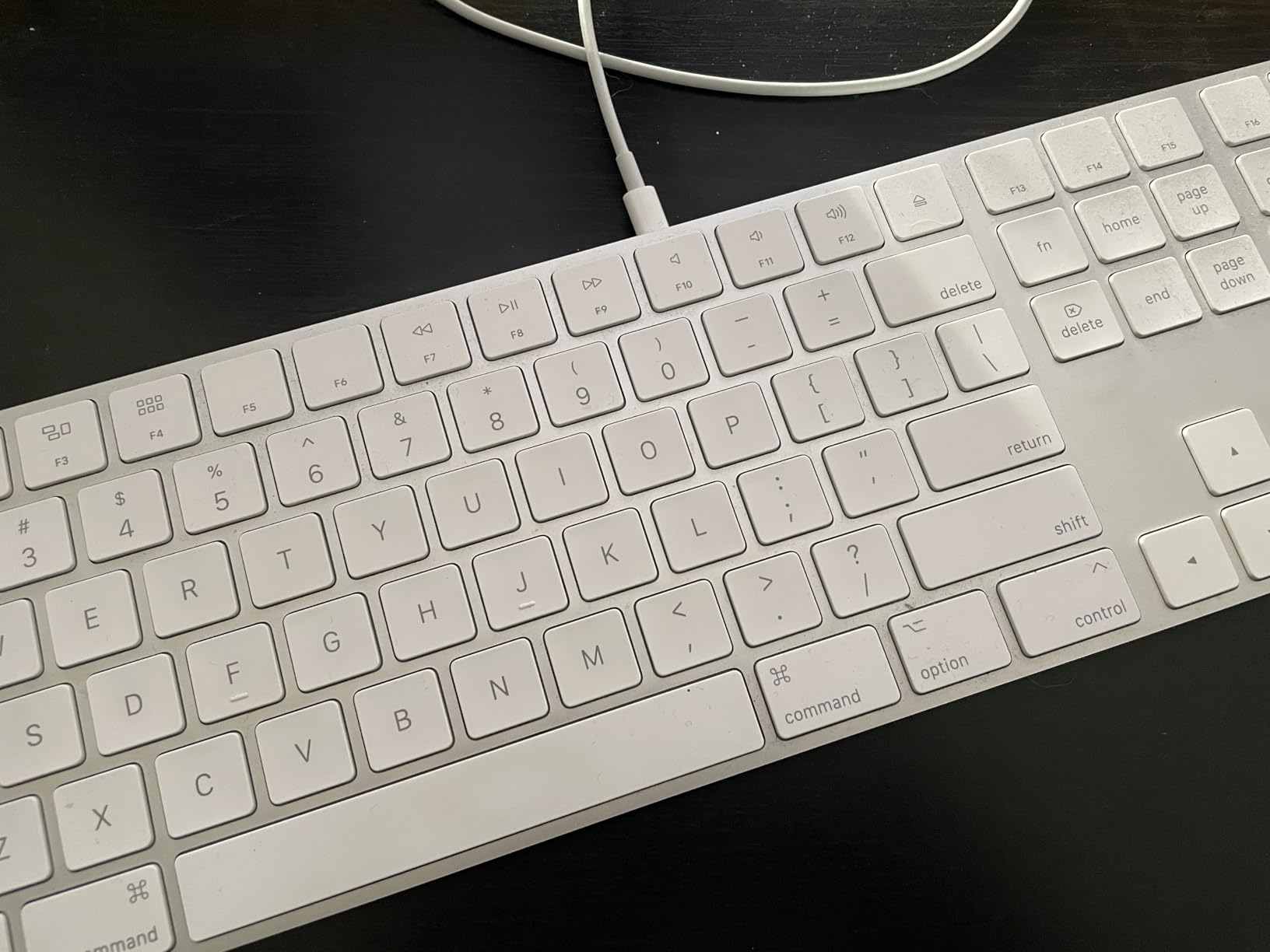
The full-size arrow keys and document navigation controls matter more than they sound. On a laptop keyboard you learn to work around the compressed half-height arrows; here they are standard size and in the standard place.
Skip it if you type with a wrist resting on the desk. The 0.1-inch profile leaves no support, and long sessions on it can bother people who are fine on the compact version. A wrist rest solves it for a fraction of what the keyboard costs.
Compared with the Magic Keyboard Folio, there is no confusion: this one pairs with anything over Bluetooth, including a MacBook Air, while the Folio only attaches to a specific iPad and draws its power from it.
10. Magic Keyboard Folio: Best for iPad Owners
Magic Keyboard Folio
Type: Keyboard case
Standout: Detachable design with trackpad
Weight: 1.96 lb
Pros
- Detachable keyboard leaves the back panel on the iPad
- No Bluetooth pairing and no separate charging
- Large click-anywhere trackpad with Multi-Touch
- Turns the iPad on and off with the cover
- Adjustable viewing stand on the back panel
Cons
- Back panel magnets can be weak when opening from closed
- Pencil holder relies on magnets and the Pencil can slip
- Adds roughly a pound to the iPad
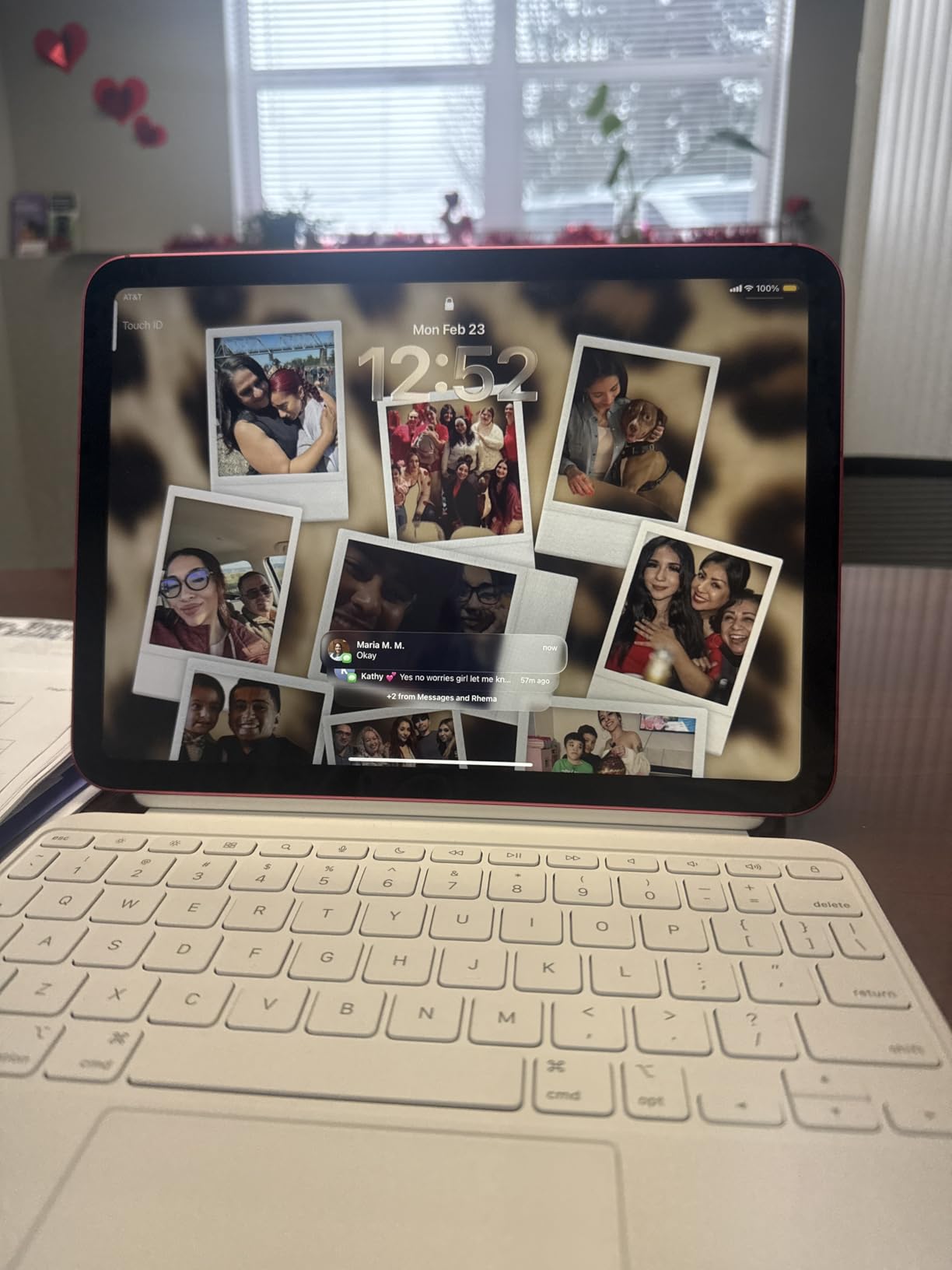
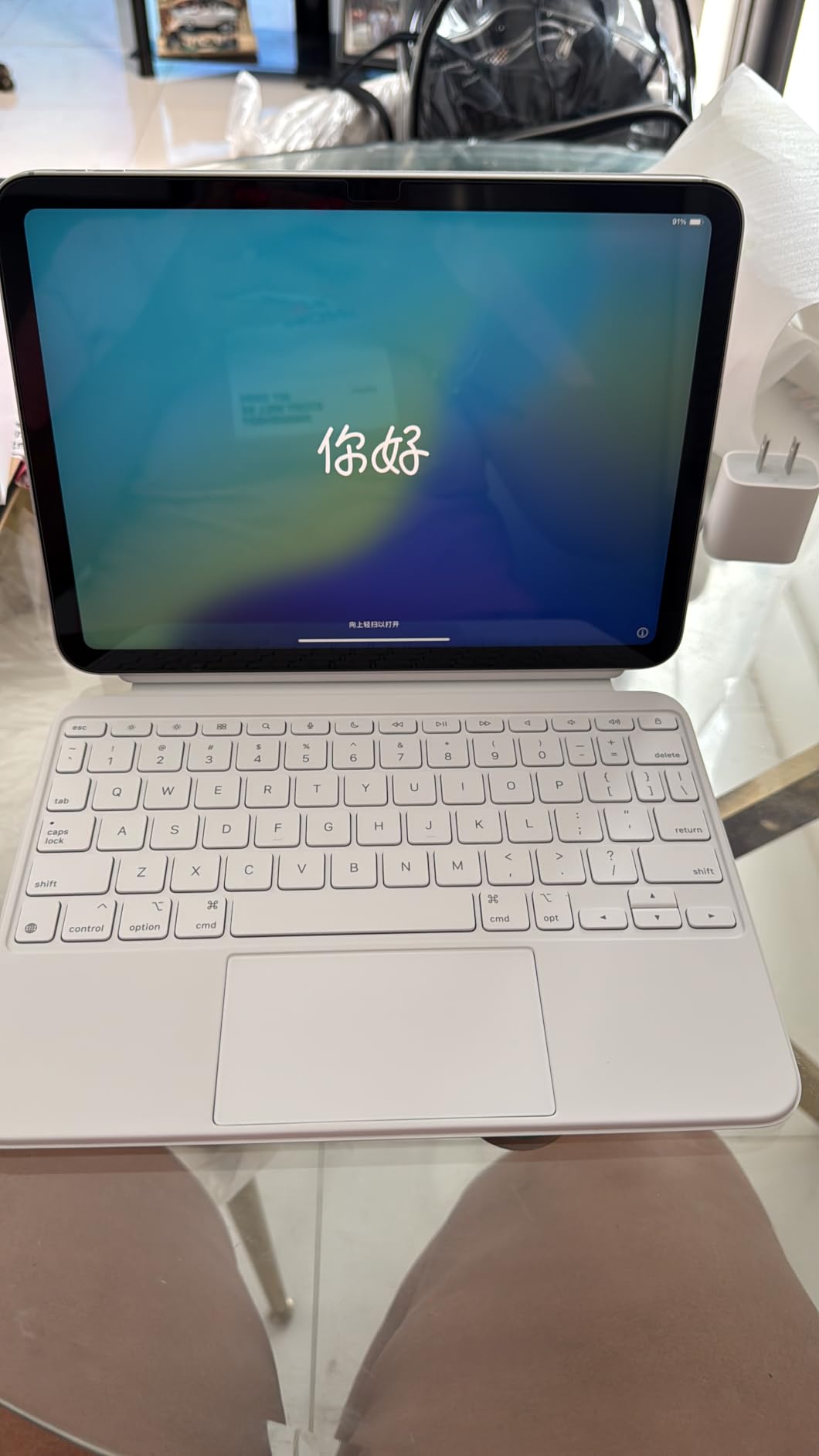
The detachable design is the feature owners quote most often. The keyboard lifts off and the back panel stays on, so you can read in bed without a footrest under the keyboard, then put it back together for a proper desk session with the adjustable stand.
There is nothing to pair and nothing to charge. The keyboard draws power from the iPad through the smart connector, and opening and closing the cover wakes and sleeps the tablet, which is a small thing you notice every single day.
Before you buy: this fits the iPad A16 and the 10th generation. It is not the accessory for the iPad Air M4 or the iPad Pro M5, which use different accessories. Check the model number on your tablet’s back before the sale window rather than after.
- Built-in click-anywhere trackpad with Multi-Touch gestures
- 14-key function row above the number keys
- Front and back coverage with slight edge overlap for drops
- Slimmest of the two iPad keyboard options at 0.89 inches
Good to know: the magnets holding the back panel on, and the Pencil holder especially, are the most common complaint. Owners report the cover popping open when working from a closed position, and the Pencil slipping while the iPad is in a bag. If you carry it with a Pencil, keep a separate sleeve.
At 1.96 pounds the Folio nearly doubles the weight of a 1.05-pound iPad, so the reading-in-bed advantage disappears fast on a long session. The Magic Keyboard Numeric is the better fit if the iPad is going to sit on a desk.
11. iPhone 16 Pro Max: Best for a Flagship on a Budget
iPhone 16 Pro Max
Type: Renewed phone
Standout: A18 Pro with a 6.9-inch display
Weight: 7.99 oz
Pros
- 6.9-inch ProMotion 120Hz OLED at 2868x1320
- A18 Pro chip at 3.8GHz with 8GB RAM
- 48MP rear triple-lens camera with strong low-light results
- Black Titanium frame resists scratches
- Unlocked for all carriers with eSIM
Cons
- Renewed condition varies between devices
- 90-day guarantee instead of full Apple coverage
- No charger or original box usually included
This is the entry in the list where the condition of the device is the whole question. The 4.2 rating is the lowest of any pick here, and it is almost entirely explained by renewed variability: most owners describe near-new hardware with healthy battery, while a minority report swelling batteries, shutdowns or a failed Face ID.
What you get for that risk is real flagship hardware. The A18 Pro chip runs at 3.8GHz with 8GB of RAM, the 6.9-inch display is 120Hz at 2868×1320, and the 48MP triple camera is consistently praised for low-light and night shots.
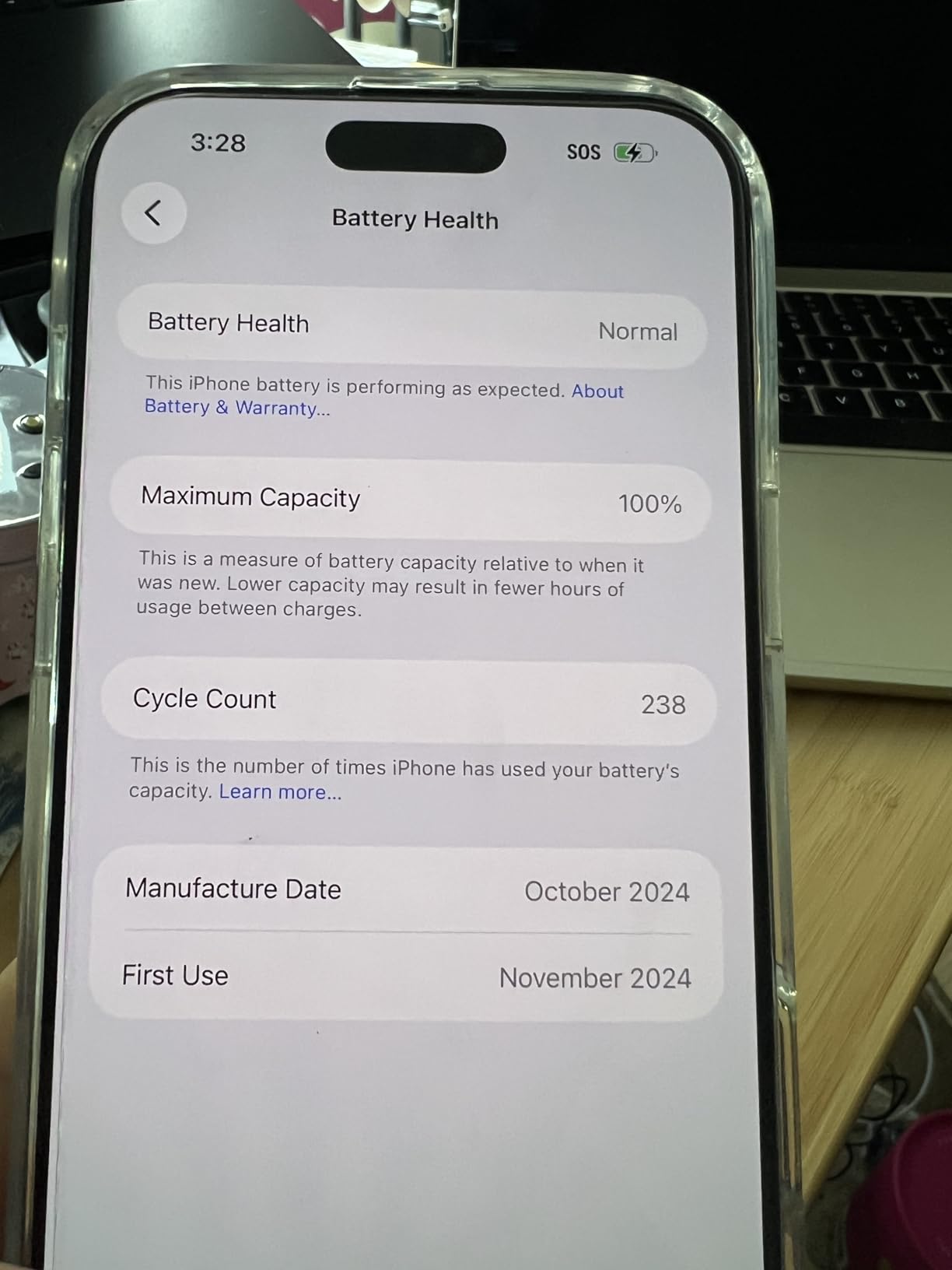
Two things make the ownership easier. It is unlocked for all carriers with eSIM, so switching carriers is not a project. And the transfer from a previous iPhone is described as smooth and mostly hands-off, which matters more than people expect when the phone is this size.
Check Settings, Battery, then Battery Health and Condition the moment it arrives. That single check catches most of the problem reports, and the 90-day Amazon Renewed guarantee gives you a window to act on it. Confirm the Face ID camera and the charging port work before you set up the rest.
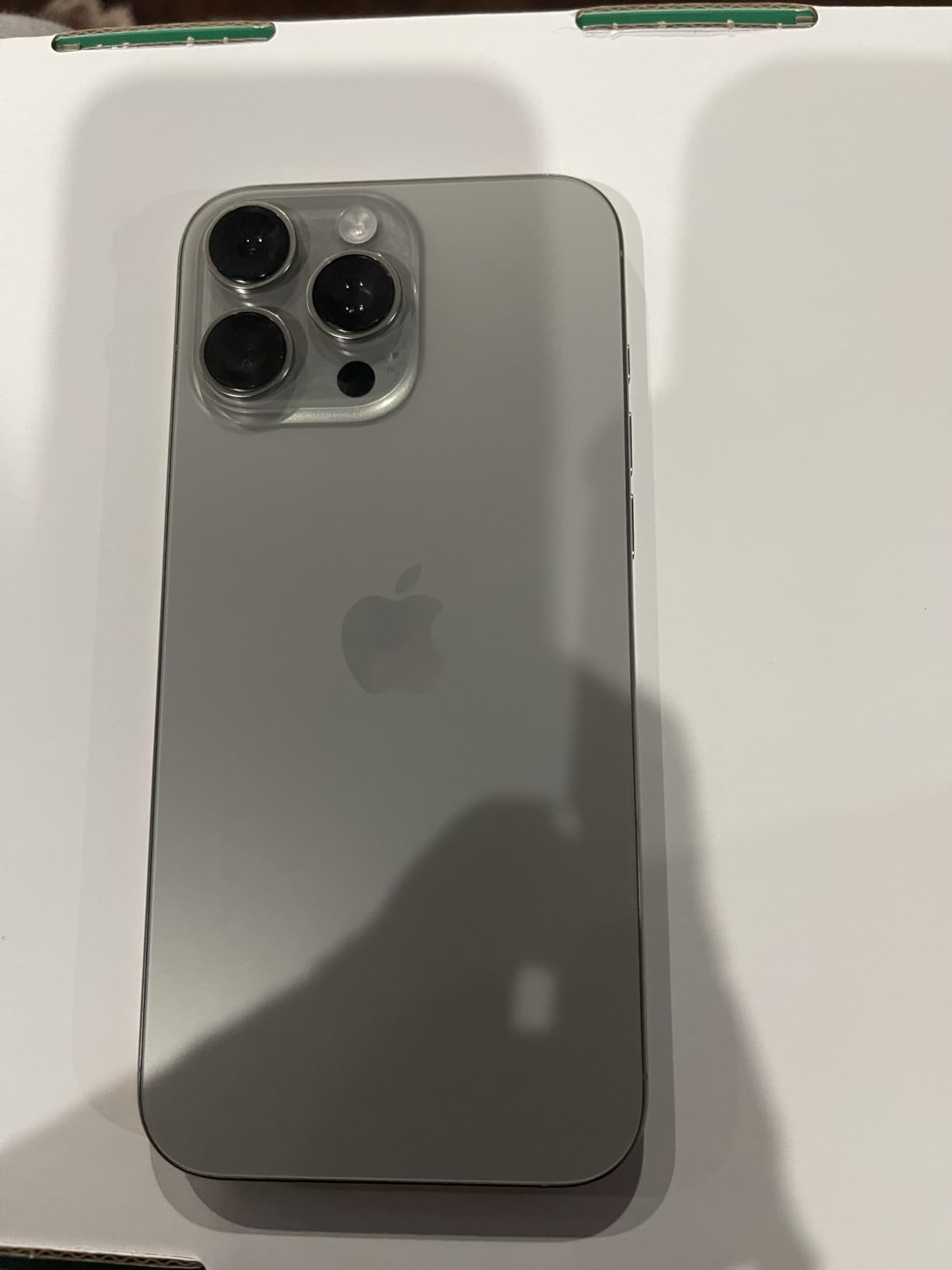
The trade is older silicon and a shorter software runway in exchange for not paying launch money. Owners put that runway at roughly six more years of updates, which is most of the time a phone keeps.
Expect no charger and no original box, so budget for a cable. Accessories that come in the box are thin, and at 7.99 ounces this is noticeably heavier in a pocket than a current compact model.
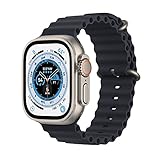
12. Apple Watch Ultra: Best for Outdoors
Apple Watch Ultra
Type: Smartwatch
Standout: 49mm titanium and 3000-nit display
Weight: 2.17 oz
Pros
- 49mm corrosion-resistant titanium case
- 100m water resistance for diving and swimming
- Up to 36 hours of battery with a 60-minute full charge
- Always-On display at up to 3000 nits
- Dual-frequency GPS plus cellular away from an iPhone
Cons
- 49mm case is bulky on smaller wrists
- Renewed wear and battery health vary by device
- 90-day limited warranty
Everything about this watch is sized for people who break things. The titanium case, 100m water resistance, dual-frequency GPS and a display that stays readable in direct sunlight at up to 3000 nits. Thirty-six hours of battery means a long race or a full day of hiking without a charger.
The cellular radio is the feature people underuse. You can leave your iPhone behind on a trail and still get messages, maps and emergency alerts, which changes what a day outdoors looks like.
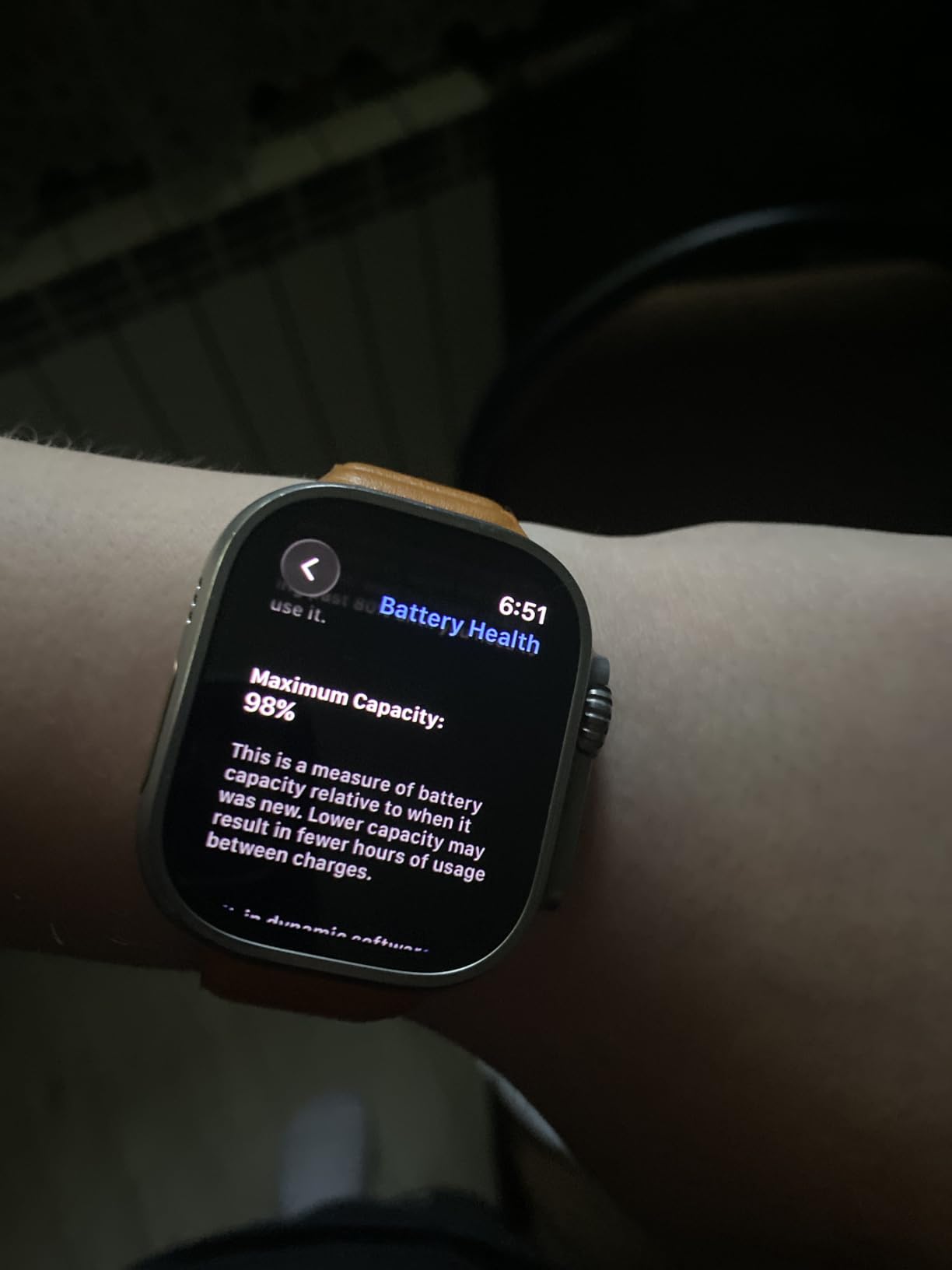
Try the size before you commit. At 49 millimeters this is a large watch, and the most common physical complaint in reviews is that it does not sit well on a smaller wrist, even with a properly fitted band.
Like the renewed iPhone above, the 4.2 rating reflects condition spread rather than a defect in the design. Wear marks, battery wear and strap condition differ between devices, and the coverage is a 90-day limited warranty rather than the full year of Apple coverage.
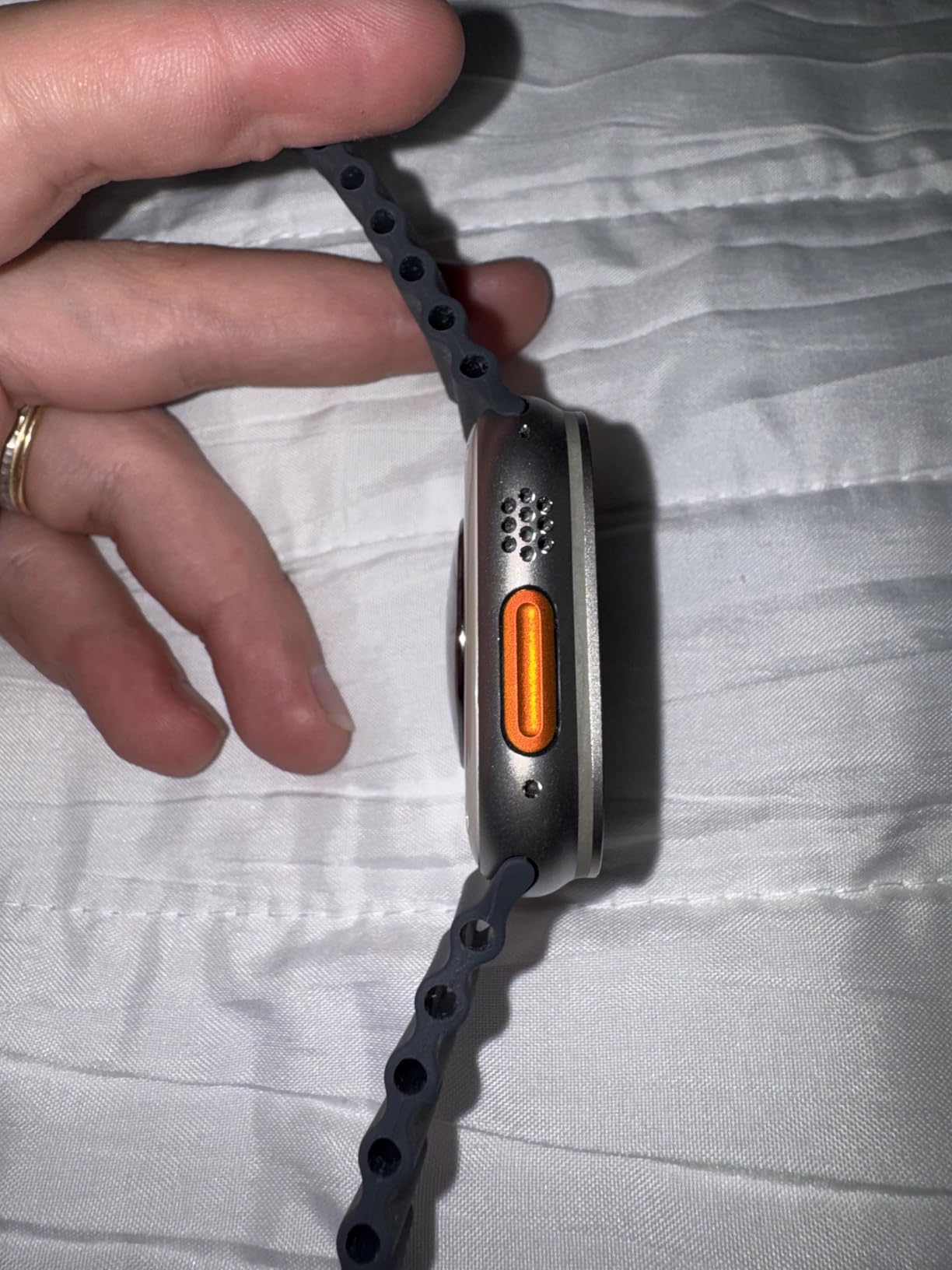
Compared with the Series 11, the Ultra is not a faster watch. It is a tougher one, with better battery, better water rating, a brighter screen and independence from your phone. If none of those four matter to you, the Series 11 is the better-looking and easier daily choice.
Budget for the specialized bands: the ones for diving, climbing and trail work are sold separately. The 32GB of storage matters if you plan to keep music on the watch.
How to Choose Apple Gear During Prime Big Deal Days
Compatibility With Your Apple Devices
Check the model number on the back of what you already own before anything else. The Magic Keyboard Folio fits the iPad A16 and the 10th generation only, the AirPods Pro 3 need iOS 14 or later, and the upgraded AirTag Precision Finding needs an iPhone 15 or a Watch Series 9 or later. Accessories that do not fit are the most common wasted purchase in a sale like this.
Choosing the Right Apple Product Type
Name the problem before the product. Commuting and flights point to the AirPods Pro 3, overnight vitals point to the Apple Watch Series 11, and a first watch with no ECG needs points to the SE 3. A replacement laptop is the MacBook Air M5, and a family tablet is the iPad A16. The iPad Air M4 and iPad Pro M5 are for people whose tablet work already outgrew the basics.
Value Beyond the Discount
A smaller percentage off a higher number can be worth less than it looks, so judge an offer on what you get: the chip and memory, the storage tier, the included band or charger, and the warranty that comes with it. The 512GB SSD on the MacBook Air, for instance, is the first thing to regret on a machine that stores large media libraries.
New, Renewed or Refurbished
Two picks here are renewed. Renewed means a returned device that has been checked and graded, and the grading is per device rather than per listing, so condition varies. The trade is warranty length: both renewed entries carry a 90-day guarantee rather than Apple’s full one-year coverage. Both are fine value when you check battery health on arrival, and both are a poor choice if you cannot inspect them quickly.
How to Shop Apple Deals During the Sale
Look at the model number in the listing title, not the headline. It tells you the chip, the storage, the screen size and the year, and it is the only reliable way to know you are getting the configuration you read about. Check whether the price covers a bundle or just the bare device, whether the seller is Amazon or a marketplace partner, and whether the condition line says new or renewed before you assume anything. Most offers on this event need a Prime membership, and prices and configurations can change more than once during the two days, so revisit the listing rather than trusting a price you saw yesterday.
- Confirm the exact model number before you add anything to a cart
- Decide new or renewed before the sale starts, not during the rush
- Check whether the listing is sold by Amazon or a third-party partner
- Read which accessories and cables are actually included
- Revisit the listing daily, since offers shift through the event
Frequently Asked Questions
What are the best Amazon Prime Big Deal Days Apple Deals?
The strongest Apple picks during the event are the AirPods Pro 3 for travel and commuting, the Apple Watch Series 11 for health tracking and the iPad 11-inch for families. The renewed iPhone 16 Pro Max and renewed Apple Watch Ultra give the most hardware for the money if you accept a 90-day guarantee. Check each listing during the sale, because configurations and offers change through the event.
When does Amazon Prime Big Deal Days run in 2026?
Amazon Prime Big Deal Days runs October 6-7, 2026, a 48-hour event that is the fall counterpart to July Prime Day. Early offers often appear before the window opens, and some prices drop again on the second day. That makes the first morning worth a check and the second morning worth a second check.
Do I need a Prime membership to buy during Prime Big Deal Days?
Most offers on the event are limited to Prime members, and a free trial counts. If you are not sure you will use Prime beyond this event, the 30-day trial covers the two days of the sale. Signing up before the window opens avoids losing time on checkout when a configuration you want changes.
Can Apple prices and offers change during Prime Big Deal Days?
Yes. Prices, bundles and eligible configurations can change several times across the two days, and popular variants can disappear partway through. Treat anything you see before the event as a signal rather than a quote. Revisiting the listing on both mornings is a reasonable habit, and each product button shows the current price at the moment you open it.
How can I tell which generation or model an Apple deal includes?
Read the item model number in the listing title, which encodes the chip, storage, screen size and year. The iPad line has three very different tablets here, and two of them share a screen size, so the model number is the only reliable check. For a watch, the case size and the GPS or cellular wording matter. For accessories, confirm the exact tablet model before buying a keyboard case.
Should I buy a renewed or refurbished Apple product during the sale?
Renewed products are a sensible buy when the discount is meaningful and you can check the device on arrival. Both renewed picks here carry a 90-day guarantee rather than full Apple coverage, so inspect battery health, the charging port and Face ID or the display as soon as it arrives. If you cannot inspect it quickly, buy new instead.
Final Verdict: Best Amazon Prime Big Deal Days Apple Deals
Buy the AirPods Pro 3 if noise on a commute is the problem, and the Apple Watch Series 11 if tracking your own health is. For a first watch with no ECG plans, the SE 3 covers the same essentials. Students and office workers should look at the MacBook Air M5, and families replacing an old tablet should start with the iPad 11-inch A16.
The iPad Air M4 is the pick when one iPad has to do schoolwork, a video call and a spreadsheet at once, and the iPad Pro M5 is for editing rather than browsing. Add an AirTag 4-Pack for keys and bags, a Magic Keyboard Numeric for a Mac desk, or a Magic Keyboard Folio if the tablet lives on the sofa more than the desk.
Best for a flagship on a budget, the renewed iPhone 16 Pro Max. The renewed Apple Watch Ultra is for open water and long days away from a charger. Pick one, check the model number in the listing, and revisit the offer on both mornings of the sale.