
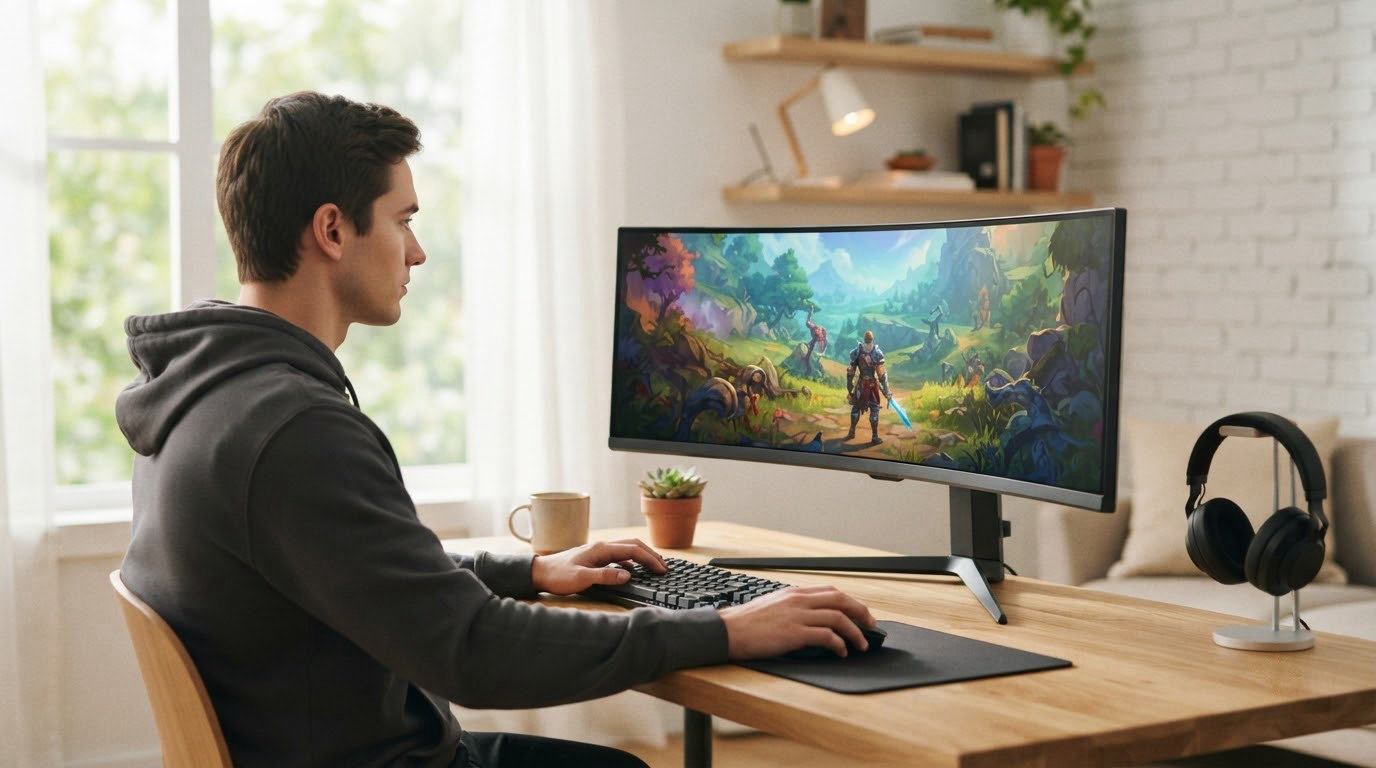
If you are choosing a gaming monitor while Amazon runs its October event, the Samsung Odyssey G5 (G51F) is the one to watch first. It pairs 27-inch 1440p detail with a 180Hz refresh rate, a VA panel rated at 3000:1 contrast and a stand that tilts, pivots and moves through height. The LG UltraGear 27GS60QC is the cheaper route into the same resolution, and the AOC Q27G41ZE takes refresh to 240Hz for competitive shooters. Prime Big Deal Days runs October 6-7, 2026, and most offers need a Prime membership.
Table of Contents
Our Top 3 Picks for Best Amazon Prime Big Deal Days Gaming Monitor Deals

Samsung Odyssey G5
- 27-inch 1440p VA panel
- 180Hz with 1ms response
- 3000:1 contrast
- Height tilt and pivot stand

LG UltraGear 27GS60QC
- 27-inch 1440p 1000R curve
- 180Hz with 1ms GtG
- Two HDMI ports and DisplayPort
- Built-in FPS counter

AOC Q27G41ZE
- 27-inch fast IPS at 1440p
- 240Hz over DisplayPort
- 0.3ms MPRT response
- Works with AMD and NVIDIA GPUs
Best Amazon Prime Big Deal Days Gaming Monitor Deals Compared (October 2026)
| Product | Specifications | Action |
|---|---|---|
| Samsung Odyssey G5 (G51F) |
|
Check Deal Price |
| LG UltraGear 27GS60QC |
|
Check Deal Price |
| AOC Q27G41ZE |
|
Check Deal Price |
 Samsung Odyssey G55C Samsung Odyssey G55C |
|
Check Deal Price |
 LG UltraGear 27GS93QE LG UltraGear 27GS93QE |
|
Check Deal Price |
 Alienware AW3425DW Alienware AW3425DW |
|
Check Deal Price |
 AOC Agon Pro AG276QZD2 AOC Agon Pro AG276QZD2 |
|
Check Deal Price |
 Acer Nitro XV272U Acer Nitro XV272U |
|
Check Deal Price |
How We Chose
Every pick was compared on the specs that decide a gaming monitor: panel type, native resolution, refresh rate, response time, adaptive sync support, port layout, stand adjustment and listed warranty length. Amazon ratings and owner reviews shaped the trade-offs in each section, and the data was checked in October 2026. Figures change through the event, so each button shows the current one.
1. Samsung Odyssey G5 (G51F): Editor’s Choice for 1440p Play
Samsung Odyssey G5 (G51F)
Panel: VA LCD 27-inch QHD
Refresh: 180Hz
Response: 1ms
Sync: FreeSync
Pros
- Sharp 1440p picture that suits gaming and photo work
- 180Hz with 1ms response
- Tool-free metal stand setup
- Tilt pivot and height adjustment
- FreeSync plus HDR10 support
Cons
- VA black smearing in dark scenes
- On-screen menu is poorly documented
- Bright standby light at night
The 1440p all-rounder. 27 inches, 180Hz, 1ms, and a VA panel with 3000:1 native contrast, which is the highest native contrast on any LCD in this list. The stand is the other quiet advantage: tilt, pivot and height adjustment come as standard rather than as an optional ergo column.
The 2560 x 1440 panel delivers 1.7 times the pixel density of Full HD, which is where 27 inches stops being the compromise size. Brightness is rated at 300 cd per square meter, HDR10 is supported, and AMD FreeSync keeps tearing out of fast shooters. At 180Hz you keep headroom for the competitive titles that make a high-refresh panel worth buying at all.
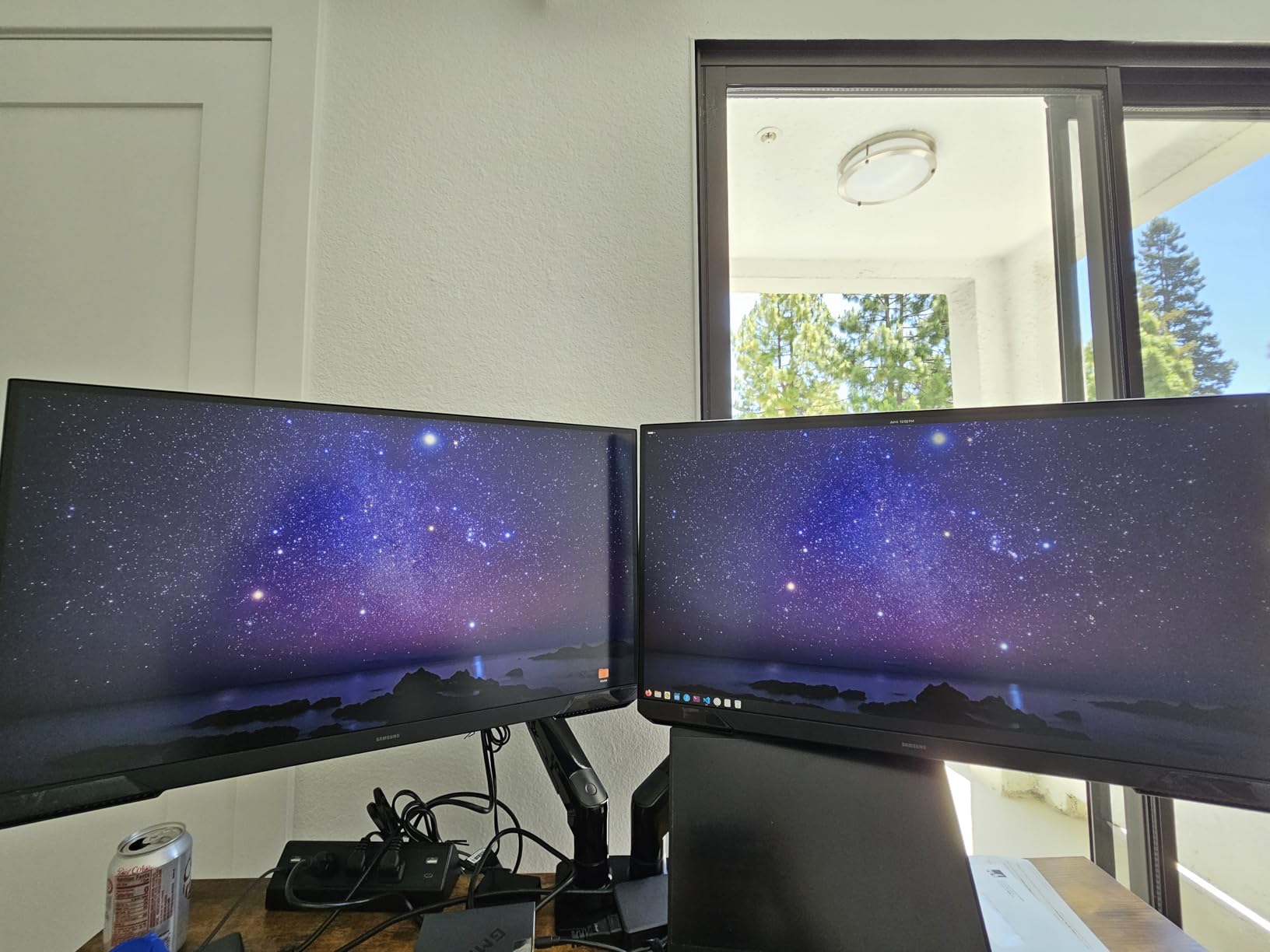
Owners rate the picture sharp and colorful for both gaming and photo editing, and they describe setup as a five-minute job with a metal stand that clicks into place without tools. The most repeated caveats are a VA panel that shows some black smearing in dark scenes, an on-screen menu that is poorly documented, and a standby power light bright enough to notice at night. None of them touch the 1440p clarity that makes this the pick for most people.
Compared with the LG UltraGear 27GS60QC, which shares the 27-inch 1440p and 180Hz pairing, the Samsung has the better contrast and a far more capable stand, while the LG adds a 1000R curve and a built-in FPS counter. If your desk is shallow, the flat Samsung is the easier fit. If you mostly play HDR single-player games, the LG UltraGear 27GS93QE is the step up at a different price band.
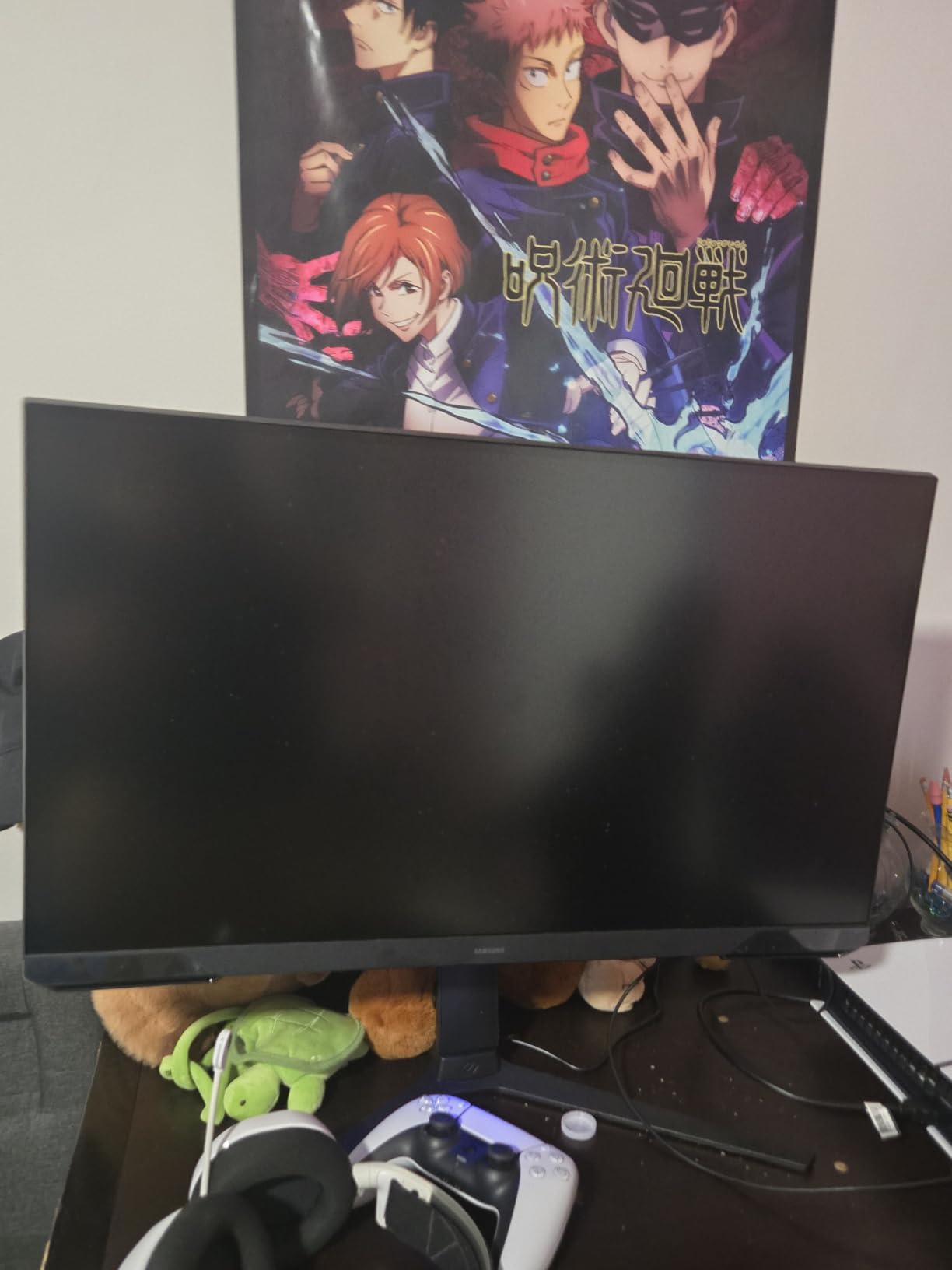
One check worth making on the listing during the sale: confirm the model number shown as S27FG512EB, because the G5 series appears under more than one code and the codes differ in stand and refresh rate.
2. LG UltraGear 27GS60QC: Best Value for Curved 1440p
LG UltraGear 27GS60QC
Panel: 1000R curved LCD 27-inch QHD
Refresh: 180Hz
Response: 1ms
Sync: FreeSync
Pros
- Strong 1440p color with no dead pixels out of the box
- Two HDMI ports for console and PC
- 1000R curve fills peripheral vision
- Built-in FPS counter and Black Stabilizer
Cons
- Curve is very noticeable at 27 inches
- Auto brightness cannot be disabled
- HDMI can fail to negotiate resolution
A dorm desk, a first gaming PC, one HDMI port for a console and one for the tower. That is the setup this monitor is built for, and it is the least expensive way onto a 2560 x 1440 panel running at 180Hz in this roundup.
The curve is the headline feature: 1000R pulls the edges of the panel toward you, which fills peripheral vision in driving and flight games. Brightness is 300 cd per square meter with 1000:1 contrast, colour covers 99% of sRGB, and HDR10 is supported. Black Stabilizer lifts shadow detail, an FPS counter reports live frame rates, and the gaming menu offers Gamer, FPS and RTS modes. Two HDMI ports plus DisplayPort and a headphone output cover every source you are likely to own.
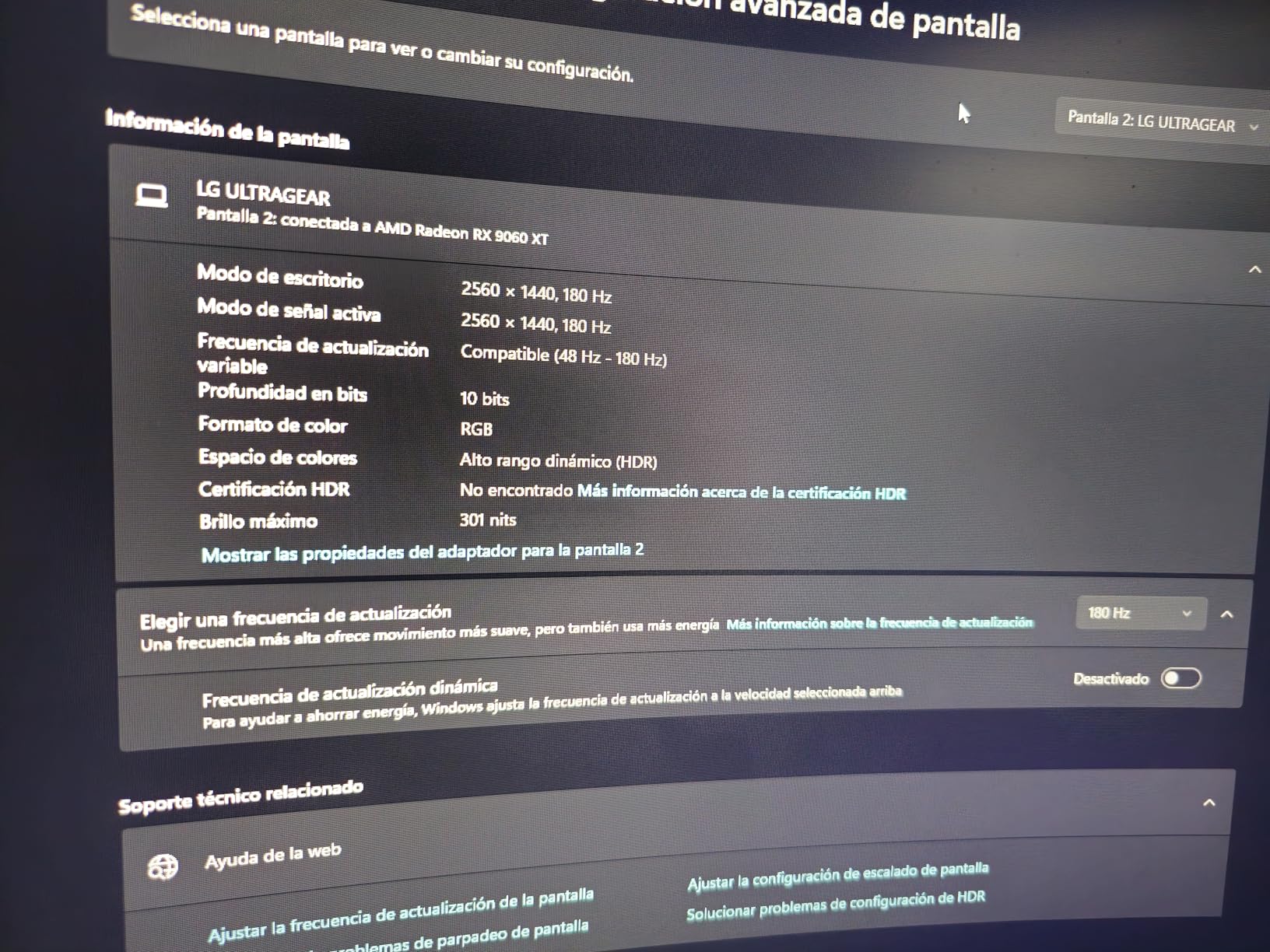
Owner reviews are split neatly in two. Buyers praise the colour, the absence of dead pixels out of the box, and the fact that it holds 144Hz reliably even through a KVM switch over HDMI. Others flag four specific things: the 1000R curve reads as extreme on a 27-inch panel, the automatic brightness adjustment cannot be switched off, HDMI sometimes fails to negotiate the right resolution and shows a black screen until you move to DisplayPort, and the rear-facing ports stop it sitting flush against a wall.
Against the Samsung Odyssey G5 (G51F), the choice comes down to stand and contrast versus curve. Against the AOC Q27G41ZE, it comes down to refresh rate: this panel runs at 180Hz where that one reaches 240Hz over DisplayPort. If your card can push high frame rates in competitive shooters, the AOC is the better buy; if you play a mix of everything and want the deepest curve, stay here.
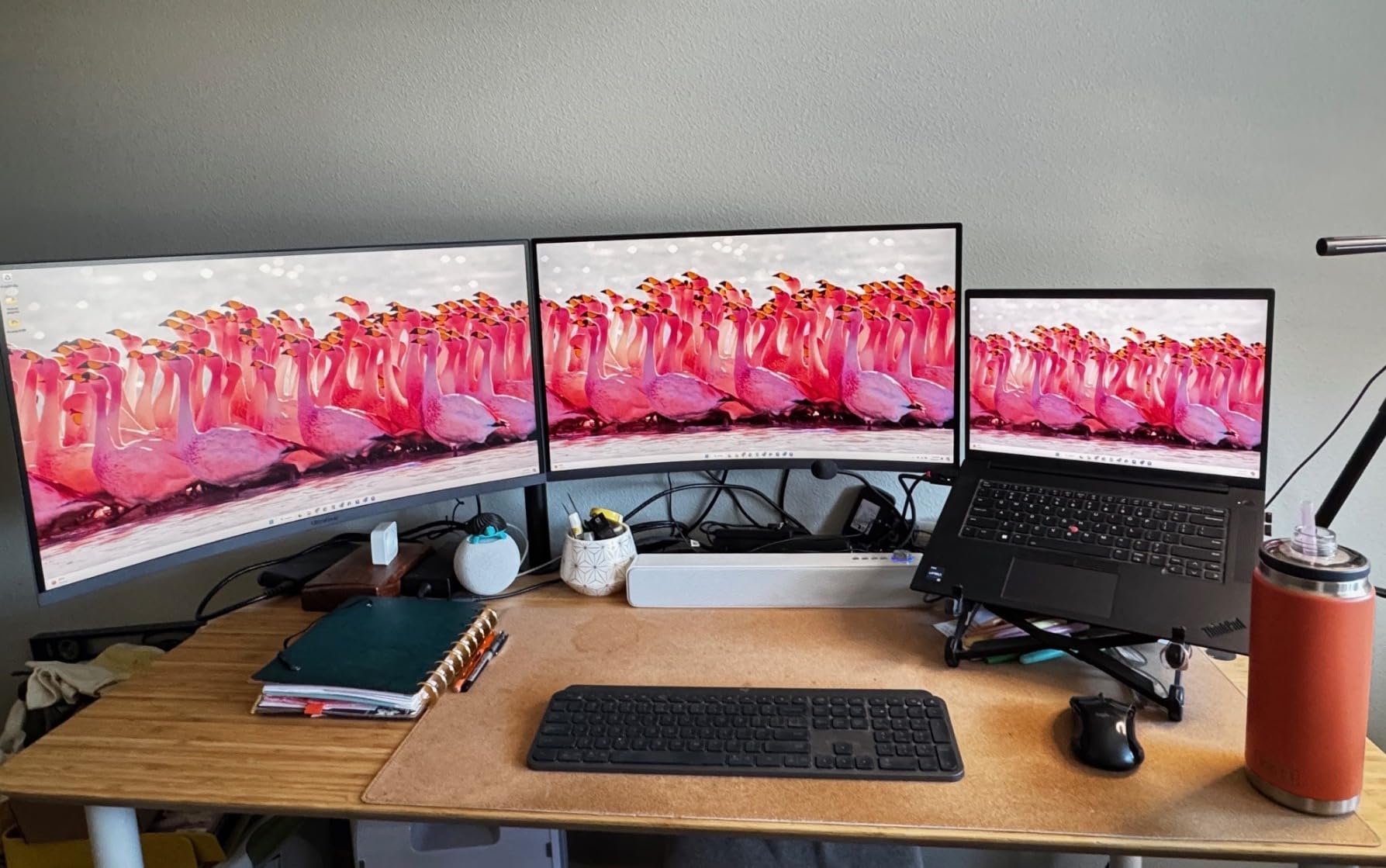
Power draw is 19 watts, the lowest of any panel here, and the rear-facing ports mean the display cannot sit flush against a wall if your desk is pushed against one.
3. AOC Q27G41ZE: Budget Pick for Competitive Shooters
AOC Q27G41ZE
Panel: fast IPS 27-inch QHD
Refresh: 240Hz
Response: 0.3ms
Sync: FreeSync and G-SYNC
Pros
- 240Hz over DisplayPort with 0.3ms MPRT
- Adaptive sync across AMD and NVIDIA GPUs
- Three-sided frameless design
- Shadow Control and Game Mode presets
Cons
- Tilt is the only adjustment offered
- 300 nit brightness is modest
- Glossy finish shows reflections
240Hz on a fast IPS panel, without an OLED price tag attached. The AOC pairs a 2560 x 1440 panel with a 240Hz refresh rate over DisplayPort and 0.3ms MPRT, and it accepts adaptive sync from both AMD and NVIDIA cards, which makes it the least fussy choice when you are not sure which side of the GPU divide you sit on.
Ports are straightforward: one DisplayPort 1.4, two HDMI 2.0 and an audio output. Brightness is 300 cd per square meter at 1000:1 contrast, and the finish is glossy rather than matte. Shadow Control and Game Mode presets sit a couple of menu clicks deep, and tilt runs from minus 3 to plus 21 degrees. That is the entire ergonomic story.
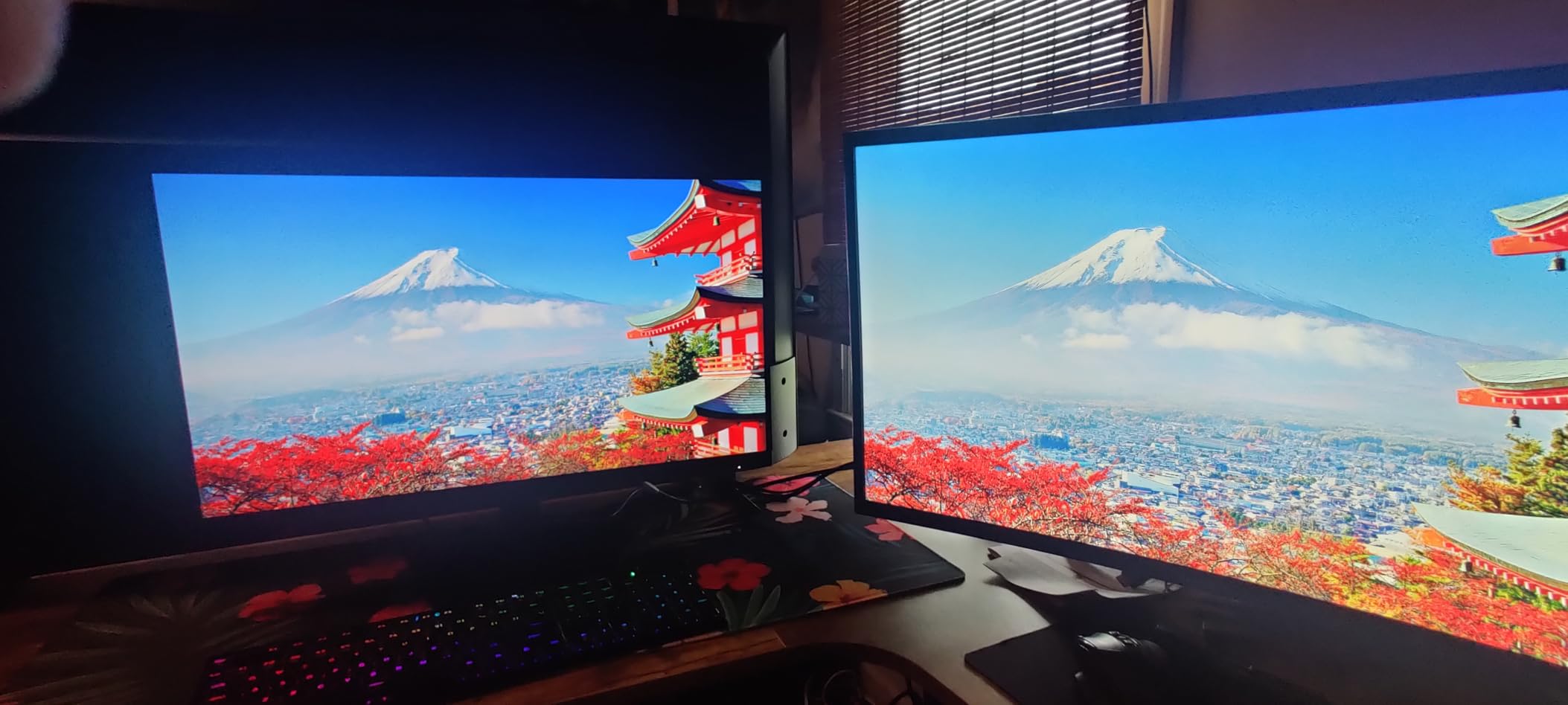
Reviewers consistently single out motion clarity and the frameless three-sided design, which looks clean on a battlestation desk. The two recurring gripes are ergonomic and optical: tilt is the only adjustment on offer, so the panel sits low unless you prop it, and 300-nit brightness with 1000:1 contrast is modest next to an OLED. In a brightly lit room the glossy finish also picks up reflections that a matte panel would hide.
Where it loses to rivals is clear. For contrast and HDR depth, the LG UltraGear 27GS93QE is in another class. For adjustability, the Acer Nitro XV272U gives you height, swivel and pivot at the same refresh rate. What the Q27G41ZE keeps is the 0.3ms response, the highest rated rating in this list below the Samsung, and dual-vendor adaptive sync that no other LCD here offers.
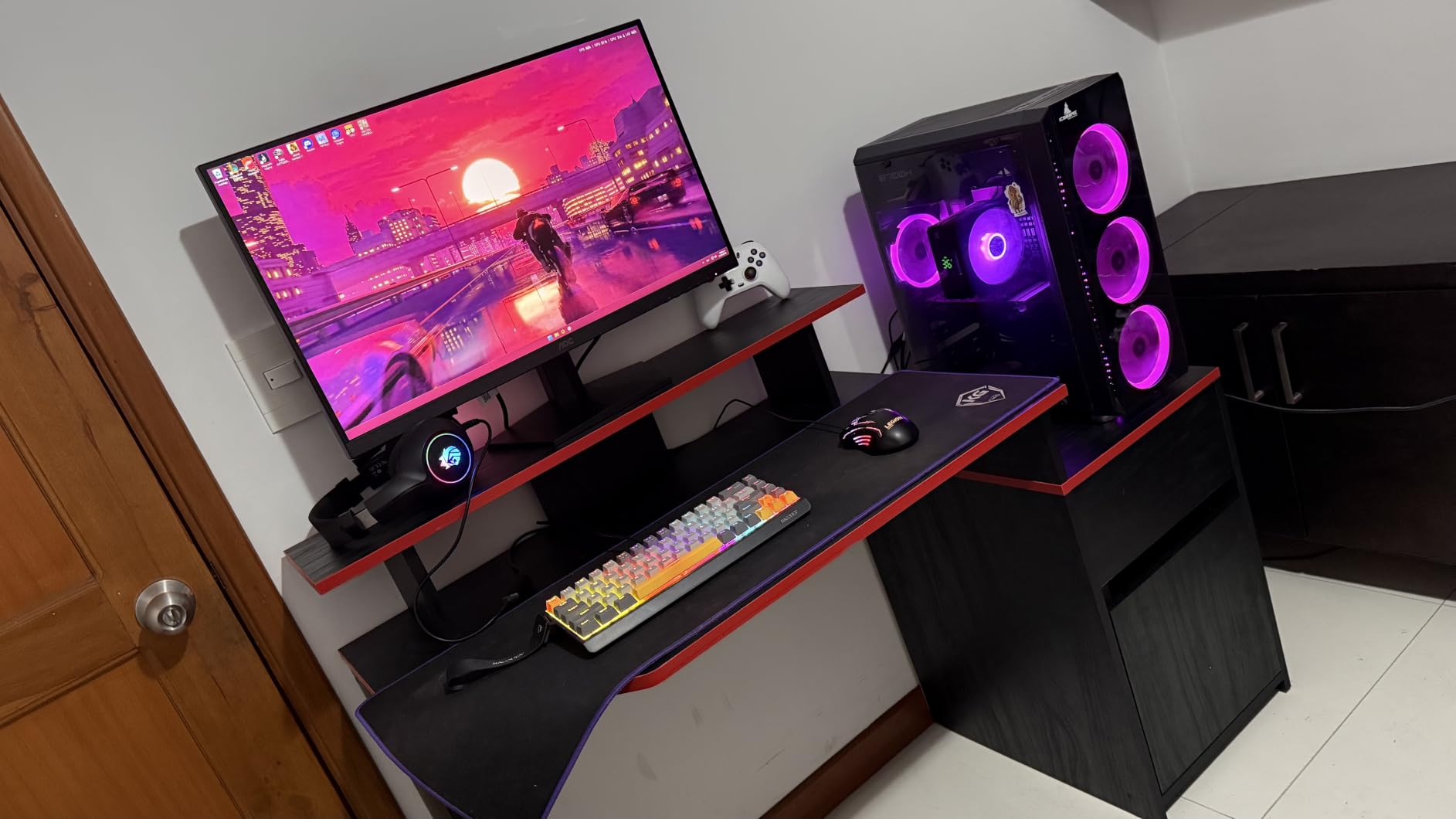
One port detail to sort before you buy: 240Hz requires DisplayPort, and over HDMI the panel falls back to whatever bandwidth the cable allows, so plan the layout first.
4. Samsung Odyssey G55C: Best for 32-Inch Desks and Multitasking
Samsung Odyssey G55C
Panel: 1000R curved LED 32-inch QHD
Refresh: 165Hz
Response: 1ms
Sync: FreeSync
Pros
- 32-inch QHD screen for gaming and multitasking
- 1000R curve and 2500:1 contrast
- HDR10 with 99% color gamut
- Eye Saver Mode trims blue light and flicker
Cons
- 165Hz is the lowest refresh rate here
- Only one HDMI port
- Glossy finish catches room reflections
Most of the screens in this roundup are 27 inches. This one is 32, and at 2560 x 1440 that extra 5 inches of diagonal is what lets you keep a chat window, a voice app and a video call open beside the game without everything turning into a task-switching exercise.
Specifications are solid for the size: 165Hz refresh, 1ms MPRT, 300 cd per square meter, 2500:1 contrast, a 99% colour gamut, HDR10 and AMD FreeSync, all wrapped in a 1000R curve. Eye Saver Mode trims blue light and flicker, which matters on a screen this large. It weighs 11.5 pounds and ships with a DisplayPort cable, a power cord and the stand.
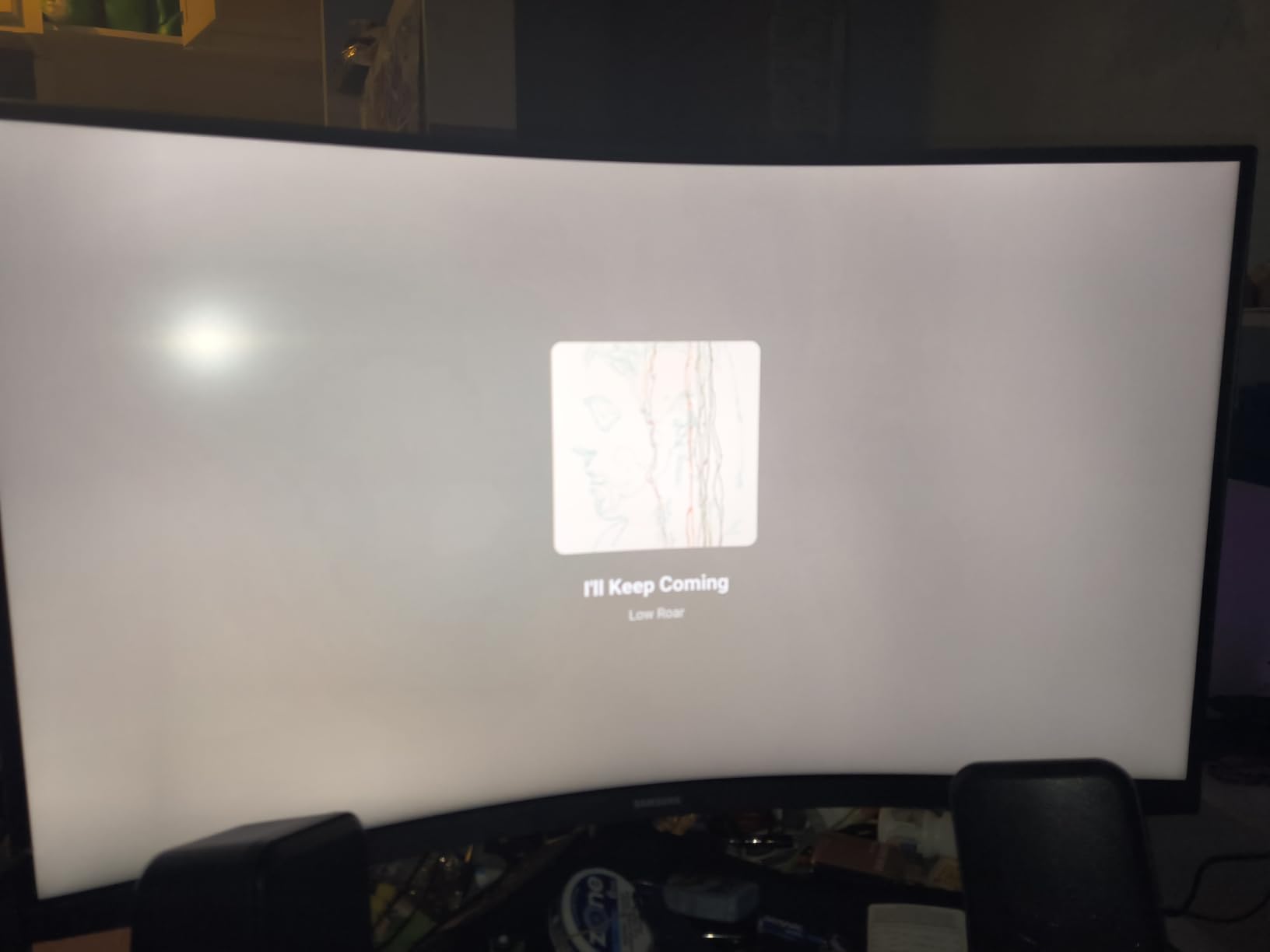
With more than two thousand reviews behind it, this is the most heavily reviewed monitor in the list, and the pattern in those reviews is consistent. Buyers like the immersion of the curve, the punchy HDR10 colour and the stable stand. The reservations centre on two specifics: 165Hz is the lowest refresh rate of any pick here, roughly 75Hz behind the faster 240Hz panels, and there is a single HDMI port alongside DisplayPort, which limits console hookups or a second input.
Compared with the Samsung Odyssey G5 (G51F), the G55C trades 15Hz of refresh and a height-adjustable stand for five more inches of screen. If your desk depth can take a 28-inch-wide panel, the bigger canvas wins for mixed work. If it cannot, or if you play competitively, the 27-inch Samsung is the smarter buy.
Good to know: the pixel pitch is 0.27mm, so native scaling gives slightly larger text than a 27-inch 1440p panel. Windows scaling at 100 or 125 percent is worth a try before you settle in.
5. LG UltraGear 27GS93QE: Best for a Matte OLED Panel
LG UltraGear 27GS93QE
Panel: OLED 27-inch QHD
Refresh: 240Hz
Response: 0.03ms
Sync: FreeSync Premium Pro
Pros
- DisplayHDR True Black 400 with 1.5M:1 contrast
- 240Hz with 0.03ms GtG response
- Matte anti-glare coating on an OLED
- FreeSync Premium Pro and G-Sync Compatible
Cons
- Burn-in risk for static desktop elements
- 14.8-pound chassis
- No built-in speakers
OLED motion at 1440p, 240Hz, and an anti-glare coating that most panels in this class do not bother with. The UltraGear 27GS93QE runs a 27-inch OLED at 2560 x 1440 with 0.03ms GtG response, DisplayHDR True Black 400 certification and a 1.5M:1 contrast ratio, drawing 36.7 watts and weighing 14.8 pounds.
That coating is the reason this one earns its place. A glossy OLED looks superb in a dim room and dreadful under a desk lamp; the low-reflection treatment here makes it usable in a bedroom with the main light on. Colour coverage is 98.5% of DCI-P3, adaptive sync covers FreeSync Premium Pro and validated G-Sync Compatible, and both HDMI 2.1 and DisplayPort 1.4 run the full 240Hz. The stand adjusts for height, tilt and pivot.
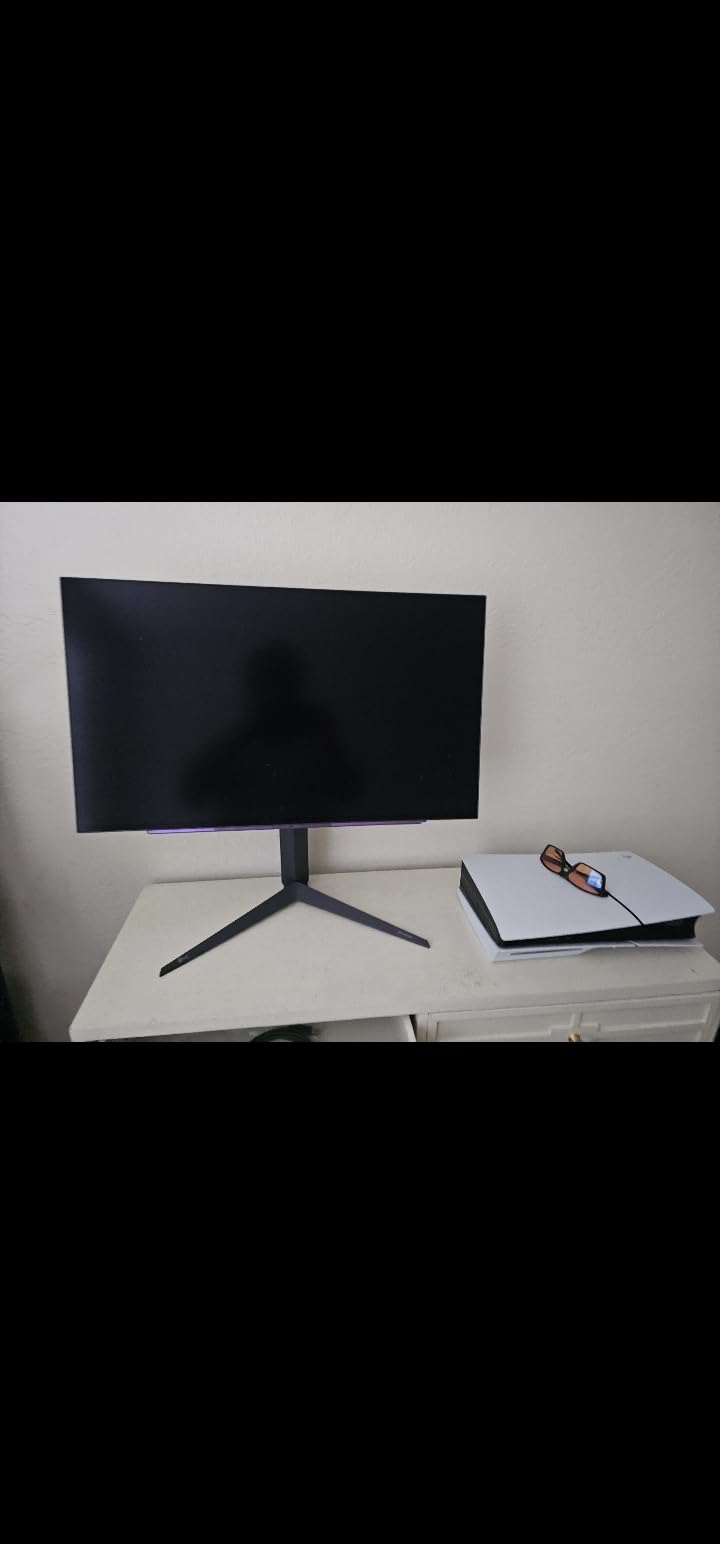
Owners point to the contrast, the near-instant response and the coating as the three reasons the panel feels different from an IPS. The trade-offs they discuss are the standard OLED set: a small long-term burn-in risk if you leave static interface elements on screen for years, a heavy chassis that takes real effort to reposition, and no integrated speakers at all.
Compare it with the AOC Agon Pro AG276QZD2, which is also a 27-inch QD-OLED and is rated brighter for HDR, but arrives with a glossy finish and a periodic pixel refresh routine. Compare it with the Alienware AW3425DW if you want ultrawide rather than matte. One thing to read carefully before you order is the written cover on the listing, because OLED panel terms differ from LCD warranties and some sellers treat a panel failure differently.
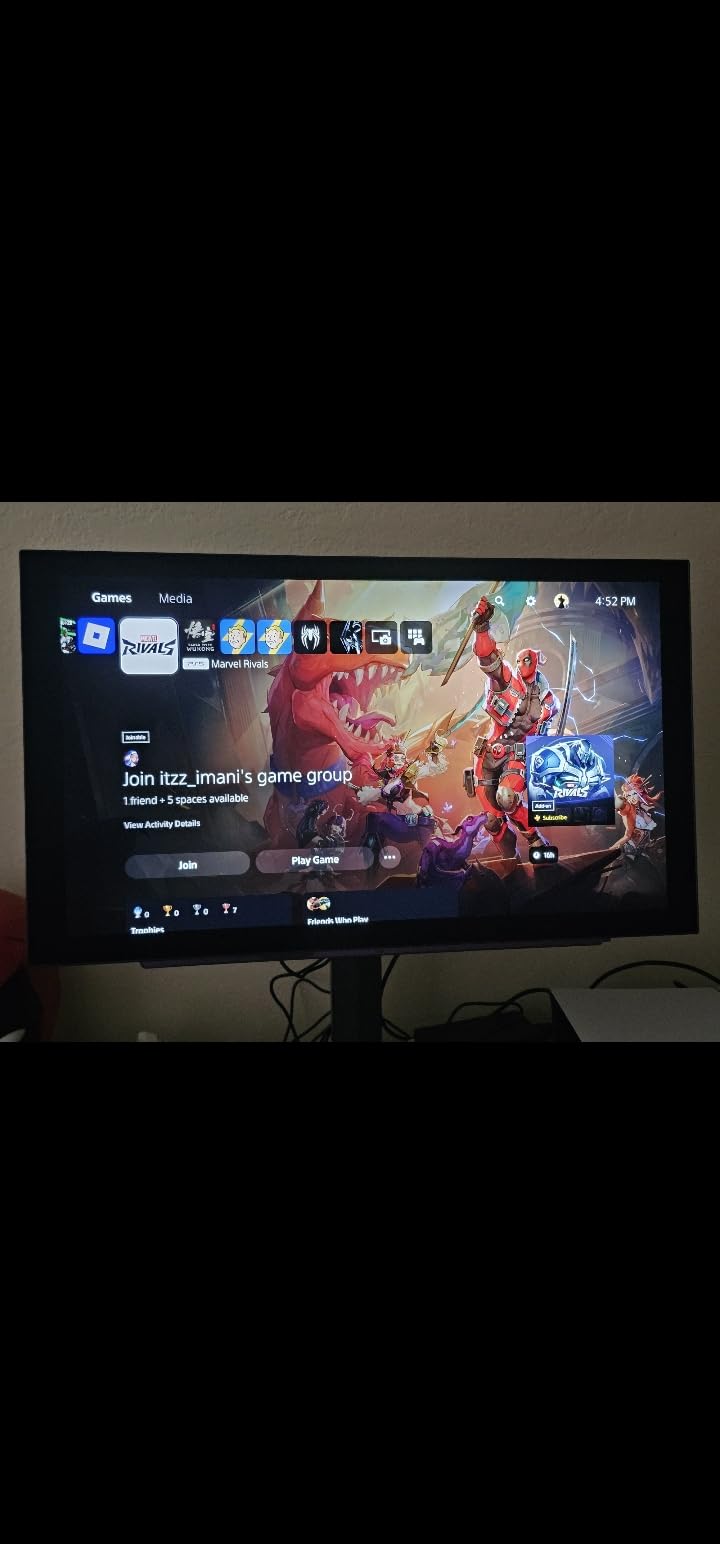
The box holds the monitor and a power adapter, so bring your own cable if you need a connection other than HDMI or DisplayPort.
6. Alienware AW3425DW: Best for Ultrawide Immersion
Alienware AW3425DW
Panel: QD-OLED 34-inch WQHD 21:9
Refresh: 240Hz
Response: 0.03ms
Sync: G-SYNC compatible
Pros
- 34.2-inch 21:9 QD-OLED with 1800R curve
- 99.3% DCI-P3 with Delta E under 2
- 1000-nit peak HDR brightness
- G-Sync Compatible and FreeSync Premium Pro
- DisplayPort and HDMI cables in the box
Cons
- 20 pounds and a wide desk footprint
- Needs a capable GPU for 3440 x 1440
- OLED burn-in risk for static elements
Everything else on this list is 16:9. This one is 34.2 inches of 21:9 QD-OLED at 3440 x 1440, curved to 1800R, running at 240Hz with 0.03ms response. In a racing or flight sim the extra width is the feature, because the HUD and mirrors sit further from the centre of your vision and stop blocking the road.
Colour is the strongest on paper in the roundup: 99.3% DCI-P3 coverage, Delta E under 2 accuracy and 1000-nit peak HDR brightness under DisplayHDR TrueBlack 400 certification, against a 1,500,000:1 contrast ratio. Adaptive sync covers NVIDIA G-SYNC Compatible, AMD FreeSync Premium Pro and VESA AdaptiveSync. The stand adjusts height, swivel and tilt, and the box includes both HDMI and DisplayPort cables, a microfibre cloth and a USB cable.
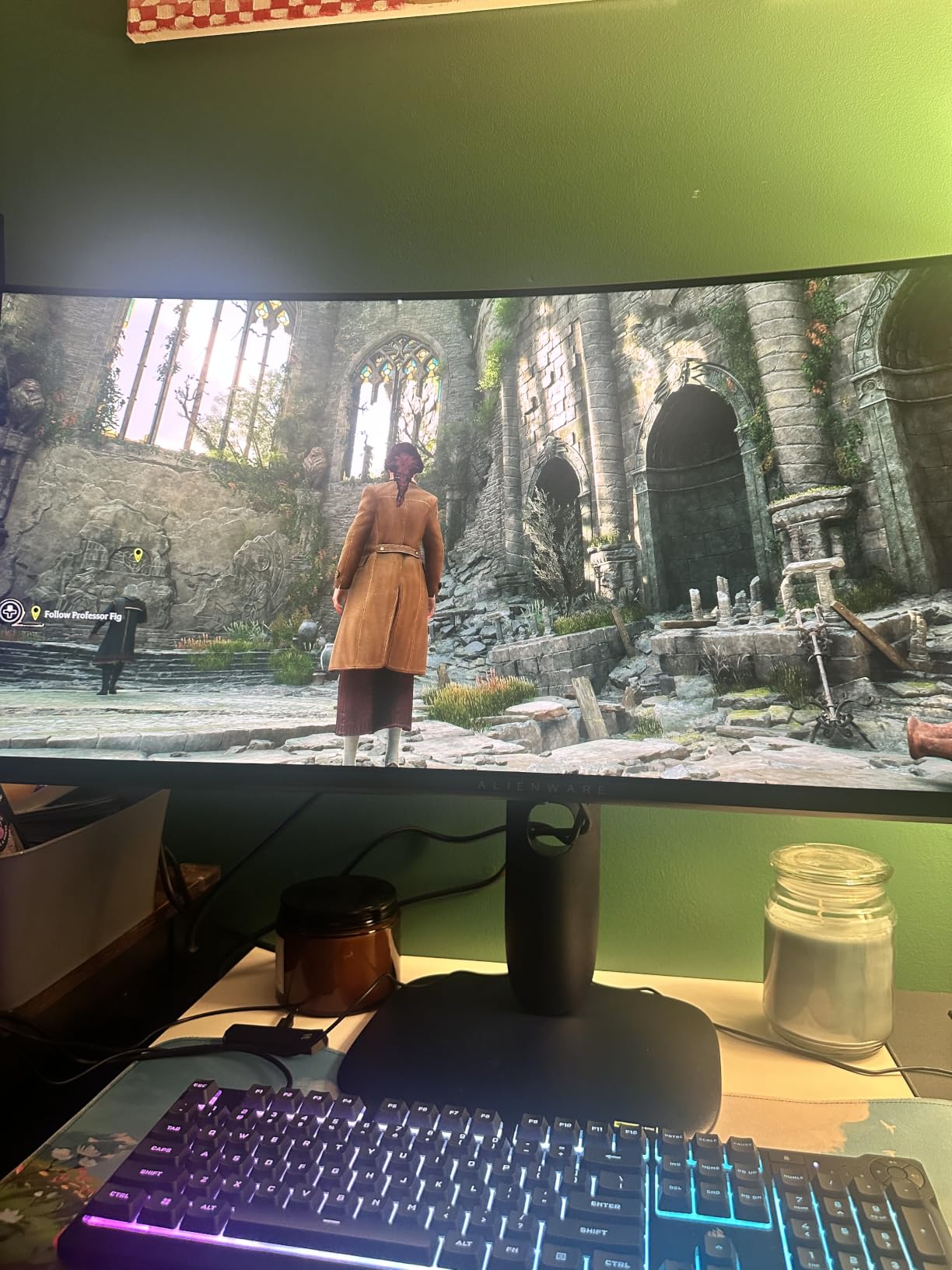
Owners describe the field of view as genuinely expansive and single out the factory colour accuracy. The practical warnings are consistent: at 20 pounds with a footprint of roughly 31 inches deep, this is a two-person job to set up and a desk that has to be genuinely large. A capable GPU or a recent console is needed to make use of 3440 x 1440, and the usual OLED burn-in caveat applies to static desktop elements.
If the desk or the GPU is not there yet, the 27-inch LG UltraGear 27GS93QE gives you the same 240Hz and 0.03ms response on a far more manageable panel. If your GPU can push the pixels, this is the one that changes how games feel rather than just how they look.
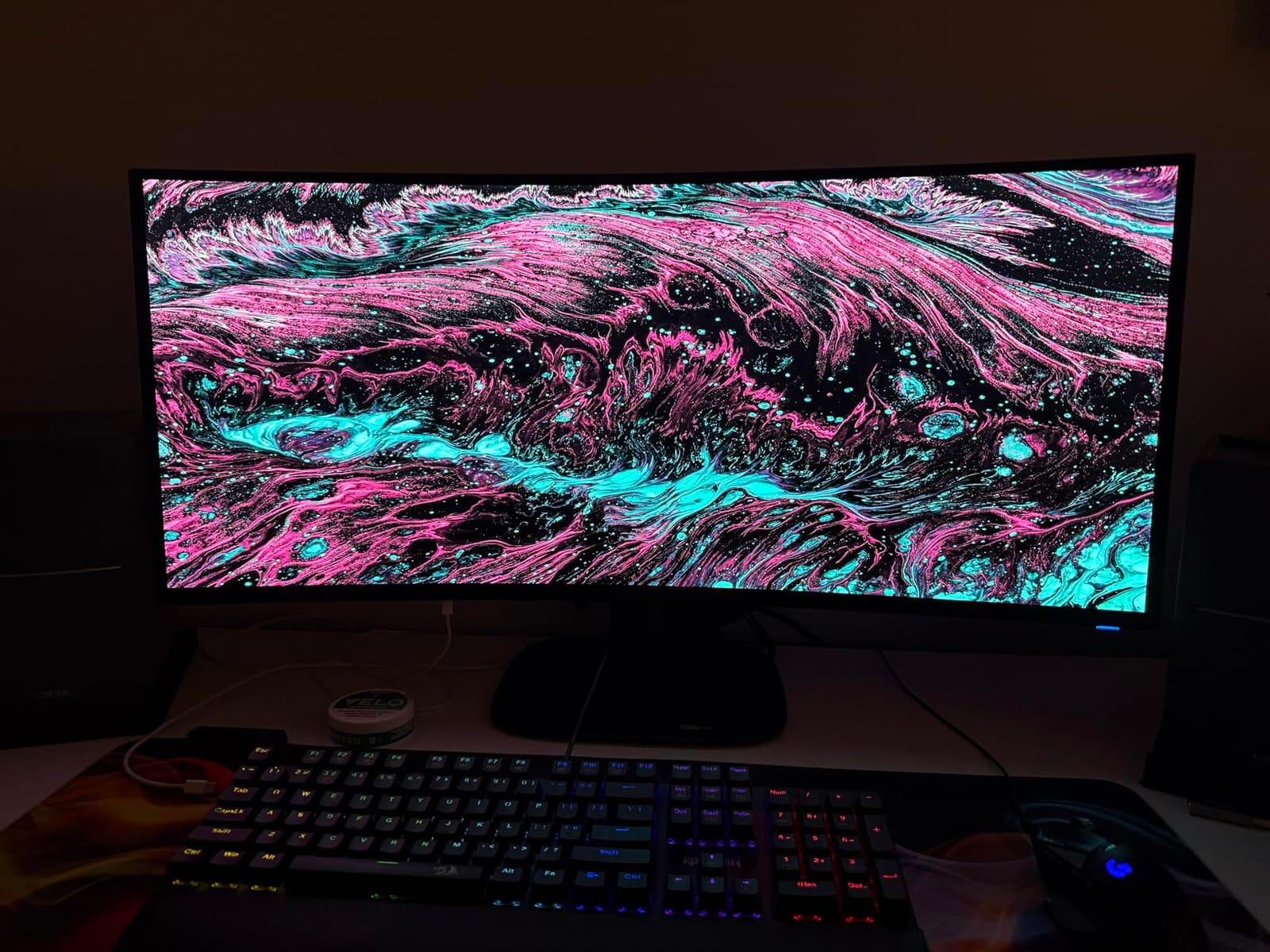
Sustained brightness is rated at 250 cd per square meter, with the 1000-nit figure applying to HDR peaks. That gap is normal for QD-OLED and shows most clearly in dark rooms.
7. AOC Agon Pro AG276QZD2: Best for HDR Games
AOC Agon Pro AG276QZD2
Panel: QD-OLED 27-inch QHD
Refresh: up to 280Hz
Response: 0.03ms
Sync: G-SYNC
Pros
- Up to 280Hz with 0.03ms GTG response
- 1000 cd per square meter brightness
- Factory calibration report in the box
- Rear RGB lighting syncs with other AOC devices
- Built-in speakers
Cons
- Pixel refresh routine takes about three minutes
- Out-of-box color needs per-game tuning
- Text fringing limits work use
Brightness is the headline on this 26.5-inch QD-OLED: 1000 cd per square meter is the highest figure among the 27-inch picks here, alongside HDR10, 101% DCI-P3 and 136.7% sRGB coverage. Refresh runs at 240Hz with an overclock up to 280Hz, response is 0.03ms GTG, and adaptive sync is handled through NVIDIA G-Sync.
It is also the only pick here with rear lighting that illuminates the desk in selectable colours and syncs with other AOC hardware, plus built-in speakers and a six-mode gaming menu with AOC Shadow Control. Console play is an explicit design target, with support up to 120Hz. Connections are one DisplayPort and one HDMI.
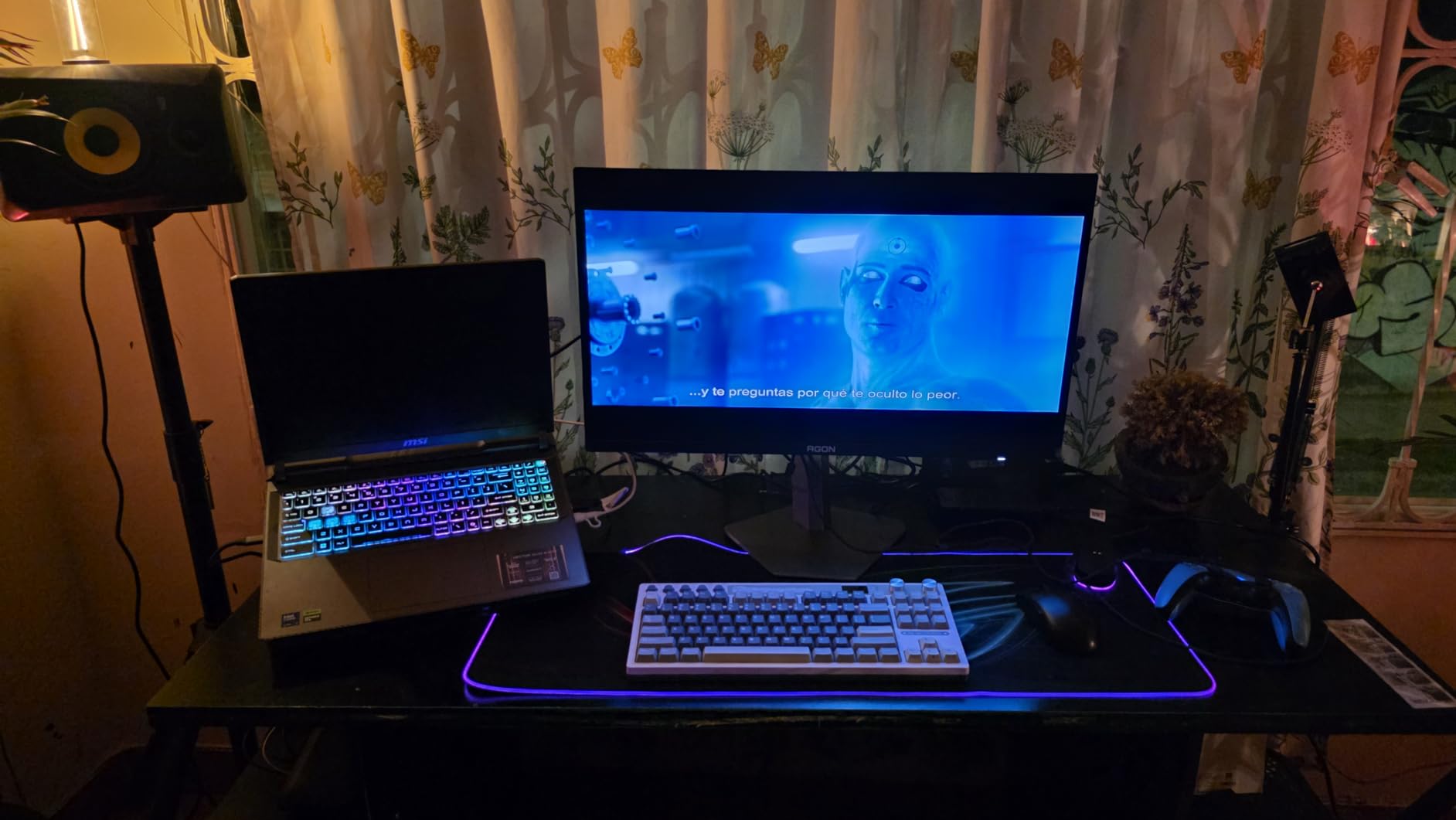
Reviewers like the blacks, the colour, the motion clarity and the rear lighting, and one detail stands out: a factory calibration report ships in the box, so the accuracy claims can be checked rather than taken on trust. The complaints are equally clear. The panel needs a pixel refresh routine roughly every four hours that takes about three minutes, out-of-box colour and HDR can look washed out until you tune per game, some units report weak HDR, the stand feels slightly wobbly when adjusted, and text fringing makes it a gaming display rather than a work display.
Against the LG UltraGear 27GS93QE, the trade is a brighter HDR panel with more overclock headroom for a matte finish and a maintenance routine. Against the Alienware AW3425DW, you keep the same QD-OLED family in a 16:9 frame that fits a normal desk. Choose this one if the games are dark, the room is bright, and you never plan to write long documents on it.
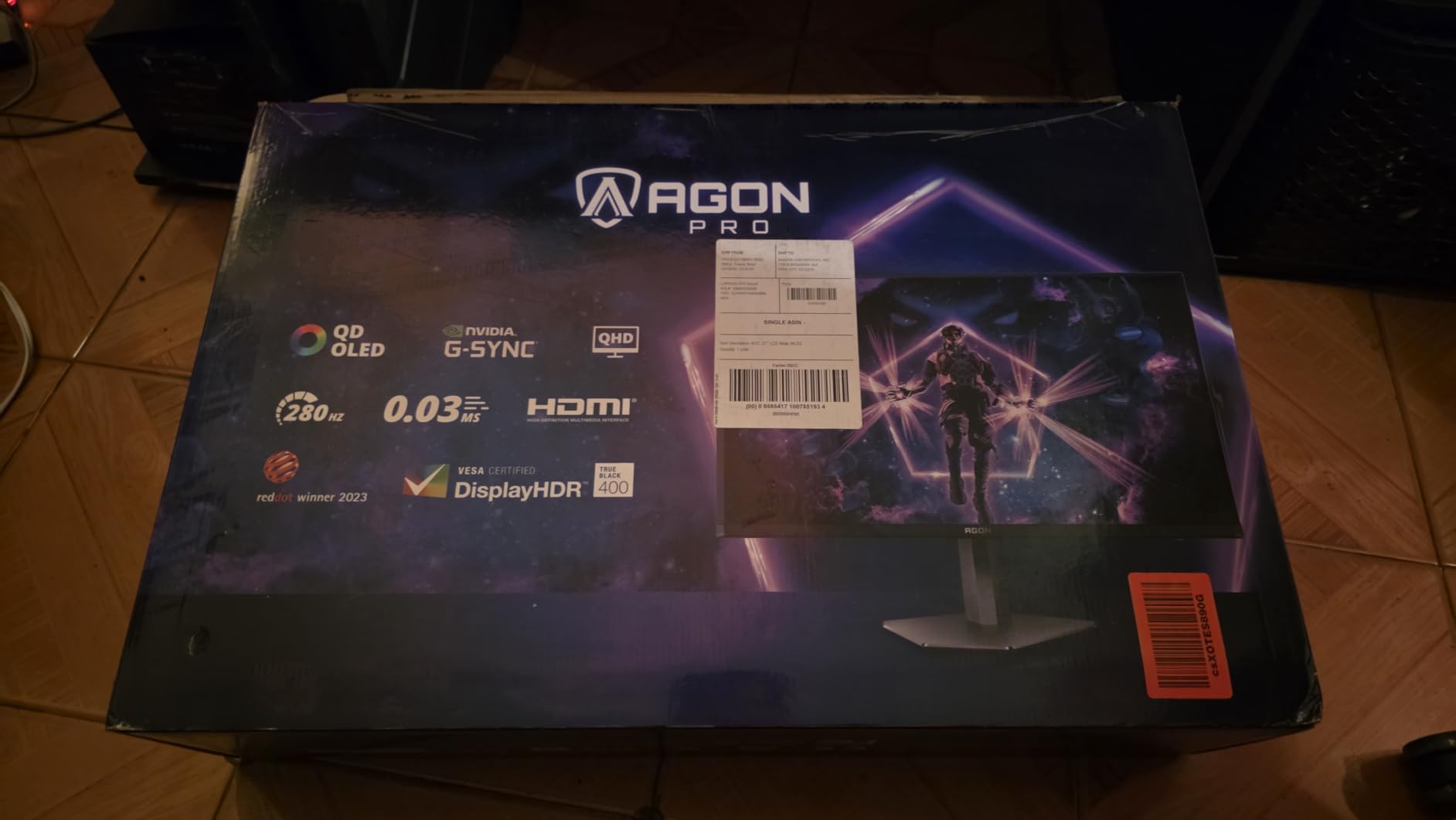
Power draw is 60 watts, more than any other 27-inch panel here, and the chassis lands at 14.7 pounds.
8. Acer Nitro XV272U: Best for Full Ergonomics and Built-In Sound
Acer Nitro XV272U
Panel: IPS 27-inch QHD
Refresh: 240Hz
Response: 0.5ms
Sync: FreeSync
Pros
- 240Hz over DisplayPort with 0.5ms GtG
- Height swivel pivot and tilt adjustment
- Two built-in 2-watt speakers
- DisplayPort and HDMI cables included
Cons
- 1000:1 contrast looks flat in a dark room
- Refresh drops to 144Hz over HDMI
- Mixed reports on factory color consistency
Monitor stands are where budget panels give up first, and this one does not. The ErgoStand combines 4.7 inches of height adjustment, 360-degree swivel, plus or minus 90 degrees of pivot and minus 5 to plus 15 degrees of tilt, which makes it the only pick in the list with the full four-way adjustment set.
The panel itself is a 27-inch IPS at 2560 x 1440 running 240Hz over DisplayPort with response up to 0.5ms GtG, and 144Hz over HDMI. Brightness is 400 cd per square meter, contrast is 1000:1 and colour covers 99% of sRGB with DisplayHDR 400 support. Two 2-watt speakers and an audio out port come built in, both DisplayPort and HDMI cables are in the box, and mounting is VESA 100 x 100.
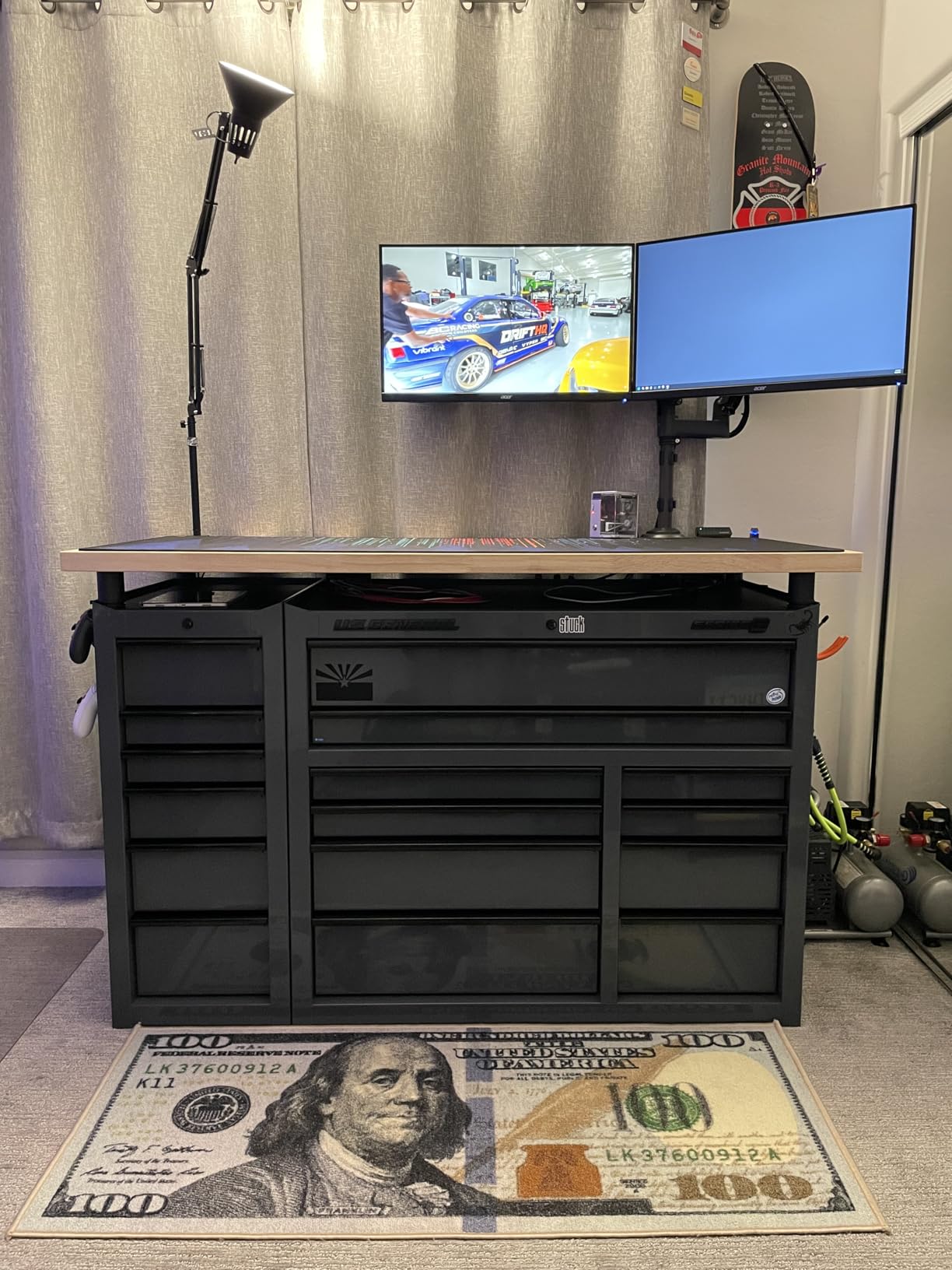
At 4.2 stars from 874 reviews it draws the most mixed feedback here, and the lower scores are traceable. Contrast of 1000:1 is flat compared with the VA and OLED panels in this list, so blacks go grey in a dark room. The 144Hz ceiling over HDMI catches people out when they assume any port gives 240Hz. And there are recurring comments about factory colour tuning varying from unit to unit.
What buyers do praise is the speed, the unusually complete stand, the included cables and the speakers, which remove a small box from the desk. If you sit at a shared desk or move the monitor often, those four adjustments are worth more than a deeper black level. For movie nights in a dim room, the Samsung Odyssey G55C or either OLED is the better buy.
Good to know: the monitor is listed at 5.23 kg, which is light for a 27-inch IPS, and the built-in speakers are fine for system beeps rather than music.
How to Choose a Gaming Monitor During Prime Big Deal Days
Resolution and Screen Size
1440p at 27 inches is the default worth aiming for, giving 1.7 times the pixel density of Full HD without needing a 4K panel to fill the desk. Step up to 32 inches when you game and multitask on the same screen, and note that a 32-inch QHD panel is close to 28 inches wide before the stand, so measure the clear desk depth first. Going to 21:9 is a different decision entirely: a 34-inch ultrawide needs roughly 31 inches of width, and there are more of those listed in our guide to ultrawide monitor deals. If you plan to add a second screen later, our picks on standing desks for dual monitors are worth reading first, because desk width decides what fits.
Refresh Rate and Response Time
Anything under 144Hz feels dated now, and 165Hz to 180Hz is the sensible middle for most builds. Push to 240Hz only if your GPU can hold high frame rates in the games you actually play, and remember that several panels cap well below their headline figure over HDMI. Read response times carefully too: GtG figures like 0.03ms describe the fastest transition, while MPRT figures such as 0.3ms or 1ms describe a moving test pattern. The AOC Q27G41ZE and the Acer Nitro XV272U reach 240Hz; the LG UltraGear 27GS60QC and Samsung Odyssey G5 (G51F) sit at 180Hz; the Samsung Odyssey G55C stops at 165Hz.
Panel Type, HDR, and Color Performance
Native contrast separates these panels more than resolution does. Fast IPS sits at 1000:1, so blacks turn grey in a dark room. VA panels reach 2500:1 to 3000:1, which is a visible step up without the OLED maintenance trade-off. OLED reports 1.5M:1 contrast and a 0.03ms response, and the QD-OLED options here are rated at 1000 cd per square meter for HDR peaks. If your budget sits in the LCD range, our gaming monitors under $300 guide covers what that tier gives up.
Gaming Features and PC or Console Compatibility
Check adaptive sync before anything else: FreeSync Premium Pro, validated G-Sync Compatible and VESA AdaptiveSync all cover different combinations of AMD and NVIDIA cards, and the AOC Q27G41ZE is the only LCD here that accepts both sides. Then count ports. Two HDMI ports let you keep a console connected without swapping cables, one HDMI port does not, and HDMI 2.1 is what the OLED picks use to reach 240Hz. KVM switches, USB-C docking and picture-in-picture matter more if you split time between a work laptop and a gaming PC, and we cover the general cases in our roundup of monitors for home offices.
How to Shop Gaming Monitor Deals During the Sale
Match the model number on the listing to the review you trust, because the Odyssey G5 and G55 series appear under several codes with different stands, curves and refresh rates. Confirm the size and panel in the specification list rather than the title, look at what is in the box, and check whether the offer is new or renewed and who fulfils it. Price history tools such as CamelCamelCamel and Keepa tell you whether the cut is real or just the normal street price with a badge. Most monitor offers during the event need a Prime membership, and figures move through the two days.
- Match the exact model number and size before you order, not the listing title
- Confirm the panel type and native resolution in the specification list
- Check the port layout against the devices you already own
- Look at the refresh rate over HDMI as well as over DisplayPort
- Review the written warranty length and whether the panel is covered
- Check price history before you treat a discount as a deal
Frequently Asked Questions
When does Amazon Prime Big Deal Days run in 2026?
Amazon Prime Big Deal Days runs October 6-7, 2026, a two-day window that opens at midnight Pacific time on the first day. Most gaming monitor offers belong to the event rather than the whole month, so the same model can be at a different figure at the end of the second day than at the start. Open the product page for the current figure before you commit.
Do you need Prime to buy during Amazon Prime Big Deal Days?
Most offers in the event need an active Prime membership, and a free trial counts as membership for the length of that trial. A smaller number of monitor deals are open to everyone, though the OLED and ultrawide offers usually are not. If you already shop on Prime, nothing changes except the timing of the offer.
Should a gaming monitor deal be bought new or renewed?
New is the safer choice, because panel uniformity, dead pixels and burn-in are difficult to judge on a renewed screen and protection plans often treat refurbished units differently. Renewed makes more sense for a second display or a desk screen where perfect blacks matter less. Read the condition grade and the written warranty on the listing before deciding.
Is a 27-inch gaming monitor better for a small desk?
Usually yes. Most 27-inch QHD monitors are about 24 inches wide, while a 32-inch model runs close to 28 inches before the stand takes any space. The 34.2-inch ultrawide in this list needs roughly 31 inches of desk width, so it suits a large surface. Measure the clear space between the wall and the front edge of the desk first.
Does a gaming monitor with VRR work with consoles?
Variable refresh rate works with current PlayStation and Xbox consoles, but only over HDMI 2.1 with VRR enabled, and console VRR typically tops out around 120Hz. Several picks here carry HDMI 2.1, while others rely on HDMI 2.0 and reserve their full refresh rate for DisplayPort. Check the port list and the display mode menu before buying for console play.
What is the best question to ask before ordering Amazon Prime Big Deal Days gaming monitor deals?
Ask whether the listing is the exact panel and size that was reviewed, because Odyssey G5 and G55 series monitors appear under several codes that differ in stand, curve and refresh rate. Confirm the model number, the port layout and whether the stand and cables are included. That single check prevents most of the mismatched orders buyers complain about afterwards.
Final Verdict: Best Amazon Prime Big Deal Days Gaming Monitor Deals
Buy the Samsung Odyssey G5 (G51F), our Editor’s Choice, if you want one 1440p monitor that handles both work and play without a panel-specific compromise. Take the LG UltraGear 27GS60QC, our Best Value pick, when the goal is the cheapest route to 27-inch 1440p at 180Hz and you like a curved panel. The AOC Q27G41ZE, our Budget Pick, is the one for competitive shooters who need 240Hz without moving to OLED.
The rest split by need. The Samsung Odyssey G55C, Best for 32-Inch Desks, wins on screen real estate and multitasking. The LG UltraGear 27GS93QE, Best for a Matte OLED, is the sensible OLED for a room with lights on. The Alienware AW3425DW, Best for Ultrawide, changes how sim racers and flight games feel, if the desk and GPU can take it. The AOC Agon Pro AG276QZD2, Best for HDR Games, brings the brightest HDR peak and the highest overclocked refresh in a 16:9 frame. The Acer Nitro XV272U, Best for Full Ergonomics, wins on stand adjustment and included speakers.
Whichever you pick, open the listing, confirm the exact model number, and check the current figure through the button before the window closes.