
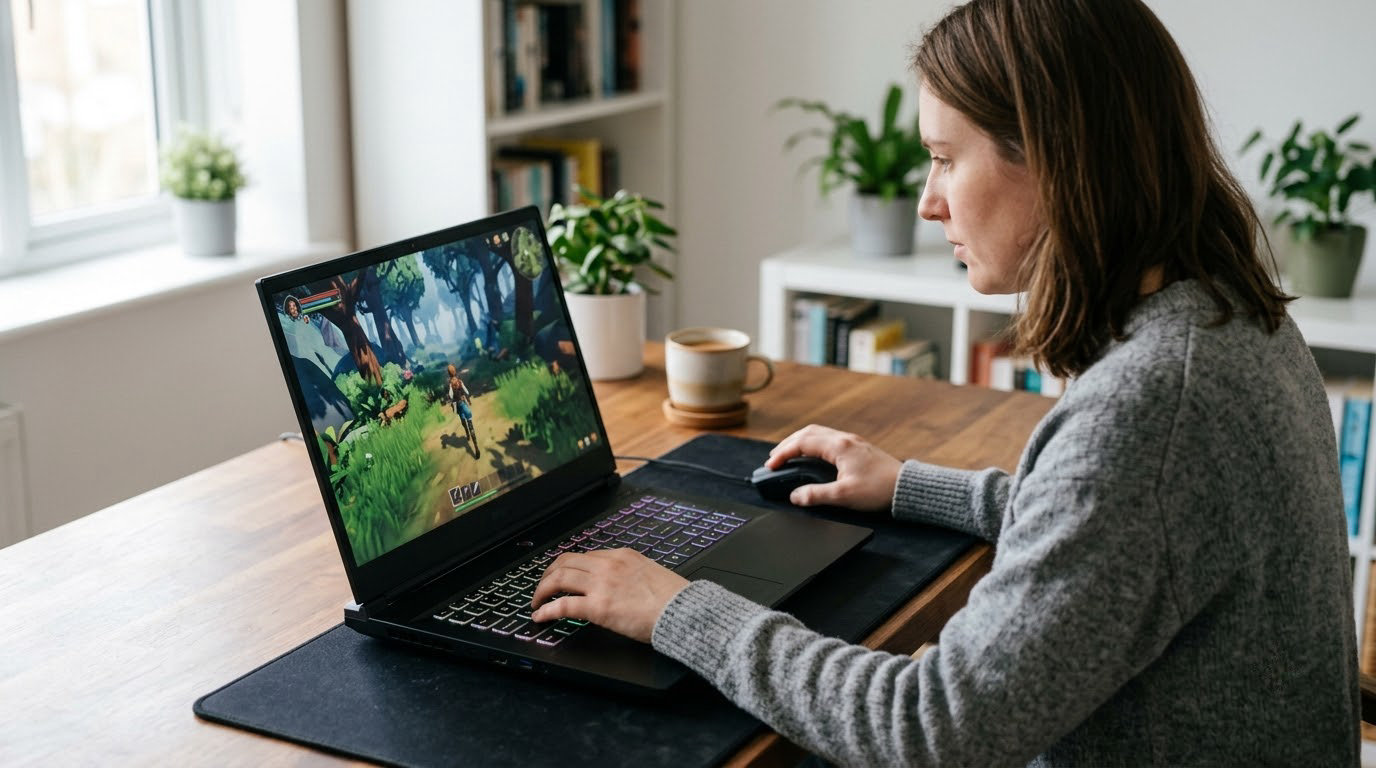
The gaming laptop deals worth watching during Amazon’s Prime Big Deal Days run from October 6-7, 2026, and the pick we keep coming back to is the Acer Nitro V 16S. It arrives with 32GB of DDR5, a 1TB Gen 4 drive and a 180Hz panel, which is a configuration most laptops in this bracket reach only after you start hunting for upgrade parts later.
Two alternatives suit different players. The Acer Nitro V 15 is the one to look at if you want the highest rating in this list and a matte 165Hz screen, while the msi Katana 15 pairs an RTX 4070 with cooling that holds its temperature under long sessions. Prices shift through the event, so each section below ends with a button that shows the current figure rather than a number we would have to correct tomorrow.
Our Top 3 Picks for Best Amazon Prime Big Deal Days Gaming Laptop Deals in 2026

Best Amazon Prime Big Deal Days Gaming Laptop Deals Compared
| Product | Specifications | Action |
|---|---|---|
 Acer Nitro V 16S Acer Nitro V 16S |
|
Check Deal Price |
 Acer Nitro V 15 Acer Nitro V 15 |
|
Check Deal Price |
| msi Katana 15 |
|
Check Deal Price |
 msi Katana 15 HX msi Katana 15 HX |
|
Check Deal Price |
 ASUS ROG Strix G16 ASUS ROG Strix G16 |
|
Check Deal Price |
 Alienware 16 Aurora Alienware 16 Aurora |
|
Check Deal Price |
 Lenovo LOQ 15 Lenovo LOQ 15 |
|
Check Deal Price |
 ASUS TUF A16 ASUS TUF A16 |
|
Check Deal Price |
 Lenovo Legion 5i Lenovo Legion 5i |
|
Check Deal Price |
 GIGABYTE Gaming A16 GIGABYTE Gaming A16 |
|
Check Deal Price |
 msi Cyborg 17 msi Cyborg 17 |
|
Check Deal Price |
 Acer Predator Helios Neo 16 Acer Predator Helios Neo 16 |
|
Check Deal Price |
How We Chose
We compared the specifications that decide whether a gaming laptop is worth buying: GPU class and its memory, processor generation, RAM and storage configuration, panel resolution and refresh rate, chassis weight and battery capacity. We also read the owner reviews and ratings on Amazon for each model, paying close attention to the limitations buyers actually mention. The data was checked on October 2026.
1. Acer Nitro V 16S: Editor’s Choice
Acer Nitro V 16S
GPU: RTX 5060 8GB
CPU: Ryzen 7 260
RAM: 32GB
Storage: 1TB Gen 4
Screen: 16in 180Hz
Pros
- RTX 5060 with DLSS 4 multi frame generation
- 32GB DDR5 included as standard
- 16-inch 100% sRGB 180Hz panel
- Two M.2 slots for later storage
Cons
- Memory tops out at 32GB across two slots
- 1920x1200 sits below the QHD class
- 4.6 lb chassis needs a desk
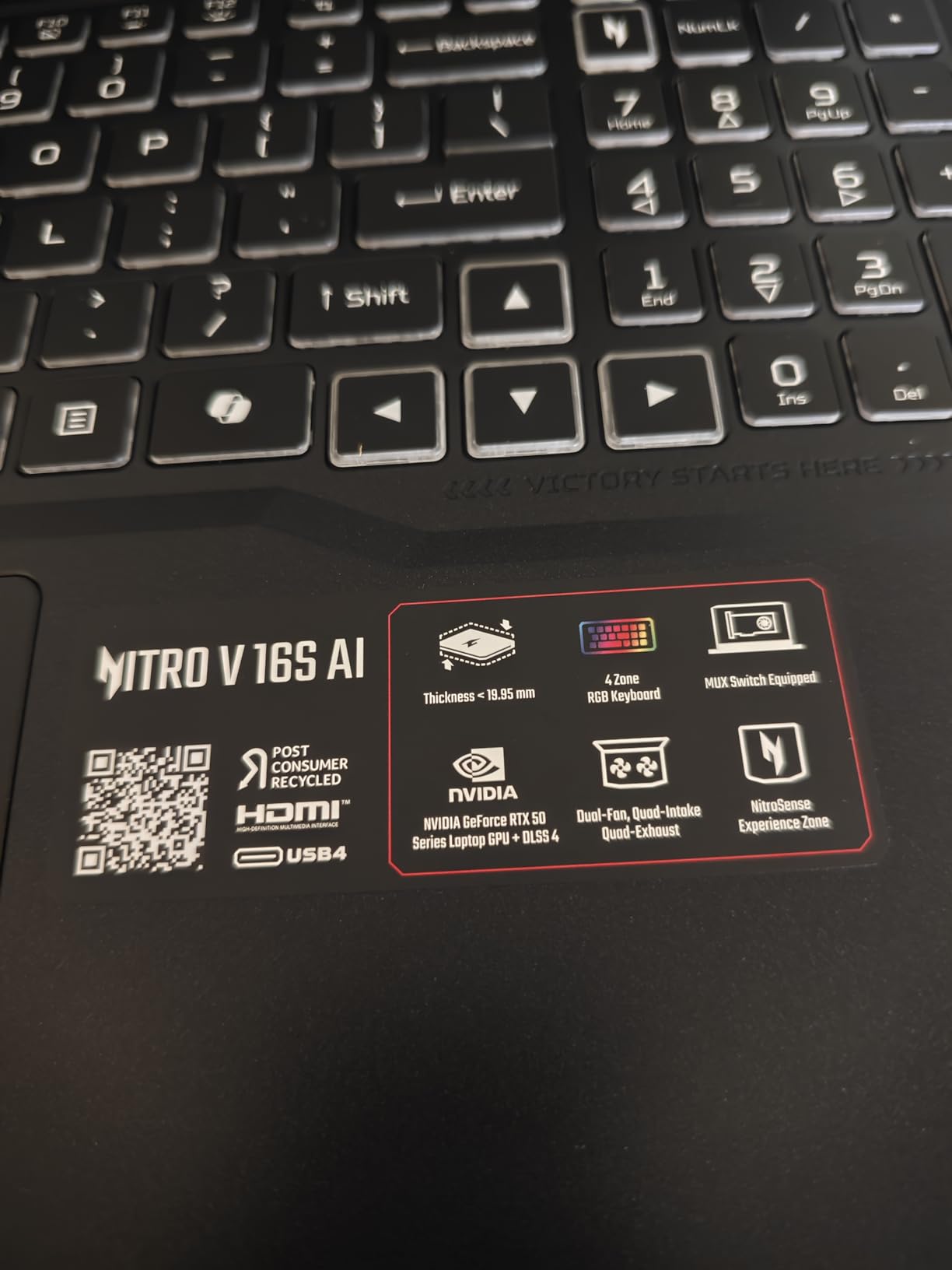
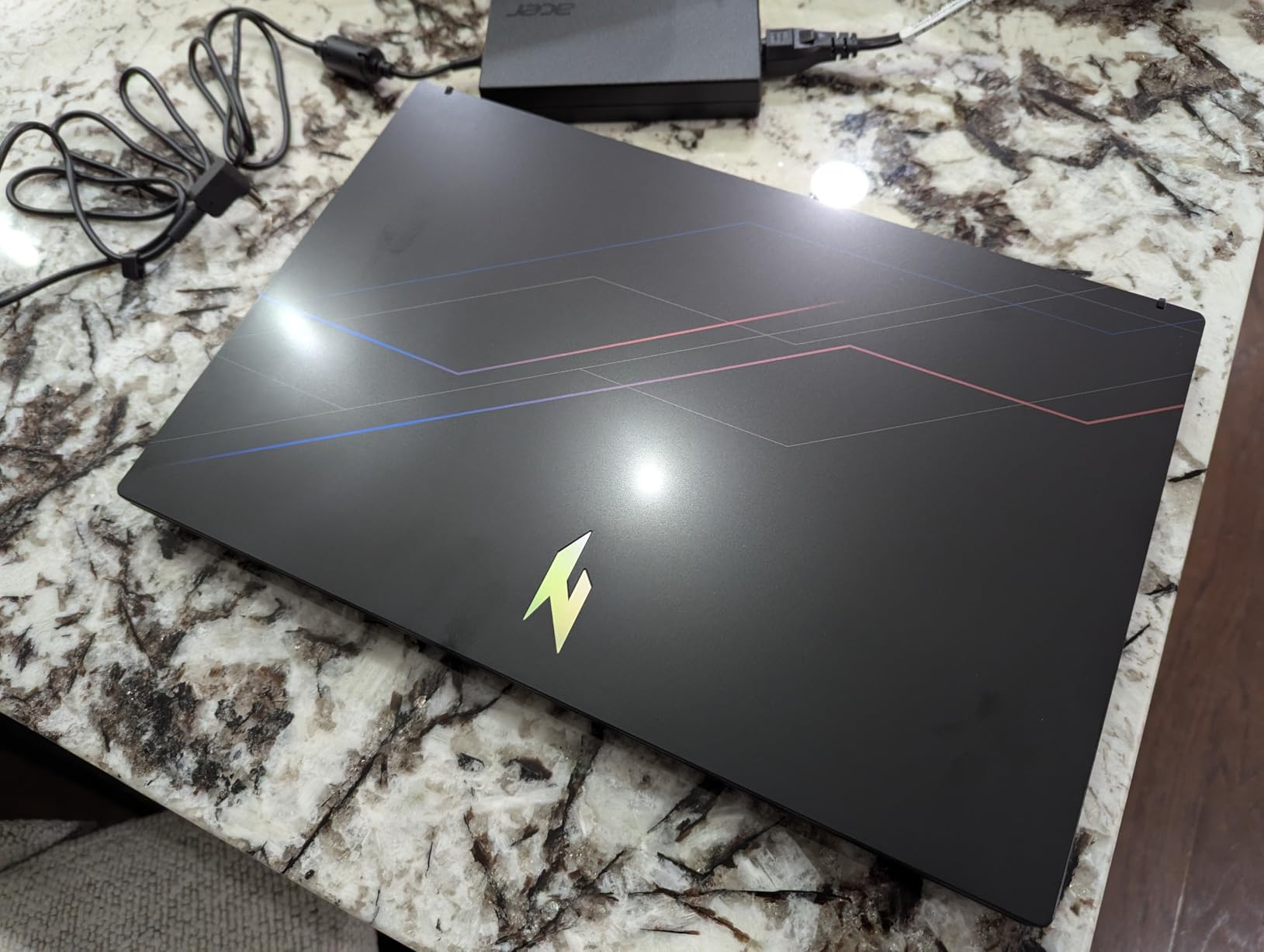
Most 16-inch gaming laptops in this bracket make you choose between a fast panel and enough memory, then send you back to the seller for a RAM upgrade a year later. The Nitro V 16S does not ask for that trade. 32GB of DDR5-5600 and a 1TB PCIe Gen 4 drive are fitted at the factory, and there are two M.2 slots if you want more storage later.
What stands out is the graphics. The RTX 5060 carries 8GB of GDDR7 and 572 AI TOPS, with DLSS 4 multi frame generation and fourth-generation RT cores handling ray tracing. The Ryzen 7 260 adds 38 AI TOPS of its own, which is why the pair copes with modern titles at high settings rather than settling for medium presets.
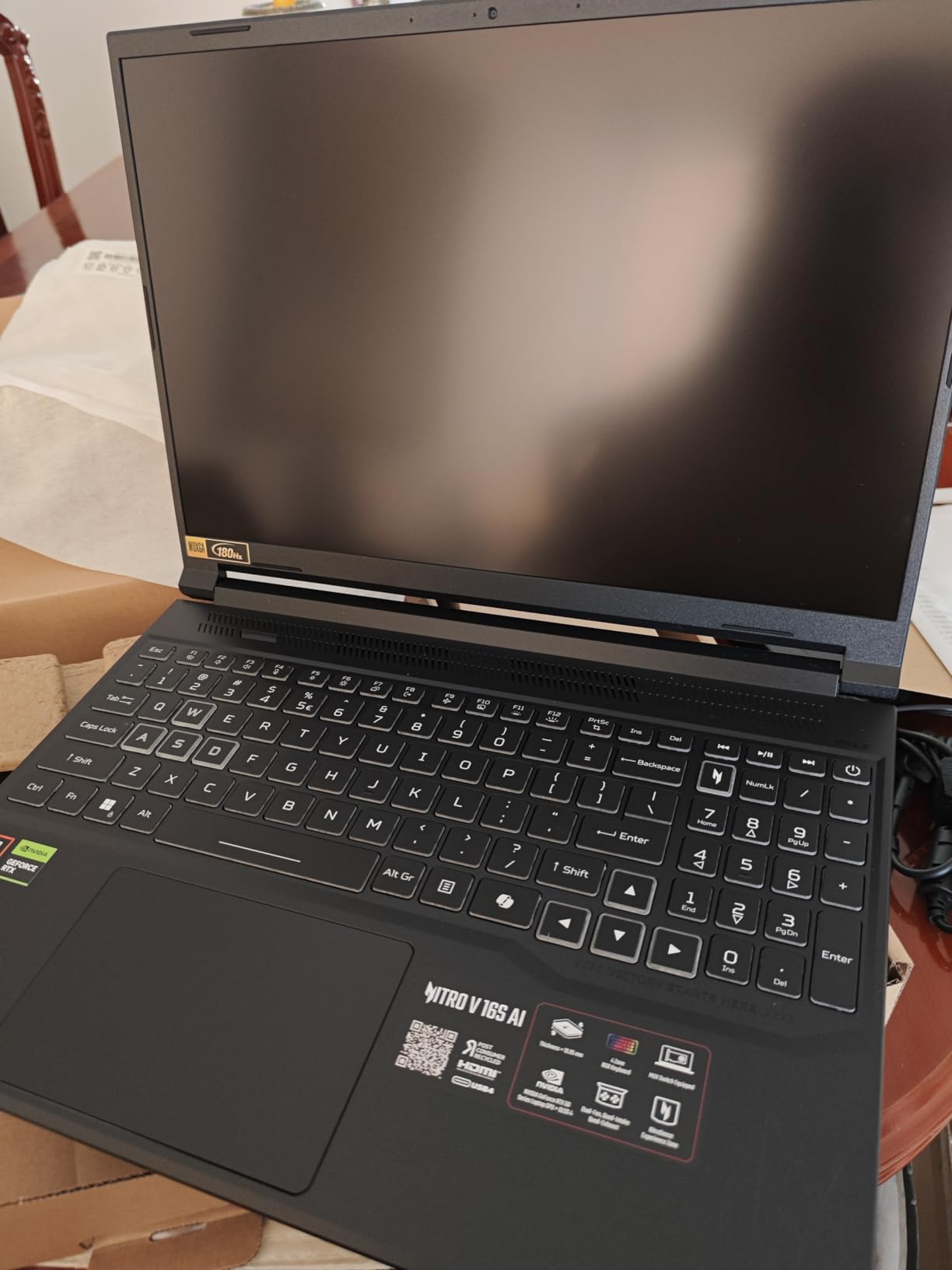
The panel is the other argument for this machine. A 16-inch 1920×1200 IPS running at 180Hz and covering 100% sRGB is unusual at this tier, and owners single out how smooth motion looks in shooters. Resolution is the one place it falls short of the field: anything QHD-class gives you more detail, and the Acer Predator Helios Neo 16 in this list pairs 240Hz with a 2560×1600 panel.
Good to know: the 32GB memory ceiling is the most cited limitation in reviews, so buy the upgrade if you will need more later and plan on doing it yourself. Two slots are accessible, which is more than several rivals offer. Against the msi Katana 15, which has a faster RTX 4070 but only 16GB of memory, this is the machine that stays relevant longer.
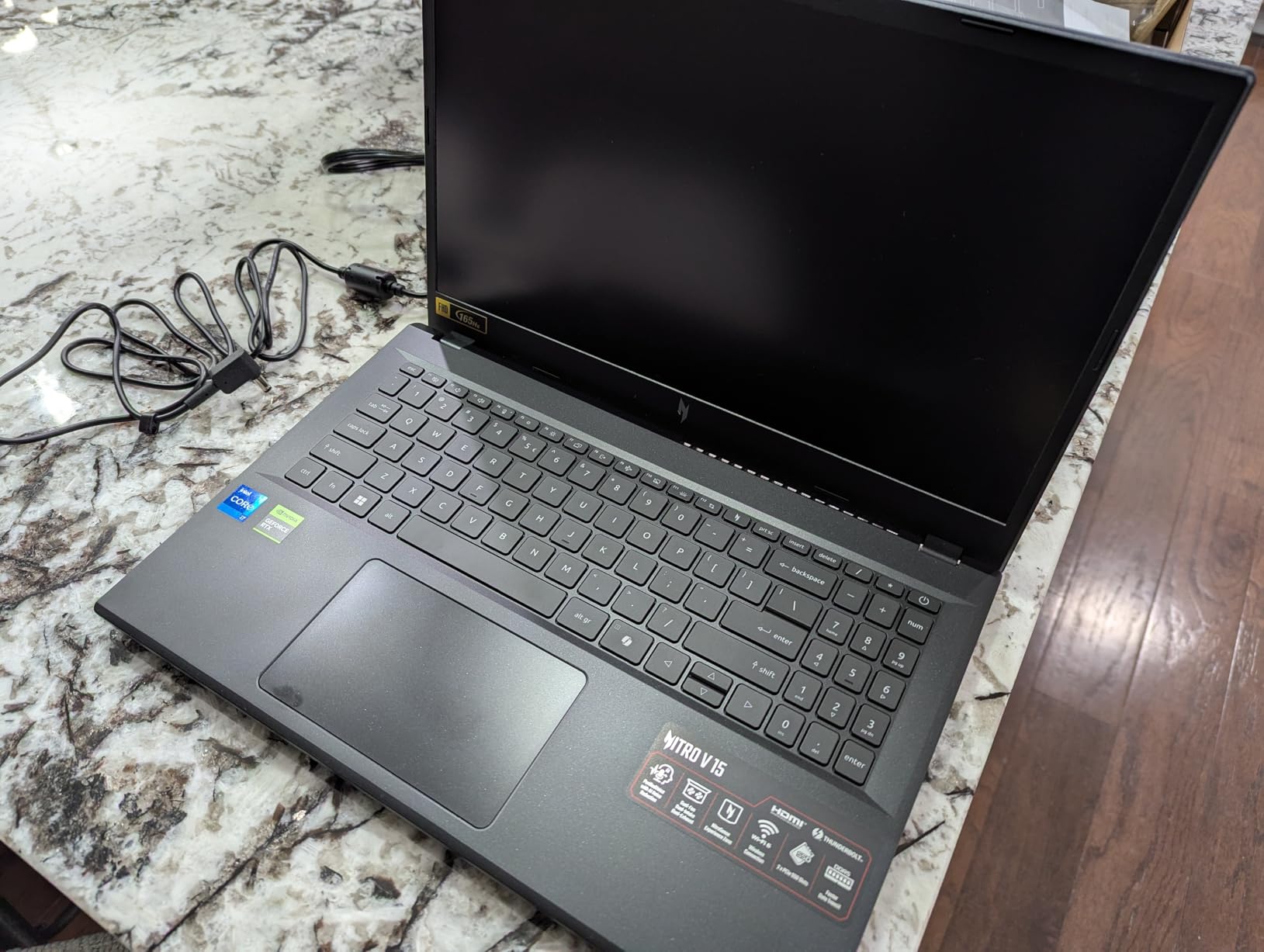
2. Acer Nitro V 15: Top Rated
Acer Nitro V 15
GPU: RTX 4050 6GB
CPU: Core i7-13620H
RAM: 16GB
Storage: 1TB Gen 4
Screen: 15.6in 165Hz
Pros
- Highest rating in this roundup at 4.6 from 366 reviews
- Matte 165Hz panel reduces ghosting in fast shooters
- Core i7-13620H boosts to 4.9 GHz
- Thunderbolt 4 plus Gigabit Ethernet
Cons
- RTX 4050 6GB is entry-level for modern AAA titles
- 57Wh battery gives about 5 hours of light use
- 300-nit brightness is dim for HDR content
Buyers rate this one highest in the roundup, and the reason is not the graphics card. It is a Core i7-13620H that boosts to 4.9 GHz, paired with 16GB of DDR5 across two slots and a 1TB Gen 4 SSD. For a machine that spends its life switching between a game, a browser with too many tabs and a video call, the processor carries more weight than the badge on the sticker.
The 15.6-inch FHD IPS panel runs at 165Hz with a matte finish, and matte matters more than buyers expect. It kills the mirror effect that makes glossy screens unreadable in a bright room, and owners mention reduced ghosting in competitive shooters. Screen-to-body ratio is 82.64%, so the bezels are thin for the price band.
The RTX 4050 with 6GB of GDDR6 and DLSS 3.5 is where the compromises show. It is a sensible card for esports titles at high refresh rates and for older AAA games, but the 6GB of video memory is the ceiling that newer releases push against. If your library leans toward recent big-budget games at 1440p, look at the msi Katana 15 instead.
Skip it if battery life is your priority. The 57Wh pack gives roughly five hours of light use, which is fine for a day of classes and short sessions, and the Killer E2600 Gigabit Ethernet is a nice addition for anyone gaming on wired networks. Against the ASUS TUF A16, which is larger and heavier, this one travels better at 4.7 pounds.
3. msi Katana 15: Best for Desktop Replacement
msi Katana 15
GPU: RTX 4070
CPU: Core i7-13620H
RAM: 16GB
Storage: 1TB Gen 4
Screen: 15.6in 144Hz
Pros
- RTX 4070 with full ray tracing and DLSS
- Second M.2 slot and RAM upgradeable
- Cooler Boost 5 holds 60-75C under load
- Thunderbolt 4 and RGB keyboard
Cons
- About an hour of unplugged gaming
- Cooler Boost 5 fans are very loud under load
- 7.6 lb chassis is the heaviest here
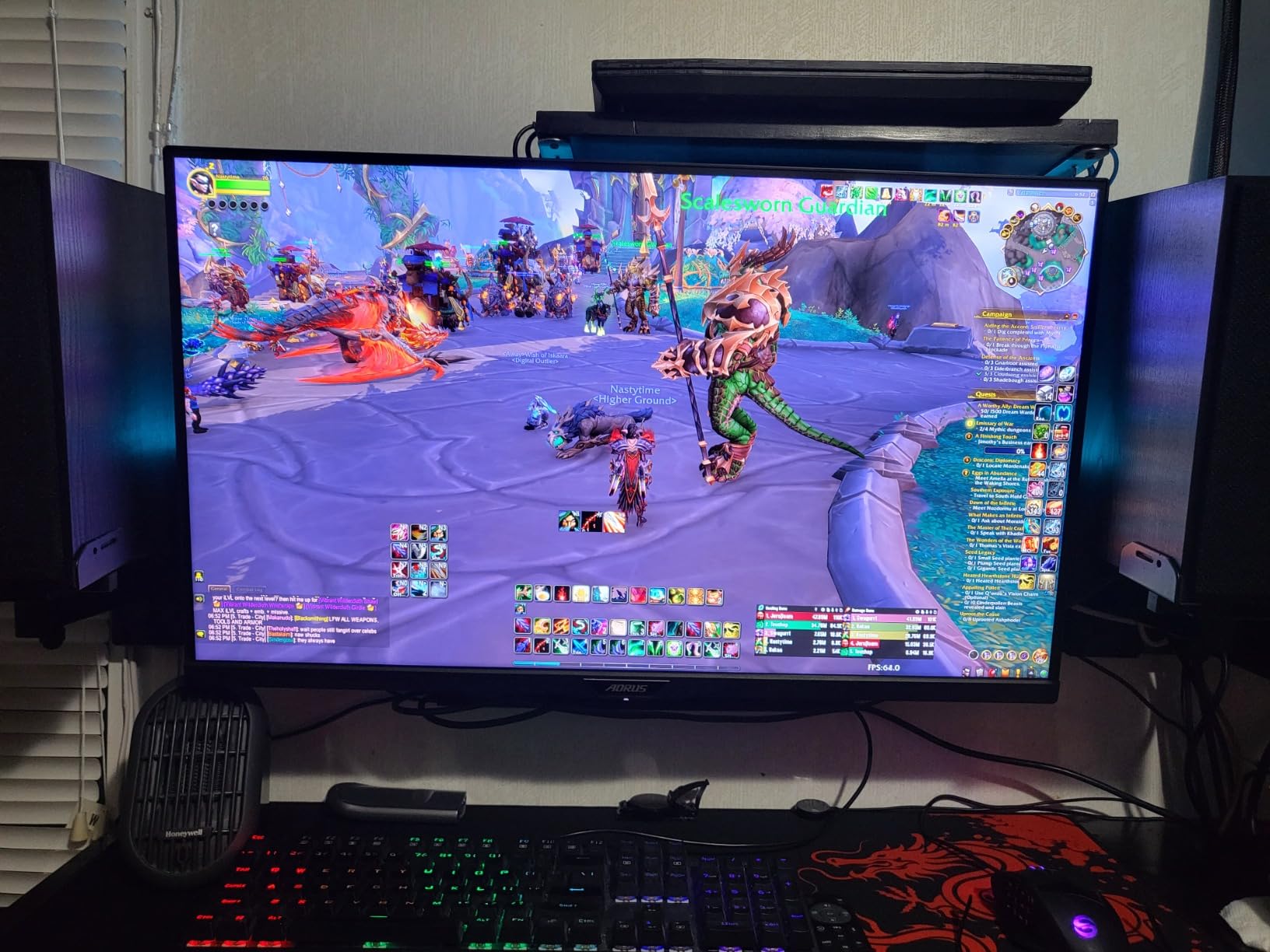
This is the desktop replacement in the list. The Ada-architecture RTX 4070 brings full ray tracing and enough headroom to run demanding titles at maximum settings on the 15.6-inch 1920×1080 panel, and owners describe frame rates that match a tower on the desk it replaced. There are more than 390 reviews on the listing, the largest base in this roundup.
Cooler Boost 5 uses a shared-pipe design to move heat away from both the CPU and the GPU, and reviews report temperatures settling in the 60-75C range during long sessions. That is the number that matters for sustained performance, because a laptop that throttles back after twenty minutes is slower than the specification sheet suggests.
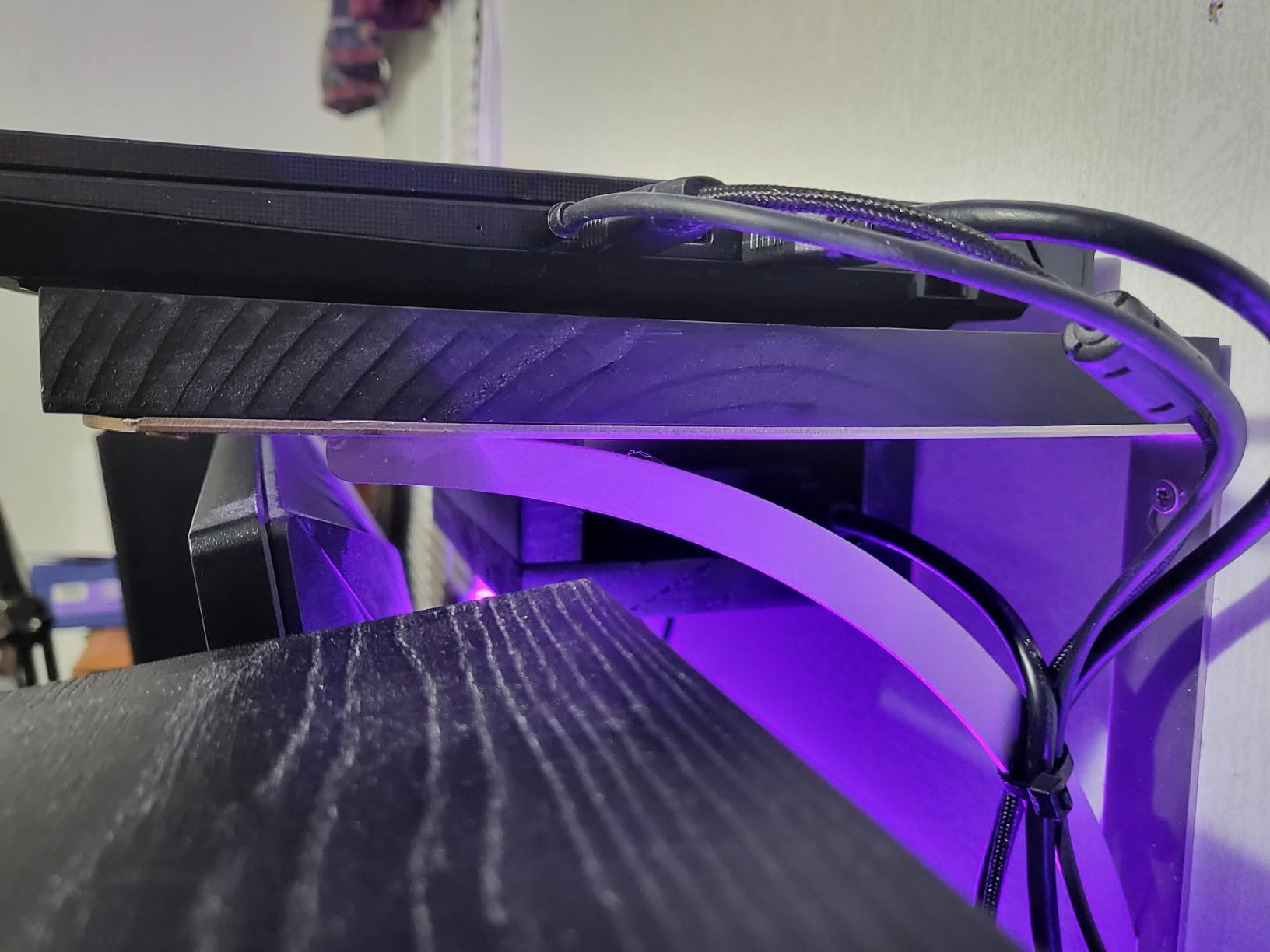
The trade-off is loud. Owners mention the fan noise under load more than any other drawback, and the battery gives roughly an hour of unplugged gaming. None of that matters if the machine lives on a desk next to a monitor and a pair of peripherals, which is exactly what this is built for.
Compare it with the msi Katana 15 HX further down: that one has an RTX 5070 and a QHD 165Hz screen, at a noticeably higher tier. Compared with the ASUS ROG Strix G16, which adds a 240Hz panel and stronger cooling, the Katana 15 is the cheaper route to a similar class of frame rate. If you are building a full setup, our picks for gaming headsets for PC pair well with this one.
4. msi Katana 15 HX: Best for 1440p AAA
msi Katana 15 HX
GPU: RTX 5070 8GB
CPU: Core i9-14900HX
RAM: 32GB
Storage: 1TB NVMe
Screen: 15.6in QHD 165Hz
Pros
- i9-14900HX with 24 cores sustains 100+ FPS on AAA titles
- 32GB DDR5-5600 fitted as standard
- 15.6in QHD 165Hz 100% DCI-P3 matte panel
- Second M.2 slot and memory upgradeable
Cons
- Battery life of 2-3 hours drops to about 45 minutes under load
- Performance and fan-boost modes are extremely loud
- Some owners reported sleep and resume quirks
For 1440p gaming in recent releases, the RTX 5070 with 8GB of GDDR7 and DLSS 4 is the reason this laptop exists. The 14th-generation Core i9-14900HX brings 24 cores and boosts to 5.8 GHz, and owners report the combination holding above 100 frames per second on demanding AAA titles at 1440p, with ray tracing on.
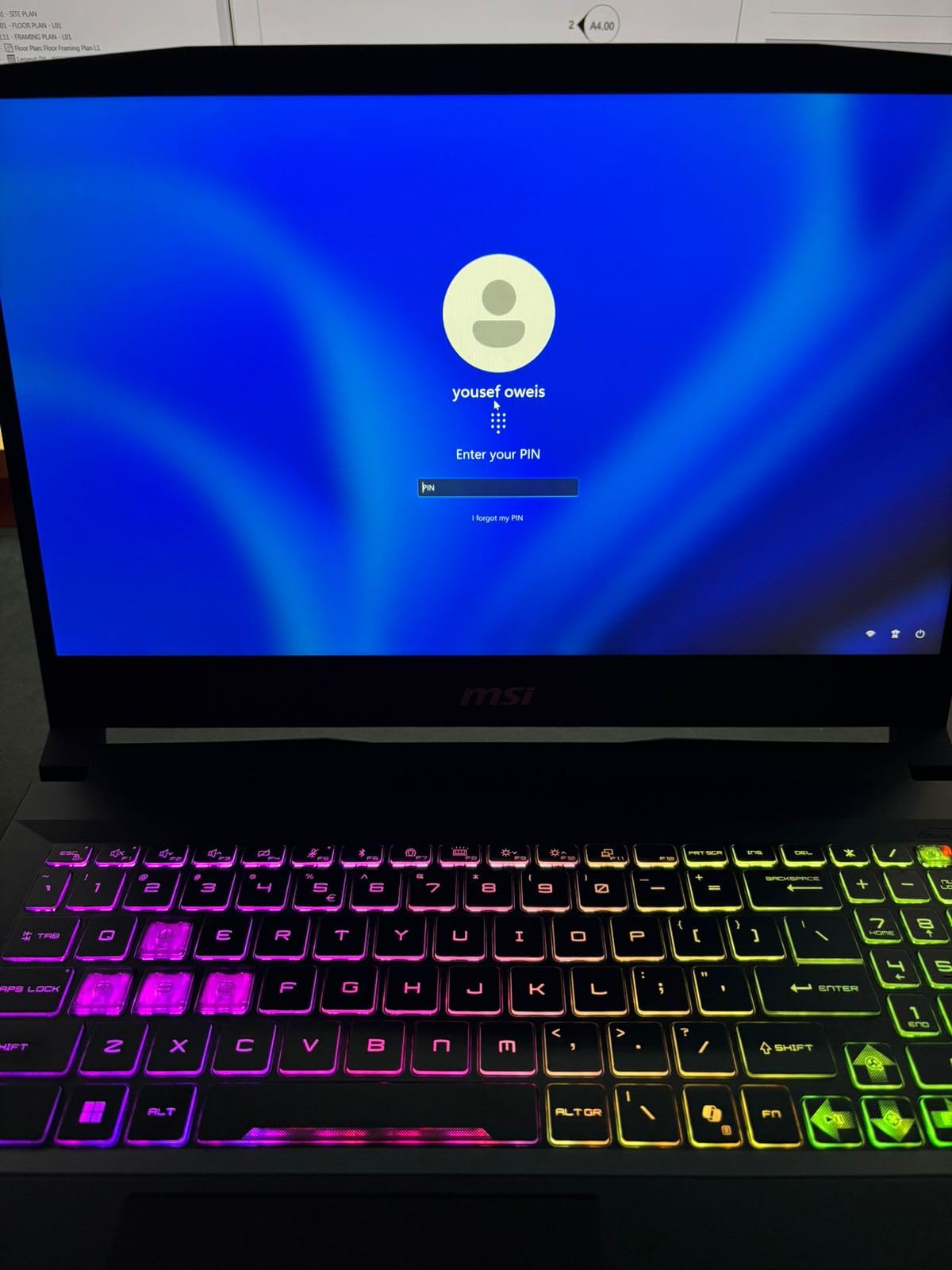
The panel is a genuine upgrade on the base Katana. It is a 15.6-inch QHD 2560×1440 matte display at 165Hz covering 100% DCI-P3, which means wider colour for editing and photography as well as smoother competitive play. A four-zone RGB keyboard with highlighted WASD keys is a small touch that matters more in a fast shooter than it sounds.

Owners are less positive about everything around the internals. The 75Wh battery gives two to three hours of general use and roughly 45 minutes under heavy gaming, the fan-boost mode is loud enough to notice across a room, and a small number of owners reported sleep, resume and shutdown issues. That combination pulls the rating down to 4.0, the lowest in this roundup, so treat the return window as a real option rather than a formality.
Compared with the ASUS ROG Strix G16, which carries an RTX 5070 Ti and a 2.5K 240Hz panel, this is the value route into the same GPU generation. Cooler Boost 5 here uses a dual-fan, five-heat-pipe layout, and a second M.2 slot plus extra memory capacity means it is not a sealed machine.
5. ASUS ROG Strix G16: Premium Pick
ASUS ROG Strix G16
GPU: RTX 5070 Ti
CPU: Ultra 9 275HX
RAM: 32GB
Storage: 1TB Gen 4
Screen: 16in 2.5K 240Hz
Pros
- RTX 5070 Ti with DLSS 4 and Max-Q for 1440p 240Hz
- ROG Nebula 2.5K 240Hz 3ms panel at 500 nits
- Vapor chamber with tri-fan and liquid metal cooling
- Wi-Fi 7 and a large 90Wh battery
Cons
- 32GB is the maximum memory configuration
- 5.8 lb chassis is heavy for a 16-inch machine
- Sits at the top of the price range in this roundup
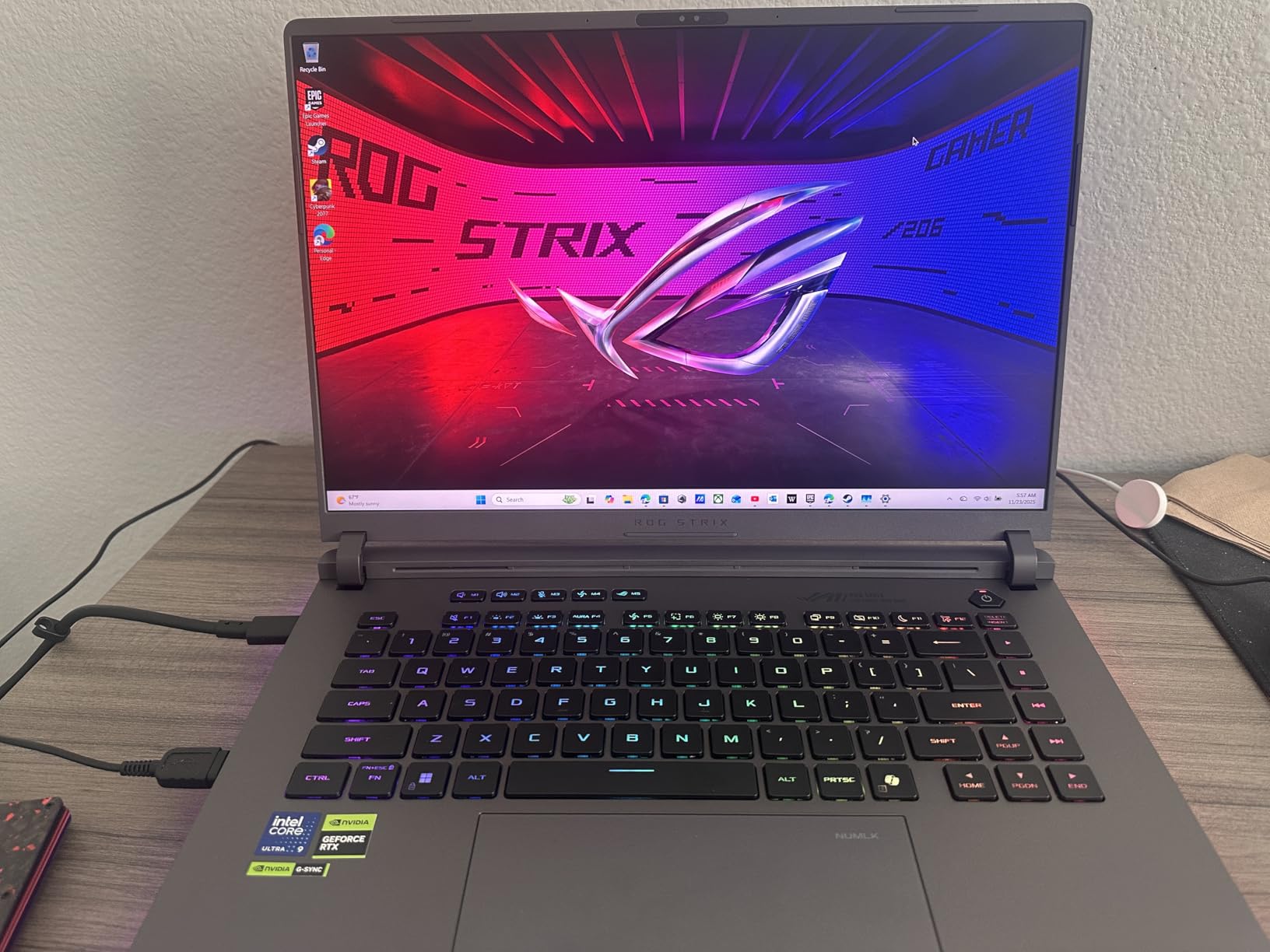
Few laptops in this list put a 240Hz panel and top-tier graphics in the same chassis, and that pairing is the argument here. The 16-inch ROG Nebula panel runs at 2560×1600 with 500 nits of brightness and anti-glare film, and the RTX 5070 Ti brings DLSS 4 and Max-Q on top of 32GB of system memory. Owner feedback centres on frame rates at 1440p in competitive shooters, which is where that combination earns its place.
Cooling is the other half. ROG Intelligent Cooling uses a vapor chamber, a tri-fan layout and Conductonaut liquid metal on the CPU, which is the sort of specification that shows up as steadier frame rates rather than as a benchmark number. The Core Ultra 9 275HX is a 24-core part boosting to 5.4 GHz, and the 90Wh battery is among the larger packs here.
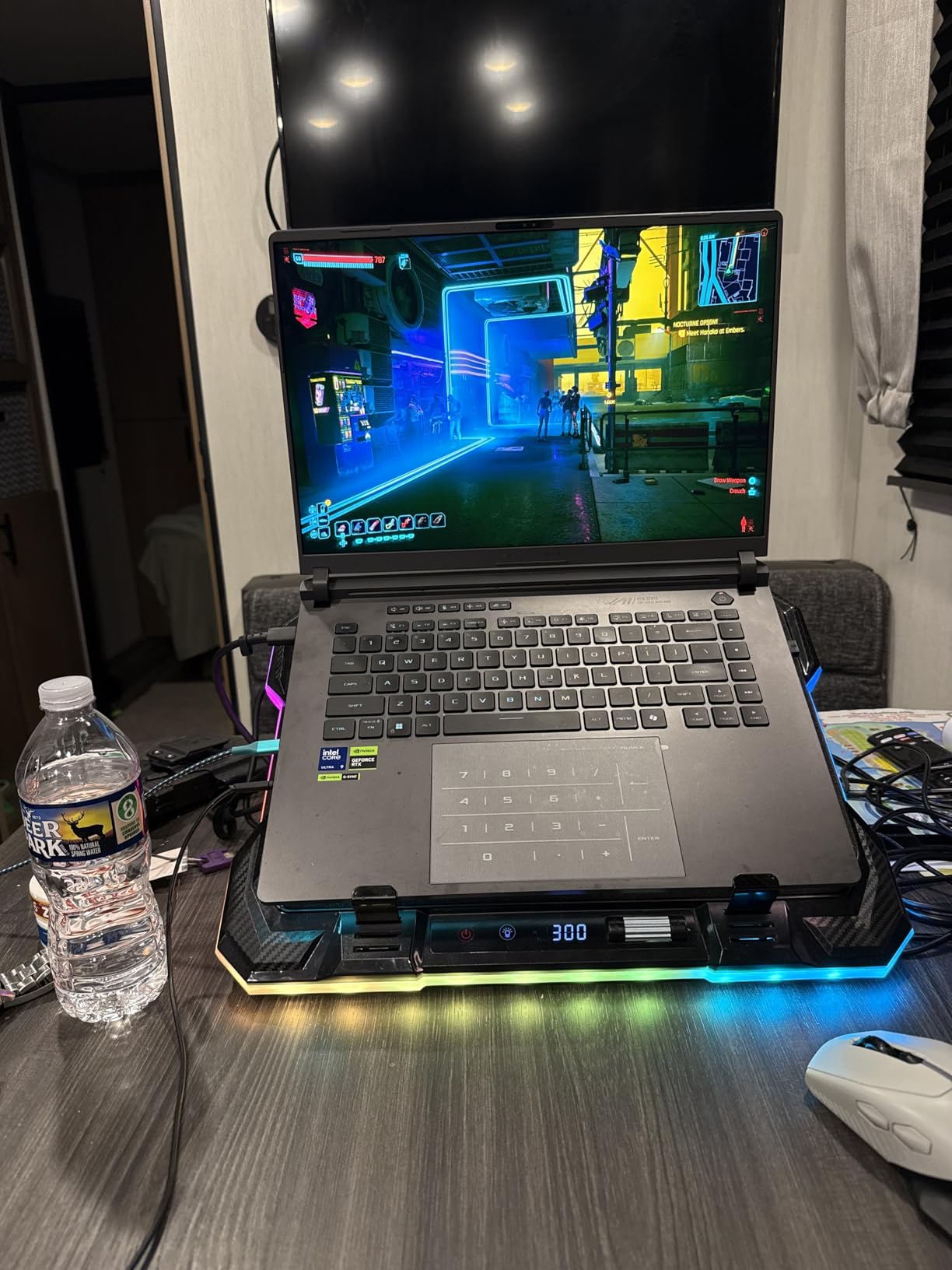
Two reservations. Memory is fixed at a 32GB maximum with no extra room to grow, which is the most common reservation in reviews, and a 5.8-pound 16-inch chassis is heavy to carry on a train. A full-surround RGB light bar runs around the chassis with a stealth mode to switch it off.
Against the Acer Predator Helios Neo 16, you get a faster panel here but a different graphics configuration and a lighter requirement on your budget. If the 32GB memory limit is not a problem, this is the pick for a machine you will keep for years. For a lighter chassis with an OLED panel instead, see the Lenovo Legion 5i below.
6. Alienware 16 Aurora: Best for 16:10 Screens
Alienware 16 Aurora
GPU: RTX 5060 8GB
CPU: Core 7 240H
RAM: 16GB
Storage: SSD
Screen: 16in WQXGA
Pros
- RTX 5060 Blackwell graphics in a 16-inch chassis
- 16:10 WQXGA panel is sharper than 16:9 rivals
- Cryo-Chamber cooling and Dell 1-year onsite service
- Backlit keyboard with numeric keypad and Dolby Audio
Cons
- 16GB base memory topping out at 32GB
- 300-nit brightness is on the low side
- No fingerprint reader
The 16:10 ratio is the reason to look here. Most gaming laptops still use 16:9, and this 2560×1600 WQXGA panel gives you a noticeably taller image than a 1920×1080 screen of the same class. In practice that means a taller viewport in competitive shooters and more room for a timeline or a chat window alongside a game.
Inside, an Intel Core 7 240H from the second generation of that family boosts to 5.2 GHz, and the RTX 5060 brings 8GB of GDDR7 with Blackwell architecture into a 16-inch body. Cryo-Chamber cooling concentrates airflow on the core components, and the listing includes Dell’s one-year onsite service, which is worth something if you do not want to ship a 5.5-pound machine for a repair.
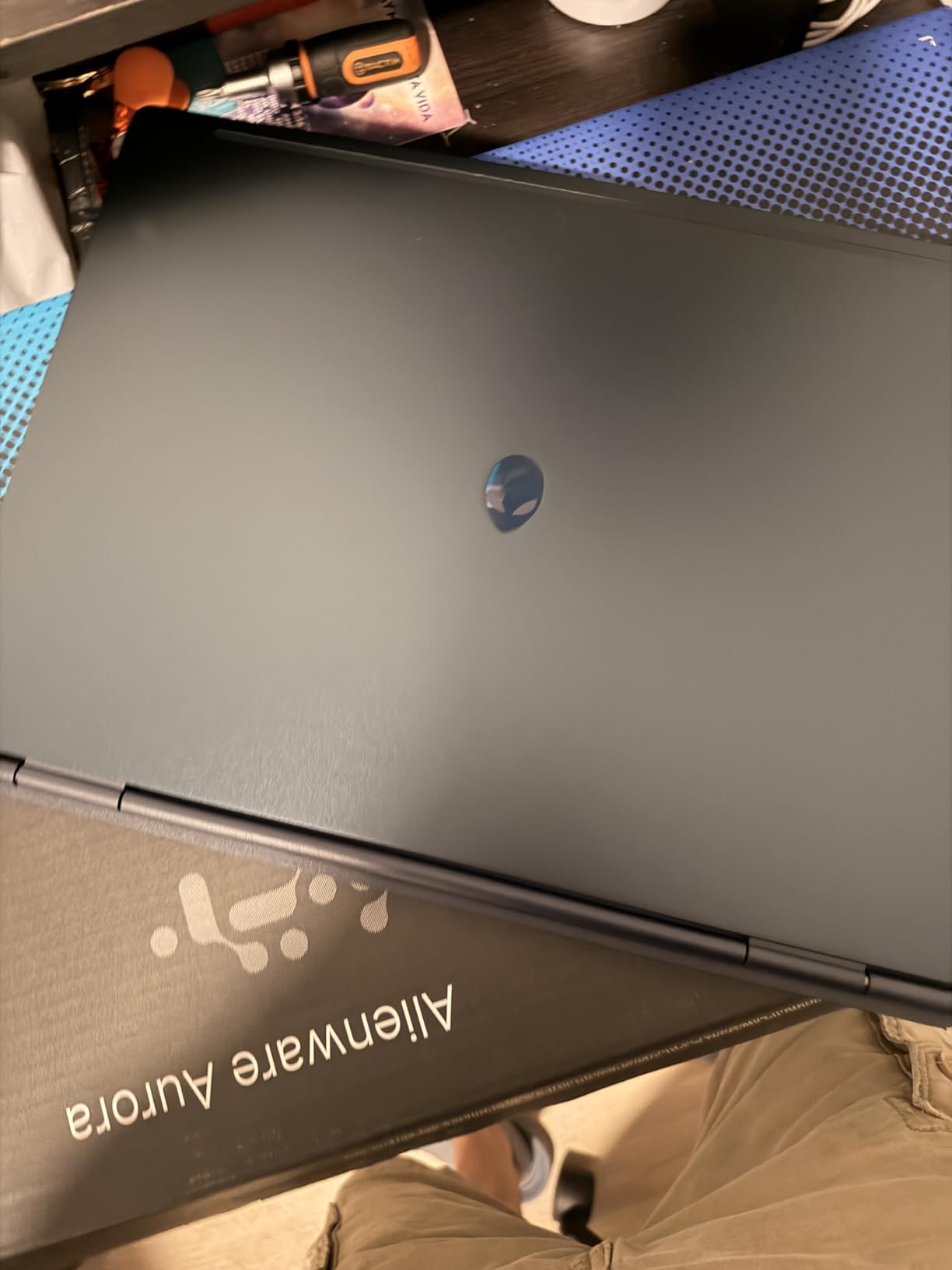
Buyers point to the value of putting those parts in a larger chassis, and reviews are positive about the panel shape specifically. The reservations are ordinary: 16GB of memory that tops out at 32GB across two slots, 300 nits of brightness which is modest in a bright room, and no fingerprint reader. The same model also appears in RTX 4050, 5050 and 5070 configurations, so check the GPU line on the listing matches what you want.
Compare it with the Acer Nitro V 16S, which shares the RTX 5060 but adds 32GB of memory and a faster 180Hz panel, at the cost of the 16:10 shape. If you also edit photos, our 2-in-1 laptops for photo editing roundup covers a different kind of machine for that workflow.
7. Lenovo LOQ 15: Best for Students
Lenovo LOQ 15
GPU: RTX 4060 8GB
CPU: Ryzen 7 7435HS
RAM: 16GB
Storage: 512GB
Screen: 15.6in 144Hz
Pros
- RTX 4060 8GB delivers 144Hz frame rates out of the box
- 100% sRGB IPS panel with G-SYNC at this tier
- Rapid Charge Pro and an included USB-C hub
- Ryzen 7 7435HS handles coursework and gaming at once
Cons
- 512GB SSD is small by current standards
- Memory listed at 16GB on a single slot
- Some owners needed a keyboard board replacement
A student needs a laptop that survives lecture notes, a video call and an evening of gaming without becoming a desk. The LOQ 15 handles that with an octa-core Ryzen 7 7435HS and an RTX 4060 carrying 8GB of dedicated memory, which is enough to hold 144Hz frame rates in the games people actually play at home. Owners rate it 4.5 from 113 reviews.
The panel is unusual at this price point: a 15.6-inch 1920×1080 IPS at 144Hz with 100% sRGB coverage and G-SYNC support. Colour accuracy at that price is rare, and it makes the screen usable for photo and video work as well as games. Nahimic 3D audio handles the sound, and a privacy camera shutter is a small thing students appreciate.
Two limits are worth planning around. Storage starts at 512GB, which fills quickly with modern releases, although an extra M.2 slot is there for a second drive. The memory listing shows 16GB on a single slot, so check the service manual for your exact model before assuming you can double it. A small number of owners needed a keyboard board replacement, which is the main quality complaint in reviews.
Good to know: Rapid Charge Pro tops the battery quickly over USB Power Delivery, and a USB-C hub is included in the box, which saves buying one. Where this sits against the ASUS TUF A16, the LOQ has a faster GPU, a colour-accurate panel and G-SYNC, while the TUF is larger. If your budget stretches, our roundup of gaming laptops under a thousand dollars is the place to look next.

8. ASUS TUF A16: Budget Pick
ASUS TUF A16
GPU: RTX 4050 6GB
CPU: Ryzen 7 7445HS
RAM: 16GB
Storage: 512GB
Screen: 16in FHD+
Pros
- Lowest-cost 16-inch RTX 4050 laptop in this roundup
- 16GB DDR5 upgradeable to 64GB
- 16-inch Full HD+ panel gives more workspace than 15.6-inch rivals
- Spill-resistant chassis and anti-glare coating
Cons
- 512GB SSD limits how many large games fit
- RTX 4050 6GB is the weakest GPU tier listed
- 7 lb weight is heavy for a 16-inch chassis
This is the cheapest route to a 16-inch laptop with an RTX 4050, and the 16-inch footprint is the reason to choose it over a smaller machine. A Full HD+ 1920×1200 IPS panel gives you more workspace than the 15.6-inch rivals, and the anti-glare coating keeps it readable in a room with a window. The Ryzen 7 7445HS boosts from 3.2GHz to 4.7GHz, which keeps esports titles at high refresh rates.
Owners rate it 4.5 from 170 reviews and treat it as an entry point rather than a compromise they regret. The 16GB of DDR5 can go up to 64GB, so the machine is not sealed. A backlit keyboard with a numeric keypad and a TrackPoint make it usable for work, and the chassis resists spills, which matters for a laptop that lives on a sofa.
The weight is the honest drawback. Seven pounds is heavy for a 16-inch laptop, and the 51Wh battery is the smallest pack in this roundup, so treat it as a machine that lives near a power socket. The 512GB drive is also small by current standards. The listed specification is thin on ports, with HDMI and two USB connections, so check the full port list before you commit if you use peripherals.
Compared with the Acer Nitro V 15, you get a bigger screen here and a newer processor generation but a slower GPU and a smaller battery. Compared with the Lenovo LOQ 15, you trade an RTX 4060 with G-SYNC for a roomier display. If you want the same 16-inch shape with much stronger graphics, the Alienware 16 Aurora uses the 16:10 ratio and an RTX 5060.
9. Lenovo Legion 5i: Best for OLED
Lenovo Legion 5i
GPU: RTX 5070 8GB
CPU: Core i7-14700HX
RAM: 16GB
Storage: 1TB SSD
Screen: 15in OLED 165Hz
Pros
- RTX 5070 Blackwell in a 0.85-inch chassis
- 2.5K WQXGA PureSight OLED at 165Hz and 500 nits
- Only 4.4 lb for a machine in this GPU class
- Legion Coldfront Hyper cooling with stealth fans
Cons
- 16GB base memory is light for recent AAA titles
- OLED panel carries burn-in risk with static content
- Only three USB ports in the listed specification
An OLED gaming panel at 165Hz and 500 nits is the reason to spend here. The 15-inch 2.5K WQXGA PureSight display has the deep blacks and high contrast that make dark scenes look the way they were designed, and the 2560×1600 resolution is a real step up from the Full HD panels most laptops in this list use. For photo and video work the colour rendering is a bonus rather than a gimmick.
The surprise is the weight. At 4.4 pounds, this is the lightest RTX 5070 laptop here, in a chassis 0.85 inches thick. Legions tend to be bulky machines, and this one is not. The Core i7-14700HX boosts to 5.4 GHz, memory can go up to 64GB, and the three months of PC Game Pass included with the machine are a decent way to try a few titles before you commit to them.
The commonest suggested upgrade in reviews is the memory itself, since 16GB is light for a machine this capable. The listing shows 16GB with room to grow, so confirm how much is on a removable slot and how much is soldered for your exact model before buying on the assumption of an easy upgrade. OLED panels also carry a long-term burn-in risk if you leave static windows open all day, and the listed specification shows only three USB ports.
Legion Coldfront Hyper uses stealth fans and a copper heat exchanger to keep the Core i7 and RTX 5070 in check. Against the ASUS ROG Strix G16, you trade 240Hz for OLED colour and save a pound and a half of weight. Against the msi Katana 15 HX, this machine is far more portable.
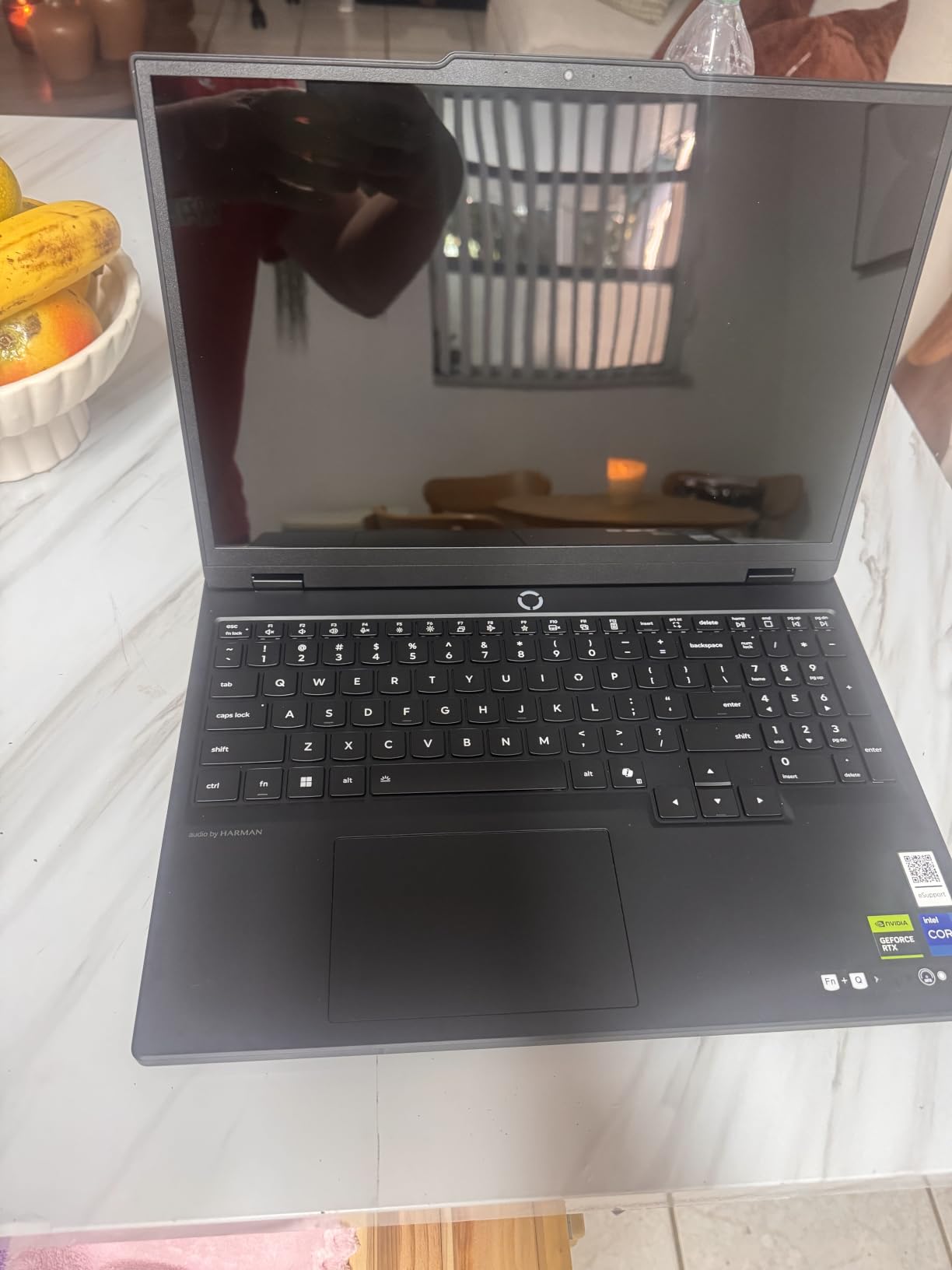
10. GIGABYTE Gaming A16: Best for Upgradable Memory
GIGABYTE Gaming A16
GPU: RTX 5070 8GB
CPU: Core i7-13620H
RAM: 32GB
Storage: 1TB Gen 4
Screen: 16in 165Hz
Pros
- 32GB DDR5-5200 fitted and upgradeable to 64GB
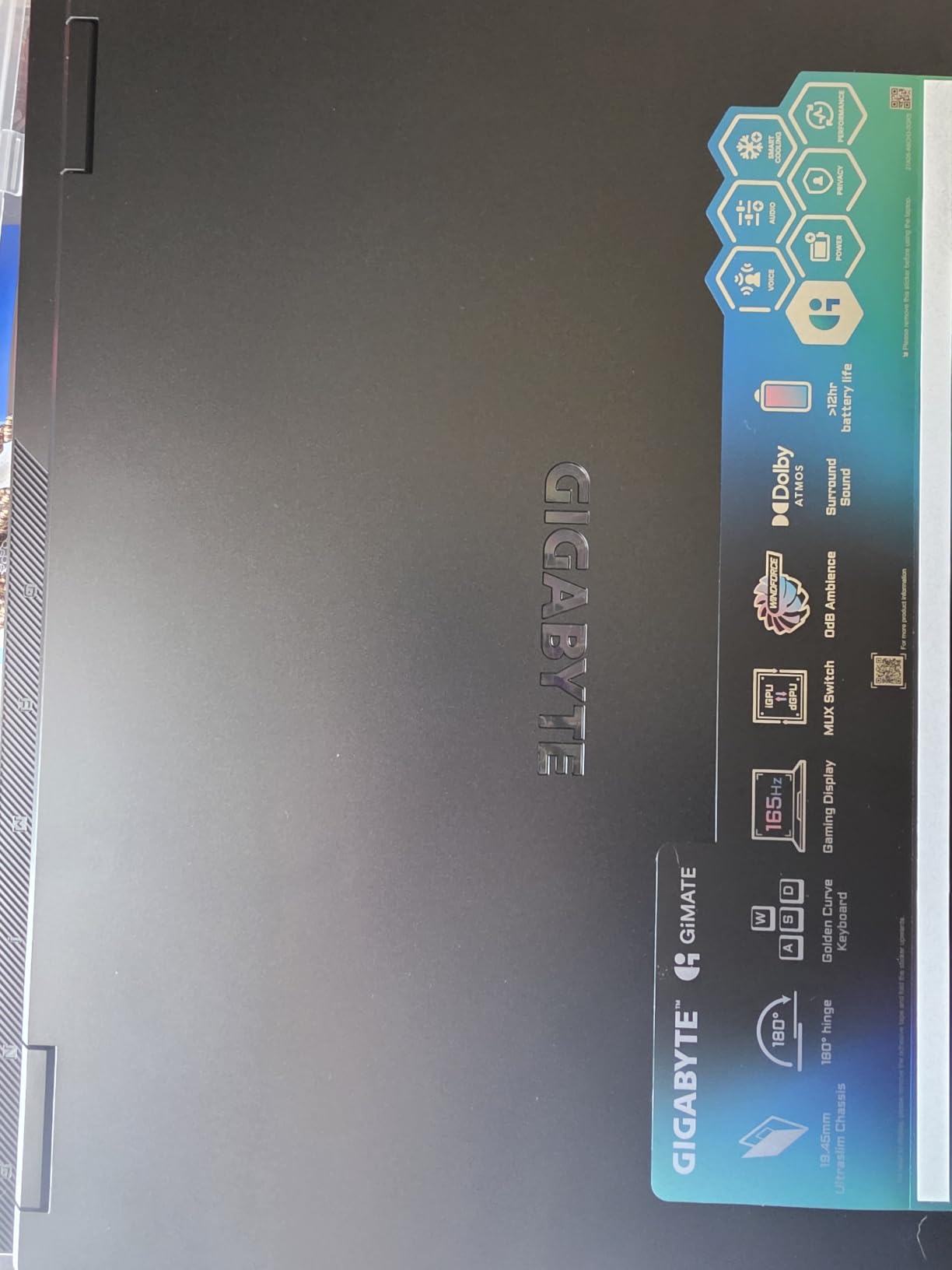
- RTX 5070 Blackwell in a 19.45mm 4.9 lb chassis
- 16:10 165Hz matte IPS panel with 180-degree hinge
- Thunderbolt 4 and Ethernet
Cons
- 300-nit panel brightness is modest
- 13th Gen processor paired with 50-series graphics
- Only two 2W speakers
Most laptops cap memory at 32GB or 16GB and leave it there. This one ships with 32GB of DDR5-5200 that can go to 64GB, which means you can add memory later instead of replacing the machine. Buyers who plan to keep a laptop for a long time treat that as the most valuable feature on the spec sheet.
The RTX 5070 with 8GB of GDDR7 brings DLSS 4 and Max-Q into a chassis that is 19.45mm thin and weighs 4.9 pounds, which is unusual for 50-series graphics. The 16:10 IPS panel runs at 165Hz with a matte finish, and a 180-degree hinge lets the machine sit flat when you want a second screen or want to show something to the person next to you.

There is a mismatch worth noticing. The Core i7-13620H is a 13th-generation part, so you are pairing an older processor generation with current graphics. It is perfectly adequate, and a few reviewers reported inconsistent real-world performance anyway. The 300-nit panel is modest for the year, and the two 2W speakers are thin on sound. GiMATE AI software handles the tuning, and the 76Wh battery is one of the larger packs in the list.
Against the Alienware 16 Aurora, which shares the 16:10 shape, this one has the faster GPU and more memory headroom. Against the msi Cyborg 17, it is lighter and narrower. For a desk-bound setup, our gaming monitors under 300 dollars are the natural pairing.
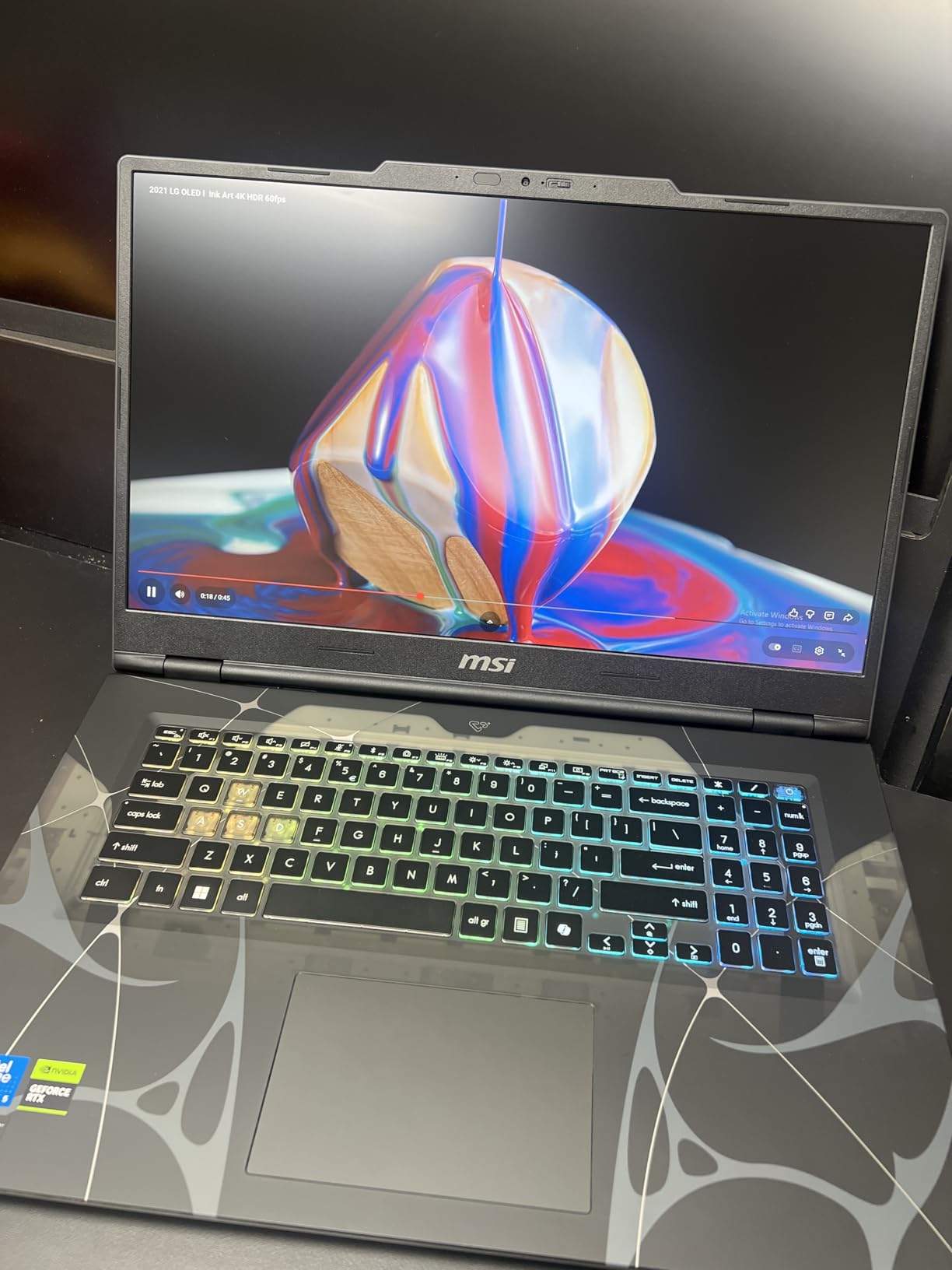
11. msi Cyborg 17: Best for Big Displays
msi Cyborg 17
GPU: RTX 5060 8GB
CPU: Core 7-240H
RAM: 16GB
Storage: 1TB NVMe
Screen: 17.3in 144Hz
Pros
- 17.3-inch 144Hz matte display in a 0.83-inch chassis
- RTX 5060 with DLSS 4 handles modern titles at high settings
- 16GB DDR5 across two slots expandable to 96GB
- Cooler Boost shared-pipe thermal design
Cons
- All ports sit on one side of the machine
- Only a single SSD slot limits storage expansion
- Default hybrid power mode underperforms until performance mode is set
Biggest screen, thinnest frame around it. The 17.3-inch 1920×1080 matte display at 144Hz sits in a chassis 0.83 inches thick and 5.3 pounds, and reviews are clear that the size is the reason people buy it. Competitive games feel different on a 17-inch panel, and a fullscreen browser next to a game is a genuine advantage rather than a novelty.
The Core 7-240H boosts to 5.2 GHz and the RTX 5060 carries 8GB of GDDR7 with DLSS 4, which owners say handles modern titles at high settings. Memory is the standout spec here: 16GB of DDR5 across two slots, expandable to 96GB, the highest ceiling in this roundup. Cooler Boost shared-pipe cooling keeps temperatures controlled, and DTS hi-Res Audio handles the two 2W speakers.
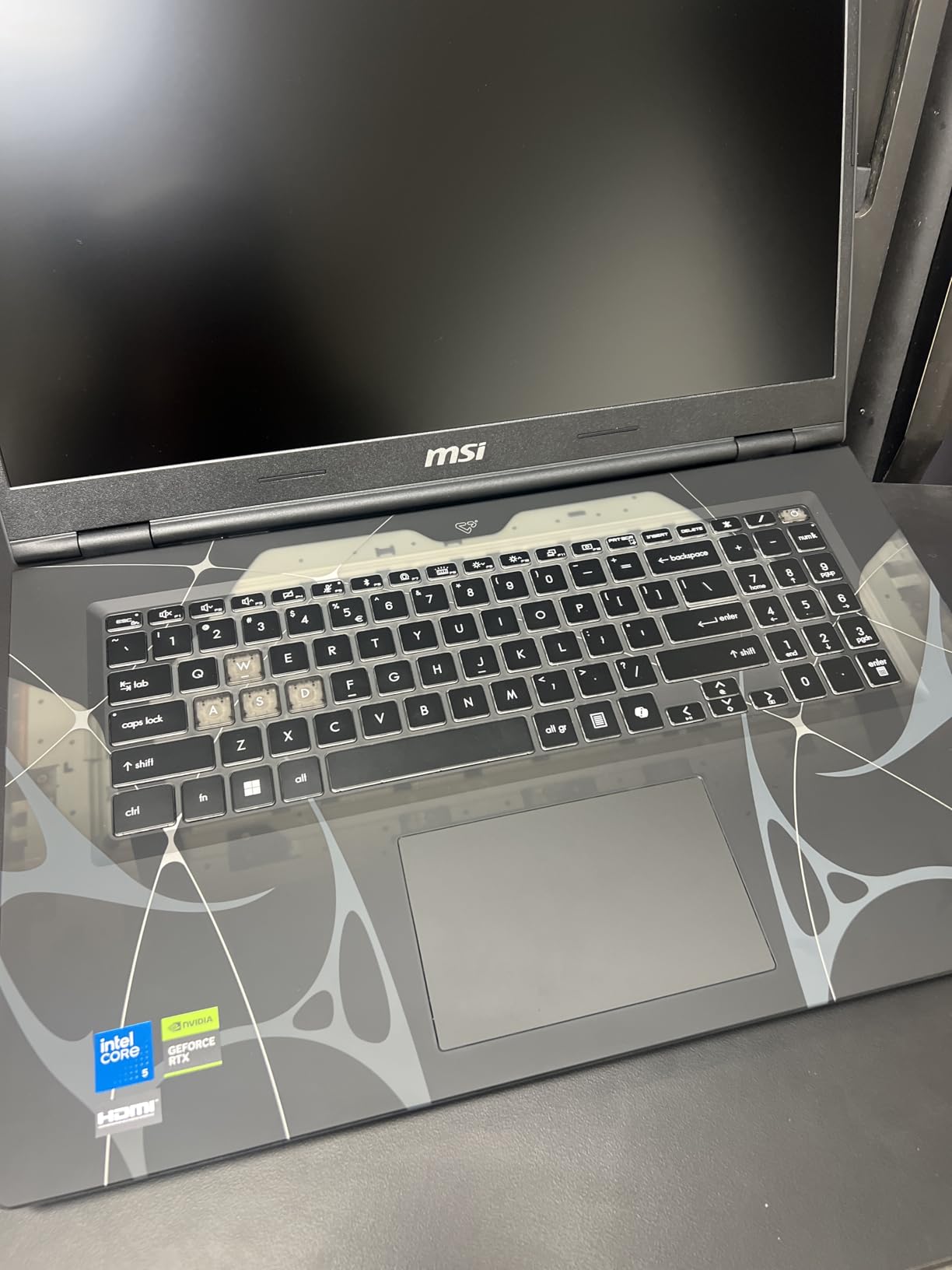
Three practical points come up in reviews. Every port sits on the right-hand side, which is awkward if you use a wired mouse on the other side. There is a single M.2 slot, so extra storage means replacing the drive rather than adding one. And the default hybrid power mode underperforms until you switch to performance mode in MSI Center, which is the first thing to do after setup.
Compare it with the ASUS TUF A16: the Cyborg is wider but far better specified, with a newer GPU and more memory headroom. Against the Acer Nitro V 16S, you trade 32GB of standard memory for a much larger screen. This is also the smallest review base in the list at 41 ratings, so treat the owner feedback here as thinner than the other entries.
12. Acer Predator Helios Neo 16: Best for 5G Ethernet
Acer Predator Helios Neo 16
GPU: RTX 5070 Ti 12GB
CPU: Ultra 9 275HX
RAM: 16GB
Storage: 1TB Gen 4
Screen: 16in 240Hz
Pros
- RTX 5070 Ti with 12GB VRAM and 992 AI TOPS
- 16:10 WQXGA 240Hz 3ms panel at 500 nits with G-SYNC
- 5 Gigabit Ethernet with Killer Wi-Fi 6E
- Aeroblade 3D cooling keeps fans quiet in balanced mode
Cons
- 16GB DDR5-6400 is widely recommended to upgrade
- 6 lb weight plus a large power brick
- Battery life of around 2 hours and very loud fans in high performance modes
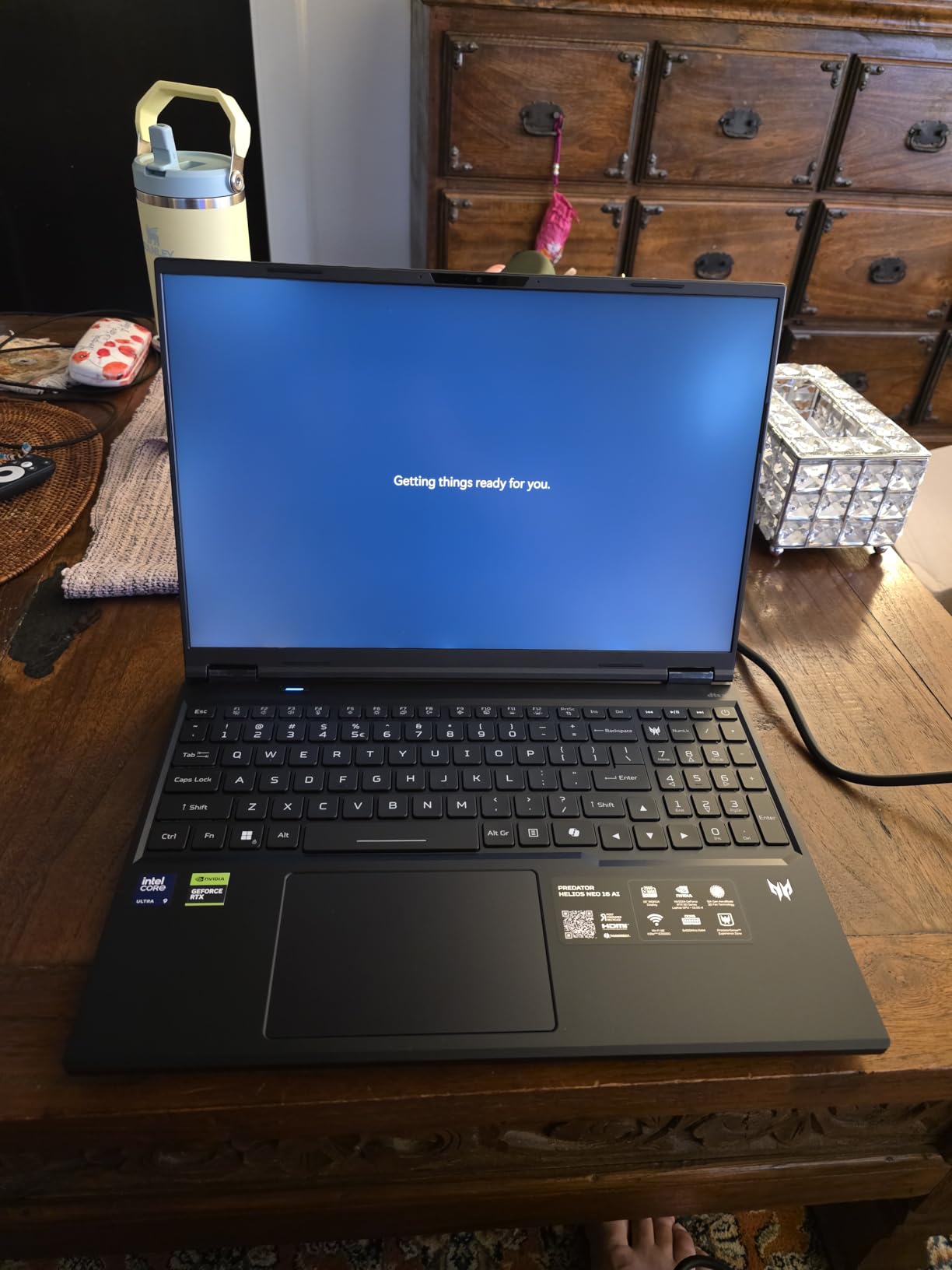
The RTX 5070 Ti here carries 12GB of GDDR7 and 992 AI TOPS, and owners report it clearing 100 frames per second in modern shooters with DLSS 4 multi frame generation and ray reconstruction switched on. That extra video memory is the practical difference from the 8GB cards elsewhere in this list, and it matters most in texture-heavy releases at 1440p and above.
The 16:10 WQXGA panel at 2560×1600 runs at 240Hz with 3ms overdrive, 500 nits and up to 100% DCI-P3 coverage, with G-SYNC and Advanced Optimus handling the frame pacing. The Core Ultra 9 275HX is a 24-core part boosting to 5.4 GHz, and Aeroblade 3D cooling keeps the fans near-silent in balanced mode, which is unusual at this performance level.
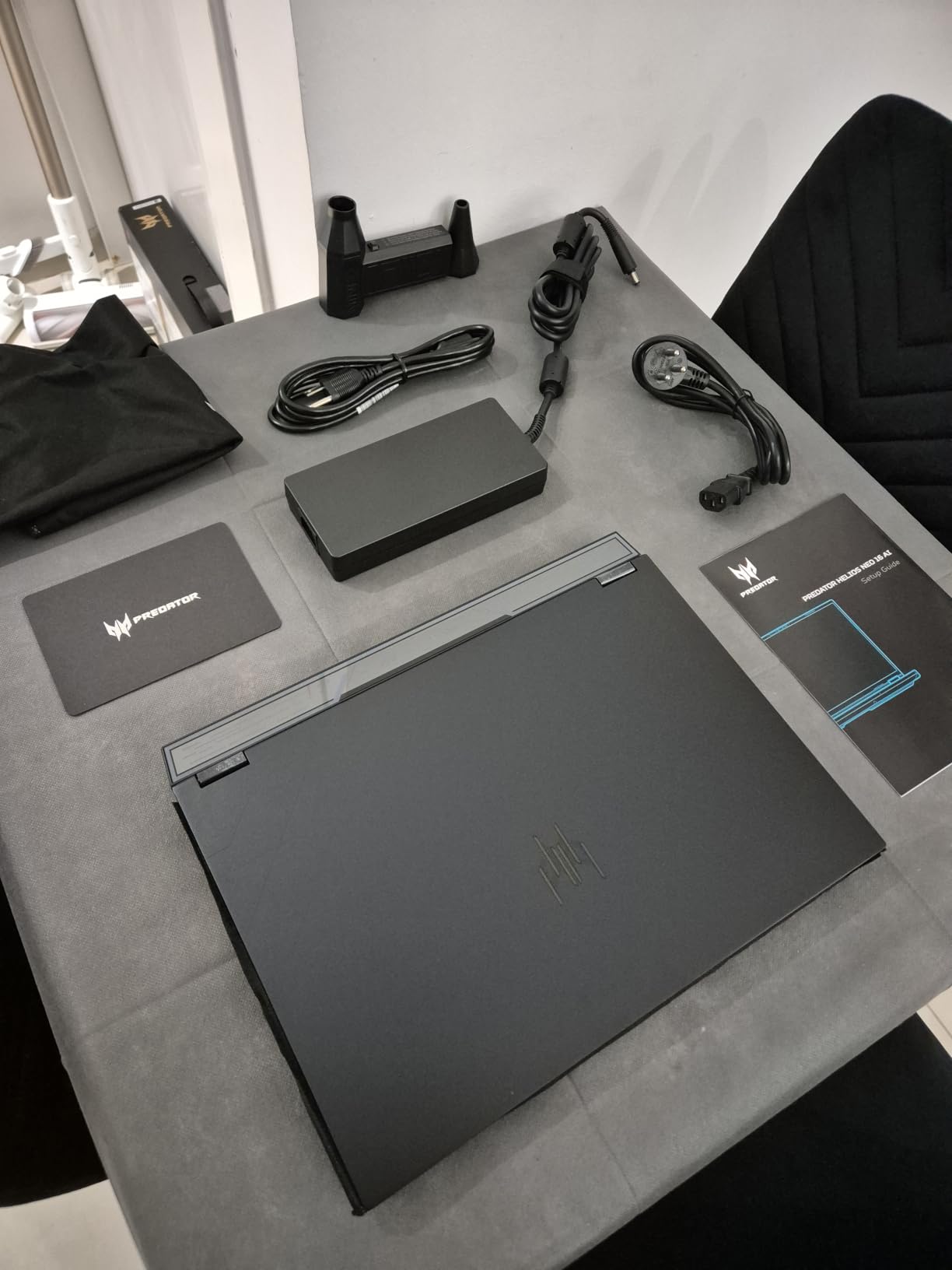
Memory is the weak point. 16GB of DDR5-6400 can go to 64GB, but upgrading is the single most common suggestion in reviews and costs more after purchase than before. Battery life is around two hours of general use, the six-pound chassis plus a large power brick makes this one of the least portable packages here, and one machine was reported as not powering on out of the box.
Five Gigabit Ethernet is a genuine advantage in a dorm or office with wired networking, and Killer Wi-Fi 6E covers the rest. Three months of Xbox PC Game Pass come pre-installed, and a four-zone RGB keyboard rounds out the spec. Against the ASUS ROG Strix G16, you get a different graphics configuration and a comparable panel. If you play mostly at 1080p, the Acer Nitro V 15 covers the same games on a smaller budget.
How to Choose Gaming Laptops During Prime Big Deal Days
GPU Performance for Modern Games
Match the graphics card to the resolution you actually play at. RTX 4050 and 4060 class cards handle esports titles at high refresh rates and older AAA games at 1080p, and the RTX 5070 to 5070 Ti range is what you want for 1440p with ray tracing on. Video memory is the number to check rather than the model name: 6GB is the first constraint most owners hit, and 8GB or more gives a new release room to load its assets.
Look for DLSS support, since frame generation on Blackwell parts is what keeps a 5070 Ti competitive with pricier hardware. The Acer Nitro V 16S and the msi Katana 15 HX sit at the mainstream end of that range, while the ASUS ROG Strix G16 and Acer Predator Helios Neo 16 cover the top.
Processor and Memory Configuration
Sixteen gigabytes of memory is the minimum worth buying in 2026, and 32GB is a sensible target if the laptop will also run a browser with many tabs, a game and a video call at once. Check whether the memory is on a SODIMM you can replace or soldered to the board, because that decision is permanent. The GIGABYTE Gaming A16 and the msi Cyborg 17 with room to 96GB are the most flexible here.
For processor, a recent 13th-generation Core i7 or a Ryzen 7 octa-core handles gaming and study work without trouble, and a 14th-generation Core i9 or Core Ultra 9 covers heavy multitask and video editing. If a lot of your machine time goes into photo and video work, our picks for laptops for Photoshop go deeper into the memory and colour considerations.
Display Size, Resolution and Refresh Rate
Refresh rate matters for competitive shooters: 144Hz is the practical floor for fast games, 165Hz to 240Hz is where the difference becomes obvious, and 240Hz on a 2560×1600 panel is the top of this list. Resolution is a separate decision. A 1920×1080 panel at 165Hz is sharper in motion, while a QHD or 2.5K panel shows more detail and more desktop space at the cost of demanding more from the GPU.
Panel shape also changes how a game feels. The 16:10 and 16-inch machines here, including the Alienware 16 Aurora and msi Cyborg 17, give a taller image than a 16:9 screen. Brightness matters more than buyers expect if the laptop lives near a window, and the 300-nit panels in this roundup will show it. Pairing a laptop with a proper display is worth reading about separately if you plan to game on a larger screen.
Battery Life and Chassis Portability
Gaming laptops are honest about their limits here. Battery claims in this roundup run from about two hours on the Acer Predator Helios Neo 16 to five or six hours on the lighter 15.6-inch models, and most fall in between. If you need real unplugged time, weight matters as much as capacity, and the Lenovo Legion 5i at 4.4 pounds is the clear leader while still carrying an RTX 5070.
At the other end, the msi Katana 15 at 7.6 pounds and the ASUS TUF A16 at 7 pounds are desk machines that happen to be portable. Count the charger too, since the brick on a 5070 Ti machine is a large part of the weight people complain about in reviews.
Storage, Cooling and Upgrade Options
A 1TB NVMe drive is a sensible starting point today, and 512GB fills quickly with recent releases plus a few launch titles. Two M.2 slots mean you can add a second drive without replacing the first, which the Acer Nitro V 16S, the msi Katana 15 and the msi Katana 15 HX all offer. A single slot, as on the msi Cyborg 17, turns a storage upgrade into a full replacement.
Cooling determines how long a laptop holds its frame rate. Shared-pipe designs such as Cooler Boost 5 on the msi machines, the vapor chamber and liquid metal on the ASUS ROG Strix G16, and Cryo-Chamber on the Alienware 16 Aurora all move heat away from the CPU and the GPU together. Reviews on the msi Katana 15 report temperatures settling in the 60-75C range during long sessions, which is the sort of figure worth looking for.
How to Shop Gaming Laptop Deals During the Sale
Check the exact model number on the listing, not the marketing name. The same series appears in several configurations, and the Alienware 16 Aurora alone comes in RTX 4050, 5050, 5060 and 5070 versions. Read the RAM, storage and refresh rate lines before you commit, and confirm whether the panel is the one you expected. Look at who the seller is and who handles delivery, whether the condition is new or renewed, and what the box includes, since bundles change between listings of the same laptop.
Most offers during the event need a Prime membership, and a free trial counts. Offers change through the sale, so check the listing again later in the window rather than assuming the first price you see holds.
- Verify the model number and GPU on the listing before you buy, not just the series name
- Treat 16GB of memory as the floor in 2026 and check whether the RAM is replaceable
- Match the GPU to the resolution you play at rather than the highest card you can find
- Prefer two M.2 slots and a replaceable SODIMM over a larger factory specification
- Check panel brightness and battery figures, which listings rarely explain
- Recheck the listing later in the event, because offers change through the window
Frequently Asked Questions
When does Amazon Prime Big Deal Days run in 2026?
Amazon Prime Big Deal Days runs October 6-7, 2026. Laptop offers are typically live for the whole window rather than a single day, but individual listings can change partway through, so it is worth checking the model you want more than once.
Do I need Prime to buy a gaming laptop deal during the sale?
Most gaming laptop offers during Prime Big Deal Days require a Prime membership, and a free trial counts toward that. A small number of laptop deals apply to everyone, but the deepest ones are usually members only, so it is worth signing in before you compare prices.
How much RAM and storage should a gaming laptop have?
Sixteen gigabytes of RAM is the minimum worth buying now, and 32GB is better if you will game while running a browser and a video call. One terabyte of storage is a comfortable starting point, while 512GB fills quickly with recent releases. Check whether the memory sits on a replaceable slot.
Can I upgrade the RAM or SSD in a gaming laptop?
It depends on the model. Several laptops here use replaceable SODIMM slots and two M.2 positions, so memory and storage can both be increased later. Others fix the memory at 32GB or 16GB with no upgrade path, so confirm the internal layout for the exact model before buying.
Should I choose a higher-refresh display or prioritize battery life?
It depends on where you play. For competitive shooters, a 165Hz or 240Hz panel is worth more than extra battery hours. For gaming away from a socket, weight and battery capacity matter more, and a lighter 165Hz machine will serve you better than a heavier 240Hz one.
What is the best laptop type to target for Best Amazon Prime Big Deal Days Gaming Laptop Deals?
A 16-inch laptop with a recent processor, 32GB of memory, a 1TB SSD and a current RTX card covers almost everything most players need. A 15.6-inch model is lighter and cheaper for esports titles, and a 17.3-inch screen suits people who want one machine for gaming and general work.
Final Verdict: Best Amazon Prime Big Deal Days Gaming Laptop Deals
The pick most worth watching during the sale is the Acer Nitro V 16S, our Editor’s Choice, because 32GB of memory, a 1TB Gen 4 drive and a 180Hz panel are fitted rather than sold as upgrades. If you want the highest-rated build in the list, the Acer Nitro V 15 is the alternative, with a matte 165Hz screen and a processor that handles more than games.
Buy the msi Katana 15 for desktop replacement gaming with an RTX 4070, the msi Katana 15 HX for 1440p AAA titles on a QHD panel, and the ASUS ROG Strix G16 as the Premium Pick when the 240Hz display and 5070 Ti graphics matter. Choose the Alienware 16 Aurora for a sharper 16:10 screen, the Lenovo LOQ 15 for a student machine, the ASUS TUF A16 as the Budget Pick on a 16-inch footprint, the Lenovo Legion 5i for OLED and low weight, the GIGABYTE Gaming A16 for expandable memory, the msi Cyborg 17 for a 17.3-inch display, and the Acer Predator Helios Neo 16 for 5G Ethernet and 12GB of VRAM.
Check the exact configuration on the listing before you buy, and revisit the button through the event, since offers change across the October 6-7 window.