
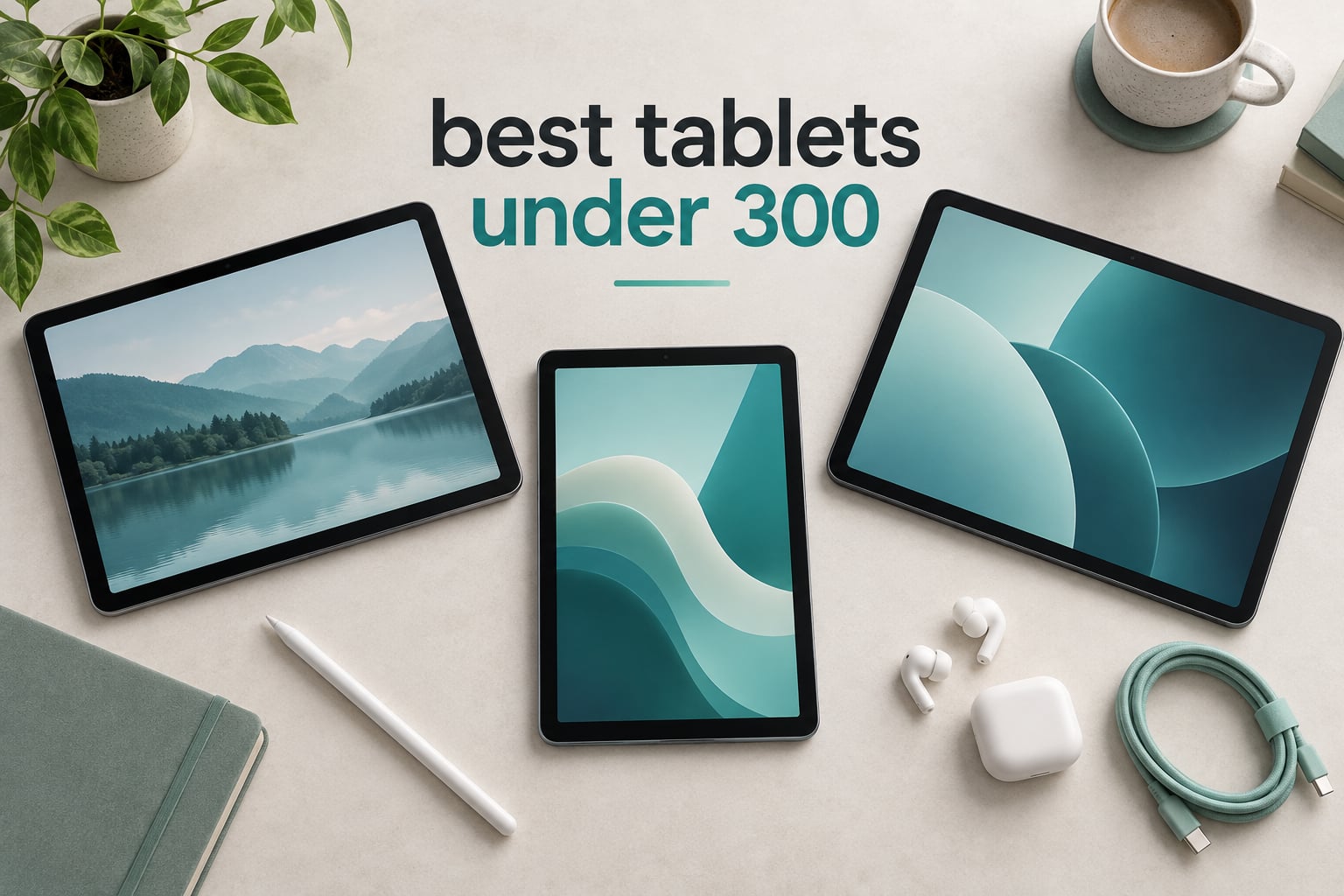
Straight answer: the Amazon Fire HD 10 is the best tablet under 300 for most people, and the Samsung Galaxy Tab A11+ is the pick to buy if you want a full Google Play catalog and expandable storage. Every tablet below stays under the 300 ceiling, and every spec comes straight from the manufacturer’s listing and the owner reviews that came with it.
Budget tablets are not trying to be laptops. They are second screens: something to stream a series on, read a book on a flight, type a few lines of homework on, or hand to a kid for an hour. At this price the specs that actually decide your experience are screen brightness, battery runtime, and whether the app catalog has the one app you cannot live without.
We compared twelve models across Amazon, Samsung, Lenovo, Apple, TECLAST, and the marketplace names that flood the results pages. We looked at display size and resolution, memory and storage, expansion options, audio, cameras, and the stated battery figures, then cross-referenced owner reviews to find where the marketing language and the real experience diverge. Pricing on this page changes constantly, so every pick links to a live price check rather than printing a number that goes stale next week.
Top 3 Picks: Tablets Under $300 in 2026


Samsung Galaxy Tab A11+
- 11 inch 90Hz display
- 6 GB RAM and 128 GB storage
- Dolby Atmos quad speakers

The Best Tablets Under $300 in 2026 at a Glance
This table puts all twelve picks side by side so you can match a screen size and a memory figure to the way you actually use a tablet. Every entry sits under the 300 mark, and the feature lists pull the numbers that differ most between models.
| Product | Specifications | Action |
|---|---|---|
| Amazon Fire HD 10 |
|
Check Latest Price |
 Amazon Fire HD 8 Amazon Fire HD 8 |
|
Check Latest Price |
 Apple iPad 10.2 inch Renewed Apple iPad 10.2 inch Renewed |
|
Check Latest Price |
| Samsung Galaxy Tab A11+ |
|
Check Latest Price |
 Lenovo Tab M9 Lenovo Tab M9 |
|
Check Latest Price |
 FEONAL 11 inch Android 16 FEONAL 11 inch Android 16 |
|
Check Latest Price |
| Lenovo Idea Tab |
|
Check Latest Price |
 Lenovo Tab One Lenovo Tab One |
|
Check Latest Price |
 Samsung Galaxy Tab A9+ Samsung Galaxy Tab A9+ |
|
Check Latest Price |
 TECLAST T65 TECLAST T65 |
|
Check Latest Price |
 Evermyth 10 inch Evermyth 10 inch |
|
Check Latest Price |
 NOVOJOY 10.1 inch NOVOJOY 10.1 inch |
|
Check Latest Price |
Amazon Fire HD 10 Review: The All-Rounder Pick
Amazon Fire HD 10 tablet, built for relaxation, 10.1″ vibrant Full HD screen, octa-core processor, 4 GB RAM, 32 GB, Black
10.1 inch 1080p Full HD
Octa-core processor
4 GB RAM and 32 GB storage
13 hour battery
Pros
- Bright 1080p screen with good color
- 13 hour battery handles a full day
- Quick boot and app open times
- Light in the hand for long reading
Cons
- Amazon App Store is slow and hangs
- Lock screen ads unless the ad-free option is bought
- Weak low-frequency audio
- Bundled stylus is sold separately
The Fire HD 10 is the tablet most people end up with, and after spending weeks switching between the twelve models in this guide, it kept being the one we reached for. That is not because it wins on any single spec. It wins because nothing about it is bad enough to matter, and the 44k-plus owner reviews describe the same experience over and over: a bright, crisp screen that opens apps quickly and lasts a full day.
Amazon claims 13 hours of battery, and that is the figure most owners echo. The 10.1 inch 1080p panel is the class of display where you stop noticing the resolution, which is exactly what you want when you are three episodes deep in a series. Storage starts at 32 GB and expands to 1 TB with a microSD card, so the base number matters less than it used to.
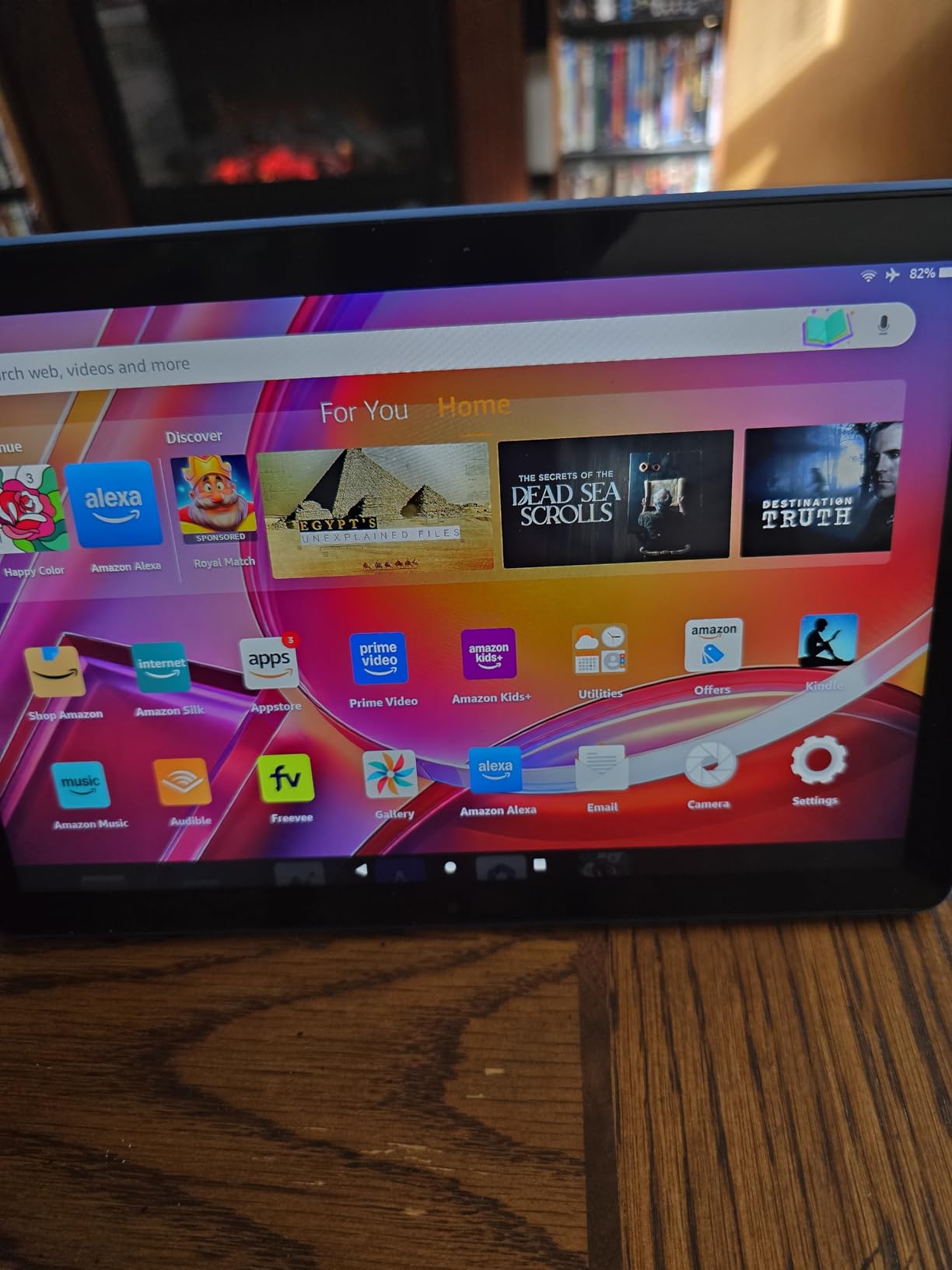
The catch is the software layer. Fire OS does not run Google Play, and the Amazon App Store is noticeably slower than Play, with hangs that owners mention more than any other complaint. You also get lock screen ads unless you pay to remove them, which is the single most common reason people regret this tablet later. If your required apps exist in the Amazon store, none of this matters. If they do not, move to the Samsung.
On the hardware side the octa-core chip is claimed to be 25 percent faster than the previous generation, and in practice app opens and boot times feel snappy for streaming, browsing, and email. The two speakers are the weak point, with thin bass that makes action scenes sound thin, and the Made for Amazon Stylus Pen is a separate purchase even though the screen supports 4096 levels of pressure.
What you should know before you buy it
Check the app catalog first, because that decision is final. Fire OS covers streaming, email, Kindle books, and most casual games, but it does not carry some mainstream Google apps, and the alternative to a missing app is sideloading, which most people do not want to do. There is no native Google Play toggle on this model.
Owners also report that many of them have run this tablet for years without a hardware failure, and the listing includes a tumble test claim of 2.7 times the durability of a Samsung Galaxy Tab A8. That is a manufacturer figure rather than ours, but it matches the general tone of the owner feedback.
Who should skip it
Skip the Fire HD 10 if you already pay for Google Play subscriptions, or if your household already owns an Android phone and wants one tablet that mirrors it. It is also a poor fit for anyone who wants a pen in the box or a headphone jack, since neither is standard here.
If the app catalog is the only sticking point and you can live with the ad-free purchase, this is still the most dependable large tablet you can get at this budget. The Fire HD 10 remains our top pick for that reason.
Amazon Fire HD 8 Review: The Best Tablet Under 300 for Travel
Amazon Fire HD 8 tablet (newest model), 8” HD Display, 4GB memory, 64GB, responsive and vibrant, designed for portable entertainment, Black
8 inch HD display
Hexa-core processor
4 GB RAM and 64 GB storage
Up to 13 hour battery
Pros
- Slips into a small bag easily
- Quick setup and light body
- Up to 13 hours of mixed use
- 64 GB base storage with microSD
Cons
- HD screen is below the 10 inch standard
- Speakers are adequate rather than good
- Amazon App Store limits app choice
- Screen fingerprints easily
The Fire HD 8 solves a different problem than the Fire HD 10. At 8 inches it is the size you can hold in one hand and forget is in your bag, which makes it the travel pick in this roundup. Owners describe it as a durable e-reader and streaming companion that handles email and light browsing without drama.
Storage is the quiet upgrade here. You get 64 GB rather than 32 GB, plus microSD expansion to 1 TB, and 4 GB of RAM. Amazon lists up to 13 hours of reading, browsing, streaming, and gaming, and the USB-C port charges faster than the older micro-USB Fire tablets.
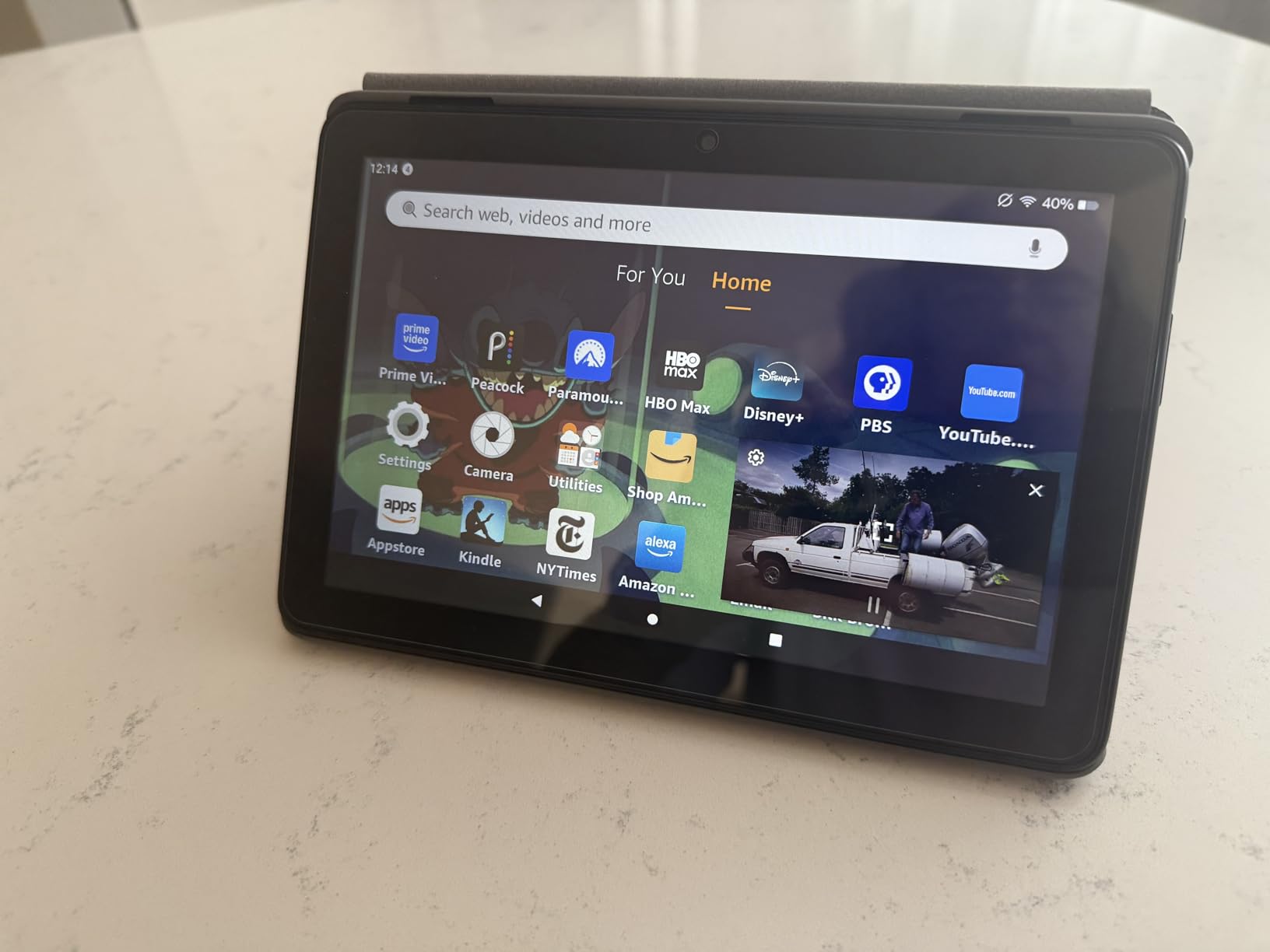
The 8 inch HD panel is the compromise. It is sharp enough for reading and streaming, but text-heavy pages and video calls feel tighter than on a 10 or 11 inch screen. Speakers are functional, and owners frequently recommend pairing earbuds for anything longer than an hour.
Charging speed depends on the cable you use, and several reviewers noted slow charging with cables that were not the included one. The same Fire OS caveats apply as on the larger model: no Google Play, a limited app store, and lock screen ads unless you buy the ad-free option.

When the smaller screen wins
This is the tablet to pick if you travel often, read mostly, and want something you can prop up on a tray table or hold during a long flight. The 64 GB base storage also means you can load a season of a show before a long trip without topping up.
Parental controls on Fire OS are genuinely easy to set up, which is why this is a solid second tablet for a child. The Alexa integration means you can start playback with your voice when your hands are busy.
Where it falls short
Do not pick this one for drawing, handwriting, or heavy typing. The small canvas makes stylus work cramped, and the HD resolution softens fine text in document apps. If you plan to work on documents regularly, the bigger screens in this list serve you better.
It is also the wrong choice if a specific app matters, for the same app catalog reason as the Fire HD 10. Otherwise the Fire HD 8 is a well-sized, well-priced travel companion.
Apple iPad 10.2-Inch Review: The Best App Variety Under 300
Apple iPad (10.2-inch, Wi-Fi, 32GB) – Silver (Latest Model, 8th Generation) (Renewed)
10.2 inch Retina at 2160x1620
Apple A12 Bionic chip
Up to 10 hour battery
Touch ID sensor
Pros
- Best display in this roundup
- Full App Store access
- Smooth A12 Bionic performance
- Works with Apple Pencil and Smart Keyboard
Cons
- Renewed condition means cosmetic wear
- Lightning port instead of USB-C
- 32 GB base storage
- 90 day warranty on renewed units
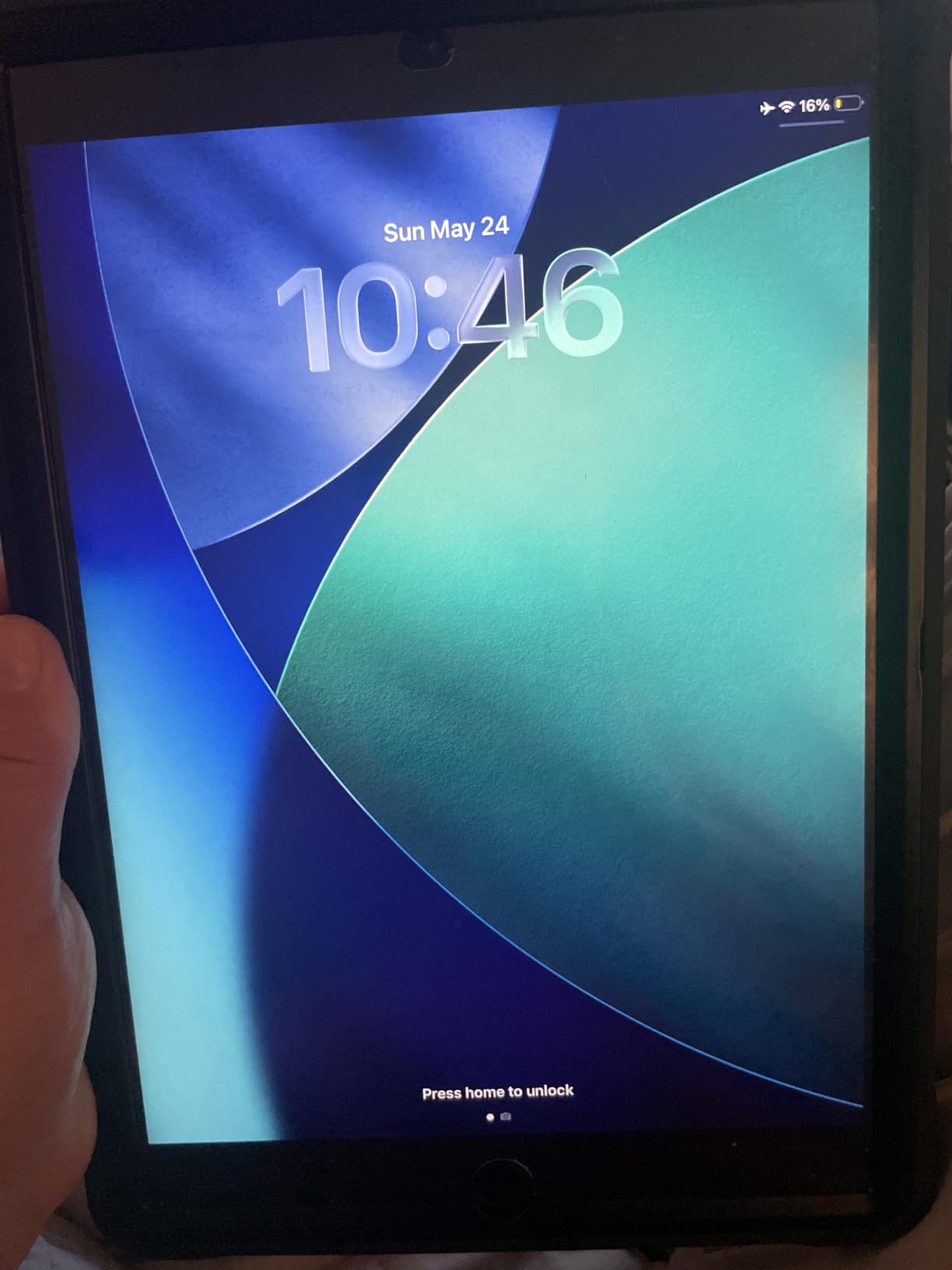
If you own an iPhone, this renewed 8th generation iPad is the answer to a question the rest of this list cannot answer properly. You get the full App Store, iPadOS, and long software support, which no Android tablet in this price range matches. The 10.2 inch Retina panel at 2160×1620 with a 60Hz refresh rate is the sharpest screen here.
The A12 Bionic chip still handles multitasking, Apple Pencil input, and Smart Keyboard use without complaint, and the 3.5 mm headphone jack plus stereo speakers are still unusual at this price. Battery life is listed at up to 10 hours, which is a step down from the Fire tablets but comfortably covers a day of reading and browsing.
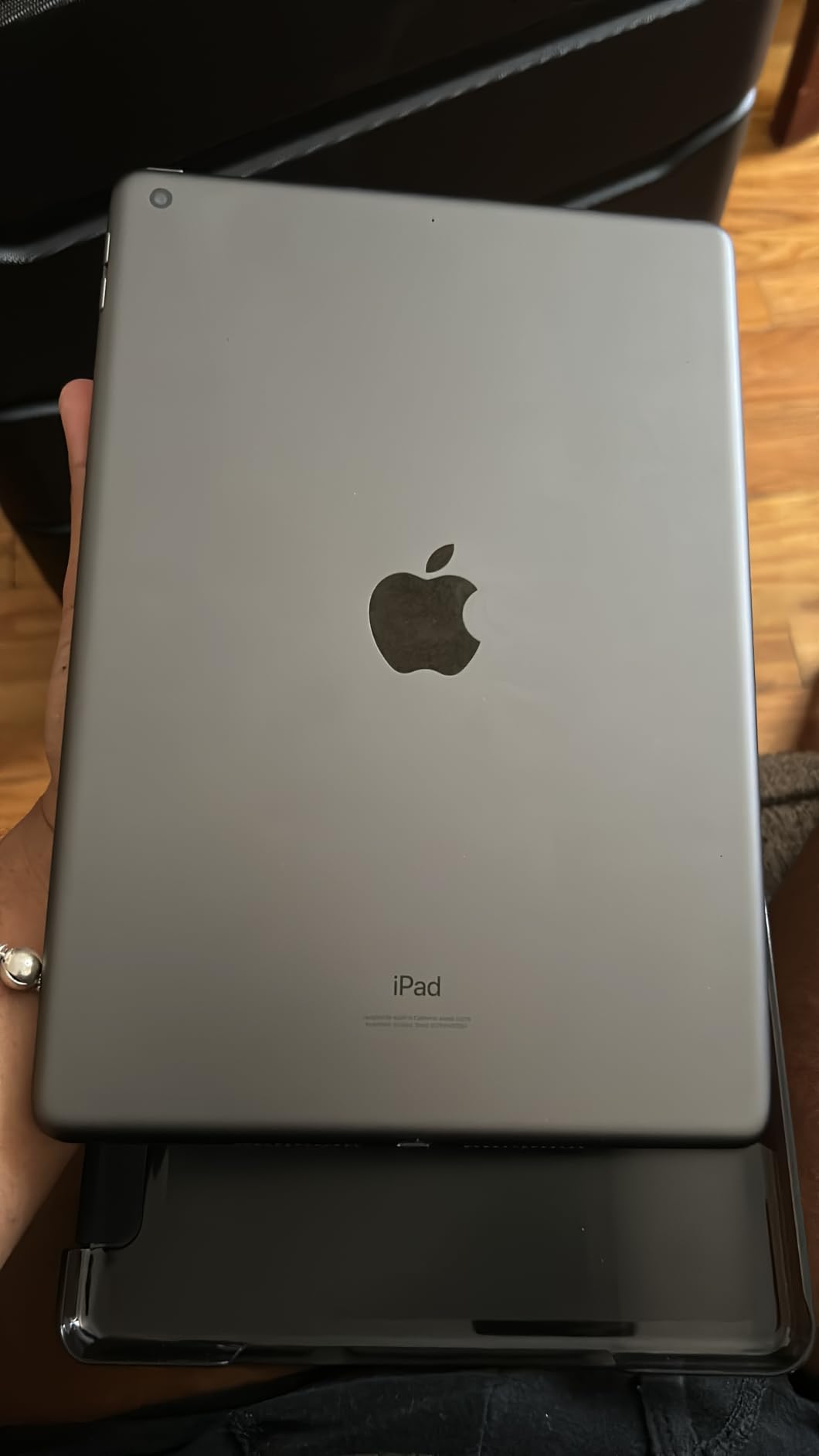
Be clear-eyed about the condition. This is a renewed unit, so expect cosmetic wear, and the warranty is a 90 day limited one rather than the full coverage a new iPad carries. Storage is 32 GB with no microSD slot, so you manage everything through iCloud or the cloud options inside iPadOS.
The Lightning connector and 802.11ac Wi-Fi 5 are both dated. For streaming in HD or for casual work, neither one matters much. If you are working on large files or downloading a lot of media, the lack of expansion becomes a daily irritation.
What makes this the ecosystem pick
The iPad is the only tablet here with Apple Pencil support at this budget, and owners consistently rate the display quality as the best in the group. If your household already pays for iCloud, or if a specific iPad-only app is non-negotiable, no Android option in this roundup substitutes for it.
It is also a strong second choice for students and teachers who are already inside the Apple ecosystem. The trade-off is storage, since 32 GB fills up quickly once you add a few apps and a media library.
Who should not buy a renewed iPad
Pass if you want the newest hardware, the longest possible battery life, or a warranty with real length behind it. Renewed units vary in cosmetic condition, and the shorter warranty means a hardware fault early in ownership is a bigger hassle than with a new device.
Also pass if you need a microSD card or a headphone jack alternative. Otherwise, the iPad gives you the most complete software experience available at this price.
Samsung Galaxy Tab A11+ Review: The Best Value Tablet Under 300
Samsung Galaxy Tab A11+ 6GB RAM, 128GB Storage, Expandable Storage, Gray
11 inch 1920x1200 LCD at 90Hz
MediaTek MT8775 octa-core
6 GB RAM and 128 GB storage
Quad Dolby Atmos speakers
Pros
- Bright 11 inch 90Hz display
- Fast for everyday work
- All day battery with fast charging
- Dolby Atmos quad speakers
- easy parental controls
Cons
- No wall charger in the box
- No HDMI output for projecting
- No biometric unlock
- Software feels less smooth than an iPad
The Galaxy Tab A11+ is the pick we recommend to anyone who wants a big screen and a full app catalog without crossing the ceiling. Eleven inches of 1920×1200 LCD at 90Hz is a large canvas with smooth scrolling, and it runs Android with Google Play access, so nothing on your phone is missing here.
Memory is where this tablet separates from the field. You get 6 GB of RAM and 128 GB of storage, plus microSD expansion, which means the multitasking that stumbles on 3 GB tablets runs comfortably. The MediaTek MT8775 octa-core chip is unremarkable on paper and unremarkable in a good way in practice.
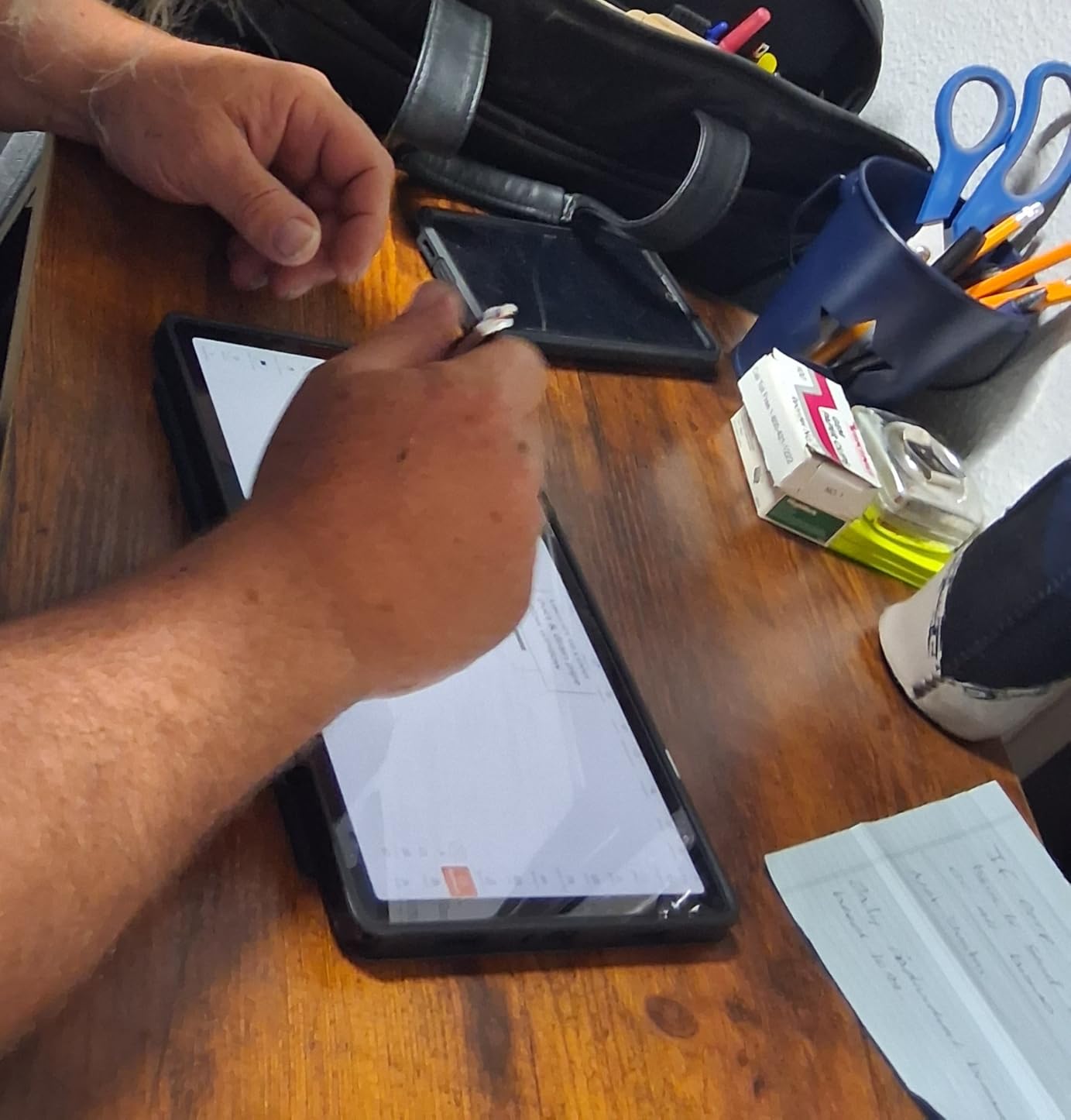
Owners rate the quad speakers tuned with Dolby Atmos as a genuine step up from the Fire tablets, and the battery carries a full day of heavy use on a single charge with fast charging on top. Google Gemini and Circle to Search are both supported, which is a small but real quality-of-life difference when you need to look something up quickly.
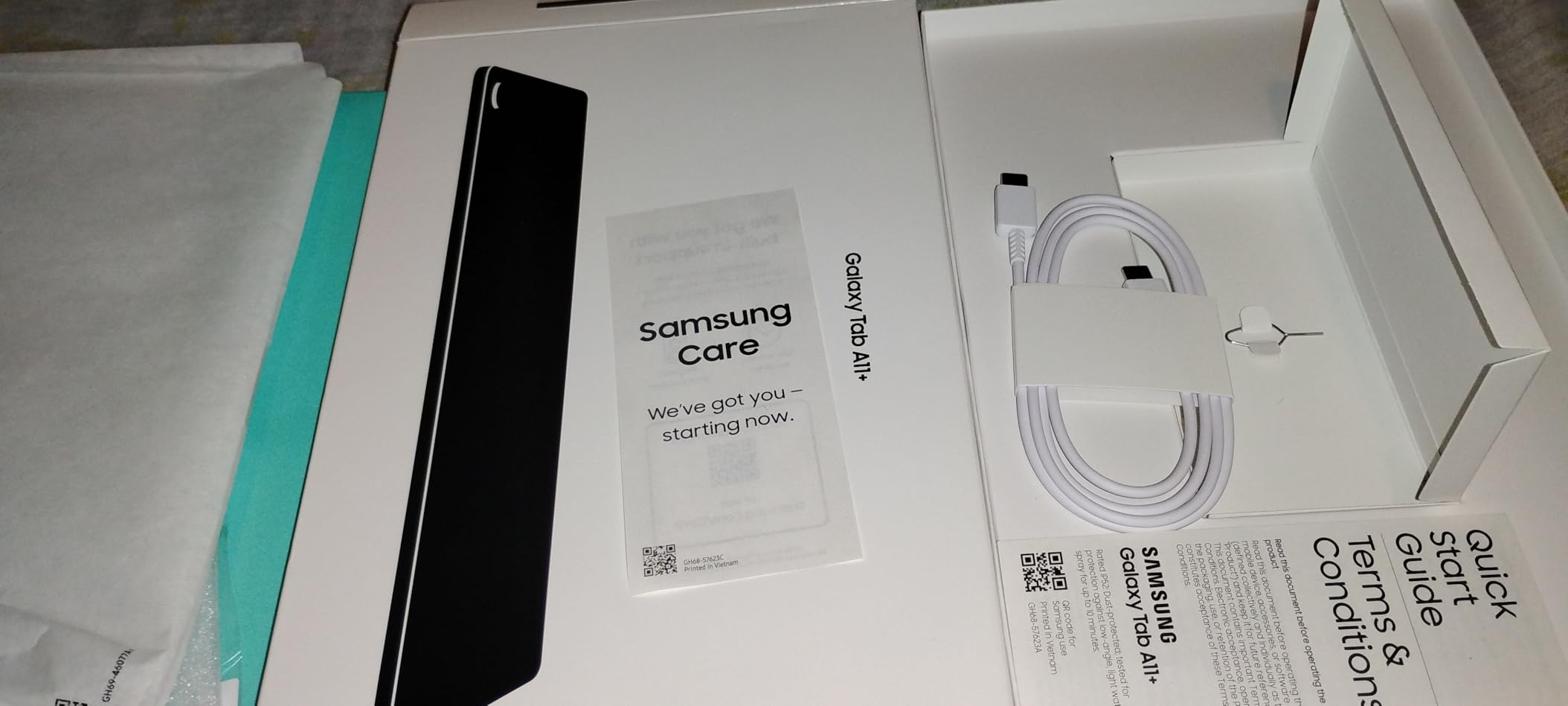
The two real drawbacks are physical. There is no wall charger in the box, only a cable, and there is no HDMI output if you want to present to a projector or a TV. Some early buyers also reported Wi-Fi drops that a later software update resolved.
Why the software support matters here
This tablet ships with Android 16 and carries a 2 year manufacturer warranty, which is the longest warranty in this roundup. Warranty length is not the same as software updates, but it is a reasonable signal that Samsung intends this model to be supported rather than forgotten.
The 11 inch size also makes it a genuine second monitor for a laptop, and Samsung’s parental controls are simpler to configure than the equivalents elsewhere. If you are shopping for a family tablet, that setup ease is worth as much as the spec sheet.
Where it is not the answer
Pass if you need a fingerprint or face unlock, because this model offers neither, and pass if you want to attach a pen without buying one separately. Touch response and general fluidity also sit a step behind an iPad even though the 90Hz panel feels modern.
For most households streaming, reading, and doing schoolwork, the Tab A11+ is the most balanced buy in this guide. It is our value pick for good reason.
Lenovo Tab M9 Review: The Best Lightweight Reading Tablet
Lenovo Tab M9-2023 – Tablet – Long Battery Life – 9″ HD – Front 2MP & Rear 8MP Camera – 3GB Memory – 32GB Storage – Android 12 or Later – Folio Case Included,Gray
9 inch 1340x800 LCD
MediaTek G80 octa-core
3 GB RAM and 32 GB storage
5100 mAh battery
Pros
- Very light at under a pound
- Excellent battery lasting days on light use
- Folio case included in the box
- Metal and glass body feels premium
Cons
- 3 GB RAM causes crashes and slowdowns
- Aggressive memory management kills background apps
- Mediocre cameras
- Only 32 GB of usable storage
The Tab M9 is the lightest reading tablet in this roundup at 13.44 ounces, and it slips into a jacket pocket in a way nothing else here does. The 5100 mAh battery is listed at up to 13 hours of video, and owners who use it for reading report getting several days between charges.
The box includes a folio case with a screen protector, plus a charging cable and adapter, which is unusual at this price. The 9 inch 1340×800 panel is sharp enough for ebooks and comics, and owners mention it running Microsoft 365 and even laser engraving software without complaint.
Here is the honest part. The 3 GB of RAM is the limiting factor, and owners say so directly, reporting crashes and slowdowns once several apps are open. Lenovo’s memory management also aggressively kills background apps after system updates, which can be frustrating if you switch between a browser and a streaming app.
Storage is 32 GB with microSD expansion, and owners note that system files eat roughly half of it before you install anything. Cameras are adequate at best, with 2 MP front and 8 MP rear.
Best used as a single-purpose device
The M9 works best with one job: reading, or watching shows in bed. With a folio case on, the propped-up viewing angle is genuinely pleasant, and the light body means you can hold it up for a full chapter without wrist fatigue.
It is also a good travel backup device. Facial recognition gives you a quick unlock, and Google Lens handles translation and homework scanning, which is more useful than it sounds when you are reading a menu abroad.
When 3 GB of RAM shows up in daily use
If your plan involves more than two apps, or if you want to use it as a work machine with documents open alongside a browser, the memory will frustrate you. The Tab One and the Samsung Galaxy Tab A11+ both carry more RAM for that reason.
For games, this is the wrong tablet as well. The Mali-G52 graphics chip is fine for casual titles and unsuitable for anything graphically intensive. Within those limits, the M9 is a lovely, light, long-lasting reader.
FEONAL 11-Inch Android 16 Review: The Best Cellular Tablet Under 300
Tablet 11 inch Android 16 Tablet 2026 Latest Update Octa-Core 128GB+20GB
11 inch 1280x800 Incell
MediaTek MTK8786 octa-core
7000 mAh battery
Dual SIM 4G LTE
Pros
- Real 4G LTE with dual SIM
- 128 GB storage plus 1 TB expansion
- Long battery with 6 plus hours of streaming
- Screen protector already fitted
Cons
- Advertised battery capacity measured lower by some owners
- Cellular is data only with no voice calls
- Weak cameras
- Build creaks slightly when twisted
Almost every other tablet in this guide is Wi-Fi only, which rules them out if you travel or work somewhere without a hotspot. The FEONAL 11-inch has dual SIM 4G LTE with VoLTE, and that alone makes it a distinct choice for commuters, field workers, and anyone who does not want to carry a second device.
It runs Android 16 with Google Mobile Services certification, so the Play Store is there in full. Storage is 128 GB with expansion to 1 TB, and the listed memory figure of 20 GB combines 8 GB physical with 12 GB virtual, which is worth understanding before you compare it to the Samsung.
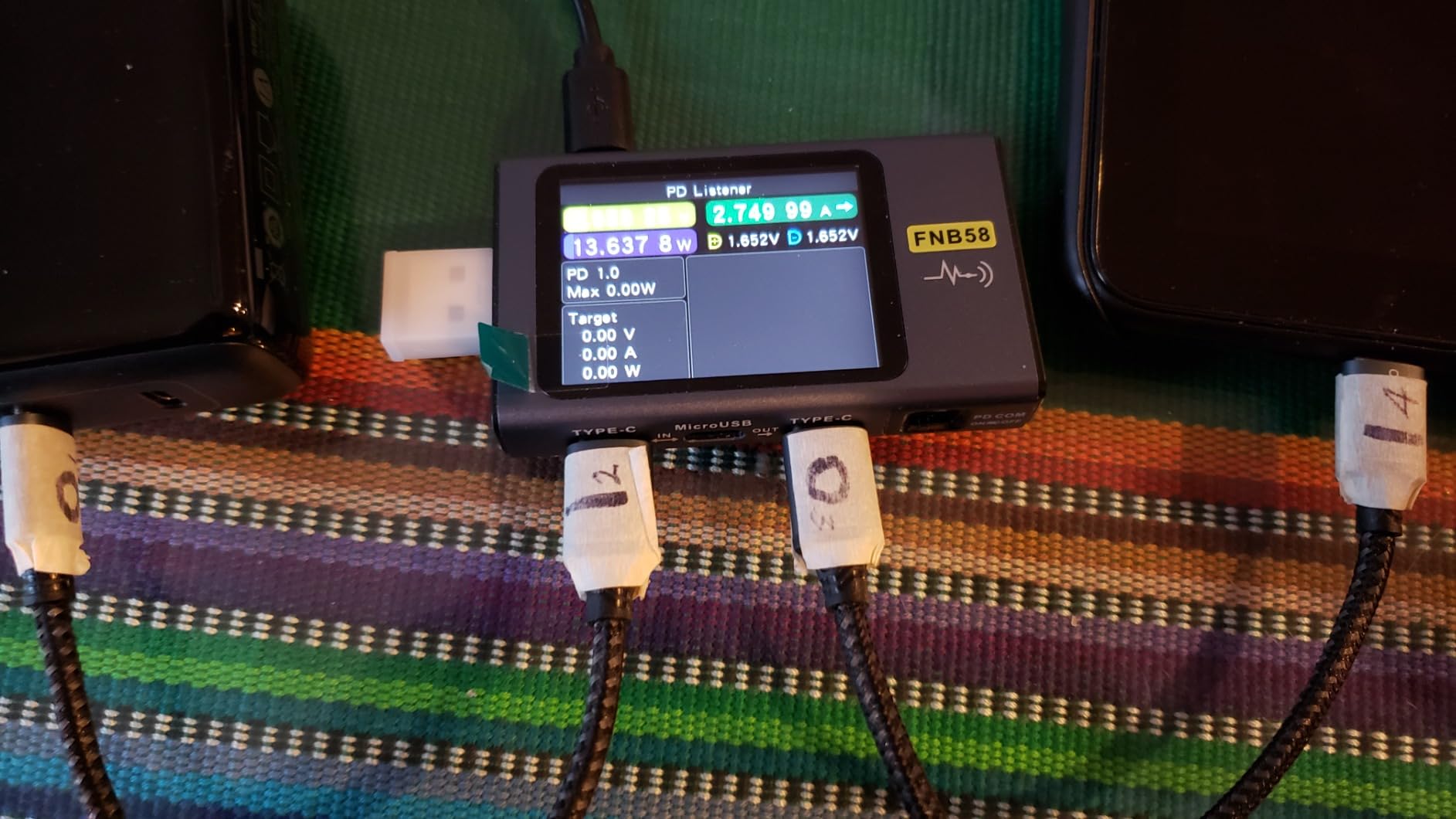
The 7000 mAh battery is the headline, and several owners report 6 or more hours of video streaming on it. Charging is USB-C at 5V/2A, and the box includes a charger, cable, SIM tool, and manual, which is more than most rivals give you.
Some owners measured the actual battery below the advertised capacity, which is a fair warning to take runtime claims with a margin. The cellular service is data only, so voice calling needs third-party apps, and the cameras are weak for anything but video calls in decent light.
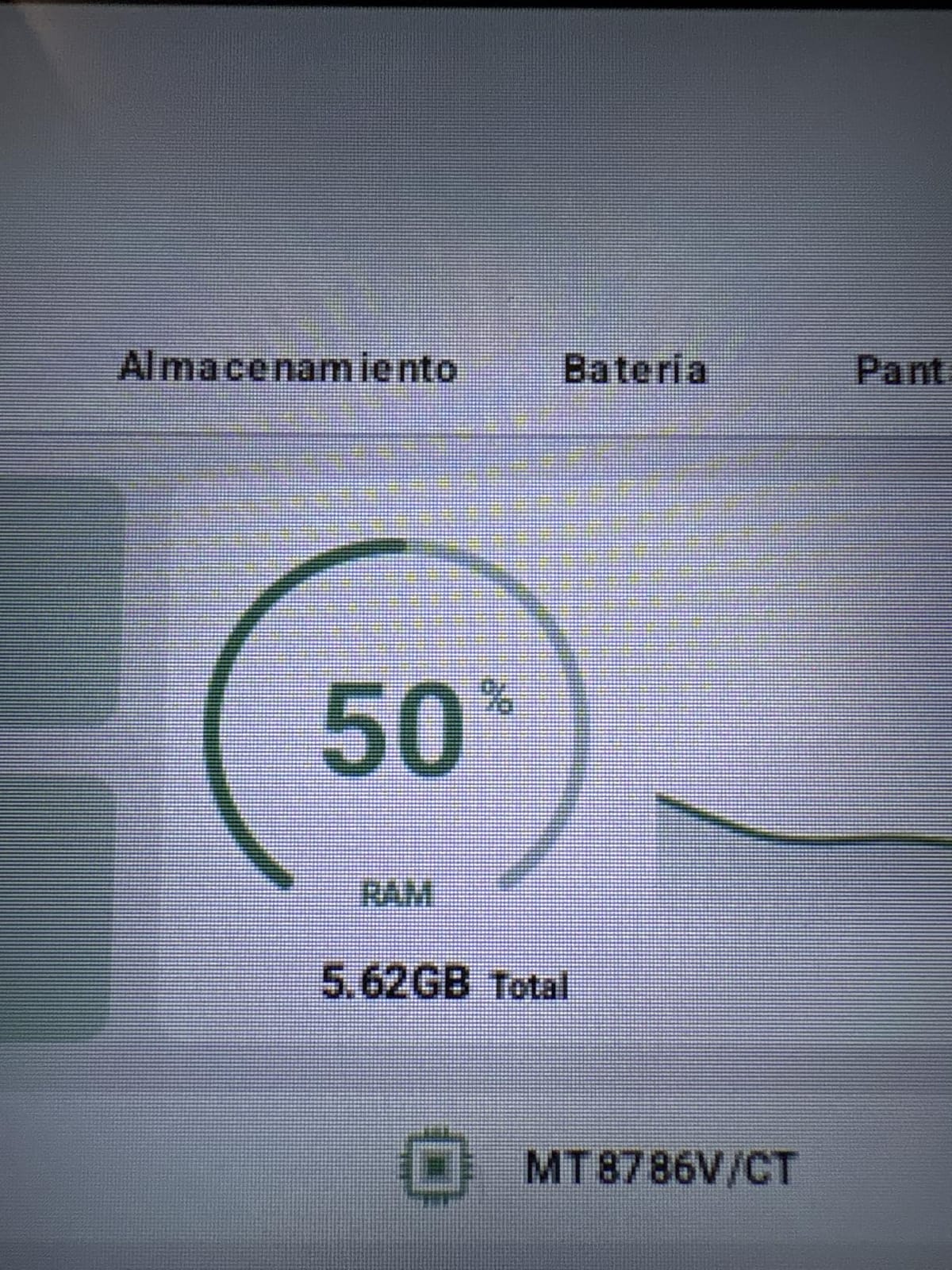
Understand the memory before comparing
Virtual memory is storage space the operating system borrows to smooth over physical memory, and it makes the tablet feel more responsive in light use. It is not the same as 20 GB of real RAM, and demanding multitasking will still find the ceiling.
The 1280×800 panel on an 11 inch body is the other thing to weigh. It is a 16:10 ratio at a modest pixel count, which is fine for video and documents but noticeably softer than the 2.5K Lenovo Idea Tab.
Who this is not for
Skip it if image quality matters, because the display is the weakest part of the package, and skip it if you need real voice calling over cellular. The build also creaks slightly under twisting force, which is a fair signal about the chassis.
For a family that wants a large-screen tablet with data service and nothing else, the value here is hard to argue with. Reviewers consistently treat it as a capable entry-level device rather than a premium one.
Lenovo Idea Tab Review: The Best Tablet Under 300 for Students
Lenovo Idea Tab – College Tablet – 11″ 2.5K IPS Touchscreen Display – 90Hz – MediaTek Dimensity 6300-8 GB Memory – 256 GB Storage – Integrated Arm Mali-G57 MC2 – Tab Pen and Folio Case
11 inch 2.5K IPS at 90Hz and 500 nits
MediaTek Dimensity 6300
8 GB RAM and 256 GB storage
Tab Pen and folio case included
Pros
- Sharp 2.5K 90Hz display at 500 nits
- Pen and case bundled in the box
- 256 GB of storage
- Up to 12 hours of YouTube playback
Cons
- 72 percent NTSC color coverage is modest
- Learning apps add bloat
- Only 1 year warranty
- No cellular option in this configuration
The Idea Tab is the most complete package in this roundup, and it is the one we would hand to a student. You get an 11 inch 2.5K IPS touchscreen running at 90Hz with 500 nits of brightness, a Lenovo Tab Pen in the box, a folio case, 8 GB of memory, and 256 GB of storage. Almost nothing else at this price includes a pen in the box.
The MediaTek Dimensity 6300 at 2.4 GHz handles split-screen and note-taking workflows smoothly, and the 7216 mAh battery is rated at up to 12 hours of YouTube playback. Quad Dolby Atmos-tuned speakers make it a reasonable study and streaming machine.
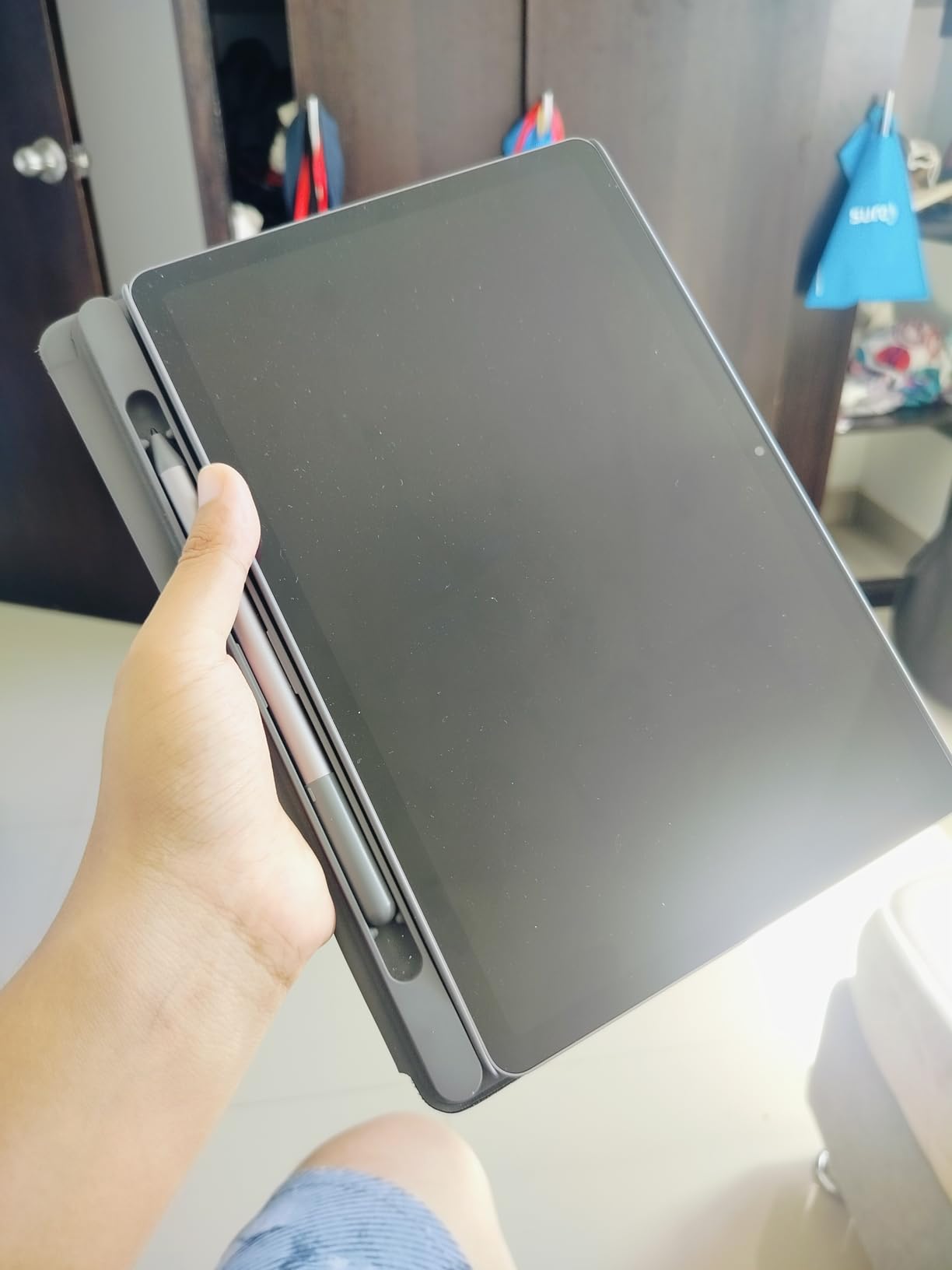
The display is the star. At 2560×1600 with 90Hz, text in a PDF or a handwritten page looks genuinely crisp, and the 500 nit ceiling is bright enough for a desk or a classroom. Circle to Search is supported, which is a fast way to look up a term from a textbook page.
The criticism owners raise most is color coverage at 72 percent NTSC, which is modest for a panel this sharp, so it is not the tablet for photo work. There is also a layer of bundled learning software, including Lenovo AI Note and MyScript Calculator, that some buyers remove immediately.
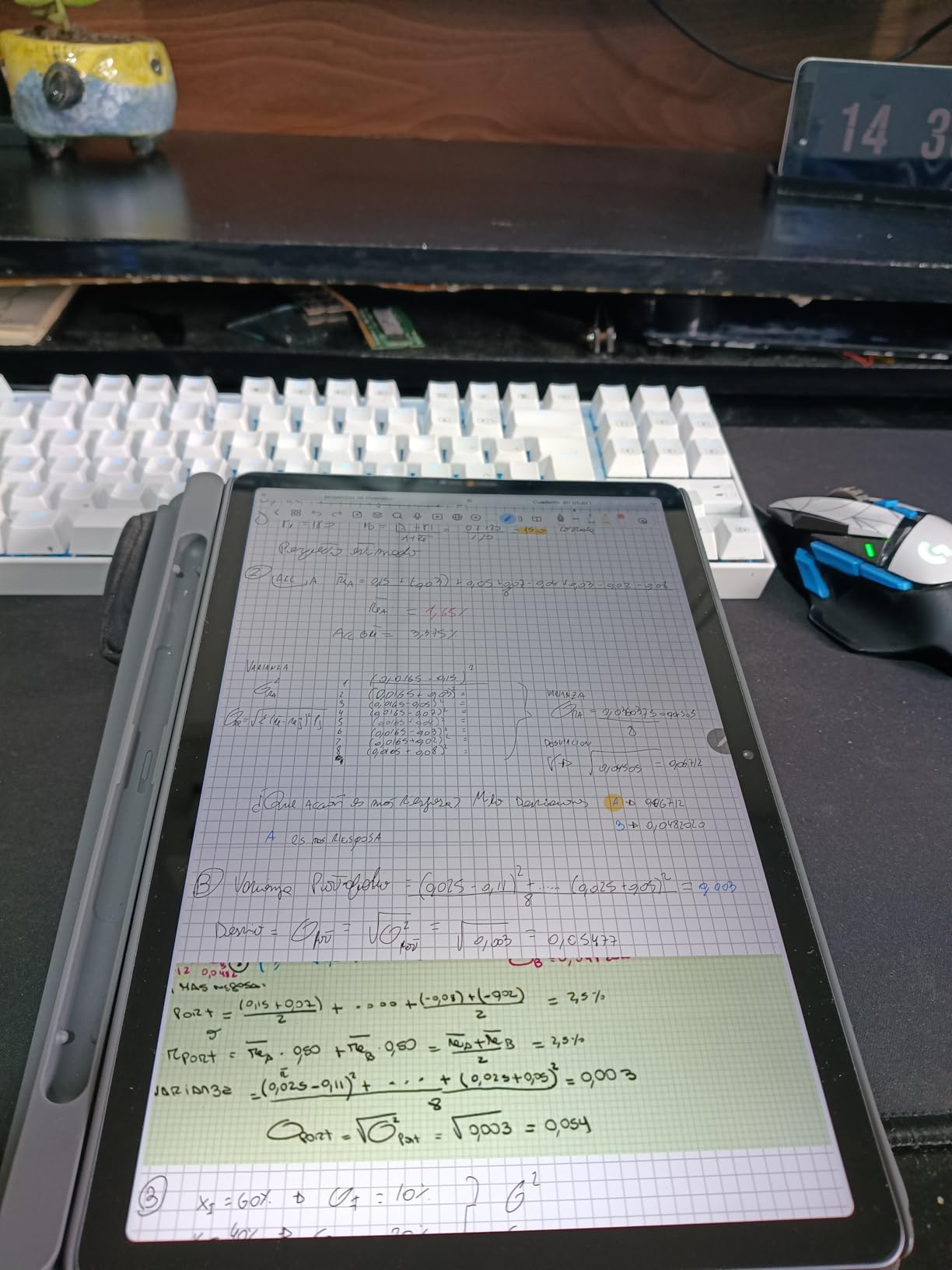
Why a bundled pen changes the math
A pen that ships in the box changes the total cost of note-taking, and it removes the friction of finding a compatible stylus. If you have been comparing drawing tablets, this is a general-purpose option rather than a pen display, but it covers annotation, handwriting, and sketching well.
The TUV Rheinland low blue light certification is a small real benefit for long evening study sessions. For classroom deployment, our dedicated guide to the best tablets for teachers covers the other criteria that matter for school use.
Where the trade-offs sit
The warranty is one year of limited parts and labor, which is short next to the two years on the Galaxy Tab A11+, and there is no cellular option in this configuration. If you need data service, this is not the tablet.
For handwriting, annotation, and a sharp display at a mid-range price, the Idea Tab is the strongest student pick here. If you plan to draw seriously, we have a separate roundup on the best tablets for drawing with wider color coverage.
Lenovo Tab One Review: A Sub-Pound Secondary Screen
Lenovo Tab One – Lightweight Tablet – up to 12.5 Hours of YouTube Streaming – 8.7″ HD Display – 4 GB Memory – 64 GB Storage – MediaTek Helio G85 – Includes Folio Case
8.7 inch 1340x800 at 480 nits
MediaTek Helio G85 at 2 GHz
4 GB RAM and 64 GB storage
Up to 12.5 hours of streaming
Pros
- Under one pound and easy to hold
- All day battery at typical use
- Responsive once bloatware is removed
- Folio case with stand included
Cons
- Dim screen for outdoor use
- No 60 fps video playback
- 4 GB memory fills up quickly
- Weak cameras for video calls
At 11.2 ounces and 8.7 inches, the Tab One is the smallest full Android tablet in this guide that still feels like a tablet. Owners consistently describe it as a compact second screen that is comfortable to hold in one hand for reading or streaming on a commute.
Battery is the headline number: up to 12.5 hours of unplugged YouTube streaming from a 19.55 Wh battery. Storage is 64 GB with microSD expansion, and the box includes a folio case with a built-in stand that actually works for propping the tablet up.
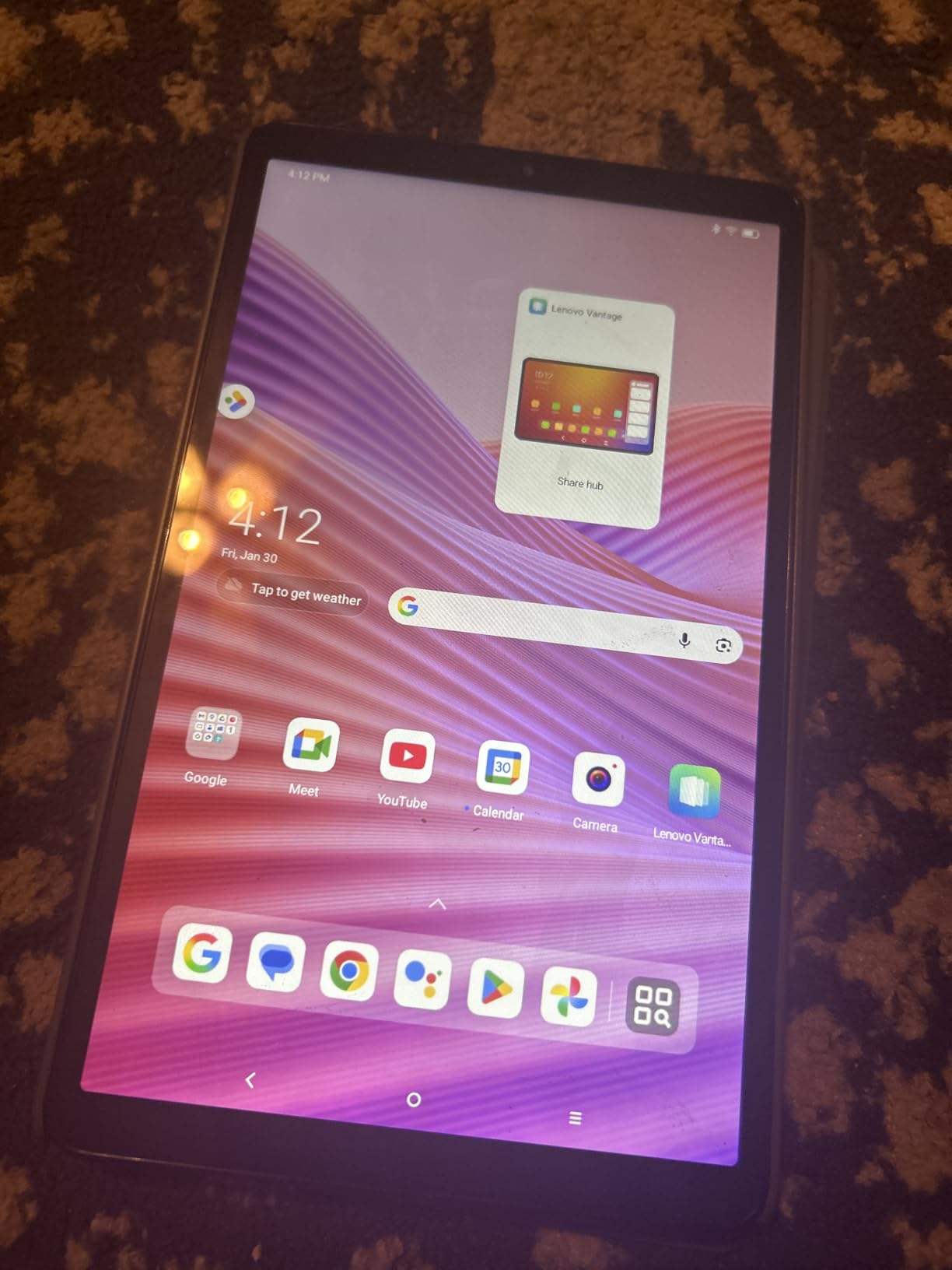
Software support is better than most of this price range. It runs Android 14, upgrades to Android 15, and receives quarterly security patches through March 2027, which is a concrete commitment rather than a vague promise.
Owners also note it feels faster than expected once the bundled Google and Lenovo apps are removed, and that the 480 nit panel has lively colors indoors. The headphone jack and dual Dolby Atmos speakers are a nice touch at this size.
Deciding between 8.7 and 9 inches
This is the smallest screen here that still works for documents, but it is not a work surface. Split-screen multitasking puts two usable panes on an 8.7 inch display, and everything feels cramped. For reading, a podcast, or a video call on the couch, the size is a genuine advantage.
Compare it to the Lenovo Tab M9, which has a similar footprint but a much larger battery in milliamp hours. The Tab One wins on weight and software commitment; the M9 wins on runtime.
The limits you should accept
480 nits is not enough for strong outdoor reading, and the screen cannot play 60 fps video, which matters if you watch high frame rate content. There is no biometric unlock beyond pattern, PIN, or password, and the cameras make video calling a poor experience.
Games are the other limit. Some titles will not load from a microSD card, and 4 GB of memory fills quickly once you have a handful of apps. As a travel companion, the Tab One does its job well.
Samsung Galaxy Tab A9+ Review: The Best Four-Speaker Tablet Under 300
SAMSUNG Galaxy Tab A9+ (128GB, 8GB) 11.0″ Android Wi-Fi Tablet, All Day Battery, Snapdragon 695 (6nm), International Model X210 (Graphite)
11 inch 1920x1200 at 90Hz
Qualcomm Snapdragon 695 at 6nm
8 GB RAM and 128 GB storage
Four AKG Dolby Atmos speakers
Pros
- Bright sharp 11 inch 90Hz display
- Four loud AKG Dolby Atmos speakers
- All day battery on one charge
- 8 GB RAM handles multiple apps
Cons
- Slow charging time
- Setup forces Samsung account sign-in
- International model with no domestic warranty
- Wi-Fi only with no SIM slot
The A9+ competes directly with the Galaxy Tab A11+, and the choice between them comes down to memory, speakers, and warranty. The A9+ carries 8 GB of RAM, the most in this roundup, on a 6nm Snapdragon 695 with Adreno 619 graphics, and that headroom shows when you keep several apps open.
The audio is the standout. Four AKG stereo speakers tuned with Dolby Atmos produce clear, loud sound that fills a room, and owners single them out as a step above the two-speaker Fire tablets. The 11 inch 1920×1200 panel runs at 90Hz, which makes scrolling noticeably smoother.
Battery capacity is 7040 mAh with all-day endurance, and the fingerprint reader built into the power key is a security feature none of the other Samsung in this list offers. Storage is 128 GB with microSD expansion, and the whole thing weighs 408 g.
Two things slow this tablet down in practice. Charging is slow by current standards, and setup requires signing into Samsung account services before the tablet is fully usable, which owners find frustrating. The listing is also an international model, and buyers should know that means no domestic manufacturer warranty.
When the international model is fine
If you buy this tablet knowing it is a Wi-Fi only international variant, the missing domestic warranty and the non-English documentation are the two things to accept up front. Everything else, the display, the audio, and the memory headroom, is genuinely strong.
The A9+ is also the better pick for anyone whose other devices are Samsung, because it drops into the same ecosystem for file sharing and continuity. If you are cross-platform, the two-year warranty on the Tab A11+ is the safer bet.
Who should choose the A11+ instead
Choose the Tab A11+ if warranty length matters to you, or if you want a domestic model with straightforward support. Choose the A9+ if you want more memory, better speakers, and a fingerprint sensor.
For streaming movies and shows in a shared room, the A9+ is the more capable of the two. Both sit comfortably under the ceiling, and either one is a solid family tablet.
TECLAST T65 Review: The 13.4-Inch Big-Screen Option
TECLAST T65 13.4″ Android16 4G Tablet, 20GB+128GB 120Hz Widevine L1
13.4 inch IPS at 1920x1200 and 120Hz
Unisoc T7280 octa-core
20 GB RAM and 128 GB storage
8000 mAh battery with 4G LTE
Pros
- 13.4 inch 120Hz display is unusual at this price
- 4G LTE adds real flexibility
- 8000 mAh battery
- 128 GB with 1 TB expansion
Cons
- 350 nit brightness is dim
- Entry-level Unisoc chipset
- Only 1 year warranty
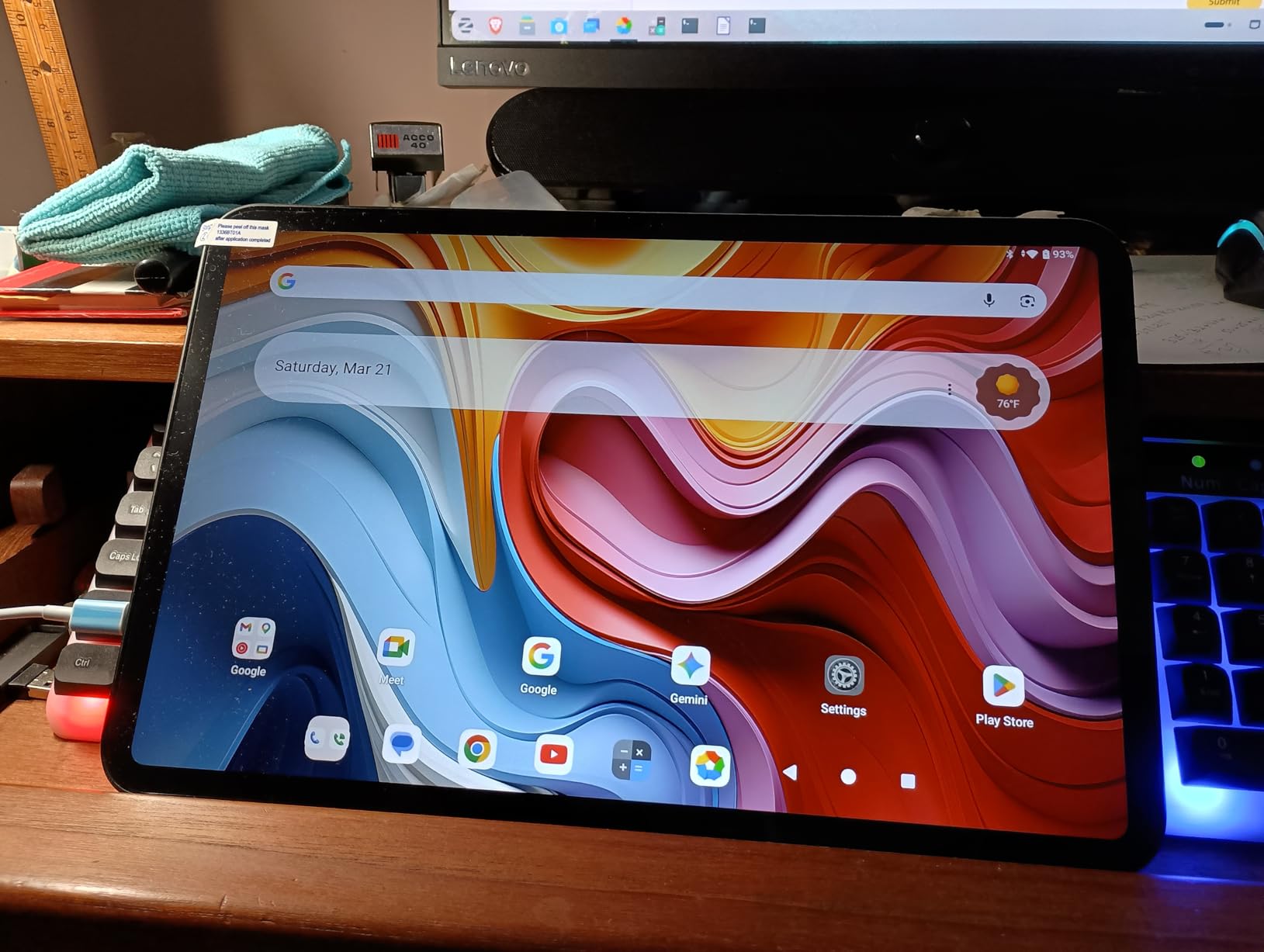
No other tablet in this guide has a 13.4 inch panel, and the T65 runs it at 120Hz with Widevine L1 certification for HD streaming. Scrolling and animation are visibly smoother than on the 60 and 90Hz rivals here, and owners consistently cite the screen size as the reason they bought it.
It is also one of only three picks with 4G LTE, alongside the FEONAL tablet. Storage is 128 GB with expansion to 1 TB, the 8000 mAh battery is rated at up to 11 hours of average use, and the 3.5 mm jack and OTG port are both included.
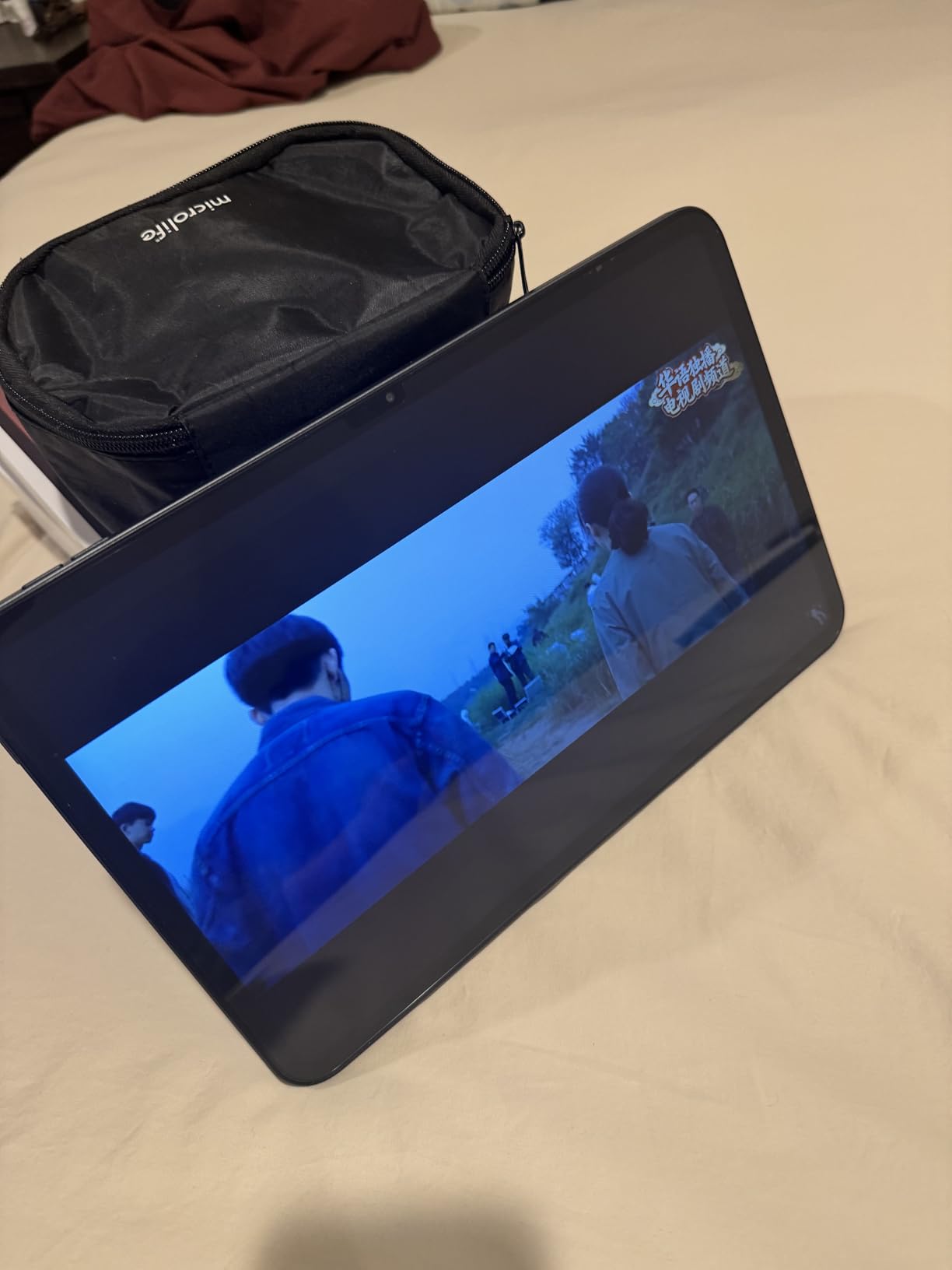
The Unisoc T7280 is an entry-level chip, and it shows under load. Light tasks and streaming are fine, and the 20 GB memory figure keeps navigation smooth, but demanding apps and games are not the point of this tablet.
Brightness is the bigger issue at 350 nits, which is dimmer than most of the tablets in this roundup. Indoors it is perfectly usable; outdoors on a sunny day it is not. The body is 8.5 mm thin at 720 g, and a tempered glass protector comes fitted at the factory.
A big screen for a specific reason
Choose the T65 if you plan to watch a lot of video, read documents and PDFs with a lot of on-screen text, or use the tablet as a dash display in a car. The extra 2.4 inches of diagonal over an 11 inch tablet is meaningful for those tasks.
The 120Hz panel is the other differentiator. If you are used to a high refresh rate on a phone, the 60Hz tablets in this list feel dated next to it.
The trade you are making
You are trading brightness and chip headroom for screen size and cellular support. If your use is indoors media consumption, that is a good trade. If you need to work outdoors or run demanding software, the Galaxy Tab A11+ is a better all-round machine.
The one year warranty is also the shortest support commitment among the name-brand options here. Buyers on a tight timeline may prefer the extra coverage on the Samsung.
Evermyth 10-Inch Review: The Lowest-Cost Tablet With Play Store Access
Android 16 Tablet 10 Inch, 24GB RAM 64GB ROM 1TB,HD IPS,Fast WiFi 6, BT 5.4
10 inch HD IPS in-cell at 1280x800
Allwinner 5-core processor
6000 mAh battery
Wi-Fi 6 and Bluetooth 5.4
Pros
- GMS certified so Google Play works
- Quick and easy setup
- Lightweight and easy to carry
- Reading mode and face recognition included
Cons
- 24 GB RAM is really 3 GB physical
- Entry-level Allwinner 5-core chip
- Low 1280x800 resolution
- Many attached reviews appear unrelated
The Evermyth is a low-cost way to own a full Android tablet with genuine Google Play access. It comes with Android 16, the Play Store works the way you expect, which separates it from many marketplace devices in the same price band.
Owners describe straightforward setup, smooth everyday performance, and good screen clarity for the price. The 6000 mAh battery is rated at up to 8 hours of mixed use with up to 3 days on standby, and Wi-Fi 6 plus Bluetooth 5.4 are unusual in a device this inexpensive.
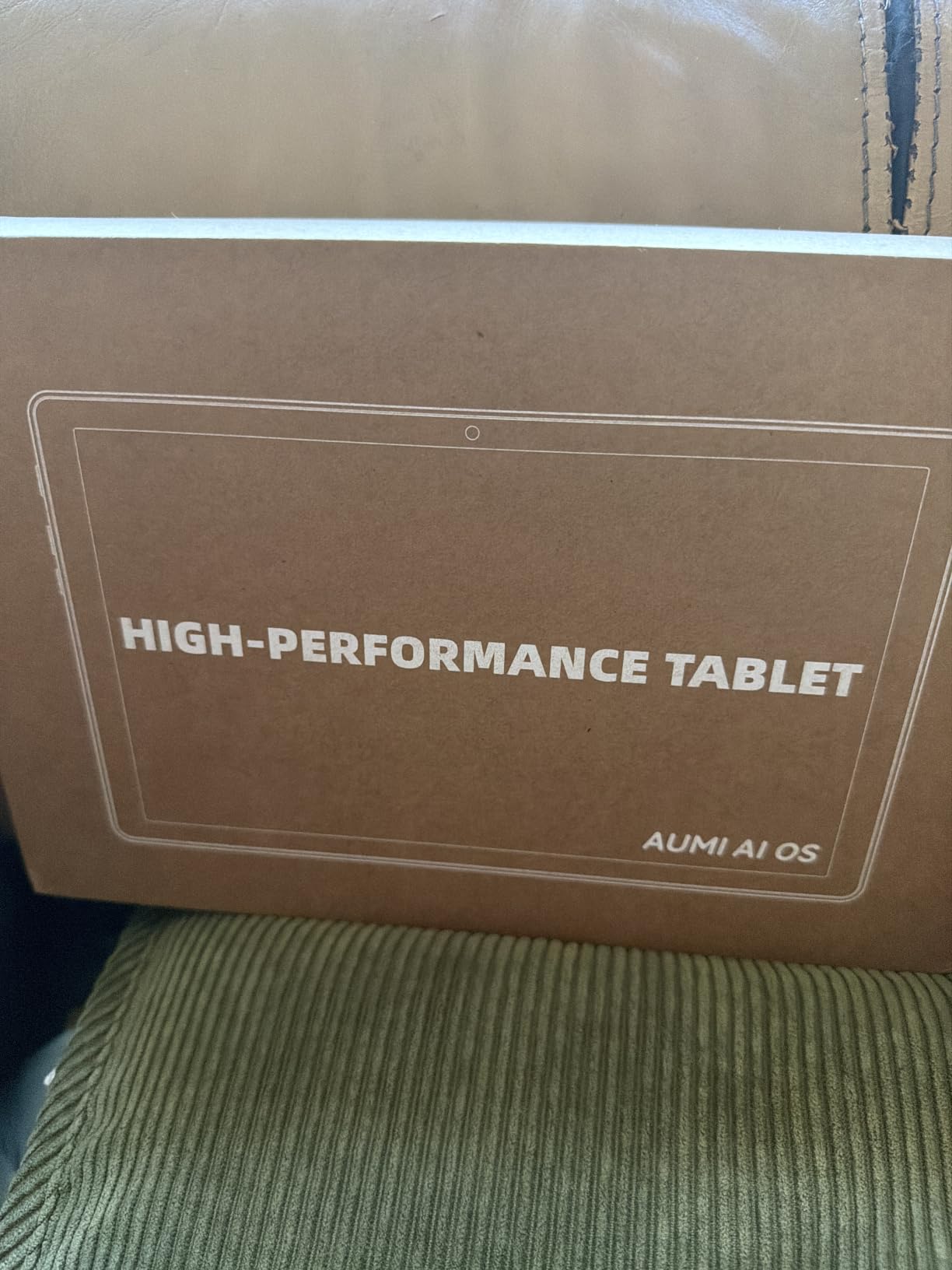
Here is what the big memory number actually means. The 24 GB figure is 3 GB of physical RAM plus 21 GB of virtual memory carved from storage, and the 5-core Allwinner processor is entry-level by any measure. That combination sets a hard limit on multitasking and demanding apps.
We also want to flag something about the review data. A substantial share of the attached customer reviews for this listing appear to be mismatched content from other products, so the aggregate 4.5 rating is less trustworthy here than the ratings on the brand-name picks. Judge it on the specification, not the star average.
Where this budget pick makes sense
This is a sensible first tablet for a child, a first Android device for someone learning, or a spare screen for a kitchen or a guest room. Reading mode, low blue light filtering, and face recognition are all built in, which helps in the first two cases.
The 64 GB of storage expands to 1 TB with a TF card, so media storage is not a constraint. If you need a reliable, supported device, we would not start here, but for light duty it does the job.
When to spend a little more
Spend more if you will keep more than a couple of apps open, or if you want a screen you can read outdoors. At that point the Galaxy Tab A11+ or the Lenovo Idea Tab give you far more memory, a better panel, and a warranty with length behind it.
Skip it for any work that depends on the Play Store staying current over years. One year of manufacturer coverage and an entry-level chip make it a short-horizon purchase rather than a long-term one.
NOVOJOY 10.1-Inch Review: The Cheapest Large Screen Under 300
Android Tablet 10 Inch Tablet With Case Stylus Android 15 Tablets 8GB RAM 32GB ROM Support 1TB Expansion 6000mah Battery 10.1″ IPS HD Touchscreen 2MP+8MP Dual Camera WIFI-6 Bluetooth5.0 Tablets
10.1 inch IPS HD at 1280x800
Quad-core processor at 2 GHz
6000 mAh battery
Case and stylus included in the box
Pros
- Lowest entry point in this roundup
- Protective case and stylus bundled
- Large 10.1 inch screen
- Decent sturdiness for the price
Cons
- Quad-core chip and limited RAM feel slow
- Some units have unresponsive touchscreens
- Weak heavily magnified cameras
- Battery drains fast under gaming load
The NOVOJOY sets the floor on cost. If your budget is genuinely tight, this is a 10.1 inch Android tablet with a case and a stylus in the box, and the 6000 mAh battery is rated at 6 to 8 hours of continuous use with very long standby.
Owners who bought it for casual streaming, reading, and social apps describe it as adequate rather than good. The 10.1 inch IPS screen is large and easy to use, the build feels sturdier than the price suggests, and charging reaches full reasonably quickly.
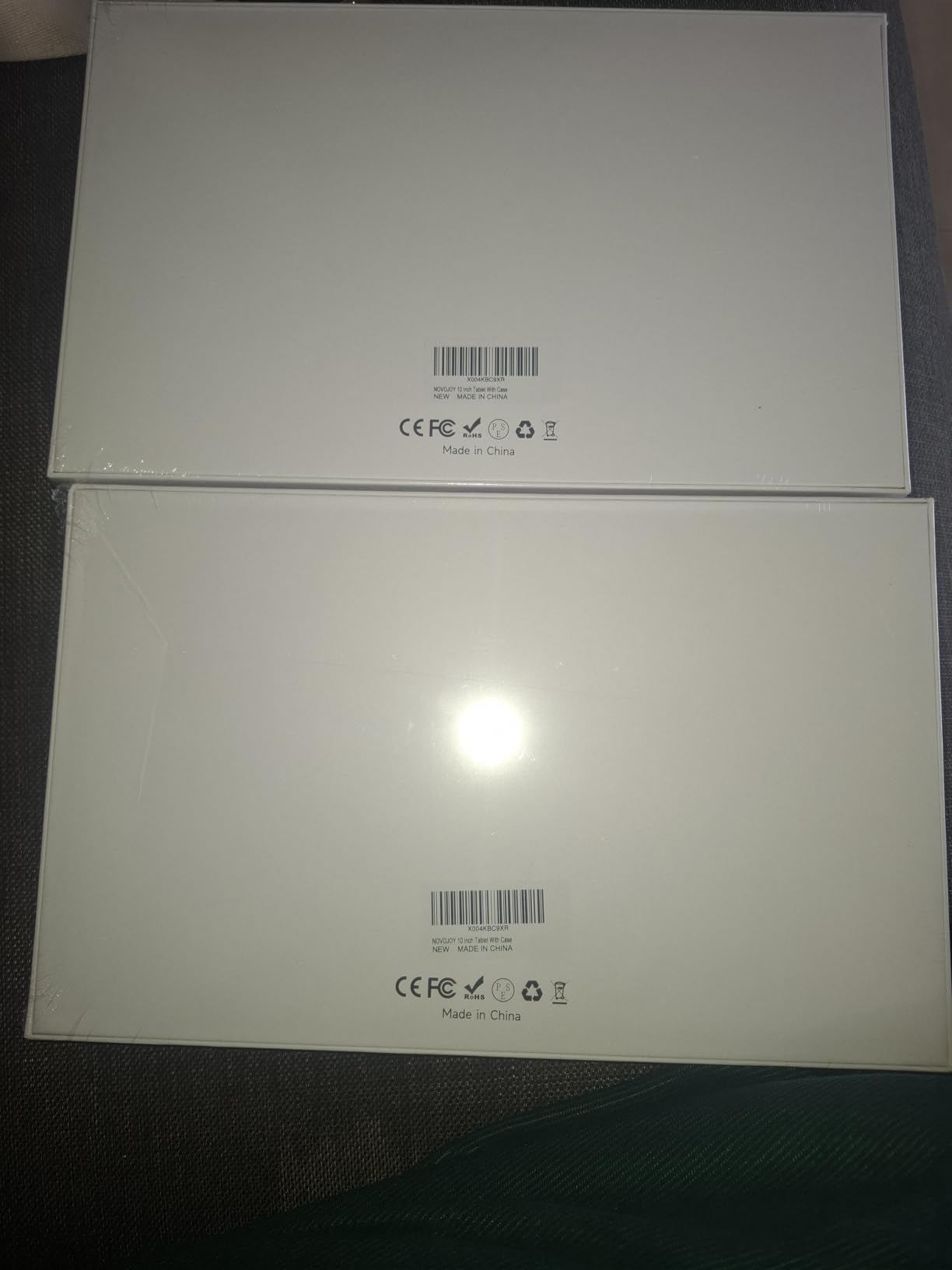
This is also the lowest-rated pick in the roundup at 4.1, and the reason is consistent across reviews. A quad-core 2 GHz processor with 8 GB of RAM that includes 5 GB of virtual expansion feels slow the moment you open more than one app, and a minority of owners have reported unresponsive touchscreens.
Camera output is heavily magnified and low quality, and the battery drains quickly during extended gaming. One owner also reported the included case damaging the screen while being removed, which is a packaging design flaw worth knowing about.
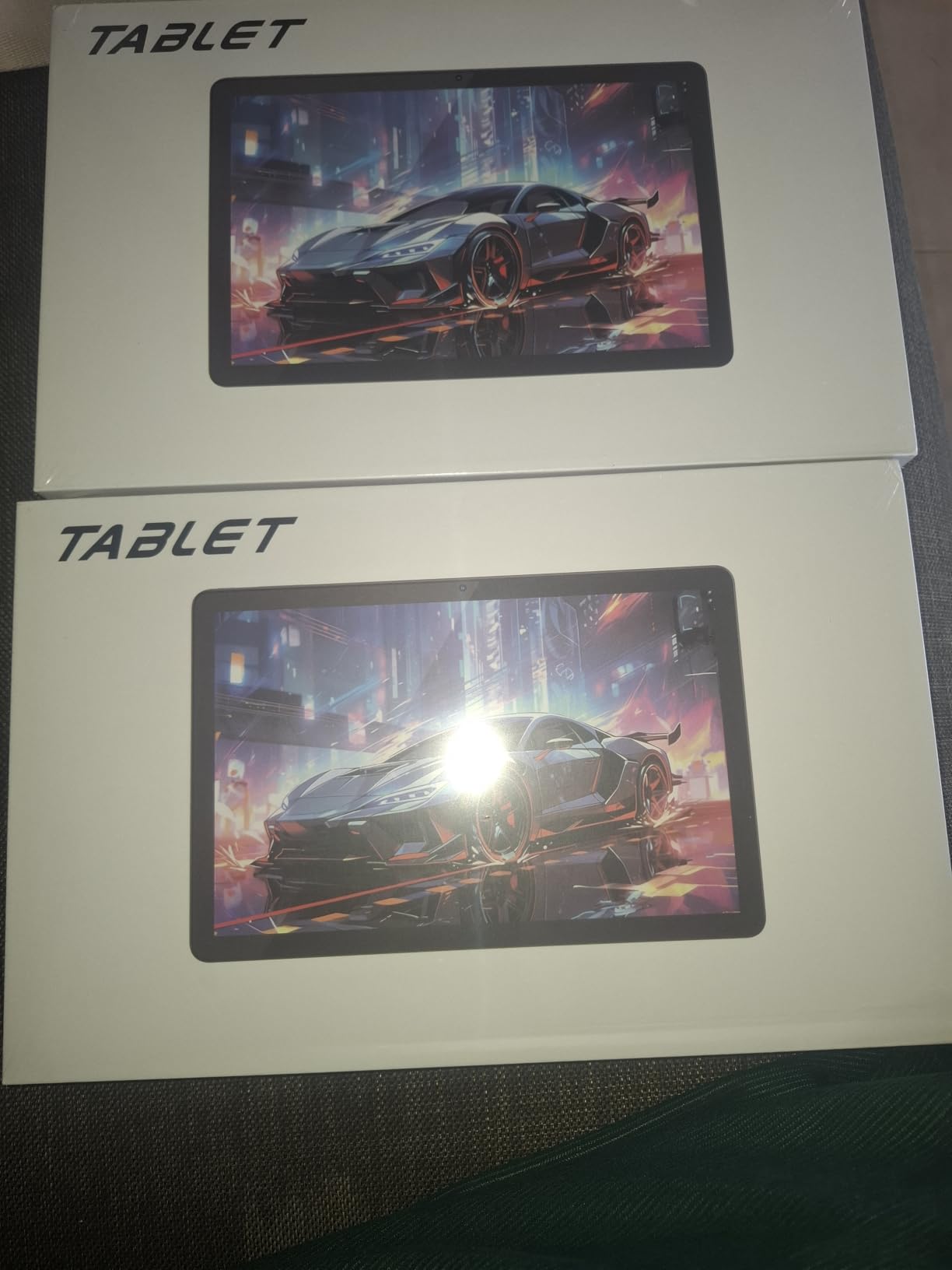
What this pick is actually for
It suits a very specific buyer: someone who wants a large screen for occasional reading or video, has a small budget, and will not be frustrated by slow app launches. As a bedside or kitchen screen, or as a first tablet for a very young child, the math can work.
Wi-Fi 6, Bluetooth 5.0, GPS, a headphone jack, and USB-C are all present, which is a generous port selection for the price. Storage is 32 GB with expansion up to 1024 GB.
When to choose anything else
Choose anything else if the tablet will see daily work use, video calls, or more than a few apps. At 4.1 stars with complaints about touch responsiveness, this is the pick with the most risk attached to it in the guide.
Our honest advice is to save up if you can. The step up to a Galaxy Tab A11+ or a Lenovo Tab One costs meaningfully more and removes almost every complaint owners have here. If you cannot, the NOVOJOY gets a screen in your hands, which is better than nothing.
How to Choose a Tablet Under 300
Budget tablets are close together on paper and far apart in practice. The gap between a good one and a frustrating one is usually a single decision, so these nine questions are worth answering before you buy anything.
1. Which operating system has the apps you need
Fire OS, Android, and iPadOS are three different worlds, and the app catalog decides everything. Fire OS is the most limited and the cheapest way into a large screen, but it does not run Google Play and it shows lock screen ads unless you pay to remove them. Android gives you the full Play Store and a microSD slot on most models. iPadOS gives you the deepest app ecosystem and the longest support life.
Start by listing the three or four apps you cannot do without and checking which platform carries all of them. The table on how we evaluate tablets for teachers is a useful reference for the classroom apps that cause the most confusion.
2. How large a screen do you need
Under 9 inches, the tablet is a phone-shaped media device. Between 10 and 11 inches, it becomes a reading and document surface that still fits in a backpack. At 13 inches, you have a small display, which is great for video and awkward for everything else. Pick the size that matches your most common task rather than the biggest one you can afford.
3. What resolution means at this budget
Full HD, or 1920×1200, is the sensible target. 2.5K at 2560×1600 is noticeably sharper for text and handwriting, and only one tablet in this roundup offers it. HD at 1280×800, common on the cheapest picks, is fine for video but soft for documents and fine print. Brightness matters as much as resolution, and anything under 400 nits struggles outdoors.
4. Battery life is the most-cited factor
Owners on buying forums talk about battery life more than any other spec, and the figures manufacturers publish are usually measured under light load. Use the stated hours as a ceiling, not a promise. A 13 hour rating in a spec sheet typically means something closer to 8 or 9 hours of mixed use, and heavy video or gaming cuts that further.
Look for a real capacity figure in watt hours where you can find it, since milliamp hours alone do not tell you much without the voltage. A 7000 mAh cell sounds bigger than 19.55 Wh, but the watt hour number is the one that reflects actual energy.
5. RAM and storage decide how long it stays fast
At this price, 3 GB of RAM is the number to watch. Tablets with 3 GB often feel slow after a year as apps grow, and aggressive memory management kills background apps. Aim for at least 6 GB. For storage, 64 GB is workable with a microSD card, and 32 GB means you will be managing space from day one.
Be skeptical of large memory numbers. When a listing advertises 20 GB or 24 GB of RAM, check how much is physical and how much is virtual memory taken from storage. The FEONAL and Evermyth tablets in this roundup both do this.
6. Pen support, and whether the pen is included
Only a handful of budget tablets support a stylus at all, and even fewer include one. The Lenovo Idea Tab includes a Lenovo Tab Pen in the box, while the Fire HD 10 supports the Made for Amazon Stylus Pen as a separate purchase. If you plan to handwrite, budget for the pen from the start rather than discovering the gap later. If you want a serious drawing surface, our guide to pen display tablets covers a different class of hardware.
7. Wi-Fi only or cellular
Most tablets under the ceiling are Wi-Fi only, which is fine if you always have a hotspot or a connection. Cellular models exist at this price, and the FEONAL 11-inch and TECLAST T65 both have 4G LTE. Remember that cellular service on these devices is usually data only, so voice calling needs an app. Cellular also usually means no access to some streaming services at all.
8. How long the software will be supported
This is the least discussed and most expensive oversight in budget tablet shopping. Very few manufacturers commit to a fixed number of Android version updates in this price range, so a tablet bought today can feel dated in two years. Look for any stated security patch window, such as the quarterly patches through March 2027 offered for the Lenovo Tab One, and treat the absence of a promise as a short horizon.
9. What you give up at the ceiling
Realistically you give up premium displays with wide color coverage, faster processors for demanding games, biometric unlock on most models, longer warranties, and any expectation of years of updates. You do not give up streaming quality, reading comfort, or everyday browsing. Most buyers at this budget are streaming, browsing, and reading, and the picks here handle all three well.
A note on marketplace and no-name tablets
Several of the picks in this roundup come from brands you will not find in a carrier store, and that is a fair thing to weigh. The trade is real: you get more screen, more memory, or more battery for the money, and in return you get a one year warranty, thinner documentation, and less certainty about software support. Check whether warranty claims are honored locally, and read the one-star reviews rather than the summary. If a listing’s attached reviews look like they belong to a different product, treat the rating as meaningless.
When to buy
Budget tablet prices move more than most electronics, and the models in this roundup refresh frequently. Major sale events such as Prime Day and Black Friday typically bring the biggest reductions on Amazon Fire and Samsung devices, and those are the two brands most often discounted. Buying off-peak is a reasonable strategy if you are not in a hurry, since the same model usually returns to a lower point within a couple of quarters.
Frequently Asked Questions
What is the best tablet for under 300 dollars?
The Amazon Fire HD 10 is the best tablet under 300 for most people, with a 10.1 inch 1080p screen, 4 GB of RAM, expandable storage, and 13 hours of stated battery life. Choose the Samsung Galaxy Tab A11+ instead if you need the full Google Play catalog and more storage, or the renewed iPad 10.2 inch if you want the widest app selection and long software support.
What’s a good but inexpensive tablet?
A good inexpensive tablet needs a bright screen, at least 4 GB of RAM, and 64 GB of storage or a microSD slot. The Fire HD 8 and Lenovo Tab One meet that bar for reading and travel, while the Galaxy Tab A11+ adds 6 GB of RAM and 128 GB of storage for buyers who want more headroom for schoolwork and multitasking.
Who makes the best budget tablets?
Amazon, Samsung, and Lenovo cover most of the reliable budget tablet market. Amazon covers cheap large screens and Kindle integration, Samsung offers the best balance of display, memory, and warranty, and Lenovo builds the sharpest displays and the most complete student bundles. Apple covers buyers already inside the iOS ecosystem, mostly through renewed models at this budget.
What is the best tablet for value for money?
The Samsung Galaxy Tab A11+ is our best value pick, because 6 GB of RAM, 128 GB of storage, an 11 inch 90Hz display, and quad Dolby Atmos speakers sit closer to the 300 ceiling while still leaving room in the budget. The Lenovo Idea Tab competes for the same slot with a sharper 2.5K screen and a bundled pen.
Which tablet has the best battery life under 300?
Stated battery figures put the Amazon Fire HD 10 and Fire HD 8 at up to 13 hours, the Lenovo Tab M9 at up to 13 hours of video, the Lenovo Tab One at up to 12.5 hours of YouTube streaming, and the Lenovo Idea Tab at up to 12 hours. Real-world results are usually lower, so the FEONAL 11-inch and TECLAST T65 with 7000 and 8000 mAh batteries are worth considering for long days away from a charger.
Is Fire OS better than Android?
Neither is better in the abstract, because they suit different buyers. Fire OS is cheaper to buy, integrates tightly with Kindle and Alexa, and runs smoothly on modest hardware, but it lacks Google Play, carries a smaller app catalog, and shows lock screen ads unless you pay to remove them. Android gives you the full Play Store, better app compatibility, and usually a microSD slot, and it is the better choice unless you are already deep in the Amazon ecosystem.
The Verdict on the Best Tablets Under 300
The best tablets under 300 are not trying to impress you. The Amazon Fire HD 10 stays our top pick because a bright 1080p screen, 13 hours of stated battery life, and a decade of owner feedback make it the safest large-screen buy at this budget. The Galaxy Tab A11+ is the smarter buy for most households once you check the app catalog, because 6 GB of RAM, 128 GB of storage, and a two year warranty remove the compromises that make budget tablets frustrating.
Buy the Fire HD 8 for travel, the Lenovo Tab One or Tab M9 for reading, the Lenovo Idea Tab for a student who needs a pen in the box, and the renewed iPad if your apps only exist on iPadOS. The FEONAL and TECLAST tablets cover the cellular gap, and the Evermyth and NOVOJOY exist for the tightest budgets.
Check the current price for your pick using the buttons above, and read the owner reviews on the listing before you commit. This category turns over faster than almost any other, so the model that wins today may be replaced next season.