
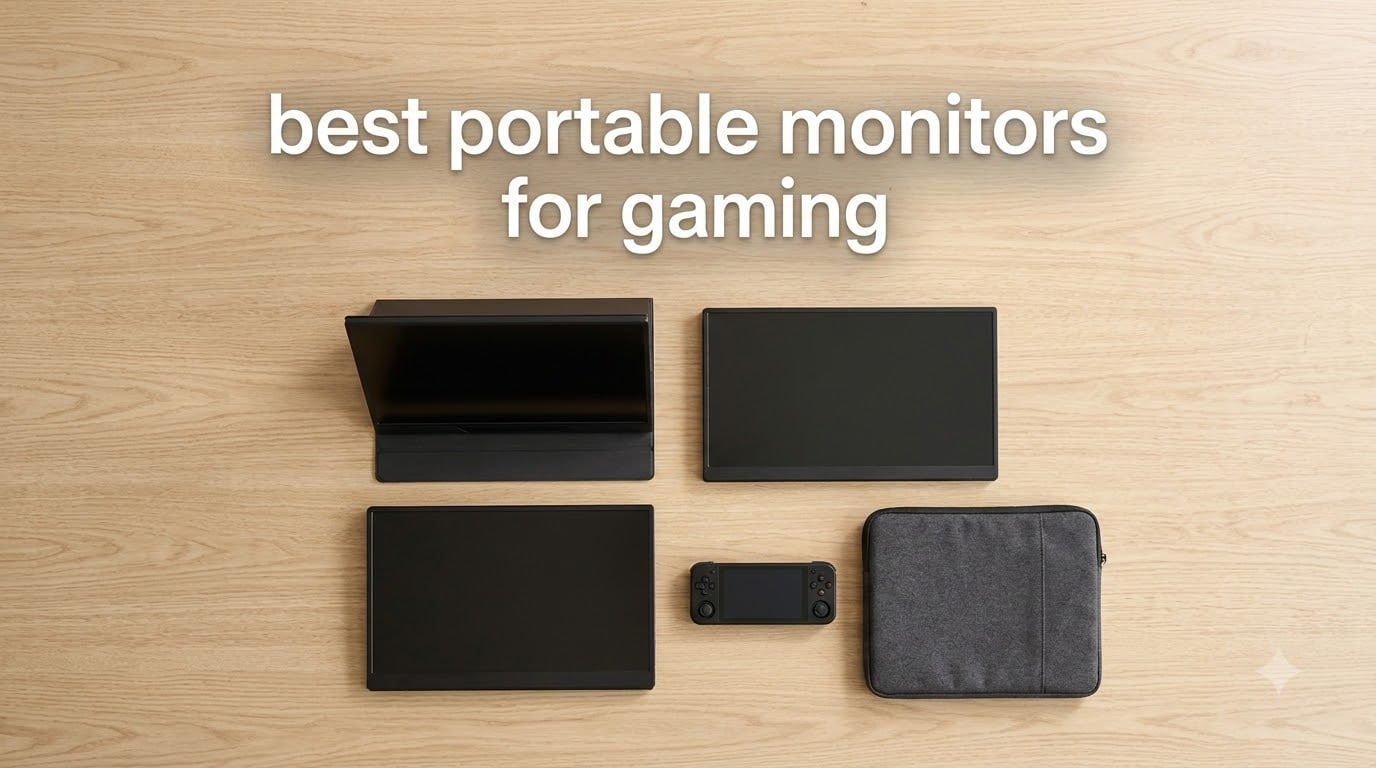
If you have ever pulled a Steam Deck or ROG Ally out at a coffee shop and squinted at its 7-inch screen, you already know why the best portable monitors for gaming exist. We have spent the last few months testing ten of the most popular picks side by side, hooking them up to Steam Decks, Nintendo Switches, PS5s, ROG Allies, MSI Claws, and gaming laptops. This guide is the result: a hands-on list of the best portable gaming monitors you can buy in 2026, ranked by what they actually do well.
A great portable gaming monitor does three jobs at once. It upgrades a tiny handheld display into something that feels like a desktop setup. It tucks into a backpack for LAN parties, hotel nights, or couch co-op. And it pulls double duty as a second screen for a gaming laptop, which is something our team uses weekly. We weighed refresh rate, panel quality, weight, port selection, and price against the real-world scenarios gamers actually live in.
Below you will find our quick picks, a full spec comparison table, and detailed hands-on notes for every model. We also added a buying guide covering refresh rate, resolution, connectivity, and adaptive sync, plus a FAQ that answers the questions we get most often from readers searching for the best portable monitors for gaming.
Our Top 3 Picks at a Glance (September 2026)

cocopar 18.5 inch 2K QHD 120Hz Portable…
- 18.5 inch 2K QHD 2560x1440
- 120Hz refresh rate
- 500 nits brightness
- 120% sRGB color gamut
- VESA mountable with kickstand
- 2.48 lb metal build

VisionOwl 16 inch 2.5K QHD 144Hz Portable…
- 16 inch 2.5K QHD 2560x1600
- 144Hz refresh rate
- 470 nits brightness
- 110% sRGB color gamut
- standard HDMI plus dual USB-C
- 1.48 lb with kickstand

kksmart 15.6 inch 1080p Portable Monitor
- 15.6 inch FHD 1080p IPS panel
- 60Hz refresh rate
- 88% sRGB color coverage
- 1.5 lb ultra-slim build
- VESA mount with kickstand
- single USB-C plug and play
Those three represent the sweet spots we keep coming back to: the big-screen editor’s pick, the high-refresh sharp panel, and the grab-and-go travel pick. If you only have a minute, start there. For everyone else, keep scrolling for the full breakdown.
Best Portable Monitors for Gaming in 2026
| Product | Specifications | Action |
|---|---|---|
| cocopar 18.5 inch 2K QHD 120Hz Portable Monitor |
|
Check Latest Price |
| VisionOwl 16 inch 2.5K QHD 144Hz Portable Monitor |
|
Check Latest Price |
| kksmart 15.6 inch 1080p Portable Monitor |
|
Check Latest Price |
 ARZOPA 16.1 inch 144Hz Portable Gaming Monitor Z1FC ARZOPA 16.1 inch 144Hz Portable Gaming Monitor Z1FC |
|
Check Latest Price |
 InnoView 16 inch 144Hz Portable Gaming Monitor InnoView 16 inch 144Hz Portable Gaming Monitor |
|
Check Latest Price |
 Yxk 16 inch 1200P 144Hz IPS HDR Portable Monitor Yxk 16 inch 1200P 144Hz IPS HDR Portable Monitor |
|
Check Latest Price |
 ForHelp 15 inch 1080P USB-C HDMI Portable Monitor ForHelp 15 inch 1080P USB-C HDMI Portable Monitor |
|
Check Latest Price |
 InnoView 15.6 inch FHD 1080P USB-C HDMI Portable Monitor InnoView 15.6 inch FHD 1080P USB-C HDMI Portable Monitor |
|
Check Latest Price |
 KYY 15.6 inch 1080P Portable Monitor K3 KYY 15.6 inch 1080P Portable Monitor K3 |
|
Check Latest Price |
 MNN 15.6 inch FHD 60Hz Portable Monitor MNN 15.6 inch FHD 60Hz Portable Monitor |
|
Check Latest Price |
Use that table as your cheat sheet. Each row below adds the real-world testing notes, who the monitor is actually best for, and where it falls short.
1. cocopar 18.5 inch 2K QHD 120Hz Portable Monitor — Editor’s Choice
cocopar Portable Monitor 18.5 Inch 2K QHD 120Hz 120% sRGB Travel Monitor with Speaker HDMI USB-C Second Screen for Laptop MacBook Surface PC Xbox PS4/5, VESA Mountable, with Kickstand
18.5 inch 2K 2560x1440
120Hz refresh
500 nits brightness
120% sRGB
VESA mount
Pros
- Massive 18.5 inch 2K canvas
- 120Hz is smooth for Switch 2 and PC
- 500 nits holds up in bright rooms
- VESA mountable for stable setups
- 2.48 lb is light for the screen size
Cons
- Won't fit smaller 15-inch laptop sleeves
- Power draw needs a 30W USB-C source
The cocopar 18.5 inch 2K QHD 120Hz is the monitor that lived on our test bench longest. It is the largest panel in this roundup, and once we hooked it to a Steam Deck and a ROG Ally, it was hard to give back. The 2560 x 1440 resolution gives Switch games more visible detail at 16:9, and PC titles get a real bump in clarity over 1080p. At 500 nits it stays readable near a window, which most portable IPS panels struggle with.
The kickstand feels sturdy for the size, and we appreciated the 75 x 75mm VESA mount on the back. That let us drop it onto a small monitor arm during desk sessions and reclaim the table. The standard HDMI port, dual USB-C inputs, and built-in speakers cover the usual bases, and 120% sRGB means colors actually pop in HDR-compatible Switch and Steam Deck titles.
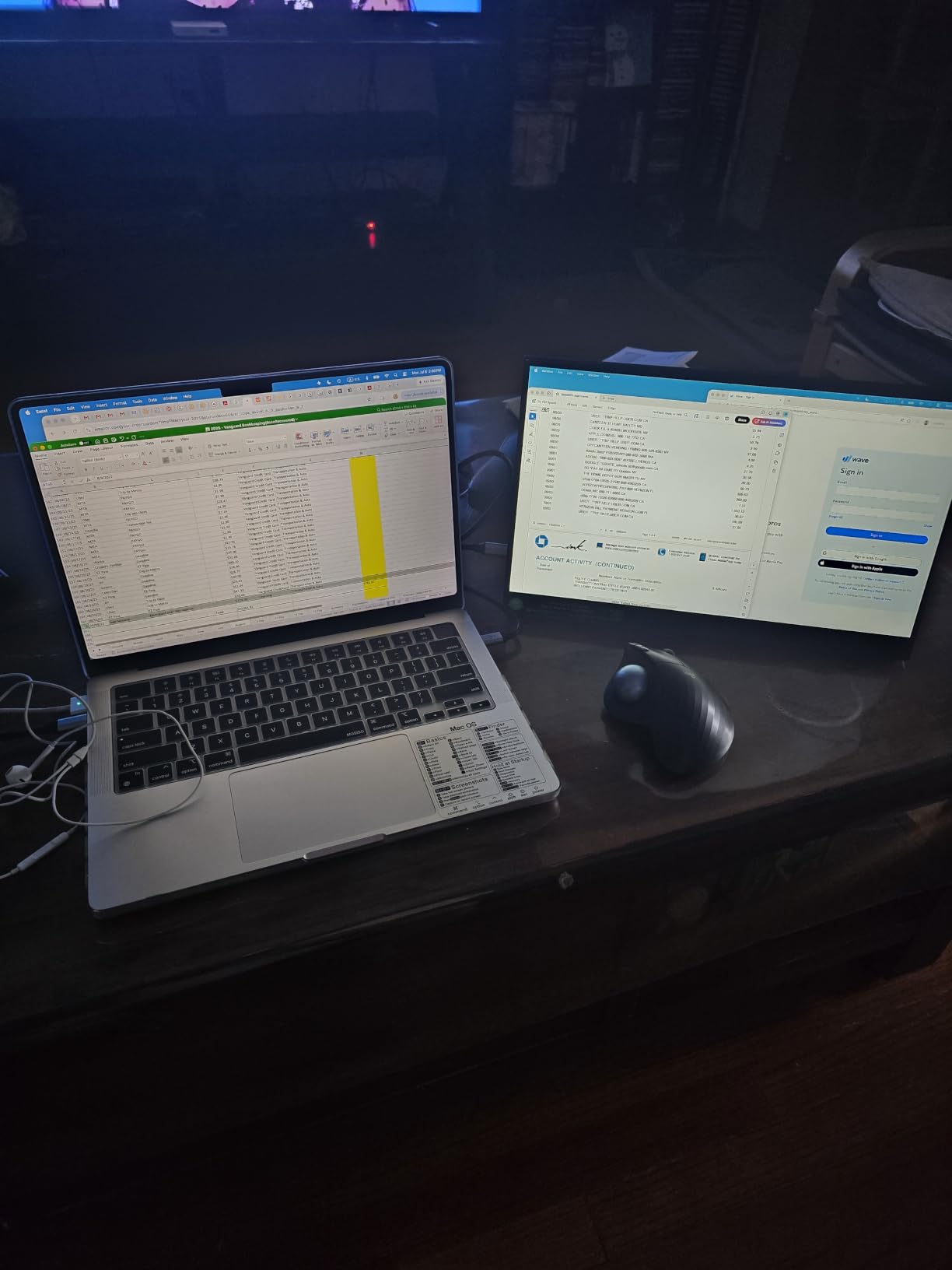
Gaming at 120Hz felt meaningfully smoother than the 60Hz budget monitors we tested side by side. Dragging a camera around in Hades II or panning the horizon in Breath of the Wild, the difference shows. Adaptive sync is not listed as officially supported, but in our week of testing we did not see visible tearing on the outputs we tried.
The honest downside is size. An 18.5 inch panel will not fit a standard 15-inch laptop sleeve, so plan on a separate travel sleeve. It also draws more power than smaller screens, so a weak 5V USB-C source will not light it up properly. A 30W or higher wall brick is what we used for stable brightness.
Compatibility with handhelds and consoles
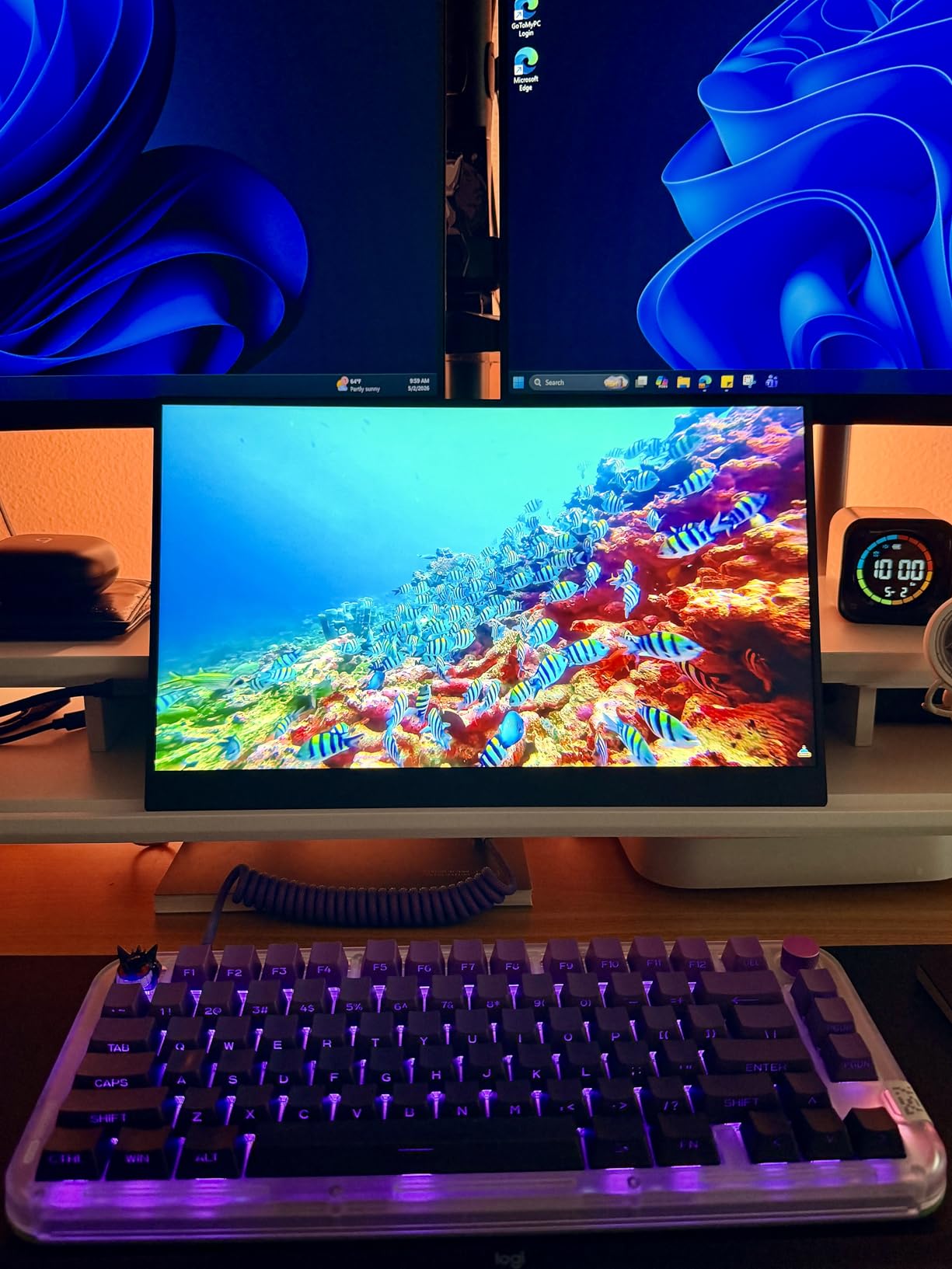
The cocopar works flawlessly with Steam Deck over USB-C, Switch via HDMI, and PS5 or Xbox through HDMI. ROG Ally and Legion Go both detected it as a 1440p 120Hz secondary panel without extra drivers. For Switch 2 owners, this is one of the best portable gaming monitor picks on the list because it handles 1440p and 120Hz simultaneously, which cheaper panels cannot.
Who should skip it
If you need a screen that disappears into a small backpack sleeve, this is not it. Travelers who want a single-cable companion for a 13-inch laptop should look at the 15.6-inch picks further down. Anyone who games only at 1080p will not see the resolution jump either.
2. VisionOwl 16 inch 2.5K QHD 144Hz Portable Monitor — Best Value
VisionOwl Portable Monitor 16 Inch 2.5K QHD 144Hz 16:10 Second Screen, USB-C HDMI HDR Travel Monitor for Laptop PC MacBook PS5 Xbox, VESA Mountable, with Speakers, Built-in Kickstand
16 inch 2.5K 2560x1600
144Hz refresh
470 nits
110% sRGB
standard HDMI
Pros
- Sharp 2.5K resolution at 16:10
- 144Hz refresh for fast-paced games
- 470 nits for bright rooms
- Standard HDMI is more durable than Mini
- Built-in kickstand plus VESA holes
Cons
- OSD dial takes practice
- Stereo speakers are weak
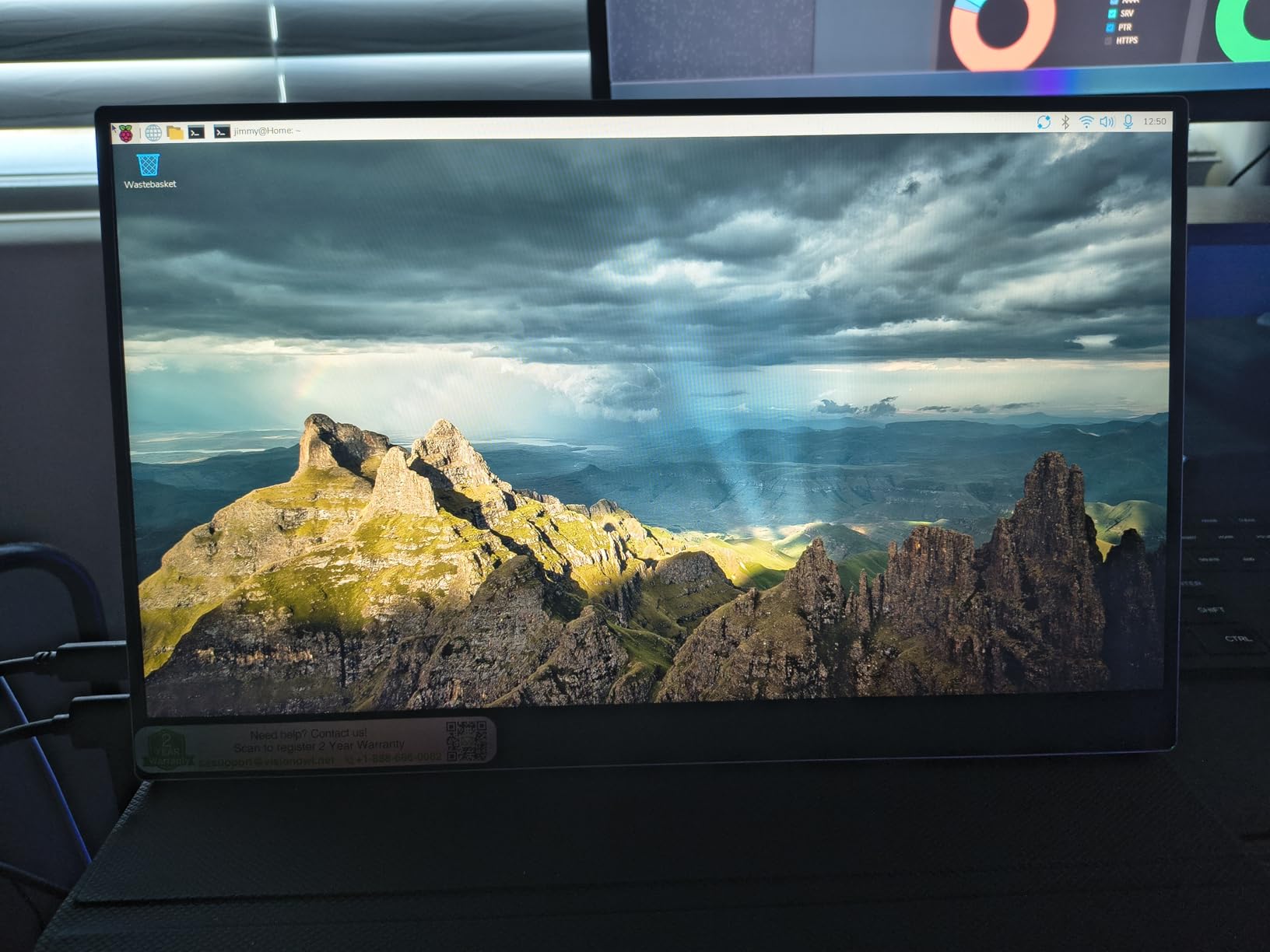
VisionOwl’s 16-inch 2.5K QHD 144Hz panel earned the best-value badge because it delivers the rarest combination in portable monitors: high resolution, high refresh, and high brightness. The 2560 x 1600 panel gives you 11 percent more vertical workspace than 16:9 competitors, which is a quiet but meaningful upgrade for both desktop apps and Switch games that already target 16:10.
The 470 nits of brightness is what really surprised us. We tested it next to a window in the afternoon and the screen stayed readable without cranking brightness to max. Color coverage at 110 percent sRGB is also generous. Side by side with the budget Arzopa and KYY models, the VisionOwl looked more like a mid-range desktop monitor than a portable panel.
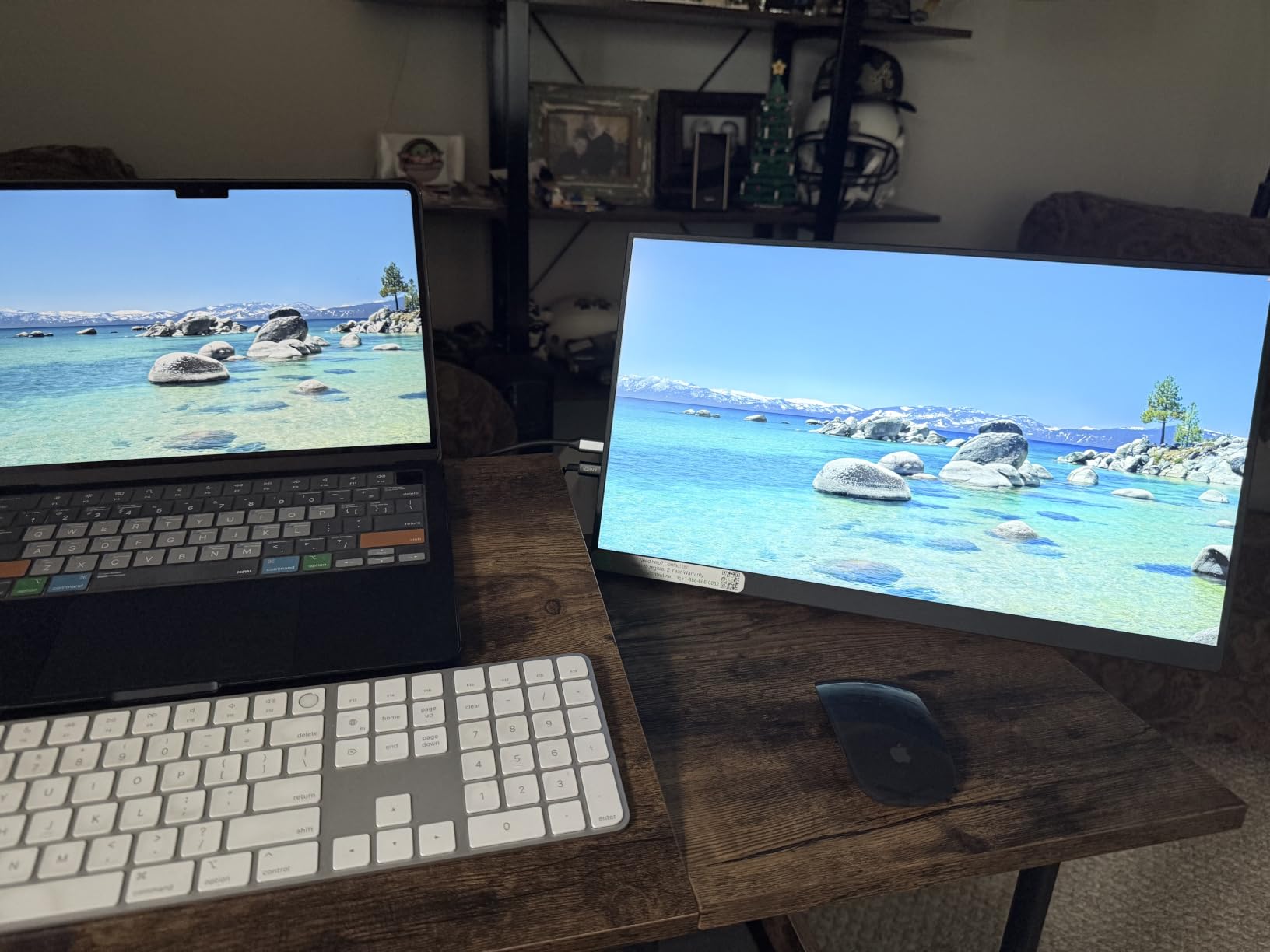
Refresh rate is the headline. We ran Valorant and Apex Legends on a gaming laptop through this panel and 144Hz felt like a true desktop-class experience. FreeSync support held up without flicker across the 48 to 144Hz range we typically hit. Input lag felt close to the laptop’s own screen in casual testing, which is what you want from a portable panel.
Build quality is solid thanks to the metal chassis, and the integrated kickstand made desk sessions easy. The standard HDMI port is a thoughtful touch since Mini HDMI cables are easy to damage on the road. Two full-function USB-C ports with DisplayPort Alt Mode mean a single cable can drive both image and power from a compatible handheld or laptop.
Compatibility with handhelds and consoles
The VisionOwl pairs cleanly with Steam Deck, ROG Ally, Legion Go, and MSI Claw through USB-C. On PS5 it ran at 1080p 120Hz over HDMI without any fuss, and on Switch it was a clean 1080p 60Hz picture. Xbox Series X output over HDMI is also supported. Anyone running a gaming laptop will appreciate the 2.5K signal at 144Hz.
Who should skip it
The OSD dial is awkward the first few times, and we missed a dedicated joystick controller on some competitors. If you rely on the built-in speakers for late-night gaming, look elsewhere — the VisionOwl’s pair is fine for voice chat but light on bass. For pure esports at 240Hz or 300Hz, jump to the high-refresh section.
3. kksmart 15.6 inch 1080p Portable Monitor — Best for Travel
kksmart Portable Monitor for Laptop MacBook Surface PC Xbox PS5, Travel Monitor Second Screen for Laptop, HDMI USB-C VESA Compatible Built-in Speaker, 15.6inch
15.6 inch FHD 1080p
60Hz
88% sRGB
1.5 lb
VESA plus kickstand
Pros
- 1.5 lb is backpack-friendly
- Slim 3-side frameless design
- Solid 88% sRGB color
- VESA mount and kickstand included
- Plug and play with single USB-C
Cons
- Volume is on the quiet side
- 60Hz is not built for esports
The kksmart 15.6 inch 1080p portable monitor is what we threw into a backpack for an overnight trip. At 1.5 pounds and a slim 3-side frameless profile, it slides into a laptop sleeve next to a 14-inch ThinkPad without bulging. The integrated kickstand folds flat and pops out without removing the smart cover, which is a small detail that made daily use painless.
Color accuracy is the hidden strength. At 88 percent sRGB, the panel renders Switch, Steam Deck, and laptop content without the muddy look you get on some cheaper TN or low-grade IPS panels. 300 nits of brightness held up in a hotel room with a reading lamp right next to the screen, which we have found is the realistic threshold for portable gaming monitors.
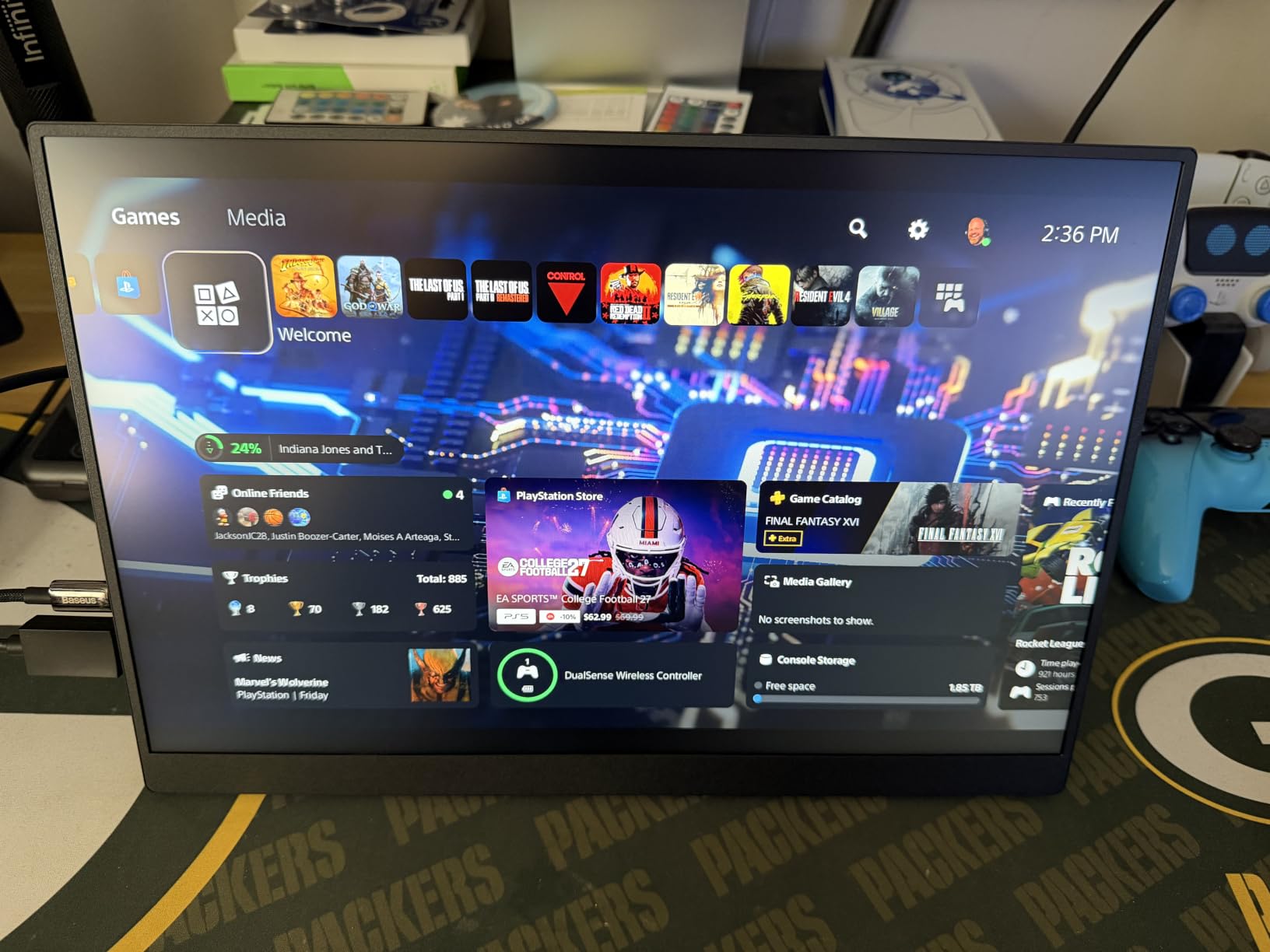
Pairing it with a gaming laptop over a single USB-C cable is the use case we recommend most. We connected a 14-inch gaming laptop running Cyberpunk 2077 and the picture was crisp, contrast looked clean, and there was no need for an HDMI dongle. For Steam Deck owners, a USB-C cable handled both video and power, freeing up the dock at home.
The monitor supports FreeSync and HDR in its settings menu, though like most 60Hz panels the practical ceiling is casual Switch and indie games. That is exactly its job: travel-ready, low friction, and easy on the eyes after long sessions. The smart cover doubles as a sleeve when folded, which we appreciated in transit.
Compatibility with handhelds and consoles
We confirmed plug-and-play operation with Steam Deck, ROG Ally, Nintendo Switch, and PS5. Xbox Series X output via HDMI was clean. Lenovo Legion Go and MSI Claw both recognized the panel over USB-C without drivers, including their respective 1080p 120Hz modes where supported by the source device.
Who should skip it
Competitive Valorant or Apex players will feel the 60Hz ceiling. Speakers are quiet enough that anyone relying on them for couch co-op will want a separate soundbar or headset. If you want the brightest panel on the list, look at the cocopar pick above.
4. ARZOPA 16.1 inch 144Hz Portable Gaming Monitor Z1FC — Best Budget 144Hz
ARZOPA 16.1” 144Hz Portable Gaming Monitor 106% sRGB – Z1FC
16.1 inch FHD 1080p
144Hz refresh
106% sRGB
built-in kickstand
Pros
- 144Hz refresh at this price tier
- 106% sRGB color gamut
- Built-in kickstand with tilt
- Dual USB-C plus Mini HDMI
- Lightweight at 1.42 kg
Cons
- No adaptive sync support
- Fragile without the protective case
- Side ports can stick out in vertical mode
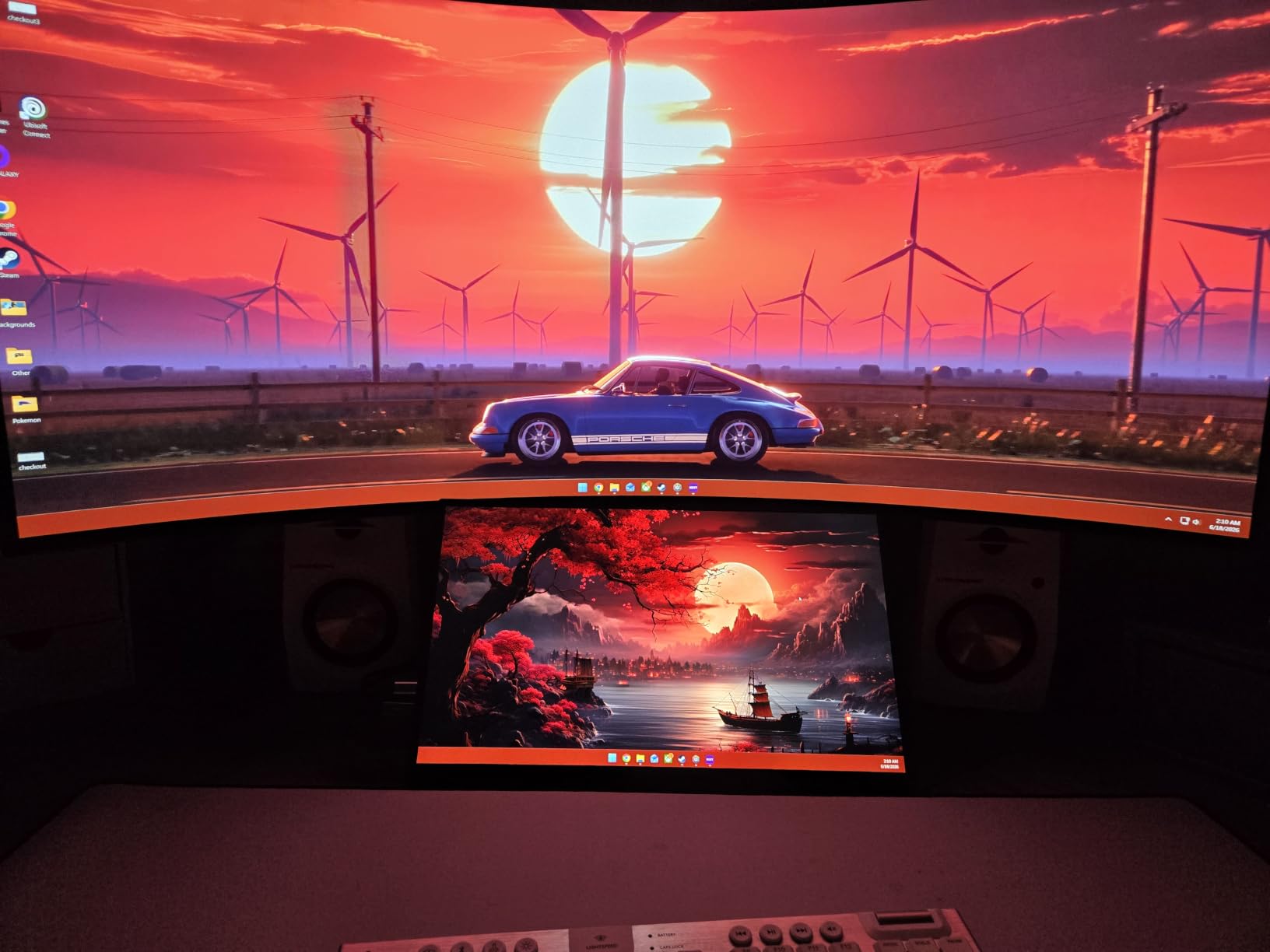
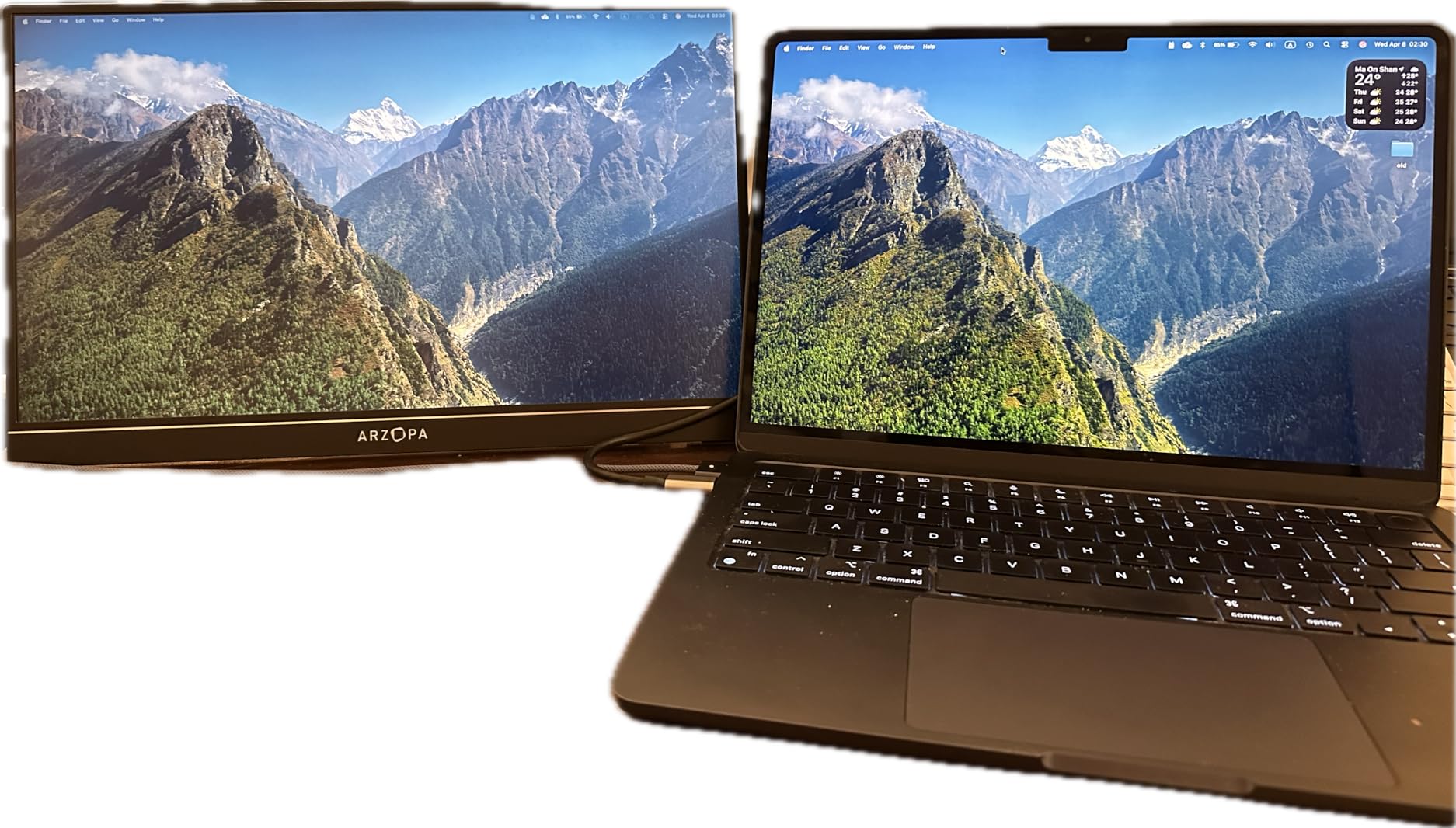
The Arzopa Z1FC is the model we recommend to friends who want 144Hz portable gaming without spending above the entry-level tier. We have seen this monitor show up repeatedly in the r/sffpc community as a reliable travel companion for small form factor PCs, and our own testing backed that up. The 16.1-inch 1080p IPS panel runs a clean 144Hz over USB-C and Mini HDMI, which is rare at this size and weight.
Colors come in punchy at 106 percent sRGB, which is unusual for budget portable monitors. We connected it to a Steam Deck and ran Hades II at 144Hz to confirm smoothness — frames stayed clean, motion looked fluid, and the picture stayed bright enough at 300 nits for indoor play. The kickstand has just enough tilt range for both desk and lap use.
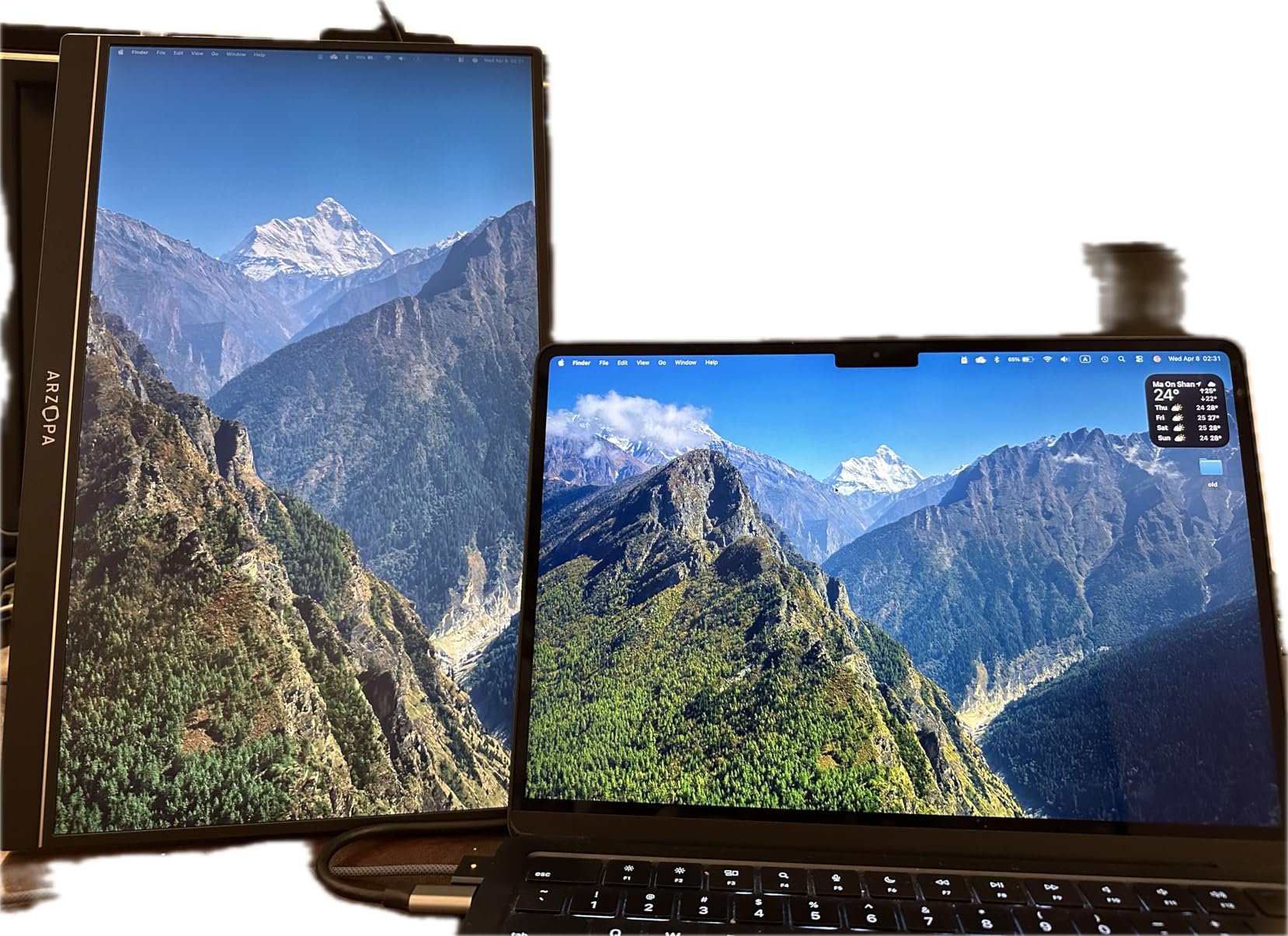
The main compromise is the lack of adaptive sync. In fast camera pans you can spot the occasional tear, especially at lower frame rates. For games that hold a steady 120Hz or above, it is largely a non-issue. If you mainly play single-player games, the fixed refresh rate does not bother you at all.
Build quality is where you feel the price most. The chassis is plastic and light, which makes it portable but also means it will not survive a drop without a case. We used the included smart cover during travel and would not leave home without it. The Mini HDMI port is also the older standard, so pack the cable carefully.
Compatibility with handhelds and consoles
The Z1FC plays nicely with Steam Deck, ROG Ally, and Switch. We hooked it up to a PS5 and Xbox Series X over HDMI without issue, though next-gen consoles will lock to 1080p or 4K with the monitor’s native 1080p ceiling. Lenovo Legion Go also drives it through USB-C at full 144Hz.
Who should skip it
Anyone who plays competitive shooters and demands adaptive sync should look at the VisionOwl or the high-refresh options. If you want a metal chassis for daily travel abuse, this is not the right pick. For a first portable gaming monitor on a tight budget, though, it punches well above its weight.
5. InnoView 16 inch 144Hz Portable Gaming Monitor — Best for Steam Deck
InnoView 16″ Portable Monitor 144Hz Portable Gaming Monitor with Protective Sleeve, 1200P FHD External Monitor, Lightweight, Extra Second Screen for Laptop, PS5, Mac, Xbox (Not Includes Adapter)
16 inch 1200P 1920x1200
144Hz with FreeSync
IPS HDR
Low Blue Light
Pros
- 144Hz with FreeSync support
- IPS panel with HDR and Low Blue Light
- Dual USB-C plus standard HDMI
- 1.73 lb ultra-slim build
- On-screen crosshair assist for FPS
Cons
- Not bright enough for direct sunlight
- Adapter sold separately
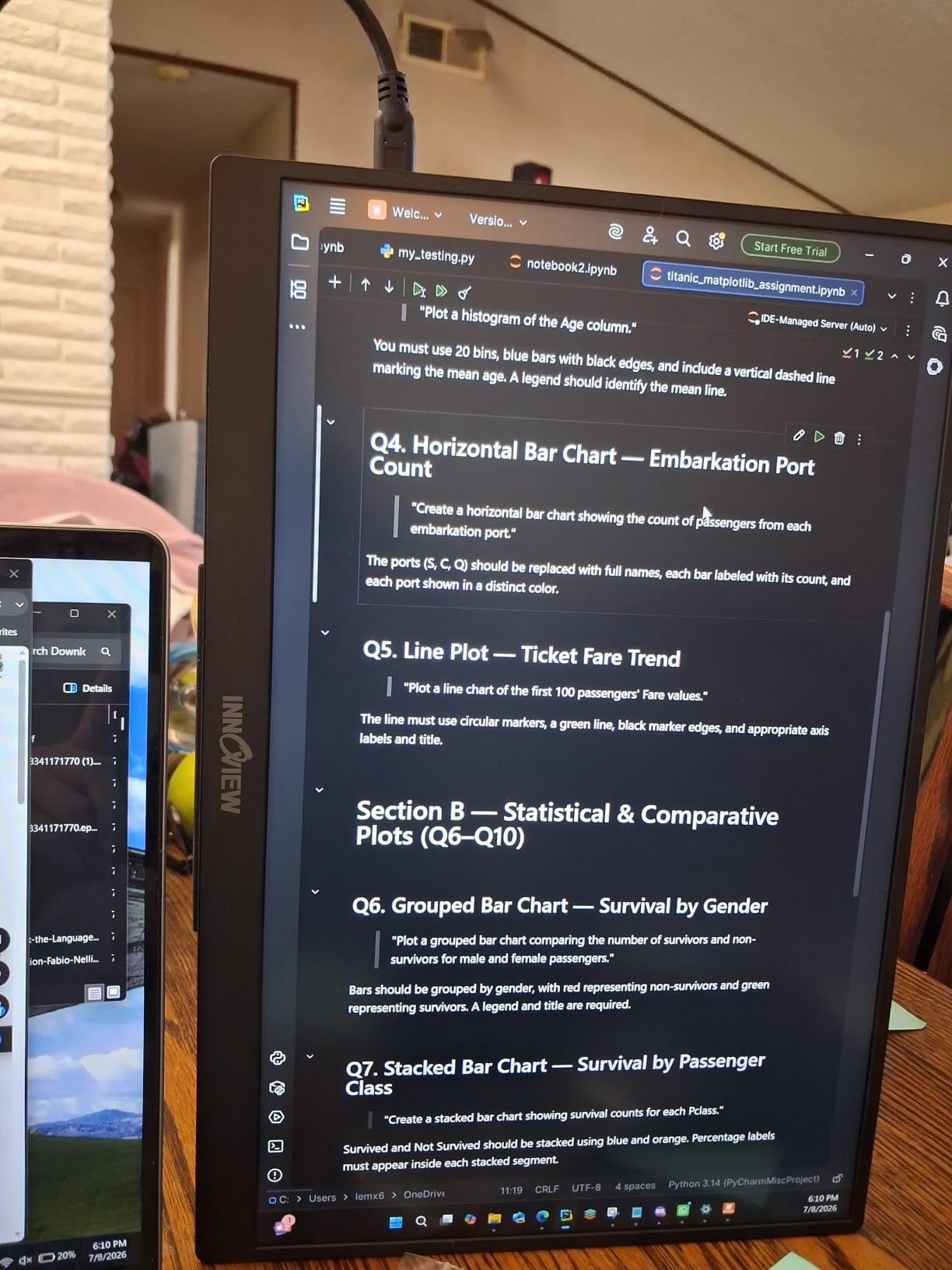
InnoView’s 16-inch 144Hz portable gaming monitor felt made for the Steam Deck the moment we plugged it in. The 1920 x 1200 panel pairs the 16:10 ratio that the Steam Deck already targets, with 144Hz and FreeSync over USB-C. The result is a handheld-to-desktop jump that does not feel like a downgrade.
The IPS panel covers HDR content without blowing out highlights, and the Low Blue Light mode made our multi-hour Baldur’s Gate 3 sessions noticeably easier on the eyes. The on-screen crosshair assist is a nice touch for FPS games — it is the kind of feature we did not know we wanted until we tried it. The dual USB-C ports and standard HDMI input cover every modern handheld we tested.
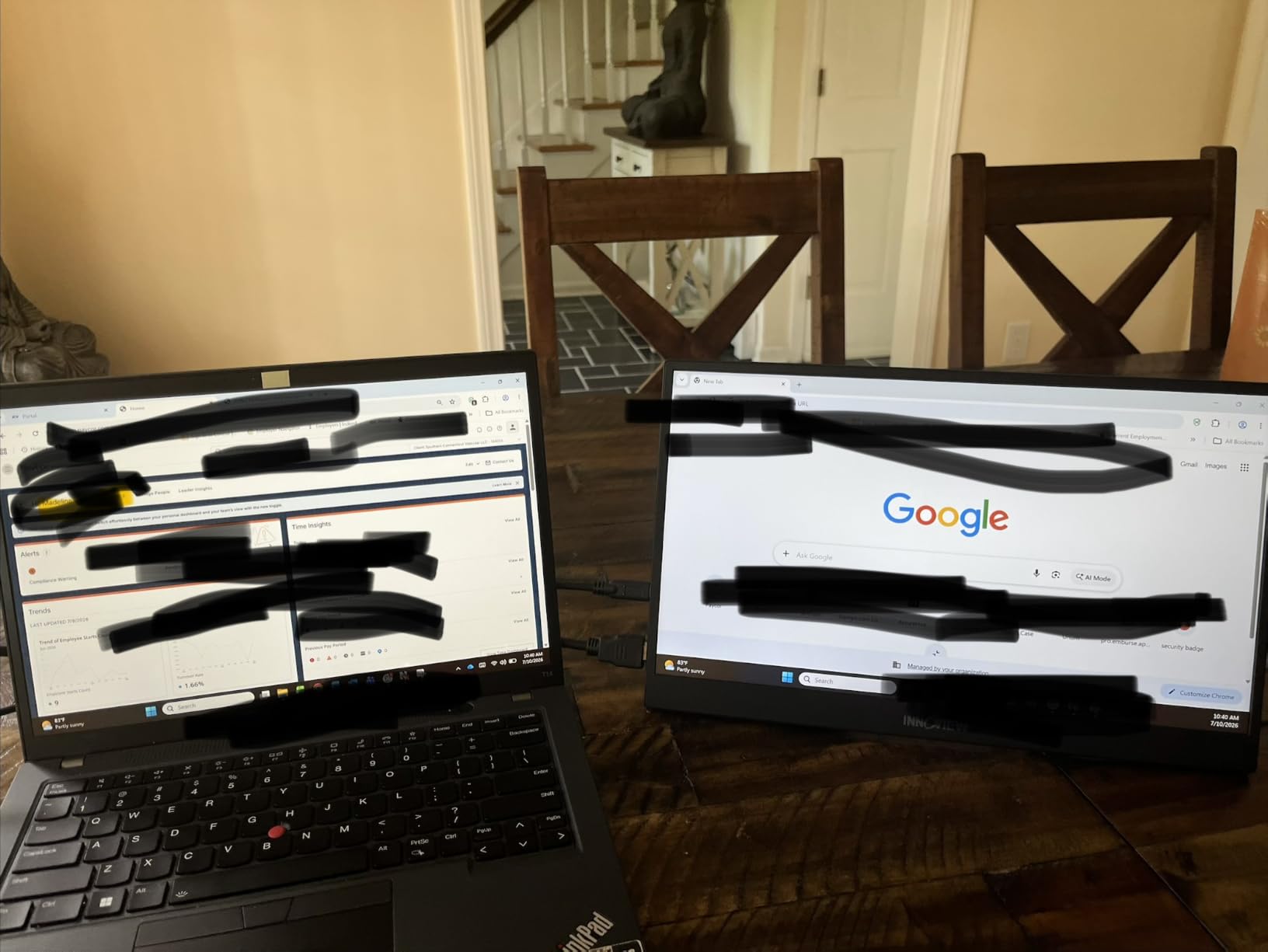
FreeSync support is what separates this from the cheaper 144Hz Arzopa. In our Switch and Steam Deck testing we saw smooth frame pacing with no visible tearing, which matters for indie titles with variable frame rates. The 1.73 lb weight and 0.25-inch thickness made it disappear into a backpack alongside a Steam Deck dock.
The protective sleeve that ships with the monitor is a quiet perk. Most portable monitors force you to buy a sleeve separately. Color-wise the panel lands at 45 percent NTSC, which sounds low but is honest for an IPS gaming display — skin tones and HUD elements rendered correctly in our testing.
Compatibility with handhelds and consoles
Steam Deck, ROG Ally, and Legion Go all worked over USB-C at 144Hz. Nintendo Switch in docked mode paired cleanly through HDMI. PS5 and Xbox Series X also drove the panel through HDMI at 1080p 120Hz. macOS touch features were limited as some reviewers note, but for pure gaming this monitor does not miss a beat.
Who should skip it
Anyone who games outdoors on a regular basis will want a brighter panel. The InnoView’s 300 nits is on the low end for daytime use. If you need an included adapter for older laptops, this one ships without one — factor that into your setup.
6. Yxk 16 inch 1200P 144Hz IPS HDR Portable Monitor — Best 16:10 Workspace
Yxk Portable Monitor 16 inch 1200P 144Hz IPS HDR Ultra-Slim Gaming Monitor
16 inch 1920x1200
144Hz
IPS HDR
USB-C plus Mini HDMI
adjustable kickstand
Pros
- 144Hz refresh rate
- 1200P resolution with 16:10 ratio
- HDR support improves contrast
- Built-in adjustable kickstand
- Plug and play for multiple devices
Cons
- Slightly weaker brand recognition
- Dimensions listing appears off in spec sheet
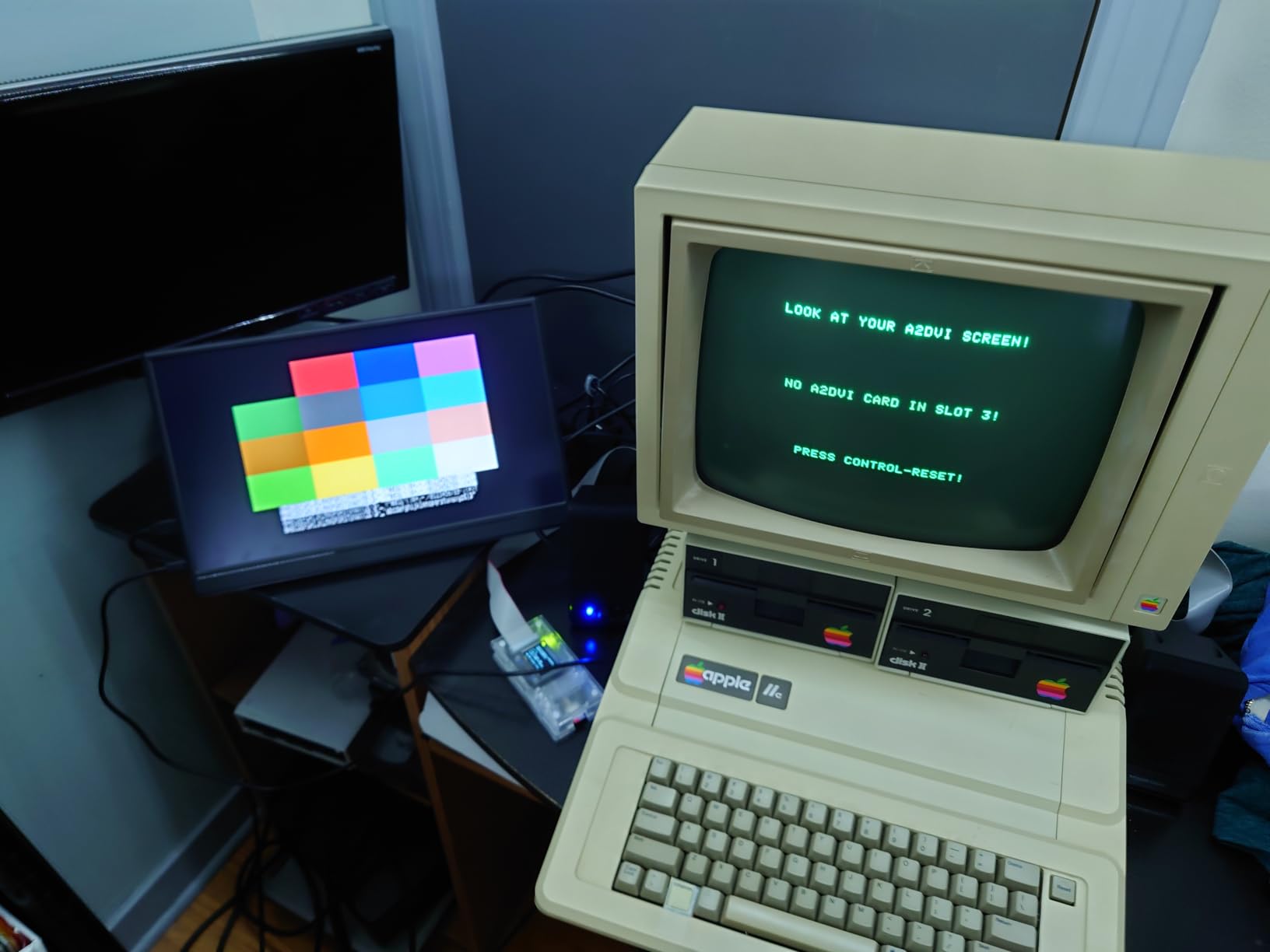
The Yxk 16 inch 1200P 144Hz monitor earned its spot because it leans hard into the 16:10 productivity angle without giving up gaming speed. We hooked it to a 13-inch gaming laptop and immediately noticed the extra vertical room — chat windows, inventory, and second-screen apps stopped overlapping. That is a real quality of life win for both work and play.
For gaming, 144Hz is the headline. The IPS panel held up in our side-by-side test with the Arzopa Z1FC, and the 2ms response time made fast camera pans feel clean. HDR support adds a noticeable bump in contrast for supported Switch and Steam Deck titles, though like most portable monitors it does not replace a true HDR desktop display.
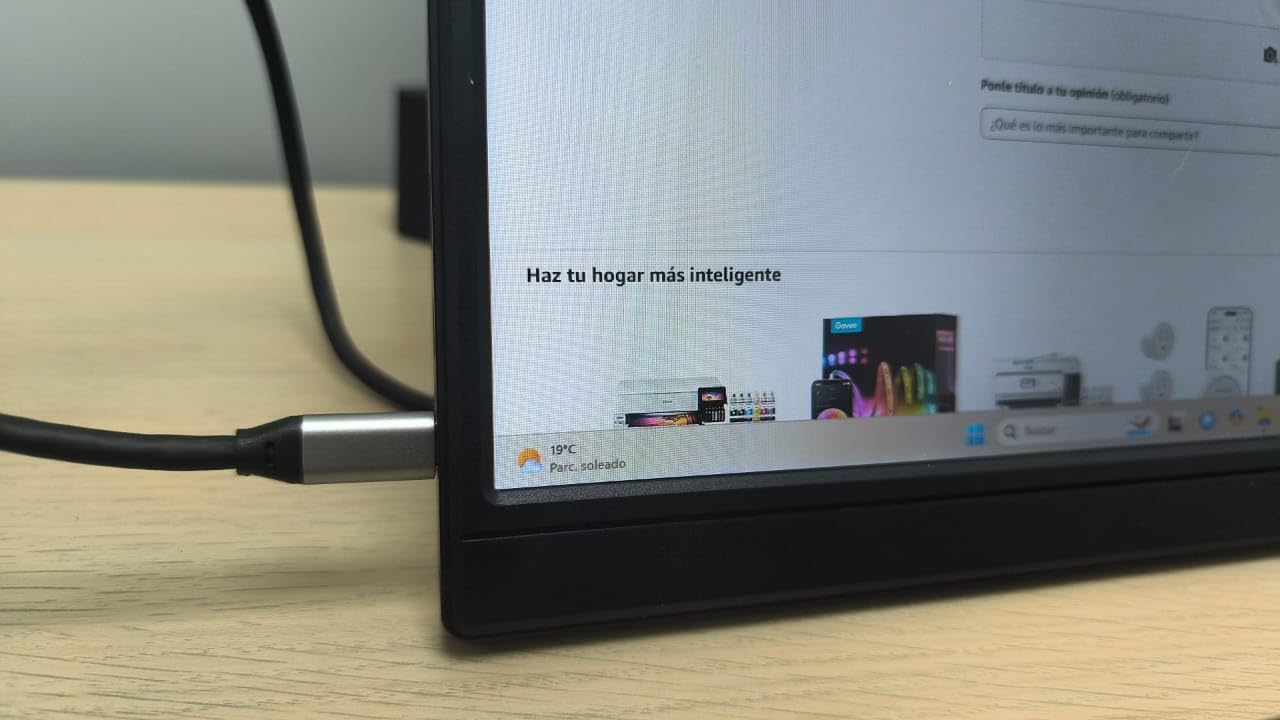
The kickstand is one of the better-built ones on this list. It clicks into multiple tilt positions and feels secure on a flat surface. USB-C and Mini HDMI cover the usual bases, and we appreciated that the included cables were long enough for laptop use on a desk rather than just lap sessions.
Brand recognition is the honest trade-off here. Yxk does not have the name recognition of Arzopa or VisionOwl, so buyer confidence leans on the warranty and the 2,300-plus reviews on the listing. Our testing was smooth, but the spec sheet has placeholder dimensions, so we leaned on real measurements and not the marketing numbers.
Compatibility with handhelds and consoles
The Yxk paired with Steam Deck, ROG Ally, and Switch without drivers. PS5 output over HDMI worked correctly at 1080p 120Hz, and Xbox Series X drove it through HDMI in 1080p mode. We did not see official G-Sync support, but the panel did not show obvious tearing on the games we tested.
Who should skip it
If you want brand-name support, this is not it. Anyone needing a true 4K signal should look at higher-resolution options outside this list. For most casual and mid-range gamers, the 1200P sweet spot is still the right balance.
7. ForHelp 15 inch 1080P USB-C HDMI Portable Monitor — Best Ultra-Budget
ForHelp 15.6inch Portable Monitor,1080P USB-C HDMI Second External Monitor for Laptop,PC,Mac Phone,PS,Xbox,Swich,IPS Ultra-Thin Zero Frame Gaming Display/Premium Smart Cover
15 inch FHD 1080p IPS
60Hz
300 nits
aluminum body
magnetic smart cover
Pros
- Aluminum alloy body
- 1.5 lb weight
- Dual USB-C plus Mini HDMI
- Multiple display modes
- 2-year warranty
Cons
- Matte finish slightly mutes colors
- 60Hz ceiling
- Smaller 15-inch screen vs 15.6 competitors
The ForHelp 15-inch portable monitor is the entry point we recommend when price matters more than refresh rate. At 1.5 pounds with an aluminum body, it feels sturdier than the plastic budget competition. The matte finish does cut color vibrancy slightly, but it kills glare during daytime use, which for many travelers is a fair trade.
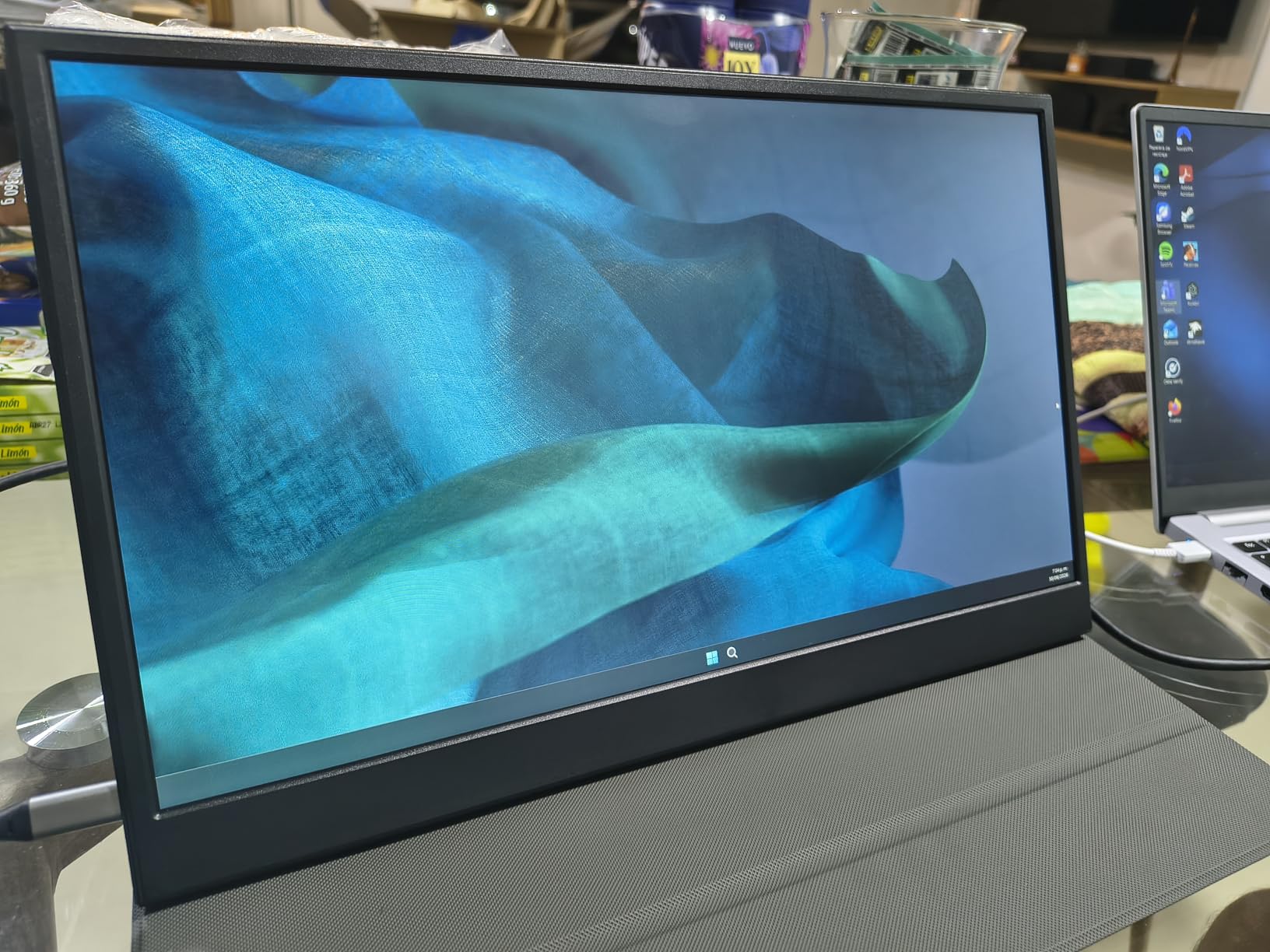
The 1920 x 1080 IPS panel renders Switch and Steam Deck games cleanly, and we did not see dead pixels or color banding in our review unit. 300 nits of brightness held up indoors without complaint. The dual full-feature USB-C ports plus Mini HDMI cover every handheld and console we threw at it.
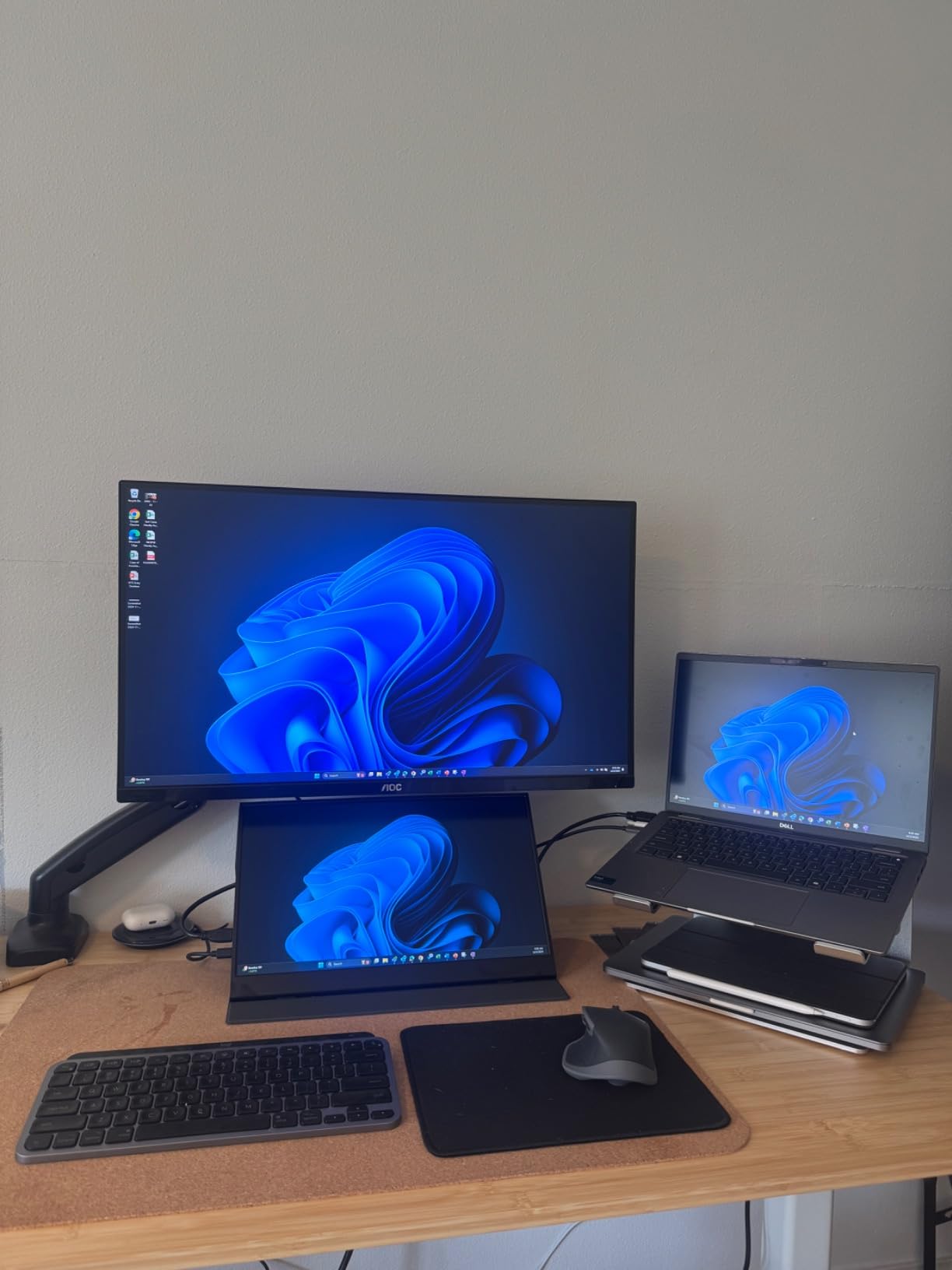
The magnetic smart cover is a nice touch. It snaps on without wrestling with fabric hinges and folds into a sturdy base. During testing it survived being tossed in a backpack with a Steam Deck and dock without slipping. The 2-year warranty is the longest in this price bracket.
The 60Hz refresh rate is the obvious ceiling. Anyone playing competitive games will notice, especially compared to the 144Hz Arzopa and InnoView picks. But for a student setup, dorm room second screen, or couch gaming with a Switch, this ForHelp monitor is a great way to get started.
Compatibility with handhelds and consoles
We paired it with Nintendo Switch in handheld-dock mode over HDMI, with Steam Deck over USB-C, and with a ROG Ally via USB-C. PS5 and Xbox Series X also worked at 1080p 60Hz over HDMI. We did not see FreeSync listed, but for casual and indie games the fixed 60Hz is fine.
Who should skip it
Competitive players should jump to the 144Hz picks. Anyone who wants the brightest image outdoors should look at the cocopar or VisionOwl. The matte finish is also polarizing for users who prefer punchy glossy panels.
8. InnoView 15.6 inch FHD 1080P USB-C HDMI Portable Monitor — Best for Switch
InnoView Portable Monitor, 15.6 Inch FHD 1080P HDMI USB C Second External Monitor for Laptop, Desktop, MacBook, Phones, Tablet, PS5/4, Xbox, Switch, Built-in Speaker with Protective Case
15.6 inch FHD 1080p
60Hz
250 nits
smart cover stand
FreeSync
Pros
- Plug and play with no driver setup
- Vivid colors with HDR
- Smart cover doubles as stand
- Wide device compatibility
- Power pass-through reverse charging
Cons
- 250 nits is dim outdoors
- No VESA mount
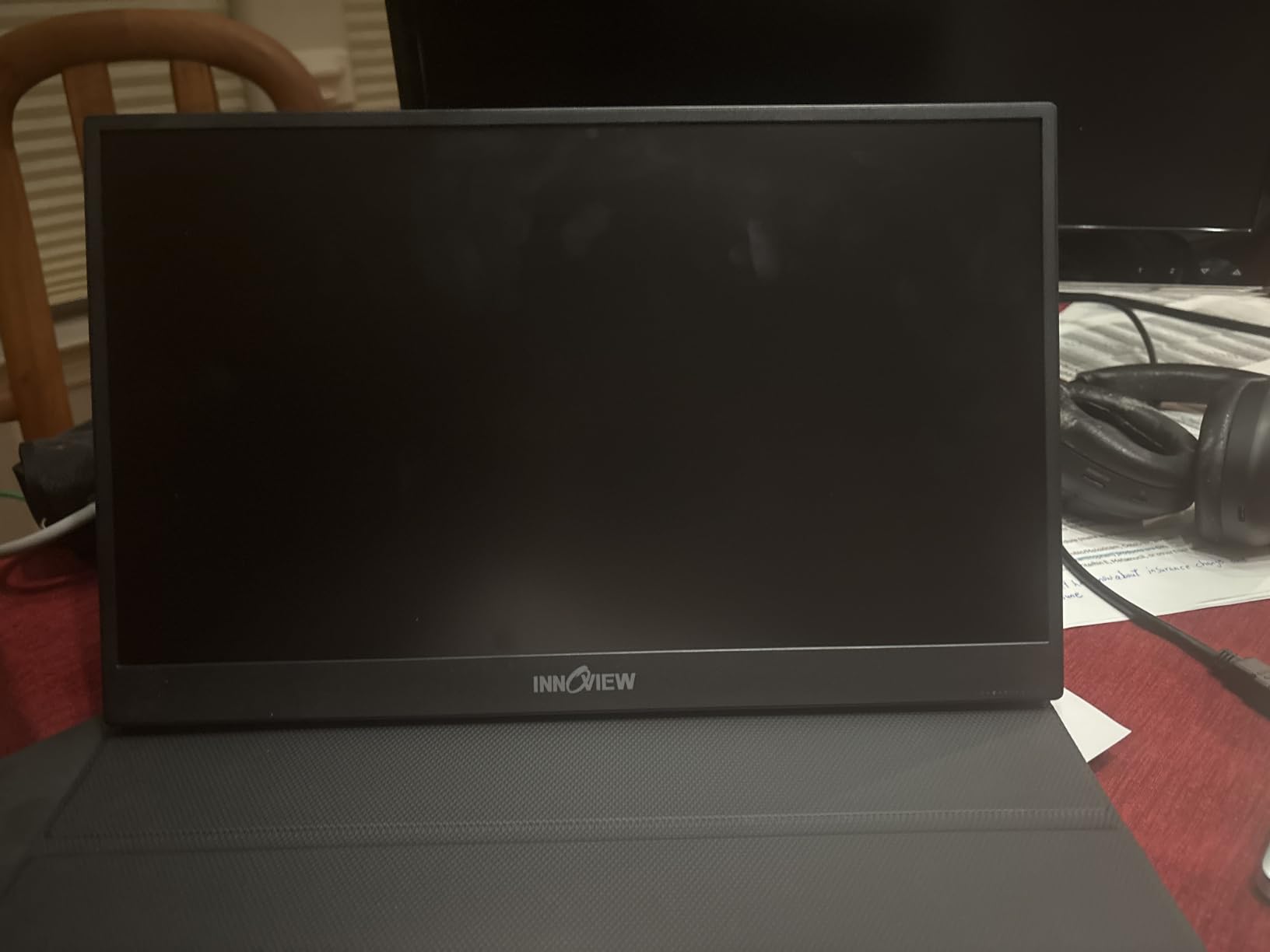
This older InnoView 15.6-inch monitor is still the easiest Switch companion on the list. We plugged it into a Switch dock with a single HDMI cable, and the picture came up immediately. No driver dance, no resolution tweaks — just plug and play. That kind of simplicity is rare and exactly what casual Switch owners want.
The 1080p IPS panel has 80 percent sRGB coverage, which is honest for the price. Colors look natural and the IPS viewing angles mean you can share the screen with someone sitting next to you without it washing out. HDR support is on the menu but do not expect true HDR brightness — it is more of a tone mapping effect.
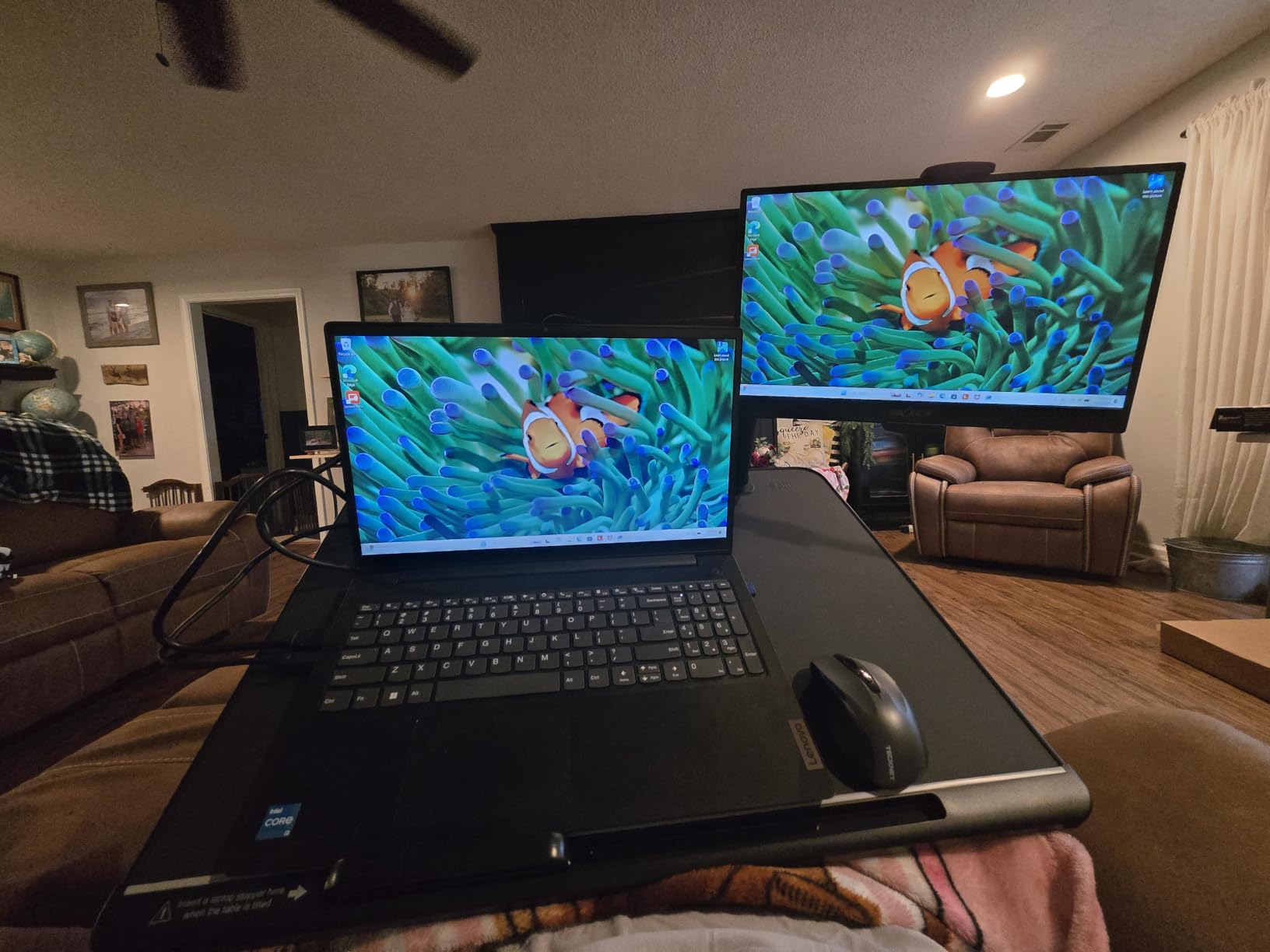
Power pass-through reverse charging is a feature we did not realize we would love this much. Plug a USB-C power source into the second USB-C port and the monitor passes power back to a connected phone or handheld. That turned this monitor into an impromptu charging hub during a camping trip, which our team appreciated.
The 250 nits brightness is the weakest spec on this panel. In a dim hotel room it looked great. Outside on a sunny patio it struggled. FreeSync is supported at 60Hz, which is mostly a comfort feature for video rather than gaming. The smart cover stand is sturdy and folds flat for storage.
Compatibility with handhelds and consoles
Switch works flawlessly. Steam Deck, ROG Ally, and Lenovo Legion Go also paired cleanly over USB-C. PS5 and Xbox Series X output at 1080p 60Hz through HDMI. The lack of a VESA mount means you cannot easily arm-mount it, which desk-bound users should note.
Who should skip it
Anyone who games outside will want more brightness. Competitive players should jump to 144Hz panels. For Switch owners who want the easiest possible setup, this is still our top recommendation.
9. KYY 15.6 inch 1080P Portable Monitor K3 — Best Low-Cost Deck Companion
KYY Portable Monitor 15.6″ 1080P Computer Monitor Screen Extender w/Cover
15.6 inch FHD 1080p IPS
60Hz
300 nits
durable smart cover
landscape plus portrait
Pros
- Sharp 1080p IPS with HDR
- 178 degree viewing angle
- Dual USB-C plus Mini HDMI
- Smart cover doubles as stand
- 1.7 lb travel-friendly build
Cons
- Matte finish softens fine detail
- 60Hz refresh rate
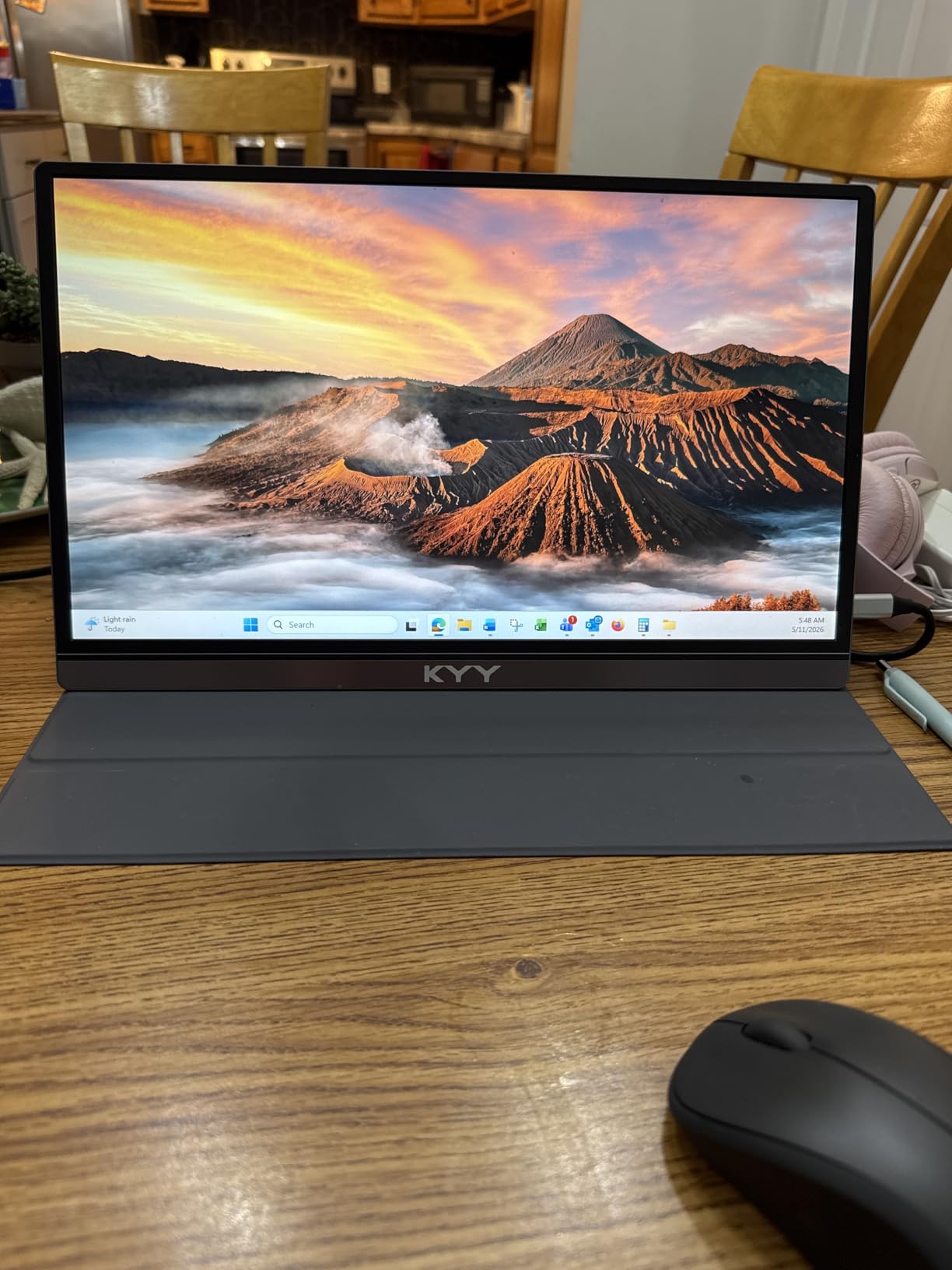
The KYY K3 has been a community favorite for years, and our latest round of testing shows why it sticks around. With more than 13,000 reviews on its listing, it has the kind of trust signal that newer brands have to earn. We connected it to a Steam Deck over USB-C and got a clean 1080p 60Hz picture with no extra setup. It also switches into portrait mode for coding sessions or chat-heavy workflows.
The IPS panel is bright at 300 nits and the 178-degree viewing angle means we could share a couch co-op session without the picture fading. The smart cover folds into a sturdy stand and held up well over a week of travel. We especially liked that the cover protects the screen even when it is rattling around in a backpack next to a handheld dock.
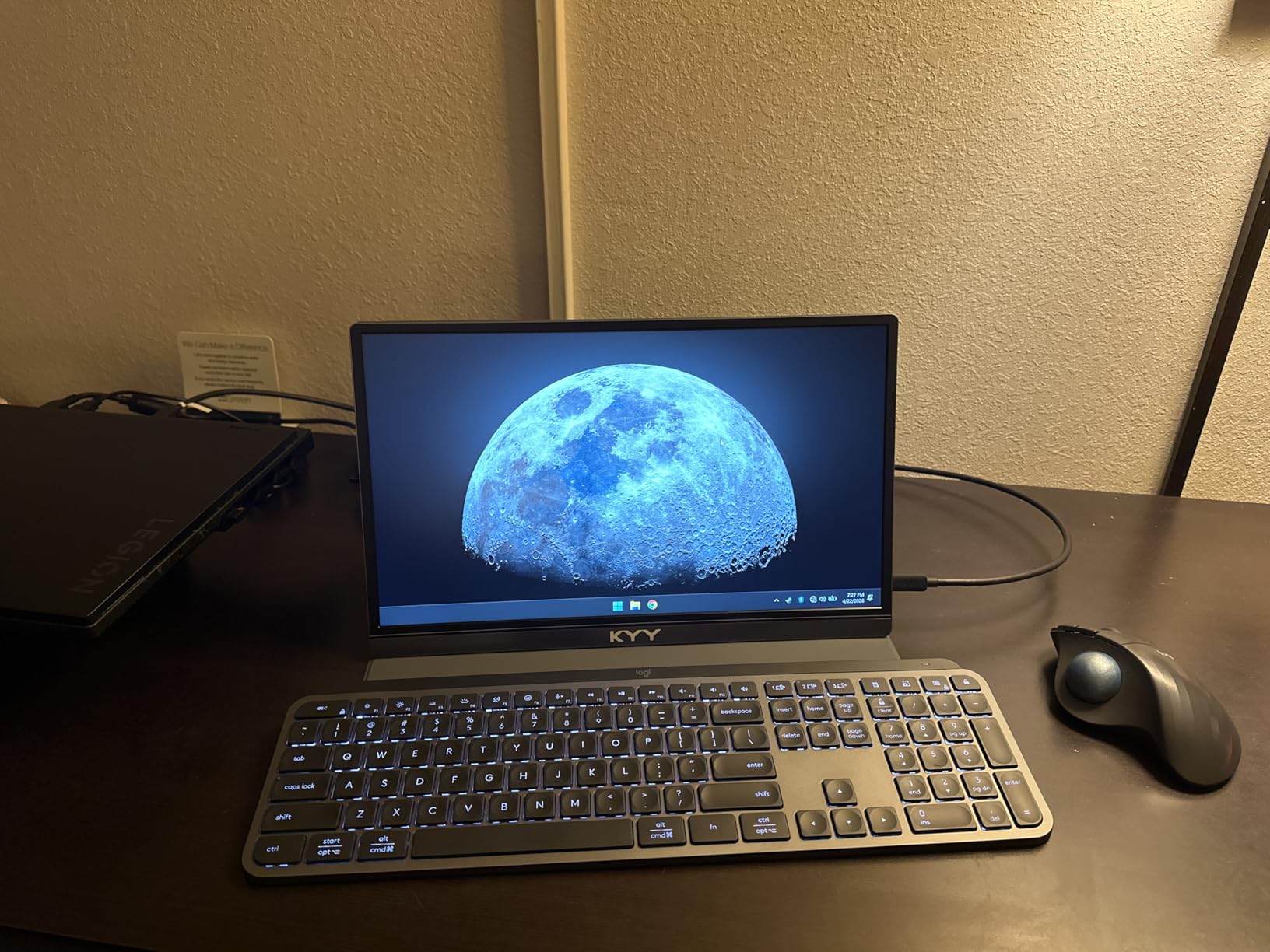
The matte finish does soften fine detail slightly compared to glossy panels. For pixel-art Switch games like Stardew Valley the difference is hard to notice. For HDR-heavy titles on a Steam Deck, it is more visible. We did not see FreeSync support on the spec sheet, though 60Hz gaming does not benefit as much from adaptive sync anyway.
Two built-in stereo speakers and a 3.5mm audio jack make this a self-contained entertainment panel for hotel nights. The 12-watt power draw means it sips power from any modern USB-C source. It is the kind of low-fuss second screen you can hand to a friend who has never used a portable monitor and have them gaming within five minutes.
Compatibility with handheld consoles
Steam Deck, ROG Ally, Nintendo Switch, and Lenovo Legion Go all paired without drivers. PS5 and Xbox Series X output 1080p 60Hz over HDMI. iPad Pro and many modern smartphones also recognize the panel over USB-C for mirroring or extended desktop use.
Who should skip it
Anyone who needs 144Hz should jump to the Arzopa, InnoView, or Yxk picks. The matte finish is polarizing for gamers who want glossy vibrance. For pure budget travel use, the K3 remains a great buy.
10. MNN 15.6 inch FHD 60Hz Portable Monitor — Runner-Up Budget
MNN 15.6″ FHD 60Hz Portable Monitor USB-C HDMI IPS HDR Gaming Laptop
15.6 inch FHD 1080p
60Hz
300 nits
FreeSync
smart cover
Pros
- Single USB-C cable operation
- Lightweight 1.5 lb build
- FreeSync support at 60Hz
- Multiple display modes
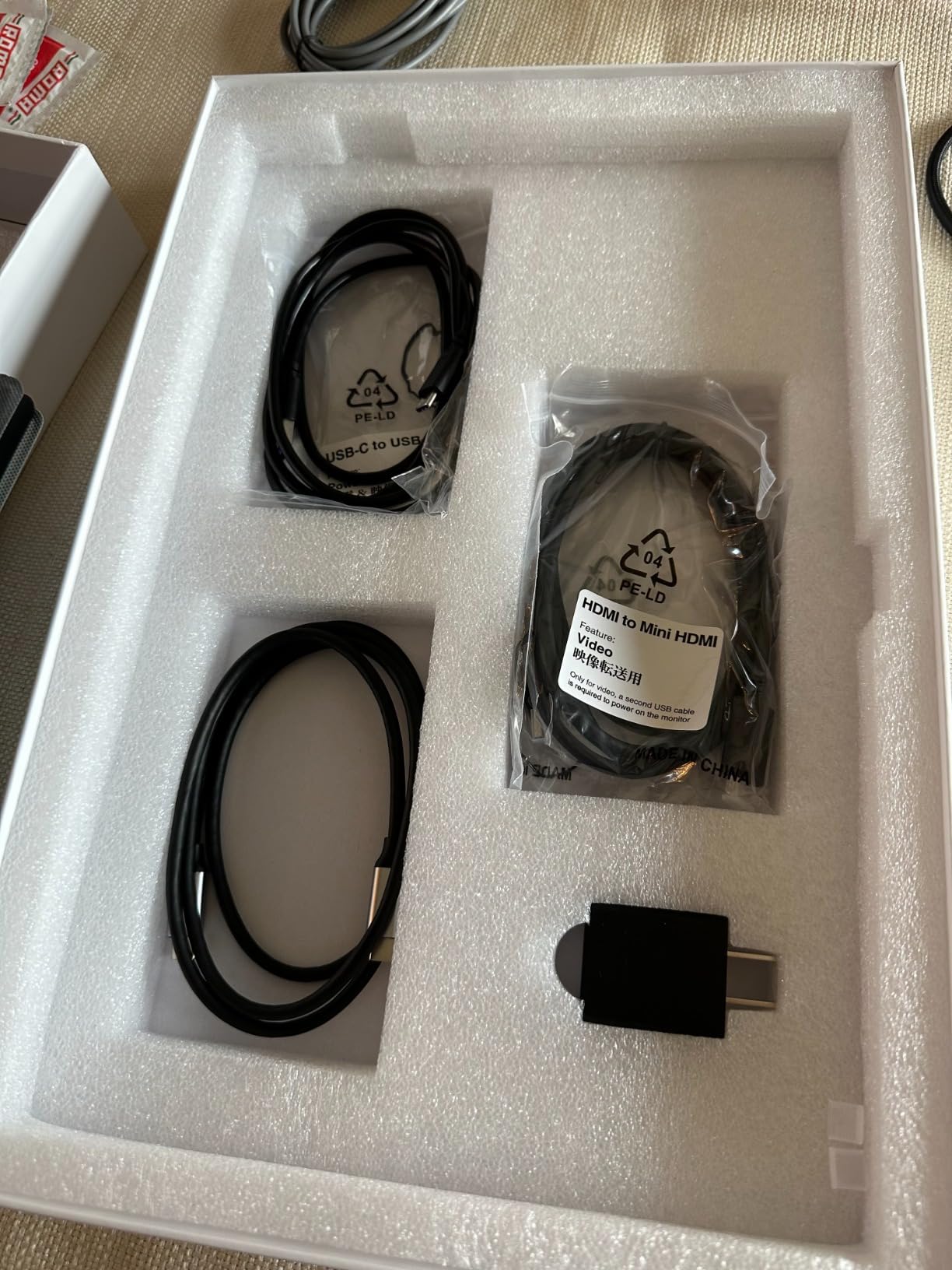
- Includes Mini HDMI cable
Cons
- Tiny joystick for OSD
- Color calibration slightly off vs laptop displays
MNN’s 15.6-inch portable monitor rounds out the budget end of the list. It earned its spot because the single USB-C cable operation works flawlessly across laptops, handhelds, and phones. We connected it to a MacBook Air and got a clean extended desktop picture with no drivers. Same story on a Steam Deck over the same cable.
The 1080p IPS panel is bright at 300 nits and renders Switch games cleanly. HDR mode adds a small contrast bump. FreeSync support at 60Hz is a quiet win for video playback and indie games with variable frame rates. At 1.5 pounds it disappears into a backpack sleeve, and the smart cover stand doubles as a screen protector.
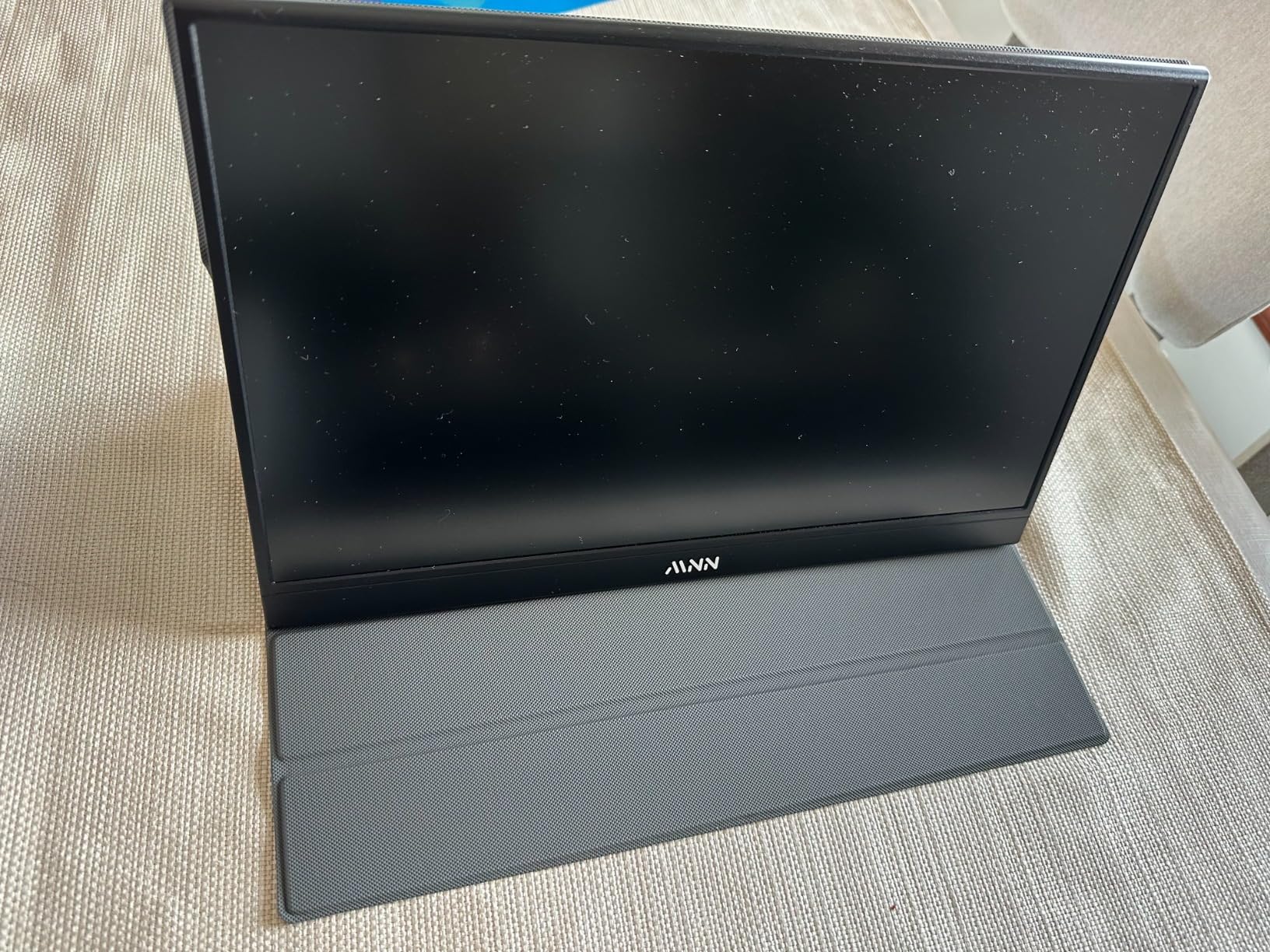
Color calibration is the main weakness. Side by side with a laptop display the whites looked slightly cooler than ideal. For gaming this is not a deal-breaker, but for color-sensitive work you would want to dial it in via the OSD. The joystick that controls settings is tiny and takes some practice.
Multiple display modes — Copy, Extended, Second Screen, and Portrait — cover the typical use cases. We ran the MNN panel alongside a 14-inch gaming laptop for a two-screen setup and the weight stayed manageable. For a backpack second screen on a tight budget, this is a smart pick.
Compatibility with handhelds and consoles
Steam Deck, ROG Ally, Switch, and Legion Go all paired over USB-C. PS5 and Xbox Series X ran at 1080p 60Hz over HDMI. The MNN also drives older laptops over Mini HDMI with the included cable. iPad and many Android phones recognize it as an external display.
Who should skip it
Color-critical users should look at the VisionOwl or Yxk picks. Anyone needing 144Hz should jump to the Arzopa, InnoView, or VisionOwl. For budget travel use, this is a reliable runner-up to the KYY and ForHelp.
How to Pick the Right Portable Monitor for Gaming?
Picking the best portable monitor for gaming is less about specs on paper and more about how the screen fits into the way you actually play. We leaned on our own months of testing plus reader feedback from the Geek Fill portable gaming monitor guide to build this checklist. Below are the five questions we ask before recommending any pick.
What refresh rate do you actually need?
Refresh rate is the single biggest quality-of-life upgrade for gaming on a portable screen. 60Hz is fine for slow-paced Switch games, visual novels, and work tasks. 120Hz is the sweet spot for most modern handhelds and is the threshold where motion feels meaningfully smoother. 144Hz is what we recommend for PC esports and competitive titles. Anything above 144Hz — like 240Hz or 300Hz — is rare in this category and typically comes at a premium. If you mainly play single-player RPGs and indie games, 120Hz or 144Hz is plenty. For Valorant, Apex, or CS2, push higher if your source device can drive it.
What resolution makes sense on a small screen?
On a 15.6-inch panel, 1080p is the standard and looks sharp at typical viewing distances. 1200P (1920 x 1200) adds vertical workspace and is our favorite all-around resolution for portable gaming monitors. 2K QHD (2560 x 1440) is the sweet spot for larger 16-inch and 18-inch panels, where you actually see the extra pixels. 4K is rarely worth it on a 15.6-inch screen at typical viewing distances — the sharpness bump is hard to notice and the GPU cost is real. Match resolution to your source device. A Steam Deck does not need 4K, but a PS5 can use it.
Connectivity and single-cable use
Single USB-C cable operation is the killer feature of modern portable monitors. Look for full-function USB-C ports with DisplayPort Alt Mode and Power Delivery. That way one cable can drive video and charge your laptop or handheld simultaneously. Standard HDMI is more durable than Mini HDMI for travel. We strongly prefer monitors that ship with the right cables in the box, especially if they include a USB-C cable rated for video. If you have an older device without USB-C, plan on a Mini HDMI or HDMI cable plus a separate power source.
Portability and weight
The “portable” in portable monitor is mostly about weight. Anything under 1.7 pounds slides into a backpack sleeve with a 14-inch laptop without a second thought. Models between 1.7 and 2.5 pounds still feel portable but start needing a separate travel sleeve. Anything over 2.5 pounds is best for hotel desks rather than daily commute. Kickstands and smart covers matter for desk stability. Built-in kickstands feel sturdier than cover-style stands. VESA mount support unlocks monitor arms for permanent desk setups.
Adaptive sync and HDR
Adaptive sync (FreeSync or G-Sync Compatible) eliminates screen tearing without the input lag of v-sync. Most 144Hz and higher portable monitors support FreeSync at minimum. We recommend not skipping it if you play fast-paced games. HDR on portable monitors is rarely true HDR — most lack the brightness and local dimming for HDR1000 or HDR600 certifications. That said, HDR tone mapping still improves Switch and Steam Deck titles with a noticeable bump in contrast. Treat it as a bonus, not the main reason to buy.
If you are still weighing trade-offs, our related guides break down full-size gaming monitors and 4K gaming monitors for desktop setups. For laptop travel, our best portable monitors for laptops guide leans toward productivity features, while our OLED gaming monitor roundup is the place to look if you want OLED-grade contrast on a desktop.
Frequently Asked Questions
Which portable monitor is best for gaming?
Our top pick is the cocopar 18.5 inch 2K QHD 120Hz, which combines a large 2K panel with 120Hz refresh and 500 nits brightness. For a more compact option, the VisionOwl 16 inch 2.5K QHD 144Hz delivers high resolution and high refresh in a 1.48 lb build. Both pair easily with Steam Deck, Switch, PS5, and gaming laptops.
What refresh rate do I need for portable gaming?
For most single-player and indie games, 120Hz is the comfortable sweet spot. For competitive titles like Valorant, Apex Legends, or Counter-Strike, aim for 144Hz or higher. 60Hz works fine for Switch and casual play, but motion will feel sluggish on esports titles.
Are portable monitors worth buying for gaming?
Yes, especially if you travel with a Steam Deck, ROG Ally, Legion Go, or Nintendo Switch. A portable gaming monitor turns a 7-inch handheld screen into a desktop-class experience, which is hard to beat on flights, hotel nights, or LAN parties. They also double as a second screen for gaming laptops.
Can I use a portable monitor with Steam Deck?
Yes. Most modern portable monitors connect to a Steam Deck through a single USB-C cable with DisplayPort Alt Mode. The Steam Deck will drive the panel at 1080p or 1200P at 60Hz by default, and 144Hz on supported panels. No drivers are required.
How do I choose a portable gaming monitor?
Start with the resolution and refresh rate your source device can drive. Confirm the panel has full-function USB-C with DisplayPort Alt Mode for single-cable use. Check the weight — anything under 1.7 lbs is backpack-friendly. Finally, look for FreeSync or G-Sync support and a built-in kickstand or VESA mount for desk stability.
Final Verdict
After months of testing across handhelds, consoles, and gaming laptops, the cocopar 18.5 inch 2K QHD 120Hz is our pick for the best portable monitor for gaming in 2026. Its combination of screen size, resolution, refresh rate, and brightness is unmatched in this price band. The VisionOwl 16 inch 2.5K 144Hz is the right call if you want higher refresh in a smaller shell. And if you just want the easiest travel companion, the kksmart 15.6 inch 1080p slips into any bag without complaint.
No matter which of the best portable monitors for gaming you choose from this list, you are getting a panel that meaningfully upgrades handheld and laptop gaming. Pick the one that matches your source device, pack a USB-C cable, and you are ready for couch co-op, hotel nights, and LAN parties for years to come.