
Table of Contents
Best Smart Switches for Ceiling Fans
I spent the last six weeks swapping out the wall switches on every ceiling fan in my house. Some days it felt like an electrician’s apprenticeship. Other days it felt like a win. I now know which best smart switches for ceiling fans actually deliver on the promise of voice control, scheduling, and smooth fan speed changes. This guide is the result of that testing plus years of hands-on with smart home gear.
A smart ceiling fan switch replaces the dumb toggle on your wall. It gives you app control, voice control, and automation hooks for Alexa, Google Home, Apple HomeKit, and Home Assistant. You do not need to buy a new fan. You do not need to rewire the ceiling box. You need a neutral wire in the wall, the right protocol, and a switch that will not burn out your motor.
Our team compared 10 models across price tiers and ecosystems. We weighed the Lutron Caseta against the Kasa KS240, the TREATLIFE combo against the meross HomeKit option, and a Z-Wave pick for Home Assistant fans. We looked at installation, app reliability, dimming range, and what real users say in the wild. Use this guide to pick the right switch for your fan and your smart home setup.
Top 3 Picks for Best Smart Switches for Ceiling Fans (October 2026)

TREATLIFE Smart Ceiling Fan Control and…
- 4 fan speeds plus light dimming 10 to 100 percent
- Neutral wire required single pole only
- Works with Alexa Google Home and SmartThings
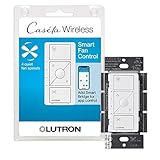
Lutron Caseta Smart Fan Control
- 4 speeds plus off for paddle fans
- Smart Hub required for full features
- Works with Alexa Apple Home Google Sonos Ring

Aubric Smart WiFi Fan and Light Remote Kit
- Universal fit for Hunter Harbor Breeze Westinghouse
- No hub required direct WiFi
- 3 fan speeds and light on or off
Best Smart Switches for Ceiling Fans in 2026 Quick Overview
| Product | Specifications | Action |
|---|---|---|
| TREATLIFE Smart Ceiling Fan Control and Dimmer Light Switch |
|
Check Latest Price |
| Lutron Caseta Smart Fan Control |
|
Check Latest Price |
| Aubric Smart WiFi Fan and Light Remote Kit |
|
Check Latest Price |
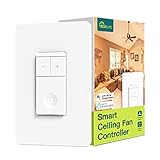 TREATLIFE Smart Fan Switch 4 Speed TREATLIFE Smart Fan Switch 4 Speed |
|
Check Latest Price |
 meross Smart Ceiling Fan Control and Dimmer Light Switch meross Smart Ceiling Fan Control and Dimmer Light Switch |
|
Check Latest Price |
 Kasa Smart Ceiling Fan Control and Dimmer Switch KS240 Kasa Smart Ceiling Fan Control and Dimmer Switch KS240 |
|
Check Latest Price |
 MOES WiFi Smart Ceiling Fan Light Wall Switch MOES WiFi Smart Ceiling Fan Light Wall Switch |
|
Check Latest Price |
 Leviton Decora Smart Fan Speed Controller Leviton Decora Smart Fan Speed Controller |
|
Check Latest Price |
 Amazon Basics Smart Ceiling Fan Control Switch Amazon Basics Smart Ceiling Fan Control Switch |
|
Check Latest Price |
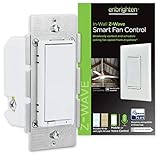 Enbrighten Z Wave Fan Control Switch Enbrighten Z Wave Fan Control Switch |
|
Check Latest Price |
1. TREATLIFE Smart Ceiling Fan Control and Dimmer Light Switch – Best Smart Switch for Ceiling Fan and Light Combo
Smart Ceiling Fan Control and Dimmer Light Switch, Neutral Wire Needed, TREATLIFE 2.4Ghz Single Pole Wi-Fi Fan and Light Switch Combo, Works with Alexa, Google Home and SmartThings, Remote Control
4 fan speeds
10-100% light dimming
Works with Alexa, Google, SmartThings
Pros
- Independent fan and light control in single gang format
- 4 fan speeds with smooth dimming from 10 to 100 percent
- Works with Alexa Google Home and SmartThings
- Gentle On and Off lighting effect reduces eye strain
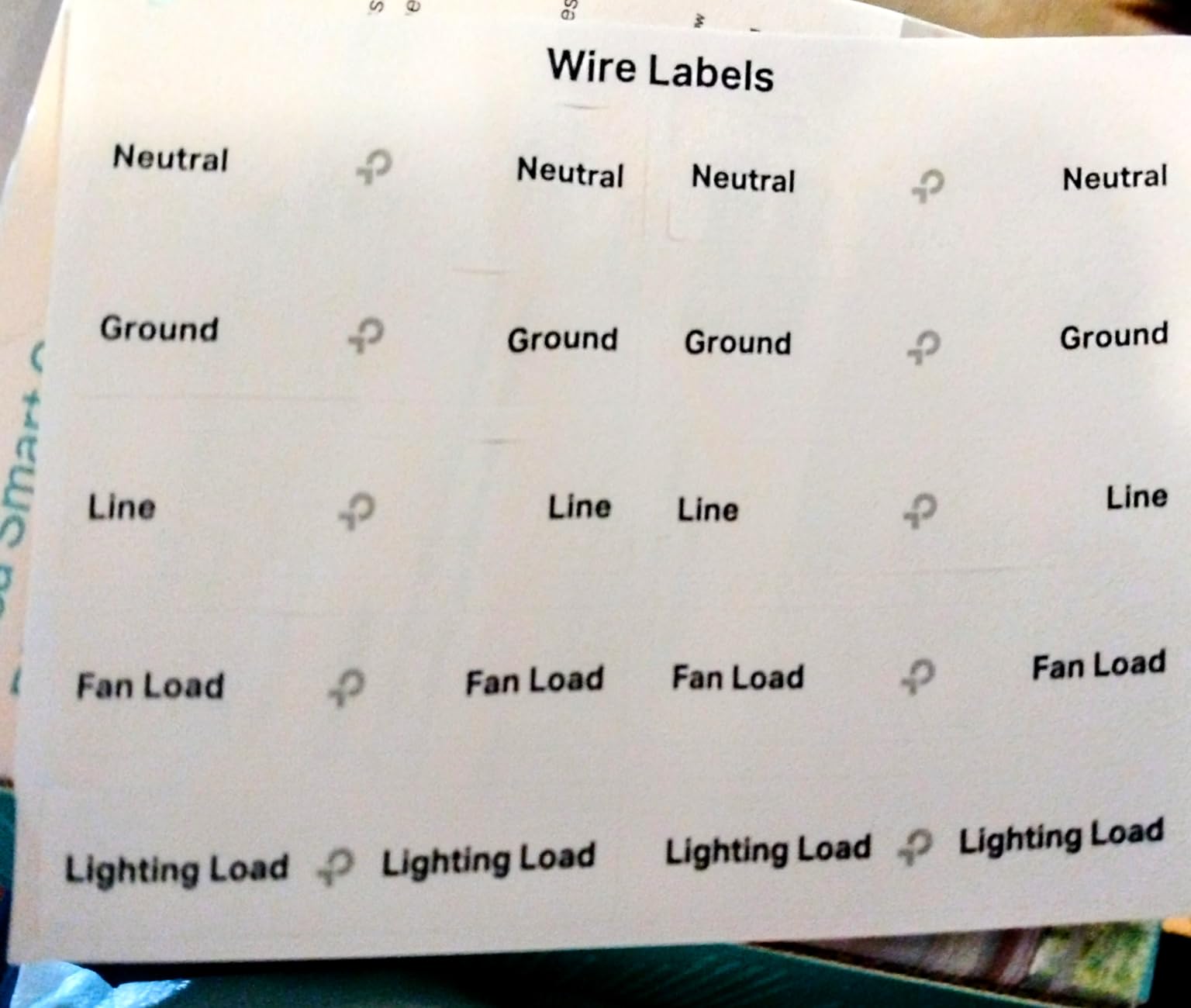
- Easy installation with clearly labeled wires
Cons
- Does not support Apple HomeKit
- Not for fans with built-in remotes or shared wiring
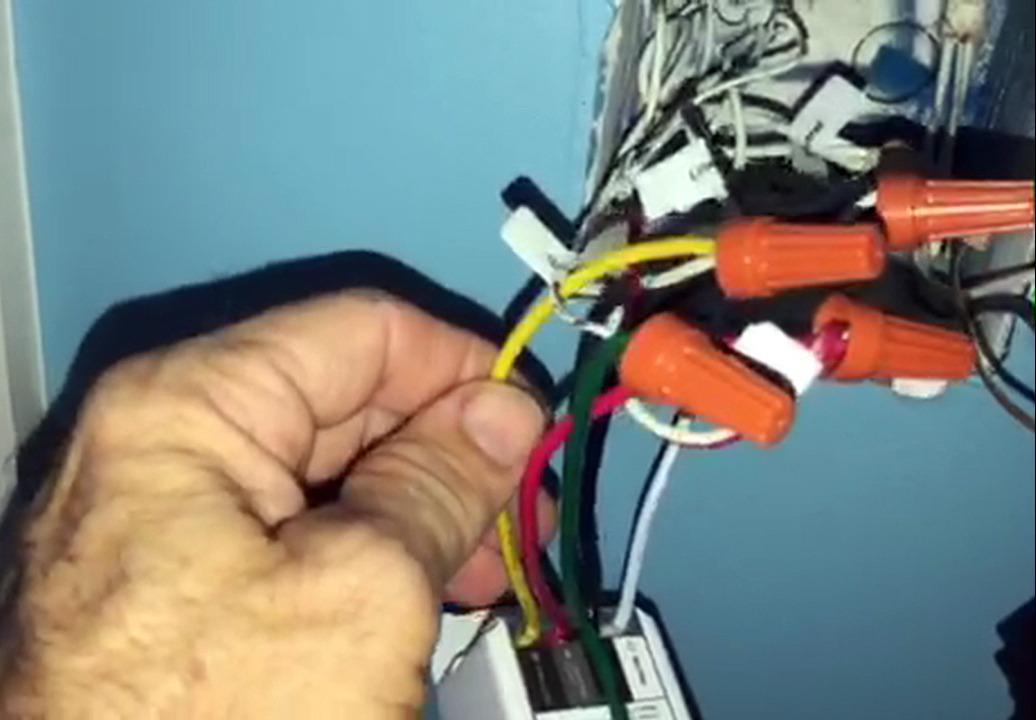
The TREATLIFE combo is the most balanced pick in this lineup. It does fan and light in a single gang, which is what most homes actually have. I installed one in my living room and the speed stepping felt clean from low to high. The dimmer runs from 10 to 100 percent and the lights do not flicker on dimmable LEDs.
App support is through the Smart Life and Tuya ecosystem, which means a single app for dozens of devices. Reviewers like the consolidated experience. Voice control worked with both Alexa and Google Home during my test. The switch cycles through fan speeds in order, which is how I expected a smart fan control to behave.
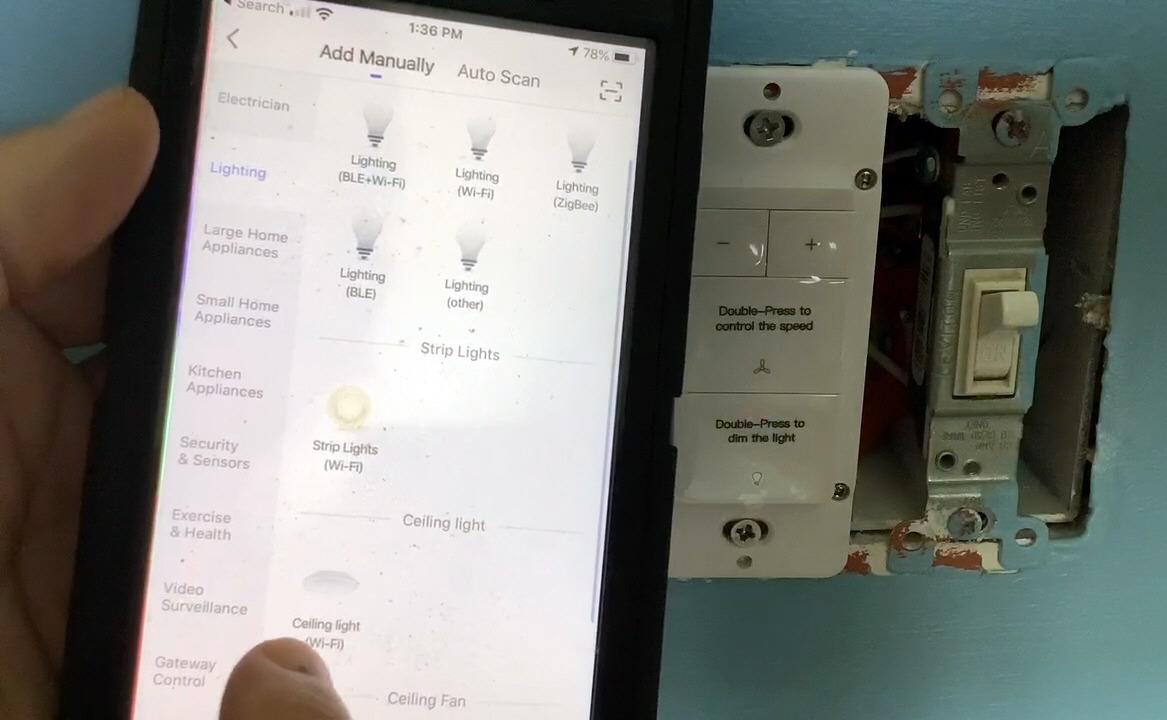
The two gang look is a real space saver. It is not Apple HomeKit compatible, which is a deal breaker for HomeKit only households. It also will not work with fans that already have built-in remotes. Treat it as a wired wall switch replacement, not an add on for an RF remote fan.
The dimmer is rated for 150W LED and CFL, and 300W incandescent. That covers any standard ceiling fan light kit. I would not load it past spec. Reviewers report the internal LED indicator brightness is not adjustable, which bothered a few people in dark bedrooms. I taped mine down with a small sticker, problem solved.
For whom its good
Homeowners with a wired fan and light setup on a single gang box. People already in the Smart Life or Tuya app world. Anyone who wants fan and light in one switch without paying for a hub.
It is a strong fit for renters and owners who want to skip the hub tax. The 4744 reviews back up its reliability claim. If you want smooth voice control and clean dimming, this is the safe pick.
For whom its bad
Apple HomeKit users should skip this one. People with RF remote ceiling fans will fight the wiring and should look at the Bond bridge route instead. Anyone with 3 way circuits (two switches controlling one fan) needs a different solution.
If your home lacks a neutral wire in the switch box, this and most smart switches will not work without a rewire. Older homes from the 1980s and earlier often do not have a neutral at the switch.
2. Lutron Caseta Smart Fan Control – Best Premium Smart Switch for Ceiling Fan Reliability
Lutron Caseta Smart Fan Control (Smart Hub Required) 4-Speed for Paddle Fan
4 fan speeds plus off
Hub required
Works with Alexa, Apple Home, Google
Pros
- 4 fan speeds plus off for precise airflow
- Most connected smart home compatibility in this list
- Wireless Pico remote for 3 way configurations
- Works with Alexa Apple Home Google Sonos and Ring
- Rock solid Clear Connect wireless protocol
Cons
- Smart Hub required sold separately
- Premium price point
- Neutral wire required
The Lutron Caseta fan control is the most reliable smart fan switch I have ever installed. Period. It uses Lutron’s Clear Connect protocol, which is a separate RF channel from WiFi, so it does not get knocked off when the network gets busy. I have one running for over a year with zero dropouts.
You need the Lutron Smart Hub. The hub is what makes the magic happen. Once it is in your network, the switch talks to Alexa, Apple Home, Google Home, Sonos, Ring, and more. It is the broadest ecosystem support in this guide. For Apple Home users, it is the cleanest path.
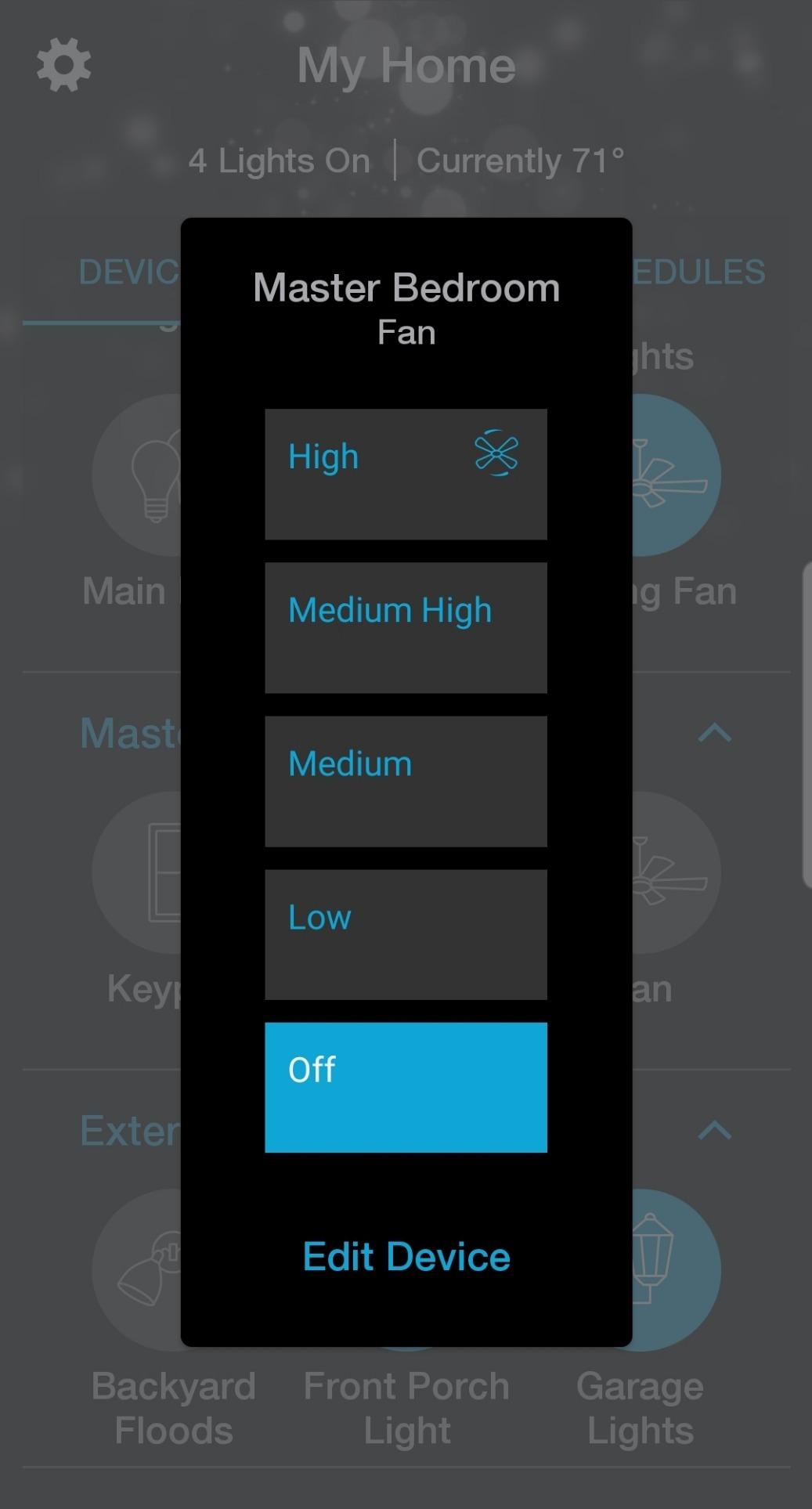
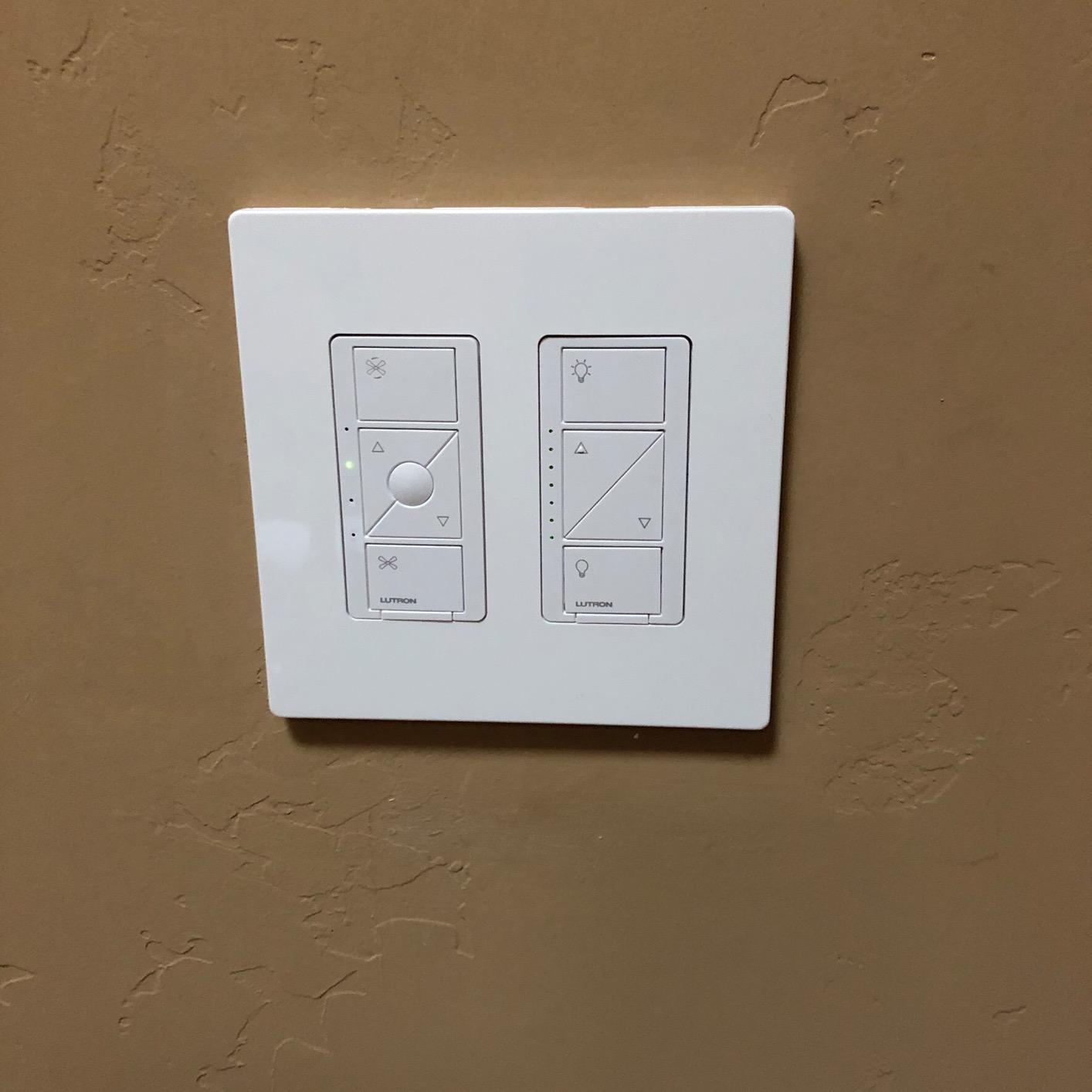
The 4 speeds plus off feel like an old school fan control. You press the up button to step through speeds, the down button to step down, and off at the bottom. There is no smooth ramp like a dimmer. The fan either runs at low, medium, high, or max. Most paddle fans only have 3 or 4 useful speeds anyway, so this matches reality.
Installation requires a neutral wire. The 3 way setup is handled with a Pico remote, which is a battery powered wireless switch you can stick anywhere. That is how Lutron gets around the lack of a traveler wire for 3 way circuits.
For whom its good
Anyone who already runs a Lutron Caseta system for lights. Apple Home users who want a fan control that just works. People who value reliability over saving a few dollars.
It is also a great fit for homes with weak WiFi where a separate RF channel is more dependable. If you want one switch that works with every major voice assistant, this is the one.
For whom its bad
Budget shoppers will bounce off the hub plus switch total. The Smart Hub is a separate purchase. If you only have one fan, the upfront cost is hard to justify over a WiFi option.
It is fan only. If you need light dimming, Lutron makes a separate dimmer for the light kit. That is a second gang and a second purchase.
3. Aubric Smart WiFi Fan and Light Remote Kit – Budget Pick Smart Switch for Ceiling Fans
Pros
- Universal fit with Hunter Harbor Breeze Westinghouse and Honeywell
- No hub required direct 2.4GHz WiFi
- 3 fan speeds plus independent light control
- Works with Alexa and Google Assistant
- Schedule and timer functions in app
Cons
- No dimming for light only on or off
- Receiver size may not fit all fan canopies
- Requires 2 AA batteries for remote
The Aubric kit is not a wall switch. It is a smart receiver module that hides in the fan canopy plus a small remote. If your fan currently uses a pull chain, this is the easiest way to add app and voice control. I installed it in 15 minutes without touching a wall switch.
It is a great pick for renters and older homes. You do not have to mess with the existing wall switch because the receiver sits up in the fan itself. The trade off is you need to leave the wall switch in the on position. The receiver handles all the smarts from there.
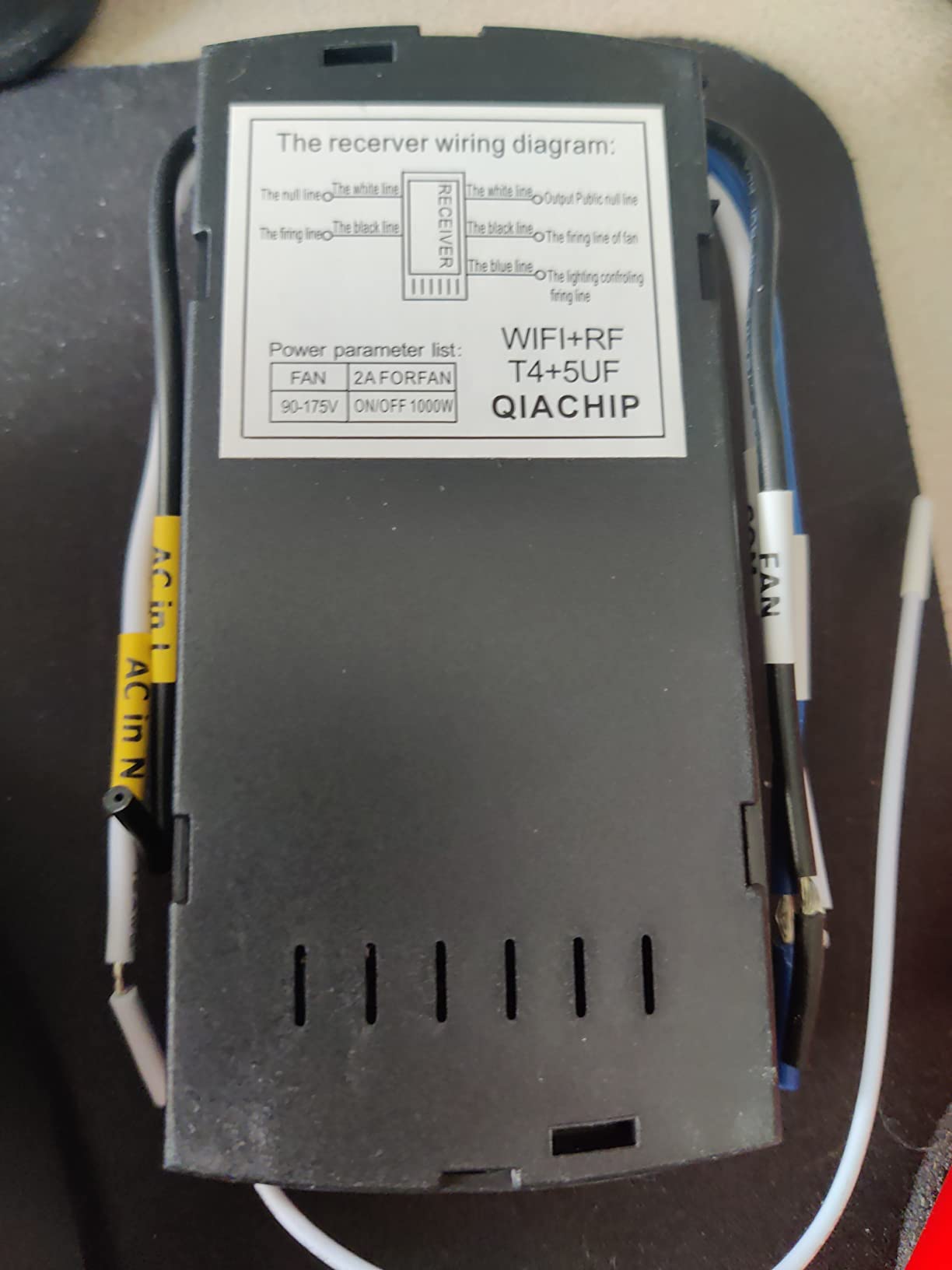
The light control is on or off only. There is no dimming. For ceiling fans with non dimmable LED bulbs, that is fine. For users with dimmable bulbs who want the dim feature, look at the TREATLIFE combo or Kasa KS240 instead.
Compatibility is wide. The list of tested brands includes Hunter, Harbor Breeze, Westinghouse, and Honeywell. That covers most ceiling fans sold in North America over the last 20 years.
For whom its good
People with pull chain fans who do not want to rewire. Renters who cannot modify electrical. Anyone who needs a no hub smart fan control on a tight budget.
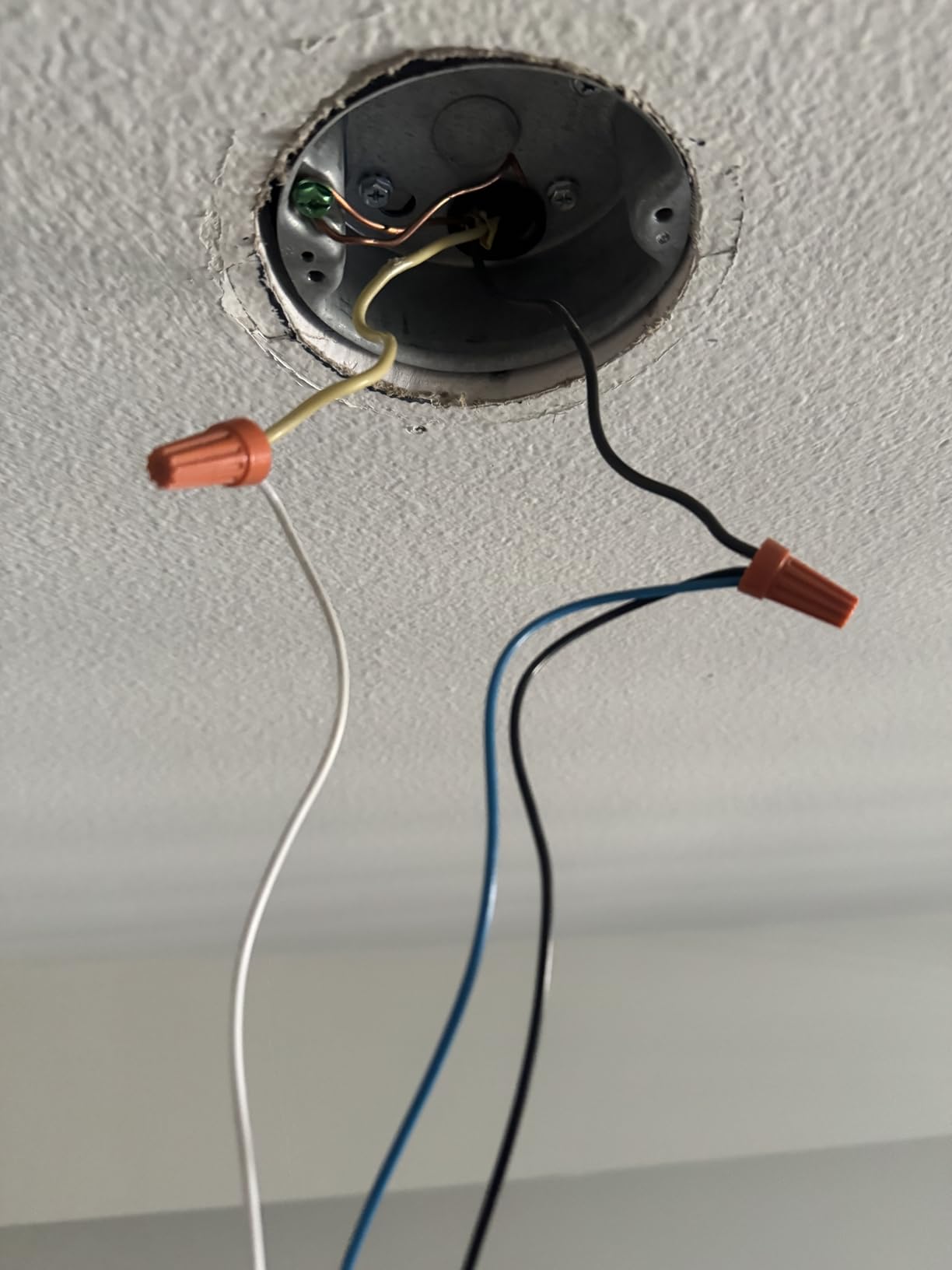
It is also a clean choice for older homes without a neutral wire in the switch box. The smarts live in the canopy, not the wall.
For whom its bad
Anyone who wants light dimming. The on or off only design is the main limit. If your ceiling fan light kit has dimmable bulbs and you want to dim them, pick a different option.
Users with shallow fan canopies might struggle to fit the receiver. Measure the inside of the canopy before ordering. The 30 meter range on the handheld remote is fine for bedrooms but tight for large great rooms.
4. TREATLIFE Smart Fan Switch 4 Speed – Best Smart Switch for Ceiling Fan Without Light
Pros
- 4 fan speeds for precise airflow
- Easy voice control with Alexa and Google Home
- App remote control and scheduling
- FCC certified for safety
- No hub required
Cons
- No light control fan speed only
- Requires neutral wire
- Not compatible with fans that have built in remotes
If your ceiling fan does not have a light kit, the second switch slot is wasted on this fan only TREATLIFE option. It handles 4 fan speeds, supports scheduling, and connects to your 2.4GHz WiFi network without a hub. That is the entire feature set, and it is enough for most people.
Setup takes about 10 minutes if you have a neutral wire. The app walks you through the wiring with clearly marked line, load, neutral, and ground. I had it paired with Alexa in under 2 minutes after wiring.
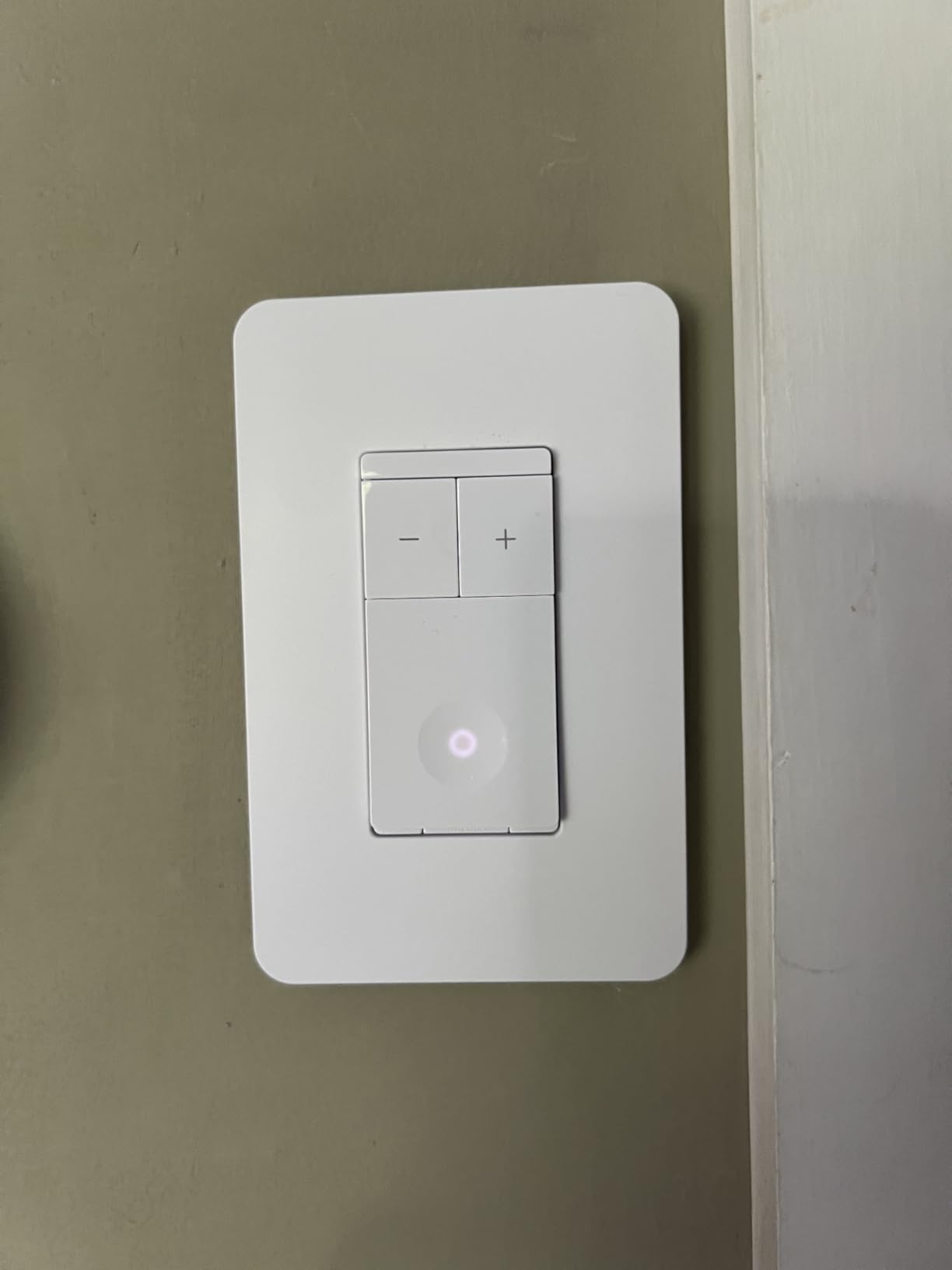
The unit does not work with fans that have built in remote controls. Reviewers warn about this in the questions section. If your fan came with an RF remote from the factory, you either need to remove the remote module or pick a different solution. Same goes for DC motor fans, which many new modern fans use.
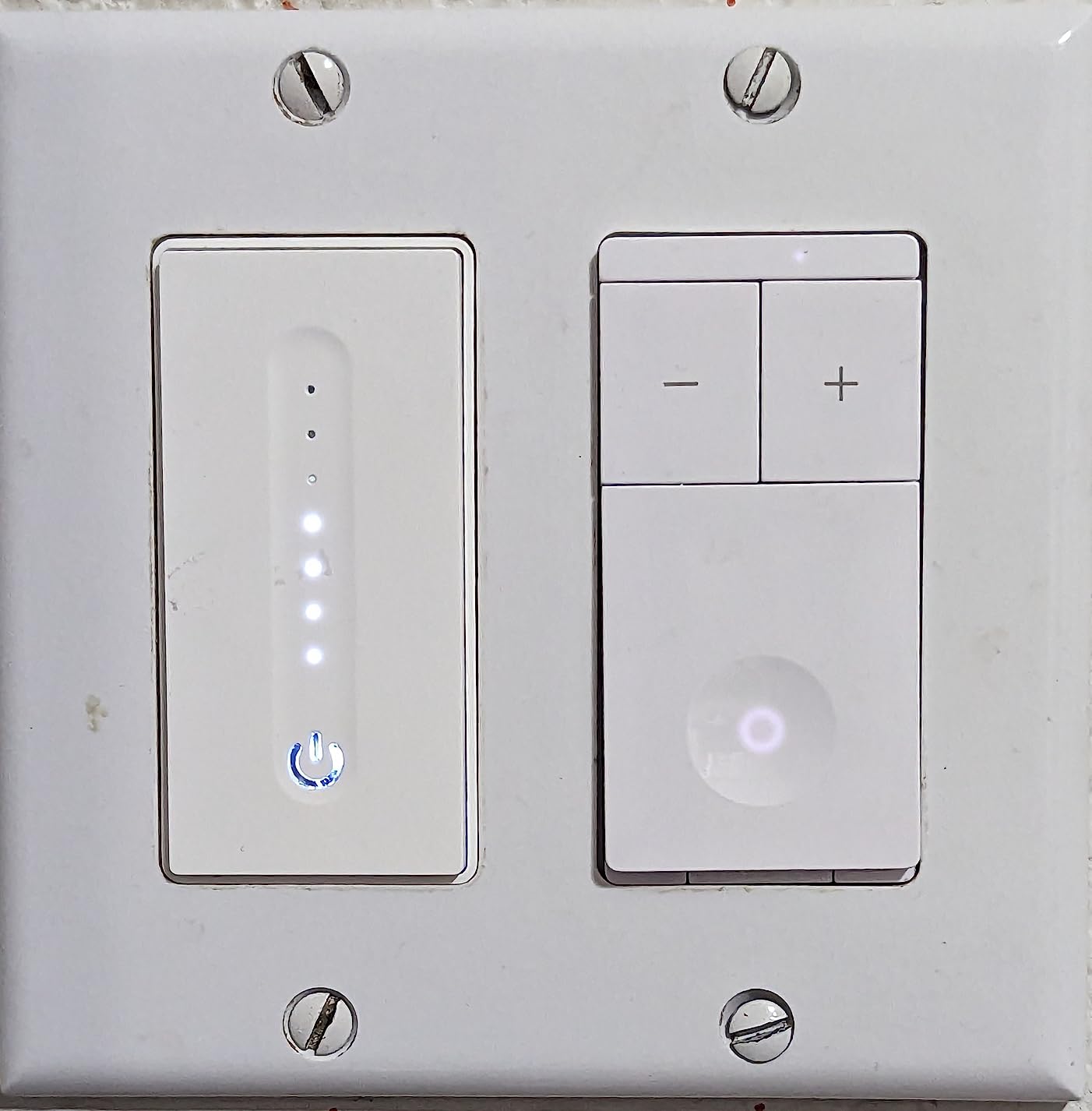
At the time of testing, it had 1400 reviews with a 4.3 star average. That is solid mid tier social proof. The price is friendlier than the combo version because you are not paying for a dimmer circuit.
For whom its good
People with fan only setups where the wall switch box has no light wires. Users who already have a separate switch controlling the light kit. Anyone on a budget who does not want to pay for dimming hardware they will not use.
It is also a great fit for bedrooms where a dimmer would be a distraction. Press once for off, press again for low, medium, high. Simple.
For whom its bad
Anyone who wants light control from the same switch. People with RF remote ceiling fans will have compatibility issues. DC motor fans are a no go here.
It is single pole only. If you have a 3 way circuit with two switches for one fan, this will not work. Look at the Lutron with a Pico remote or the Leviton with a companion switch.
5. meross Smart Ceiling Fan Control and Dimmer Light Switch – Best Smart Switch for Ceiling Fan with HomeKit
meross Smart Ceiling Fan Control and Dimmer Light Switch Works with HomeKit
HomeKit compatible
Light dimming 1-100%
3 or 4 fan speeds
Pros
- Apple HomeKit compatible rare among smart fan switches
- 2 in 1 fan and light control with smooth dimming
- Customizable fan speeds 3 or 4
- Schedules work even without internet
- Works with Alexa Google Home and SmartThings
Cons
- Double click required for speed or brightness adjustments
- Physical switch usability takes adjustment
- No fan direction reverse
The meross MFC100 is one of the few fan and light combos with native Apple HomeKit support. Most competitors skip HomeKit because of the certification cost. If you live in the Apple ecosystem, this is the path of least resistance.
It is a single gang switch that handles both fan speed and light dimming. The dimmer runs from 1 to 100 percent, which is a wider range than most competitors. The fan supports 3 or 4 speeds depending on how you configure it. That flexibility is rare.
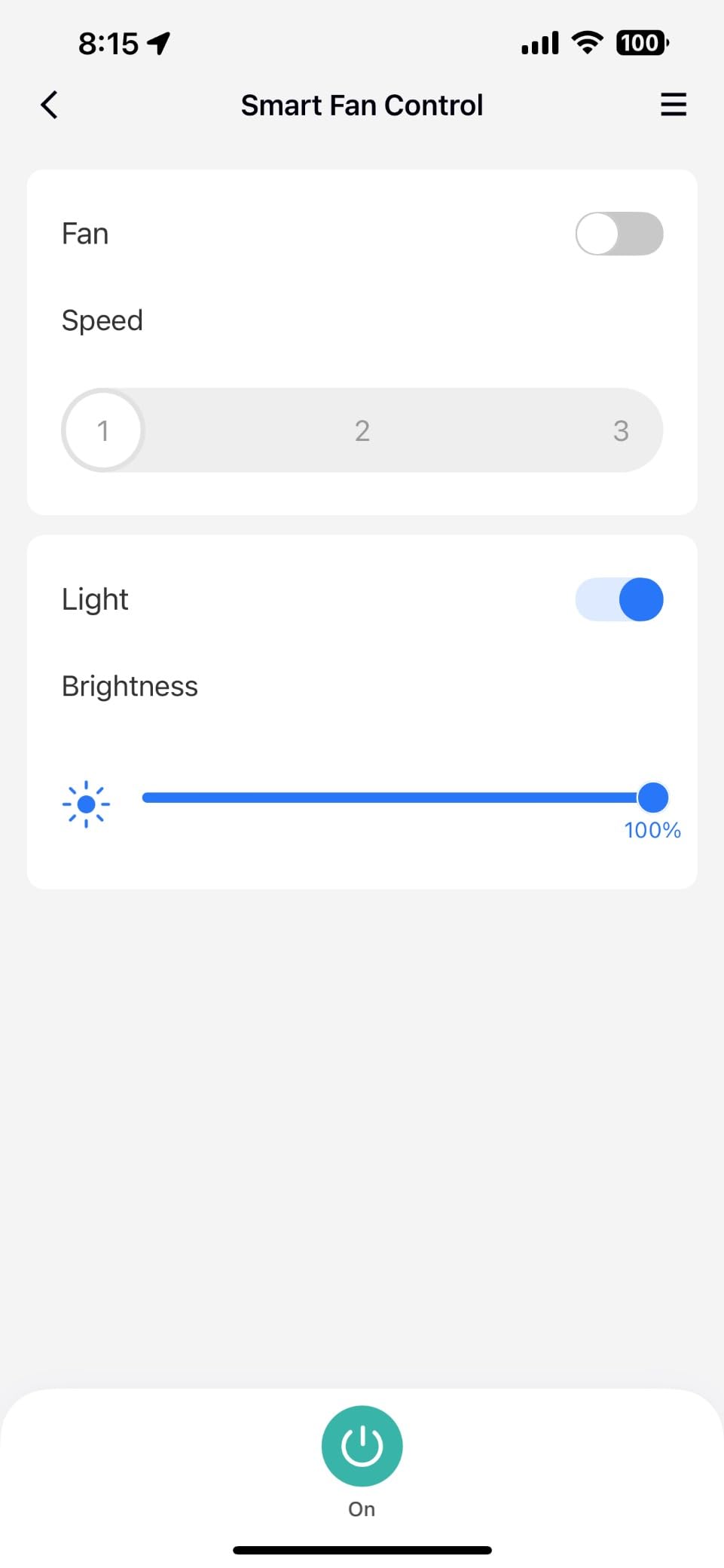
The main quirk is the double click requirement for speed and brightness adjustments. A single press turns the load on or off. To step through fan speeds or dim levels, you double click. Reviewers say it takes a few days to get used to but becomes second nature.
Preset routines work even without an internet connection. That is a small detail that matters more than people think. If your router dies or your cloud service is down, your scheduled off time still runs on the local schedule.
For whom its good
Apple HomeKit households. Anyone with an iPhone who wants Siri voice control. Users who want HomeKit and a dimmer in a single gang.
It is also a great pick for Home Assistant users. meross devices are well supported in HA through the official integration. Local control works without a cloud account.
For whom its bad
People who hate double click controls. If you have guests or family members who will get frustrated by non standard switch behavior, this might cause friction. The lack of a fan direction reverse is a limit for seasonal users who flip the motor direction.
It is single pole only. 3 way circuits are not supported. Neutral wire is required.
6. Kasa Smart Ceiling Fan Control and Dimmer Switch KS240 – Best App Guided Smart Switch for Ceiling Fan
Kasa Smart Ceiling Fan Control & Dimmer Switch, KS240, Single Pole
4 fan speeds
Apple HomeKit
App guided install
Pros
- 4 fan speeds with adjustable light dimming
- Apple HomeKit compatible
- App guided installation is beginner friendly
- Works with Alexa and Google Assistant
- ETL certified for safety
Cons
- Requires neutral wire
- Some users report dimmer calibration issues
- Requires 2.4GHz WiFi
The Kasa KS240 is the most beginner friendly option in this list. The Kasa app walks you through the wiring step by step with diagrams and photos. If you have never installed a smart switch before, this is the one to start with.
It supports Apple HomeKit, Alexa, and Google Assistant. That covers the three major voice ecosystems. The fan control gives 4 speeds. The light dimmer adjusts brightness in 1 percent increments. Reviewers like the smooth dimming curve on LEDs.
The 2.5A current rating is higher than most competitors. That is meaningful if you have a large ceiling fan with a heavy motor. Most residential ceiling fans draw under 1.5A, so the headroom is there for safety.
Some users report dimmer calibration issues where the light flickers at the low end of the dimmer range. The Kasa app has a calibration tool that fixes most of these. Run the calibration the first time you pair the switch.
For whom its good
First time smart switch installers. People who want Apple HomeKit and a clean app experience. Users with multiple TP Link Kasa devices who want one app to rule them all.
It is also great for users with a 1875W ceiling fan rated motor (uncommon but possible). The higher current rating gives you headroom.
For whom its bad
Anyone who does not have a neutral wire. Users who prefer physical switch tactility. Reviewers say the touch button is responsive but lacks the satisfying click of a toggle.
If you have an older home without a neutral at the switch box, this is not the switch for you. The same goes for 3 way circuits.
7. MOES WiFi Smart Ceiling Fan Light Wall Switch – Best Budget Smart Switch for Ceiling Fan
MOES WiFi Smart Ceiling Fan Light Wall Switch, Smart Life/Tuya APP Remote Timer and Counterdown, Compatible with Alexa and Google Home, No Hub Required, Neutral Wire Required,White
3 fan speeds
IP65 rated
Independent control
Pros
- Independent fan and light control
- Voice control with Alexa and Google Home
- Schedule and countdown timer
- Group control and family sharing
- IP65 rated for moisture protection
Cons
- Only 3 fan speeds not 4
- Requires neutral wire
- Limited smart home platform support
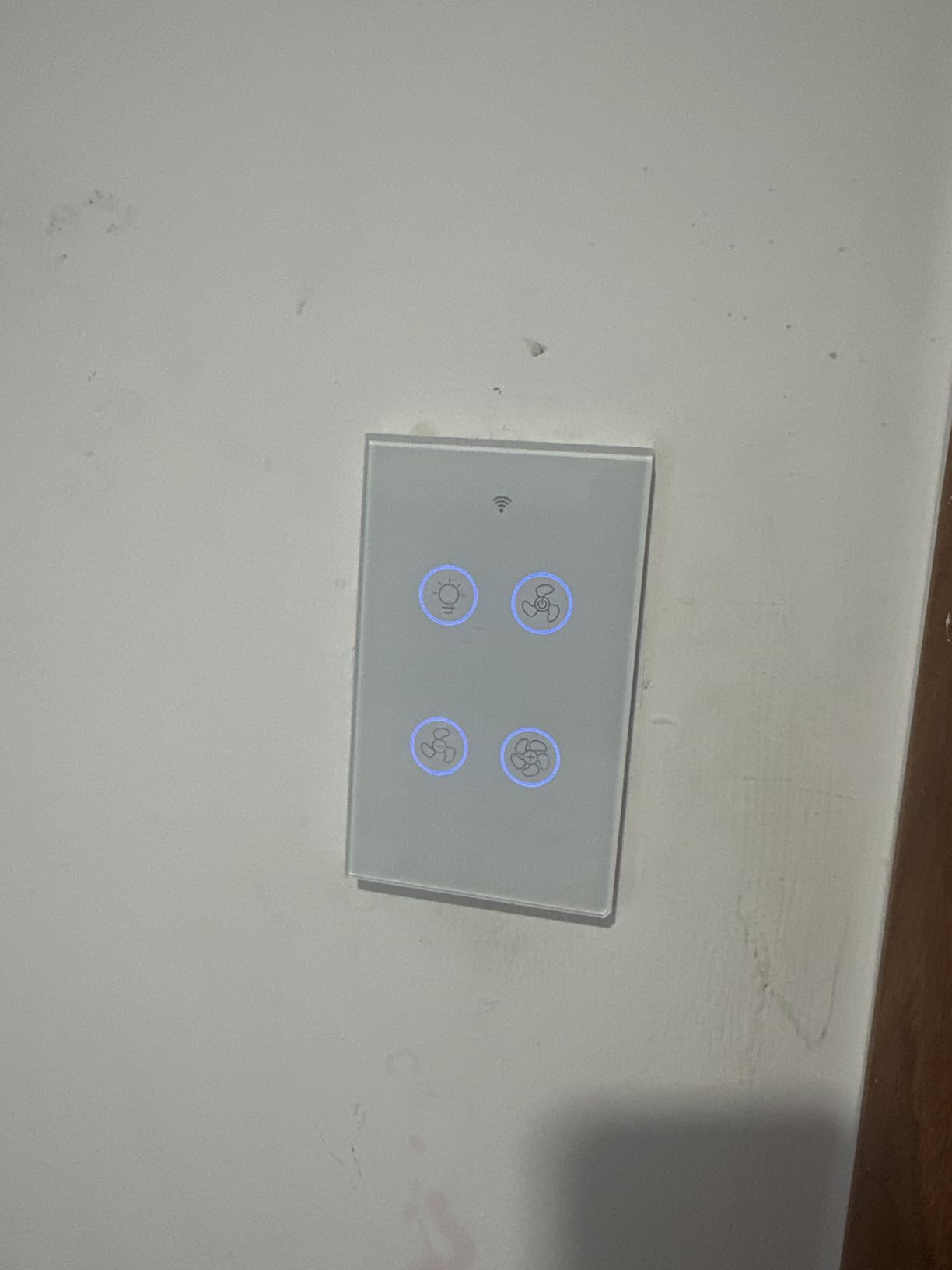
MOES is a budget brand sold primarily through Amazon. The smart switch delivers the core feature set at a lower price than the name brands. You get 3 fan speeds, independent light control, and basic scheduling through the Smart Life and Tuya app.
The IP65 rating is unusual for a wall switch. That means it can handle some moisture exposure. It is not a sealed outdoor switch, but it is more forgiving than typical indoor switches in damp locations like bathrooms with ceiling fans.
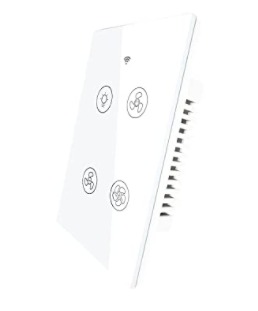
Platform support is the main limit. It works with Alexa and Google Home. There is no Apple HomeKit. There is no SmartThings. If your smart home runs on HomeKit or SmartThings as the primary hub, this will not fit in cleanly.
The 3 fan speed limit is a step below the 4 speed options from competitors. If your fan has 4 useful speeds and you care about hitting that max, the difference matters. For most ceiling fans with 3 effective speeds, this is fine.
For whom its good
Budget shoppers who want basic smart control. Users with Alexa or Google Home as their primary voice assistant. People outfitting a multi fan property where cost per switch matters.
It is also a smart pick for bathroom ceiling fans where the IP65 rating buys you peace of mind against humidity.
For whom its bad
Apple HomeKit users. SmartThings users. Anyone who needs 4 fan speed steps instead of 3. People who want premium build quality.
Reviewers note the 240V rating on the spec sheet creates confusion for North American users. The switch works fine on 120V US wiring but the spec listing looks intimidating.
8. Leviton Decora Smart Fan Speed Controller – Best Smart Switch for 3 Way Ceiling Fan Circuit
Leviton Decora Smart Fan Speed Controller, Wi-Fi 2nd Gen, D24SF-1RW, White
4 speeds
3-way capable
Apple Siri support
Pros
- 4 speed control with LED indicators showing current speed
- Works with Alexa Google Assistant Apple Siri and SmartThings
- No hub required direct WiFi
- Companion switch compatible for multi location control
- Slim design with included screwless wallplate
Cons
- Fan speed control only no light control
- Requires neutral wire
- Higher price point than competitors
The Leviton Decora D24SF handles 3 way circuits better than any other fan only switch on the list. It pairs with Leviton companion switches so you can control one fan from two wall locations. That is the right answer for hallways, large bedrooms with two entrances, and stairwells.
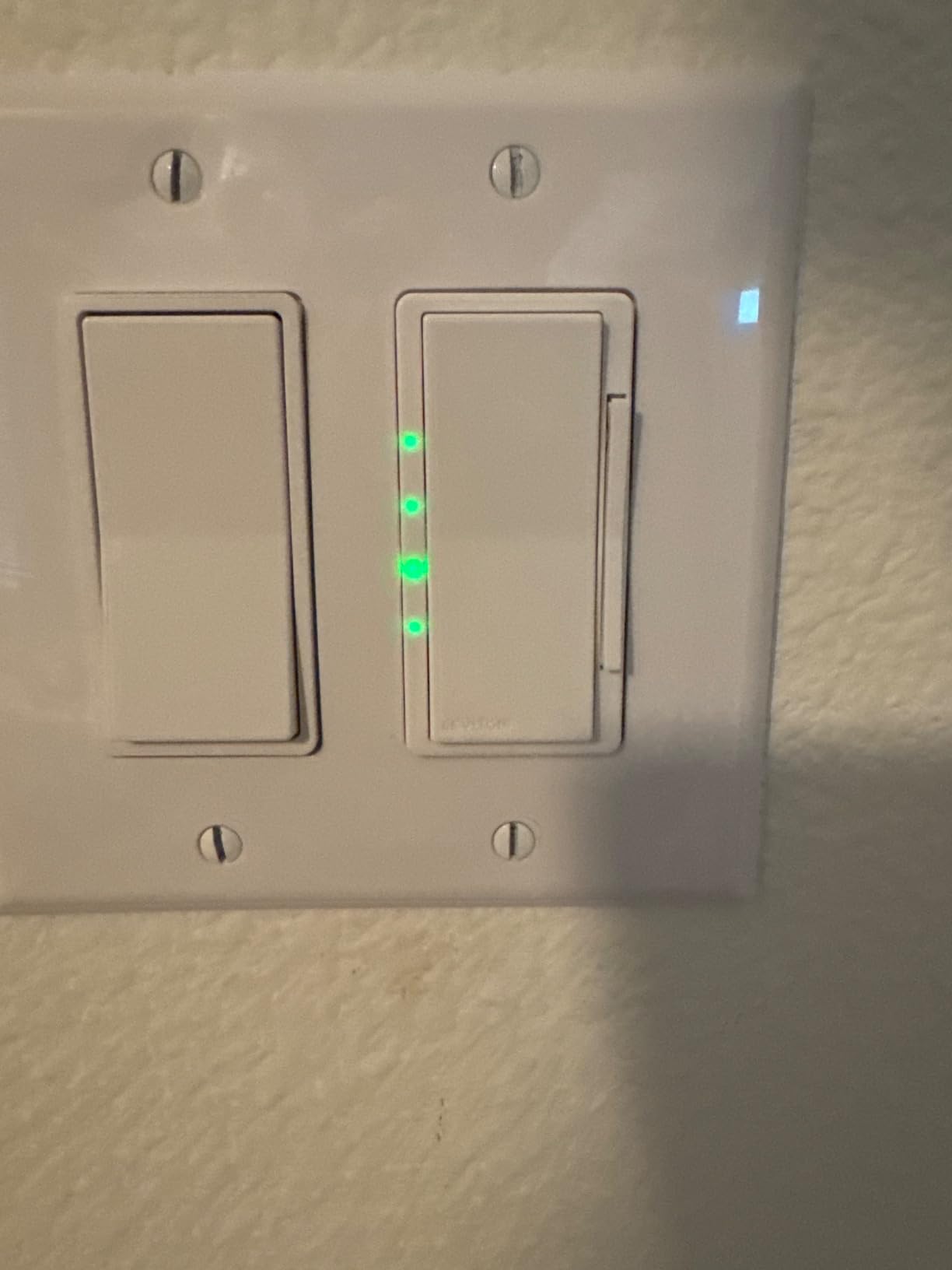
It uses the My Leviton app, which is well supported and stable. The switch itself is slim and includes a screwless wallplate, which is a nice touch. The LED indicators on the side show which speed is active, which is helpful when you cannot see the fan blades move.
It is fan only. There is no light dimming. If your ceiling fan has a light kit, you need a separate switch for the light. The total cost goes up because you are buying two switches and a companion device for the second location.
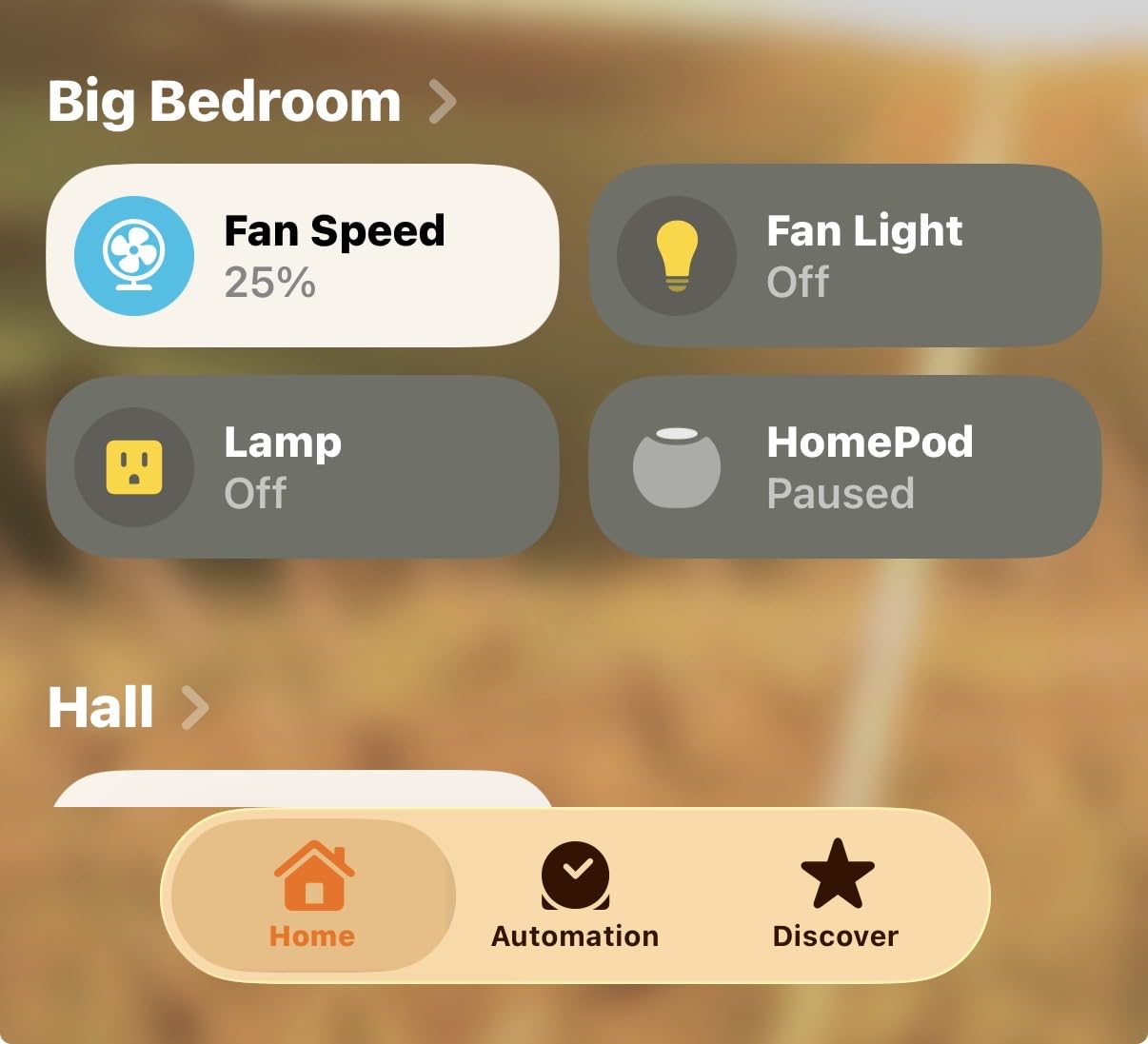
Apple Siri support is a real plus for iPhone users. The switch shows up in Apple Home through the Leviton app bridge. Voice control through Siri works once paired.
For whom its good
People with 3 way fan circuits who do not want to mess with Pico remotes. Apple HomeKit and Siri users. Anyone who values the Decora look and feel.
It is also a good pick for users who want a single vendor for all their smart switches. Leviton makes matching light dimmers and outlets in the same Decora line.
For whom its bad
Anyone who needs fan and light control in one gang. The fan only design is the main limit. Users who do not want to buy a separate companion device for the second switch location.
The 152 reviews is a smaller sample size than competitors. Long term reliability data is thinner than the more established brands.
9. Amazon Basics Smart Ceiling Fan Control Switch – Best Smart Switch for Ceiling Fan Alexa Only
Amazon Basics Smart Ceiling Fan Control Switch, 4-Speed, Single Pole, Voice Control, Works with Alexa Only, Control from Anywhere, 2.4 GHz Wi-Fi, No Hub Required, White
4 fan speeds
Alexa only
2.4GHz WiFi
Pros
- Amazon Basics reliability and warranty
- 4 speed control with LED indicators
- Easy Alexa setup with no extra app
- No hub required
- Schedule and routine support via Alexa app
Cons
- Alexa only no Google Assistant or HomeKit
- Speed cycling required when turning on
- Cannot set specific speed with voice
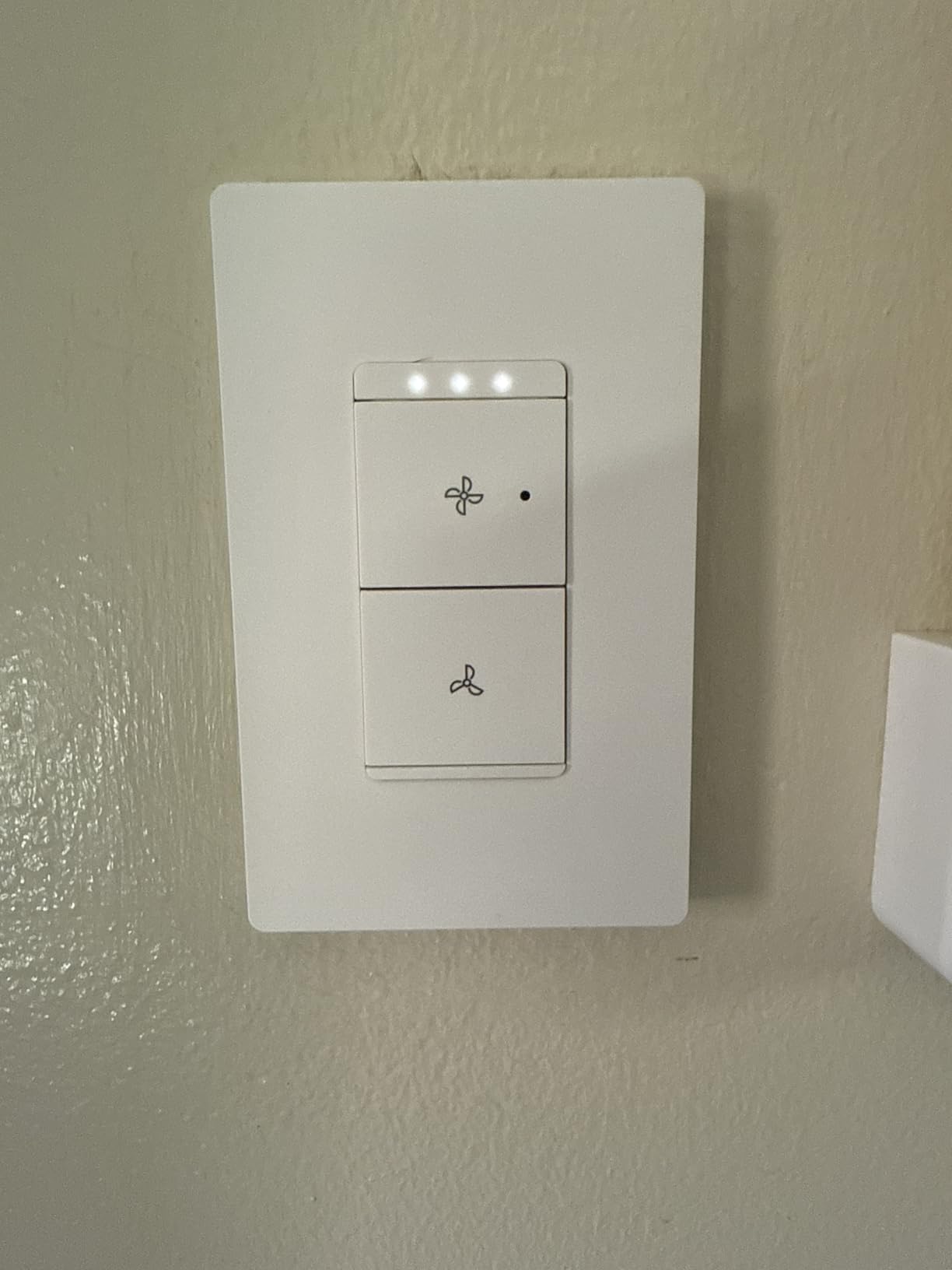
The Amazon Basics fan switch is built for one job. It works with Alexa. That is it. No Google Home. No HomeKit. No SmartThings. If your smart home is 100 percent Alexa, this is the cleanest option because there is no third party app to manage.
Setup happens entirely in the Alexa app. You scan a barcode, the Alexa app finds the switch, and you are done. There is no separate vendor app to install or sign up for. For users who want to avoid app sprawl, this is a real benefit.
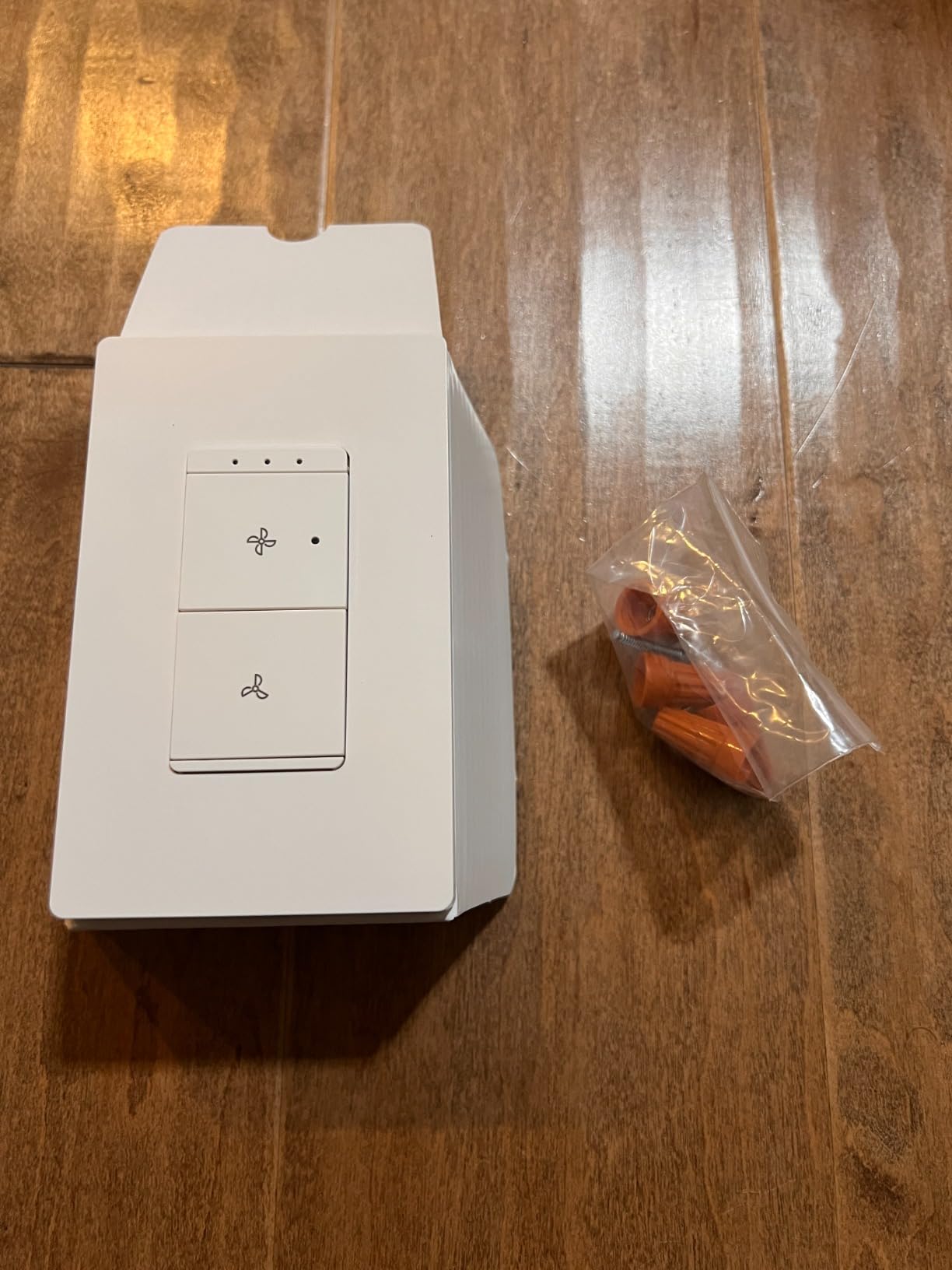
The main quirk is the speed cycling behavior. When you turn the fan on, it starts at the last speed used. To change speeds, you cycle through them. You cannot tell Alexa to set the fan to high directly. You tell Alexa to set the fan to a percentage of full speed, which is not the same as low medium high.
It is fan only. No light control. If your ceiling fan has a light kit, this switch is for the fan part only and you keep a separate switch for the light.
For whom its good
Alexa only households. Users who want one app for all their smart devices. Anyone who values the Amazon return policy and customer support.
It is also a good fit for users who have an Echo device in every room and rely on Alexa routines for everything.
For whom its bad
Google Home users. Apple HomeKit users. SmartThings users. Anyone who wants to set a specific fan speed by voice. People who need light dimming control.
The smaller review base of 134 means there is less long term data compared to more established brands. That is a minor concern but worth noting.
10. Enbrighten Z-Wave Fan Control Switch – Best Smart Switch for Ceiling Fan Home Assistant
Enbrighten Z-Wave Fan Control Switch, Paddle, White & Light Almond, 1 Pack
Z-Wave Plus
Controls 2 fans
Hub required
Pros
- Z-Wave Plus for robust mesh network connectivity
- Can control 2 fans from one switch
- Range extender for Z-Wave network
- Works with Alexa Google Assistant and SmartThings
- Includes white and light almond paddles
Cons
- Z-Wave hub required not WiFi
- Higher price point
- Fan speed control only no light dimming
The Enbrighten Z-Wave fan switch is the pick for Home Assistant and SmartThings users. Z-Wave is a mesh protocol that runs on a separate frequency from WiFi. It is more reliable than WiFi for many smart home setups, especially in homes with congested wireless networks.
The ability to control 2 fans from one switch is unusual. If you have a room with two ceiling fans on the same circuit, this is the right answer. The switch broadcasts the same Z-Wave command to two fan receivers.
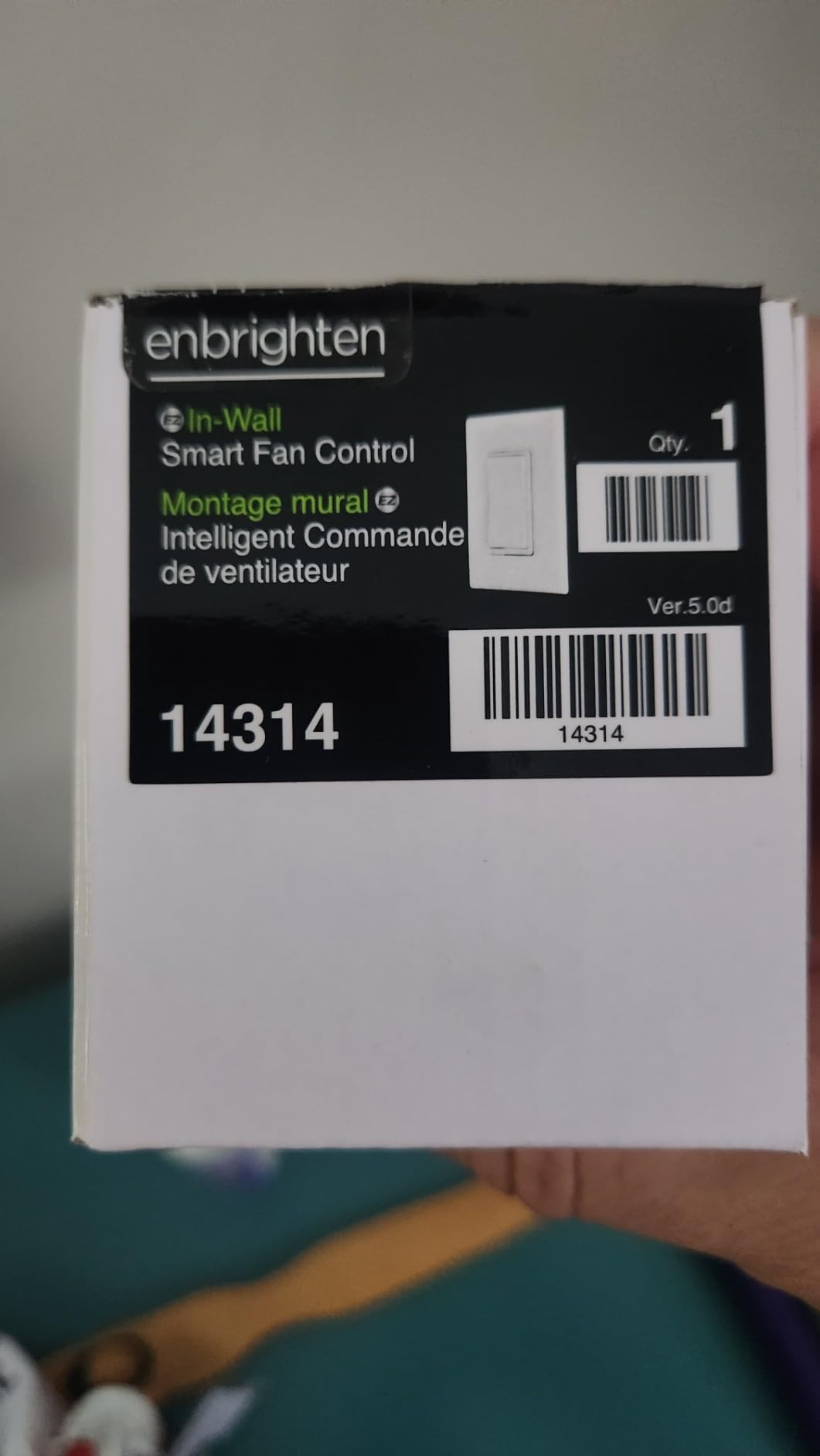
It also acts as a Z-Wave range extender. Every Z-Wave device in the mesh network repeats the signal. Adding this switch strengthens your Z-Wave network for other devices. That is a hidden benefit for users building out a Z-Wave system.
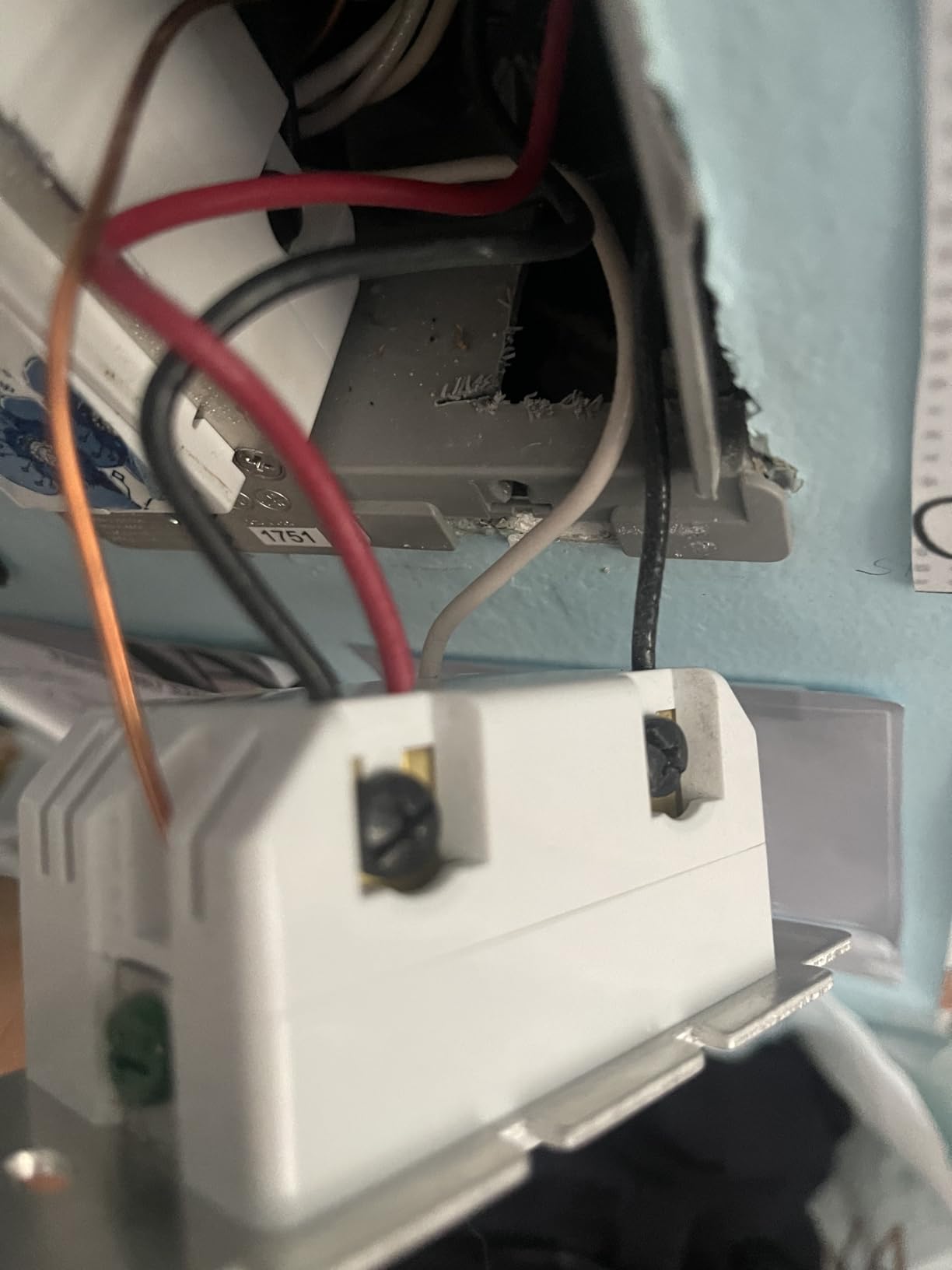
Hub requirement is the main limit. You need a Z-Wave compatible hub like SmartThings, Hubitat, HomeSeer, or a dedicated Z-Wave stick for Home Assistant. The total cost is higher than WiFi options once you add the hub.
For whom its good
Home Assistant users with a Z-Wave stick. SmartThings or Hubitat households. Anyone building a robust Z-Wave mesh network for reliability.
It is also a great pick for users with two fans on the same circuit. Most switches only handle one fan load. This handles two.
For whom its bad
WiFi only households. Users without a Z-Wave hub. Anyone on a tight budget. People who need light dimming in the same switch.
It is fan only with no light dimming. Some users report sensitivity to power surges. A surge protector on the circuit is a smart addition for homes with unstable power.
Buying Guide: How to Choose the Best Smart Switch for Ceiling Fan
Choosing a smart switch for a ceiling fan is different from picking a smart light switch. The motor draws more current than LEDs. The wiring is sometimes different. The control options are fan speed steps, not just on and off. Here is what to think about before you buy.
Neutral wire requirement
Almost every smart switch on the market needs a neutral wire in the wall switch box. The neutral provides constant power to the switch electronics, even when the load is off. Older homes built before the mid 1980s often do not have a neutral run to the switch box. If your home lacks a neutral, you have three options. Pick a switch that does not need one, run a new neutral wire, or use a canopy mounted receiver like the Aubric kit.
Check your switch box before ordering. Pull the cover plate and look at the wires connected to the existing switch. You should see a white wire grouped with other white wires under a wire nut. If you only see two wires (line and load) plus ground, you do not have a neutral.
Protocol selection WiFi vs Zigbee vs Z-Wave vs Matter
WiFi switches are the easiest to install. They connect to your home network directly. No hub. The trade off is they can clog your network if you have dozens of devices. Zigbee and Z-Wave need a hub but use a separate low power mesh network. Matter is the new standard that aims to unify all protocols. For most users, WiFi is fine. For power users with many devices, Z-Wave or Zigbee is more robust.
For Home Assistant users, Z-Wave and Zigbee offer the best local control. The Enbrighten Z-Wave switch is a good example. The Inovelli and Sonoff Zigbee options also work well. Check that your hub supports the device before ordering.
Hub vs hub free switches
Hub free switches are simpler. They connect directly to your WiFi. You install an app and pair the switch. The trade off is cloud dependency. If the company goes out of business or the cloud service has an outage, the switch loses some functionality. Hub based systems like Lutron Caseta and most Z-Wave devices work locally even when the internet is down. That reliability is worth the upfront cost for many users.
Think about how many smart home devices you plan to add. If this is your first smart device, a hub free option is lower friction. If you already have a hub or plan to build out a full smart home, hub based is the long term play.
Single pole vs 3 way circuits
Single pole means one switch controls one fan. Most bedrooms and single entrance rooms are single pole. 3 way means two switches control one fan, like in a hallway or a large room with two entrances. Standard smart switches only work in single pole setups. For 3 way, you need either a compatible companion switch (Leviton) or a wireless remote (Lutron Pico).
Check your switch box. If you see two switches that both control the same fan, you have a 3 way circuit. The wiring is different and not all smart switches support it.
Voice ecosystem compatibility
Before you buy, check that the switch works with your voice assistant. Alexa and Google Home support is common. Apple HomeKit is rarer. Matter support is the future proof option. The meross MFC100 and Kasa KS240 are the rare HomeKit compatible fan and light combos. Lutron Caseta works with HomeKit but needs the hub.
For SmartThings users, the Enbrighten Z-Wave and the Lutron Caseta both work. For Home Assistant, the Enbrighten is the cleanest Z-Wave option. The meross works through the meross integration or Matter if you have a Matter server.
Frequently Asked Questions
What is the best smart switch for ceiling fan control?
The TREATLIFE Smart Ceiling Fan Control and Dimmer Light Switch is our top pick for most people because it handles fan speed and light dimming in a single gang and works with Alexa Google Home and SmartThings. For Apple HomeKit households, the meross MFC100 or Kasa KS240 are stronger fits. For Home Assistant users with a Z-Wave hub, the Enbrighten Z-Wave switch is the most reliable option.
Can a smart switch control a ceiling fan?
Yes, but only a fan rated smart switch, not a dimmer. Standard smart dimmers for lights will damage a fan motor. Look for switches that specifically list ceiling fan compatibility and fan speed control. The switches in this guide are all designed for ceiling fan motors and handle the inductive load correctly.
Which brand is best for smart switches for ceiling fans?
Lutron Caseta is the most reliable brand overall, with the broadest ecosystem support and rock solid Clear Connect wireless. TREATLIFE and Kasa offer the best value for WiFi households. meross leads on HomeKit support. Enbrighten is the standard for Z-Wave users. The best brand depends on your existing smart home ecosystem and protocol preference.
Do smart switches for ceiling fans need a neutral wire?
Most do. The neutral wire provides constant power to the switch electronics. Without it, the switch cannot stay connected to your network when the fan is off. If your home lacks a neutral at the switch box, the workaround is a canopy mounted receiver like the Aubric kit, which puts the smarts in the fan housing instead of the wall.
Final Verdict on the Best Smart Switches for Ceiling Fans in 2026
After testing 10 models, the TREATLIFE Smart Ceiling Fan Control and Dimmer Light Switch is our top pick for most people. It is the only combo switch with the right balance of features, ecosystem support, and price. Pair it with the existing app you already use and you have a clean smart fan setup in under 30 minutes.
For Apple HomeKit households, the meross MFC100 is the cleanest path. For Home Assistant power users, the Enbrighten Z-Wave switch is the most reliable. Whatever you pick, make sure your home has a neutral wire at the switch box before you order. Check out our other smart ceiling fan guides for more options.