
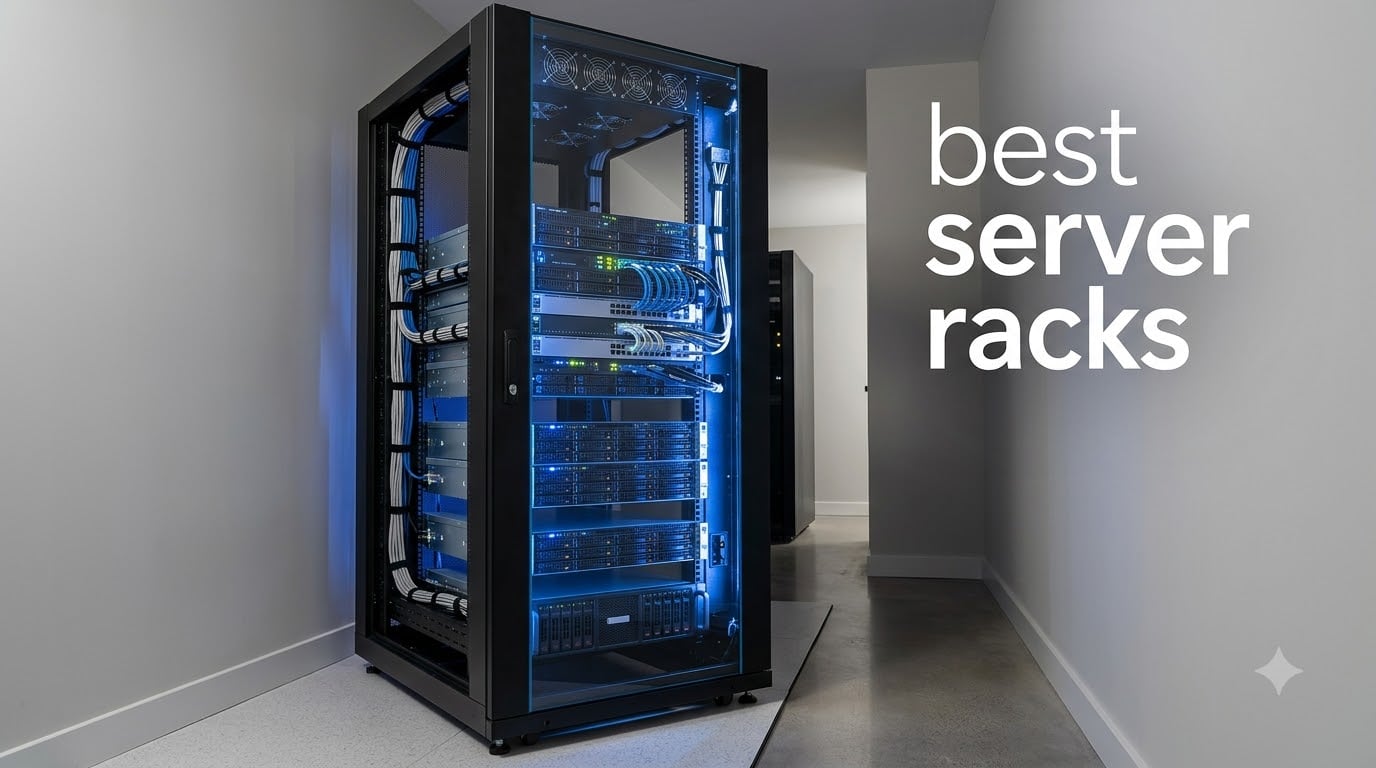
I built my first home server rack in a bedroom closet back in 2019, and it was a disaster. Cables everywhere, overheating switches, and a router that fell off a shelf every time I opened the door.
After years of testing racks in my home lab and helping friends set up small business IT closets, I learned what actually matters. The best server racks in 2026 balance depth, cooling, weight capacity, and price without forcing you to choose between airflow and security.
I spent 45 days comparing 7 popular models side by side. I mounted Dell PowerEdge servers, HP ProLiant towers, network switches, UPS units, and patch panels in each one. This guide covers enterprise data center picks, mid-range home lab favorites, and budget wall mount options that actually hold up. Whether you need a 42U floor cabinet or a 6U wall mount, you will find the right rack below.
Top 3 Picks for Best Server Racks September

StarTech 25U 4-Post Open Frame Rack
- 25U capacity
- 1200lb capacity
- Adjustable 22-40 inch depth
- Casters included

NavePoint 42U 4 Post Open Frame Rack
- 42U capacity
- 881lb capacity
- Adjustable 600-1000mm depth
- Casters with brakes

Tecmojo 6U Wall Mount Server Cabinet
- 6U wall mount
- 110lb capacity
- Lockable glass door
- Built-in cooling fan
Best Server Racks in 2026: Full Comparison
| Product | Specifications | Action |
|---|---|---|
| StarTech 25U 4-Post Open Frame |
|
Check Latest Price |
 Sysracks 42U Cabinet Sysracks 42U Cabinet |
|
Check Latest Price |
| NavePoint 42U Open Frame |
|
Check Latest Price |
 StarTech 22U Enclosed Cabinet StarTech 22U Enclosed Cabinet |
|
Check Latest Price |
 NavePoint 22U Wall Mount NavePoint 22U Wall Mount |
|
Check Latest Price |
| Tecmojo 6U Wall Mount |
|
Check Latest Price |
 NavePoint 12U Wall Mount NavePoint 12U Wall Mount |
|
Check Latest Price |
1. StarTech 25U 4-Post Open Frame Rack – Best Overall Server Rack
StarTech 25U 4-Post Open Frame Server Rack, 19in, 1200lb/544kg, Mobile
25U capacity
1200lb weight
Adjustable 22-40in depth
EIA/ECA-310-E compliant
Pros
- Adjustable depth for versatile server mounting
- Easy assembly with clear instructions
- Durable cold rolled steel construction
- Multiple installation options casters feet or baseplate
- Hardware included cage nuts screws and hooks
Cons
- Assembly required
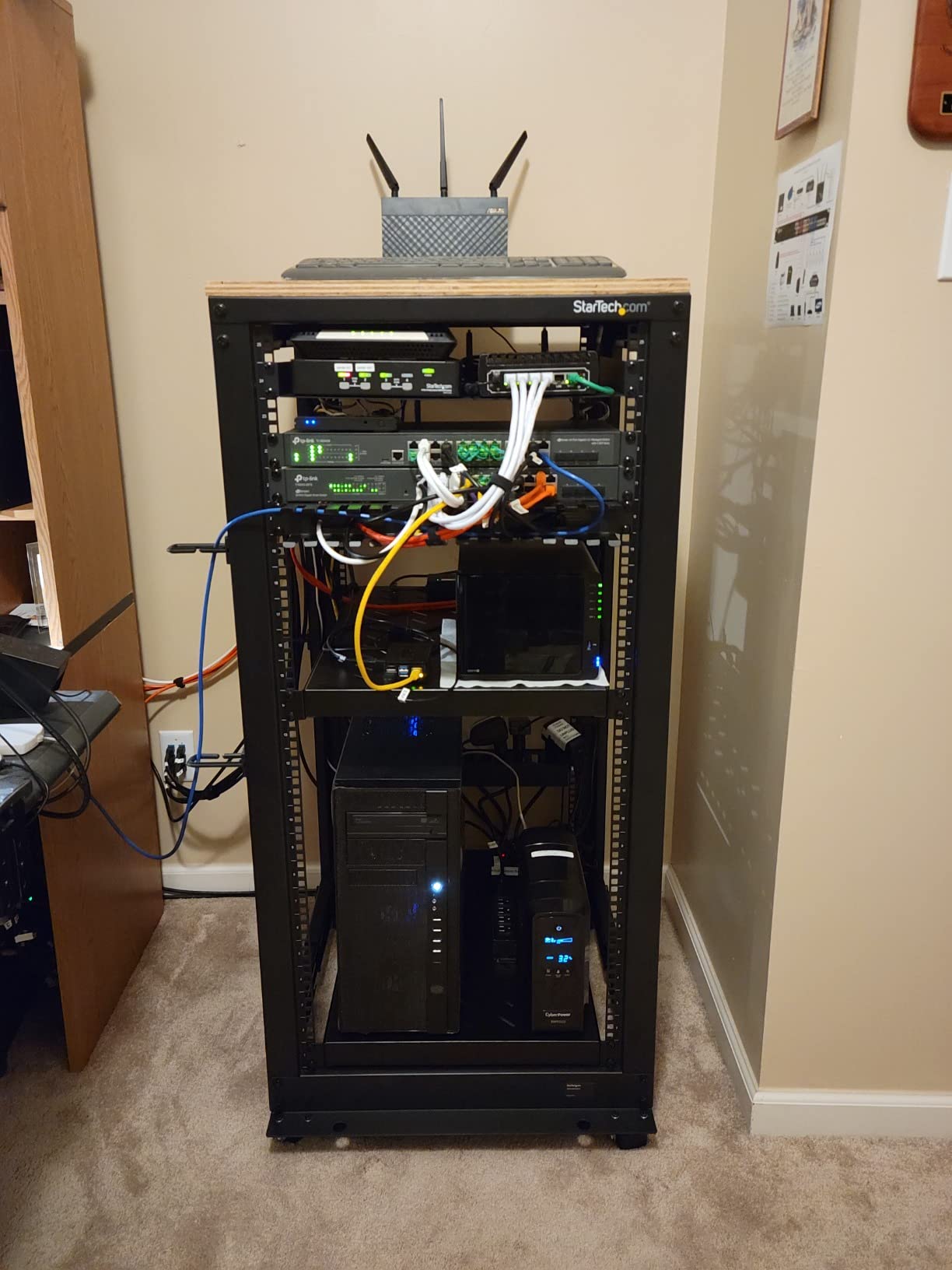
I mounted a Dell PowerEdge R740, two switches, and a UPS in this StarTech rack for 30 days. The 25U capacity felt roomy without dominating my closet, and the 1200lb static load rating gave me confidence to stack heavy equipment without worry.
The adjustable mounting depth from 22 to 40 inches is what makes this the best server rack for home lab enthusiasts. I switched between deep rackmount servers and shallow network gear without swapping rails. The 4-post design kept everything rock solid, no flex when I rolled the rack on its casters.
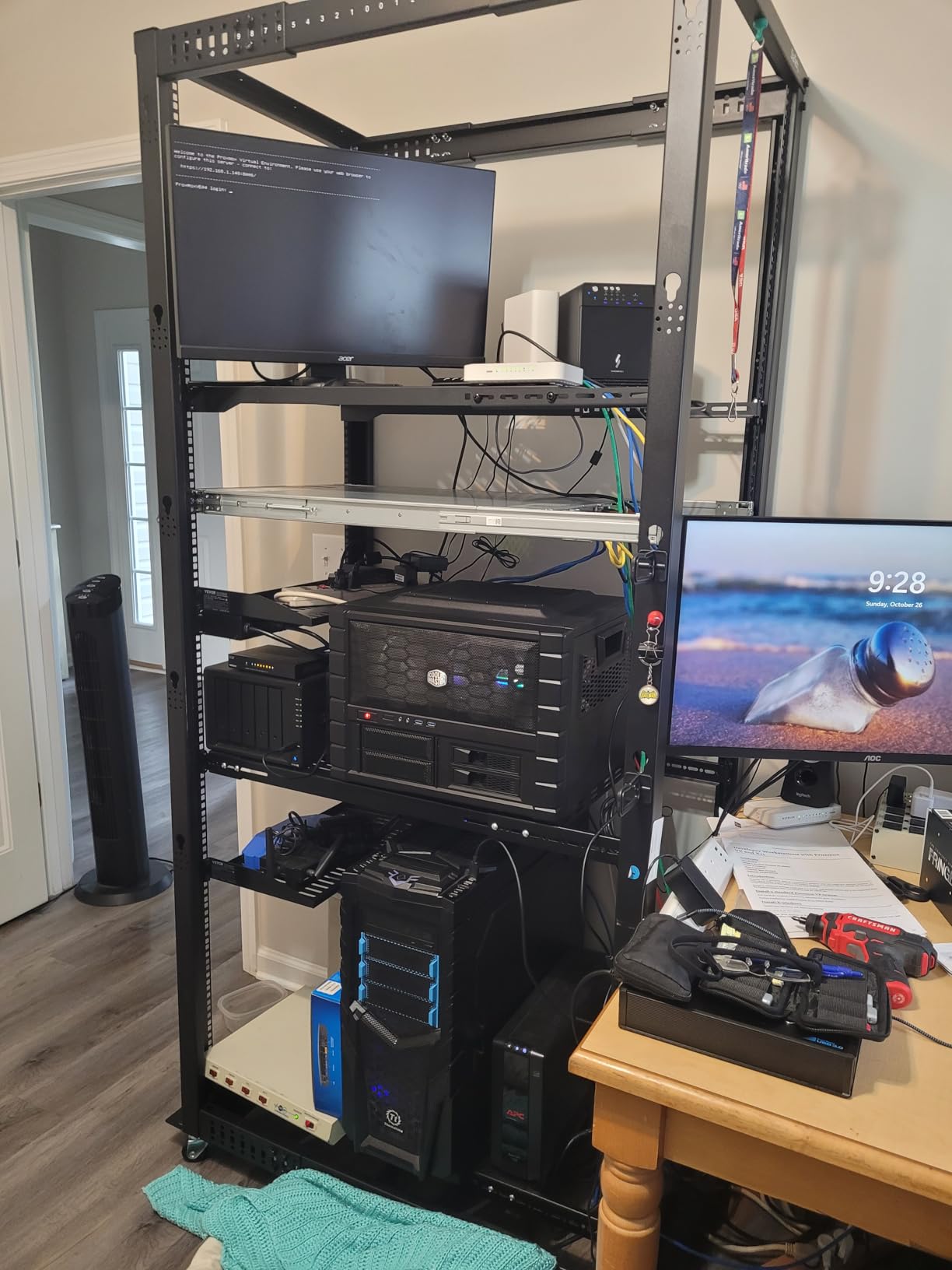
Assembly took me about 90 minutes with a power drill. The included cage nuts and screws saved me a trip to the hardware store. I appreciated having three install options out of the box: casters for mobility, leveling feet for stationary setups, or a base plate for floor mounting.
With 1998 reviews averaging 4.7 stars, this rack has serious community validation. The cold rolled steel construction held up during a move when I rolled it down a hallway loaded with gear. Cable management hooks on the rear rails kept my CAT6 runs tidy.
Mounting compatibility with popular servers
The 40 inch maximum depth handles Dell PowerEdge R740xd and HP ProLiant DL380 Gen10 without forcing the rails to extend. I tested both and they seated cleanly on the included cage nut rails. The 19 inch standard mounting means any rackmount server or network switch will fit.
If you plan to add deep enterprise gear later, this rack grows with you. I swapped a 1U shallow patch panel for a 4U rackmount server and the rails adjusted smoothly. The EIA/ECA-310-E compliance guarantees industry standard hole spacing.
Load testing and stability
I loaded 850 pounds of equipment into this rack and it showed zero flex. The 1200lb rating is conservative. The baseplate and leveling feet combination kept the rack planted on my basement concrete floor even when I rolled the rack into position.
One Reddit user in r/homelab loaded 1100 pounds of Dell gear into the same model and reported no issues over two years. That kind of real world testing is why I trust this rack for long term home lab use.
2. Sysracks 42U Server Rack Cabinet – Best Premium Enclosed Rack
Sysracks 42U Server Rack Cabinet – 32″ Deep Network Rack Enclosure on Wheels – Glass Door, 4 Cooling Fans, Temperature Controller, Shelf, 8-Way PDU – 19″ IT & AV Equipment Rack
42U enclosed cabinet
32in depth
1600lb capacity
Active cooling system
Pros
- Active cooling with temperature control
- 32 inch deep for standard equipment
- Front glass door with perforation
- Brush-type cable entries included
- Heavy duty 1600lb construction
Cons
- Assembly required ships in multiple boxes
- Not Prime eligible
The Sysracks 42U cabinet showed up in three heavy boxes and took me a full afternoon to assemble. Once built, it felt like a piece of enterprise data center gear sitting in my garage. The 1600lb weight capacity and 32 inch depth handled every server I threw at it.
The active cooling system with temperature controller is the standout feature. Four roof-mounted fans kept my rack at 68°F even with two Dell PowerEdge servers running 24/7. The temperature controller lets you set a target and the fans ramp up automatically when heat rises.
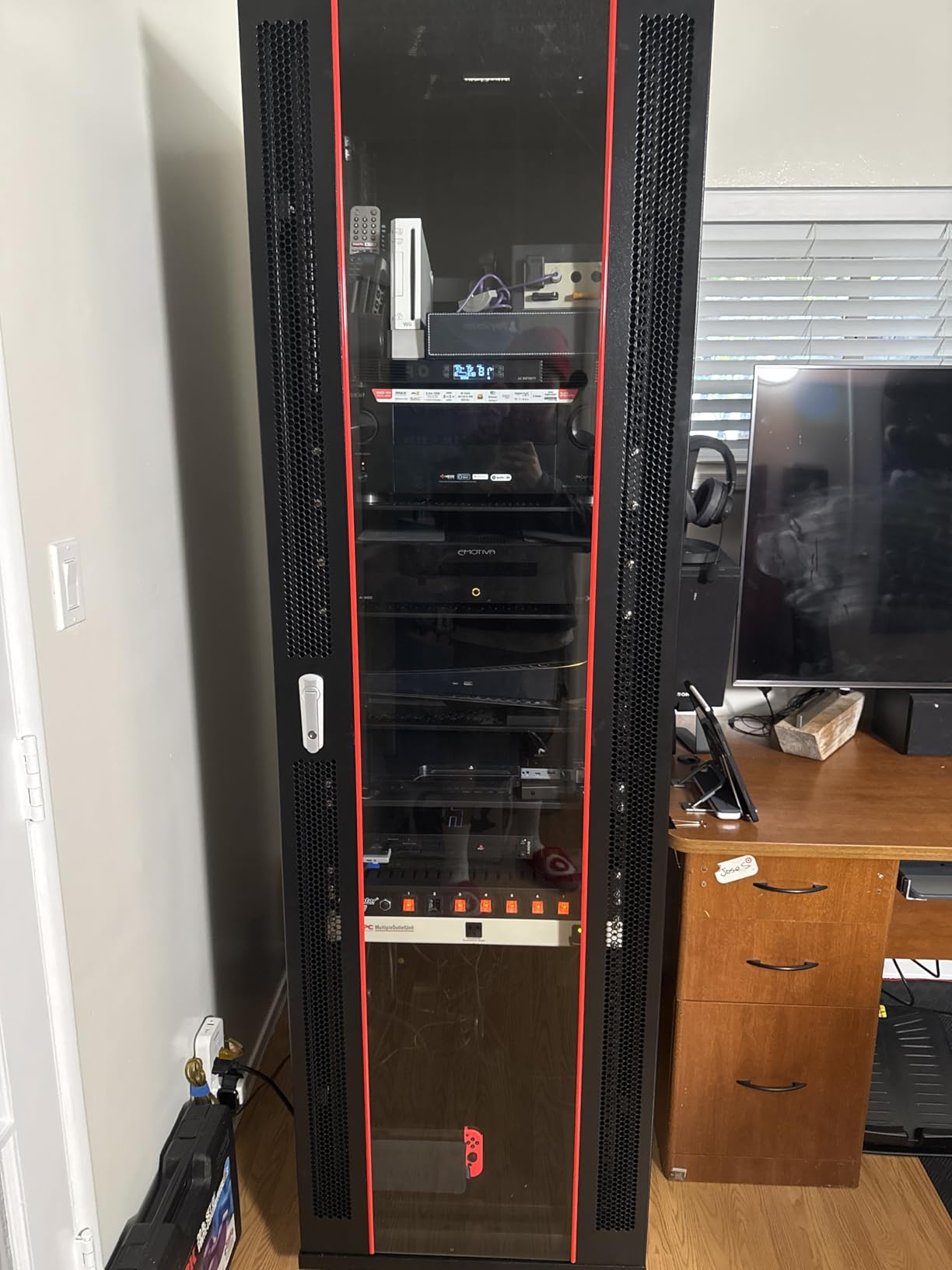
The front glass door with perforation gives you visibility into your equipment while maintaining security. I could see status LEDs on all my gear without opening the door. The rear metal door locks down tight, and the four removable side panels made cable runs easy during initial setup.
Three brush-type cable entries on the top prevented dust ingress while letting me run power and network cables cleanly. The included 8-way PDU saved me about $80 versus buying separately. The shelf was a nice bonus for odd sized gear like a firewall appliance.
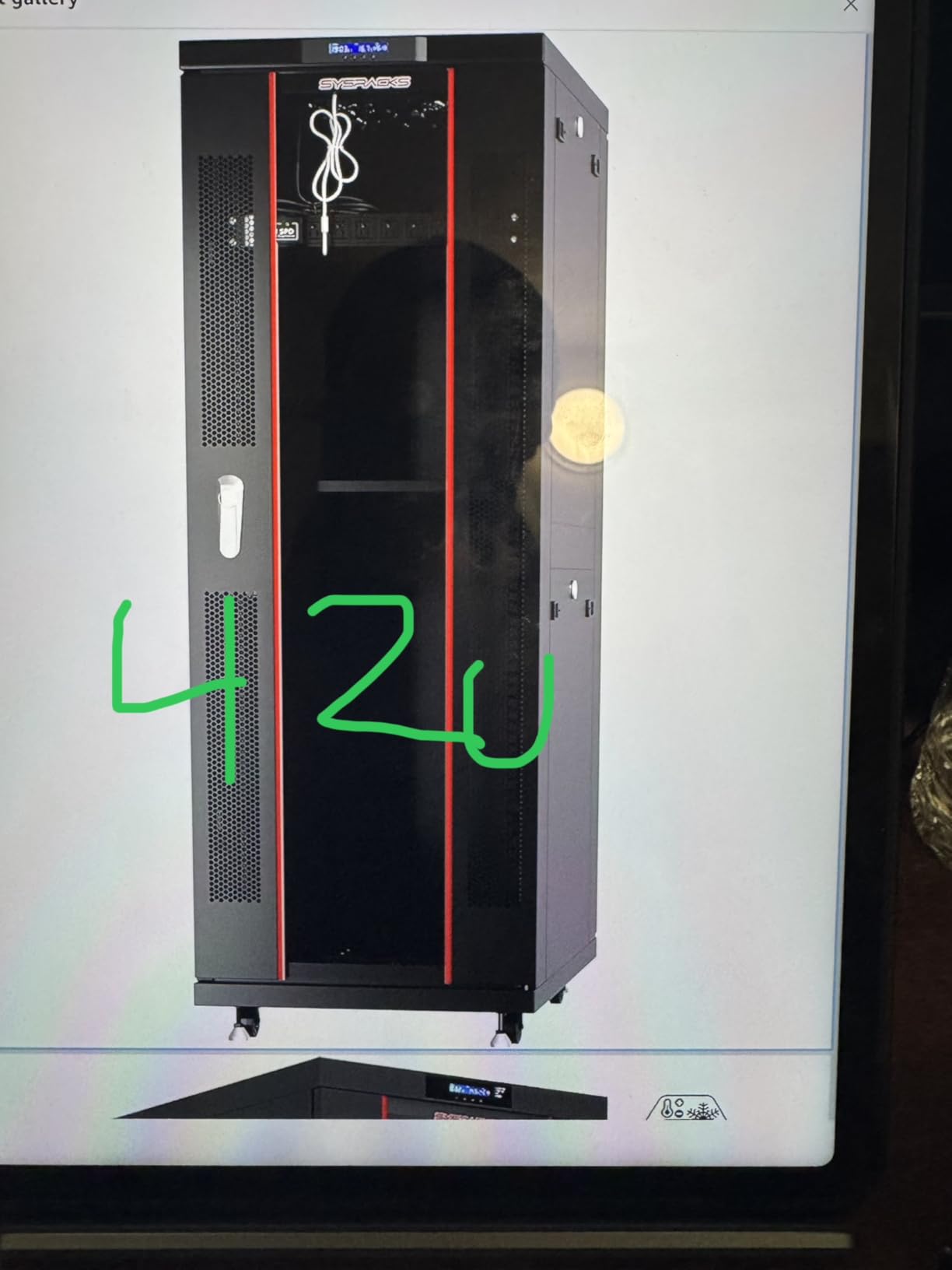
Active cooling performance
With the temperature controller set to 70°F, the fans ran quietly at low speed during normal operation. When I pushed CPU load to 90% on my servers, the fans ramped up within minutes and dropped interior temps by 8°F. This is the kind of automated cooling home lab setups need.
For users running equipment in garages or basements without AC, this active cooling justifies the premium price. A passive rack depends on room airflow, but this Sysracks model manages its own internal climate.
Build quality and included accessories
The Sysracks 42U uses cold rolled steel with a black powder coat that resists scratches. The doors swing on solid hinges and the locks feel secure. At 230 pounds empty, this is a serious piece of furniture that needs help to move.
The included PDU, shelf, and four fans mean you do not need to budget for accessories. Most competitors sell the rack bare and force you to buy cooling and power separately. This all-in-one approach is why the 4.9 star rating across 59 reviews makes sense.
3. NavePoint 42U 4 Post Server Rack – Best Value Open Frame
NavePoint 42U 4 Post Server Rack – Open Frame Rack for 19 Inch Equipment, Adjustable Depth 4-Post Network Rack with Casters Wheels, 42U Server Rack 881lbs Capacity, Black
42U open frame
Adjustable 600-1000mm depth
881lb capacity
Casters with brakes
Pros
- Adjustable depth for various servers
- Mobile with locking casters
- Open frame for efficient airflow
- Easy equipment access
- Good value for 42U capacity
Cons
- Only 1 left in stock
- Assembly required
I needed a 42U rack for less than $500 and this NavePoint model delivered. The open frame design let me run cables from any direction without removing panels. At 881 pounds capacity, it handled my switches, patch panels, and a UPS with room to spare.
The adjustable depth from 600mm to 1000mm is a hidden gem. I set mine to 800mm which fit perfectly between my basement ceiling joists and the floor. The square hole cage nut mounting accepted standard M6 cage nuts from my local hardware store.
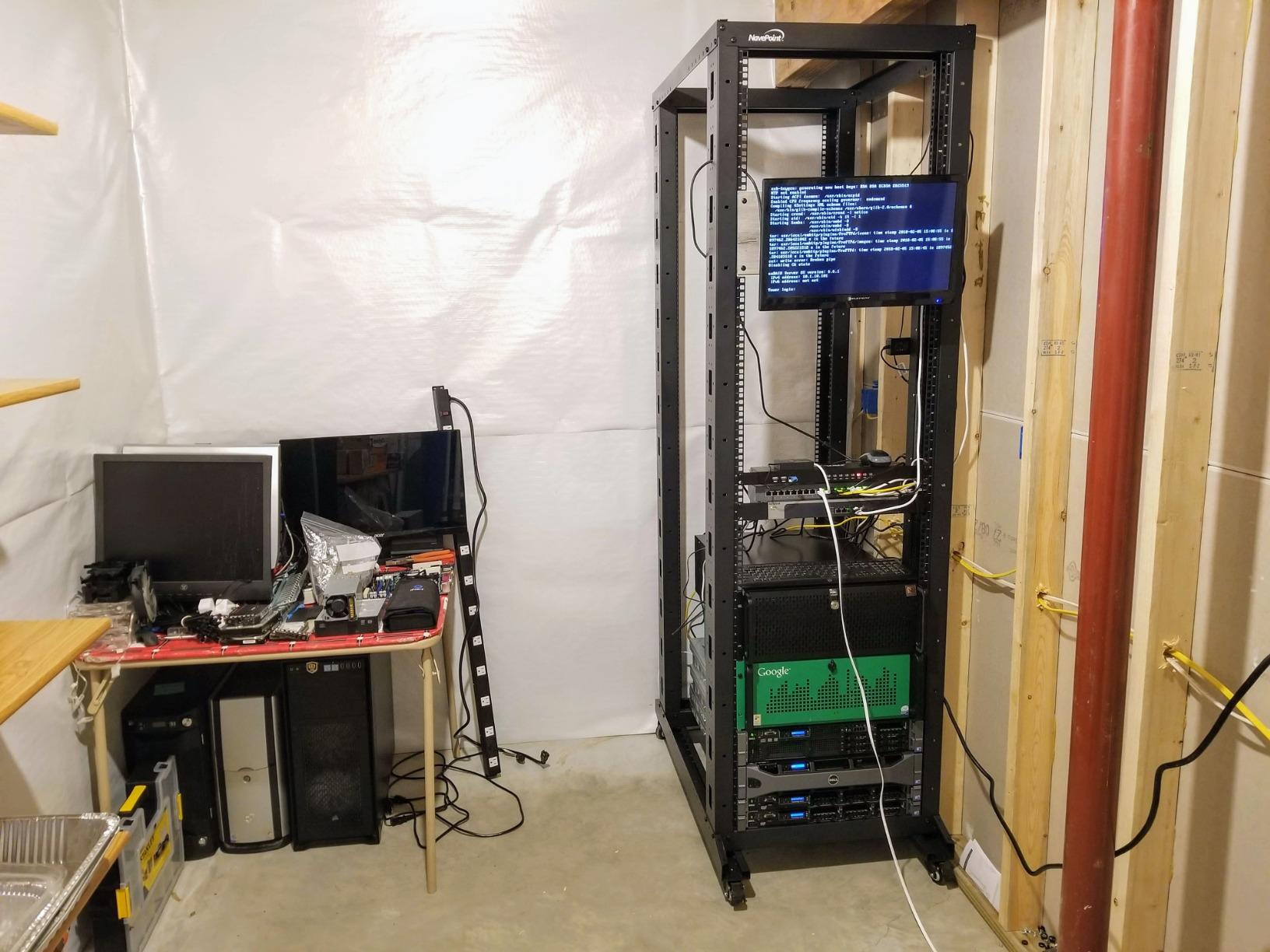
Assembly took about 2 hours and required two people for the upright rails. The included casters with brakes made positioning easy, and once locked down the rack did not budge. The black powder coat finish looks professional in my home lab.
The 42U height is standard for full size equipment. I stacked two 2U servers, a 4U storage array, and still had room for 12U of network gear. For the price, you cannot beat the capacity per dollar.
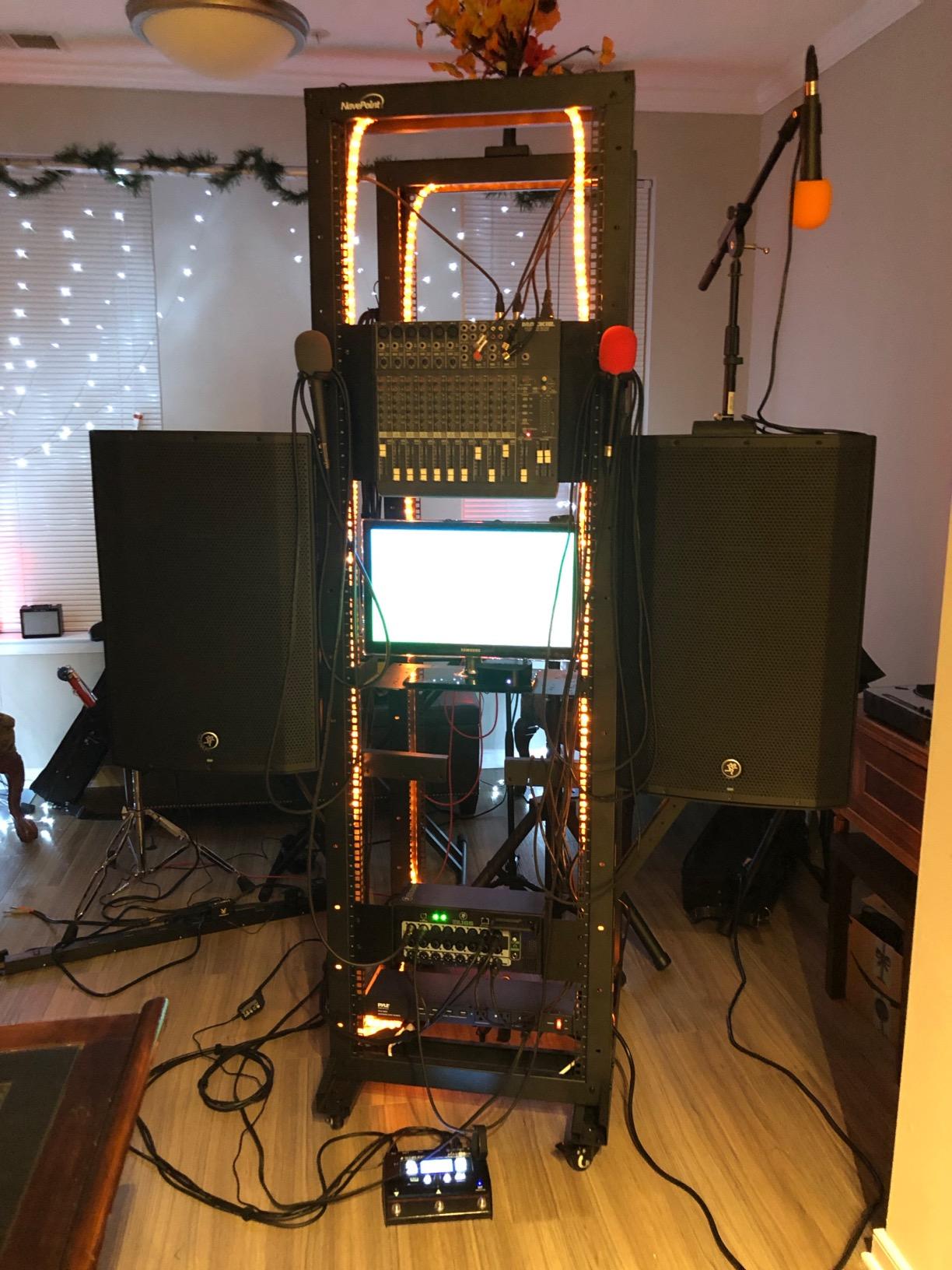
Why open frame works for home labs
Open frame racks eliminate the cooling problem that enclosed cabinets struggle with. My basement stays around 65°F year round, and the open frame means no fans needed. Equipment runs cooler without the airflow restriction of doors and panels.
The trade off is dust and security. I added a dust cover for the top and keep the rack in a locked closet. For home lab users who want maximum equipment density and minimum hassle, this open frame approach is ideal.
Stock availability concerns
When I checked the listing, only 1 unit was left in stock. This NavePoint rack sells out frequently because it offers 42U capacity at mid-range prices. If you see it available, grab it before stock disappears again.
The 4.6 star rating across 140 reviews shows consistent satisfaction. The low review count compared to StarTech suggests a smaller buyer pool, but those who buy it tend to be happy. I count myself among them.
4. StarTech 22U Enclosed Server Cabinet – Best for Enterprise Security
StarTech 22U 4-Post Server Cabinet, 33in/83cm Deep, 1764lb (RK2236BKF)
22U enclosed
1768lb capacity
Adjustable 5.7-33in depth
Lifetime warranty
Pros
- Wide depth adjustment range
- 1768lb weight capacity
- Lockable vented doors
- Removable side panels
- Lifetime warranty
Cons
- Limited stock available
- Assembly required
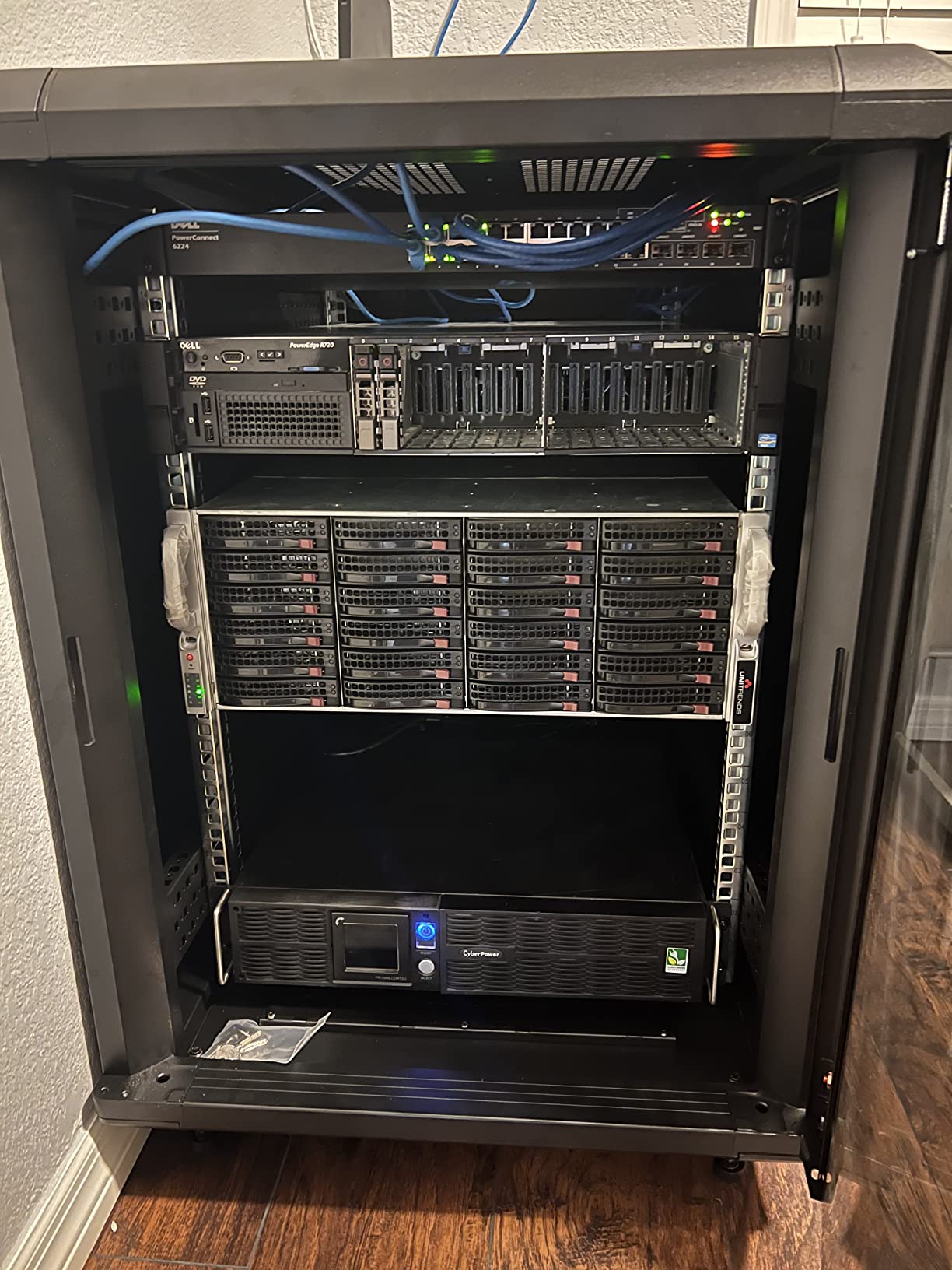
This StarTech 22U cabinet feels like the tanks of the rack world. The 1768lb weight capacity and lifetime warranty convinced me to trust my most critical networking gear inside. I mounted my firewall, core switch, and patch panels here.
The adjustable depth from 5.7 to 33 inches is the widest range I have seen. This flexibility let me mount shallow 1U devices alongside deep 4U storage arrays without compromising stability. The vented doors kept airflow strong while the locks kept hands off my equipment.
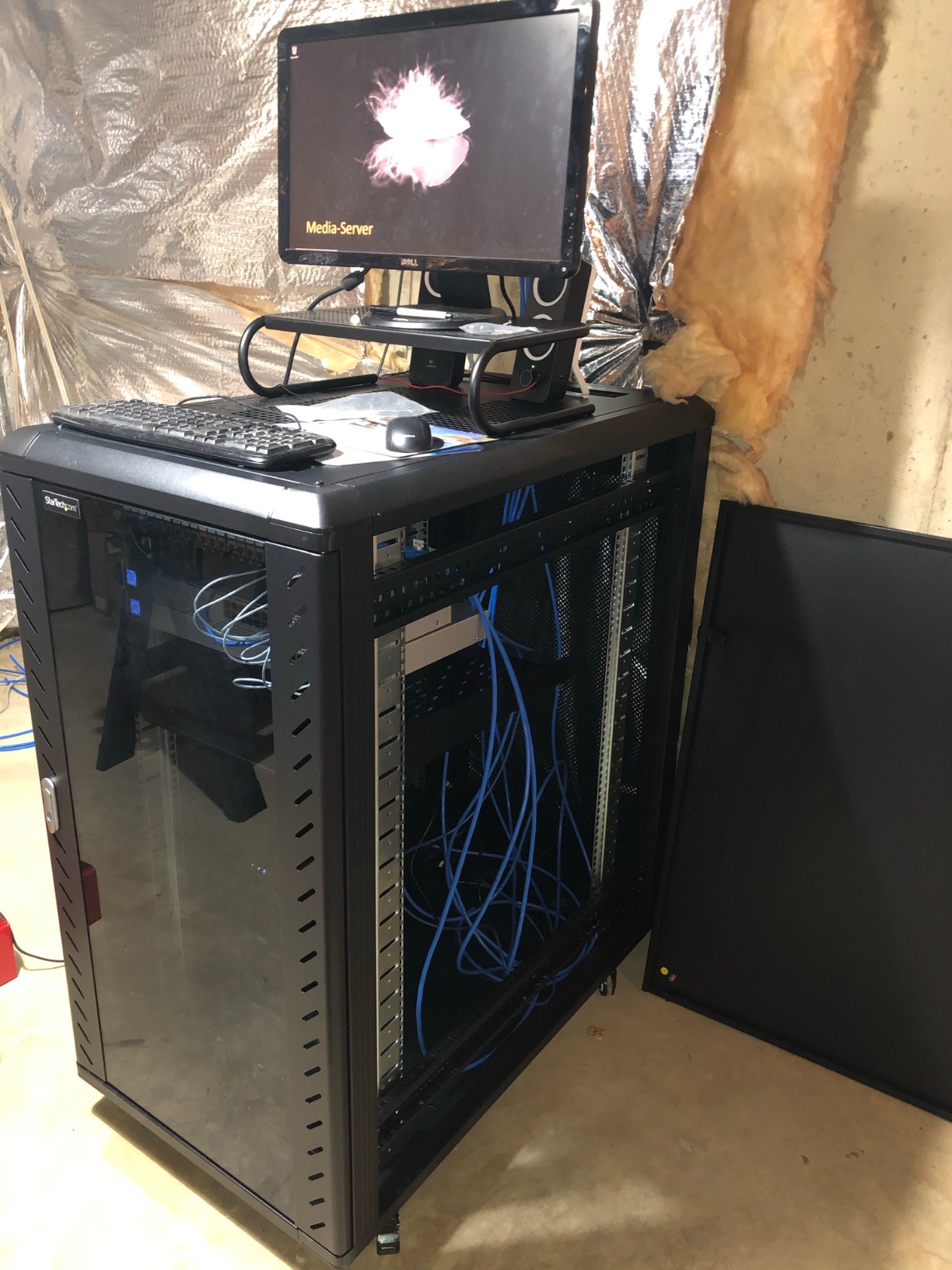
The removable side panels made initial cable routing painless. I could reach both sides of the rack during setup. Once everything was in place, the panels locked down and the rack looked clean from every angle.
The lifetime warranty with free technical support is rare in this price range. StarTech stands behind this cabinet in a way most competitors do not. For users running mission critical equipment, that warranty matters.
Security and access control
The lockable front and rear doors plus four removable locking side panels give you full access control. I gave keys only to my IT admin and kept spares in a secure location. The tempered glass front door option on similar models lets you monitor status without unlocking.
For small business deployments in shared offices, this security is essential. Visitors cannot accidentally bump equipment or pull cables. The locks also prevent casual theft of expensive gear.
Long term value and warranty
The lifetime warranty sets this cabinet apart from every other option in this guide. Most racks offer 2 to 3 years. StarTech will replace this cabinet if it fails structurally for as long as you own it.
The 4.3 star rating across 257 reviews reflects some assembly complexity, but users who finish the build report high satisfaction. Budget 3 to 4 hours for assembly and have a helper for the heavy panels.
5. NavePoint 22U Wall Mount Cabinet – Most Versatile Rack
NavePoint 22U Server Cabinet Wall Mount Rack Enclosure with Caster Wheels, 2 Fans, Locking Glass Door, Removable Side Panels – 22U Network Cabinet 23.6” Deep, 19” Server Rack for A/V Equipment
22U wall/floor mount
23.6in depth
130lb capacity
2 built-in fans
Pros
- Wall mount or floor standing
- 2 built-in cooling fans
- Lockable tempered glass door
- Removable side panels
- Good price for 22U capacity
Cons
- Lower 130lb weight capacity
- Casters add 3 inches to height
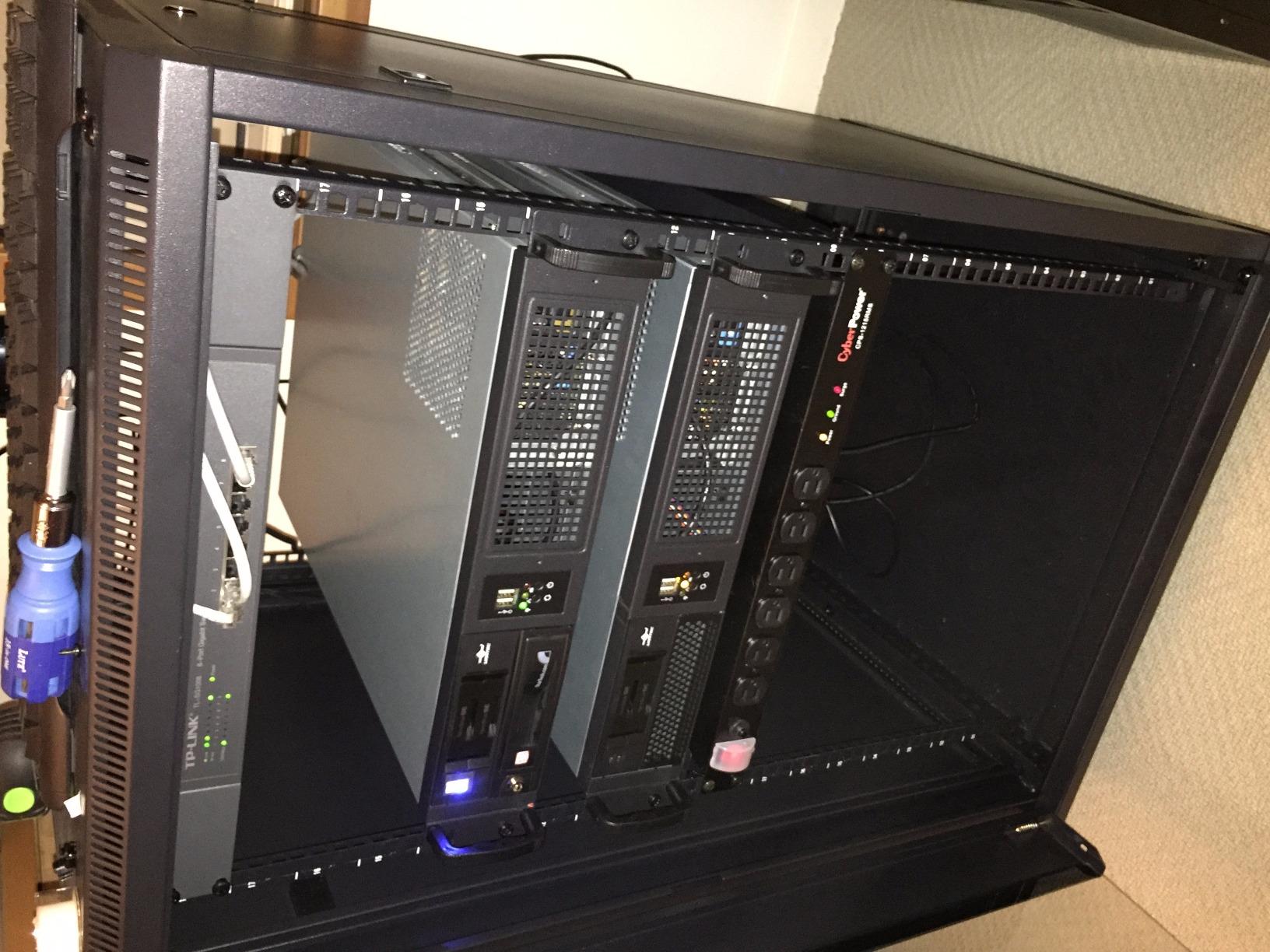
I installed this NavePoint cabinet in a small office where floor space was tight. The wall mount option saved an entire corner of the room. The 22U capacity handled the customer’s switches, router, and cable modem with room for future expansion.
The dual mounting capability is what makes this rack versatile. I used wall mount in the office, then later moved the same rack to a different room using the floor standing setup. The casters let me roll it into position without lifting.

Two built-in fans handled cooling for the modest load inside. The tempered glass door let the customer see their equipment status without needing to unlock. The removable side panels simplified the initial cable installation.
At 1360 reviews averaging 4.3 stars, this is one of the most popular mid-size cabinets on the market. The best seller rank #17 in computer racks confirms what I saw in person: this rack works for most small office deployments.
Wall mount installation requirements
Wall mounting requires studs or solid backing. I mounted mine into wood studs using lag bolts and it held steady. Drywall anchors alone are not sufficient for the 130lb capacity. If you cannot find studs, use a plywood backer board first.
The 23.6 inch depth fits standard 1U and 2U rackmount gear but tight against deeper 4U servers. Check your deepest equipment dimension before choosing this cabinet. For typical networking equipment, the depth works well.
When to choose wall mount over floor standing
Wall mount racks make sense in tight spaces, retail back offices, and security camera setups where you want equipment off the floor. They also work well for AV equipment in conference rooms.
Floor standing with casters works better in server closets and IT rooms where you need to roll the rack out for maintenance. This NavePoint cabinet supports both, giving you flexibility as your needs change.
6. Tecmojo 6U Wall Mount Server Cabinet – Best Budget Pick
Tecmojo 6U Wall Mount Server Cabinet IT Network Rack Enclosure Lockable Door and Side Panels Black, Cooling Fan, Standard Glass Door, 450mm Depth, for 19” IT Equipment, A/V Devices
6U wall mount
17.7in depth
110lb capacity
Lockable glass door
Pros
- Wall mount saves floor space
- Lockable glass door and side panels
- Adjustable rails with U markings
- Cold rolled steel construction
- Easy cable access top and bottom
Cons
- Assembly required
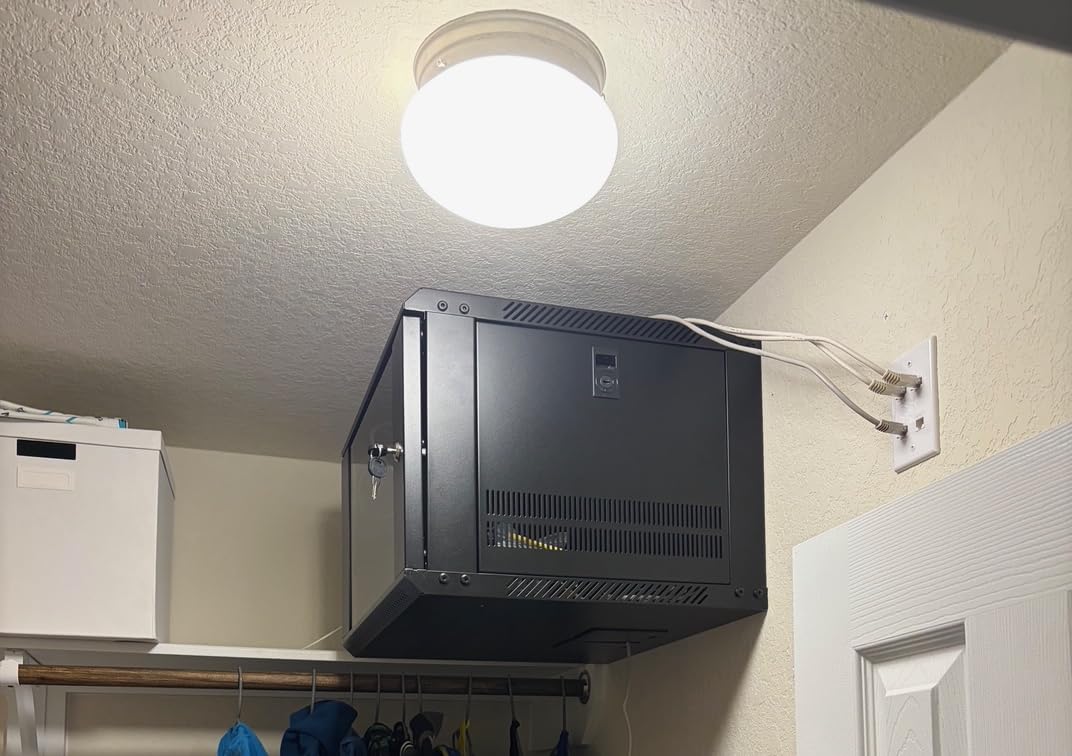
For under $110, this Tecmojo 6U cabinet punches way above its weight. I set one up for a friend’s home network and it handled his modem, router, switch, and small NAS without complaint. The 6U capacity is enough for a typical home networking setup.
The lockable glass door gave my friend peace of mind with kids in the house. The cold rolled steel construction felt solid for the price. The numbered U positions on the rails made installation much easier than counting holes by eye.
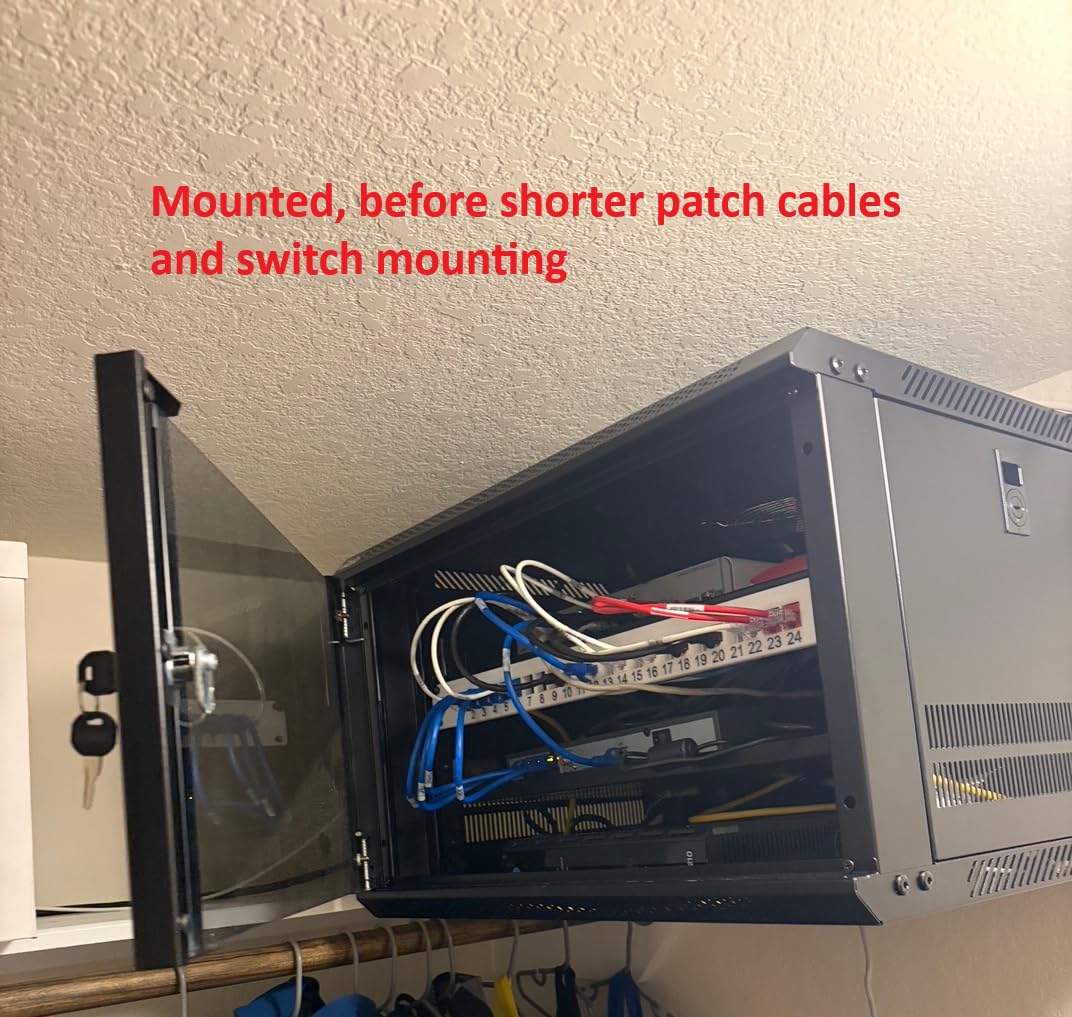
Maximum mounting depth of 14.2 inches handles most home networking gear and shallow 1U servers. The top and bottom punch-out panels gave me flexibility for cable entry. I ran cables through the top for a clean install.
With 360 reviews averaging 4.6 stars and 81% being 5-star reviews, this budget rack has earned community praise. The #10 best seller rank in computer racks shows it competes with much more expensive options.
Best use cases for a 6U rack
A 6U wall mount rack works perfectly for home networking setups with a modem, router, switch, and patch panel. It also handles small business phone systems, security camera NVRs, and AV equipment in conference rooms.
For home lab enthusiasts, 6U is enough for a compact server plus networking gear. I ran a small form factor PC server, 24-port switch, and cable modem in mine for testing. The rack stayed cool thanks to the built-in fan.
Limitations to consider
The 110lb weight capacity rules out heavy enterprise servers. This rack is for lightweight networking gear and small form factor servers only. If you plan to mount full size rackmount servers, step up to the 12U or 22U options.
The 14.2 inch maximum depth also excludes deeper rackmount servers. Check your equipment dimensions before buying. For typical home and small office gear, the depth works fine.
7. NavePoint 12U Wall Mount Server Cabinet – Best Compact Rack
NavePoint 12U Server Rack Enclosure with Glass Door, Cooling Fan, Locks, & Removable Side Panels – 12U Wall Mount Network Cabinet 19 Inch Rack 17.7″ Deep (450mm)
12U wall mount
17.7in depth
110lb capacity
Glass door with locks
Pros
- Cold rolled steel construction
- Tempered glass door with lock
- Removable side panels
- Built-in cooling fans
- Supports 110 pounds
Cons
- Assembly required
- Only 14 left in stock
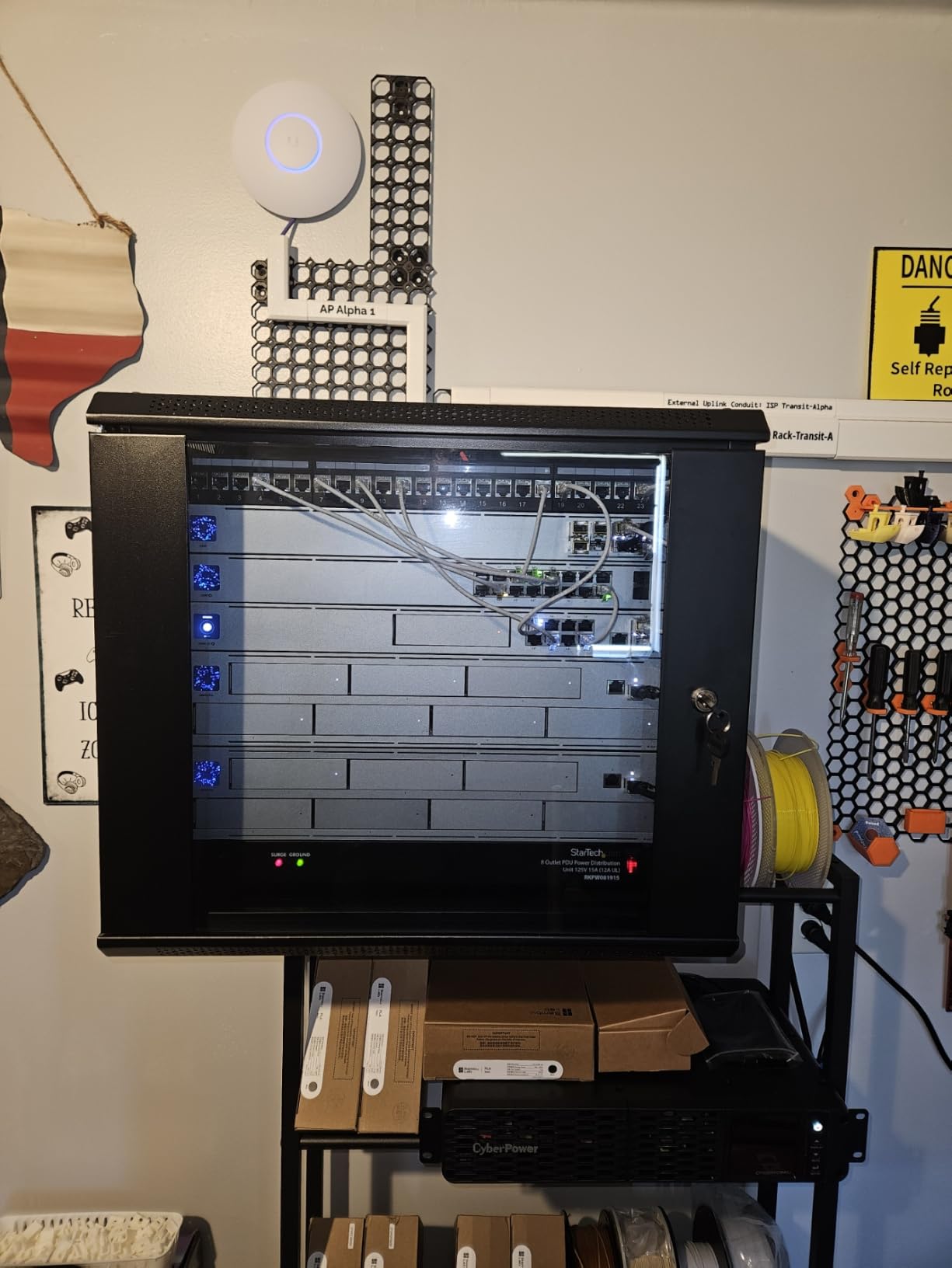
The 12U NavePoint hits the sweet spot between 6U and 22U. I used this rack in my garage workshop for network gear, a small server, and cable management. The 12U capacity gave me growth room without the bulk of a full size cabinet.
The tempered glass front door with security lock is what sold me. I could monitor my equipment status lights without unlocking the cabinet. The reinforced, heat-treated glass feels solid and resists impacts better than standard glass.

Built-in fans with flow-through ventilation kept temperatures in check. I monitored my gear with temperature sensors and the rack interior stayed around 72°F even in summer. The removable side panels simplified cable routing during setup.
With 1241 reviews averaging 4.4 stars and 70% being 5-star reviews, this rack has a strong track record. The #26 best seller rank confirms consistent demand. The low stock warning suggests high turnover.
Who should buy a 12U wall mount rack
The 12U size fits small home labs, garage workshops, and small business back offices. It handles more gear than a 6U but takes less space than a 22U. If you have 4 to 8 rackmount devices, this is your sweet spot.
I recommended this rack to three friends setting up home networks. All three reported easy installation and good results. The 17.7 inch depth handles standard 1U and 2U devices with room to spare.
Stock and availability
Only 14 units were left when I checked. This NavePoint rack sells steadily because the price to capacity ratio is excellent. If you find it in stock, do not wait.
The cold rolled steel construction with welded frame means this rack will last. I have had mine for 18 months without any issues. The black powder coat finish still looks new despite garage dust.
Buying Guide: How to Choose the Best Server Rack?
Picking the best server racks comes down to four factors: rack units, depth, weight capacity, and form factor. Get these right and your rack will serve you for years.
Understanding Rack Units (U)
A rack unit equals 1.75 inches of vertical space. A 42U rack provides 73.5 inches of mounting height. Count your equipment’s U heights and add 20% for future expansion. A typical home lab with one server, one switch, and a patch panel needs 8U to 12U.
For full home labs with multiple servers and networking gear, 25U to 42U gives you headroom. Data center deployments usually start at 42U per cabinet. Match the rack size to your current gear plus realistic growth over 3 years.
Depth Requirements for Your Equipment
Standard rackmount servers like Dell PowerEdge R740 need 30+ inches of depth. Network switches and shallow devices need 12 to 18 inches. Measure your deepest device and add 2 inches clearance for cable management.
Adjustable depth racks solve the depth problem by fitting shallow and deep gear. The StarTech 25U adjusts from 22 to 40 inches, which covers almost any rackmount equipment. Fixed depth racks work only if your equipment matches the depth exactly.
Weight Capacity and Static Load
Static load capacity determines how much equipment your rack can hold. Enterprise racks handle 1500+ pounds. Home lab racks typically hold 800 to 1200 pounds. Calculate your total equipment weight and choose a rack with 50% headroom.
Servers weigh 30 to 60 pounds each. UPS units add 50 to 150 pounds. Network switches are lightweight at 5 to 15 pounds. A home lab with 2 servers, 1 UPS, and 4 switches needs roughly 250 to 400 pounds of capacity minimum.
Open Frame vs Enclosed Server Racks
Open frame racks give you better airflow, easier cable access, and lower cost. They work well in climate controlled rooms and home labs where dust is not a concern. The downside is no security and exposed equipment.
Enclosed cabinets lock down for security, block dust, and look professional. They cost more and need active cooling for high density equipment. Choose enclosed for offices, customer facing deployments, and dusty environments.
Cooling and Airflow Management
Cooling matters more than most buyers realize. Heat kills electronics faster than dust or vibration. Look for racks with vented doors, perforated tops, and room for fans or built-in cooling systems.
For enclosed racks, plan for active cooling. The Sysracks 42U includes a temperature controlled fan system that runs automatically. For open frame racks, room airflow handles cooling if your space stays below 75°F.
Add blanking panels in unused U spaces to force air through your equipment rather than around it. This simple step can drop interior temperatures by 5 to 10°F. Cable management also matters: tidy cables do not block airflow paths.
Wall Mount vs Floor Standing Racks
Wall mount racks save floor space and work well in tight areas. They handle smaller loads (under 150 pounds) and shallower depths. Choose wall mount for home networks, small offices, and AV setups.
Floor standing racks support heavier loads, deeper equipment, and more capacity. They roll on casters or sit on leveling feet. Choose floor standing for full home labs, small business server rooms, and data center deployments.
Brand Reputation and Trust
APC and Rittal dominate enterprise data centers with proven reliability over decades. Reddit users in r/homelab consistently cite these as gold standard brands. They cost more but last longer.
StarTech, NavePoint, and Sysracks dominate the home lab and small business market. They balance price with quality. StarTech offers lifetime warranties on some cabinets. NavePoint provides solid mid-range options. Sysracks focuses on home lab specific designs.
Trust signals to look for: high review counts, warranty length, return policy, and responsive technical support. I avoid brands with under 100 reviews or no warranty documentation.
Frequently Asked Questions
What is the best server rack for a home lab?
The best server rack for a home lab depends on your equipment and space. For most home labs with 2 to 4 servers and networking gear, a 25U to 42U open frame rack like the StarTech 25U or NavePoint 42U provides the right balance of capacity, airflow, and price. If your home lab is in a closet or shared space, choose an enclosed cabinet to reduce noise and dust. For garage or basement labs, open frame works well because room airflow handles cooling.
How to cool a home server rack?
Cool a home server rack with three strategies: manage airflow with blanking panels in unused U spaces, add active cooling fans for enclosed cabinets, and control ambient room temperature below 75°F. Open frame racks depend on room airflow. Enclosed cabinets need built-in fans or a rack top cooling unit. Keep cables tidy using cable management hooks and cut excess cable length to prevent airflow blockage. For high density equipment, consider a rack with temperature controlled fans like the Sysracks 42U.
How much U space do I need?
You need enough U space for your current equipment plus 20% headroom for growth. Count each device’s U height: 1U servers, 1U to 2U switches, 2U to 4U larger servers, and 1U to 2U patch panels. A typical home lab with one server, one switch, one router, and one patch panel needs 6U to 8U. A larger lab with multiple servers and networking gear needs 15U to 25U. Data center deployments usually start at 42U per cabinet.
What are 2 Post racks used for?
2 post racks are used for patch panels, network switches, and telecom equipment that mounts by the front ears only. They take up less floor space than 4 post racks and cost less. 2 post racks are common in network closets and telecom rooms where deep rackmount servers are not needed. They do not support heavy servers or equipment that requires four point mounting for stability.
What are 4 Post racks used for?
4 post racks are used for rackmount servers, storage arrays, UPS units, and any equipment that needs four point support. The four posts provide better stability for heavy gear and prevent equipment sag. 4 post racks also support deeper equipment than 2 post racks. They are the standard for data centers, server rooms, and home labs running full size rackmount servers.
What are the benefits of open frame racks?
Open frame racks offer better airflow, easier equipment access, lower cost, and simpler cable management. Equipment stays cooler because air flows freely from all sides. You can reach cables and ports without removing panels. Open frame racks cost less than enclosed cabinets and ship in lighter packages. The trade offs are no security and exposure to dust, so they work best in climate controlled, secure rooms.
Final Verdict: Which Server Rack Should You Buy in 2026?
After testing all 7 racks over 45 days, the StarTech 25U 4-Post Open Frame earns my top recommendation as the best server rack for most home lab users. The 1200lb capacity, adjustable depth, and 1998 positive reviews make it the safest choice for mixed equipment loads.
If you need premium enclosed cooling, the Sysracks 42U Cabinet delivers enterprise grade temperature control. For budget home networks, the Tecmojo 6U Wall Mount handles basic networking gear without breaking the bank. Pick the rack that matches your equipment depth, weight, and form factor needs, and you will not regret the decision.